Photo to Anime Filter
Turn everyday photos into clean, expressive anime-style art.
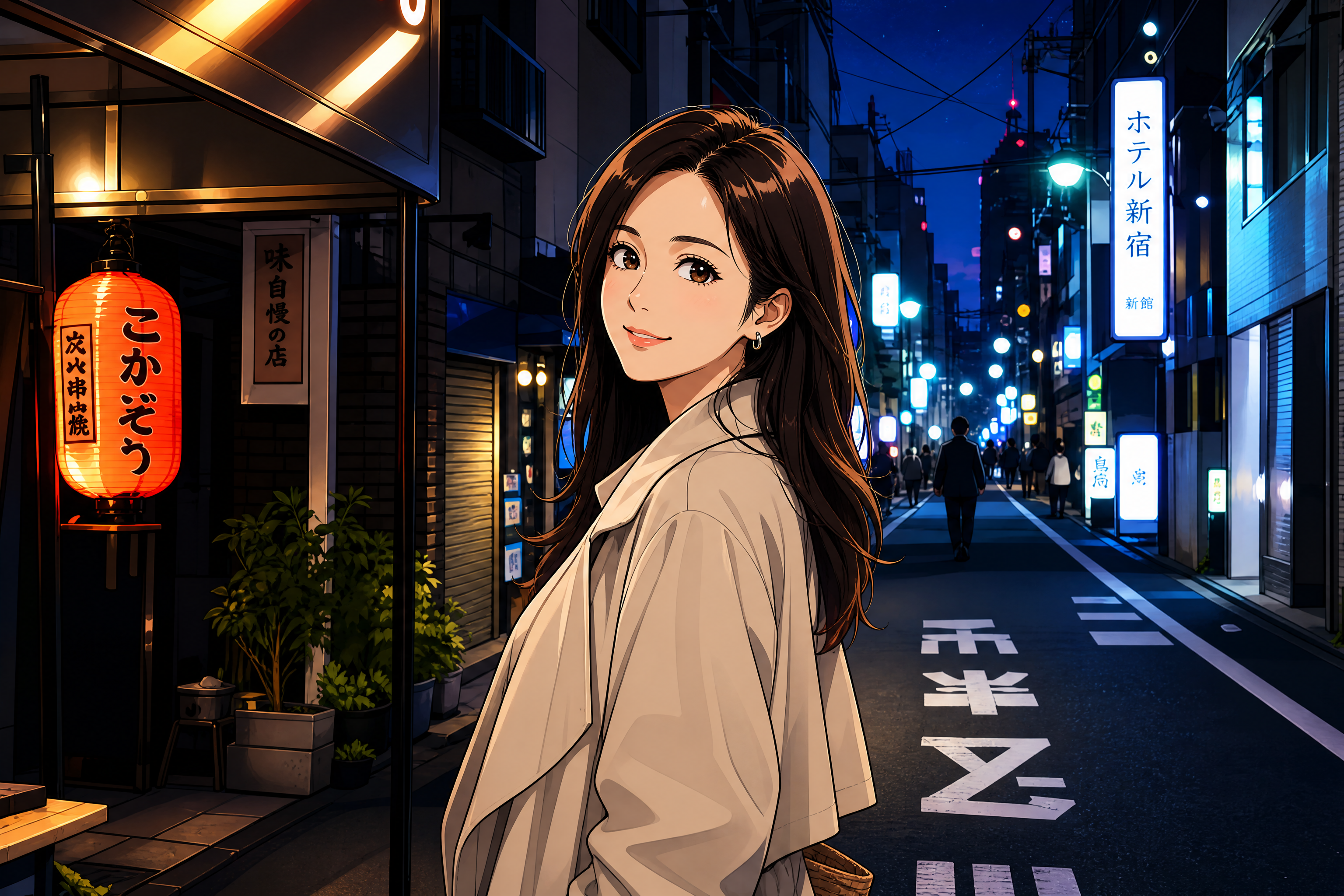
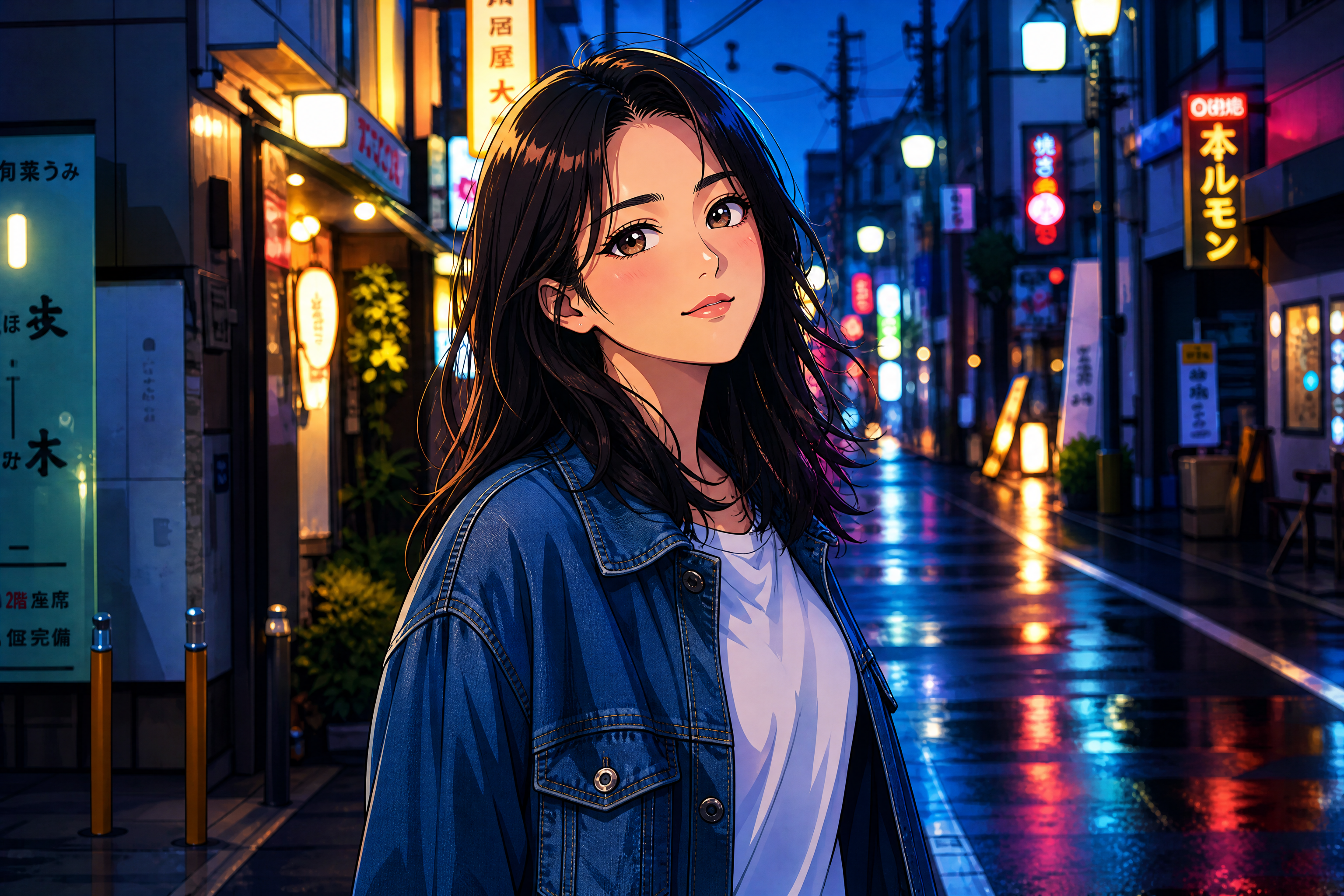
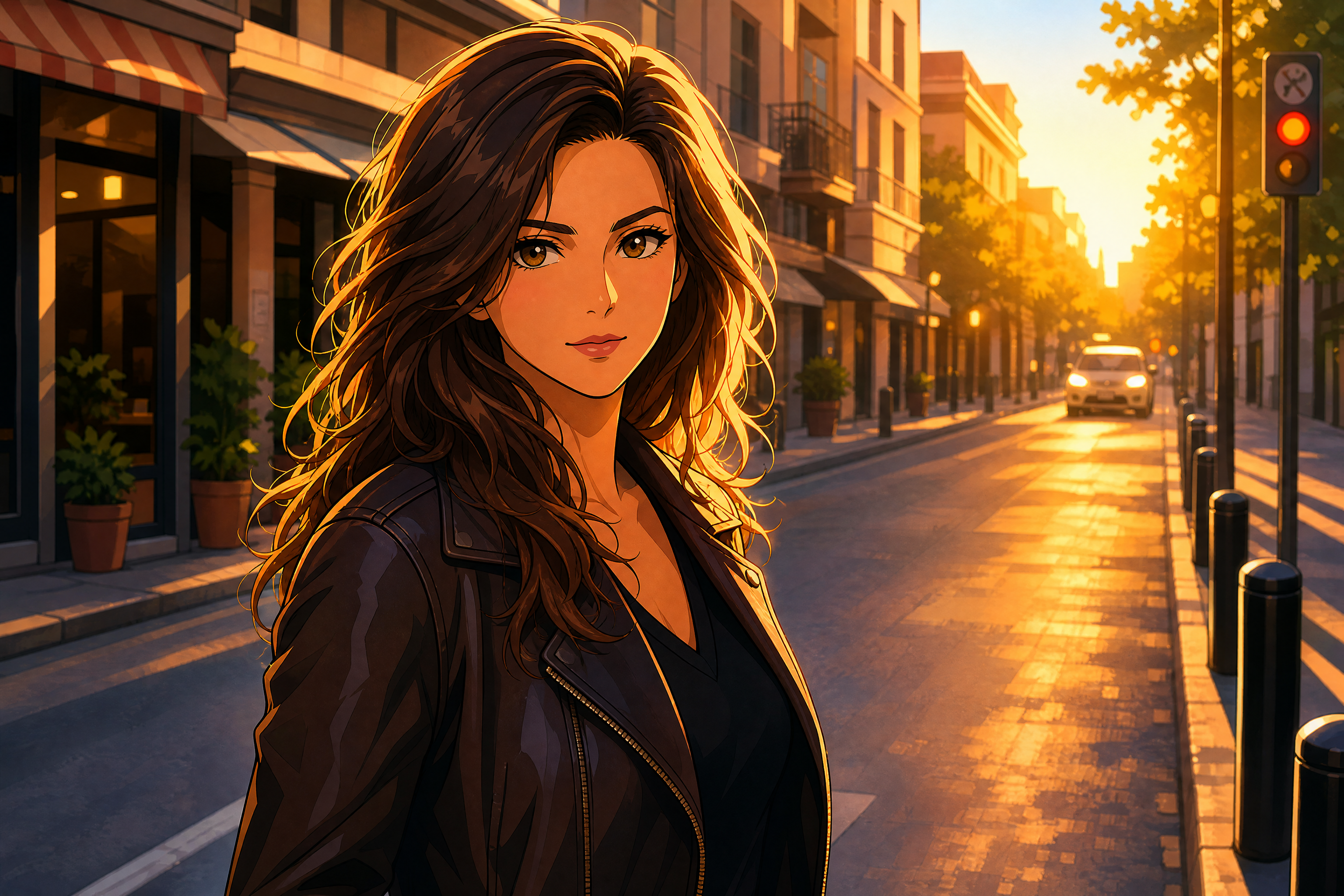
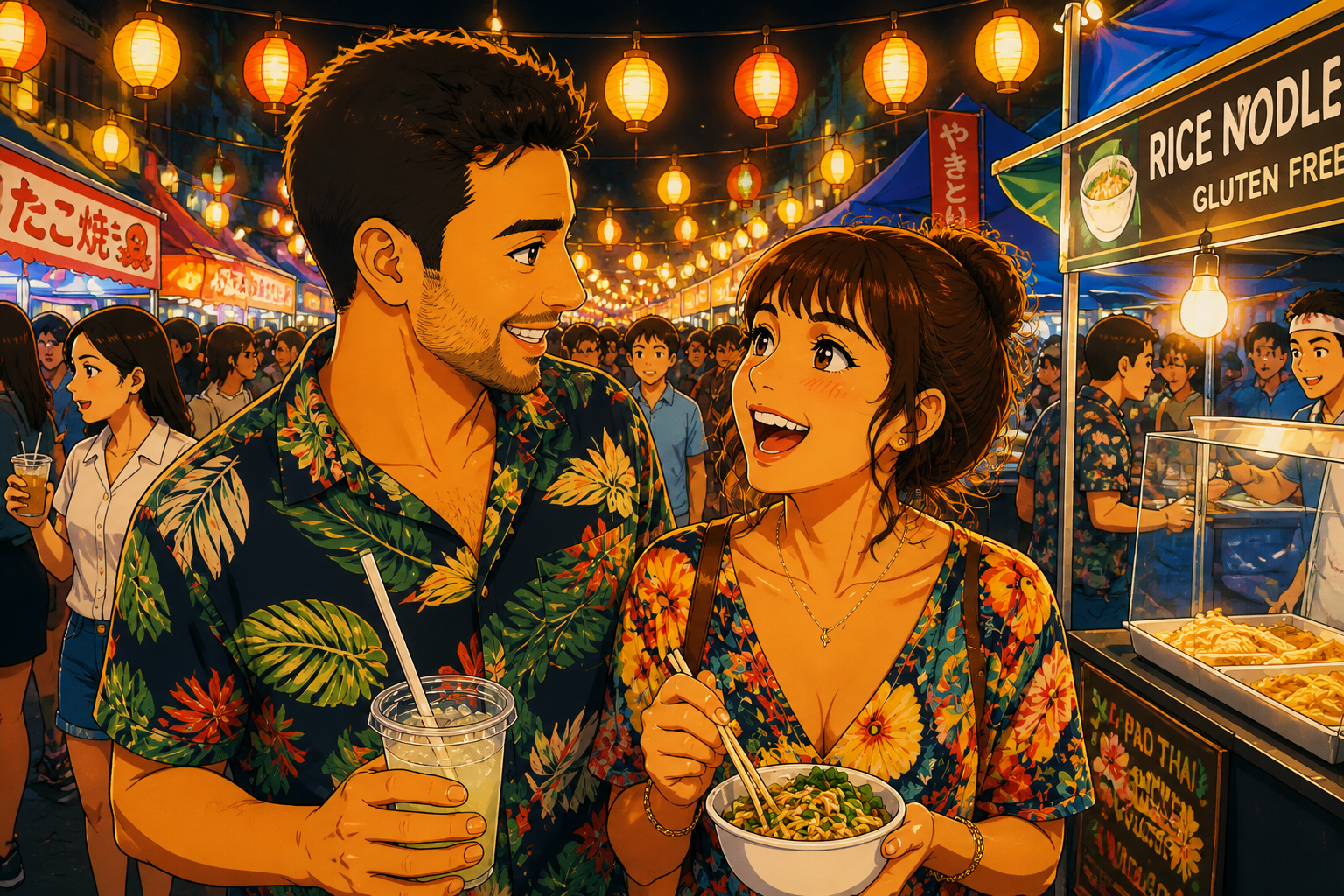
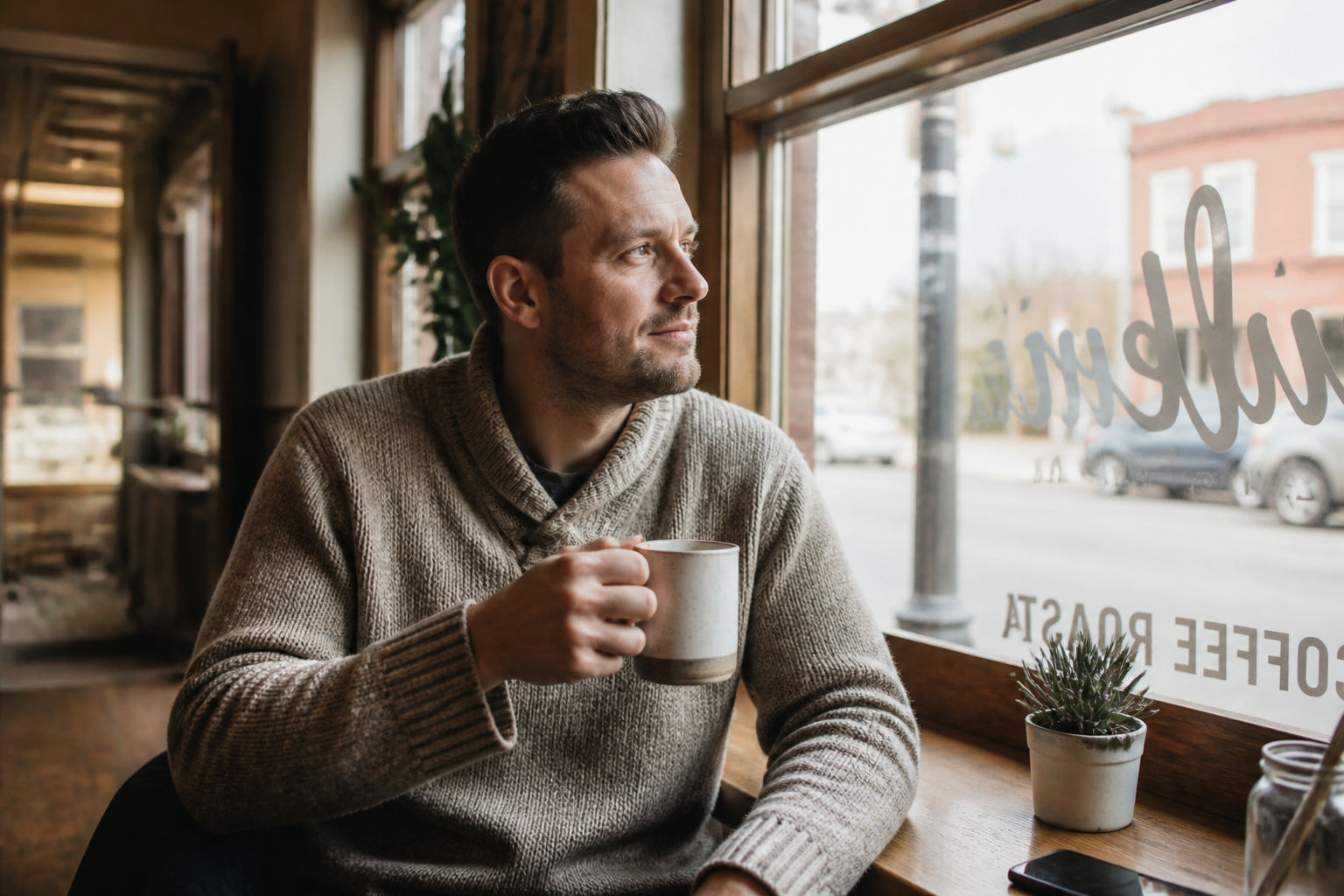
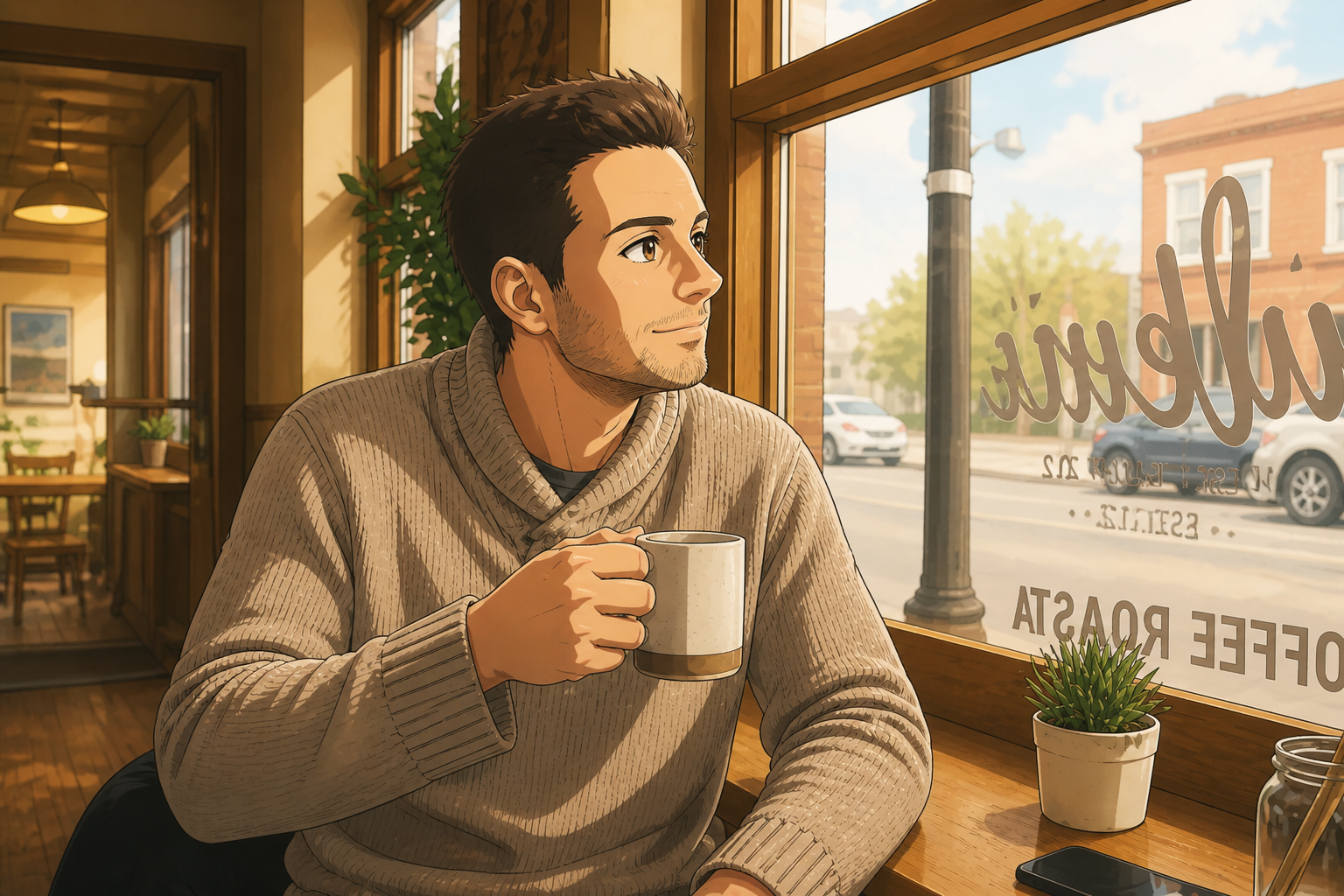
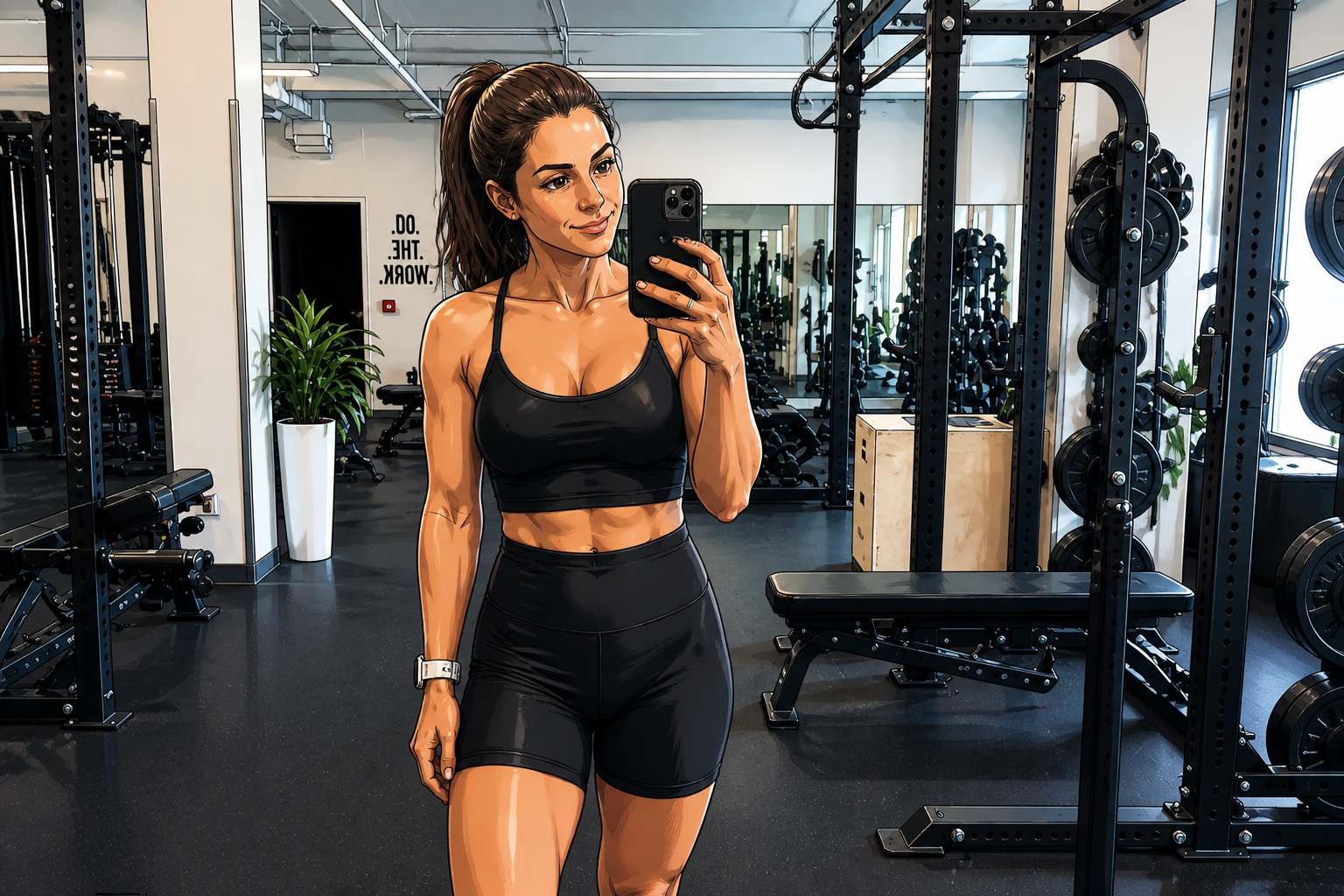
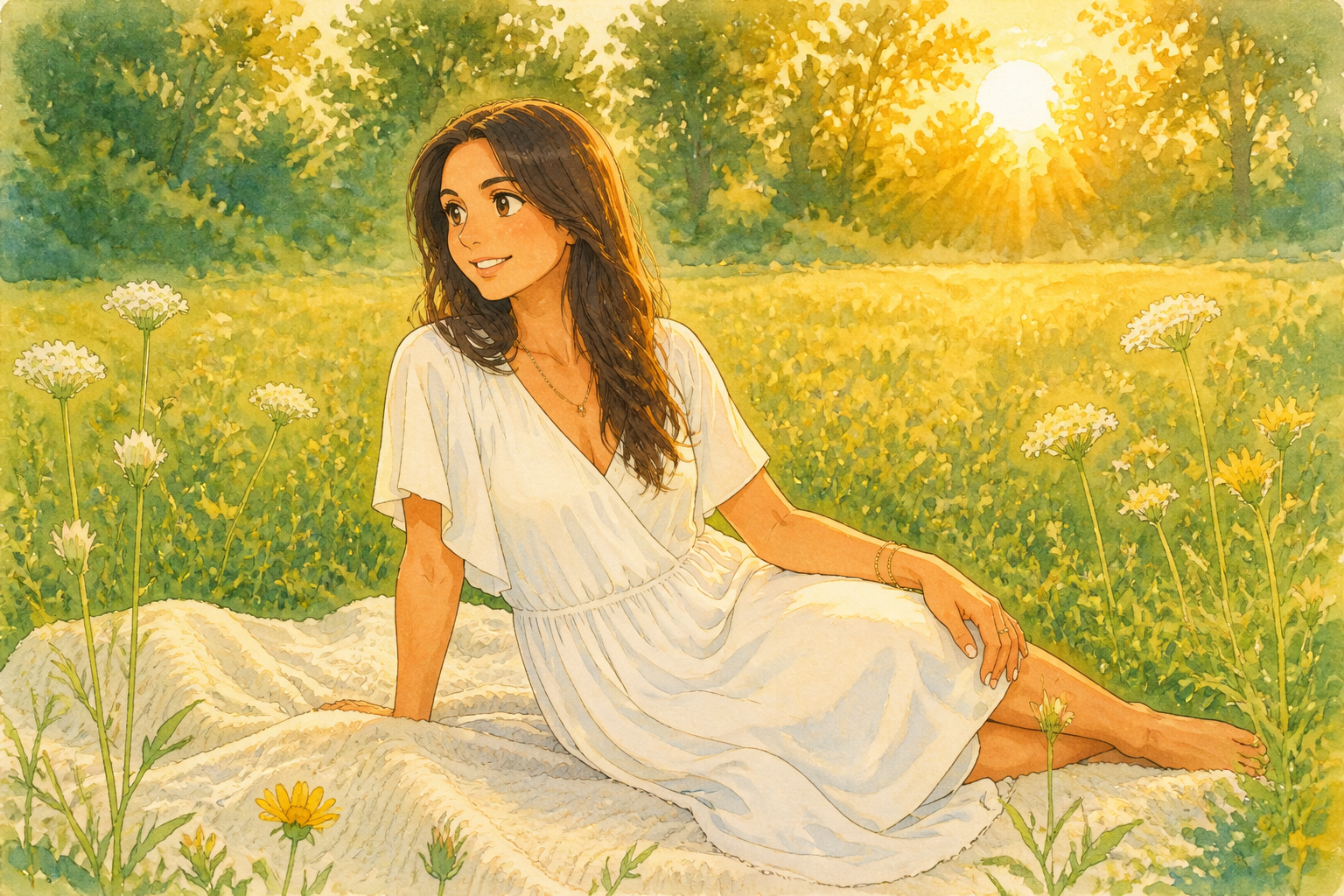
Upload a photo and transform it into an anime-inspired image in seconds. Our AI keeps the main composition readable while converting faces, hair, clothing, and lighting into a stylized illustrated look.
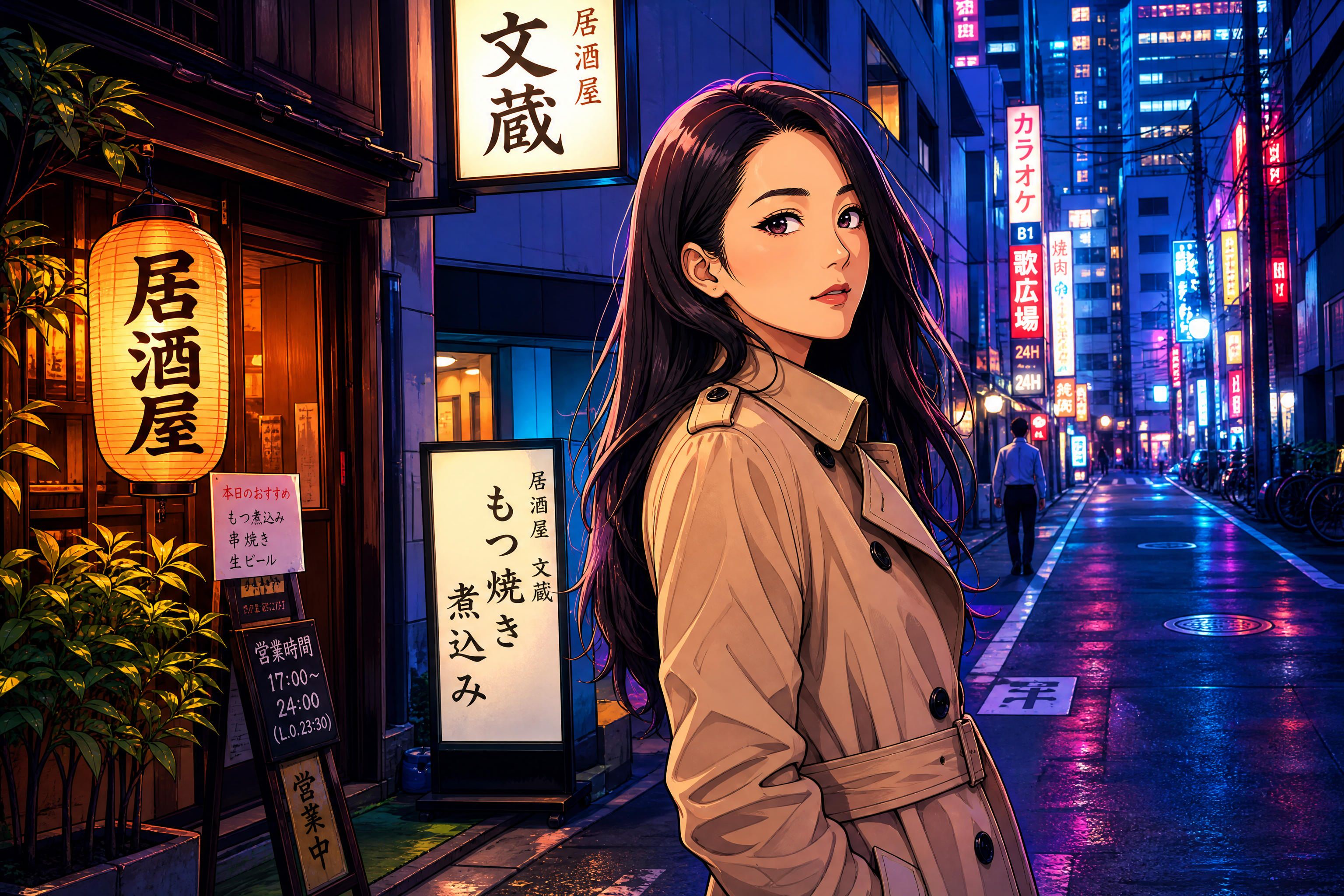
Watch the Transformation
See photo to anime filter in motion — generated end-to-end by our AI.
See It In Action
Real outputs from photo to anime filter.
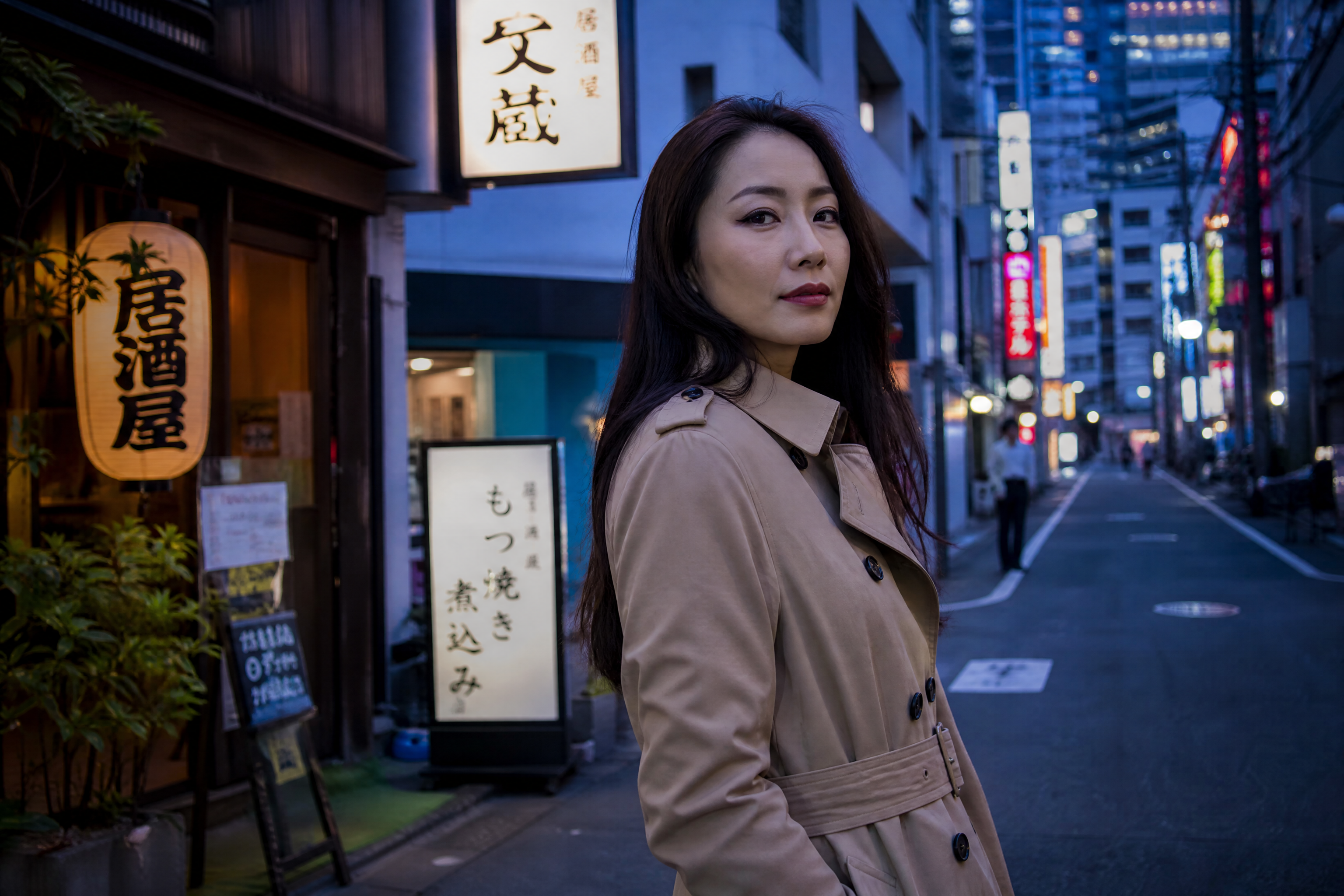
BEFOREAFTER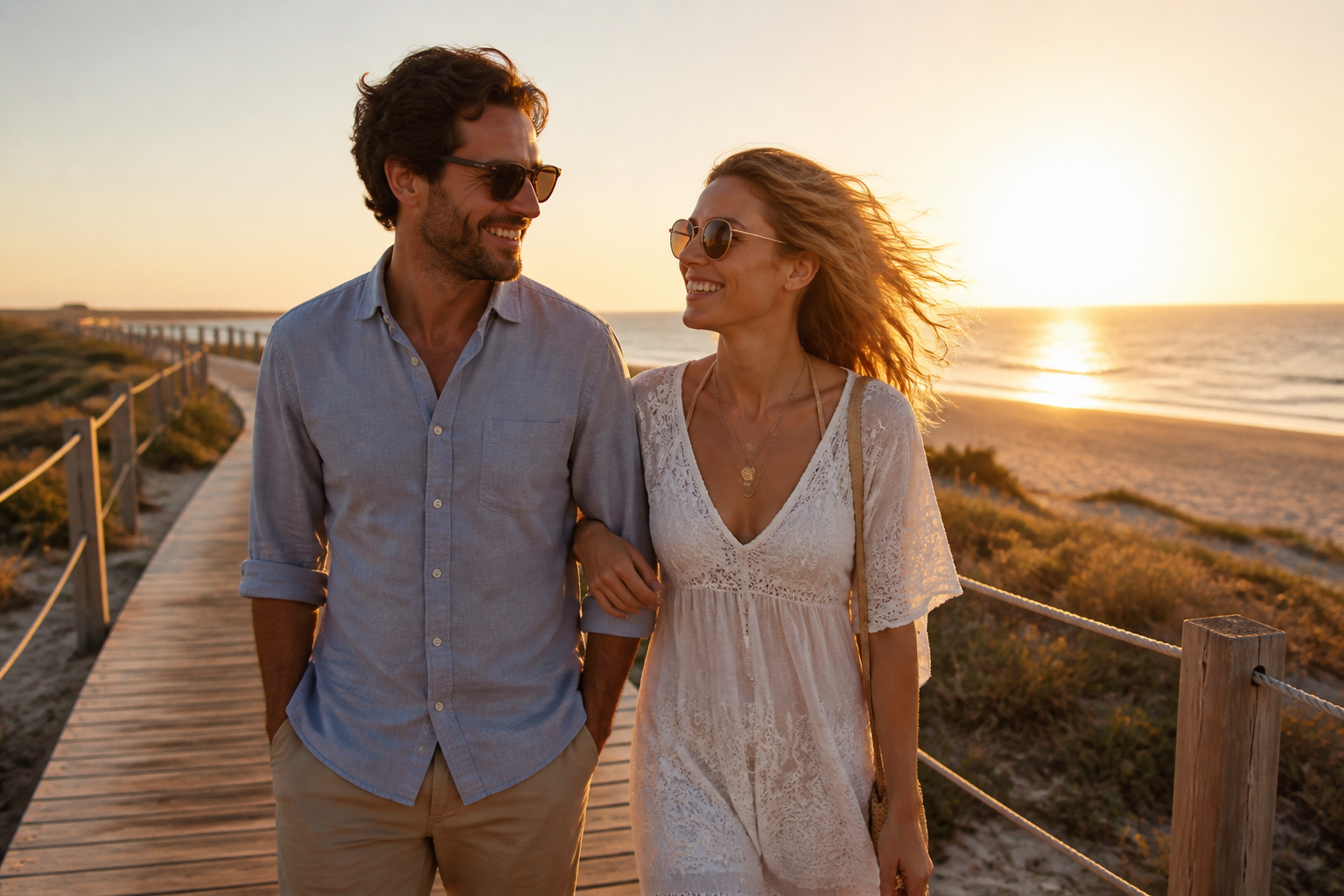 BEFORE
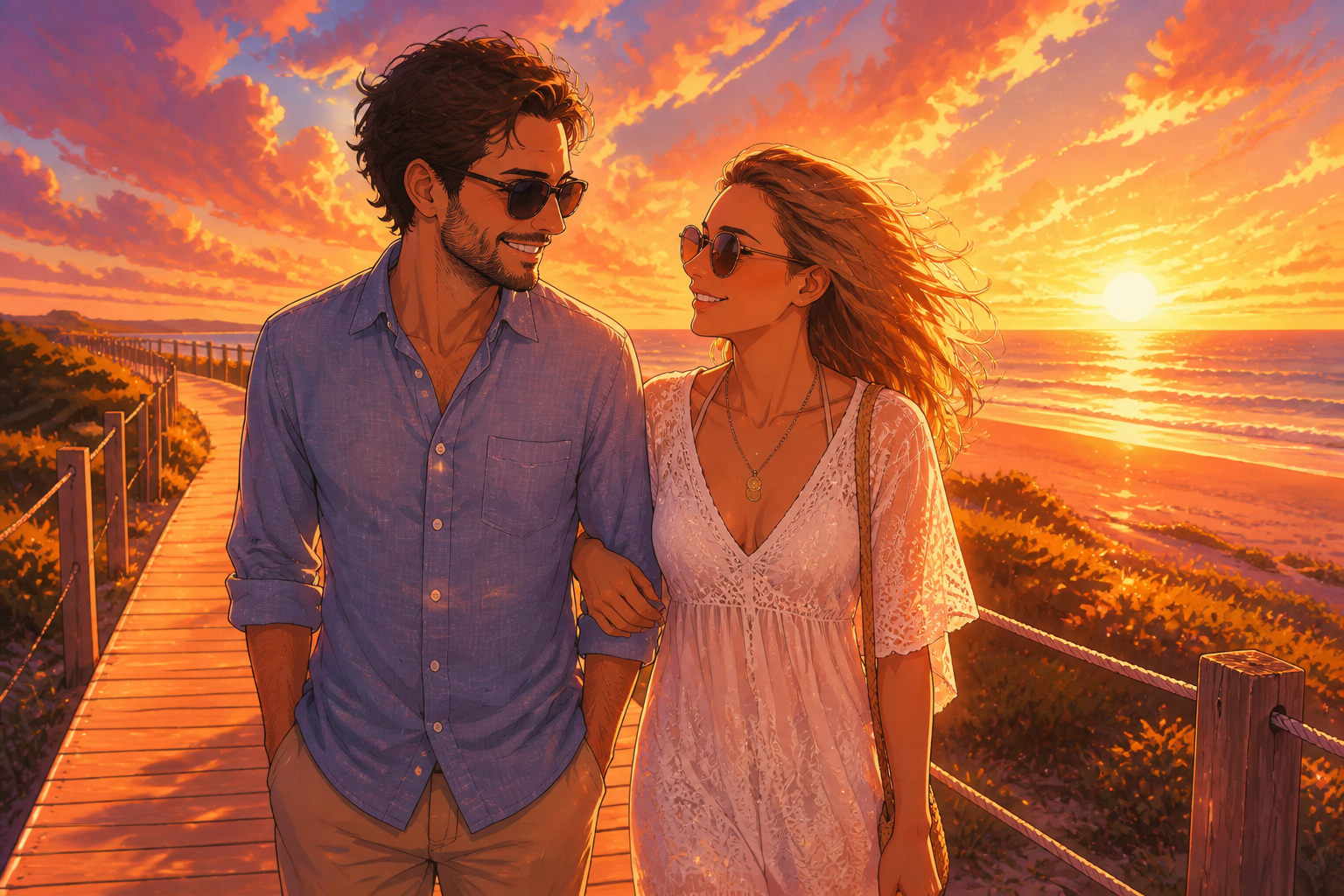 AFTER
AFTER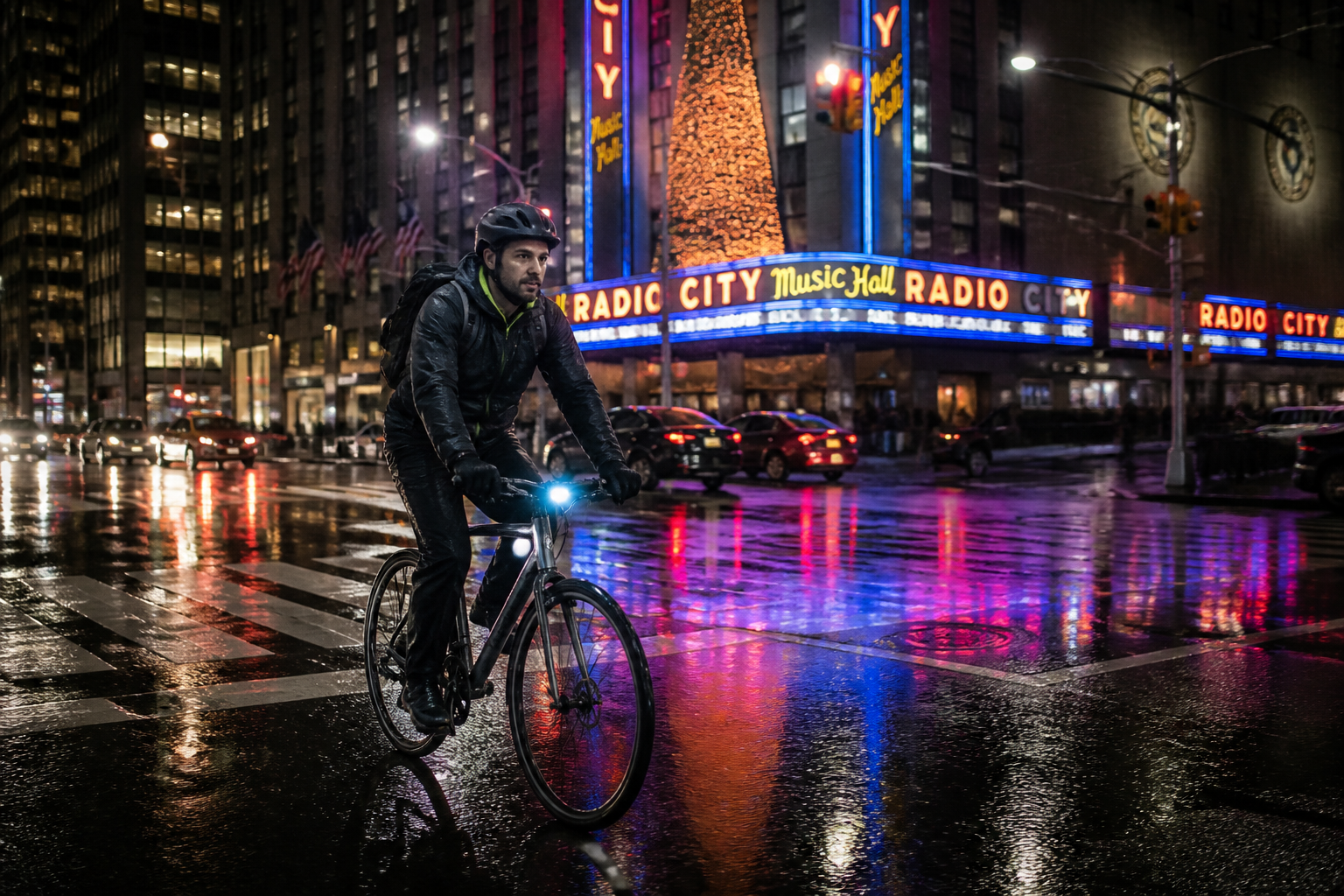 BEFORE
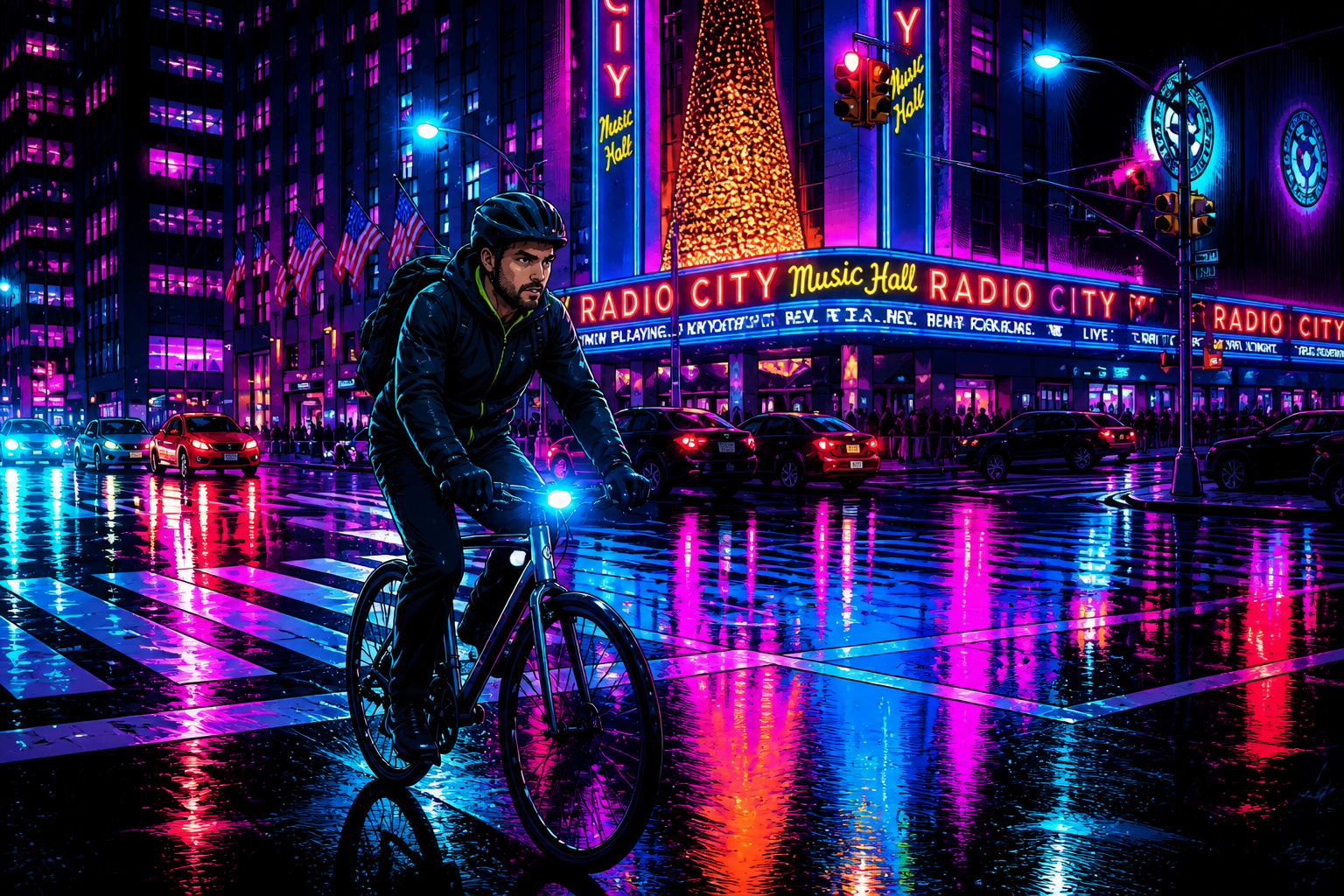 AFTER
AFTER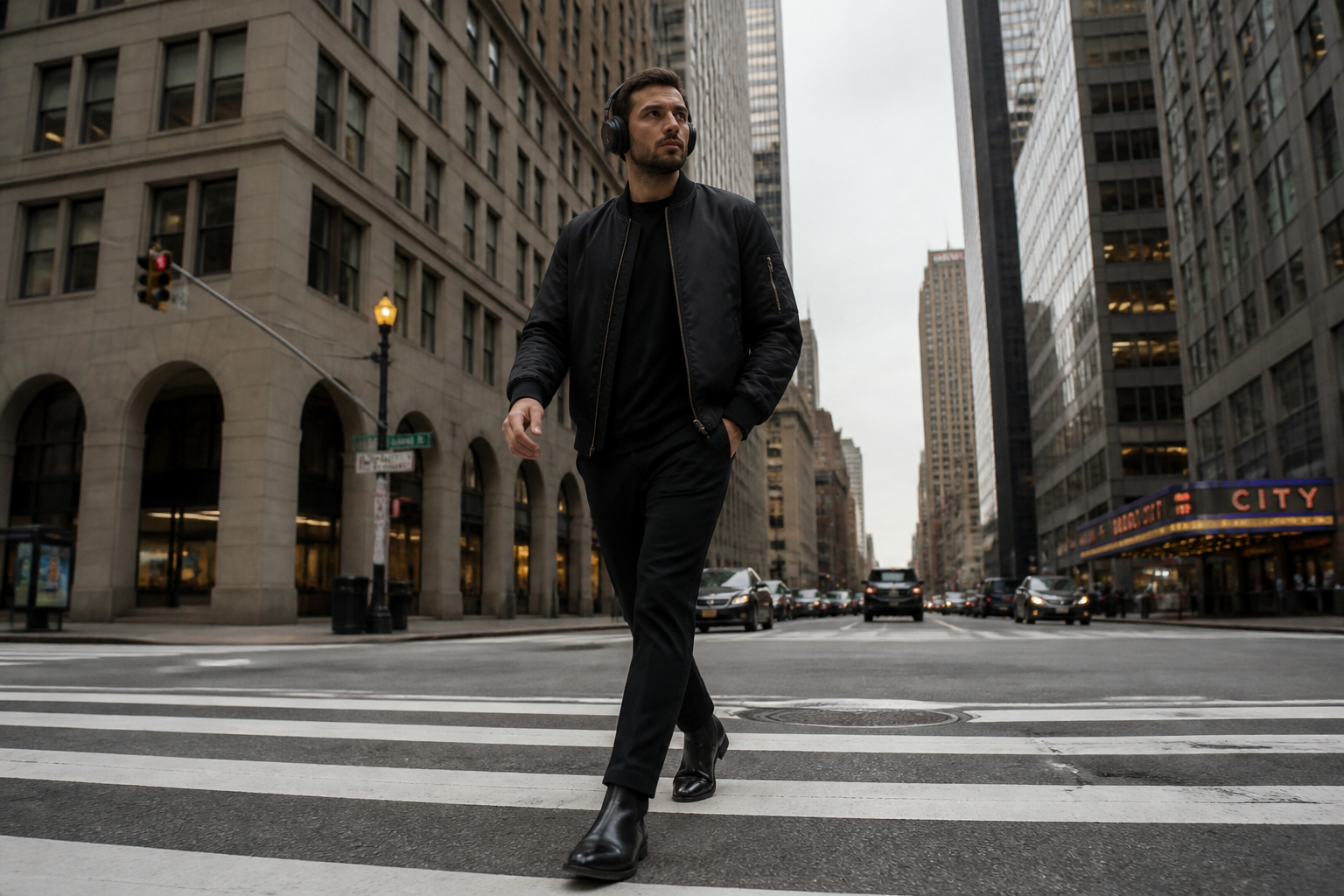 BEFORE
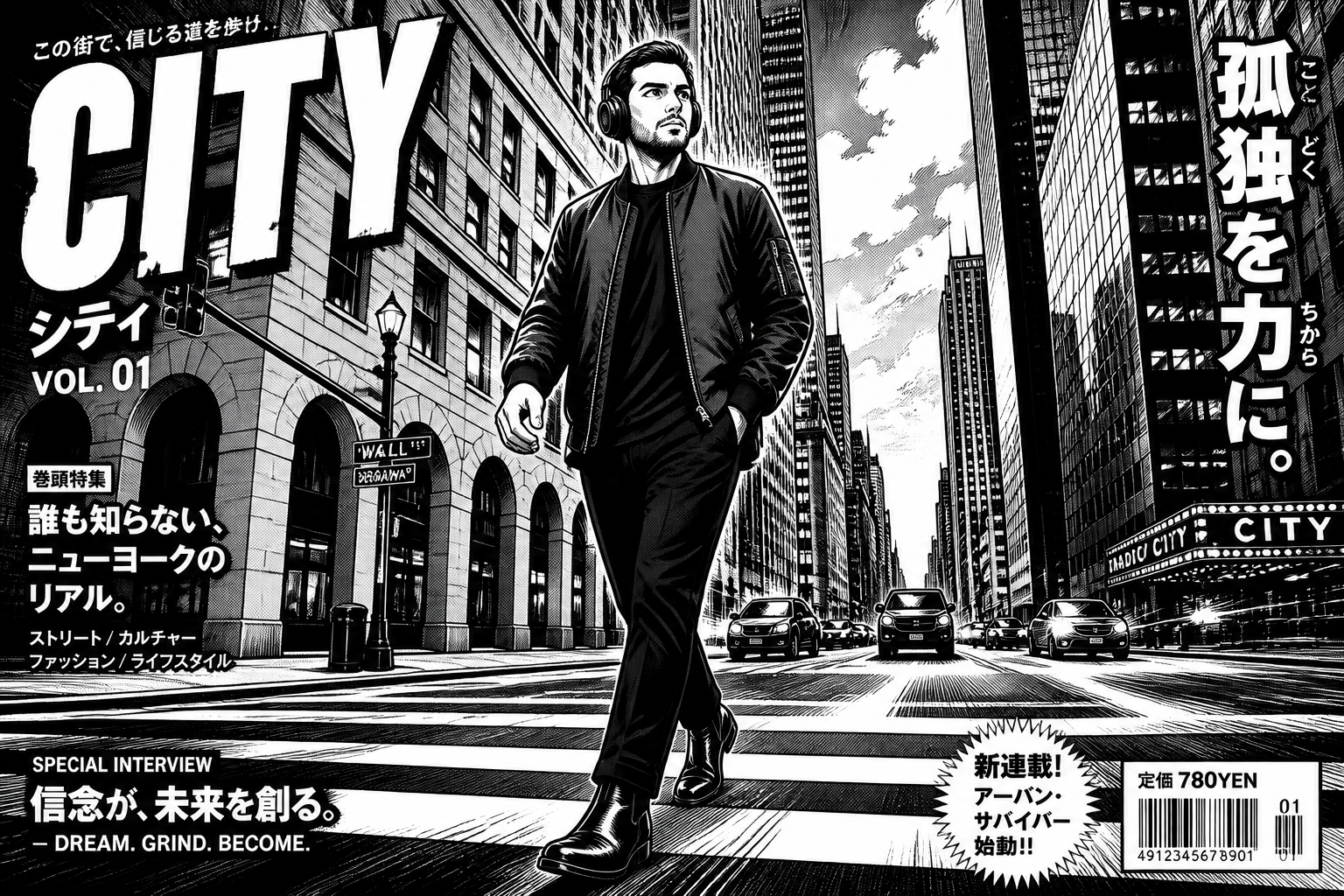 AFTER
AFTER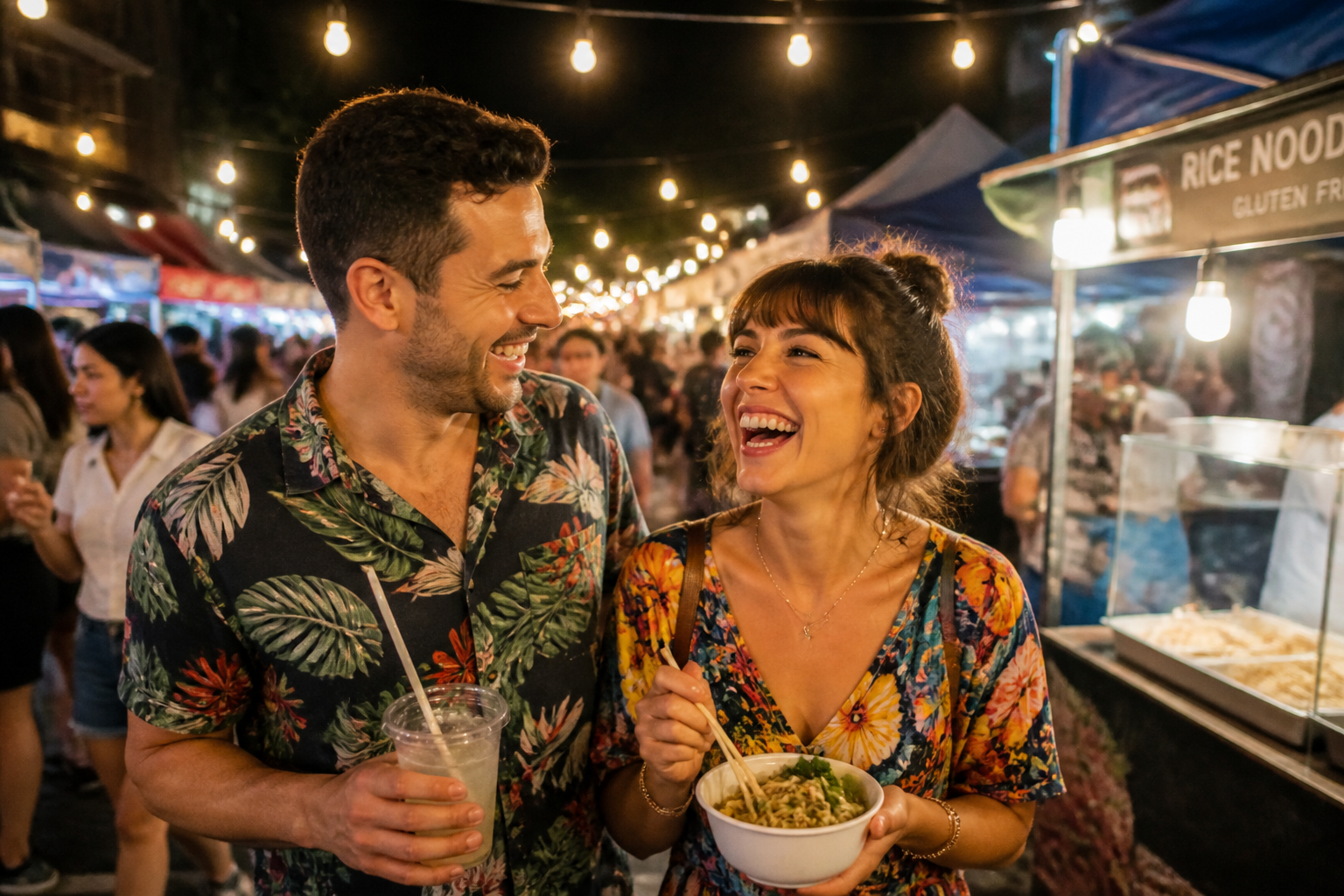 BEFORE
 AFTERBEFOREAFTERBEFOREAFTERBEFOREAFTERBEFOREAFTERBEFOREAFTER
 BEFORE
 AFTER
AFTER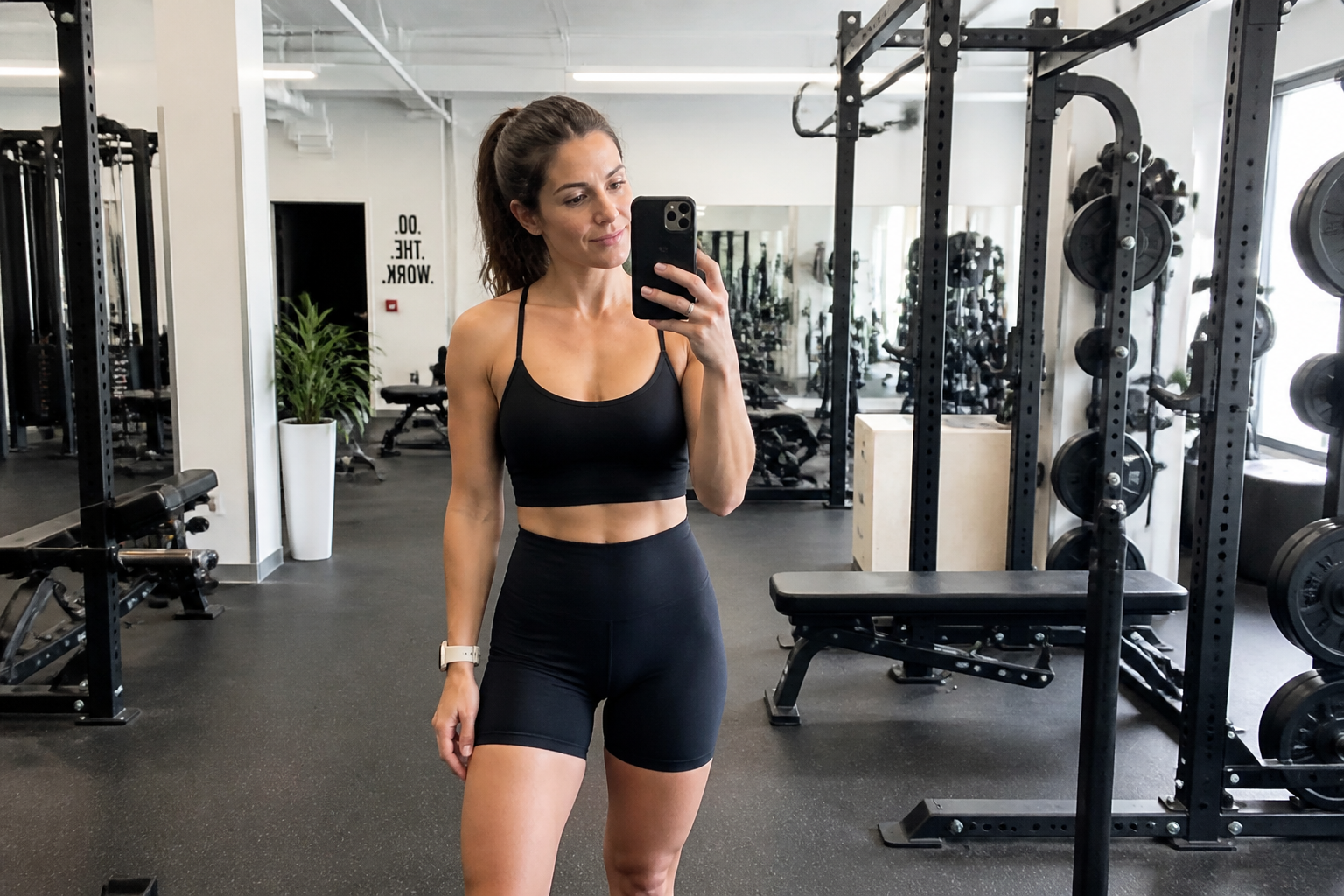 BEFORE
 AFTER
AFTER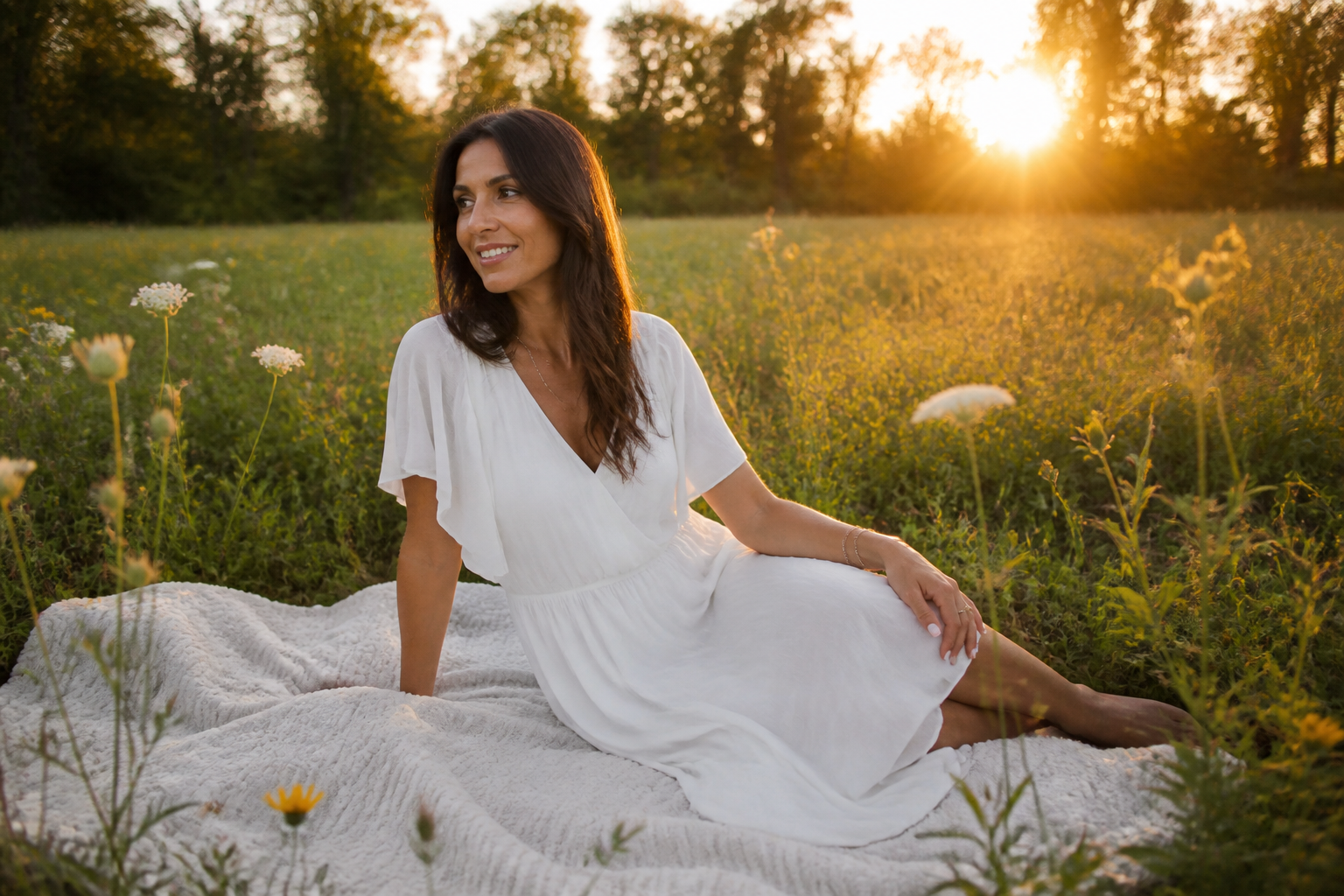 BEFORE
 AFTER
AFTER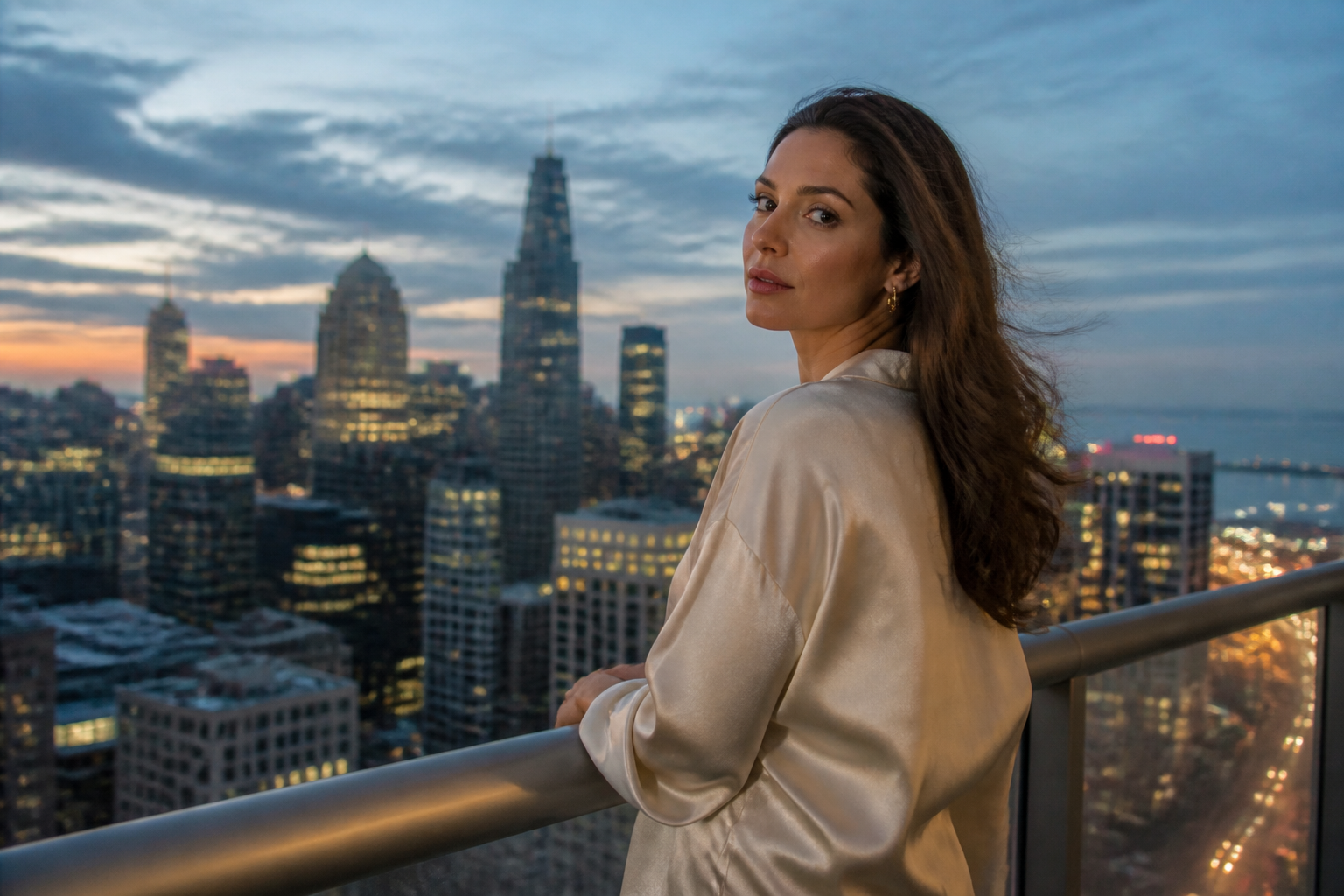 BEFORE
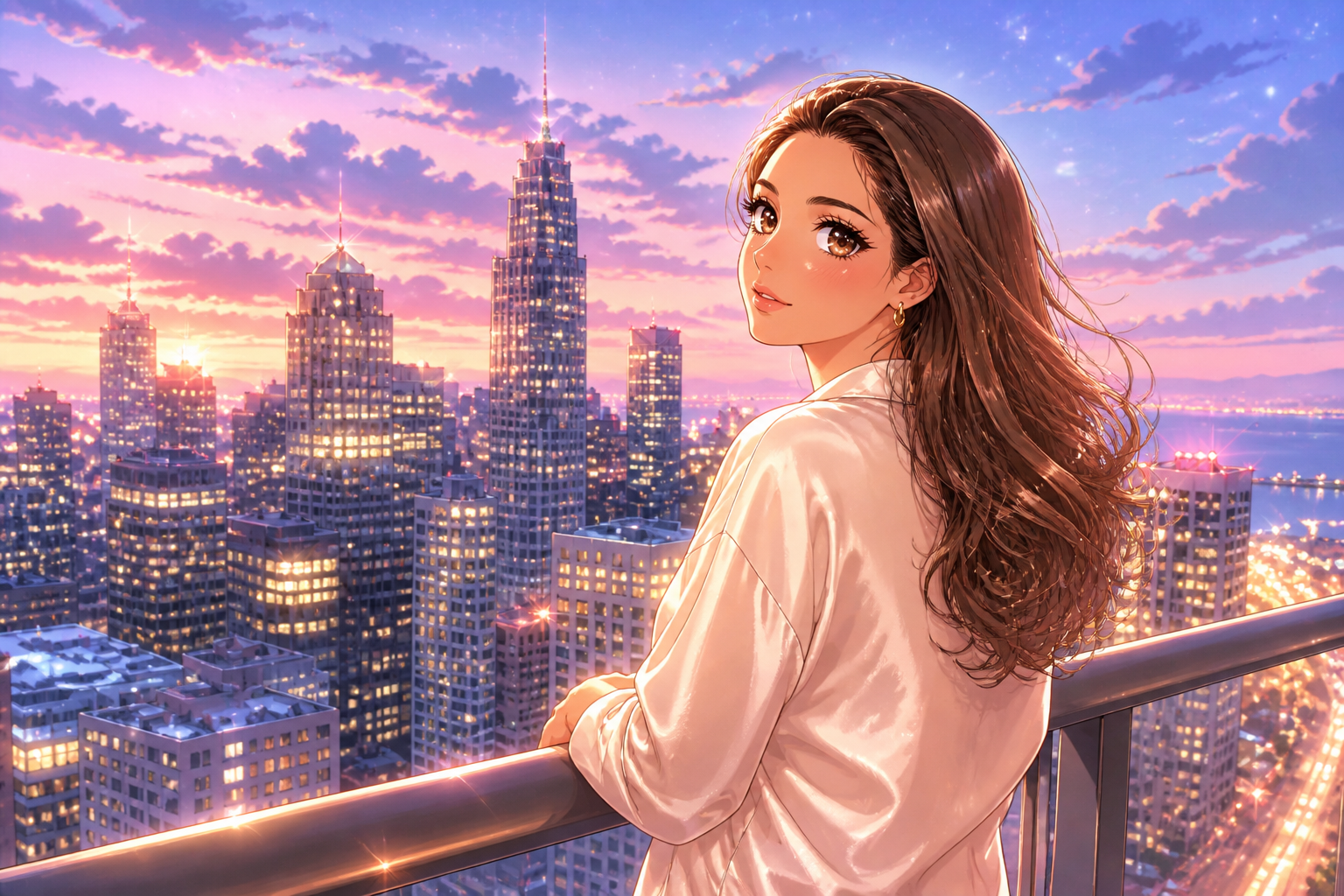 AFTER
AFTER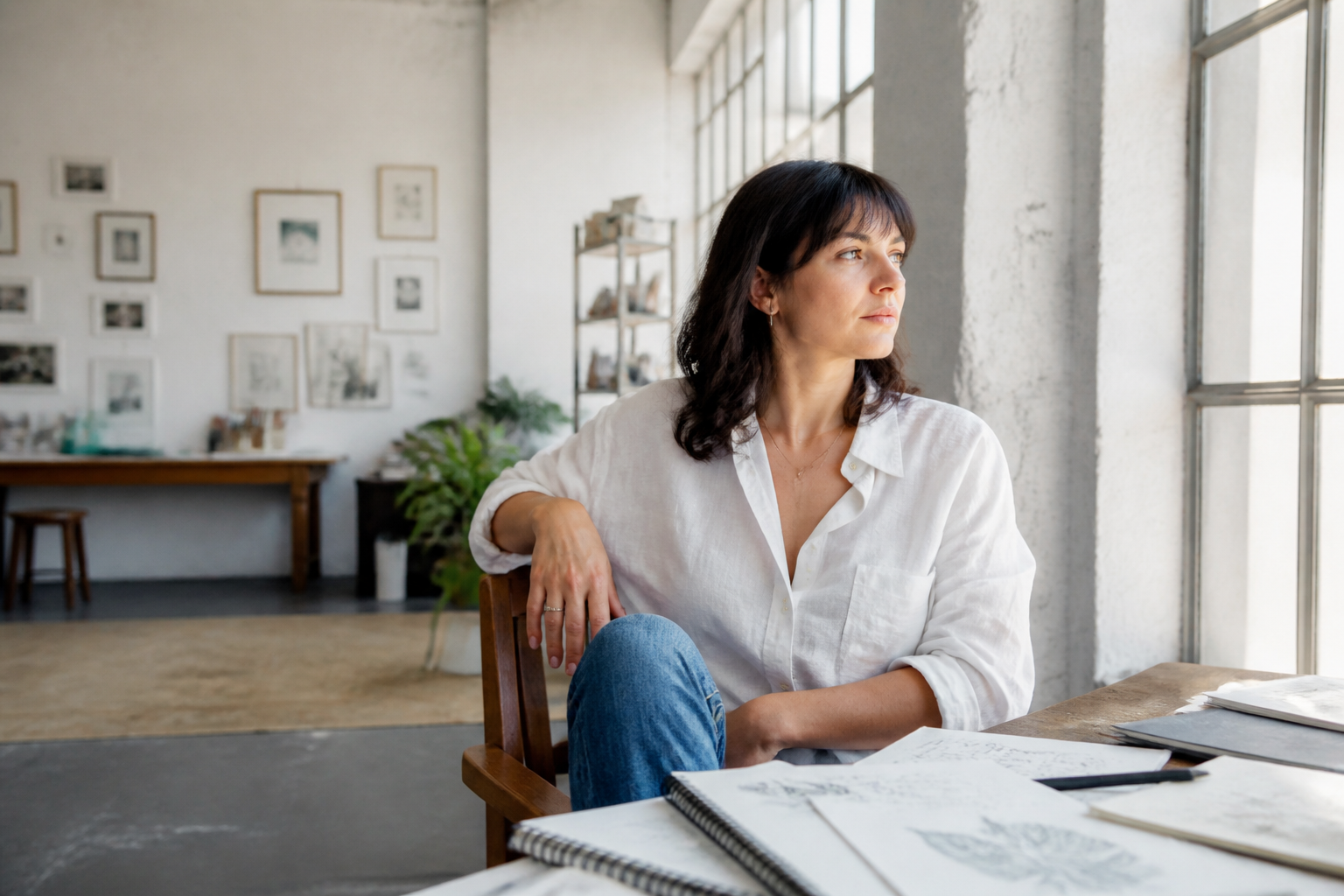 BEFORE
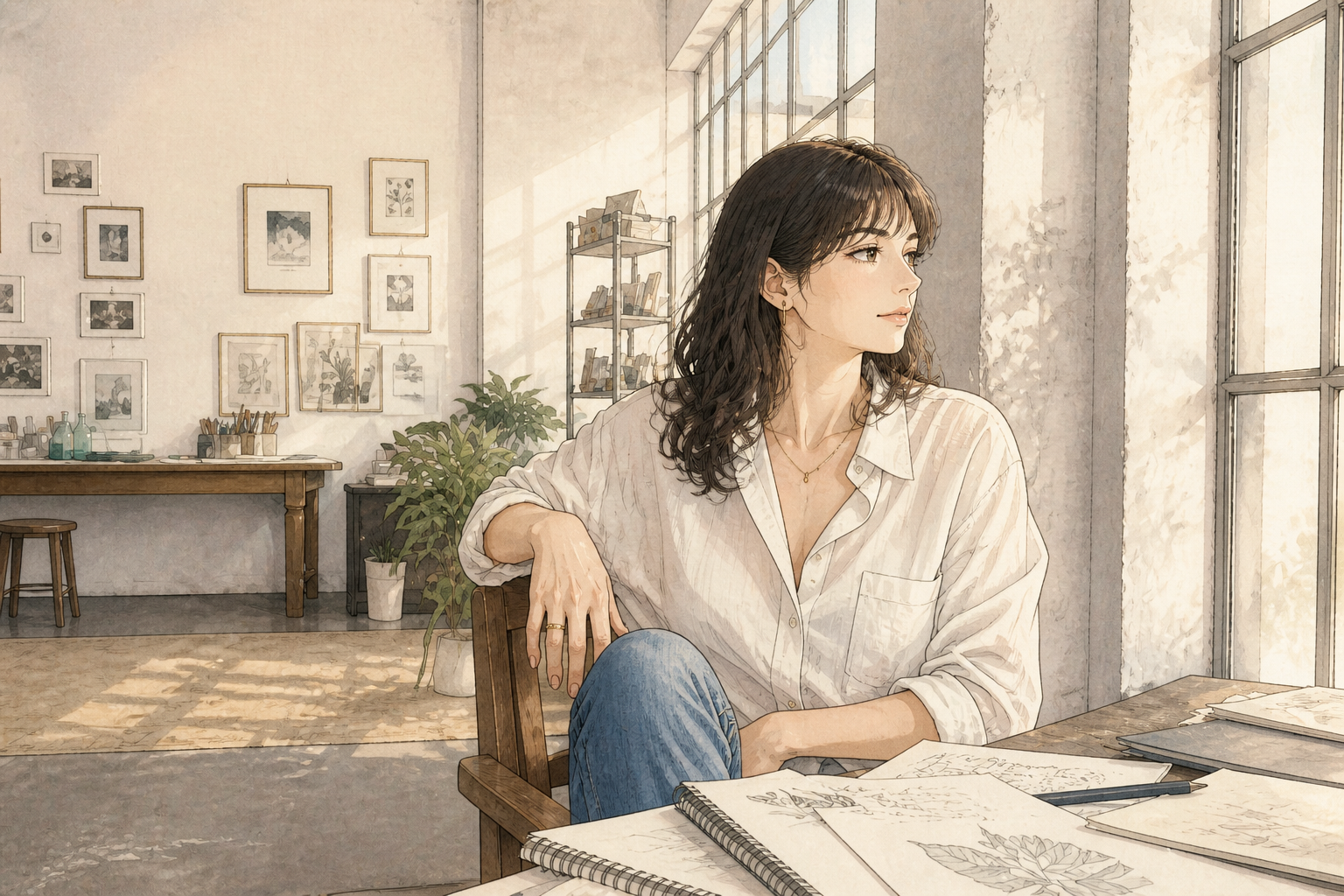 AFTERBEFOREAFTERBEFOREAFTERBEFOREAFTERBEFOREAFTERBEFOREAFTER
Key Features
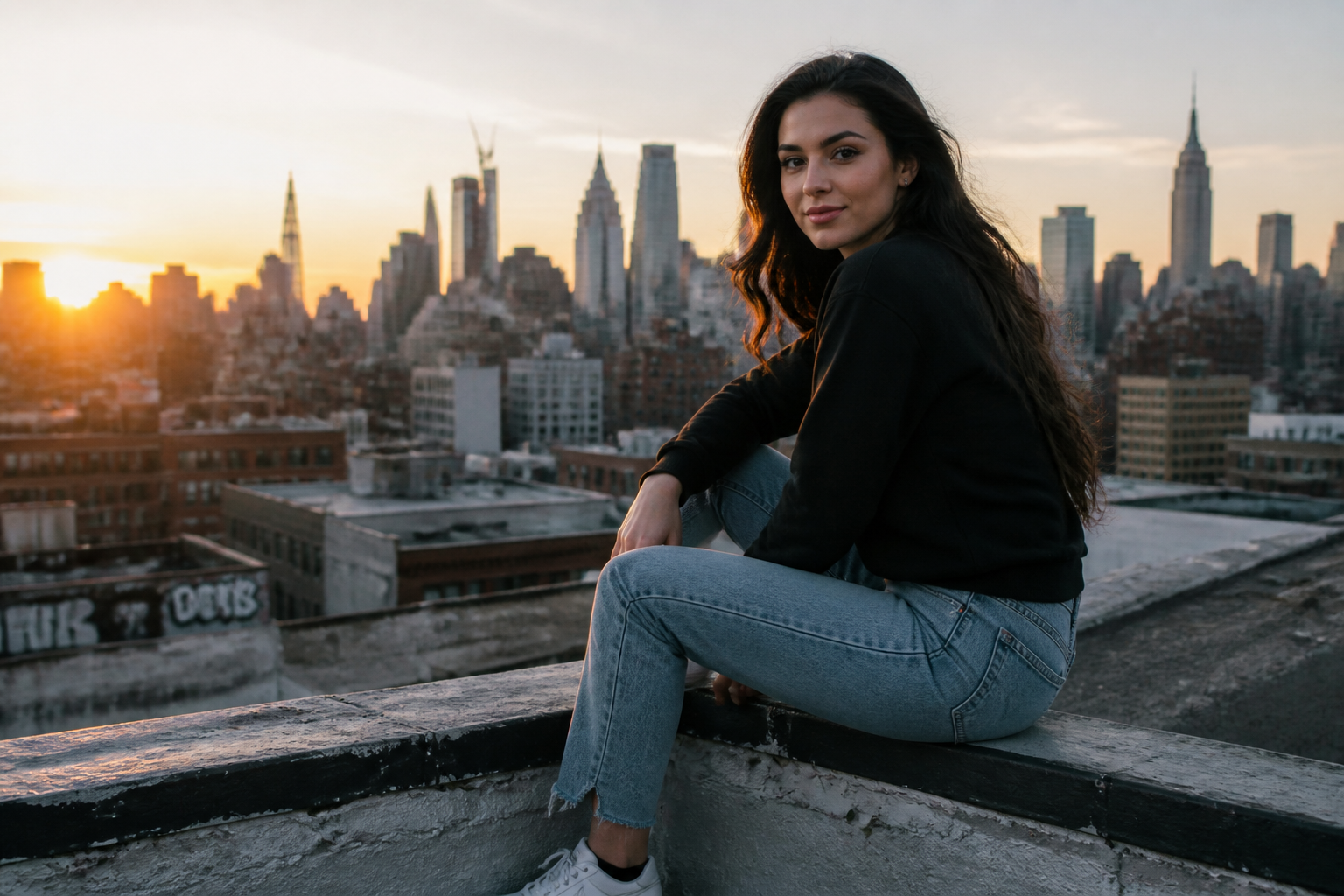
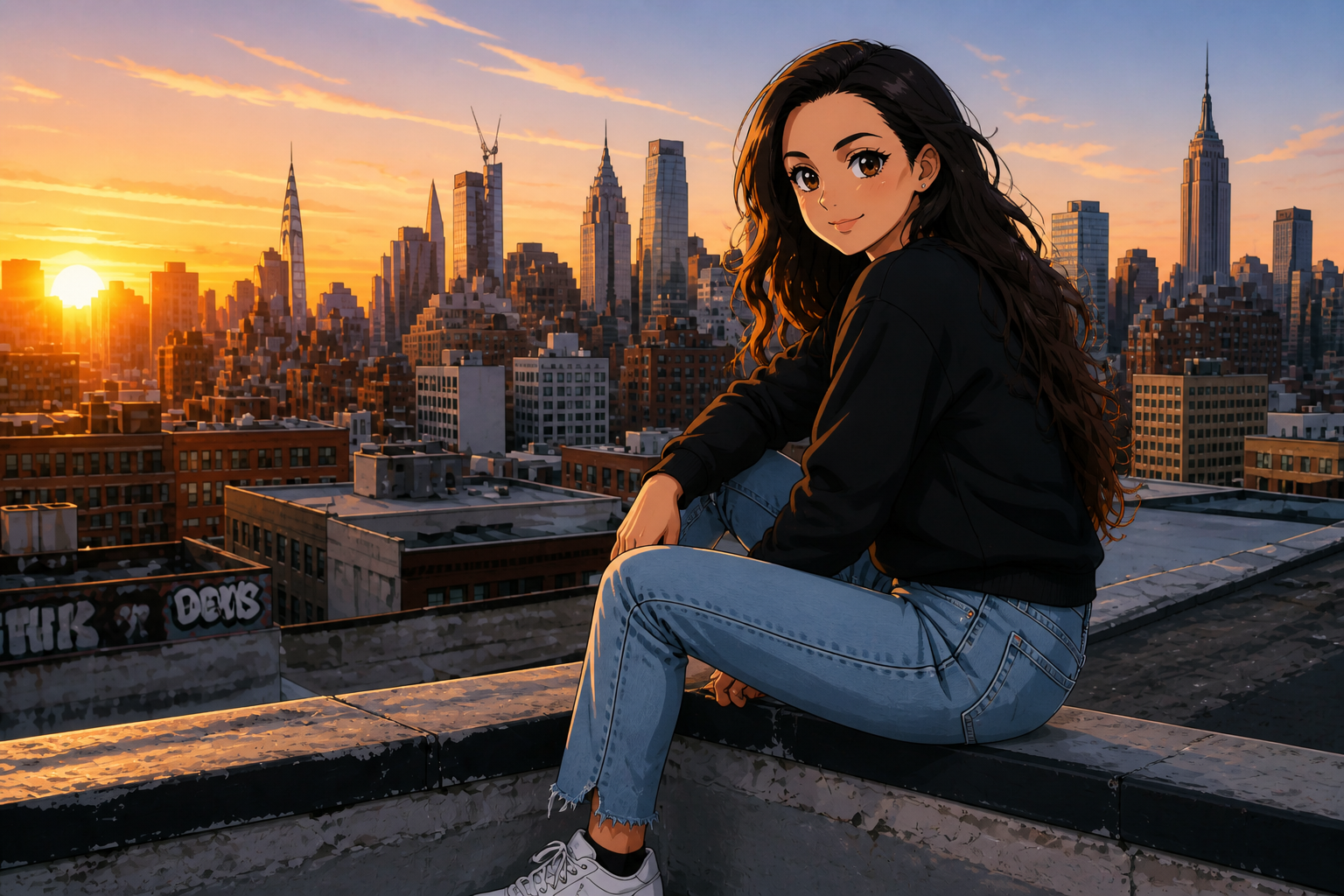
Keep the pose readable
The filter changes the visual style without making the scene hard to understand. Faces, body position, and framing stay clear so the result still feels like your original photo. That matters when you want a stylized image that is still usable for profiles, posts, and thumbnails. It saves time compared with manual redraws or trying multiple generic art filters that distort the composition.
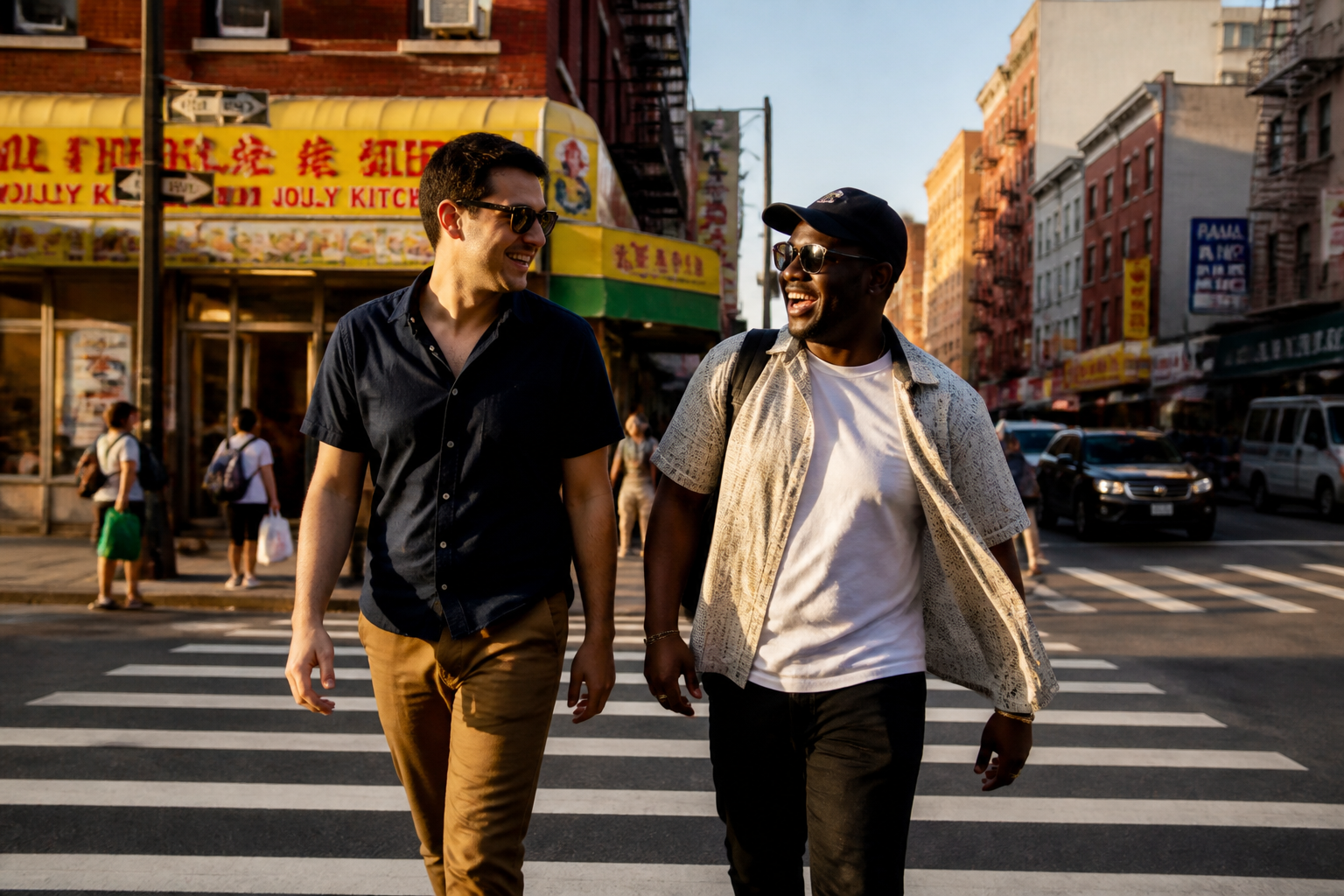
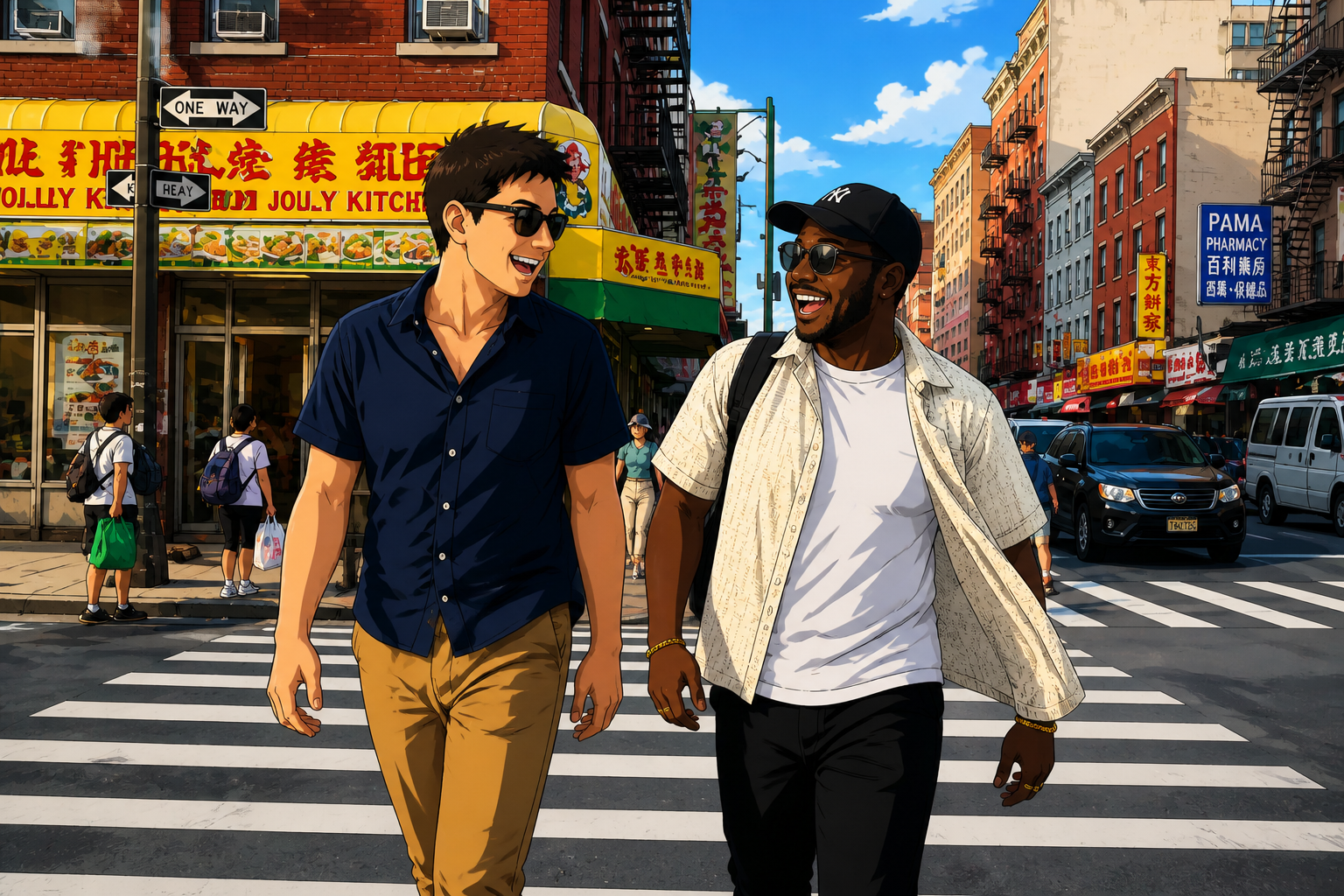
Works on portraits and scenes
You can apply the anime look to close portraits, couple shots, travel photos, or wider lifestyle scenes. Our AI stylizes the whole frame instead of only changing the face. This makes the output feel more complete and more shareable. You get a consistent illustrated result without masking every object by hand.
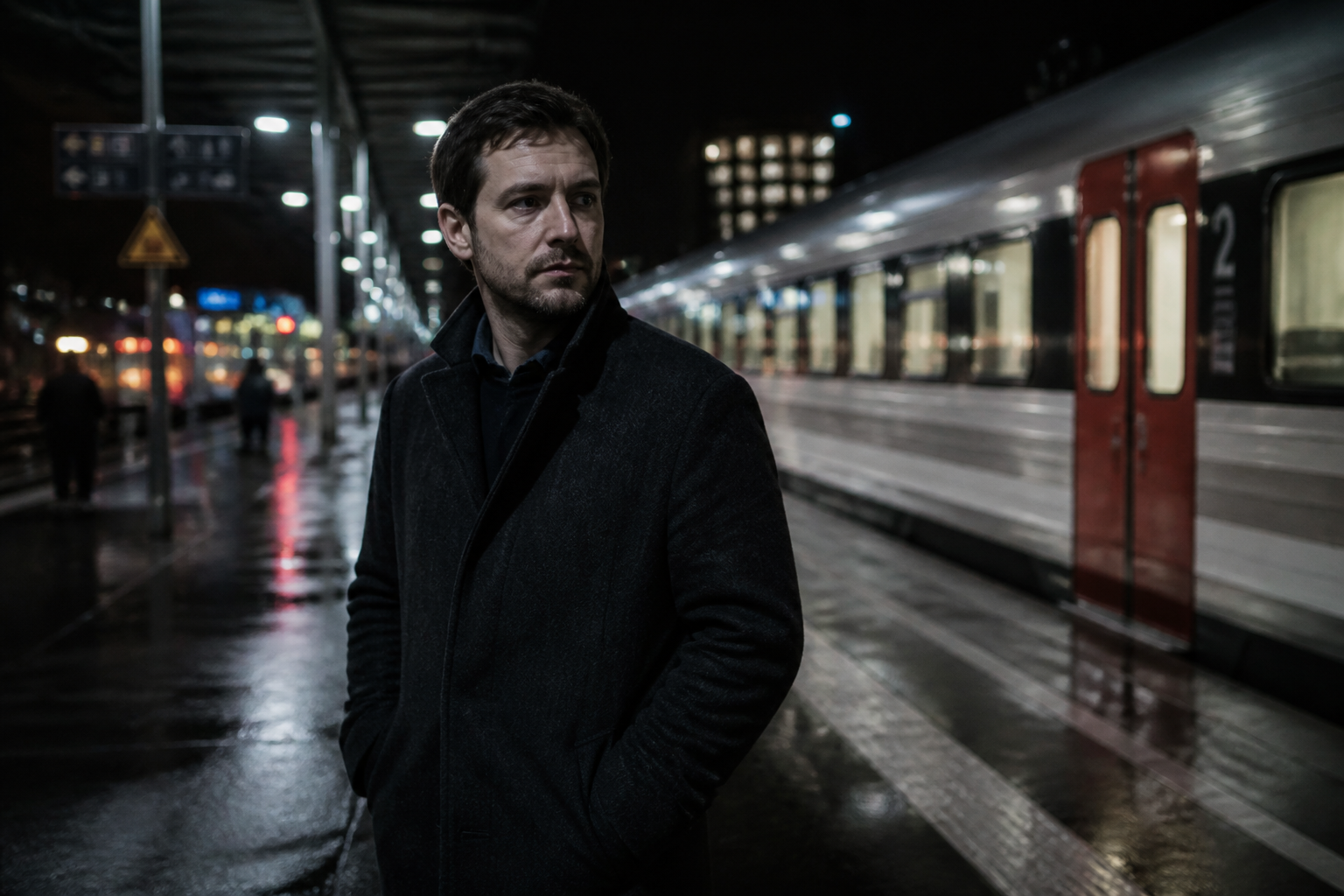
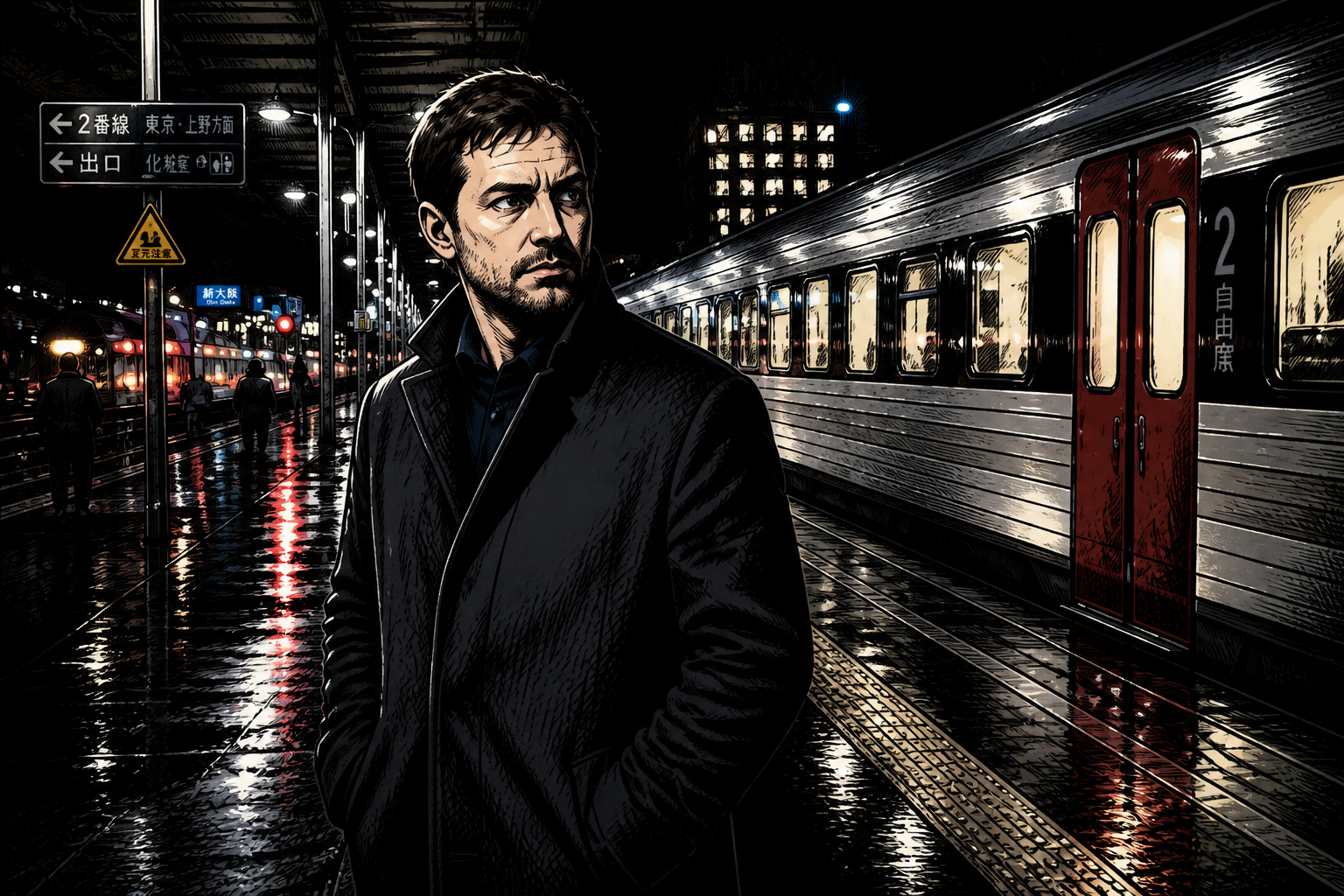
Choose different anime moods
Anime is not one single look, so the tool can lean soft, bold, bright, cinematic, or manga-like depending on your prompt. That gives you room to match a social post, avatar, banner, or creative concept. Manual editing usually means rebuilding the same image several times to test styles. Here, you can explore variations much faster while staying close to the source photo.
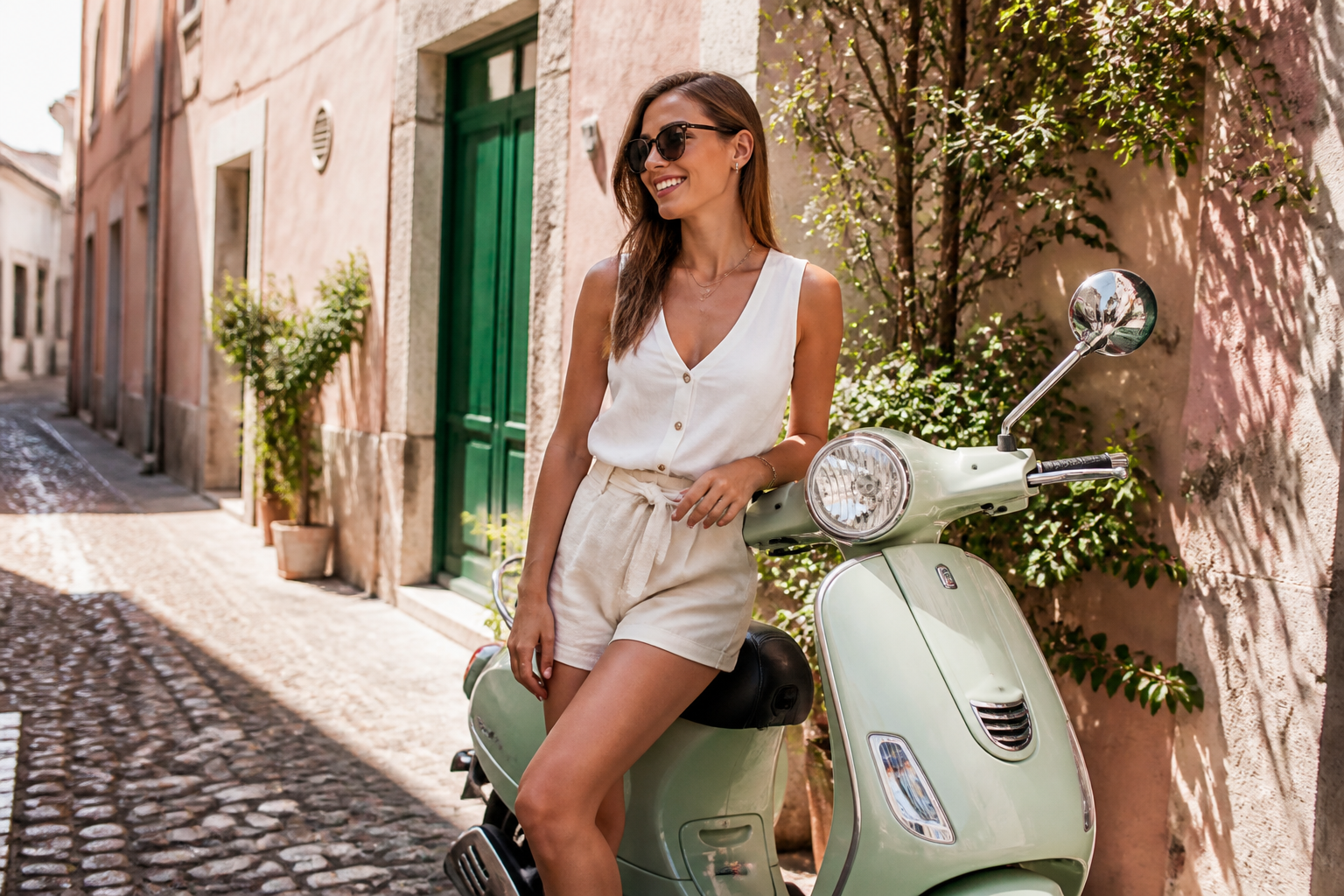
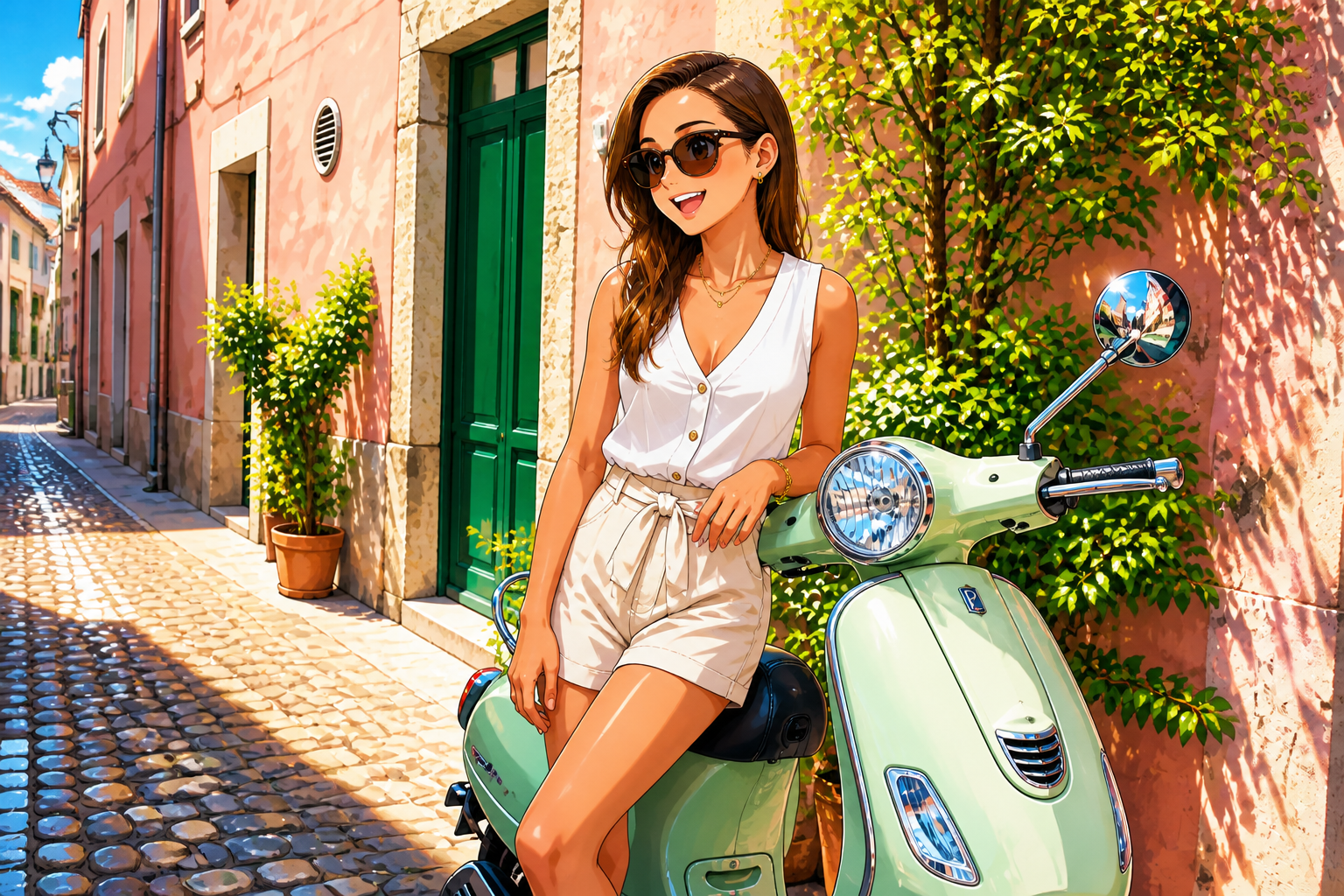
Fast results for sharing
The output is designed to look good in feeds, thumbnails, and profile images. Strong outlines, simplified shapes, and expressive color make the transformation visible at a glance. That is useful when you need content that stands out on social platforms. It removes the slow back-and-forth of exporting to several apps just to get one clean stylized image.
How It Works
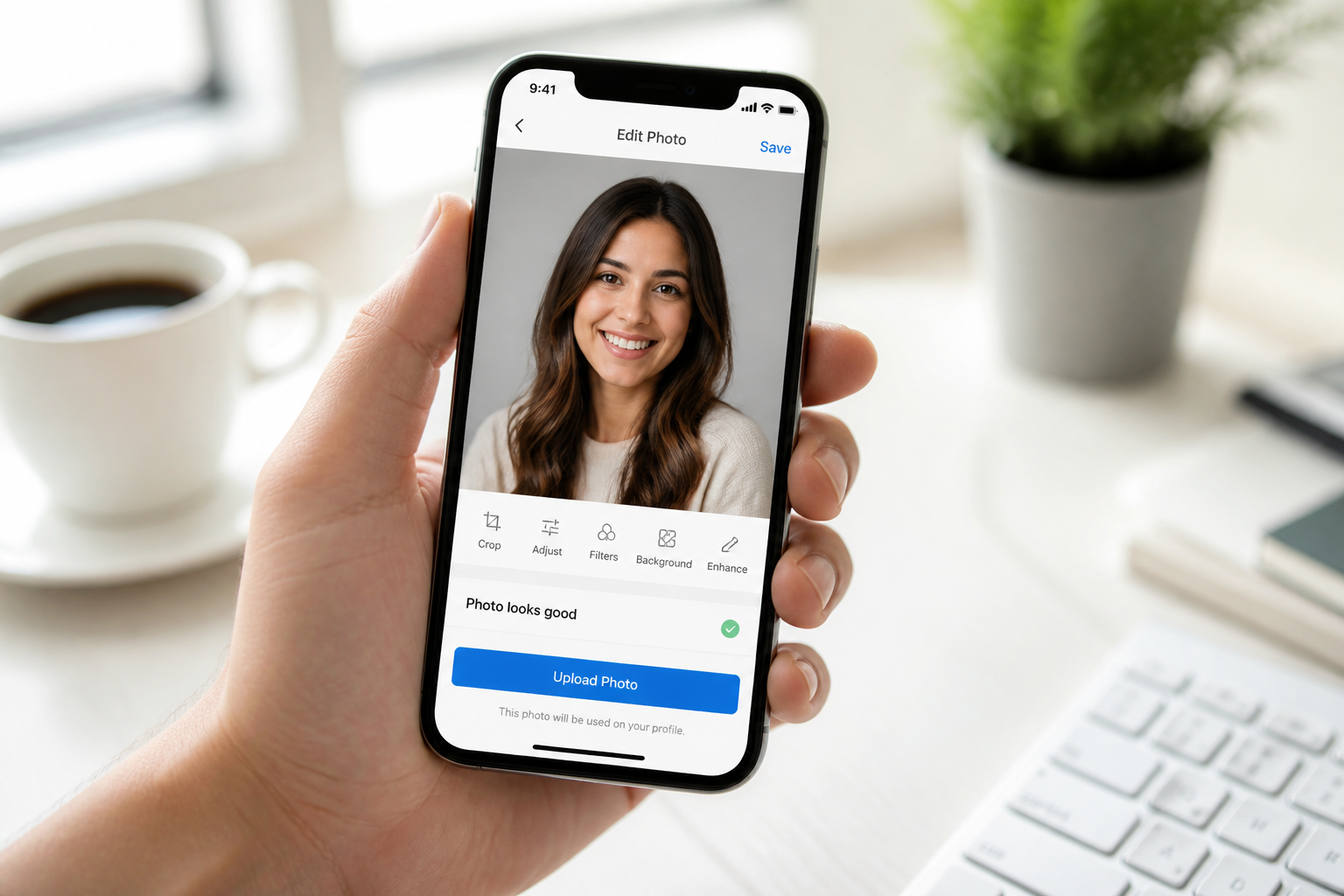
Upload your photo
Start with a clear image of a person, couple, or everyday scene. Well-lit photos with visible faces and simple framing usually give the strongest anime conversion.
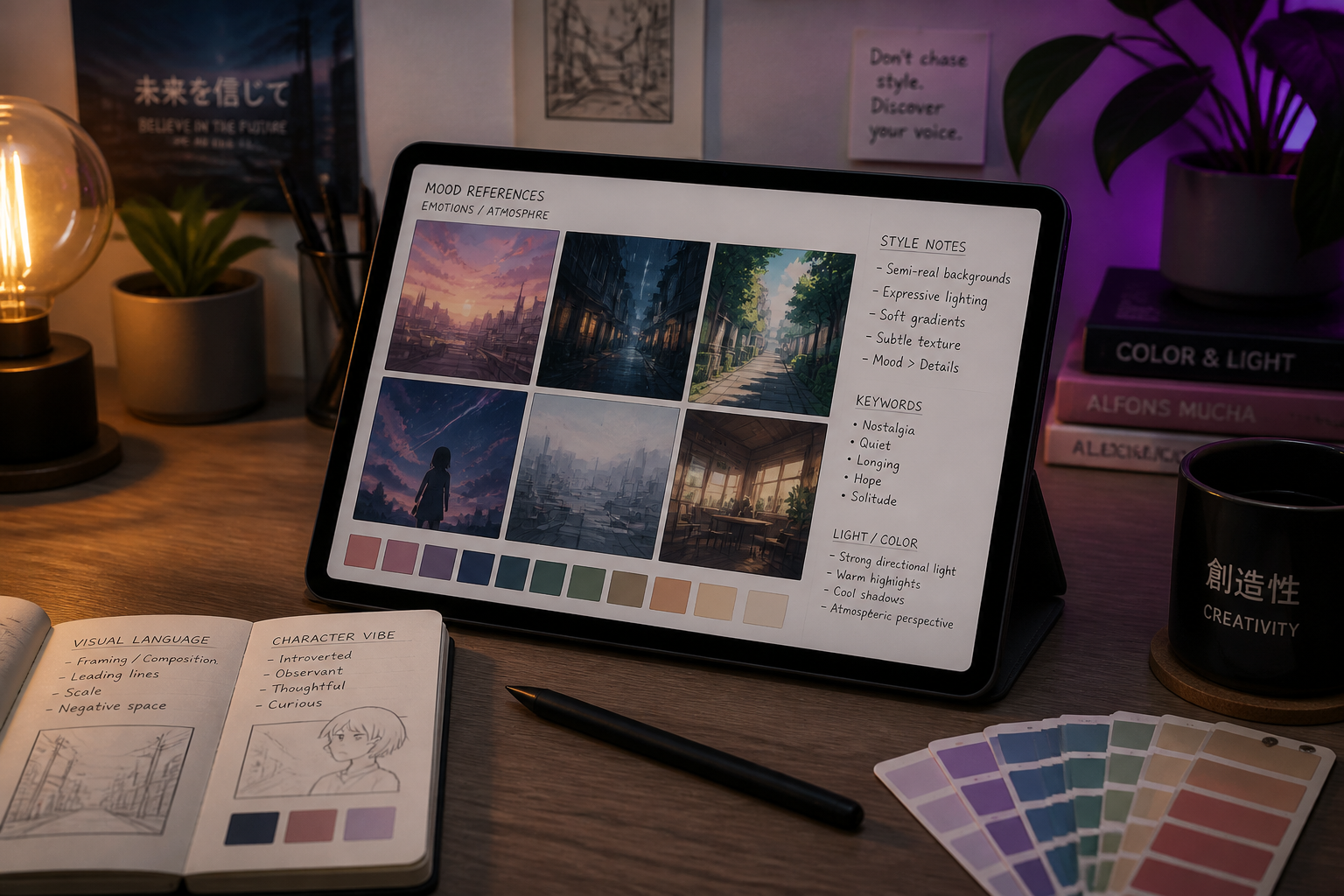
Describe the anime look
Tell the editor what kind of anime style you want, such as cinematic, manga, soft pastel, or neon city. A short prompt is enough to steer the mood, linework, and color treatment.
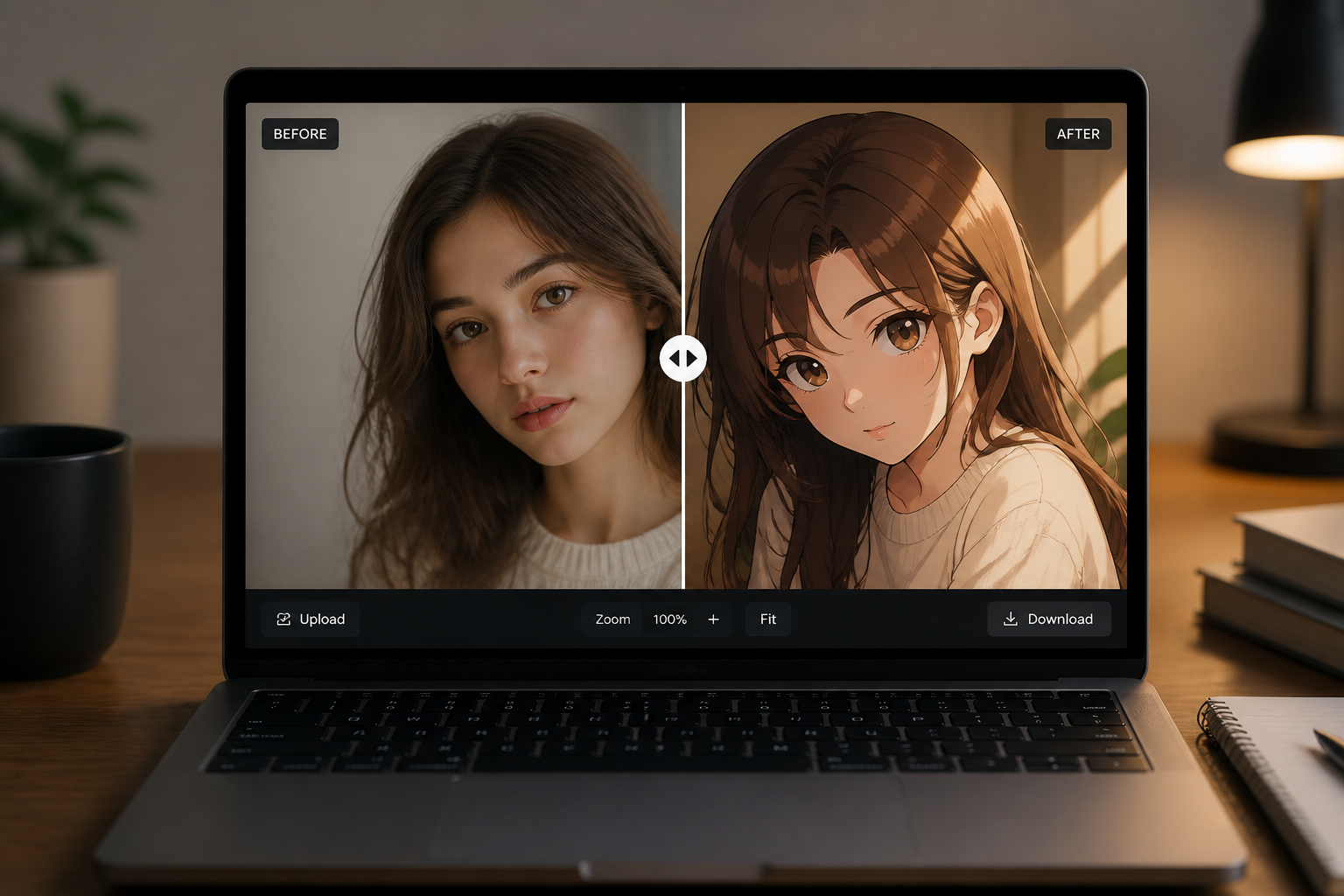
Generate and compare
Create the edit and compare it with the original side by side. If you want a stronger or different look, adjust the prompt and run another version.
Perfect For
Discover how creators and professionals use photo to anime filter
Anime profile pictures
Turn selfies into stylized avatars for social profiles, messaging apps, and communities.
Creative social posts
Remix travel, fashion, or lifestyle photos into anime visuals that stand out in feeds.
Couple and friend edits
Convert shared memories into illustrated anime-style images for posting or saving.
Mood boards and concepts
Quickly explore anime-inspired directions for content, branding, or personal art references.
Built For
Creators and streamers
Make stylized profile art, thumbnails, and social assets without drawing from scratch.
Anime fans
See how everyday photos look as polished anime artwork with different moods and finishes.
Casual users
Get a fun illustrated version of your photo with a simple upload and a short prompt.
Why use this anime filter
A quick look at how we compare on the things that matter for this niche.
| Feature | BudgetPixel | Generic AI editors | Manual editing apps |
|---|---|---|---|
| Anime-specific style prompts | ✓ | — | — |
| Keeps original composition | ✓ | Varies | ✓ |
| Fast one-step stylizing | ✓ | ✓ | — |
| Works from your photo | ✓ | ✓ | ✓ |
| Manual drawing required | — | — | ✓ |
Frequently Asked Questions
What kinds of photos work best with a Photo to Anime Filter?
Will the result still look like my original photo?
Can I choose different anime styles?
Does this only work for close-up portraits?
Do I need editing skills to use it?
Create together.
Share your creations, discover trending AI art, and grow with fellow creators.