Photo to Anime Converter
Turn real photos into crisp anime-style images in seconds.
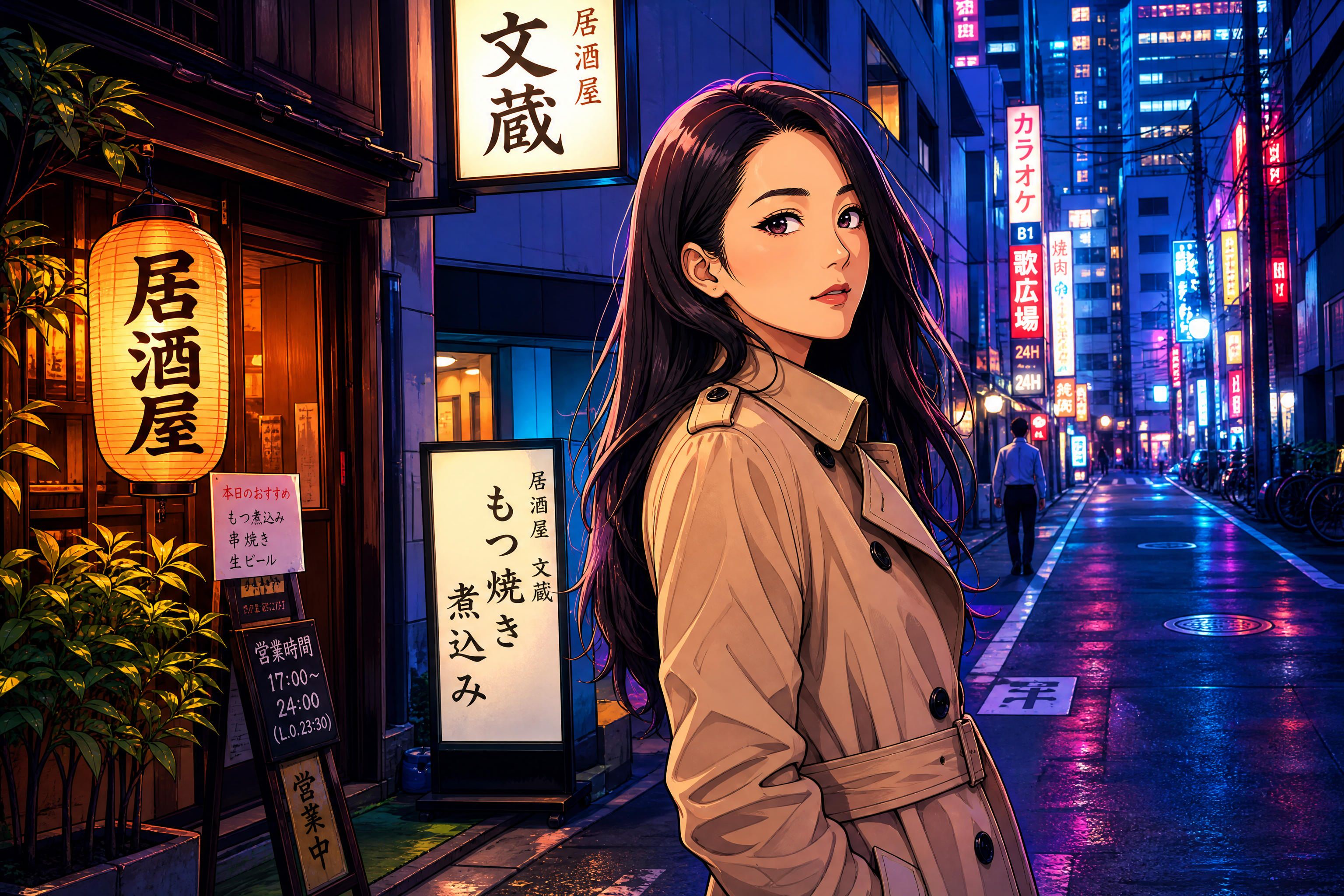
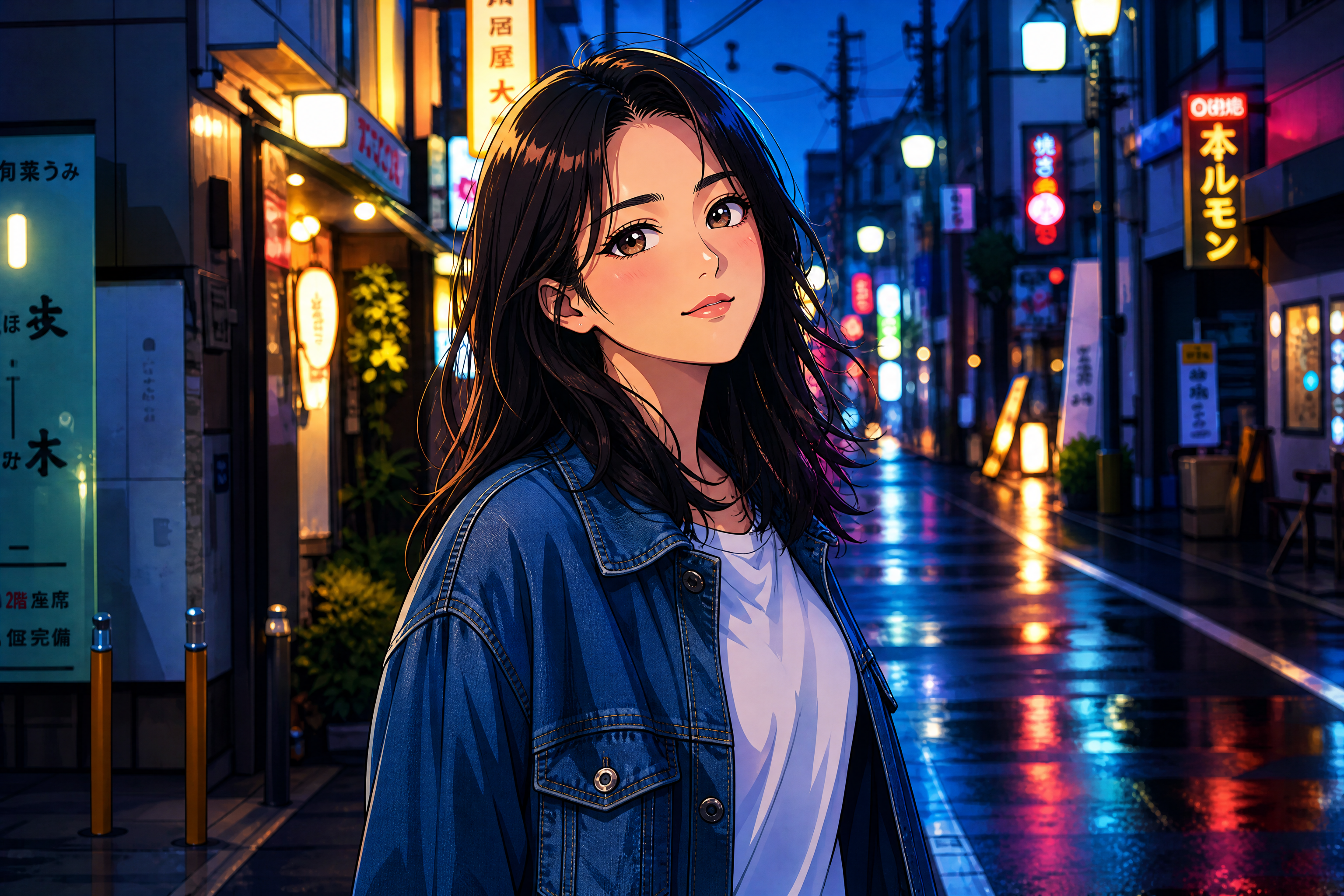
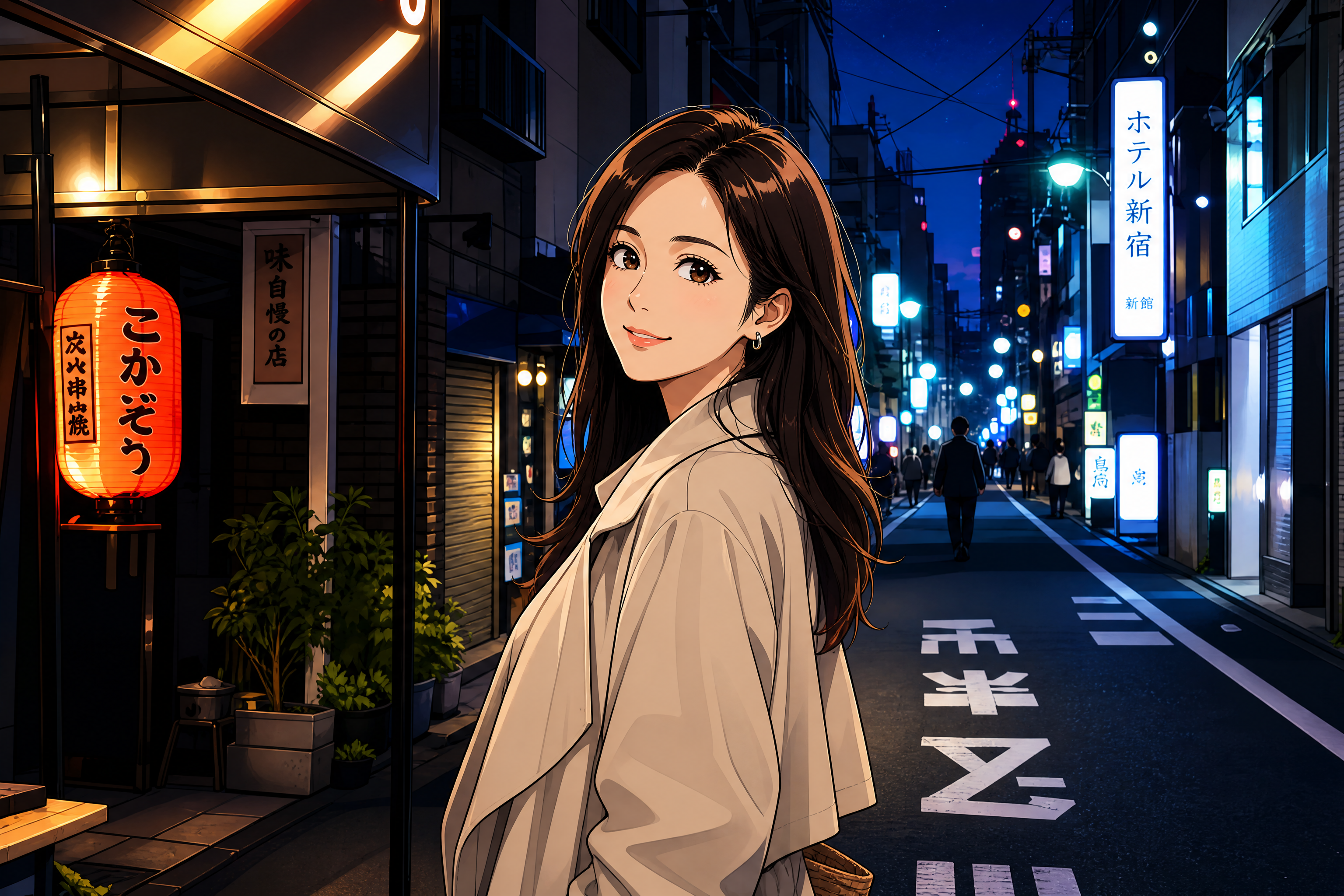
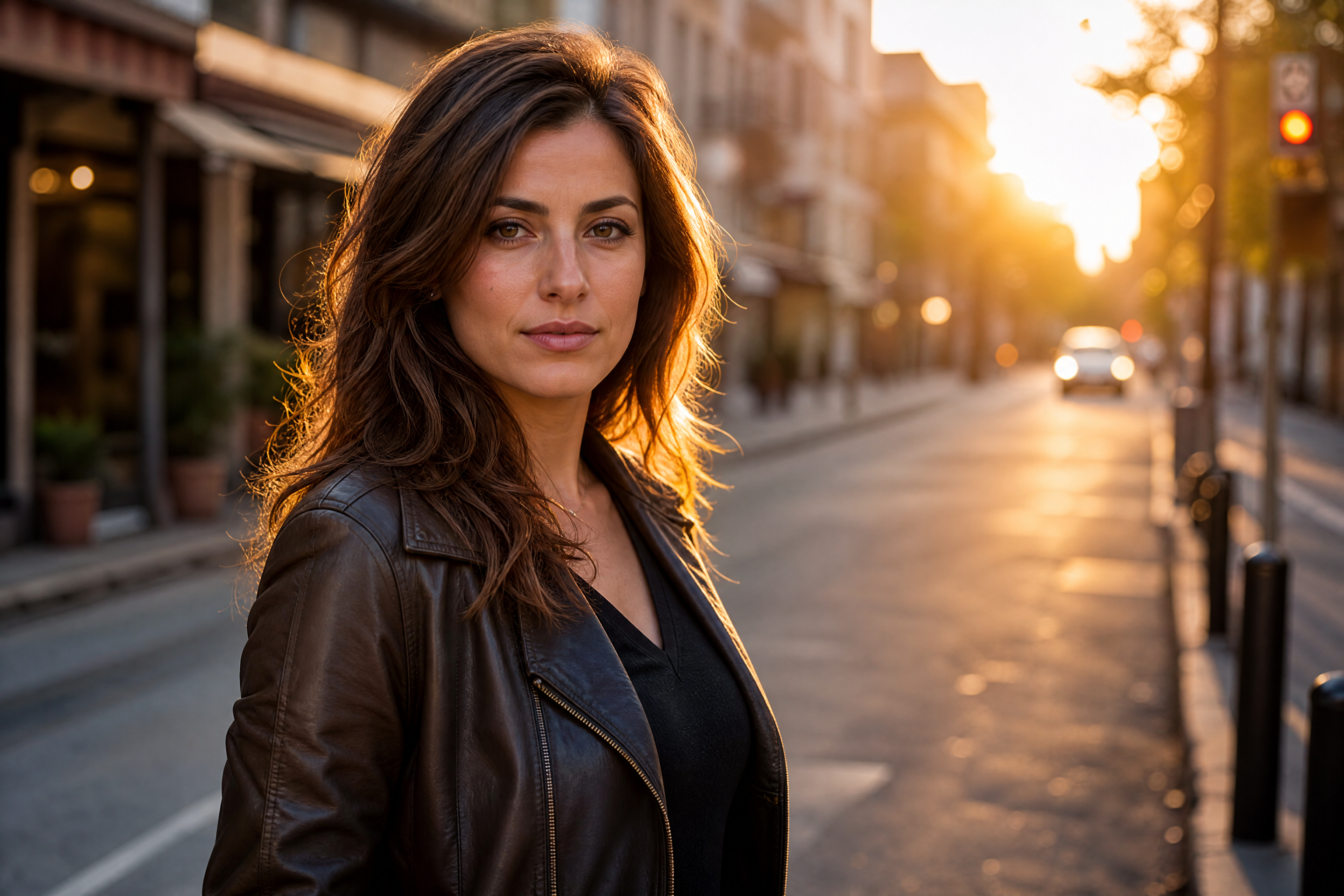
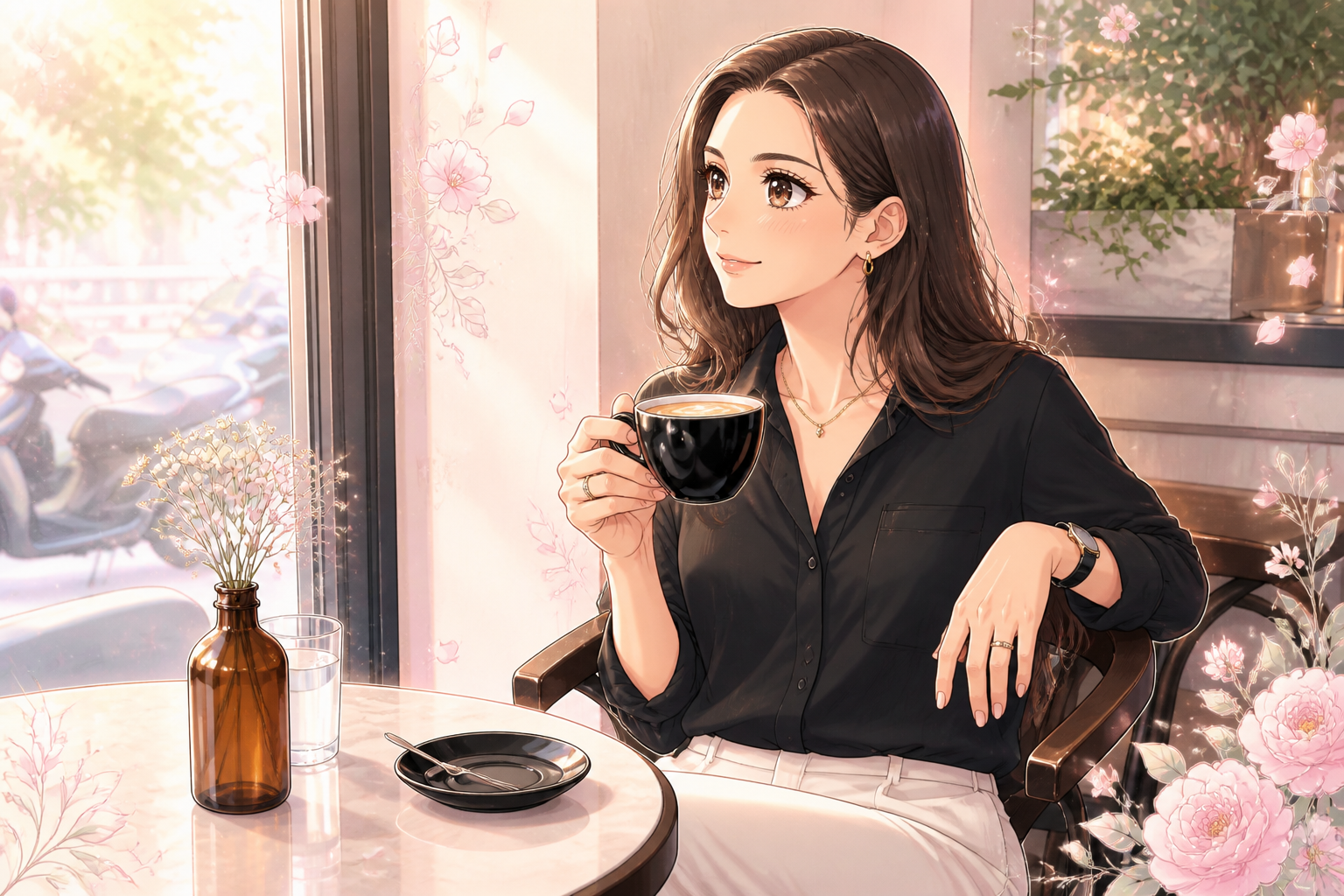
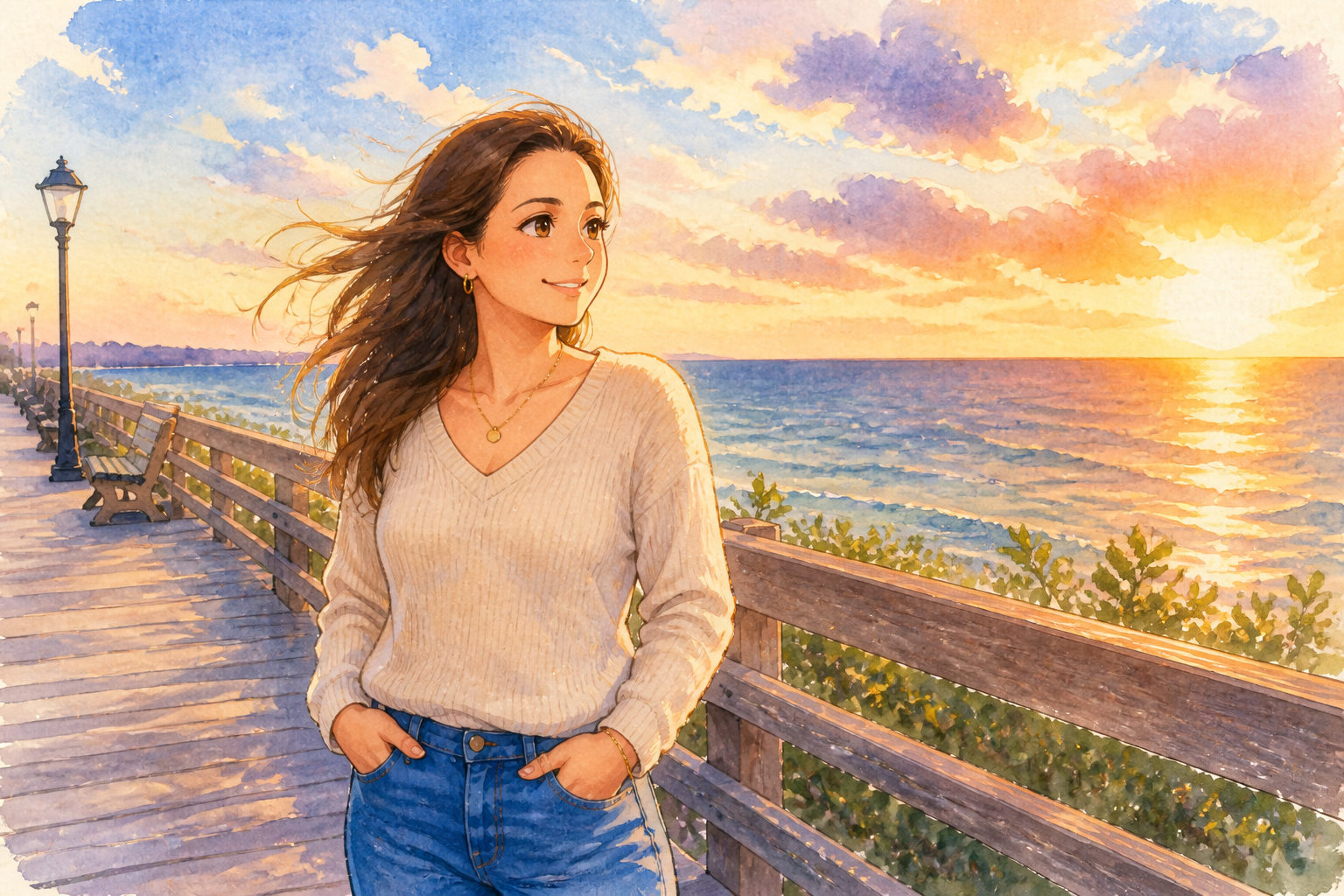
Upload a photo and transform it into anime art while keeping the subject, pose, and overall composition recognizable. Use it for portraits, couple shots, travel scenes, pets, and stylized social posts with a clear before-and-after change.
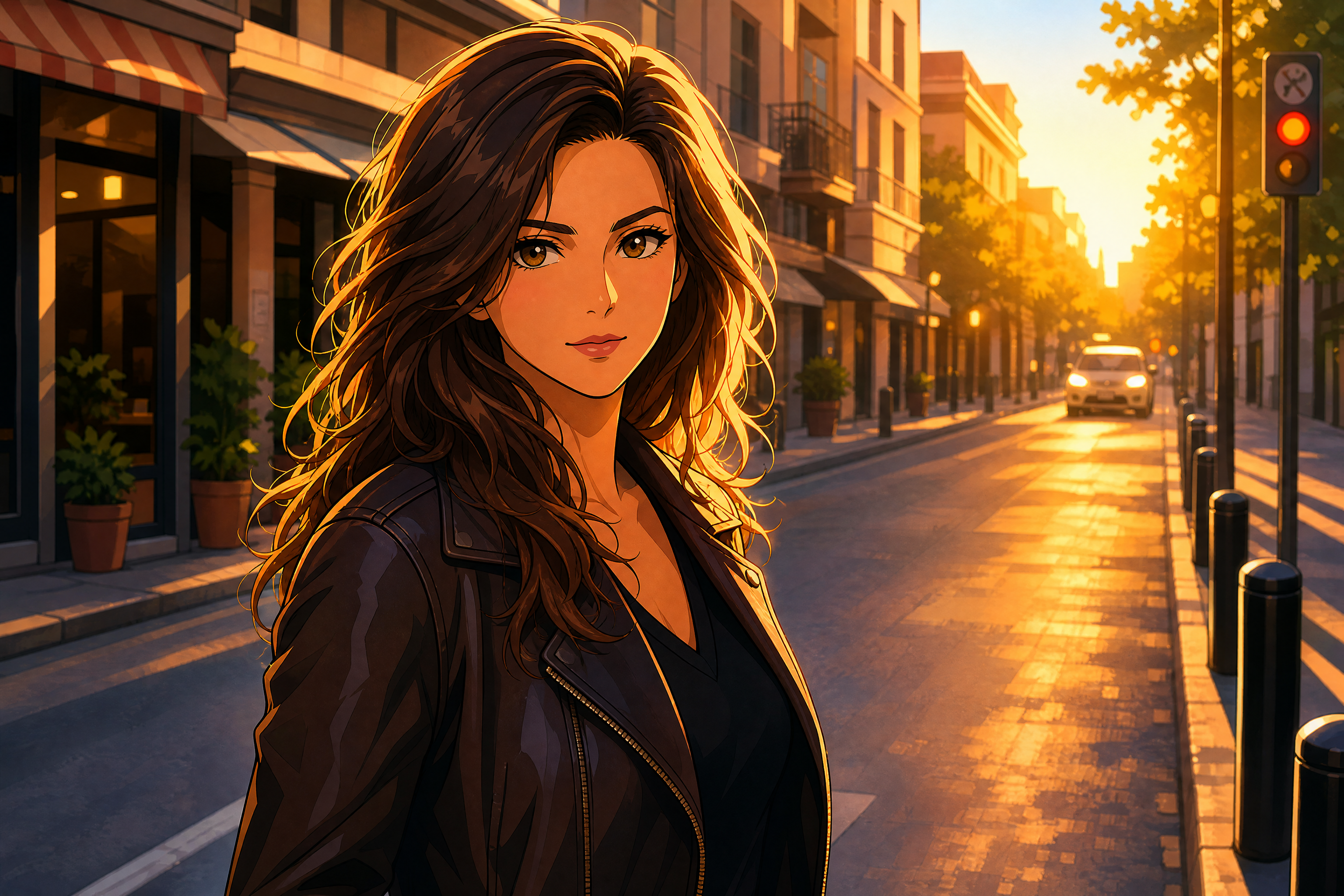
Watch the Transformation
See photo to anime converter in motion — generated end-to-end by our AI.
See It In Action
Real outputs from photo to anime converter.
BEFOREAFTER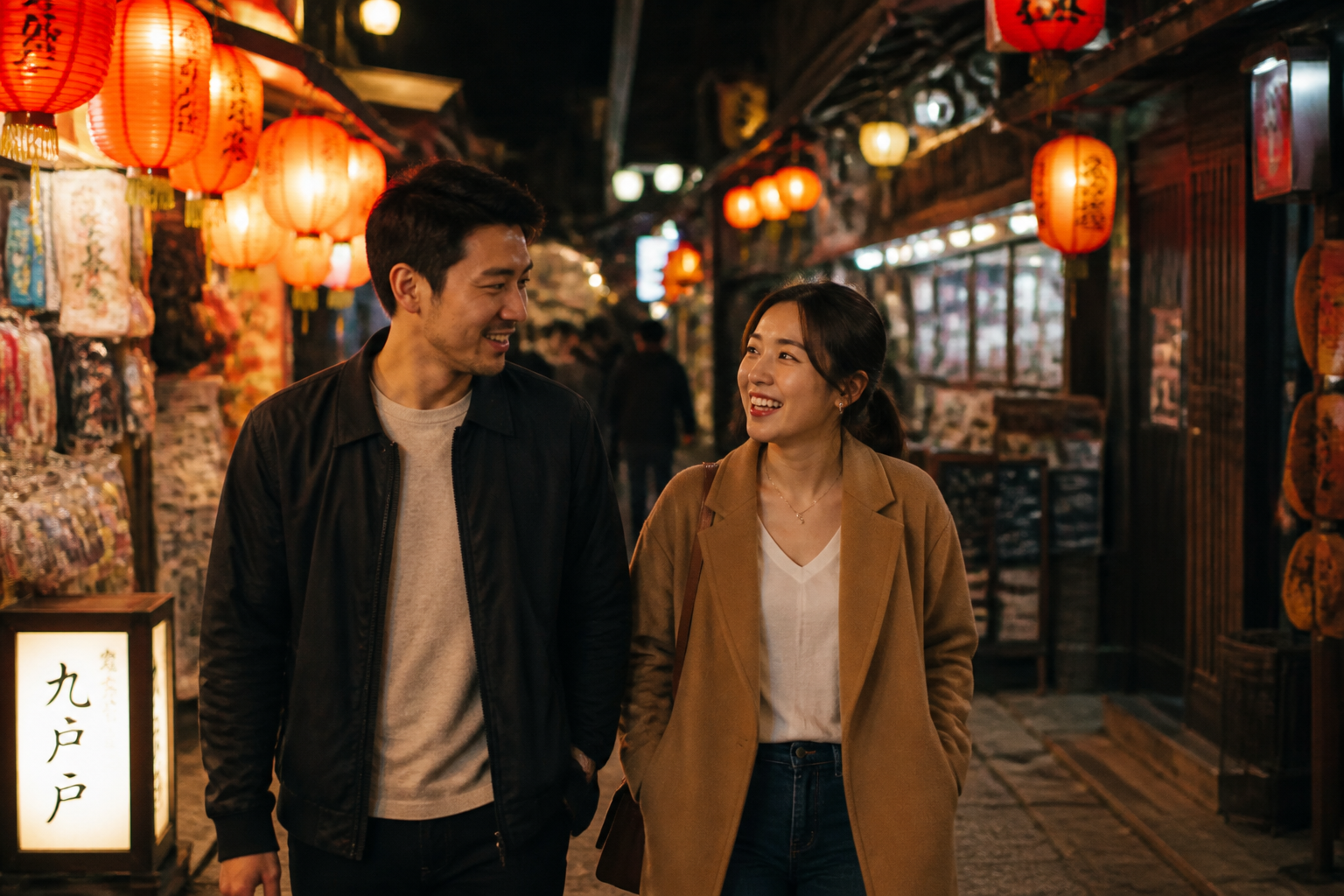 BEFORE
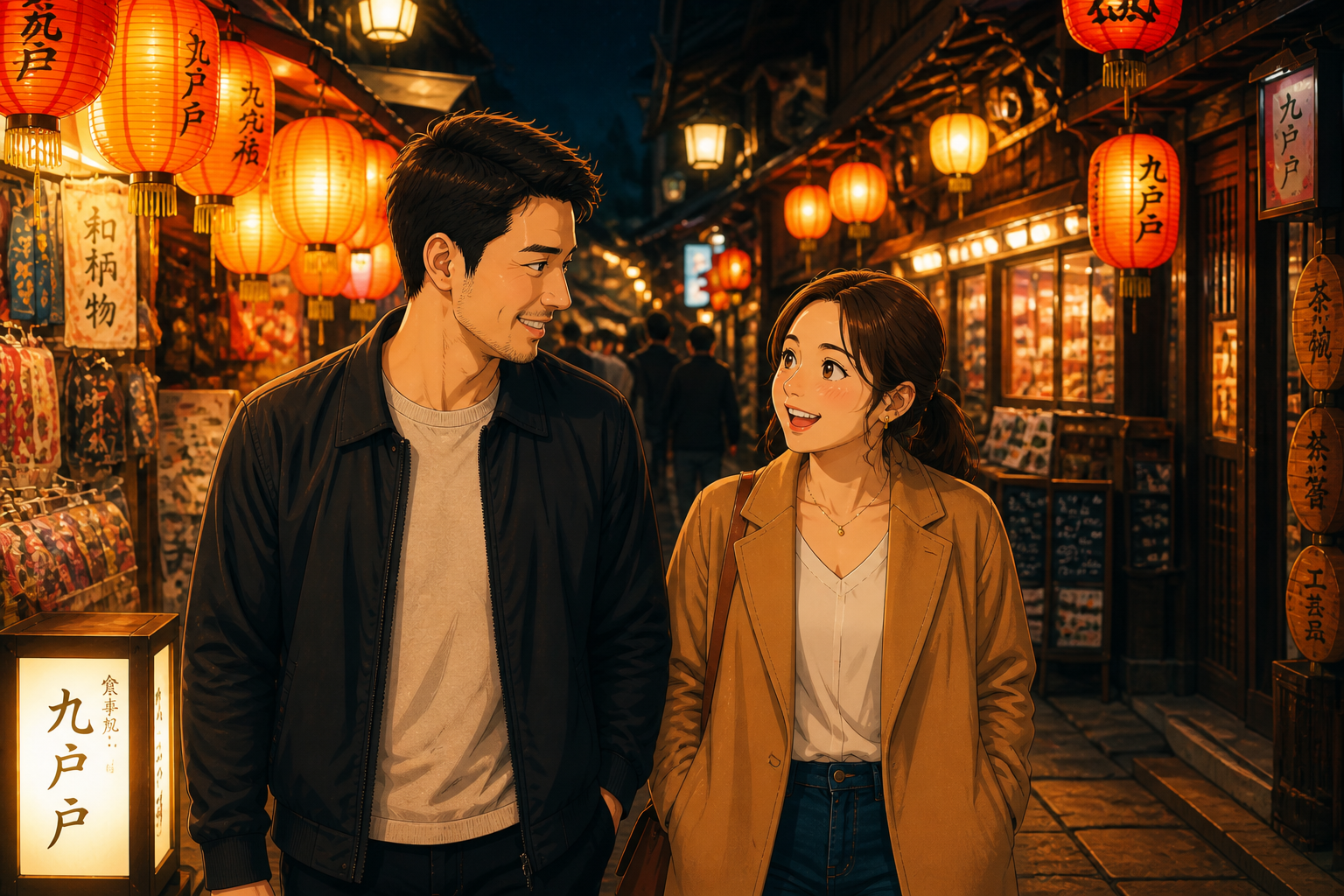 AFTER
AFTER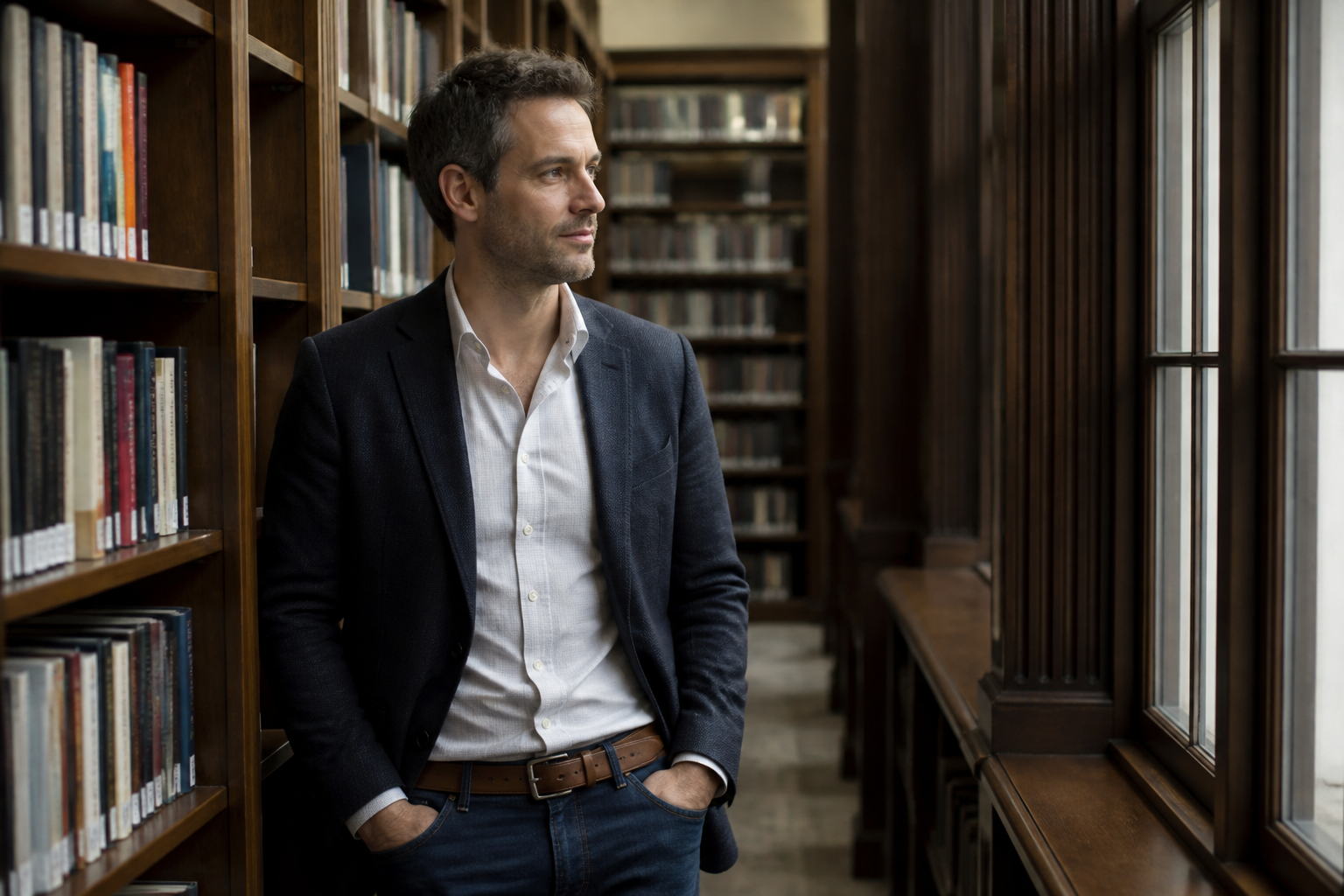 BEFORE
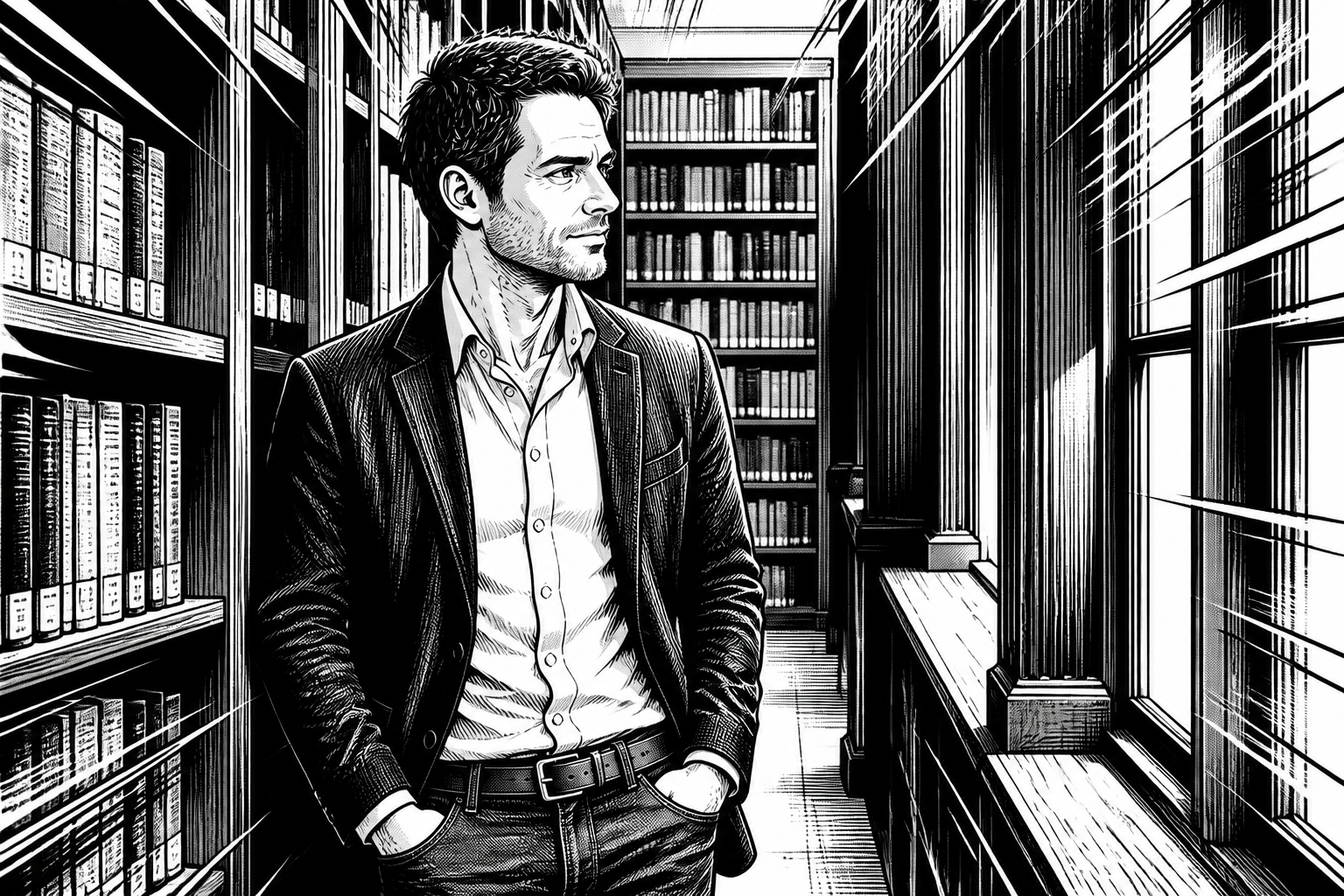 AFTER
AFTER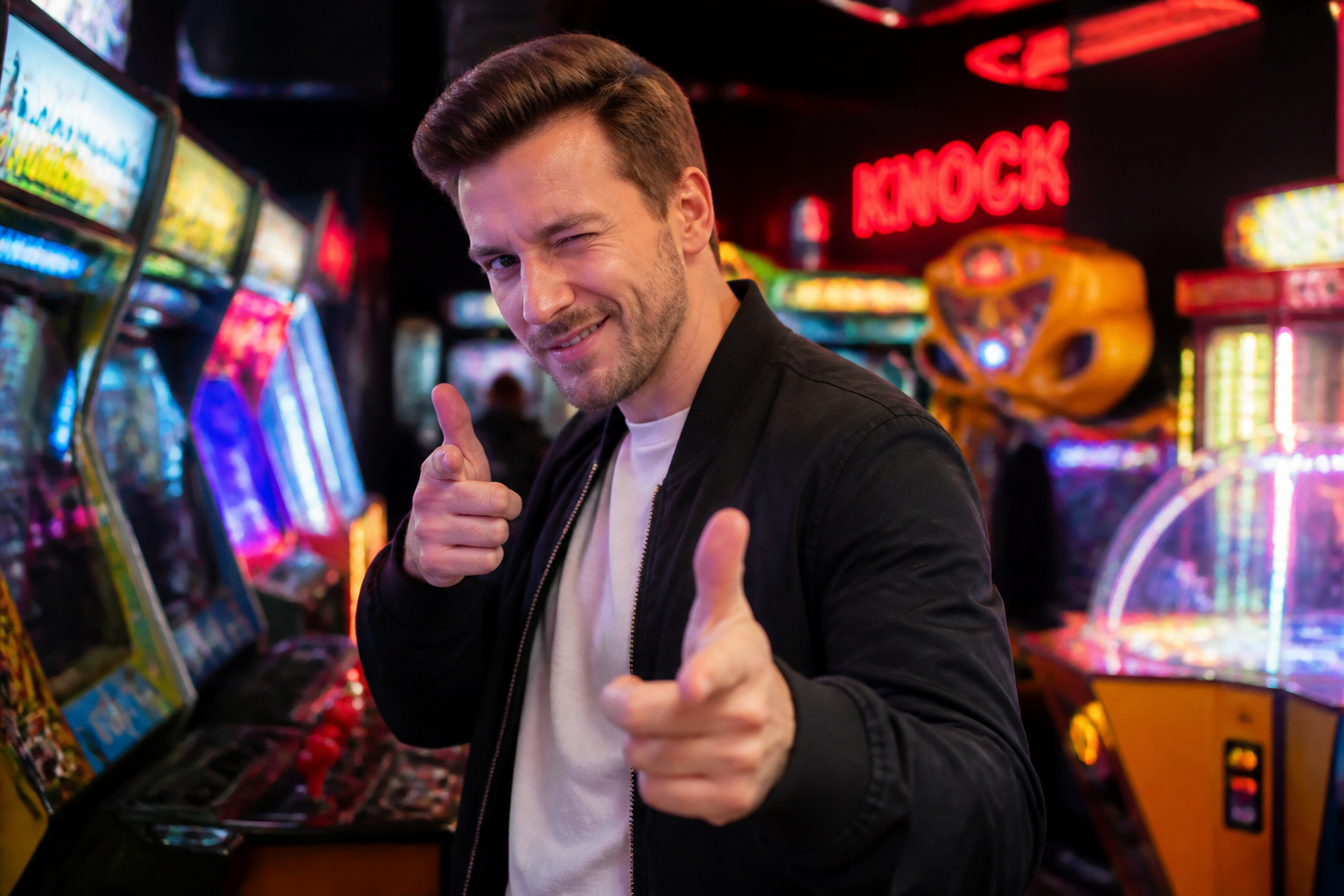 BEFORE
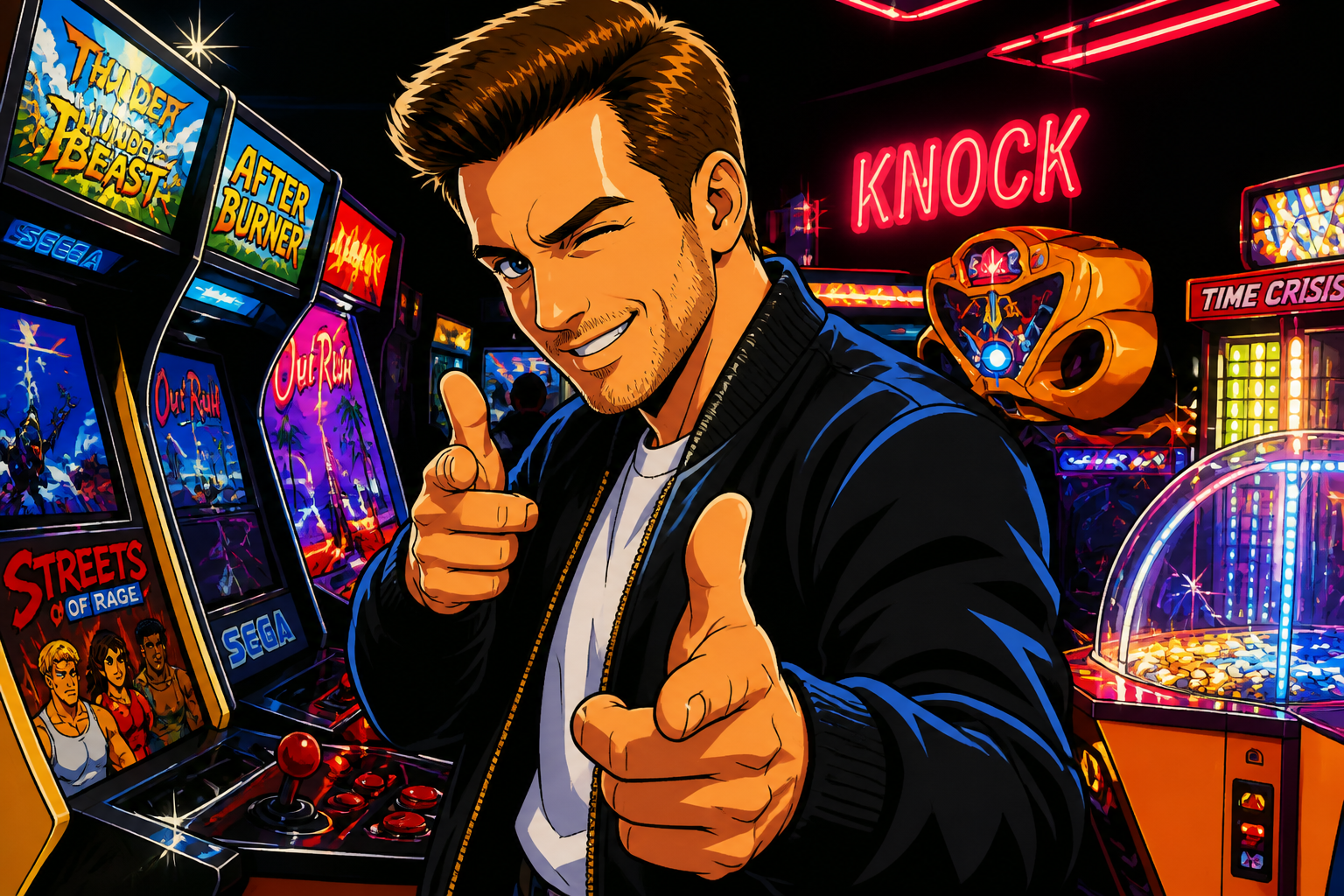 AFTER
AFTER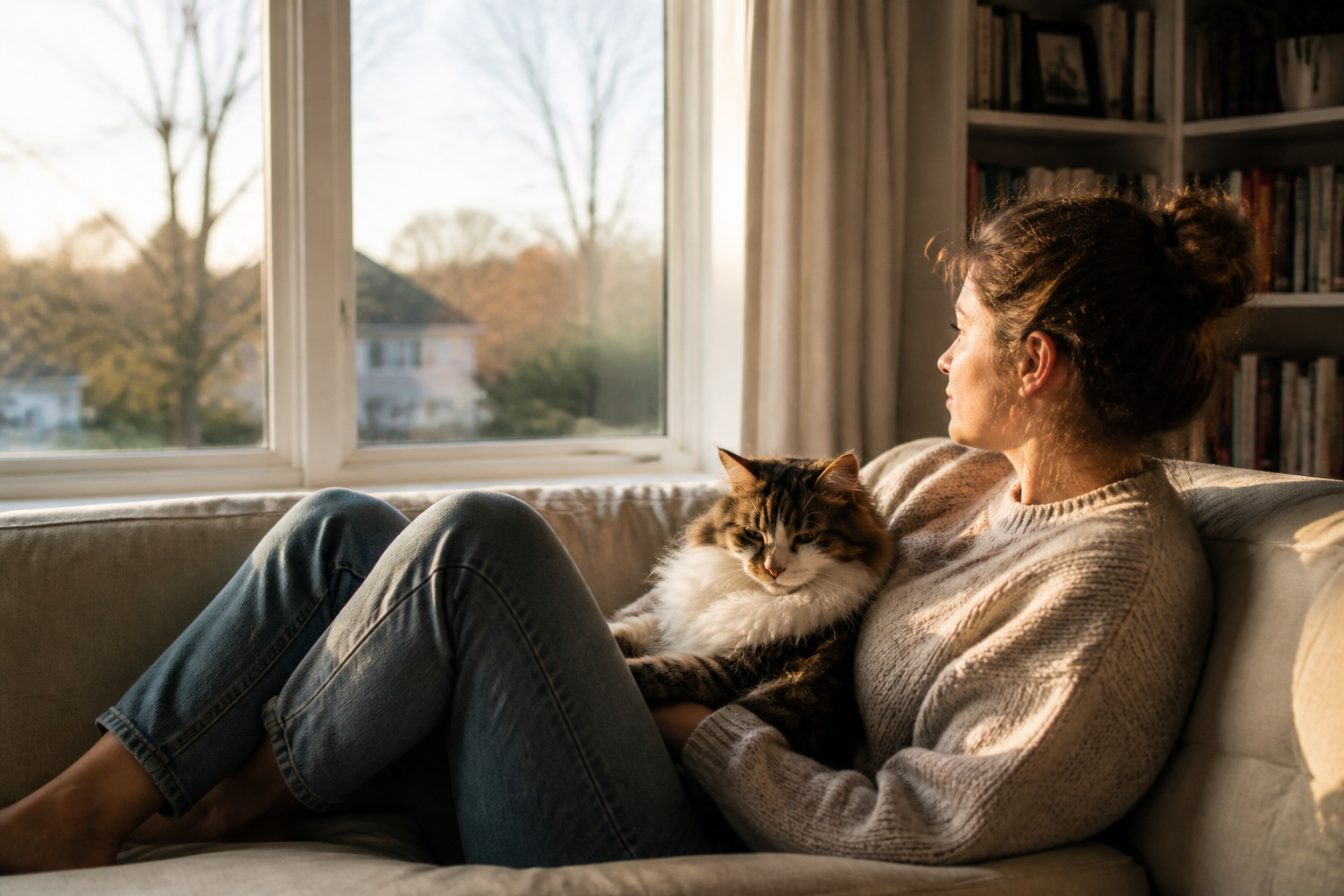 BEFORE
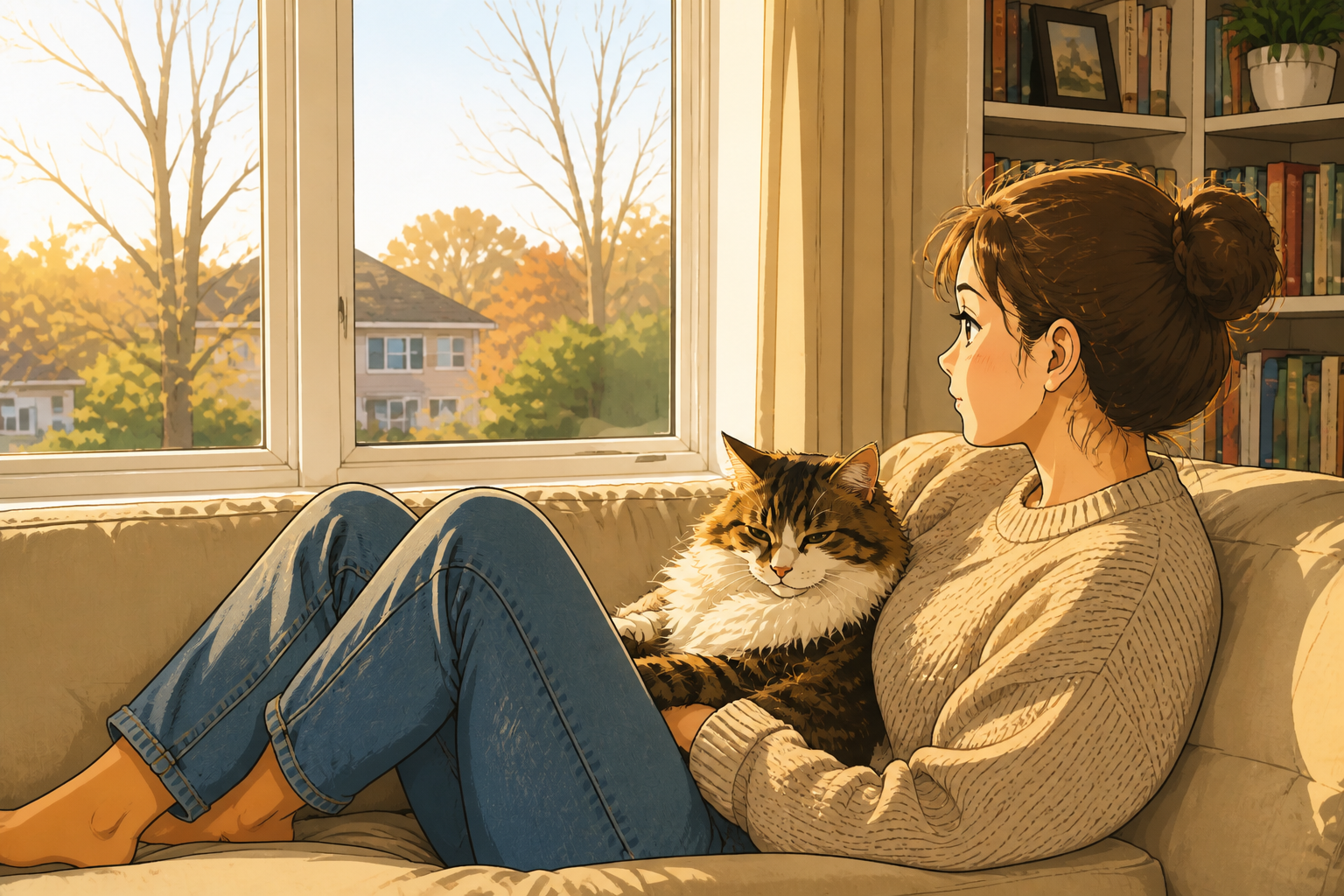 AFTERBEFOREAFTERBEFOREAFTERBEFOREAFTERBEFOREAFTERBEFOREAFTER
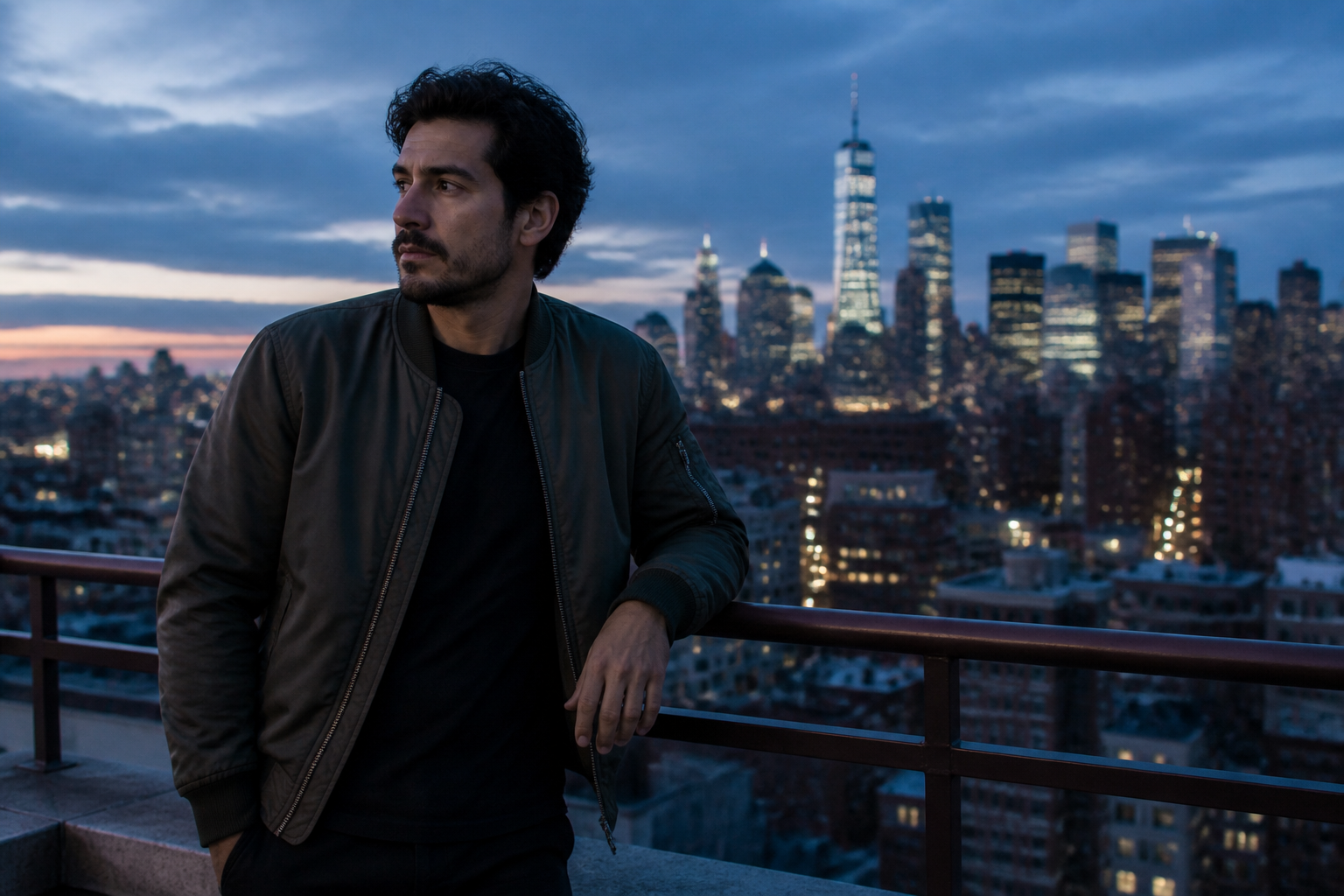 BEFORE
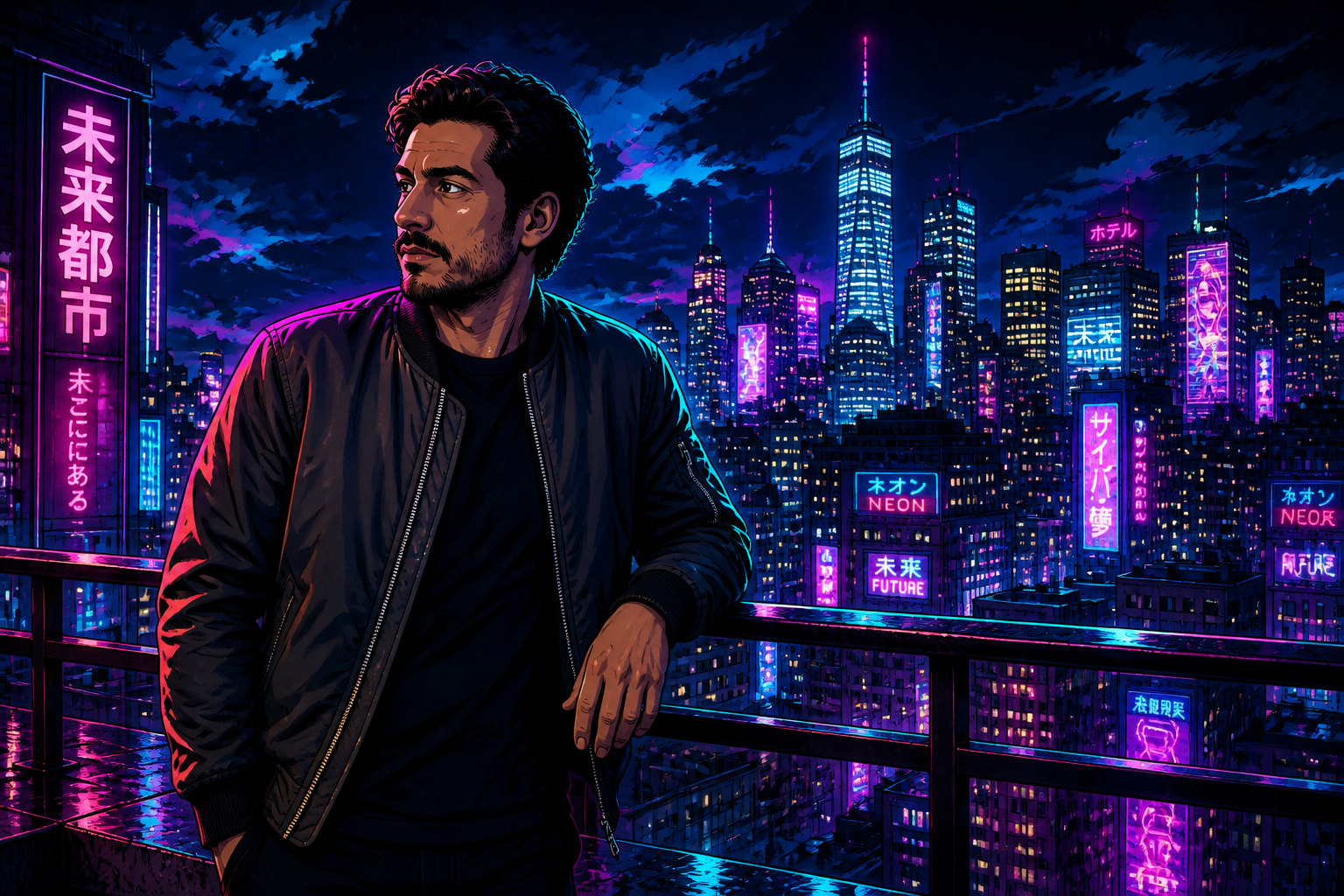 AFTER
AFTER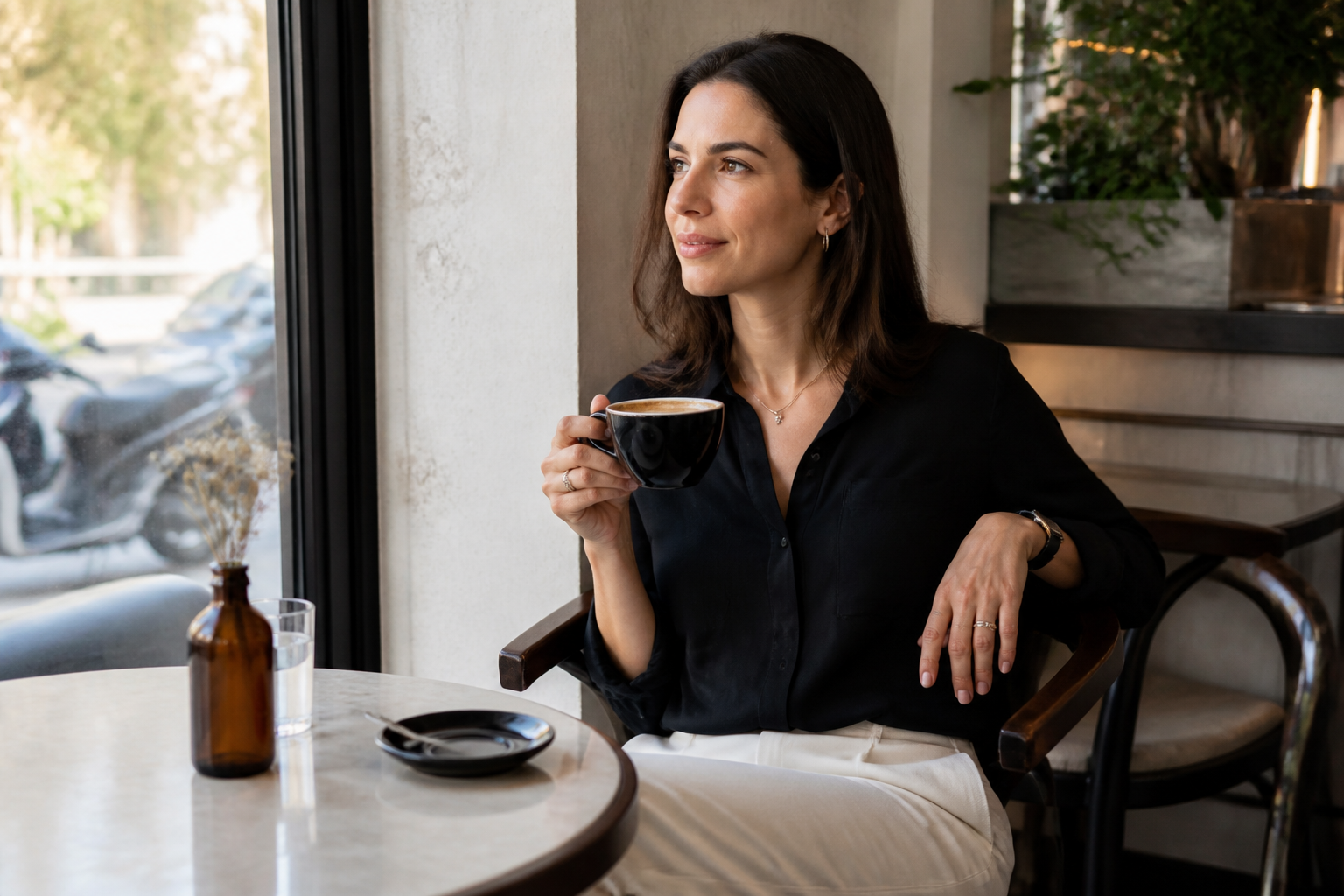 BEFORE
 AFTER
AFTER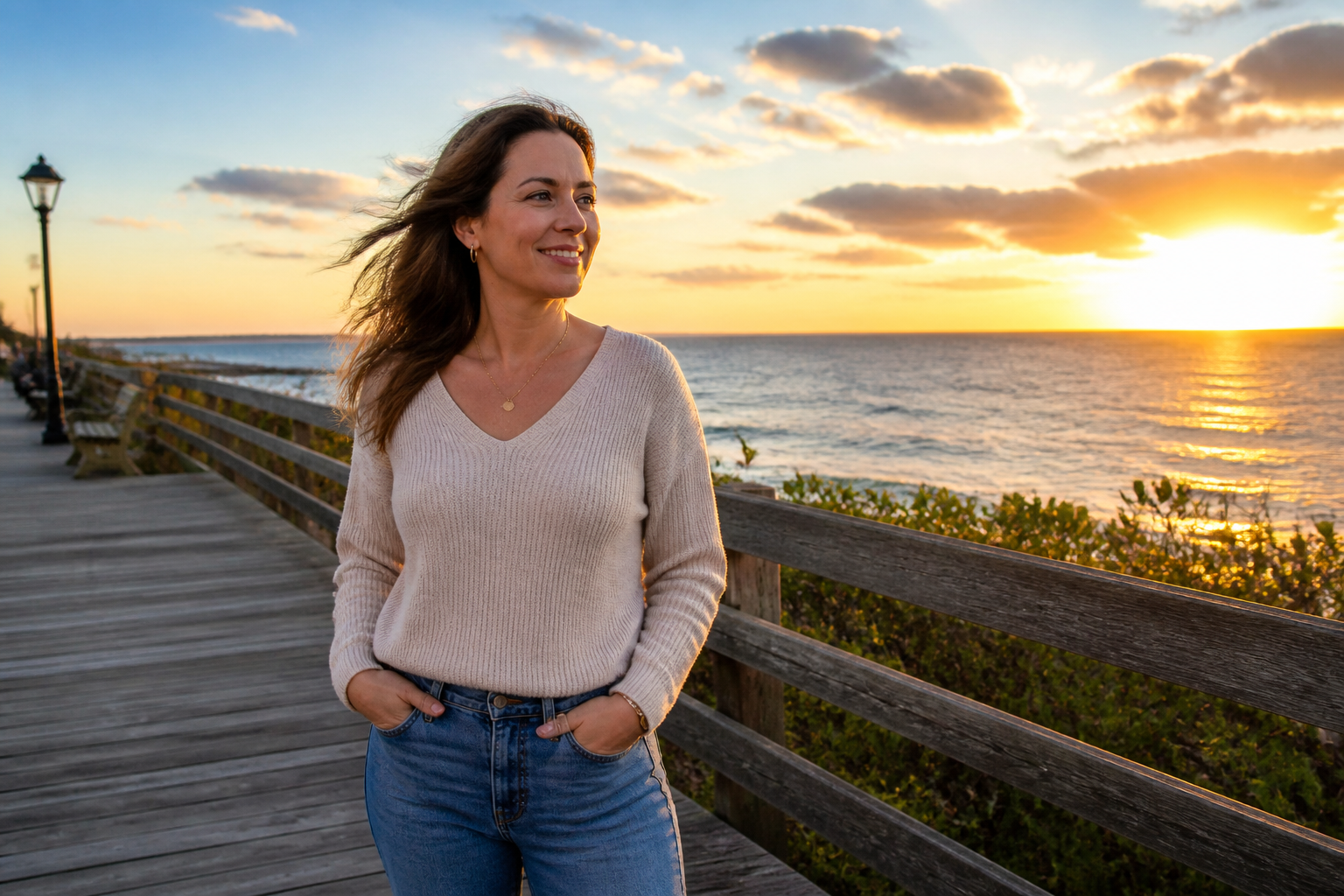 BEFORE
 AFTER
AFTER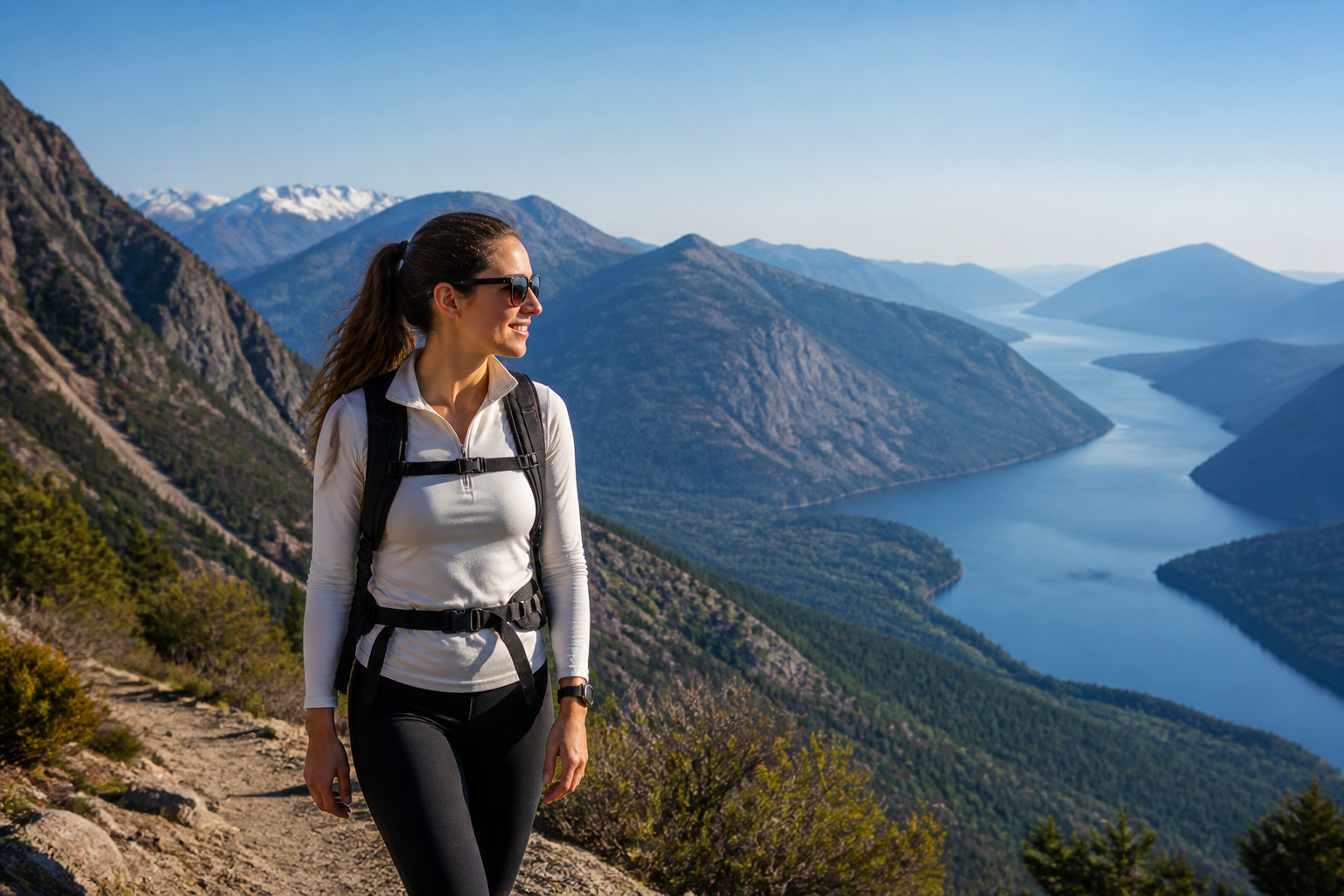 BEFORE
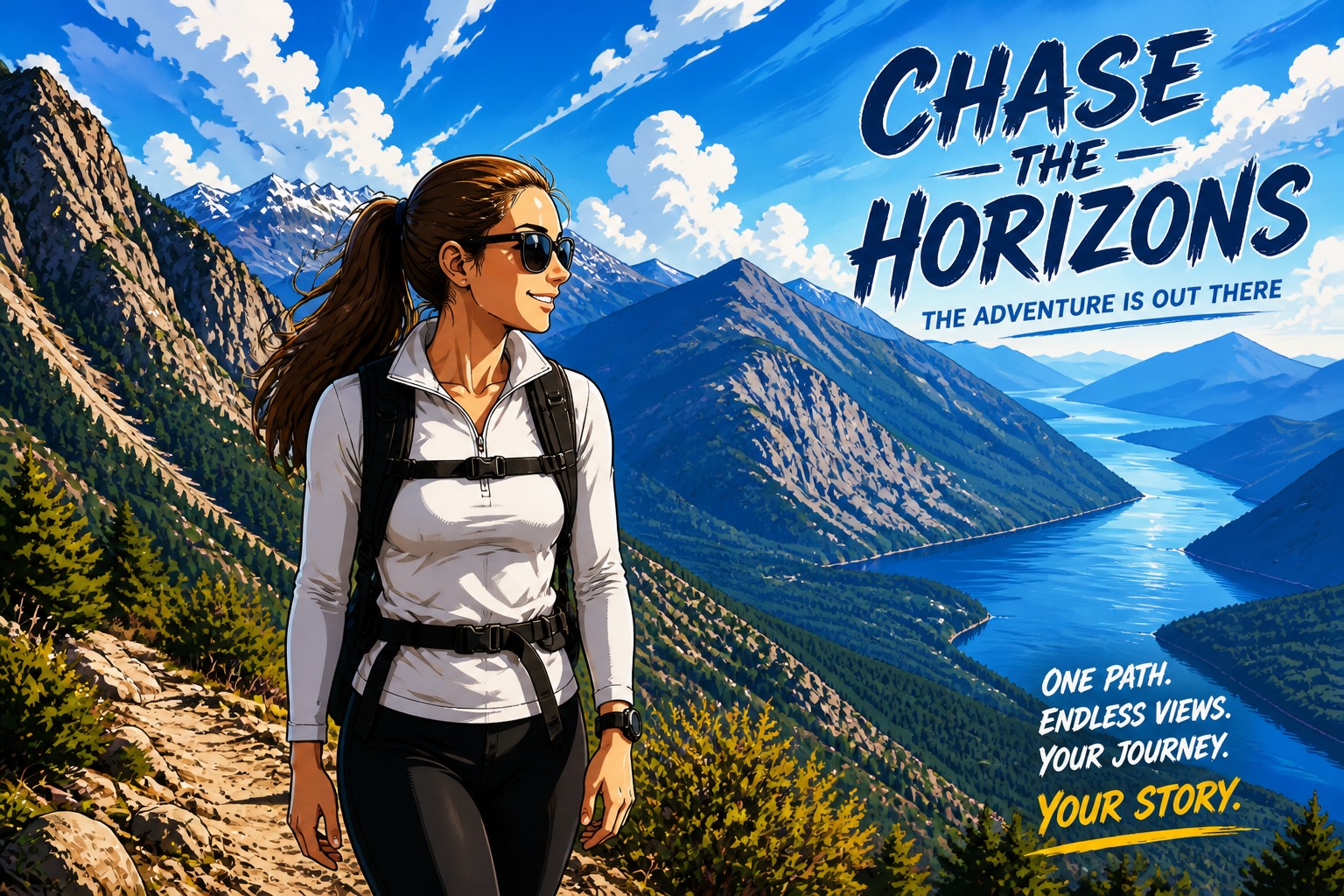 AFTER
AFTER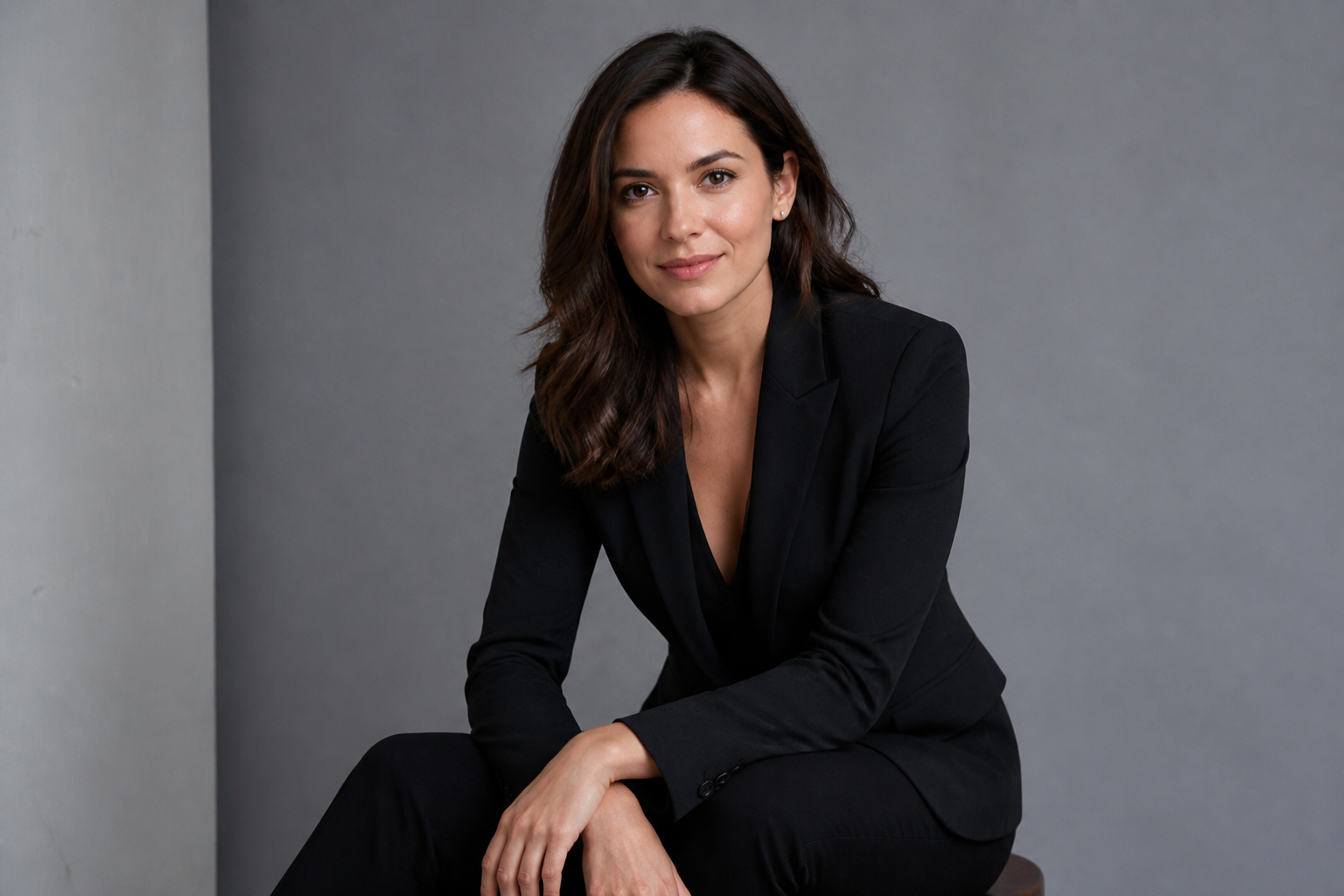 BEFORE
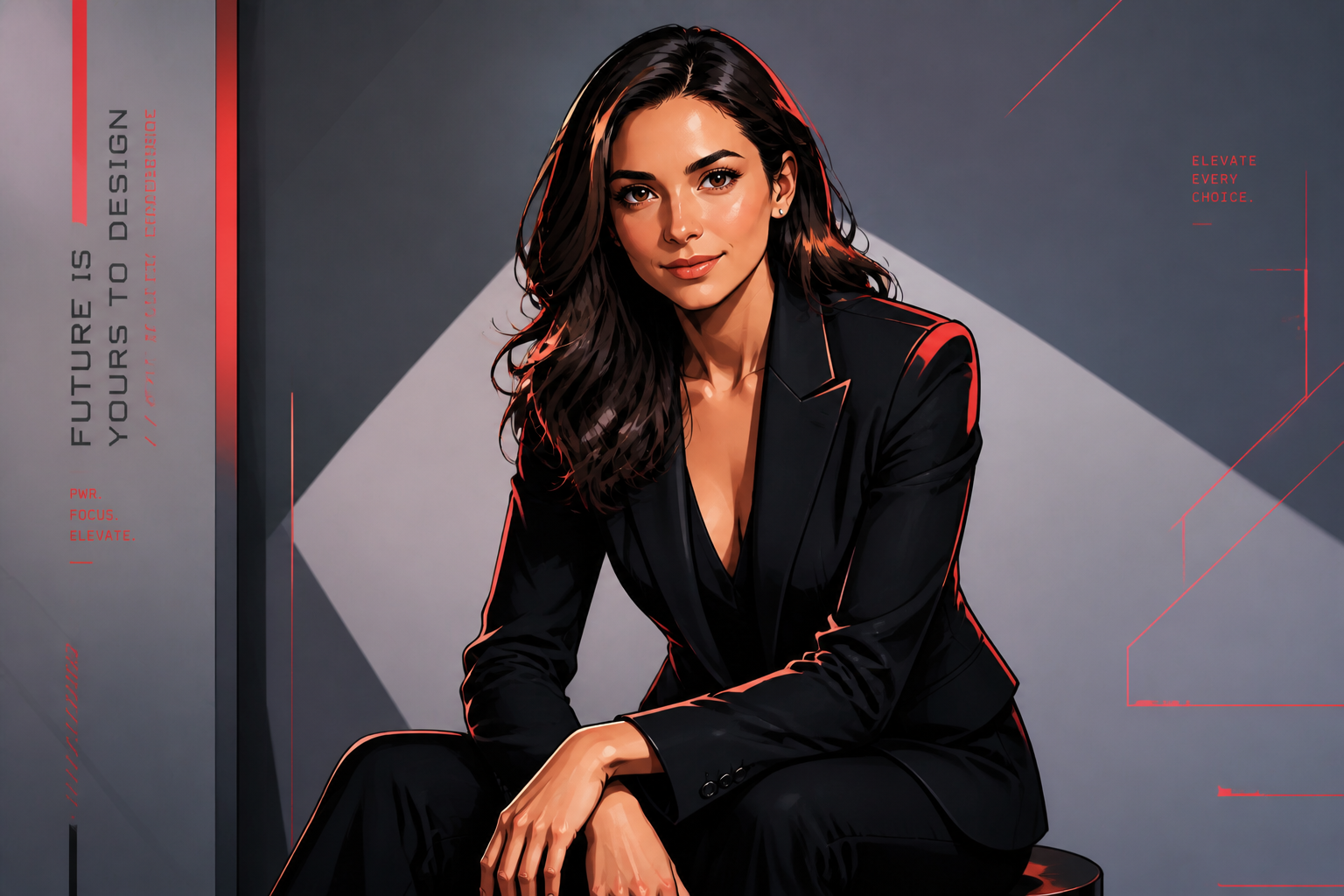 AFTERBEFOREAFTERBEFOREAFTERBEFOREAFTERBEFOREAFTERBEFOREAFTER
Key Features
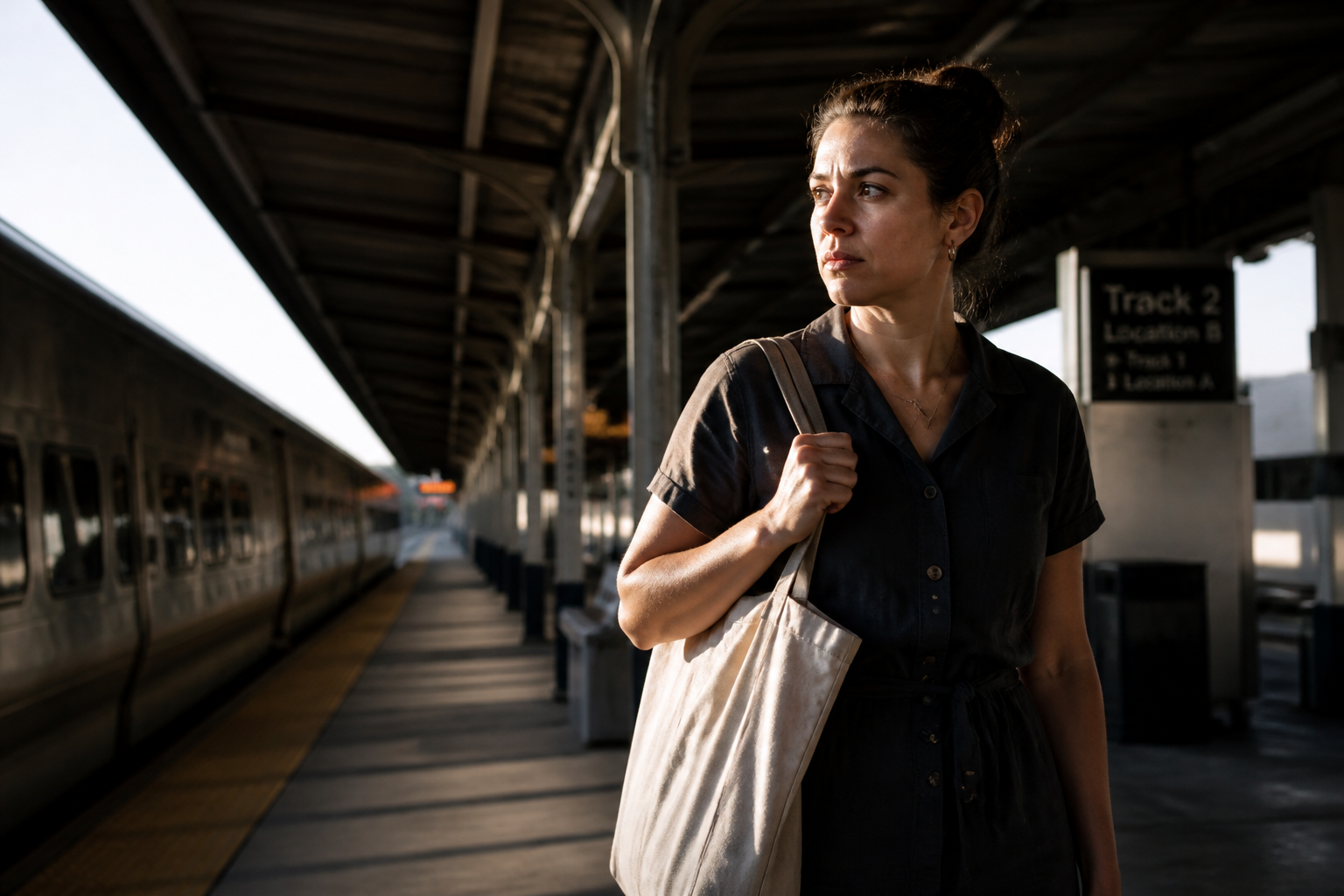
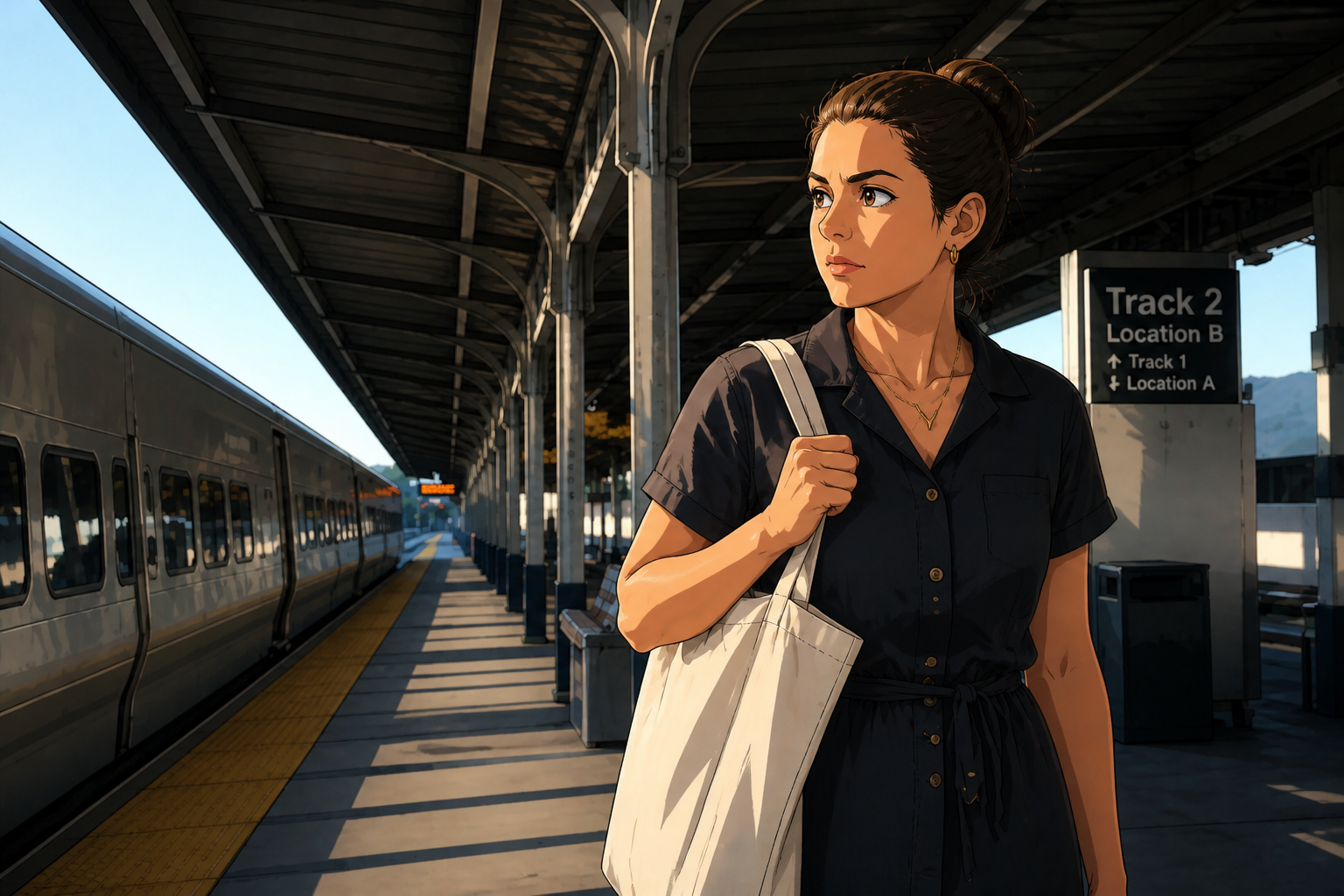
Keeps your pose readable
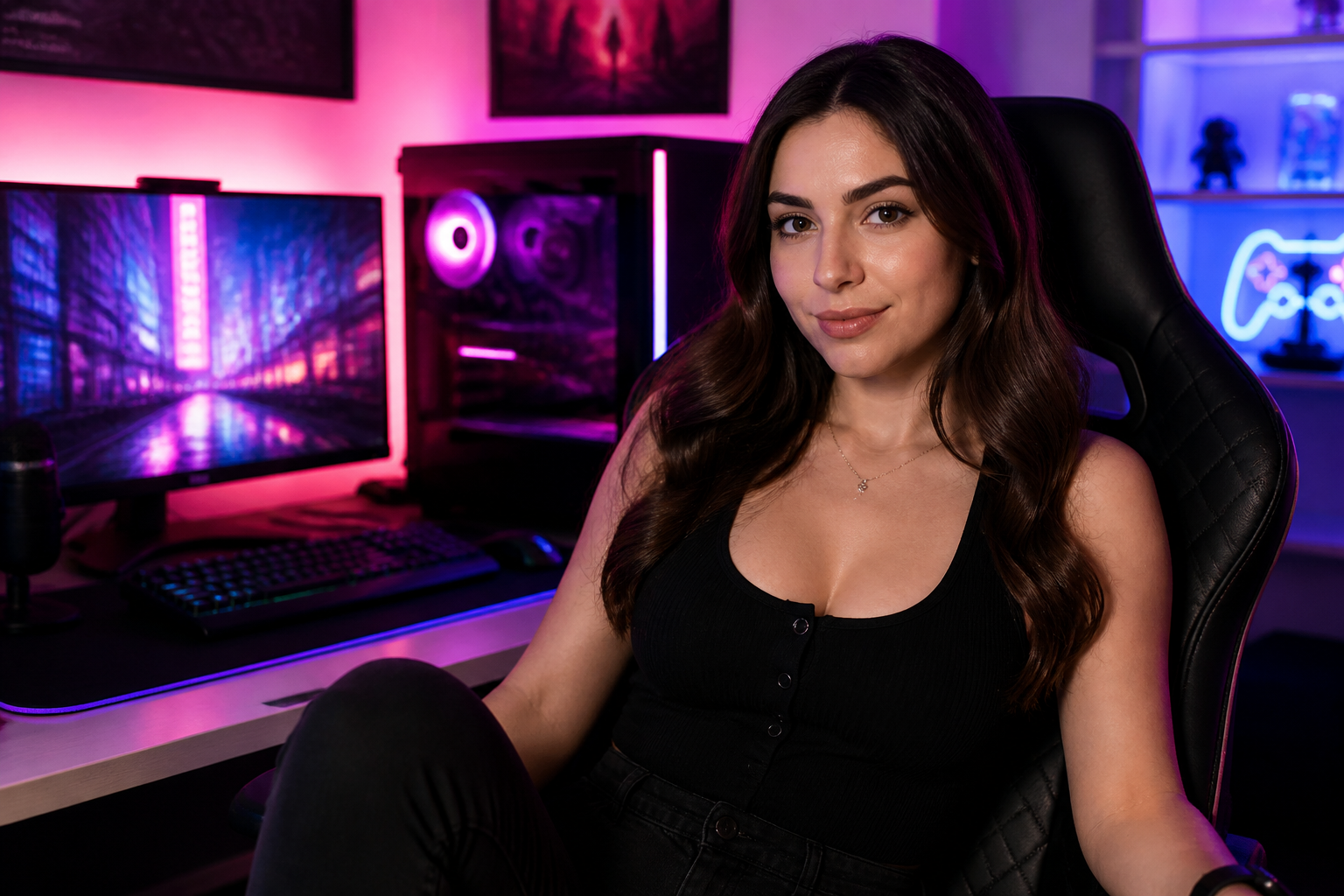
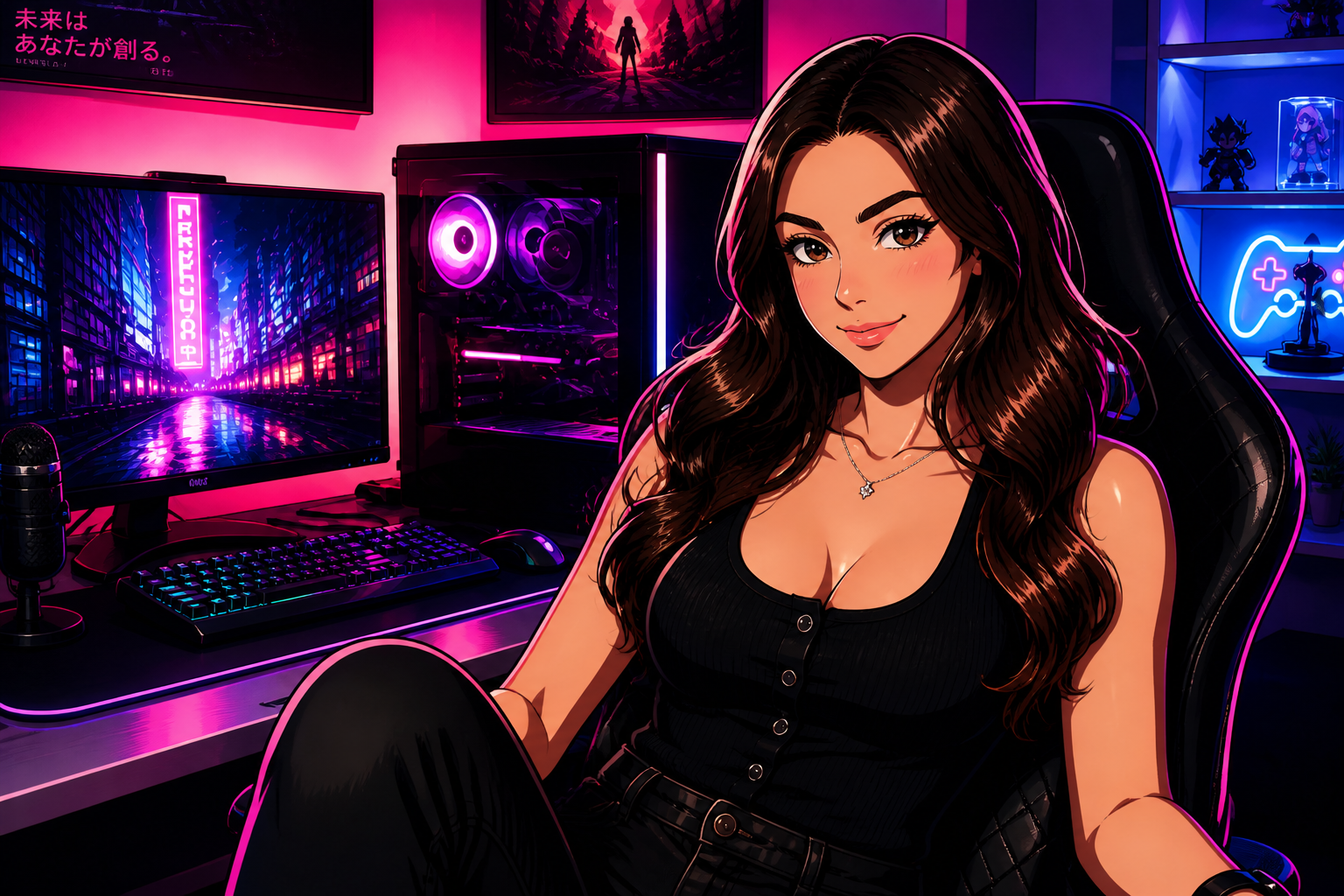
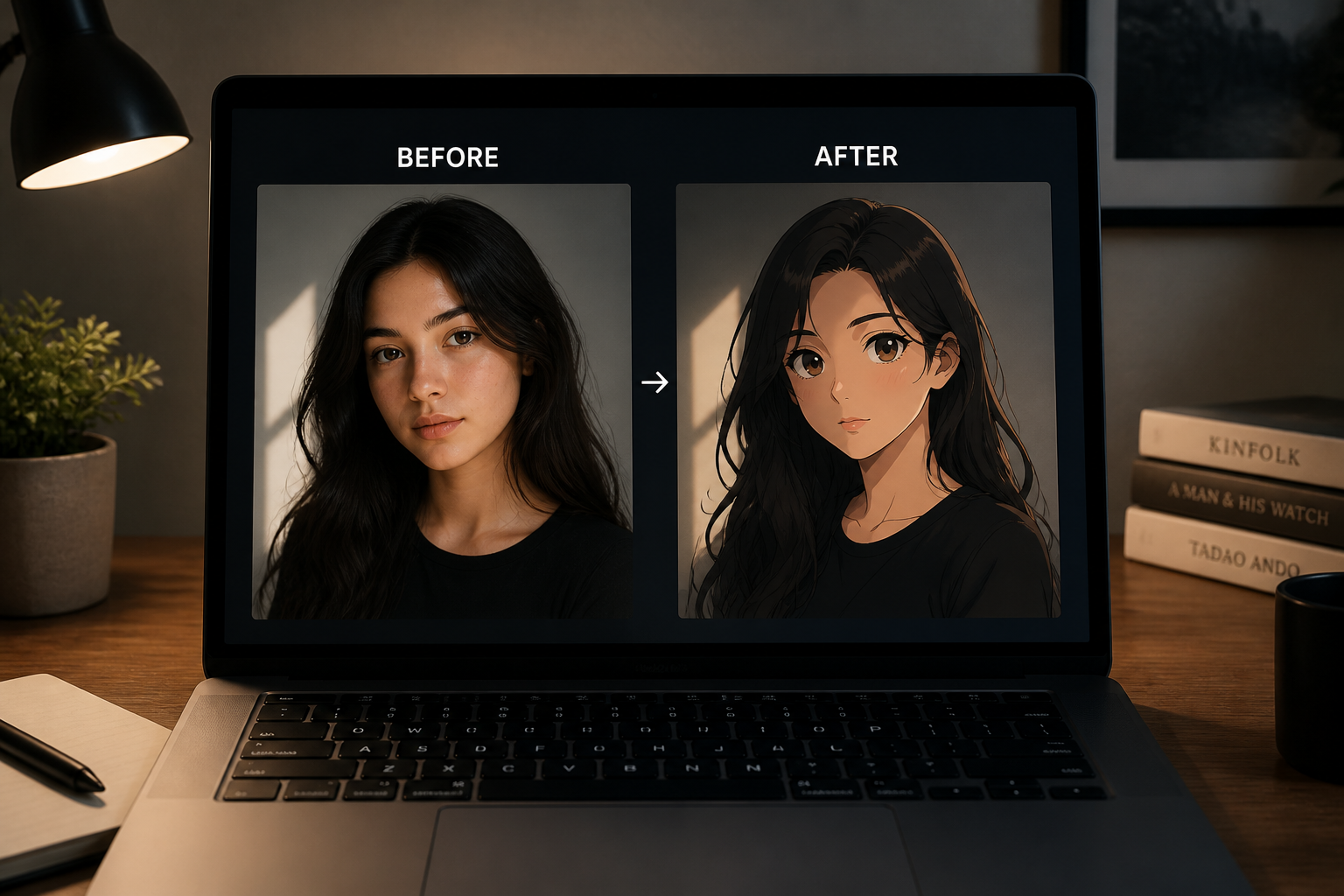
The edit changes the visual style without scrambling the original framing. That matters when you already like the photo and just want a strong anime look on top of it. Instead of rebuilding the whole image from scratch, our AI follows the existing pose and composition so the result still feels like your shot.
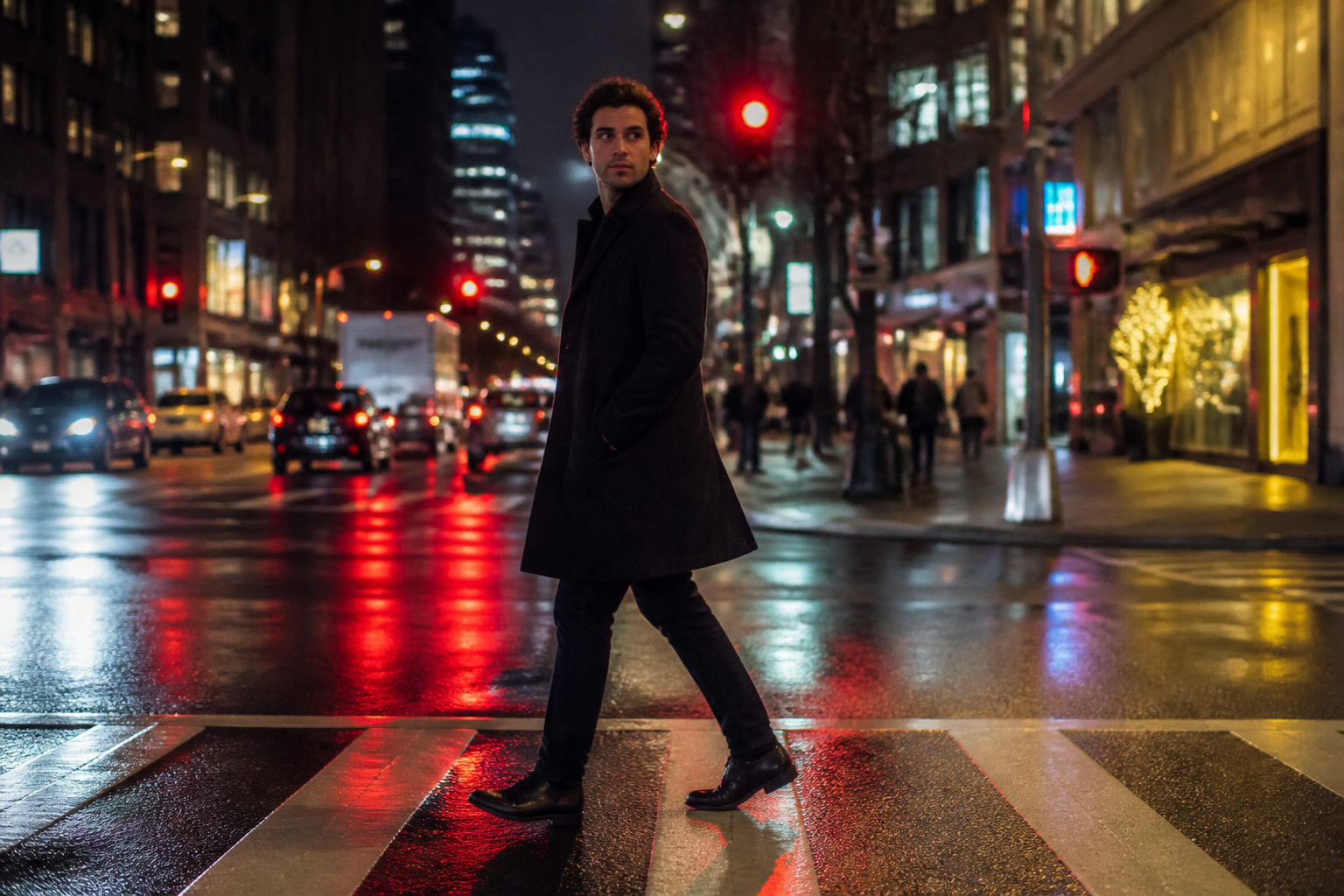
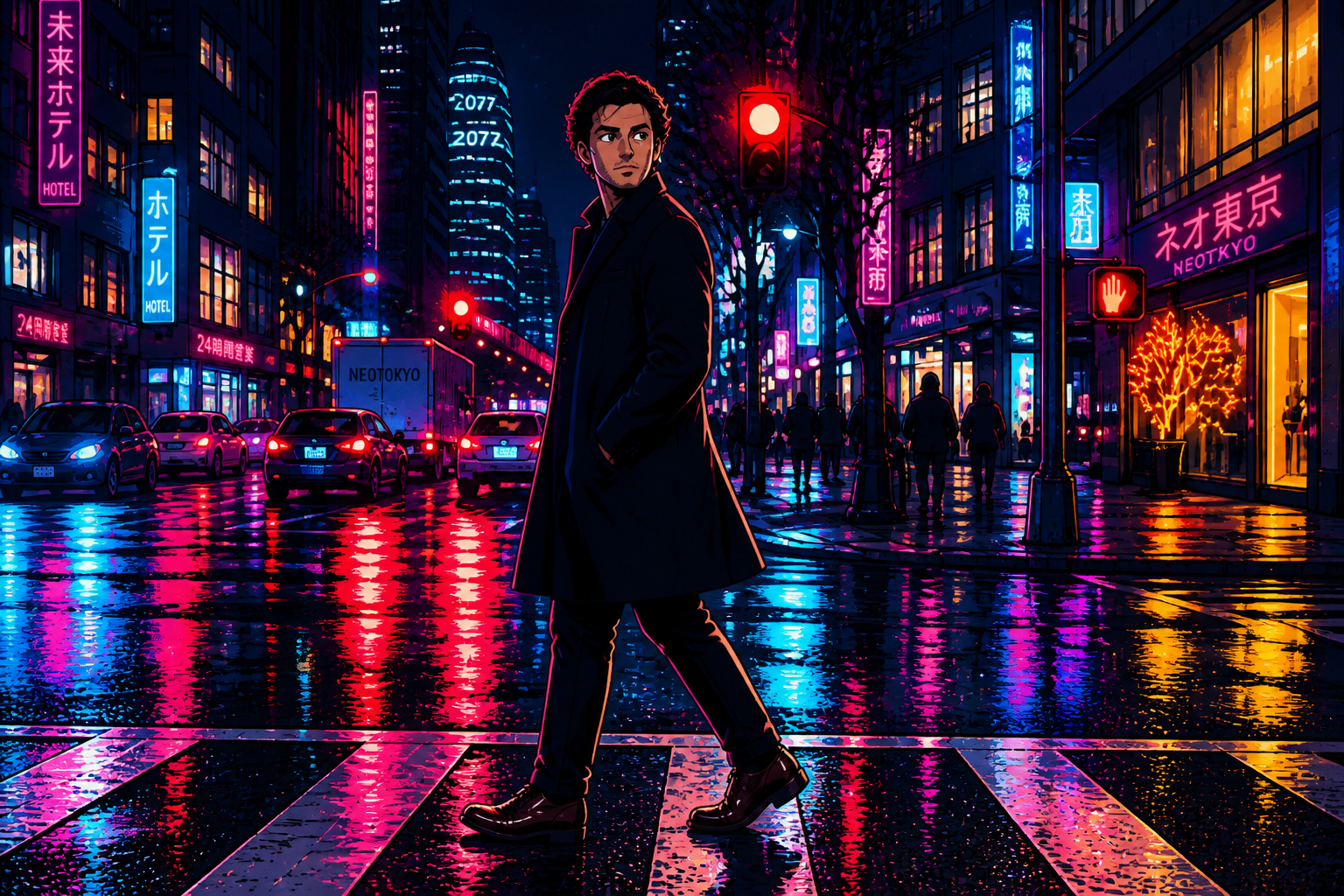
Multiple anime looks
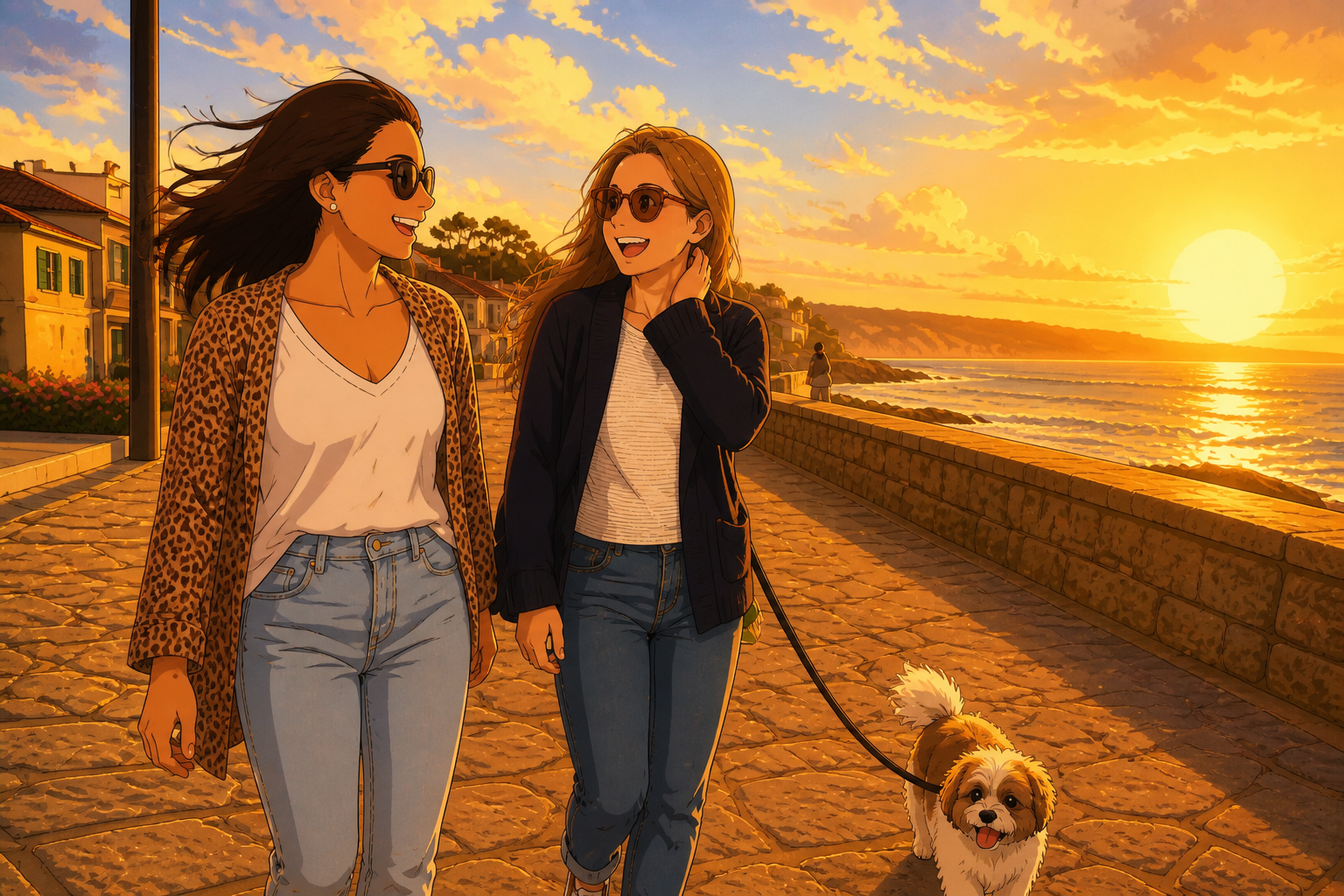
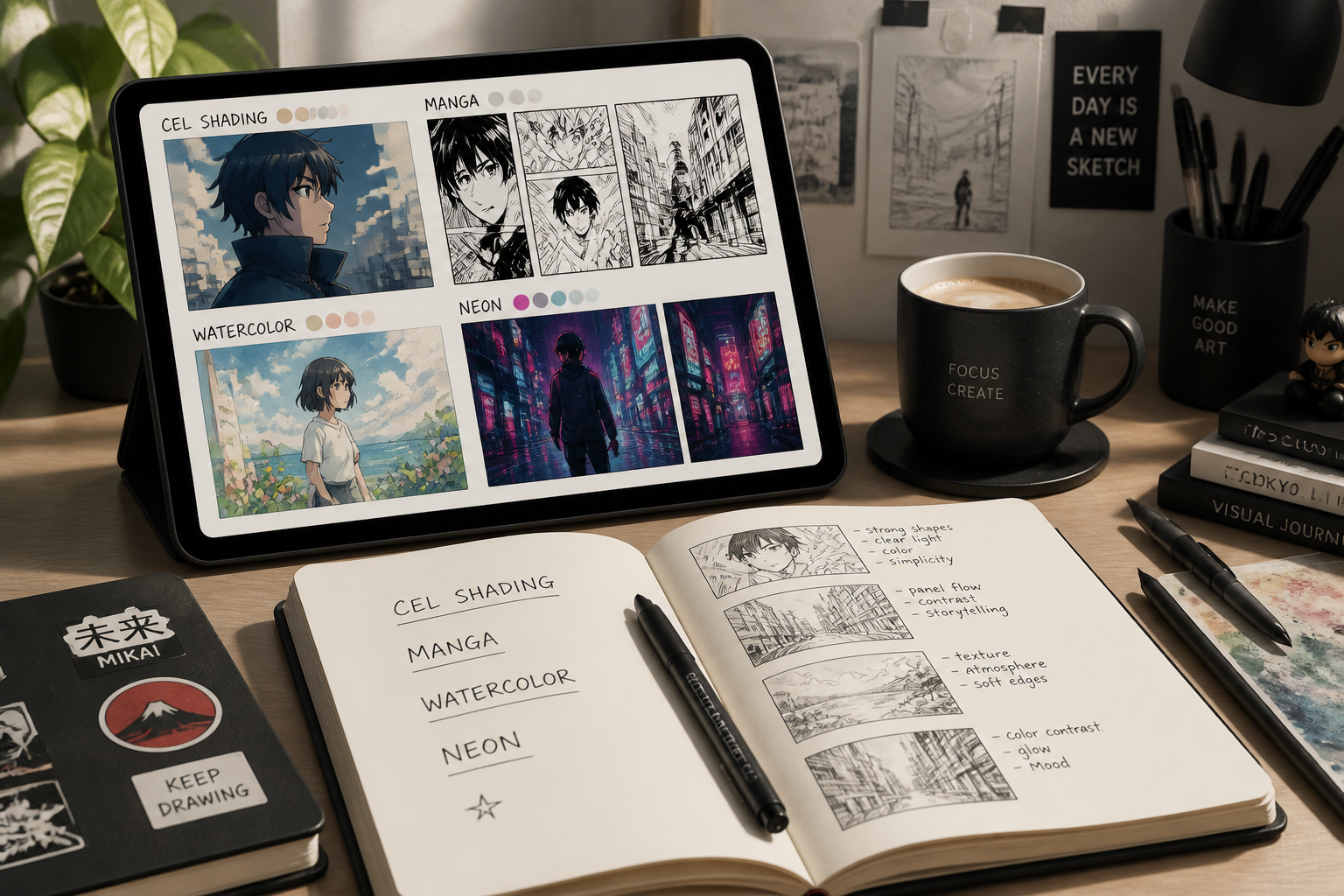
You are not limited to one generic cartoon filter. You can push the same photo toward clean cel-shaded anime, manga ink, soft watercolor anime, or neon futuristic styles depending on the mood you want. That gives you more range than manual editing presets that mostly shift colors without changing the illustration style.
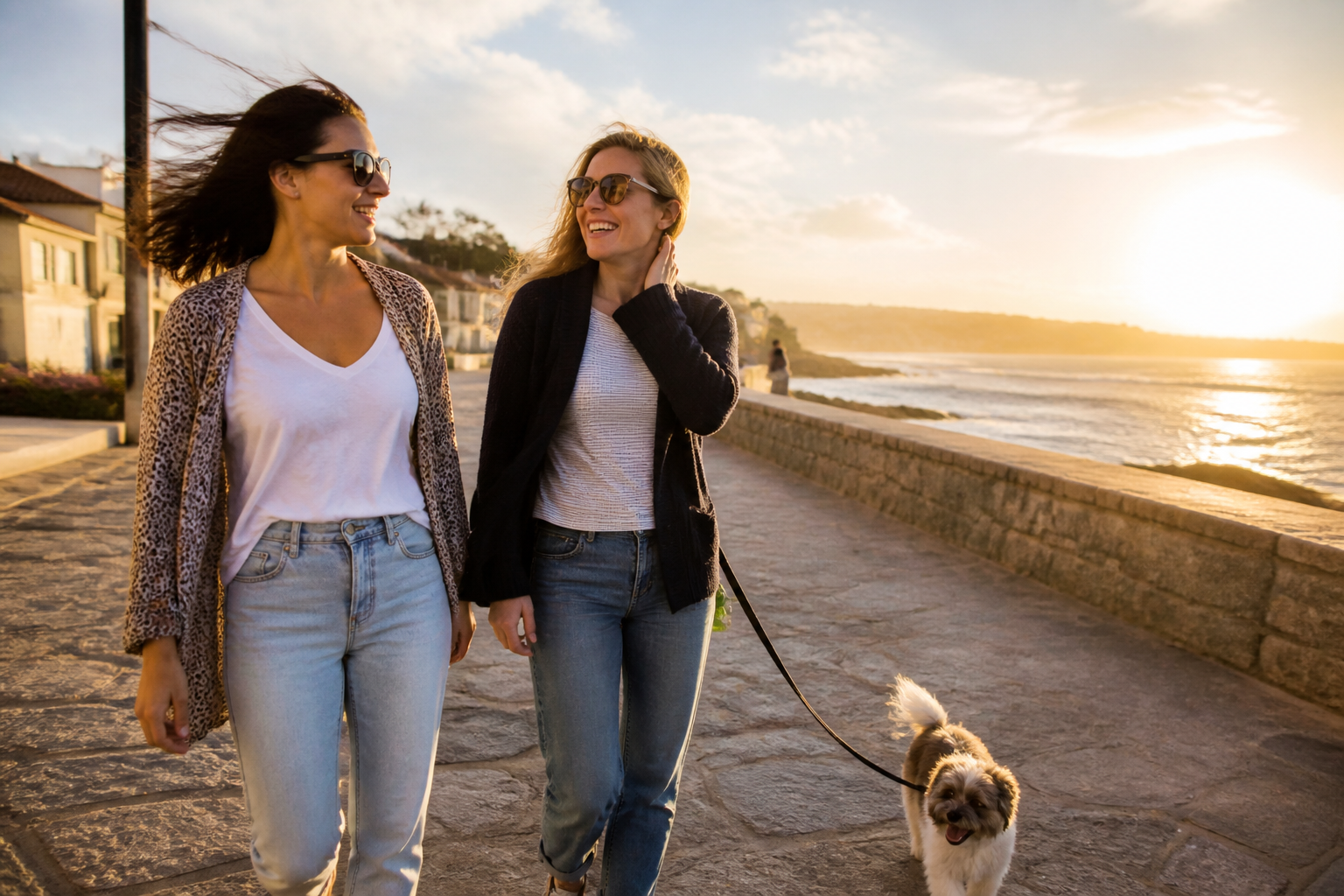
Works beyond portraits
The converter is useful for more than face close-ups. It can stylize couples, pets, travel scenes, and lifestyle photos while keeping the main subjects understandable. That makes it easier to create social posts, profile art, banners, and themed content from everyday photos.
Fast share-ready results
A strong anime conversion should look finished enough to post right away. Our AI creates a clear visual payoff with sharper linework, stylized eyes, and cohesive color treatment in one pass. That is faster than stacking filters, masking edges, and painting over details by hand.
How It Works
Upload your photo
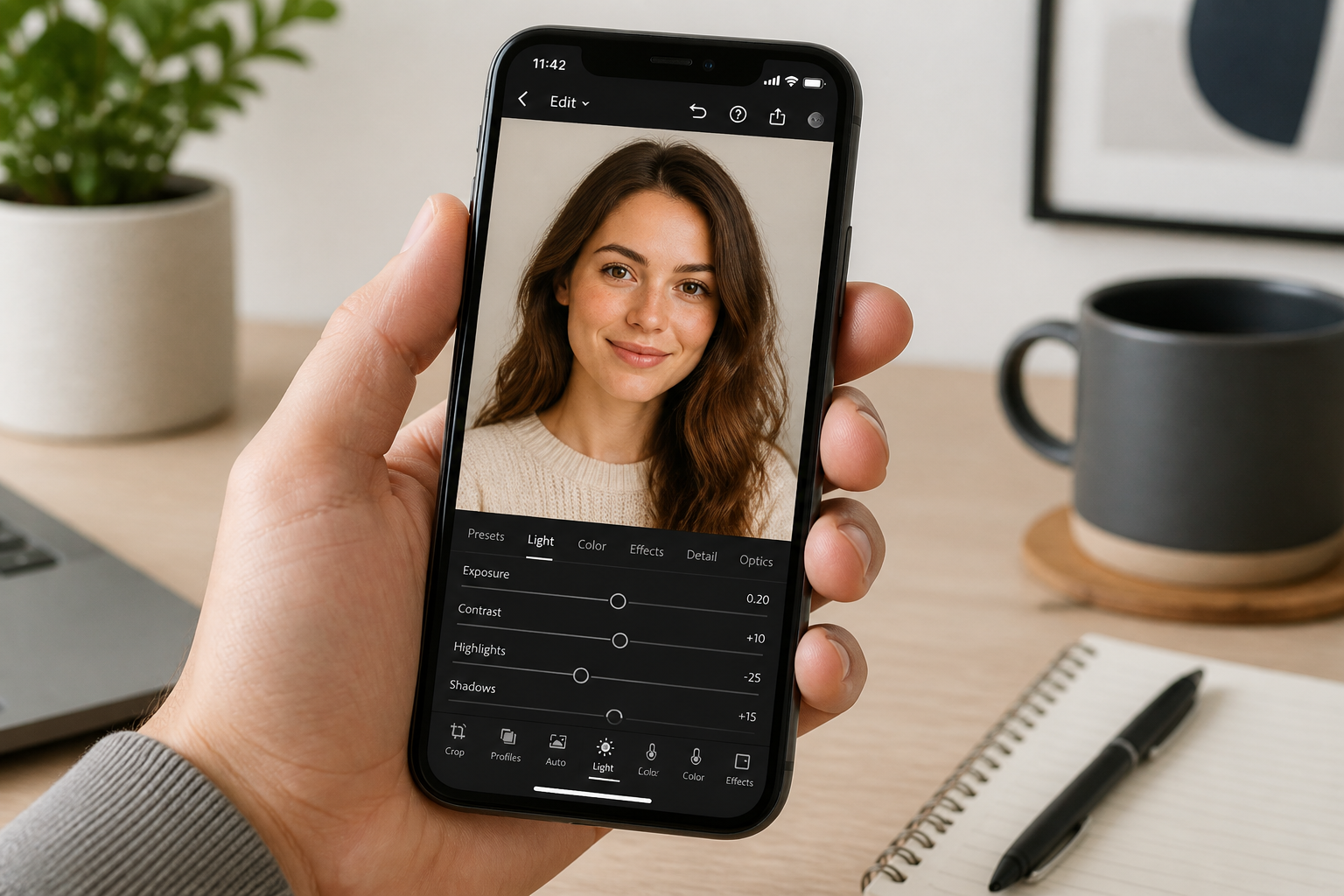
Start with a clear portrait, couple shot, pet photo, or scene image. Well-lit photos with readable faces and simple framing usually convert best.
Pick the anime direction
Describe the look you want, such as clean cel-shaded anime, manga ink, watercolor anime, or neon cyberpunk. You can keep it simple or add details about mood, color, and linework.
Generate and compare
Create the edited version and compare it with the original. If you want a stronger style, adjust the prompt and run another version.
Perfect For
Discover how creators and professionals use photo to anime converter
Anime profile pictures
Turn selfies and portraits into cleaner, more distinctive avatars for social accounts, chat apps, and communities.
Stylized couple photos
Convert date, travel, or event photos into anime-style keepsakes with a clear visual theme.
Creator content
Make eye-catching anime edits for thumbnails, posts, short-form videos, and fan-style aesthetic content.
Pet and lifestyle art
Stylize pets, rooms, and everyday moments into anime-inspired images that still keep the original scene readable.
Built For
Anime fans
People who want their own photos to look like anime key art, manga panels, or stylized character portraits.
Content creators
Creators who need fast, scroll-stopping visuals for social posts, banners, channel art, and promo assets.
Casual editors
Anyone who wants a strong style change without learning manual masking, painting, or complex editing tools.
Why use this instead of generic editors
A quick look at how we compare on the things that matter for this niche.
| Feature | BudgetPixel | Generic AI editors | Manual illustration apps |
|---|---|---|---|
| Anime-focused style prompts | ✓ | — | — |
| Keeps photo composition readable | ✓ | ✓ | ✓ |
| Fast one-step conversion | ✓ | ✓ | — |
| Multiple anime looks | ✓ | — | ✓ |
| No drawing skills needed | ✓ | ✓ | — |
Frequently Asked Questions
What kinds of photos work best with a Photo to Anime Converter?
Will the anime result still look like my original photo?
Can I choose different anime styles?
Is this only for portraits?
Do I need editing skills to use it?
Create together.
Share your creations, discover trending AI art, and grow with fellow creators.