Realistic to Anime Converter
Turn everyday photos into clean anime-style images in seconds.
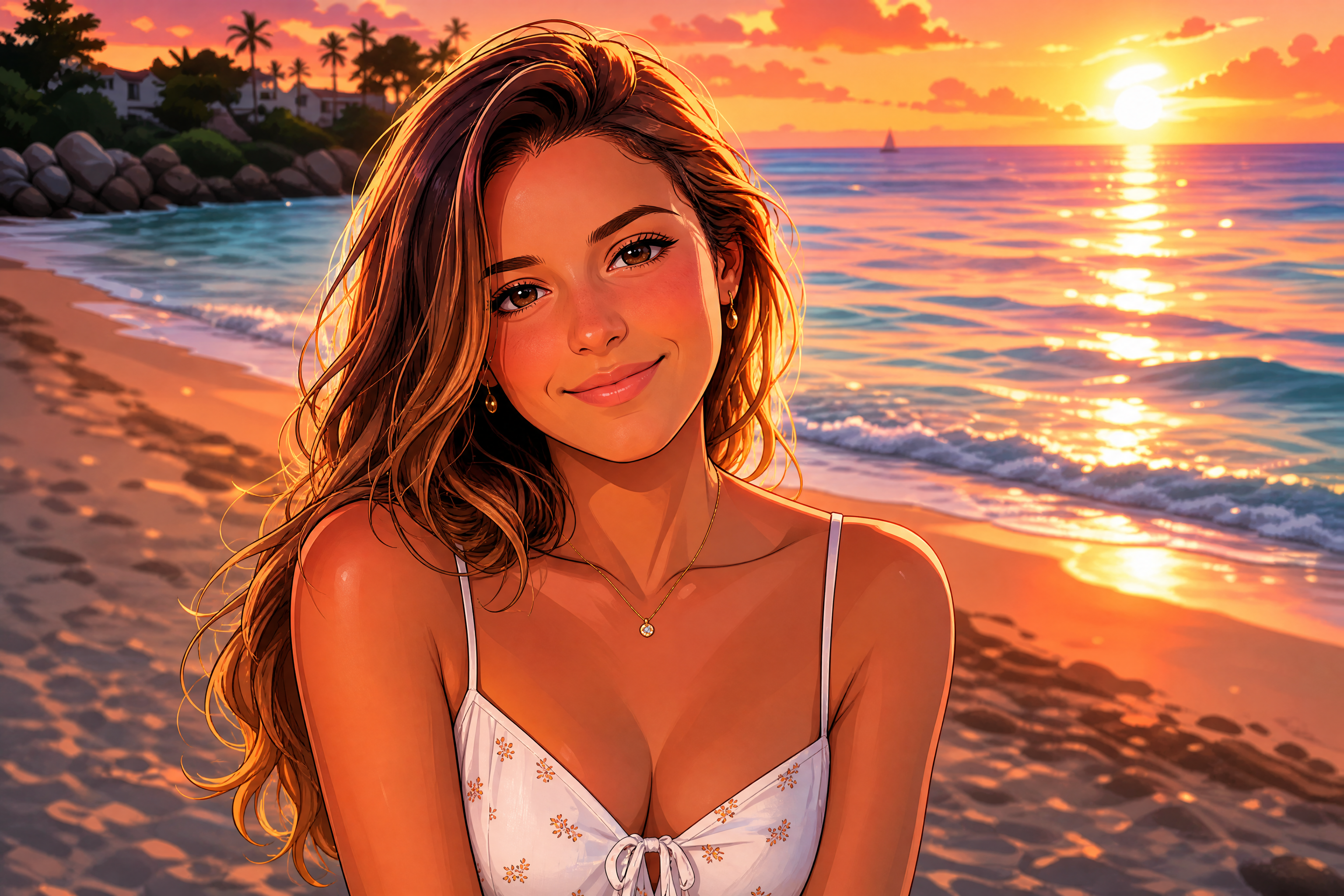
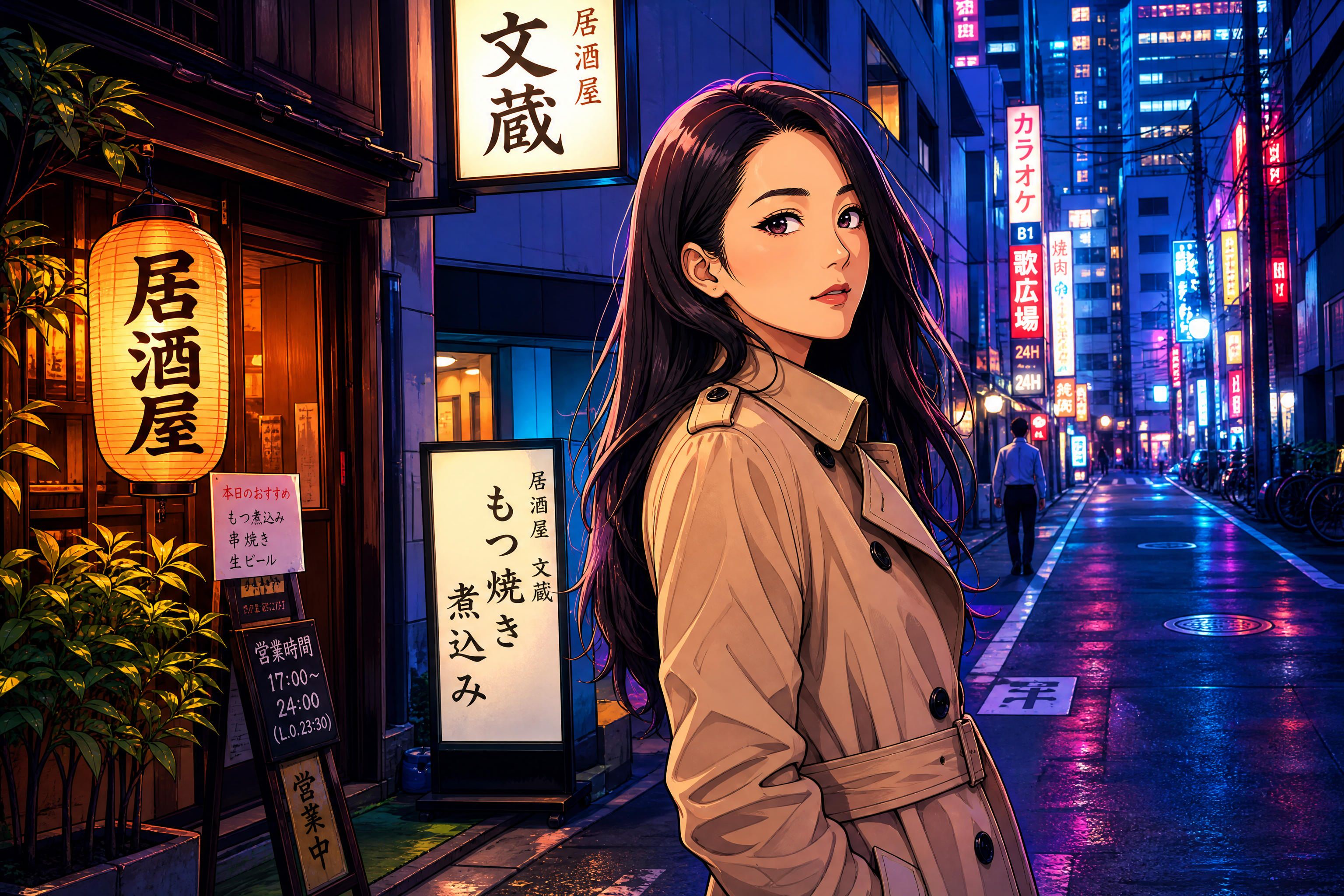
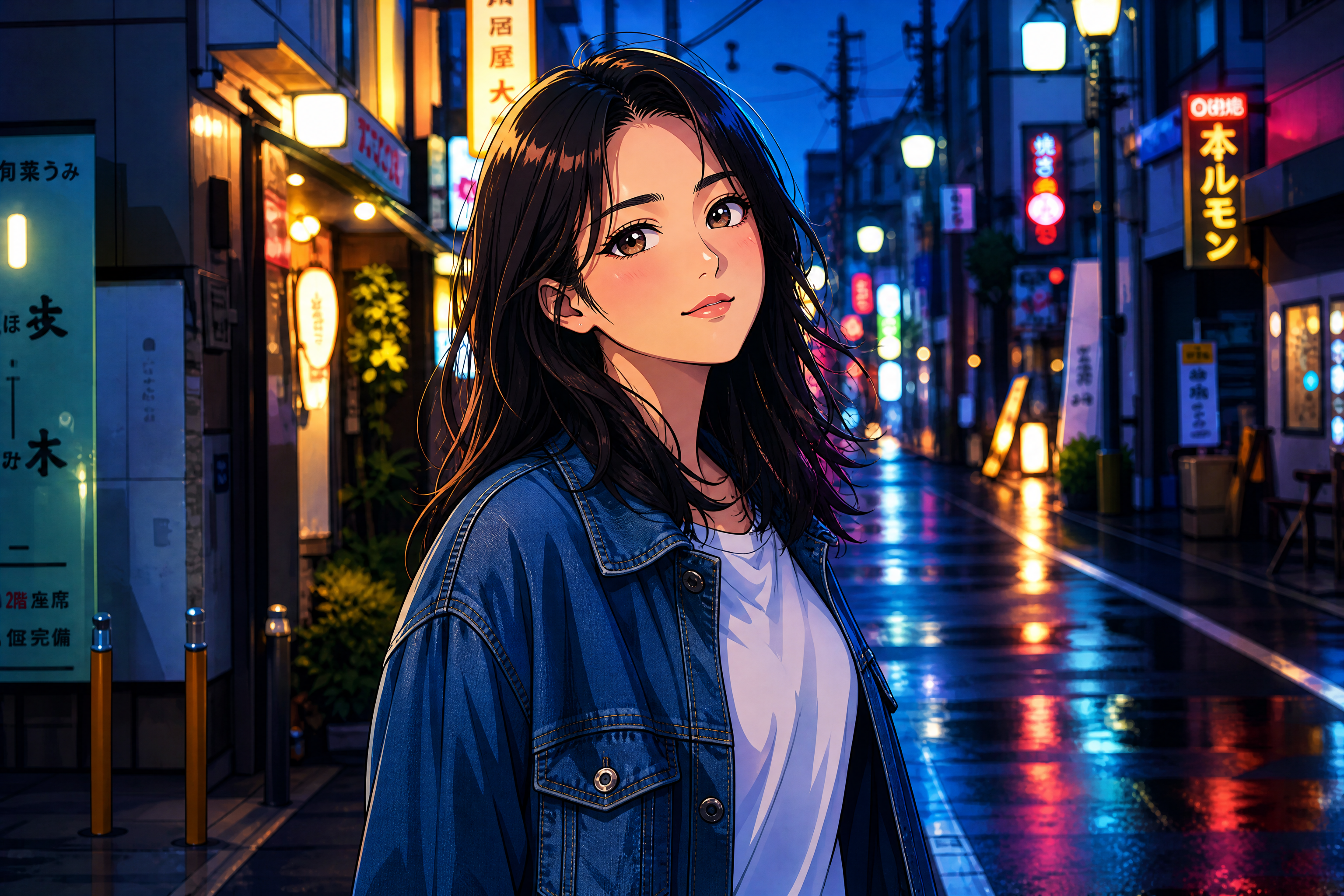
Upload a photo and transform it into anime-inspired art while keeping the subject, pose, and overall composition recognizable. Use it for profile pictures, character concepts, social posts, and stylized portraits without redrawing from scratch.
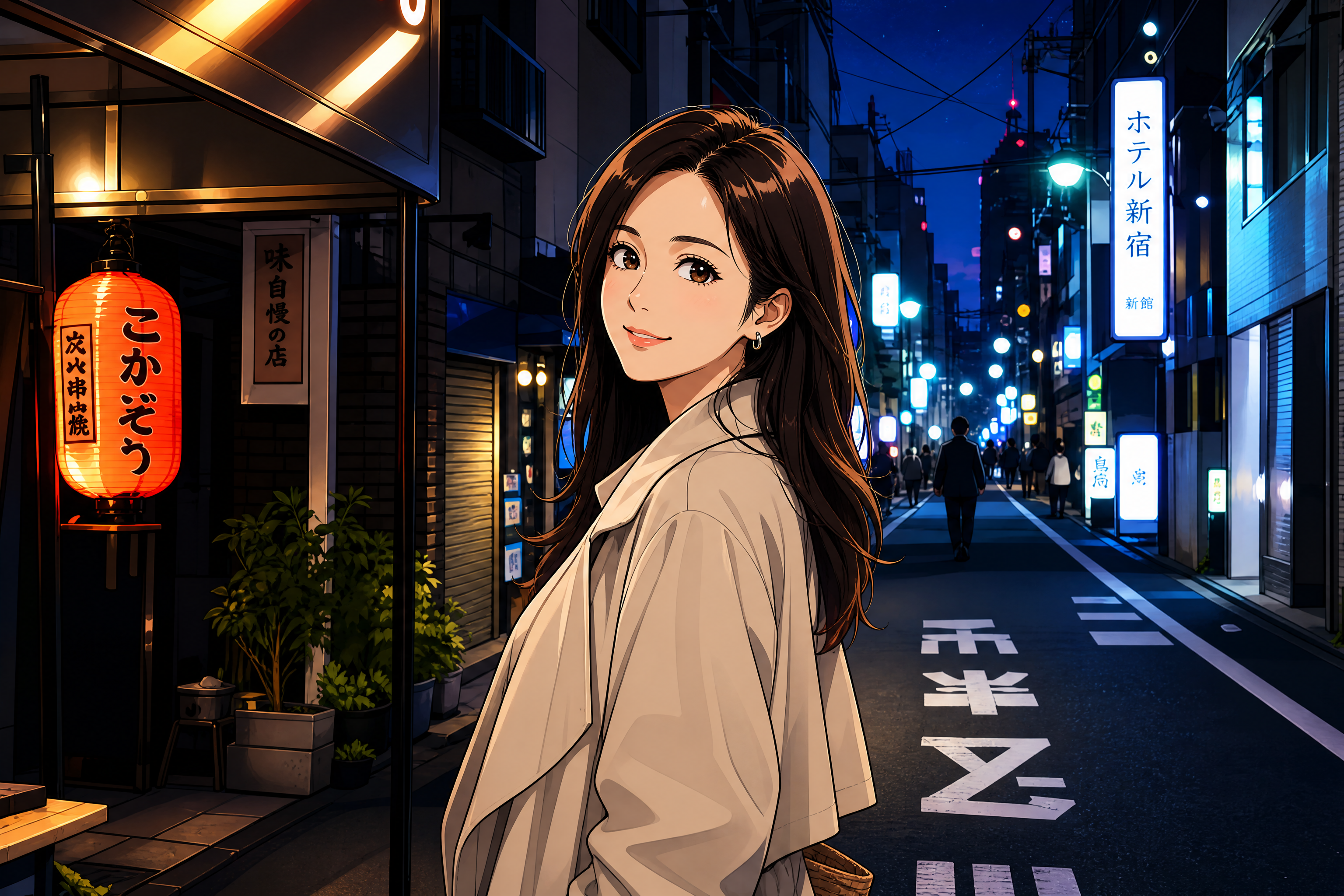
Watch the Transformation
See realistic to anime converter in motion — generated end-to-end by our AI.
See It In Action
Real outputs from realistic to anime converter.
BEFOREAFTER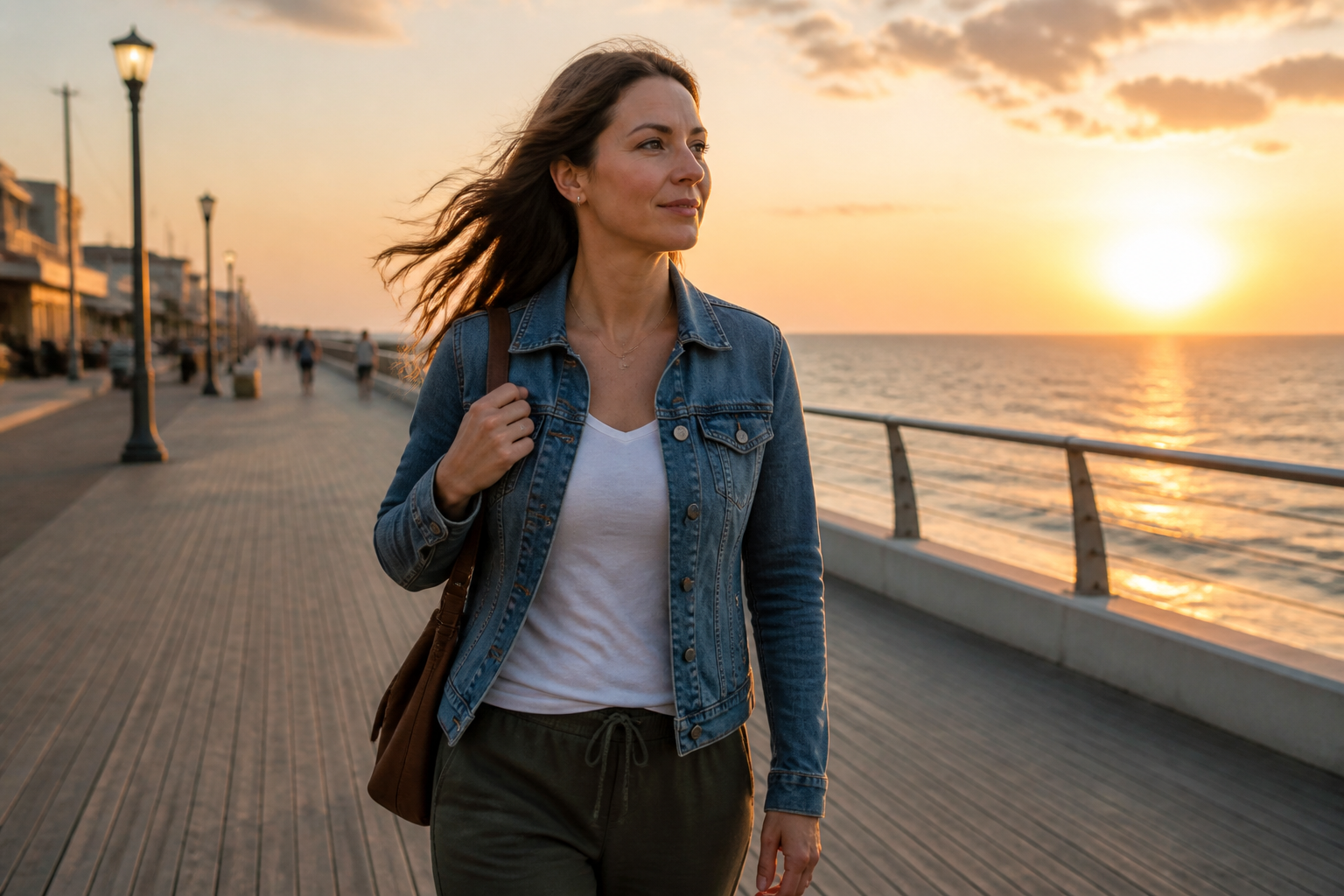 BEFORE
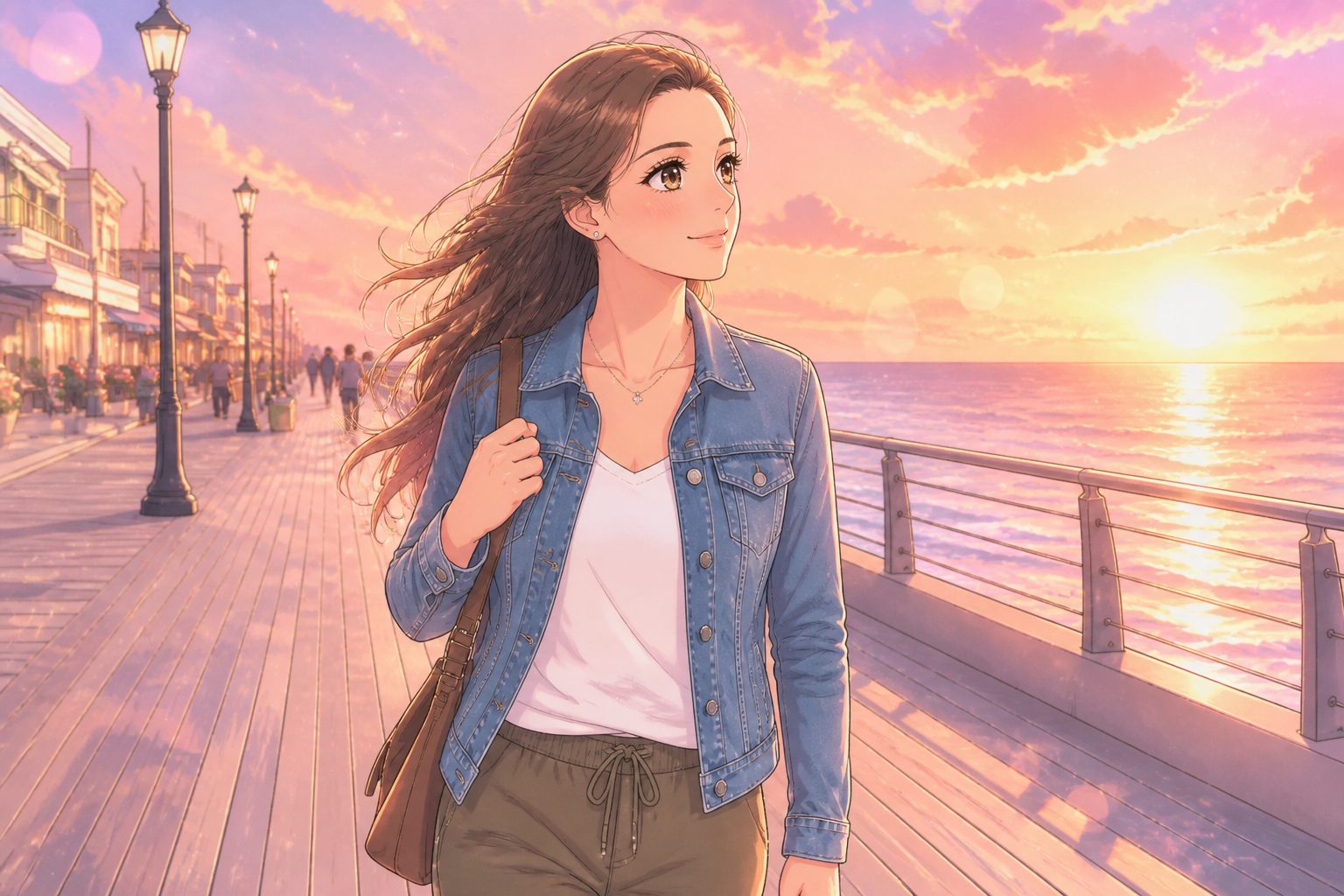 AFTER
AFTER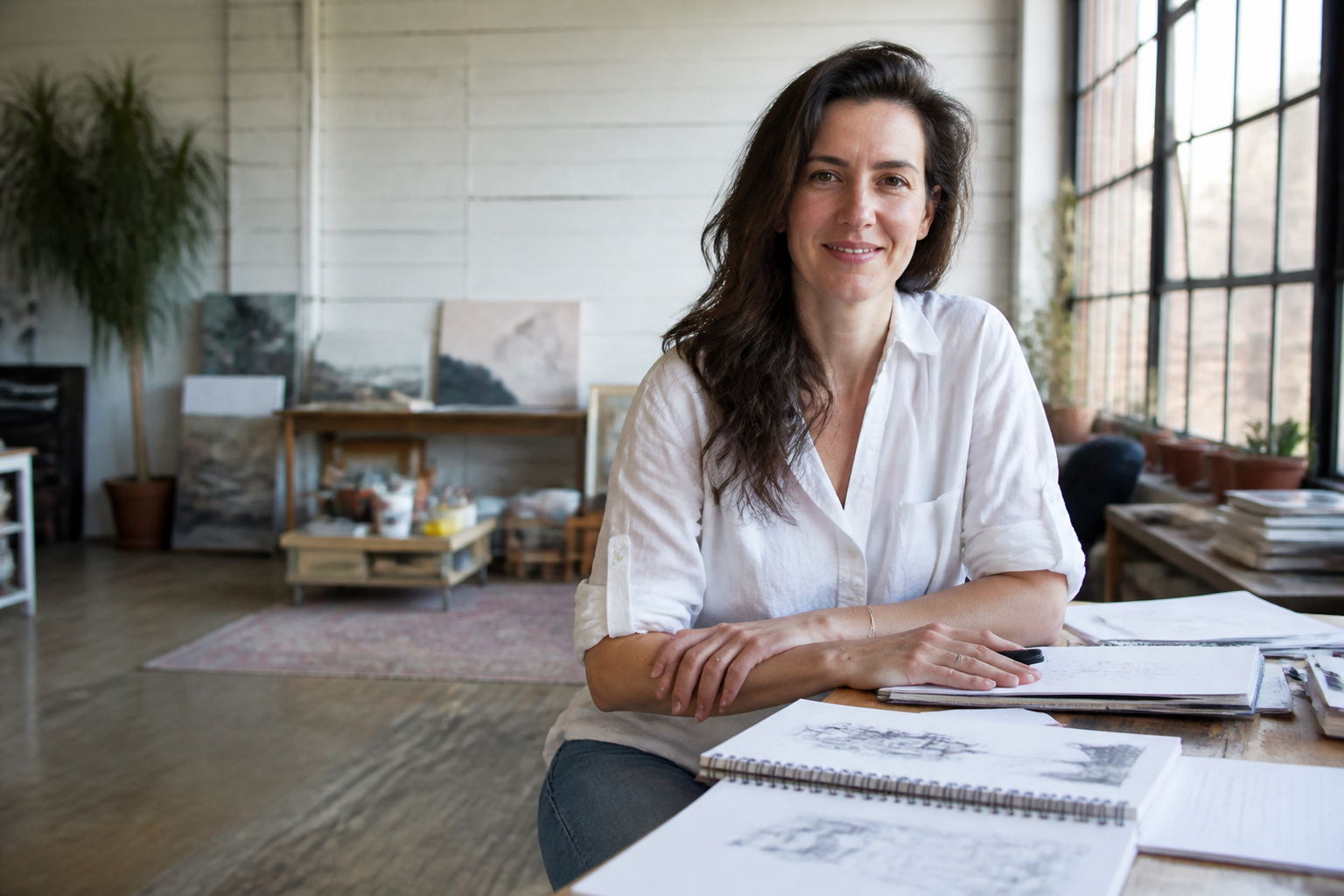 BEFORE
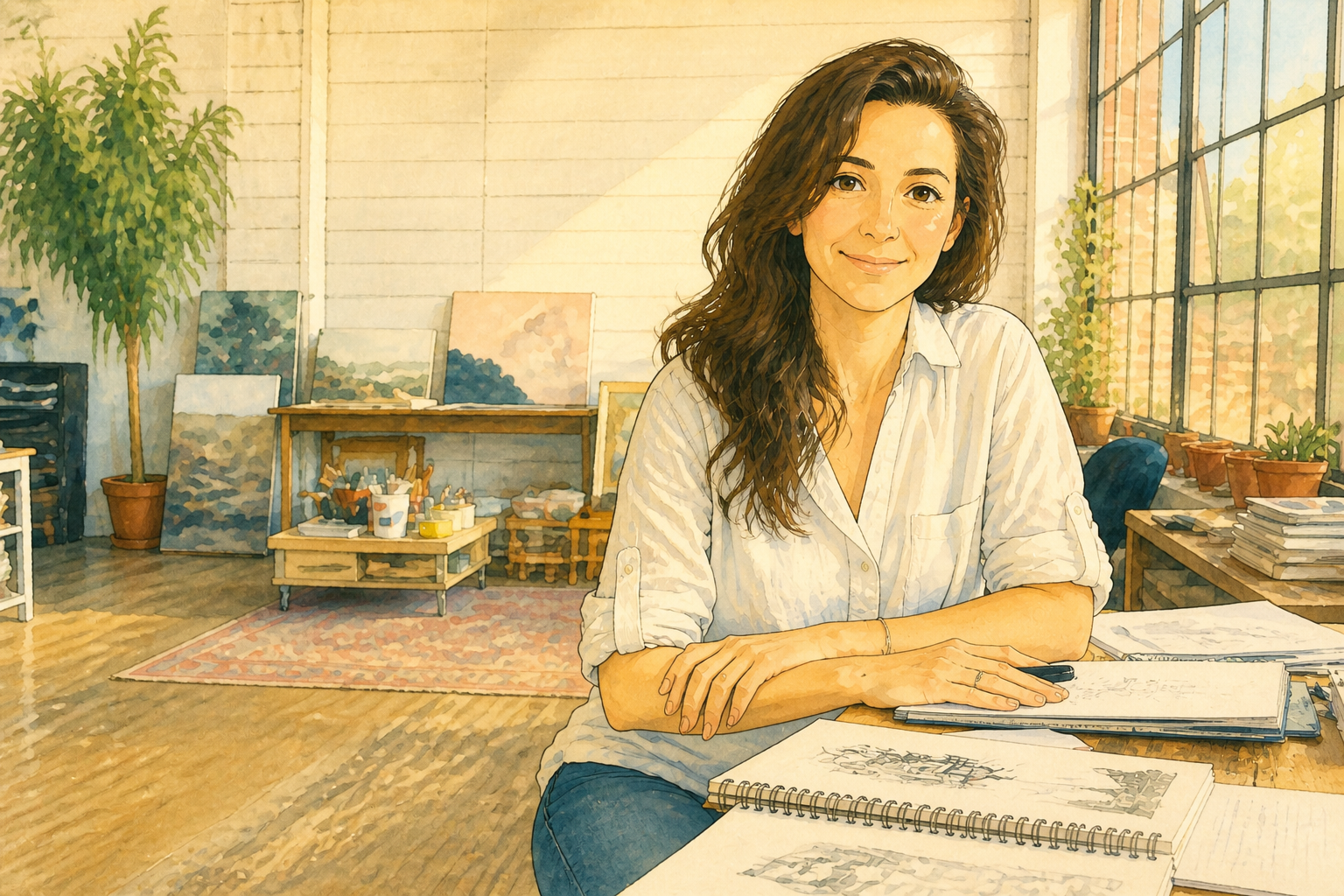 AFTER
AFTER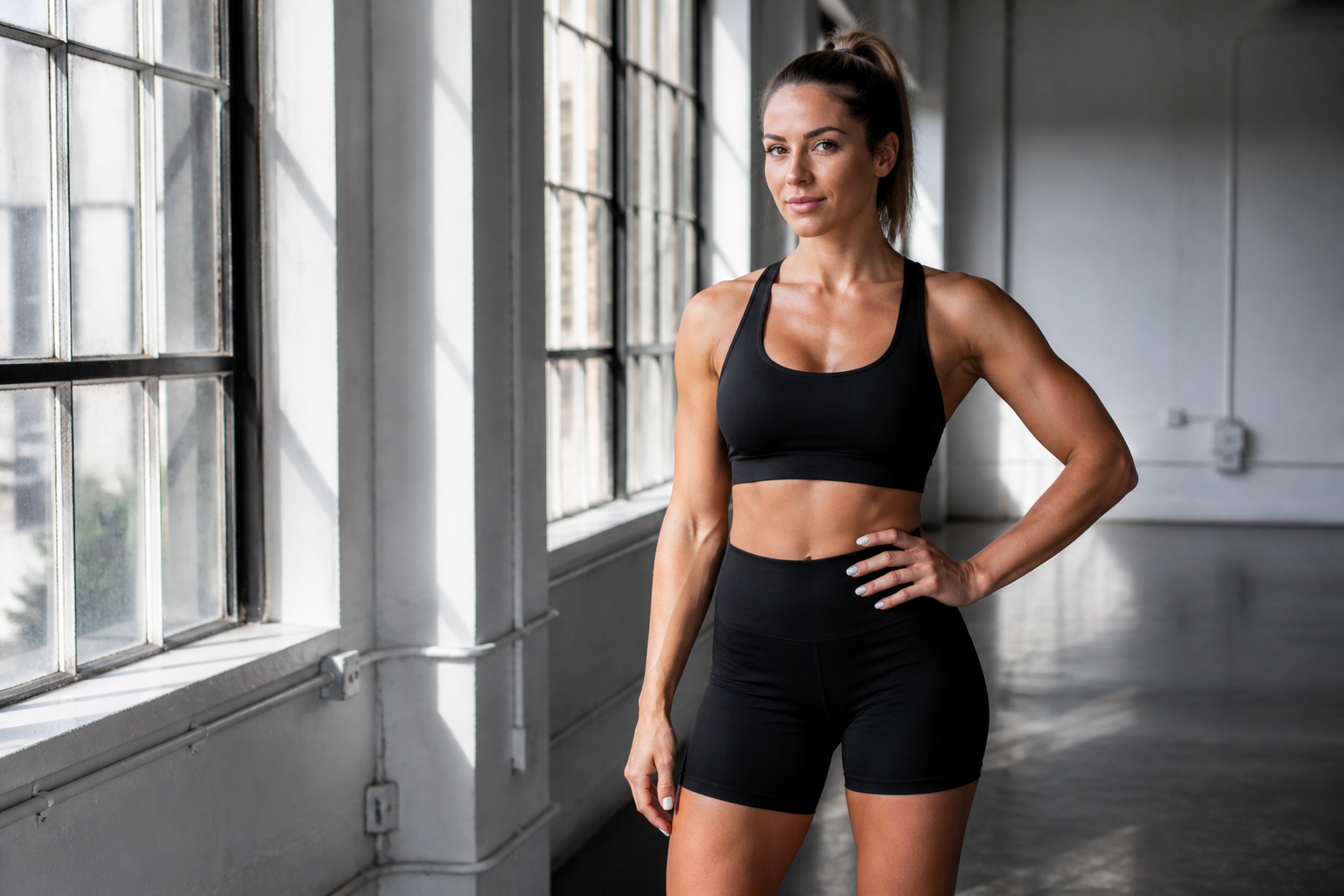 BEFORE
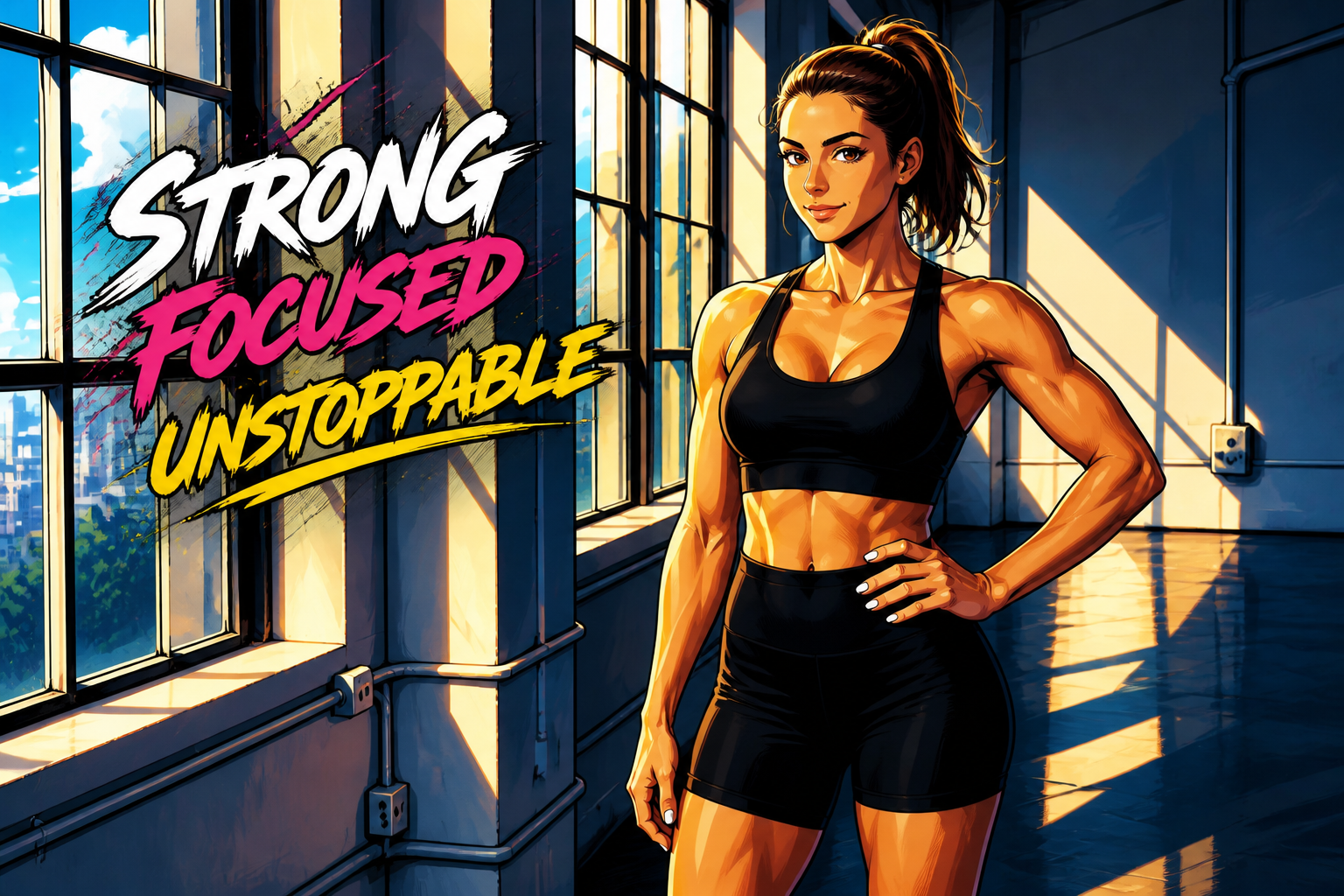 AFTER
AFTER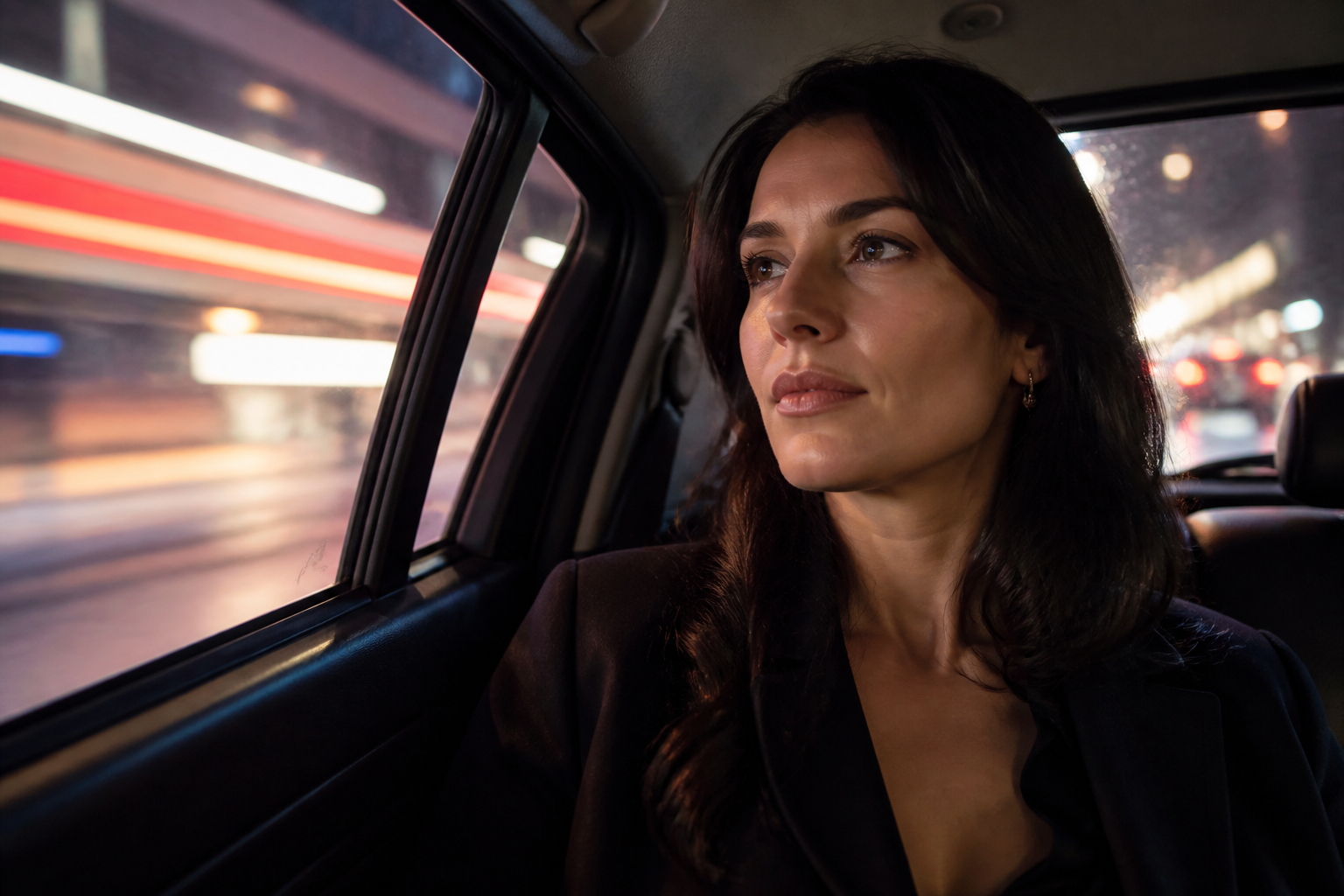 BEFORE
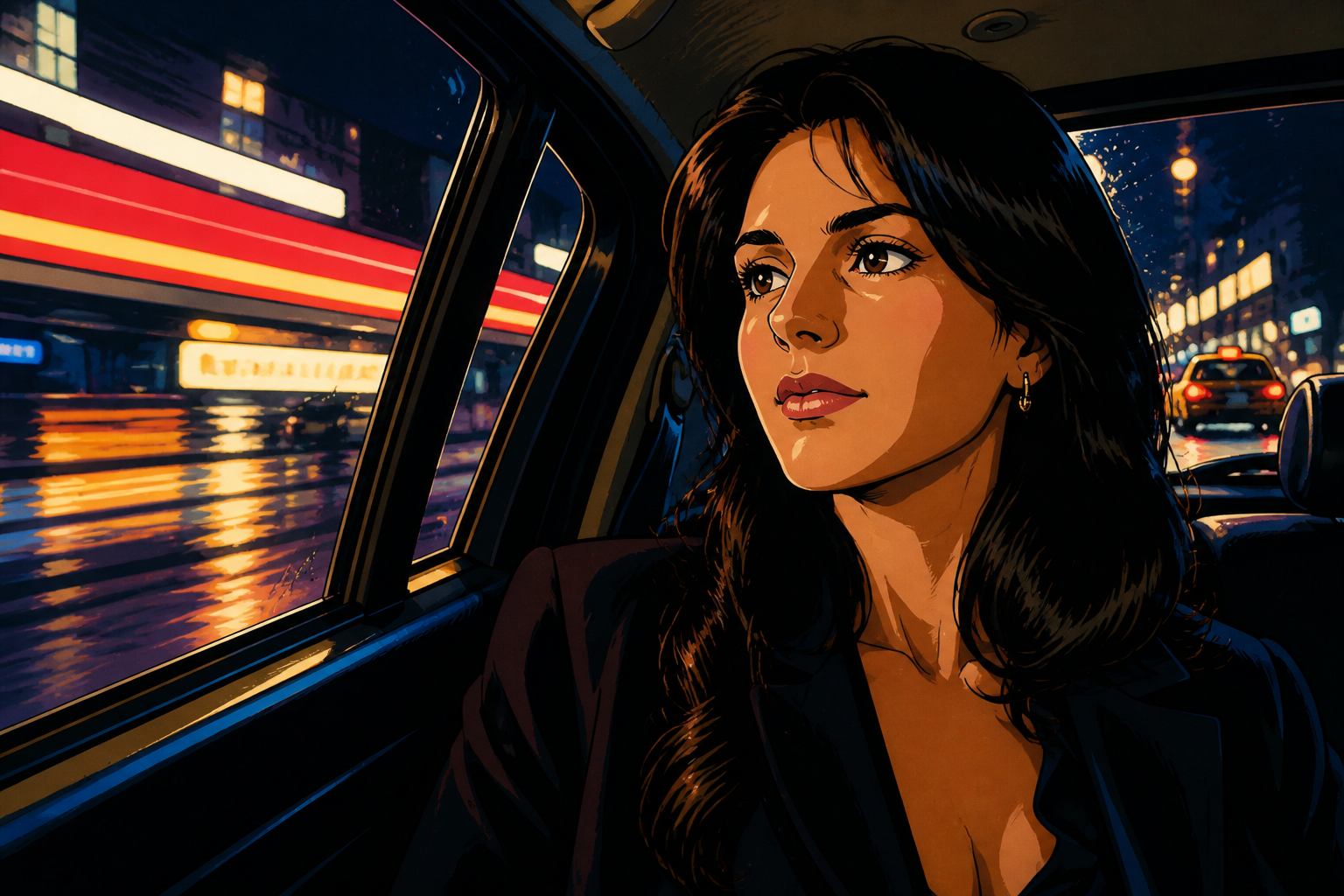 AFTERBEFOREAFTERBEFOREAFTERBEFOREAFTERBEFOREAFTERBEFOREAFTER
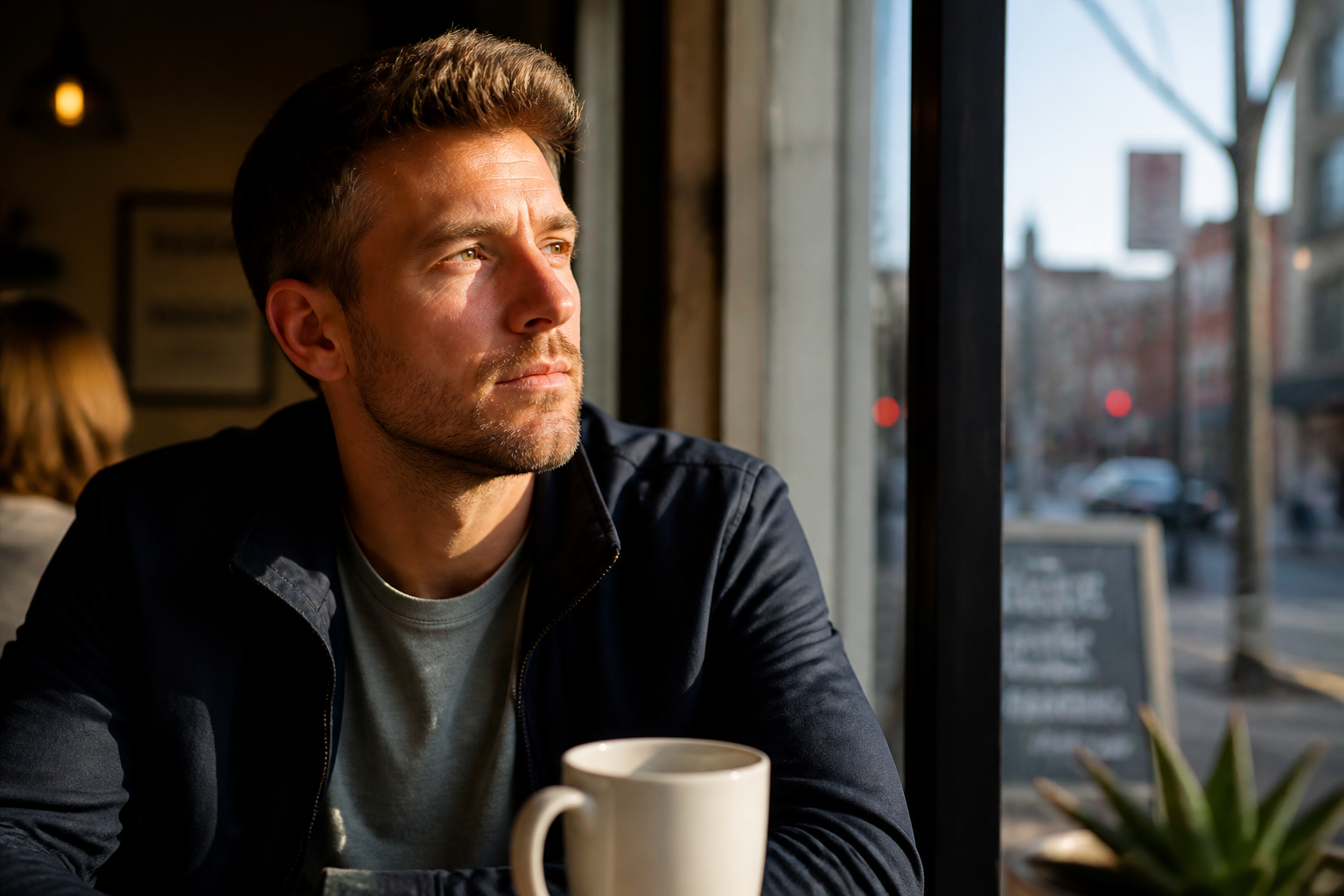 BEFORE
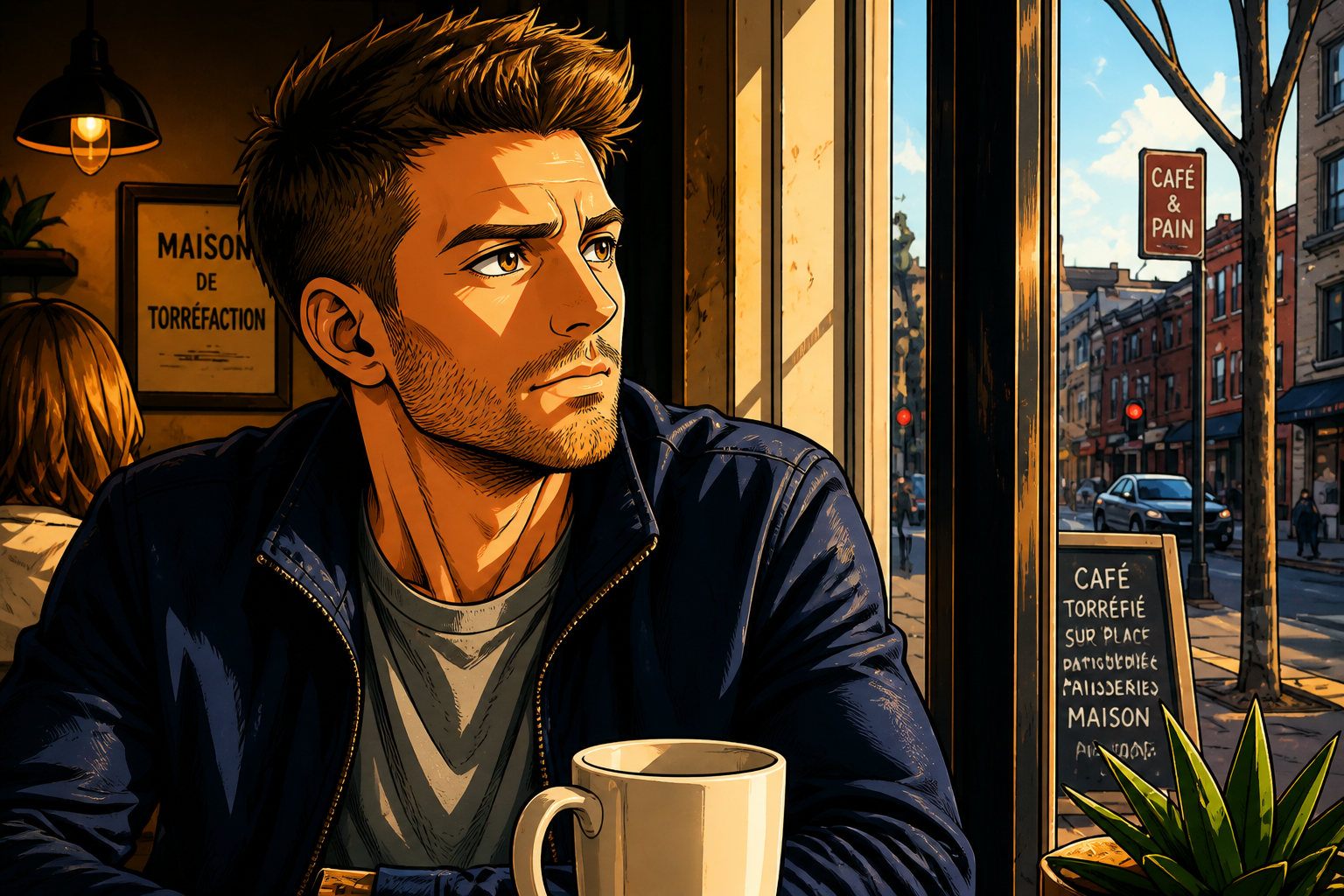 AFTER
AFTER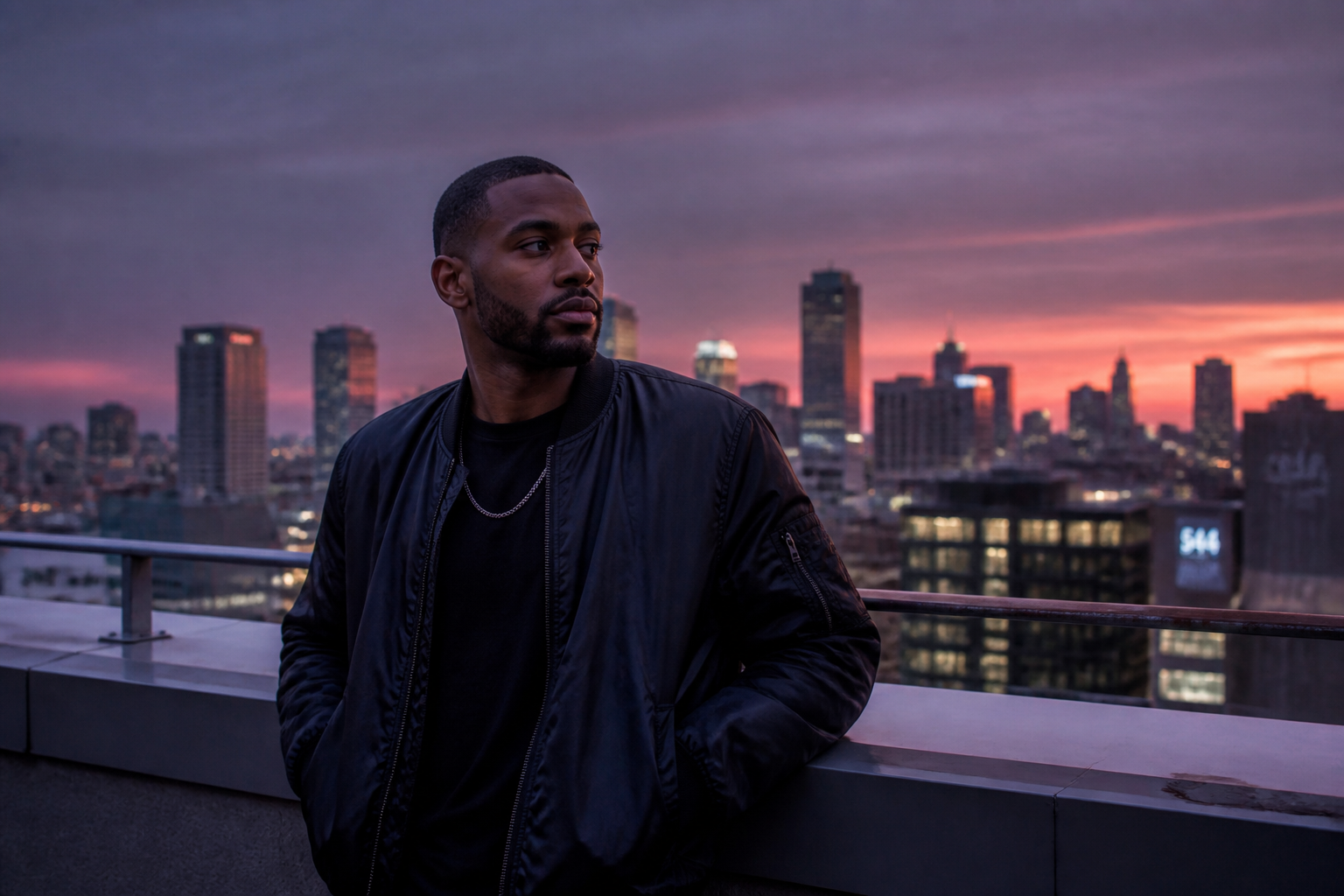 BEFORE
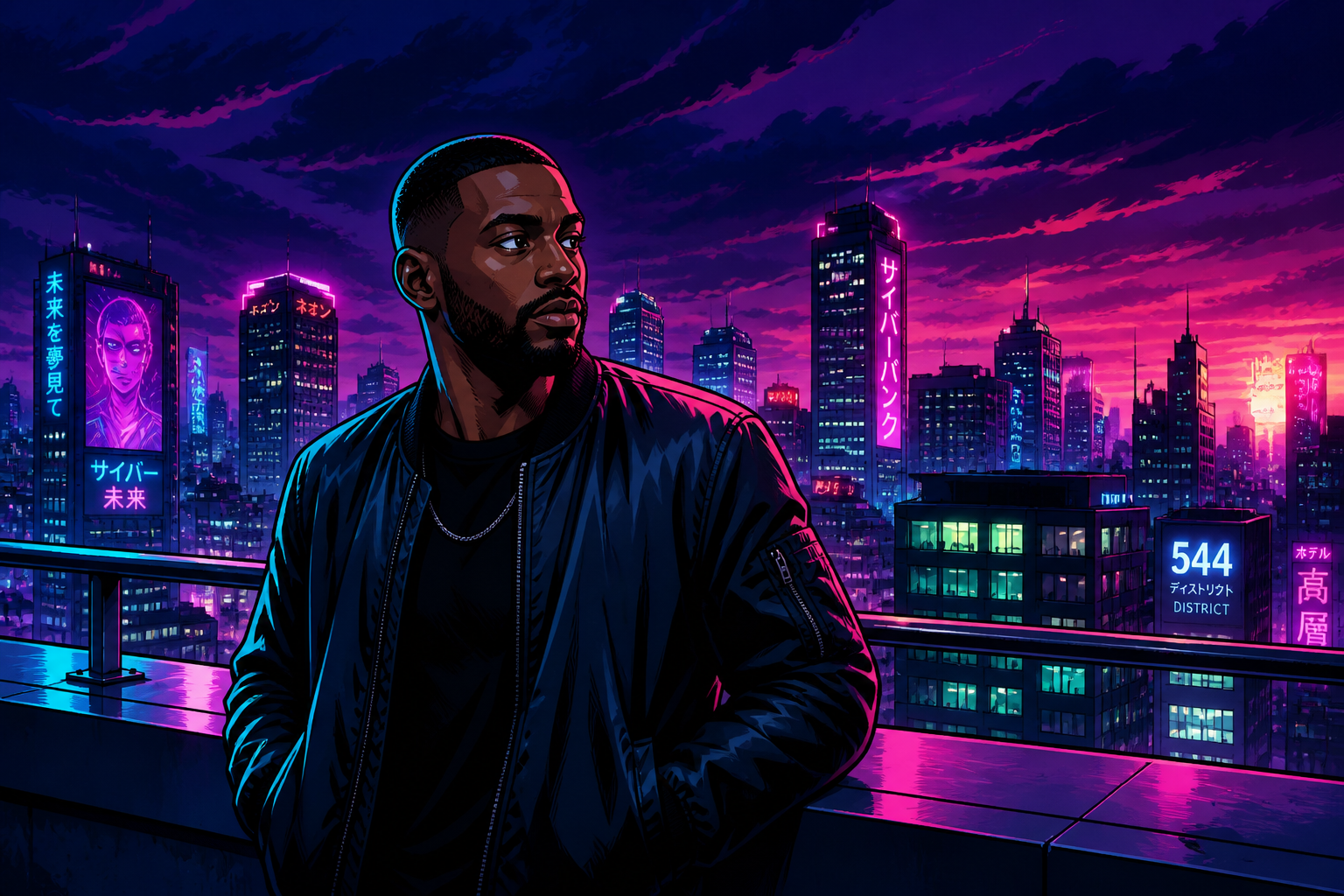 AFTER
AFTER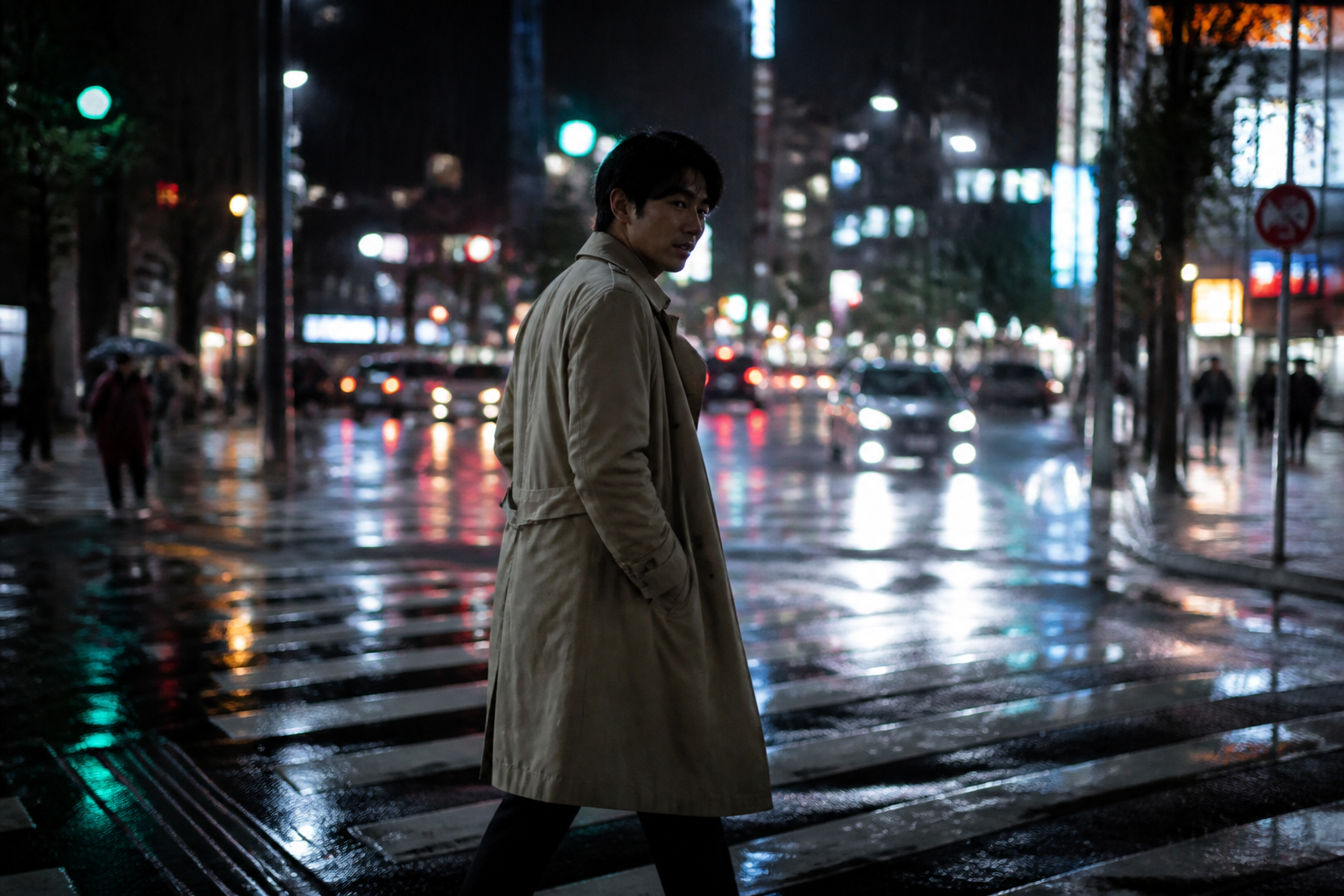 BEFORE
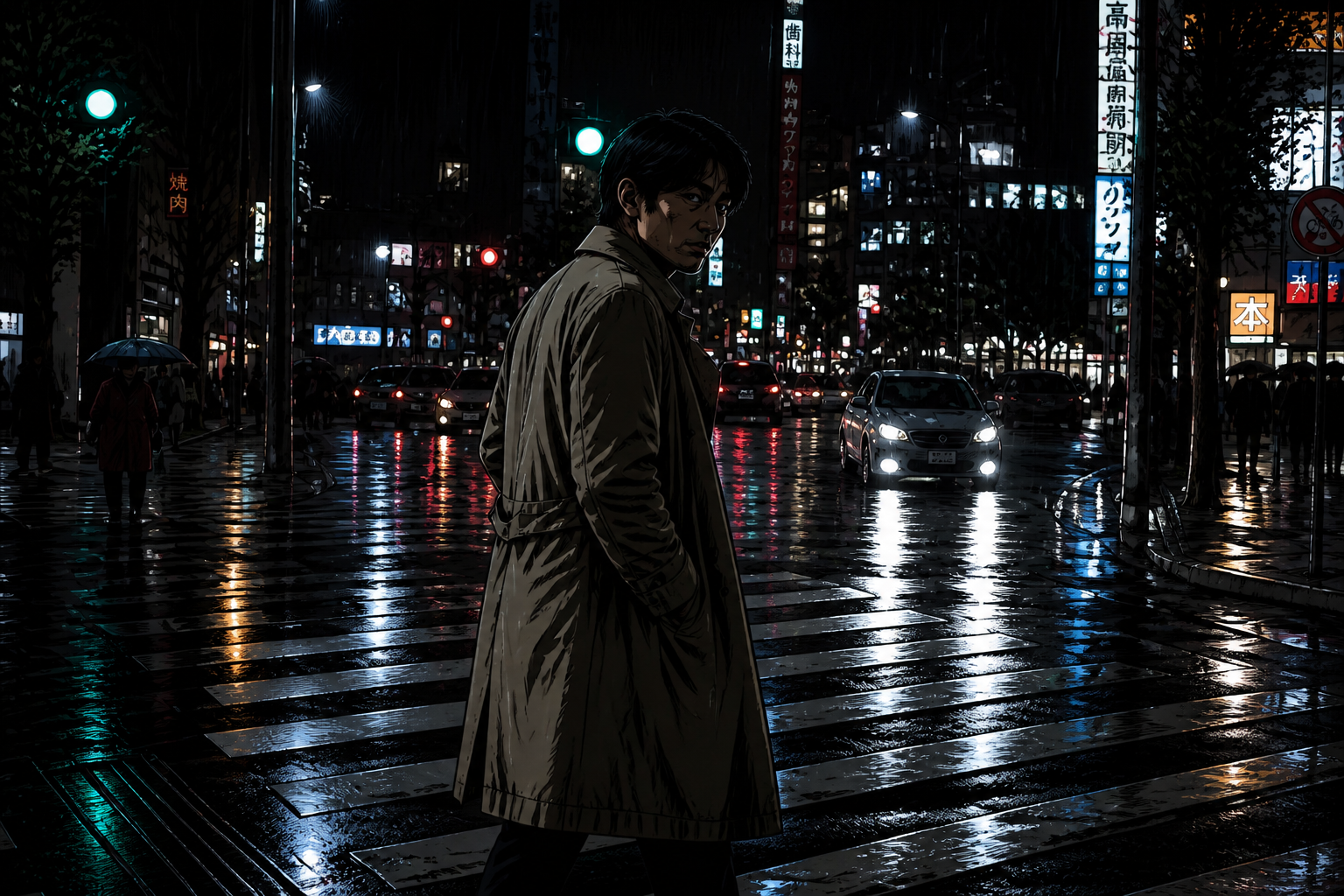 AFTER
AFTER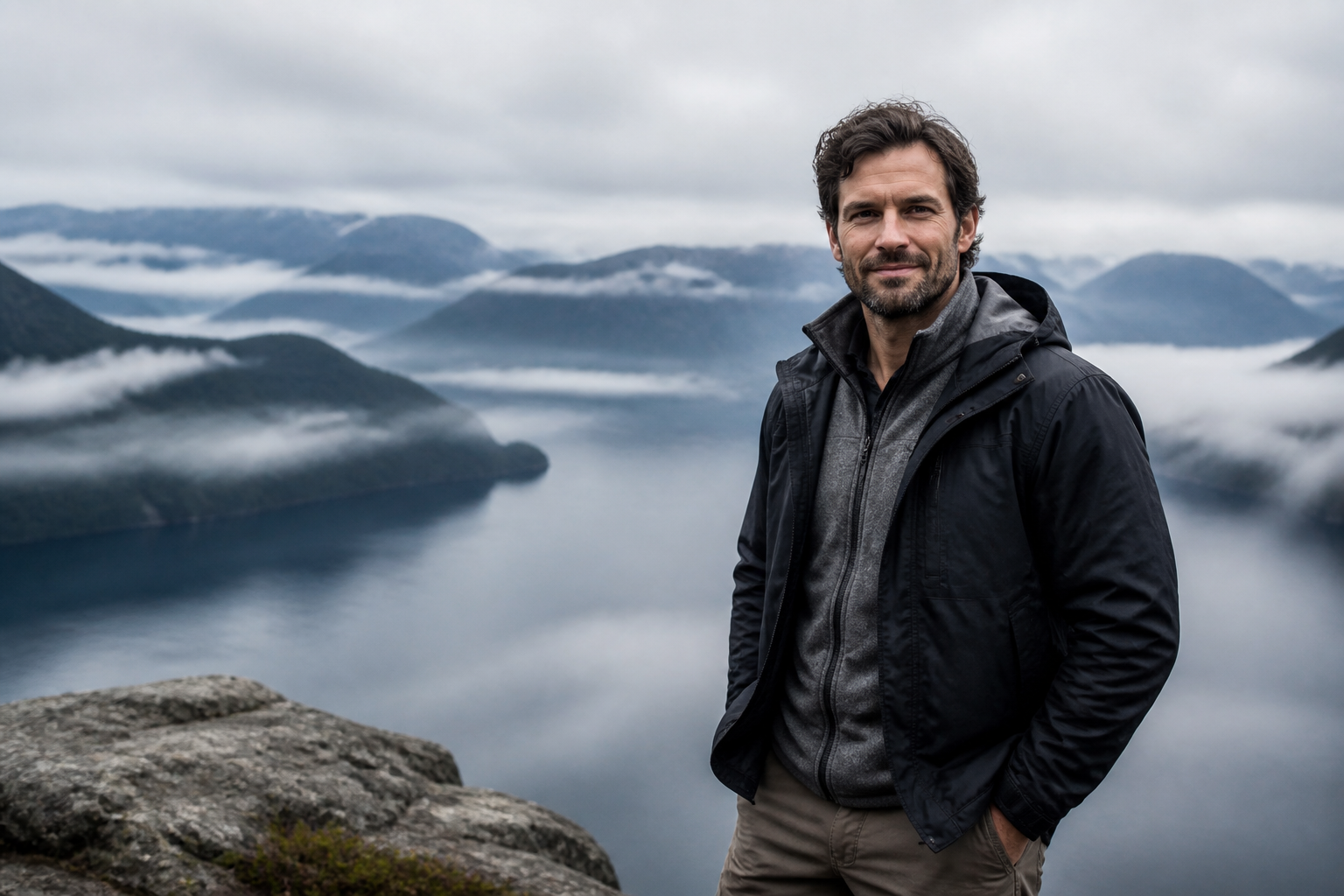 BEFORE
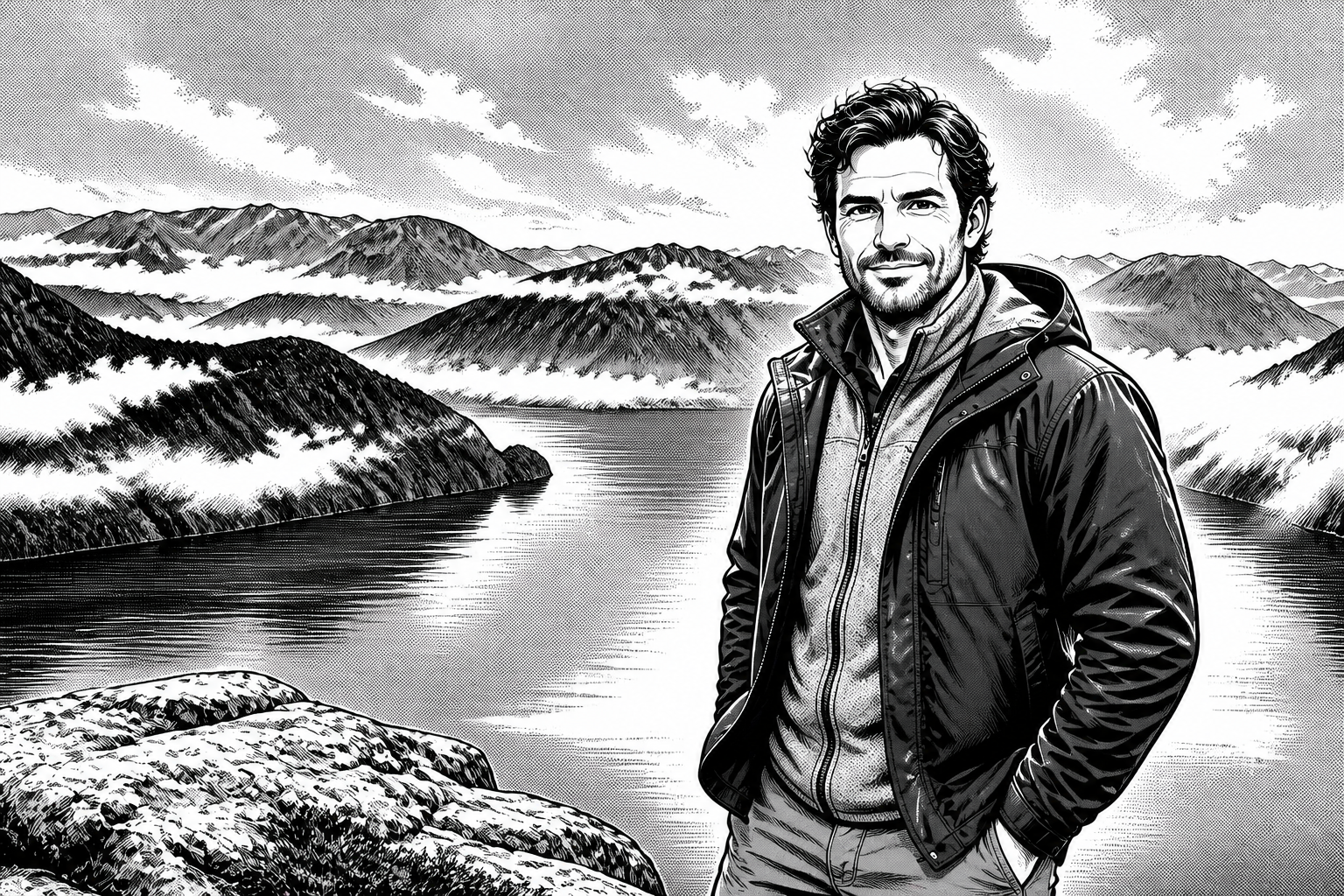 AFTER
AFTER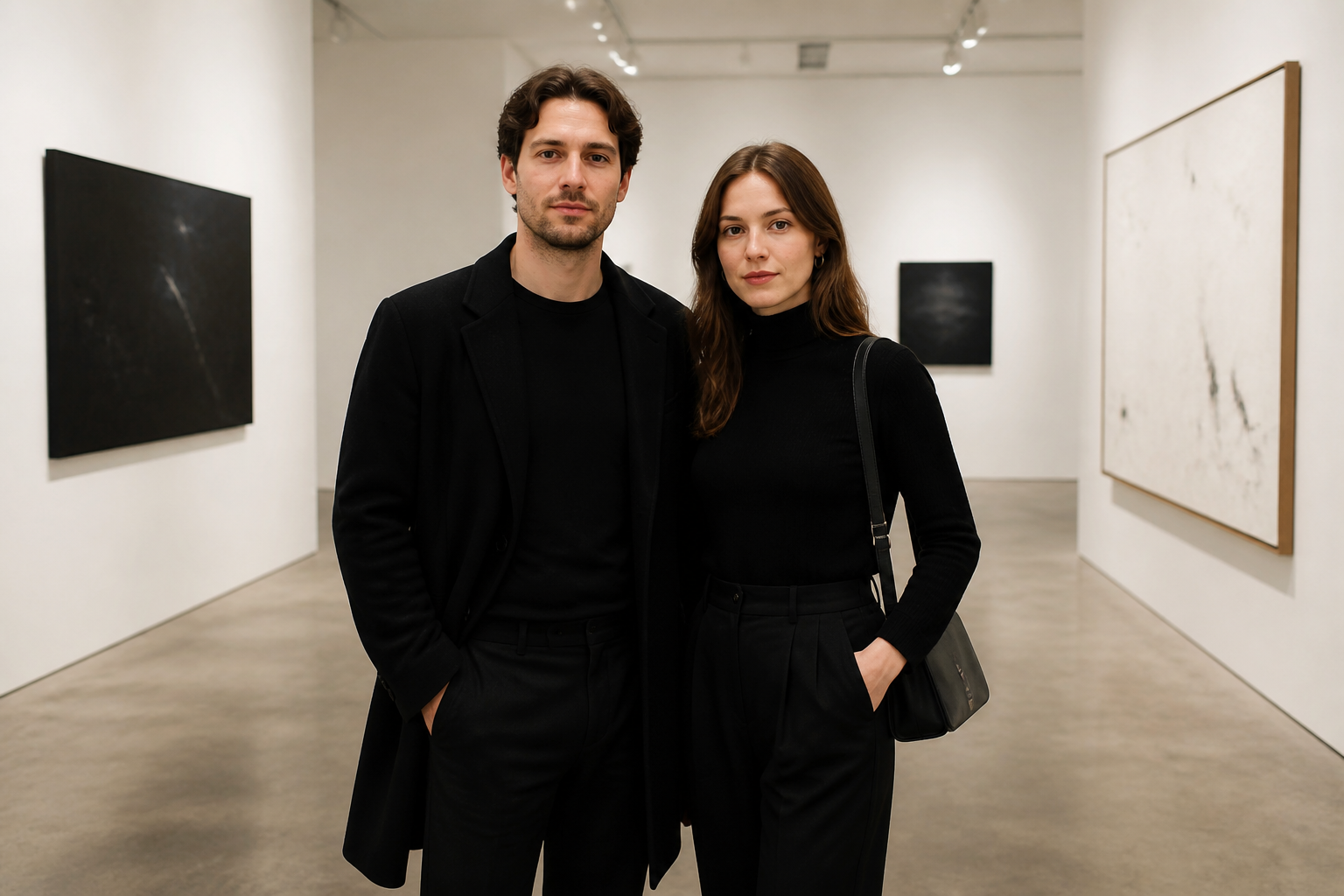 BEFORE
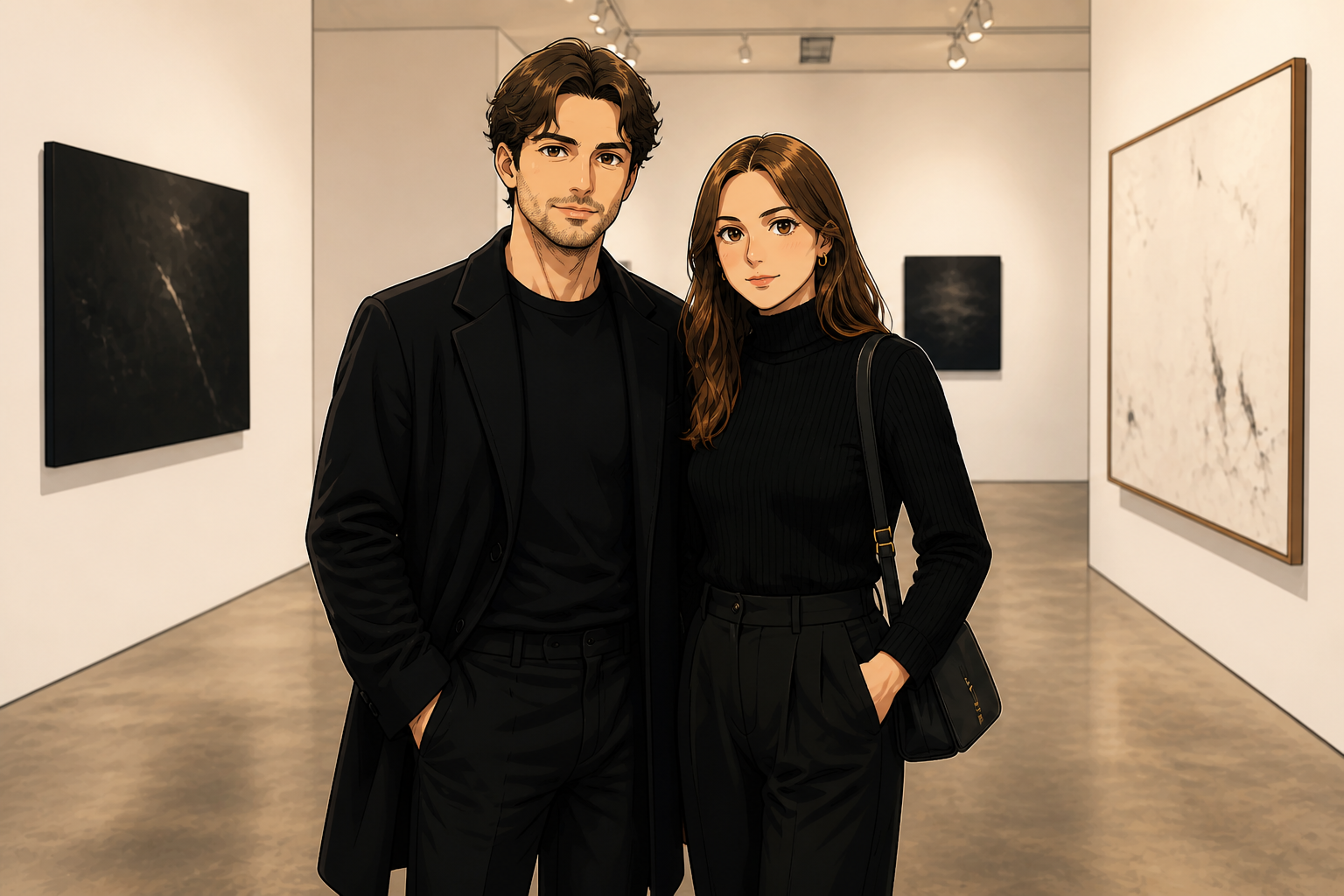 AFTERBEFOREAFTERBEFOREAFTERBEFOREAFTERBEFOREAFTERBEFOREAFTER
Key Features
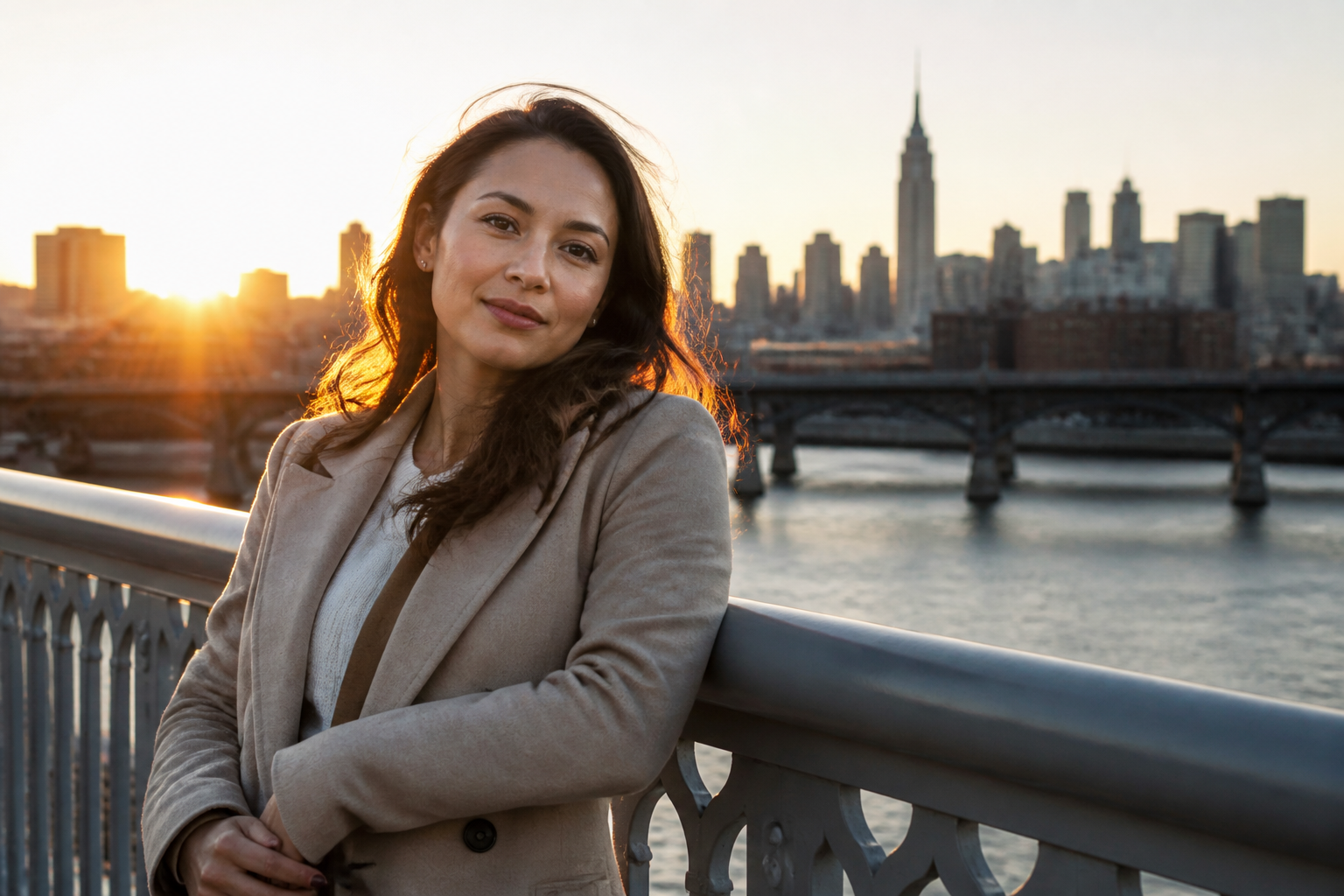
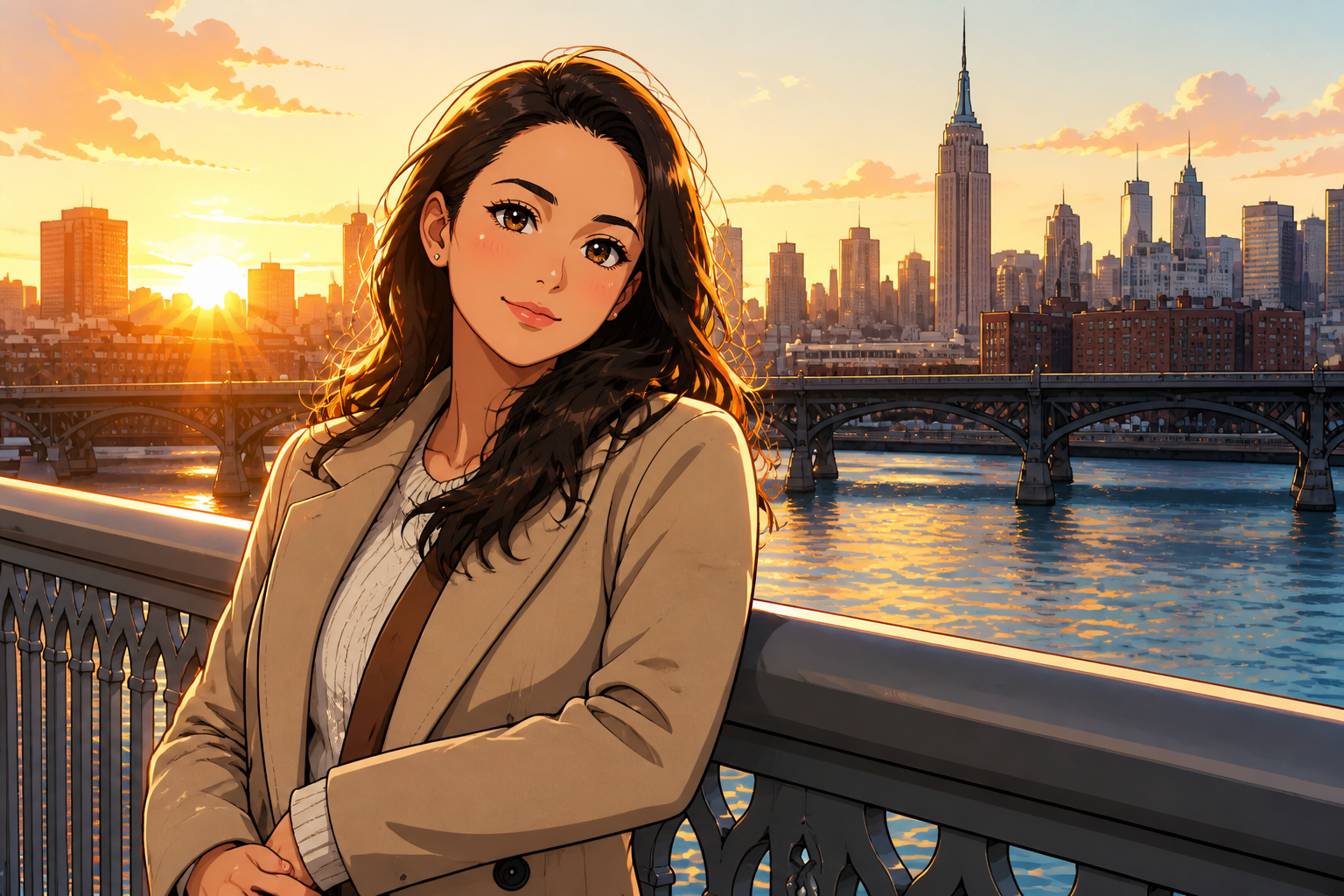
Keep the pose readable
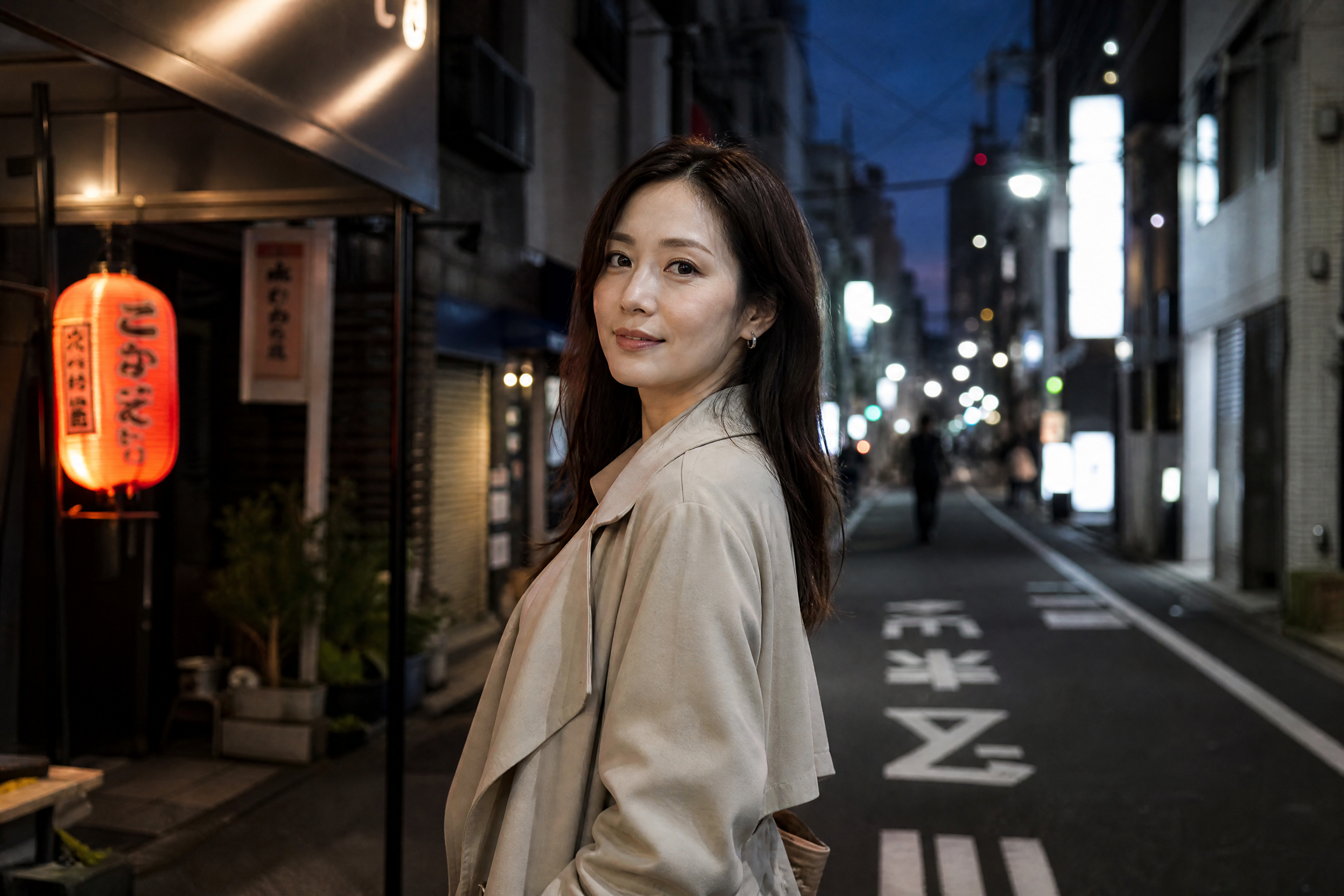
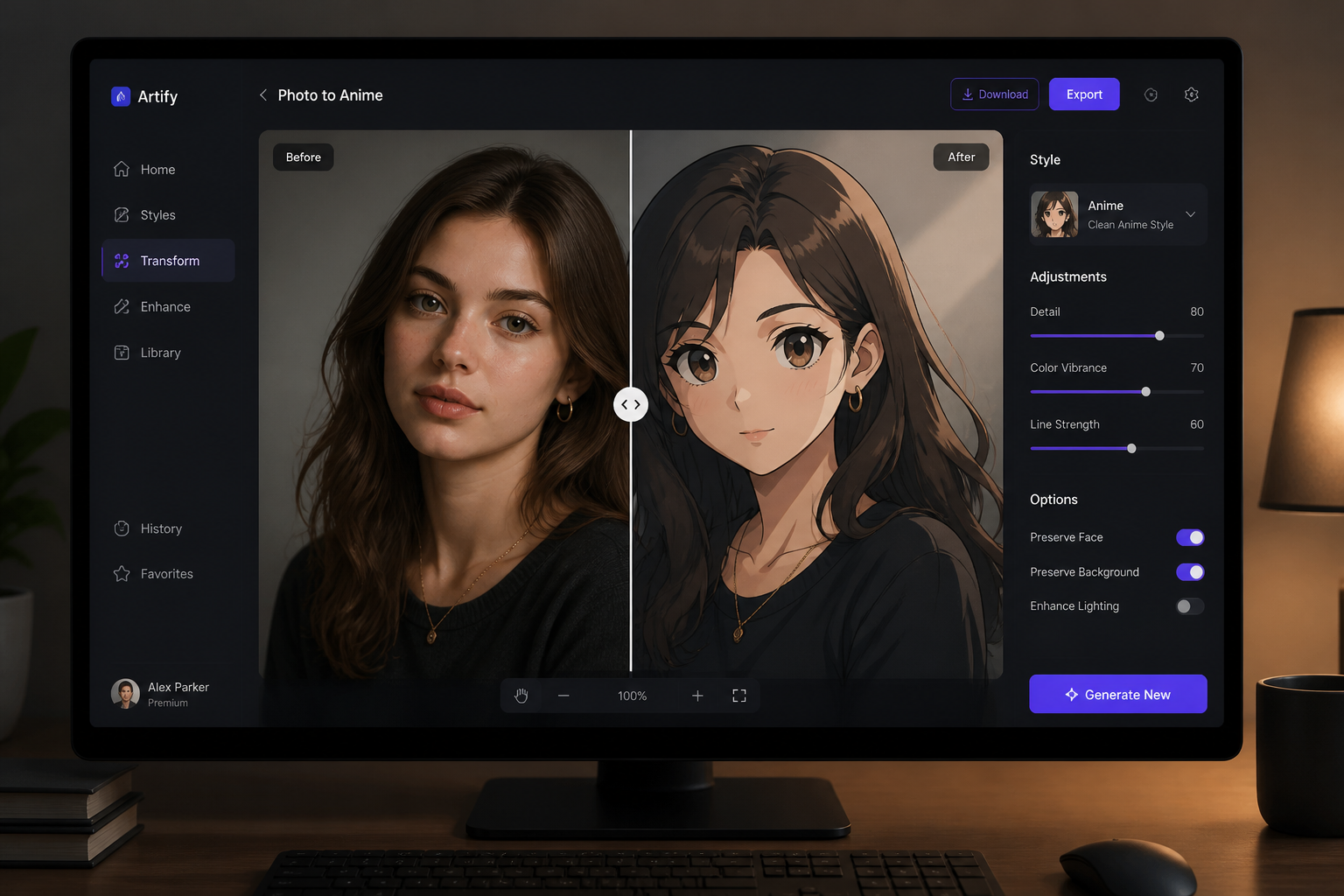
The edit changes the visual style without forcing a brand-new composition. That matters when you already like the angle, expression, or framing of the original photo. Instead of rebuilding the image from scratch, our AI converts the look while keeping the scene easy to recognize. It makes before-and-after comparisons cleaner and results more usable for profile pictures or posts.
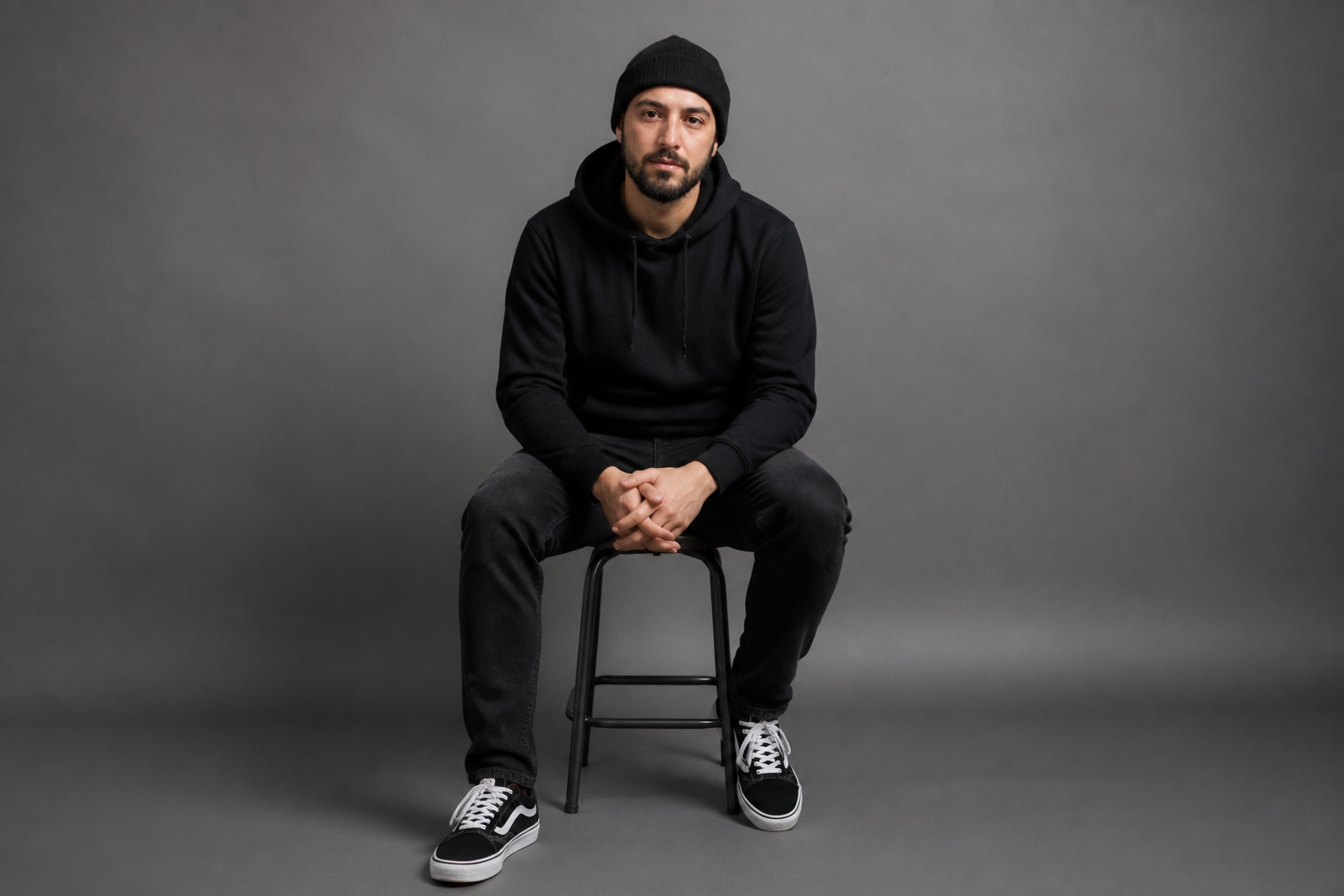
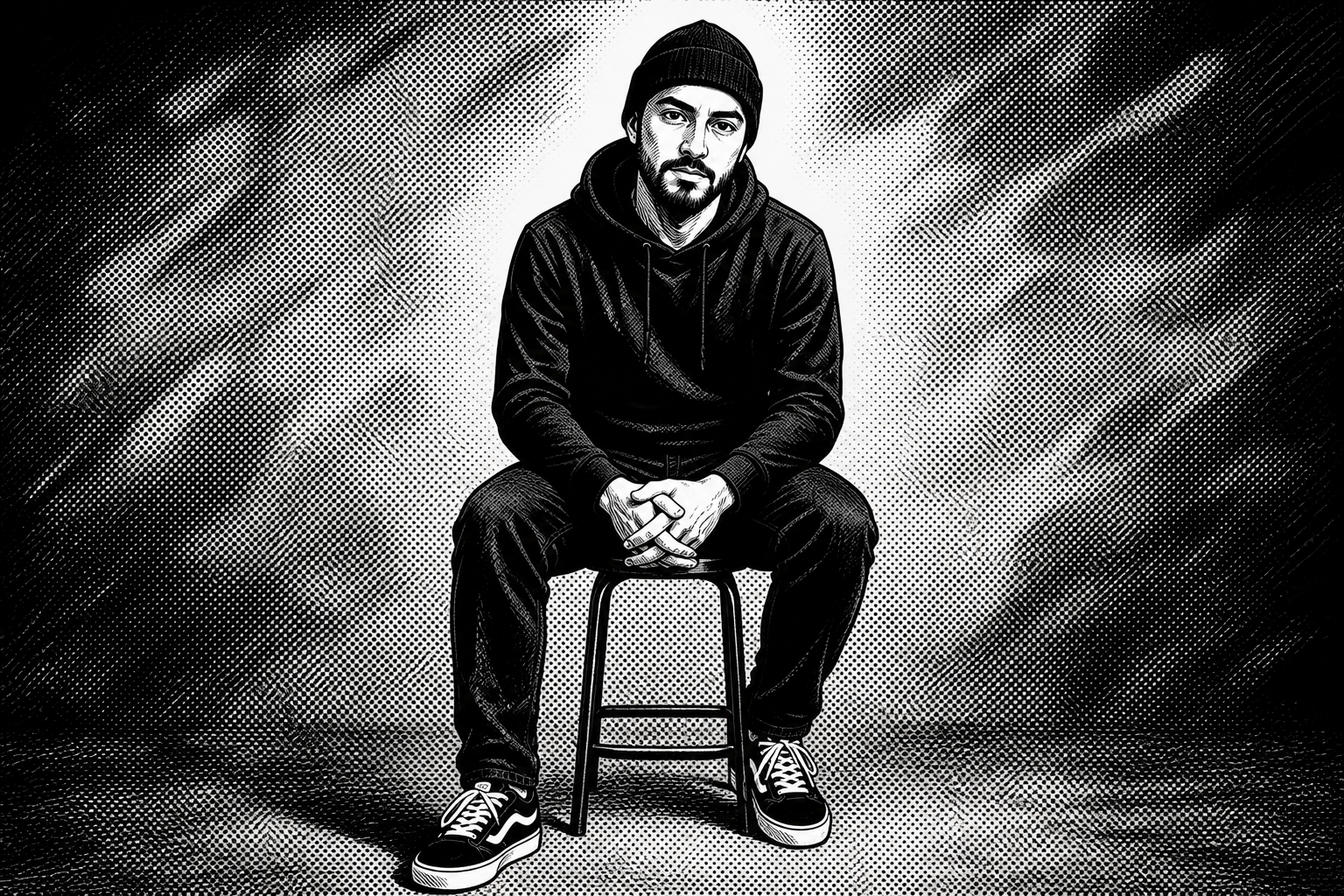
Switch anime styles fast
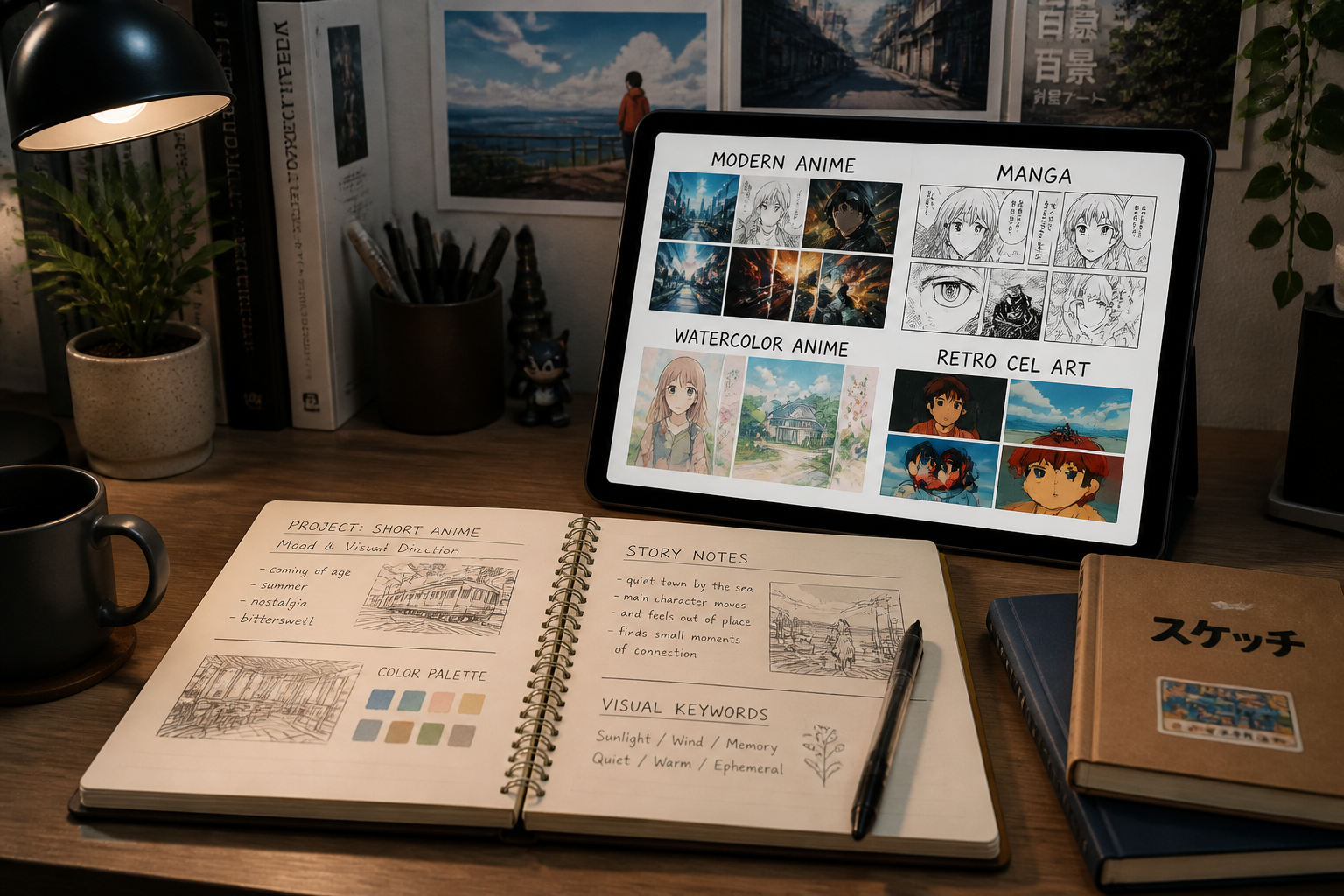
You are not limited to one generic anime look. You can push the same photo toward soft watercolor, bold manga, glossy cel art, or more cinematic modern anime depending on the mood you want. That saves time compared with manually reworking colors, outlines, and shading in a traditional editor. It is useful for testing which direction fits a creator profile, campaign, or character concept.
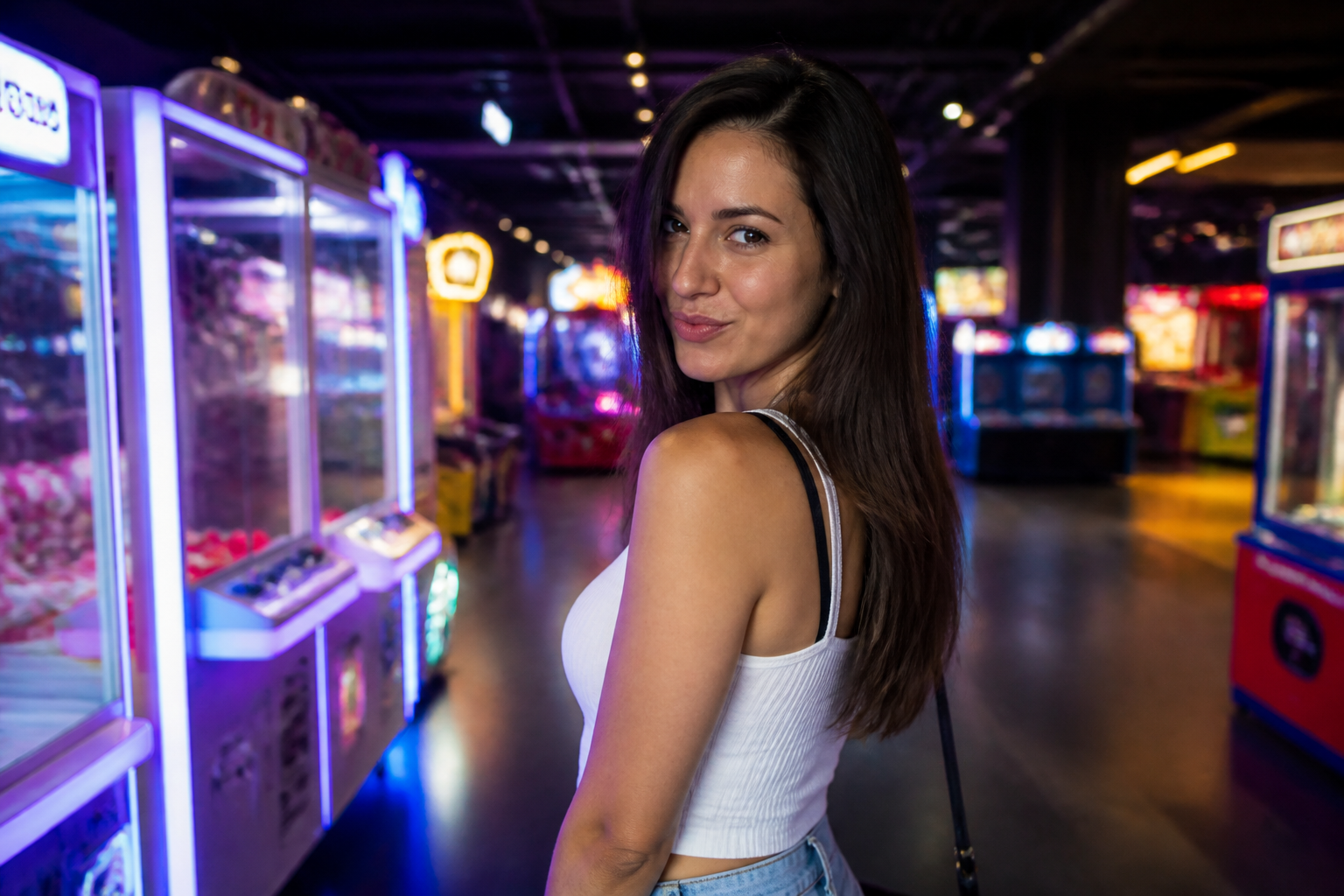
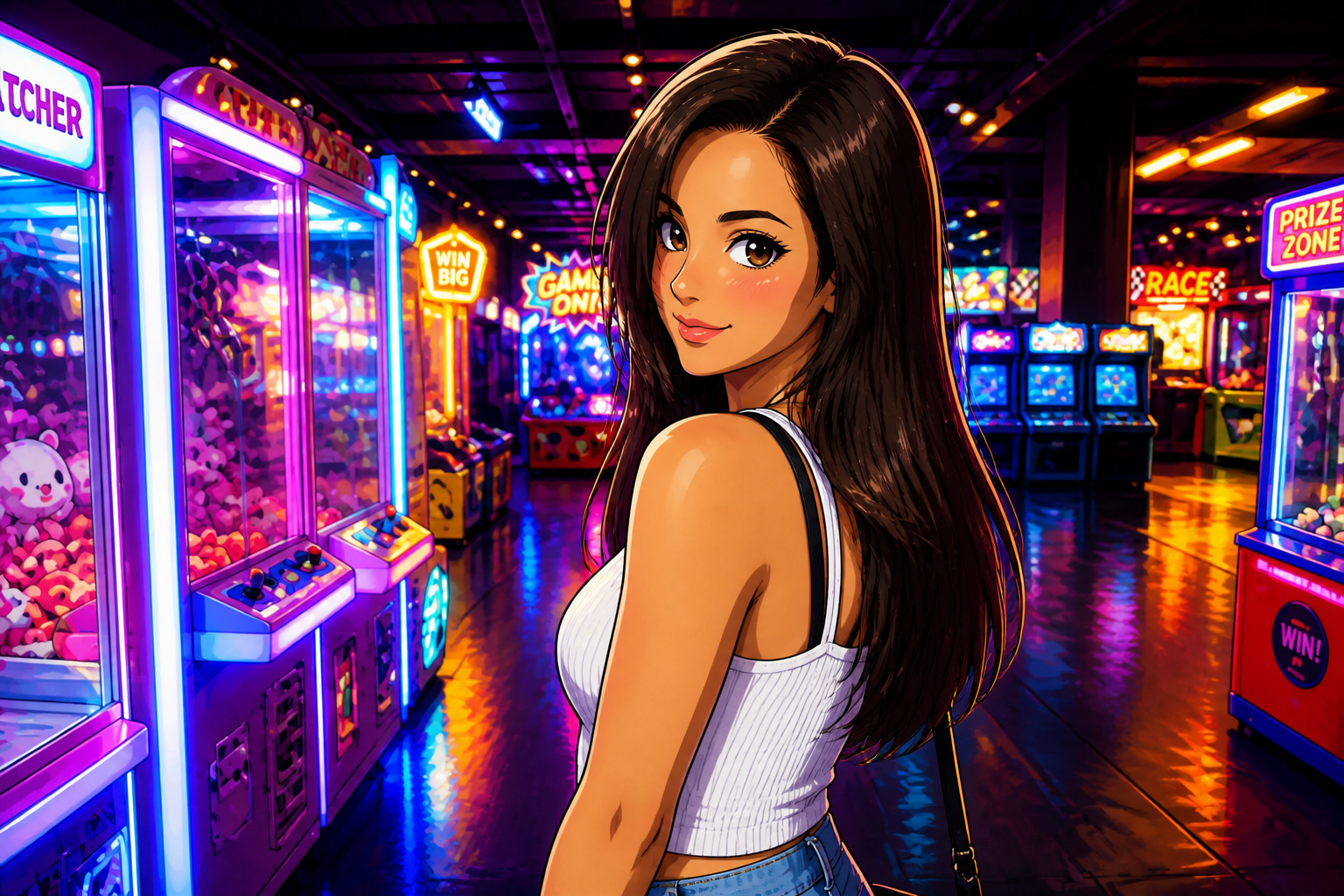
Strong thumbnail-level change
A good style conversion should be obvious even at a small size. The edits are designed to produce clear linework, anime-style facial features, and readable shading so the transformation does not look like a weak filter. That makes the result more effective in galleries, social posts, and profile avatars. You get a visible payoff without needing to over-explain what changed.
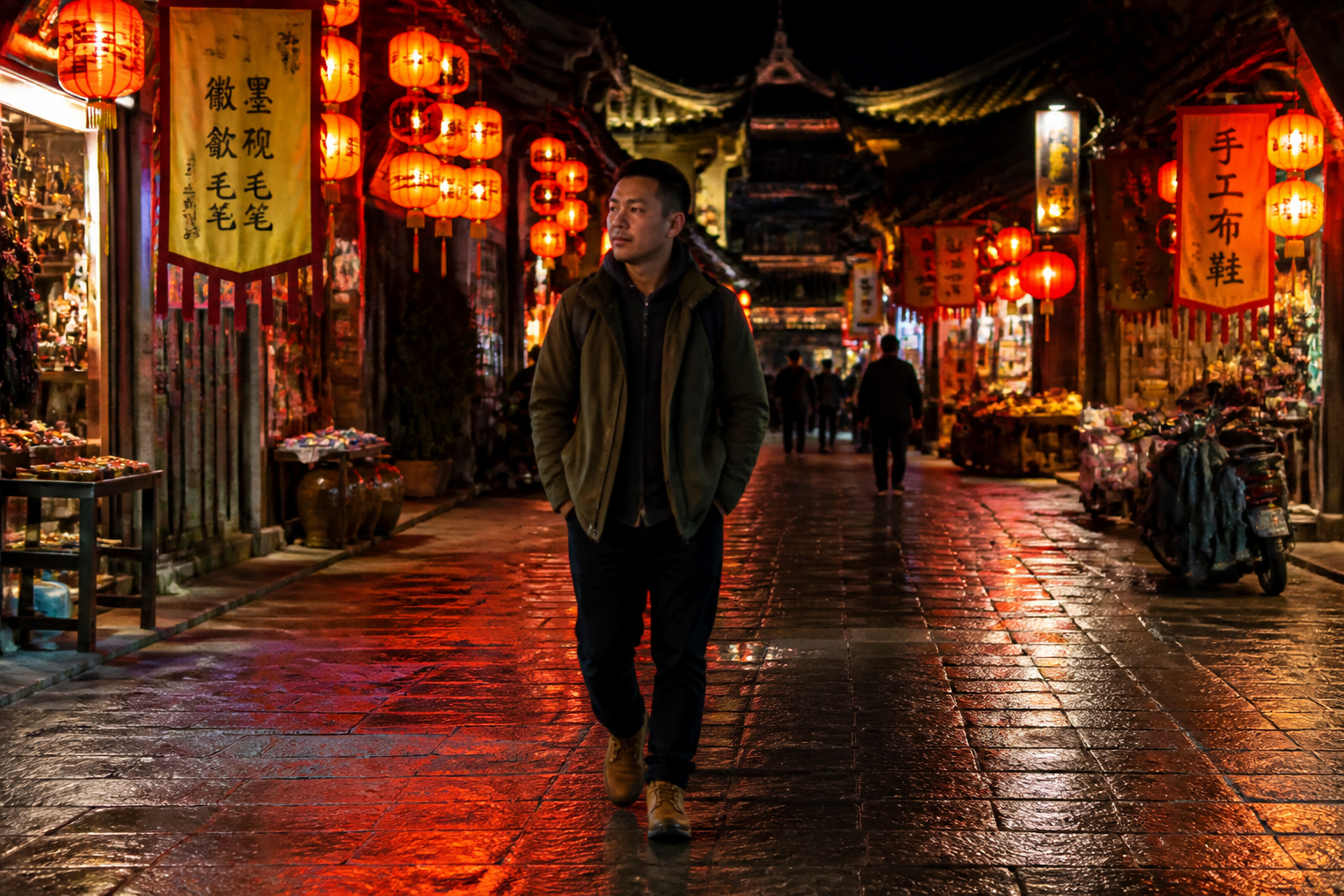
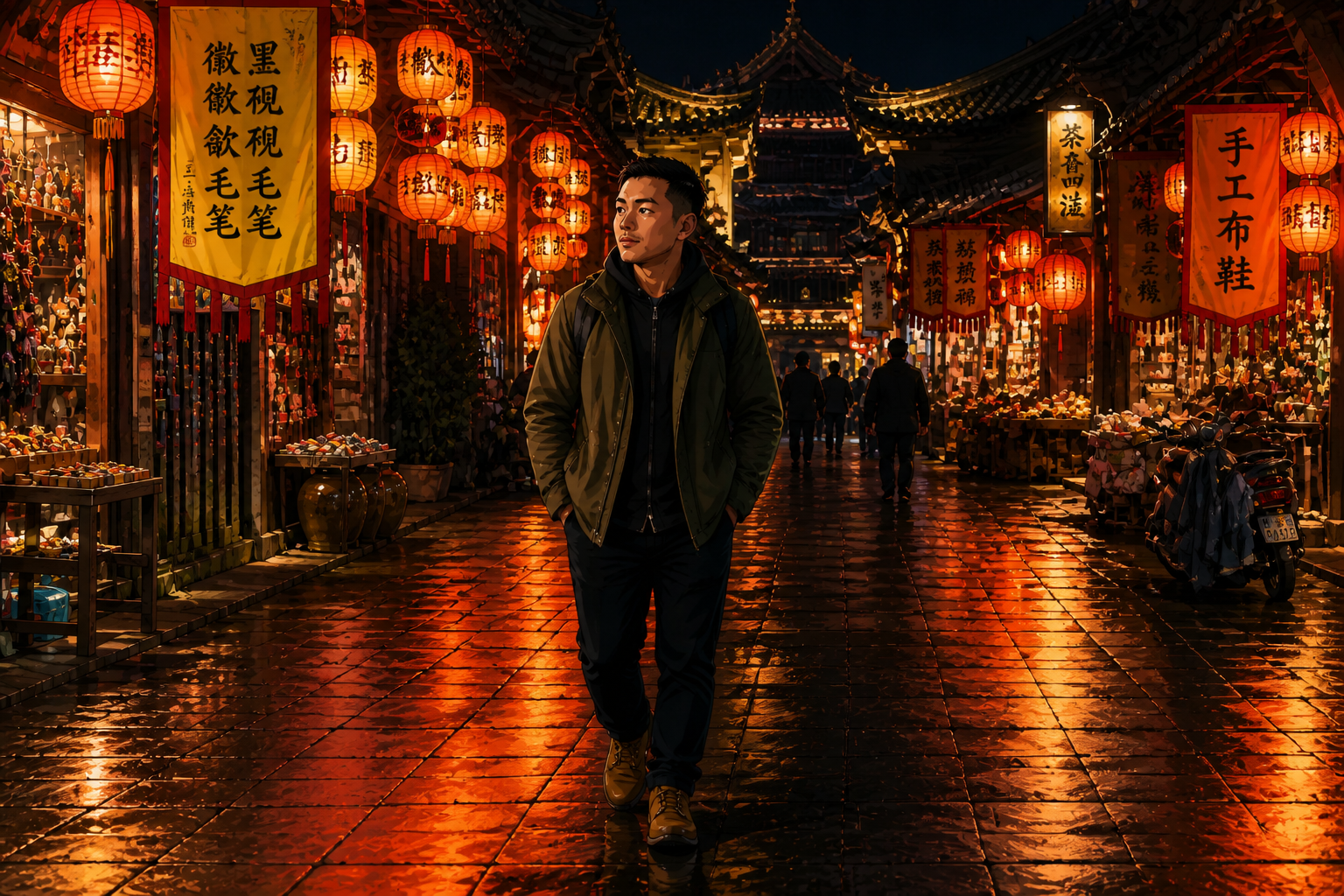
Works beyond portraits
The converter is not only for tight headshots. It also handles wider scenes, full outfits, and environmental portraits where the background helps sell the mood. That gives you more variety than a face-only anime filter and makes the output feel closer to a finished illustration. It is a practical way to stylize travel shots, street photos, and lifestyle images without losing the original setting.
How It Works
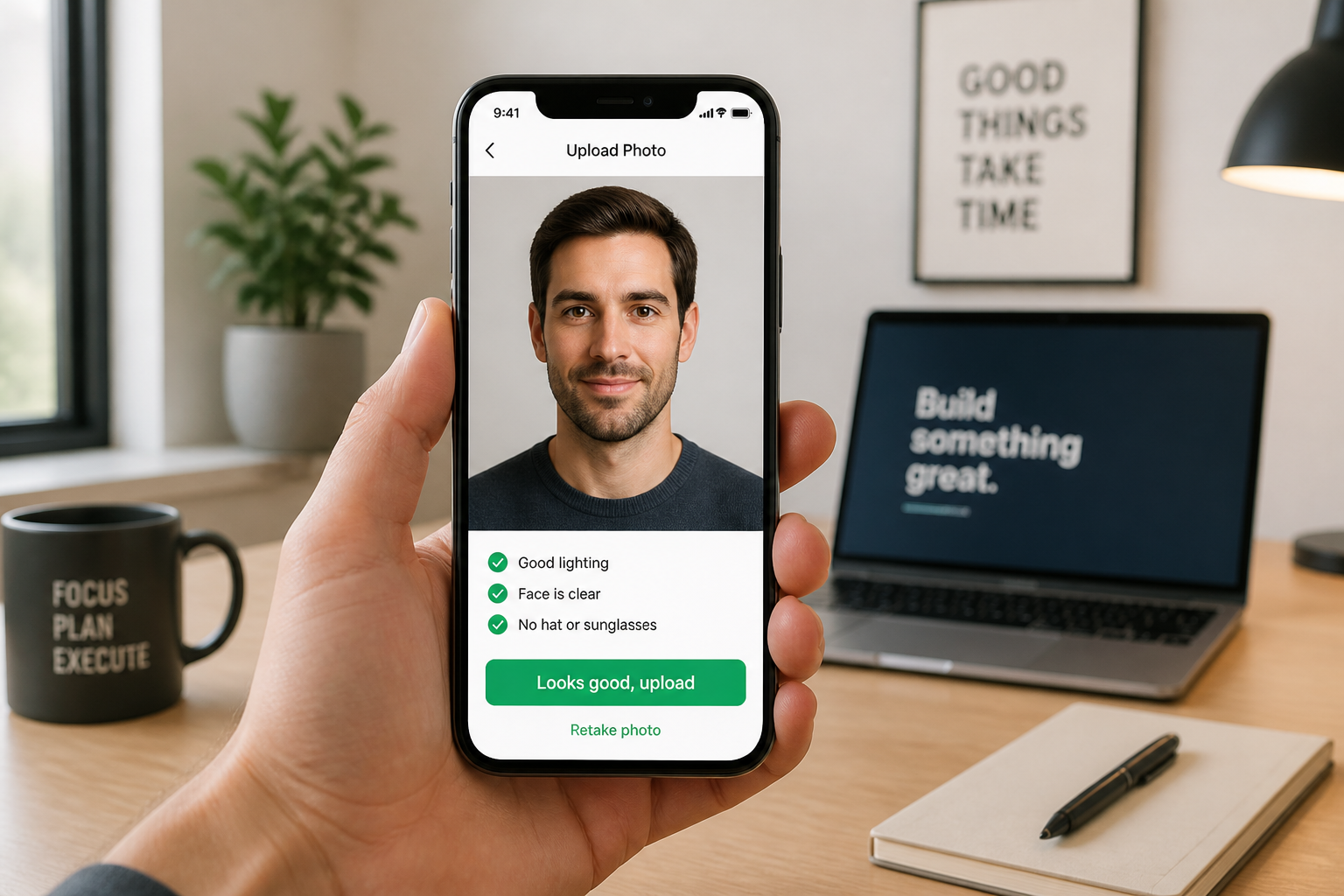
Upload your photo
Start with a clear image that shows the subject well. Landscape shots, lifestyle portraits, and clean street photos all work well for this effect.
Choose the anime look
Describe the style you want, such as modern anime, manga, shojo, or watercolor anime. The clearer your direction, the easier it is to get a result that matches your taste.
Compare and refine
Review the before and after to see how the style changed. If needed, run another pass with a different anime direction until the image feels right.
Perfect For
Discover how creators and professionals use realistic to anime converter
Anime profile pictures
Turn a normal portrait into a stylized avatar for social accounts, forums, or streaming profiles.
Character concept visuals
Use real photos as a base when exploring anime character directions for stories, games, or personal projects.
Stylized social content
Create eye-catching before-and-after posts that are more distinctive than standard photo filters.
Creative mood boards
Generate anime-style variants from lifestyle or fashion photos to test tone, color, and illustration direction.
Built For
Creators and streamers
Useful for avatars, thumbnails, banners, and social content that needs a more stylized identity.
Anime fans and hobbyists
A simple way to see how your own photos look in different anime-inspired styles without drawing skills.
Designers and marketers
Helpful for quick concept exploration when a campaign or visual board needs an illustrated anime feel.
Why use this instead of generic editors
A quick look at how we compare on the things that matter for this niche.
| Feature | BudgetPixel | Generic AI editors | Manual editing apps |
|---|---|---|---|
| Anime-specific style conversion | ✓ | — | — |
| Keeps original pose readable | ✓ | — | ✓ |
| Fast style variations | ✓ | ✓ | — |
| No manual drawing required | ✓ | ✓ | — |
Frequently Asked Questions
What does the realistic to anime converter do?
Will it keep the person recognizable?
Can I choose different anime styles?
Do landscape photos work, or only portraits?
What kind of photo should I upload?
Create together.
Share your creations, discover trending AI art, and grow with fellow creators.