AI Anime Boy Generator
Turn ordinary images into polished anime boy art in seconds.
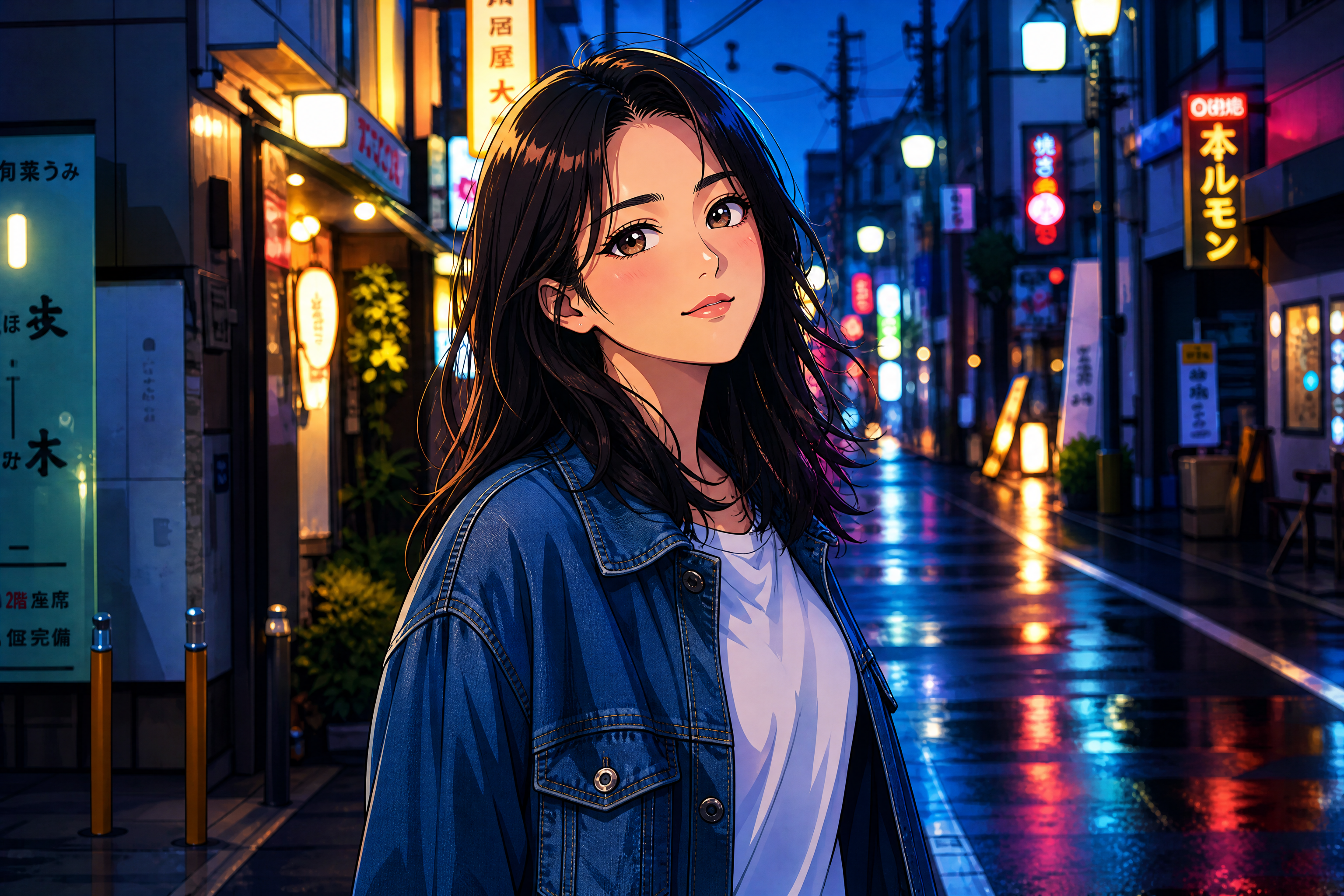
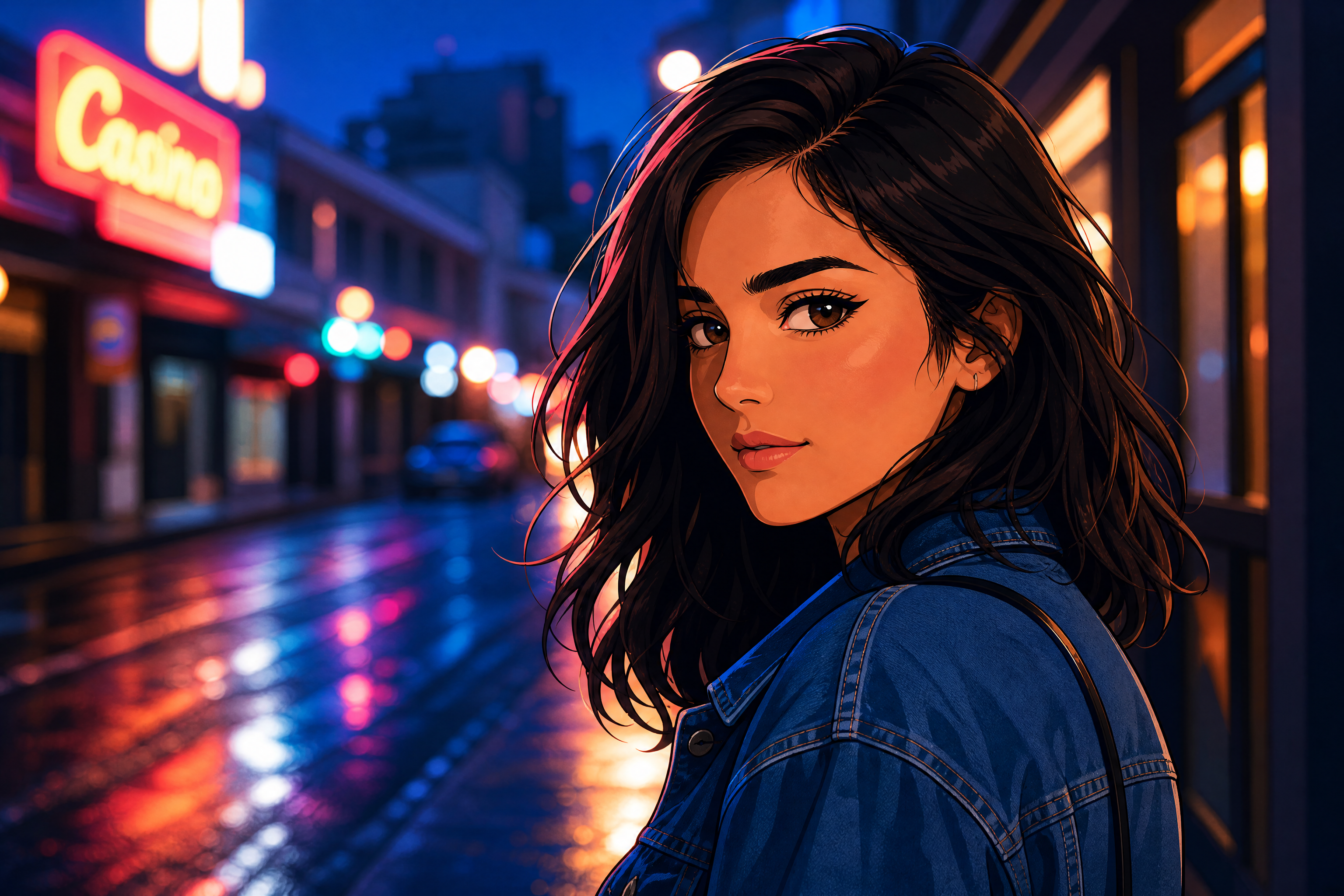
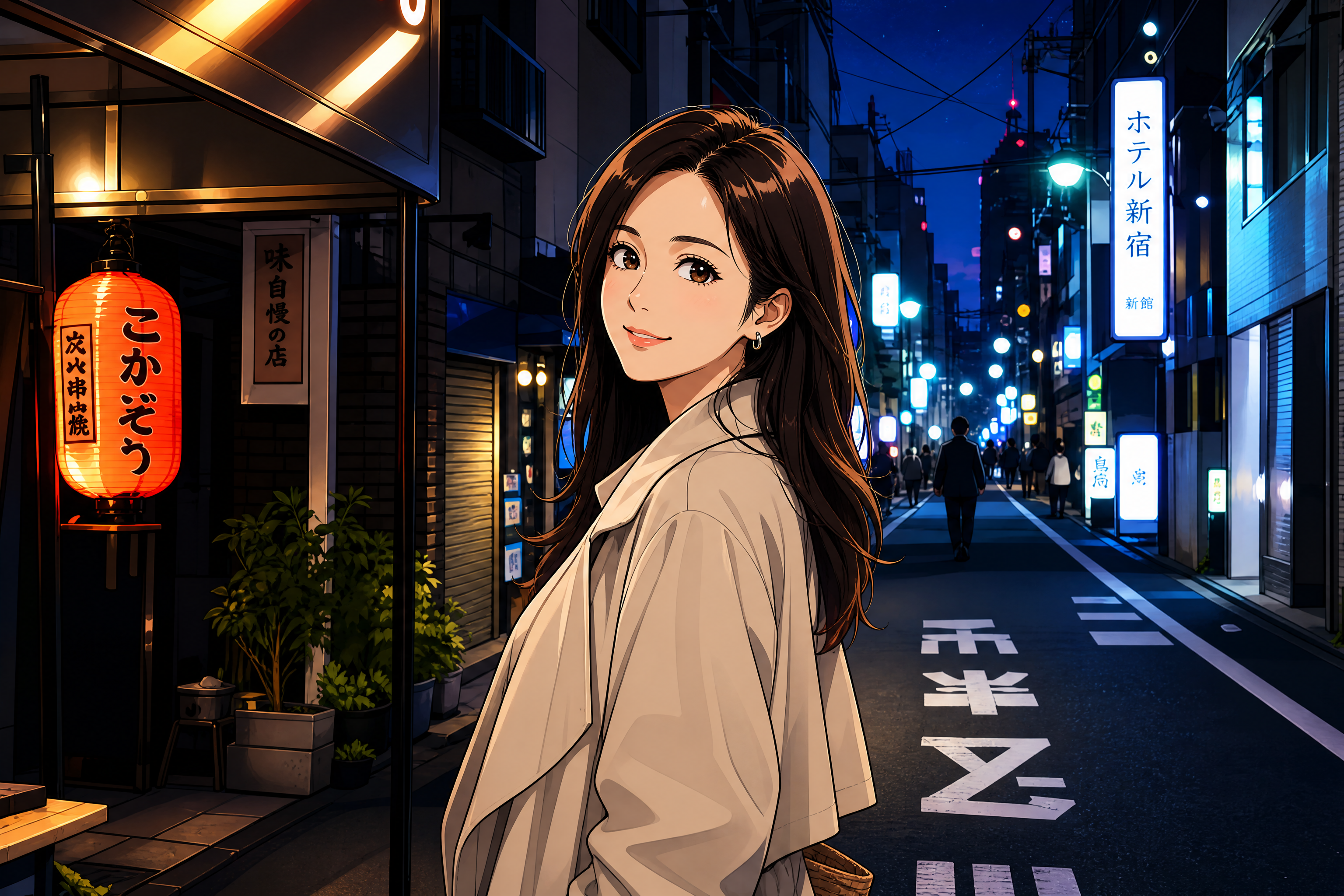
Create anime boy portraits, avatars, and stylized scenes from your images with a simple prompt. Our AI transforms the subject into a clean illustrated look while preserving composition, expression, and overall framing. It works for realistic edits, manga-inspired art, and character-style variations.
Watch the Transformation
See ai anime boy generator in motion — generated end-to-end by our AI.
See It In Action
Real outputs from ai anime boy generator.
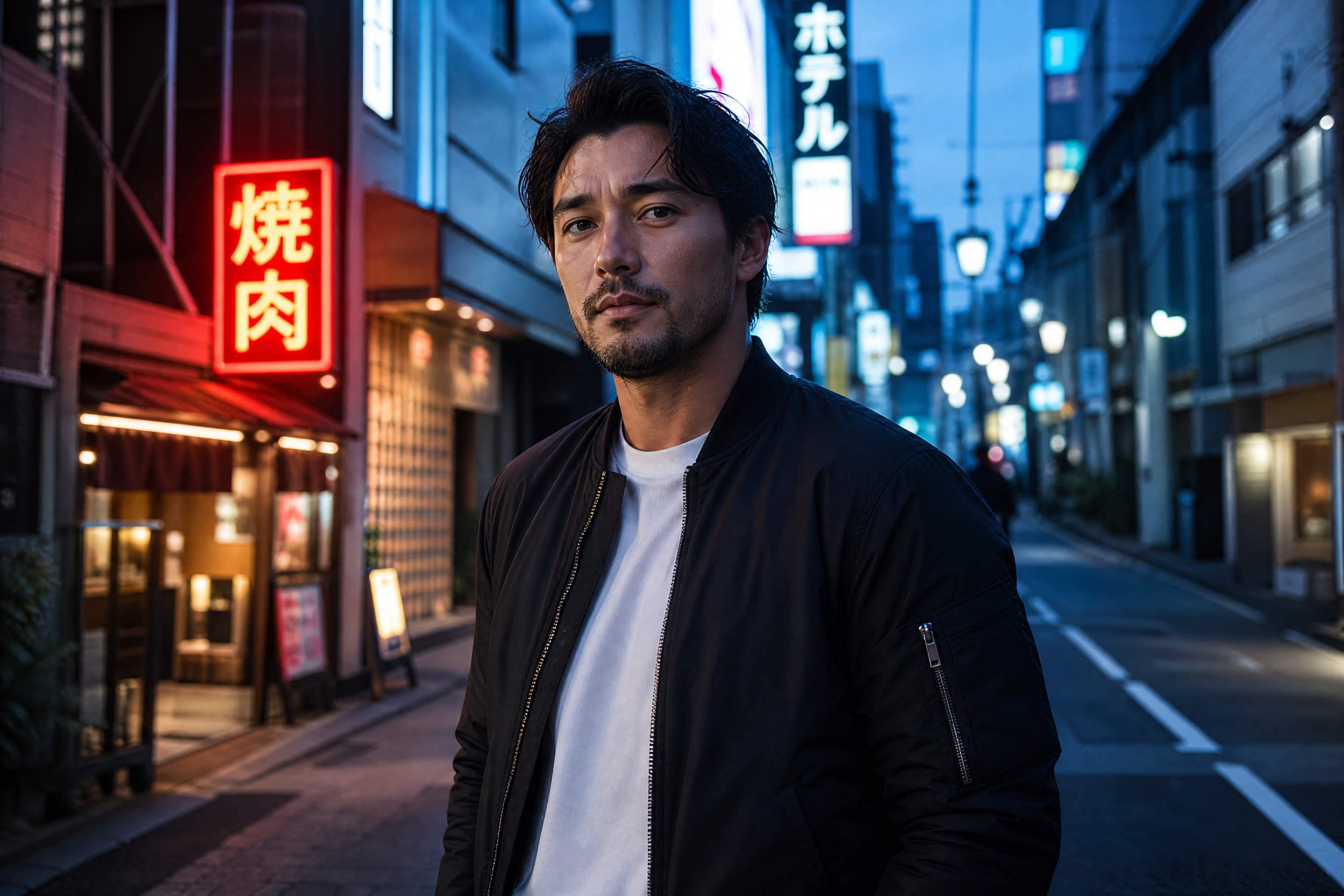
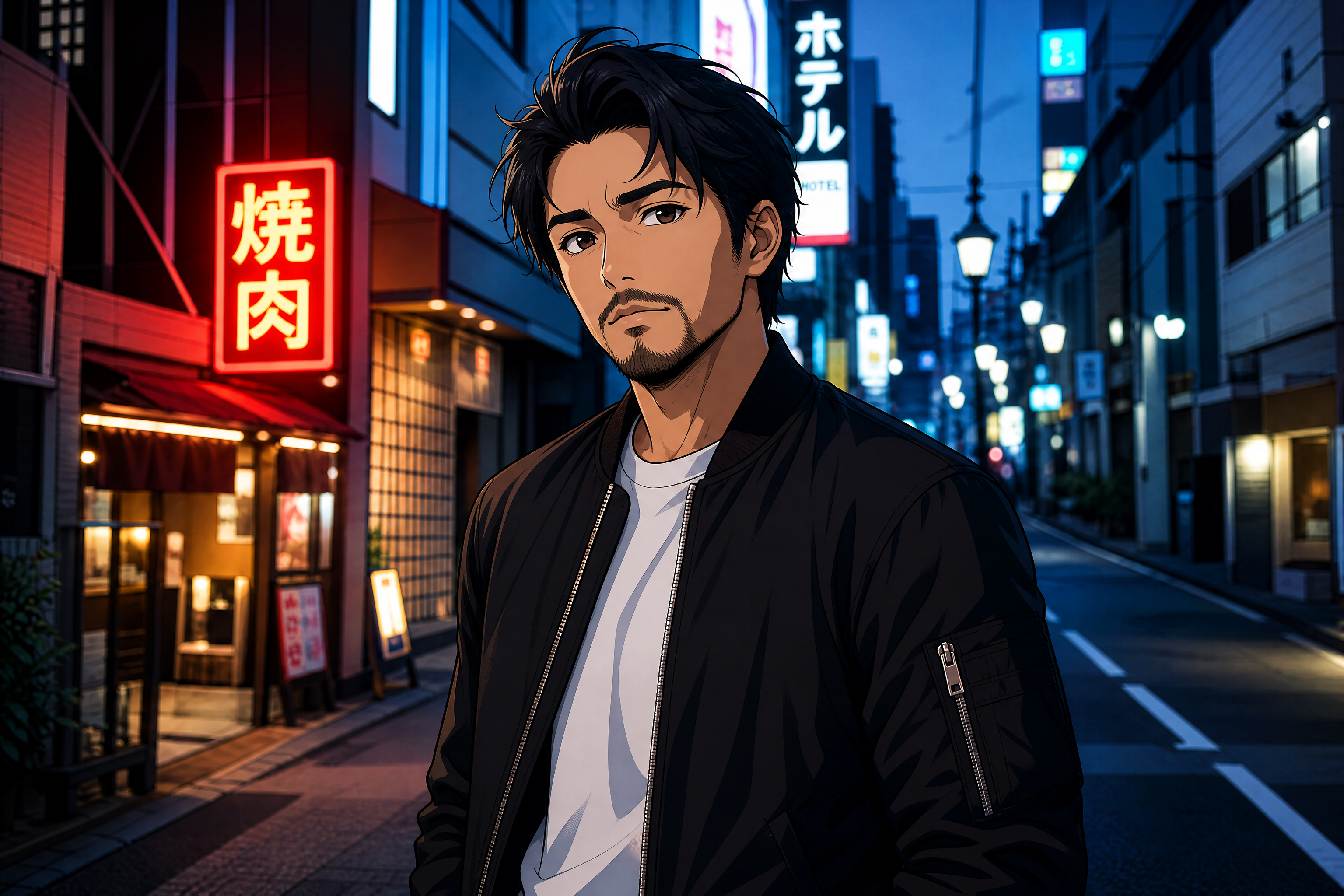
BEFOREAFTER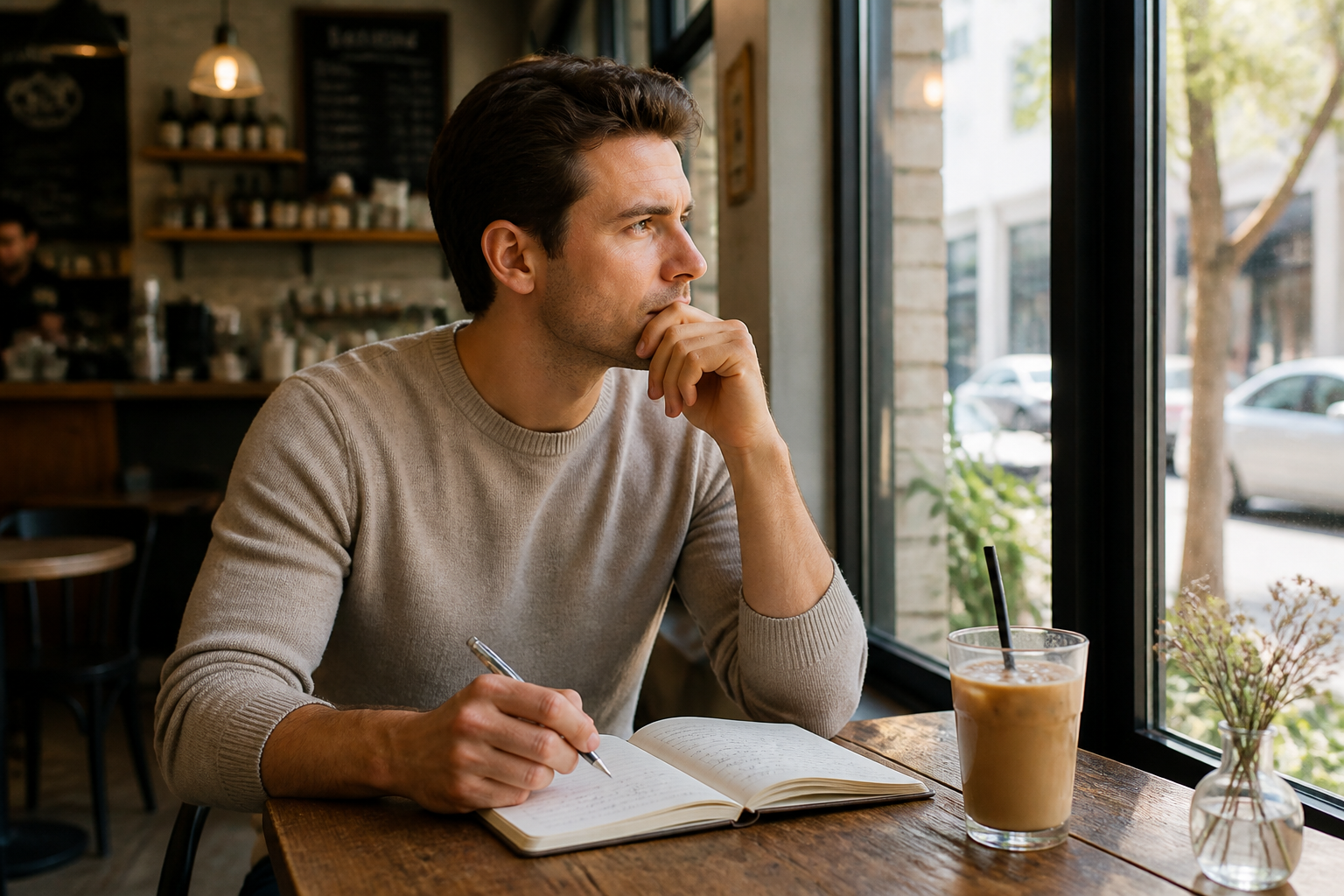 BEFORE
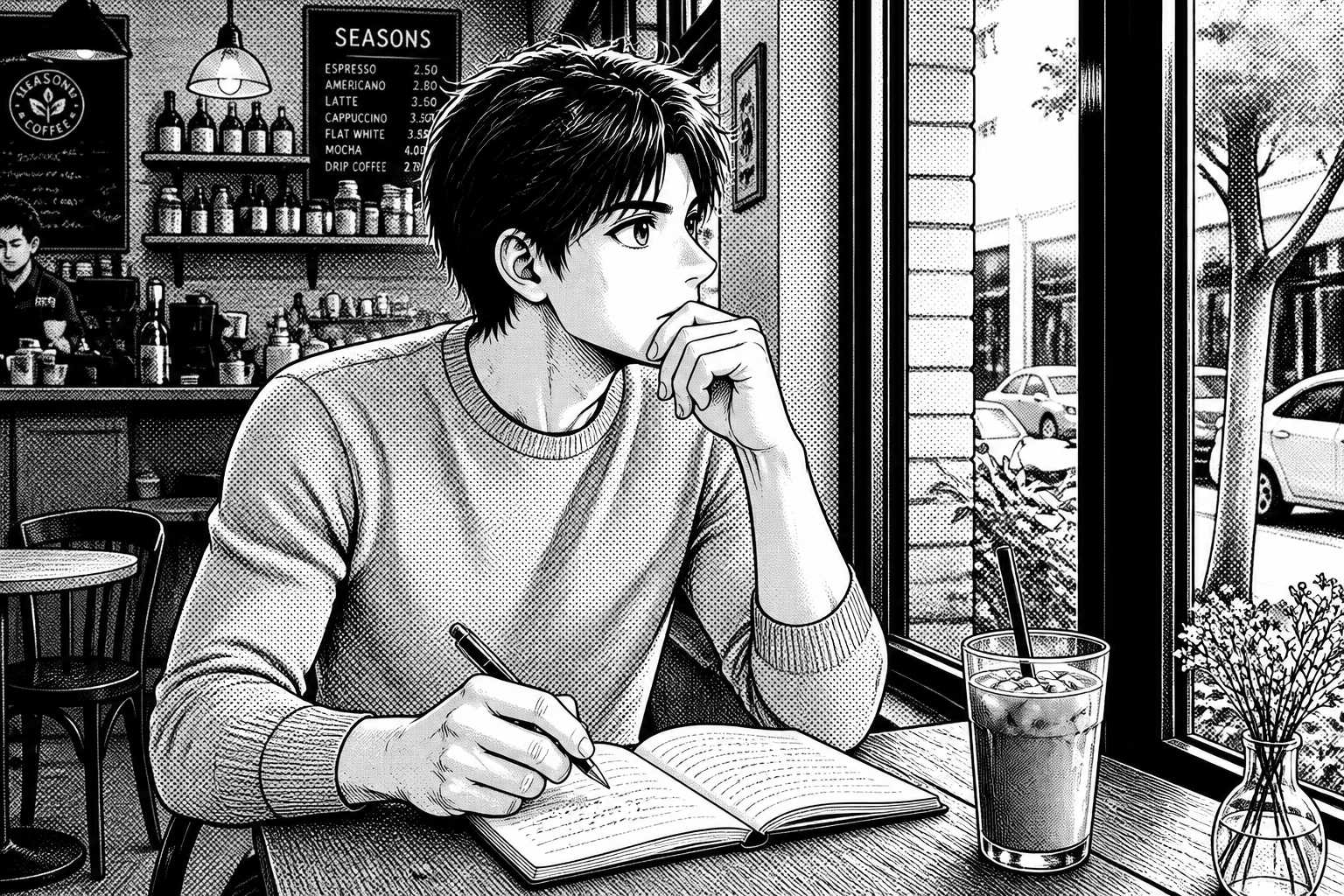 AFTER
AFTER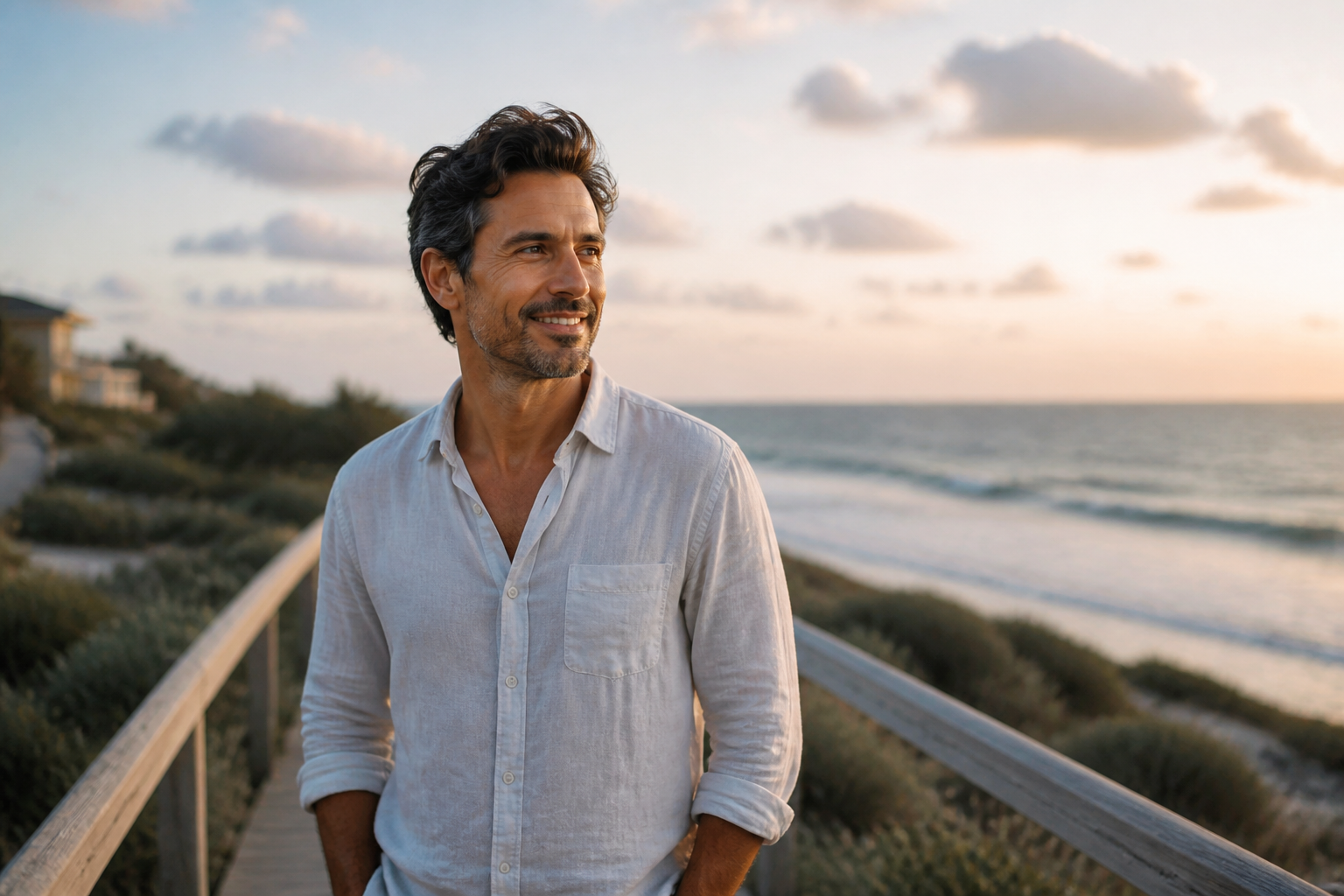 BEFORE
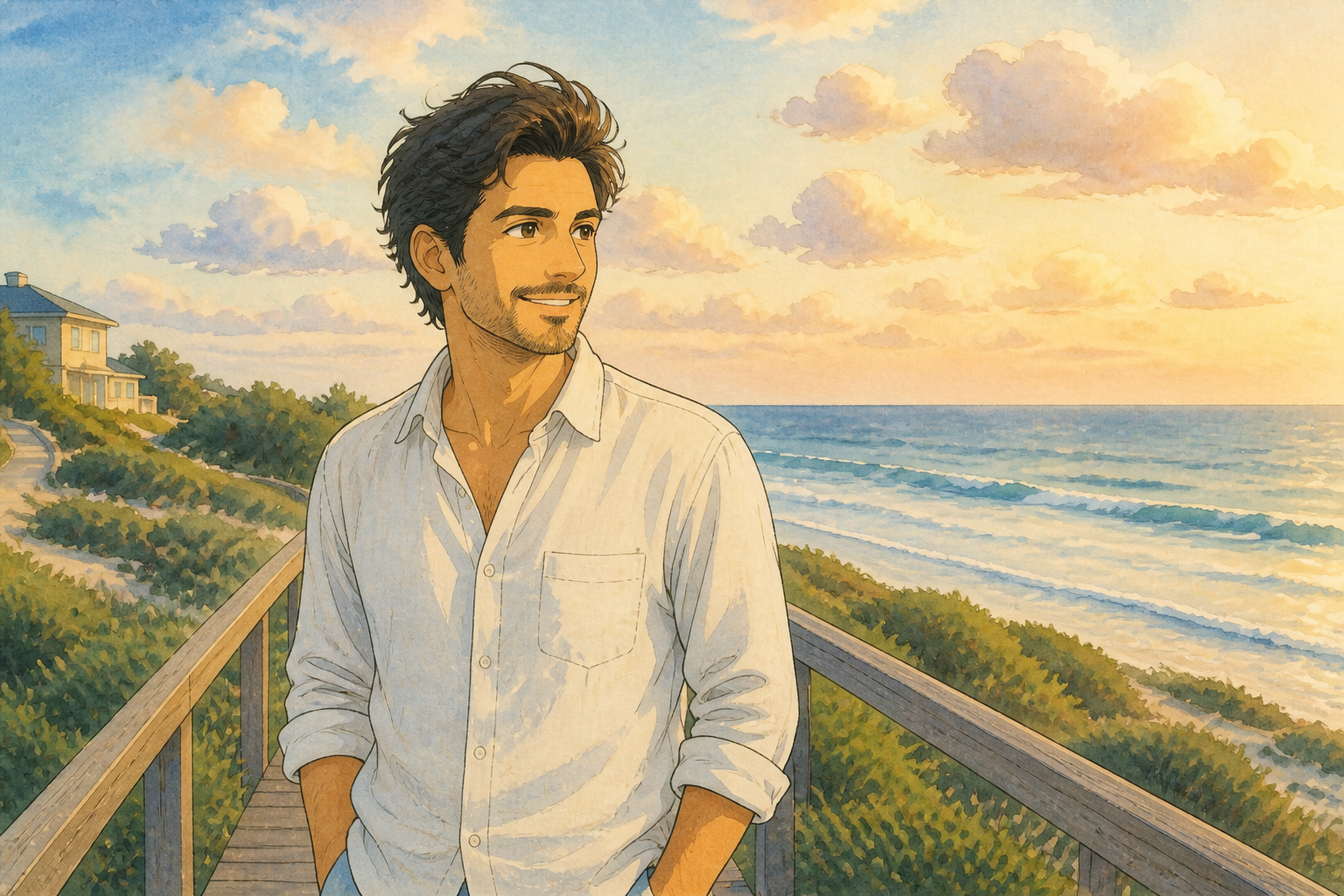 AFTER
AFTER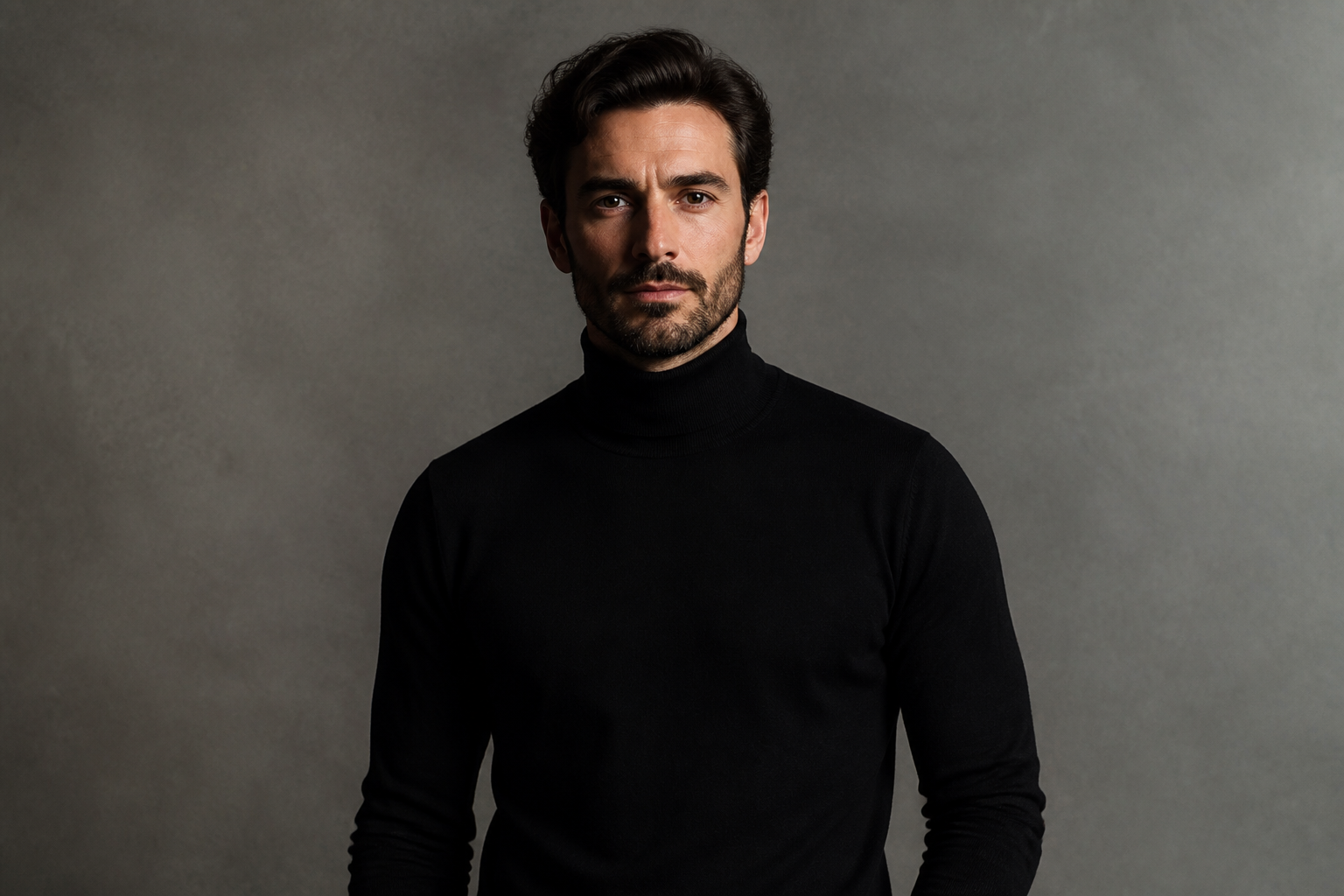 BEFORE
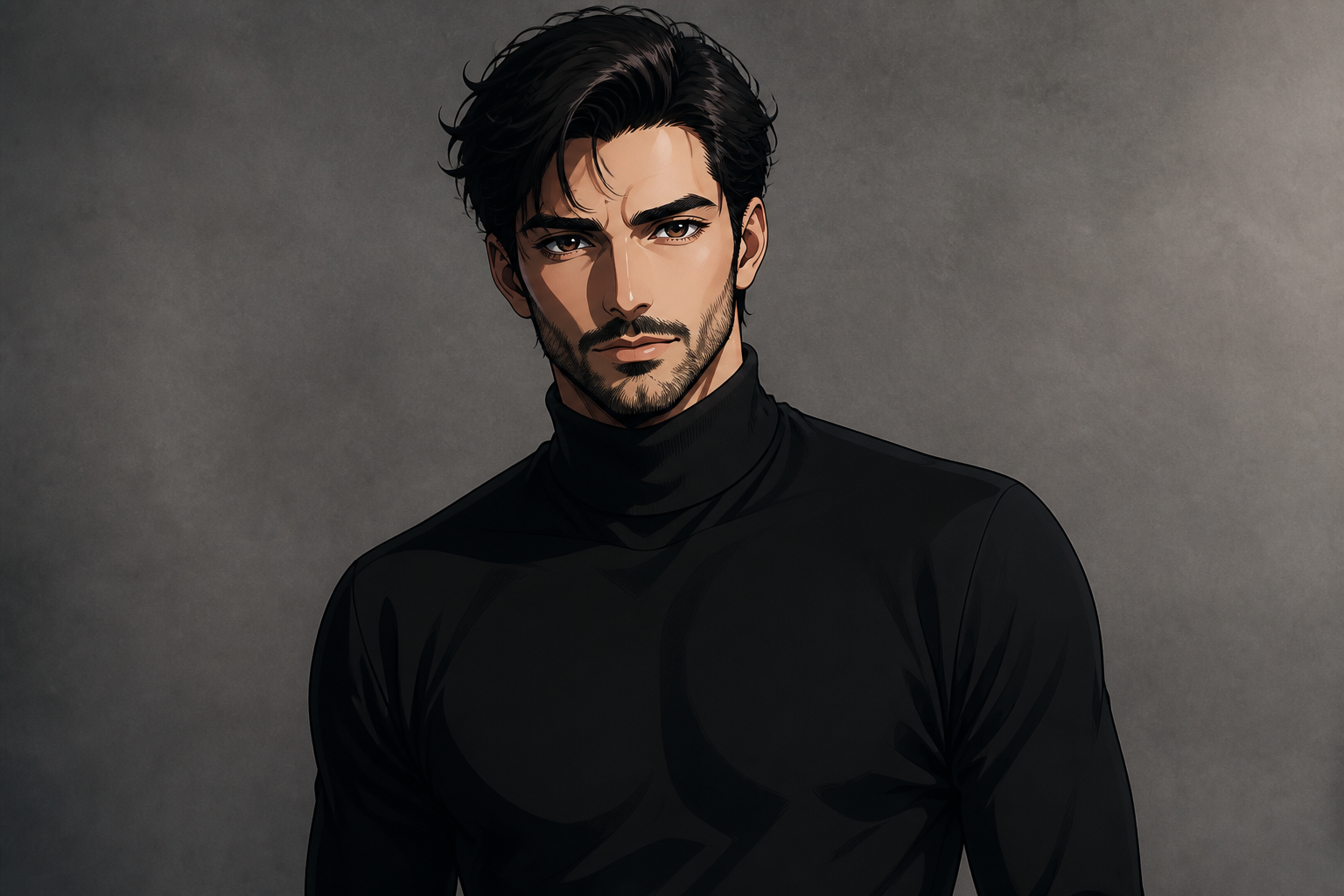 AFTER
AFTER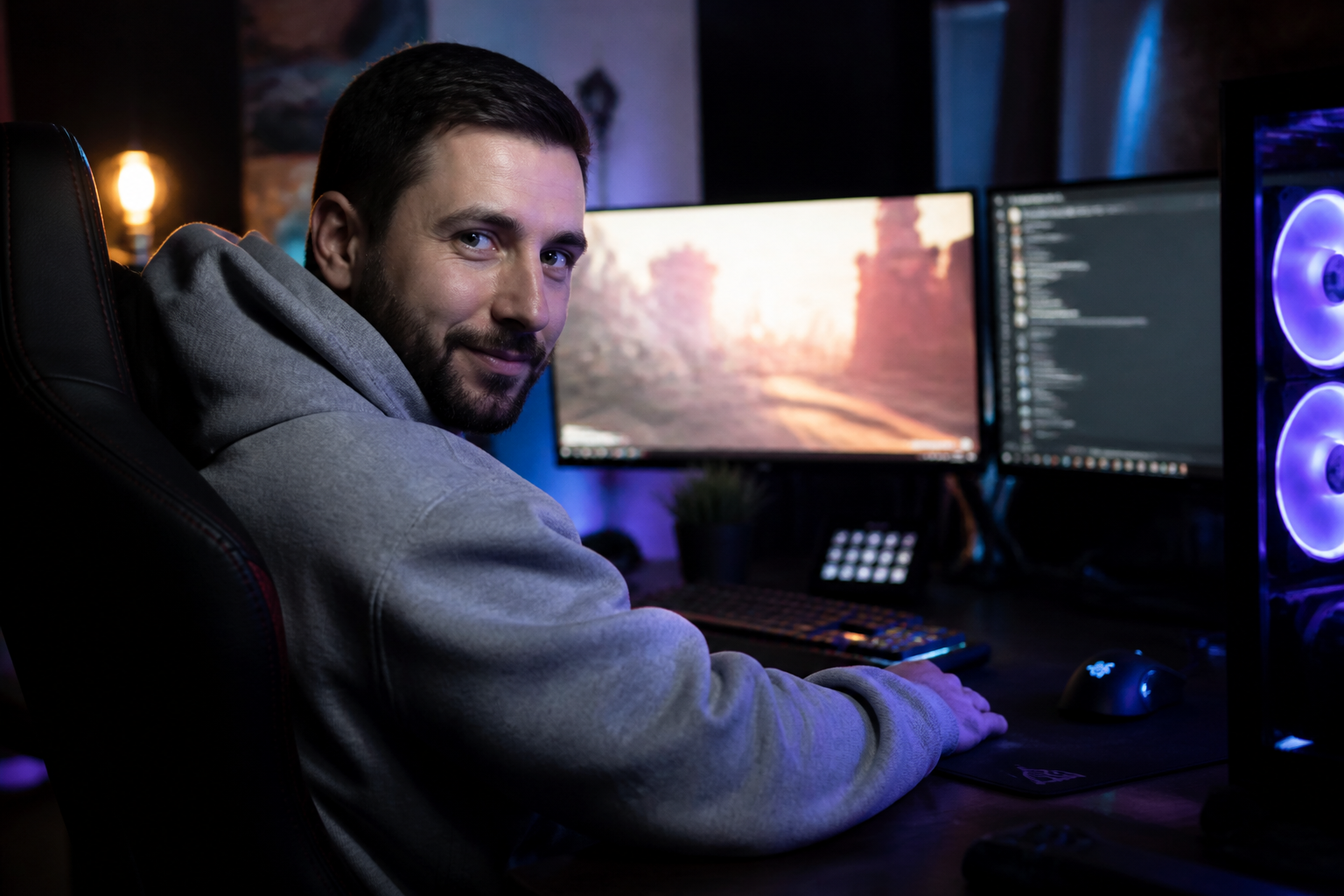 BEFORE
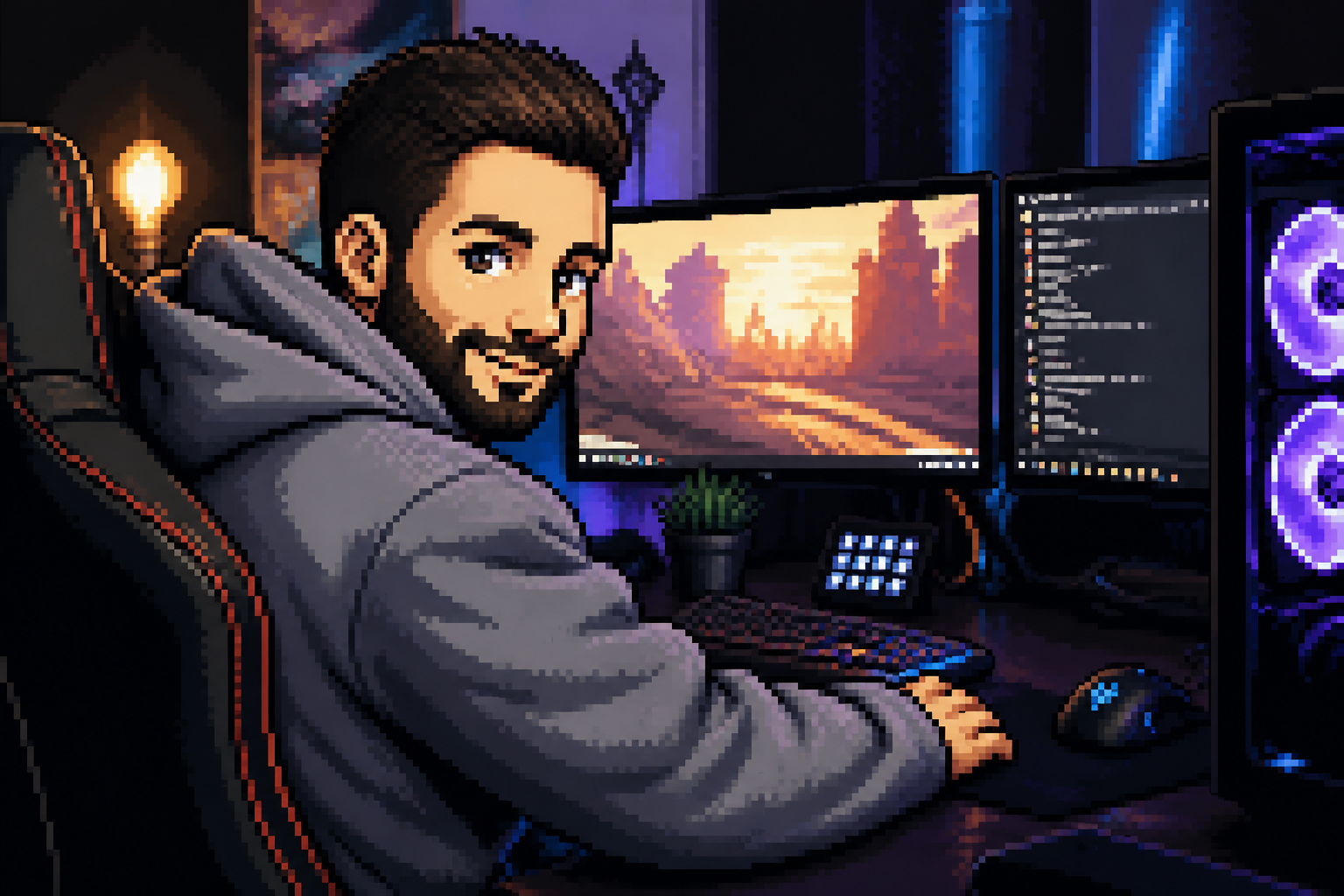 AFTERBEFOREAFTERBEFOREAFTERBEFOREAFTERBEFOREAFTERBEFOREAFTER
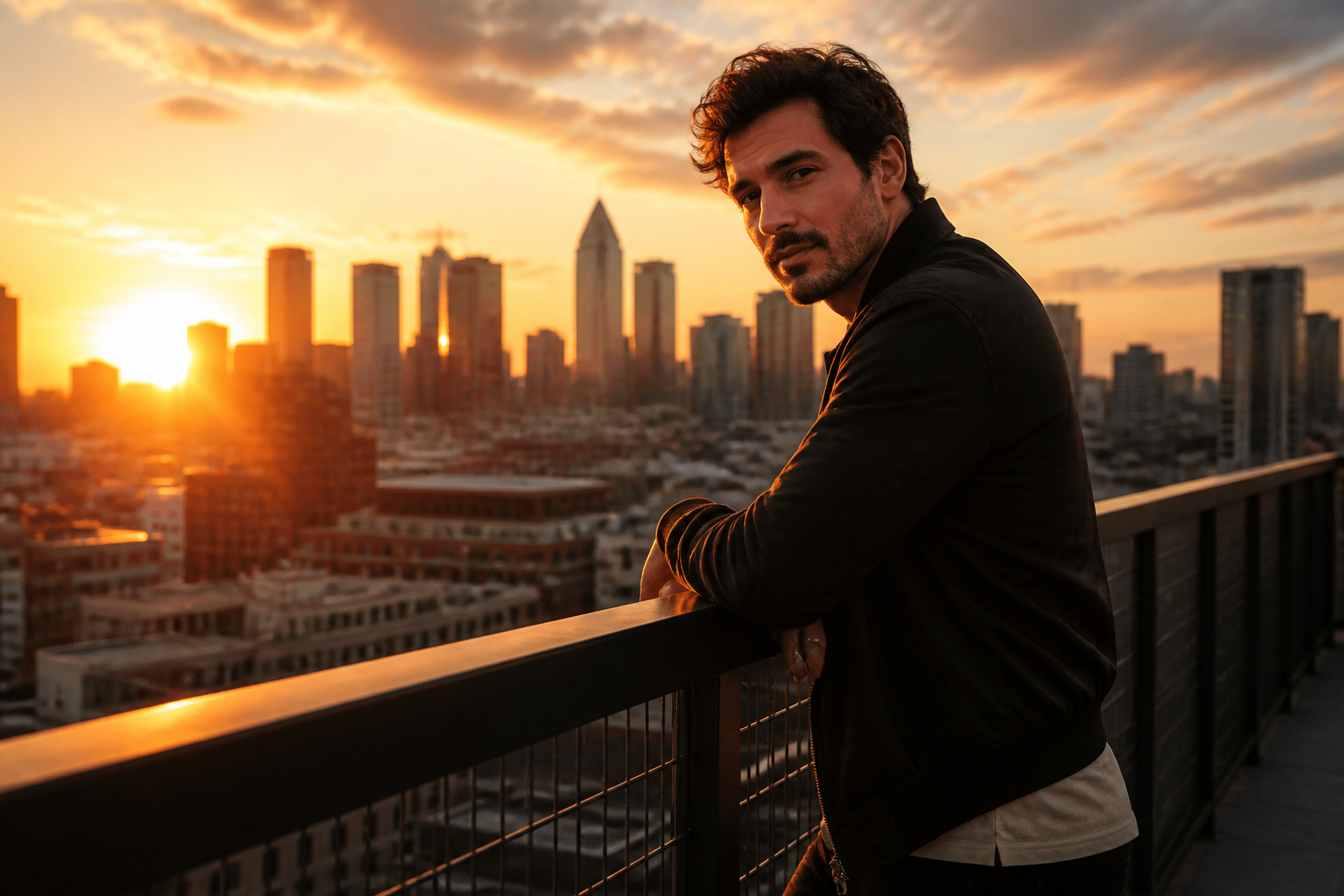 BEFORE
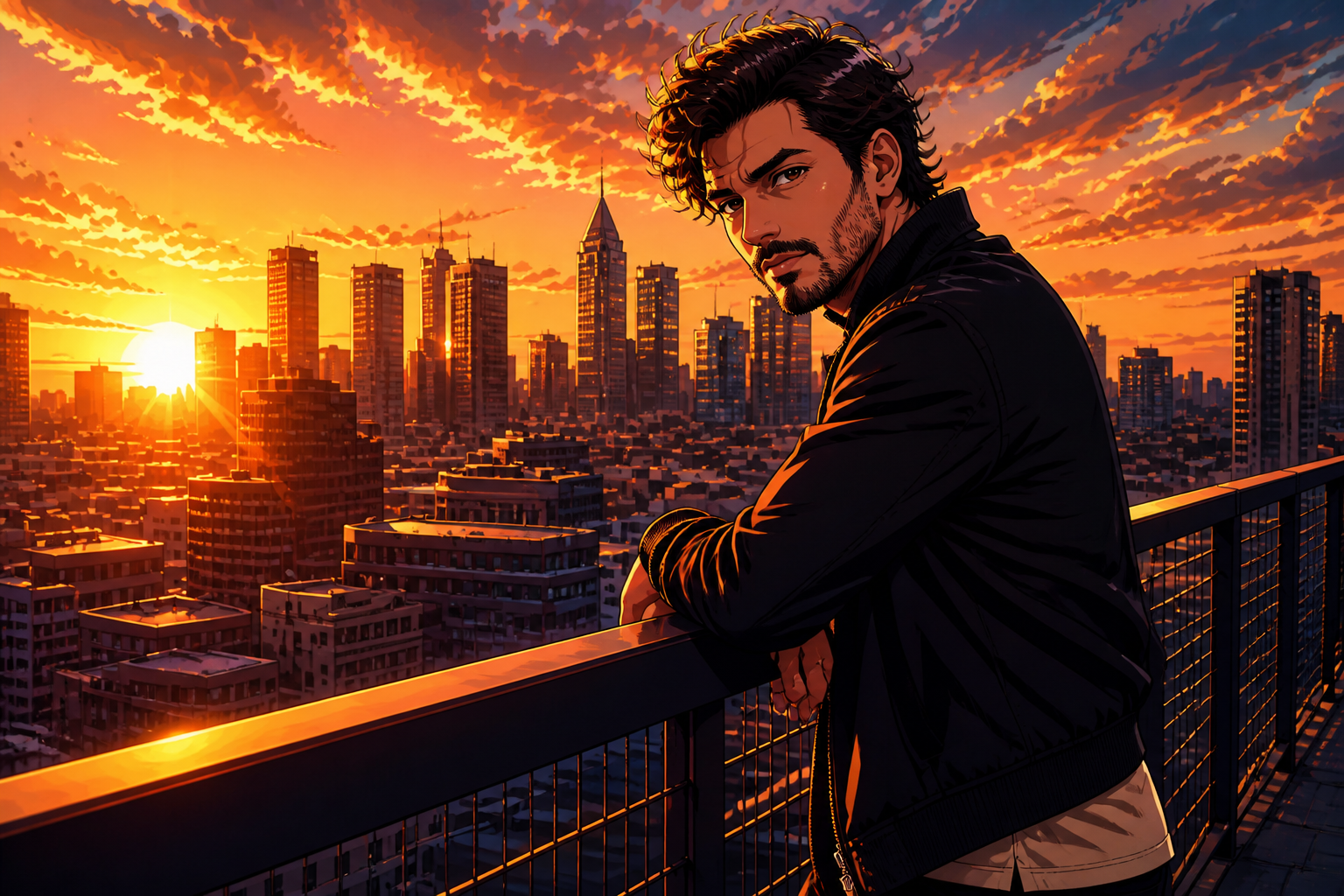 AFTER
AFTER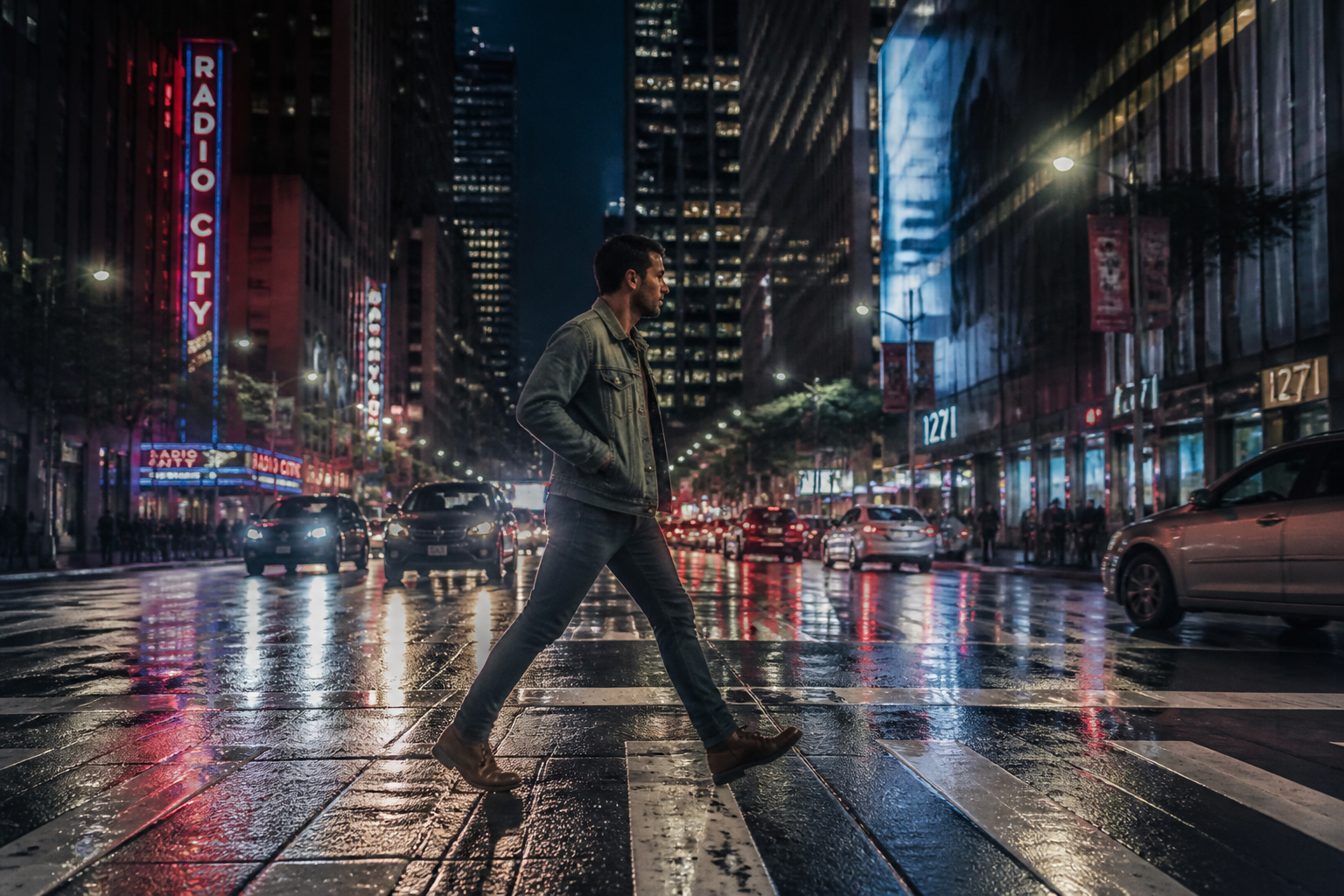 BEFORE
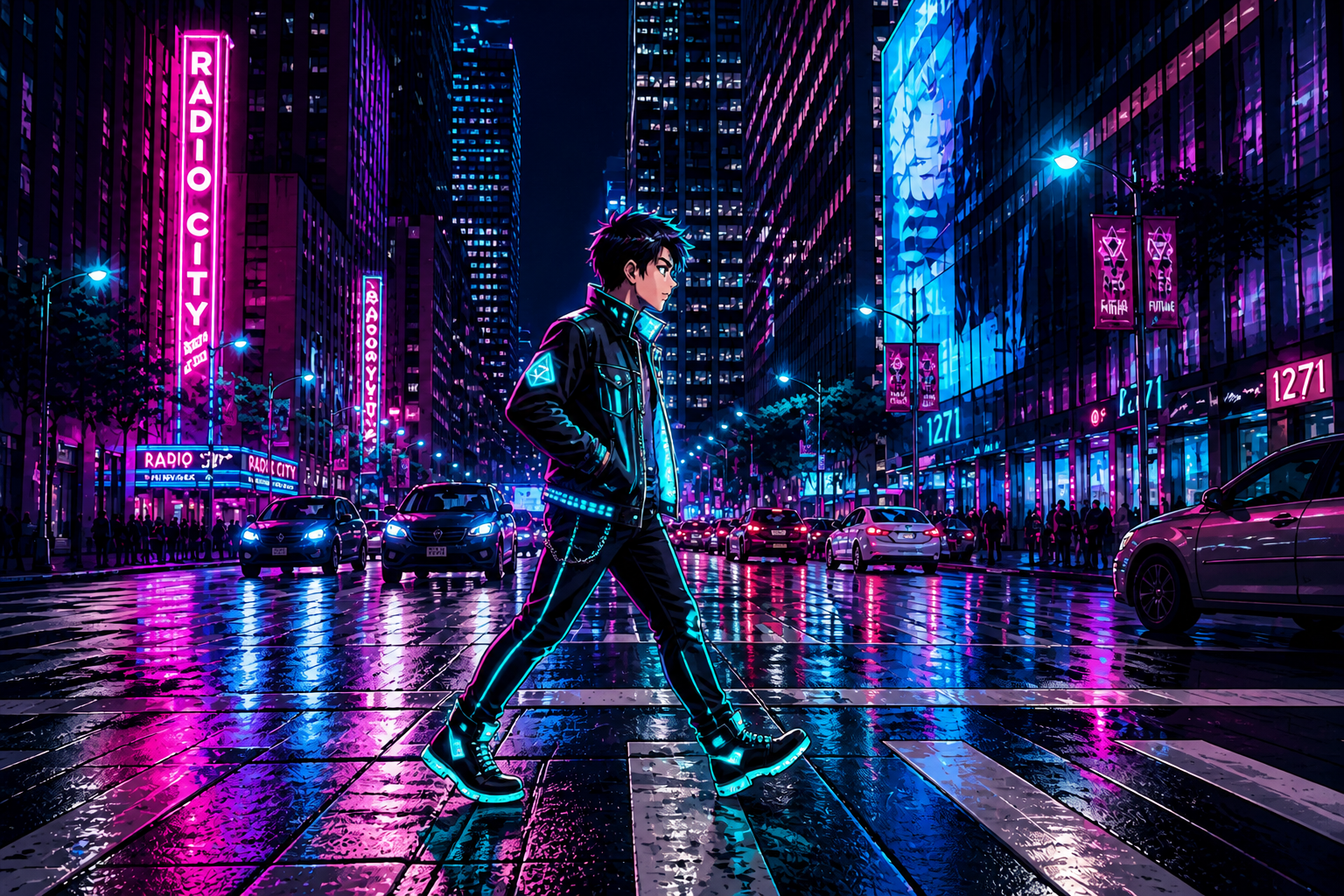 AFTER
AFTER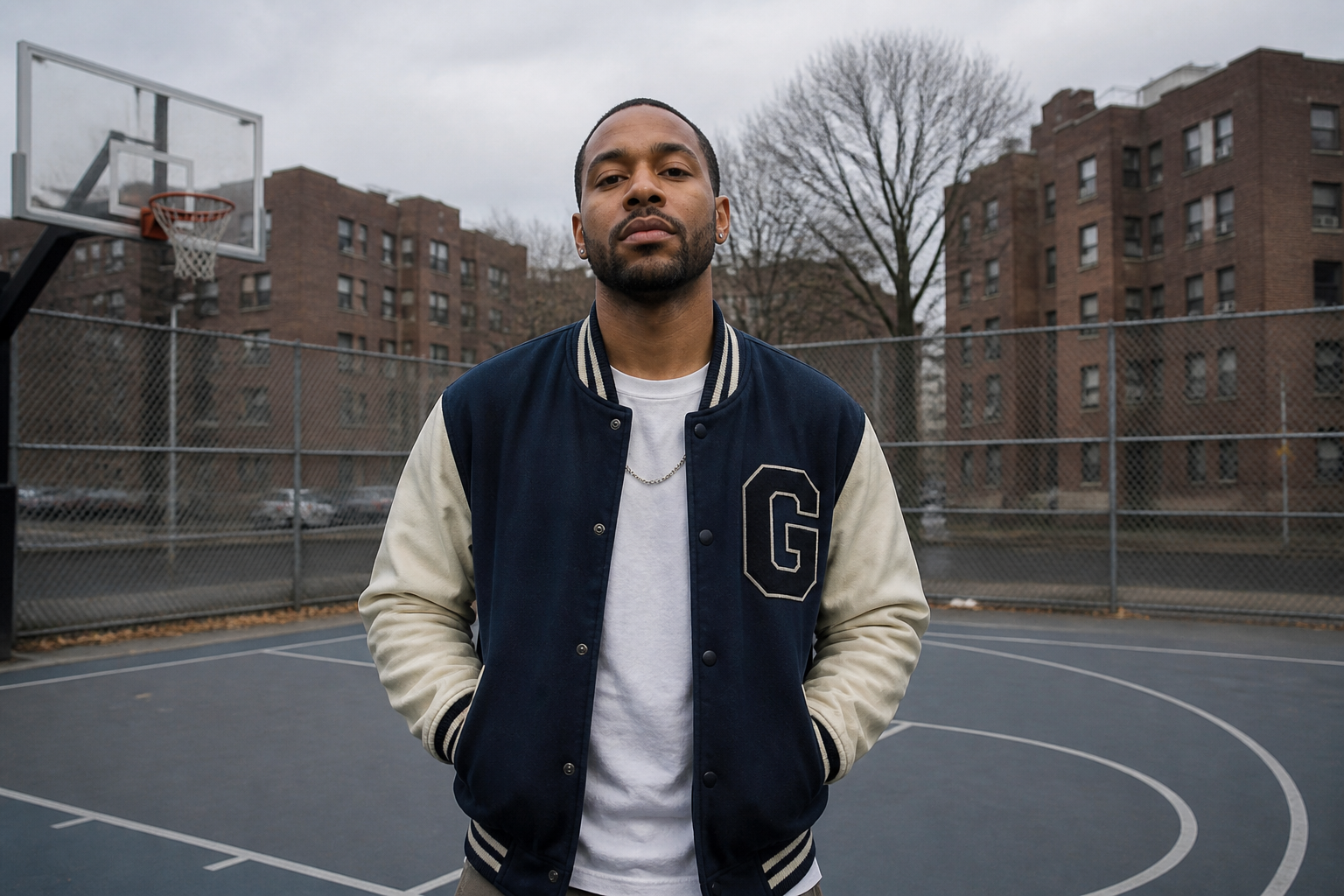 BEFORE
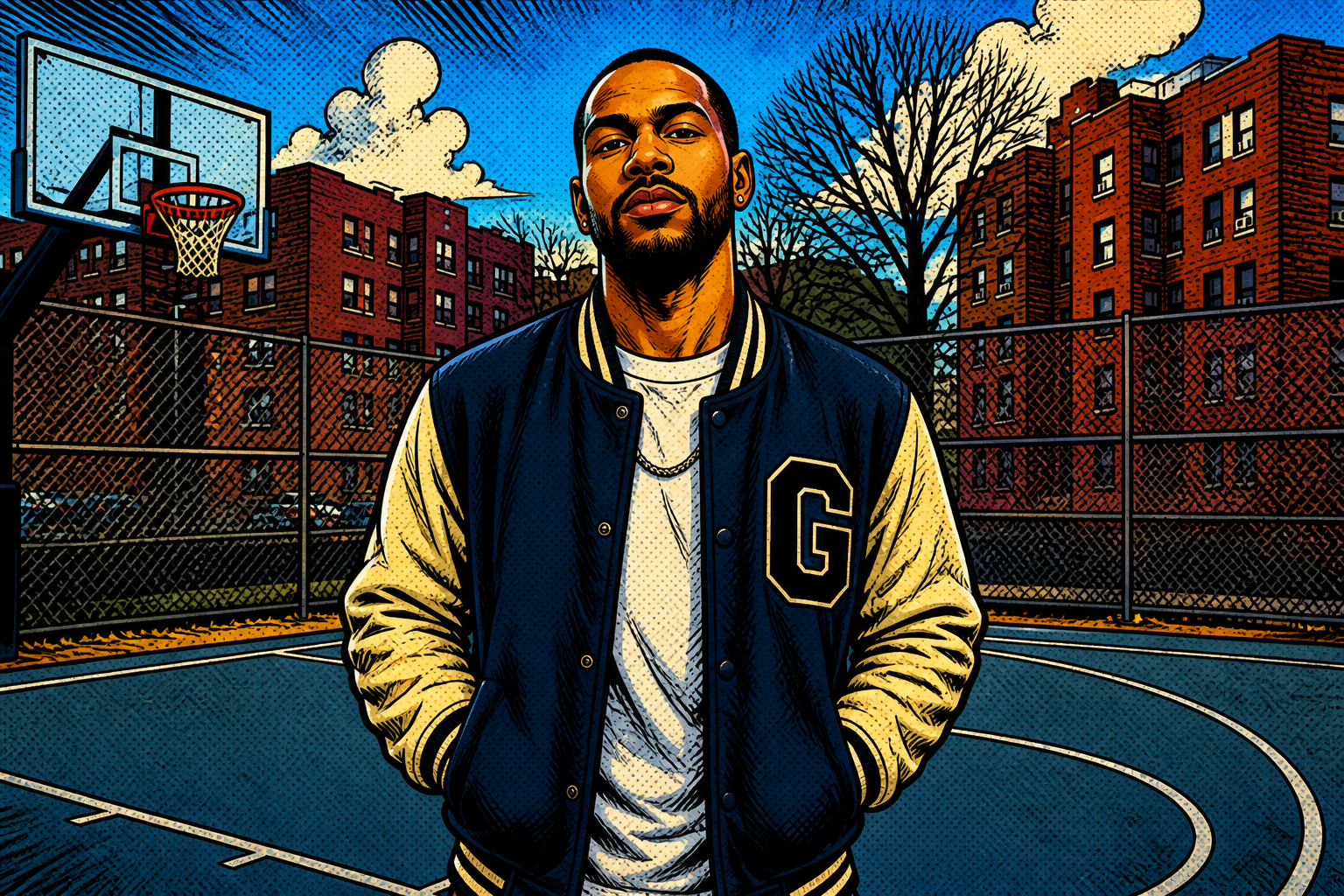 AFTER
AFTER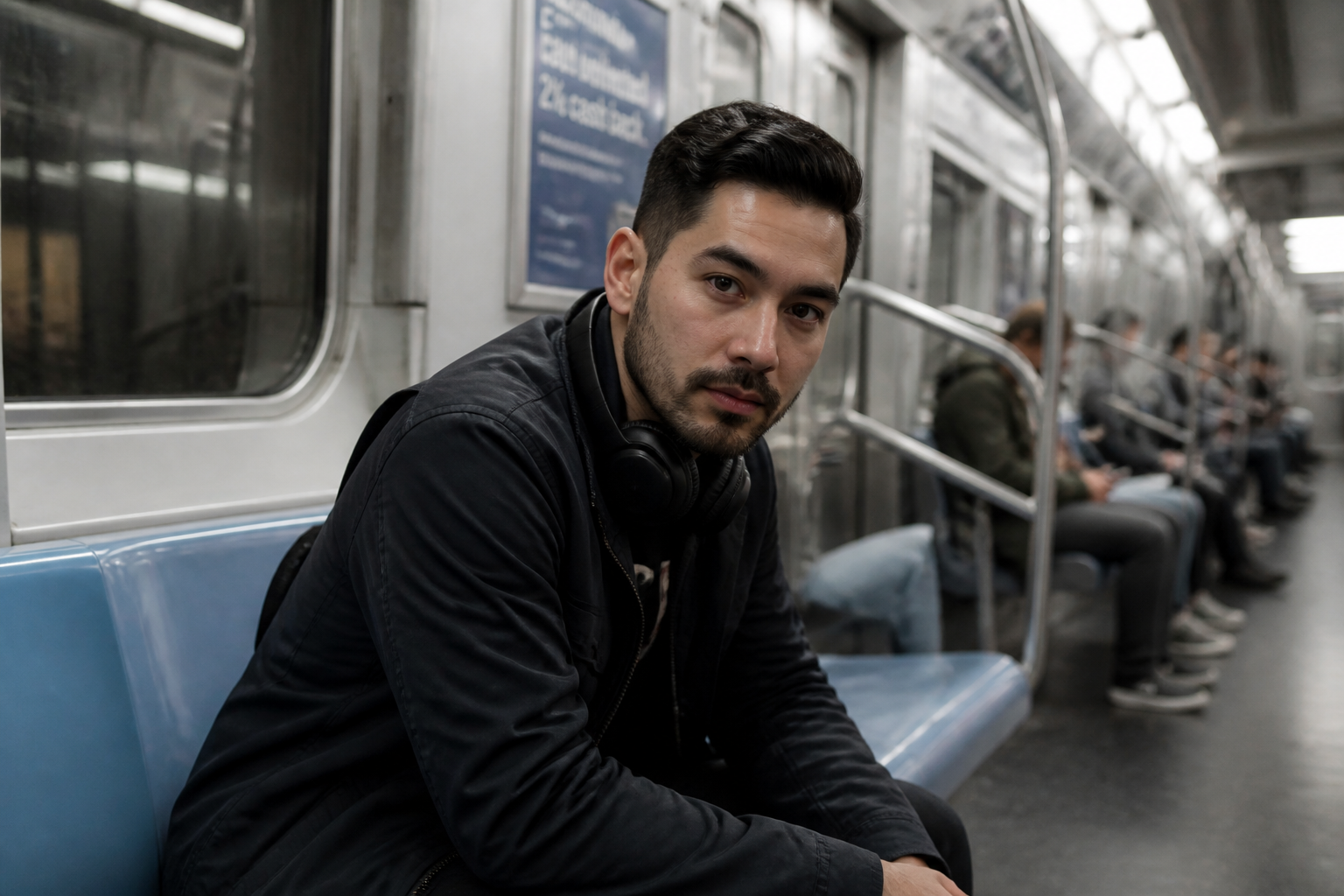 BEFORE
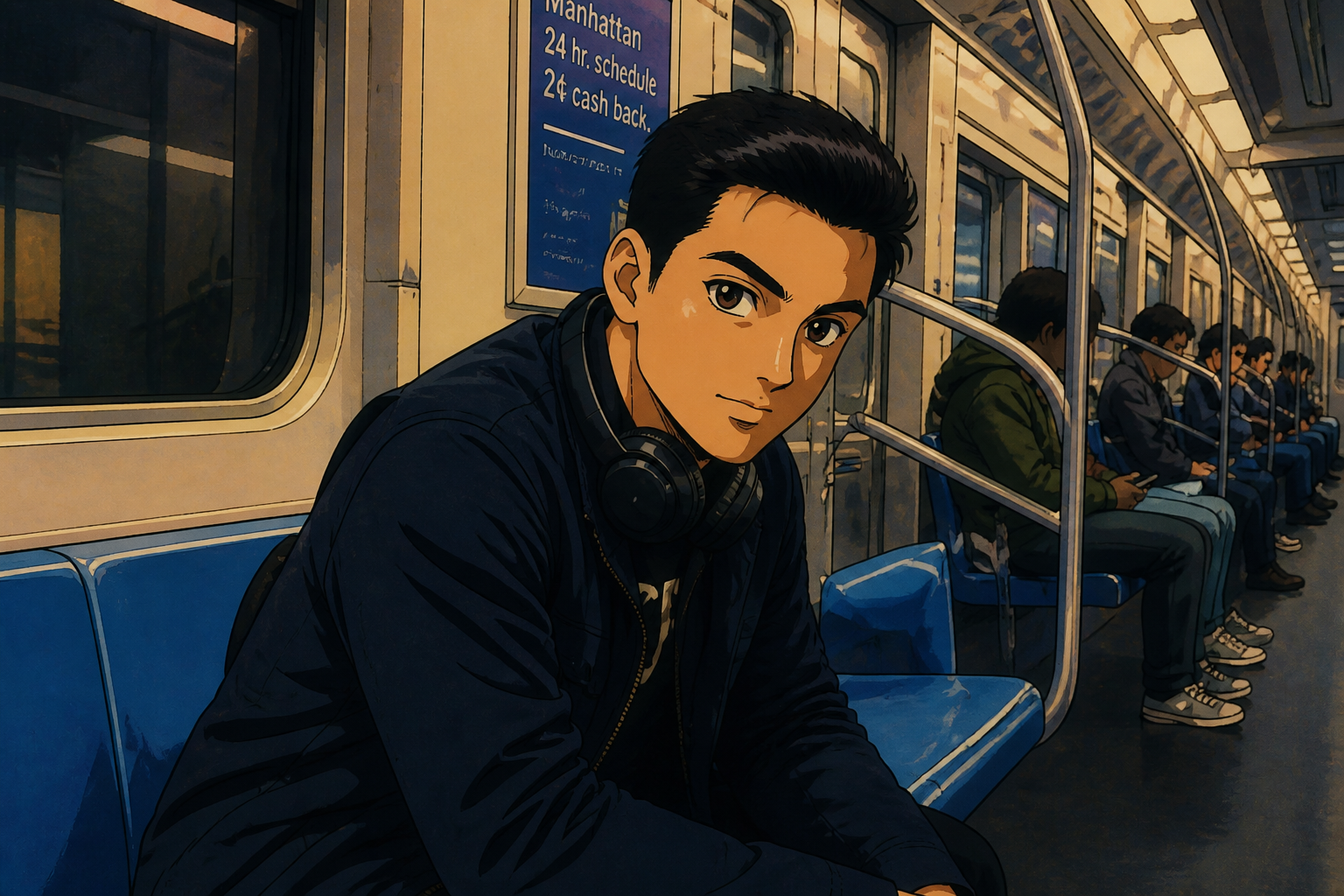 AFTER
AFTER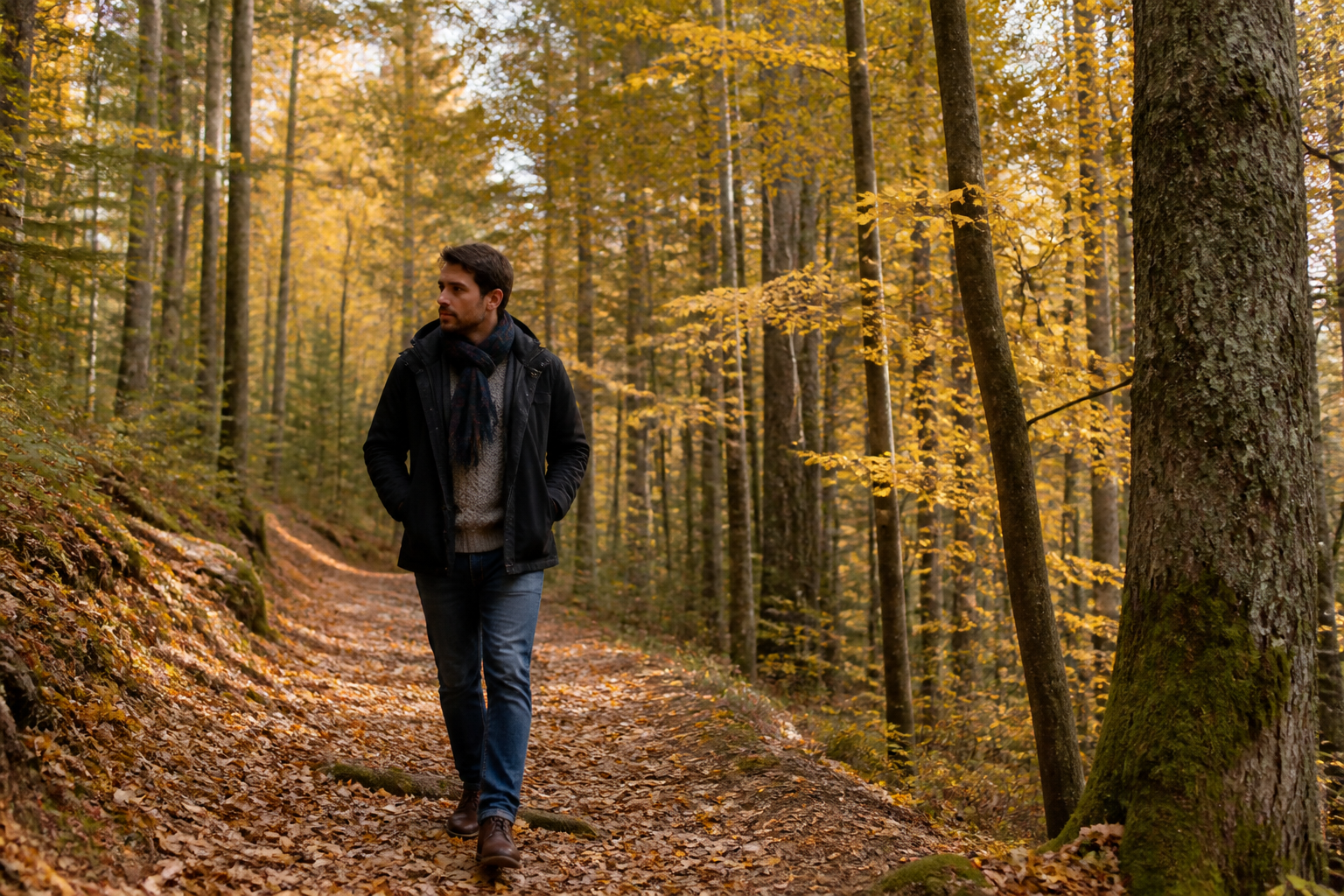 BEFORE
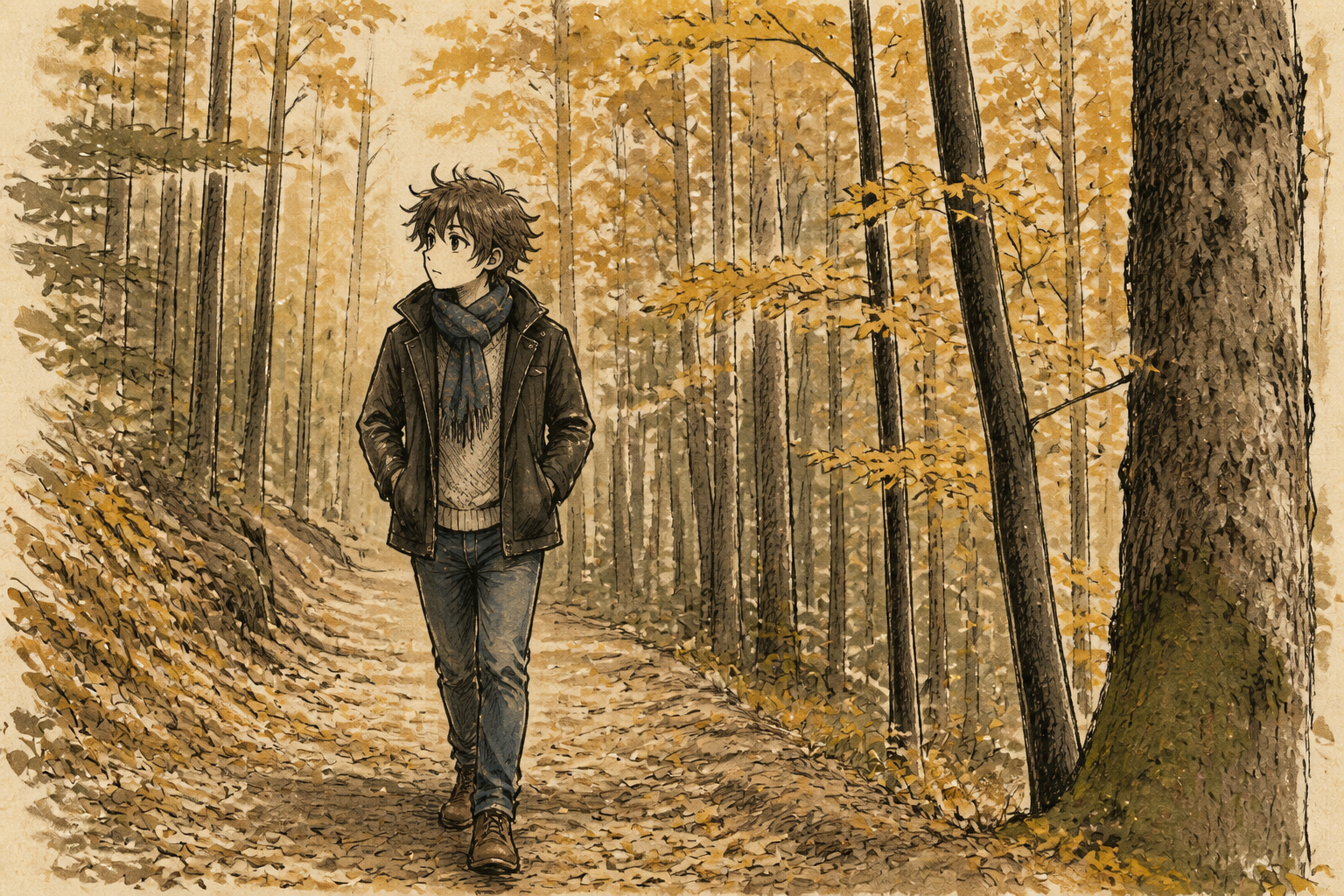 AFTERBEFOREAFTERBEFOREAFTERBEFOREAFTERBEFOREAFTERBEFOREAFTER
Key Features
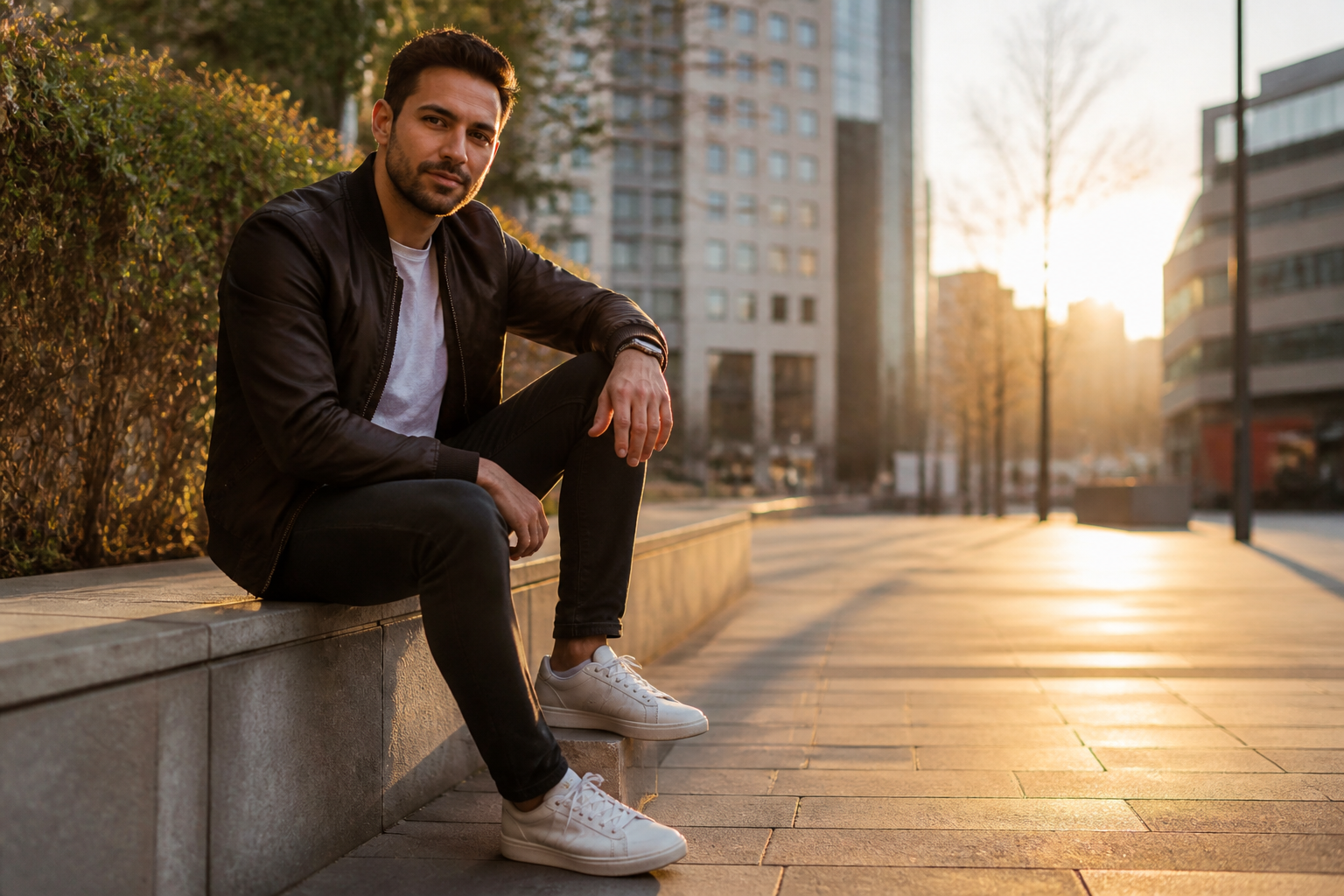
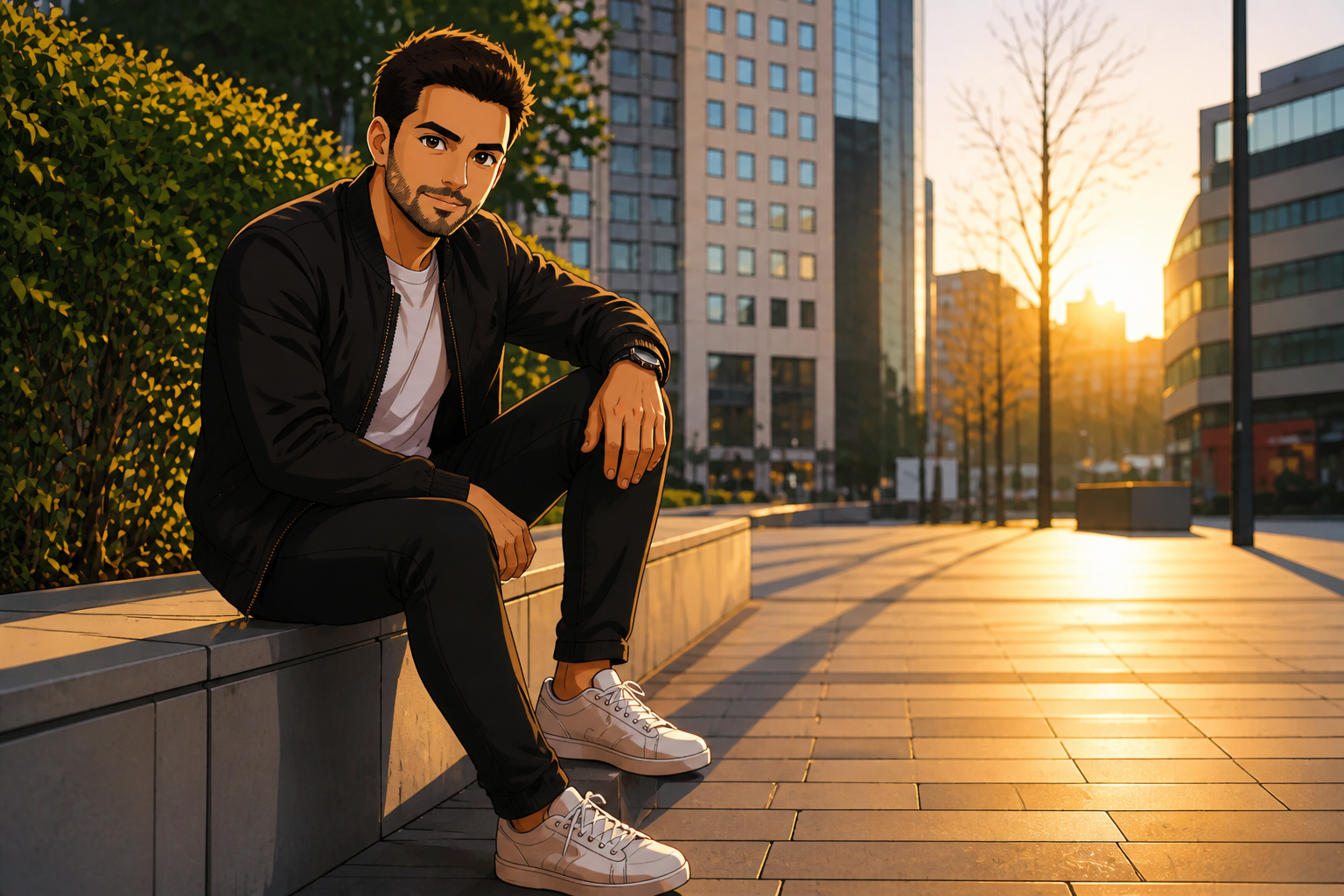
Keep the pose readable
You can change the visual style without losing the original stance, framing, or camera angle. That matters when you already like the composition and only want a new illustrated look. Manual redraws often drift away from the source image and change body language by accident. This workflow keeps the scene recognizable while making the anime effect obvious.
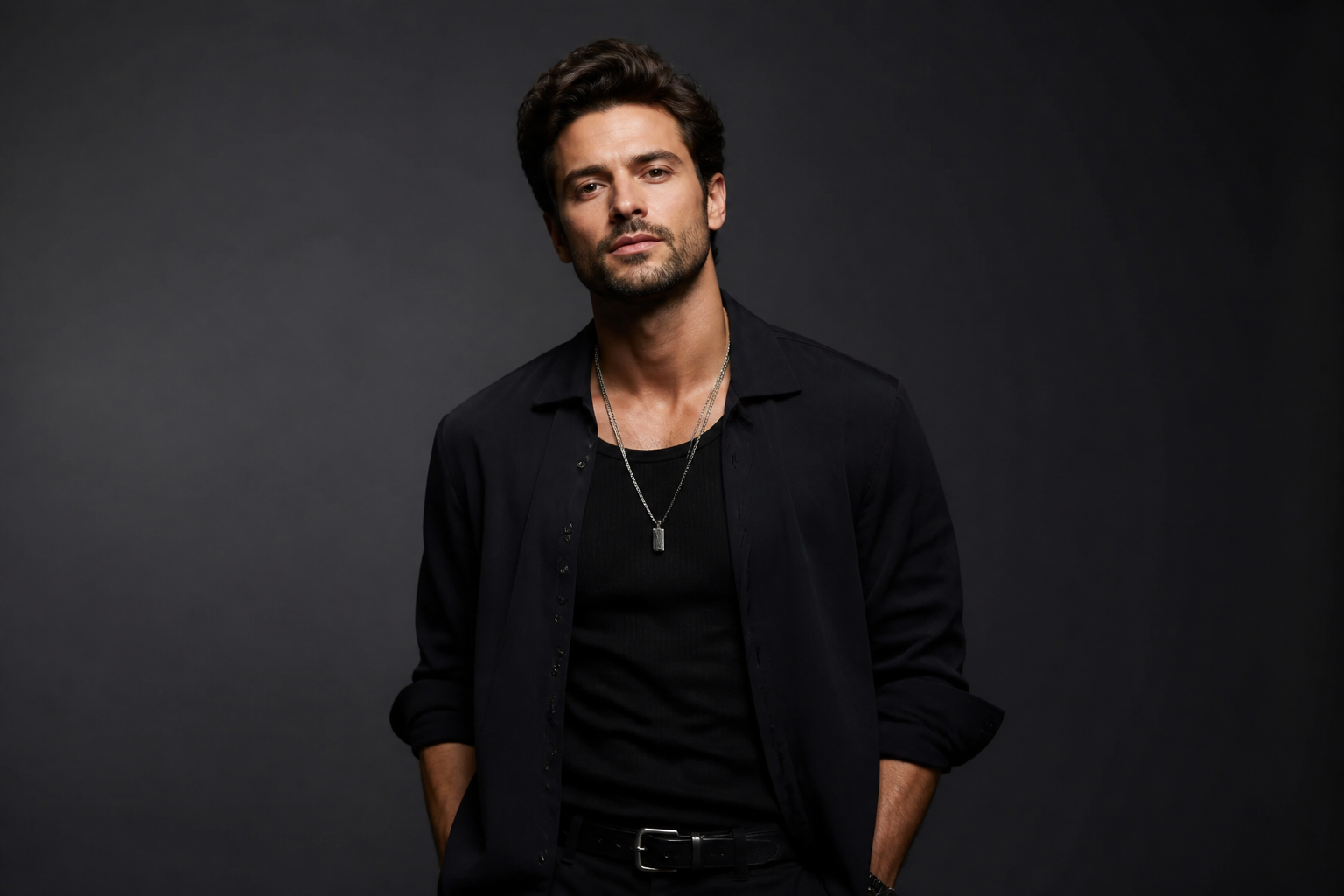
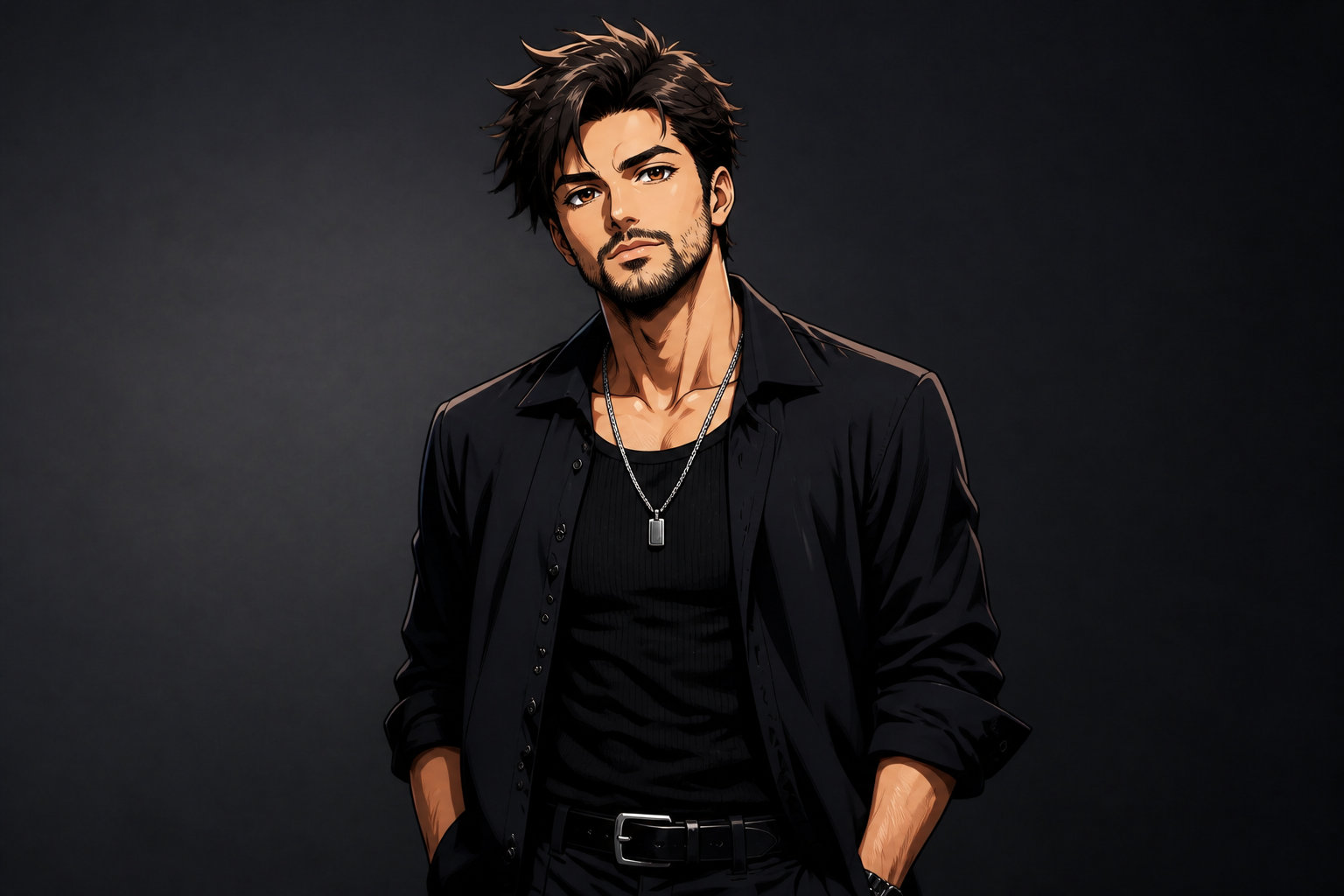
Strong anime character detail
The edit can push hair shape, eyes, line art, and shading so the result reads instantly as anime. That gives you a clear before-and-after difference instead of a weak filter effect. Doing this by hand takes time across sketching, coloring, and cleanup. Our AI gets you to a polished character look much faster.
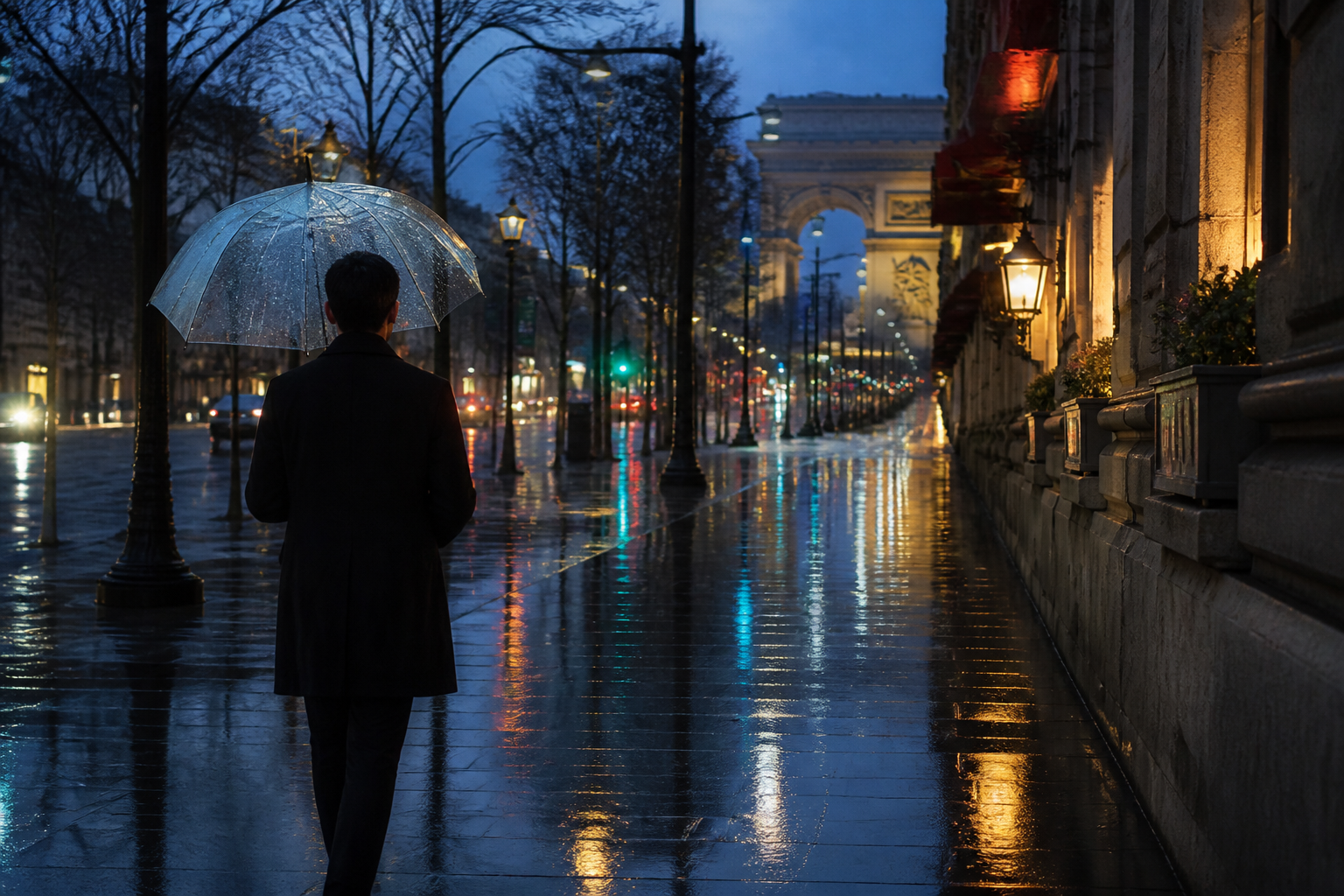
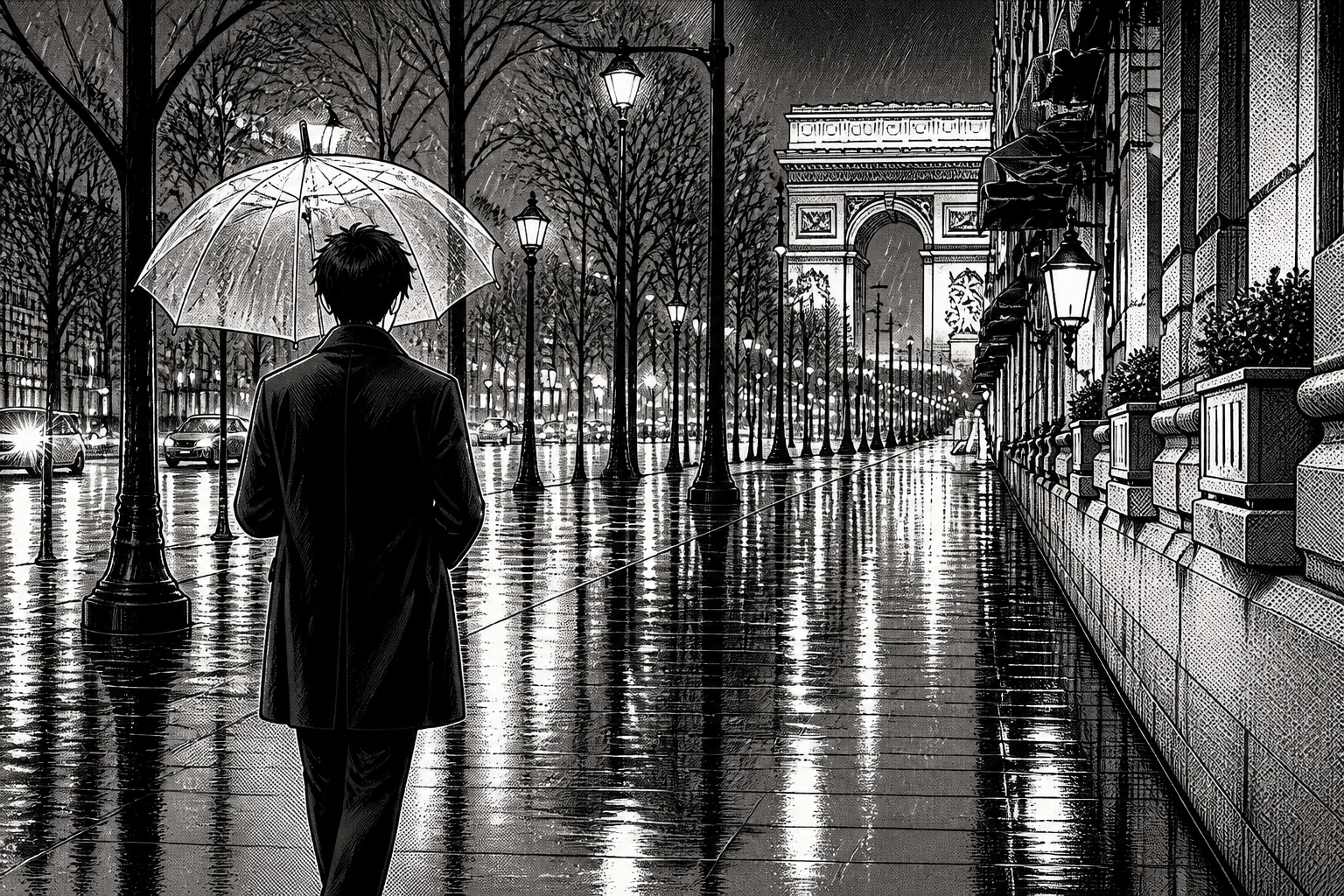
Switch between art styles
You are not locked into one anime look. The same source can become manga, watercolor, retro cel animation, or a glossy editorial illustration depending on your prompt. That range is useful when you are testing avatars, thumbnails, posters, or profile art. It saves you from rebuilding the image from scratch each time.
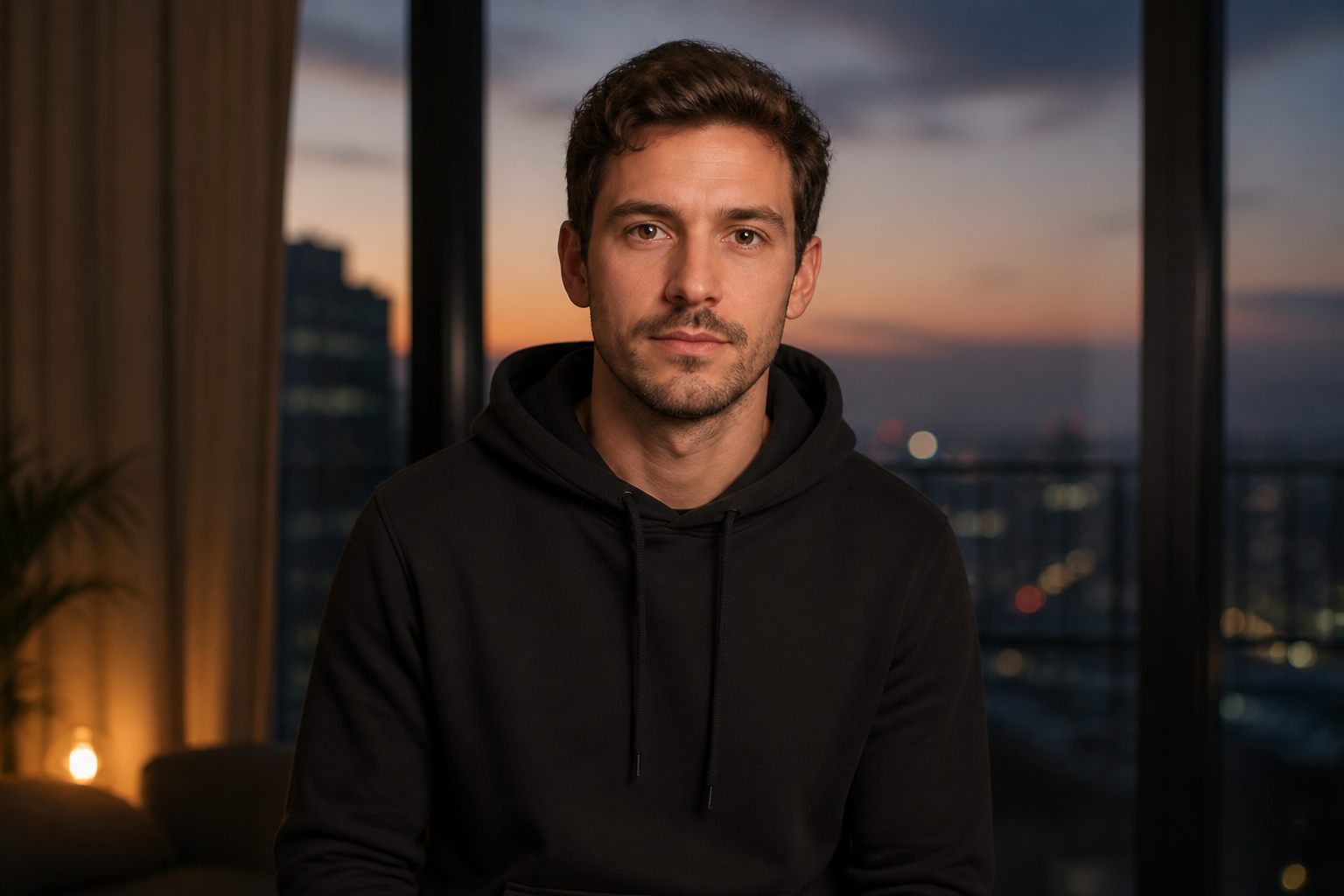
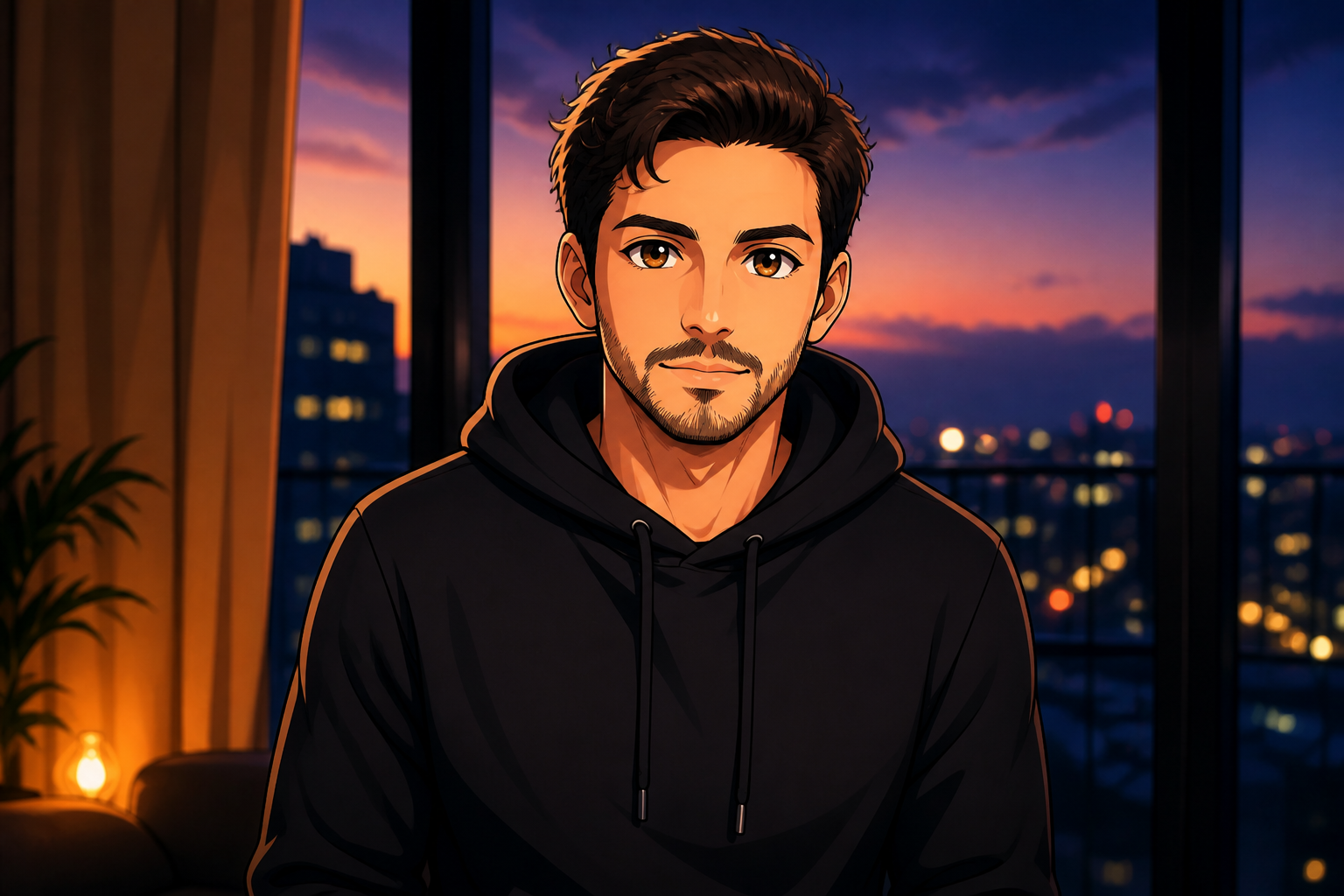
Fast avatar-ready results
The tool creates outputs that already feel suited for profile pictures, banners, and creator branding. You can get a sharp character image without spending time masking, tracing, or repainting small details. The transformation stays focused on the subject, so the end result looks intentional rather than random. That makes it practical for quick publishing and repeated experimentation.
How It Works
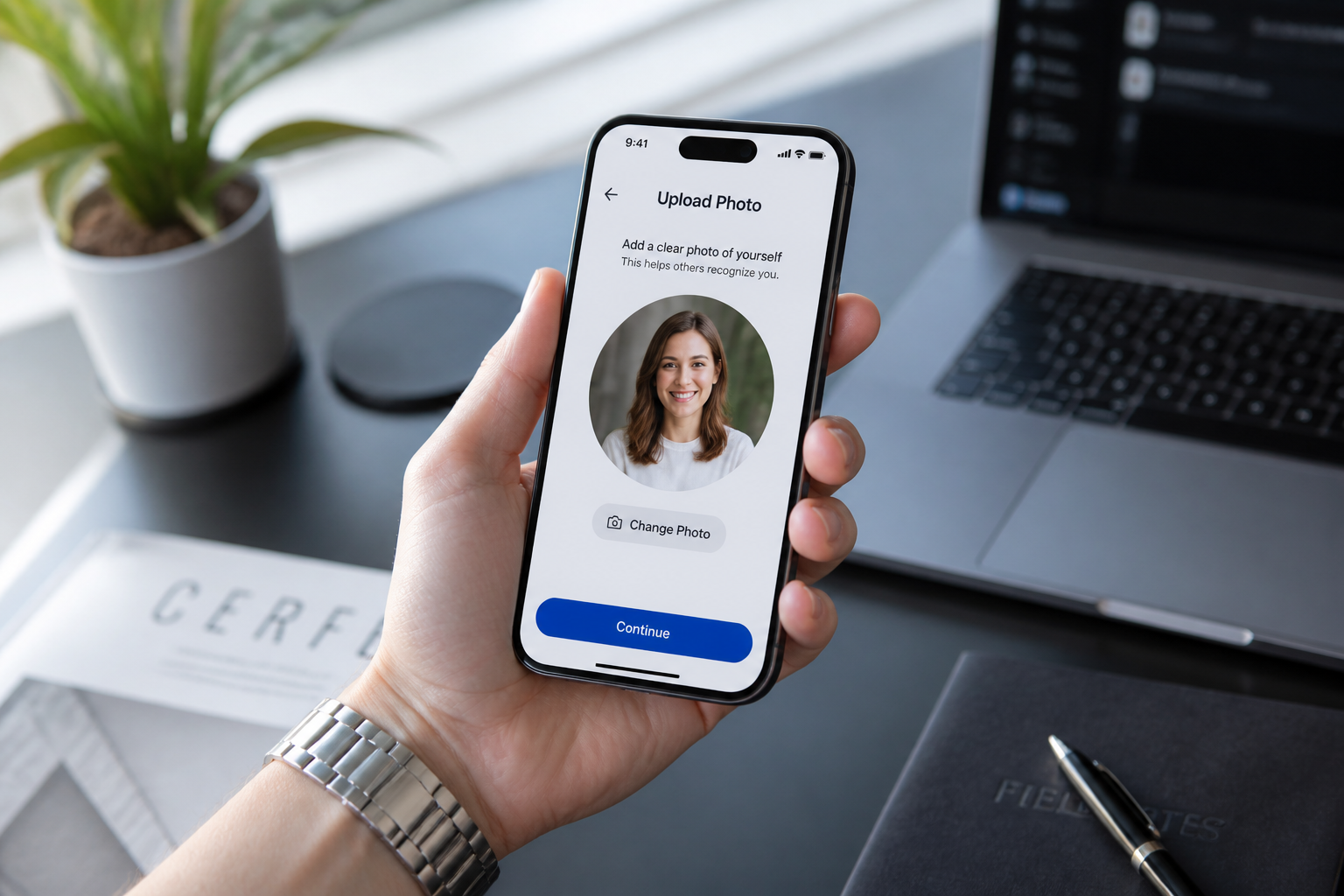
Upload your image
Start with a clear photo or generated image of an adult subject. Strong lighting and a readable face usually produce the cleanest anime boy result.
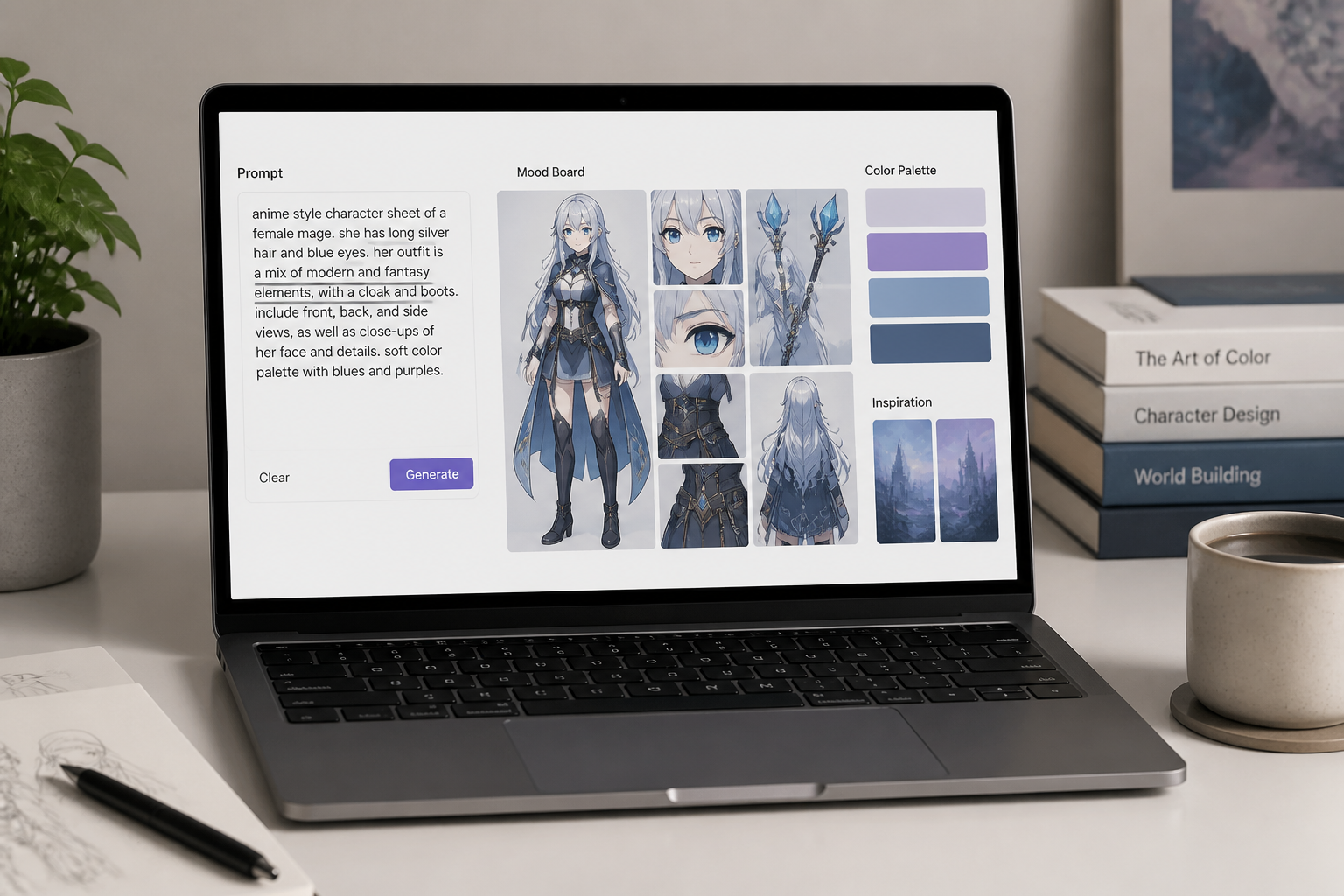
Describe the anime look
Type the style you want, such as modern anime, manga, retro cel, or watercolor. Mention hair shape, mood, and rendering style if you want a more specific character design.
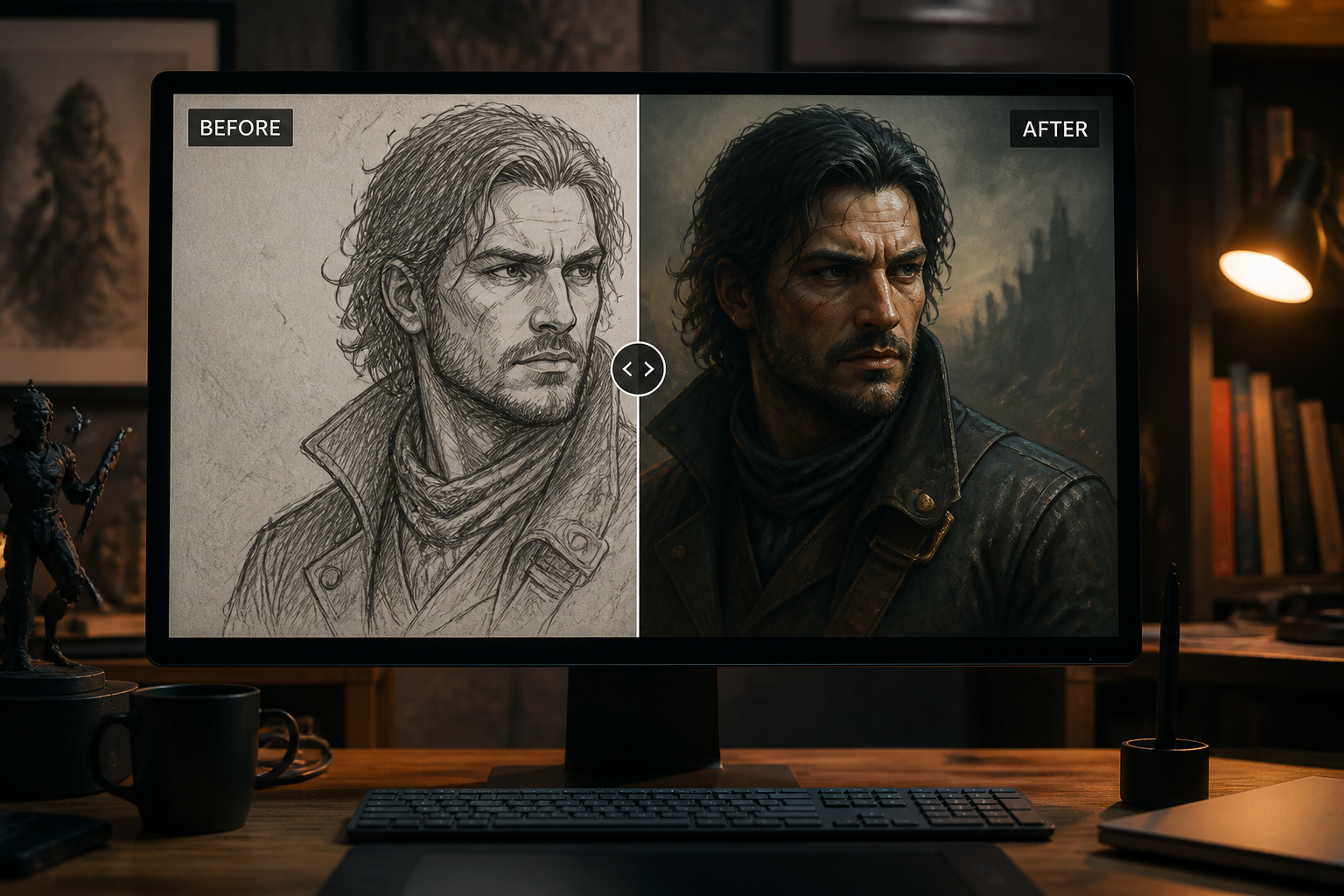
Generate and compare
Run the edit and check the before-and-after view. If needed, refine the prompt to push the line art, shading, or overall anime style further.
Perfect For
Discover how creators and professionals use ai anime boy generator
Profile pictures
Turn a simple portrait into an anime boy avatar for social platforms, chat apps, and online communities.
Creator branding
Make a stylized anime identity for banners, thumbnails, channel art, and personal brand visuals.
Character concept drafts
Test hairstyles, moods, and art directions quickly before committing to a final character design.
Gift and fan-style art
Convert ordinary photos into anime-inspired portraits that feel more personal than a generic filter.
Built For
Anime fans
Make clean anime boy portraits from everyday images without drawing from scratch.
Creators and streamers
Produce stylized avatars and branded character art for channels, posts, and community pages.
Design hobbyists
Explore character looks, art styles, and visual ideas quickly while keeping the original composition.
Why use it for anime boy edits
A quick look at how we compare on the things that matter for this niche.
| Feature | BudgetPixel | Generic AI editors | Manual editing apps |
|---|---|---|---|
| Anime-specific style prompts | ✓ | ✓ | — |
| Preserves source composition | ✓ | — | ✓ |
| Fast character-style variations | ✓ | — | — |
| Before/after edit workflow | ✓ | ✓ | — |
Frequently Asked Questions
What does the AI Anime Boy Generator do?
Do I need drawing skills to use it?
Can I choose different anime styles?
Will the result keep the same pose and framing?
What kind of source images work best?
Create together.
Share your creations, discover trending AI art, and grow with fellow creators.