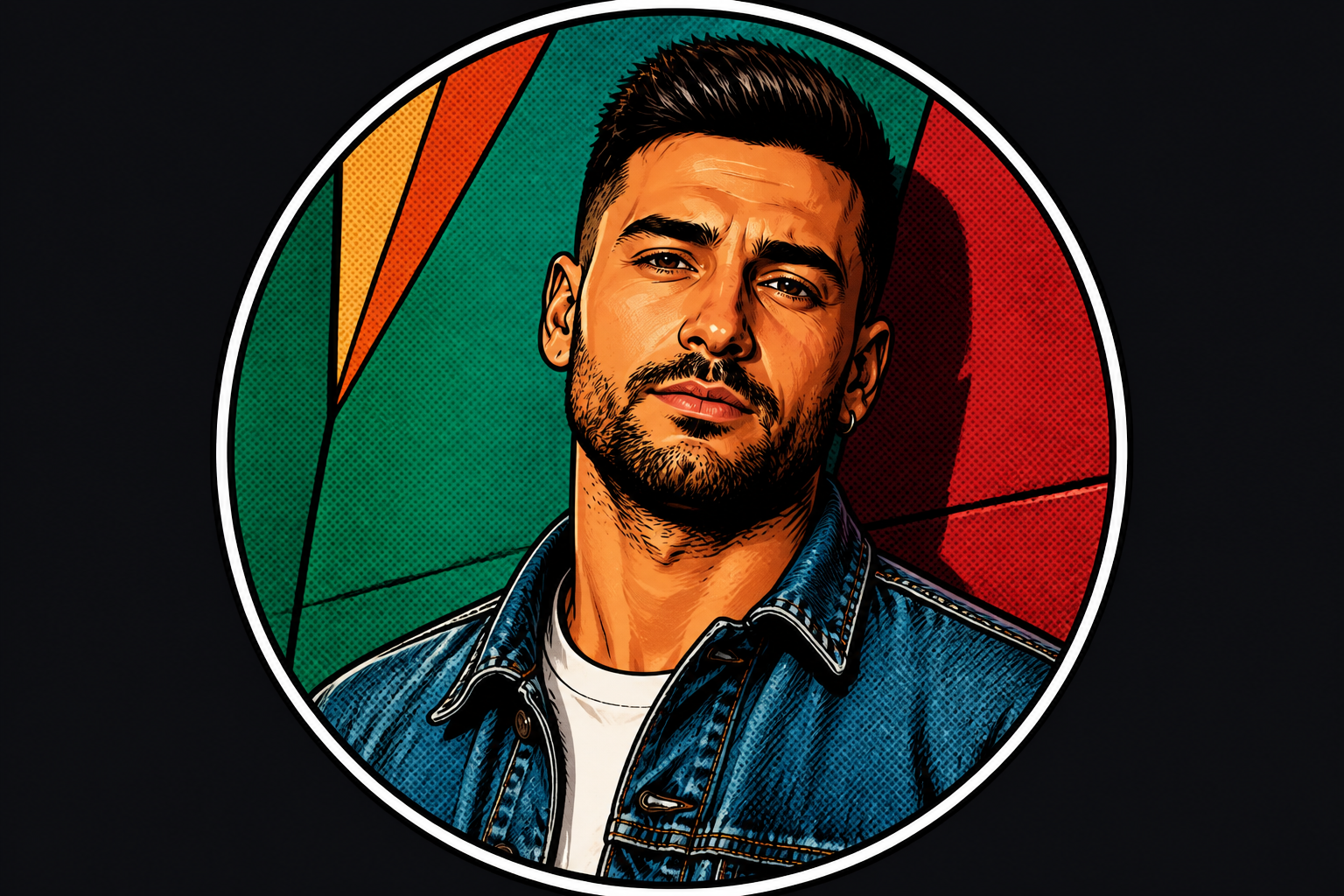
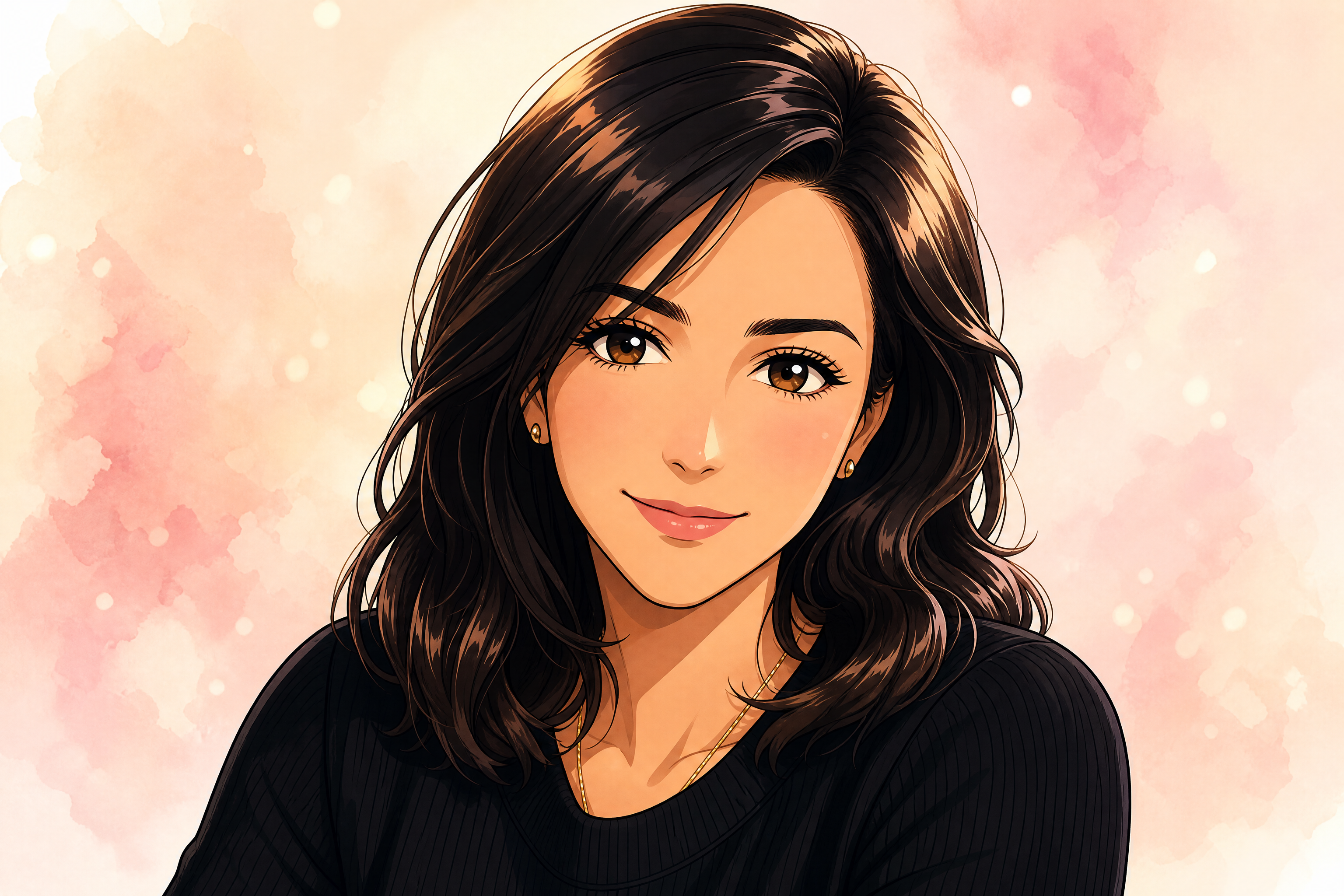
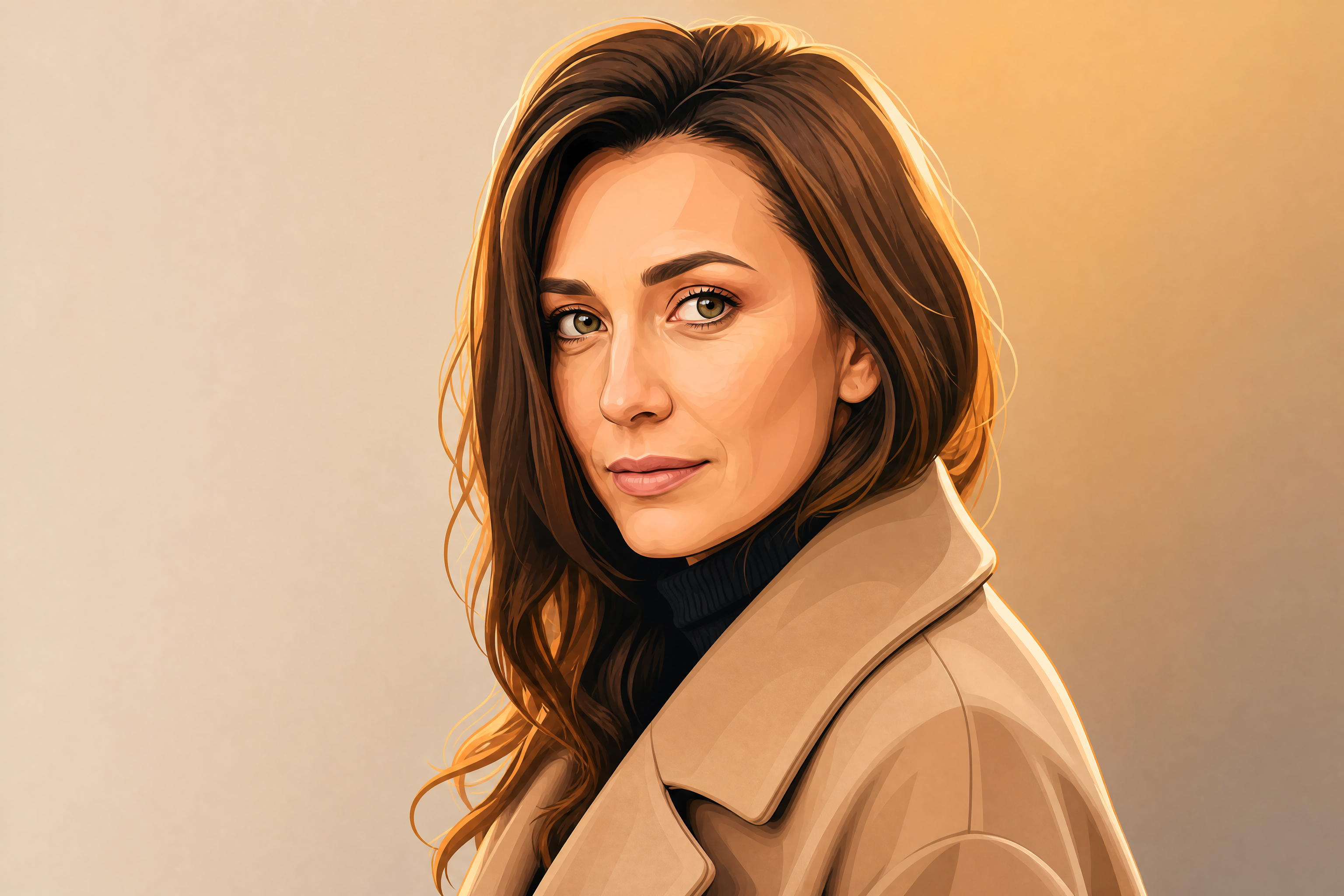
AI Discord PFP Generator
Turn any photo into a clean, standout Discord avatar.
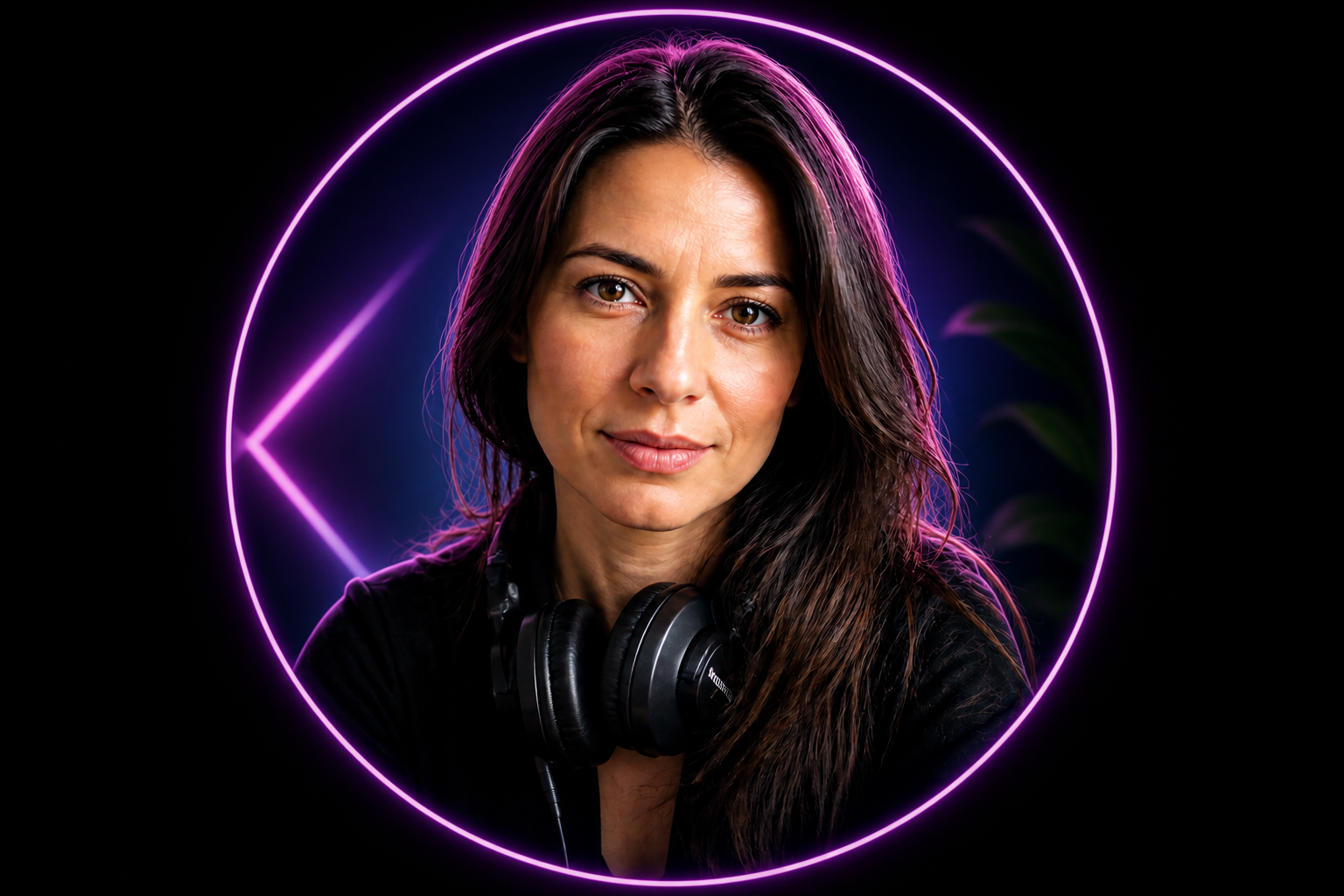
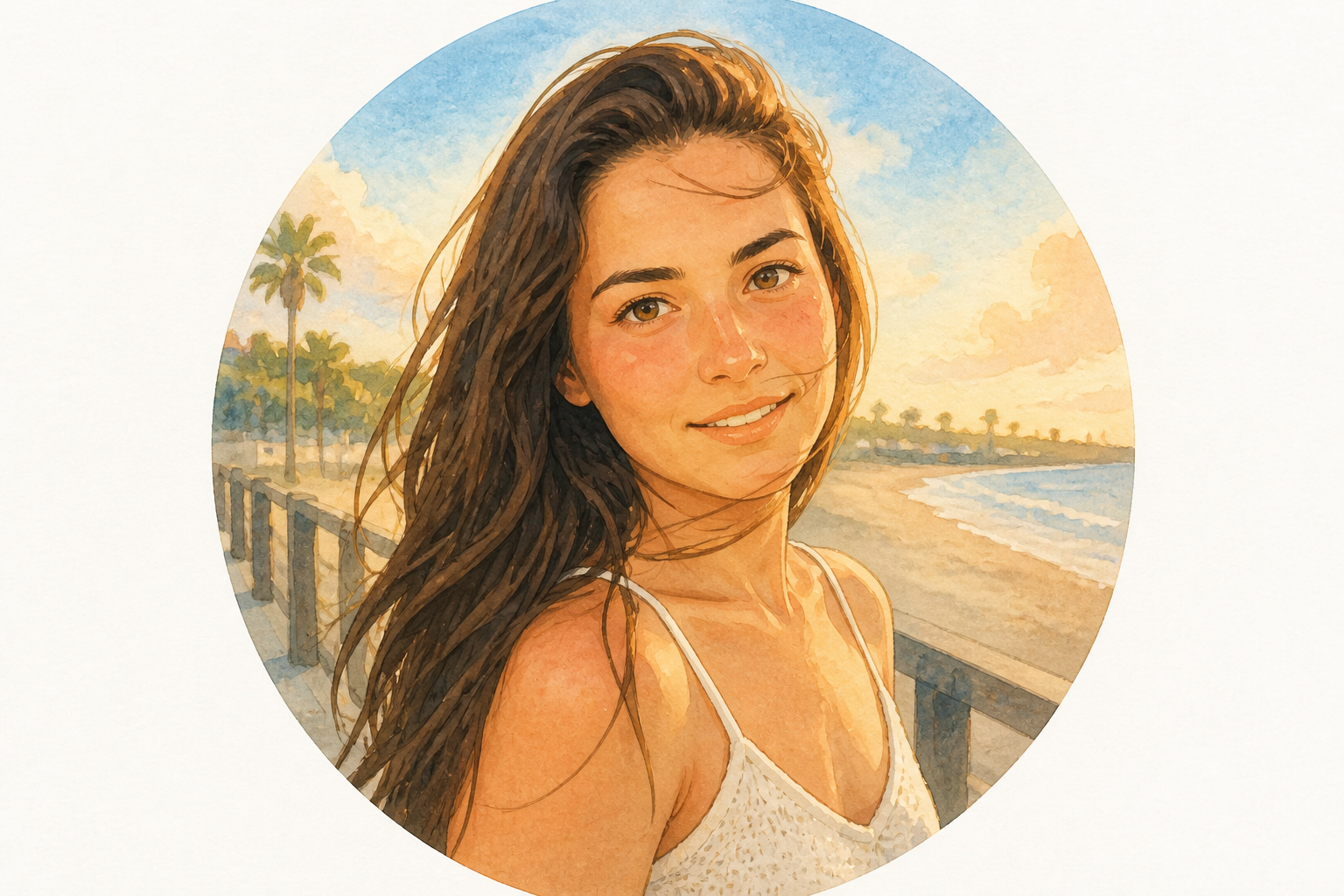
Upload a selfie or portrait and turn it into a Discord-ready profile picture in seconds. Our AI can stylize, clean up, and reframe your image so it stays readable in a small circular crop.
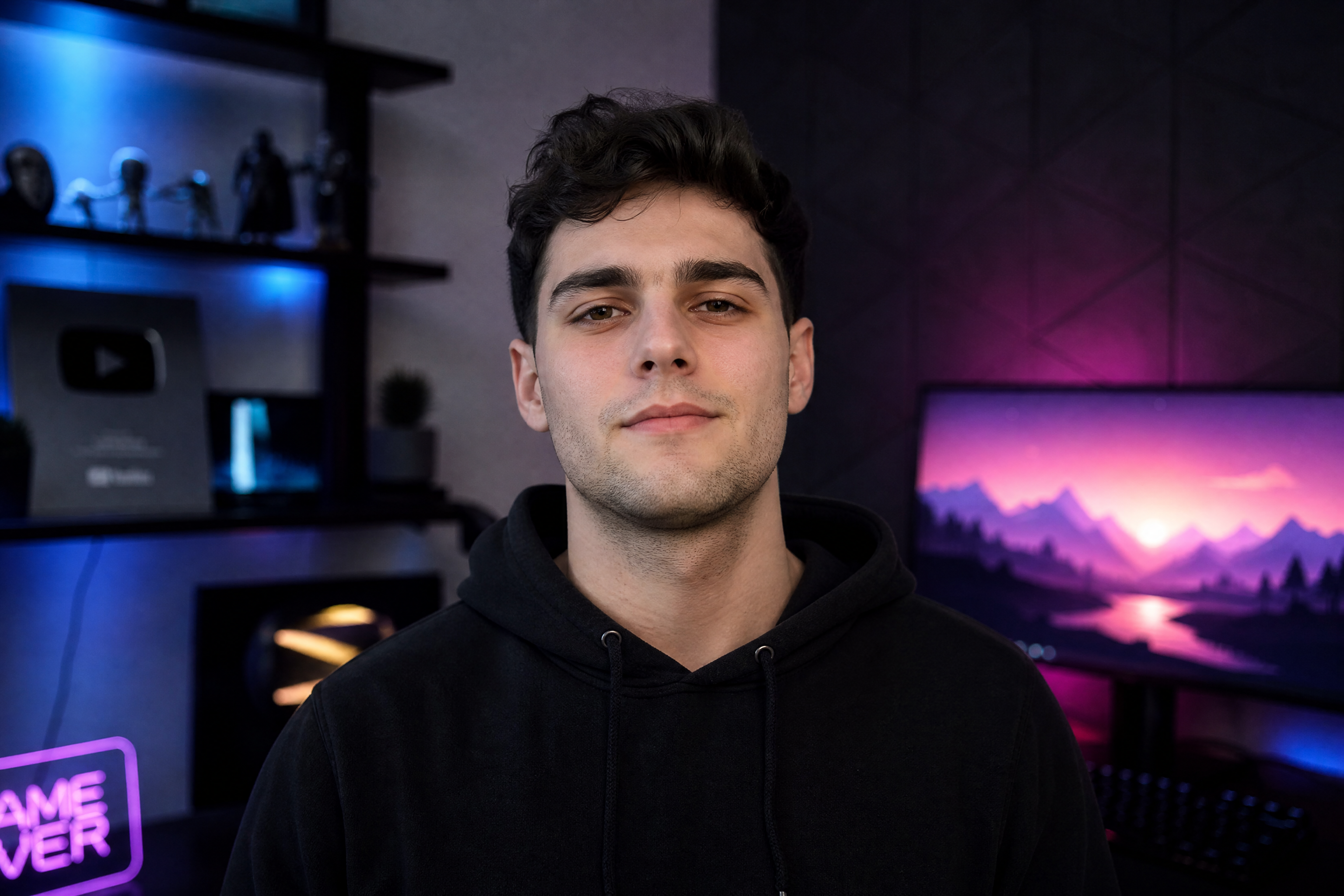
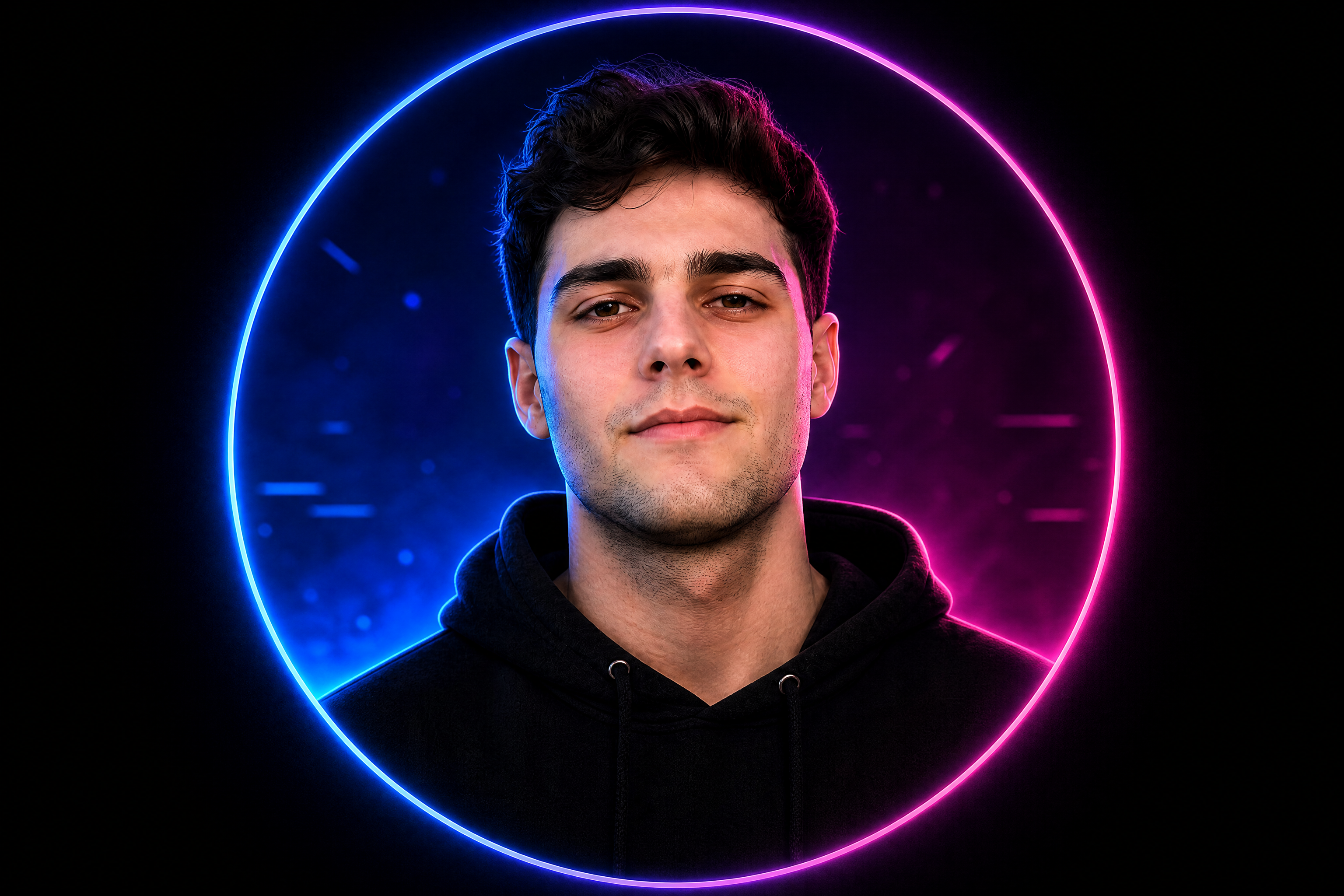
Watch the Transformation
See ai discord pfp generator in motion — generated end-to-end by our AI.
See It In Action
Real outputs from ai discord pfp generator.
BEFOREAFTER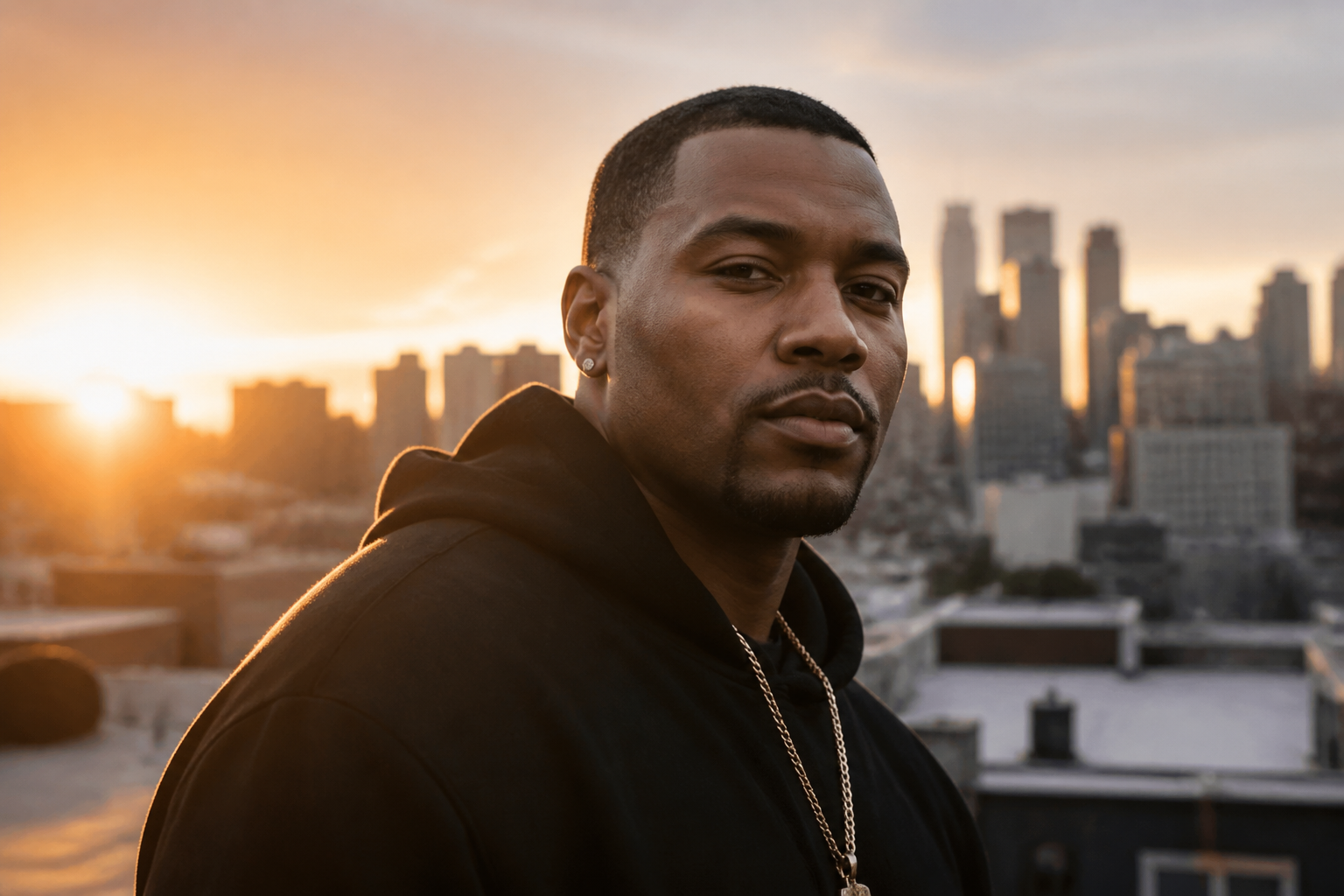 BEFORE
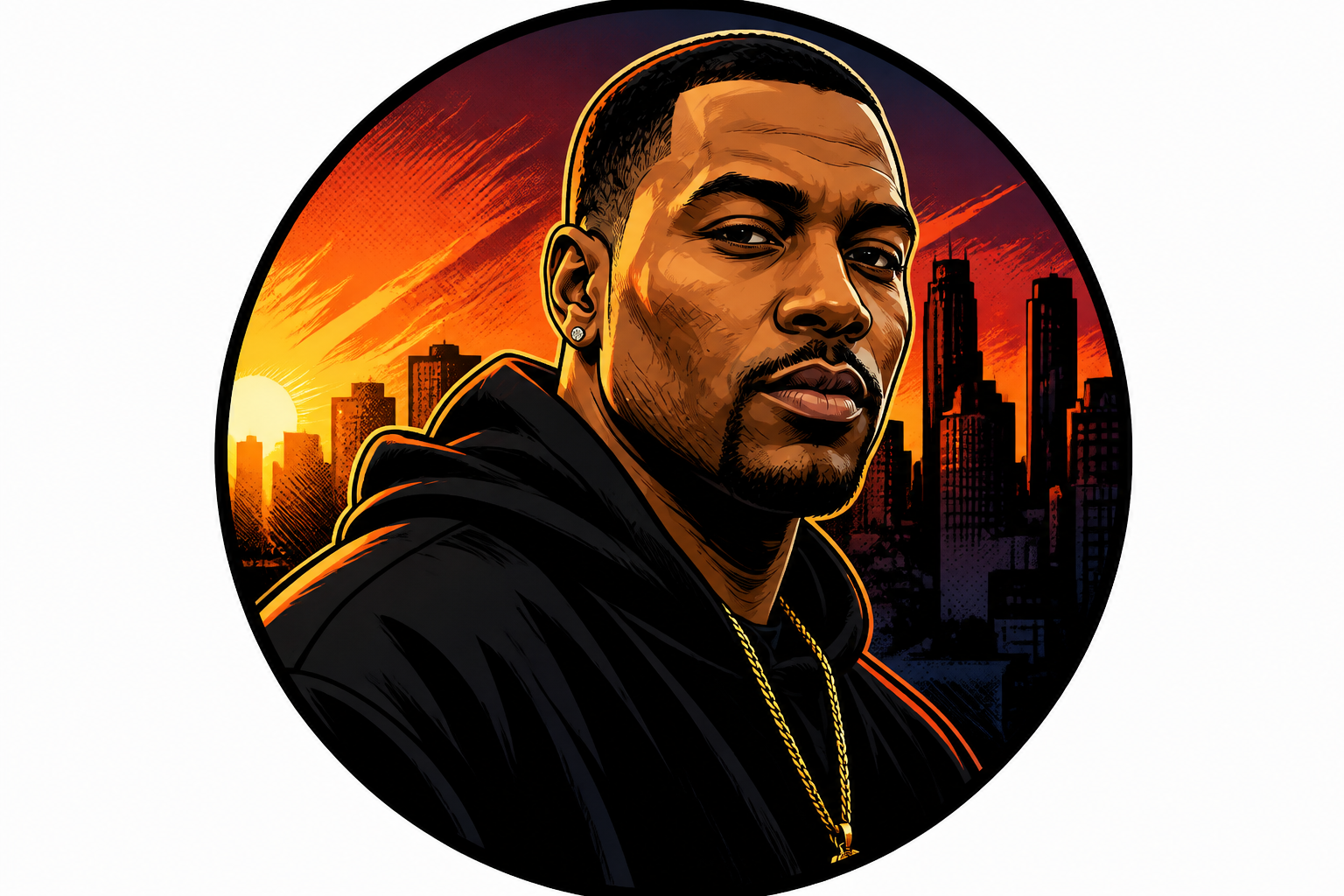 AFTER
AFTER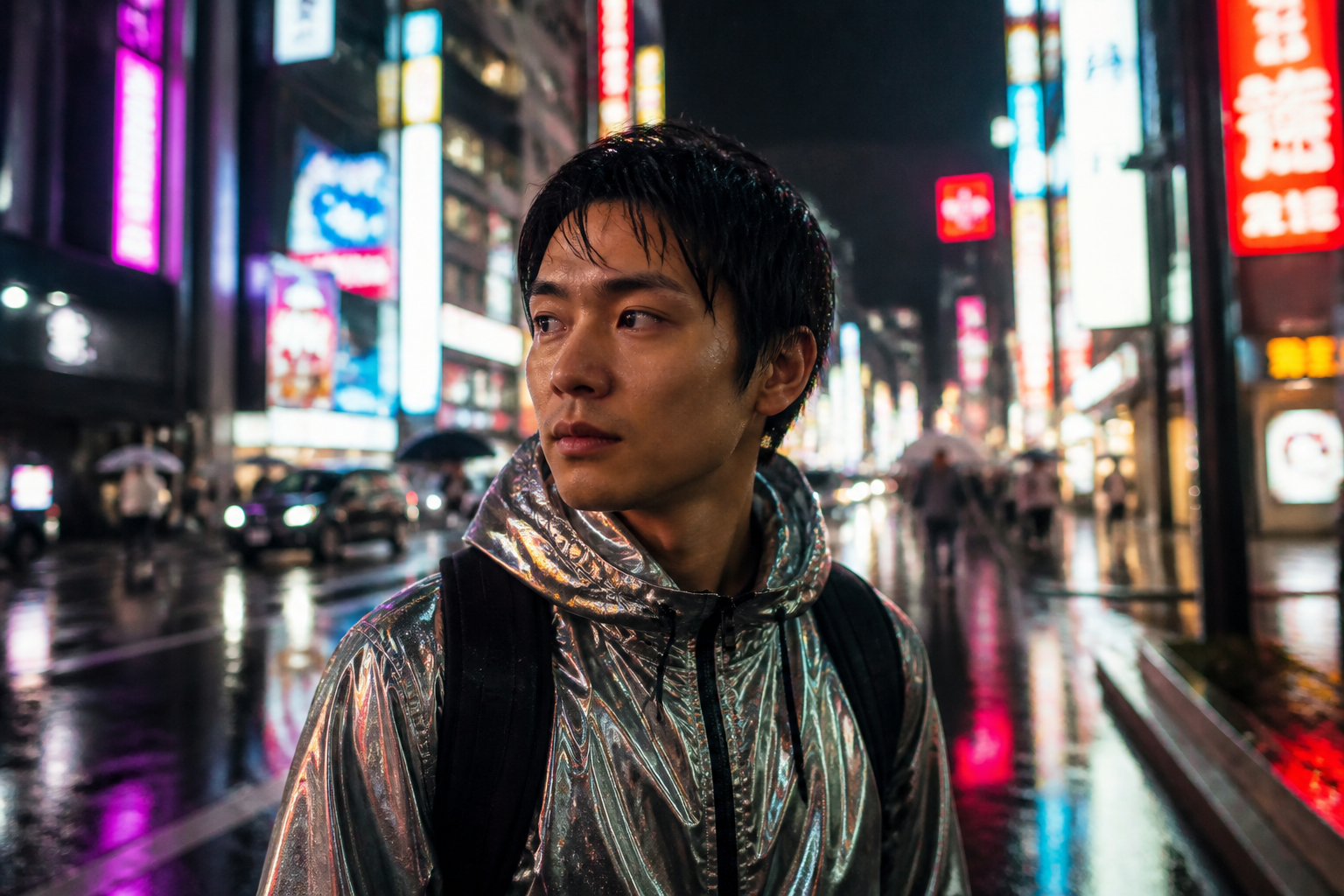 BEFORE
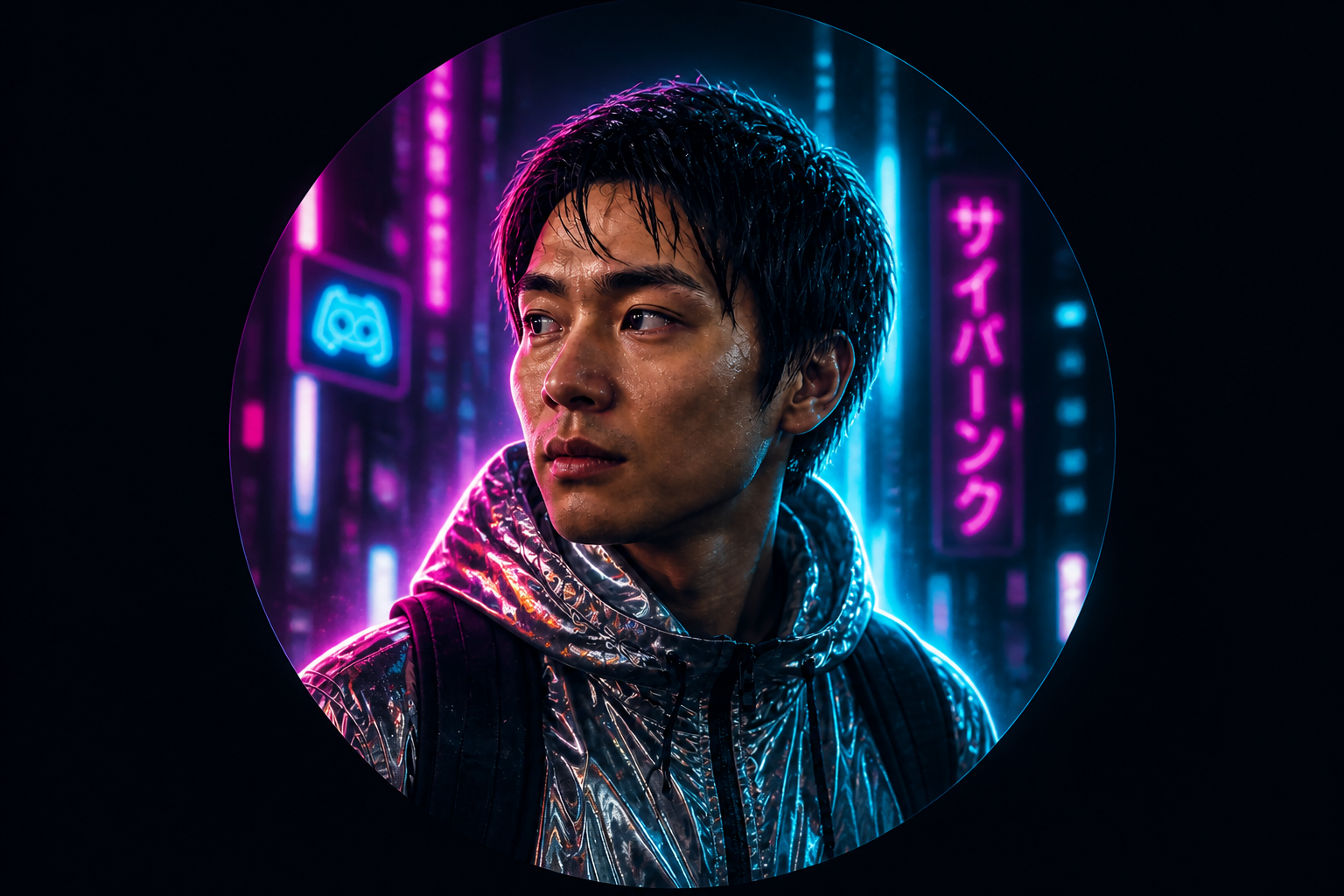 AFTER
AFTER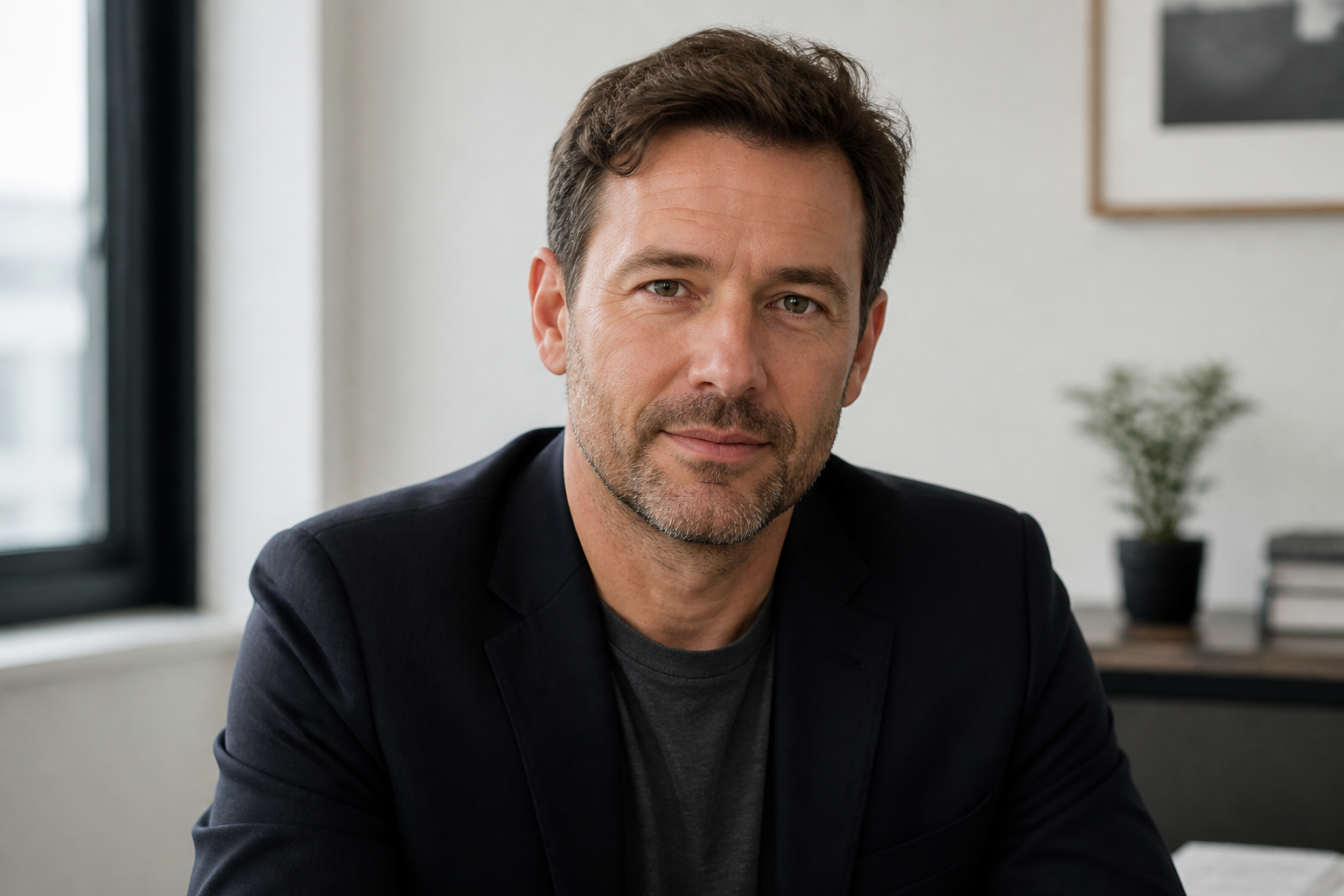 BEFORE
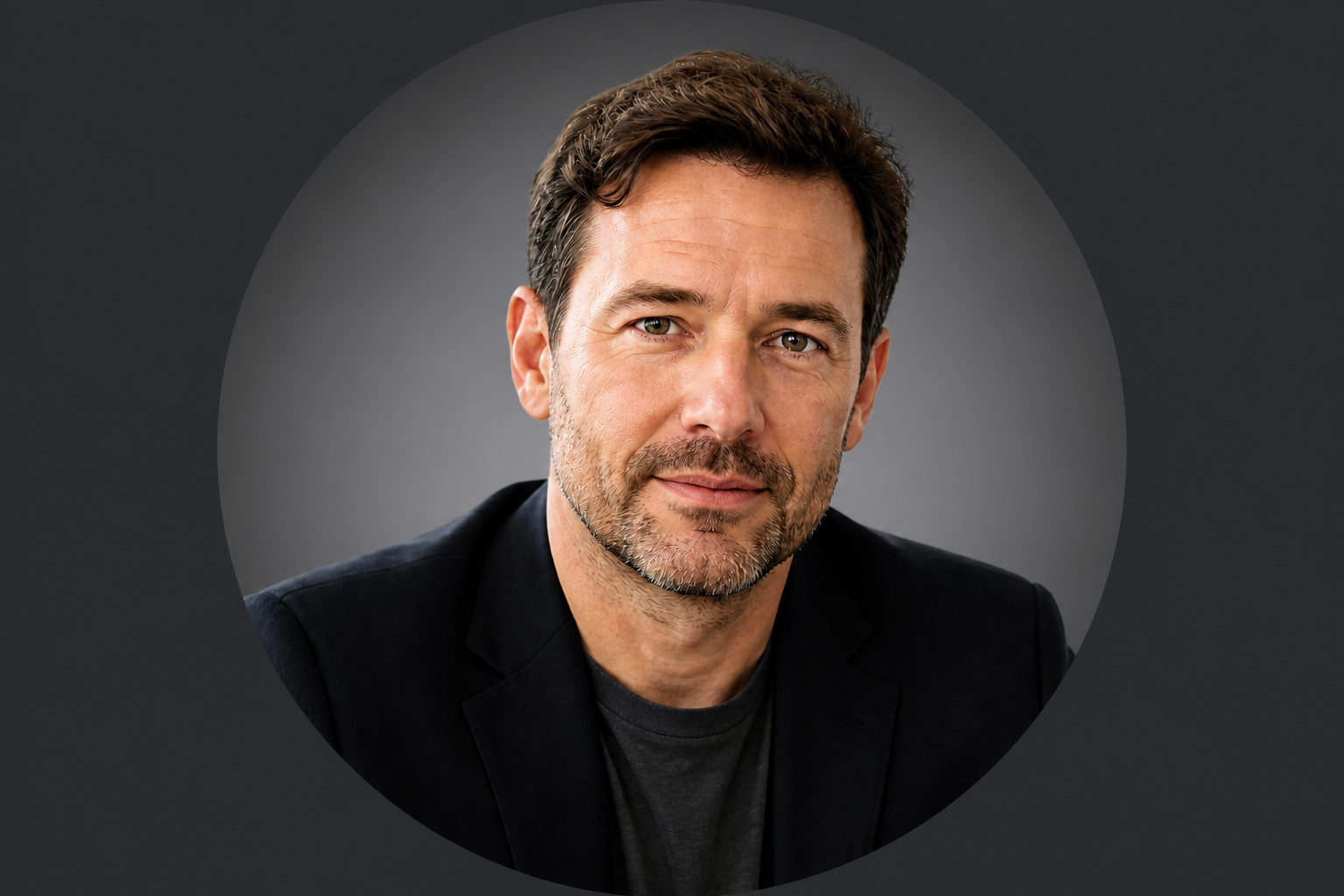 AFTER
AFTER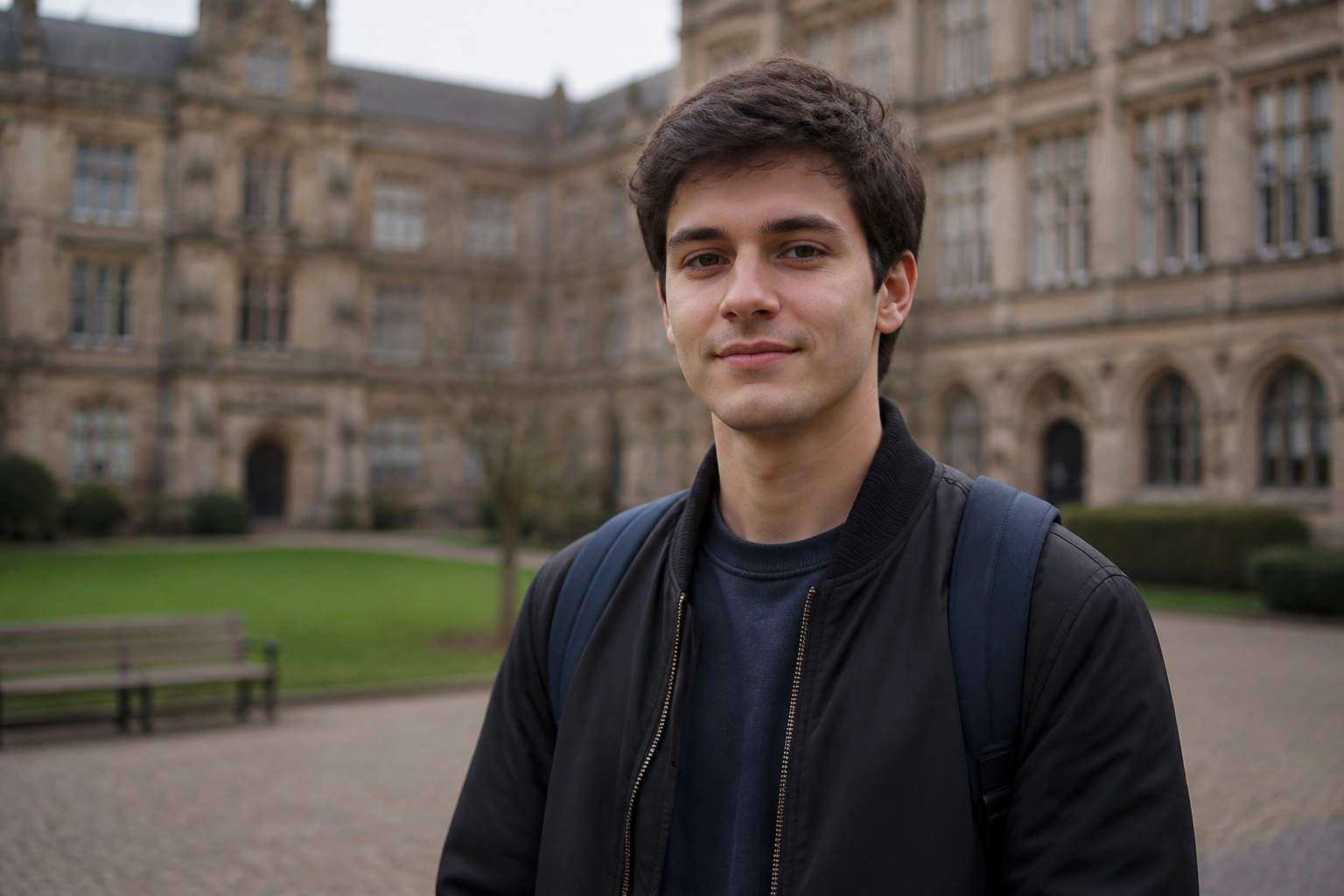 BEFORE
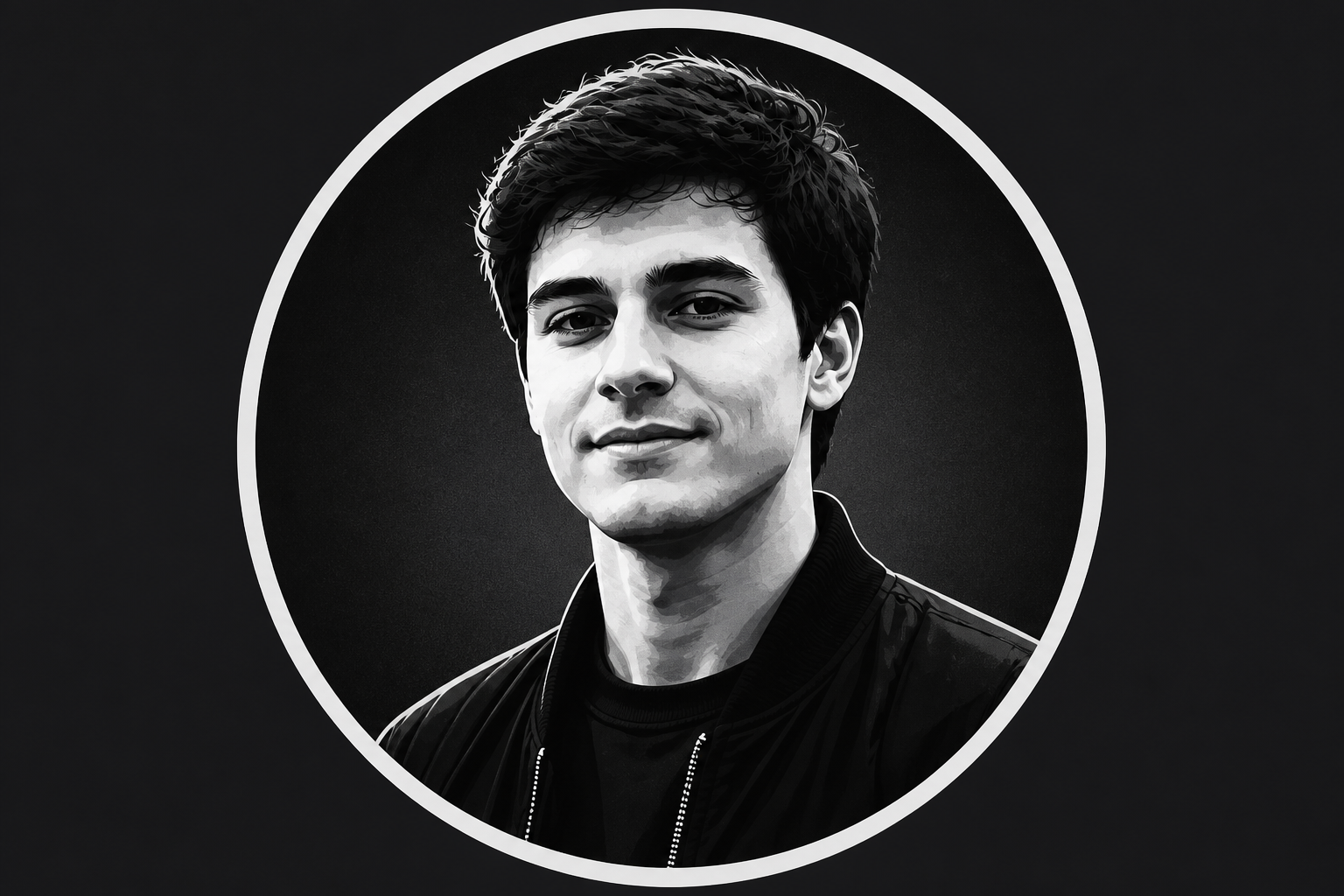 AFTERBEFOREAFTERBEFOREAFTERBEFOREAFTERBEFOREAFTERBEFOREAFTER
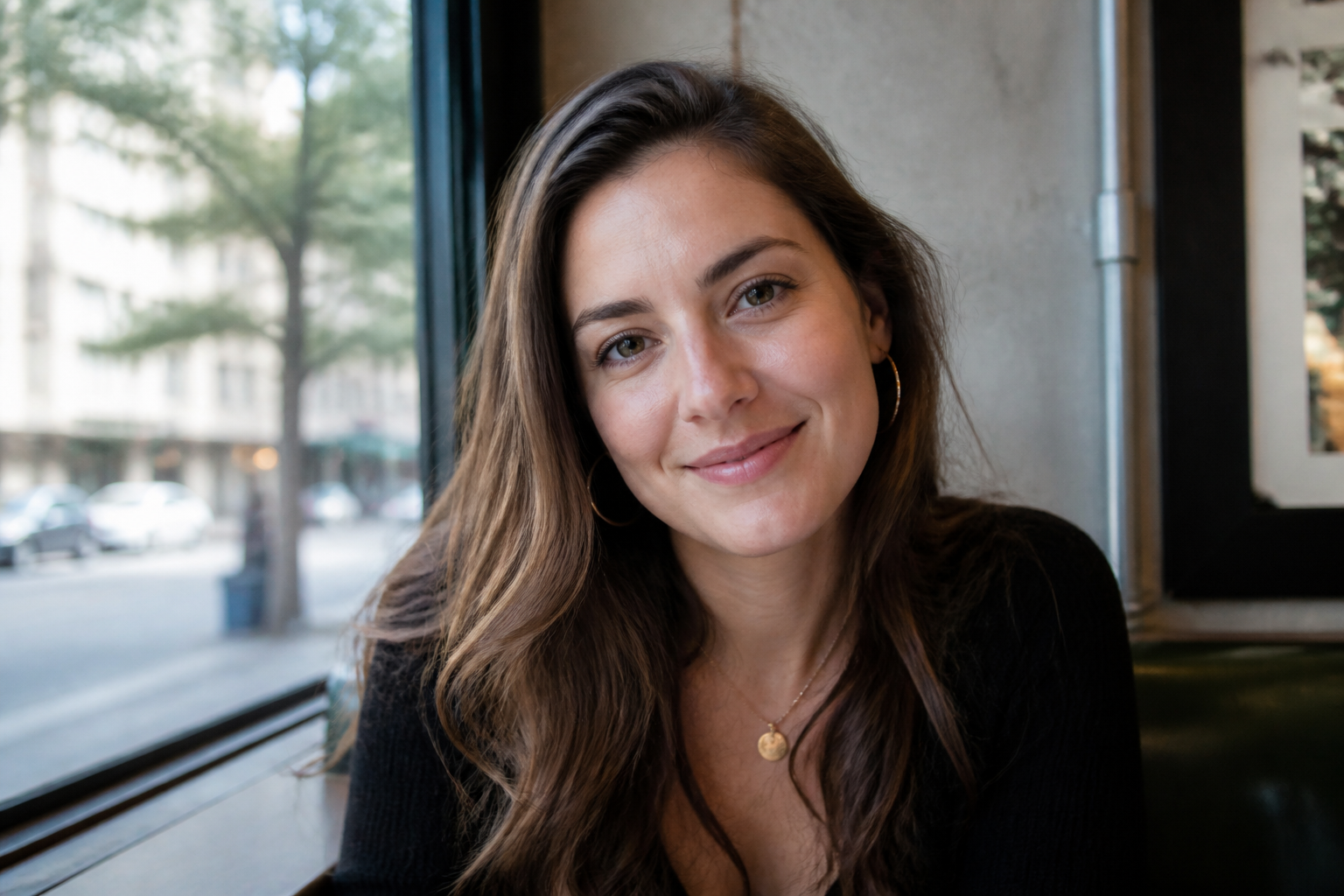 BEFORE
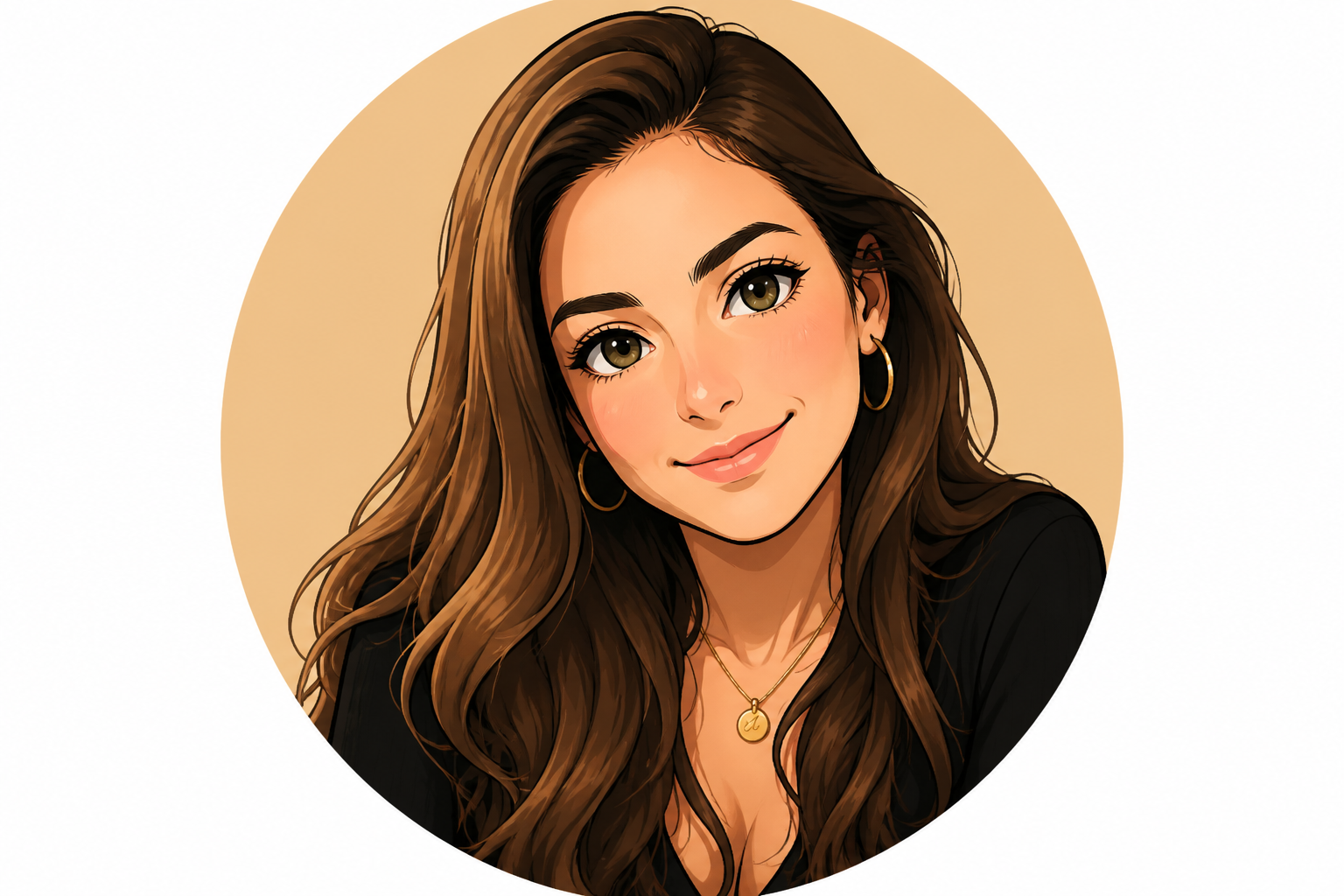 AFTER
AFTER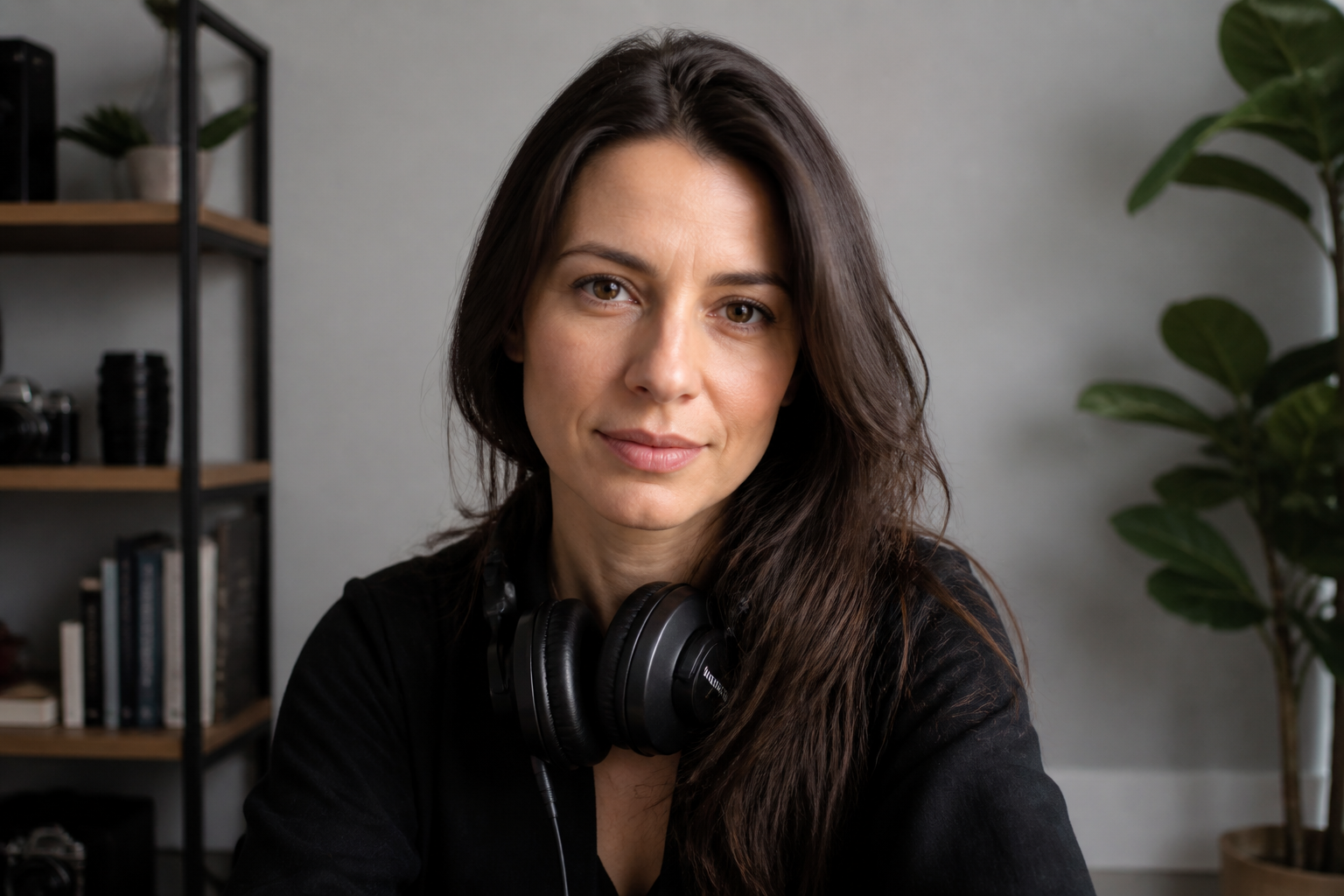 BEFORE
 AFTER
AFTER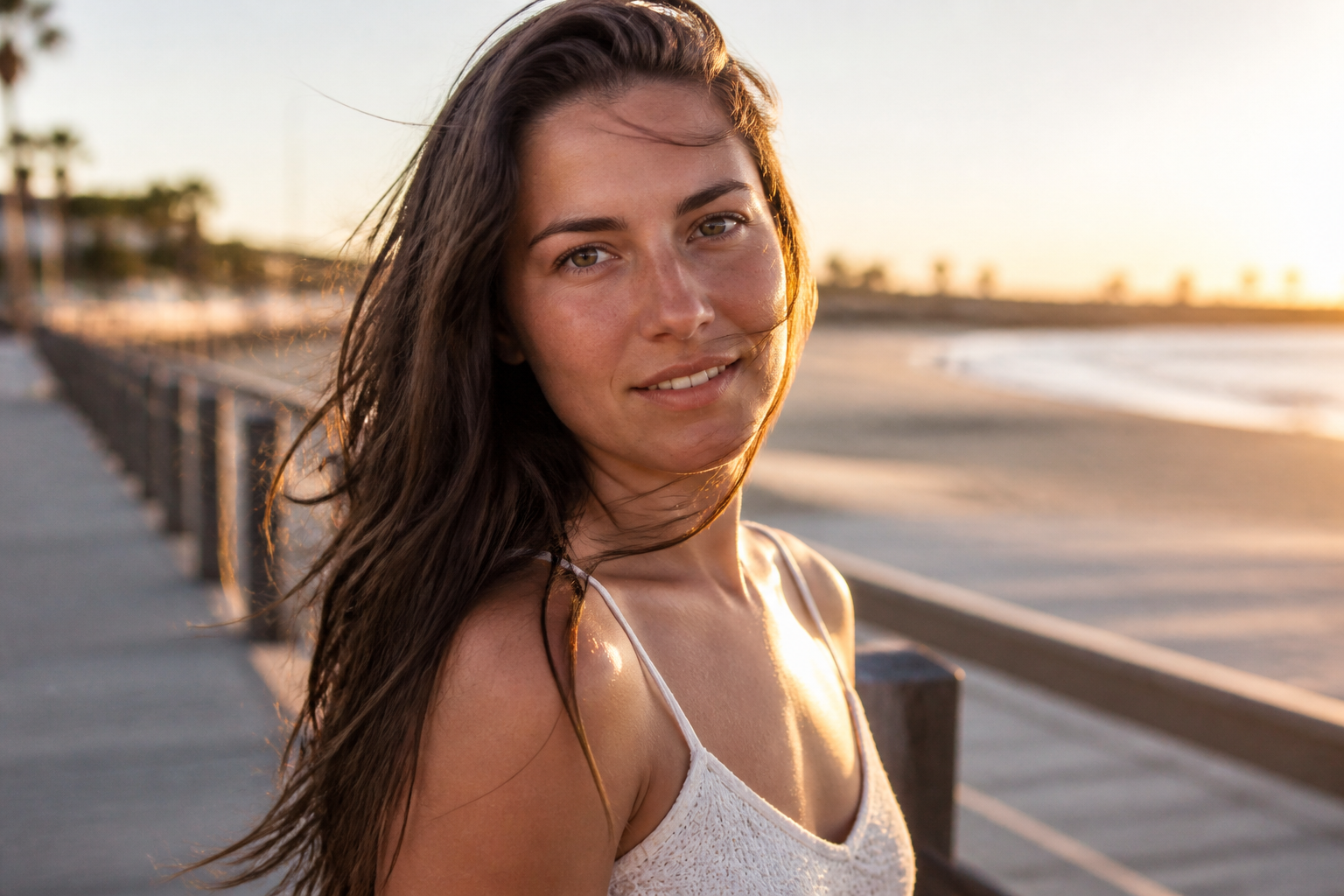 BEFORE
 AFTER
AFTER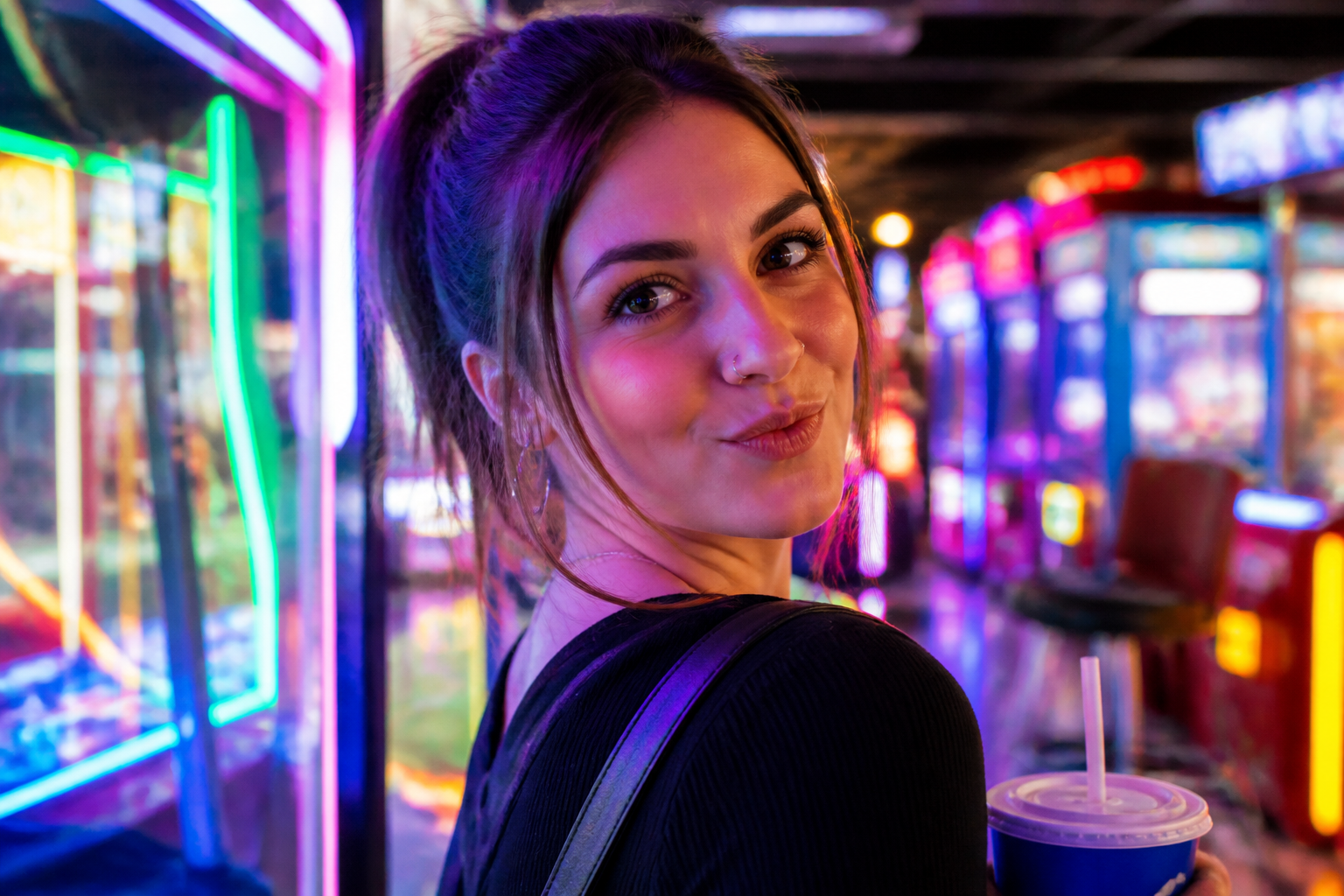 BEFORE
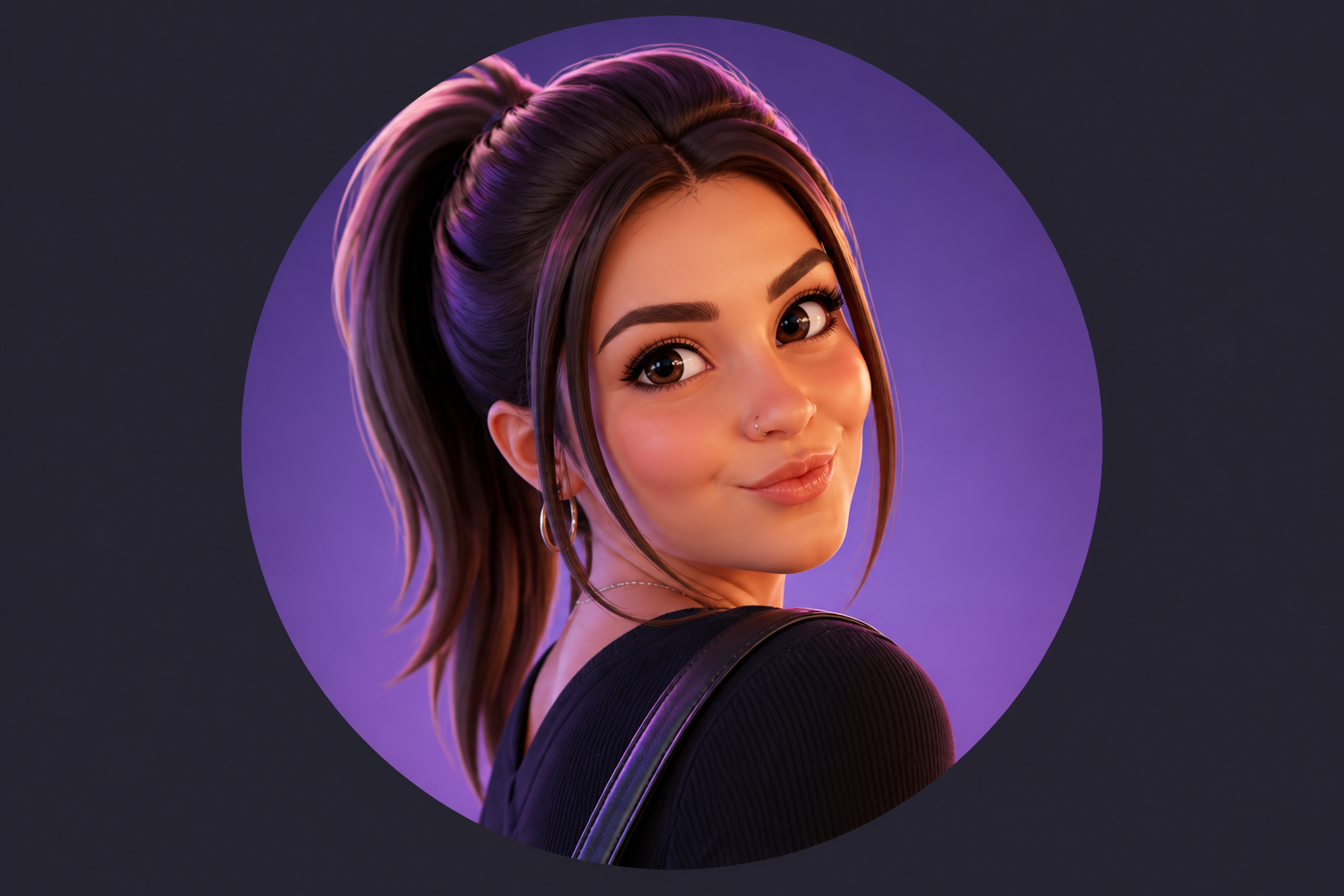 AFTER
AFTER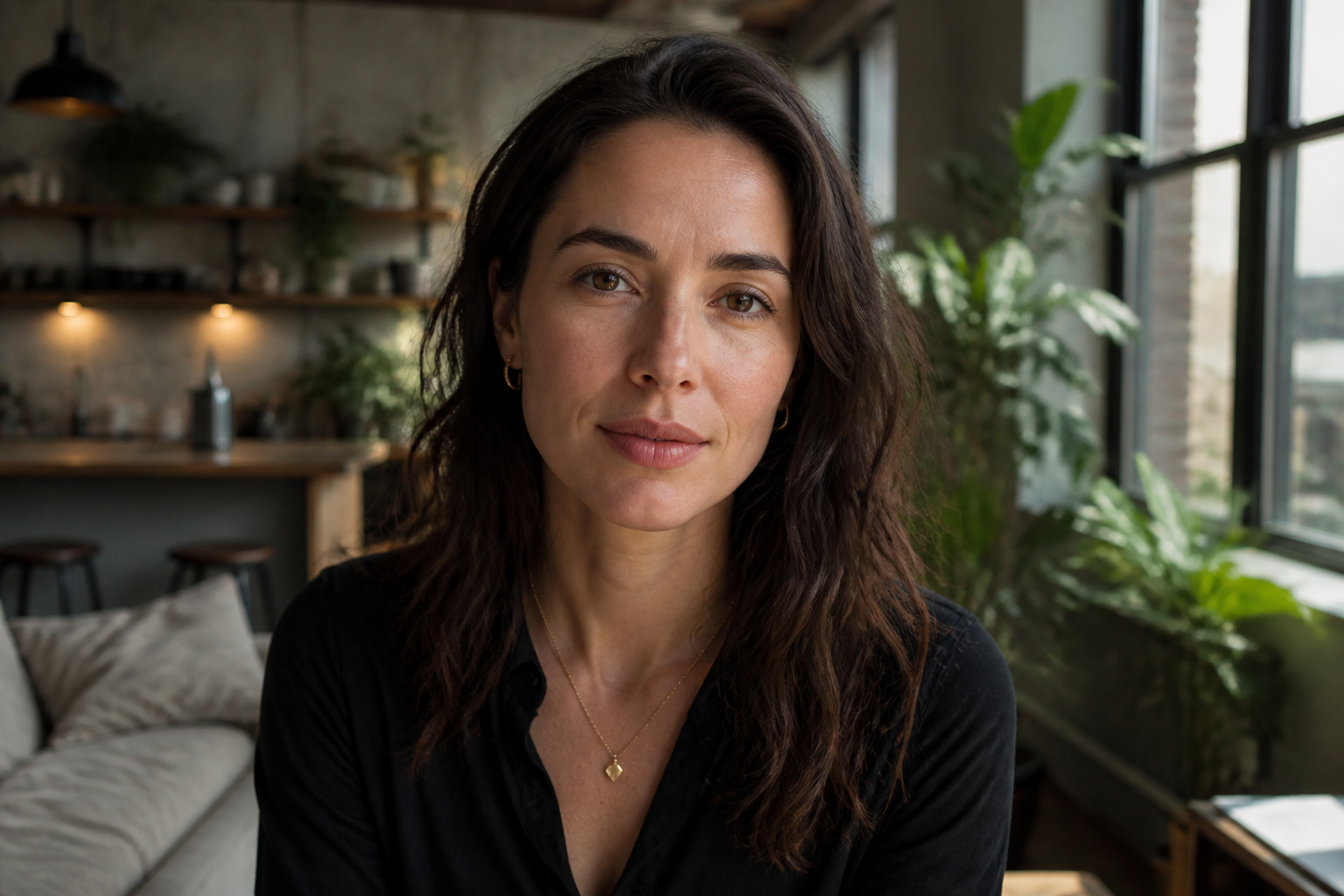 BEFORE
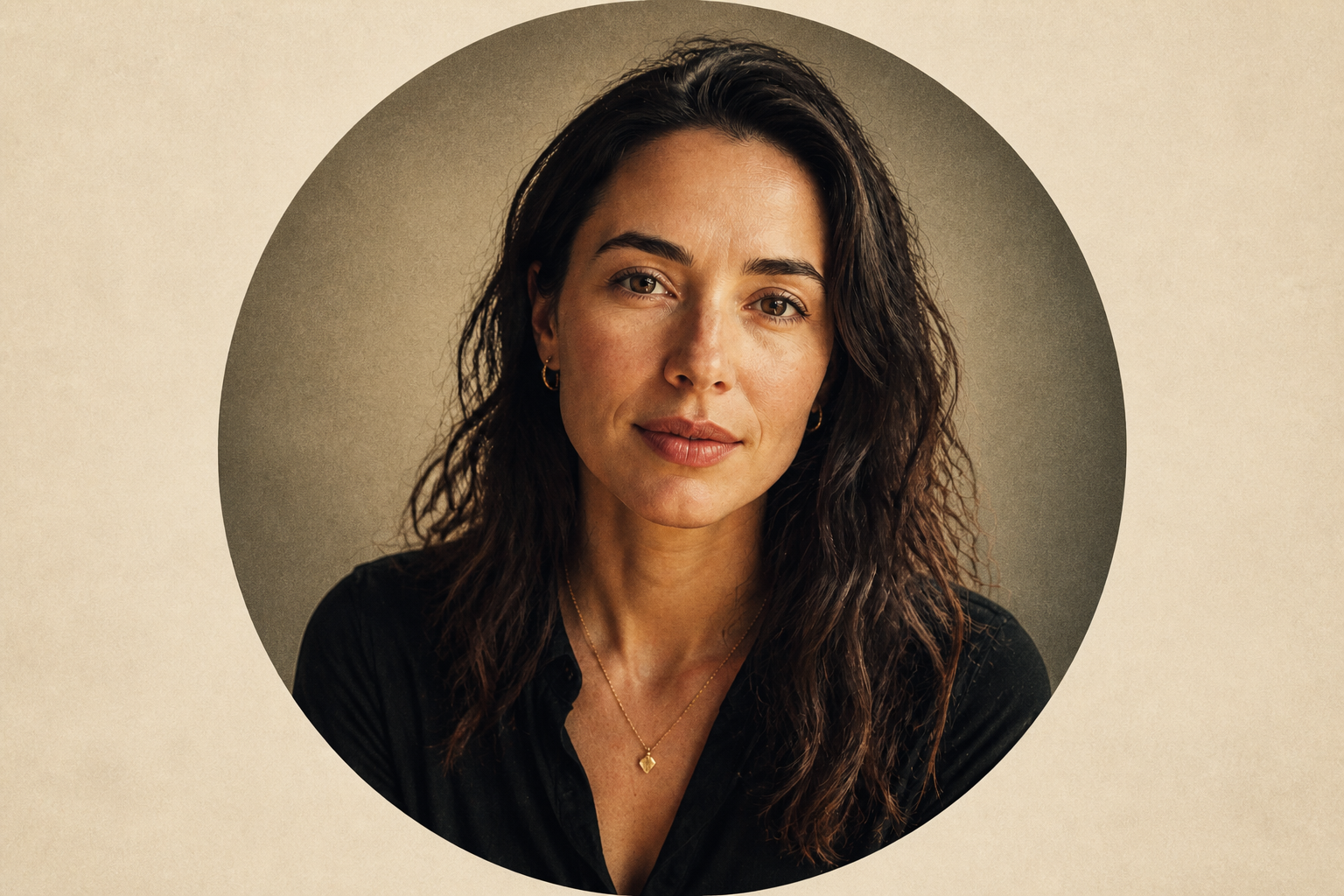 AFTERBEFOREAFTERBEFOREAFTERBEFOREAFTERBEFOREAFTERBEFOREAFTER
Key Features
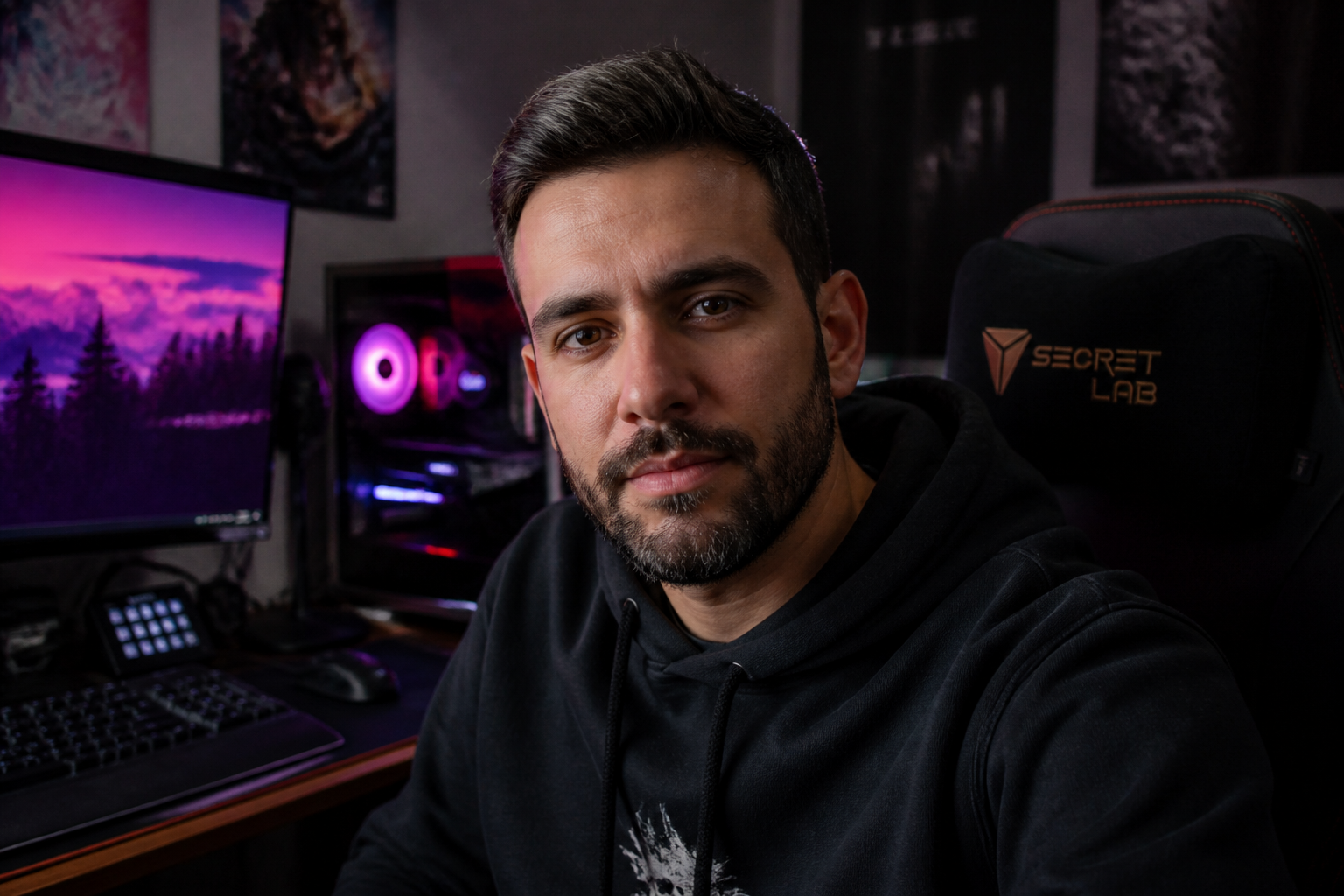
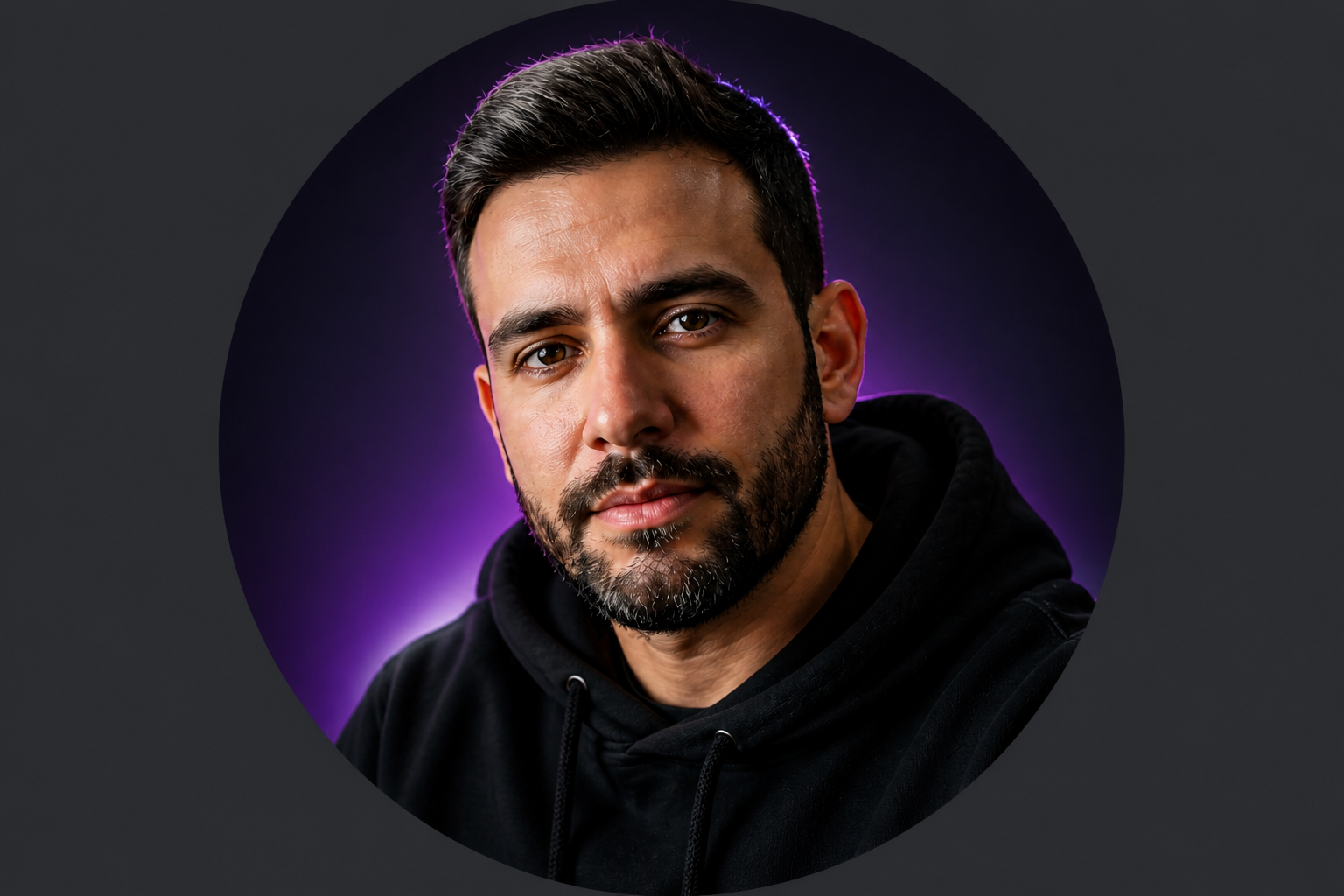
Built for small avatars
Discord profile pictures live in tiny circles, so details that look good full-size can disappear fast. This editor boosts the parts that matter most at small scale: clear eyes, clean silhouette, readable contrast, and a centered crop. You get a result that still looks sharp in chat lists, member sidebars, and server icons. That saves you from manually resizing and guessing what will stay visible.
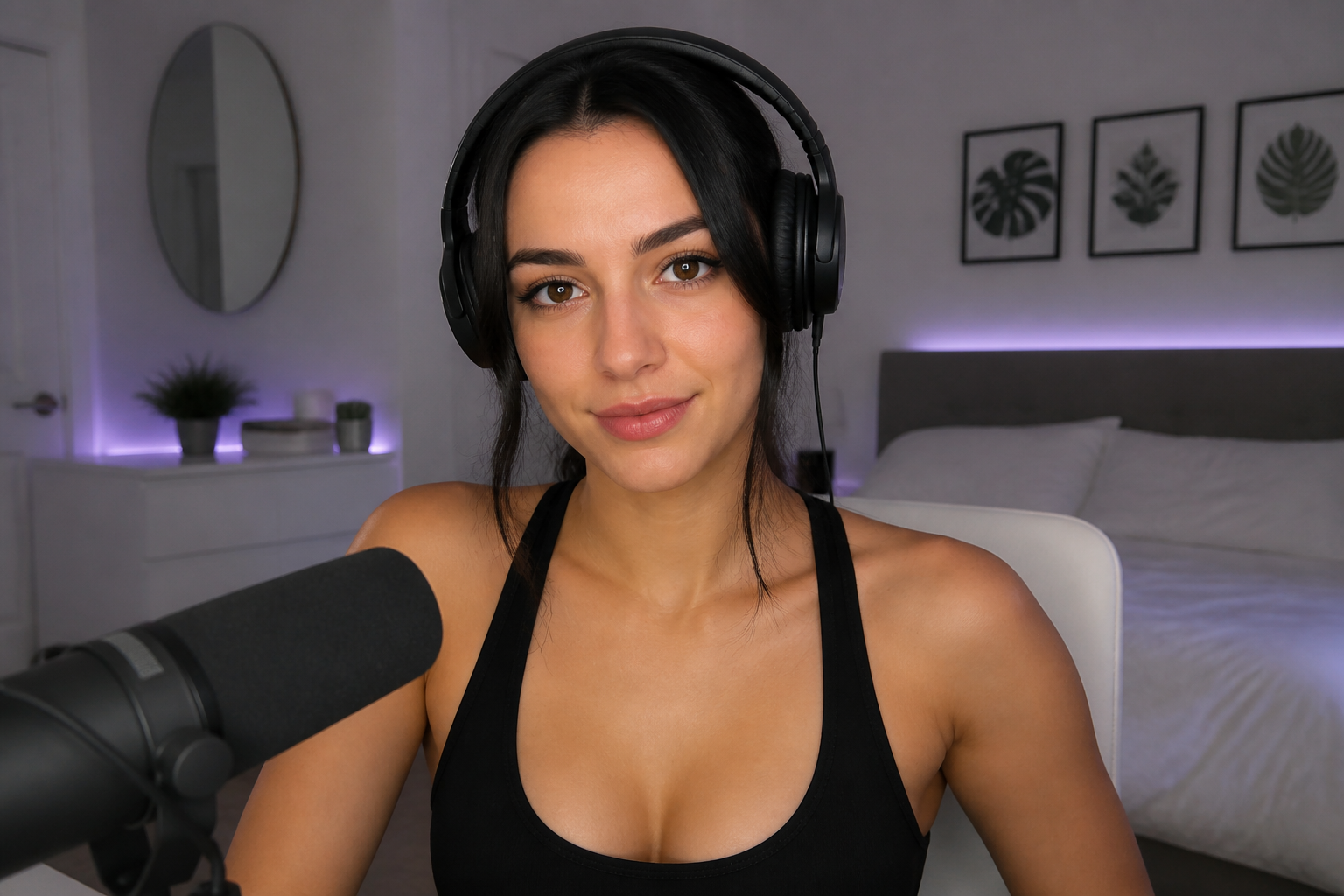
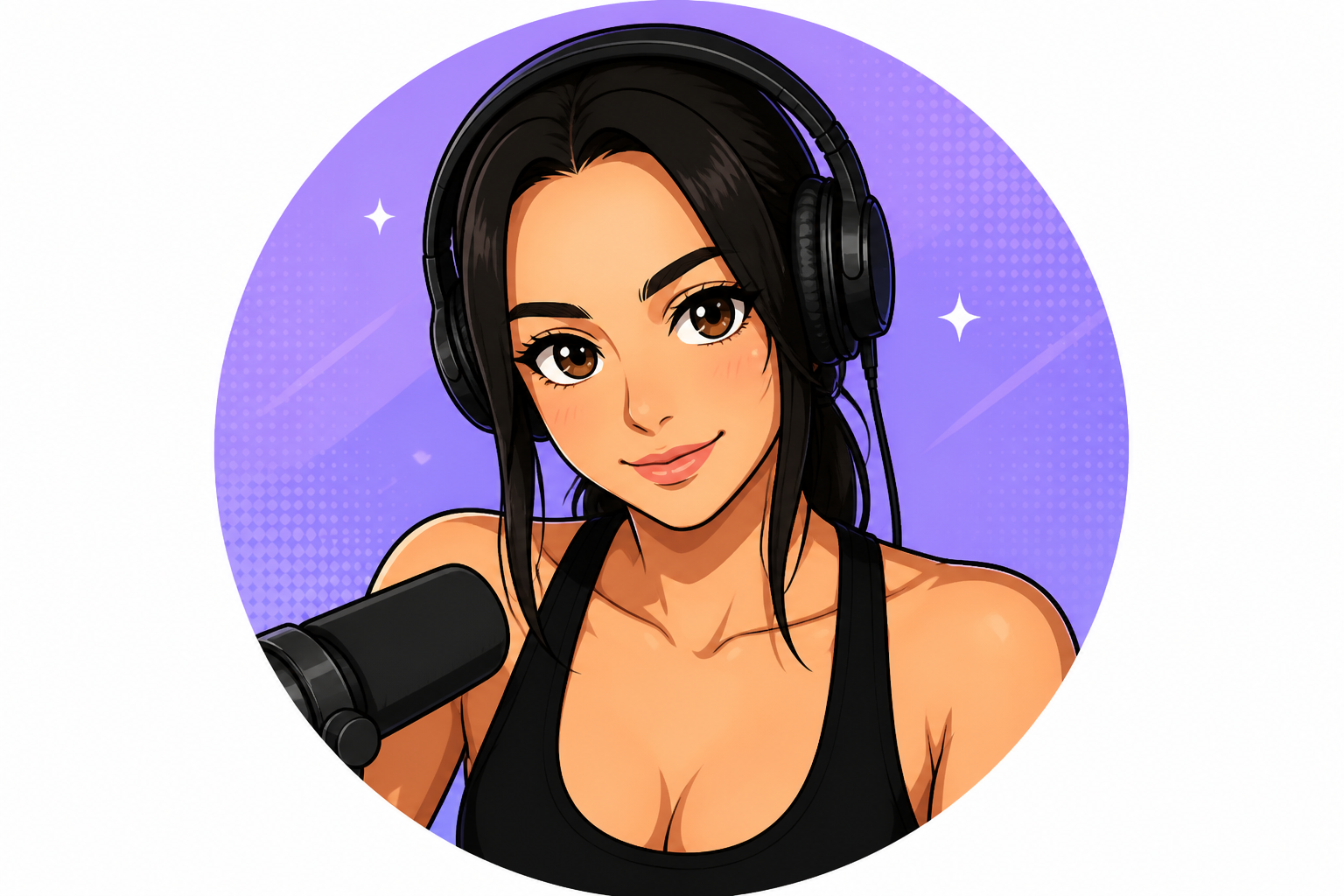
Switch styles fast
A good PFP depends on the vibe you want to project, not just the photo you start with. You can turn the same image into anime, comic, cinematic, or polished creator-style looks without rebuilding it from scratch. That makes it easy to test different identities for different servers or moods. It is much faster than manually recreating the same portrait in several styles.
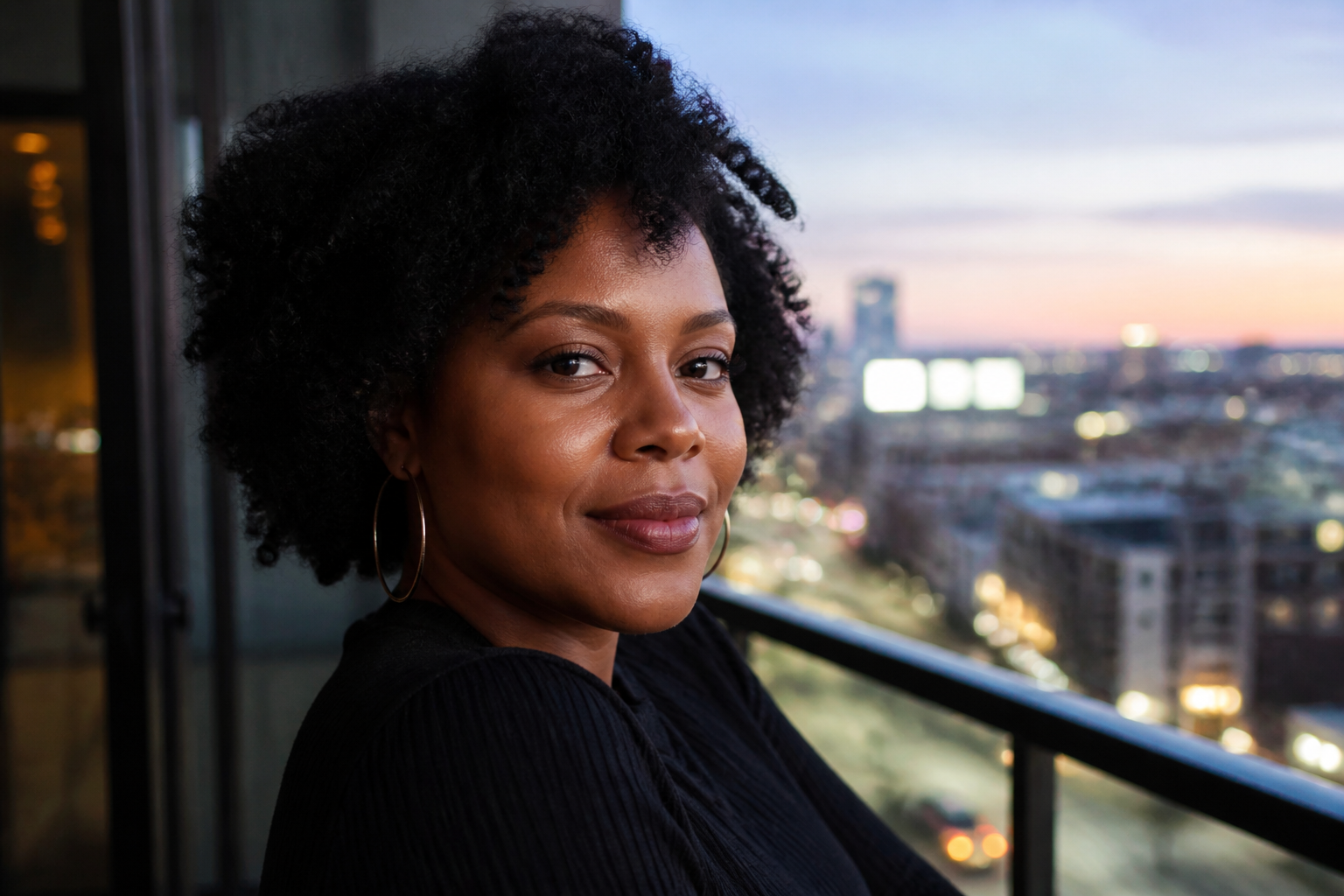
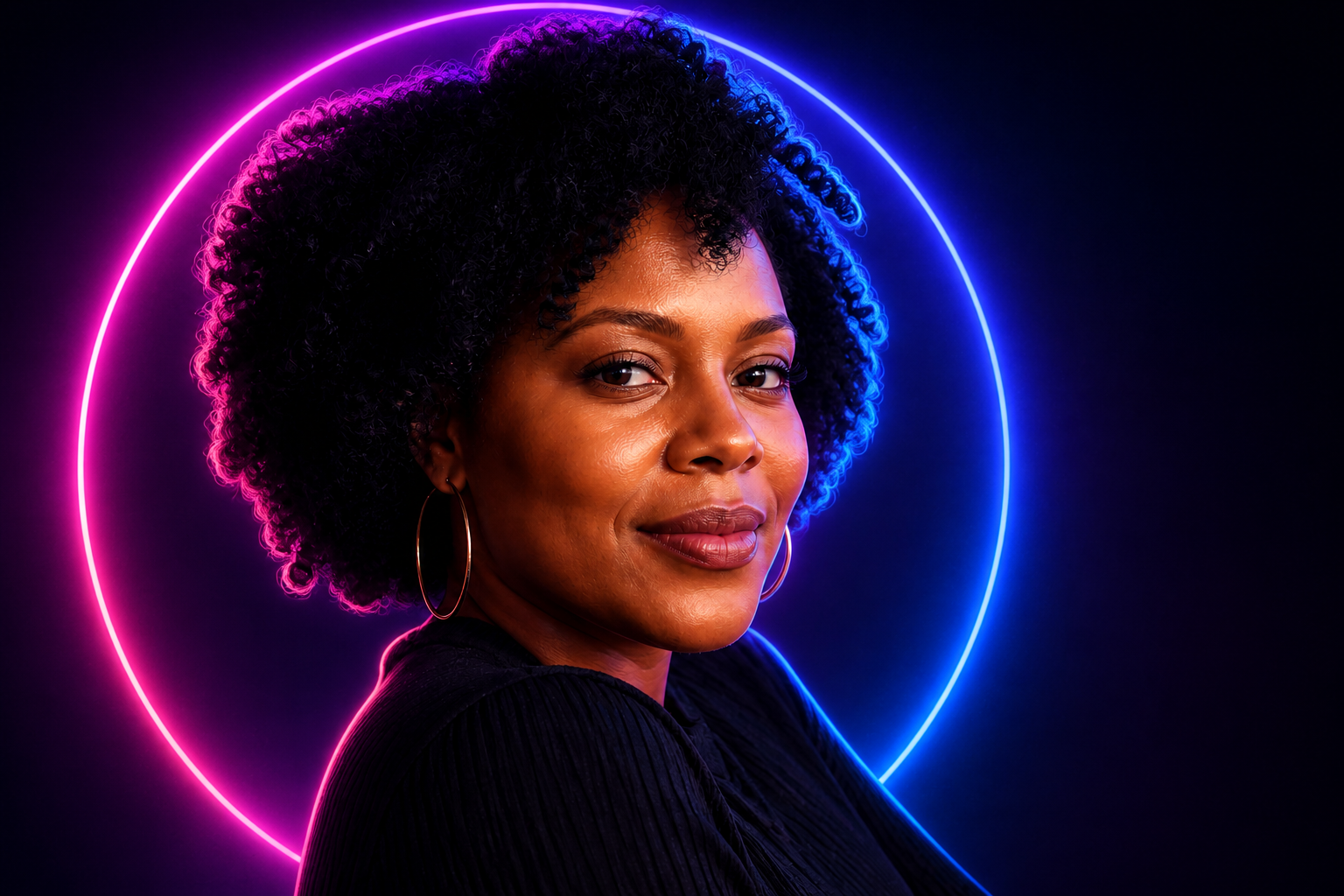
Keep your face recognizable
A profile picture should feel like you, even after a big visual change. Our AI is tuned to preserve your facial identity, expression, and overall pose while changing style, lighting, or polish. That matters if friends or community members already know your face or personal brand. You get a transformed avatar without it drifting into a different person.
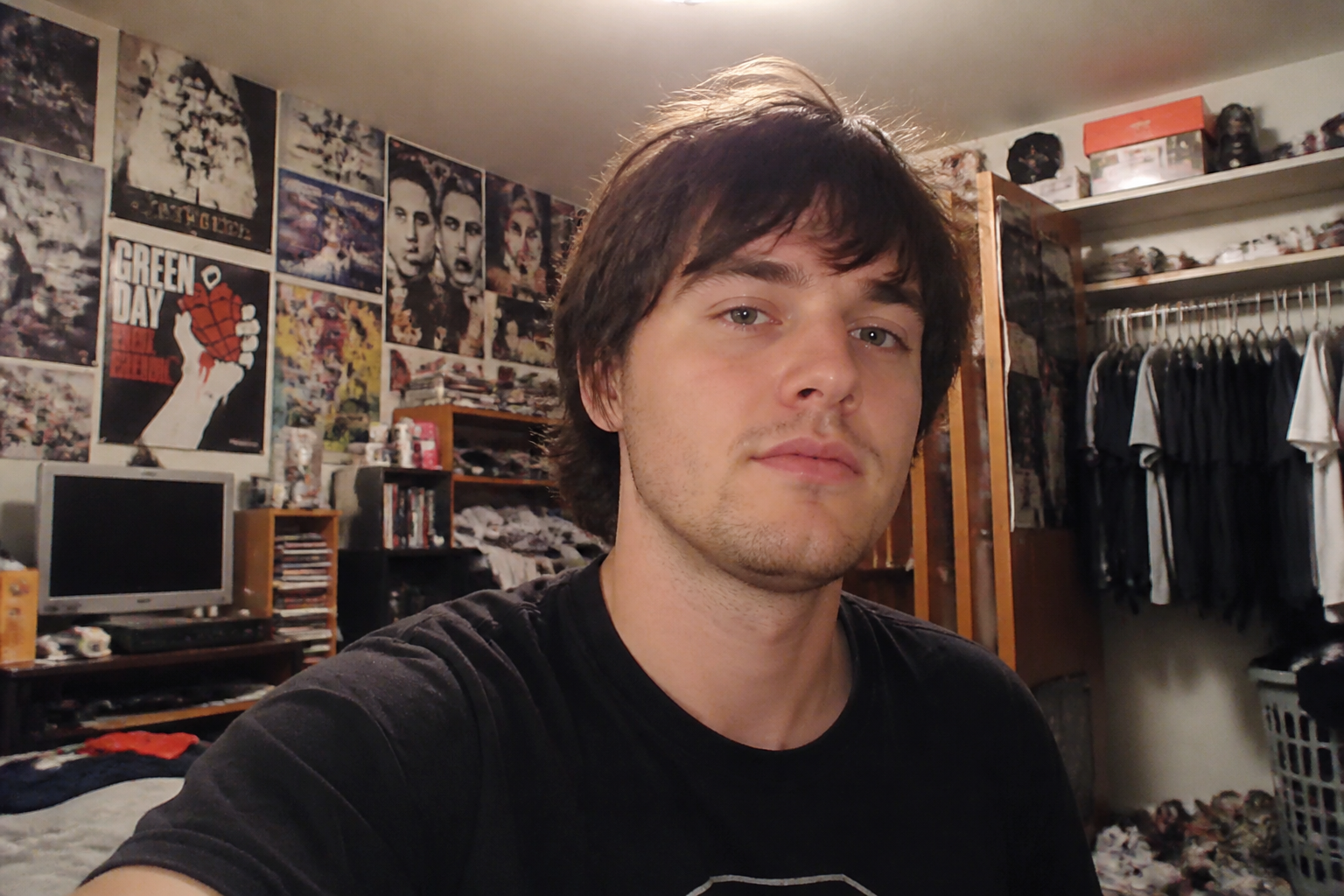
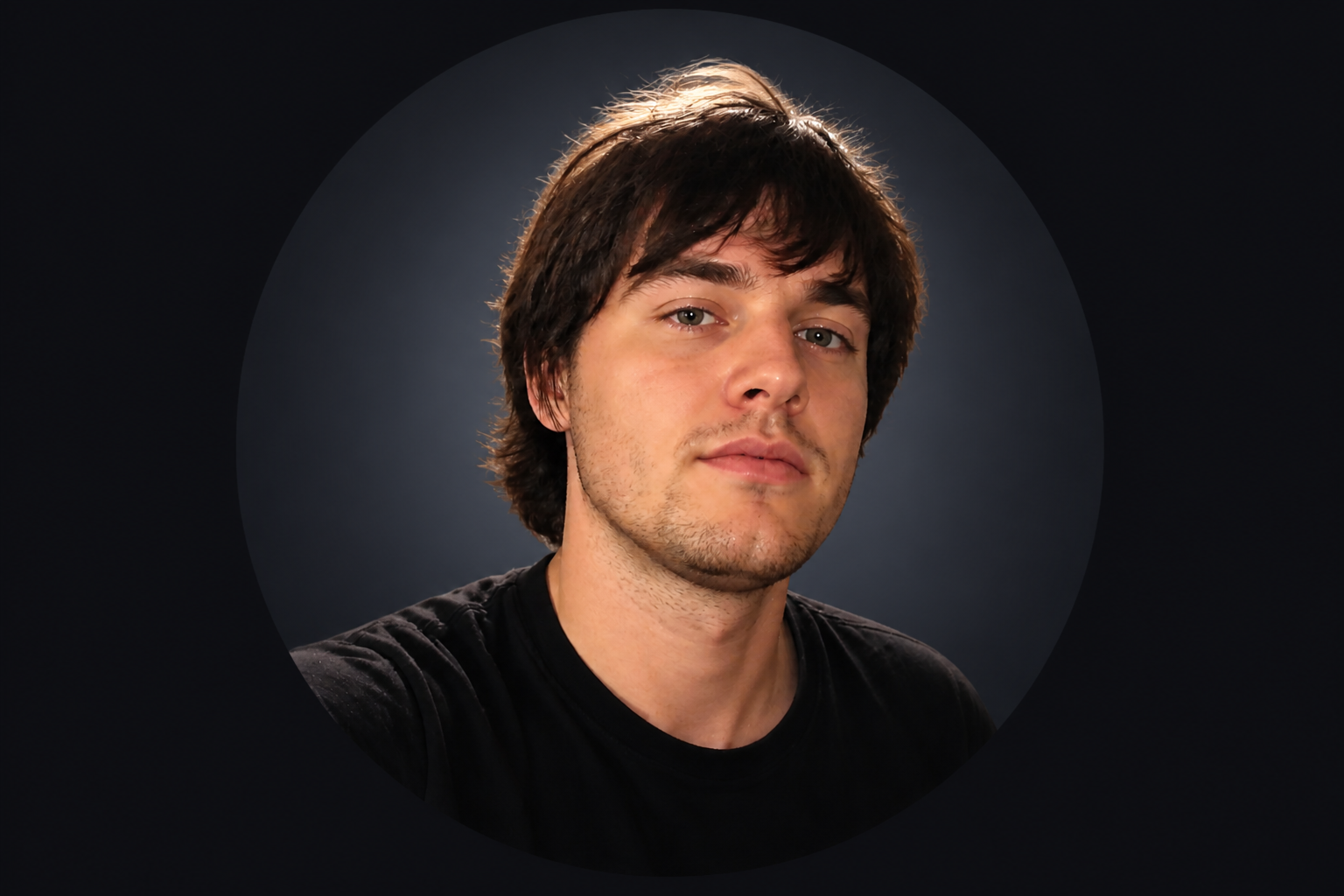
Cleaner backgrounds instantly
Many selfies have clutter behind them that weakens the final icon. This tool can reduce visual noise and replace busy surroundings with simple backdrops that keep attention on the face. The result looks more intentional and professional in a server or DM list. It is a quick way to get studio-like focus without masking the image by hand.
How It Works
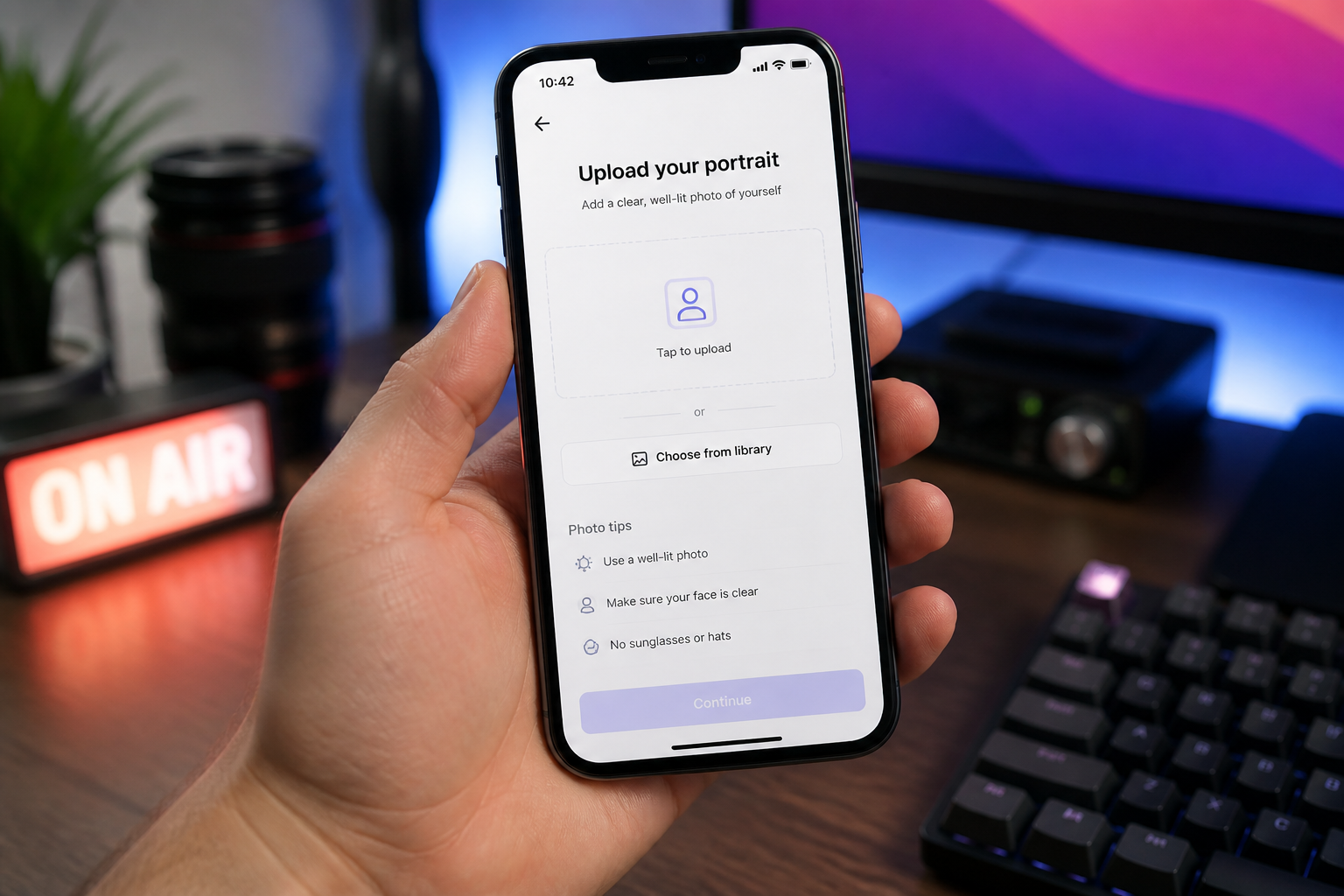
Upload your photo
Start with a clear selfie or portrait where your face is easy to see. A centered photo with decent lighting usually gives the best Discord-ready result.
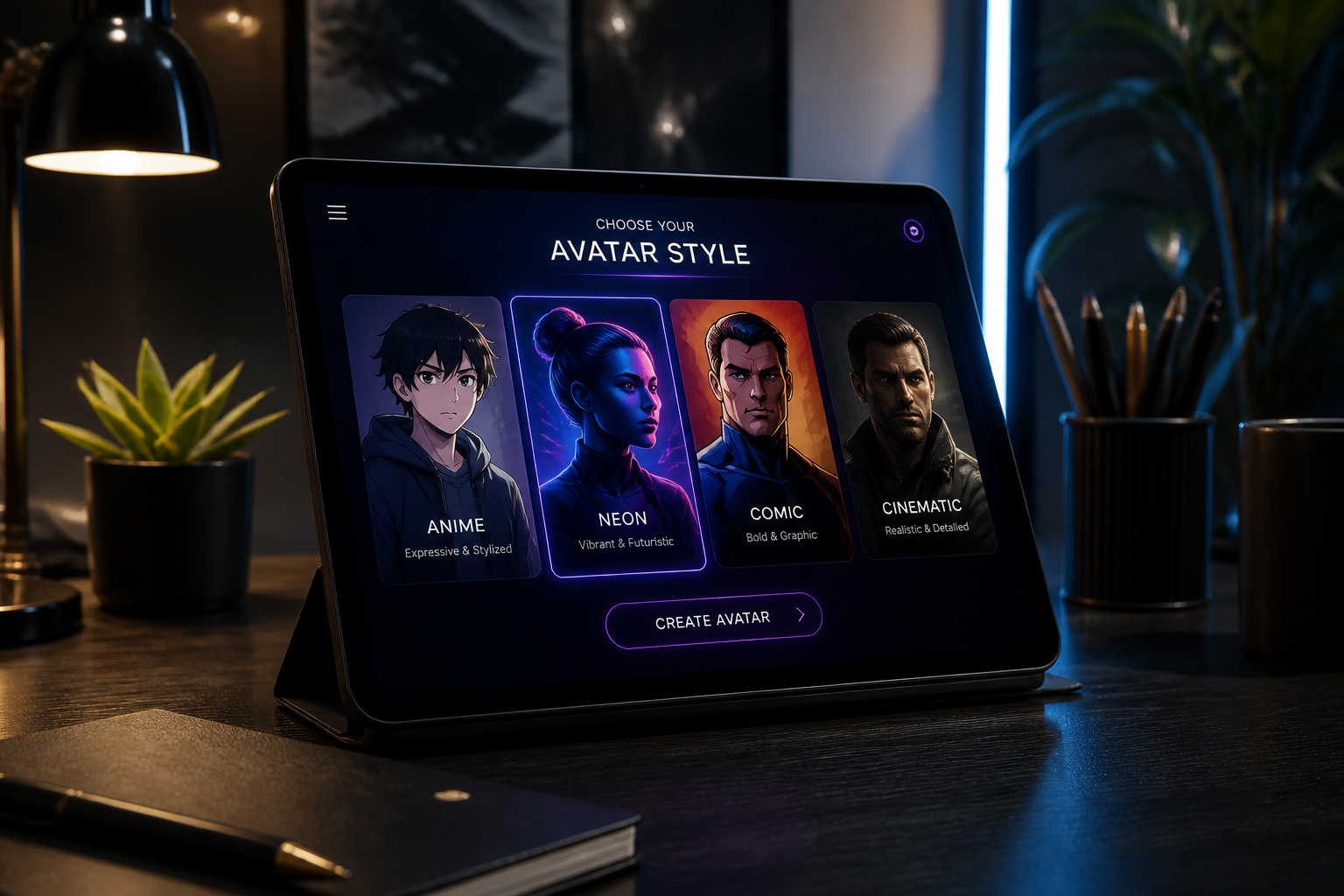
Pick the vibe
Describe the look you want, like anime, gamer neon, comic-book, or clean professional. You can keep it simple or be specific about lighting, mood, and background.
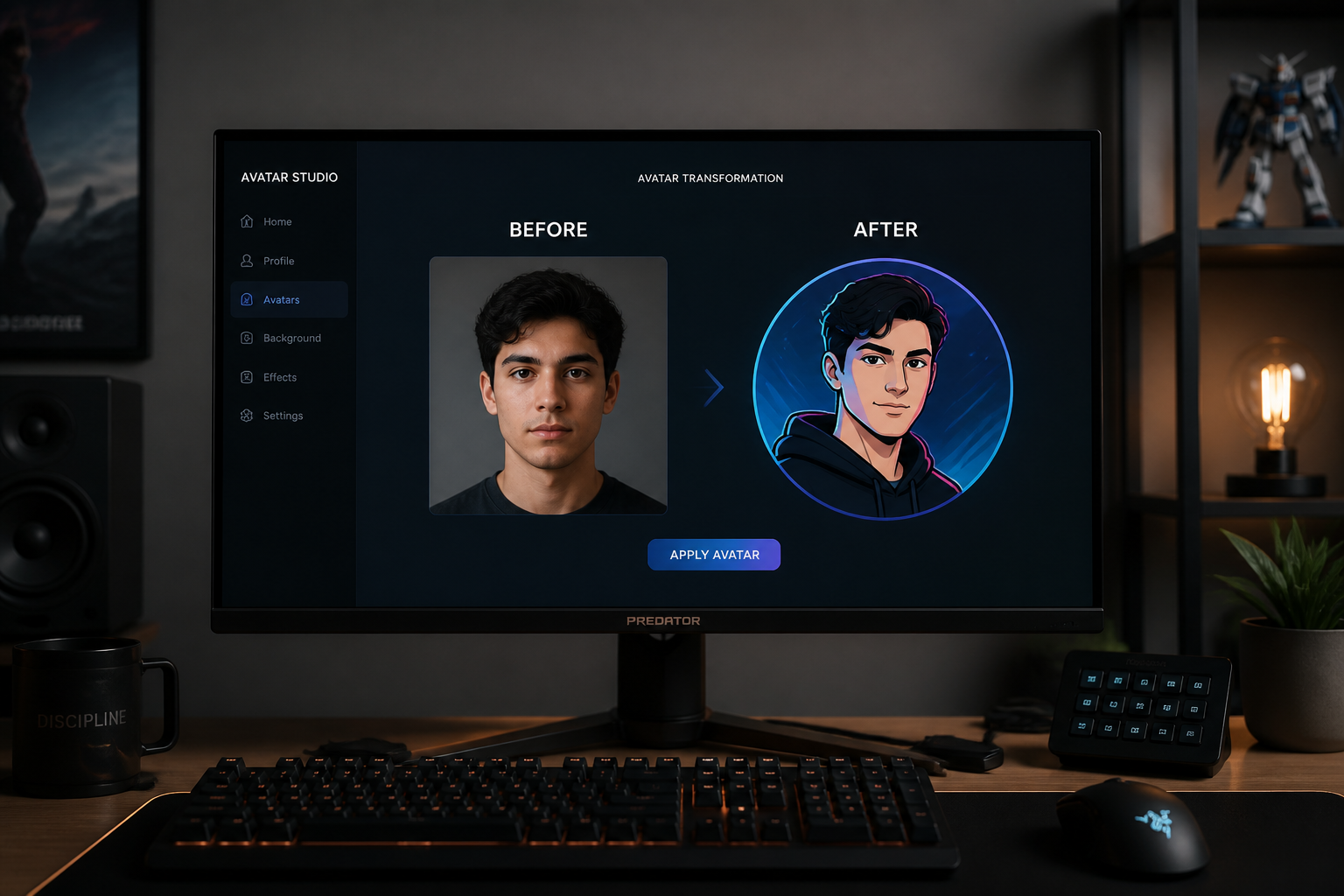
Generate and compare
Review the edited version next to your original and see what reads best at avatar size. If needed, rerun with a different style until the profile picture feels right.
Perfect For
Discover how creators and professionals use ai discord pfp generator
Personal Discord avatars
Turn a casual selfie into a polished profile picture that feels more intentional than a raw phone photo.
Streamer branding
Create a recognizable avatar that matches your channel mood, overlays, and community aesthetic.
Alt account styles
Make different PFP looks for gaming, work, friend groups, or private servers without reshooting new photos.
Server role identity
Generate distinct profile images that help moderators, creators, or community leads look consistent and easy to spot.
Built For
Gamers and server members
Make profile pictures that stand out in crowded member lists and chat threads.
Creators and streamers
Match your Discord avatar to the same visual identity you use across Twitch, YouTube, or socials.
Anyone updating an old selfie
Refresh a basic portrait into something cleaner, sharper, and more current without learning design tools.
Why use an AI Discord PFP generator
A quick look at how we compare on the things that matter for this niche.
| Feature | BudgetPixel | Generic AI editors | Manual editing apps |
|---|---|---|---|
| Avatar-focused framing | ✓ | — | — |
| Fast style variations | ✓ | ✓ | — |
| Identity-preserving edits | ✓ | — | — |
| Easy before/after comparison | ✓ | — | — |
| Manual skill required | Low | Low | High |
Frequently Asked Questions
What kind of photo works best for a Discord PFP?
Can I turn my photo into anime or other art styles?
Will the result still look good as a small icon?
Do I need editing skills to use it?
Can I make multiple versions from one photo?
Create together.
Share your creations, discover trending AI art, and grow with fellow creators.