
Resume templates
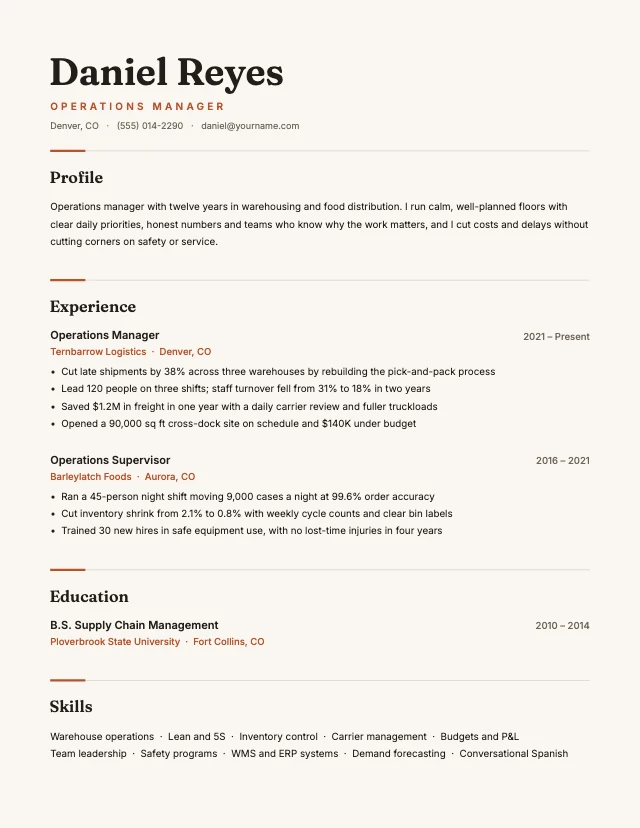
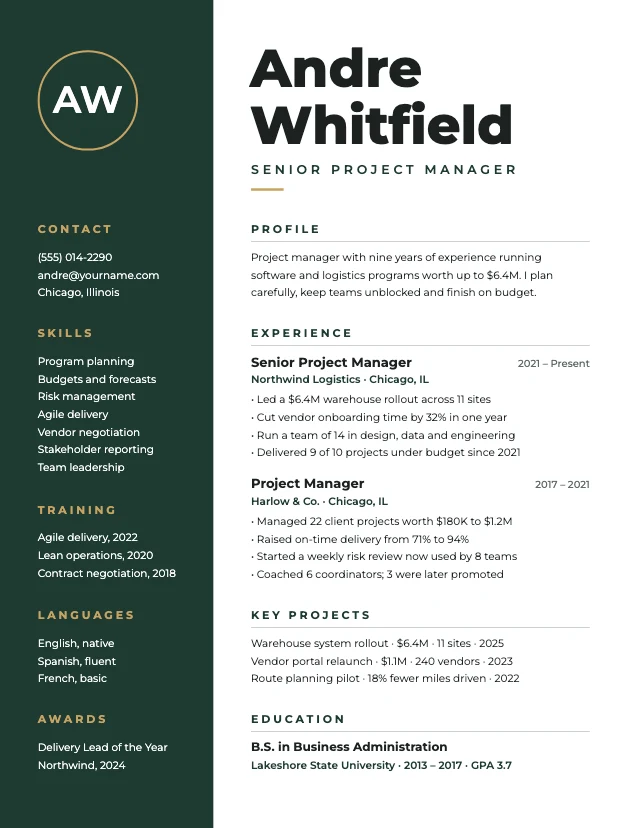
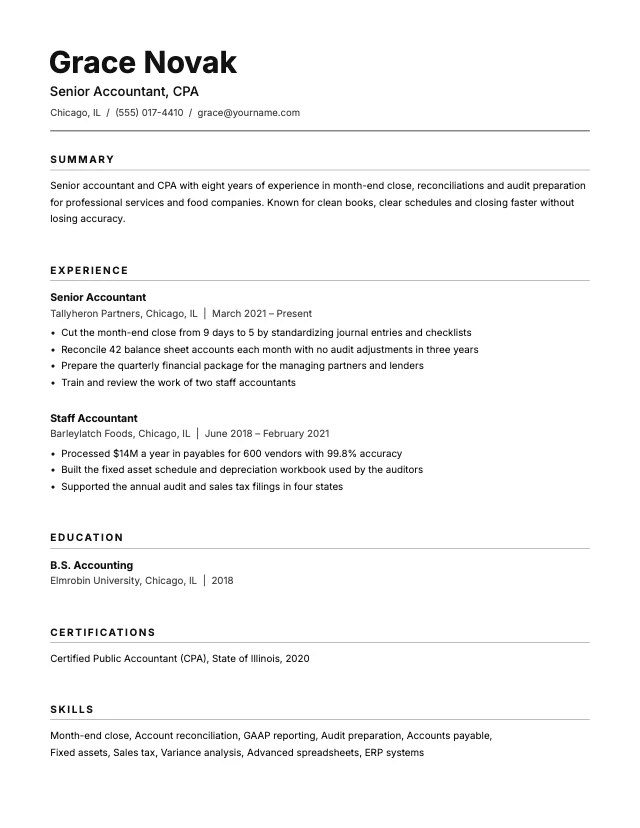
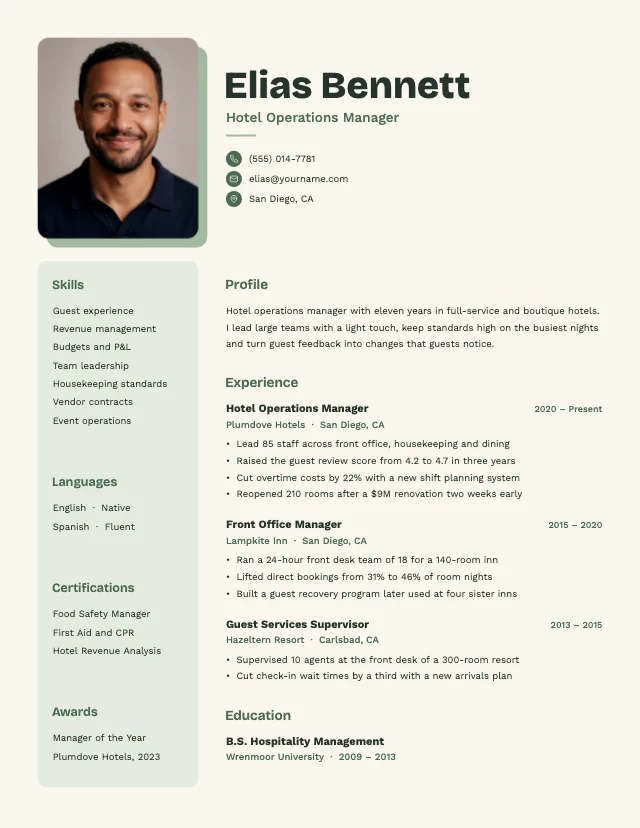
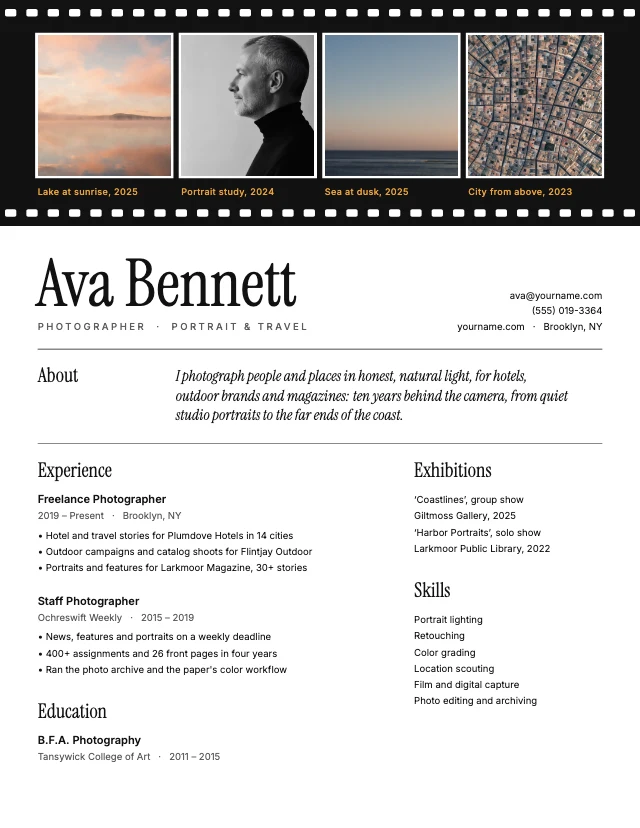
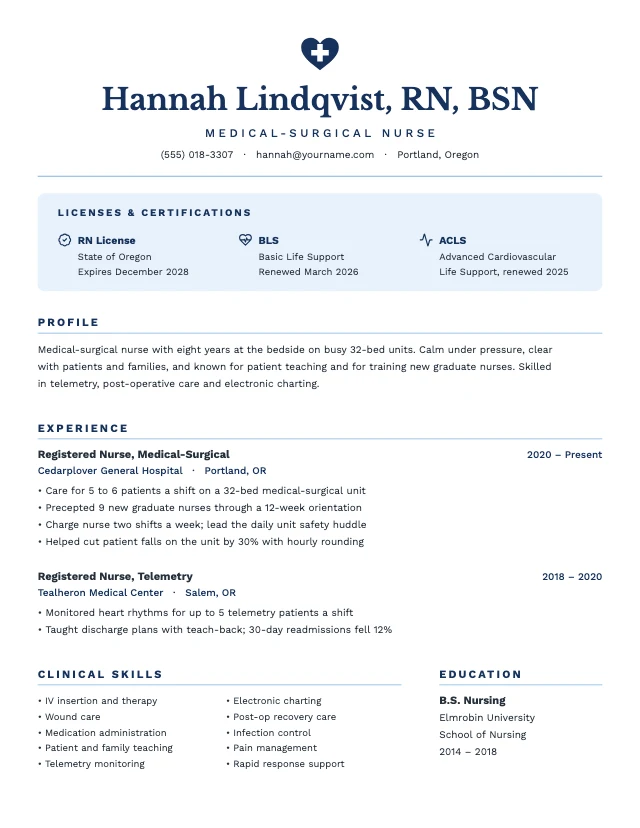
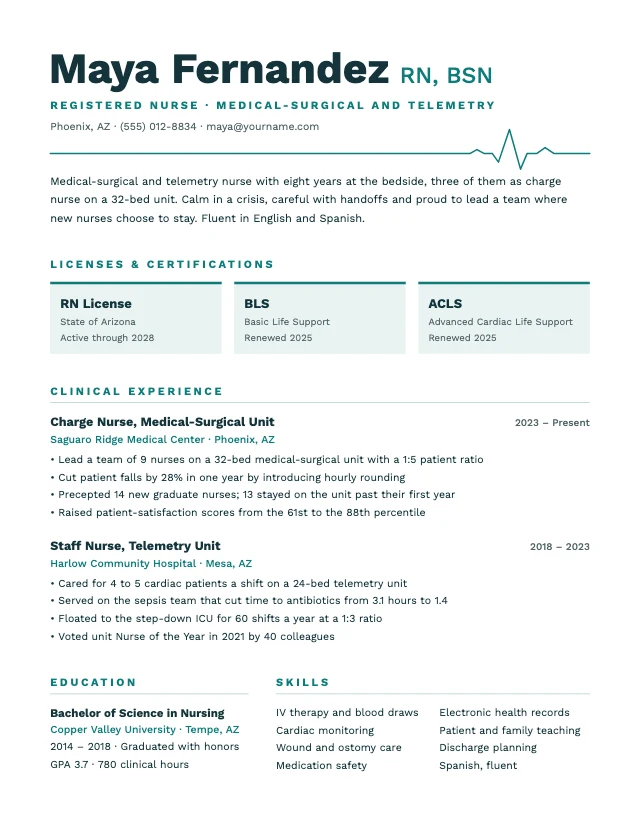
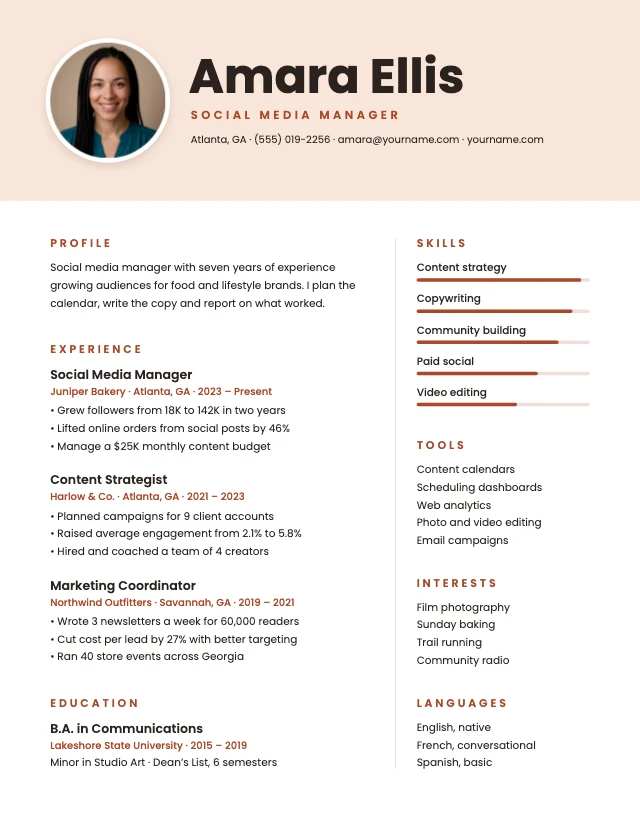
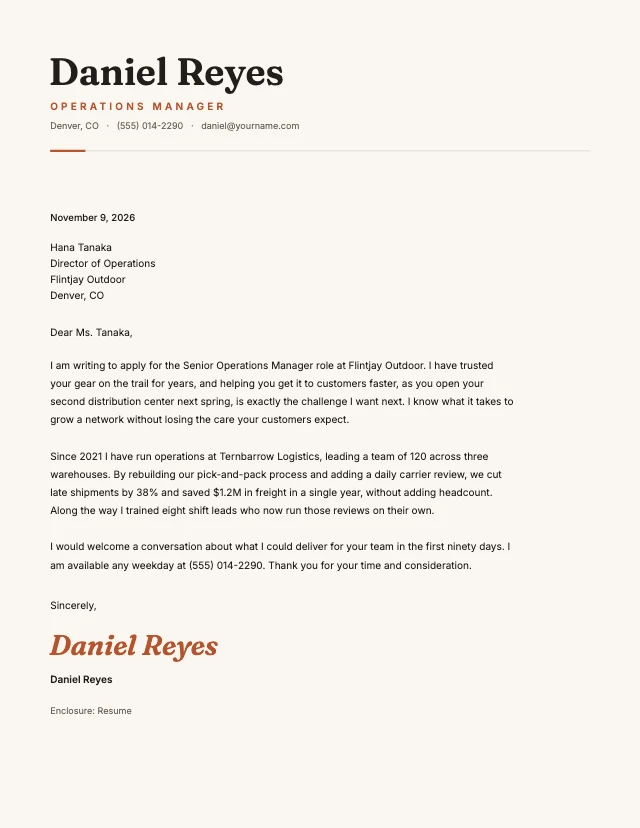
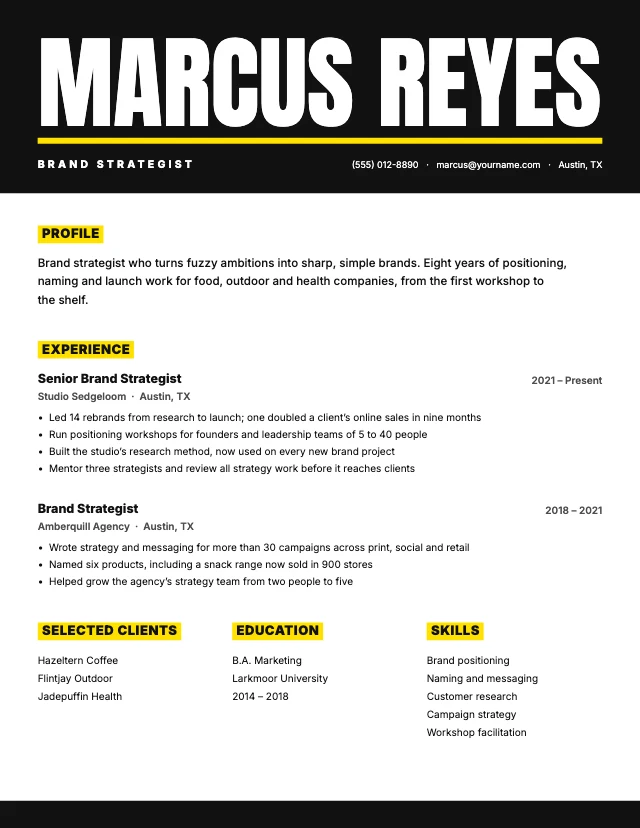
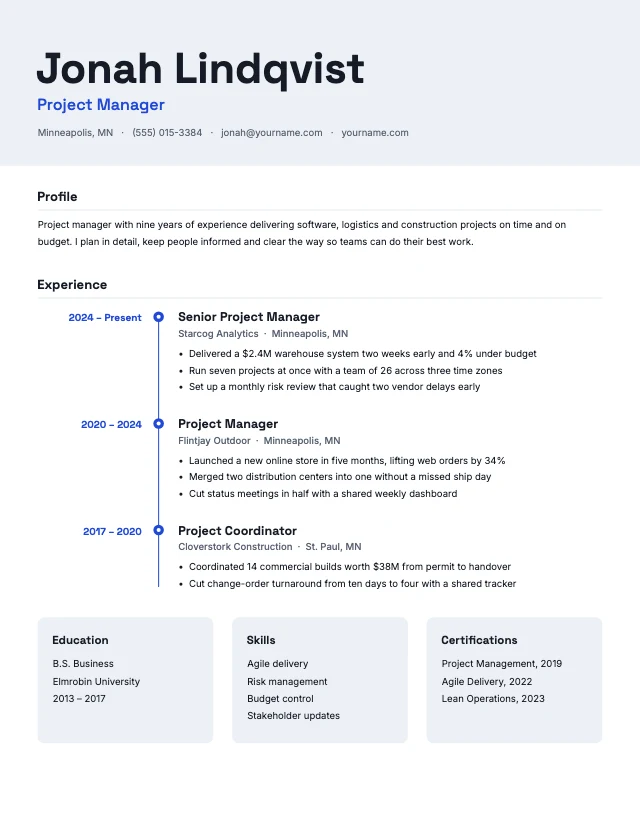
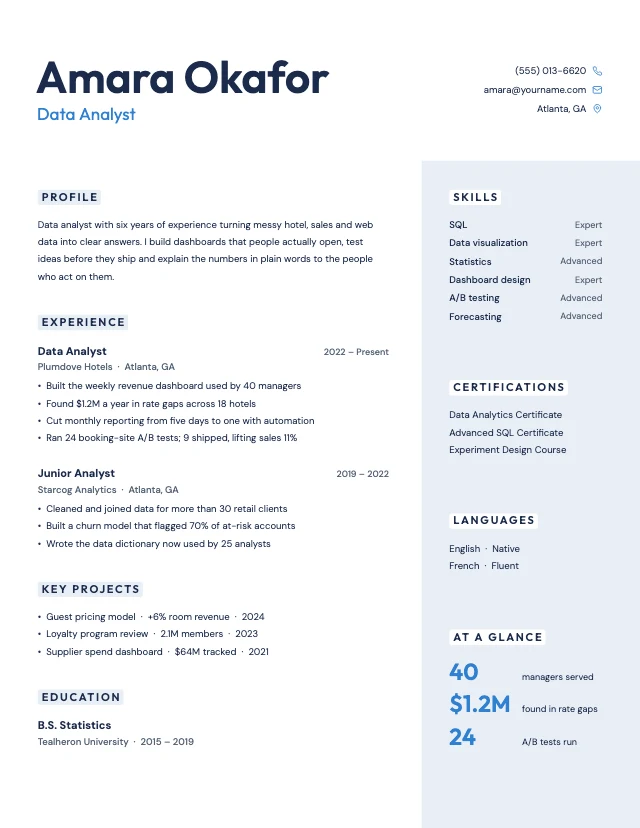
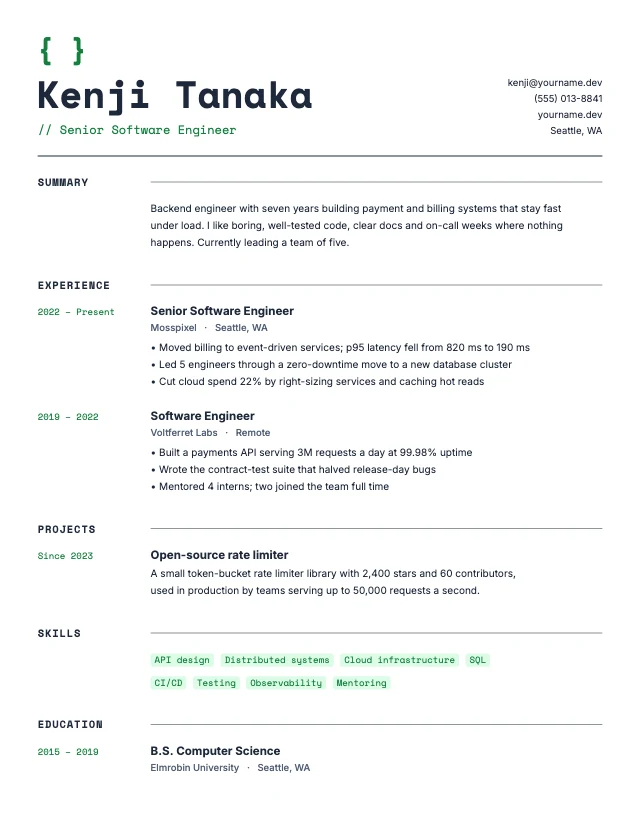
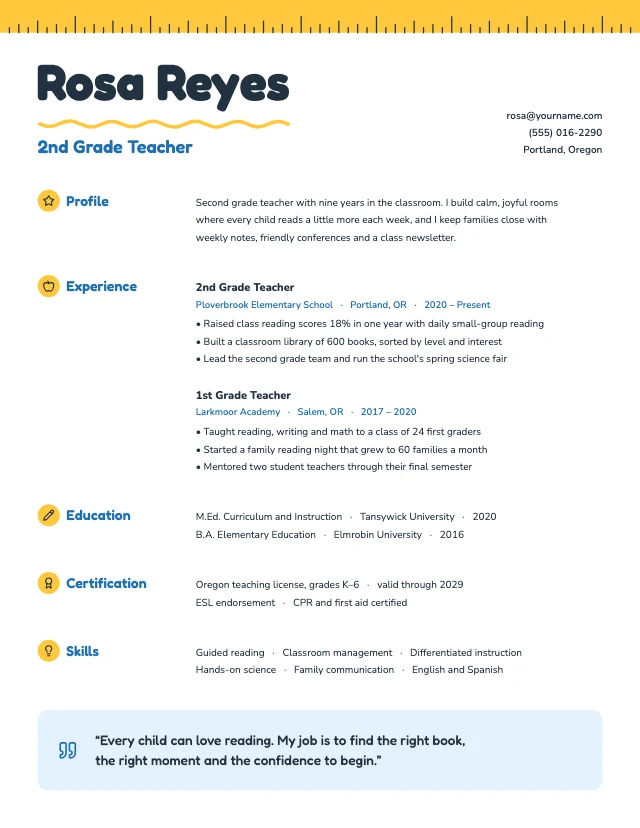
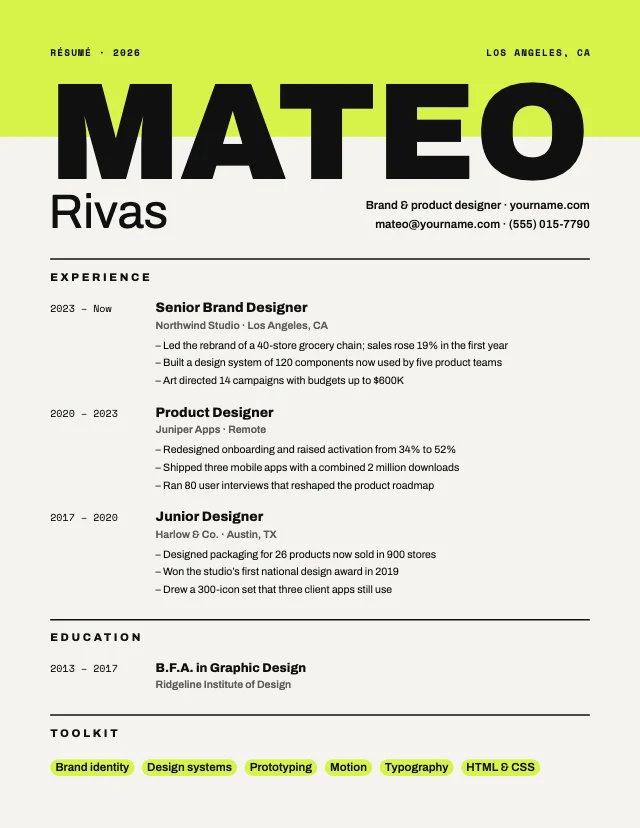
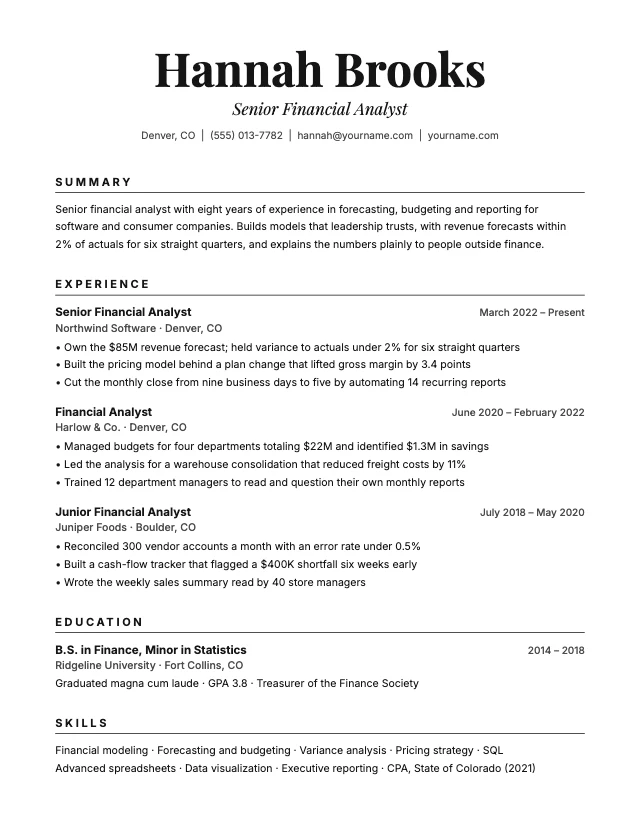
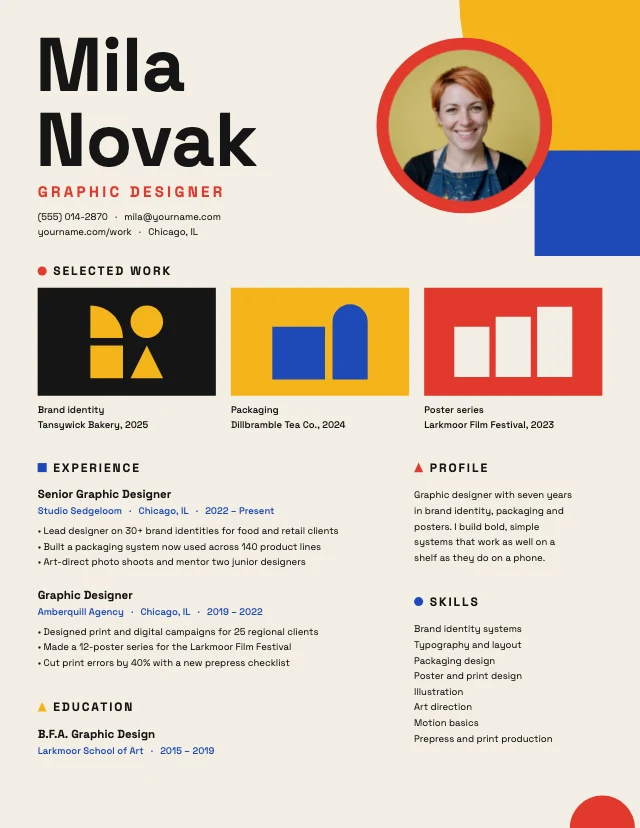
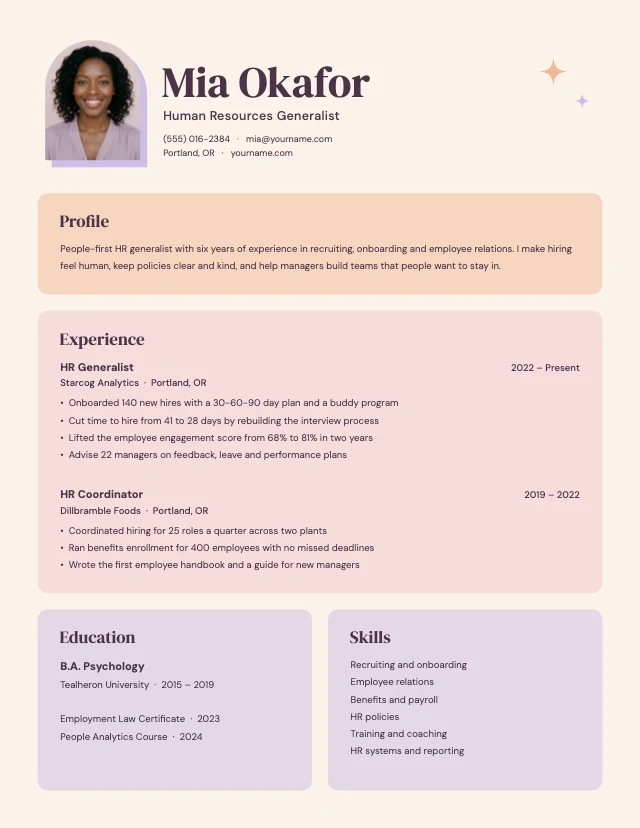
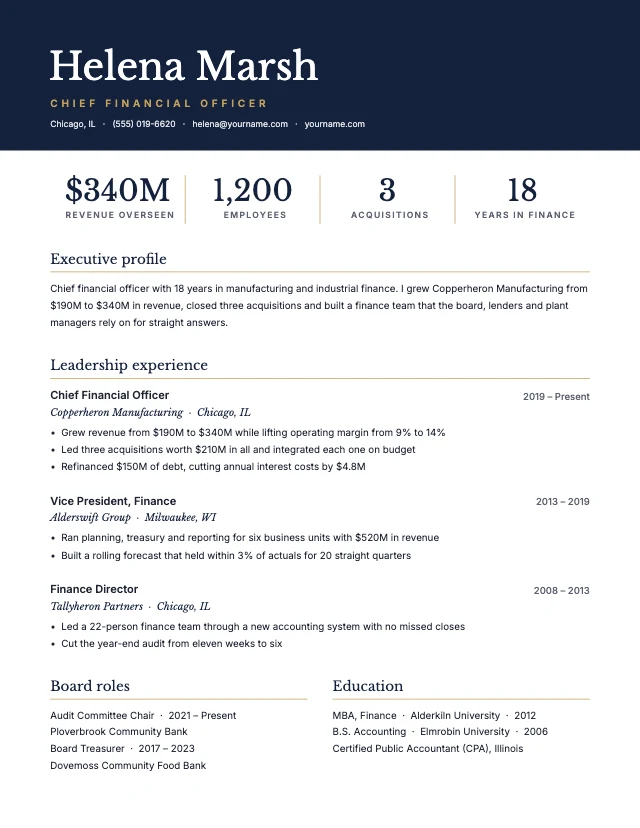
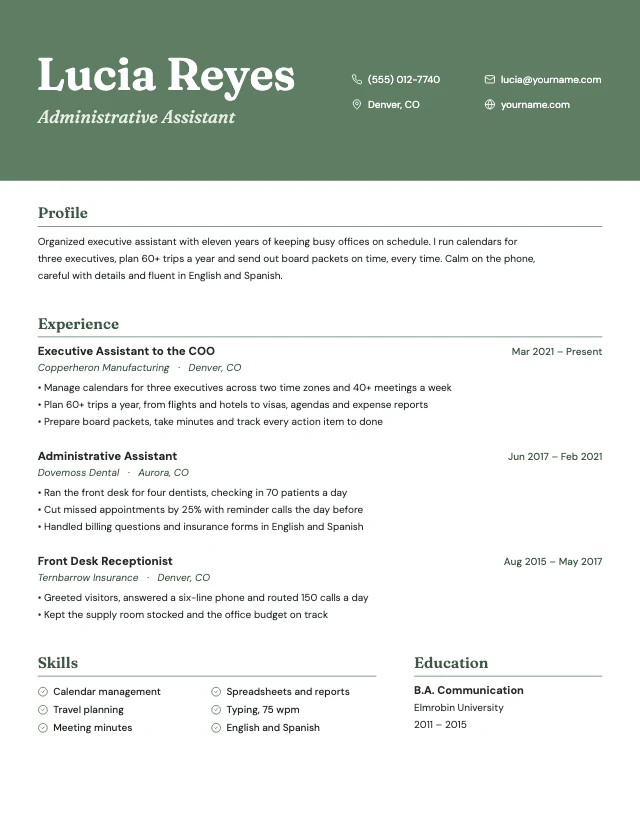
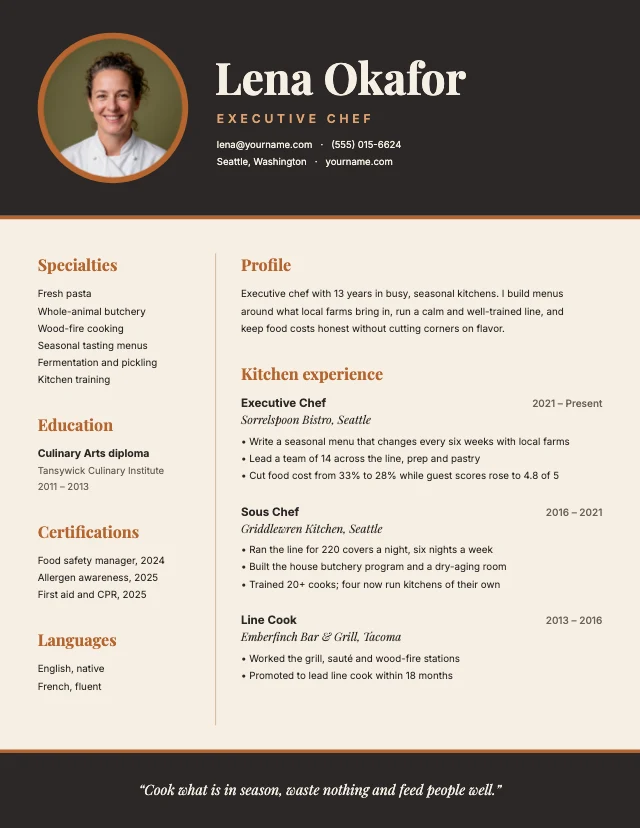
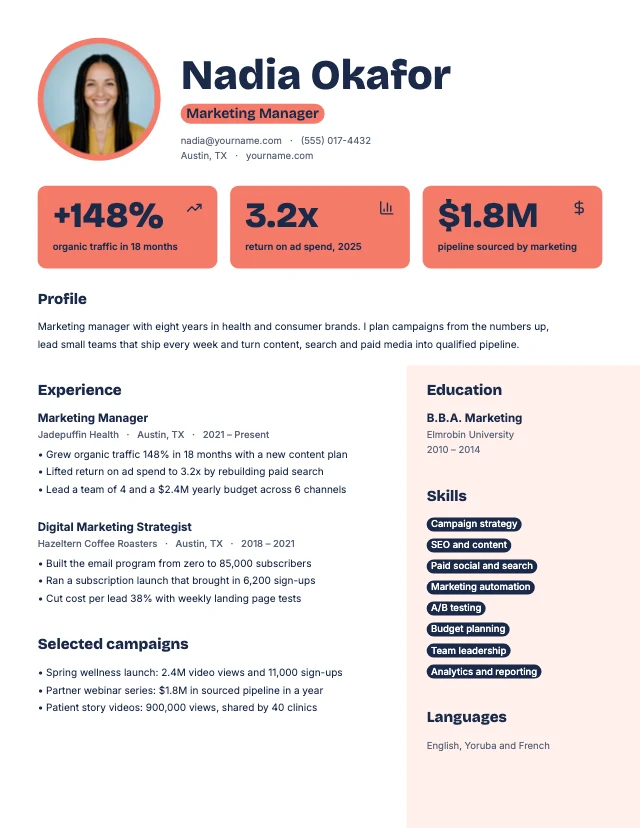
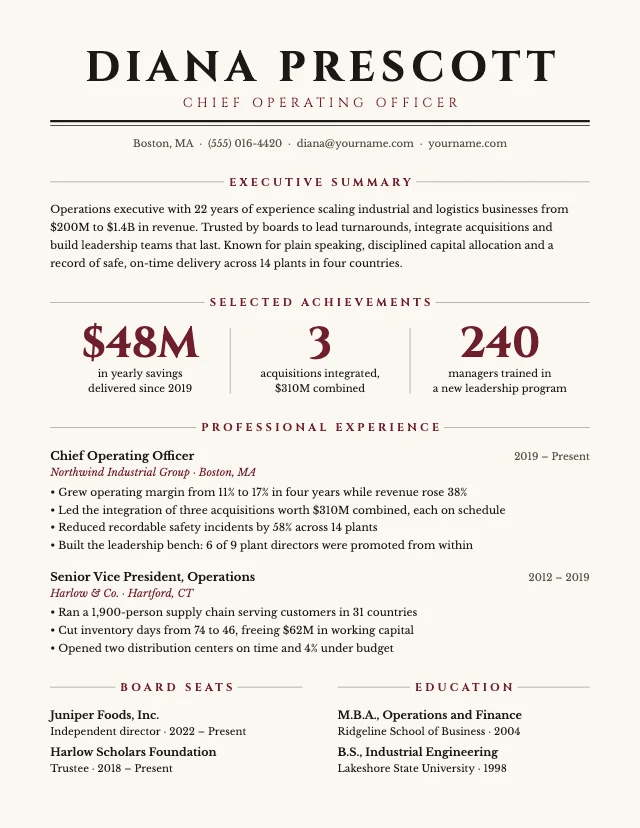
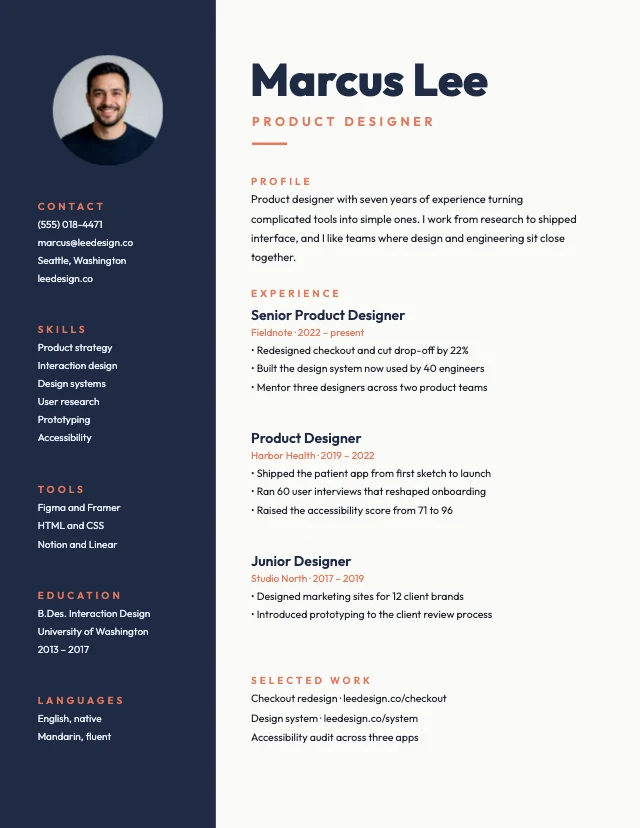
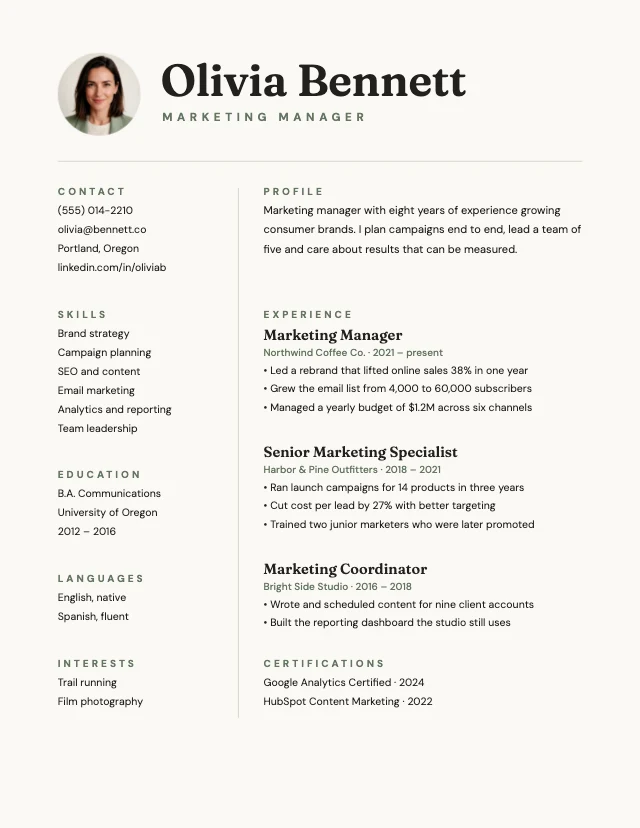
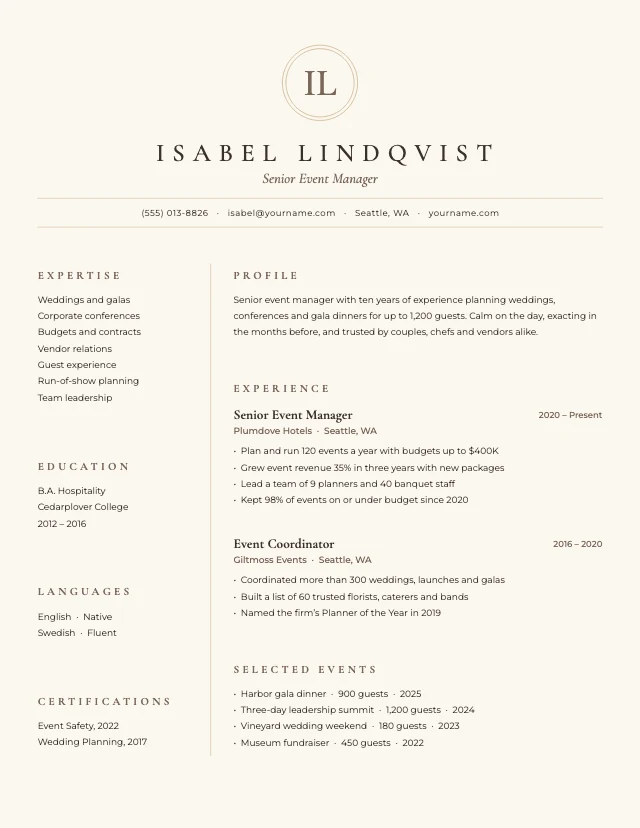
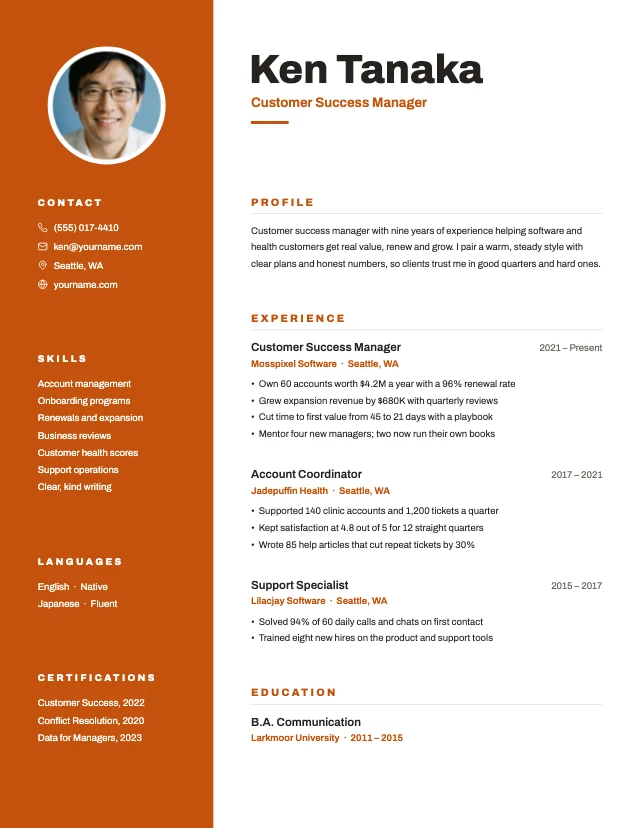
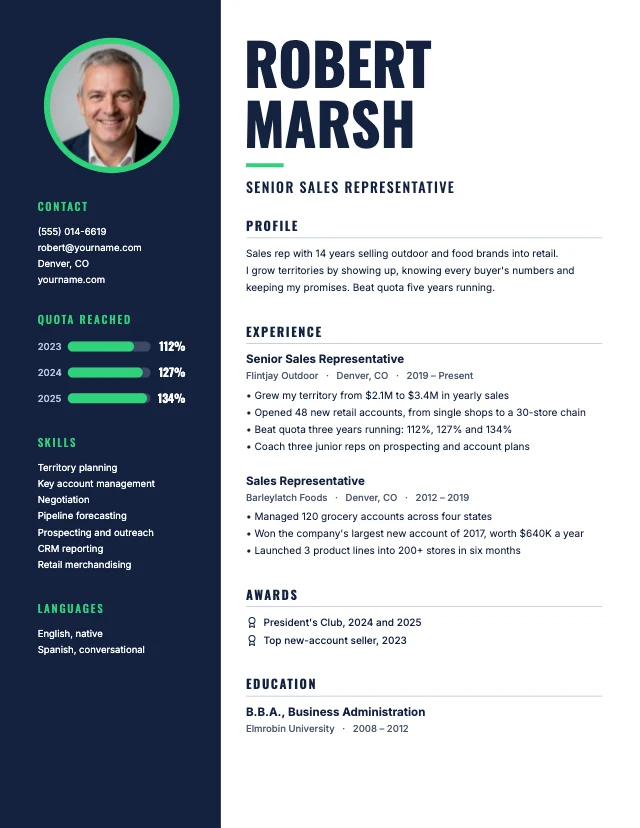
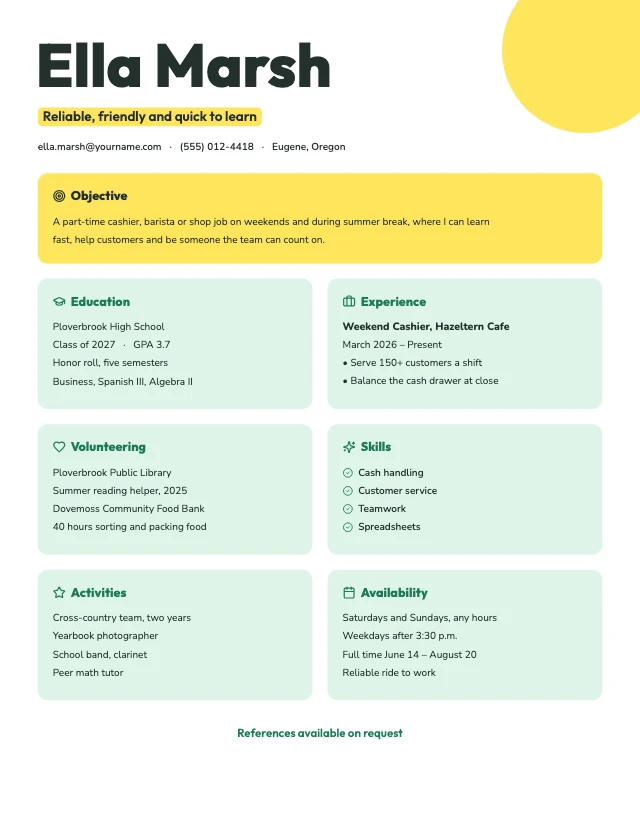
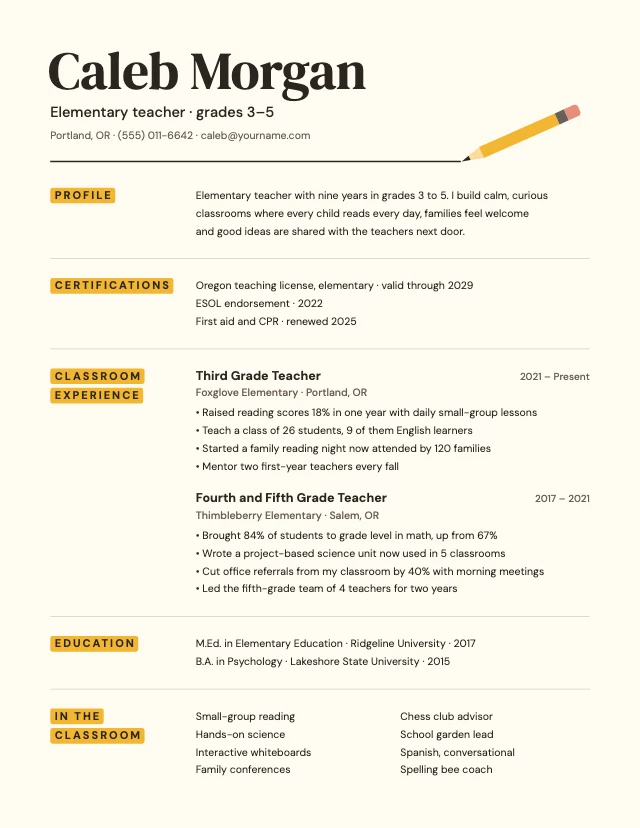
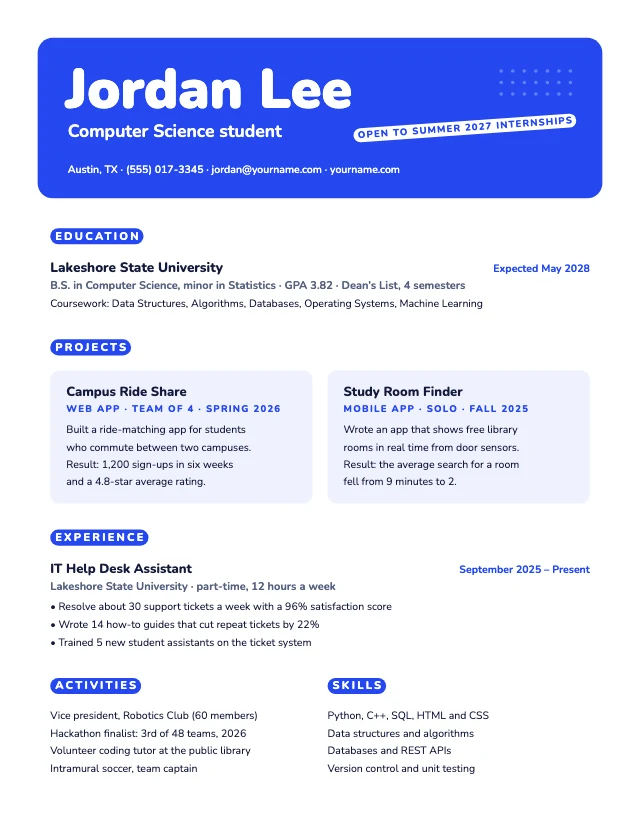
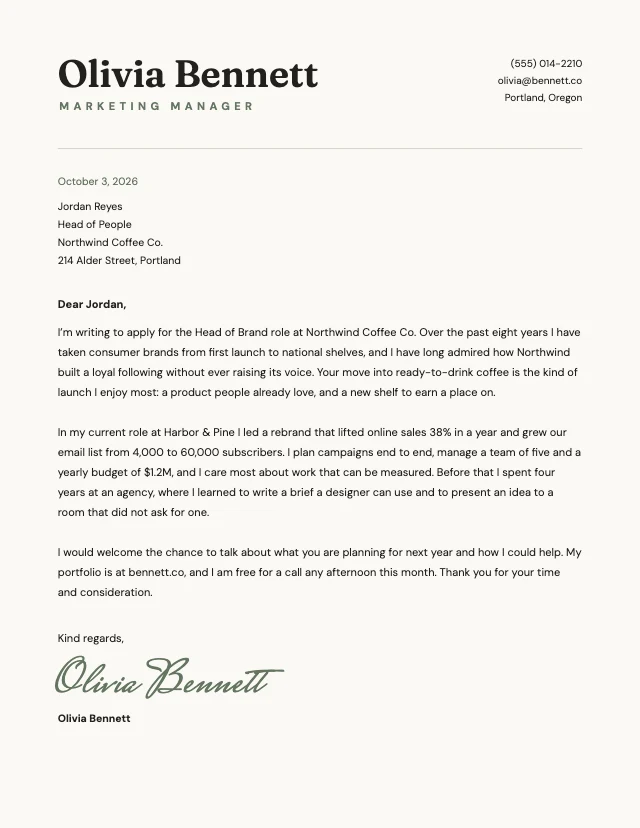
One-page résumés on US Letter: minimal, two-column and with a photo, a plain one-column one in black and white, and résumés written for a teacher, a nurse, a designer, an executive and a student, with a cover letter to match. Change every line, then download the page as a PNG or JPG to print or send. Each one opens in Design Studio with every layer editable: retype the words, swap in your own photos, or ask the AI designer to restyle it.
How to make a resume
- Step 1
Pick a template
Choose one above that is close to what you need, such as “One-column resume”, “Minimal cover letter” or “Graphic designer resume”. It opens in Design Studio as your own copy, with every layer editable.
- Step 2
Make it yours
Type your name and contact details, then your experience, education and skills into the sample's sections. Or choose "Edit with AI" and tell the AI designer what to change.
- Step 3
Check it
Keep every word a little inside the edges: a printer trims to size, and most home printers cannot print right to the edge.
- Step 4
Download it
Download it as a PNG or JPG at full size, with no watermark.
- Step 5
Print it
Print it at home or send the file to a print shop, or share the picture online as it is.
More kinds of template
All templates →Sizes
Each template is made at its real size, ready to post or print.
- US Letter2550×3300 px · 8.5×11 in at 300 dpi
US Letter, the paper of home and office printers in the US and Canada; prints on A4 with "fit to page".
Free on every plan. You can use, edit and publish what you make from a template, for personal or commercial work. The templates themselves may not be resold or shared as templates.
Questions
- What sizes are the resume templates?
- Each one is a US Letter page (2550×3300 px). Every template is made at its real size, so nothing has to be resized before it is posted or printed.
- Can I print the resume templates?
- Yes. The designs made for paper are sized at 300 dpi: a 5×7 inch card is 1500×2100 px and a US Letter page is 2550×3300 px. Download the design as a PNG or JPG and print it at home or send it to a print shop.
- Are the templates free?
- Yes. Every template is free on every plan, including the free one. Editing text, moving things and replacing photos with your own cost nothing; AI image generation and AI edits use credits.
- Can I use designs made from a template commercially?
- Yes. You can use, edit and publish designs you make from a template, for personal or commercial work such as social posts, ads, menus and flyers. The templates themselves may not be resold or shared as templates.
- Can AI customize a template for me?
- Yes. Choose "Edit with AI" and tell the AI designer what to change, for example the name, the colours or the photo. Chatting with it is free; images it makes use credits.
- Can I print it on A4 paper?
- Yes. The templates are US Letter (8.5×11 inches); print with "fit to page" and the design shrinks a little to fit A4, which is slightly narrower and taller.
- Can I make one on my phone?
- You can browse the templates and look at them full size on a phone. Editing happens on the Design Studio canvas, which needs a computer: sign in and star a template on your phone, and it is waiting under Starred on your computer.