
Dark templates
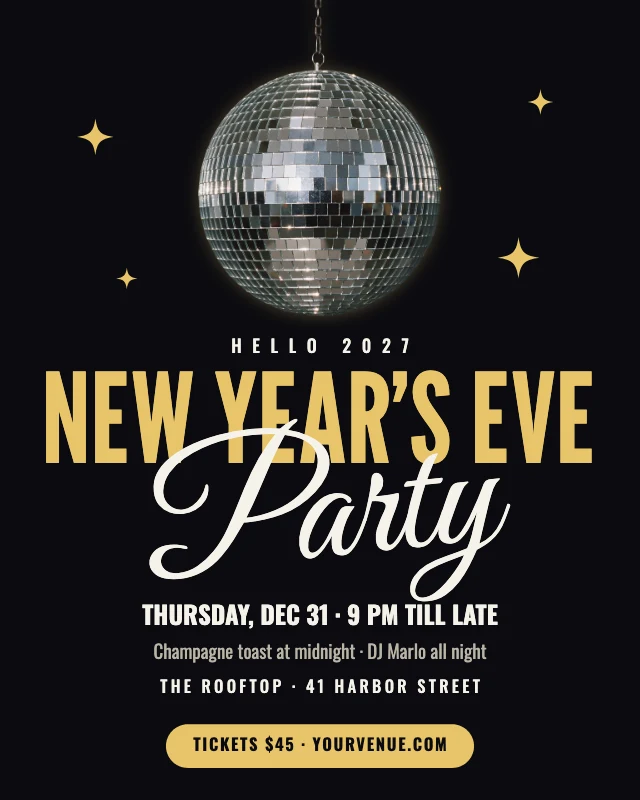
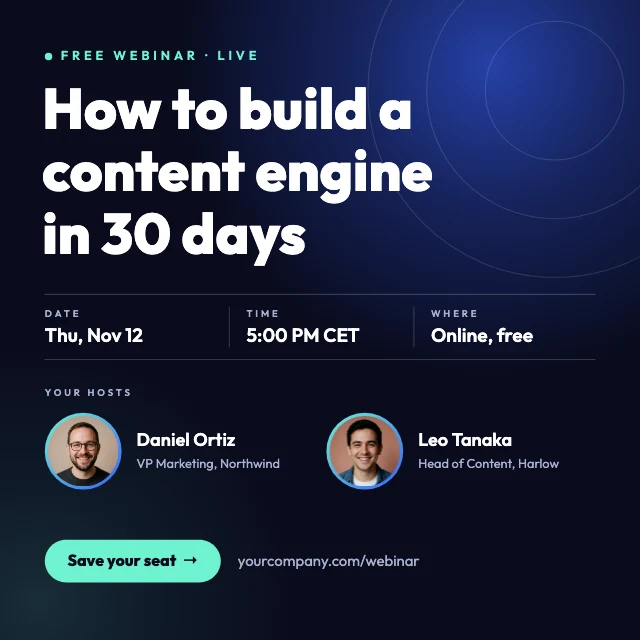
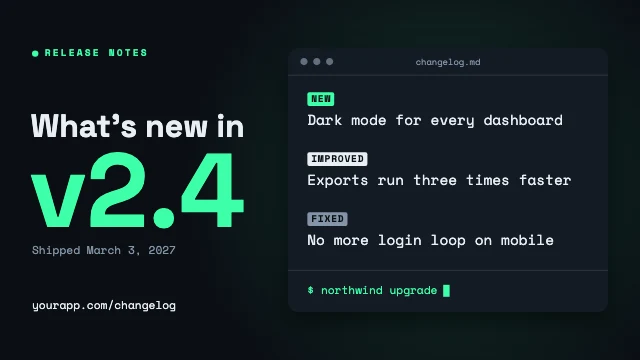
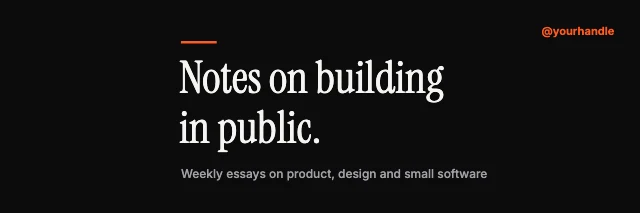
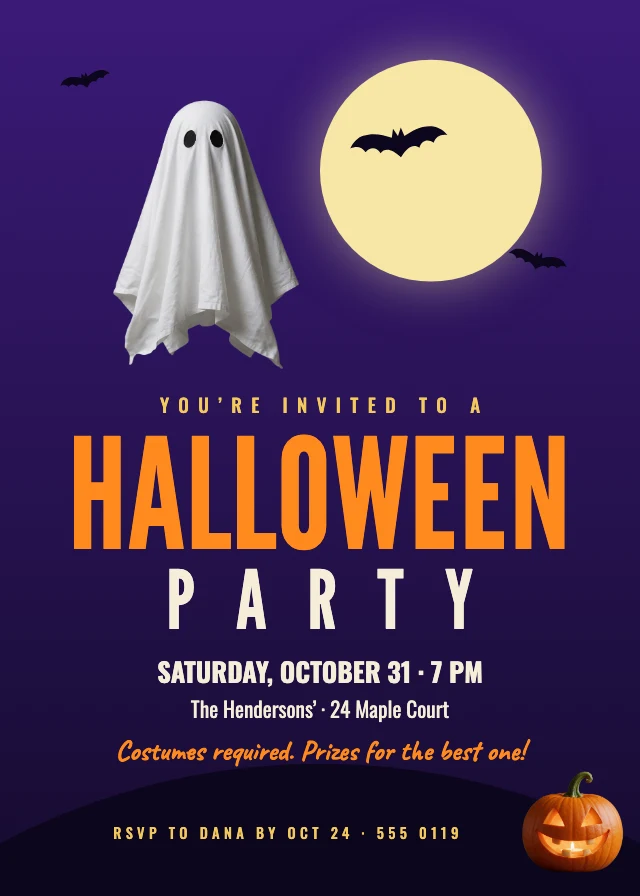
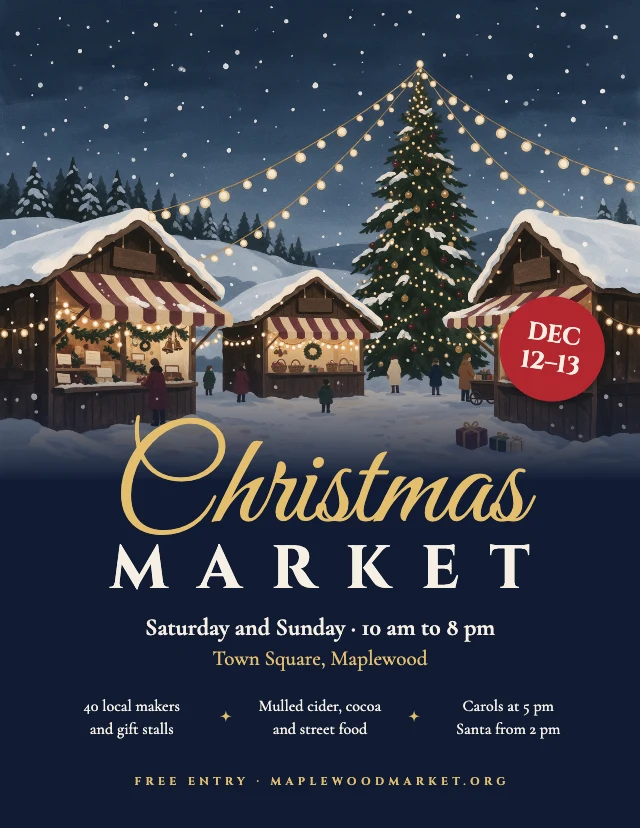
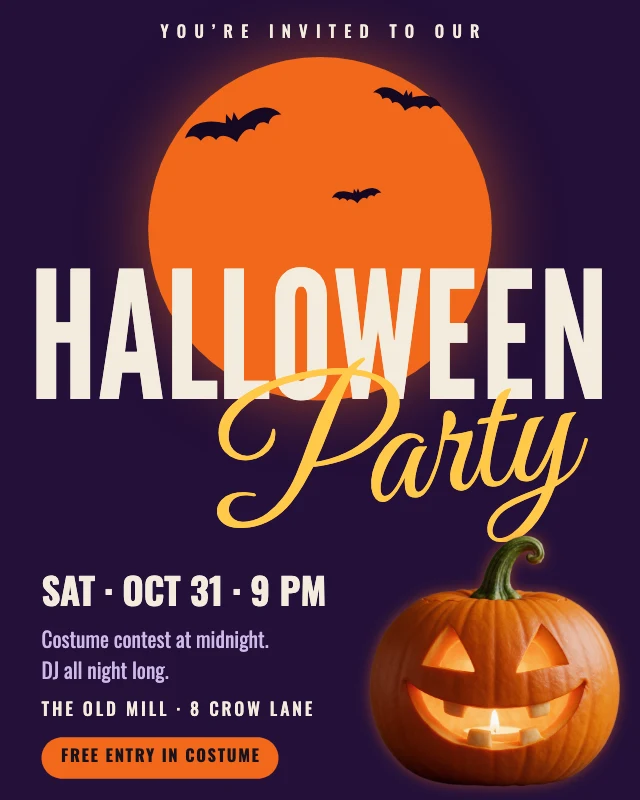
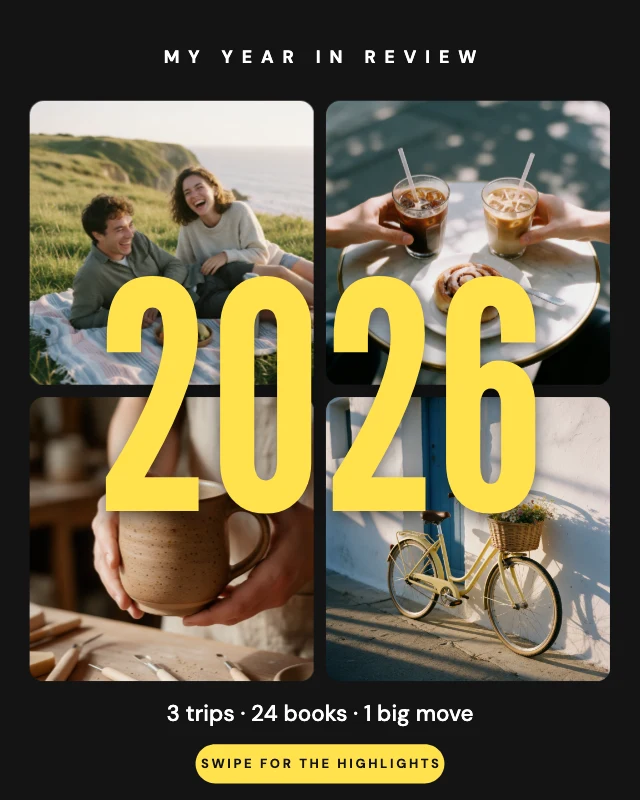
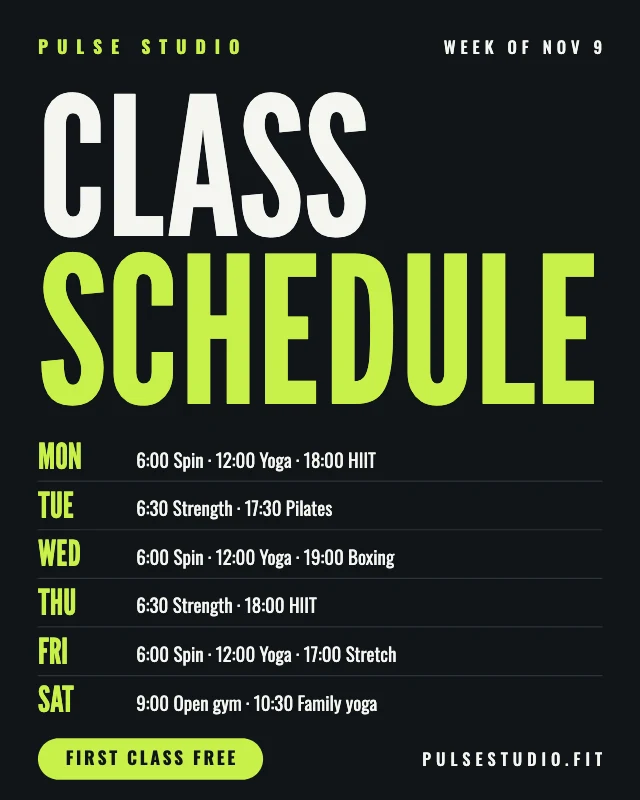
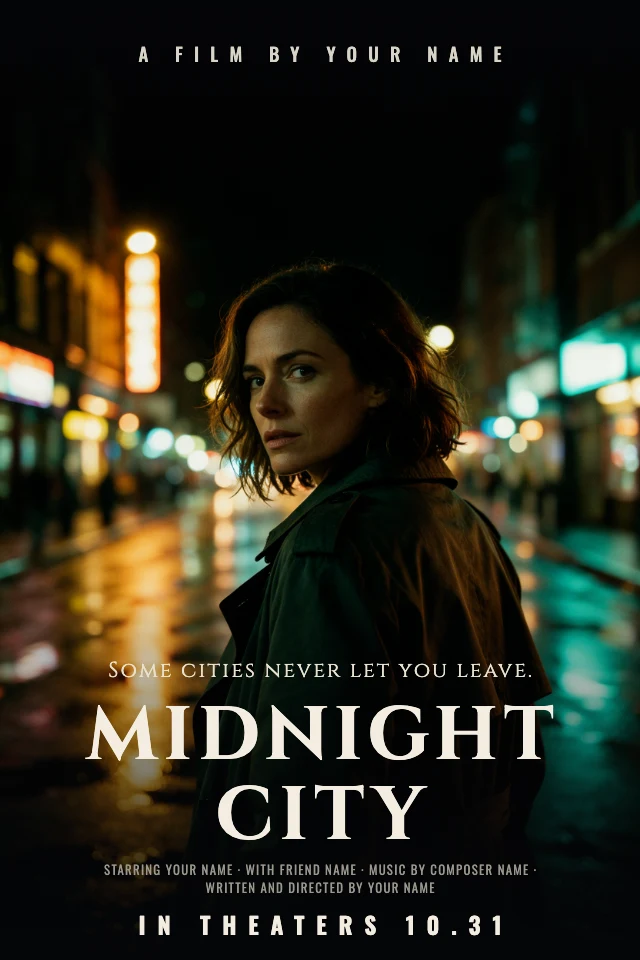
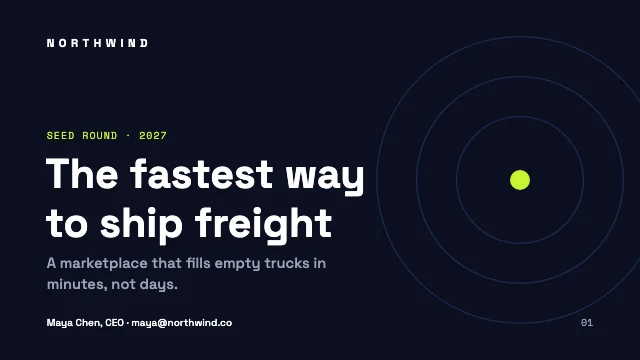
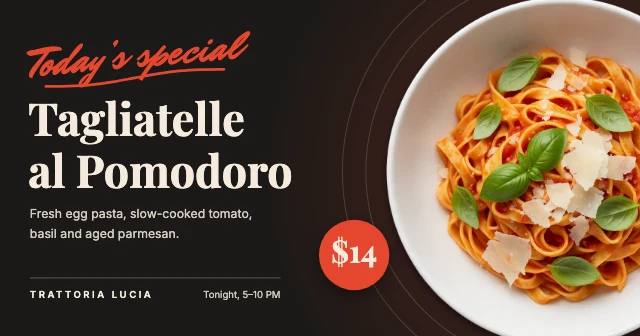
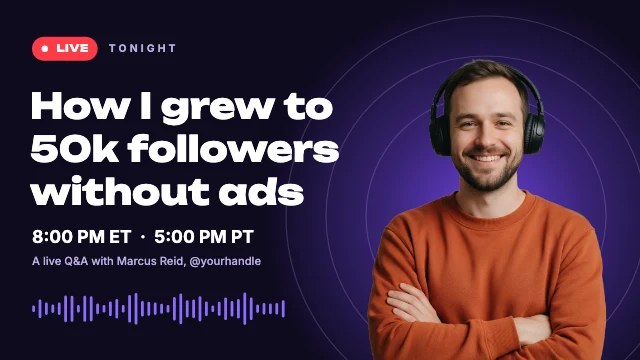
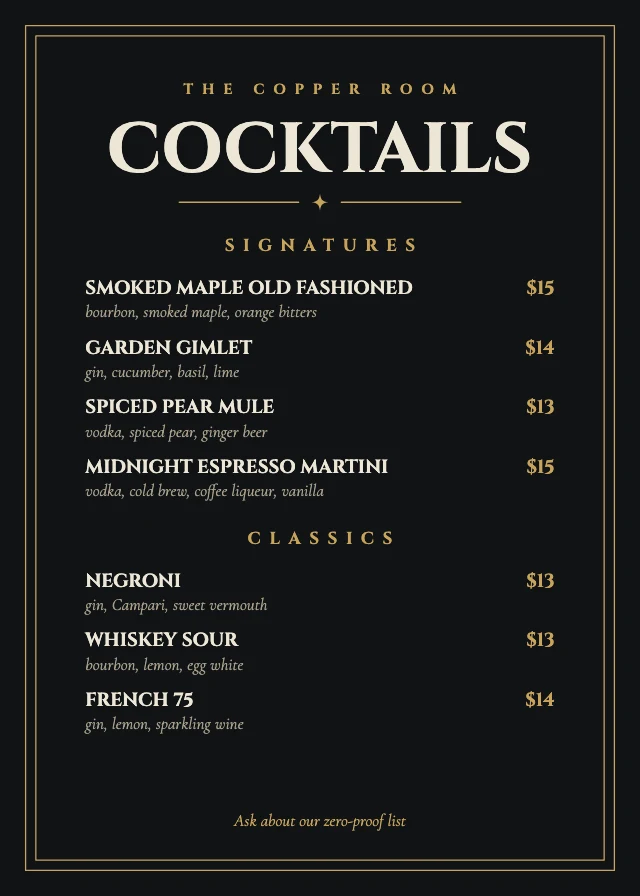
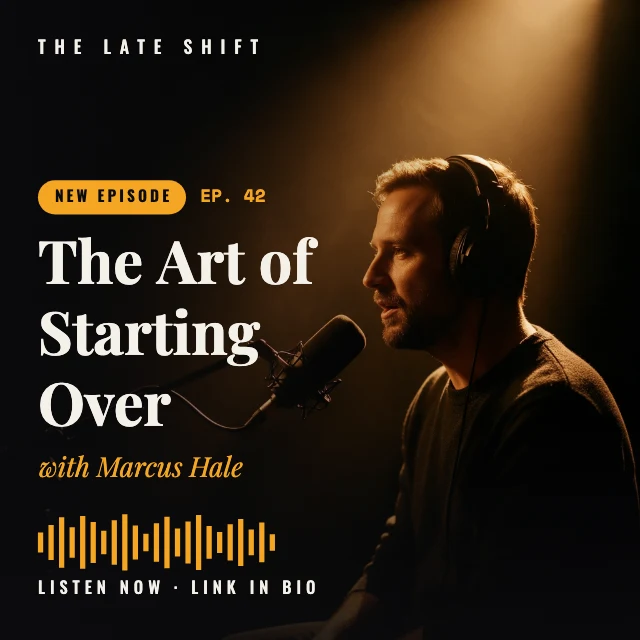
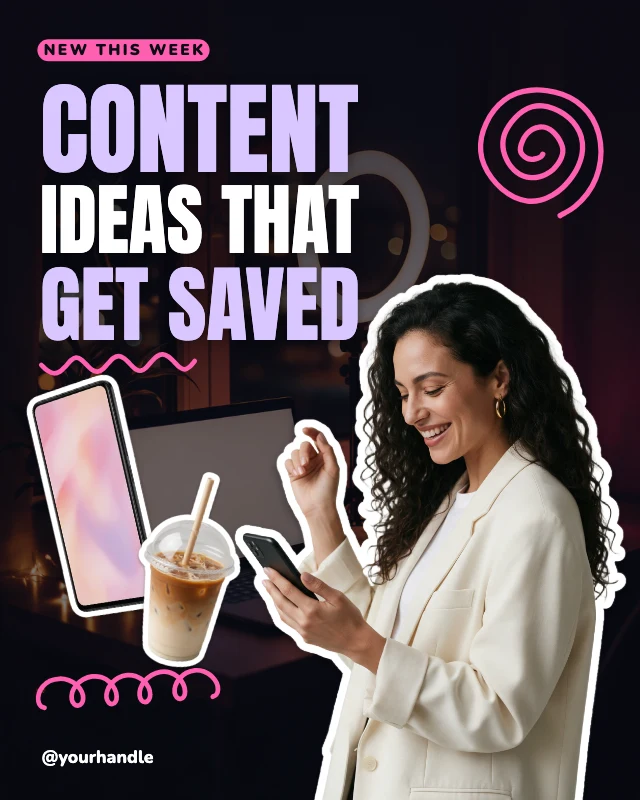
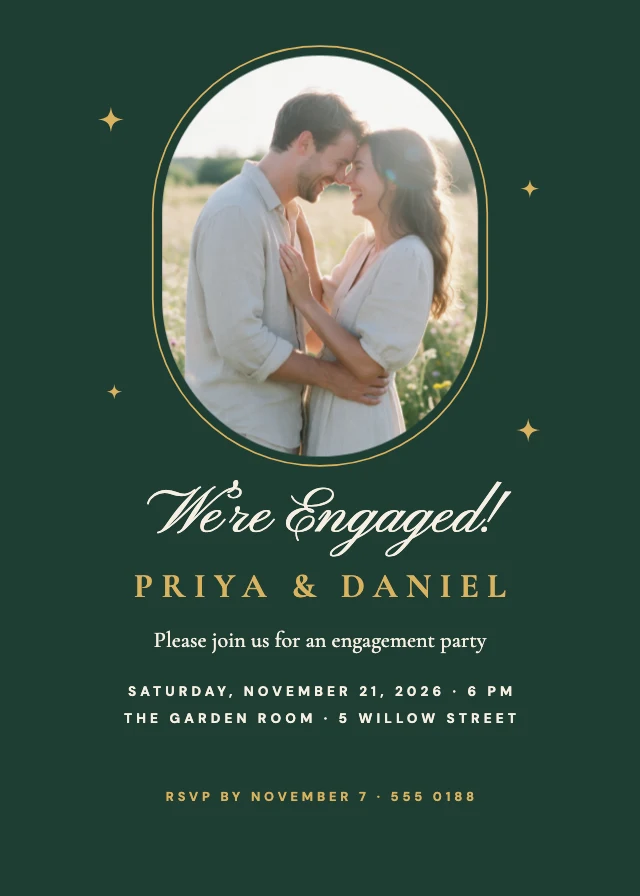
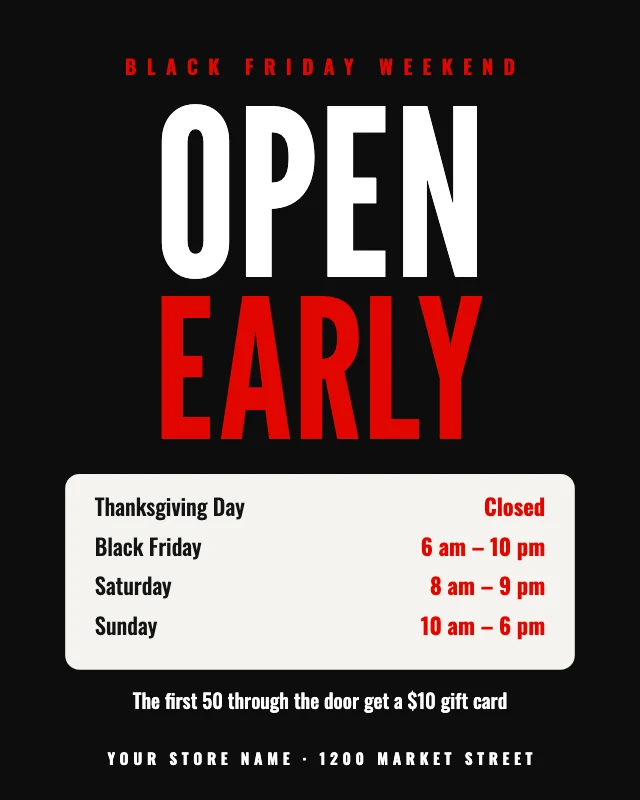
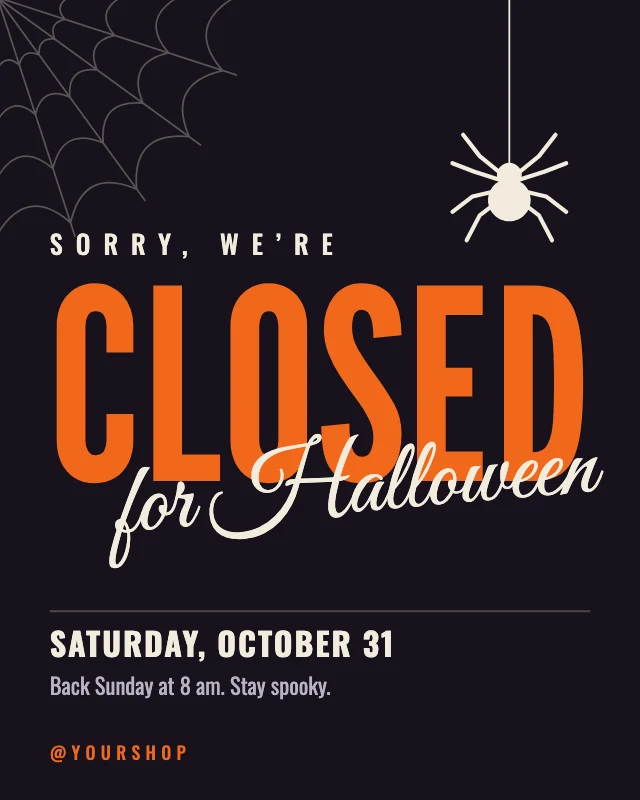
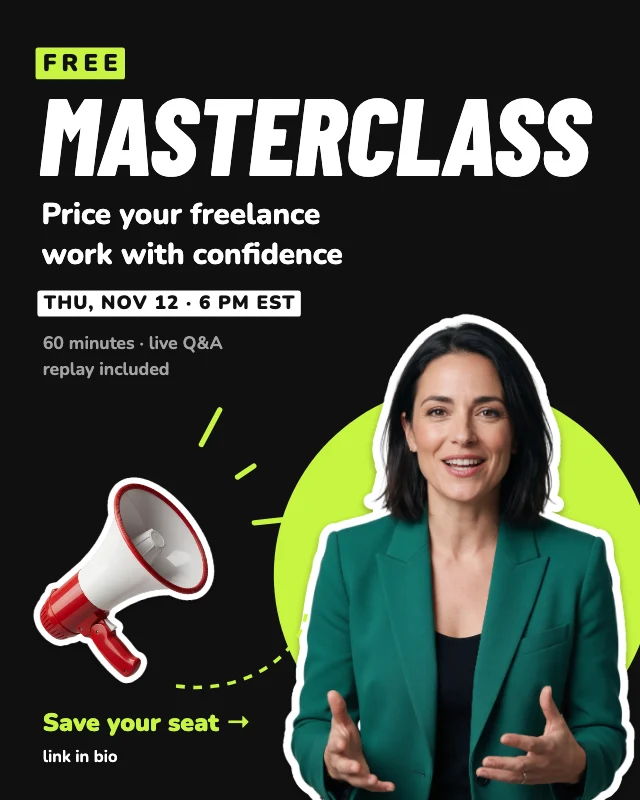
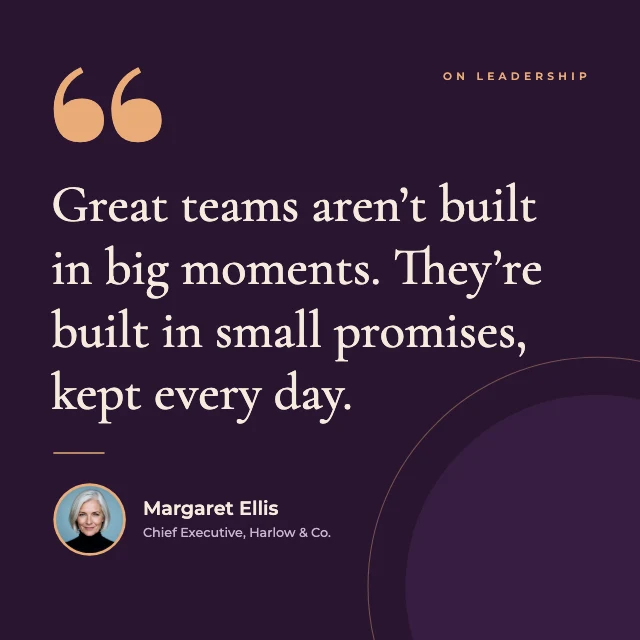
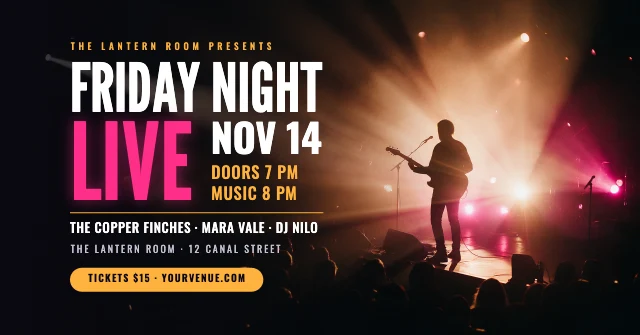
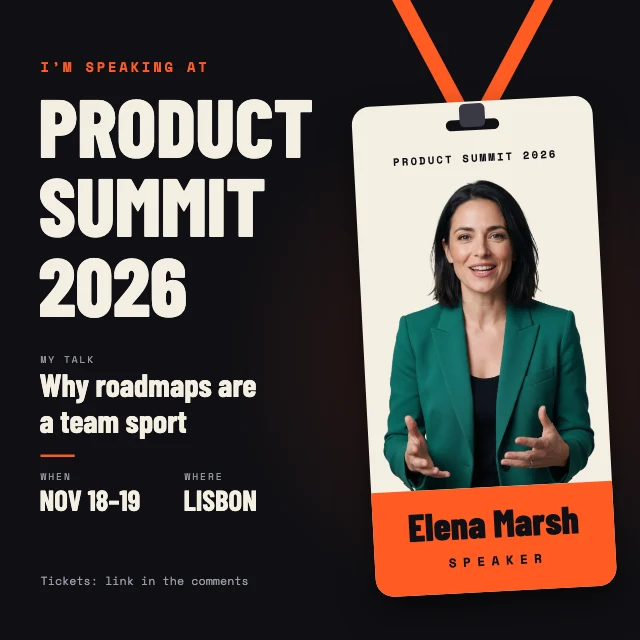
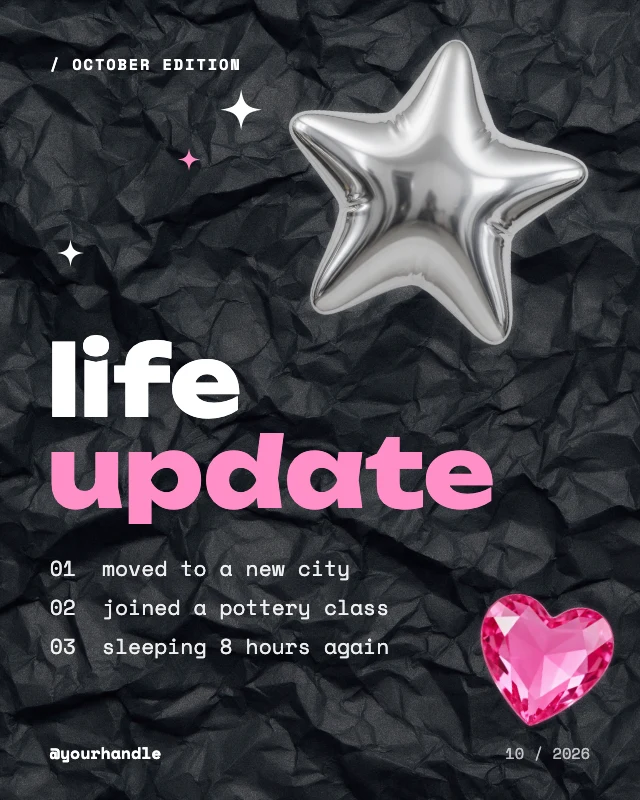
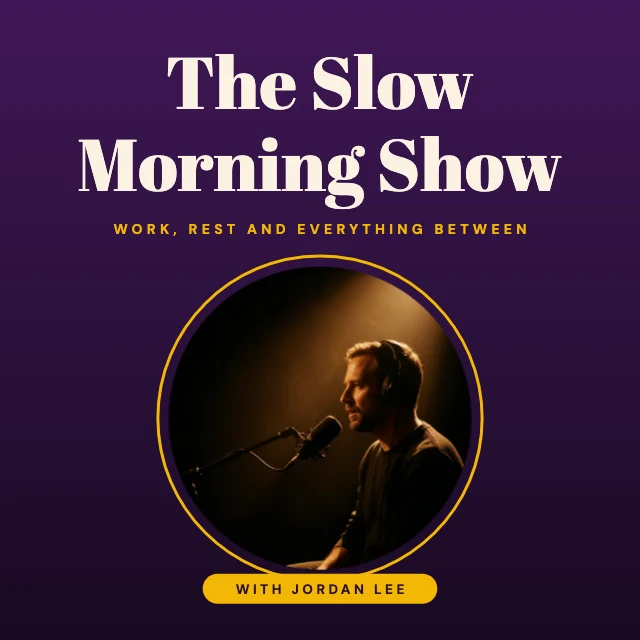
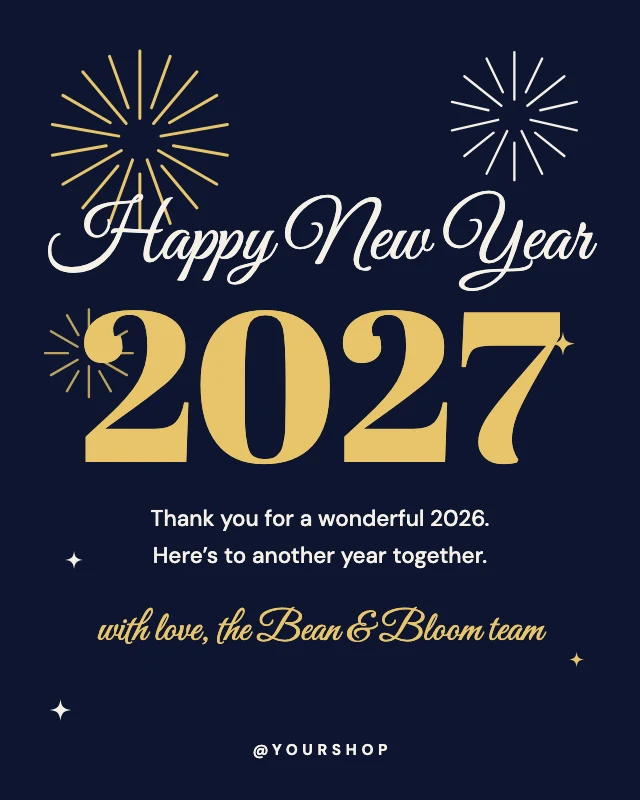
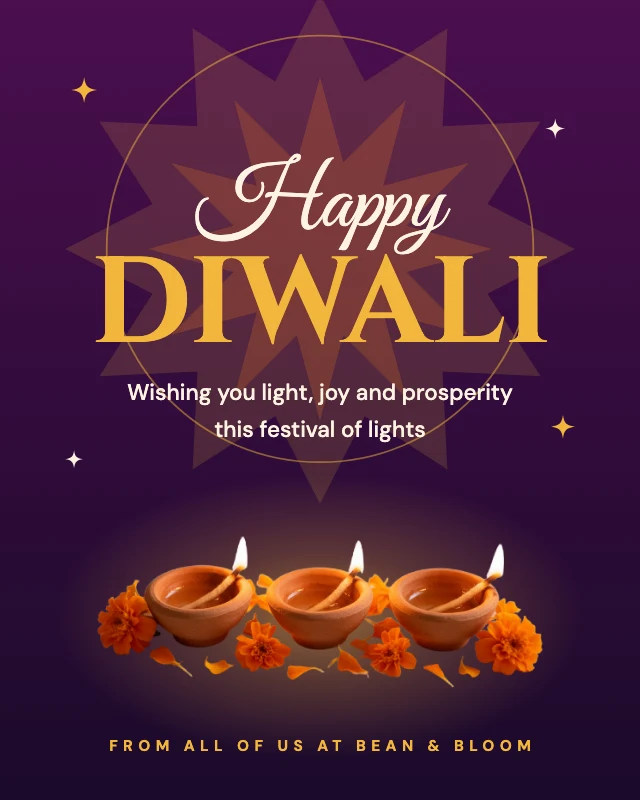
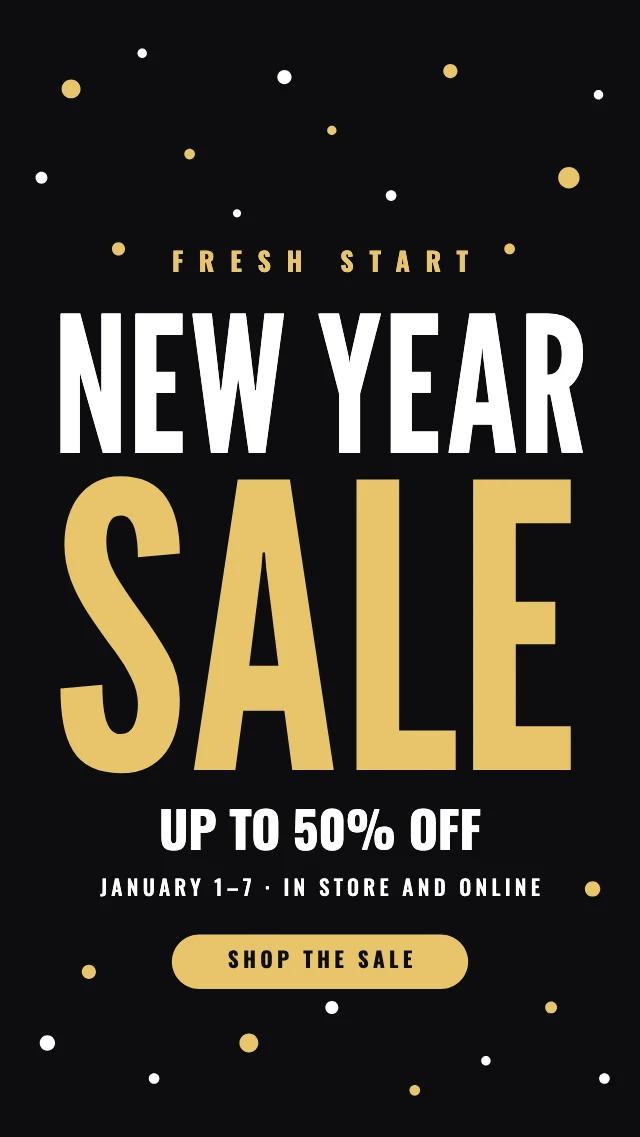
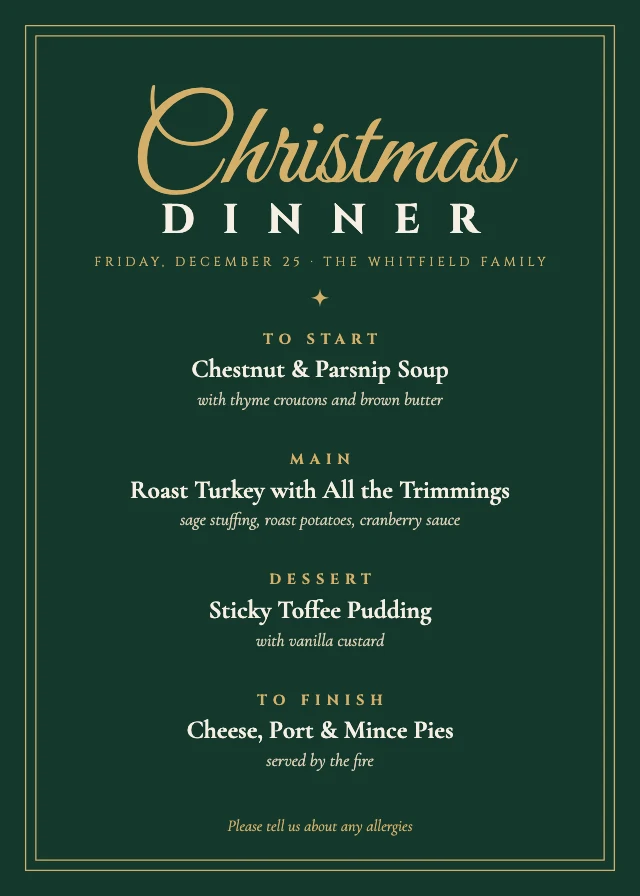
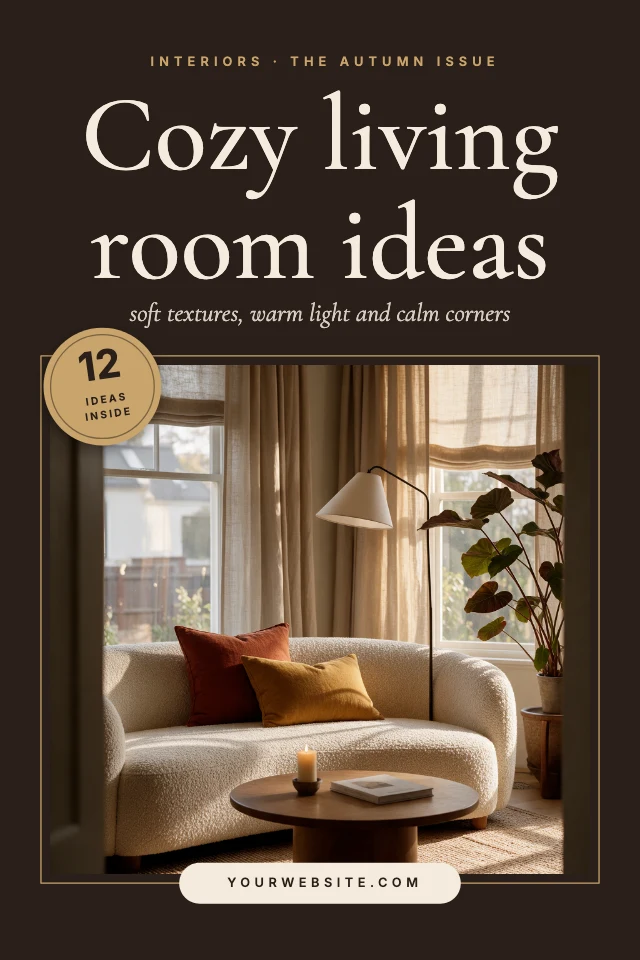
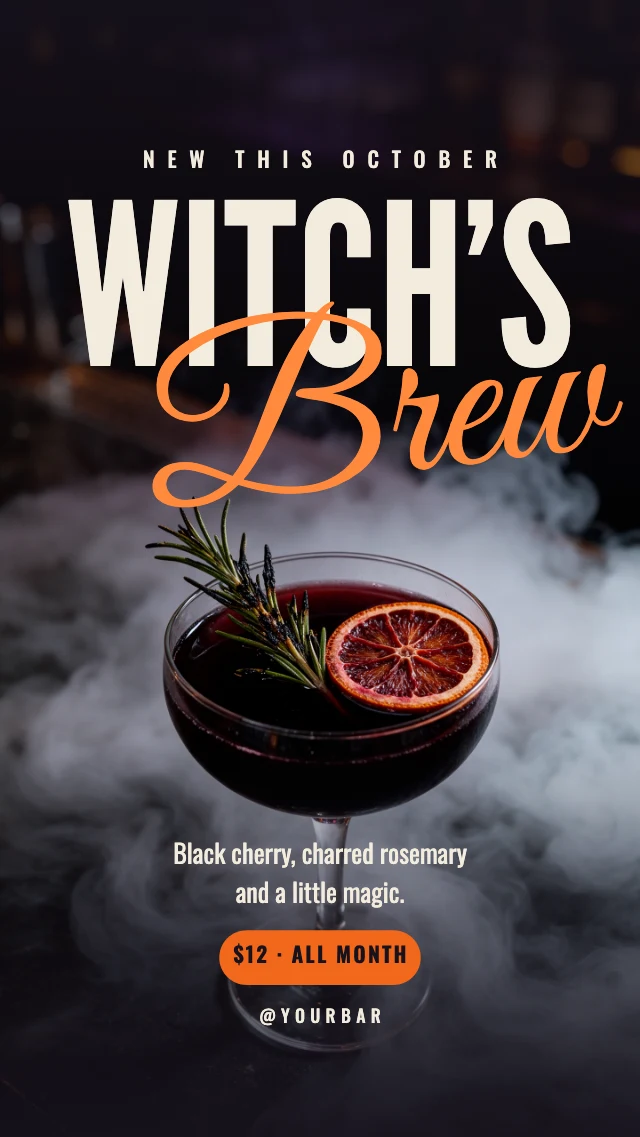
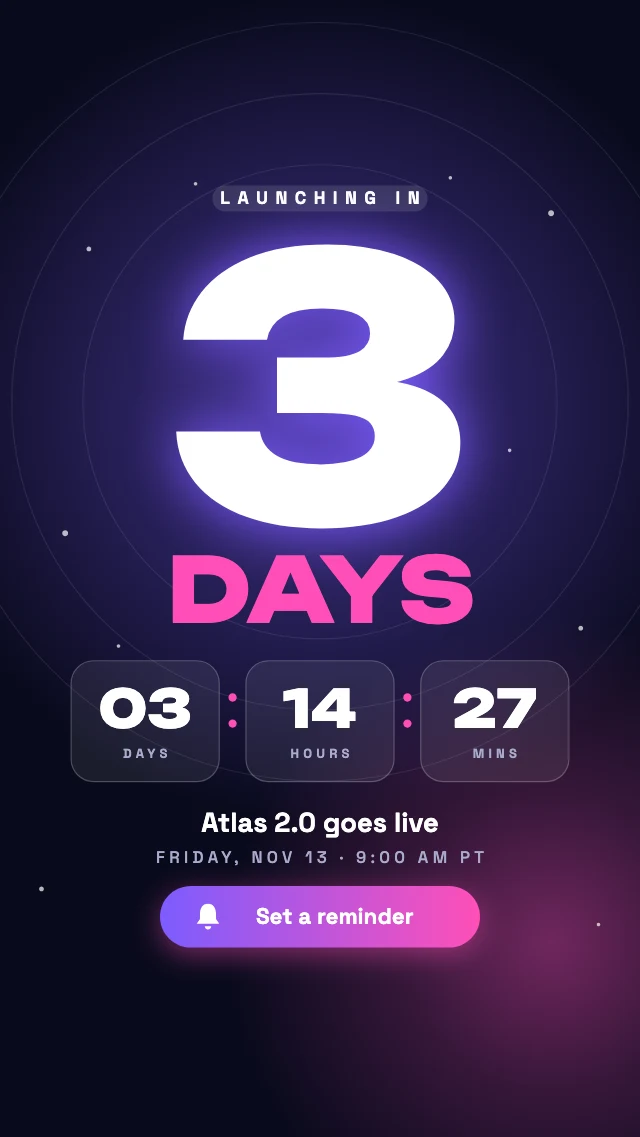
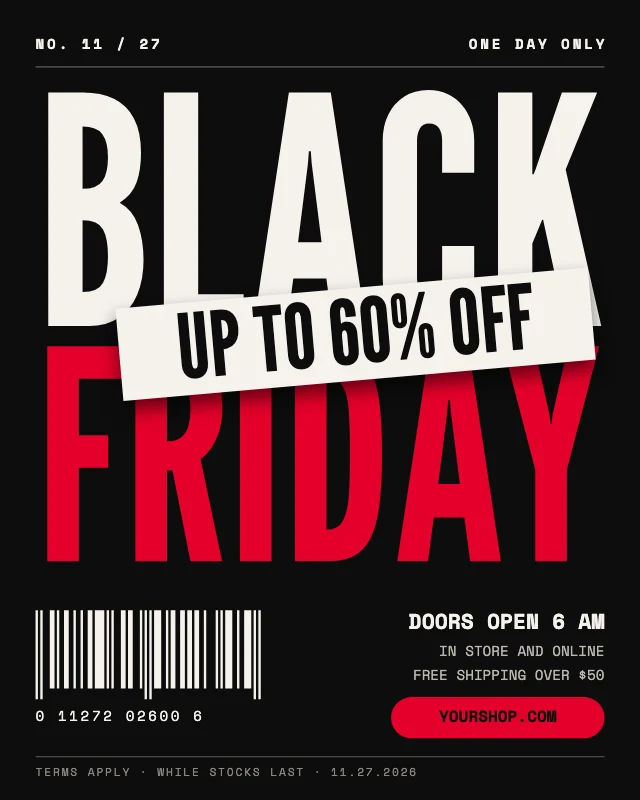
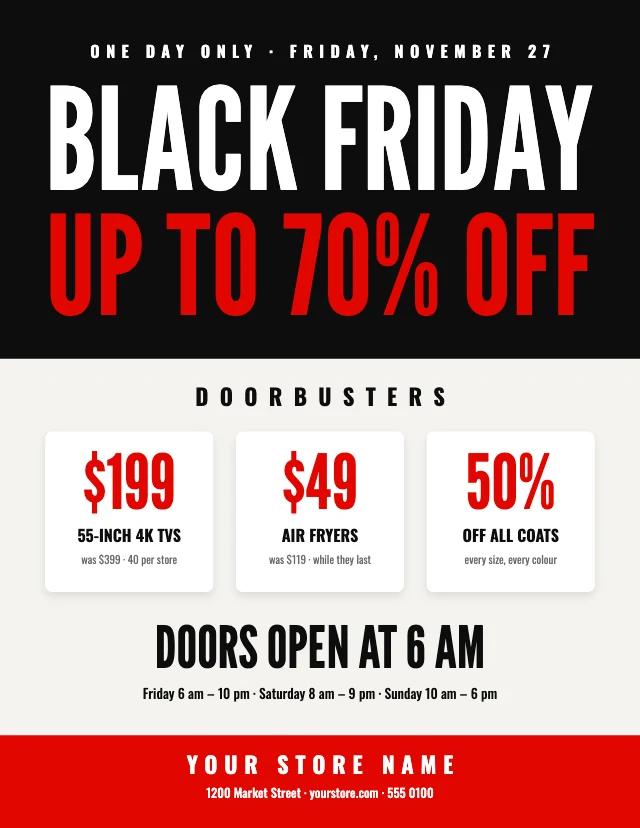
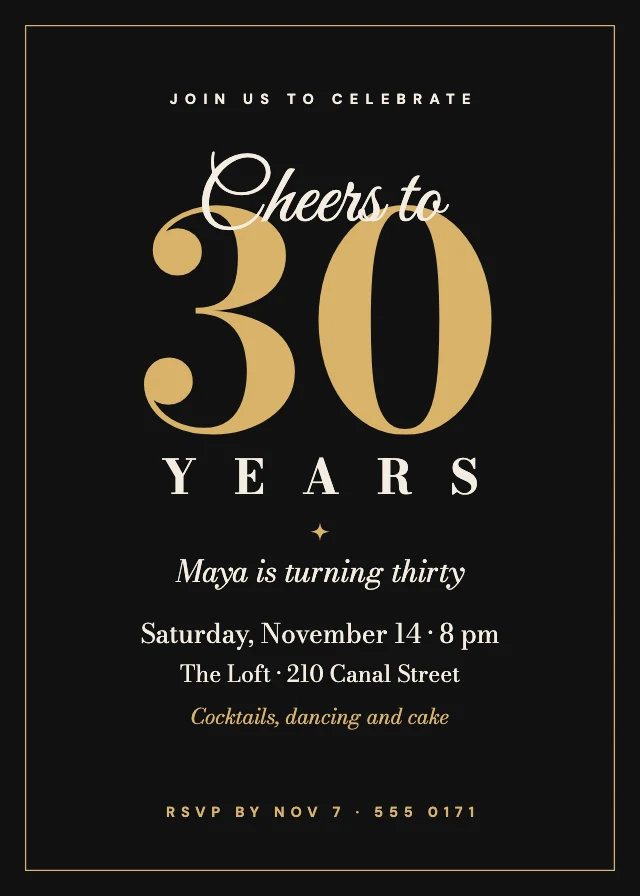
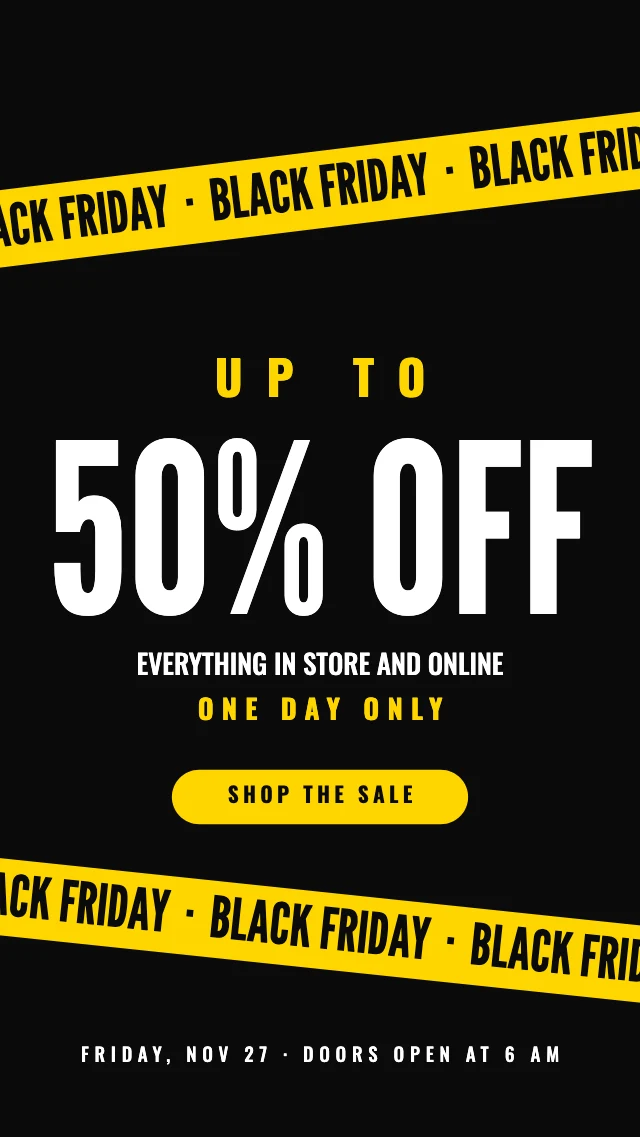
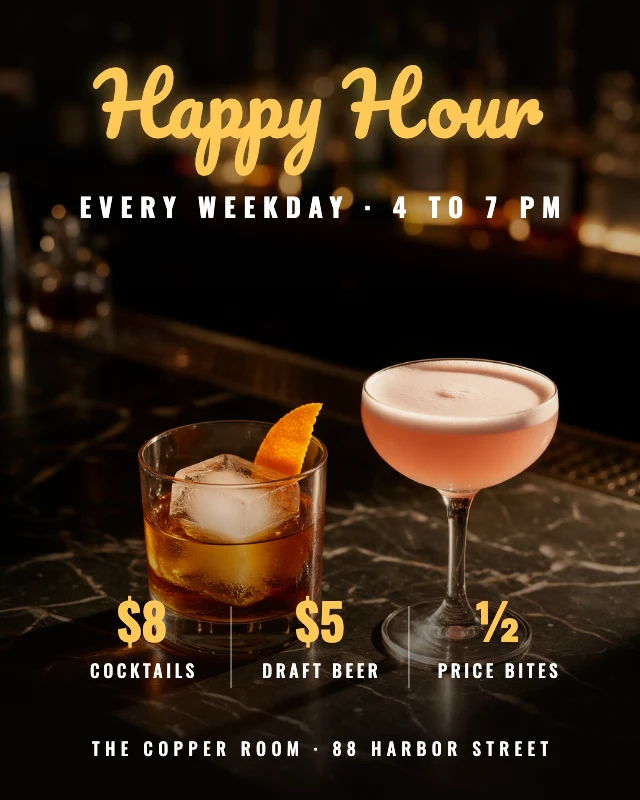
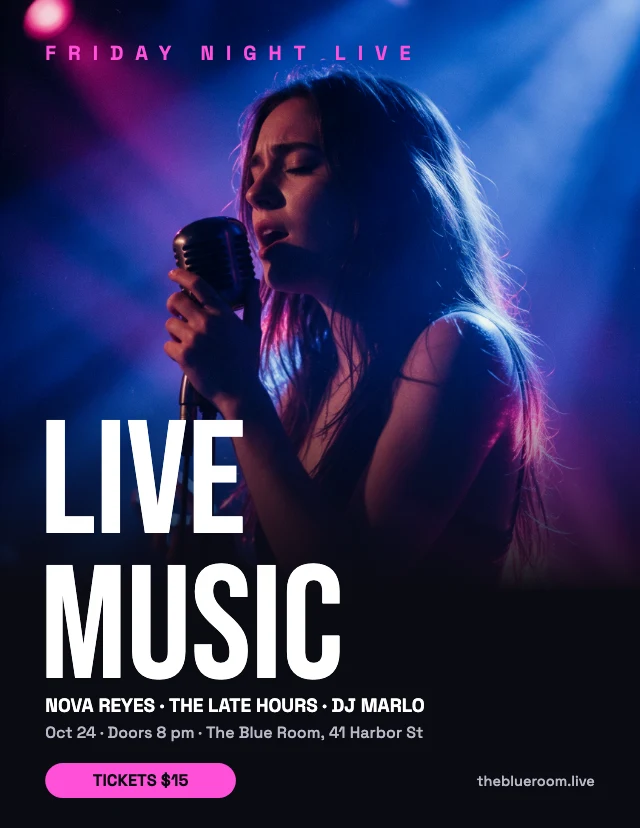
Dark design puts light on black: deep backgrounds with gold, neon or white type, glows and spotlit photos. These templates cover black-and-gold invitations, launch countdowns, live events, Black Friday sales, webinars and podcast covers. Each one opens in Design Studio with every layer editable: retype the words, swap in your own photos, or ask the AI designer to restyle it.
Want one format or occasion? Filter this style in the gallery.
More styles
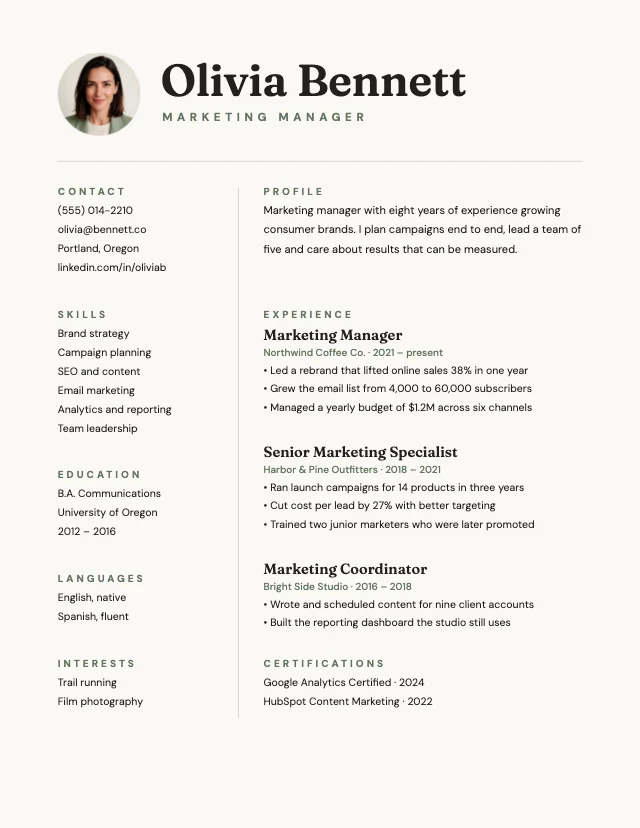
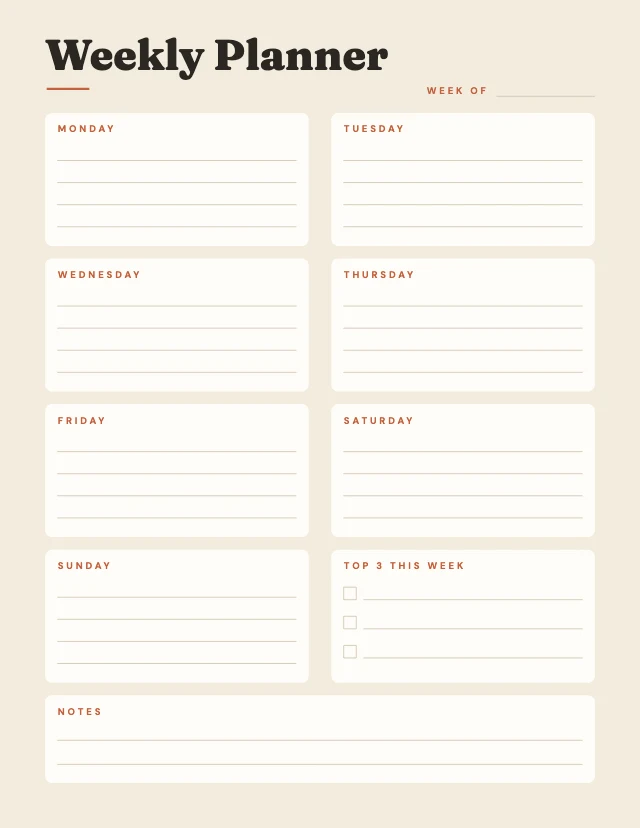
Minimalist templates
Few elements and plenty of space
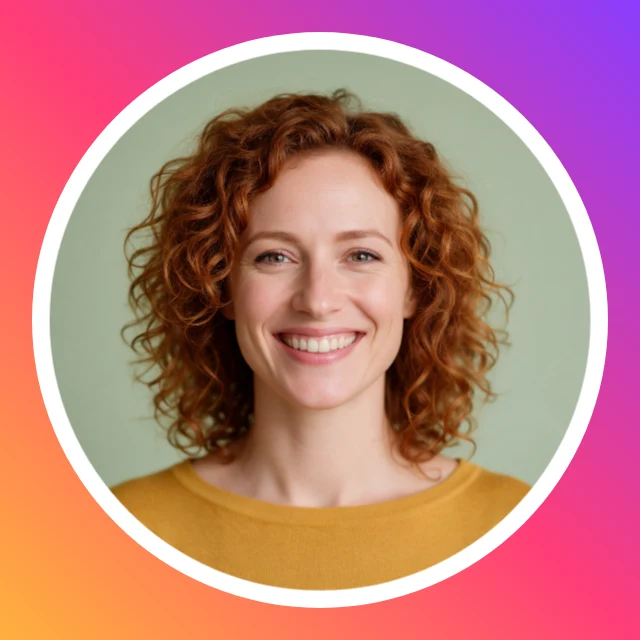
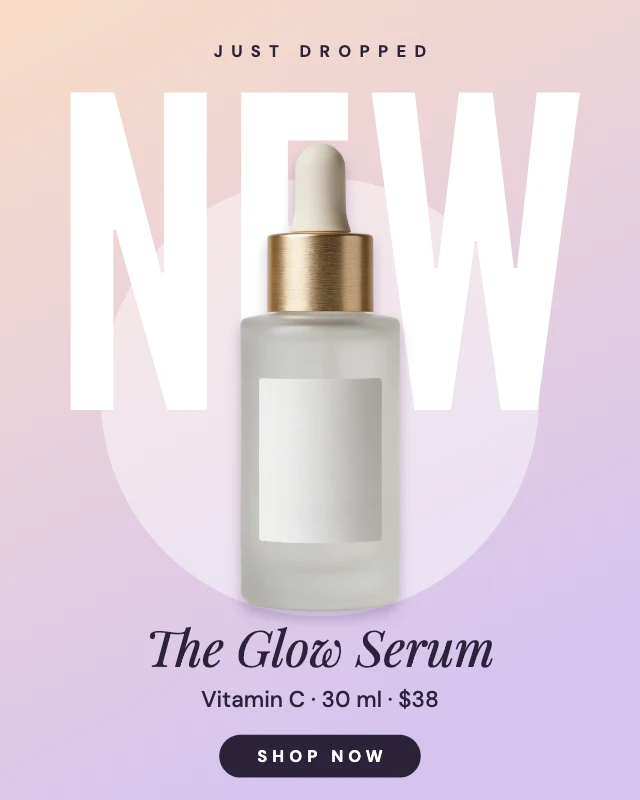

Modern templates
Clean shapes and sans-serif type

Bold and colorful templates
Big type, bright and high-contrast
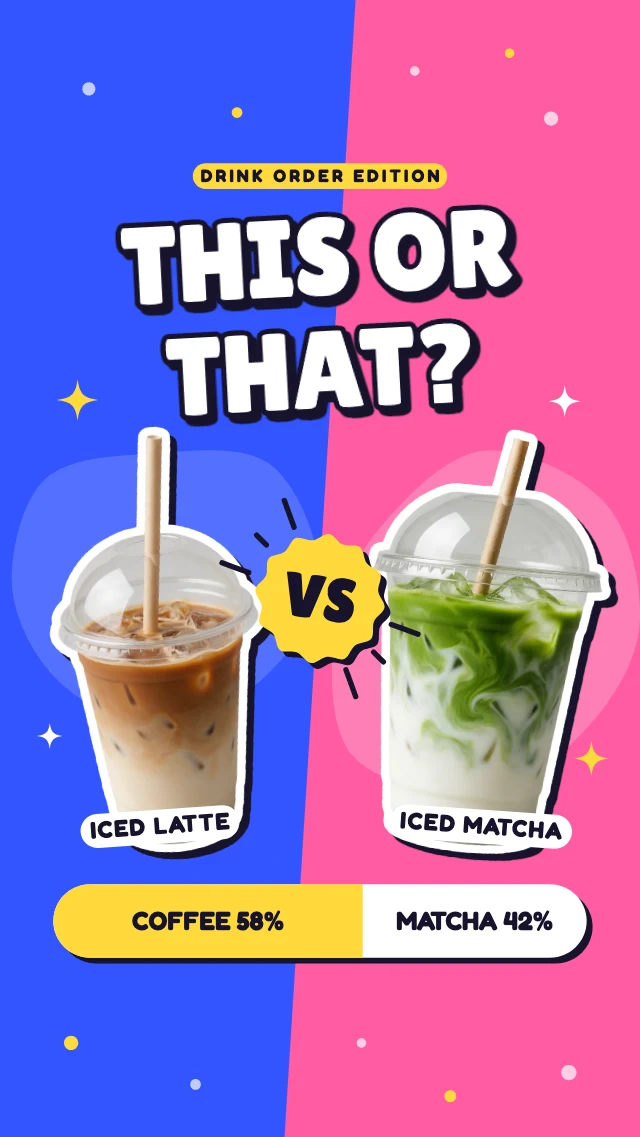
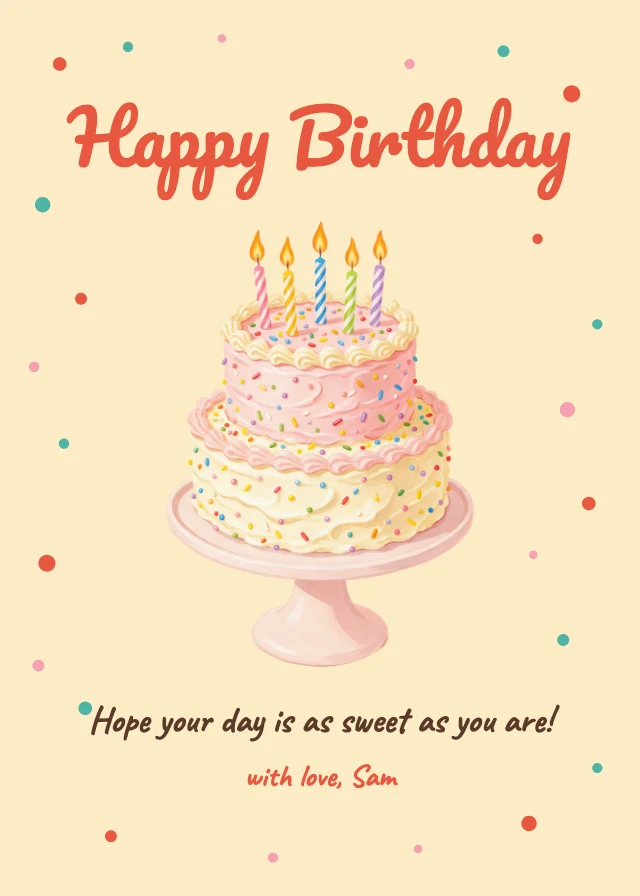
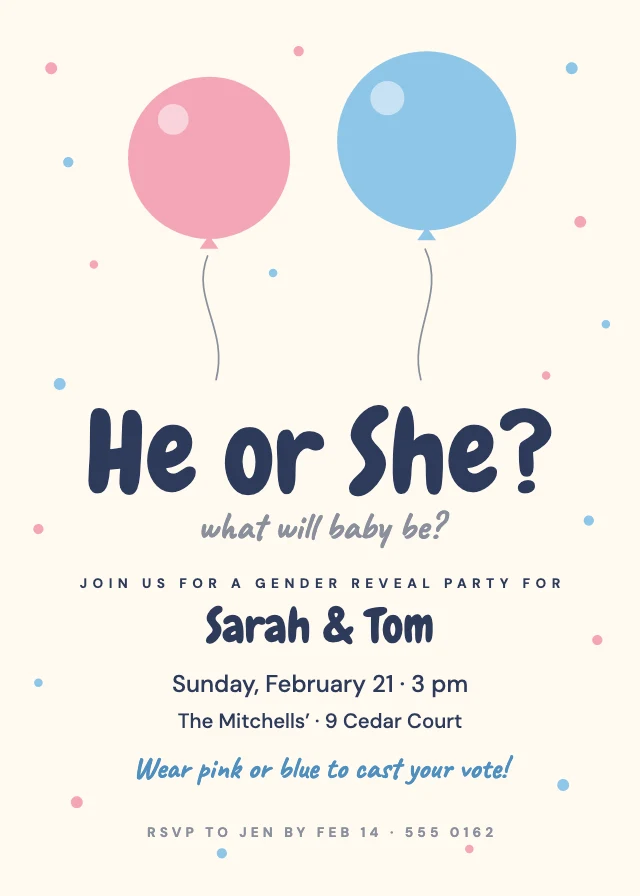
Cute and playful templates
Fun, cute or colourful
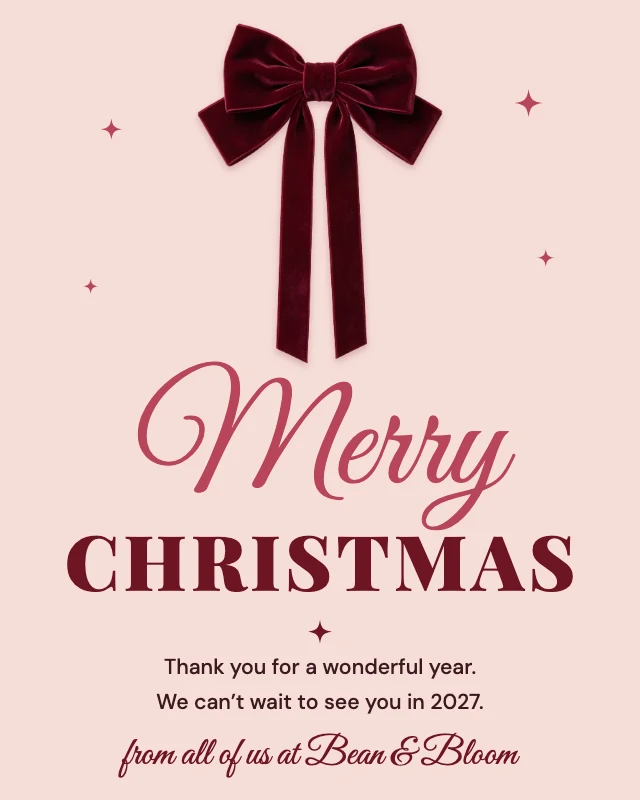
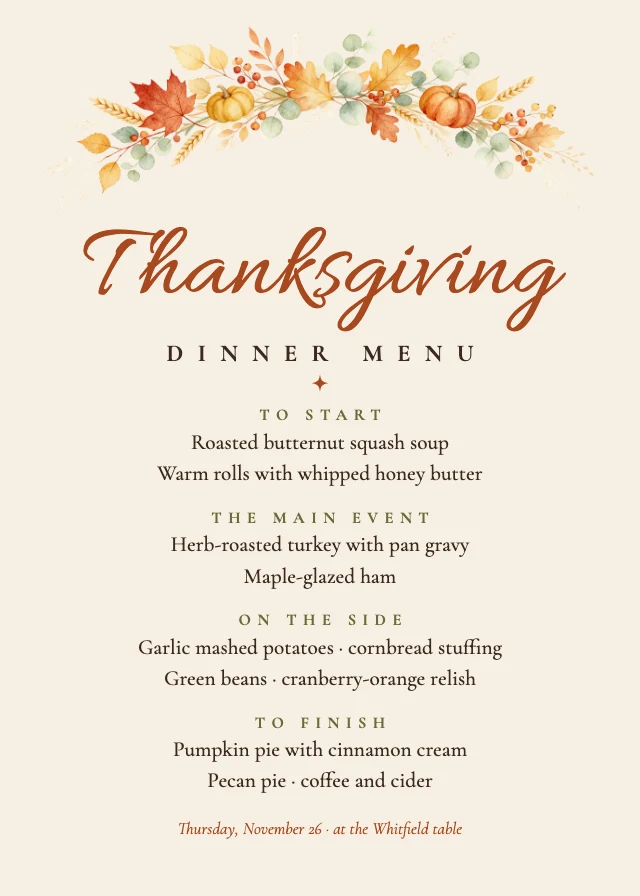
Elegant templates
Serif or script type, classic and formal
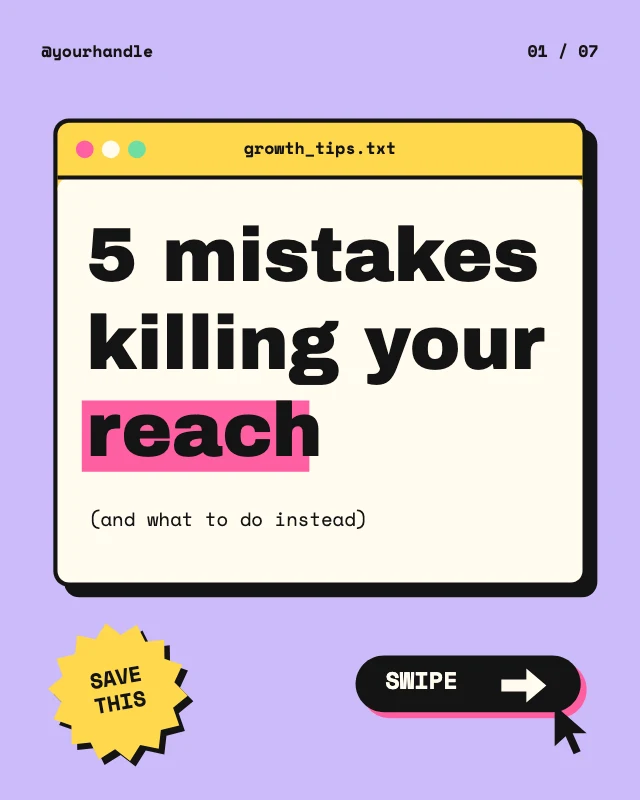

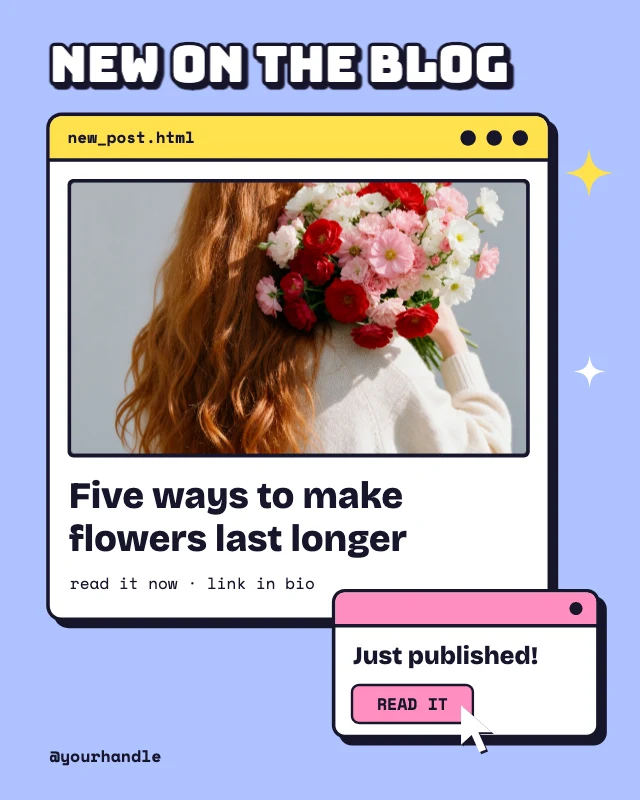
Retro and vintage templates
Vintage type and colours
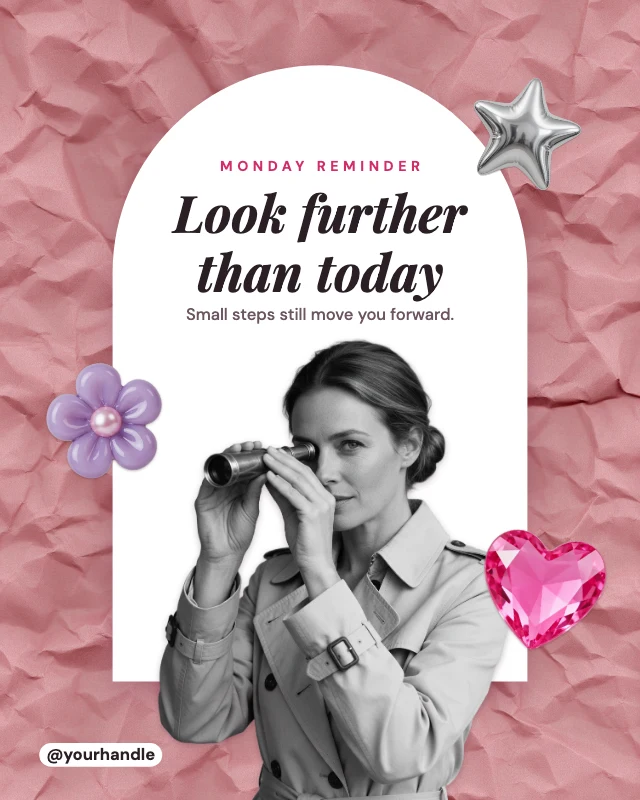
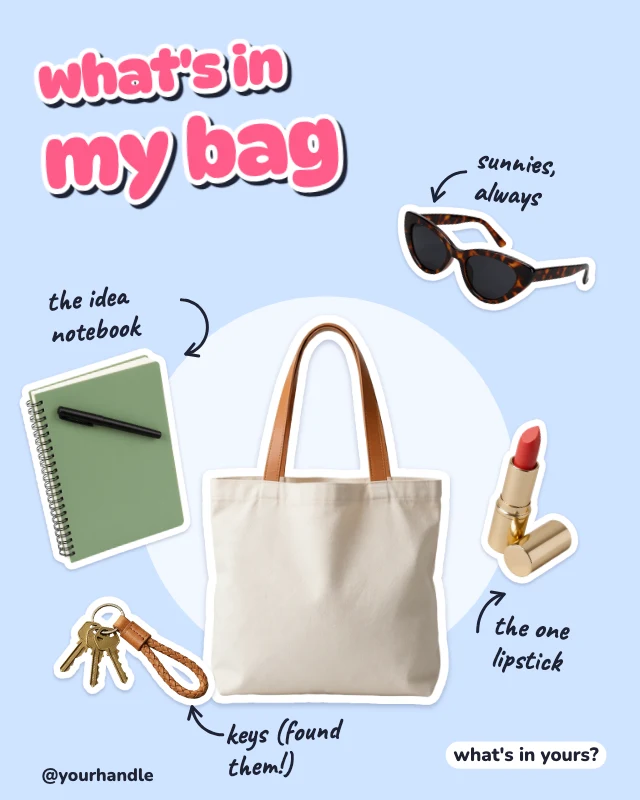
Collage and scrapbook templates
Cut-outs, scrapbook pages, tape and doodles
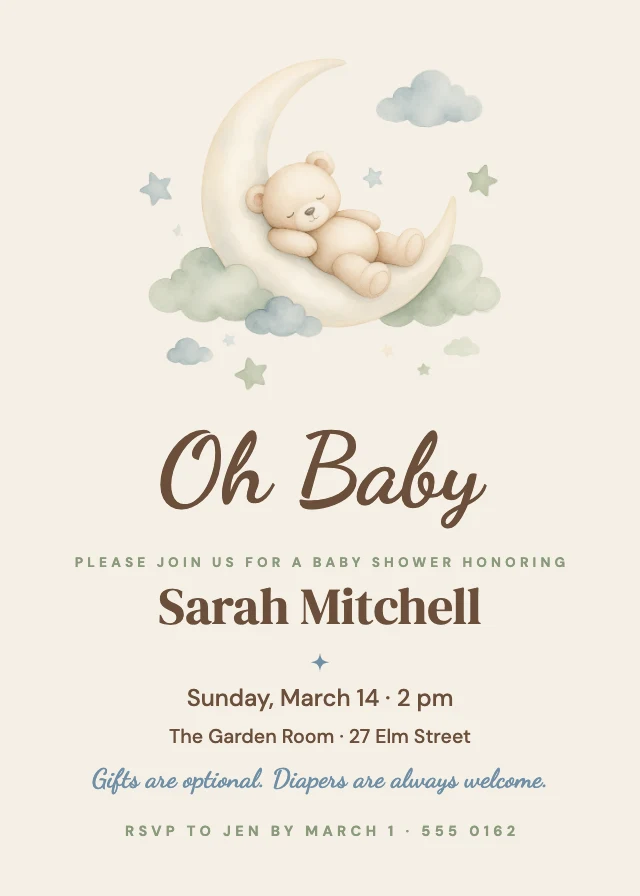
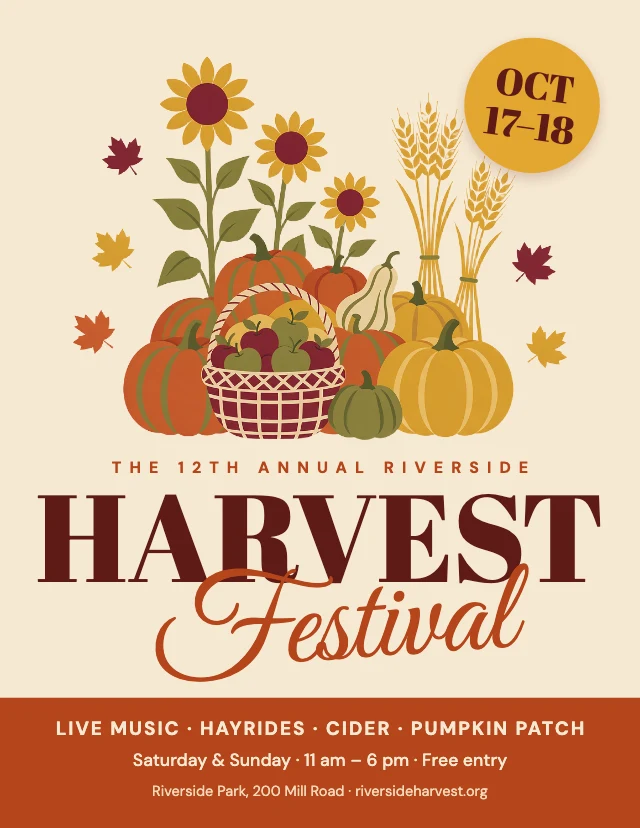
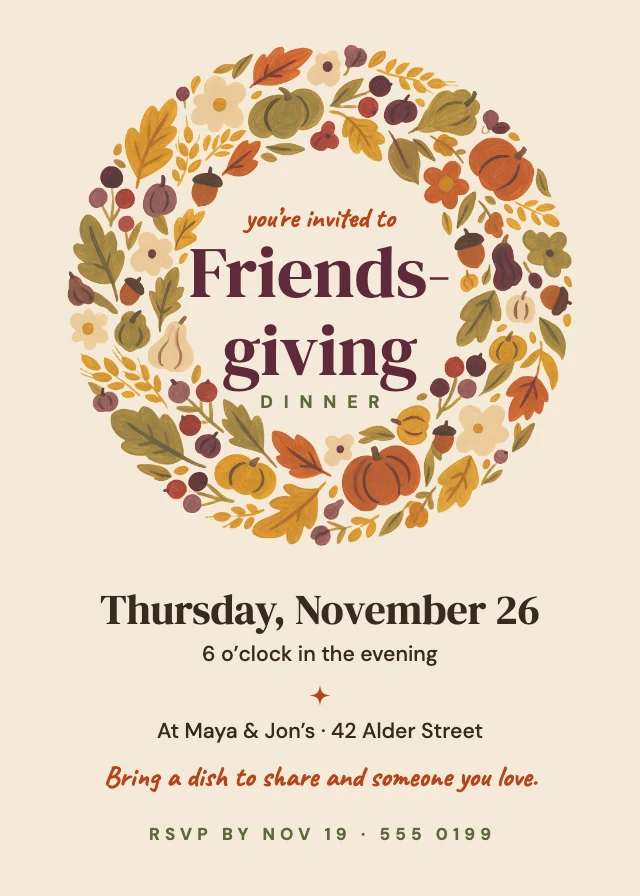
Illustrated templates
Hand-painted or drawn art
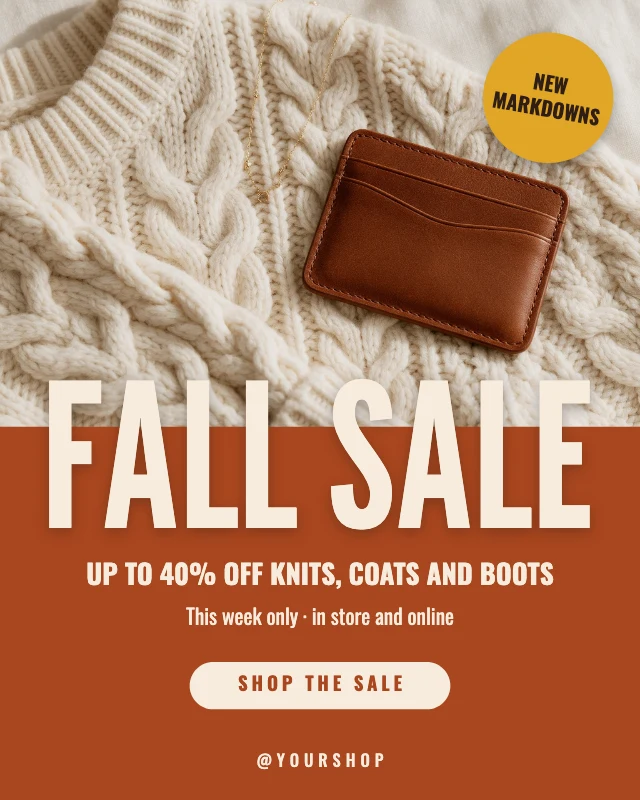
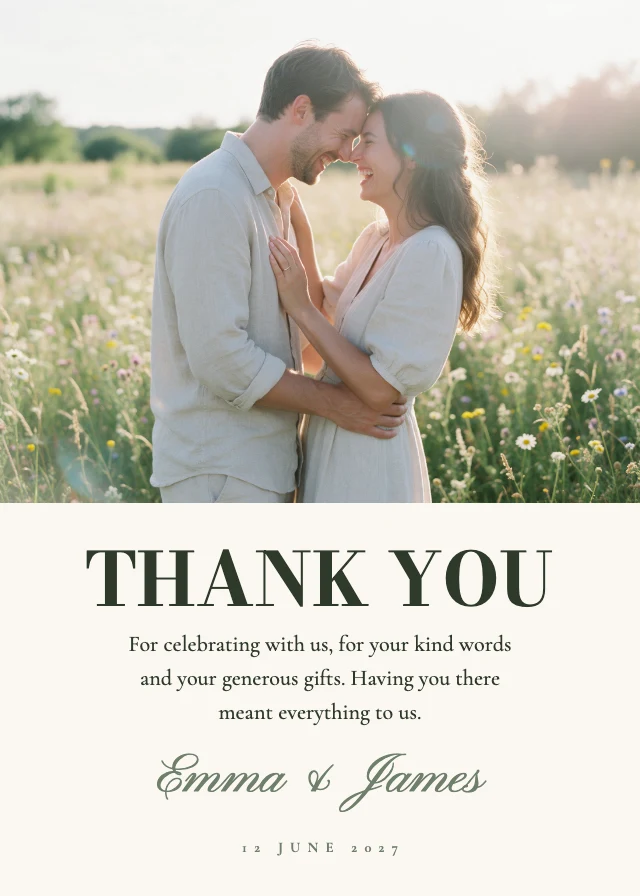
Photo templates
A photograph leads the design

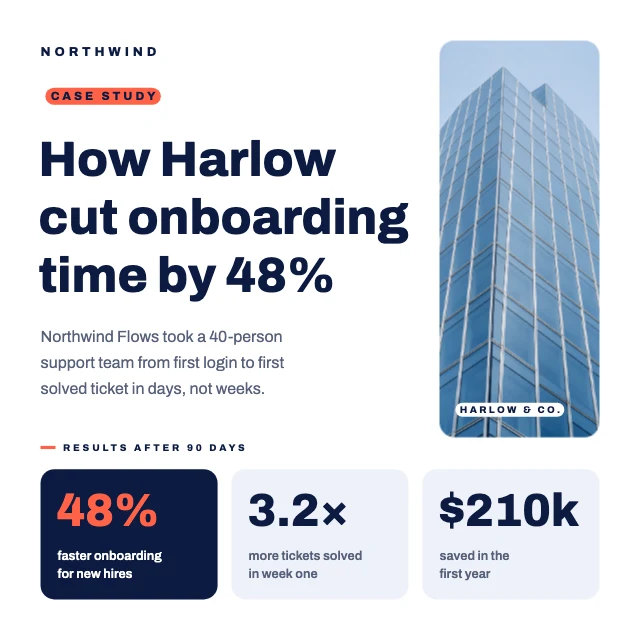
Professional templates
Business-like: for work, clients and reports
More kinds of template
All templates →How to use a template
- Choose "Use this template". It opens in Design Studio as your own copy.
- Click any text to select it, then click again to type.
- Click a photo, then Replace to use your own picture.
- Download as PNG or JPG, or ask the AI designer to change colours, wording or style.
Free on every plan. You can use, edit and publish what you make from a template, for personal or commercial work. The templates themselves may not be resold or shared as templates.
Questions
- When should I use a dark design?
- For evenings and events, such as a party, a concert, a launch or a Black Friday sale, and for anything that should feel premium or dramatic. Light type on black also stands out in a feed of pale posts.
- Do dark designs print well?
- Yes, with care: a full black background uses a lot of ink and shows fingerprints on glossy paper. Ask the printer for a rich black, and keep small light text at 9 points or larger so it does not fill in.
- What sizes are the dark templates?
- They come in 15 sizes. The most common are a 4:5 Instagram post (1080×1350 px); a 5×7 inch card (1500×2100 px); an Instagram story (1080×1920 px); a square LinkedIn post (1200×1200 px); a US Letter page (2550×3300 px); an X post (1600×900 px). Every template is made at its real size, so nothing has to be resized before it is posted or printed.
- Can I print the dark templates?
- Yes. The designs made for paper are sized at 300 dpi: a 5×7 inch card is 1500×2100 px and a US Letter page is 2550×3300 px. Download the design as a PNG or JPG and print it at home or send it to a print shop.
- Are the templates free?
- Yes. Every template is free on every plan, including the free one. Editing text, moving things and replacing photos with your own cost nothing; AI image generation and AI edits use credits.
- Can I use designs made from a template commercially?
- Yes. You can use, edit and publish designs you make from a template, for personal or commercial work such as social posts, ads, menus and flyers. The templates themselves may not be resold or shared as templates.
- Can AI customize a template for me?
- Yes. Choose "Edit with AI" and tell the AI designer what to change, for example the name, the colours or the photo. Chatting with it is free; images it makes use credits.