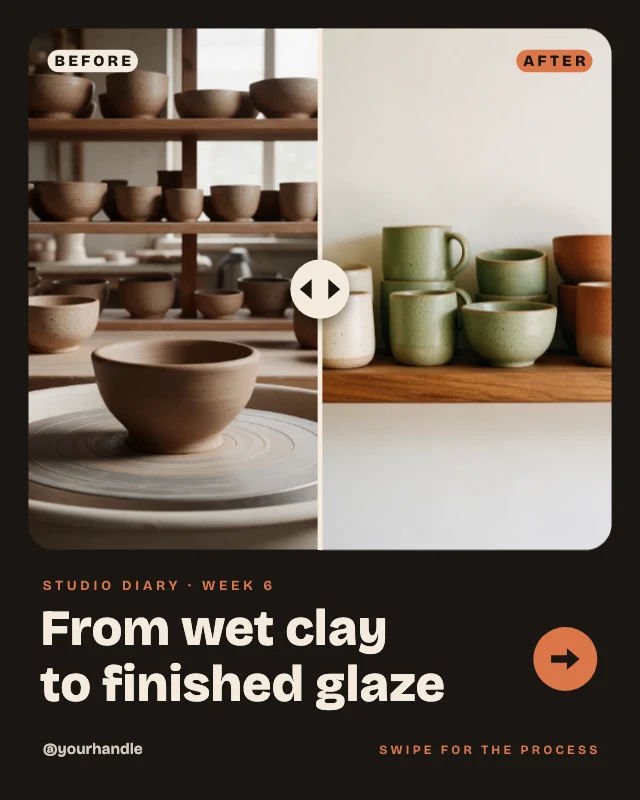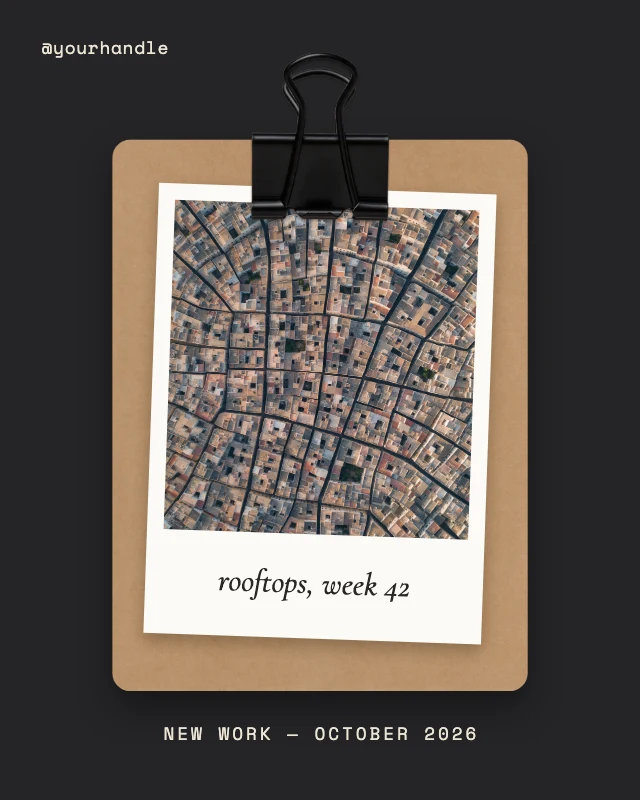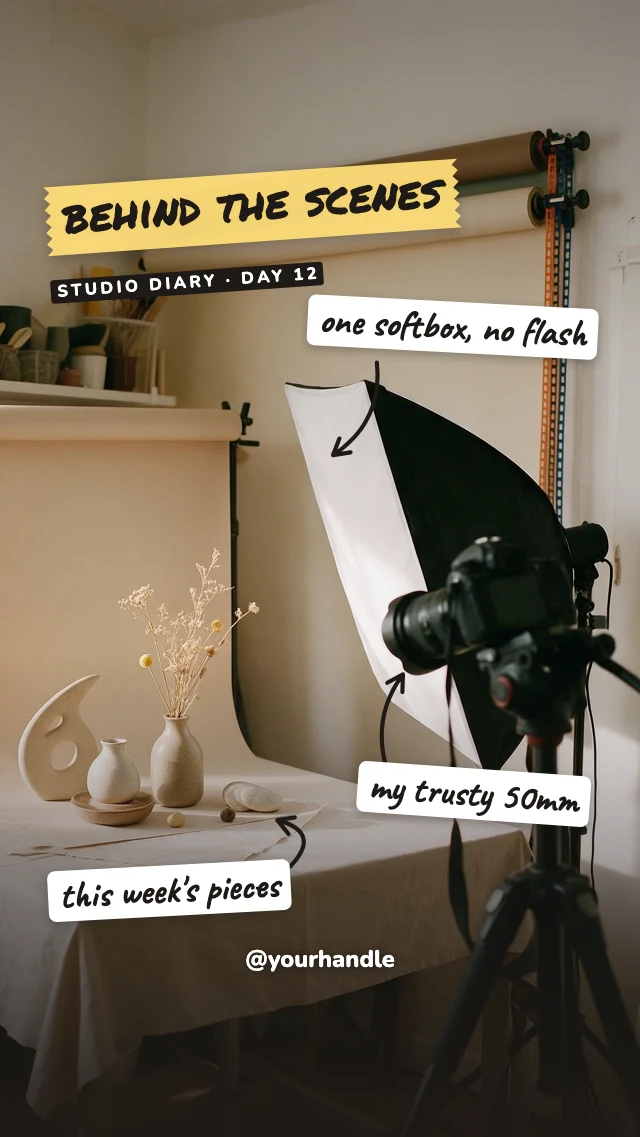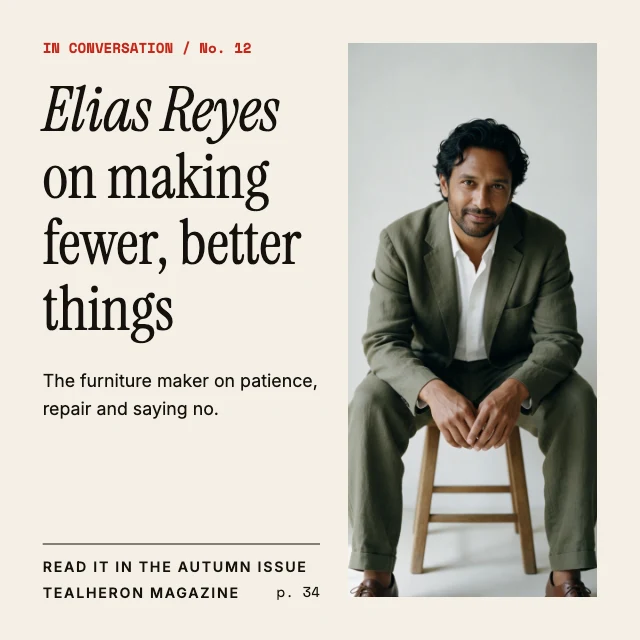
Behind the scenes workshop post
Free template · Instagram post (square) · 1080×1080
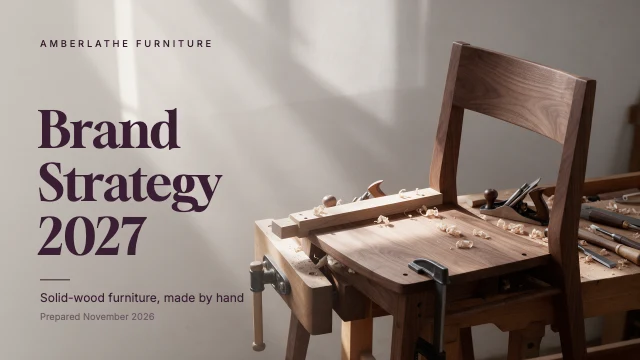
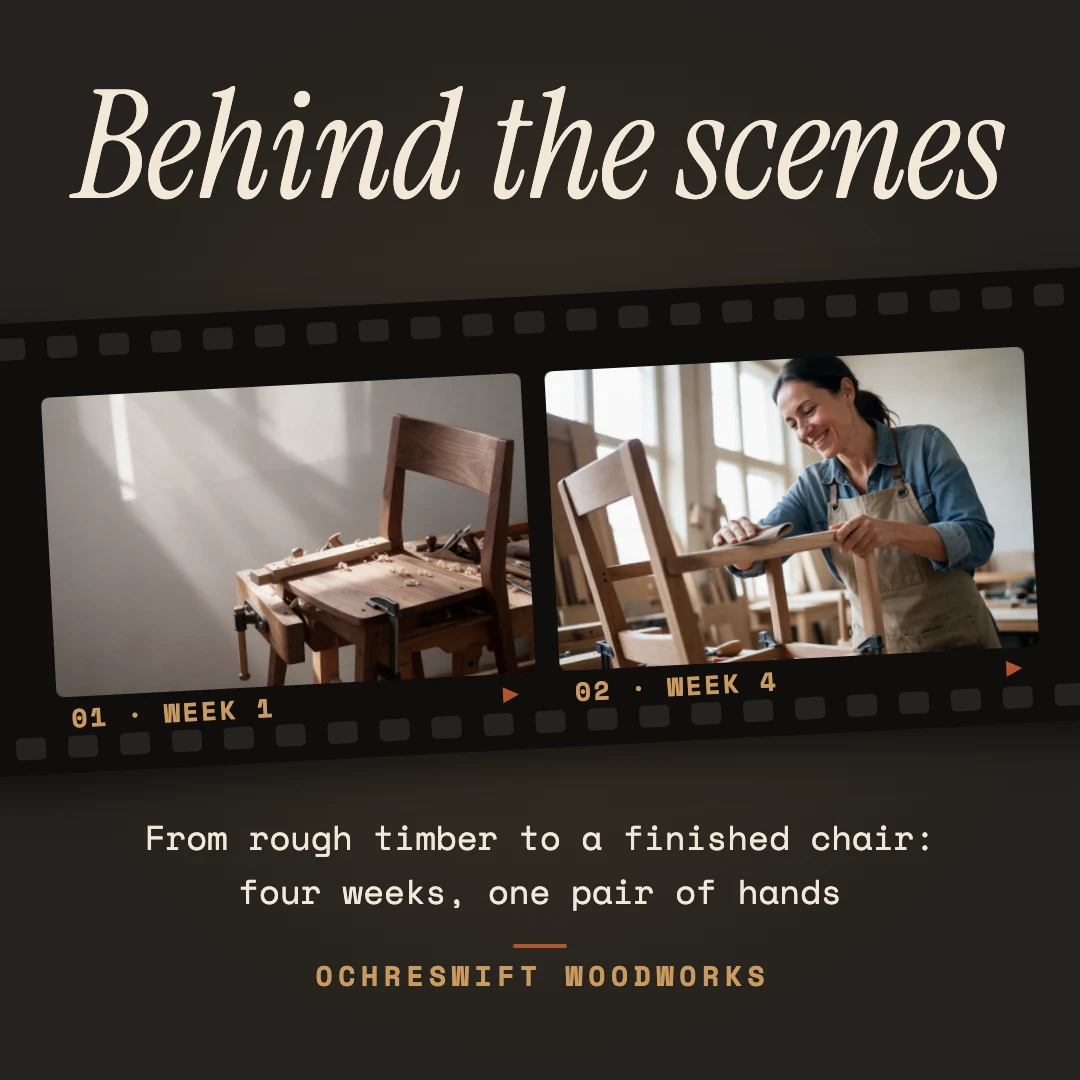
A dark behind-the-scenes post: two workshop photos in a black film strip, a big italic title and a short line about how the work is made. Swap the photos and retype the caption. An Instagram post, 1080×1080.
Free. Sign in or create a free account to open it in Design Studio, on a computer. Star it to find it again later.
What you can change
- Headline · text
- Photo 1 · photo: a wide photo from the workshop
- Photo 2 · photo: a wide photo from the workshop
- Frame 1 label · text
- Frame 2 label · text
- Caption · text
- Brand · text
- Plus every colour, shape and font: all layers stay editable.
Details
- Format
- Instagram post (square), a square post for the Instagram feed
- Size
- 1080×1080 px
- Fonts
- Instrument Serif, Space Mono (free, loaded for you)
- Category
- Social
- For
- Creator content
- Style
- Retro · Photo · Dark
See all: Instagram post templates · Templates for creators · Retro and vintage templates · Photo templates · Dark templates
How to use this template
- Choose "Use this template". It opens in Design Studio as your own copy.
- Click any text to select it, then click again to type.
- Click a photo, then Replace to use your own picture.
- Download as PNG or JPG, or ask the AI designer to change colours, wording or style.
Free on every plan. You can use, edit and publish what you make from a template, for personal or commercial work. The templates themselves may not be resold or shared as templates.