

Team spotlight LinkedIn post
Free template · LinkedIn post (square) · 1200×1200
An employee spotlight in blush and cherry red: the teammate’s portrait in an arch, their name in a large serif, role, two facts and a short quote. Change the photo, the name and the quote. A square LinkedIn post, 1200×1200.
Free. Sign in or create a free account to open it in Design Studio, on a computer.
What you can change
- Portrait · photo: a head-and-shoulders photo of the teammate, face in the upper middle
- Series · text
- Kicker · text
- Name · text
- Role · text
- Fact 1 · text
- Fact 2 · text
- Quote · text
- Brand · text
- Careers line · text
- Plus every colour, shape and font: all layers stay editable.
Details
- Format
- LinkedIn post (square), a square post for the LinkedIn feed
- Size
- 1200×1200 px
- Fonts
- Work Sans, Bodoni Moda (free, loaded for you)
- Category
- Social
- For
- Creator content
- Style
- Elegant · Photo · Professional
See all: LinkedIn post templates · Templates for creators · Elegant templates · Photo templates · Professional templates
How to use this template
- Choose "Use this template". It opens in Design Studio as your own copy.
- Click any text to select it, then click again to type.
- Click a photo, then Replace to use your own picture.
- Download as PNG or JPG, or ask the AI designer to change colours, wording or style.
Free on every plan. You can use, edit and publish what you make from a template, for personal or commercial work. The templates themselves may not be resold or shared as templates.
More like this
All templates →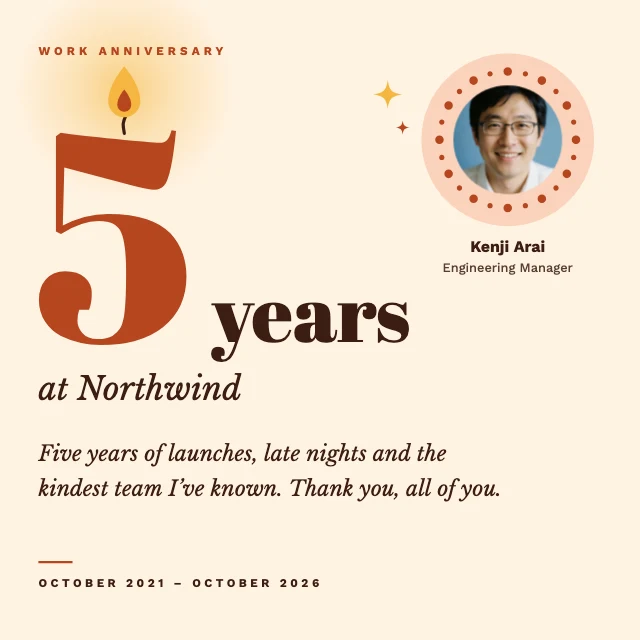
Work anniversary LinkedIn post
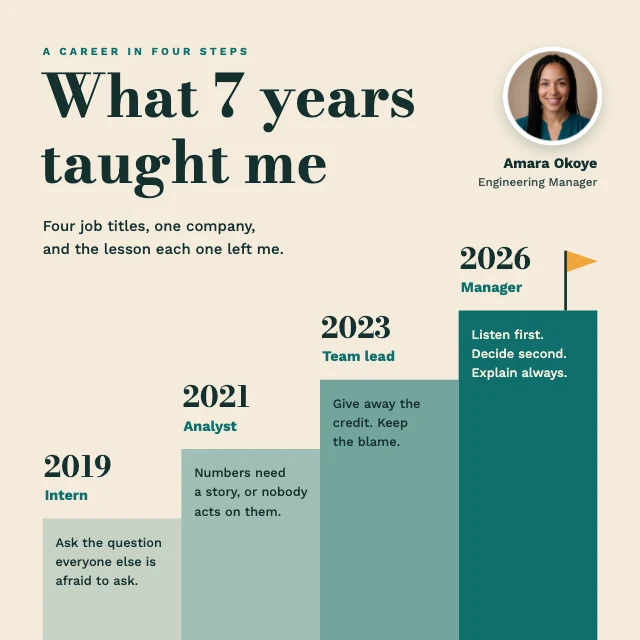
Career story LinkedIn post
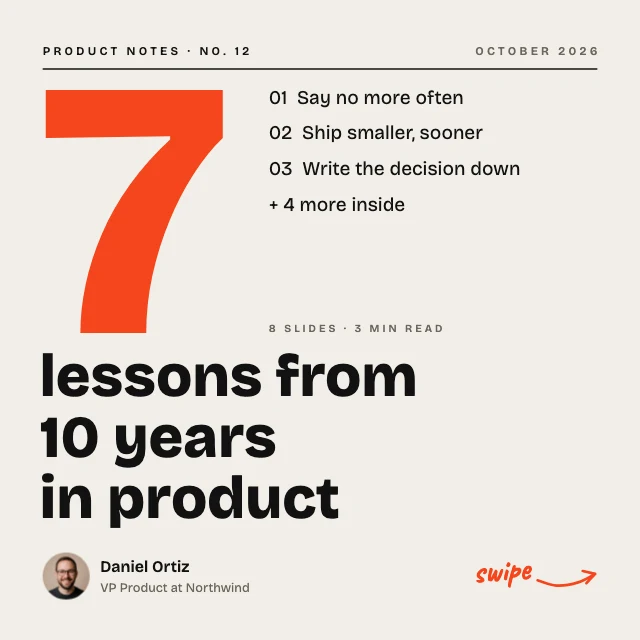
LinkedIn carousel cover
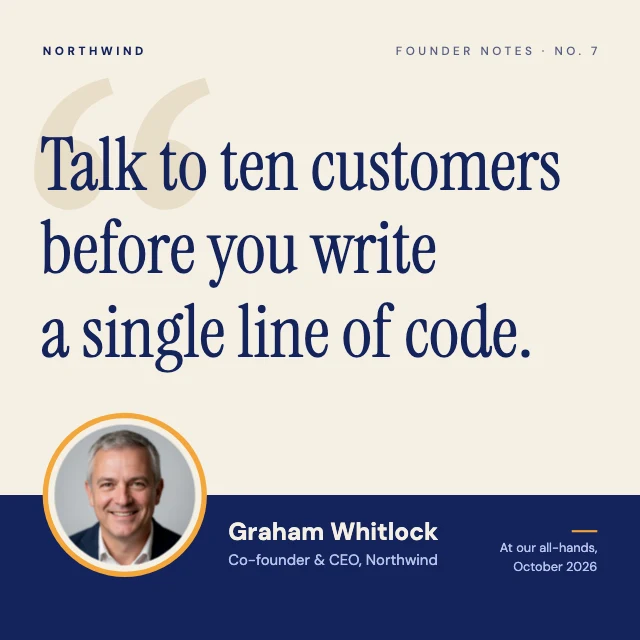
Founder quote LinkedIn post
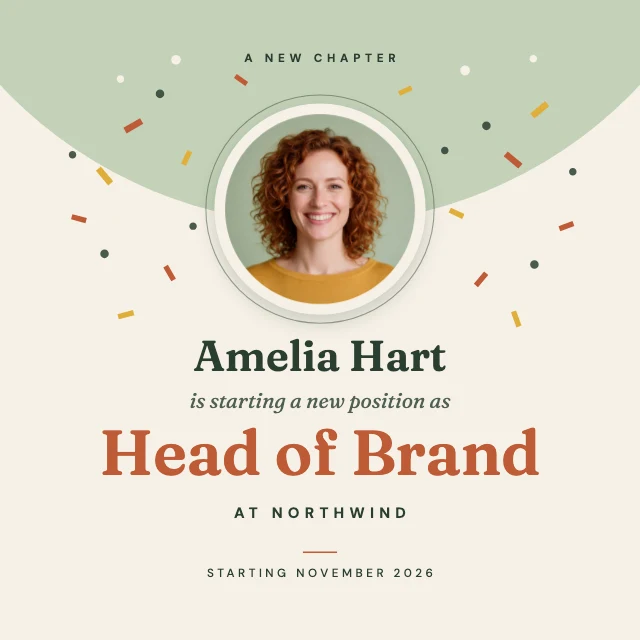
New job announcement LinkedIn post
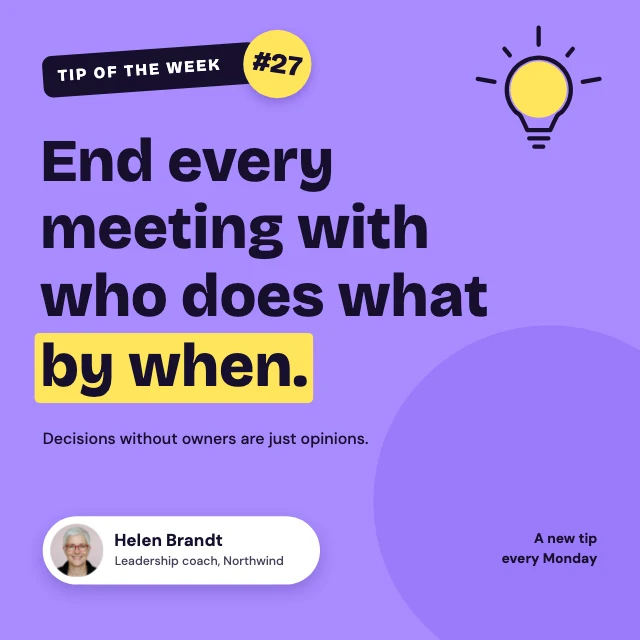
Tip of the week LinkedIn post
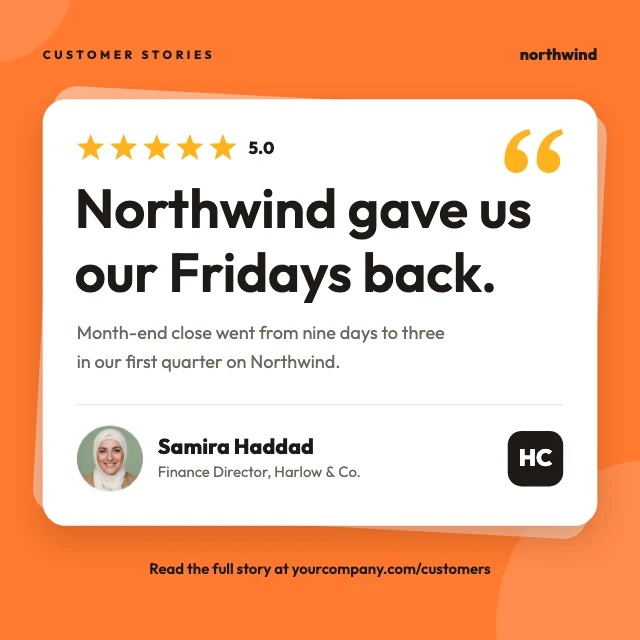
Customer testimonial LinkedIn post
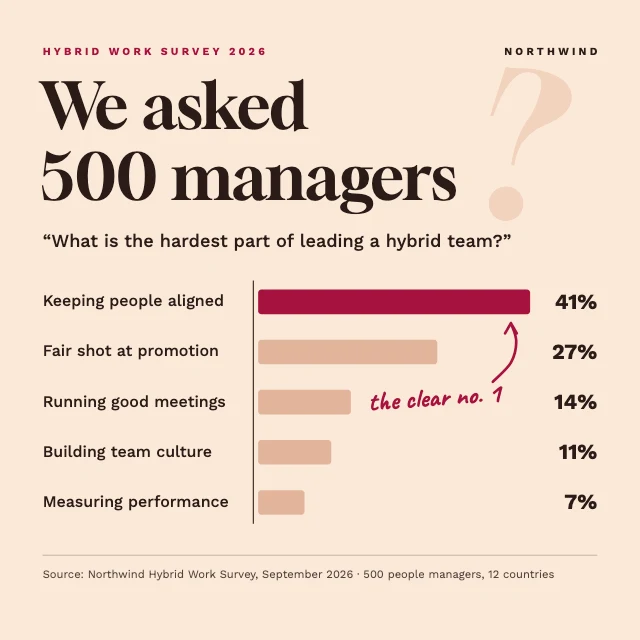
Survey results LinkedIn post

Certified LinkedIn post
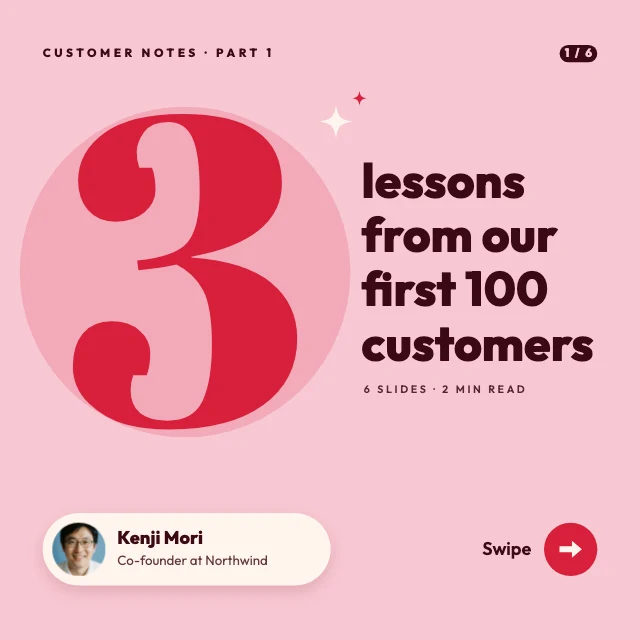
Three lessons carousel cover

Event recap LinkedIn post
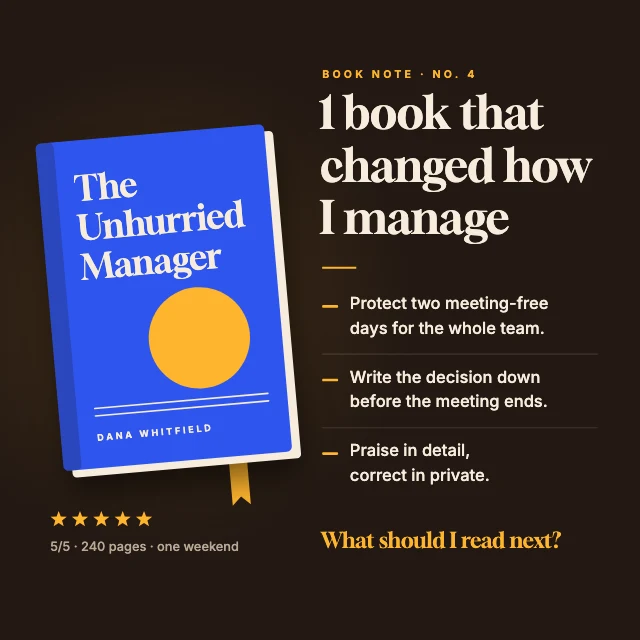
Book recommendation LinkedIn post