

Career story LinkedIn post
Free template · LinkedIn post (square) · 1200×1200
Tell a career story as a staircase: four steps from intern to manager, each with a year, a role and the lesson it taught, and your portrait at the top. Change the years, the roles and the lessons. A square LinkedIn post, 1200×1200.
Free. Sign in or create a free account to open it in Design Studio, on a computer.
What you can change
- Kicker · text
- Title · text
- Intro · text
- Portrait · photo: a square head-and-shoulders photo of you
- Name · text
- Job · text
- Year 1 · text
- Role 1 · text
- Lesson 1 · text
- Year 2 · text
- Role 2 · text
- Lesson 2 · text
- Year 3 · text
- Role 3 · text
- Lesson 3 · text
- Year 4 · text
- Role 4 · text
- Lesson 4 · text
- Plus every colour, shape and font: all layers stay editable.
Details
- Format
- LinkedIn post (square), a square post for the LinkedIn feed
- Size
- 1200×1200 px
- Fonts
- Work Sans, Bodoni Moda (free, loaded for you)
- Category
- Social
- For
- Creator content
- Style
- Modern · Elegant · Professional
See all: LinkedIn post templates · Templates for creators · Modern templates · Elegant templates · Professional templates
How to use this template
- Choose "Use this template". It opens in Design Studio as your own copy.
- Click any text to select it, then click again to type.
- Click a photo, then Replace to use your own picture.
- Download as PNG or JPG, or ask the AI designer to change colours, wording or style.
Free on every plan. You can use, edit and publish what you make from a template, for personal or commercial work. The templates themselves may not be resold or shared as templates.
More like this
All templates →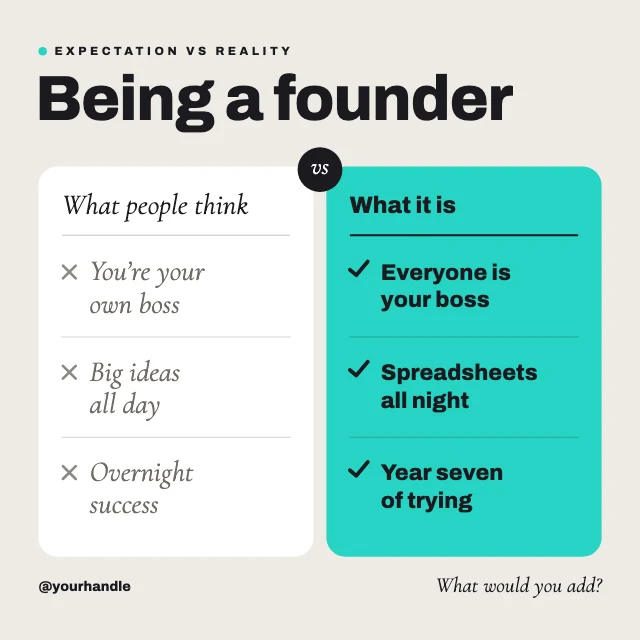
Myth vs reality LinkedIn post

Leadership quote LinkedIn post
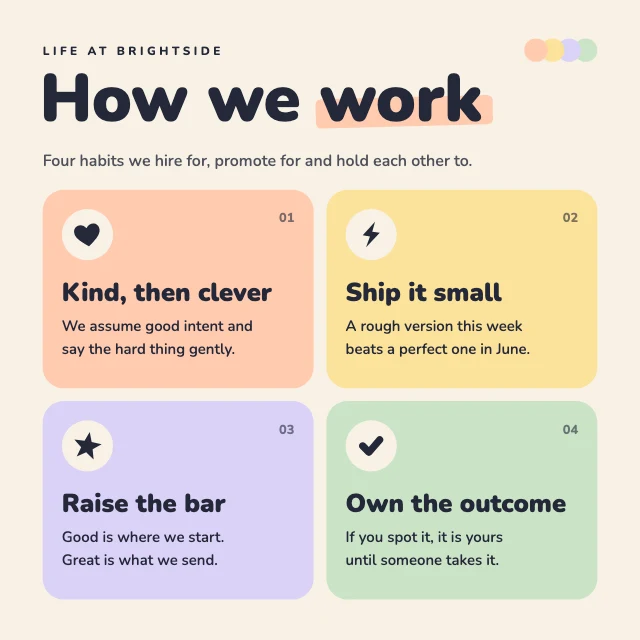
Company values LinkedIn post

Book recommendation LinkedIn post

Team spotlight LinkedIn post
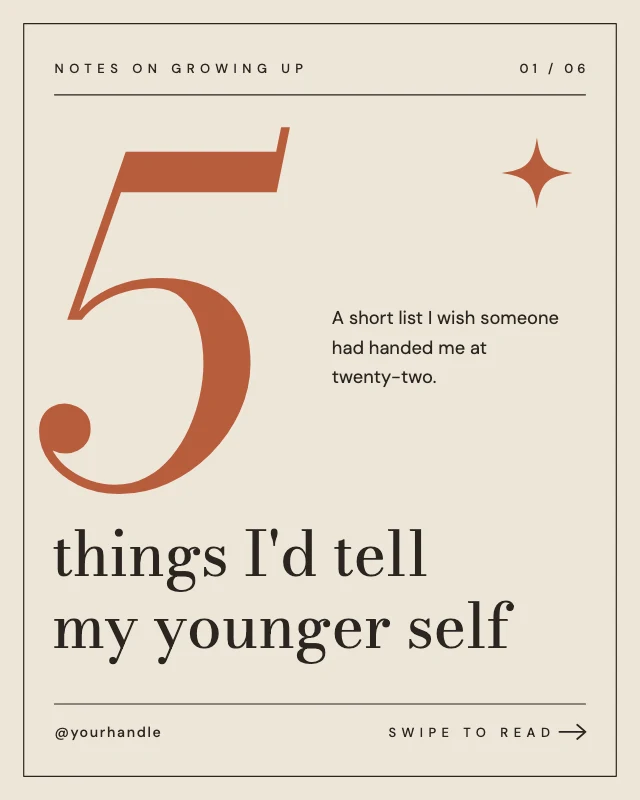
Lessons learned carousel cover
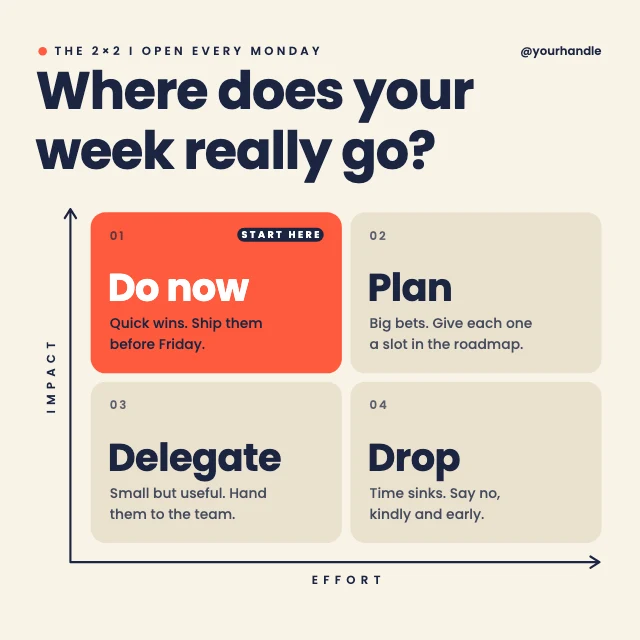
Priority matrix LinkedIn post
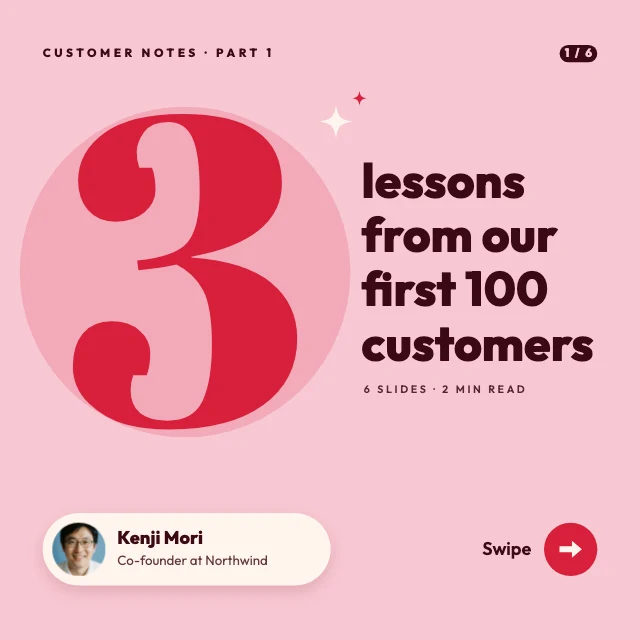
Three lessons carousel cover

Newsletter launch LinkedIn post
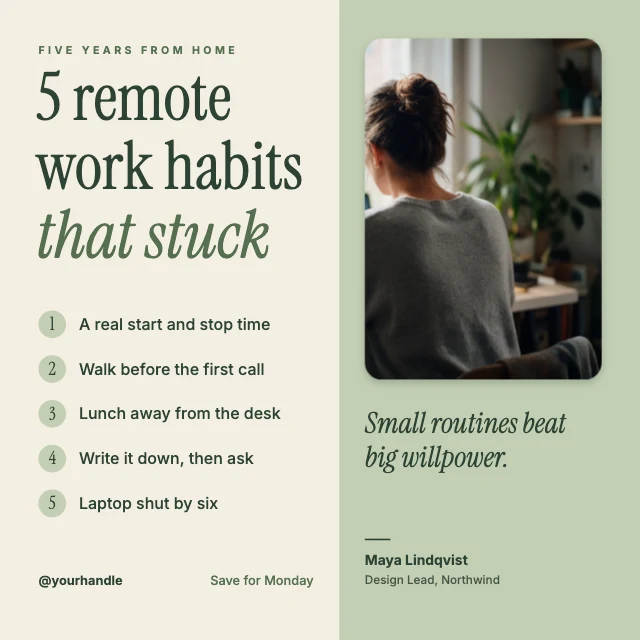
Remote work tips LinkedIn post
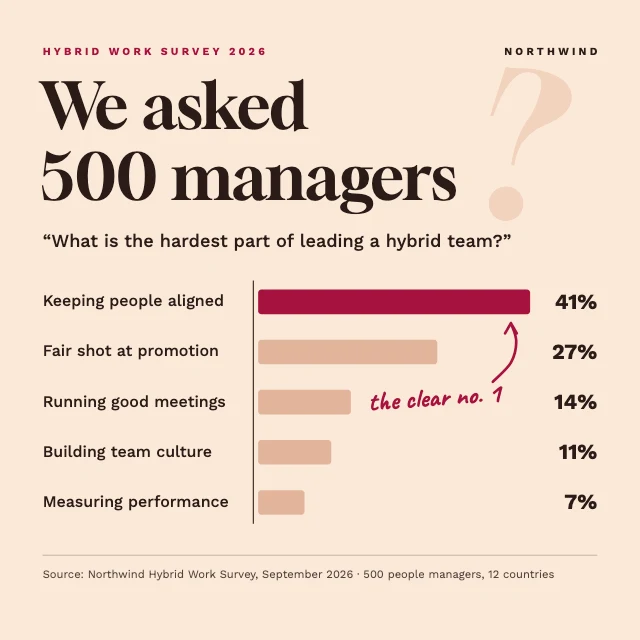
Survey results LinkedIn post

Five mistakes carousel cover