
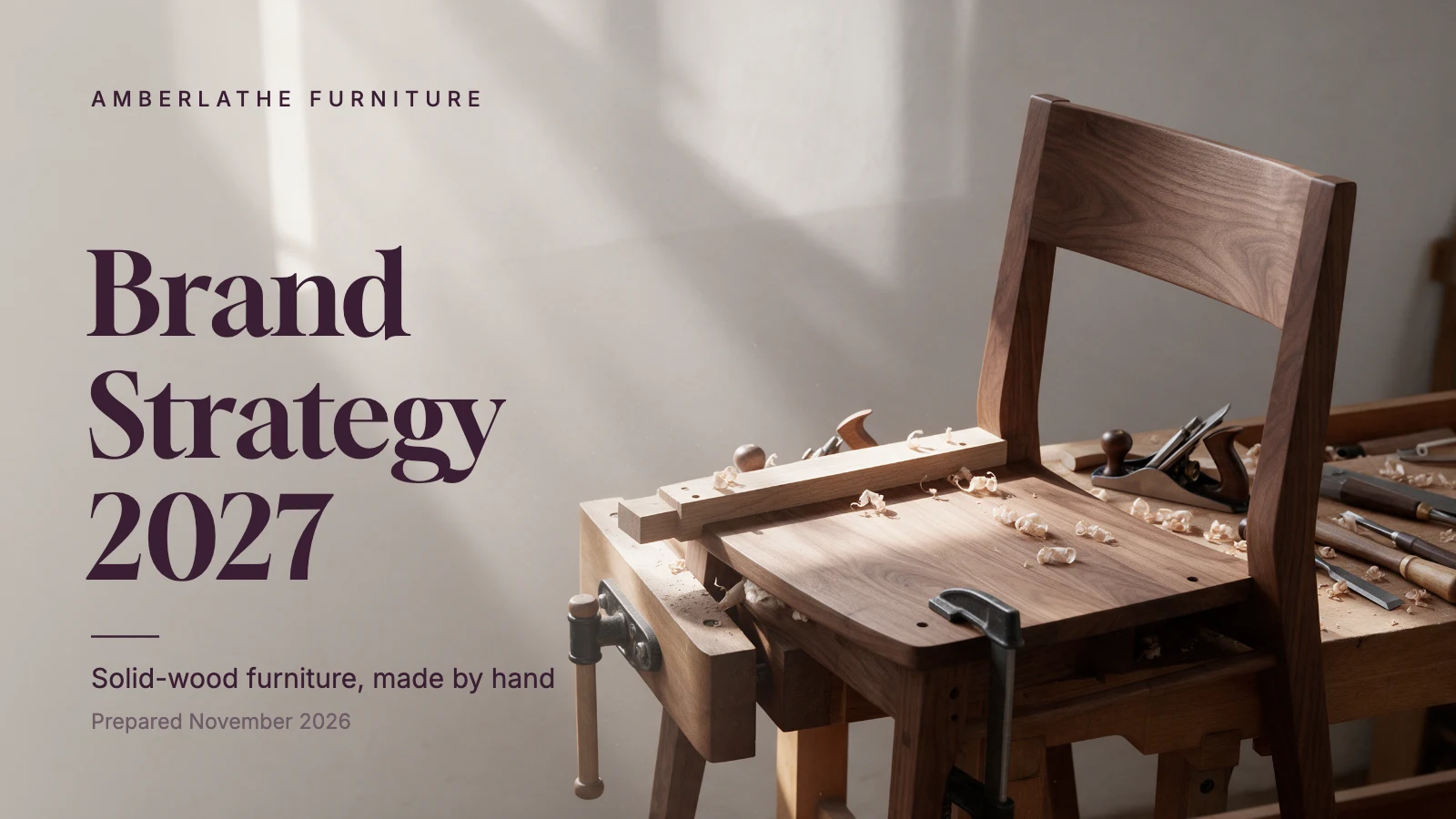
Brand strategy presentation
Free template · Presentation slide (16:9) · 1920×1080 · 8 pages
An 8-slide brand strategy deck: purpose, audience personas, a positioning map, brand pillars, personality sliders, the brand message and a rollout plan. Change the brand name, the words and the photos. An 8-slide presentation, 1920×1080 (16:9).
8 pages
 Page 1
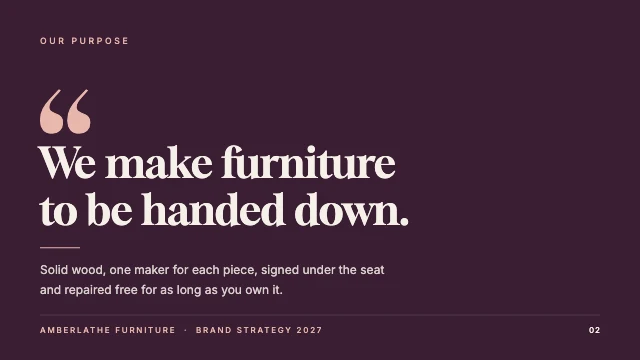 Page 2
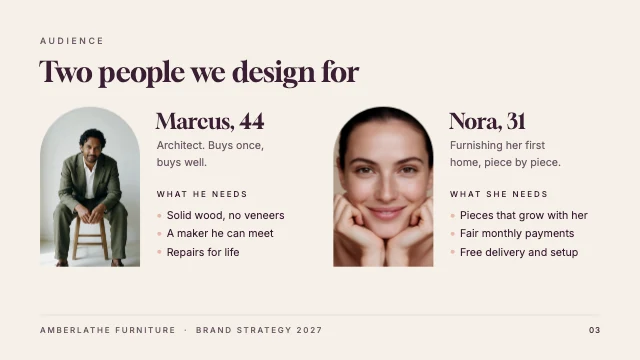 Page 3
 Page 4
 Page 5
 Page 6
 Page 7
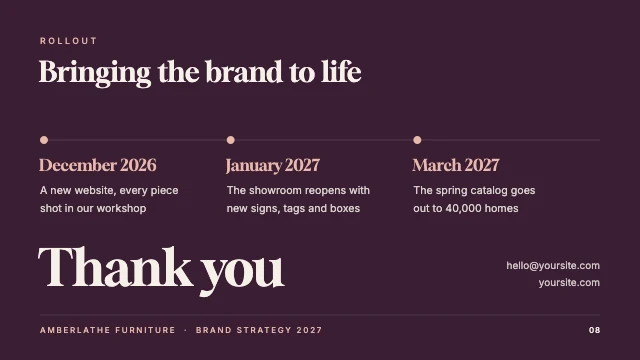 Page 8
Free. Sign in or create a free account to open it in Design Studio, on a computer. Star it to find it again later.
What you can change
- Photo · photo: a photo of your workshop or your work
- Company · text
- Title · text
- Subtitle · text
- Date · text
- Kicker · text
- Statement · text
- Support · text
- Deck name · text
- Slide number · text
- Kicker · text
- Title · text
- Persona photo 1 · photo: a photo of a customer like this one
- Persona 1 · text
- Persona text 1 · text
- Needs label 1 · text
- Needs 1 · text
- Persona photo 2 · photo: a photo of a customer like this one
- Persona 2 · text
- Persona text 2 · text
- Needs label 2 · text
- Needs 2 · text
- Deck name · text
- Slide number · text
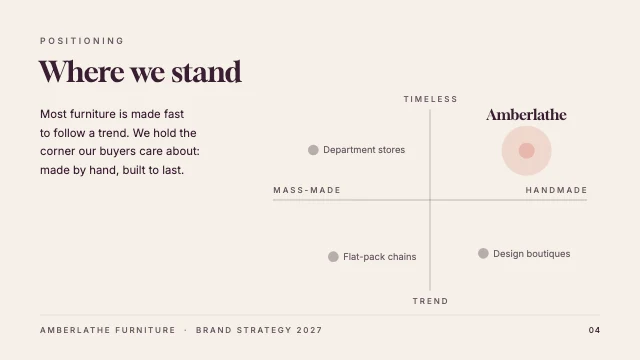
- Kicker · text
- Title · text
- Paragraph · text
- Left end · text
- Right end · text
- Top end · text
- Bottom end · text
- Rival 1 · text
- Rival 2 · text
- Rival 3 · text
- Amberlathe label · text
- Deck name · text
- Slide number · text
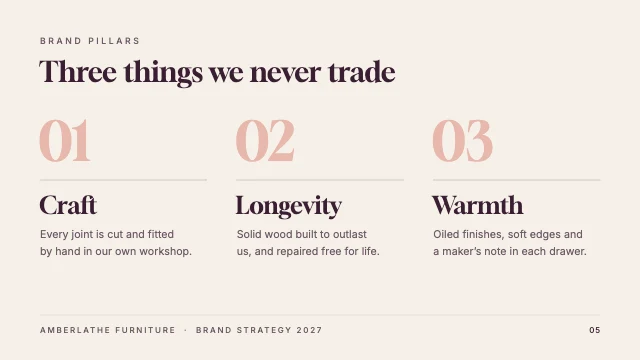
- Kicker · text
- Title · text
- Pillar number 1 · text
- Pillar 1 · text
- Pillar text 1 · text
- Pillar number 2 · text
- Pillar 2 · text
- Pillar text 2 · text
- Pillar number 3 · text
- Pillar 3 · text
- Pillar text 3 · text
- Deck name · text
- Slide number · text
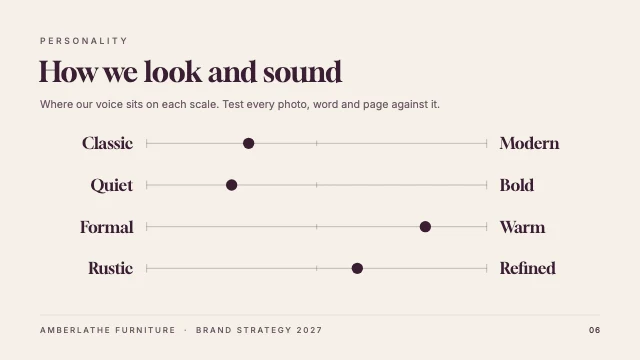
- Kicker · text
- Title · text
- Intro · text
- Left words · text
- Right words · text
- Deck name · text
- Slide number · text
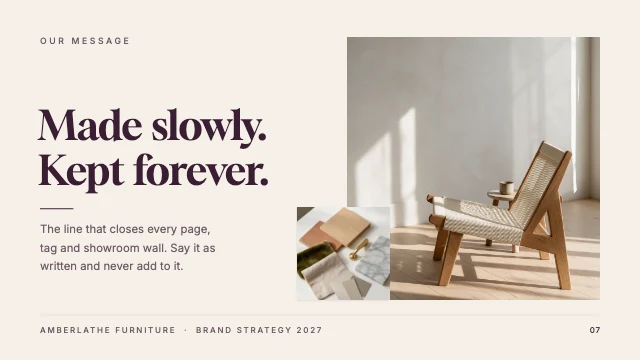
- Photo · photo: a photo of your best product
- Swatches · photo: a close-up of your materials
- Kicker · text
- Headline · text
- Support · text
- Deck name · text
- Slide number · text
- Kicker · text
- Title · text
- Month 1 · text
- Milestone 1 · text
- Month 2 · text
- Milestone 2 · text
- Month 3 · text
- Milestone 3 · text
- Thank you · text
- Contact · text
- Deck name · text
- Slide number · text
- Plus every colour, shape and font: all layers stay editable.
Details
- Format
- Presentation slide (16:9), a 16:9 slide for a presentation or a video call
- Size
- 1920×1080 px
- Pages
- 8, added to your design side by side, each one editable
- Fonts
- Inter, Gloock (free, loaded for you)
- Category
- Business
- For
- Documents & planners
- Style
- Minimal · Elegant · Professional
See all: Presentation templates · Document templates · Minimalist templates · Elegant templates · Professional templates
How to use this template
- Choose "Use this template". It opens in Design Studio as your own copy.
- Click any text to select it, then click again to type.
- Click a photo, then Replace to use your own picture.
- Download as PNG or JPG, or ask the AI designer to change colours, wording or style.
Free on every plan. You can use, edit and publish what you make from a template, for personal or commercial work. The templates themselves may not be resold or shared as templates.
More like this
All presentation templates →
Business plan presentation

Marketing plan presentation

Company profile presentation
Social media strategy report
Freelance design proposal

Sales report presentation
Moodboard presentation slide

Marketing strategy presentation
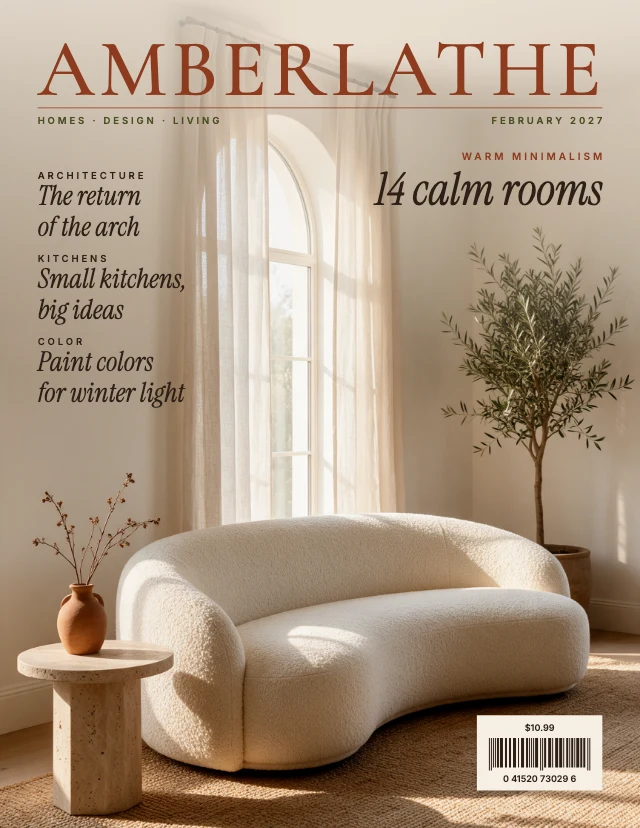
Interior design magazine cover
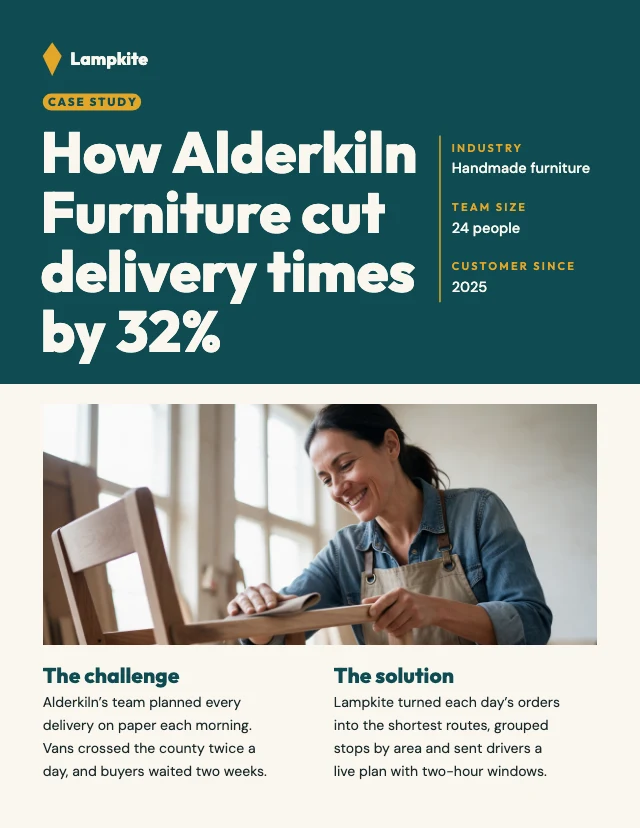
Customer case study
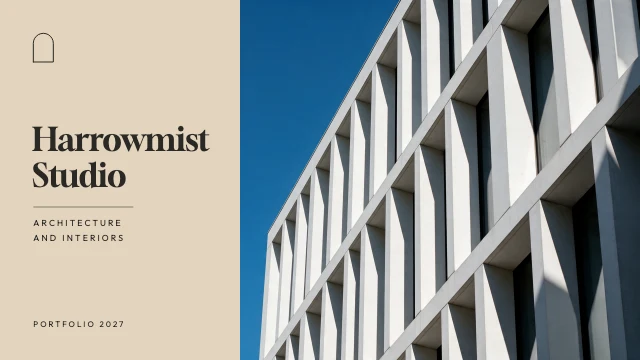
Architecture and interiors portfolio
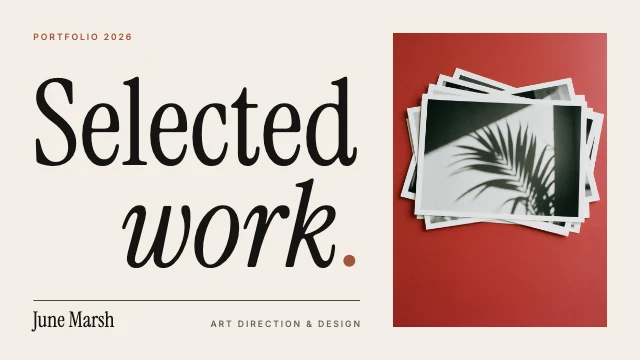
Design portfolio presentation