Free Flyer Maker
A finished flyer to start from, and every part of it yours to change.
Pick a flyer for an event, a sale, an opening or a class. It opens in Design Studio with real layers, so the date, the address and the photo change in seconds, by hand or by asking the AI designer.
Templates are free, and so is chatting with the AI designer, up to a daily limit. An AI picture is 46 credits with the default Seedream 5.5, or from 12 with FLUX 3 Klein, about $0.04 and $0.01 on the Basic plan.
Free. Sign in or create a free account to open it in Design Studio, on a computer. Star it to find it again later.
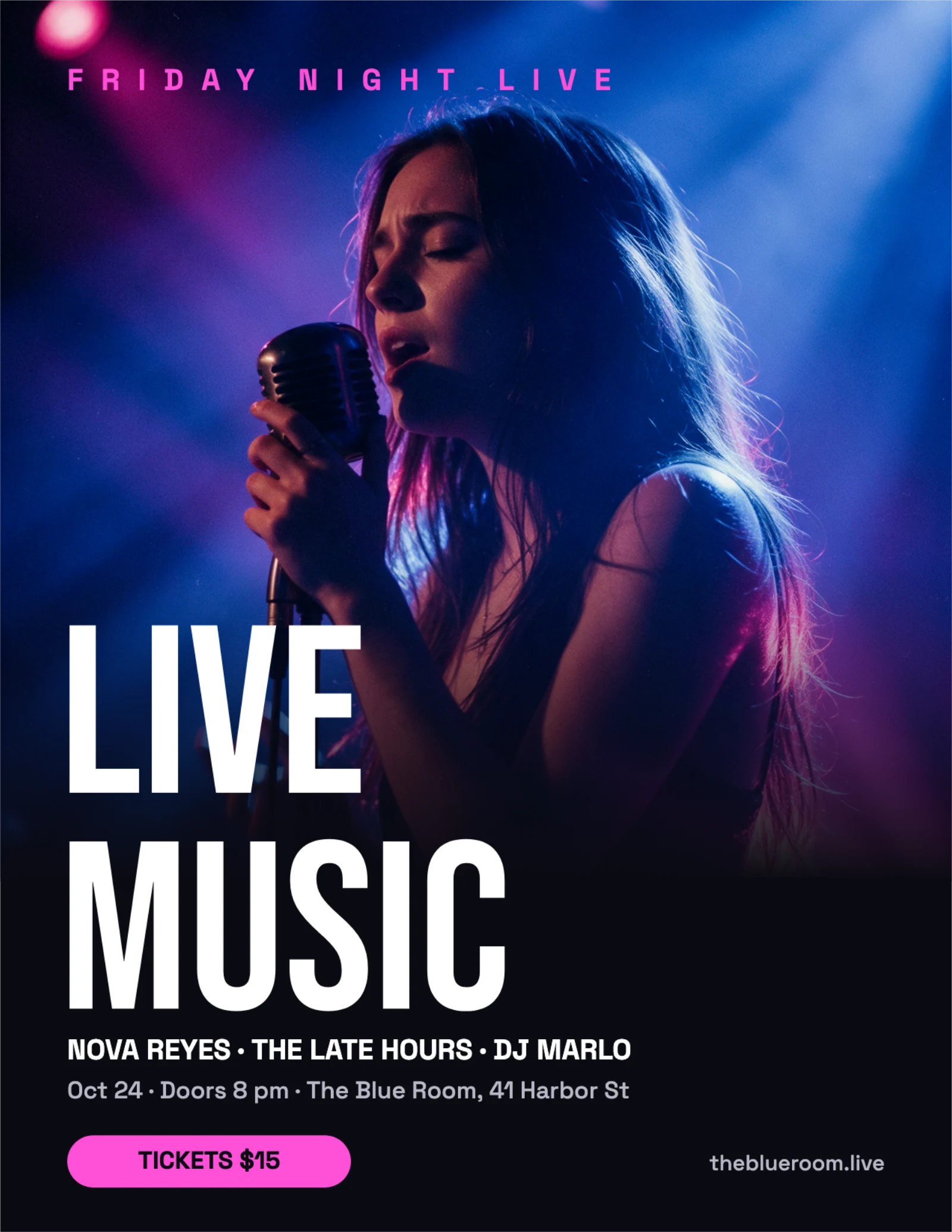
Shown: Live music night flyer · US Letter · 2550×3300. Pick another below.
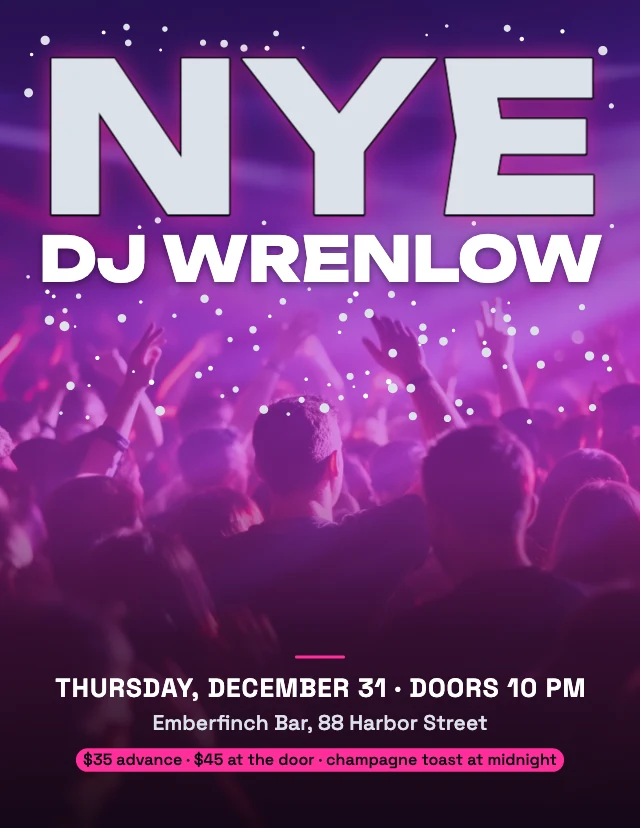
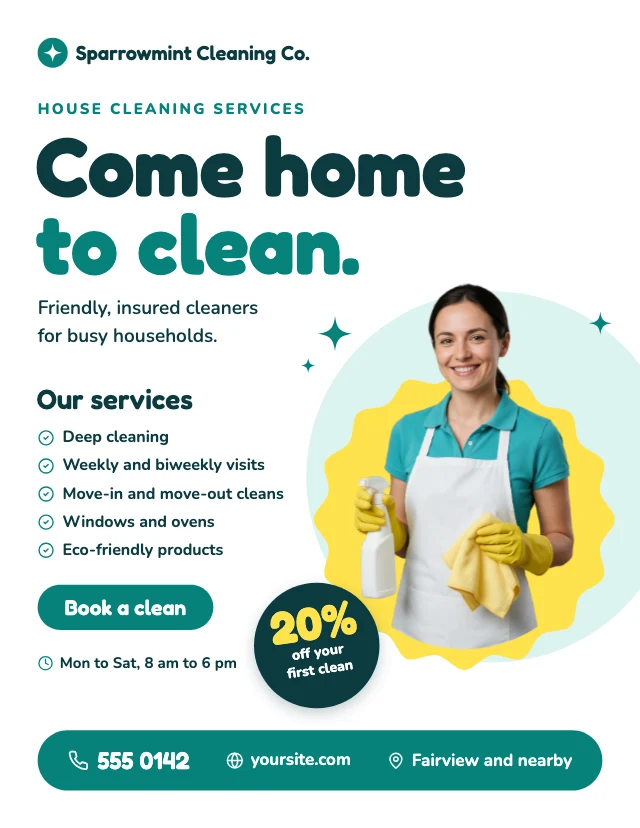
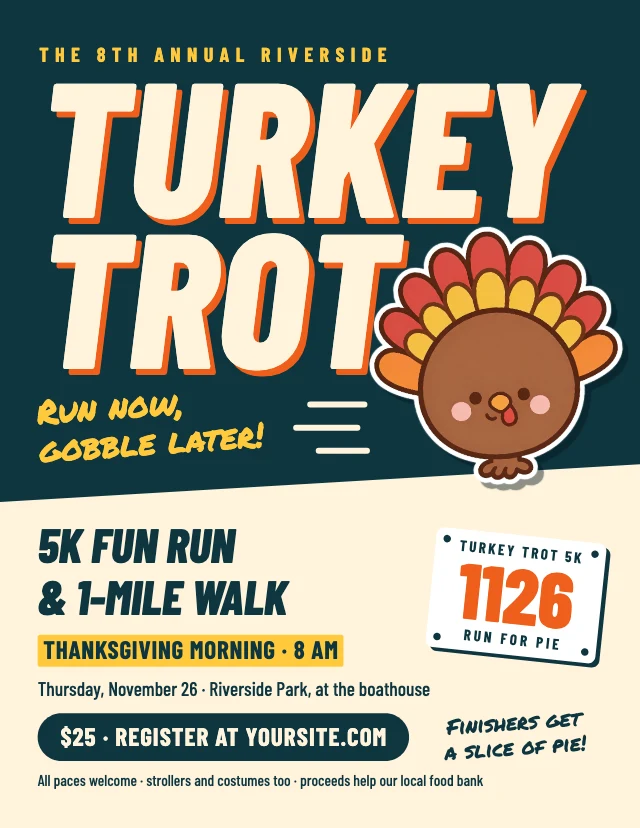
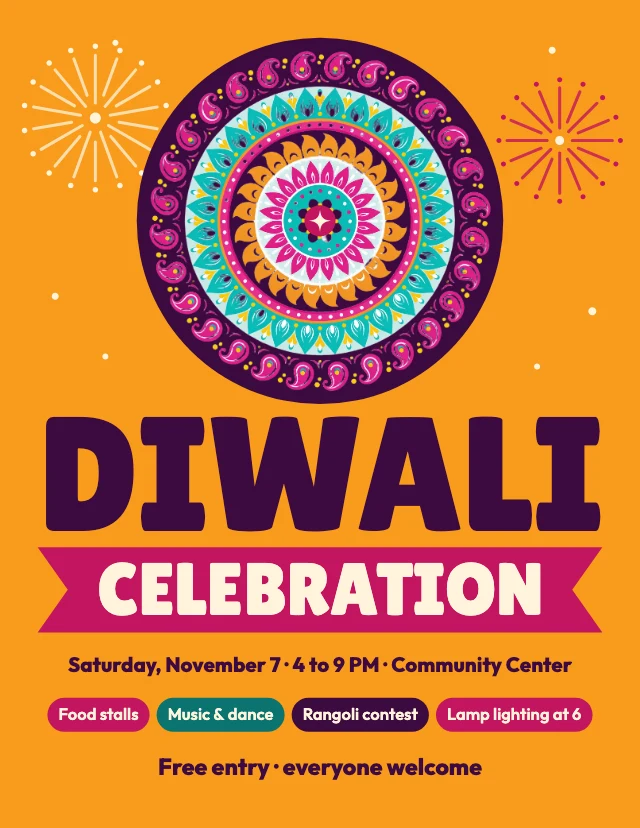
Pick a flyer to start from
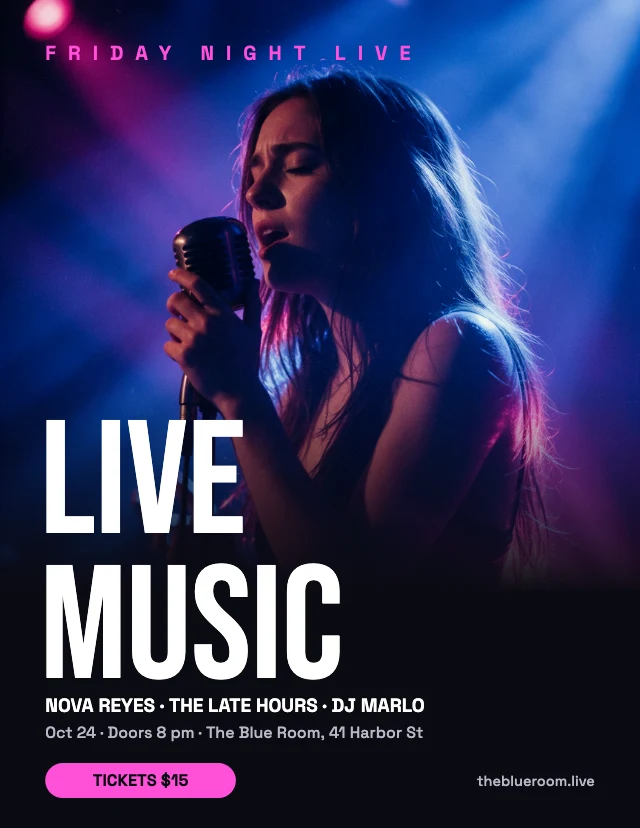
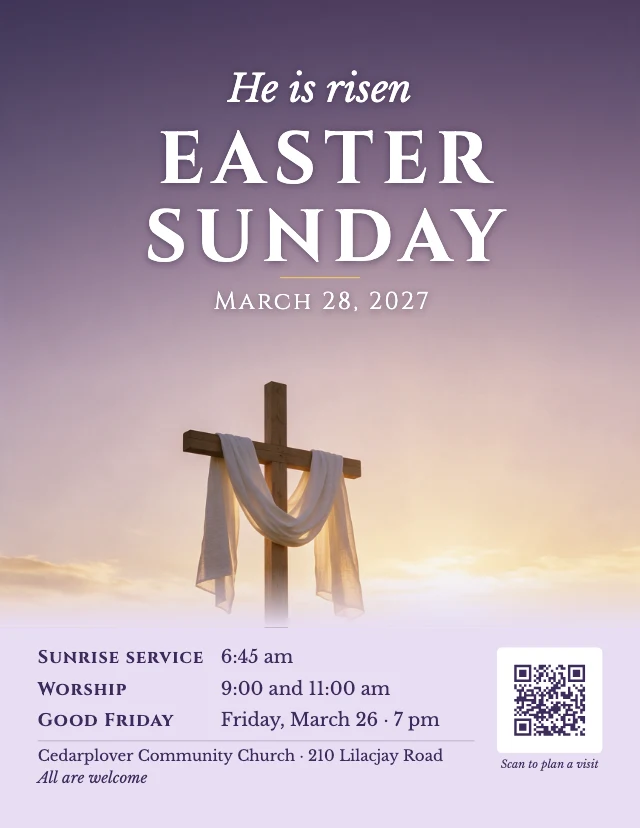
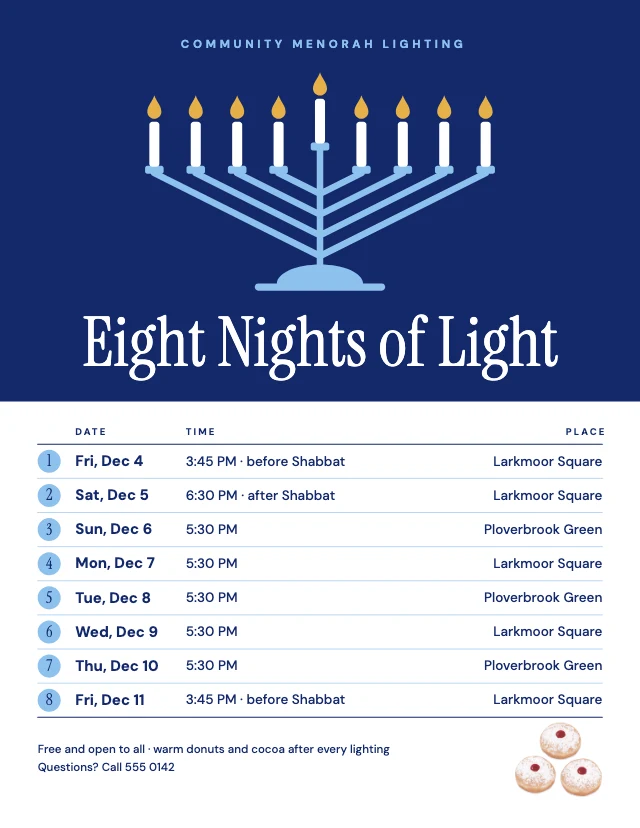
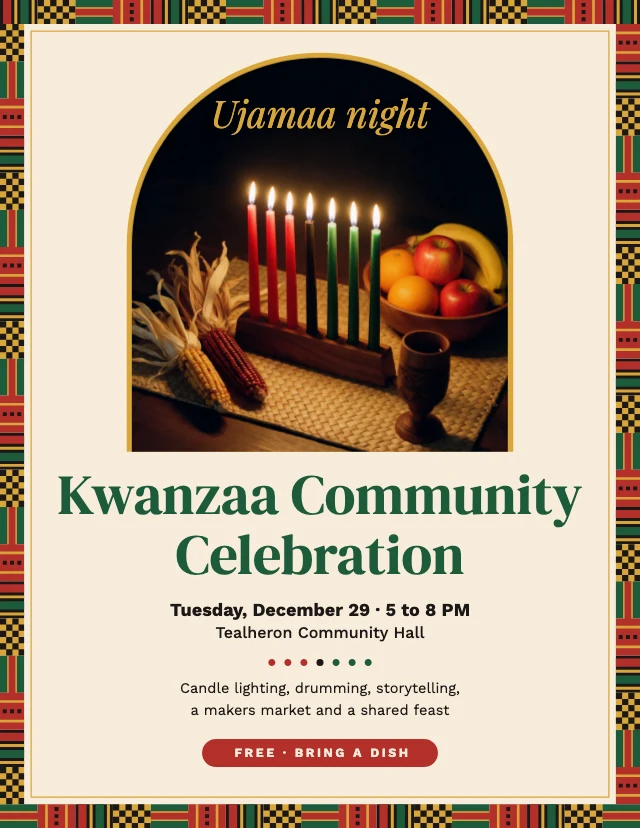
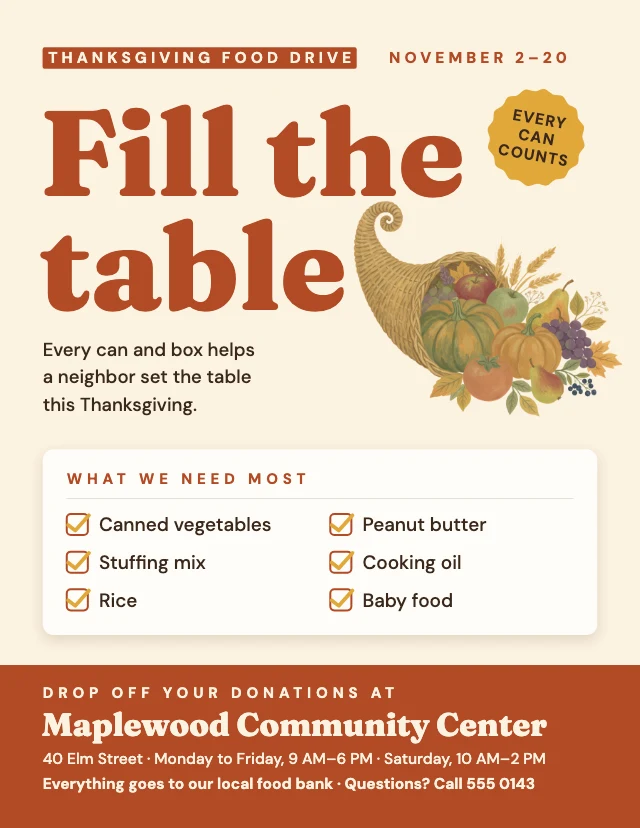
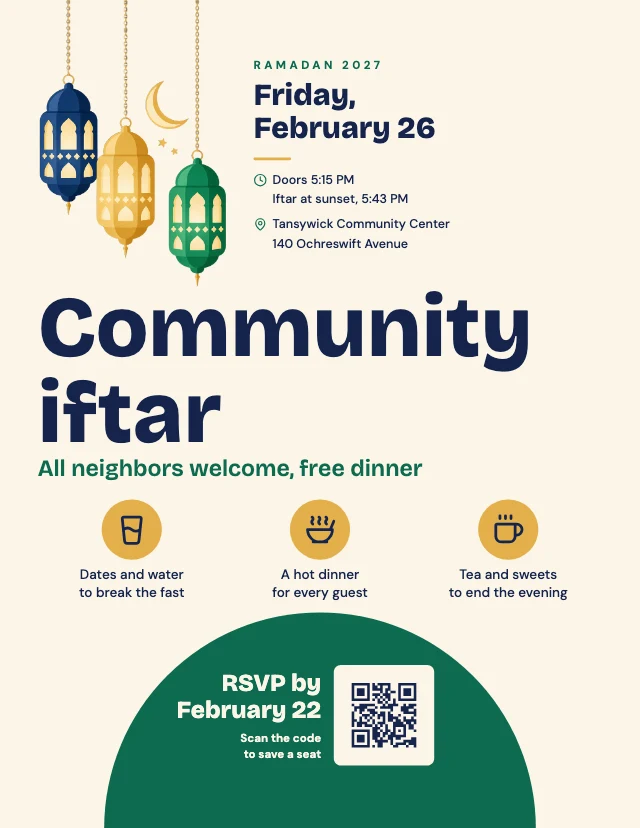
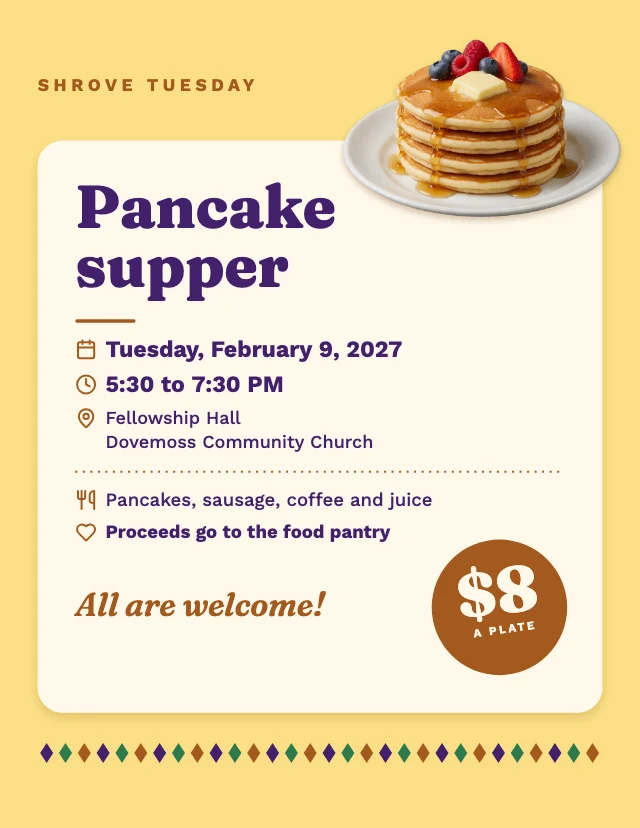
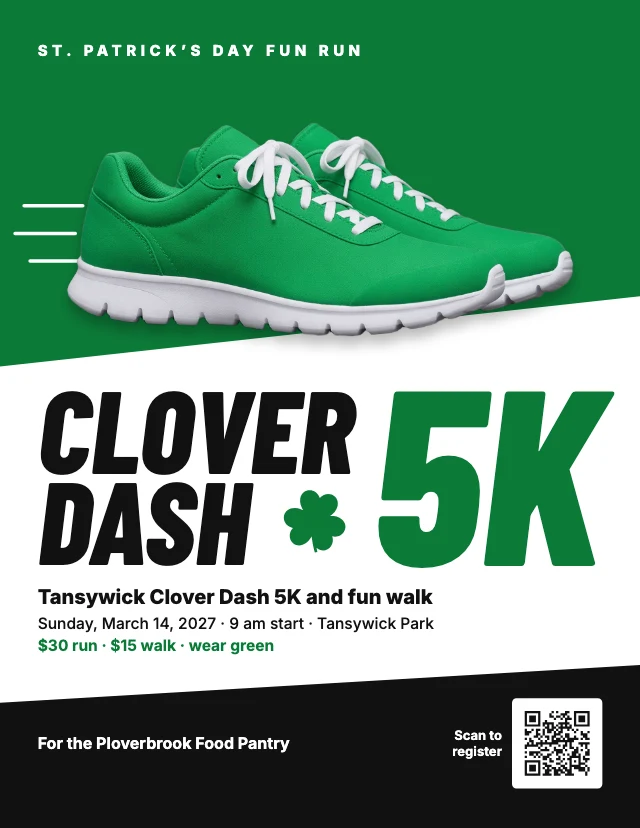
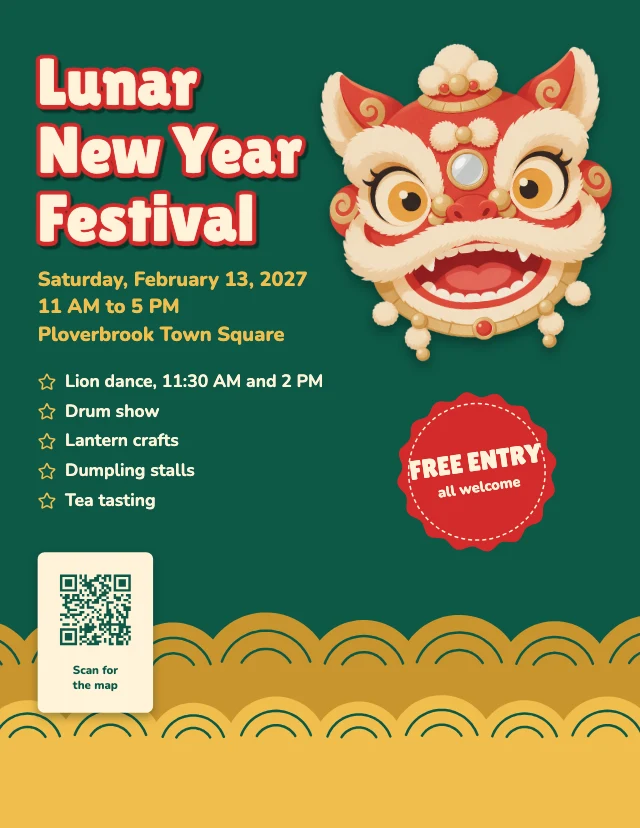
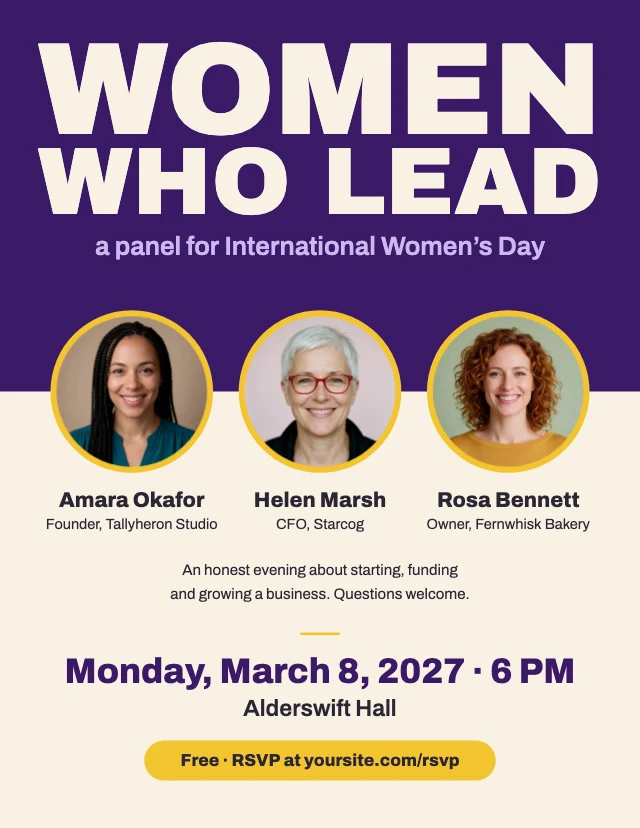
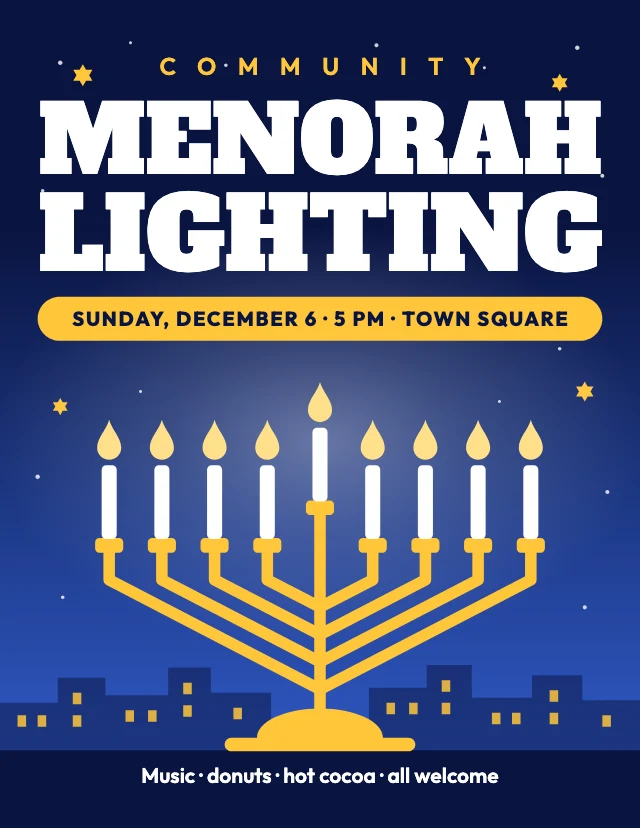
Every one is free and opens as your own copy with all its layers live. Sizes here: US Letter, Poster 2:3.
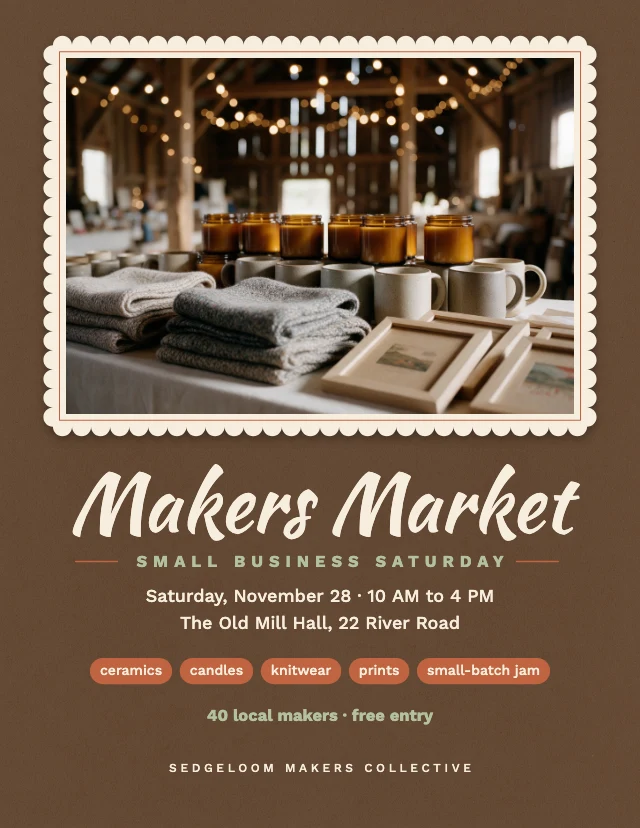
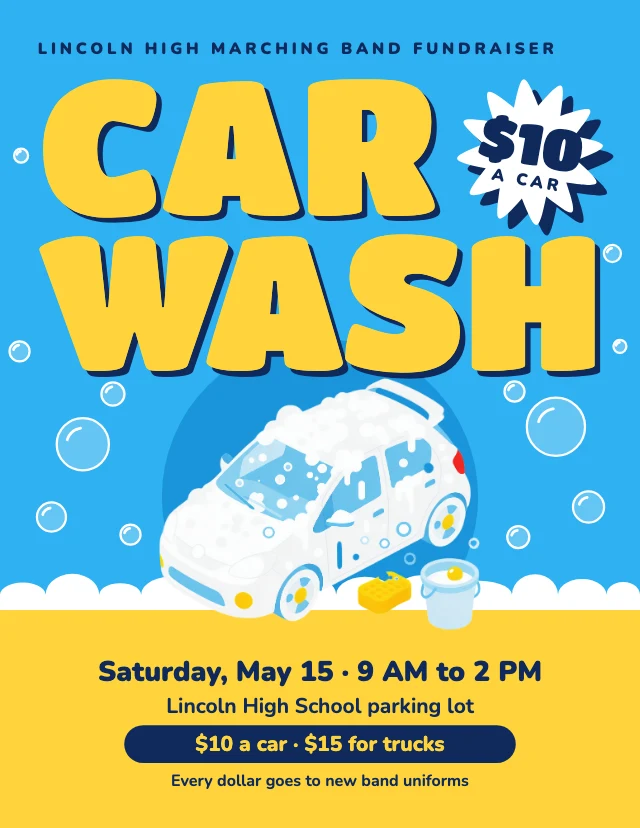
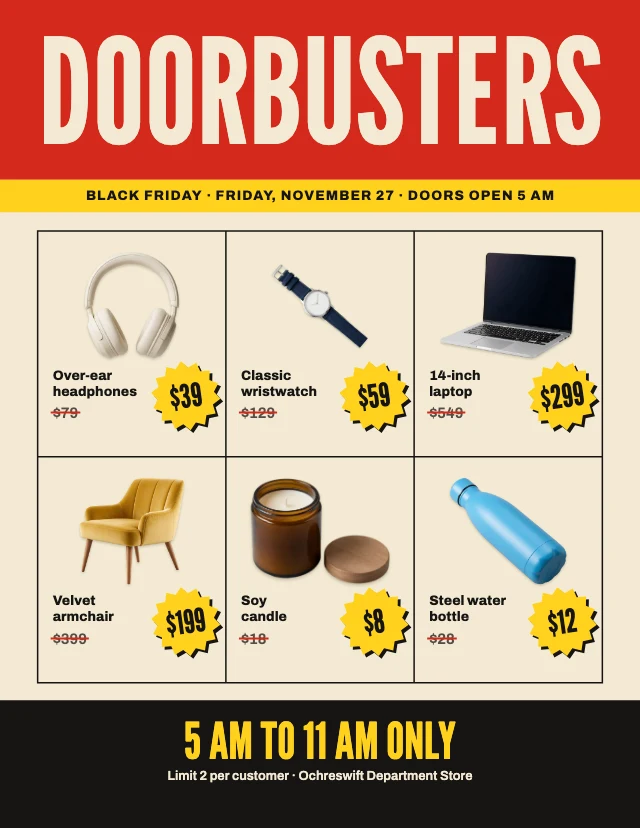
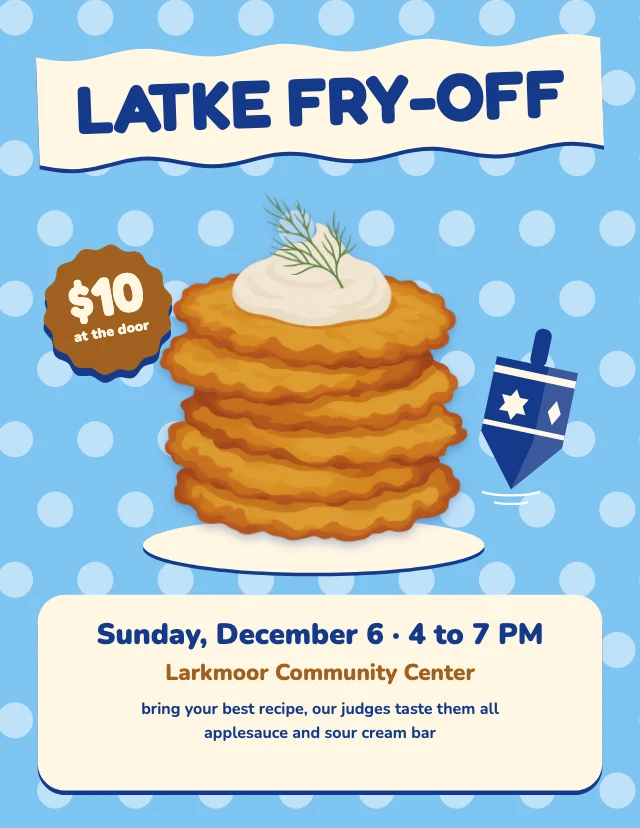

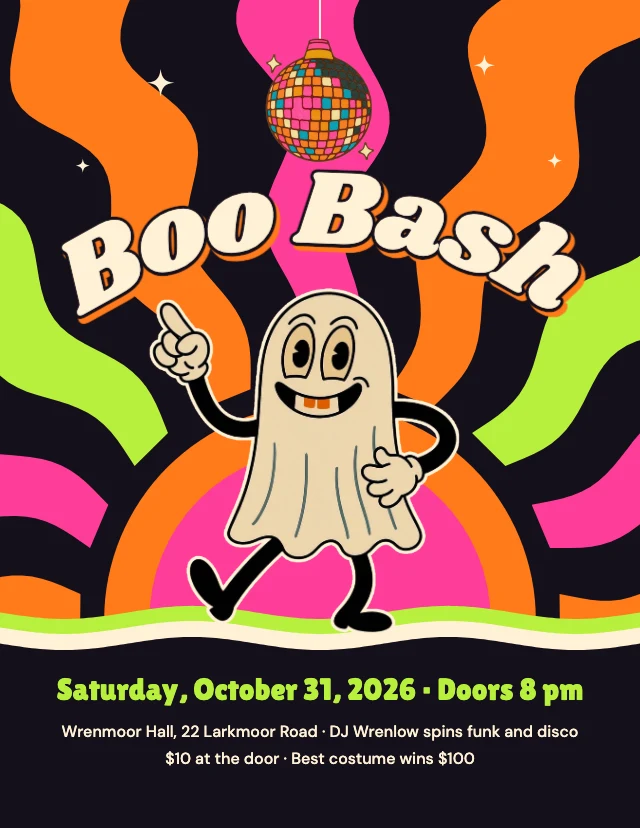
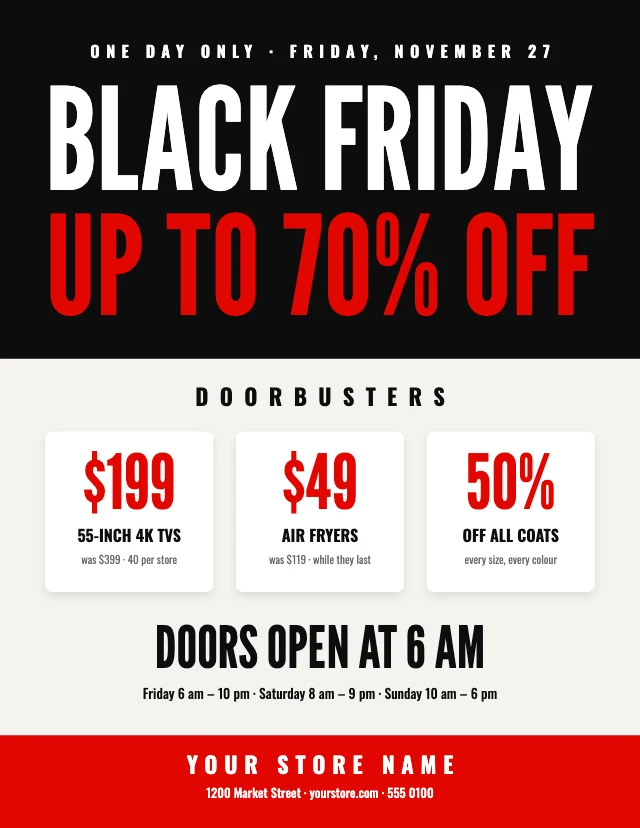
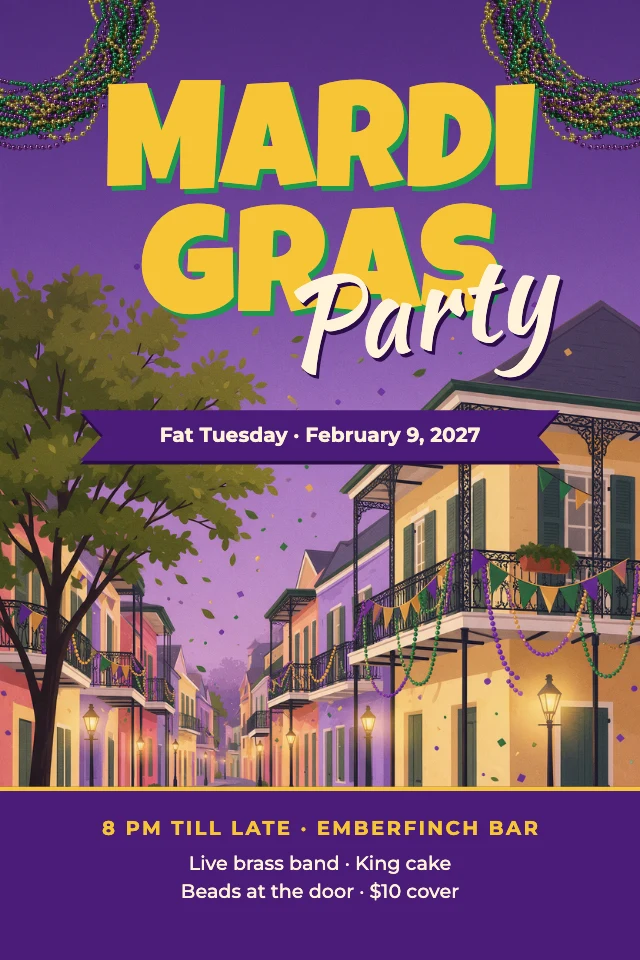
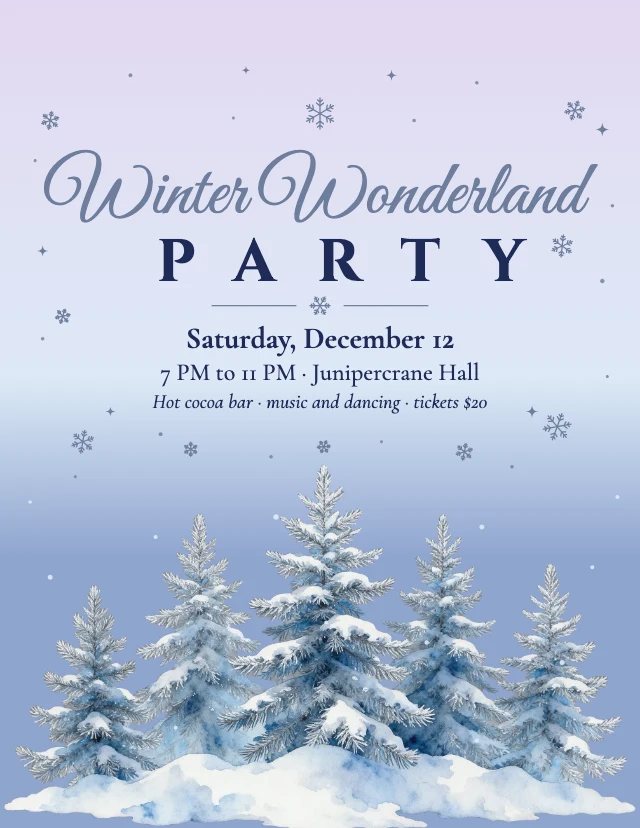
What you can change
Text that stays text
Click a headline, a date or a price and type. The words are live text layers, not pixels in a picture, so a change takes seconds and the type keeps its font, size and colour.
Your photo, in the same place
Click the picture and choose Replace. Your photo takes the old one's place, crop and layer order included. Need a picture you do not have? The AI designer can generate one for the spot.
An AI designer that edits the design
Say what you want in plain words: "make it for a jazz night on March 14", "use my brand colours", "swap the photo for a saxophone player". It changes the layers of the design you have open, and you can undo any of it. Chatting with it is free; pictures it generates use credits.
Made to print on US Letter
The flyers are US Letter pages at 300 dpi (2550×3300 pixels). Download a PNG or JPG at full size for the printer, or share the same file online. Nothing is watermarked.
How It Works
- 1
Pick a flyer
Choose the one nearest your occasion: live music, a grand opening, a yard sale, a class, a holiday market. It opens as your own copy.
- 2
Put in your details
Type your event's name, date, time and place over the sample text, and replace the photo with yours. Or give the details to the AI designer and it fills them in.
- 3
Download and hand it out
Download at full size, print as many as you need, and post the same picture on your social accounts.
Perfect For
Events
Live music, a festival, a market, an open house: what, when and where, at a glance.
Small businesses
A grand opening, a weekend special, a service with a phone number. Reprint with new dates whenever you need.
Schools and clubs
A bake sale, a class, a fundraiser, a sign-up. Quick to make and easy to hand to the next organiser.
Seasonal sales
Black Friday, a Christmas market, a harvest festival: flyers made for the season, ready for your offer.
Frequently Asked Questions
How much does Flyer Maker cost?
What size are the flyers, and can I print them?
Can AI make the flyer for me?
Can I change the flyer after I have downloaded it?
Do I need design software or design skills?
Can I use the flyers I make for my business?
Does it work on a phone?
Free on every plan. You can use, edit and publish what you make from a template, for personal or commercial work. The templates themselves may not be resold or shared as templates.
More to design
Make your flyer now
Free to start. No design software, no watermark.
Free. Sign in or create a free account to open it in Design Studio, on a computer. Star it to find it again later.