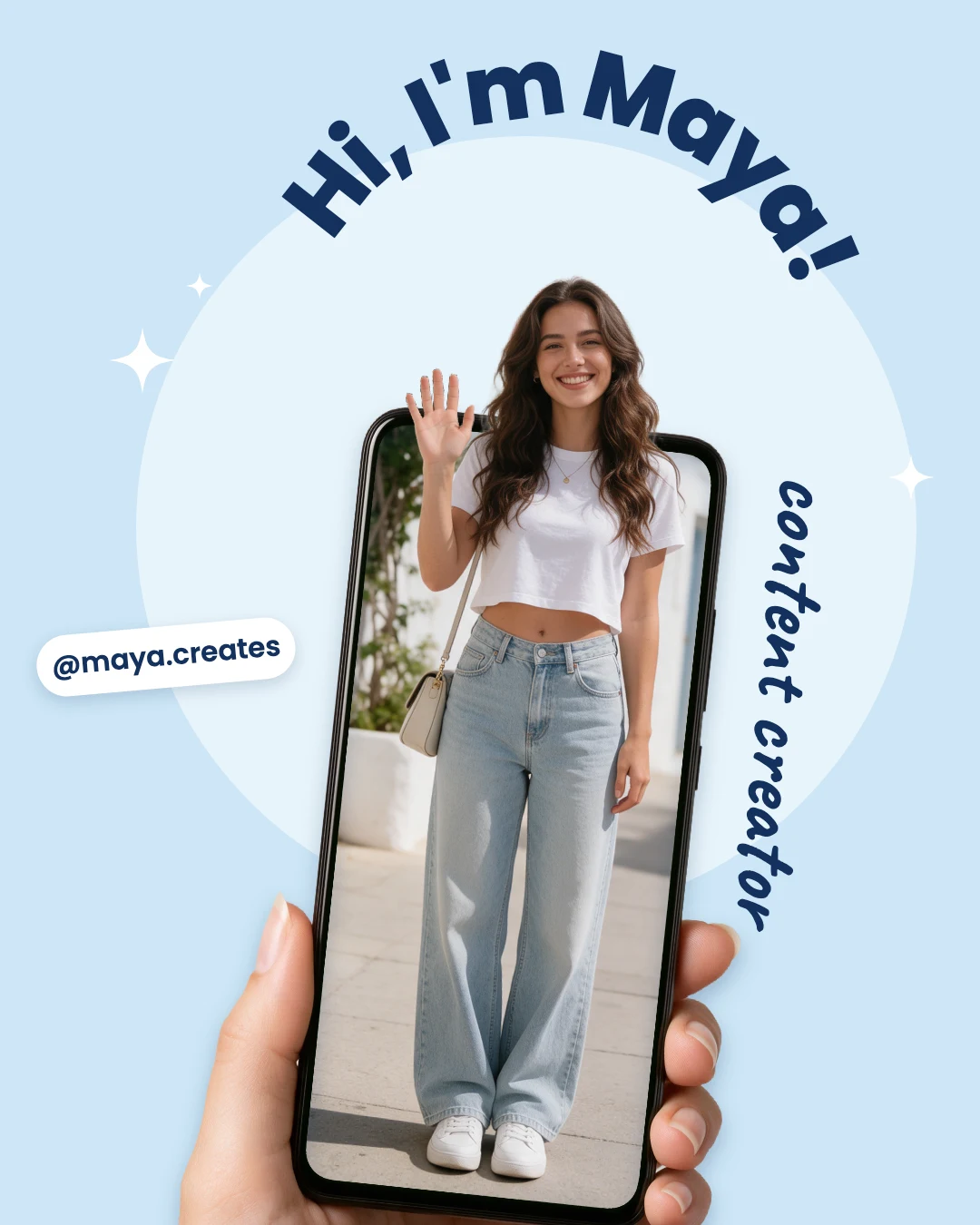
Free Instagram Post Maker
Posts sized for the feed, in styles from minimal to bold.
Pick a post for a sale, a launch, a quote, a tip or an announcement. It opens in Design Studio at Instagram's 4:5 size with every word and photo editable, by hand or by asking the AI designer.
Templates are free, and so is chatting with the AI designer, up to a daily limit. An AI picture is 46 credits with the default Seedream 5.5, or from 12 with FLUX 3 Klein, about $0.04 and $0.01 on the Basic plan.
Free. Sign in or create a free account to open it in Design Studio, on a computer. Star it to find it again later.
Shown: Creator intro post · Instagram post (4:5) · 1080×1350. Pick another below.
Pick a post to start from
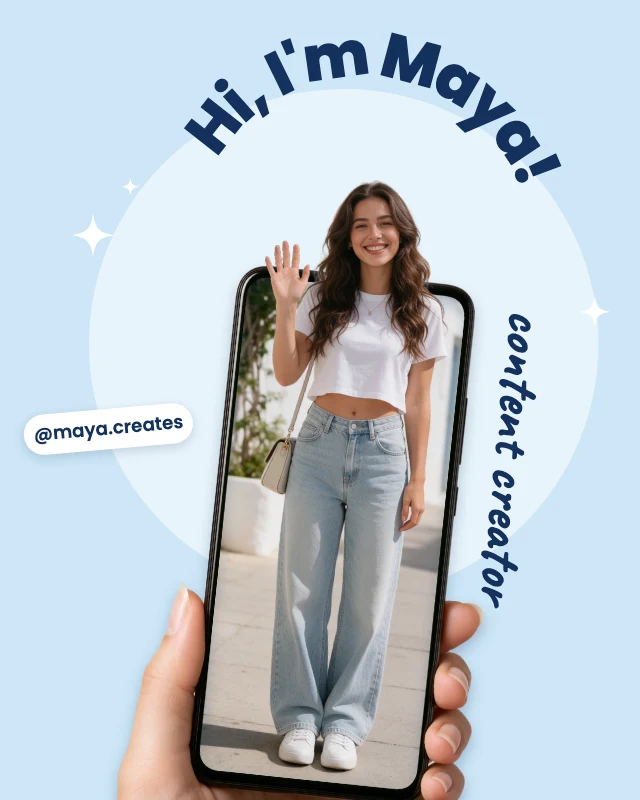
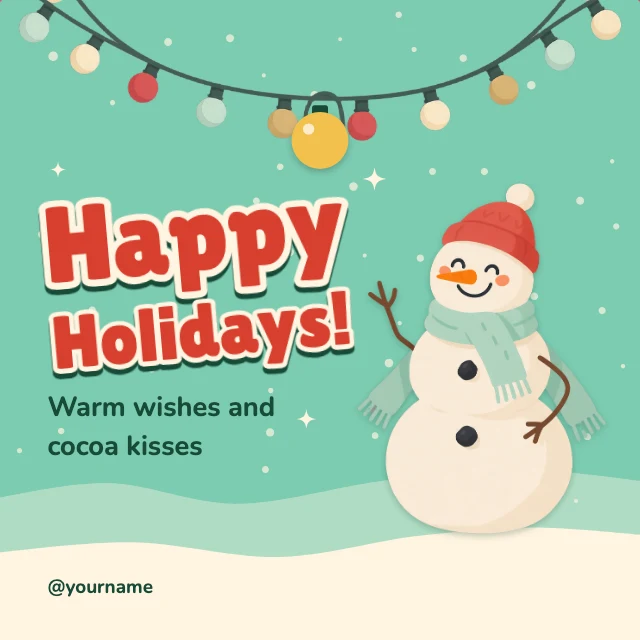
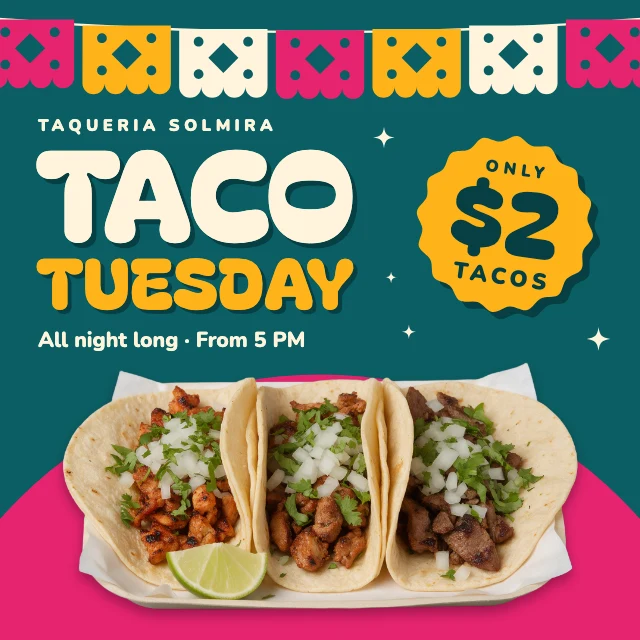
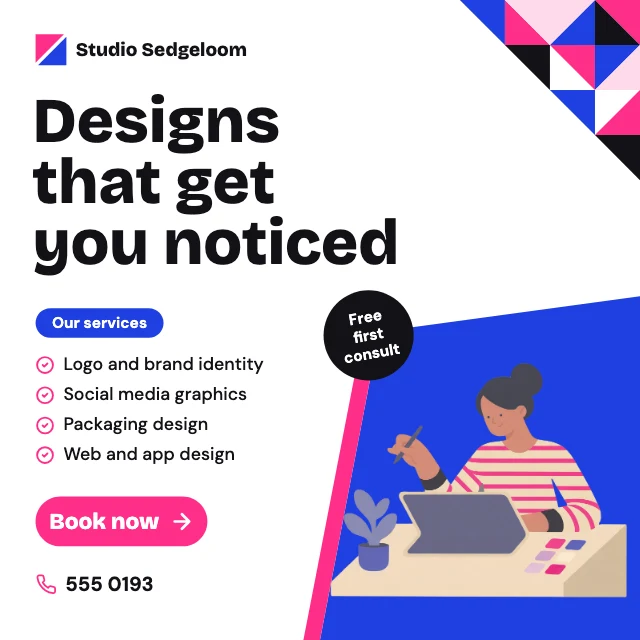
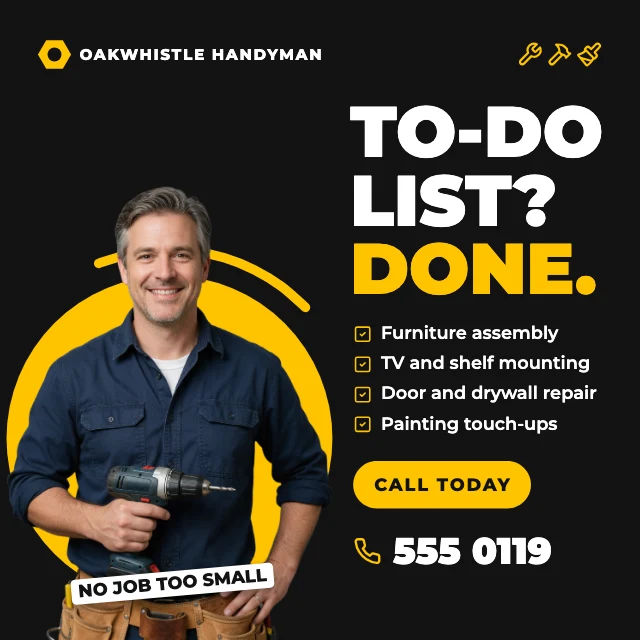
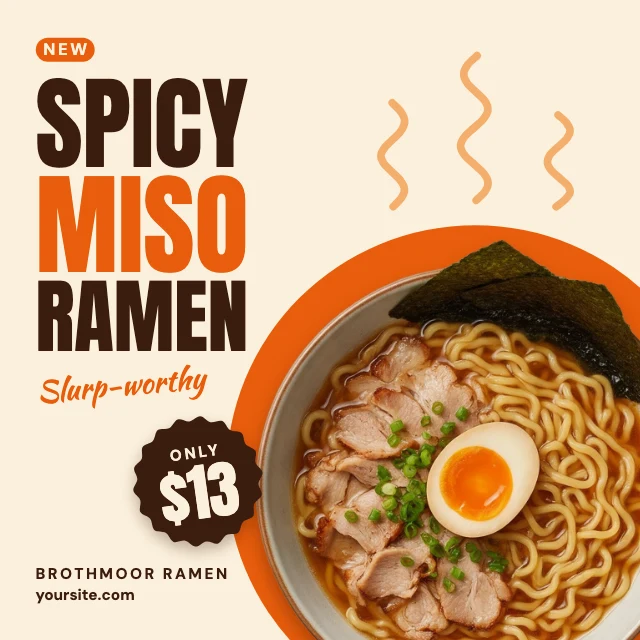
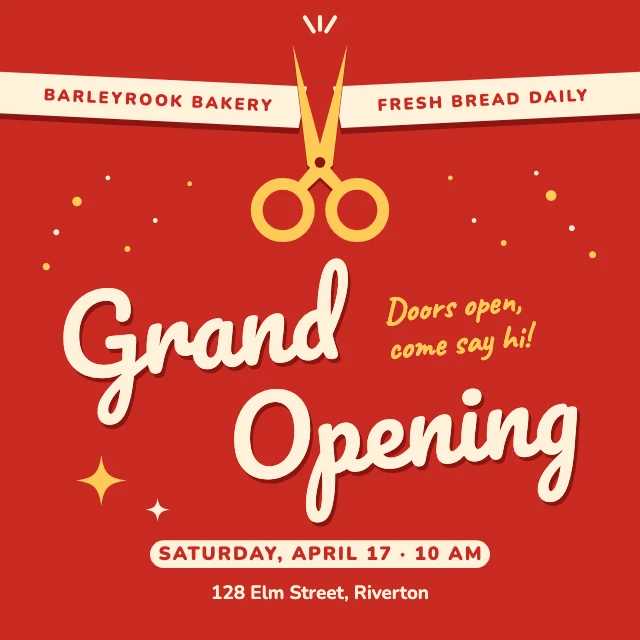
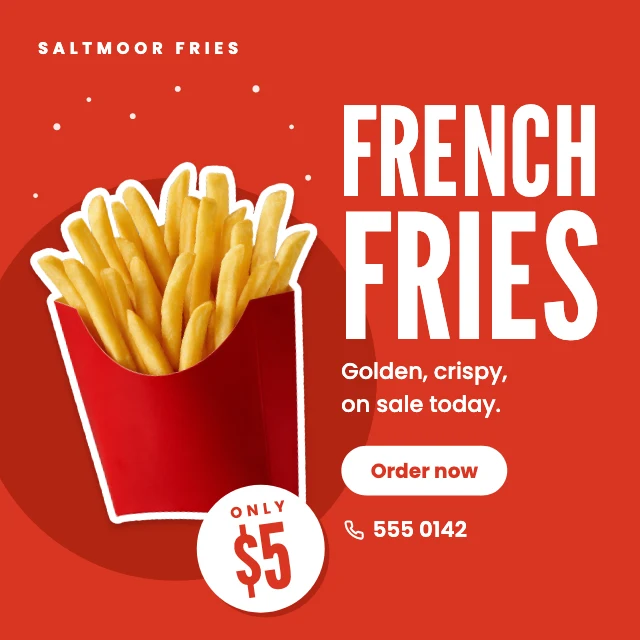
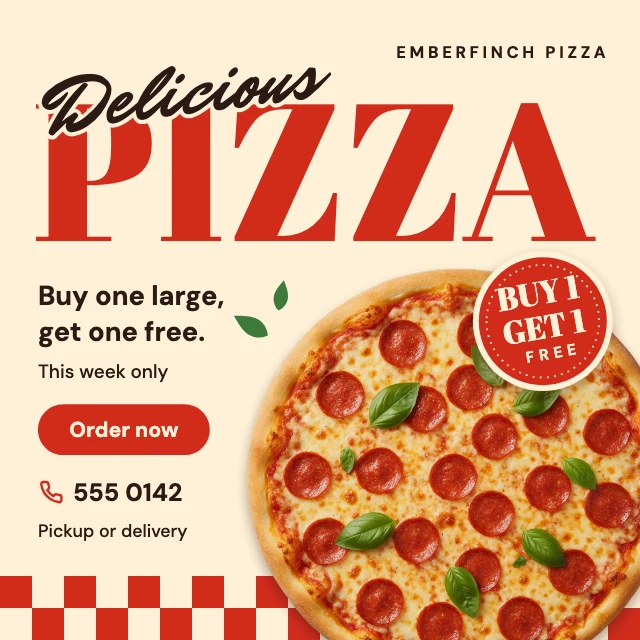
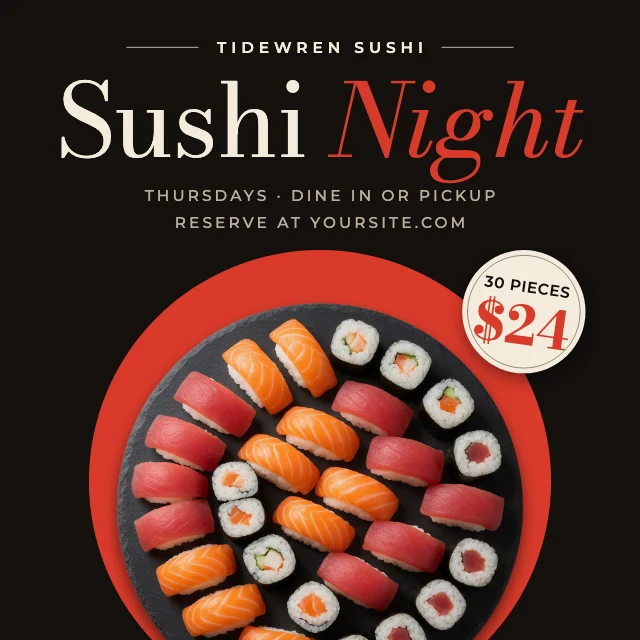
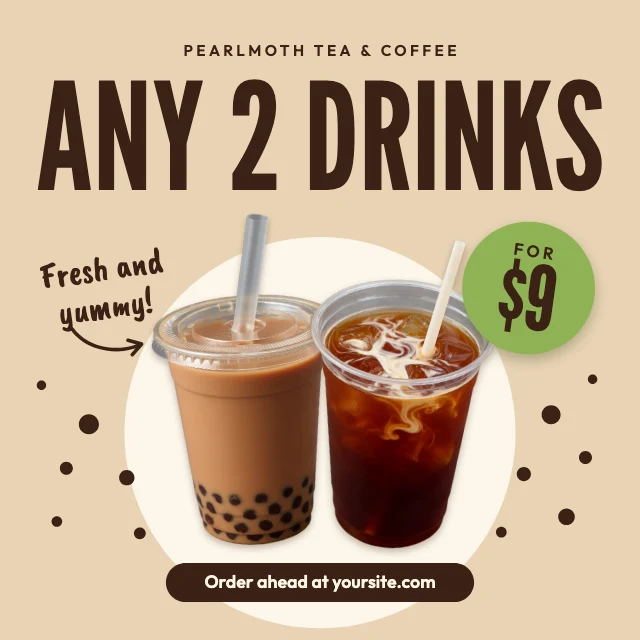
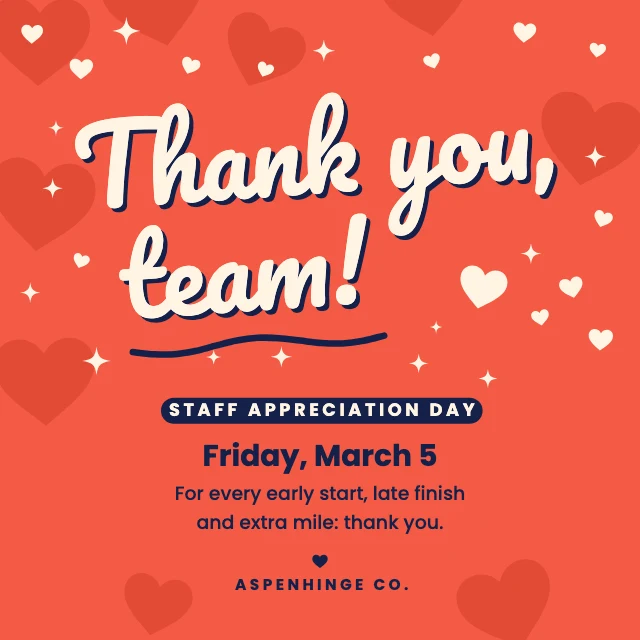
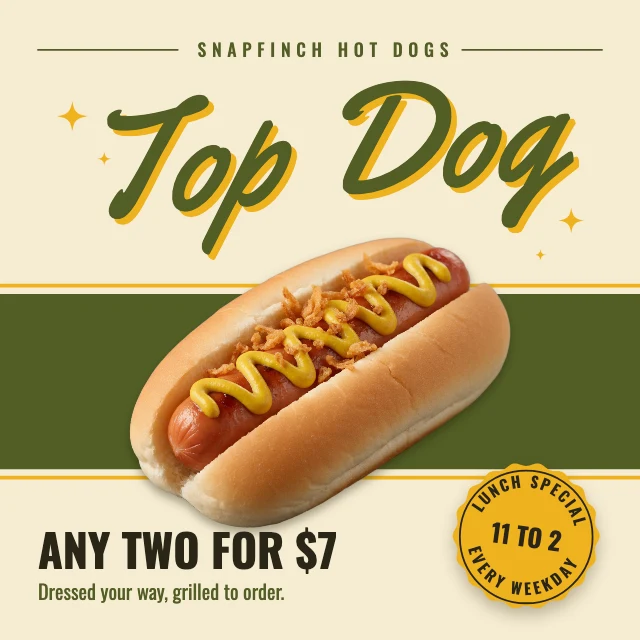
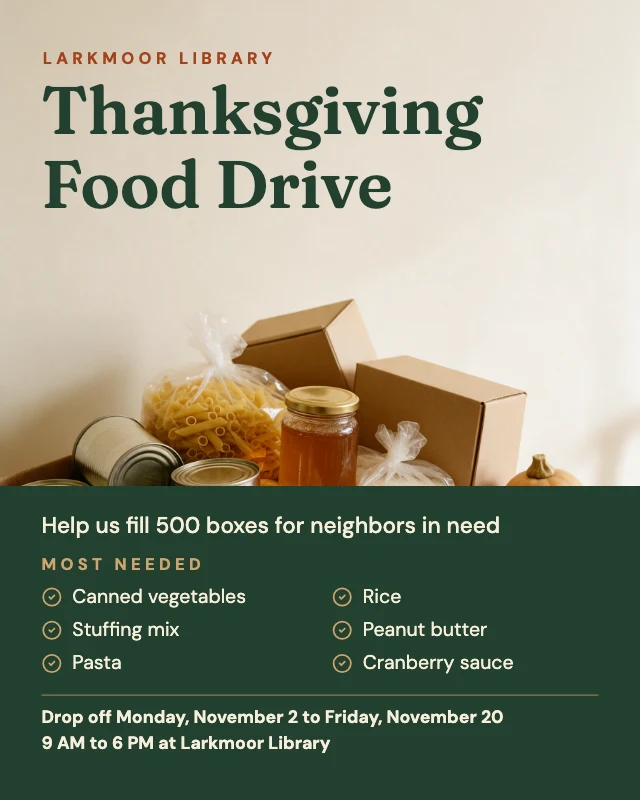
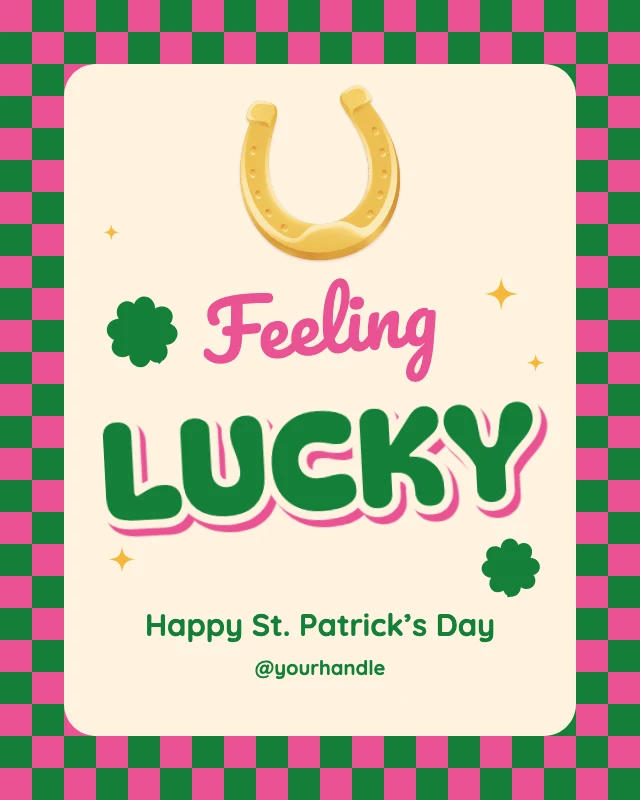
Every one is free and opens as your own copy with all its layers live. Sizes here: Instagram post (square), Instagram post (4:5).
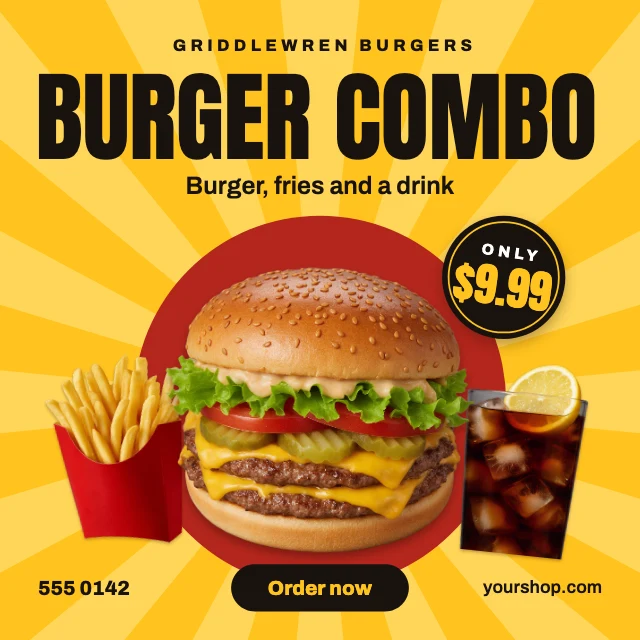
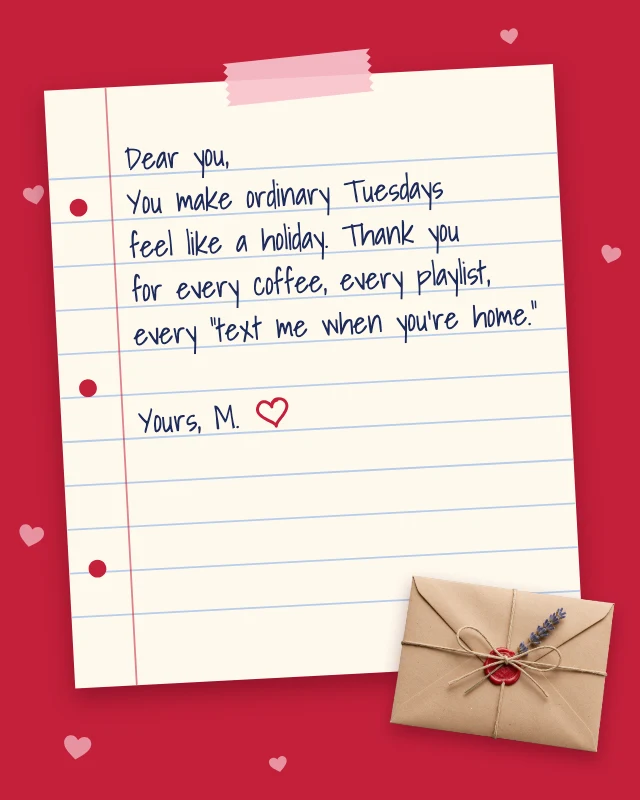
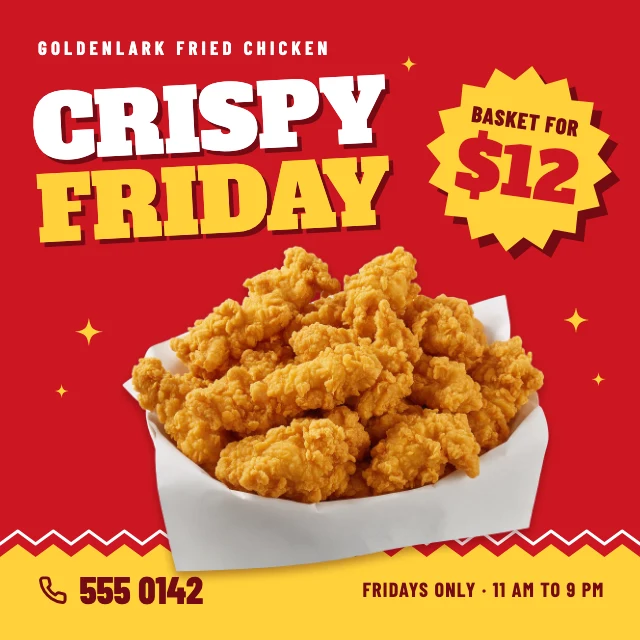
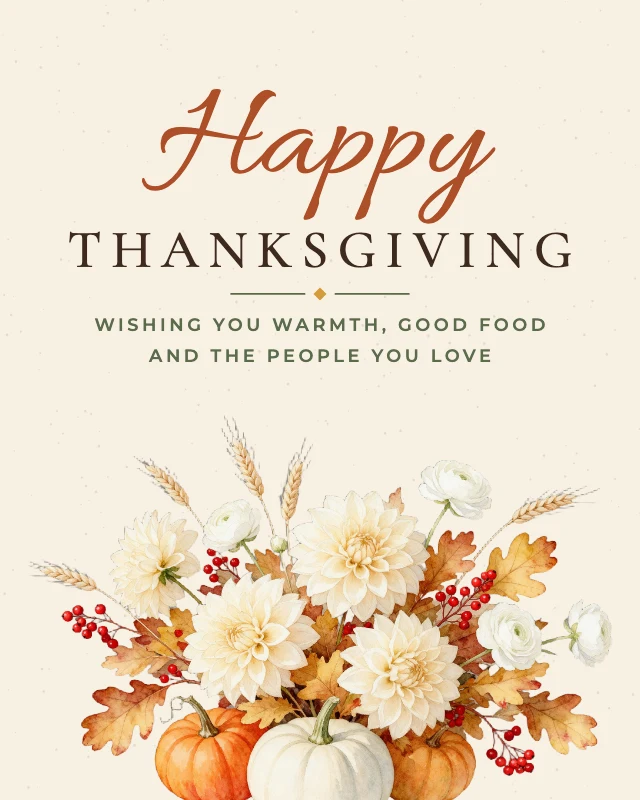


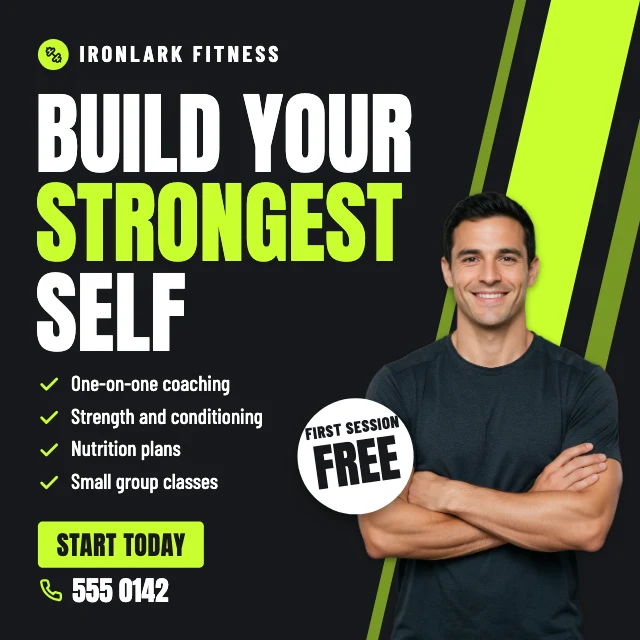
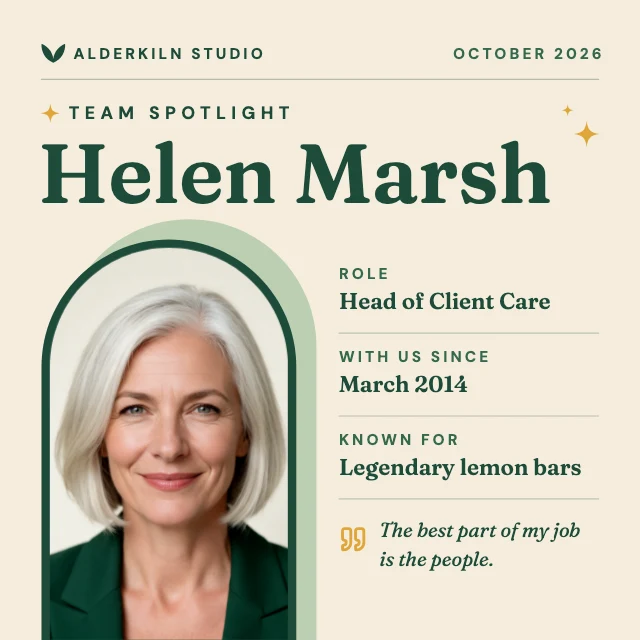
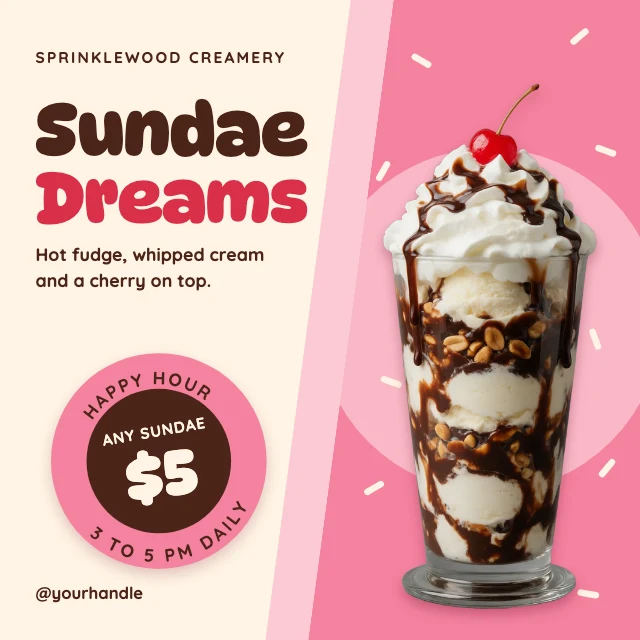
What you can change
Text that stays text
Click a headline, a date or a price and type. The words are live text layers, not pixels in a picture, so a change takes seconds and the type keeps its font, size and colour.
Your photo, in the same place
Click the picture and choose Replace. Your photo takes the old one's crop and position, cut-outs included, so the layout holds.
An AI designer that edits the design
Say what you want in plain words: "make it for a jazz night on March 14", "use my brand colours", "swap the photo for a saxophone player". It changes the layers of the design you have open, and you can undo any of it. Chatting with it is free; pictures it generates use credits.
The right size, no watermark
Feed posts are 1080×1350 pixels (4:5), with square posts and 1080×1920 stories as well. Download a PNG or JPG at full size and upload it as it is.
How It Works
- 1
Pick a post
Choose by what you are posting: a sale, a new arrival, a quote, a tip, a giveaway, an announcement. It opens as your own copy.
- 2
Make it yours
Change the words and the photo, switch the colours to your brand's. Or tell the AI designer what the post is about.
- 3
Download and post
Download at full size and upload it to Instagram. Keep the design to reuse next week with new words.
Perfect For
Shops
Sales, new arrivals, opening hours and giveaways, in your colours.
Creators
An intro post, a carousel cover, a tip, a quote, a recap of the month.
Local businesses
Now booking, we are hiring, a review from a customer, a holiday greeting.
Events
A party, a market, a class or a launch, with the date and the place.
Frequently Asked Questions
How much does Instagram Post Maker cost?
What size are the posts?
Can AI make the post for me?
Can I make a series that looks the same?
Do I need design software or design skills?
Can I use the posts I make for my business?
Does it work on a phone?
Free on every plan. You can use, edit and publish what you make from a template, for personal or commercial work. The templates themselves may not be resold or shared as templates.
More to design
Related Tools
Make your post now
Free to start. No design software, no watermark.
Free. Sign in or create a free account to open it in Design Studio, on a computer. Star it to find it again later.