Free Sticker Maker
Thank-you seals, labels, party stickers and bumper stickers, ready to make yours.
Each sticker opens in Design Studio as a layered design: retype the words, recolour the art, bend the text round the edge, or ask the AI designer to redraw it for your shop or your party. Then download it at print size.
Templates are free, and so is chatting with the AI designer, up to a daily limit. An AI picture is 46 credits with the default Seedream 5.5, or from 12 with FLUX 3 Klein, about $0.04 and $0.01 on the Basic plan.
Free. Sign in or create a free account to open it in Design Studio, on a computer. Star it to find it again later.
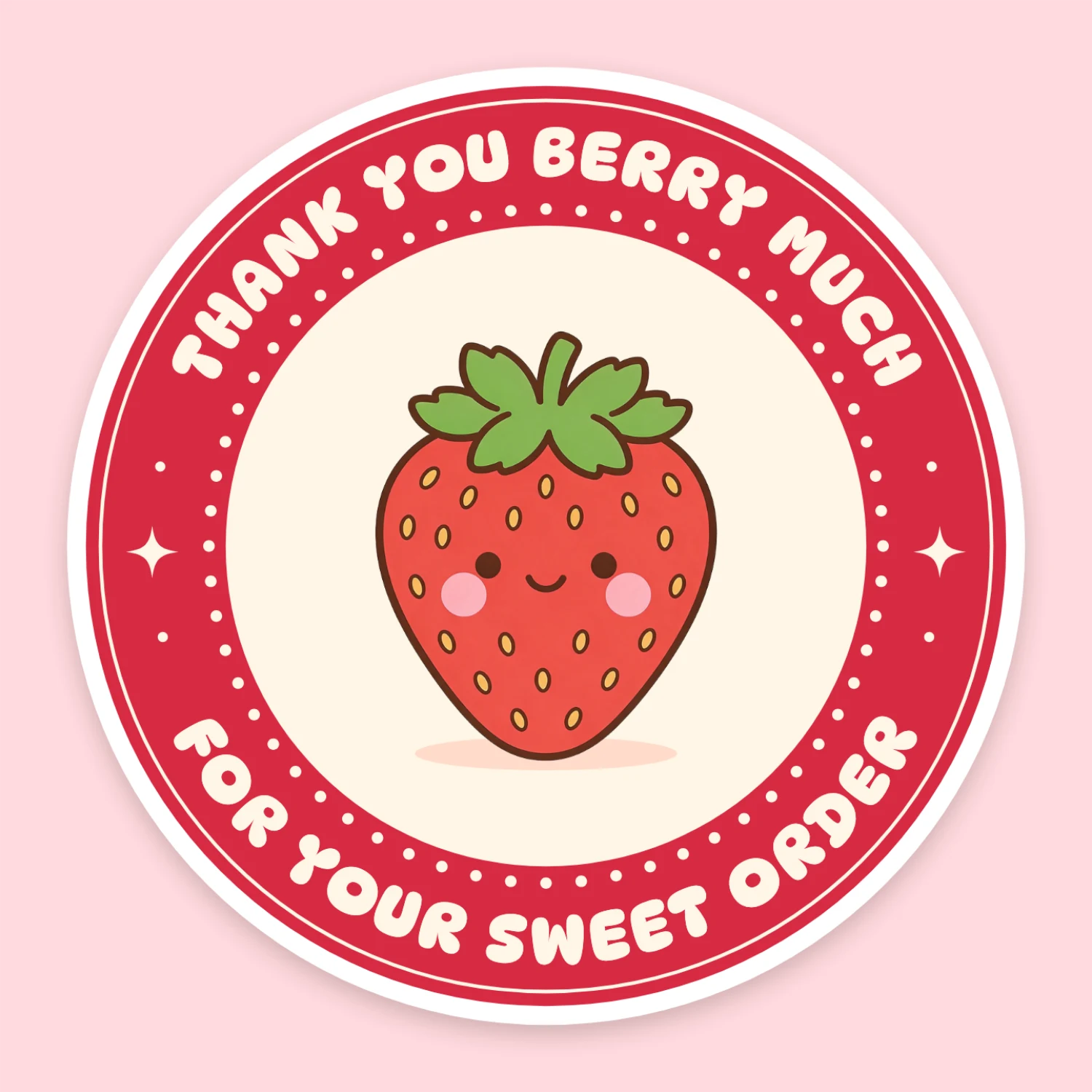
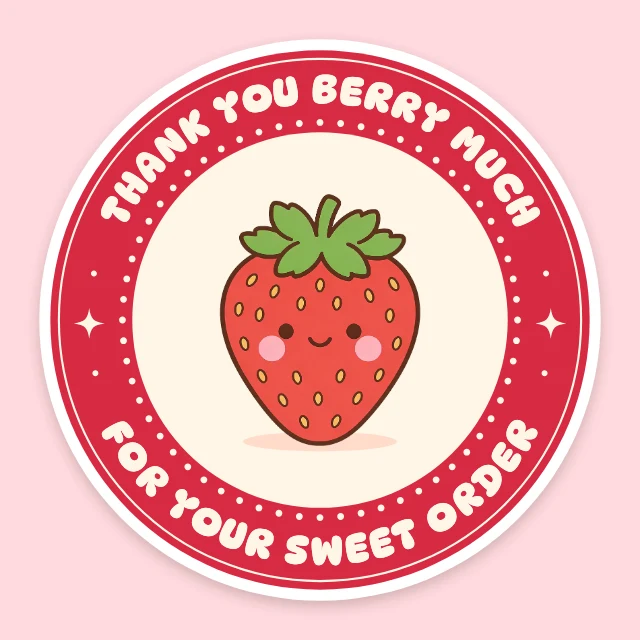
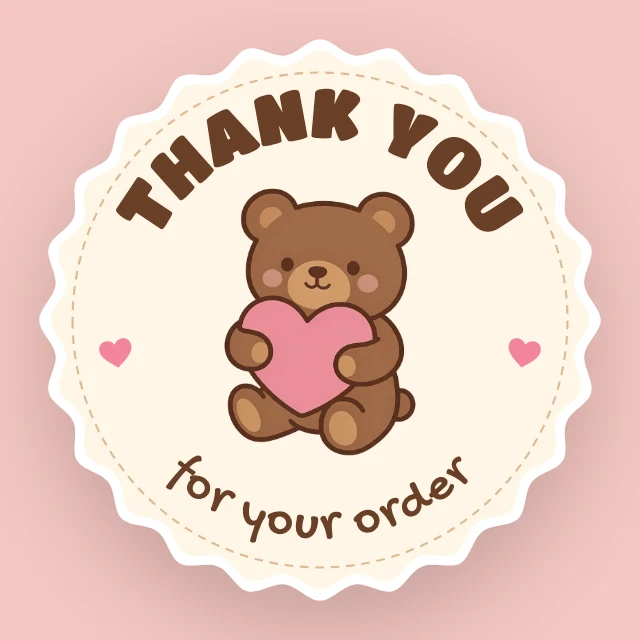
Shown: Strawberry thank-you sticker · Sticker (5 in) · 1500×1500. Pick another below.
Pick a sticker to start from
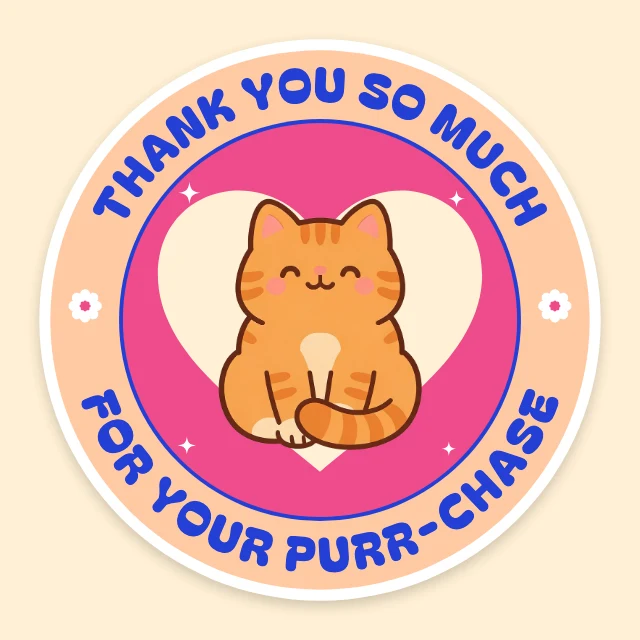
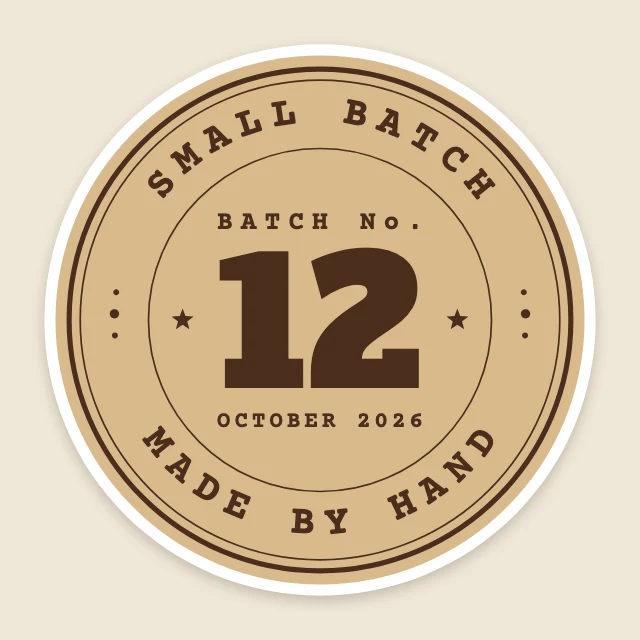
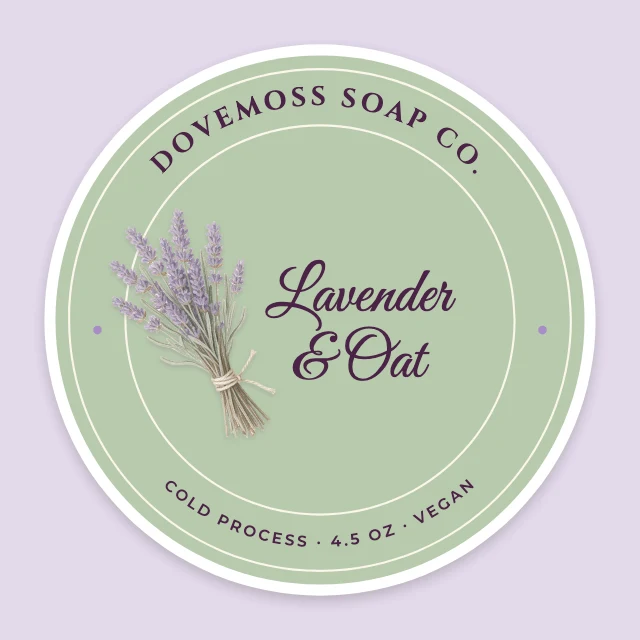
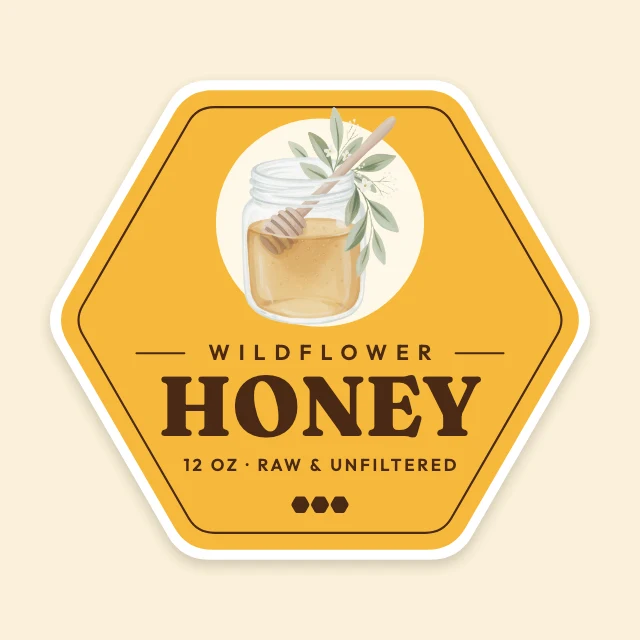
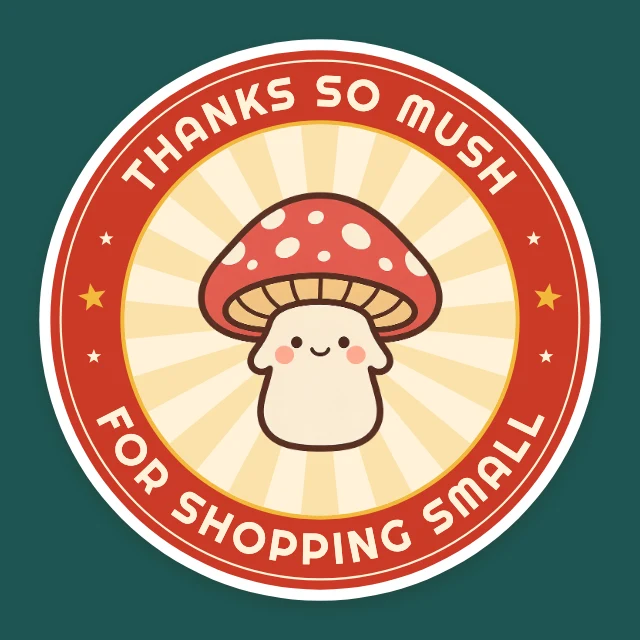
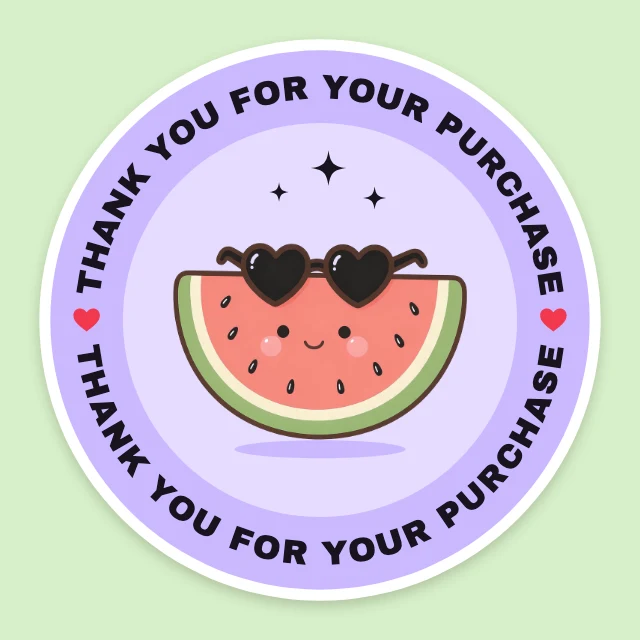
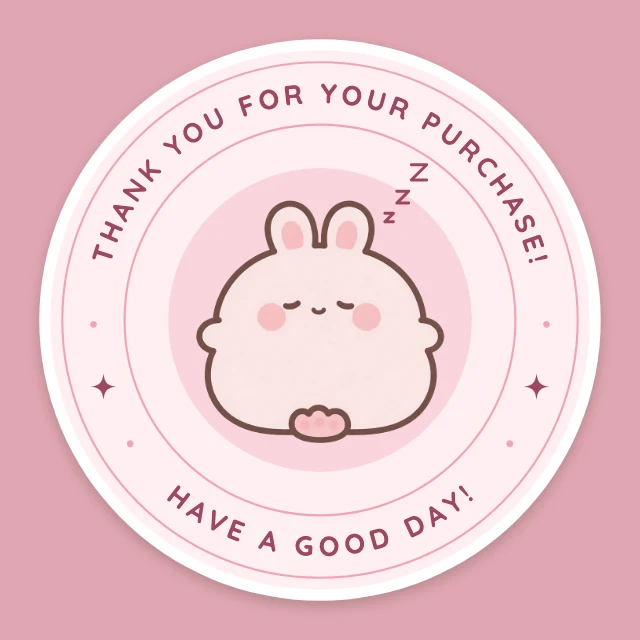
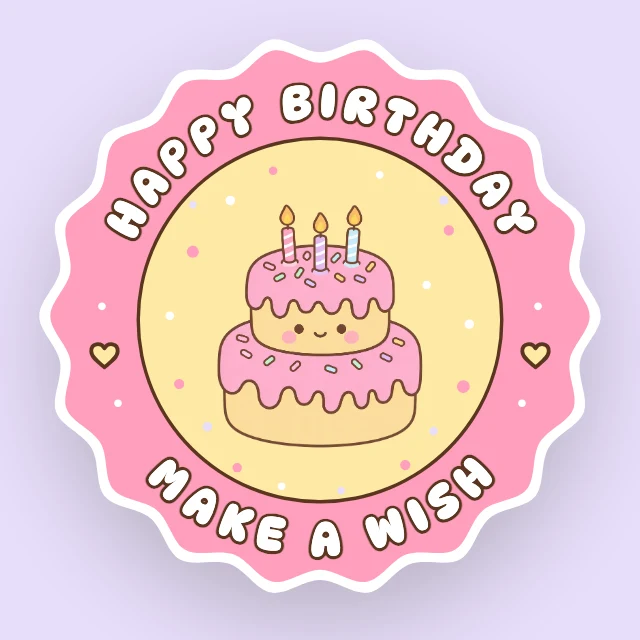
Every one is free and opens as your own copy with all its layers live. Sizes here: Sticker (5 in).
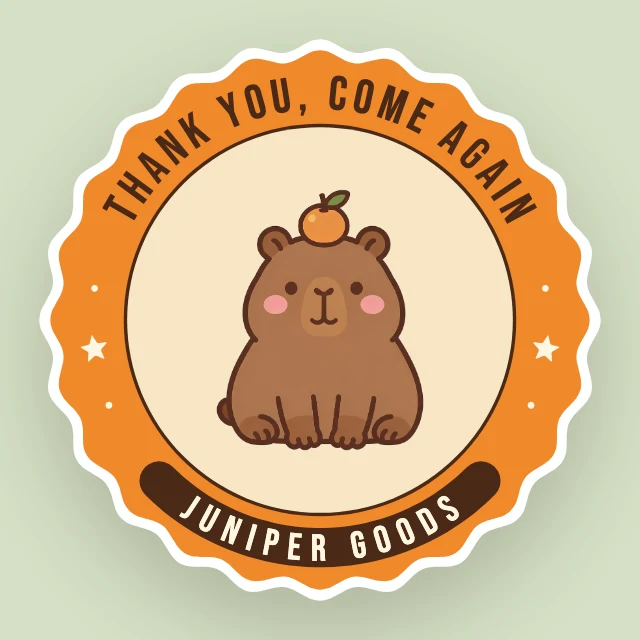
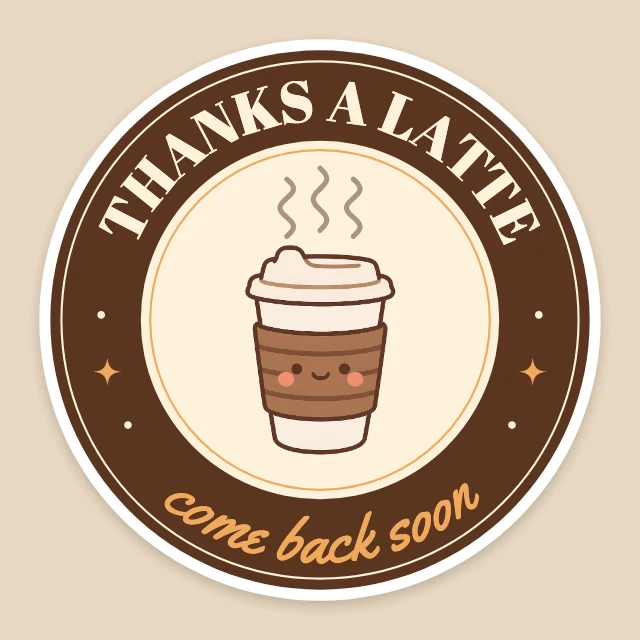
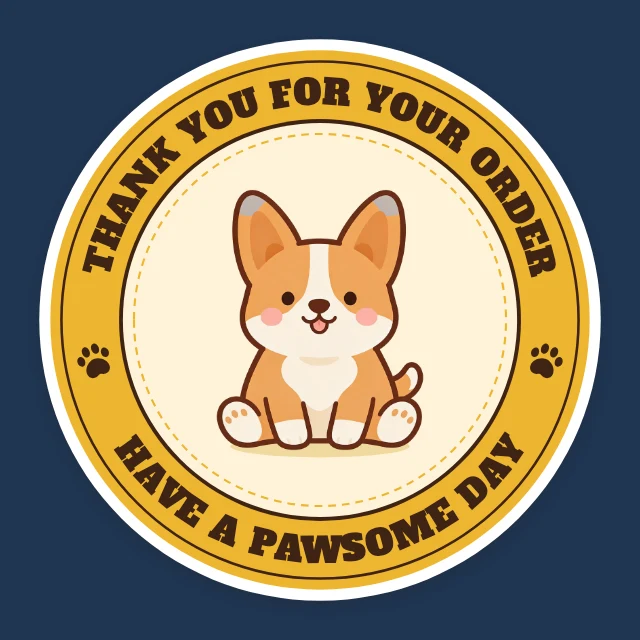
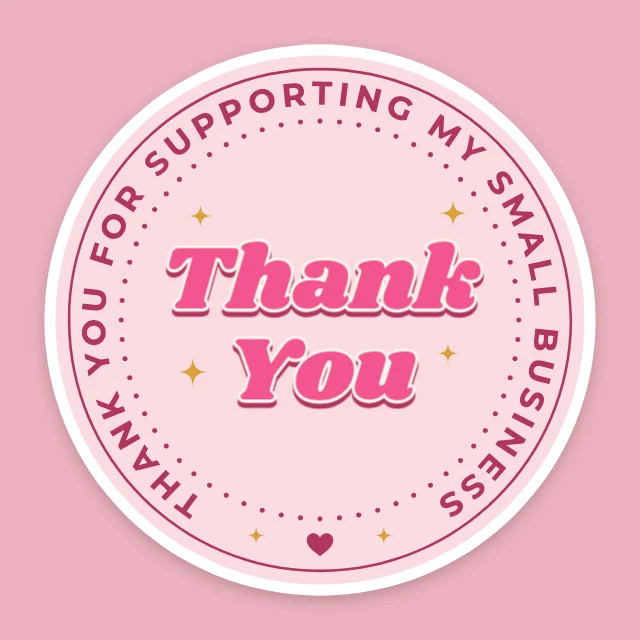
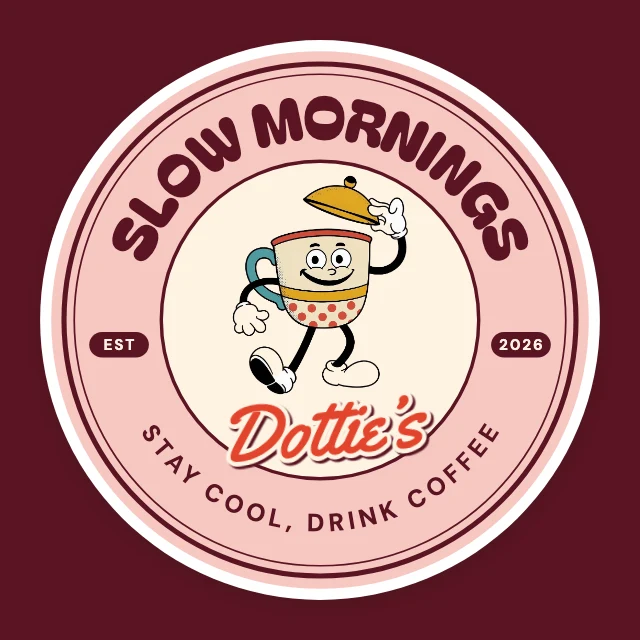
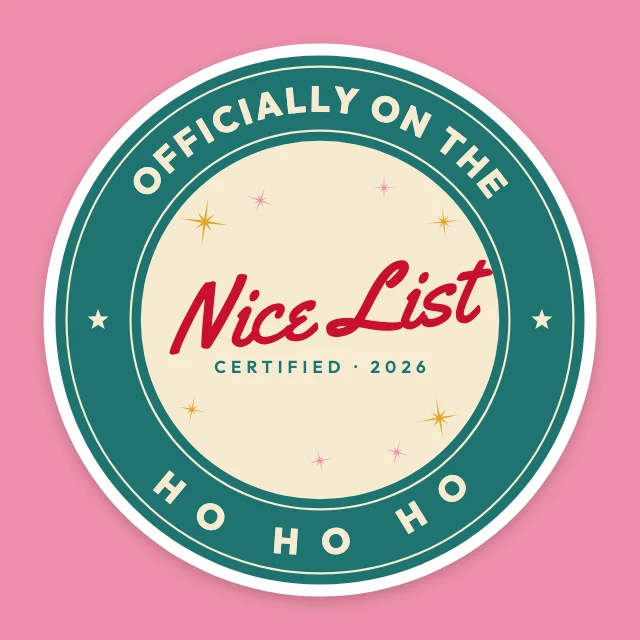
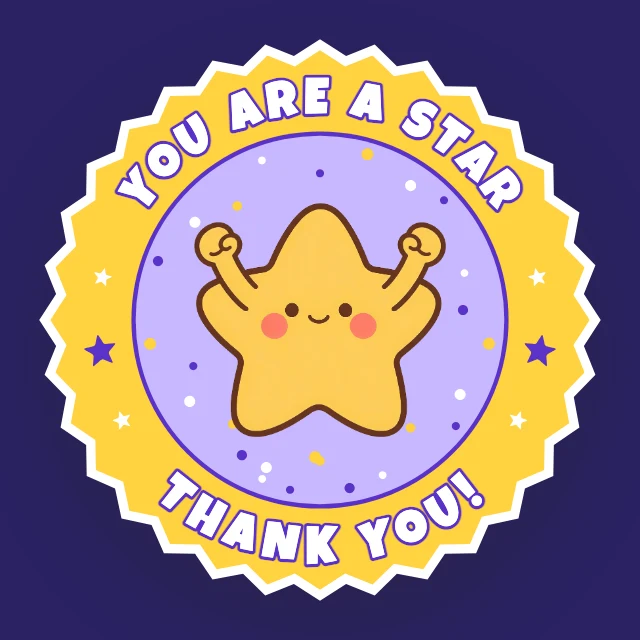
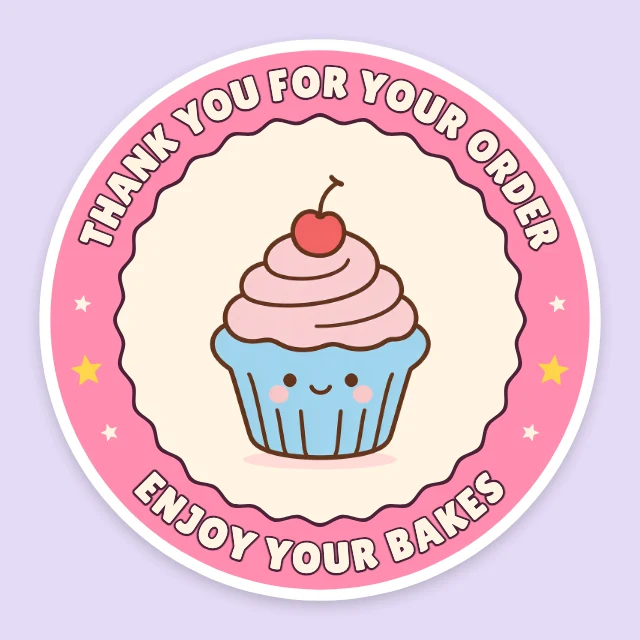
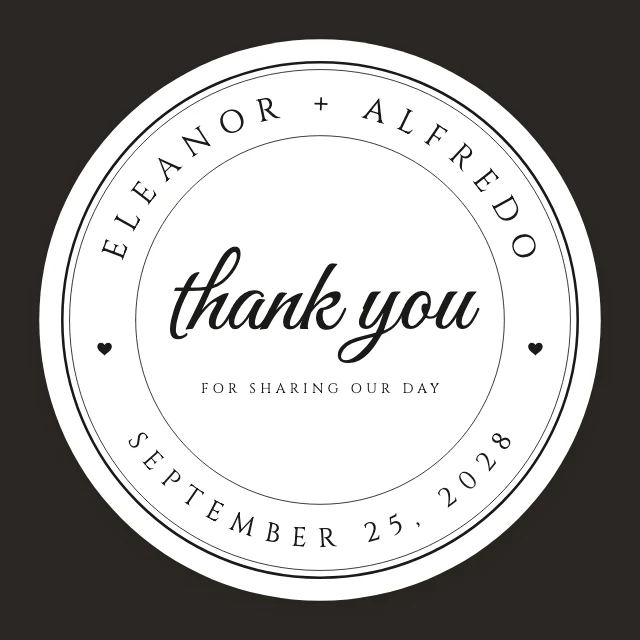
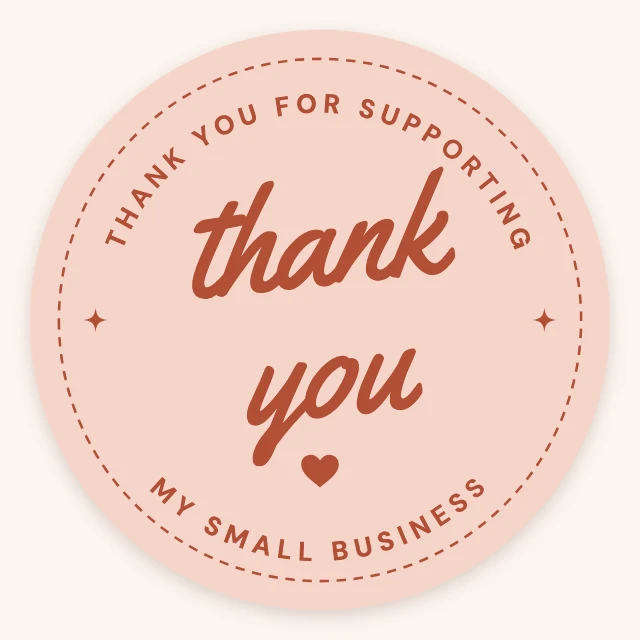
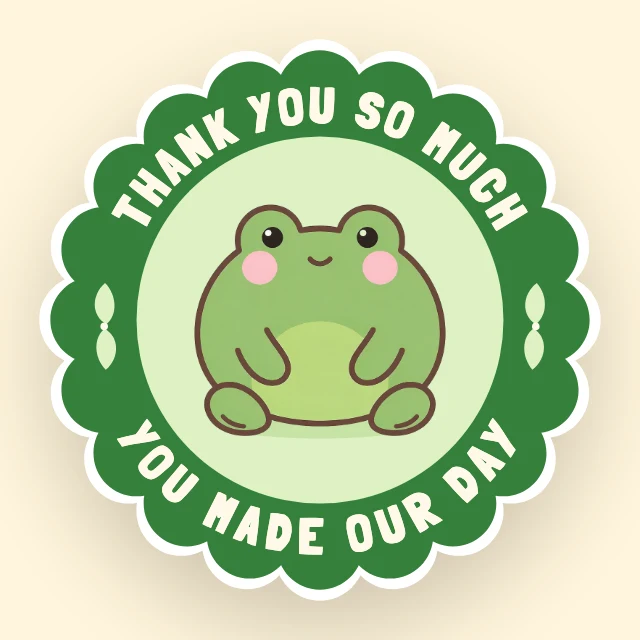
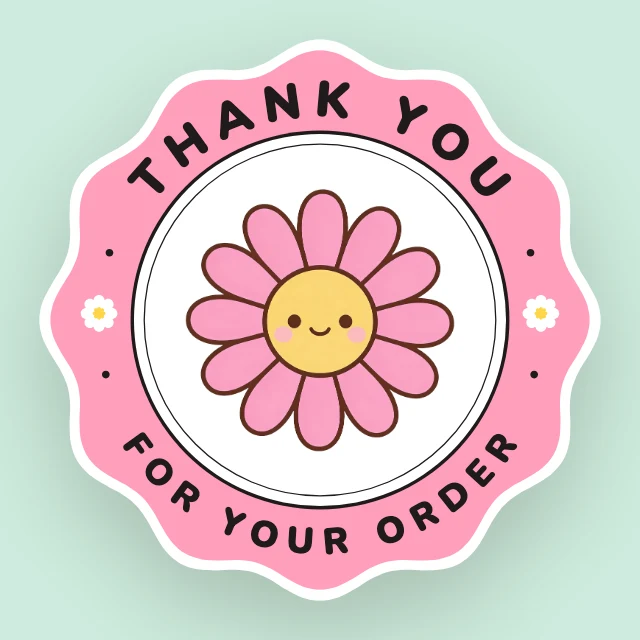
What you can change
Words you can retype, even round a curve
The lettering is live text. Click it, type your shop's name or your message, and it stays on its arc: the Curve slider bends any line of text round a circle.
Art in layers
The drawing, the border and the background are separate layers. Recolour one, delete another, or replace the picture with your own logo or photo.
An AI designer that edits the design
Say what you want in plain words: "make it for a jazz night on March 14", "use my brand colours", "swap the photo for a saxophone player". It changes the layers of the design you have open, and you can undo any of it. Chatting with it is free; pictures it generates use credits.
Print size, no watermark
Round and square stickers are 5 inches at 300 dpi (1500×1500 pixels); bumper stickers are 11.5×3 inches. Download a PNG or JPG at full size for a sticker printer or for sticker paper at home.
How It Works
- 1
Pick a sticker
Thank-you seals for orders, labels for jars and candles, birthday and holiday stickers, vote stickers, bumper stickers. It opens as your own copy.
- 2
Make it yours
Type your words, change the colours, put in your logo. Or tell the AI designer what the sticker is for.
- 3
Download and print
Download at full size and send the file to a sticker printer, or print it on sticker paper.
Perfect For
Small shops
Thank-you and "handmade" seals for orders and packaging, with your shop's name on them.
Jars, candles and bakes
Labels for what you make: the name, the flavour, the date.
Parties and gifts
Birthday, shower and holiday stickers for favours, envelopes and gift tags.
Cars and laptops
Bumper stickers and fun stickers with a line of your own.
Frequently Asked Questions
How much does Sticker Maker cost?
What size are the stickers, and can I print them?
Can I put my own logo on a sticker?
Can AI design a sticker for me?
Do I need design software or design skills?
Can I use the stickers I make for my business?
Does it work on a phone?
Free on every plan. You can use, edit and publish what you make from a template, for personal or commercial work. The templates themselves may not be resold or shared as templates.
More to design
Make your sticker now
Free to start. No design software, no watermark.
Free. Sign in or create a free account to open it in Design Studio, on a computer. Star it to find it again later.