
Curved Text Generator
Bend any line of text along an arc with one slider.
In Design Studio, select a line of text and drag Curve: the letters follow an arc, upward or downward, as tight as nearly a full circle. It stays live text, so you can still retype it. Start from a badge, a sticker or a logo that already uses it.
Templates are free, and so is chatting with the AI designer, up to a daily limit. An AI picture is 46 credits with the default Seedream 5.5, or from 12 with FLUX 3 Klein, about $0.04 and $0.01 on the Basic plan.
Free. Sign in or create a free account to open it in Design Studio, on a computer. Star it to find it again later.
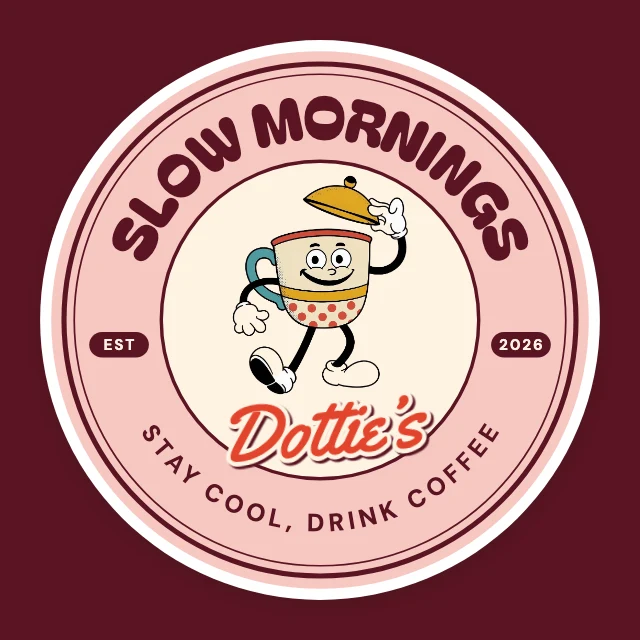
Shown: Vintage badge logo · Logo (square) · 1000×1000. Pick another below.
Pick a design to start from
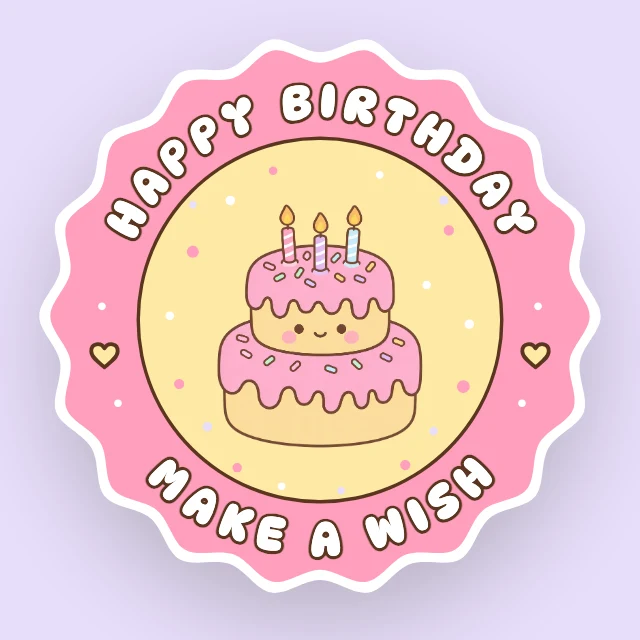
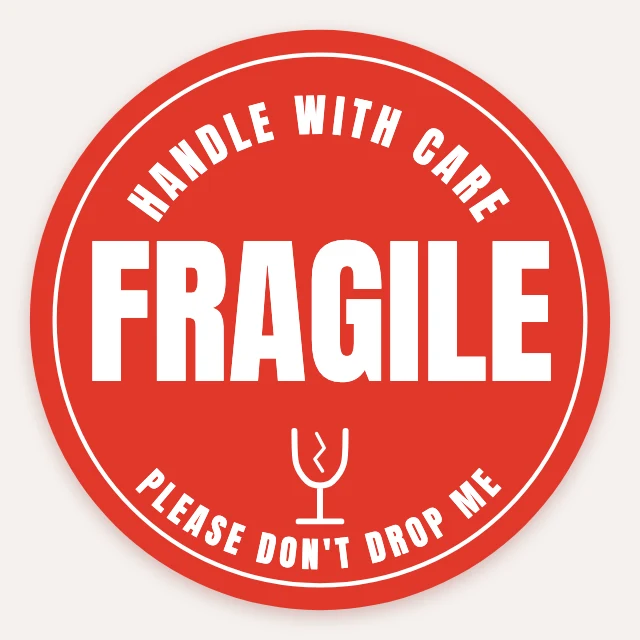
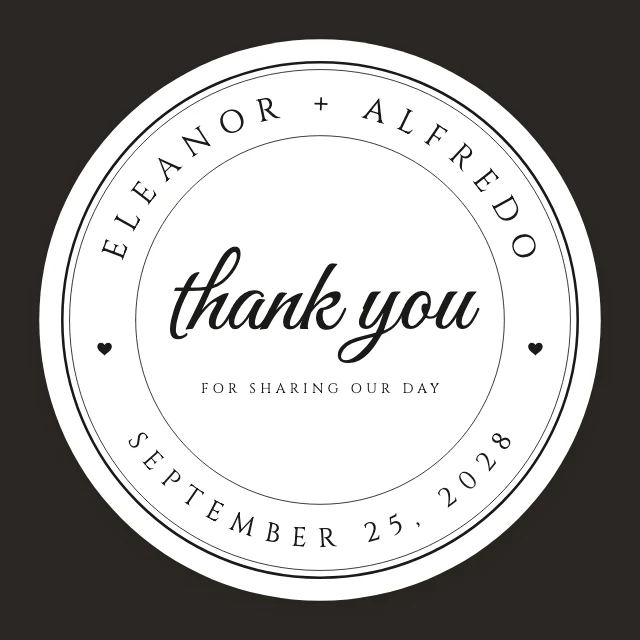
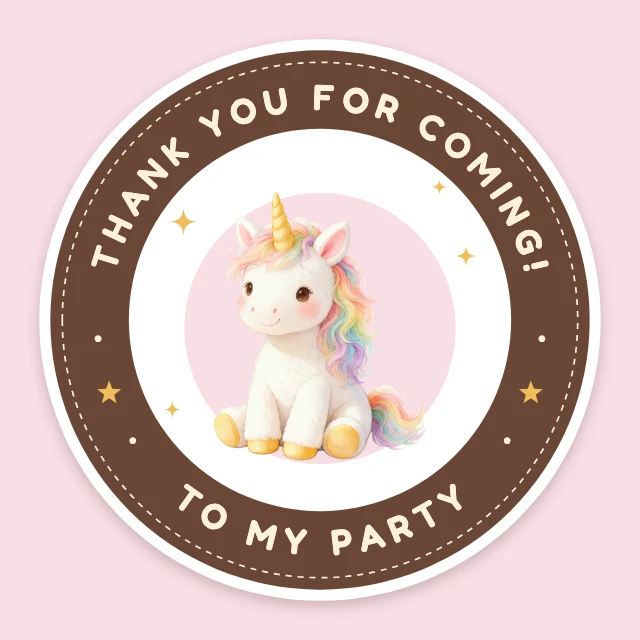
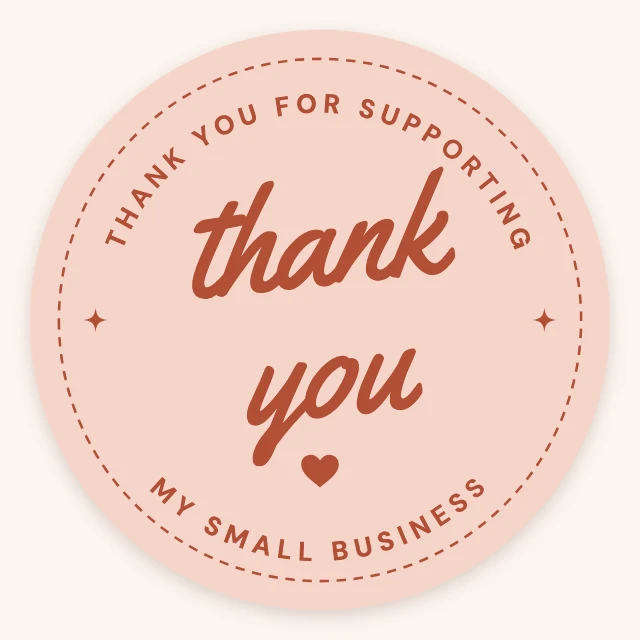
Every one is free and opens as your own copy with all its layers live. Sizes here: Sticker (5 in), Logo (square).

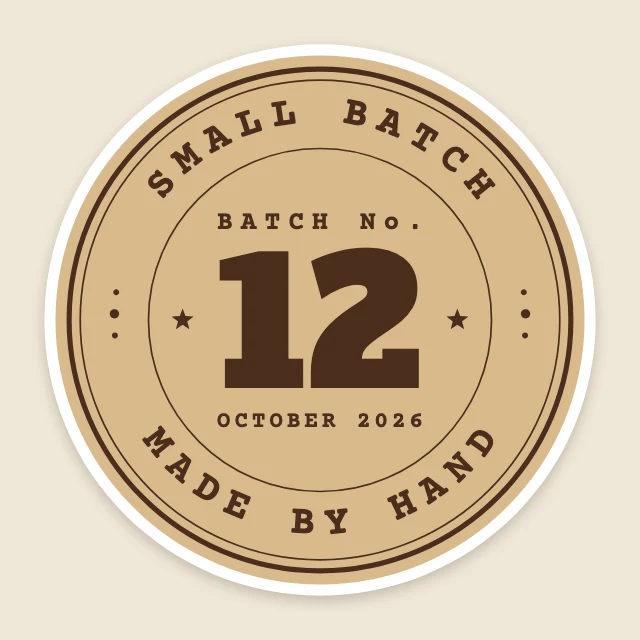
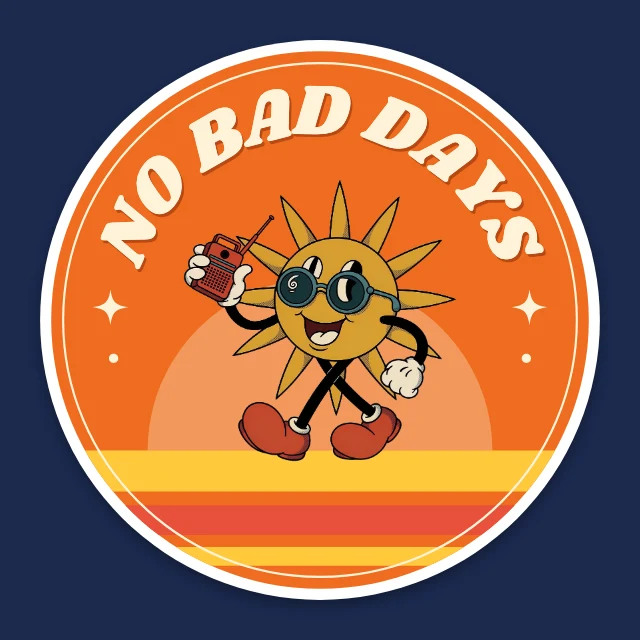
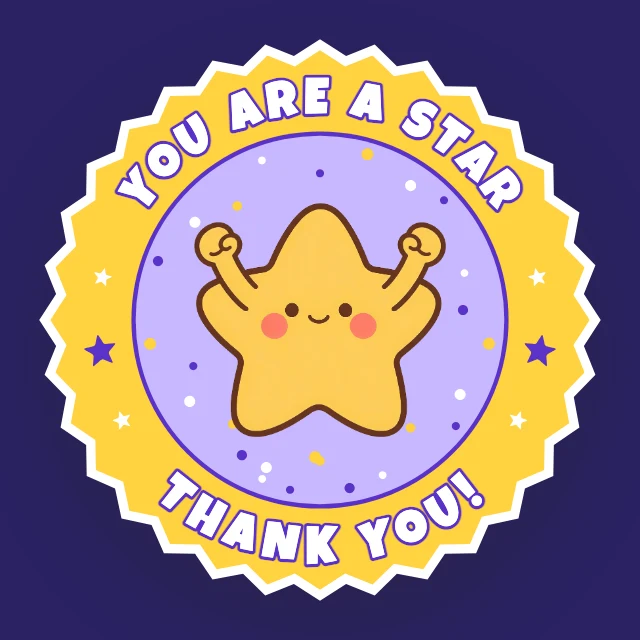
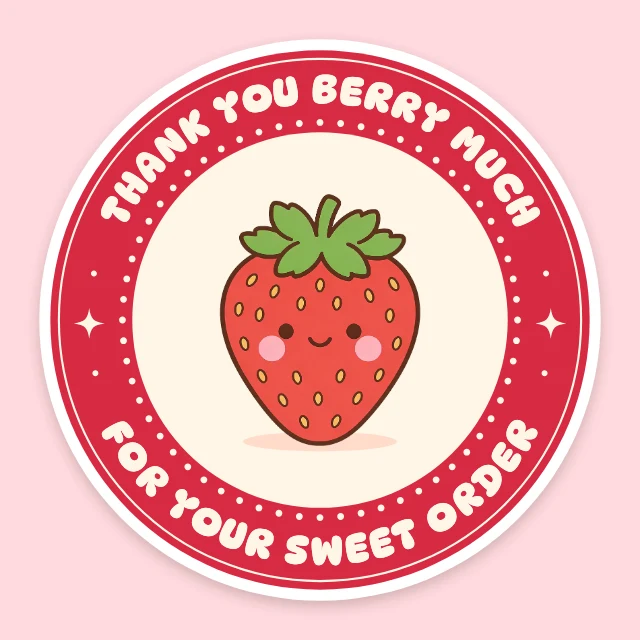





What you can change
One slider, up or down
Select the text and drag Curve. One way the line arcs over the top, the other way it hangs underneath; at the far end it wraps into nearly a full circle.
Still text
A curved line is not turned into a picture. Click it and retype it, change the font or the colour, and the new words follow the same arc.
Over 70 fonts
Serif, sans-serif, script, display and monospaced families, all free to use in what you make.
Ask for it in words
Tell the AI designer "curve the shop name round the top of the badge" and it sets the arc for you. Chatting with it is free.
How It Works
- 1
Open a design
Start from a badge, sticker or logo below that already has curved lettering, or start a blank design and add a line of text.
- 2
Type and curve
Type your words, then drag the Curve slider until the arc fits the shape.
- 3
Download
Download the design as a PNG or JPG at full size, with no watermark.
Perfect For
Logos and badges
A name round the top and a place or a year round the bottom of a round mark.
Stickers and labels
A thank-you seal, a jar label, a "handmade" stamp.
Shirts and prints
Arched lettering over a drawing, the classic team and club look.
Posts and invitations
A headline that arcs over a photo or a wreath.
Frequently Asked Questions
How do I curve text?
How much does Curved Text Generator cost?
Can I make text go all the way round a circle?
Which fonts can I curve?
Can I use the designs I make for my business?
Does it work on a phone?
Free on every plan. You can use, edit and publish what you make from a template, for personal or commercial work. The templates themselves may not be resold or shared as templates.
More to design
Related Tools
Make your design now
Free to start. No design software, no watermark.
Free. Sign in or create a free account to open it in Design Studio, on a computer. Star it to find it again later.