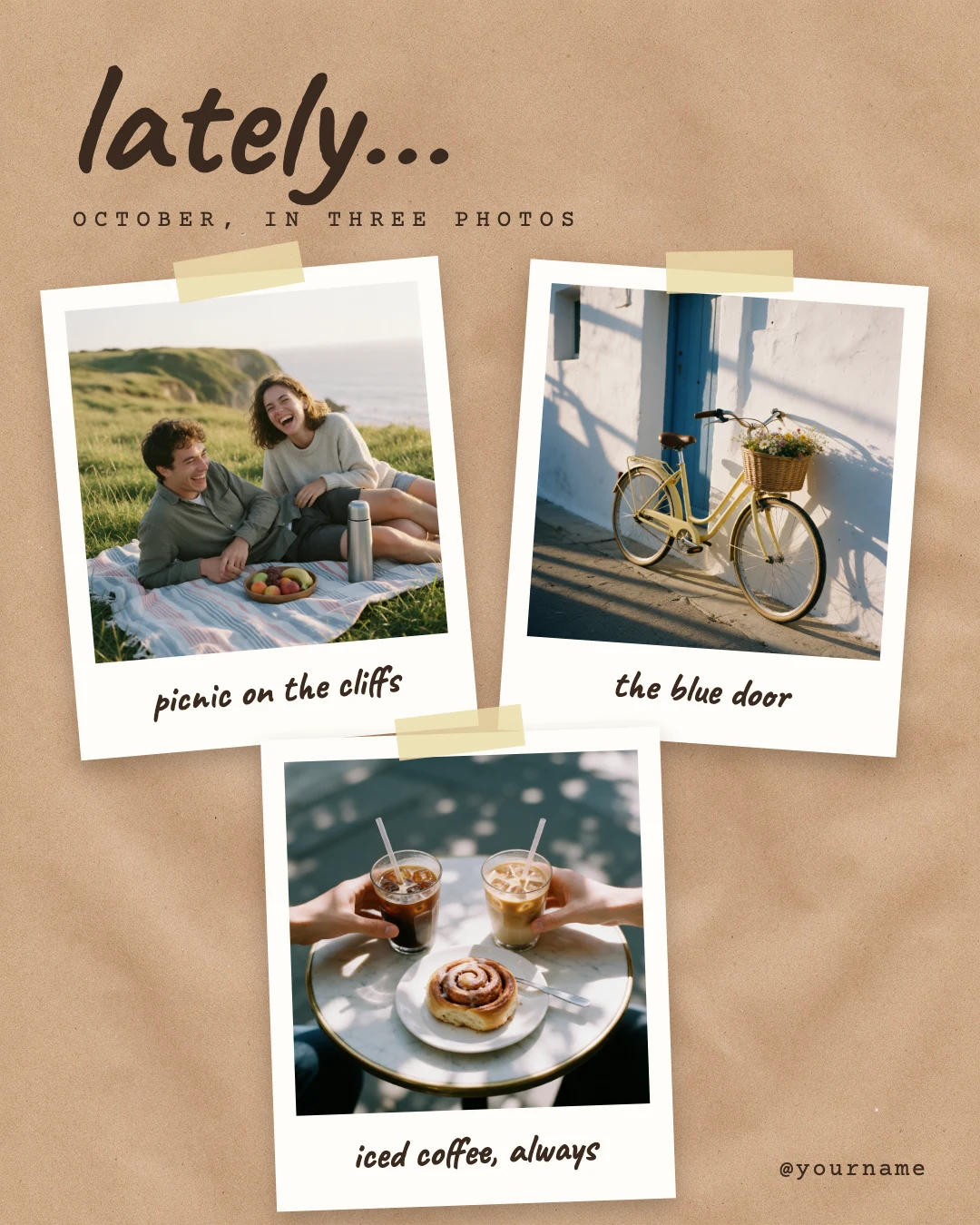
Add Text to an Image
Put words on a photo, and keep them editable.
Open your photo in Design Studio, add a line of text, and set its font, size and colour. Text is a layer of its own, so you can move it, restyle it or change the words tomorrow. Or start from a design that already has the type worked out.
Templates are free, and so is chatting with the AI designer, up to a daily limit. An AI picture is 46 credits with the default Seedream 5.5, or from 12 with FLUX 3 Klein, about $0.04 and $0.01 on the Basic plan.
Free. Sign in or create a free account to open it in Design Studio, on a computer. Star it to find it again later.
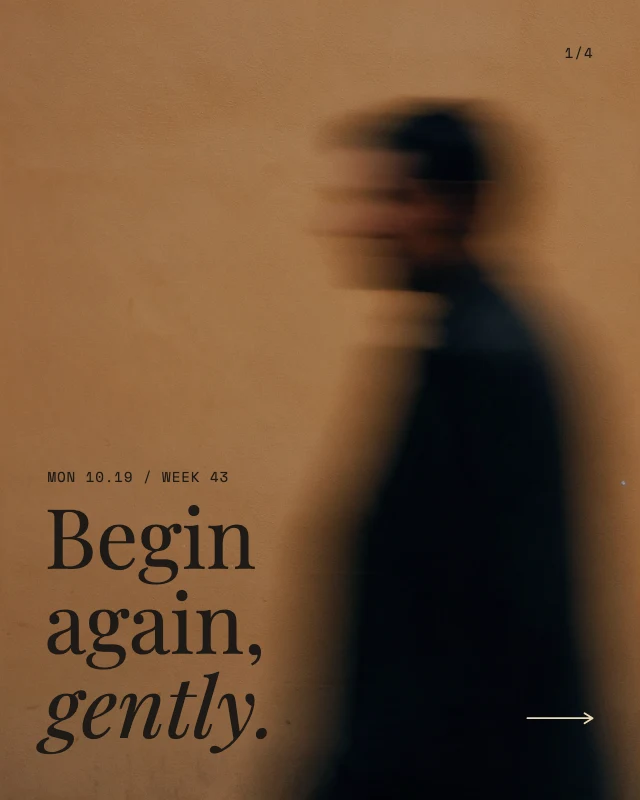
Shown: Photo dump collage post · Instagram post (4:5) · 1080×1350. Pick another below.
Pick a design to start from
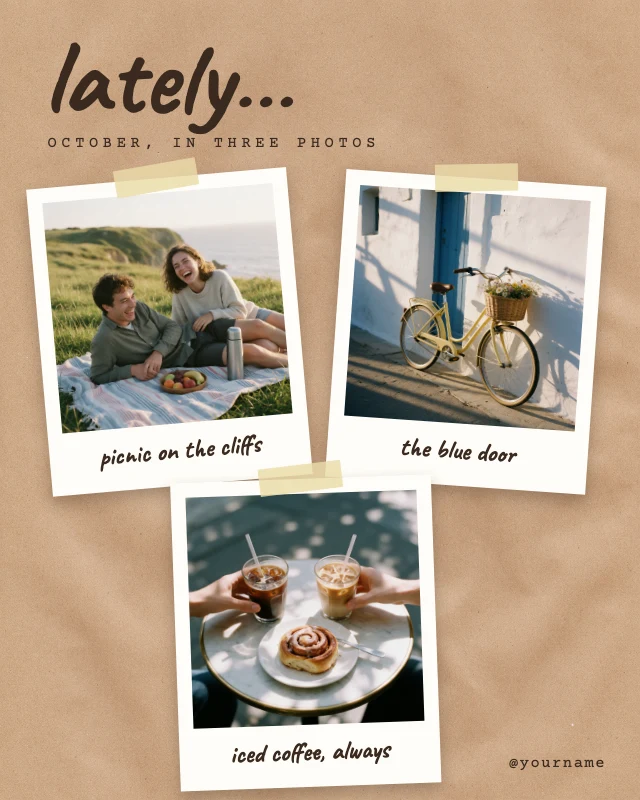
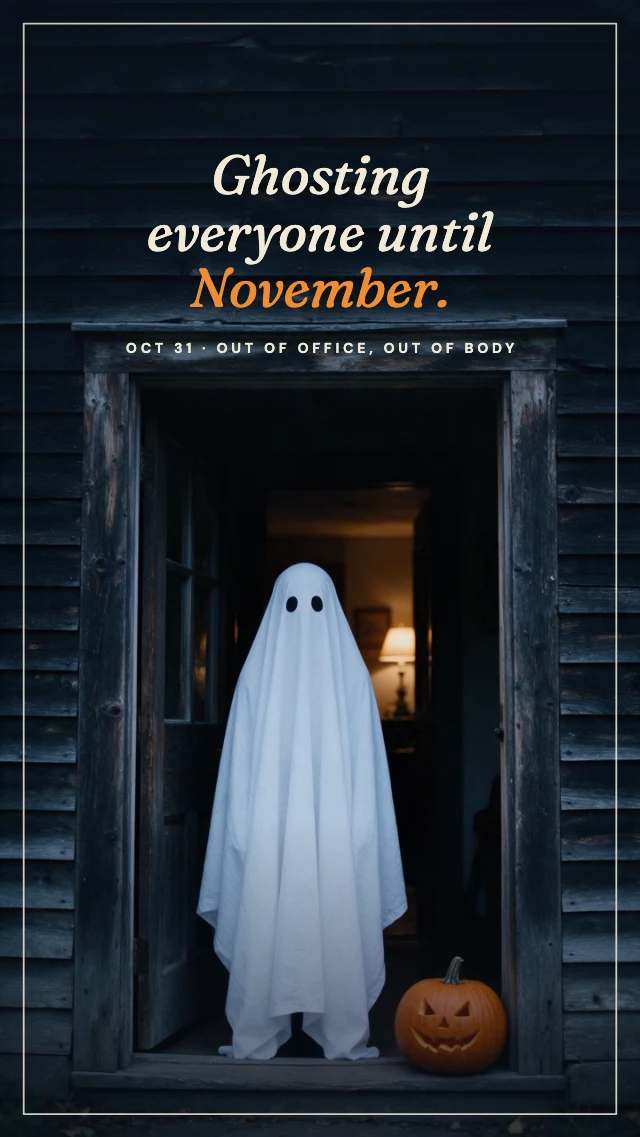
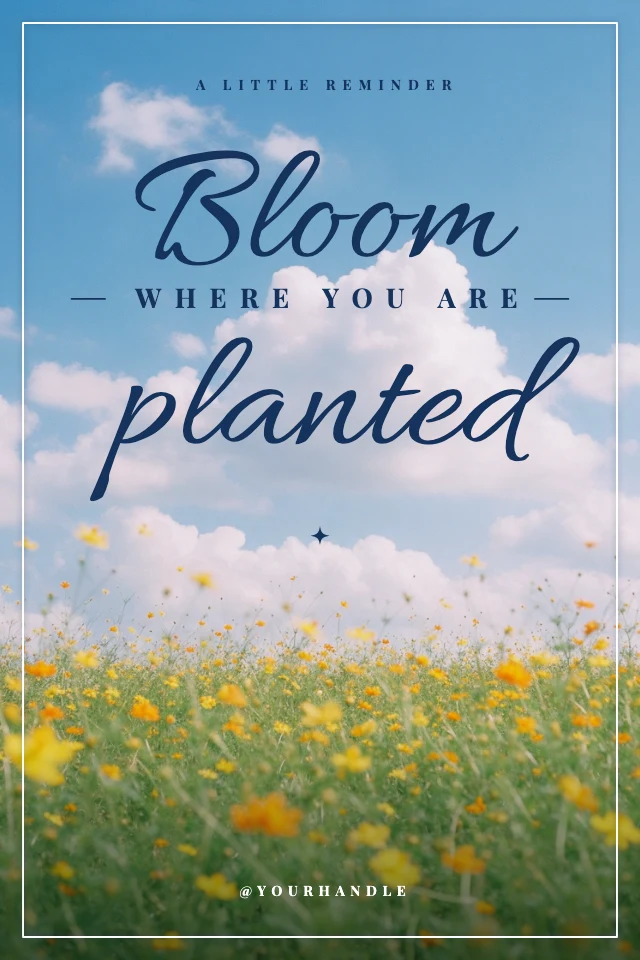
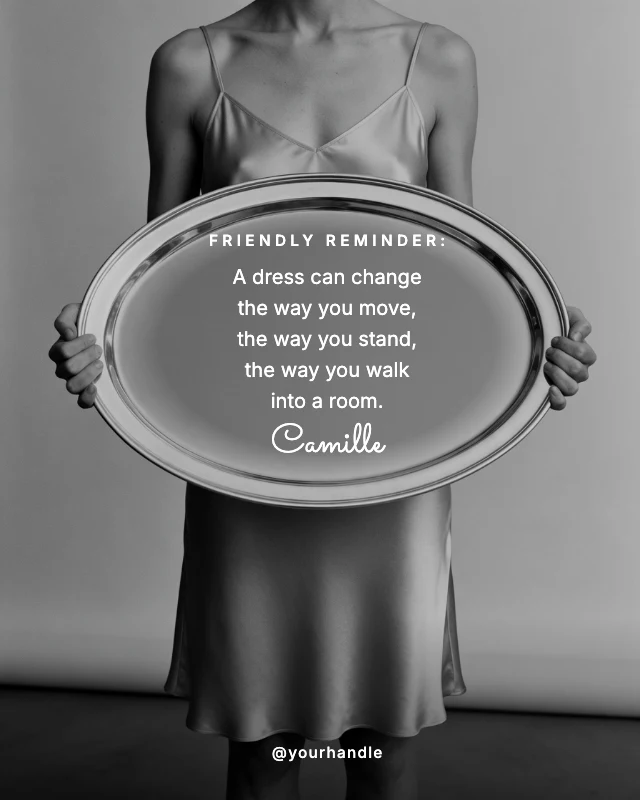
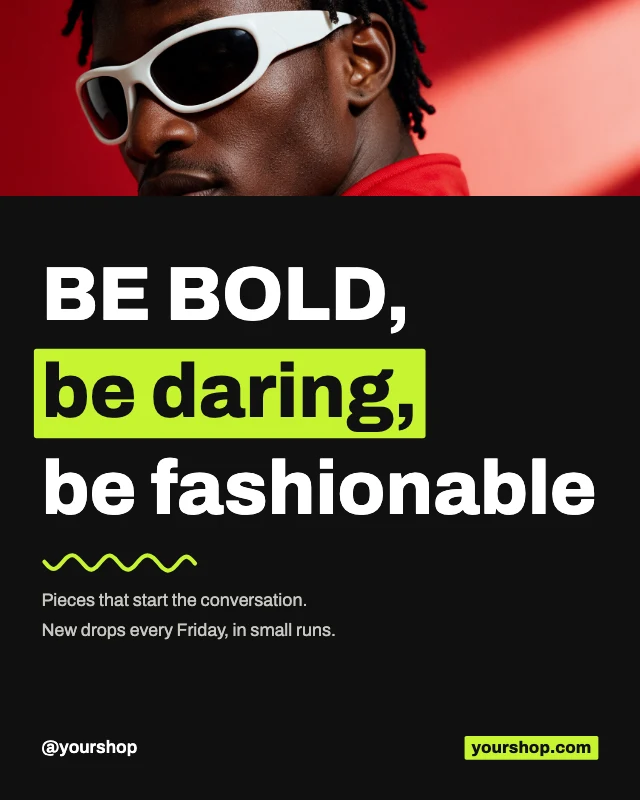
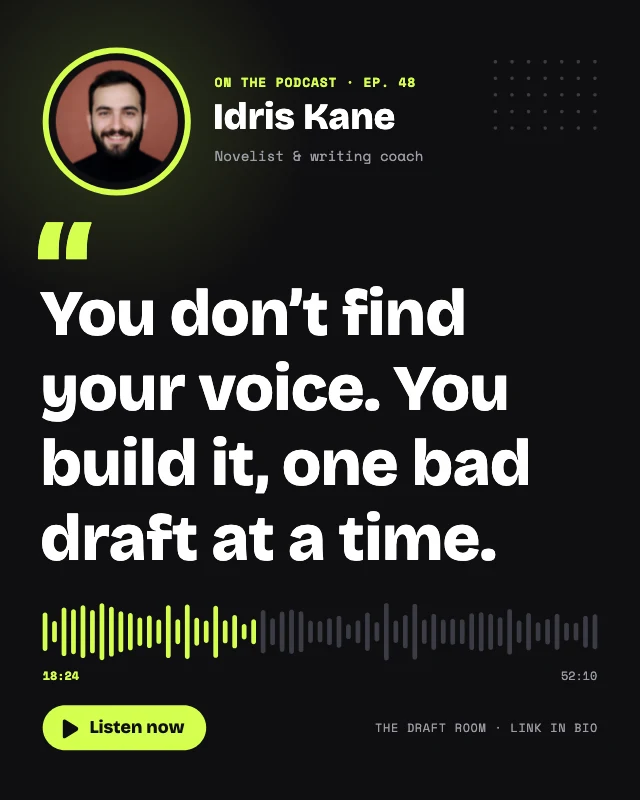
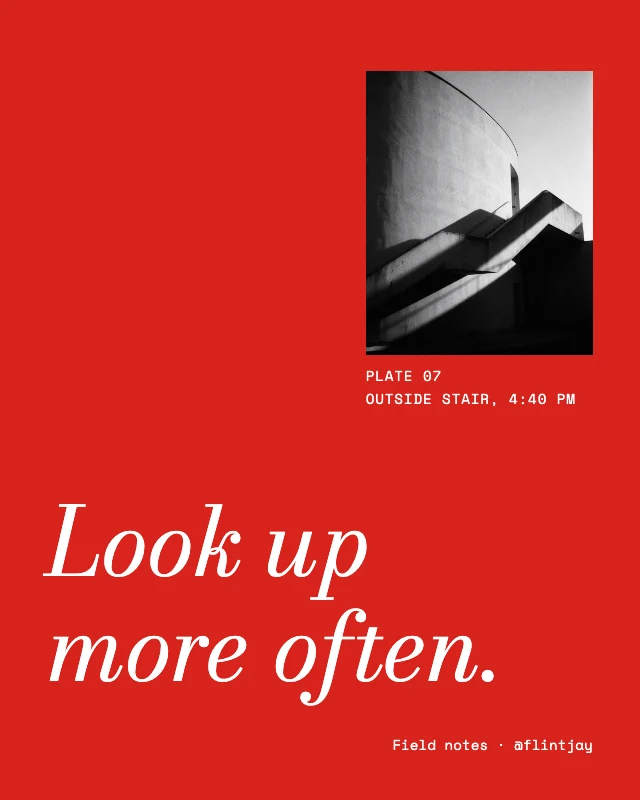
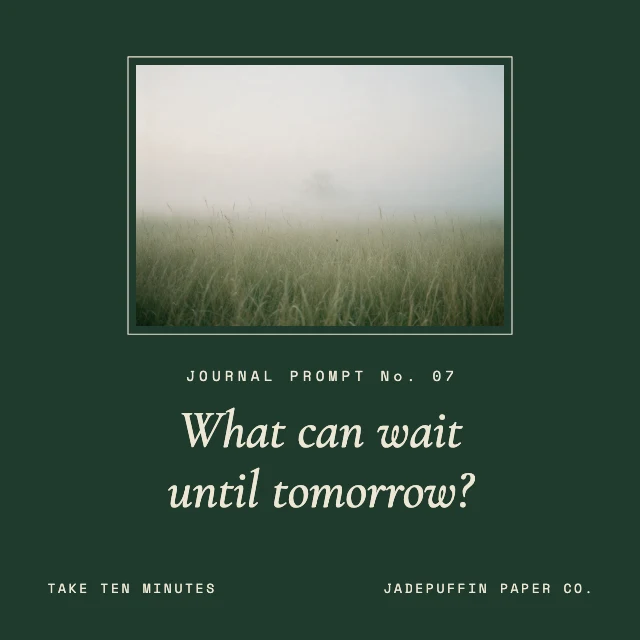
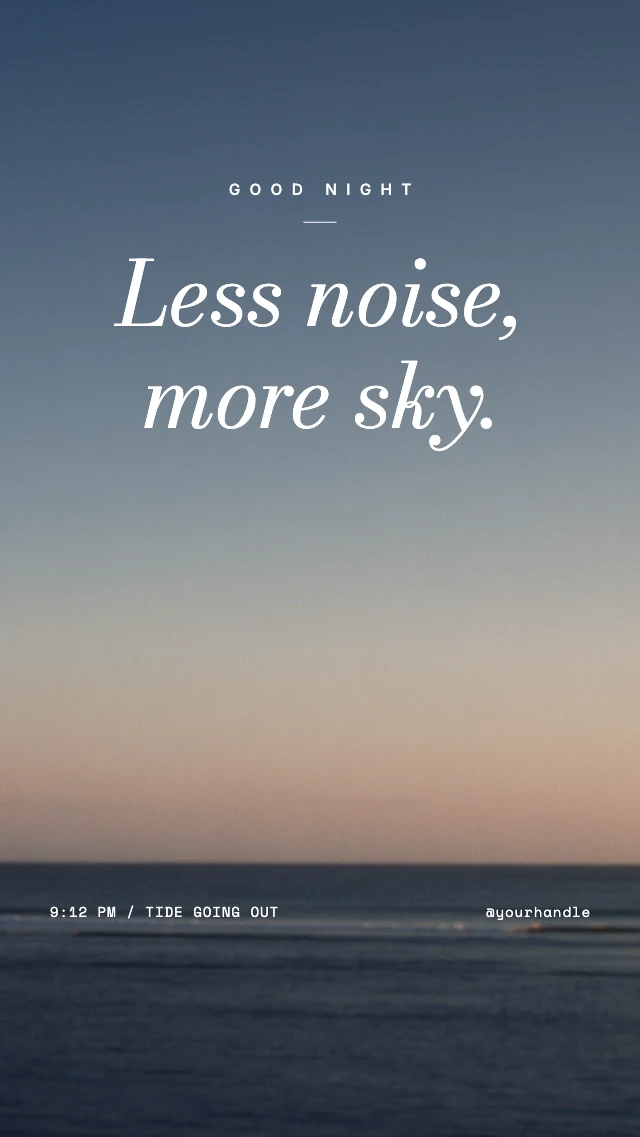
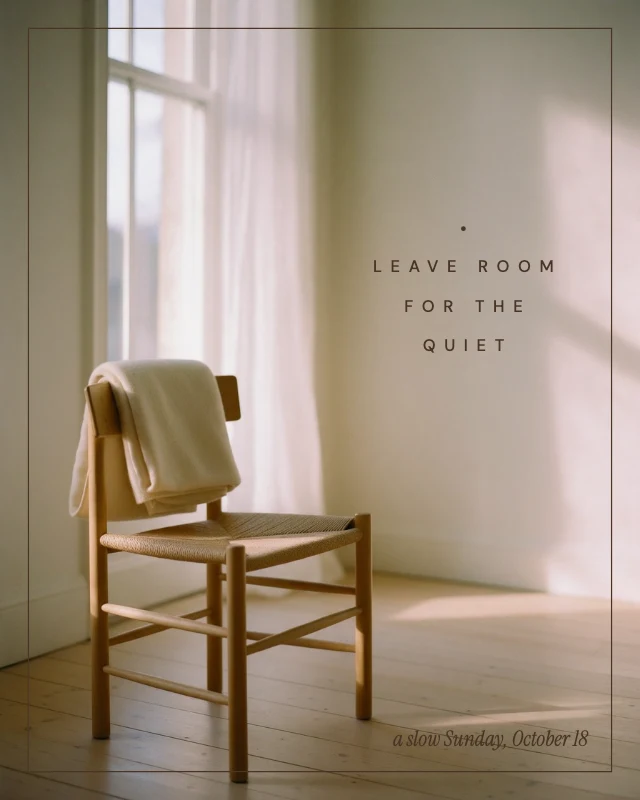
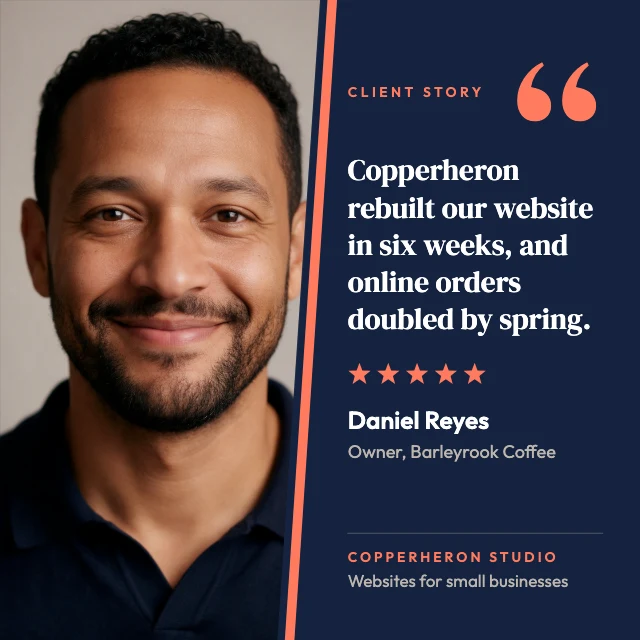
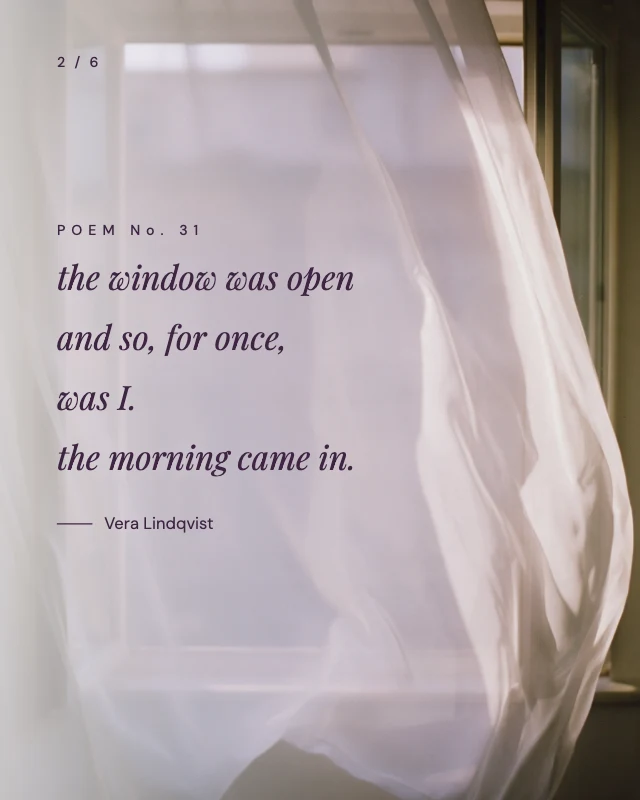
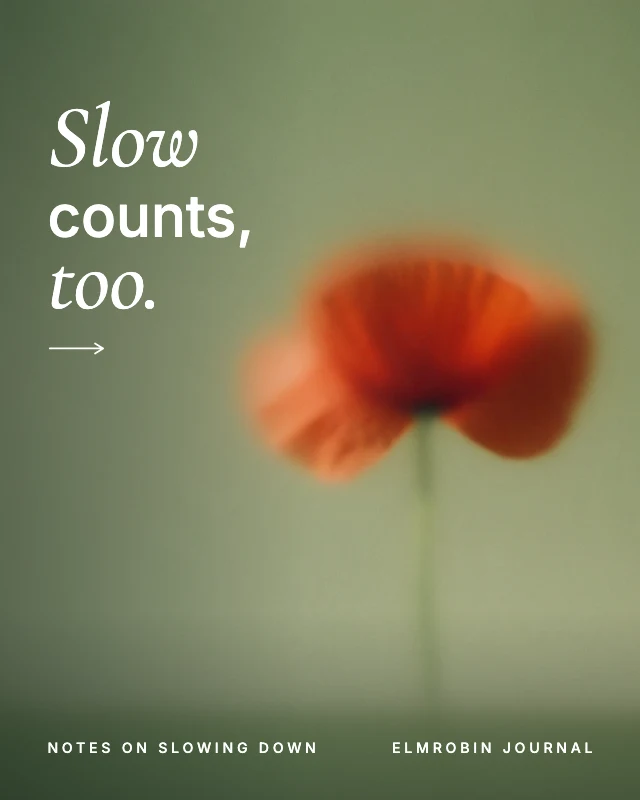
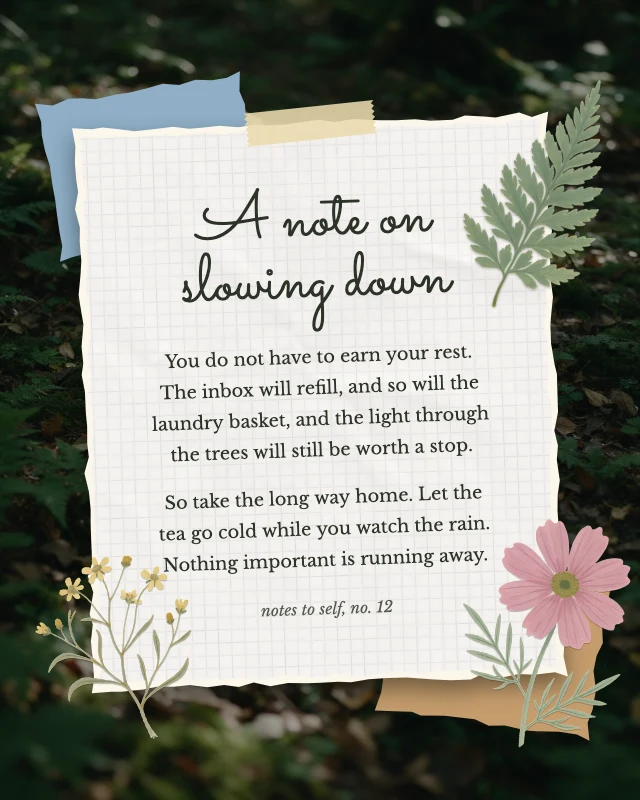
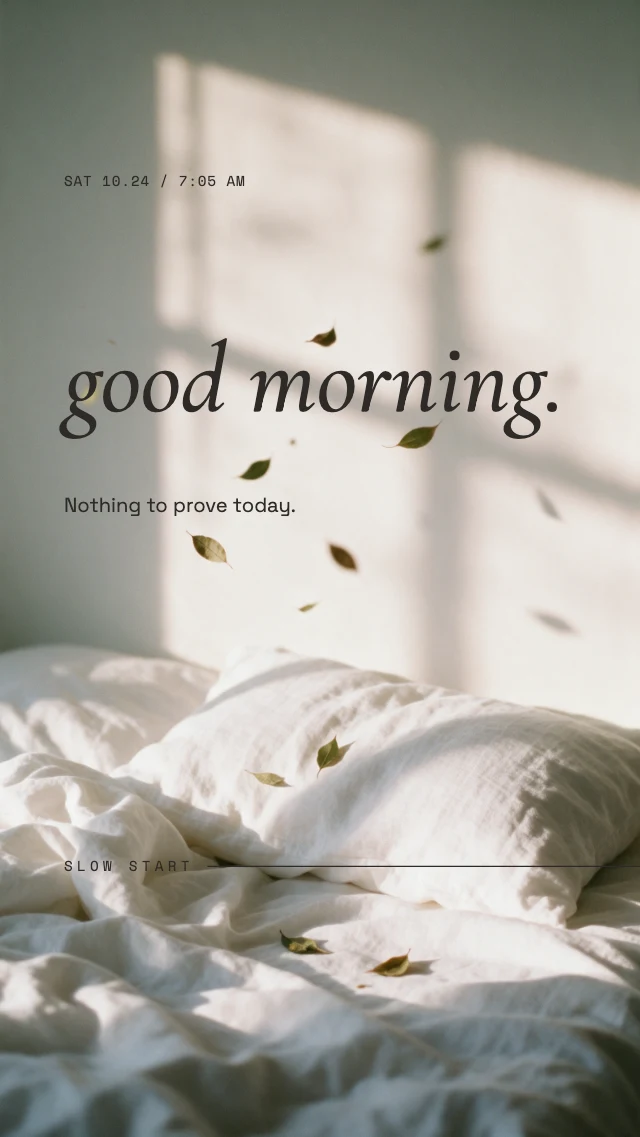
Every one is free and opens as your own copy with all its layers live. Sizes here: Instagram post (4:5), Instagram story, LinkedIn post (square), Instagram post (square), Phone wallpaper, Pinterest pin (2:3).
What you can change
Over 70 fonts, and every setting
Serif, sans-serif, script and display families. Set the size, the colour, an outline or a shadow, and curve a line along an arc.
Words stay words
The text sits on its own layer over the photo. Nothing is burned in until you download, and the saved design can be reopened and changed.
Designs with the type already set
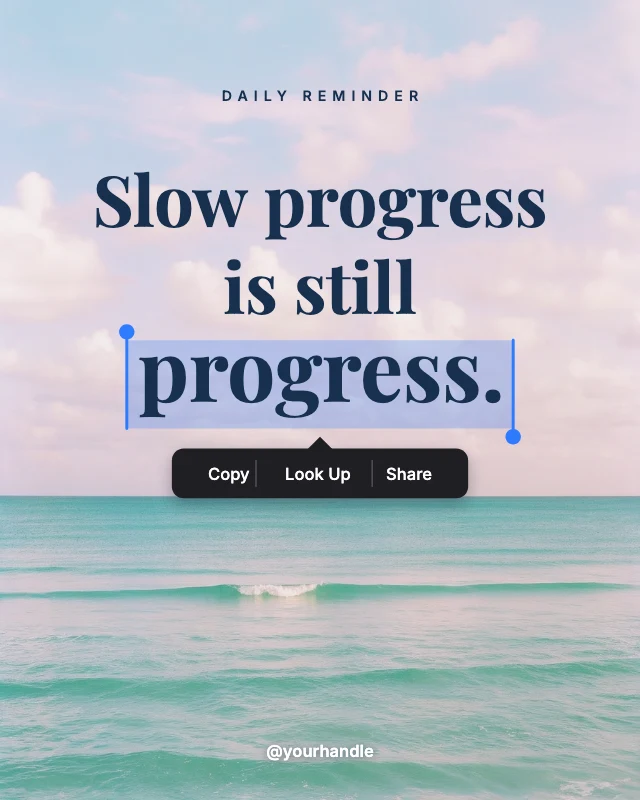
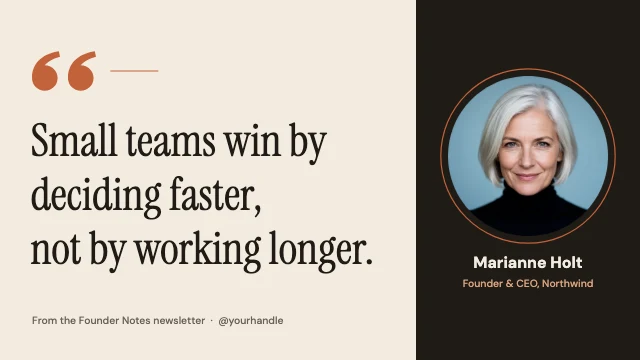
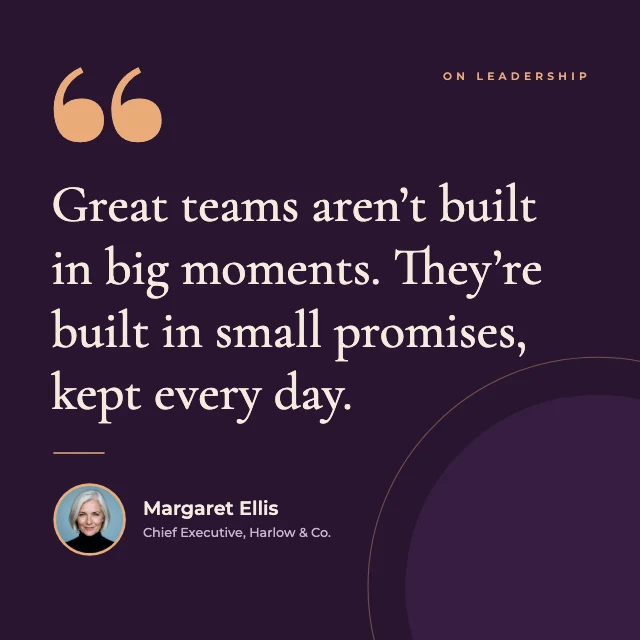
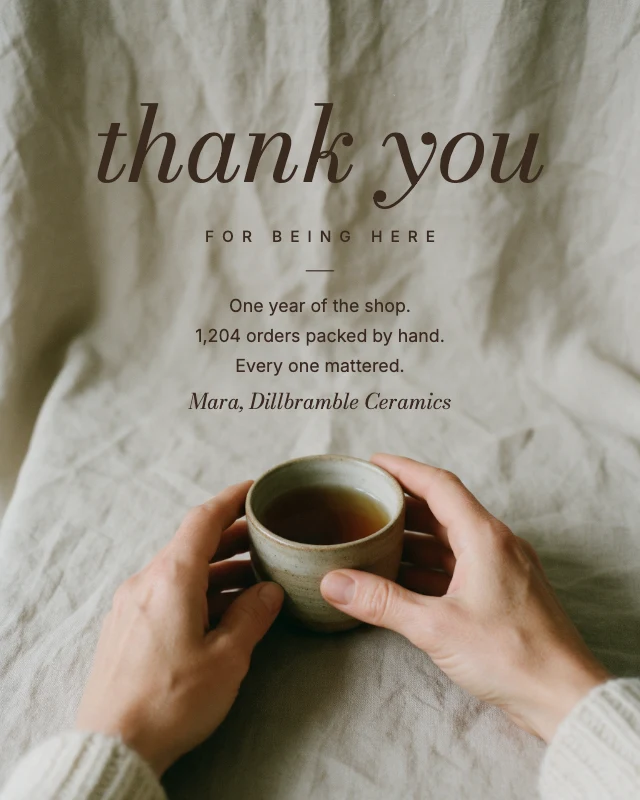
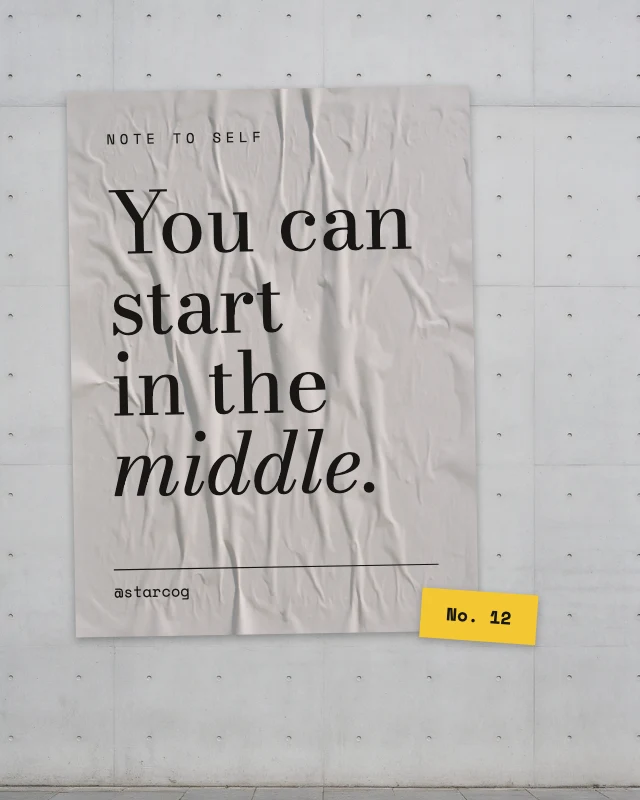
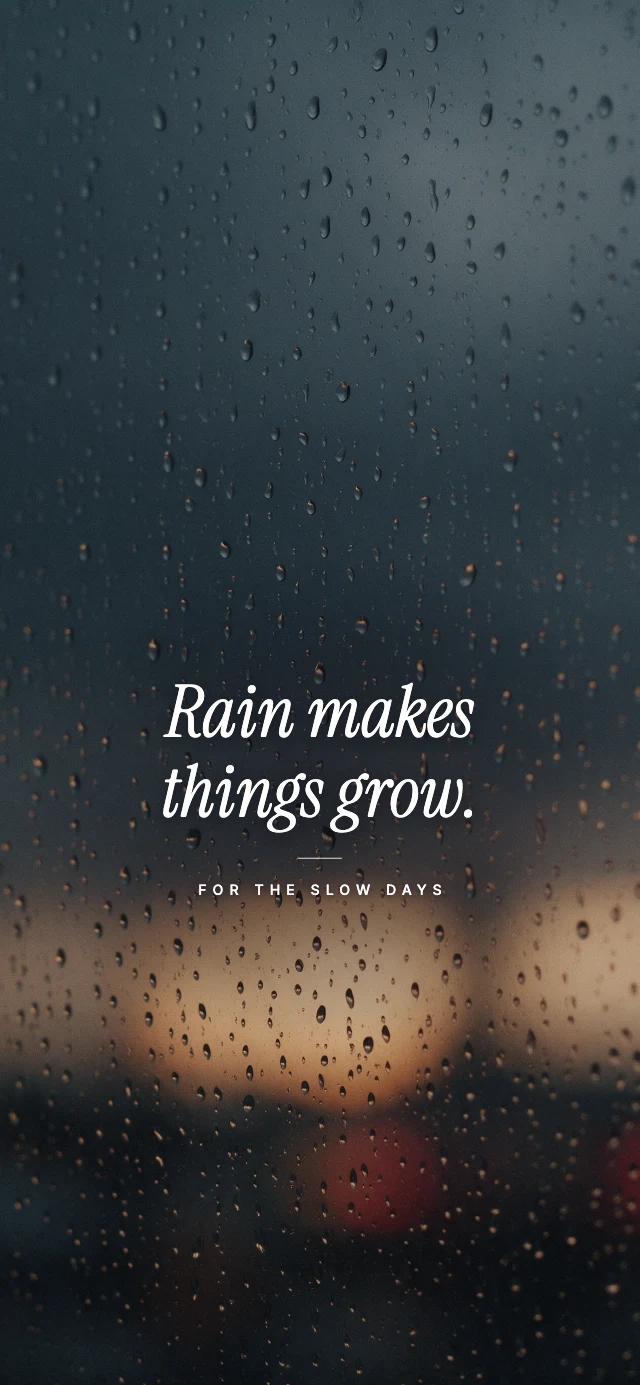
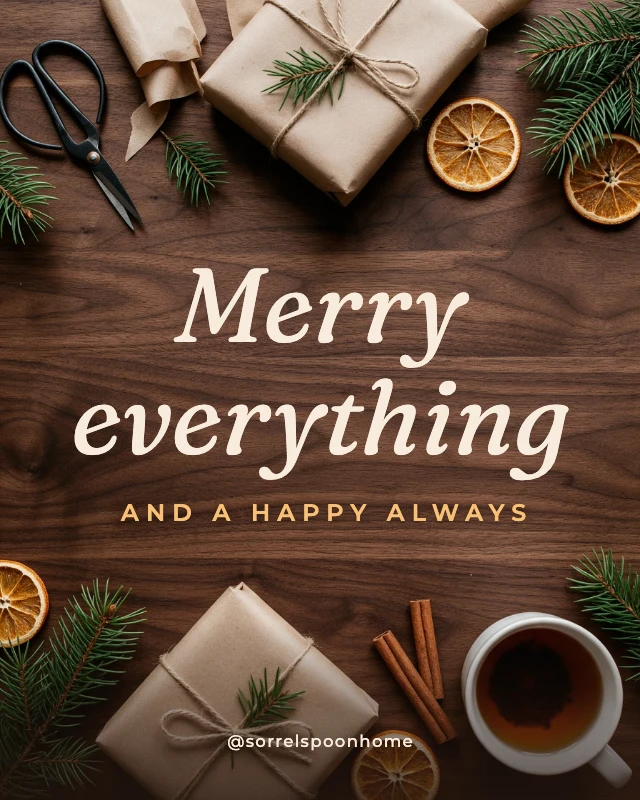
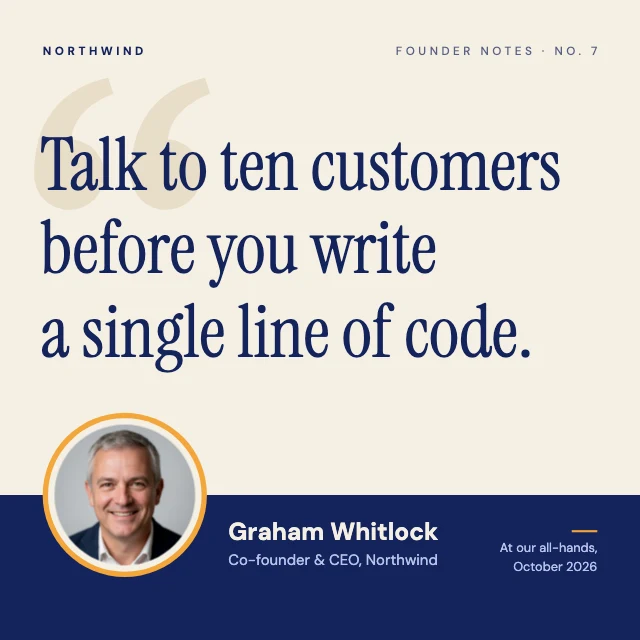
Start from a photo post, a quote or a card below: replace the picture with yours and type over the sample words.
Let AI place it
Tell the AI designer what the picture is for ("a sale banner for this photo, 30% off this weekend") and it adds and styles the text. Chatting with it is free.
How It Works
- 1
Open your photo
Start a new design in Design Studio and add your picture, or pick a design below and replace its photo.
- 2
Add the text
Add a line of text, type your words, and choose the font, size and colour. Drag it where you want it.
- 3
Download
Download a PNG or JPG at full size. There is no watermark.
Perfect For
Social posts
A caption, a price or a date on a product or event photo.
Quotes and memes
A line of type over a picture, in a font that suits it.
Cards and greetings
A name and a message on a family photo.
Thumbnails
A few big words over a frame from your video.
Frequently Asked Questions
How do I add text to a picture?
How much does Add Text to Image cost?
Can I change the text later?
Can I curve the text or give it an outline?
Does it lower the quality of my photo?
Can I use the pictures I make for my business?
Does it work on a phone?
Free on every plan. You can use, edit and publish what you make from a template, for personal or commercial work. The templates themselves may not be resold or shared as templates.
More to design
Related Tools
Make your design now
Free to start. No design software, no watermark.
Free. Sign in or create a free account to open it in Design Studio, on a computer. Star it to find it again later.