AI Logo Designer
Generate custom logo concepts from a short brand prompt
Create logo ideas from plain text in seconds. This AI logo designer helps founders, freelancers, and marketers explore brand directions, styles, icons, and typography faster than starting from a blank canvas.
See It In Action
Real outputs from ai logo designer.
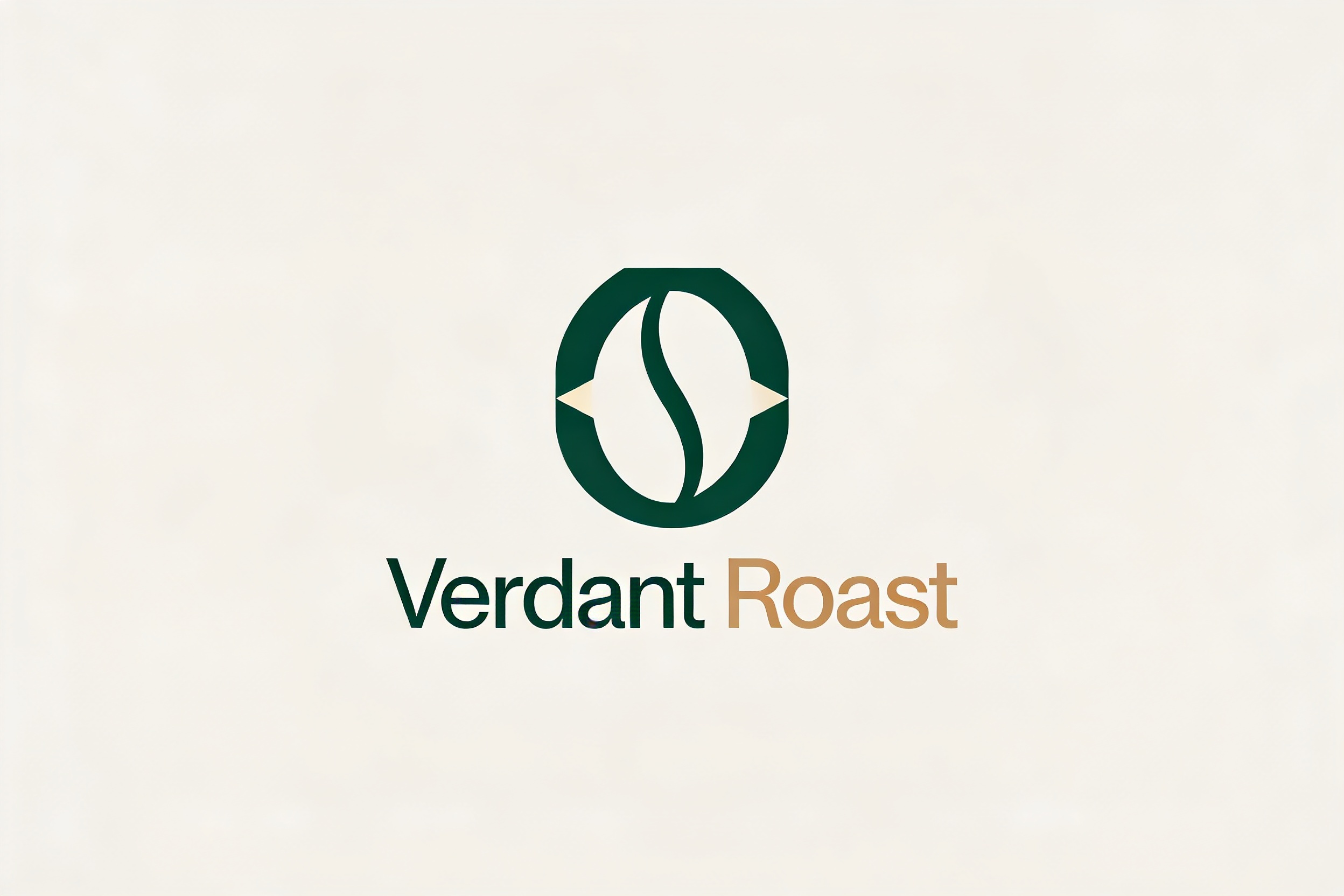
minimal modern logo for a sustainable coffee brand called Verdant Roast, geometric leaf icon integrated with coffee bean shape, clean sans serif wordmark, deep forest green and warm beige palette, centered on plain light background, premium brand identity presentation
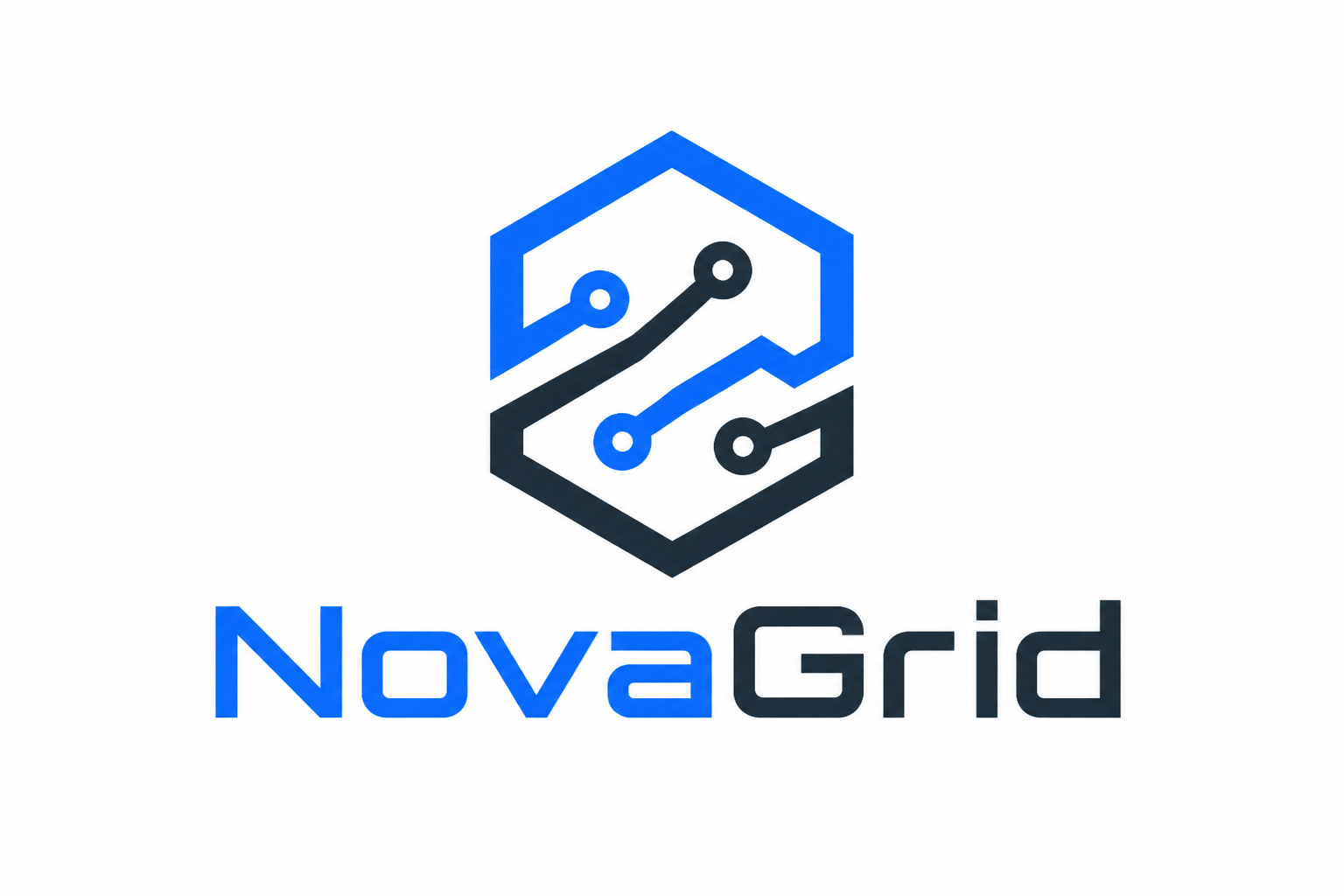
bold tech startup logo for a company called NovaGrid, abstract hexagon and circuit line icon, electric blue and charcoal palette, sleek geometric sans serif wordmark, flat vector style, centered brand board on clean white background
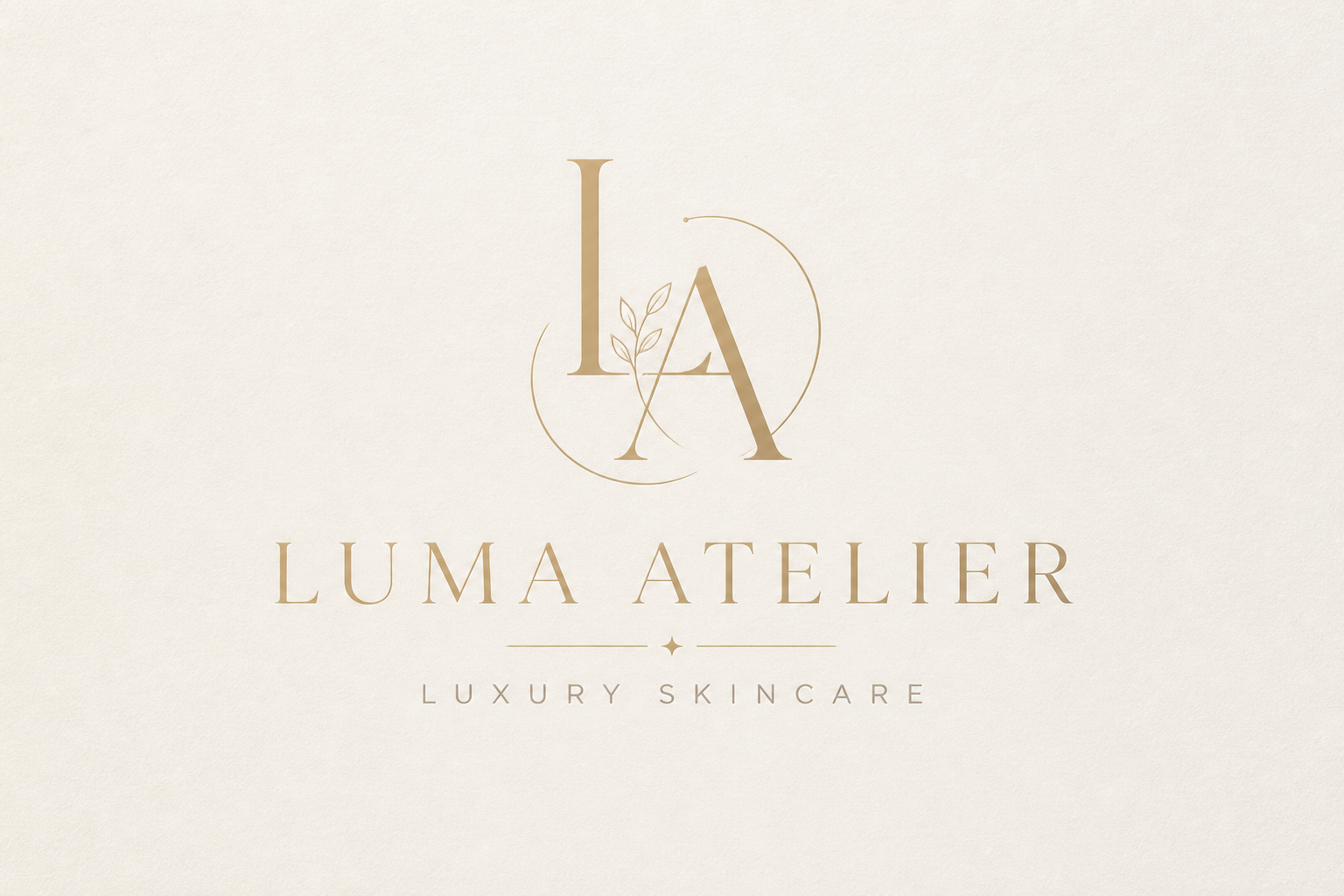
luxury skincare logo for a brand called Luma Atelier, elegant monogram icon with soft gold linework, muted ivory and taupe palette, refined serif wordmark, minimal editorial branding layout, centered on light textured background
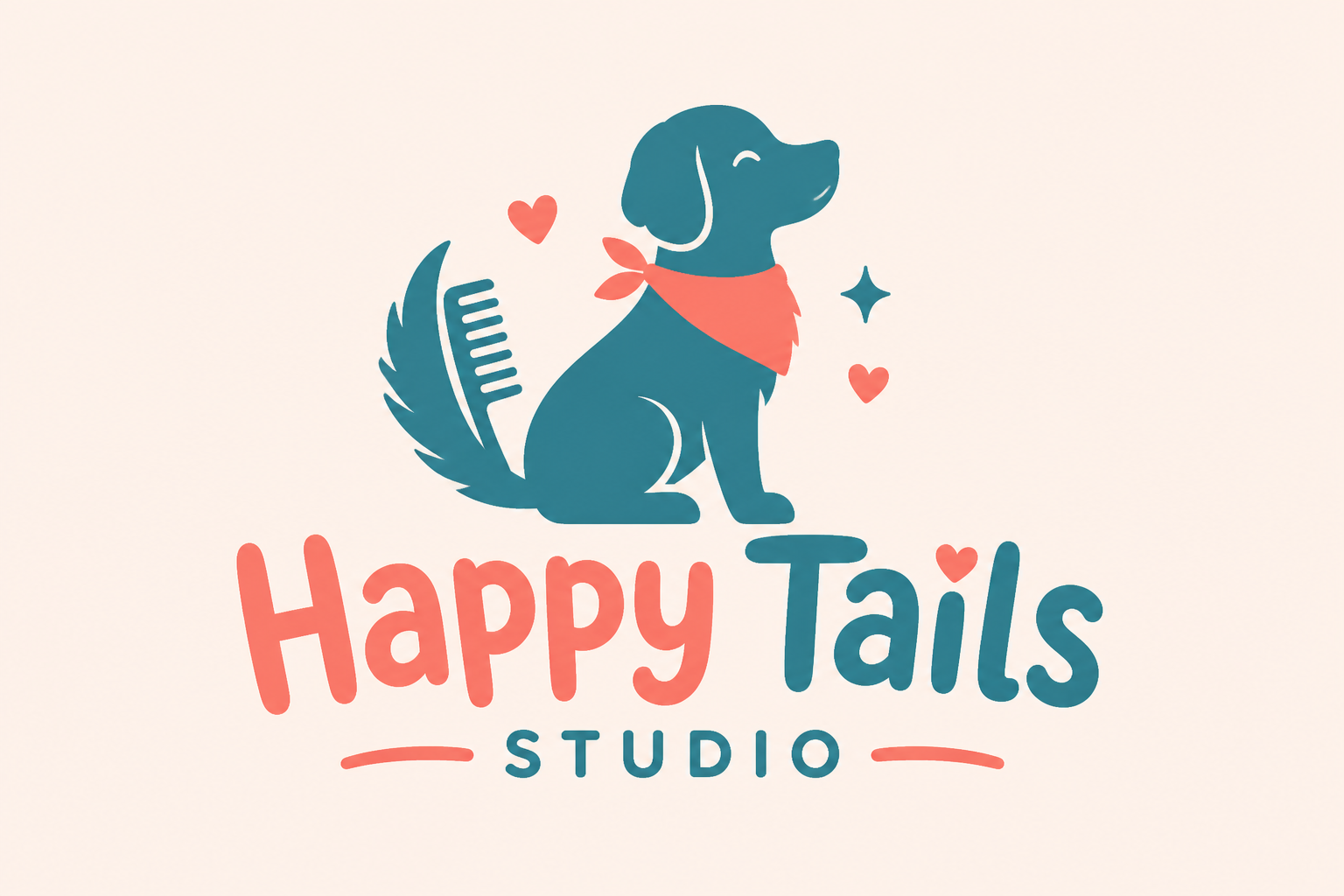
playful pet grooming logo for a business called Happy Tails Studio, simple dog silhouette with grooming comb detail, coral and teal palette, rounded friendly lettering, flat vector logo presentation on plain pastel background
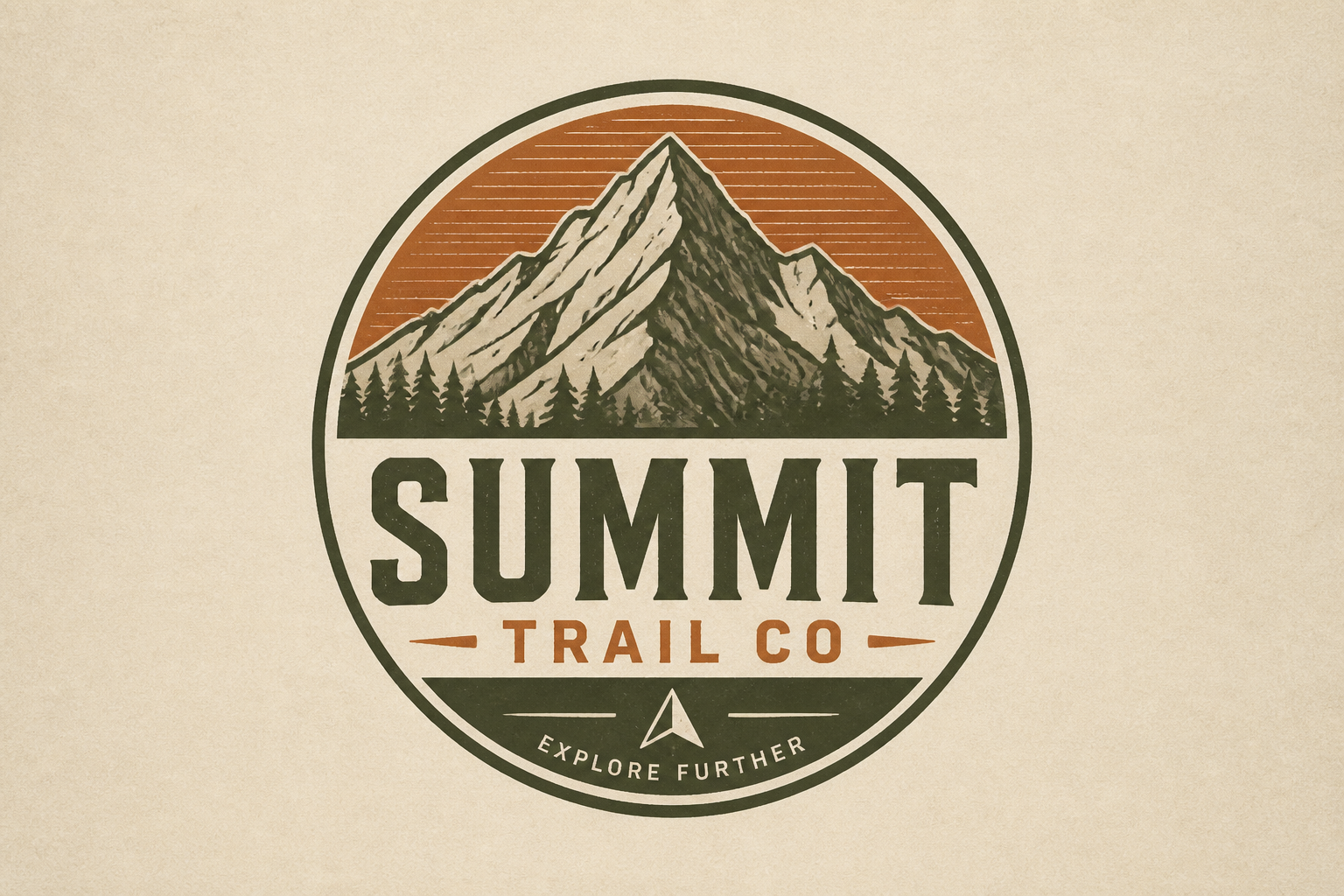
outdoor adventure logo for a brand called Summit Trail Co, mountain peak icon inside circular badge, earthy green and rust palette, rugged condensed type, vintage badge style, centered on neutral paper background
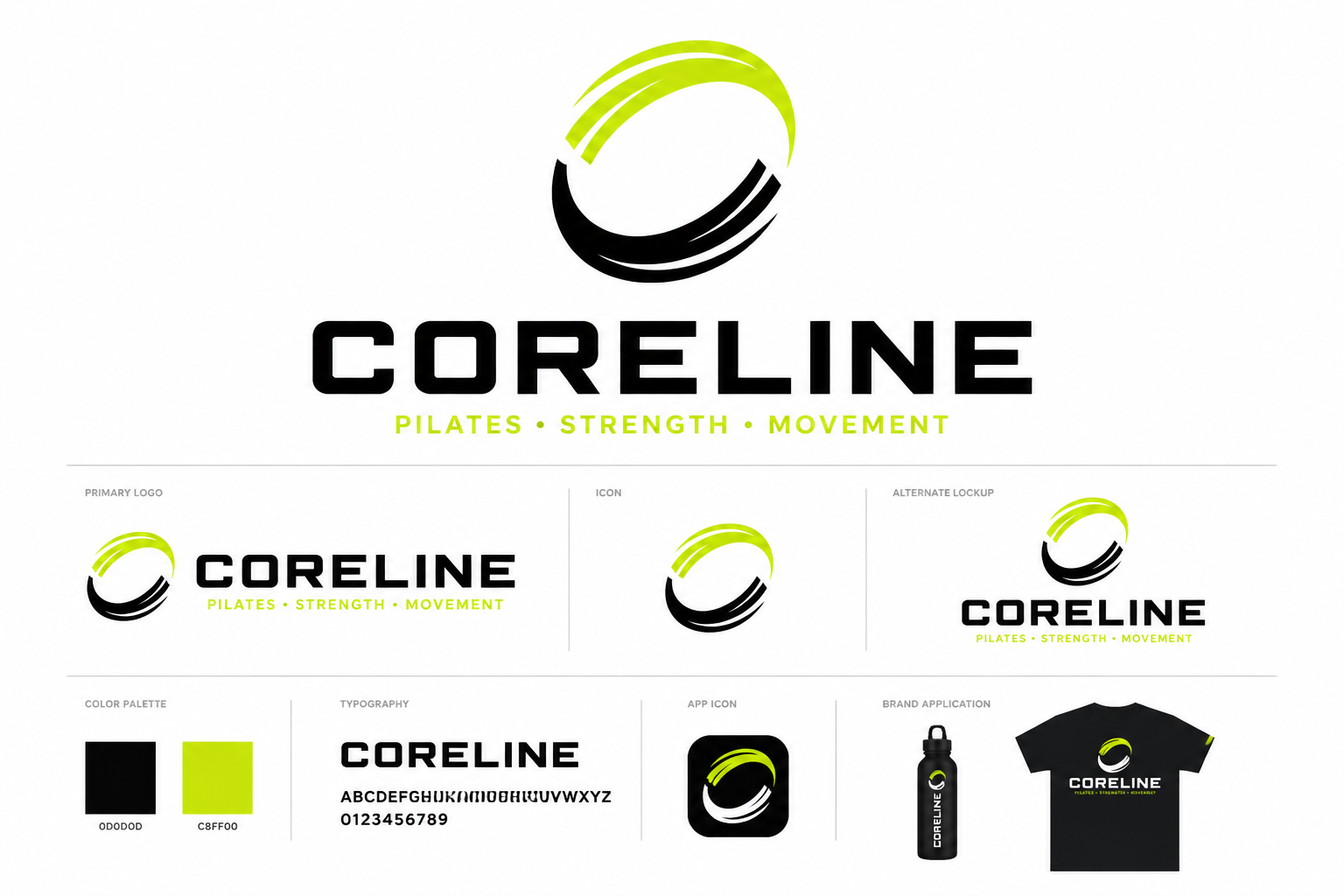
modern fitness brand logo for a studio called Coreline, abstract motion ring icon, black and lime palette, bold uppercase sans serif wordmark, clean vector identity sheet, centered on bright white background
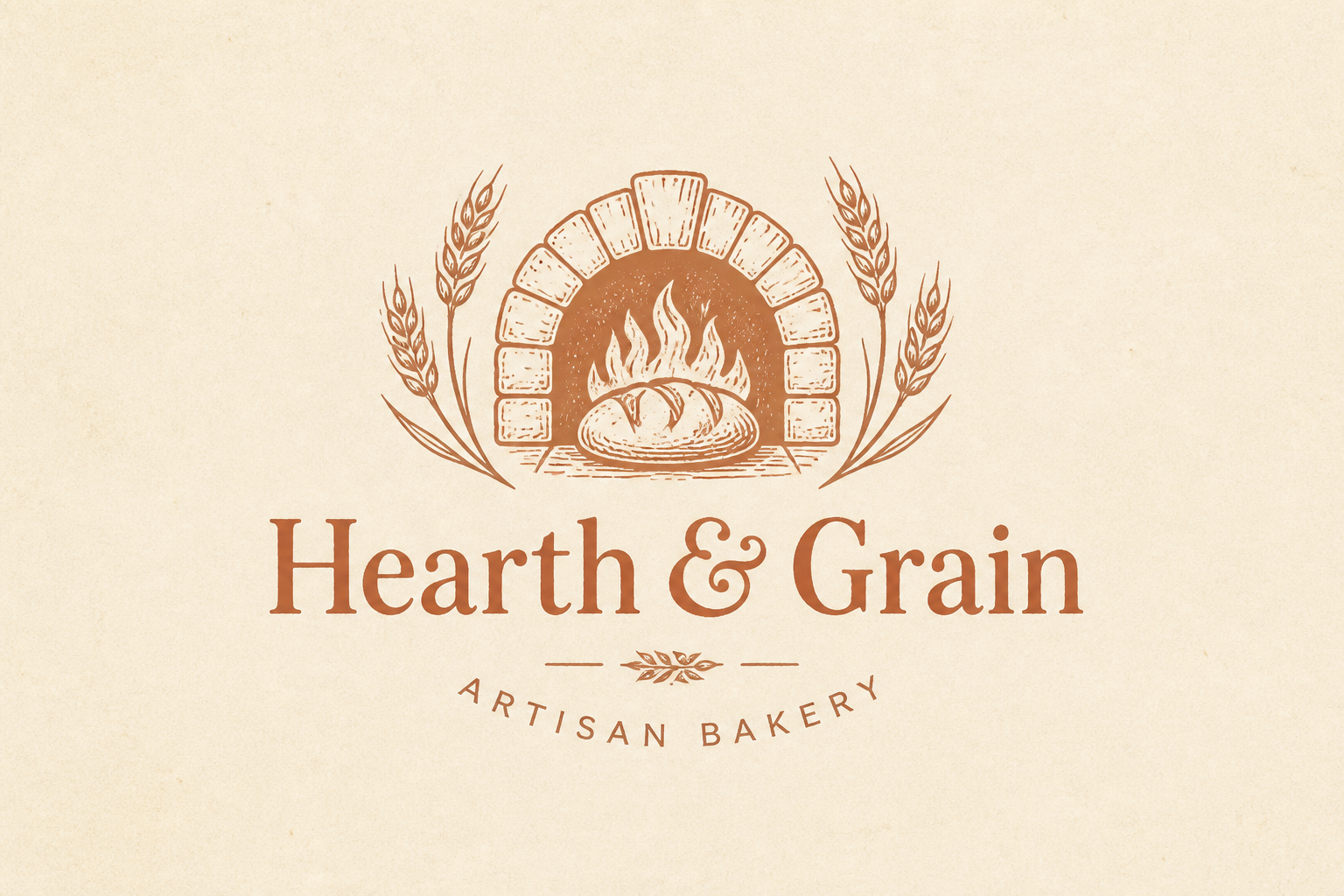
artisan bakery logo for a business called Hearth & Grain, hand-drawn wheat and oven symbol, warm terracotta and cream colors, charming serif wordmark, rustic modern brand mark, centered on simple textured background
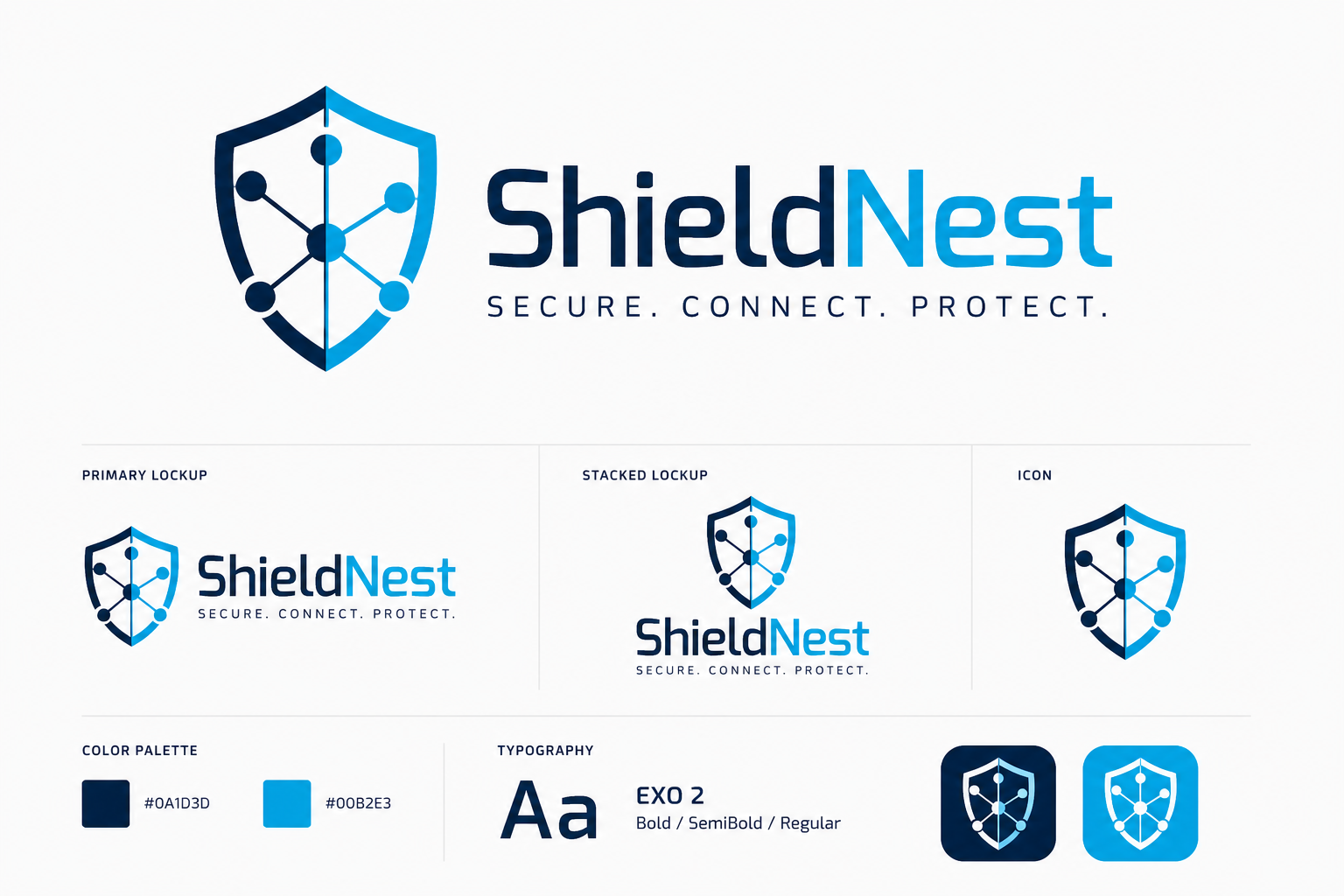
cybersecurity company logo for a brand called ShieldNest, shield icon merged with network node pattern, navy and cyan palette, precise modern typography, flat vector corporate logo board on clean light background
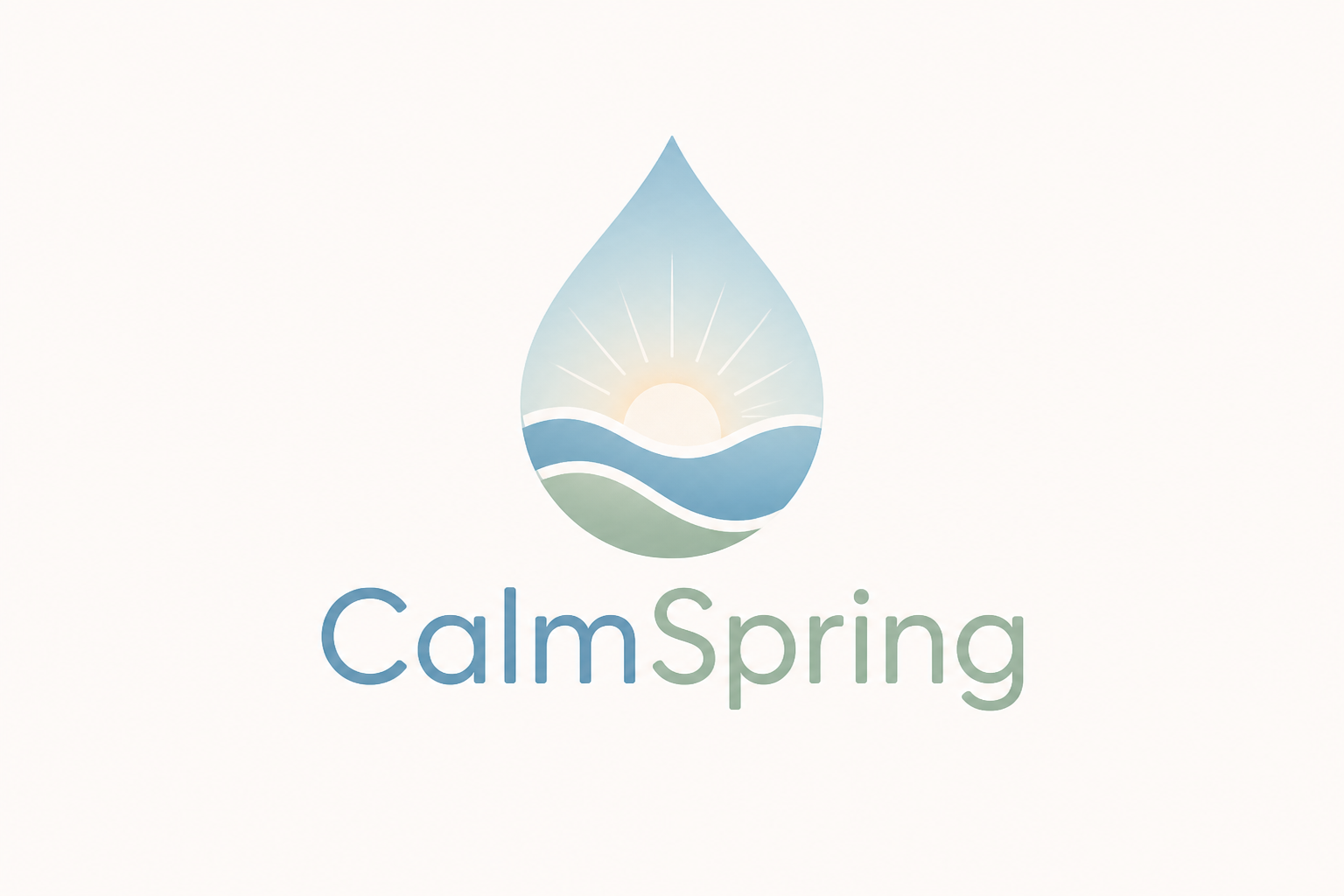
wellness app logo for a brand called CalmSpring, abstract water droplet and sunrise icon, soft blue and sage palette, modern rounded sans serif wordmark, minimalist app branding presentation, centered on pale background
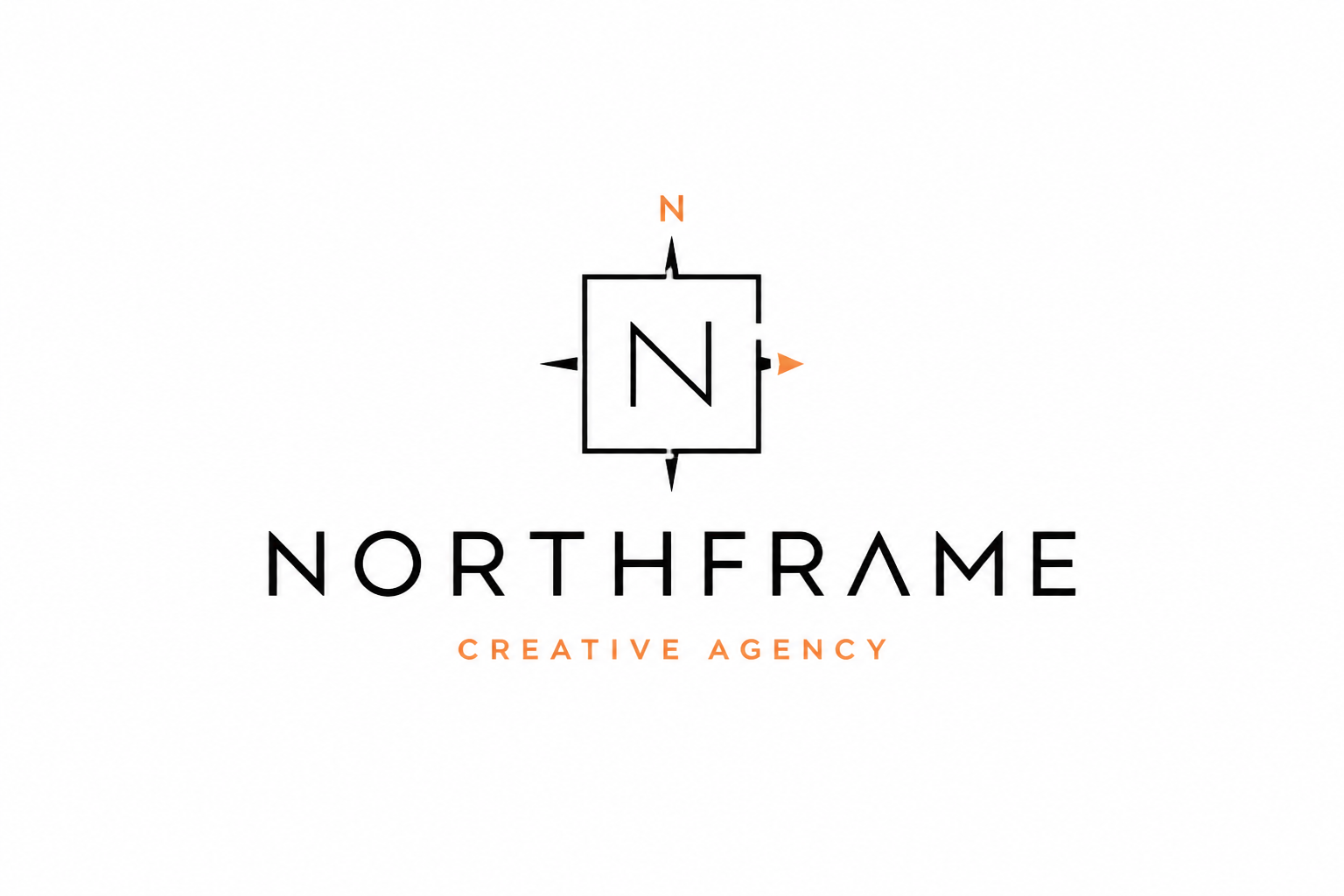
creative agency logo for a studio called Northframe, sharp monoline frame icon with subtle compass detail, black, white, and muted orange palette, contemporary wordmark, swiss design inspired brand presentation, centered on clean background
Key Features
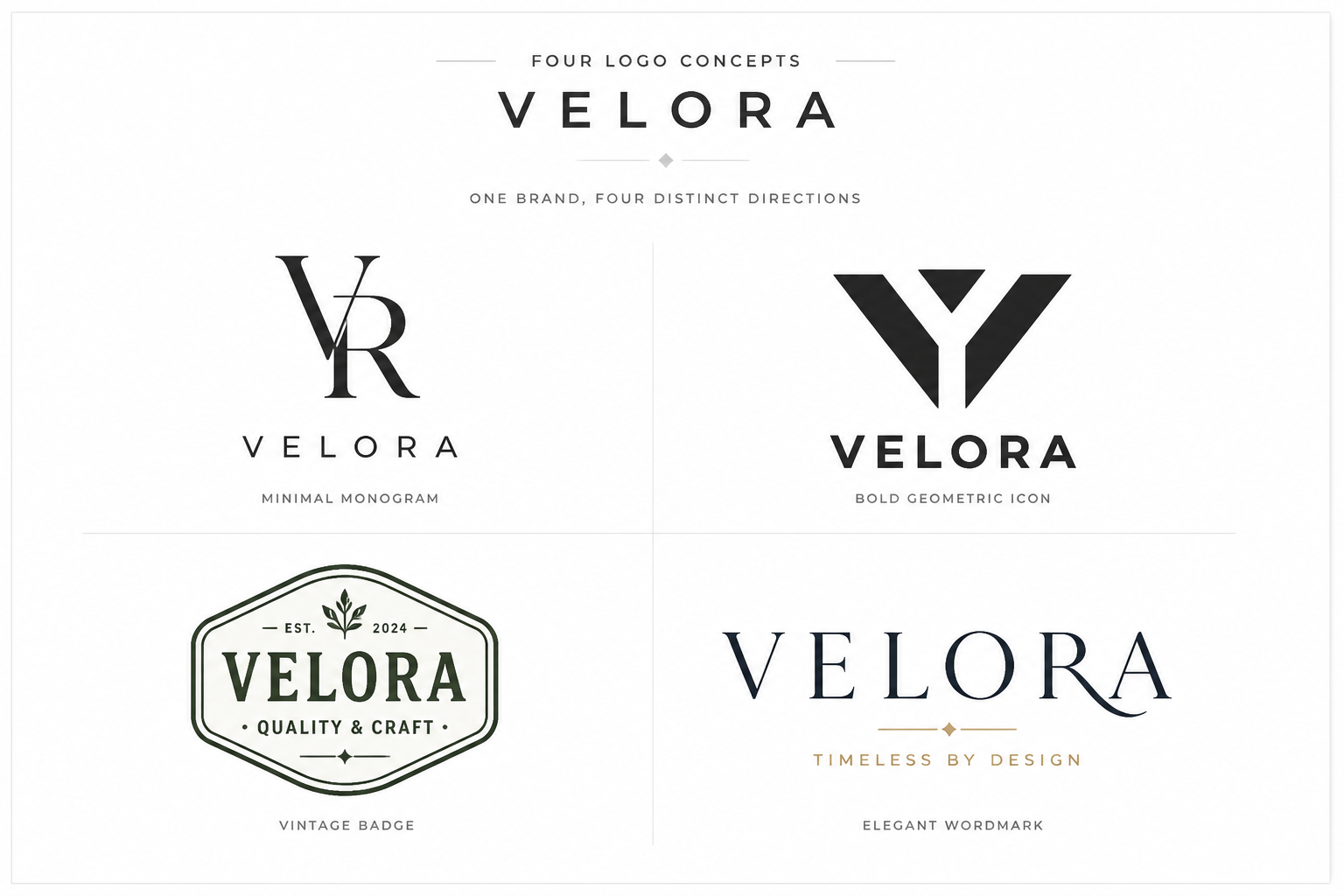
Brand-ready concept variety
Generate very different logo directions from the same business idea, from minimal marks to vintage badges and premium wordmarks. That makes it easier to compare brand personalities before you commit to one path. A generic image generator often gives you random graphics, while this workflow is tuned for logo-style outputs. You get clearer starting points for feedback, iteration, and presentation.
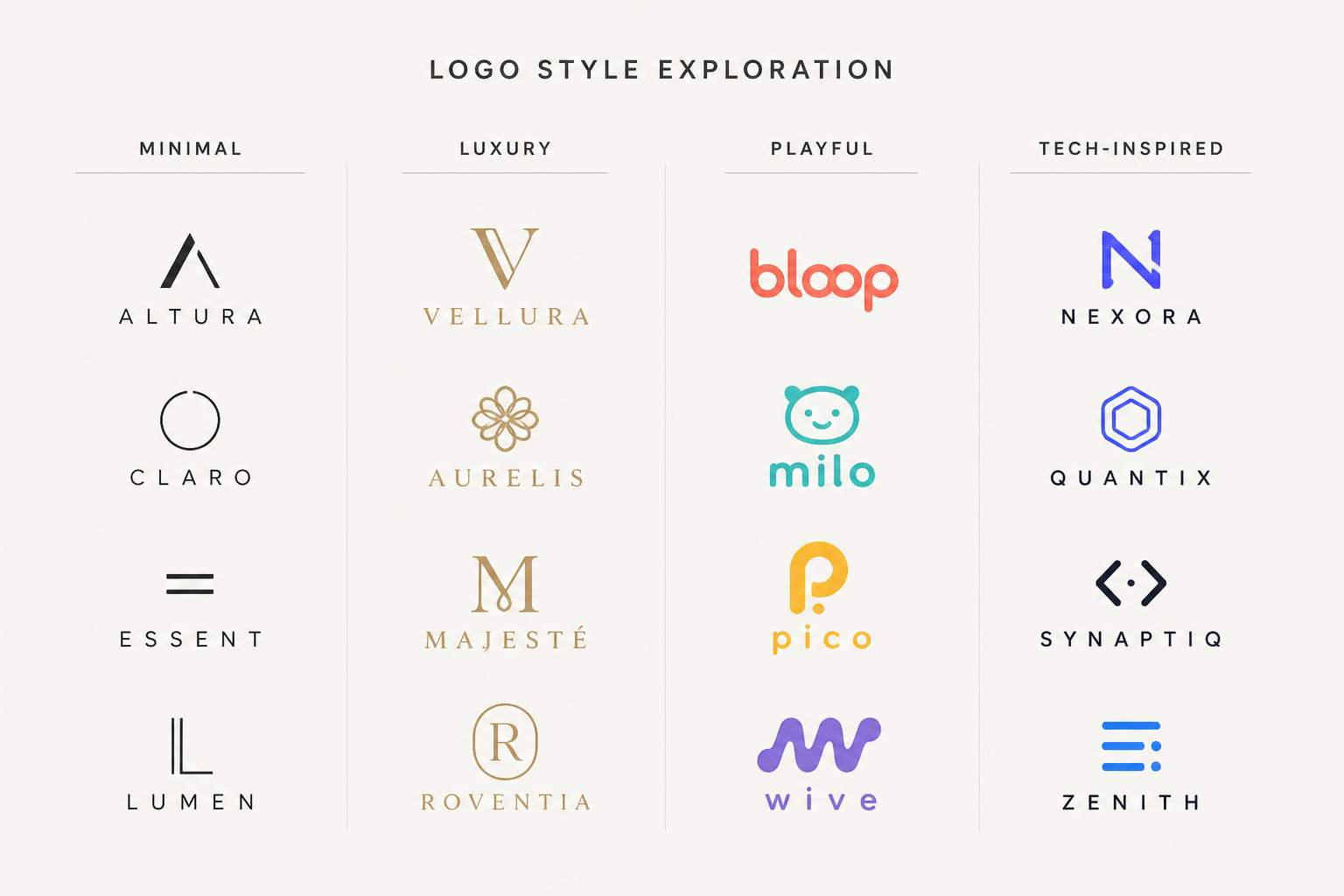
Clear style control
You can steer the look by describing the brand vibe, color palette, typography feel, and icon direction in plain English. This helps you move quickly from broad ideas to more focused concepts. Instead of manually sketching several routes, you can explore clean variations in a few prompt edits. It is especially useful when clients or teammates want multiple visual tones to review.
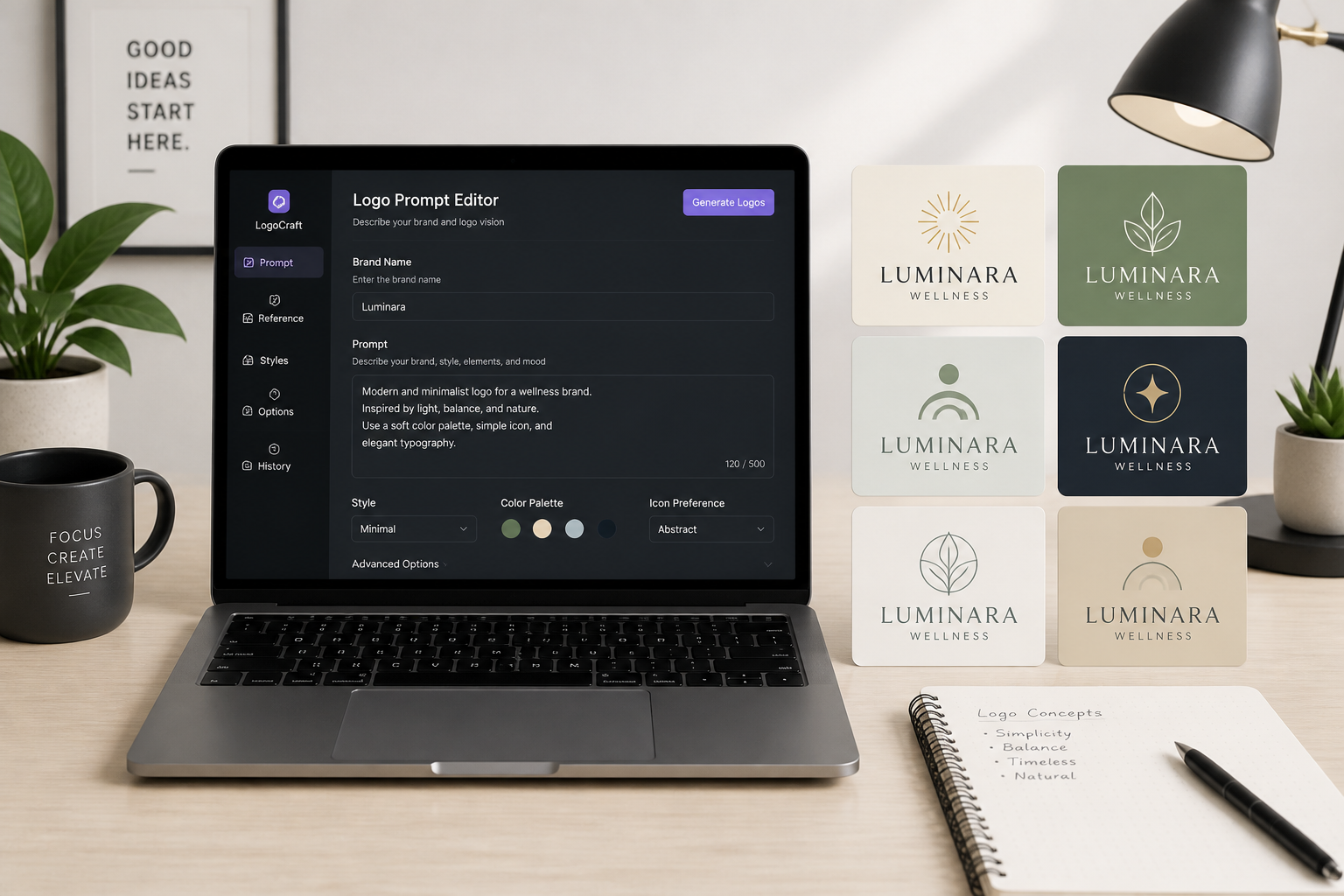
Useful prompt starting points
The sample prompts give you concrete structures to build from, so you do not need to guess how to phrase a good logo request. Start with a niche example, then swap in your business name, audience, and style. That is faster than beginning with a blank prompt box. It also helps non-designers produce more consistent results.
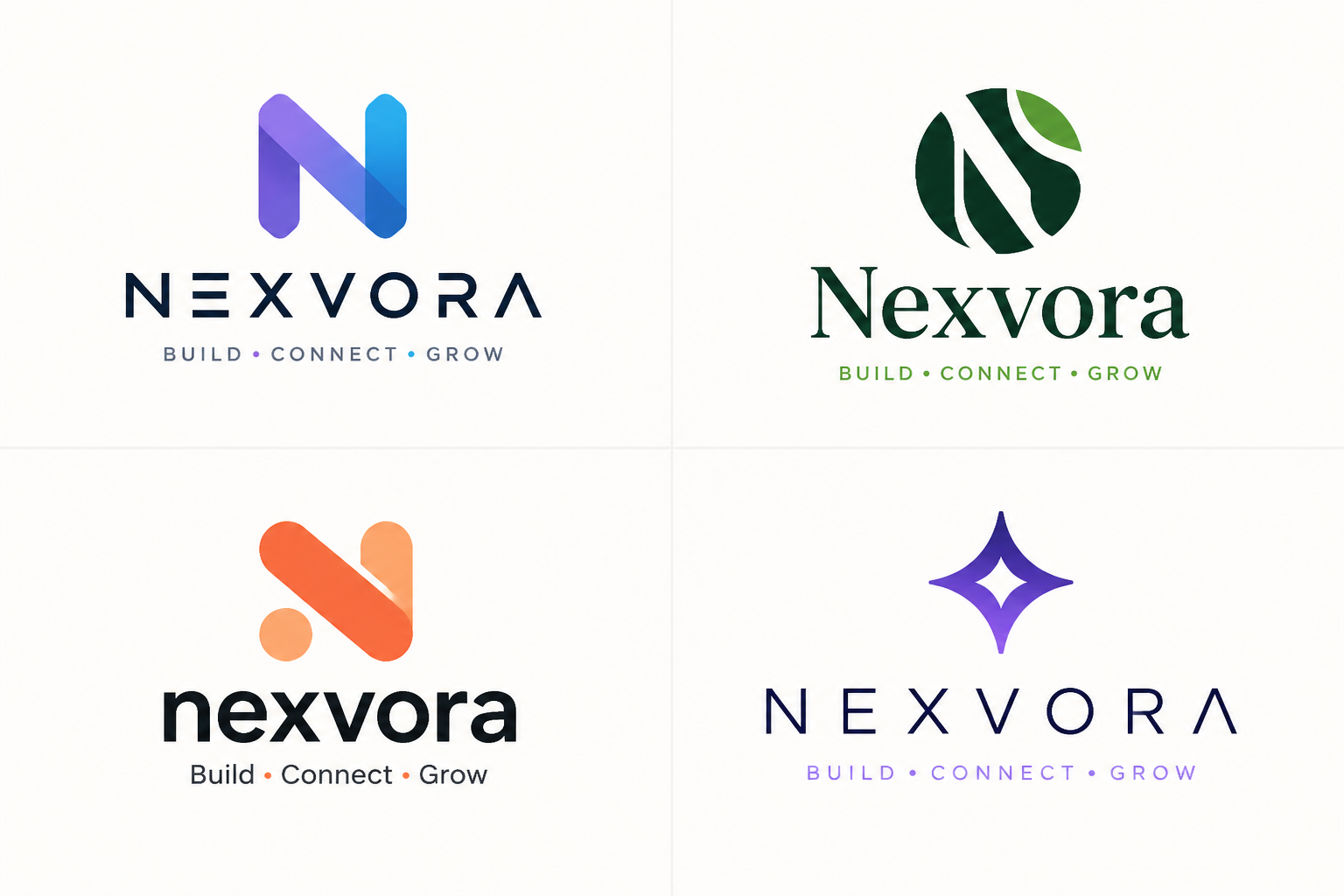
Fast concept iteration
Logo design usually involves trying many small changes to shape, color, and type before a direction clicks. This tool lets you regenerate quickly so you can test names, symbols, and art directions without rebuilding everything manually. It works well for early discovery and internal reviews. You can then take the strongest concept forward into your broader branding process.
How It Works
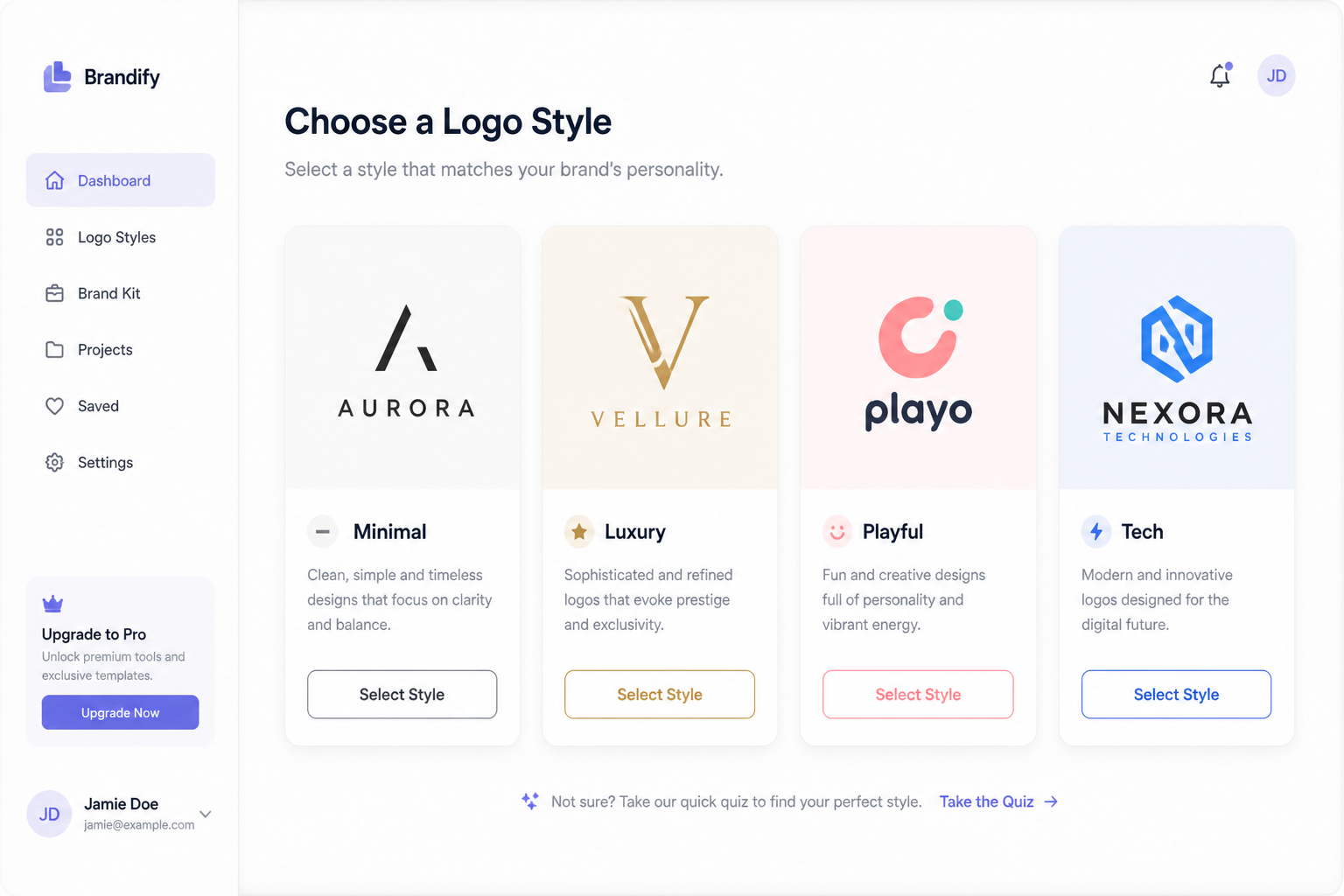
Choose a logo style
Start with a prompt template that matches your brand direction, such as modern, luxury, playful, or vintage. This gives you a strong base instead of an empty prompt box.
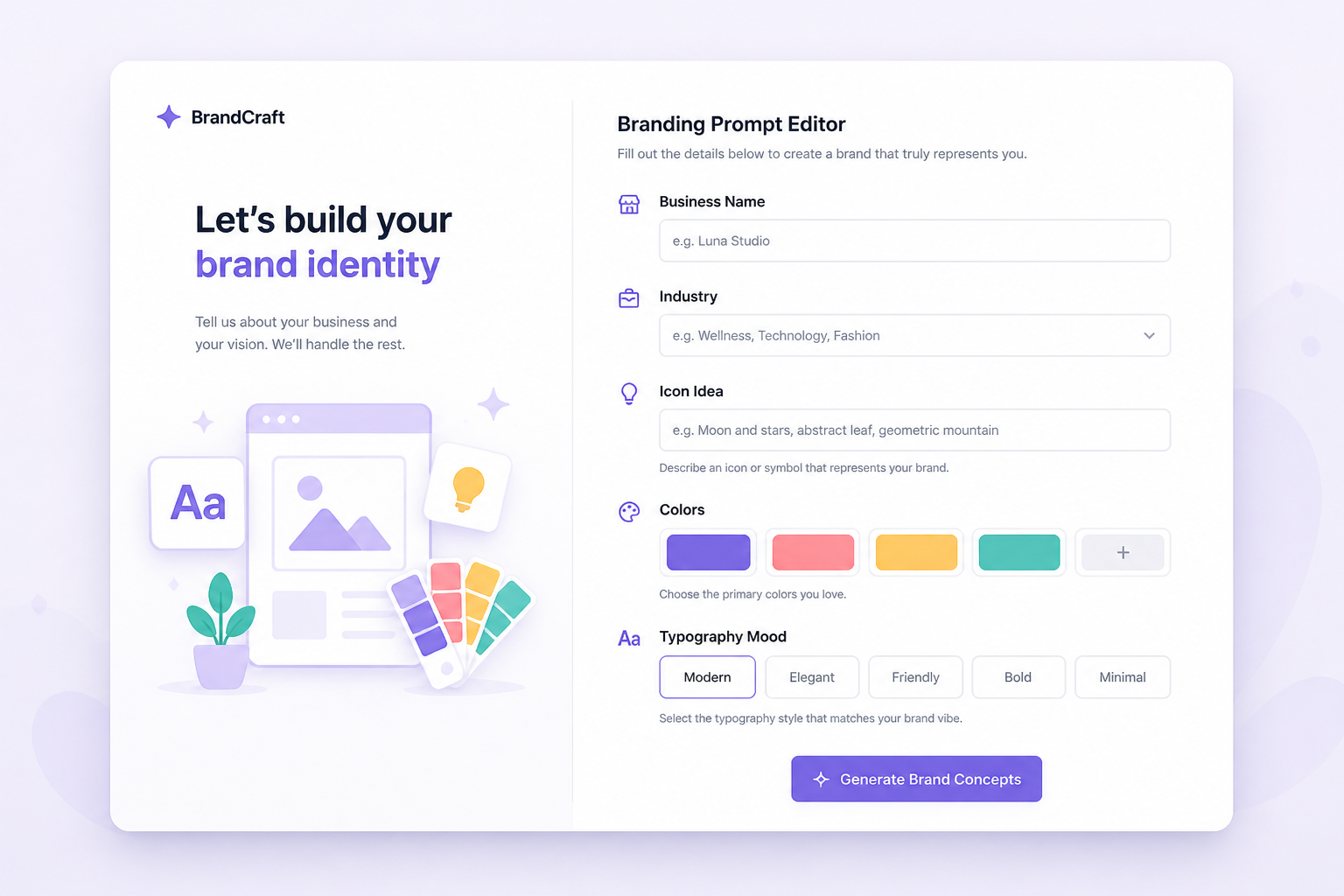
Describe your brand
Add your business name, industry, icon idea, colors, and typography mood. The more specific your prompt, the more targeted your logo concepts will feel.
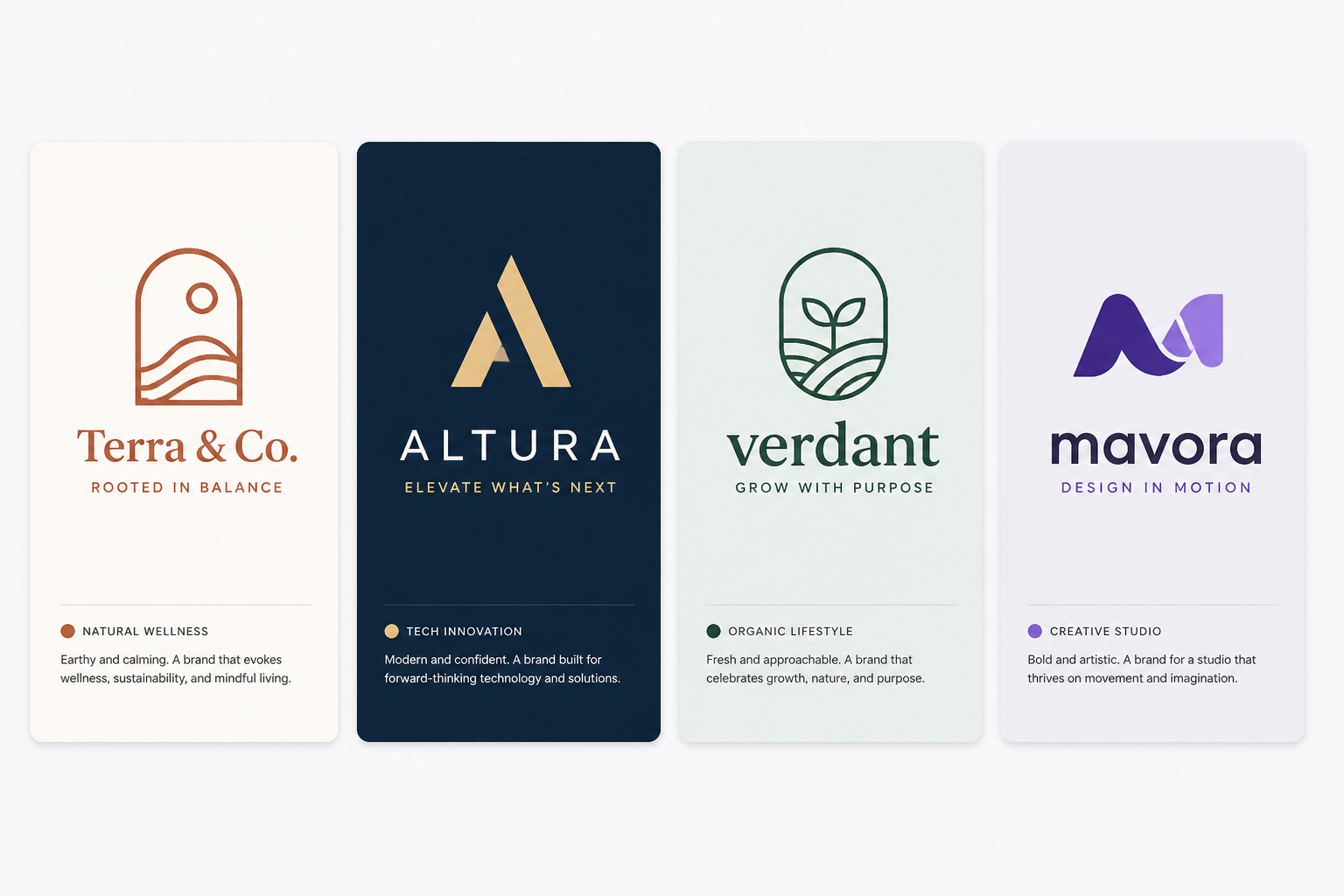
Generate and compare
Create multiple logo concepts, then review the strongest directions side by side. Pick your favorite result and download it to use as a concept reference or starting point.
Perfect For
Discover how creators and professionals use ai logo designer
Startup brand exploration
Generate logo directions for a new company before hiring a designer or locking in a final identity.
Client concept boards
Create quick visual options to help clients react to different styles, symbols, and color directions.
Side project branding
Make polished logo concepts for newsletters, shops, apps, podcasts, and small business launches.
Rebrand brainstorming
Test fresh looks for an existing brand and compare modernized icon and wordmark ideas.
Built For
Founders and startups
Explore brand identity ideas quickly when you need a strong visual direction without a long design process.
Freelancers and agencies
Speed up discovery work with prompt-driven logo concepts you can use in pitches, moodboards, and client reviews.
Small business owners
Create professional-looking logo ideas for local services, online shops, and personal brands with simple text prompts.
Why use this AI logo designer
A quick look at how we compare on the things that matter for this niche.
| Feature | BudgetPixel | Generic AI generators | Stock photo libraries |
|---|---|---|---|
| Logo-focused prompt templates | Yes | Sometimes | No |
| Fast style variations | Yes | Yes | No |
| Editable prompt library | Yes | Rarely | No |
| Made for custom brand concepts | Yes | Not always | No |
| Subscription required to start | No | Often | Yes |
Frequently Asked Questions
Can I make a logo from just a text prompt?
Are these logos good for early branding work?
Can I create different logo styles for the same brand?
Do I need design experience to use it?
Will I get multiple variations?
Create together.
Share your creations, discover trending AI art, and grow with fellow creators.