AI Design Agent Generator
Turn plain-English product ideas into polished design visuals
Generate concept visuals for an AI design agent from a simple prompt. Create product mockups, landing page scenes, UI concepts, and branded illustrations for teams, founders, and marketers who need visuals fast.
See It In Action
Real outputs from ai design agent generator.
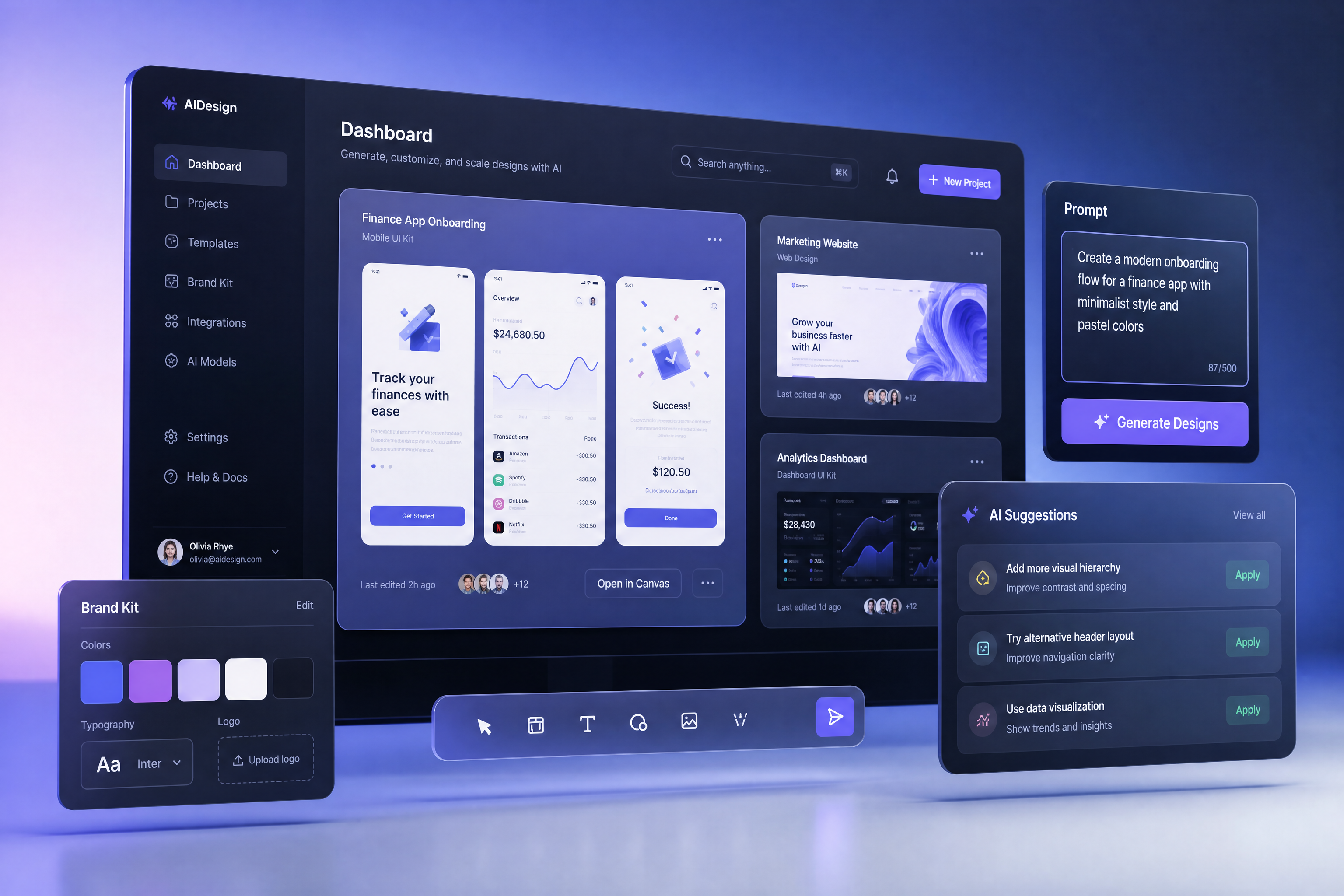
AI design agent dashboard concept, sleek desktop app interface, floating design canvases, prompt input panel, brand color system, modern SaaS product shot, soft studio lighting, clean gradient background, high-end product visualization
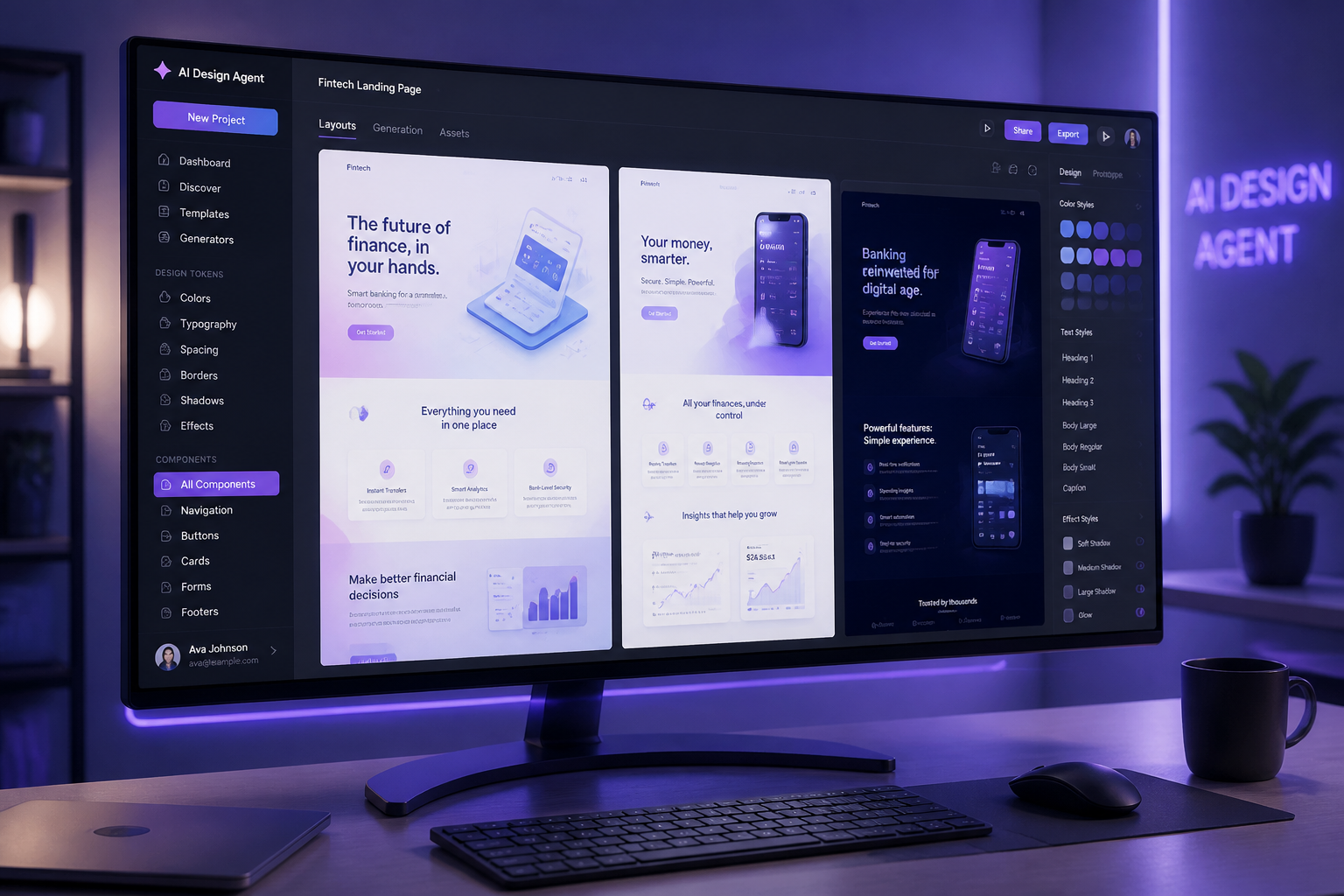
futuristic AI design agent workspace, widescreen monitor showing auto-generated landing page layouts, design tokens sidebar, component library, pastel blue and violet palette, cinematic product render, shallow depth of field
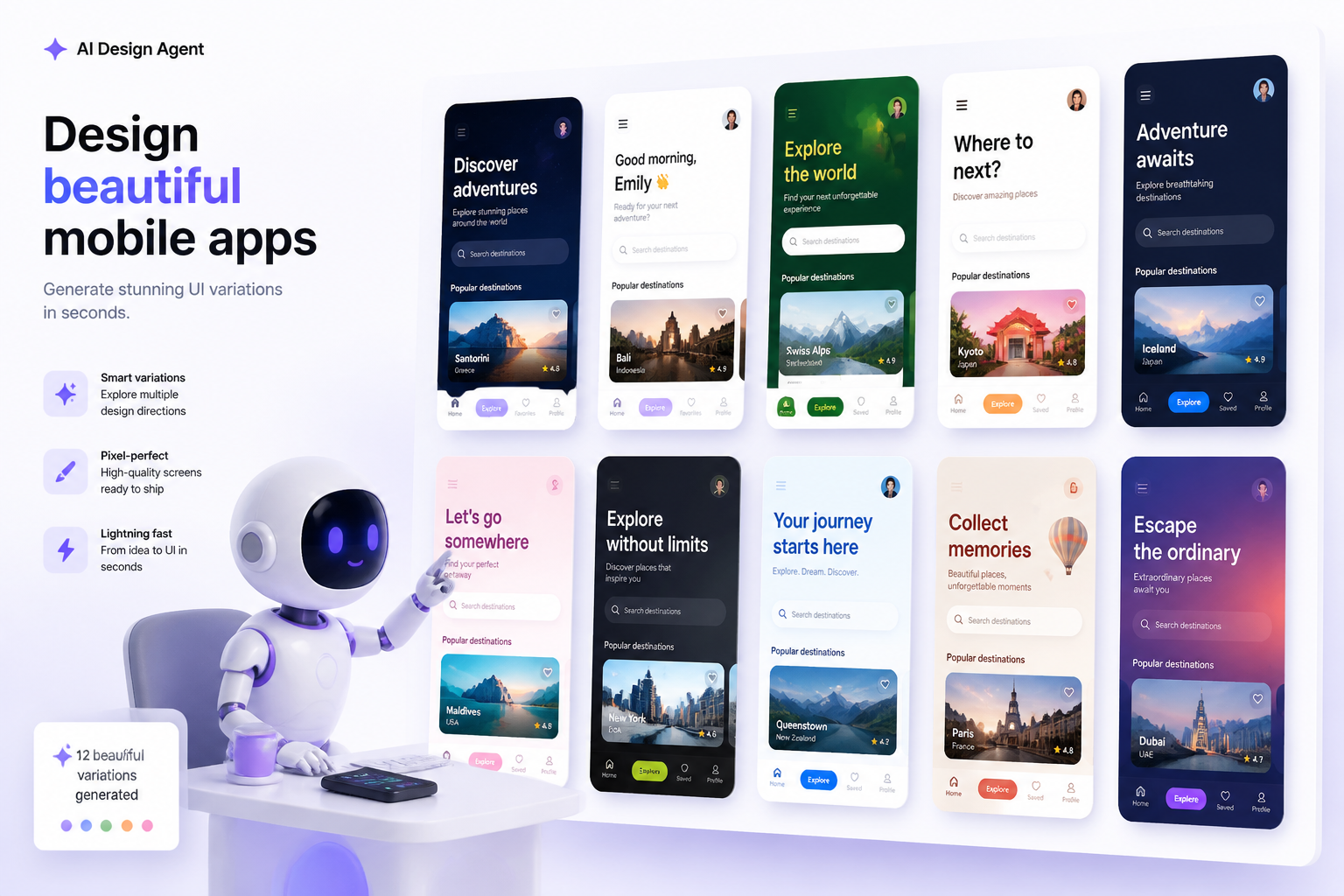
AI design agent creating mobile app screens, grid of polished UI variations on a floating canvas, crisp typography, vibrant accent colors, minimal studio scene, modern product marketing illustration
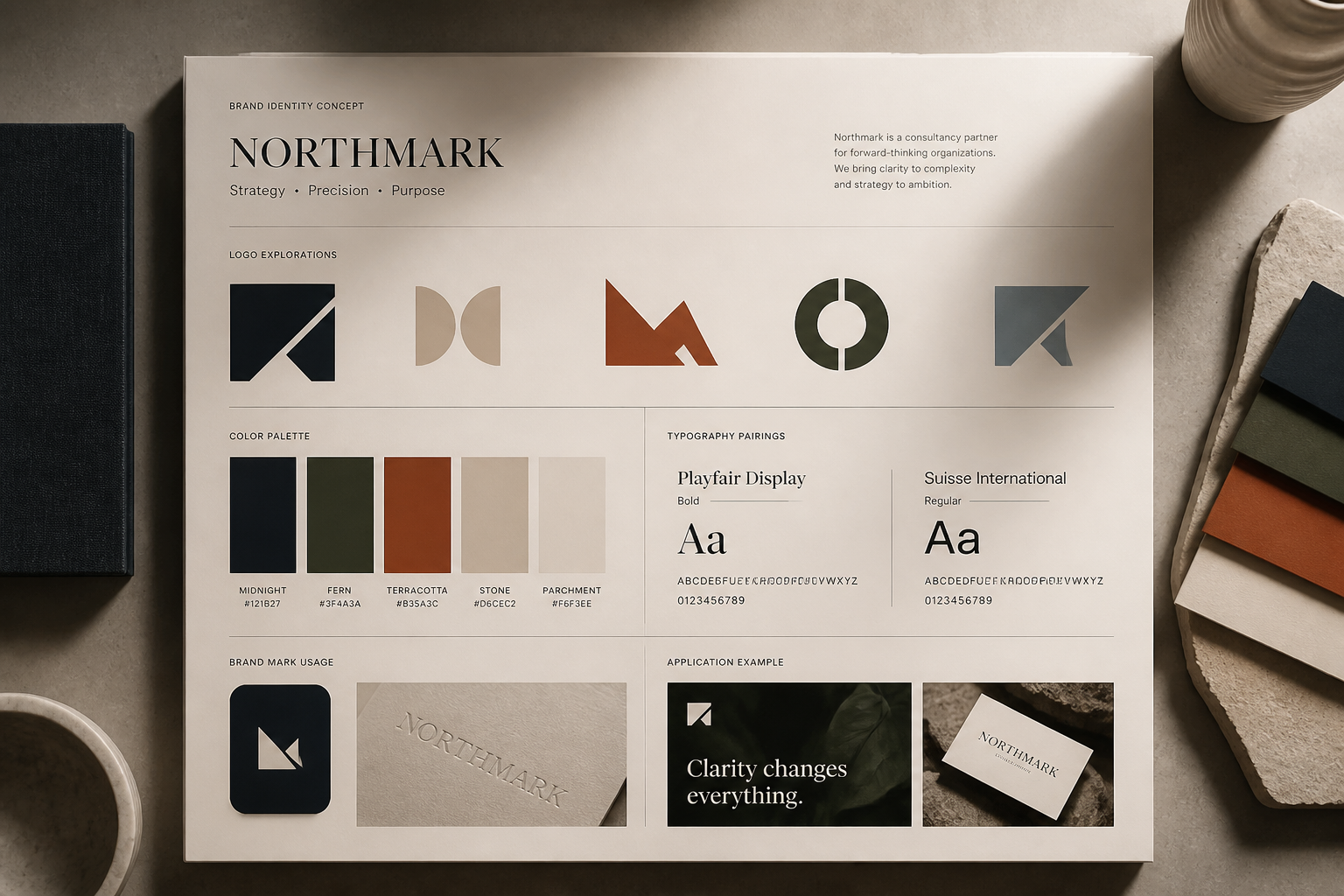
brand identity concept created by an AI design agent, logo explorations replaced with abstract geometric marks, color palette cards, typography pairings, premium tabletop presentation, editorial lighting, clean background
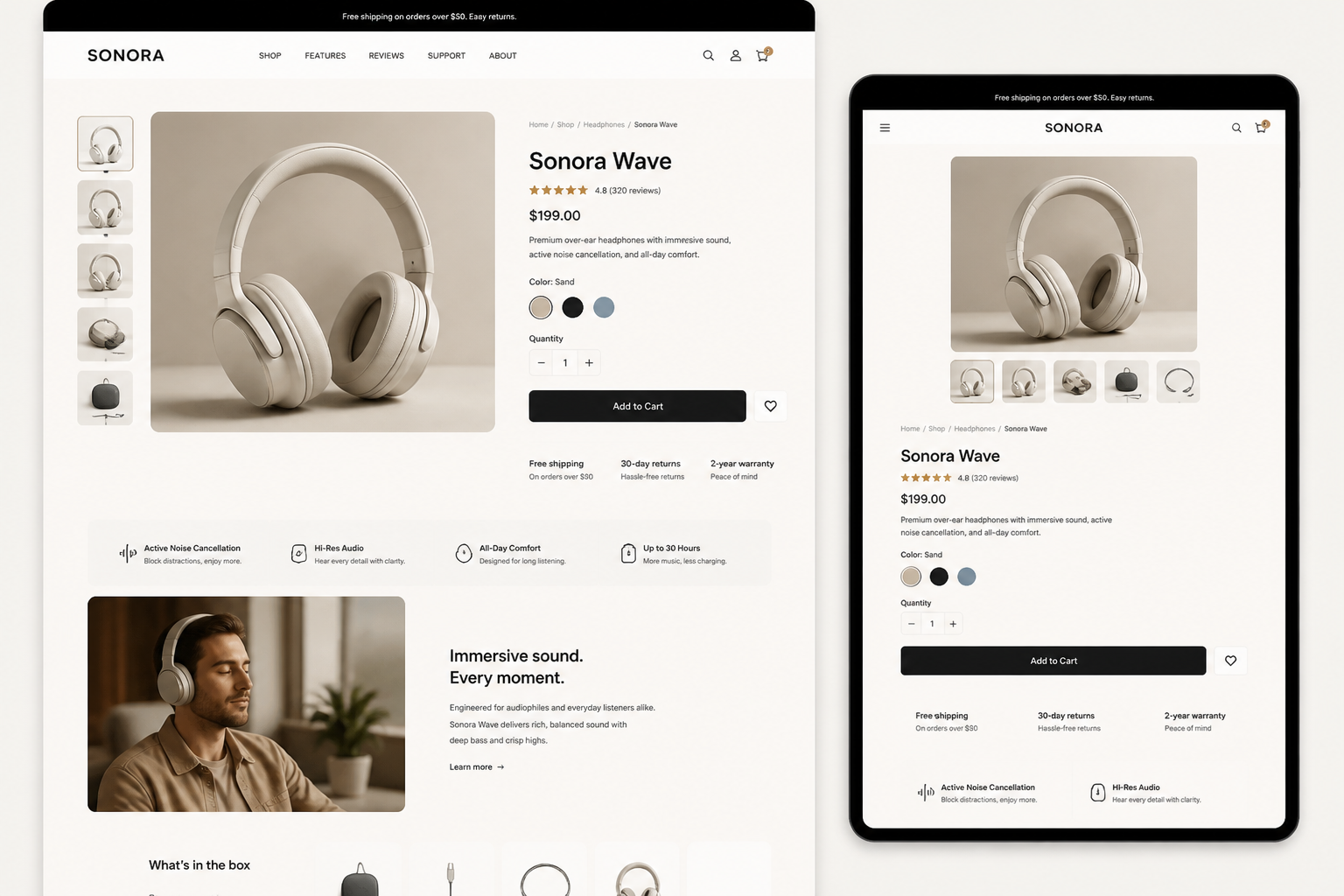
AI design agent generating ecommerce product page mockups, desktop and tablet screens side by side, modular sections, conversion-focused layout, bright neutral palette, photoreal product render style
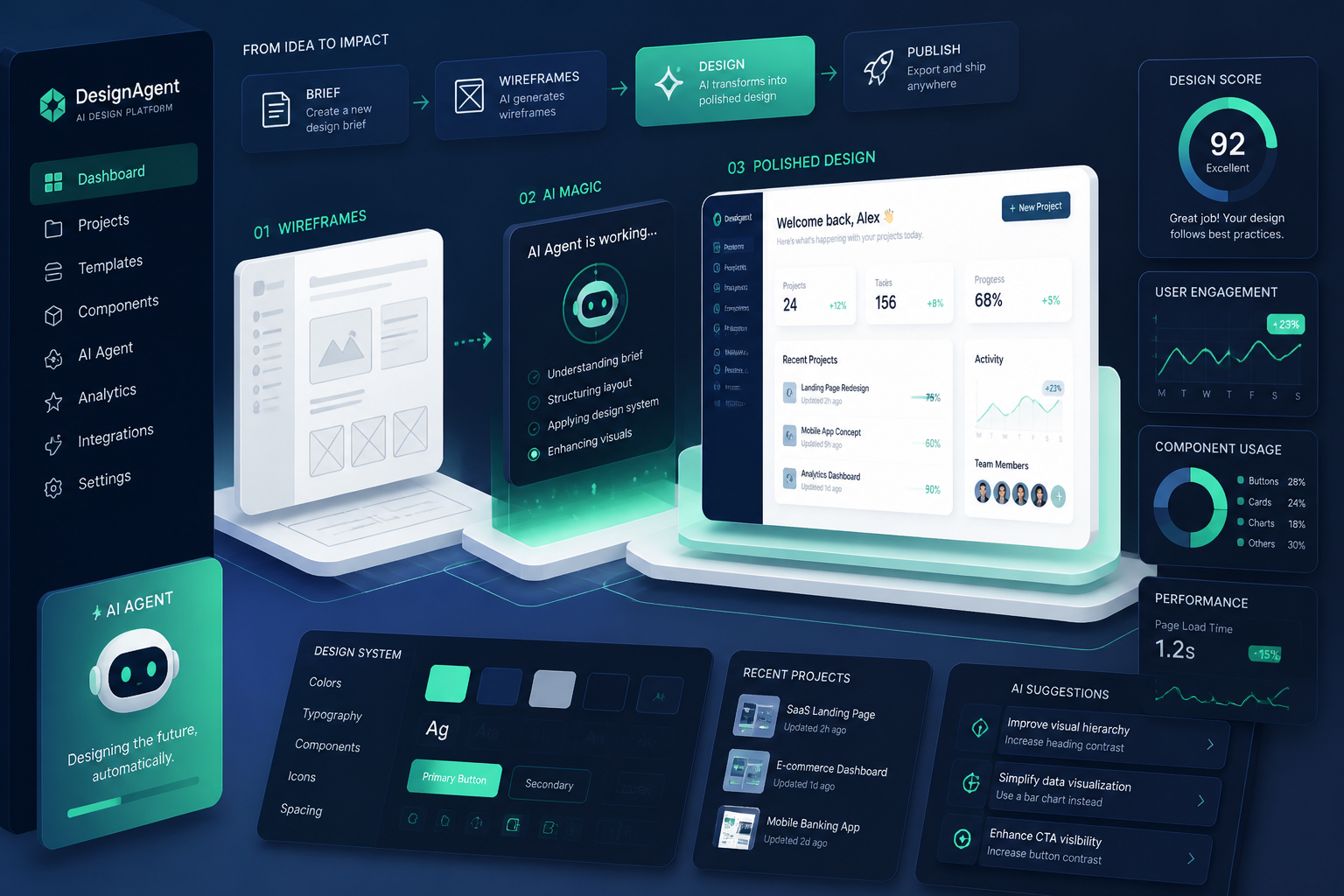
isometric illustration of an AI design agent platform, automated wireframes transforming into polished interfaces, layered panels, analytics widgets, mint and navy color scheme, sharp vector style
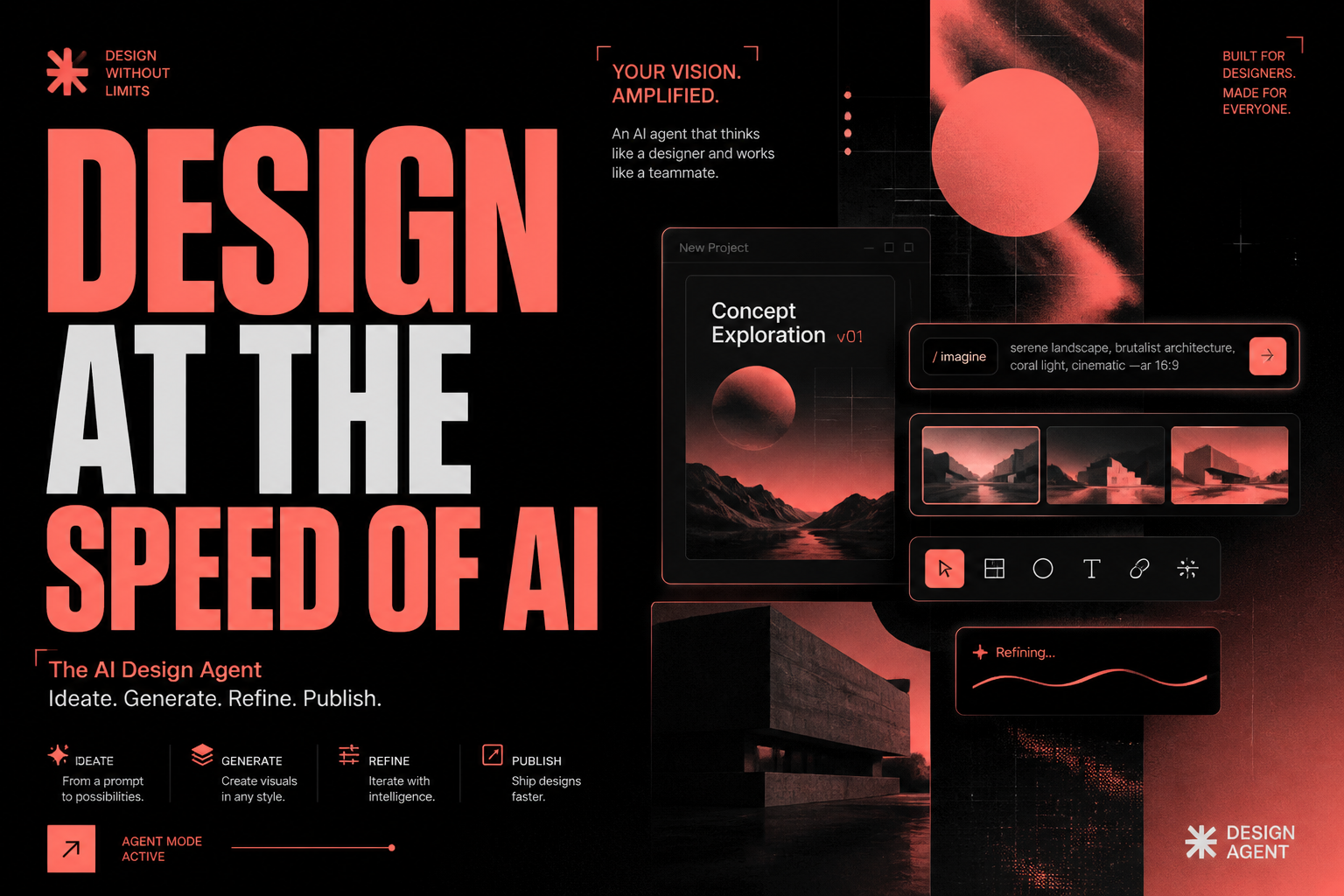
editorial poster for an AI design agent, bold typographic composition, abstract interface fragments, neon coral and charcoal palette, graphic design poster style, high contrast, gallery-quality layout
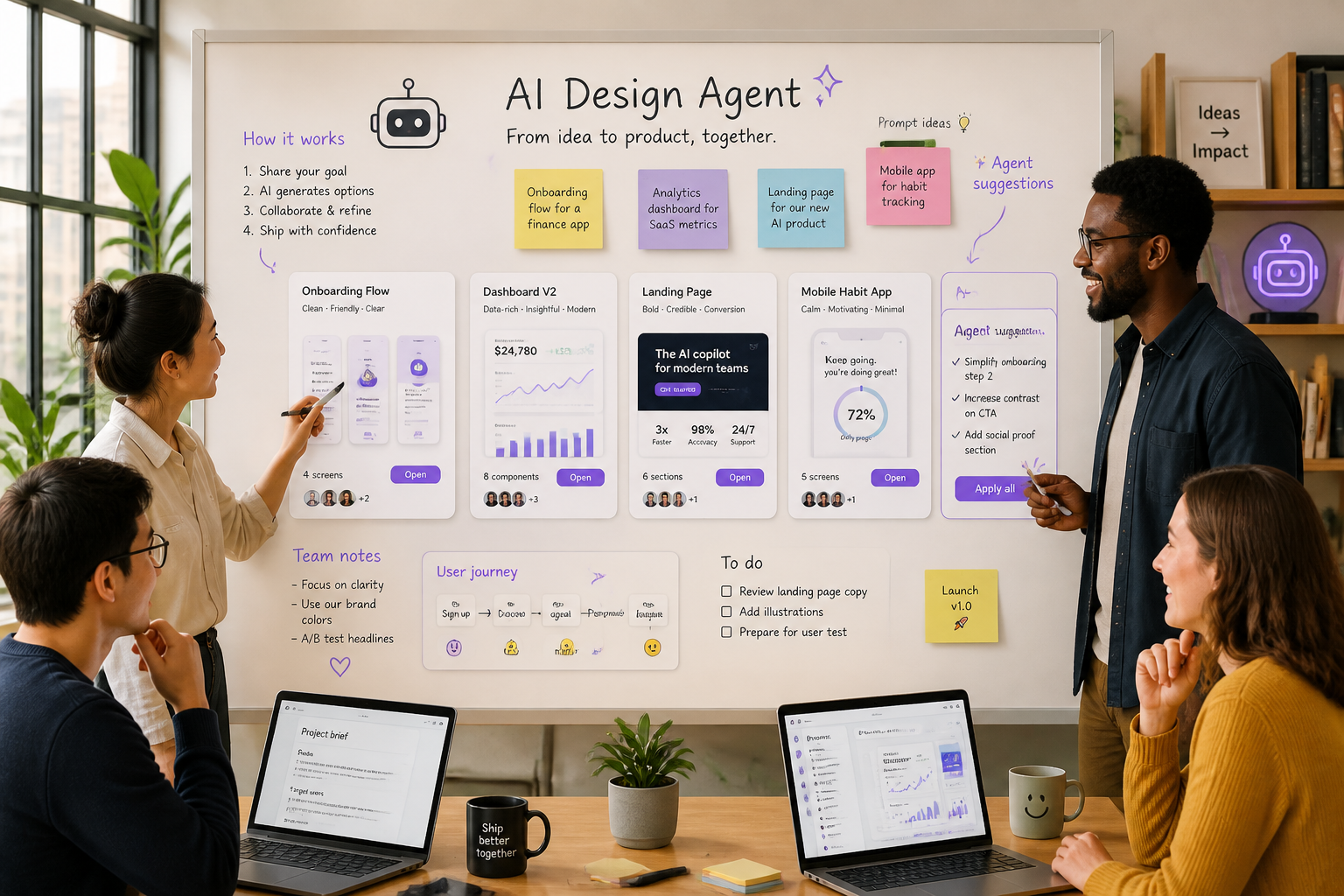
AI design agent concept for startup teams, collaborative whiteboard filled with generated UI cards, sticky-note style prompt ideas, modern office background, warm daylight, polished illustration
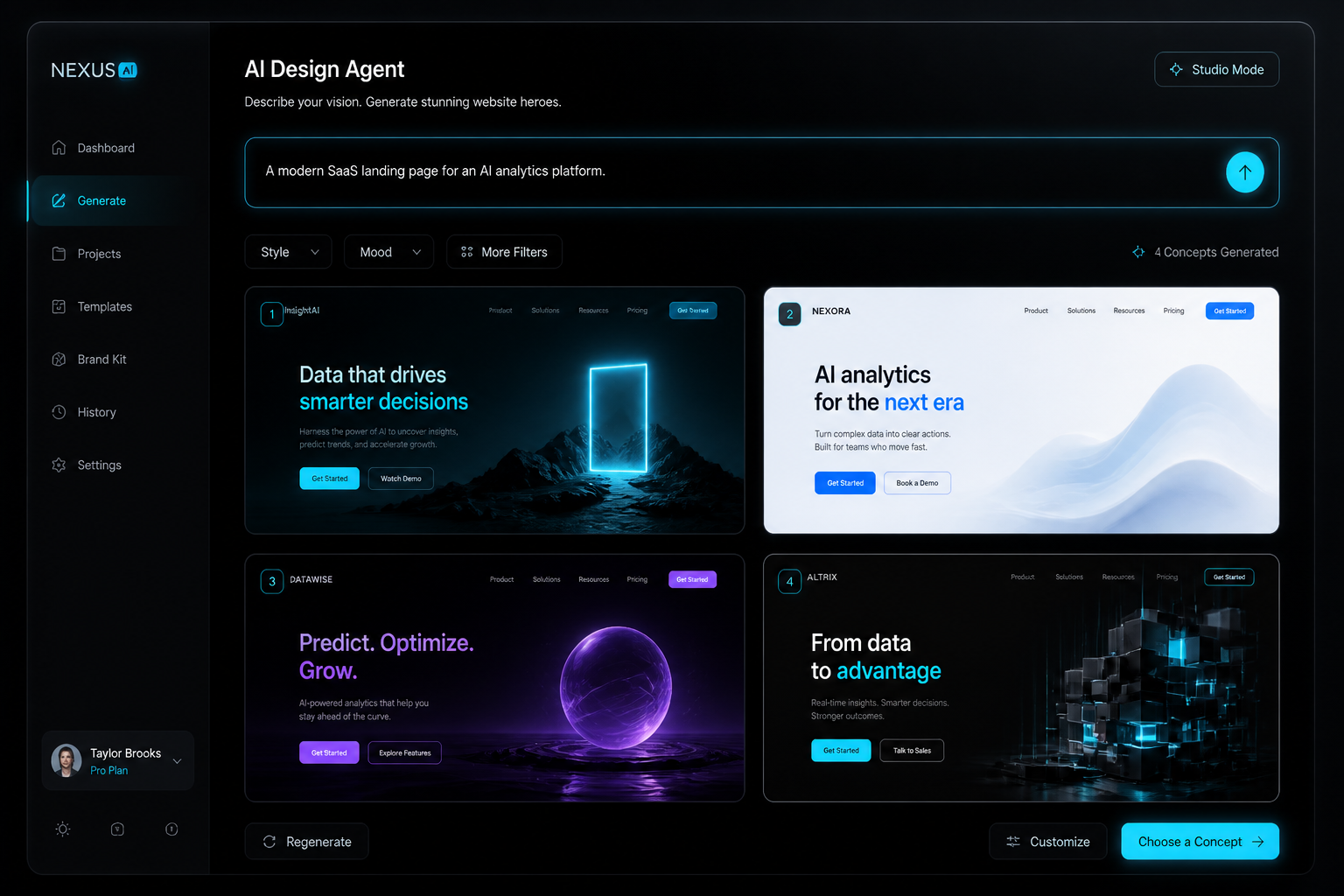
dark mode AI design agent interface, elegant black glass panels, glowing prompt field, generated website hero concepts in a 2x2 grid, cyan highlights, dramatic studio lighting, premium tech aesthetic
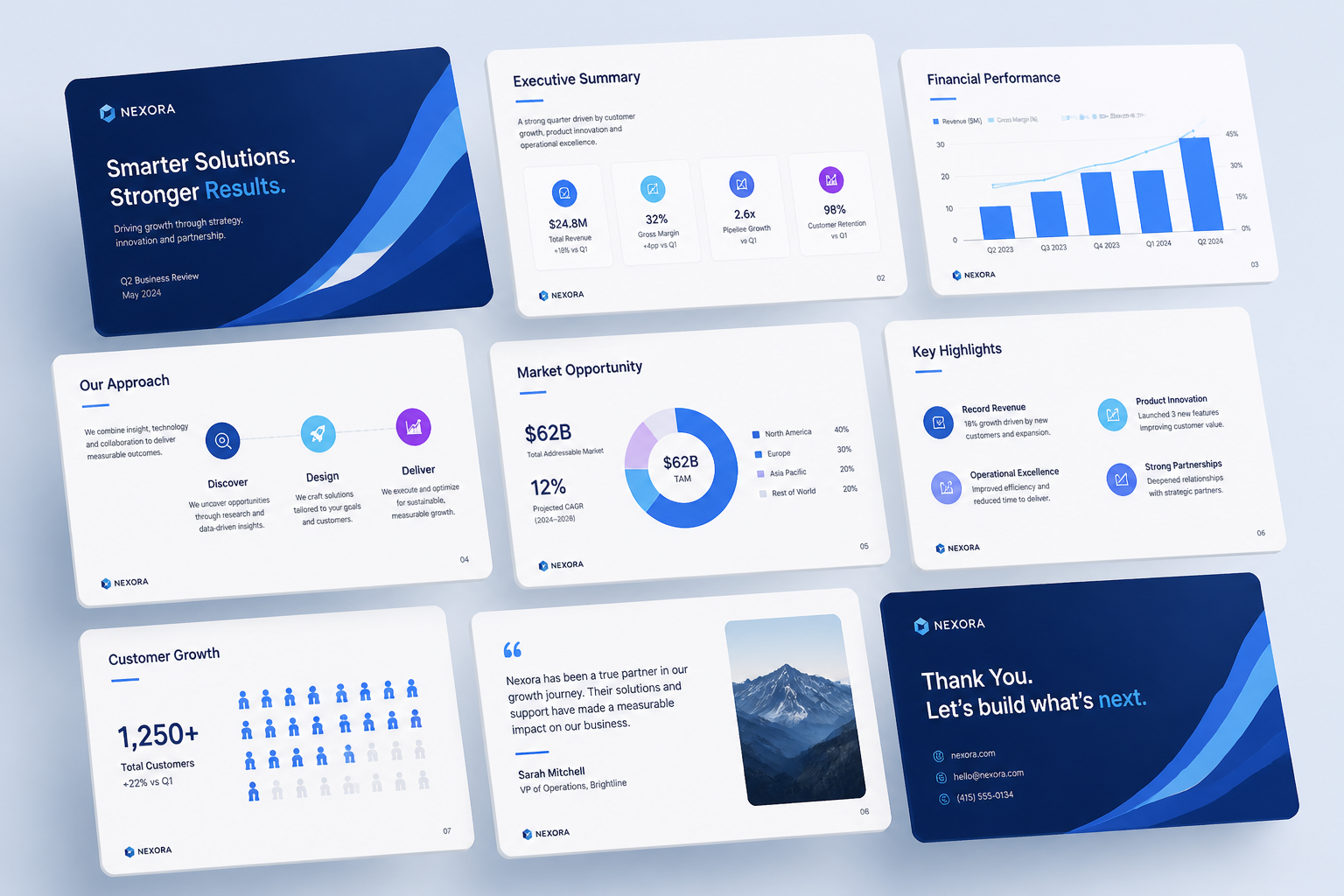
AI design agent creating presentation slide visuals, sequence of clean deck pages with charts, icons, and branded layouts, floating perspective scene, soft shadows, minimalist corporate illustration
Key Features
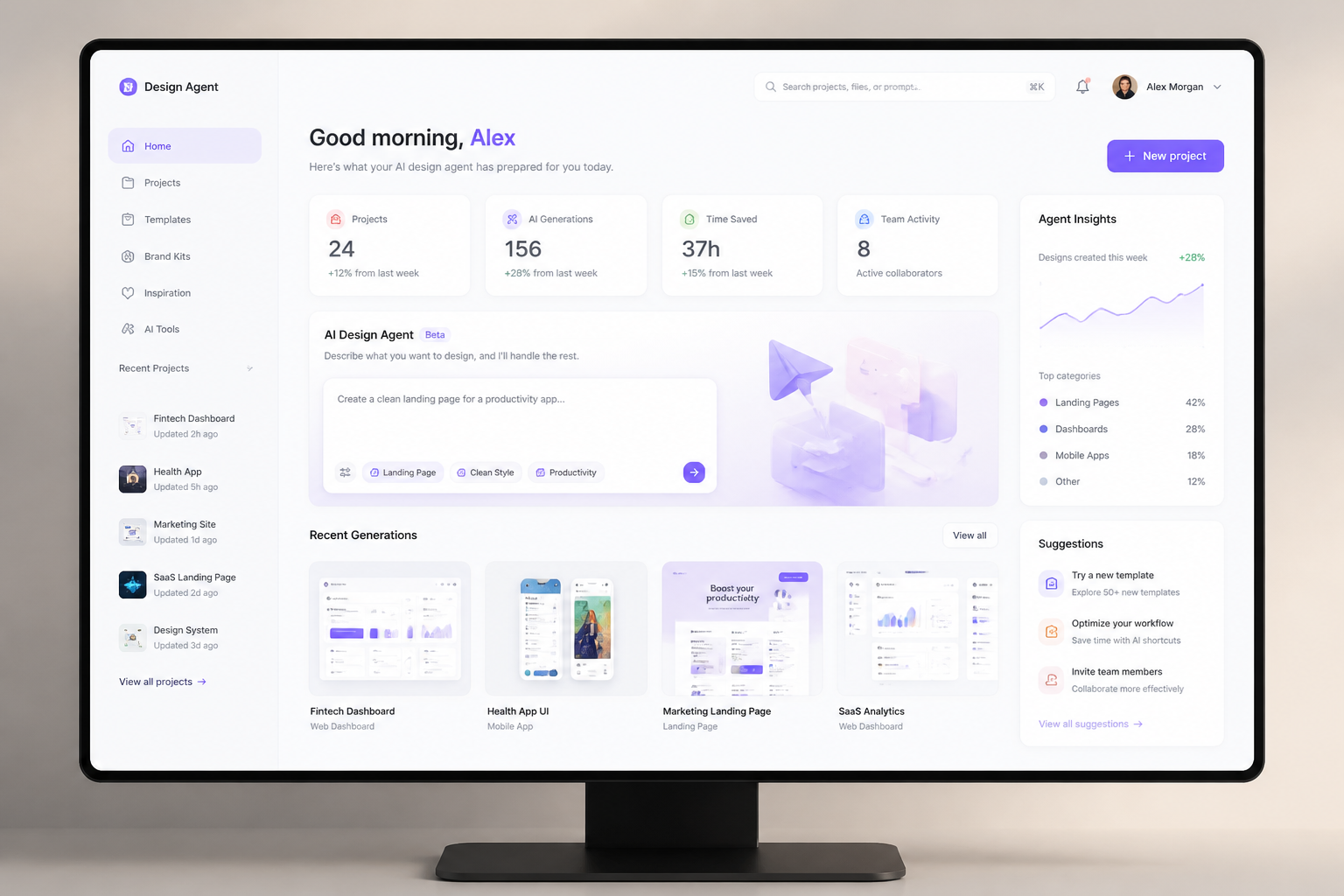
Generate polished concept screens
This tool helps you turn rough product ideas into clean visual concepts in minutes. It is useful when you need something more concrete than a text brief but faster than a full design pass. Compared with a generic image generator, the prompts here are shaped for product visuals, interfaces, and branded layouts. That means you get images that look closer to real design work and less like abstract AI art.
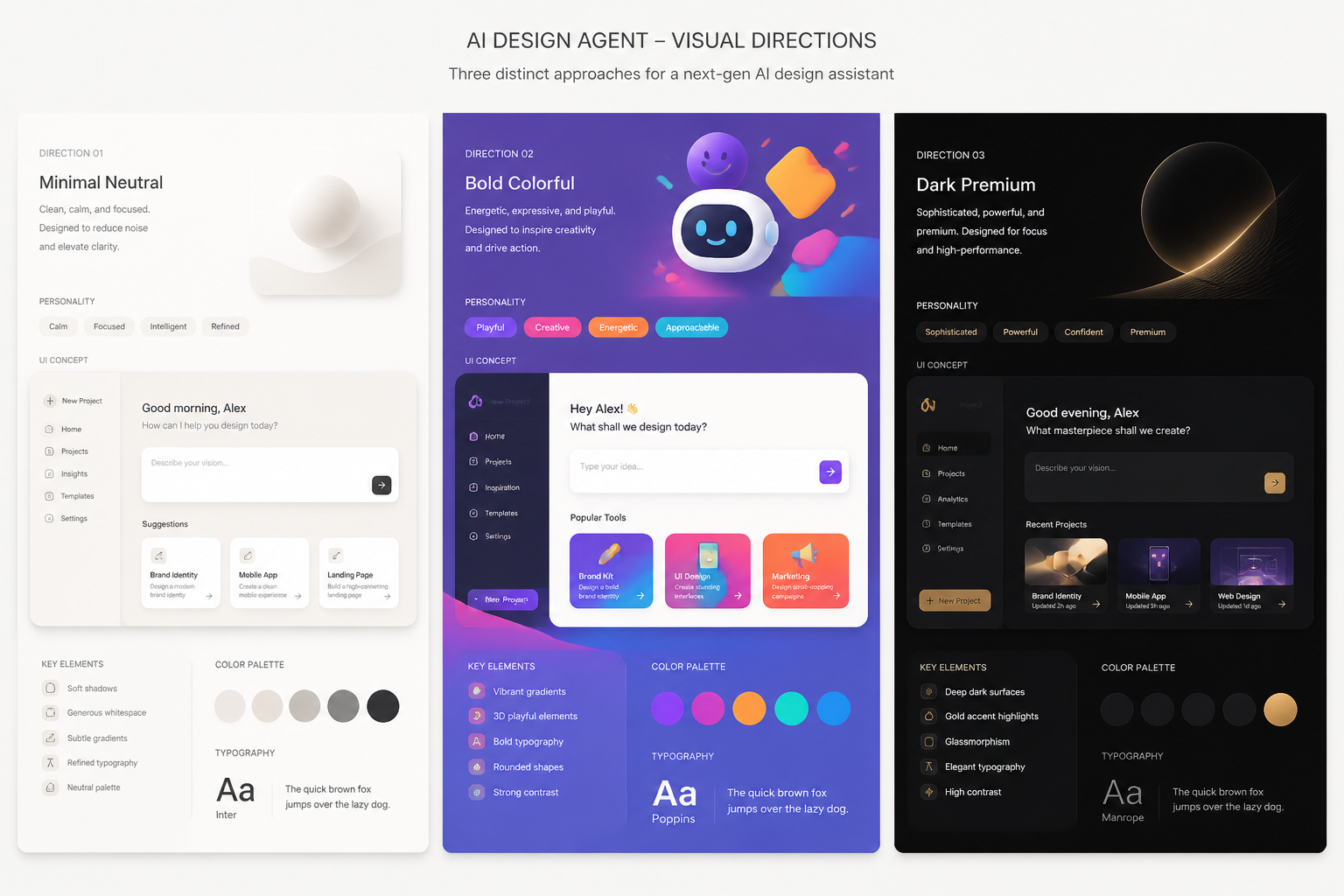
Explore multiple visual directions
A strong design process needs options, not just one output. Use the generator to test different moods, layouts, and brand styles before you commit to a direction. This makes it easier to compare ideas side by side than sketching everything manually from scratch. It also helps teams align early around what feels right.
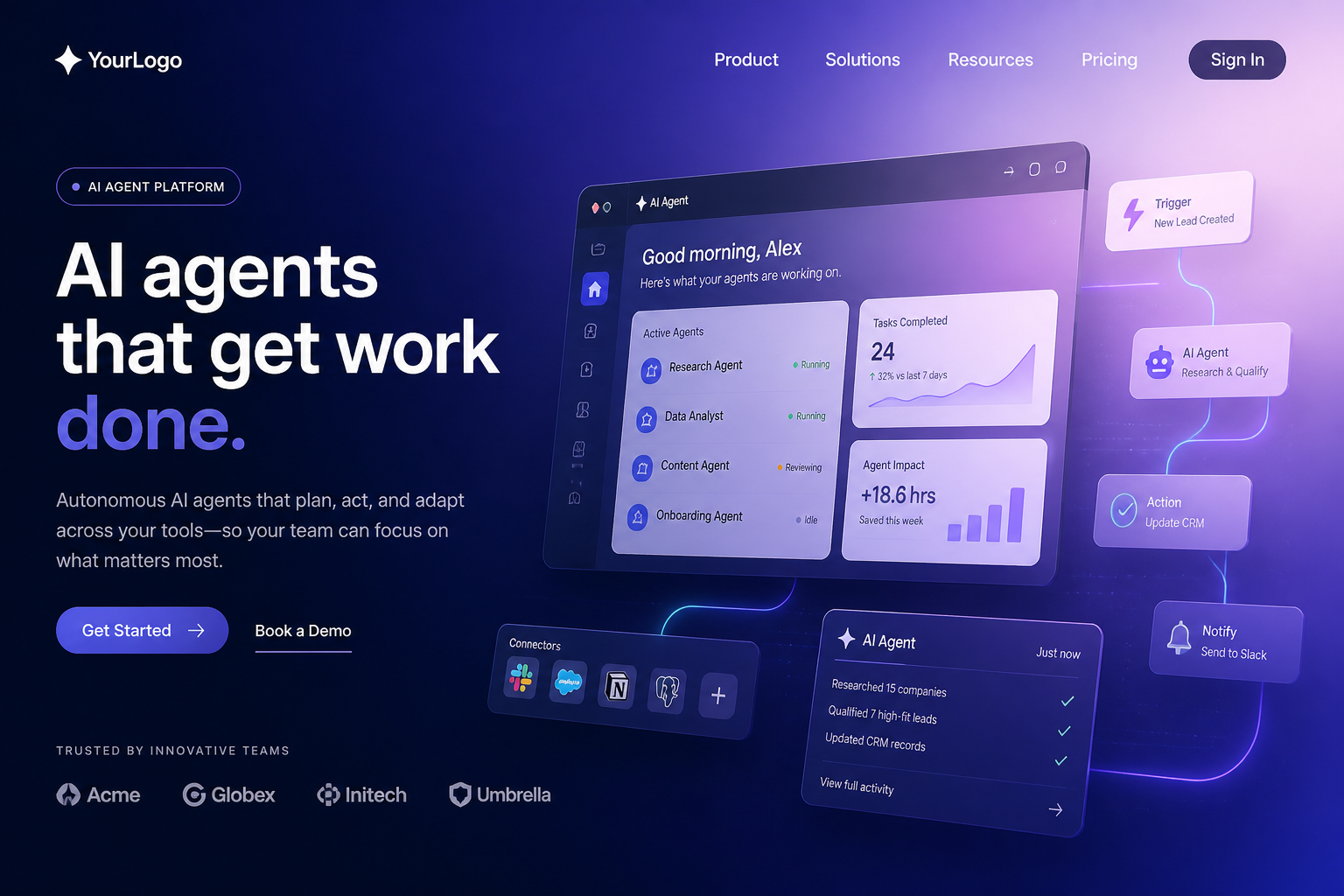
Show product ideas clearly
Good concept images help people understand a product faster than a paragraph can. You can generate hero visuals, UI scenes, and abstract product storytelling images that make your idea easier to present. This is especially useful for decks, landing pages, and internal reviews. Instead of hunting through stock libraries, you can describe the exact angle you want.
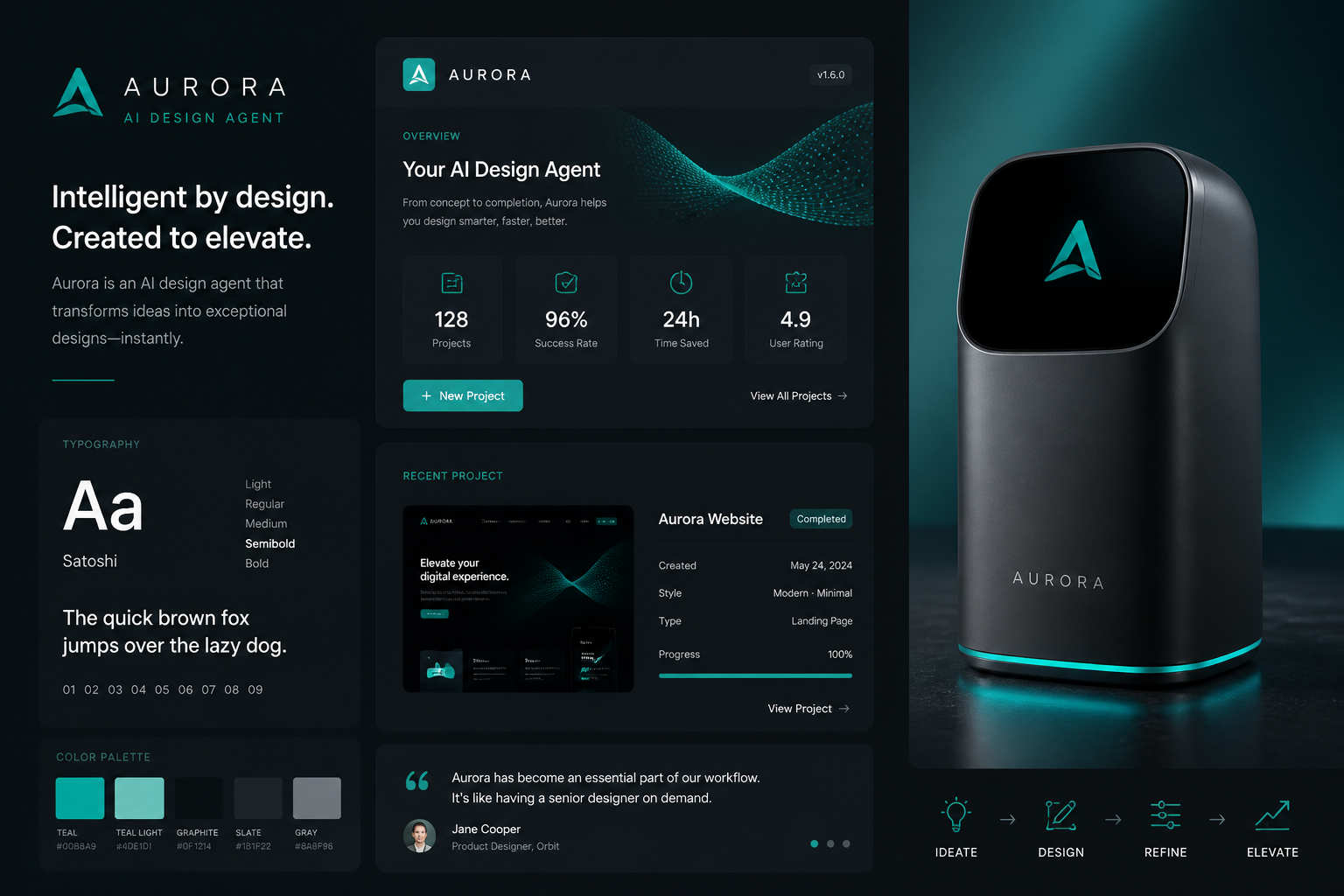
Stay on-brand from prompts
You can guide the output with color palettes, tone, interface style, and composition details directly in the prompt. That gives you more control over the final look than relying on generic inspiration images. It is a practical way to keep concept work visually consistent while still moving quickly. For early-stage branding and product marketing, that balance matters.
How It Works
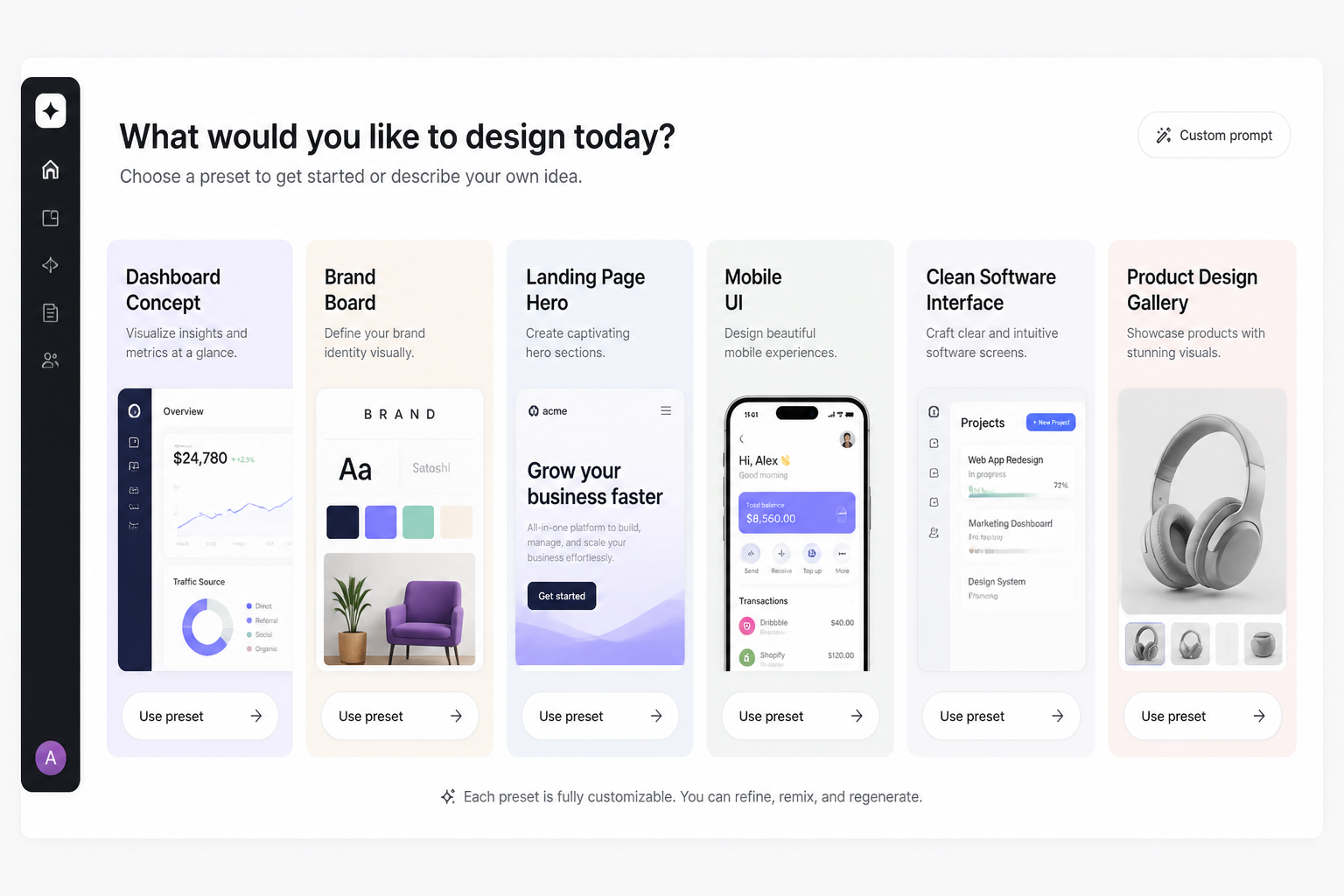
Start with a preset
Begin with a prompt that matches the kind of visual you want to make, such as a dashboard concept, landing page hero, or brand board. The preset gives you a strong structure so you are not starting from a blank page.
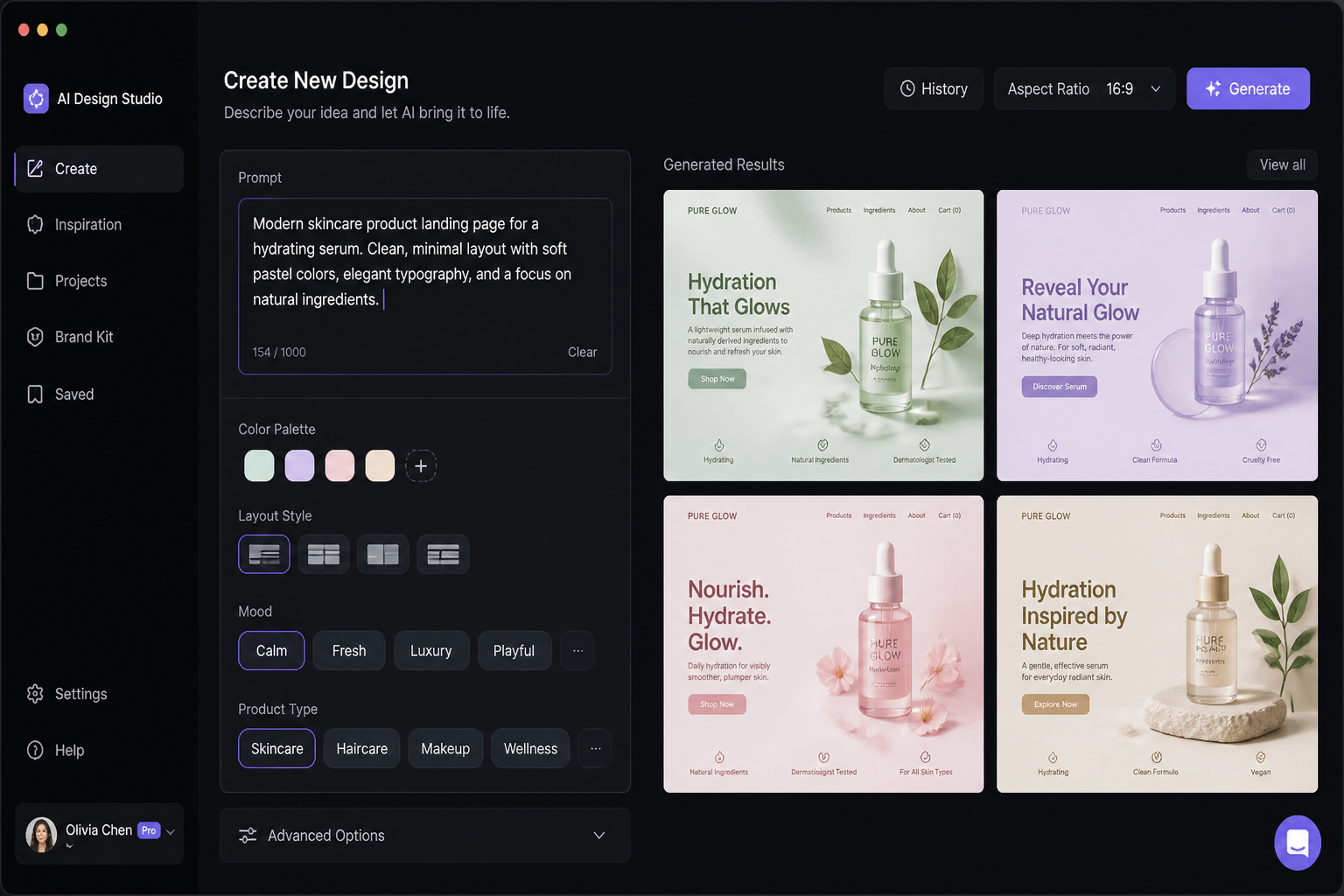
Describe the design direction
Edit the prompt with your product type, color palette, layout style, and mood. Add details like minimal, bold, dark mode, editorial, or enterprise so the output fits your use case better.
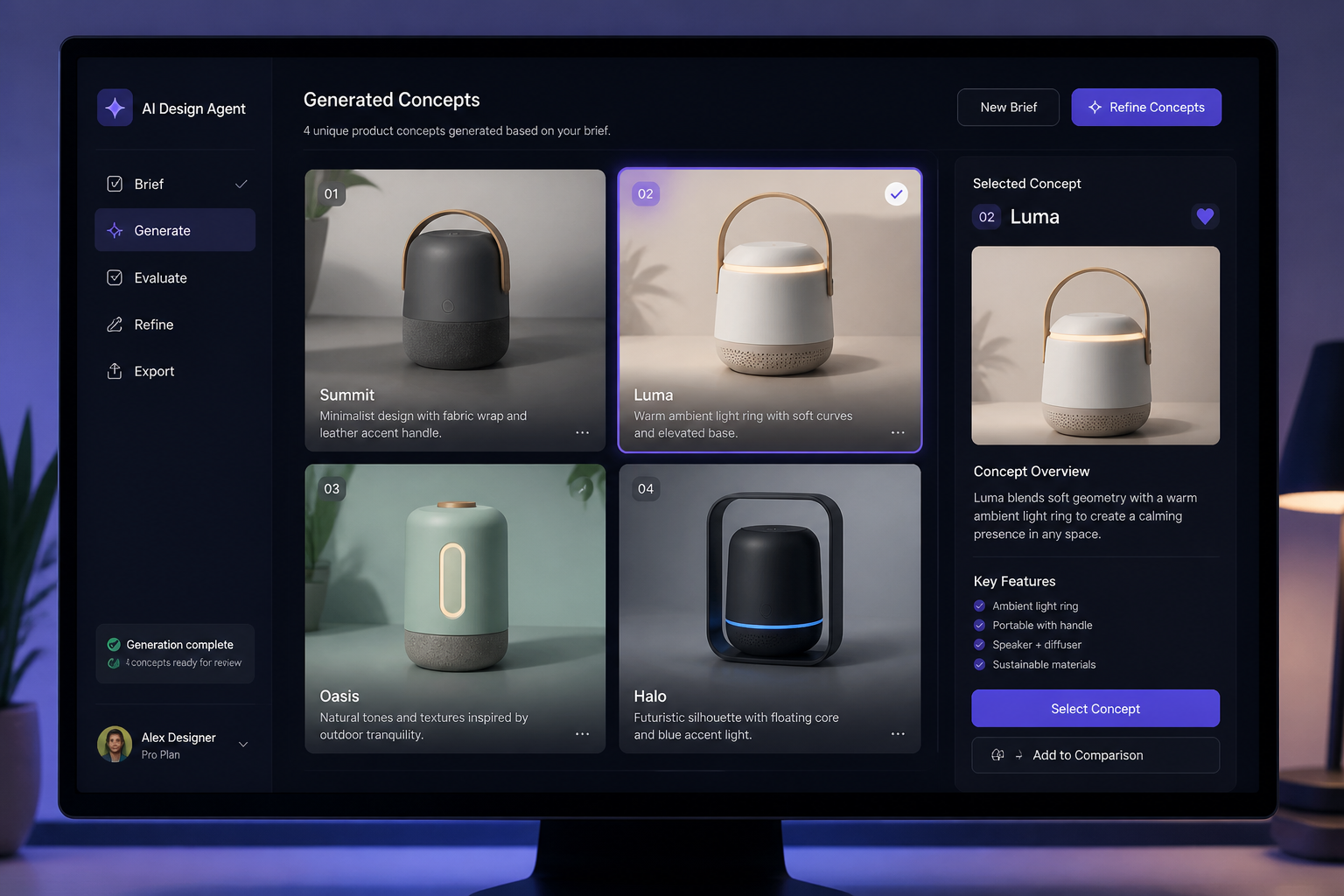
Generate and pick a favorite
Create variations, compare the results, and keep the image that best matches your idea. Once you find a strong direction, download it for presentations, planning, or marketing drafts.
Perfect For
Discover how creators and professionals use ai design agent generator
Landing page hero concepts
Generate polished visuals for SaaS homepages, launch pages, and feature sections when you need a strong first impression.
Product pitch decks
Create concept art that helps investors, clients, or internal teams understand the product vision quickly.
Brand direction boards
Explore color systems, visual tone, and design language before committing to a full branding process.
UI inspiration drafts
Produce interface scenes and layout directions that can guide wireframes, mockups, and design discussions.
Built For
Founders
Useful for turning rough startup ideas into presentable visuals for launches, pitches, and product planning.
Product marketers
Helps create branded concept imagery for pages, campaigns, and product storytelling without waiting on a full design cycle.
Design teams
Speeds up early exploration by generating visual directions that can inform moodboards, reviews, and creative briefs.
Frequently Asked Questions
What is an AI Design Agent generator?
Can I make UI and SaaS product visuals with it?
Do I need to upload a reference image?
Are these outputs production-ready designs?
How do I get better results?
Create together.
Share your creations, discover trending AI art, and grow with fellow creators.