AI Website Design Generator
Create website mockups and UI concepts from a simple prompt
Generate website design concepts from text in seconds. Use it to explore layouts, color systems, page styles, and visual direction before moving into design or development.
See It In Action
Real outputs from ai website design generator.
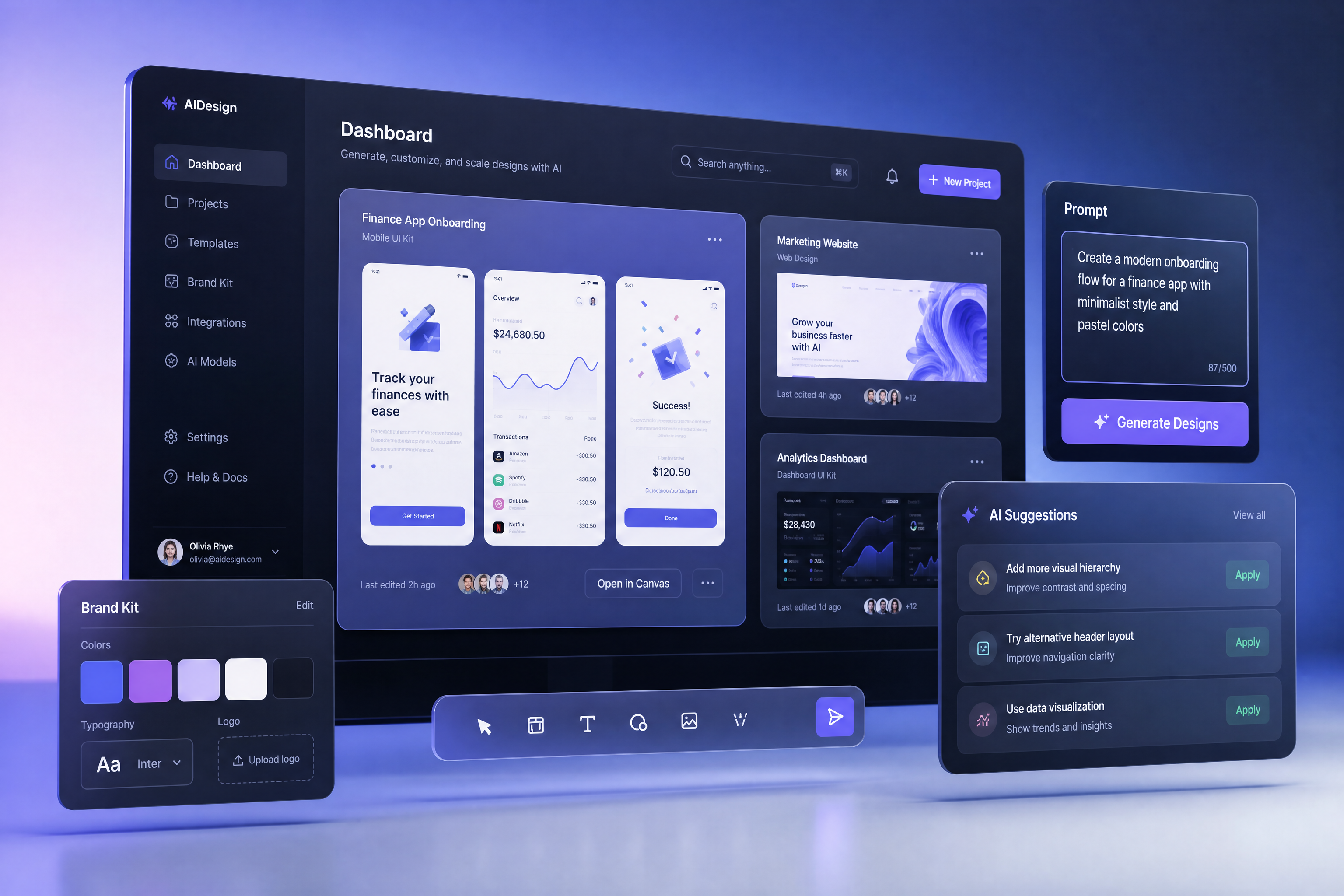
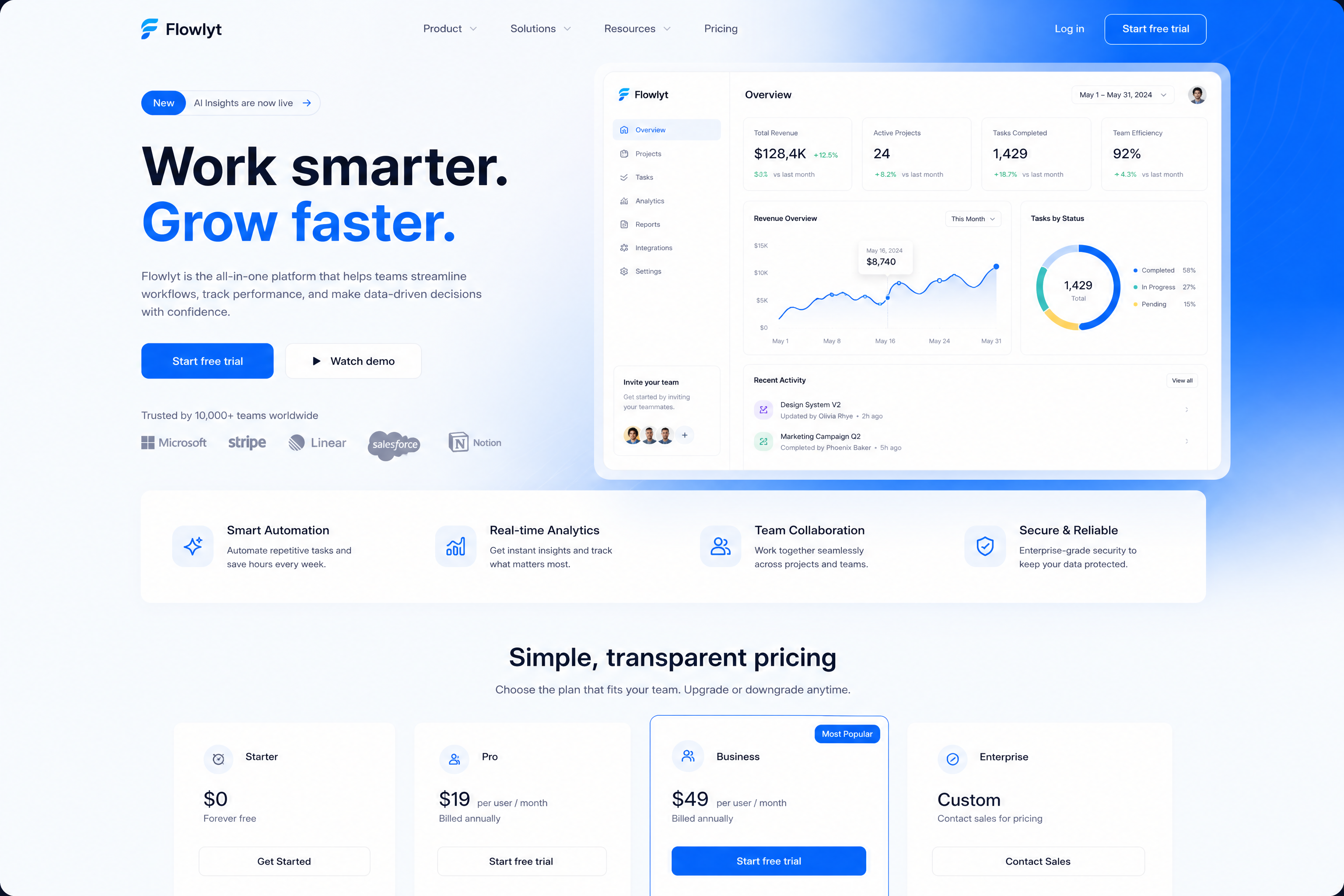
modern SaaS website homepage design, clean UI, bold headline, product dashboard preview, blue and white color palette, soft gradients, feature sections, pricing cards, polished desktop web mockup, high-end product design shot
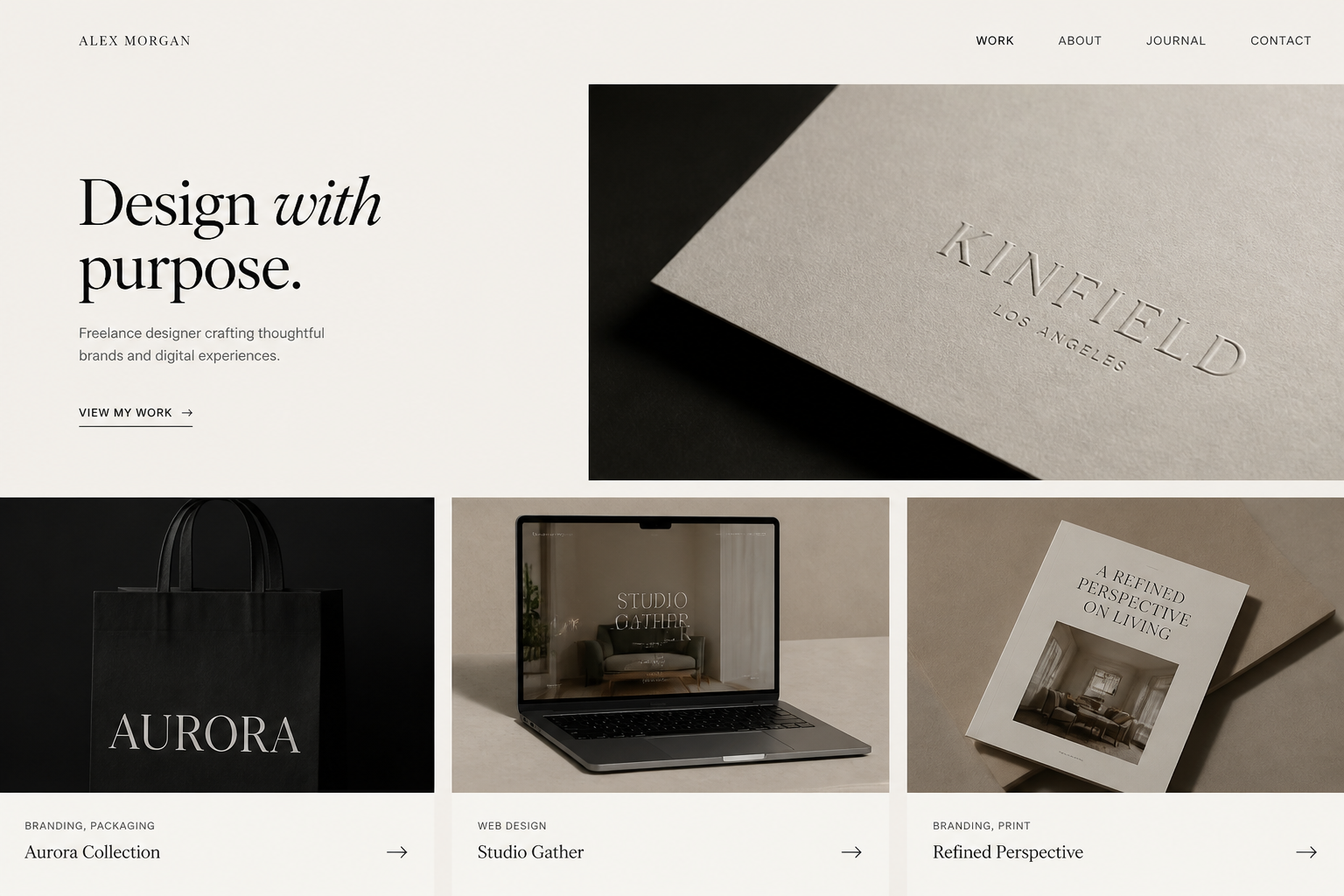
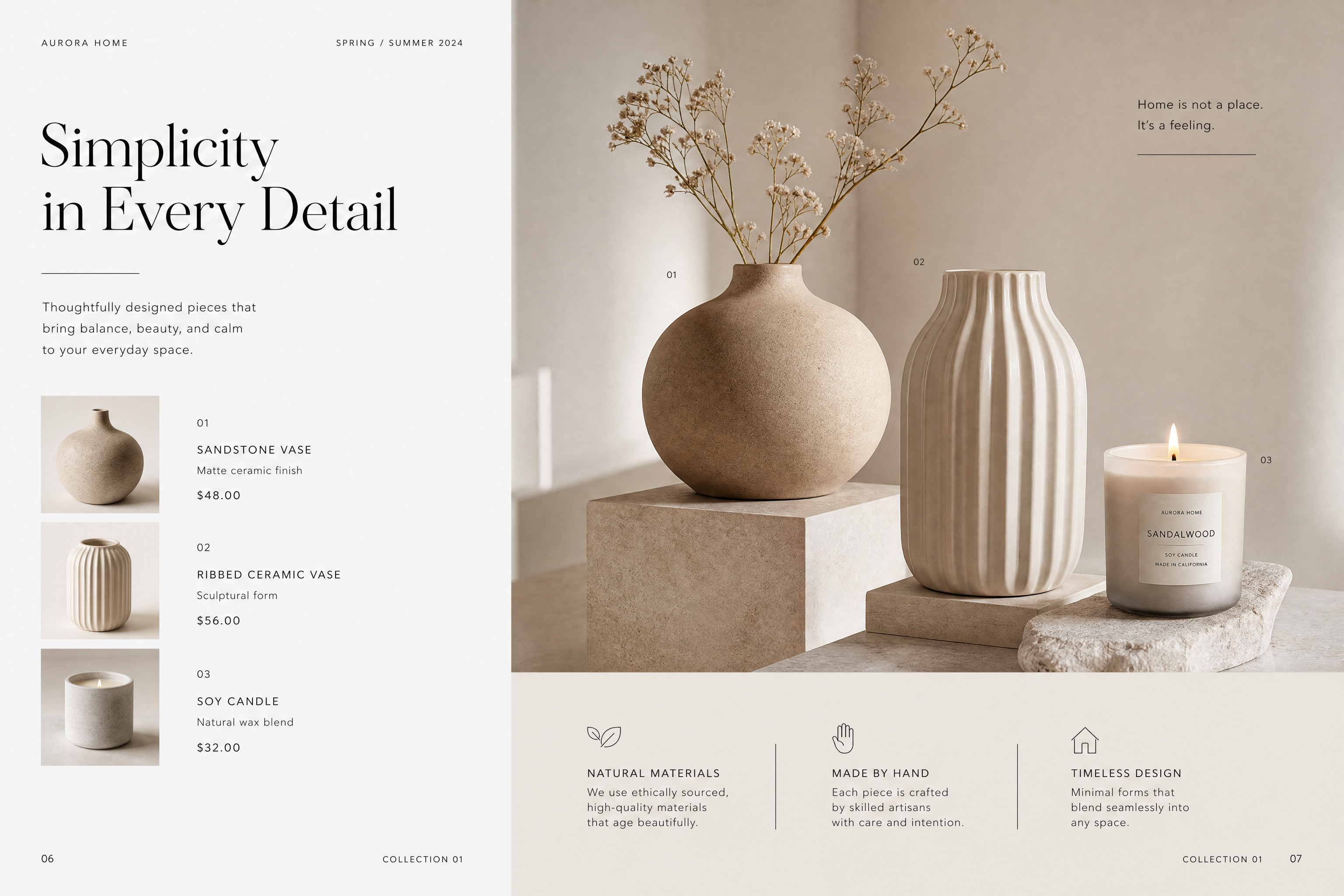
minimal portfolio website design for a freelance designer, elegant typography, large project thumbnails, neutral beige and black palette, spacious grid layout, desktop homepage mockup, editorial web design style
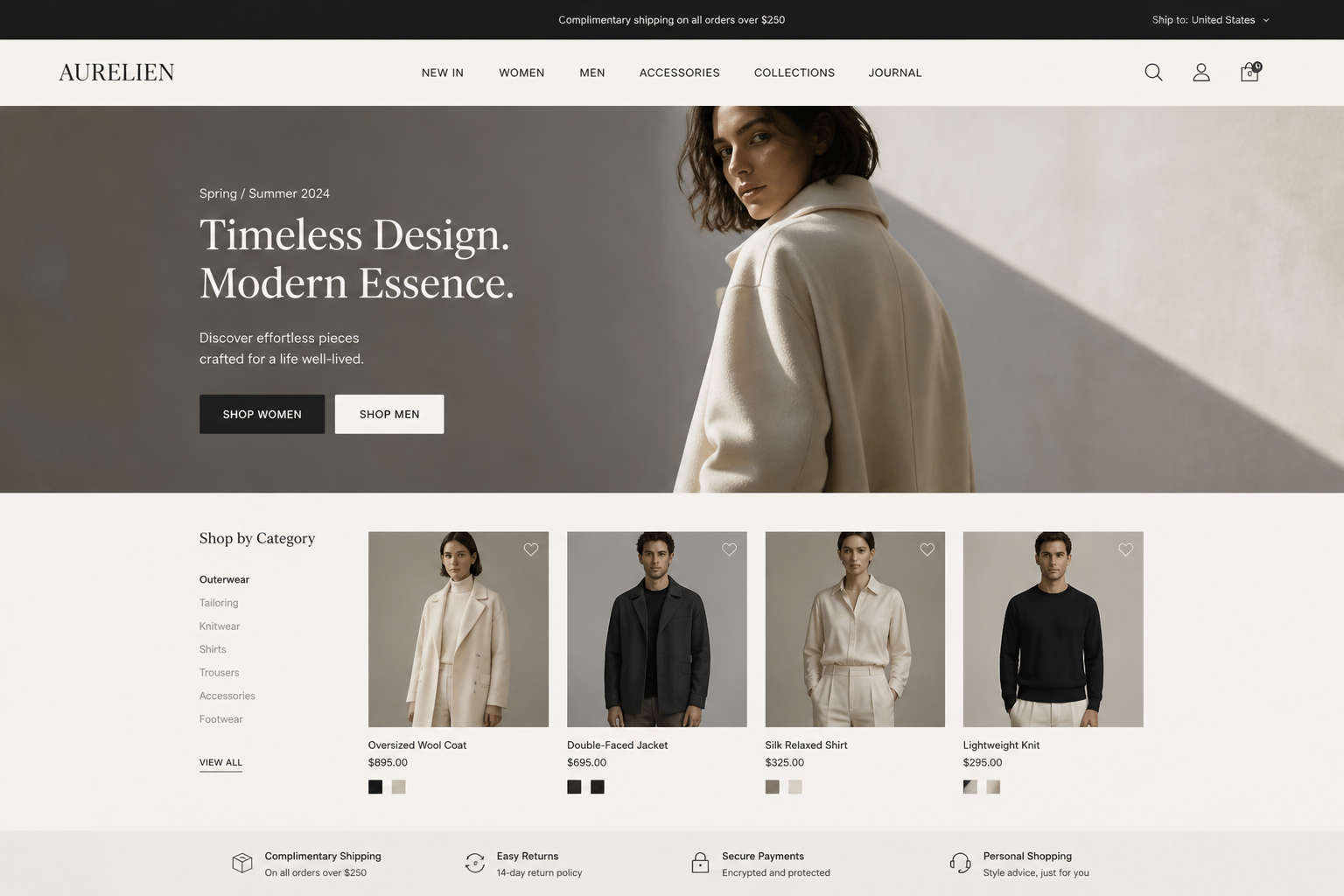
ecommerce fashion website design, premium storefront homepage, large hero banner, product cards, category navigation, muted cream and charcoal palette, refined desktop UI mockup, modern luxury brand feel
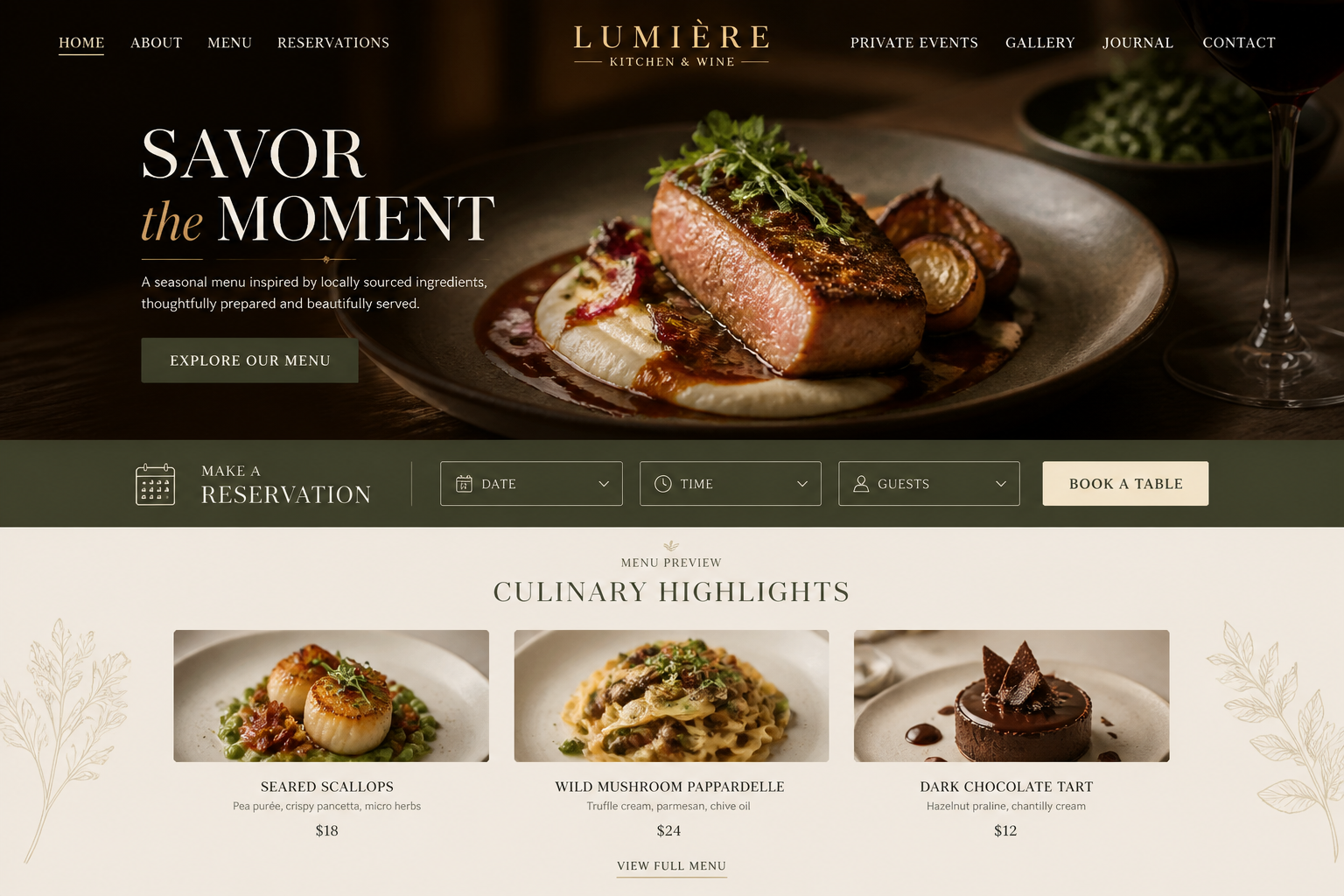
restaurant website homepage design, warm earthy palette, full-width food photography placeholders, reservation callout, menu preview sections, elegant serif typography, polished desktop web mockup
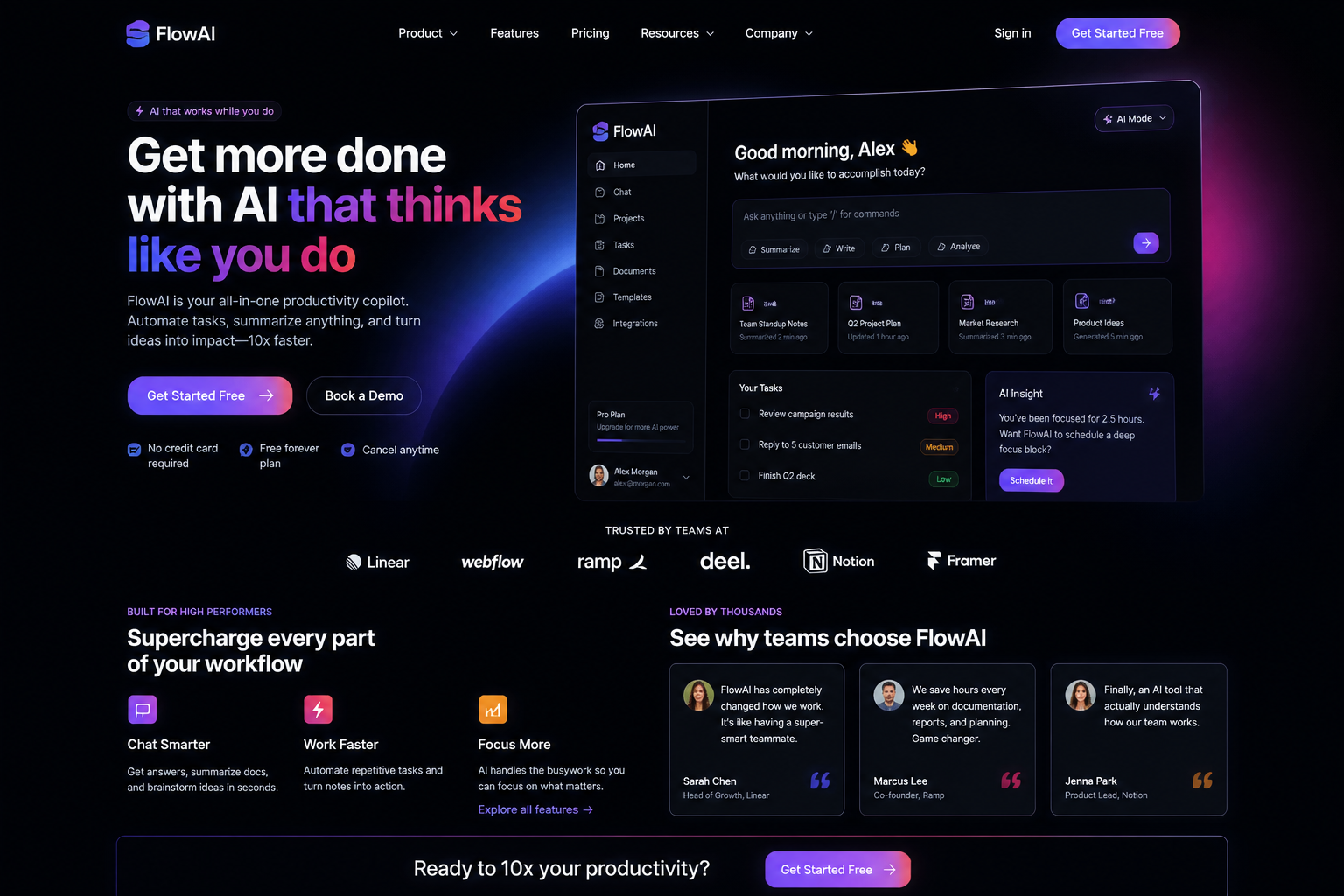
startup landing page design for an AI productivity app, dark mode interface, neon accent colors, bold marketing headline, app screenshots, testimonial cards, sleek desktop website mockup
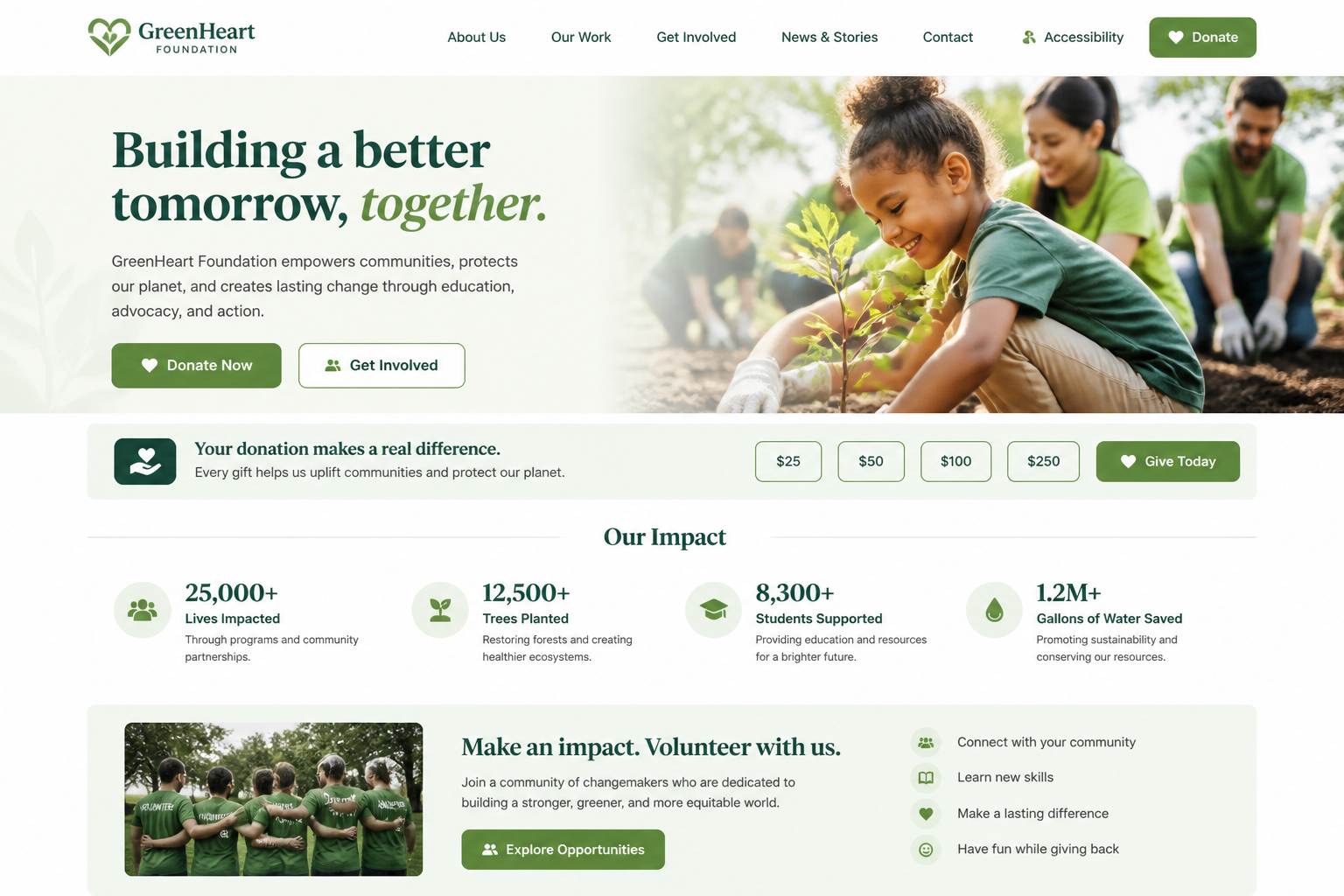
nonprofit website design, approachable and trustworthy style, accessible layout, donation banner, impact statistics, volunteer section, soft green and white palette, clean desktop homepage mockup
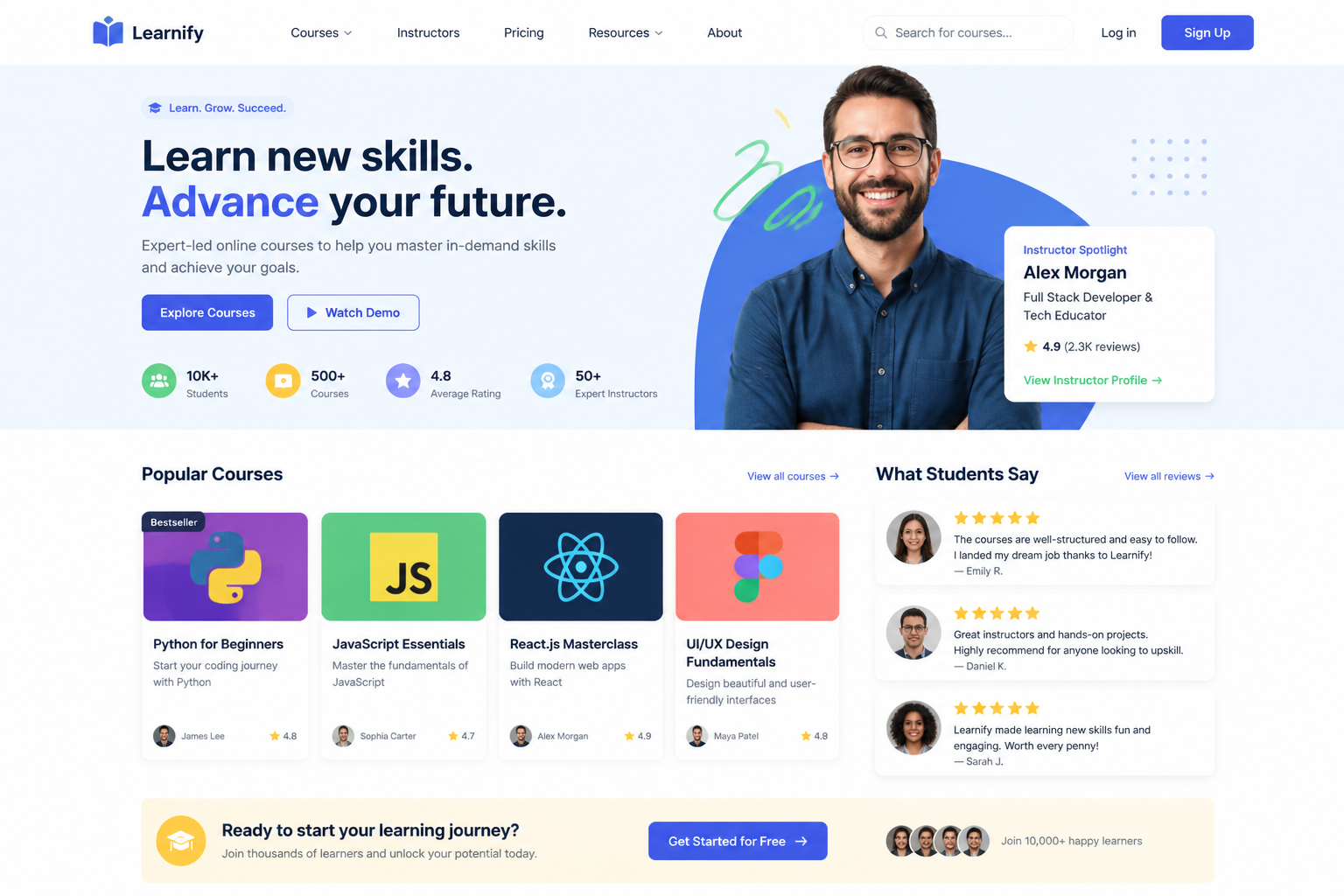
online course website homepage, bright educational branding, instructor spotlight, course grid, student reviews, call-to-action buttons, modern desktop web UI concept, friendly clean style
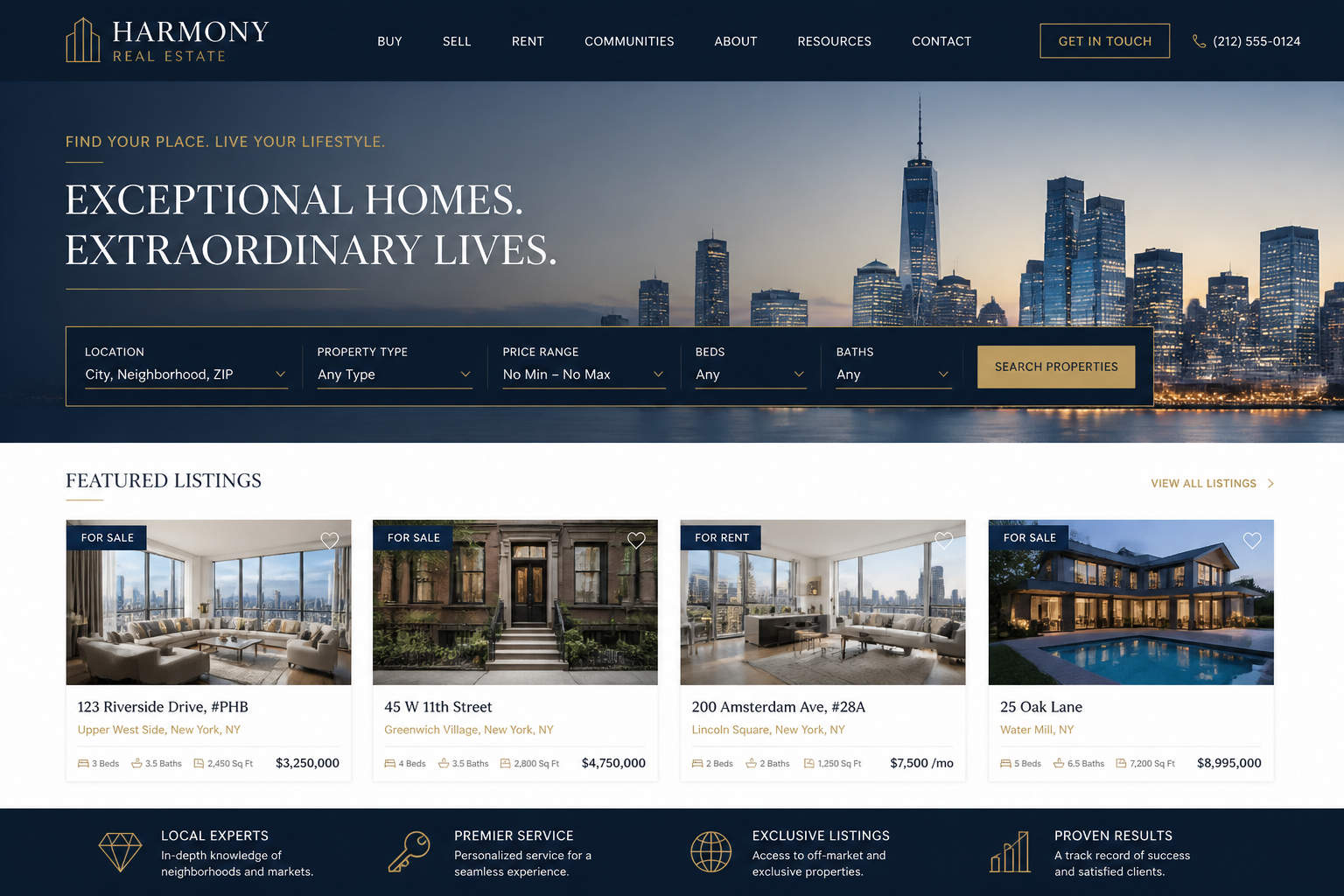
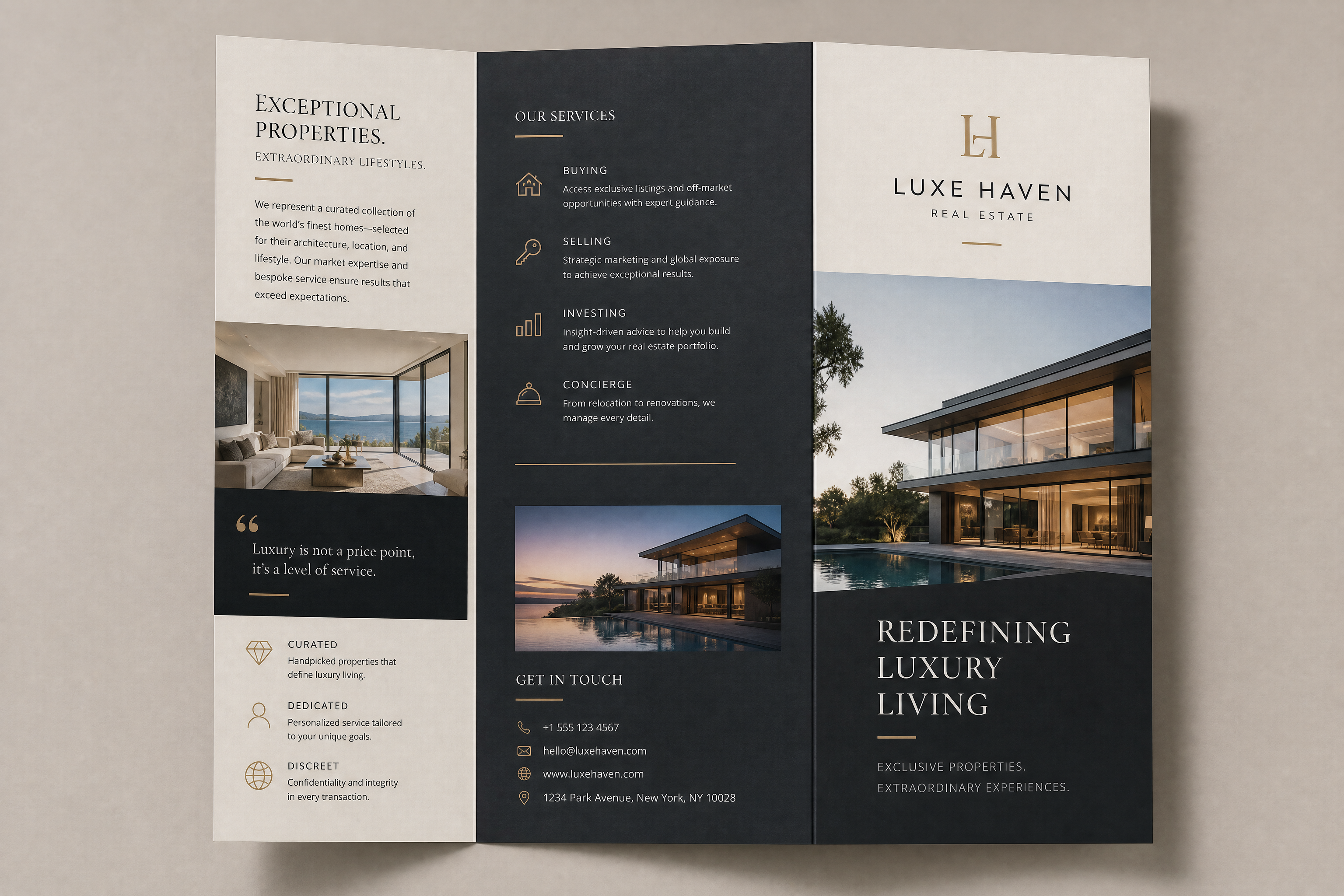
real estate agency website design, upscale layout, property search bar, featured listings grid, city skyline hero image placeholder, navy and gold palette, polished desktop homepage mockup
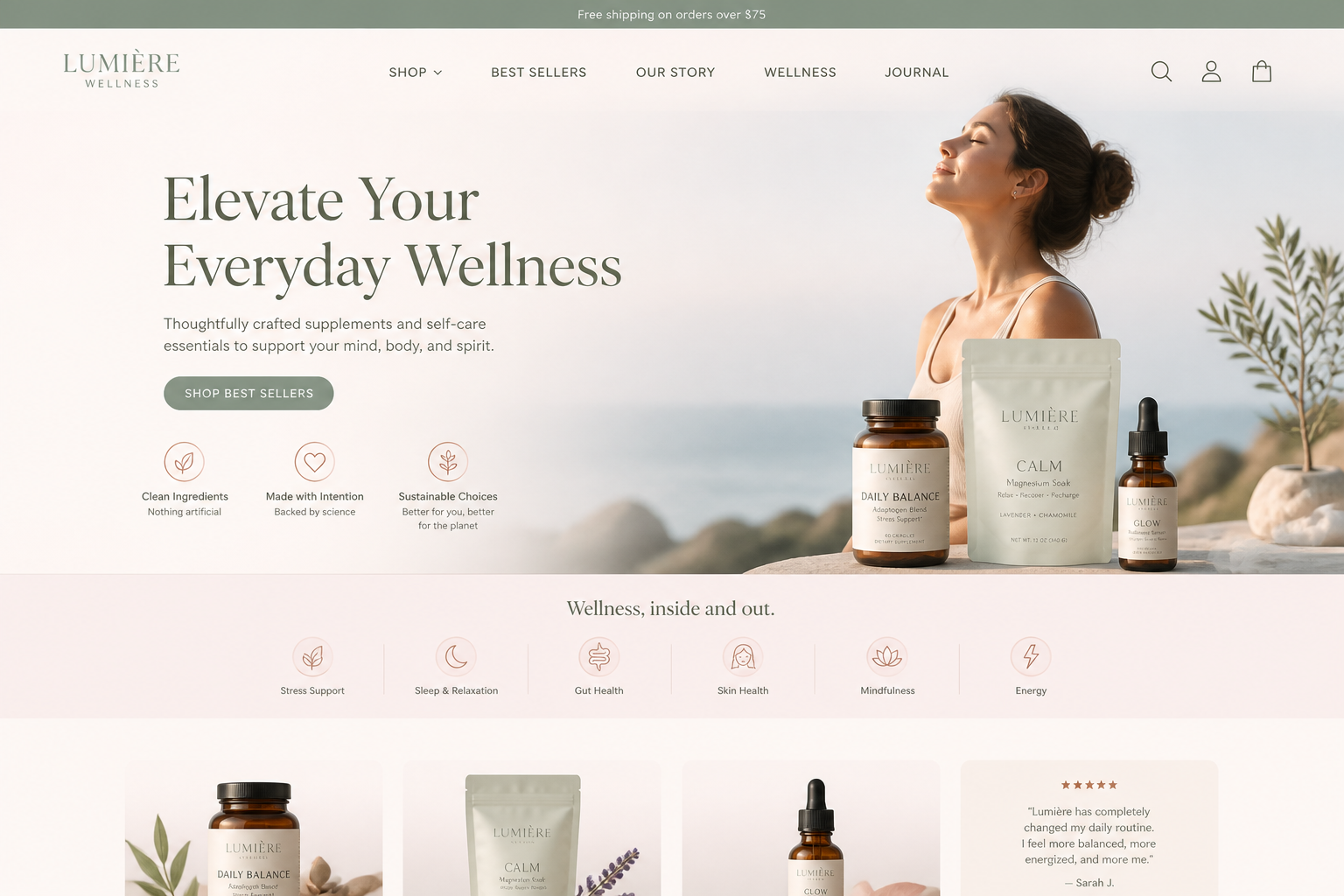
wellness brand website homepage, airy pastel palette, soft gradients, product highlights, lifestyle imagery placeholders, calm typography, clean sections, premium desktop web design concept
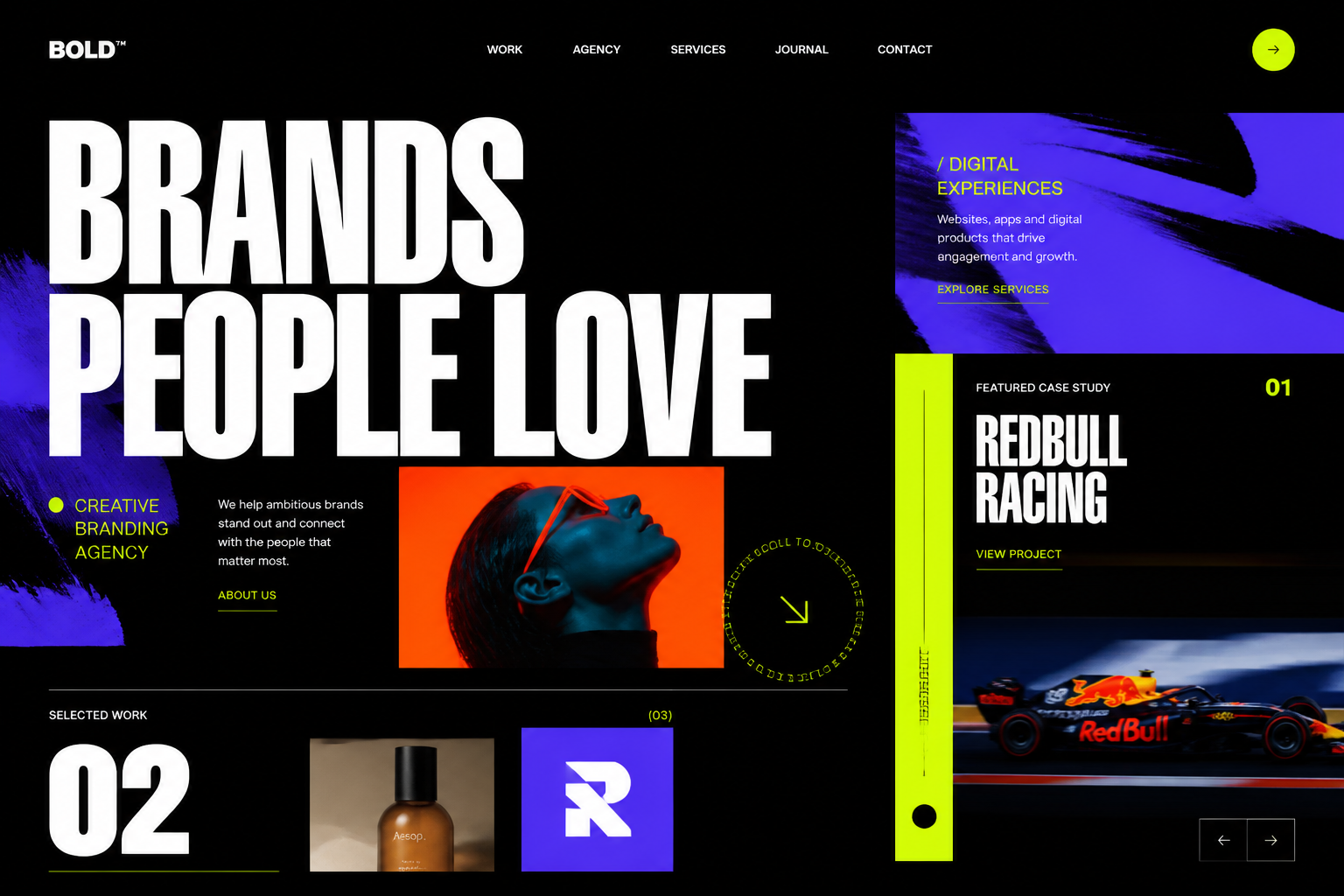
creative agency website design, bold experimental layout, oversized typography, case study previews, vibrant accent colors, asymmetrical composition, desktop homepage mockup, cutting-edge editorial UI style
Key Features
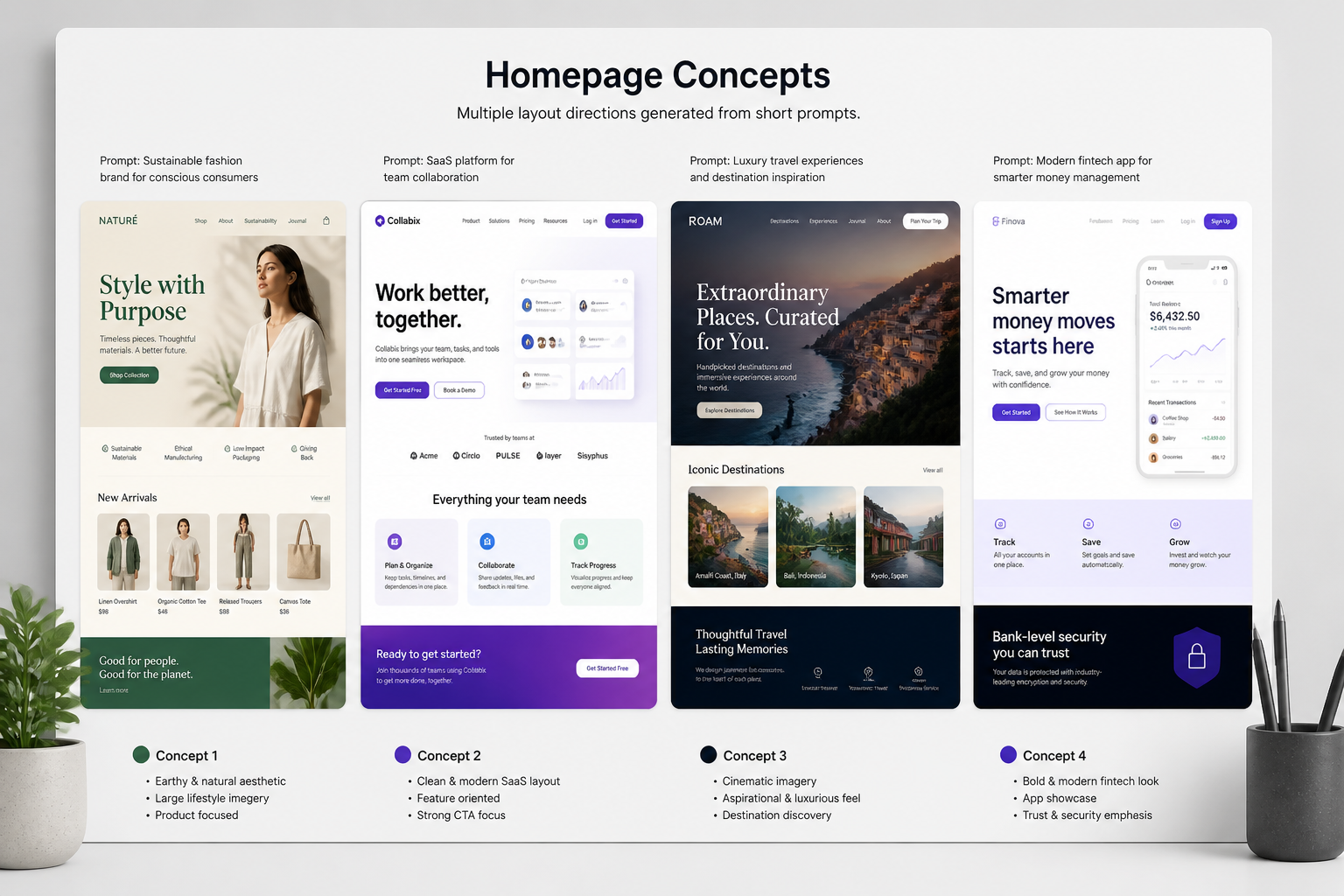
Turn prompts into layouts
Describe the kind of site you want and get a visual website concept to react to. That makes it easier to explore structure, hierarchy, and overall tone before spending time in design tools. Compared with a generic image generator, this is tuned for page-style compositions people actually use for websites. It is a faster way to move from a rough idea to something visible.
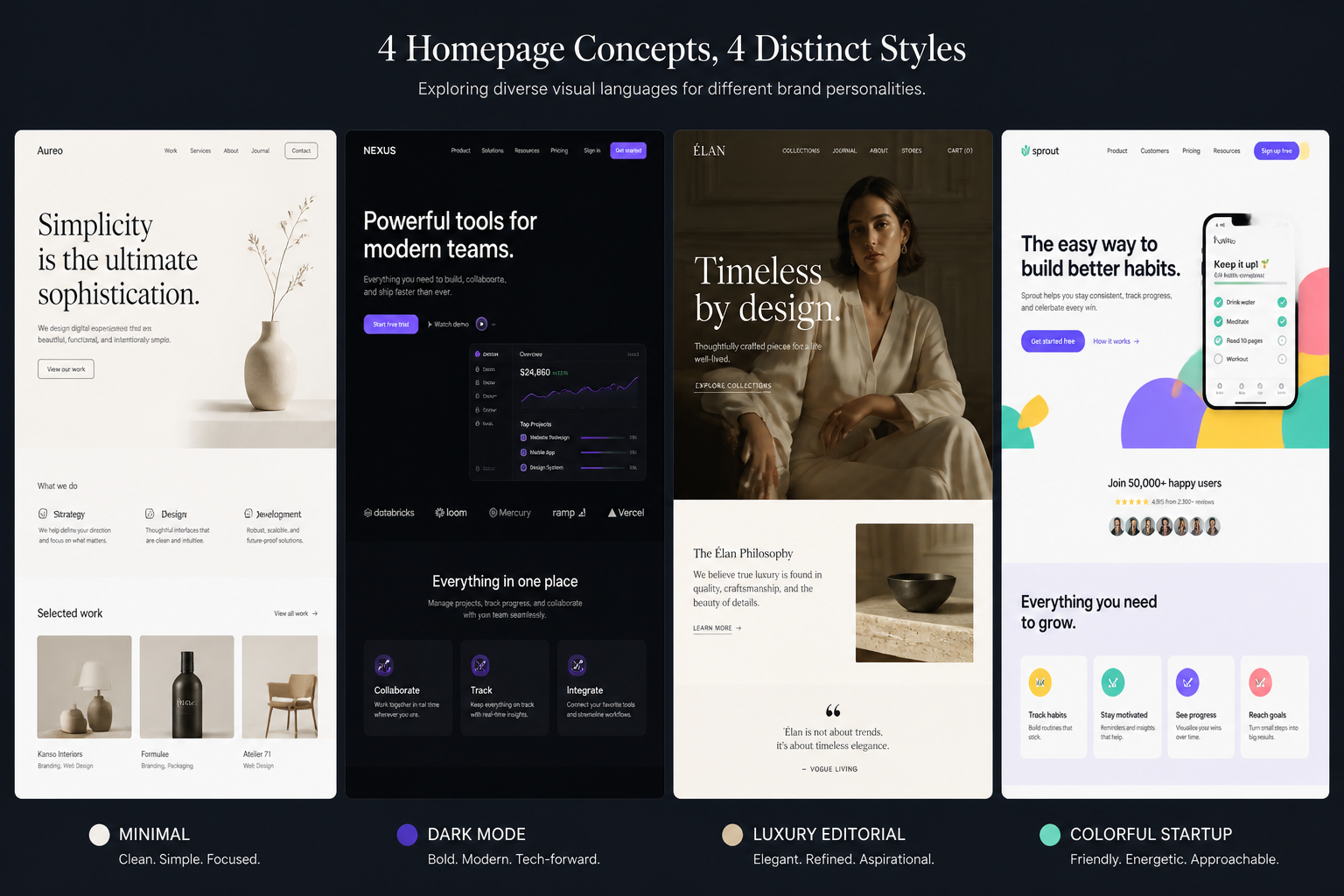
Explore styles quickly
Test clean corporate, bold startup, editorial, luxury, dark mode, or playful directions with simple prompt edits. This helps teams compare visual approaches without rebuilding the same page by hand. It is useful when you need alignment on mood before committing to a full system. You get broad style coverage from one starting workflow.
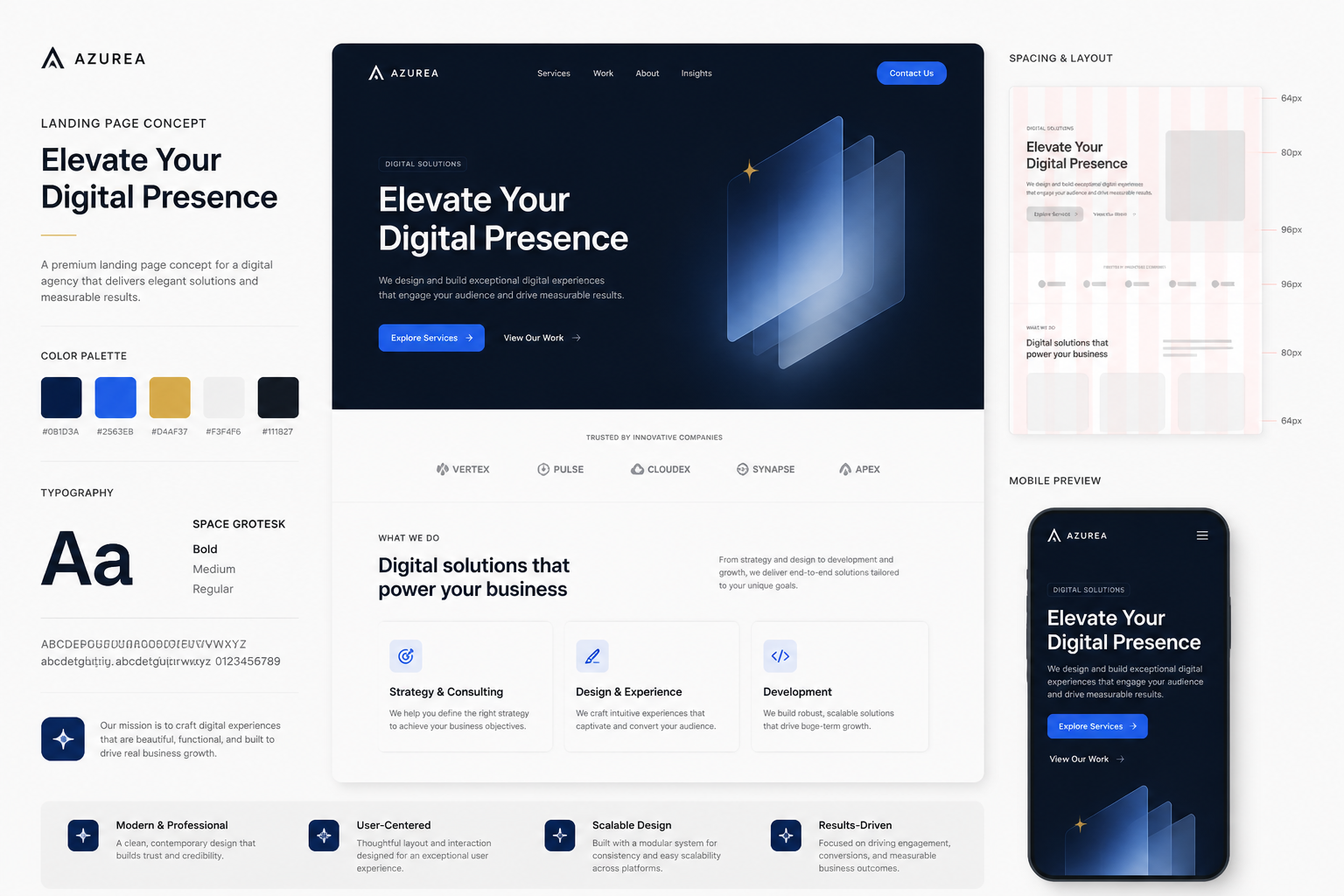
Generate presentation-ready mockups
The outputs are useful for pitches, moodboards, concept reviews, and early stakeholder conversations. Instead of explaining a direction in words alone, you can show a concrete visual reference. That reduces ambiguity and makes feedback more specific. It is a practical shortcut for early-stage design communication.
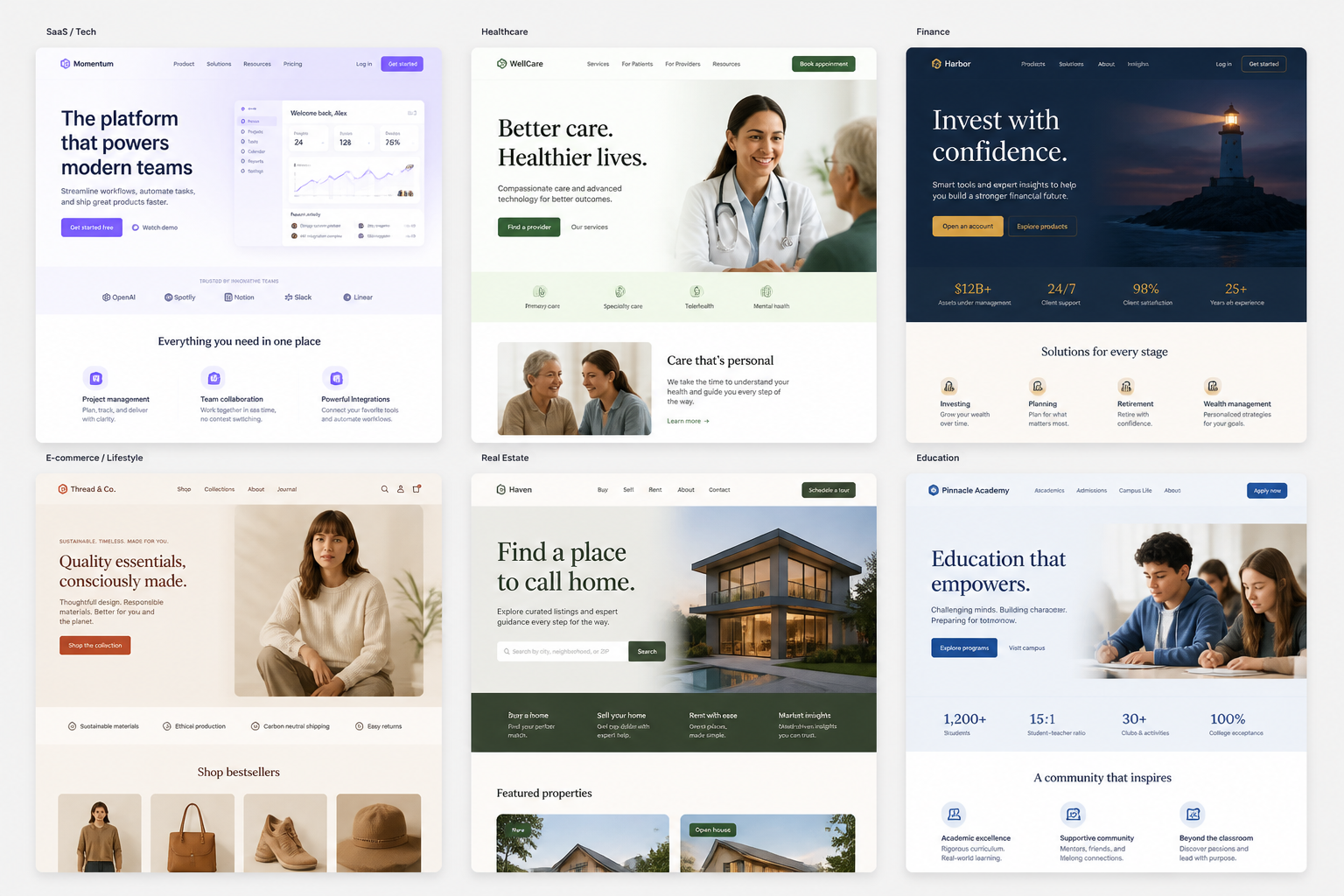
Remix prompts for variants
Start with a strong example prompt, then swap the industry, palette, page type, or tone to create new directions fast. This is easier than manually redesigning the same concept from scratch several times. It also helps non-designers iterate without needing advanced UI skills. The prompt library becomes a reusable shortcut for repeat work.
How It Works
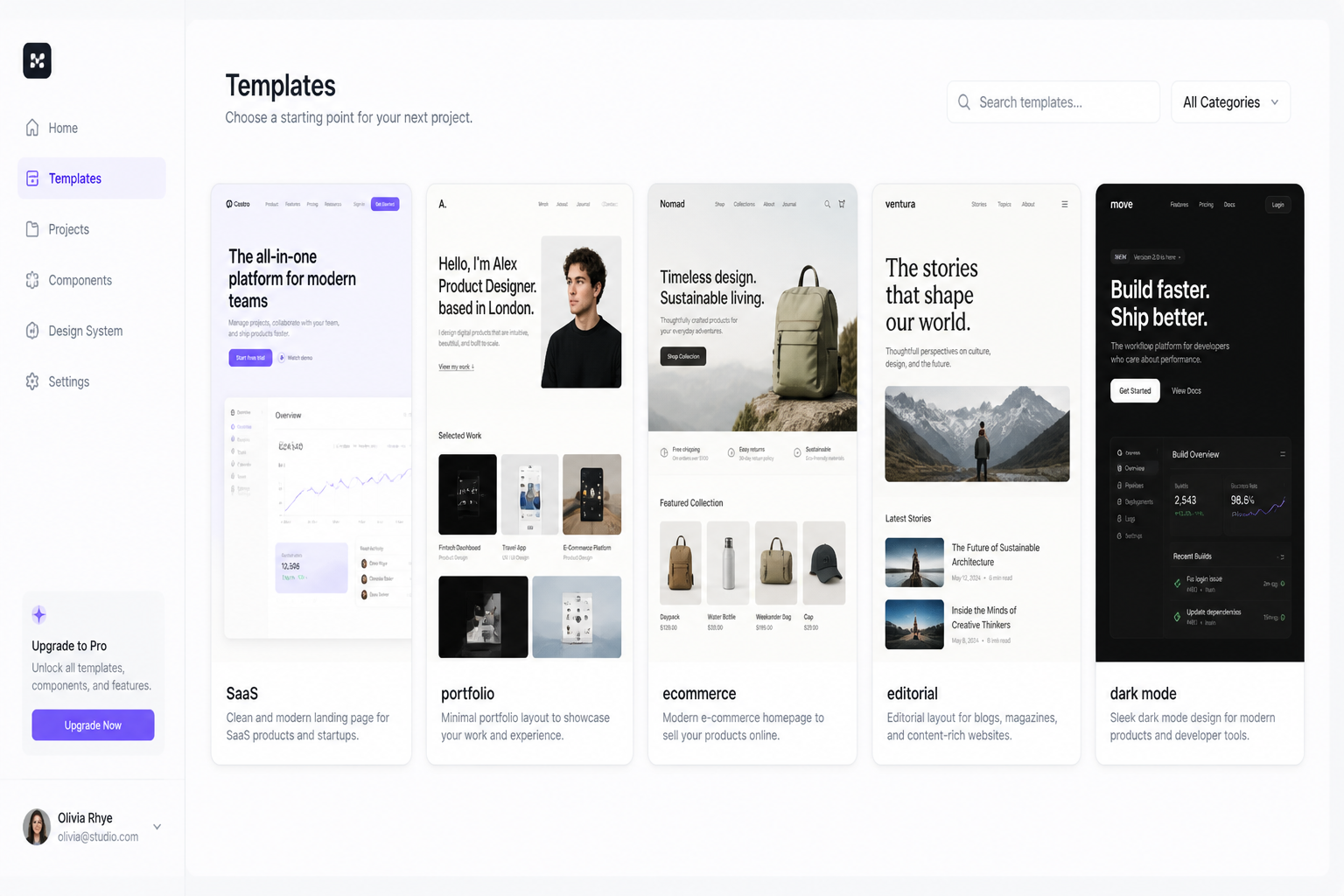
Pick a starting style
Begin with a prompt that matches the type of site you want to explore. Choose a direction like SaaS, portfolio, ecommerce, editorial, or dark mode to set the visual baseline.
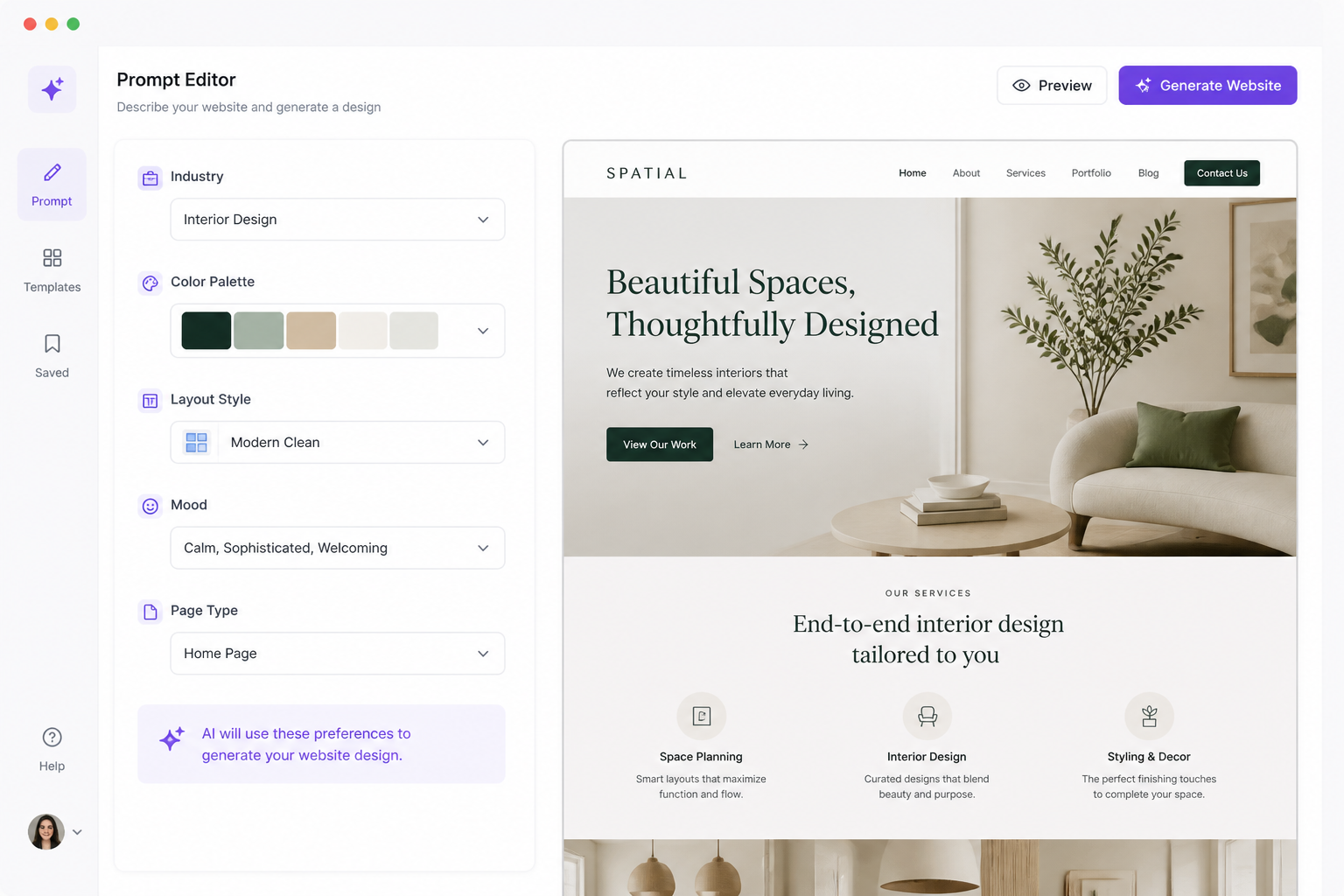
Describe the site details
Edit the prompt with your industry, page goal, palette, layout cues, and overall tone. Small changes like adding premium, playful, minimal, or conversion-focused can shift the design direction clearly.
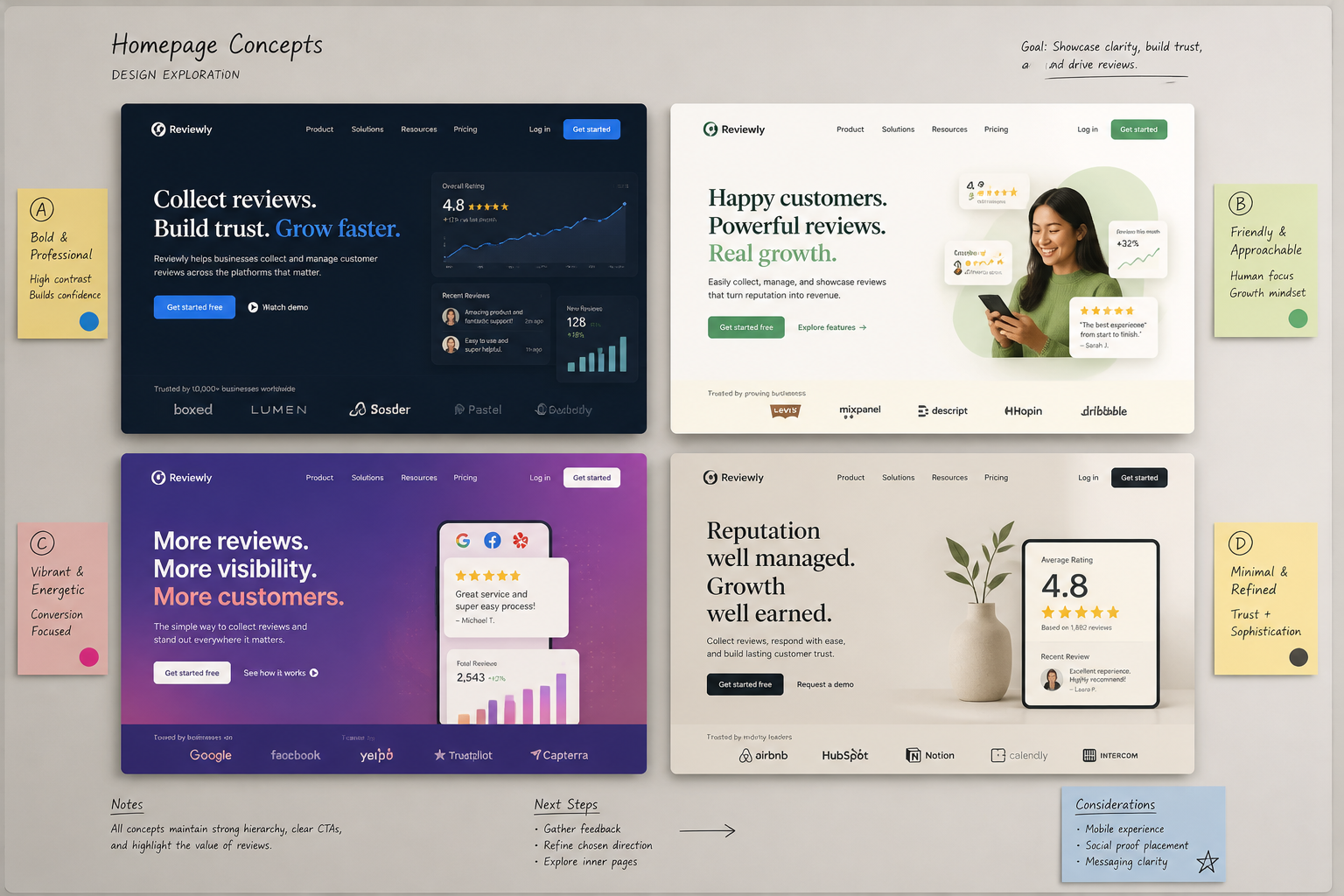
Generate and compare concepts
Create variations, review different layouts, and keep the concept that fits your brief. Use the results as inspiration, internal references, or a handoff starting point for design work.
Perfect For
Discover how creators and professionals use ai website design generator
Landing page concepts
Generate homepage directions for startups, apps, services, and product launches before building wireframes.
Client pitch visuals
Create fast mockups for proposals and early conversations when you need to show a style direction quickly.
Brand and UI exploration
Test how different palettes, typography moods, and layout structures change the feel of a website.
Creative briefing
Use generated concepts as visual references for designers, developers, marketers, or stakeholders.
Built For
Designers
Explore directions faster, build moodboards, and gather visual options before moving into detailed UI work.
Founders and marketers
Turn rough ideas into website concepts you can share internally or use in planning and messaging discussions.
Agencies and freelancers
Produce quick concept boards for multiple industries without starting every website idea from a blank page.
Why use this instead of generic image tools
A quick look at how we compare on the things that matter for this niche.
| Feature | BudgetPixel | Generic AI generators | Stock photo libraries |
|---|---|---|---|
| Website-focused prompts | Yes | Sometimes | No |
| Editable prompt examples | Yes | Varies | No |
| Fast concept variations | Yes | Yes | No |
| Useful for early layout exploration | Yes | Limited | No |
| Subscription required | No | Often | Often |
Frequently Asked Questions
What does the AI Website Design Generator create?
Can I generate different website styles?
Is this for finished UI design files?
Can I make designs for specific industries?
Do I need design experience to use it?
Create together.
Share your creations, discover trending AI art, and grow with fellow creators.