AI Brochure Design Generator
Generate brochure concepts from text for campaigns, events, products, and brands
Turn a short prompt into brochure design concepts with layouts, imagery, typography, and brand-ready visual direction. This tool is built for marketers, designers, agencies, and small businesses who need fast brochure ideas before moving into final production.
See It In Action
Real outputs from ai brochure design generator.
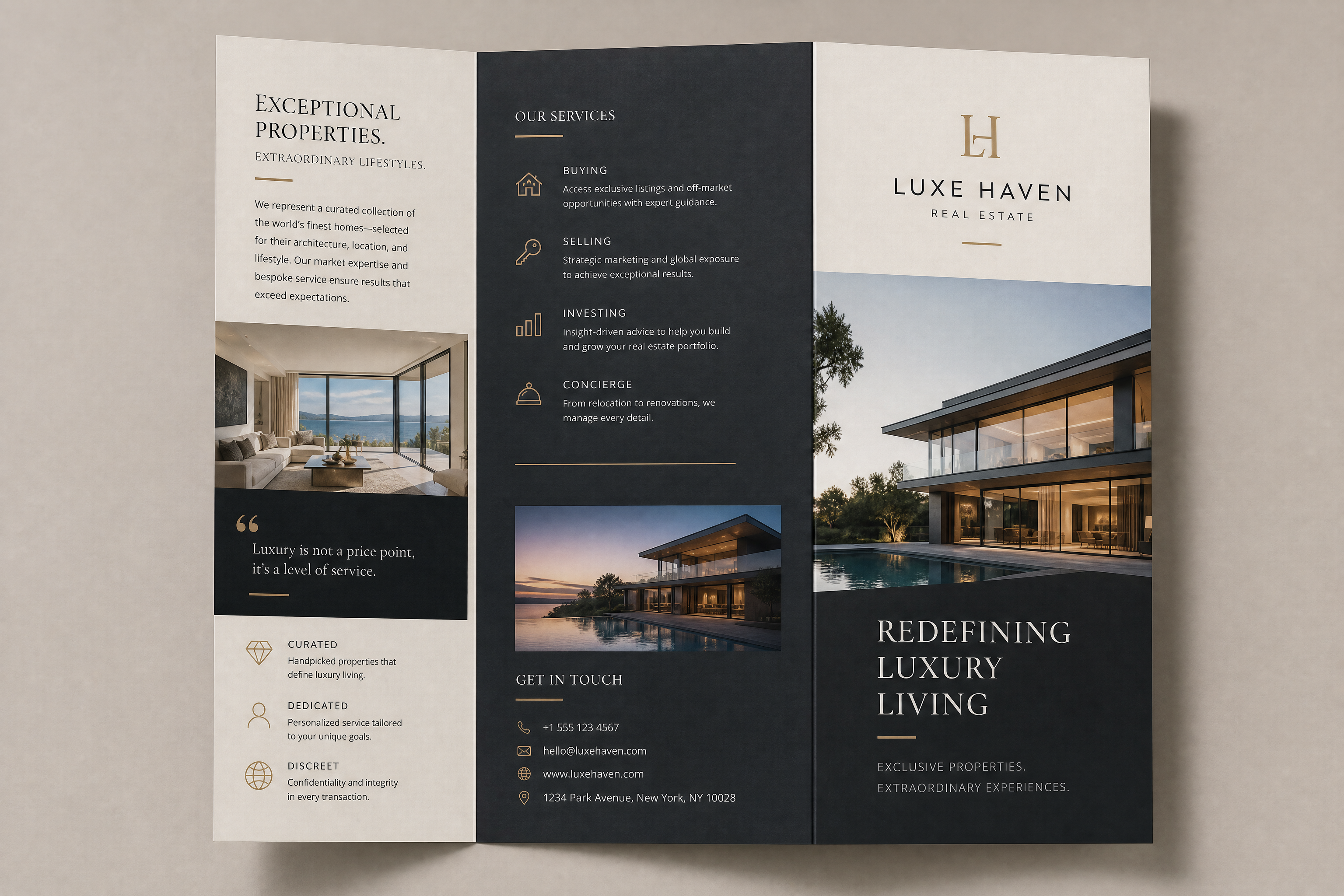
modern tri-fold brochure design for a luxury real estate agency, clean editorial layout, elegant serif and sans-serif typography, premium photography placeholders, soft beige and charcoal color palette, polished print-ready mockup, studio lighting, high-end marketing presentation
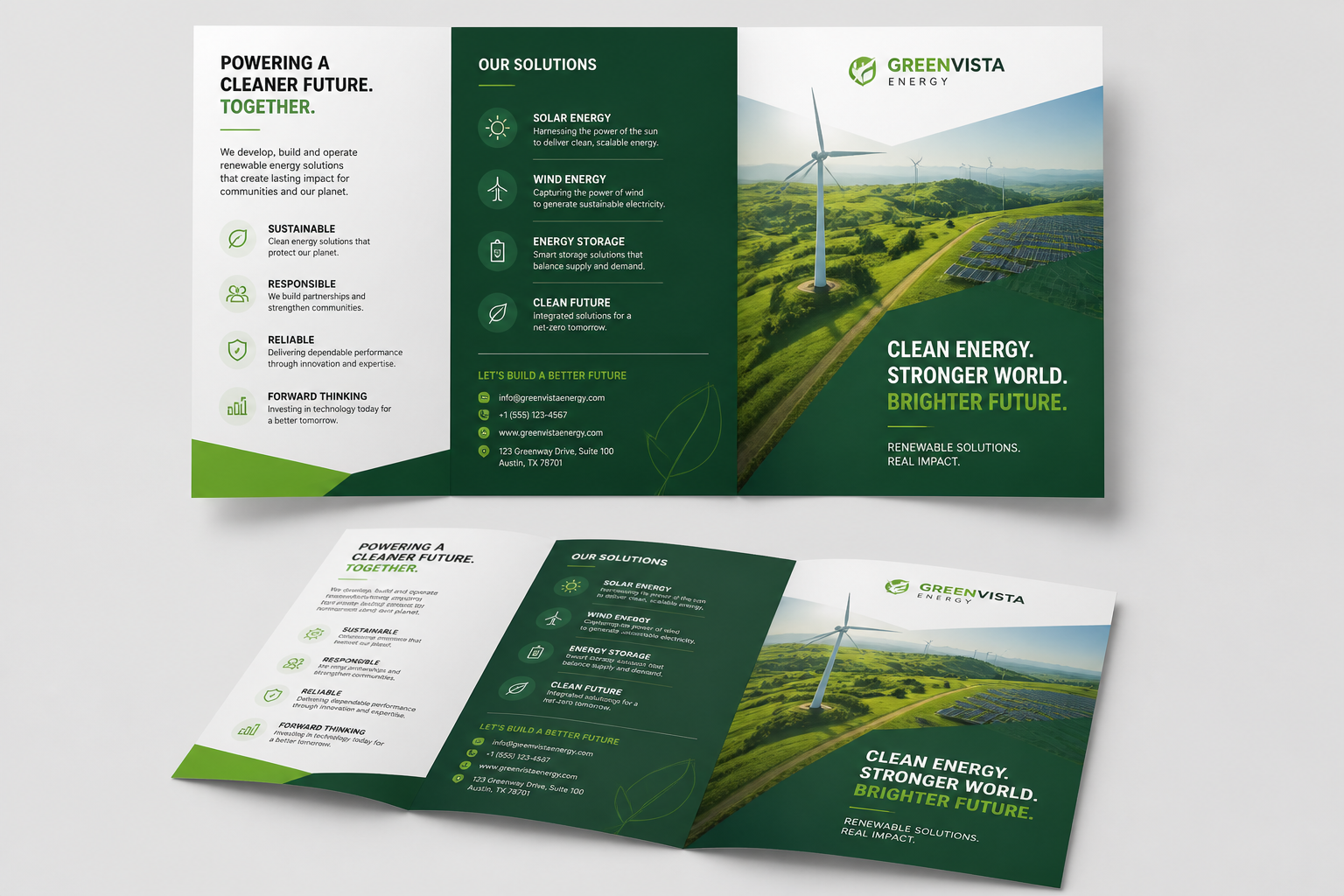
bold corporate brochure design for a renewable energy company, tri-fold layout, crisp infographics, green and white palette, clean icon system, aerial landscape imagery placeholders, professional print mockup on neutral background
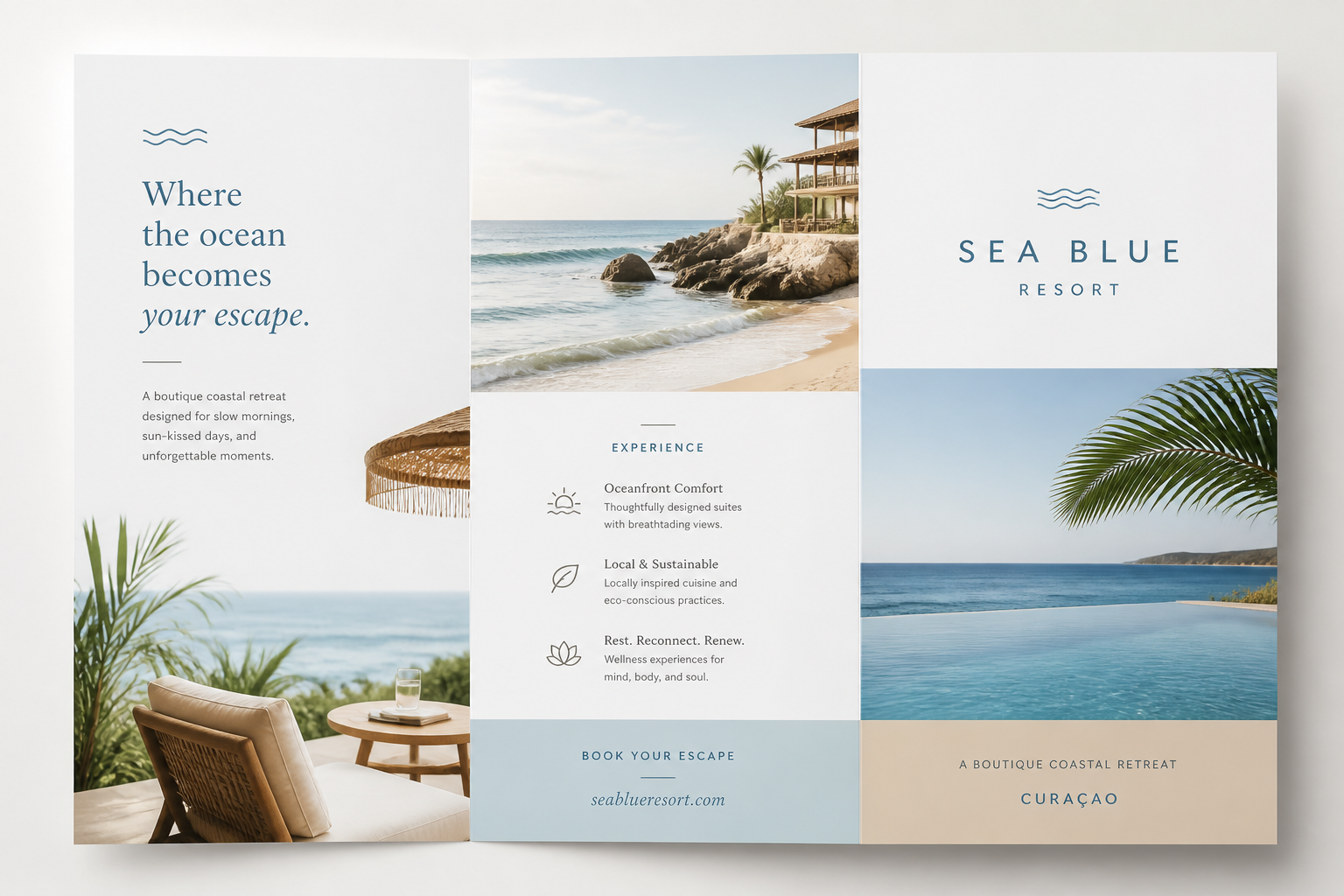
minimalist travel brochure design for a boutique coastal resort, airy white space, ocean blue and sand palette, elegant photo panels, refined typography, tri-fold print mockup, bright natural lighting
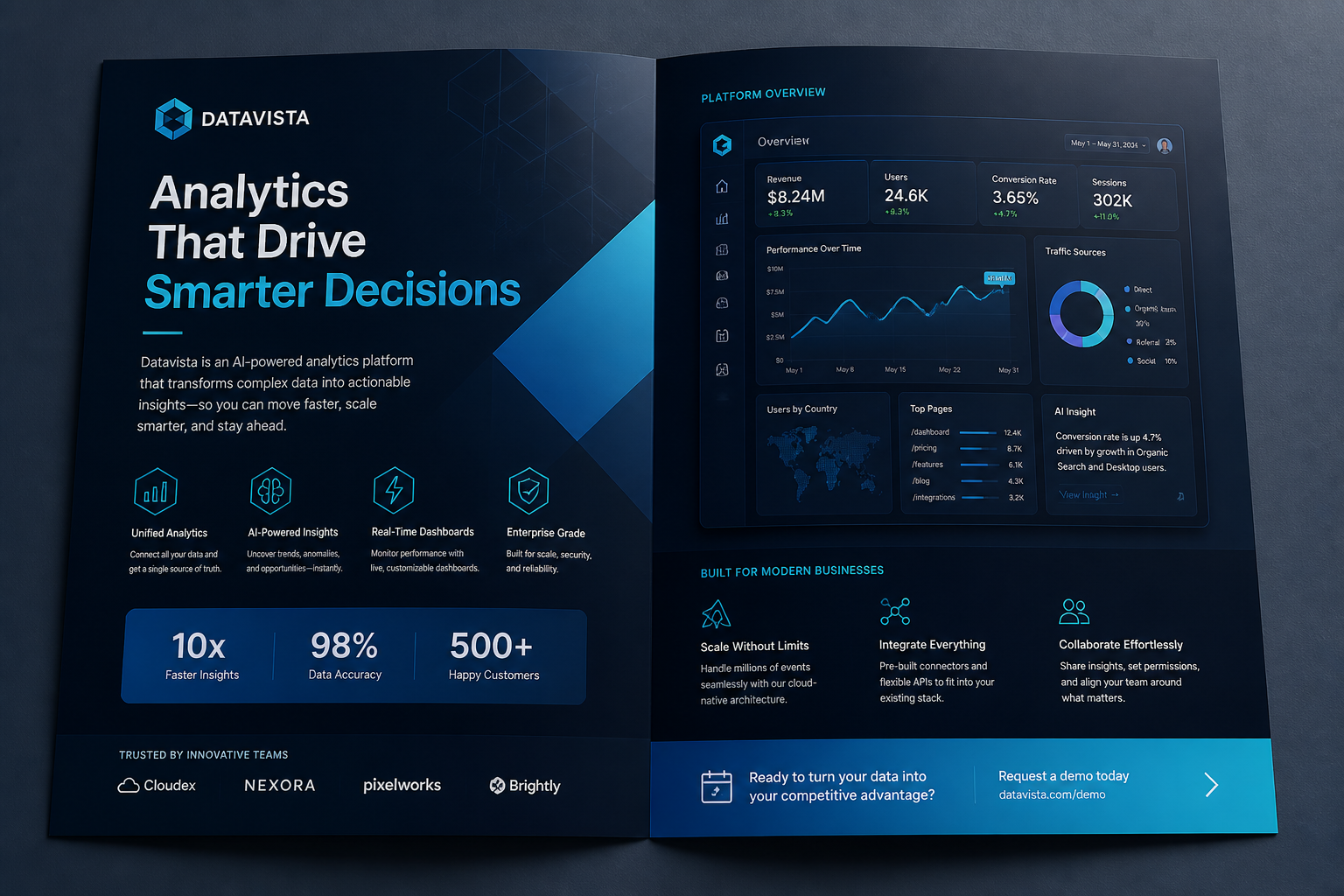
tech startup brochure design for a SaaS analytics platform, sleek bi-fold layout, dark navy and cyan palette, dashboard visuals, geometric accents, modern sans-serif typography, premium presentation mockup
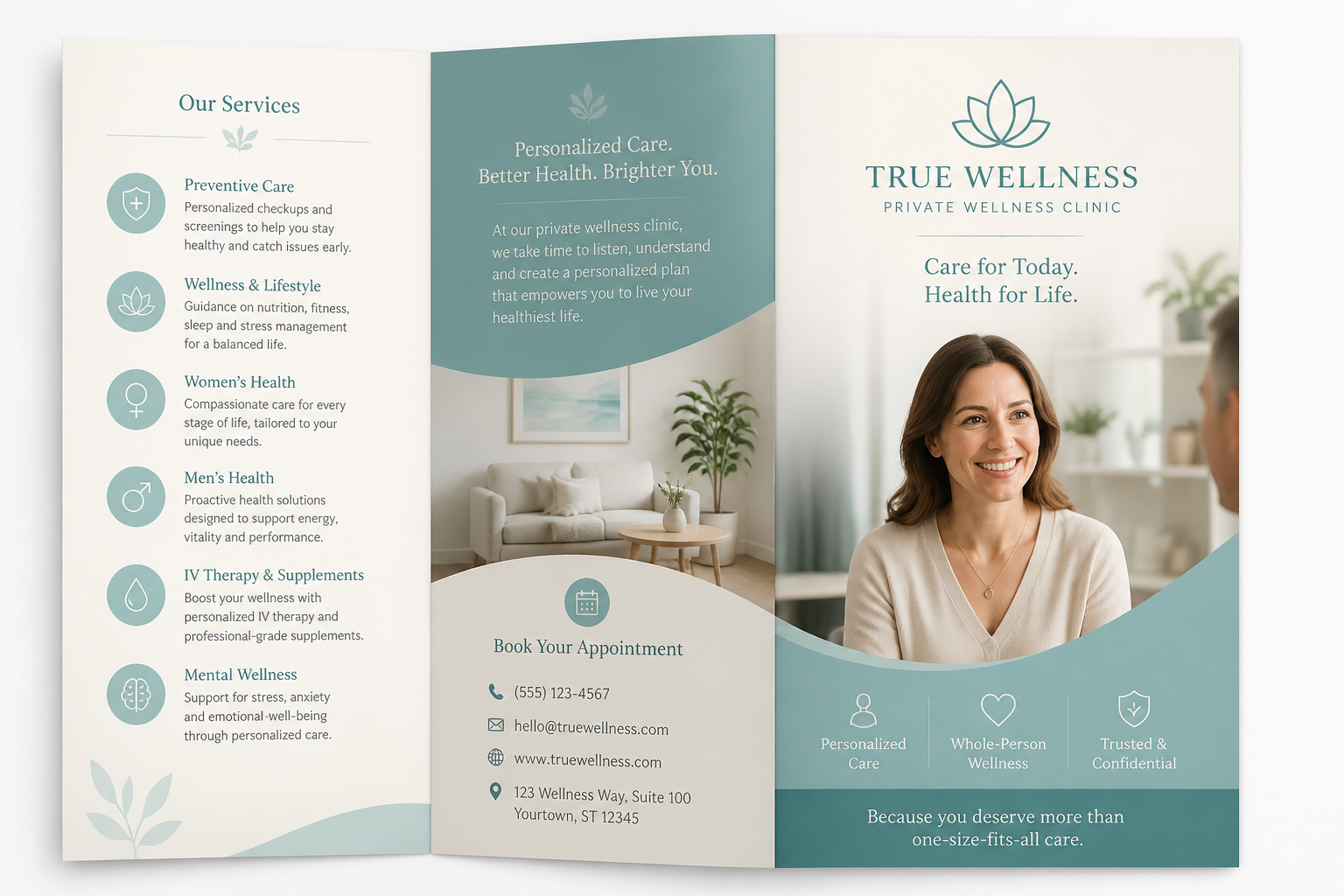
healthcare brochure design for a private wellness clinic, calming teal and ivory palette, friendly professional layout, service sections, soft photography placeholders, tri-fold brochure mockup, clean medical branding
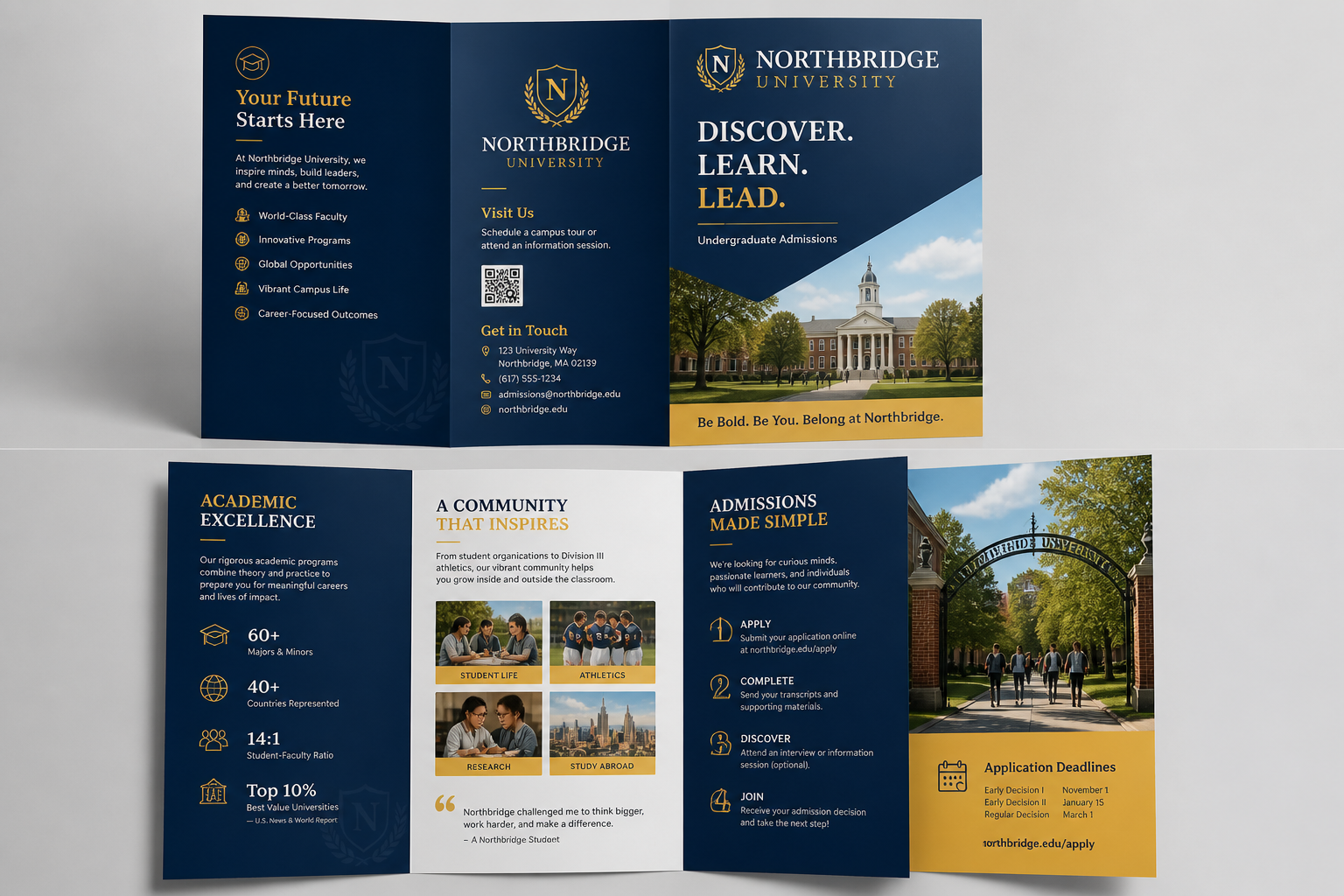
university admissions brochure design, contemporary academic branding, structured grid layout, deep blue and gold palette, campus image placeholders, informative panels, polished tri-fold print mockup
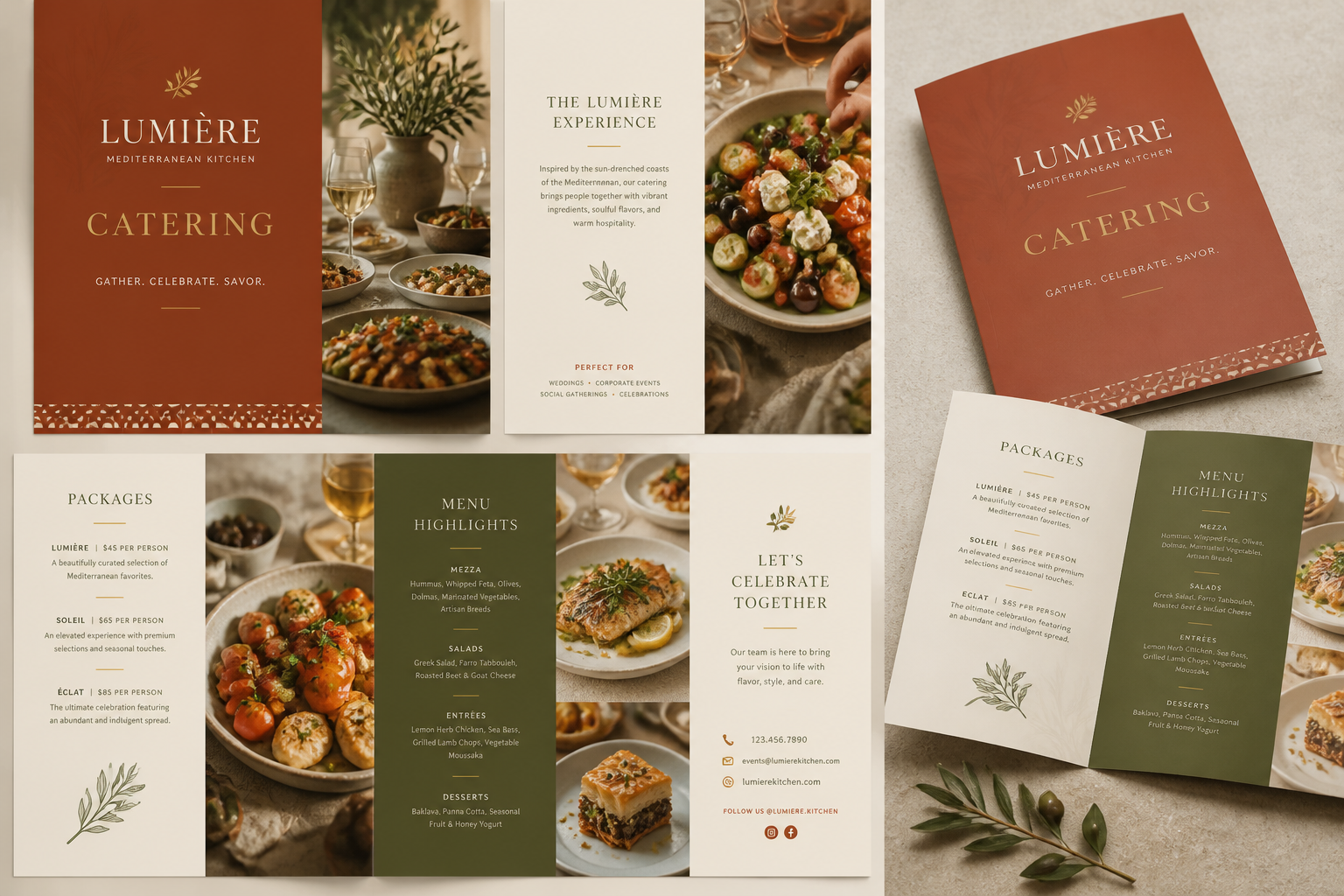
restaurant catering brochure design for an upscale Mediterranean brand, warm terracotta and olive palette, appetizing food photography placeholders, elegant menu sections, folded brochure mockup, editorial layout
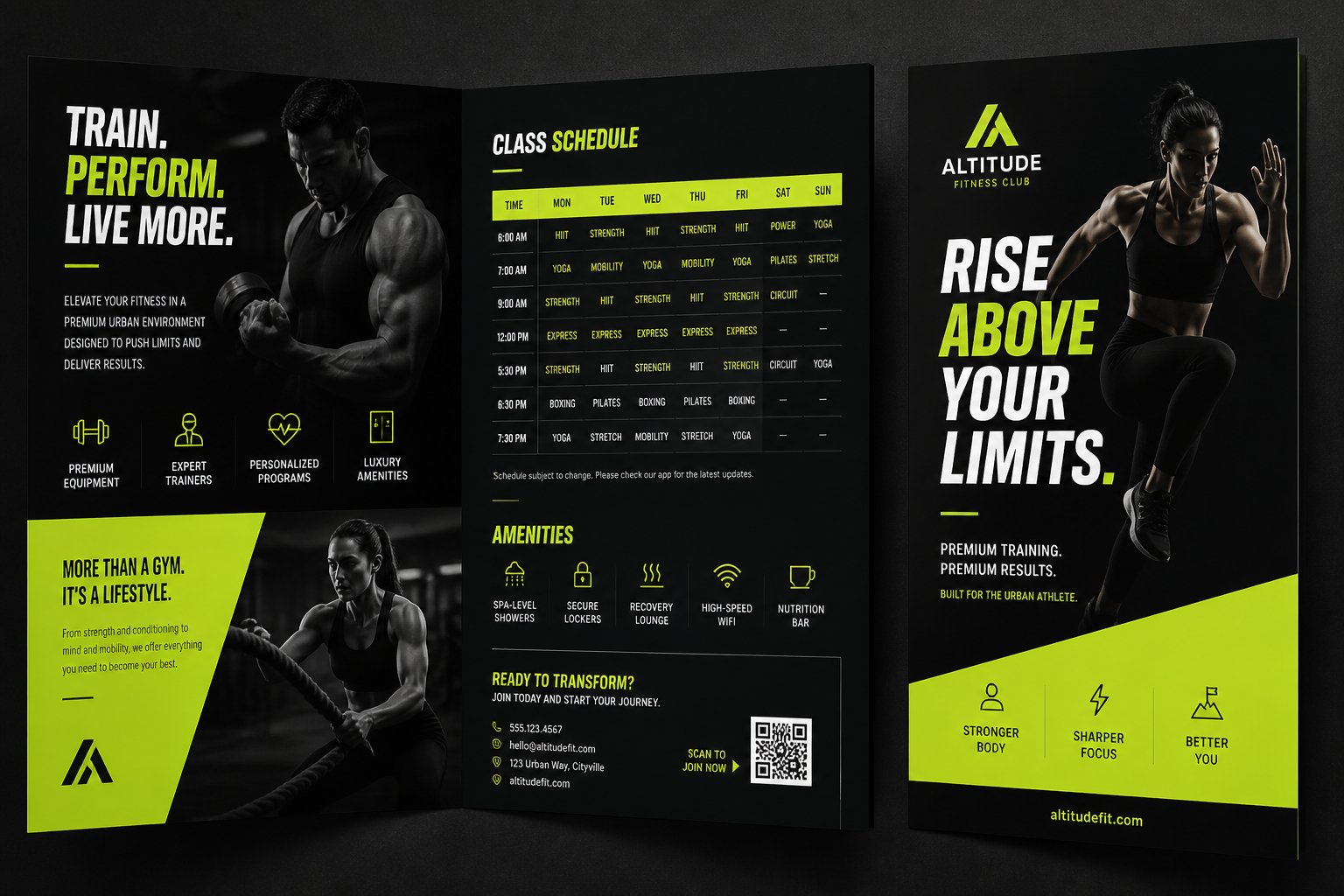
fitness club brochure design for a premium urban gym, energetic black and neon lime palette, bold headline typography, class schedule blocks, athletic photography placeholders, bi-fold marketing brochure mockup
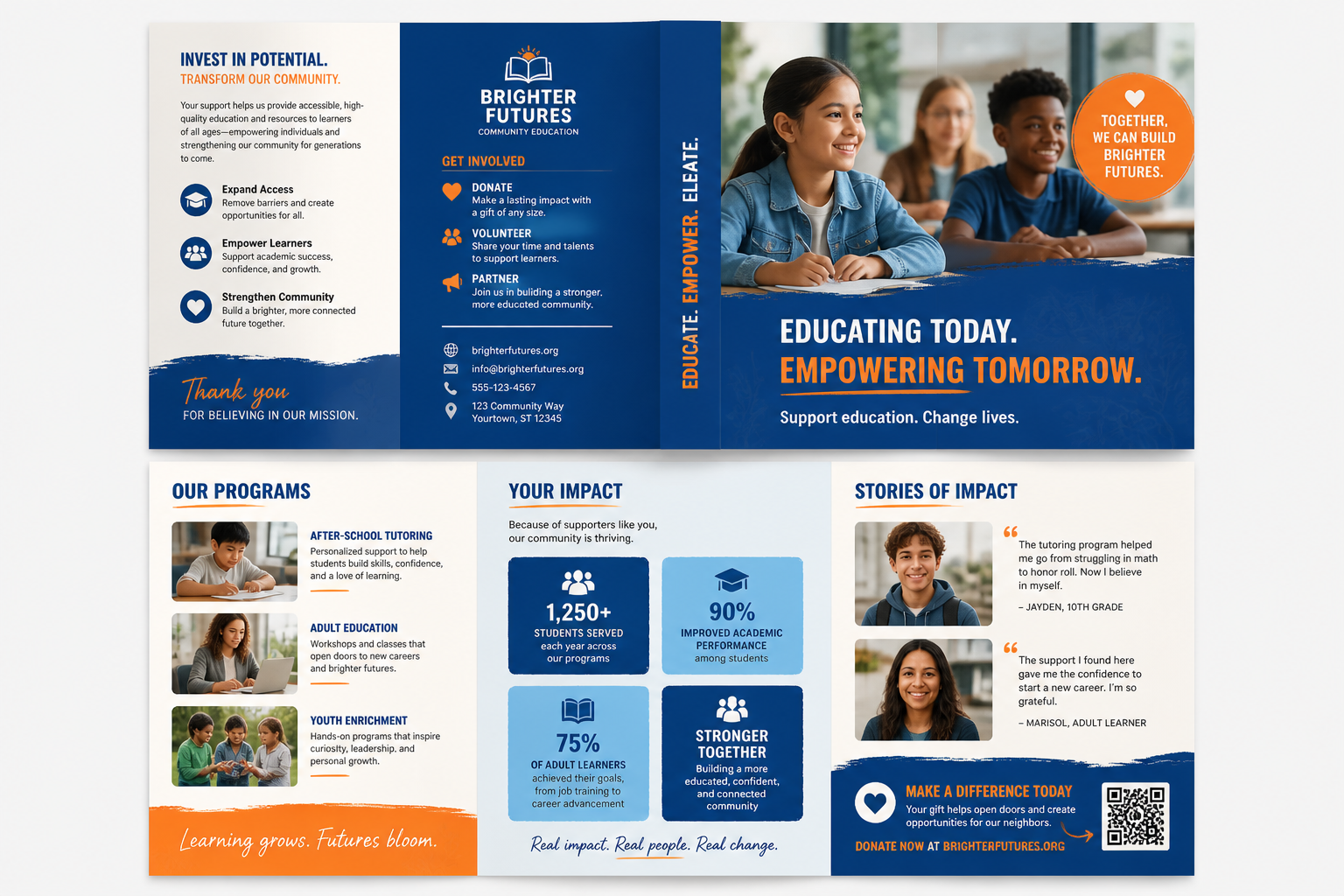
nonprofit fundraising brochure design for a community education program, approachable layout, vibrant blue and orange palette, impact statistics panels, candid lifestyle imagery placeholders, clean tri-fold mockup
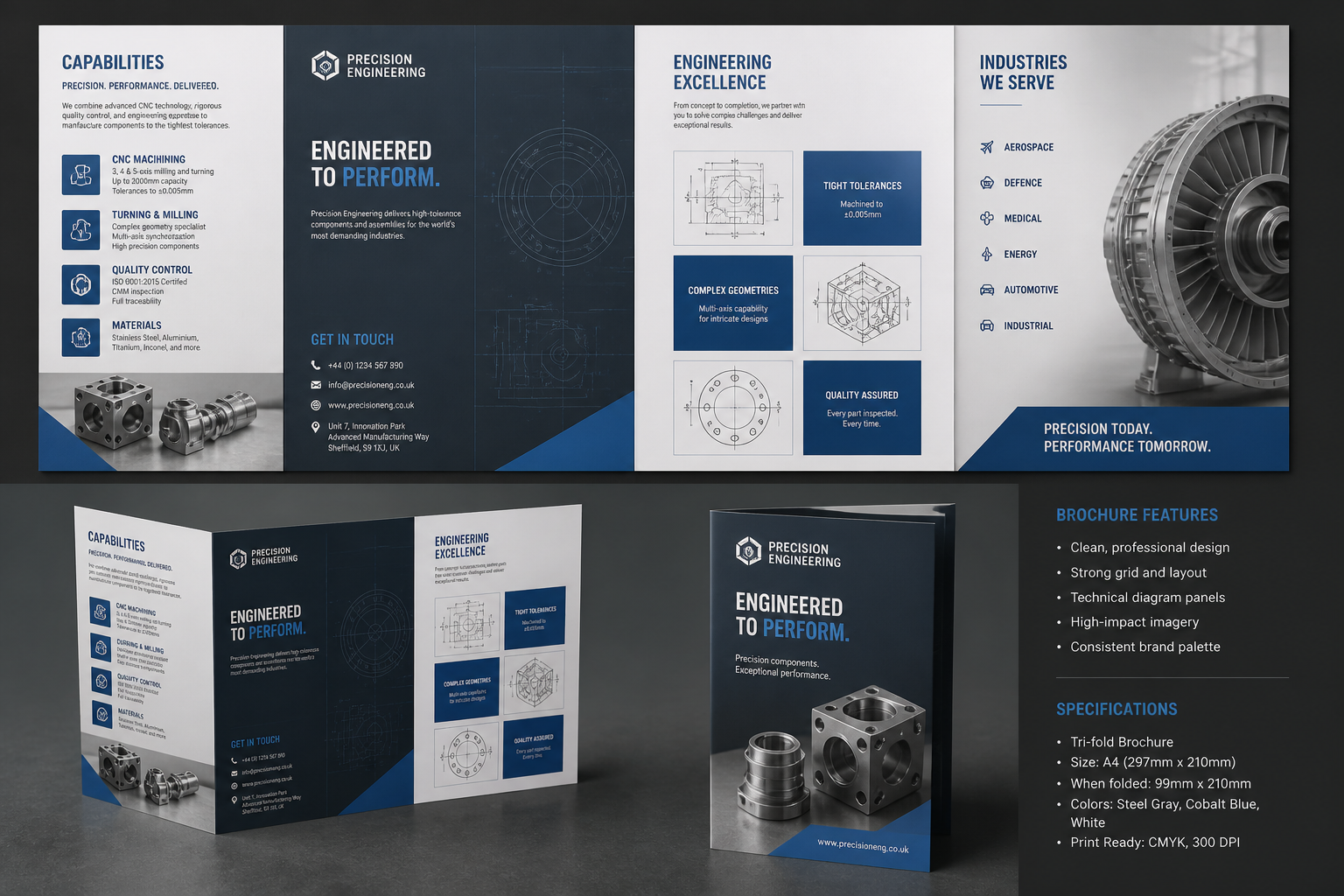
industrial manufacturing brochure design for a precision engineering company, steel gray and cobalt palette, technical diagram panels, strong grid system, product photography placeholders, professional tri-fold print mockup
Key Features
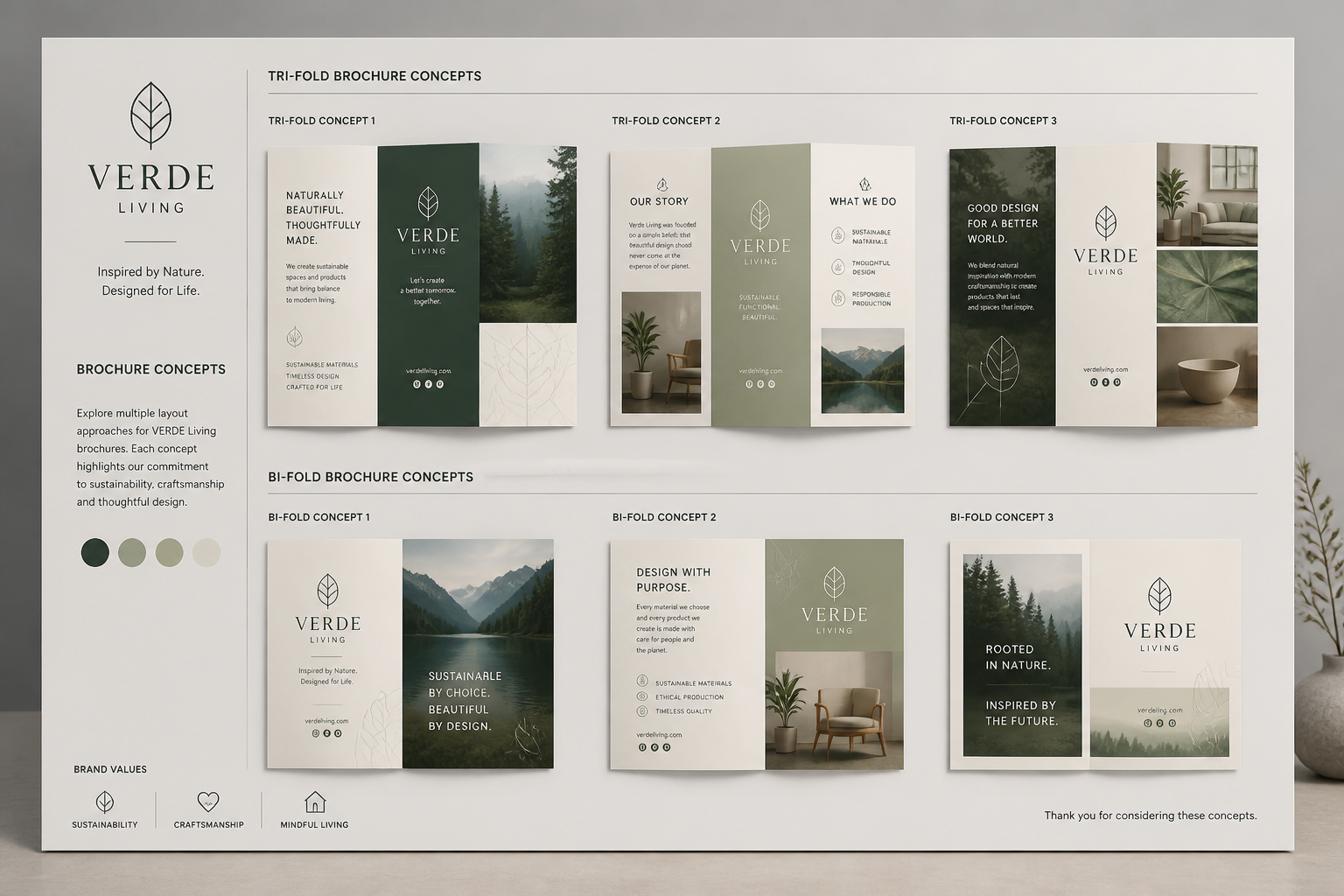
Instant brochure layout ideas
Generate brochure concepts from a short brief instead of starting with a blank canvas. You can explore different structures for covers, inside panels, product sections, and callouts in seconds. That makes early-stage concepting faster for client work, campaigns, or internal reviews. A generic image generator often creates pretty visuals, but this workflow is tuned toward brochure-style composition and presentation.
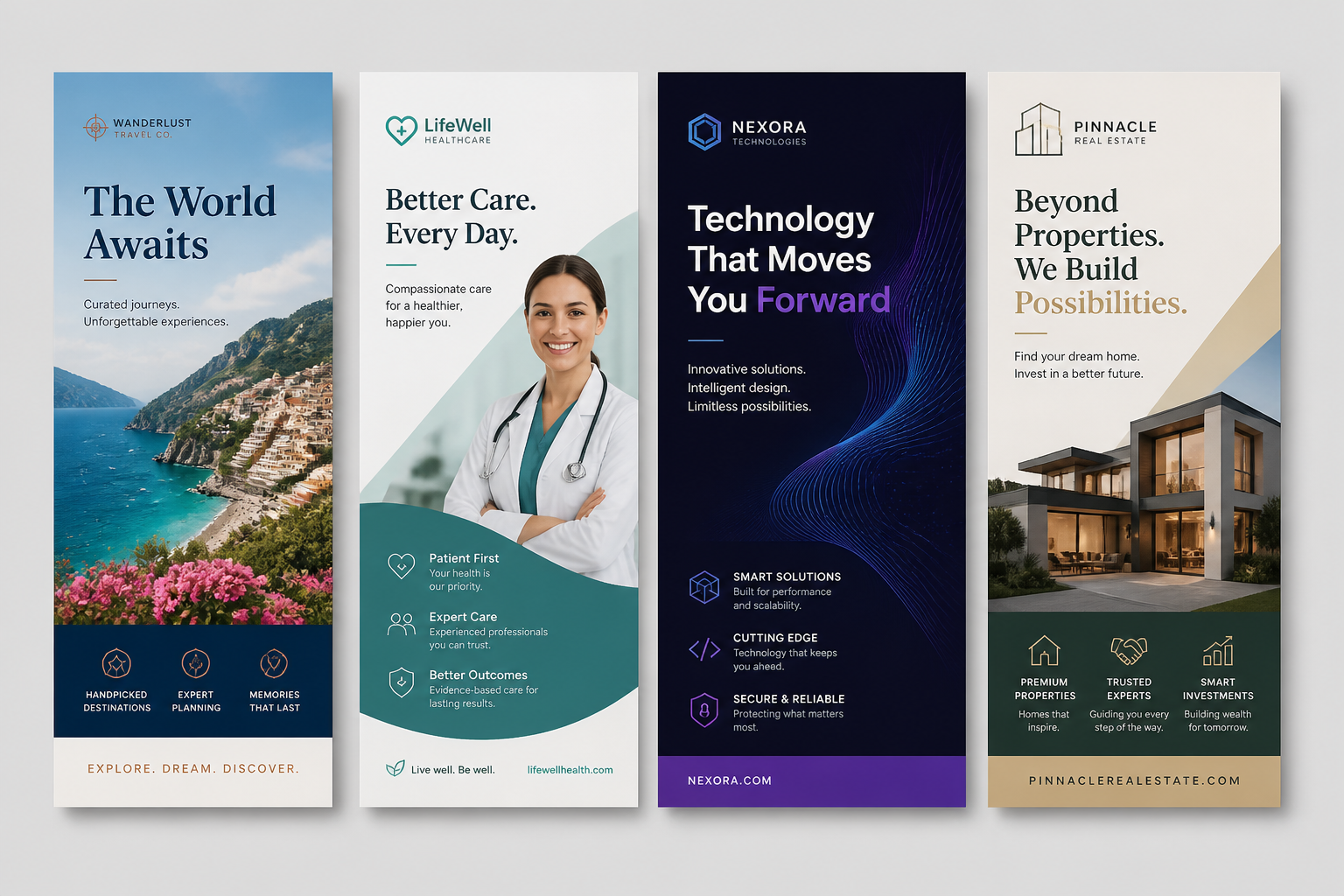
Styles for different industries
Brochure design needs vary widely across real estate, healthcare, travel, tech, and retail. This tool helps you prompt for the tone you need, whether that is premium, corporate, minimal, editorial, or energetic. That saves time compared with manually gathering references for every vertical. It is useful when you need to pitch several directions quickly without building each one from scratch.
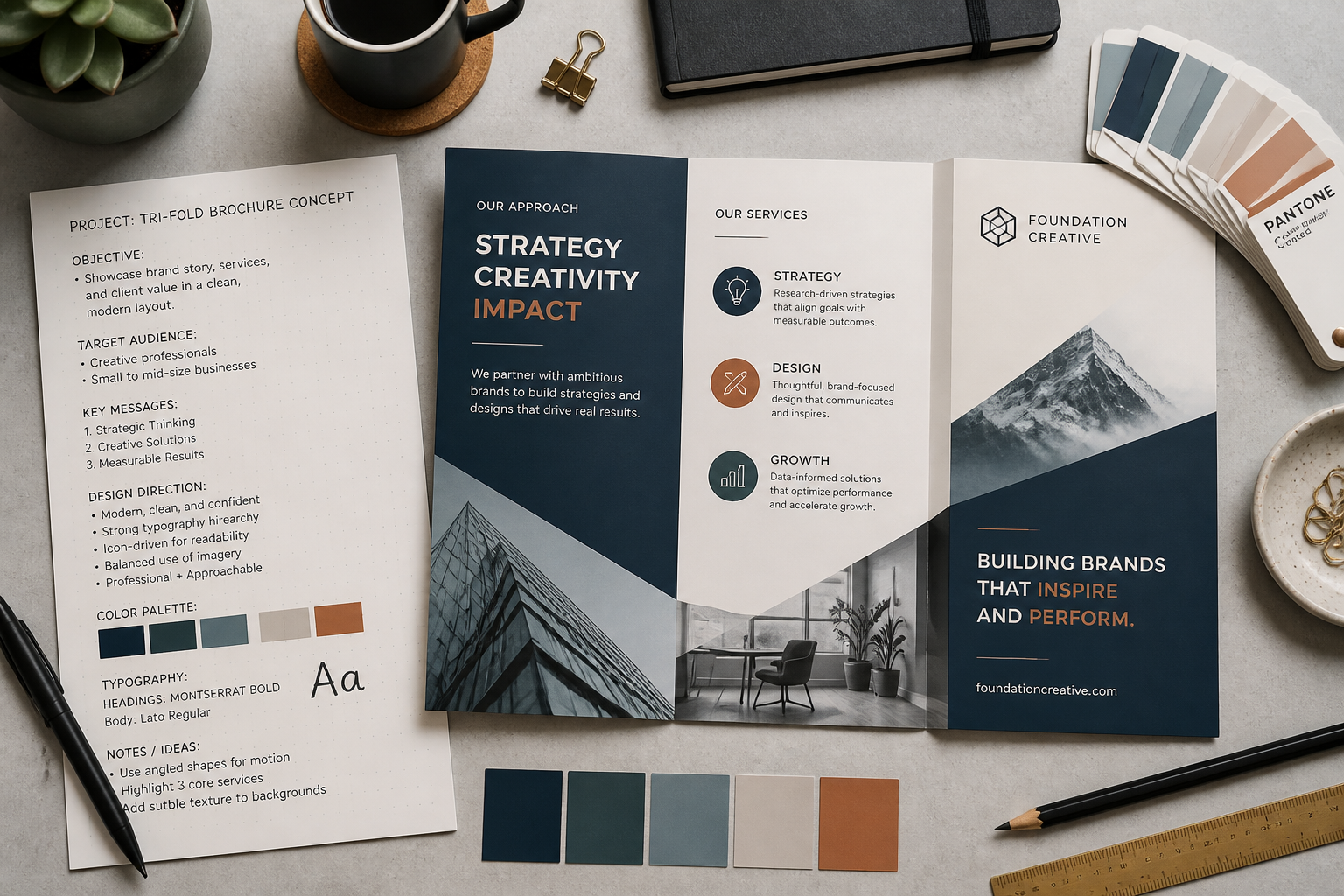
Better prompts, clearer outputs
Brochure concepts improve when prompts specify format, audience, palette, and content hierarchy. The page examples give visitors concrete starting points that already resemble real marketing collateral. That is easier than guessing how to phrase a prompt in a broad AI tool. You get more usable concepts with less trial and error.
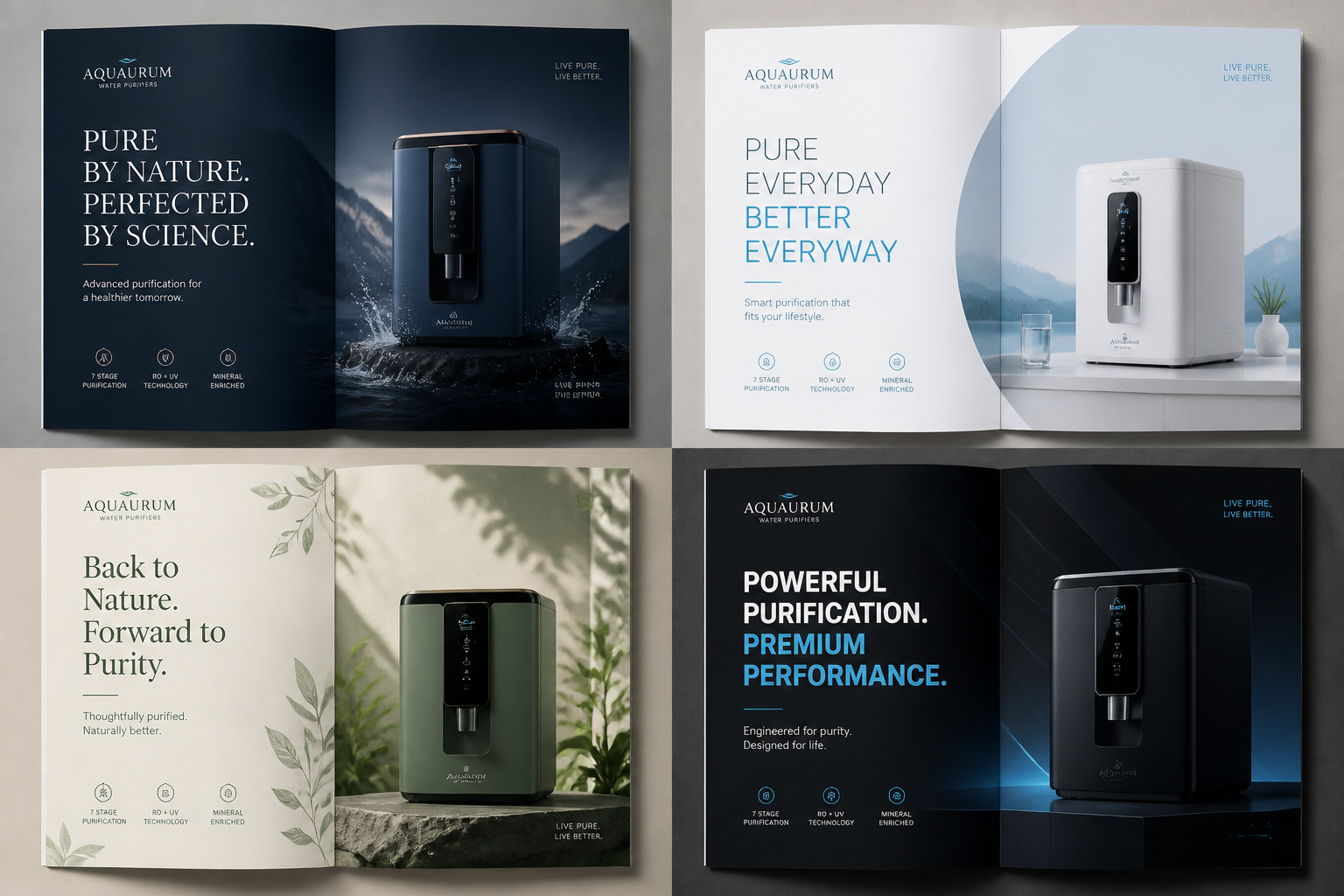
Variation-ready concept exploration
Once you have a strong brochure direction, you can tweak the prompt to explore alternate branding, layouts, and moods. This is helpful for comparing options before moving into final design software. Instead of manually redesigning each route, you can generate several visual approaches from the same core brief. That speeds up reviews with clients, teams, or stakeholders.
How It Works
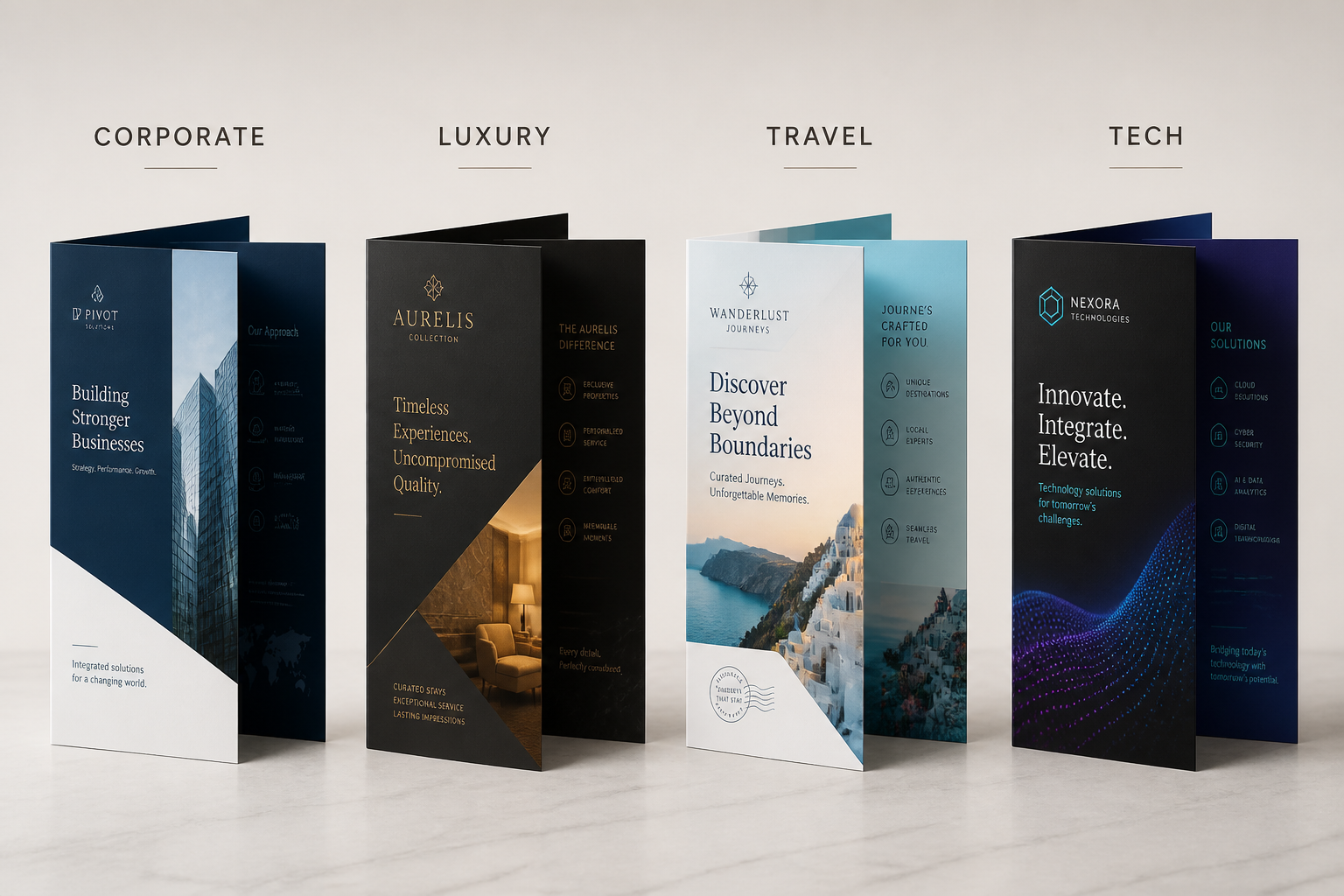
Pick a brochure style
Start with a preset prompt for a brochure type like corporate, luxury, travel, or product marketing. This gives you a strong visual base with layout and tone already implied.
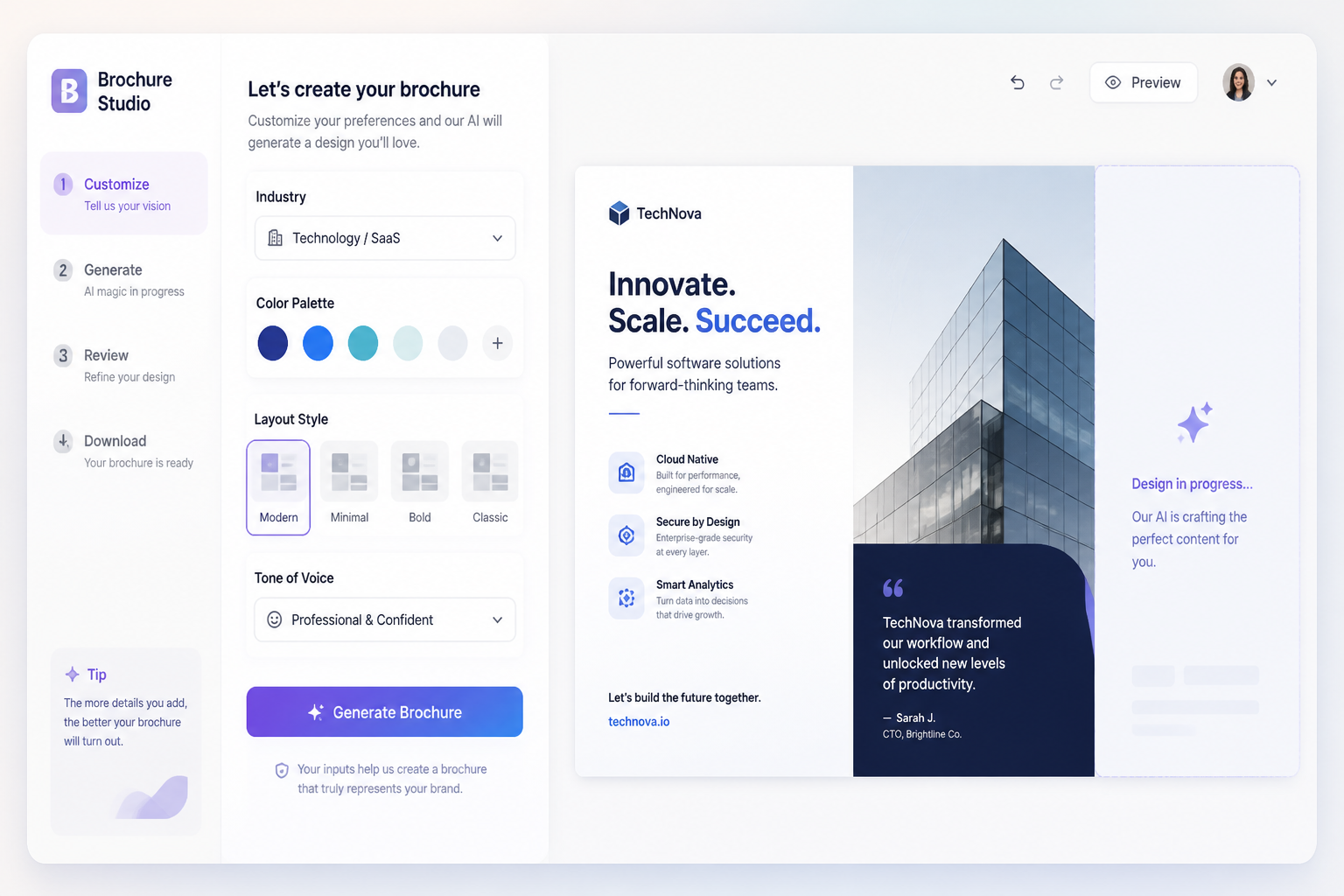
Describe the brand details
Edit the prompt with your industry, audience, color palette, brochure format, and overall mood. Add specifics like tri-fold, editorial layout, bold headlines, or clean infographics to steer the result.
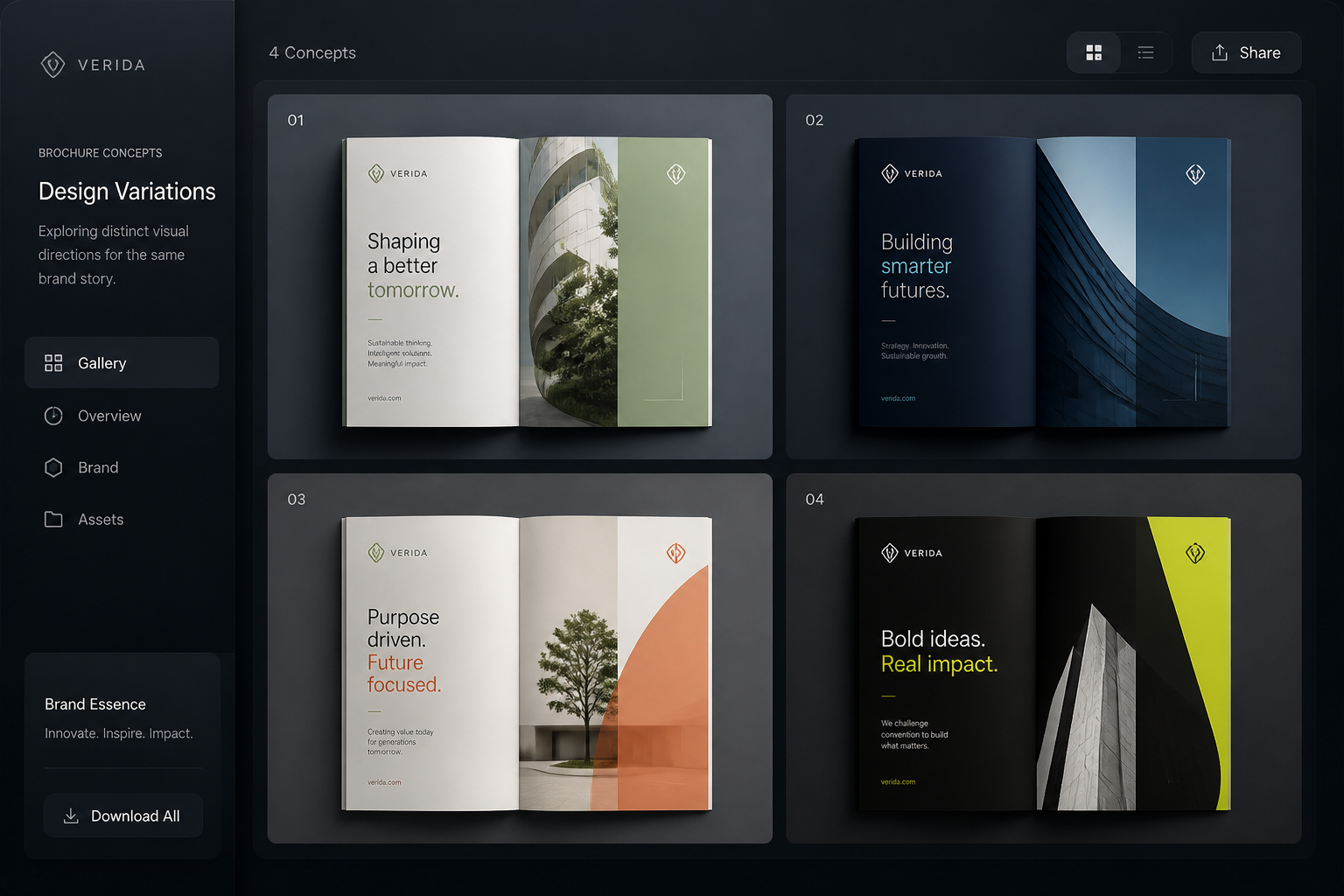
Generate and compare versions
Create multiple brochure concepts, then keep the one that best matches your brief. Use the results as pitch visuals, moodboards, or starting references for final production work.
Perfect For
Discover how creators and professionals use ai brochure design generator
Client concept pitches
Create brochure directions quickly for early presentations before committing to a full design route.
Campaign brainstorming
Explore visual ideas for product launches, seasonal promotions, and event marketing collateral.
Brand style exploration
Test how different palettes, typography moods, and layouts could shape a brochure system.
Internal marketing mockups
Produce brochure visuals for team reviews, strategy decks, or creative alignment discussions.
Built For
Designers and art directors
Useful for reference generation, concept exploration, and fast visual routes before final layout work.
Marketers and agencies
Helps teams turn campaign briefs into brochure-style visuals for pitches, planning, and approvals.
Small business owners
Makes it easier to visualize brochure ideas without needing advanced design skills at the concept stage.
Why use this brochure generator
A quick look at how we compare on the things that matter for this niche.
| Feature | BudgetPixel | Generic AI generators | Stock photo libraries |
|---|---|---|---|
| Brochure-focused prompts | Yes | Sometimes | No |
| Editable prompt library | Yes | Varies | No |
| Multiple concept directions fast | Yes | Yes | No |
| Made for layout exploration | Yes | Limited | No |
| Requires full manual design work | Less | Some | Yes |
Frequently Asked Questions
What does the AI brochure design generator create?
Can I generate tri-fold and bi-fold brochure ideas?
Are these brochure designs ready for print?
How do I get better brochure results?
Can I use this for different industries?
Create together.
Share your creations, discover trending AI art, and grow with fellow creators.