AI Brochure Generator
Turn a short prompt into brochure-ready visual concepts
Generate brochure concepts from a text prompt for products, services, events, real estate, travel, and more. It’s built for marketers, designers, and business owners who need fast visual directions before moving into final layout work.
See It In Action
Real outputs from ai brochure generator.
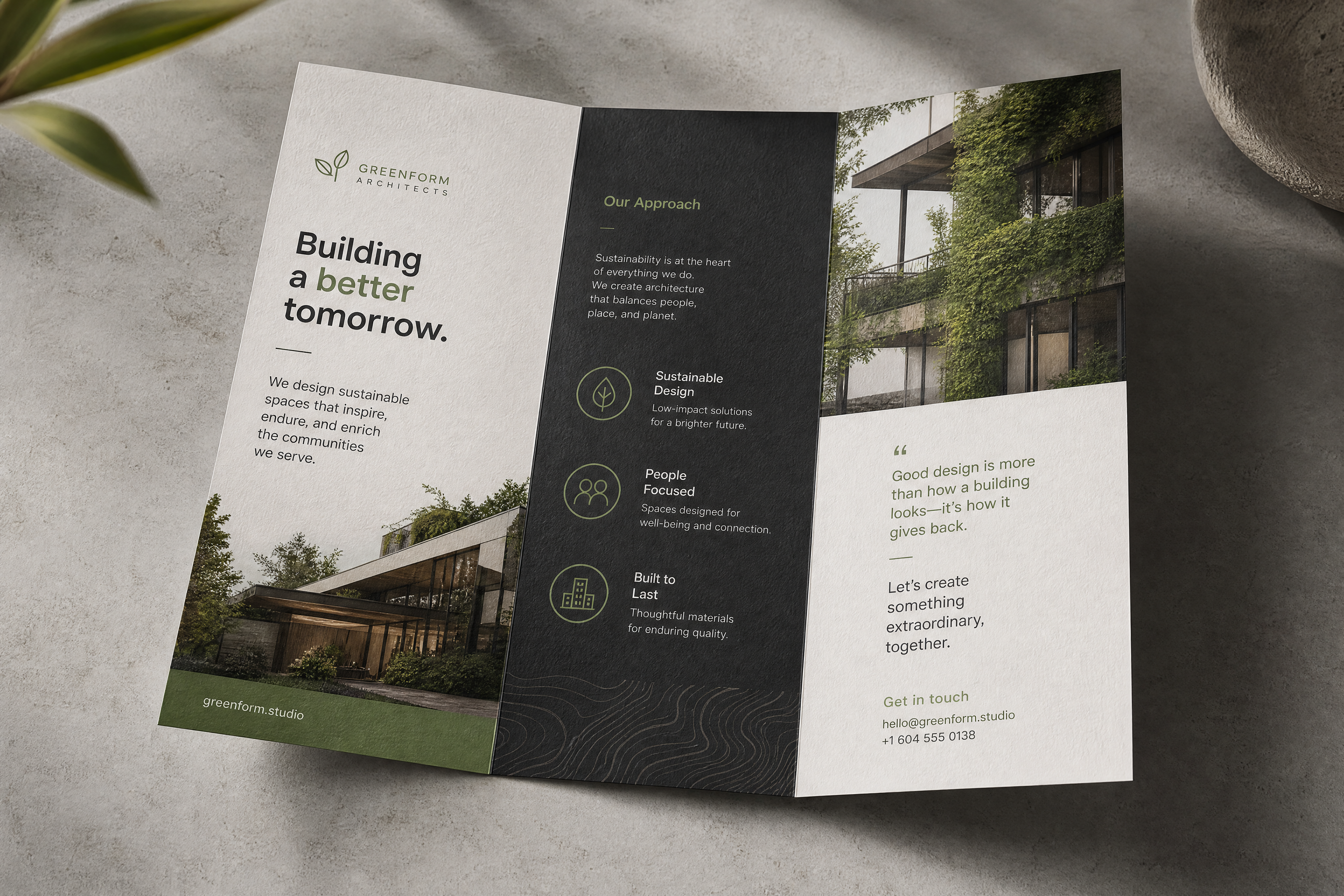
modern tri-fold business brochure concept for a sustainable architecture studio, clean editorial layout, bold headline area, minimal icon sections, soft green and charcoal palette, premium paper texture, studio mockup, photorealistic, top-down angled view
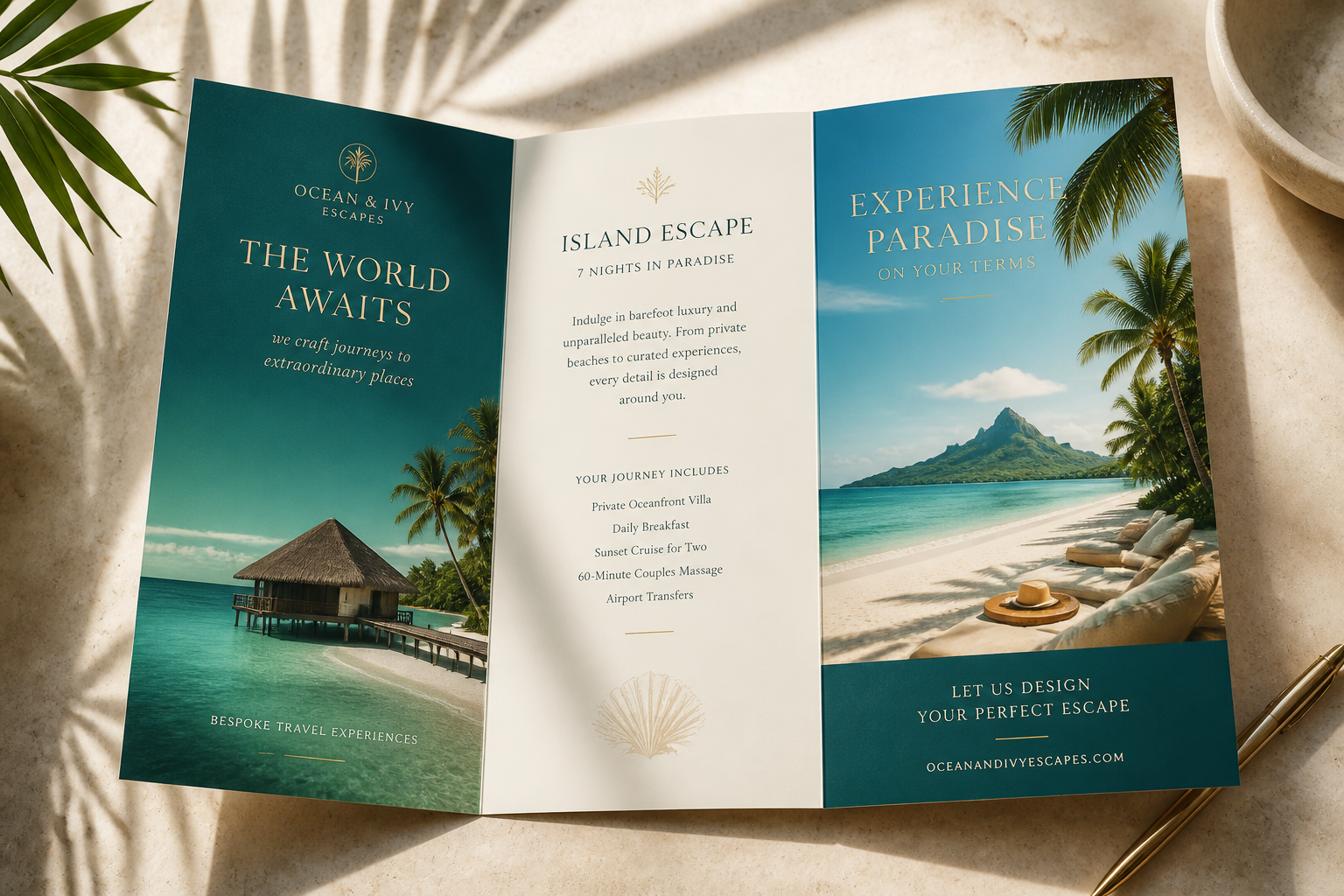
luxury travel agency brochure concept featuring a tropical island escape, elegant serif typography areas, teal and sand color palette, tri-fold layout, glossy print mockup on a sunlit desk, photorealistic commercial style
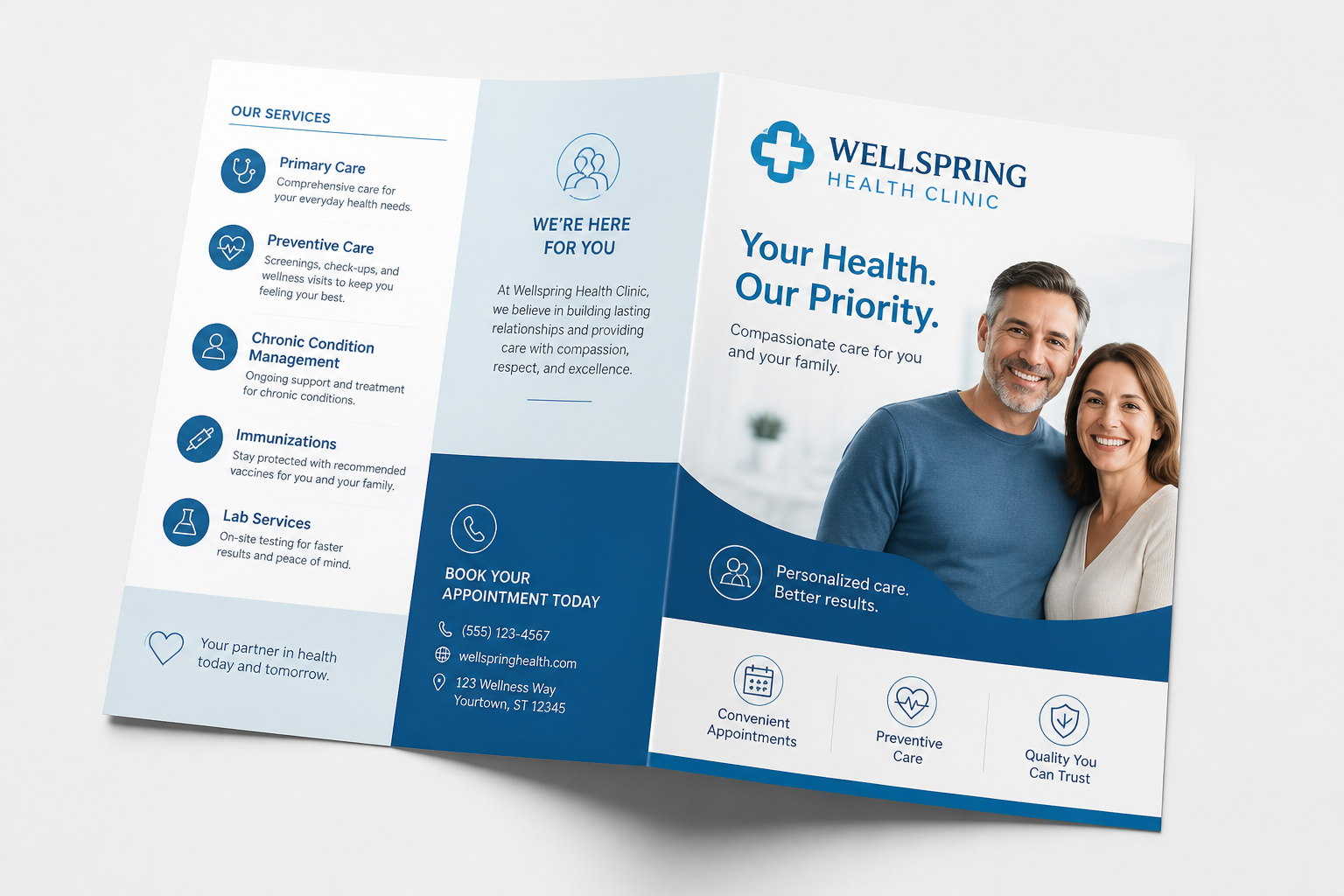
health clinic brochure concept, clean medical branding, blue and white palette, welcoming adult patients, service callout sections, bi-fold print layout, bright studio lighting, realistic paper mockup, professional corporate design
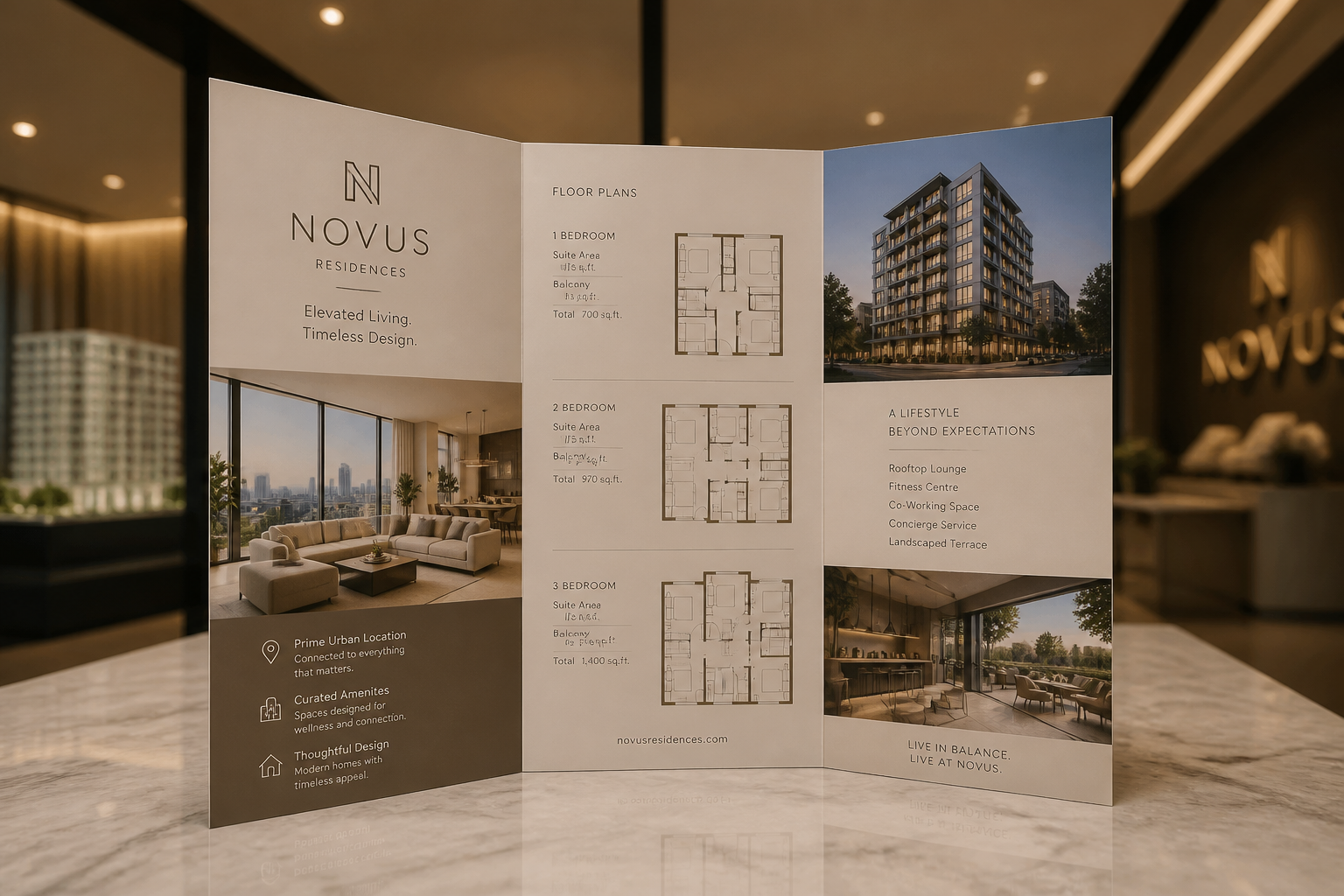
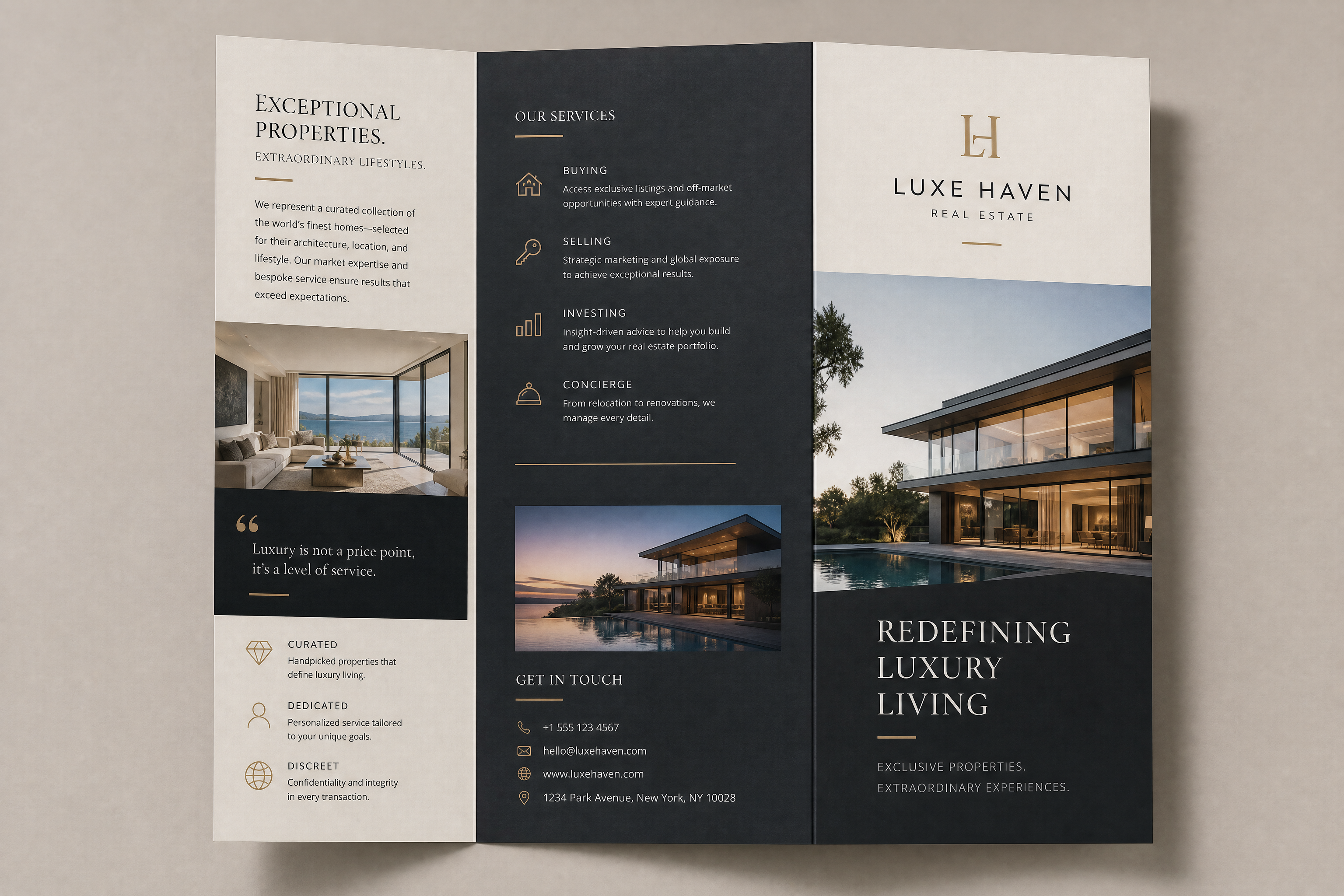
real estate property brochure concept for modern condos, premium editorial layout, floor plan placeholder blocks, warm neutral palette, tri-fold brochure standing display, photorealistic interior showroom lighting
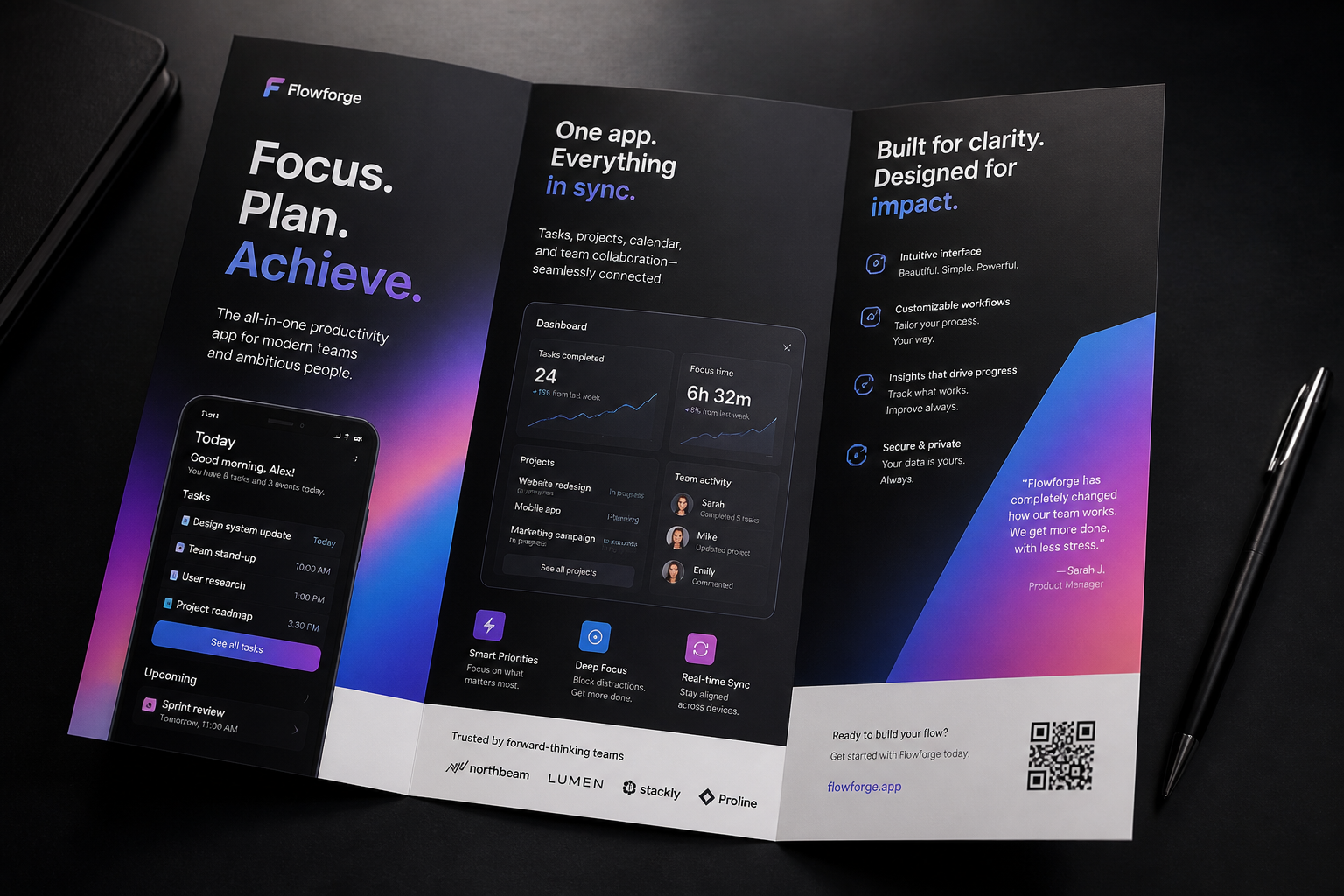
tech startup product brochure concept for a productivity app, bold gradient accents, sleek infographic panels, modern sans serif layout, folded brochure on a dark desk, cinematic studio lighting, photorealistic mockup
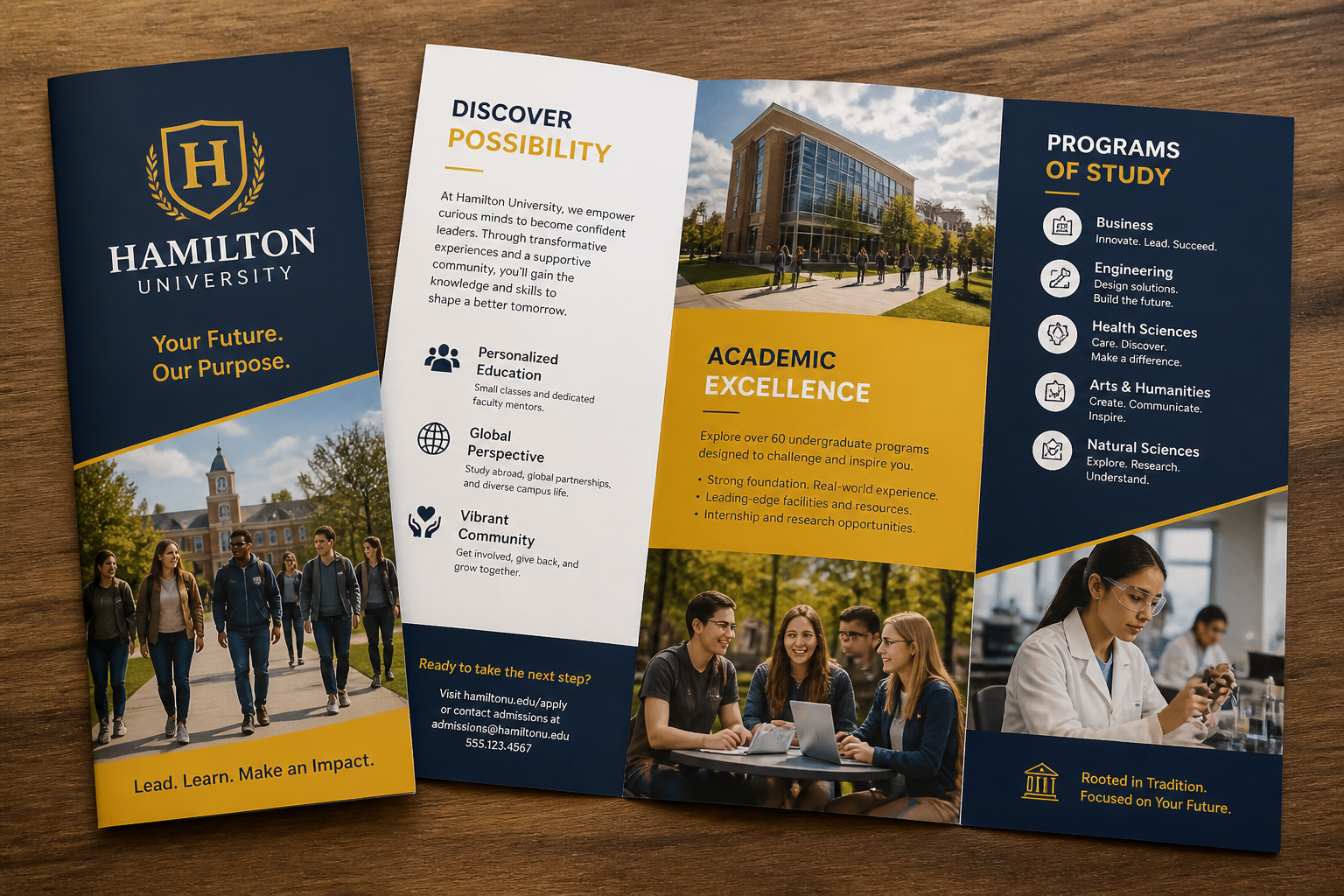
university admissions brochure concept, energetic campus imagery, navy and gold palette, clear program section blocks, tri-fold print design, clean editorial composition, photorealistic tabletop mockup
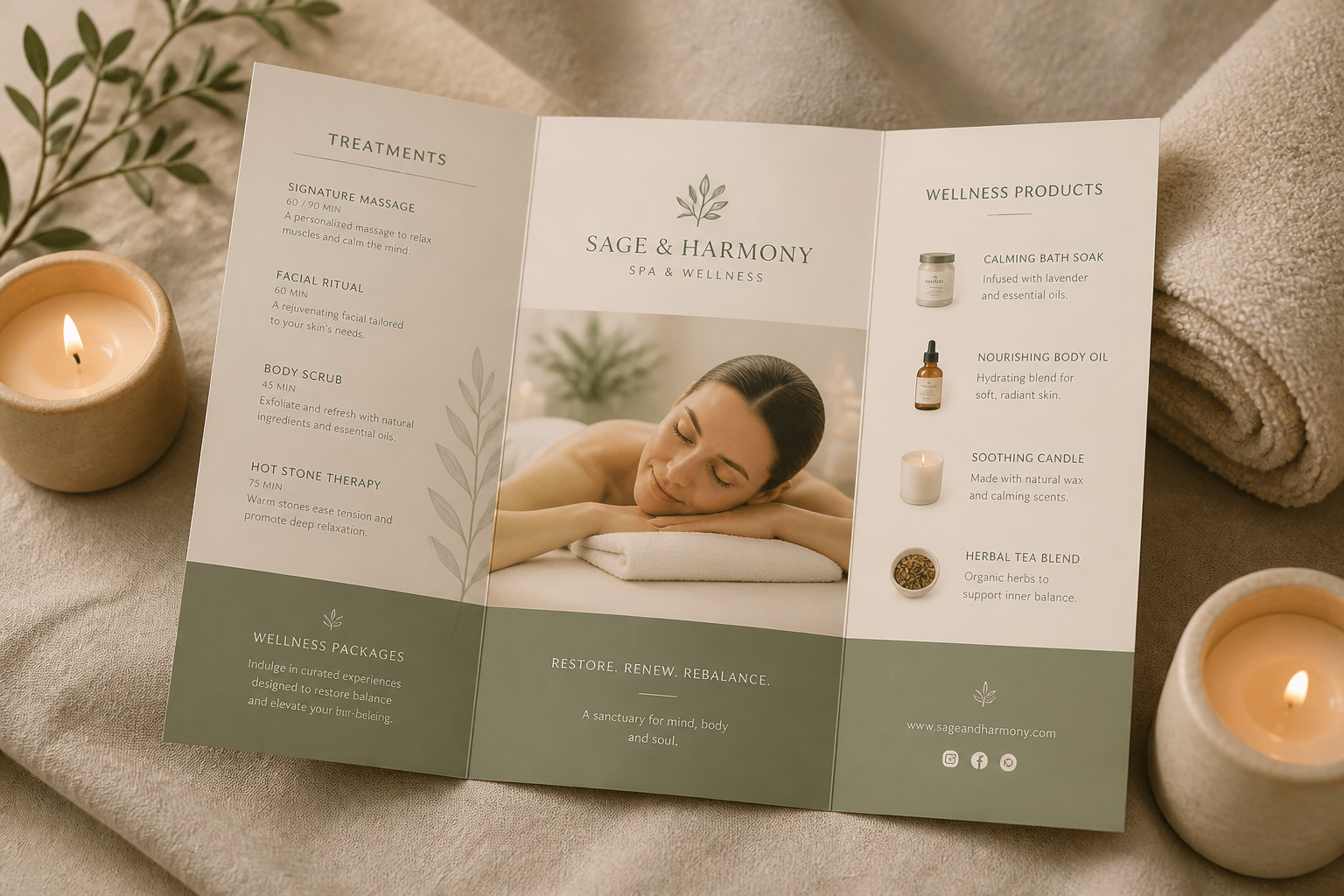
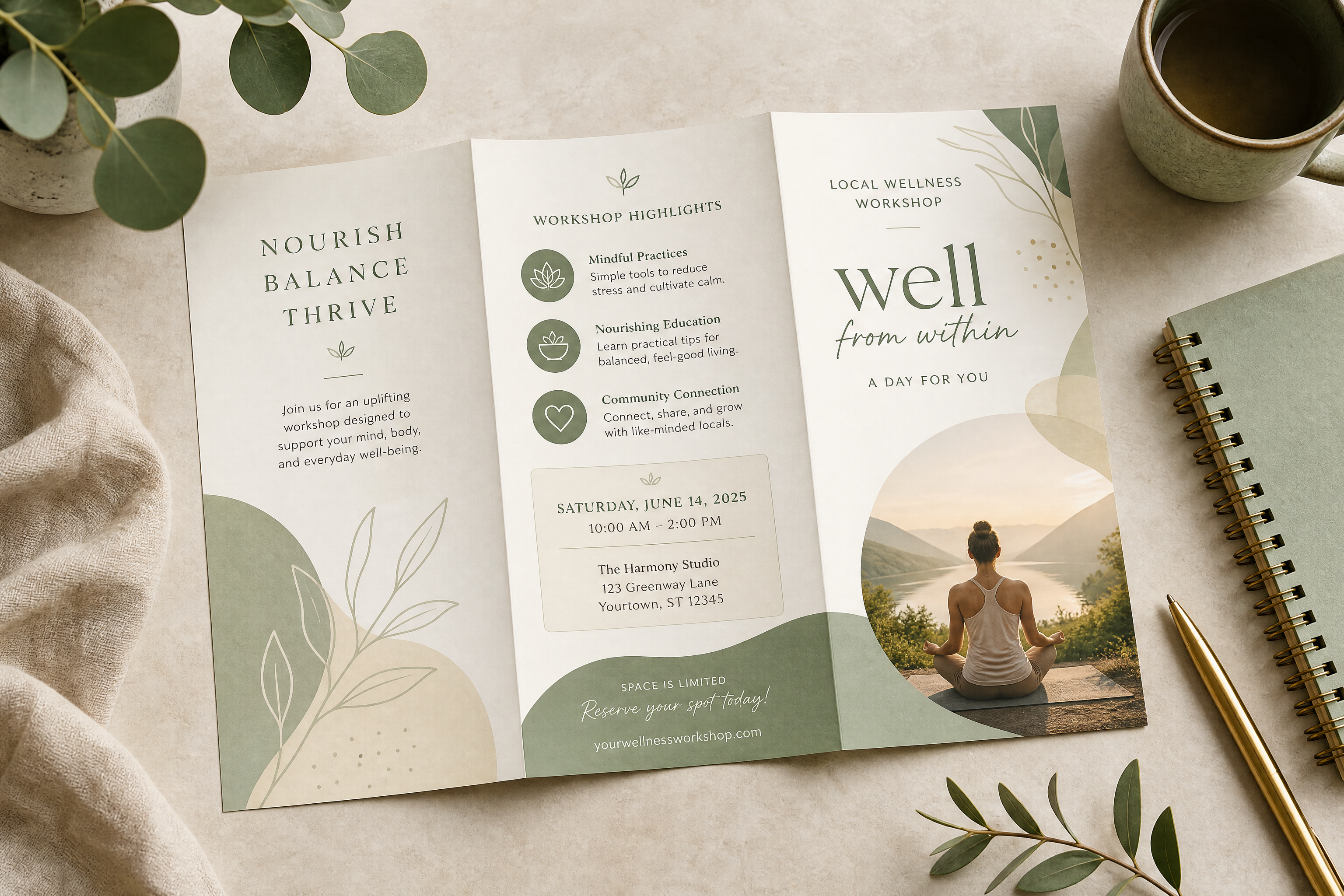
spa and wellness brochure concept, soft beige and sage palette, calming product and treatment sections, minimal luxury design, folded brochure with candles and towel props, photorealistic lifestyle mockup
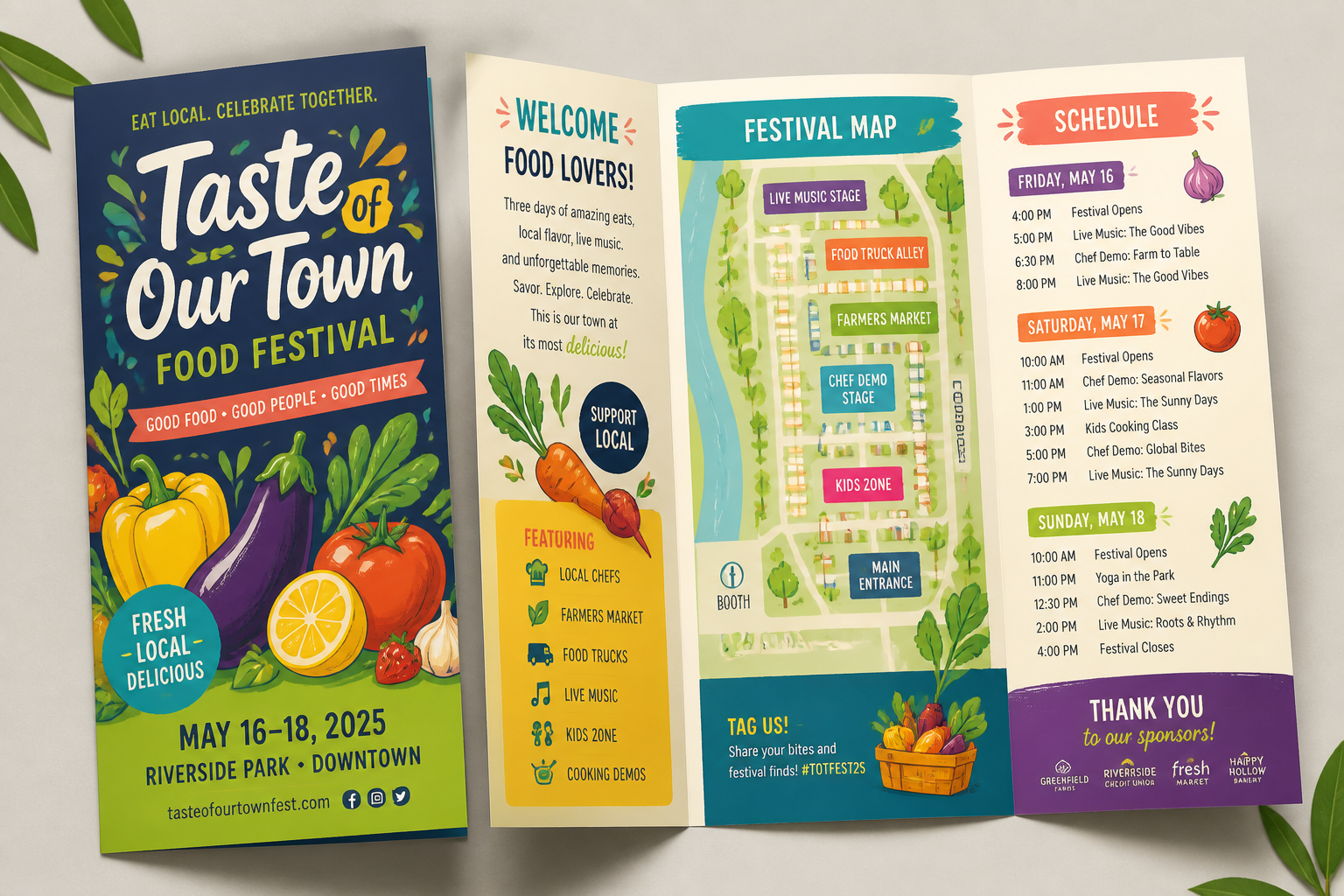
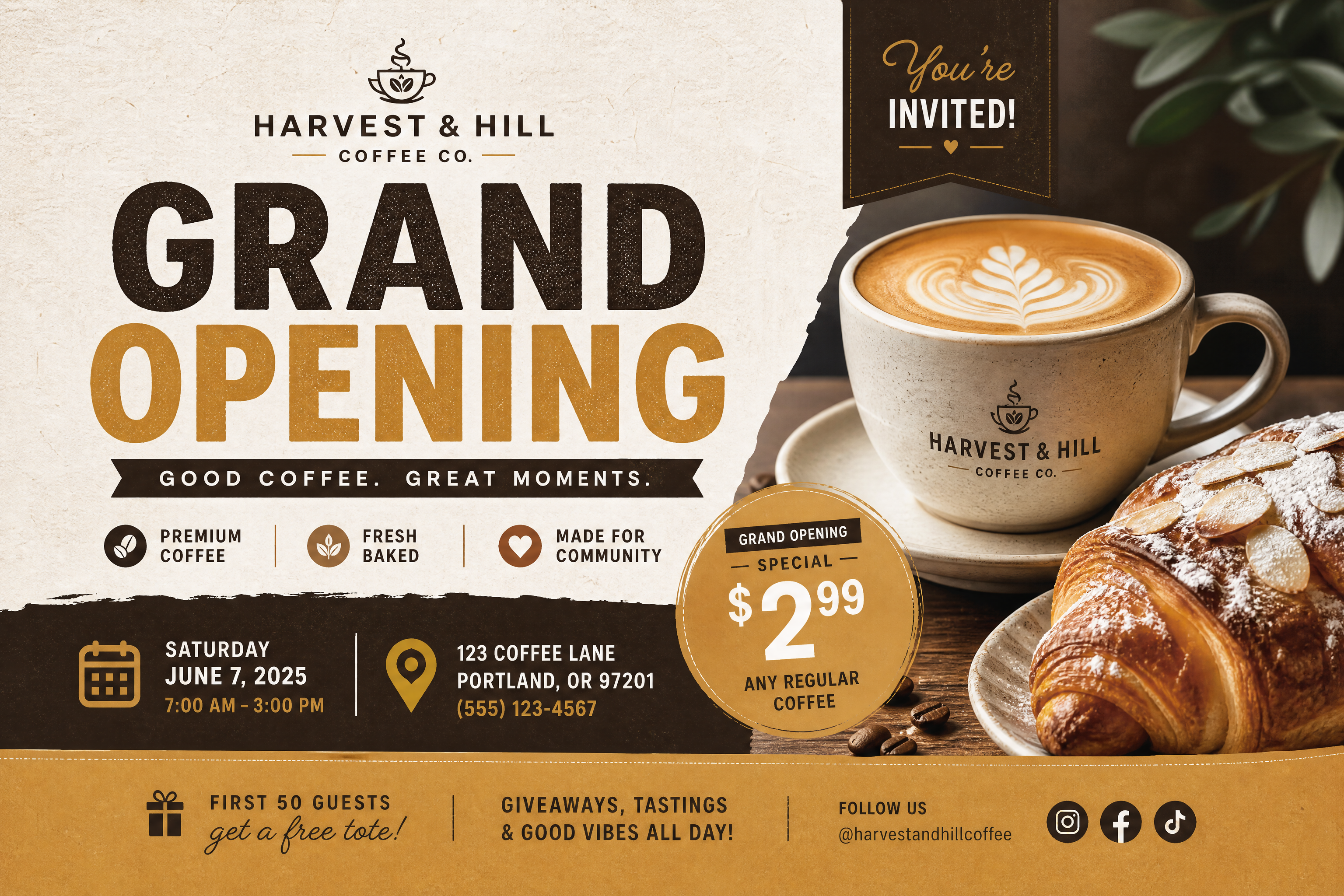
food festival event brochure concept, vibrant illustrated produce accents, playful bold typography areas, map and schedule panels, tri-fold format, colorful print mockup, bright natural lighting, modern festival branding
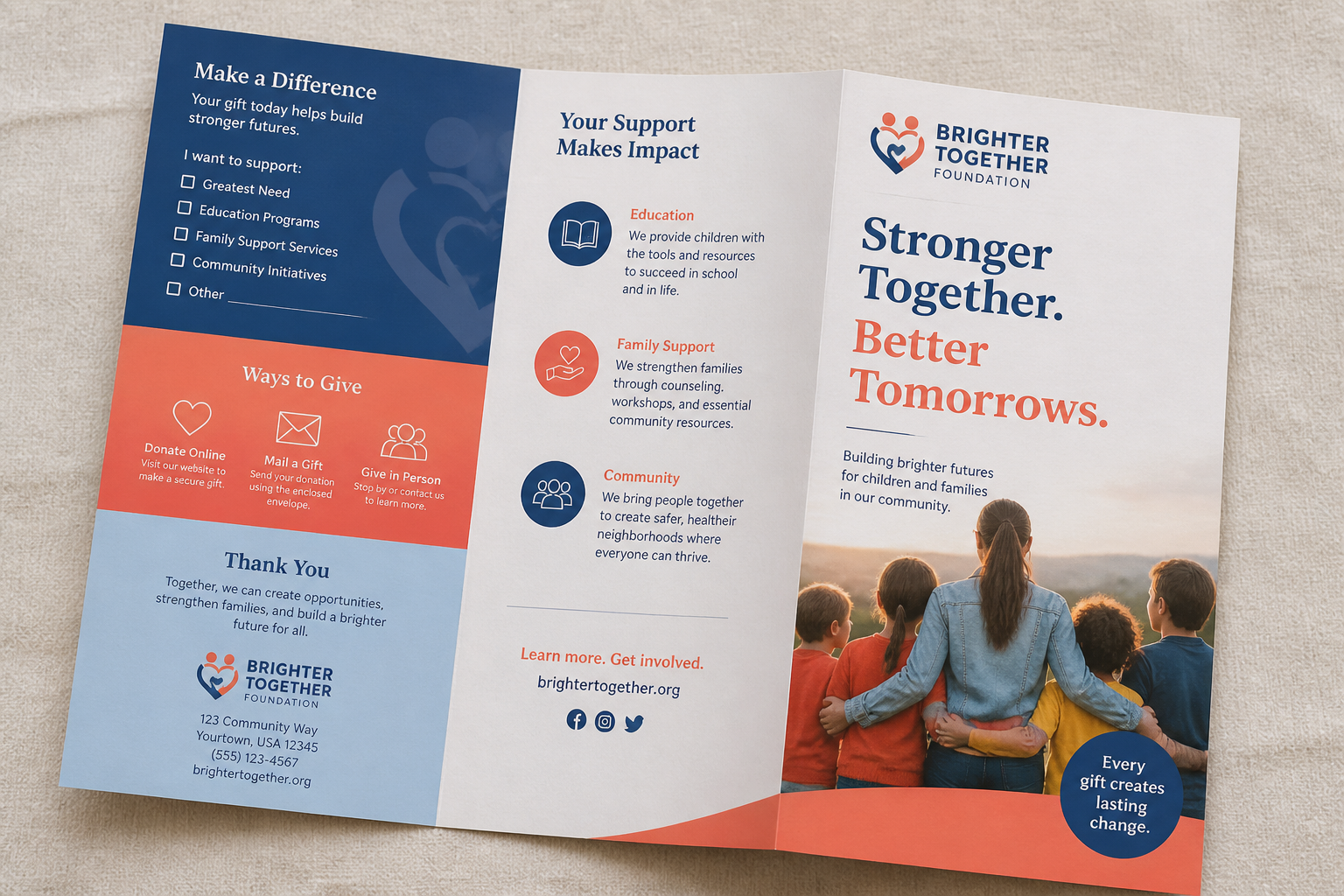
nonprofit fundraising brochure concept, hopeful community imagery, clean donation and impact sections, blue and coral palette, bi-fold print piece on textured paper, realistic editorial mockup
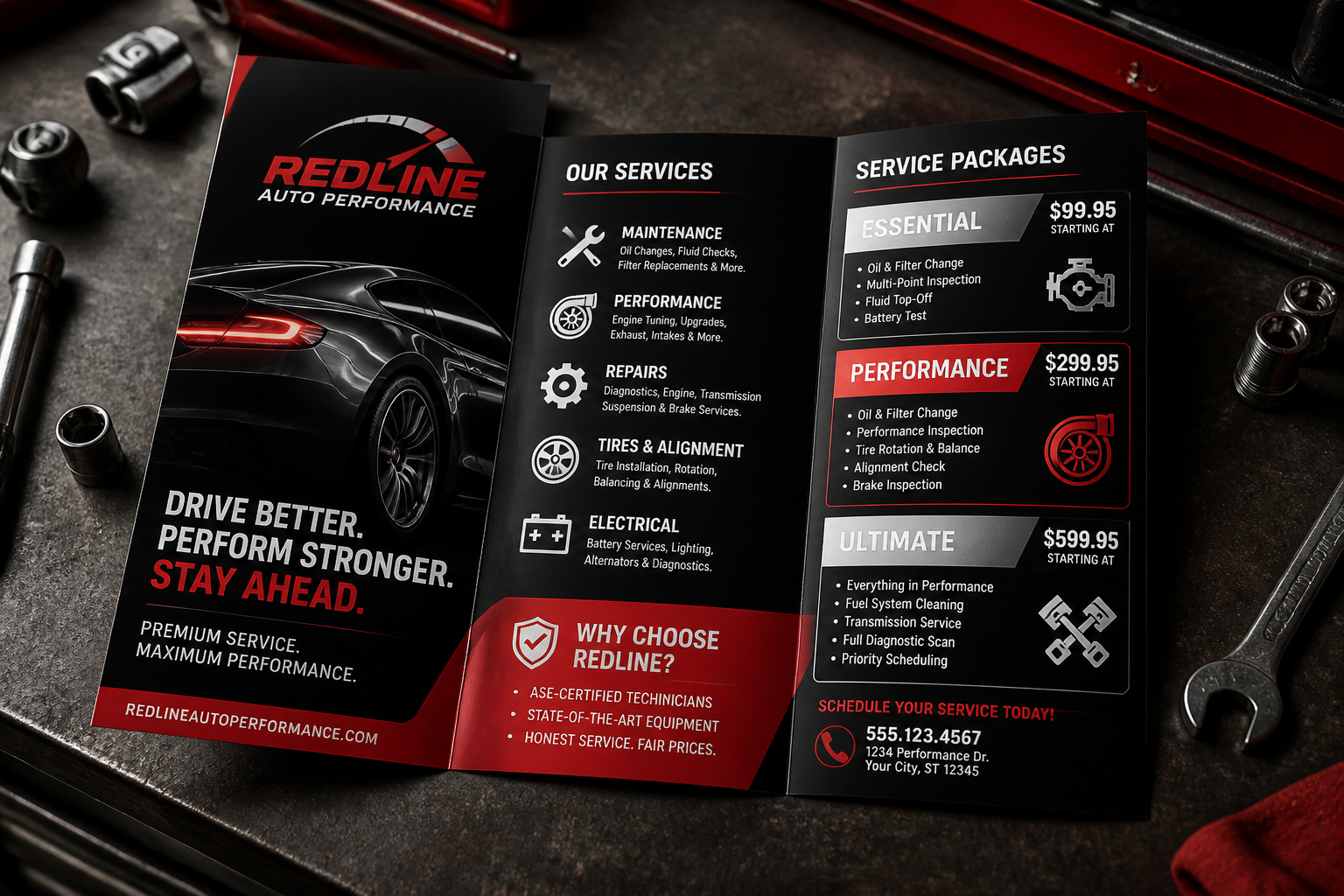
automotive service brochure concept, black red and silver palette, bold service package panels, crisp icon sections, tri-fold brochure on a garage workbench, photorealistic commercial mockup, dramatic directional lighting
Key Features
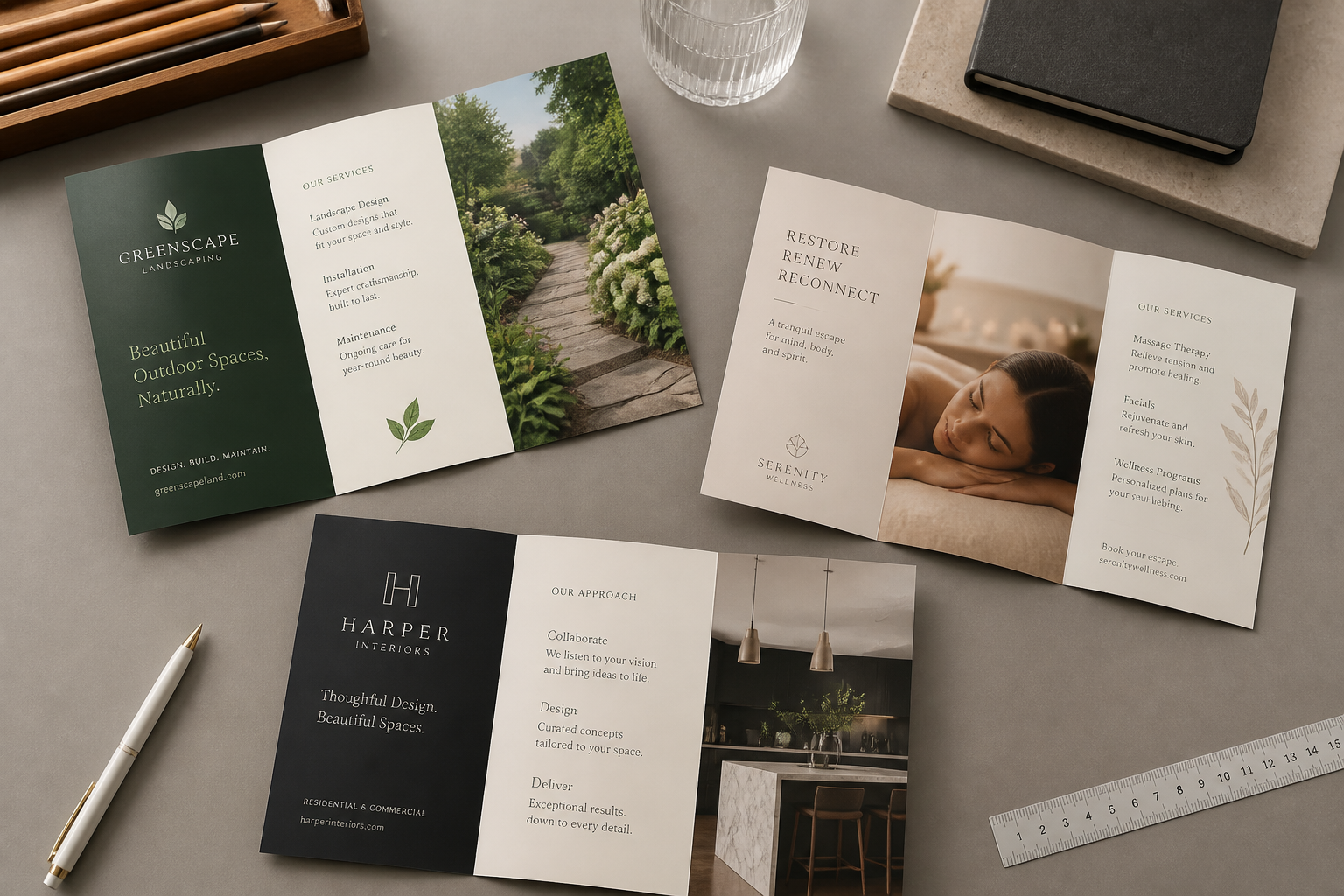
Brochure Concepts From Prompts
Start with a short description and get a brochure concept that already feels focused on a real business or campaign. This is useful when you need quick visual directions without building every layout idea from scratch. Compared with a generic image generator, the prompts here are better suited to brochure-style compositions, folds, and marketing structure. That makes early concepting faster for both solo teams and agencies.
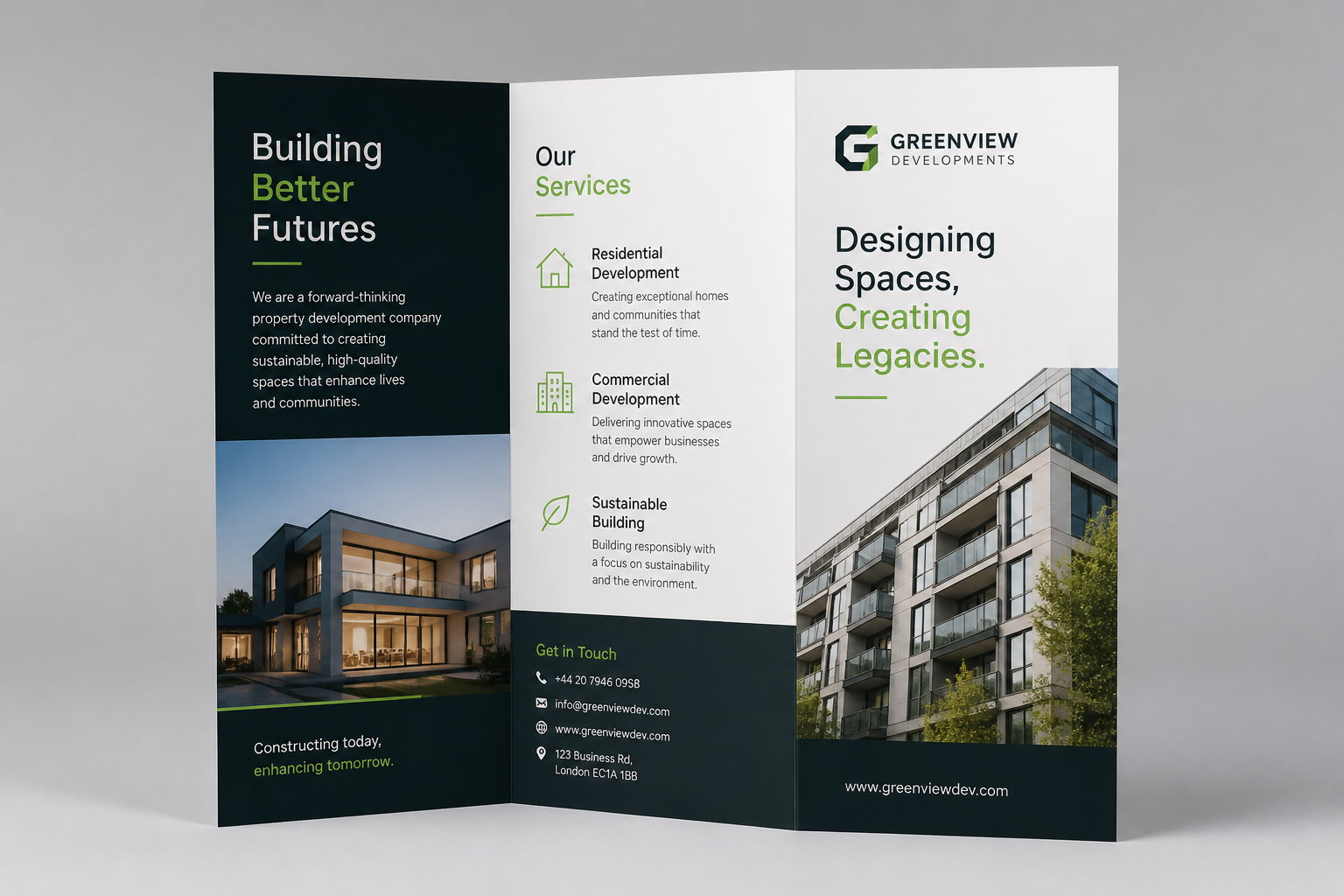
Clear Print-Style Layouts
Brochure visuals need more structure than a typical poster or social post. The tool is suited to generating organized panels, section blocks, headline areas, and polished fold-based compositions that read like brochure drafts. That helps you explore format and hierarchy before refining copy in your design software. It saves time during the idea stage where layout direction matters most.
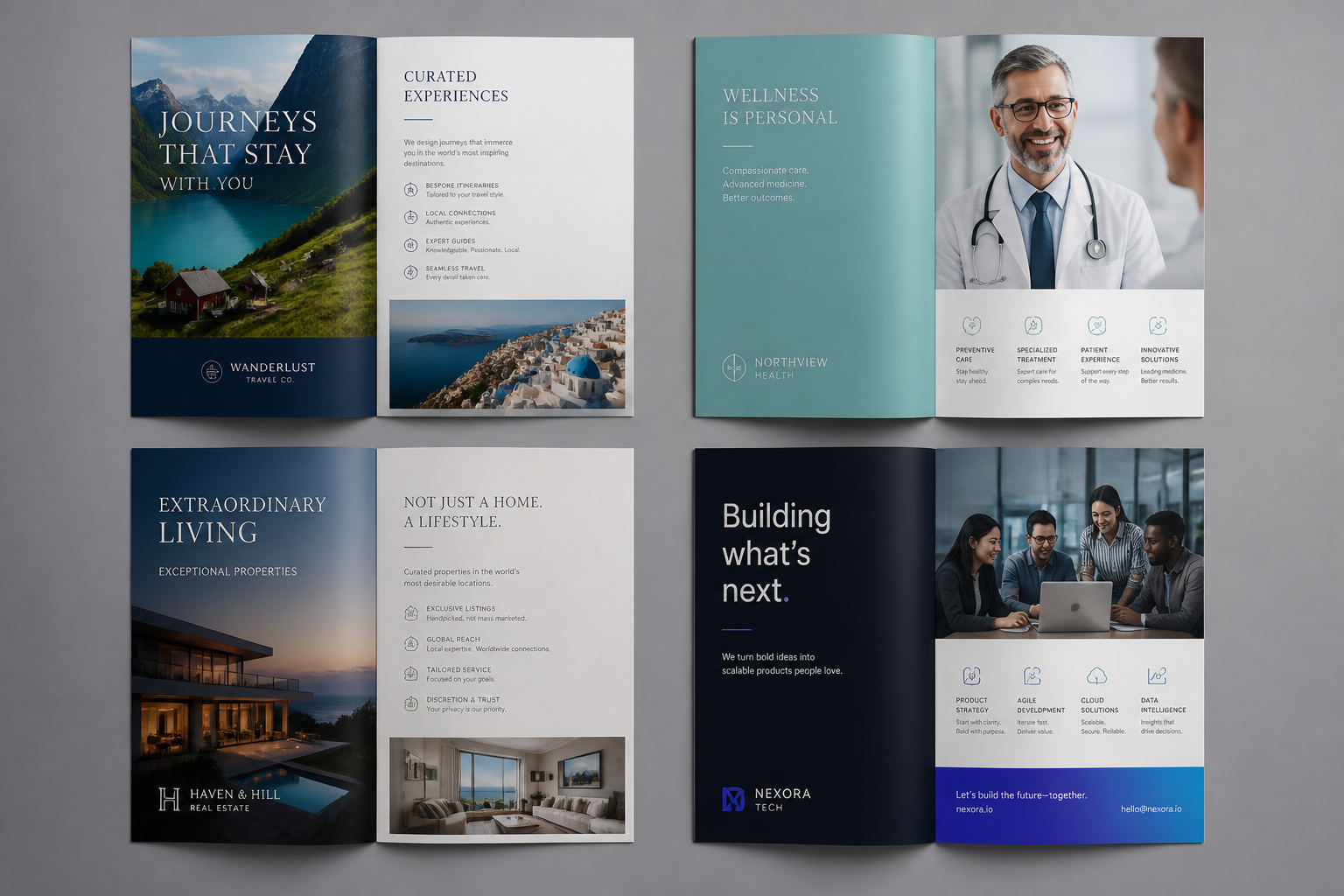
Easy Style And Industry Range
You can prompt for corporate, luxury, playful, minimal, medical, travel, real estate, and many other brochure looks. That flexibility matters when each audience expects a different tone and visual language. Instead of hunting for separate templates just to test a vibe, you can generate several directions from the same base idea. It is a practical way to compare styles before committing to production work.
Fast Iteration For Teams
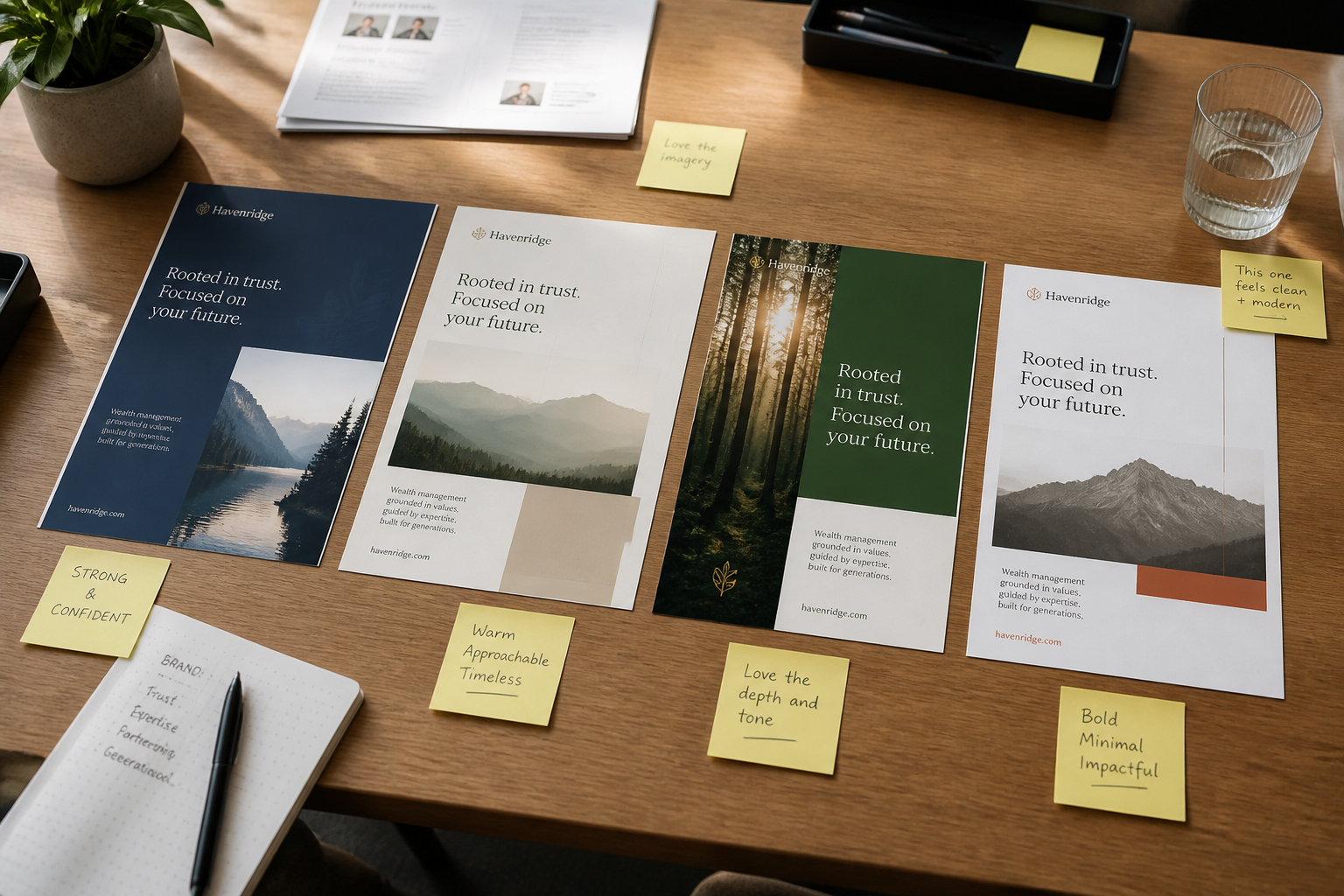
Marketing teams often need multiple directions for internal review, client approval, or campaign planning. This tool helps you generate new brochure variations by changing the audience, offer, color palette, or visual mood in the prompt. That is faster than manually mocking up every concept from a blank canvas. It works well for brainstorming rounds where speed and variety are more important than final production files.
How It Works
Pick a brochure style
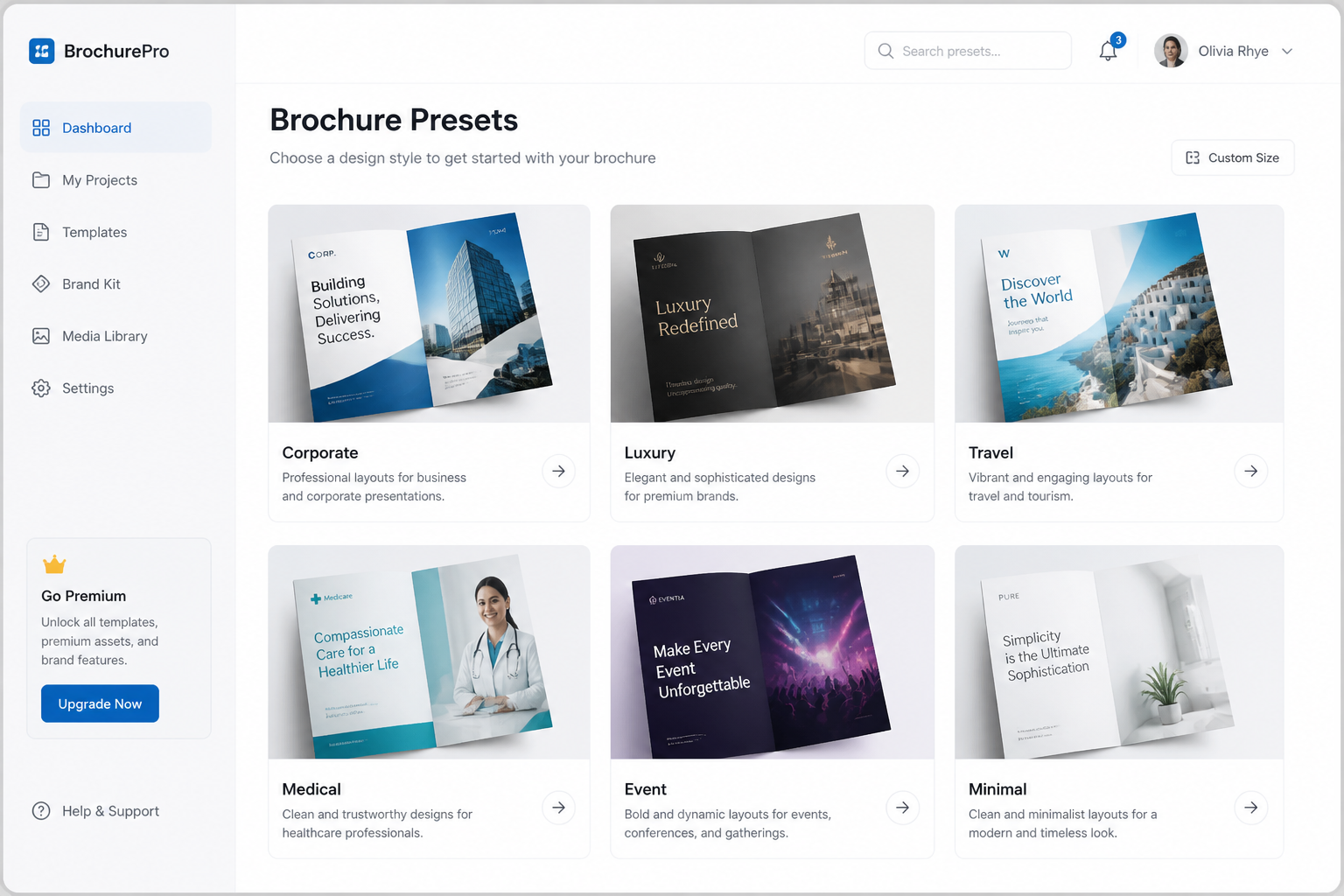
Start with a prompt that matches your goal, like corporate, luxury, travel, event, or real estate. The prefilled prompt gives you a strong brochure concept to build from.
Describe your offer
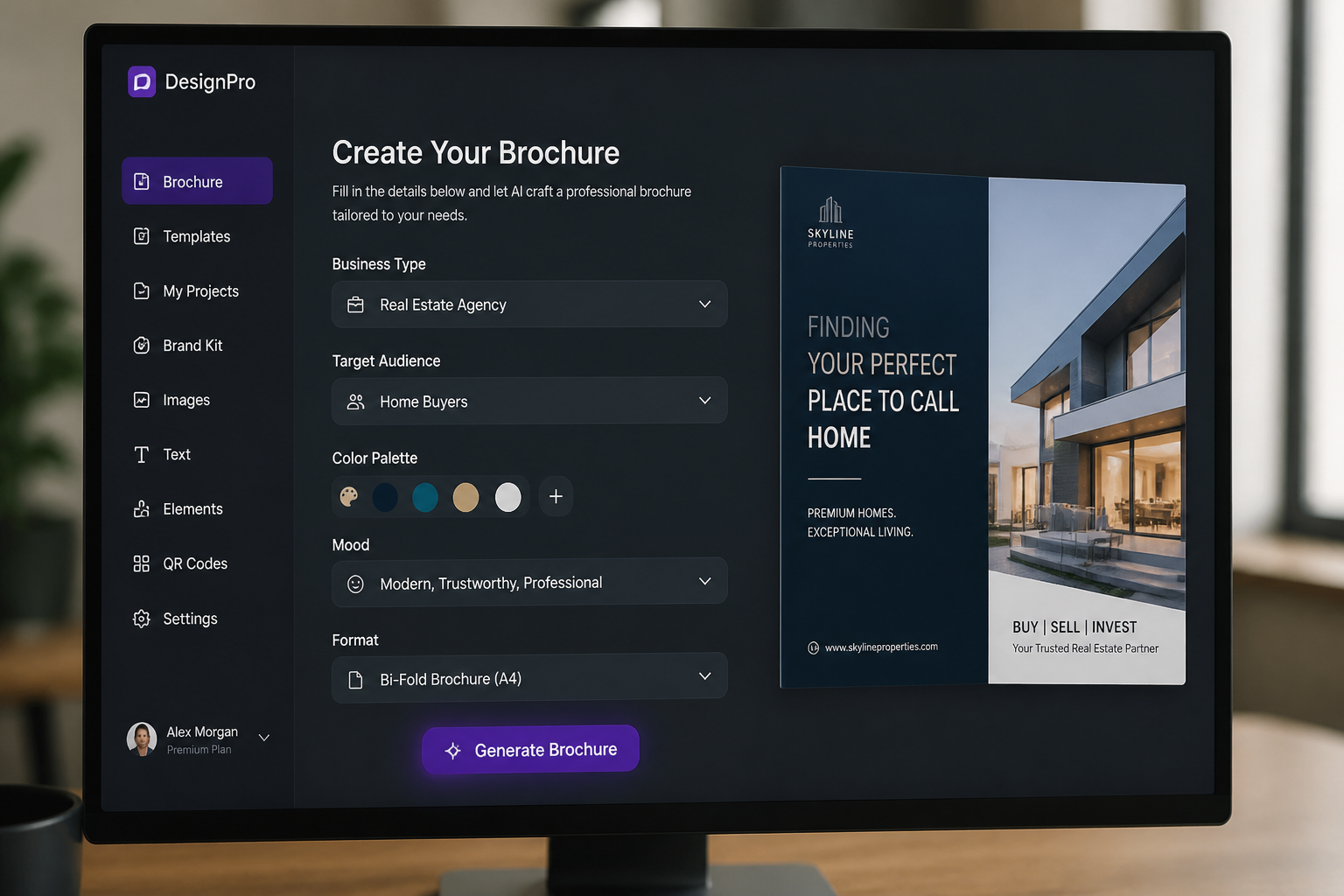
Add the business type, audience, mood, colors, and brochure format you want. Small prompt changes can shift the result from formal and minimal to bold and promotional.
Generate and compare versions
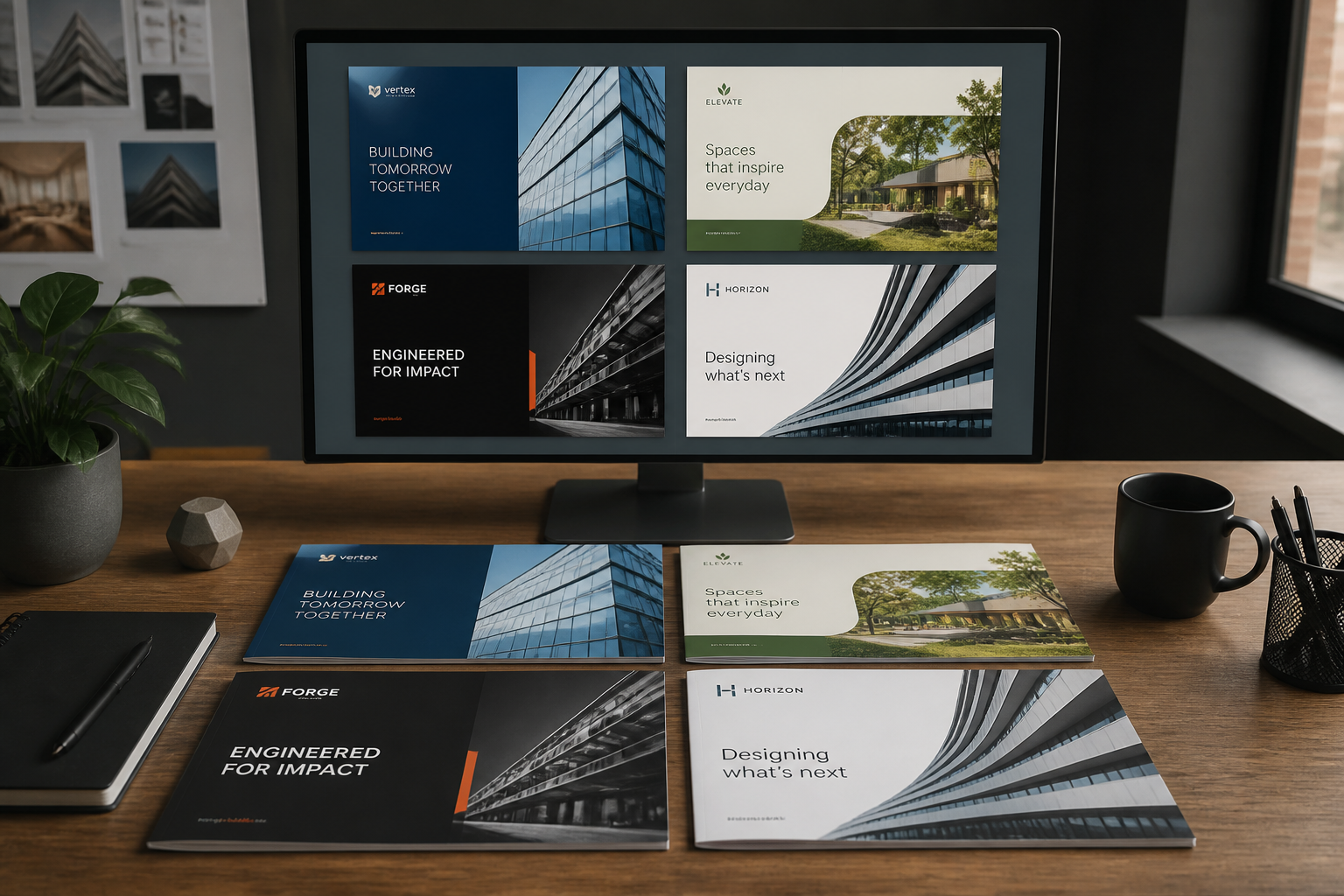
Create multiple brochure concepts, then keep the one that best fits your campaign or client. You can download the strongest direction and use it as a visual reference for final design work.
Perfect For
Discover how creators and professionals use ai brochure generator
Campaign concepting
Quickly generate brochure directions for launches, promotions, or seasonal offers before moving into full design.
Client presentation visuals
Show clients several brochure styles and brand directions without spending hours building each one manually.
Internal design briefs
Create visual references that help teams align on layout, tone, and audience before production starts.
Industry-specific marketing drafts
Generate brochure concepts for travel, healthcare, real estate, education, events, and other business categories.
Built For
Marketers
Useful for fast campaign ideation, stakeholder reviews, and exploring brochure directions for different audiences.
Designers
Helps speed up concept development and gives you visual starting points before final layout and copy refinement.
Small business owners
A practical way to preview brochure ideas without hiring design help for every early-stage concept.
How this brochure generator compares
A quick look at how we compare on the things that matter for this niche.
| Feature | BudgetPixel | Generic AI generators | Stock photo libraries |
|---|---|---|---|
| Brochure-focused prompt starters | Yes | Usually no | No |
| Multiple visual directions fast | Yes | Yes | Limited |
| Good for early layout concepts | Yes | Sometimes | No |
| Editable prompt library | Yes | Varies | No |
| No photo shoot required | Yes | Yes | No |
Frequently Asked Questions
What does the AI brochure generator create?
Can I make tri-fold brochure concepts?
Are these final print-ready files?
Can I generate brochures for different industries?
Do I need design experience to use it?
Create together.
Share your creations, discover trending AI art, and grow with fellow creators.