AI Business Flyer Generator
Generate clean, custom flyer concepts from a text prompt
Create business flyer visuals by describing your offer, audience, and style. This tool helps small businesses, marketers, and freelancers turn ideas into polished promo designs fast.
See It In Action
Real outputs from ai business flyer generator.
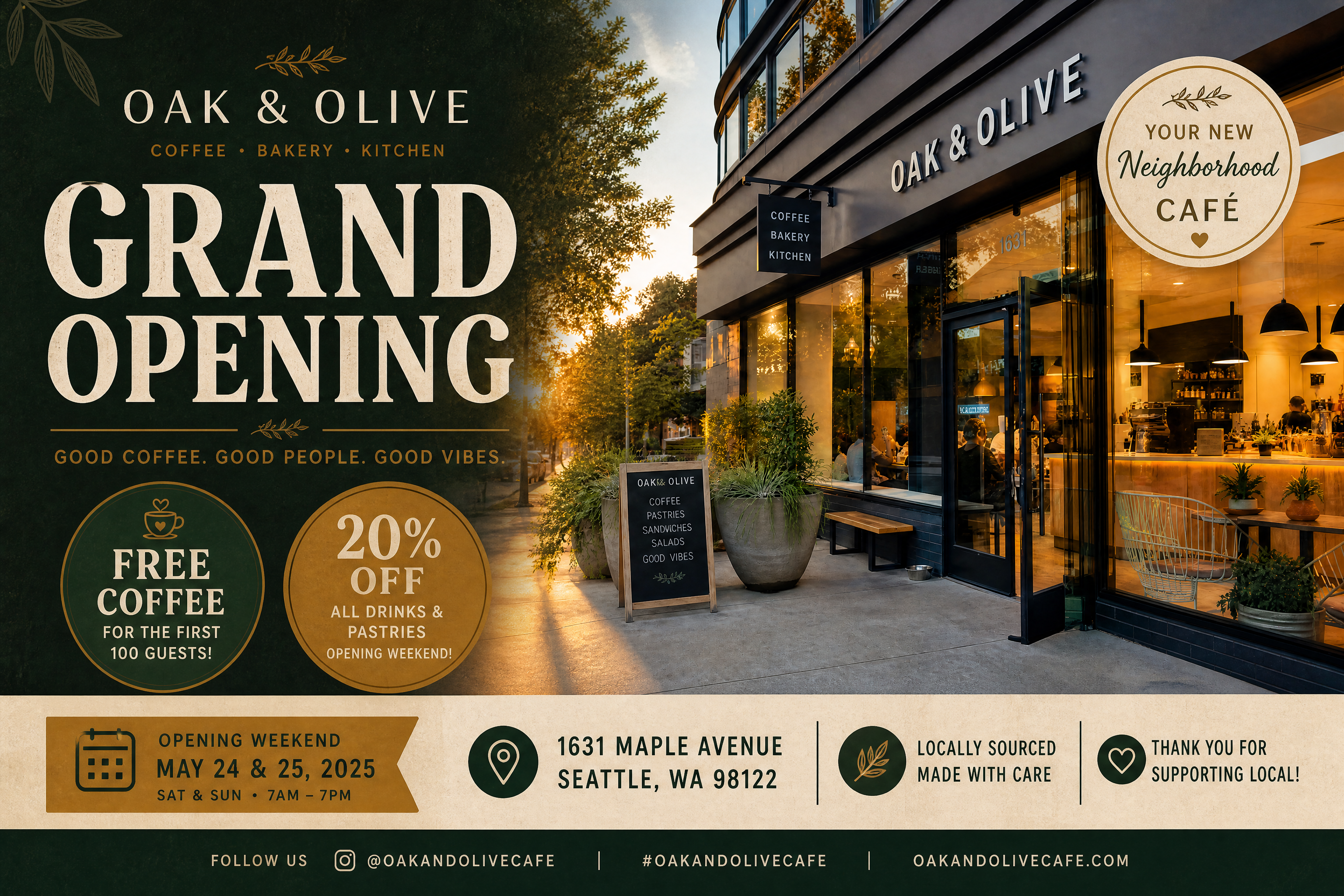
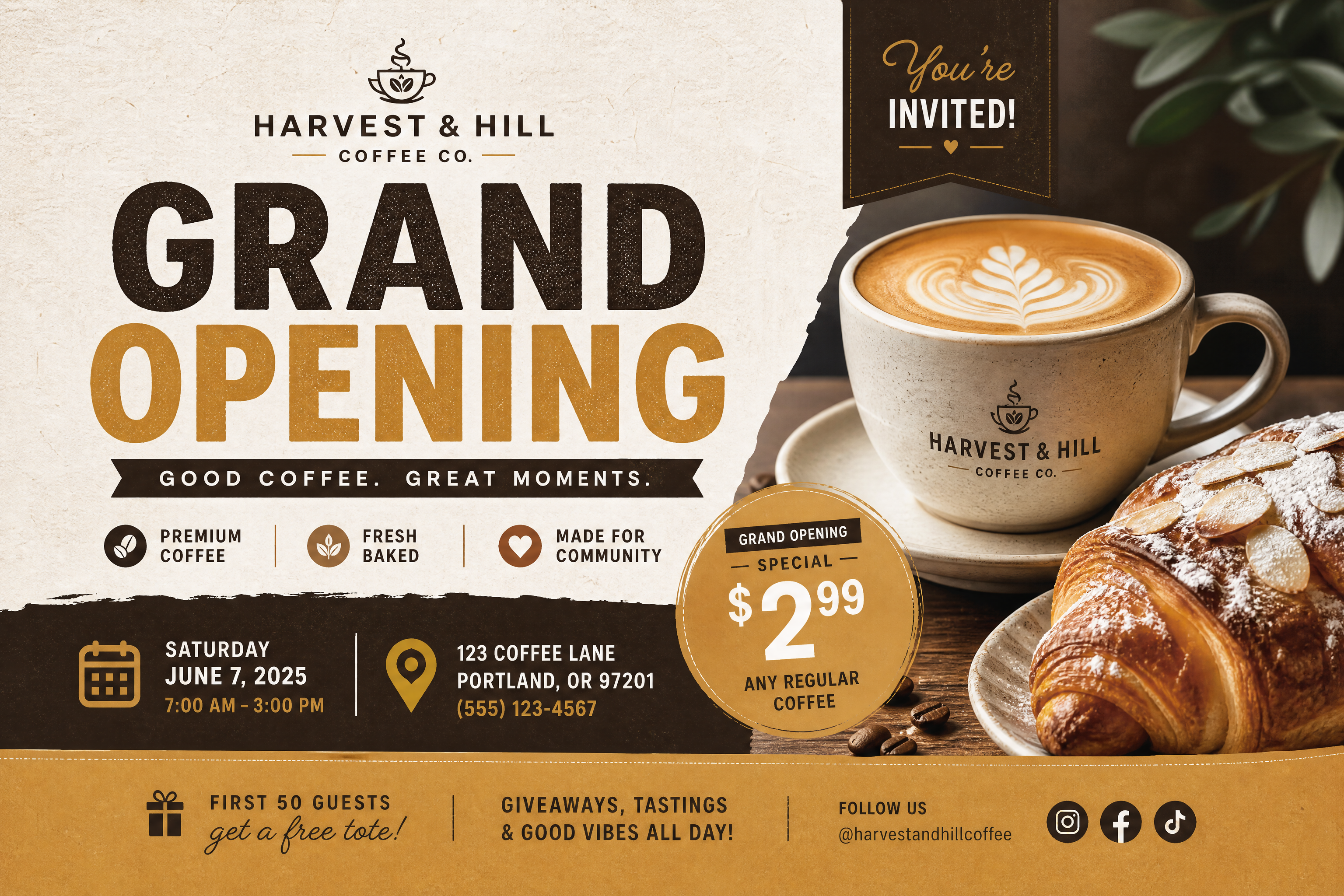
modern business flyer for a grand opening coffee shop, bold headline area, warm neutral palette, latte and pastry hero image, clean typography, promotional price badge, subtle paper texture, professional print-ready marketing layout, high contrast composition
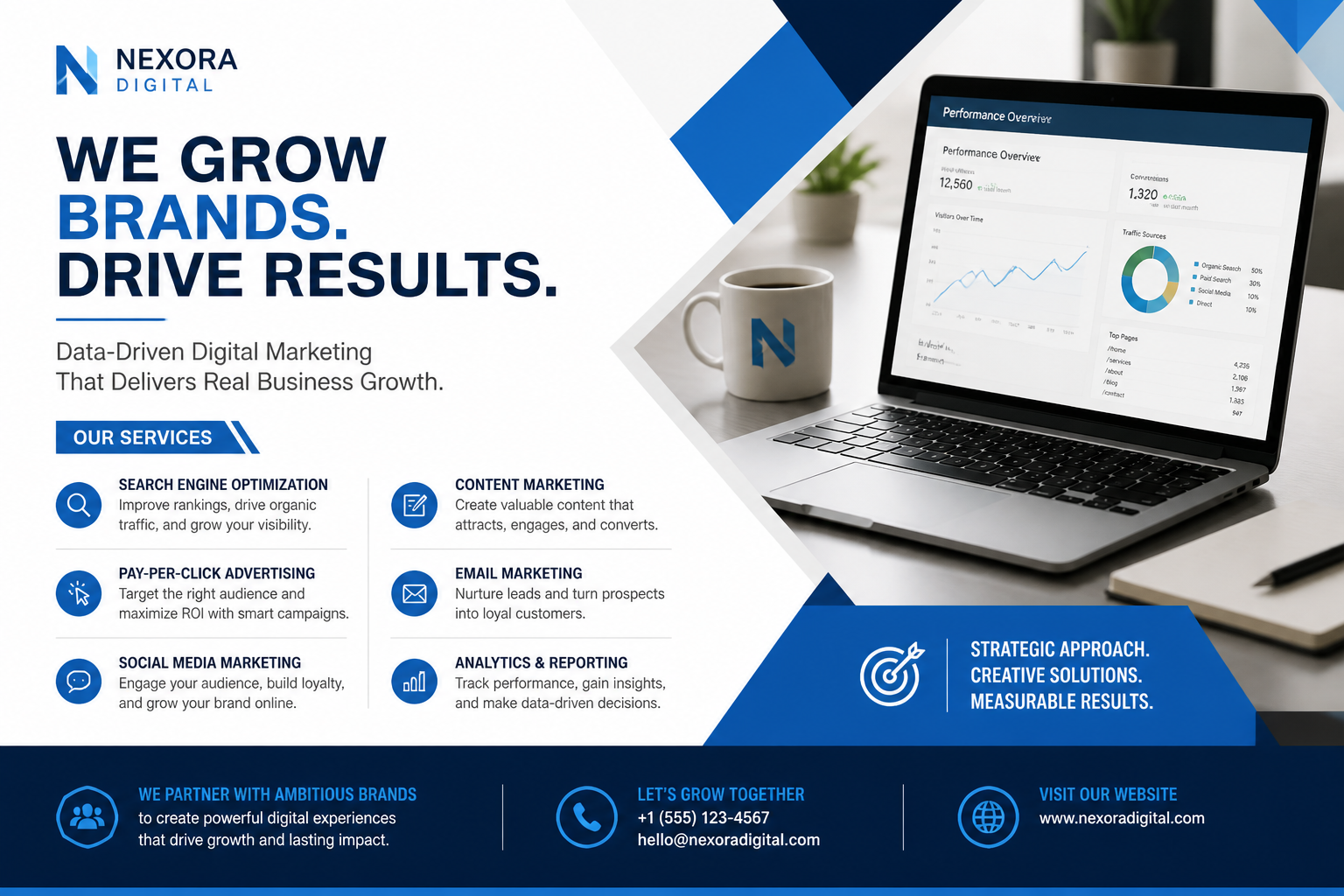
corporate business flyer for a digital marketing agency, blue and white palette, geometric accents, headline and services list, laptop workspace photo area, clean grid layout, polished typography, premium B2B promo design, print-ready
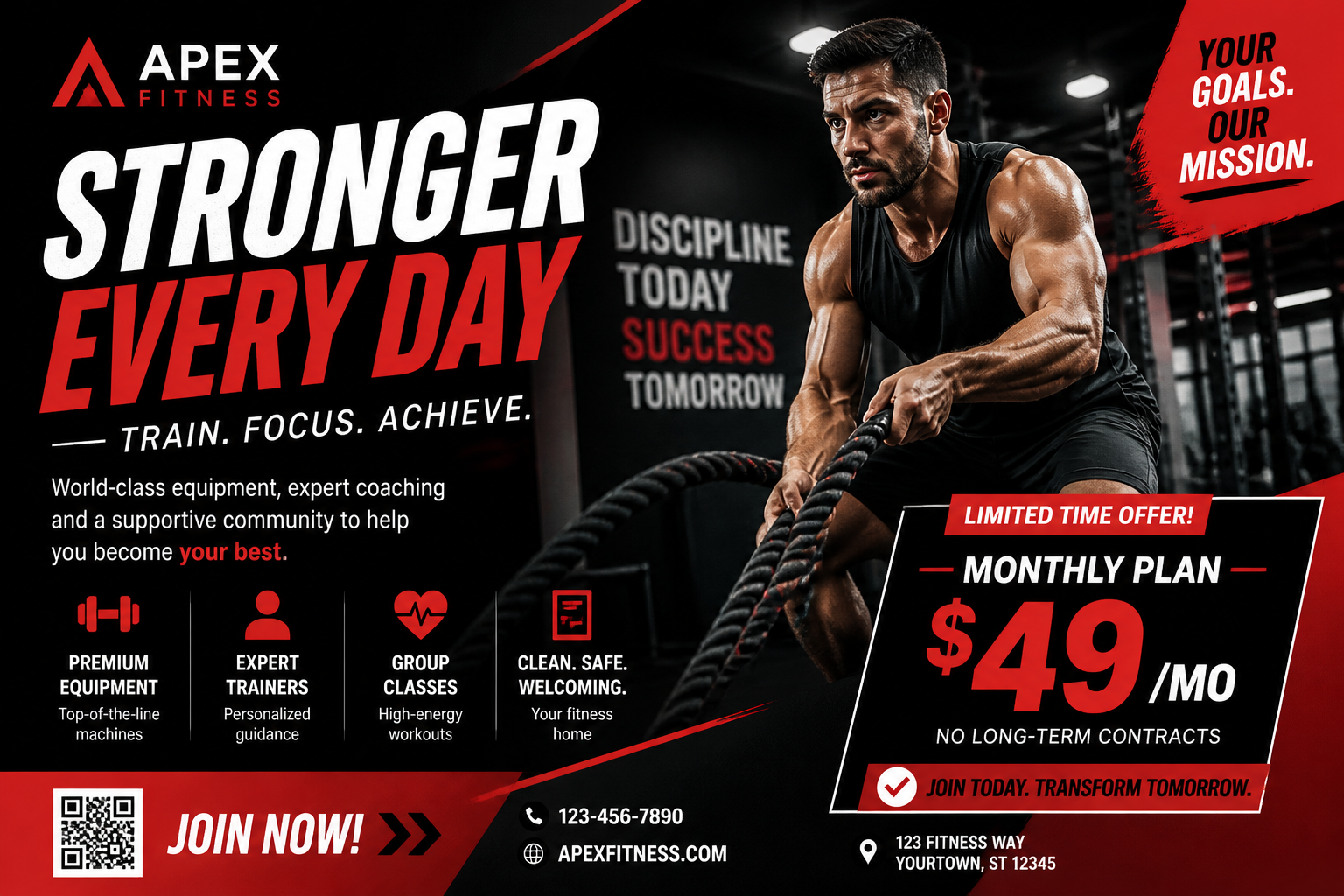
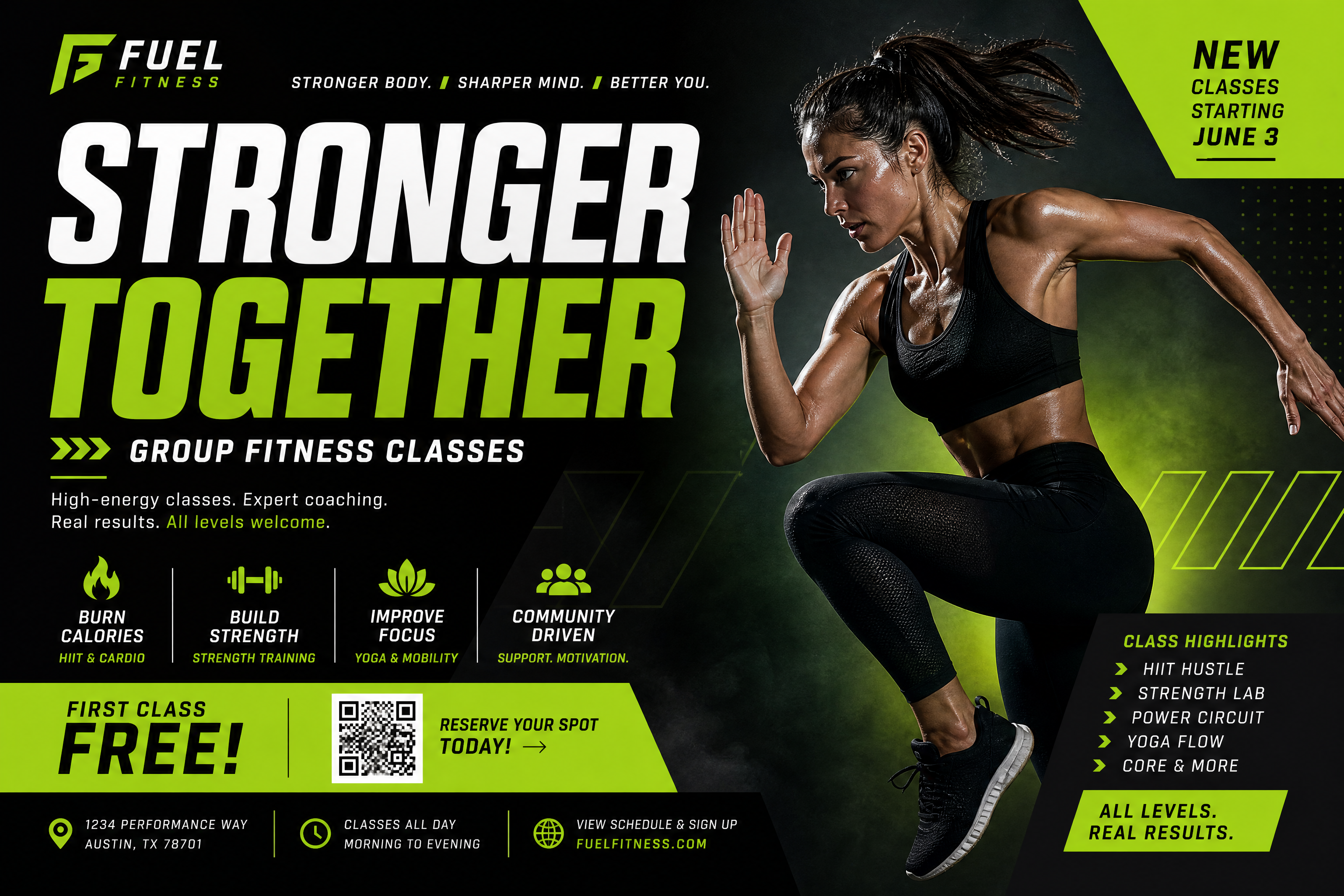
fitness gym membership flyer, energetic red and black palette, bold headline, adult athlete training scene, offer box for monthly plan, dynamic diagonal layout, modern sans serif typography, commercial print design
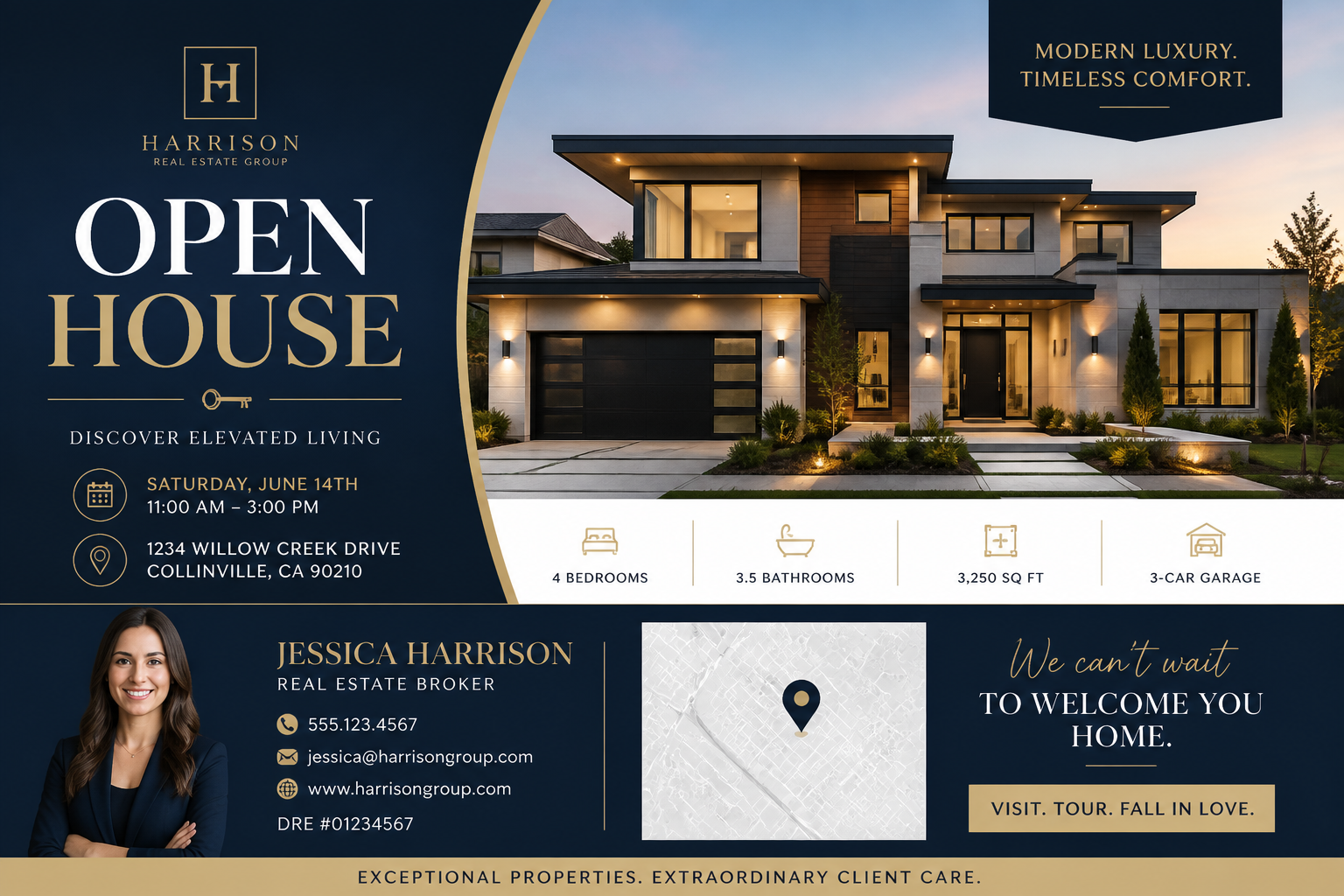
real estate open house flyer, elegant navy and gold palette, modern house exterior photo, agent contact section, map placeholder, luxury typography, balanced editorial layout, polished business flyer design
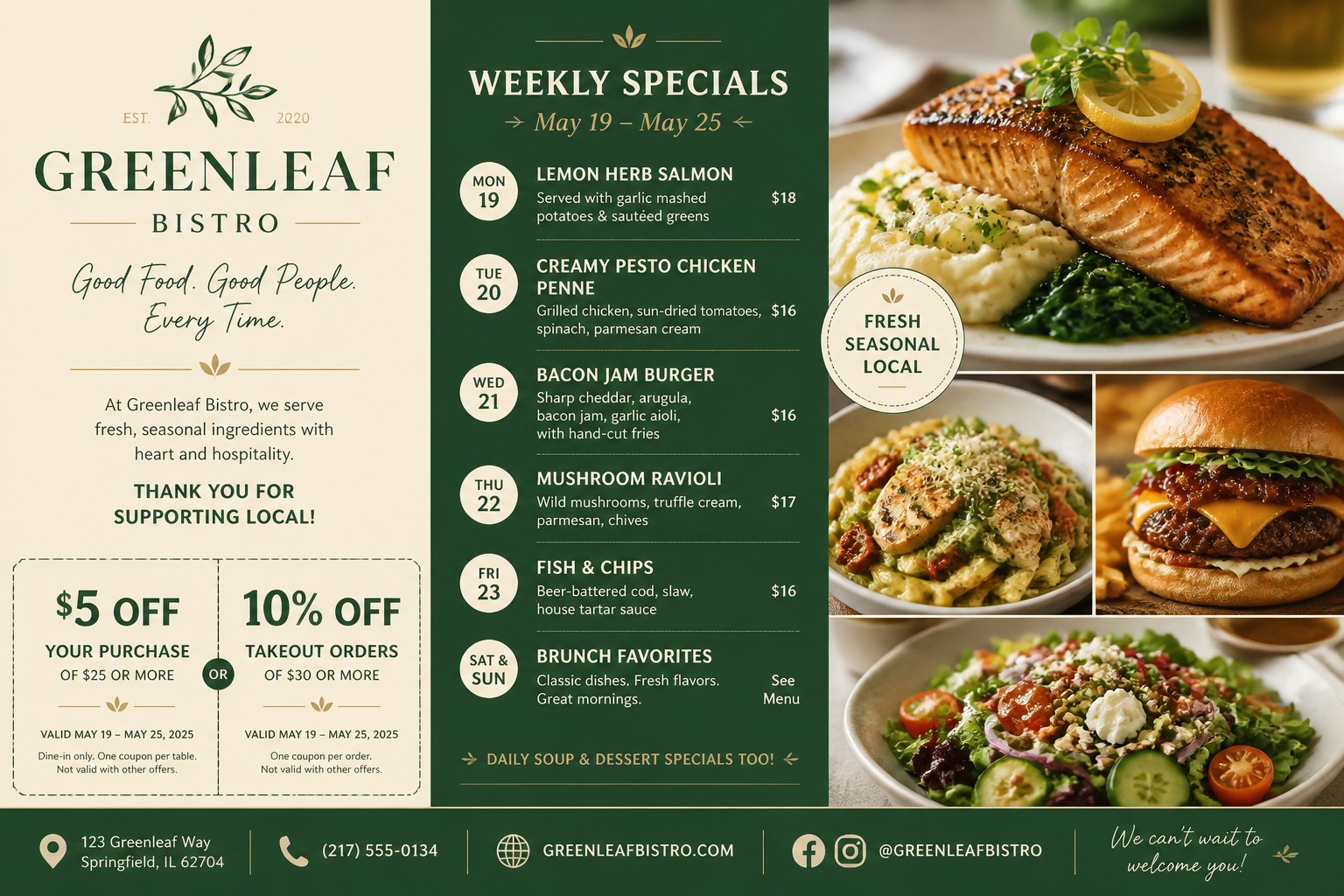
restaurant weekly specials flyer, appetizing food photography, cream and deep green palette, menu callouts, coupon section, welcoming modern bistro branding, clean columns, print-ready business flyer layout
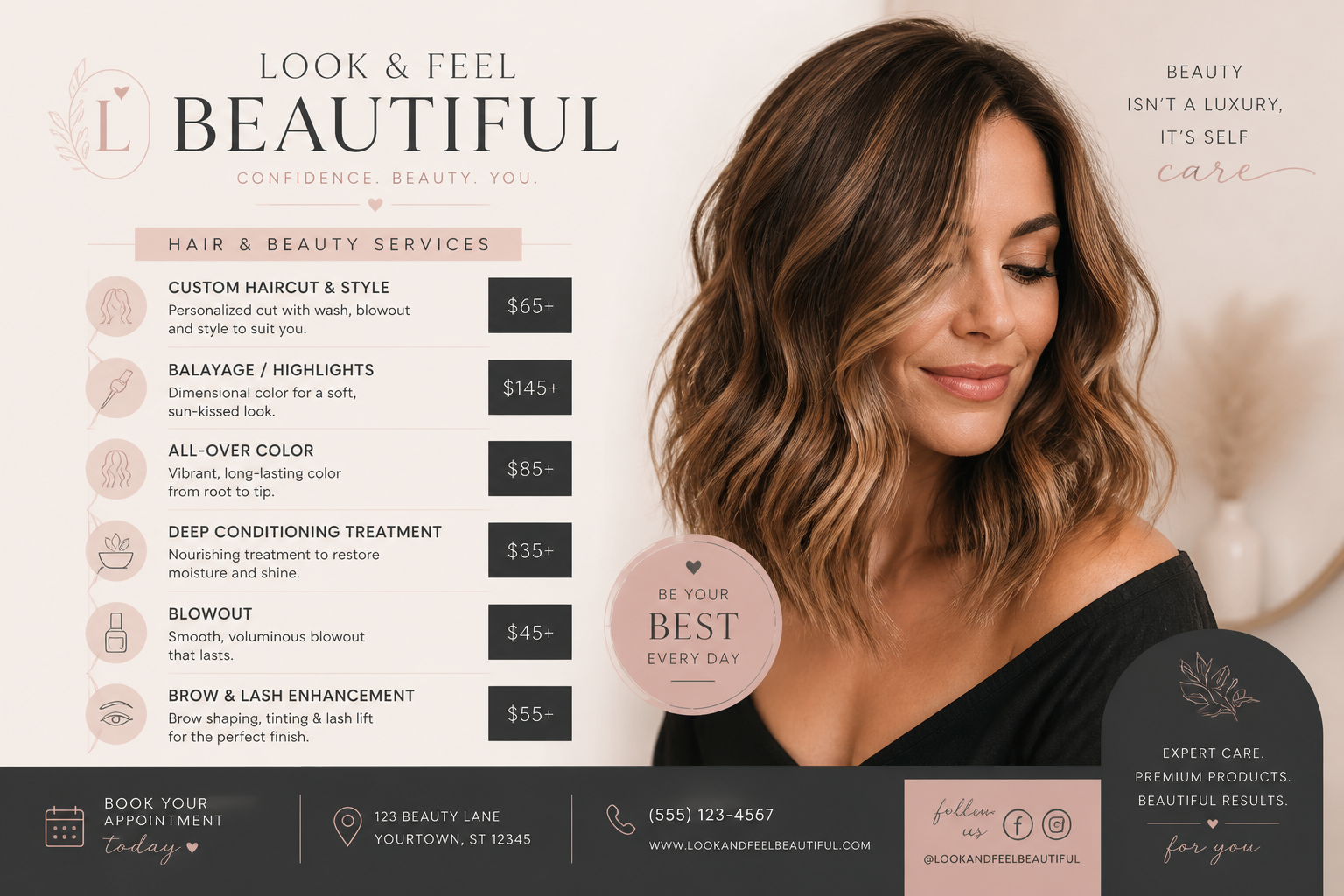
salon beauty services flyer, soft blush and charcoal palette, adult woman with styled hair, service list with pricing blocks, elegant serif and sans serif mix, airy editorial composition, premium local business flyer
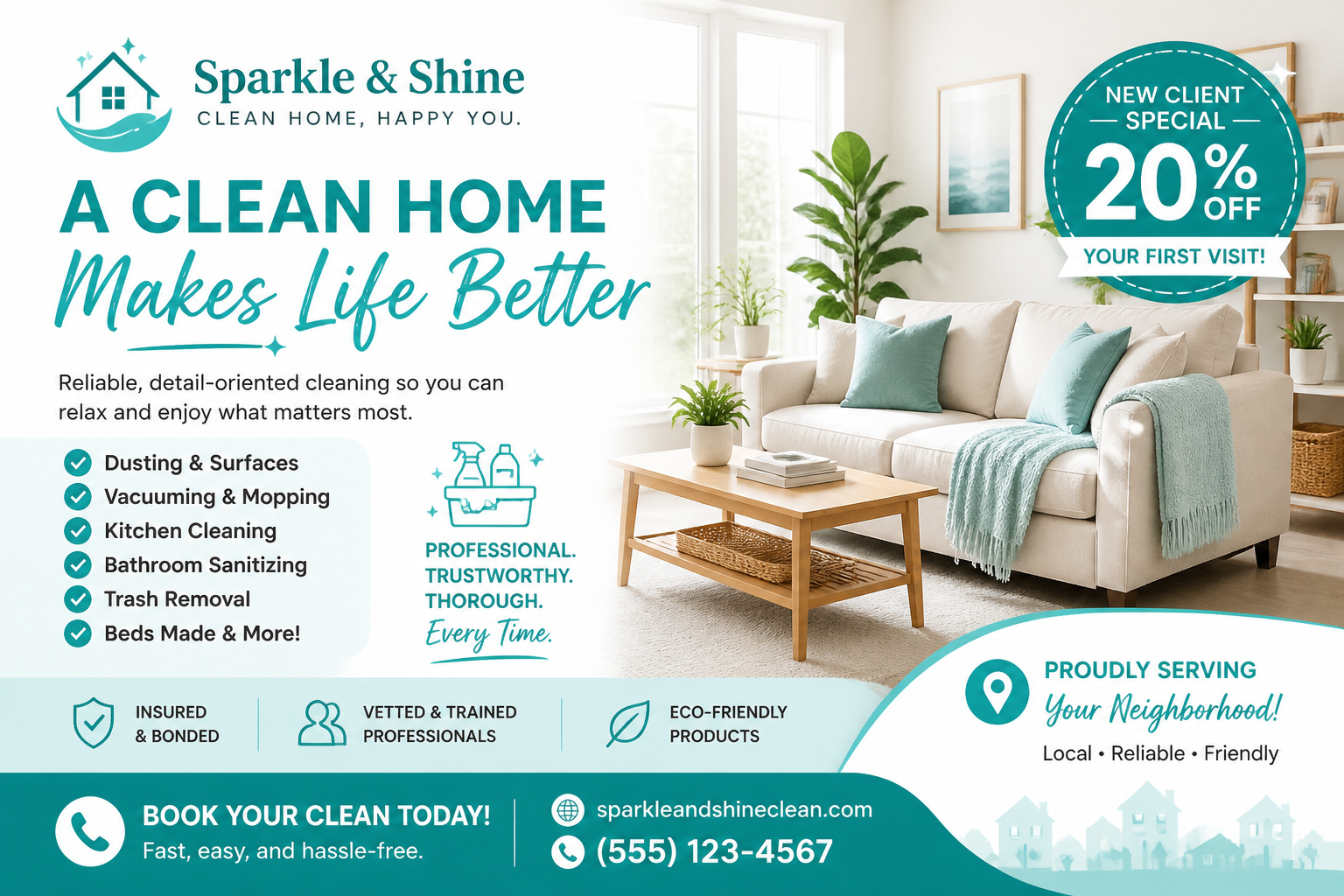
home cleaning service flyer, bright fresh palette in teal and white, tidy living room scene, checklist icons, first-visit discount badge, friendly professional layout, clear hierarchy, local service marketing flyer
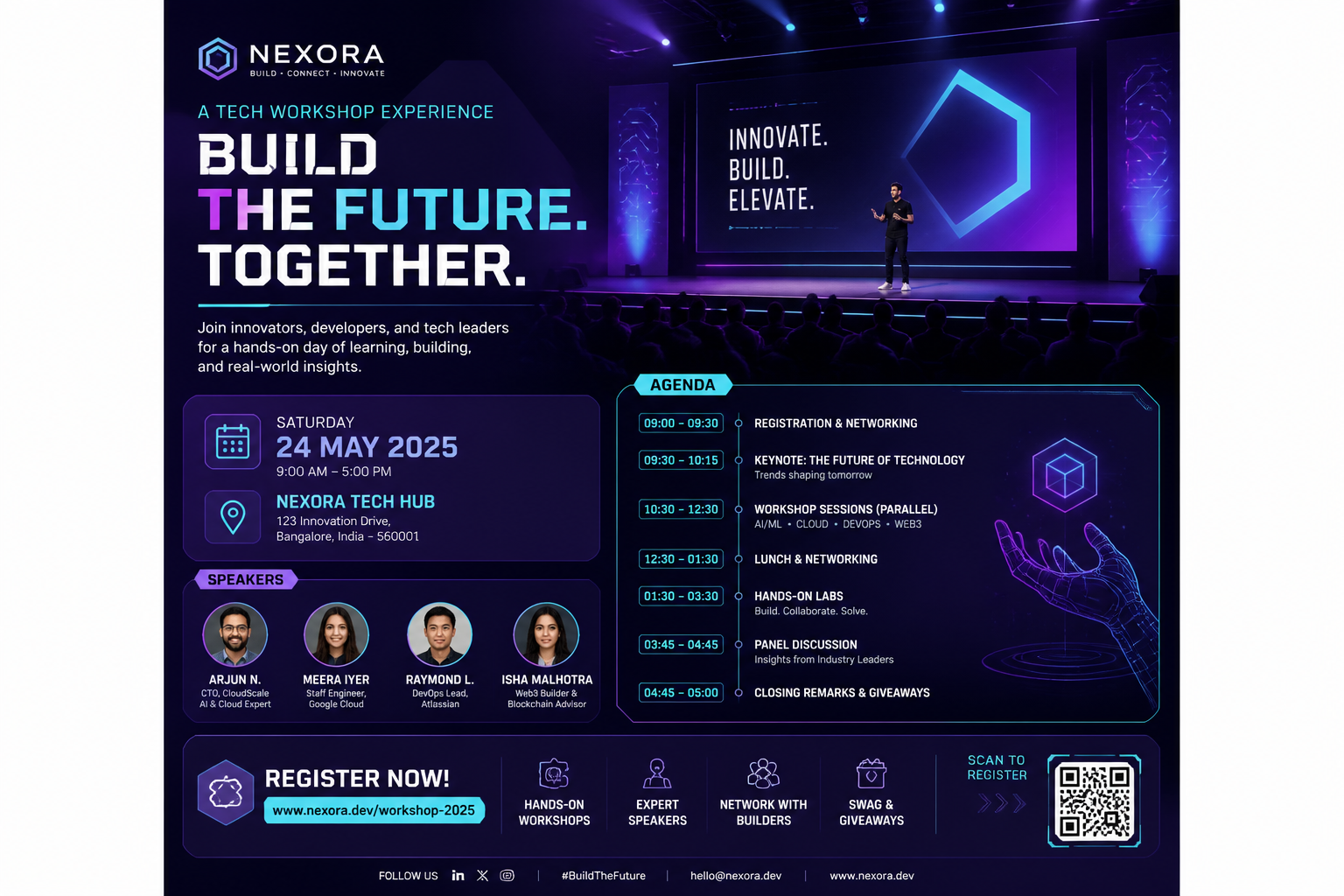
tech workshop event flyer, futuristic purple and cyan palette, speaker stage visual, date and agenda blocks, sleek minimal typography, layered gradients, modern conference marketing layout, print-ready flyer design
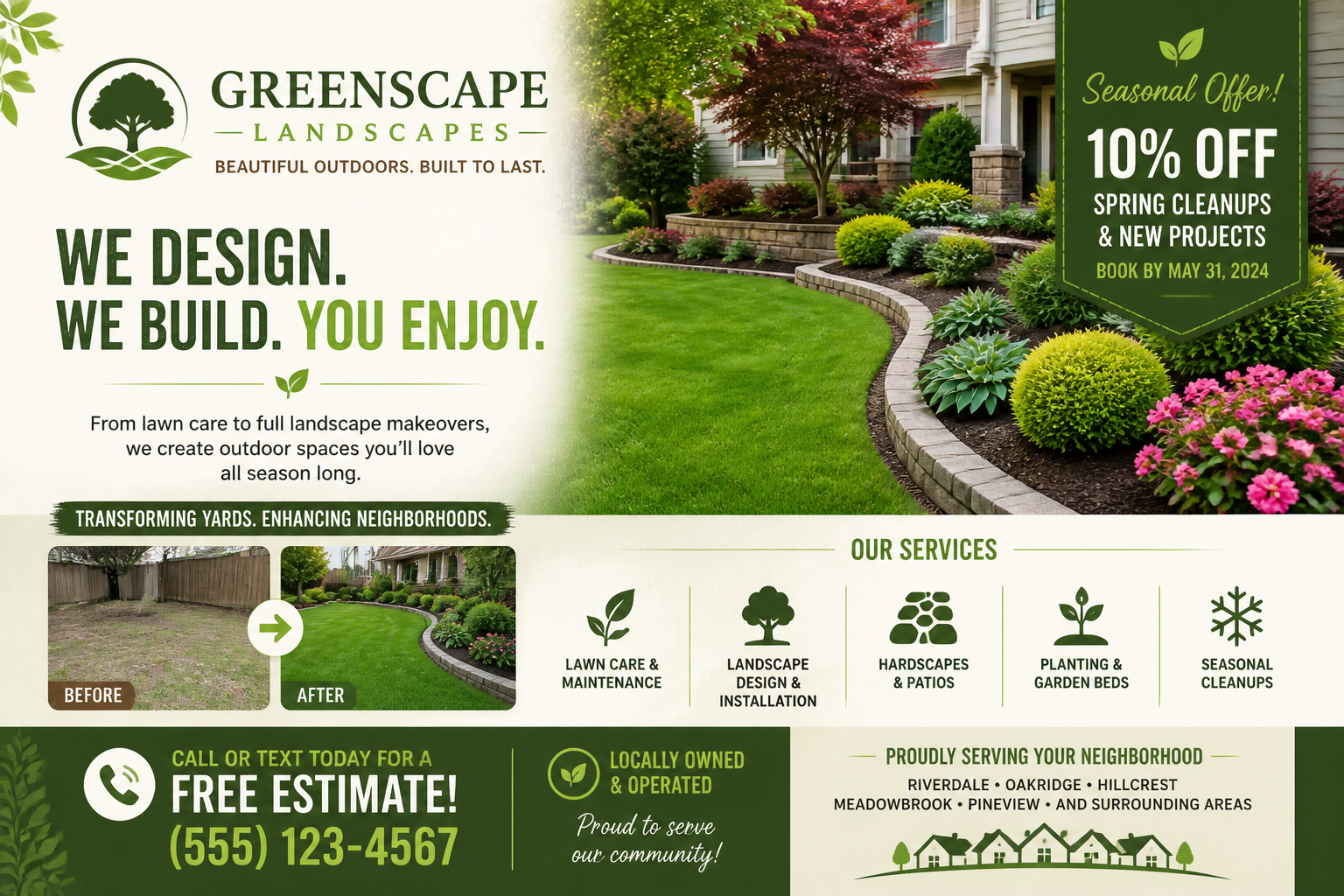
landscaping business flyer, natural green and earth-tone palette, manicured garden photo, seasonal offer banner, before-and-after service icons, sturdy clean layout, neighborhood service promo flyer
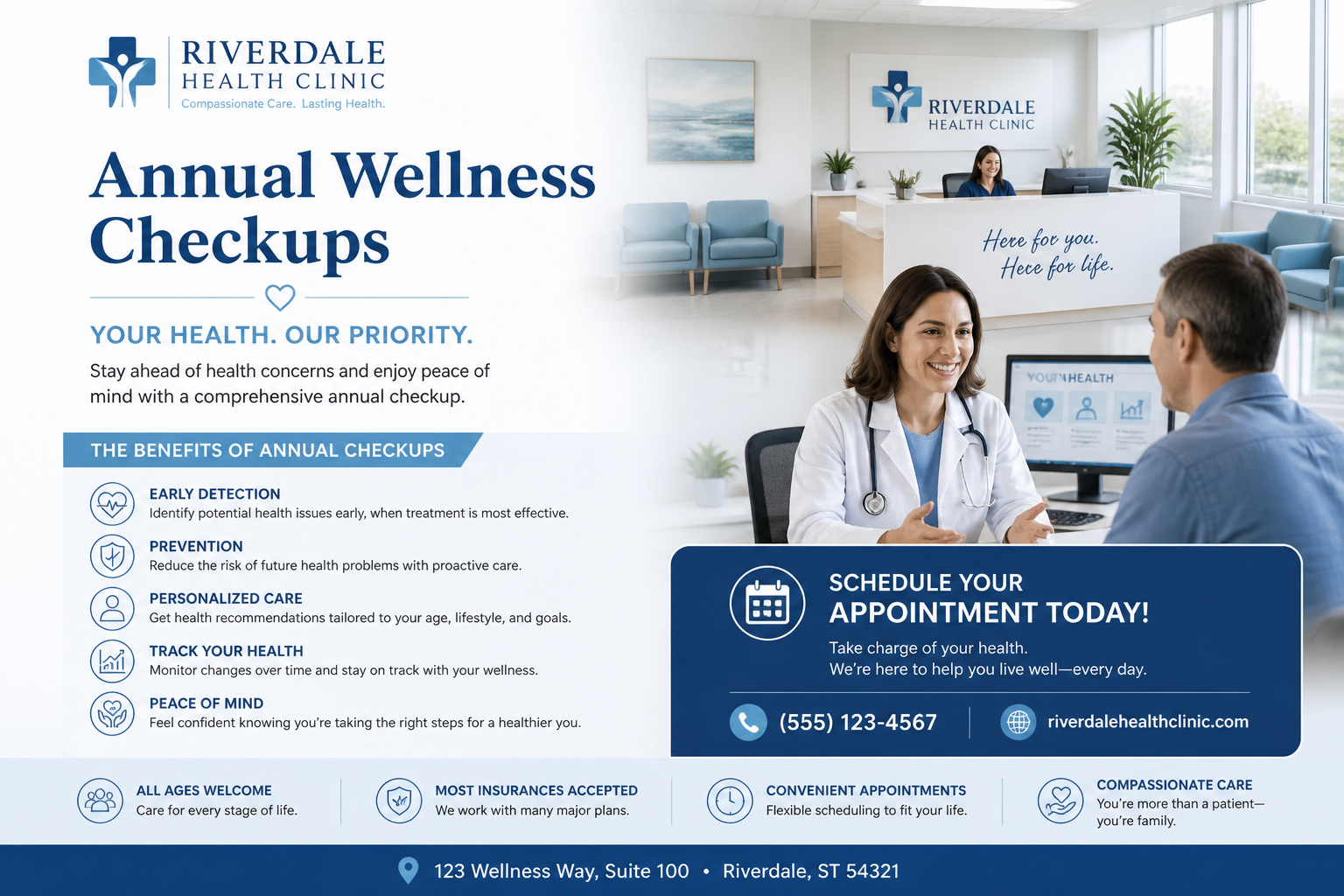
medical clinic flyer for annual wellness checkups, calm blue palette, bright reception and doctor consultation scene, benefits list, appointment call-to-action area, trustworthy clean typography, healthcare business flyer layout
Key Features
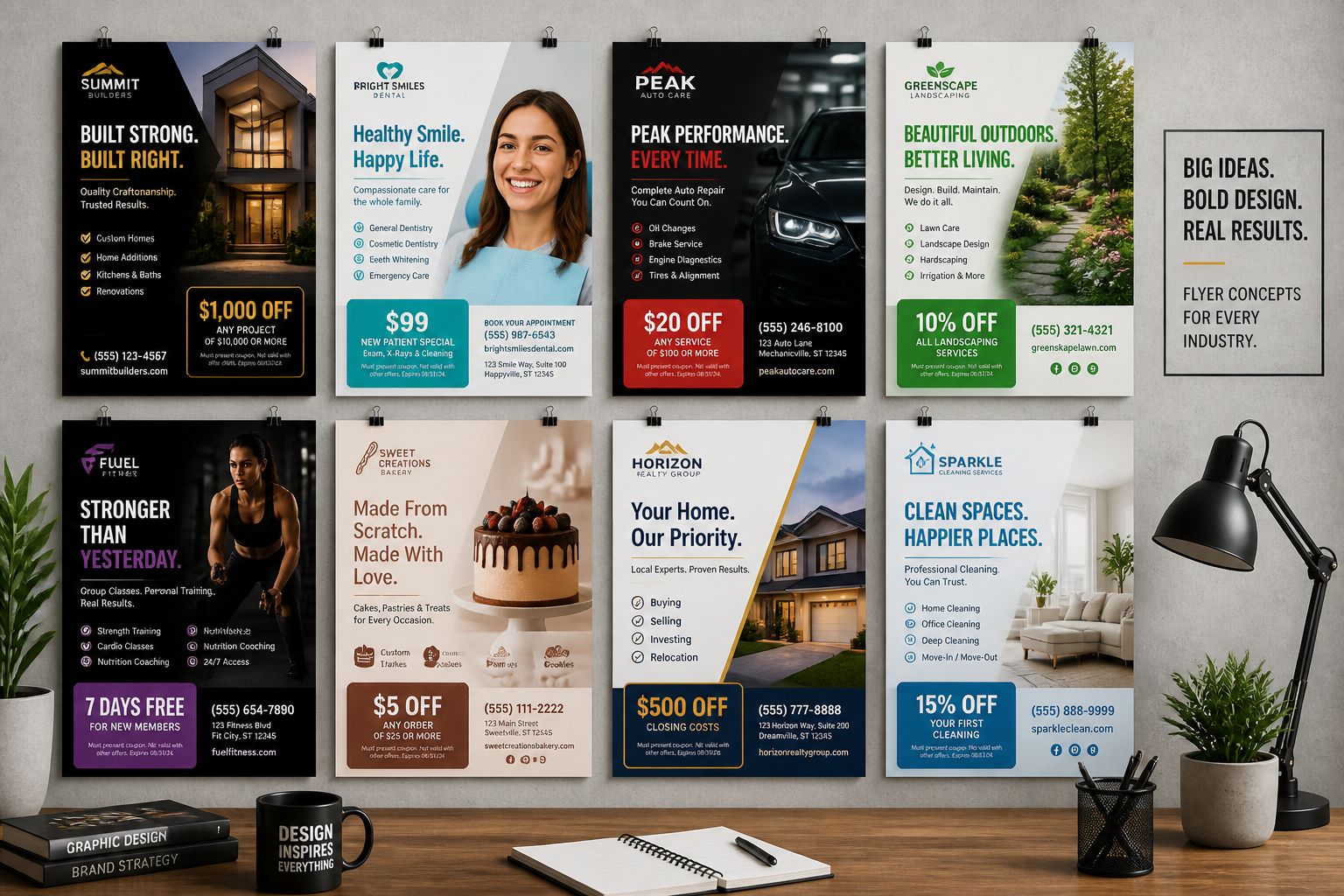
Prompt-Based Flyer Concepts
Start with a short description of your business, offer, and preferred style. Our AI turns that into a flyer concept with layout direction, visual hierarchy, and promotional energy. That saves time compared with building every idea from a blank canvas. It also gives you a more focused starting point than a generic image generator.
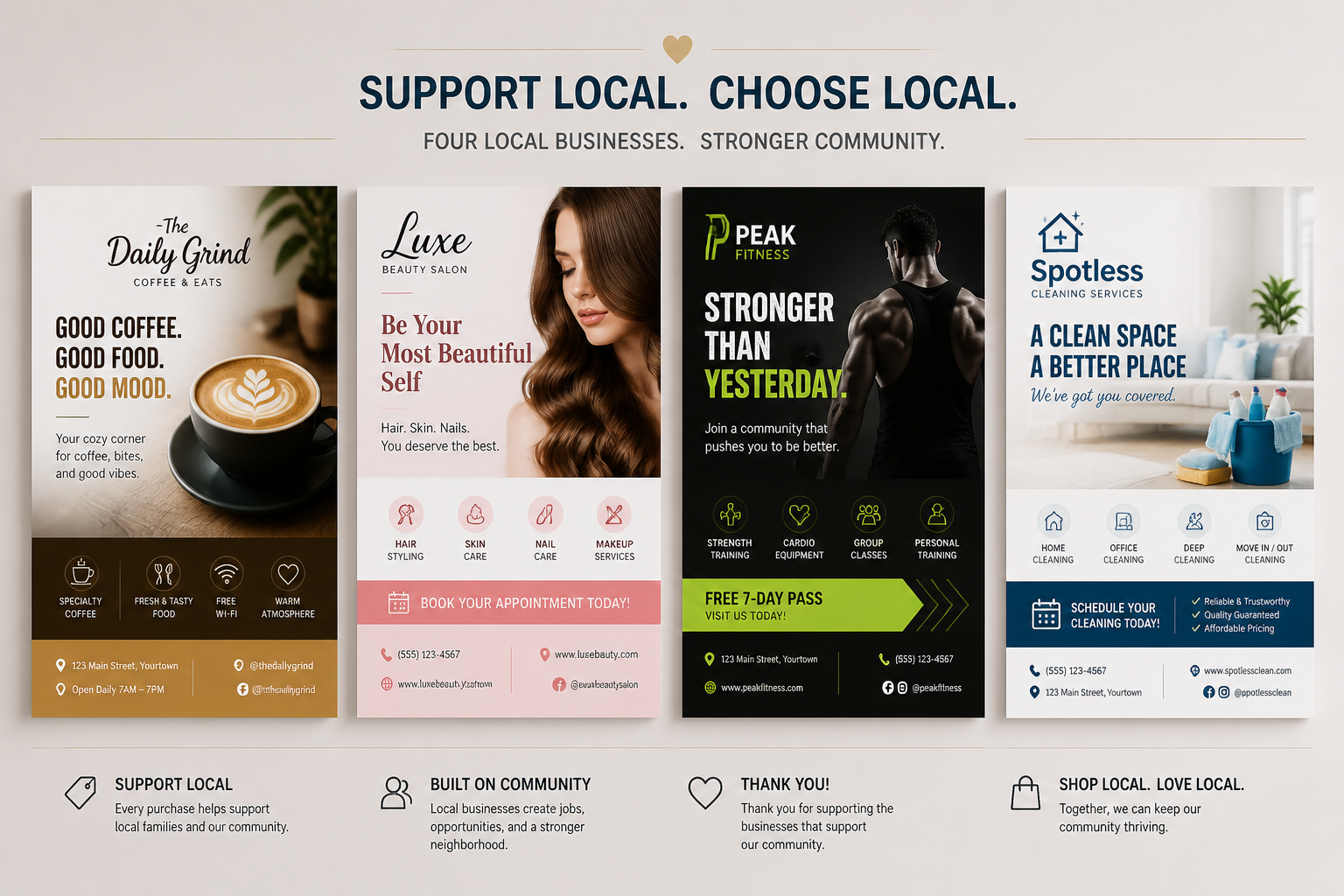
Made for Local Promotions
Business flyers need to sell something quickly, whether that is an event, service, launch, or seasonal offer. This tool is tuned for practical marketing layouts that look suited to real promotions. You can generate concepts for restaurants, salons, gyms, agencies, and more without wrestling with vague prompts. The result feels more usable for outreach, print drafts, and ad creative exploration.
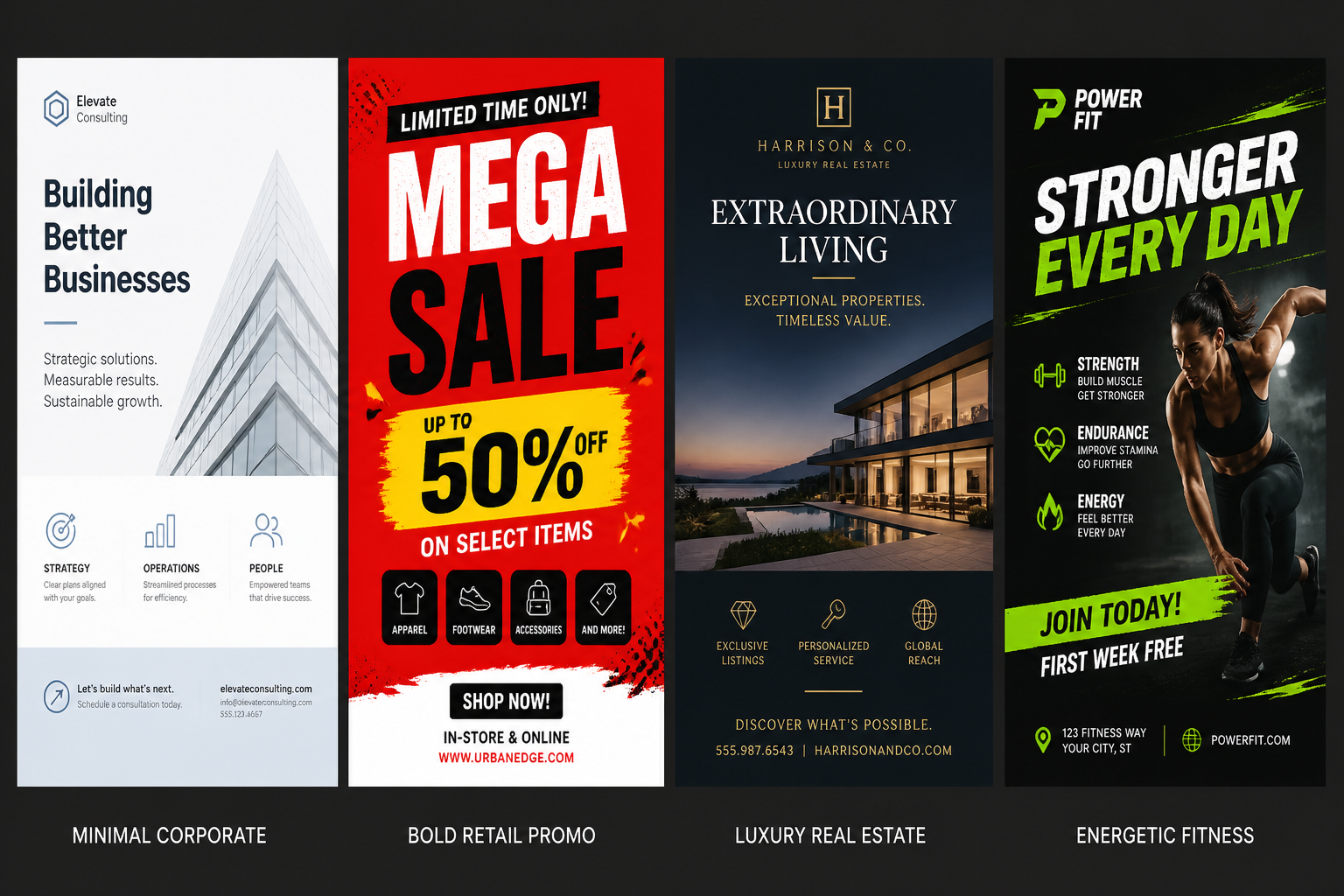
Clear Styles and Layouts
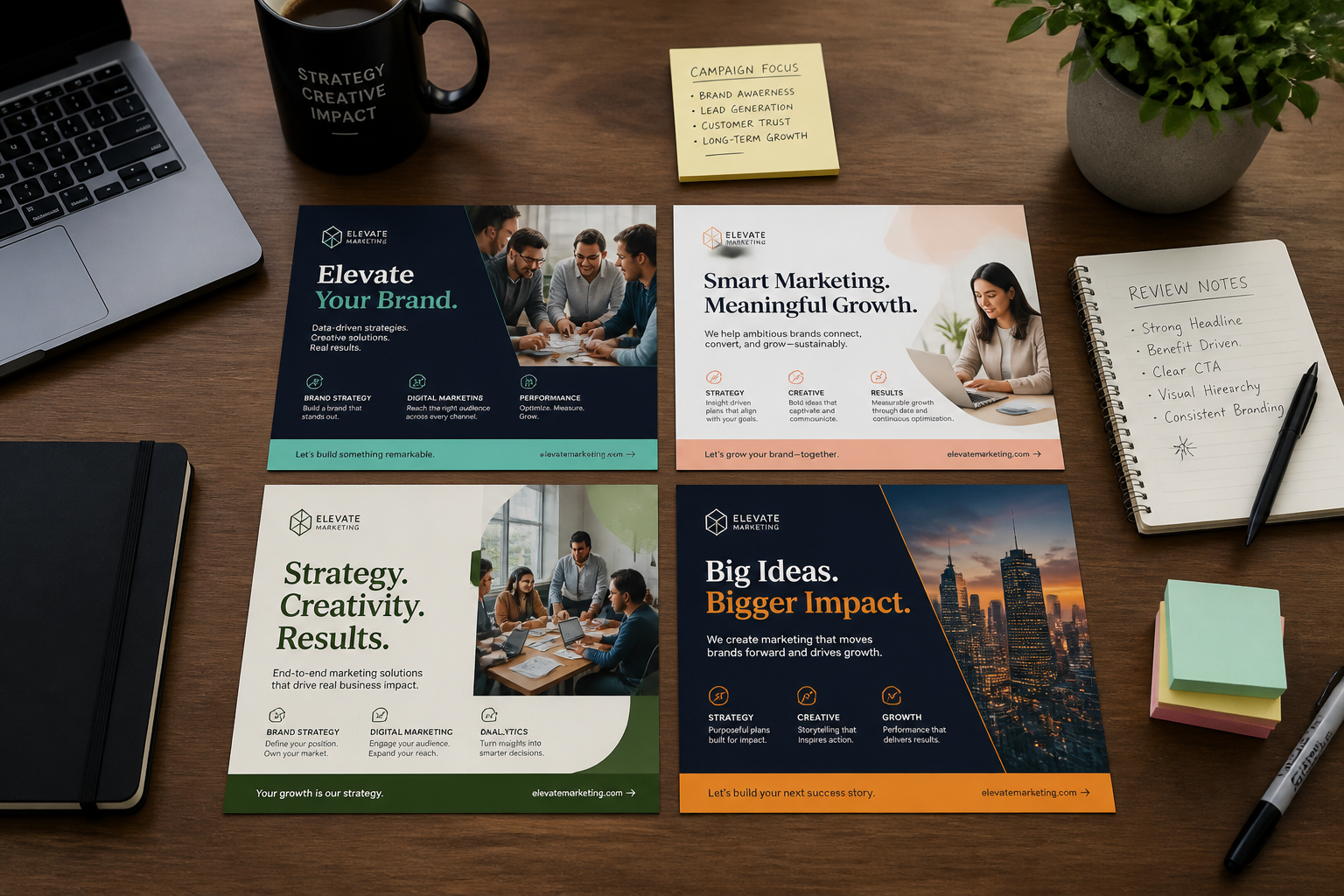
Describe the tone you want, such as minimal, bold, luxury, corporate, or energetic. Our AI reflects that choice in typography mood, spacing, color treatment, and composition. That makes it easier to match your flyer concept to your audience instead of settling for one generic look. You get visually distinct directions faster than manual mockup work.
Fast Variation Testing
Small wording changes can lead to very different flyer concepts. Try alternate offers, audiences, or visual moods and generate several directions quickly. This helps you compare campaign ideas before spending time refining one route. It is useful for teams that want options, not just a single first draft.
How It Works
Pick a flyer style
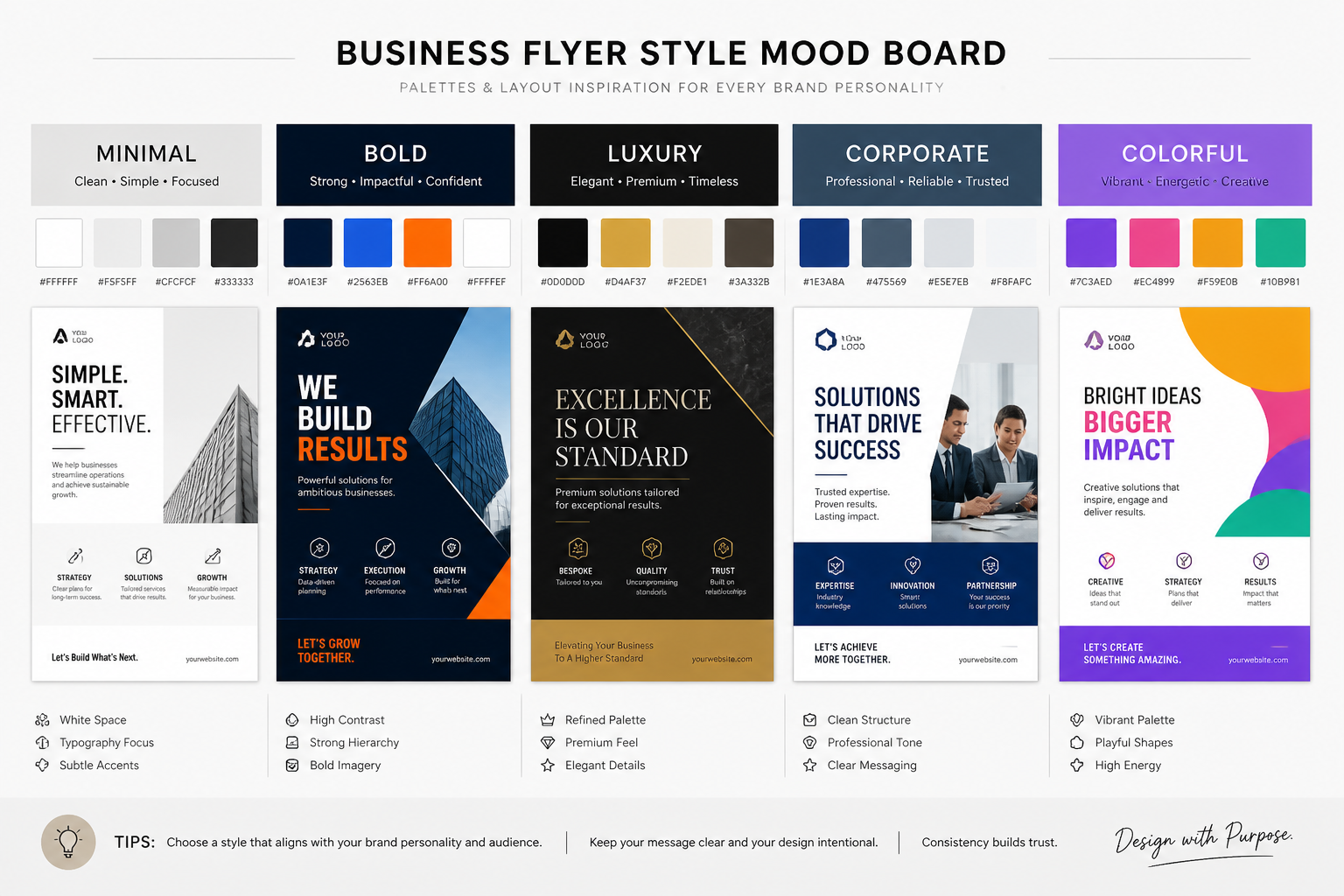
Start from the prefilled prompt or choose a style direction like bold retail, clean corporate, or luxury service. This gives your first result a clear visual target instead of a vague layout.
Describe your offer
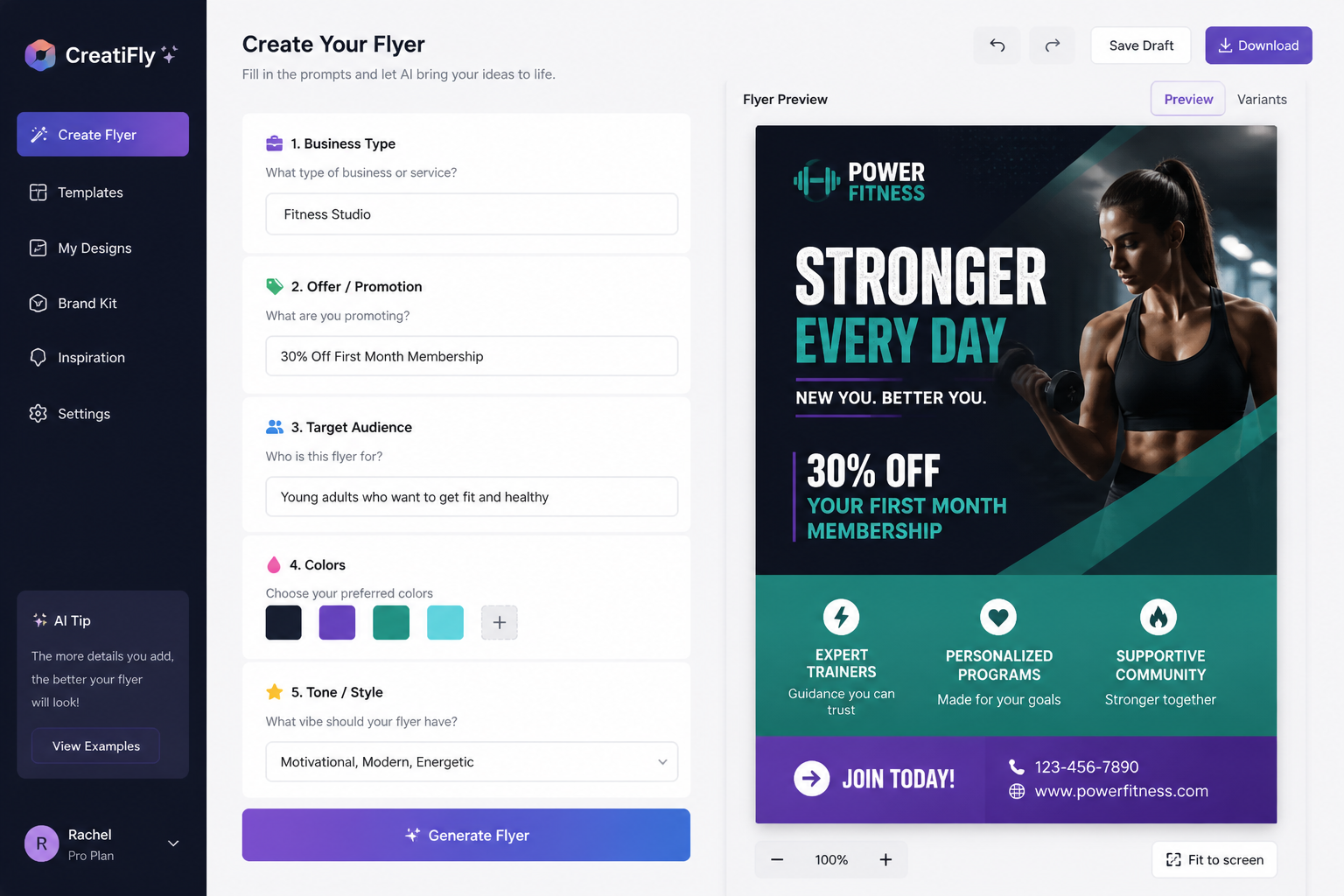
Add the business type, promotion, audience, and mood you want. You can mention details like seasonal sale, grand opening, premium service, or event date to steer the concept.
Generate and refine
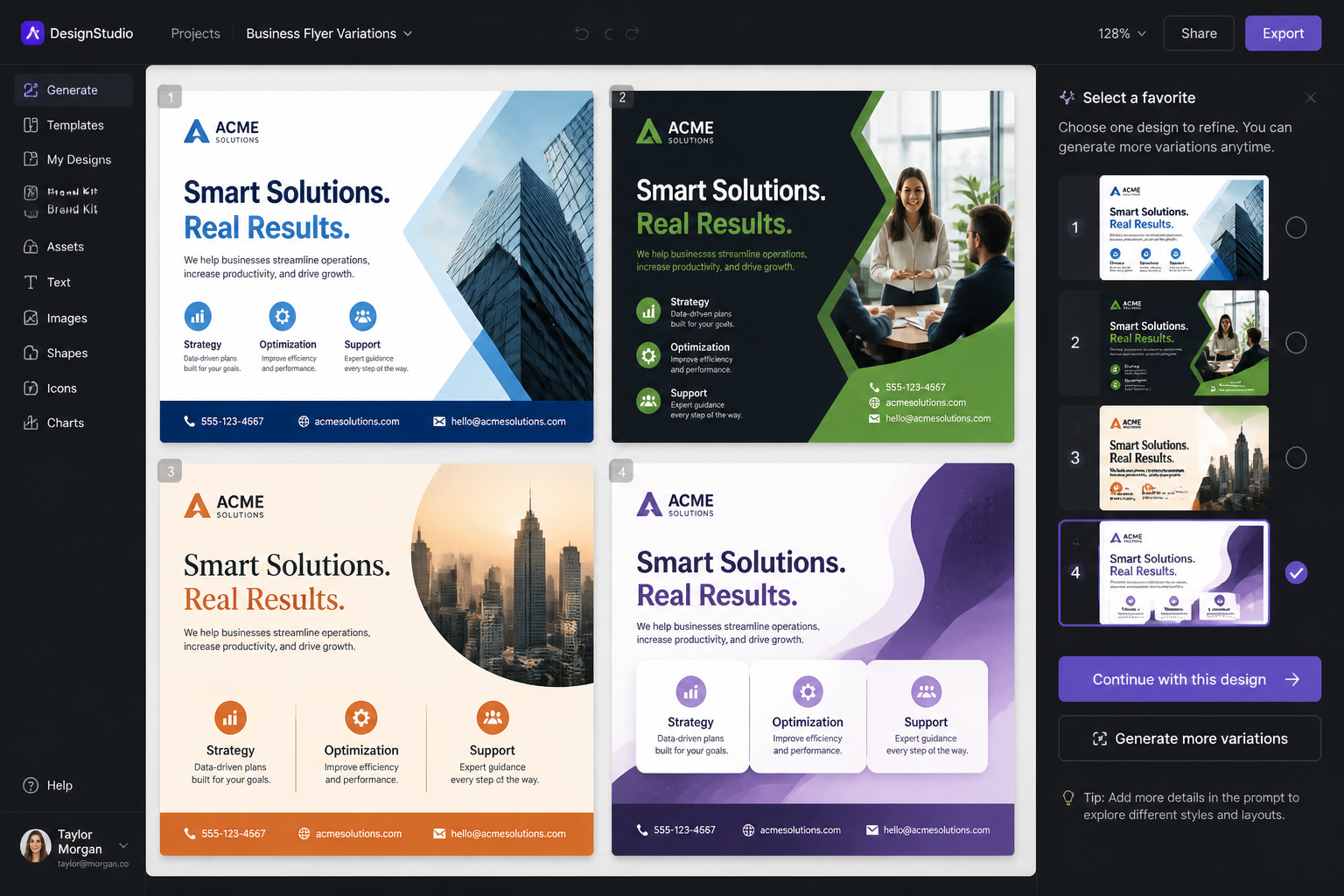
Create variations, compare layouts, and keep the flyer concept that fits best. Then download the result or use the prompt again to explore new directions.
Perfect For
Discover how creators and professionals use ai business flyer generator
Grand opening promotions
Generate flyer concepts for launches, reopening events, and first-week offers with bold headlines and local promo energy.
Service business advertising
Create visuals for cleaning, landscaping, consulting, fitness, salon, and repair services that need a clear offer and contact-focused layout.
Event marketing drafts
Make flyer ideas for workshops, community events, networking nights, and seasonal campaigns before moving into final production.
Offer and discount campaigns
Test promotional flyer directions for coupons, limited-time deals, membership offers, and package bundles.
Built For
Small business owners
Useful when you need flyer ideas quickly without hiring a designer for every promotion.
Freelance marketers
Helpful for producing rough creative directions and campaign options for multiple client industries.
Design teams
Good for early concept exploration when you want to test styles, offers, and layout angles fast.
How it compares
A quick look at how we compare on the things that matter for this niche.
| Feature | BudgetPixel | Generic AI generators | Stock photo libraries |
|---|---|---|---|
| Business flyer-focused prompts | Yes | Sometimes | No |
| Fast layout concept generation | Yes | Basic | No |
| Editable prompt library | Yes | Limited | No |
| Variation testing for offers and styles | Yes | Yes | No |
| Useful for early campaign drafts | Yes | Yes | Partial |
Frequently Asked Questions
What does the AI Business Flyer Generator create?
Can I make flyers for different industries?
Do I need design experience to use it?
Can I create multiple flyer styles from one idea?
Are the results ready for final print production?
Create together.
Share your creations, discover trending AI art, and grow with fellow creators.