AI Grand Opening Flyer Generator
Turn a simple photo or rough layout into a polished grand opening flyer.
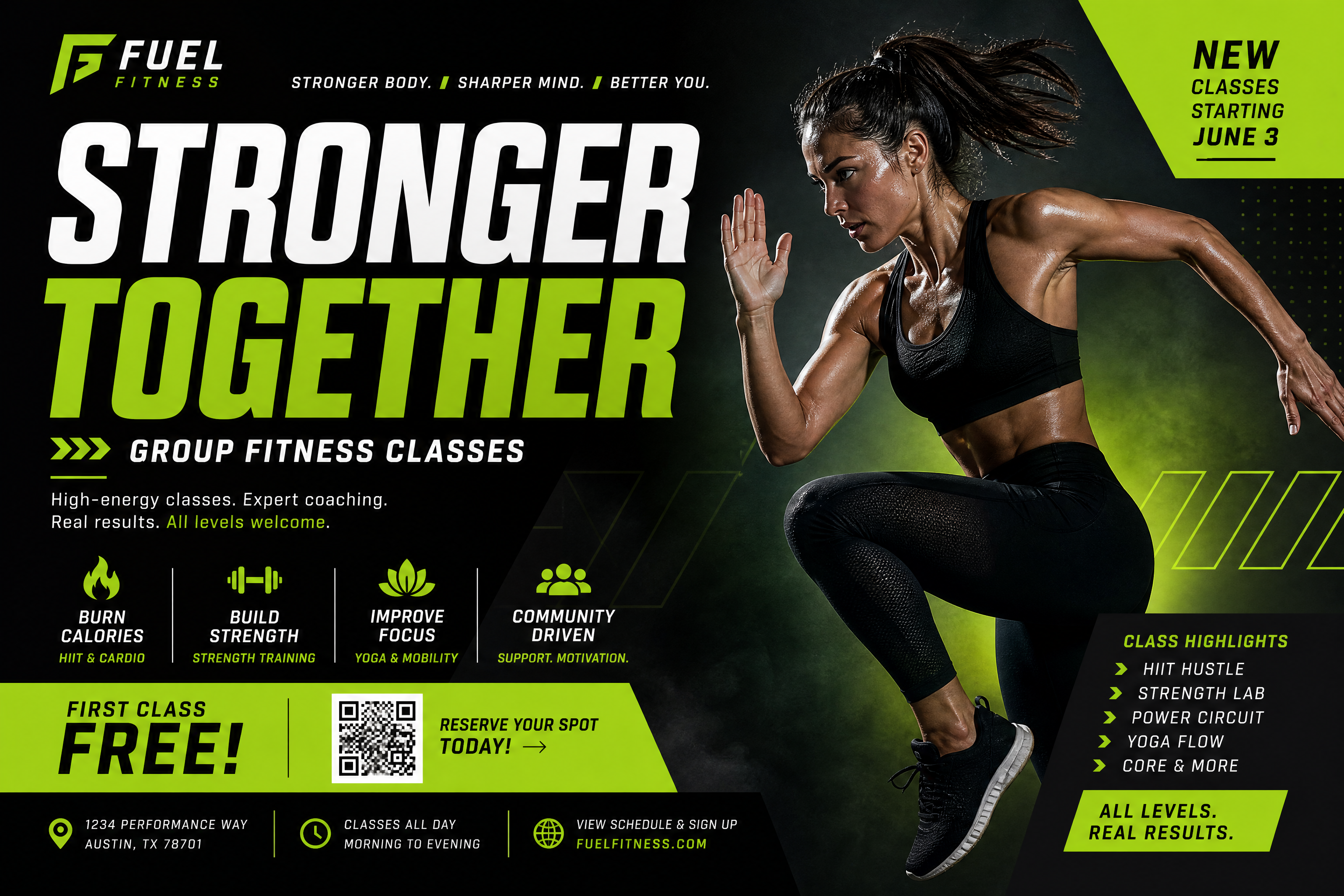
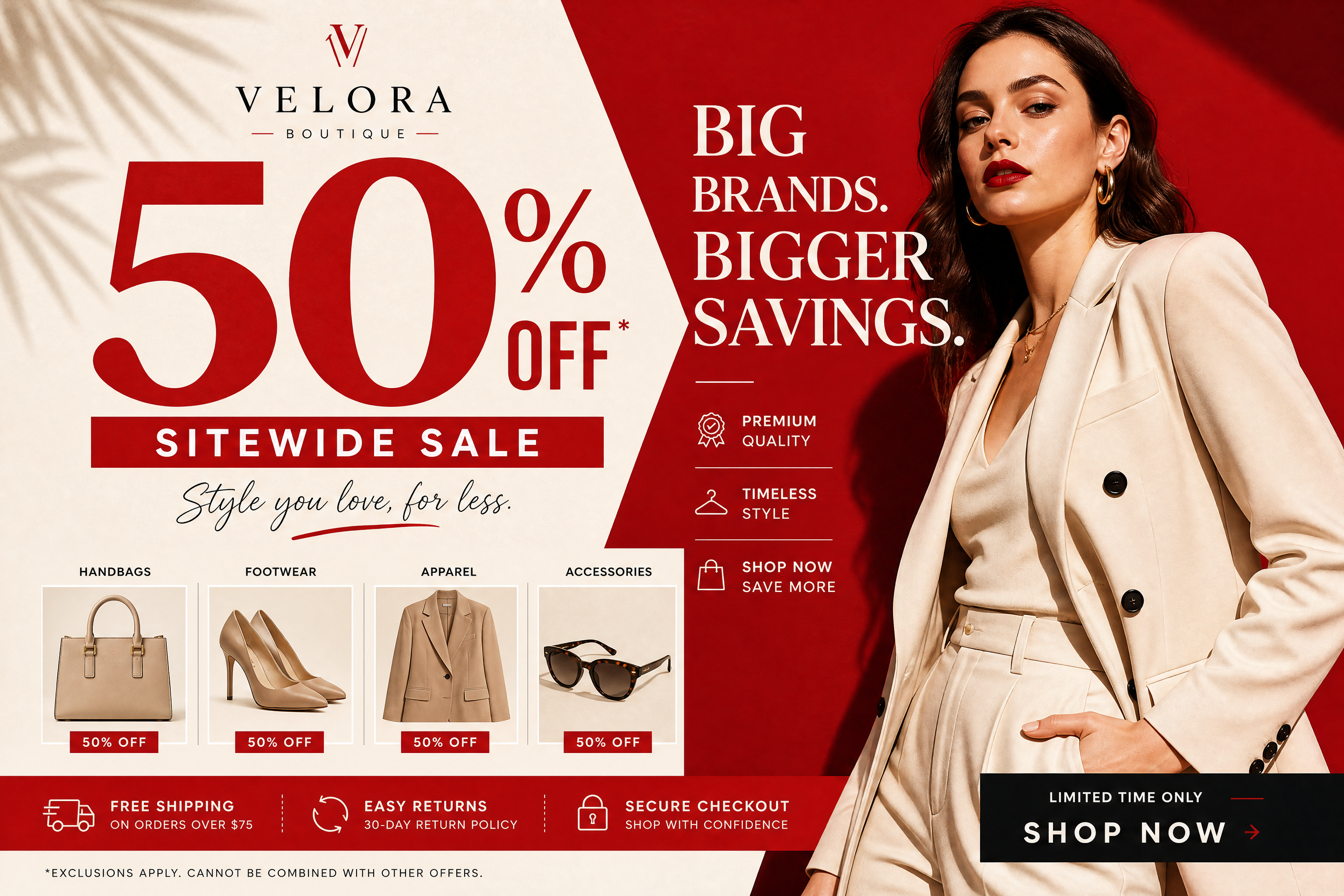
Create bold launch promos without starting from a blank canvas. Upload a storefront photo, product shot, or basic poster draft, then let our AI turn it into a clean grand opening flyer with strong headlines, sale callouts, and event-ready layout.
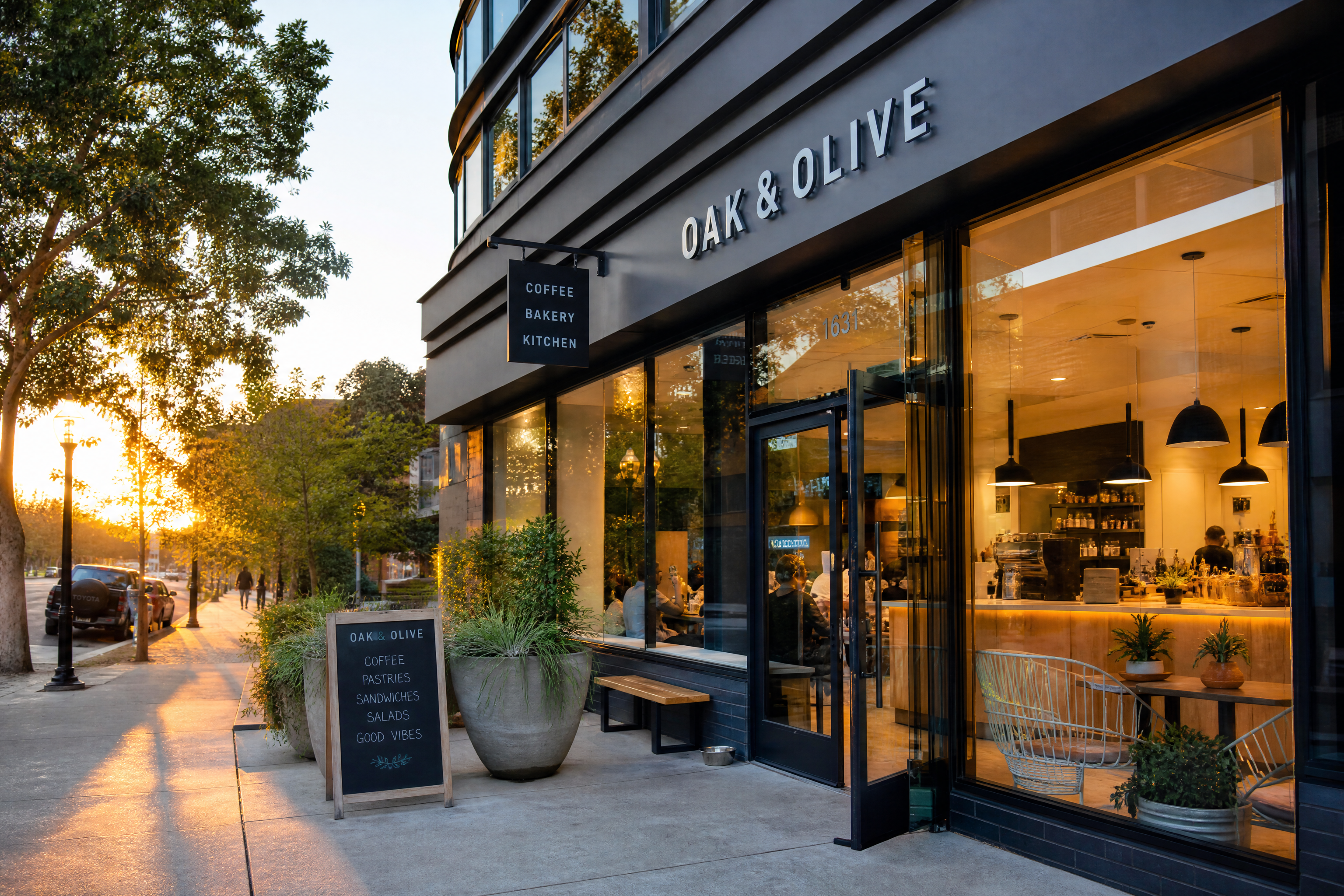
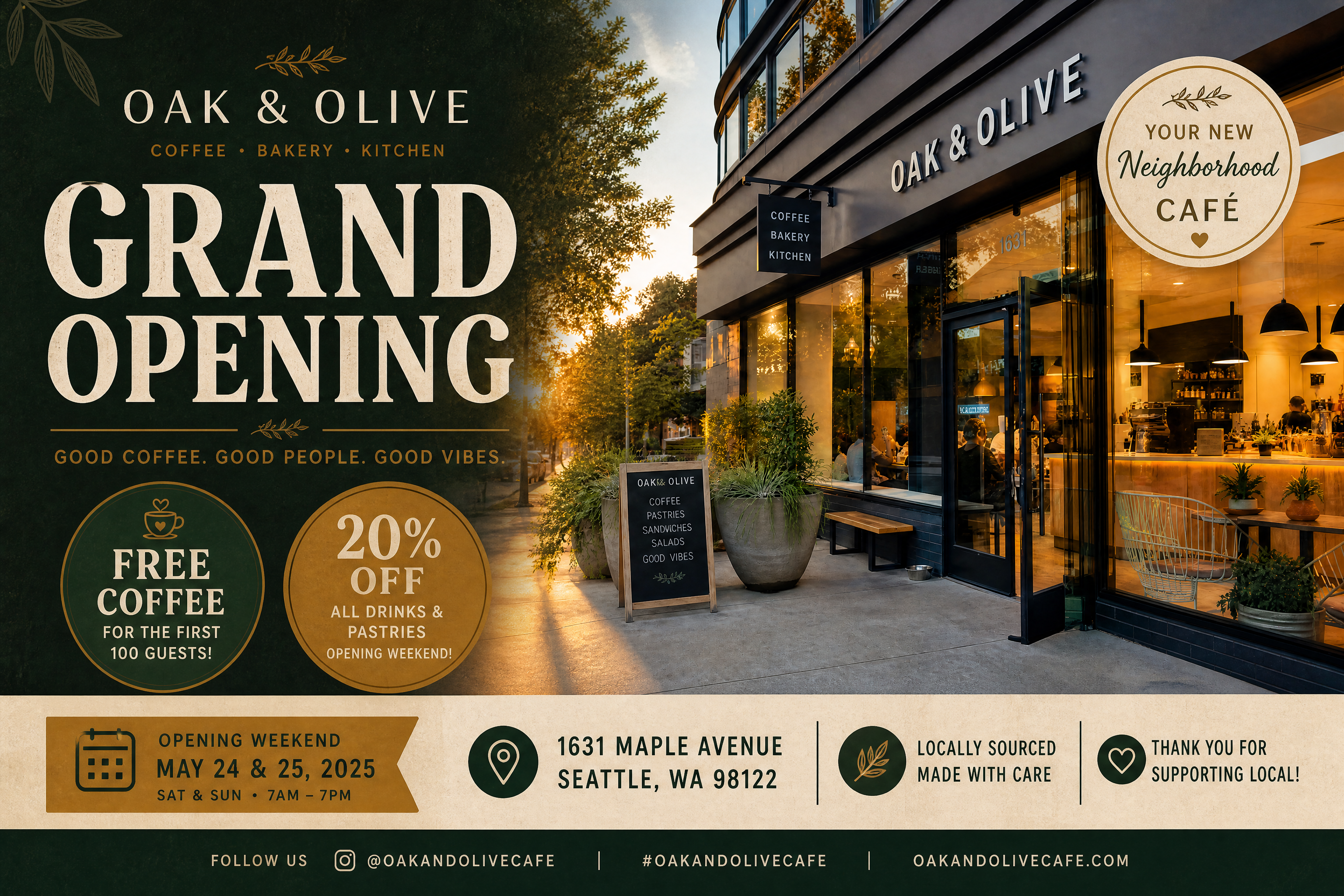
Watch the Transformation
See ai grand opening flyer generator in motion — generated end-to-end by our AI.
See It In Action
Real outputs from ai grand opening flyer generator.
BEFOREAFTER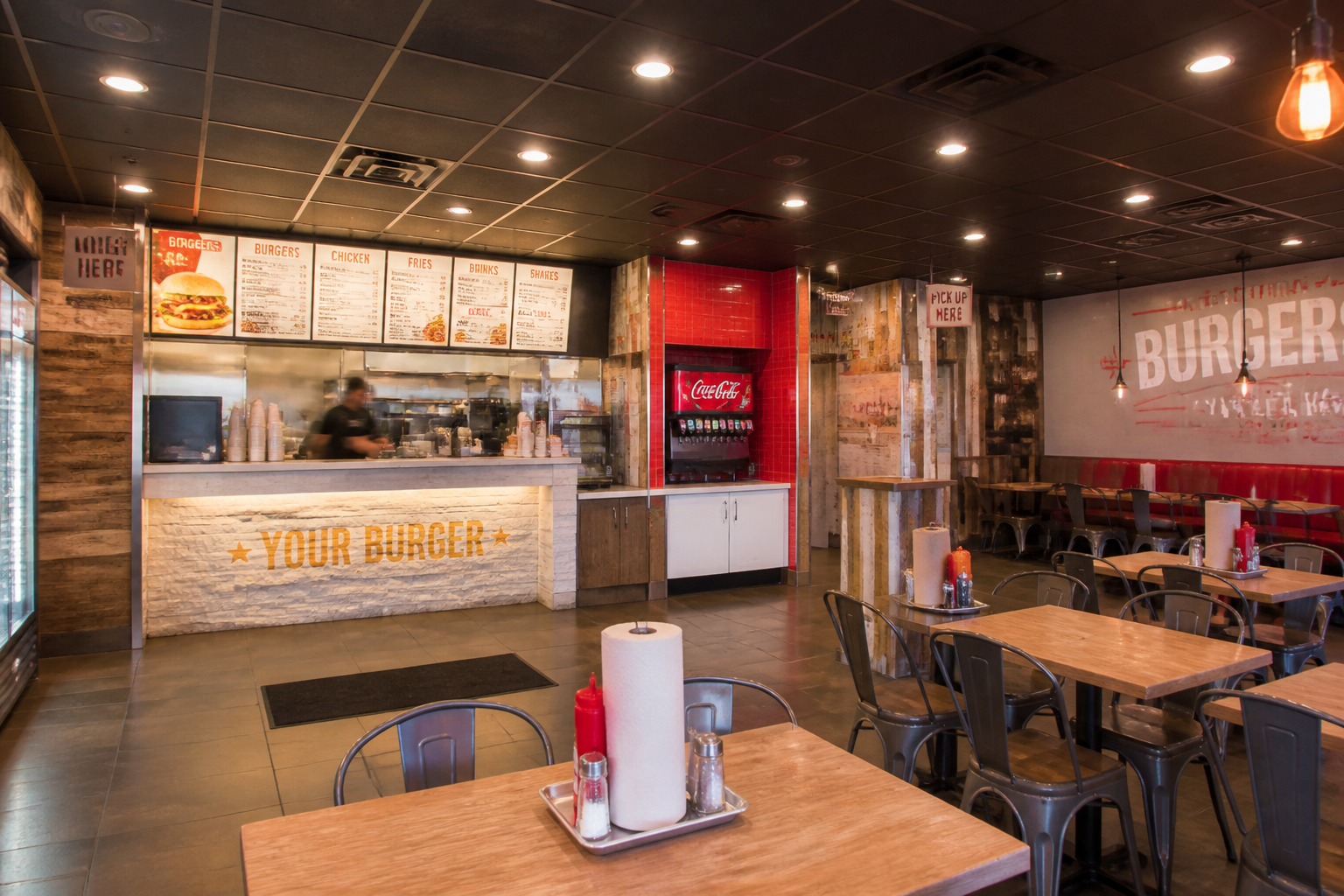 BEFORE
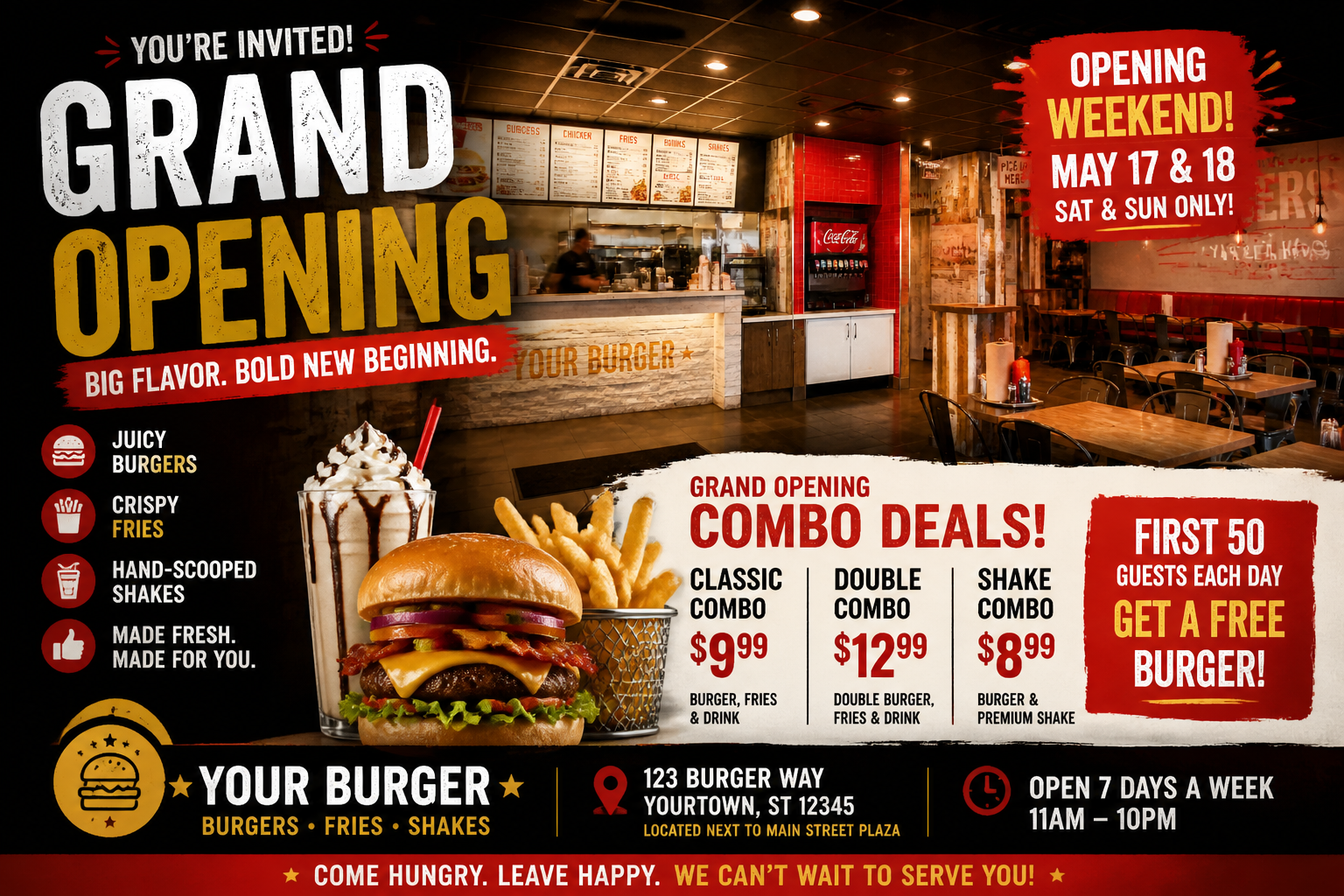 AFTER
AFTER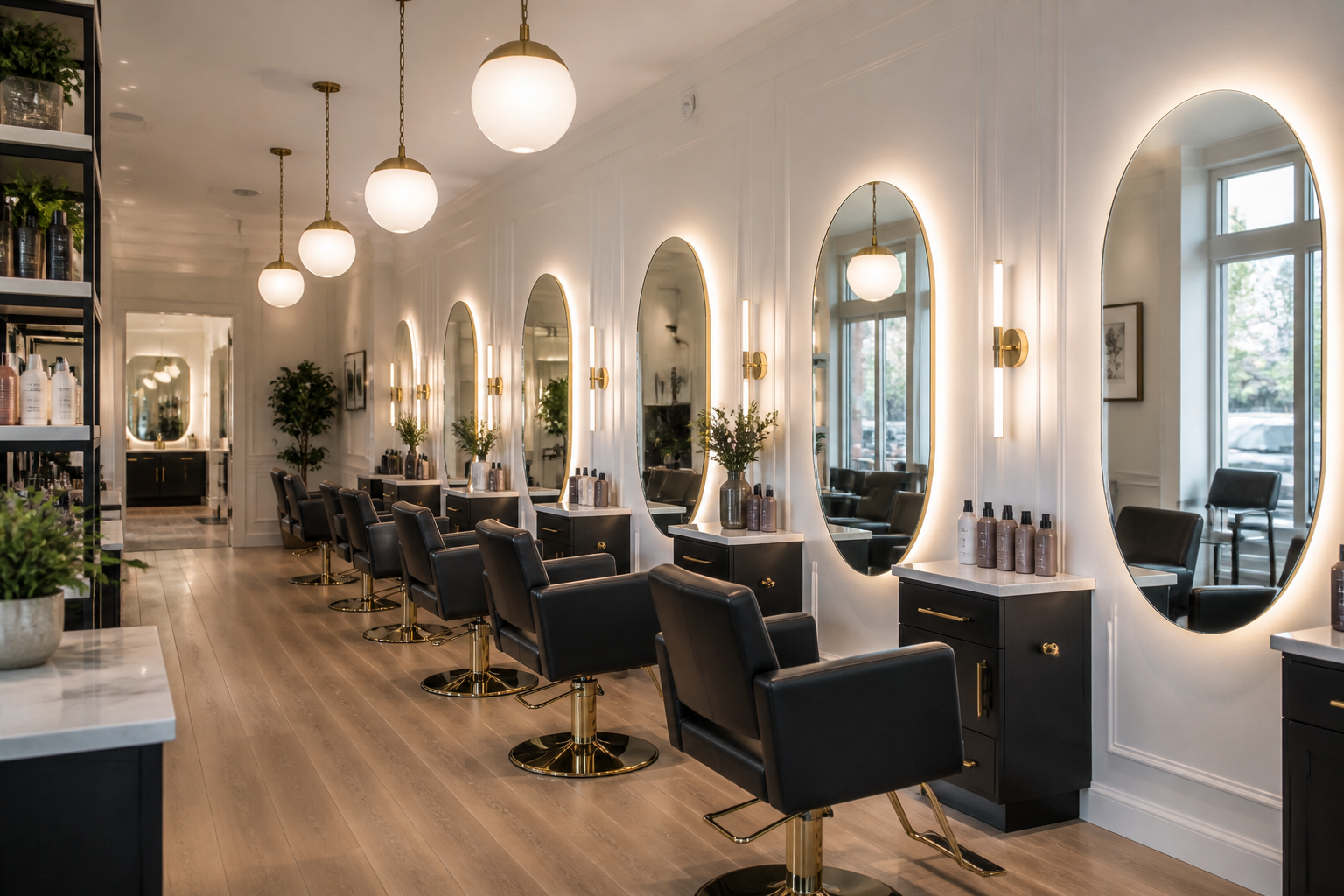 BEFORE
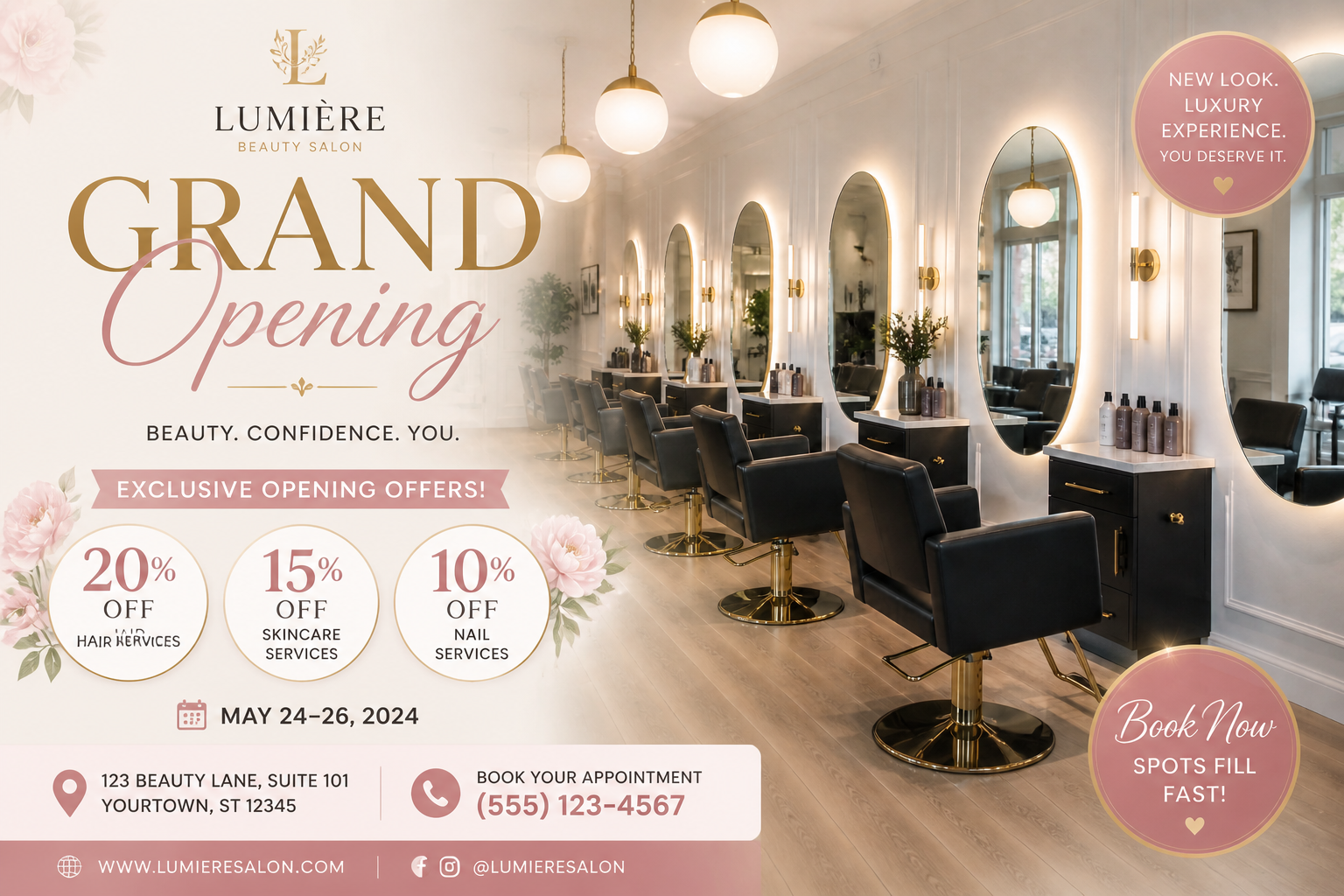 AFTER
AFTER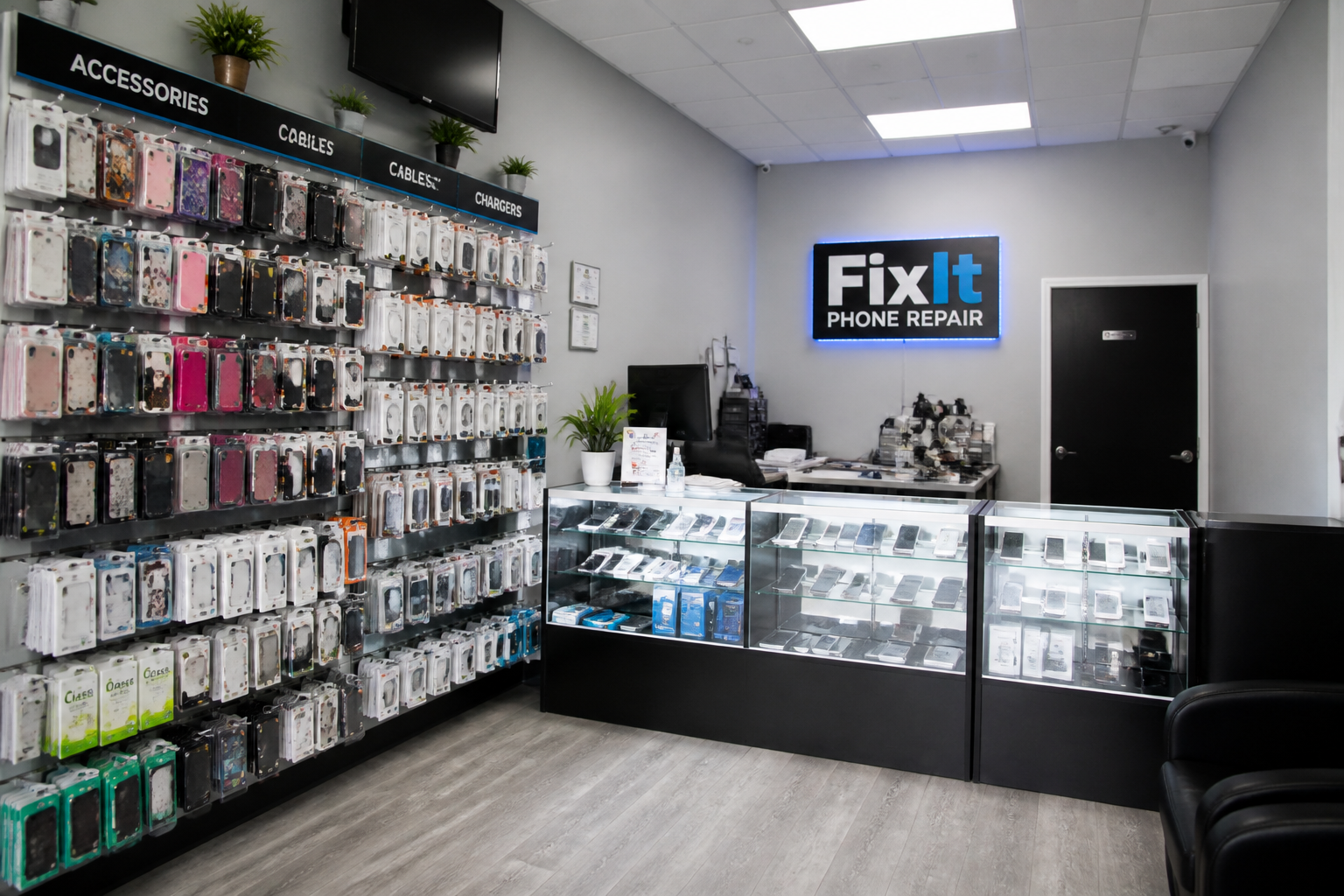 BEFORE
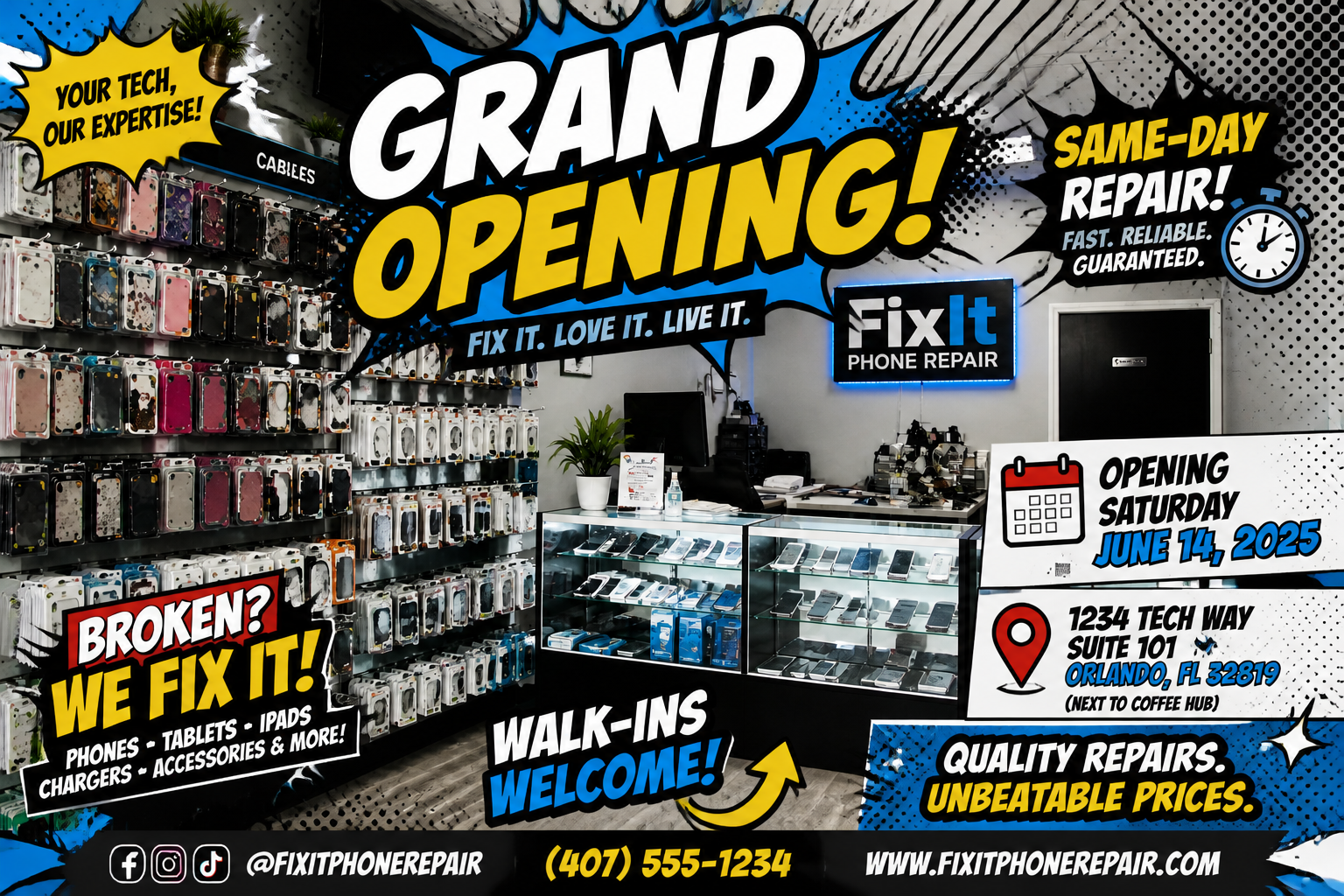 AFTER
AFTER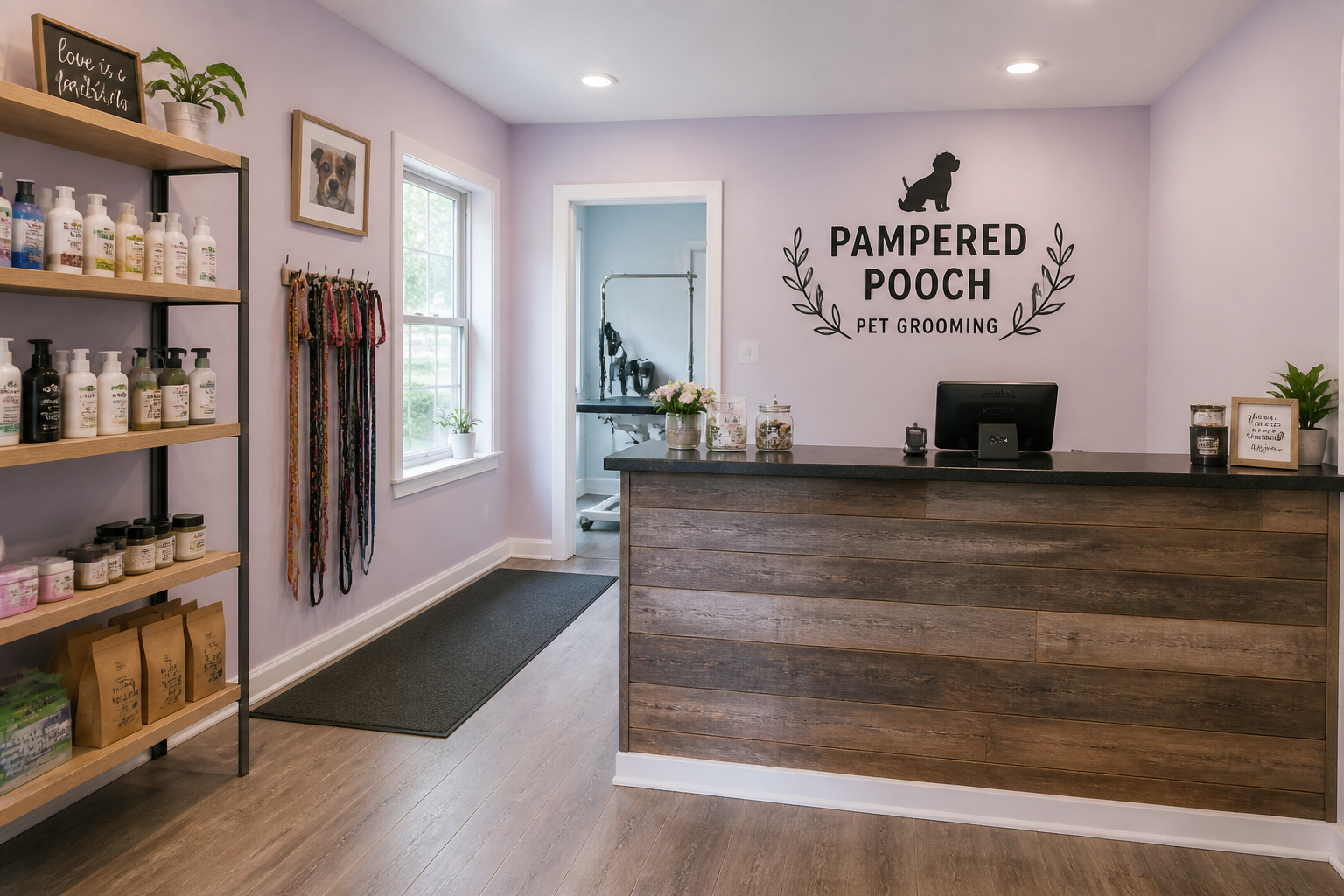 BEFORE
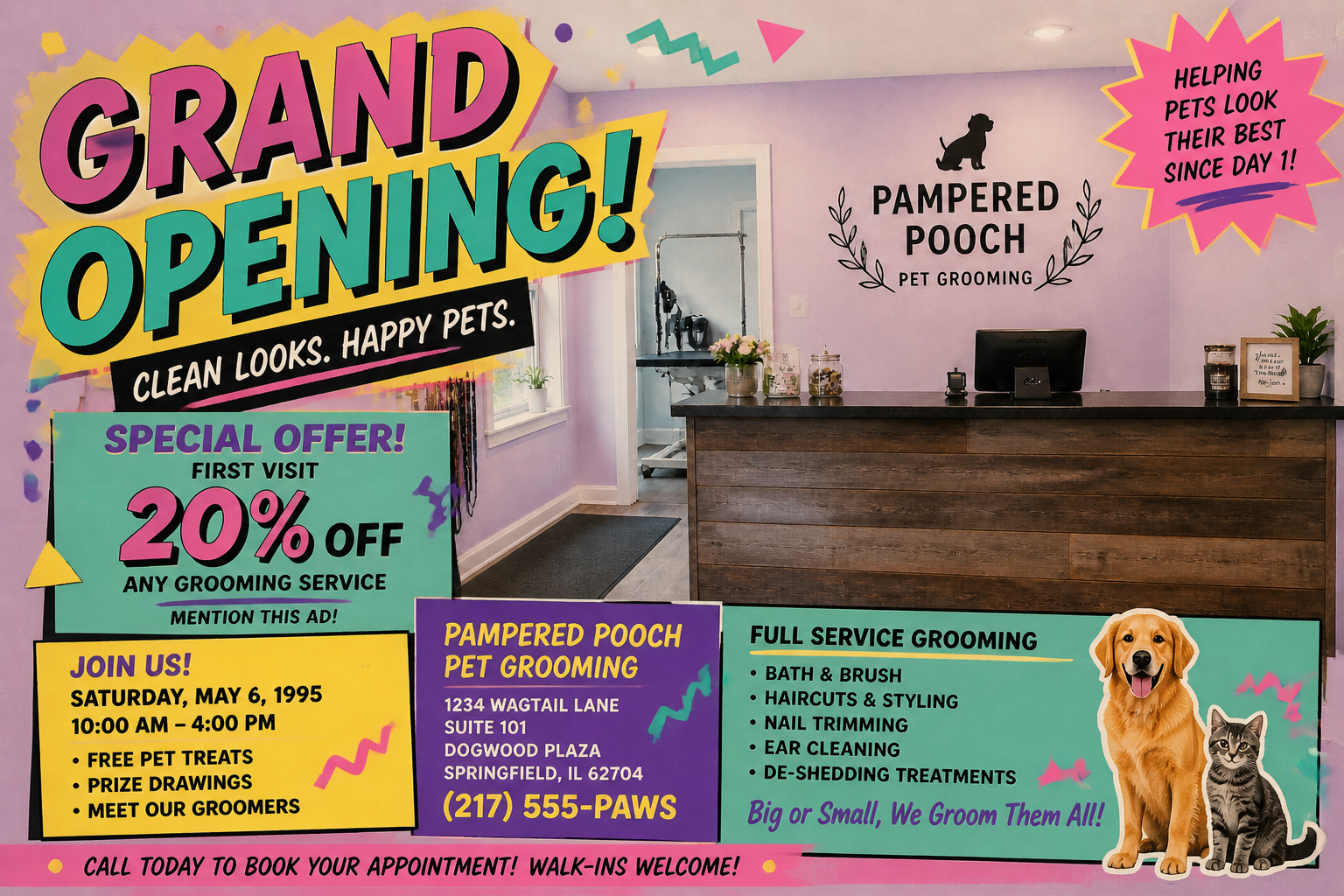 AFTERBEFOREAFTERBEFOREAFTERBEFOREAFTERBEFOREAFTERBEFOREAFTER
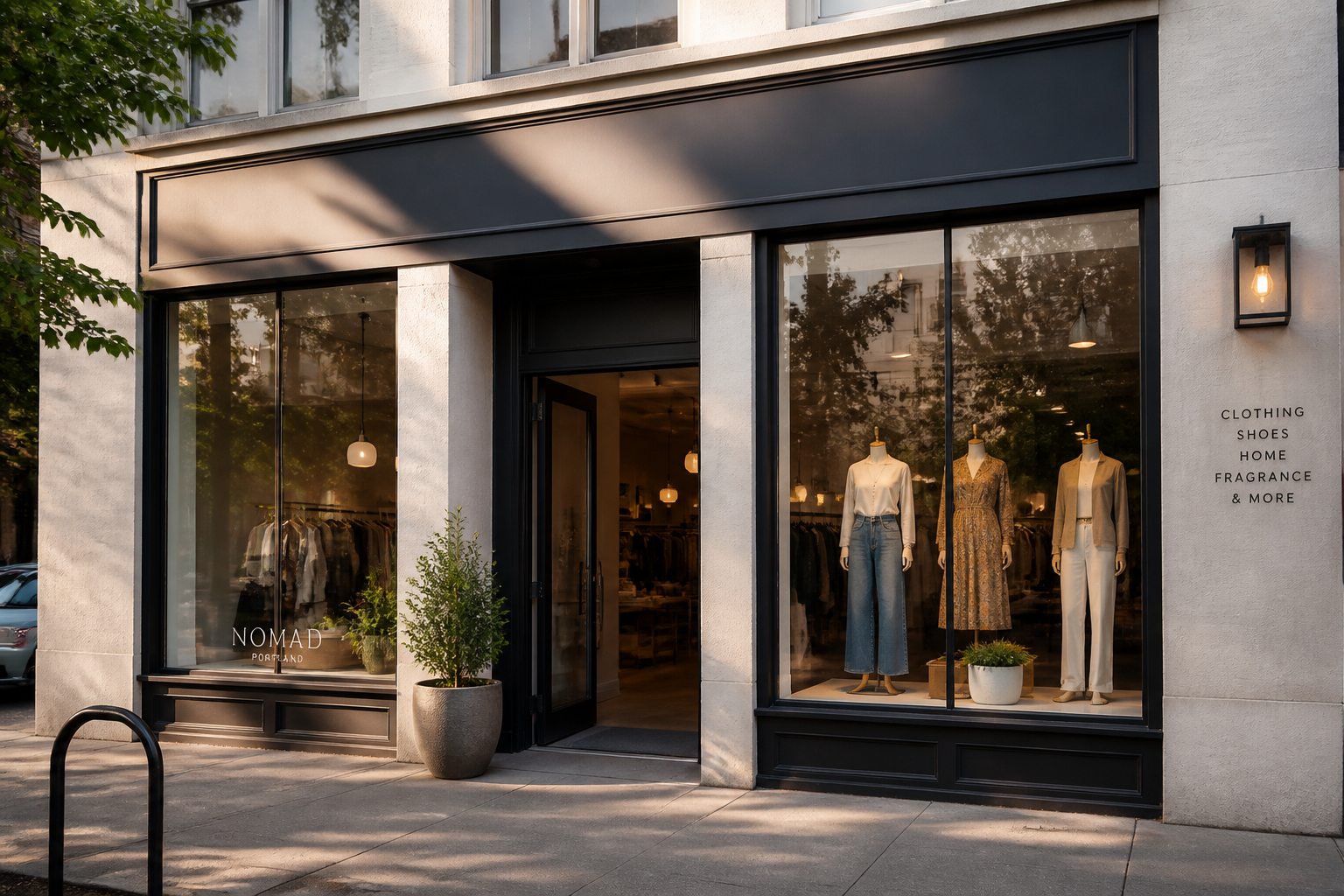 BEFORE
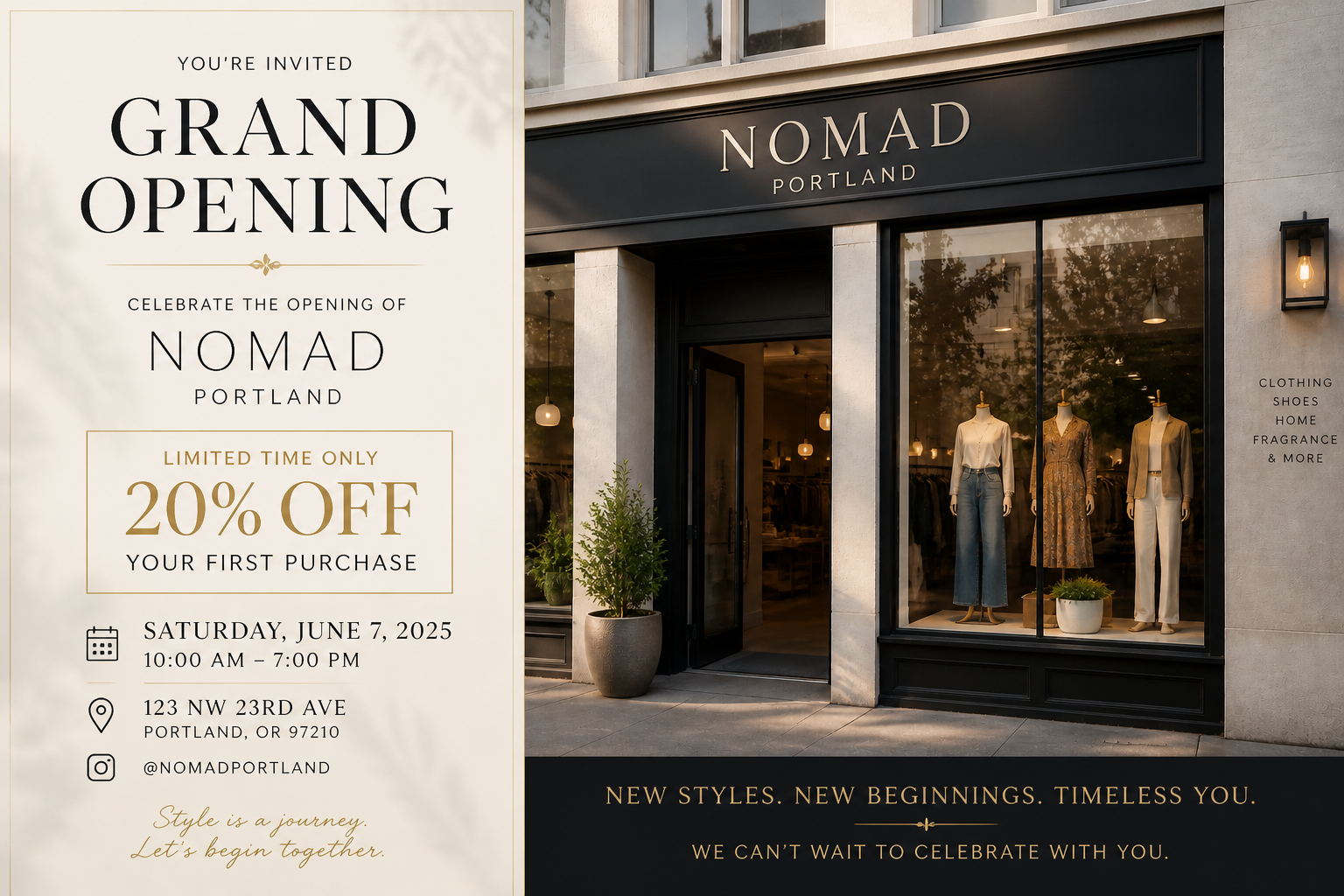 AFTER
AFTER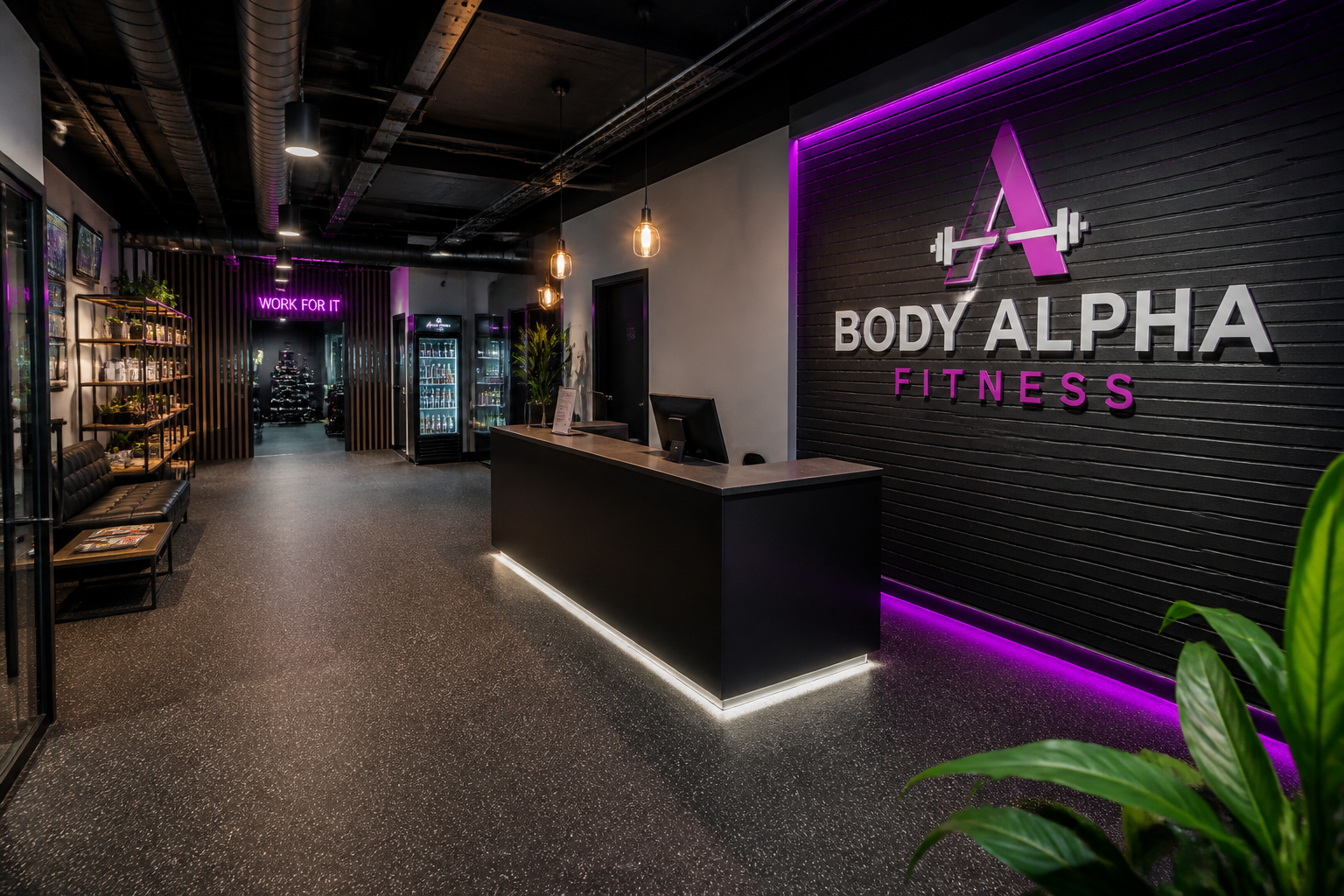 BEFORE
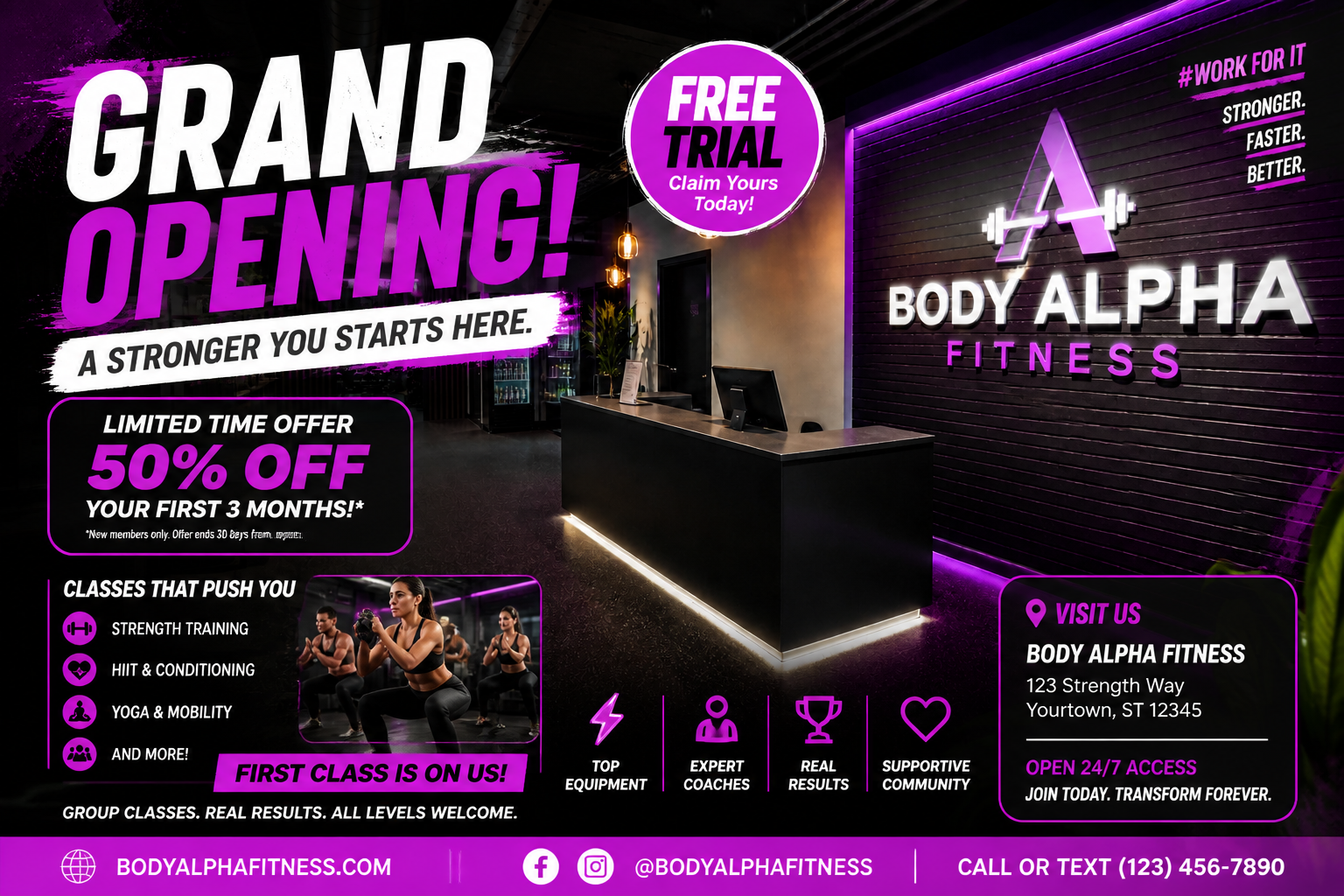 AFTER
AFTER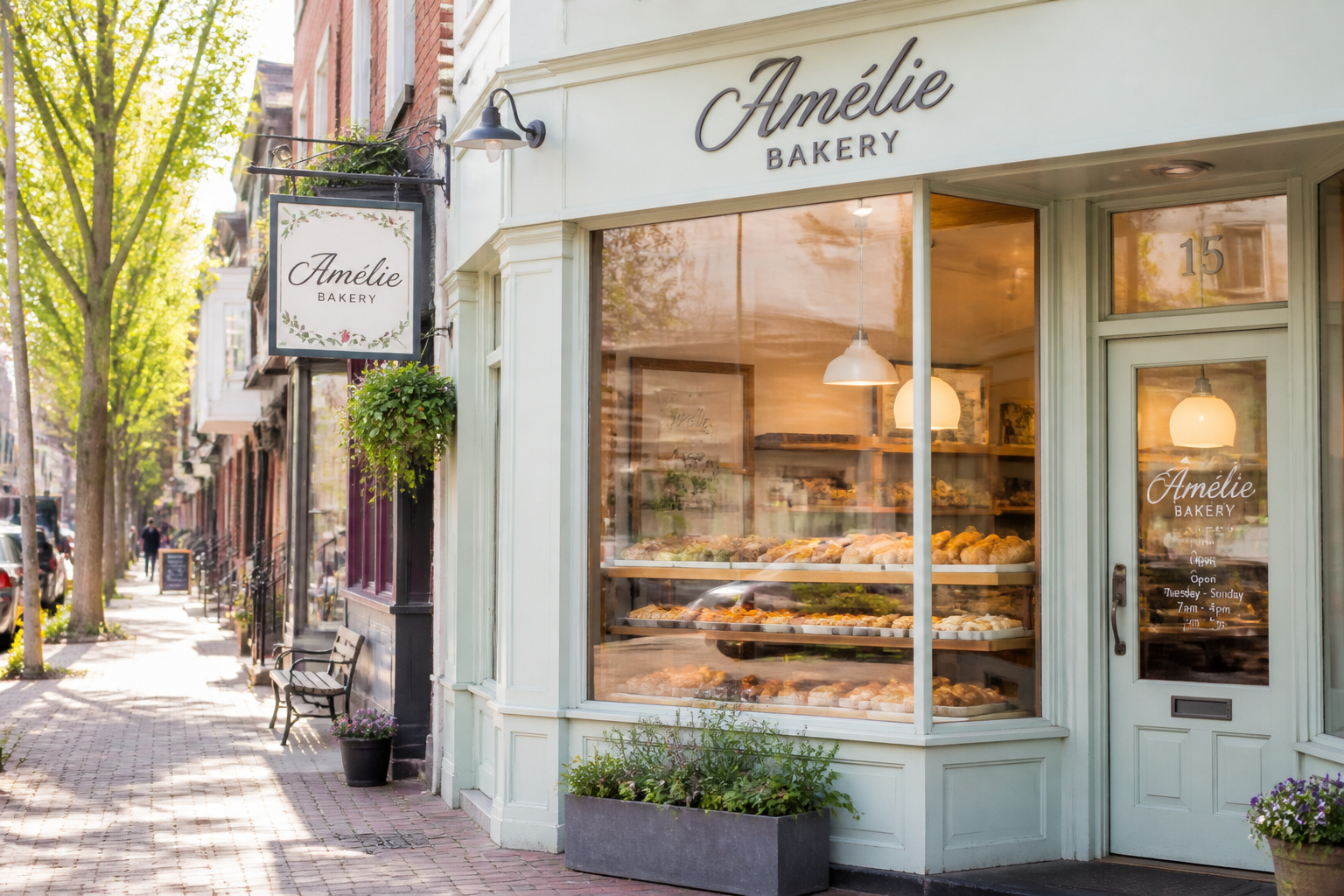 BEFORE
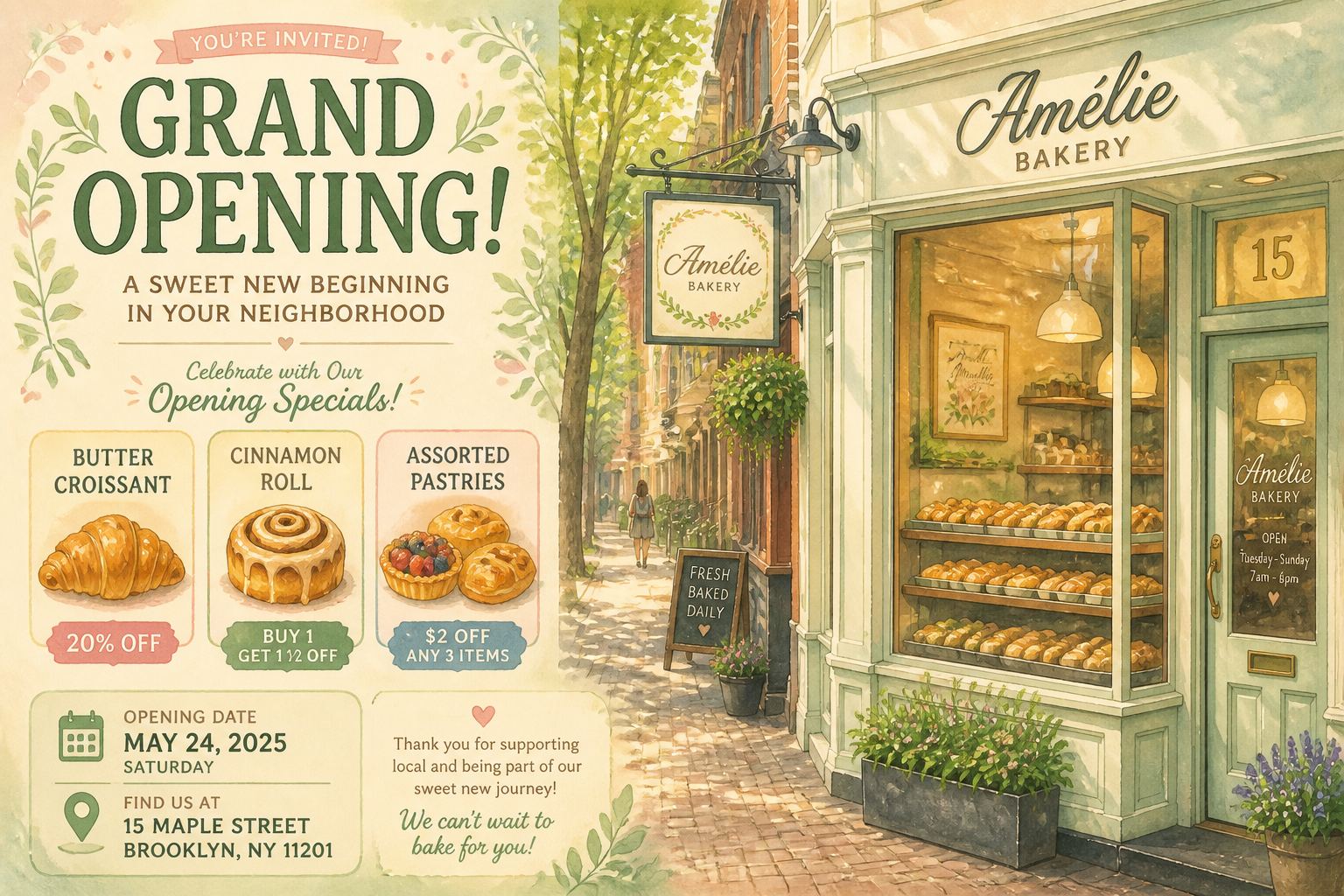 AFTER
AFTER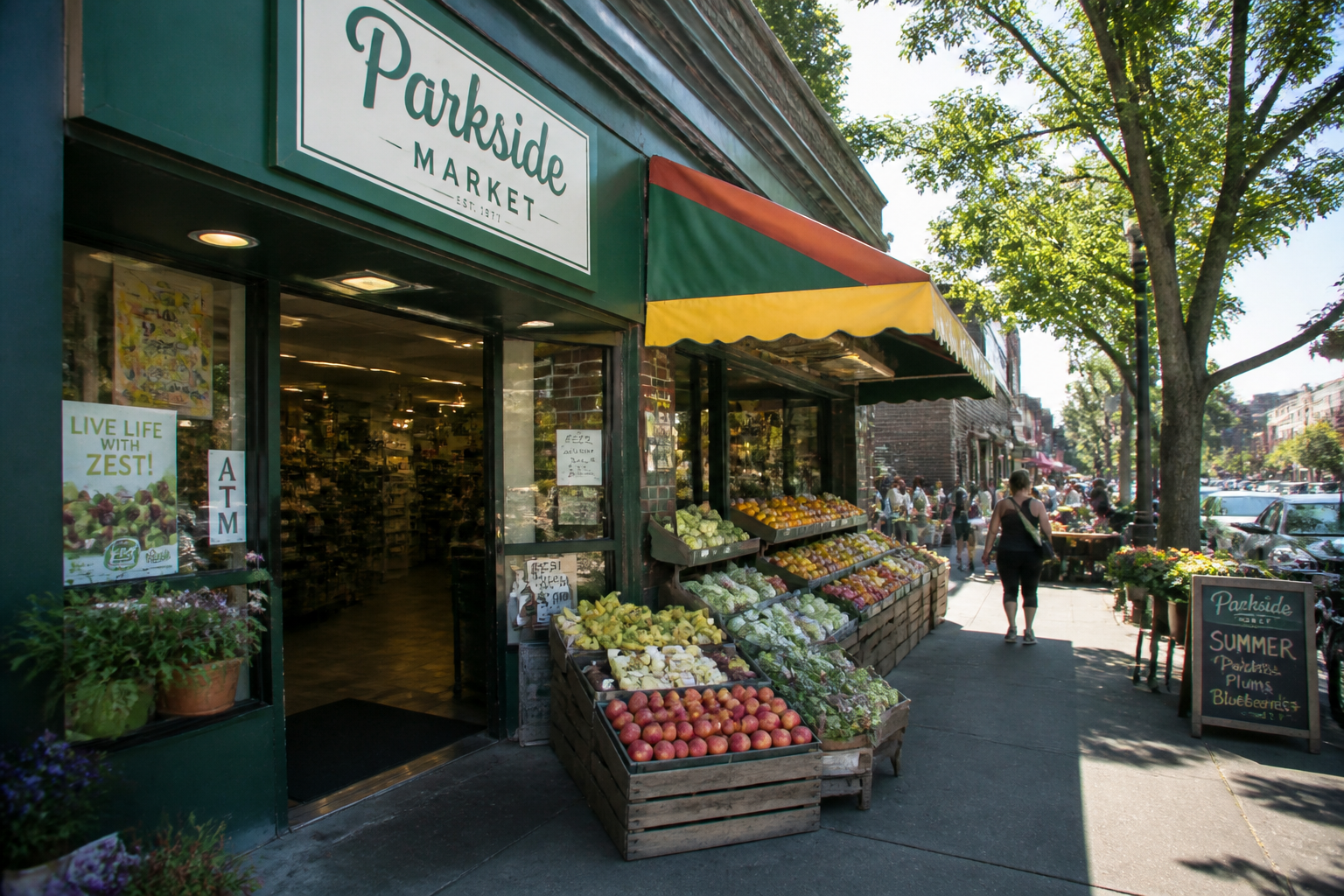 BEFORE
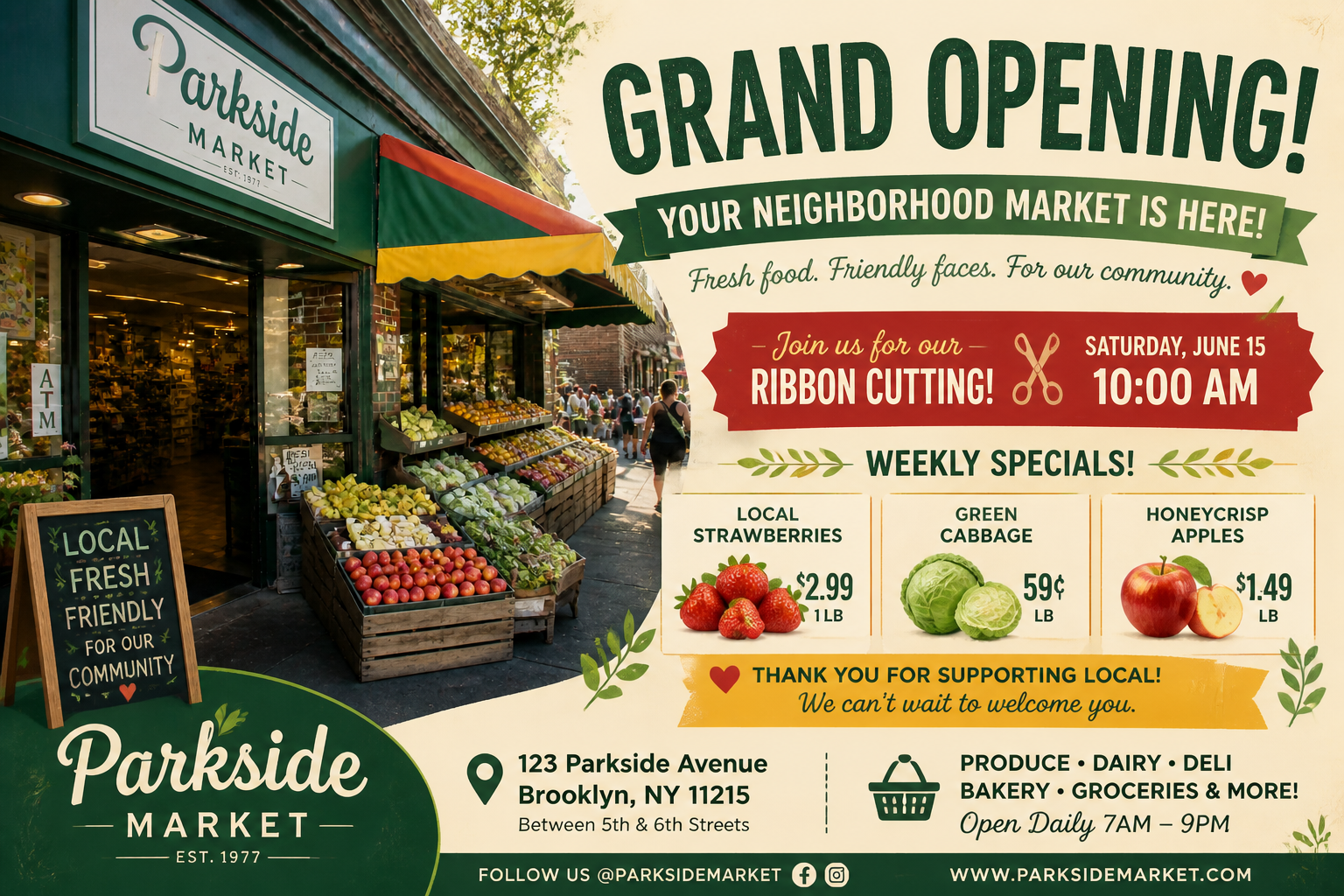 AFTER
AFTER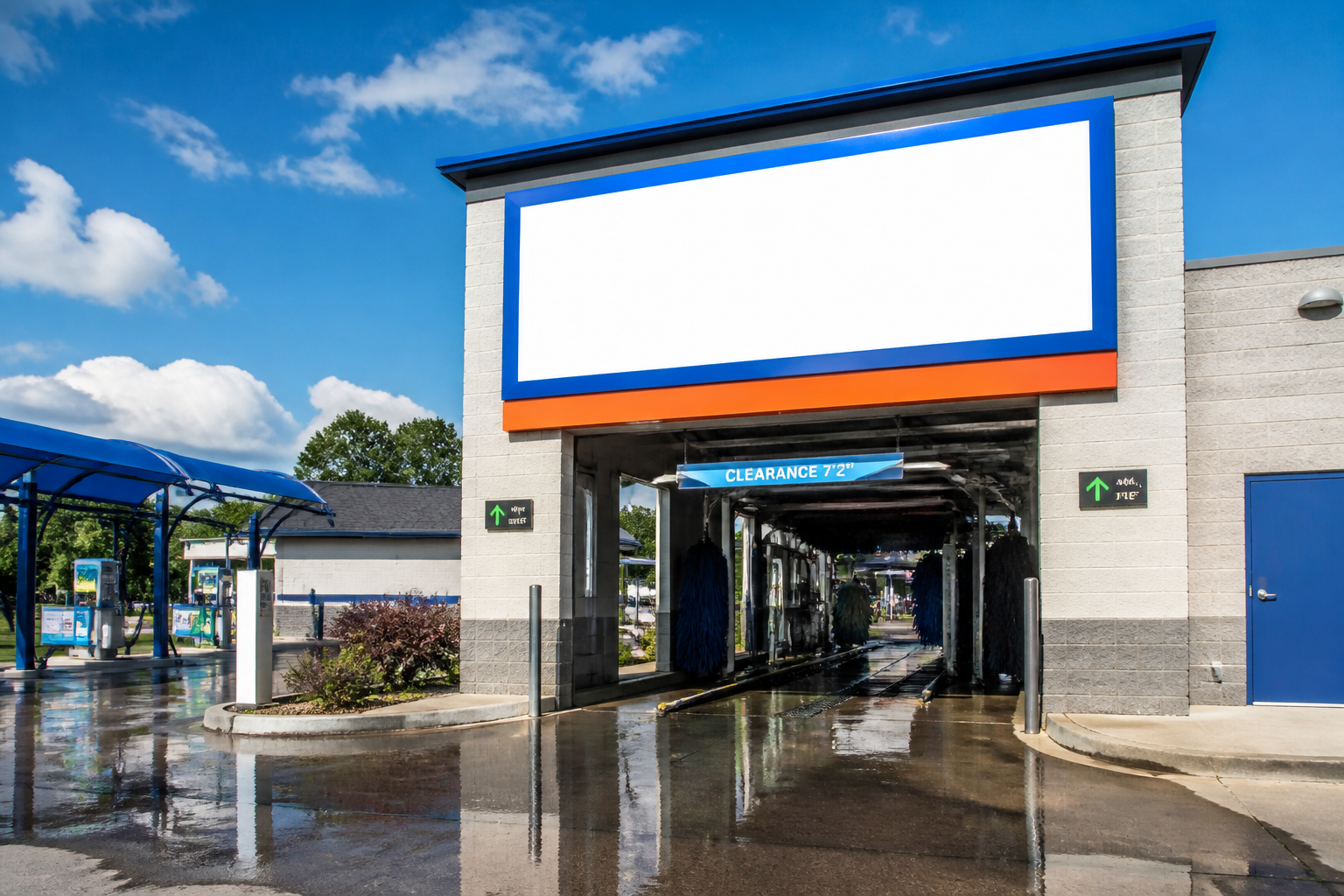 BEFORE
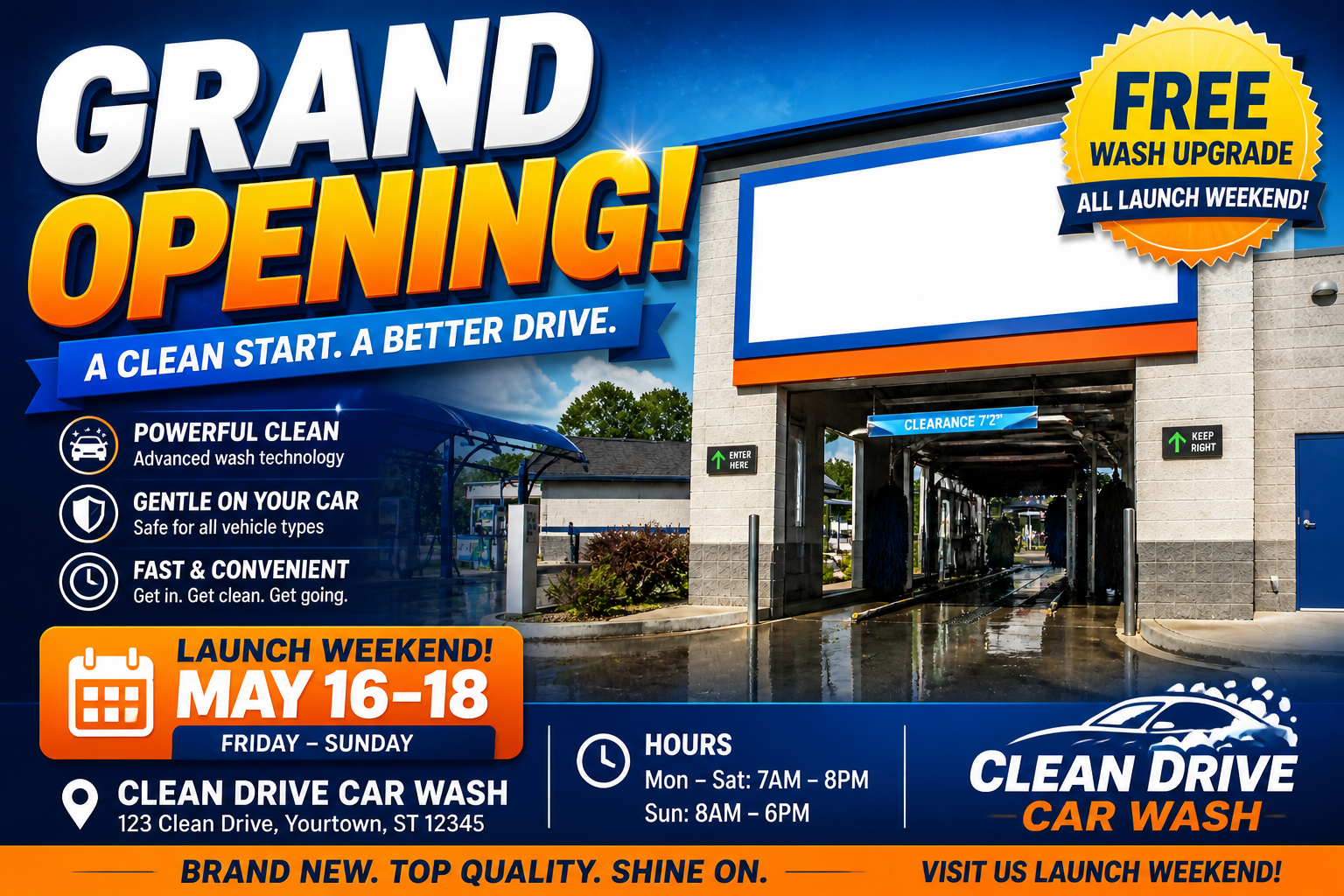 AFTERBEFOREAFTERBEFOREAFTERBEFOREAFTERBEFOREAFTERBEFOREAFTER
Key Features
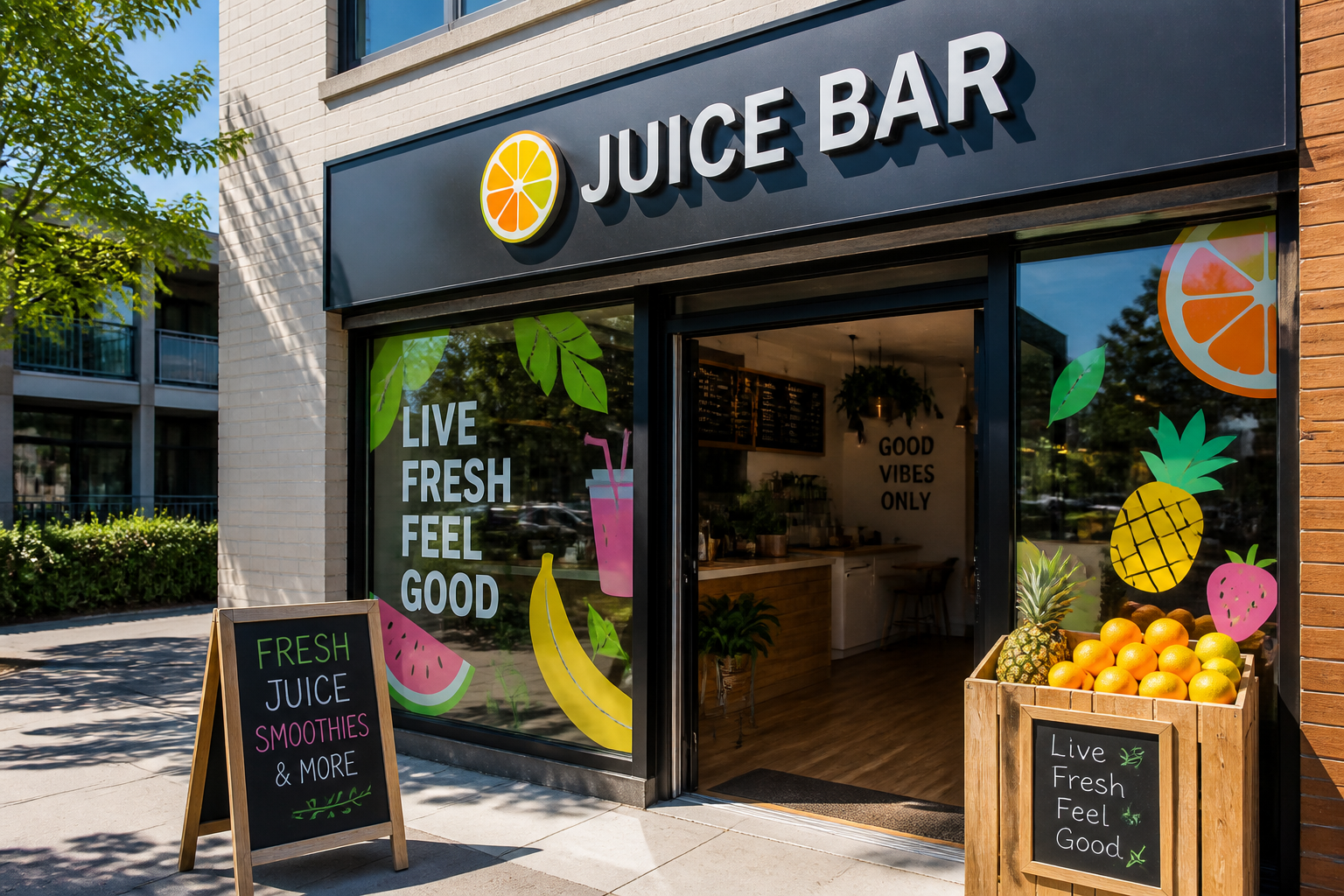
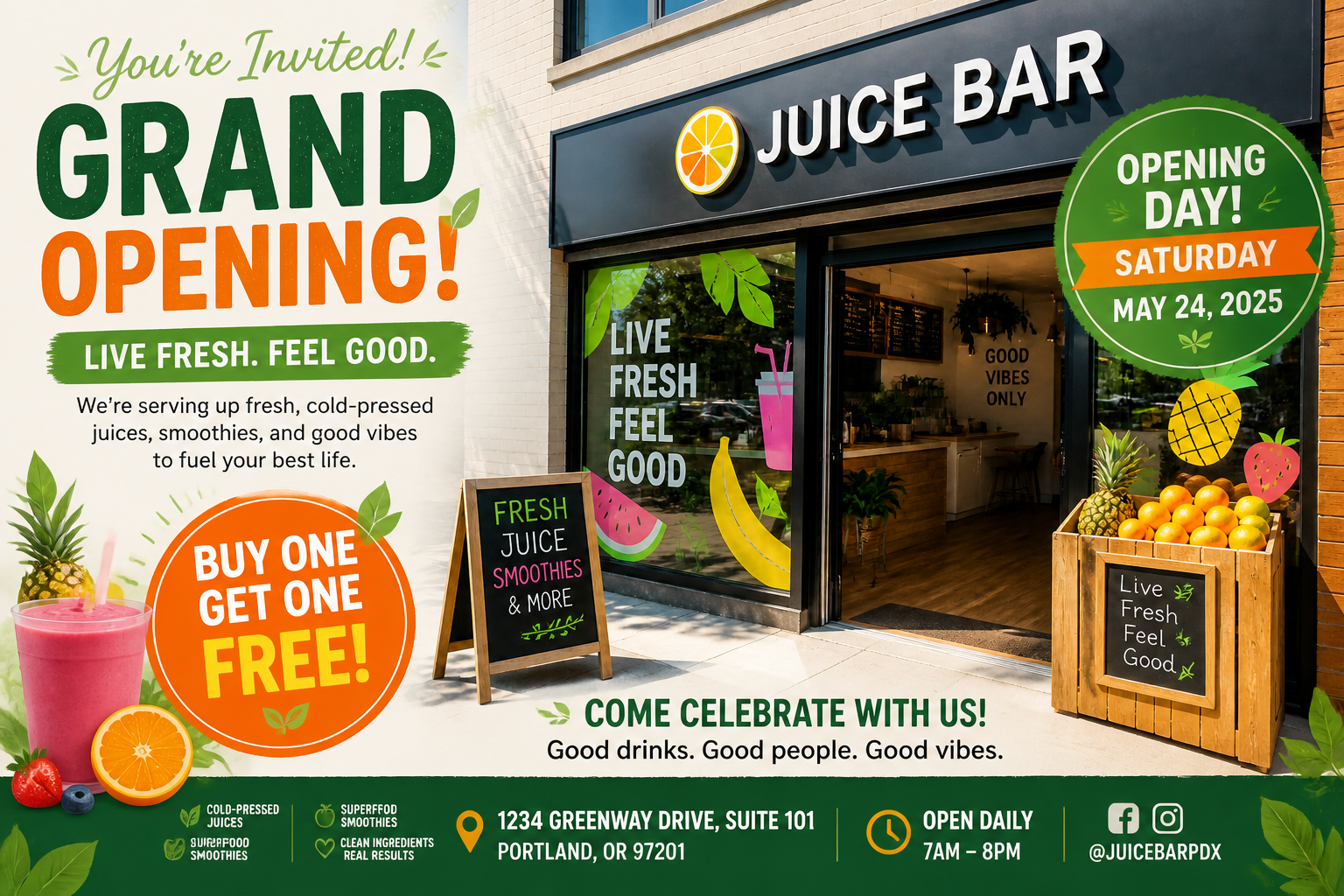
From photo to flyer
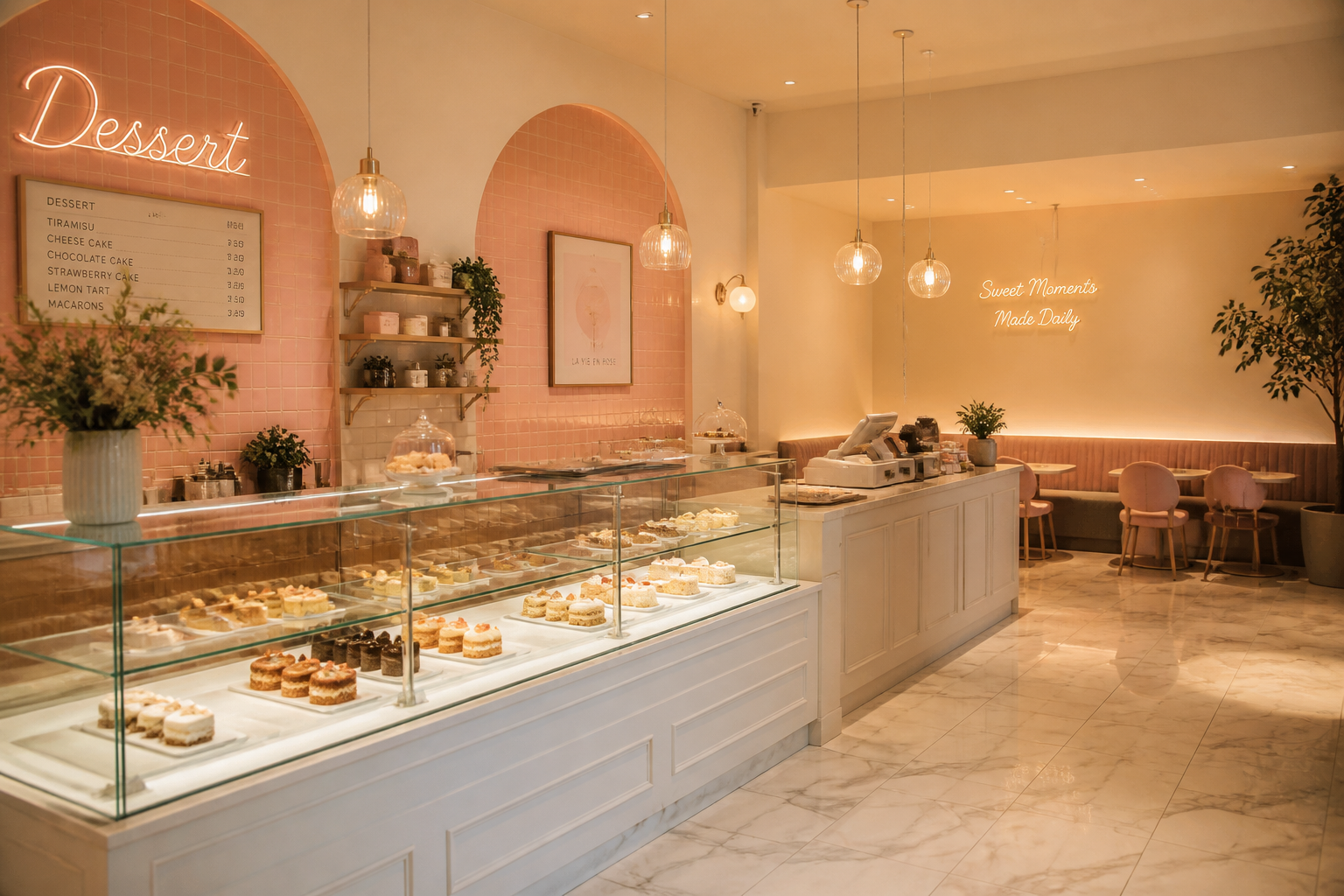
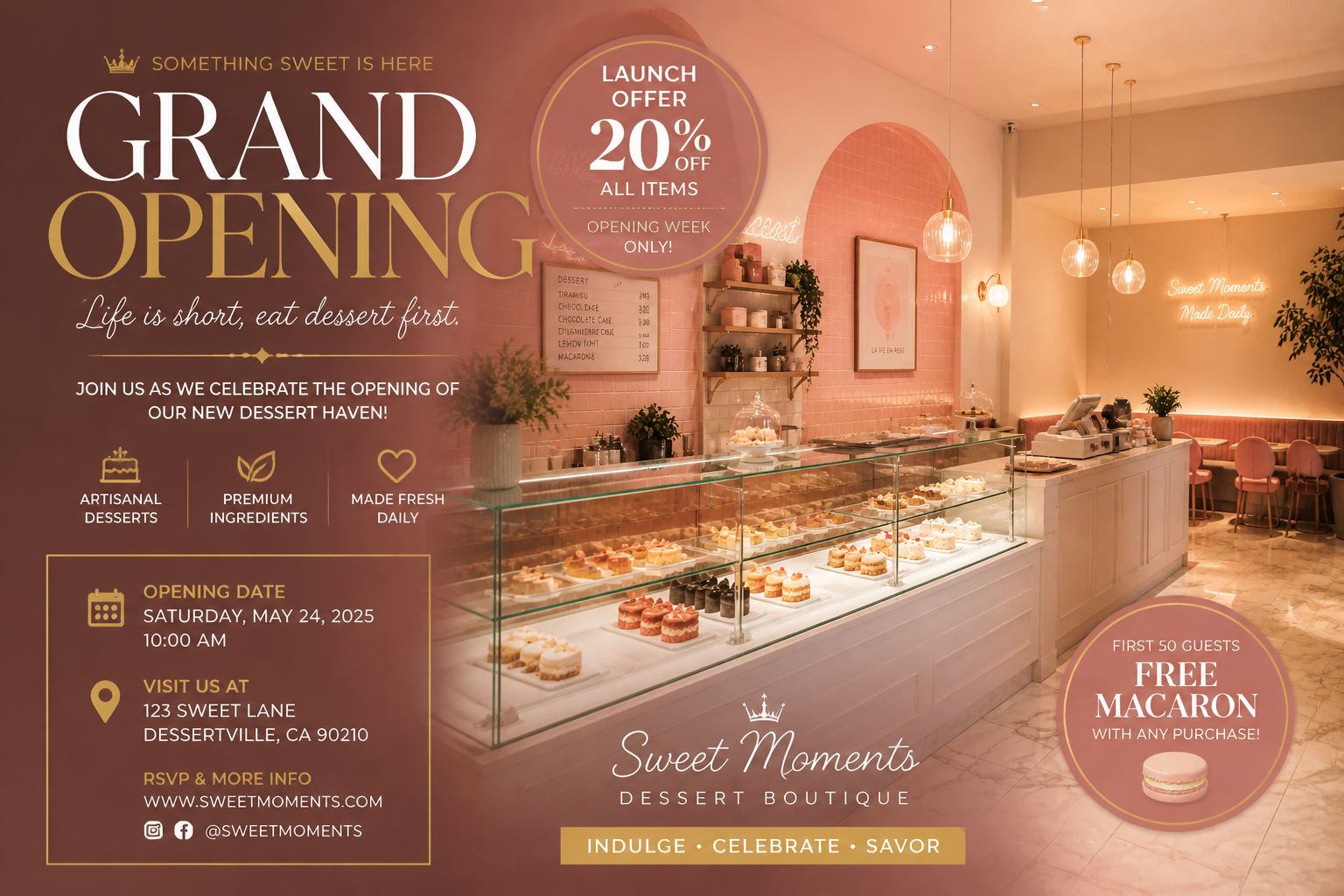
Start with a storefront, interior shot, product display, or rough poster mockup. Our AI turns that visual into a structured grand opening flyer with a clear headline, offer blocks, and event details. This is faster than rebuilding the design manually in a layout app. You keep the original business context while getting a polished promo-ready result.
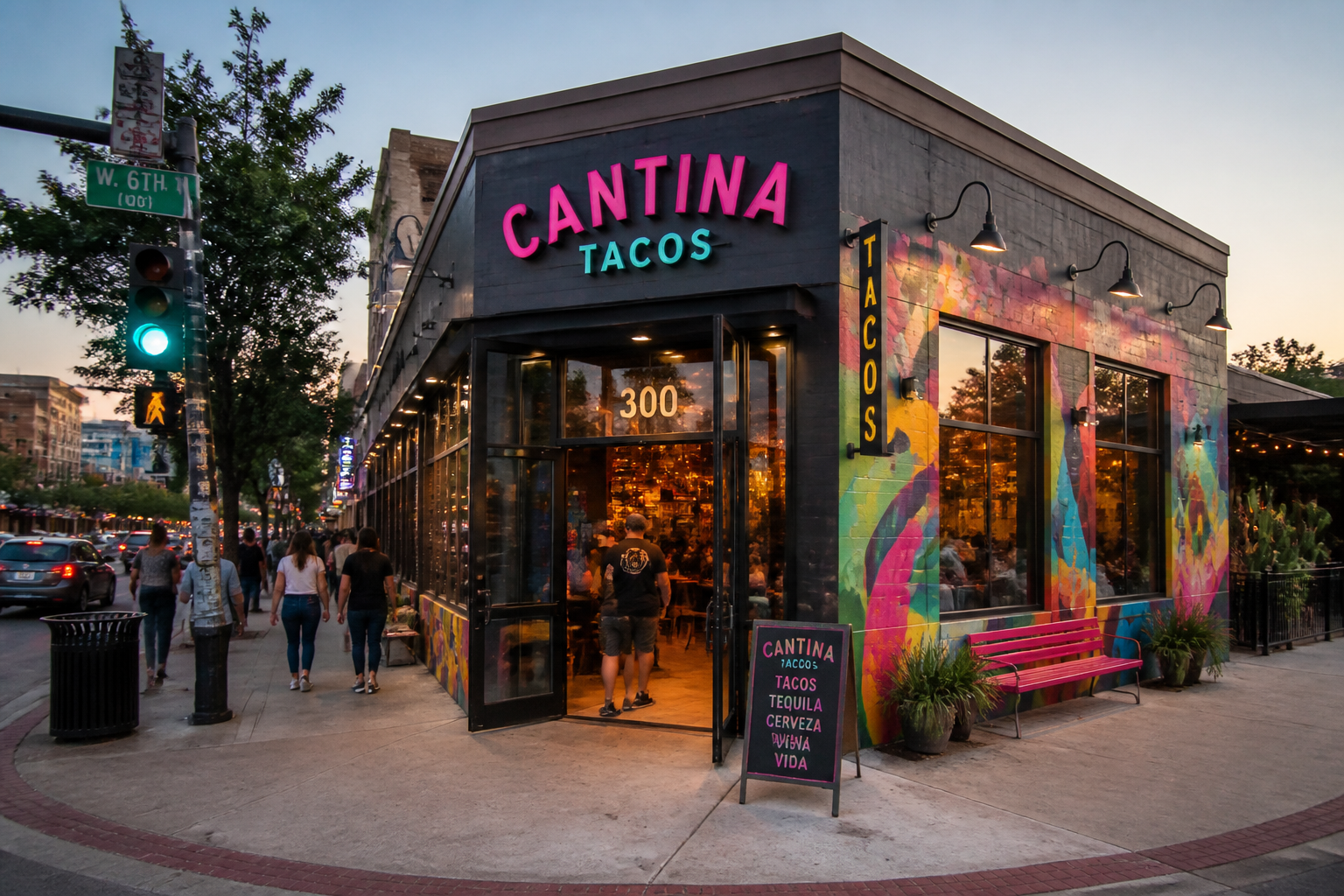
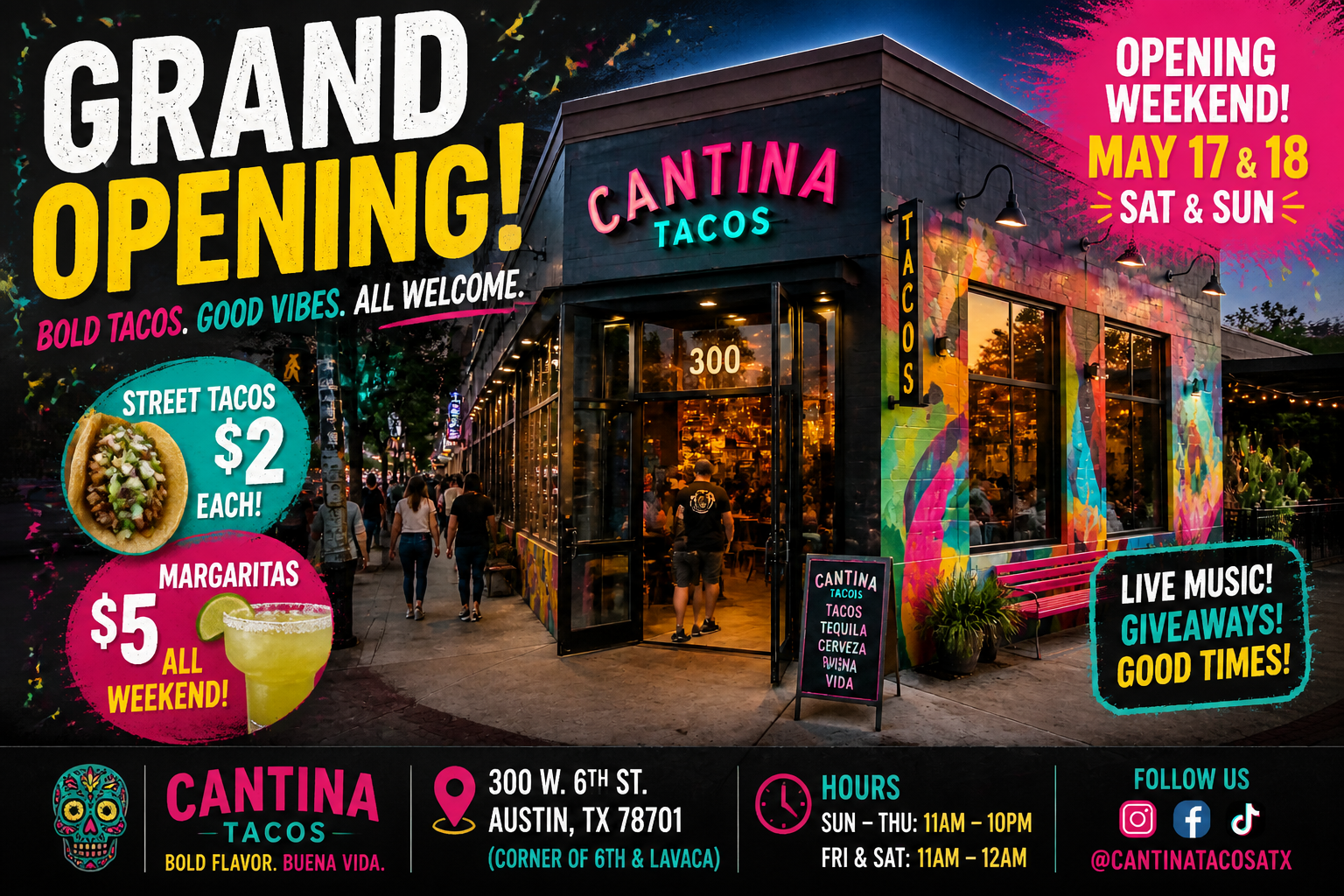
Built for local promos
Grand opening flyers need more than nice visuals. They need readable offers, opening dates, addresses, and a layout that feels made for foot traffic, social posts, and printable handouts. Our AI formats the design around real promotional needs instead of producing a generic poster. That makes it useful for launches, ribbon cuttings, soft openings, and weekend specials.
Easy style range
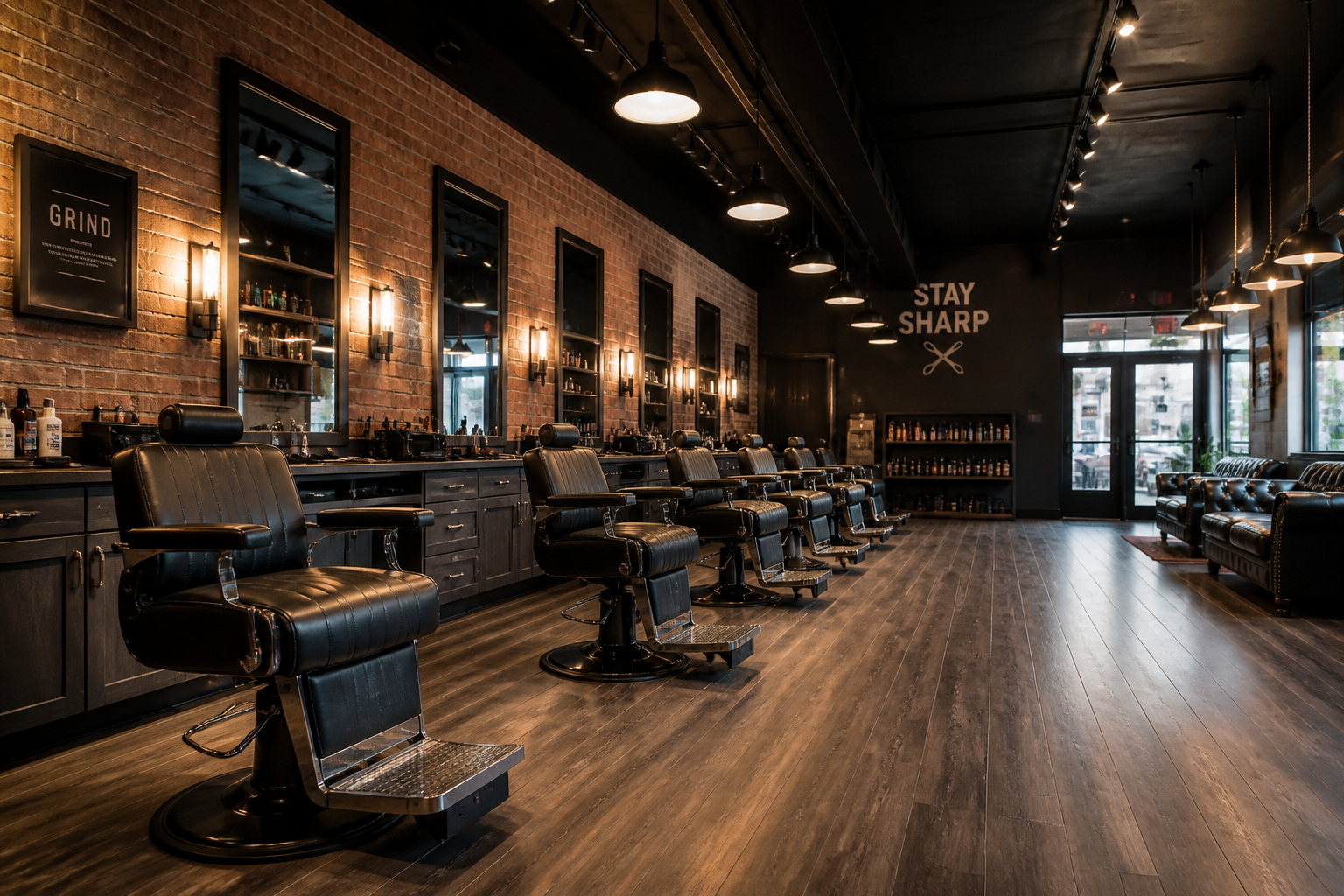
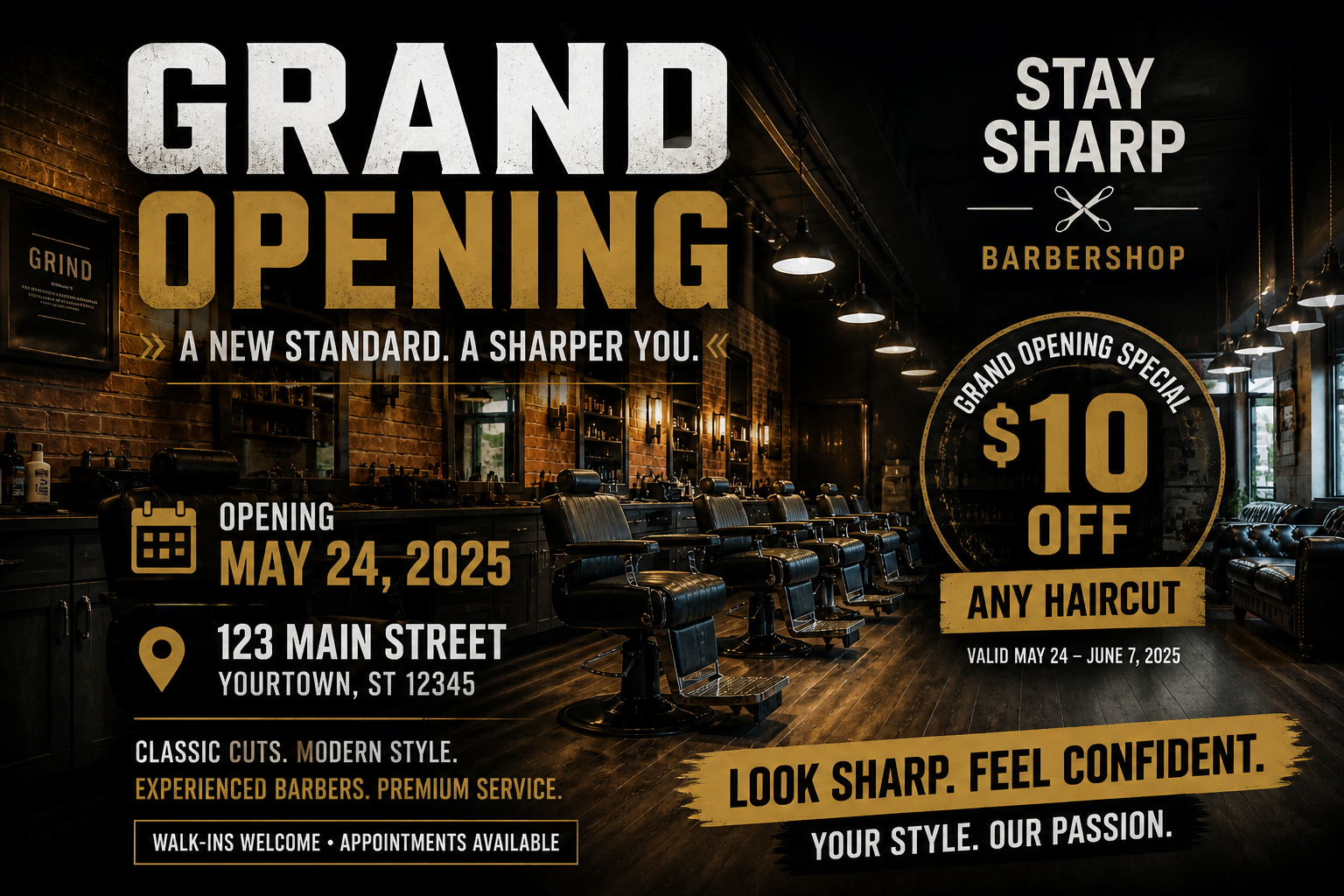
You can generate clean corporate flyers, playful neighborhood promos, or more stylized event graphics from the same source image. That helps different businesses match the design to their audience without starting over. A salon, gym, bakery, and repair shop can all use the tool in different ways. Manual redesigns usually take separate templates and much more tweaking.
Clear before and after
The result is easy to judge because the change is visual and immediate. A plain business photo becomes a flyer with hierarchy, offer callouts, and launch messaging in one step. This helps teams compare options quickly before printing or posting. It is simpler than piecing together text boxes, badges, and overlays by hand.
How It Works
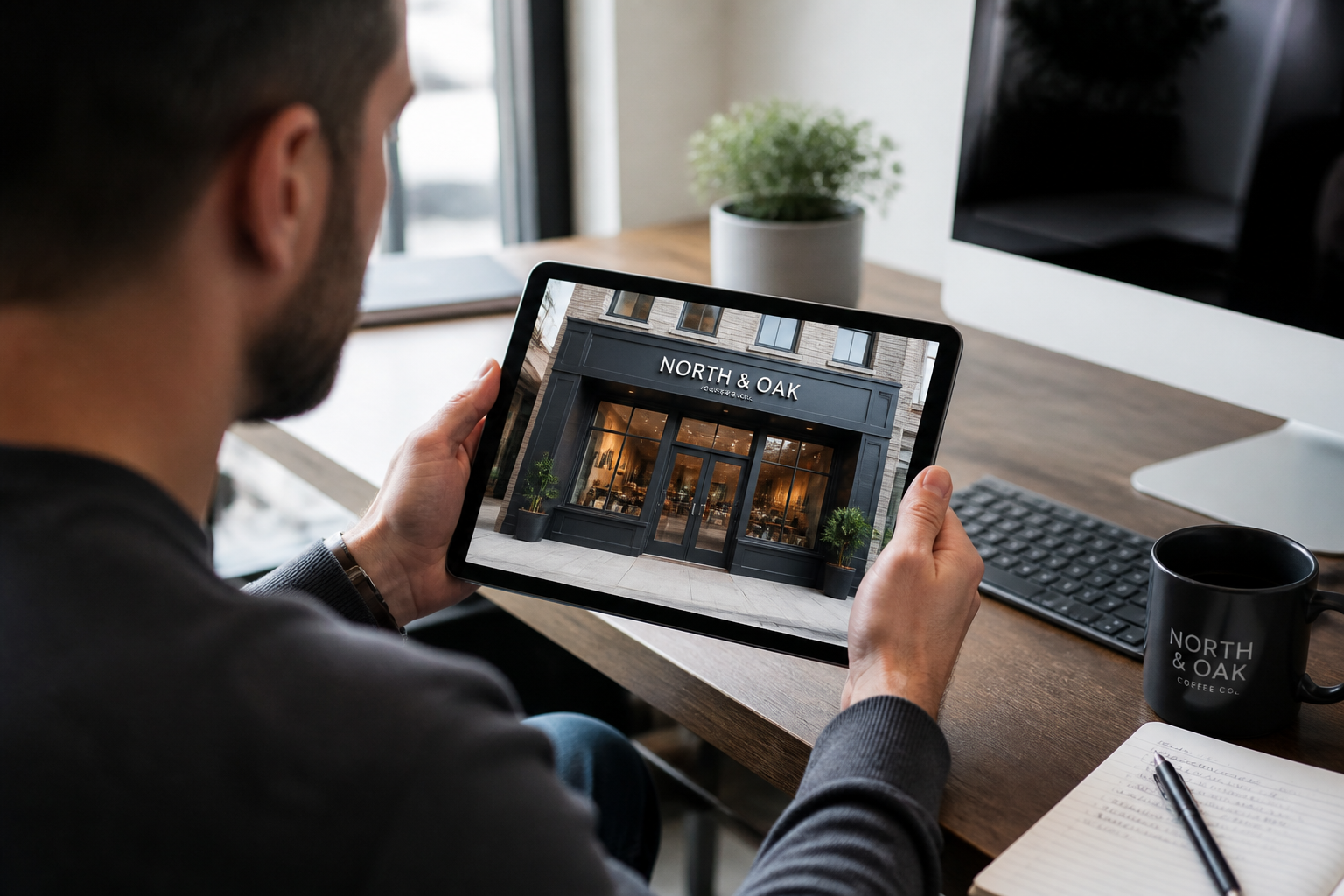
Upload your image
Use a storefront photo, business interior, product shot, or a rough flyer draft. Pick an image with a clear main subject so the final flyer has a strong focal point.
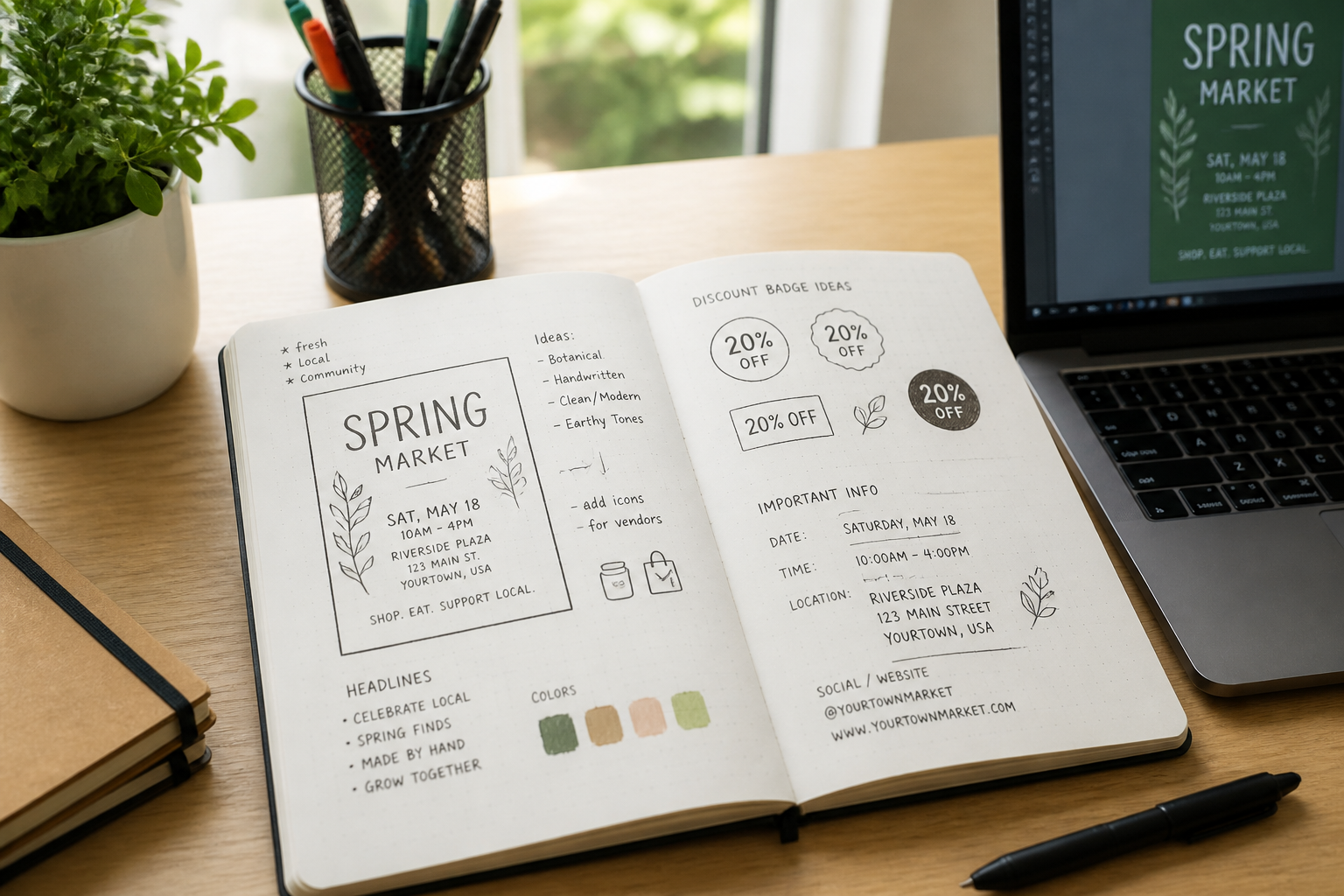
Describe the promotion
Tell the AI what kind of business you are opening and what details matter most. Include the headline, offer, date, address, and the style you want the flyer to feel like.
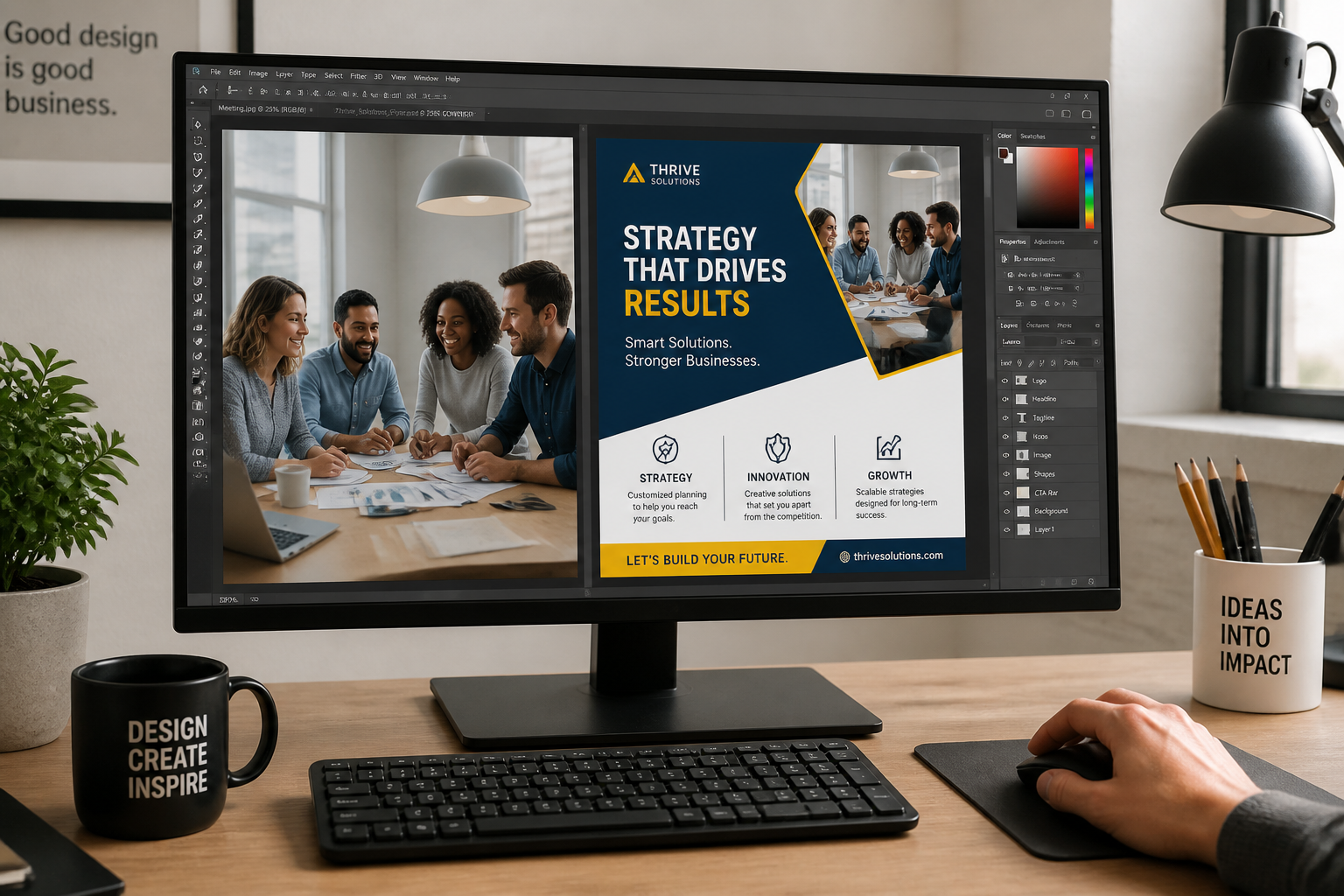
Review and refine
Compare the before and after version, then rerun with a new offer, color direction, or flyer style if needed. This makes it easy to create several launch-ready options for print or social.
Perfect For
Discover how creators and professionals use ai grand opening flyer generator
Storefront launch flyers
Turn exterior business photos into grand opening promos for retail stores, salons, cafes, and local service businesses.
Opening weekend campaigns
Create flyers that highlight launch dates, ribbon cuttings, discount windows, and limited-time offers.
Social and print promos
Generate designs that work for local handouts, neighborhood bulletin boards, and online event announcements.
Quick concept variations
Test different flyer looks for the same opening, from clean modern layouts to playful or stylized campaign visuals.
Built For
Small business owners
Useful for founders who need launch marketing materials fast without hiring a designer for every variation.
Local marketing teams
Helps create multiple grand opening concepts for stores, restaurants, gyms, and neighborhood campaigns.
Freelance designers
Speeds up concept generation when clients want flyer directions built from existing business photos or rough comps.
Why use this for grand opening flyers
A quick look at how we compare on the things that matter for this niche.
| Feature | BudgetPixel | Generic AI editors | Manual editing apps |
|---|---|---|---|
| Built for flyer-style transforms | ✓ | — | — |
| Uses your business photo as a base | ✓ | ✓ | ✓ |
| Fast concept variations | ✓ | ✓ | — |
| Readable promo layout direction | ✓ | — | — |
| Manual design effort required | Low | Medium | High |
Frequently Asked Questions
What images work best with the AI Grand Opening Flyer Generator?
Can I use it for different business types?
Will the flyer include promotional text elements?
Is this better than starting from a blank template?
Can I make multiple flyer styles from one image?
Create together.
Share your creations, discover trending AI art, and grow with fellow creators.



























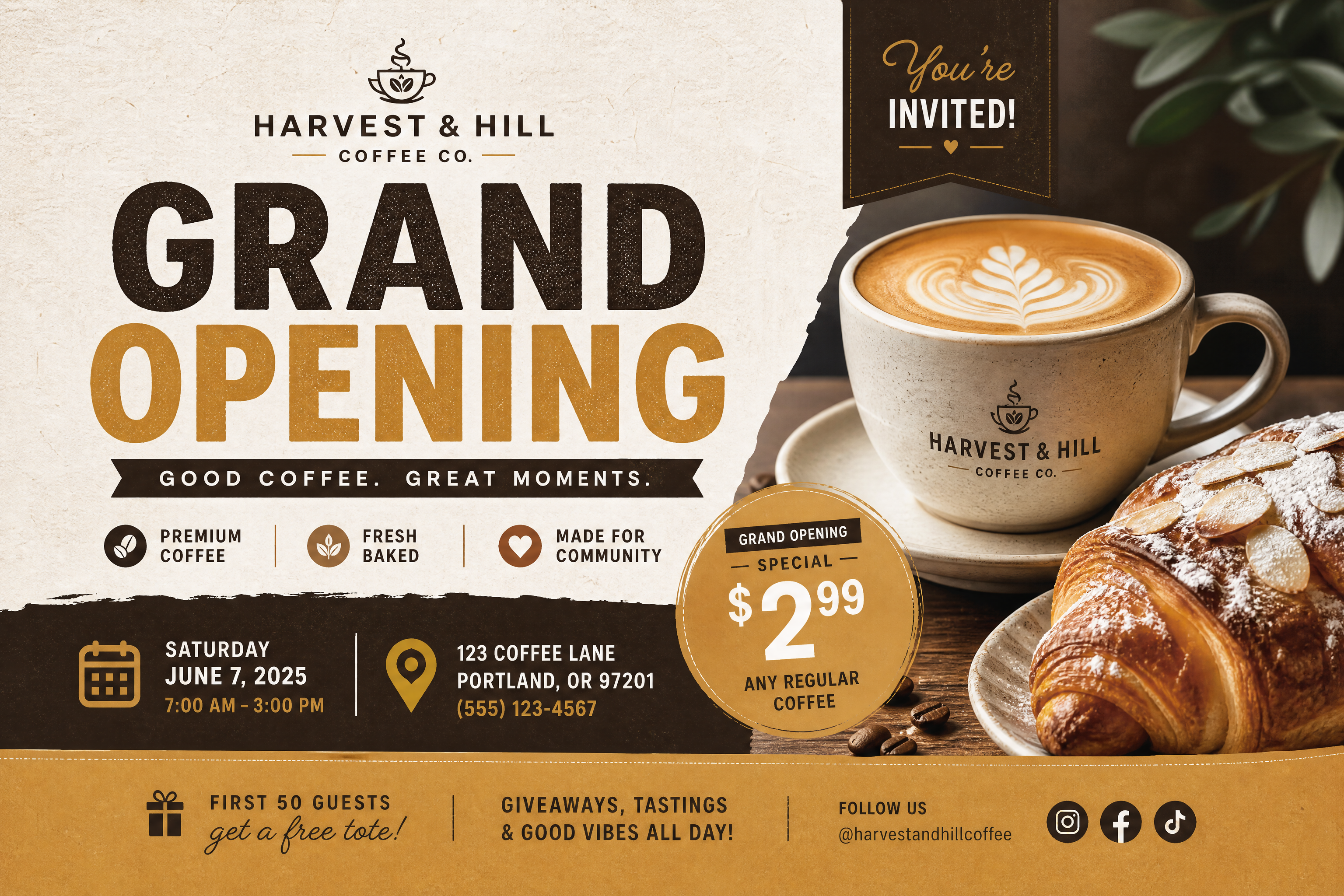
Ready to Try AI Grand Opening Flyer Generator?
Get started for free. No credit card required.
Try it Free