AI Label Design Generator
Turn plain packaging into clean, on-brand label concepts fast.
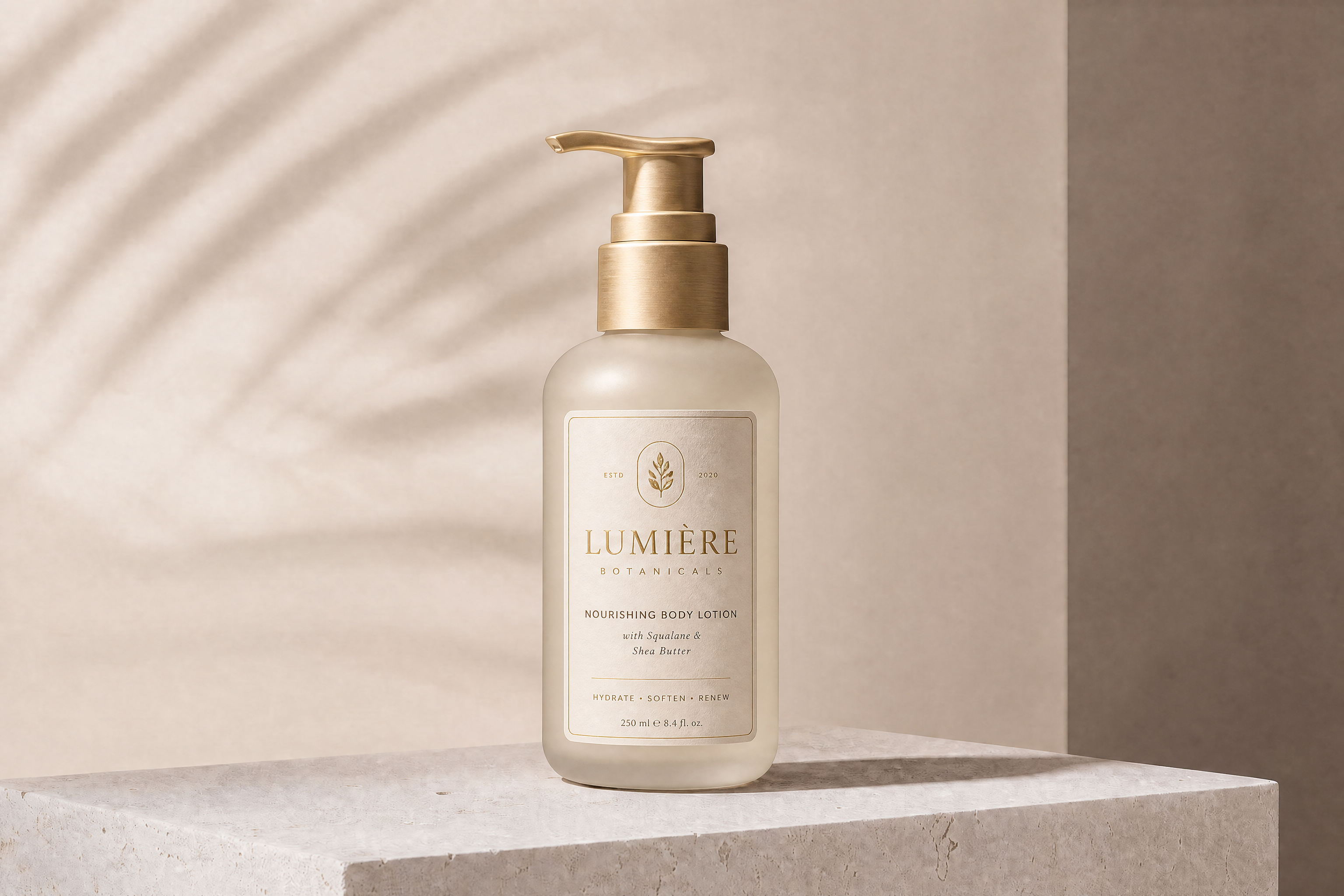
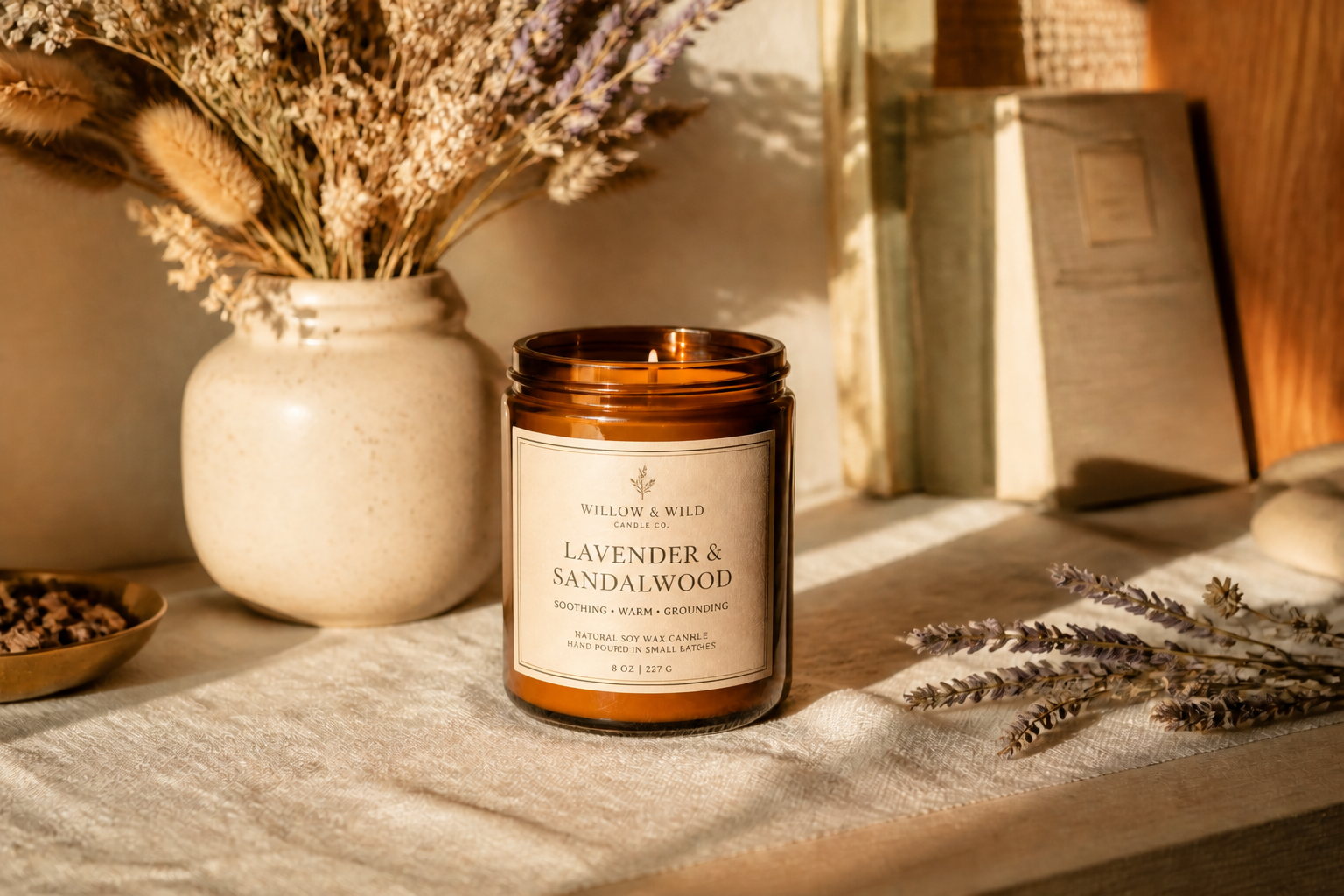
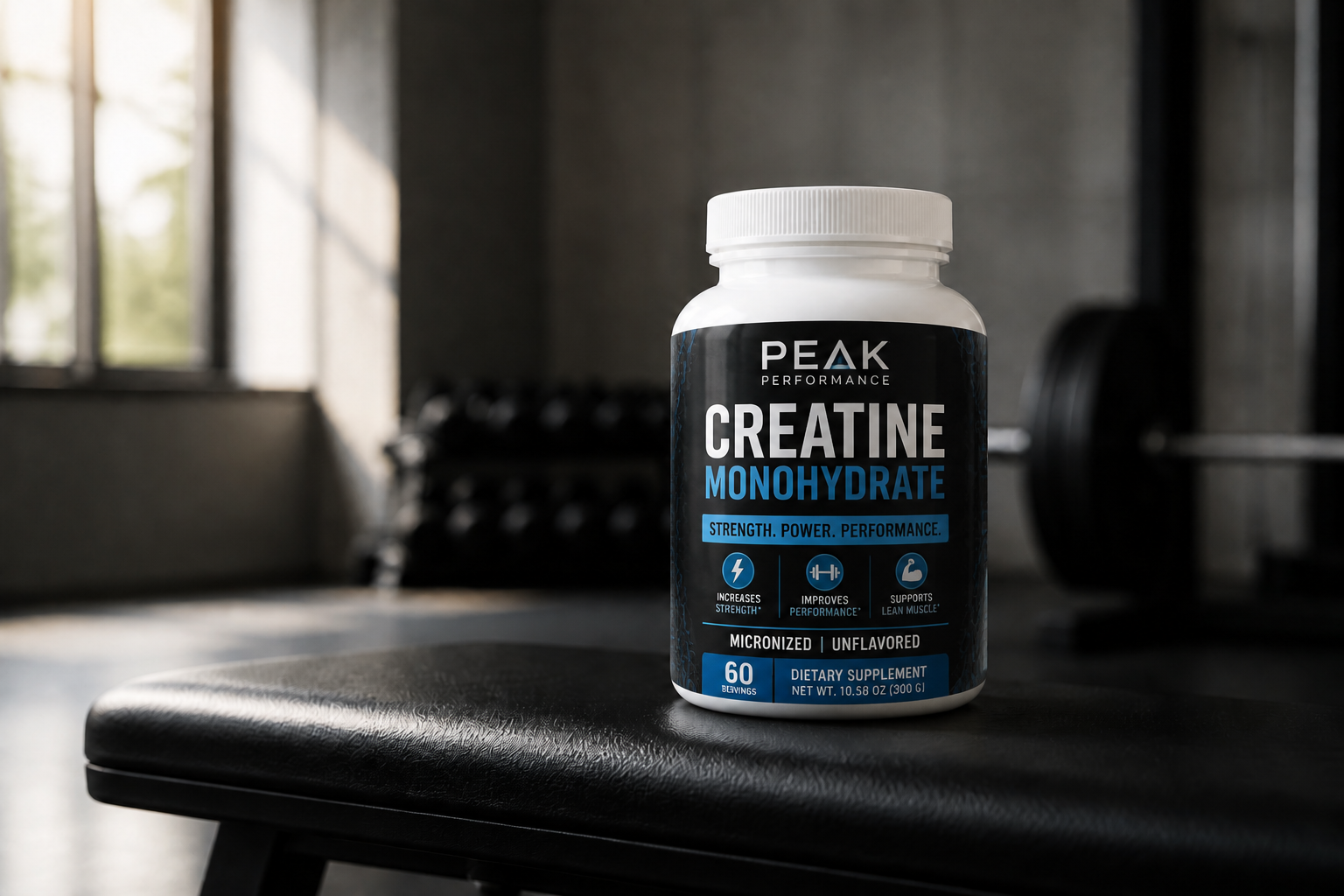
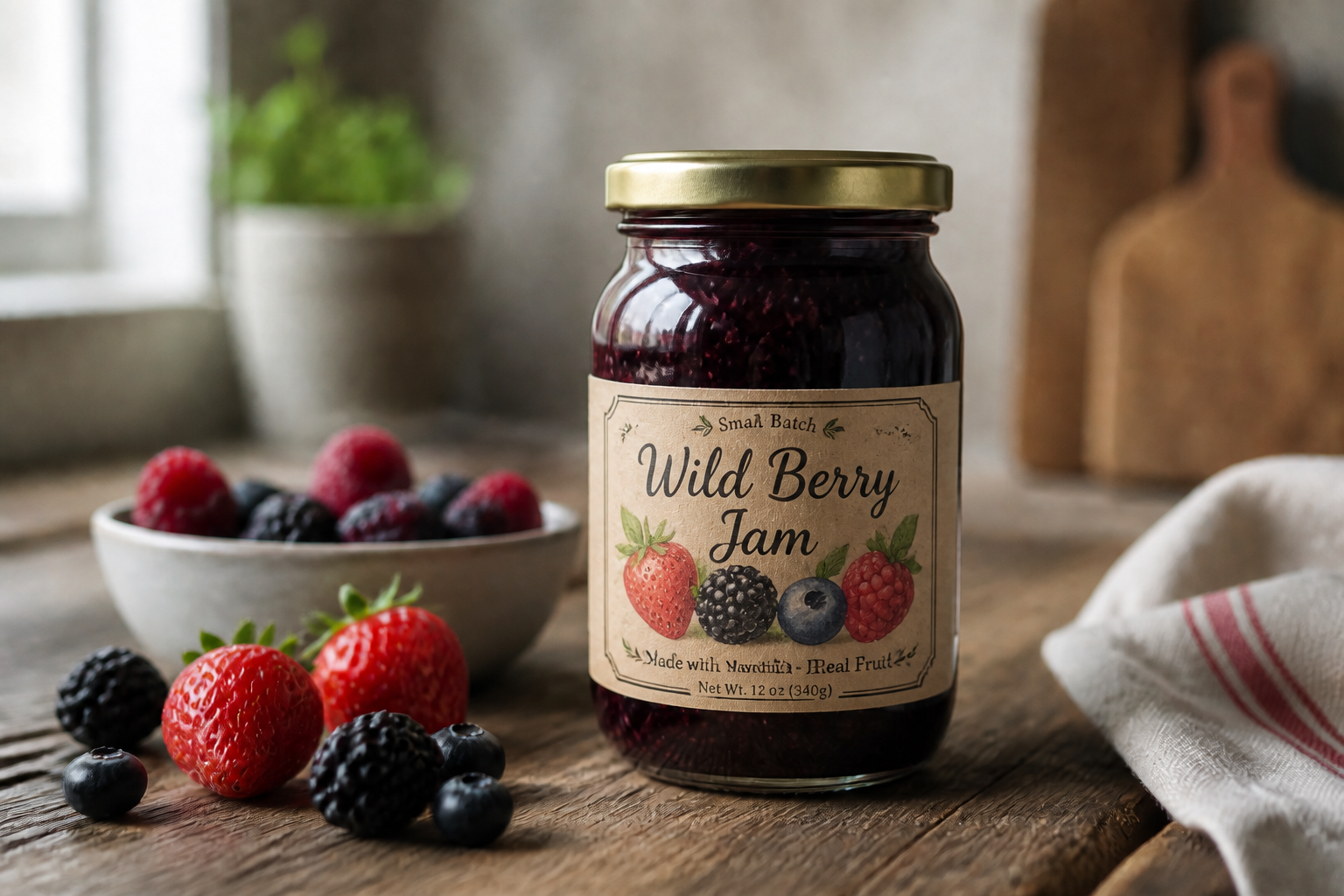
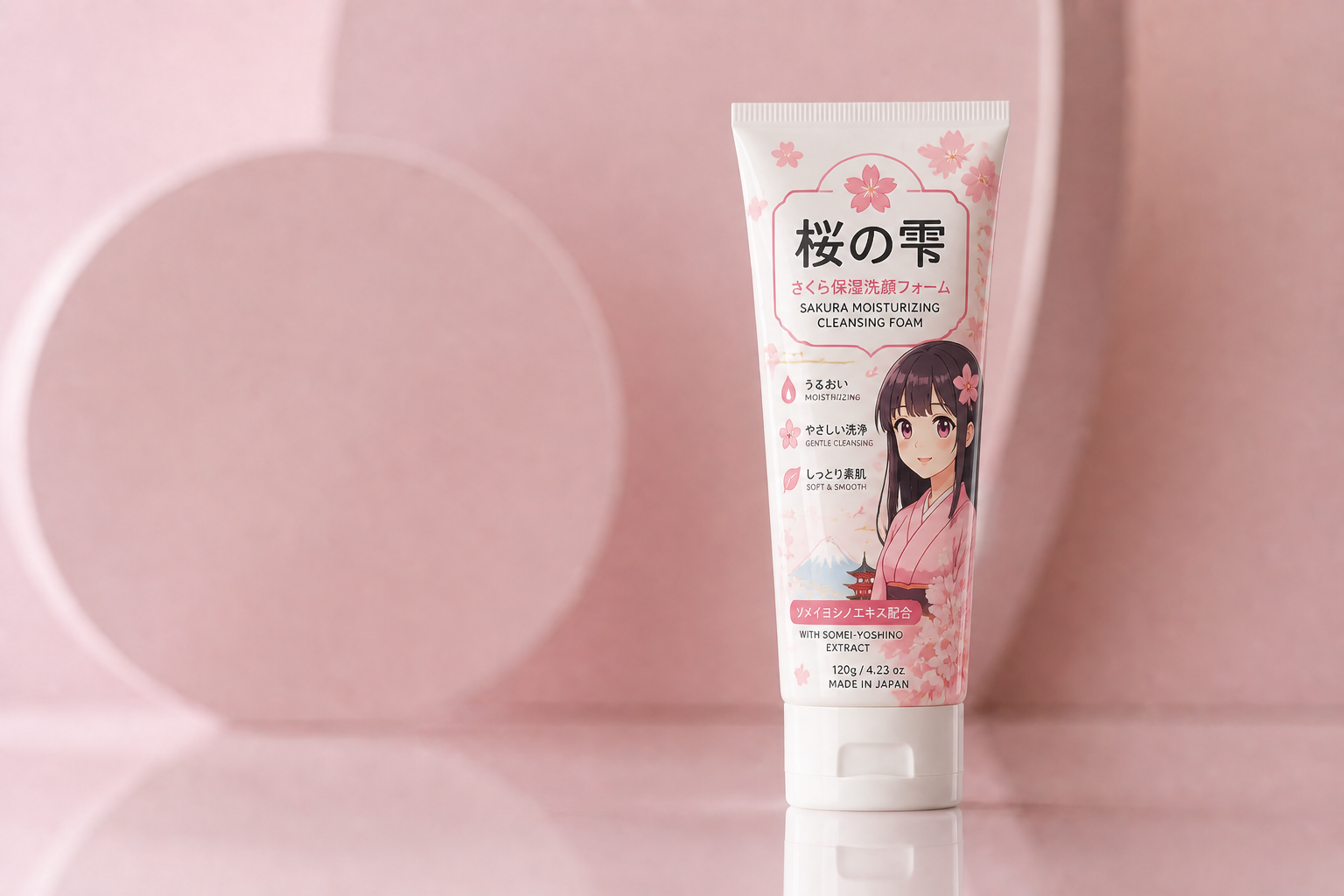
Upload a product photo or start from a simple package mockup, then generate a new label design with our AI. Create styles for skincare, coffee, candles, supplements, drinks, and more while keeping the product shape and scene intact.
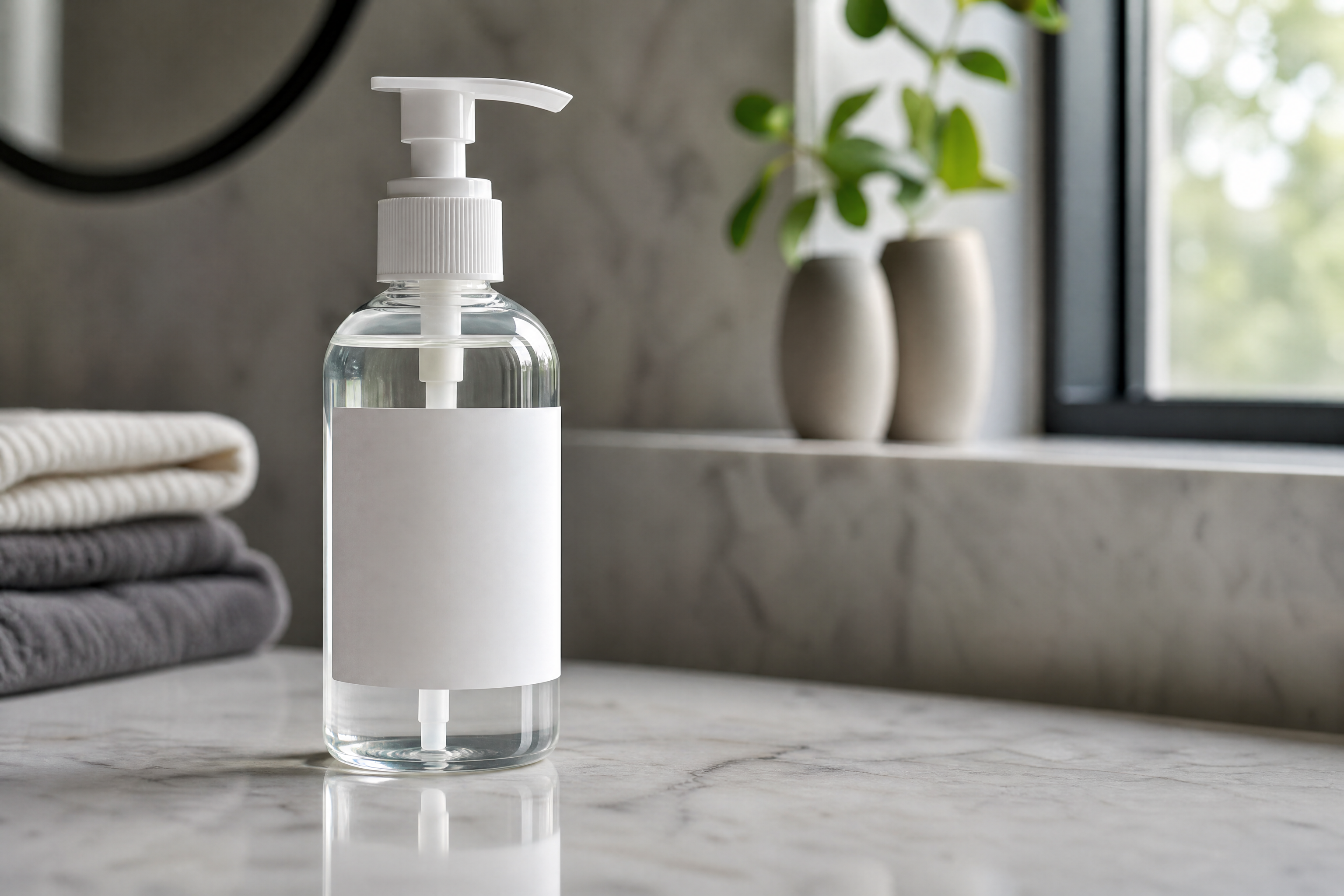
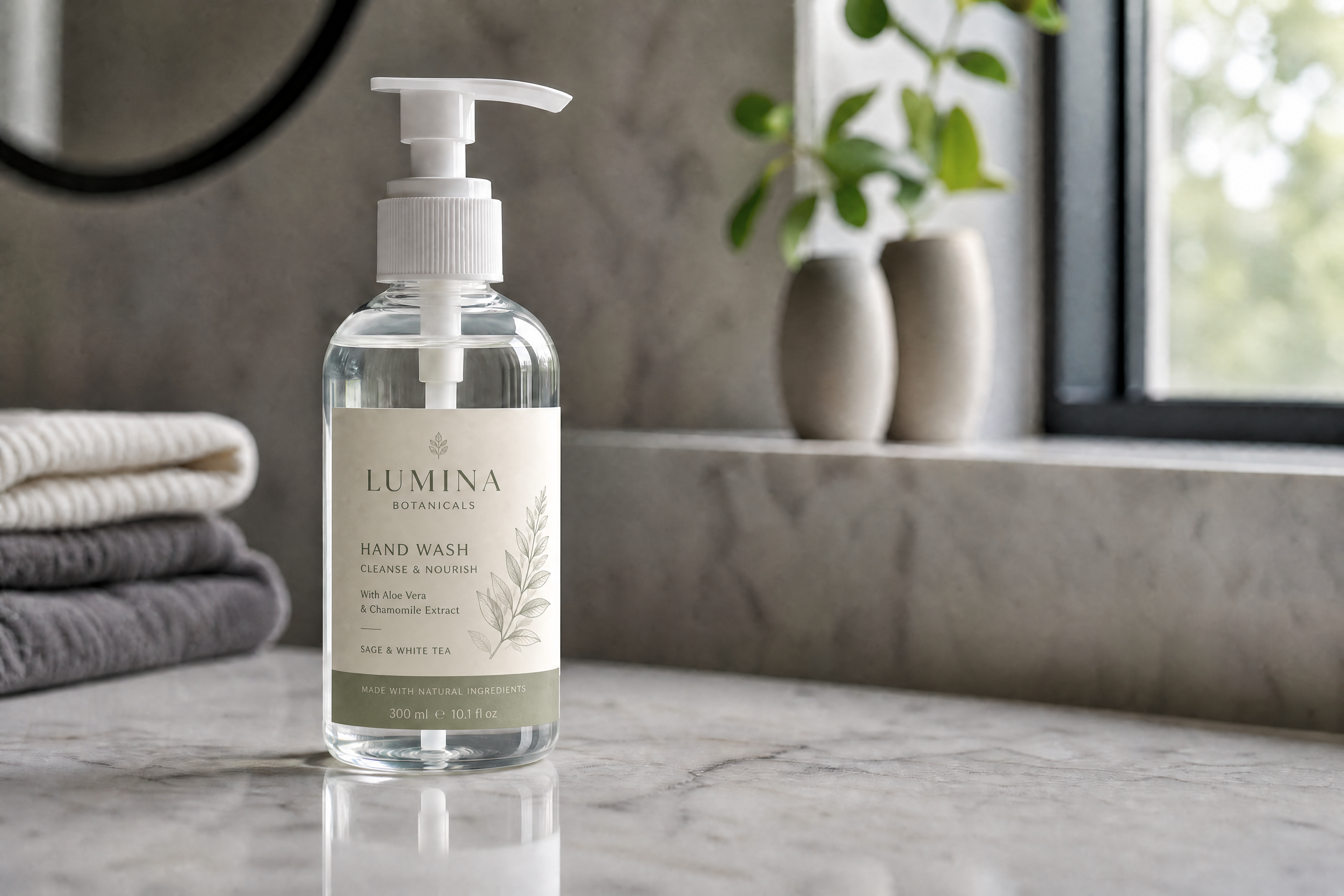
Watch the Transformation
See ai label design generator in motion — generated end-to-end by our AI.
See It In Action
Real outputs from ai label design generator.
BEFOREAFTER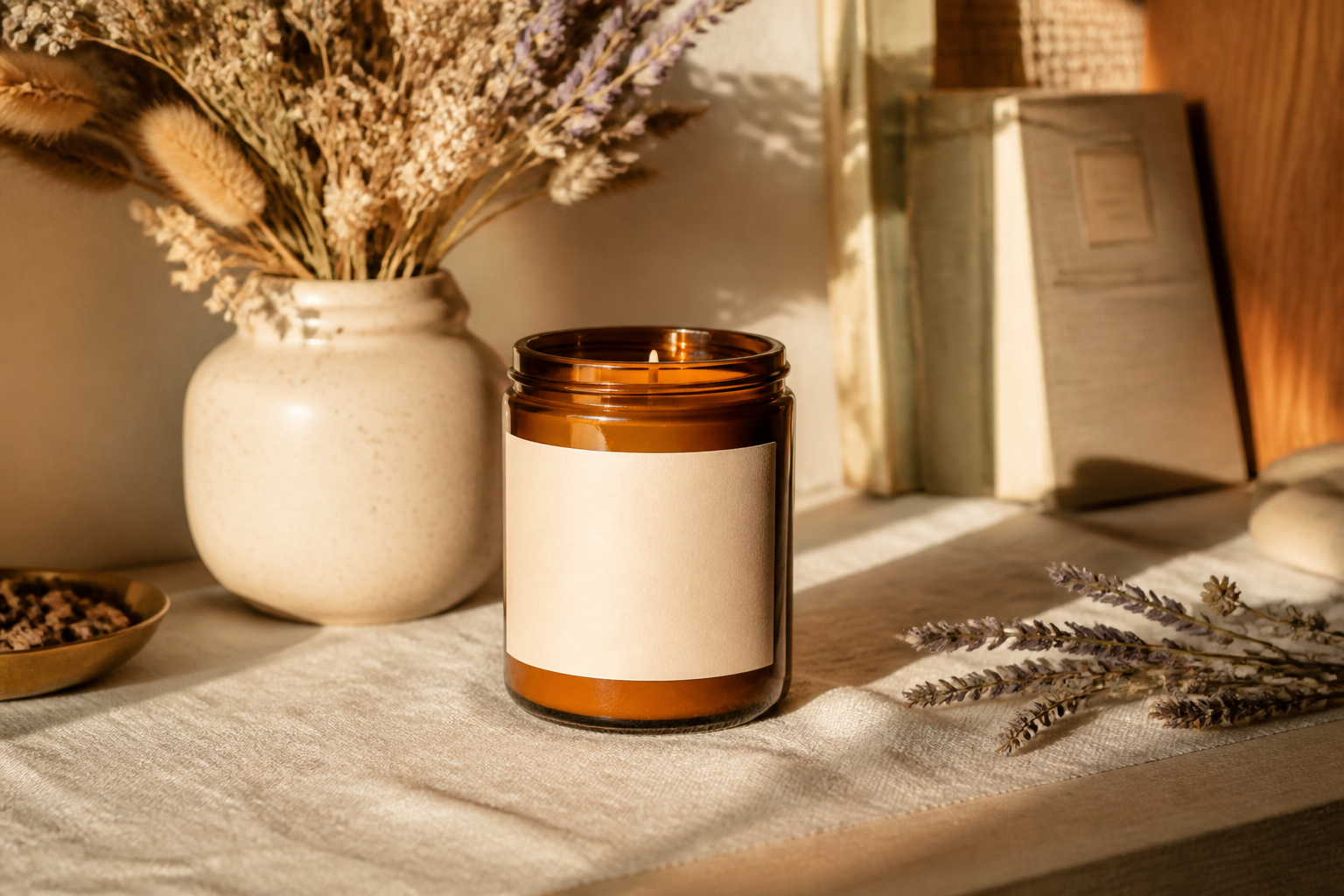 BEFORE
 AFTER
AFTER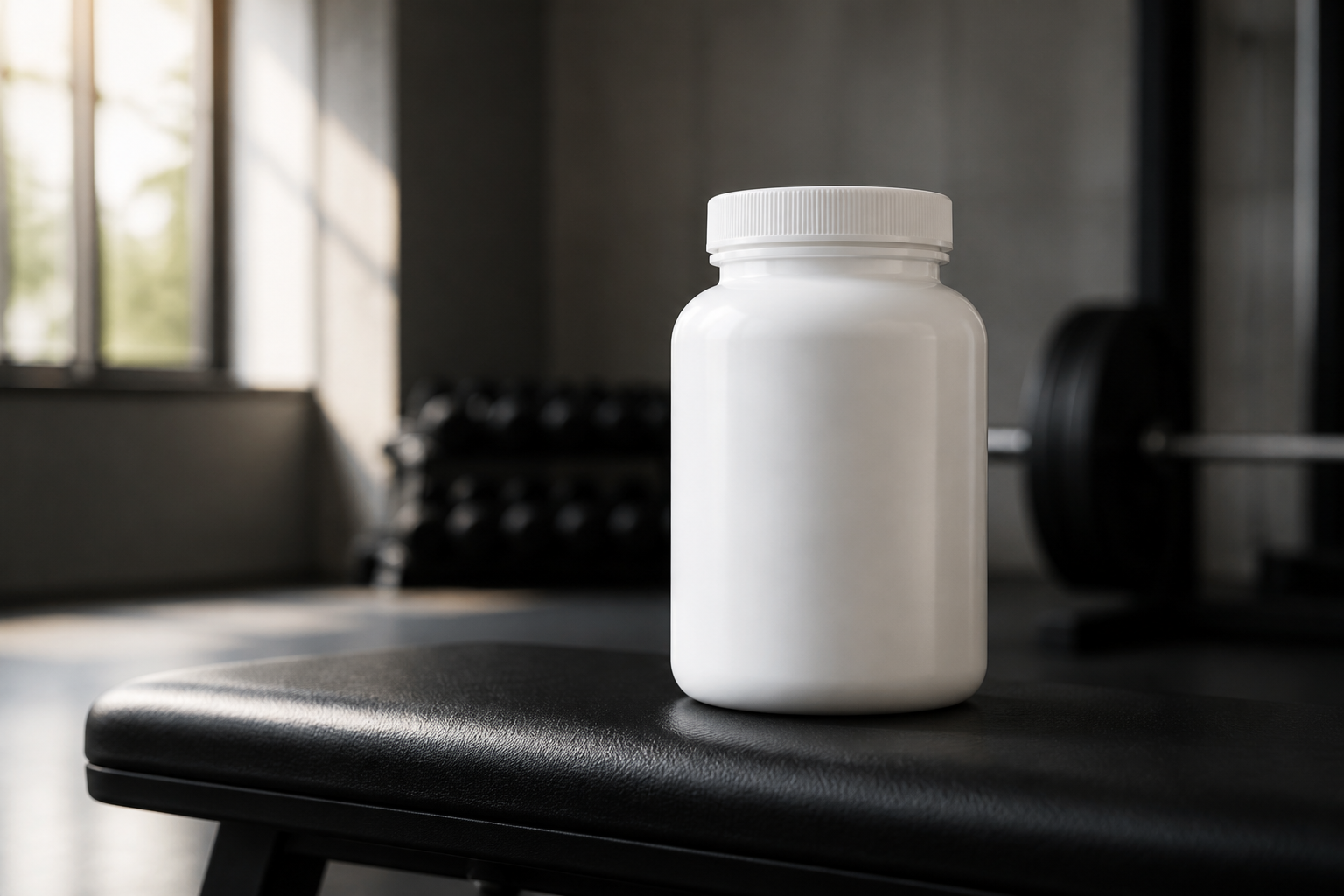 BEFORE
 AFTER
AFTER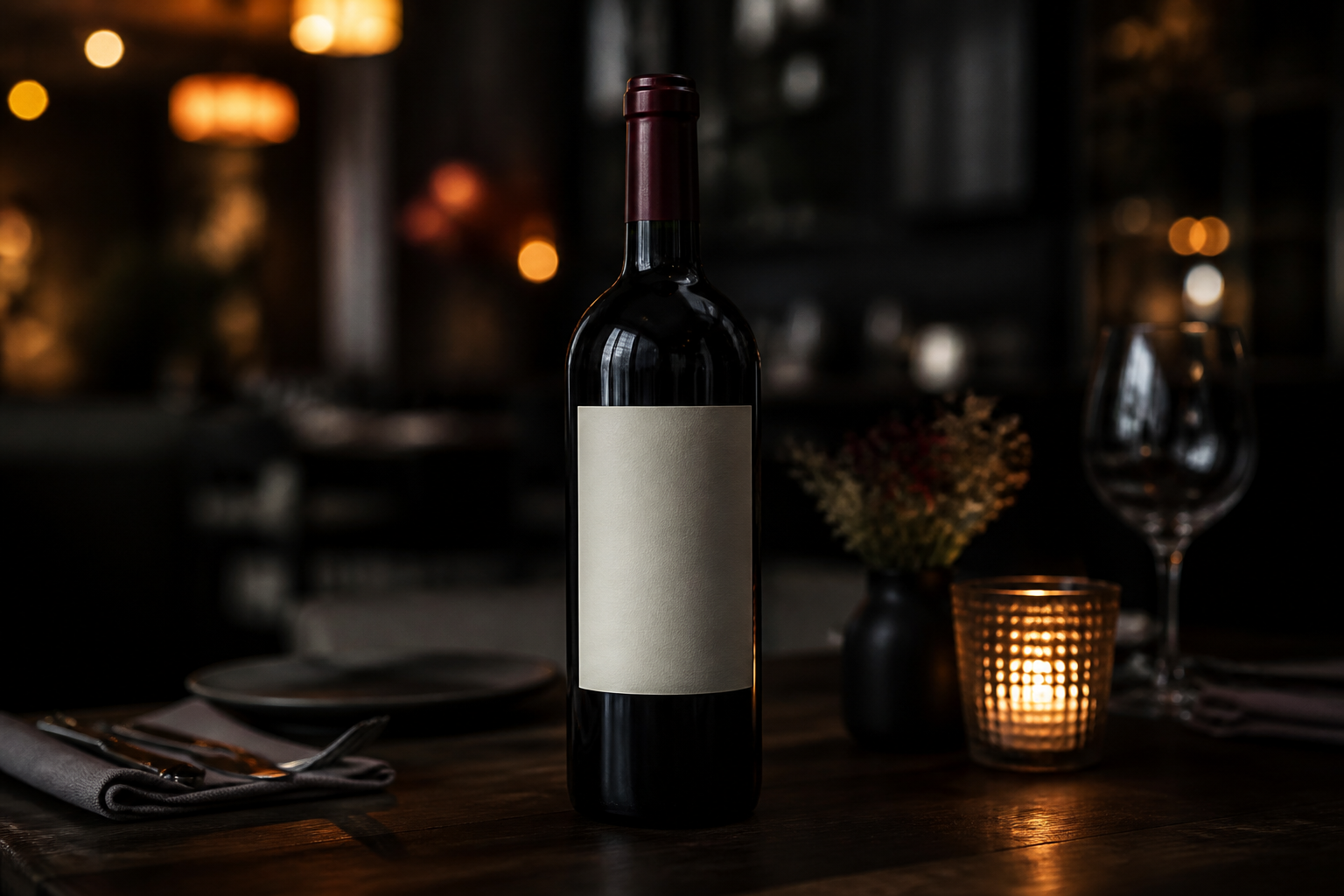 BEFORE
 AFTER
AFTER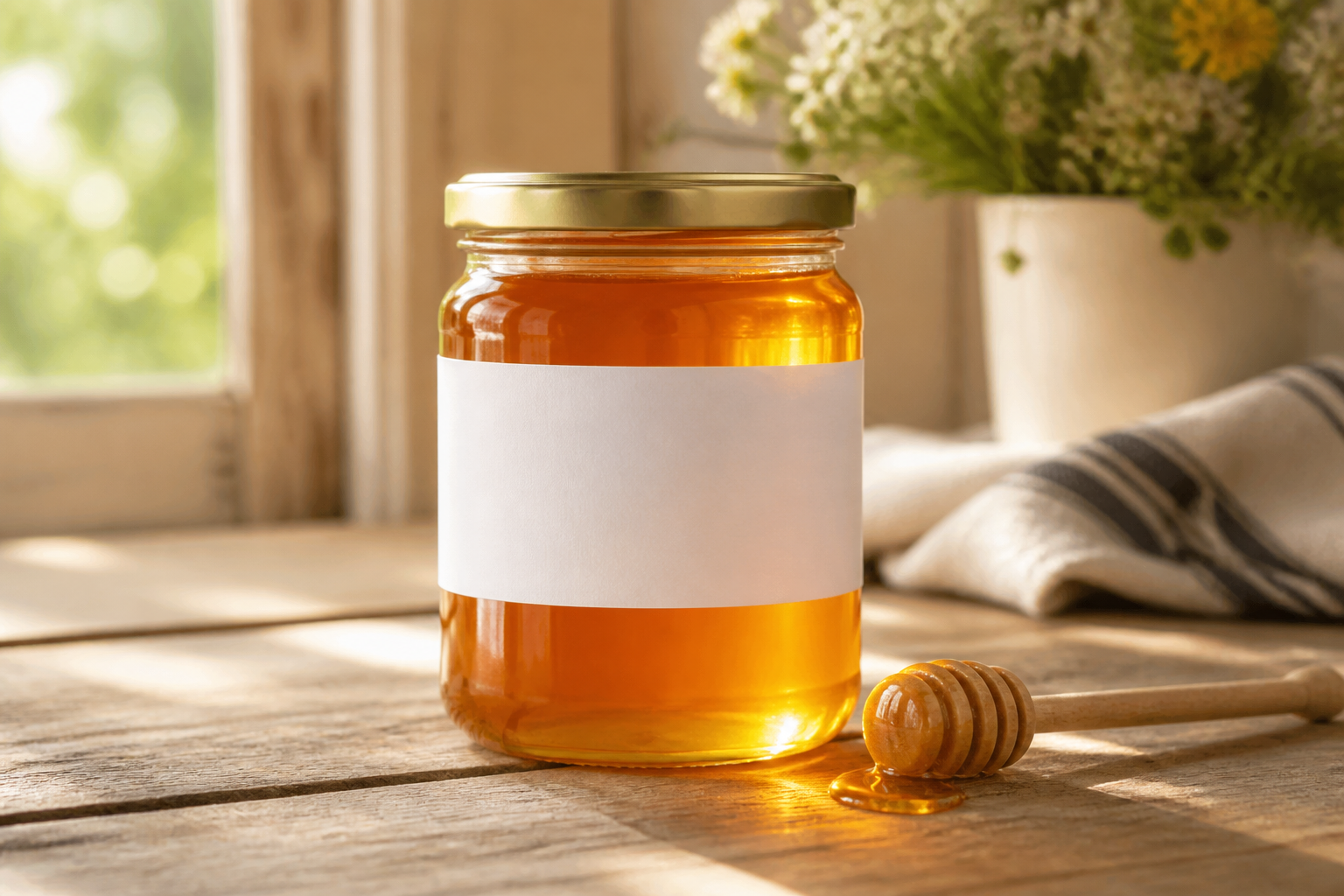 BEFORE
 AFTERBEFOREAFTERBEFOREAFTERBEFOREAFTERBEFOREAFTERBEFOREAFTER
 BEFORE
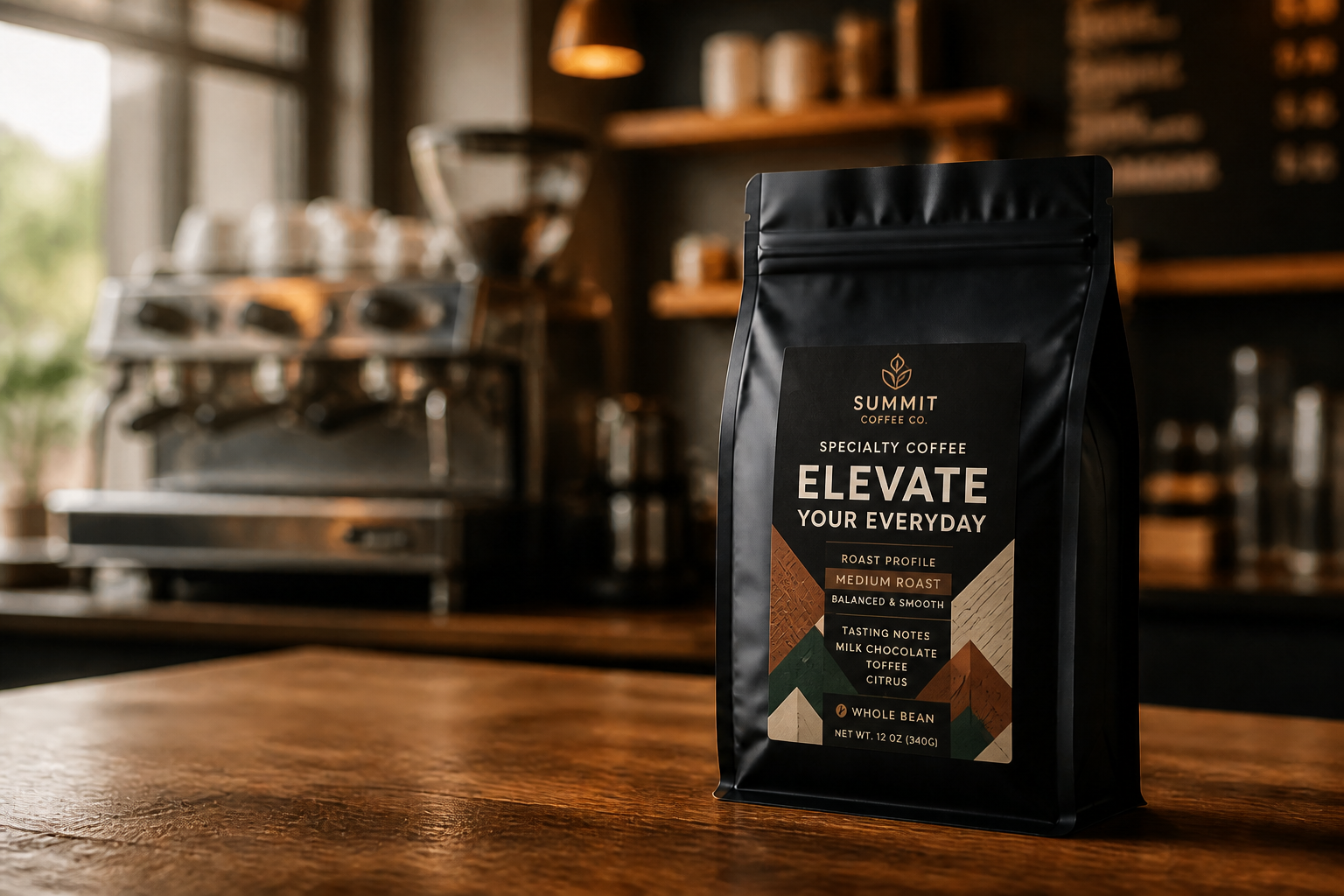 AFTER
AFTER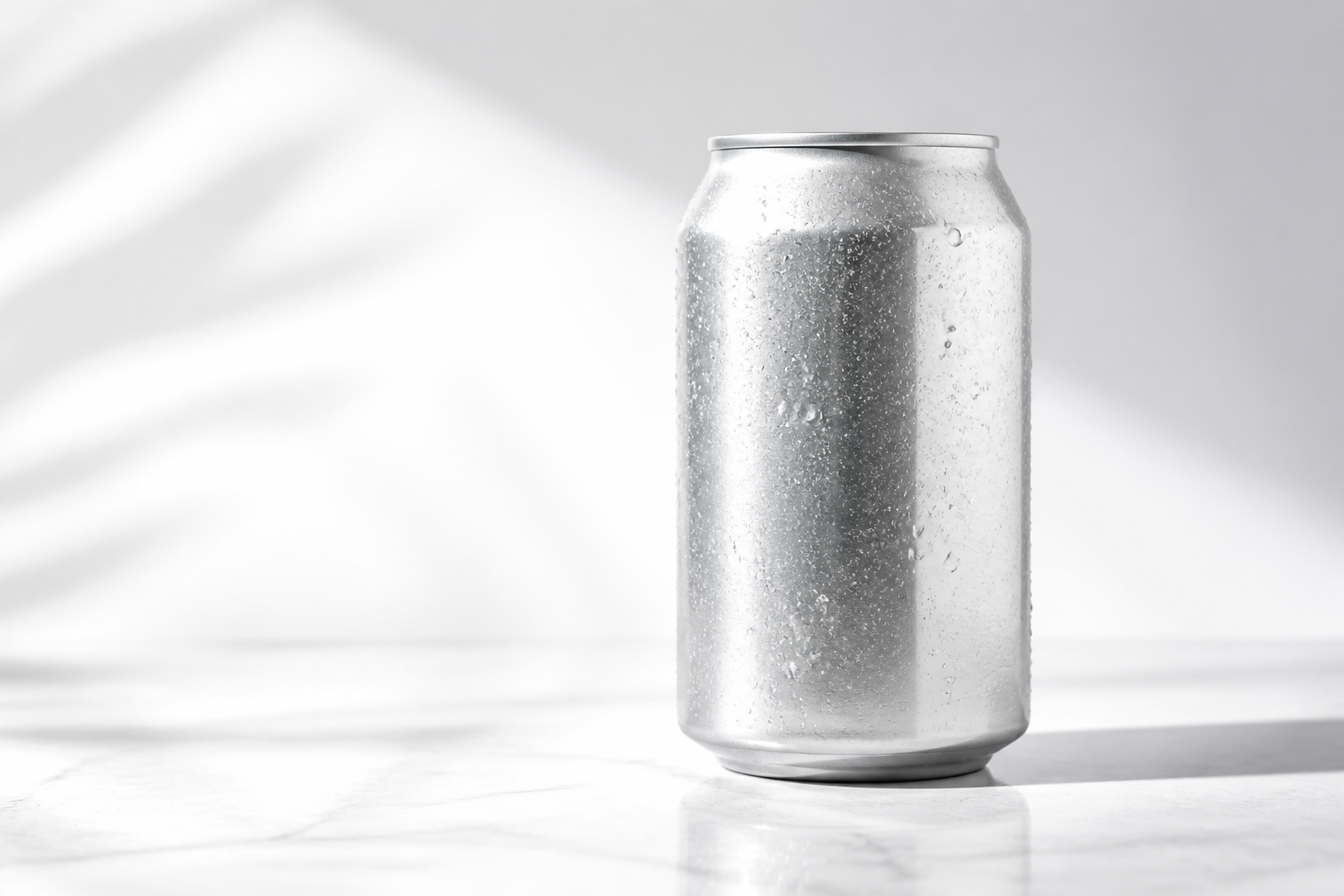 BEFORE
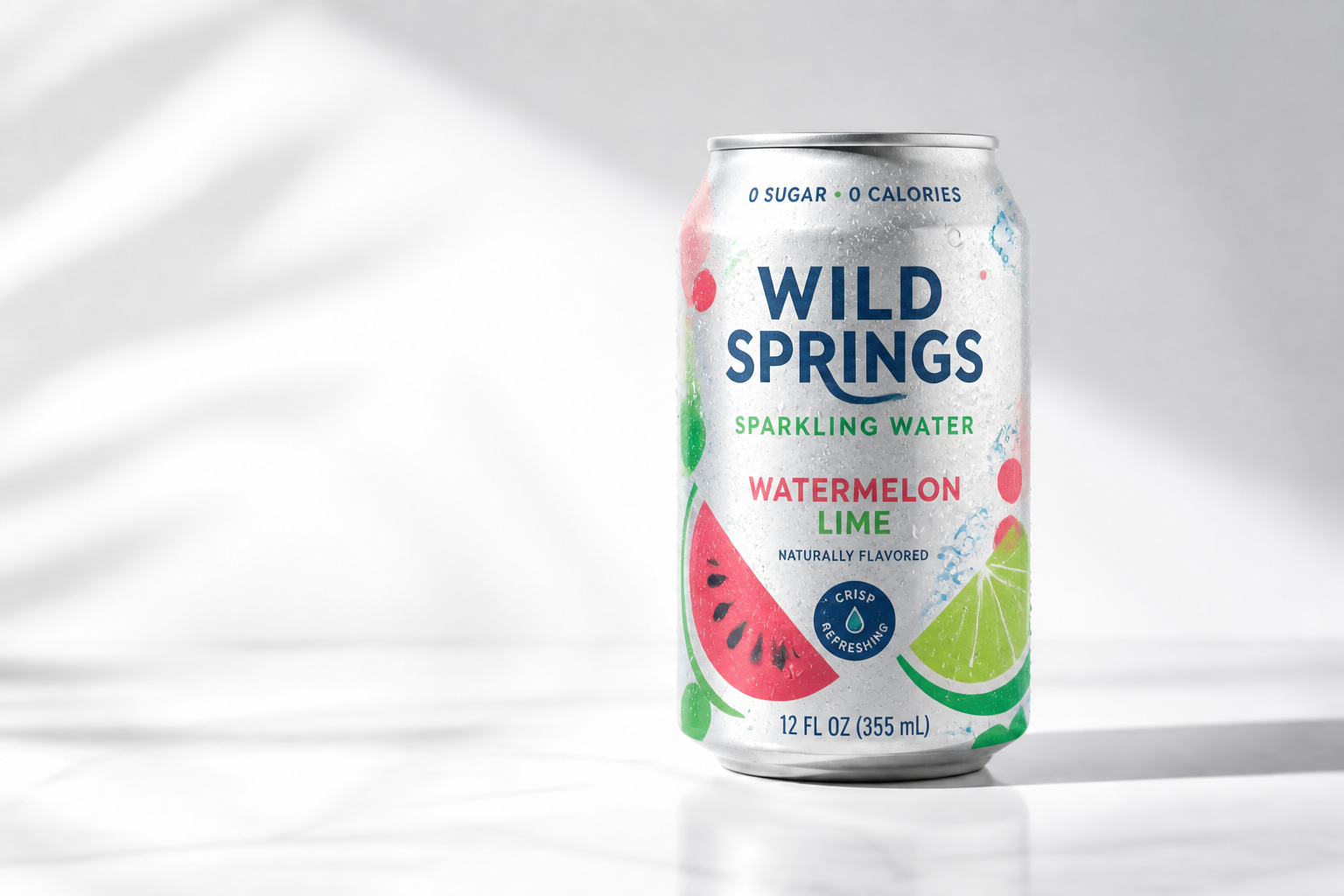 AFTER
AFTER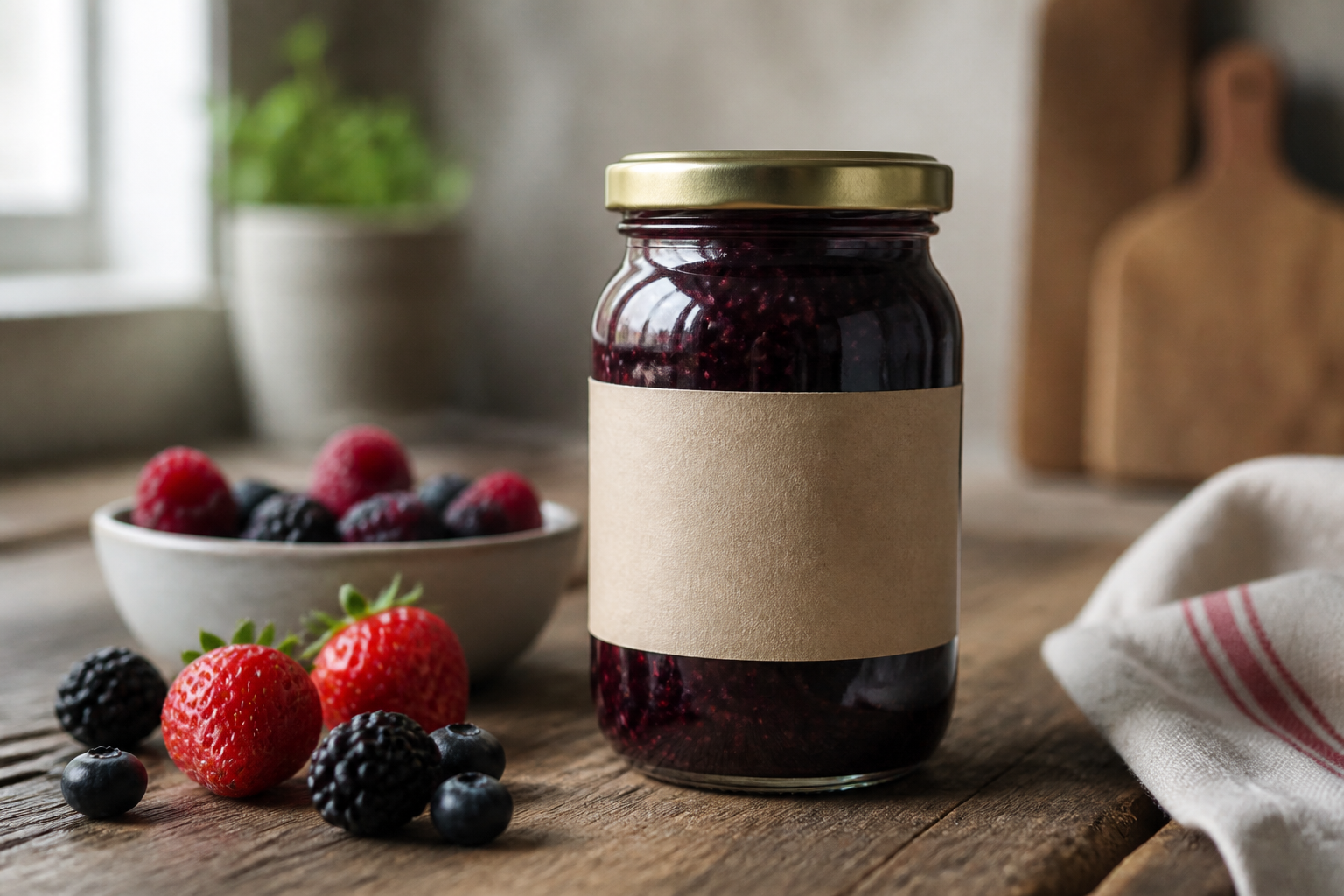 BEFORE
 AFTER
AFTER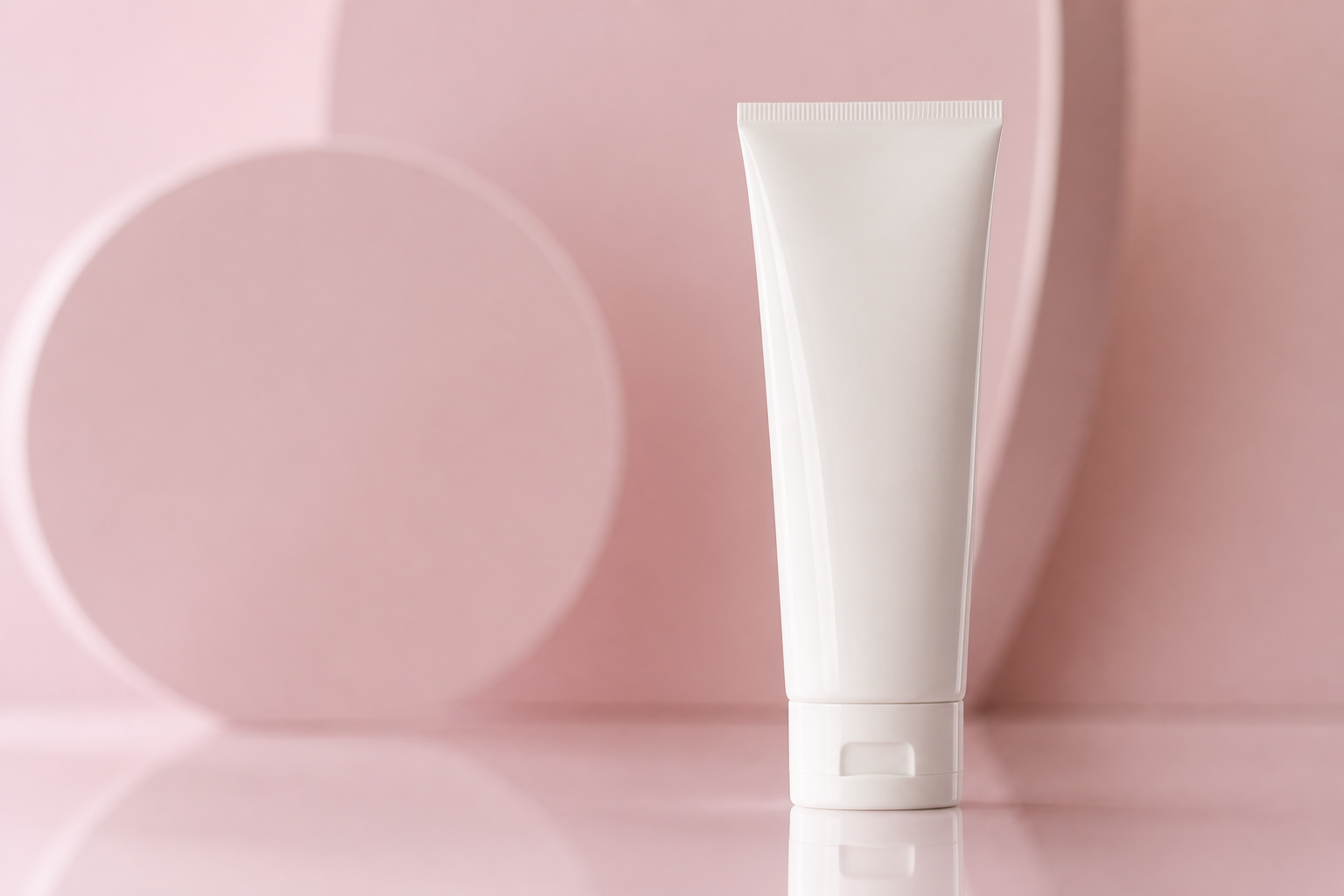 BEFORE
 AFTER
AFTER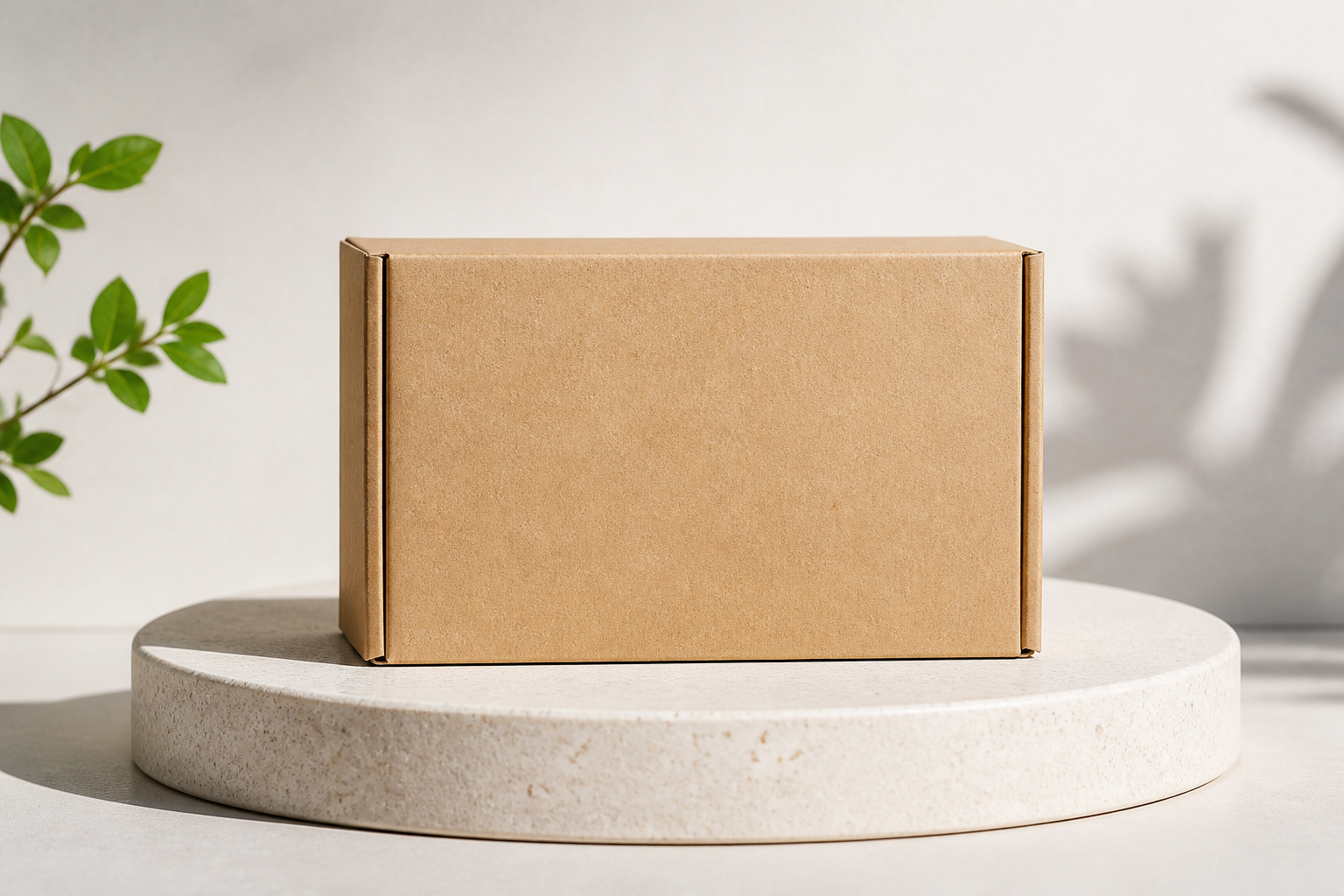 BEFORE
 AFTERBEFOREAFTERBEFOREAFTERBEFOREAFTERBEFOREAFTERBEFOREAFTER
Key Features
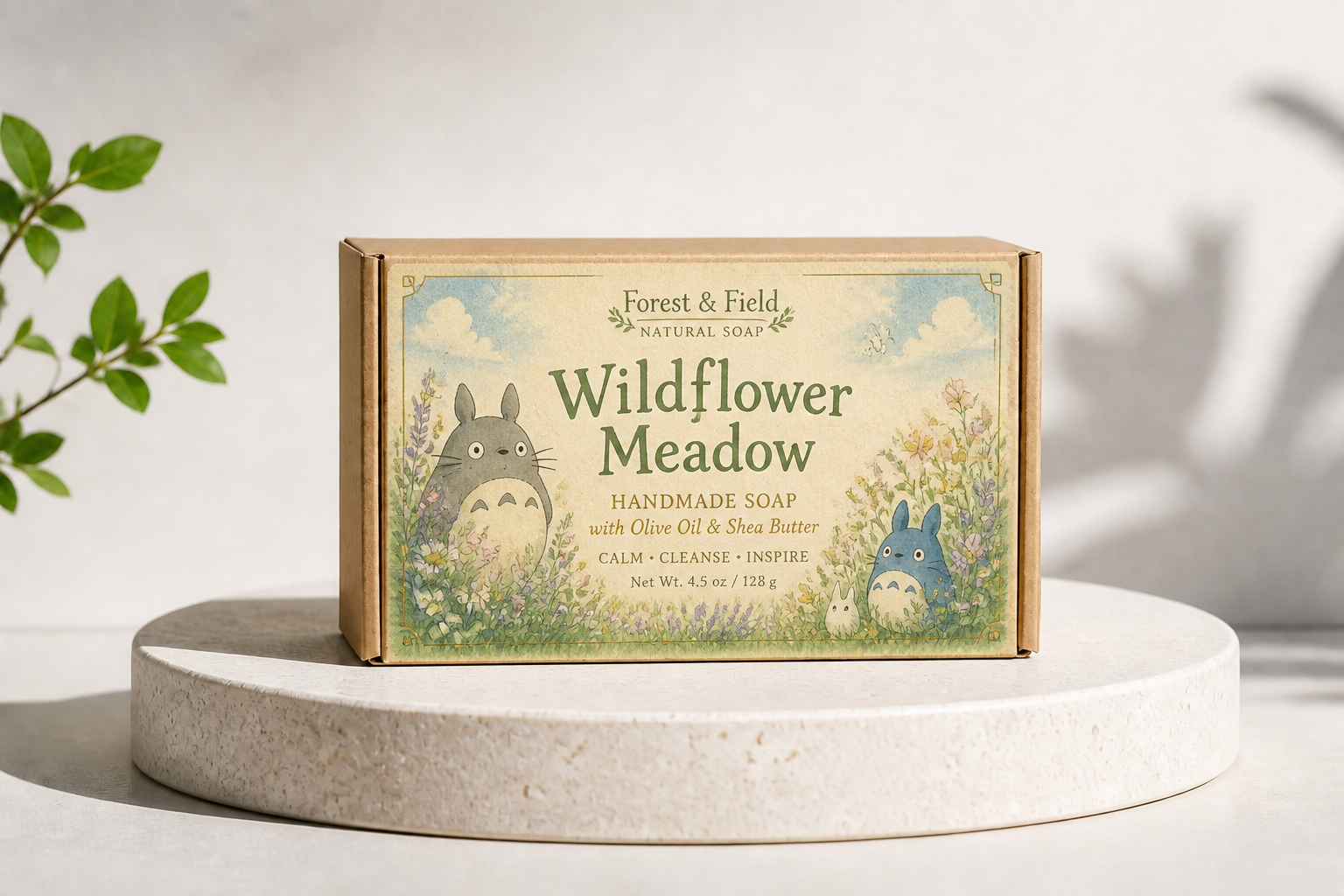
Swap labels, keep the shot
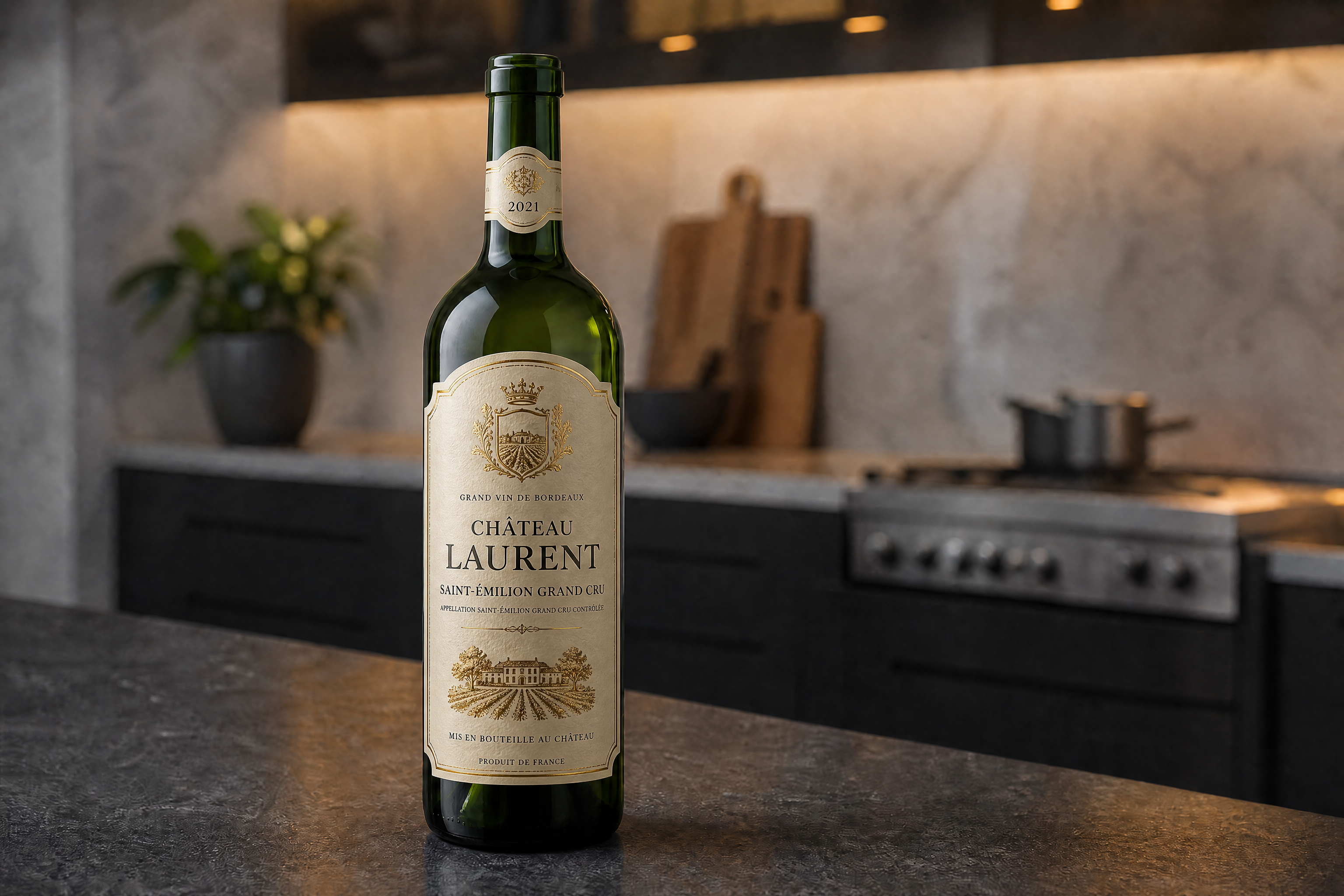
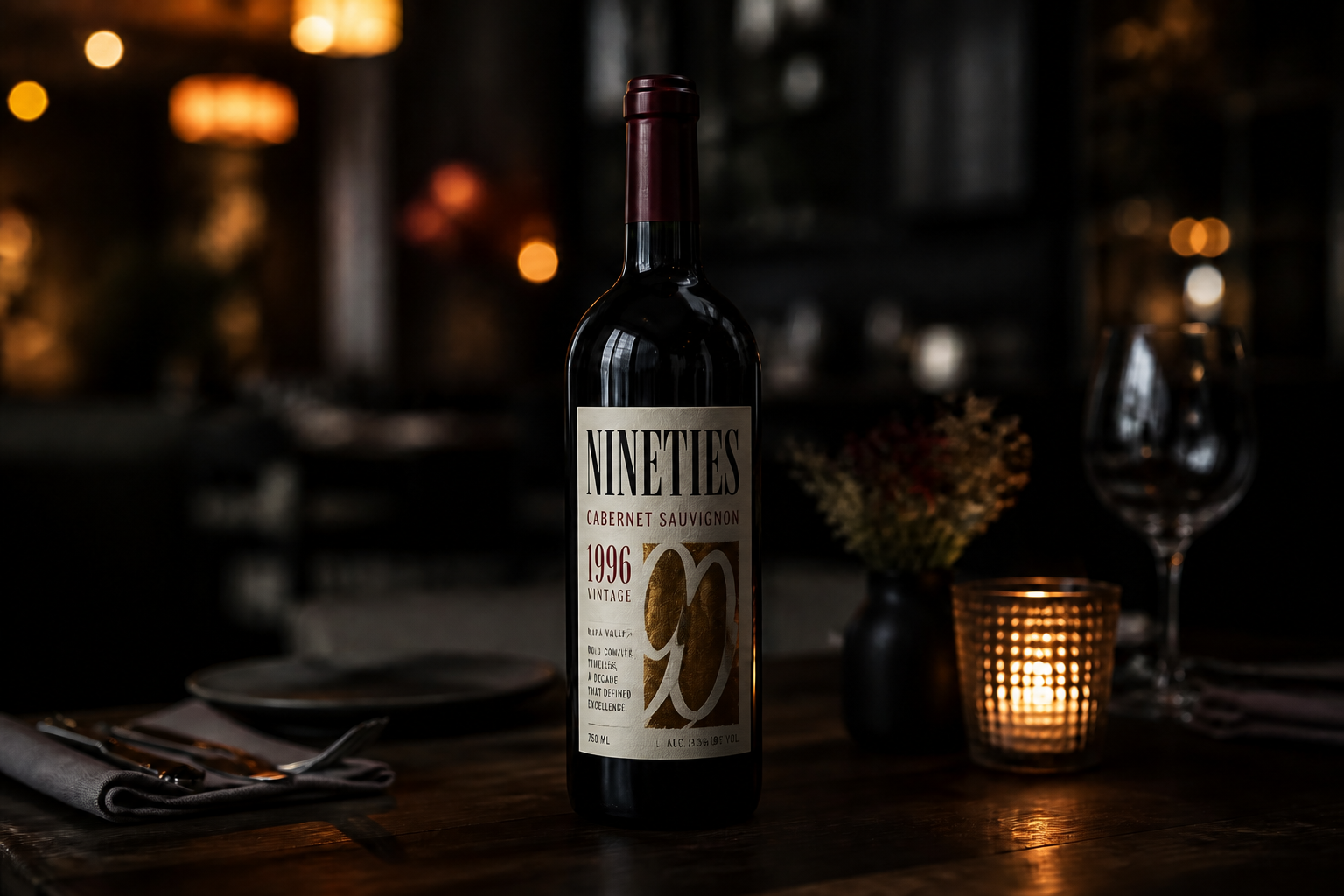
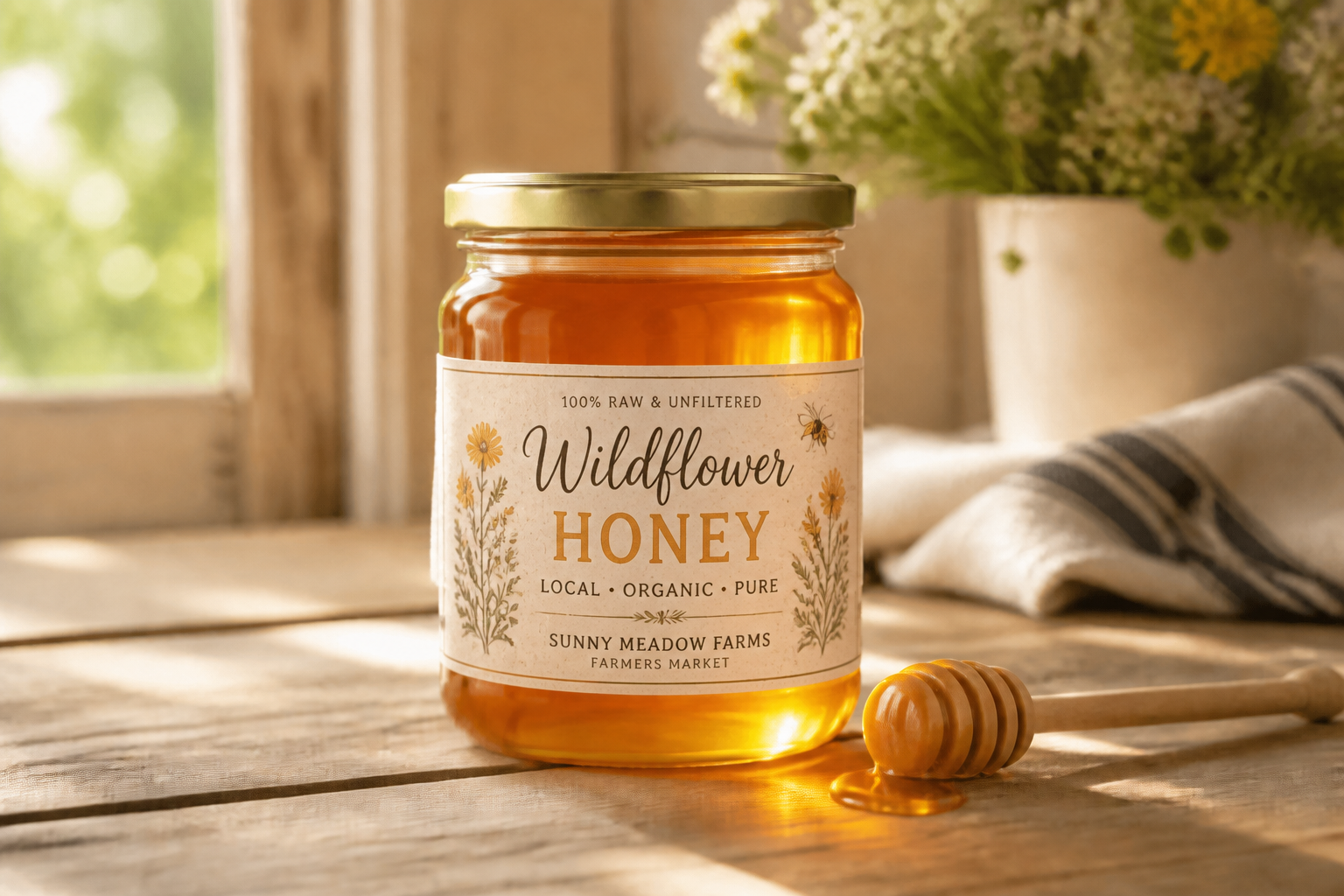
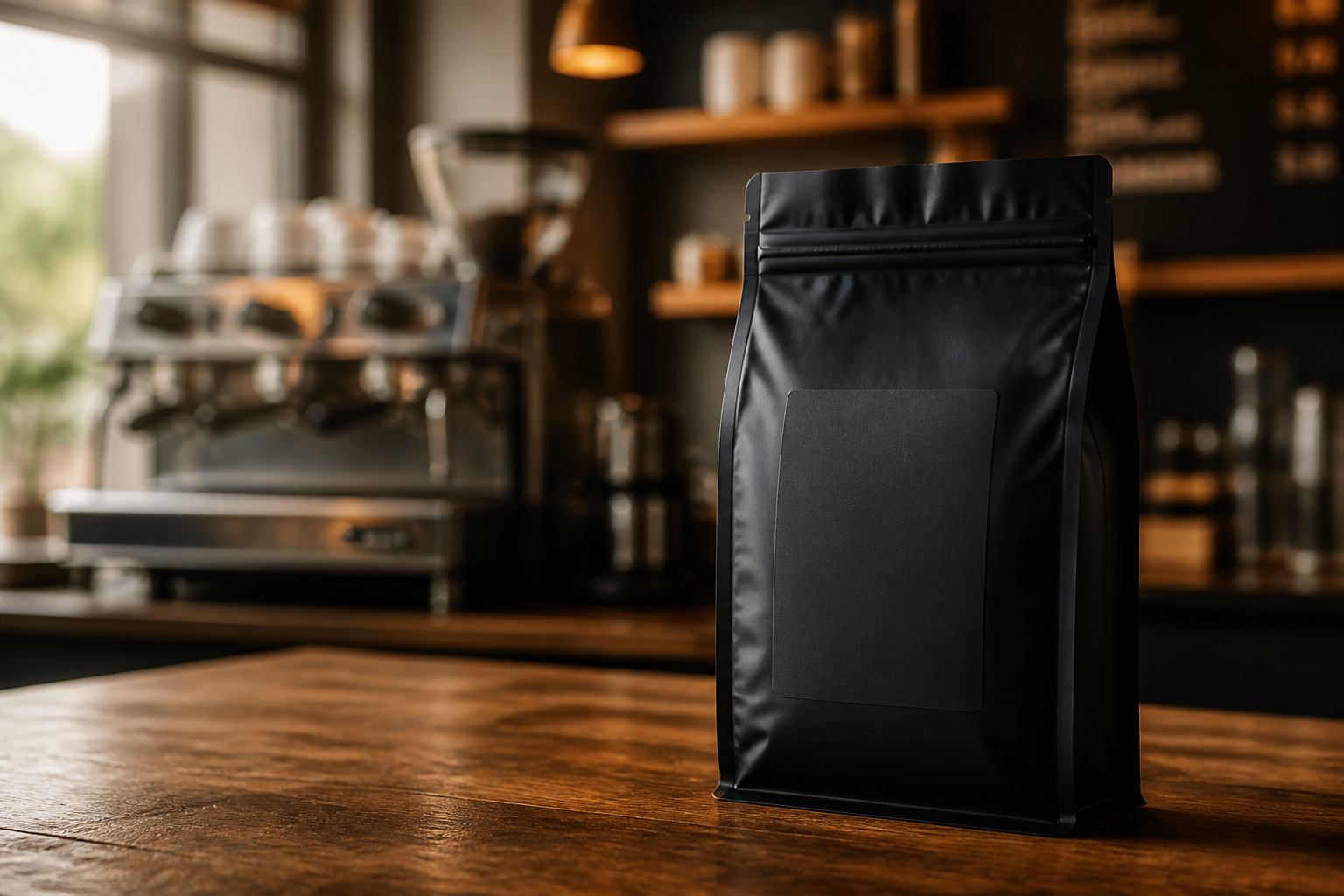
Change the branding without rebuilding the whole product photo. Our AI updates the label while preserving the package shape, camera angle, lighting, and scene. That makes it easy to compare concepts on the same bottle, jar, box, or can. Manual mockups usually take more layers and cleanup to reach the same consistency.
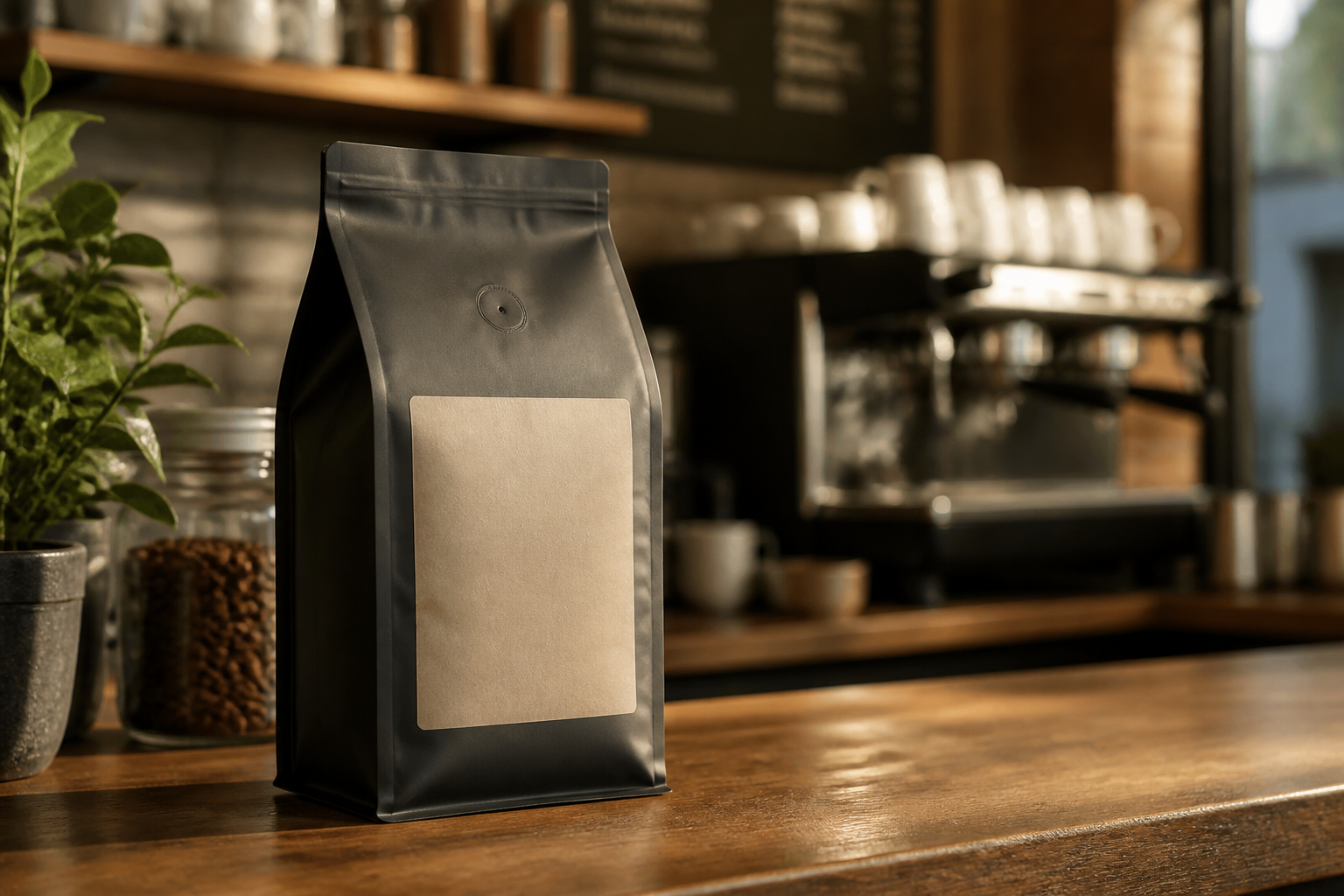
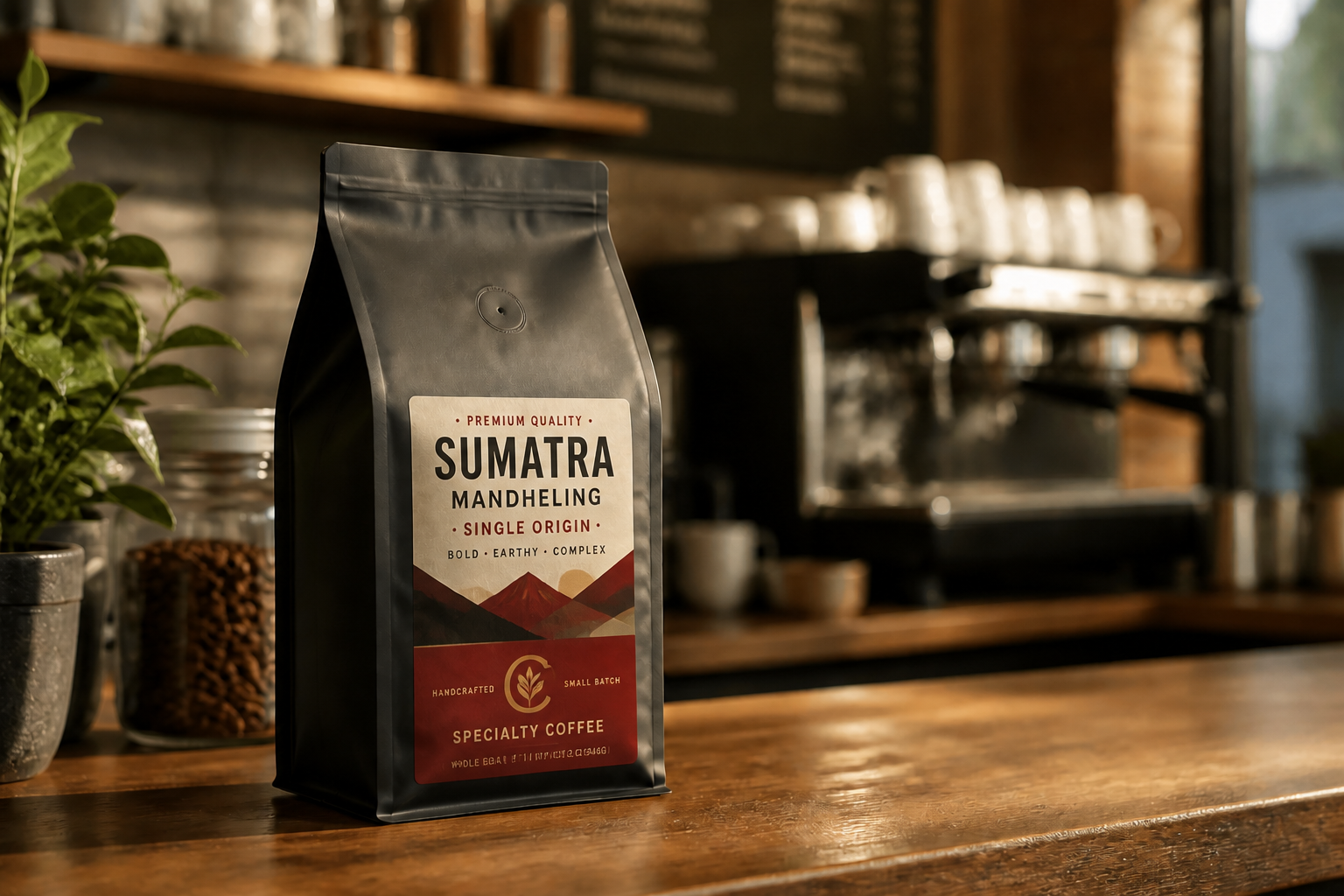
Explore multiple brand directions
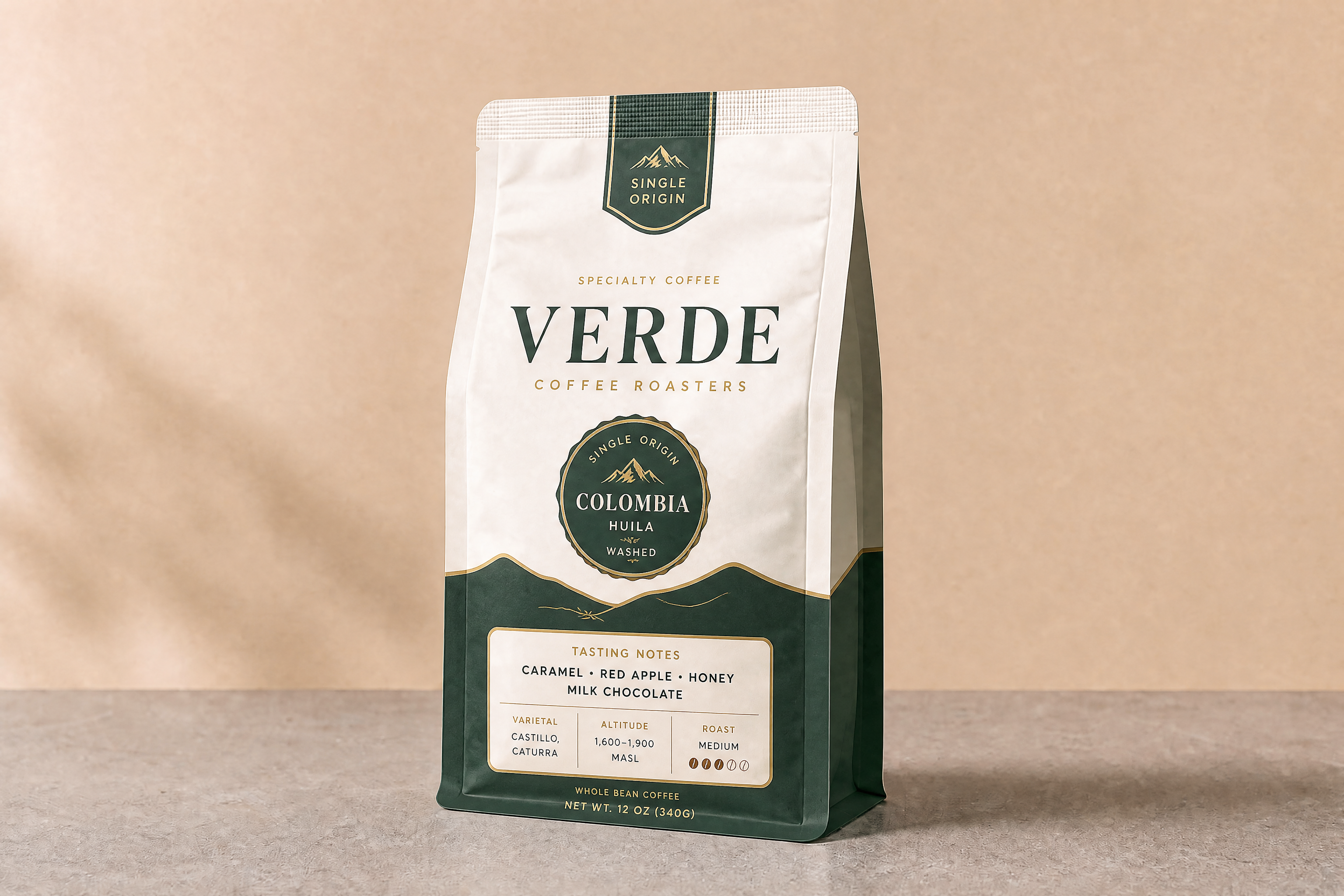
Test very different looks from one starting image. You can go from minimalist to bold retail, rustic handmade, or premium editorial packaging without reshooting the product. This helps teams review directions faster before moving into final design work. It is a practical way to pressure-test packaging ideas early.
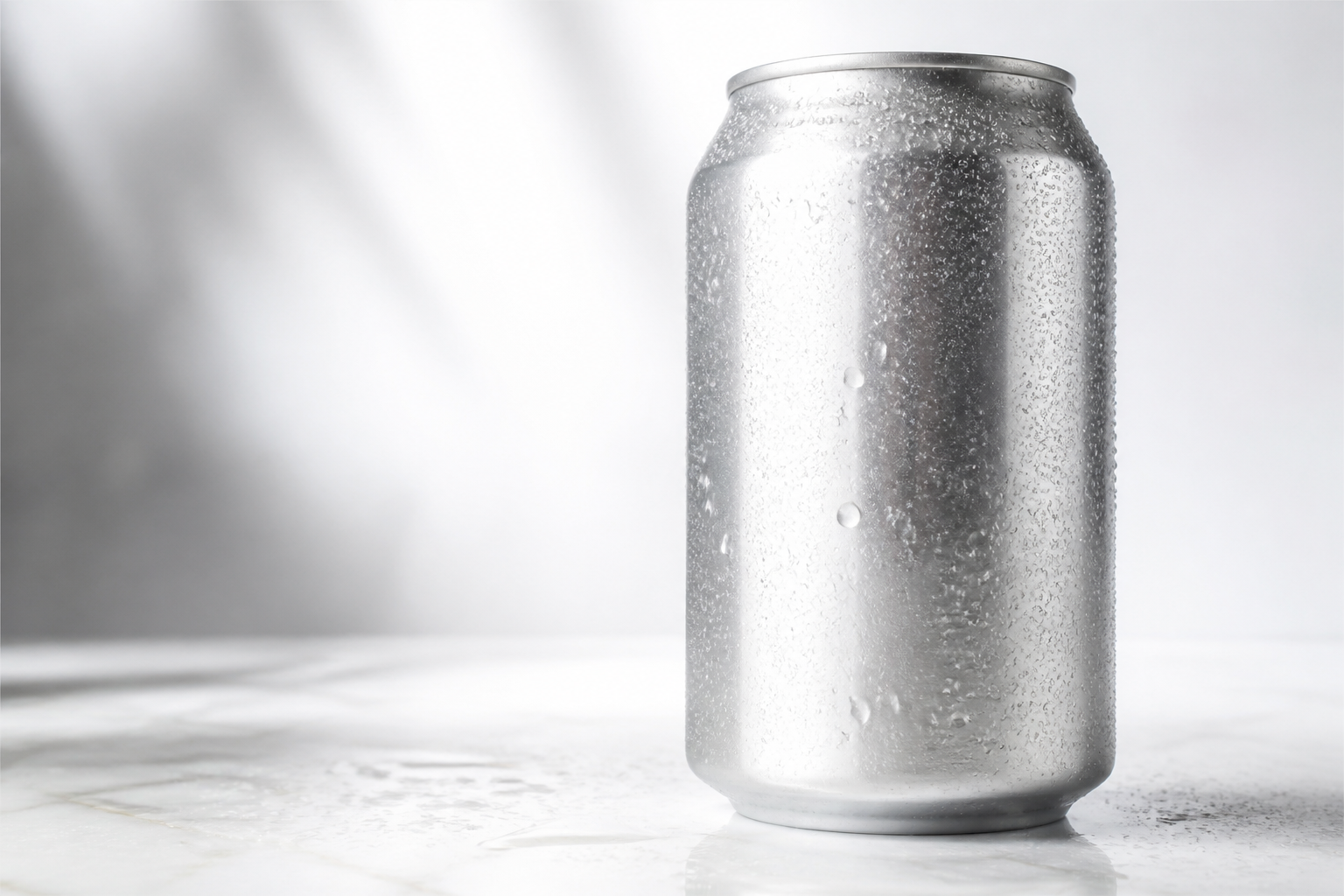
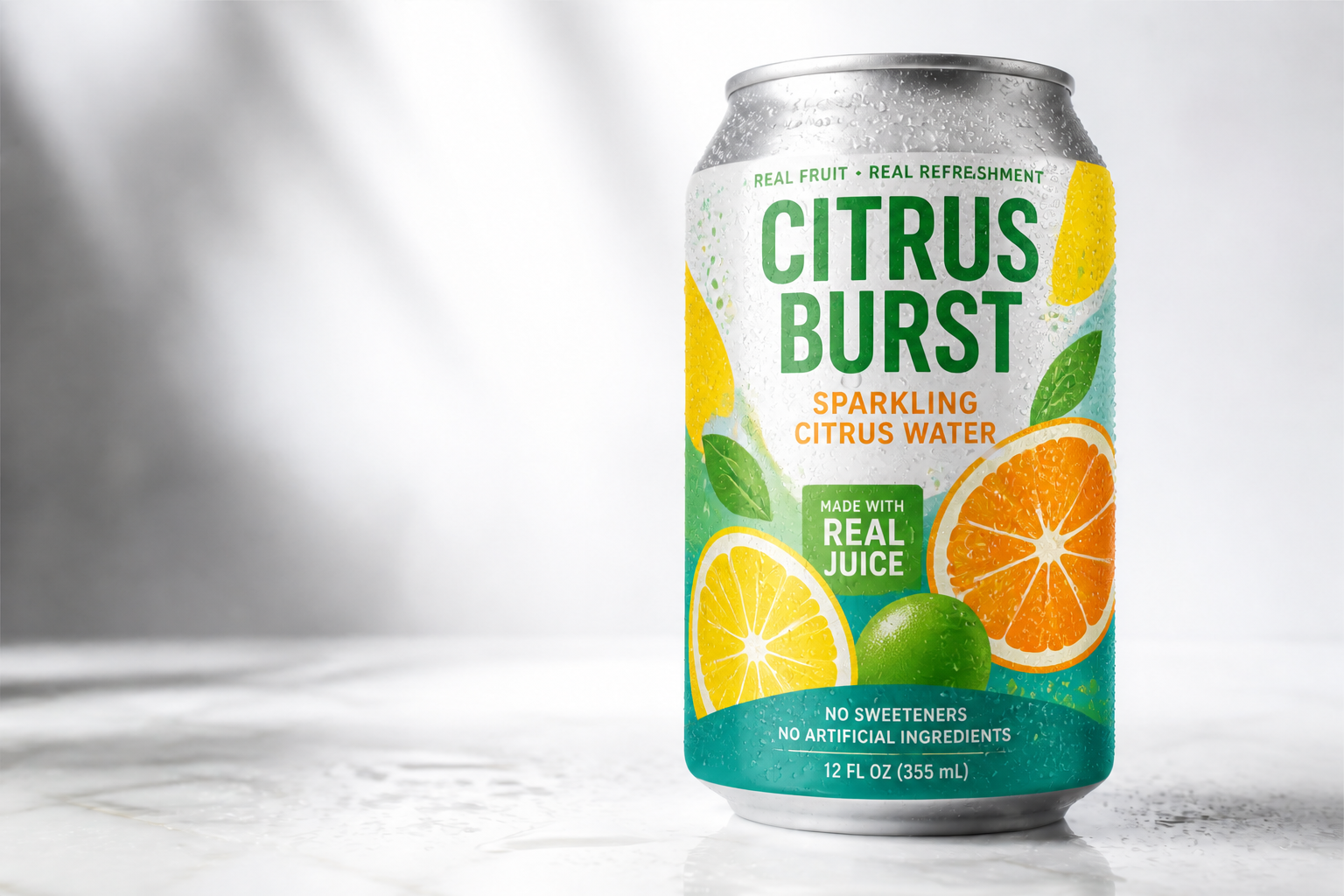
Make shelf-ready mockups fast
Generate polished product visuals for pitches, internal reviews, and storefront tests in less time. The result looks like a realistic branded mockup instead of a rough concept pasted on top. That speed is useful when you need several options for different SKUs or markets. It cuts down the back-and-forth of manual comp work.
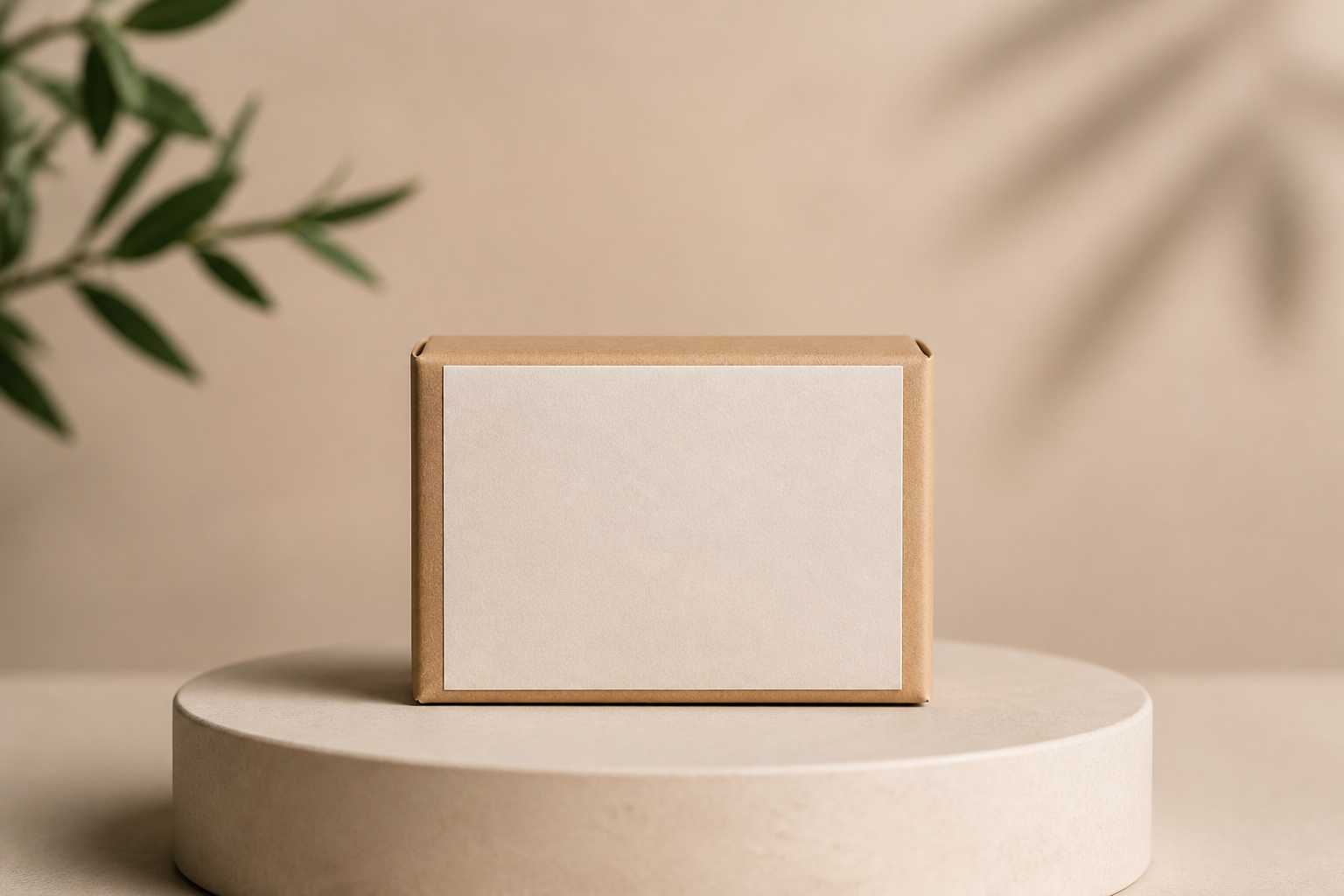
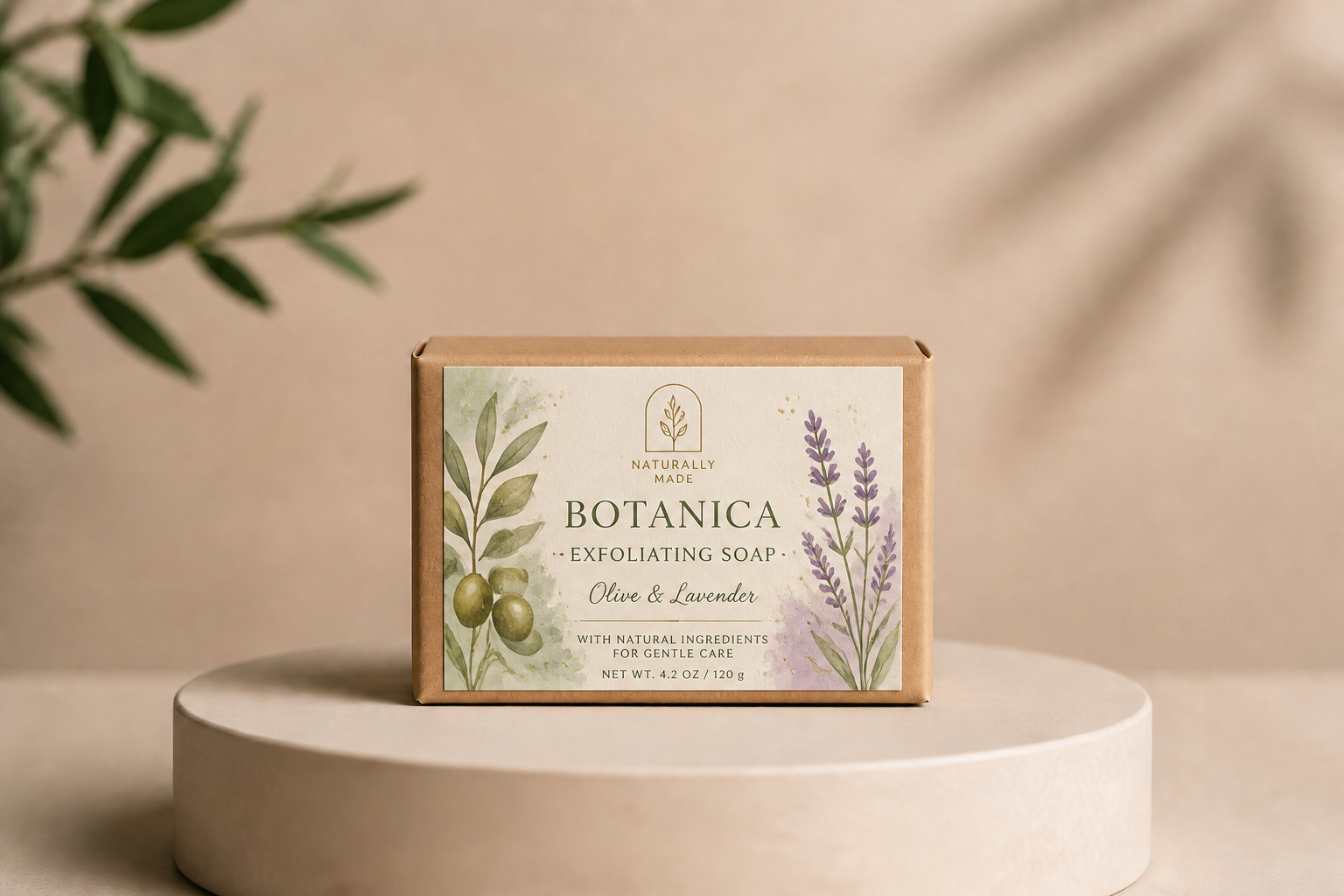
Handle premium and playful styles
The tool is not limited to one visual language. You can create sleek luxury labels, natural handmade looks, or stylized concepts for trend-driven brands. That range is helpful when you are designing for different product categories or audiences. It also gives you better presentation material than plain flat drafts.
How It Works
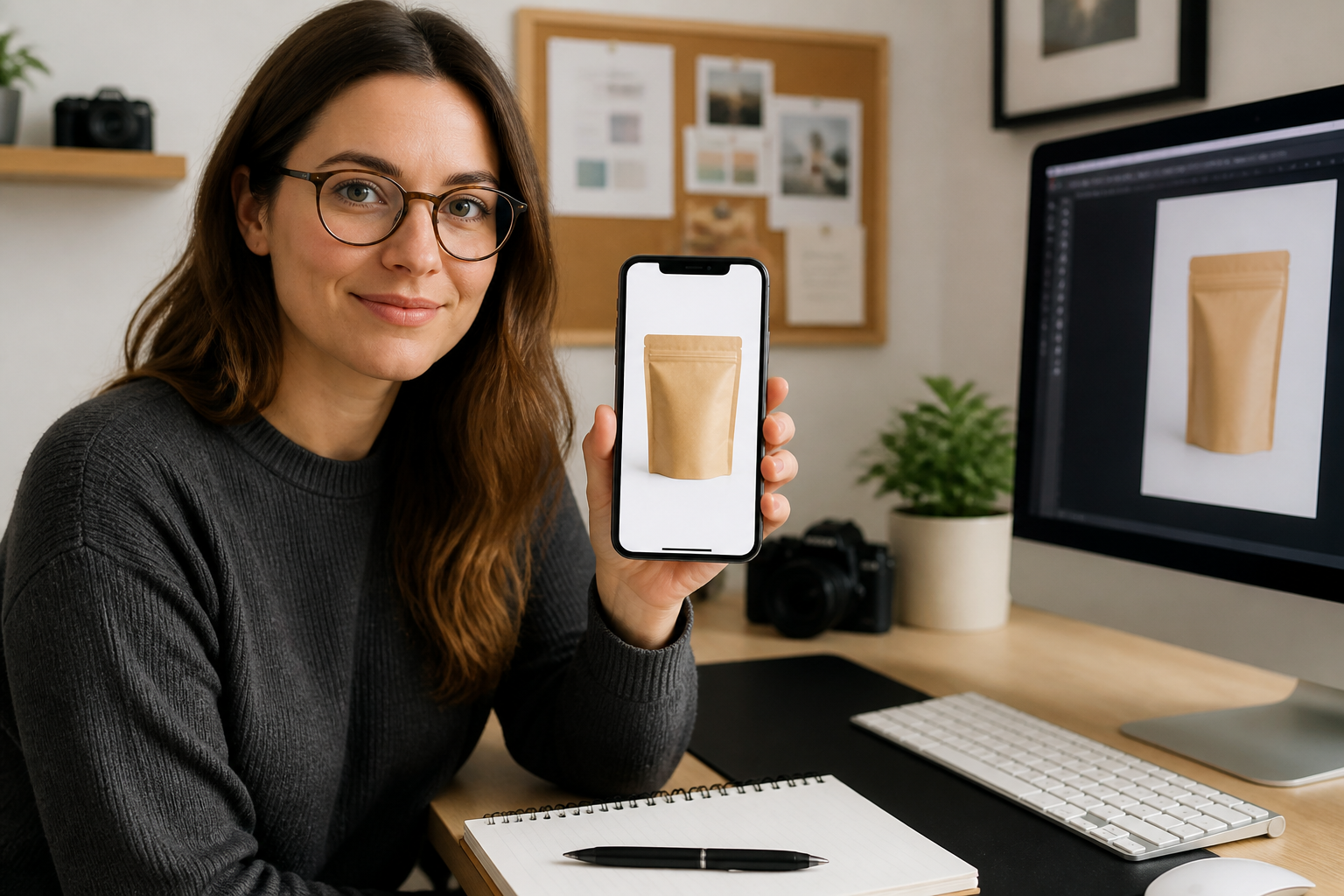
Upload your package photo
Start with a bottle, jar, box, can, or pouch image. Plain packaging works best because the label change is easier to see and compare.
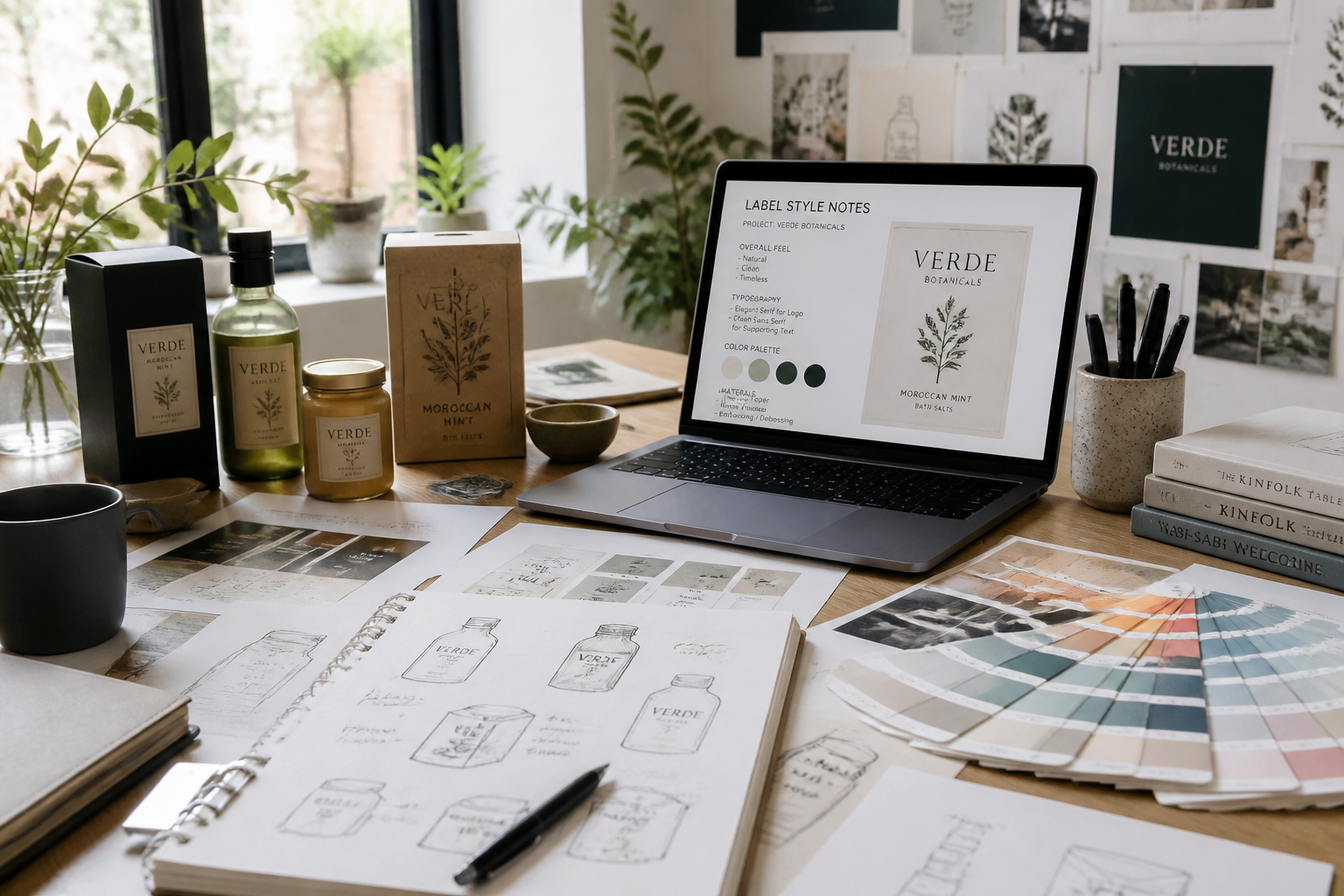
Describe the label direction
Tell our AI what kind of branding you want, such as minimal skincare, bold coffee, or rustic handmade. Include colors, typography mood, and any decorative elements you want on the label.
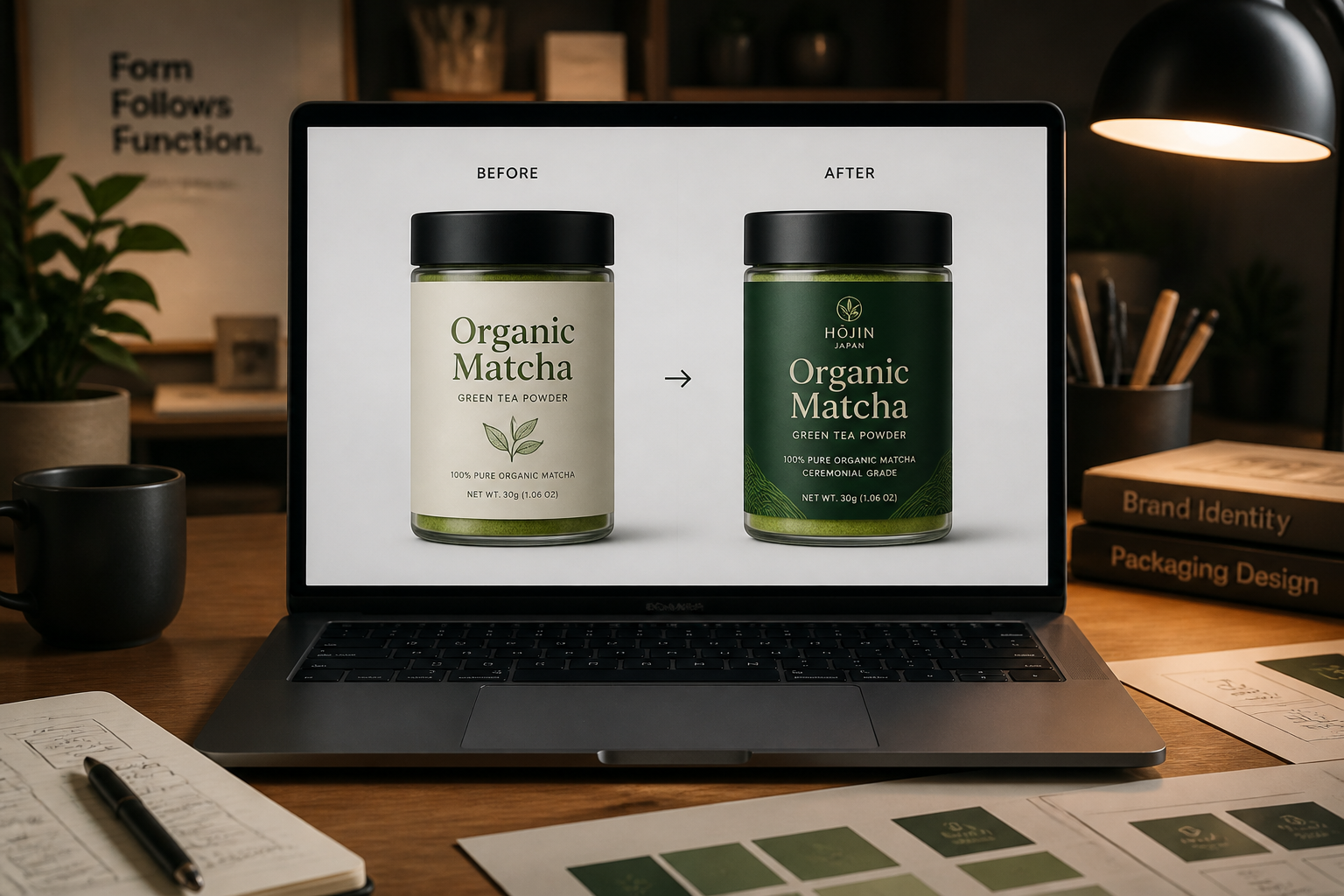
Review and refine mockups
Compare results, then adjust the style until the packaging feels right. You can quickly test new directions on the same product shot before moving into production design.
Perfect For
Discover how creators and professionals use ai label design generator
Packaging concept tests
Generate several label directions from one base product image to review branding options quickly.
Pitch deck visuals
Create polished product mockups for client presentations, investor decks, and internal approvals.
Marketplace previews
Prototype how a new label might look on product listings, ads, and storefront thumbnails.
SKU style variations
Explore different flavors, scents, or product lines while keeping the same packaging format.
Built For
Brand designers
Quickly turn packaging ideas into realistic label mockups for reviews and client presentations.
Small business owners
Test label directions for candles, skincare, food, drinks, and other products without hiring a full mockup workflow first.
Agencies and freelancers
Produce more packaging concepts in less time when clients want multiple visual directions.
Why use it for label mockups
A quick look at how we compare on the things that matter for this niche.
| Feature | BudgetPixel | Generic AI editors | Manual editing apps |
|---|---|---|---|
| Fast label concept swaps | ✓ | ✓ | — |
| Keeps package photo consistent | ✓ | — | ✓ |
| Multiple styles from one base shot | ✓ | ✓ | — |
| Realistic packaging mockups | ✓ | — | ✓ |
| Beginner-friendly workflow | ✓ | ✓ | — |
Frequently Asked Questions
What kinds of products work with the AI Label Design Generator?
Can I generate different label styles from the same photo?
Does it change the whole package or just the label?
Can I use it for final production print files?
Do I need design experience to use it?
Create together.
Share your creations, discover trending AI art, and grow with fellow creators.