AI Bottle Label Generator
Turn plain bottles into polished branded packaging.
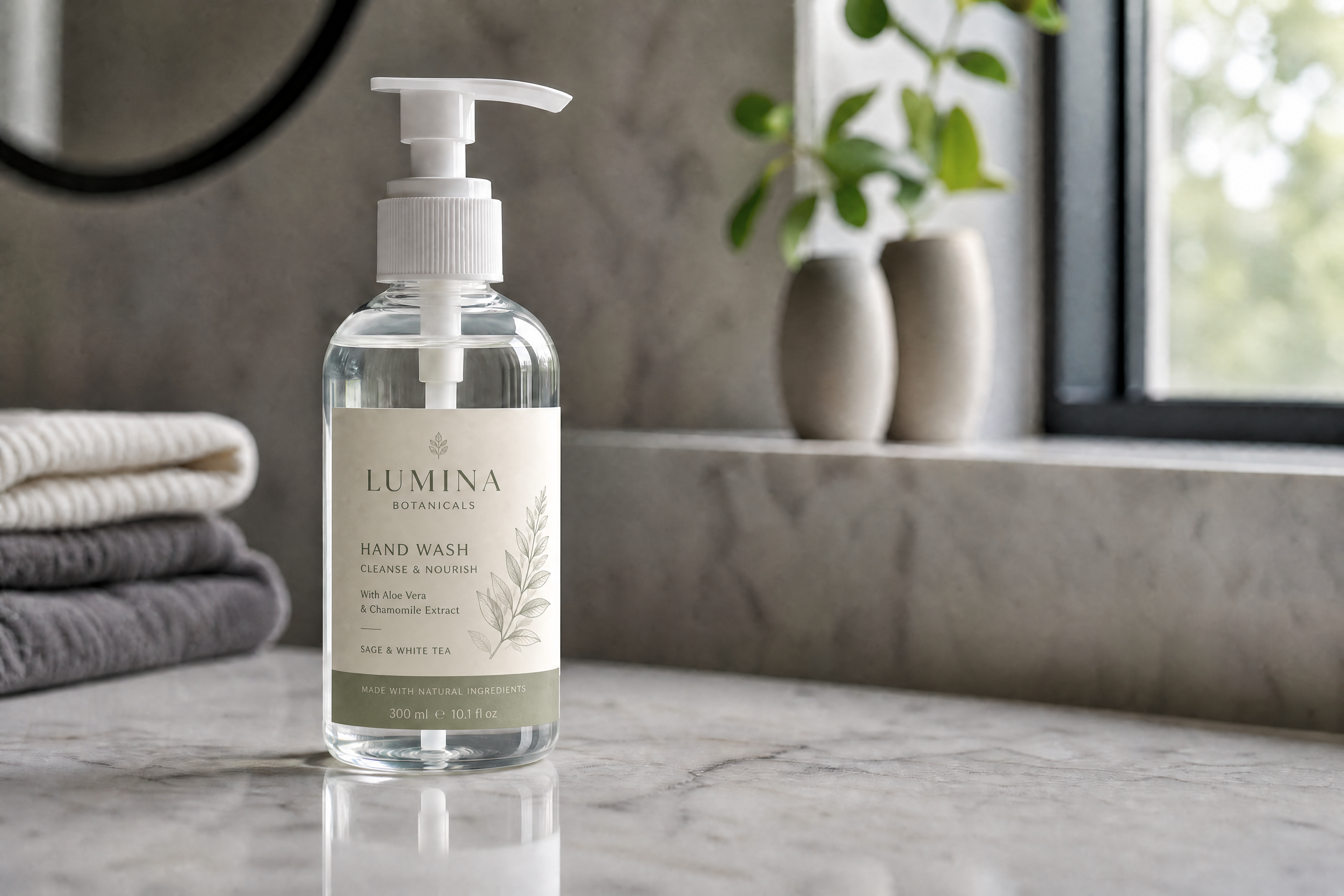
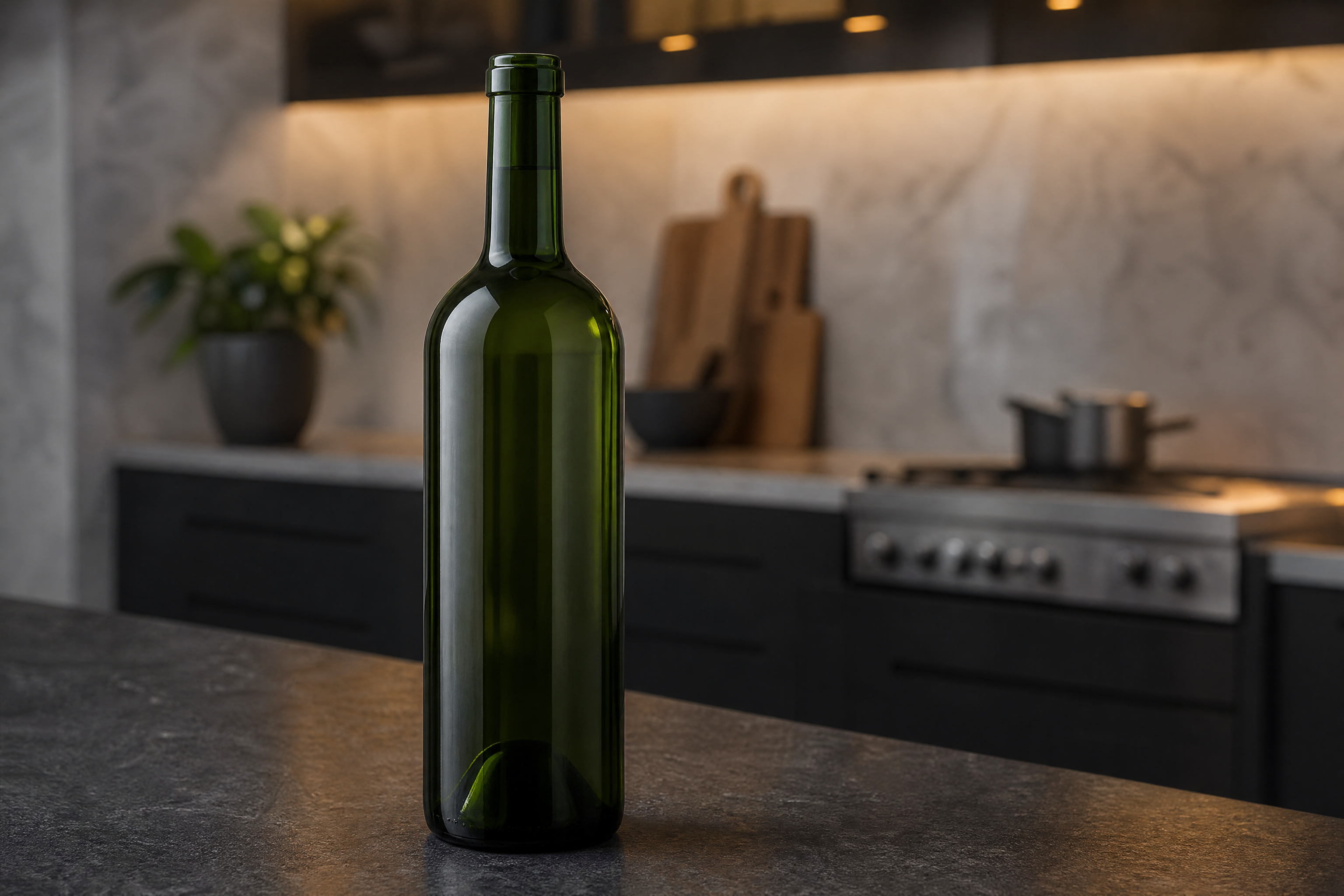
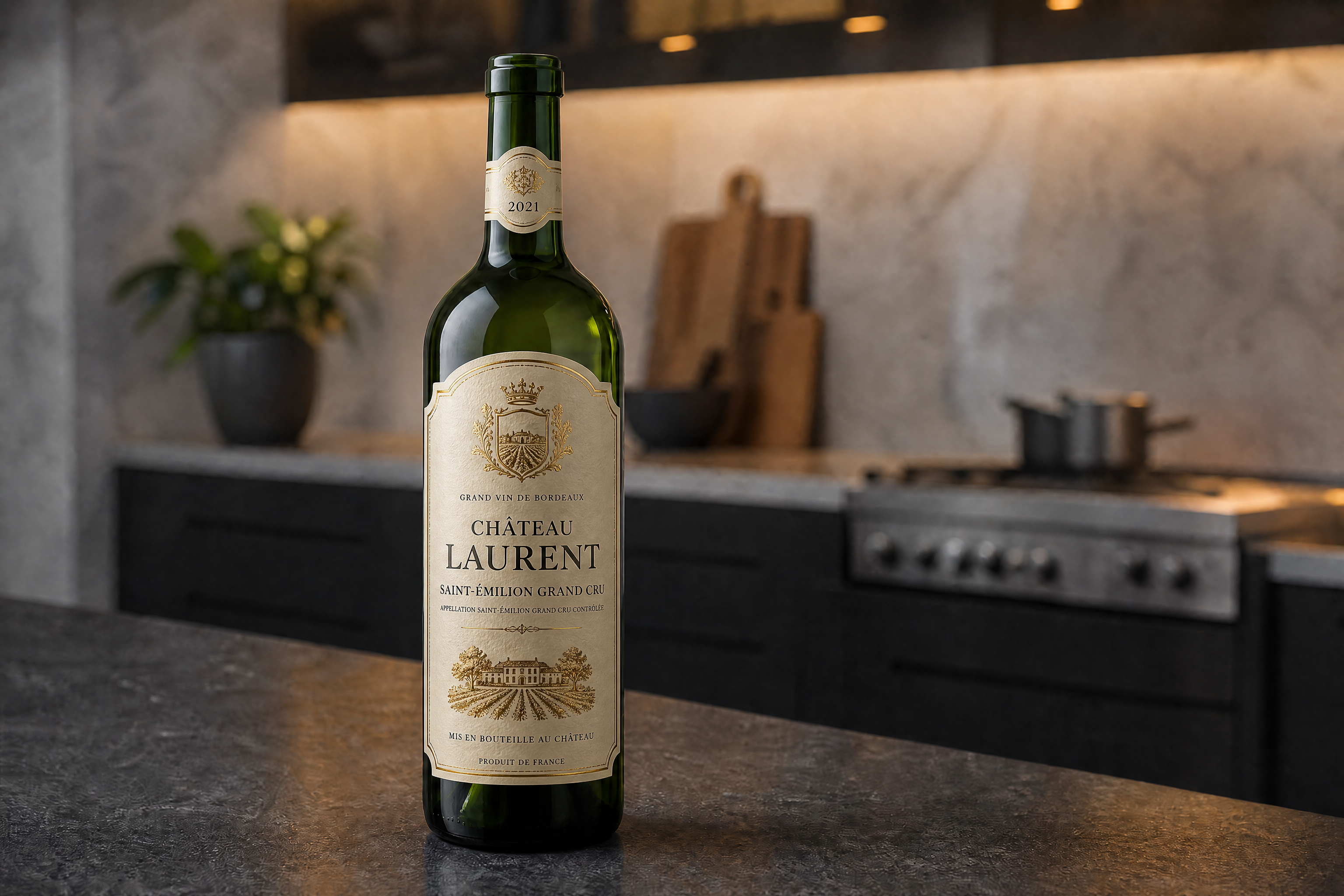
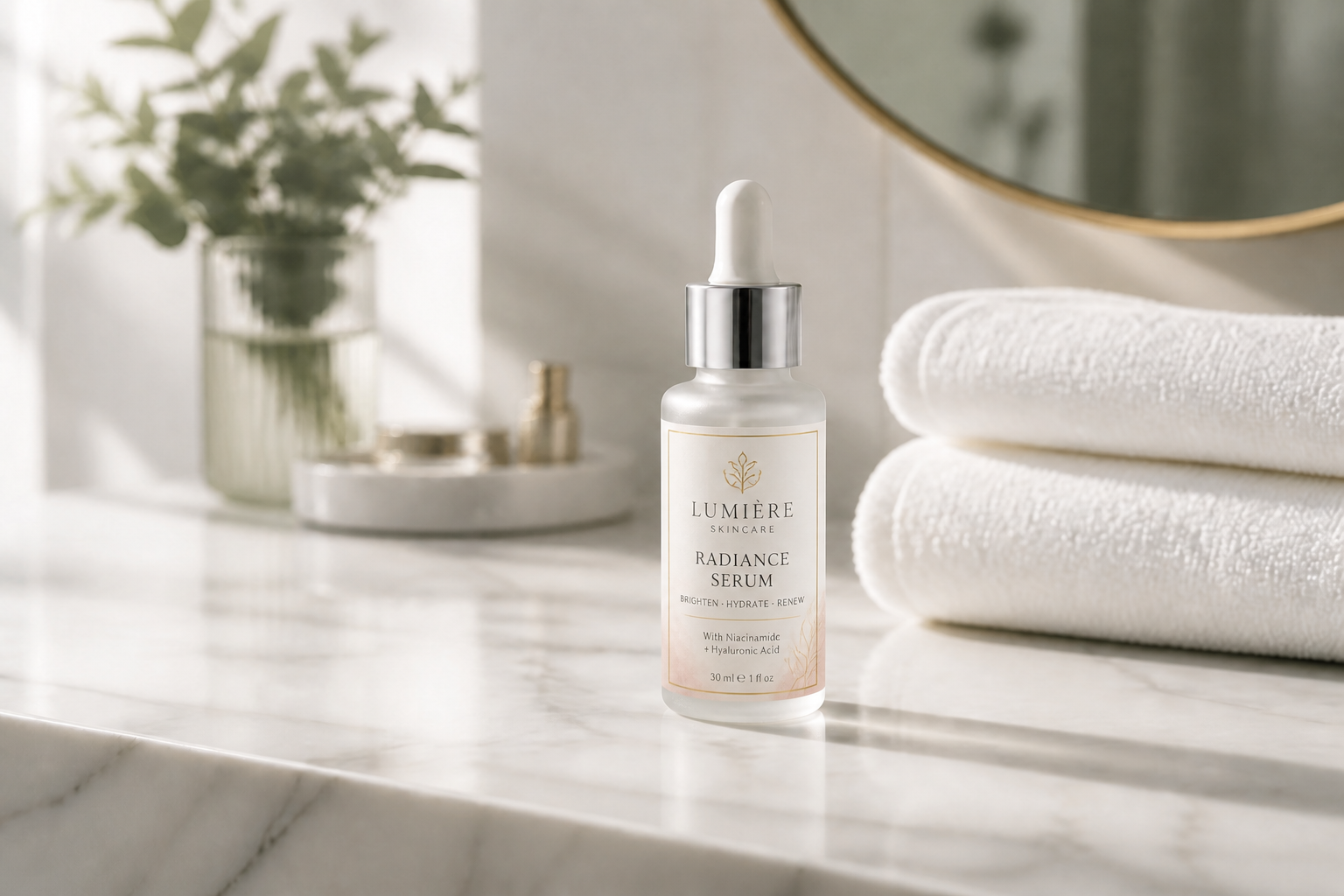
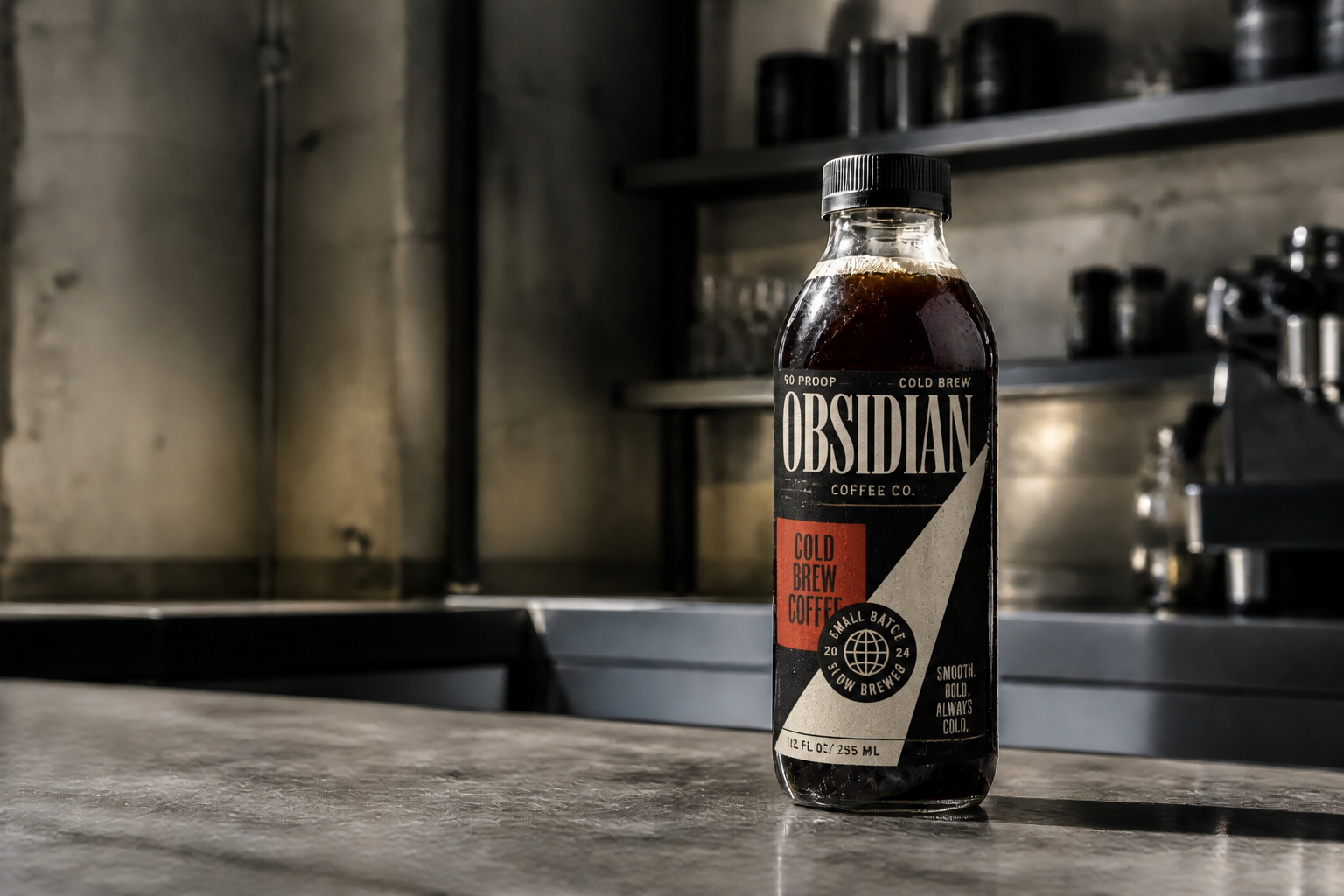
Upload a bottle photo or start from a generated mockup, then add a custom label design with our AI. It keeps the bottle shape, lighting, and scene intact while replacing the blank surface with a clean, fancy label.
Watch the Transformation
See ai bottle label generator in motion — generated end-to-end by our AI.
See It In Action
Real outputs from ai bottle label generator.
BEFOREAFTER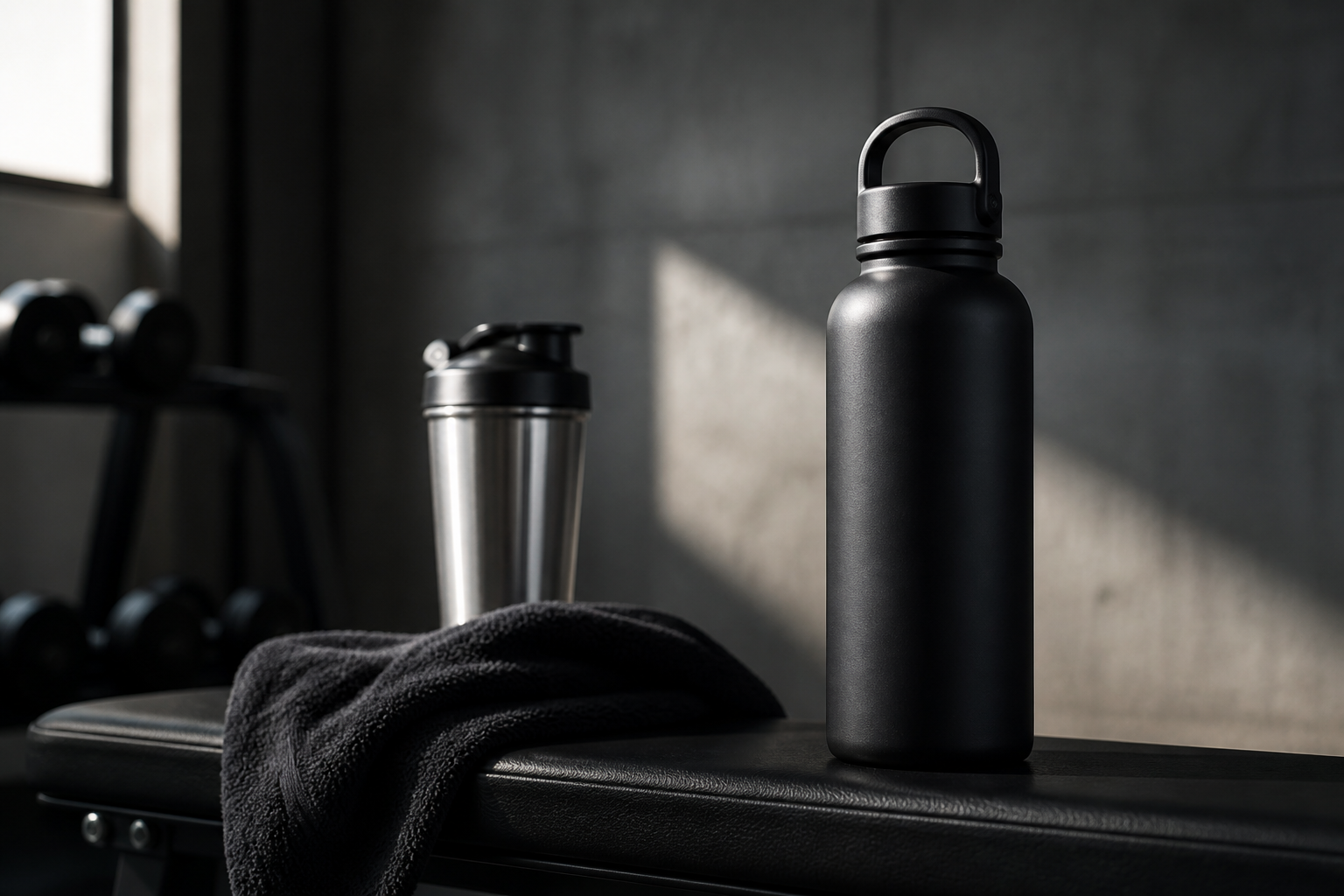 BEFORE
 AFTER
AFTER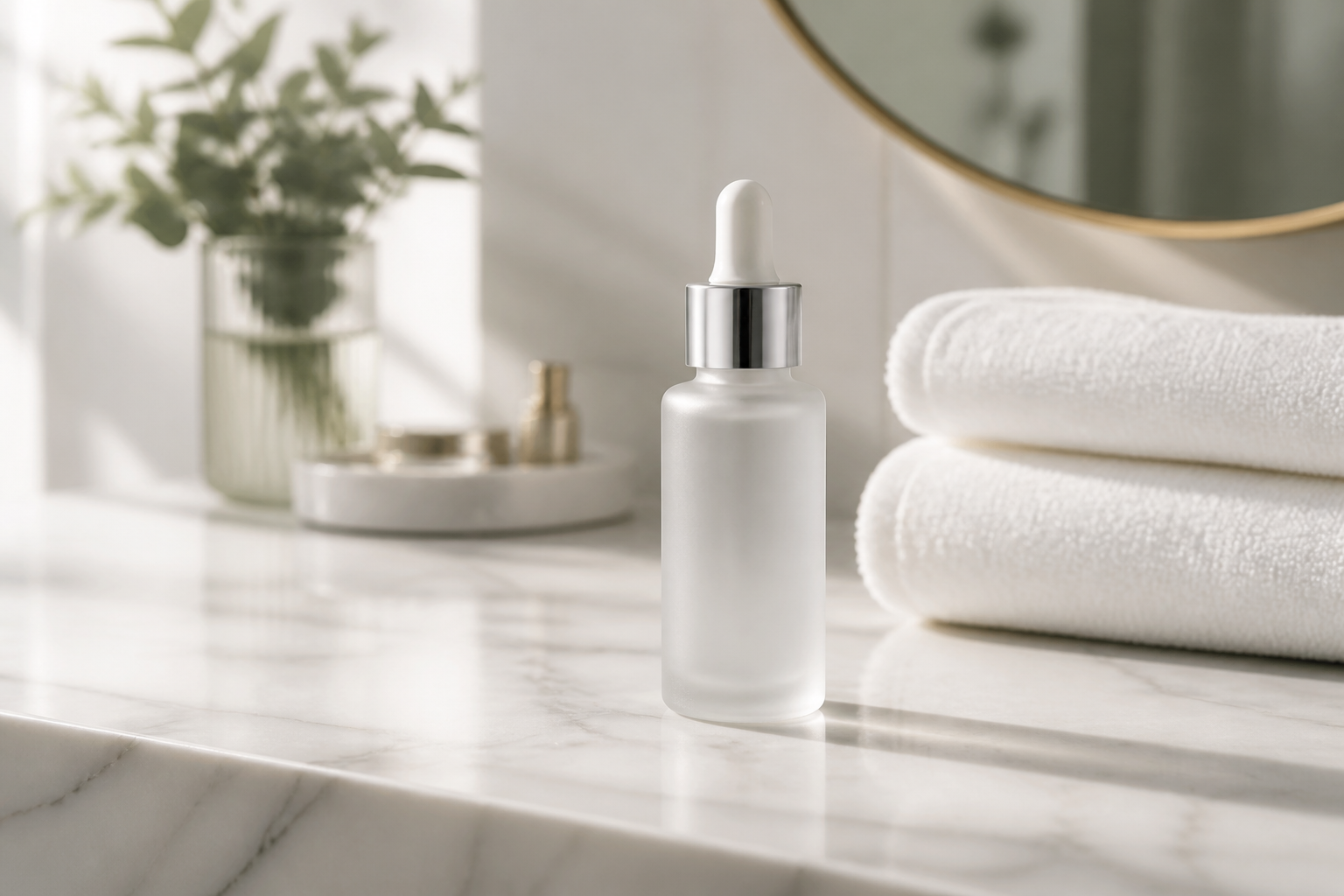 BEFORE
 AFTER
AFTER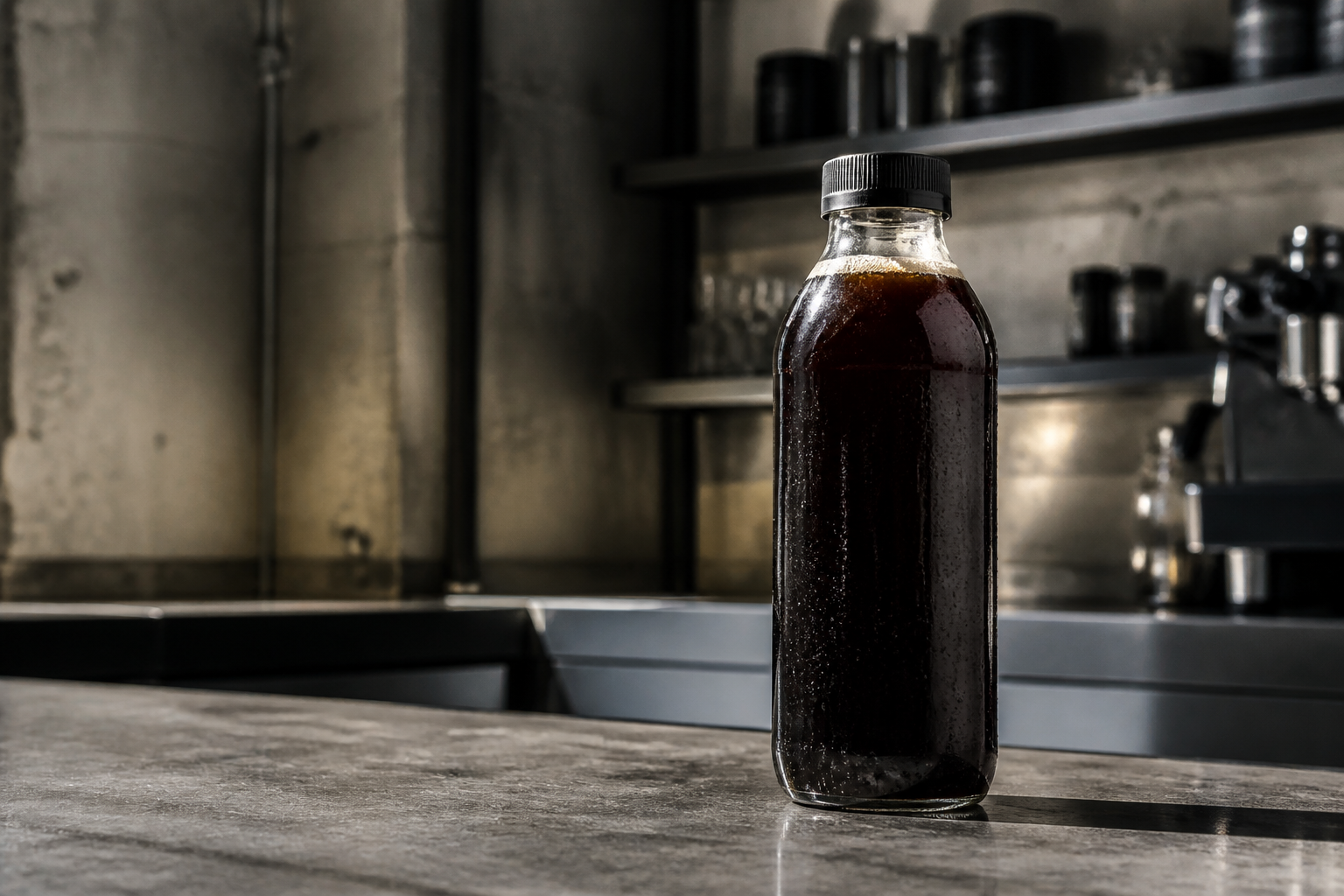 BEFORE
 AFTER
AFTER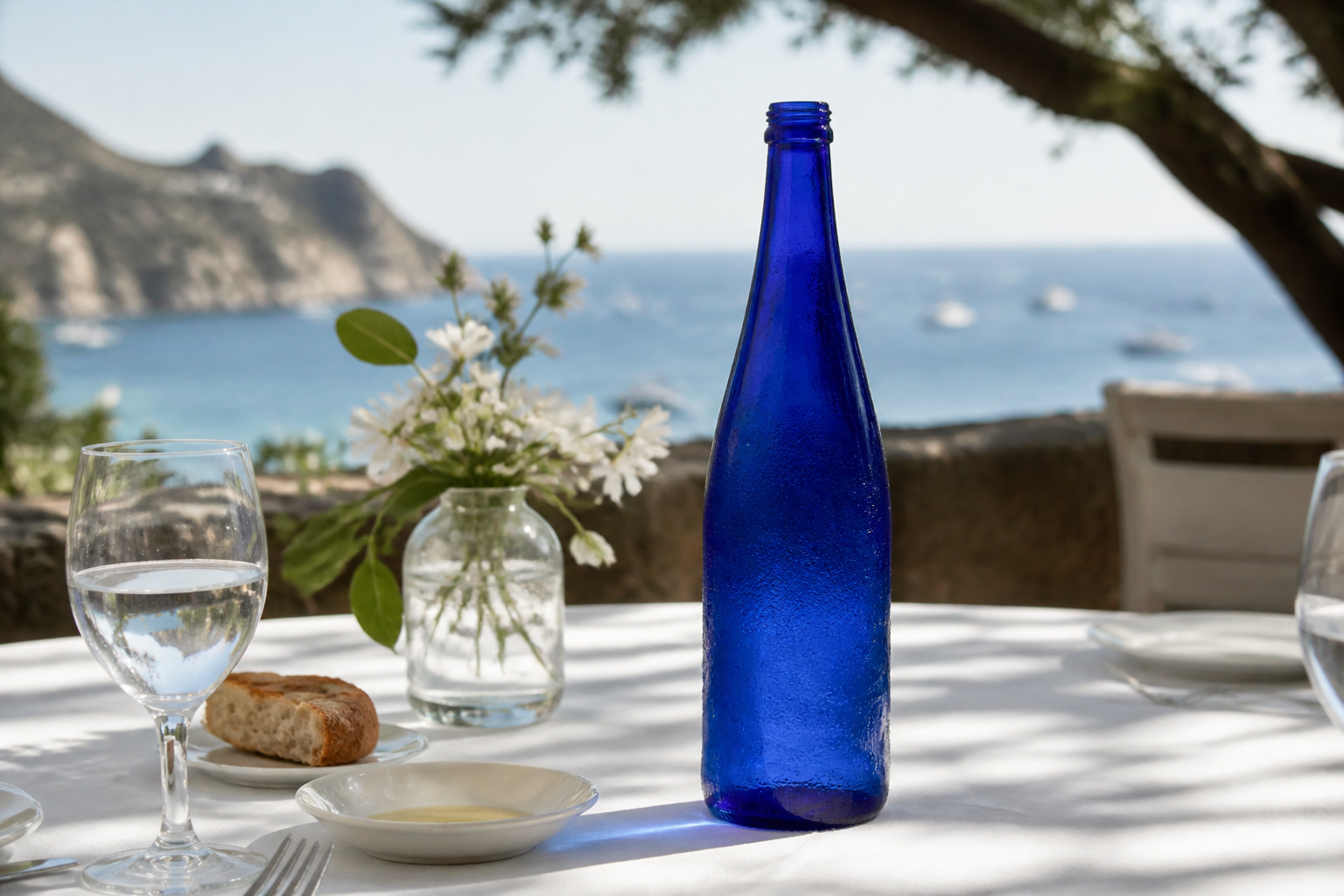 BEFORE
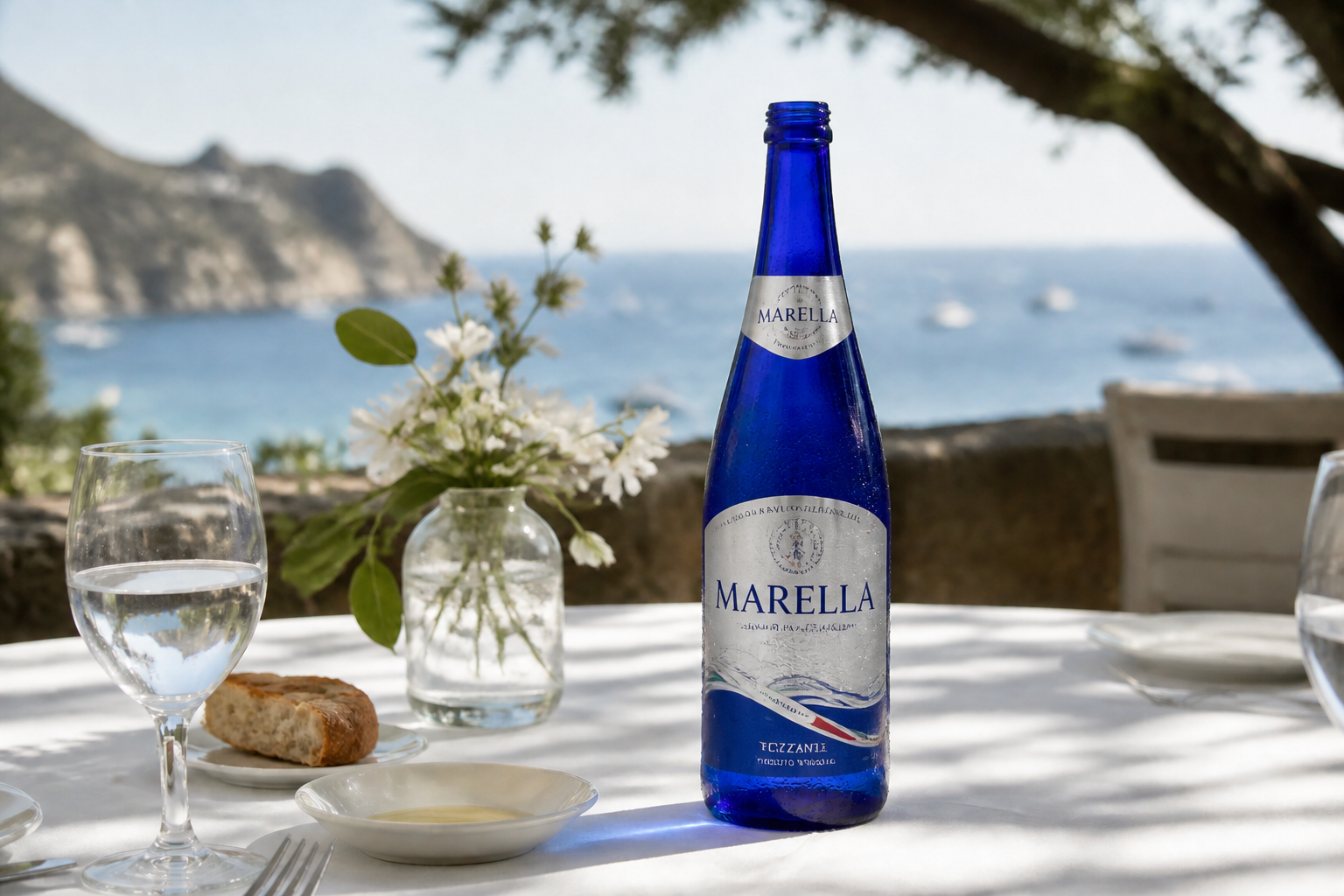 AFTERBEFOREAFTERBEFOREAFTERBEFOREAFTERBEFOREAFTERBEFOREAFTER
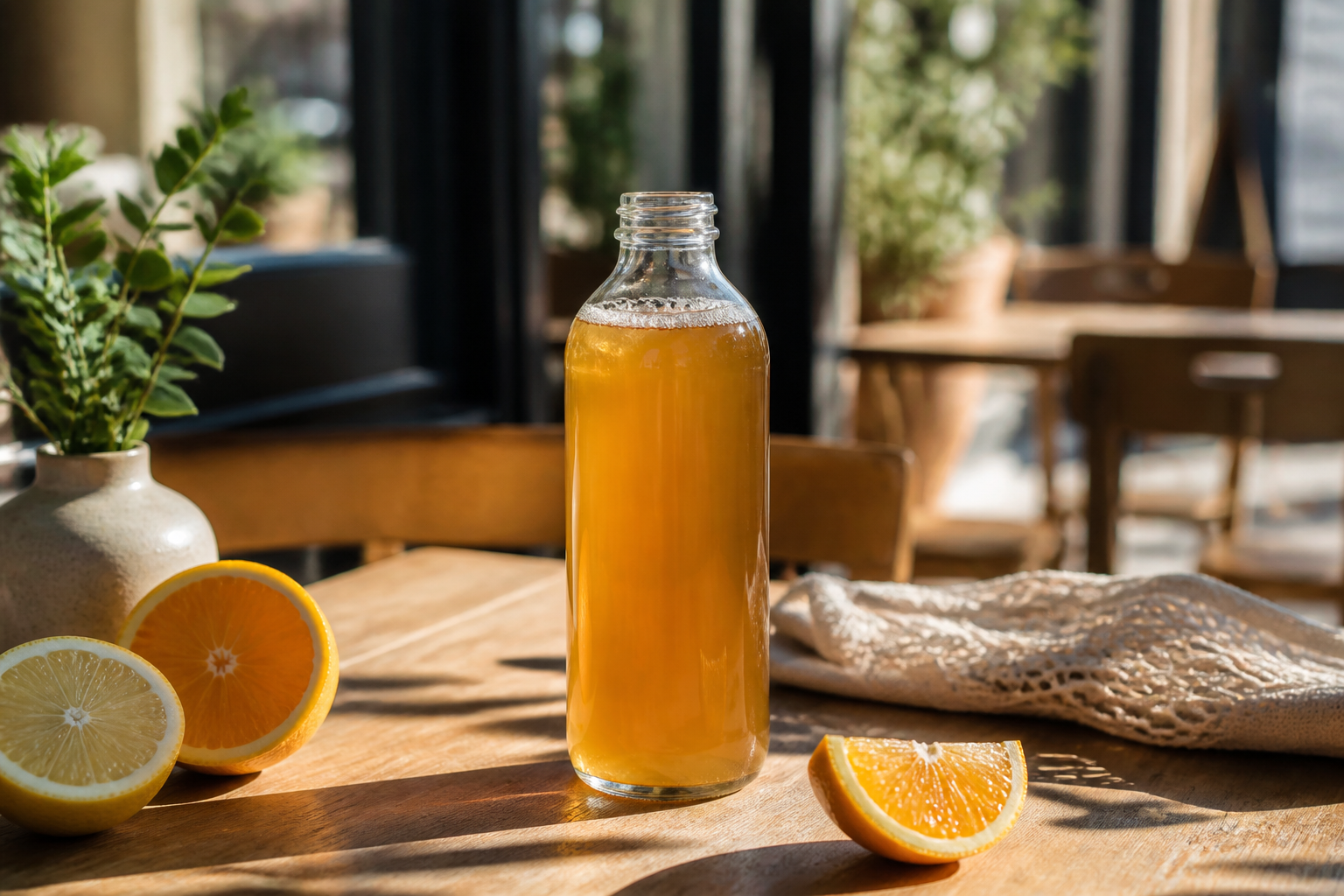 BEFORE
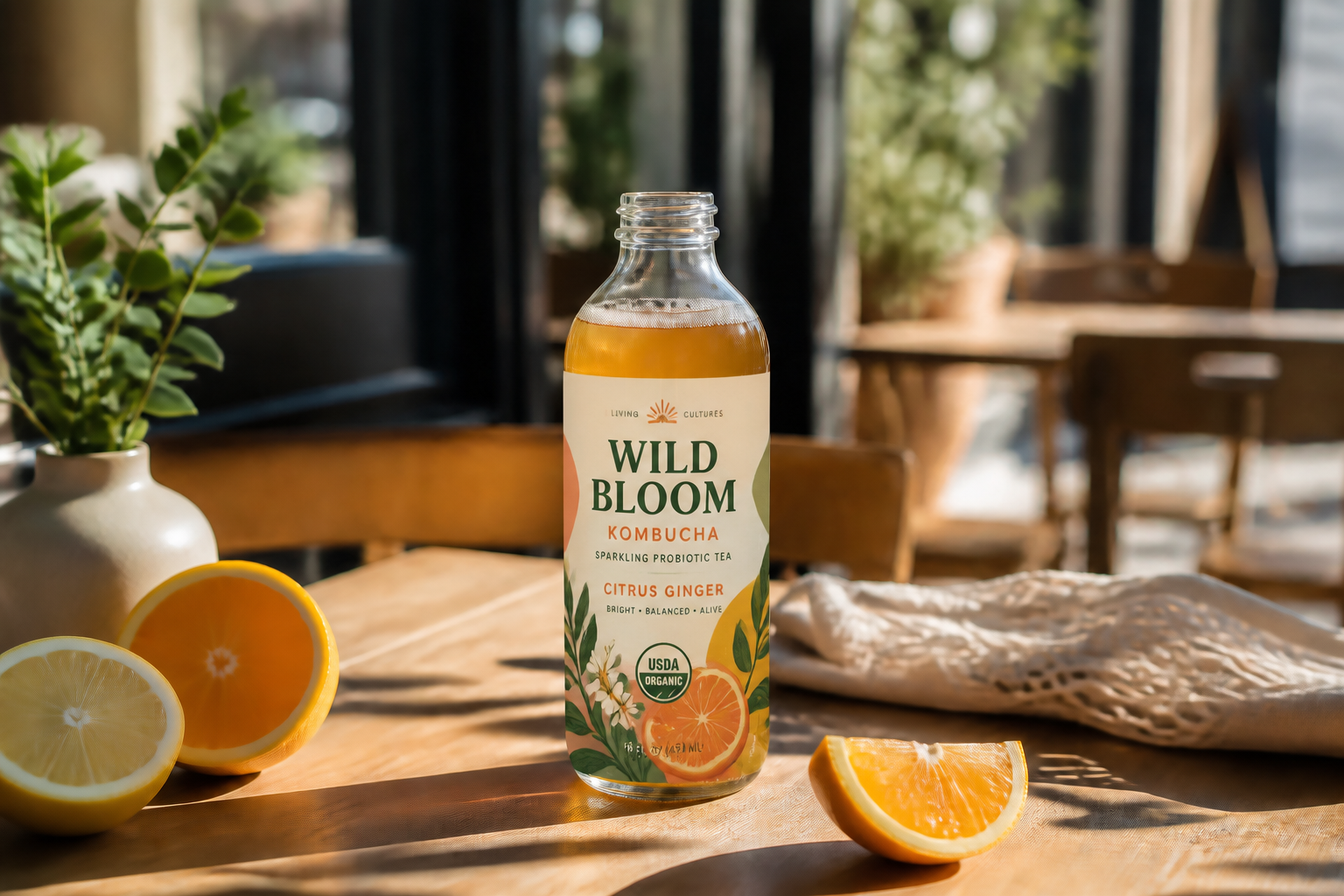 AFTER
AFTER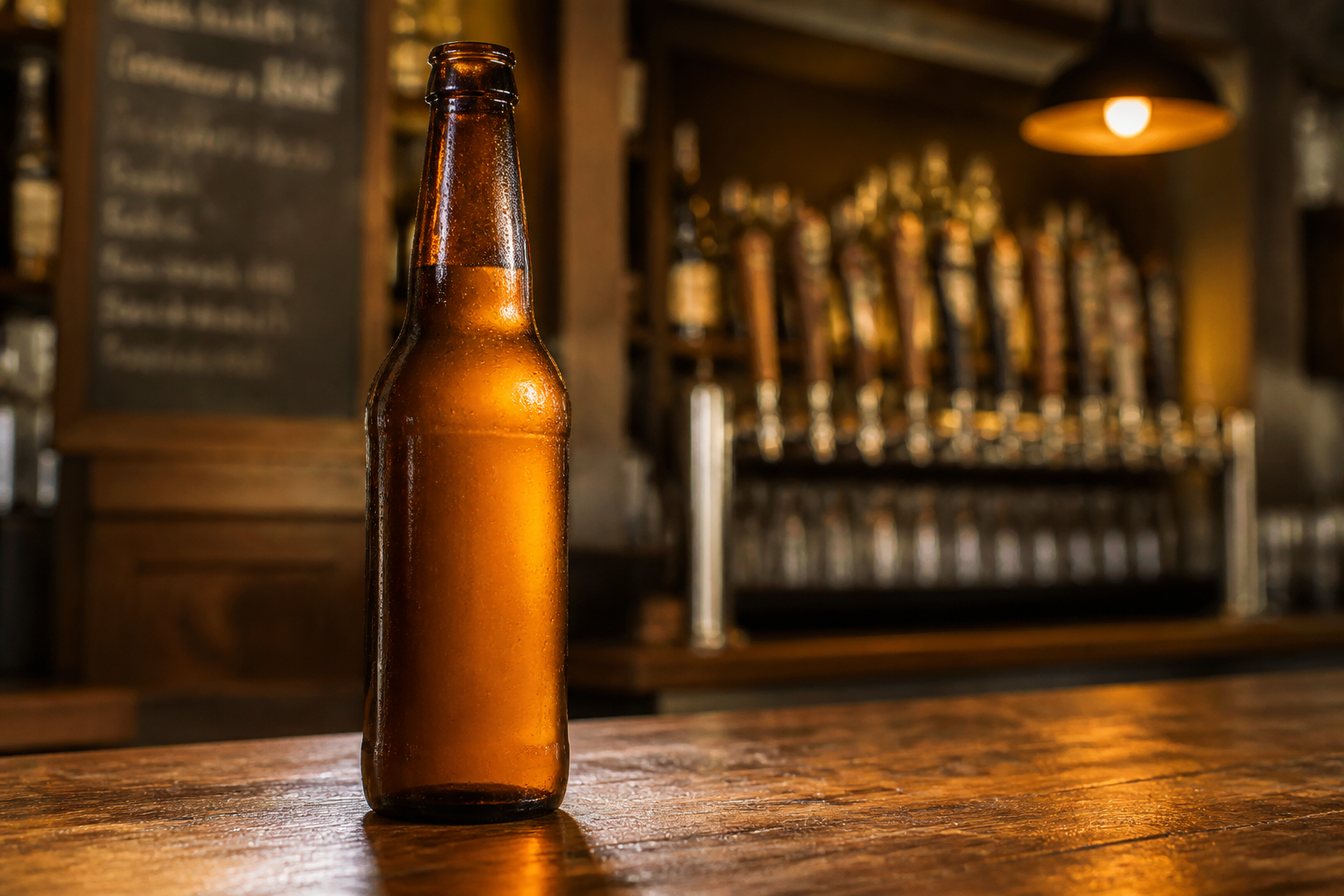 BEFORE
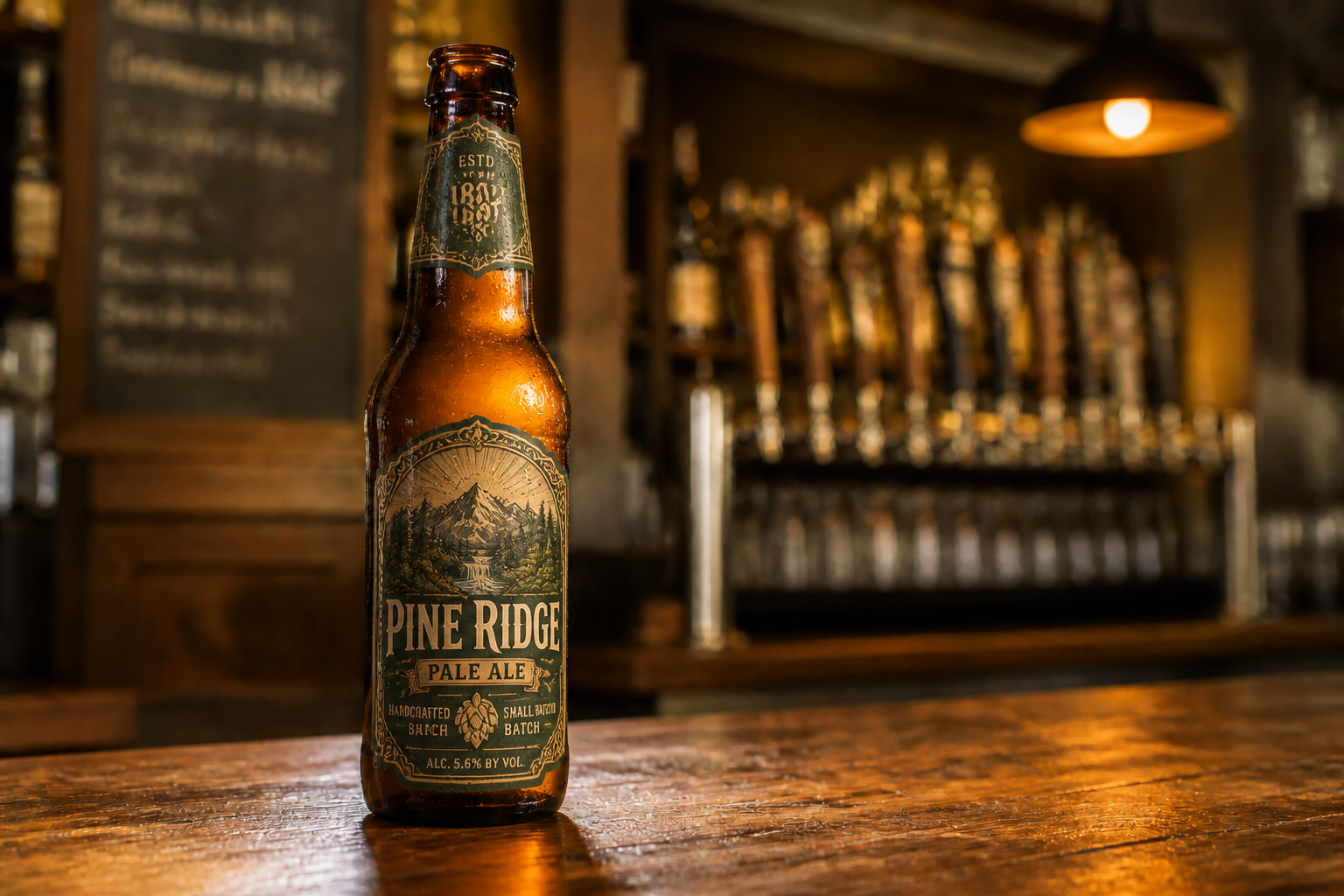 AFTER
AFTER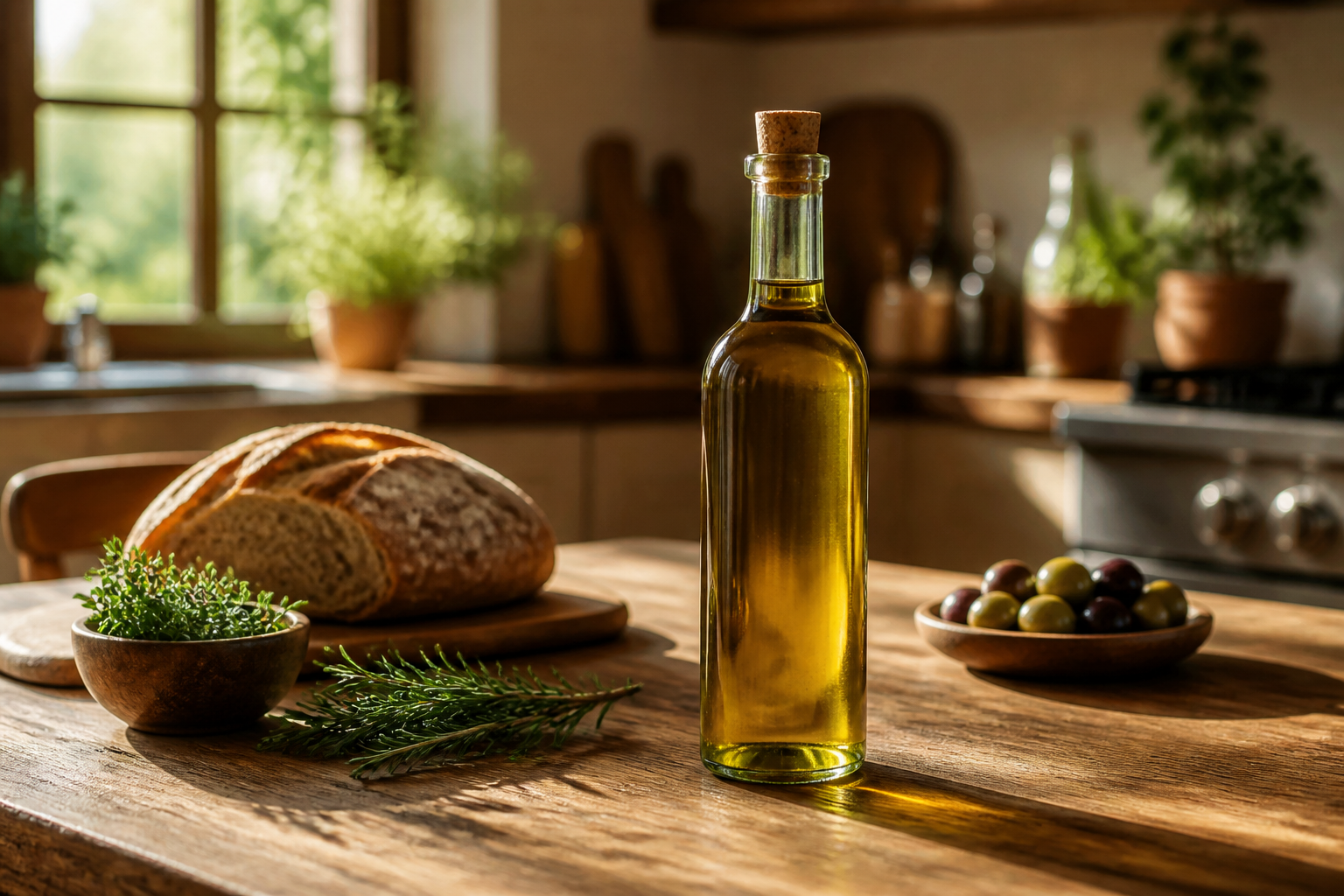 BEFORE
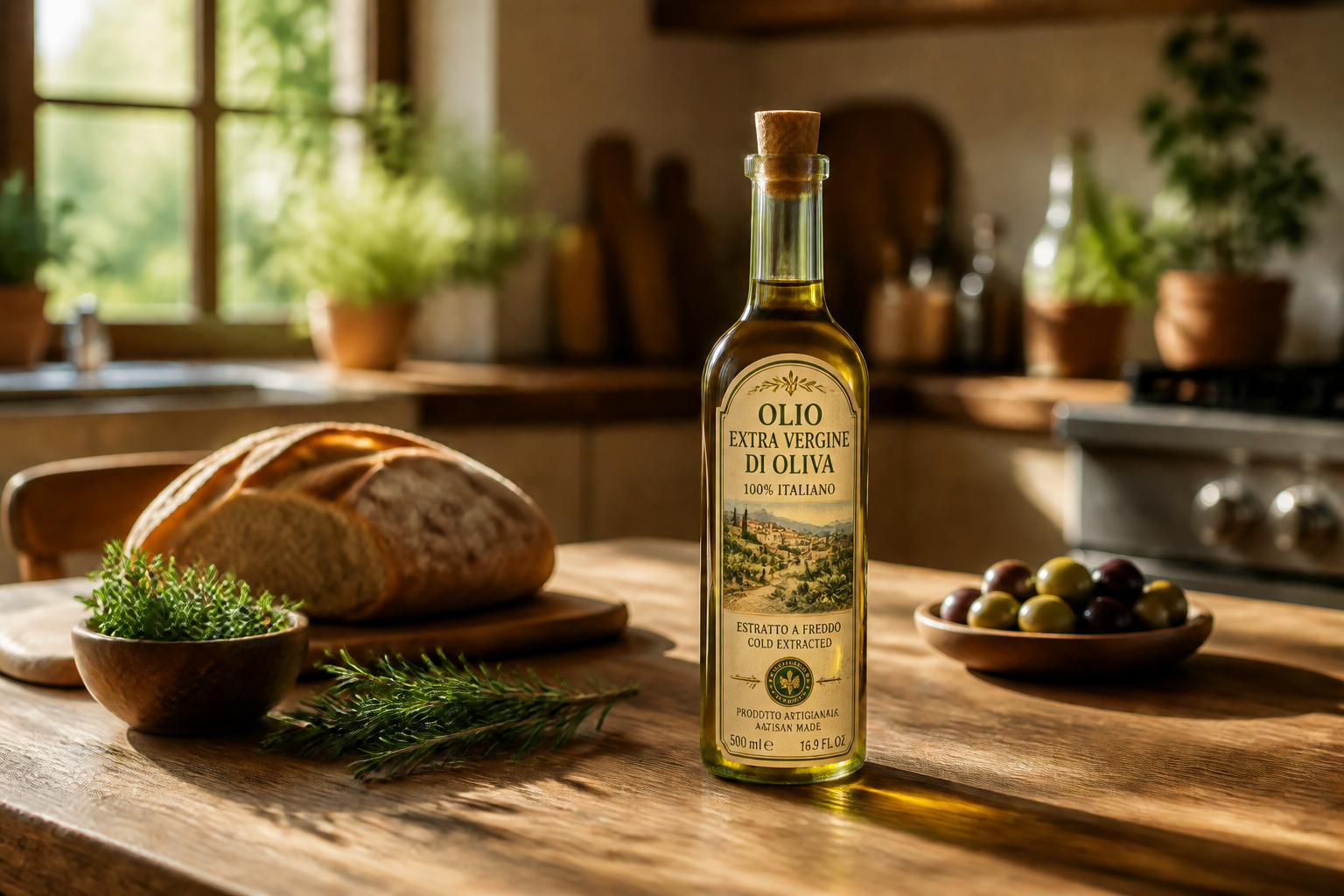 AFTER
AFTER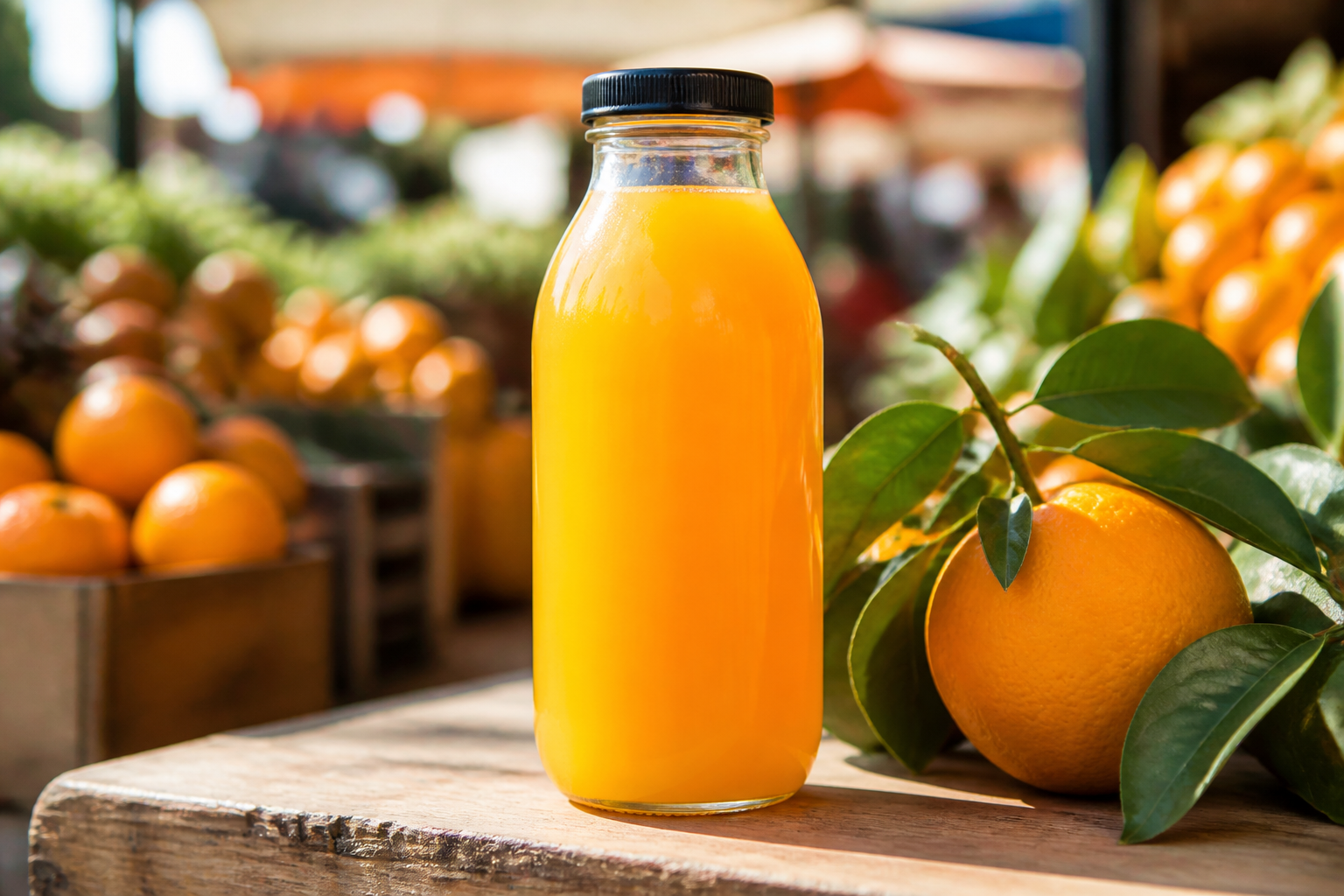 BEFORE
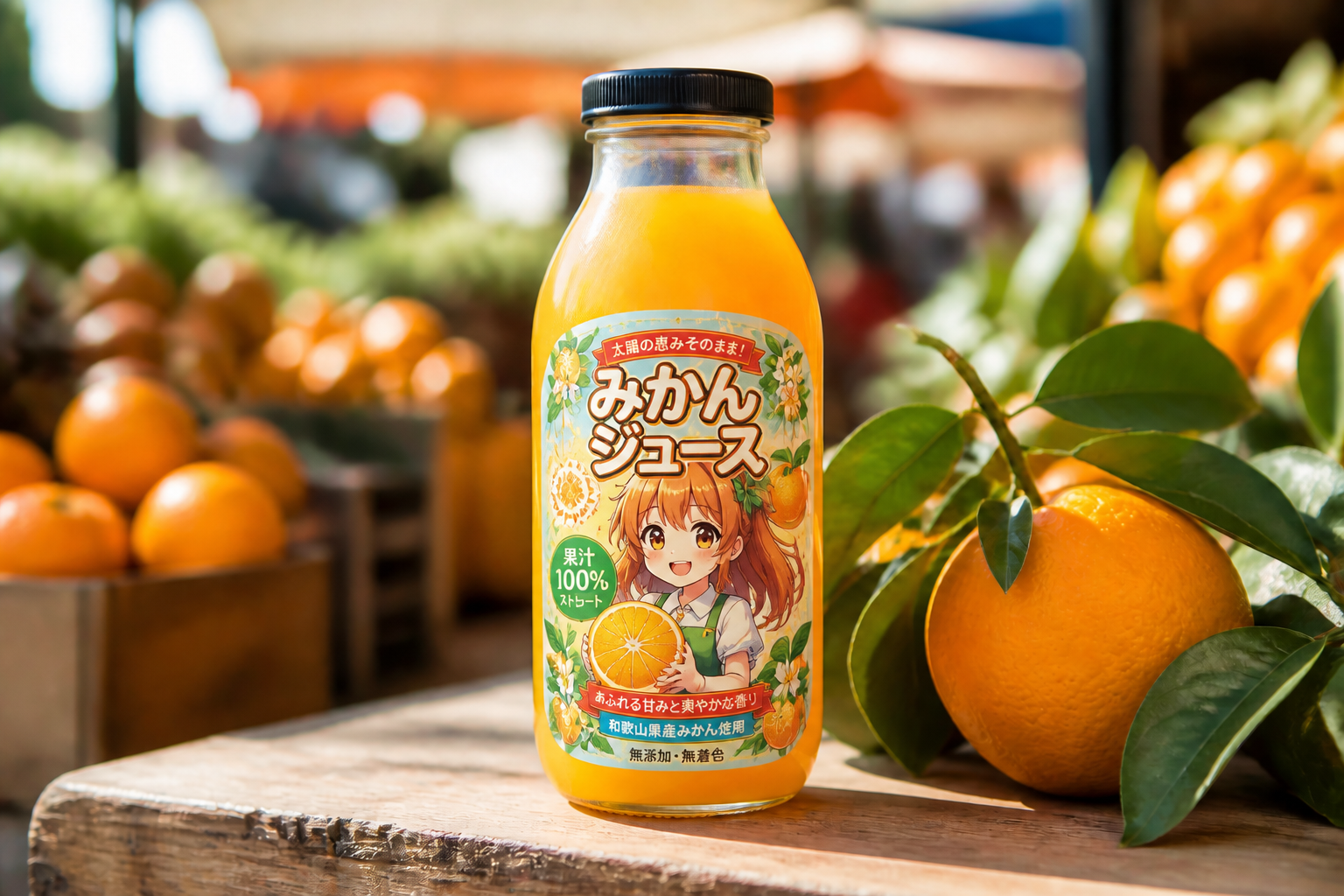 AFTER
AFTER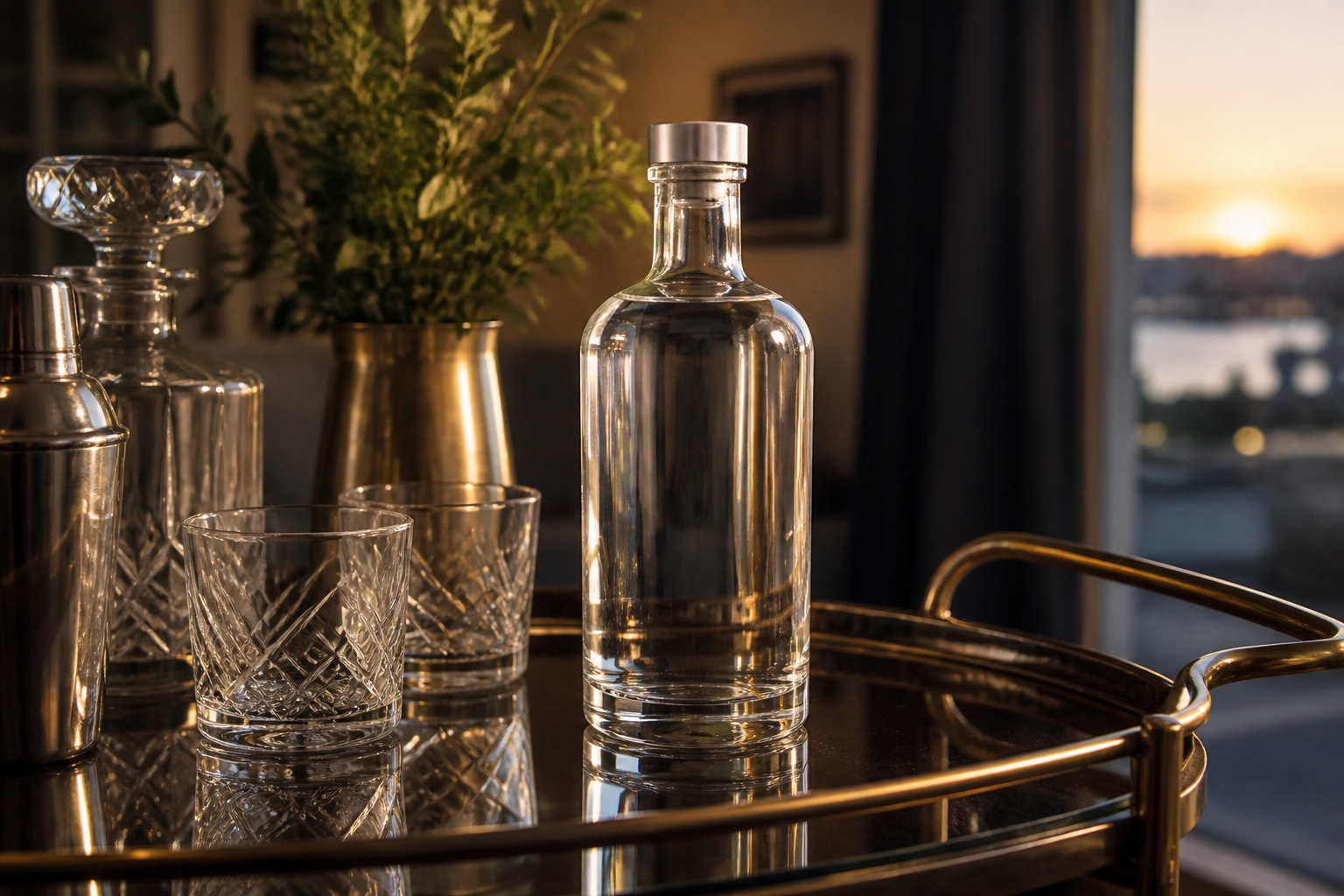 BEFORE
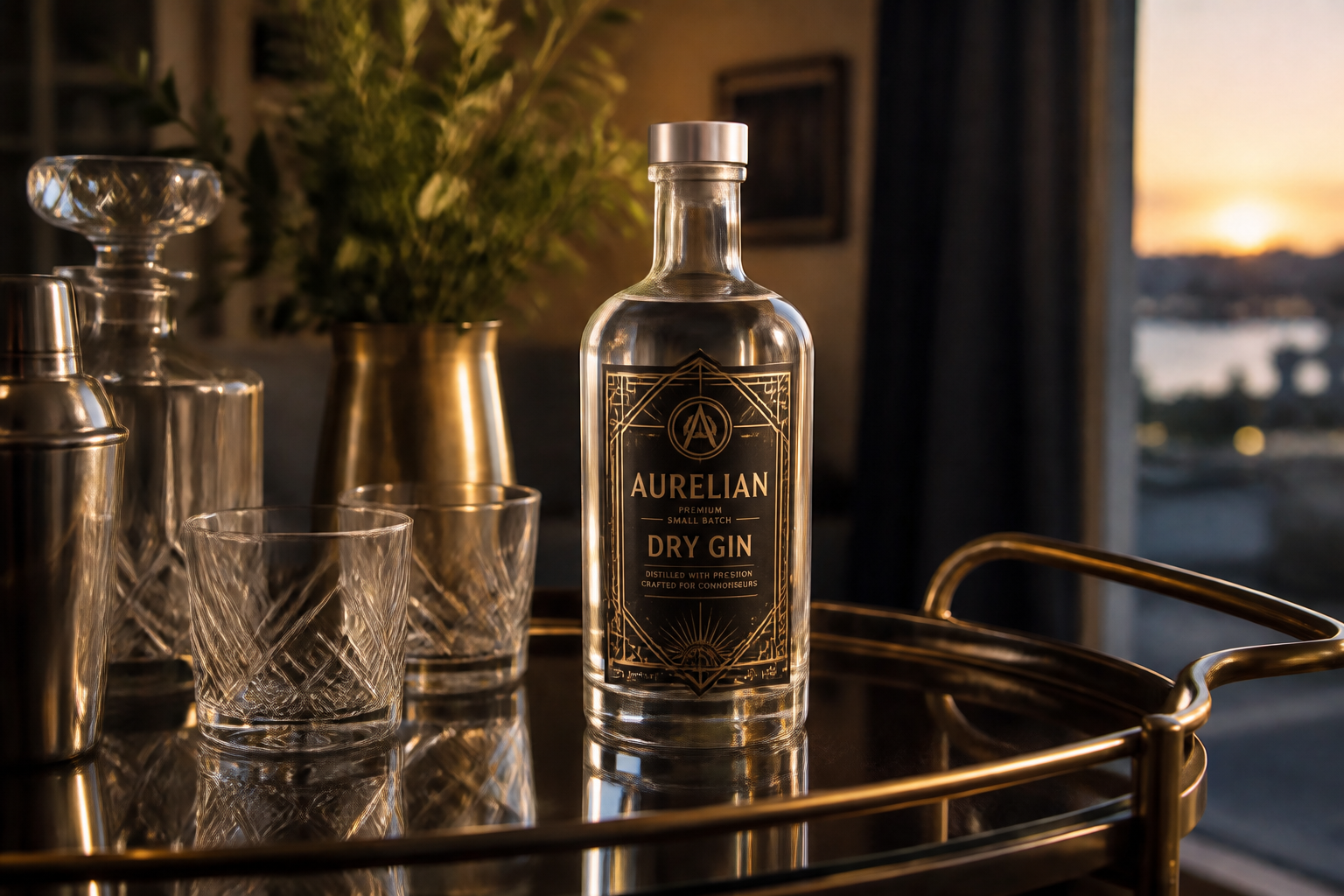 AFTERBEFOREAFTERBEFOREAFTERBEFOREAFTERBEFOREAFTERBEFOREAFTER
Key Features
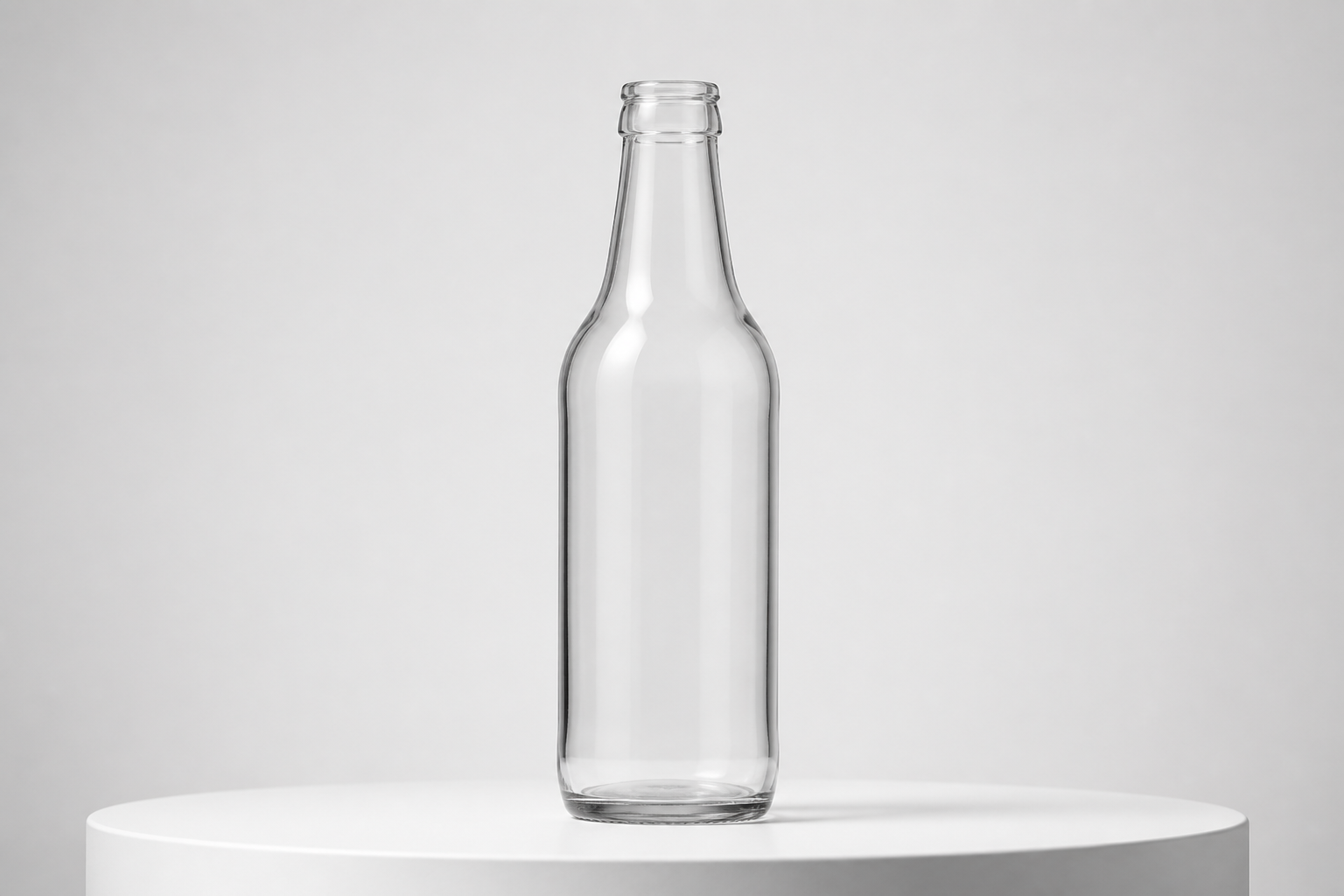
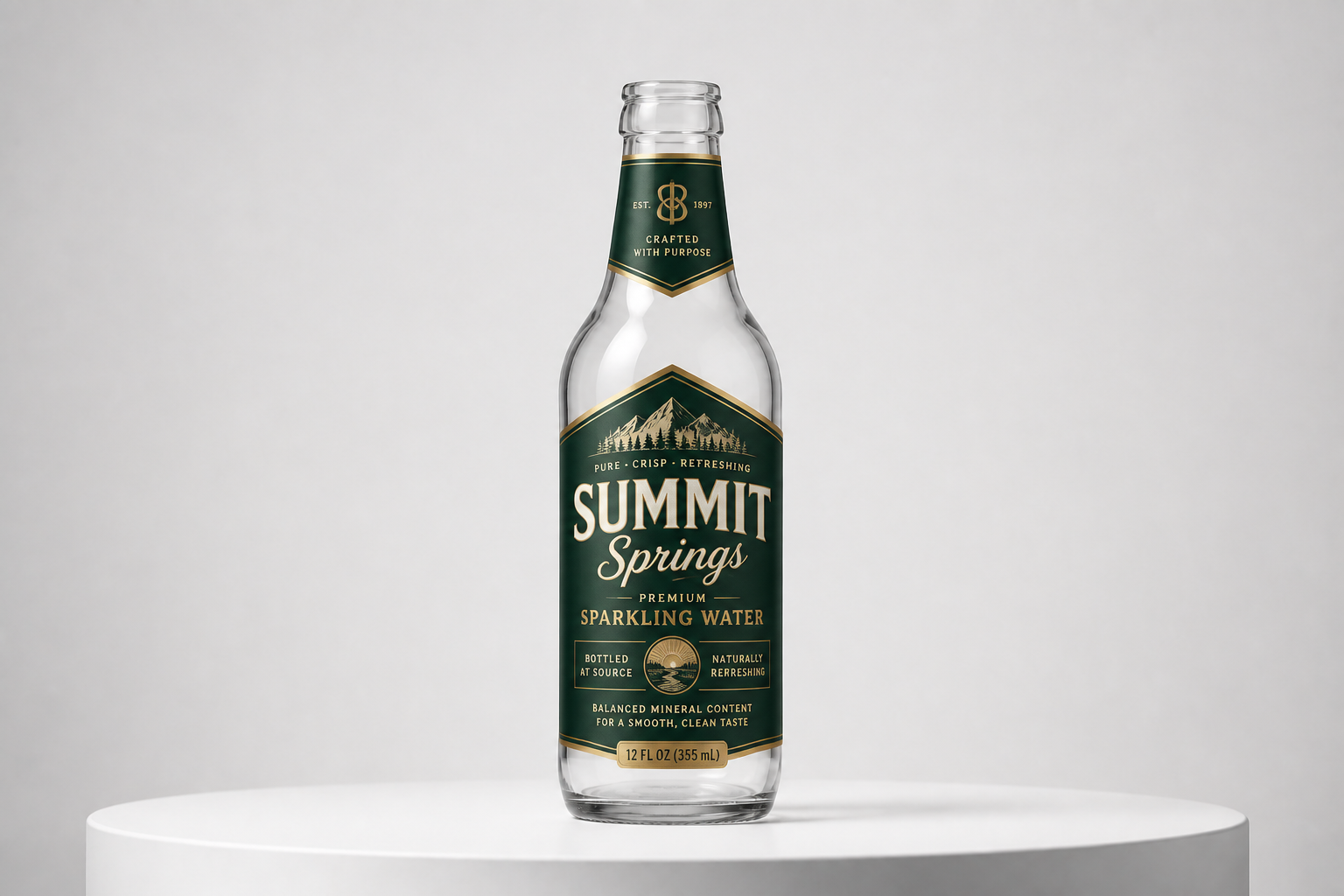
Start with blank bottles
This works best when your original image has no label, so the design change is clean and obvious. Our AI places a new branded label onto the bottle without making you rebuild the whole scene. That makes it useful for packaging concepts, menu mockups, and quick visual tests. You get a strong before-and-after result instead of a vague redesign.
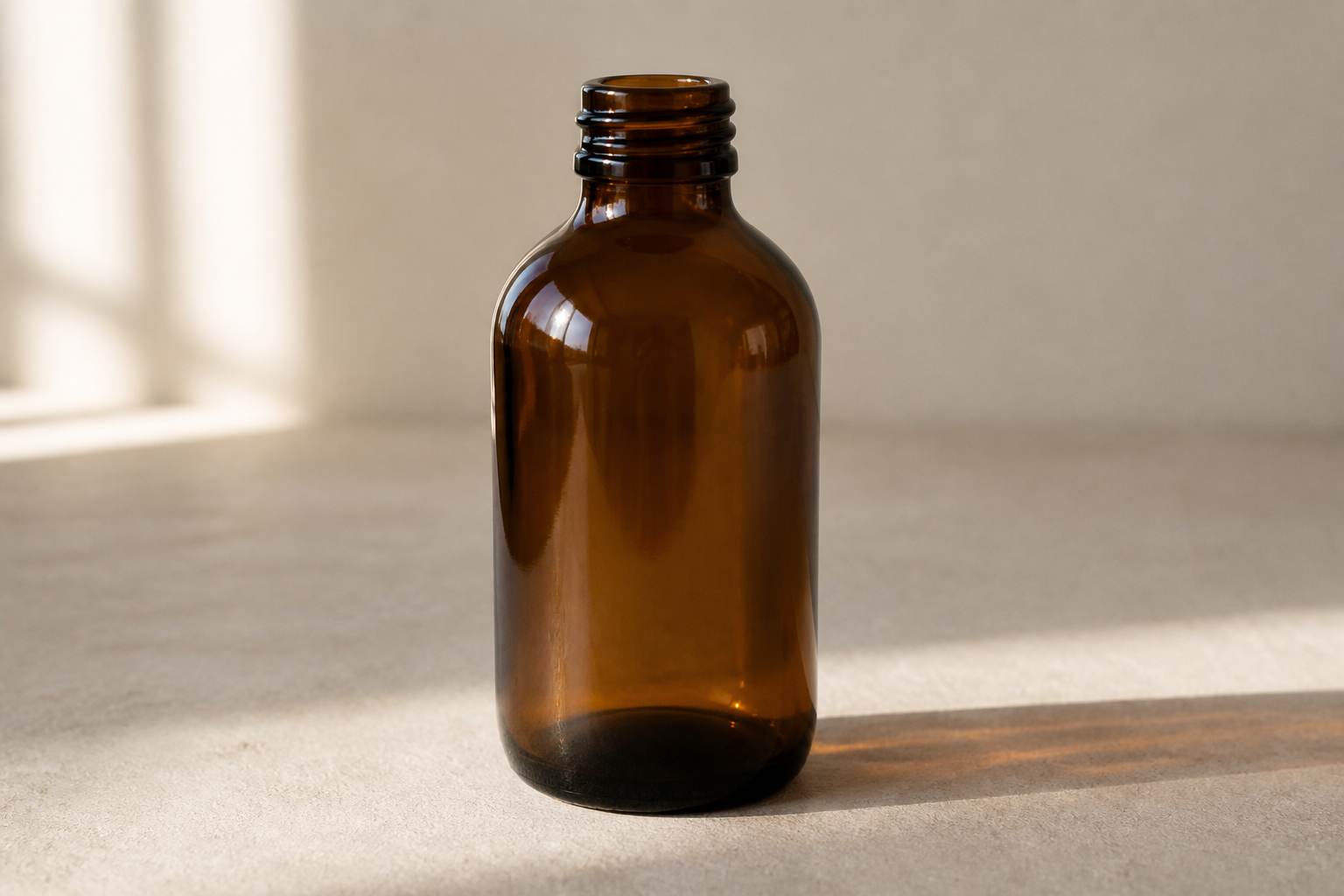
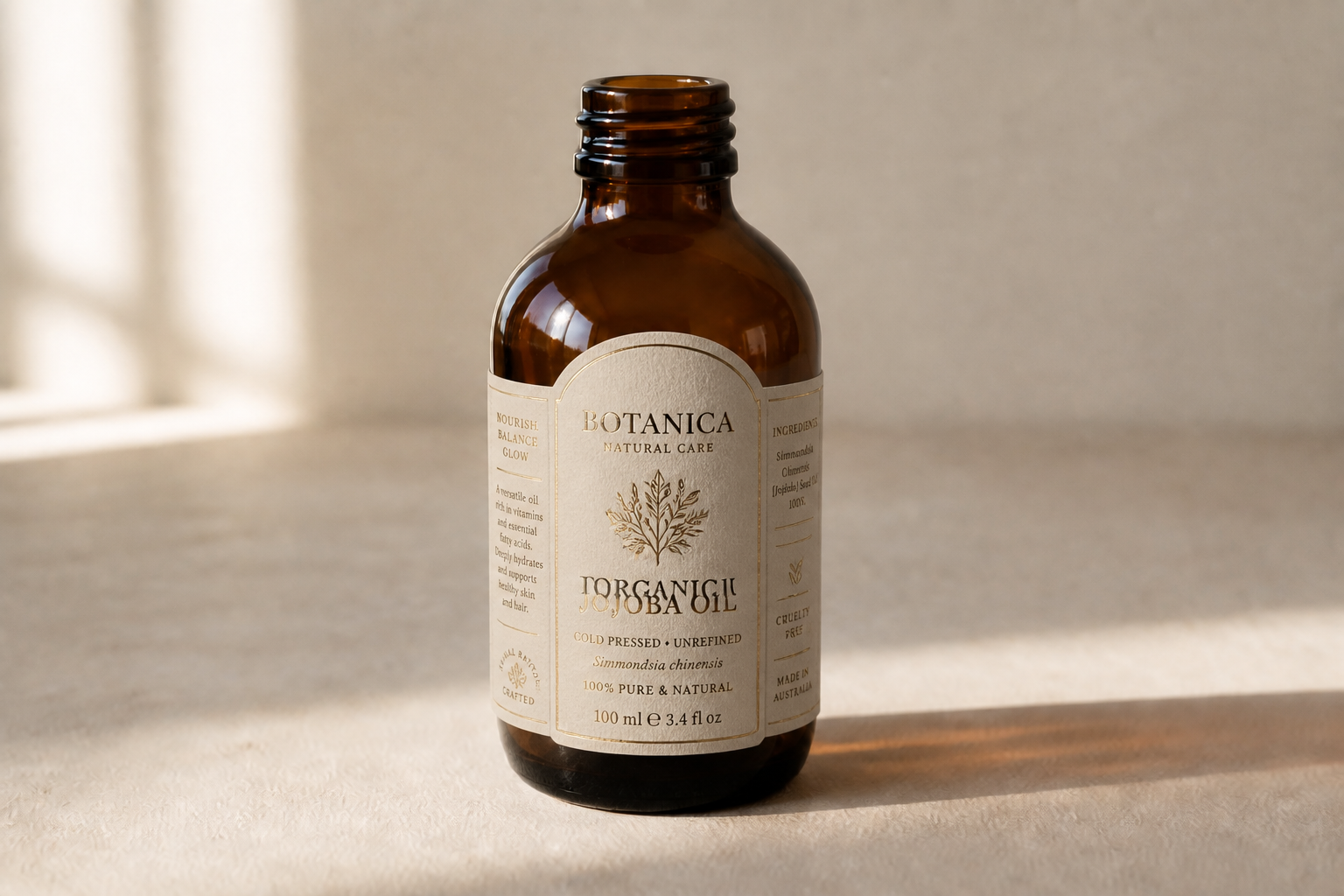
Keep the bottle realistic
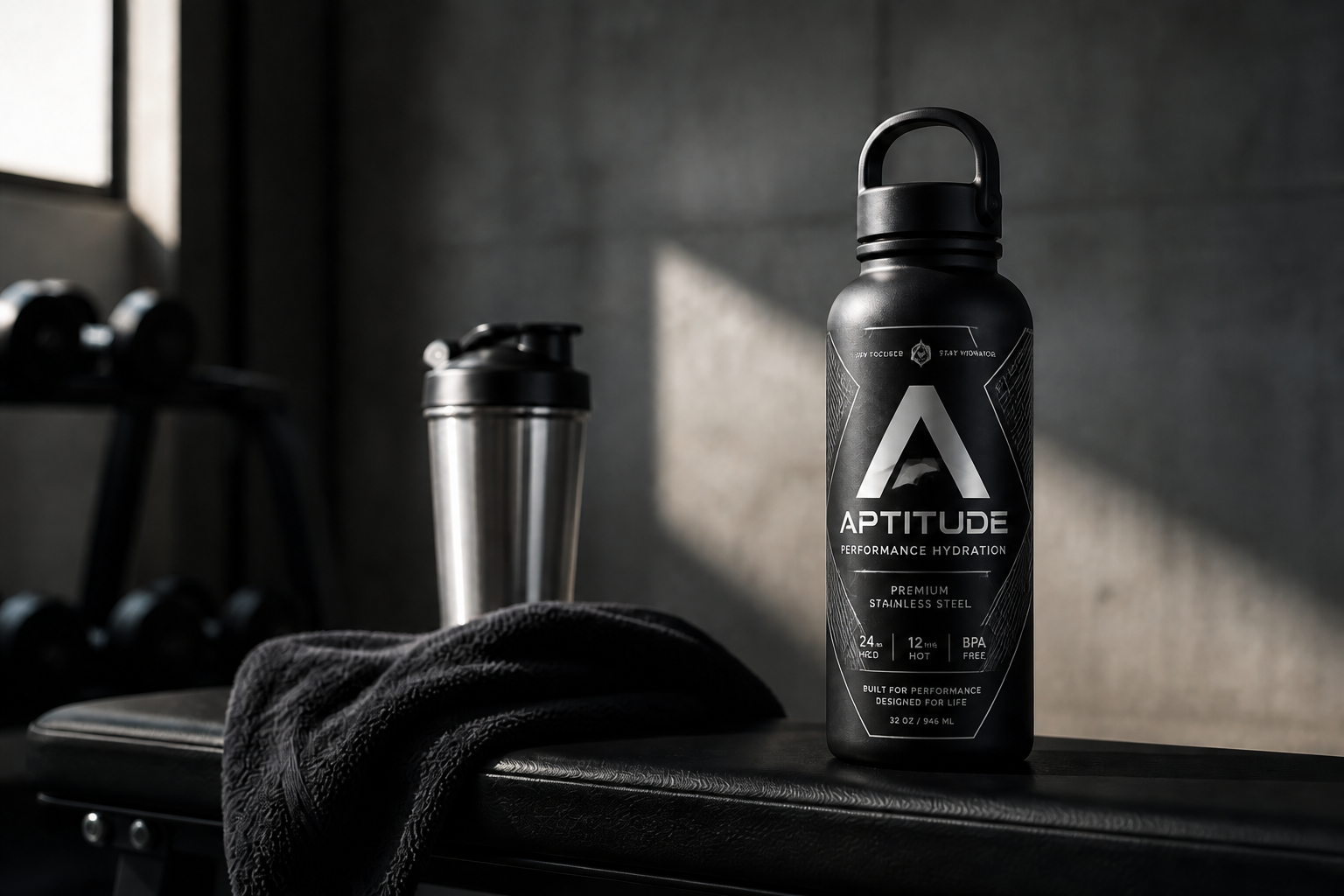
The label changes while the bottle form, reflections, and camera angle stay consistent. That helps your concept look like a real package mockup instead of a new image that lost the original setup. It is much faster than manually masking curved glass and matching highlights by hand. The result reads clearly in thumbnails and presentations.
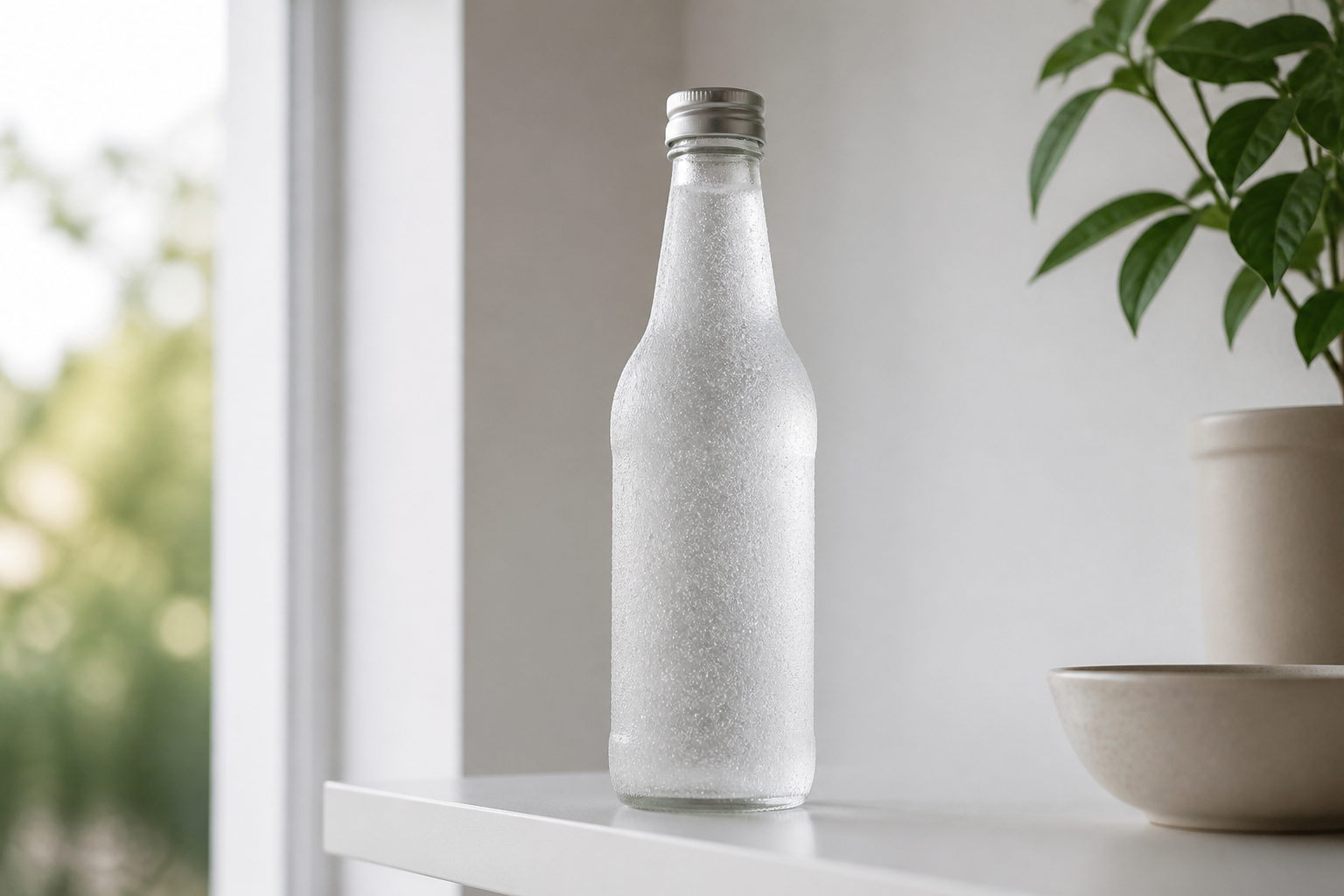
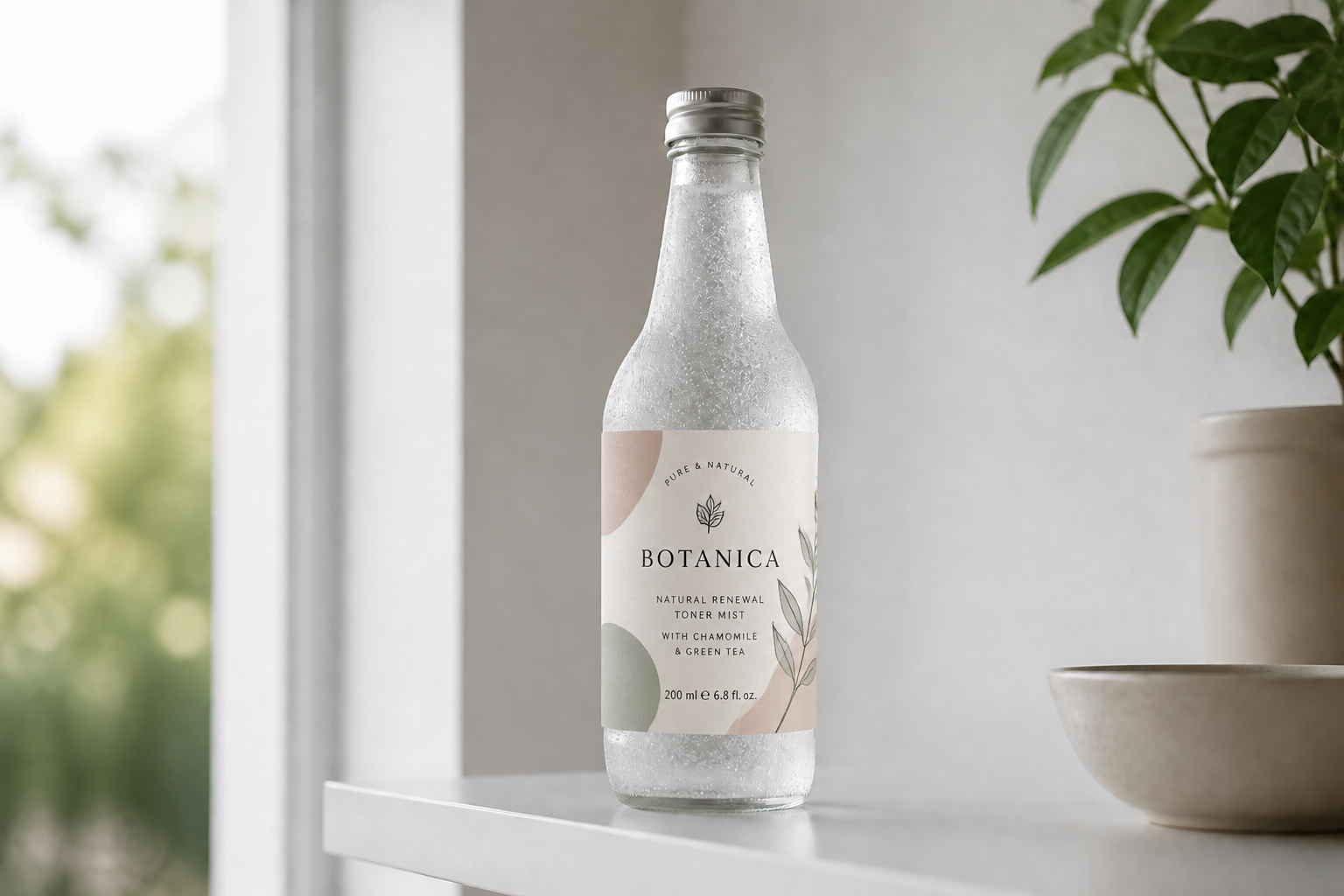
Explore multiple label styles
You can test very different visual directions on the same bottle photo. Try luxury, playful, vintage, or minimalist packaging without setting up separate mockups for each version. That makes it easier to compare brand directions side by side. It is a practical way to move from rough concept to presentable packaging fast.
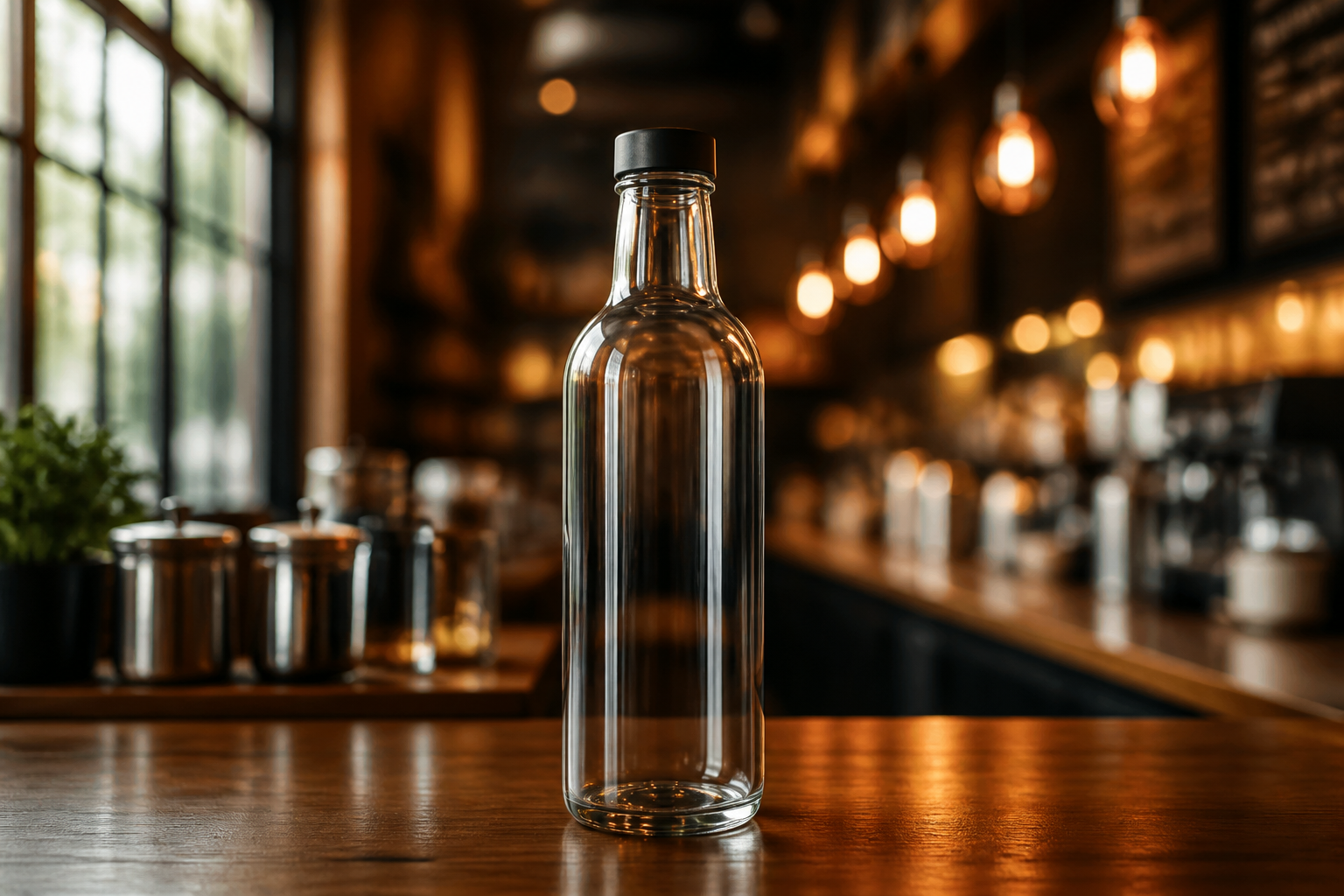
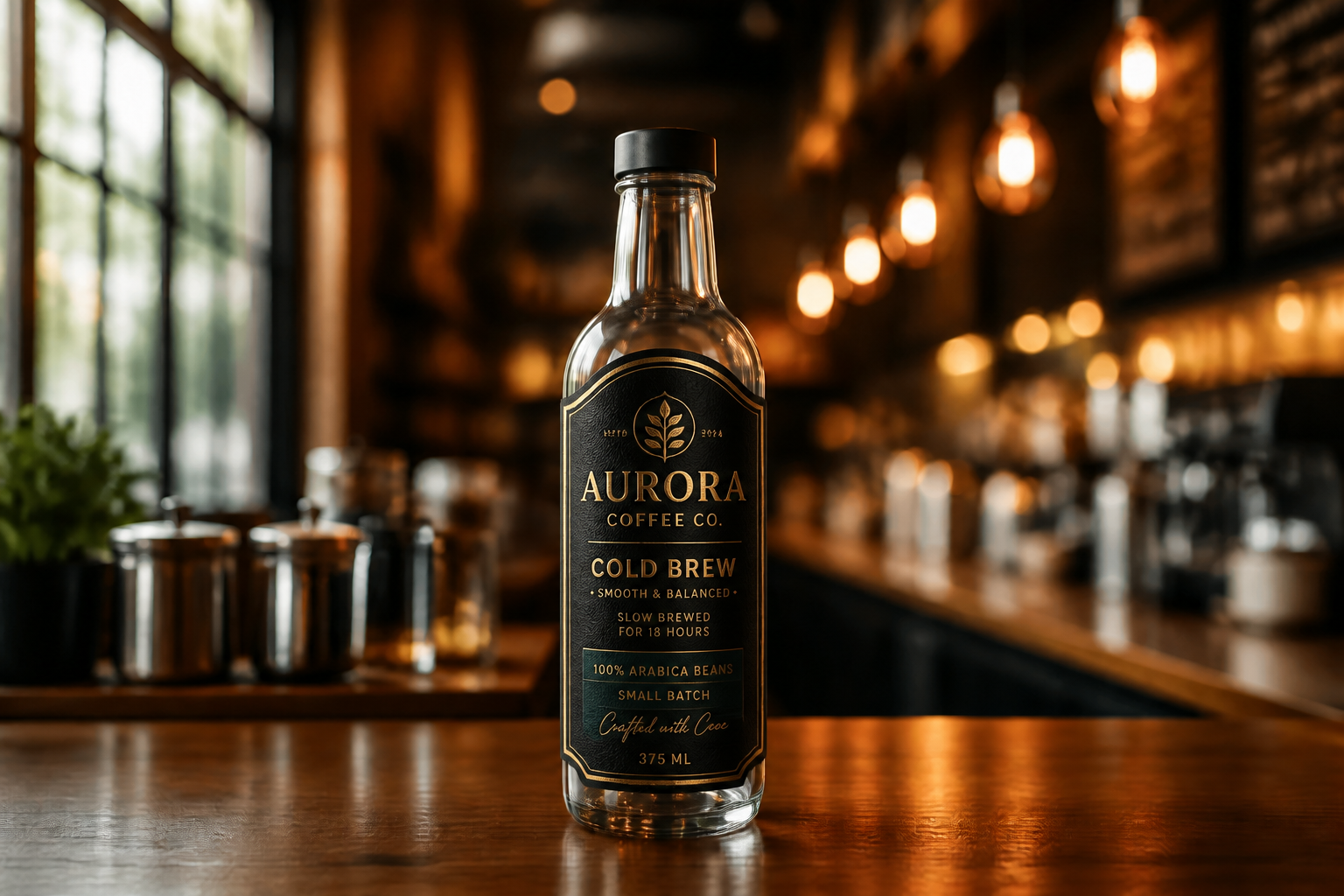
Make shareable product mockups
The output is designed to look presentation-ready, so it works for storefront previews, pitch decks, and social posts. Instead of a rough draft, you get a polished labeled bottle that looks intentional and branded. This helps teams communicate ideas faster before final packaging files exist. It is especially useful for early-stage products and seasonal concepts.
How It Works
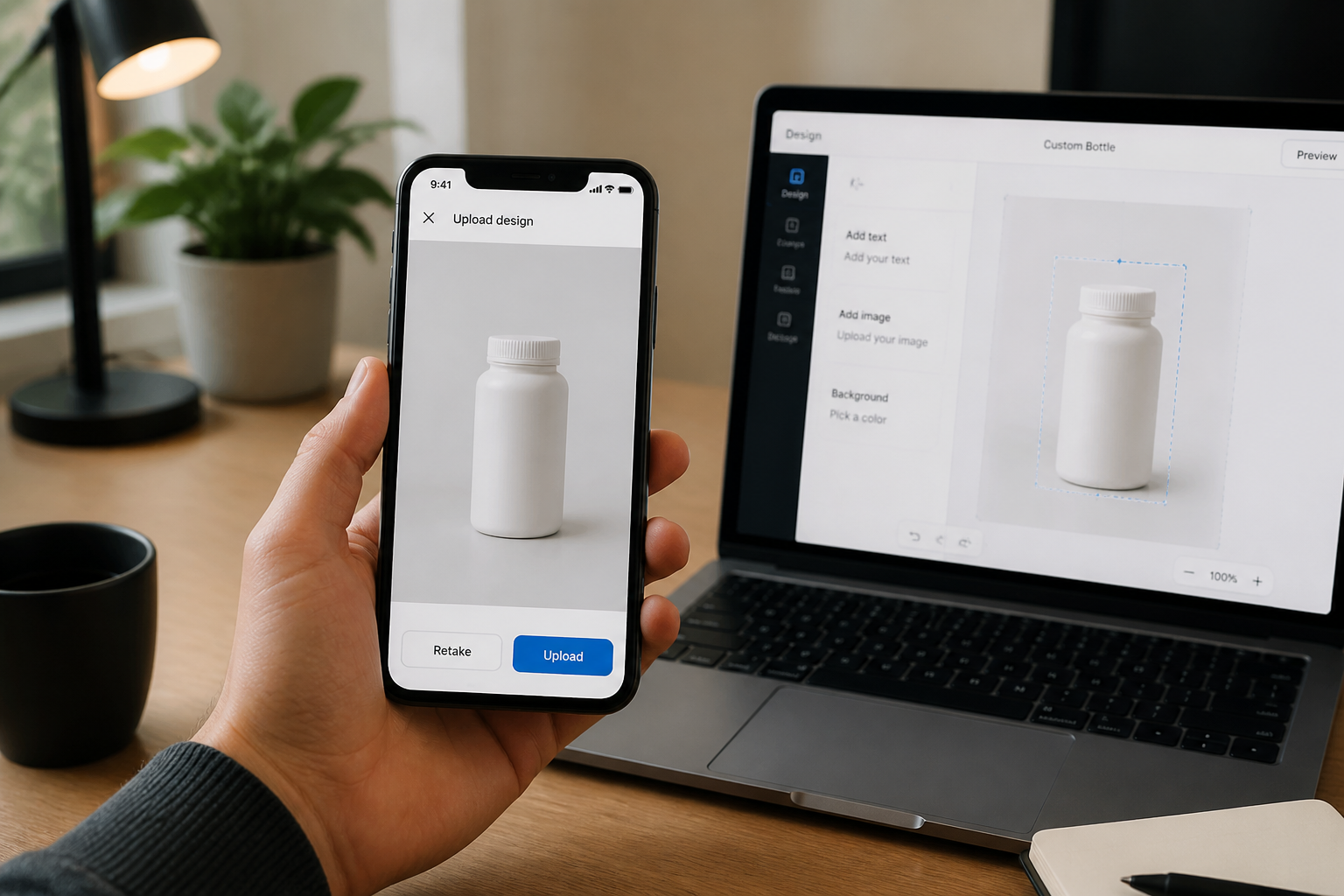
Upload your bottle photo
Start with a clear image of a bottle, ideally with no existing label. A simple front or three-quarter product view gives the AI the cleanest surface to work with.
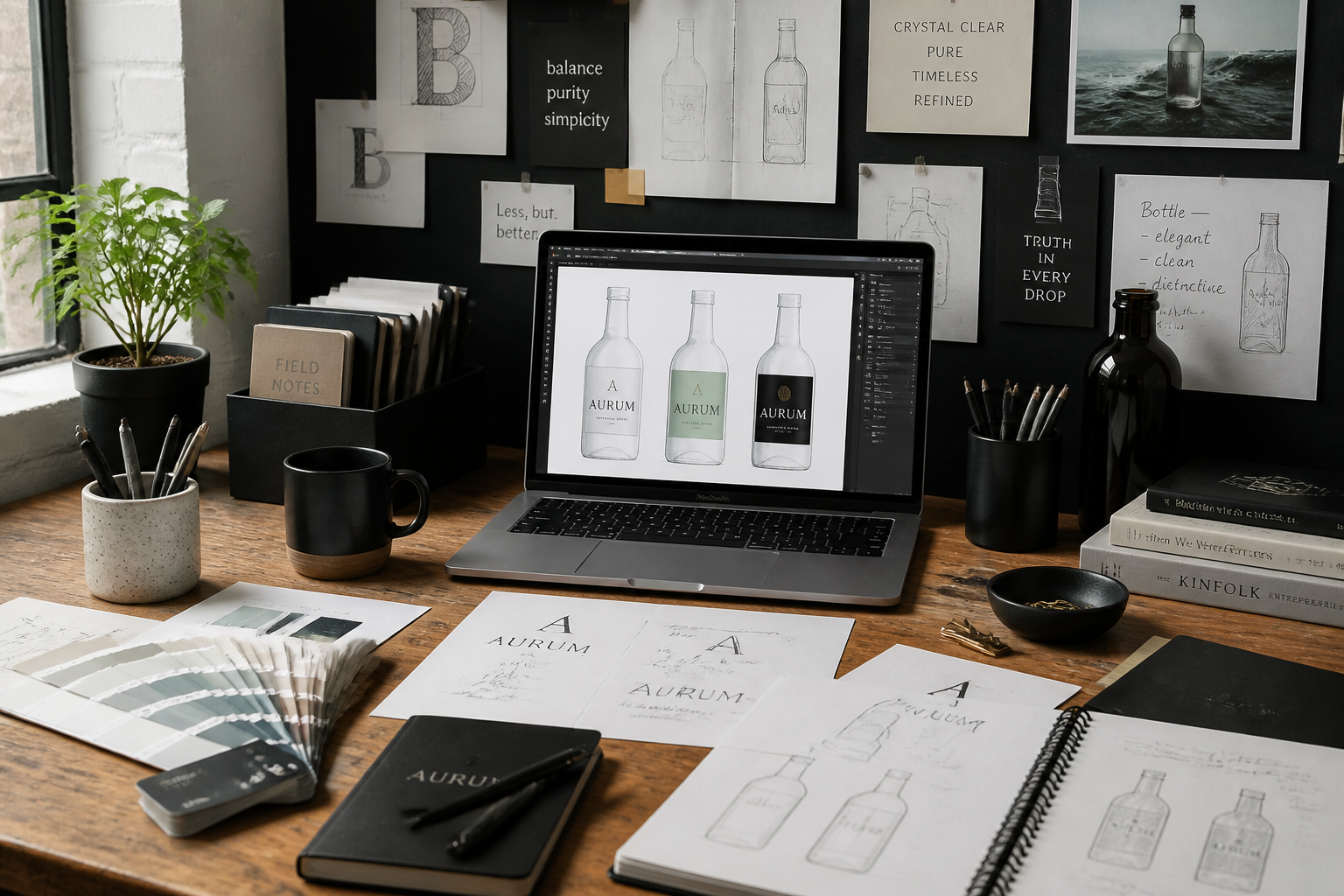
Describe the label look
Tell the AI what kind of packaging you want, such as luxury wine, bright juice, or minimalist skincare. Include colors, mood, and print style so the new label is easy to direct.
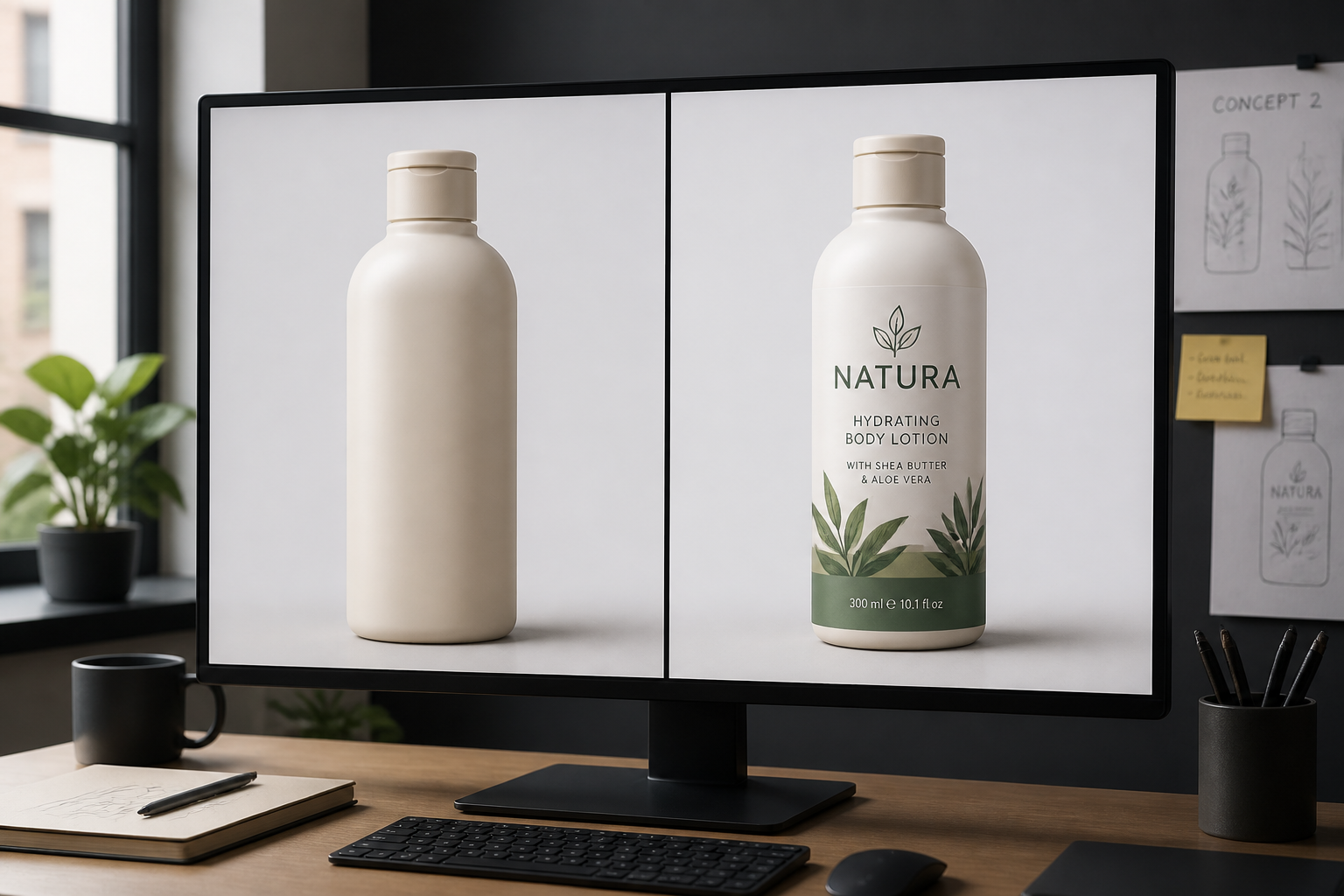
Compare and refine
Review the labeled result against the original blank bottle and adjust the prompt if needed. You can quickly test new styles without changing the base product photo.
Perfect For
Discover how creators and professionals use ai bottle label generator
Packaging concept previews
Show early bottle branding ideas before final label files or print proofs are ready.
Product launch mockups
Create polished bottle visuals for landing pages, pitch decks, and pre-launch campaigns.
Retail style testing
Try different packaging directions to see which label style fits your product line best.
Social content creation
Turn plain bottle shots into shareable branded images for ads, menus, and posts.
Built For
Brand designers
Quickly mock up packaging directions on realistic bottles without building every comp manually.
Small product businesses
Create presentable bottle branding visuals before investing in full packaging production.
Marketing teams
Generate clean product images for campaigns, decks, and storefront tests with less turnaround time.
Why use an AI bottle label generator
A quick look at how we compare on the things that matter for this niche.
| Feature | BudgetPixel | Generic AI editors | Manual editing apps |
|---|---|---|---|
| Blank bottle to labeled mockup | ✓ | ✓ | — |
| Keeps original scene consistent | ✓ | — | ✓ |
| Fast label style exploration | ✓ | ✓ | — |
| Presentation-ready packaging concepts | ✓ | — | — |
Frequently Asked Questions
What kinds of bottles work best?
Can I generate wine, beer, skincare, or water labels?
Do I need design files first?
Will the whole bottle change?
Can I try multiple branding styles on one bottle?
Create together.
Share your creations, discover trending AI art, and grow with fellow creators.