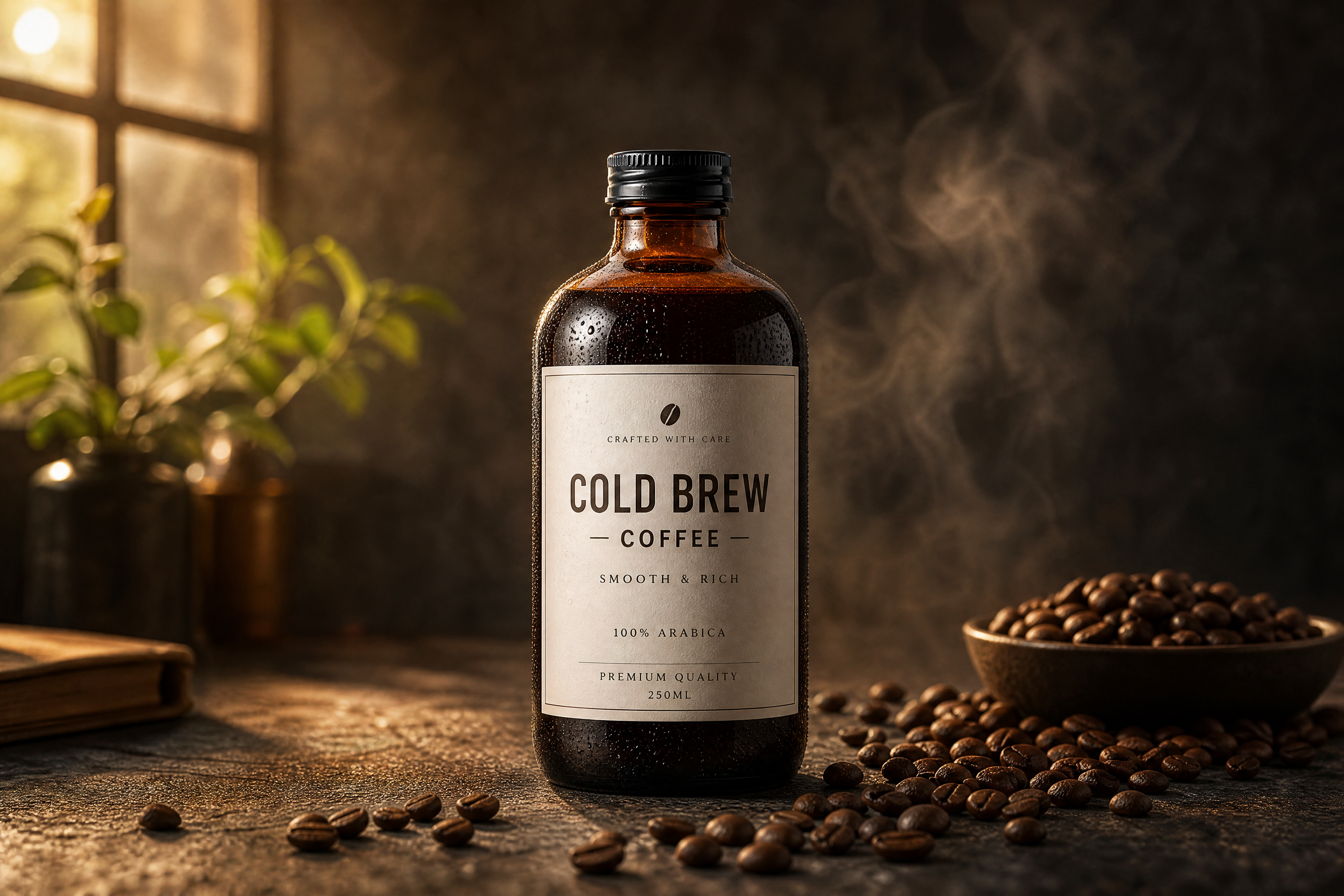
AI Can Design Generator for Packaging Mockups
Turn a simple can image into polished beverage packaging concepts.
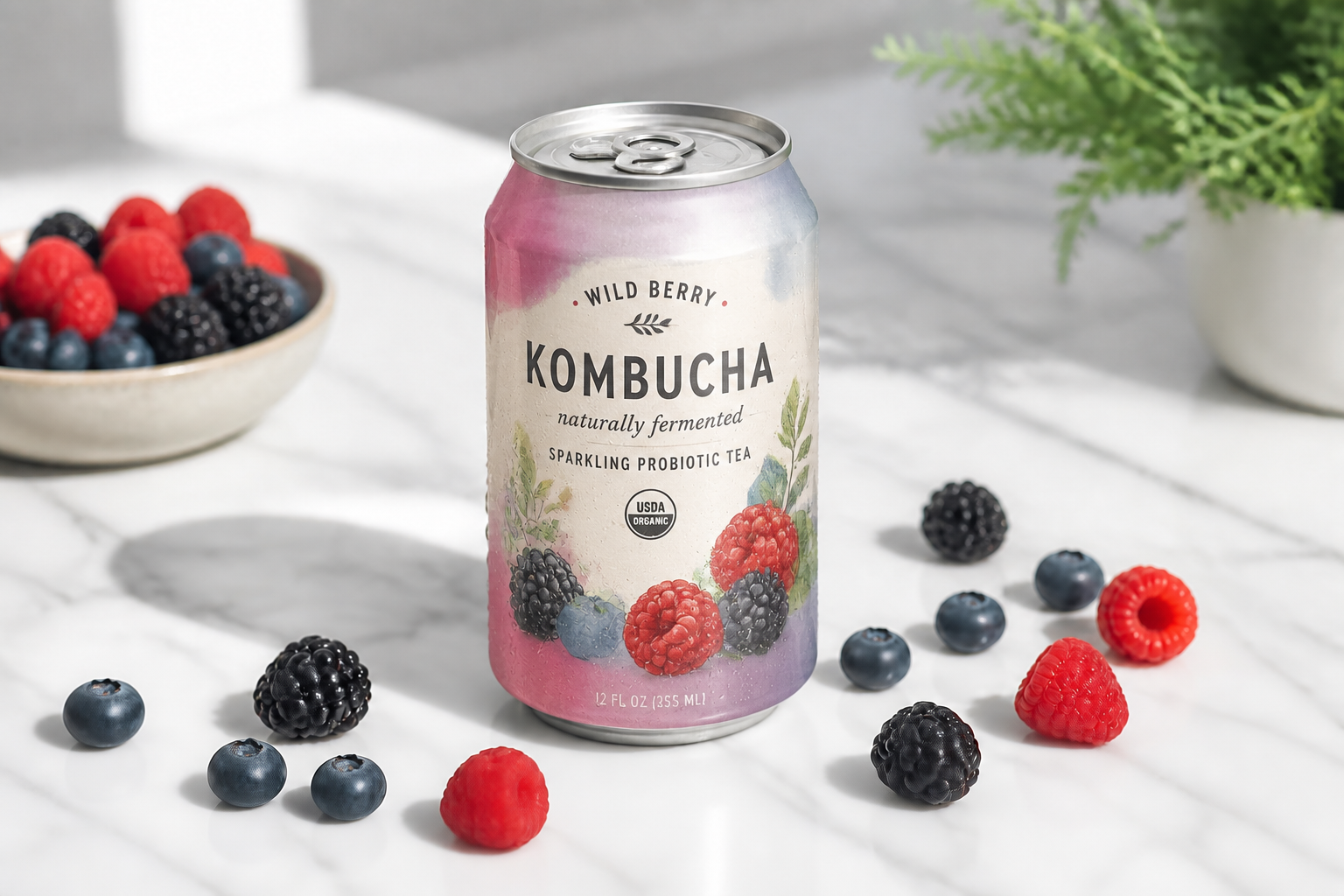
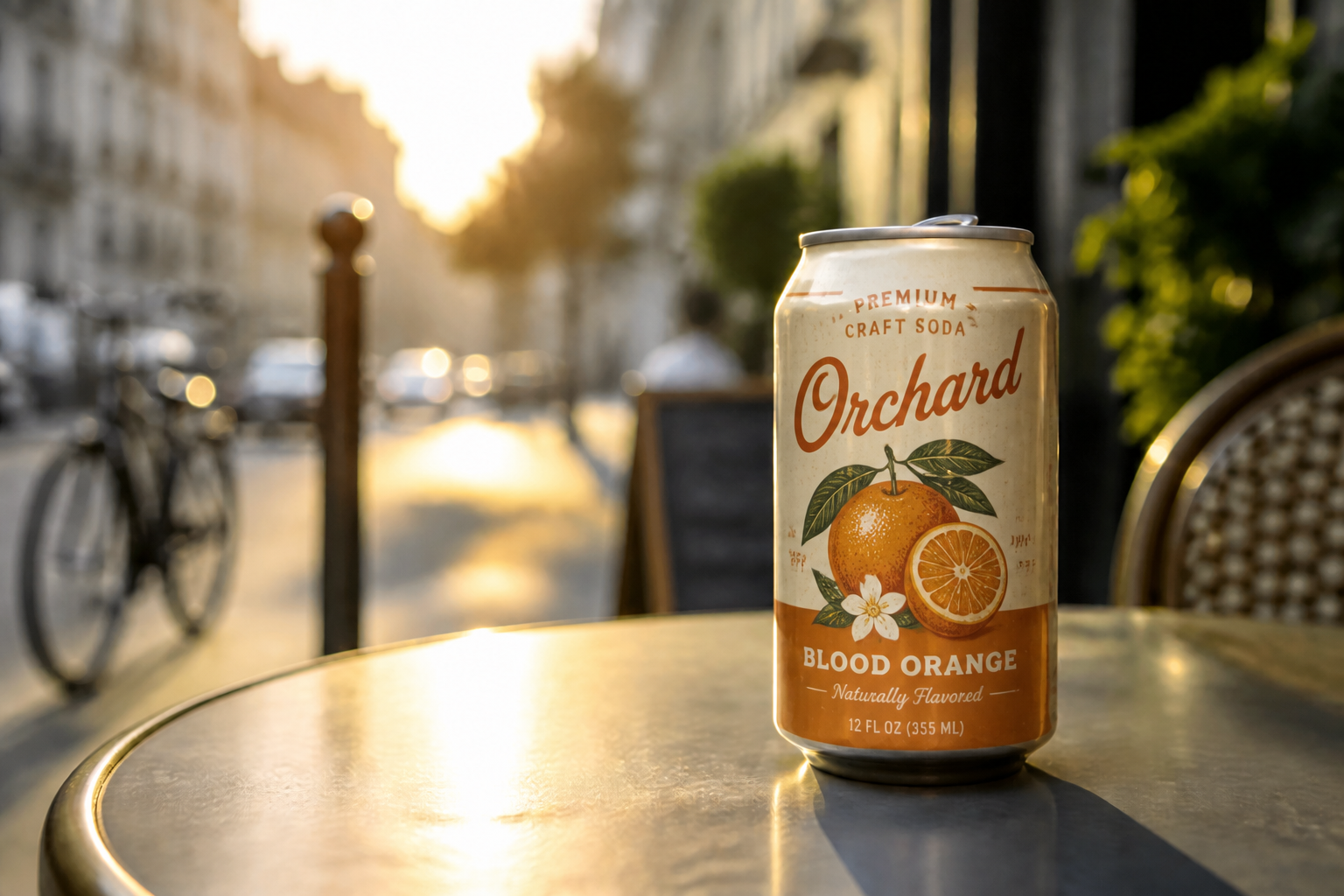
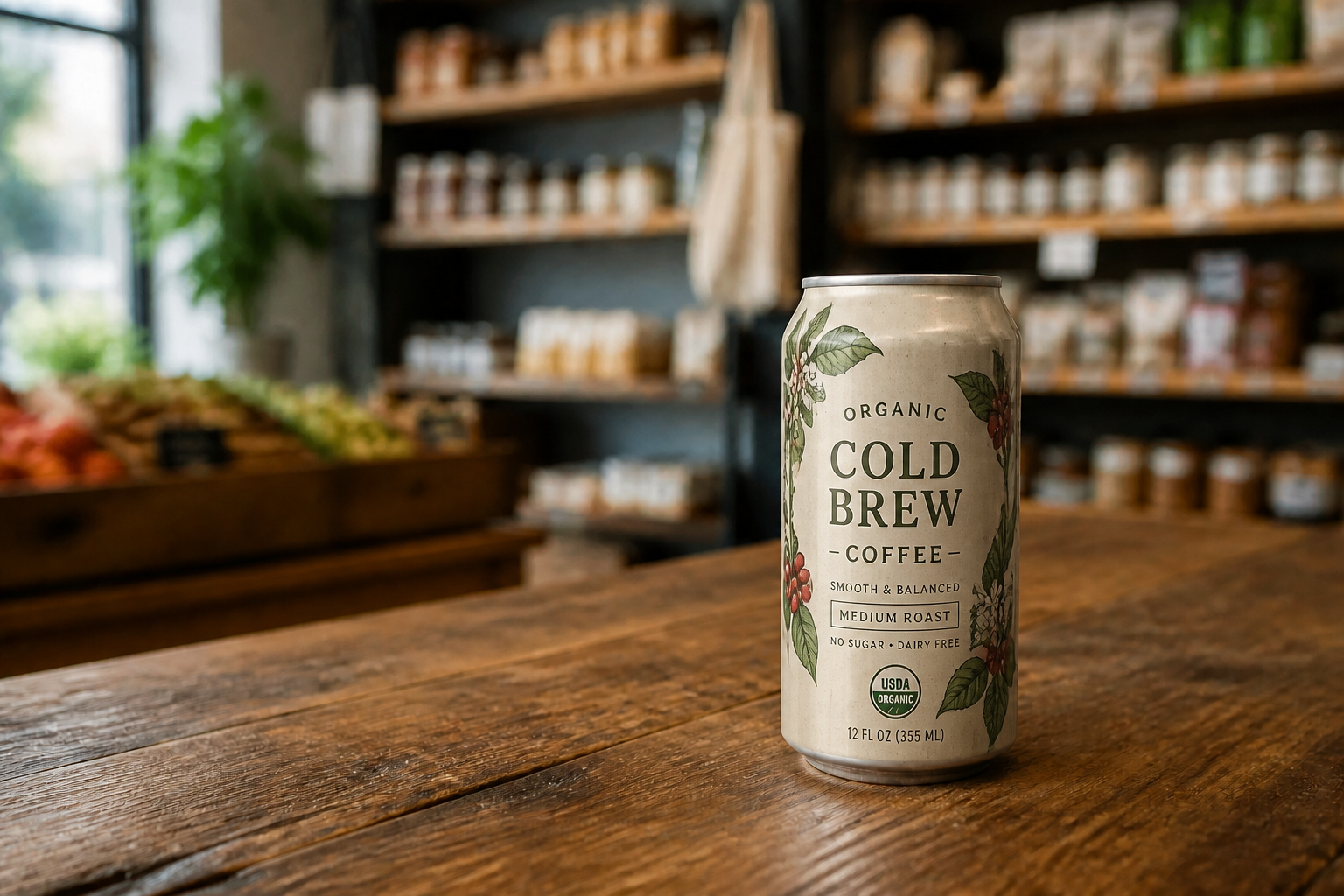
Upload a plain can photo or mockup and describe the label, flavor, and visual style you want. Our AI redesigns the can while keeping the shape, angle, and product presentation consistent. It is a quick way to test packaging ideas before moving into final production.
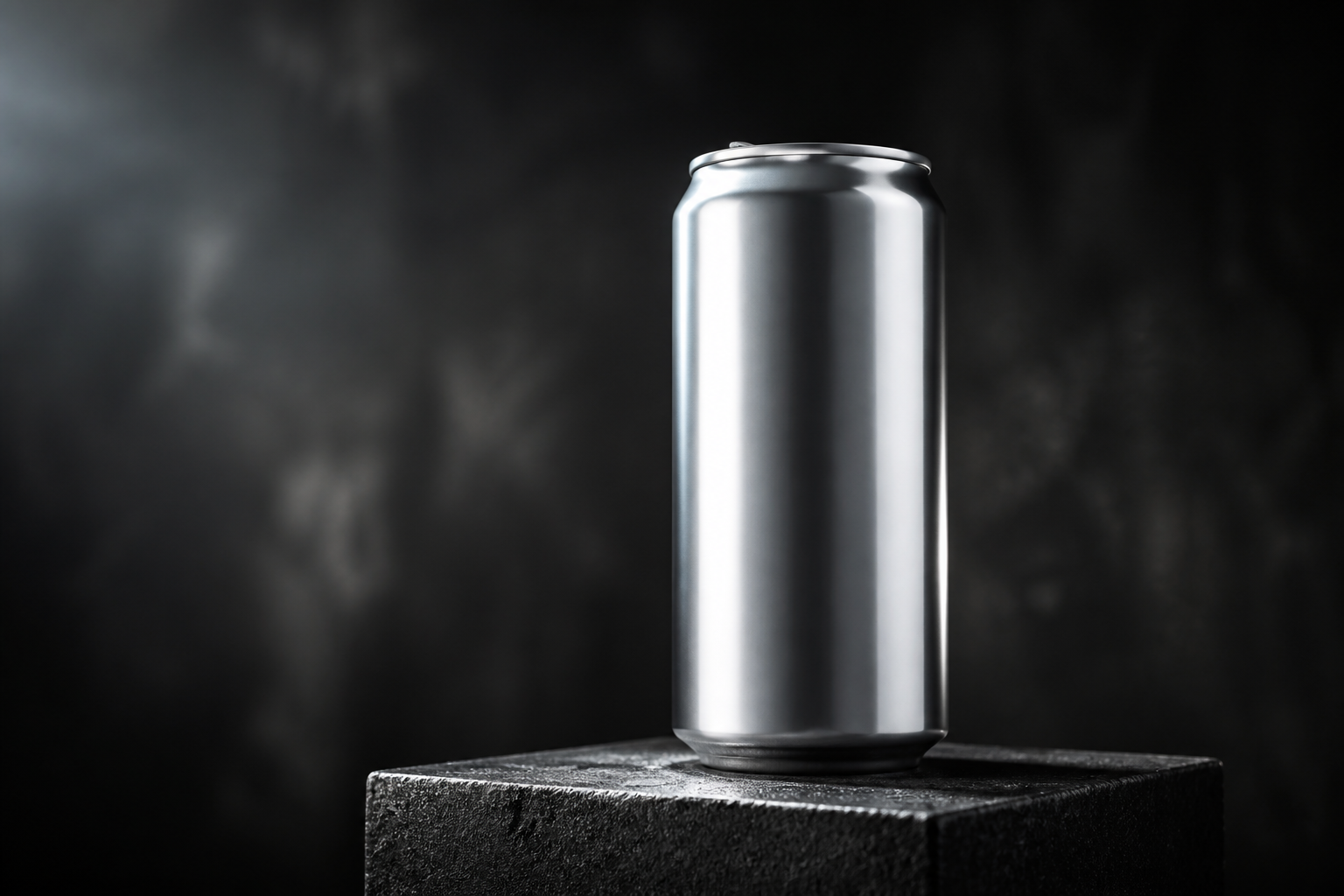
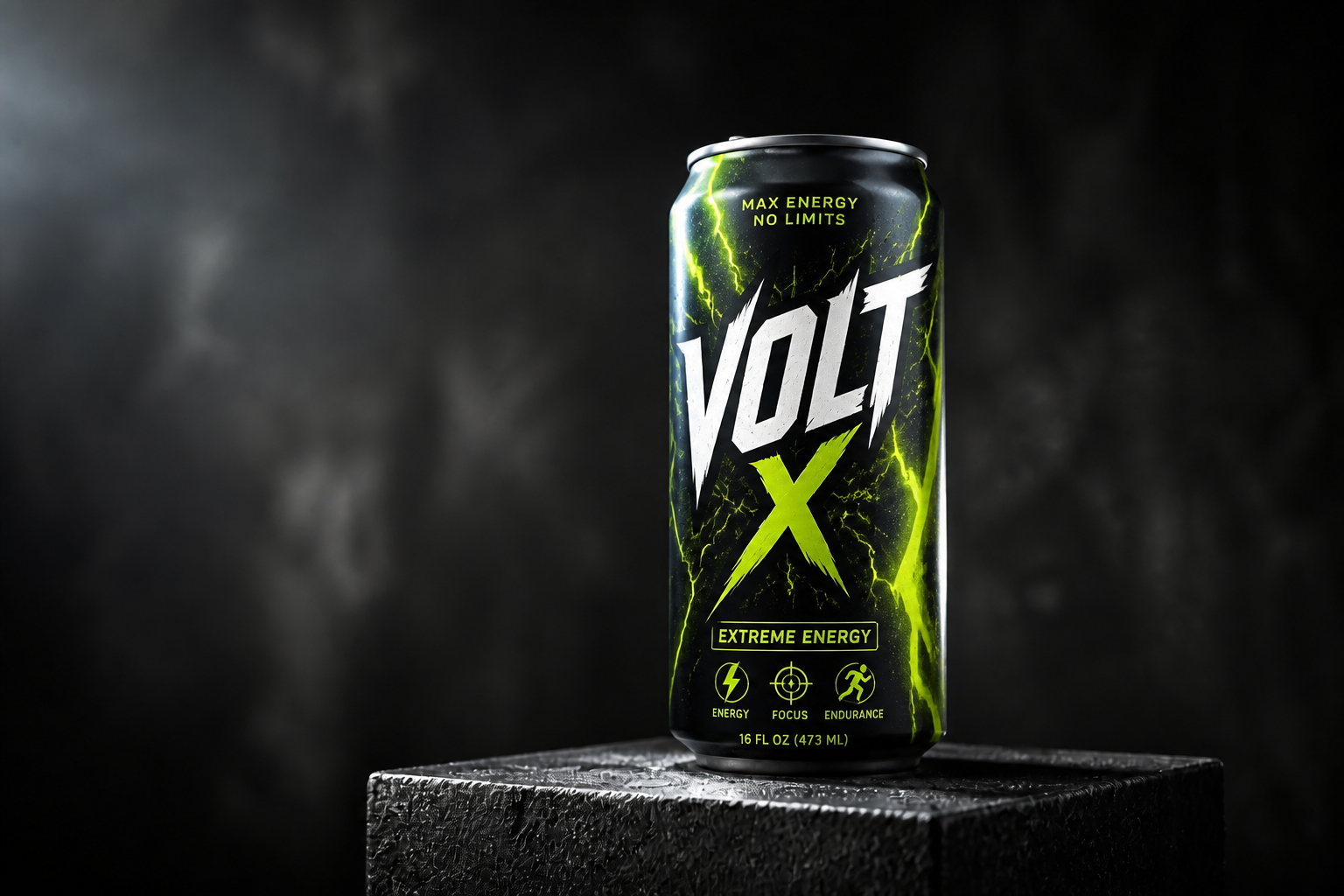
Watch the Transformation
See ai can design generator in motion — generated end-to-end by our AI.
See It In Action
Real outputs from ai can design generator.
BEFOREAFTER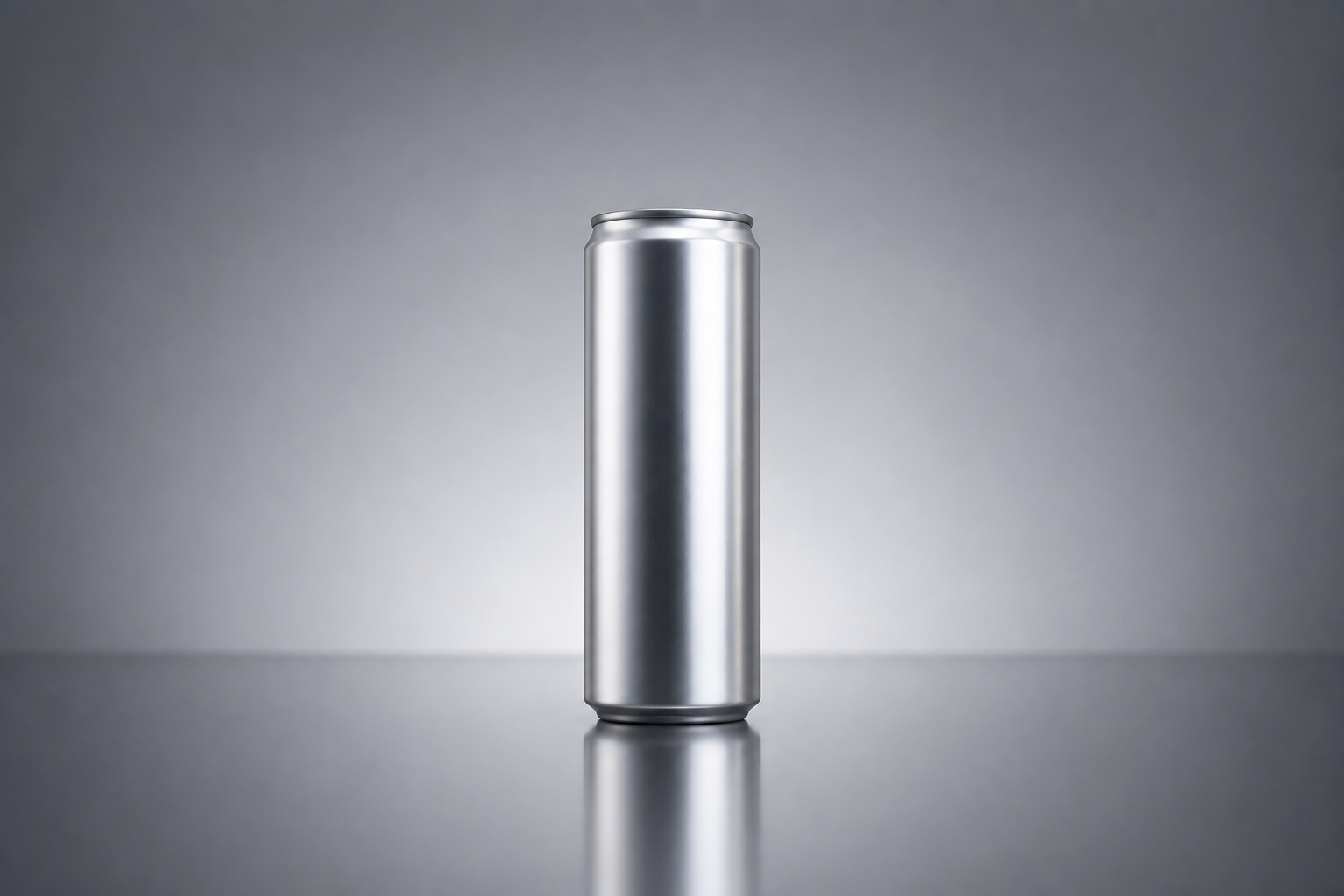 BEFORE
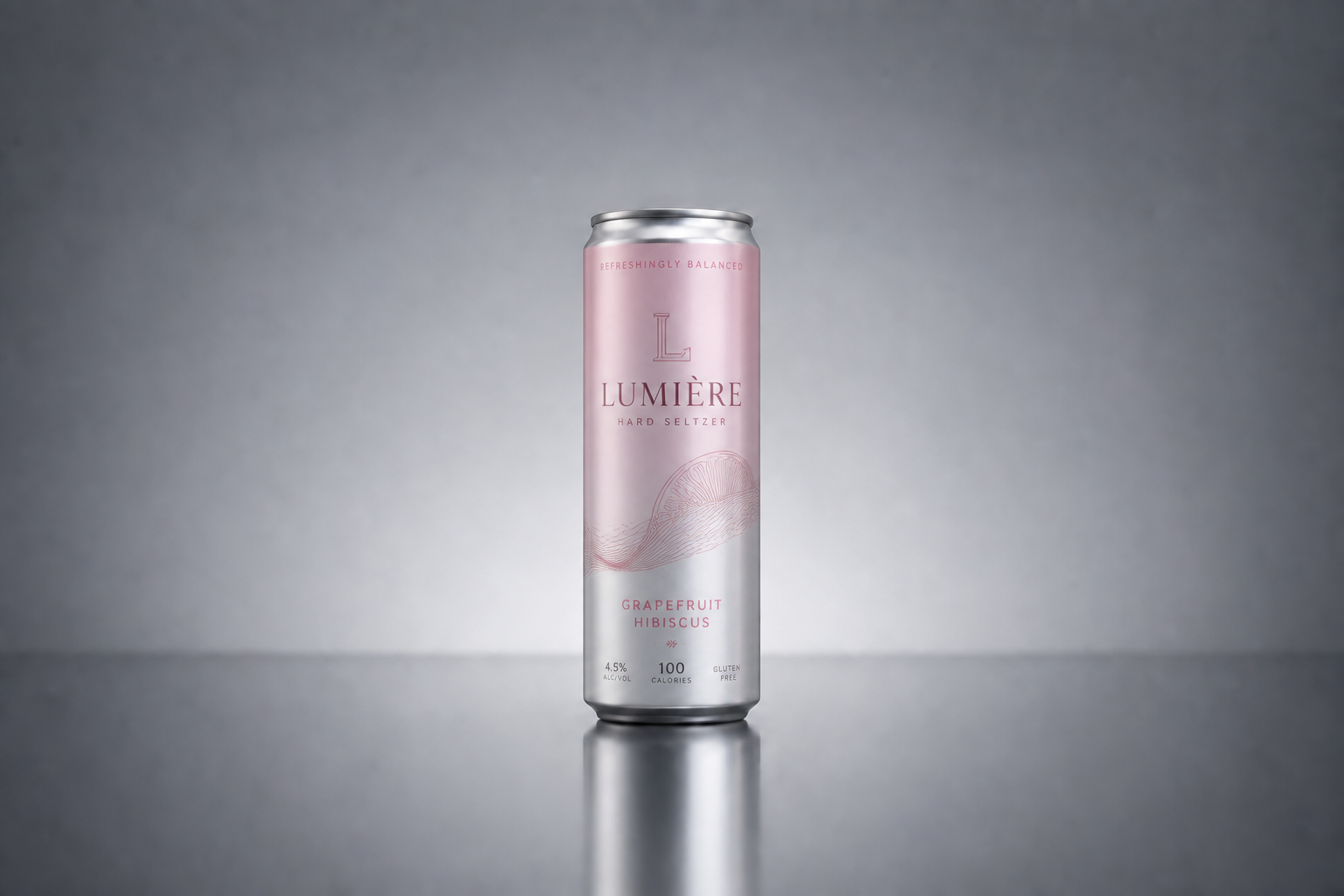 AFTER
AFTER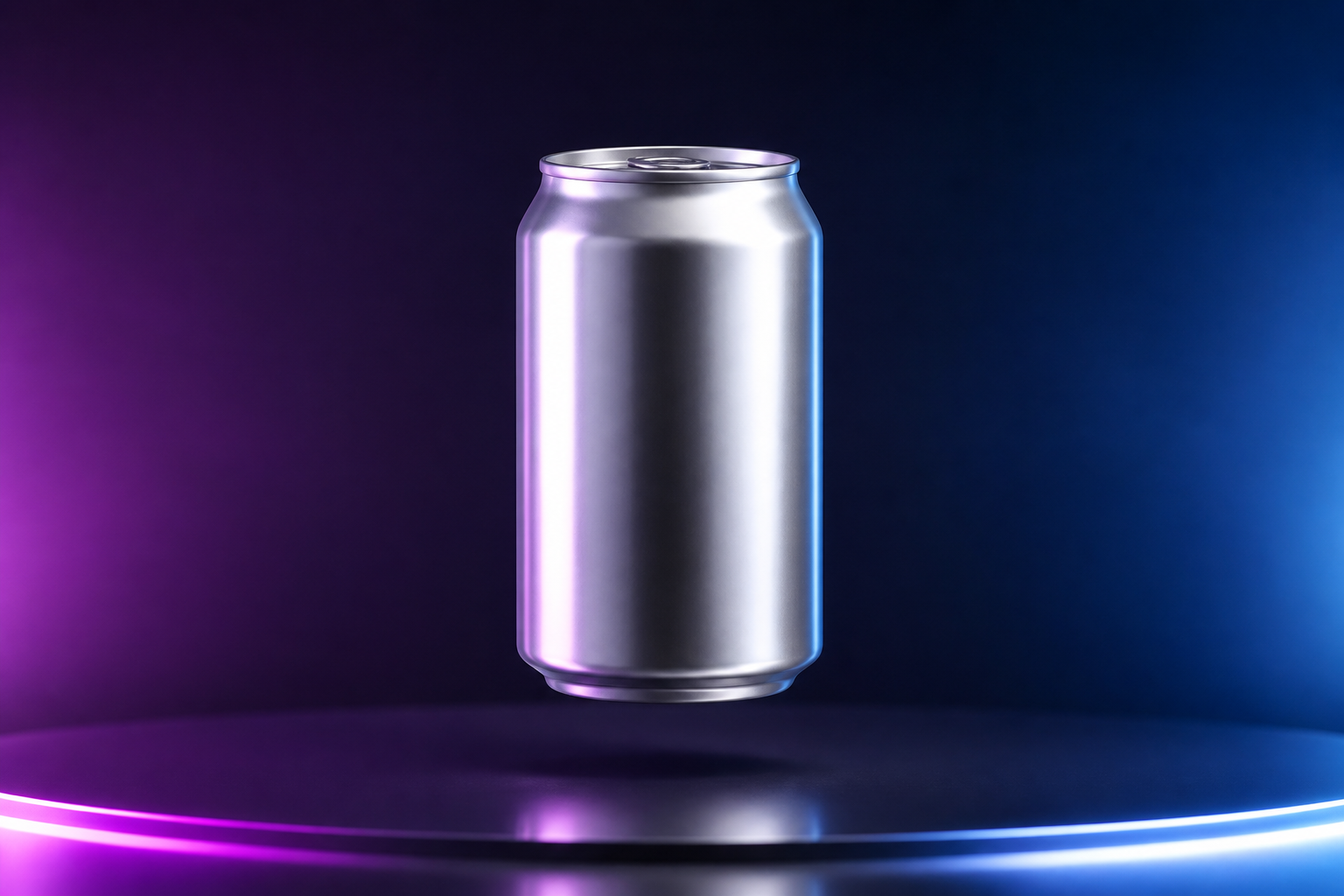 BEFORE
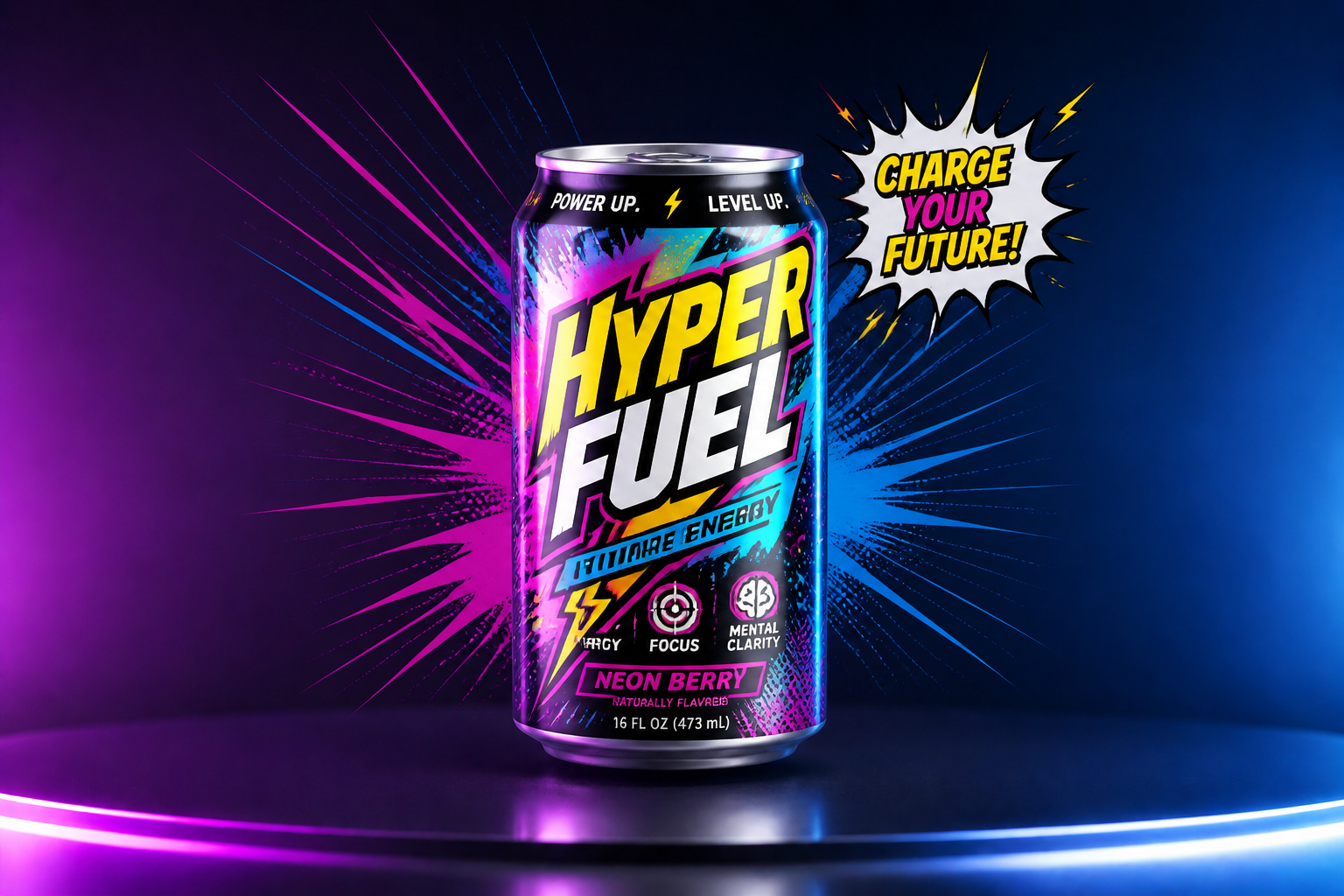 AFTER
AFTER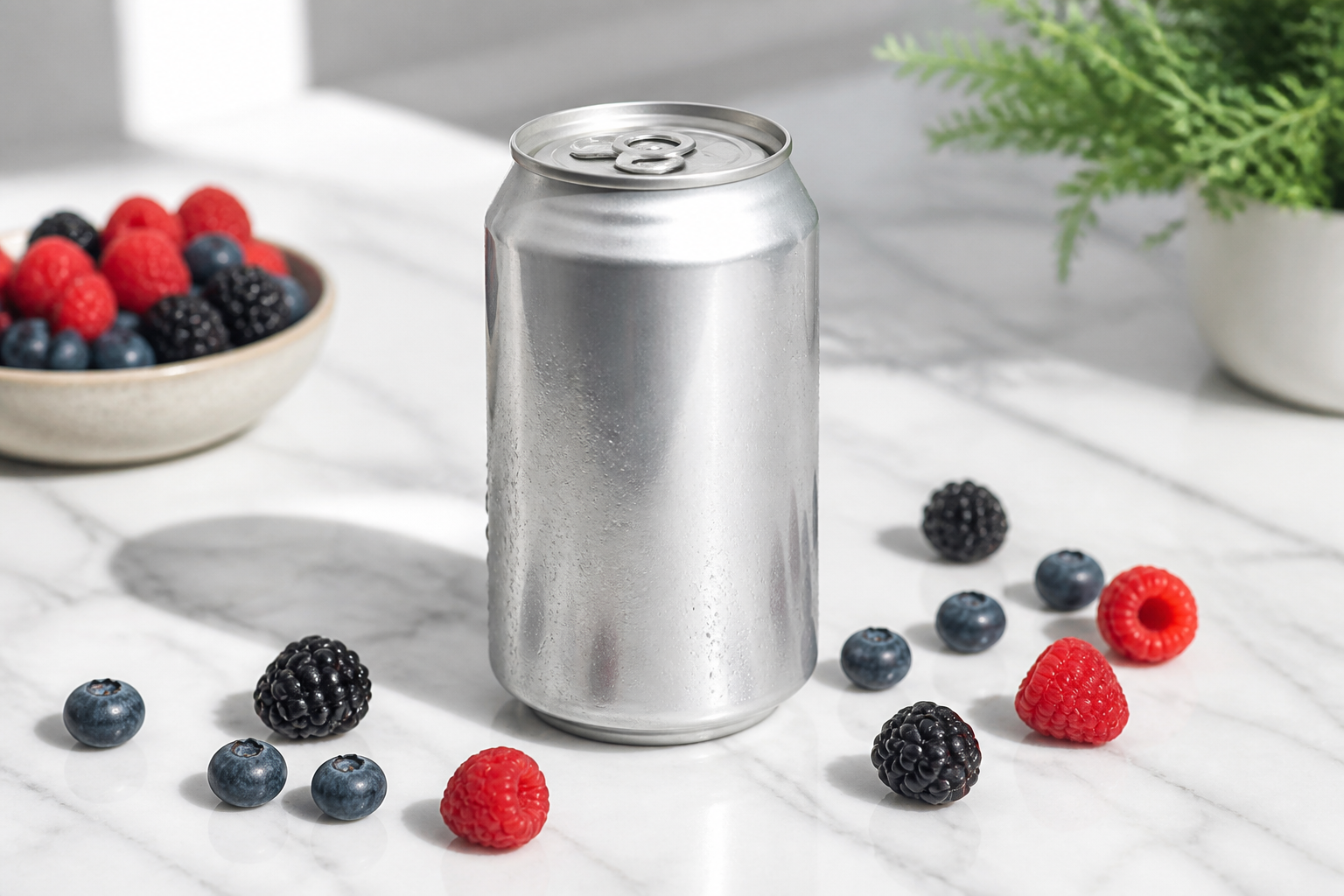 BEFORE
 AFTER
AFTER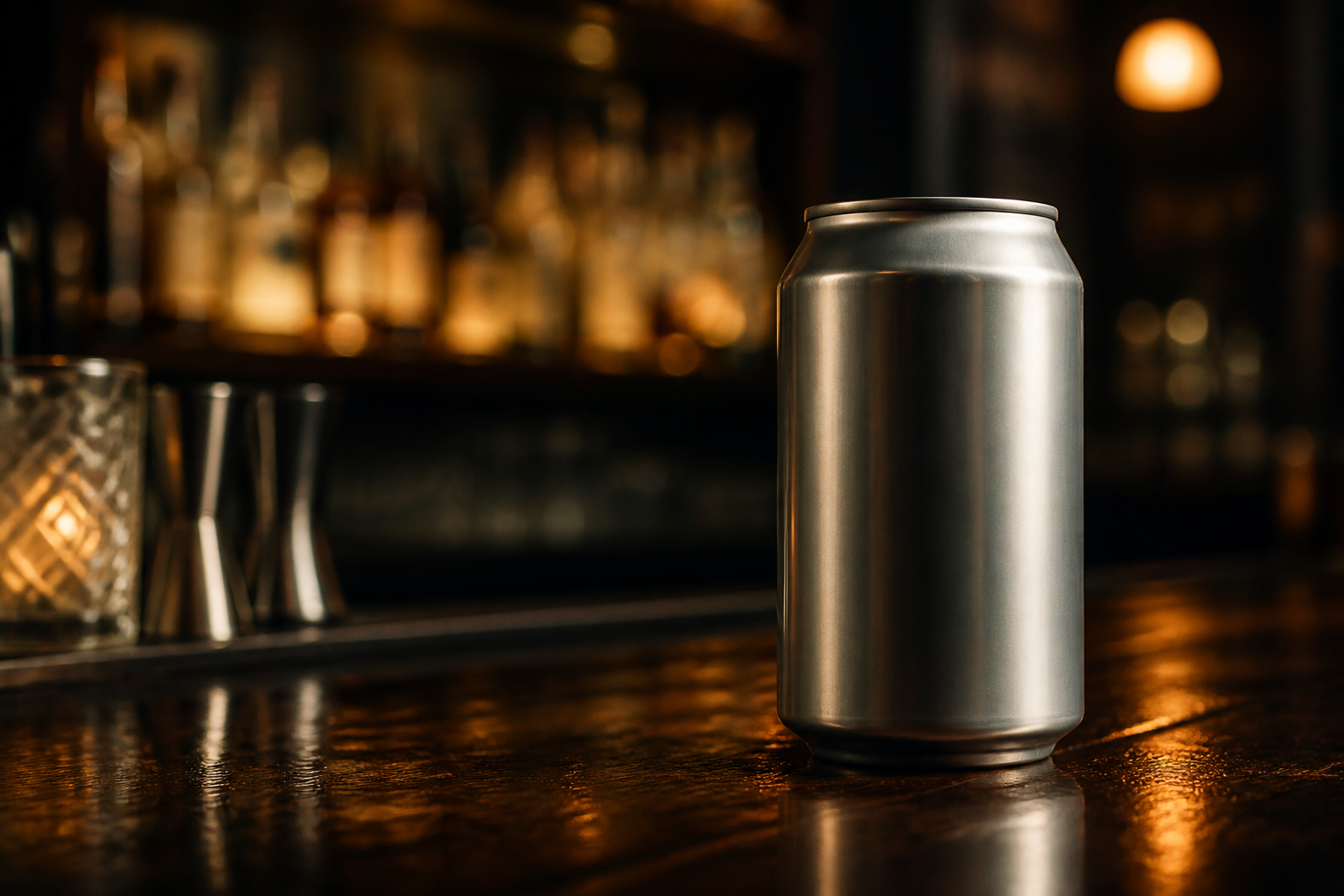 BEFORE
 AFTERBEFOREAFTERBEFOREAFTERBEFOREAFTERBEFOREAFTERBEFOREAFTER
 BEFORE
 AFTER
AFTER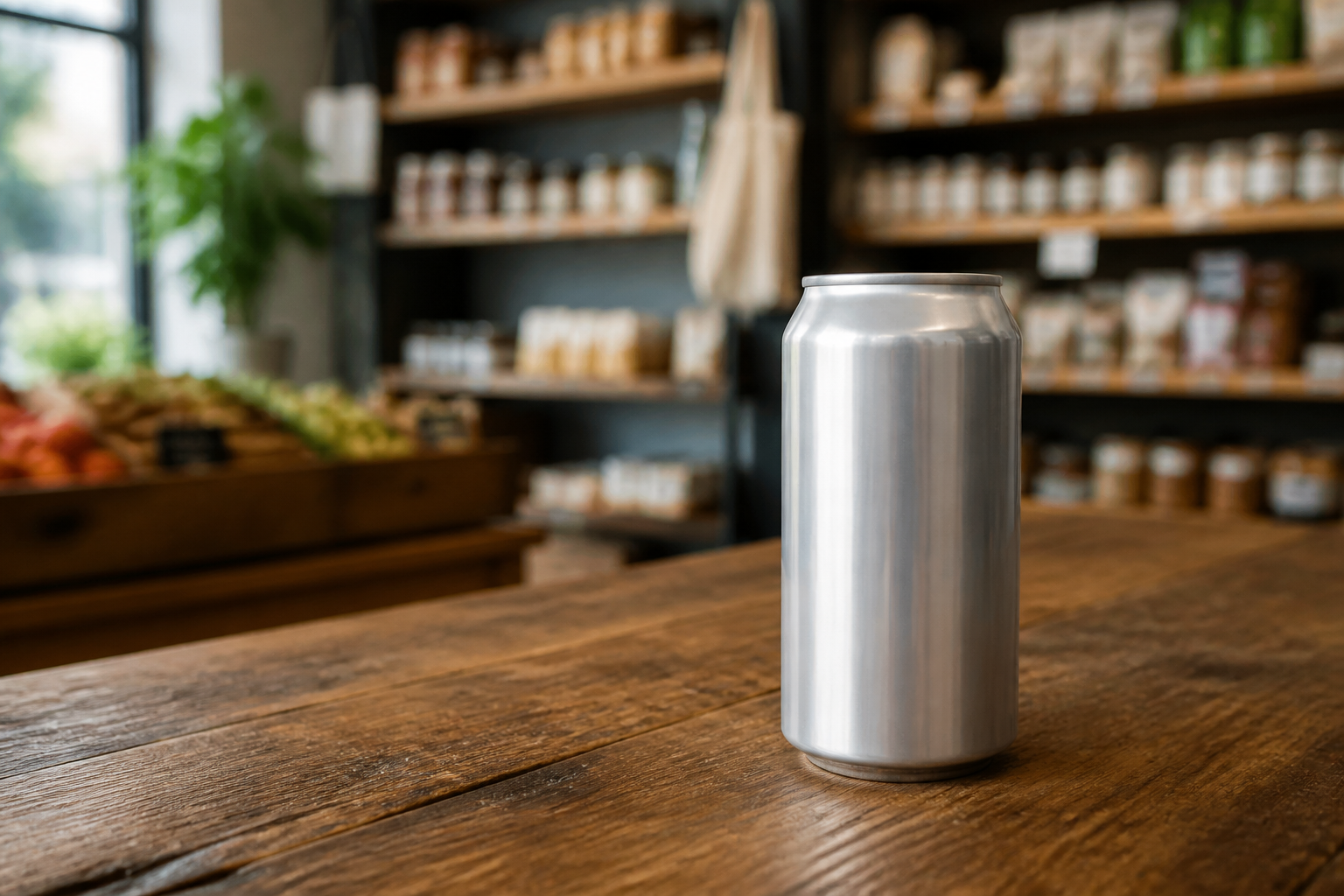 BEFORE
 AFTER
AFTER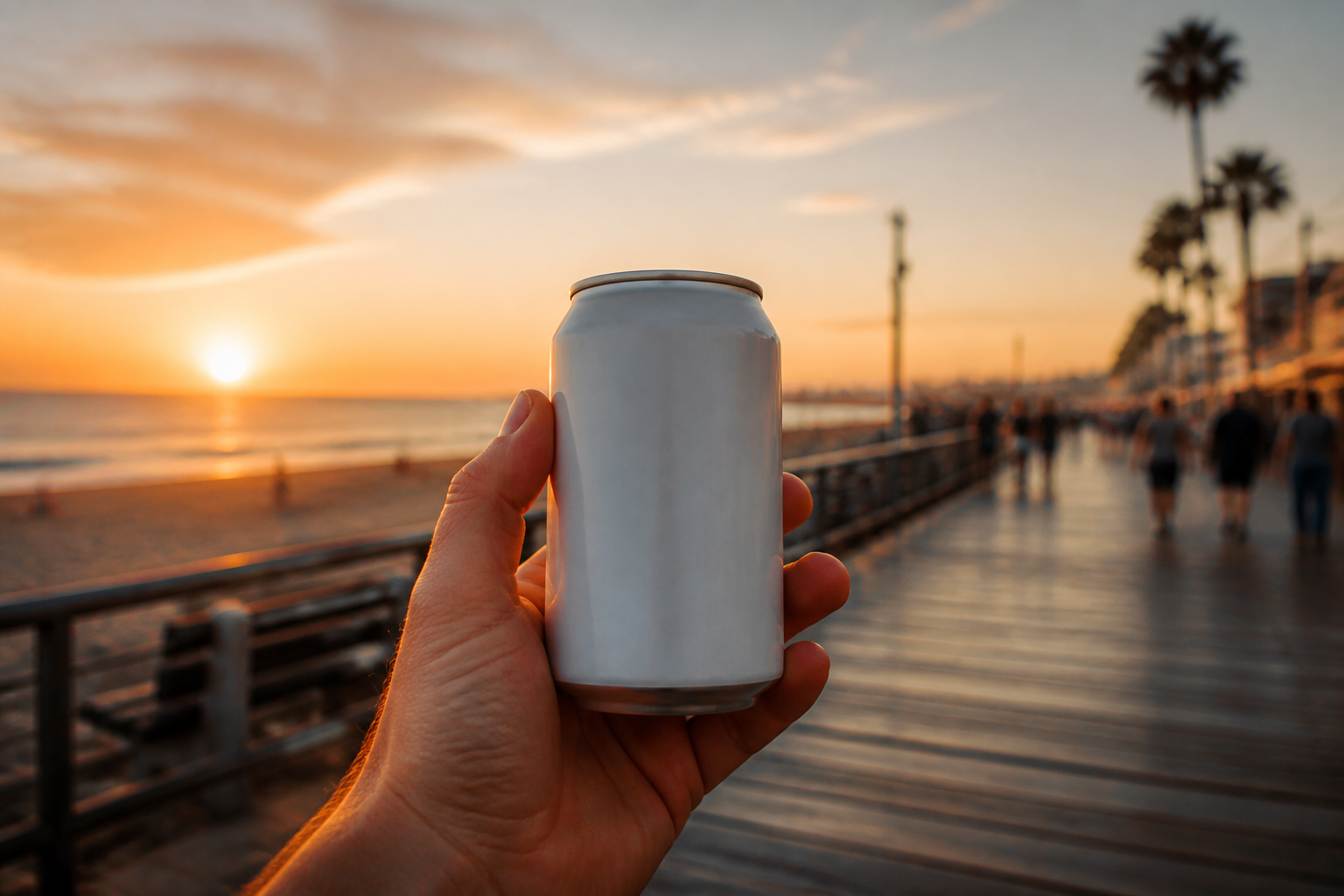 BEFORE
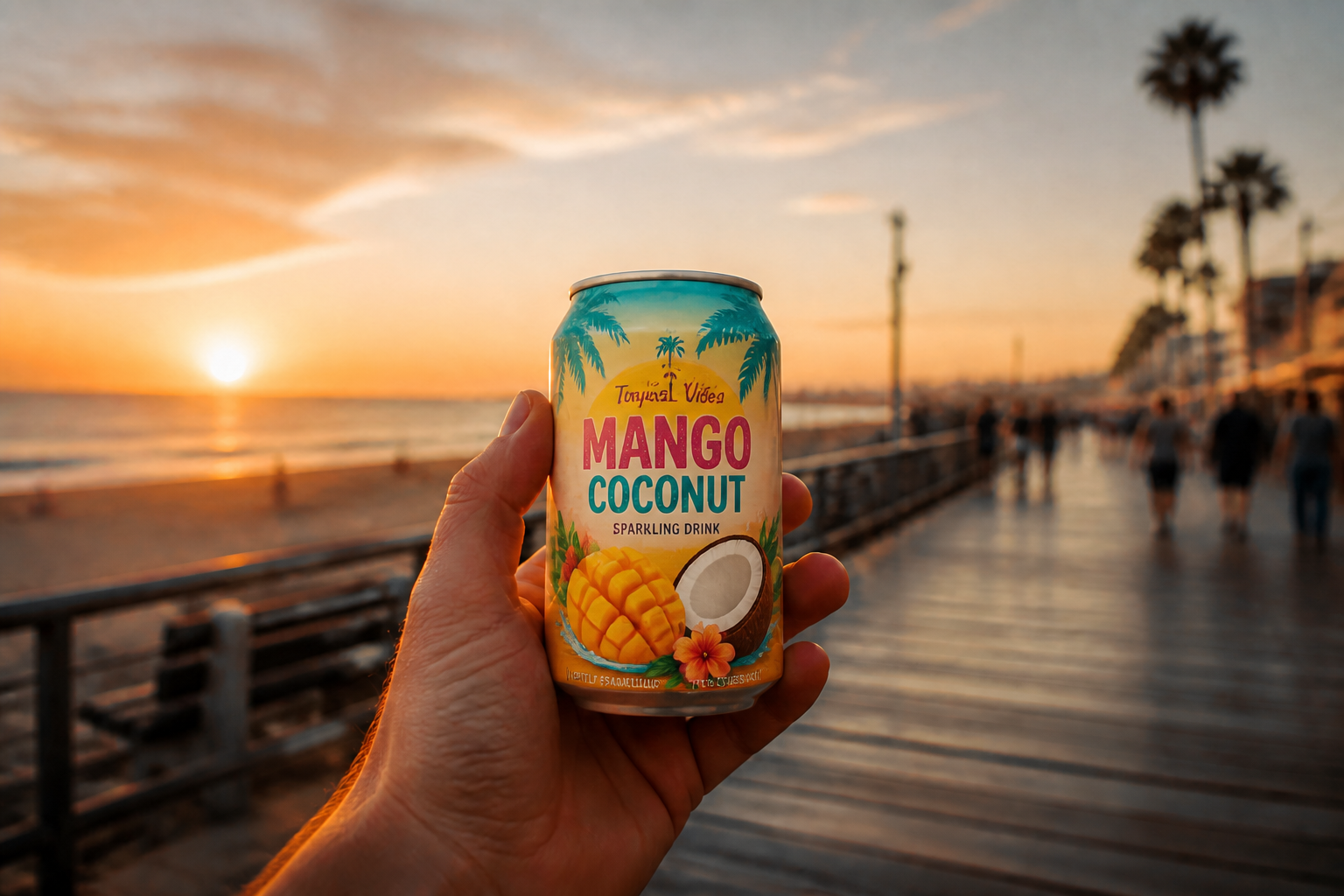 AFTER
AFTER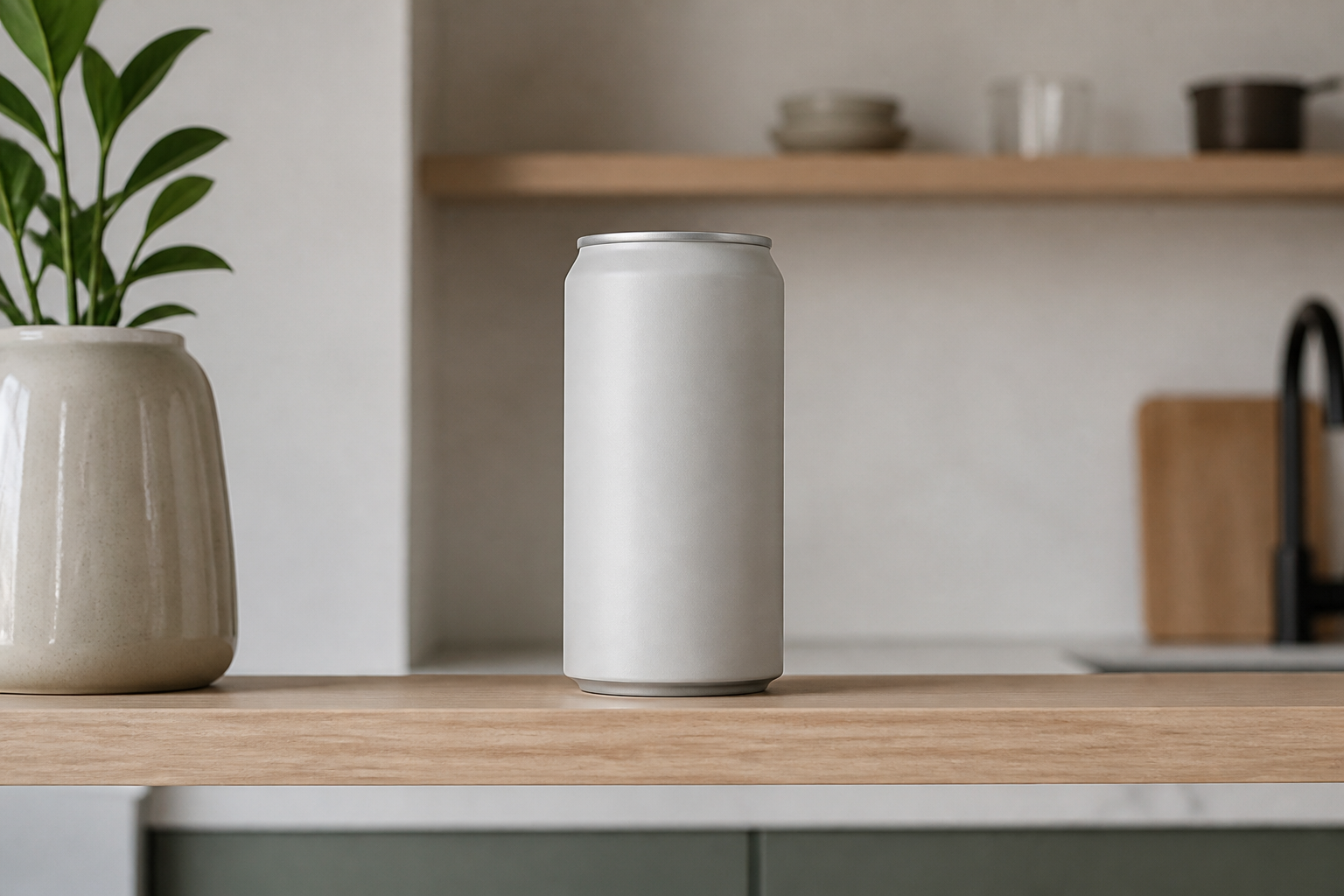 BEFORE
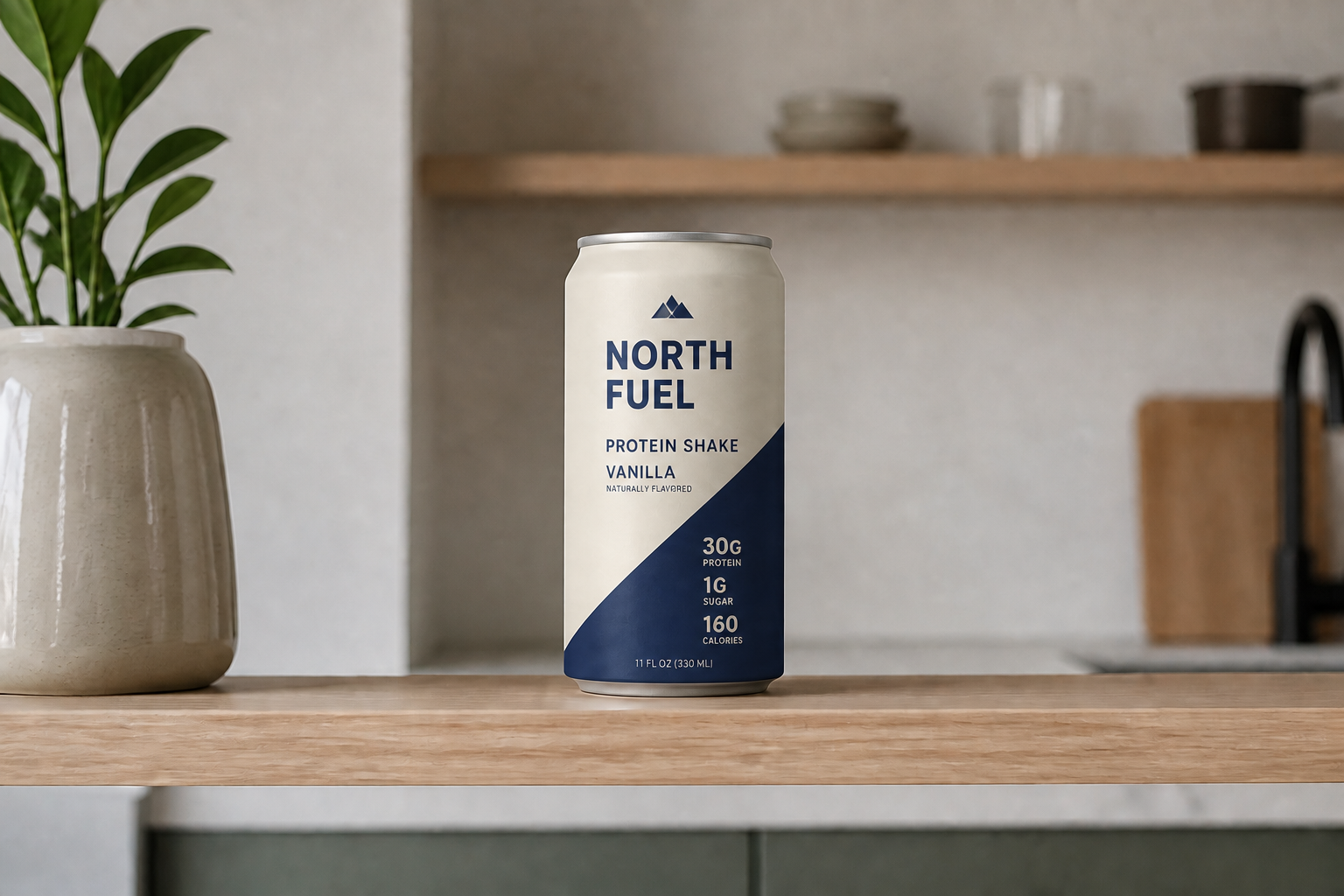 AFTERBEFOREAFTERBEFOREAFTERBEFOREAFTERBEFOREAFTER
Key Features
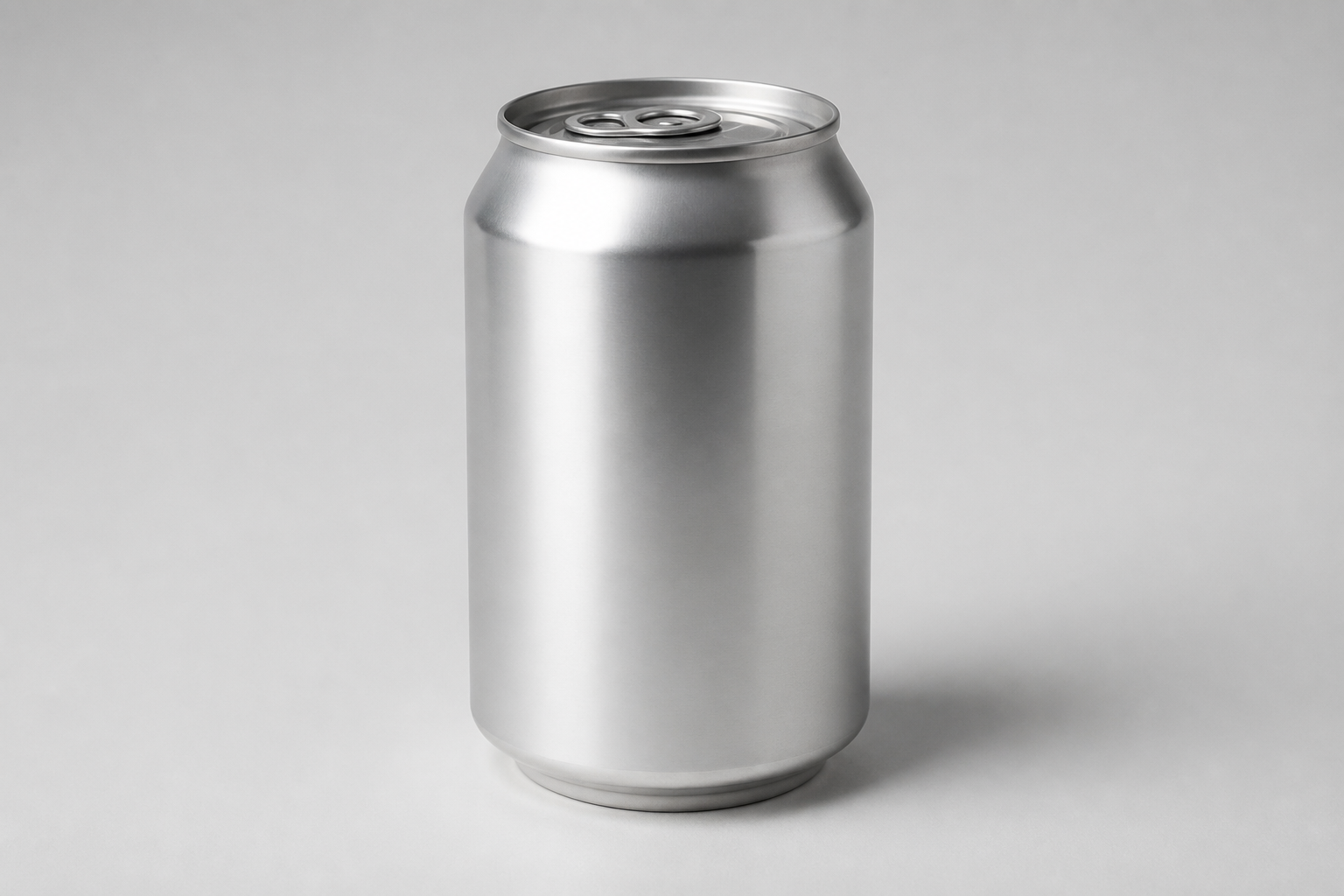
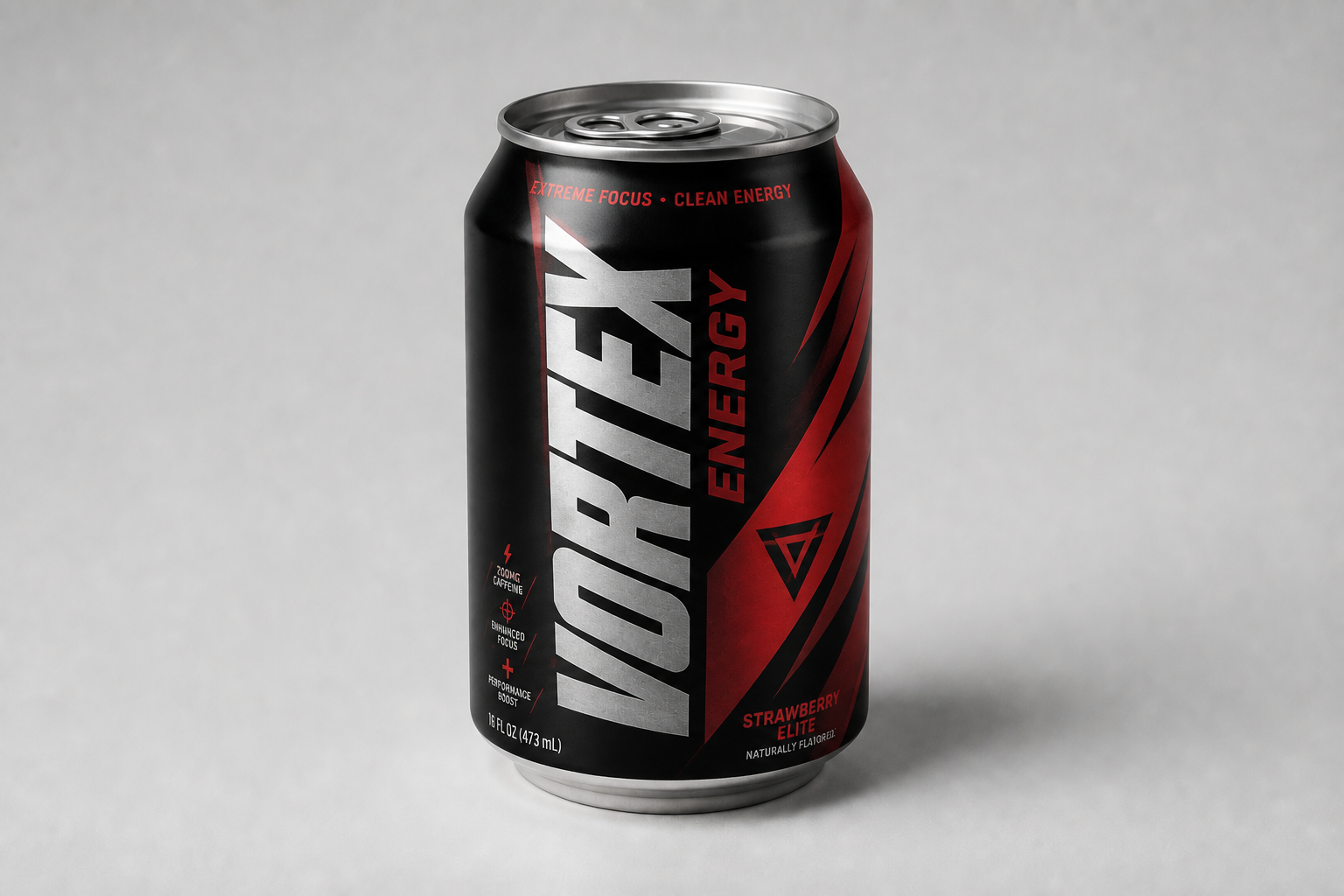
Test bold label directions
Quickly turn a plain can into a distinct packaging concept with a clear visual identity. This helps you compare multiple branding directions without building every mockup by hand. It is useful for early exploration when you want to see whether a flavor, color system, or typography style feels premium or mass-market. You get a readable concept image fast enough to keep iterating.
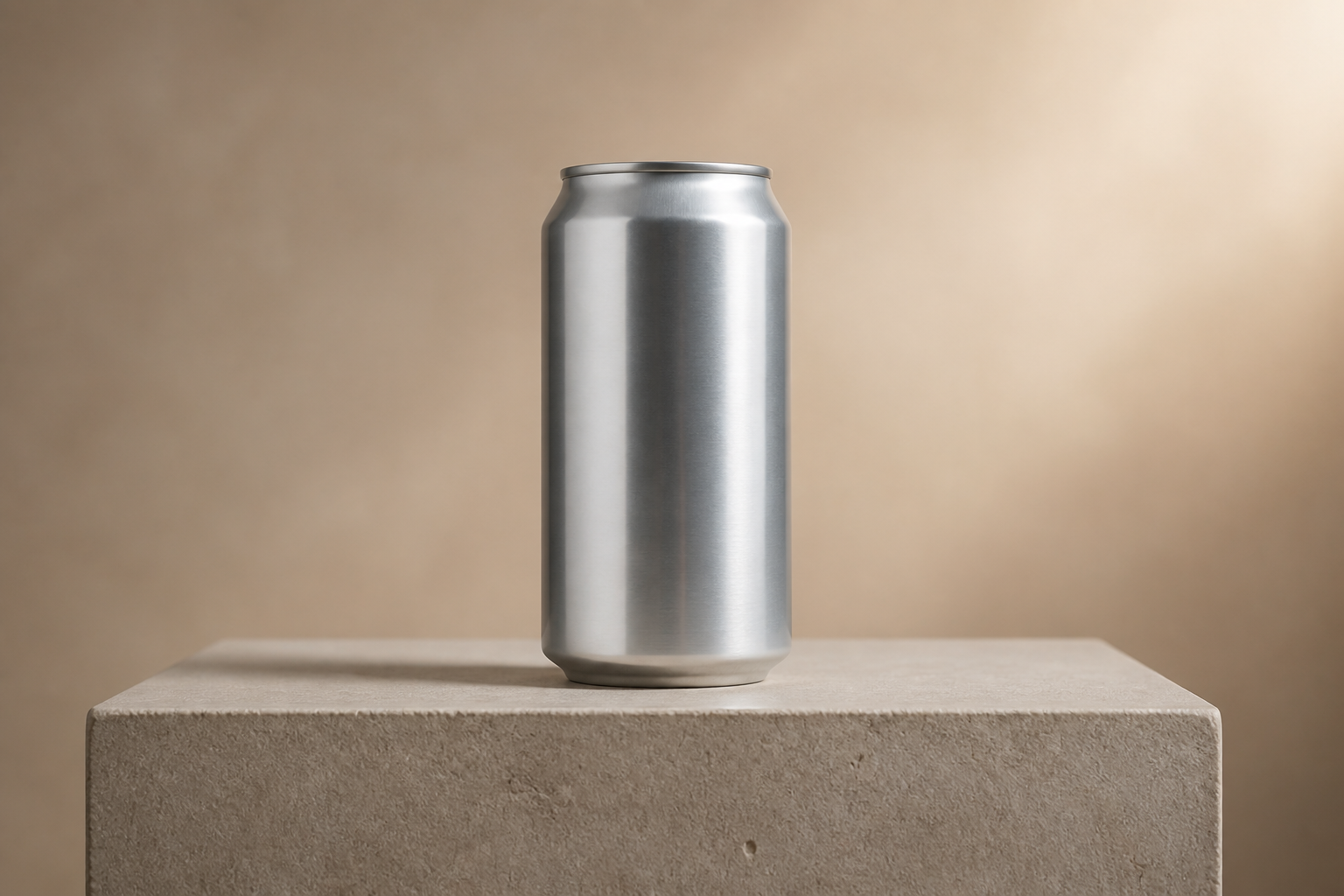
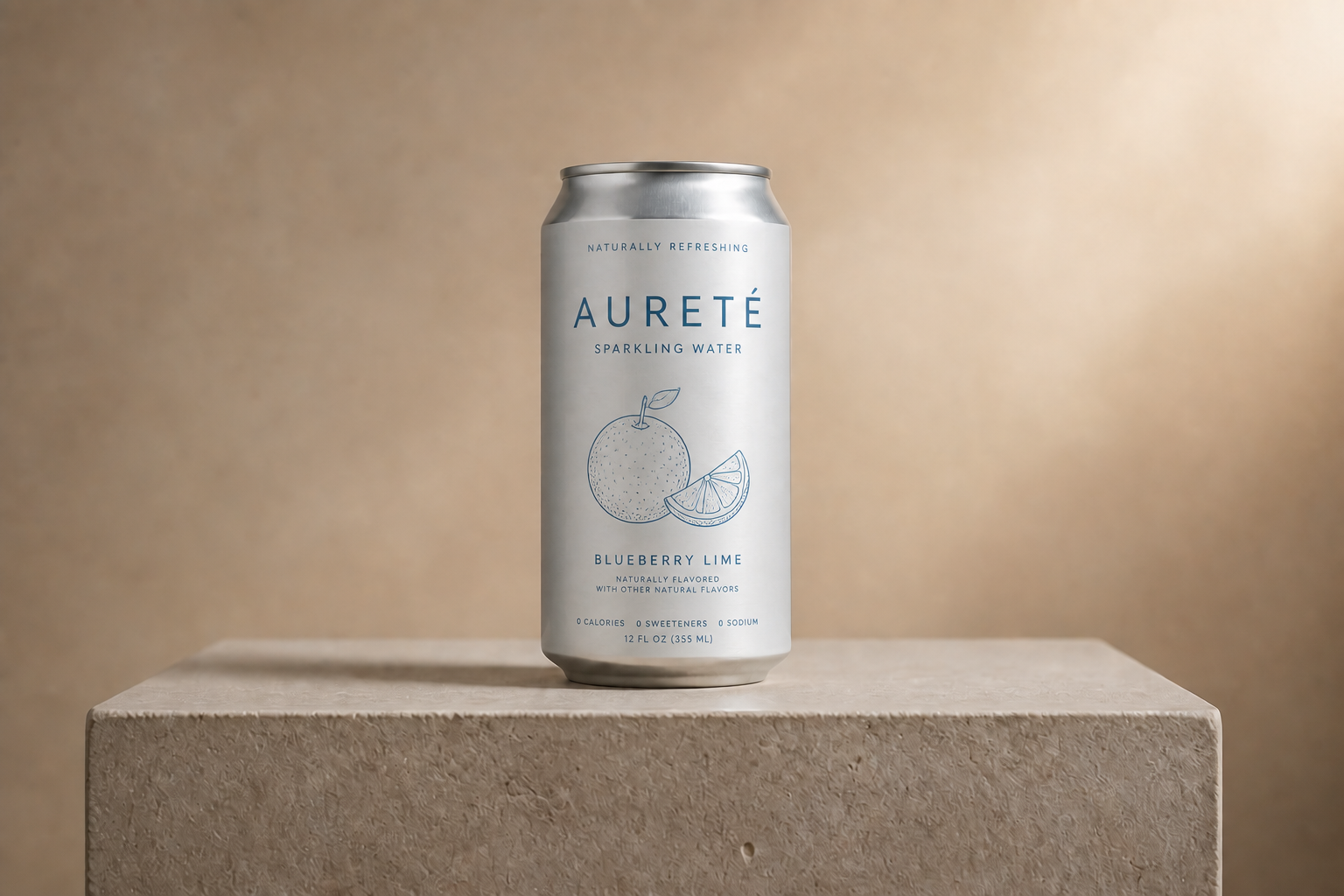
Keep the product presentation consistent
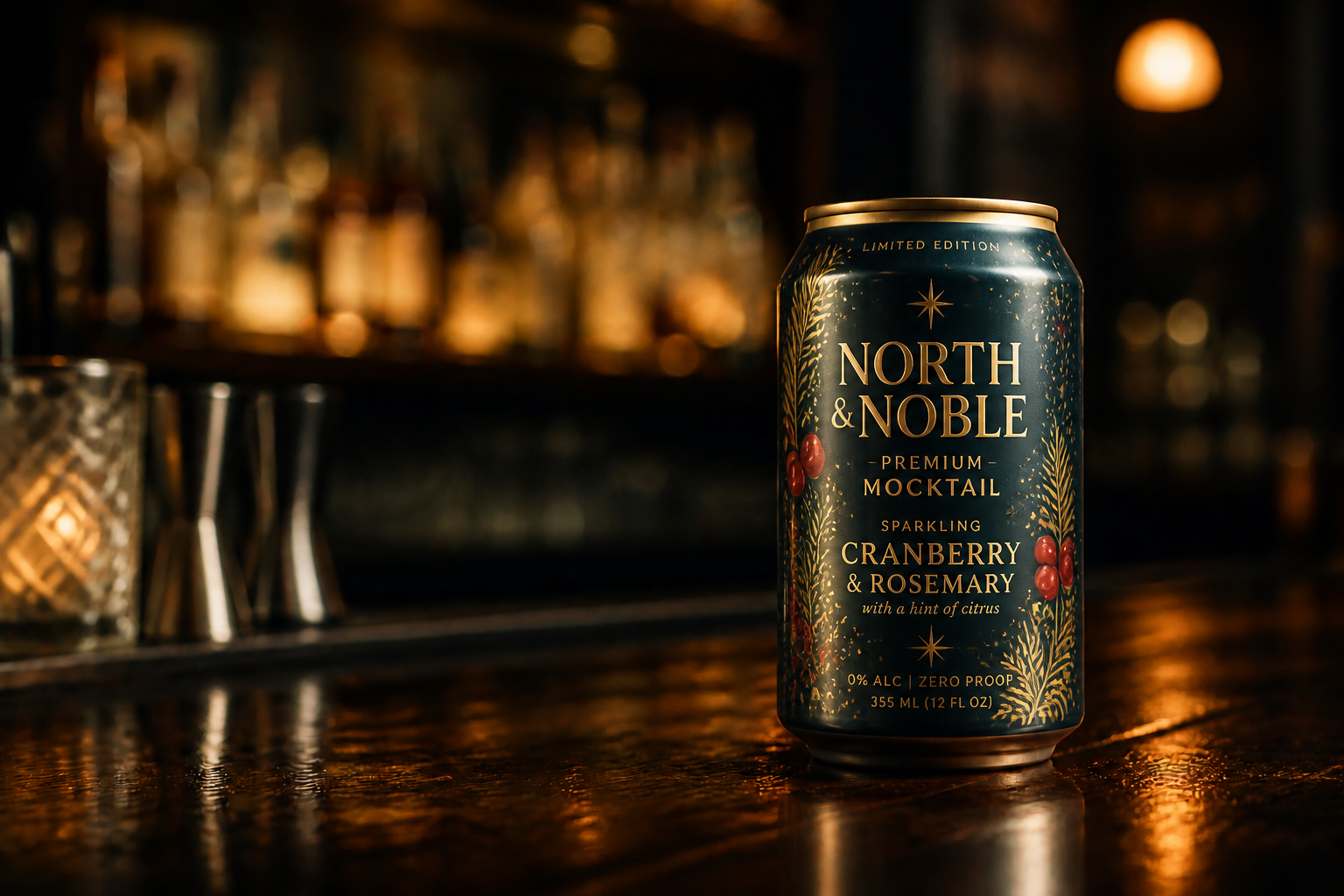
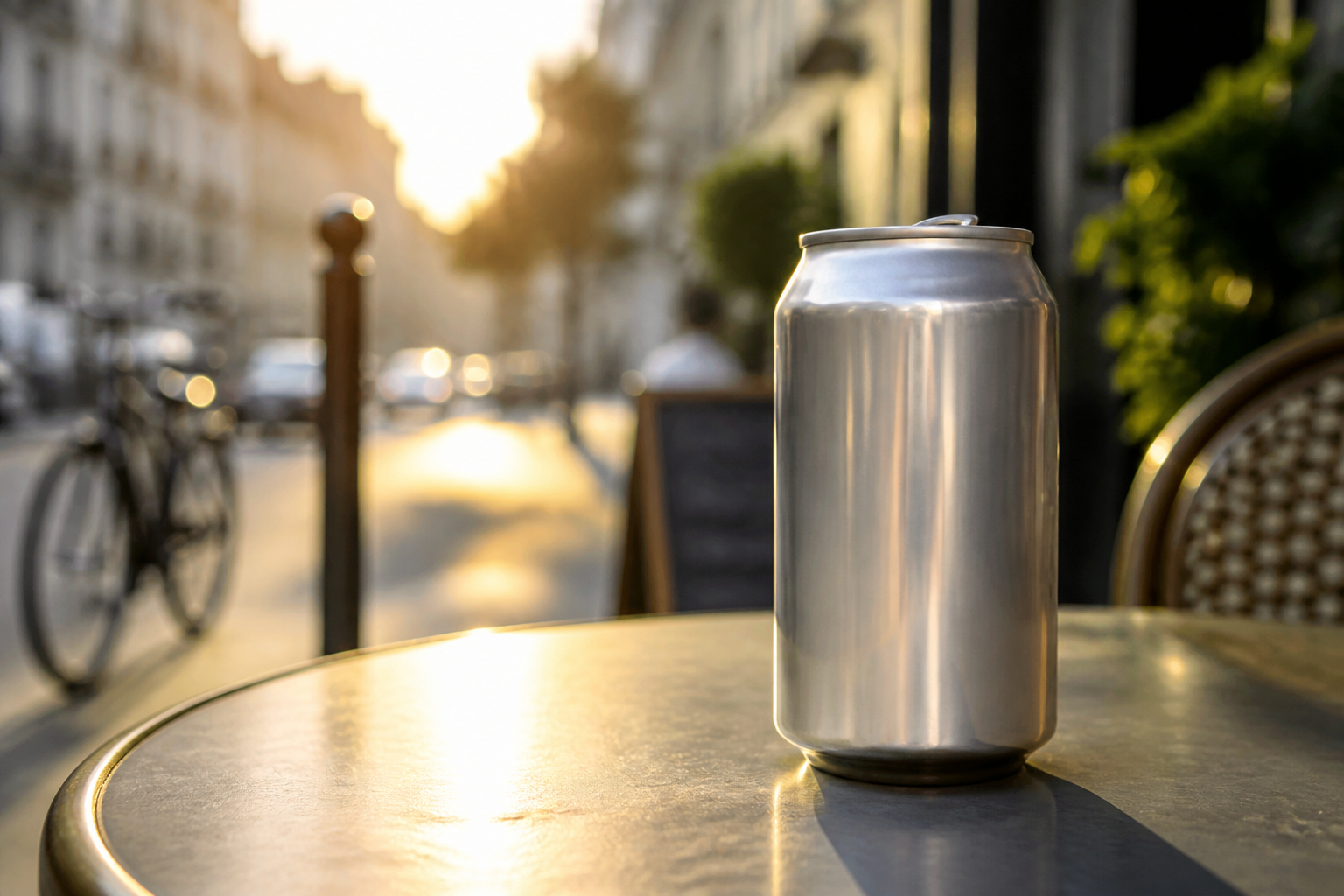
The can stays in the same angle, lighting setup, and scene so your design changes are easy to compare. That matters when you are reviewing packaging options with a team or client. Instead of re-staging product shots for every idea, you can swap the label direction while preserving the original presentation. The result looks more like a controlled mockup review and less like a random image generation test.
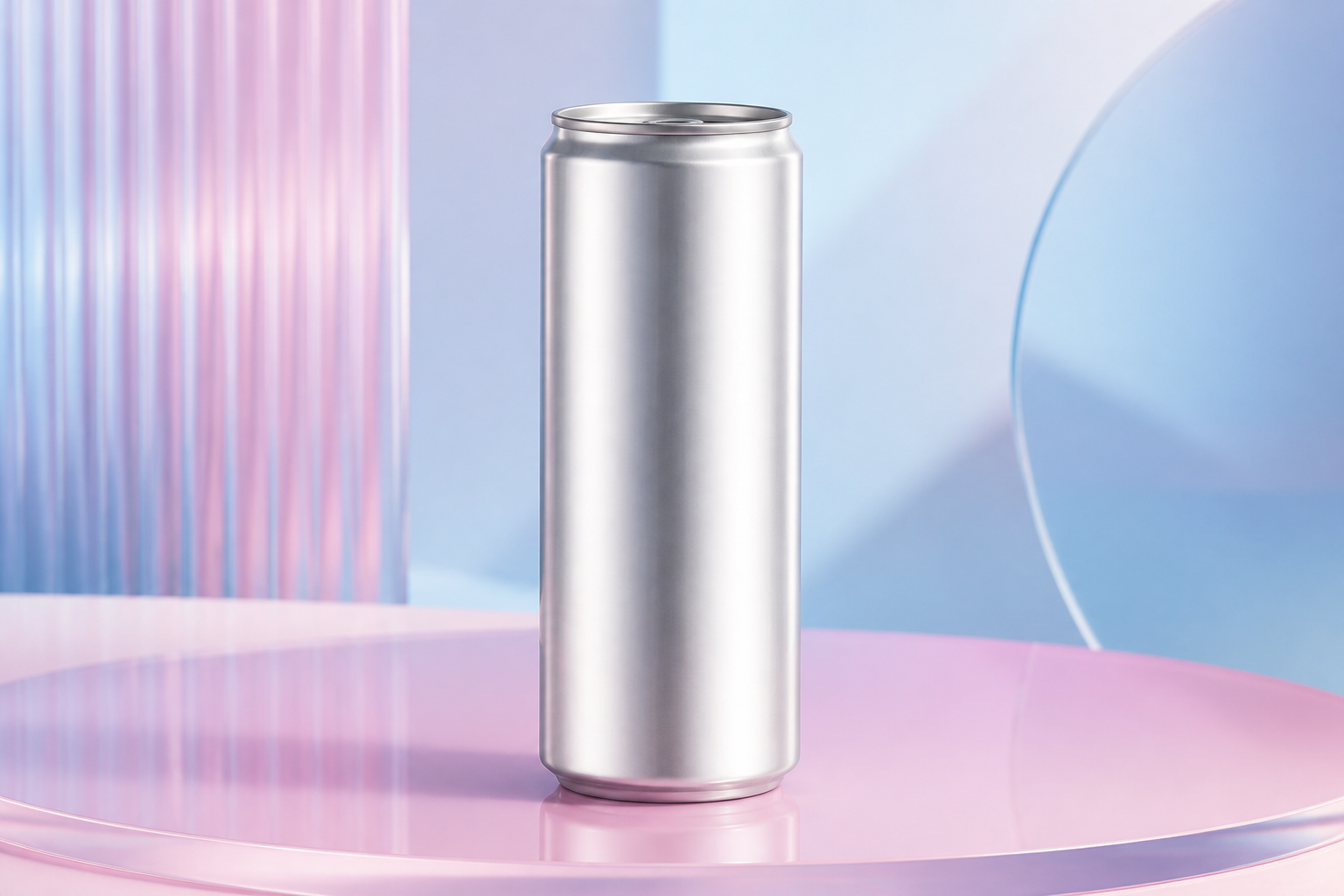
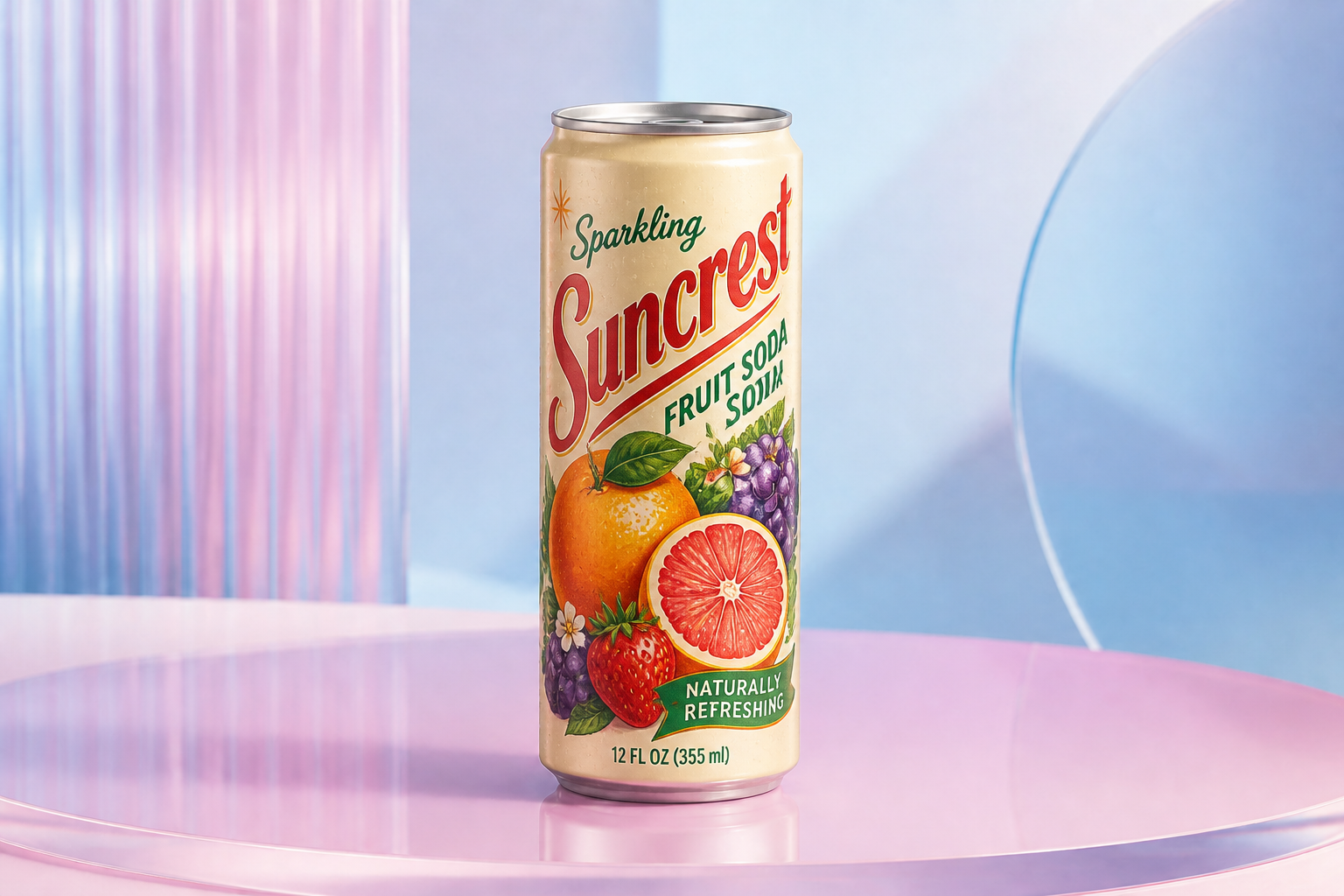
Explore different visual styles
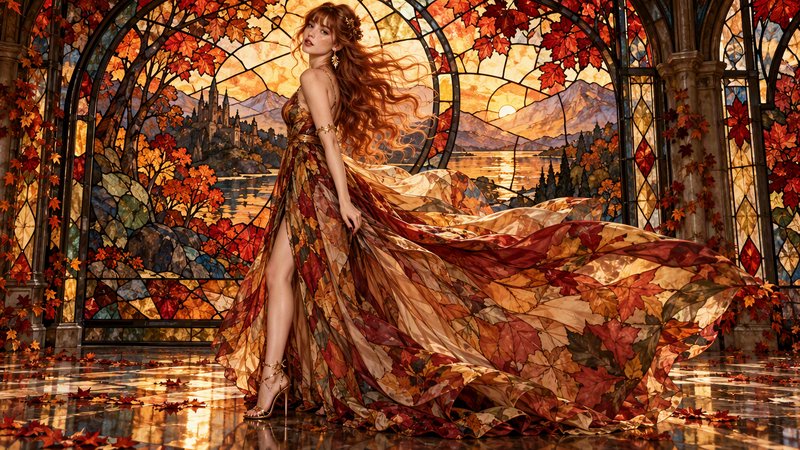
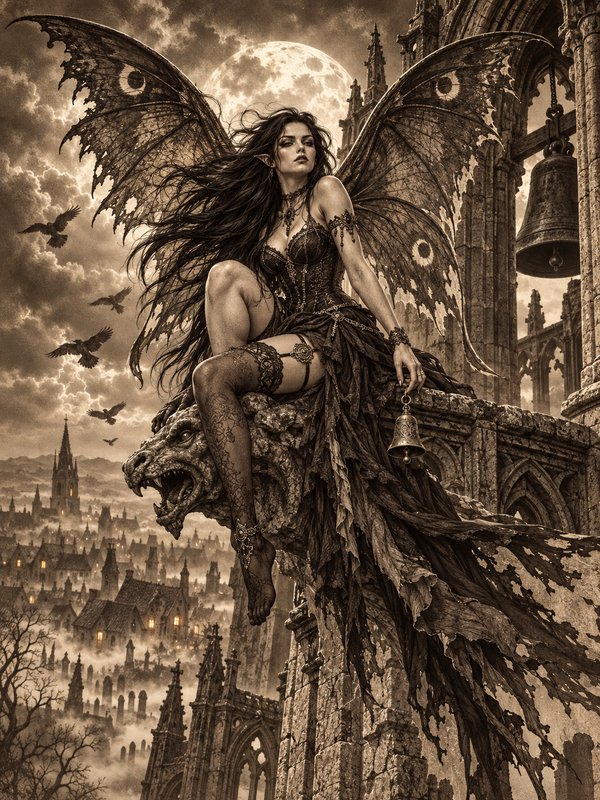
You can try realistic packaging, illustrated labels, or more stylized concept art from the same base can image. That makes it easier to pitch campaign ideas, seasonal editions, or shelf concepts without commissioning several separate mockups. It also helps teams align on visual direction before final design work starts. One source image can support a broad range of looks.
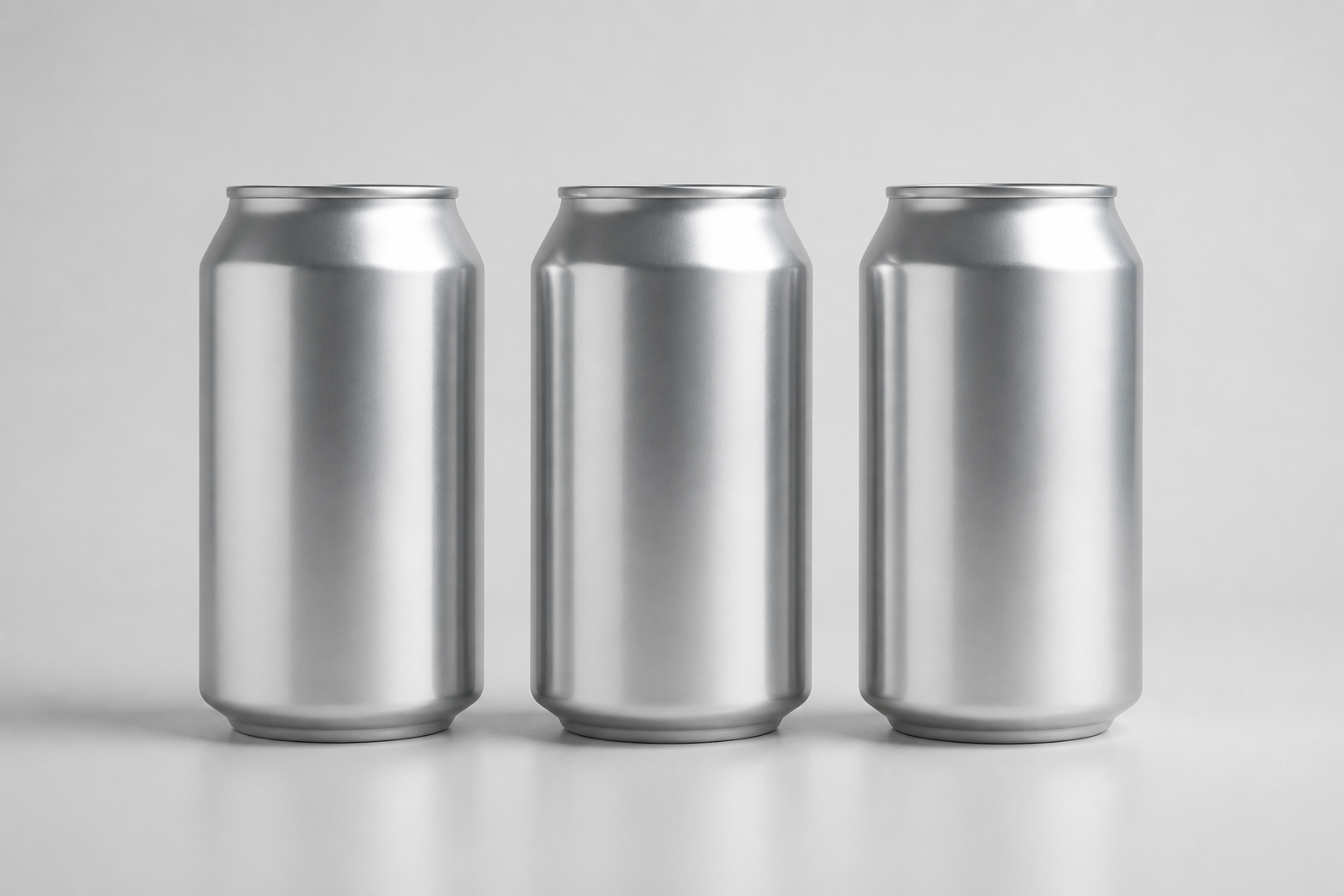
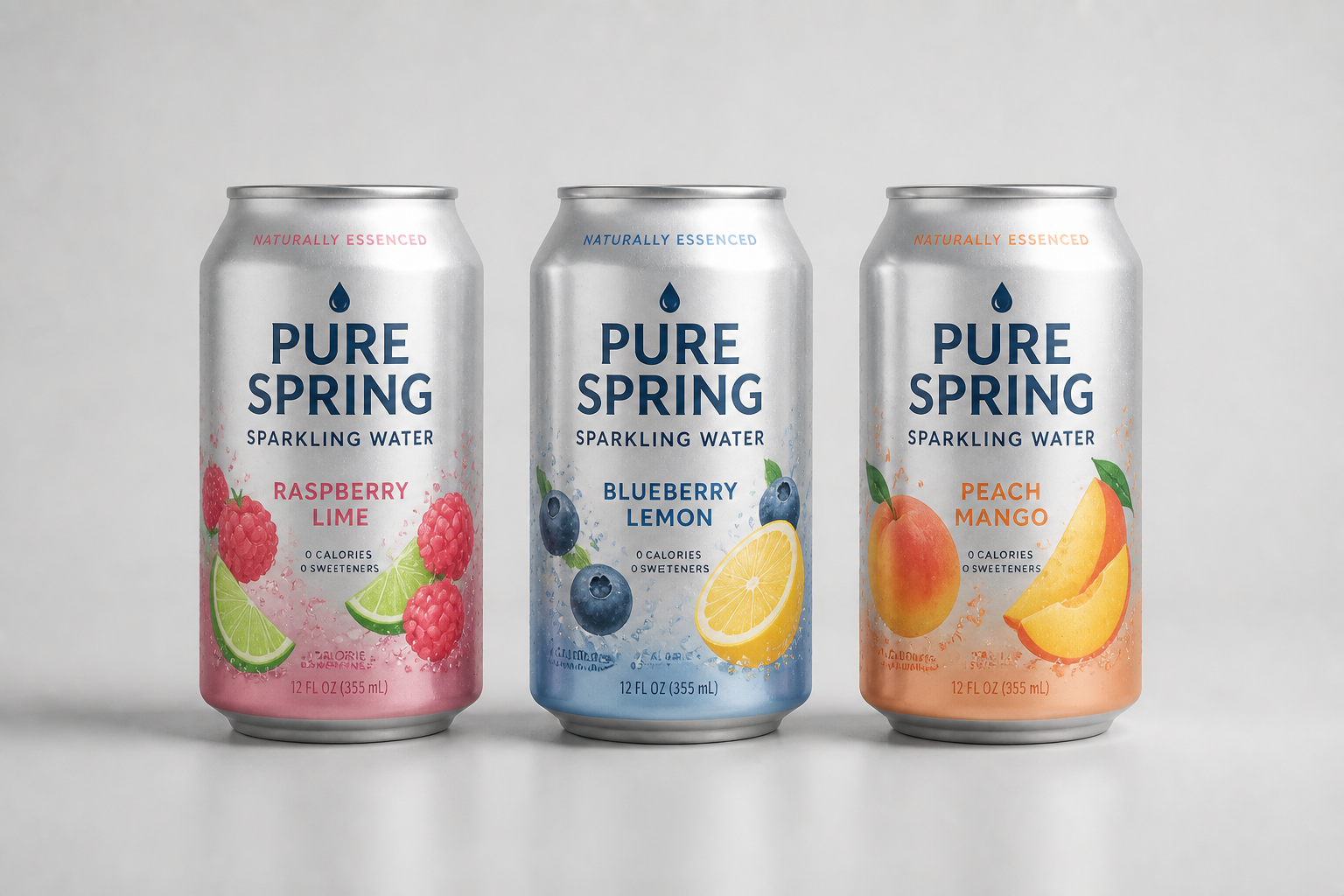
Pitch flavors and variants fast
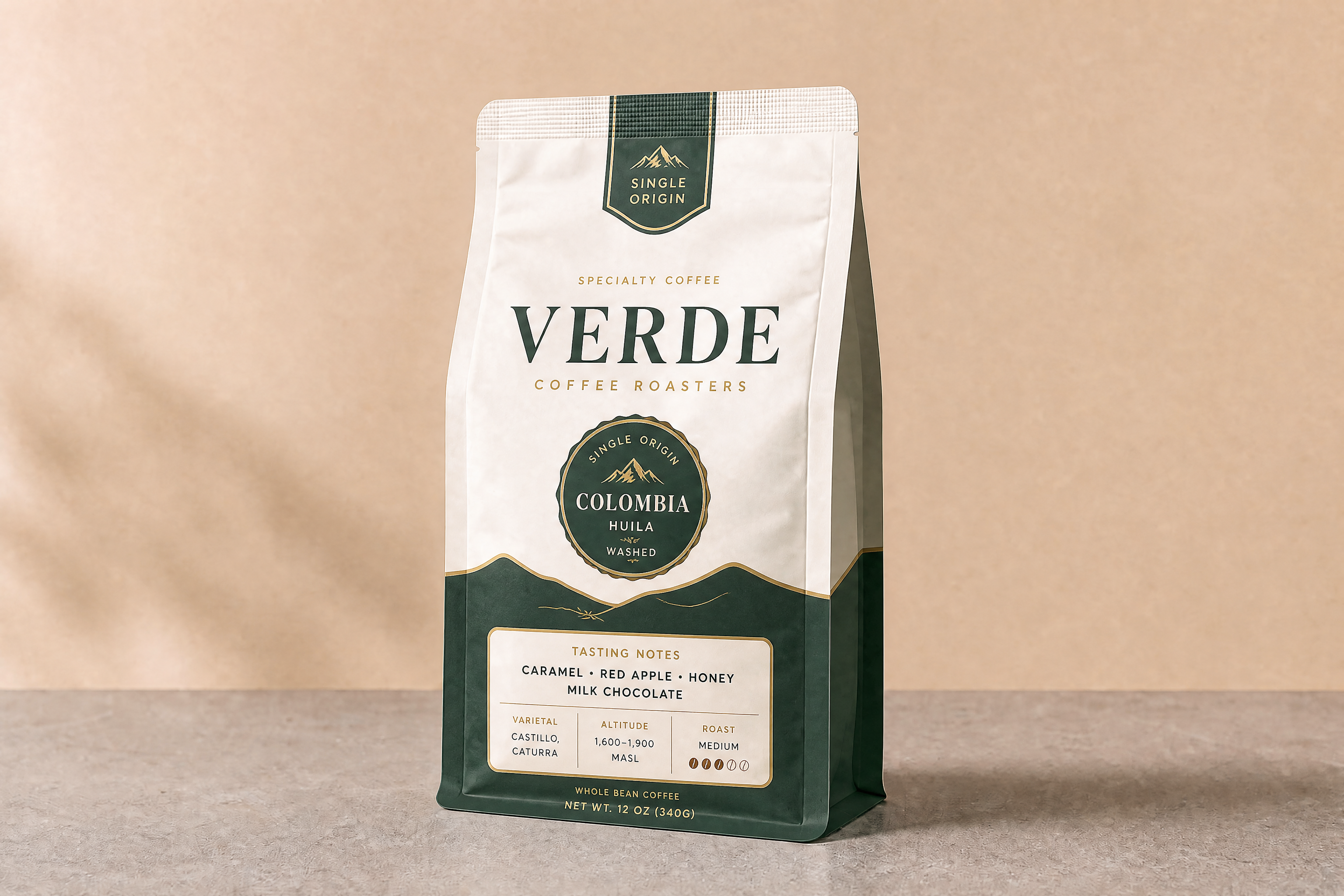
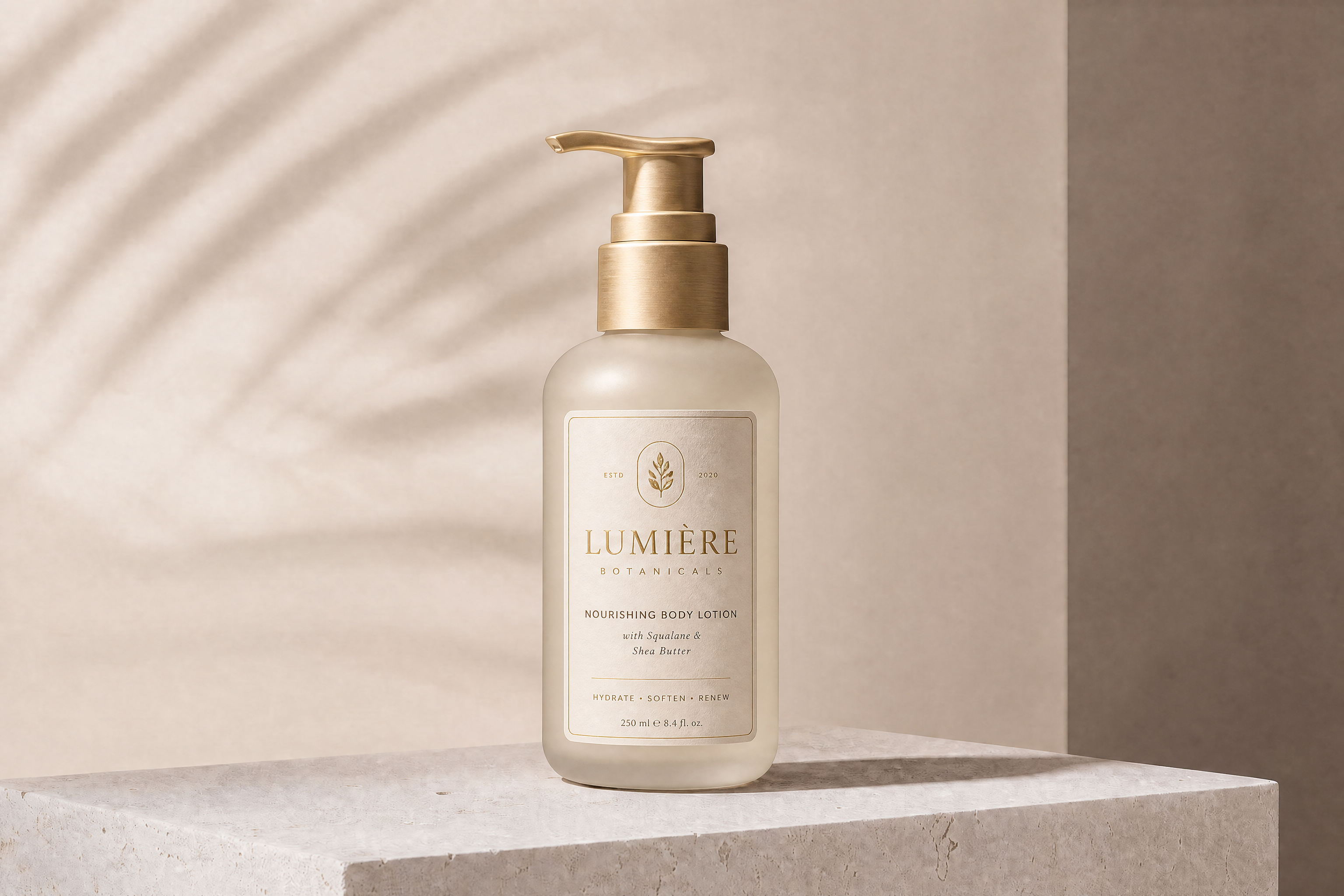
Show how a product line could look across different flavors or sub-brands without laying out each version manually. This is useful for founders, freelancers, and in-house teams validating a packaging system. You can change the color palette, iconography, and naming while keeping the same can format. It gives you a practical way to review range architecture before final production files exist.
How It Works
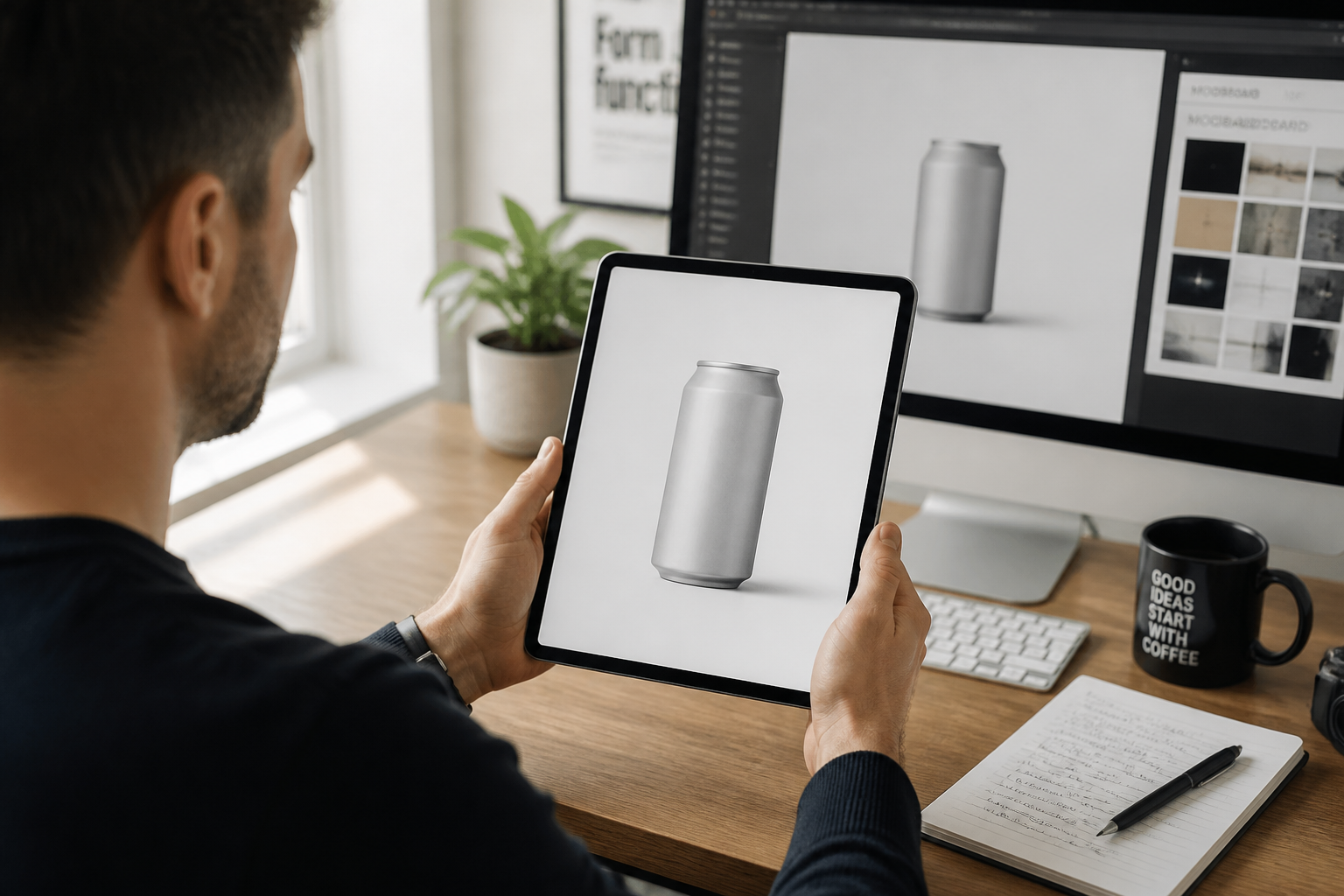
Upload your can image
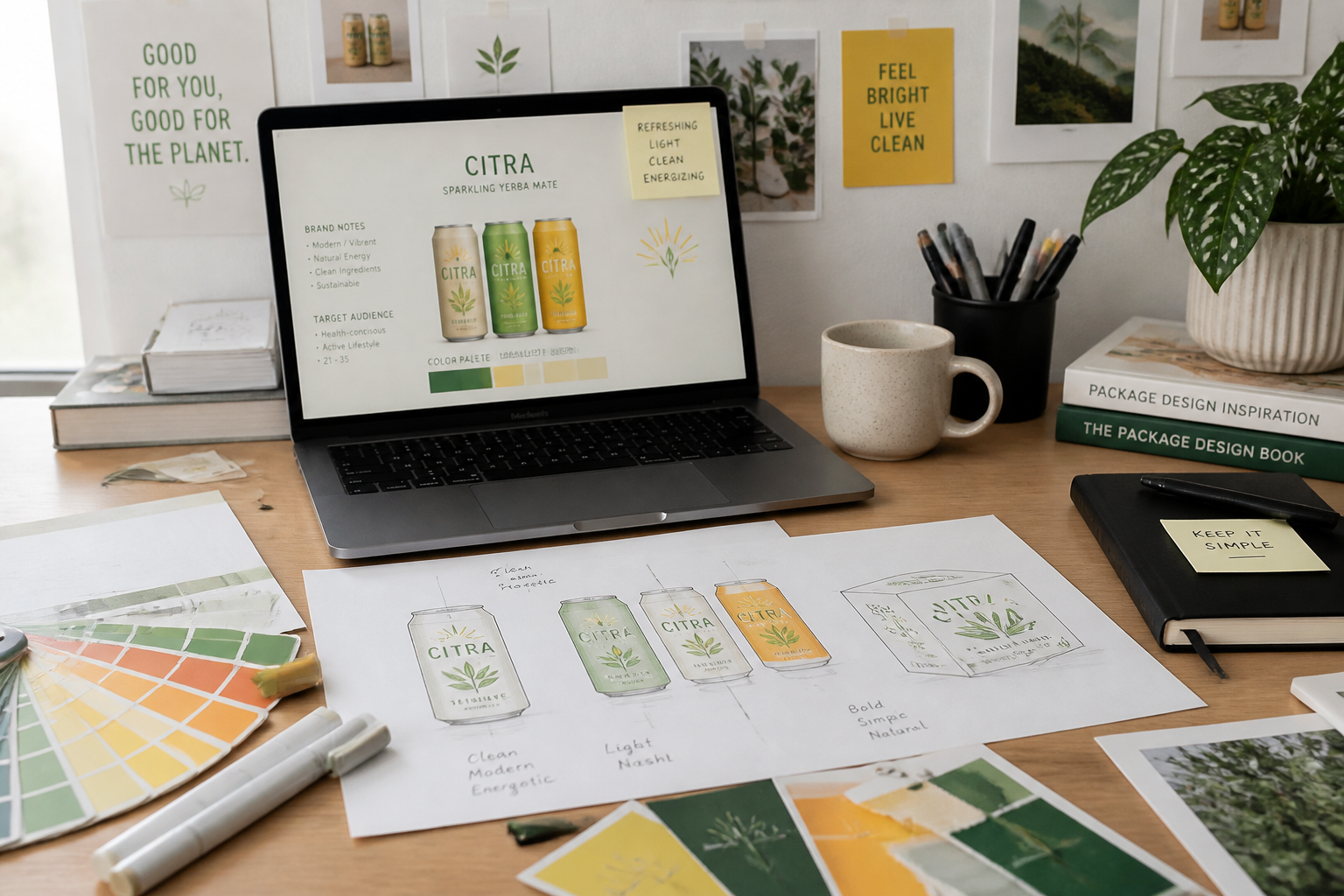
Start with a plain can photo, a rough mockup, or a simple product shot. Clear lighting and a visible label area make the edit easier to evaluate.
Describe the packaging look
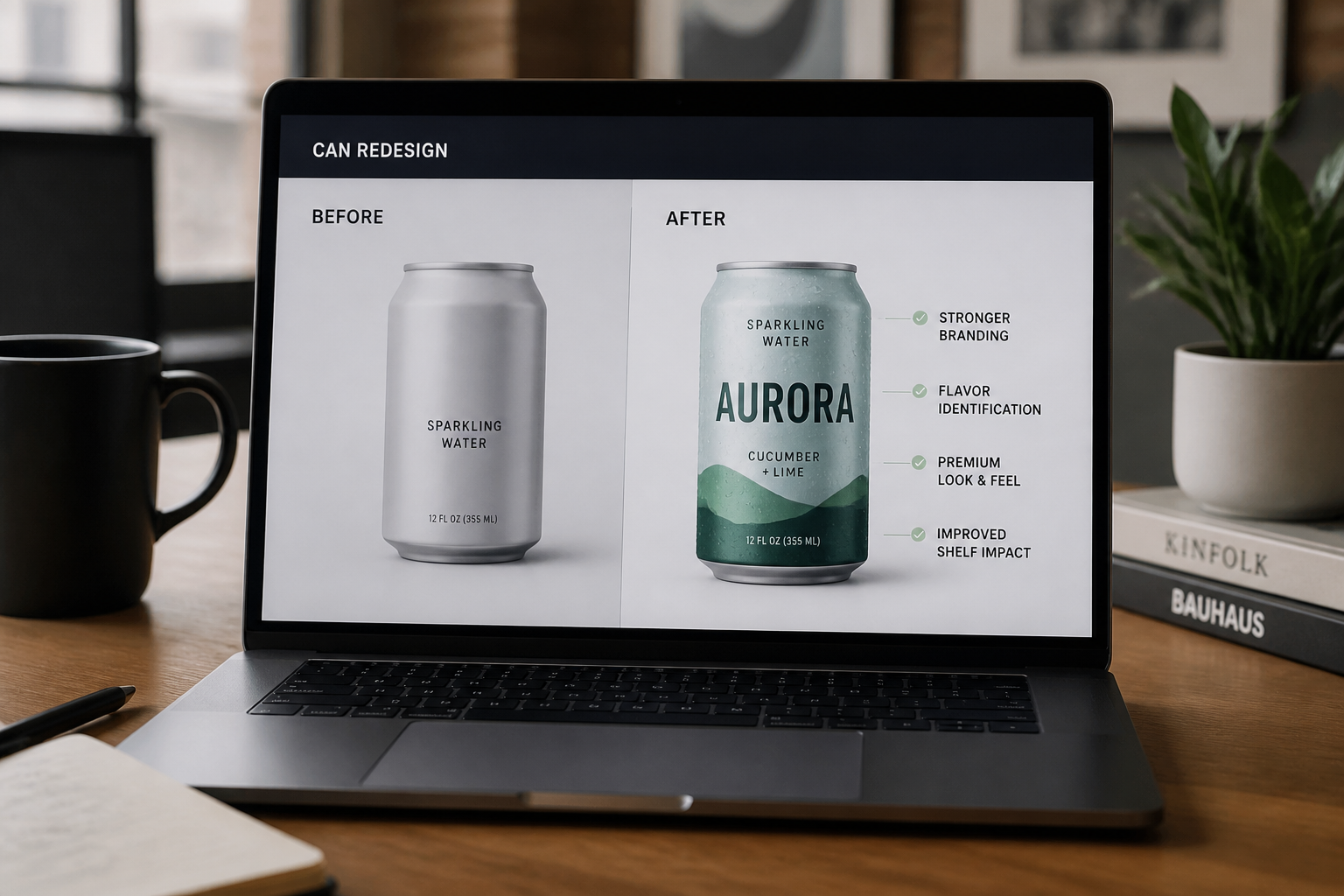
Type the style you want, such as energy drink, sparkling water, cold brew, or seasonal limited edition. Include colors, mood, and graphic direction so the result is easy to review.
Compare and refine
Review the new can concept against the original image and adjust the prompt if needed. You can test new branding directions quickly until the packaging feels right.
Perfect For
Discover how creators and professionals use ai can design generator
Early packaging exploration
Test broad visual directions before investing time in full design files.
Flavor variant mockups
Preview how multiple flavors or sub-lines could look in one consistent can format.
Client concept presentations
Show polished packaging ideas in review decks without building every mockup manually.
Campaign and seasonal editions
Create fast concept visuals for holiday, limited-run, or promotional can designs.
Built For
Brand designers
Generate packaging directions quickly for reviews, pitches, and early concept rounds.
Beverage startups
Visualize product branding before final packaging budgets and production files are ready.
Creative agencies
Mock up multiple can concepts fast when clients need options and speed matters.
Why use this for can packaging concepts
A quick look at how we compare on the things that matter for this niche.
| Feature | BudgetPixel | Generic AI editors | Manual editing apps |
|---|---|---|---|
| Fast can label concepts | ✓ | ✓ | — |
| Keeps product framing consistent | ✓ | — | ✓ |
| Easy style exploration | ✓ | ✓ | — |
| Good for packaging mockups | ✓ | — | — |
| Free to start | ✓ | — | — |
Frequently Asked Questions
What kind of images work best for the AI Can Design Generator?
Can I use it for different beverage categories?
Will the can shape and scene stay the same?
Is this a replacement for final packaging design files?
Can I make multiple design variations from one image?
Create together.
Share your creations, discover trending AI art, and grow with fellow creators.