AI Product Packaging Mockup
Turn simple product images into polished packaging concepts fast.
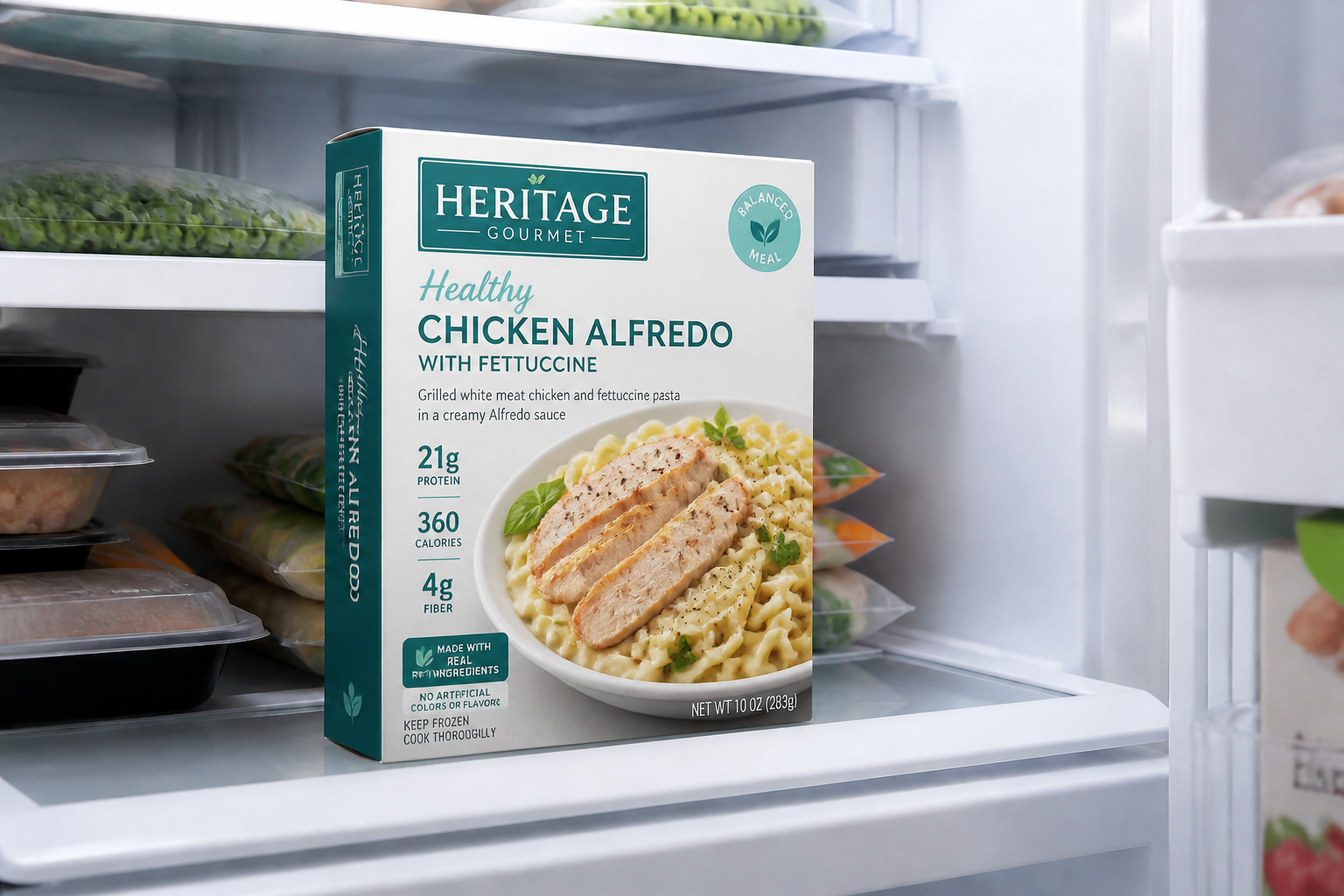
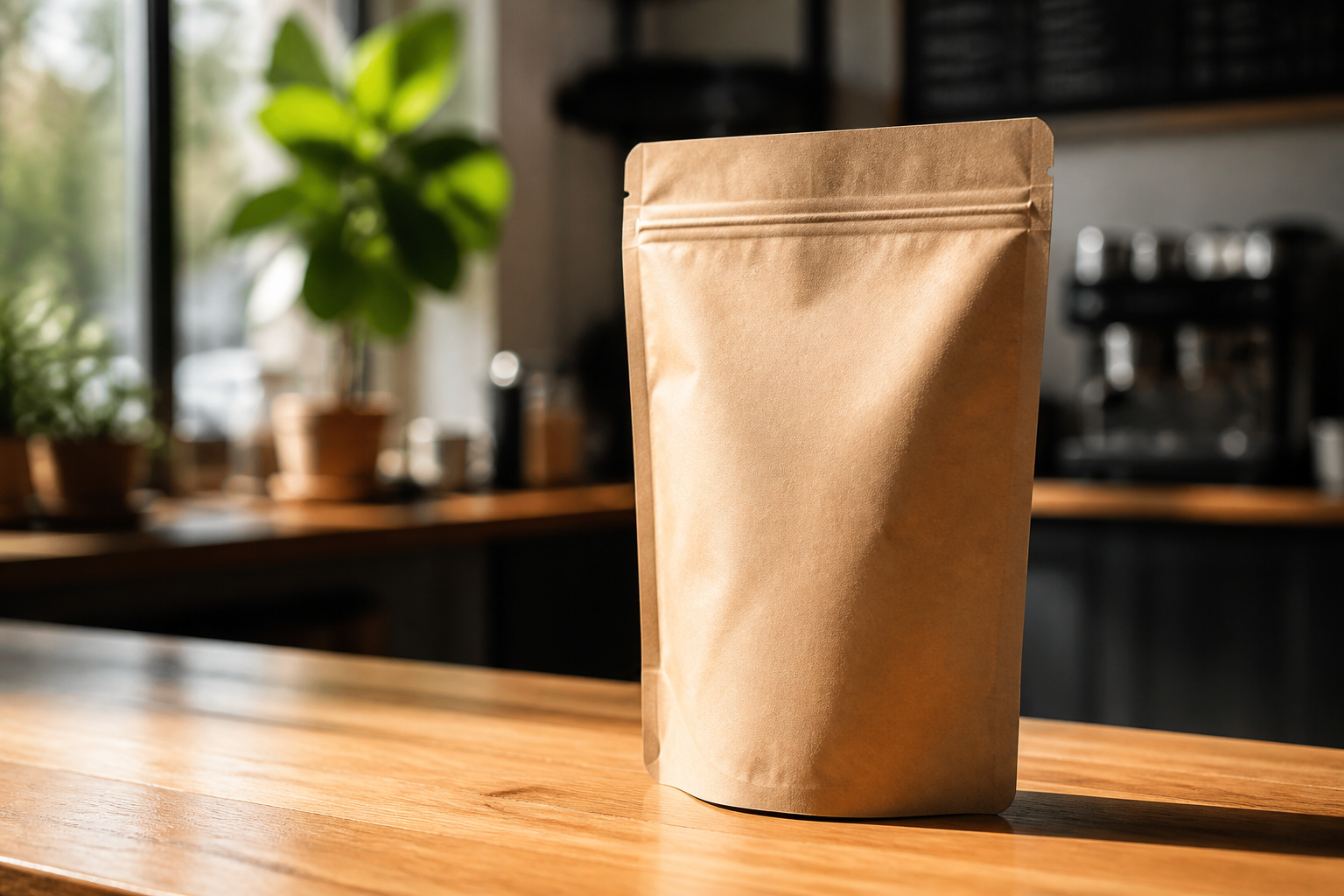
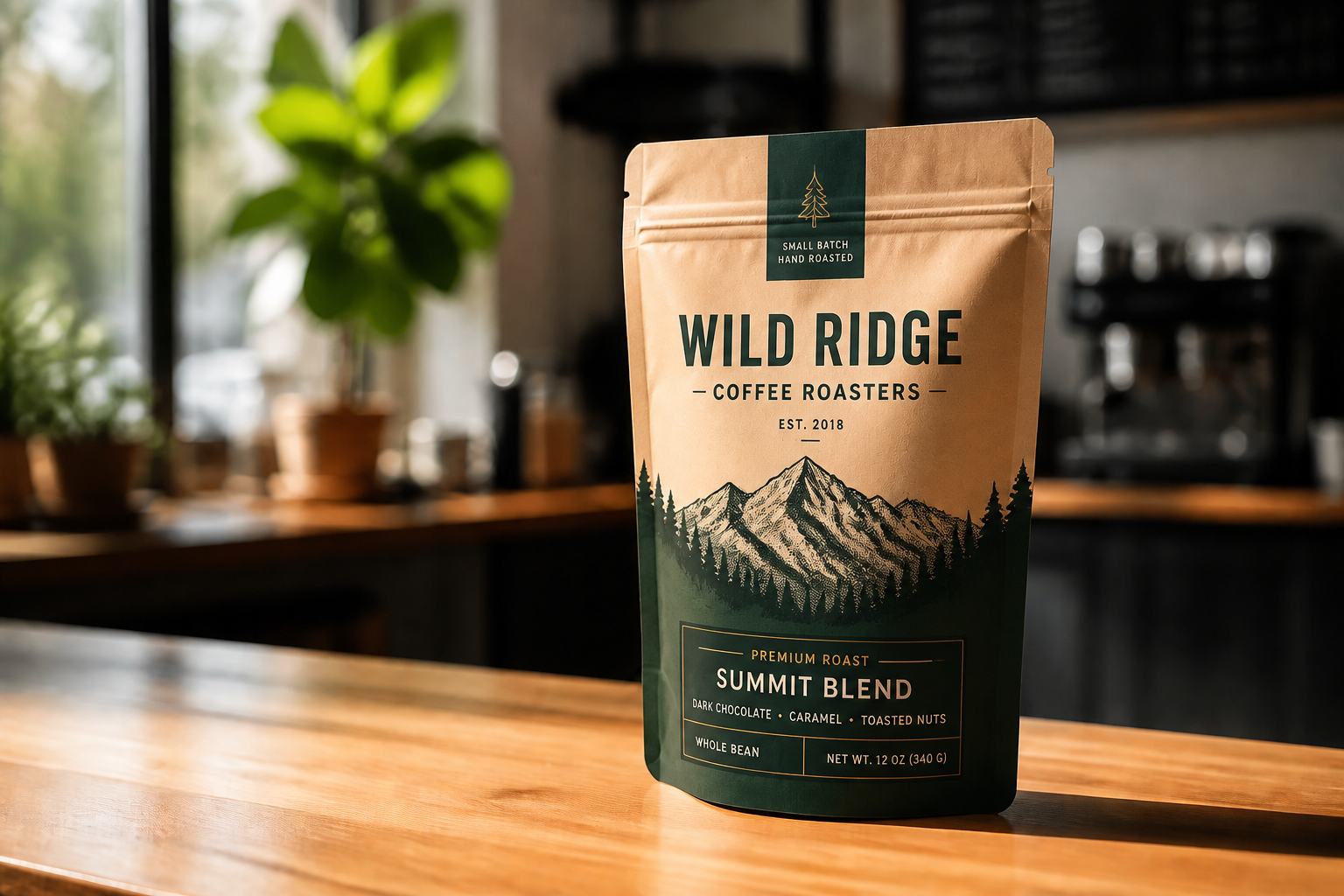
Create realistic packaging mockups for bottles, boxes, pouches, jars, and more from a single product image. Use our AI to test branding directions, materials, colors, and shelf-ready presentation without building each concept by hand.
Watch the Transformation
See ai product packaging mockup in motion — generated end-to-end by our AI.
See It In Action
Real outputs from ai product packaging mockup.
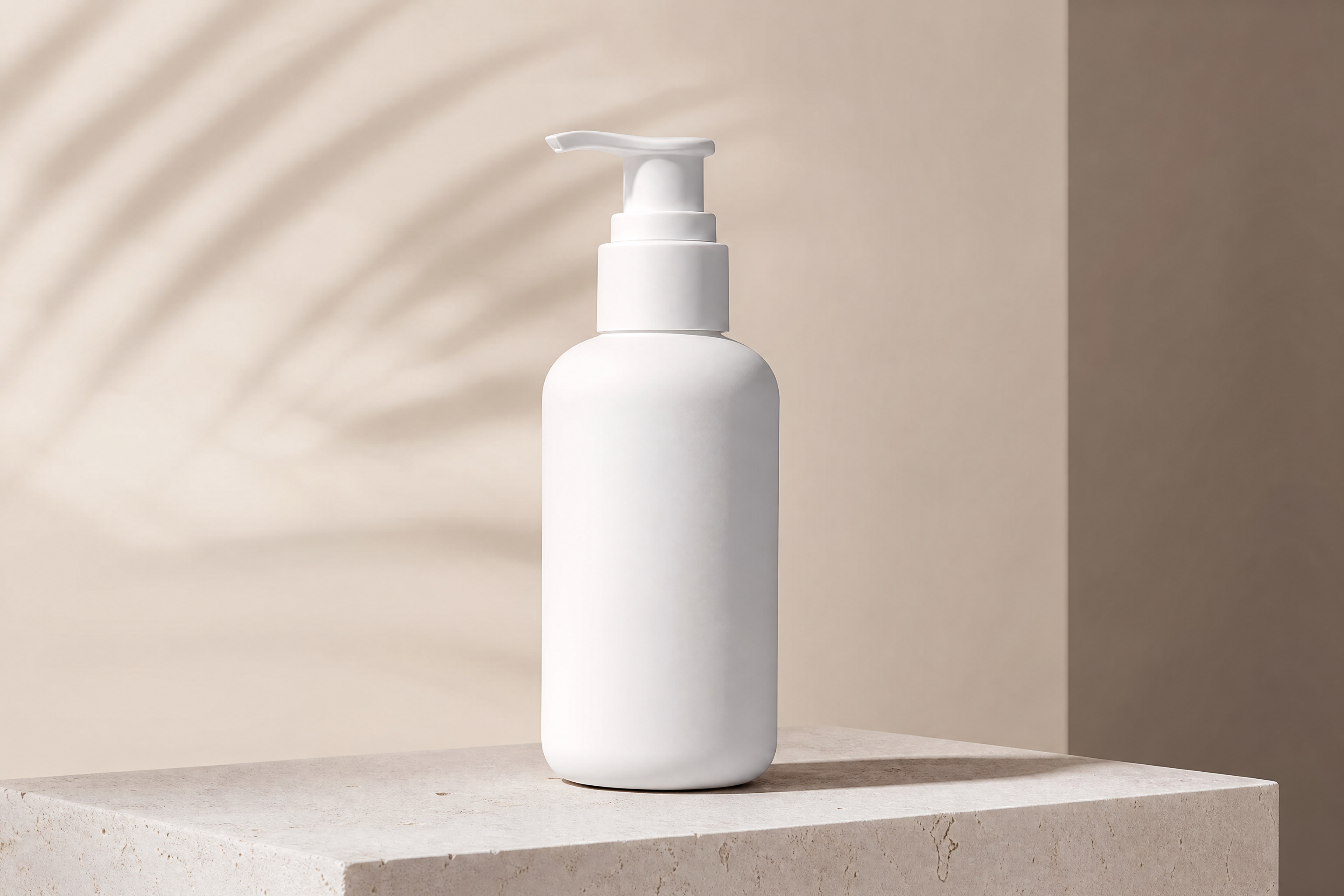
BEFOREAFTER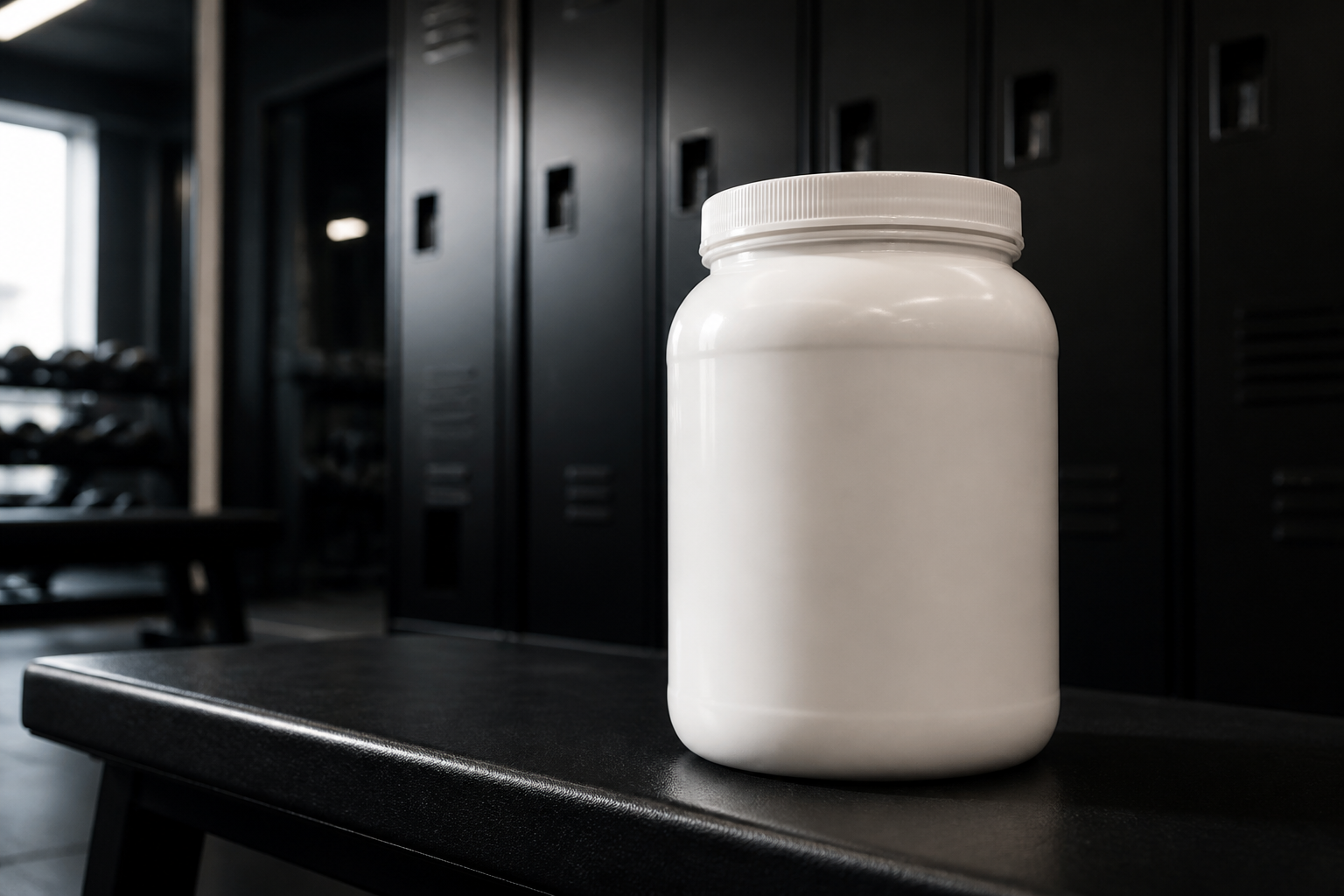 BEFORE
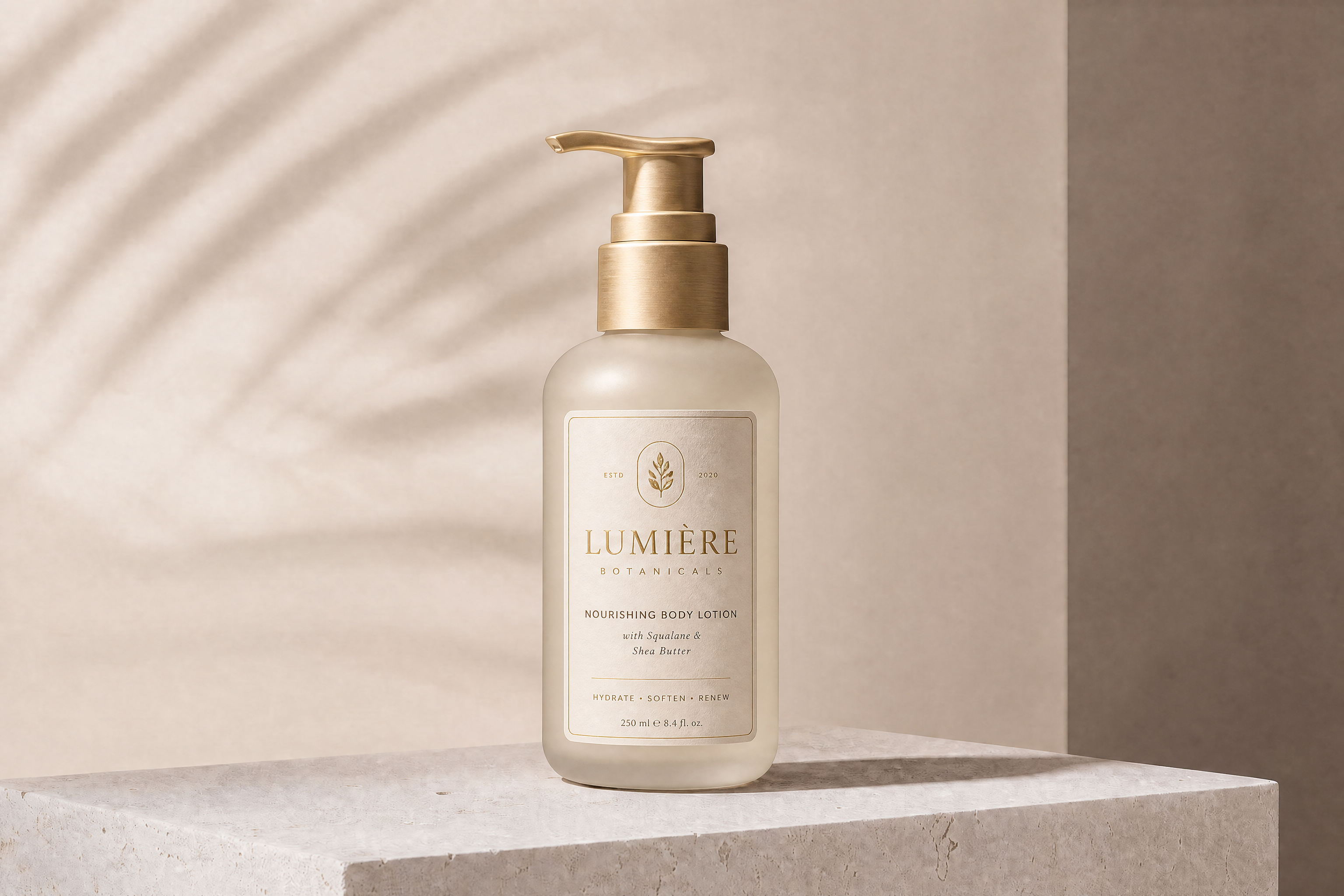
 AFTER
AFTER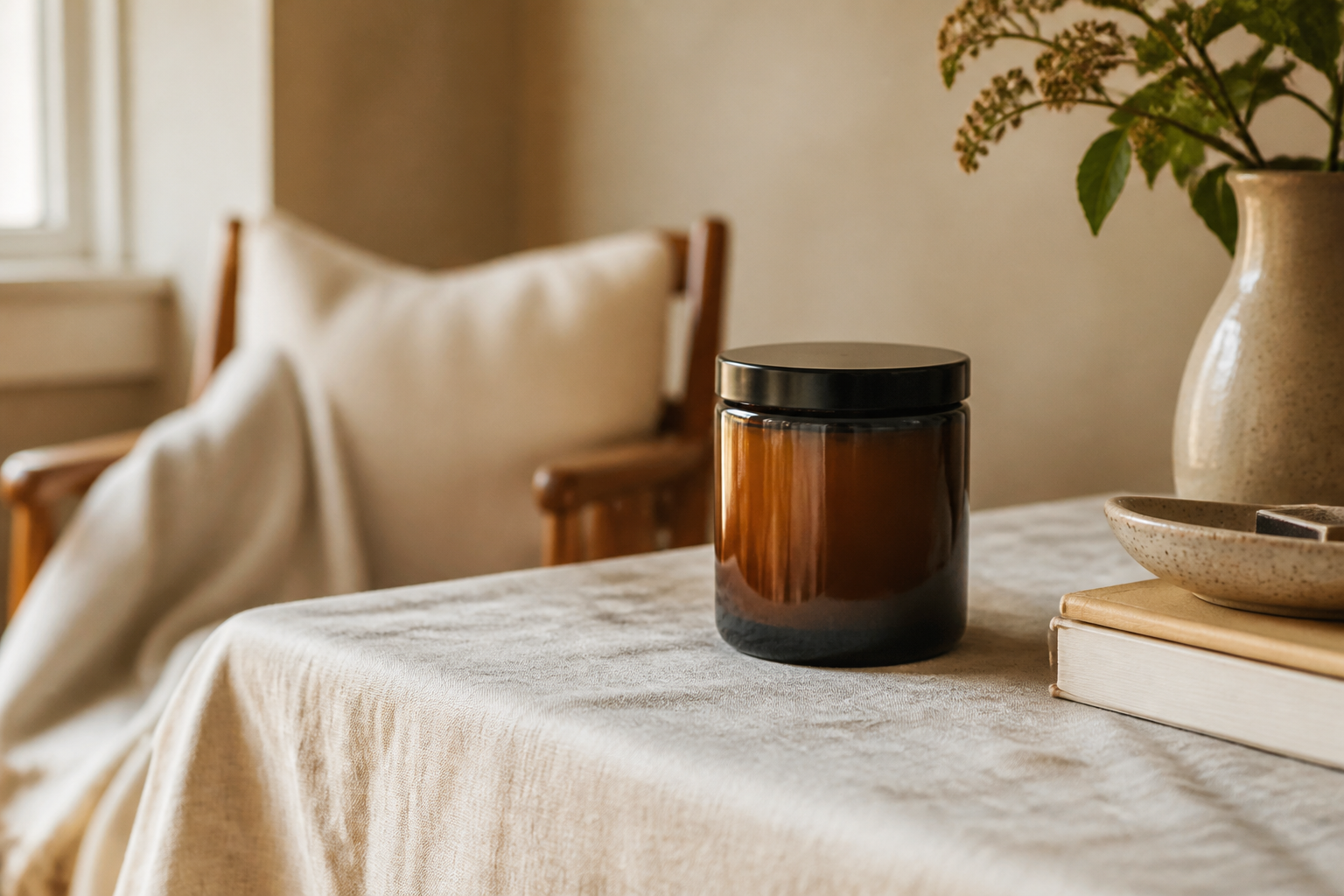 BEFORE
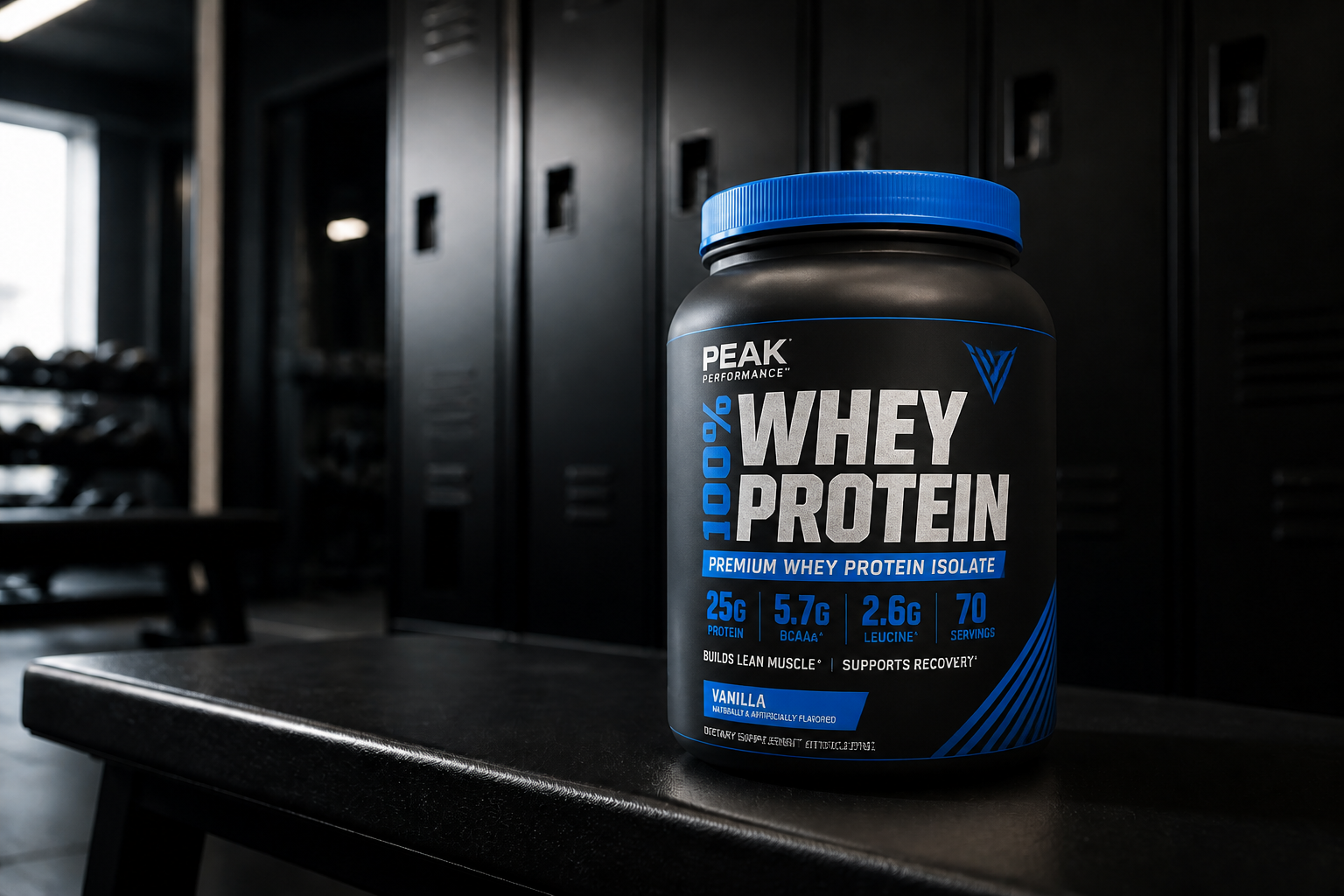
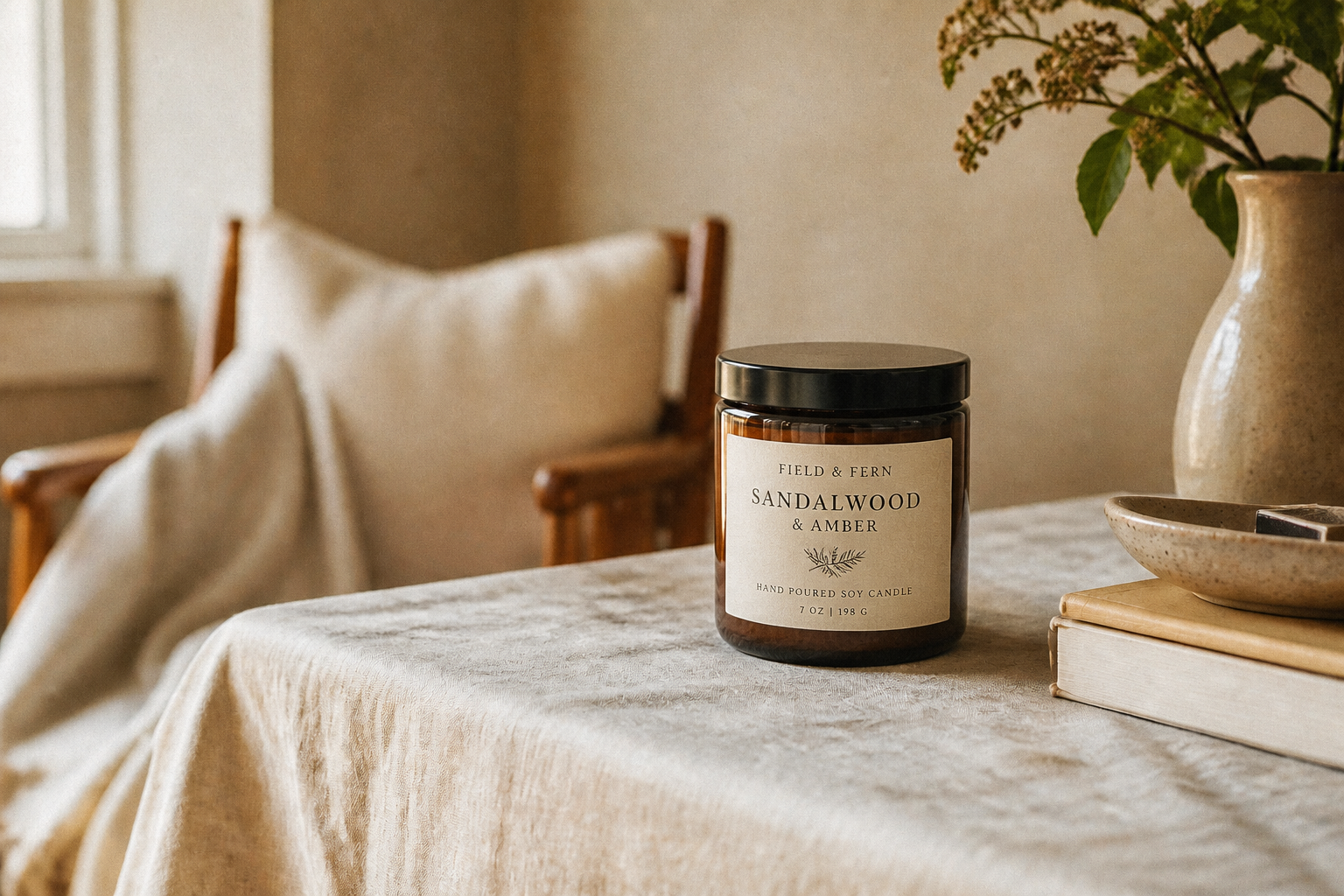 AFTER
AFTER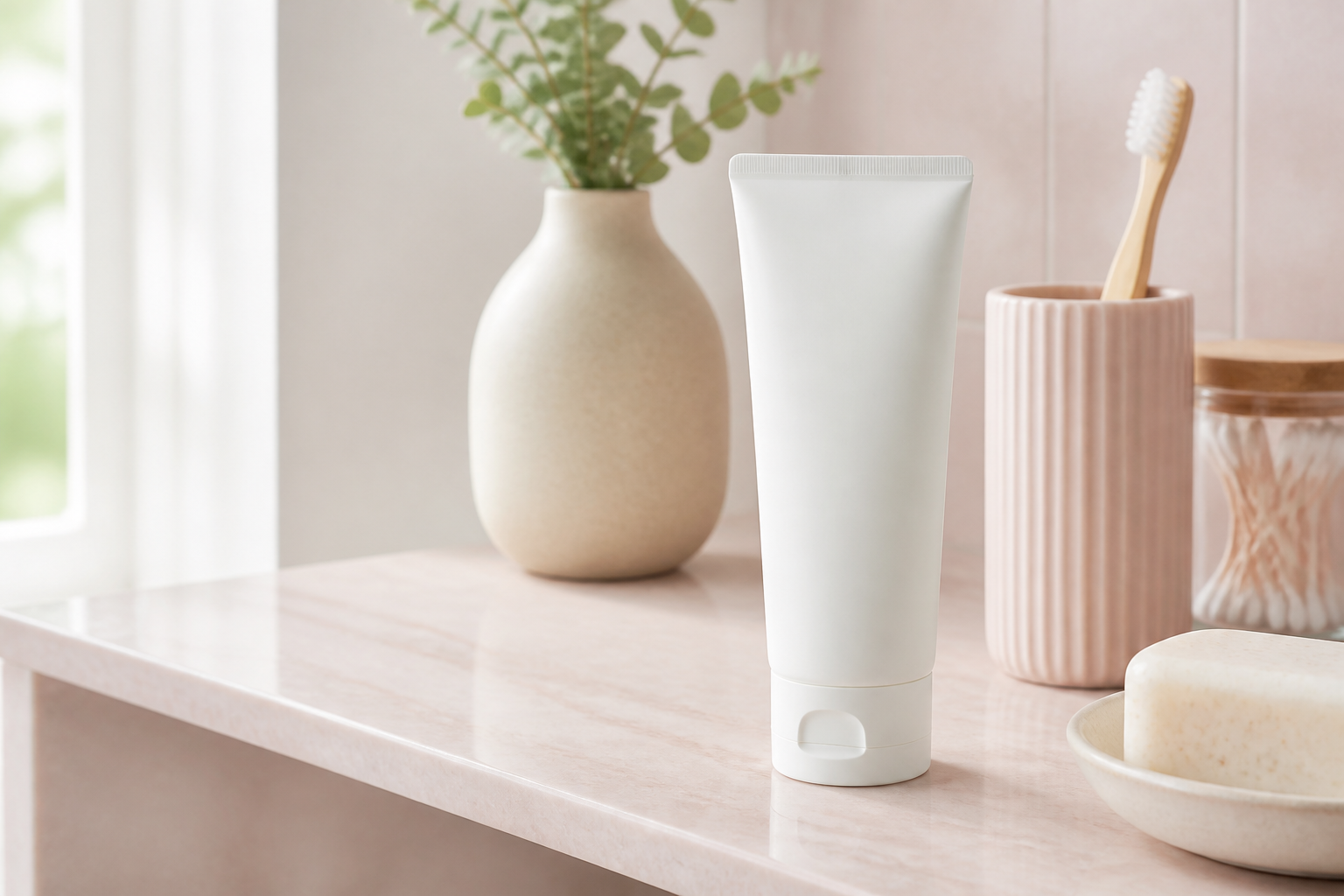 BEFORE
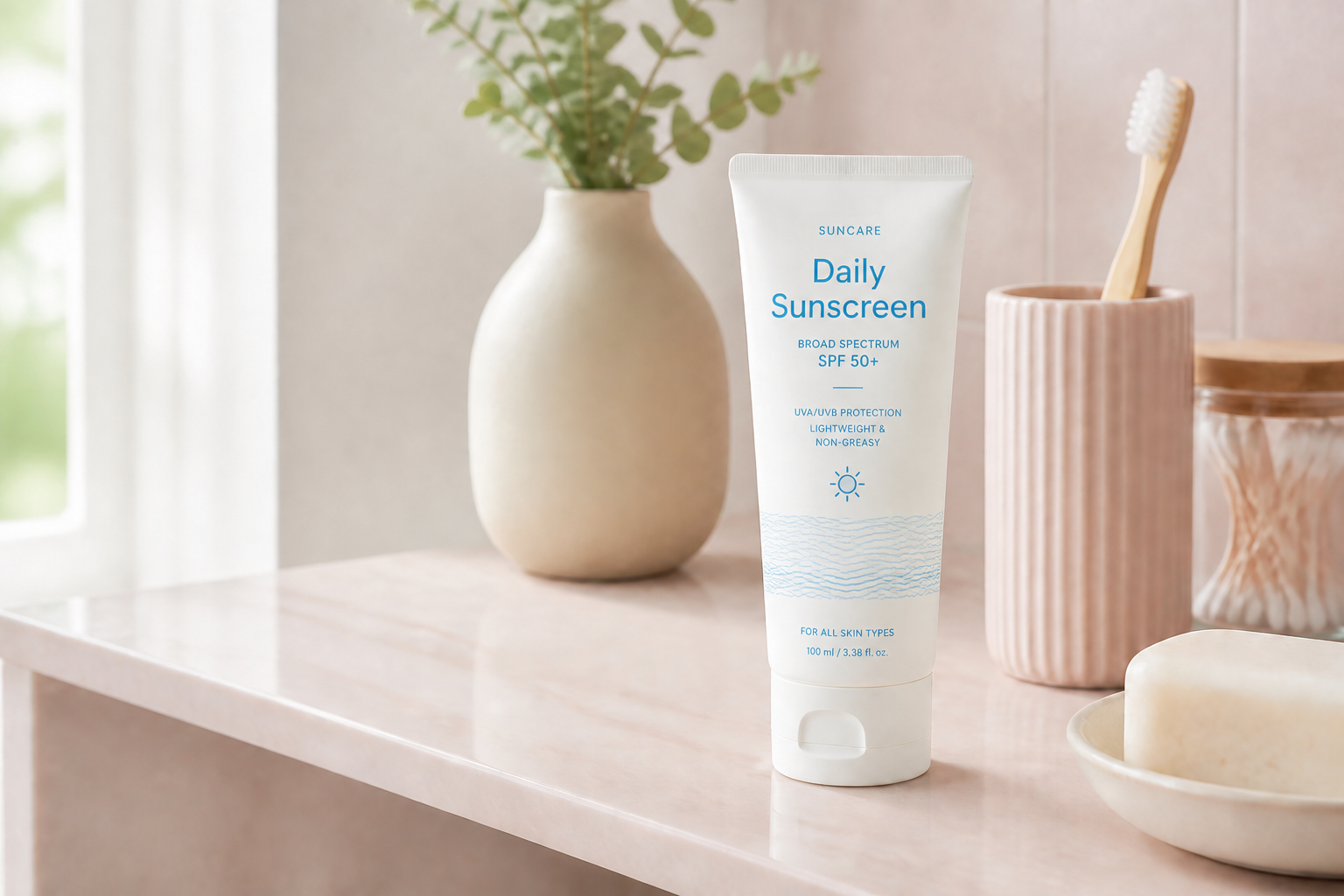 AFTER
AFTER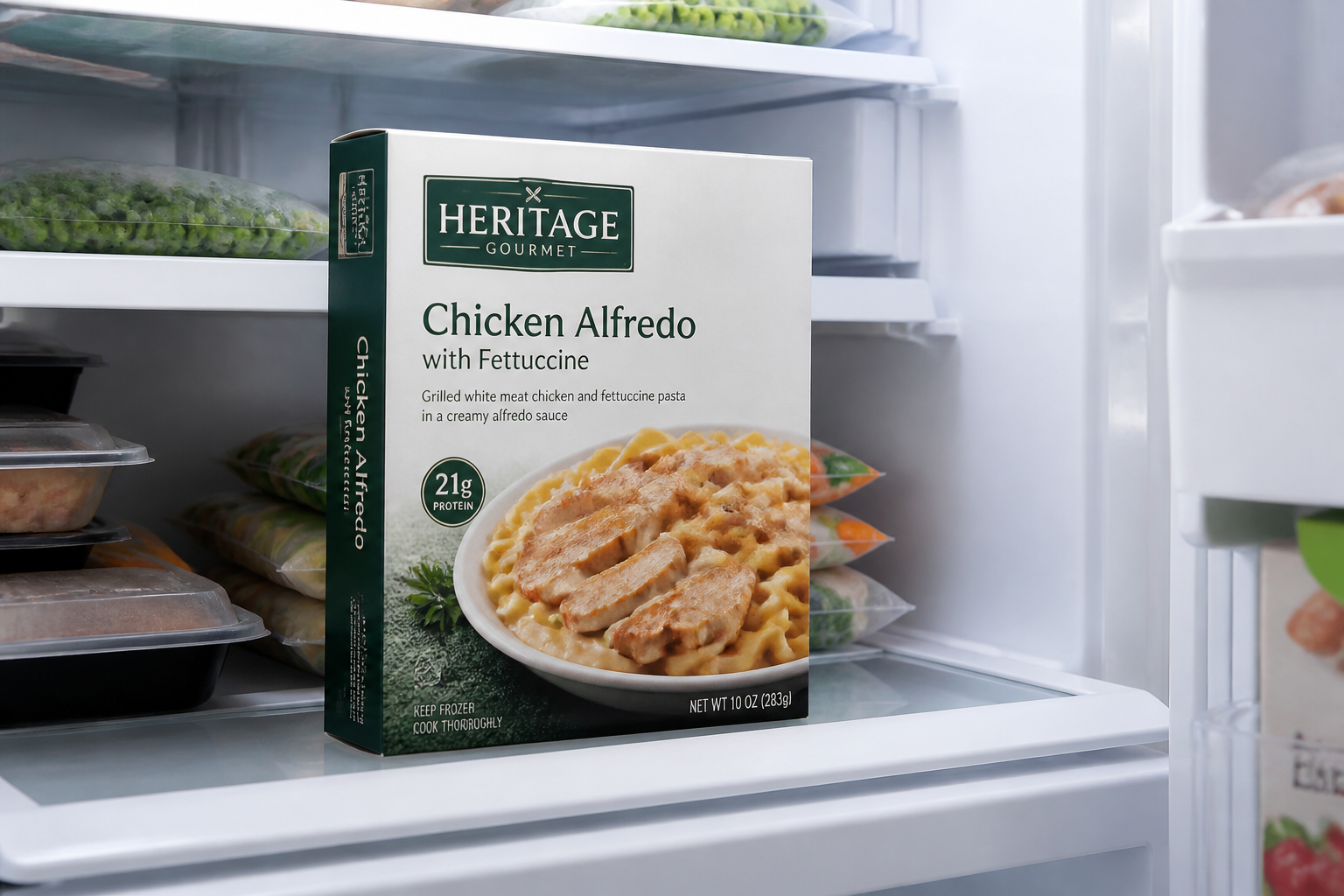 BEFORE
 AFTERBEFOREAFTERBEFOREAFTERBEFOREAFTERBEFOREAFTERBEFOREAFTER
 BEFORE
 AFTER
AFTER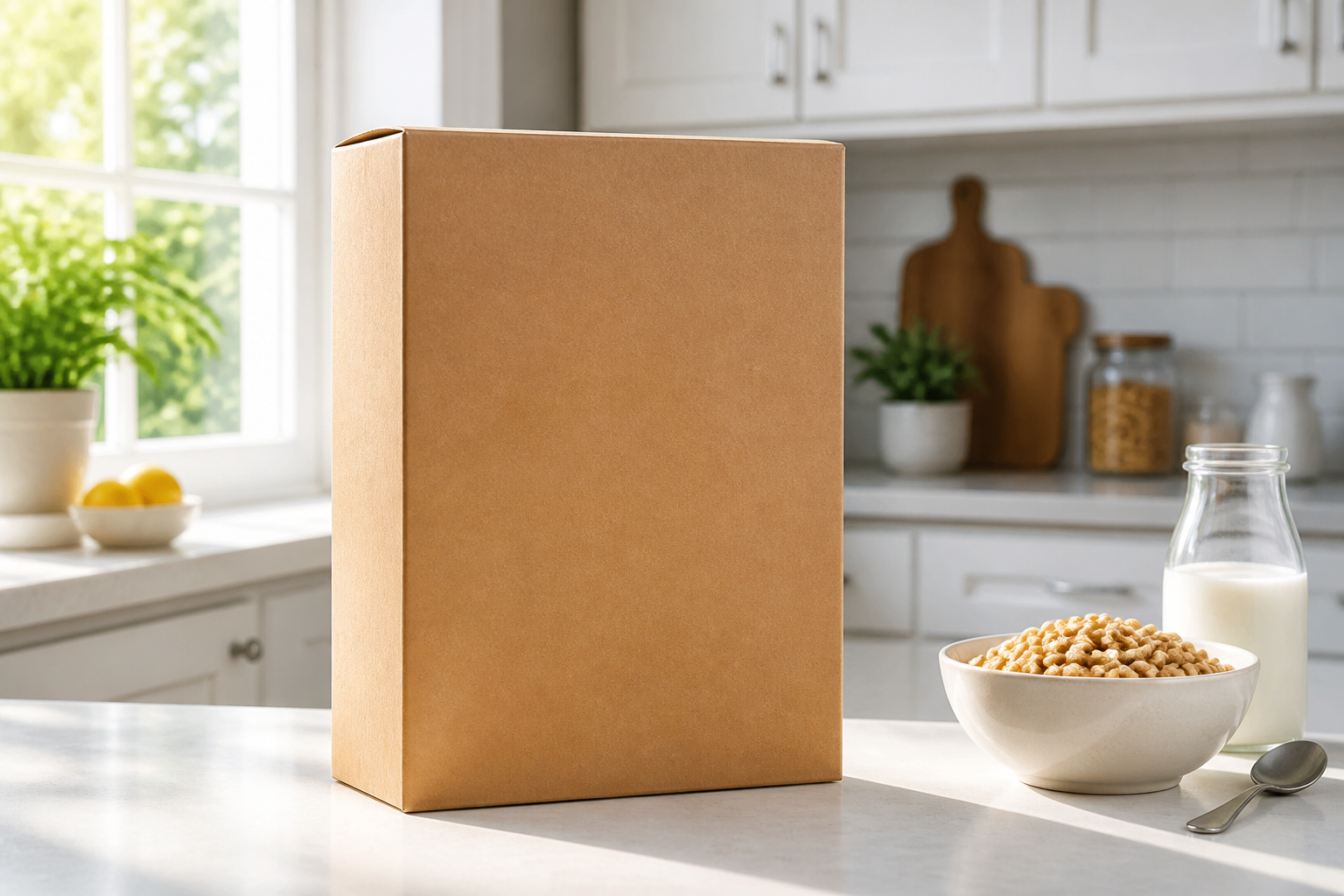 BEFORE
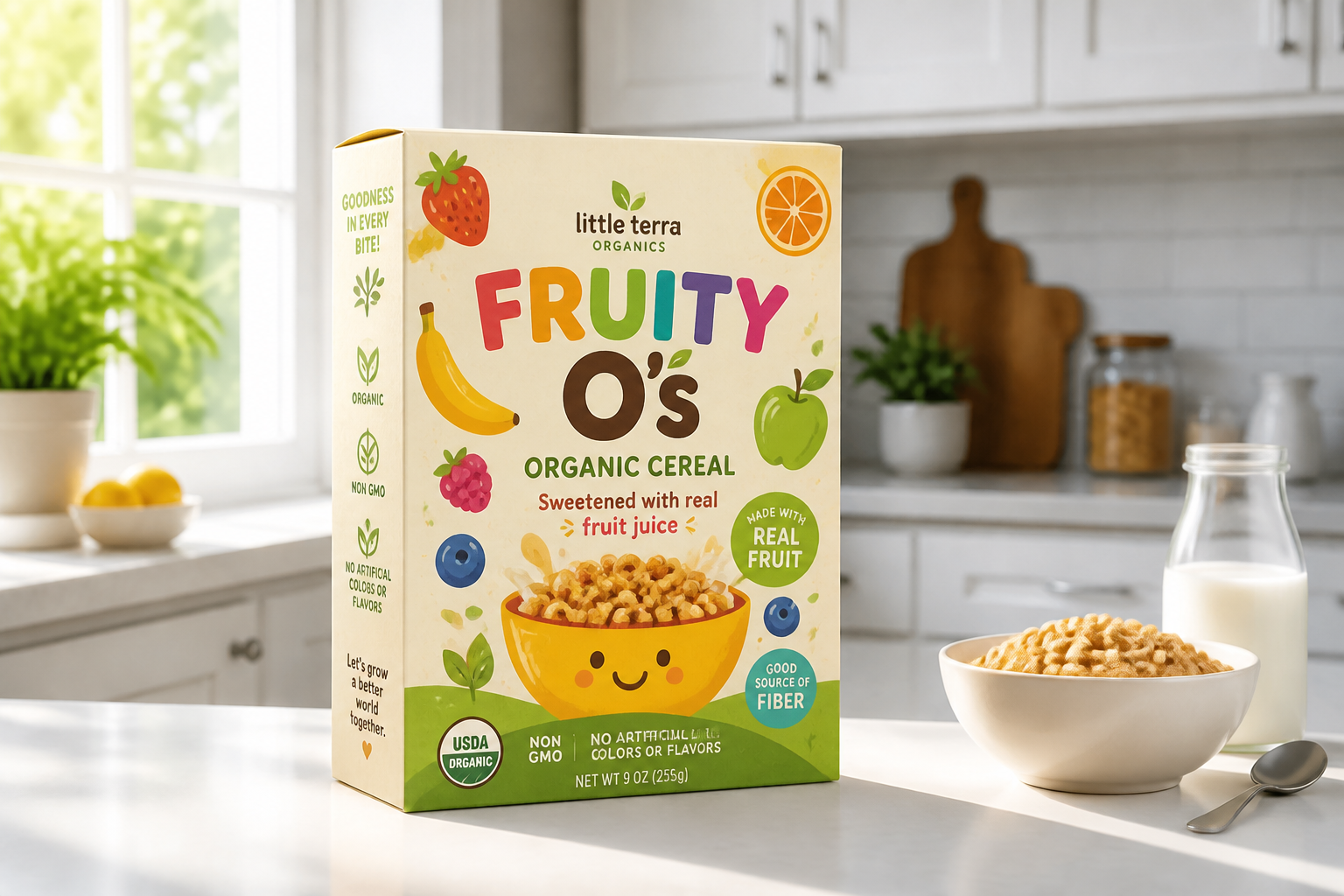 AFTER
AFTER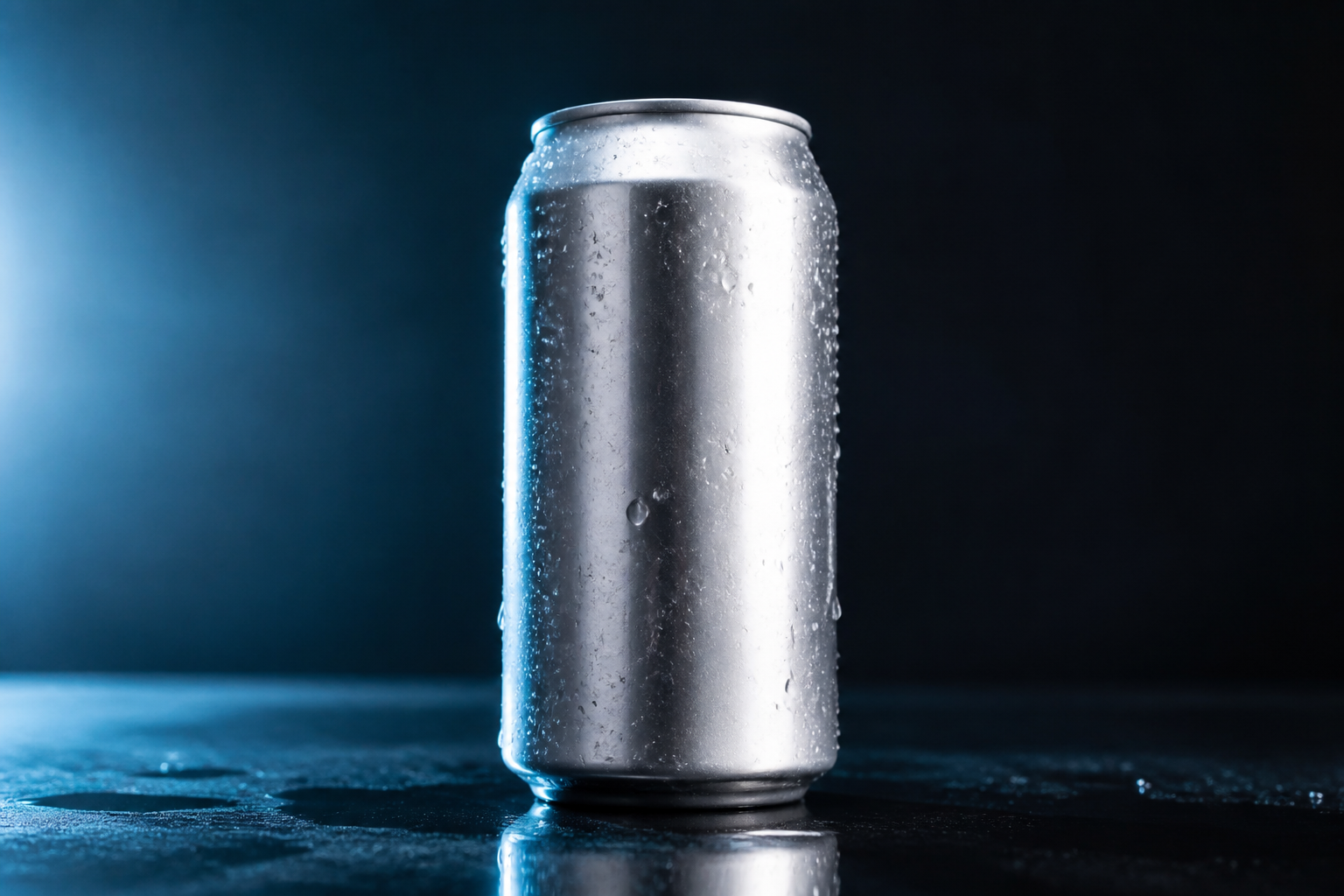 BEFORE
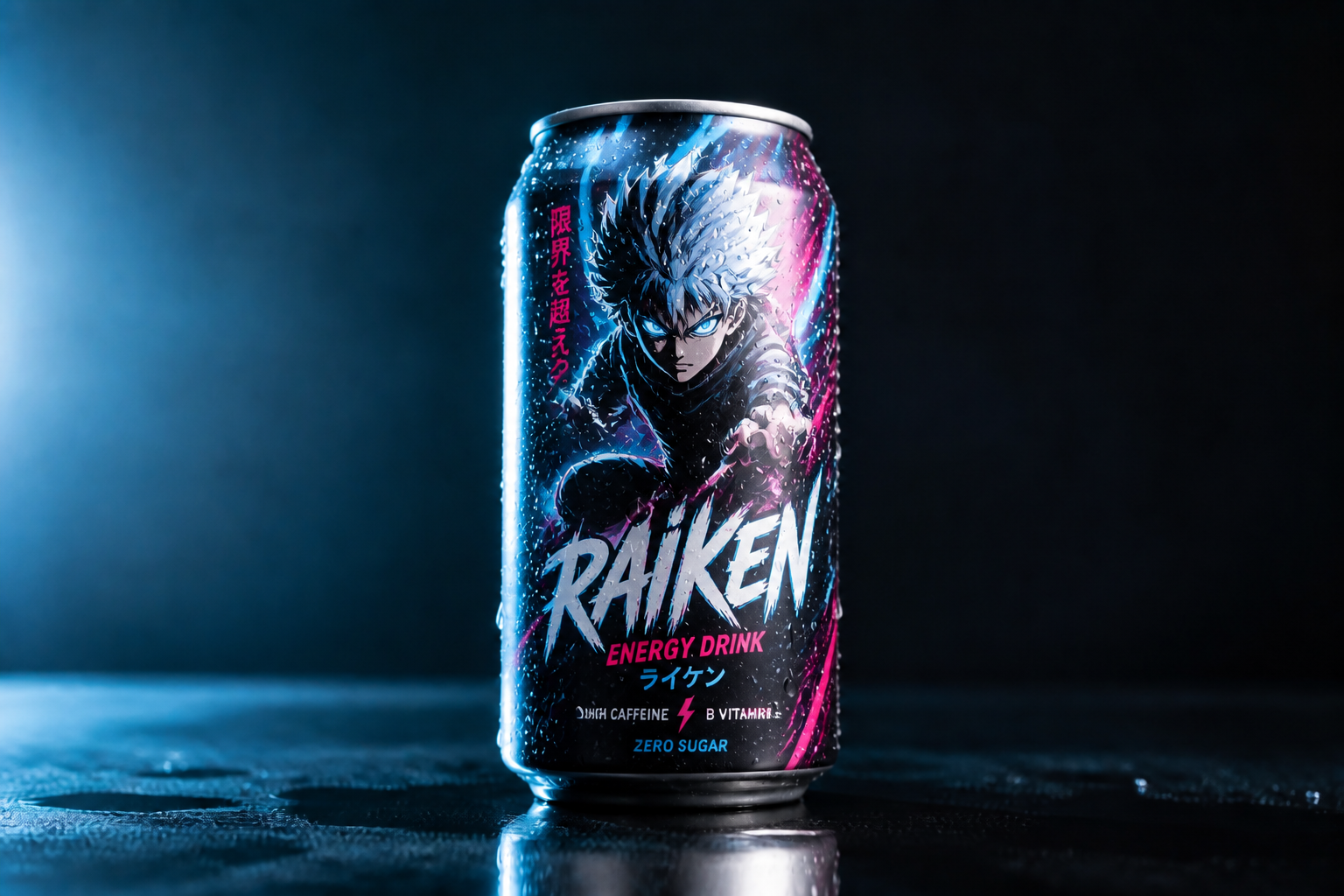 AFTER
AFTER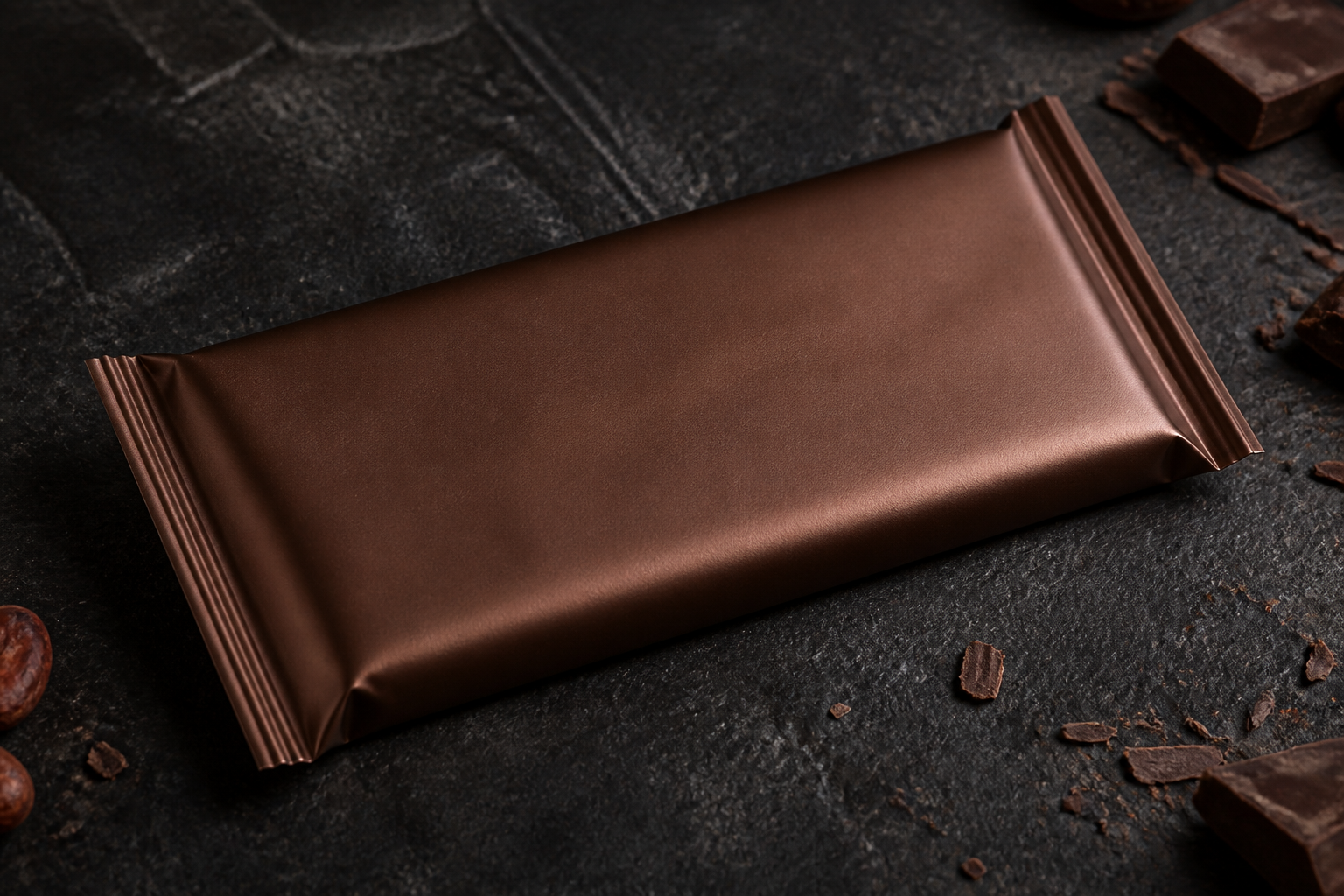 BEFORE
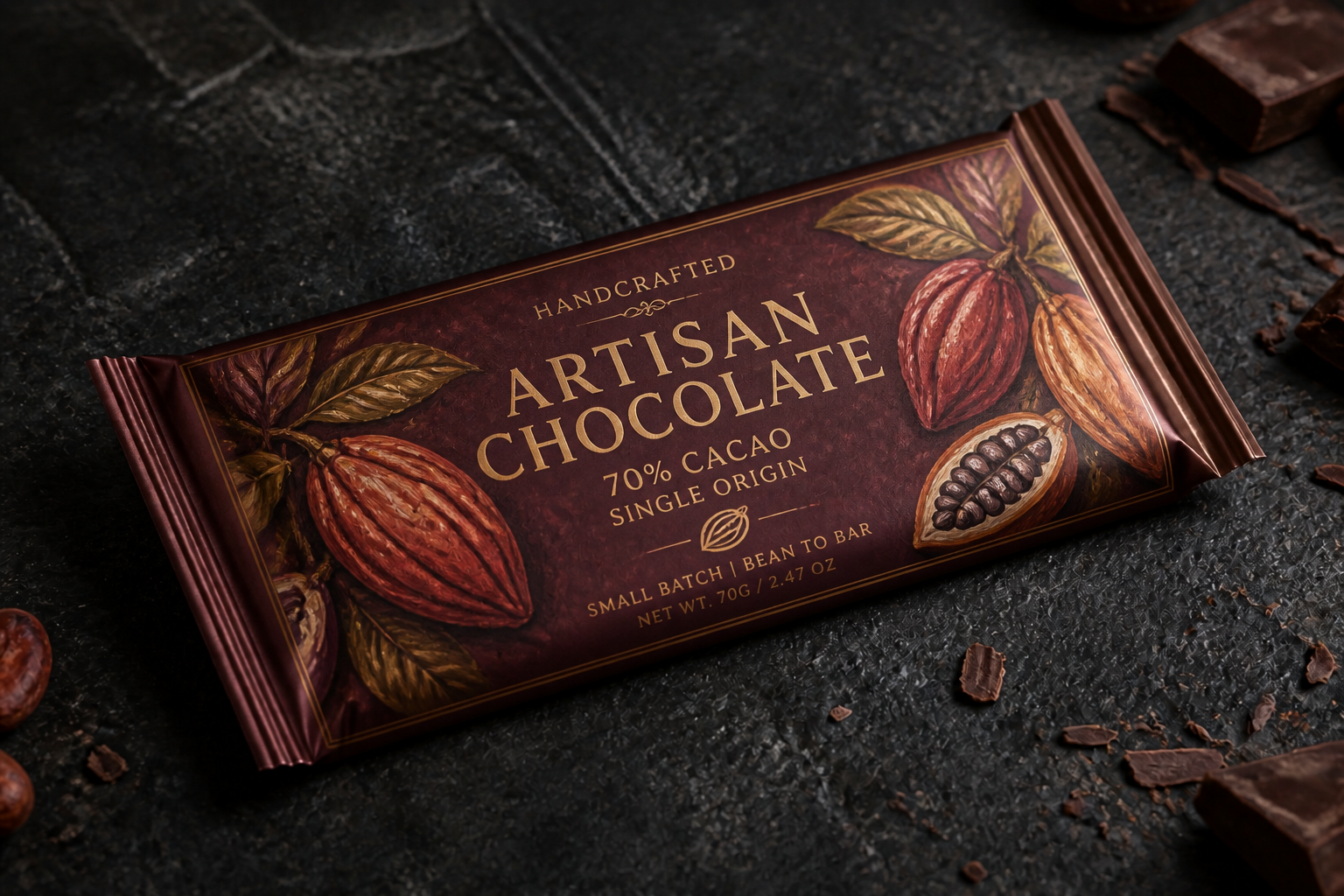 AFTER
AFTER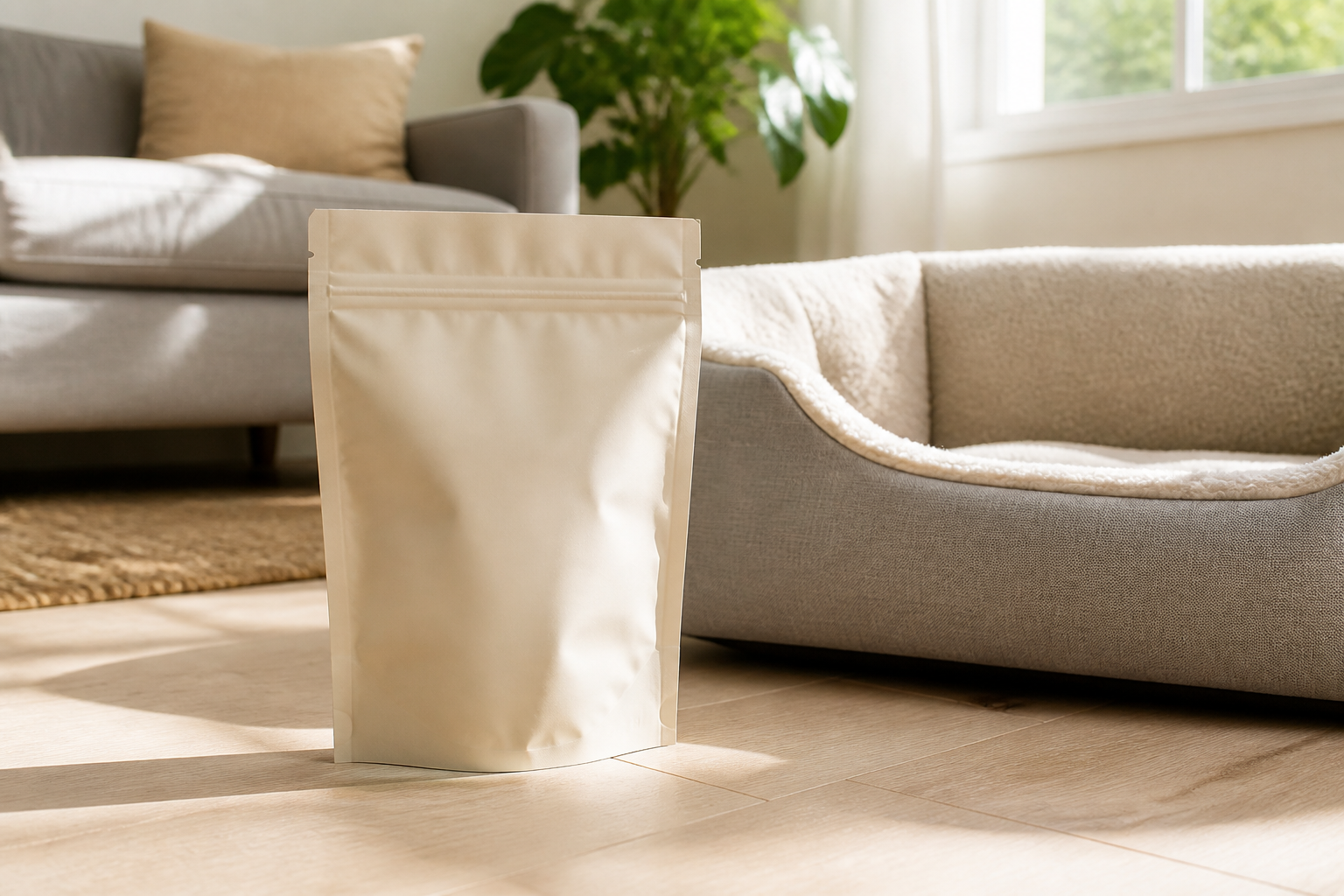 BEFORE
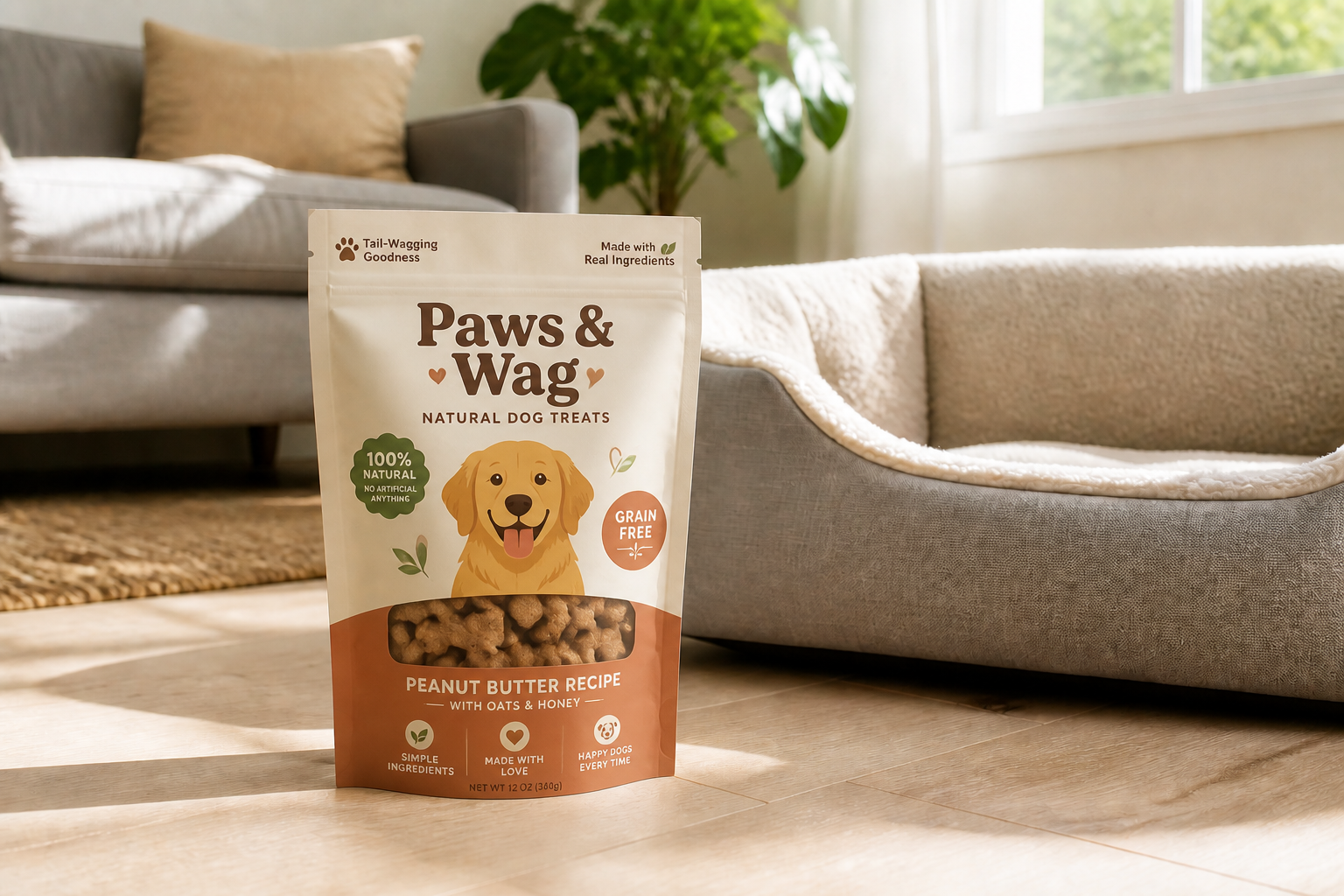 AFTERBEFOREAFTERBEFOREAFTERBEFOREAFTERBEFOREAFTERBEFOREAFTER
Key Features
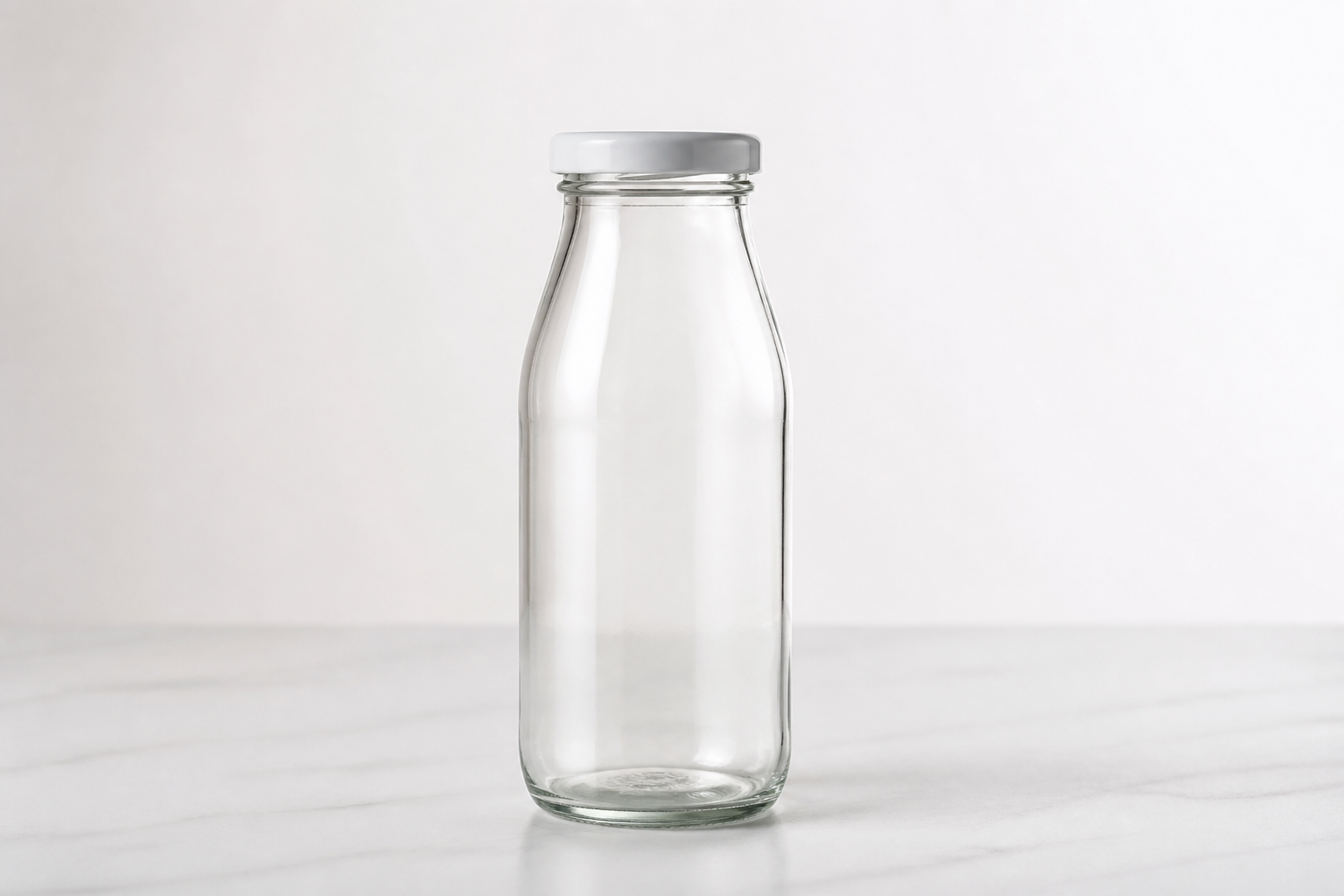
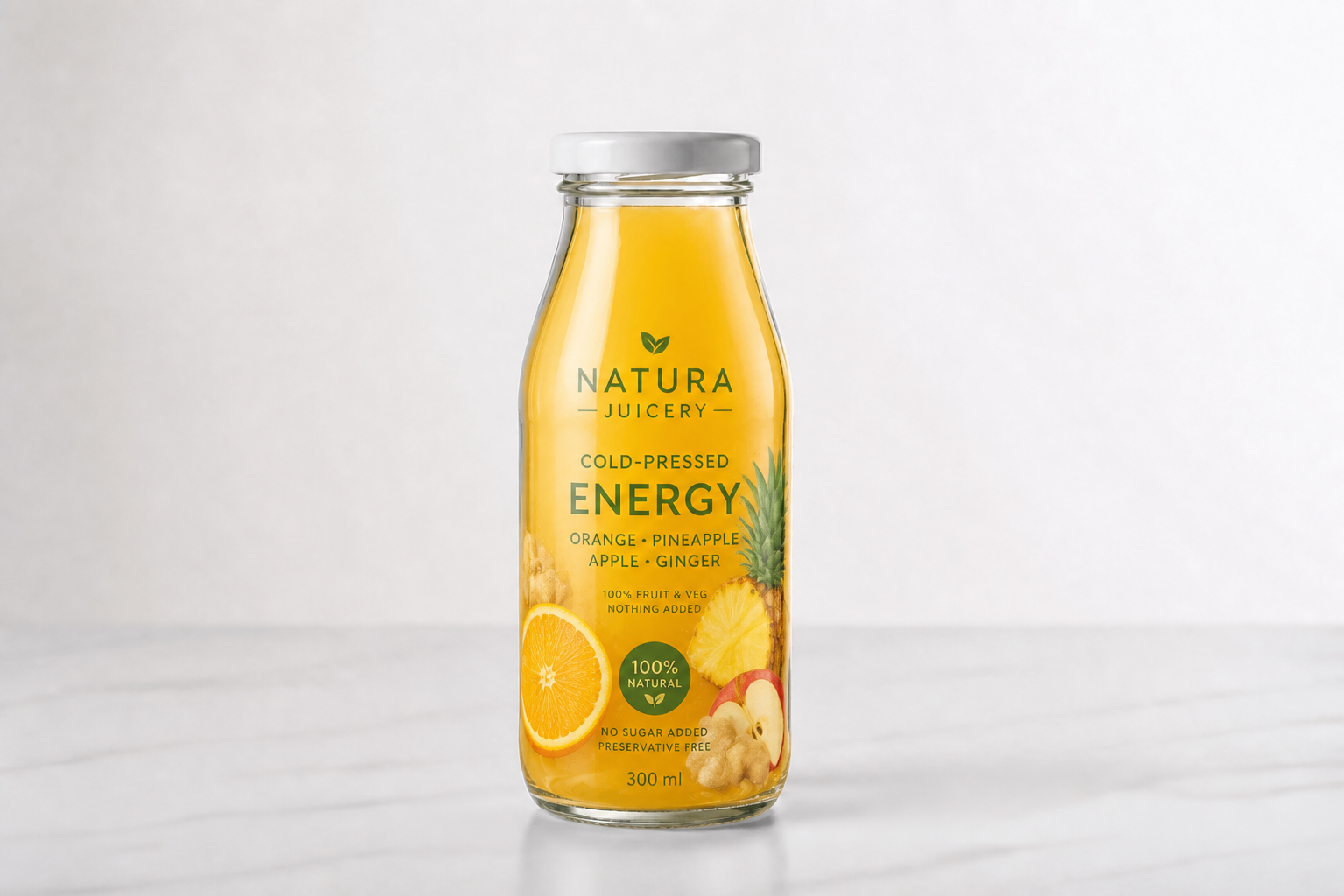
Test multiple packaging directions
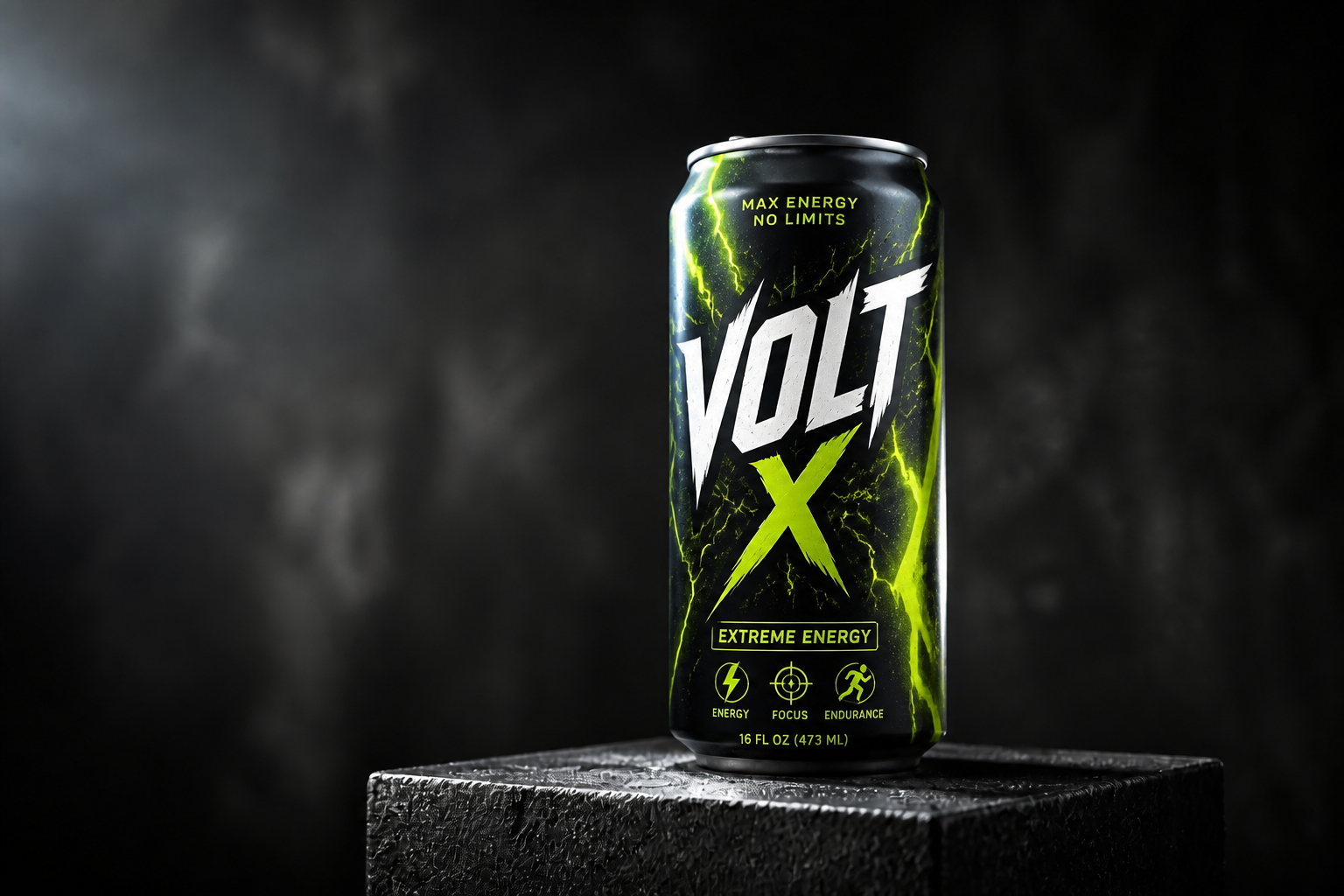
Try premium, playful, clinical, natural, or bold retail looks from the same base product image. This makes early concepting faster because you can compare distinct directions without redrawing every package. It is useful when a team wants to review visual routes before committing to one. Manual mockup work usually slows that stage down.
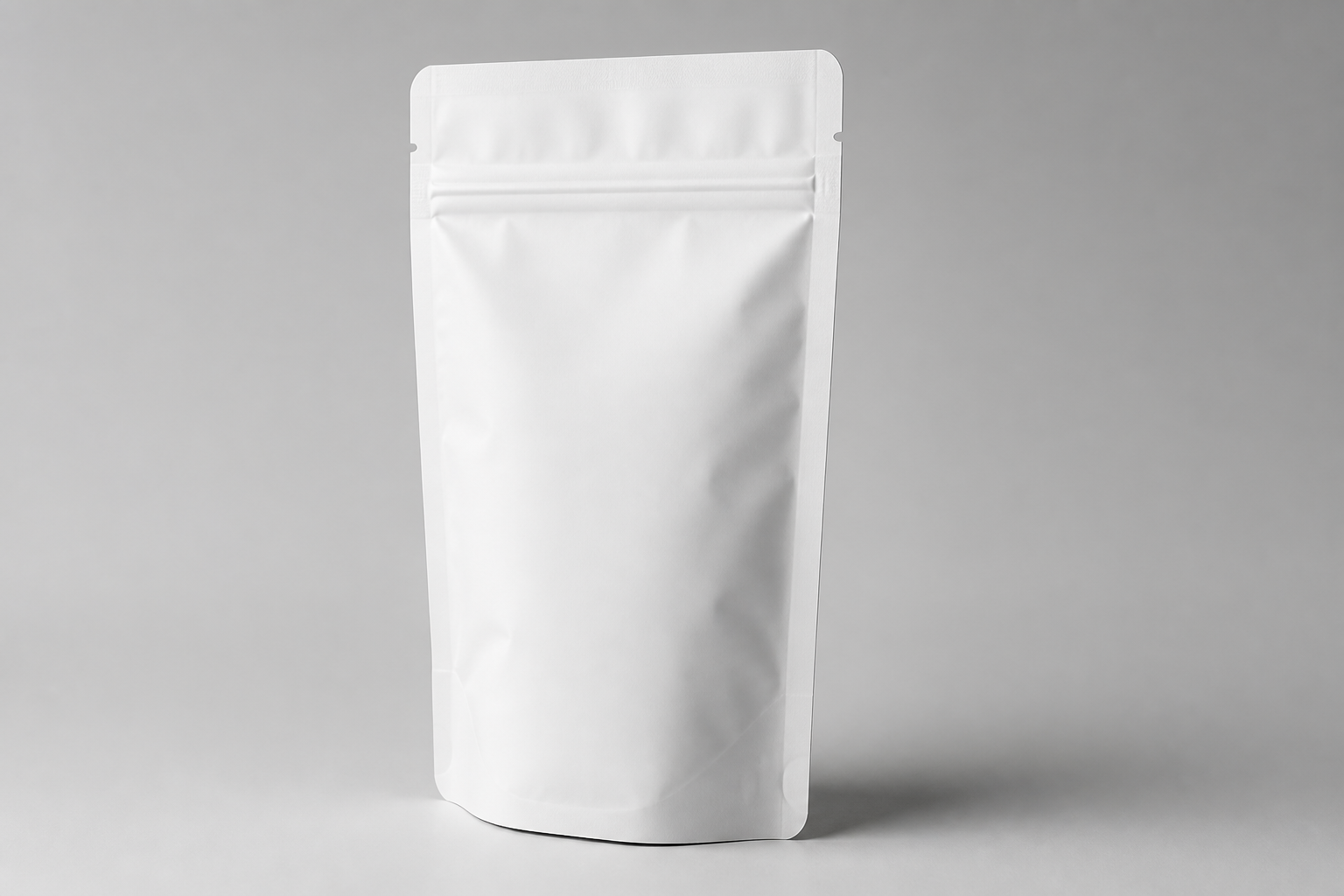
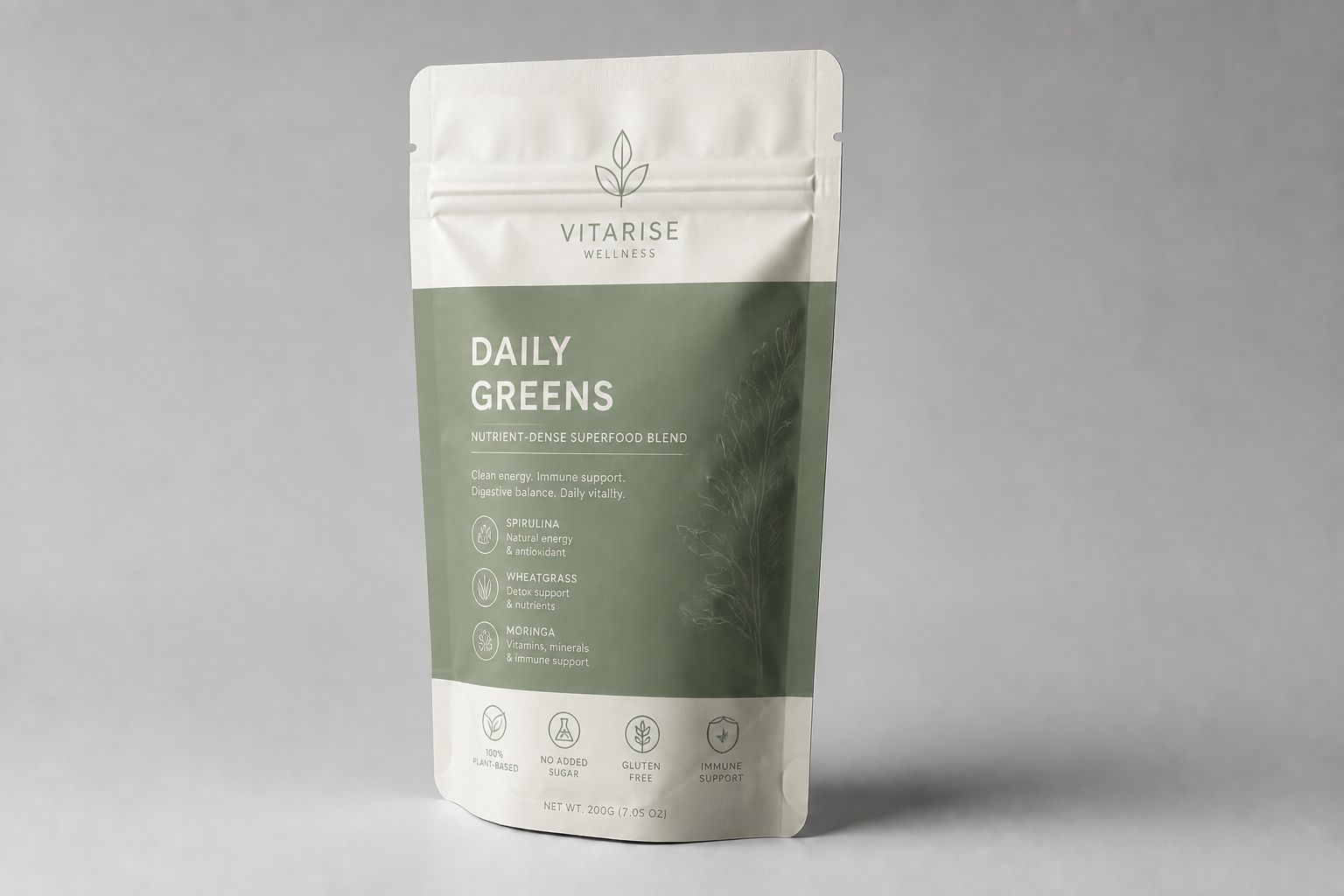
Keep the pack structure consistent
Change the branding and finish while preserving the original bottle, box, tube, or pouch form. That helps you visualize design updates on the exact structure you plan to sell. It is much easier to judge shelf presence when the pack shape stays stable. Manual editing often drifts proportions or perspective between versions.
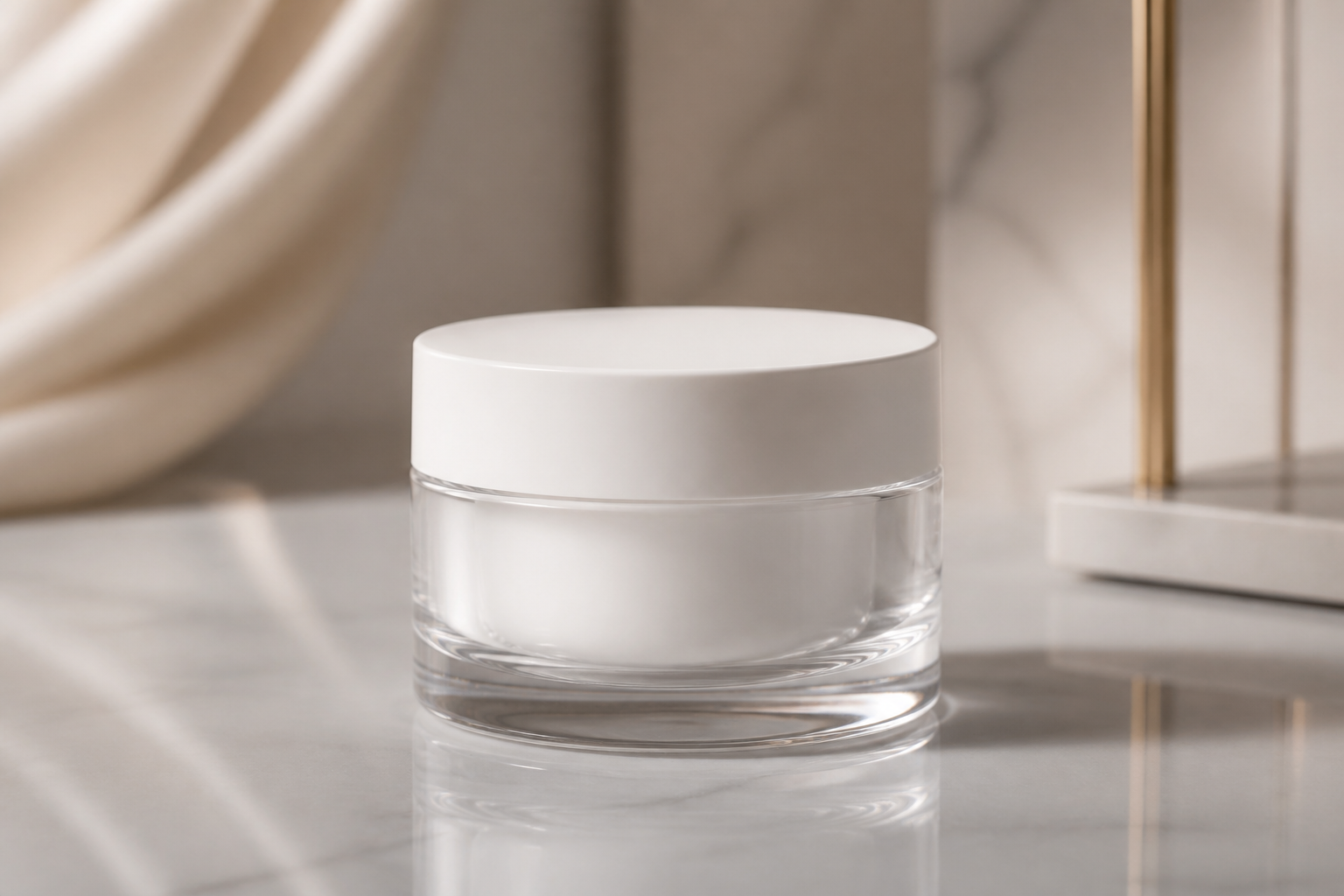
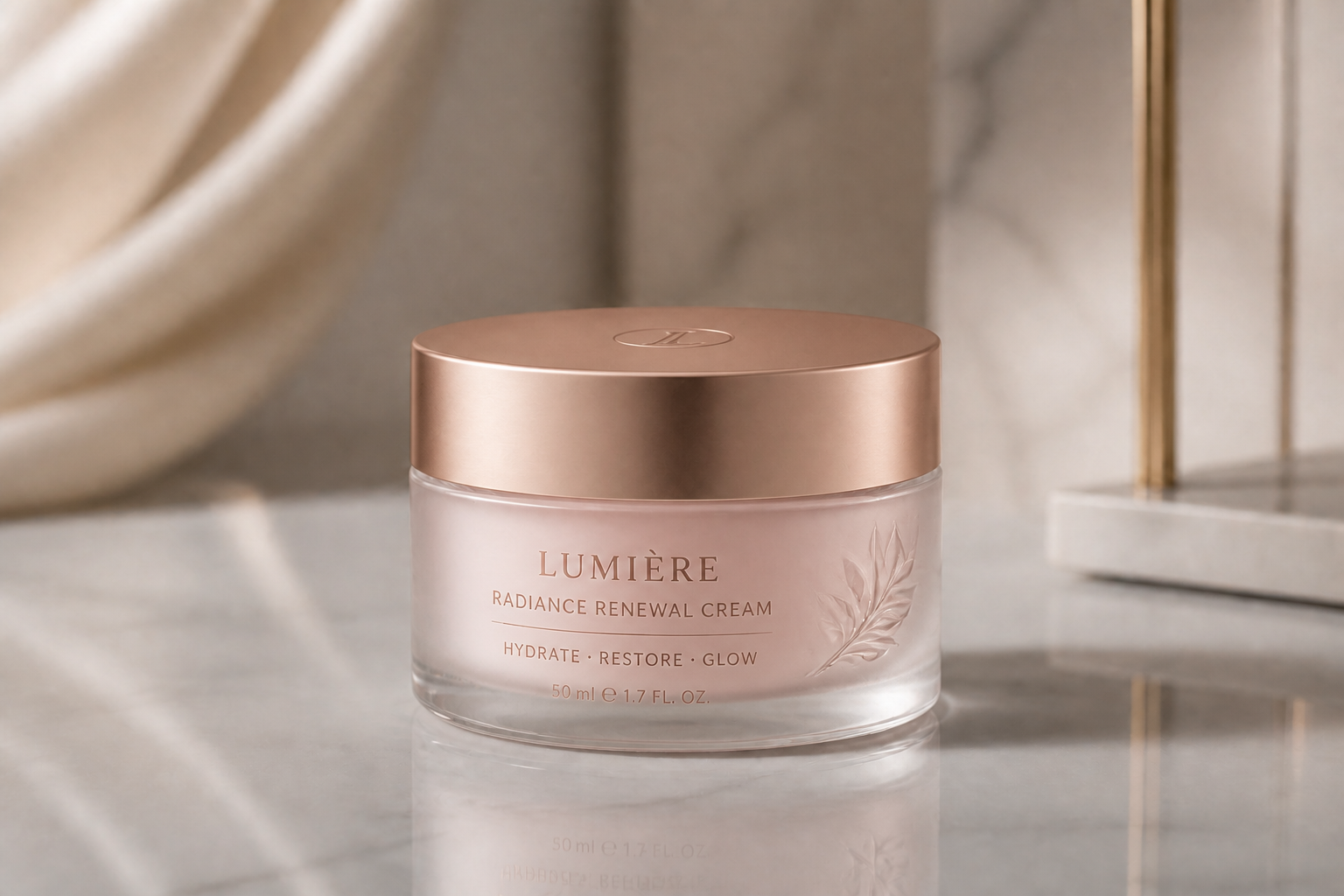
Show realistic shelf-ready materials
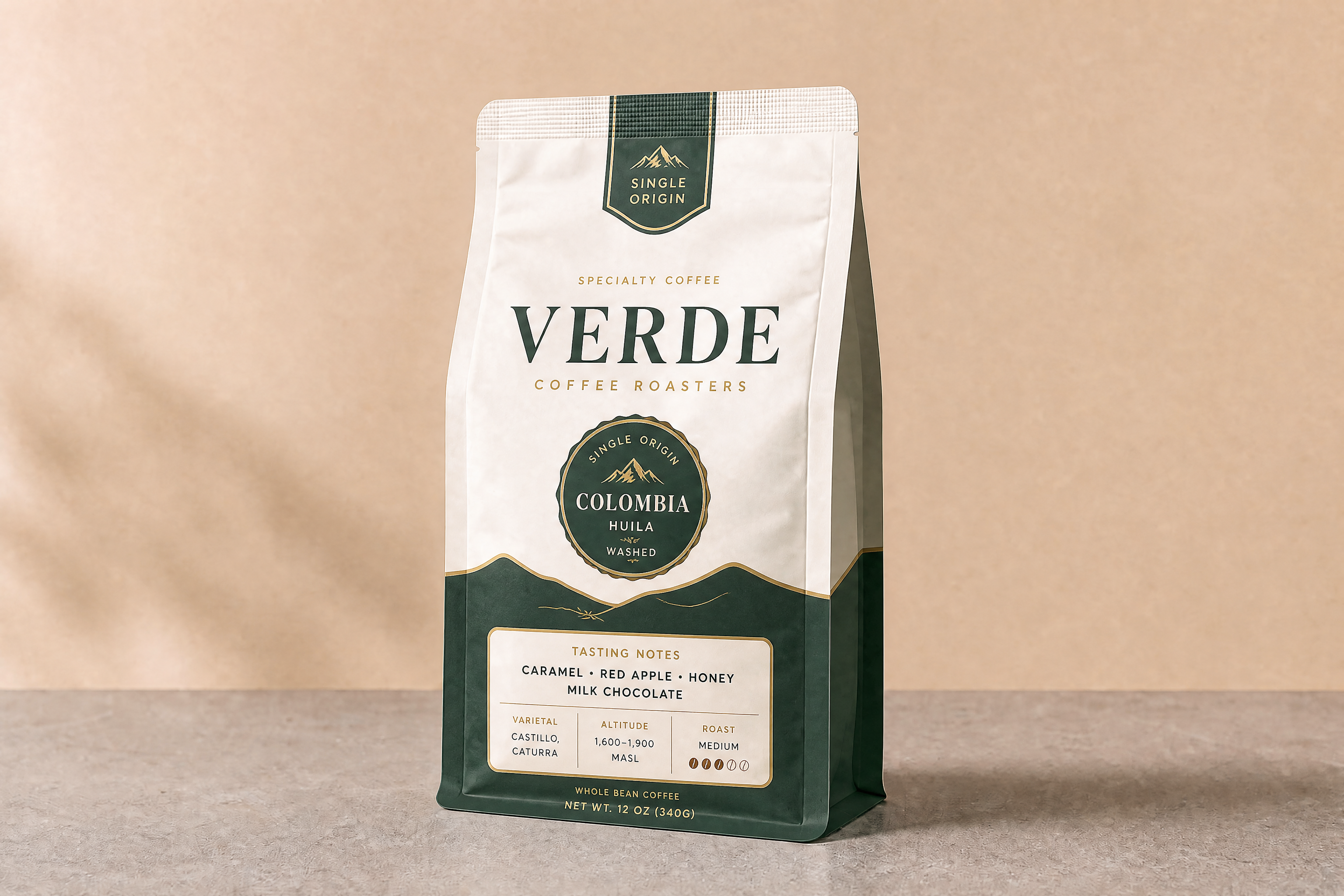
Visualize matte paper, glossy coatings, metallic accents, kraft textures, and frosted finishes in a polished product shot. Material cues matter because packaging decisions are not only about layout. They change how premium, natural, or technical a product feels. Our AI helps you preview those cues without building each mockup from scratch in design software.
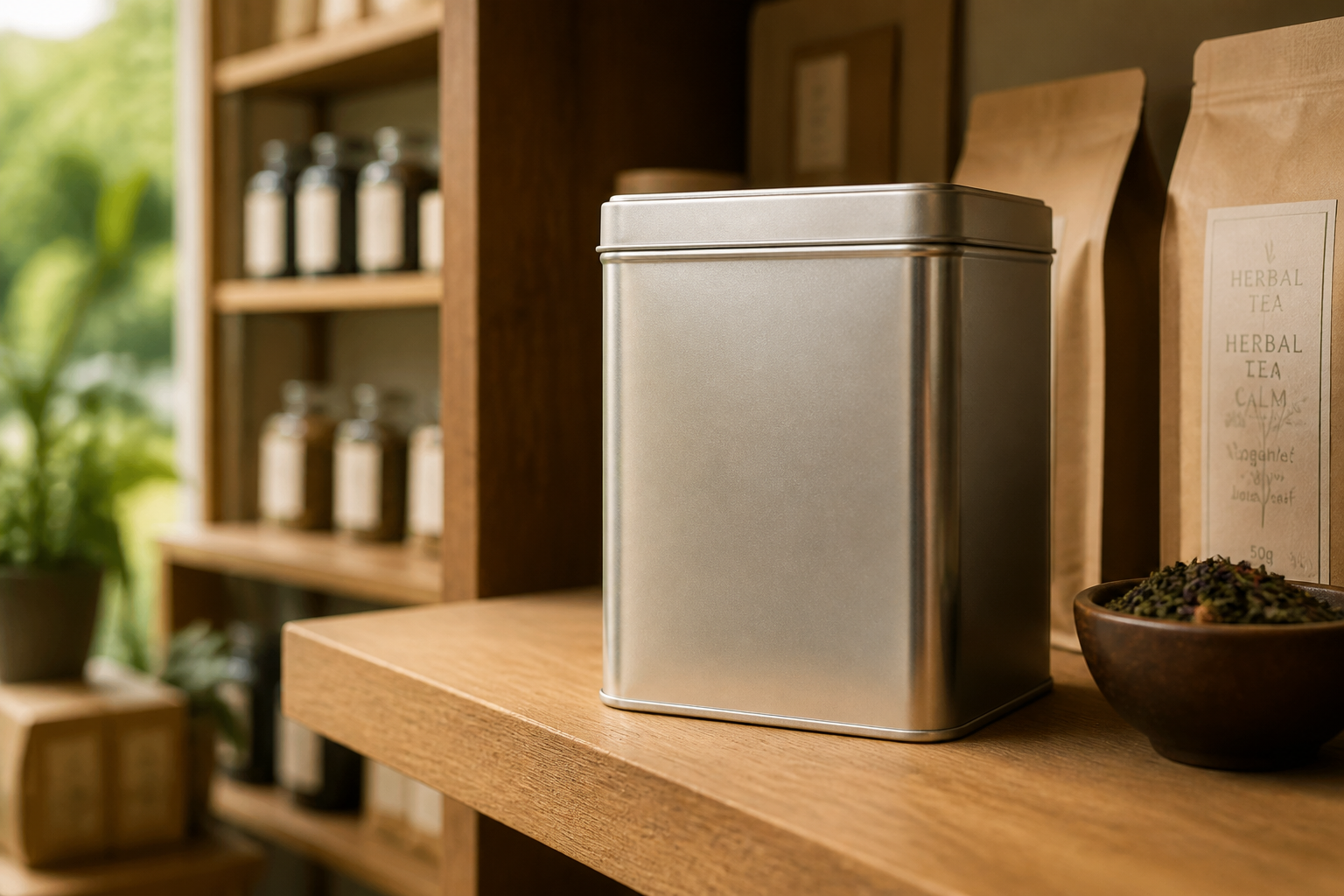
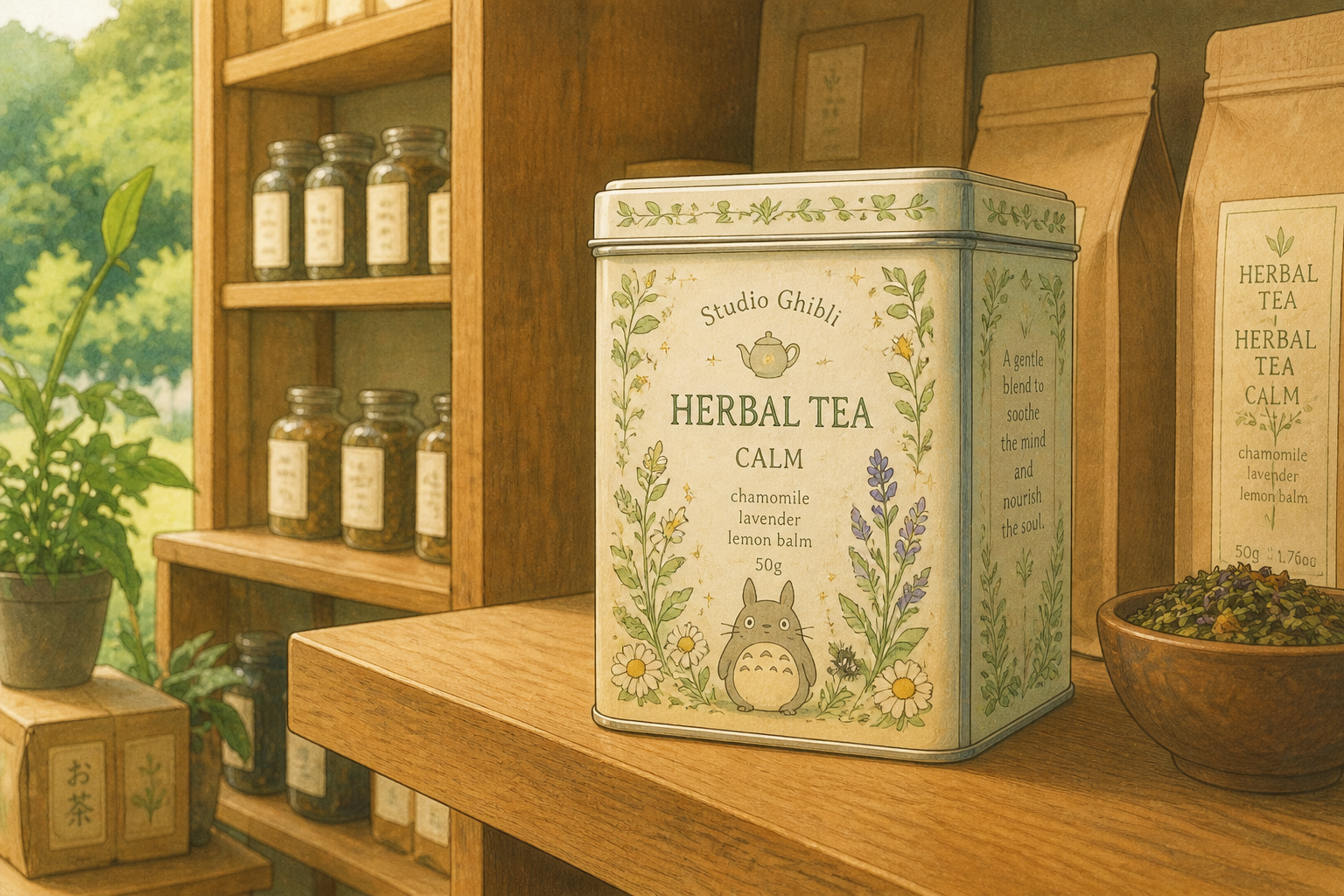
Explore stylized concept presentations
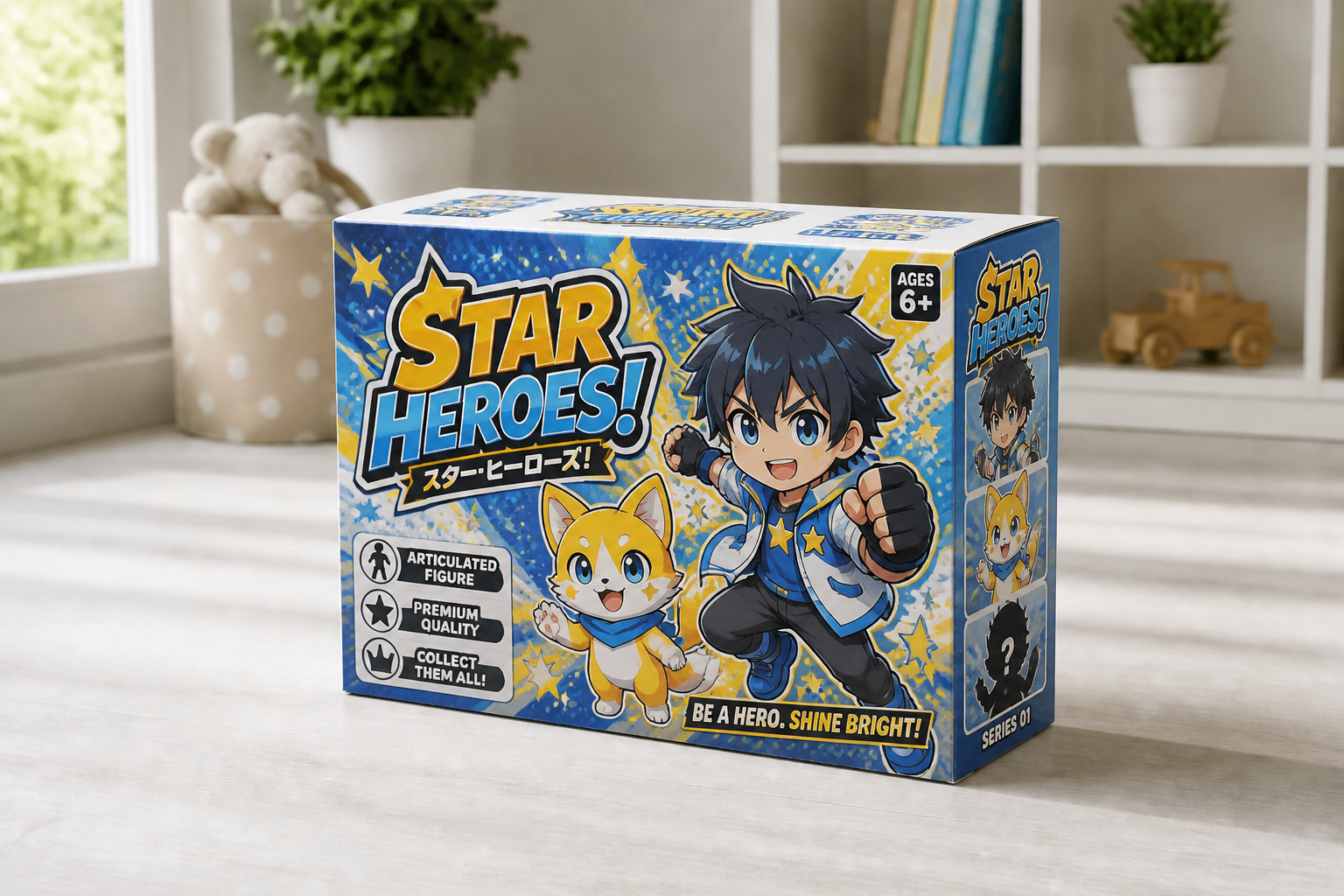
Not every packaging review needs the same visual tone. You can create realistic commercial mockups or push into stylized presentation looks for pitches, moodboards, and campaign concepts. That is helpful when you need both practical packaging previews and more expressive creative exploration. Doing both manually usually means building separate assets from scratch.
How It Works
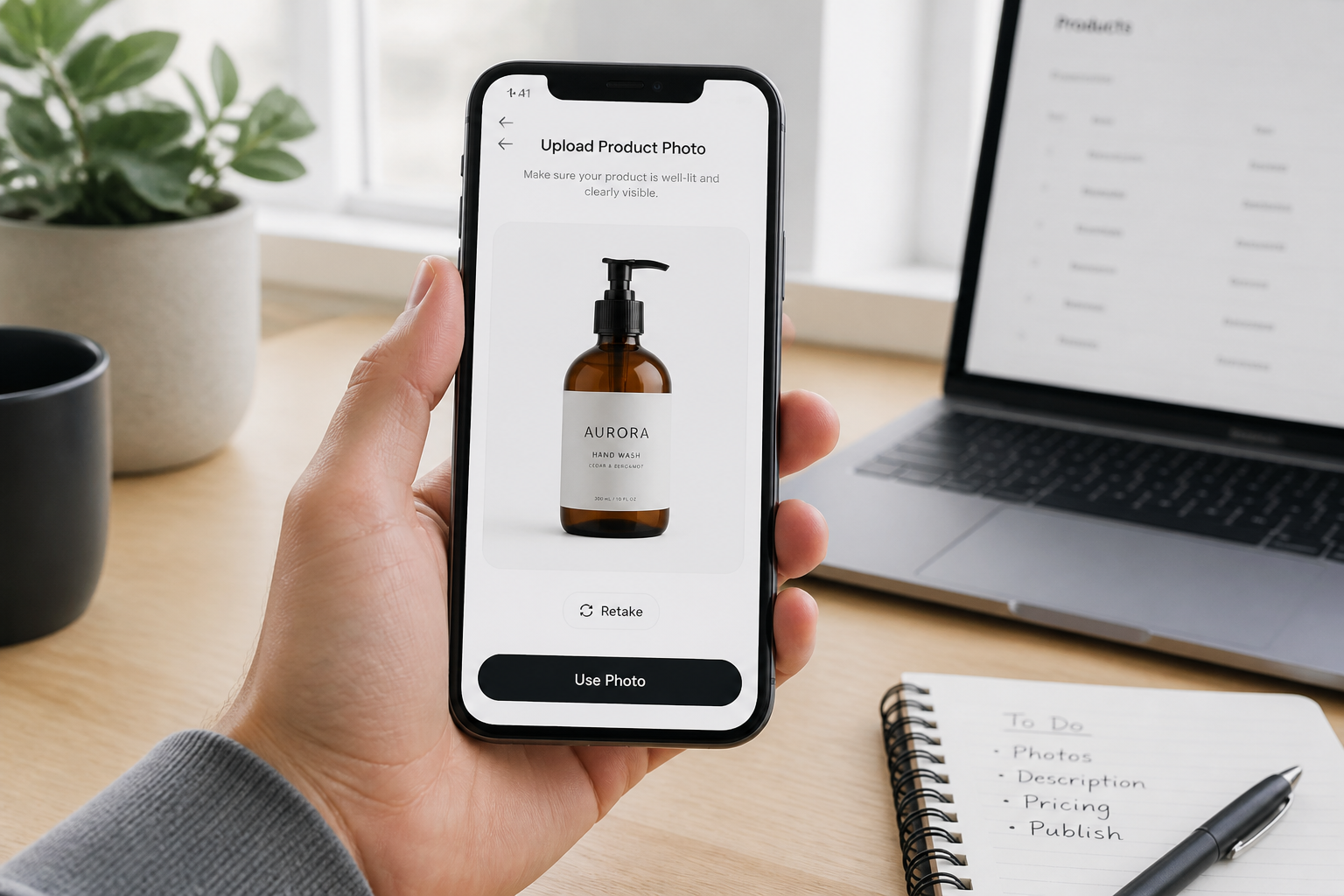
Upload your product image
Start with a clear photo of a bottle, box, jar, pouch, tube, or can. Clean angles and simple lighting usually produce the most usable packaging mockups.
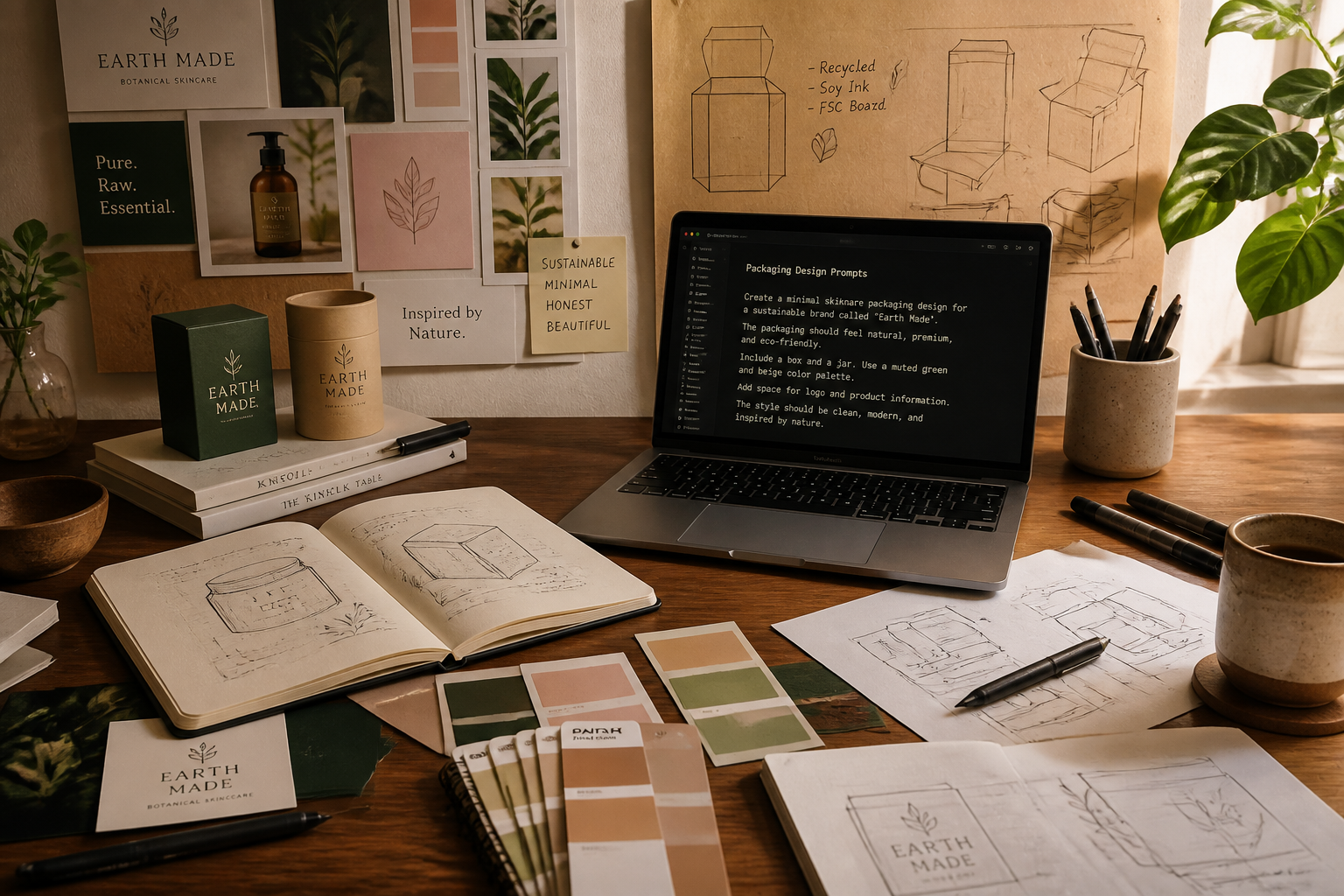
Describe the packaging look
Tell the AI what kind of package you want to see, including color palette, material finish, label style, and product category. Short, direct instructions work well for clear results.
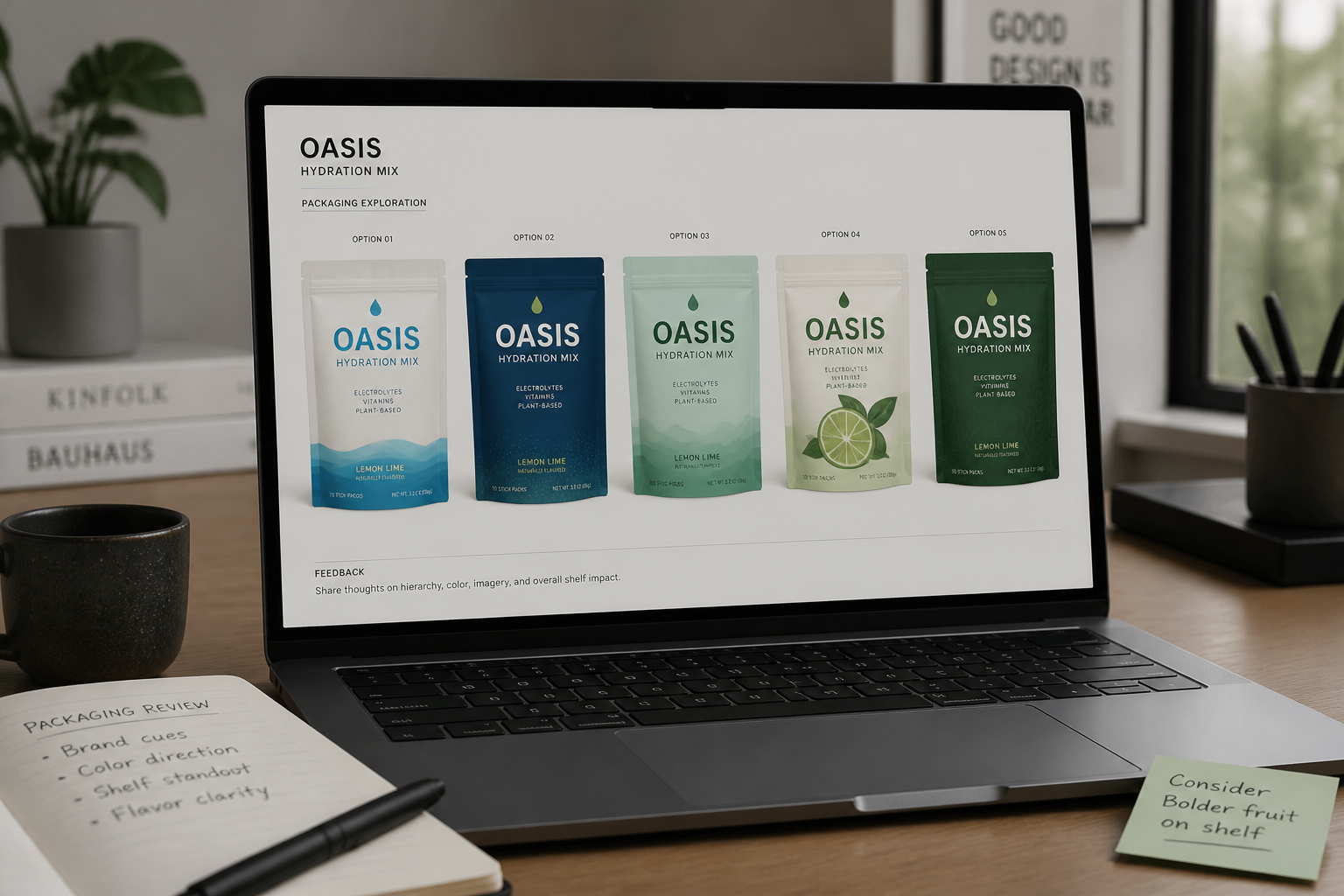
Review and refine versions
Compare the generated mockups and adjust the prompt until the direction feels right. You can quickly test alternate branding styles before moving into final design work.
Perfect For
Discover how creators and professionals use ai product packaging mockup
Early packaging concepts
Generate fast visual directions before full design and production work begins.
Client presentation mockups
Show polished packaging options in decks, proposals, and brand reviews.
Retail shelf visualization
Preview how a product might read as premium, playful, clinical, or bold.
Label and material exploration
Test finishes, textures, palettes, and typography without rebuilding every scene manually.
Built For
Brand designers
Explore multiple packaging directions quickly for internal reviews and client approvals.
Founders and small teams
Visualize product packaging ideas before hiring out full mockup or design work.
Marketing teams
Create polished concept visuals for launch planning, ads, and presentation decks.
Why use AI for packaging mockups
A quick look at how we compare on the things that matter for this niche.
| Feature | BudgetPixel | Generic AI editors | Manual editing apps |
|---|---|---|---|
| Fast packaging concept variations | ✓ | ✓ | — |
| Keeps product photo context | ✓ | — | ✓ |
| Material and label style exploration | ✓ | ✓ | — |
| Useful without advanced design skills | ✓ | ✓ | — |
| Best for production-ready dielines | — | — | ✓ |
Frequently Asked Questions
What kinds of packaging can I mock up?
Can I change the label design and material finish together?
Will the mockup keep my original product shape?
Is this meant to replace final packaging design files?
Do I need design skills to use it?
Create together.
Share your creations, discover trending AI art, and grow with fellow creators.