AI Box Design Generator
Turn plain packaging into polished box concepts in seconds.
Upload a box photo or mockup and describe the packaging style you want. Our AI can add branding, colors, graphics, and layout ideas while keeping the box shape and scene intact. It is a fast way to explore retail-ready concepts before final design work.
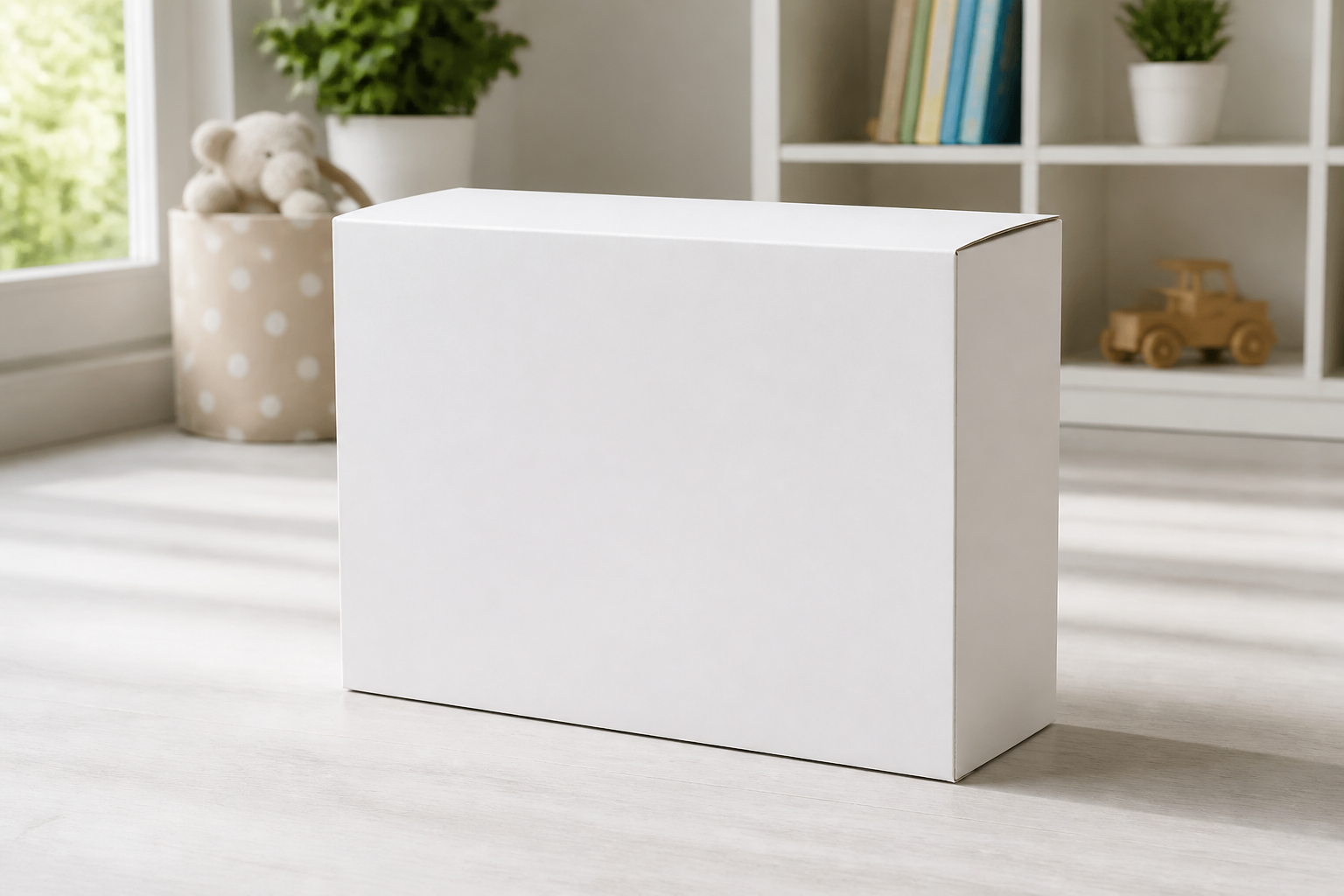
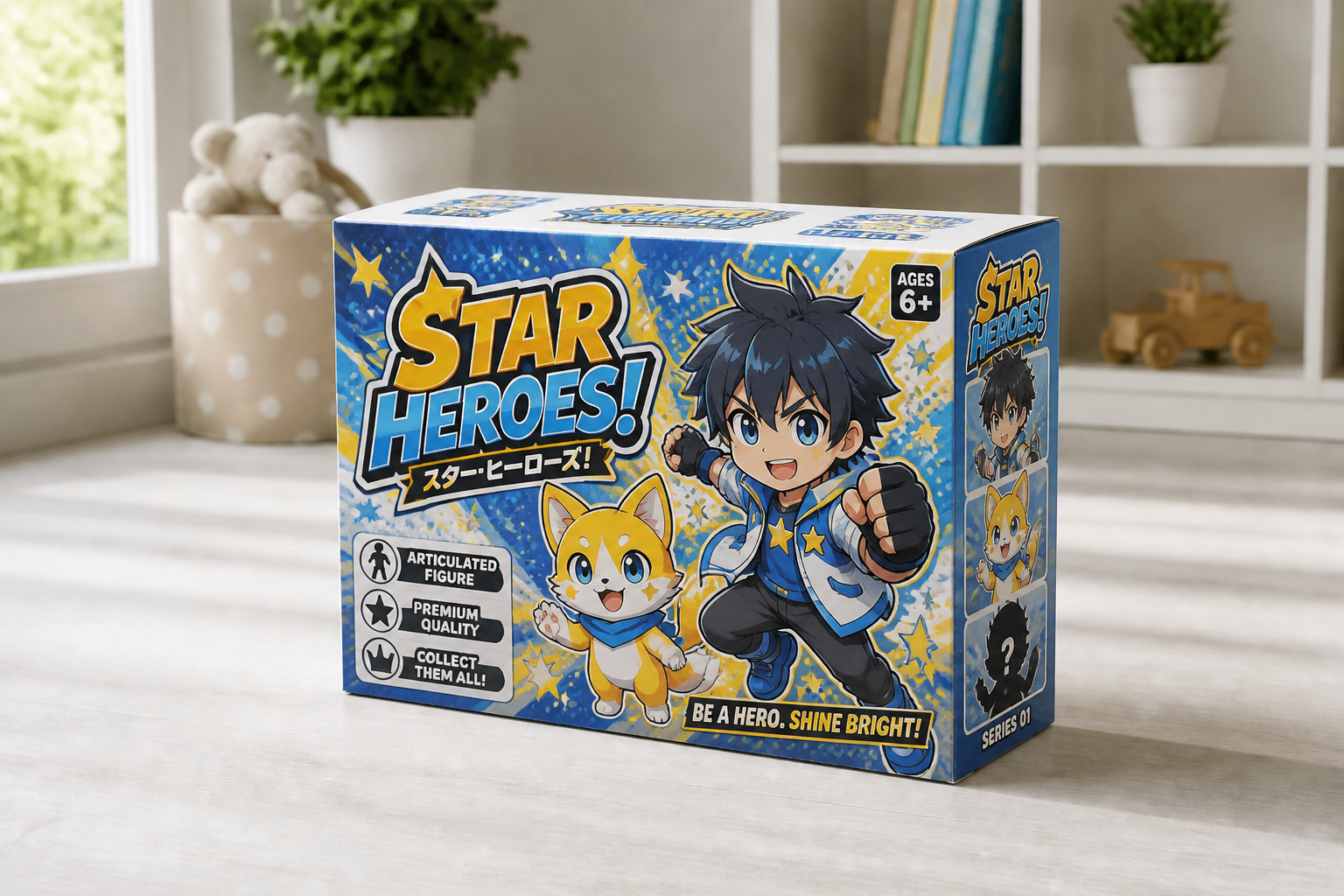
Watch the Transformation
See ai box design generator in motion — generated end-to-end by our AI.
See It In Action
Real outputs from ai box design generator.
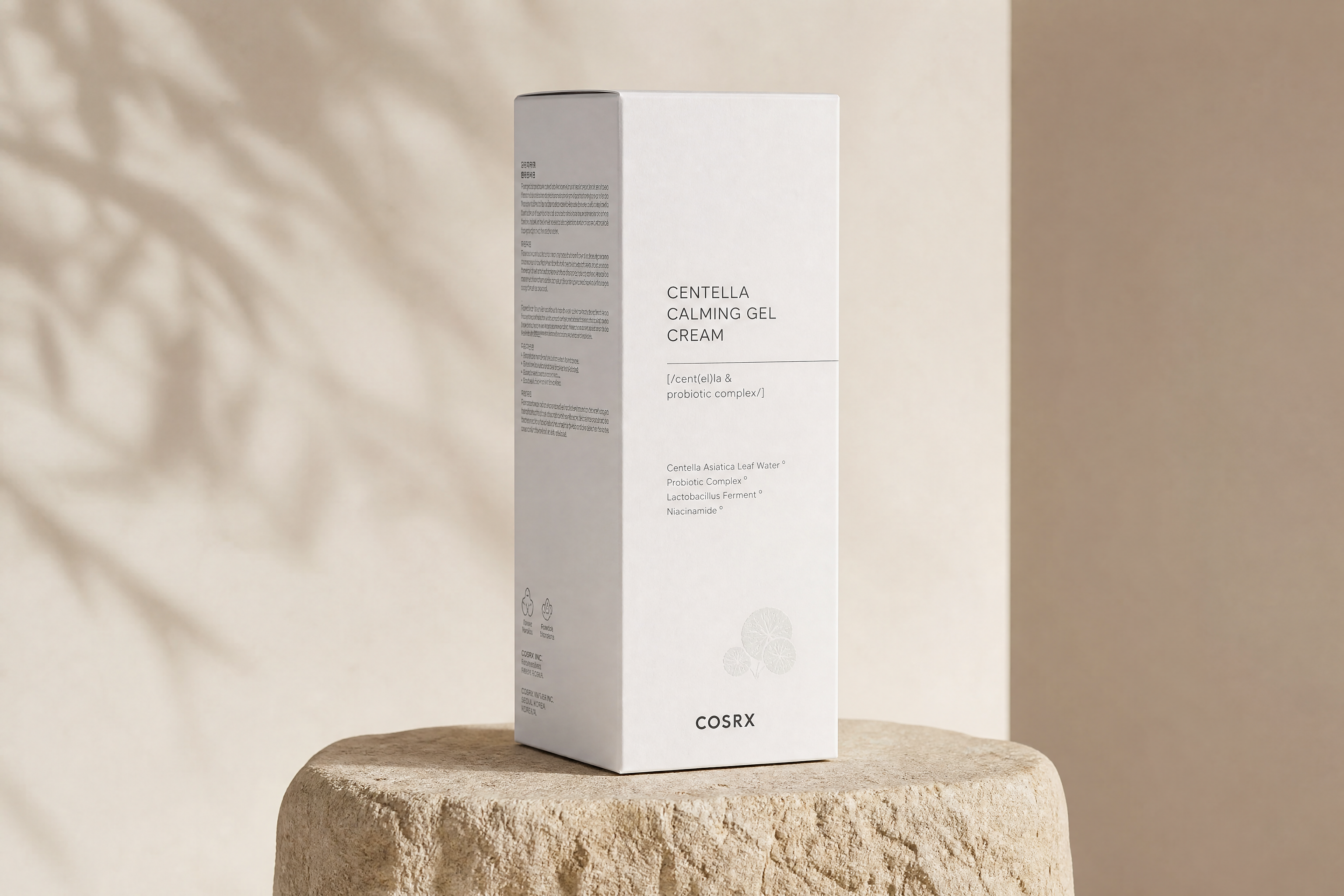 BEFORE
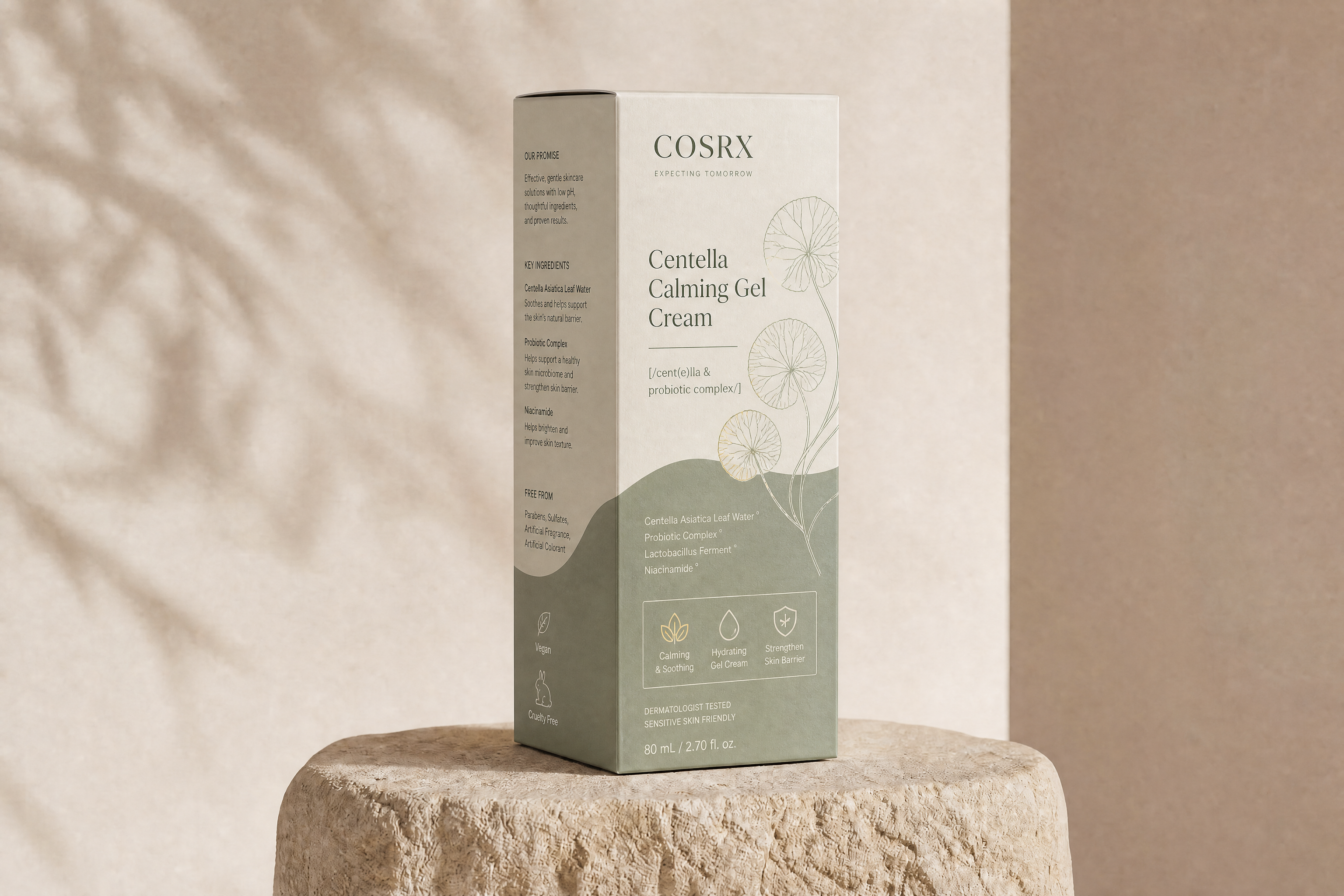 AFTER
AFTER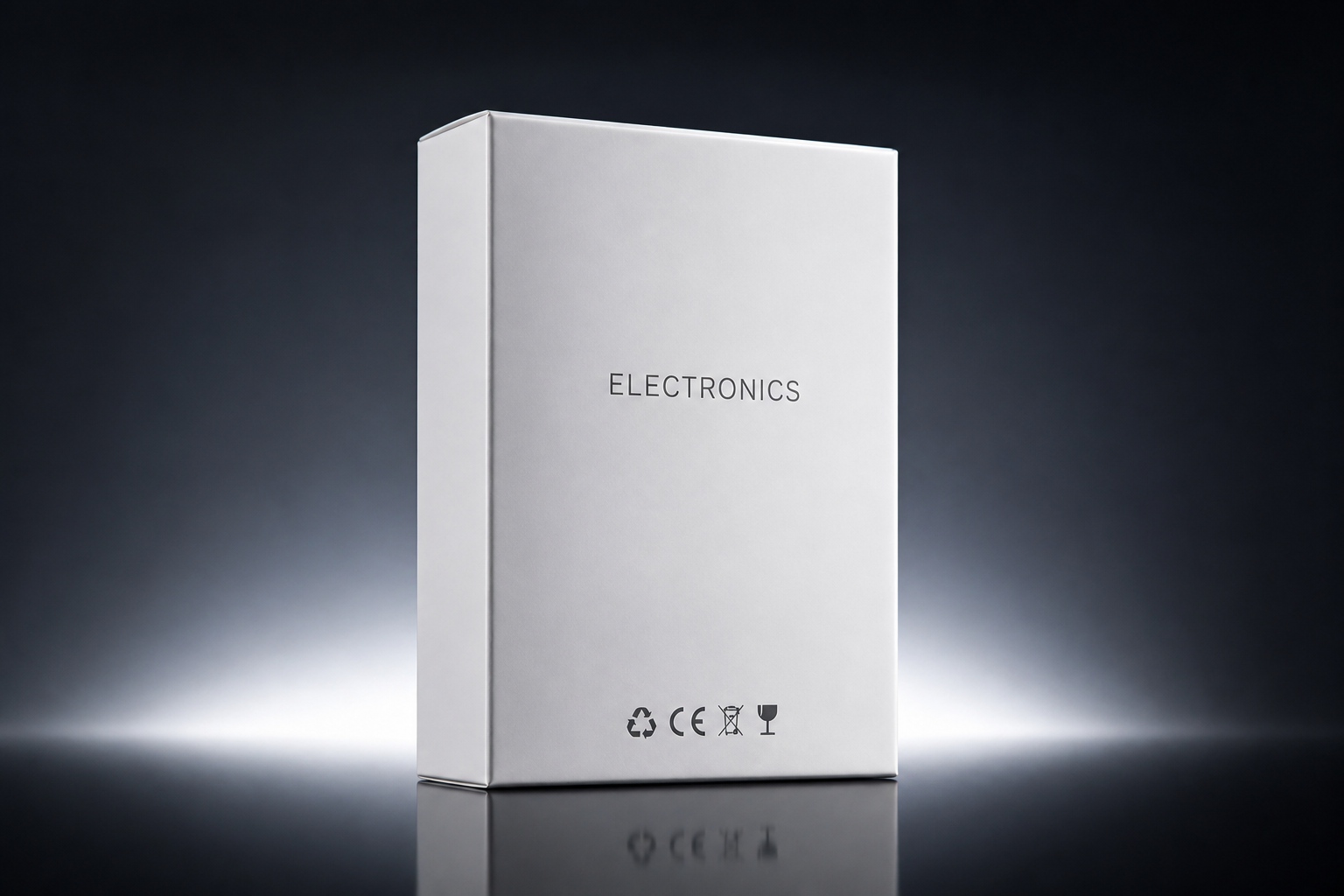 BEFORE
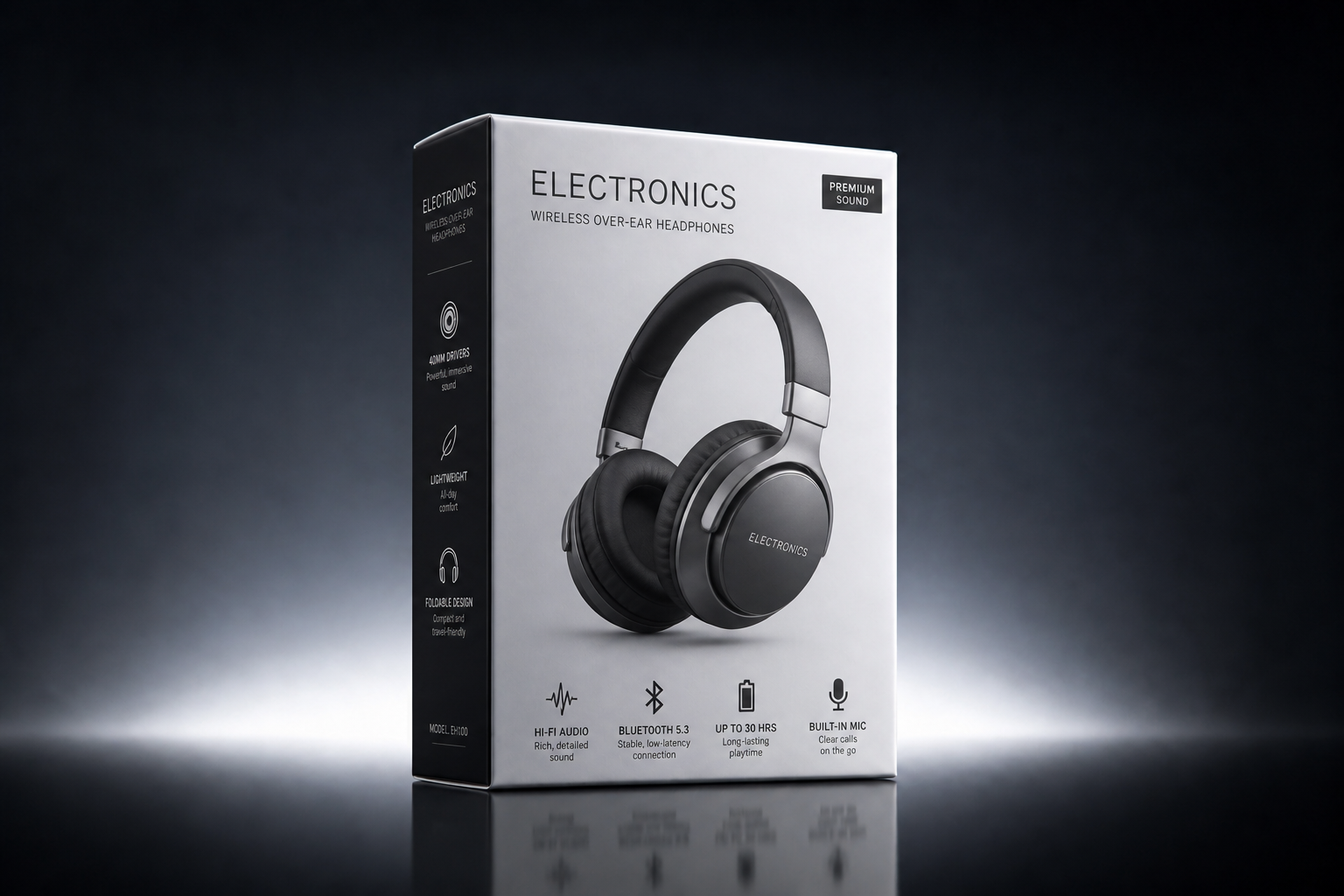 AFTER
AFTER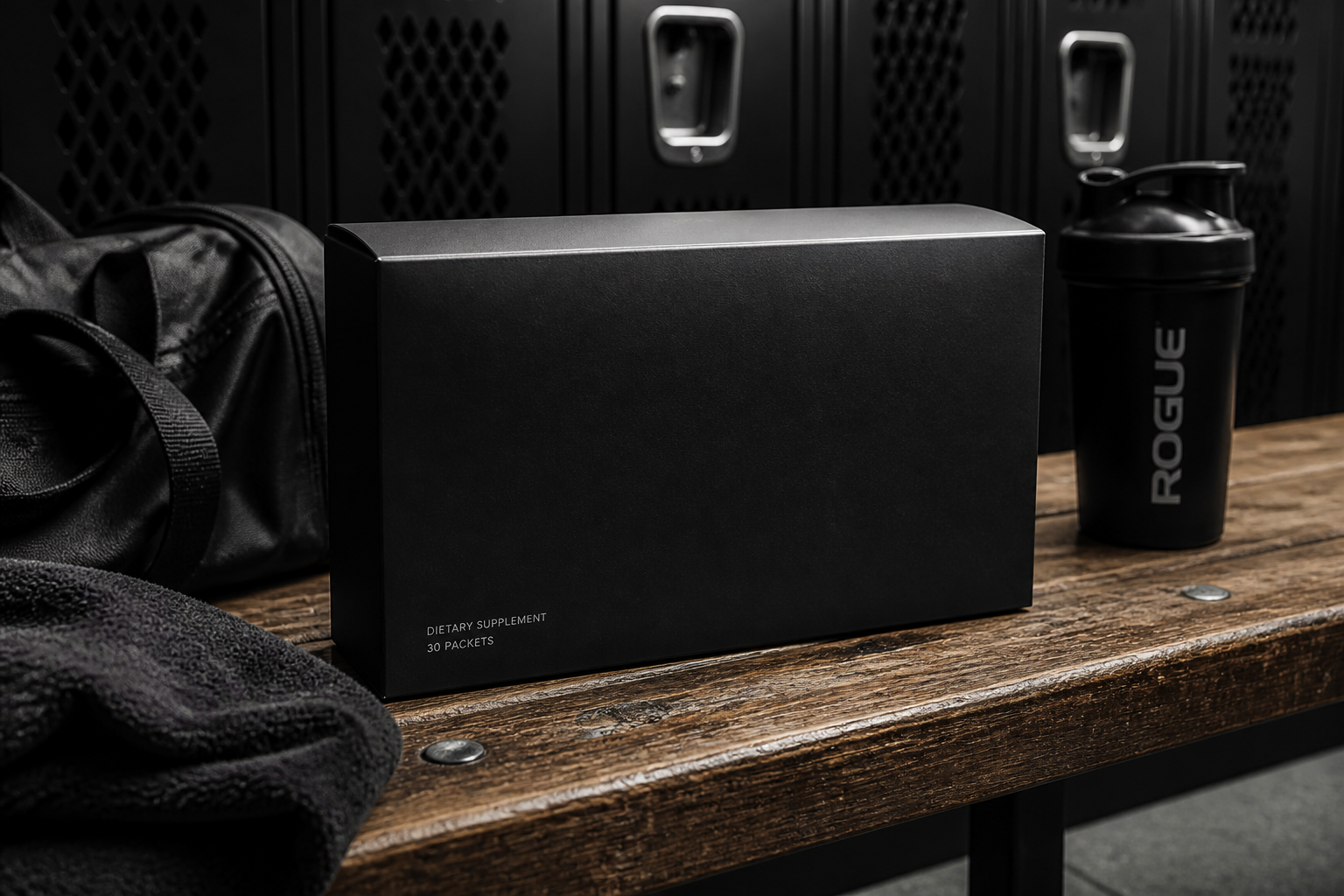 BEFORE
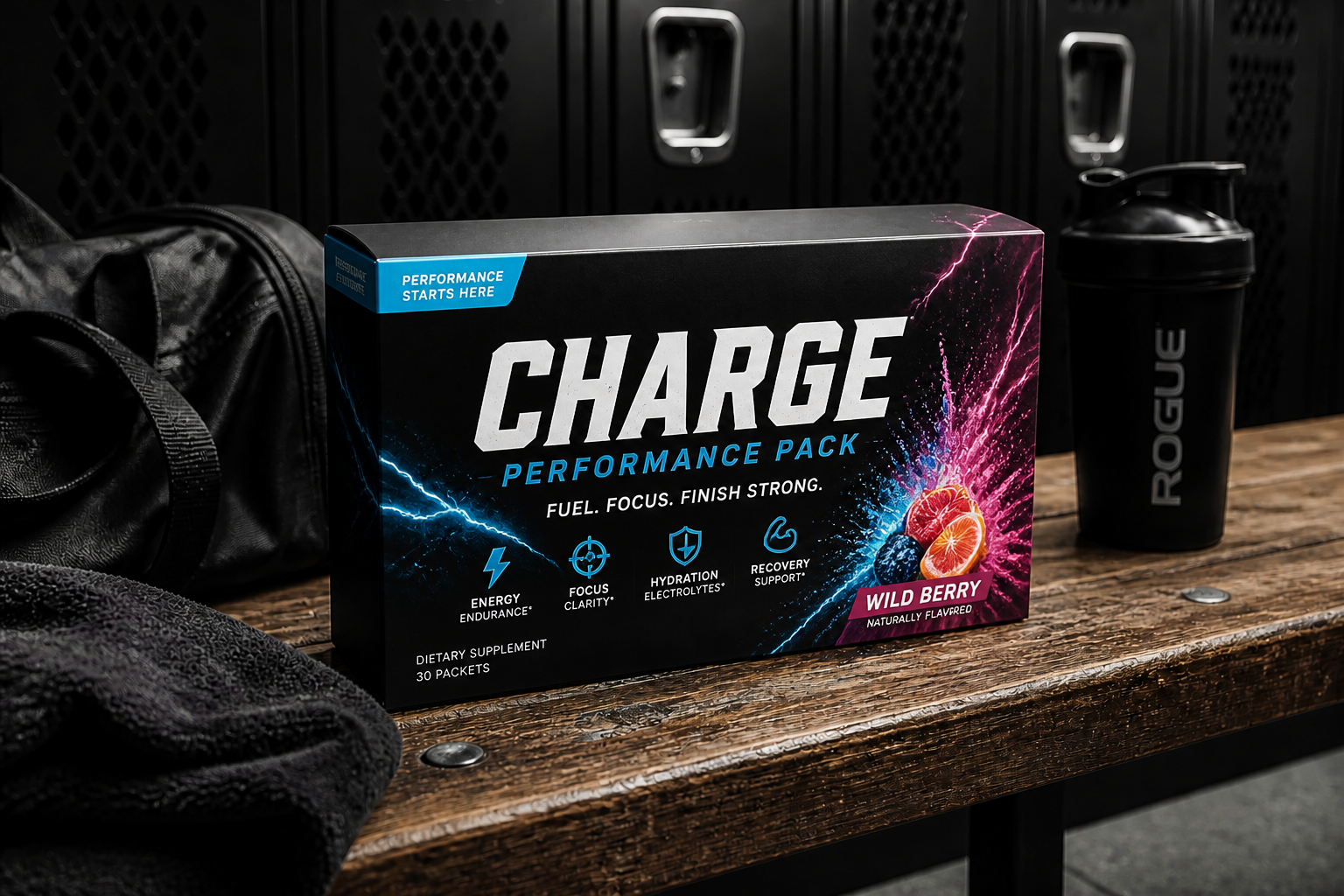 AFTER
AFTER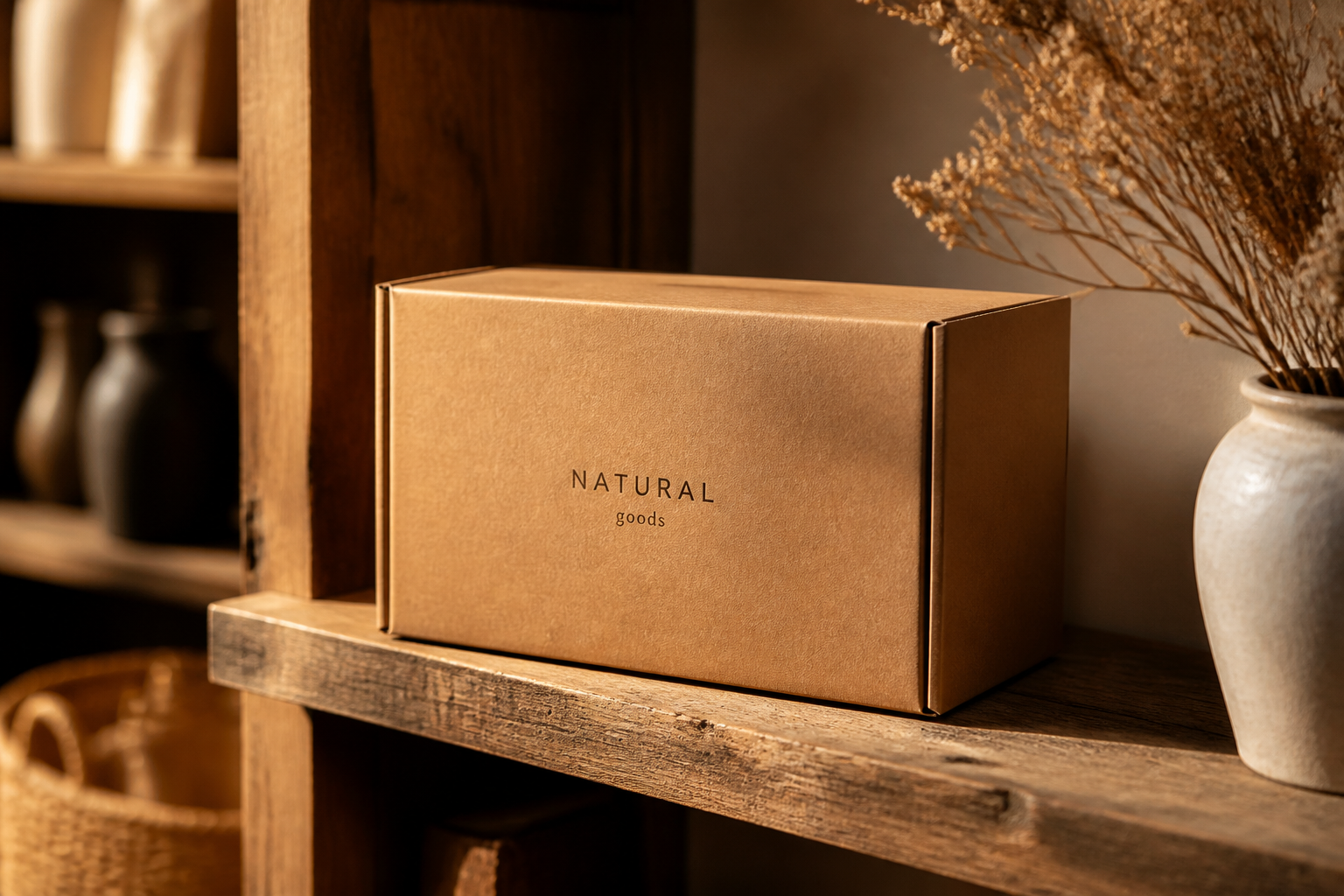 BEFORE
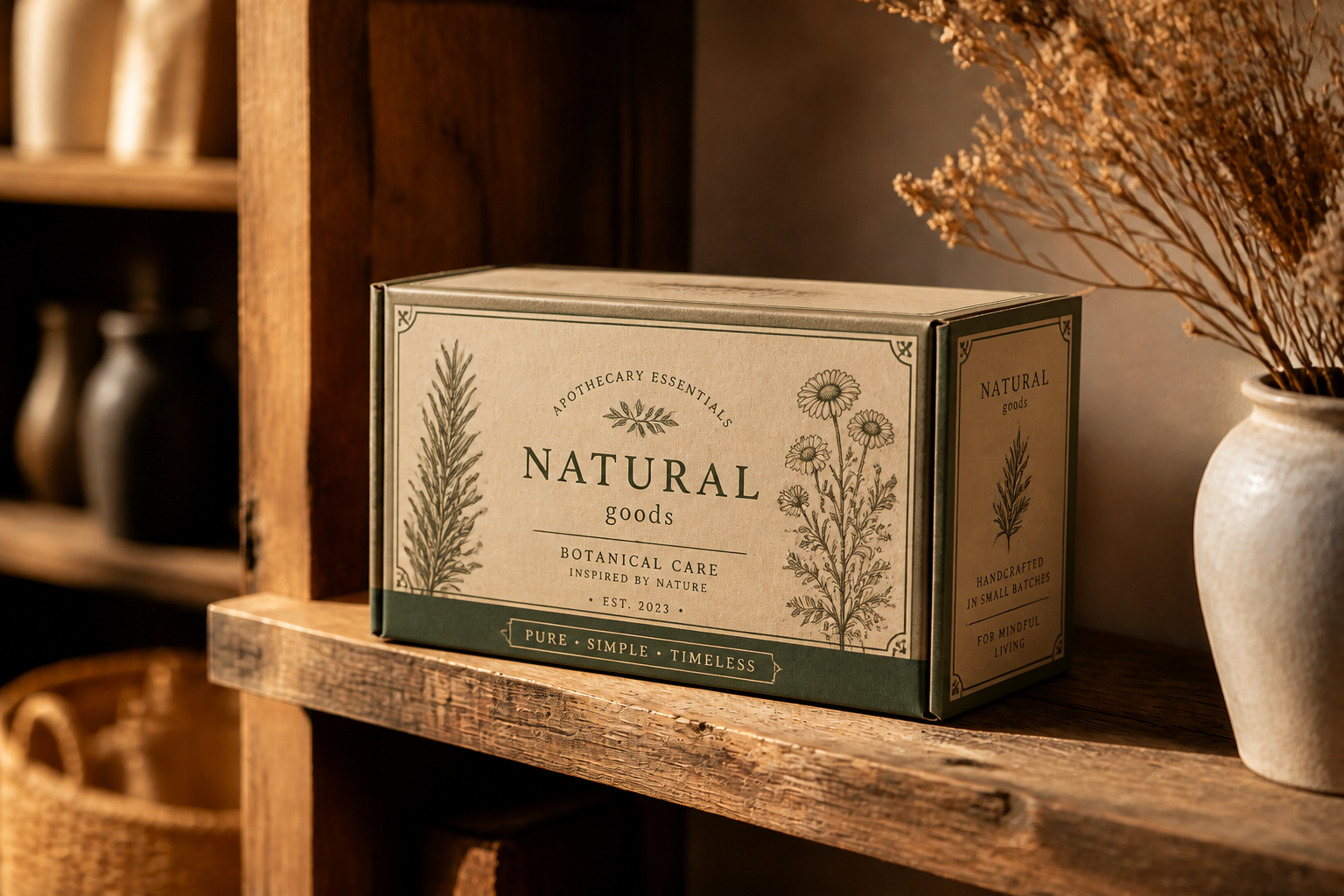 AFTER
AFTER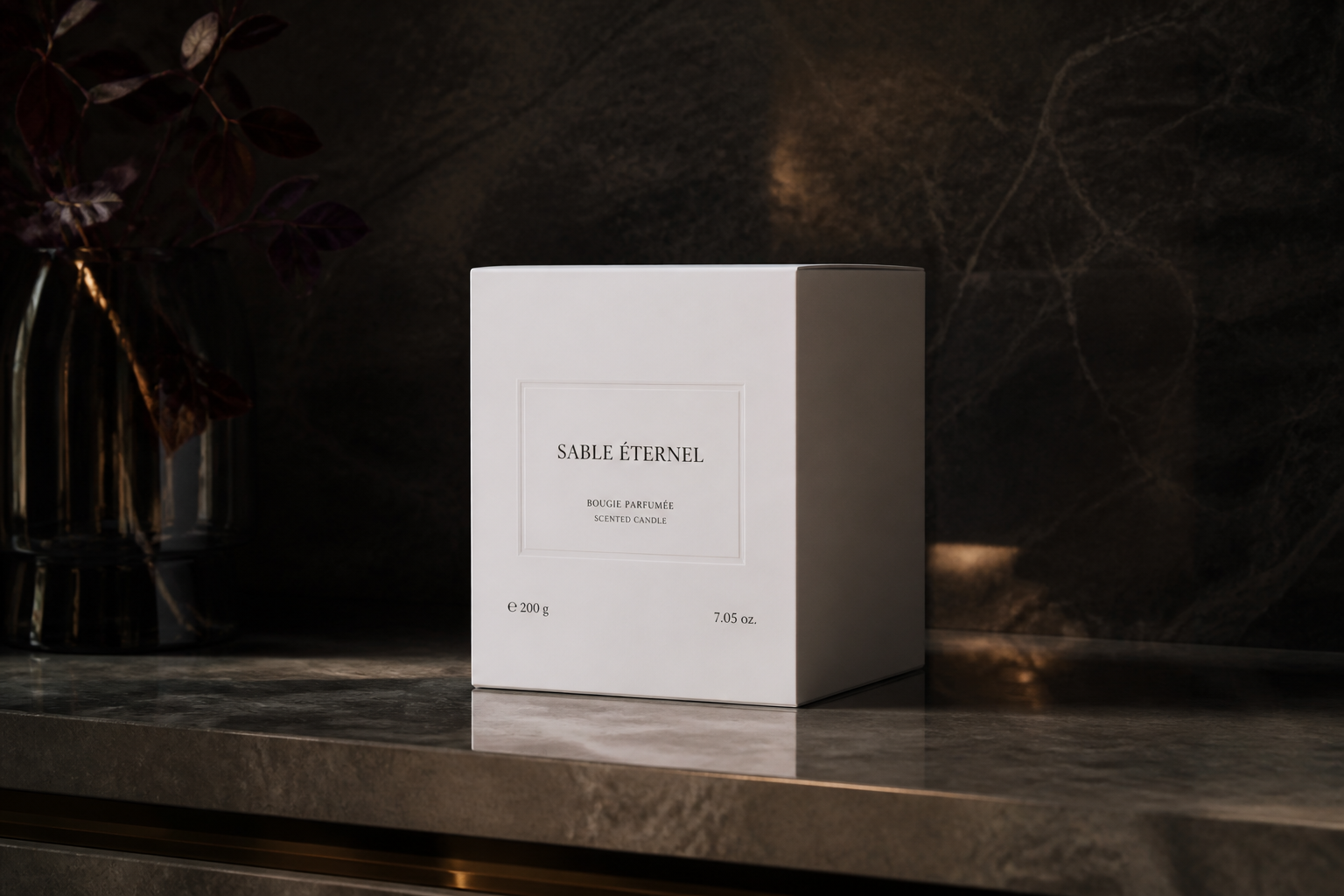 BEFORE
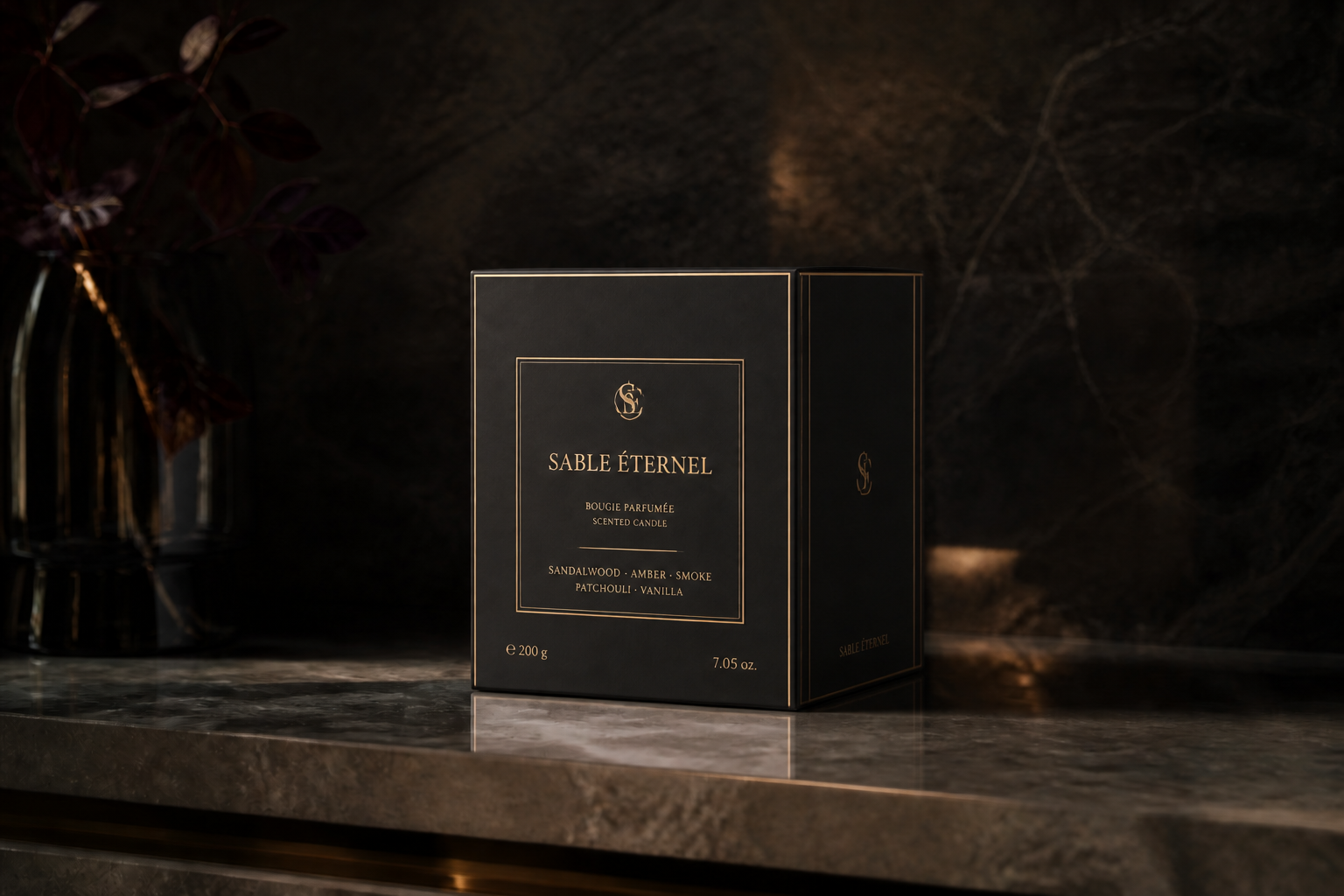 AFTERBEFOREAFTERBEFOREAFTERBEFOREAFTERBEFOREAFTERBEFOREAFTER
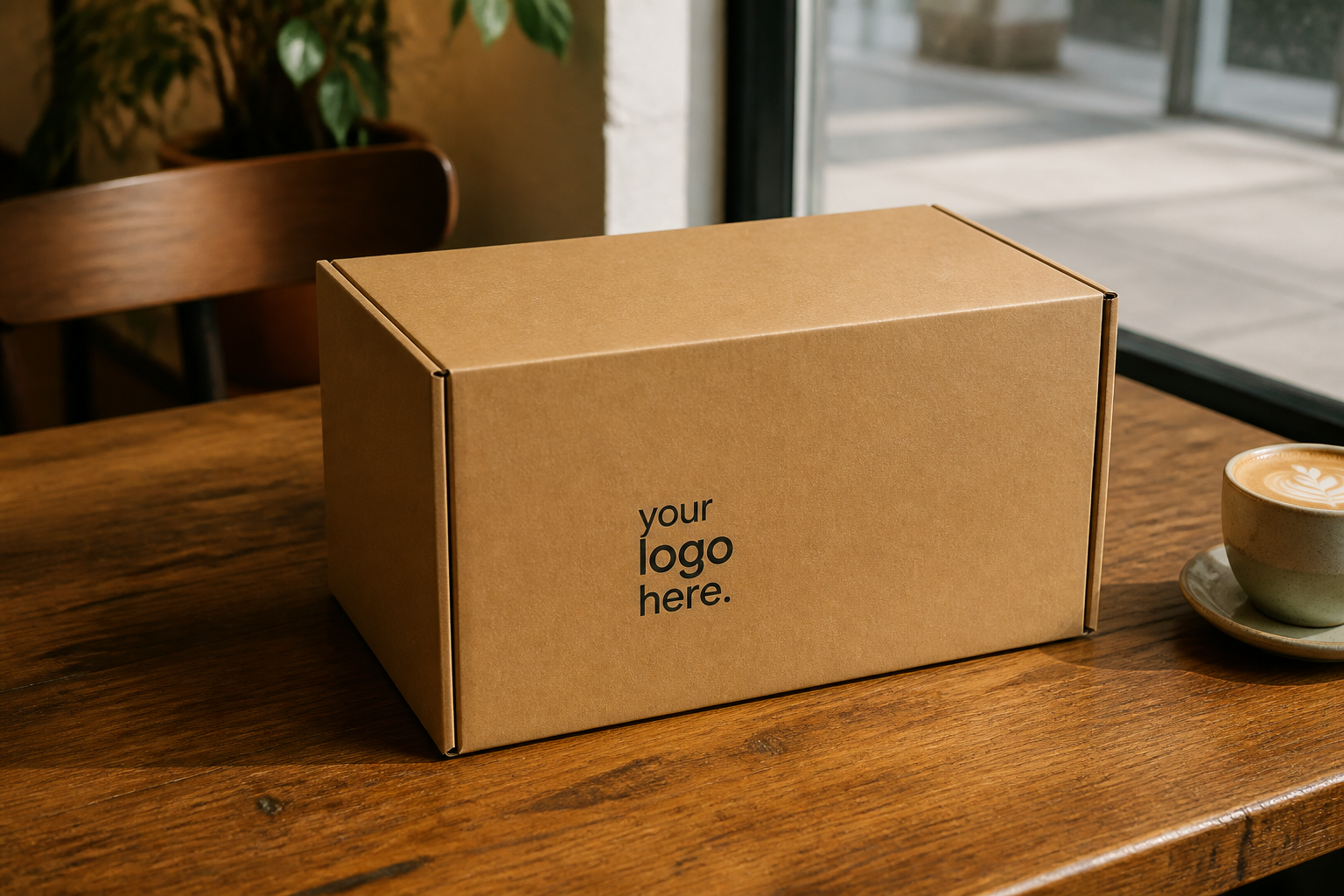 BEFORE
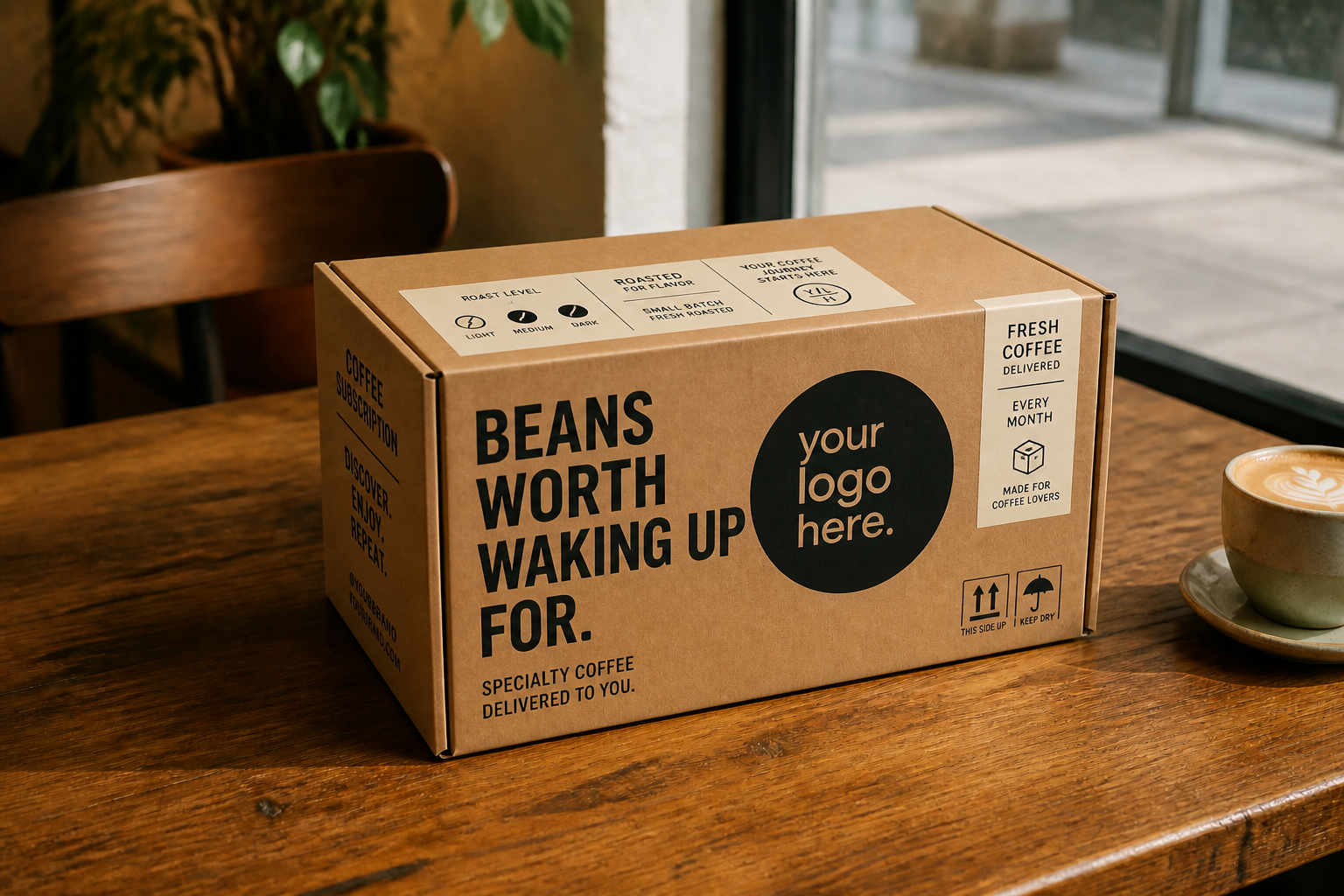 AFTER
AFTER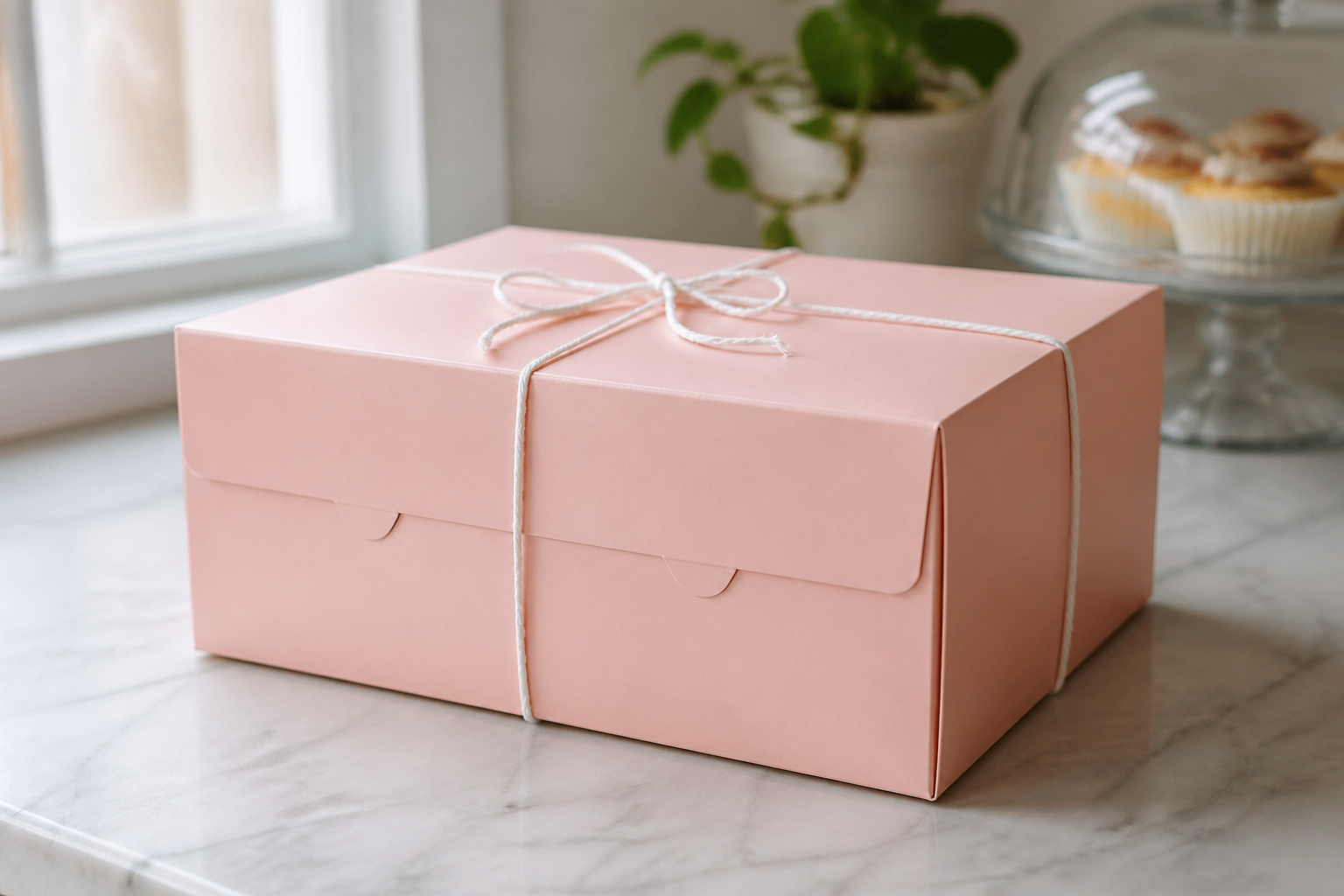 BEFORE
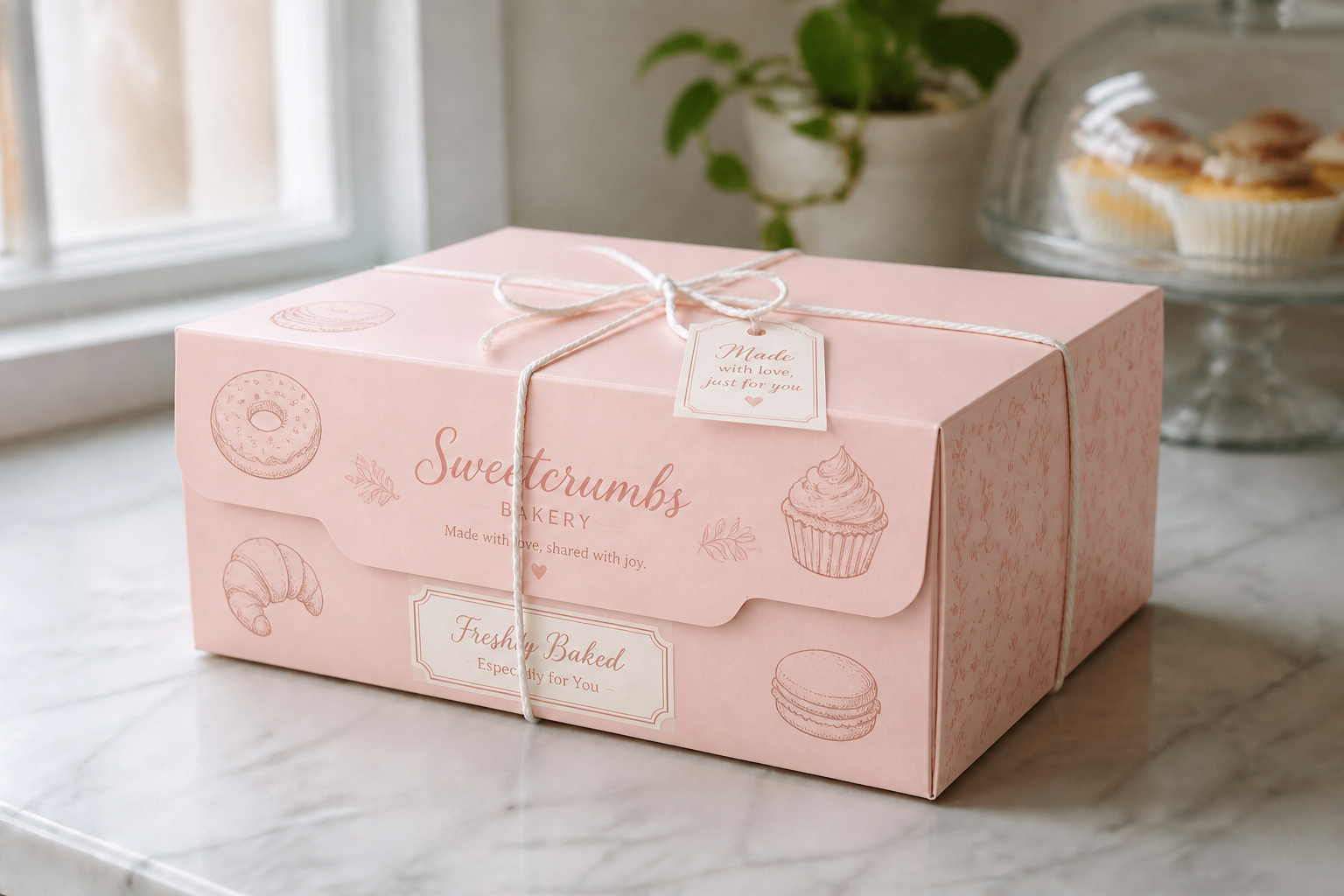 AFTERBEFOREAFTER
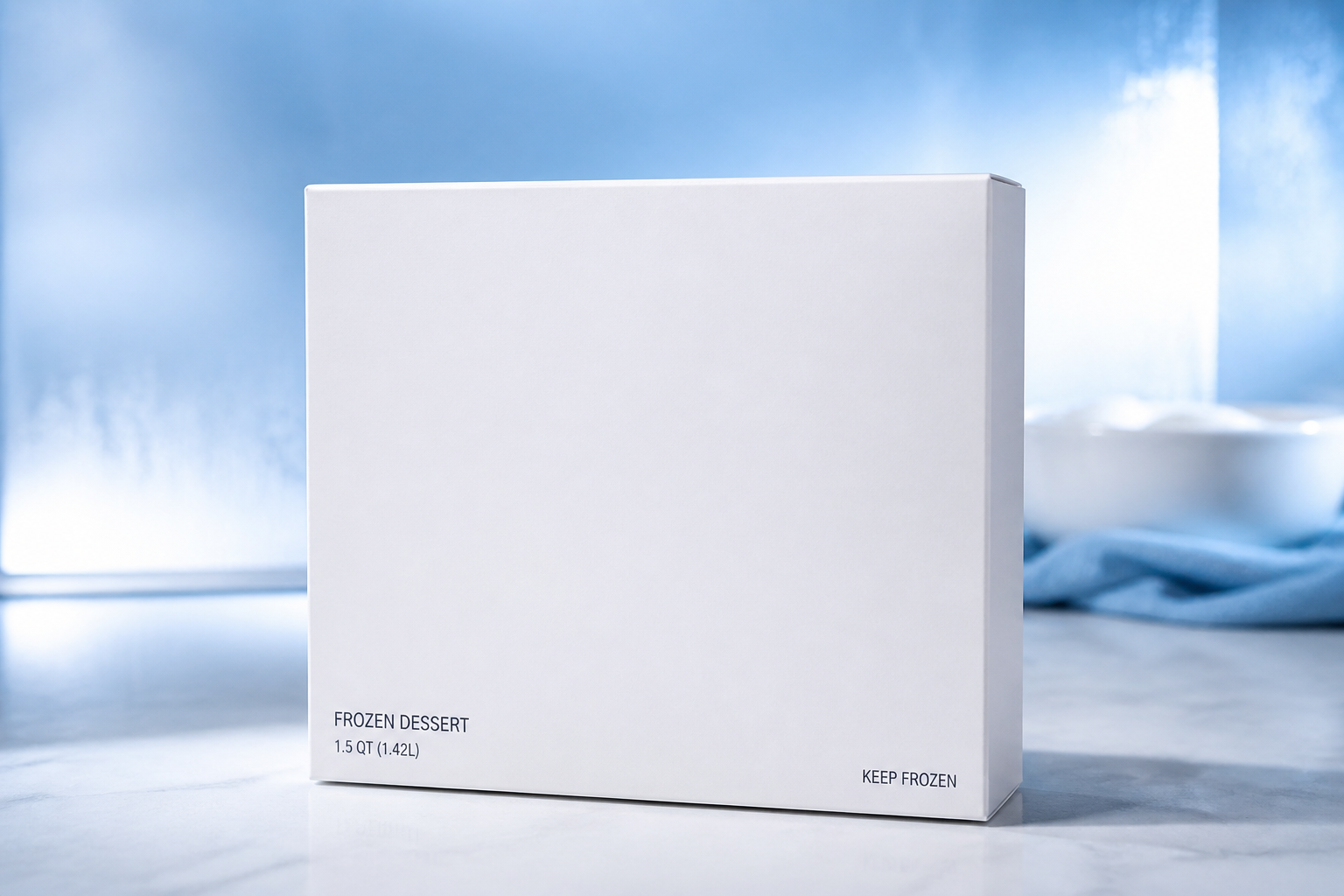 BEFORE
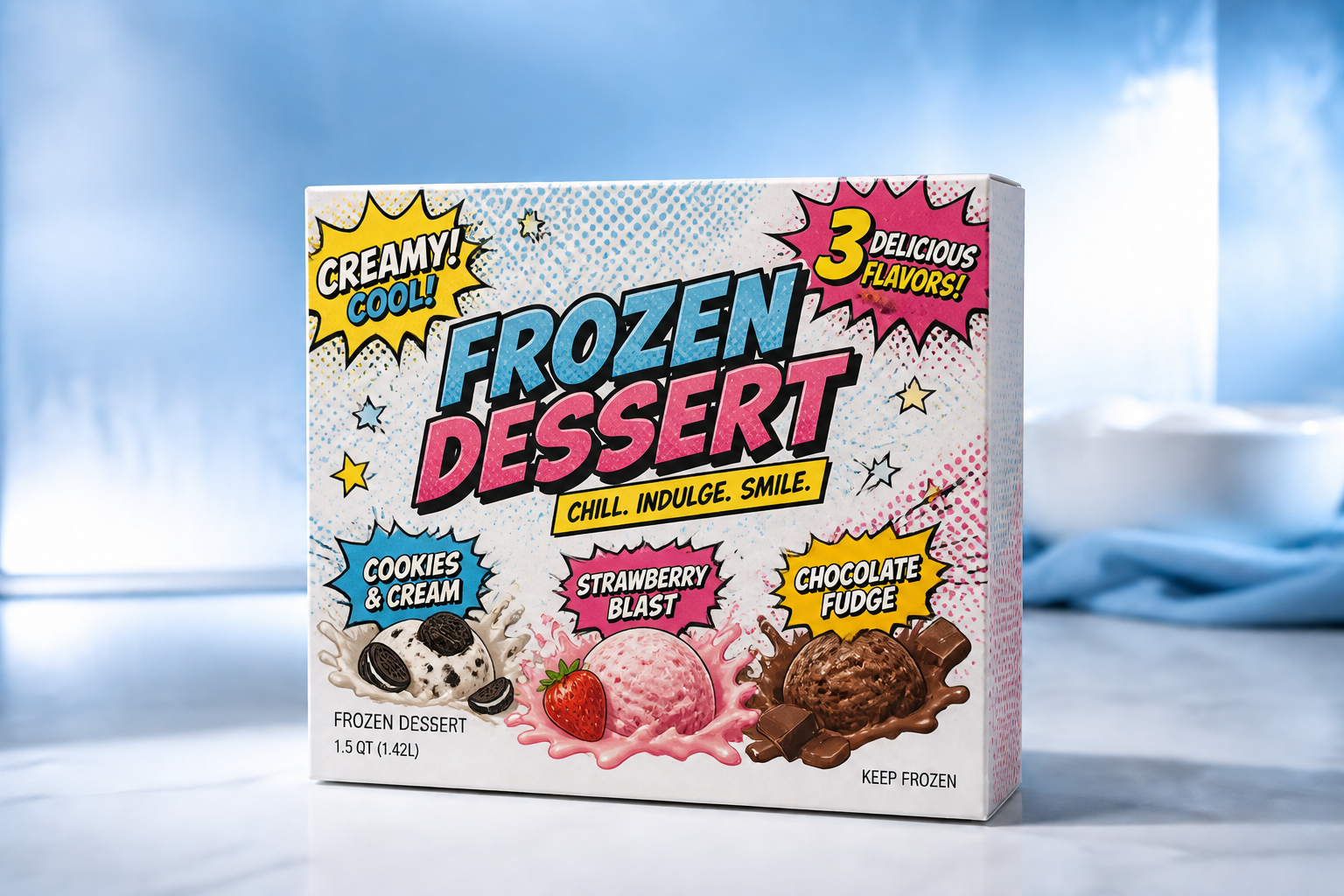 AFTER
AFTER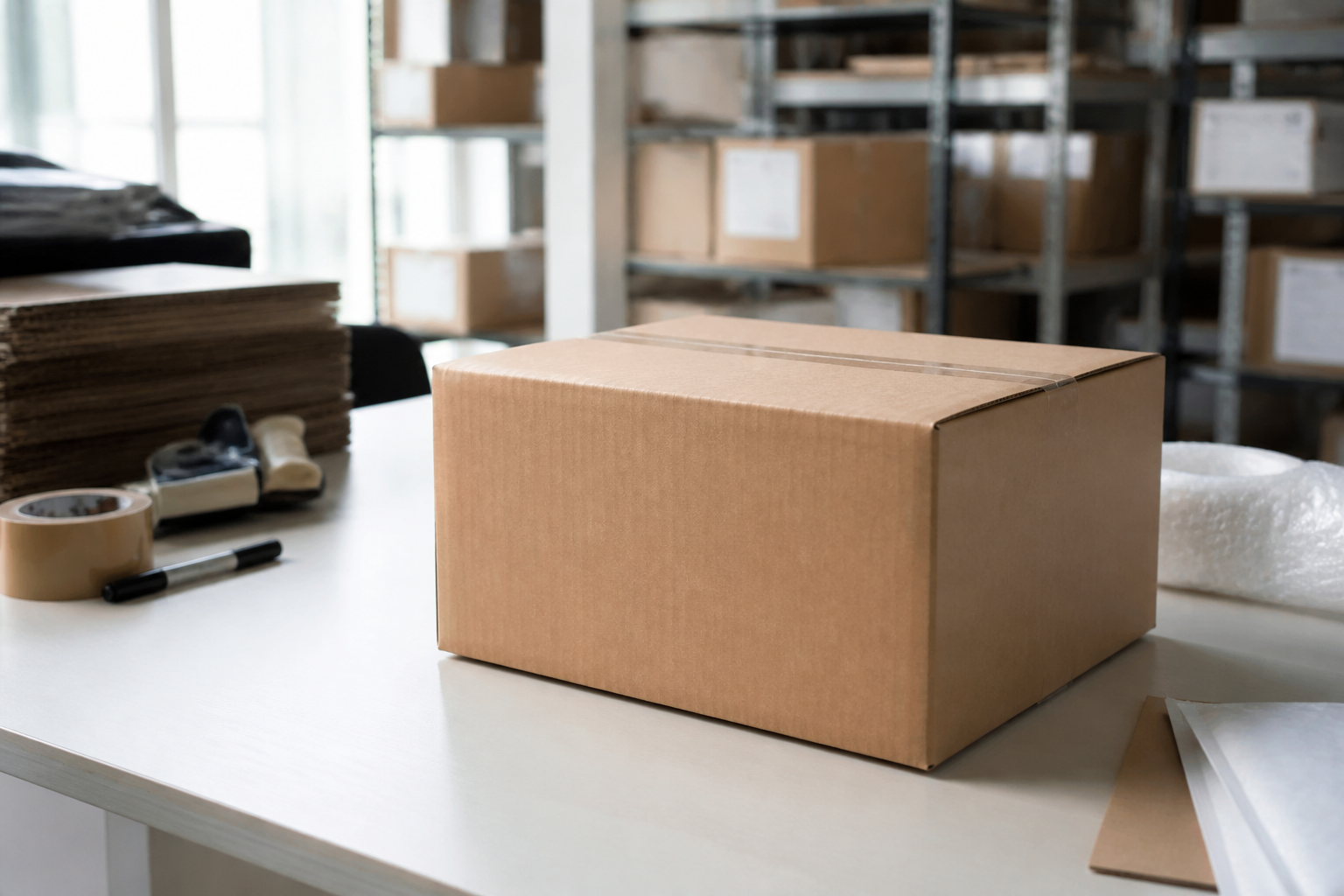 BEFORE
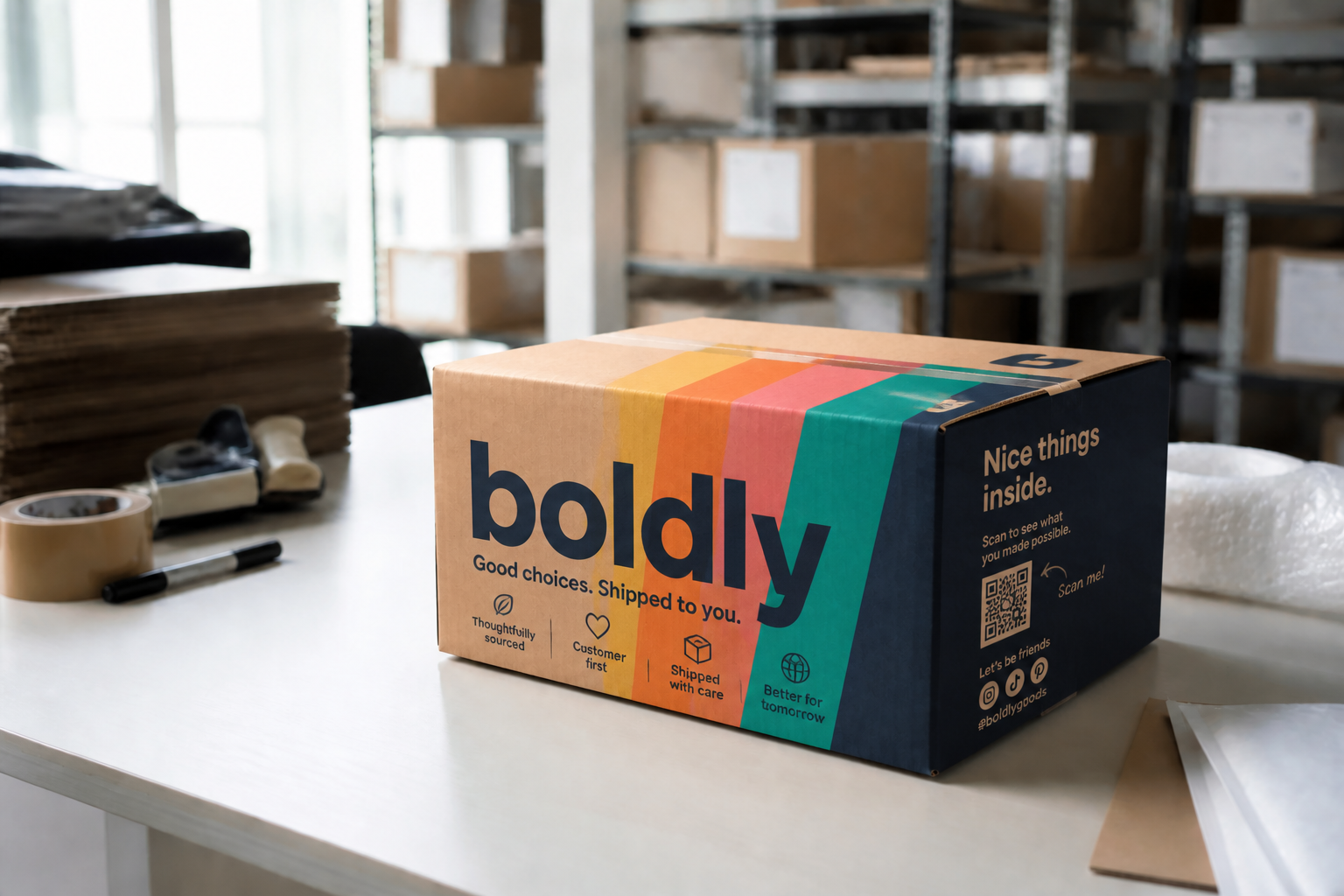 AFTERBEFOREAFTERBEFOREAFTERBEFOREAFTERBEFOREAFTERBEFOREAFTER
Key Features
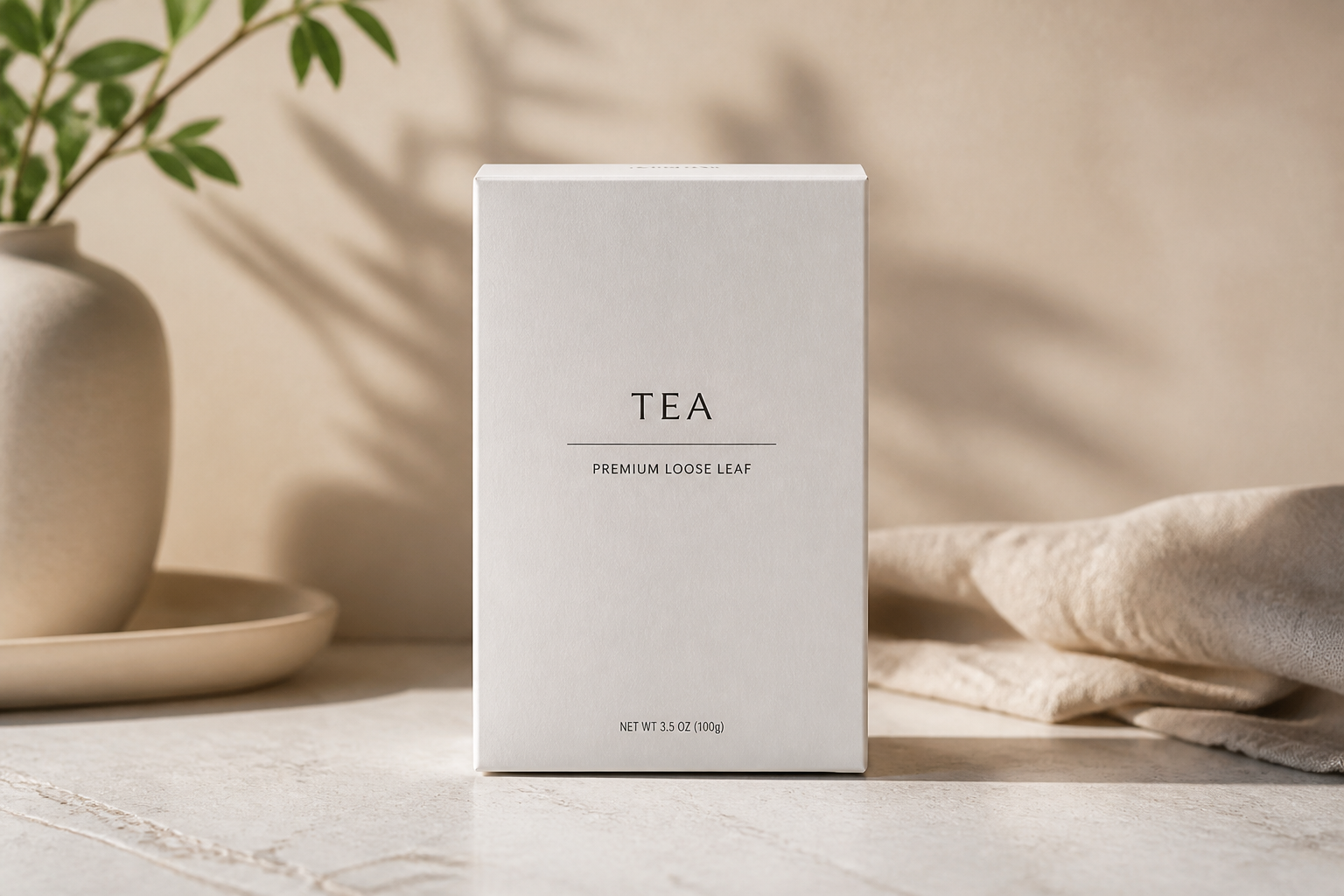
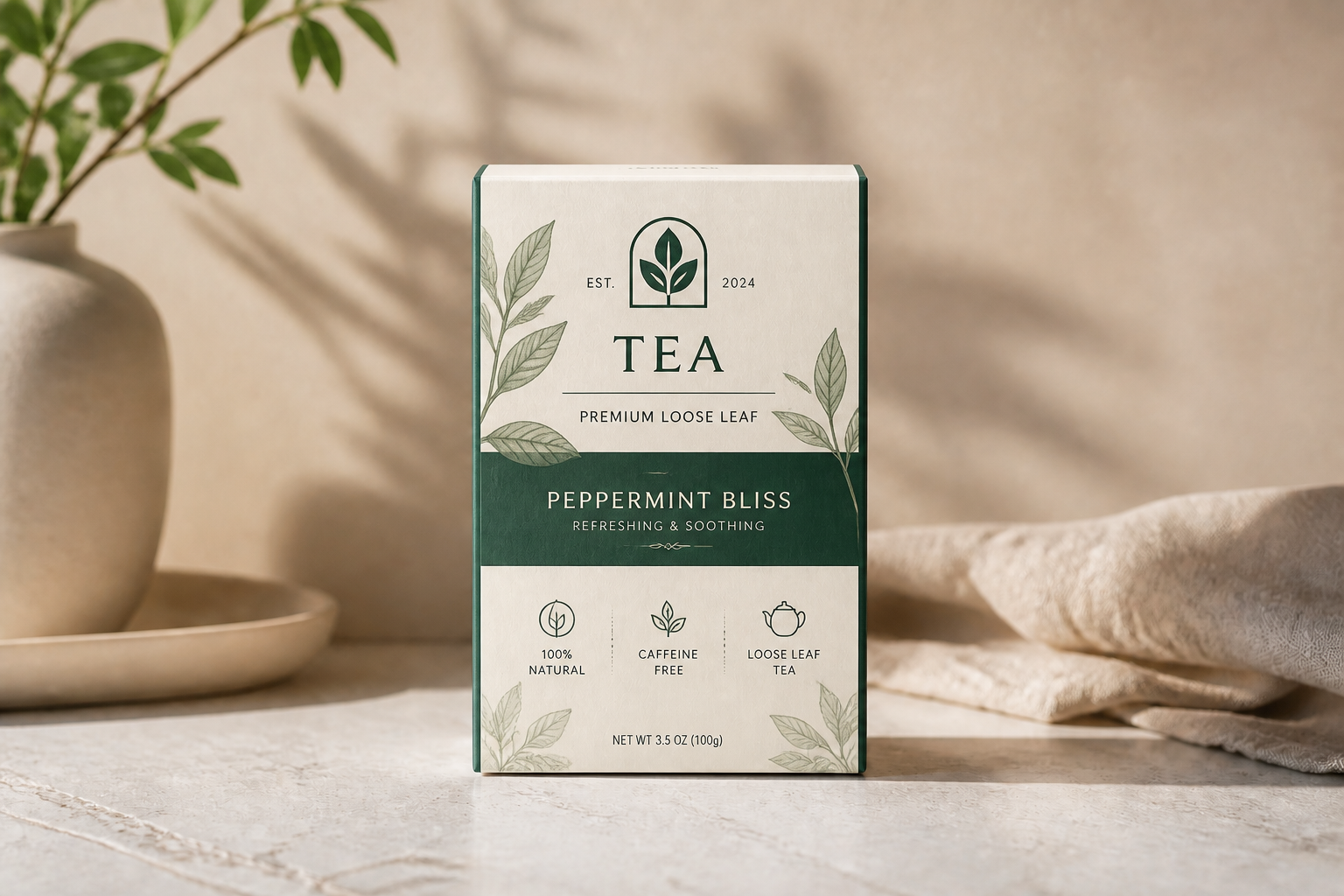
Visualize branding on-box
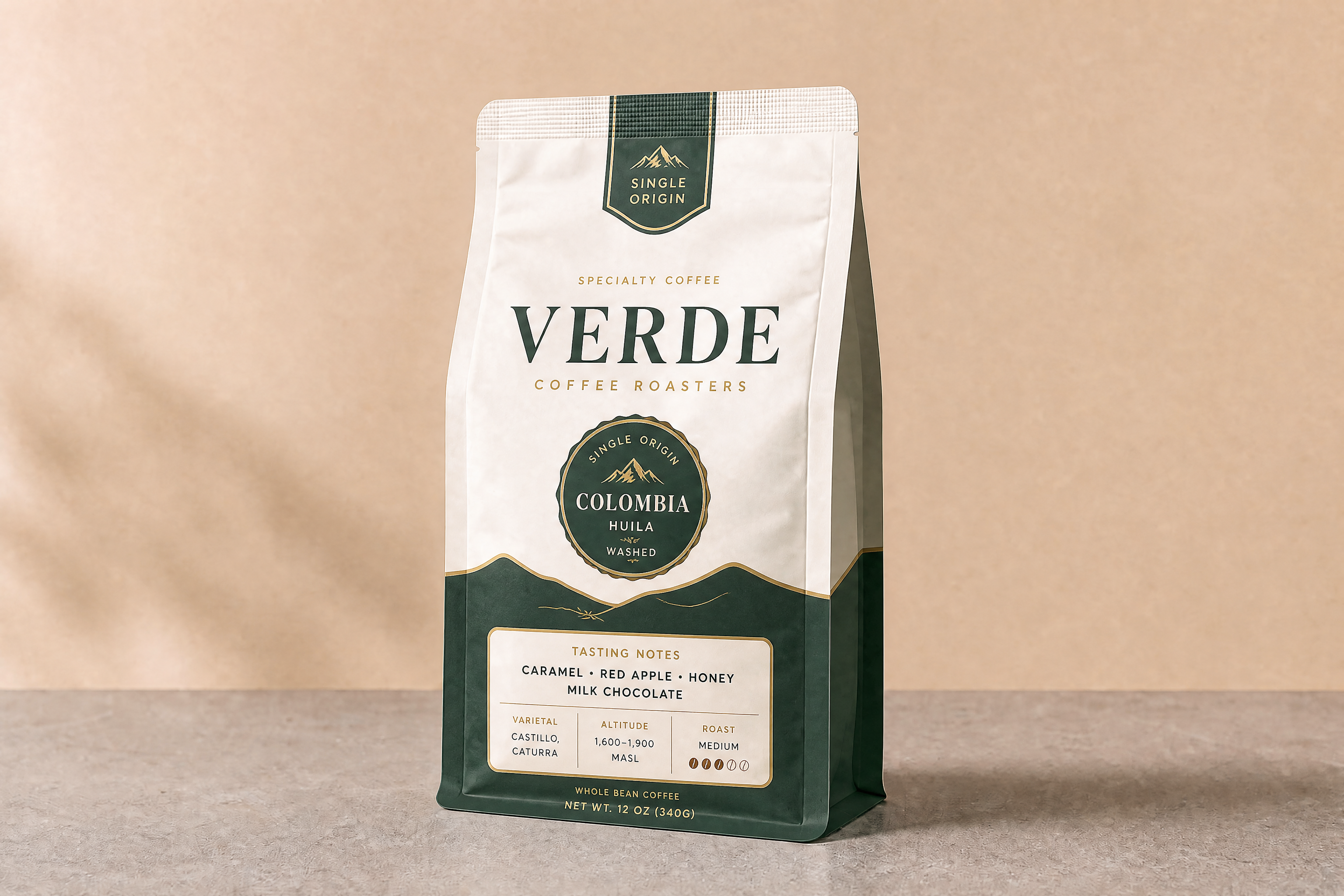
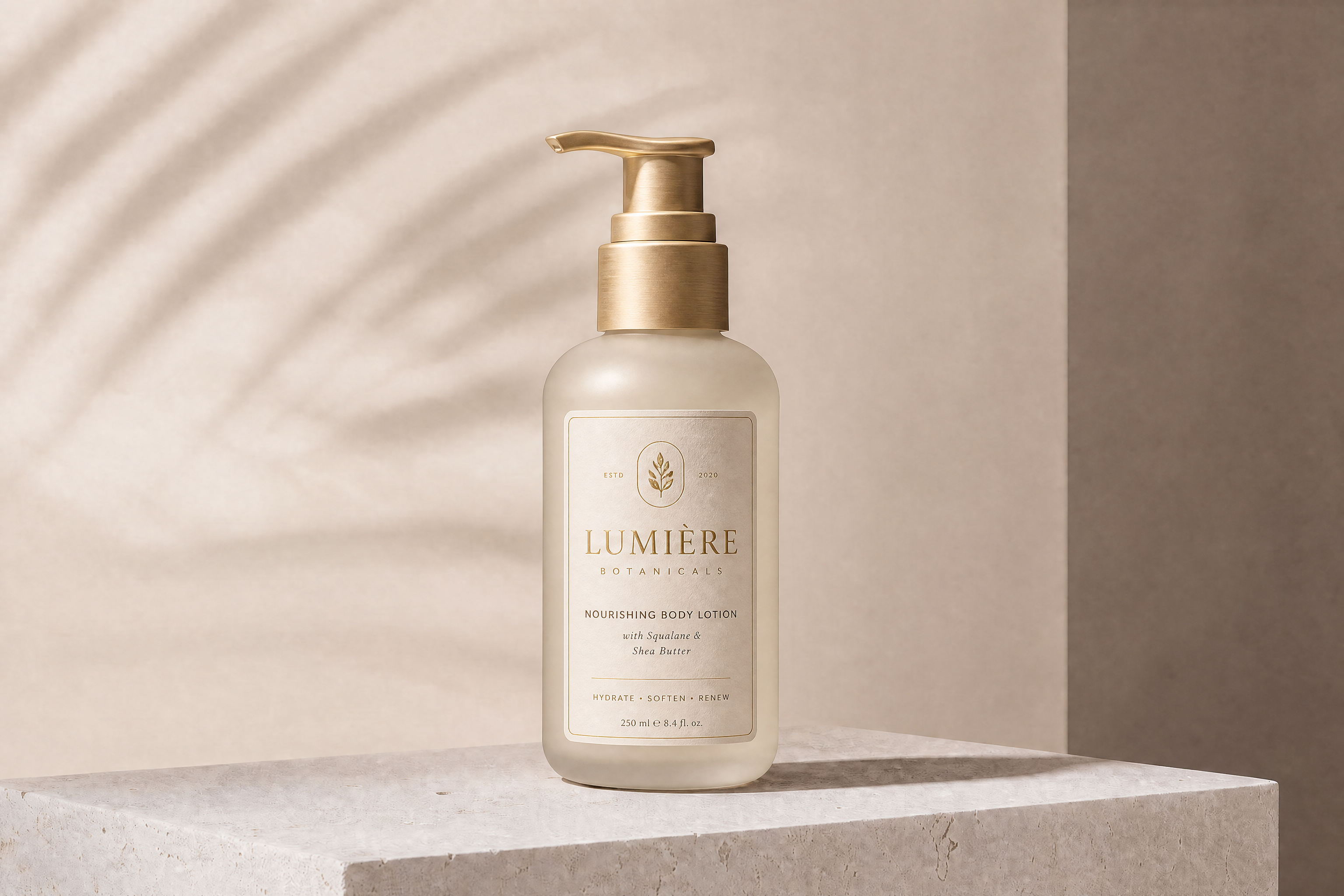
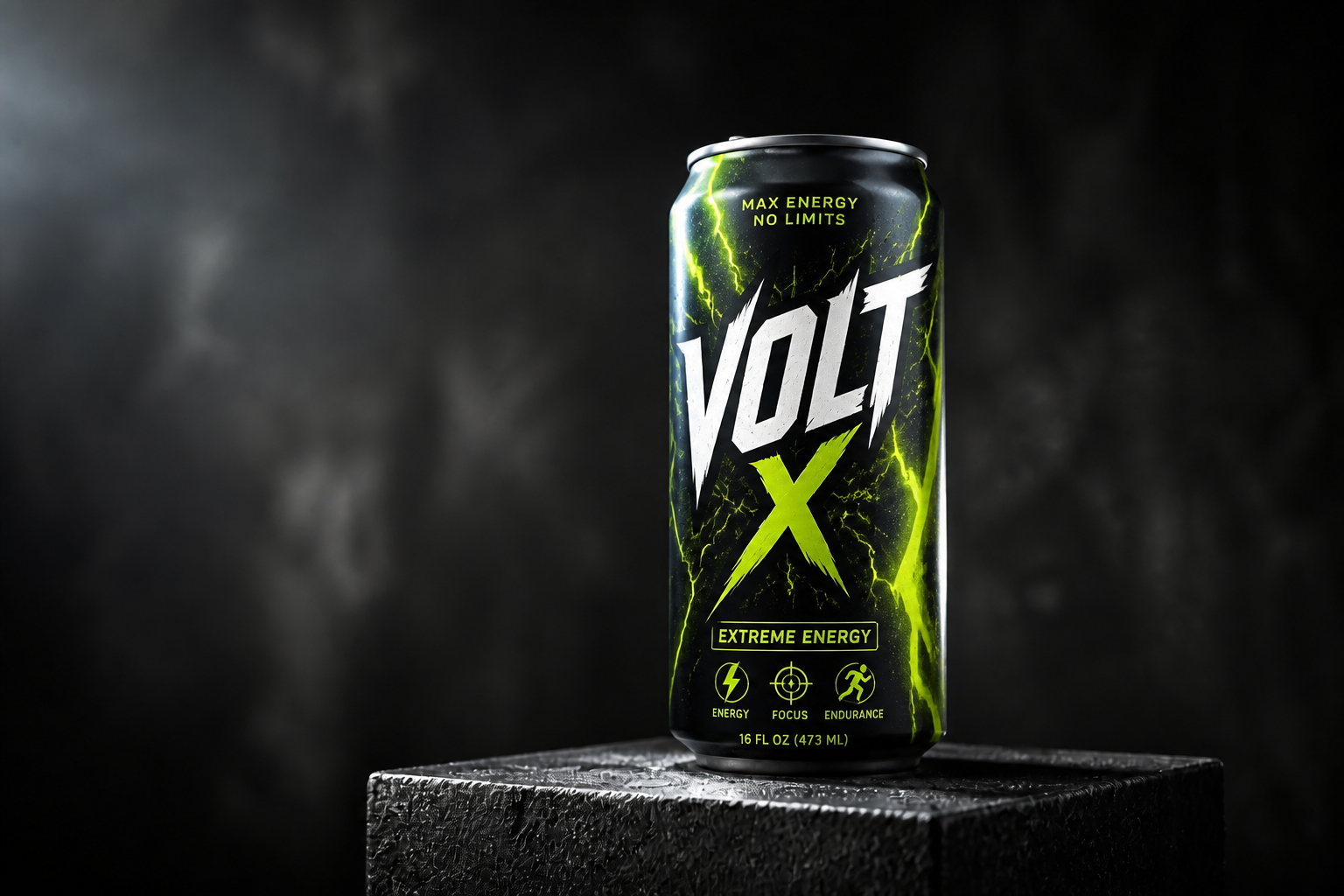
Start with a blank package photo and see full branding applied directly to the box. This helps you judge how logos, colors, and hierarchy read in a real product shot instead of a flat layout. It is faster than building every mockup by hand in design software. You can test multiple directions before refining the final package.
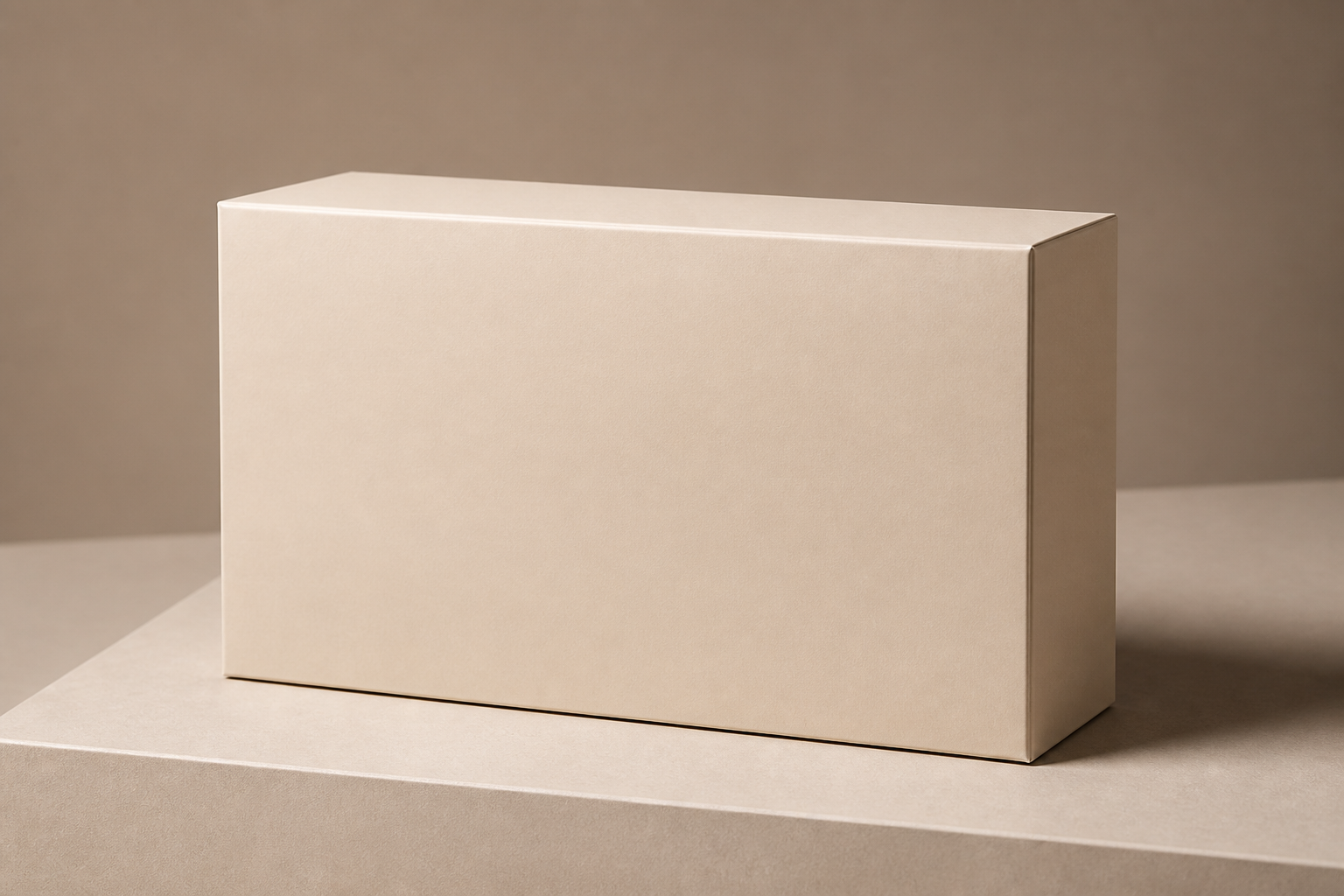
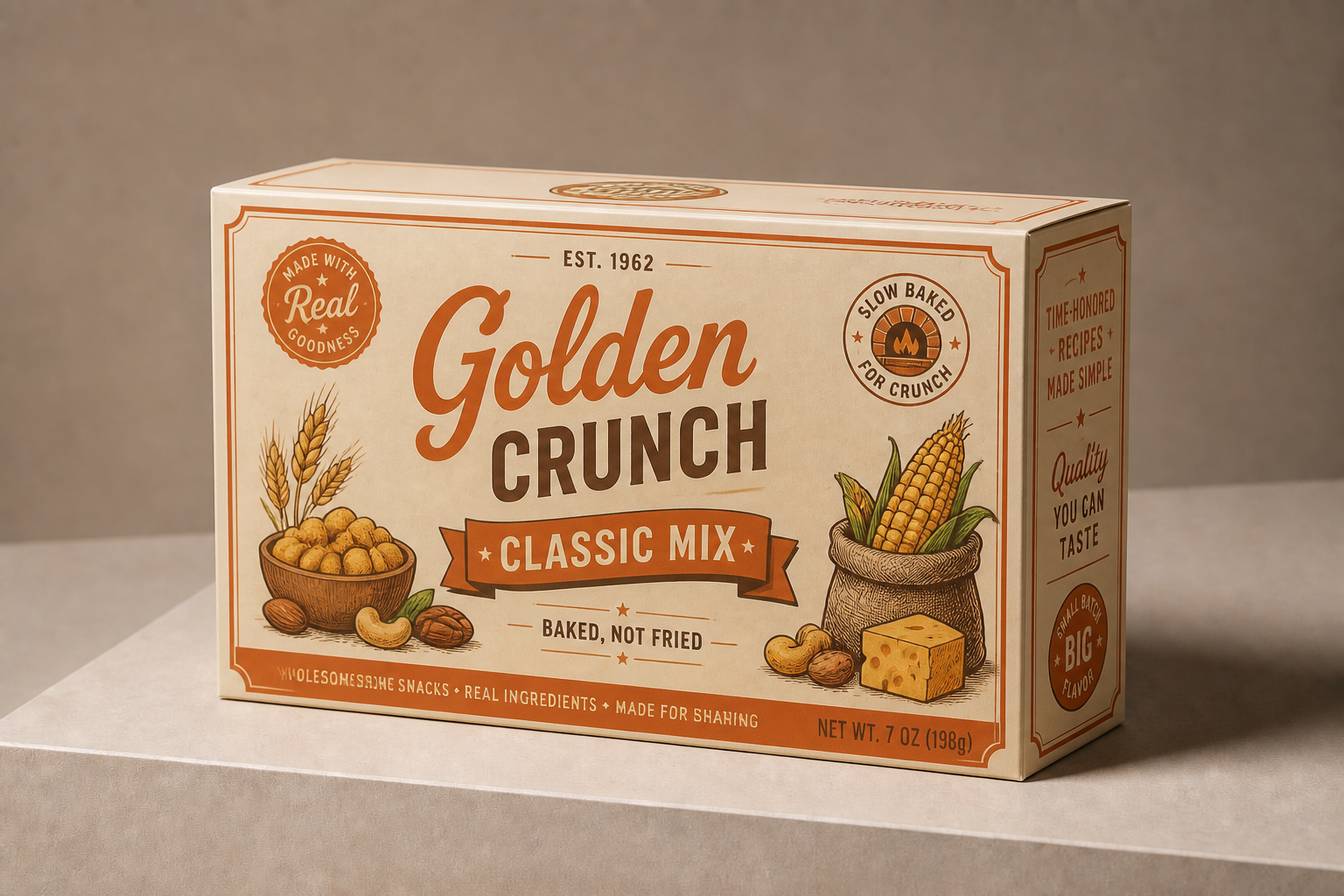
Explore multiple style directions
Try premium, playful, minimalist, vintage, or bold retail looks from the same source image. That makes it easier to compare directions without rebuilding the package from scratch each time. Manual concepting usually means many separate mockups and lots of repetitive production work. Here, you can branch quickly and keep the box structure consistent.
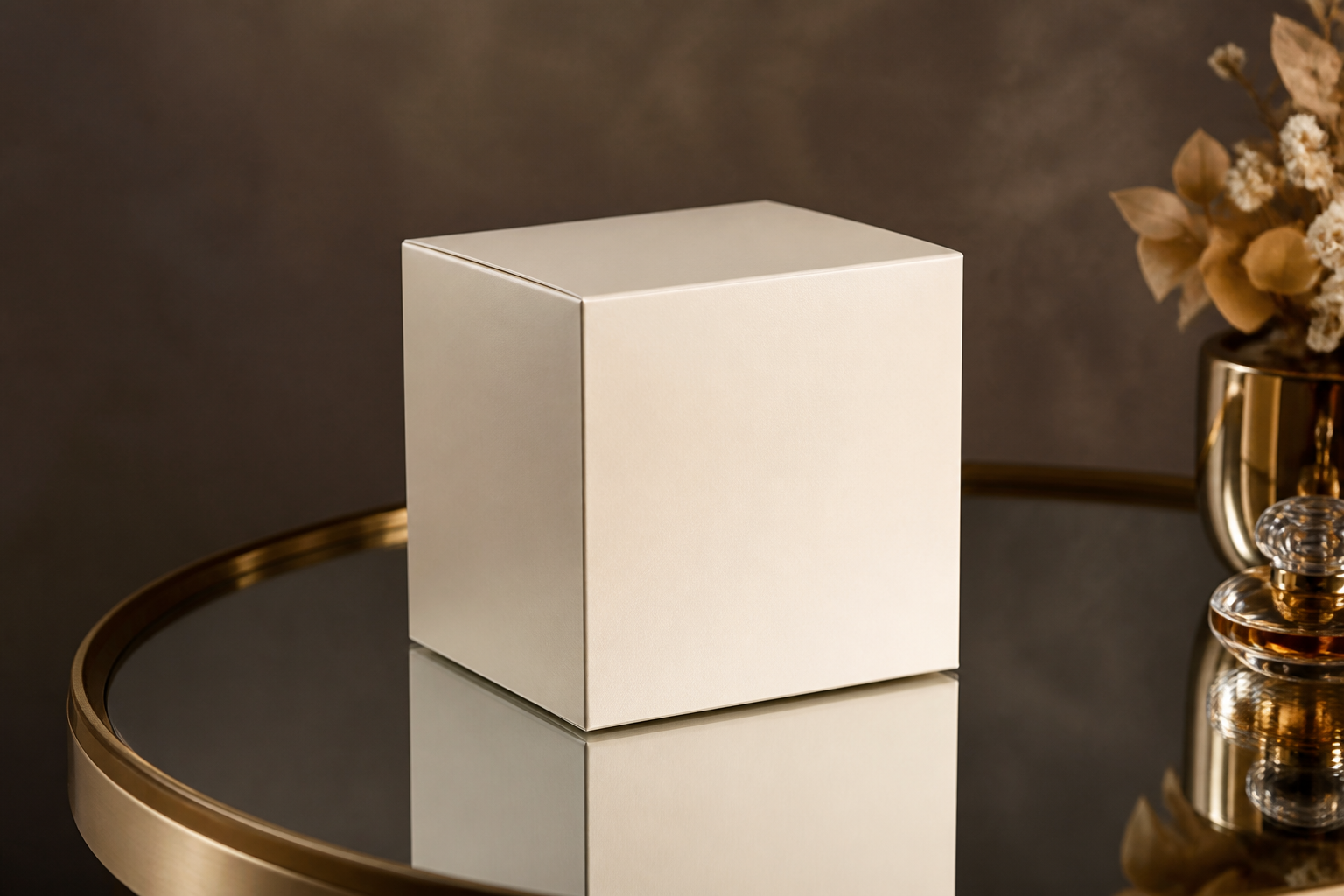
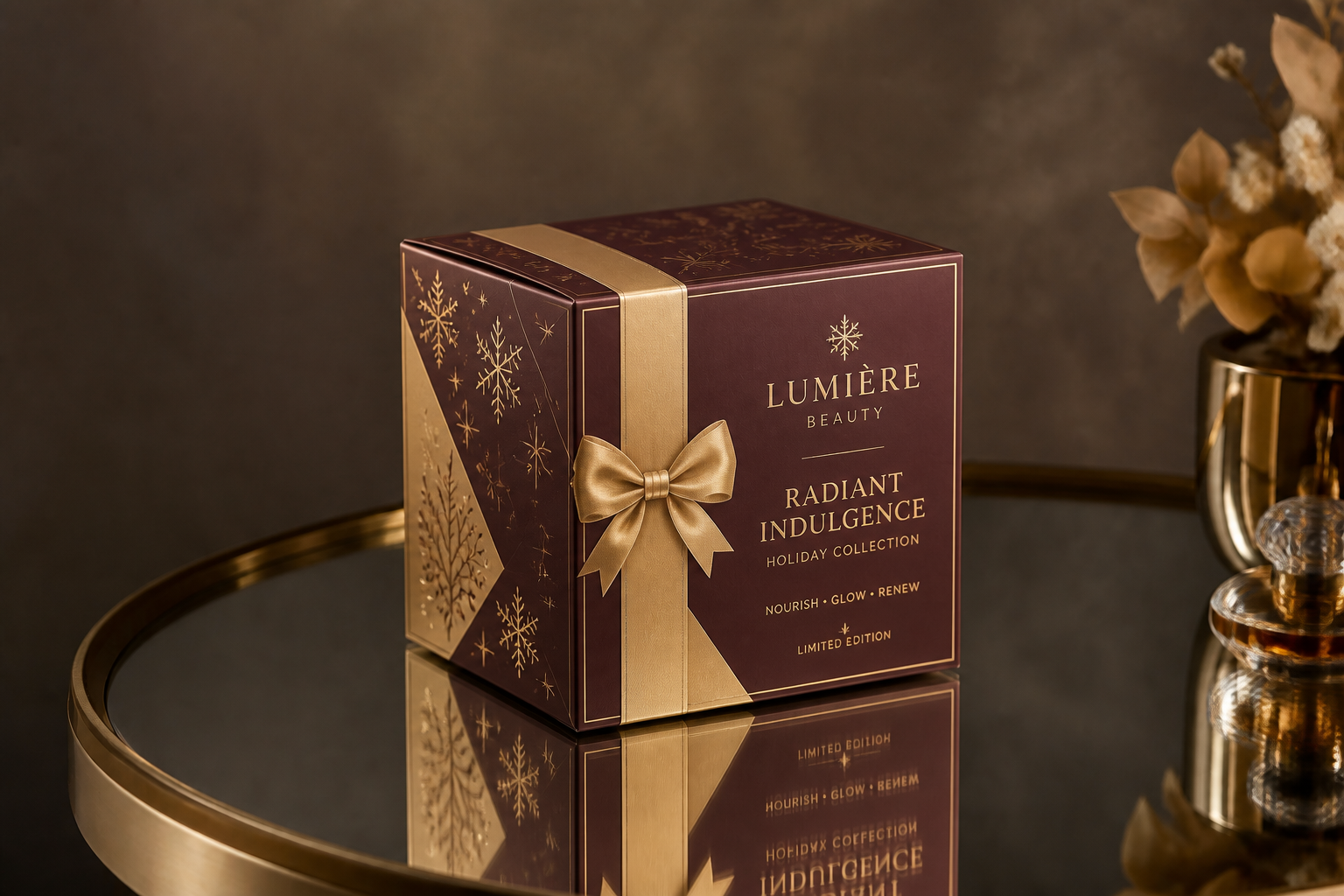
Keep the package form
The design changes, but the box shape, angle, and presentation stay aligned with your original image. That matters when you want to compare packaging graphics without introducing confusing changes to the product shot itself. Doing this manually often means masking and reworking perspectives layer by layer. Our AI gives you a faster way to preview new graphics on the same box.
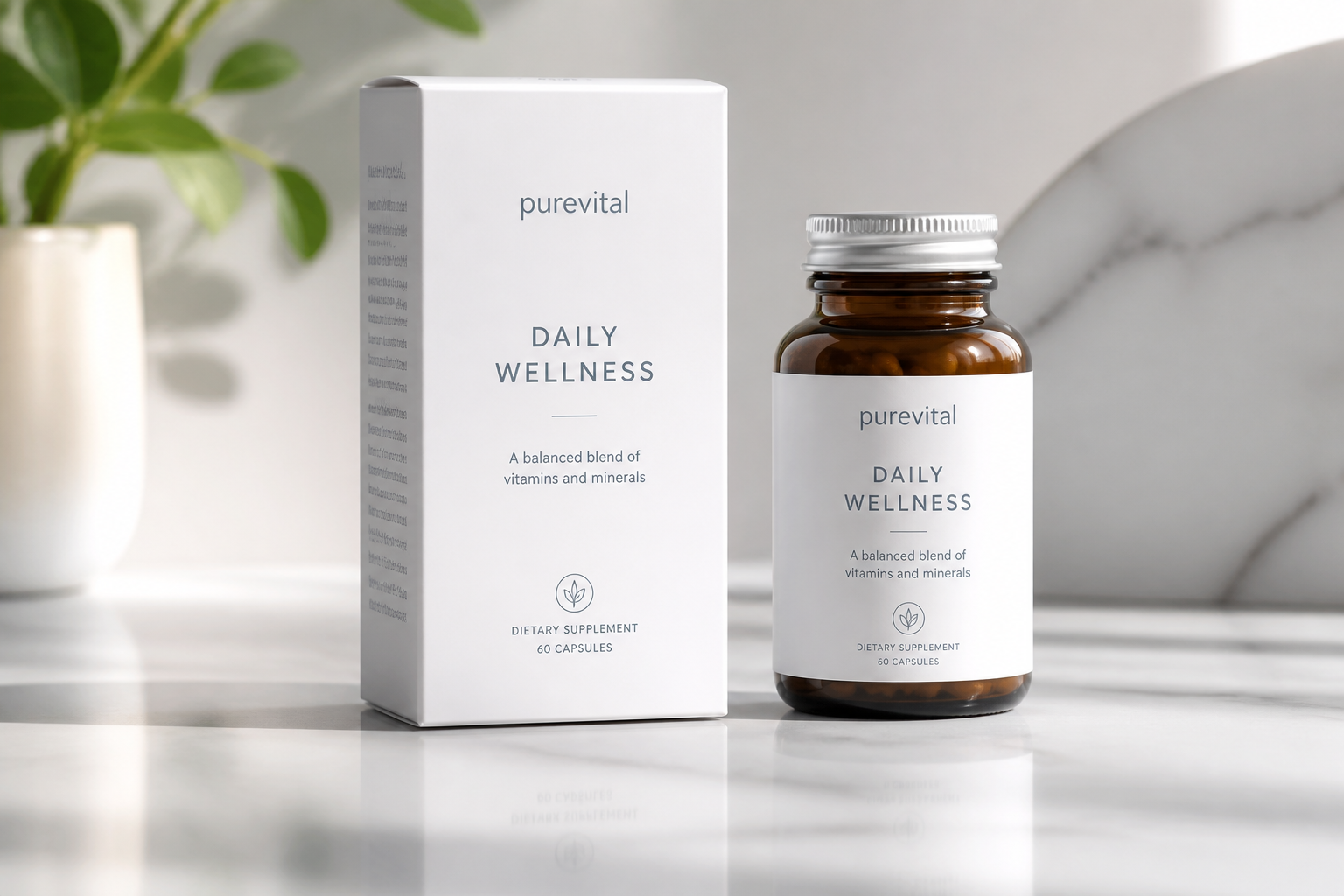
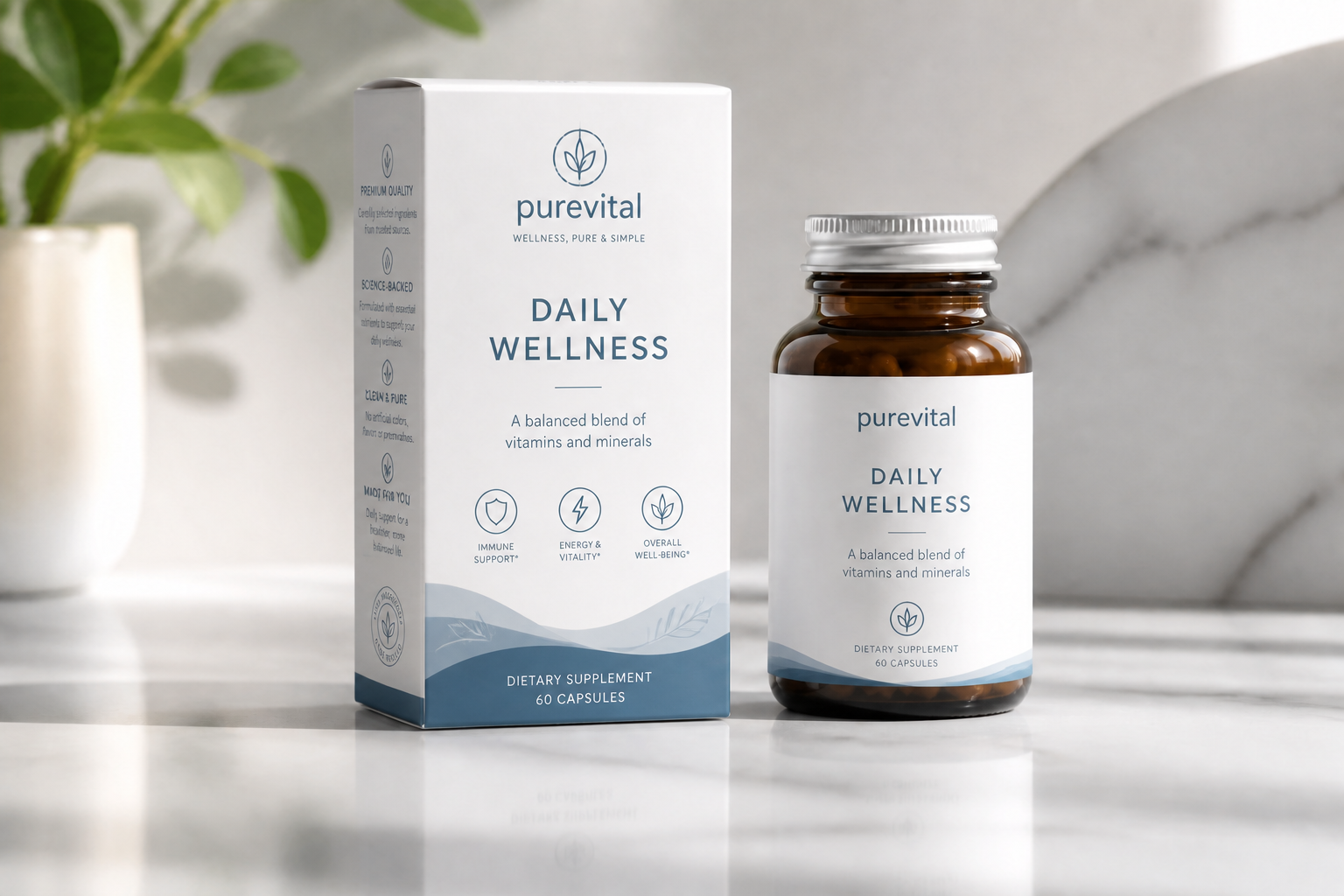
Make mockups presentation-ready
Use the tool to turn rough packaging placeholders into cleaner mockups for client decks, internal reviews, or launch planning. A polished concept is easier for teams to react to than a blank carton with notes beside it. It also helps non-design stakeholders understand the direction faster. That can shorten feedback loops early in the packaging process.
How It Works
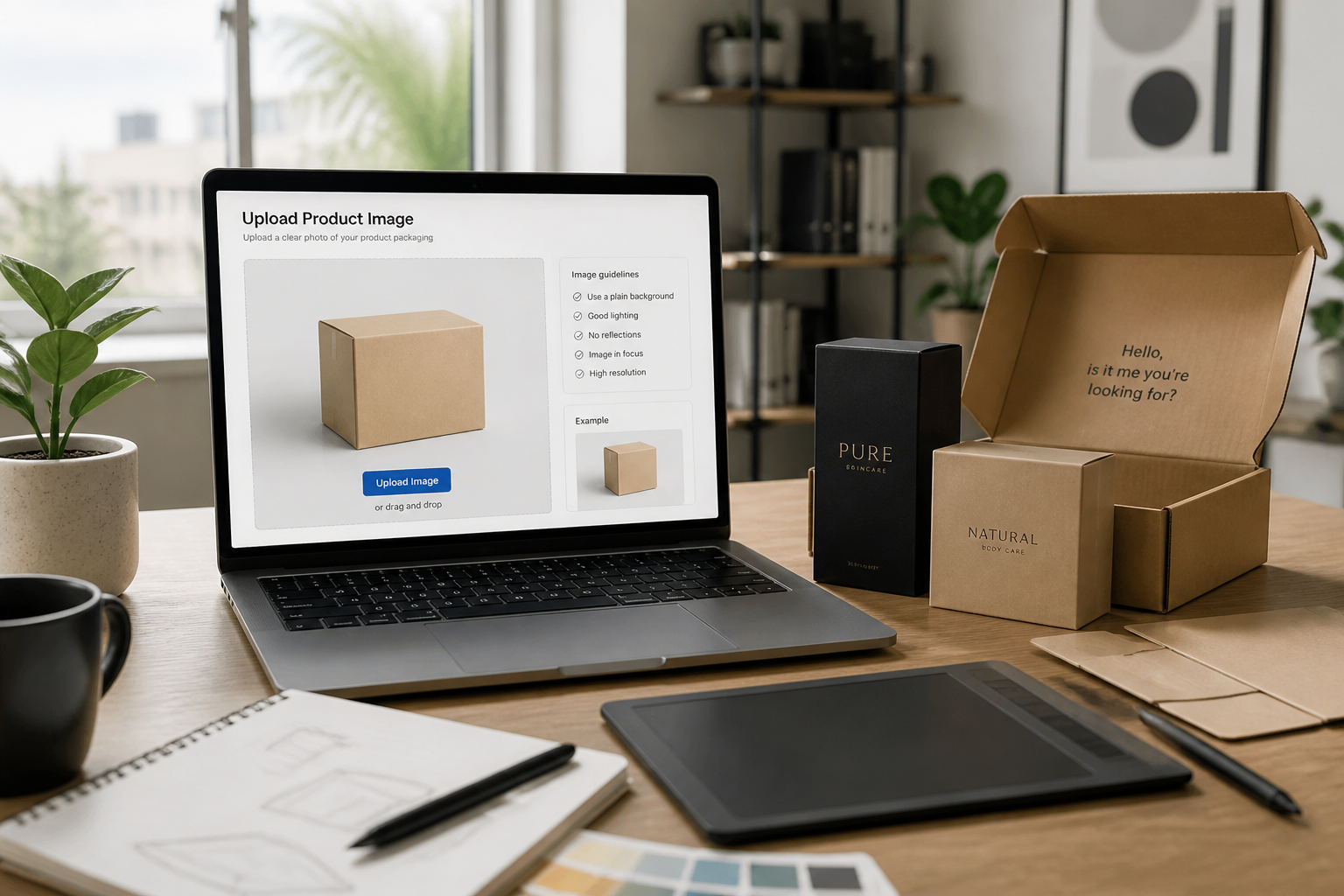
Upload your box image
Start with a photo or mockup of a plain box, carton, or shipping package. Clear angles and simple lighting make it easier to preview graphics cleanly on the surface.
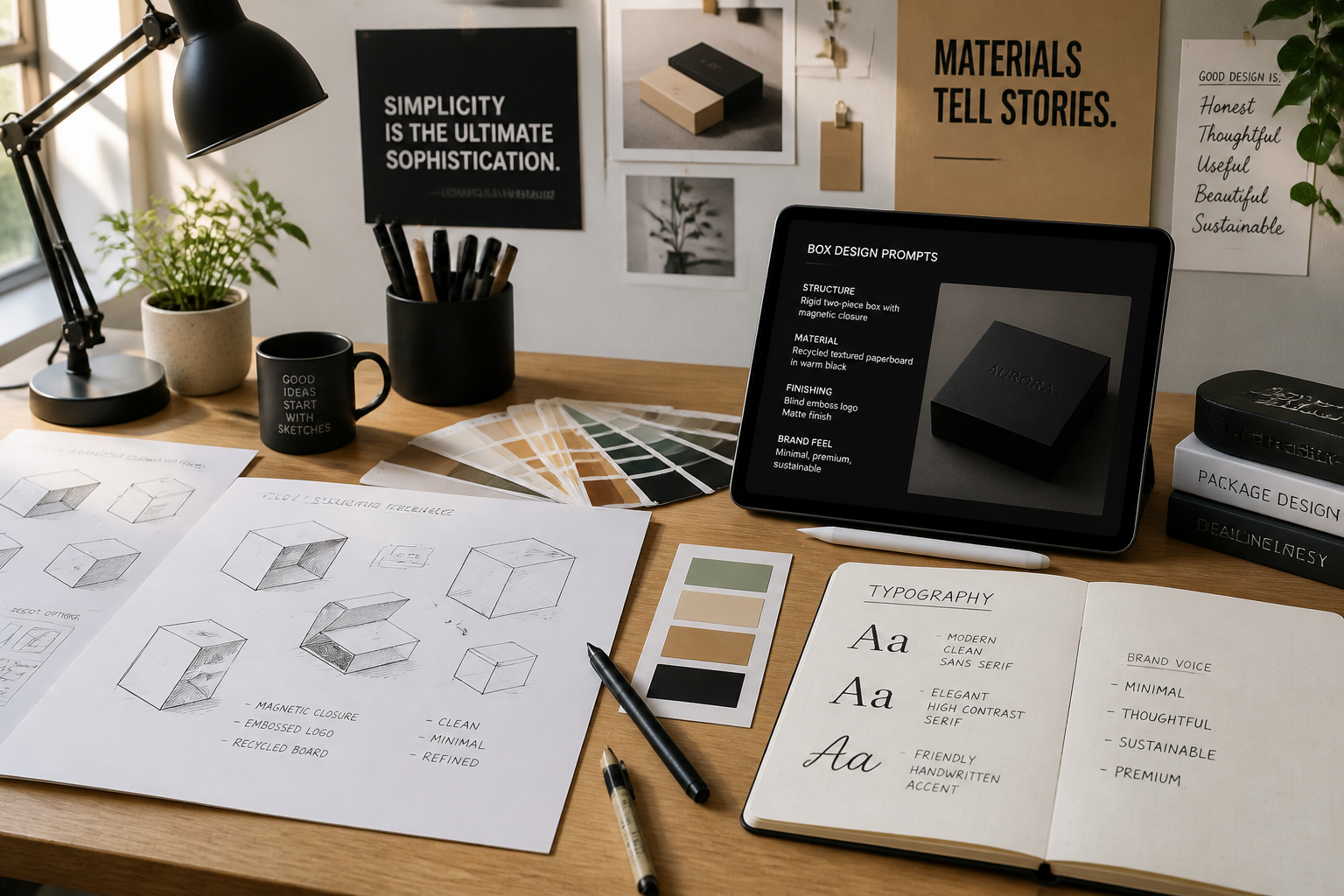
Describe the packaging look
Tell the AI what kind of box design you want, such as luxury skincare, bold snack branding, or minimalist tech packaging. You can mention colors, typography, illustration style, and overall shelf feel.
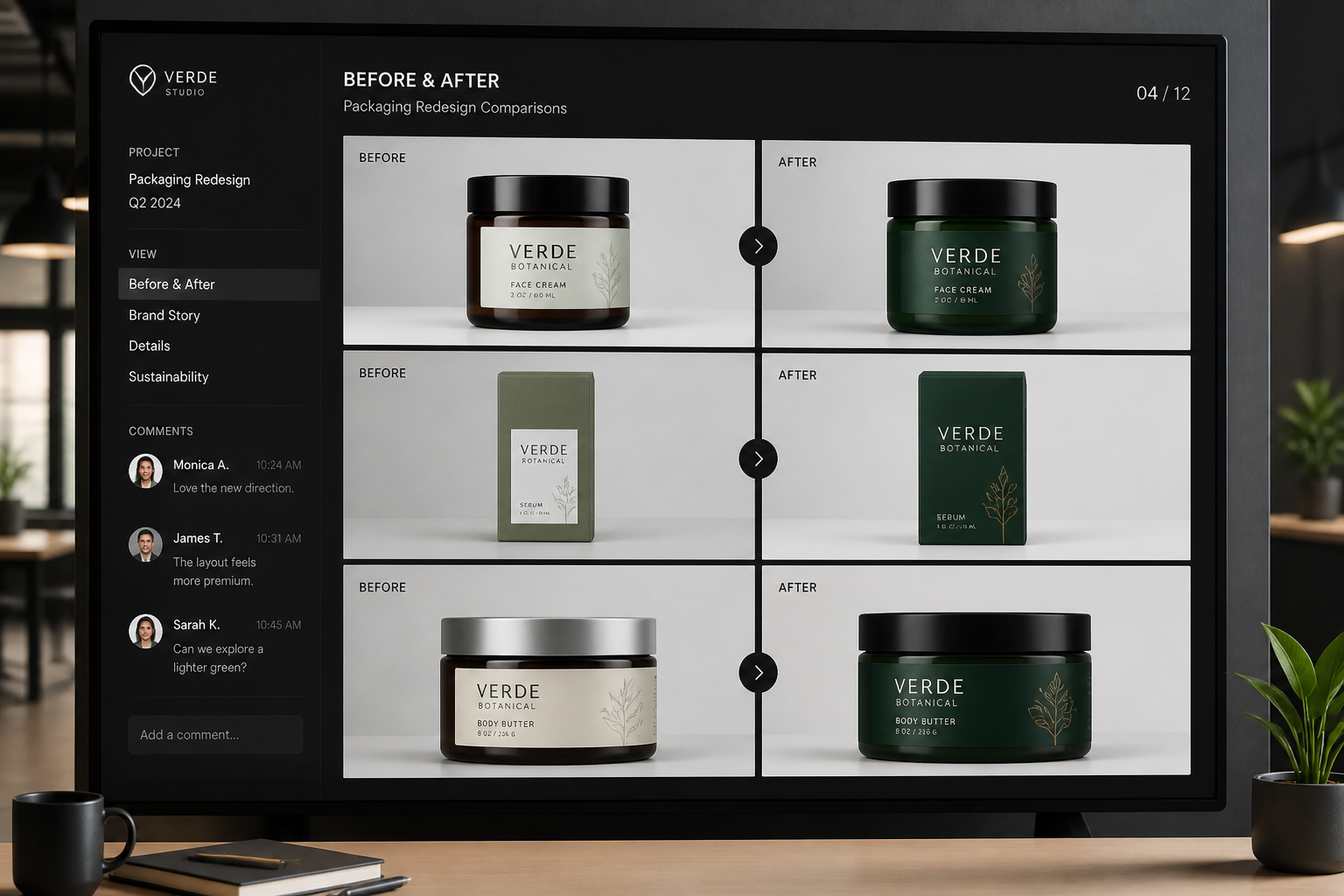
Review and compare concepts
Generate versions, compare them side by side, and keep the directions that fit your brand best. This gives you quick visual options to refine before final production design.
Perfect For
Discover how creators and professionals use ai box design generator
Packaging concept exploration
Test several box design directions before committing to final artwork.
Client presentation mockups
Show branded packaging ideas in realistic scenes for faster feedback.
Ecommerce launch planning
Preview how shipping boxes and retail packs may look in product photos.
Brand refresh previews
Apply new logos, colors, and layout systems to existing packaging shots.
Built For
Brand designers
Quickly visualize packaging directions without rebuilding each mockup manually.
Small product businesses
Create polished box concepts for new launches, pitch decks, and store listings.
Agencies and freelancers
Generate faster packaging explorations for clients and internal reviews.
Why use it for box concepts
A quick look at how we compare on the things that matter for this niche.
| Feature | BudgetPixel | Generic AI editors | Manual editing apps |
|---|---|---|---|
| Fast packaging mockups | ✓ | ✓ | — |
| Keeps original box scene | ✓ | — | ✓ |
| Easy style exploration | ✓ | ✓ | — |
| Presentation-ready concepts | ✓ | — | ✓ |
Frequently Asked Questions
What kinds of boxes can I edit?
Can I generate different packaging styles from one image?
Will the box shape stay the same?
Is this suitable for final print files?
Do I need design experience to use it?
Create together.
Share your creations, discover trending AI art, and grow with fellow creators.