AI Packaging Design Generator
Turn plain product mockups into polished packaging concepts.
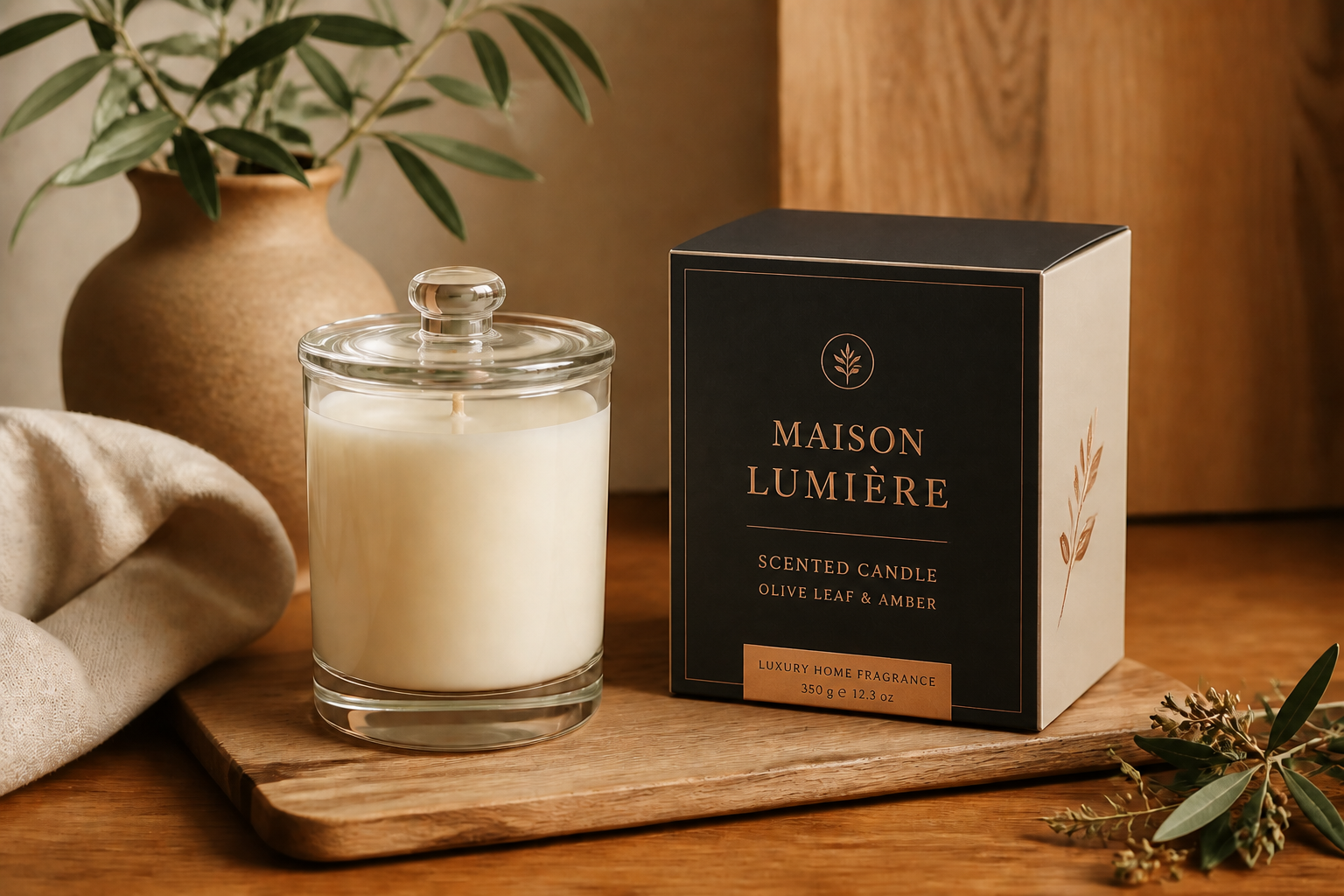
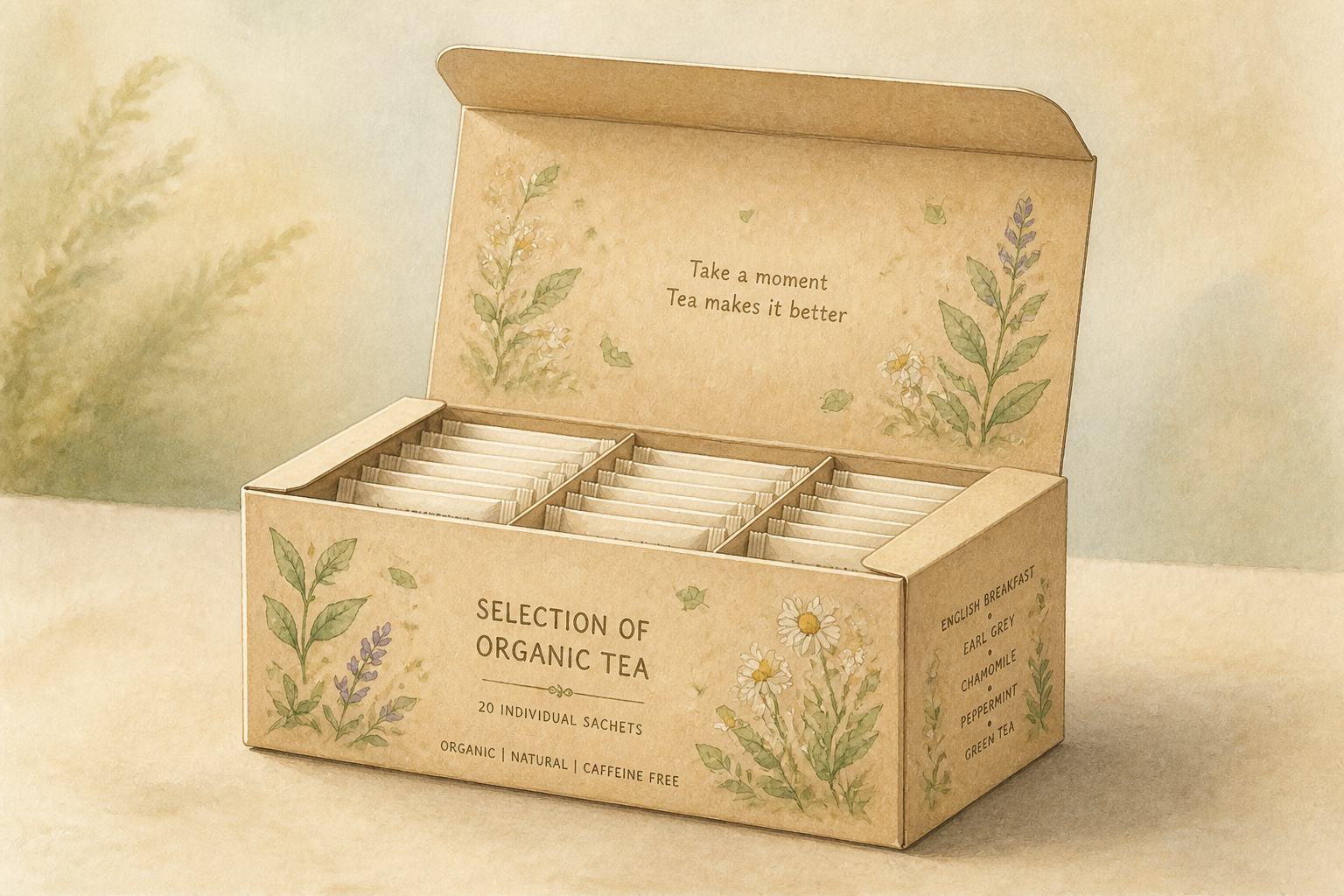
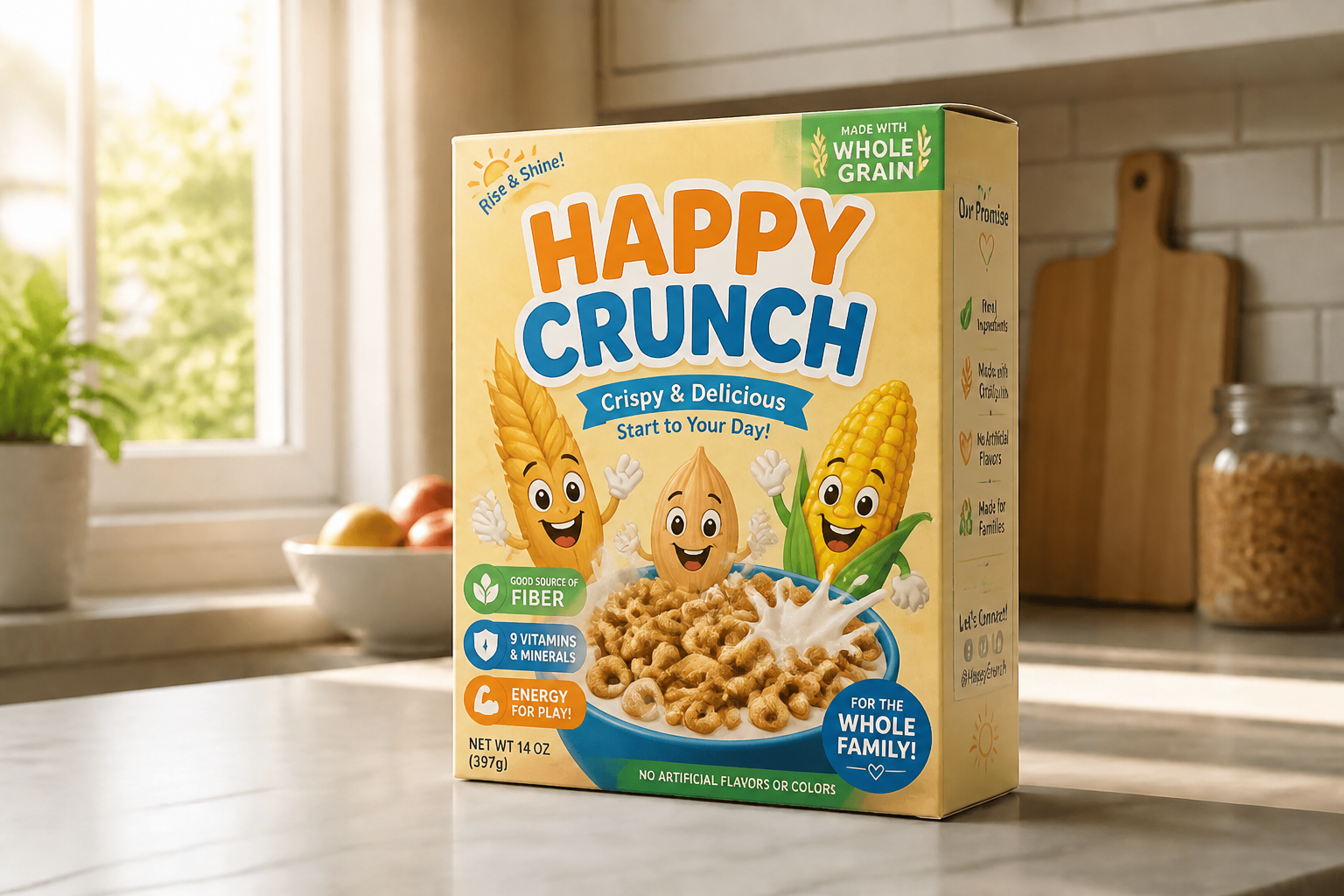
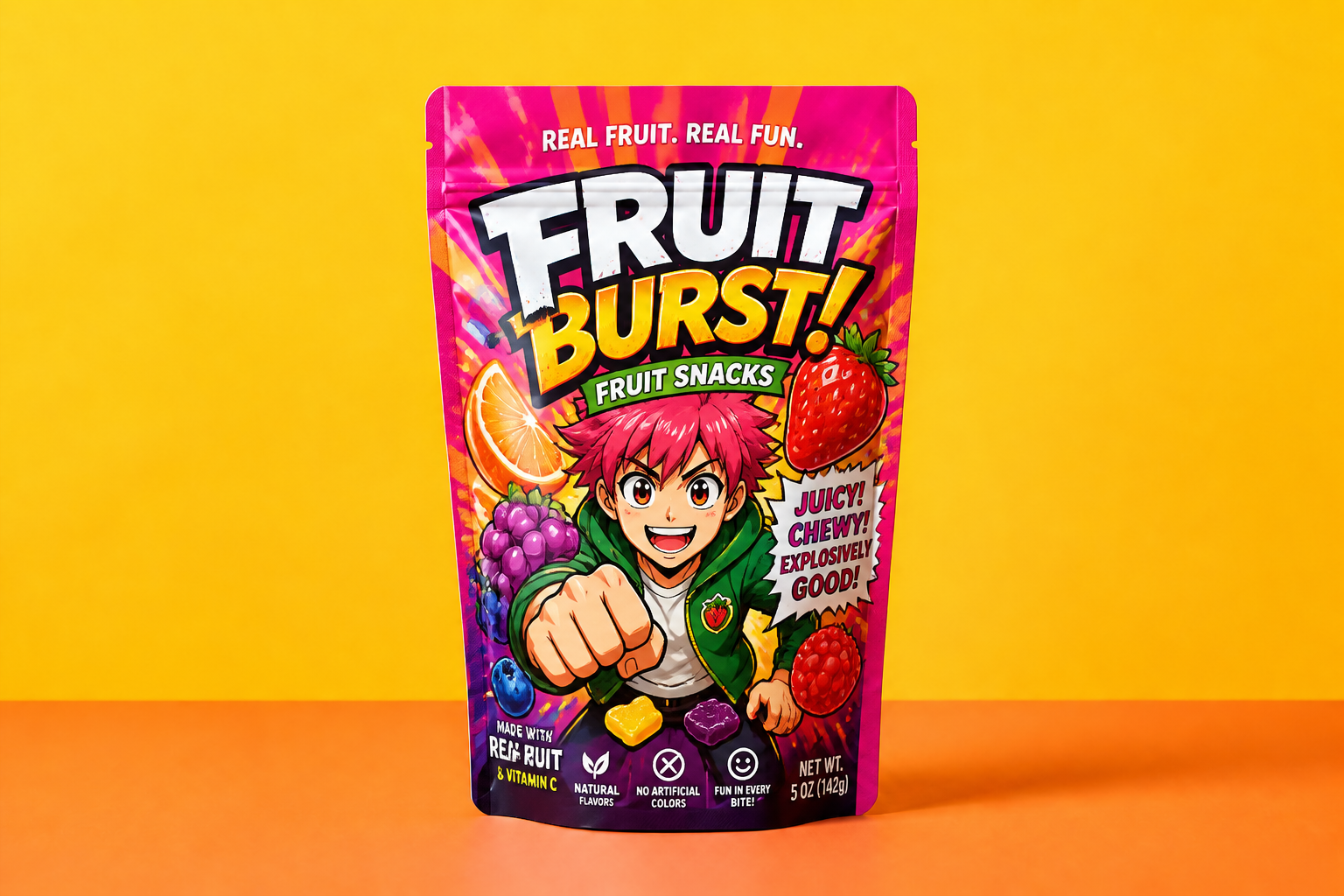
Upload a box, pouch, bottle, can, or jar mockup and generate a complete packaging look in one edit. Our AI can apply branding direction, color systems, label layouts, and style changes while keeping the product shape and studio setup consistent.
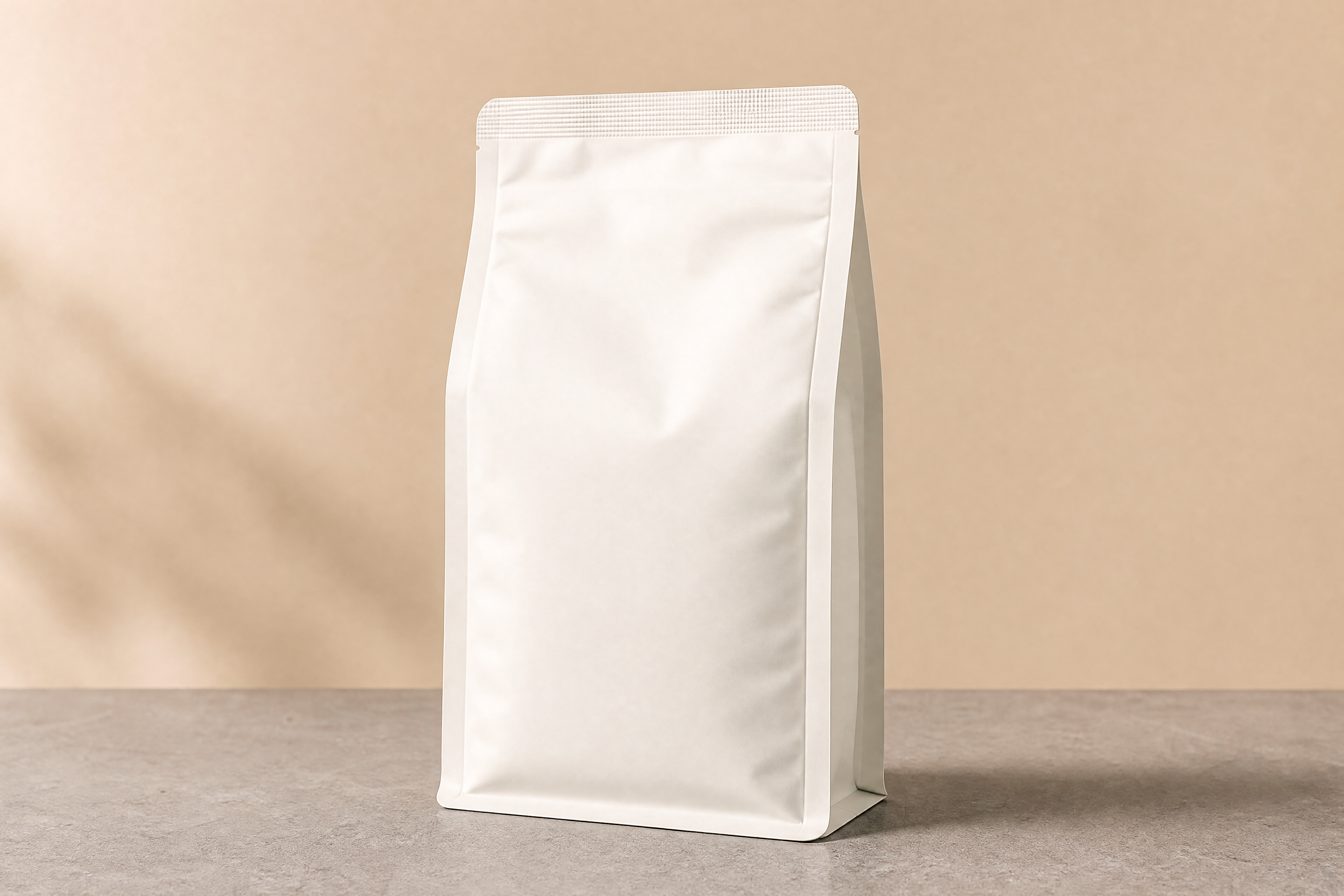
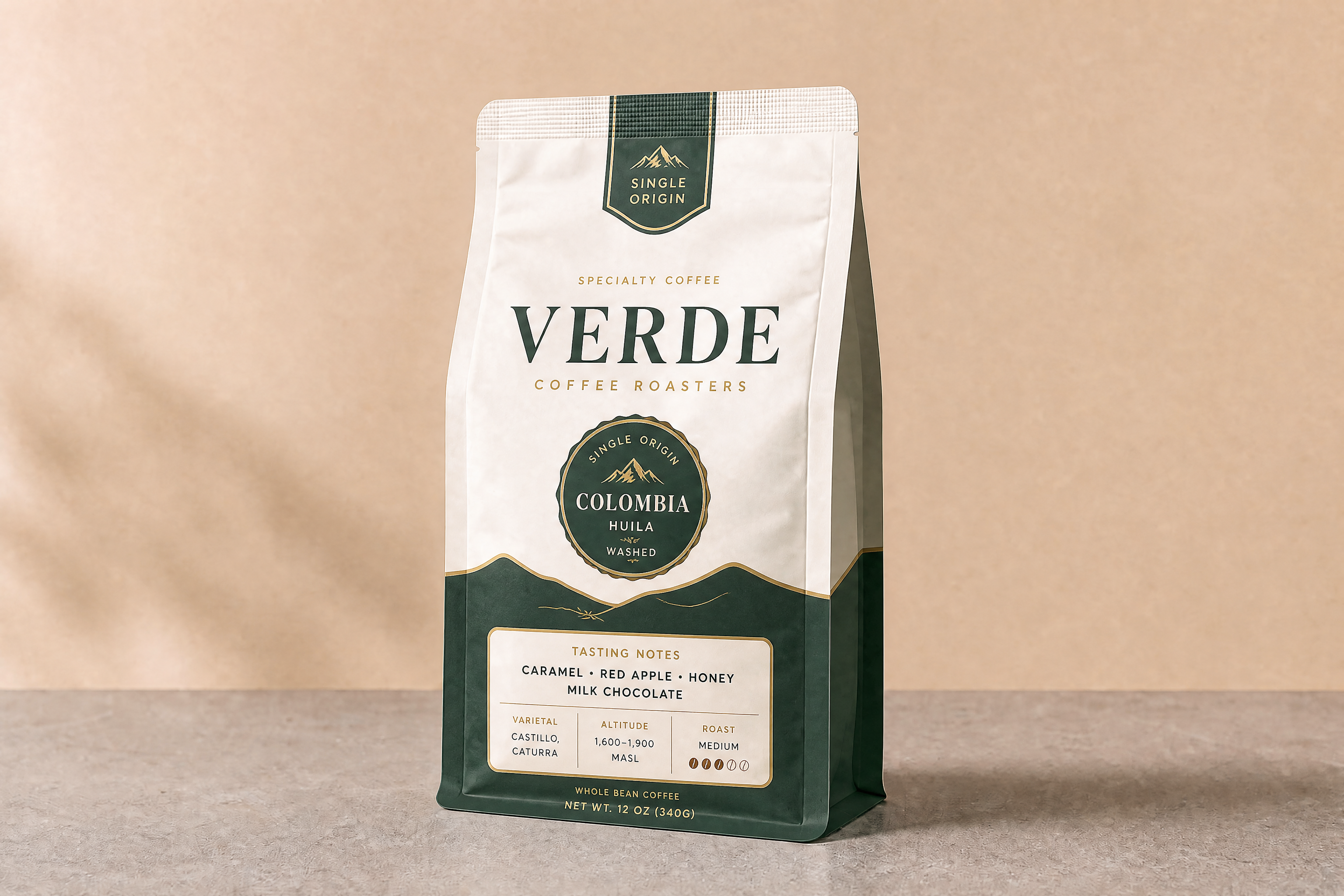
Watch the Transformation
See ai packaging design generator in motion — generated end-to-end by our AI.
See It In Action
Real outputs from ai packaging design generator.
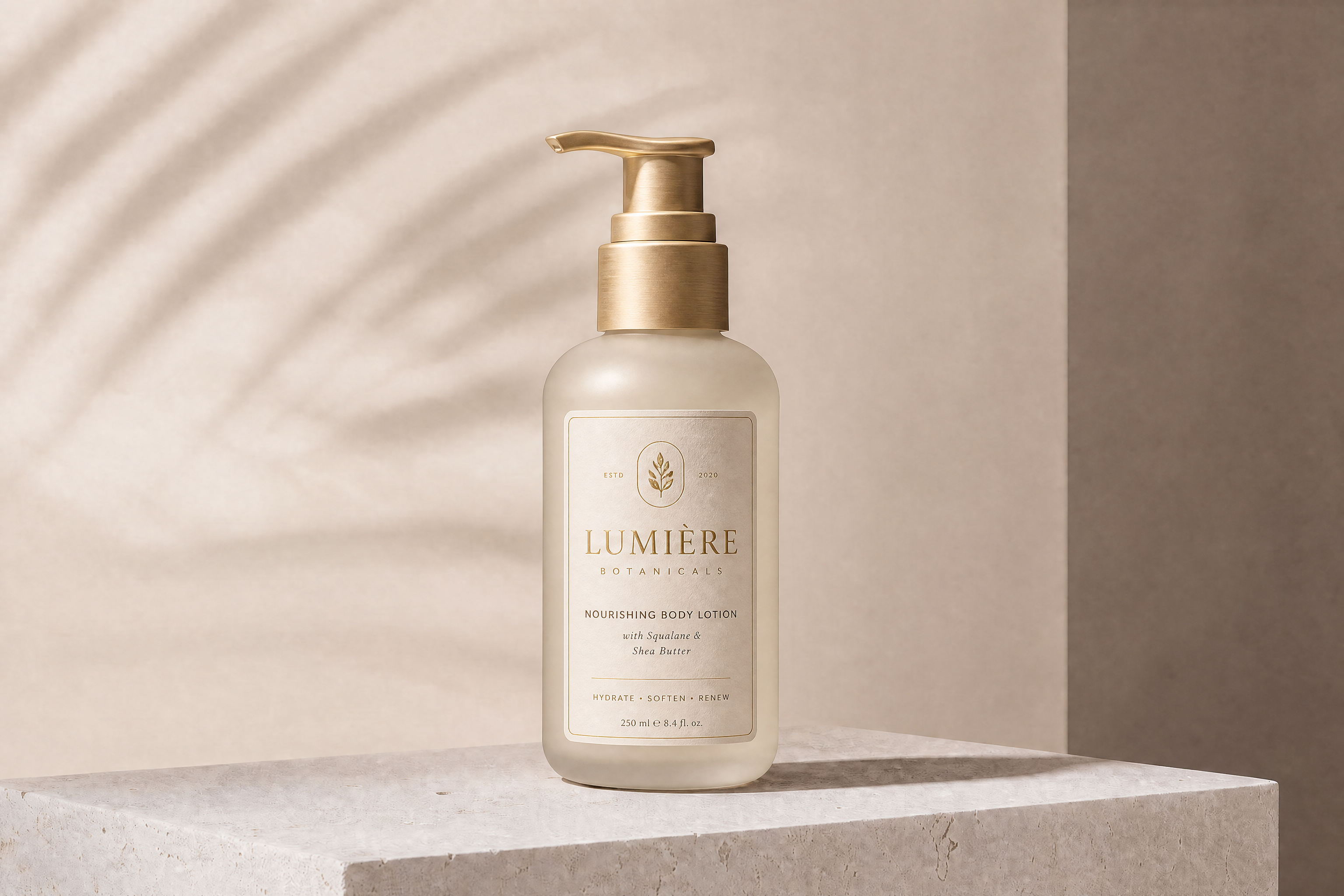
BEFOREAFTER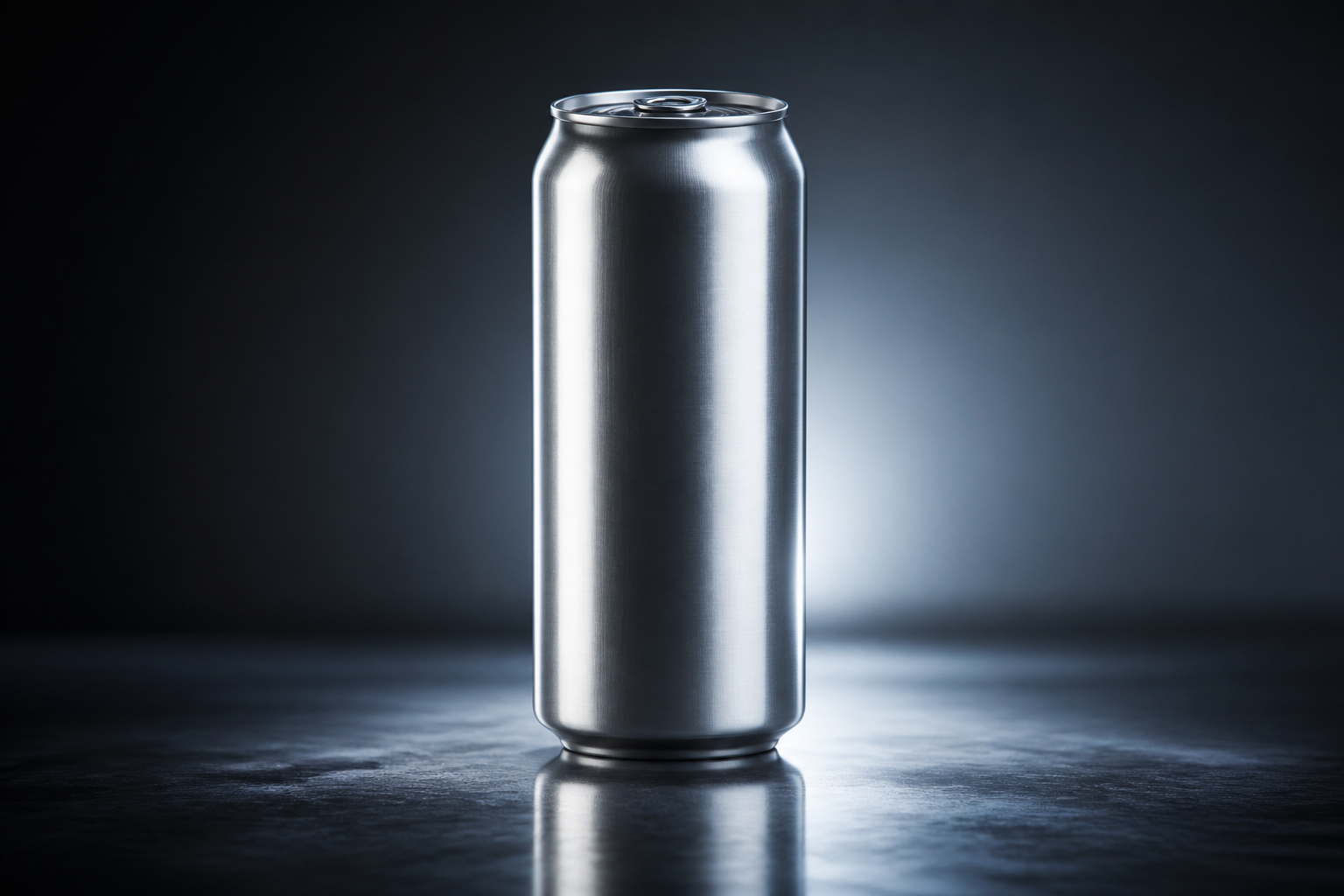 BEFORE
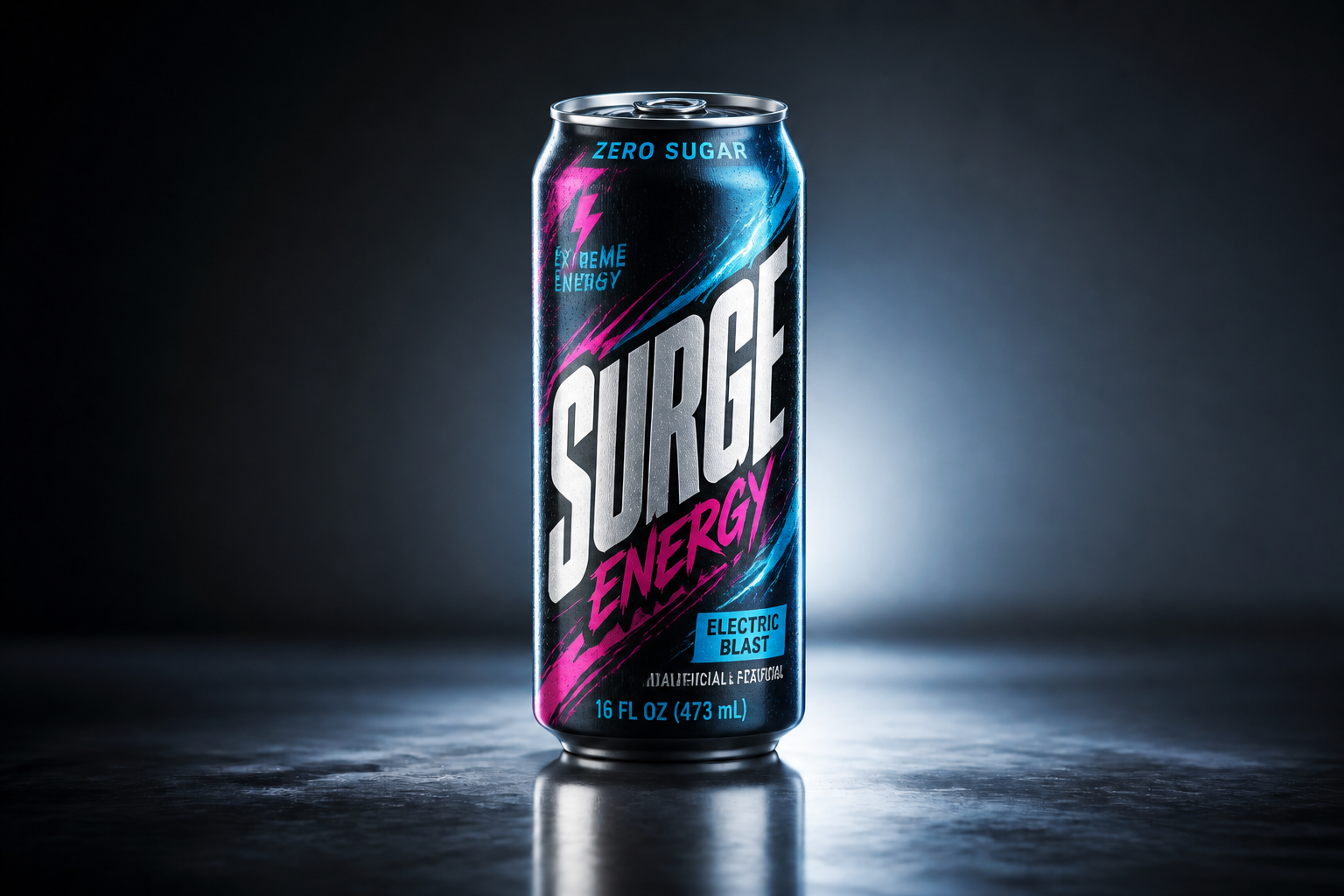 AFTER
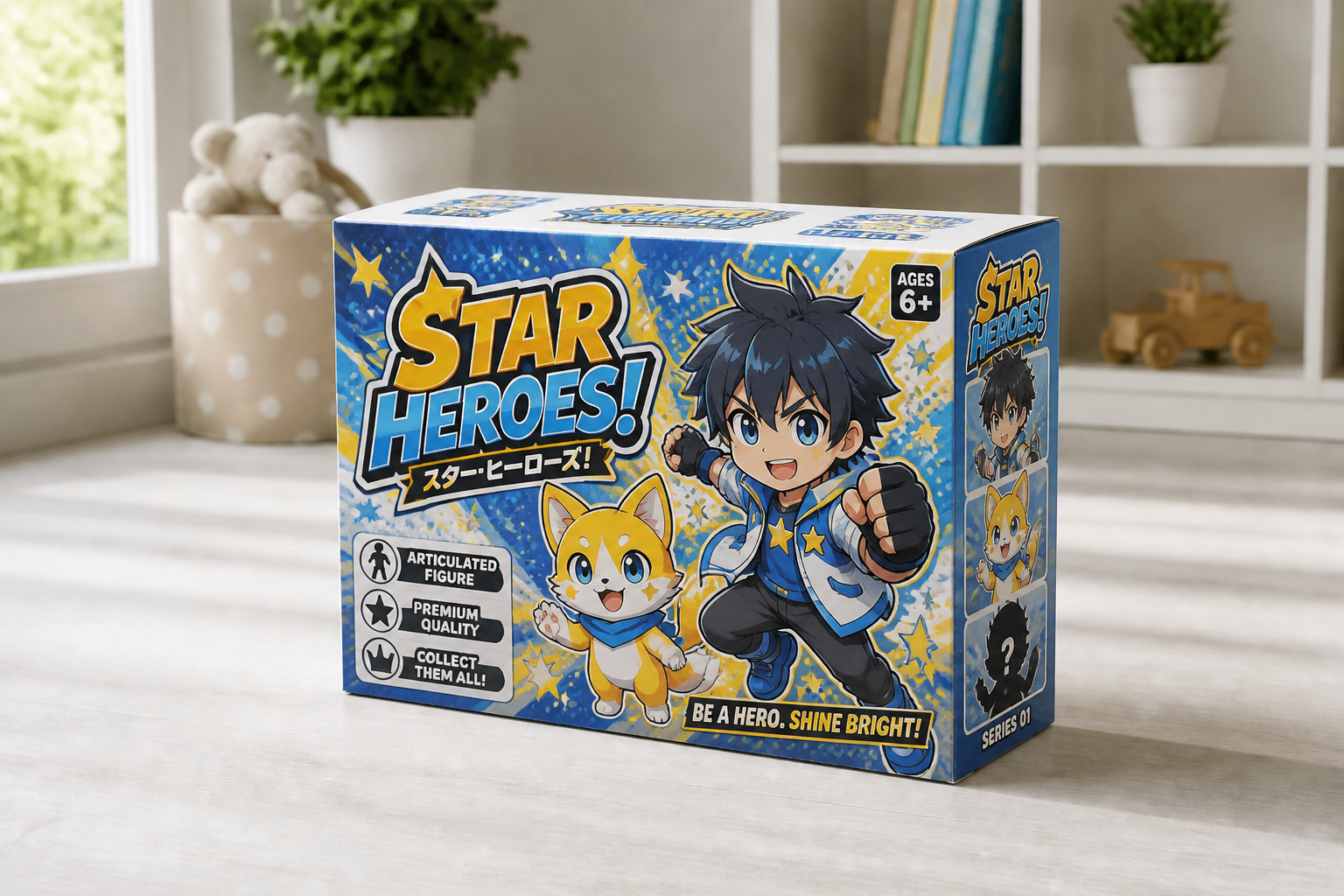
AFTER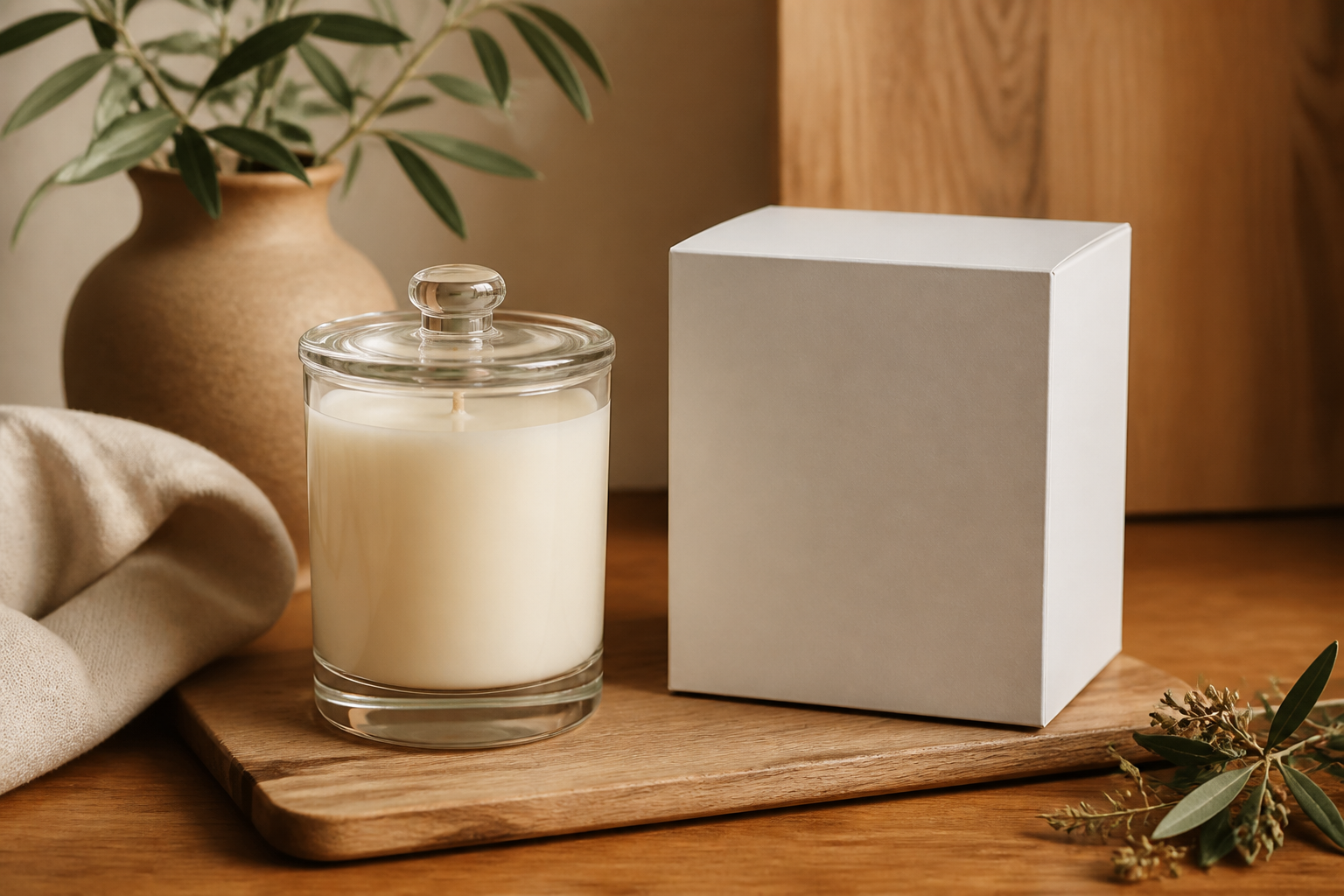 BEFORE
 AFTER
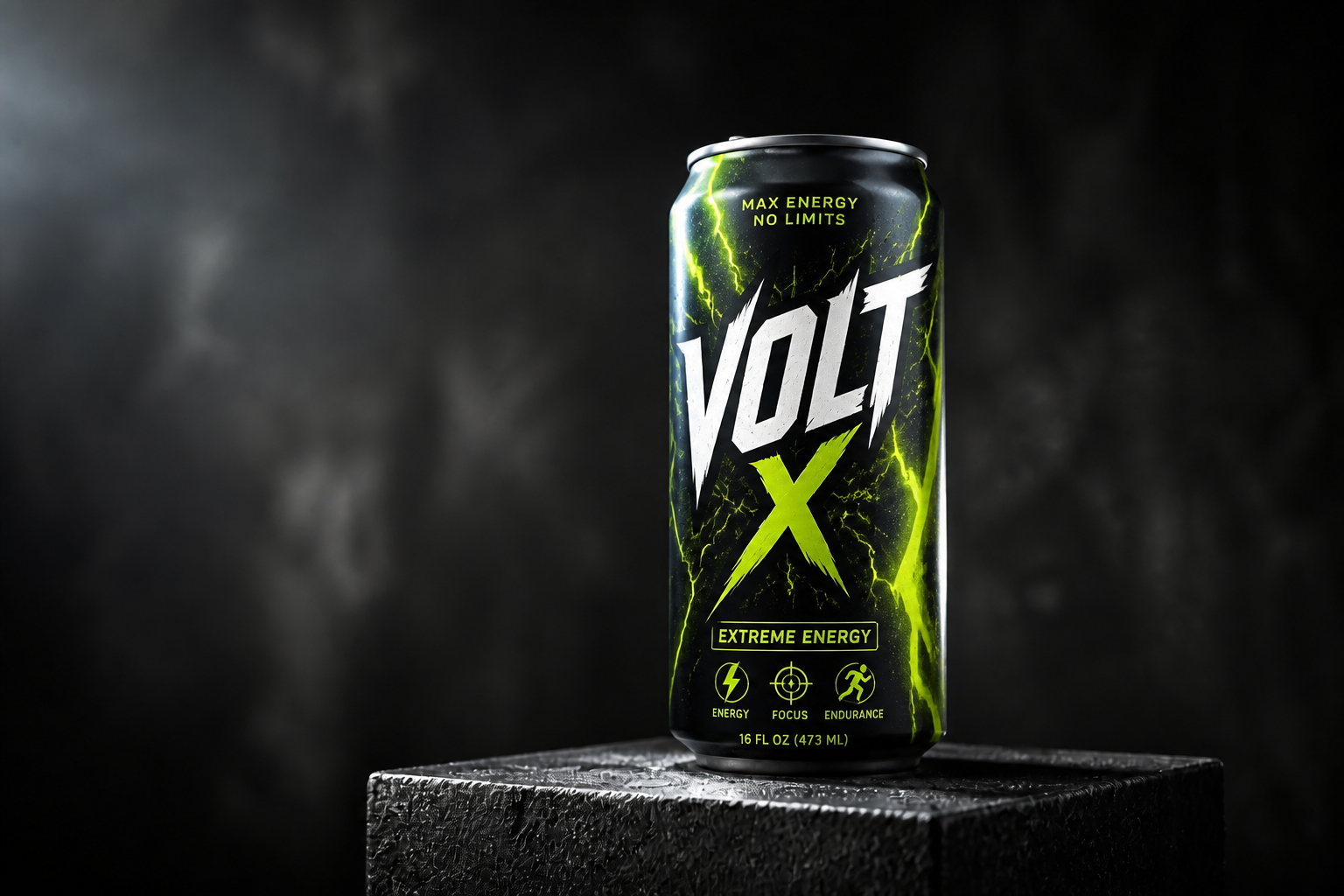
AFTER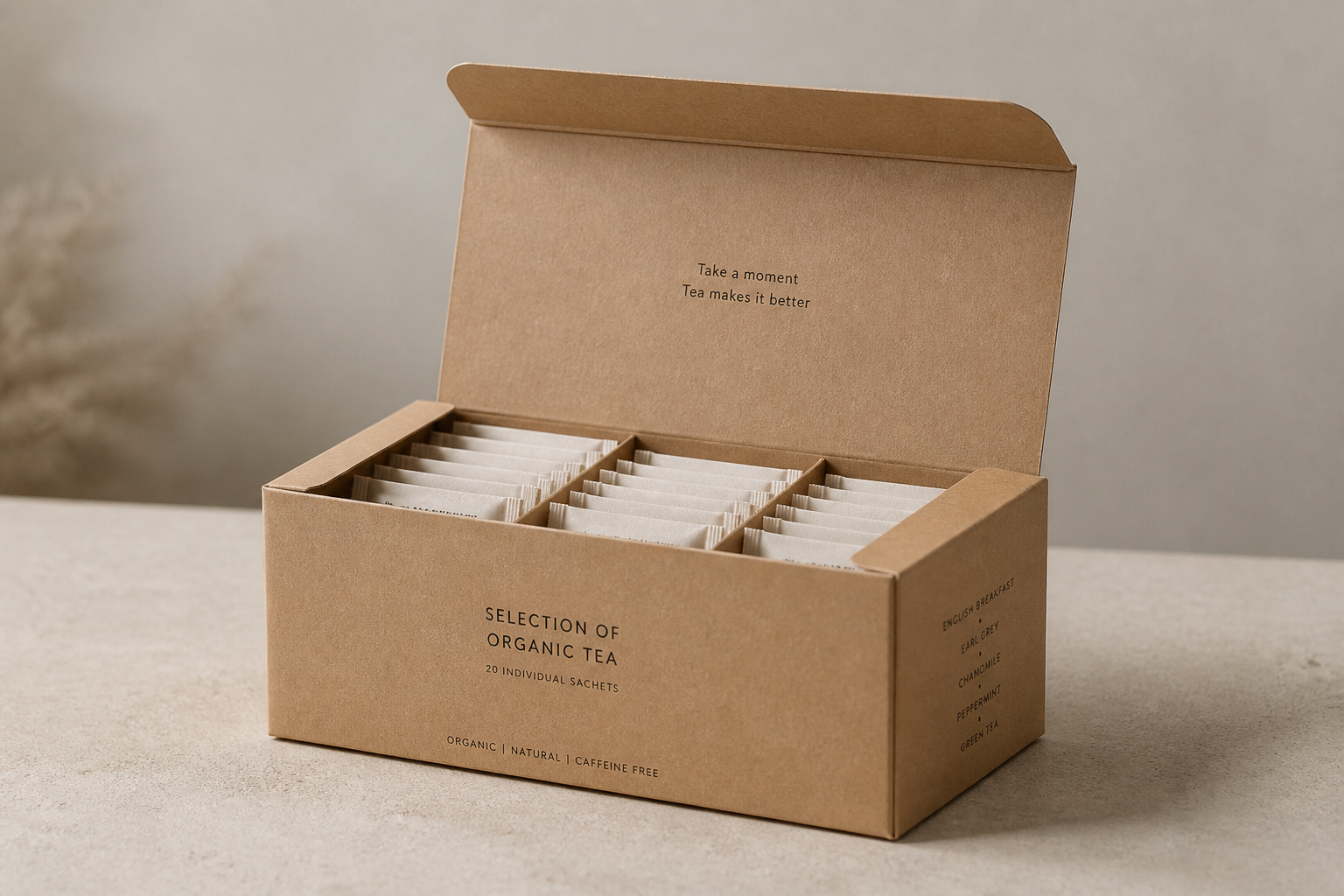 BEFORE
 AFTER
AFTER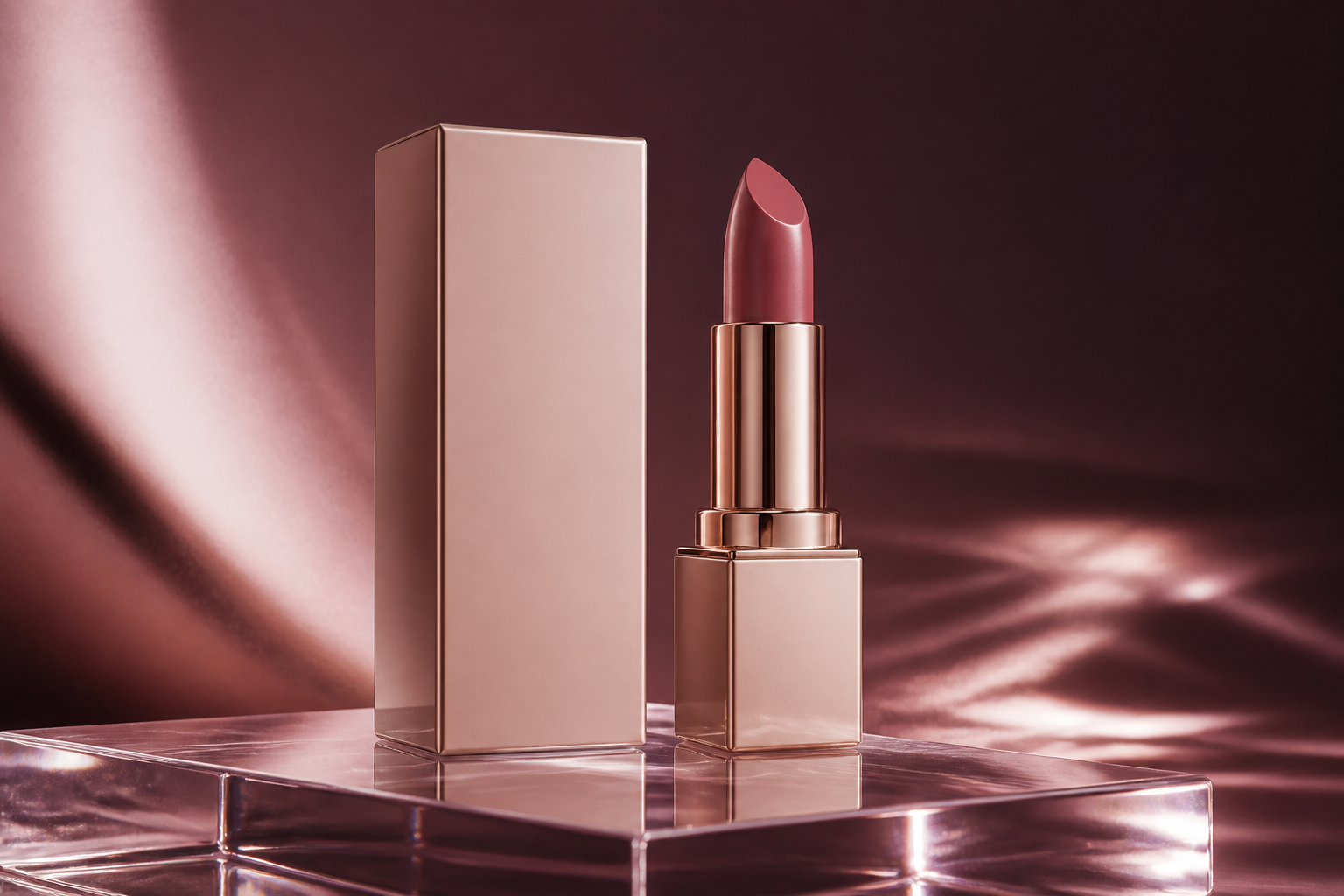 BEFORE
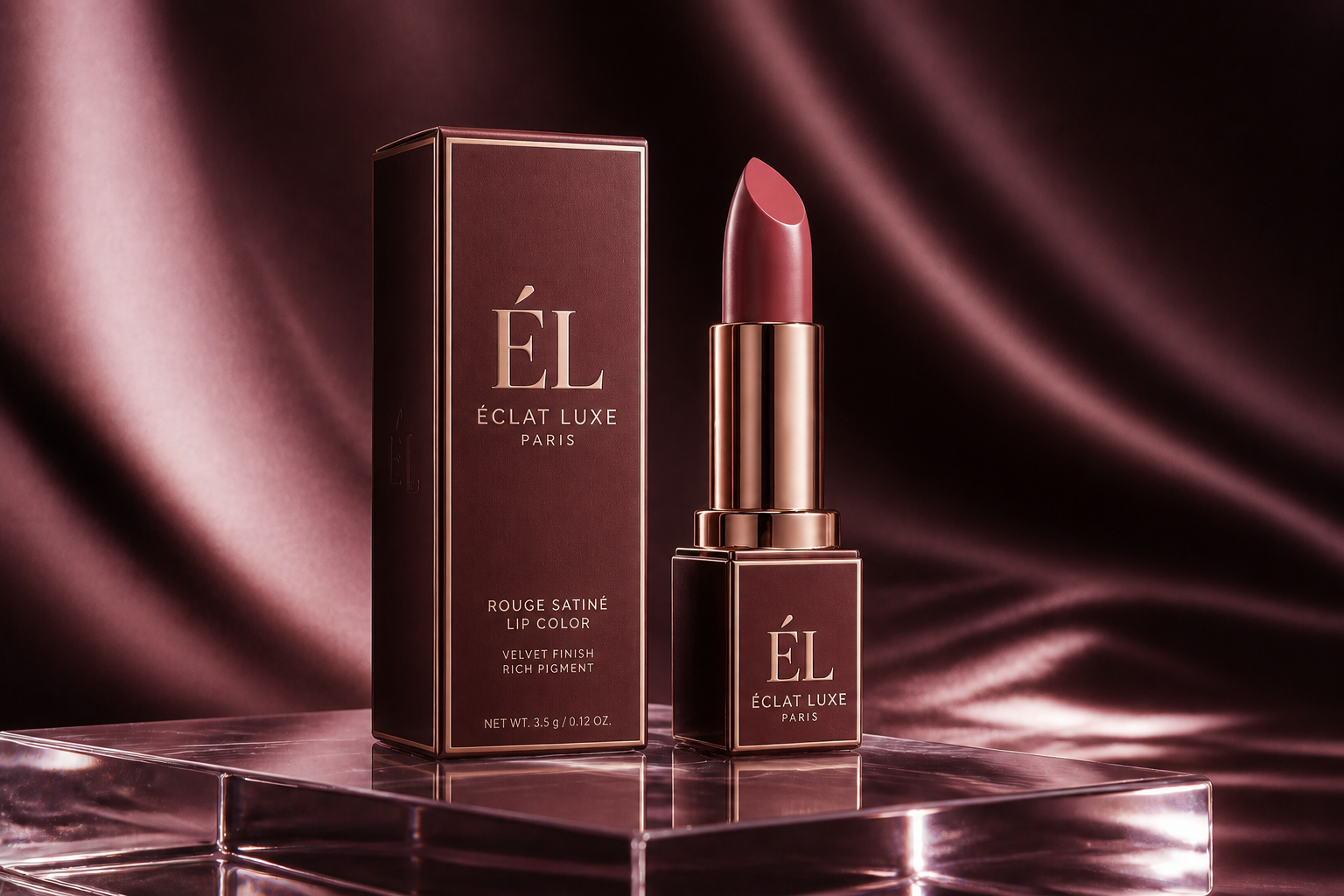 AFTERBEFOREAFTERBEFOREAFTERBEFOREAFTERBEFOREAFTERBEFOREAFTER
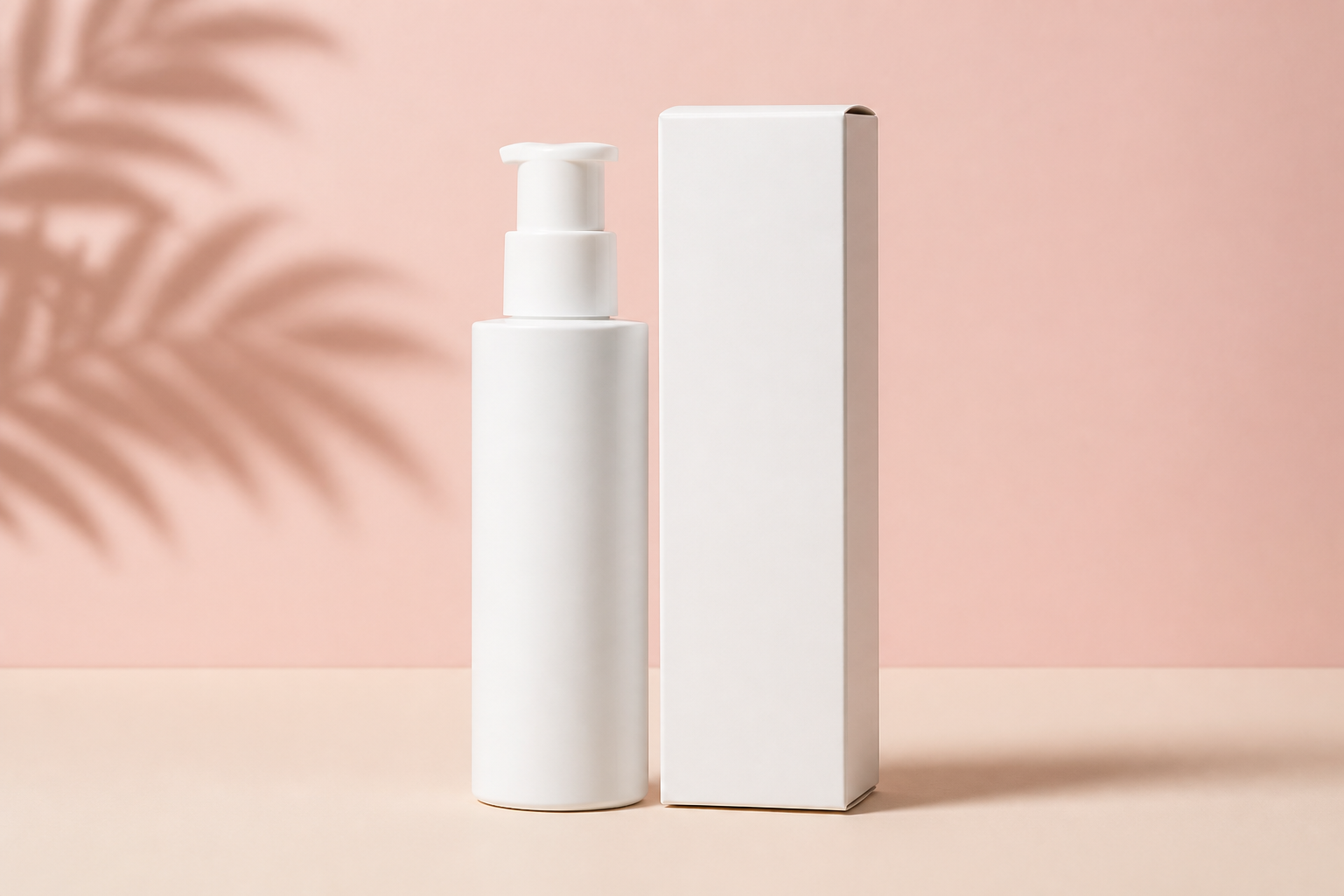 BEFORE
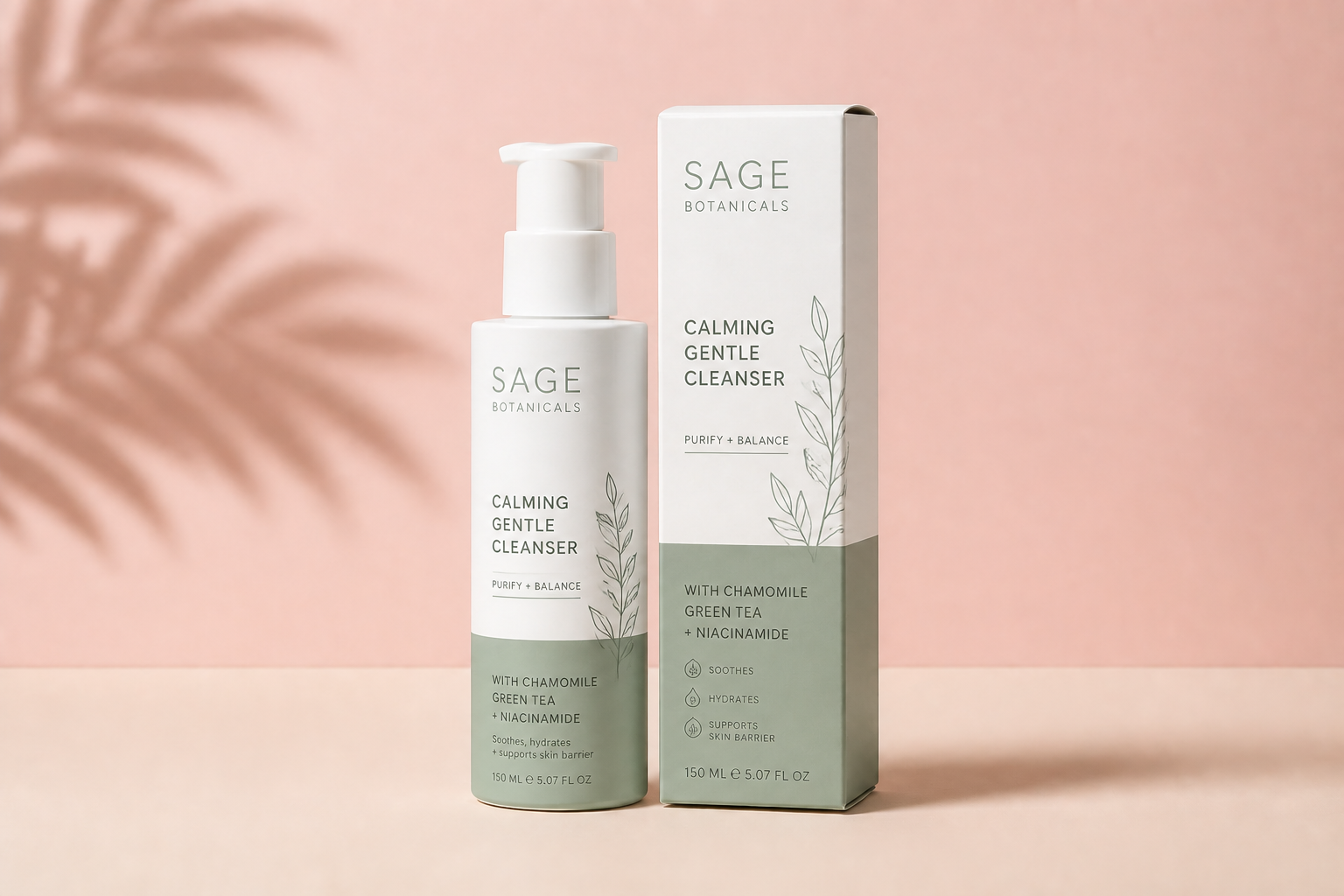 AFTER
AFTER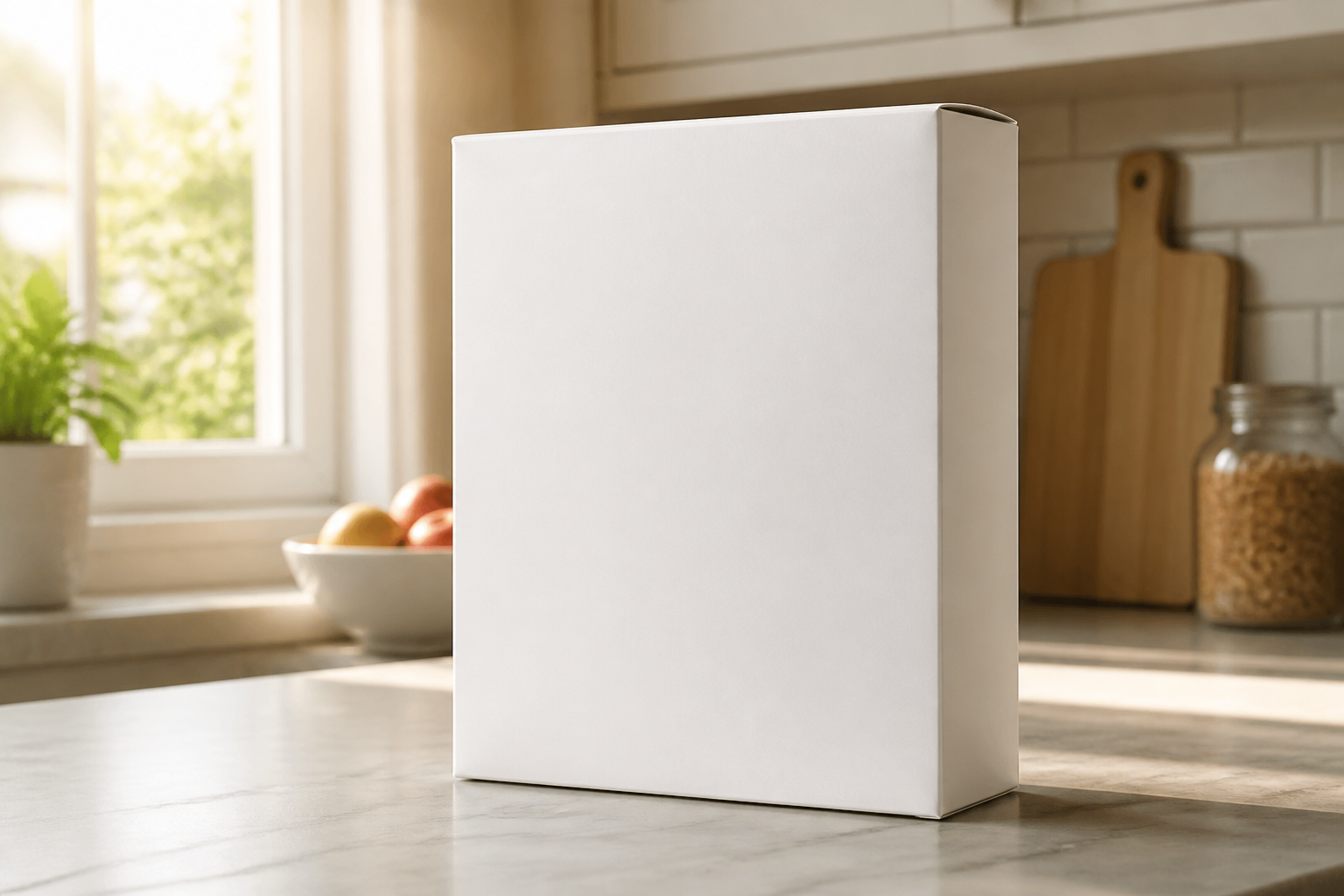 BEFORE
 AFTER
AFTER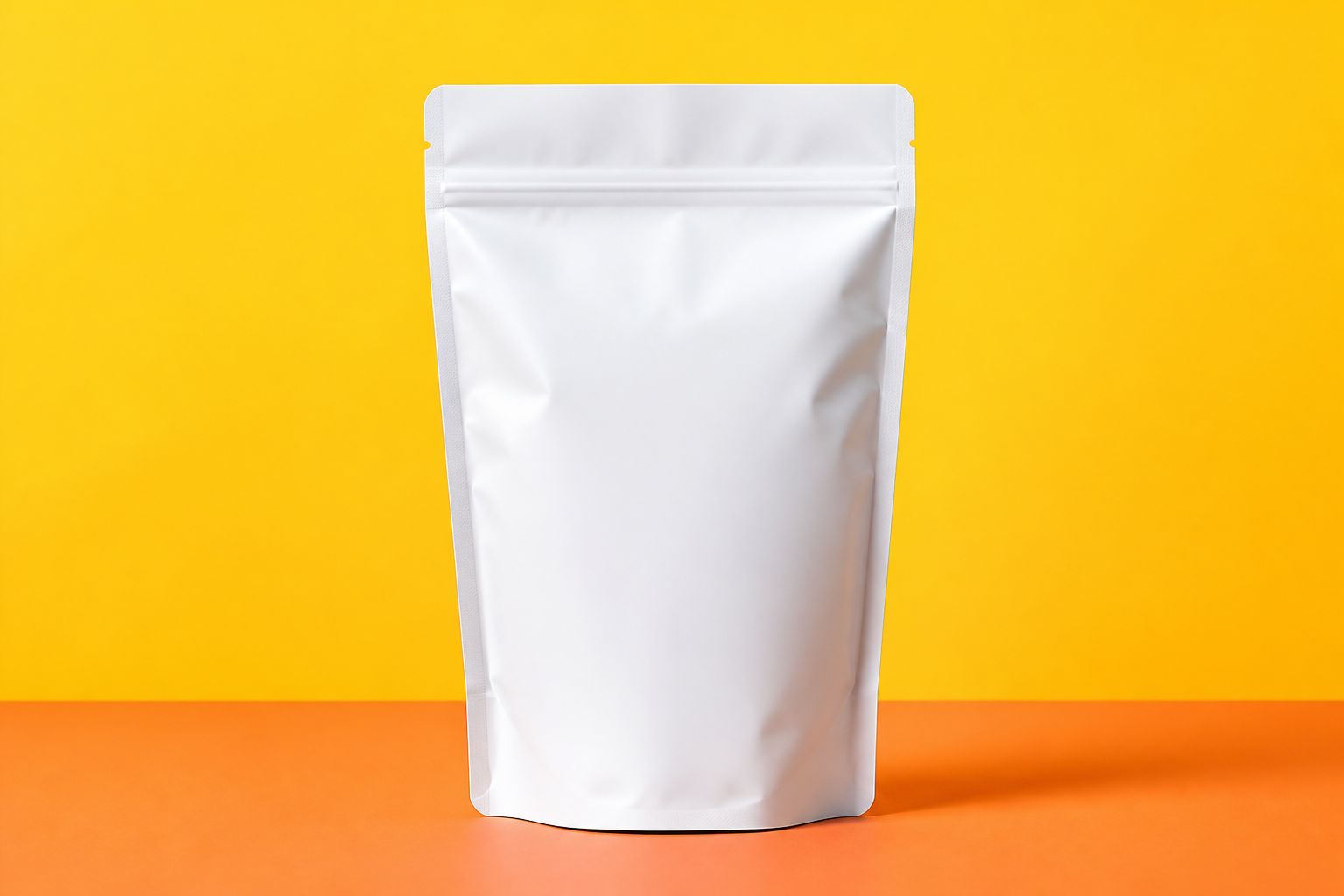 BEFORE
 AFTER
AFTER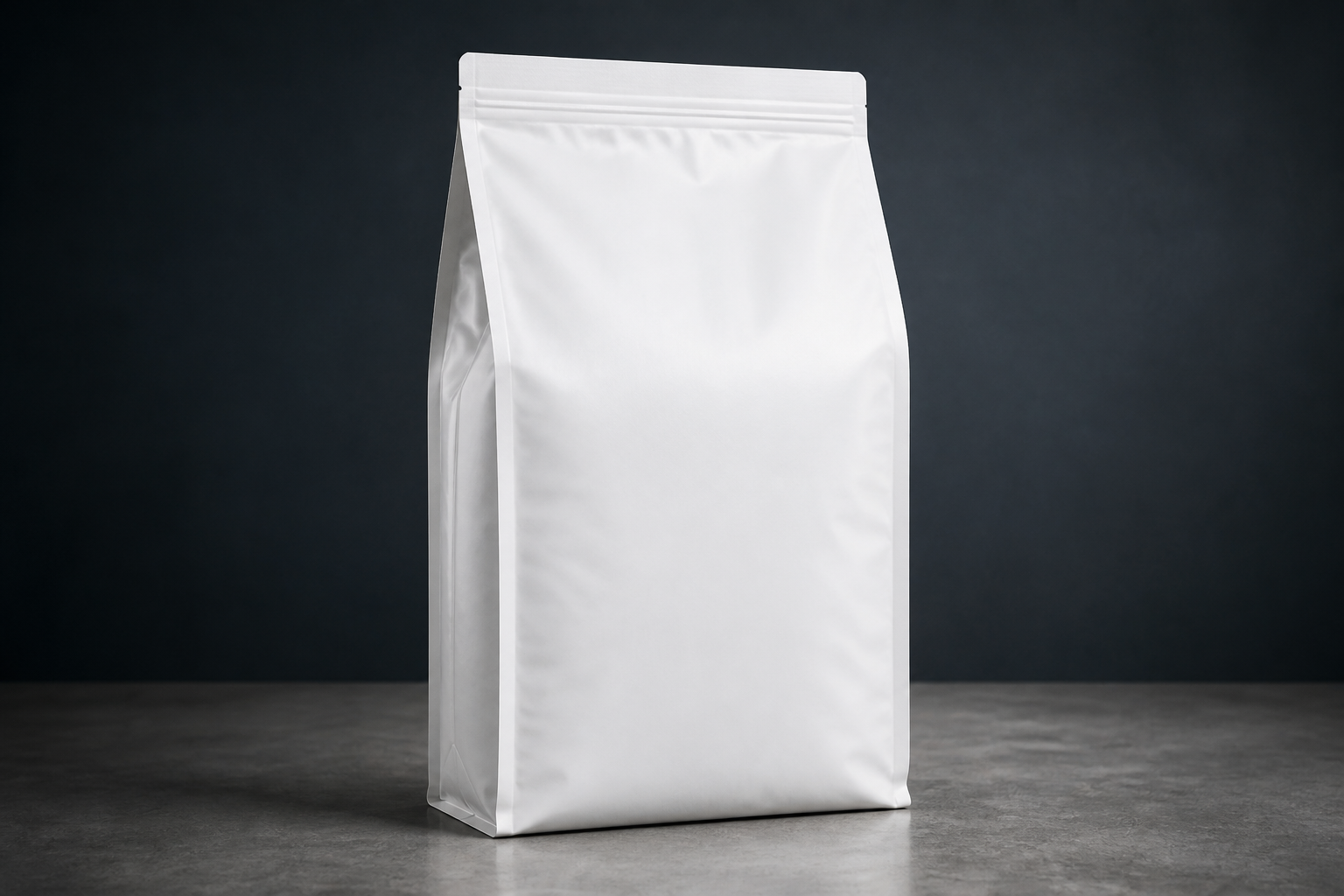 BEFORE
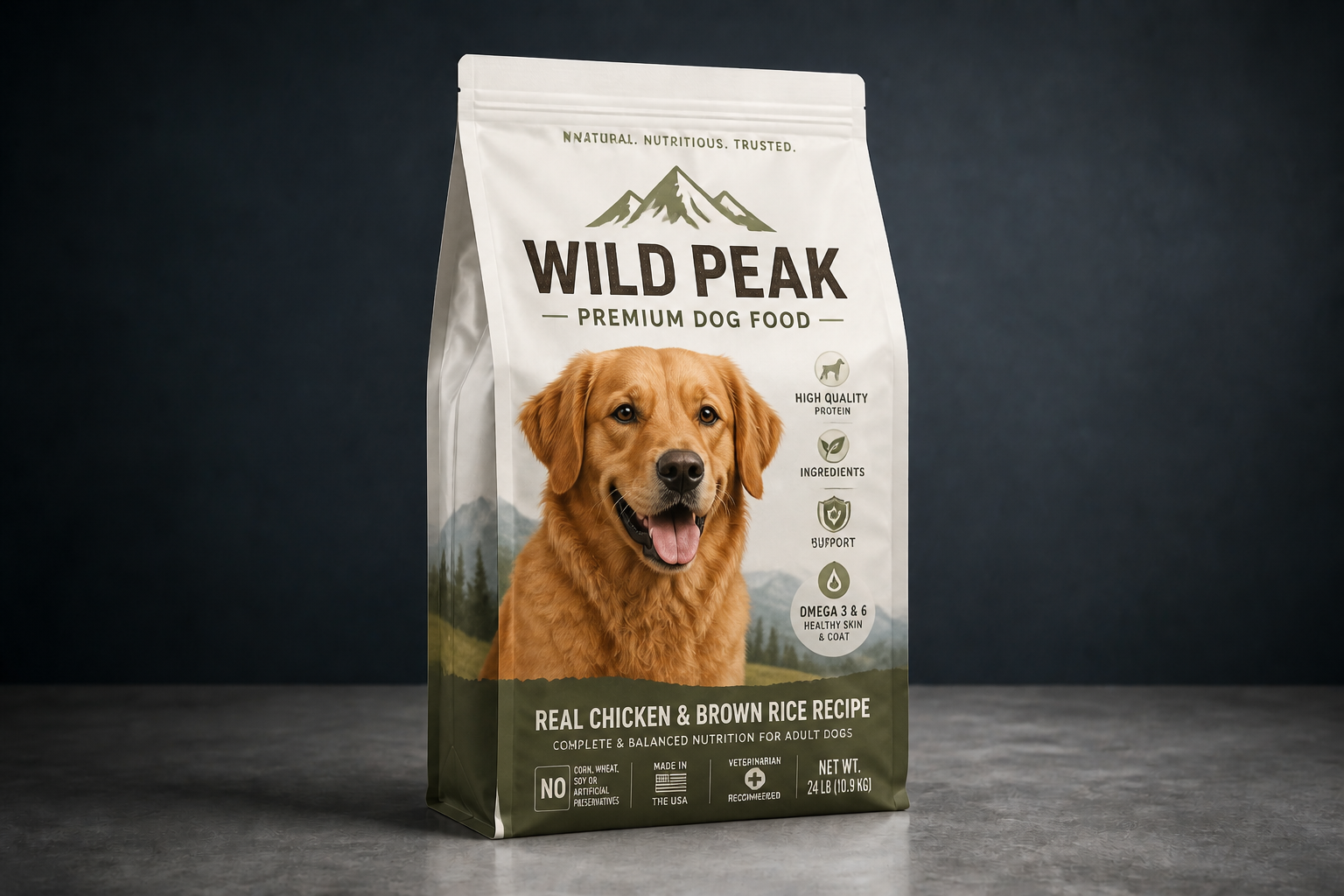 AFTER
AFTER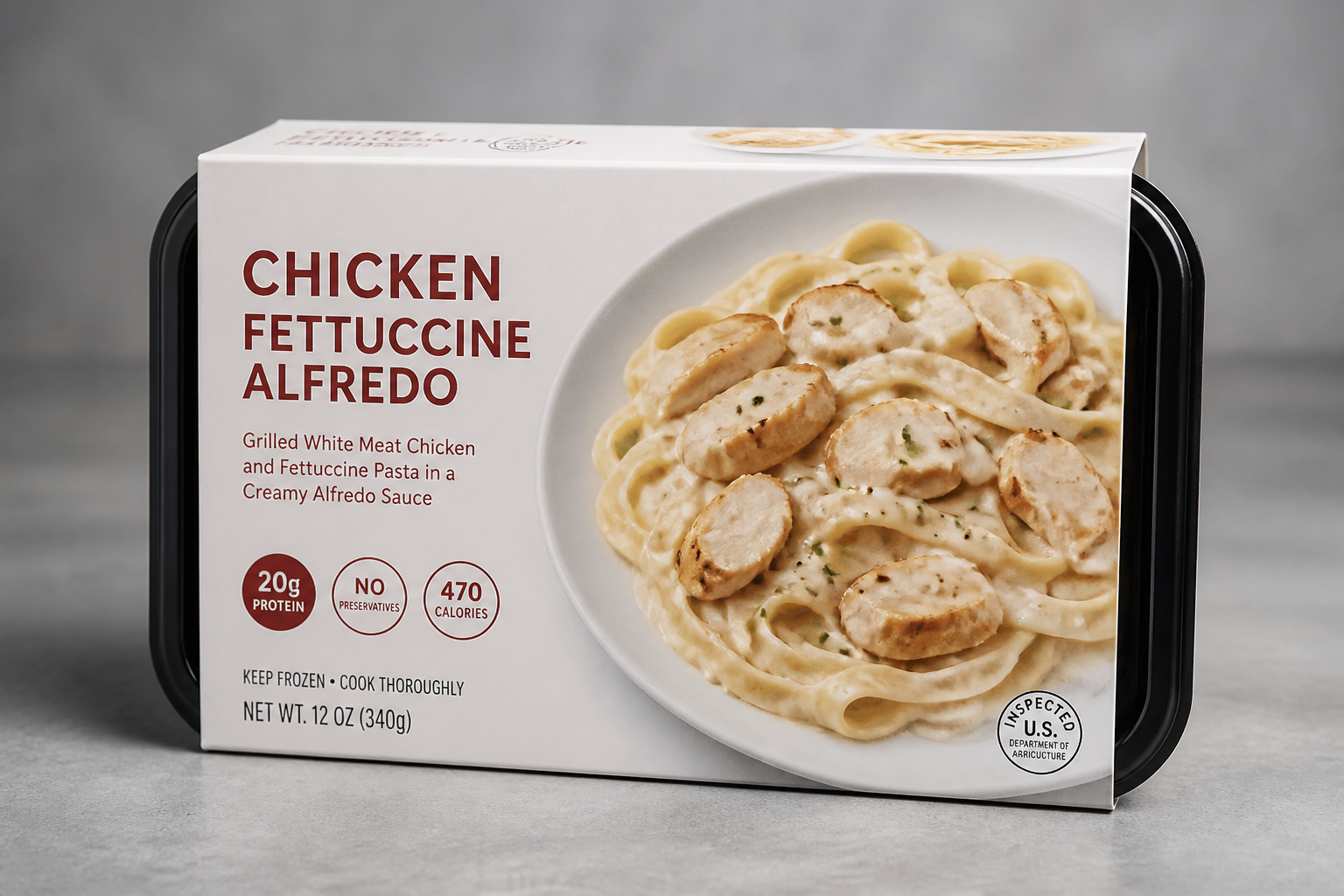 BEFORE
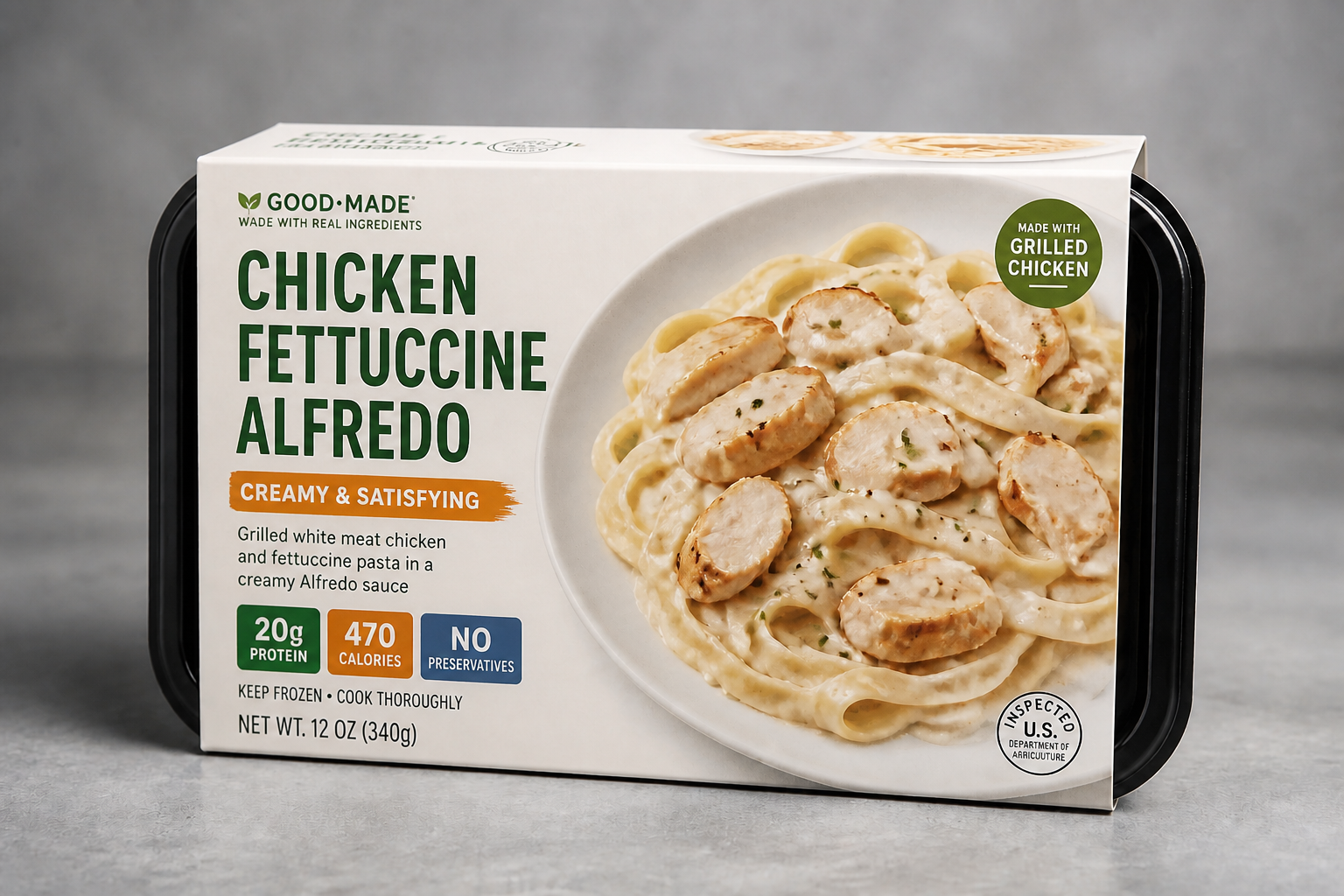 AFTERBEFOREAFTERBEFOREAFTERBEFOREAFTERBEFOREAFTERBEFOREAFTER
Key Features
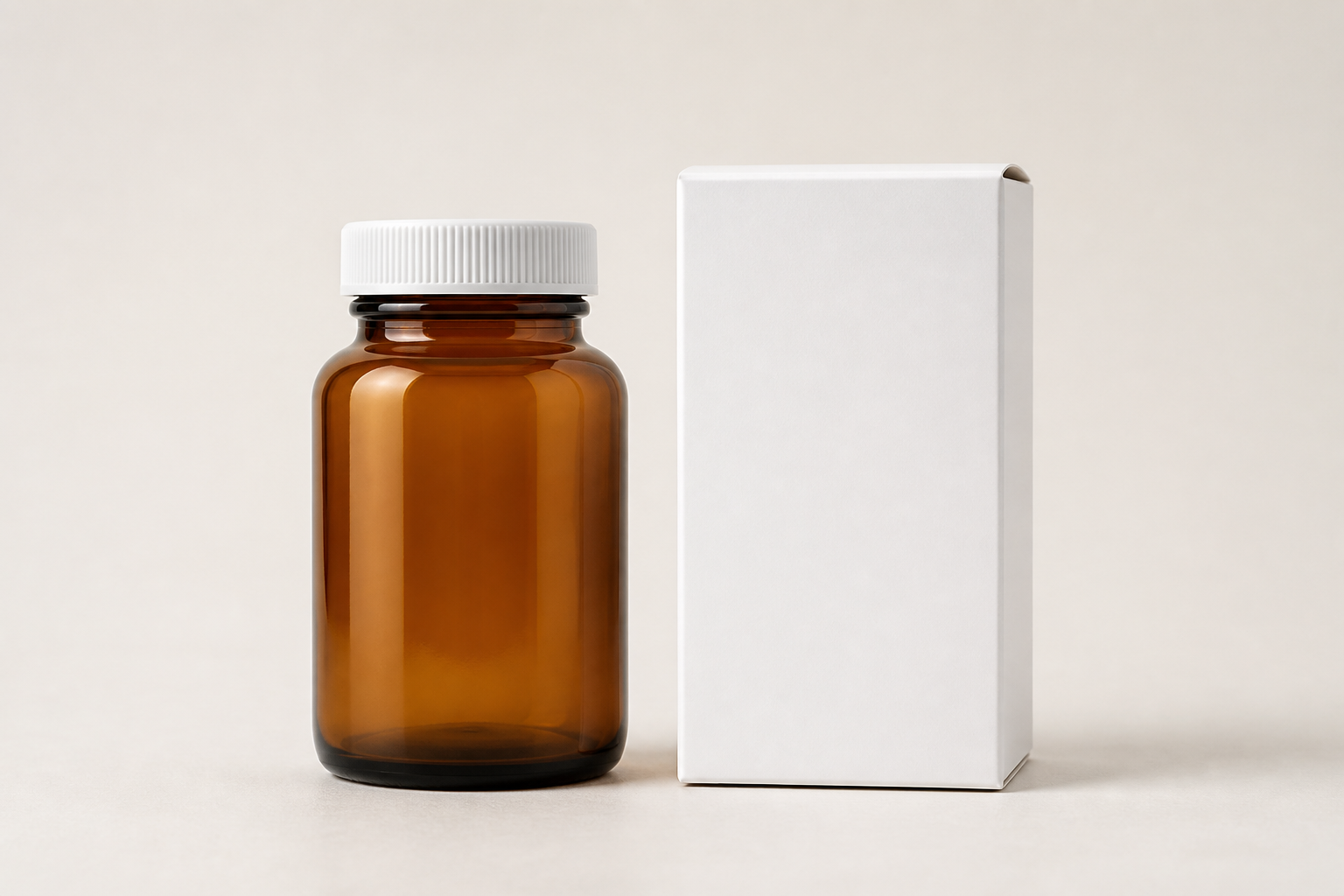
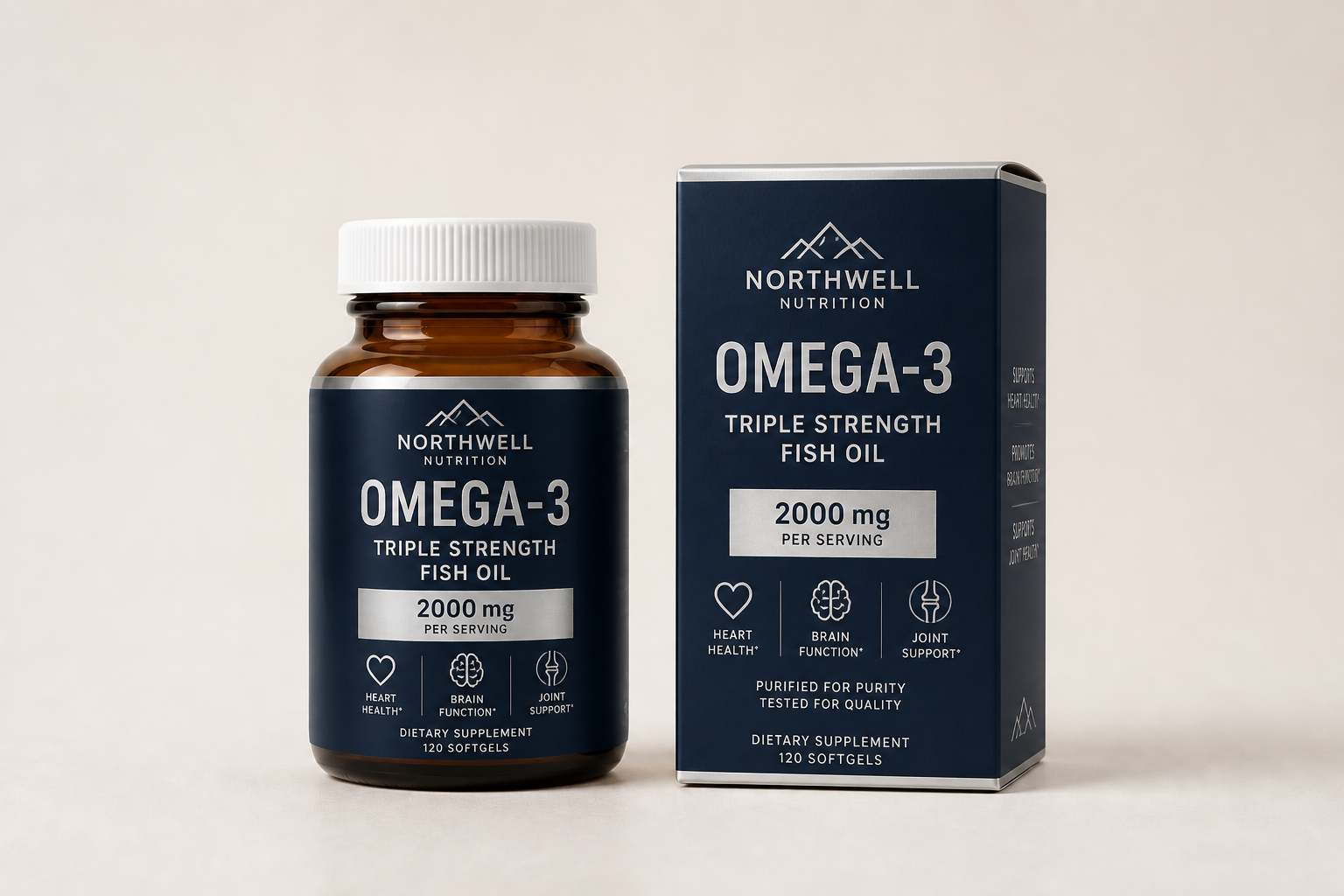
Fits real package shapes
The edit stays anchored to the original box, bottle, pouch, or can instead of inventing a new product form. That makes the result useful for mockups, internal reviews, and quick concept tests. You can explore different branding directions without rebuilding the package from scratch. It is much faster than manually compositing labels onto every angle.
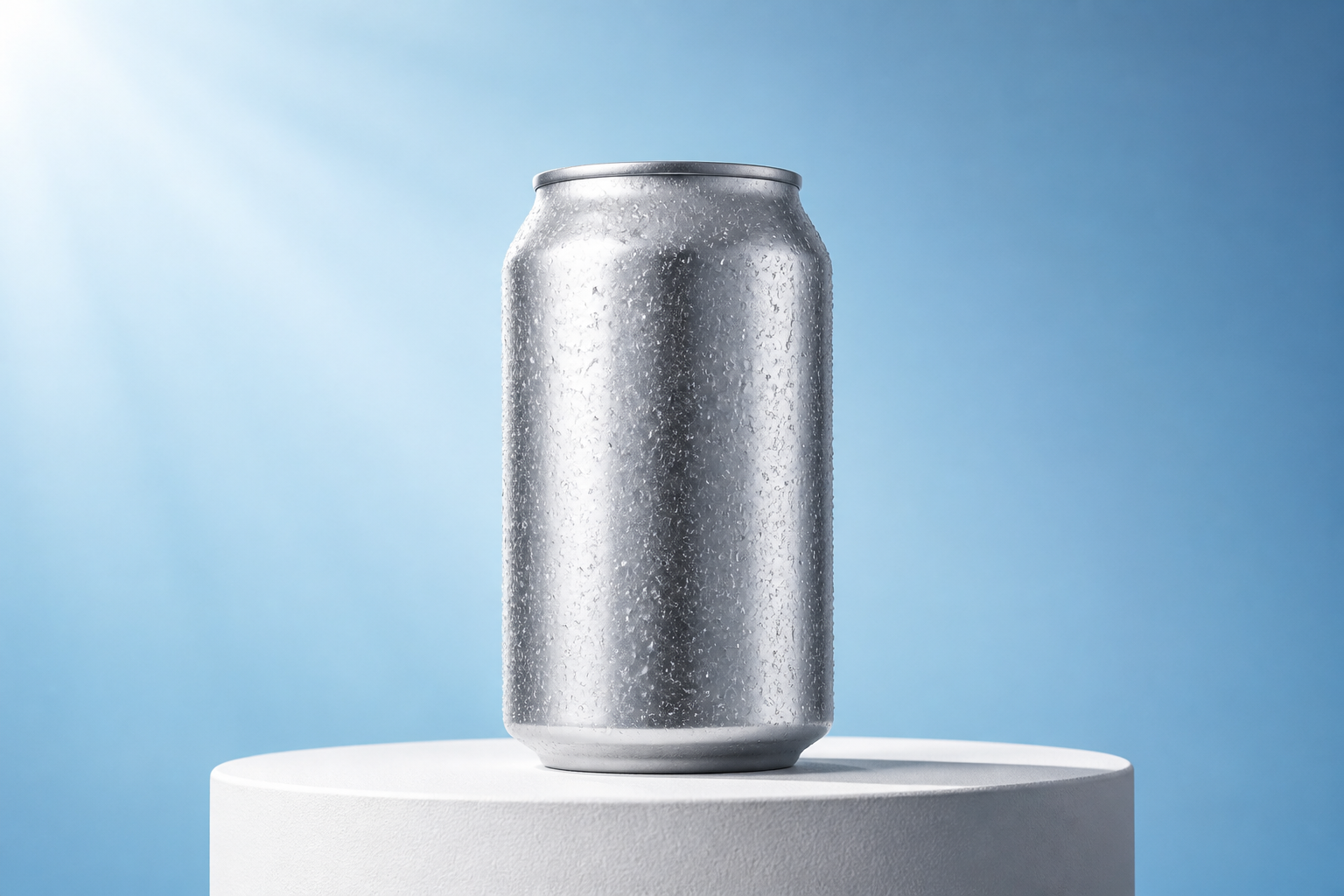
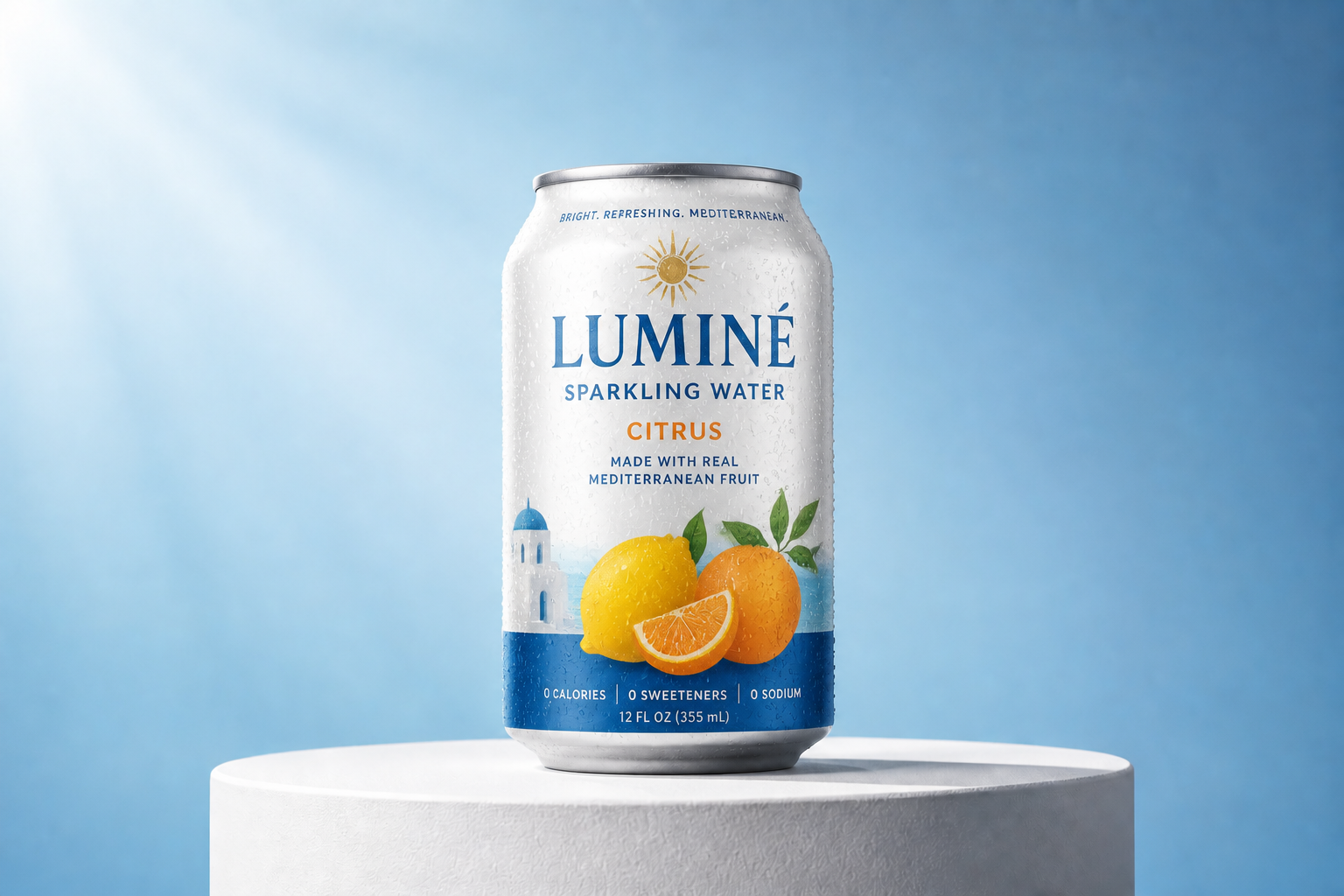
Explore multiple brand directions
You can test minimalist, playful, luxury, organic, or bold retail looks from the same starting mockup. That helps teams compare visual routes before spending time on detailed production files. The change is easy to read because the product setup remains consistent between versions. It is a practical way to review creative options side by side.
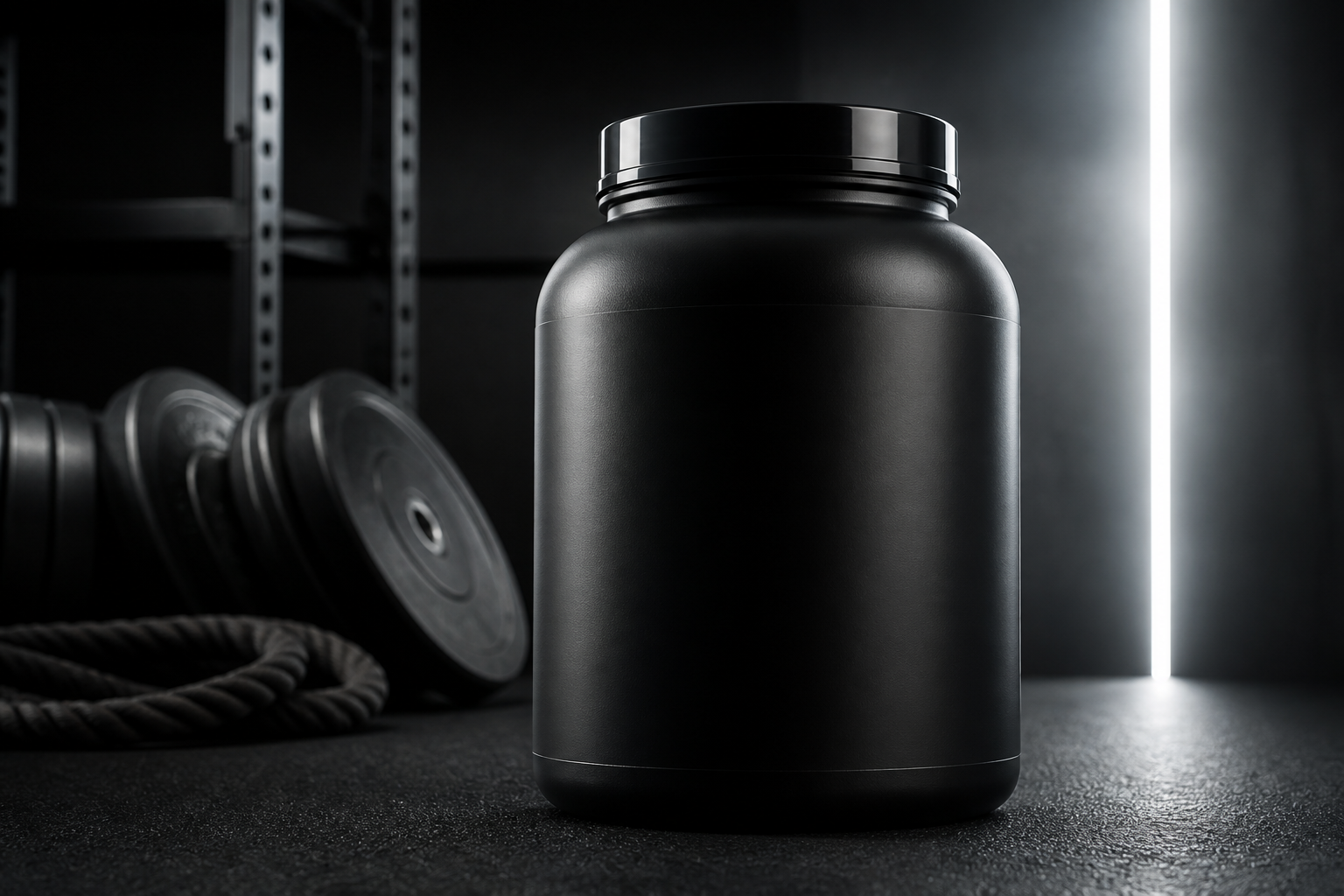
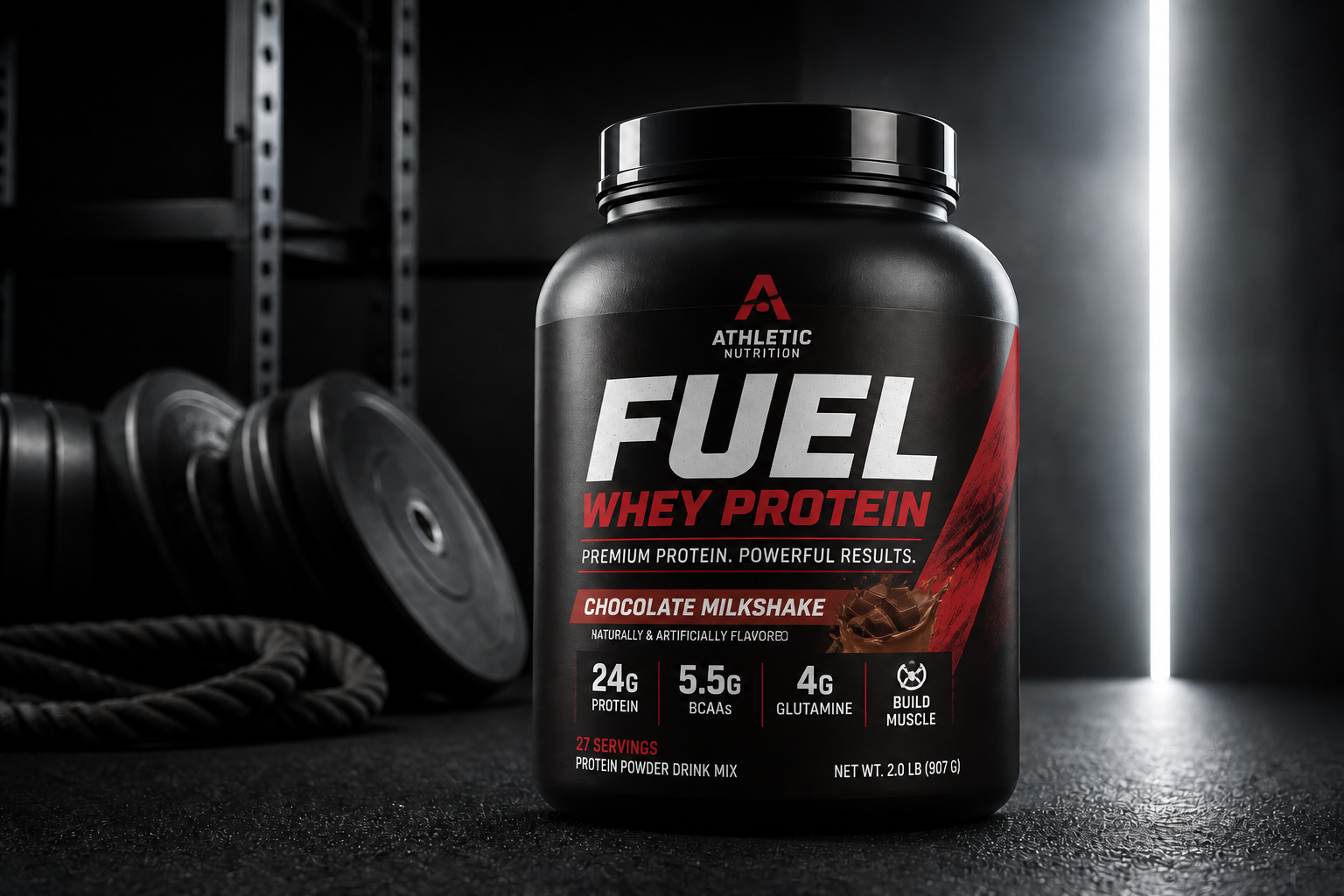
Clear labels and hierarchy
Good packaging needs more than decoration. Our AI can generate layouts with readable product names, supporting text zones, badges, and visual hierarchy that feel like real retail concepts. This makes rough ideas easier to present to clients or teammates. It saves time compared with sketching every label structure by hand.
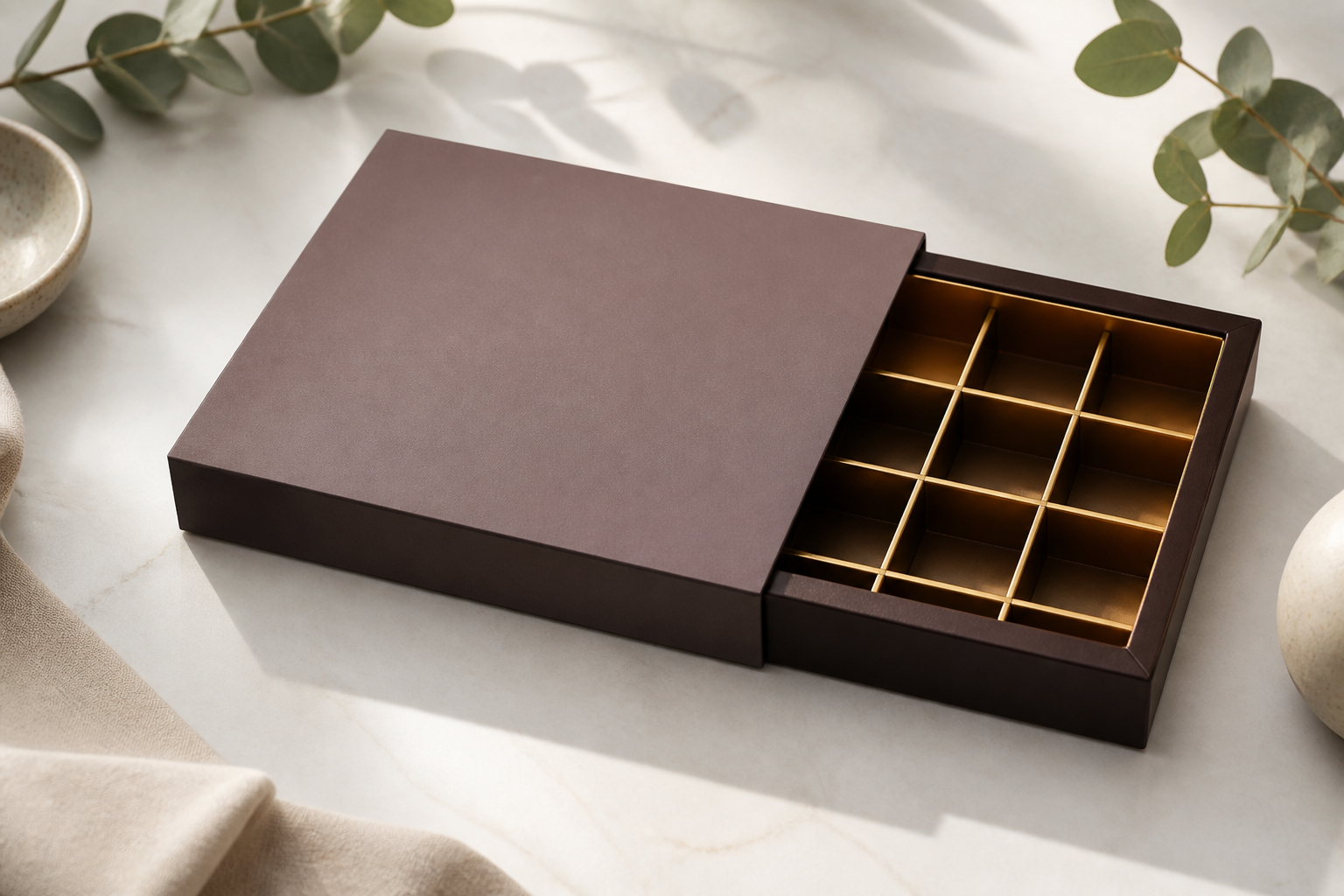
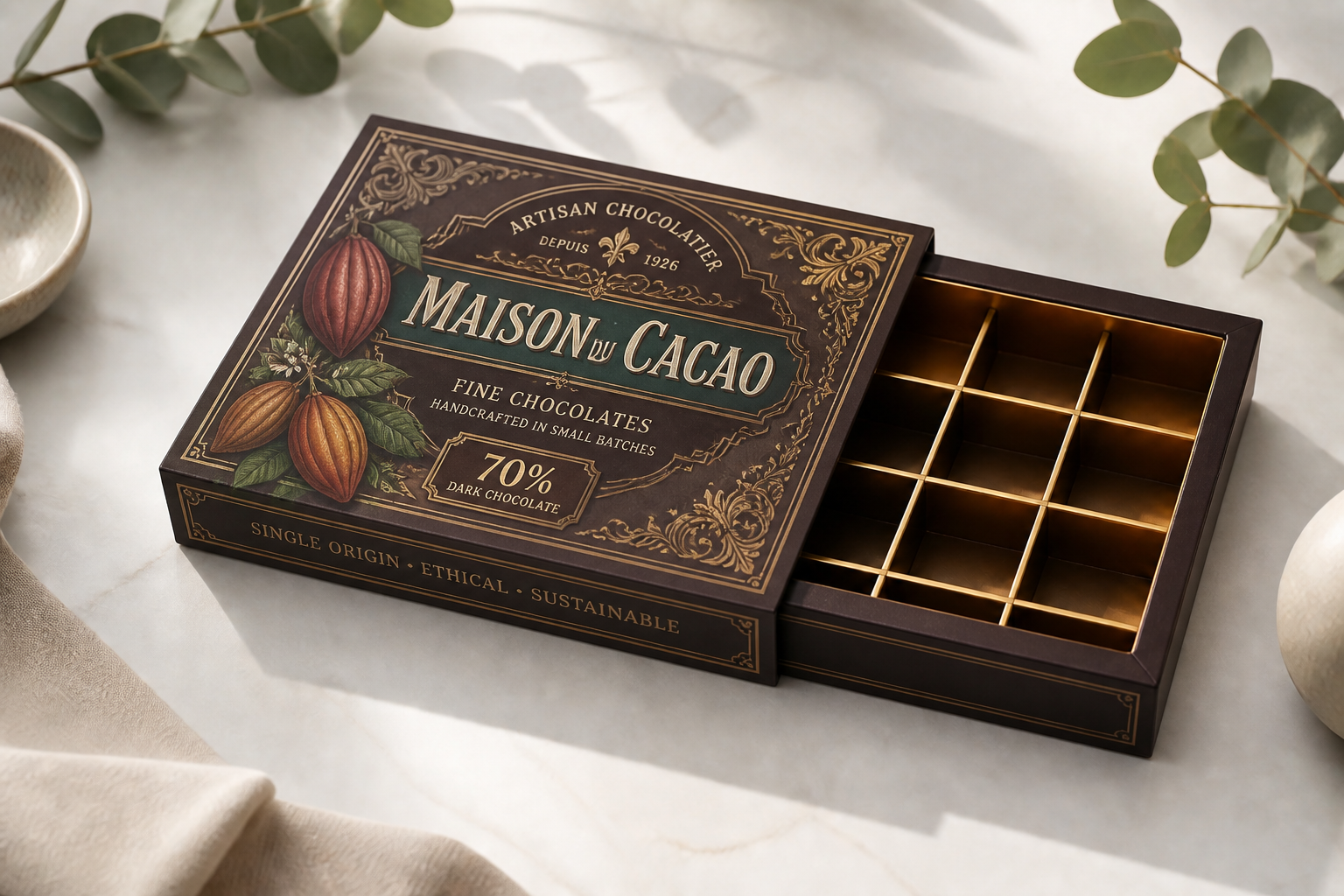
Works across visual styles
Packaging is not limited to one look. You can generate polished commercial designs, hand-painted gift packaging, or stylized concepts for pitches and moodboards. That range is useful when a product line needs distinct audiences or seasonal editions. It also helps creative teams move from rough inspiration to a visual direction quickly.
How It Works
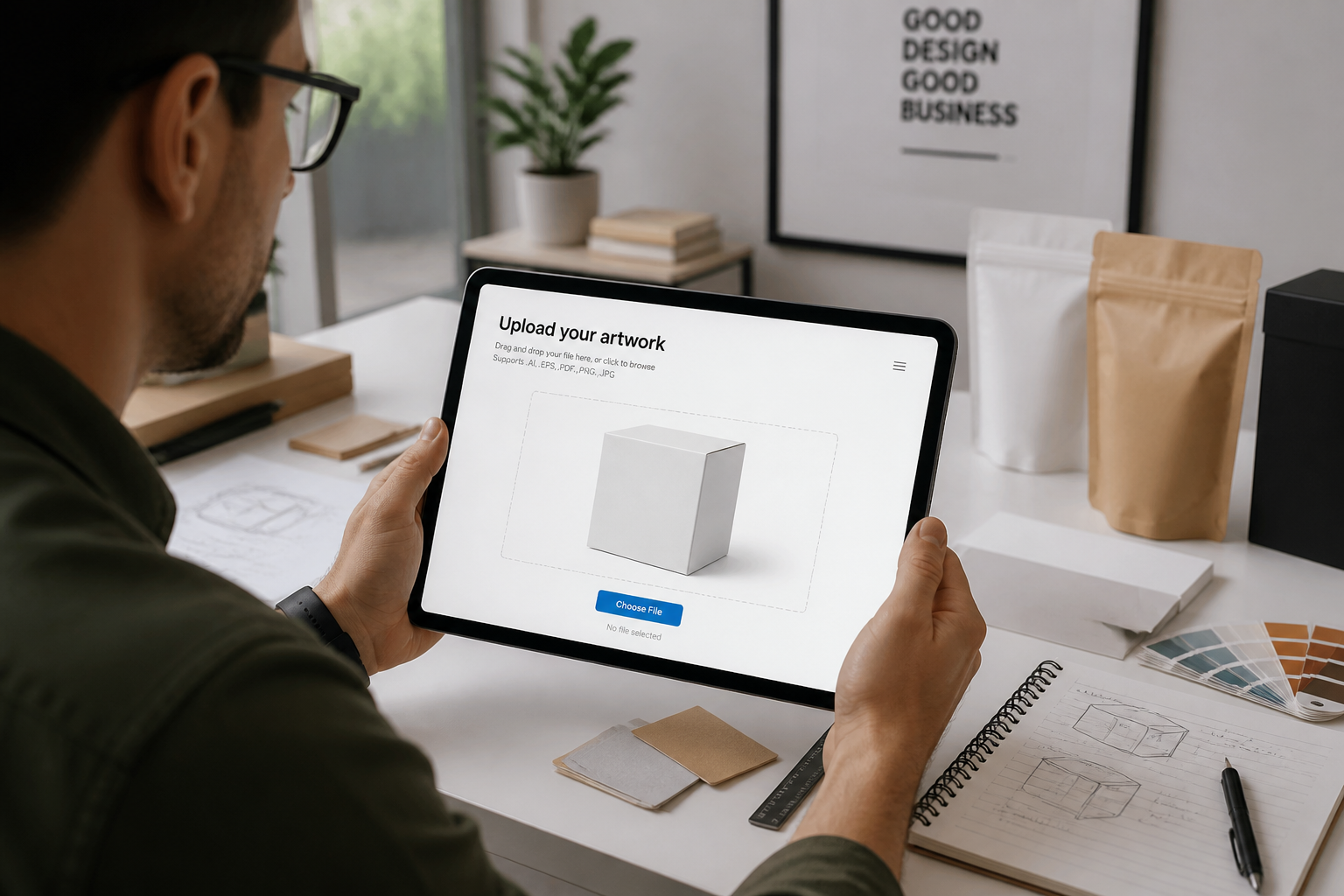
Upload your package mockup
Start with a clear image of your box, pouch, bottle, can, or jar. Plain studio shots work best because the package shape and angles are easy to preserve.
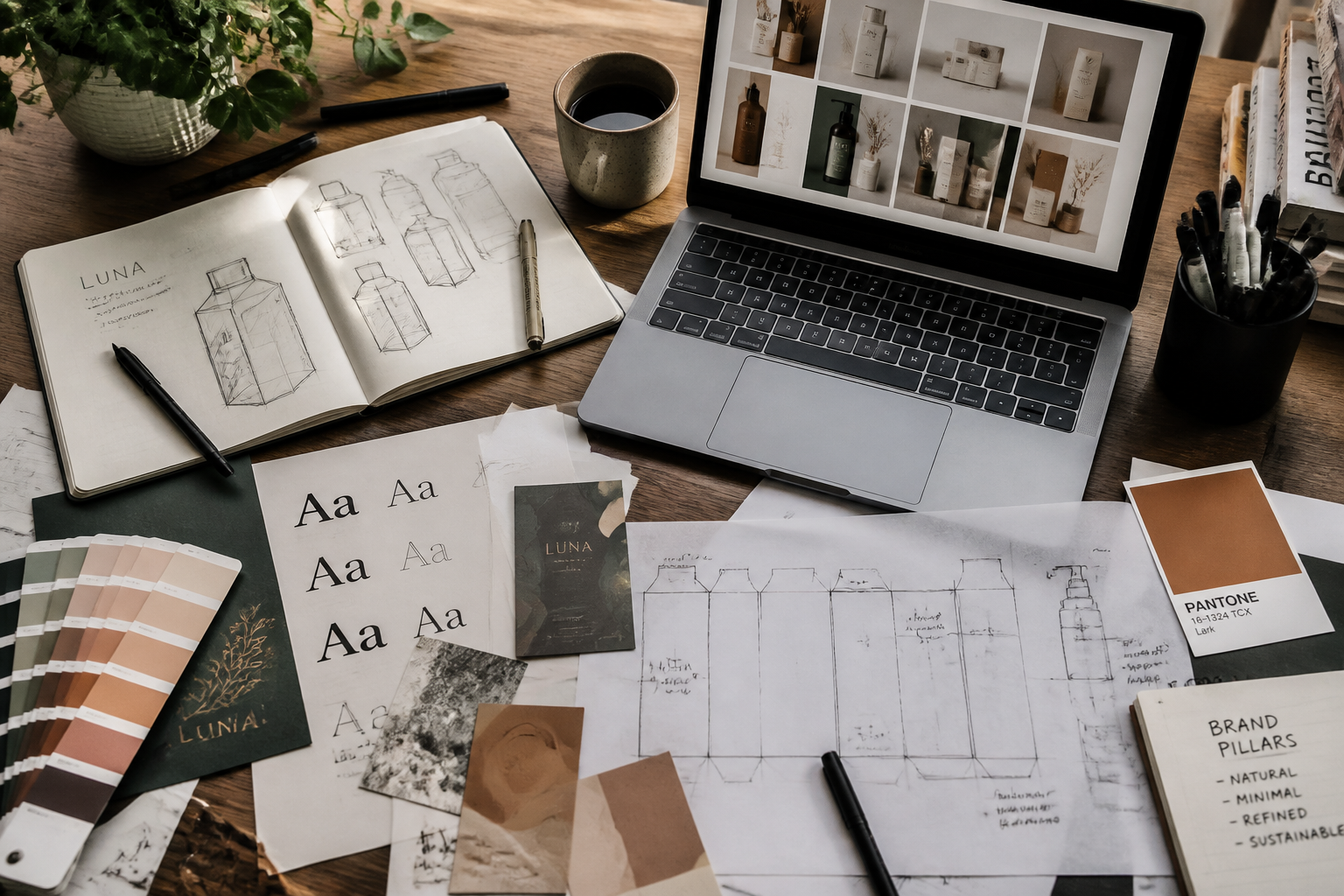
Describe the packaging style
Tell the AI what direction you want, such as minimalist skincare, bold snack branding, or luxury gift packaging. You can mention colors, typography mood, category cues, and finish details.
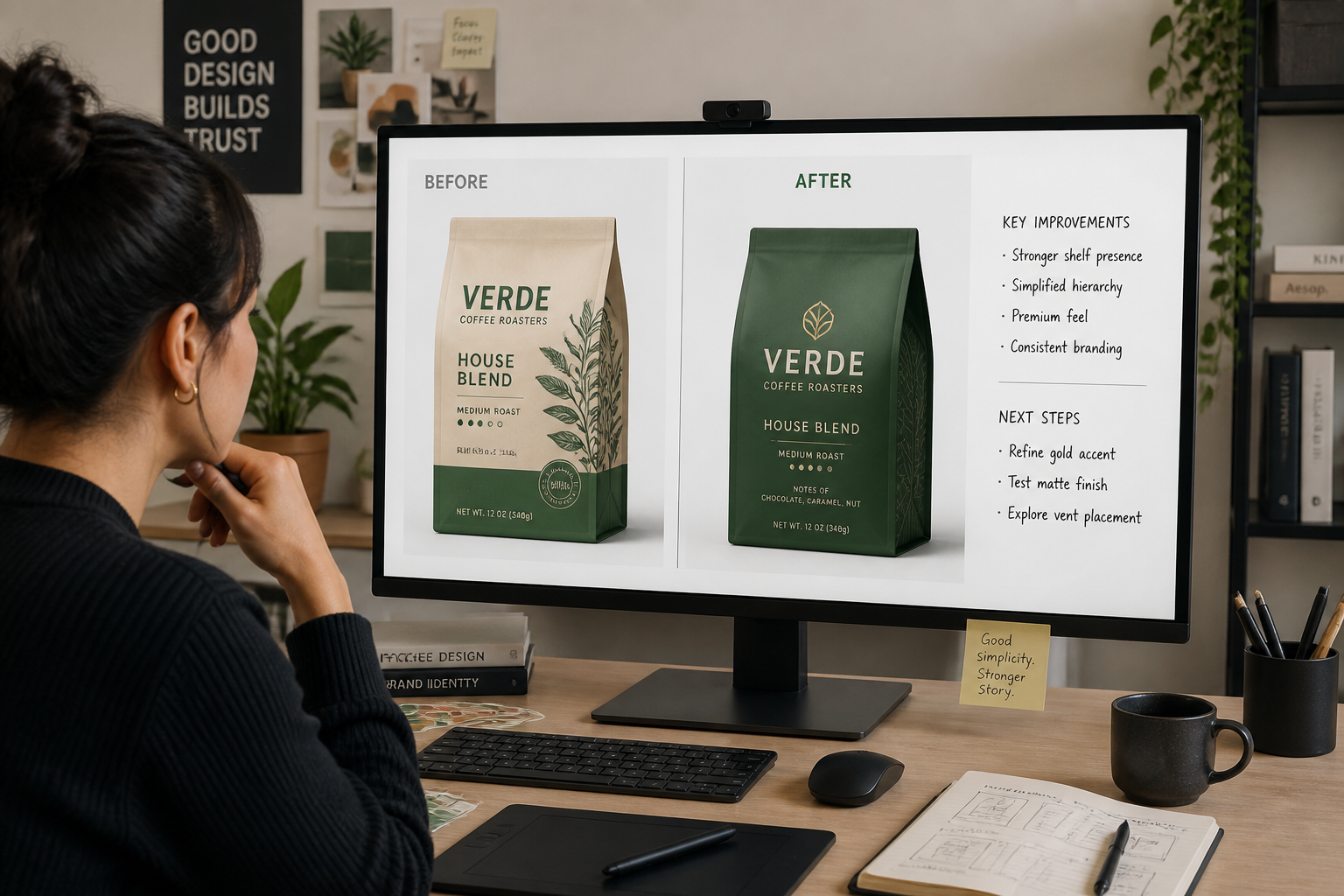
Compare and refine concepts
Review the generated design on the same package setup so changes are easy to judge. Then rerun with new prompts to explore alternate branding directions quickly.
Perfect For
Discover how creators and professionals use ai packaging design generator
Early-stage concepting
Turn rough product ideas into visual packaging directions for internal review before full design production starts.
Client presentation mockups
Show branded packaging concepts on realistic product forms instead of presenting flat moodboards alone.
Line extension exploration
Test how new flavors, scents, or variants could look across an existing product family.
Marketplace listing visuals
Create polished package concepts for pitch decks, ecommerce planning, or shelf-style product previews.
Built For
Brand designers
Generate quick packaging routes for review, pitches, and concept boards without rebuilding every mockup manually.
Founders and small brands
Explore professional-looking package ideas before hiring out a full branding or packaging engagement.
Agencies and freelancers
Speed up packaging ideation when clients want several directions fast and need visuals they can react to.
Why use it for packaging concepts
A quick look at how we compare on the things that matter for this niche.
| Feature | BudgetPixel | Generic AI editors | Manual editing apps |
|---|---|---|---|
| Applies design to existing package mockups | ✓ | — | ✓ |
| Fast style exploration | ✓ | ✓ | — |
| Consistent before/after comparison | ✓ | — | ✓ |
| Useful for concept presentations | ✓ | ✓ | ✓ |
| Manual layout work required | Low | Medium | High |
Frequently Asked Questions
What kinds of packaging can I edit?
Can it keep the original package shape?
Is this meant for final print-ready files?
Can I generate different brand styles from one mockup?
Do I need design experience to use it?
Create together.
Share your creations, discover trending AI art, and grow with fellow creators.





















Ready to Try AI Packaging Design Generator?
Get started for free. No credit card required.
Try it Free