AI Product Drink Image Generator
Turn simple drink photos into clean, campaign-ready product images.
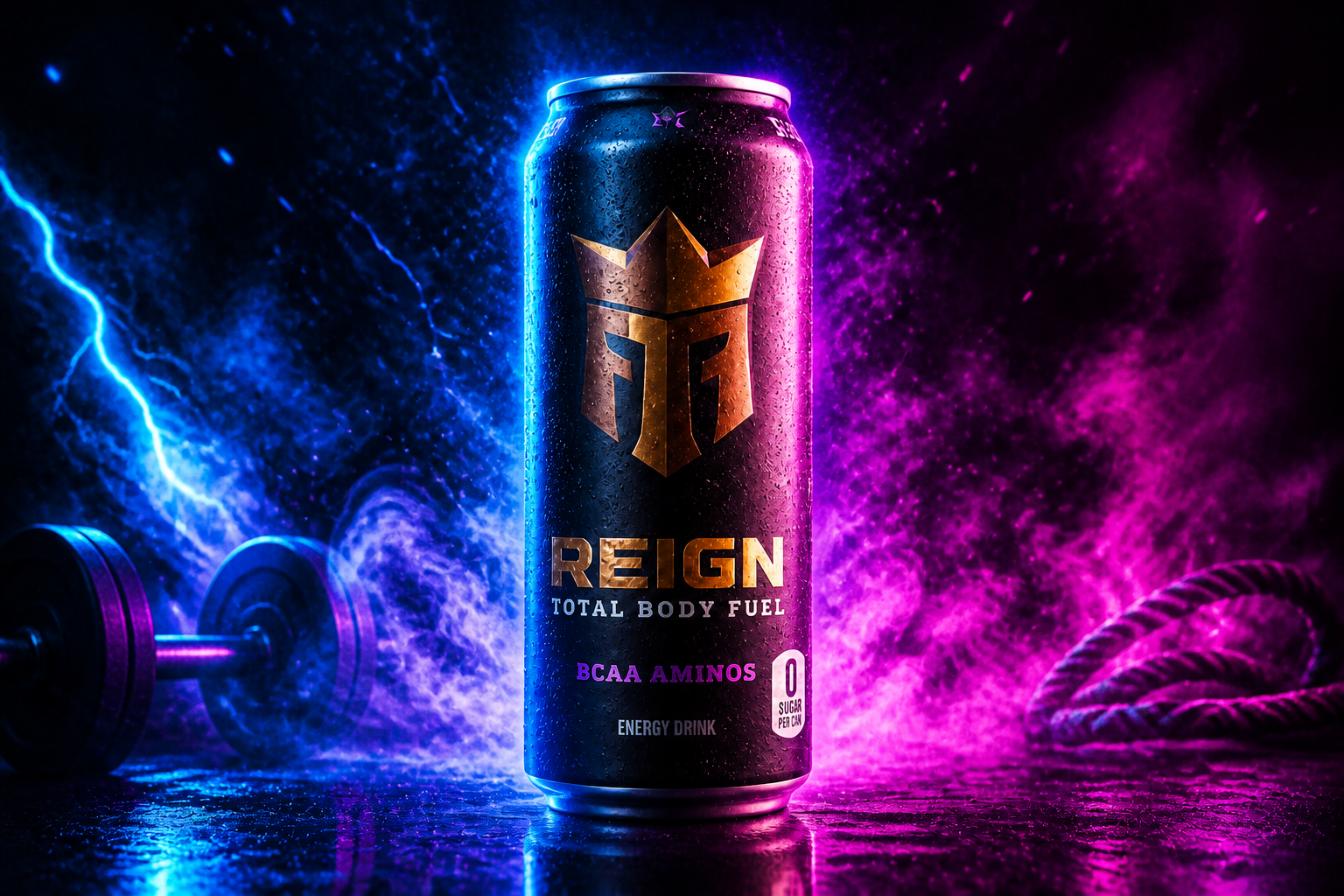
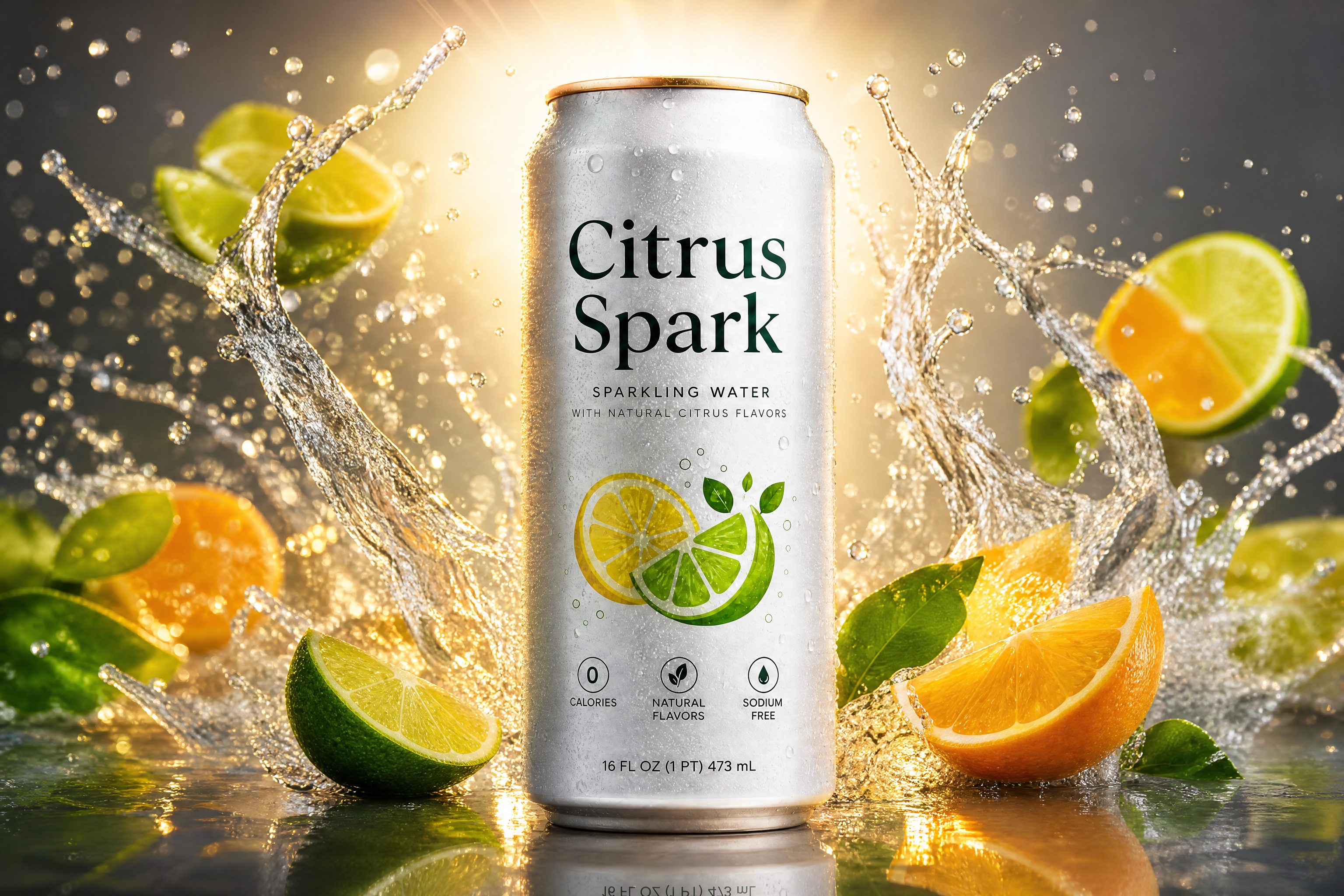
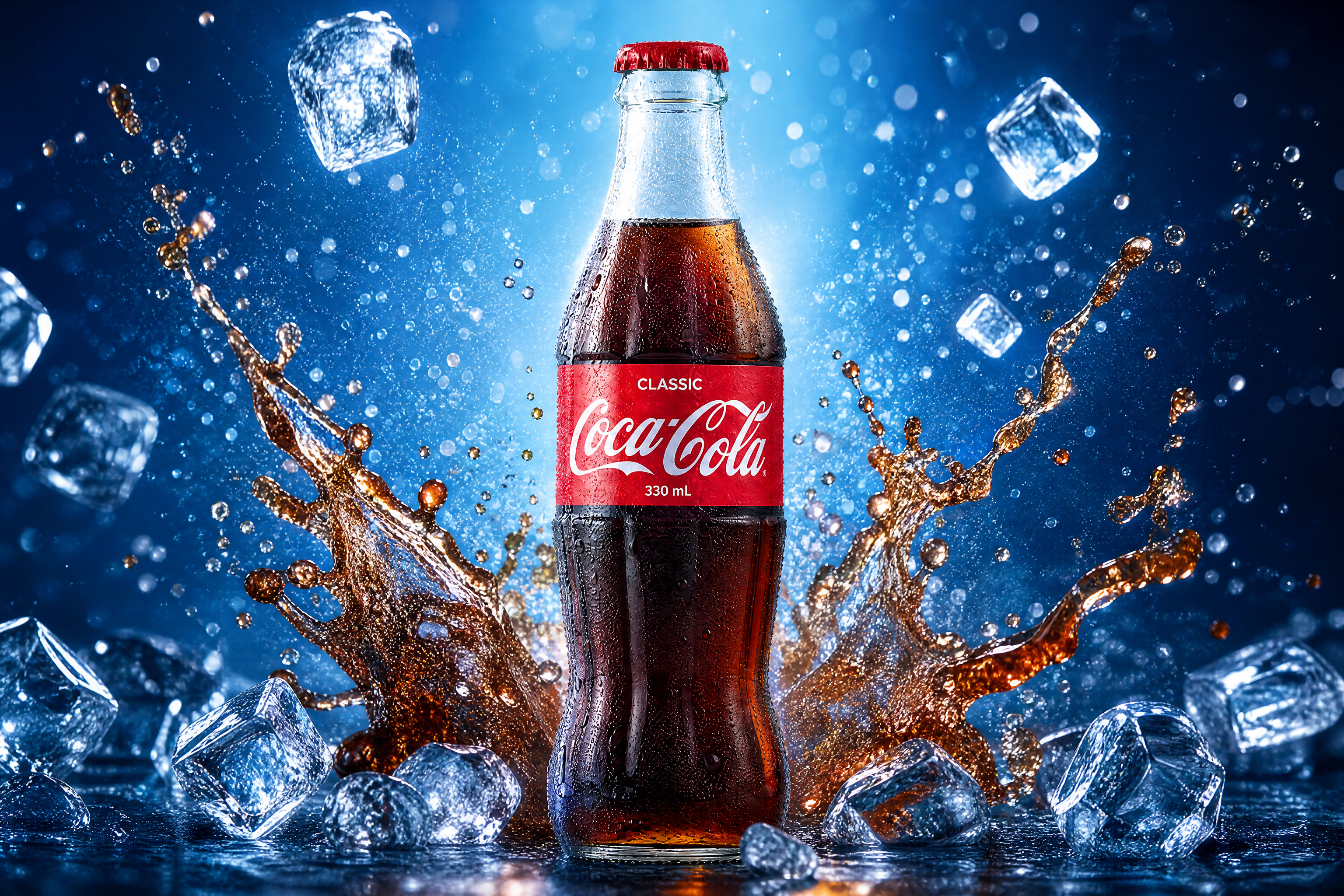
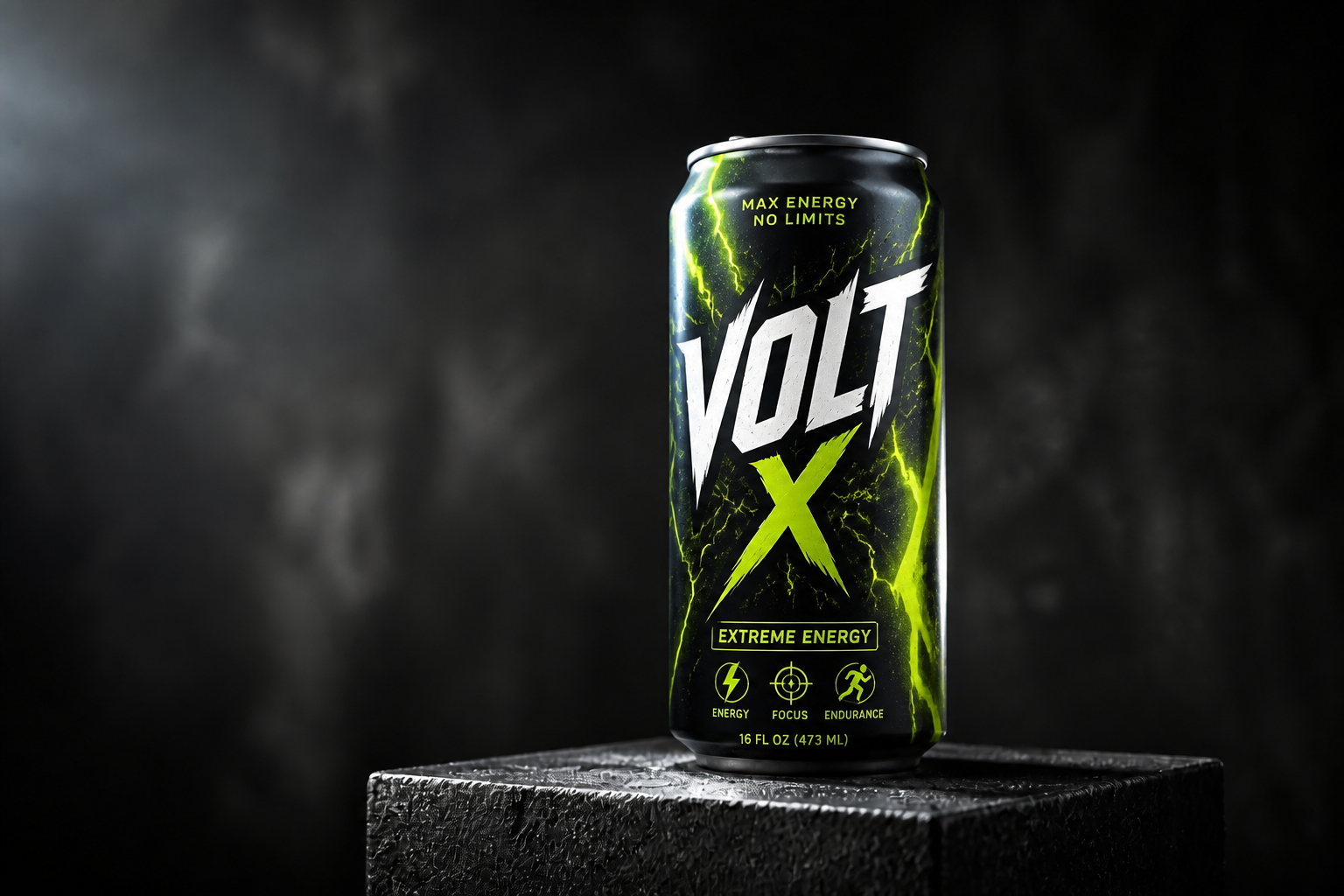
Upload a drink photo and generate a sharper, more styled product shot in seconds. Our AI can change the setting, lighting, props, and visual style while keeping the drink as the focus. Use it for ads, ecommerce, menus, and social content without building a full studio setup.
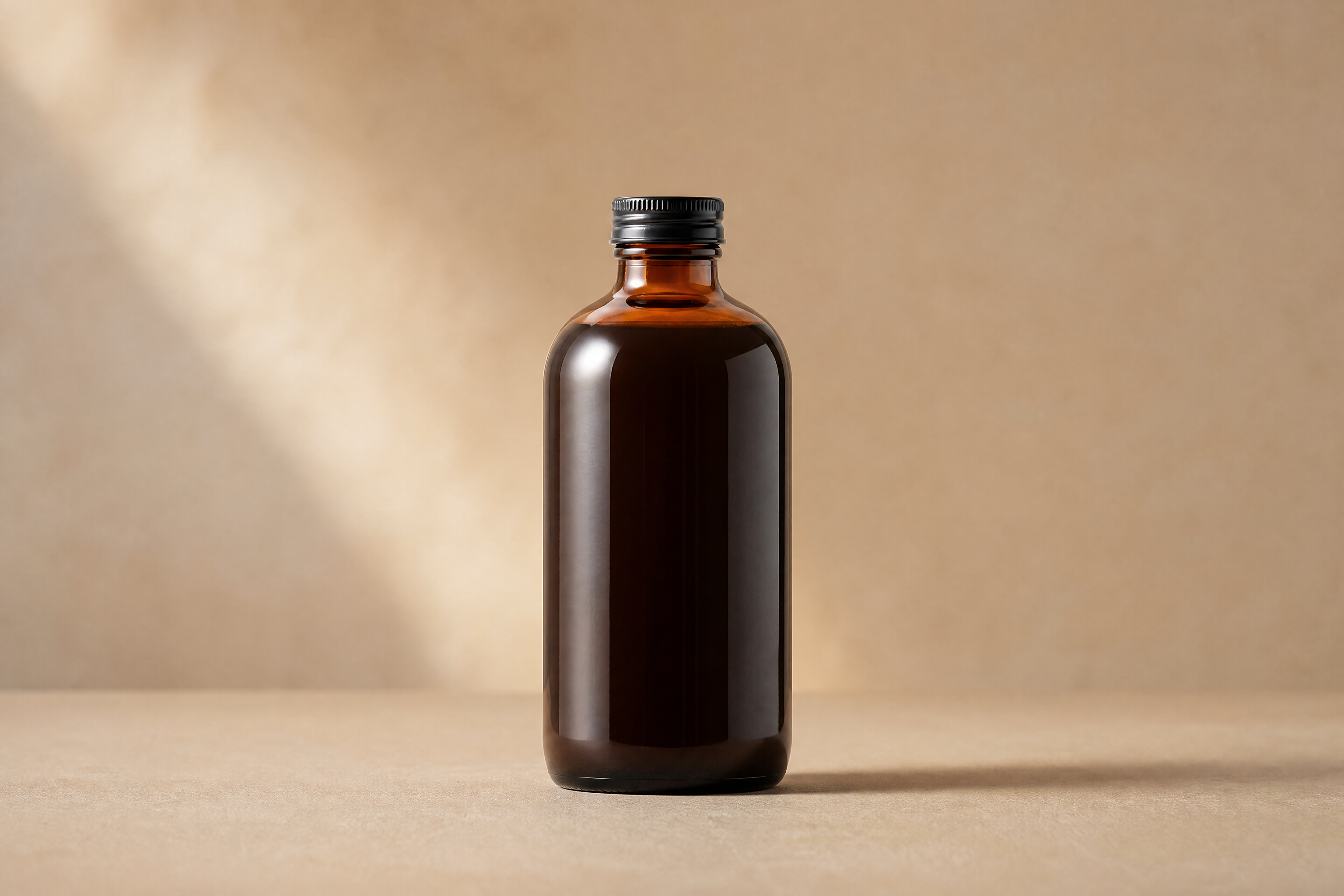
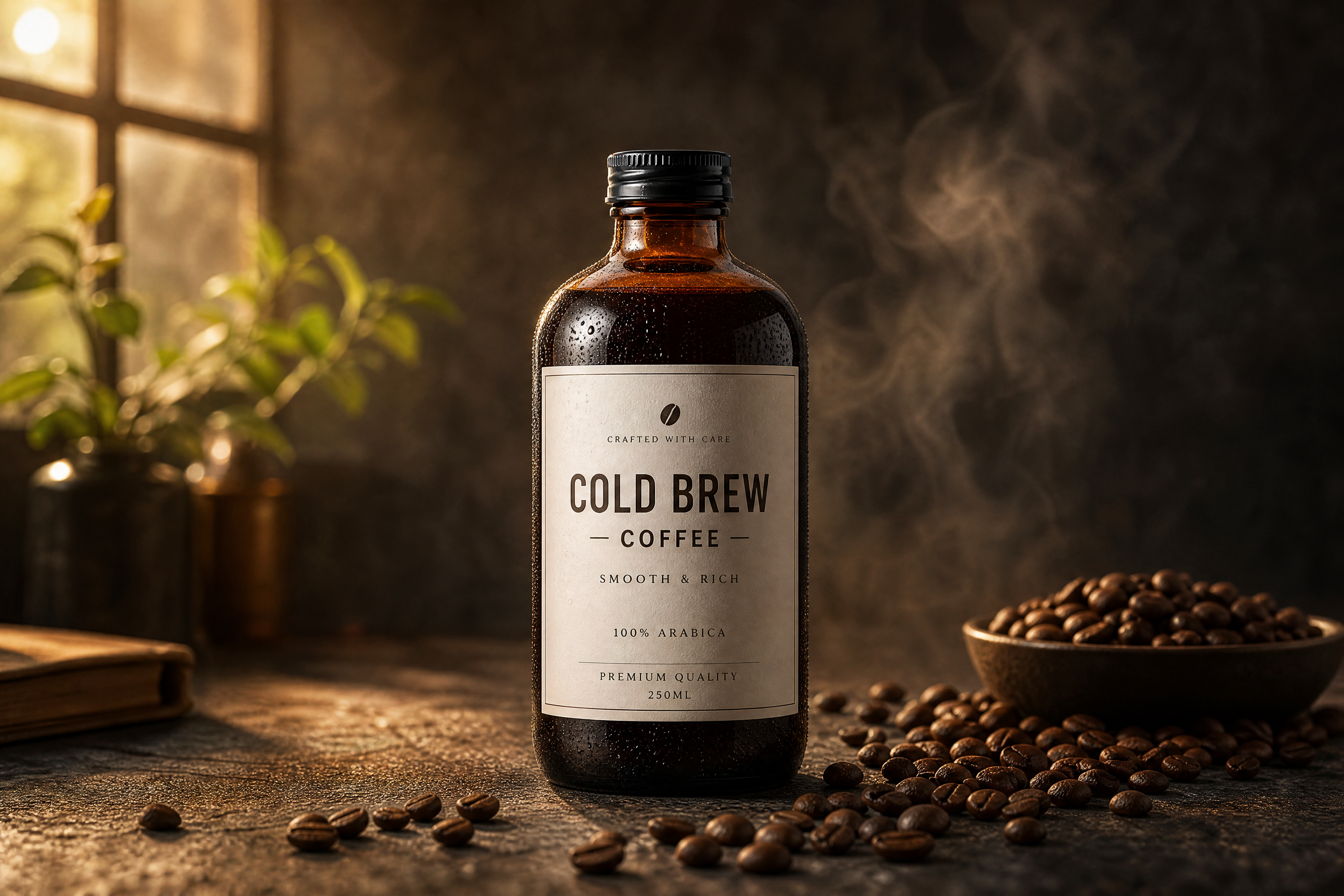
Watch the Transformation
See ai product drink image generator in motion — generated end-to-end by our AI.
See It In Action
Real outputs from ai product drink image generator.
BEFOREAFTER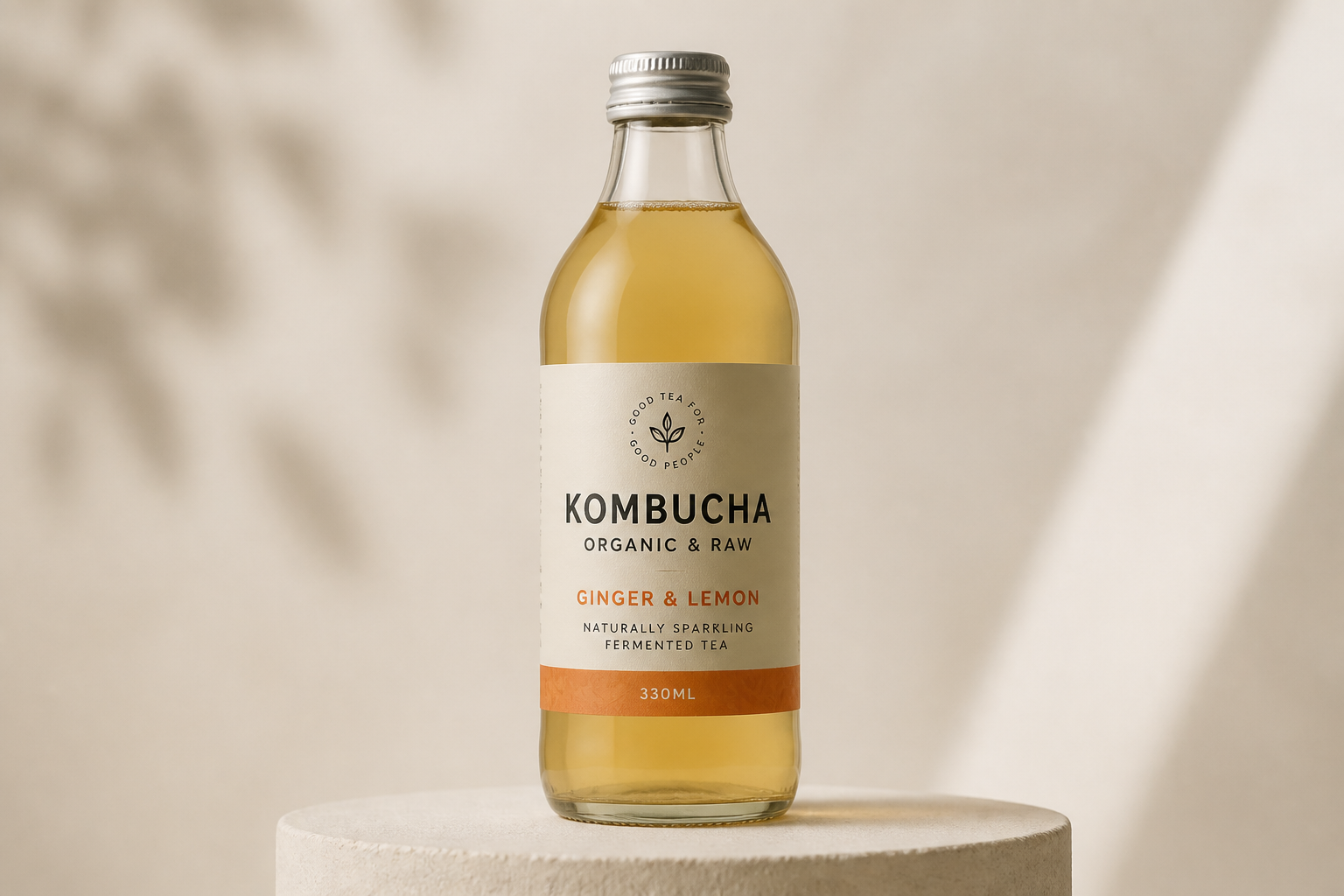 BEFORE
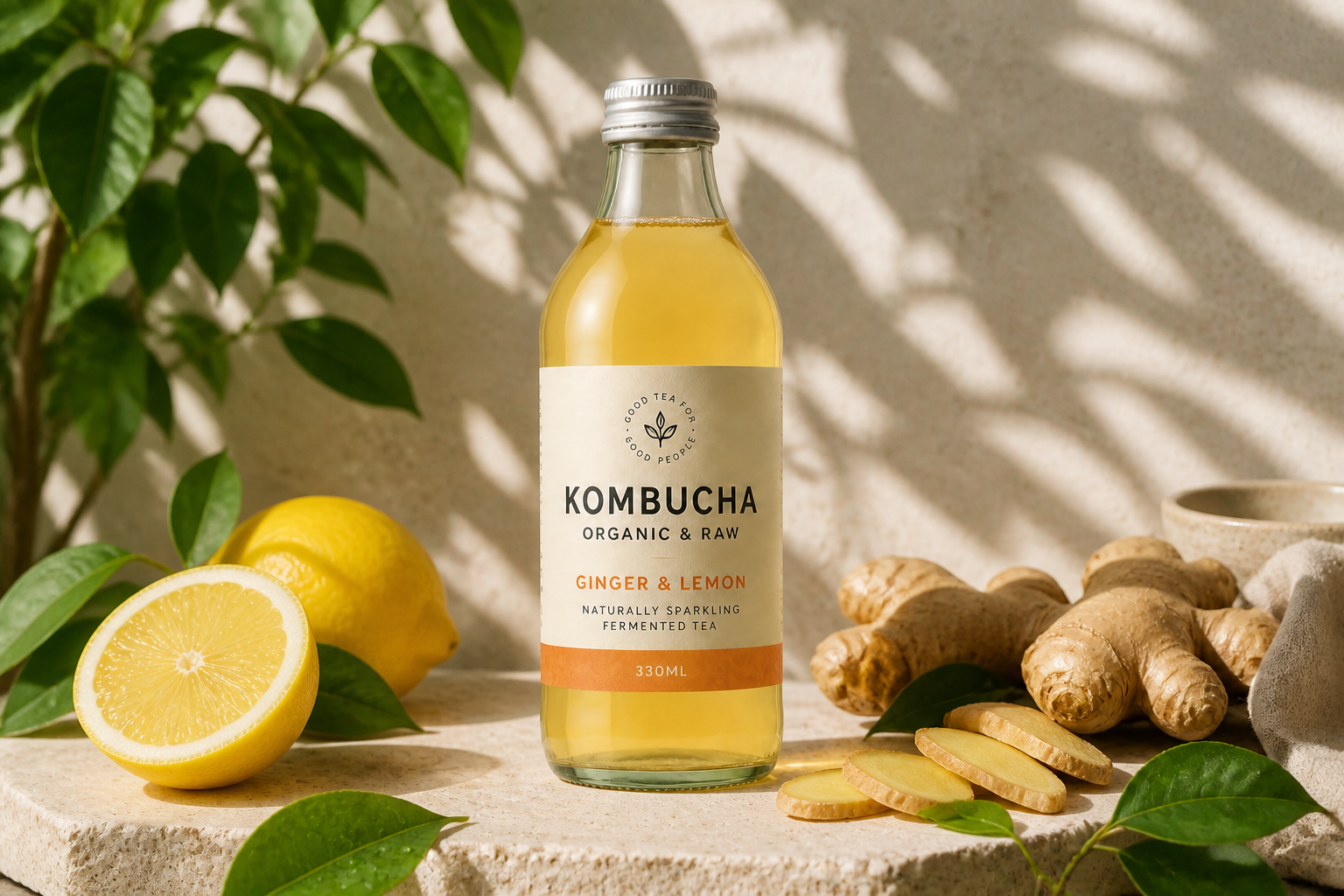 AFTER
AFTER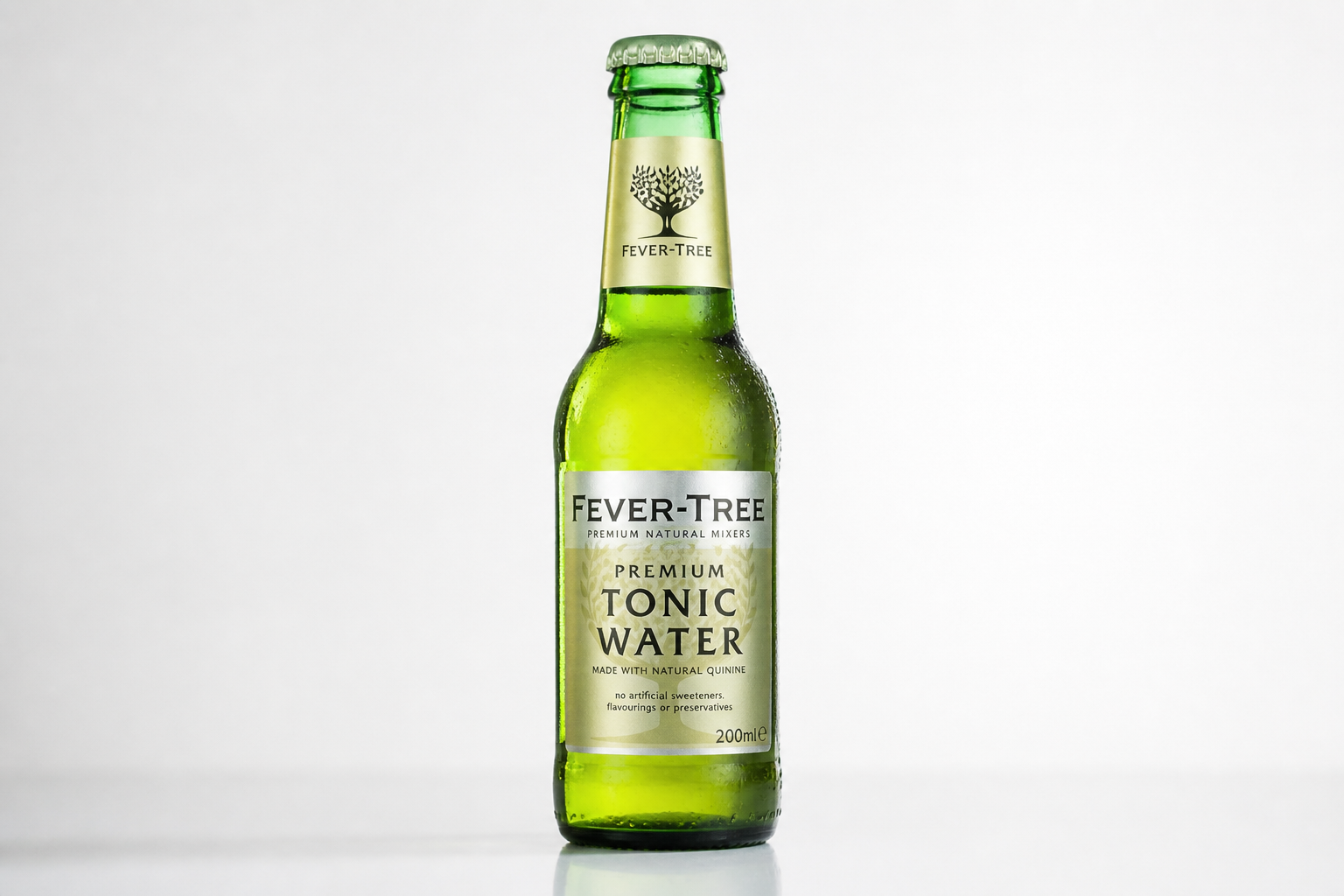 BEFORE
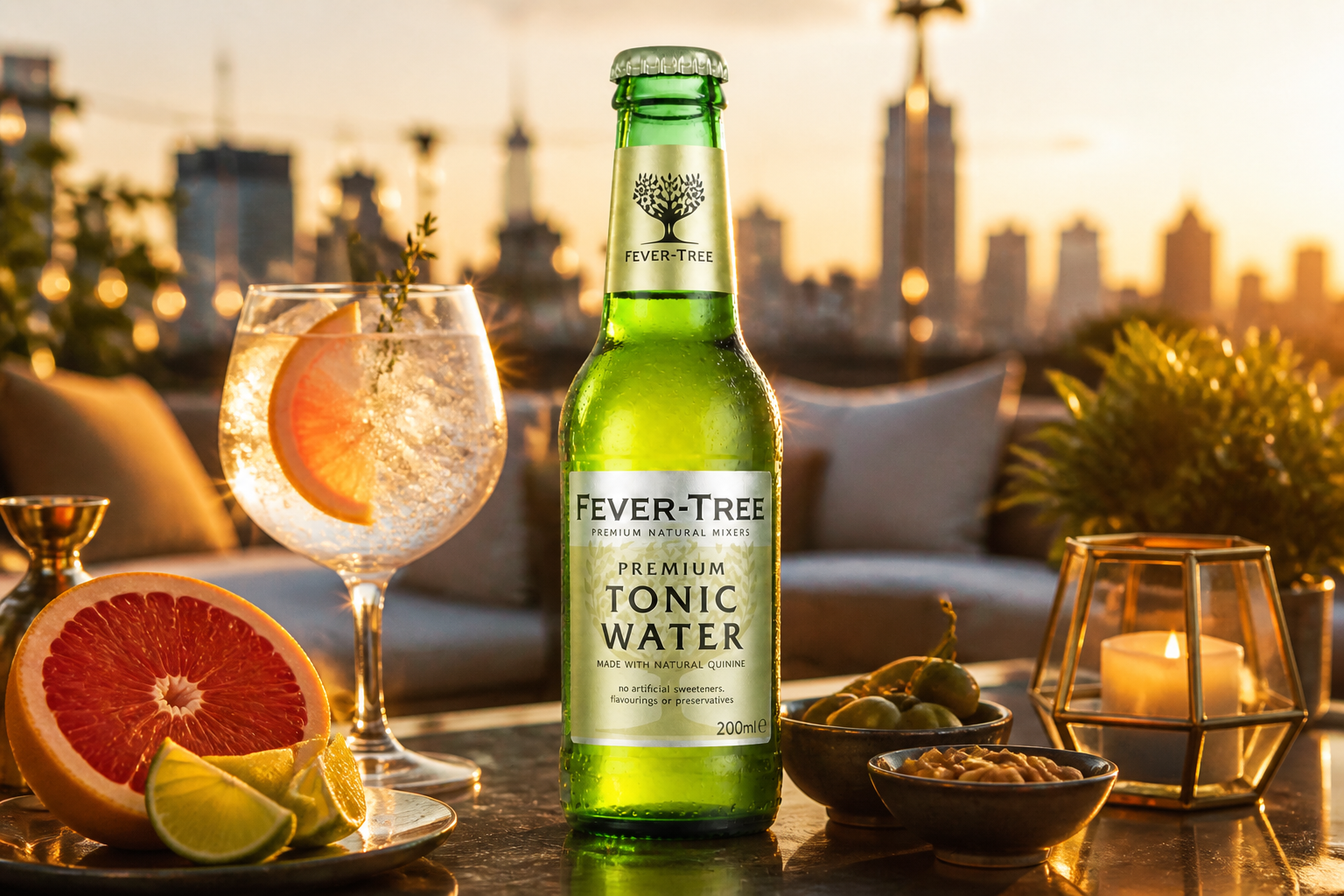 AFTER
AFTER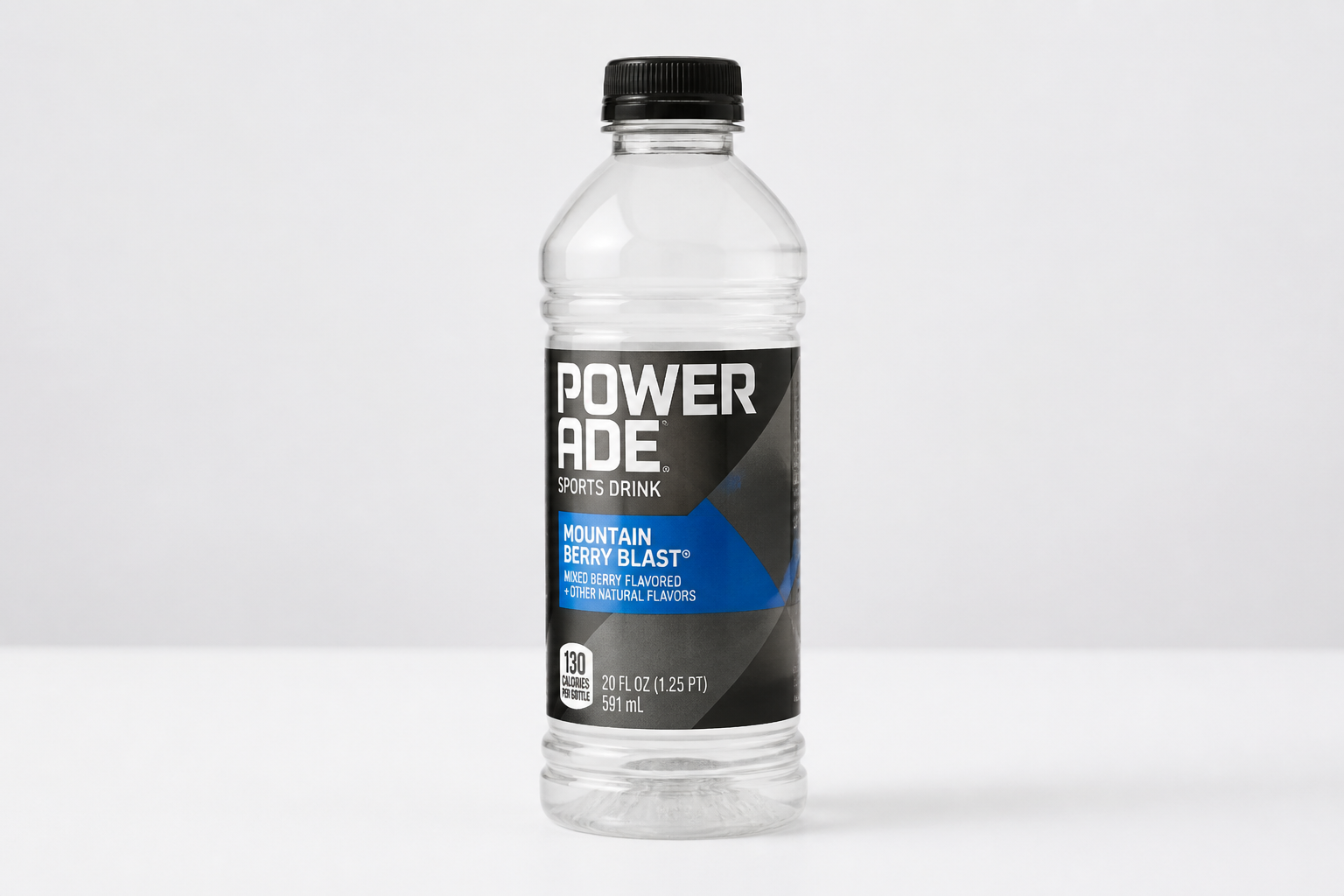 BEFORE
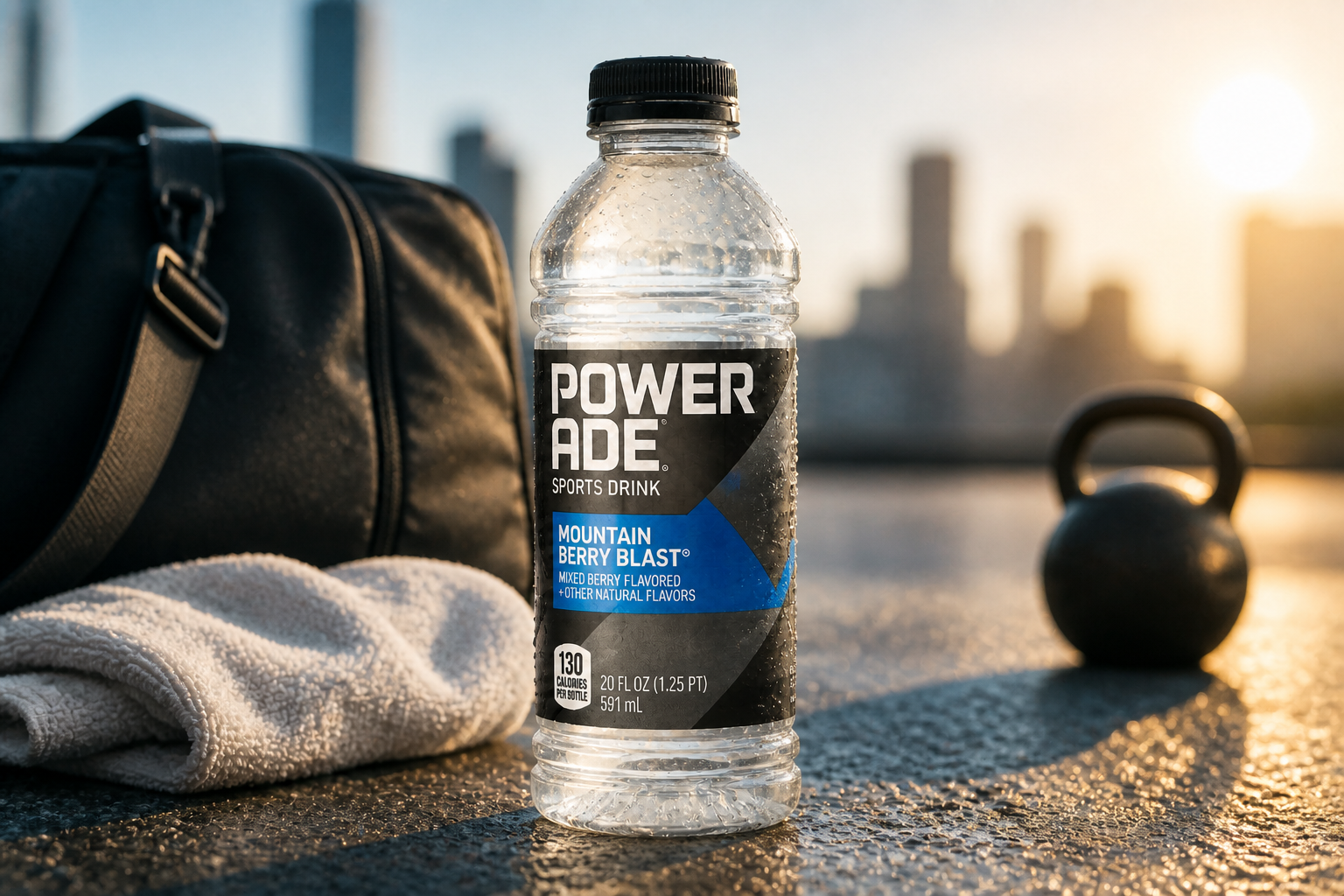 AFTER
AFTER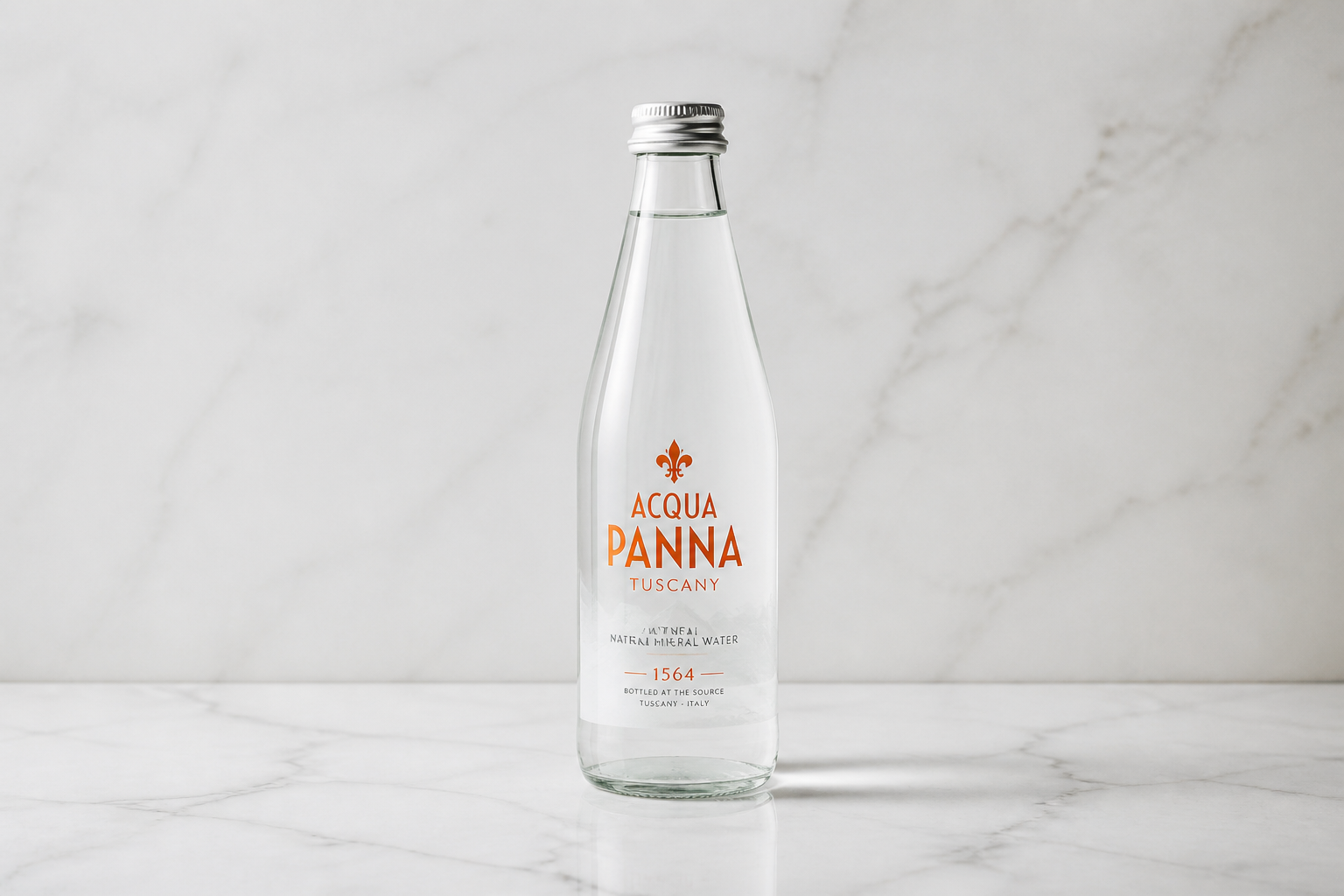 BEFORE
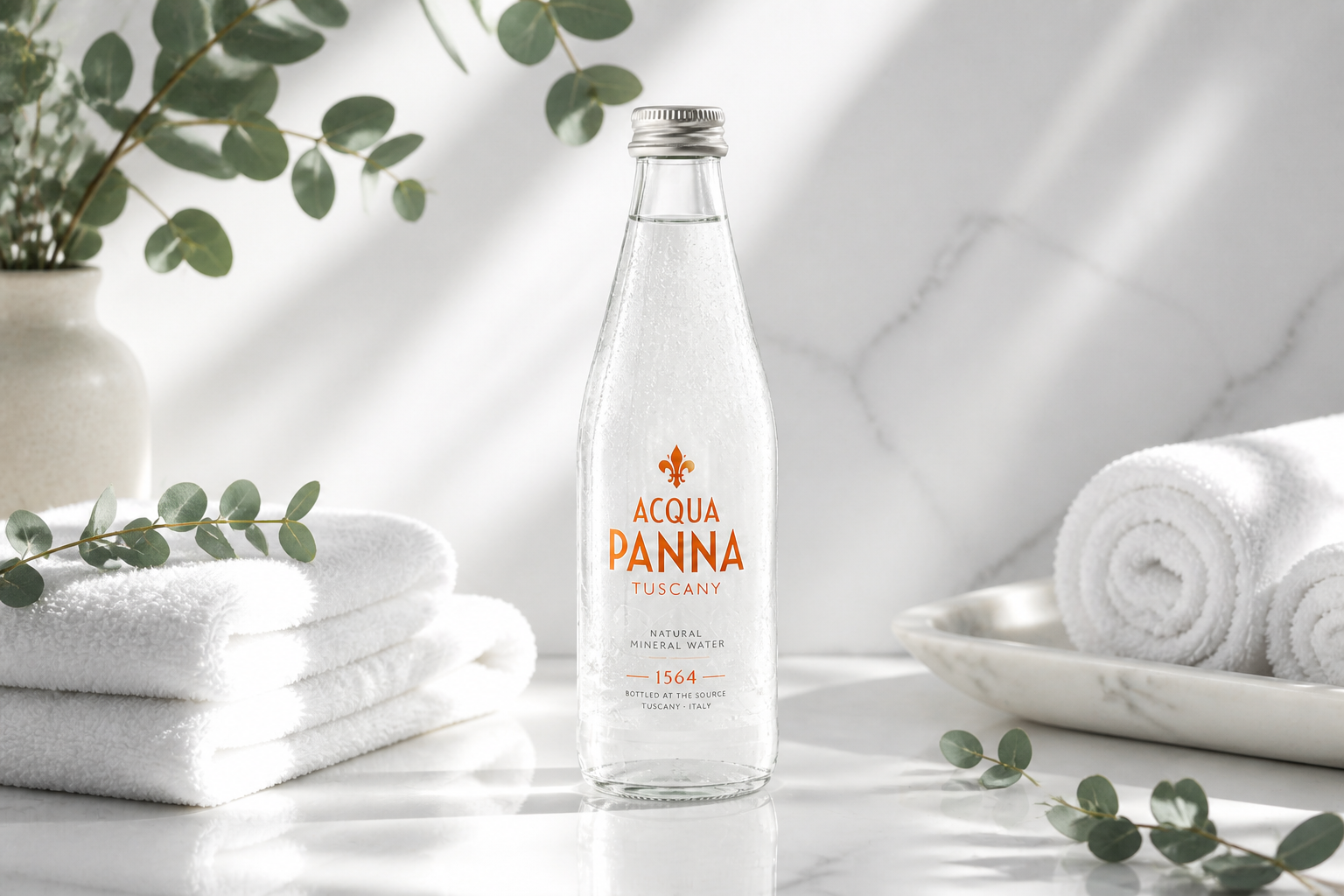 AFTERBEFOREAFTERBEFOREAFTERBEFOREAFTERBEFOREAFTERBEFOREAFTER
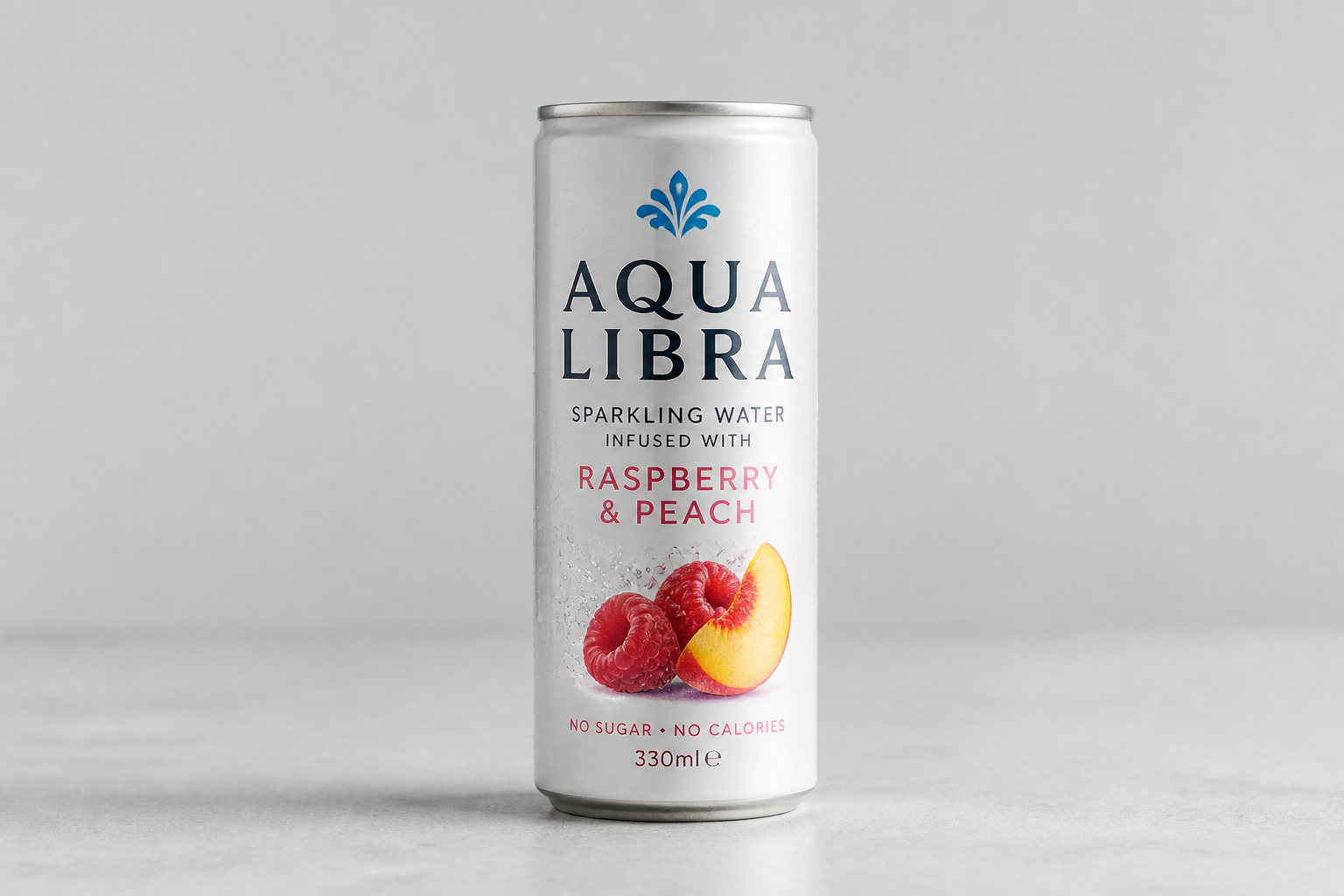 BEFORE
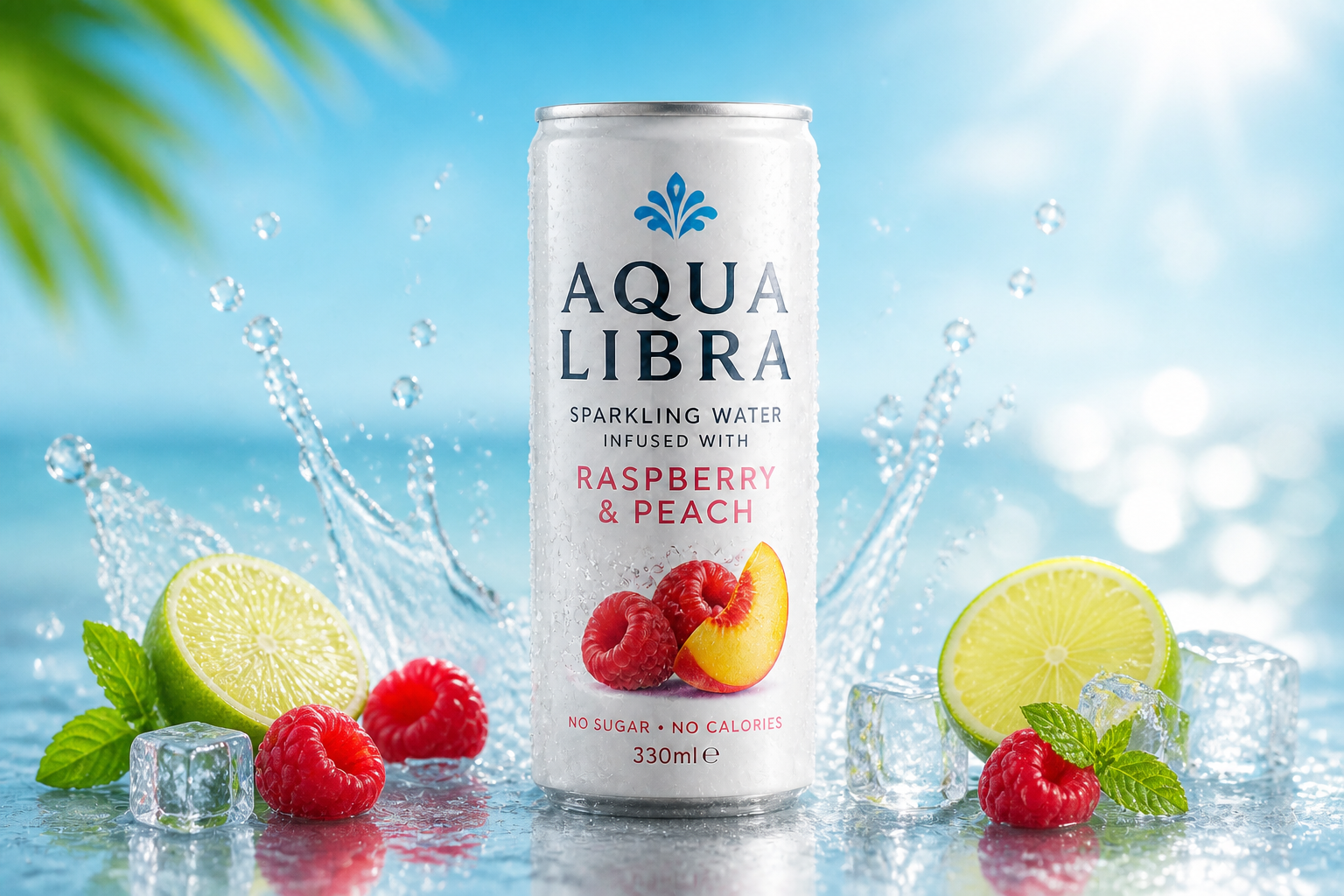 AFTER
AFTER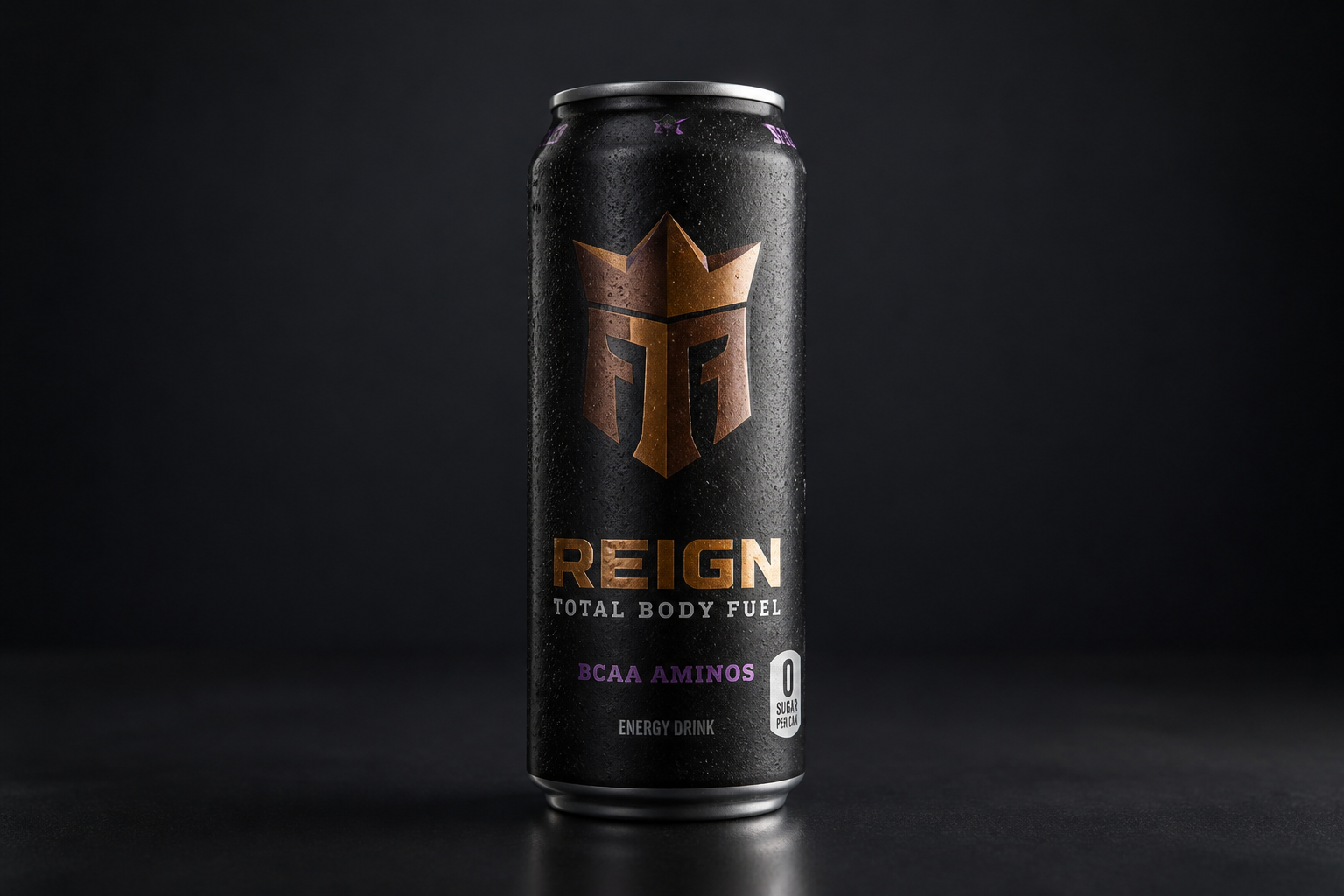 BEFORE
 AFTER
AFTER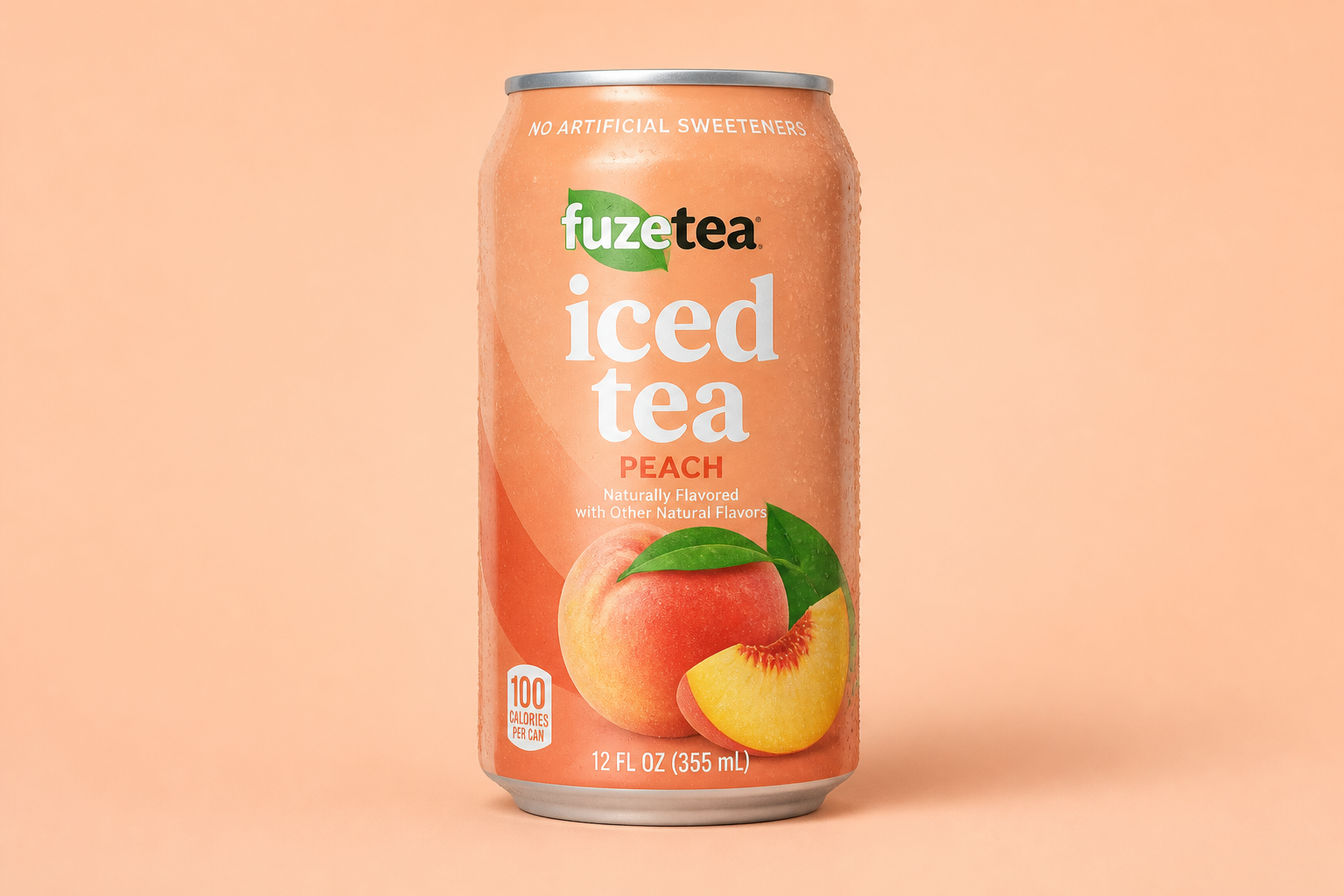 BEFORE
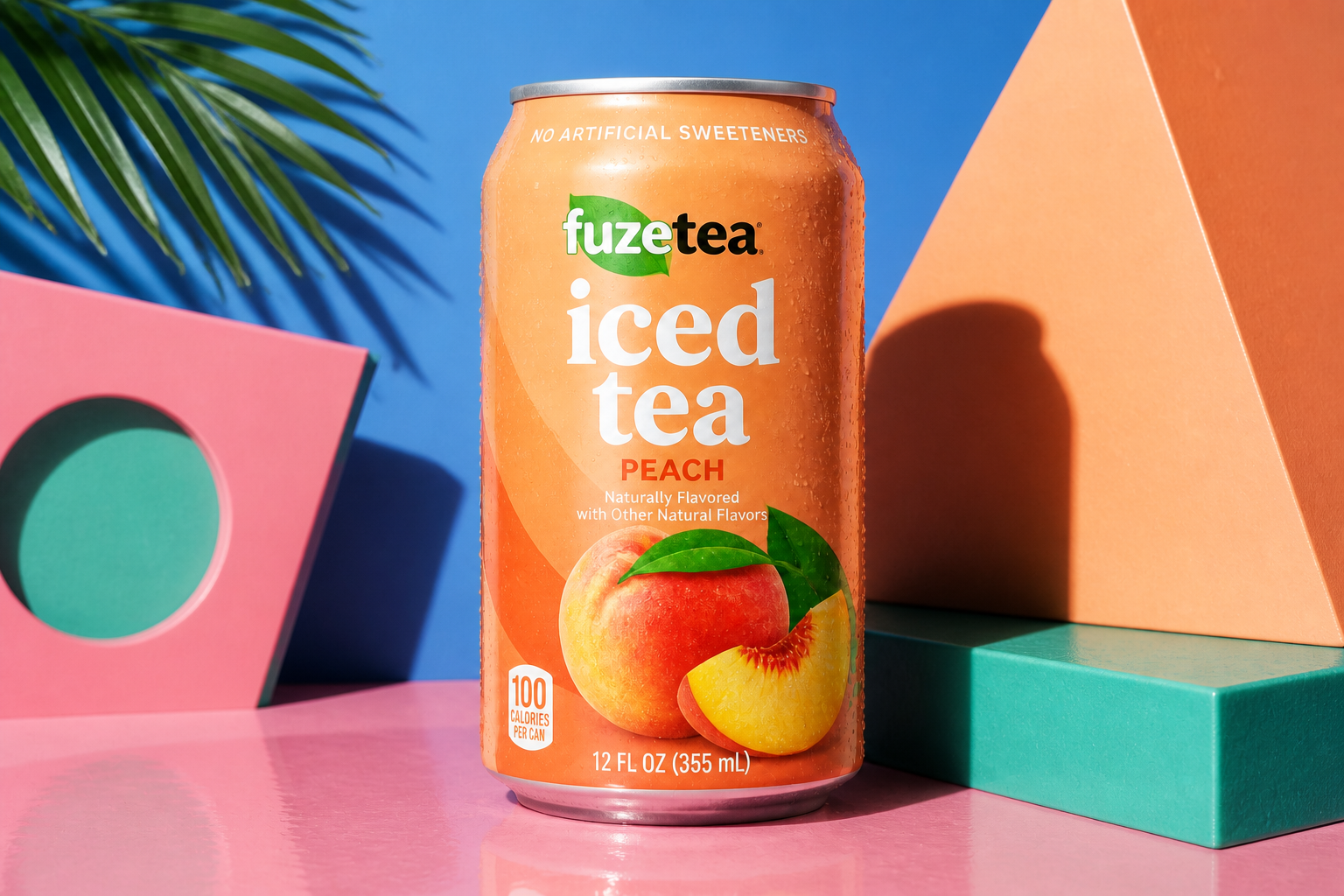 AFTER
AFTER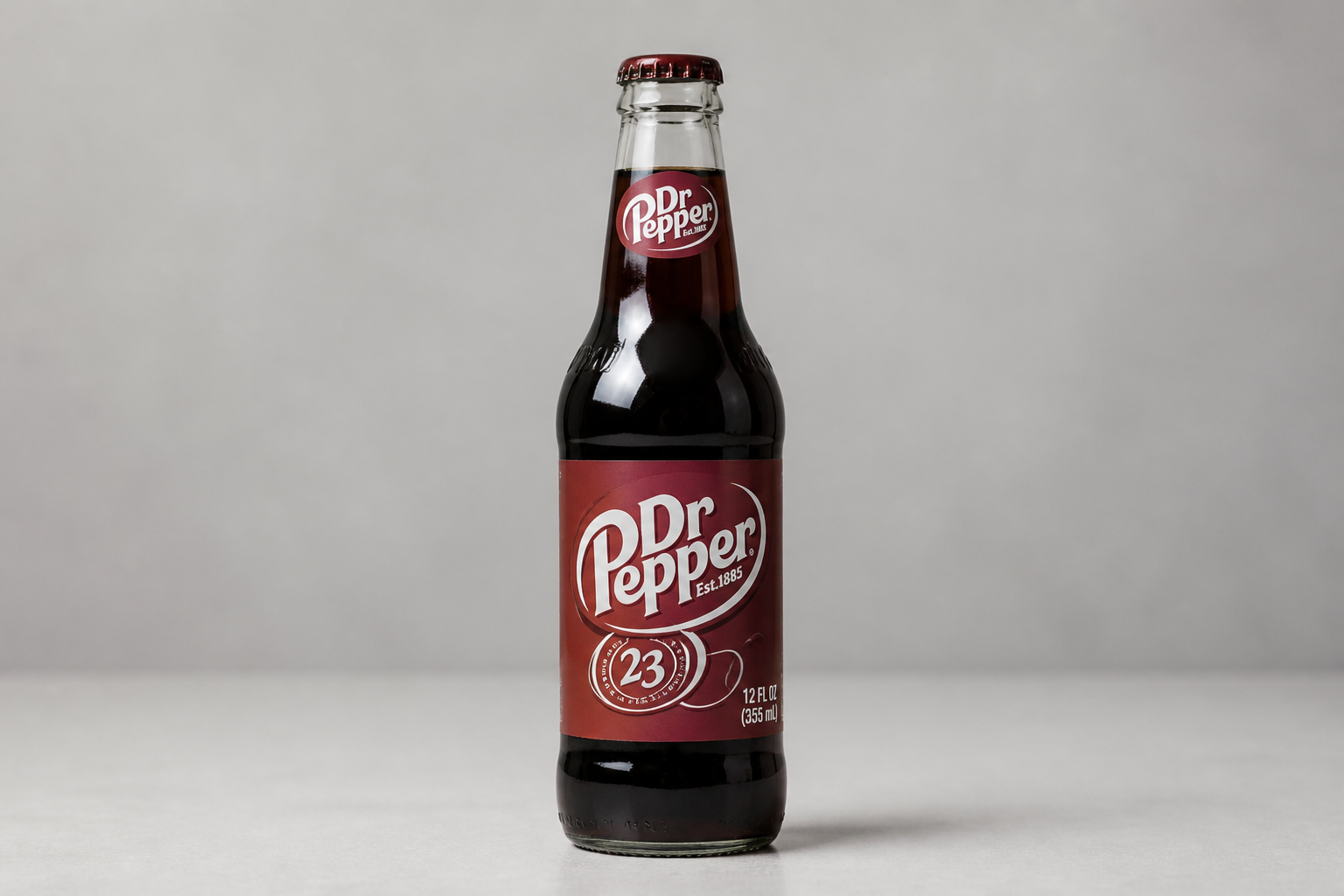 BEFORE
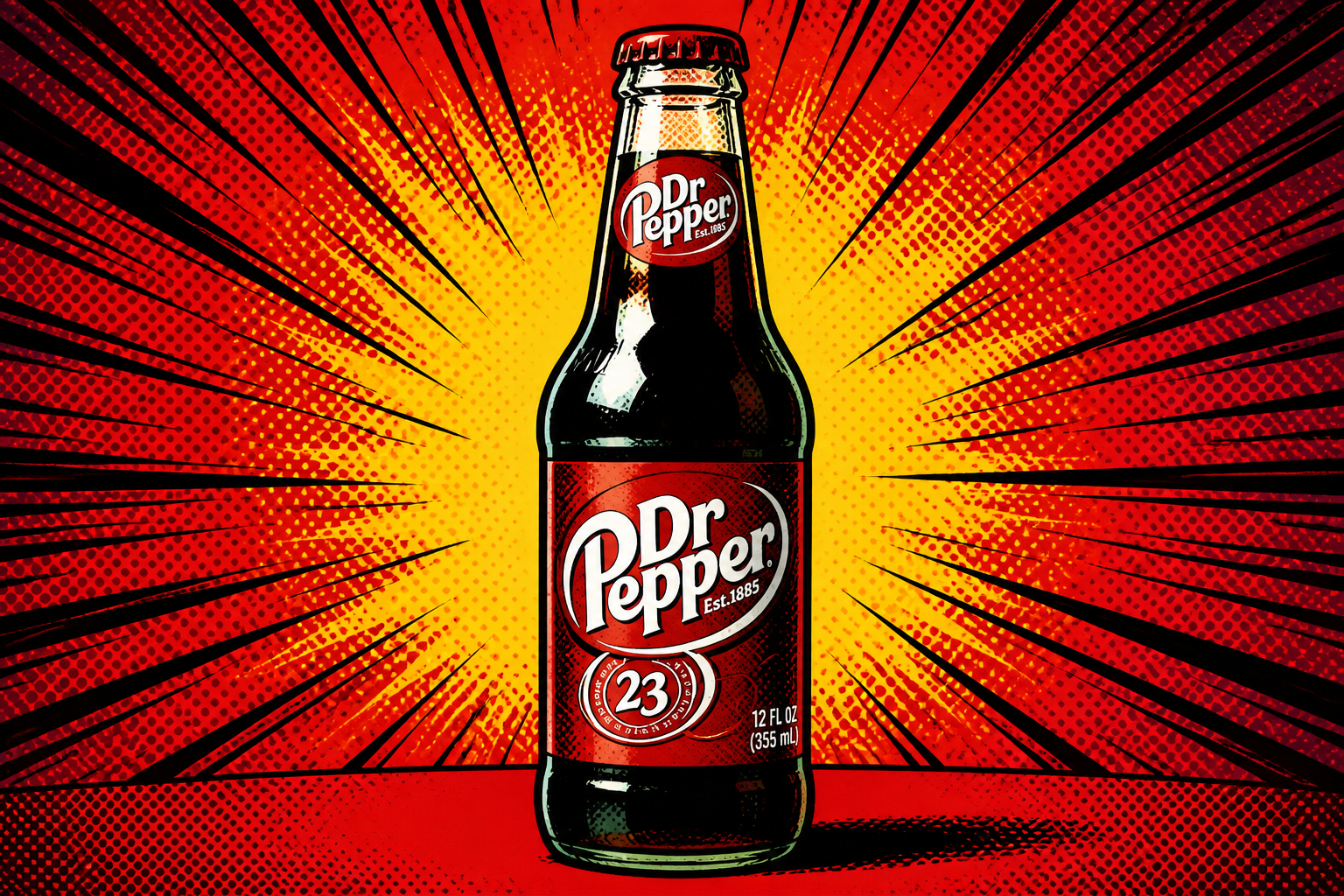 AFTER
AFTER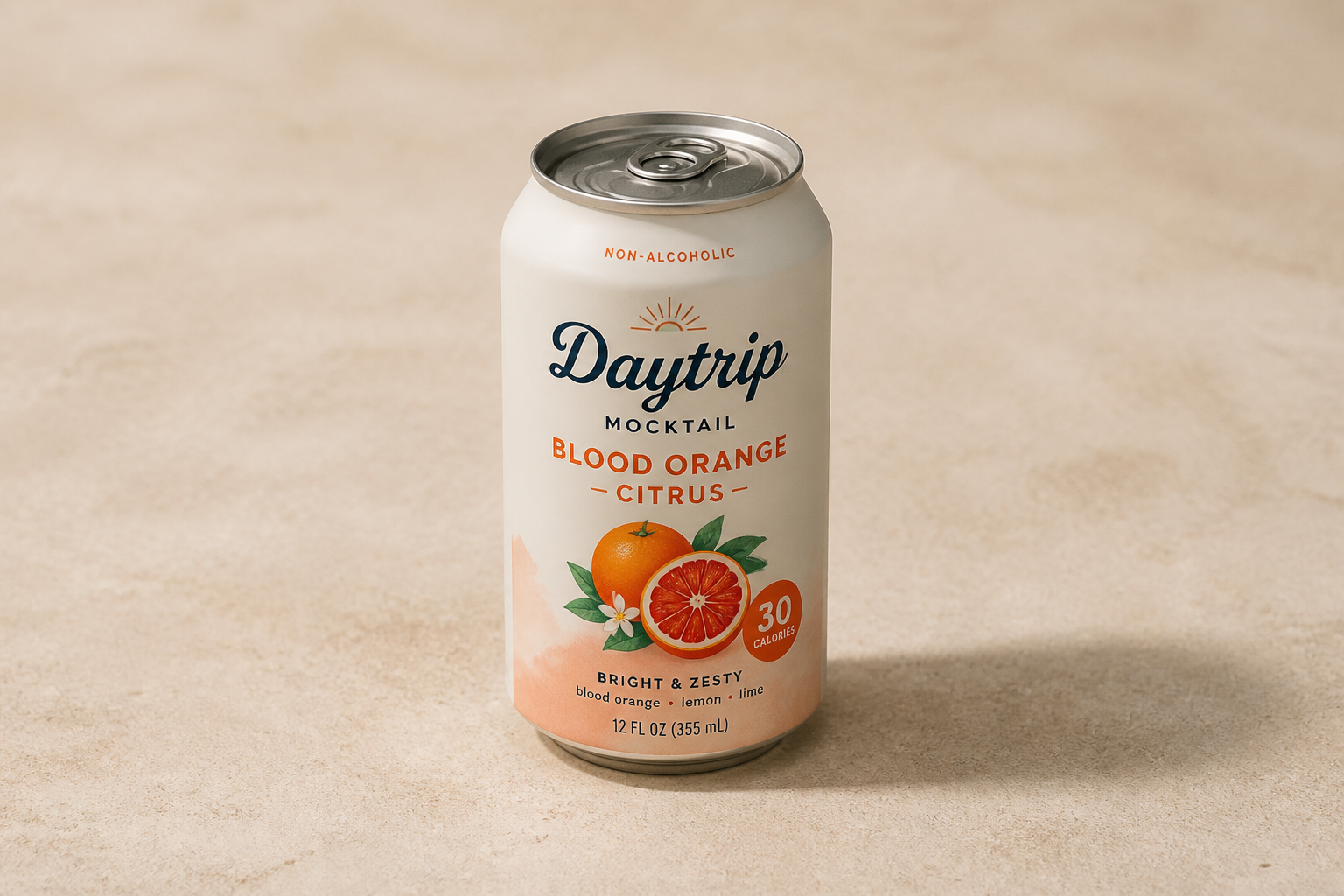 BEFORE
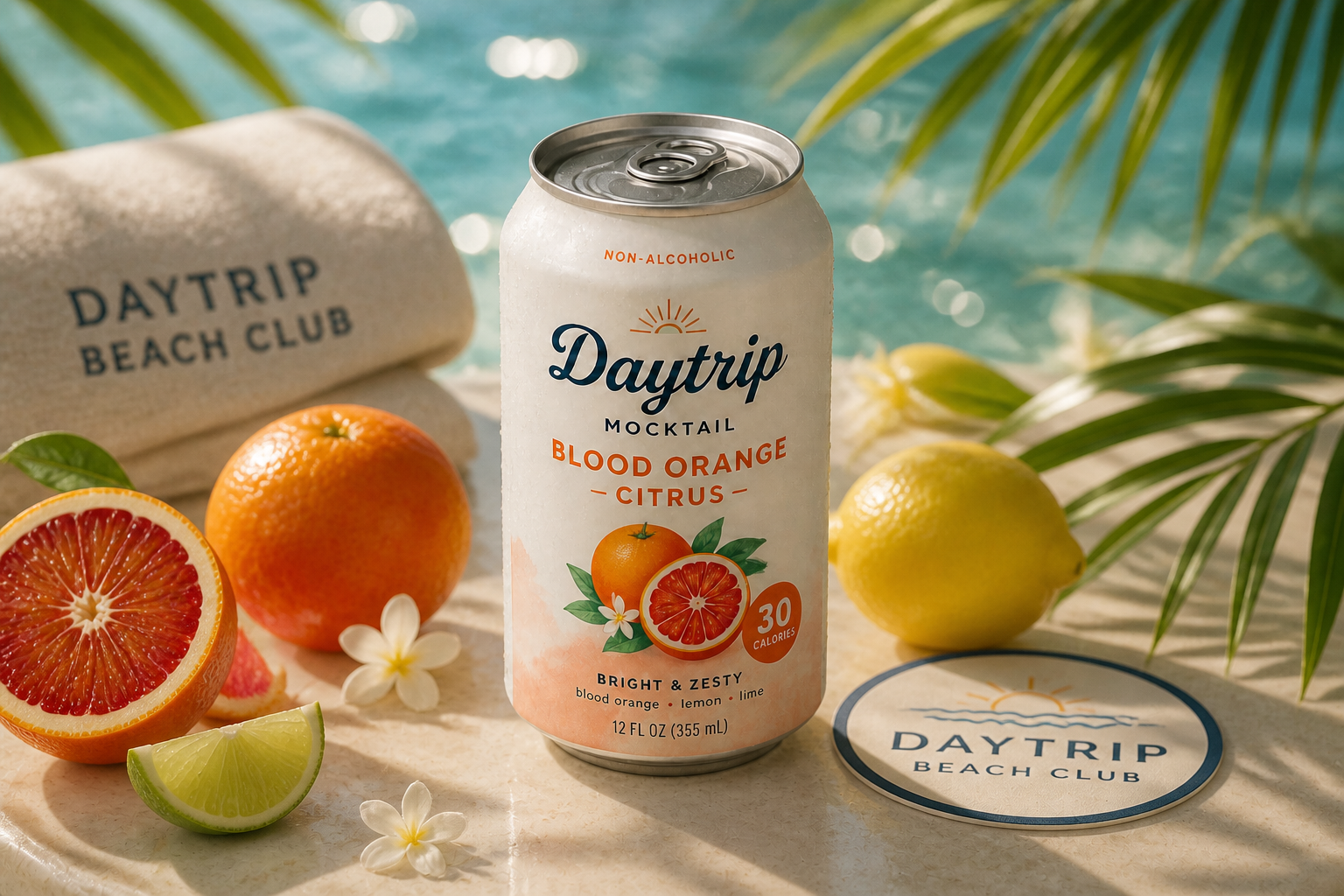 AFTERBEFOREAFTERBEFOREAFTERBEFOREAFTERBEFOREAFTERBEFOREAFTER
Key Features
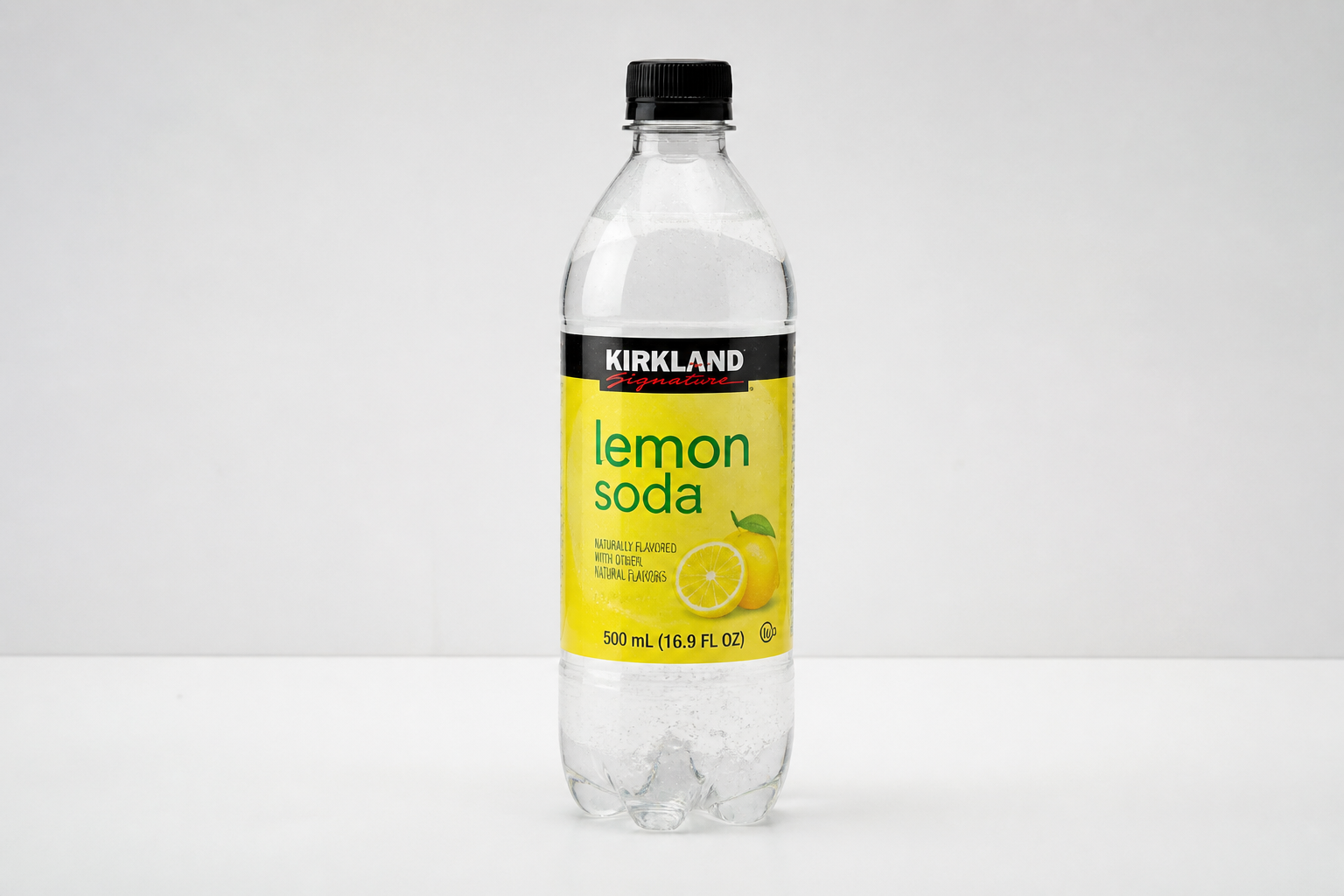
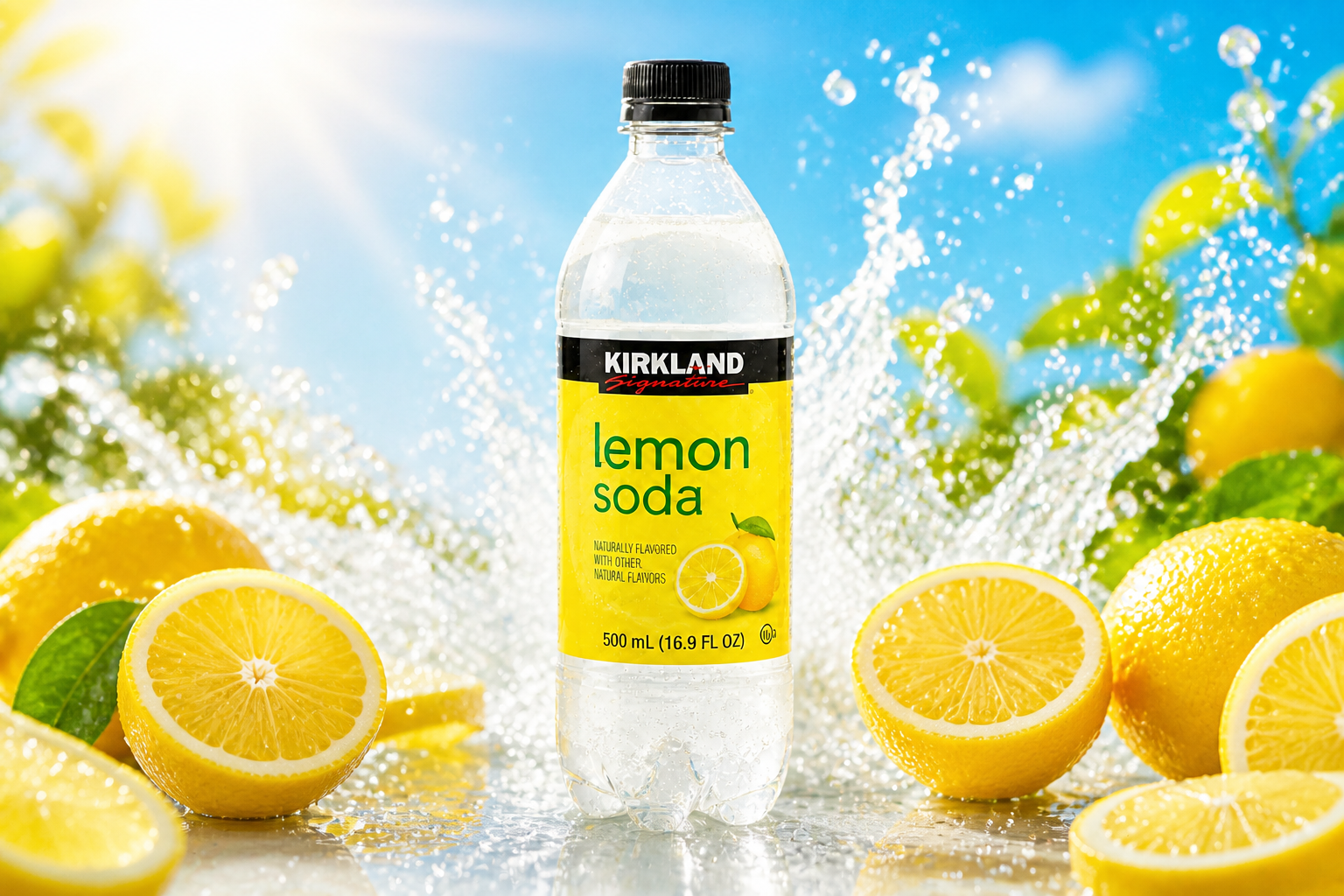
Build ad-ready scenes fast
Turn a plain product shot into a polished campaign image without sourcing props, booking a studio, or compositing by hand. You can place the same bottle or can into clean lifestyle setups, seasonal scenes, or premium backdrops in a few steps. That matters when you need many creatives for testing, not one perfect image after hours of retouching. It is a faster way to move from basic packshot to usable marketing visual.
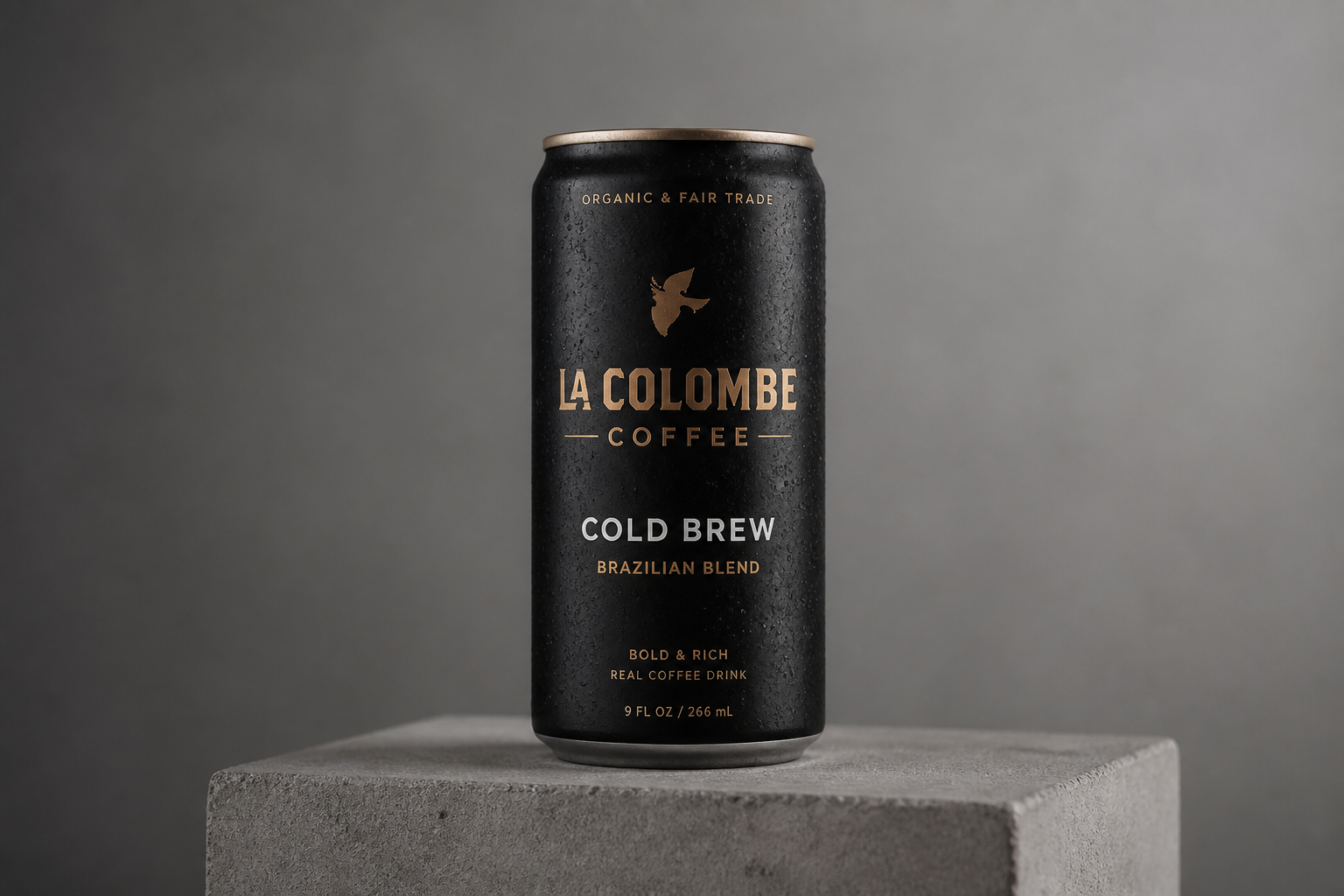
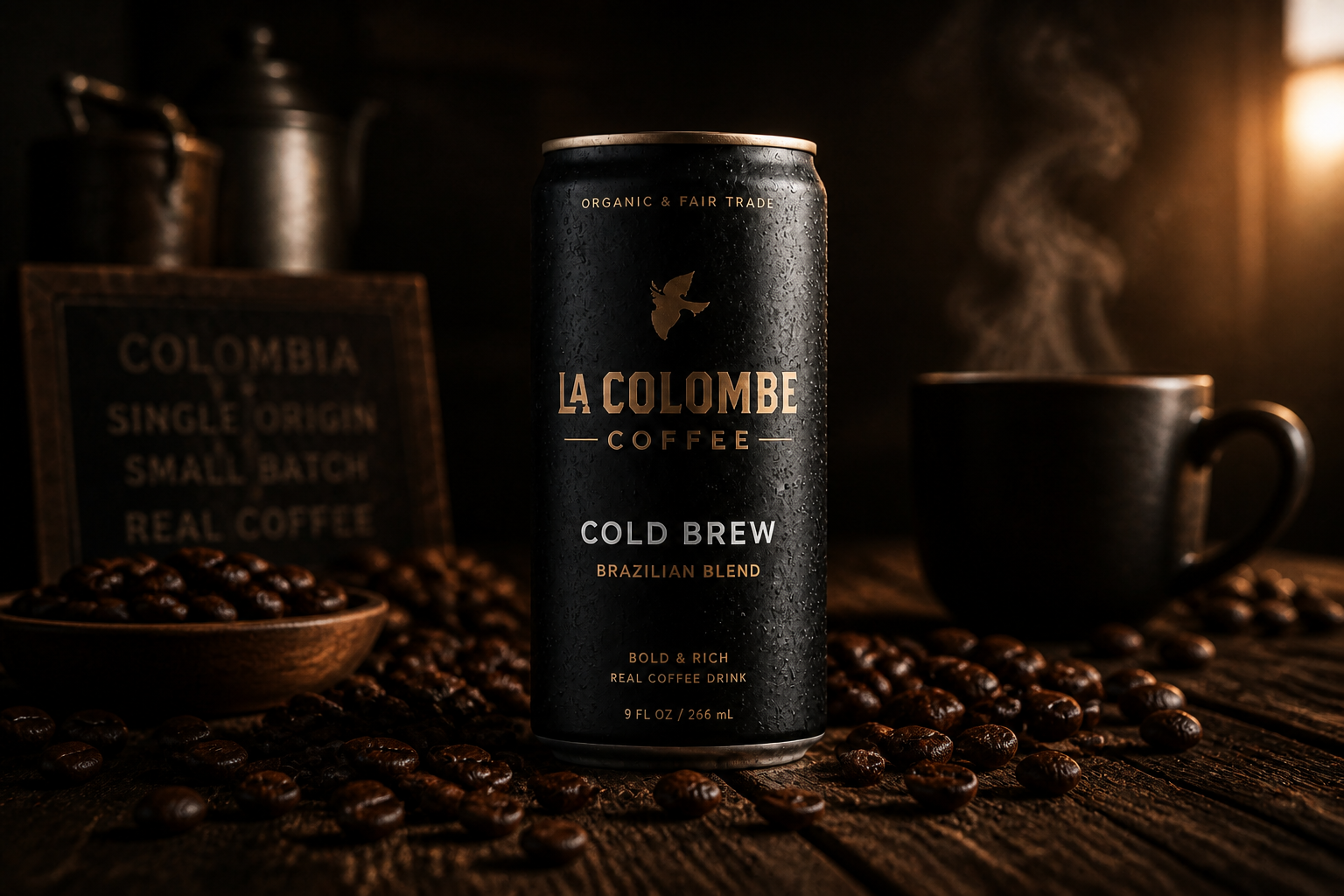
Keep the product in focus
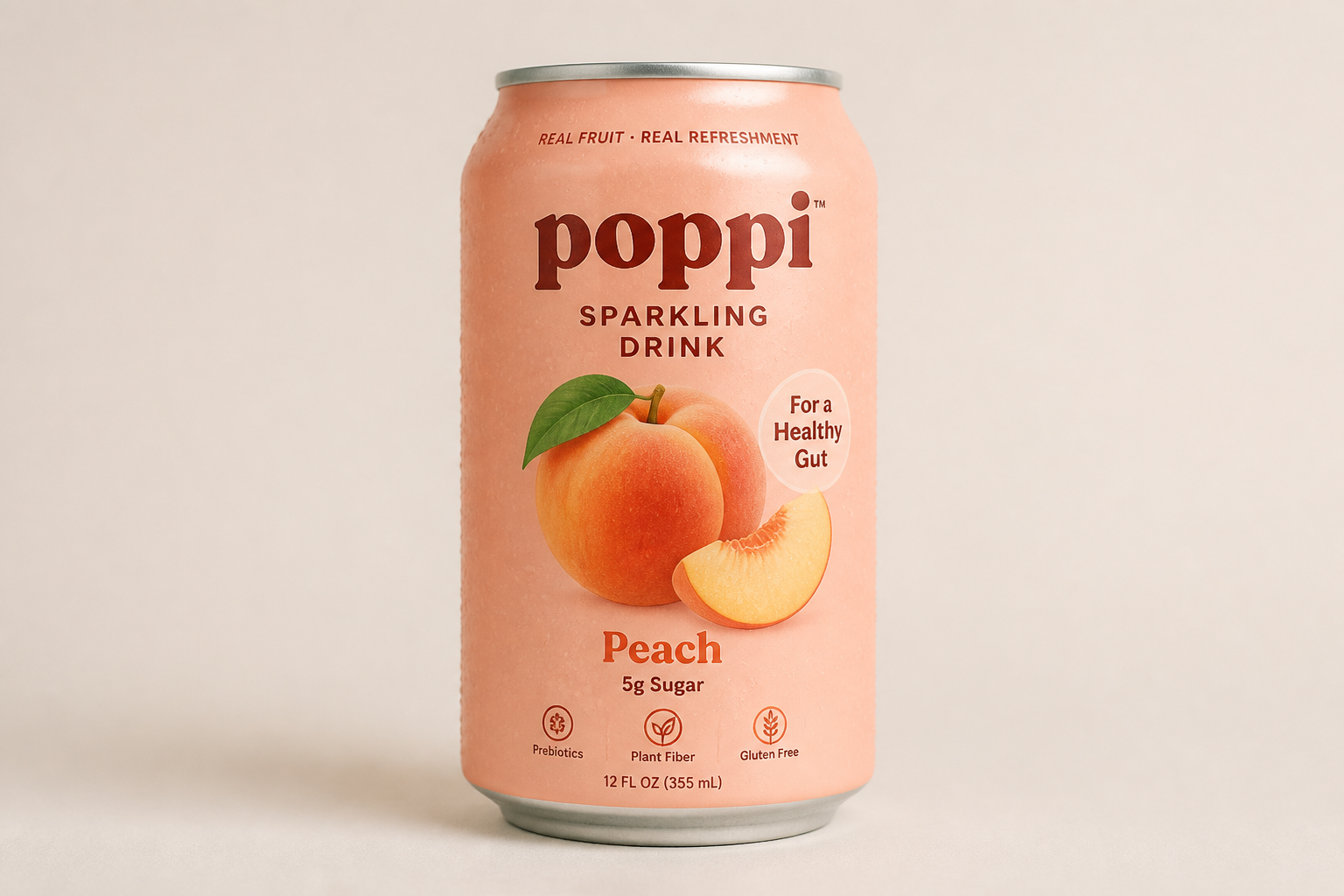
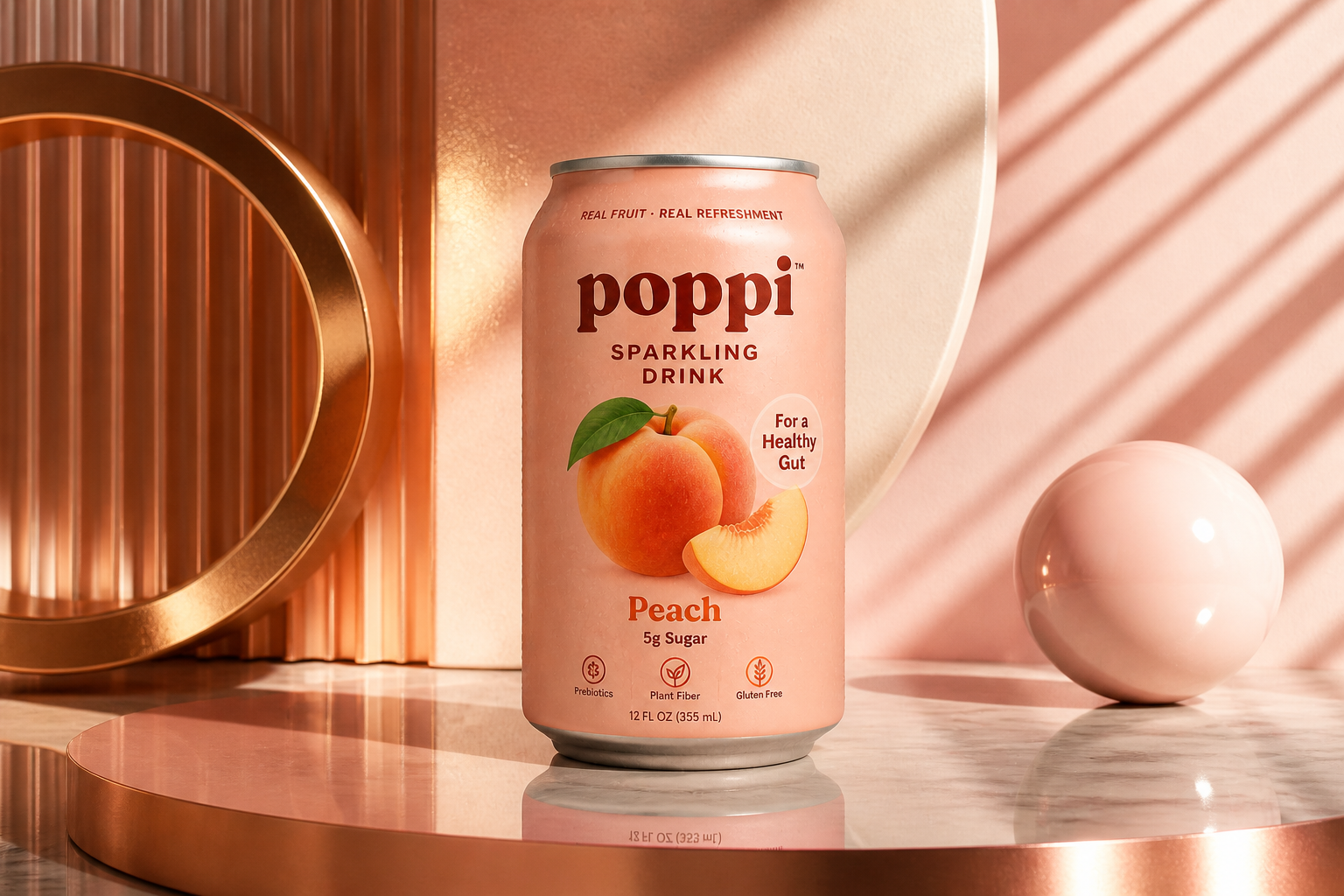
The drink remains the hero while the surroundings do the selling. You can change lighting, props, mood, and setting without making the image feel cluttered or confusing. This helps when you need stronger visuals but still want shoppers to notice the packaging first. Compared with manual editing, it is easier to maintain a clean product-first composition across many variations.
Test multiple visual styles
Use the same source image to create several looks for different channels and audiences. You can generate clean ecommerce visuals, dramatic social ads, and stylized editorial treatments from one base photo. That makes it easier to compare directions before committing to a full campaign. It also reduces the need to rebuild each concept manually from scratch.
Refresh seasonal campaigns easily
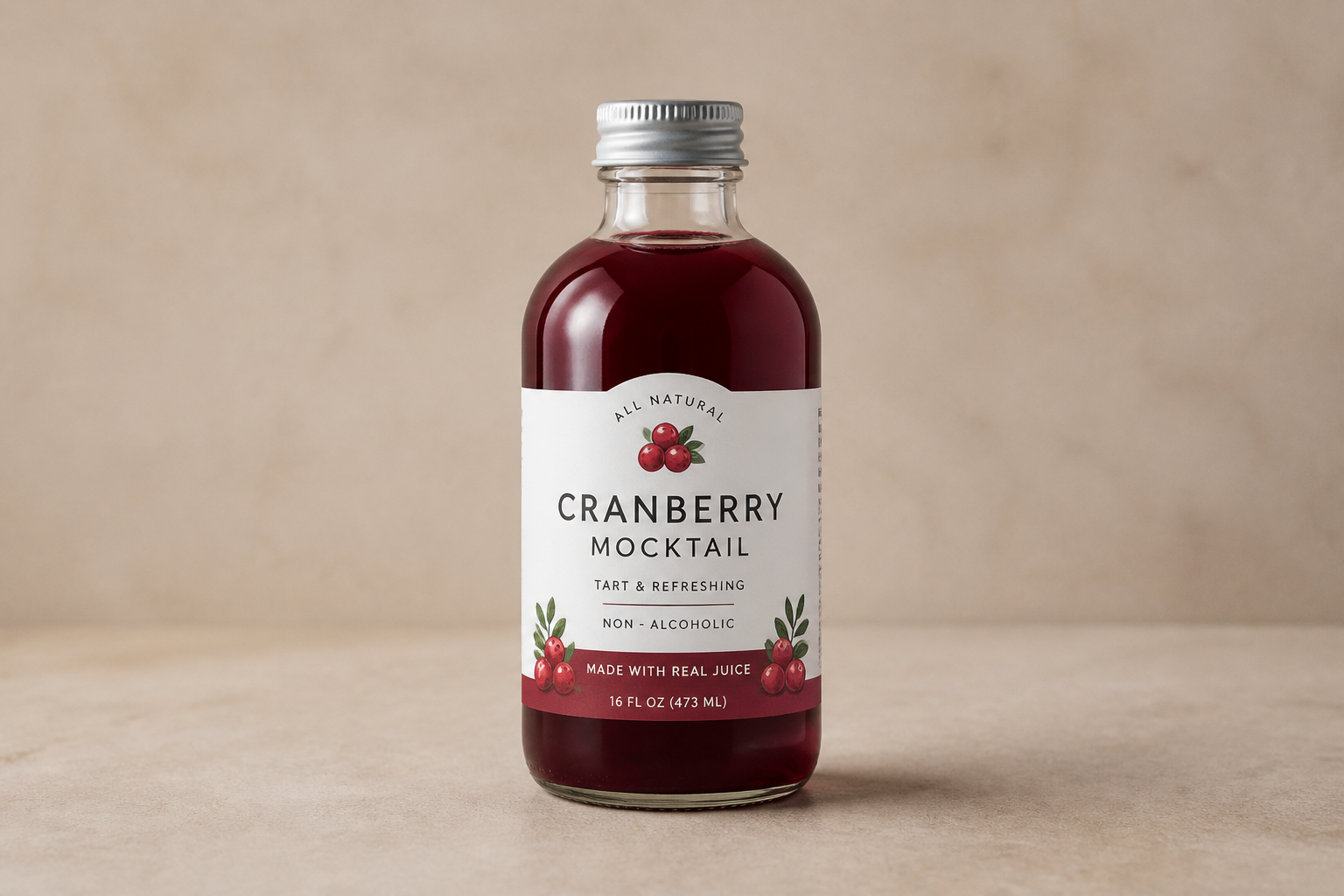
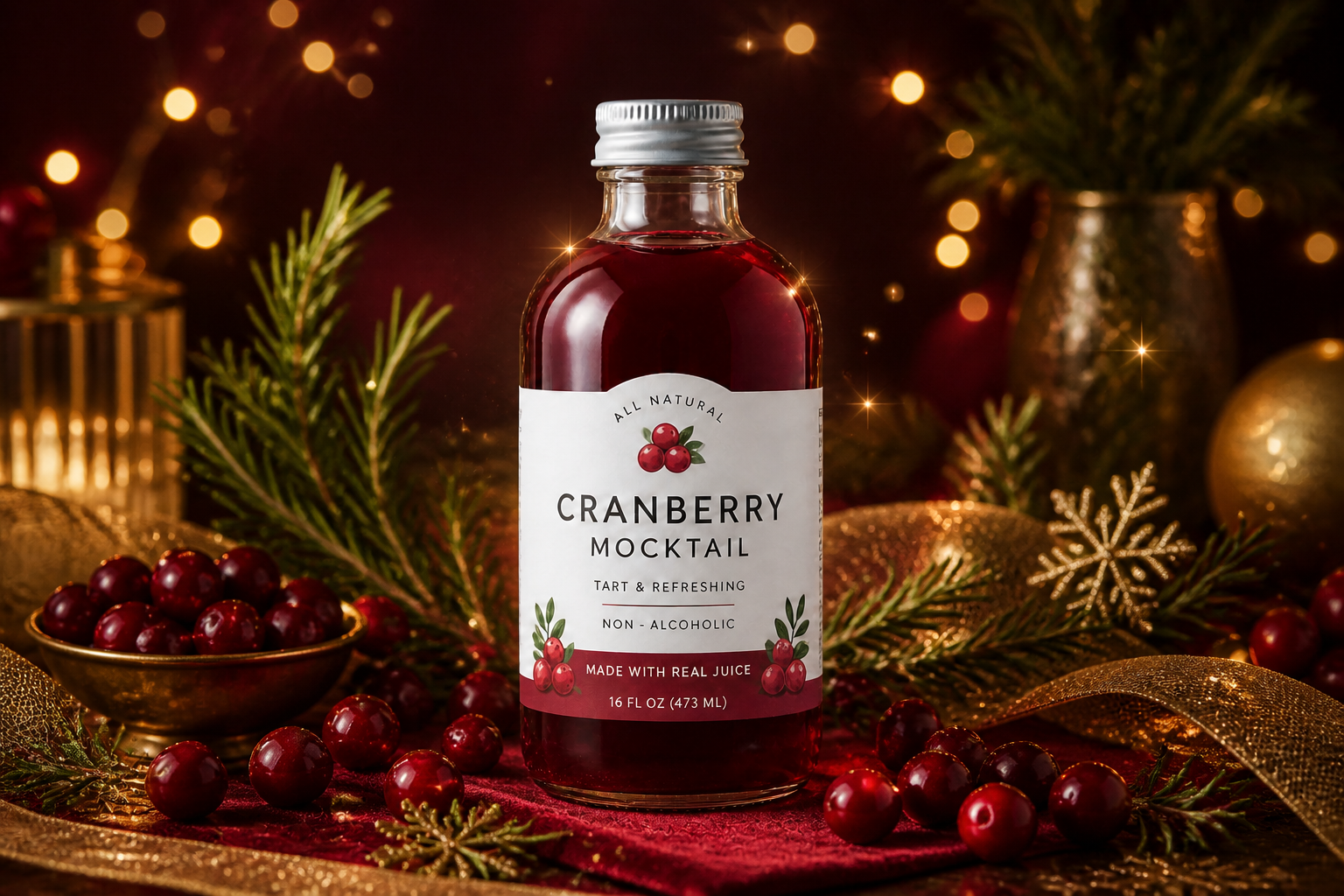
A single product photo can be repurposed for summer launches, winter promos, holiday menus, or limited-time flavors. Instead of reshooting every season, you can update the scene around the drink and keep the packaging consistent. This is useful for small teams that need fresh creative on a tight schedule. It gives you a quicker path to timely visuals with less production overhead.
How It Works
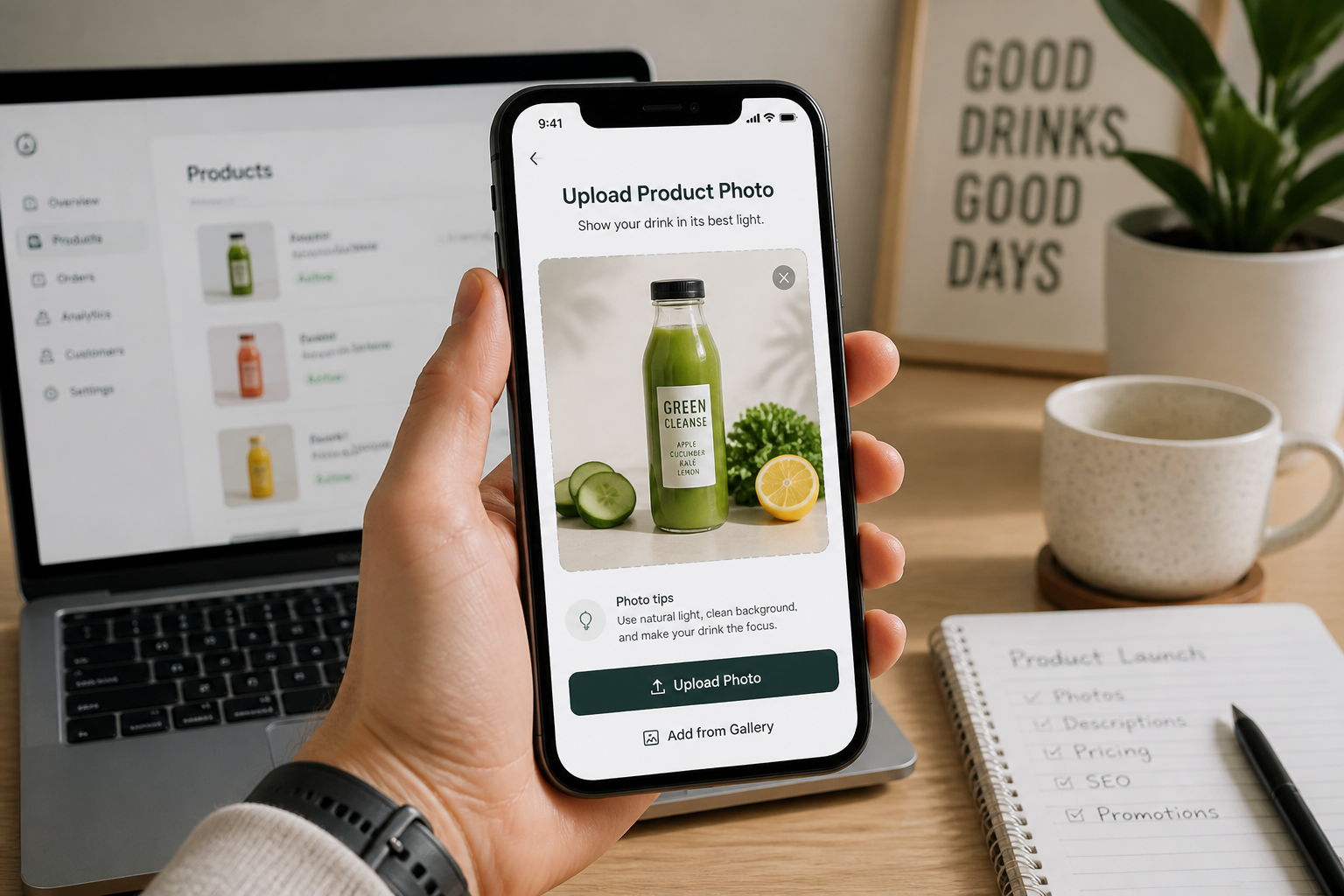
Upload your drink photo
Start with a clear image of your bottle, can, glass, or packaged beverage. A simple studio shot works well, but casual product photos can work too if the drink is easy to see.
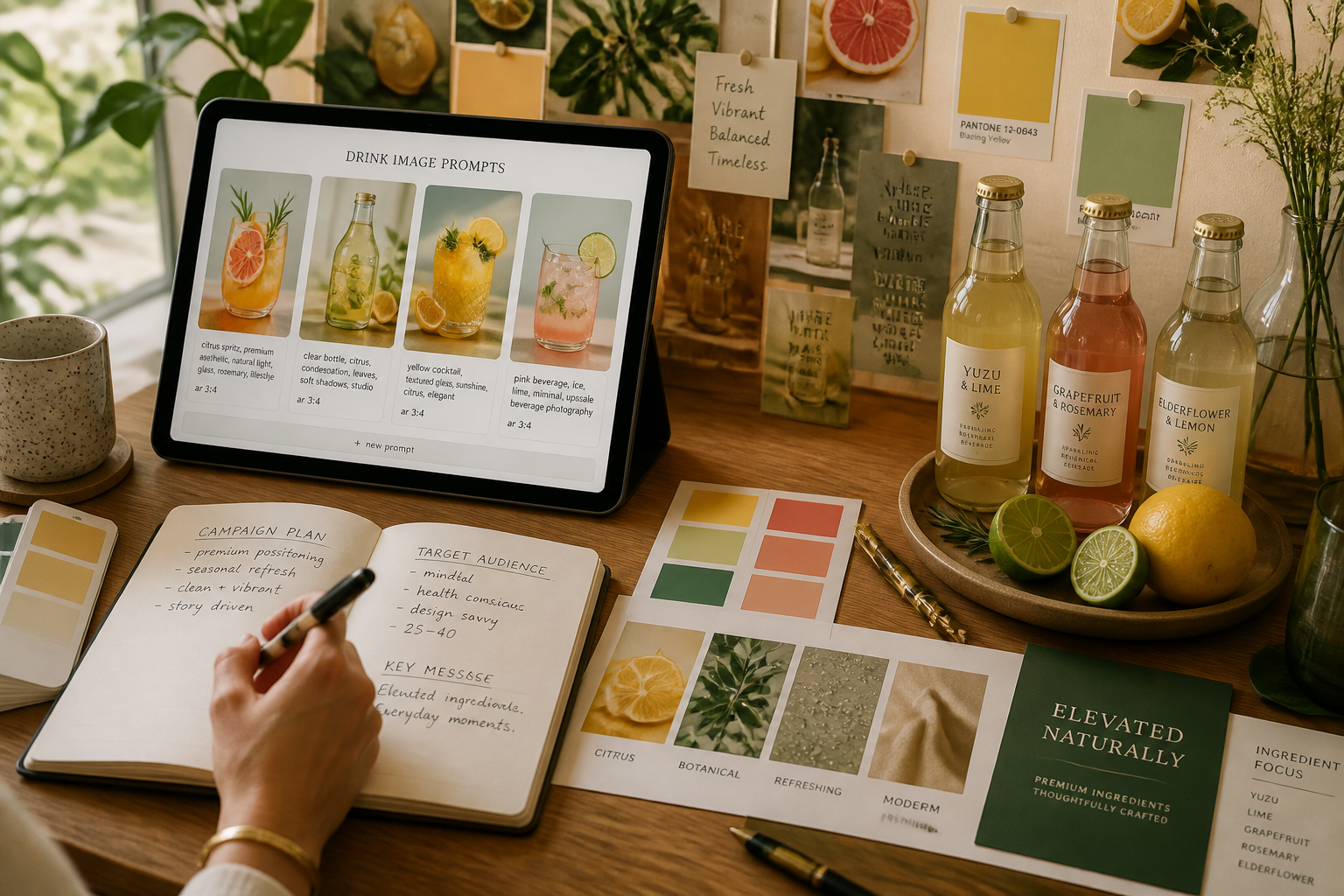
Describe the scene you want
Tell the AI the kind of result you need, such as luxury studio, summer ad, cafe mood, or holiday promo. You can mention props, lighting, background style, and overall campaign feel.
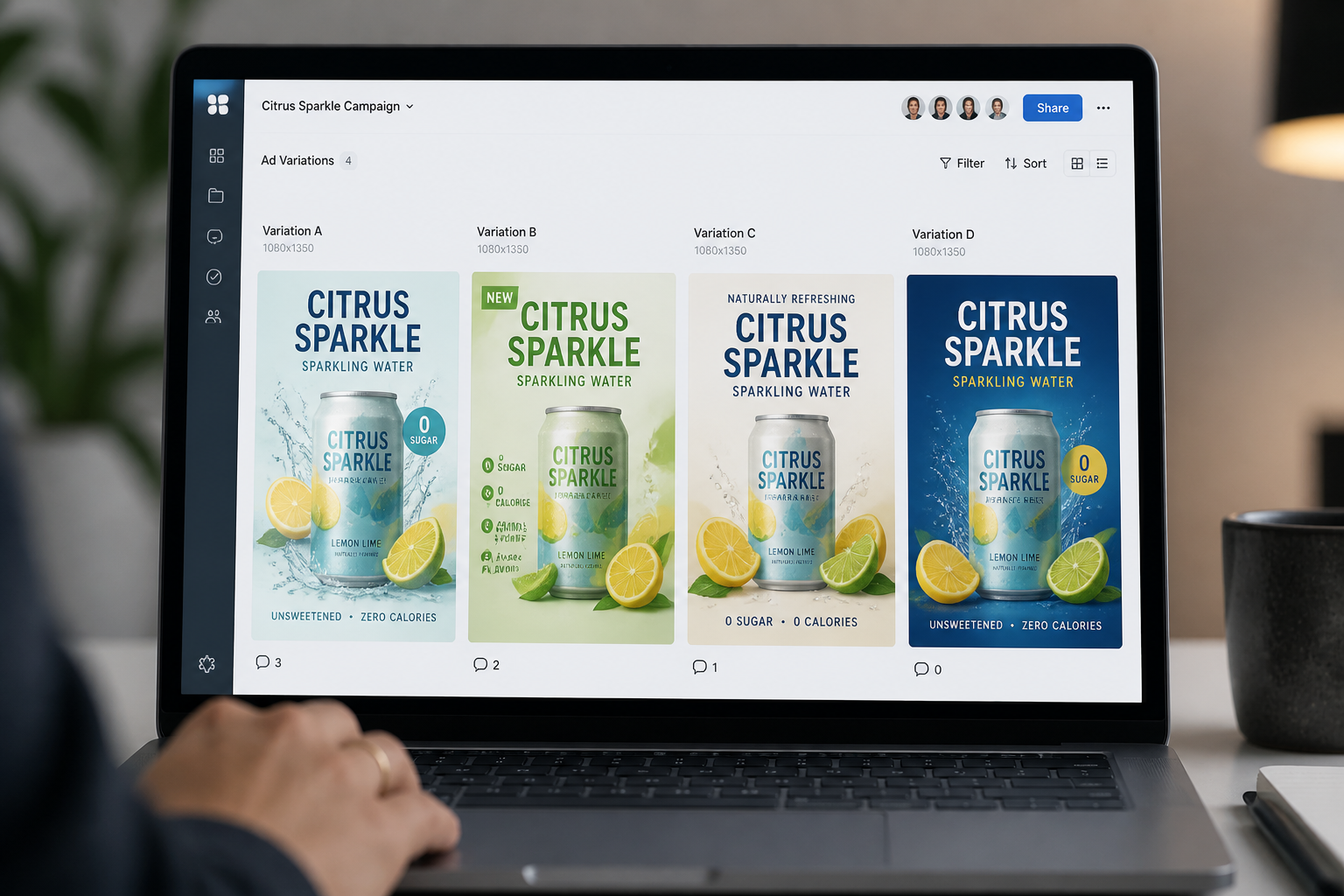
Generate and compare versions
Review different outputs and pick the one that fits your brand, menu, or ad concept. You can keep iterating until the product image feels ready to publish.
Perfect For
Discover how creators and professionals use ai product drink image generator
Paid social creatives
Generate scroll-stopping drink visuals for ads on Instagram, Facebook, TikTok, and display campaigns.
Ecommerce product images
Create cleaner, more polished beverage photos for product listings, storefronts, and brand sites.
Menus and launch promos
Make new drink launches, seasonal specials, and cafe menu updates look more polished without a full shoot.
Packaging concept previews
Place cans and bottles into realistic scenes to preview branding directions before final production.
Built For
Drink brands
Create campaign visuals for new flavors, promotions, and product pages without organizing constant reshoots.
Cafes and restaurants
Turn simple beverage photos into polished menu art and promo content for online ordering and social posts.
Designers and marketers
Explore multiple ad directions quickly when you need fresh beverage creative for client work or in-house campaigns.
Why teams use it for drink visuals
A quick look at how we compare on the things that matter for this niche.
| Feature | BudgetPixel | Generic AI editors | Manual editing apps |
|---|---|---|---|
| Product-focused drink scenes | ✓ | — | — |
| Fast visual variations | ✓ | ✓ | — |
| Useful from one source photo | ✓ | ✓ | — |
| Manual compositing required | — | — | ✓ |
| Free to start | ✓ | — | — |
Frequently Asked Questions
What kind of drink images can I generate?
Will the product packaging stay recognizable?
Can I make both studio shots and lifestyle scenes?
Is this good for ecommerce images?
Do I need photography or editing experience?
Create together.
Share your creations, discover trending AI art, and grow with fellow creators.























Ready to Try AI Product Drink Image Generator?
Get started for free. No credit card required.
Try it Free