AI Sticker Maker for Photos and Sticker Packs
Turn your face or pet into a bold, shareable sticker.
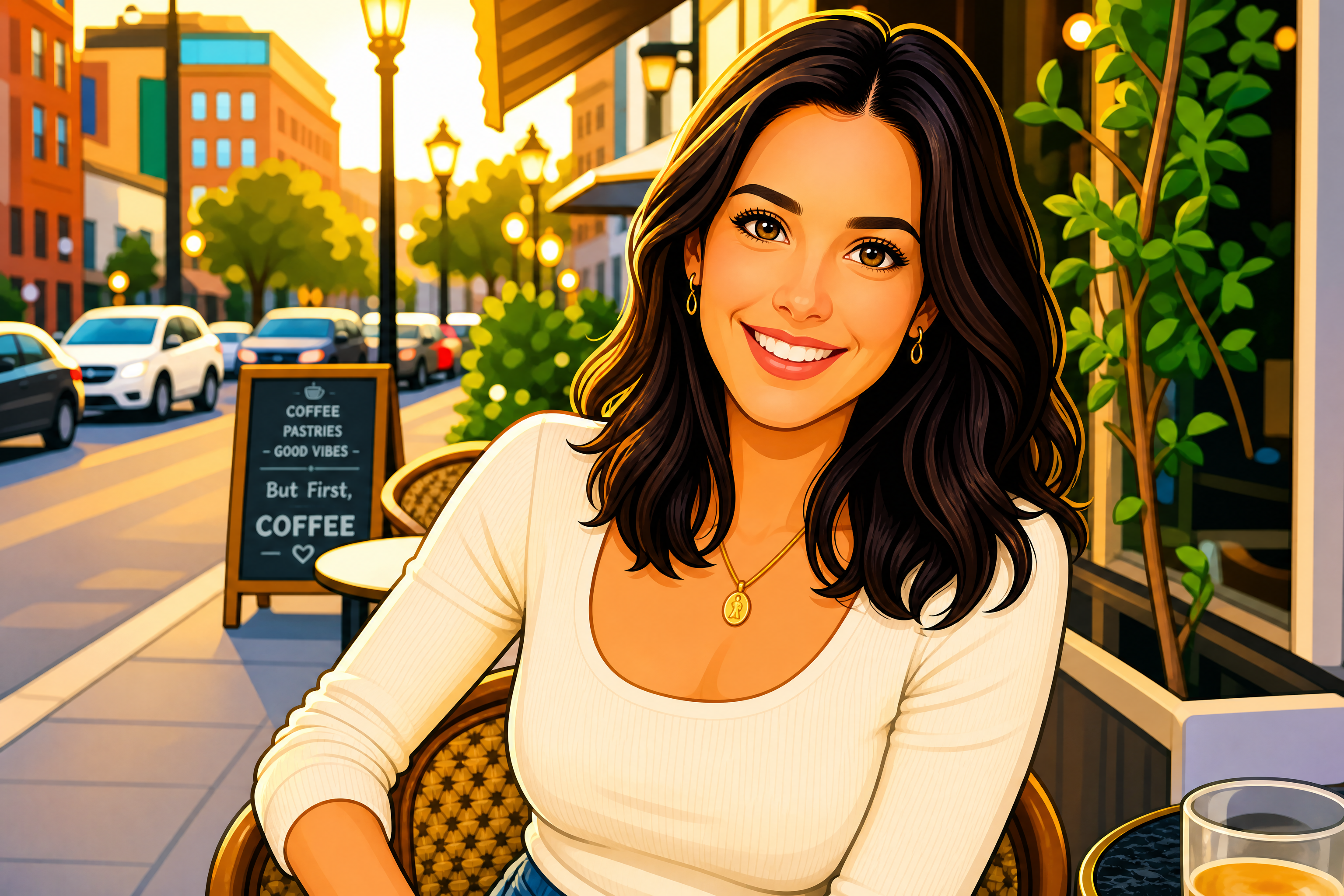
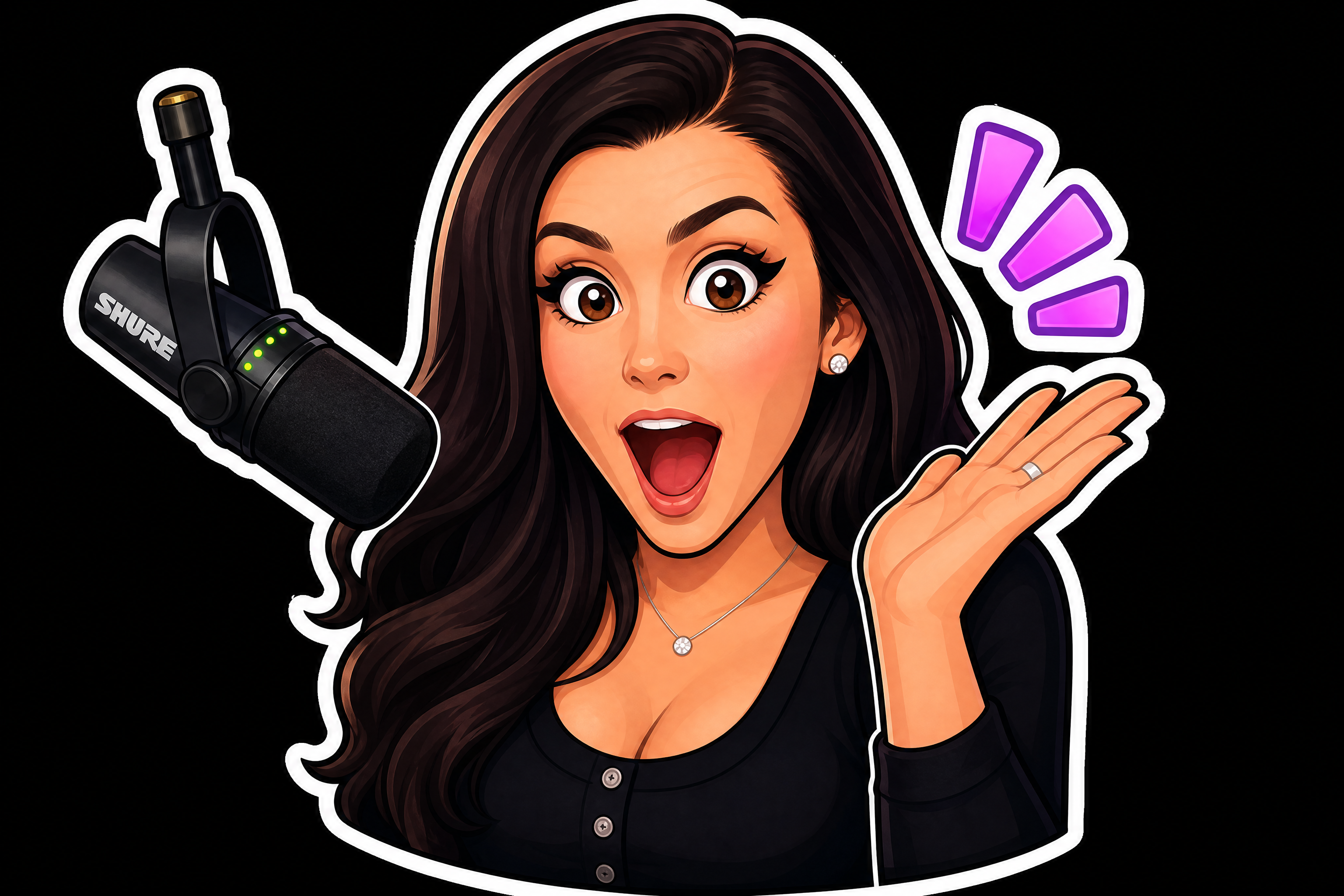
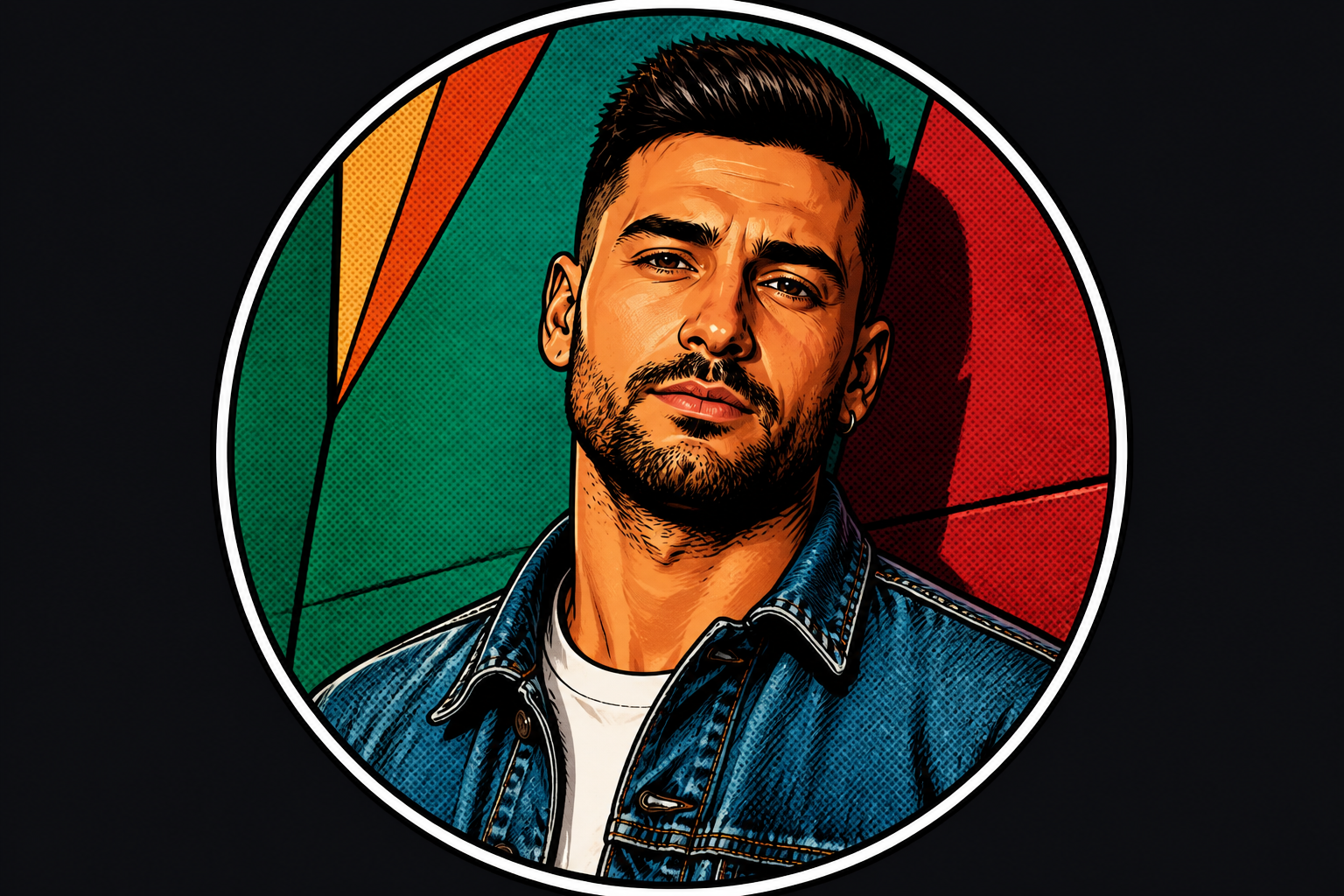
Upload a photo and restyle it as a custom die-cut sticker while keeping the subject recognizable. Create individual designs or a coordinated pack for WhatsApp, Telegram, iMessage, Discord, and more.


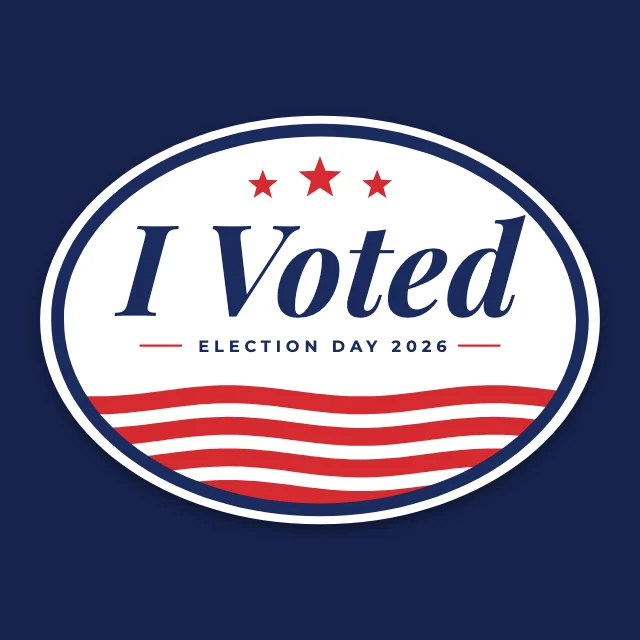
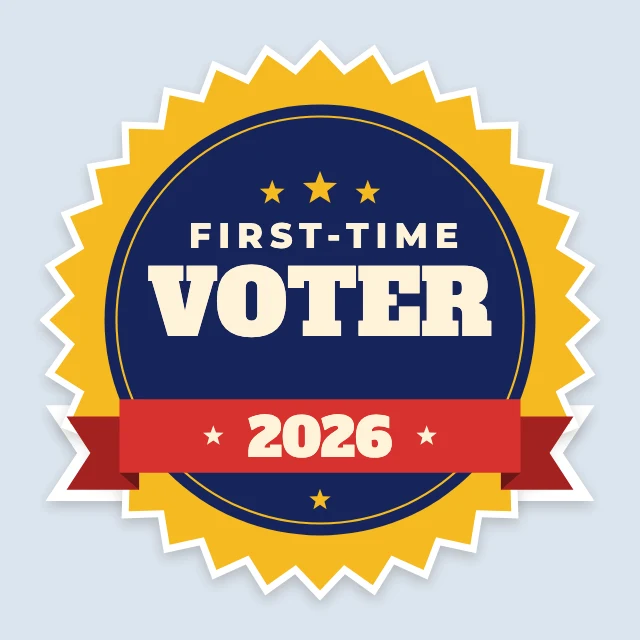
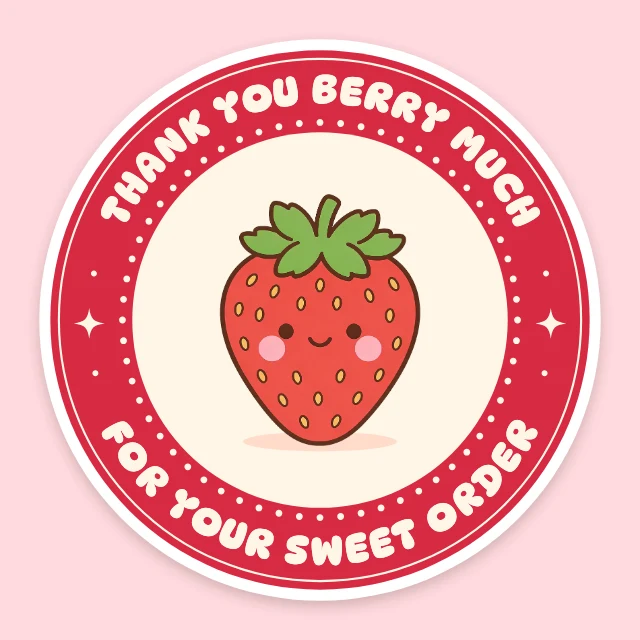
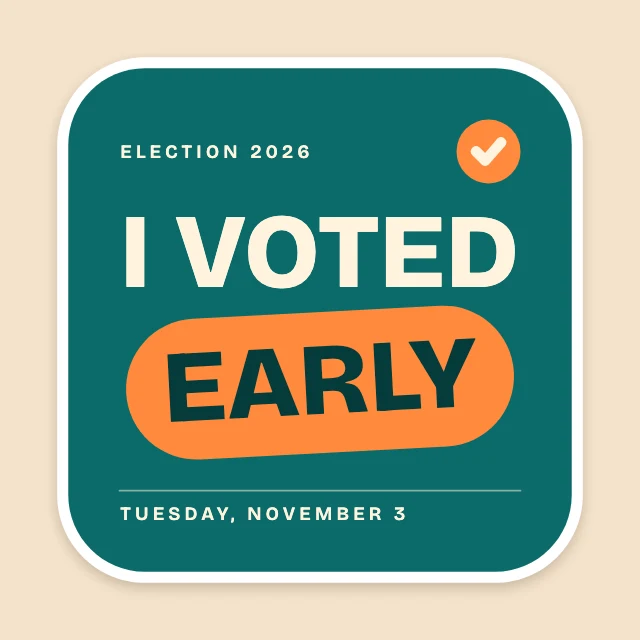
Start from an editable template
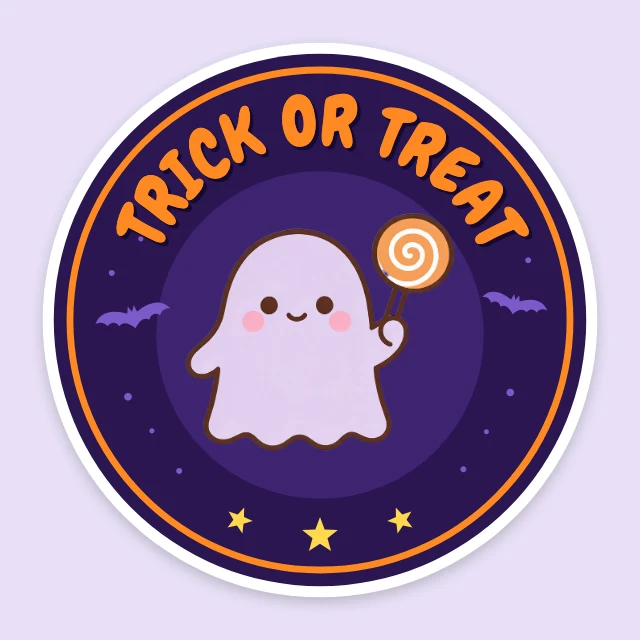
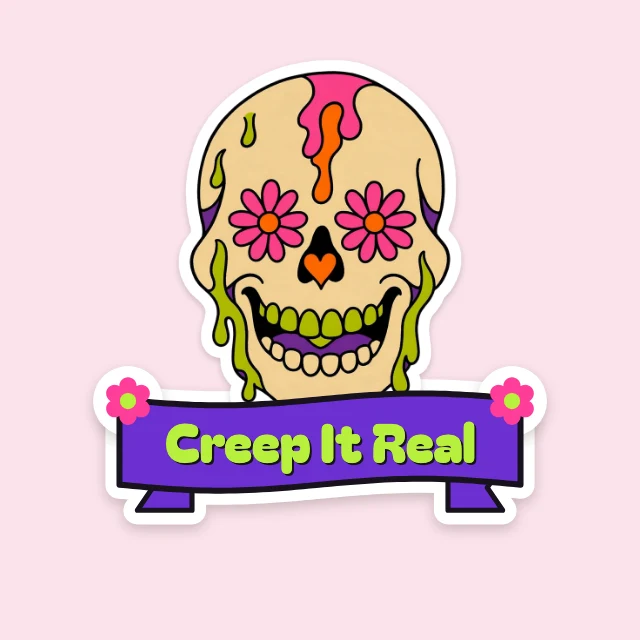
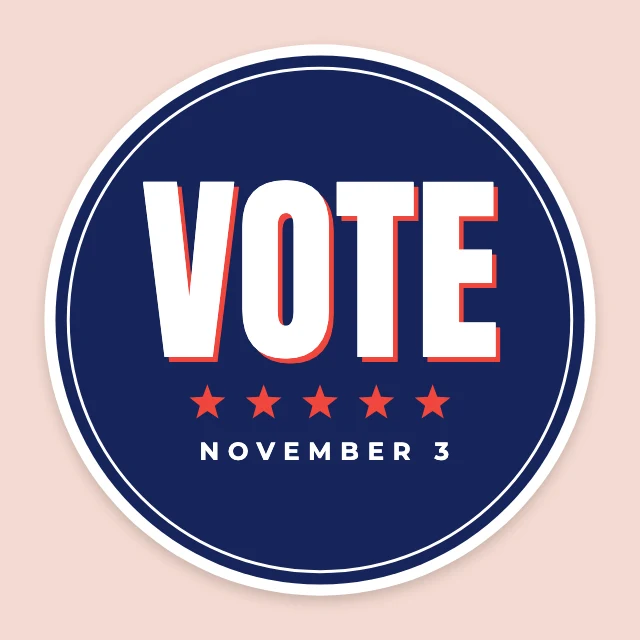
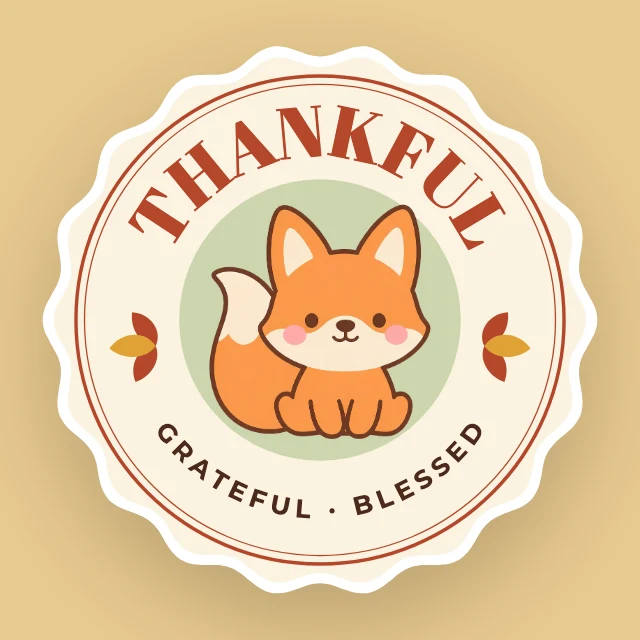
A generated image is one flat picture. These free templates open in Design Studio with every layer live: retype the words, swap in your own photos, or ask the AI designer to restyle the whole sticker.
See It In Action
Real outputs from ai sticker maker.
BEFOREAFTER BEFORE
 AFTER
AFTER BEFORE
 AFTER
AFTER BEFORE
 AFTER
AFTER BEFORE
 AFTERBEFOREAFTERBEFOREAFTERBEFOREAFTERBEFOREAFTERBEFOREAFTER
 BEFORE
 AFTER
AFTER BEFORE
 AFTER
AFTER BEFORE
 AFTER
AFTER BEFORE
 AFTER
AFTER BEFORE
 AFTERBEFOREAFTERBEFOREAFTERBEFOREAFTERBEFOREAFTERBEFOREAFTER
Key Features


Keep Every Face Recognizable
The edit preserves defining facial details, hairstyle and skin tone while changing the visual treatment. This helps a cartoon sticker still look like the person in the uploaded photo. It avoids the slow manual work of tracing facial features, cleaning edges and rebuilding color by hand.


Preserve Distinctive Pet Markings
Create a pet sticker without losing the coat patterns that make the animal recognizable. The AI can retain markings, ear shape and expression while simplifying the photo into clean sticker art. That removes much of the detailed masking and outline work required in a traditional editor.


Explore Distinct Sticker Styles
Choose a finish that suits a profile, chat or printed sticker concept. Options can range from comic halftones and marker drawings to glossy cartoons and puffy 3D forms. You can test a new direction by describing it instead of redrawing the subject from scratch.


Build Coordinated Reaction Packs
Turn one subject into a small set of expressive stickers with a consistent visual treatment. A coordinated pack is useful when you want reactions that feel related rather than a collection of mismatched images. The layout, borders and colors can be generated together instead of assembled one sticker at a time.
How It Works

Upload Your Photo
Choose a clear photo of an adult or pet with the face and defining features visible. Good lighting and an uncluttered background make the subject easier to restyle.

Describe Your Sticker
Enter the look you want, such as glossy cartoon, kawaii pastel or retro comic. You can also request a thick white border, a reaction expression or a coordinated sticker sheet.

Generate and Save
Run the edit and review the transformed sticker beside the original photo. Refine the prompt if needed, then save the result for your preferred messaging or creative workflow.
Perfect For
Discover how creators and professionals use ai sticker maker
Chat Reaction Stickers
Create expressive face stickers for everyday replies, greetings and group conversations.
Custom Pet Stickers
Turn a favorite pet photo into artwork that preserves distinctive coat colors and markings.
Personal Sticker Packs
Build a coordinated set of moods and expressions from one recognizable subject.
Die-Cut Design Concepts
Preview bold outlines and white borders for personal craft or print projects.
Built For
Messaging App Users
Make personal reactions for WhatsApp, Telegram, iMessage, Discord and other chat workflows.
Pet Owners
Create recognizable stickers featuring a dog's markings, a cat's expression or another pet's defining traits.
Creators and Communities
Develop consistent sticker packs for social groups, content and audience conversations without brand logos.
Ways to Make Custom Stickers
A quick look at how we compare on the things that matter for this niche.
| Feature | BudgetPixel | Generic AI editors | Manual editing apps |
|---|---|---|---|
| Photo-to-sticker workflow | ✓ | Varies | Manual |
| Identity-focused instructions | ✓ | Varies | Manual |
| Die-cut border styling | Prompt-based | Varies | Manual |
| Sticker sheet creation | Prompt-based | Varies | Manual layout |
| Free credits for new accounts | ✓ | Varies | Varies |
Frequently Asked Questions
Can I use the stickers in WhatsApp or Telegram?
Does the AI sticker maker keep my face recognizable?
Can I make a sticker of my pet?
Can I make a whole sticker pack?
How much does the AI sticker maker cost?
Create together.
Share your creations, discover trending AI art, and grow with fellow creators.
Ready to Try AI Sticker Maker?
Get started for free. No credit card required.
Try it FreeWant every layer editable? Start from a template in Design Studio