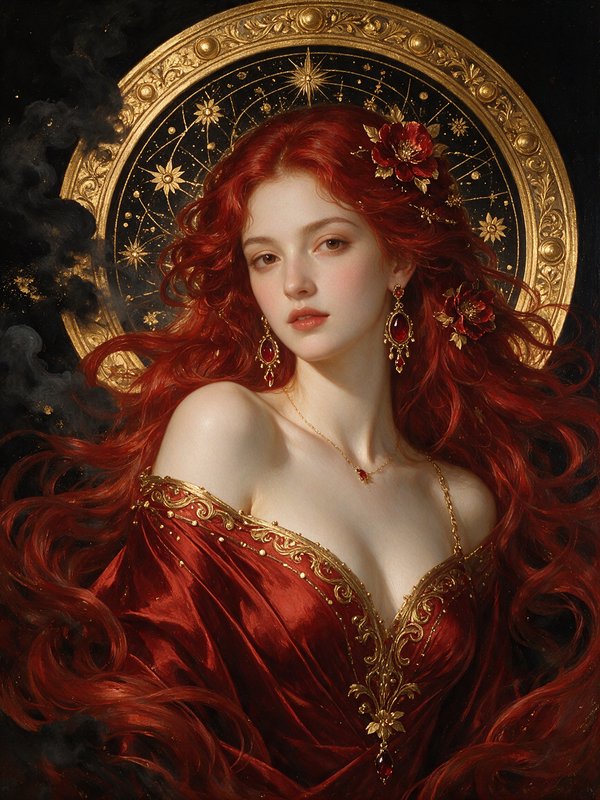
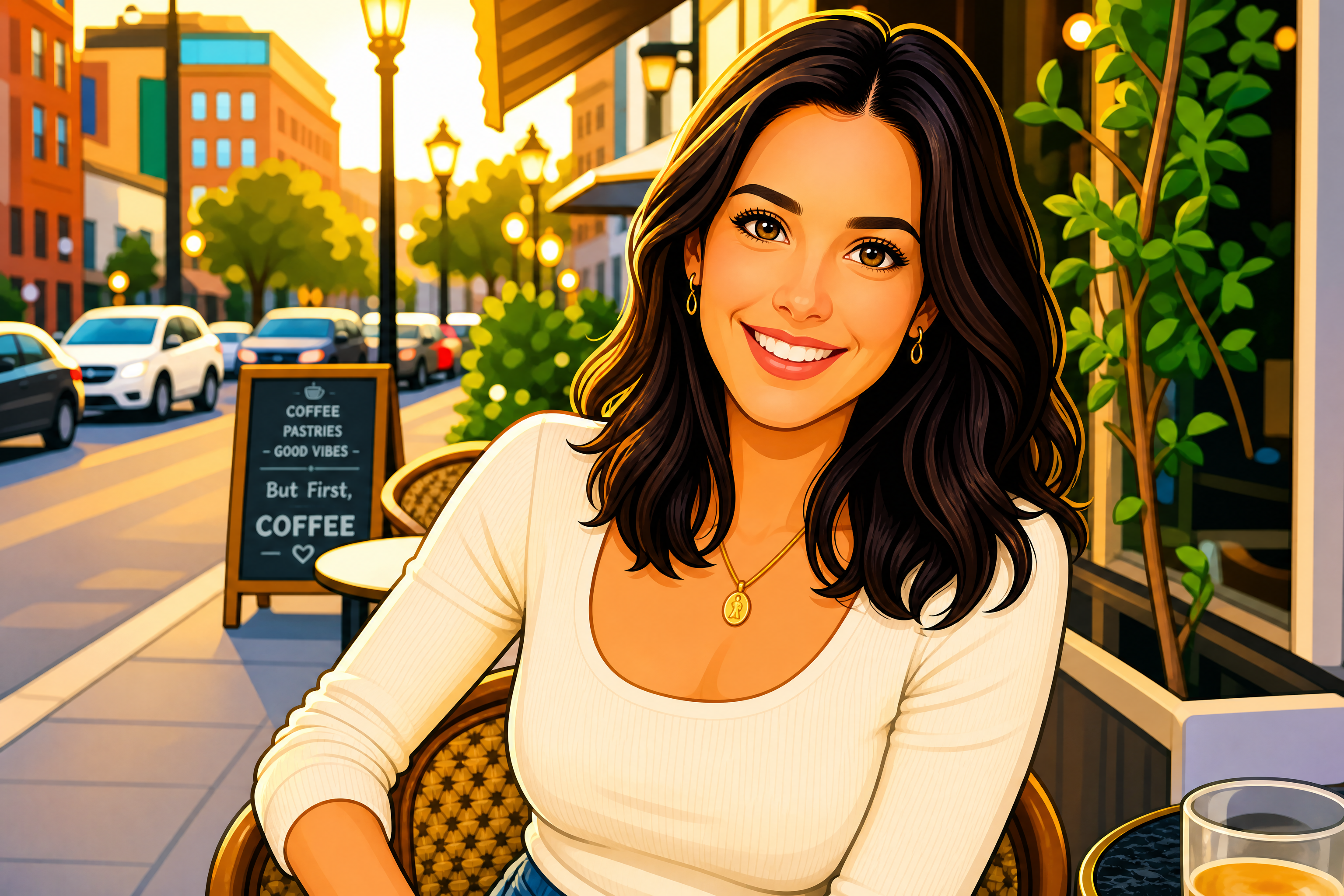
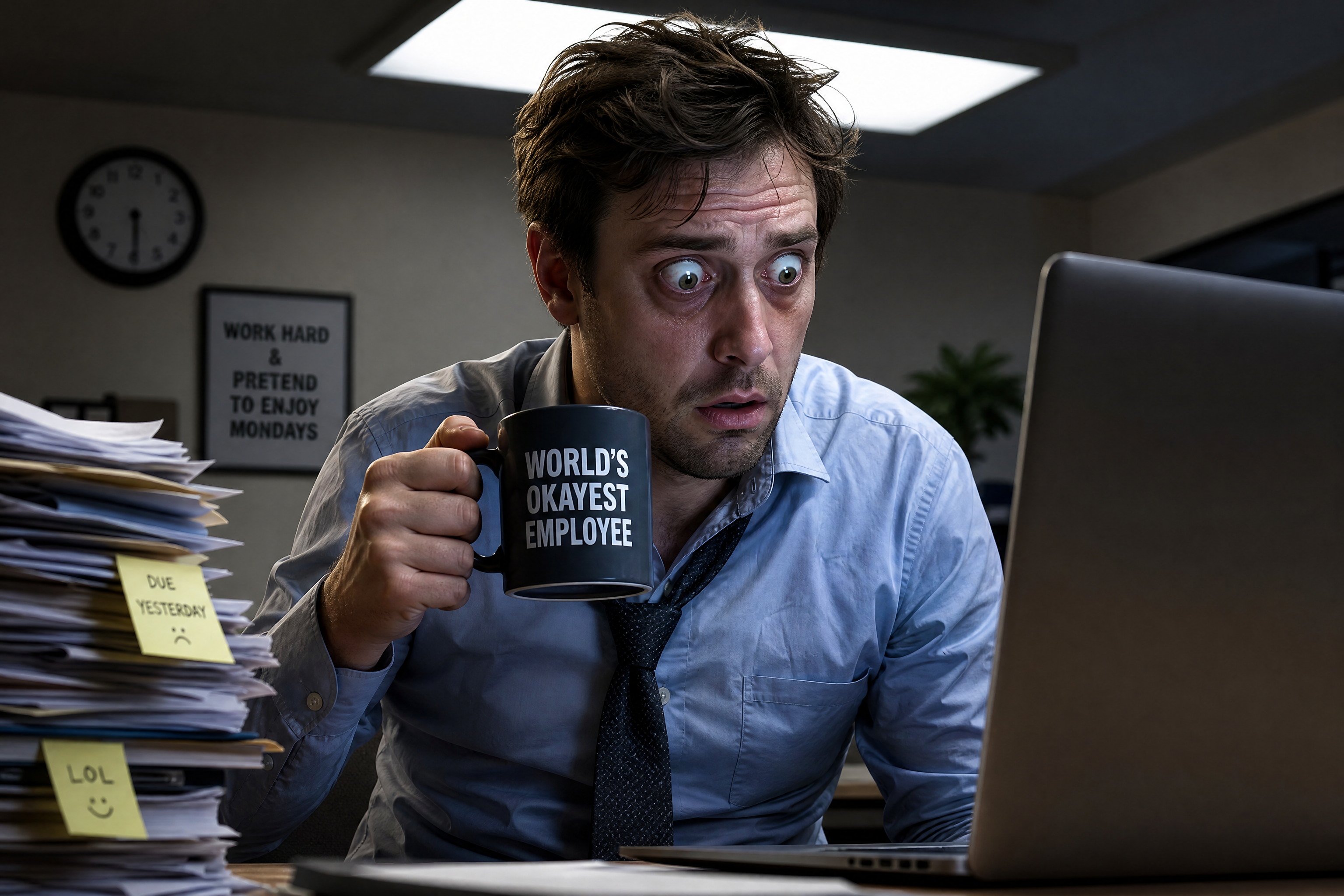
Emote Generator for custom chat reactions
Turn photos and character art into bold, readable emotes in seconds.
Create custom emotes from a portrait, selfie, pet photo, or character image with a single edit prompt. Our AI simplifies details, boosts expression, and outputs a crisp emote look that stays readable at small sizes.
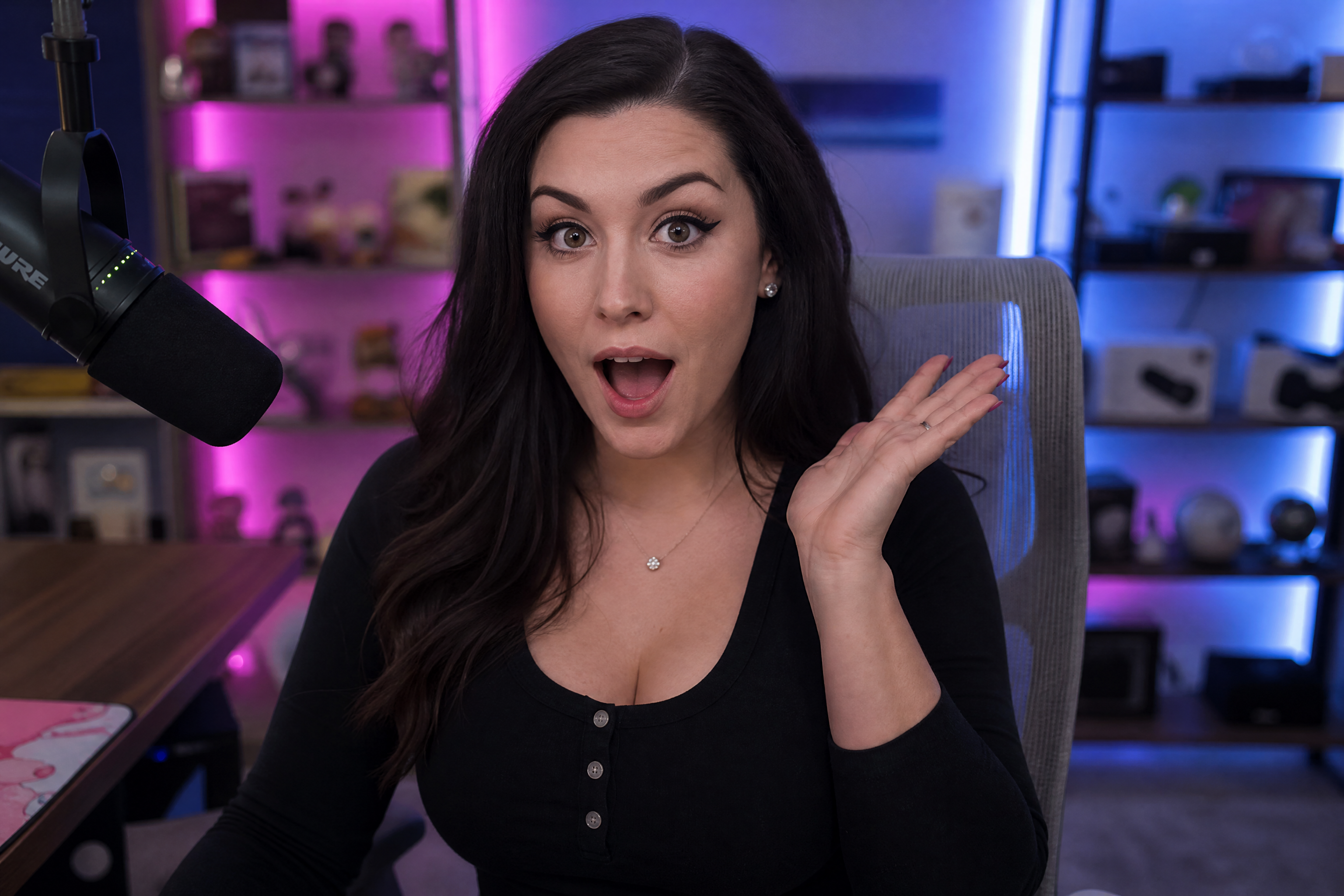
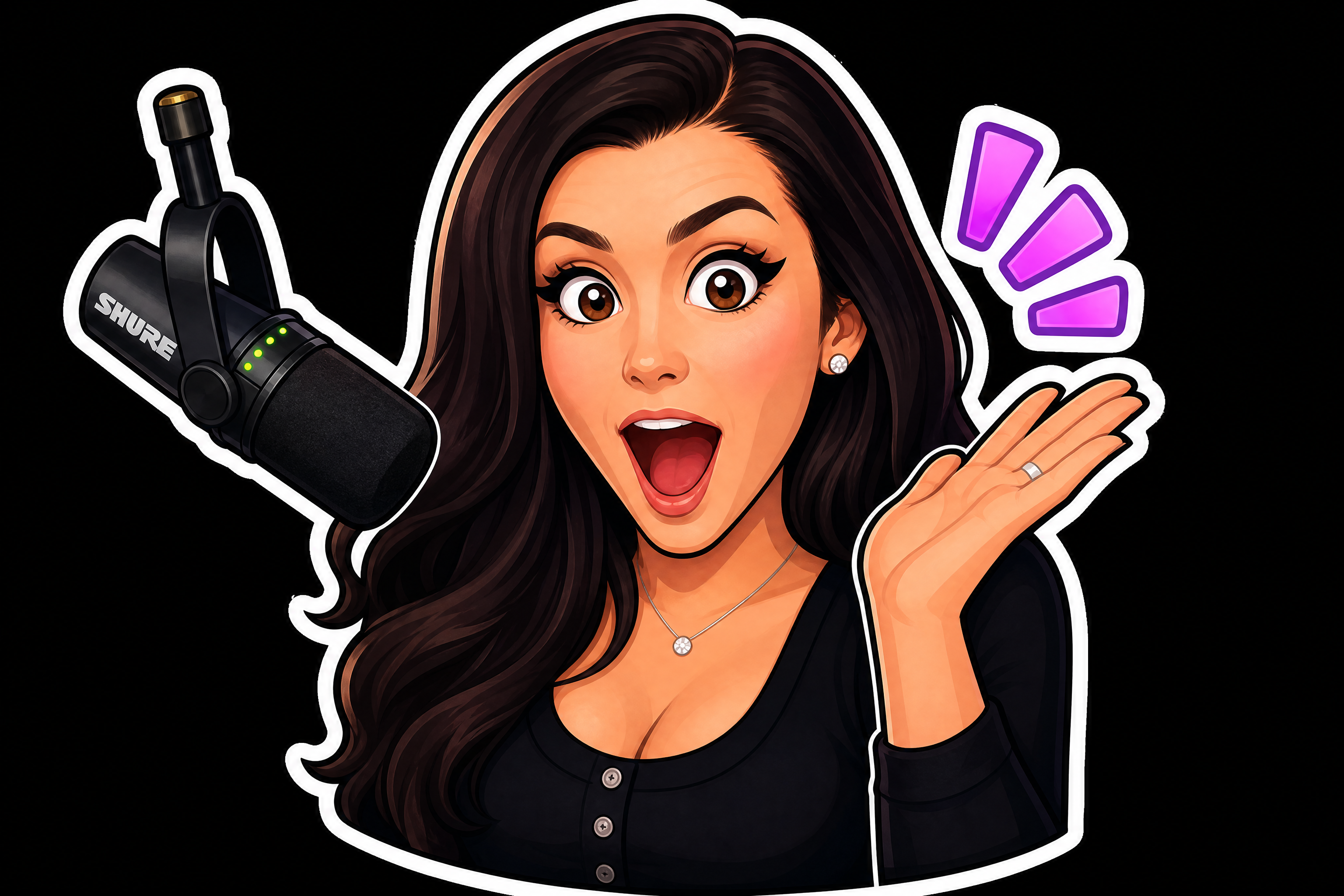
Watch the Transformation
See emote generator in motion — generated end-to-end by our AI.
See It In Action
Real outputs from emote generator.
BEFOREAFTER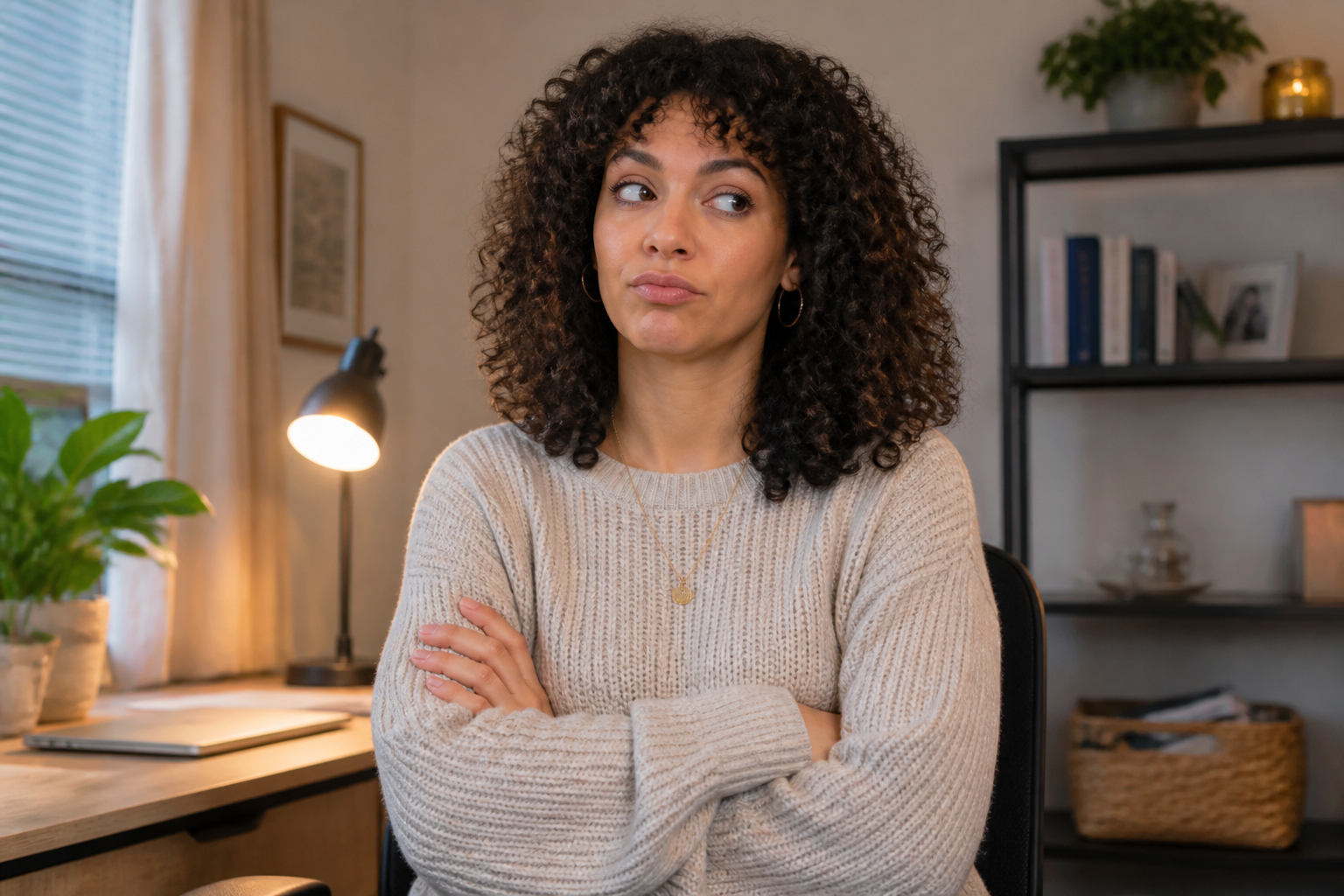 BEFORE
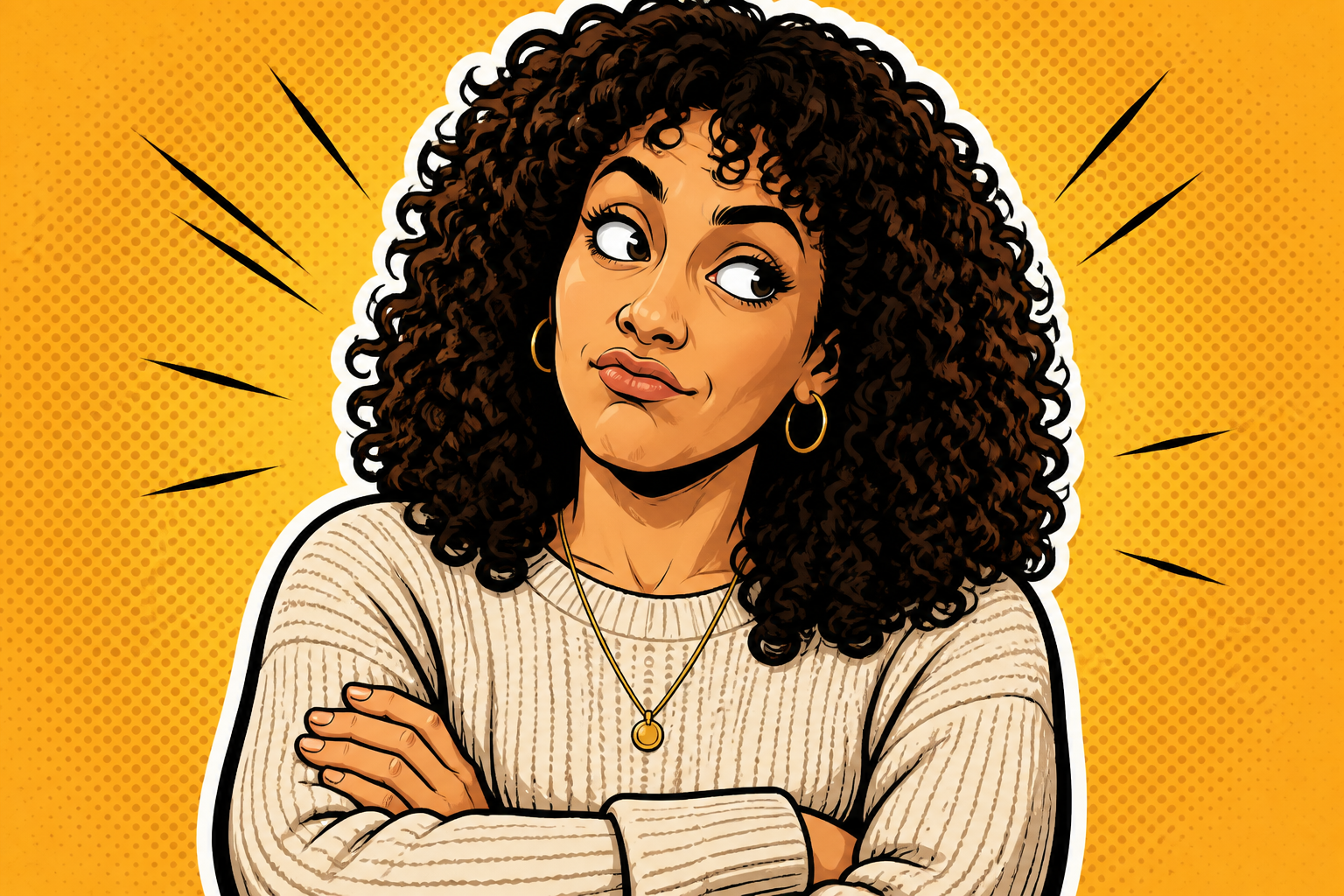 AFTER
AFTER BEFORE
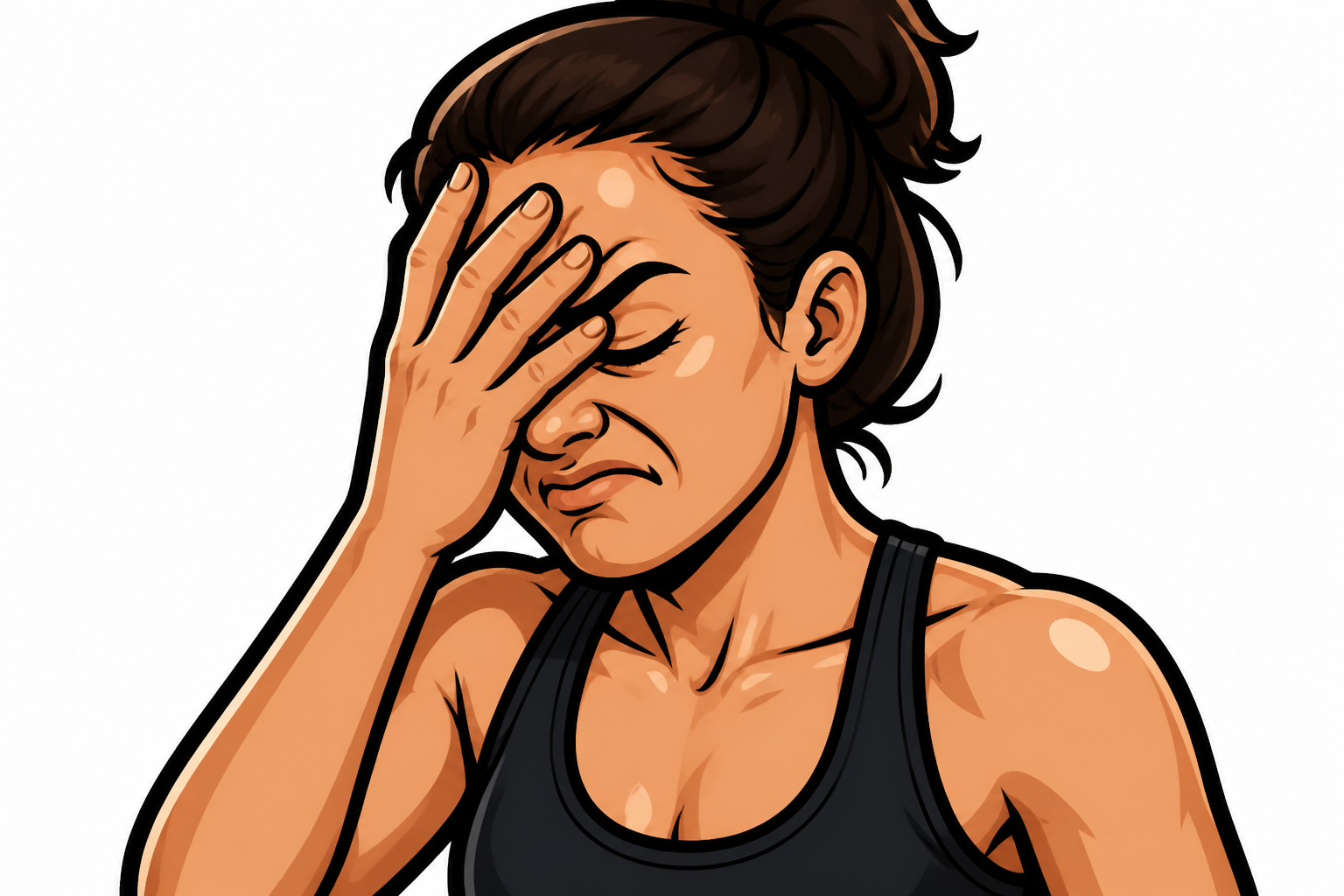 AFTER
AFTER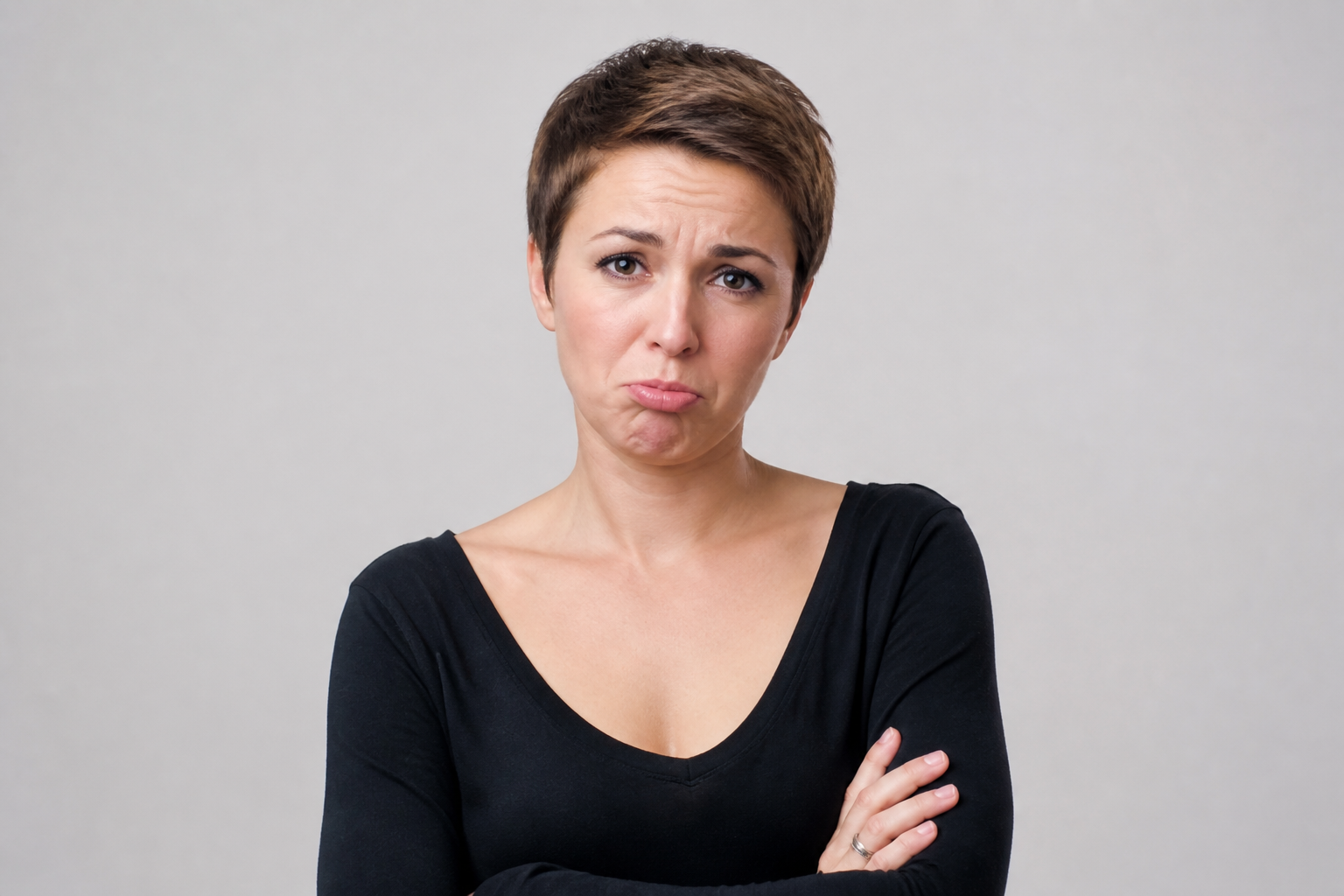 BEFORE
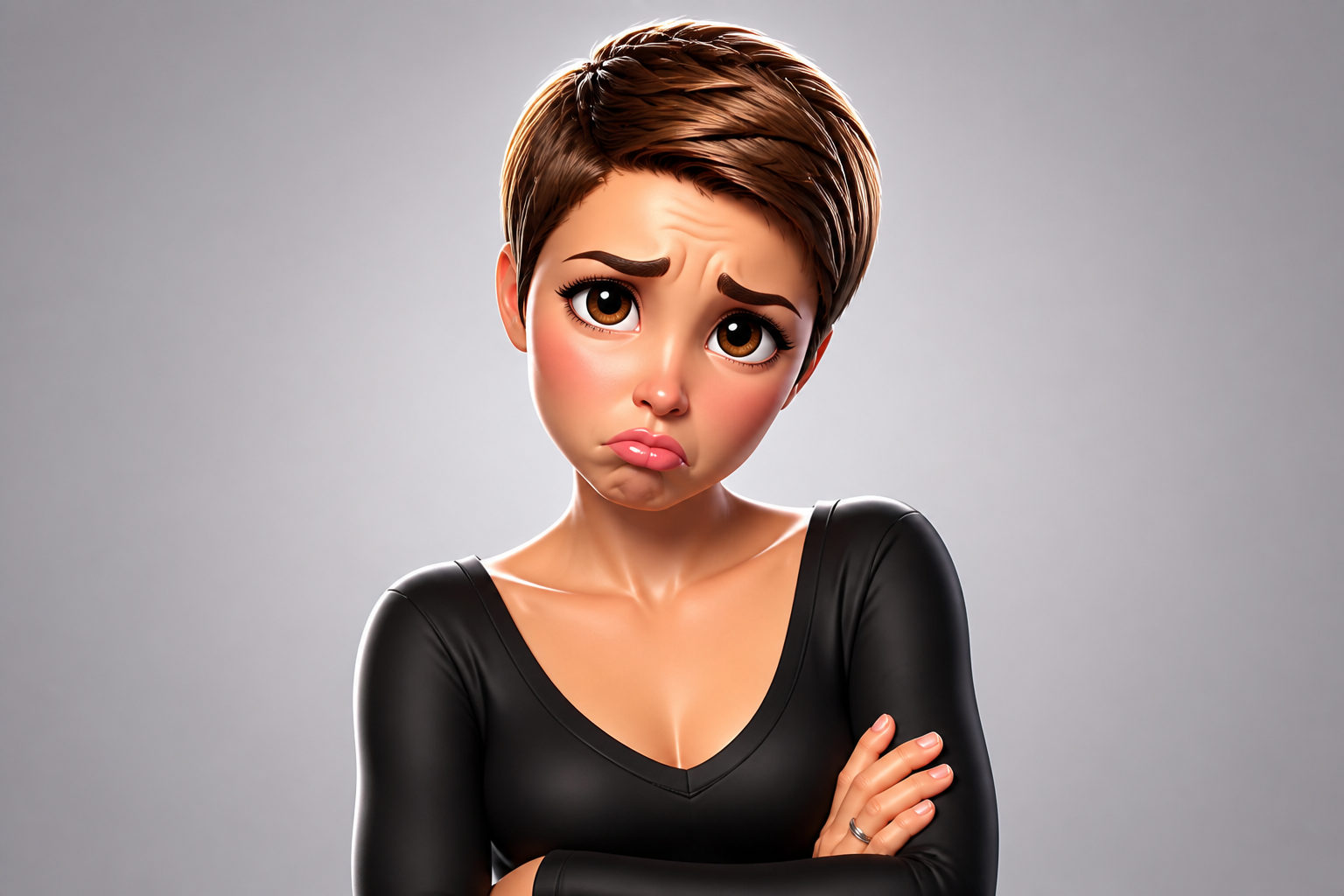 AFTER
AFTER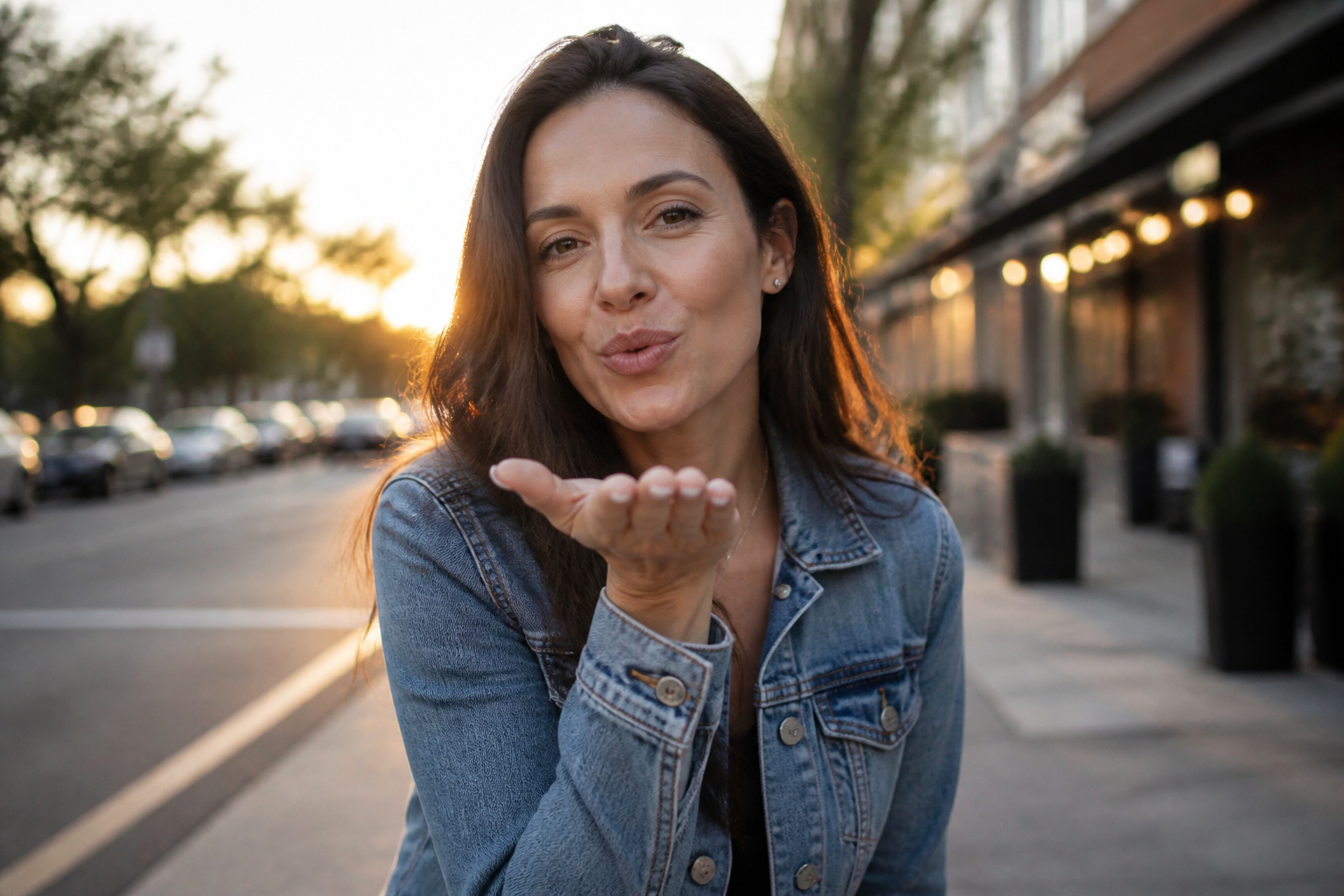 BEFORE
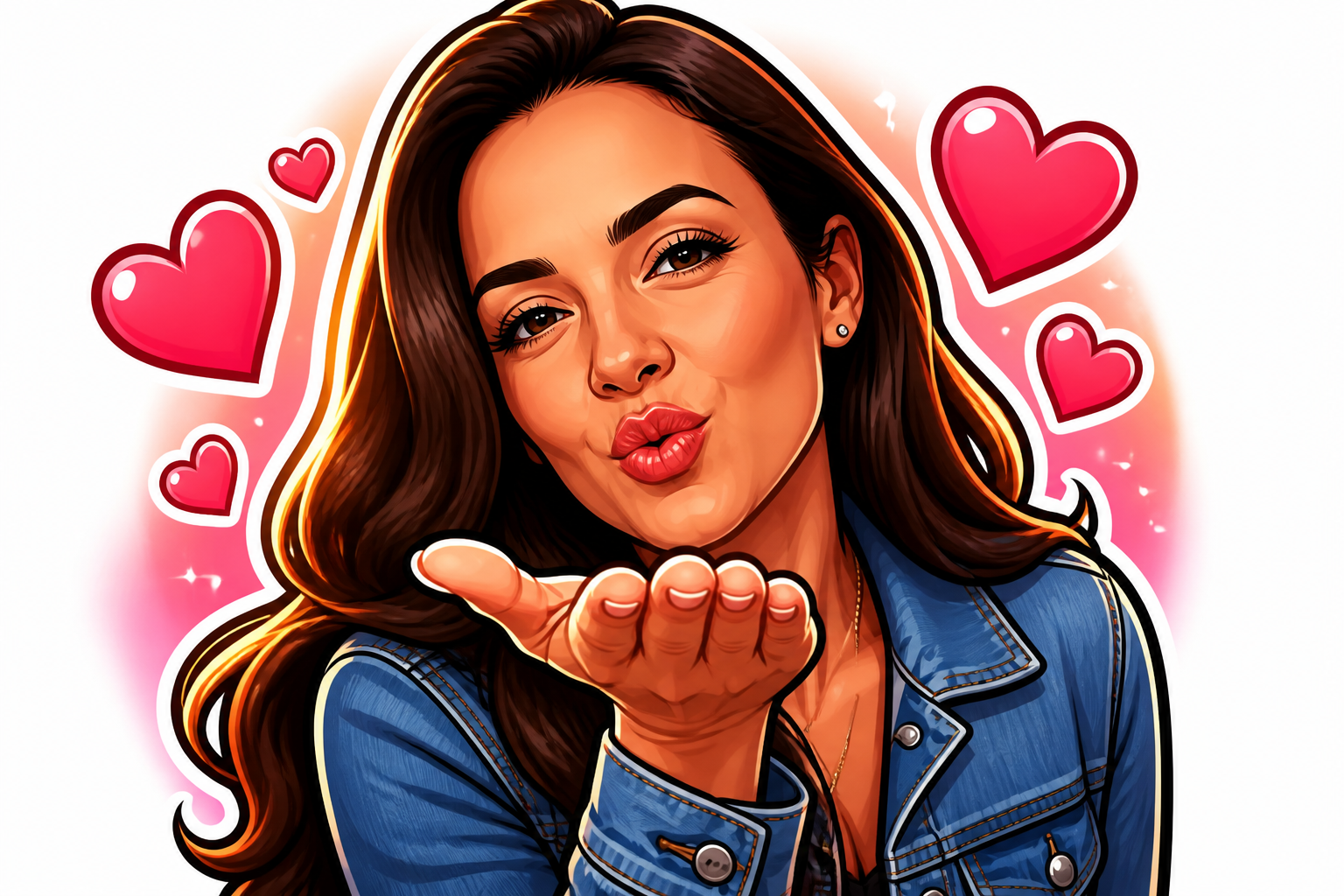 AFTERBEFOREAFTERBEFOREAFTERBEFOREAFTERBEFOREAFTERBEFOREAFTER
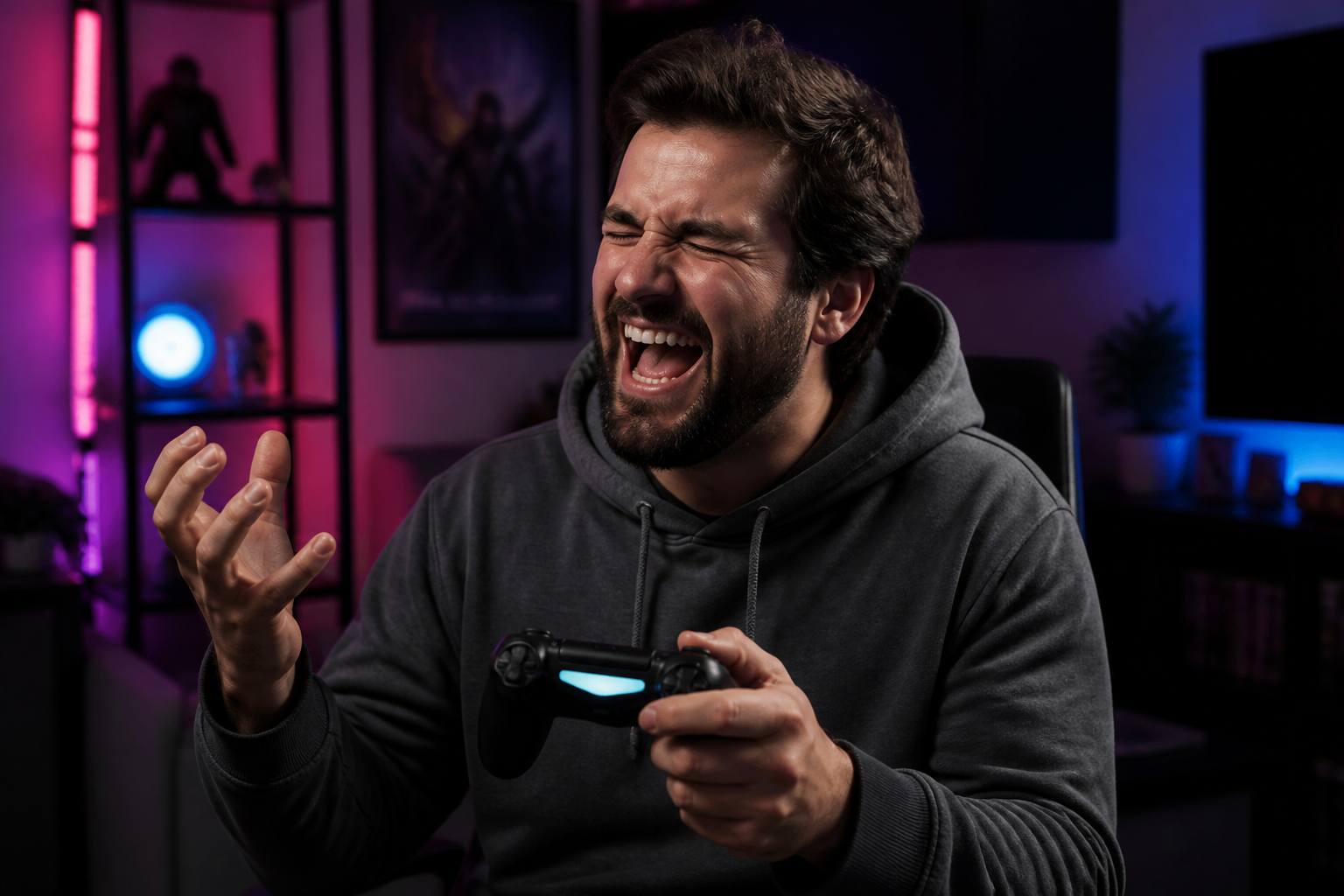 BEFORE
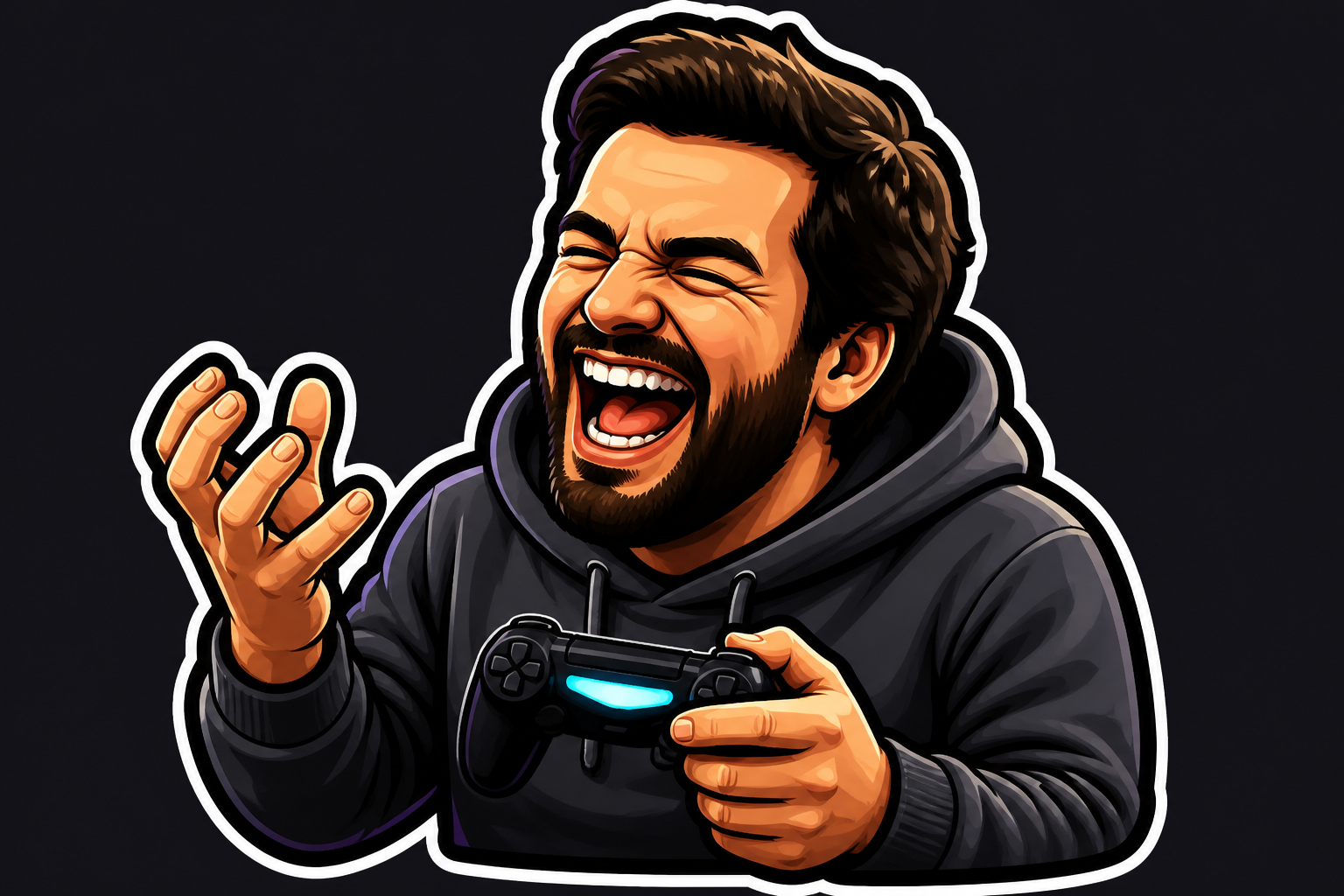 AFTER
AFTER BEFORE
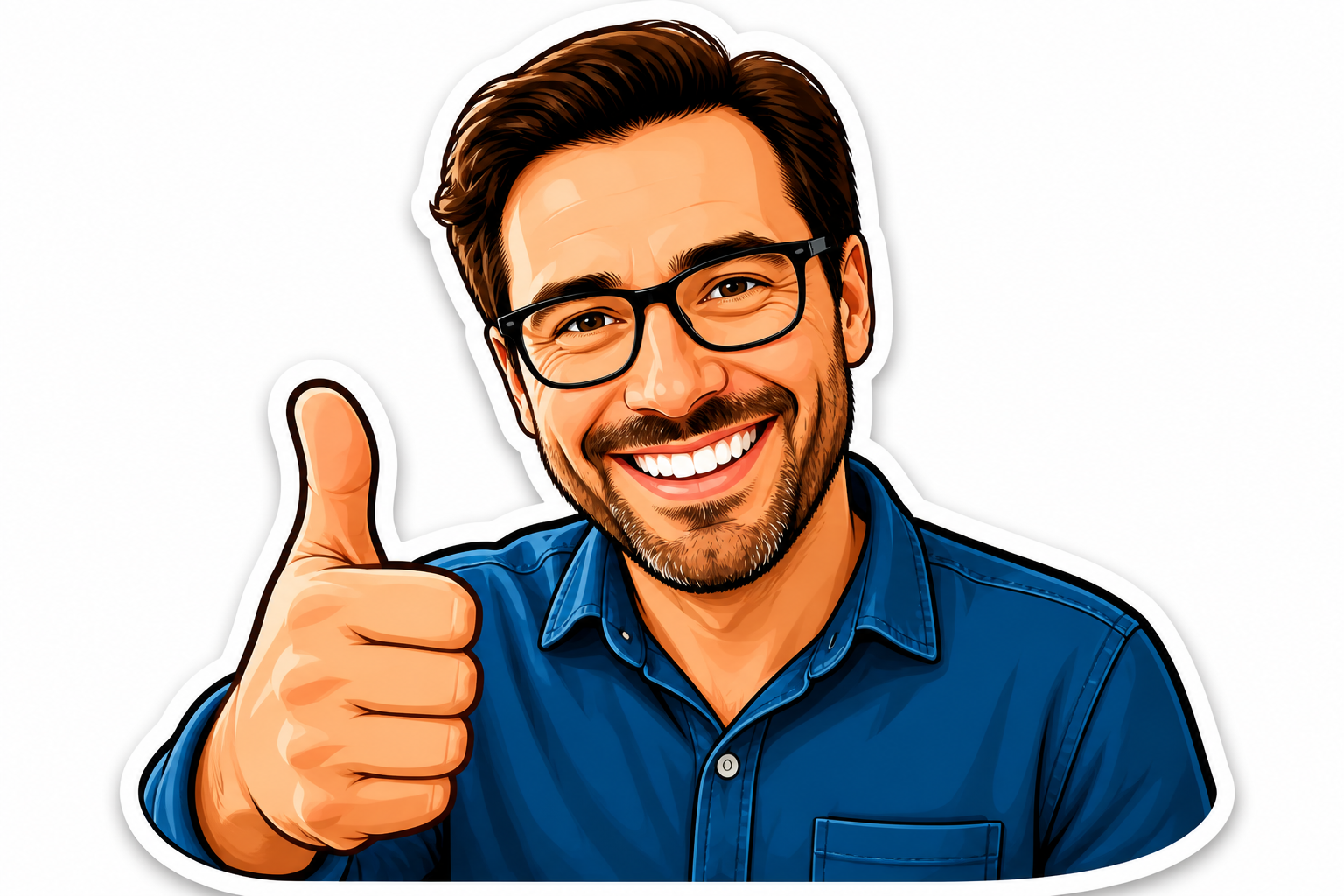 AFTER
AFTER BEFORE
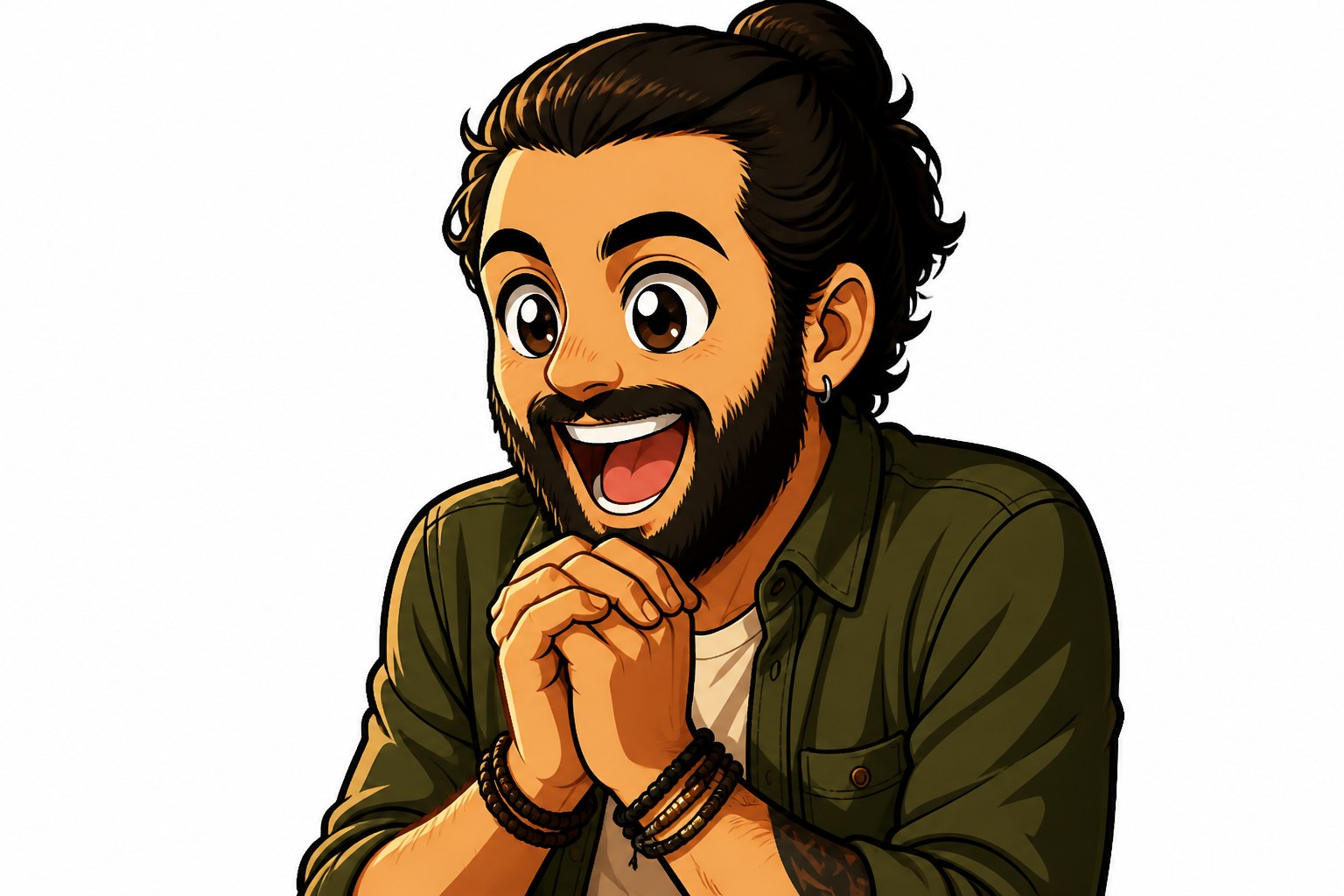 AFTER
AFTER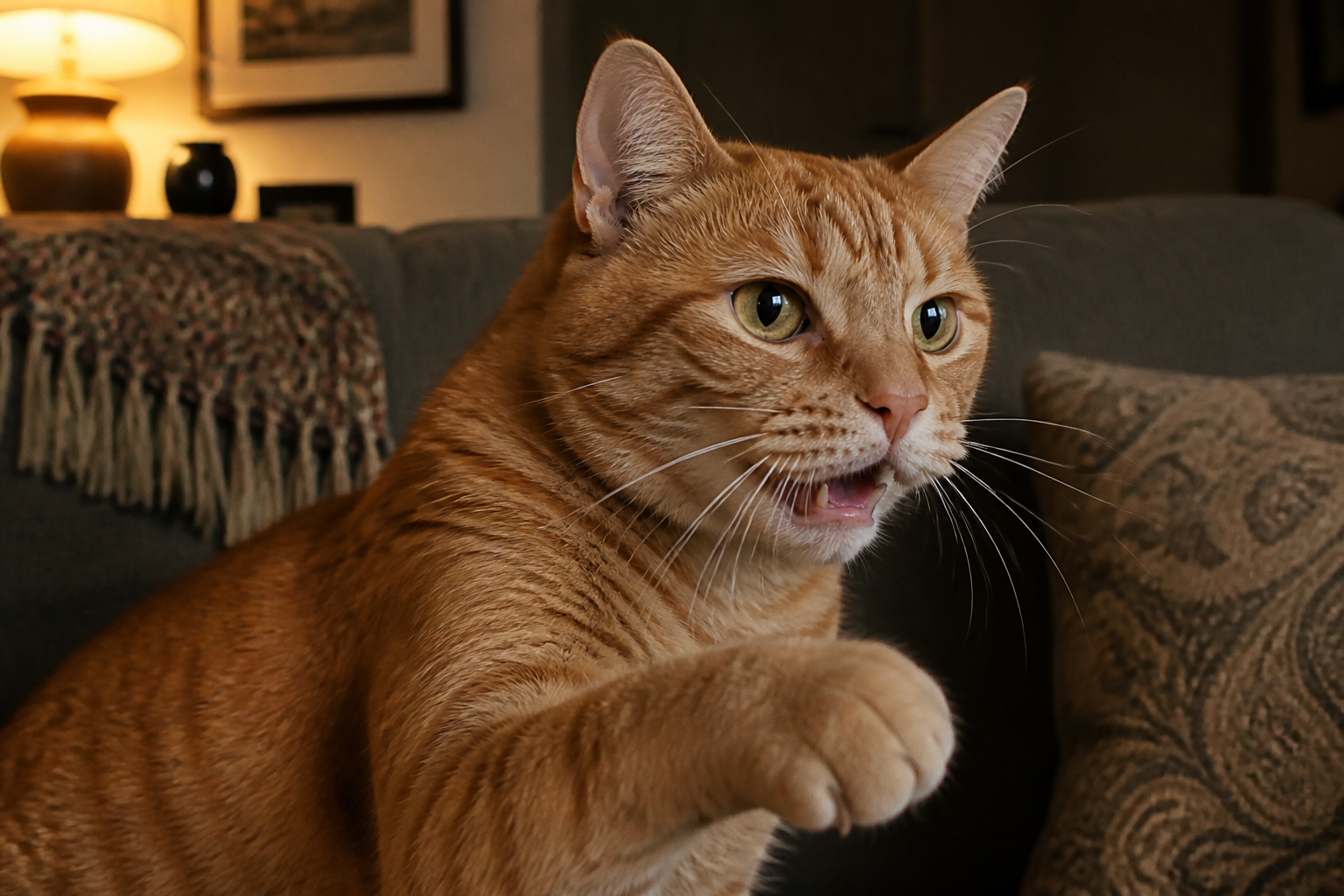 BEFORE
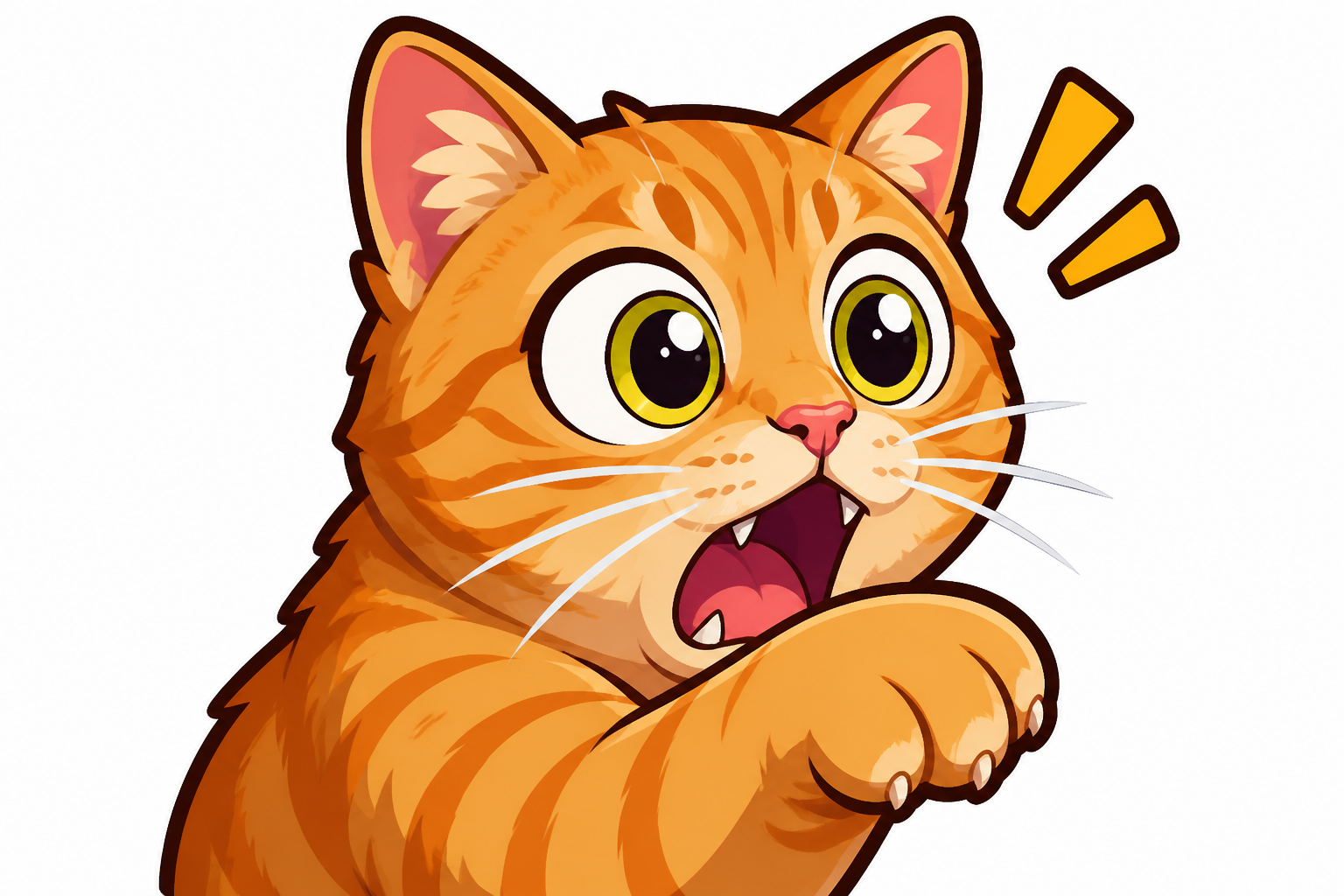 AFTER
AFTER BEFORE
 AFTERBEFOREAFTERBEFOREAFTERBEFOREAFTERBEFOREAFTERBEFOREAFTER
Key Features
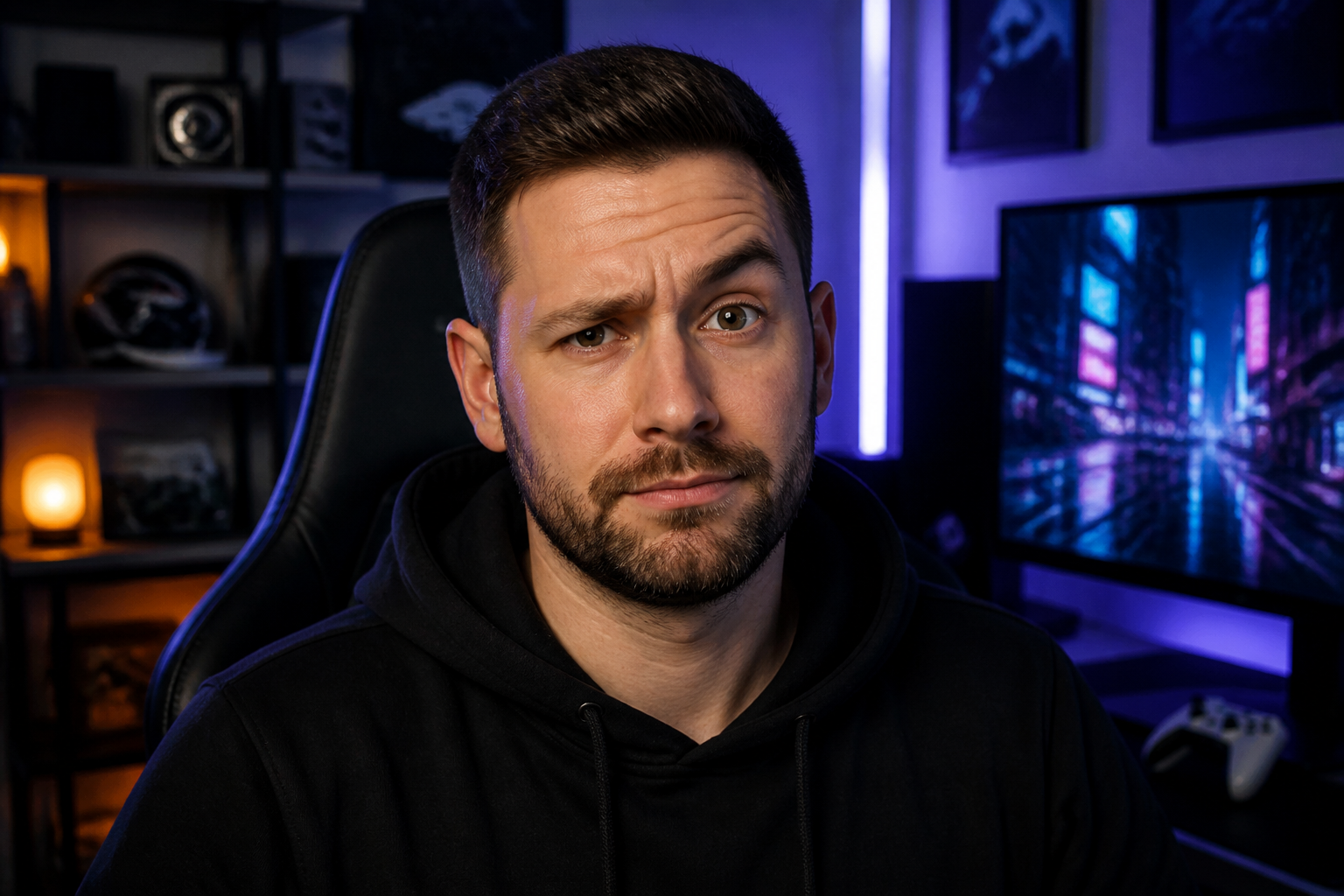
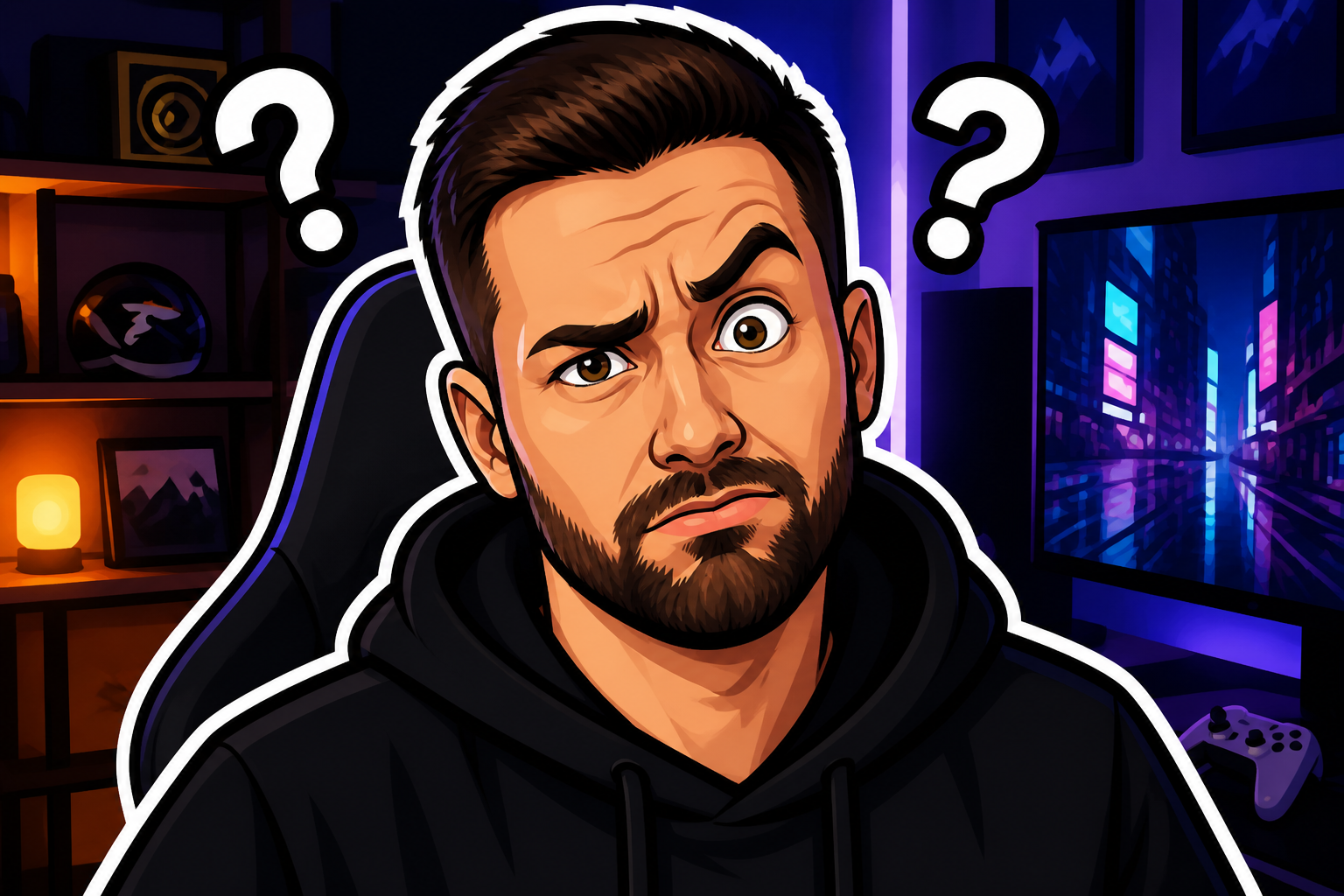
Readable at tiny sizes
Emotes need to make sense in a very small box. Our AI simplifies details, sharpens facial cues, and pushes the main gesture so the reaction reads fast in chat. That saves you from manually redrawing features over and over just to make them legible. You get a cleaner result that still feels like the original image.
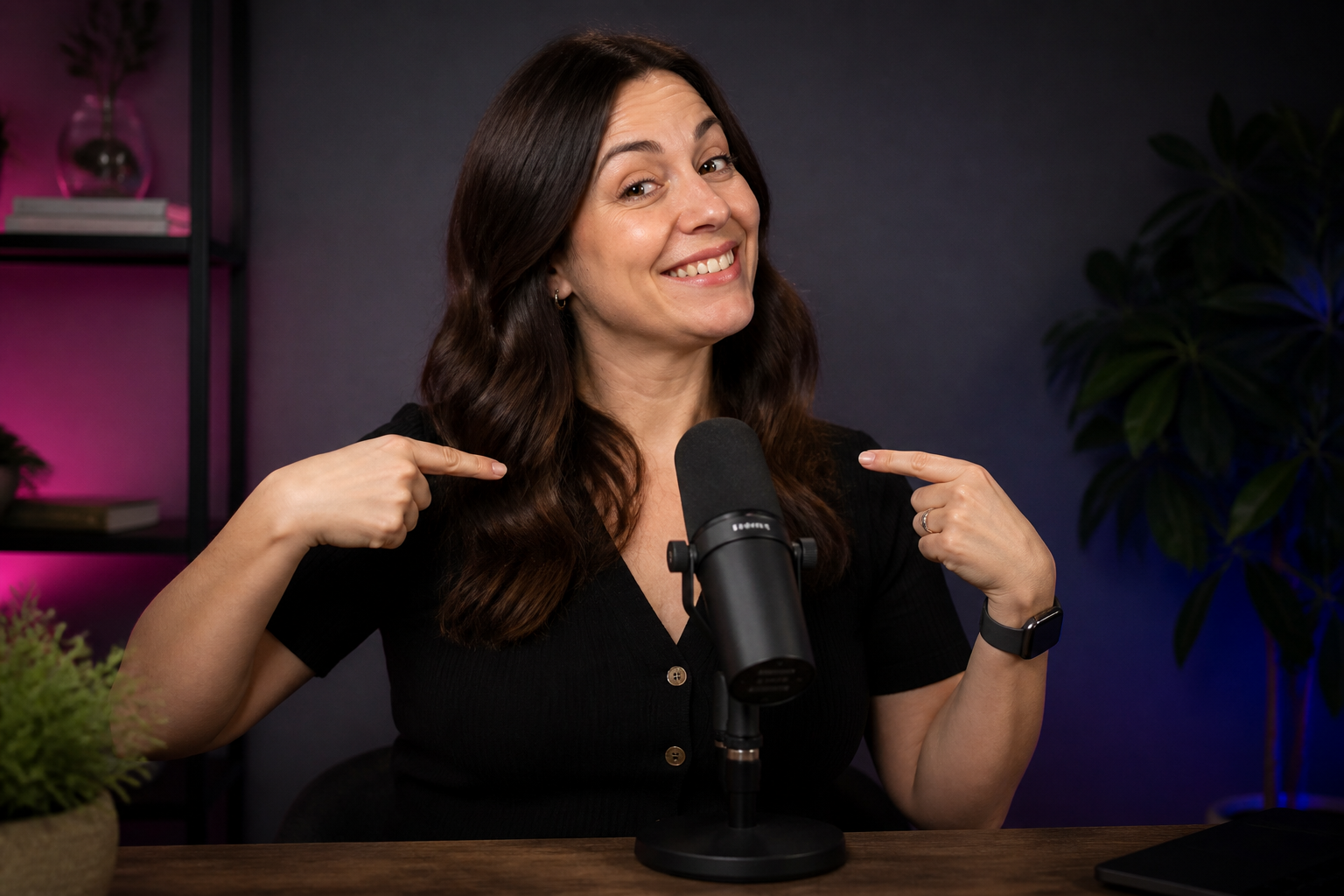
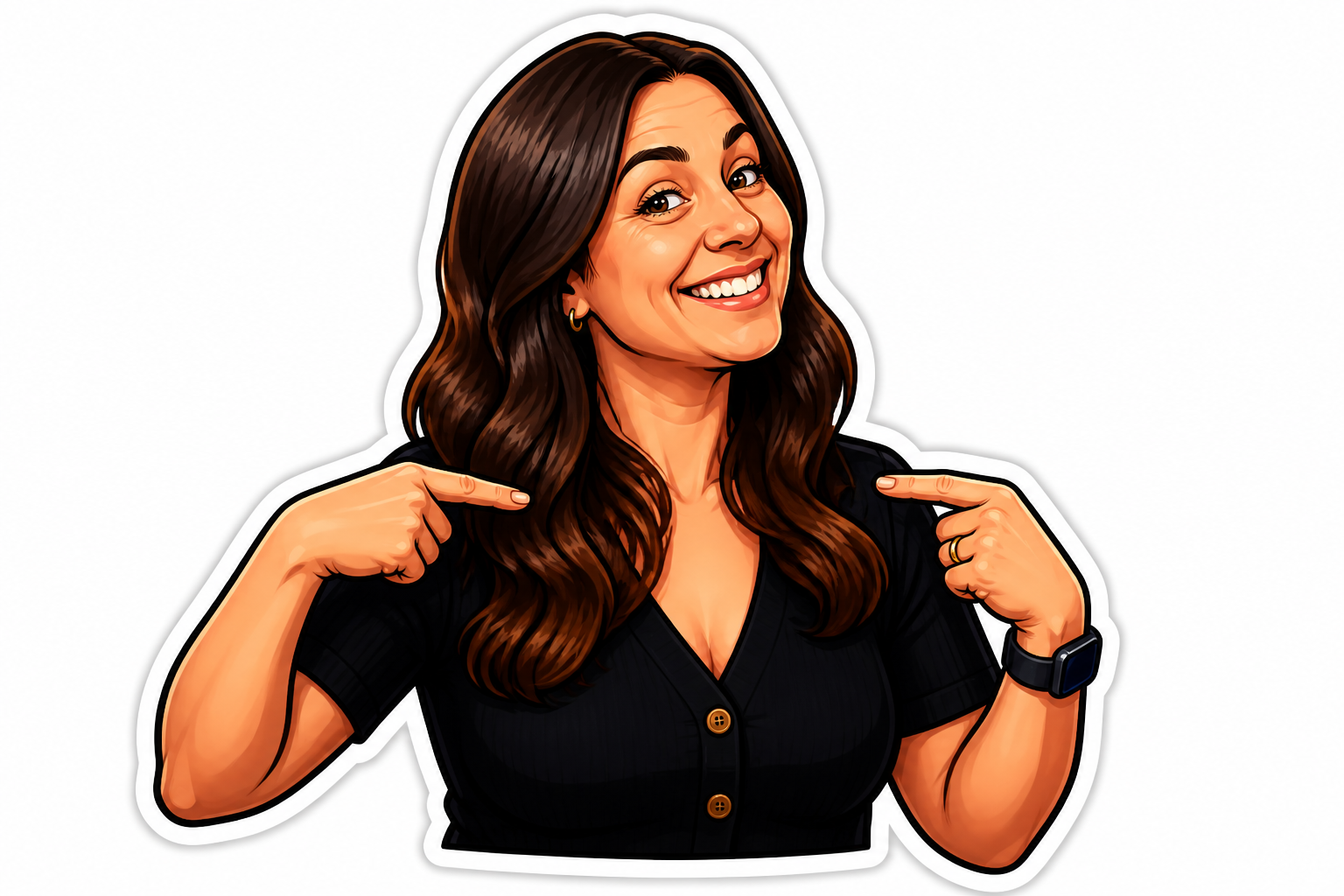
Keep the reaction intact
The tool preserves the core pose and expression instead of replacing them with a generic cartoon face. That matters when you want a specific laugh, eye-roll, or hype pose from your own photo or character art. Manual emote drawing often drifts away from the source unless you spend time refining every line. Here, the reaction stays recognizable while the style becomes cleaner.
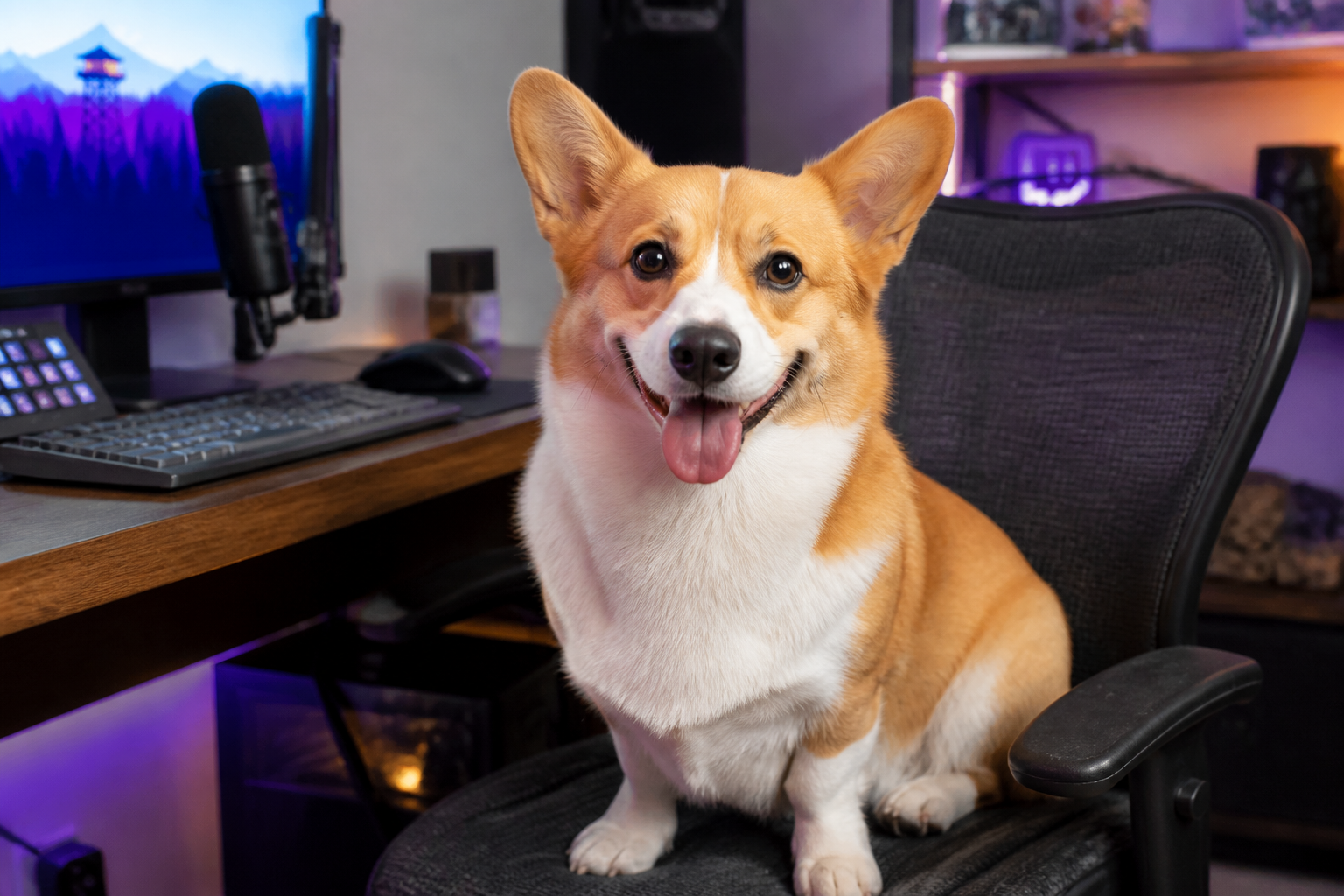
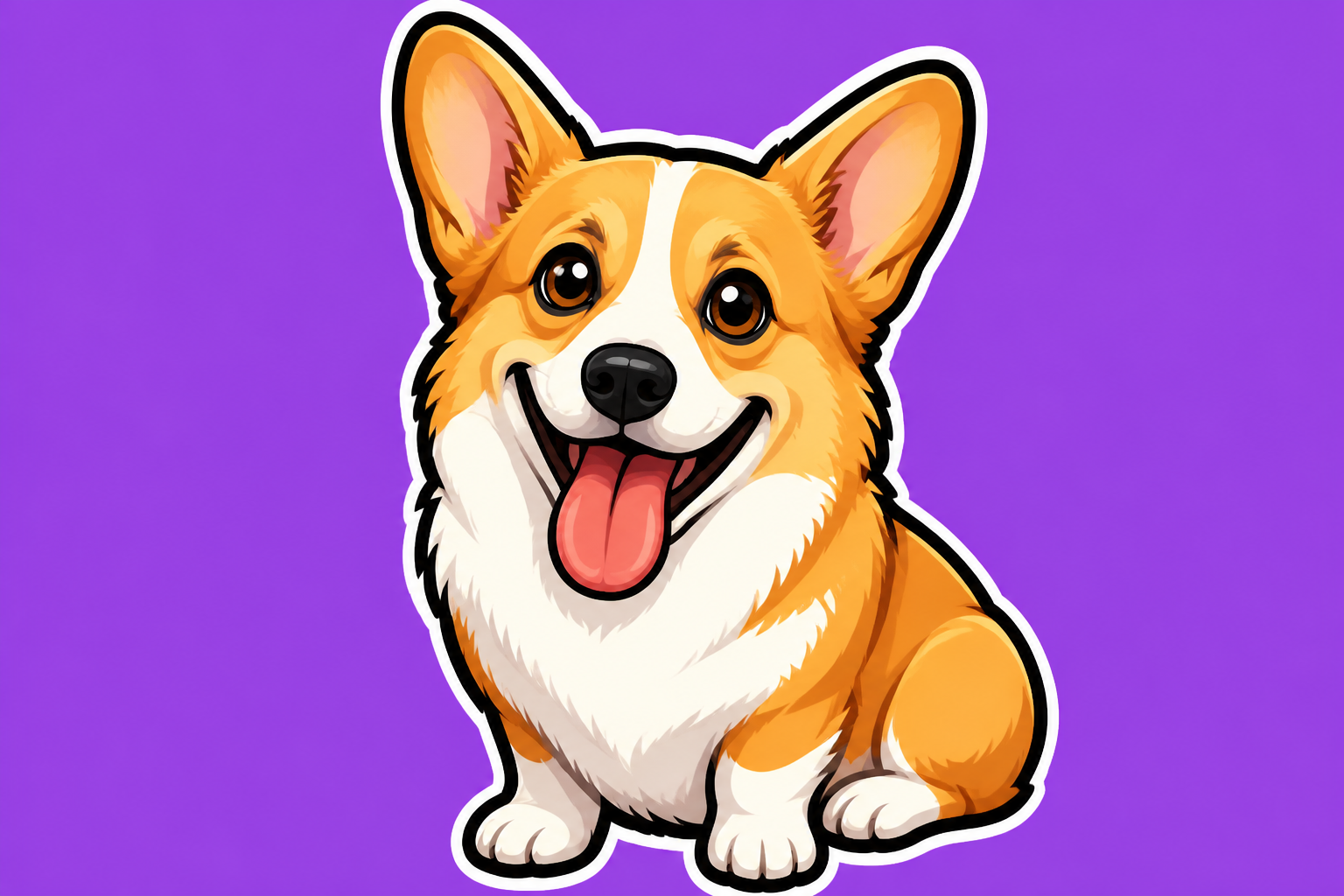
Works for people and pets
You can generate emotes from selfies, portraits, mascots, and pet photos without switching tools. The edit process focuses on expression, silhouette, and contrast, which are the same qualities that make any emote useful in chat. Doing that manually across different subject types takes separate workflows and style adjustments. This keeps the process consistent while still fitting the subject.
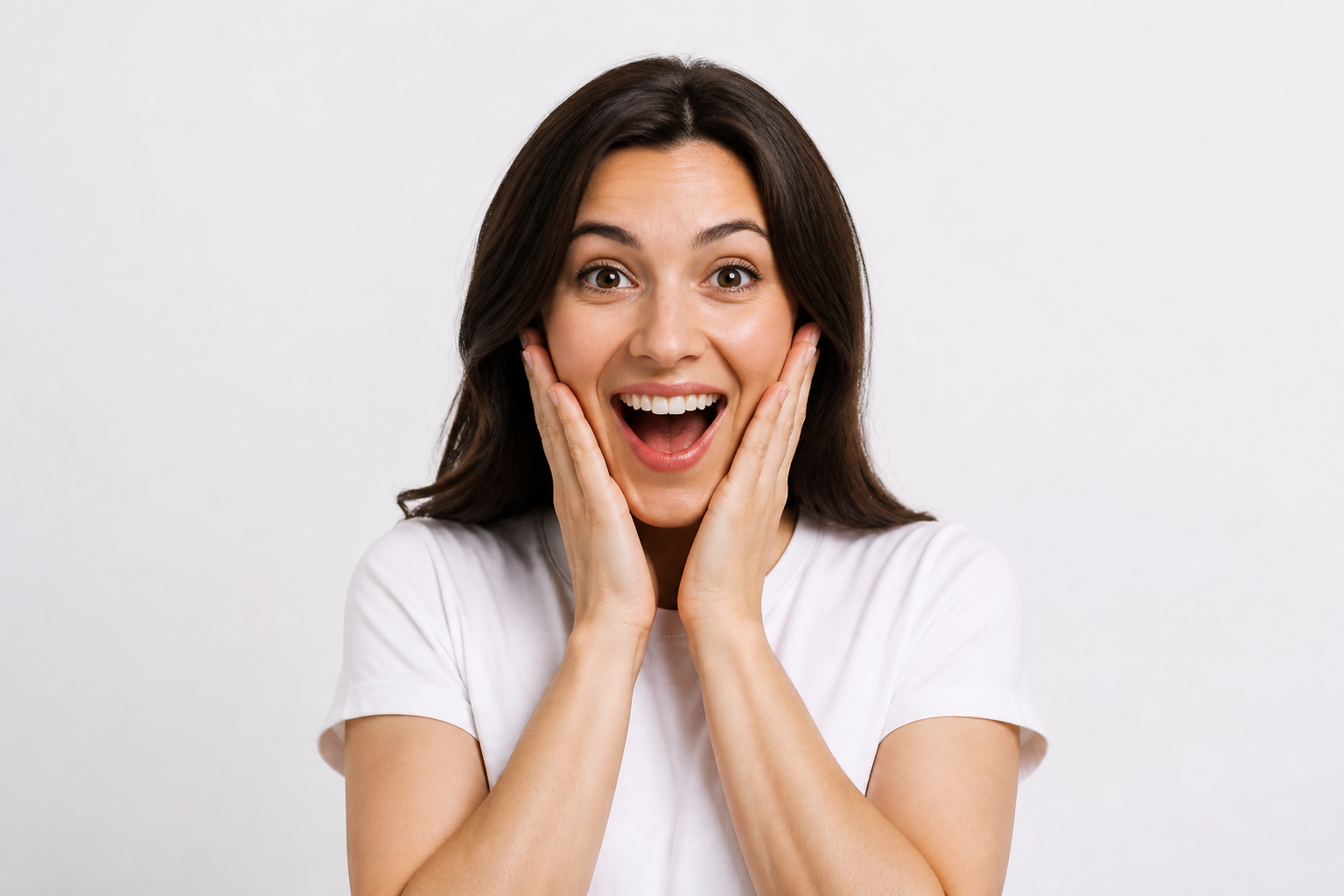
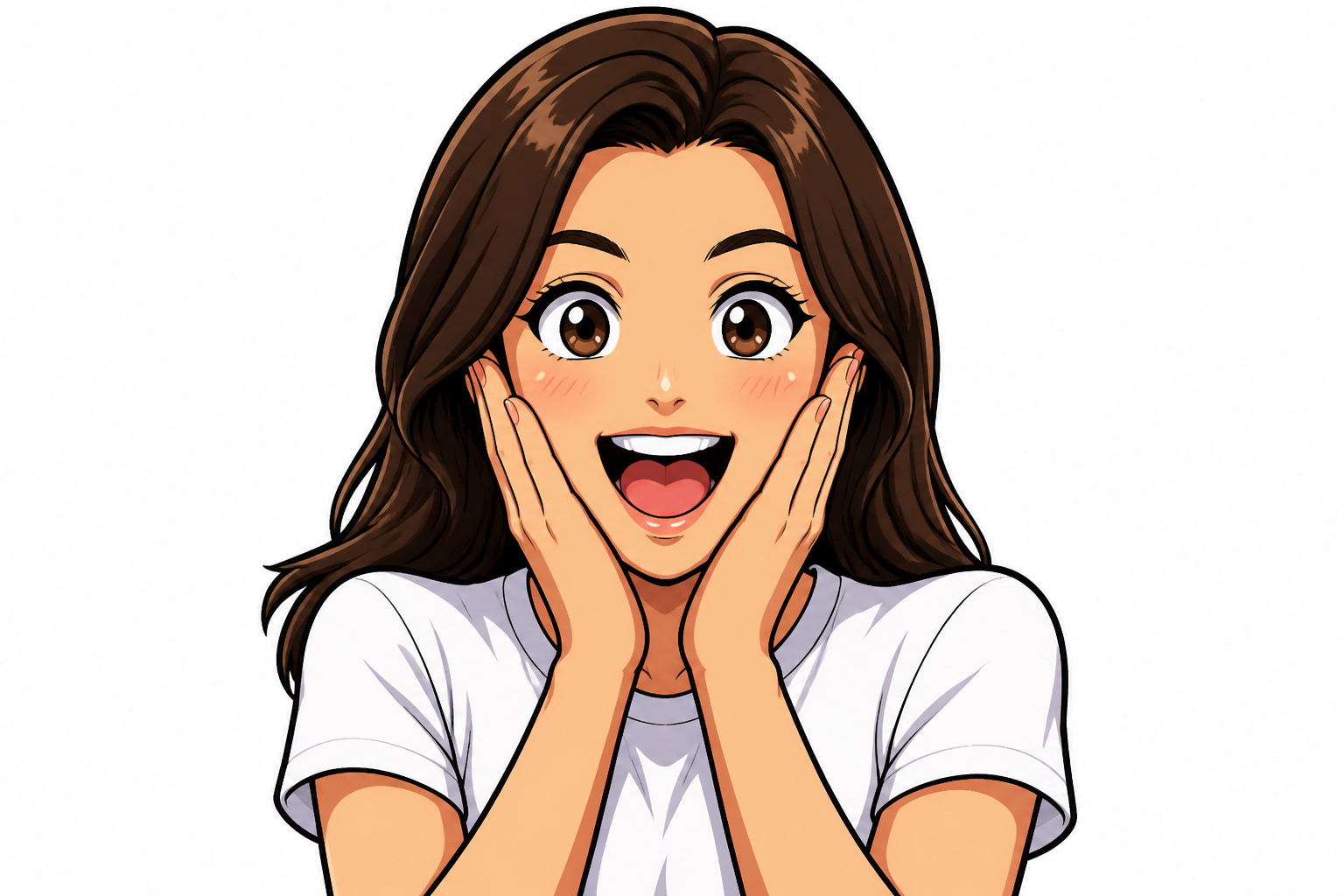
Try multiple emote styles
Some communities want clean cartoon emotes, while others prefer anime, glossy 3D, or retro pixel looks. Our AI lets you push the same source image into different visual directions without rebuilding the design from scratch. That is much faster than recreating the same reaction in several art styles by hand. It makes it easy to build a set with variety while keeping a consistent subject.
How It Works
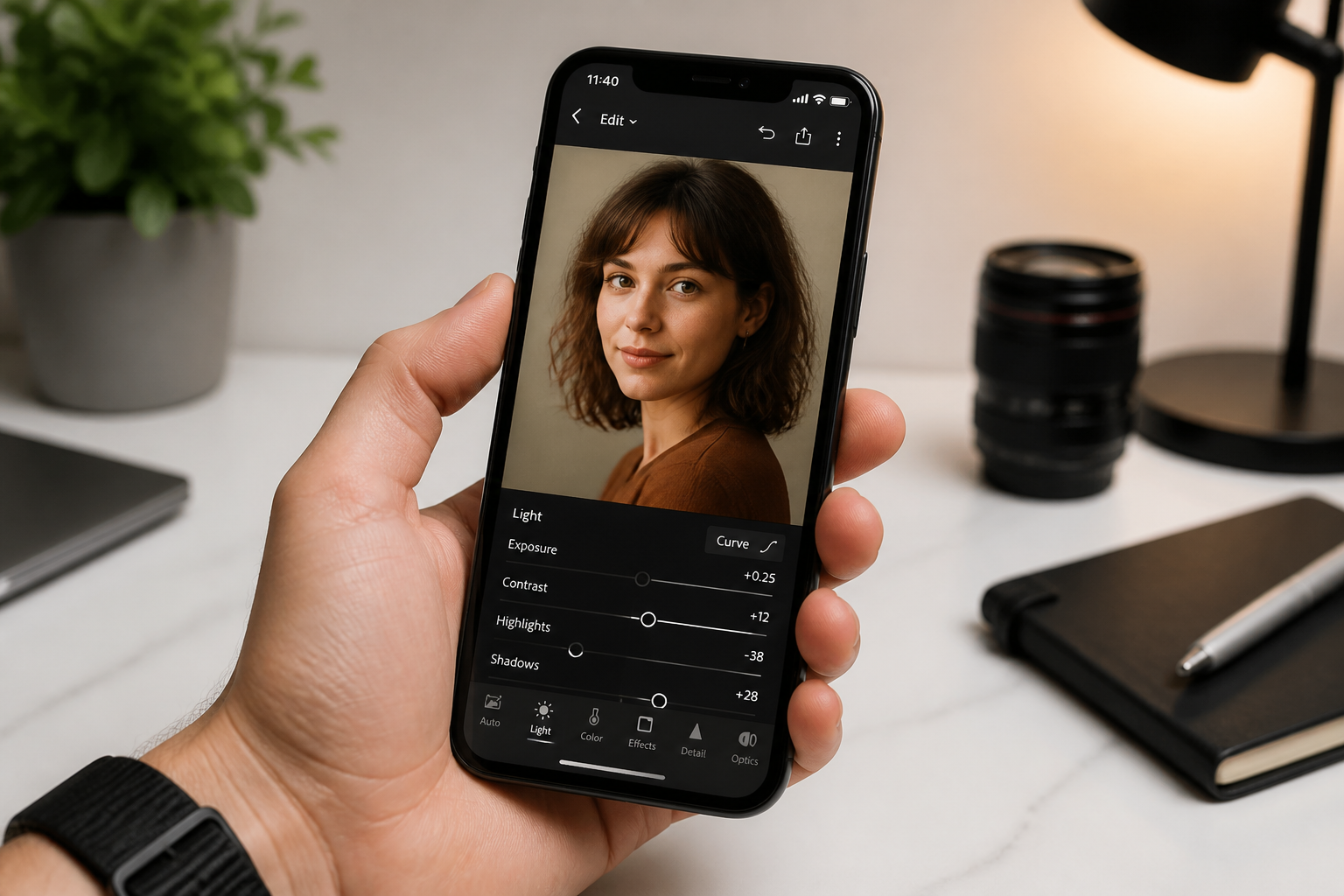
Upload your image
Start with a clear photo or character image that has an obvious facial expression or gesture. Center the subject so the emote stays easy to read after the edit.
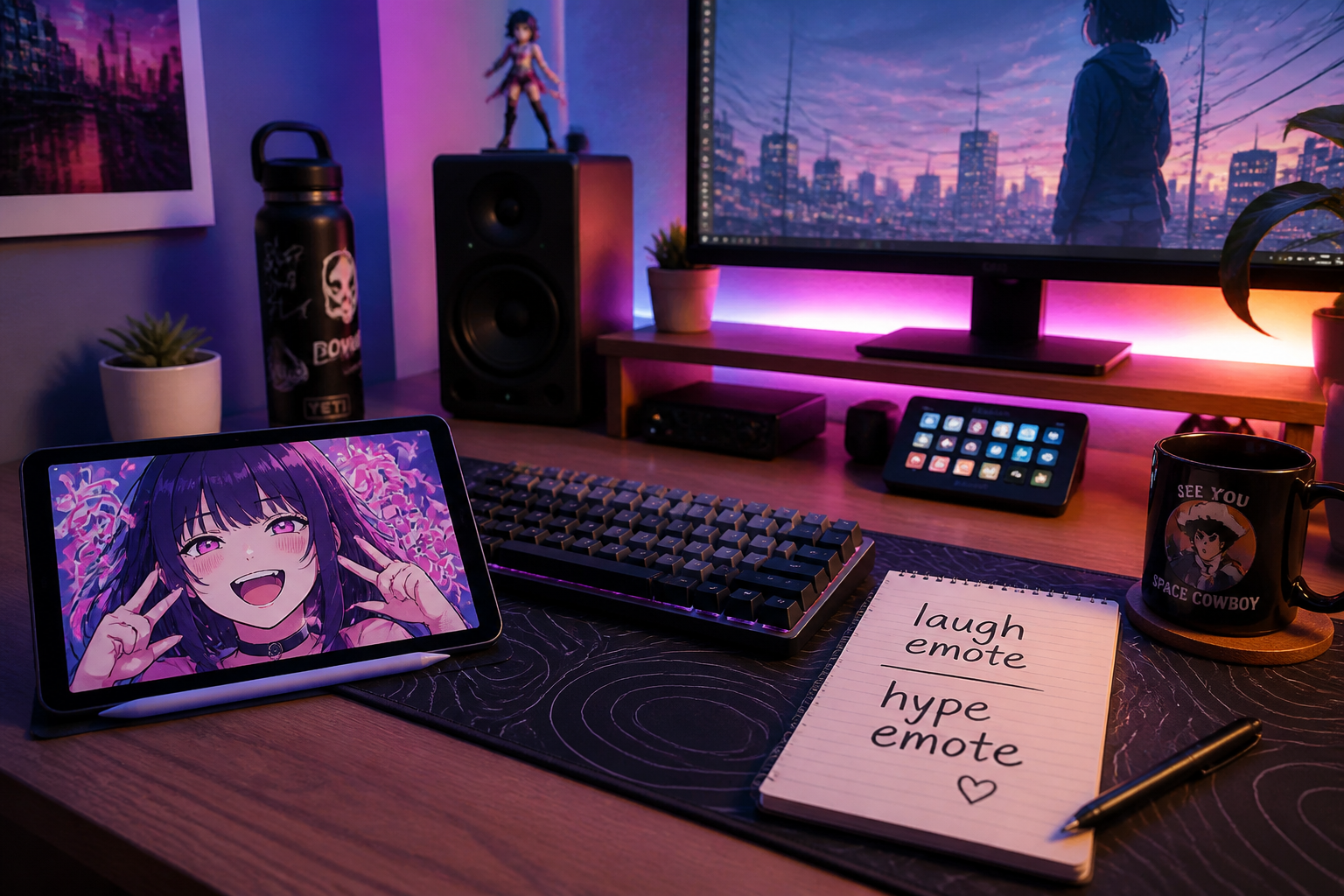
Describe the emote look
Type the reaction and style you want, such as laugh, rage, hype, anime, or glossy 3D. The clearer the expression, the stronger and more readable the result will be.
Generate and compare
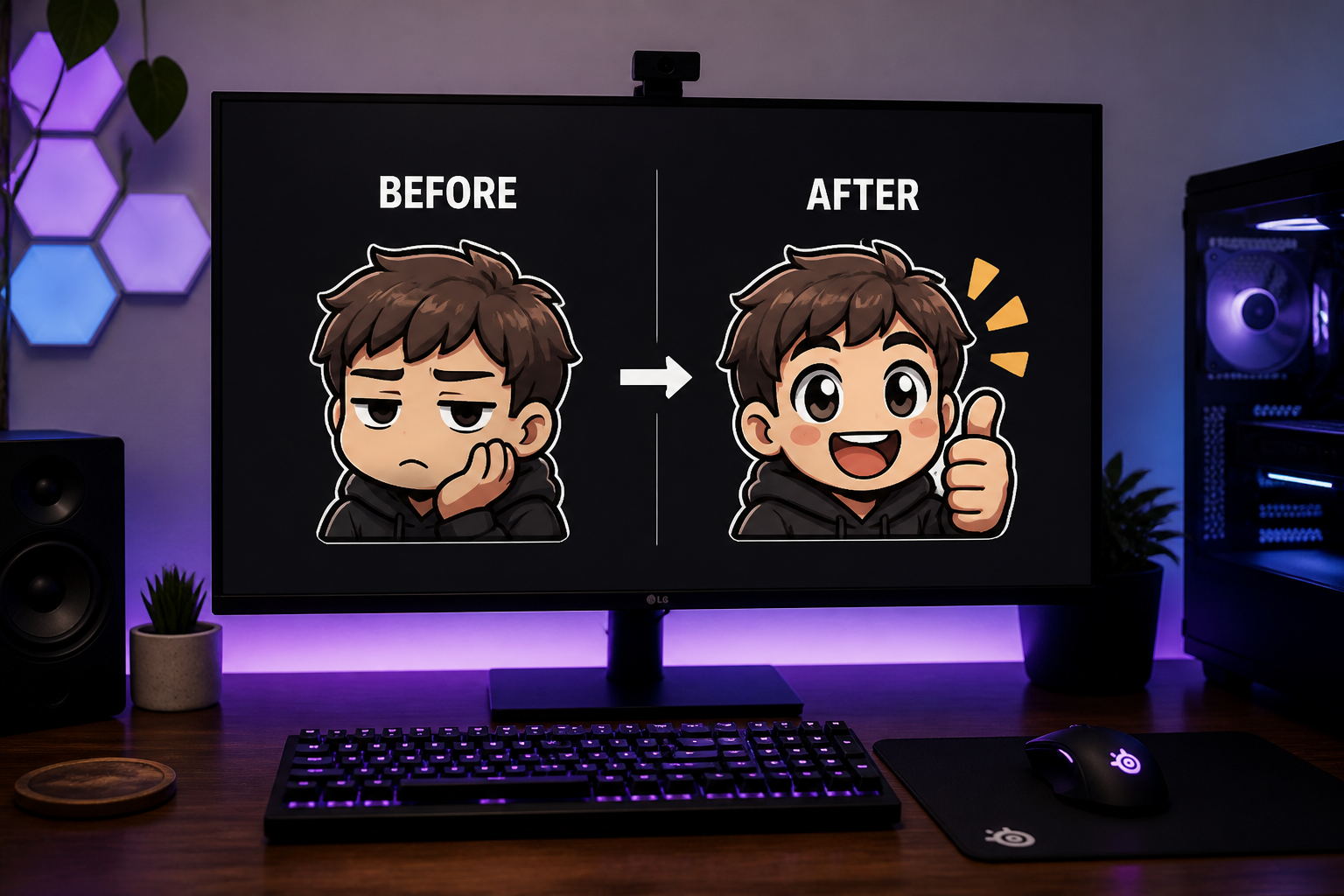
Run the edit and compare the before and after version side by side. If needed, adjust the prompt to push the expression, outline, or style further.
Perfect For
Discover how creators and professionals use emote generator
Twitch emote packs
Turn webcam shots or character portraits into readable reaction emotes for streams, subs, and community events.
Discord server reactions
Make custom chat icons from member photos, mascots, or pets to give your server a more personal visual language.
Creator branding
Build a consistent set of expressive emotes that match your face, pose, or avatar style across platforms.
Fast concept testing
Try several expressions and art directions quickly before commissioning final emote art or expanding a full pack.
Built For
Streamers
Create quick reaction emotes from selfies, webcam stills, or branded character art.
Discord community managers
Generate custom server reactions from mascots, inside jokes, and member-submitted images.
Artists and designers
Use AI edits to explore expression, silhouette, and style directions before polishing final emote sets.
Why use BudgetPixel for emotes
A quick look at how we compare on the things that matter for this niche.
| Feature | BudgetPixel | Generic AI editors | Manual editing apps |
|---|---|---|---|
| Built for visible reactions | ✓ | — | — |
| Readable small-size styling | ✓ | — | — |
| Keeps source pose recognizable | ✓ | — | ✓ |
| Multiple emote styles quickly | ✓ | ✓ | — |
| Fast to iterate | ✓ | ✓ | — |
Frequently Asked Questions
What kind of images work best with the Emote Generator?
Can I make Twitch and Discord emotes from photos?
Will the result still look like the original person or pet?
Can I generate different emote styles from the same image?
Do I need design skills to use it?
Create together.
Share your creations, discover trending AI art, and grow with fellow creators.