AI Storyboard Generator
Turn scene ideas into clear storyboard frames from a simple prompt.
Generate storyboard-style images for films, ads, pitches, and content planning from plain text. It helps directors, marketers, and creators map shots, angles, and scene flow without drawing by hand.
See It In Action
Real outputs from ai storyboard generator.
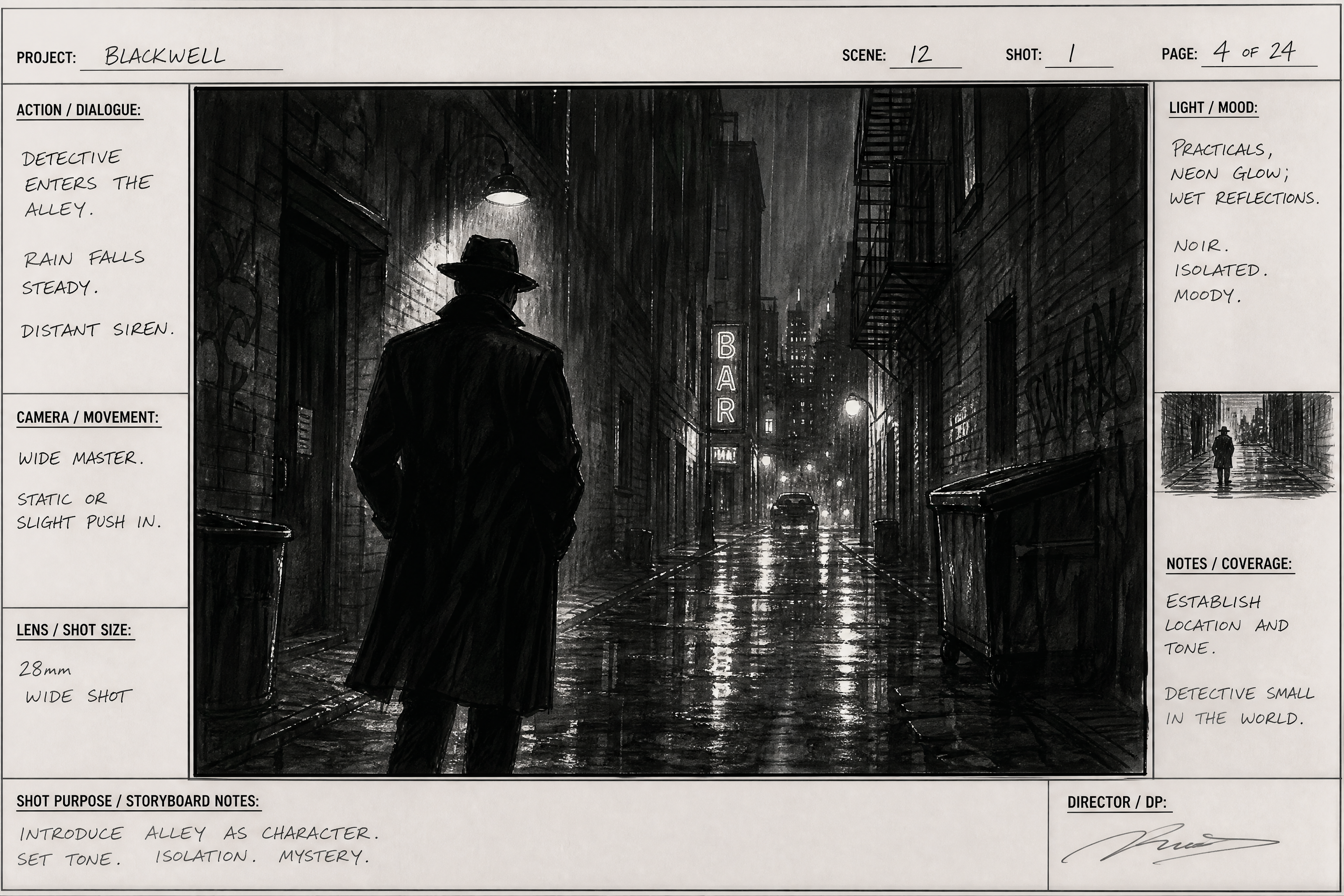
cinematic storyboard frame, detective entering a rain-soaked alley at night, wide shot, strong silhouette, wet pavement reflections, handwritten scene notes in margins, monochrome marker sketch with gray wash, professional film storyboard style, 3:2 composition
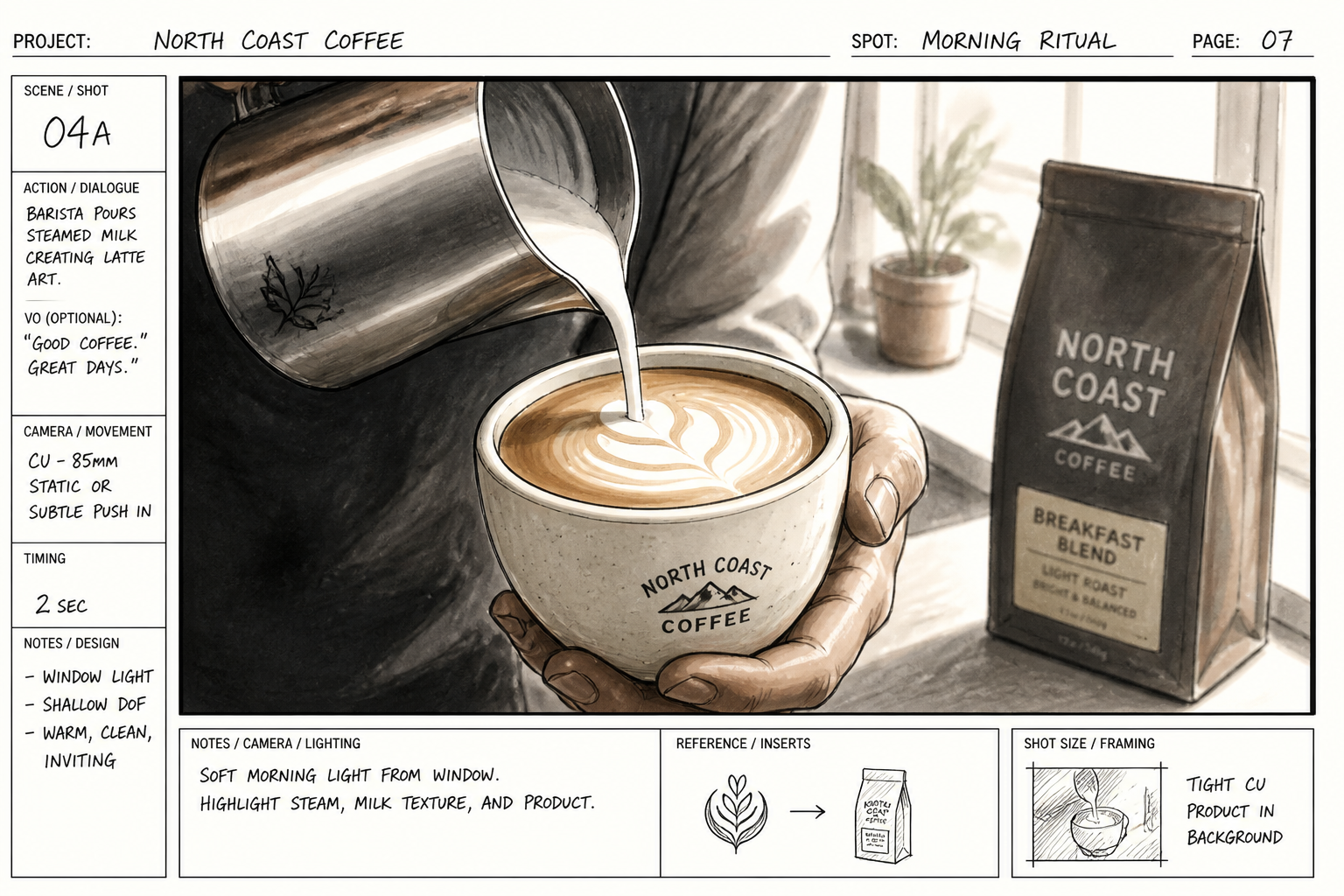
storyboard frame for a coffee commercial, close-up of barista pouring latte art, morning window light, shallow depth, product-focused composition, clean marker lines with warm gray shading, production notes in margins, commercial storyboard style, 3:2
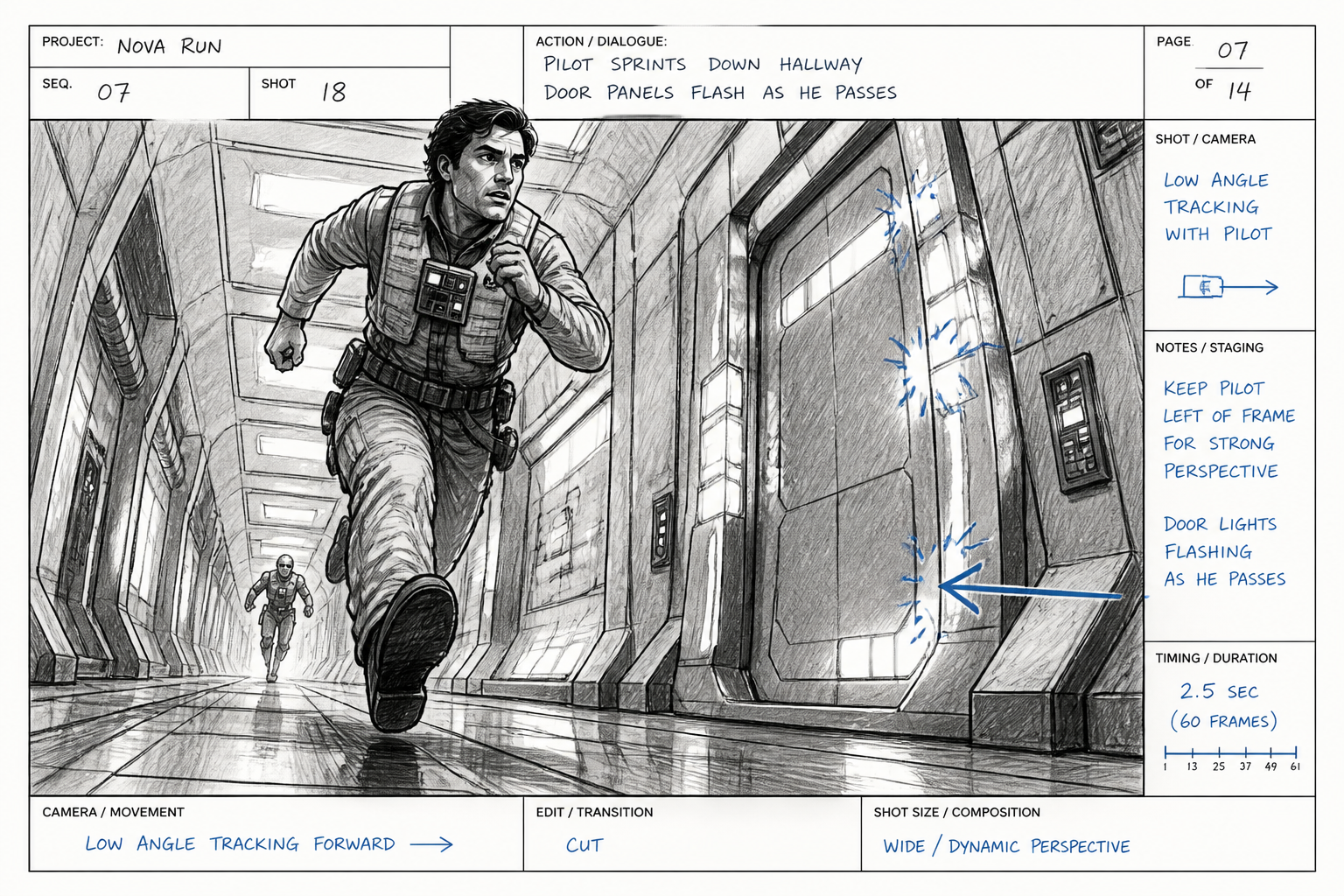
storyboard frame, sci-fi hallway chase, low angle tracking shot, adult pilot sprinting past flashing door panels, dramatic perspective lines, monochrome pencil and ink storyboard with blue timing marks, film previsualization look, 3:2
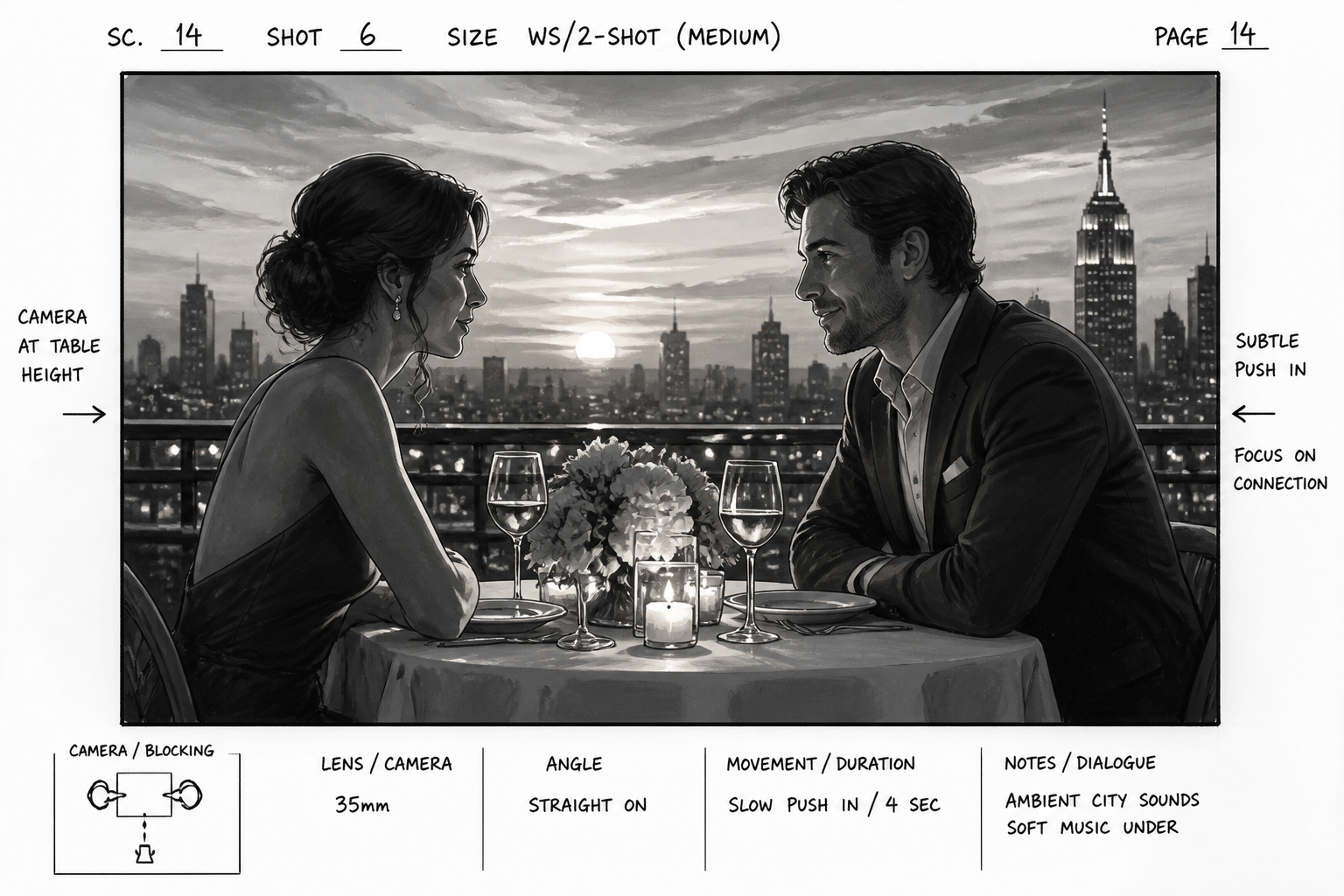
storyboard frame, romantic rooftop dinner at sunset, medium two-shot of adult couple across candlelit table, city skyline in background, soft golden light, elegant grayscale marker rendering with camera notes and arrows, 3:2
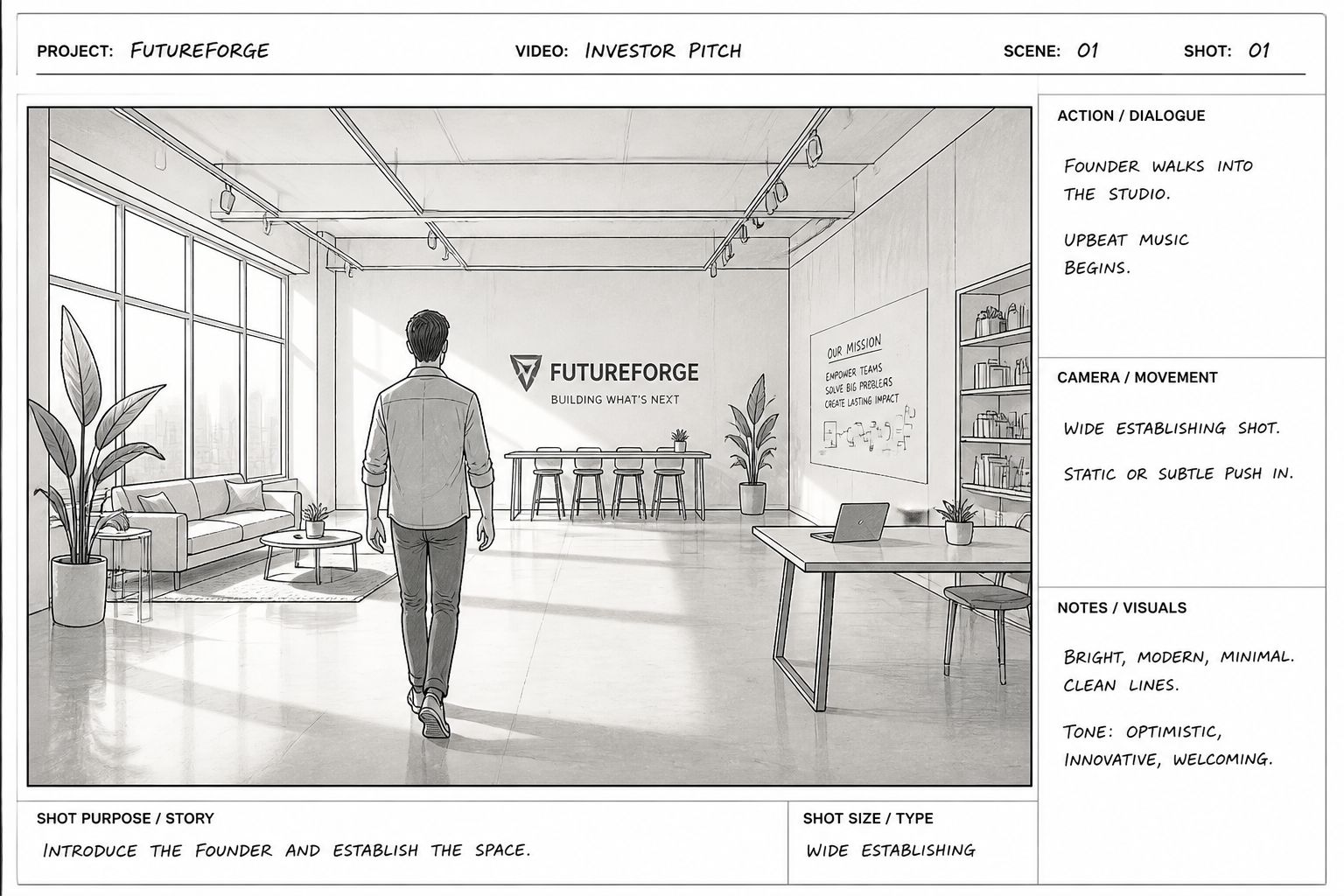
storyboard frame, startup pitch video opening scene, founder walking into bright modern studio, wide establishing shot, clean architectural lines, minimalist storyboard sketch with neat annotations and shot labels, 3:2
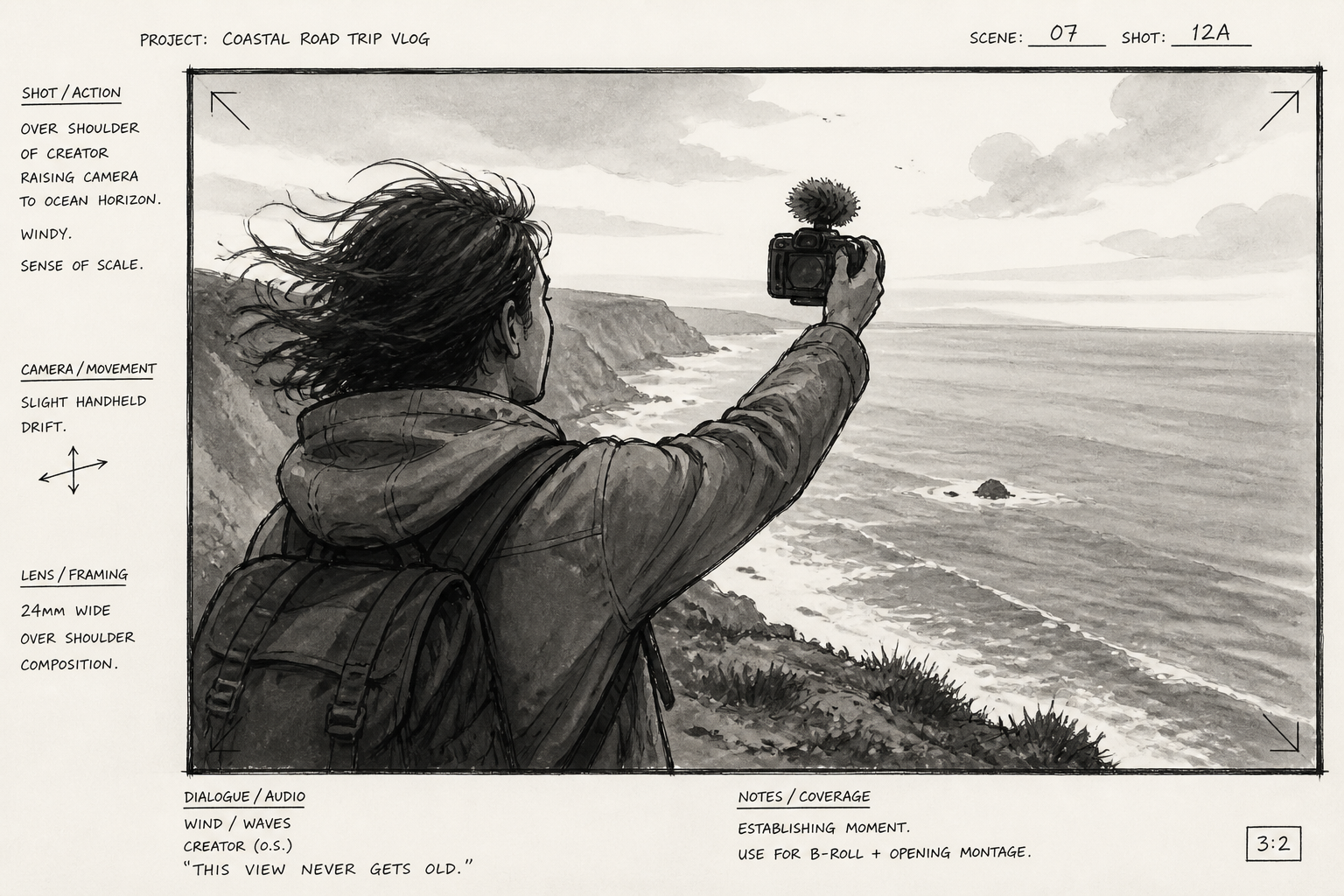
storyboard frame, travel vlog on cliffside overlook, adult creator raising camera toward ocean horizon, over-the-shoulder shot, windy atmosphere, loose ink storyboard drawing with gray wash and framing notes, 3:2
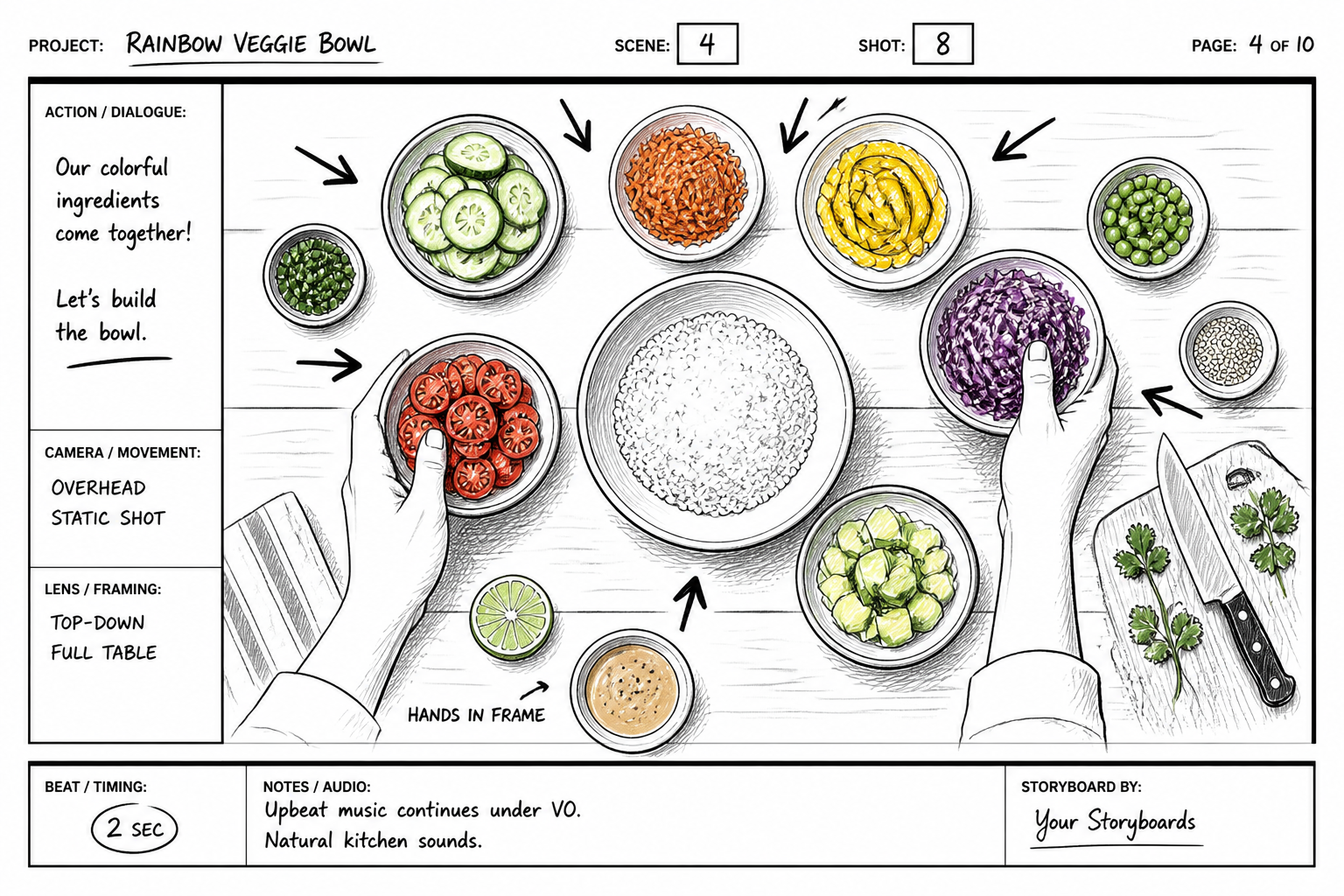
storyboard frame, cooking tutorial overhead shot, hands arranging colorful ingredients on wooden counter, top-down composition, clear prop placement, crisp black marker storyboard style with arrows and beat notes, 3:2
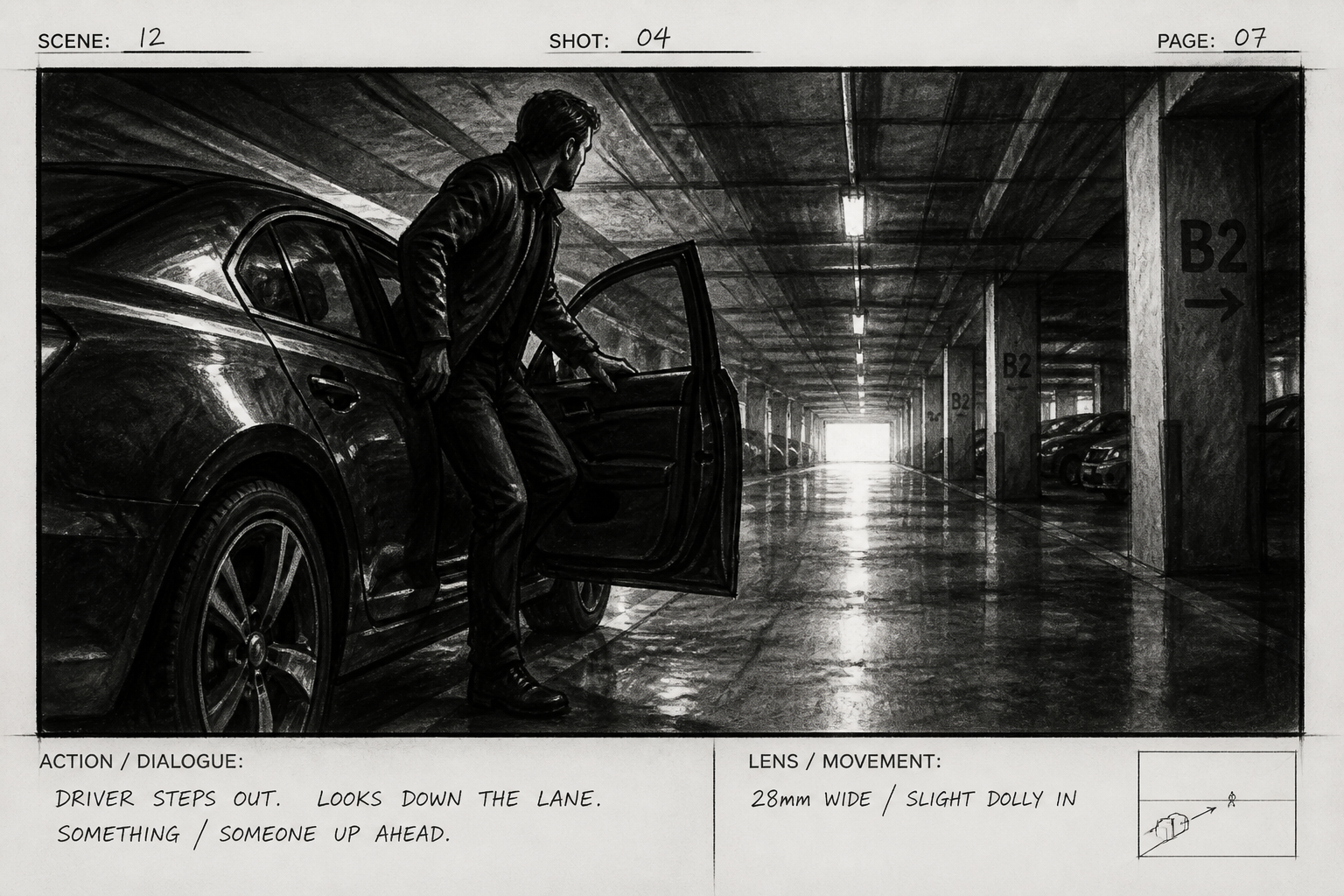
storyboard frame, action sequence in underground parking garage, adult driver stepping out of car, dramatic side lighting, strong vanishing lines, gritty charcoal storyboard with scene numbering and lens note, 3:2
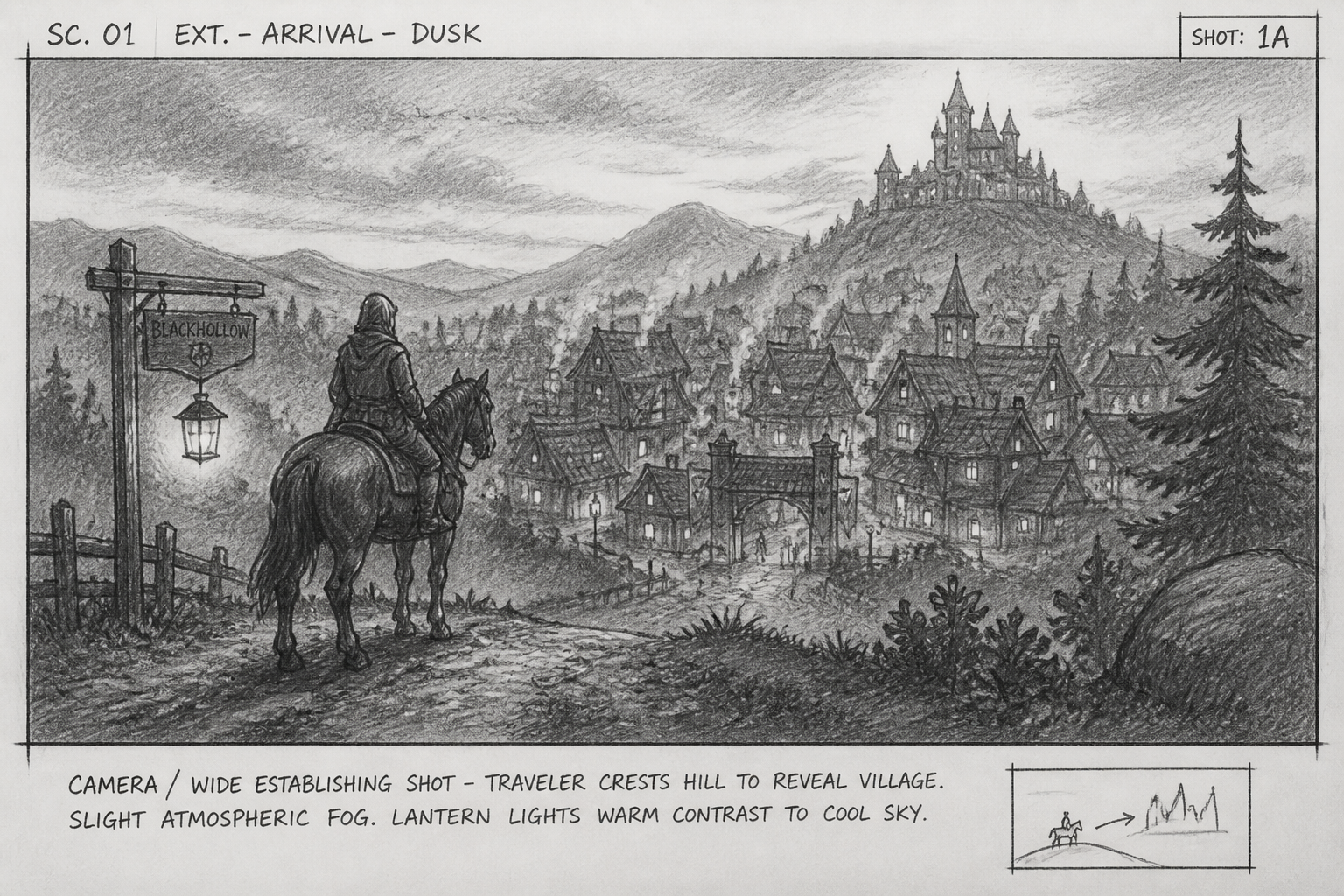
storyboard frame, fantasy village arrival scene, traveler on horseback cresting hill toward lantern-lit town, wide cinematic establishing shot, atmospheric fog, detailed pencil storyboard art with handwritten camera note, 3:2
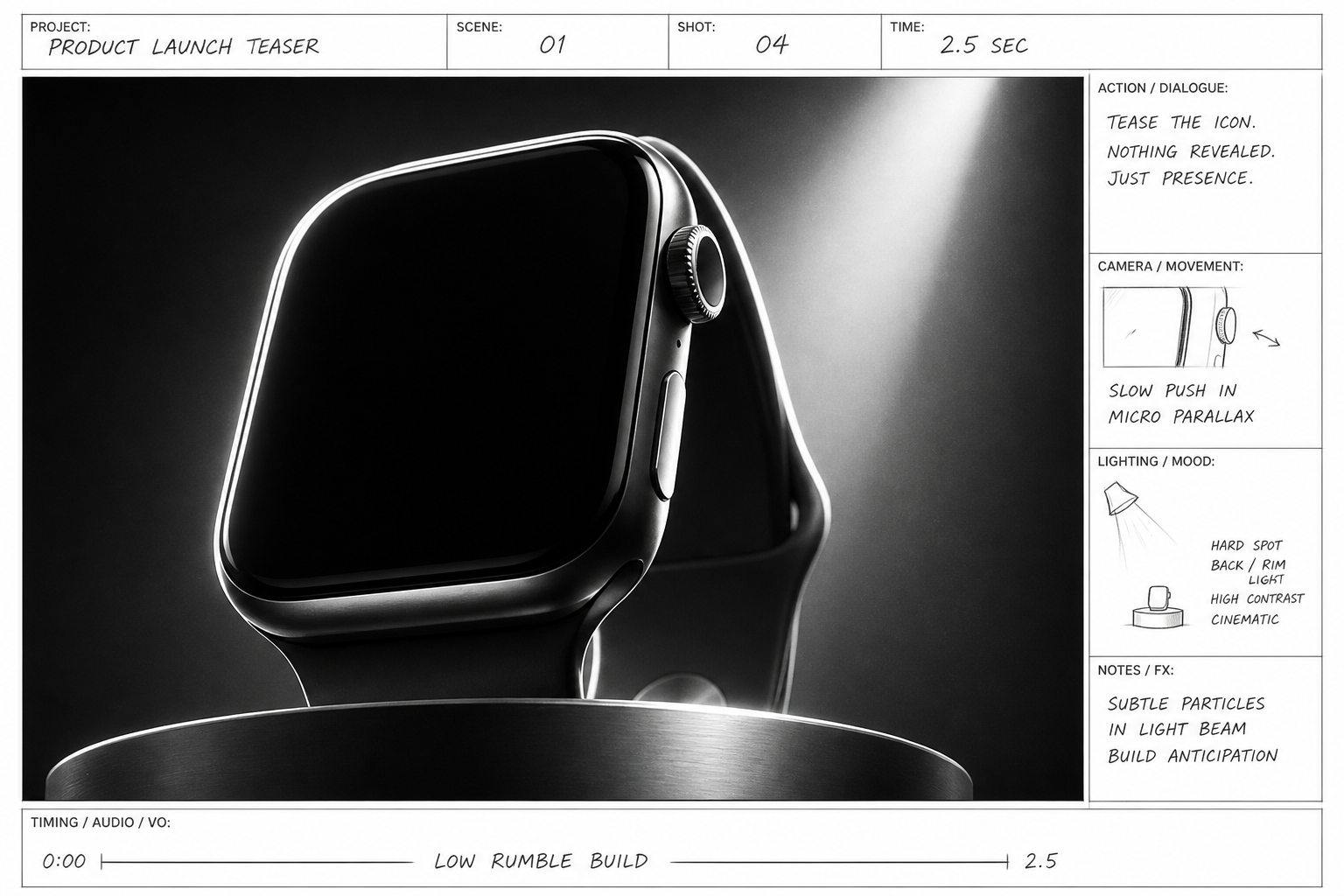
storyboard frame, product launch teaser, sleek unbranded smartwatch on pedestal under studio spotlight, extreme close-up, high contrast rim light, polished commercial storyboard sketch with callouts and timing notes, 3:2
Key Features
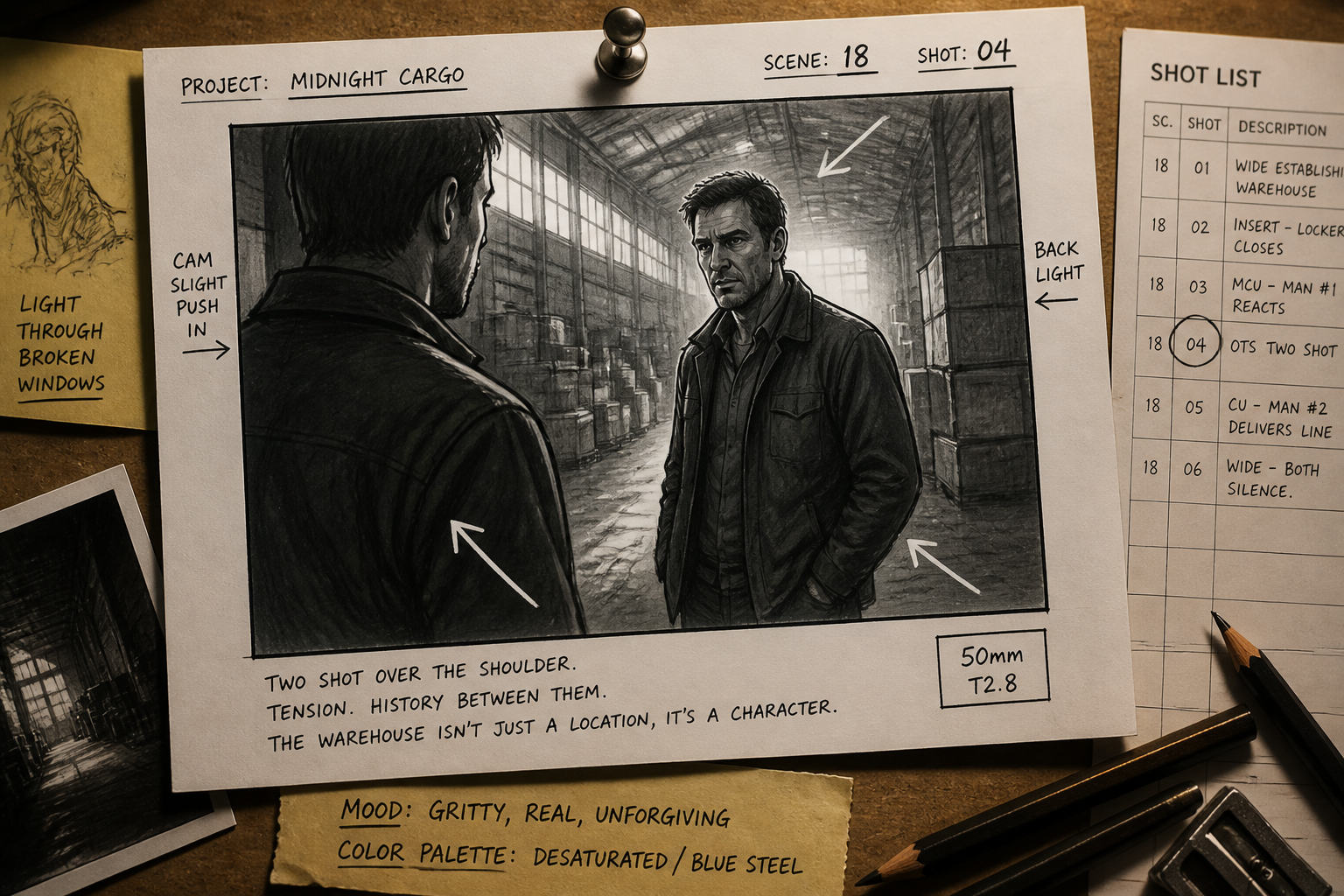
Shot Ideas, Visualized Fast
Turn a rough scene description into a usable storyboard frame in minutes. That makes it easier to explore camera angles, staging, and mood before a shoot or pitch. Instead of sketching every panel manually, you can start with a strong visual draft and refine from there. It is especially useful when you need to present an idea clearly to collaborators who think visually.
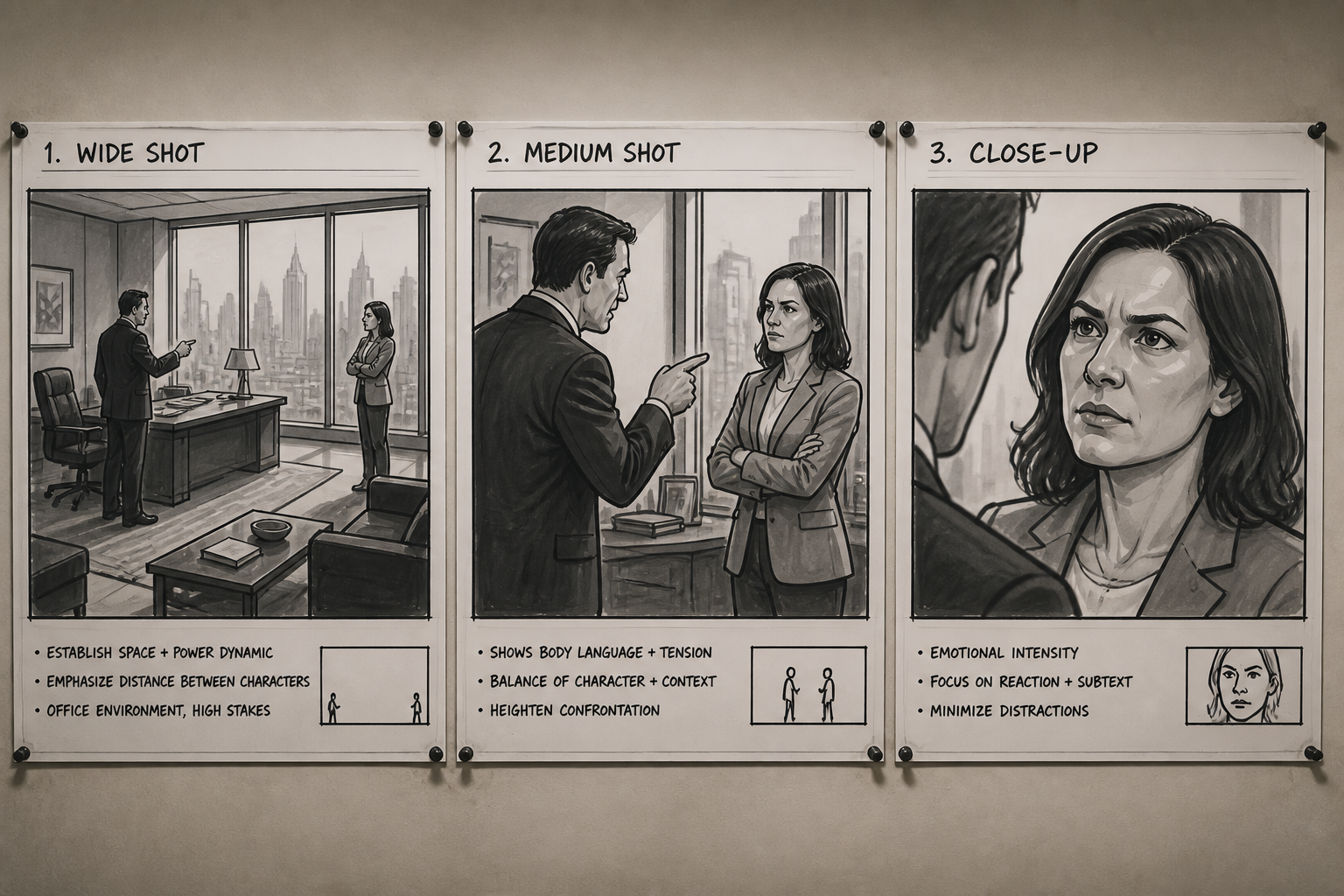
Built for Cinematic Framing
The generator works well for wide compositions that feel like real storyboard panels. You can describe close-ups, over-the-shoulder shots, establishing frames, or tracking perspectives in plain language. A generic image tool may make a pretty picture, but this is better suited to planning coverage and scene flow. That helps teams discuss what the camera should communicate, not just what the subject looks like.
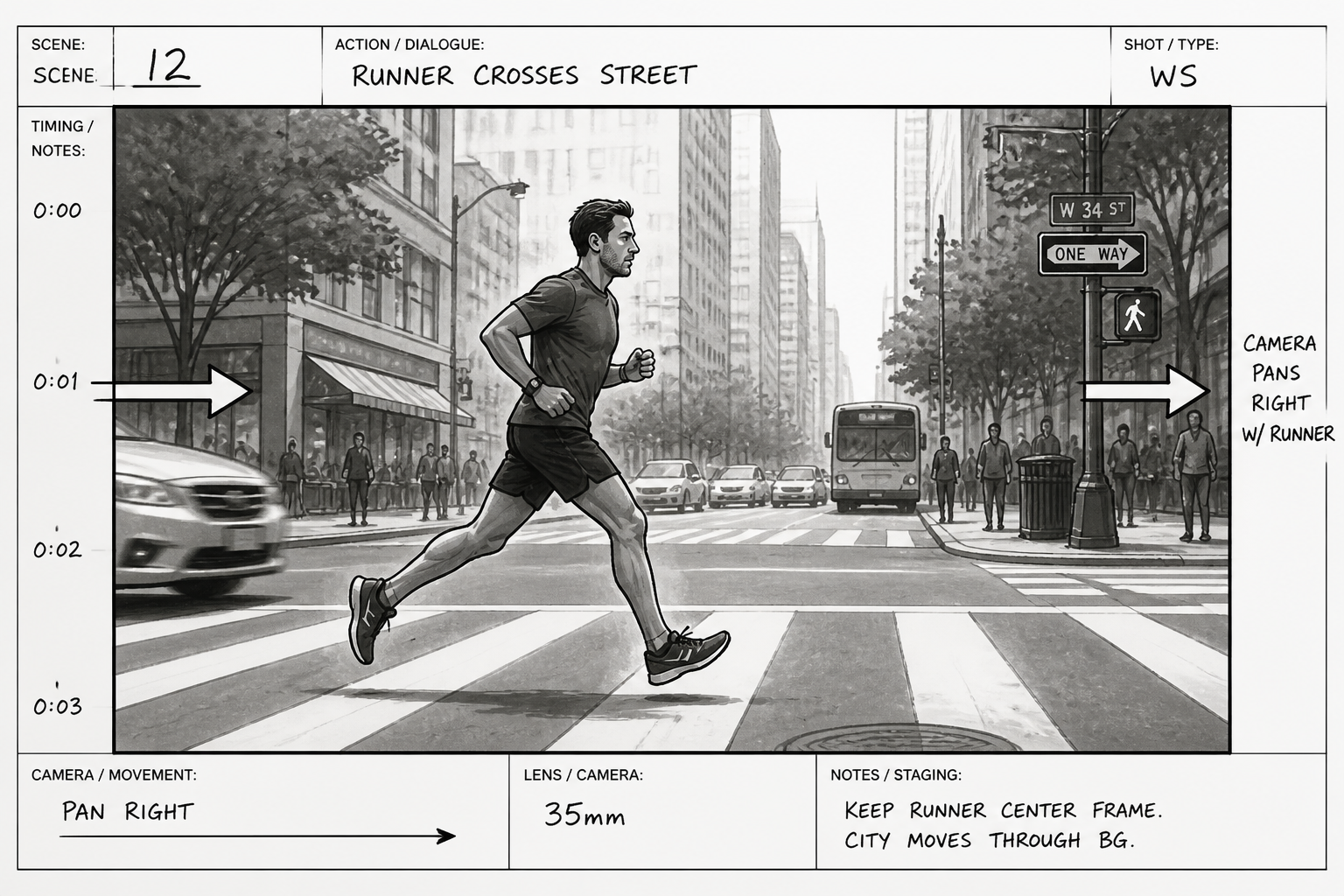
Clear Notes in Every Frame
Storyboard images often need more than a picture. They need room for arrows, scene numbers, timing cues, and simple production annotations that make the frame useful in a workflow. This tool is well suited to prompts that include those practical details. The result feels closer to a planning asset than a generic illustration.
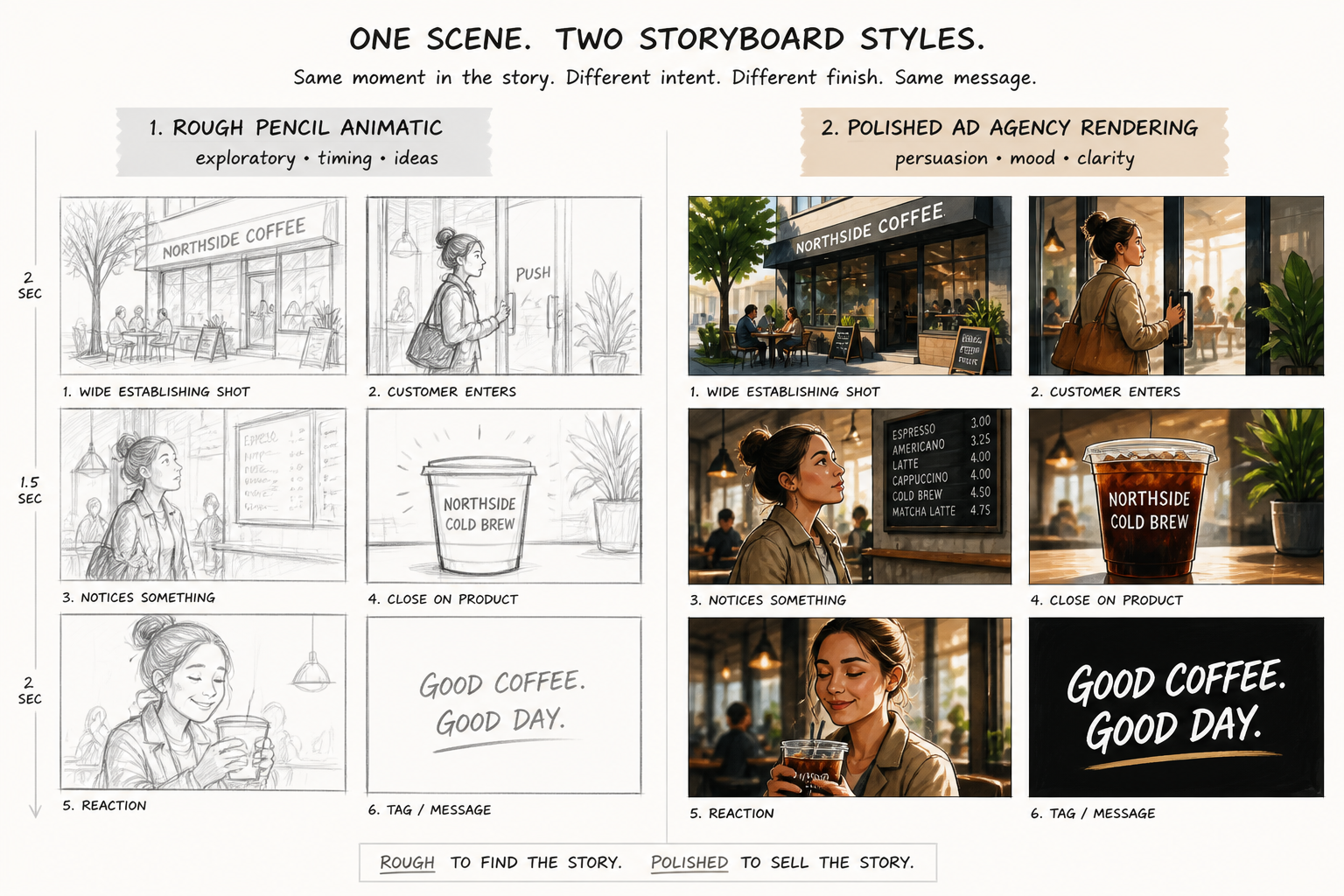
Easy Style and Mood Control
You can shift from rough pencil boards to polished commercial boards just by changing the prompt. That makes it easier to match the tone of a brand pitch, short film, explainer video, or music visual concept. Manual storyboarding in multiple looks takes time and drawing skill. Here, you can test several visual directions quickly and keep the one that fits the project.
How It Works
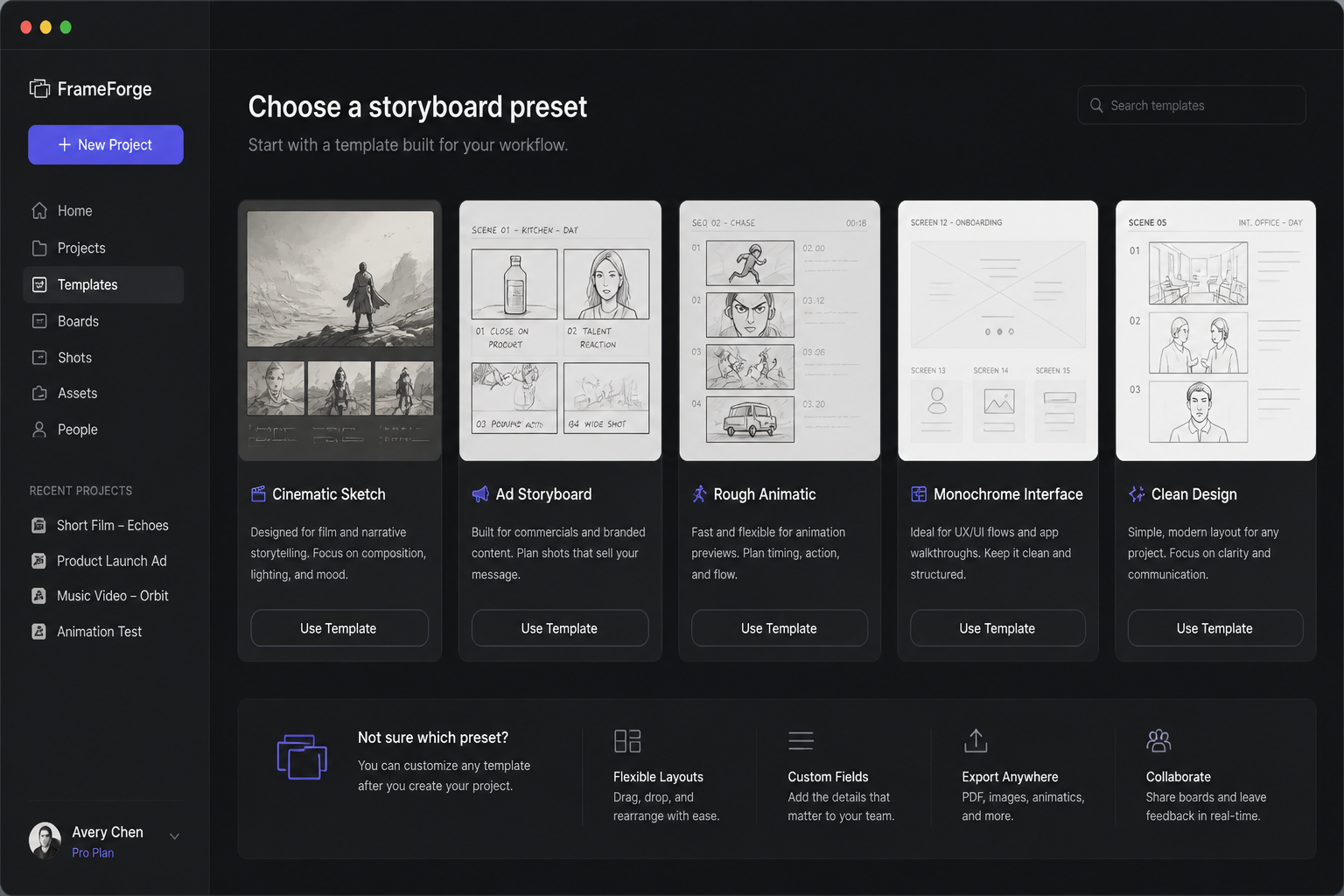
Pick a storyboard style
Start with a ready-made prompt for a cinematic, commercial, or rough sketch look. This gives you a solid base panel instead of a blank box.
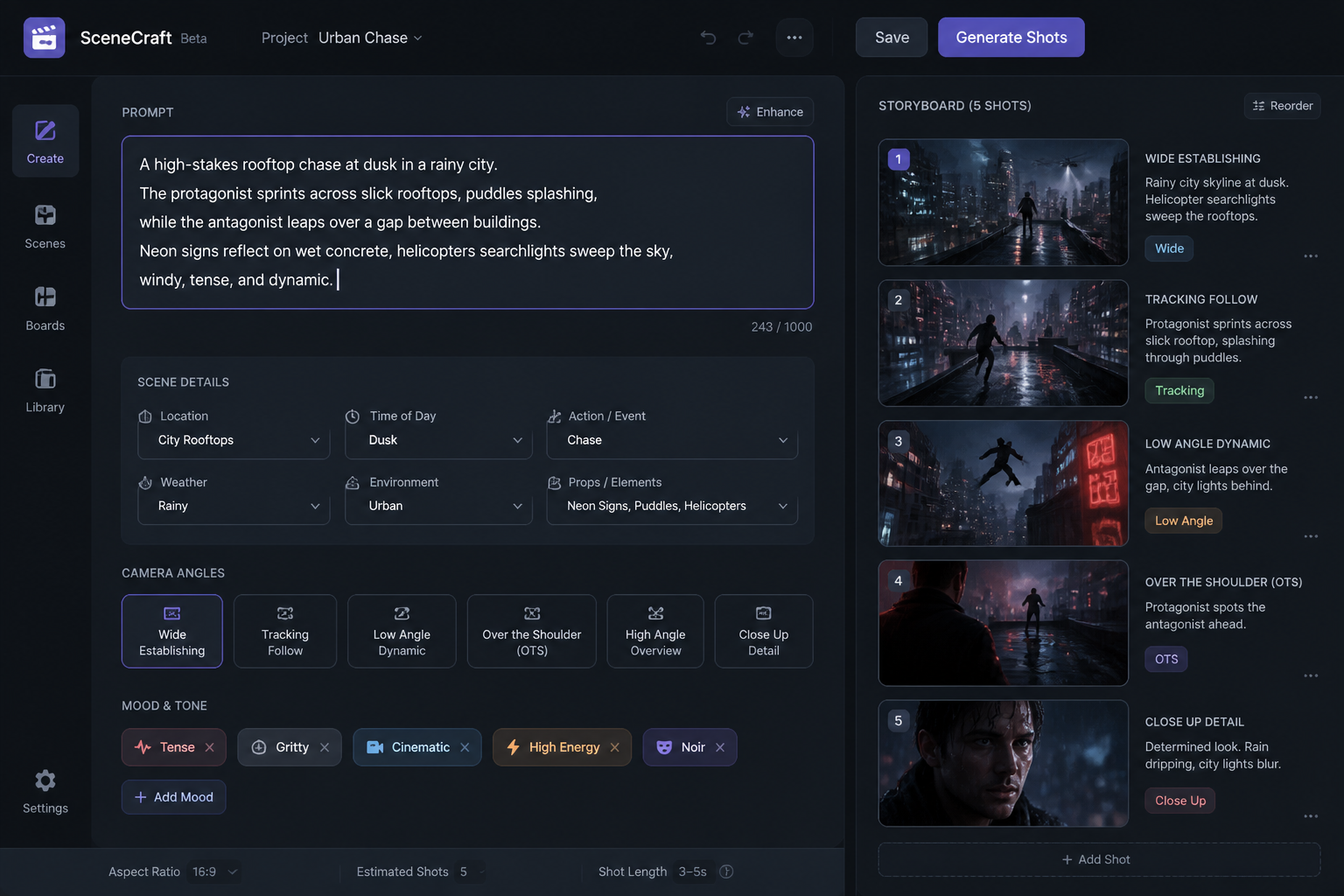
Describe the scene
Add the subject, setting, camera angle, and mood you want to see. You can mention framing terms like close-up, wide shot, overhead, or low angle to guide the result.
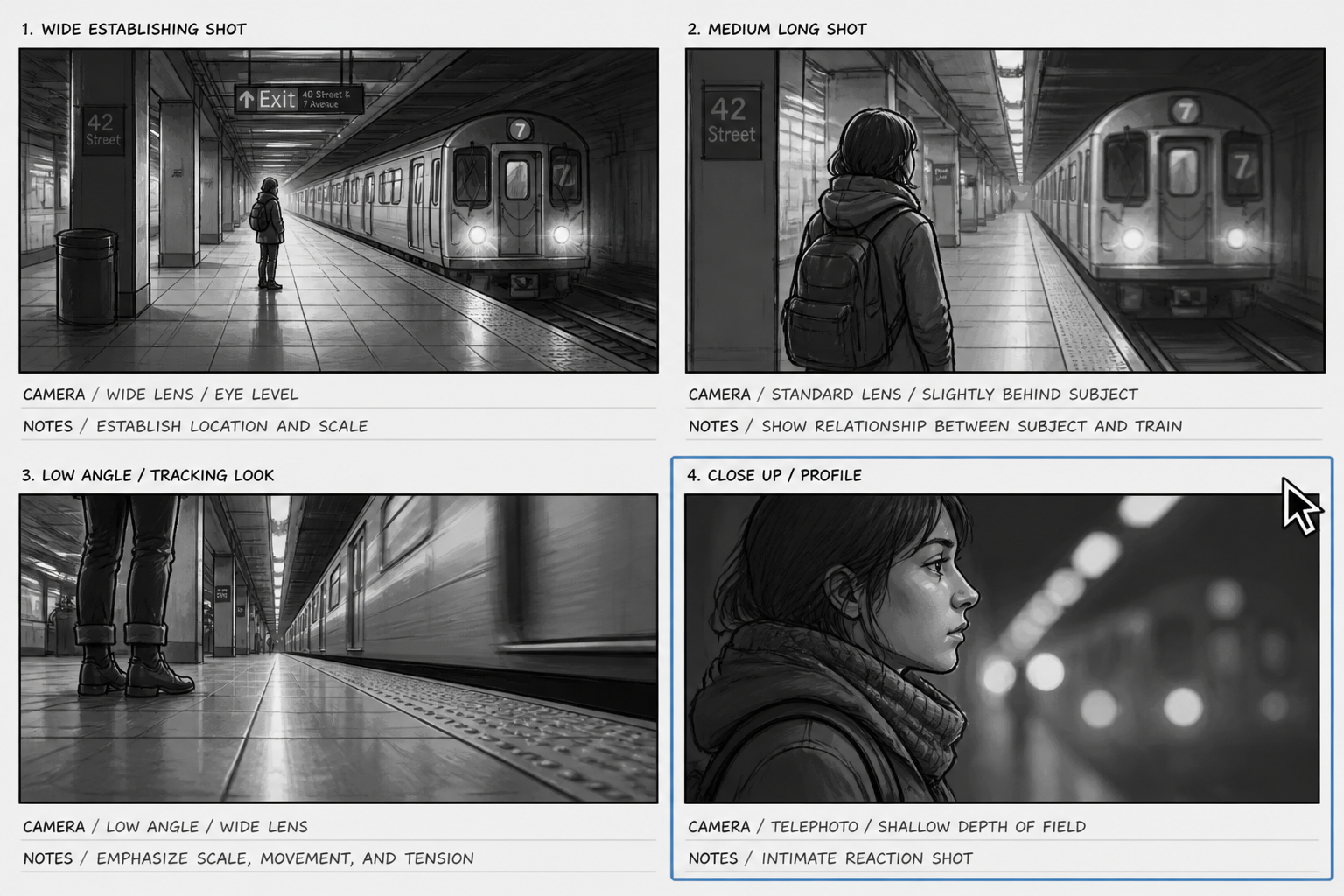
Generate and compare frames
Create variations and review which composition tells the story best. Then download the panel you want to use in your deck, shot plan, or creative brief.
Perfect For
Discover how creators and professionals use ai storyboard generator
Film pre-production
Map key scenes before shooting so directors and crew can align on framing, pacing, and coverage.
Commercial concepts
Show ad ideas to clients with clear visual panels that communicate product focus, tone, and sequence.
Pitch decks and treatments
Turn written scenes into visuals that help investors, producers, or stakeholders understand the concept quickly.
Content planning
Preview social videos, explainers, and branded content shots before production starts.
Built For
Filmmakers and directors
Plan scenes, test compositions, and communicate intent without having to draw every panel manually.
Creative agencies
Build faster concept boards for commercials, campaign videos, and internal presentations.
Content creators and marketers
Visualize short-form videos, launch clips, and tutorial sequences before filming.
Frequently Asked Questions
What is an AI storyboard generator?
Can I make commercial and film storyboards with it?
Do I need drawing skills?
Can I control the camera angle and composition?
Is this a replacement for a full storyboard artist?
Create together.
Share your creations, discover trending AI art, and grow with fellow creators.