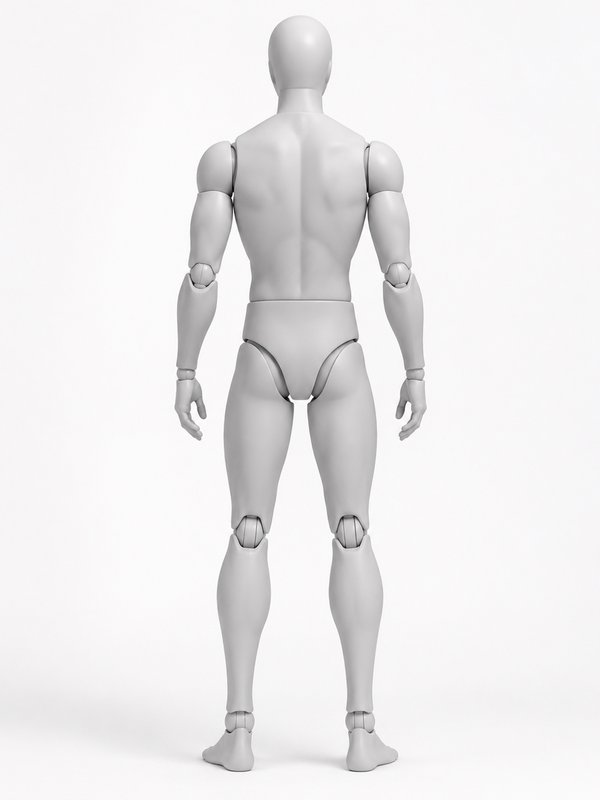
Pose reference · Standing
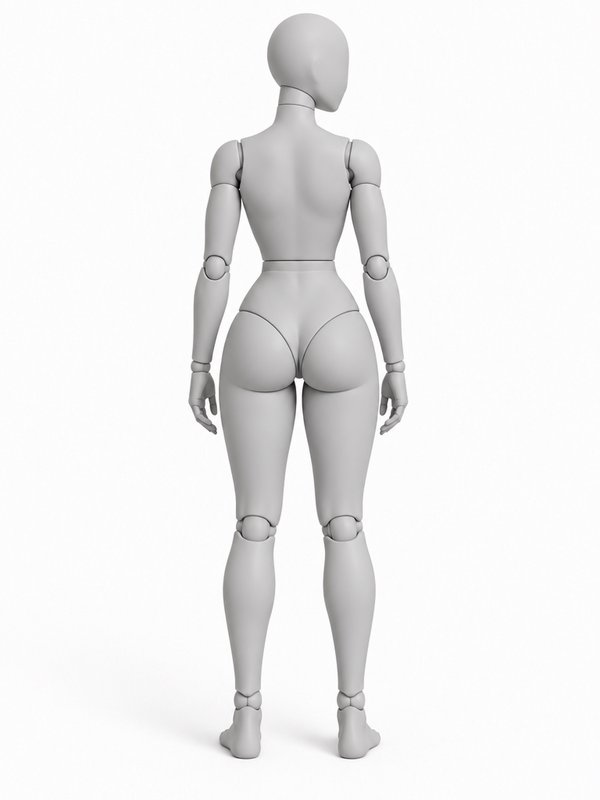
Back View, Looking Aside
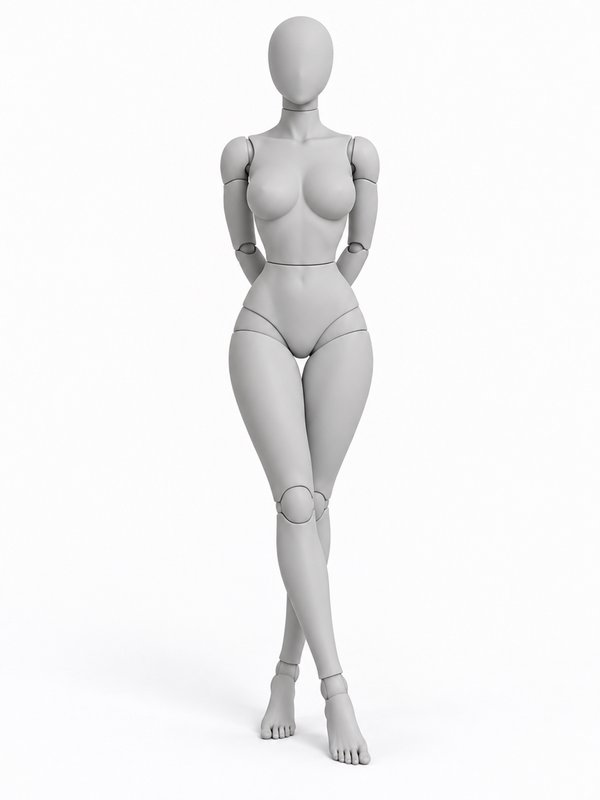
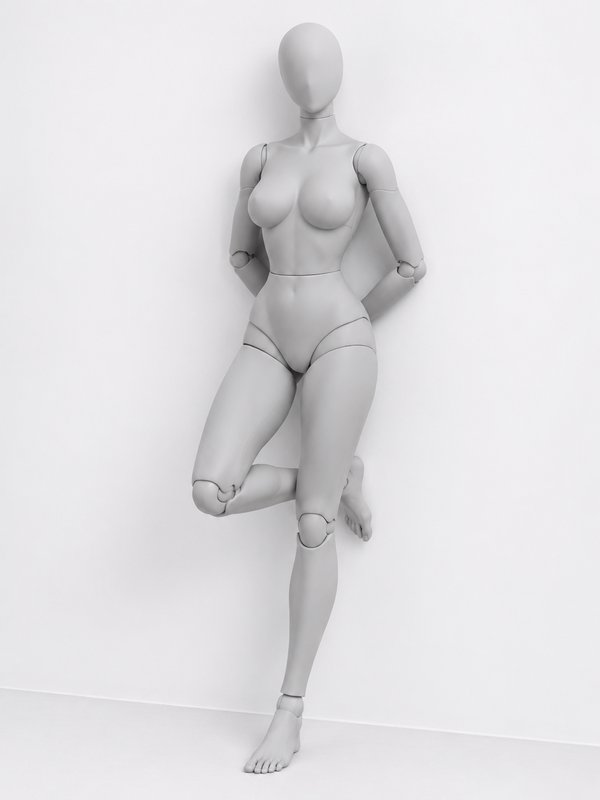
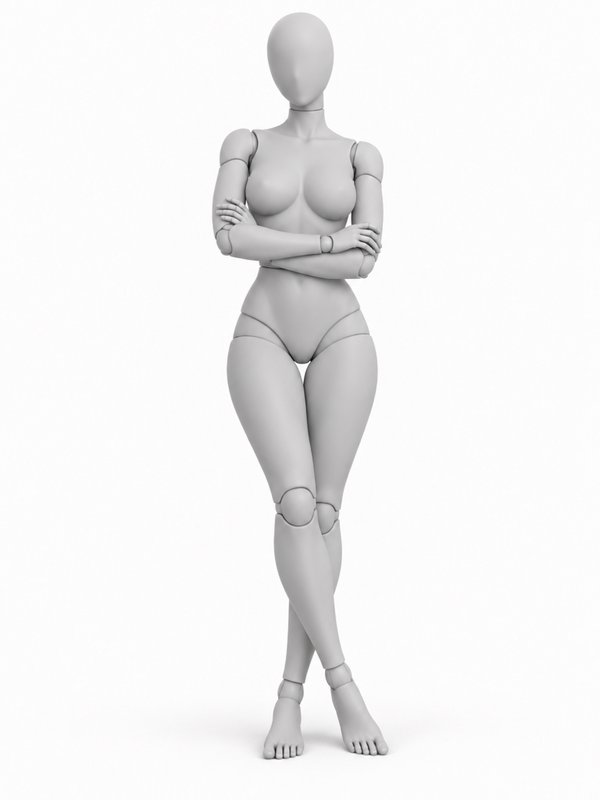
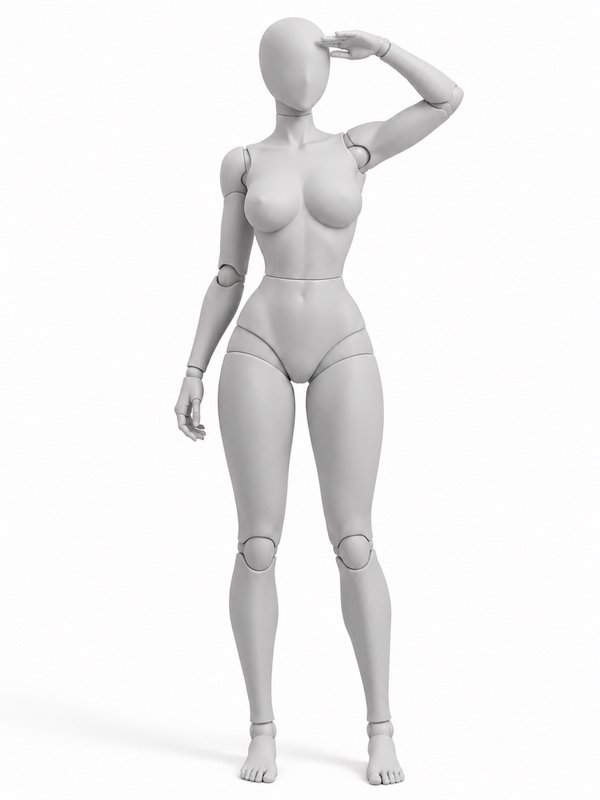
A free pose reference on a woman and a man mannequin
Write it after a character in any image prompt
@your_character in @back_view_relaxed_pose
Prompt words
The person stands upright on both feet with their full back facing the camera. Arms hang relaxed naturally at both sides, hands loose. The torso remains straight, head turned gently to one side to glance off frame.
What it takes
- Difficulty
- Everyday: most people can do it
- Holds still
- Yes, it can be held for a photo
- Support
- standing
- Figures
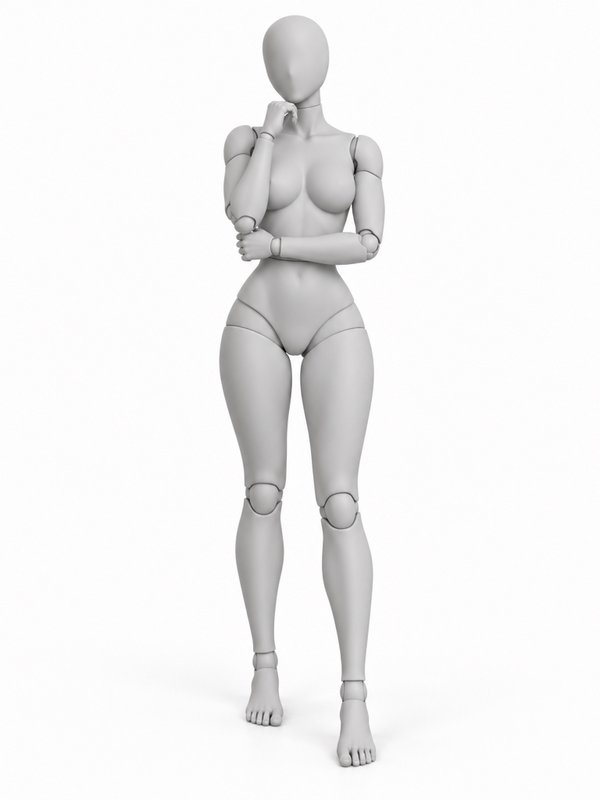
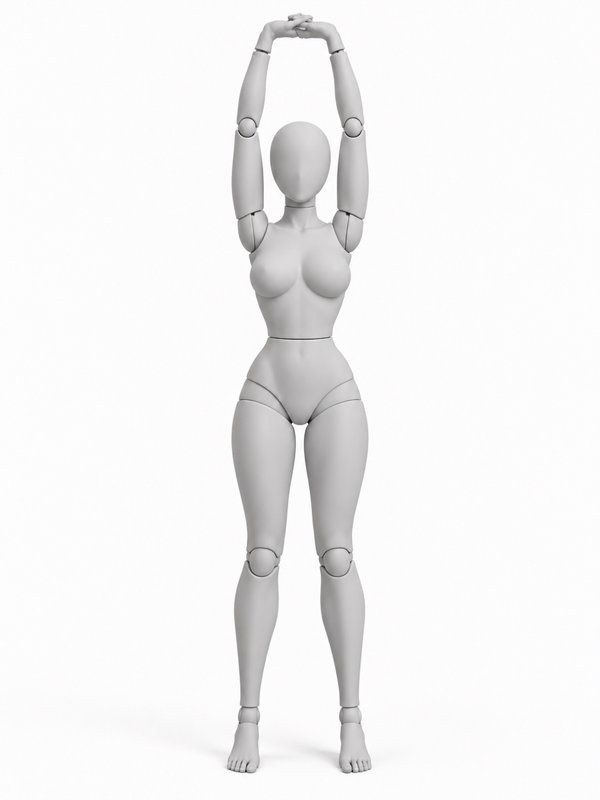
- woman (front and three-quarter), man (front and three-quarter)
The Back View, Looking Aside pose from other angles
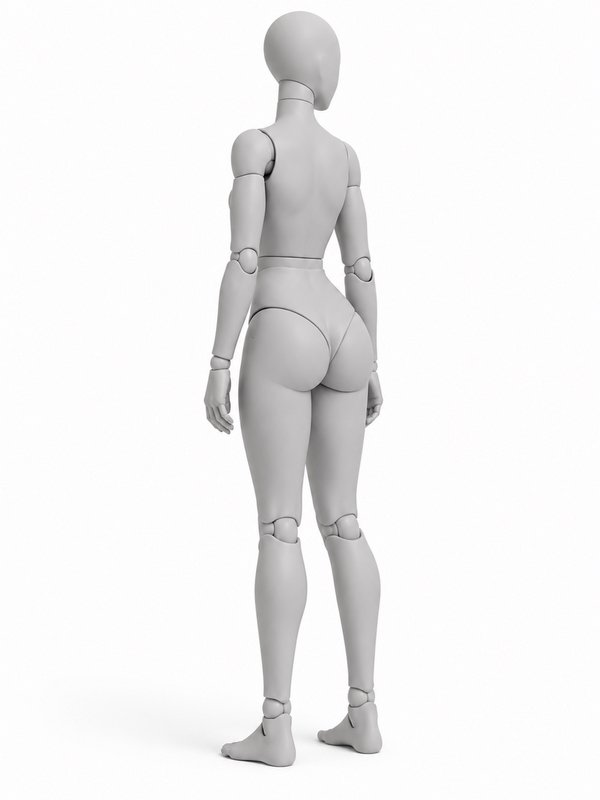
Woman mannequin · Three-quarter 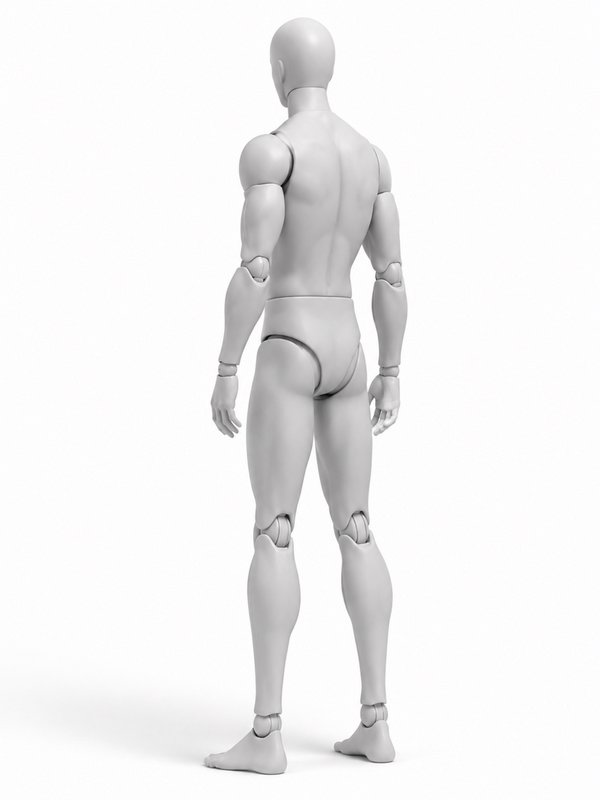
Man mannequin · Three-quarter
Need another angle? Open the pose in the library and pick a place on the globe around the mannequin: the new angle is made in about a minute and shared with everyone.
Use it with your character
- Open the Image Workshop and pick a model that takes reference pictures.
- Write your character, then the pose: @your_character in @back_view_relaxed_pose on a park bench. To send another view, add it after a dot: @back_view_relaxed_pose.three_quarter.
- Generate. Your character takes the pose and keeps their own face, body and clothes.
Or press Pose your character above: pick one of your characters, see the price, and the picture is kept on the character’s page, tagged with the pose. No character yet? Cast a free AI influencer or create your own.
Questions about the Back View, Looking Aside pose
- How do I put my character in the Back View, Looking Aside pose?
- Write @back_view_relaxed_pose after your character in an image prompt, for example “@your_character in @back_view_relaxed_pose”, or press Pose your character on this page and pick one of your characters. The mannequin’s picture goes to the model with your character’s pictures, so the character copies the pose and keeps their own face, body and clothes.
- Can I use the Back View, Looking Aside pose pictures for free?
- Yes. The pictures are free for any use, including commercial work: as a reference for drawing, photos or AI images. You may not redistribute them as a collection, such as a pose pack or another pose library (Terms of Service).
- Can a real person do the Back View, Looking Aside pose?
- Yes. It is an everyday pose, checked to be one a real body can do.
- Which angles does the Back View, Looking Aside pose come in?
- On the woman mannequin: front and three-quarter. On the man mannequin: front and three-quarter. To send another view with your prompt, add it after a dot: @back_view_relaxed_pose.three_quarter. Any member can make another angle from the pose library, and it is shared with everyone.