Grok Imagine 2.0
Fast, photoreal-leaning images with literal prompt following and sharp in-image text.

Prompt adherence, incl. in-image textStrength
Standard, Quality, and 2.0Tiers
50 per imageCredits
Image WorkshopRuns in
Professional images for every use case
Social Media Graphics.
Turn detailed content briefs into platform-ready visuals with clear hierarchy, readable headlines, and the requested composition.Editorial Illustration.
Translate nuanced article themes into polished concepts without losing key objects, settings, or visual relationships.Poster and Signage Design.
Create bold posters and signs where typography, spacing, imagery, and small supporting copy work together.
Lifestyle Stock Photos.
Generate believable everyday scenes for articles, landing pages, and social posts with a polished photographic finish.Literal handling of detailed prompts
Grok Imagine 2.0 is built to follow multi-part instructions closely instead of reducing them to a loose visual theme. This helps when a social, editorial, or product brief specifies exact objects, positions, lighting, and mood.
- •Handles multi-part creative briefs
- •Places requested objects deliberately
- •Respects camera and lighting directions
- •Maintains clear spatial relationships
- •Responds well to direct, literal wording
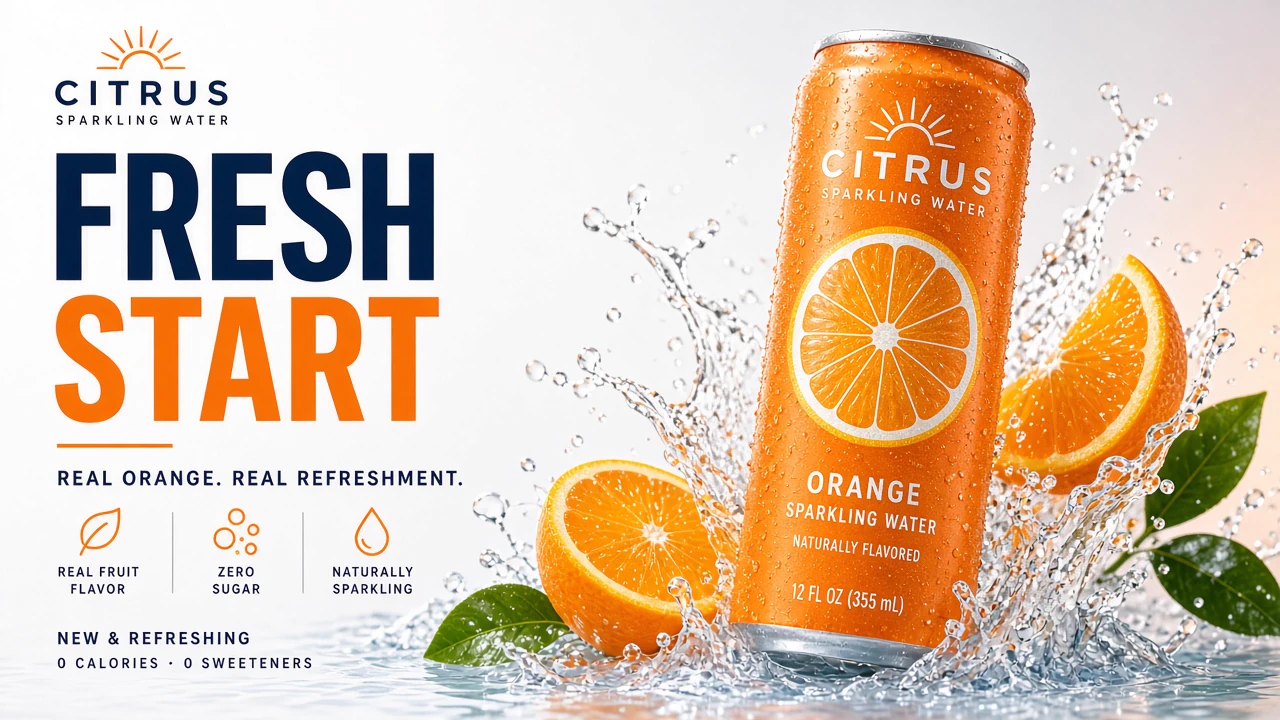
Sharp text, signs, and visual hierarchy
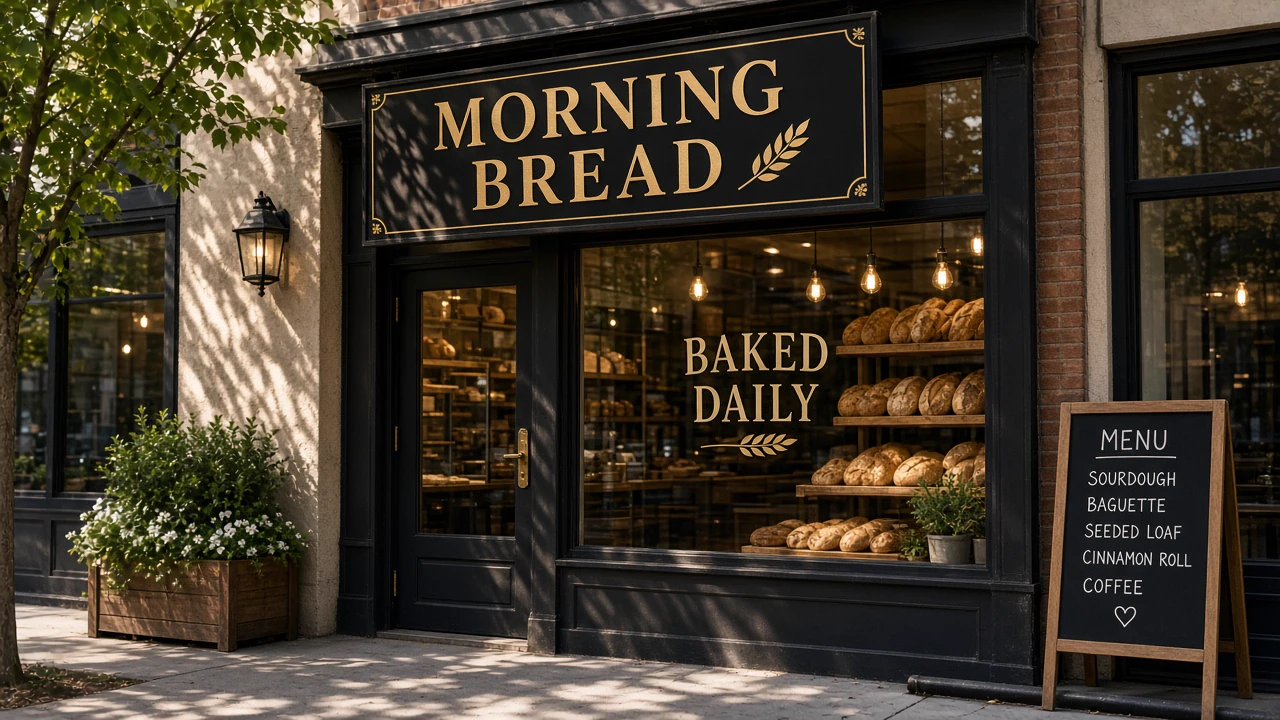
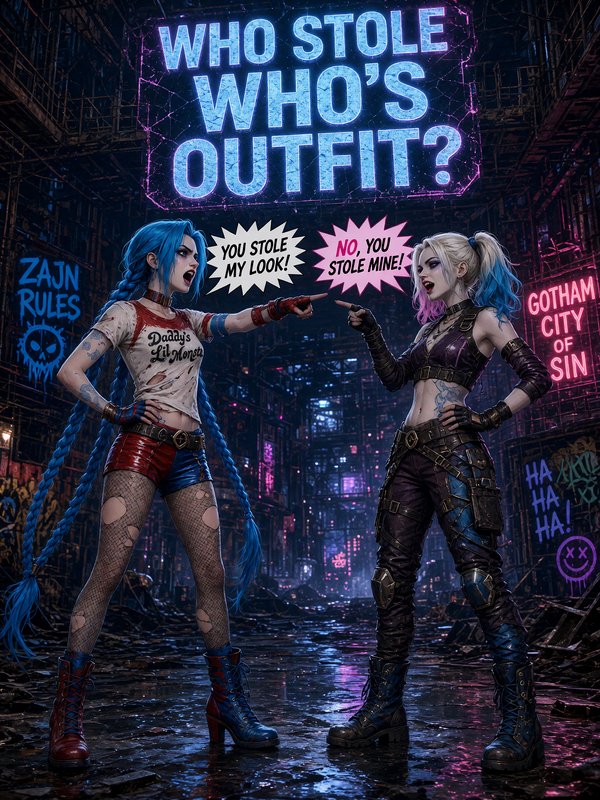
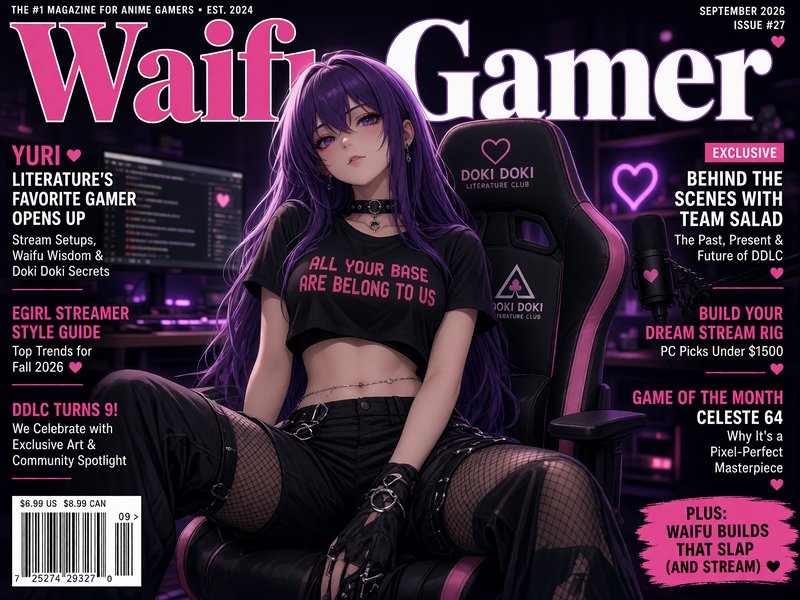
The model plans typography and layout as part of the whole composition. Headlines, packaging, posters, and environmental signage can look more intentional than the generic AI-image baseline, though final spelling should still be reviewed.
- •Readable display headlines
- •Sharper small supporting text
- •Structured poster layouts
- •Convincing product labels
- •Integrated signs and environmental text
- •Clear headline-to-image hierarchy
Fast output with flexible family tiers
The Grok Imagine family supports quick iteration without forcing every job through the same quality setting. Use the faster, lower-credit option for exploration, Grok Imagine Quality for added polish, or 2.0 for the newest image capabilities.
- •Rapid first-pass concepts
- •Faster Grok Imagine option
- •Higher-quality family option
- •Newest 2.0 generation available
- •Practical 1K and 2K outputs
- •Easy movement from draft to final
Reference-guided editing and reframing
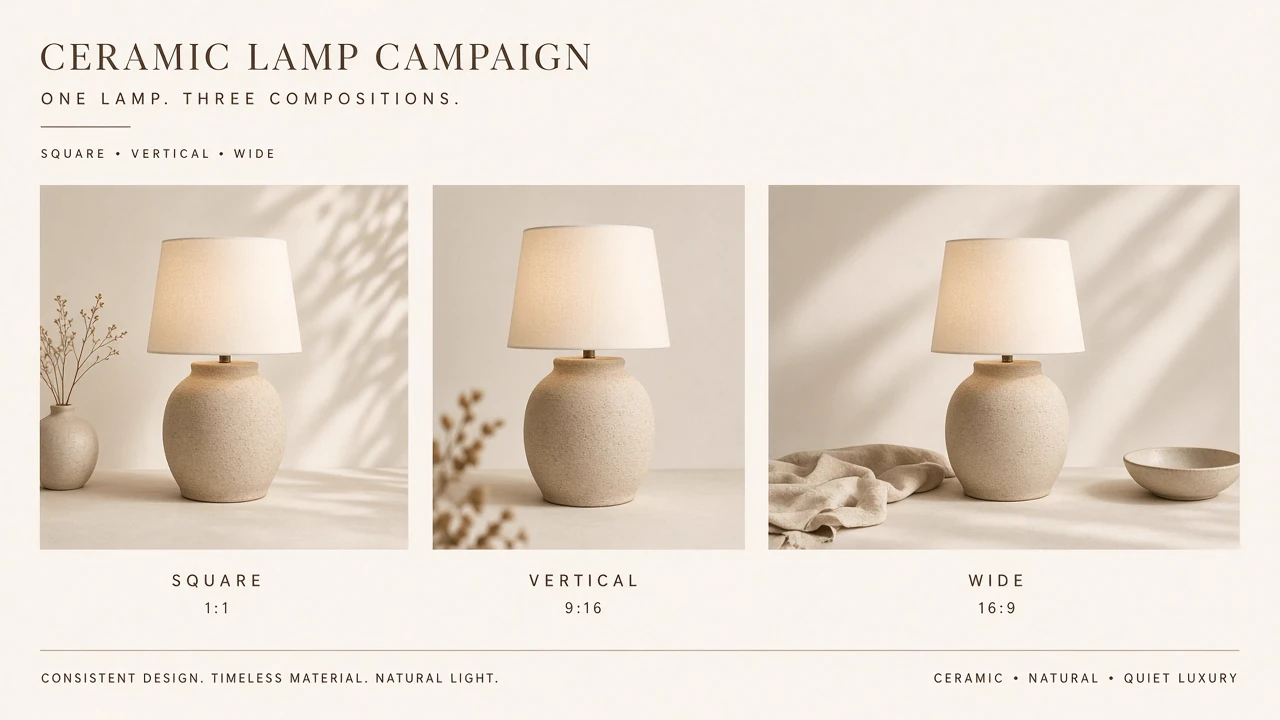
Grok Imagine 2.0 can edit existing images through natural-language instructions and use multiple source images in one request. It is designed to preserve important elements while changing the requested area, style, or composition.
- •Up to three source images
- •Natural-language image edits
- •Subject and style compositing
- •Portrait, square, and banner formats
- •Automatic aspect-ratio selection
- •Output at 1K or 2K
How it works

1
Describe your image
Write a direct brief covering the subject, setting, composition, lighting, style, and any exact text. Grok Imagine 2.0 responds well when each required detail is stated literally.
2
Choose format and tier
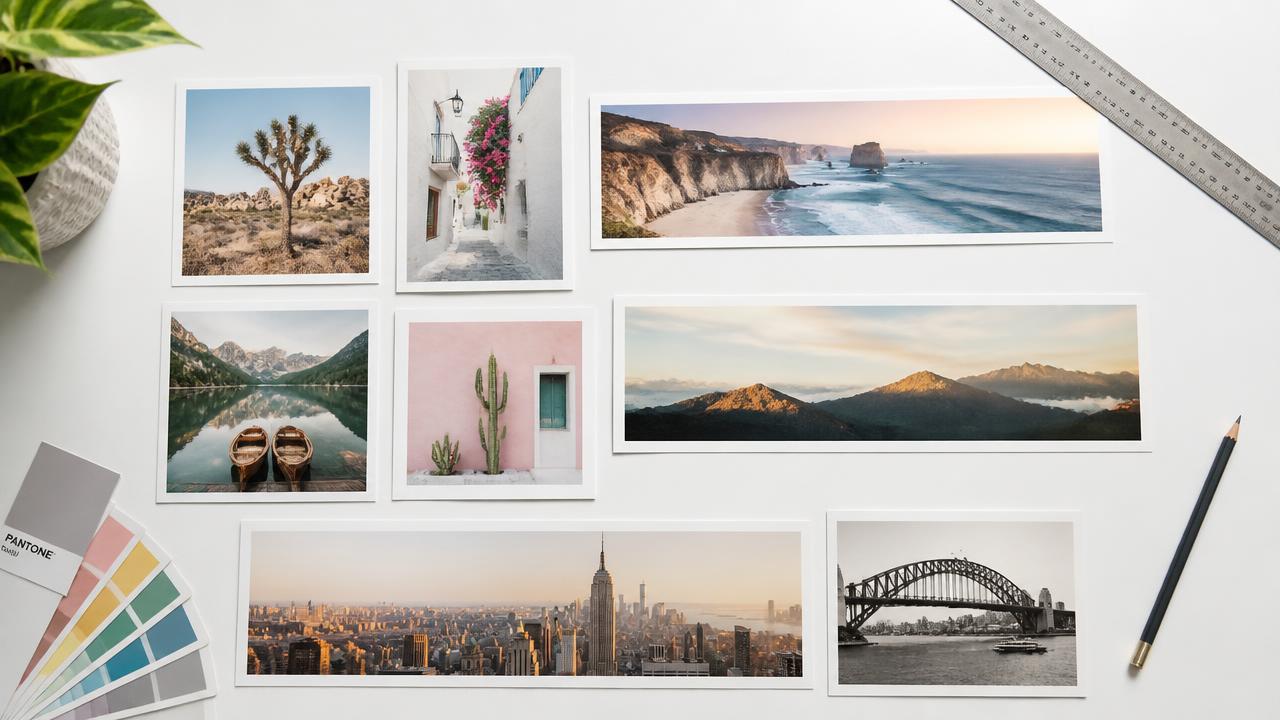
Pick a square, portrait, landscape, or banner format and choose 1K or 2K output where available. Explore quickly with a lower-credit family option, or select a higher-quality route for final polish.

3
Generate and refine
Generate the first result, then check spelling, composition, product details, and visual consistency. Adjust the prompt or provide reference images to make targeted changes without rebuilding the entire idea.
Prompts to steal
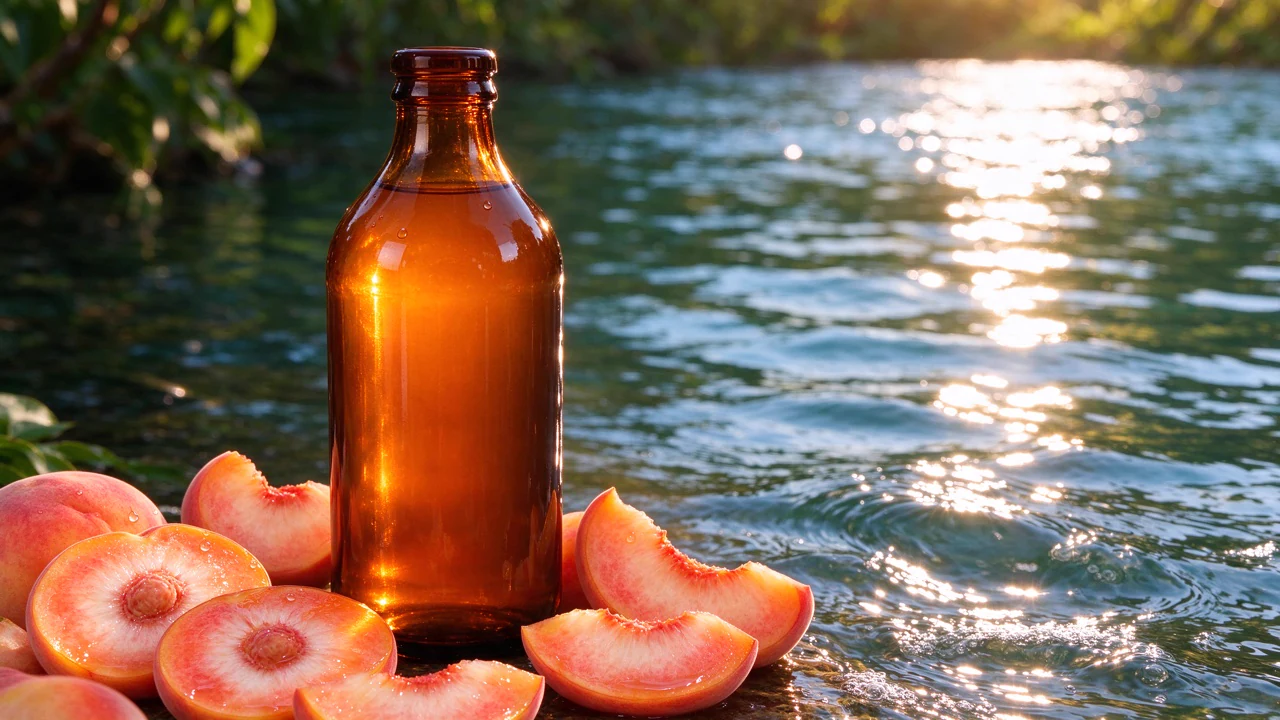
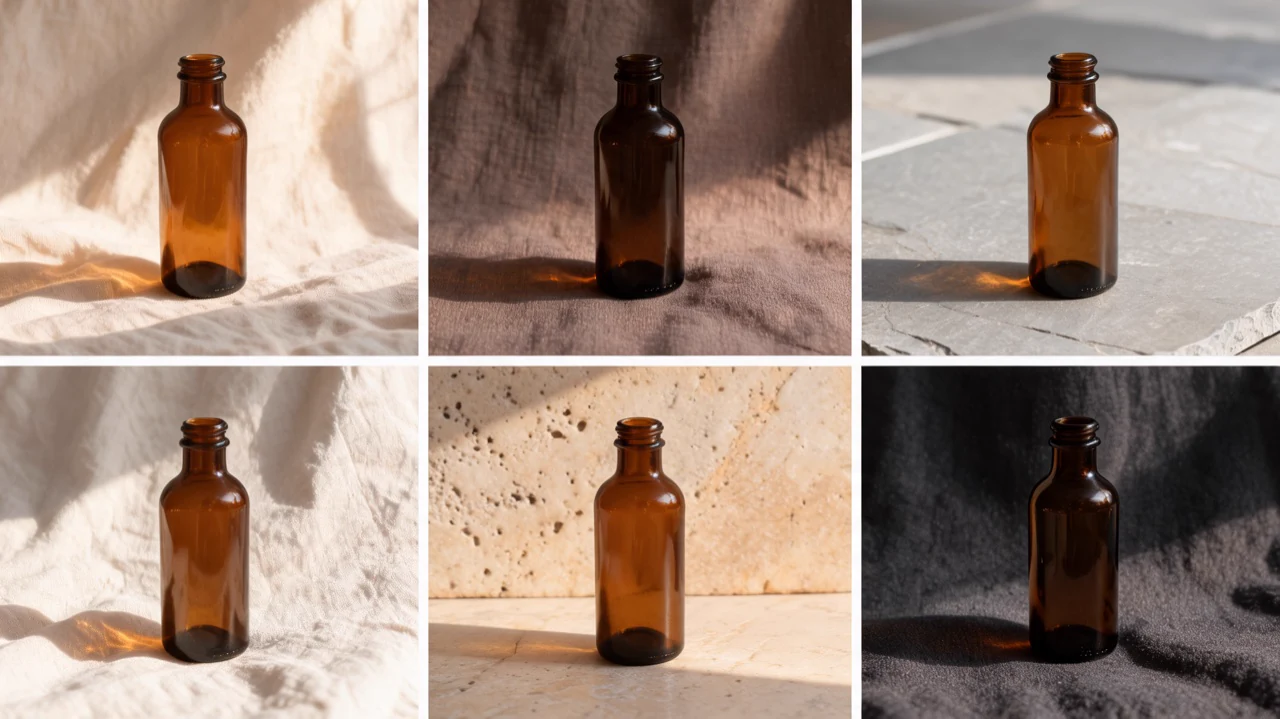
Premium amber skincare bottle labeled "NORTH COAST", pale stone pedestal, warm morning light, fine water droplets, soft beige background, realistic commercial product photography
Product Photography
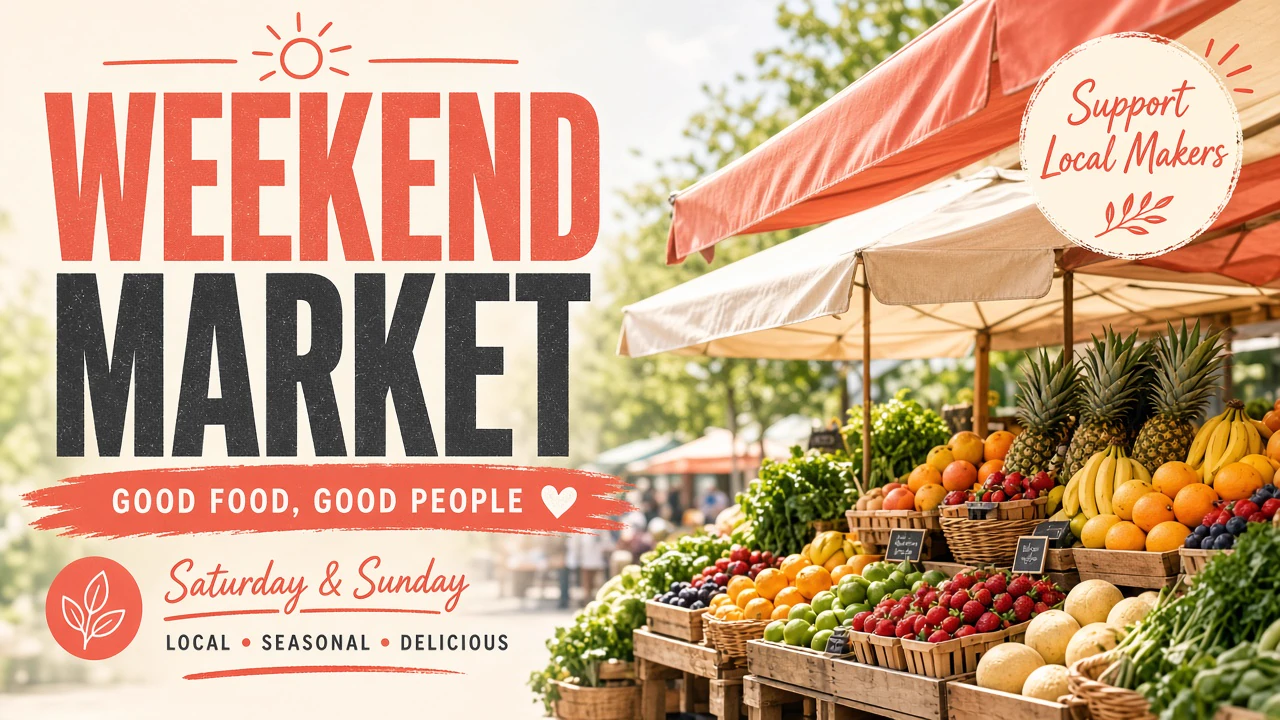
Bright vertical social graphic for a weekend food market, headline "WEEKEND MARKET", fruit stalls and canvas awnings, sunny editorial photography, coral and cream palette
Social Media Graphics
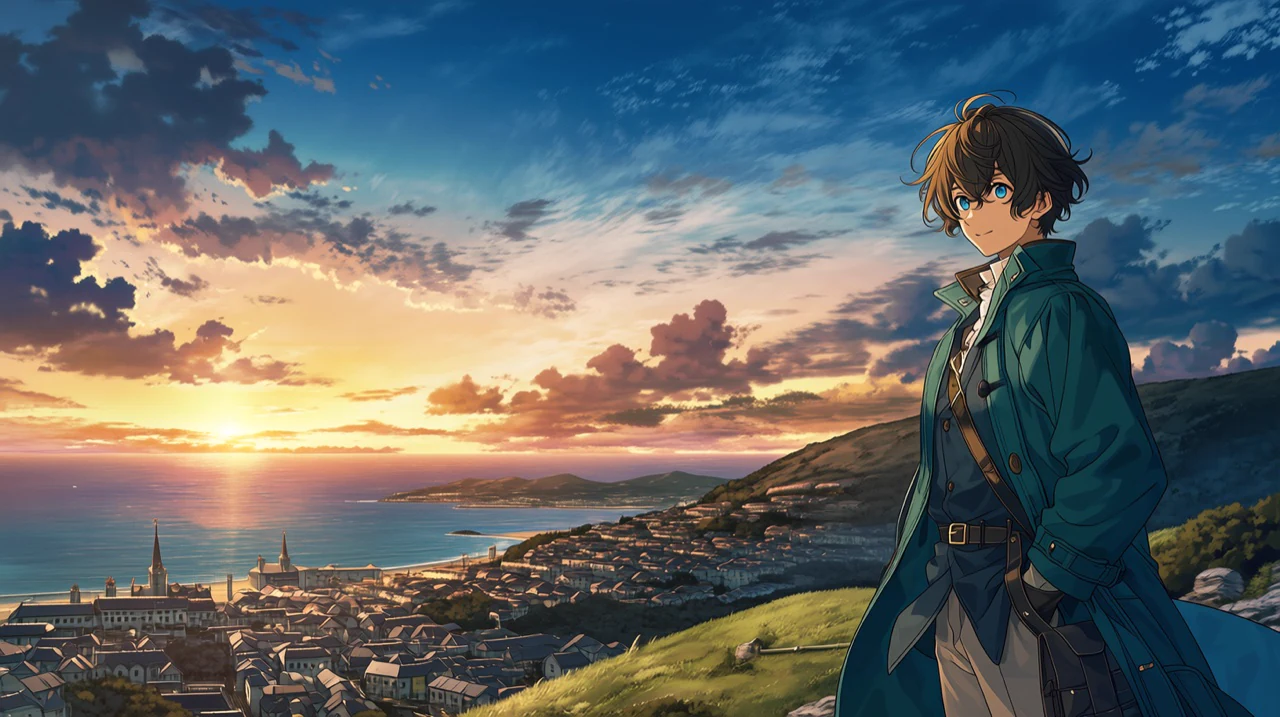
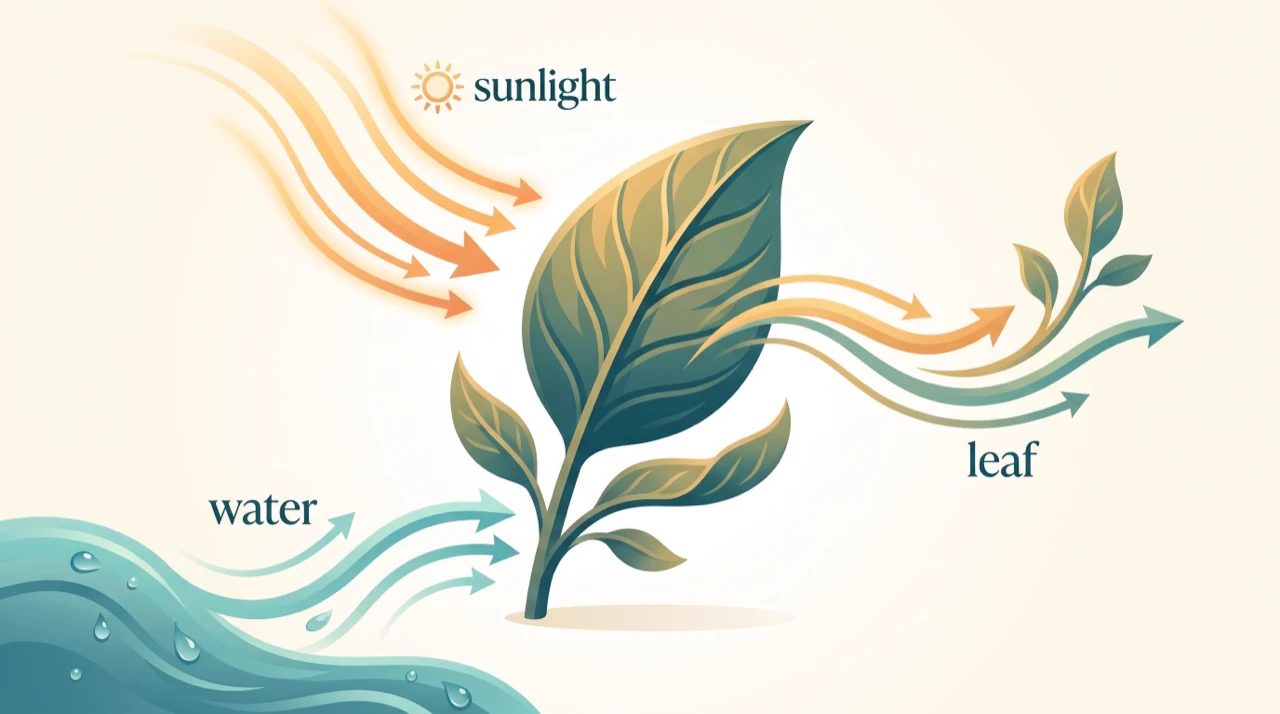
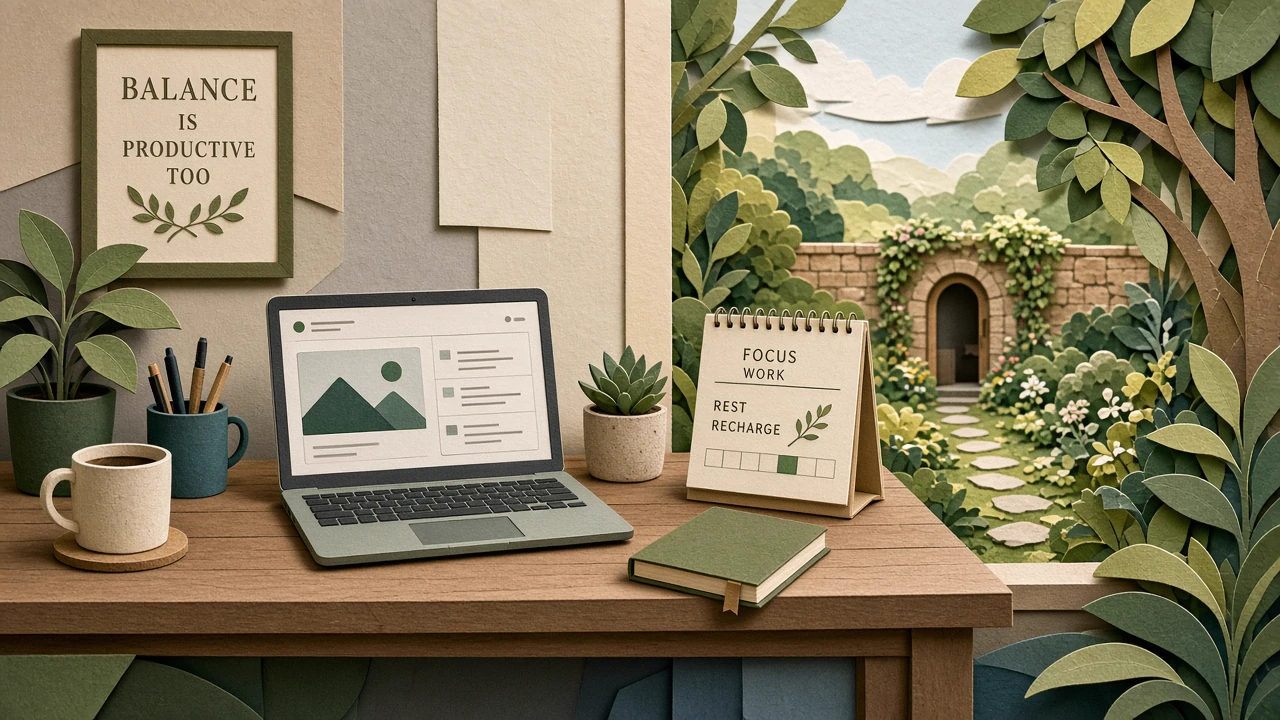
Editorial illustration about remote work balance, home desk blending into a peaceful garden, laptop, coffee and calendar, sophisticated cut-paper style, warm daylight
Editorial Illustration
Modern museum poster reading "FORM & FUNCTION", sculptural red chair, clean Swiss grid, cream paper texture, black supporting text, photographed on a sunlit gallery wall
Poster and Signage Design
Two friends preparing lunch in a bright apartment kitchen, candid conversation, natural window light, realistic skin and food textures, relaxed editorial photography
Lifestyle Stock Photos
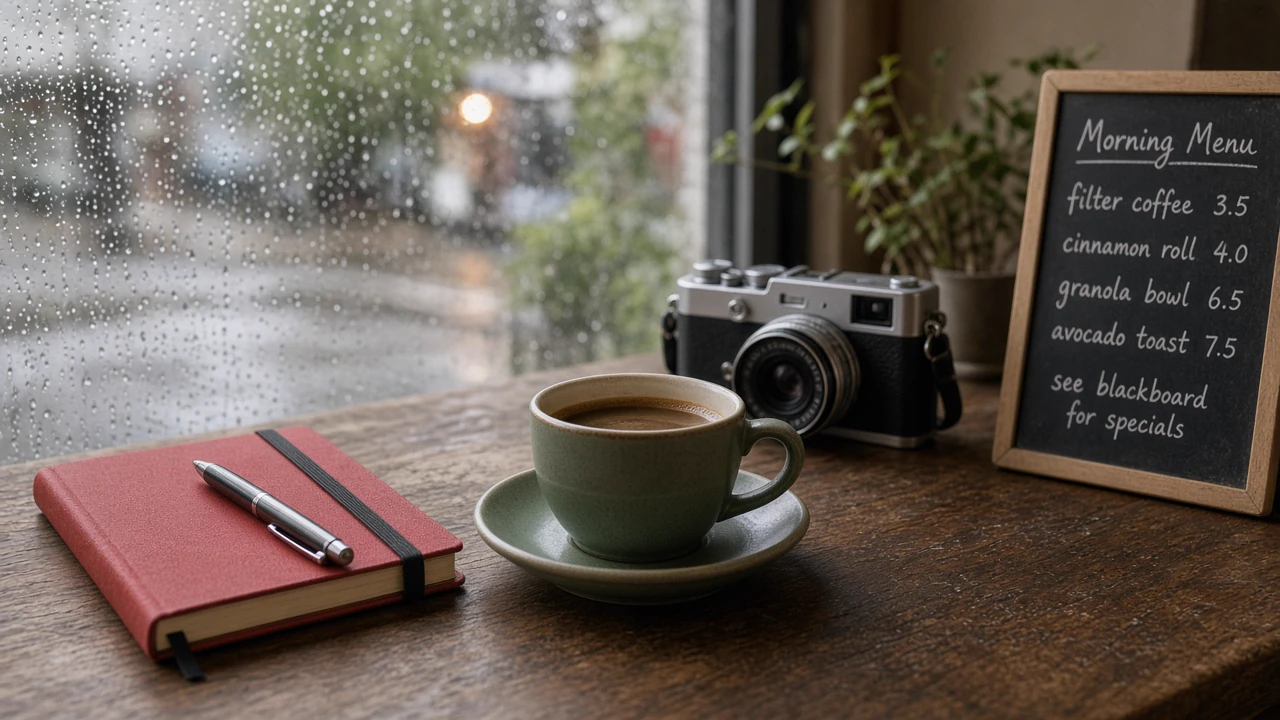
Photoreal editorial café scene: red notebook left of a green cup, silver camera behind both, handwritten menu on the right, rainy window, soft morning light, 35mm lens
Literal handling of detailed prompts
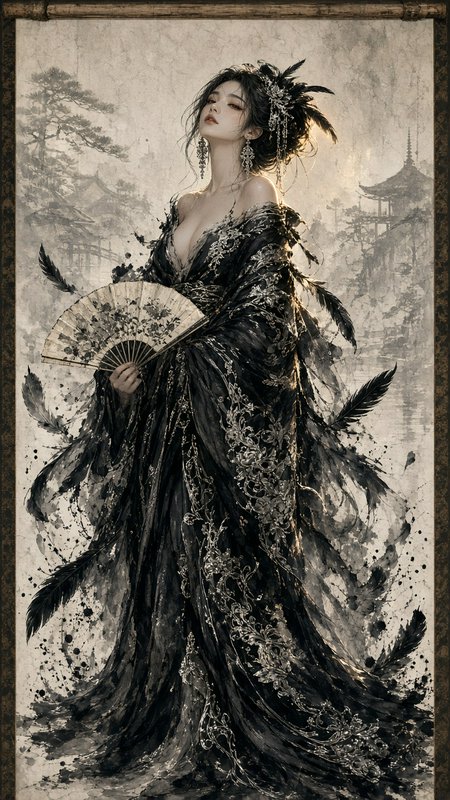
Top community creations
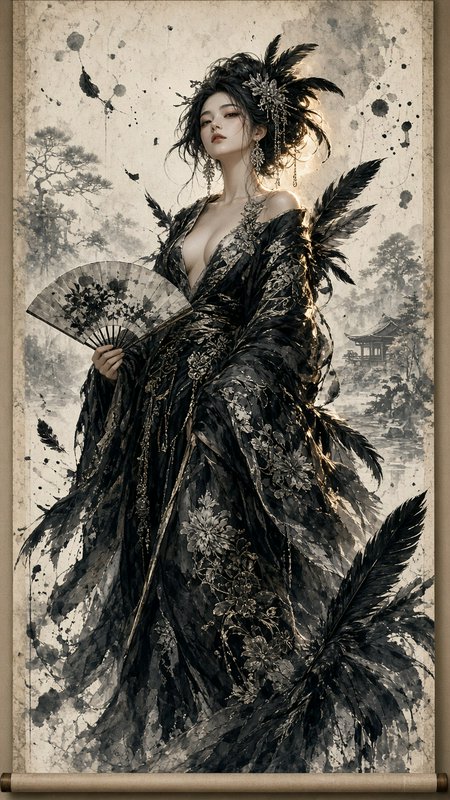
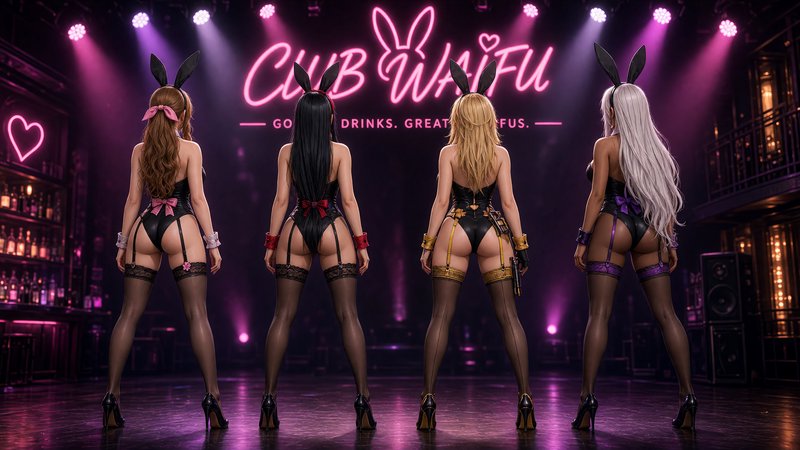
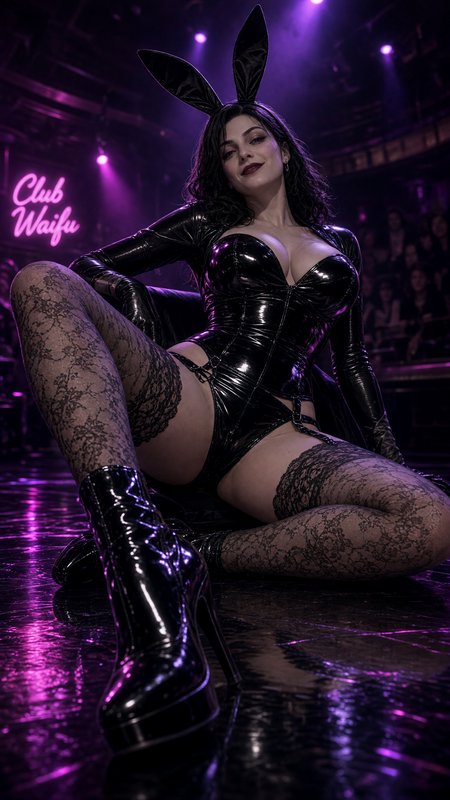
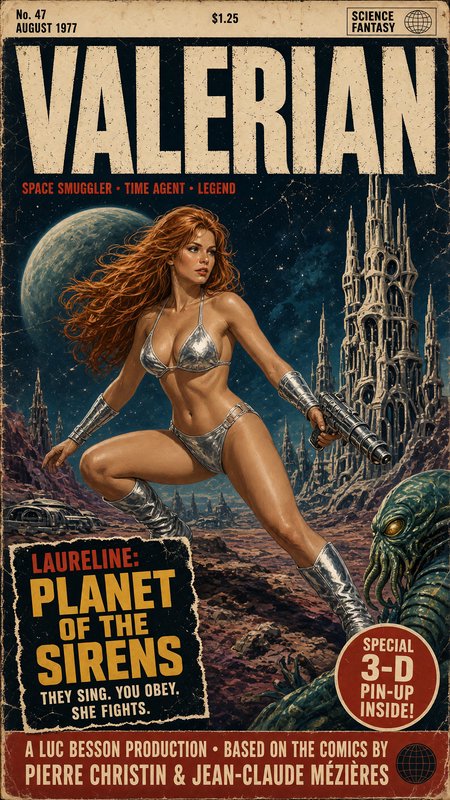
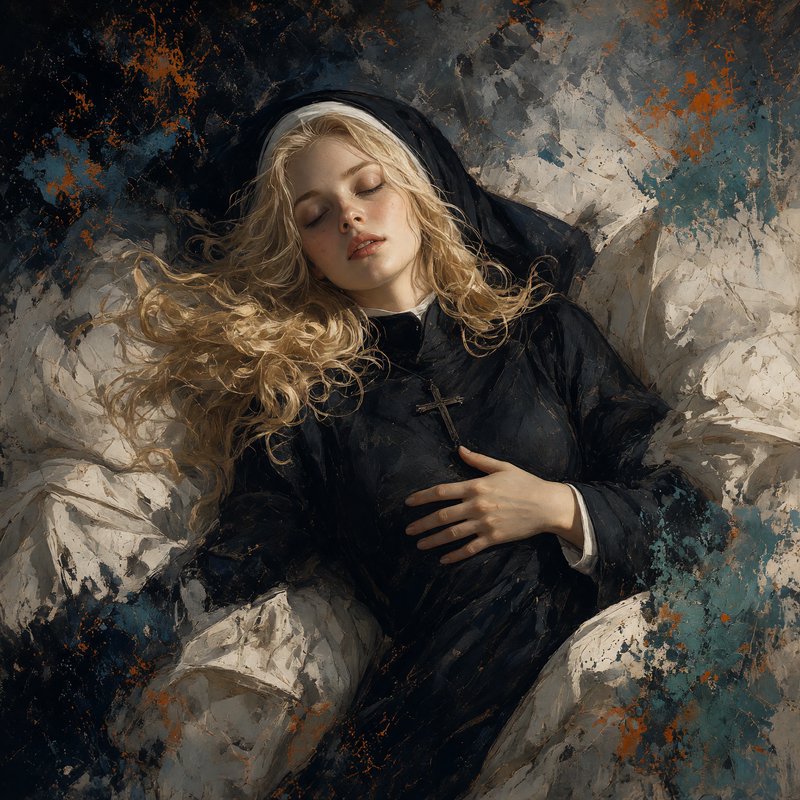
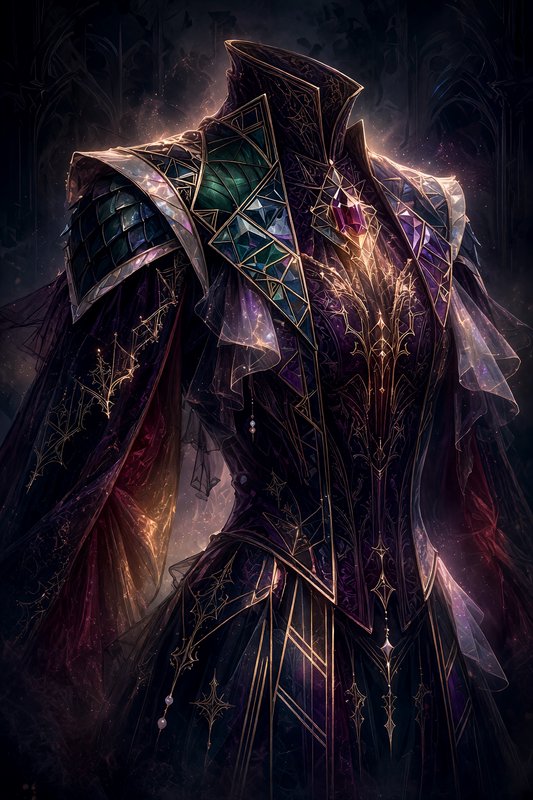
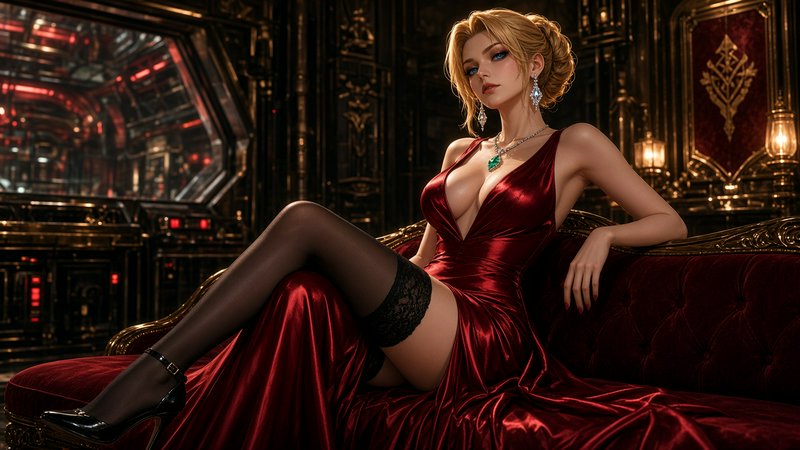
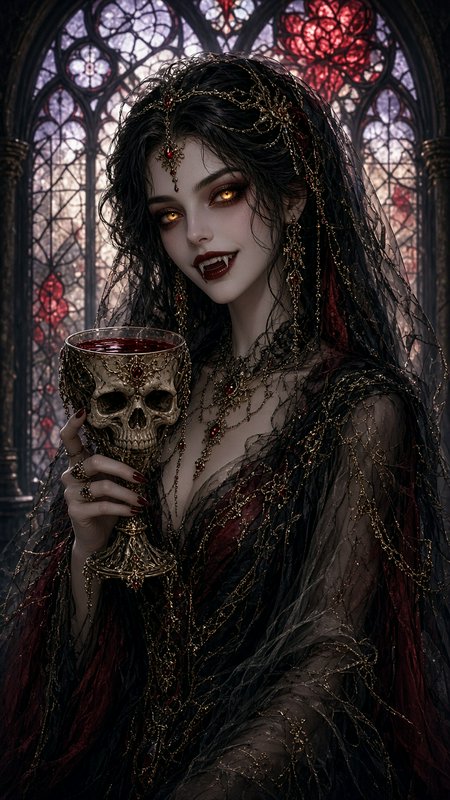
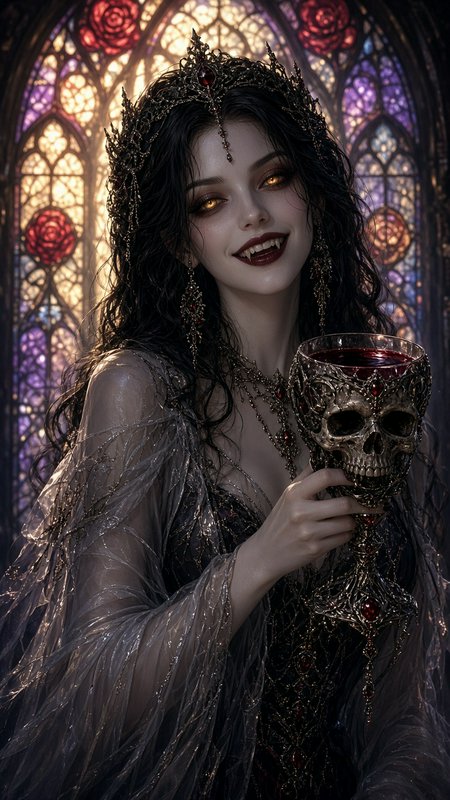
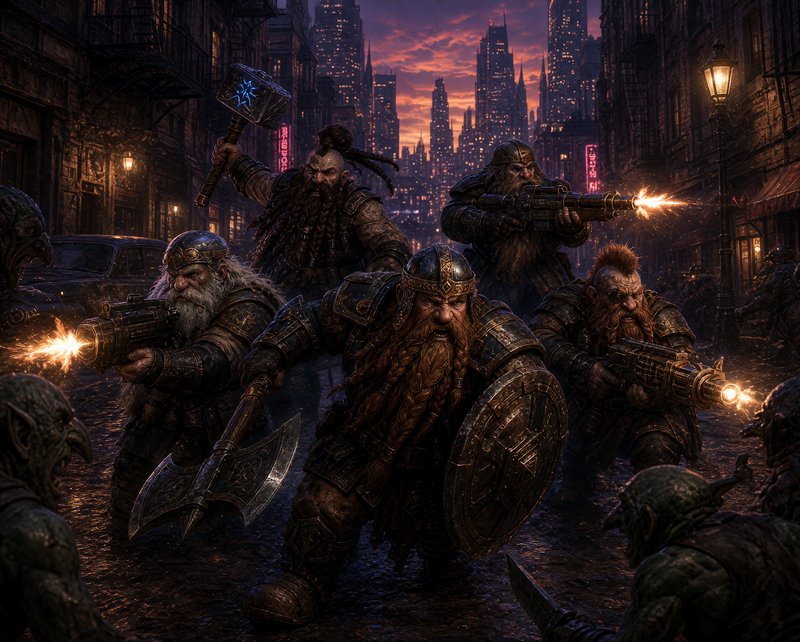
Recent Grok Imagine 2.0 images shared by the BudgetPixel community.





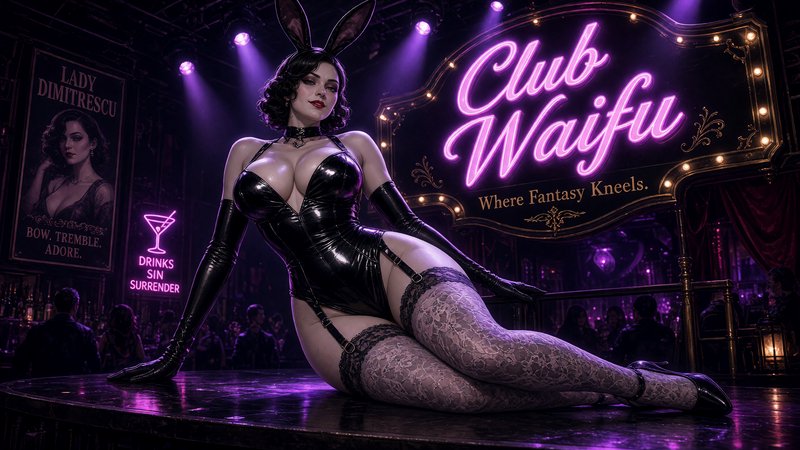
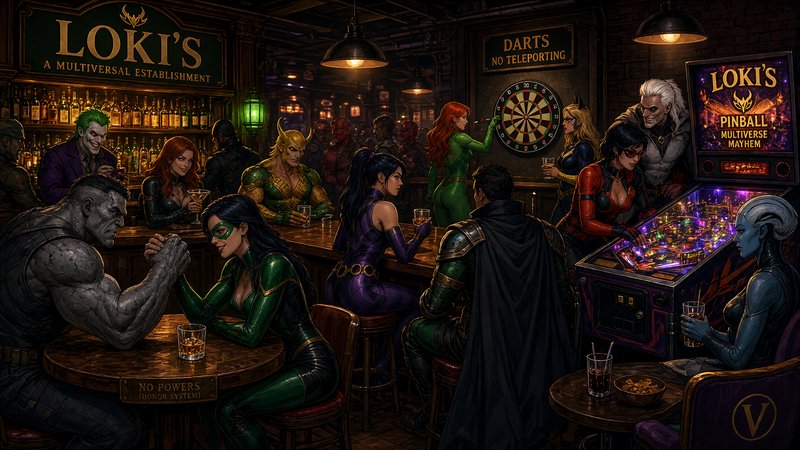
How Grok Imagine 2.0 ranks in blind votes
In the BudgetPixel AI Image Arena, voters pick between two images made from the same prompt without knowing which model made them. Grok Imagine 2.0 has 1,262 wins and 224 ties in 2,508 votes against 19 other recent image models.
- #4 of 20
- overall rank
- 1546
- Elo (95% range 1532–1559)
- 2,508
- blind votes
- 17 s
- median generation time
Rank by category
Grok Imagine 2.0 head to head
Ratings are refitted nightly; last updated Sep 29, 2026. See every Grok Imagine 2.0 arena image or vote in the arena.
Pricing for Grok Imagine 2.0
Runs on credits — no per-model surcharges, no surprise billing.
50credits
per generation
50 credits per image
Show pricing details▾
ResolutionCredits
- 1Kdefault50/ generation
- 2K80/ generation
Credits work across every plan. See /pricing for credit packages.
Use Grok Imagine 2.0 via the API
Grok Imagine 2.0 is available through the BudgetPixel developer API — the same model the studio runs, supporting text-to-image, and image editing / references. Pricing is metered in credits (50 credits per image), charged only on success, with an API key available on Premium plans and above.
curl -X POST https://api.budgetpixel.com/v1/images/grok-imagine-image-2 \
  -H "Authorization: Bearer $BUDGETPIXEL_API_KEY" \
  -H "Content-Type: application/json" \
-d '{"prompt": "your prompt here"}'No code? Use Grok Imagine 2.0 from Claude or Cursor
Grok Imagine 2.0 is also available through the BudgetPixel MCP server. Connect your account to Claude, Cursor, or any MCP-enabled agent and generate with Grok Imagine 2.0 by asking in plain language — same credits, same pricing, no code required.
Grok Imagine 2.0 at a glance
- Quality tiers (Low / Medium)
- Resolution options (1K / 2K)
- Precise instruction-following edits
- Text-to-image generation
- Image-to-image editing (1 input image)
- Strong text and typography rendering
- Multiple aspect ratios
- Free input image on edits
How Grok Imagine 2.0 compares
The differences that actually change which one you pick.
- Grok Imagine 2.0 vs Grok Imagine Quality
- 2.0 is the newer generation and starts cheaper — 50 credits at Low/1K versus 80. Quality still wins when you need to fuse up to 3 reference images; 2.0 takes a single input image.
- Grok Imagine 2.0 vs Grok Imagine
- Standard Grok Imagine is a flat 35 credits and the cheapest way onto the Grok stack. 2.0 adds quality tiers, 2K output, and noticeably better editing and text rendering.
- Grok Imagine 2.0 vs Nano Banana 2
- Both are strong instruction-following editors. 2.0 starts cheaper and runs on xAI's Grok stack; Nano Banana 2 leverages Google Gemini grounding.
Frequently asked questions
What is Grok Imagine 2.0?▾
Grok Imagine 2.0 is xAI's latest model for generating and editing images. It is the newest image model available on BudgetPixel and focuses on close instruction following, structured typography, practical editing, and fast creative iteration.
How does Grok Imagine 2.0 work?▾
You provide a written prompt describing the subject, composition, style, lighting, and any required text. The model turns that brief into an image, with controls for output resolution and aspect ratio. It can also use existing images as inputs for editing and composition.
How much does Grok Imagine 2.0 cost?▾
Generation uses BudgetPixel credits, with usage varying by the selected model tier, resolution, and quality option. Faster family options are useful for inexpensive exploration, while higher-quality settings suit final assets. The workshop shows the applicable credit cost before generation.
What is the difference between the Grok Imagine tiers?▾
Grok Imagine is the faster, lower-credit option for drafts and rapid ideation. Grok Imagine Quality provides a higher-quality route, while Grok Imagine 2.0 is the newest member of the family and emphasizes prompt adherence, typography, editing, and production-oriented layouts.
Does Grok Imagine 2.0 render text well?▾
Text rendering is one of its central strengths. It can produce clear headlines, product labels, signs, poster layouts, and smaller supporting copy while keeping the typography connected to the overall design. Always proofread generated wording before publication.
What resolutions and aspect ratios does Grok Imagine 2.0 support?▾
The model supports 1K and 2K outputs. Available ratios include 1:1, 16:9, 9:16, 4:3, 3:4, 3:2, 2:3, 2:1, 1:2, 19.5:9, 9:19.5, 20:9, 9:20, 21:9, and 5:2, plus an automatic option.
Does Grok Imagine 2.0 support reference images?▾
Yes. Current model documentation supports up to three source images in one editing request. These can guide subject combinations, style transfer, scene composition, and other controlled edits.
Can Grok Imagine 2.0 edit existing images?▾
Yes. You can describe a change in natural language, such as replacing a background, adjusting a product color, changing the style, or recomposing the scene. The model is designed to preserve existing elements that are not part of the requested change.
How does Grok Imagine 2.0 compare with other AI image generators?▾
Its clearest positioning is fast generation with literal prompt handling, a photoreal-leaning finish, and strong in-image typography. It is especially practical for structured social graphics, editorial concepts, product campaigns, posters, and signage. The best model still depends on the visual style and control your project requires.
Can I use Grok Imagine 2.0 images commercially?▾
xAI states that generated images may be used commercially, subject to its current terms. You remain responsible for having the necessary rights to your inputs and for checking trademarks, copyright, privacy, and other third-party rights. Review the current provider and BudgetPixel terms before publishing.
Does Grok Imagine 2.0 have an API?▾
Yes — Grok Imagine 2.0 is available through the BudgetPixel developer API via the `POST /v1/images/grok-imagine-image-2` endpoint, supporting text-to-image, and image editing / references. Generate an API key from the developer console (available on Premium plans and above) and see the full reference at docs.budgetpixel.com.
How much does the Grok Imagine 2.0 API cost?▾
API usage is billed in credits from the same balance your plan includes, at the standard metered rate: 50 credits per image. Failed generations are never charged. You can estimate any request's exact cost with POST /v1/cost before running it.
Can I use Grok Imagine 2.0 with Claude or other AI agents (MCP)?▾
Yes — Grok Imagine 2.0 is exposed through the BudgetPixel MCP server, so Claude, Cursor, and any MCP-compatible agent can generate with it from a plain-language request. Connect your account at budgetpixel.com/mcp; generations use the same credit balance and pricing as the web studio and the API.