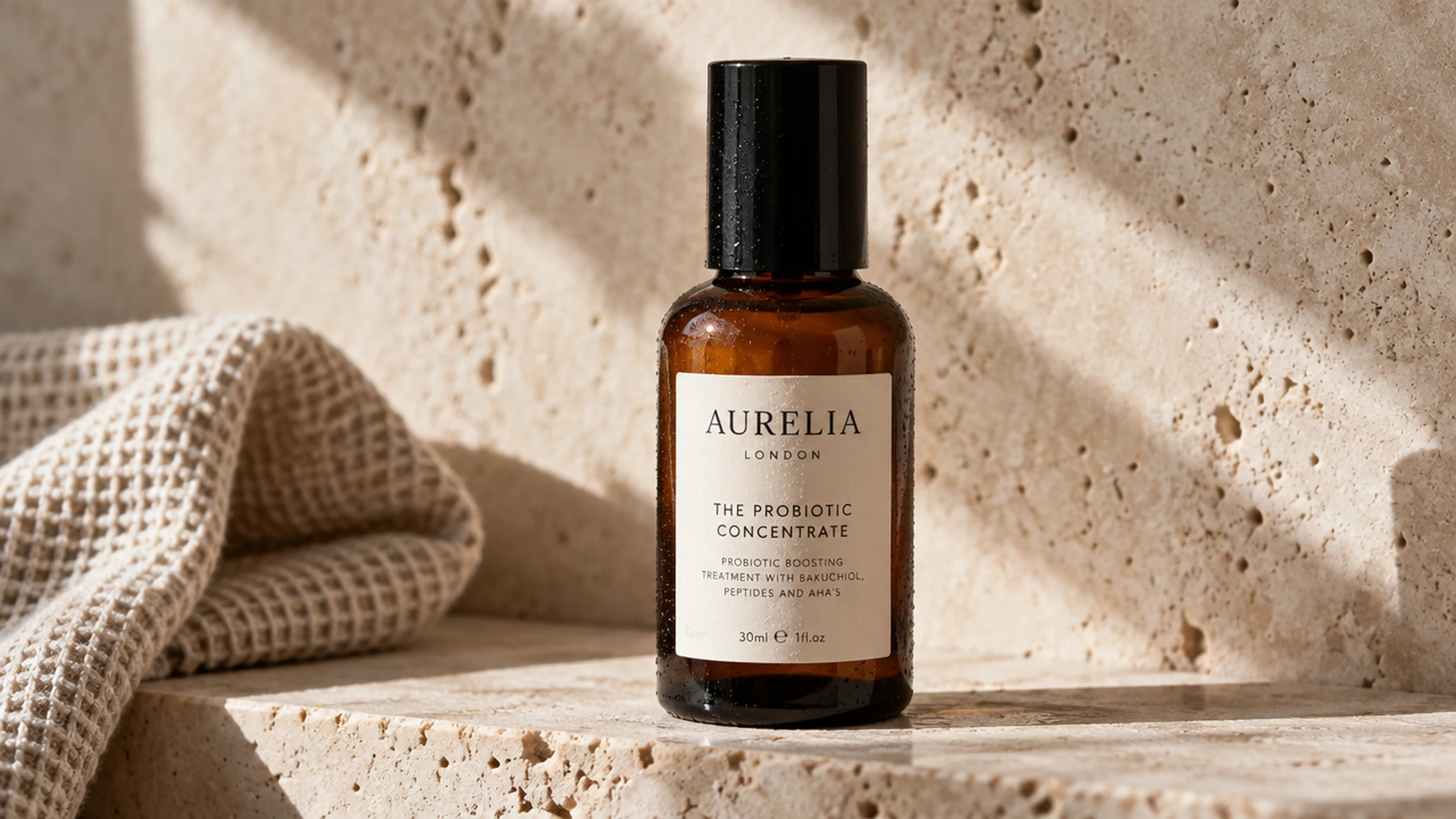
GPT Image 2.5 Sunburst
Precision edits change only what you ask while preserving the subject, composition, and background.
From $0.04 an image on paid plans.
1K · 2K · 4KOutput
Low · Medium · High · Extra High · MaxQuality tiers
Up to 9Reference images
High qualityDefault
PNG · JPEGFormats
Workshop · API · MCPAccess
Professional images for every use case
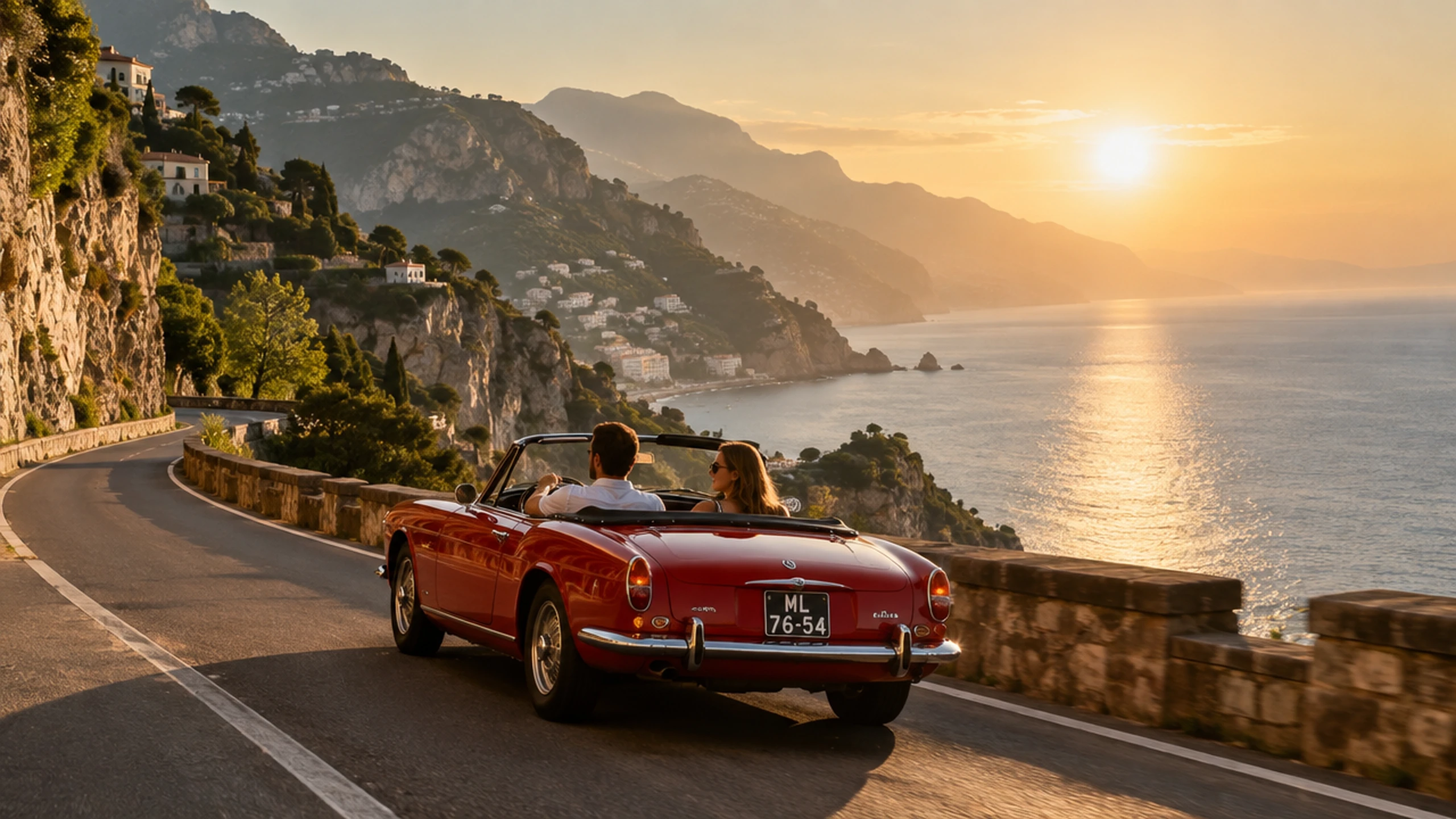
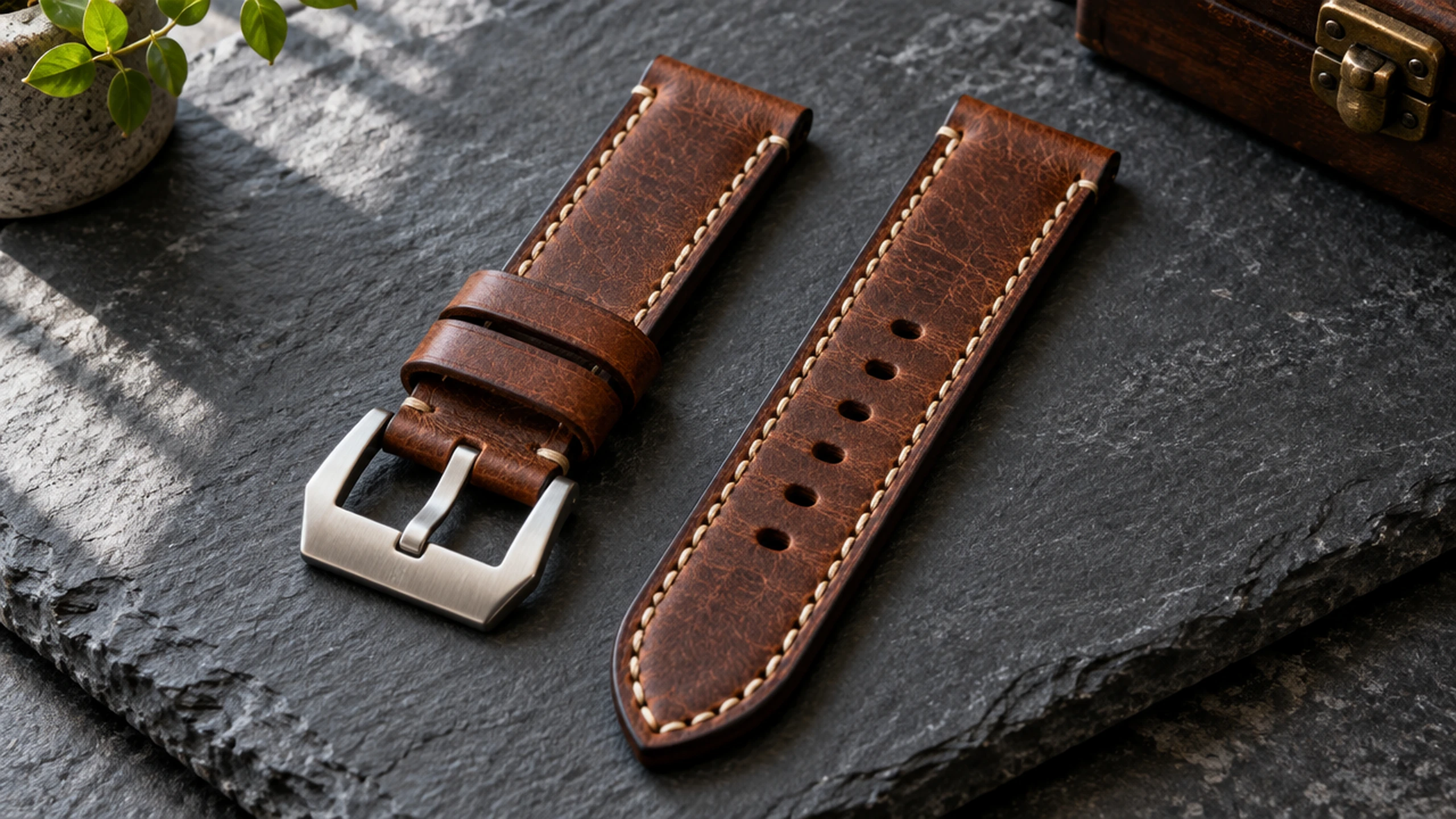
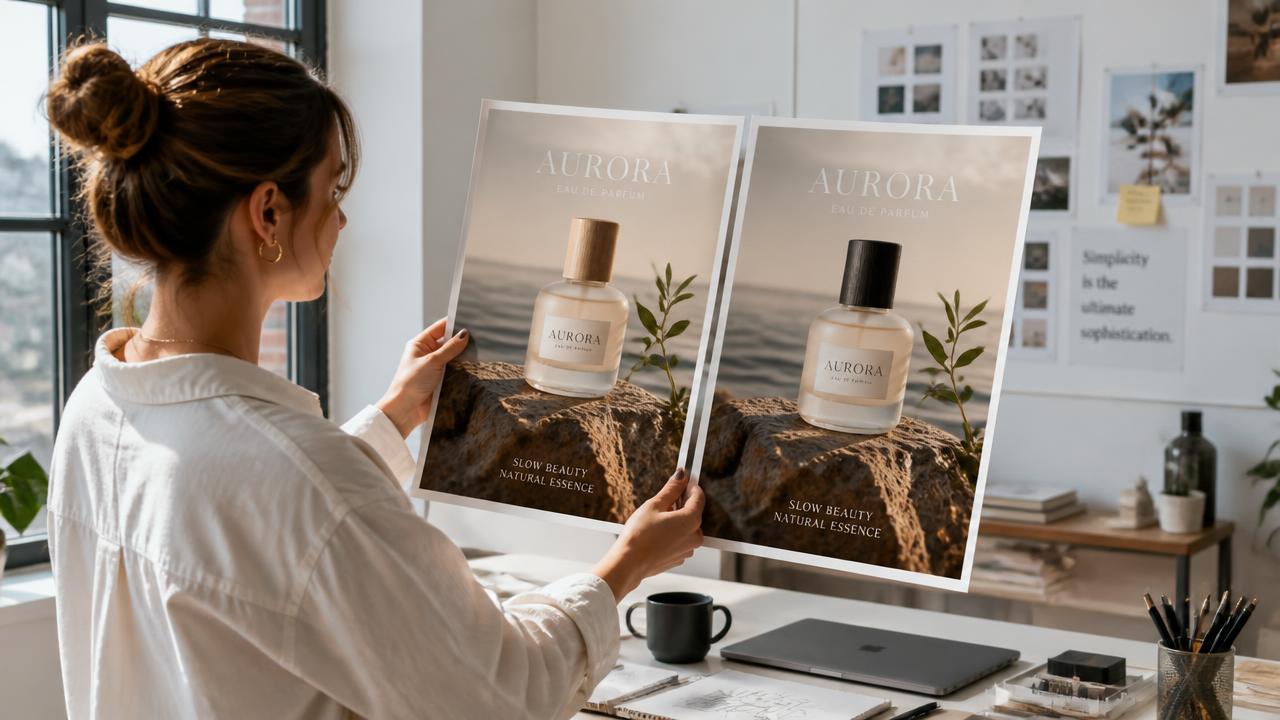
Campaign creative.
Create production-ready campaign visuals with precise composition, natural lighting, and repeatable targeted revisions.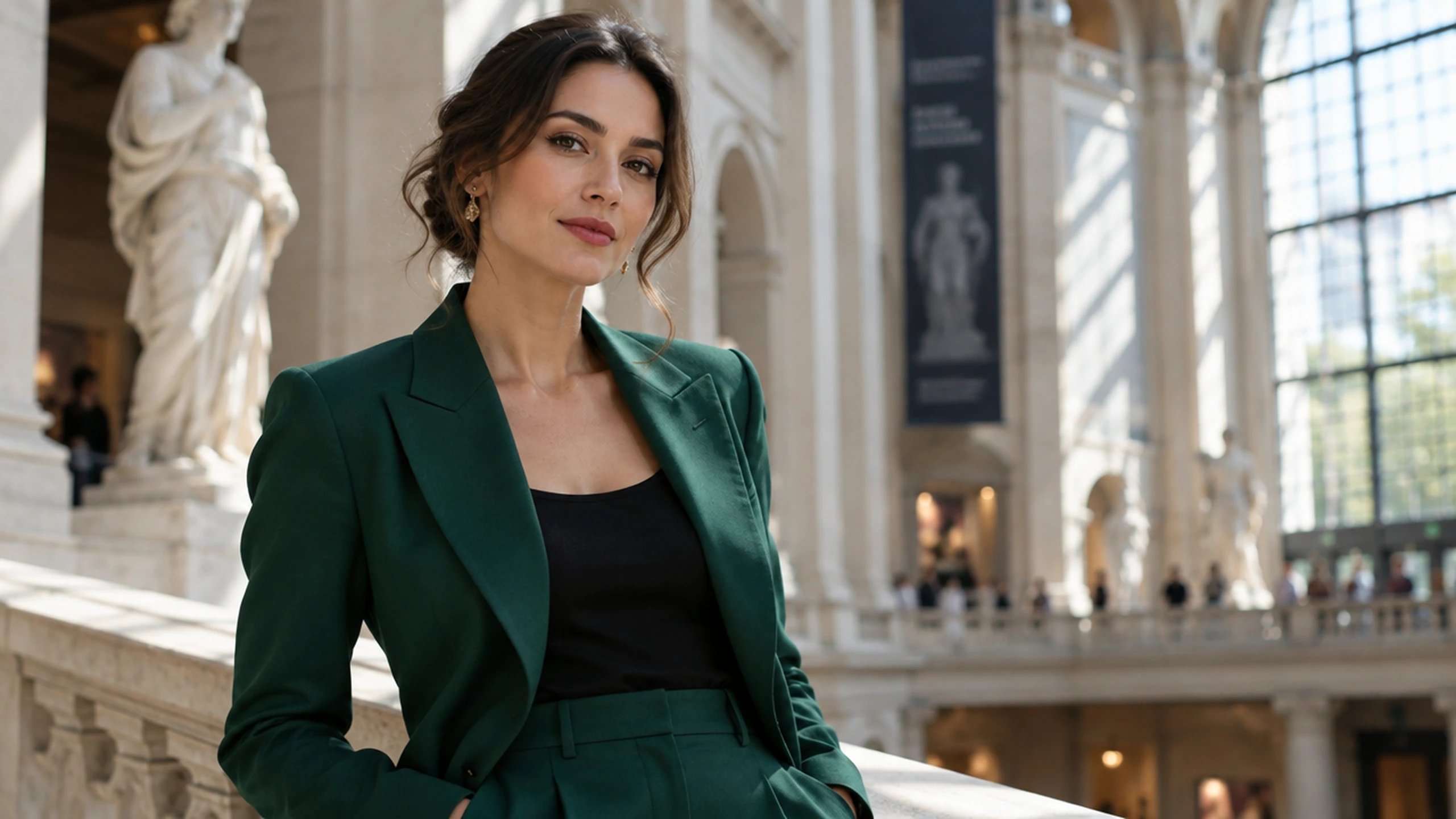
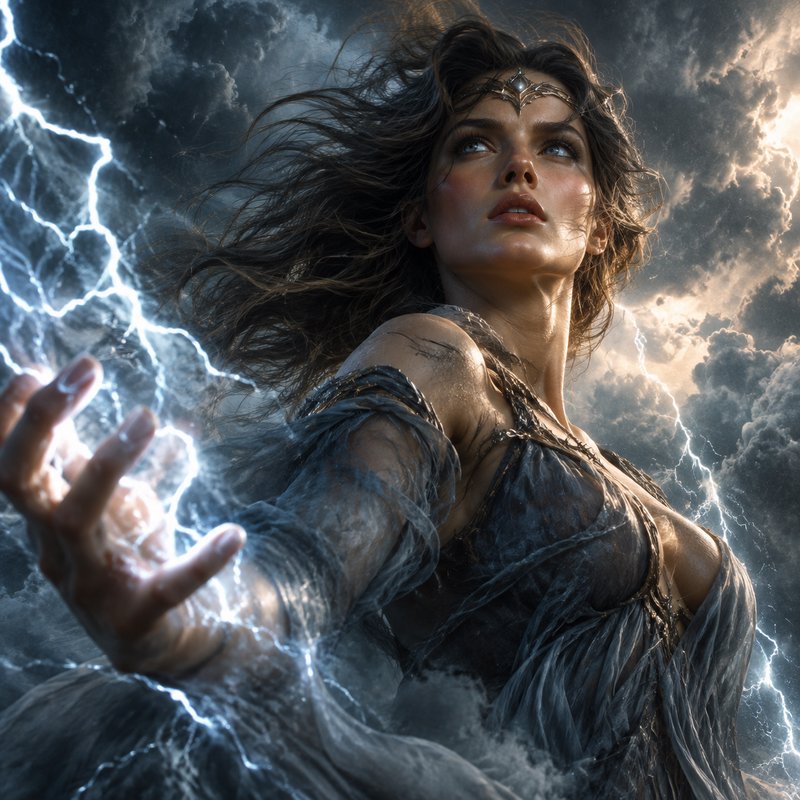
Character portraits.
Carry recognizable facial features and wardrobe details from reference photos into new scenes and styles.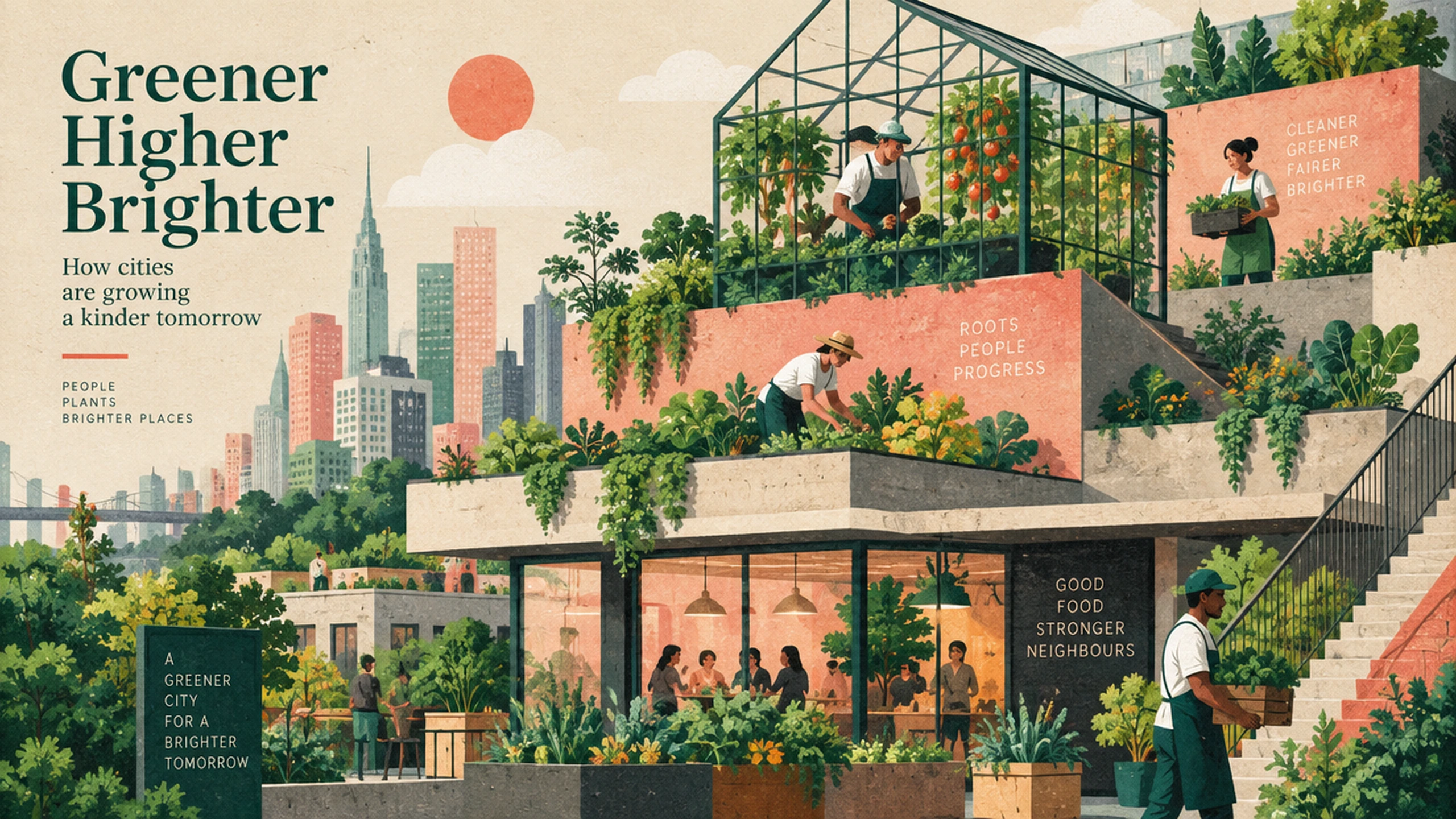
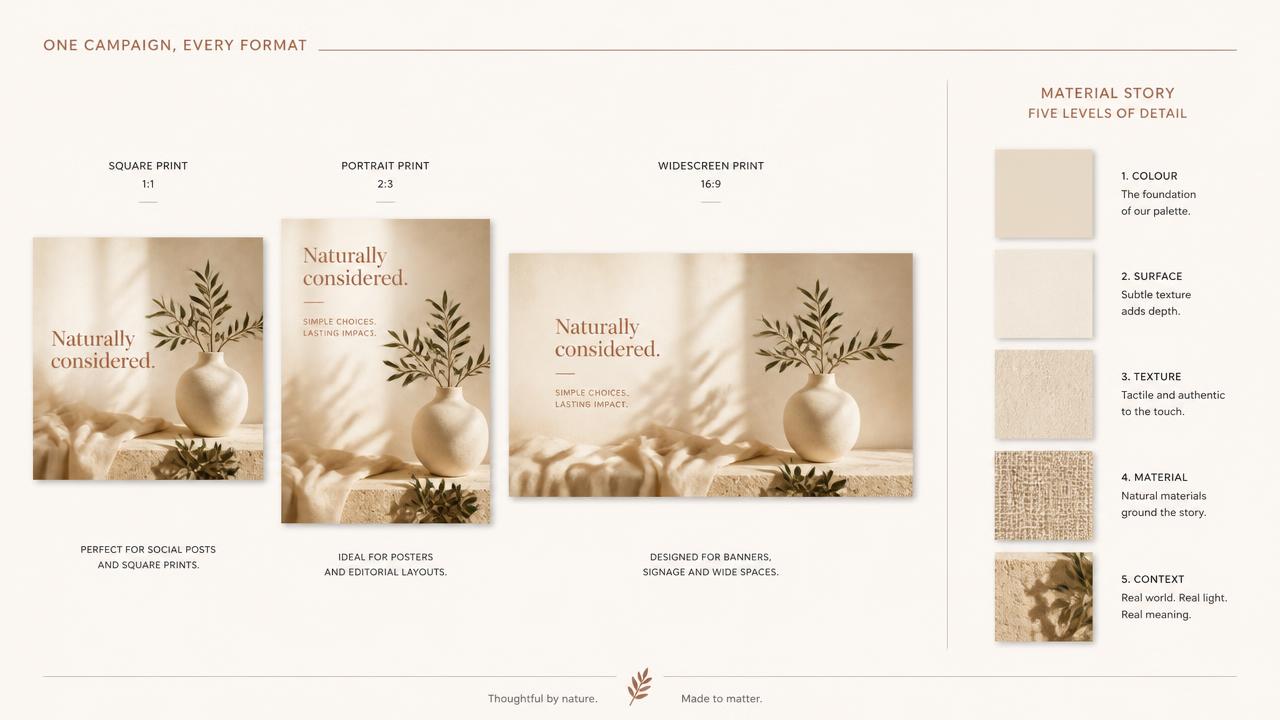
Editorial illustration.
Turn complex briefs into coherent editorial layouts with controlled hierarchy, richer textures, and accurate visual details.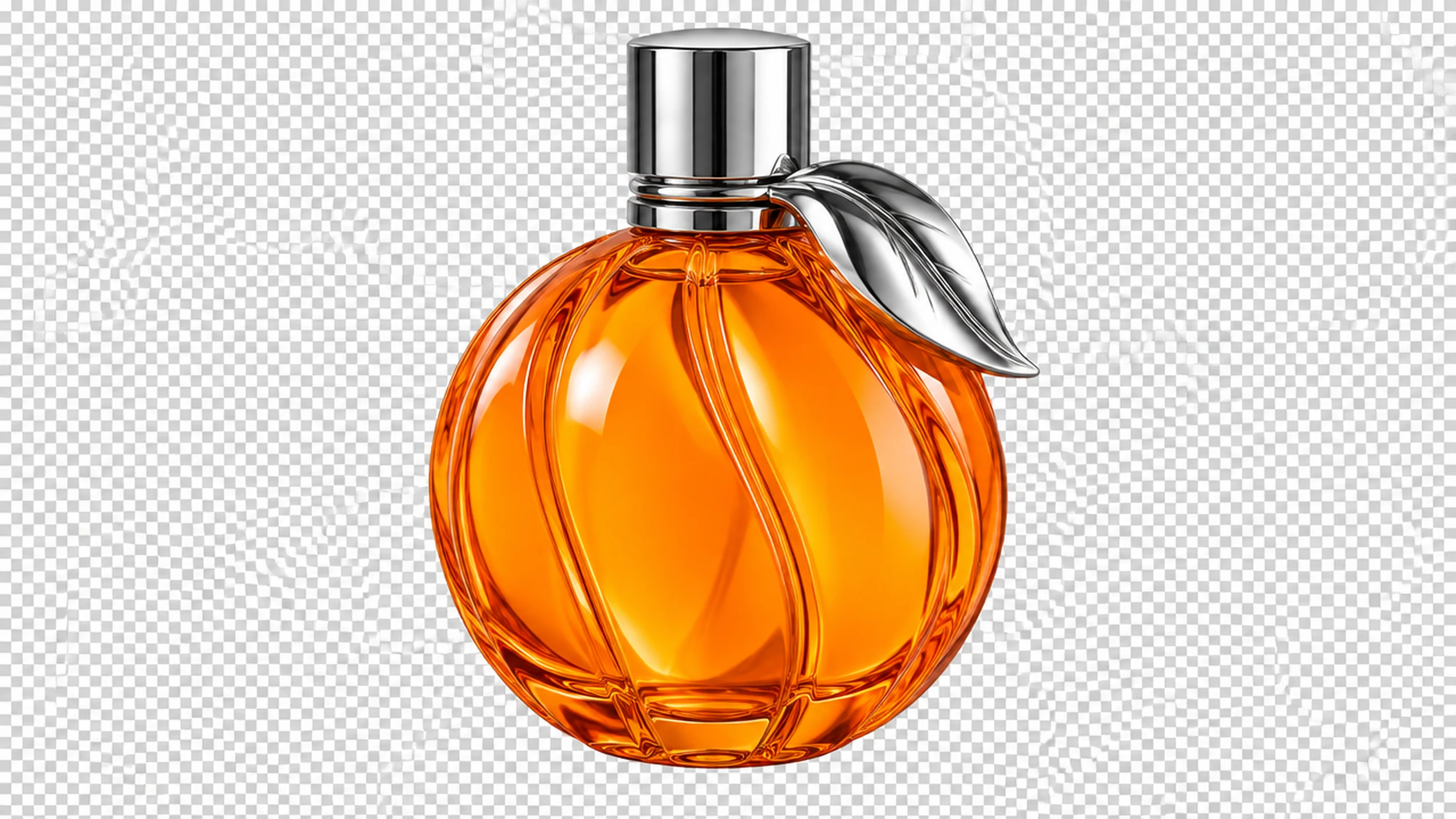
Transparent brand assets.
Generate isolated objects and graphic elements on transparent backgrounds for flexible placement across brand designs.Edits that change only what you ask
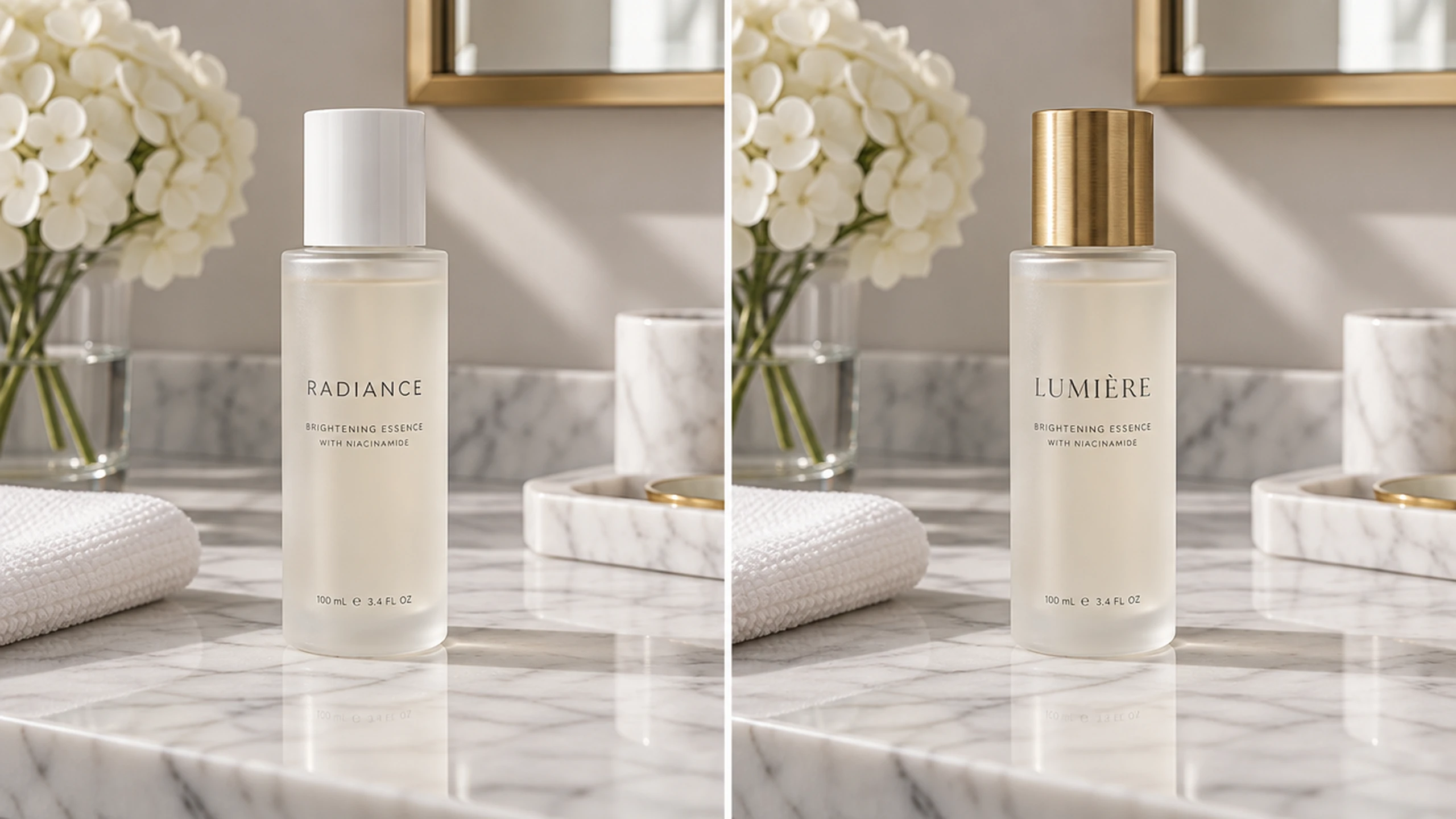
Sunburst is built for premium visual work that needs tight control across edits. Ask for a single change — a product, a background, a piece of copy — and it updates that element while the subject, composition and brand treatment around it stay intact, even in complex scenes.
- •Update one element without rebuilding the asset
- •Subject, composition and background preserved
- •Reliable on complex subjects and busy backgrounds
- •Explicit change-and-keep instructions work as written
Reference fidelity across up to nine images
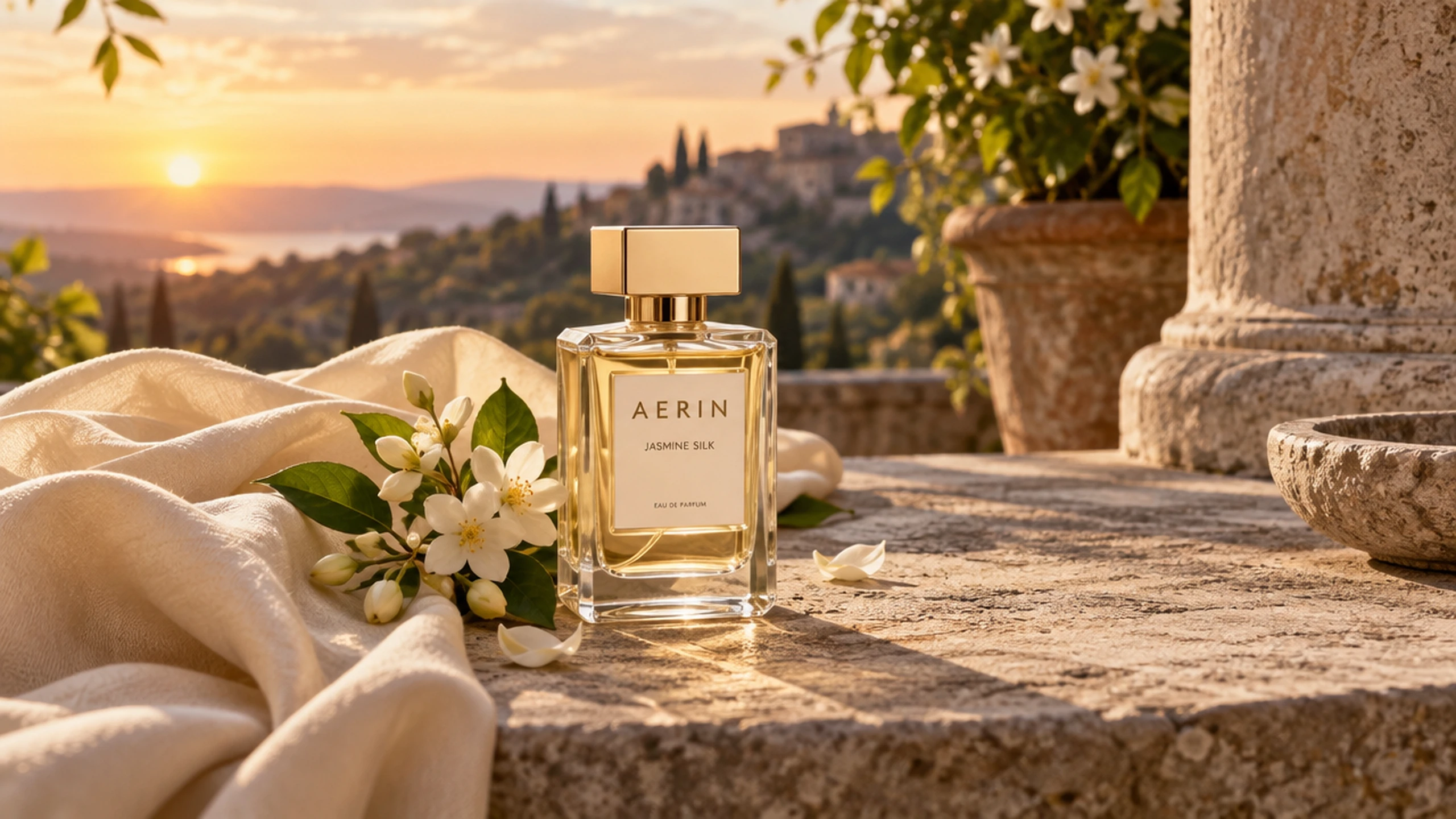
Work from reference photos and keep them recognizable: faces, products, materials and distinctive details carry through as the model moves a subject into new settings, styles and compositions. Multiple references can be combined into one cohesive scene.
- •Up to nine reference images per generation
- •Identity and product shape stay anchored to the source
- •Combine several products or people into one scene
- •Style, wardrobe and material references
Consistent results over many rounds of edits
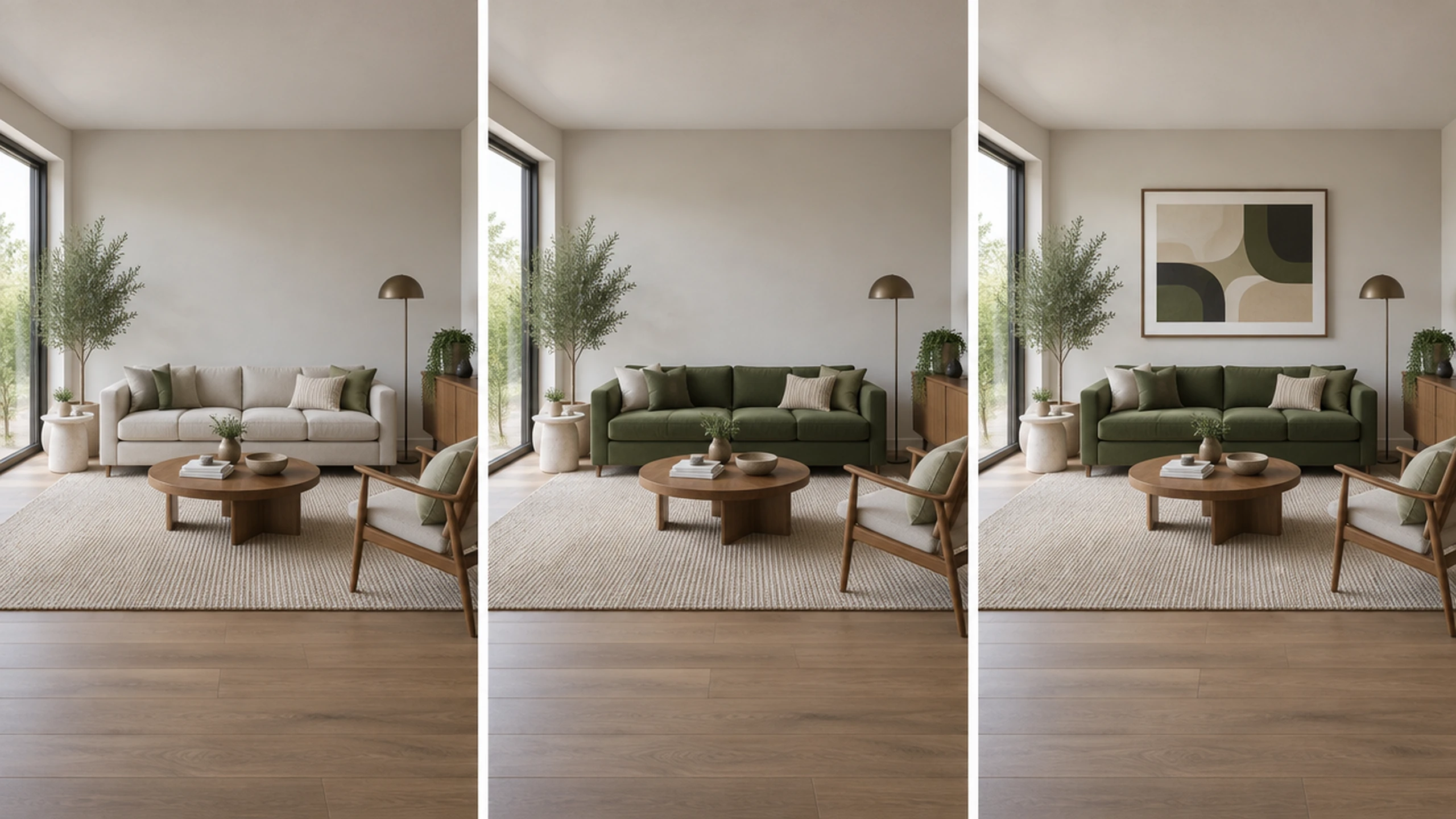
Earlier changes stay in place as you keep refining, and each new edit builds on the last without degrading quality. That makes multi-step production work — a series of on-brand assets, UI concepts that keep their hierarchy, presentation visuals with a fixed structure — dependable.
- •Edits compound instead of drifting
- •Image quality holds across iterations
- •Requested direction, composition and details are retained
- •Series of on-brand assets from one source
Sharper detail, natural light, richer textures
GPT Image 2.5 renders finer detail with more natural lighting and richer textures than GPT Image 2, follows complex visual instructions more faithfully, and handles demanding layouts — including transparent backgrounds — with accurate real-world content. Output at 1K, 2K or 4K in 13 aspect ratios, PNG or JPEG.
- •1K, 2K and 4K output in 13 aspect ratios
- •Five quality tiers from quick drafts to Max
- •Transparent backgrounds and complex layouts
- •More accurate real-world details and typography
- •PNG or JPEG export
How it works

1
Describe your image
Write a clear prompt covering the subject, setting, composition, lighting, materials, and intended use. Upload up to nine reference images when identity, product details, or visual direction must carry into the result.
2
Choose size and quality
Select one of 13 aspect ratios, then choose 1K, 2K, or 4K output. Pick from five quality tiers based on the required detail level; High is selected by default in the Image Workshop.
3
Generate and refine
Generate the image, then request narrowly scoped edits such as changing one product color or replacing a line of copy. Keep each revision explicit so approved subjects, framing, backgrounds, and brand details remain stable.
Prompts to try
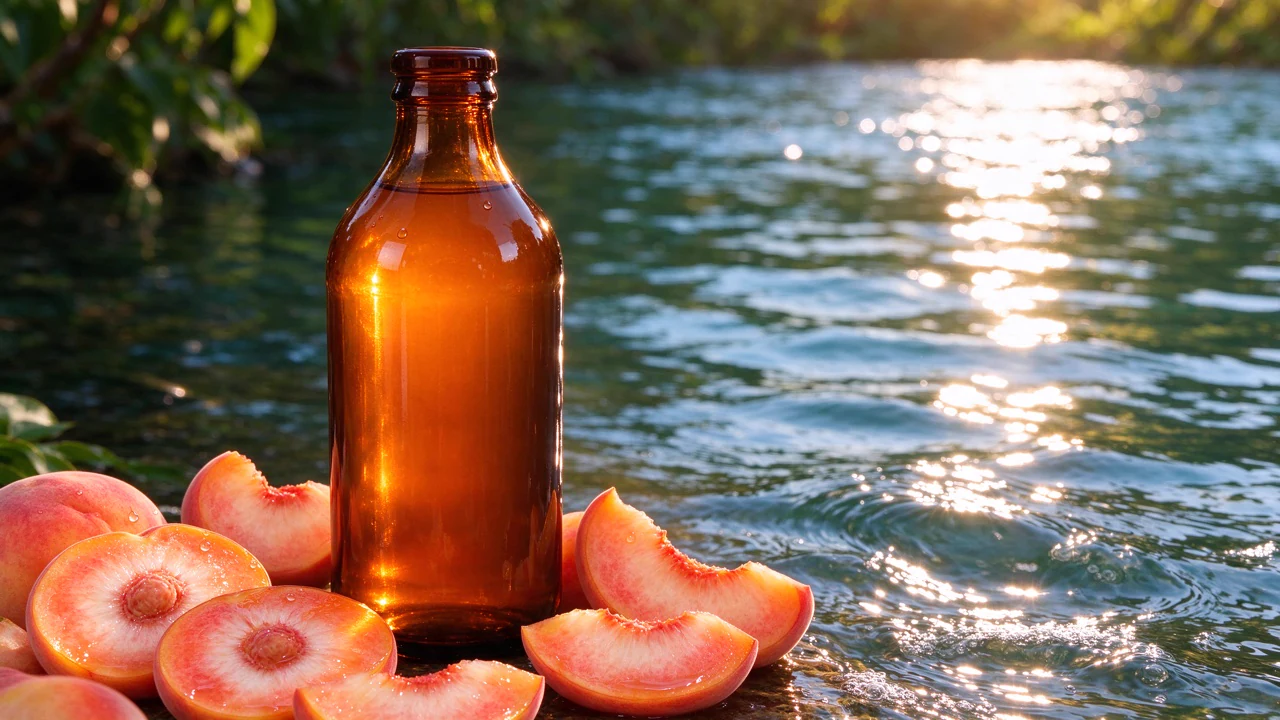
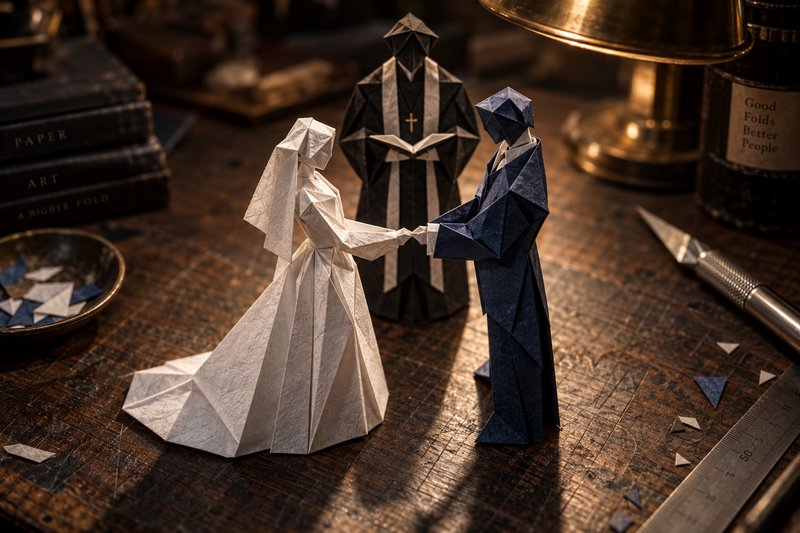
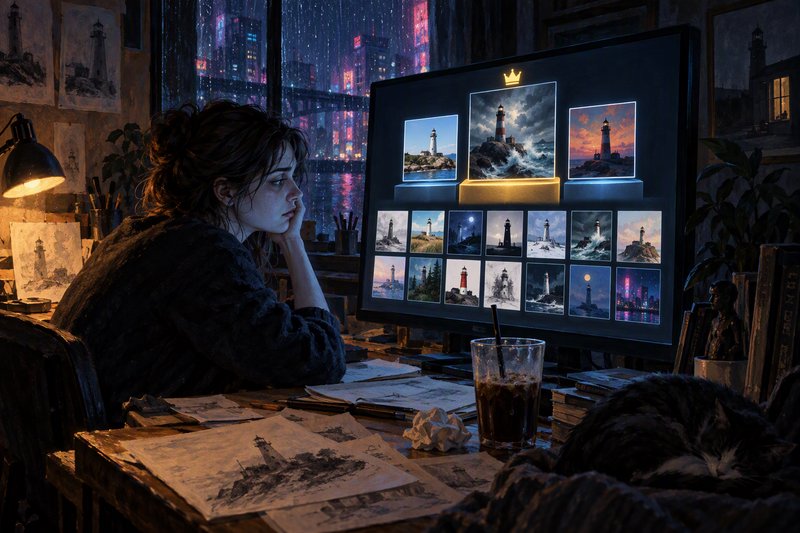
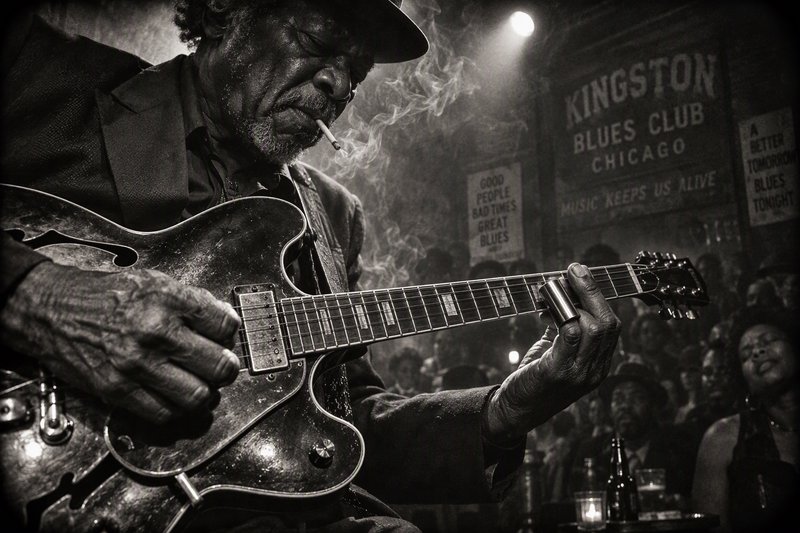
Replace only the label on this bottle with 'LUMIÈRE' in thin serif capitals; keep the bottle, lighting and background identical.
Precision edit: scope the instruction, the rest stays put
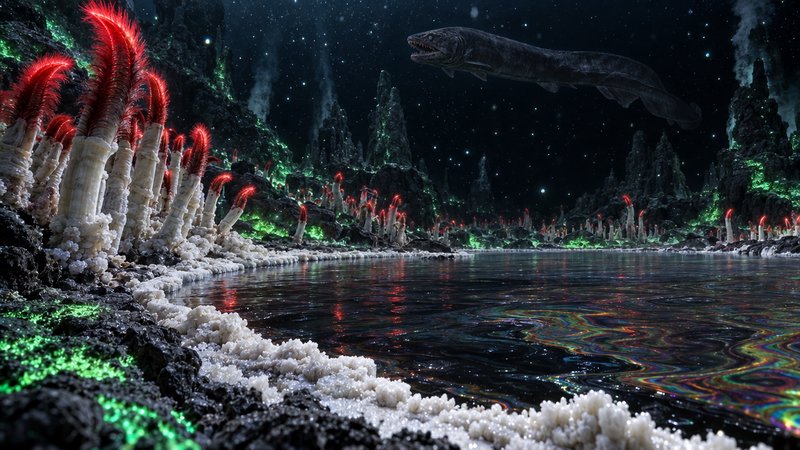
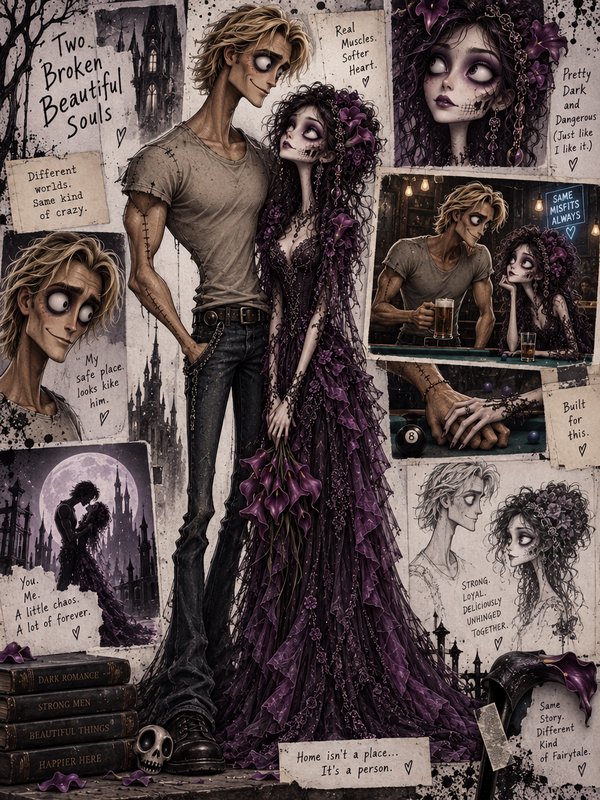
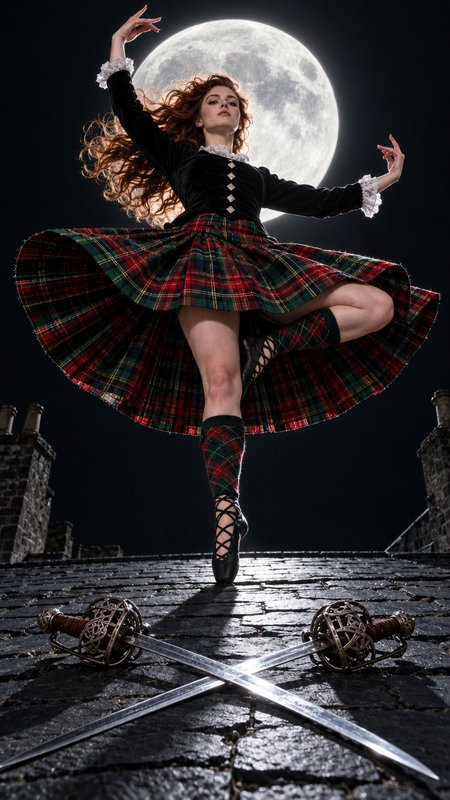
Book cover, portrait: a moonlit Victorian greenhouse overgrown with roses, title 'THE LAST GARDEN' in elegant serif, author name at the bottom.
Typography holds at Max quality
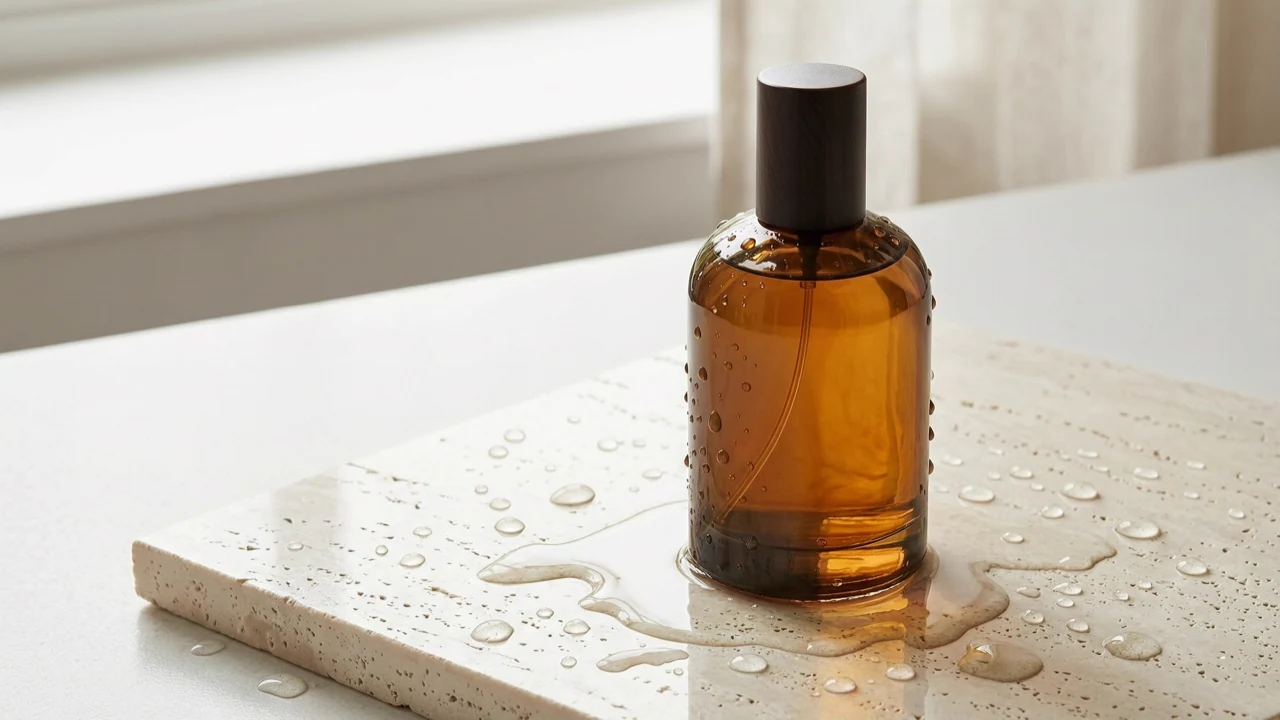
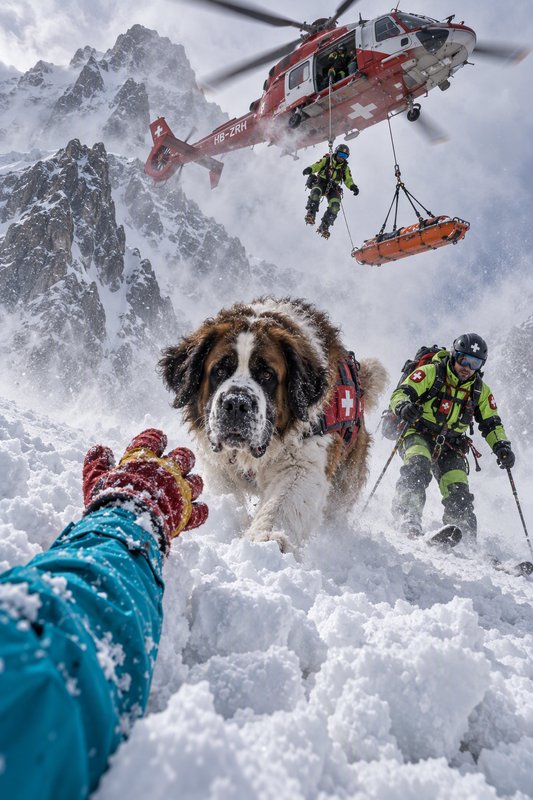
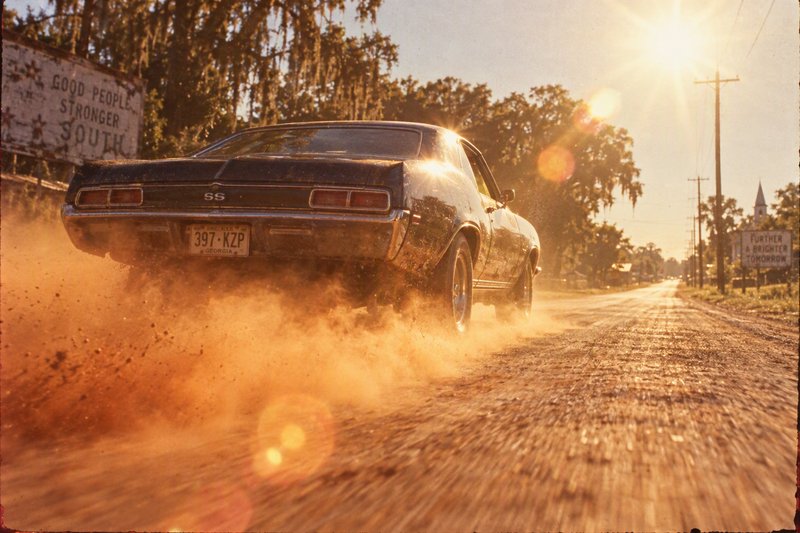
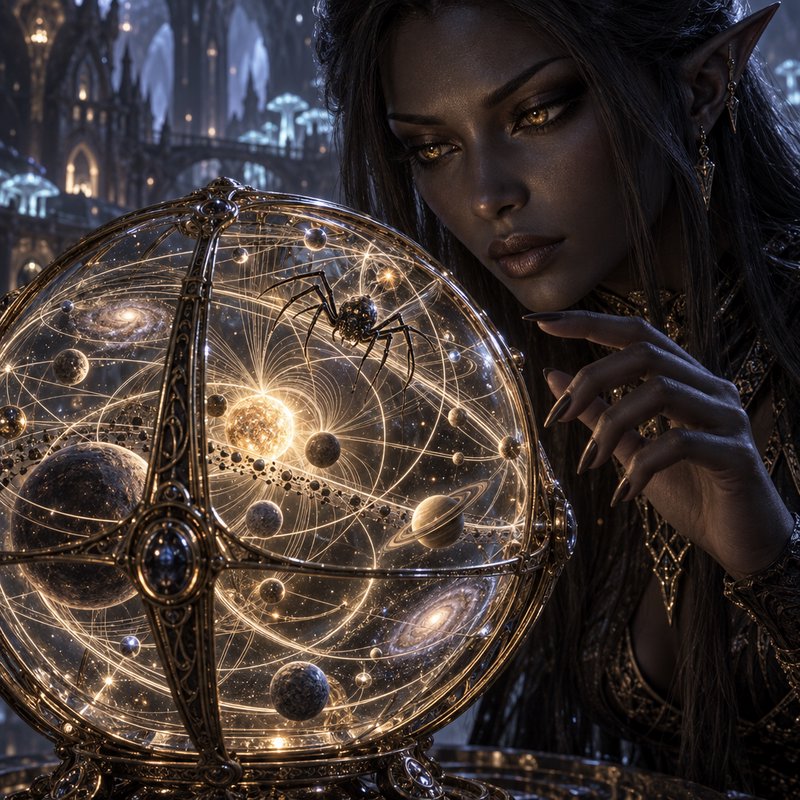
Architectural interior render: minimalist limestone living room, linen sofa, late-afternoon sun through a floor-to-ceiling window, photoreal materials.
Stable geometry, material detail
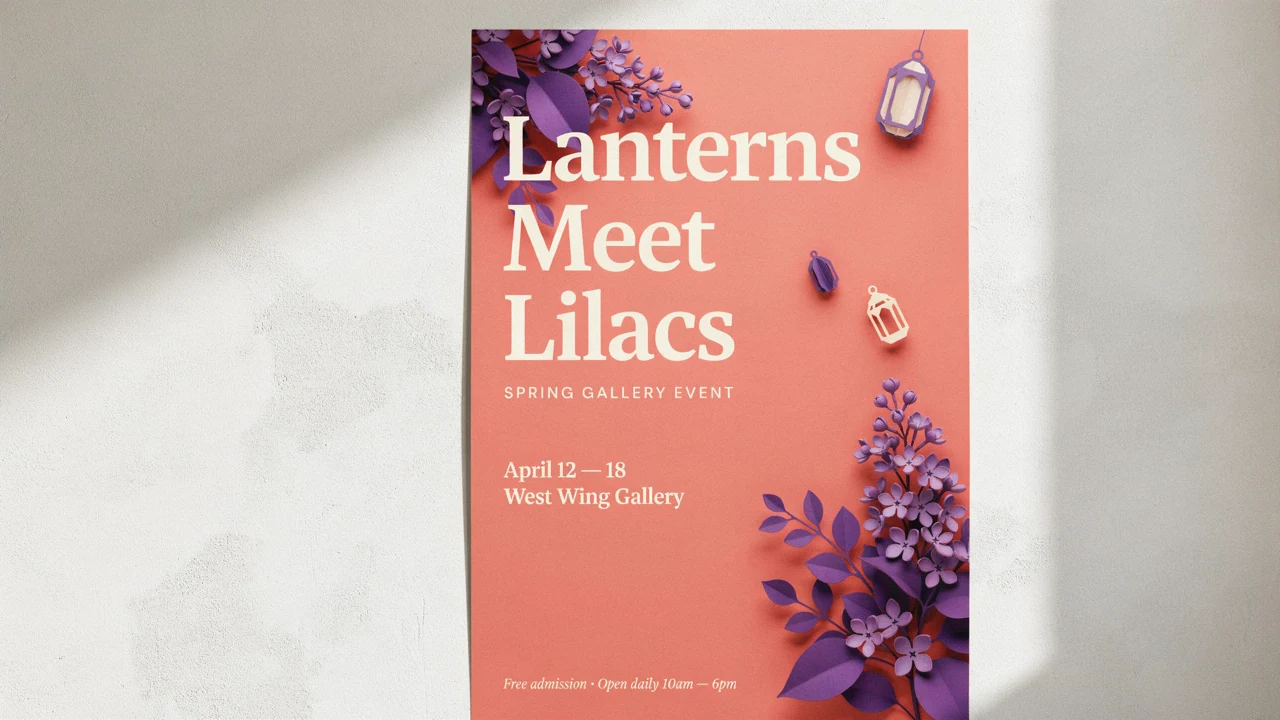
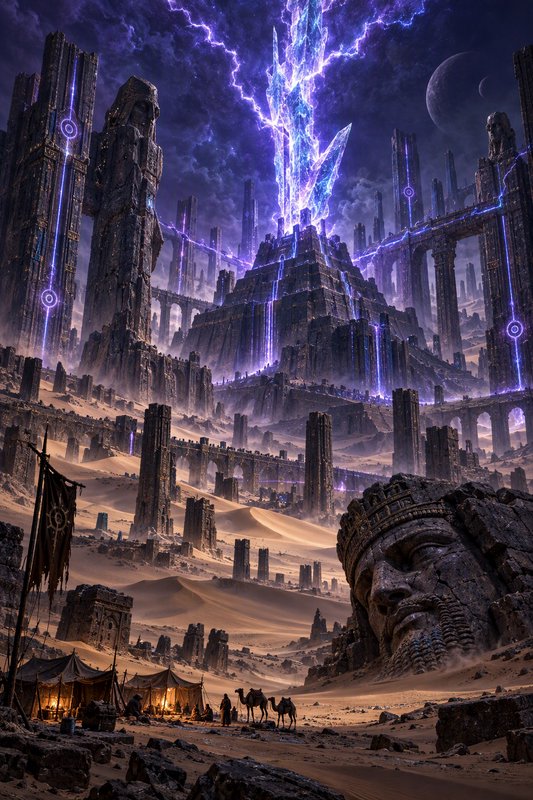
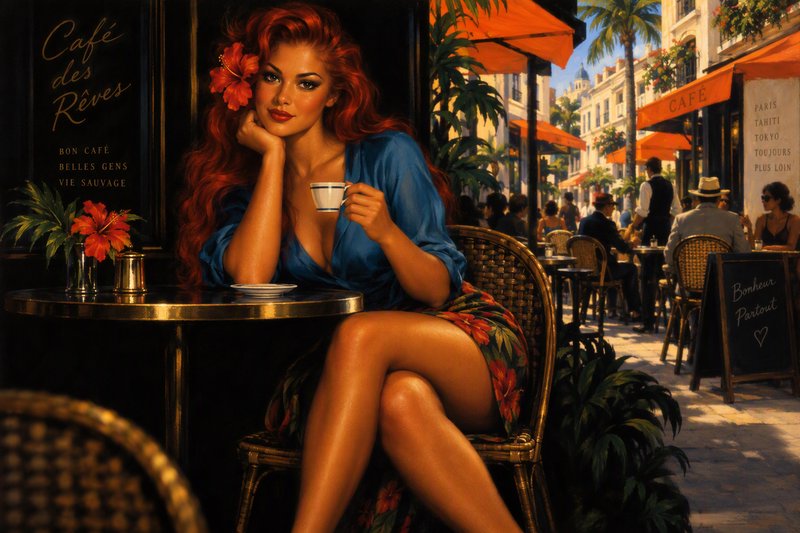
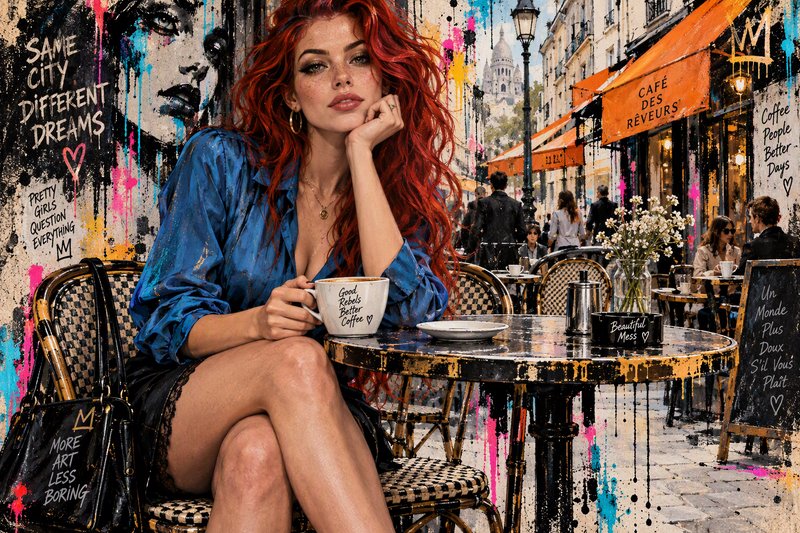
Campaign hero: model in a sculptural coral gown against a sunlit stone colonnade, editorial fashion photograph, 3:2.
Layered creative direction







How GPT Image 2.5 Sunburst ranks in blind votes
In the BudgetPixel AI Image Arena, voters pick between two images made from the same prompt without knowing which model made them. GPT Image 2.5 Sunburst has 3,017 wins and 587 ties in 5,241 votes against 25 other recent image models.
- #1 of 26
- overall rank
- 1609
- Elo (95% range 1599–1618)
- 5,241
- blind votes
- 36 s
- median generation time
Rank by category
GPT Image 2.5 Sunburst head to head
Ratings are refitted nightly; last updated Oct 25, 2026. See every GPT Image 2.5 Sunburst arena image or vote in the arena.
Pricing for GPT Image 2.5 Sunburst
Runs on credits — no per-model surcharges, no surprise billing.
40credits
per generation
40 credits per image
Show pricing details▾
ResolutionCredits
- 1Kdefault40/ generation
- 2K80/ generation
- 4K120/ generation
Credits work across every plan. See /pricing for credit packages.
Use GPT Image 2.5 Sunburst via the API
GPT Image 2.5 Sunburst is available through the BudgetPixel developer API — the same model the studio runs, supporting text-to-image, and image editing / references. Pricing is metered in credits (40 credits/image at 1K, 80 credits/image at 2K, 120 credits/image at 4K), charged only on success, with an API key available on Premium plans and above.
curl -X POST https://api.budgetpixel.com/v1/images/gpt-image-2.5-sunburst \
  -H "Authorization: Bearer $BUDGETPIXEL_API_KEY" \
  -H "Content-Type: application/json" \
-d '{"prompt": "your prompt here"}'No code? Use GPT Image 2.5 Sunburst from Claude or Cursor
GPT Image 2.5 Sunburst is also available through the BudgetPixel MCP server. Connect your account to Claude, Cursor, or any MCP-enabled agent and generate with GPT Image 2.5 Sunburst by asking in plain language — same credits, same pricing, no code required.
GPT Image 2.5 Sunburst at a glance
- Precision, instruction-scoped edits
- 1K / 2K / 4K resolution tiers
- Five quality tiers: low, medium, high, xhigh, max
- Native text rendering
- Up to 9 reference images
- Batch generation (1-4 images)
- Quality x resolution pricing
Frequently asked questions
What is GPT Image 2.5 Sunburst?▾
GPT Image 2.5 Sunburst is OpenAI's most capable model for image generation and editing, released on September 8, 2026. It is designed for premium visual workflows that require detailed output, strong reference fidelity, and tighter control across edits.
How can I use GPT Image 2.5 Sunburst?▾
Creators can select it in the Image Workshop for text-to-image generation and reference-led editing. Developers can use POST /v1/images/gpt-image-2.5-sunburst through the Developer API or call the model through the MCP server.
How much does GPT Image 2.5 Sunburst cost?▾
At 1K, each image costs 30 credits on Low, 40 on Medium, 80 on High, 130 on Extra High, or 250 on Max. A 2K output costs twice the selected 1K price, while 4K costs three times as much. The first reference image is free, and each additional reference adds 5 credits.
How does GPT Image 2.5 Sunburst compare to other AI image generators?▾
Sunburst is positioned for premium workflows where editing precision, detailed rendering, and reference fidelity matter more than generation speed. The wider 2.5 family can reduce latency by up to 50% compared with Images 2.0, but Sunburst remains the longer-running precision variant. Its sibling, GPT Image 2.5 Flare at /models/gpt-image-2.5-flare, uses the same engine and prices with a different speed and precision trade-off.
Can I use GPT Image 2.5 Sunburst commercially?▾
Commercial use is generally supported under the applicable service terms. You remain responsible for ensuring that your prompts, reference images, and final uses do not violate laws, usage policies, trademarks, copyrights, privacy rights, or other third-party rights.
What resolutions, formats, and aspect ratios are supported?▾
BudgetPixel supports 1K, 2K, and 4K output with 13 selectable aspect ratios for square, portrait, and landscape work. Images can be downloaded as PNG or JPEG files, with PNG suitable for transparent-background assets.
Does GPT Image 2.5 Sunburst support reference images?▾
Yes. You can provide up to nine reference images to guide subject identity, products, environments, materials, composition, or visual style. Clear prompts should explain the intended role of each reference.
Can GPT Image 2.5 Sunburst edit existing images?▾
Yes. It can replace or modify a requested element while preserving the subject, composition, background, and surrounding visual treatment. It also follows instructions more reliably across multiple editing rounds without the same degree of quality degradation common to less controlled workflows.
Does GPT Image 2.5 Sunburst render text well?▾
It has stronger instruction-following for complex layouts and can place requested copy within composed images. Review spelling, punctuation, alignment, and typography before publishing, especially when an asset contains long or legally significant text.
What content restrictions apply to GPT Image 2.5 Sunburst?▾
Prompts, reference images, and generated content must follow the applicable usage and safety policies. Harmful or disallowed requests may be blocked, and you should only upload reference material that you have permission to use.
Does GPT Image 2.5 Sunburst have an API?▾
Yes — GPT Image 2.5 Sunburst is available through the BudgetPixel developer API via the `POST /v1/images/gpt-image-2.5-sunburst` endpoint, supporting text-to-image, and image editing / references. Generate an API key from the developer console (available on Premium plans and above) and see the full reference at docs.budgetpixel.com.
How much does the GPT Image 2.5 Sunburst API cost?▾
API usage is billed in credits from the same balance your plan includes, at the standard metered rate: 40 credits/image at 1K, 80 credits/image at 2K, 120 credits/image at 4K. Failed generations are never charged. You can estimate any request's exact cost with POST /v1/cost before running it.
Can I use GPT Image 2.5 Sunburst with Claude or other AI agents (MCP)?▾
Yes — GPT Image 2.5 Sunburst is exposed through the BudgetPixel MCP server, so Claude, Cursor, and any MCP-compatible agent can generate with it from a plain-language request. Connect your account at budgetpixel.com/mcp; generations use the same credit balance and pricing as the web studio and the API.