GPT Image 2.5 Flare
Fast, high-quality image generation with natural text and reliable, targeted edits.
From $0.04 an image on paid plans.



1K · 2K · 4KOutput
Low · Medium · High · Extra High · MaxQuality tiers
Up to 9Reference images
Medium qualityDefault
PNG · JPEGFormats
Workshop · API · MCPAccess
Professional images for every use case
Social media graphics.
Generate fast, legible campaign graphics with cleaner in-image copy and layouts sized for major social formats.Editorial illustration.
Turn complex briefs into coherent illustrations, infographics, and realistic scenes with stronger detail and factual grounding.Brand assets.
Produce isolated objects, icons, and branded compositions with transparent backgrounds and a consistent visual direction.
Rapid concept art.
Explore multiple visual directions quickly while keeping subjects, composition, and style aligned with a detailed brief.Fast, high-quality generation for everyday work
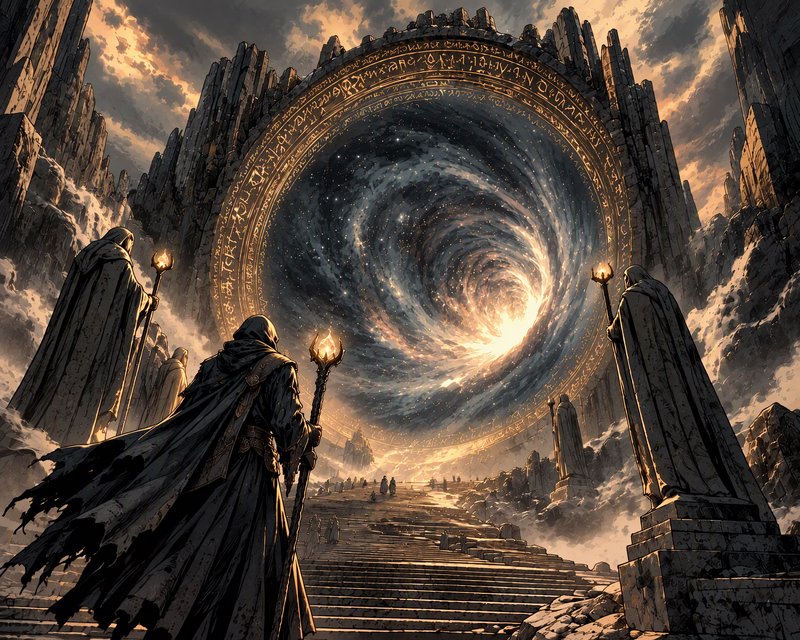
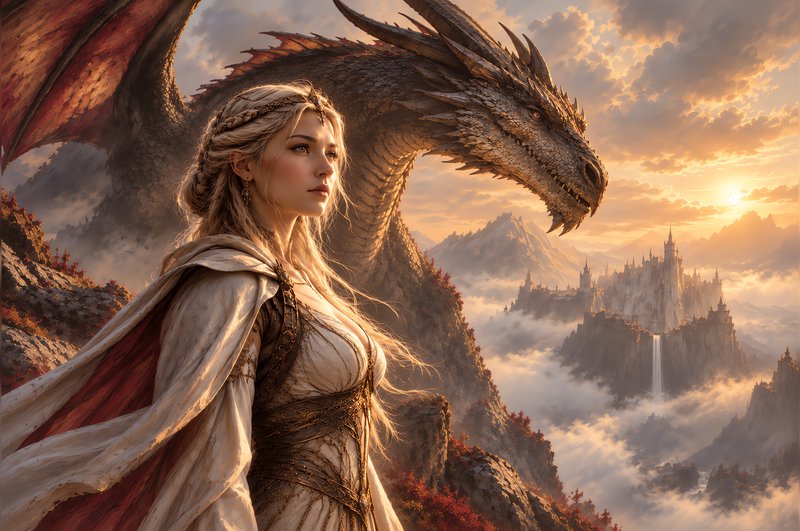
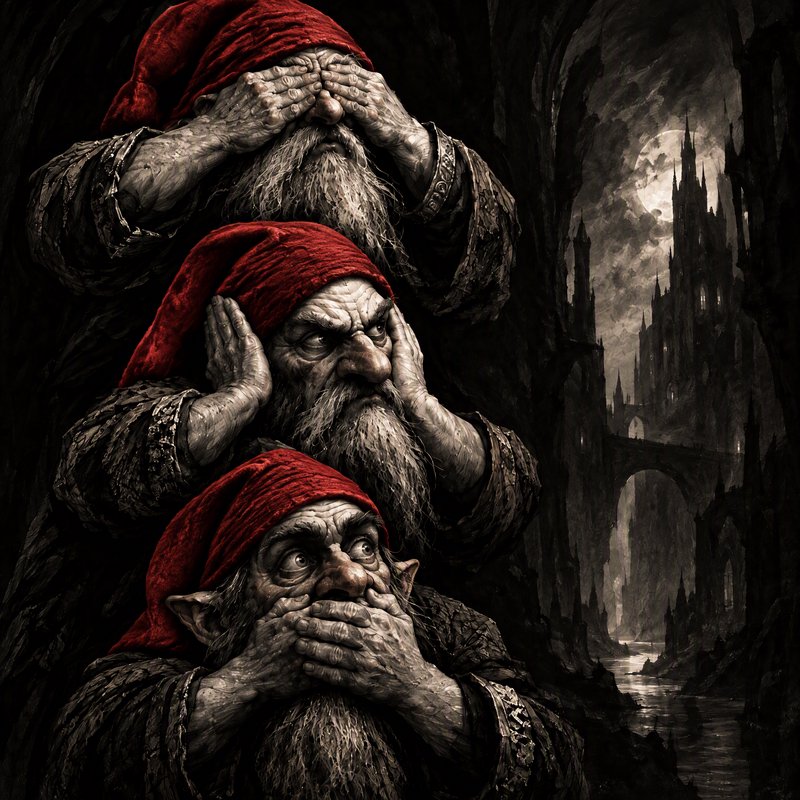
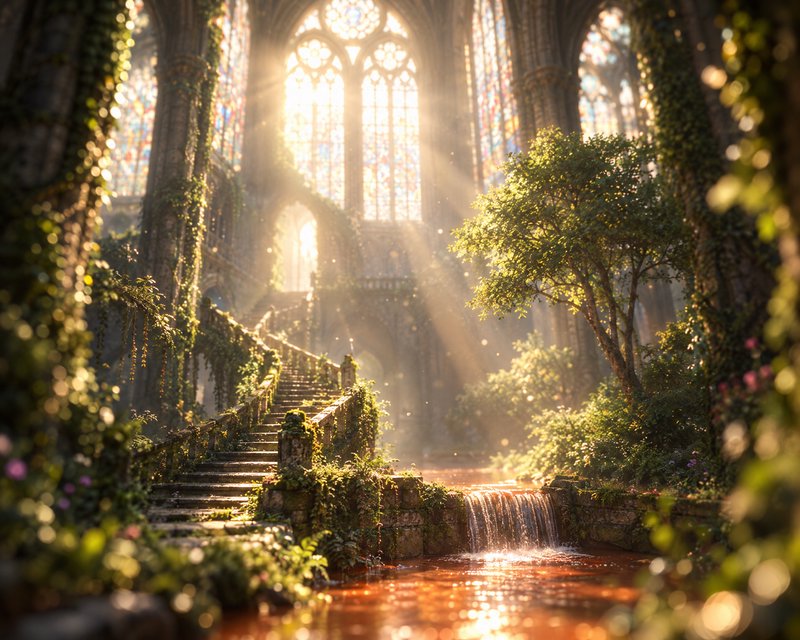
Flare is the default choice for most applications: the same quality and editing gains as the rest of GPT Image 2.5, delivered at up to 50% lower latency than GPT Image 2. It suits creator and social content, product experiences, rapid prototyping and high-volume generation.
- •Higher quality than GPT Image 2 at roughly half the latency
- •Built for frequent iteration and high volume
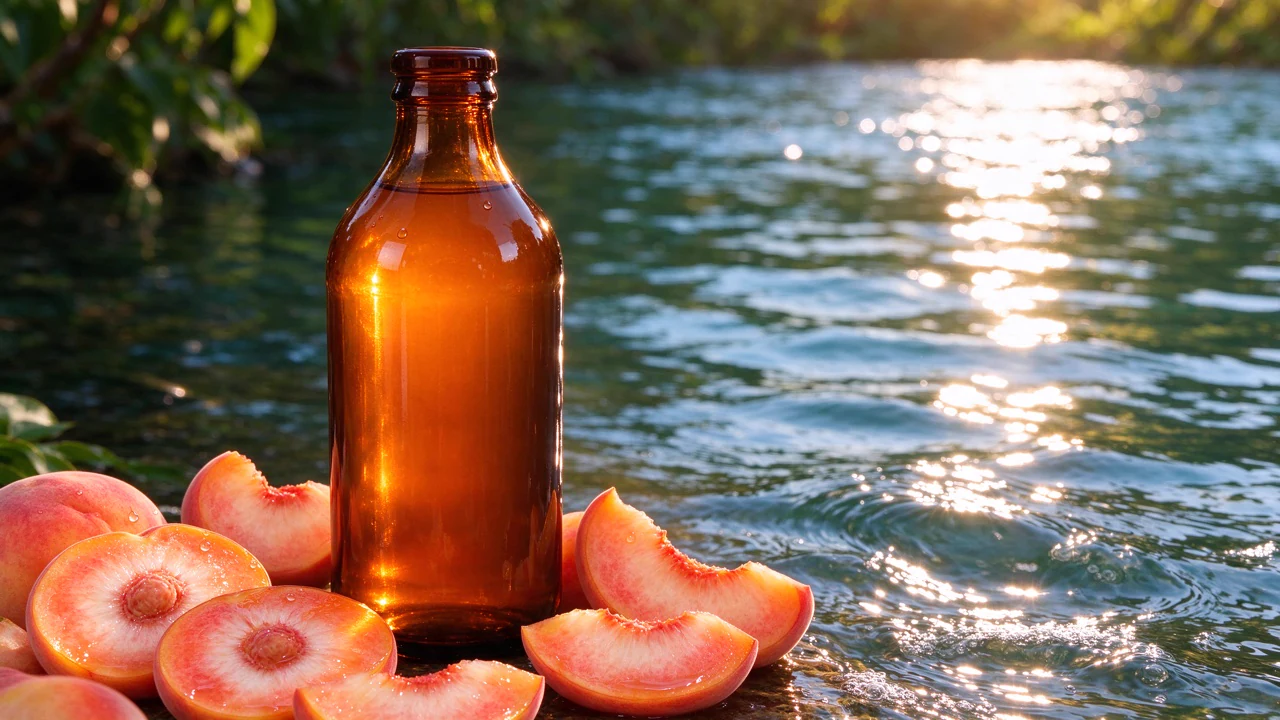
- •Natural lighting and rich textures
- •Handles detailed scene instructions

Natural text inside real designs
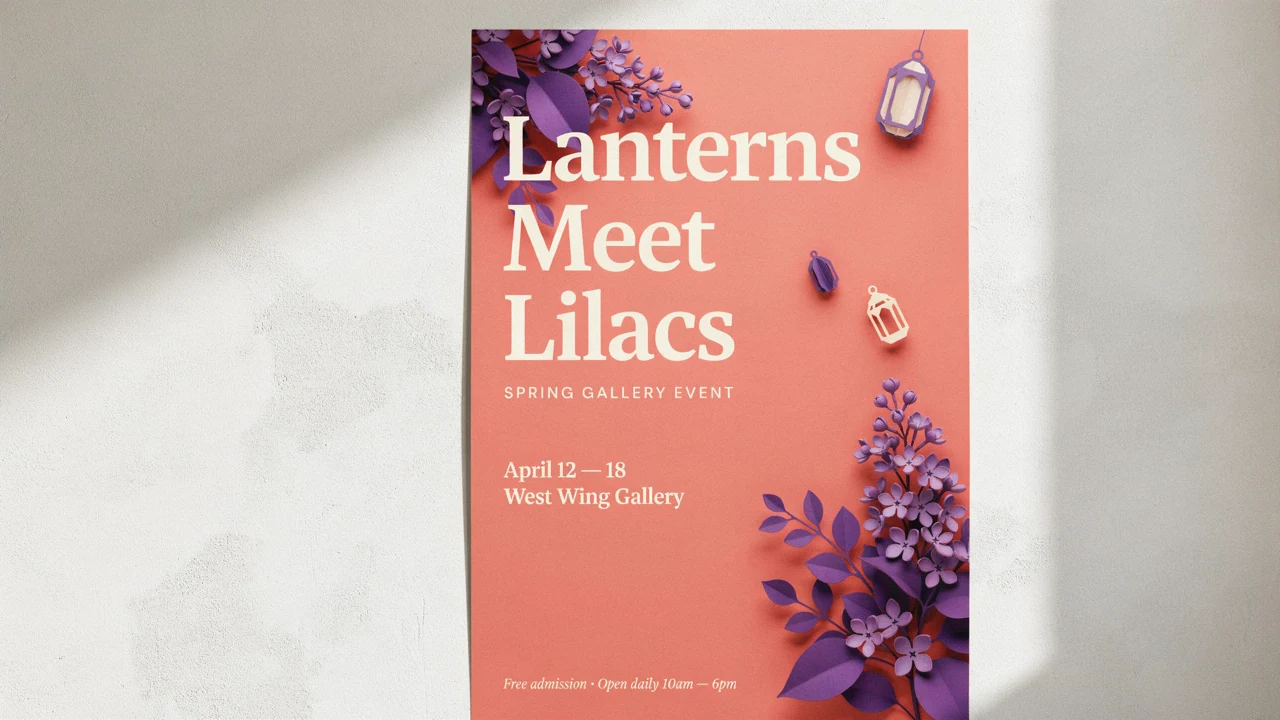
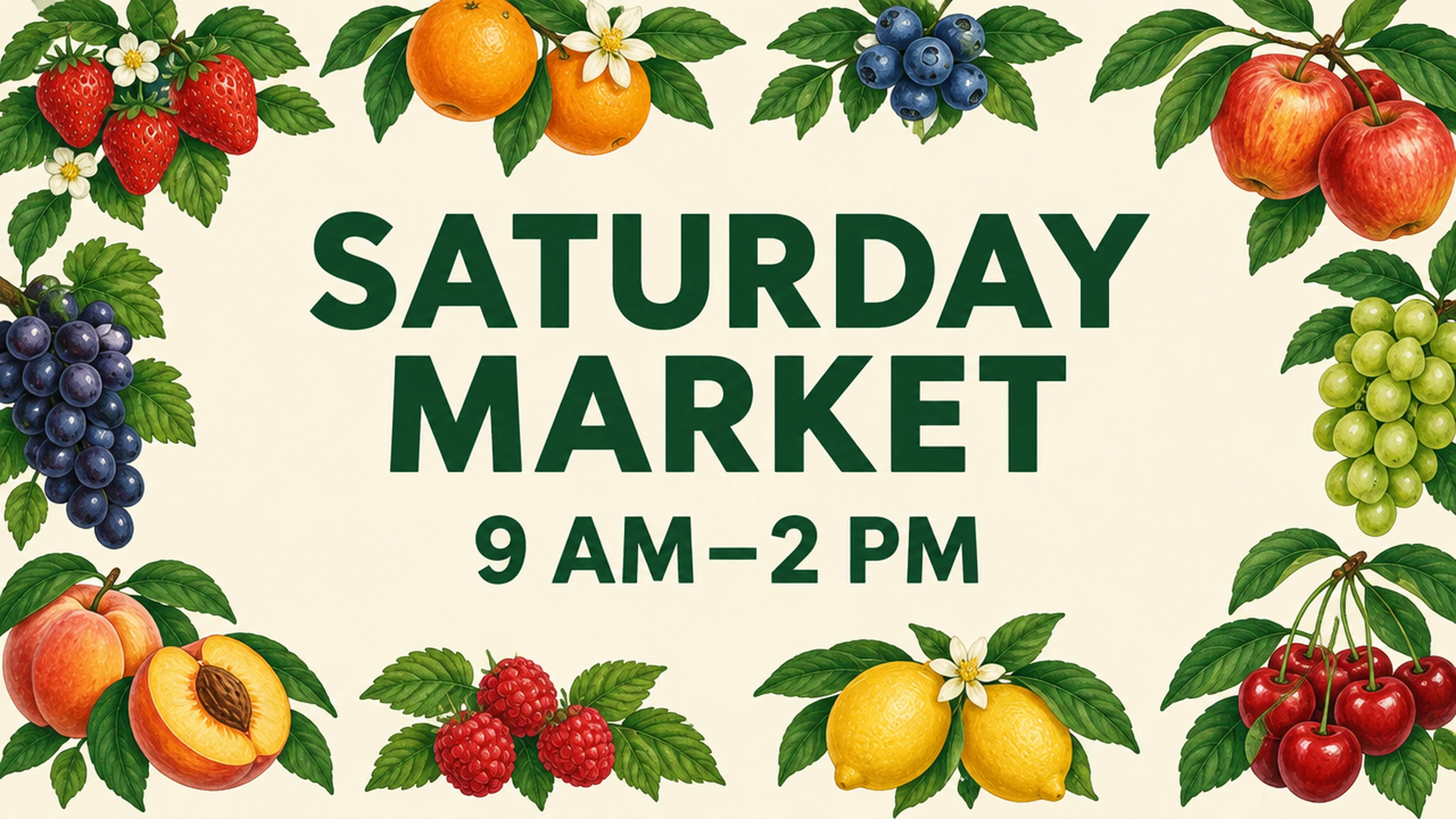
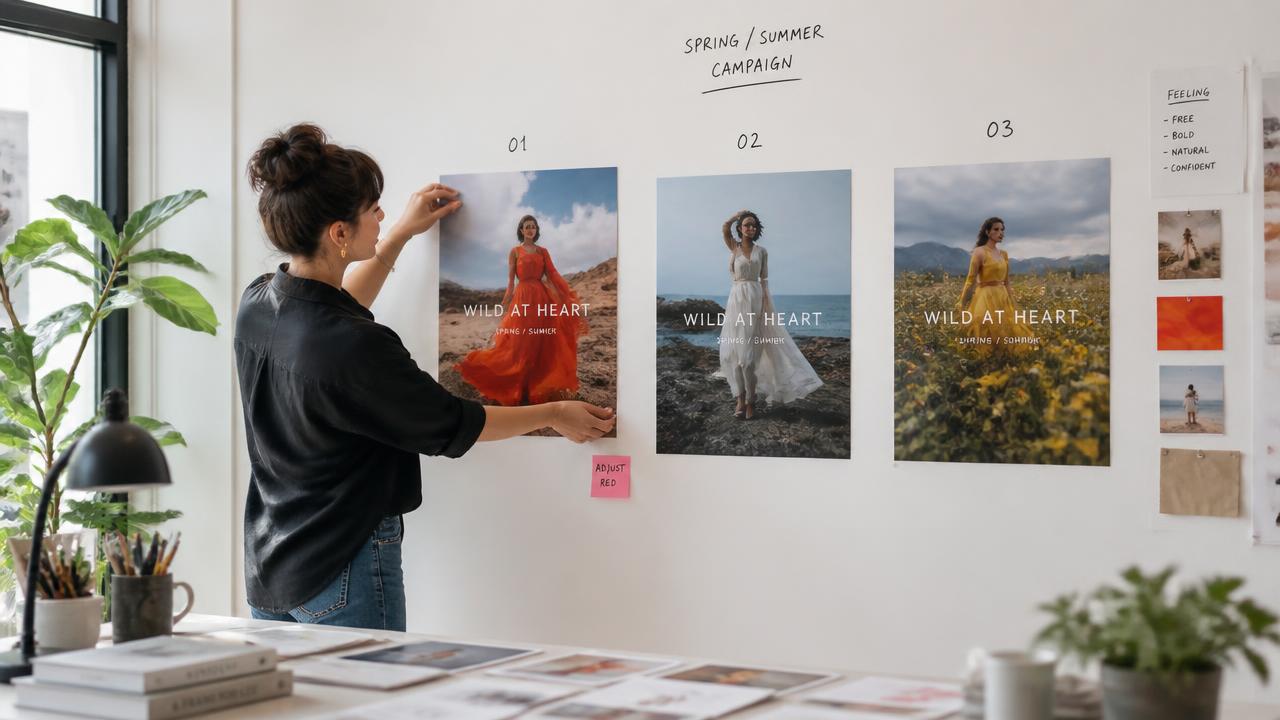
Generate posters, covers, ads, labels and interface concepts with short text integrated into the image. Exact wording and placement instructions are followed, so headlines, taglines and packaging copy land where you asked with fewer manual fixes.
- •Headlines and taglines rendered as written
- •Readable packaging labels and signage
- •Specified placement and typography styles
- •Posters, covers, ads and UI concepts
Understands what not to change
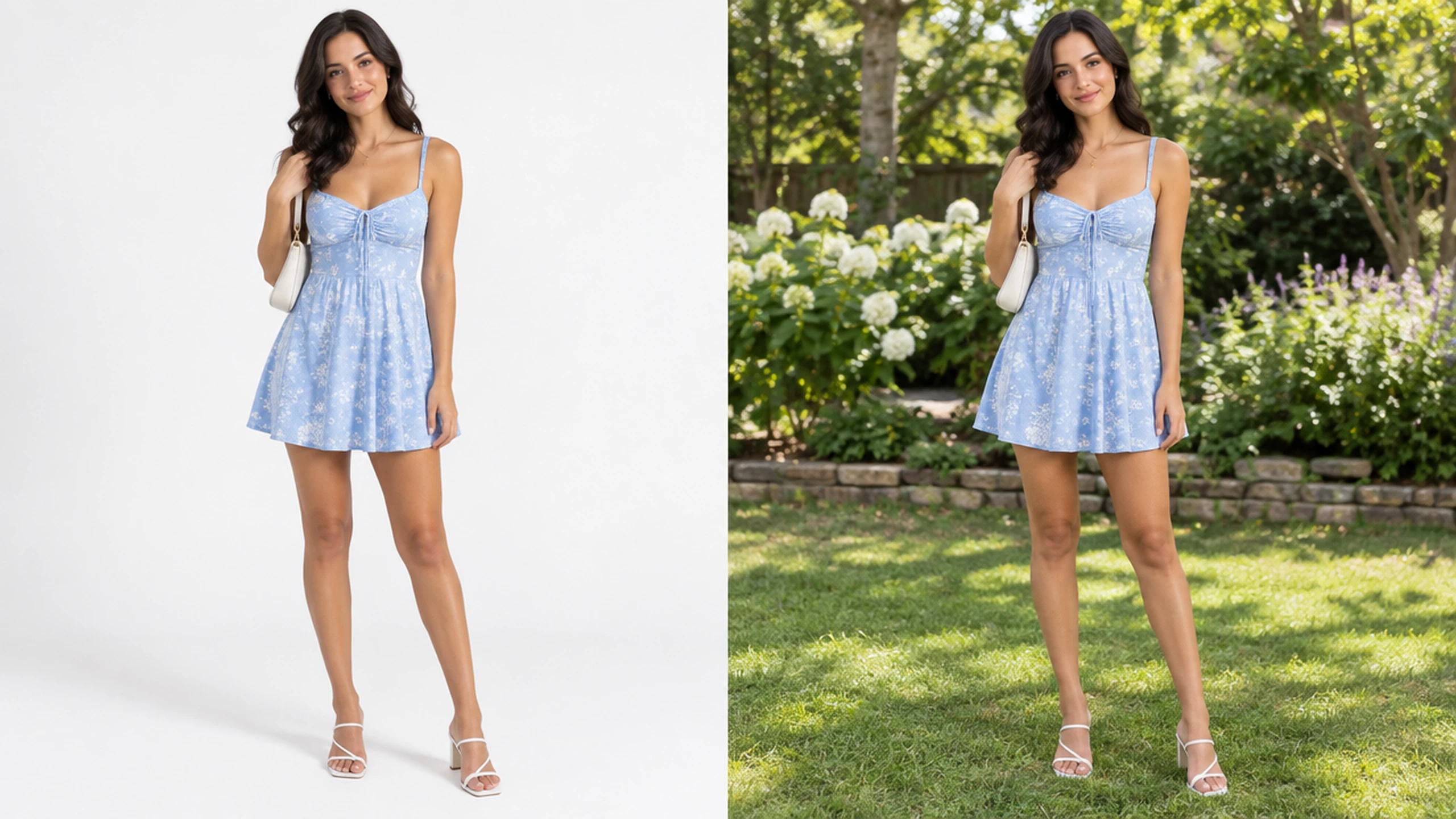
Focused edits keep the character, composition and visual identity of the original. Use up to nine reference images to guide identity, products, clothing or style, and change only the element you name — a background, an object, a color.
- •Up to nine reference images
- •Identity and product preservation
- •Targeted background, object or color changes
- •Style and wardrobe references
Output controls for every destination
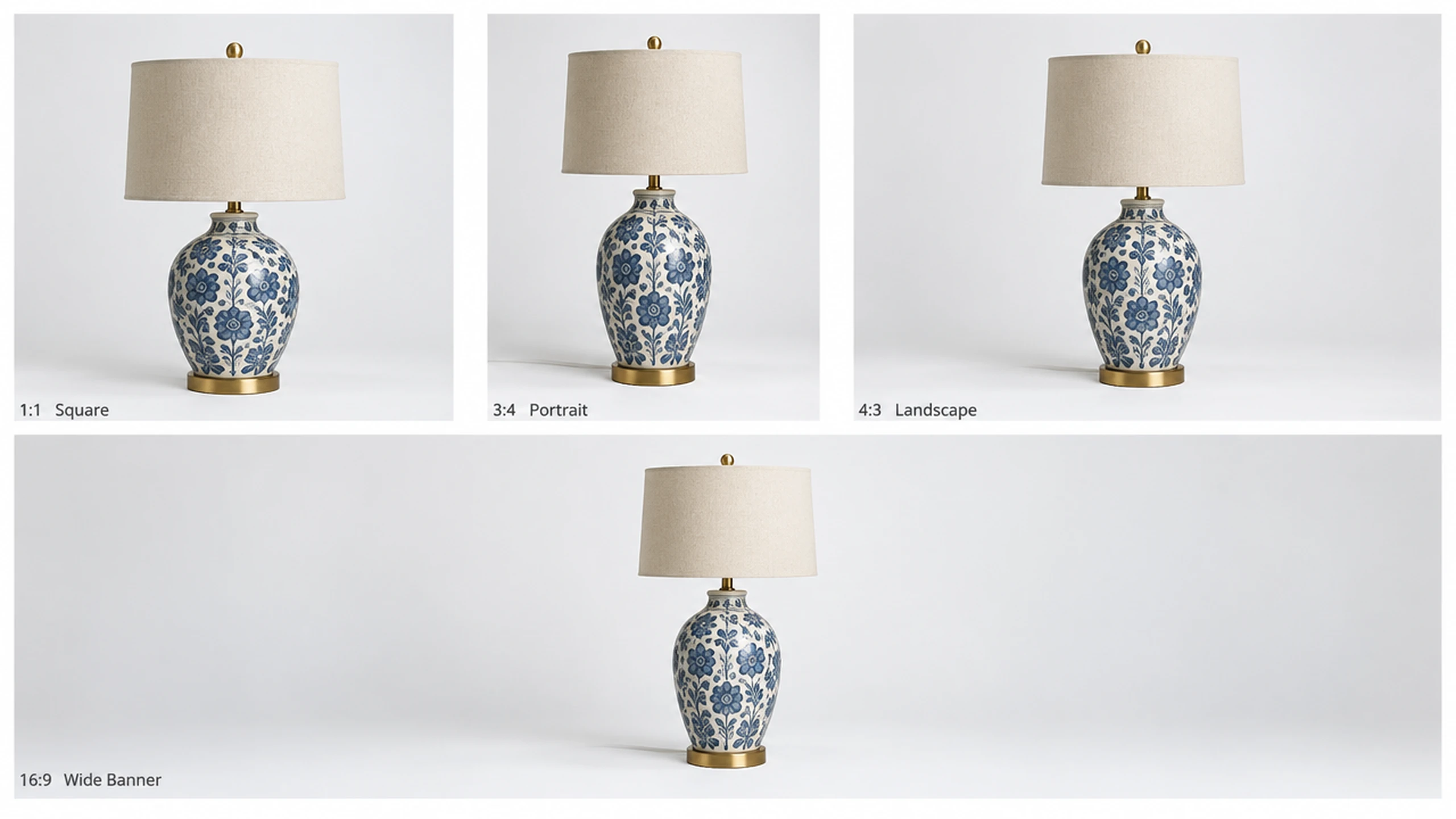
Pick the quality tier, resolution, aspect ratio and file format that fit the job — from quick low-quality drafts to Max renders, at 1K, 2K or 4K, in 13 aspect ratios, as PNG or JPEG.
- •Five quality tiers: Low, Medium, High, Extra High, Max
- •1K, 2K and 4K output
- •13 aspect ratios from square to ultra-wide
- •PNG or JPEG export
How it works

1
Describe your image
Open the Image Workshop and describe the subject, setting, composition, lighting, style, and any exact text. Clear constraints help Flare distinguish required details from creative choices.

2
Add references and settings
Upload up to nine reference images when you need a specific person, product, style, or layout. Select one of 13 aspect ratios, choose 1K, 2K, or 4K, and adjust the quality tier; Medium is selected by default.
3
Generate and refine
Generate the image, then request focused changes such as replacing an object, correcting copy, or adjusting the background. Developers can automate the same workflow through the Developer API or MCP server.
Prompts to try
Square social ad for a morning fitness class, runners in sunrise light, bold headline 'START STRONG', coral and sky-blue palette.
Headlines land clean in one pass
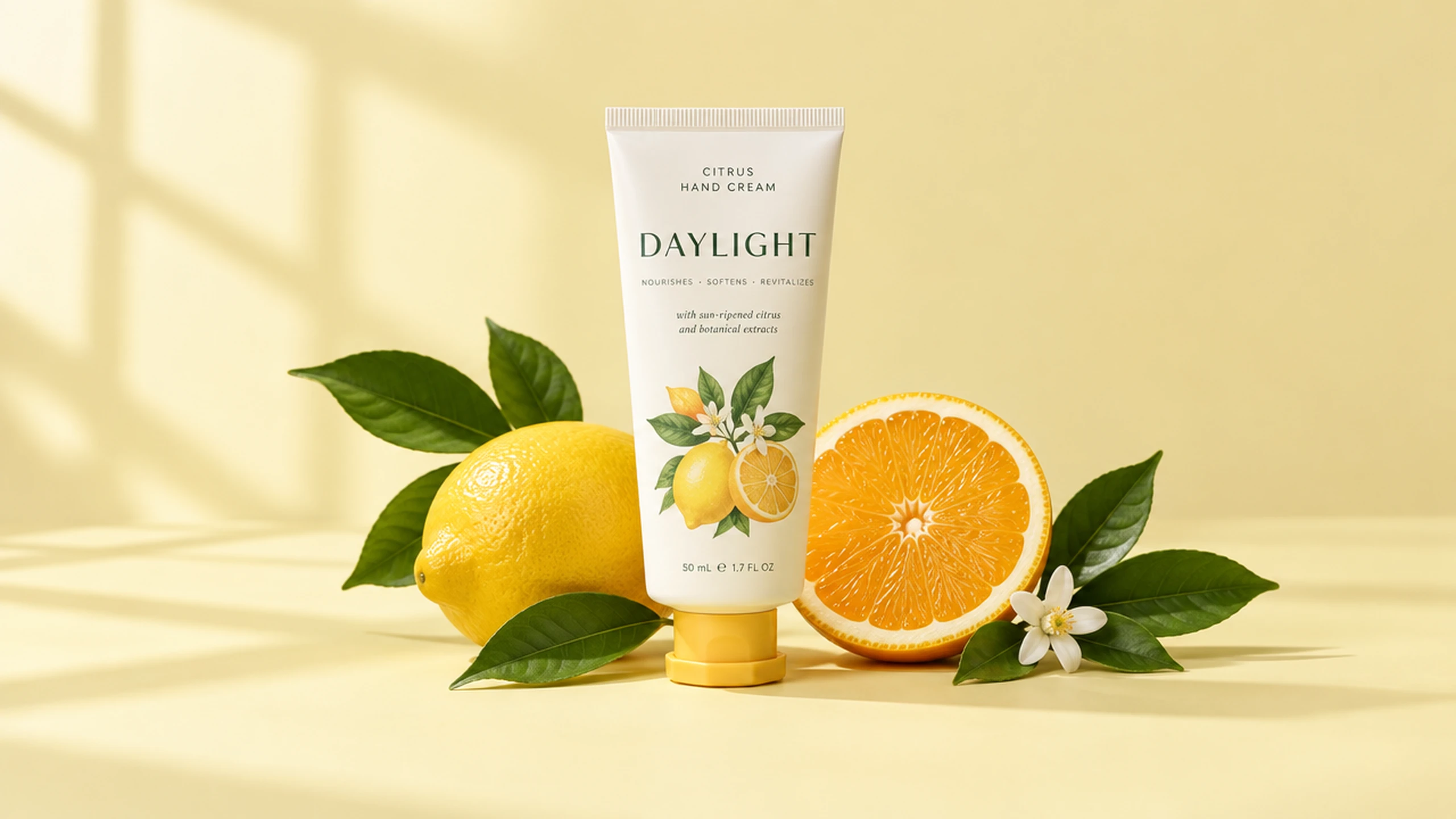
Studio product shot of a citrus hand-cream tube labeled 'DAYLIGHT' on a pale yellow backdrop, soft window light, crisp packaging text.
Readable labels at Medium quality
Editorial illustration: a person walking a footbridge from a cozy home office into a bright city, flat paper-cut style.
Metaphor from a dense brief
Warm character portrait of a painter in her studio, rust linen jacket, soft daylight, 35mm look.
Consistent faces across scenes
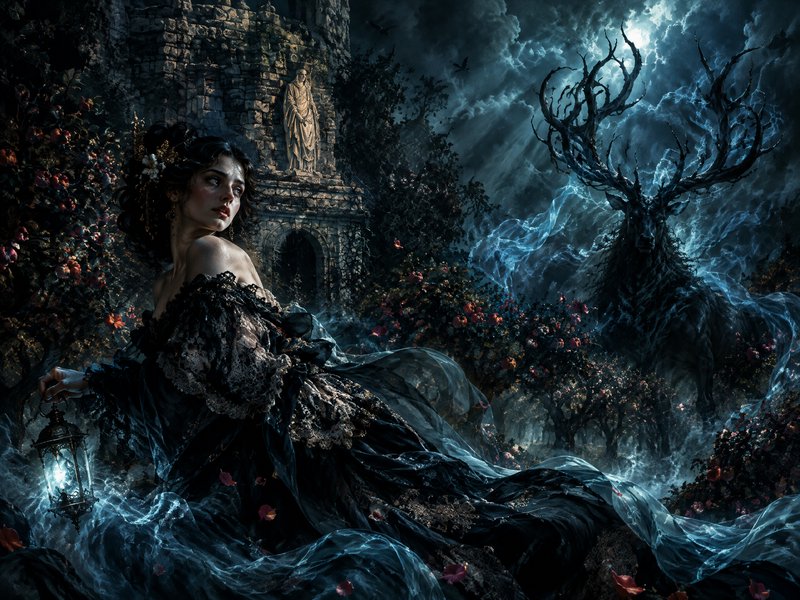
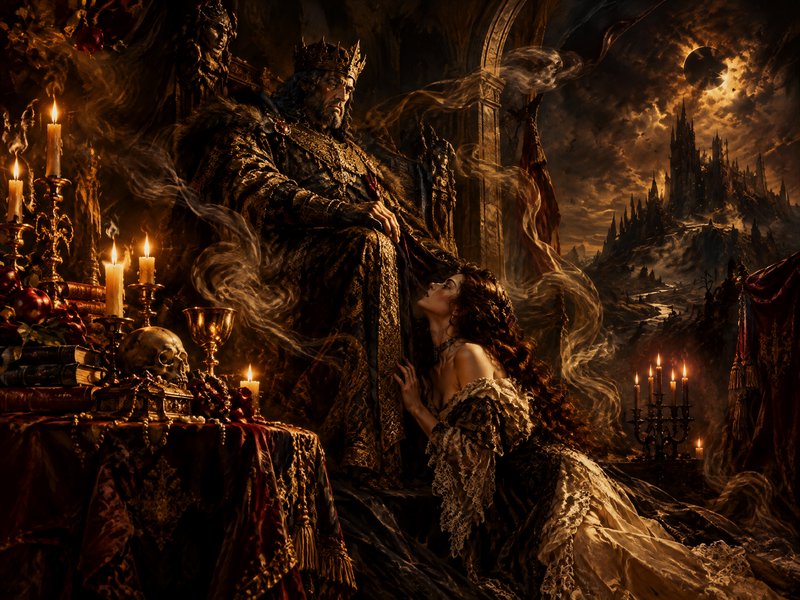
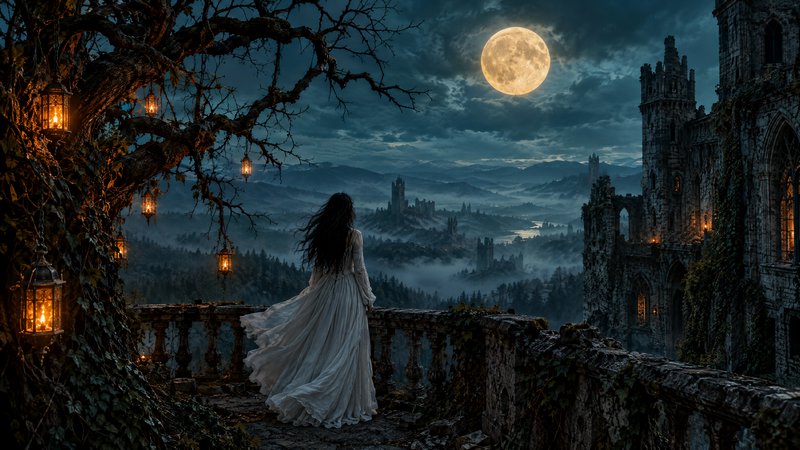


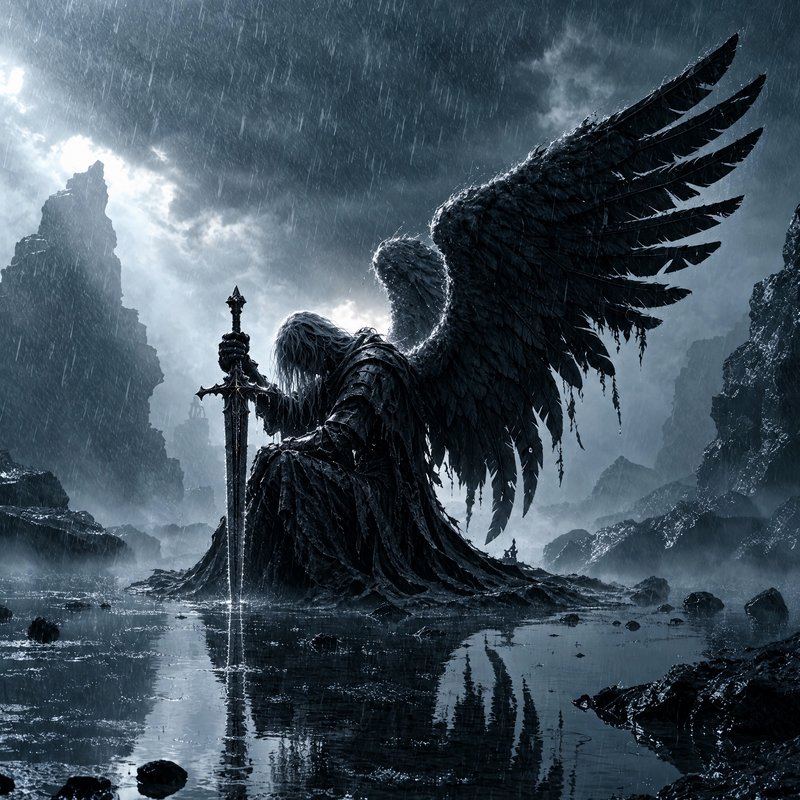
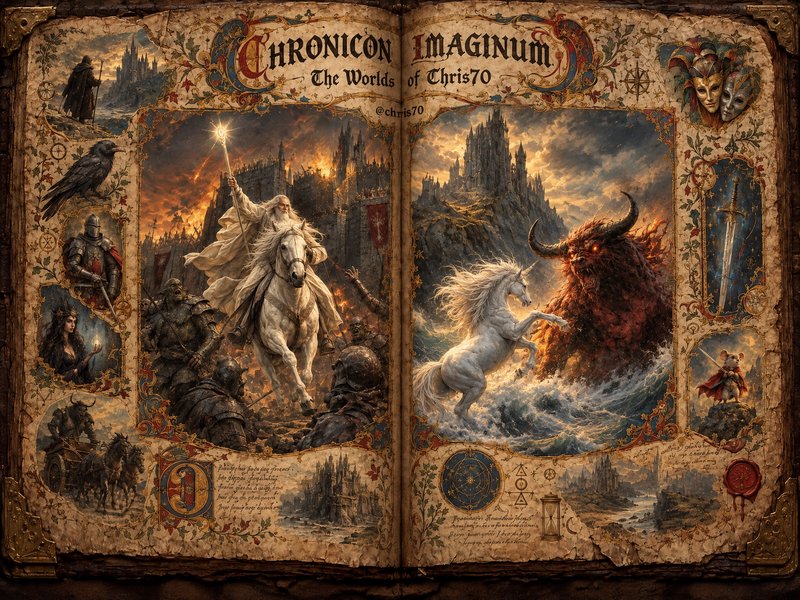
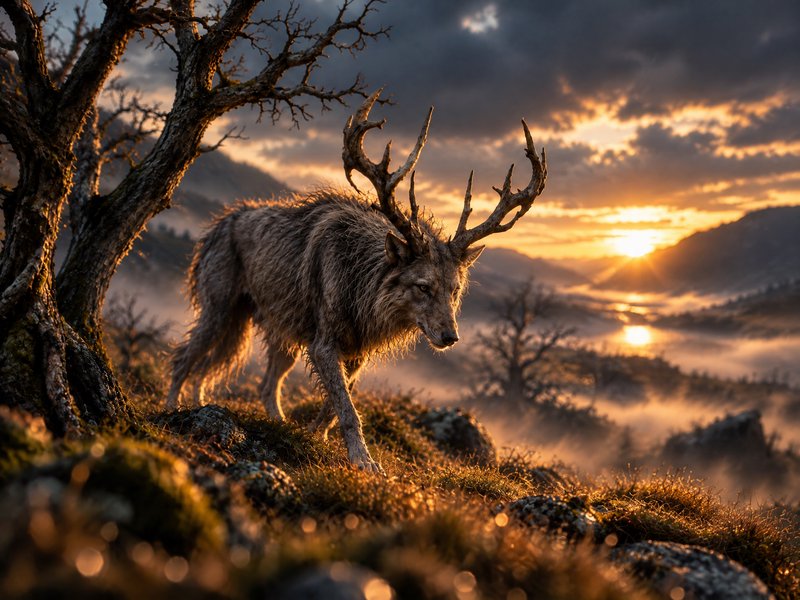
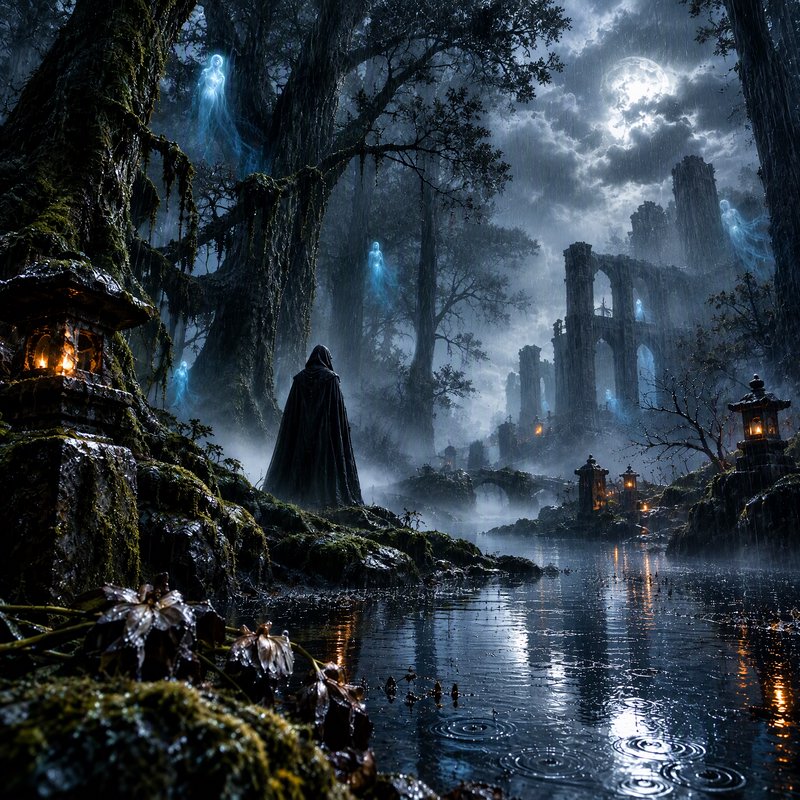
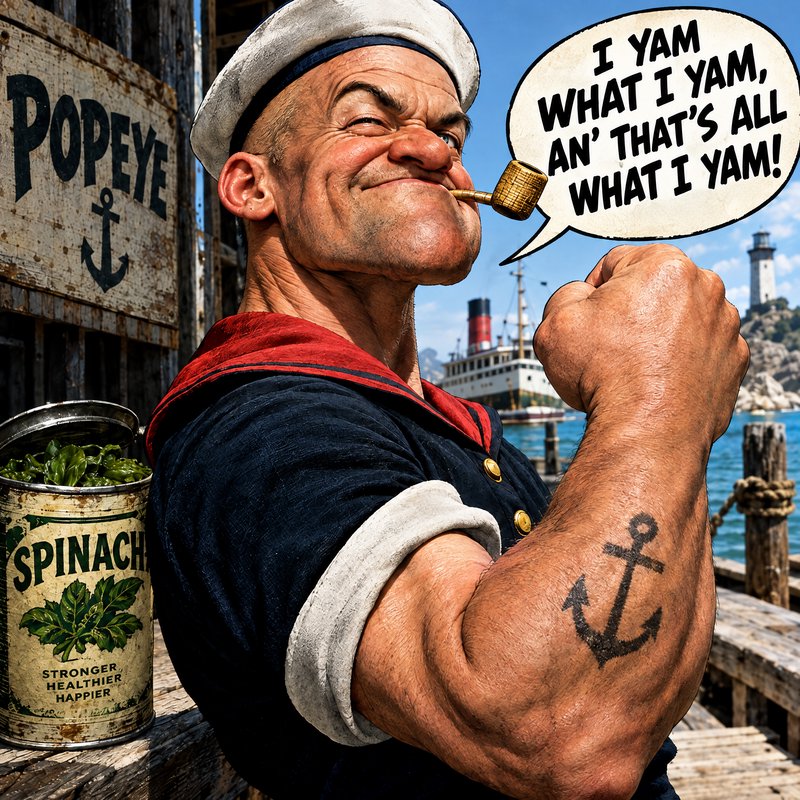
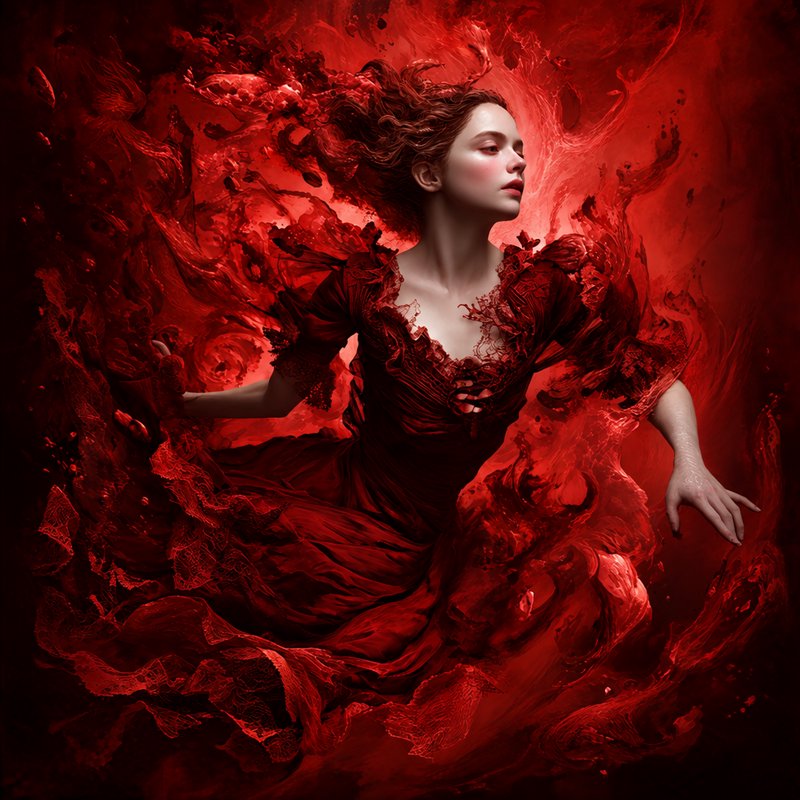

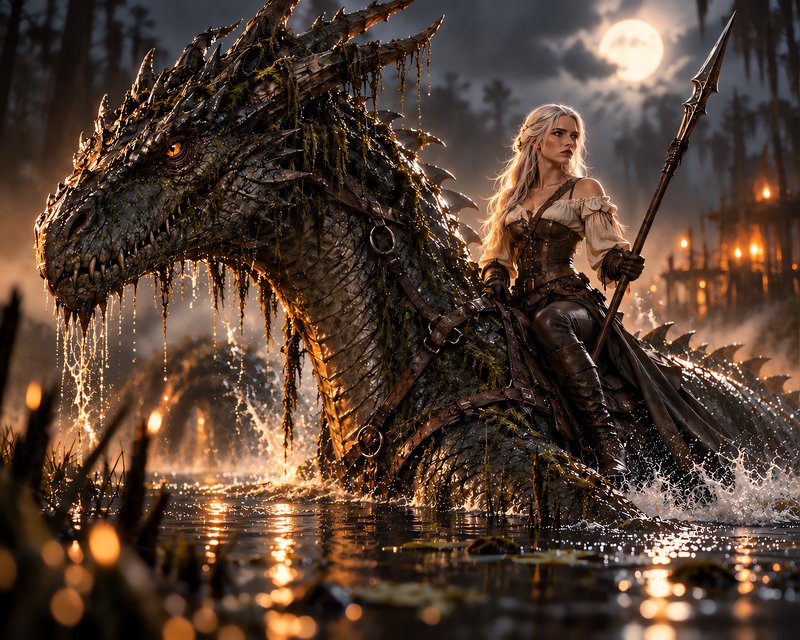
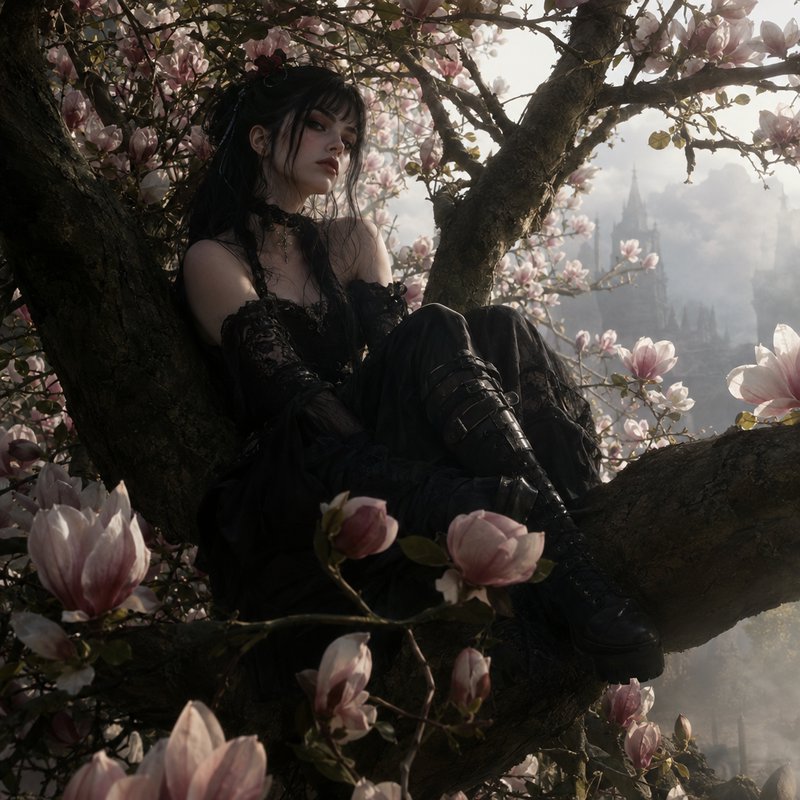

How GPT Image 2.5 Flare ranks in blind votes
In the BudgetPixel AI Image Arena, voters pick between two images made from the same prompt without knowing which model made them. GPT Image 2.5 Flare has 3,001 wins and 616 ties in 5,248 votes against 25 other recent image models.
- #2 of 26
- overall rank
- 1608
- Elo (95% range 1599–1617)
- 5,248
- blind votes
- 28 s
- median generation time
Rank by category
GPT Image 2.5 Flare head to head
Ratings are refitted nightly; last updated Oct 25, 2026. See every GPT Image 2.5 Flare arena image or vote in the arena.
Pricing for GPT Image 2.5 Flare
Runs on credits — no per-model surcharges, no surprise billing.
40credits
per generation
40 credits per image
Show pricing details▾
ResolutionCredits
- 1Kdefault40/ generation
- 2K80/ generation
- 4K120/ generation
Credits work across every plan. See /pricing for credit packages.
Use GPT Image 2.5 Flare via the API
GPT Image 2.5 Flare is available through the BudgetPixel developer API — the same model the studio runs, supporting text-to-image, and image editing / references. Pricing is metered in credits (40 credits/image at 1K, 80 credits/image at 2K, 120 credits/image at 4K), charged only on success, with an API key available on Premium plans and above.
curl -X POST https://api.budgetpixel.com/v1/images/gpt-image-2.5-flare \
  -H "Authorization: Bearer $BUDGETPIXEL_API_KEY" \
  -H "Content-Type: application/json" \
-d '{"prompt": "your prompt here"}'No code? Use GPT Image 2.5 Flare from Claude or Cursor
GPT Image 2.5 Flare is also available through the BudgetPixel MCP server. Connect your account to Claude, Cursor, or any MCP-enabled agent and generate with GPT Image 2.5 Flare by asking in plain language — same credits, same pricing, no code required.
GPT Image 2.5 Flare at a glance
- Fast generation for everyday work
- 1K / 2K / 4K resolution tiers
- Five quality tiers: low, medium, high, xhigh, max
- Natural text rendering
- Reliable edits from up to 9 references
- Batch generation (1-4 images)
- Quality x resolution pricing
Frequently asked questions
What is GPT Image 2.5 Flare?▾
GPT Image 2.5 Flare is OpenAI's fast, everyday model for image generation and editing, released on September 8, 2026. It is designed for creator content, product experiences, rapid prototyping, visual search, and high-volume generation. OpenAI positions it as higher quality than GPT Image 2 with up to 50% lower latency.
How does GPT Image 2.5 Flare work?▾
The model accepts a written prompt and optional reference images, then generates a new image or edits an existing one. You can specify composition, exact text, visual style, output dimensions, and details that must remain unchanged. Follow-up edits can build on earlier changes without intentionally redesigning the rest of the asset.
How can I use GPT Image 2.5 Flare?▾
You can select it in the Image Workshop for an interactive workflow. Developers can call POST /v1/images/gpt-image-2.5-flare or use the MCP server to add generation and editing to automated tools. Medium quality is the default starting point.
How much does GPT Image 2.5 Flare cost?▾
At 1K, each output costs 30 credits at Low, 40 at Medium, 80 at High, 130 at Extra High, or 250 at Max. A 2K output costs twice the selected 1K rate, while 4K costs three times that rate. The first reference image is free, and each additional reference adds 5 credits.
Does GPT Image 2.5 Flare render text well?▾
It is designed to produce more natural, legible text for posters, packaging, labels, social graphics, and other layouts. Put required copy in quotation marks and state that it must appear exactly once and verbatim. Always review spelling, placement, and dense blocks of small text before publishing.
What resolutions and aspect ratios are available?▾
You can generate at 1K, 2K, or 4K resolution and choose from 13 preset aspect ratios. This covers common square, portrait, landscape, banner, and widescreen formats. Outputs are available as PNG or JPEG.
Does GPT Image 2.5 Flare support reference images?▾
Yes. You can provide up to nine reference images to guide subject identity, product details, clothing, location, palette, composition, or style. Label the role of each reference clearly in the prompt for more controlled results.
Can GPT Image 2.5 Flare edit existing images?▾
Yes. It can replace or remove objects, alter backgrounds, update visible copy, and transform style while preserving details you did not ask to change. It is also designed for more reliable multi-round editing, although each result should still be reviewed against the source.
Can I use GPT Image 2.5 Flare commercially?▾
Outputs can generally be used commercially under the applicable terms; as between you and OpenAI, you own the output to the extent permitted by law. You remain responsible for having rights to your inputs and for checking trademarks, likeness permissions, local law, and usage policies. Review the current terms for your specific project.
How does GPT Image 2.5 Flare compare with other AI image generators?▾
Flare is positioned for everyday workflows where generation speed, natural text, reference fidelity, complex layouts, and precise edits matter. Its five quality tiers let teams balance turnaround time with detail requirements. The sibling variant at /models/gpt-image-2.5-sunburst uses the same engine and prices but trades longer generation time for tighter precision across premium editing workflows.
Does GPT Image 2.5 Flare have an API?▾
Yes — GPT Image 2.5 Flare is available through the BudgetPixel developer API via the `POST /v1/images/gpt-image-2.5-flare` endpoint, supporting text-to-image, and image editing / references. Generate an API key from the developer console (available on Premium plans and above) and see the full reference at docs.budgetpixel.com.
How much does the GPT Image 2.5 Flare API cost?▾
API usage is billed in credits from the same balance your plan includes, at the standard metered rate: 40 credits/image at 1K, 80 credits/image at 2K, 120 credits/image at 4K. Failed generations are never charged. You can estimate any request's exact cost with POST /v1/cost before running it.
Can I use GPT Image 2.5 Flare with Claude or other AI agents (MCP)?▾
Yes — GPT Image 2.5 Flare is exposed through the BudgetPixel MCP server, so Claude, Cursor, and any MCP-compatible agent can generate with it from a plain-language request. Connect your account at budgetpixel.com/mcp; generations use the same credit balance and pricing as the web studio and the API.