Grok Imagine
Fast, prompt-faithful image generation with a higher-fidelity Quality tier when the frame matters.


First-gen Grok ImagineGeneration
Standard and QualityTiers
35 (Standard) · 80 (Quality)Credits
Image WorkshopRuns in
Professional images for every use case
Editorial Illustration.
Turn article themes into clear, engaging visuals with controlled composition, mood, and symbolism.Blog Header Images.
Generate distinctive wide-format headers that support the topic without overwhelming headlines or page layouts.Product Photography.
Create polished product scenes and campaign variations without staging a separate shoot for every concept.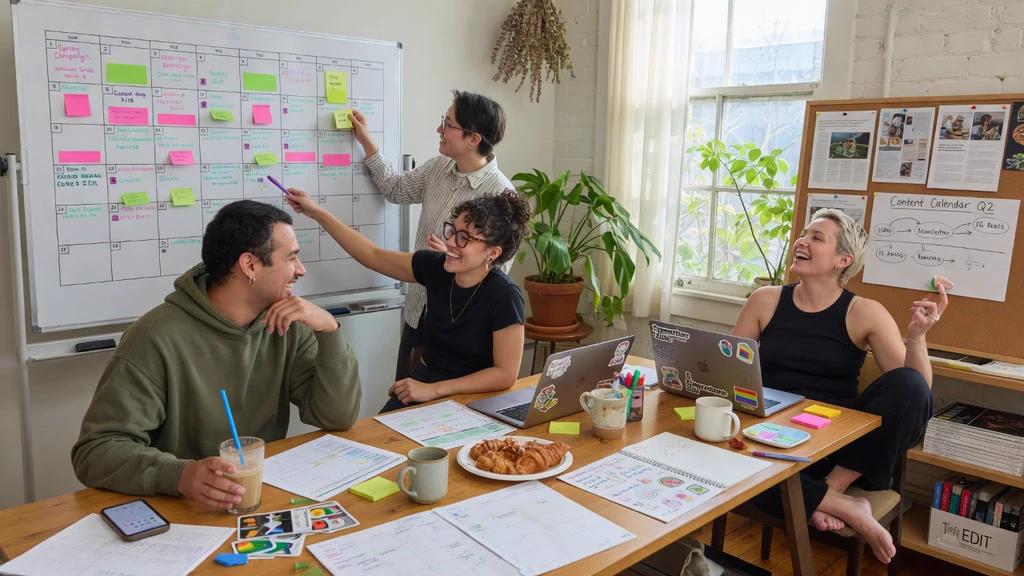
Stock-Style Photos.
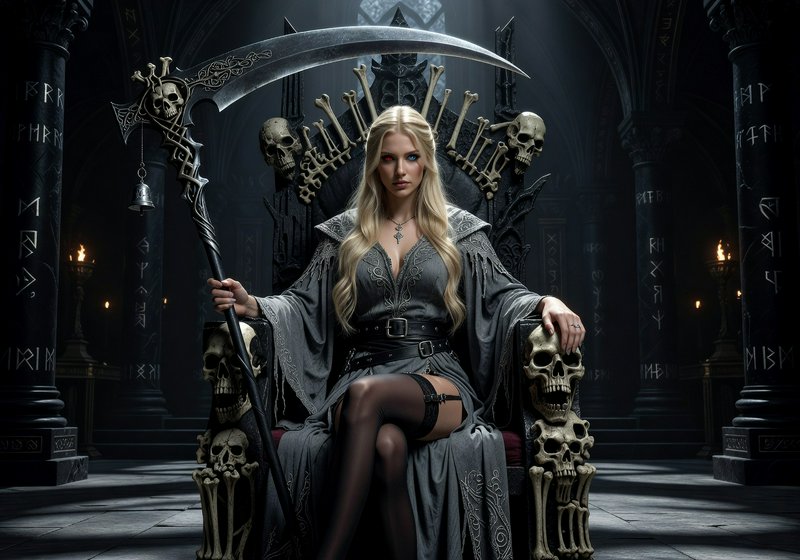
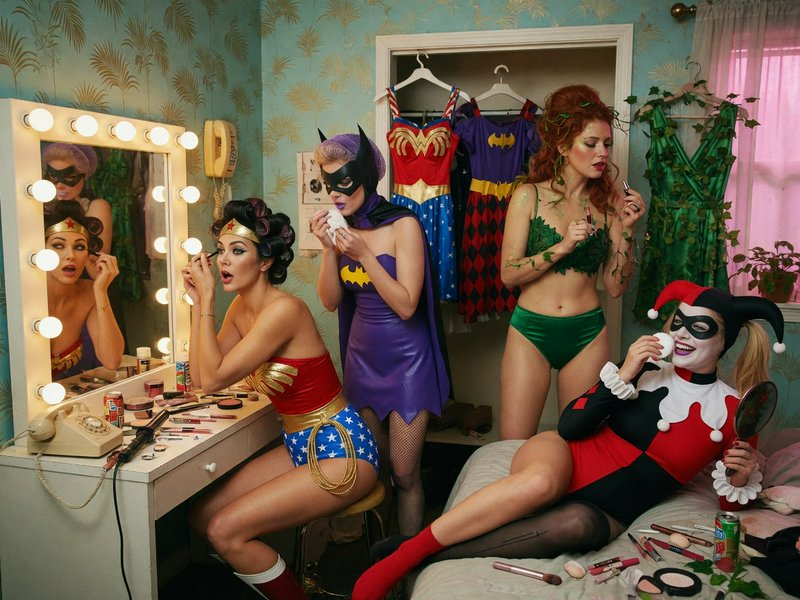
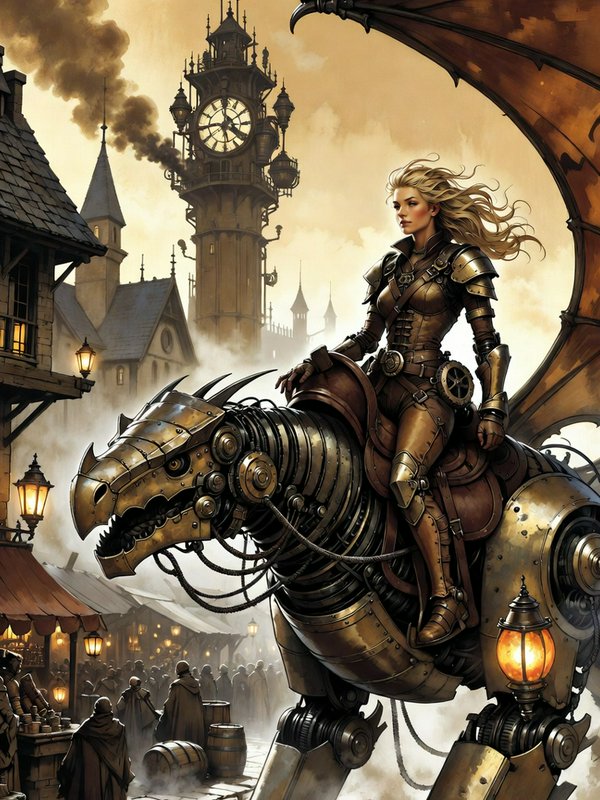
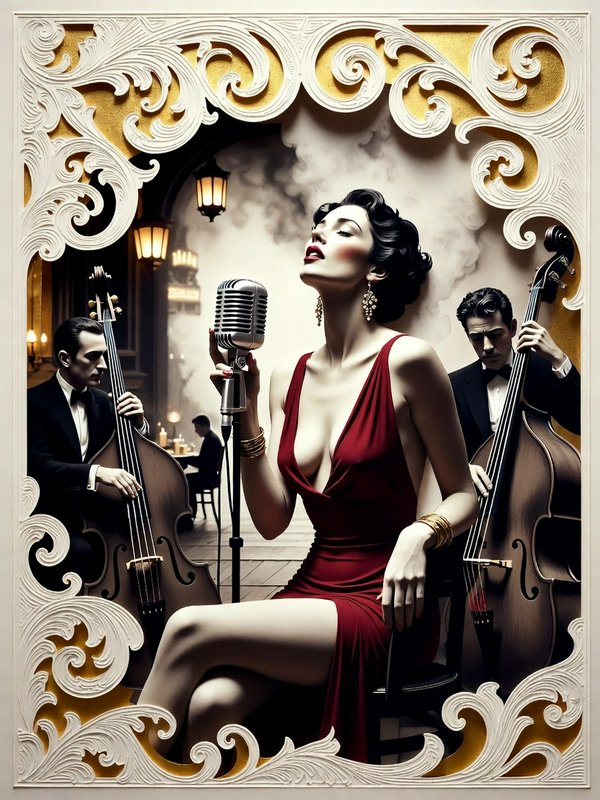
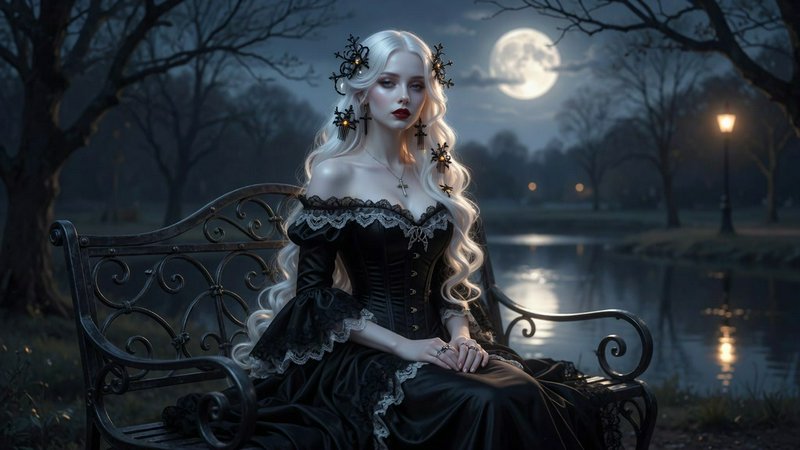
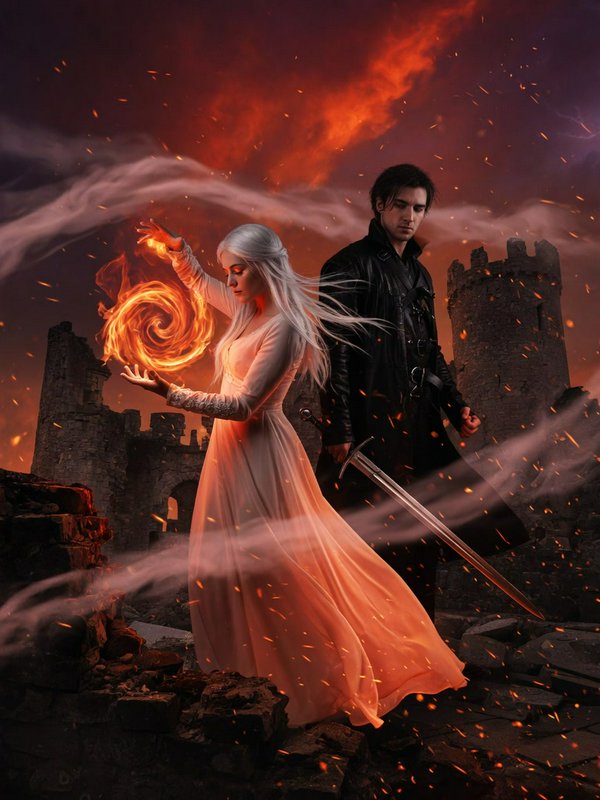
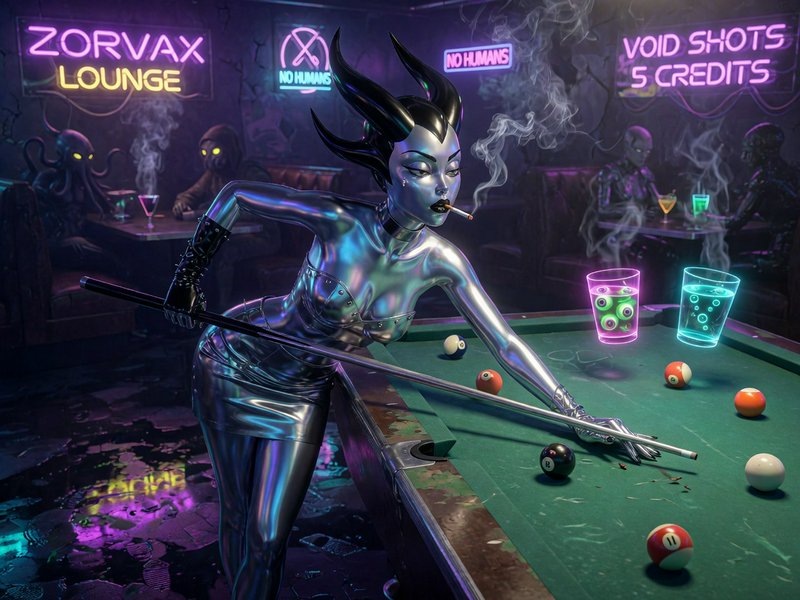
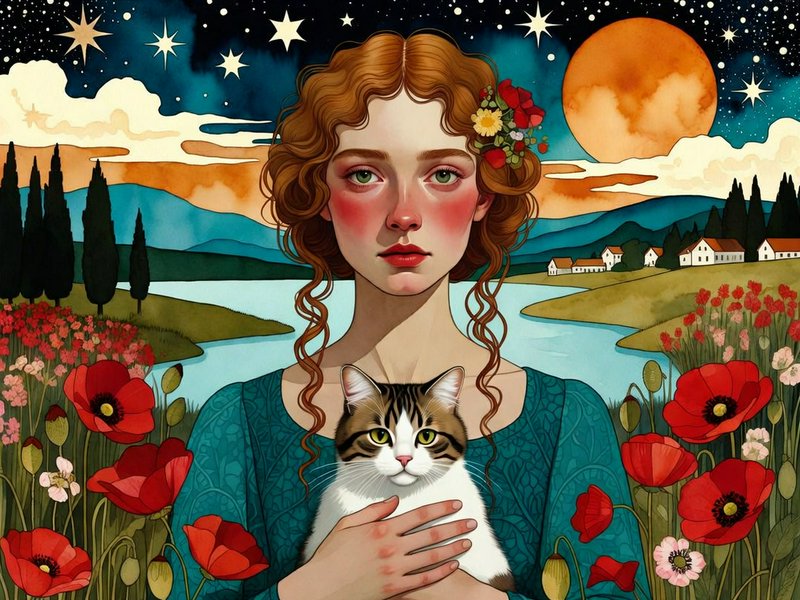
Build useful lifestyle imagery for articles, newsletters, presentations, and frequent publishing schedules.Fast generation for high-volume publishing
Grok Imagine Standard is designed for rapid iteration when you need many usable concepts, variations, or supporting images. At 35 credits per generation, it fits recurring social and editorial production.
- •35 credits per Standard generation
- •Fast concept and variation cycles
- •Useful for recurring content calendars
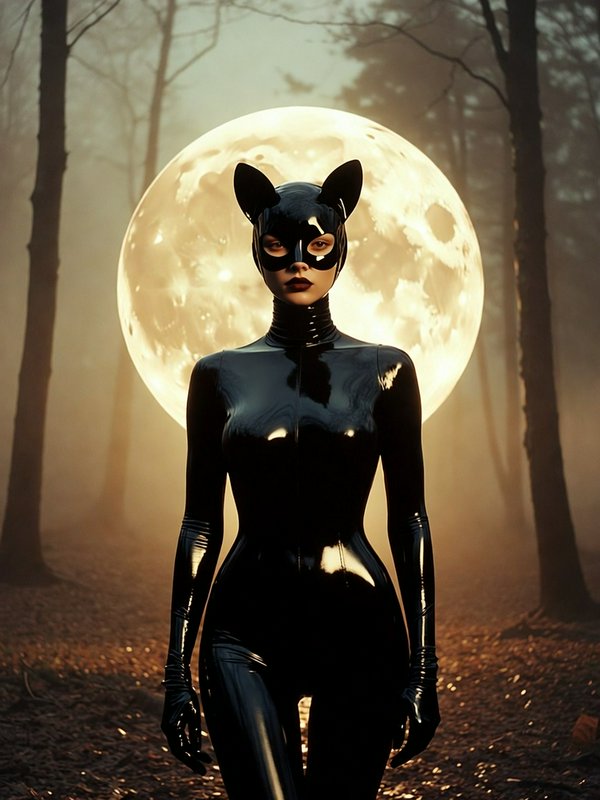
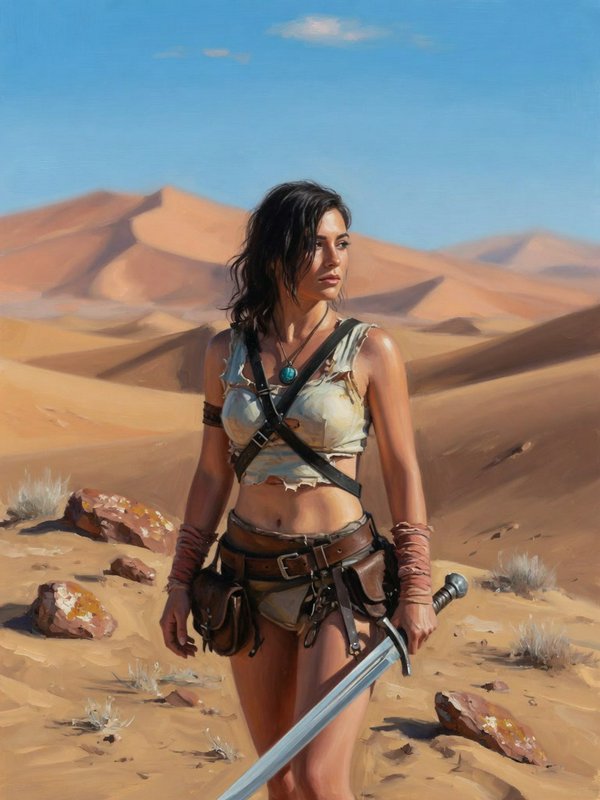
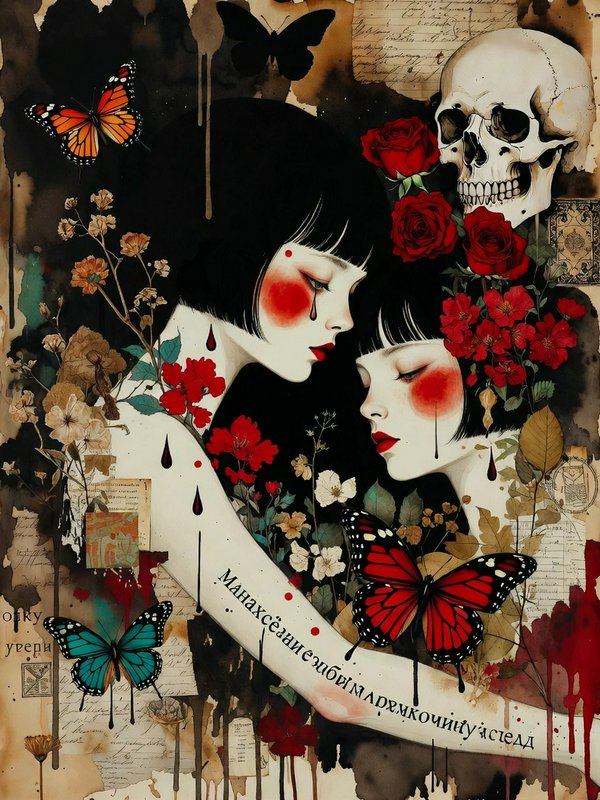
- •Handles photographic and illustrated styles
- •Well suited to volume production
Quality mode for important final frames
Choose Grok Imagine Quality when realism, detail, typography, or finish matters more than iteration speed. It provides the higher-fidelity option within this generation for 80 credits.
- •80 credits per Quality generation
- •Higher-detail final imagery
- •Stronger short-text rendering
- •More refined lighting and texture
- •Better fit for hero and campaign assets

Clear control through detailed prompts
Describe the subject, setting, palette, lighting, camera angle, and mood in ordinary language. Grok Imagine follows specific visual instructions well, helping teams move from a written brief to a focused draft.
- •Strong prompt adherence
- •Direct control of mood and lighting
- •Specific composition instructions
- •Photographic and illustrated outputs
- •Easy variation through prompt changes

Flexible formats and reference-led edits
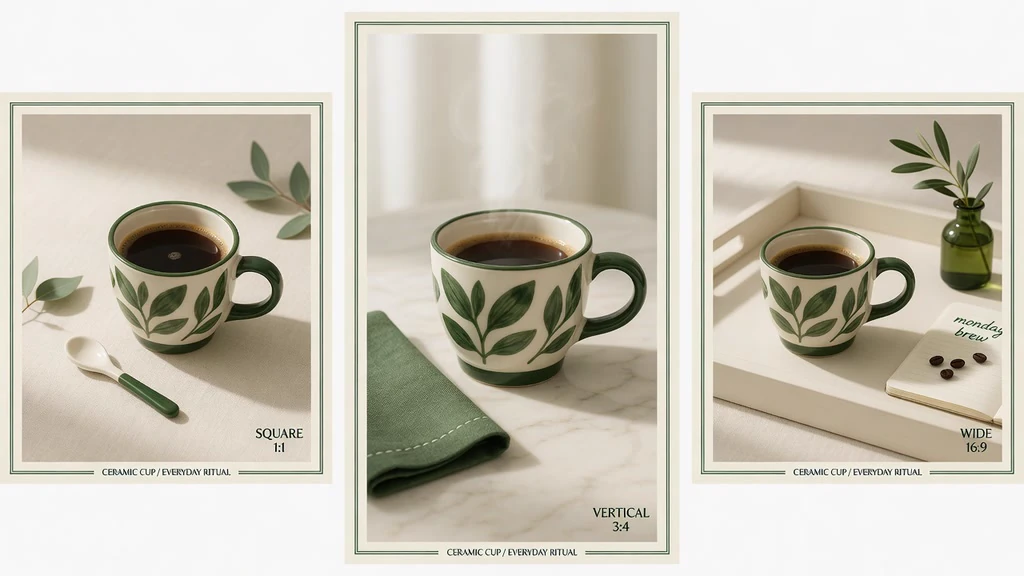
Create at 1K or 2K resolution in square, portrait, landscape, and other common aspect ratios. Image inputs also support natural-language edits, restyling, and compositions using up to three source images.
- •1K and 2K output options
- •Square, portrait, and landscape formats
- •One to three source images for edits
- •Natural-language image changes
- •Style transfer and compositing support
How it works

1
Describe your image
Write what the image should show, including the subject, setting, composition, lighting, mood, and intended placement. Specific visual directions give the model a clearer production brief.

2
Choose tier and format
Use Standard at 35 credits for fast iteration, or Quality at 80 credits when the final frame needs more detail. Select the aspect ratio and resolution that match your publishing channel.

3
Generate and refine
Generate the image, compare the result with your brief, and adjust concrete details in the prompt. You can also provide an existing image and describe the edit or restyle you need.
Prompts to steal
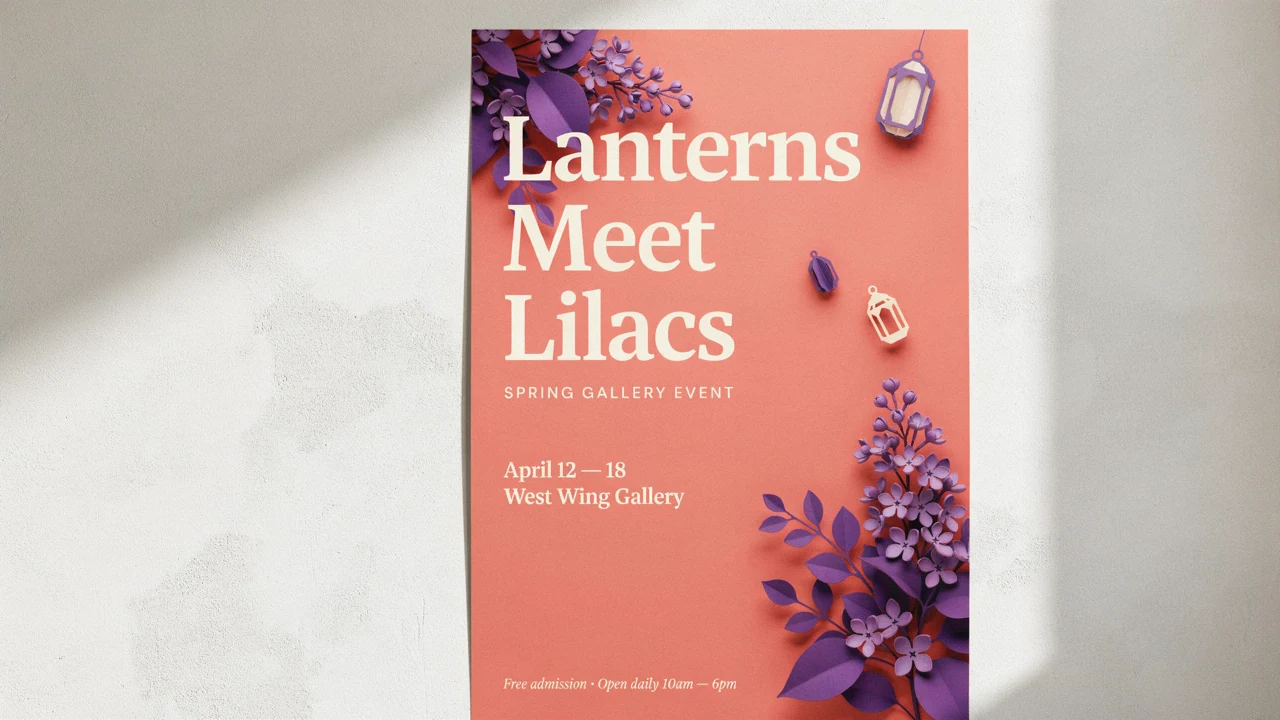
Bold vertical social graphic for a summer city festival, coral and cobalt palette, diverse crowd, paper-cut shapes, clear focal point, bright daylight, polished editorial design
Social Media Graphics
Editorial illustration about remote work reshaping small cities, laptop beside a miniature lively main street, clean geometric forms, warm morning light, sophisticated magazine palette
Editorial Illustration
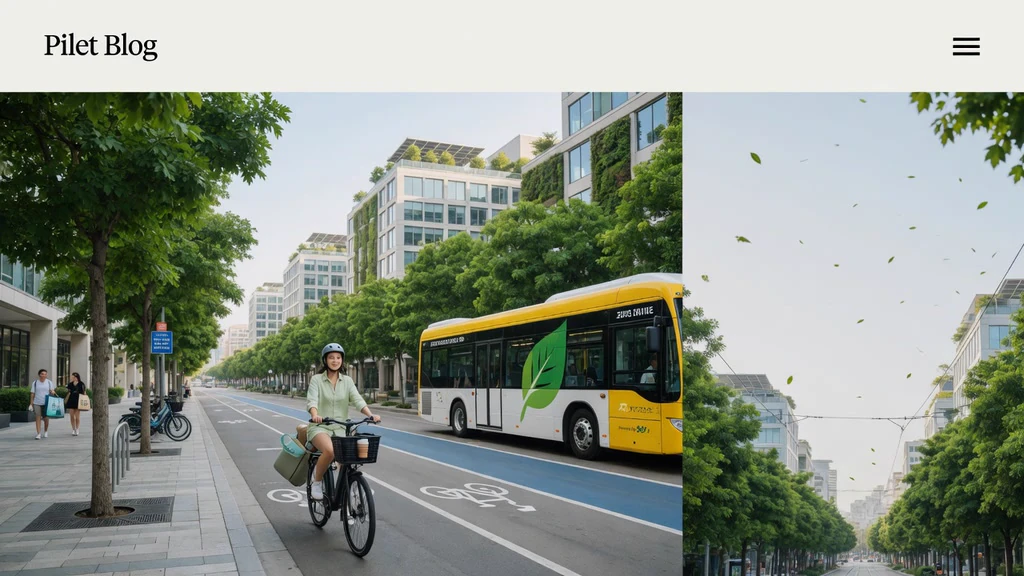
Wide blog header about sustainable urban transport, bicycles and electric buses moving through a leafy modern city, airy composition, ample negative space, crisp editorial photography
Blog Header Images
Premium citrus sparkling-water can on pale stone, sliced grapefruit and condensation droplets, soft golden sunlight, clean peach background, commercial product photography, sharp label area
Product Photography
Natural lifestyle photo of a small editorial team planning a content calendar in a bright studio, candid expressions, soft window light, realistic details, balanced horizontal composition
Stock-Style Photos
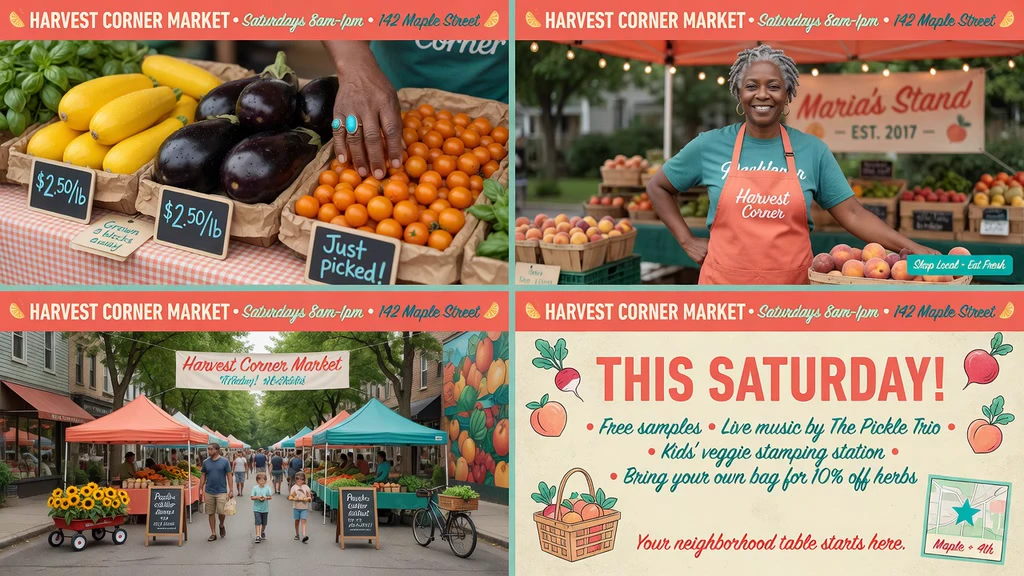
Four-panel social campaign for a neighborhood food market, unified coral and teal palette, product close-up, vendor portrait, street scene, illustrated announcement, polished cohesive art direction
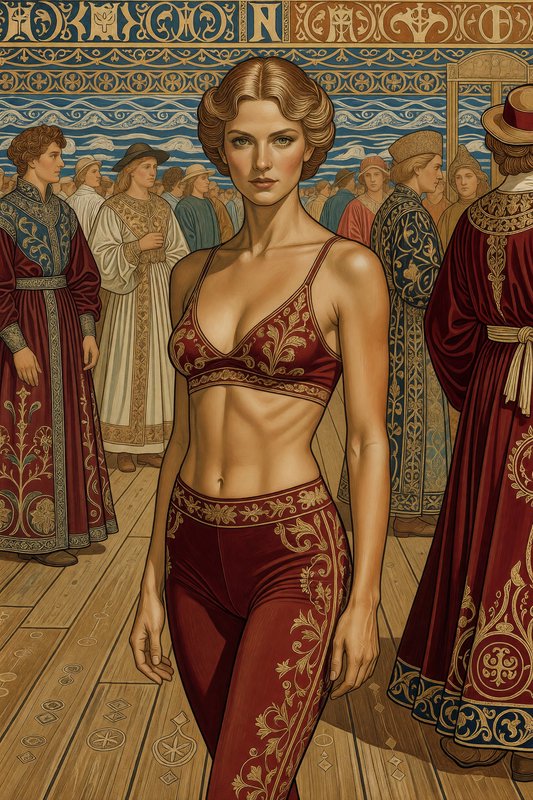
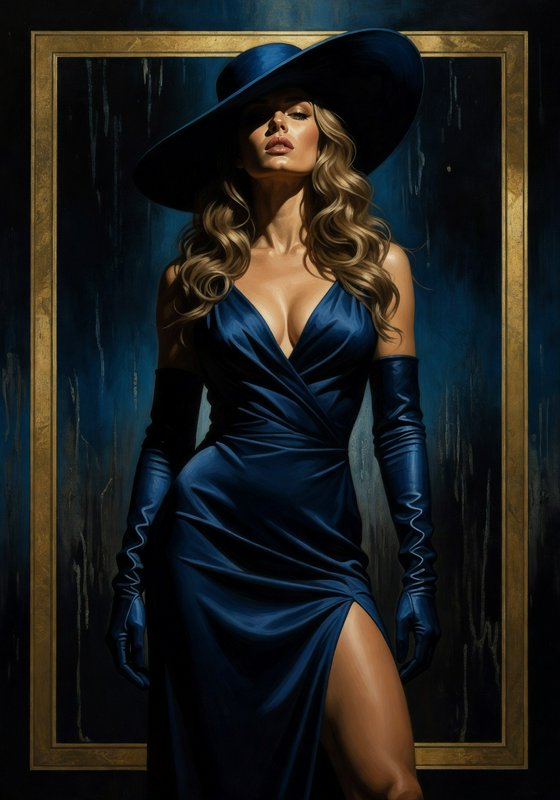
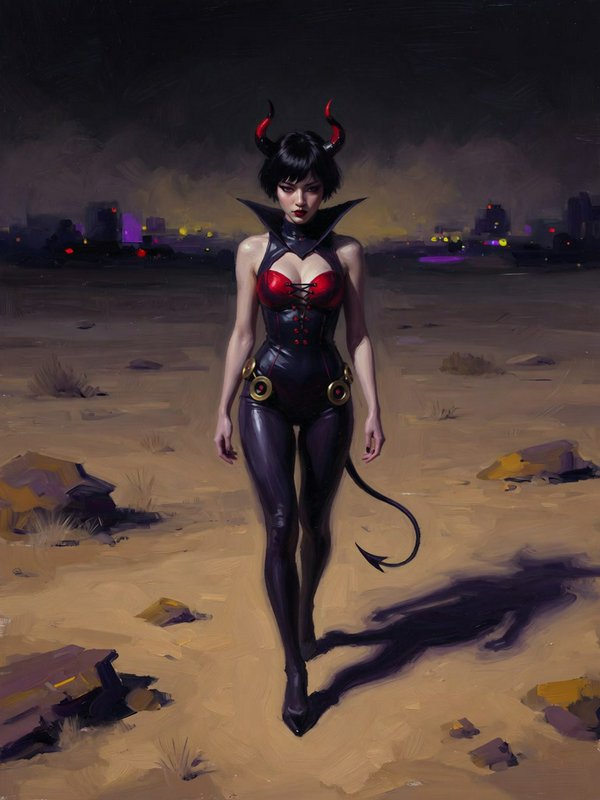
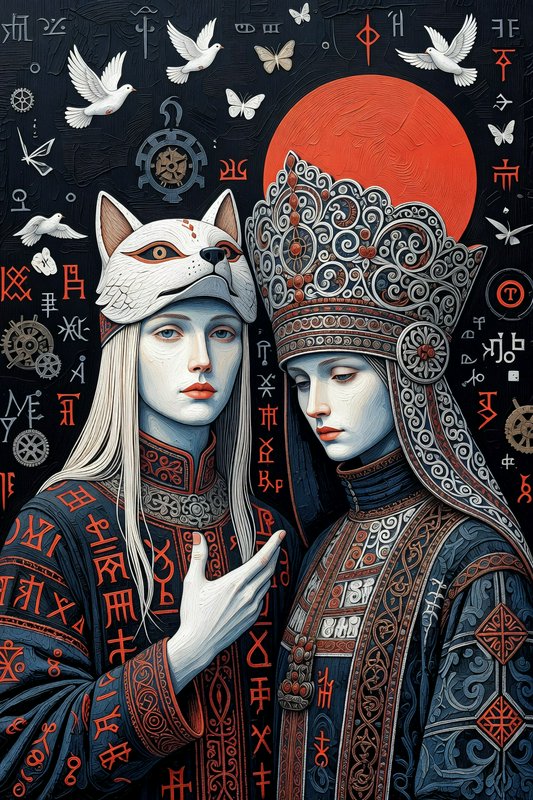
Fast generation for high-volume publishing





Pricing for Grok Imagine
Runs on credits — no per-model surcharges, no surprise billing.
35credits
per generation
35 credits per image
Grok Imagine vs Grok Imagine Quality
Both run on the same credits in the same workshop — here is what each costs and what it is for.
Grok Imagine
35credits per generation
xAI's Grok image generation model - creates stunning images from text prompts with powerful image editing capabilities. Features exceptional prompt understanding, creative image synthesis, and intelligent edit transformations with support for multiple aspect ratios.
Try Grok Imagine →Grok Imagine Quality
80credits per generation
- Resolution:
- 1K 80 credits · 2K 100 credits
xAI's high-quality image generation model with resolution-based pricing. Choose 1K for fast affordable generation or 2K for sharper, higher-detail output. Supports text-to-image and image editing with up to 3 reference images.
Try Grok Imagine Quality →Use Grok Imagine via the API
Grok Imagine is available through the BudgetPixel developer API — the same model the studio runs, supporting text-to-image, and image editing / references. Pricing is metered in credits (35 credits per image), charged only on success, with an API key available on Premium plans and above.
curl -X POST https://api.budgetpixel.com/v1/images/grok-imagine-image \
  -H "Authorization: Bearer $BUDGETPIXEL_API_KEY" \
  -H "Content-Type: application/json" \
-d '{"prompt": "your prompt here"}'No code? Use Grok Imagine from Claude or Cursor
Grok Imagine is also available through the BudgetPixel MCP server. Connect your account to Claude, Cursor, or any MCP-enabled agent and generate with Grok Imagine by asking in plain language — same credits, same pricing, no code required.
Grok Imagine at a glance
- Text-to-image generation
- Image-to-image editing
- Exceptional prompt understanding
- Creative image synthesis
- Multiple aspect ratios
- Fast generation speed
- High-quality output
- Intelligent edit transformations
How Grok Imagine compares
The differences that actually change which one you pick.
- Grok Imagine vs Wan 2.5
- Both support text-to-image and image editing. Grok Imagine offers fast generation with xAI's advanced AI, while Wan 2.5 provides permissive content policy.
- Grok Imagine vs Flux Kontext Pro
- Both offer image editing capabilities. Grok Imagine excels at creative synthesis, while Flux Kontext Pro excels at context-aware editing.
- Grok Imagine vs Ideogram V3 Turbo
- Both are fast and affordable. Grok Imagine excels at creative synthesis, while Ideogram V3 Turbo focuses on text rendering.
Frequently asked questions
What is Grok Imagine?▾
Grok Imagine is xAI's first-generation image model for generating and editing visuals from natural-language instructions. Its higher-fidelity tier, Grok Imagine Quality, has its own page.
Is this the Grok Imagine 2.0 model?▾
No. This page covers the first-generation Grok Imagine image model; its higher-fidelity Quality tier has its own page. Grok Imagine 2.0 is a separate, newer model with its own page.
How does Grok Imagine work?▾
Enter a description of the subject, style, composition, lighting, and mood you want. The model generates an image from that brief, and you can refine the result by changing the prompt or supplying source images for editing.
How much does Grok Imagine cost?▾
Generations use credits, with the total depending on the tier you select. Standard is the economical choice for frequent iteration, while Quality uses more credits for a higher-fidelity result.
Should I use Grok Imagine Standard or Quality?▾
Use Standard at 35 credits when you need fast drafts, frequent social posts, or many visual options. Choose Quality at 80 credits for hero images, detailed editorial frames, polished product scenes, or designs containing short text.
How does Grok Imagine compare to other AI image generators?▾
Grok Imagine is positioned around speed, prompt adherence, and affordable volume production. Its two-tier workflow lets you iterate economically with Standard and reserve Quality for frames that need additional detail and finish.
What resolutions and aspect ratios does Grok Imagine support?▾
The model supports 1K and 2K output. Available formats include common ratios such as 1:1, 16:9, 9:16, 4:3, 3:4, and 2:1, making it practical for social, editorial, and web placements.
Does Grok Imagine support reference images and editing?▾
Yes. You can provide existing images and describe changes in natural language, including restyling, object adjustments, and compositing. The Imagine image workflow supports between one and three source images for an edit.
Does Grok Imagine render text well inside images?▾
Quality mode offers stronger text rendering and is the better choice when short wording is important to the design. Keep text concise, spell it exactly in the prompt, and review every output before publishing.
Can I use Grok Imagine images commercially?▾
xAI's current terms allow generated outputs to be used commercially and assign output rights to the user where permitted by law. You remain responsible for your prompts, source images, third-party rights, required attribution, and compliance with the applicable terms.
Does Grok Imagine have an API?▾
Yes — Grok Imagine is available through the BudgetPixel developer API via the `POST /v1/images/grok-imagine-image` endpoint, supporting text-to-image, and image editing / references. Generate an API key from the developer console (available on Premium plans and above) and see the full reference at docs.budgetpixel.com.
How much does the Grok Imagine API cost?▾
API usage is billed in credits from the same balance your plan includes, at the standard metered rate: 35 credits per image. Failed generations are never charged. You can estimate any request's exact cost with POST /v1/cost before running it.
Can I use Grok Imagine with Claude or other AI agents (MCP)?▾
Yes — Grok Imagine is exposed through the BudgetPixel MCP server, so Claude, Cursor, and any MCP-compatible agent can generate with it from a plain-language request. Connect your account at budgetpixel.com/mcp; generations use the same credit balance and pricing as the web studio and the API.