Flux 2 Klein
Built for near-instant image generation and rapid visual iteration.


Up to 2048×2048Output
Up to 3References
10 per imageCredits
Image Workshop · APIRuns in
Professional images for every use case
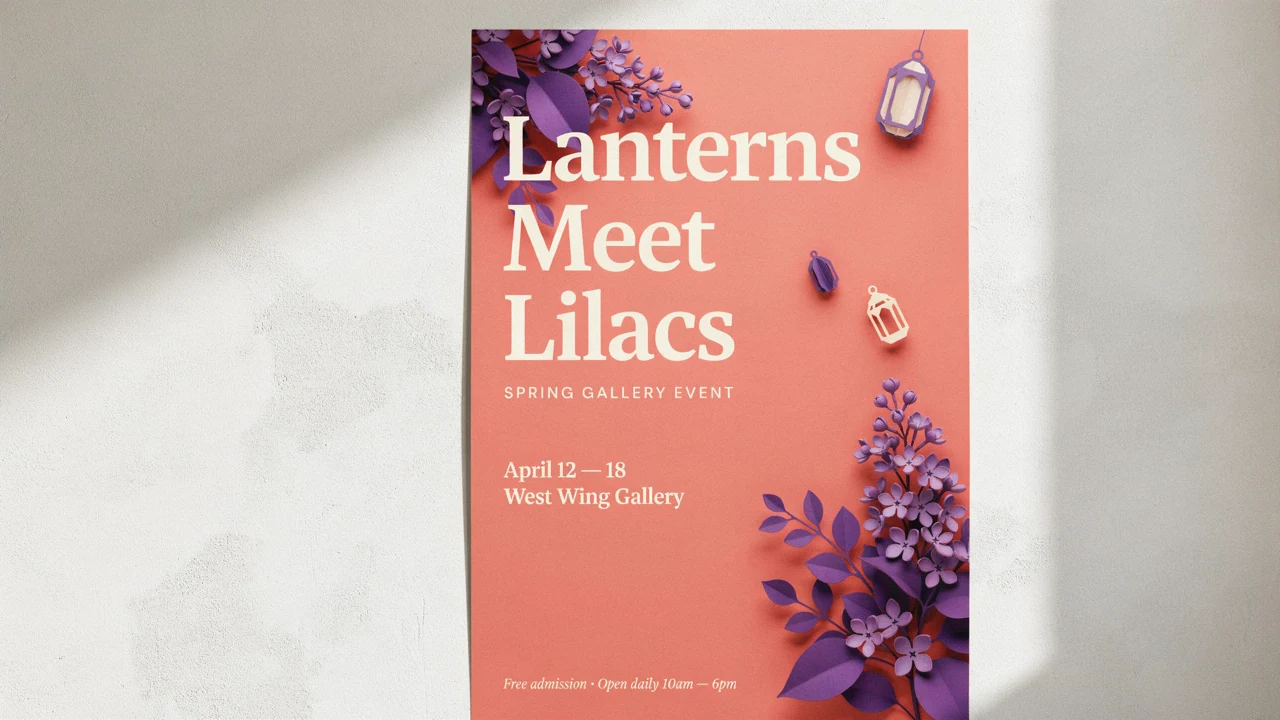
Product photography.
Explore lighting, surfaces, and settings for a product-shot concept.Concept art.
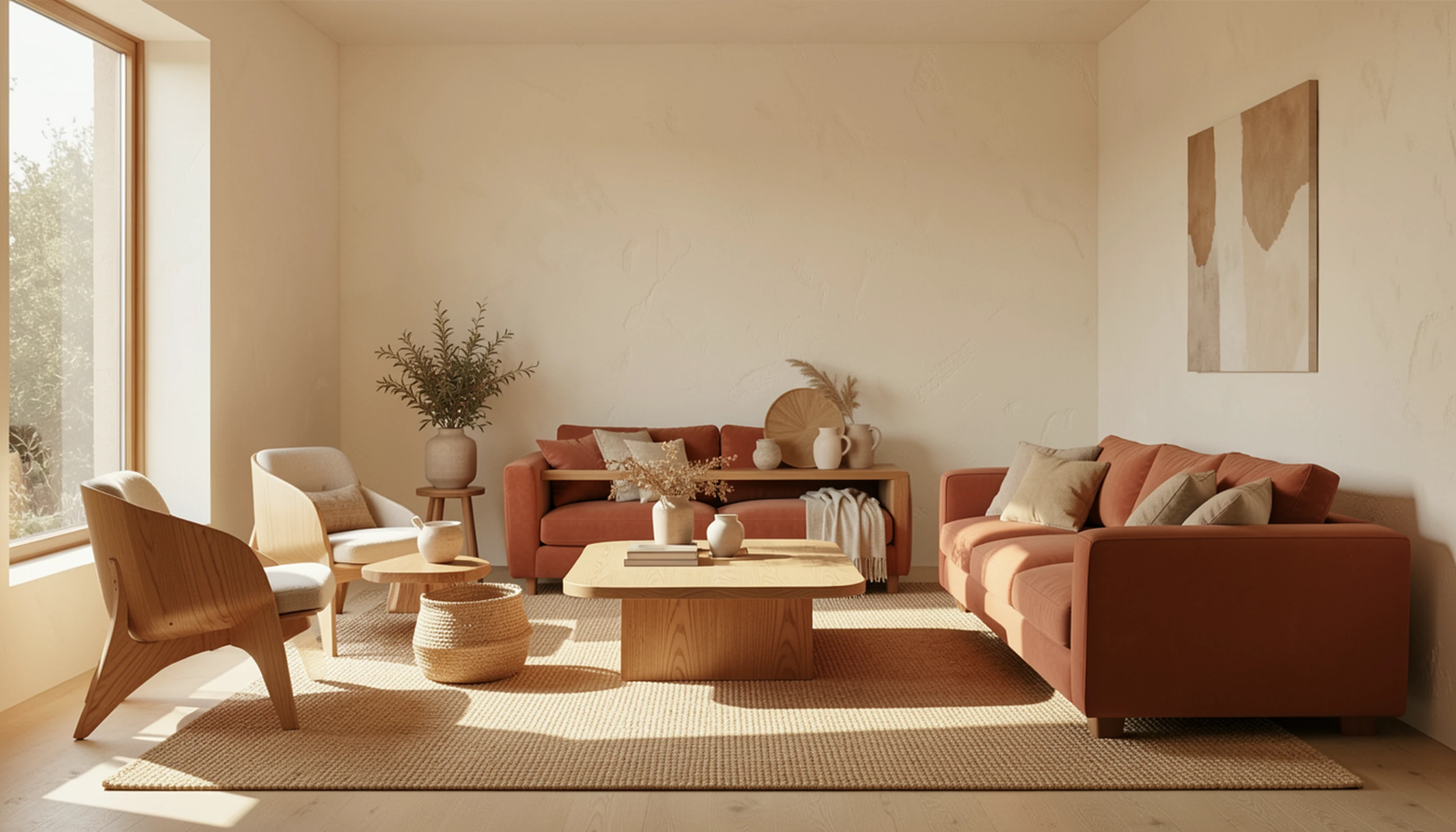
Turn an early scene idea into visual directions you can refine.Interior design previews.
Try different moods and furnishings while planning a room.
Character portraits.
Explore a fictional character’s look, lighting, and setting through successive drafts.Draft ideas at a rapid pace
Flux 2 Klein is built for near-instant generation, making it suited to prompt testing and visual exploration. Black Forest Labs describes sub-second inference for the model.
- •Turn text prompts into image drafts
- •Explore thumbnail compositions
- •Test lighting and style directions
- •Make variations before selecting a direction

Edit with image references
Upload an existing image and describe what should change, or use references to guide a new composition. BudgetPixel supports up to 3 reference images for this model, so you can test a product, setting, or style together.
- •Edit an existing image with a prompt
- •Guide a scene with up to 3 references
- •Explore alternative settings
- •Describe the role of each reference

Return to a promising draft
Use a seed to make results reproducible while you develop an idea. Keep the prompt and settings with the seed when you want to revisit a draft, then change the details you want to explore.
- •Set a seed for reproducible results
- •Keep useful prompt-and-seed combinations
- •Refine a chosen visual direction
- •Compare deliberate prompt changes
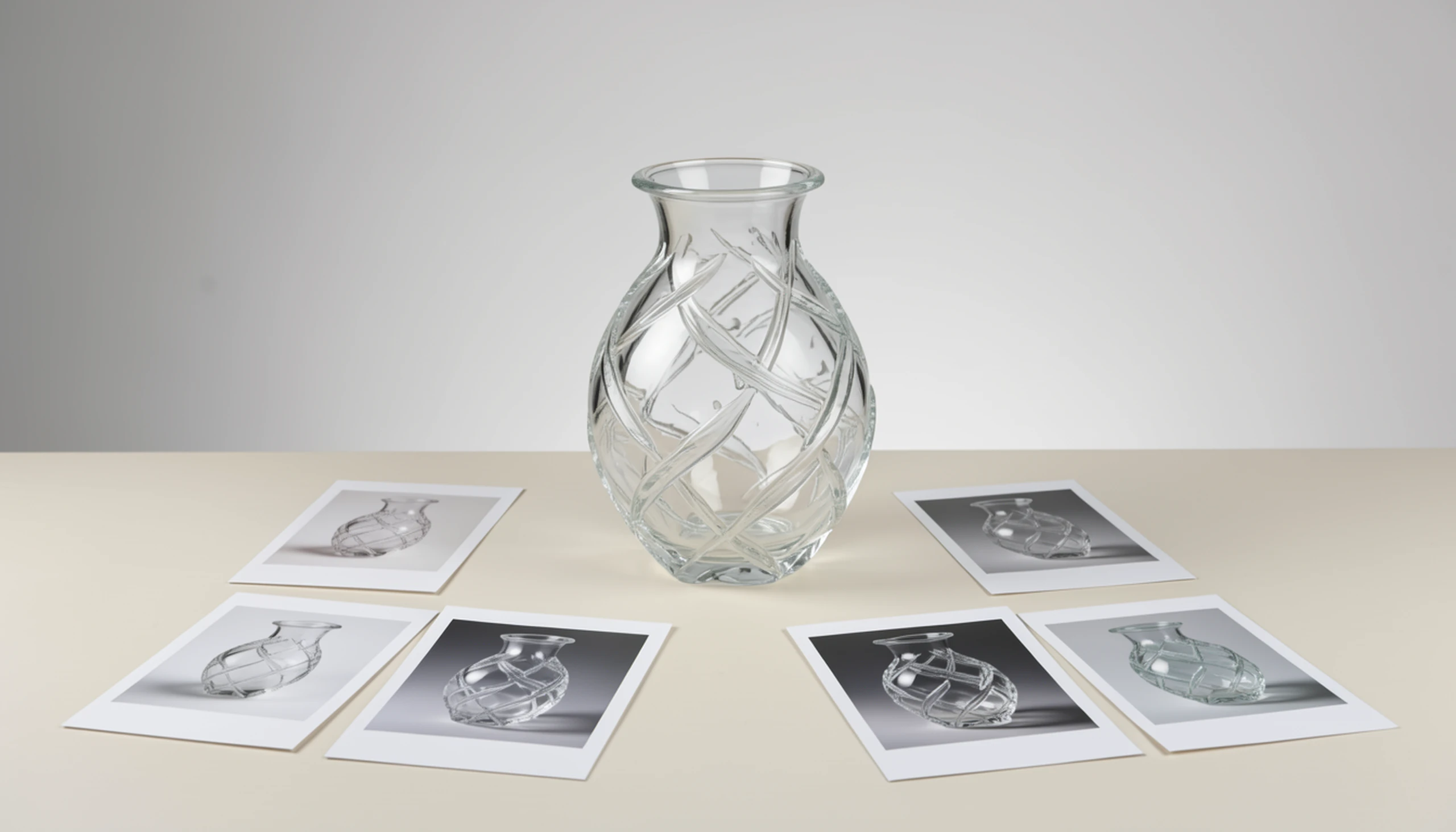
Compose for different placements
Choose an aspect ratio that suits where the image will appear, from square posts to wide banners and vertical formats. Set the frame before generating so the subject and negative space fit your intended layout.
- •Choose from the available aspect ratios
- •Leave room around a thumbnail subject
- •Frame product scenes for different placements
- •Generate output up to 2048x2048

How it works

1
Choose Flux 2 Klein
Open BudgetPixel’s Image Workshop and select Flux 2 Klein. You can start creating with BudgetPixel credits without a separate subscription or a local GPU.
2
Describe or reference your idea
Write a specific prompt covering the subject, setting, lighting, and composition. To guide an edit, upload your image and describe what should change; you can add up to 3 reference images.

3
Generate and refine
Generate a draft, then adjust your prompt, framing, or references to explore variations. Save a useful seed when you want to revisit a direction, and consider Flux 2 Max or Flux 2 Pro for a selected final concept.
Prompts to steal
16:9 landscape scene of a fictional, fully clothed botanist discovering a glowing orchid in a sunlit greenhouse, bold teal and amber contrast, expressive composition, clear focal point, no text or logos.
Video thumbnails
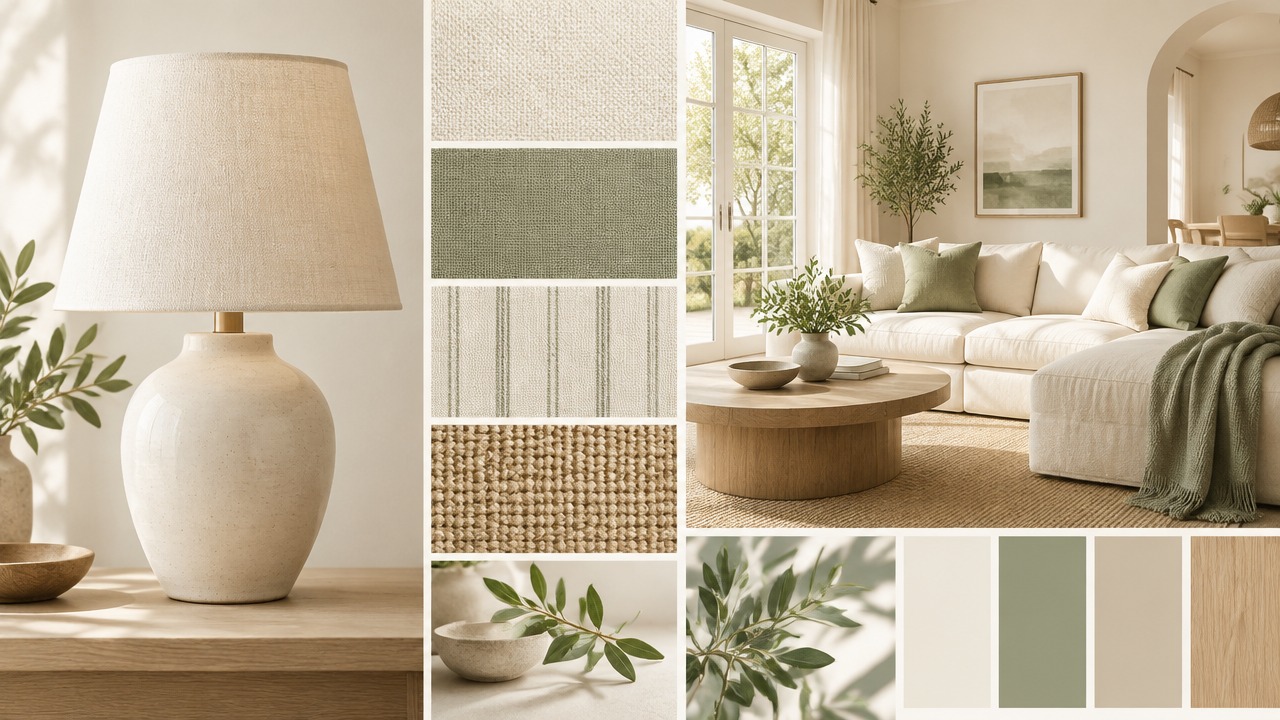
16:9 landscape studio photograph of an unbranded matte ceramic table lamp on pale limestone, warm morning light, soft shadows, olive branches nearby, refined editorial styling, no text or logos.
Product photography
16:9 landscape concept art of a floating botanical observatory above a misty forest valley, copper walkways, lush hanging gardens, sunrise breaking through clouds, cinematic scale, no text or logos.
Concept art
16:9 landscape interior of a bright living room with curved oak furniture, textured cream walls, a terracotta sofa, and late-afternoon light across a woven rug, natural materials, no text or logos.
Interior design previews
16:9 landscape portrait scene of a fictional, fully clothed young astronomer in a moss-green coat beside an observatory window, soft daylight, thoughtful expression, cinematic realism, no text or logos.
Character portraits
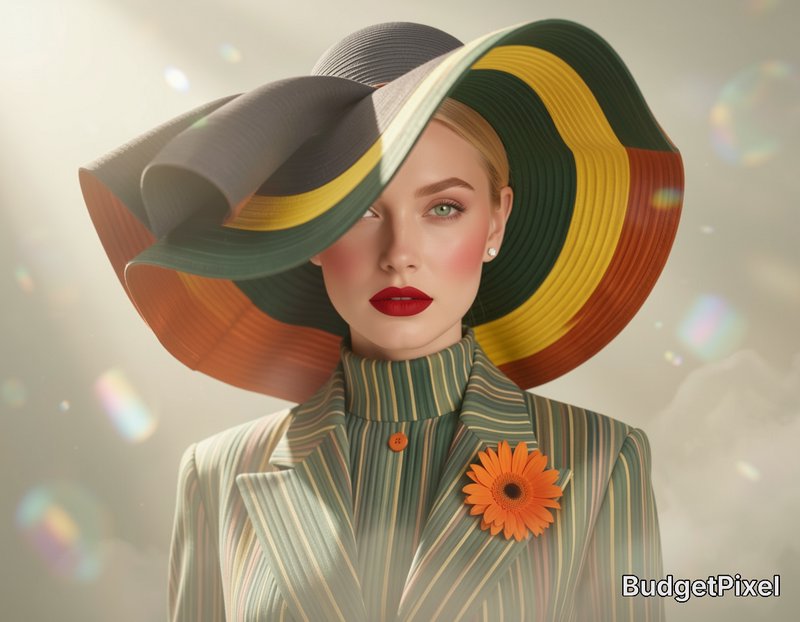
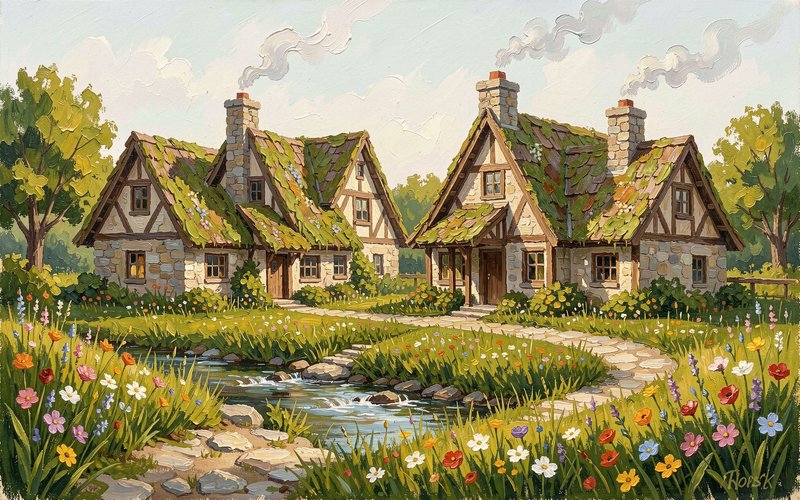
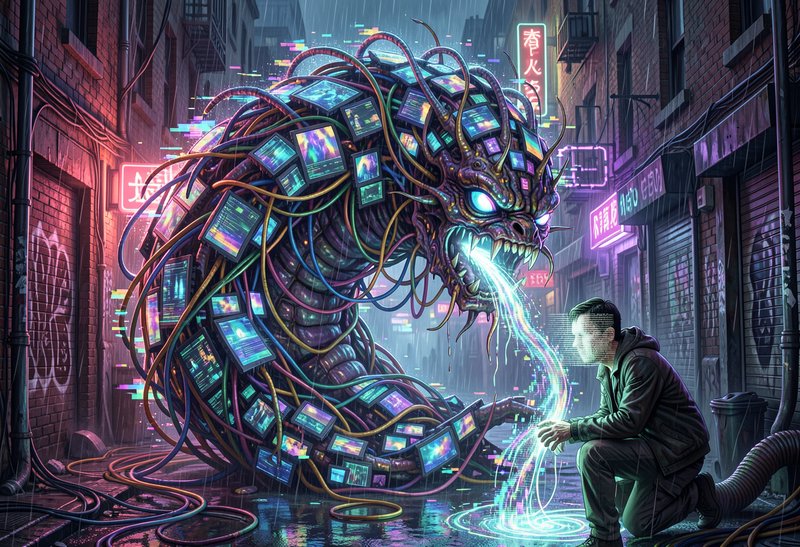
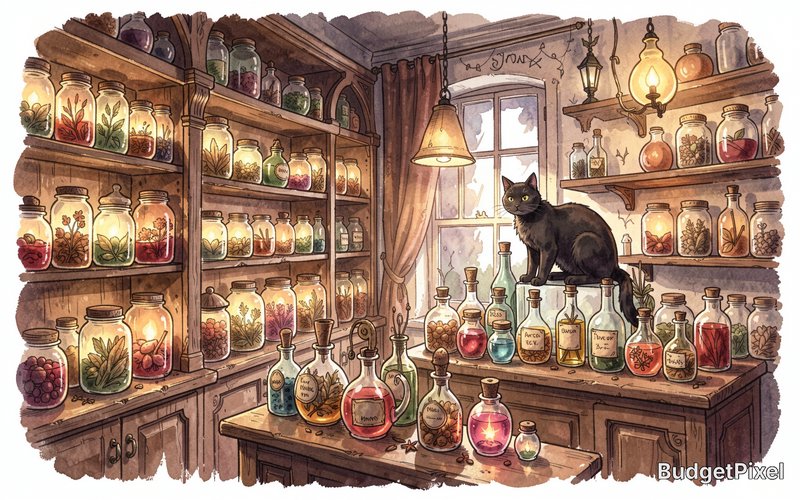
Top community creations
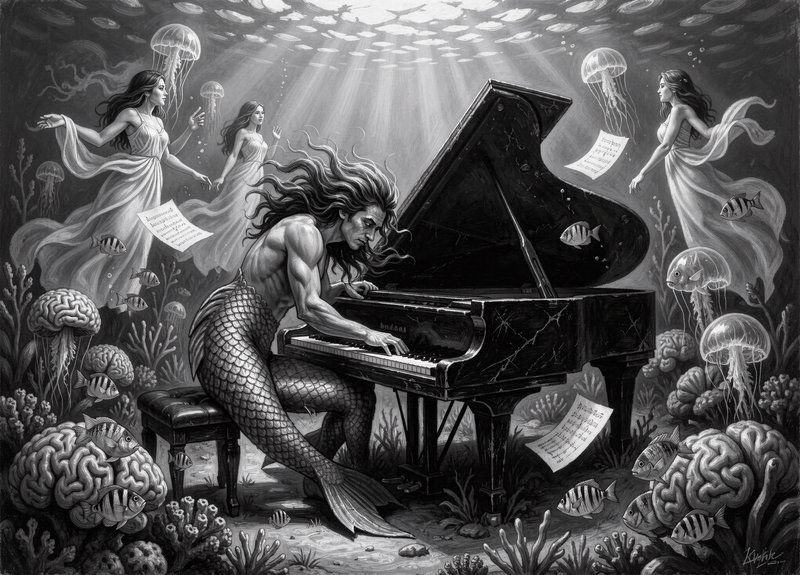
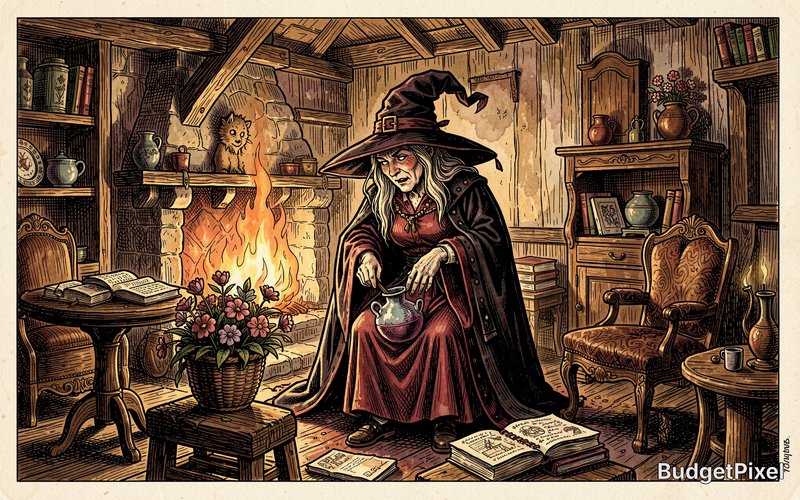
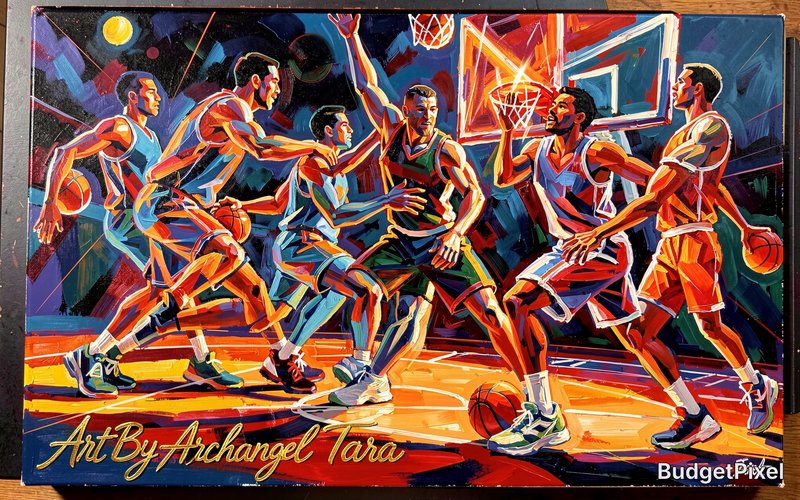
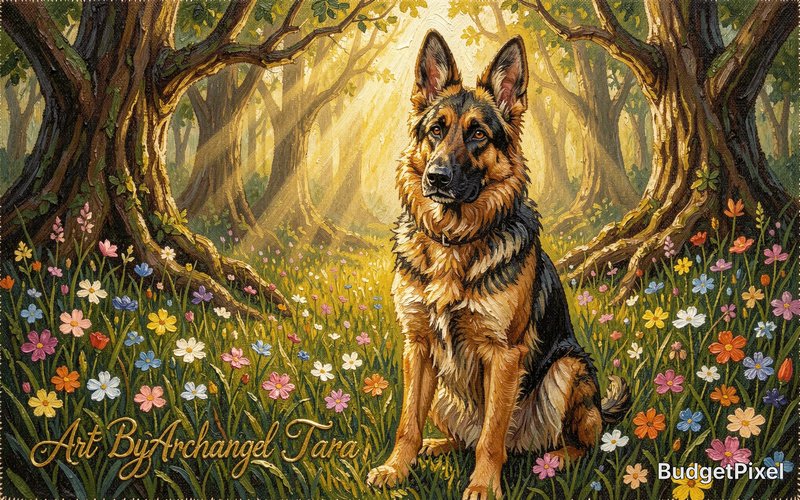
Recent Flux 2 Klein images shared by the BudgetPixel community.
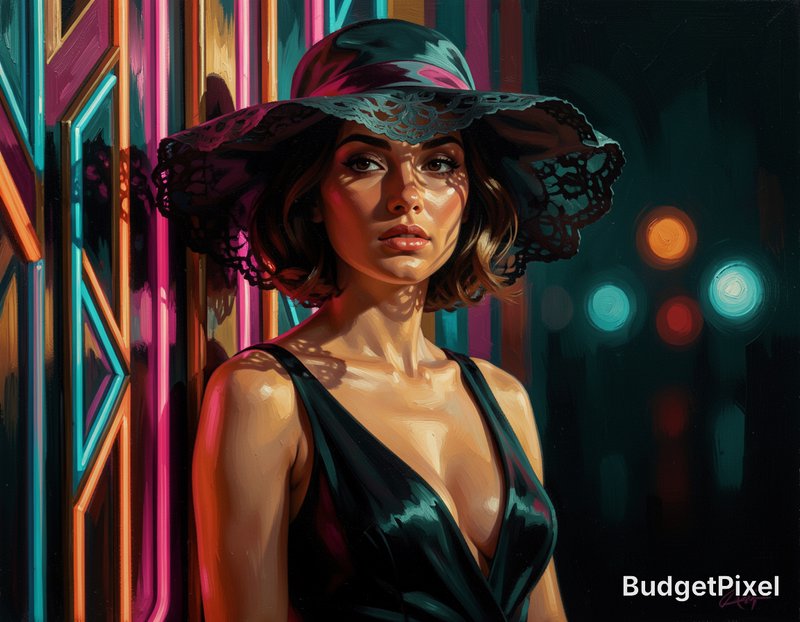
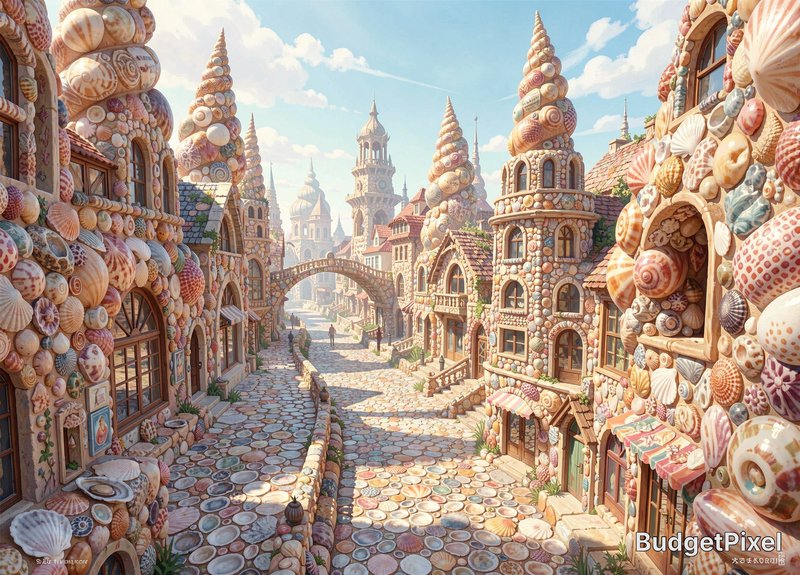

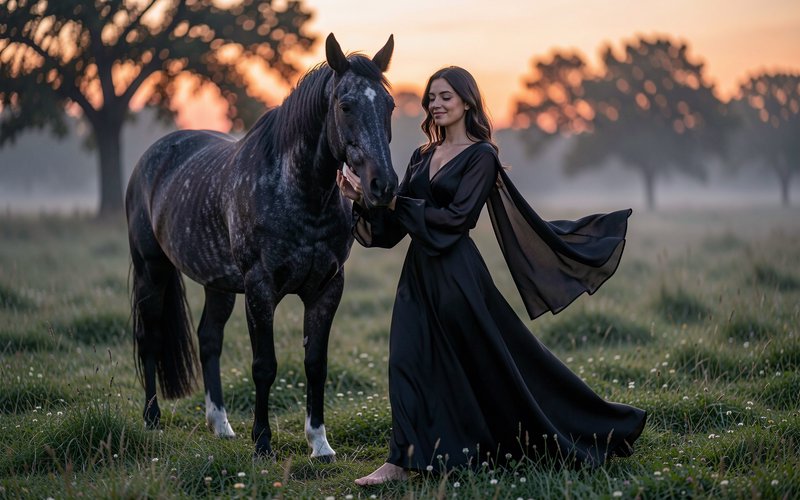

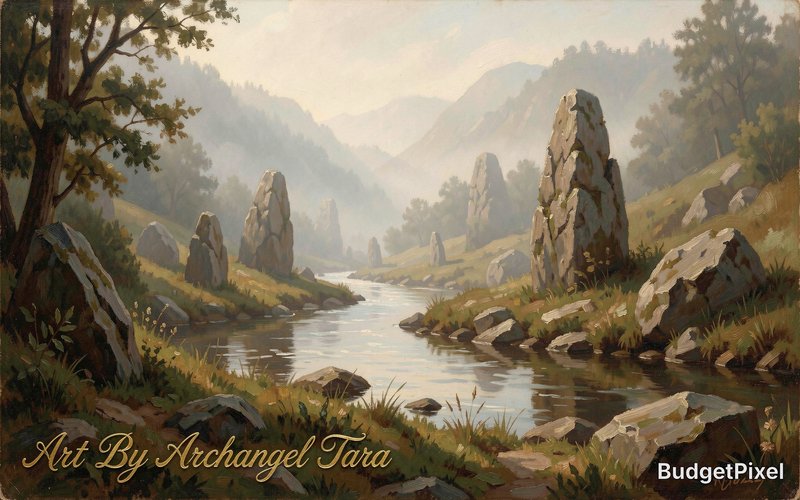



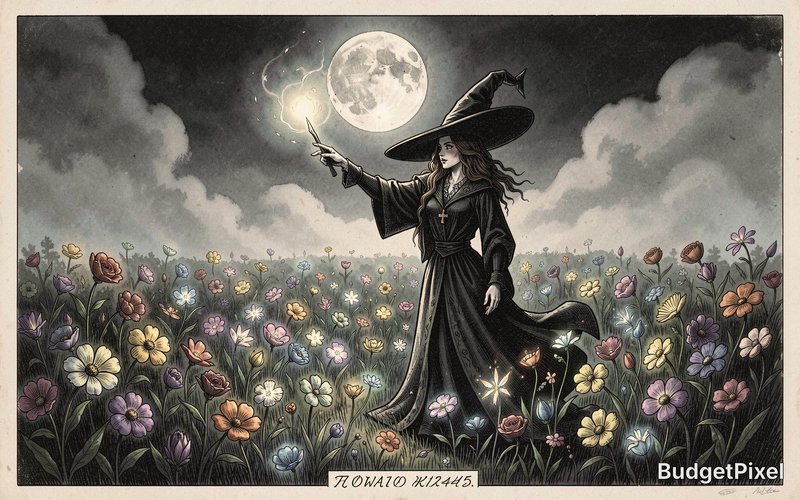
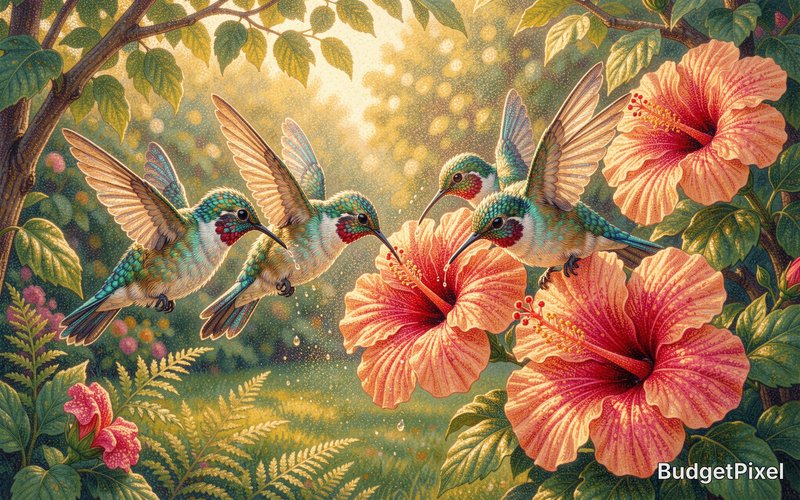

Pricing for Flux 2 Klein
Runs on credits — no per-model surcharges, no surprise billing.
10credits
per generation
10 credits per image
Compare all 6 versions
All 6 run on the same credits in the same workshop — here is what each costs and what it is for.
Flux 2 Klein
10credits per generation
Black Forest Labs' sub-second image generation model (FLUX.2-klein-9B) with text-to-image and image editing capabilities. Supports up to 3 reference images for multi-image fusion, excellent prompt adherence, and high-definition output up to 2048x2048.
Try Flux 2 Klein →FLUX 3
65credits per generation
- Resolution:
- 768px 55 credits · 1K 65 credits · 1.5K 90 credits · 2K 130 credits · 4K 790 credits
Black Forest Labs' FLUX 3: text-to-image and image editing in one model. Edit or compose from up to 10 reference images at no extra cost, render at five sizes from 768px to 4K, and optionally let the model ground your prompt with web and image search before it renders.
Try FLUX 3 →Flux 2 Max
80credits per generation
- Resolution:
- 0.5MP 60 credits · 1MP 80 credits · 2MP 120 credits · 4MP 180 credits
Black Forest Labs' most powerful FLUX model with exceptional detail and quality. Resolution-based pricing (0.5MP to 4MP) and multi-image reference support (up to 4 images). The ultimate choice for maximum quality output.
Try Flux 2 Max →Flux 2 Pro
25credits per generation
- Resolution:
- 0.5MP 15 credits · 1MP 25 credits · 2MP 50 credits · 4MP 80 credits
Black Forest Labs' premium FLUX model with resolution-based pricing (0.5MP to 4MP) and multi-image reference support (up to 4 images). Offers superior quality with flexible resolution options for professional workflows.
Try Flux 2 Pro →Flux 2 Flex
80credits per generation
- Resolution:
- 0.5MP 40 credits · 1MP 80 credits · 2MP 160 credits · 4MP 260 credits
Black Forest Labs' advanced FLUX model with resolution-based pricing (0.5MP to 4MP), adjustable steps and guidance, and multi-image reference support (up to 4 images). Offers fine-grained control over generation quality and style.
Try Flux 2 Flex →Flux 2 Dev
25credits per generation
Black Forest Labs' next-generation FLUX model with improved quality, better prompt adherence, and multi-image reference support (up to 4 images). Excellent for both text-to-image and image-to-image generation with permissive content policies.
Try Flux 2 Dev →Use FLUX 2 Klein via the API
FLUX 2 Klein is available through the BudgetPixel developer API — the same model the studio runs, supporting text-to-image, and image editing / references. Pricing is metered in credits (10 credits per image), charged only on success, with an API key available on Premium plans and above.
curl -X POST https://api.budgetpixel.com/v1/images/flux-2-klein \
  -H "Authorization: Bearer $BUDGETPIXEL_API_KEY" \
  -H "Content-Type: application/json" \
-d '{"prompt": "your prompt here"}'No code? Use FLUX 2 Klein from Claude or Cursor
FLUX 2 Klein is also available through the BudgetPixel MCP server. Connect your account to Claude, Cursor, or any MCP-enabled agent and generate with FLUX 2 Klein by asking in plain language — same credits, same pricing, no code required.
Flux 2 Klein at a glance
- Sub-second generation
- 9B parameter model
- Text-to-image & image editing
- Up to 3 reference images
- High-def output (2048x2048)
- Excellent prompt adherence
- Seed support for reproducibility
How Flux 2 Klein compares
The differences that actually change which one you pick.
- Flux 2 Klein vs FLUX 2 Dev
- Flux 2 Klein is significantly faster with optimized 4-step inference, while FLUX 2 Dev uses 28+ steps for maximum detail. Choose Klein for rapid iteration, Dev for final production assets.
- Flux 2 Klein vs FLUX 2 Pro
- Klein prioritizes speed over maximum quality. Pro offers enhanced photorealism and detail but at higher cost and longer generation time.
- Flux 2 Klein vs Z-Image Turbo
- Both are speed-focused models. Klein has a larger 9B parameter count and supports reference images for img2img, while Z-Image Turbo offers more configurable inference steps.
Frequently asked questions
What is Flux 2 Klein, and who makes it?▾
Flux 2 Klein is Black Forest Labs’ compact, fast FLUX.2 image model. This page covers the 9B version, which generates images from text and supports image editing. On BudgetPixel, it is suited to quick drafts, prompt testing, and visual variations.
How much does Flux 2 Klein cost on BudgetPixel?▾
Flux 2 Klein costs 10 BudgetPixel credits per image. You use it in the Image Workshop with BudgetPixel credits, without a separate subscription.
How do I use Flux 2 Klein?▾
Select it in BudgetPixel’s Image Workshop, then describe the image you want or upload an image to edit. Specific details about the subject, setting, lighting, and composition help you direct a draft. Generate, review the result, and revise your prompt to explore another direction.
How is Flux 2 Klein different from Flux 2 Max?▾
Flux 2 Klein is the rapid-iteration choice for exploring ideas and making variations. Flux 2 Max is Black Forest Labs’ highest-quality FLUX.2 model, so consider its own BudgetPixel page when a selected concept needs that emphasis.
How is Flux 2 Klein different from Flux 2 Pro?▾
Flux 2 Klein focuses on fast drafts, prompt tests, and volume. Flux 2 Pro is the production-quality option with selectable resolution; consider it when you are ready to develop a chosen direction.
How is Flux 2 Klein different from Flux 2 Dev?▾
Flux 2 Klein is the compact, fast option for generating and editing in BudgetPixel. Flux 2 Dev is the open-weight FLUX.2 model for a different workflow and has its own BudgetPixel page.
What are Flux 2 Klein’s resolution and aspect-ratio limits on BudgetPixel?▾
Output goes up to 2048x2048. Available aspect ratios are 1:1, 16:9, 9:16, 4:3, 3:4, 3:2, 2:3, 21:9, 9:21, 5:4, and 4:5. You can use up to 3 reference images.
Can Flux 2 Klein edit an image or use references?▾
Yes. Upload an existing image and describe the change you want, or provide reference images to guide a composition. BudgetPixel accepts up to 3 reference images for this model; describe what each should contribute.
Can I use Flux 2 Klein images commercially?▾
BudgetPixel plans include commercial usage terms. Check the BudgetPixel Terms for the terms that apply to your plan and intended use.
Can developers use Flux 2 Klein through BudgetPixel?▾
Yes. Flux 2 Klein is available through the BudgetPixel developer API and MCP server, as well as the Image Workshop. The Workshop lets you test prompts and references before using the model in a developer workflow.
Does FLUX 2 Klein have an API?▾
Yes — FLUX 2 Klein is available through the BudgetPixel developer API via the `POST /v1/images/flux-2-klein` endpoint, supporting text-to-image, and image editing / references. Generate an API key from the developer console (available on Premium plans and above) and see the full reference at docs.budgetpixel.com.
How much does the FLUX 2 Klein API cost?▾
API usage is billed in credits from the same balance your plan includes, at the standard metered rate: 10 credits per image. Failed generations are never charged. You can estimate any request's exact cost with POST /v1/cost before running it.
Can I use FLUX 2 Klein with Claude or other AI agents (MCP)?▾
Yes — FLUX 2 Klein is exposed through the BudgetPixel MCP server, so Claude, Cursor, and any MCP-compatible agent can generate with it from a plain-language request. Connect your account at budgetpixel.com/mcp; generations use the same credit balance and pricing as the web studio and the API.