Student ID Card Design Generator
Turn a person photo into a clean student ID card concept.
Upload a portrait and turn it into a polished student ID card layout in one step. Use it to mock up school badges, test styles, and present draft designs quickly while keeping the subject recognizable.

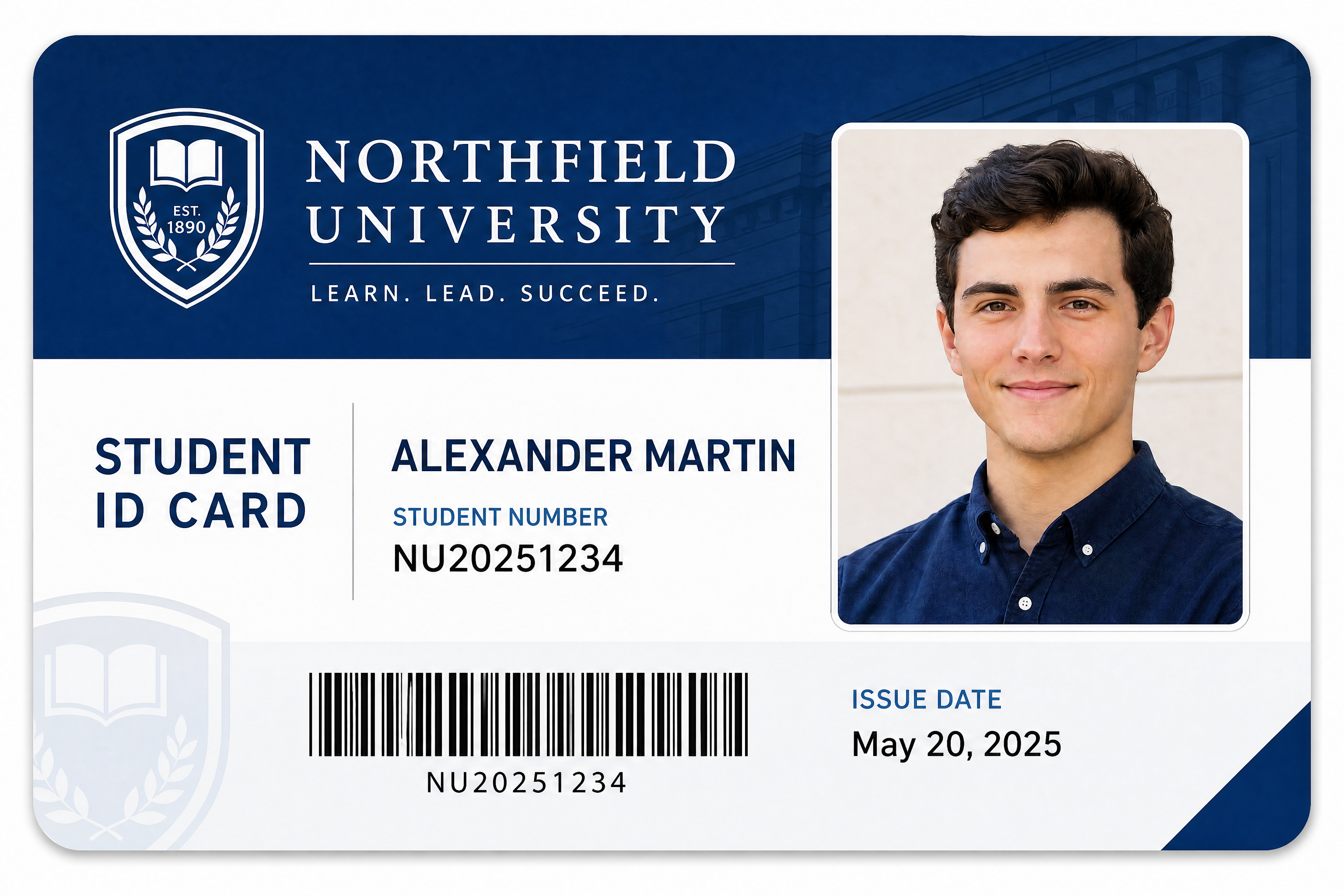
Watch the Transformation
See student id card design generator in motion — generated end-to-end by our AI.
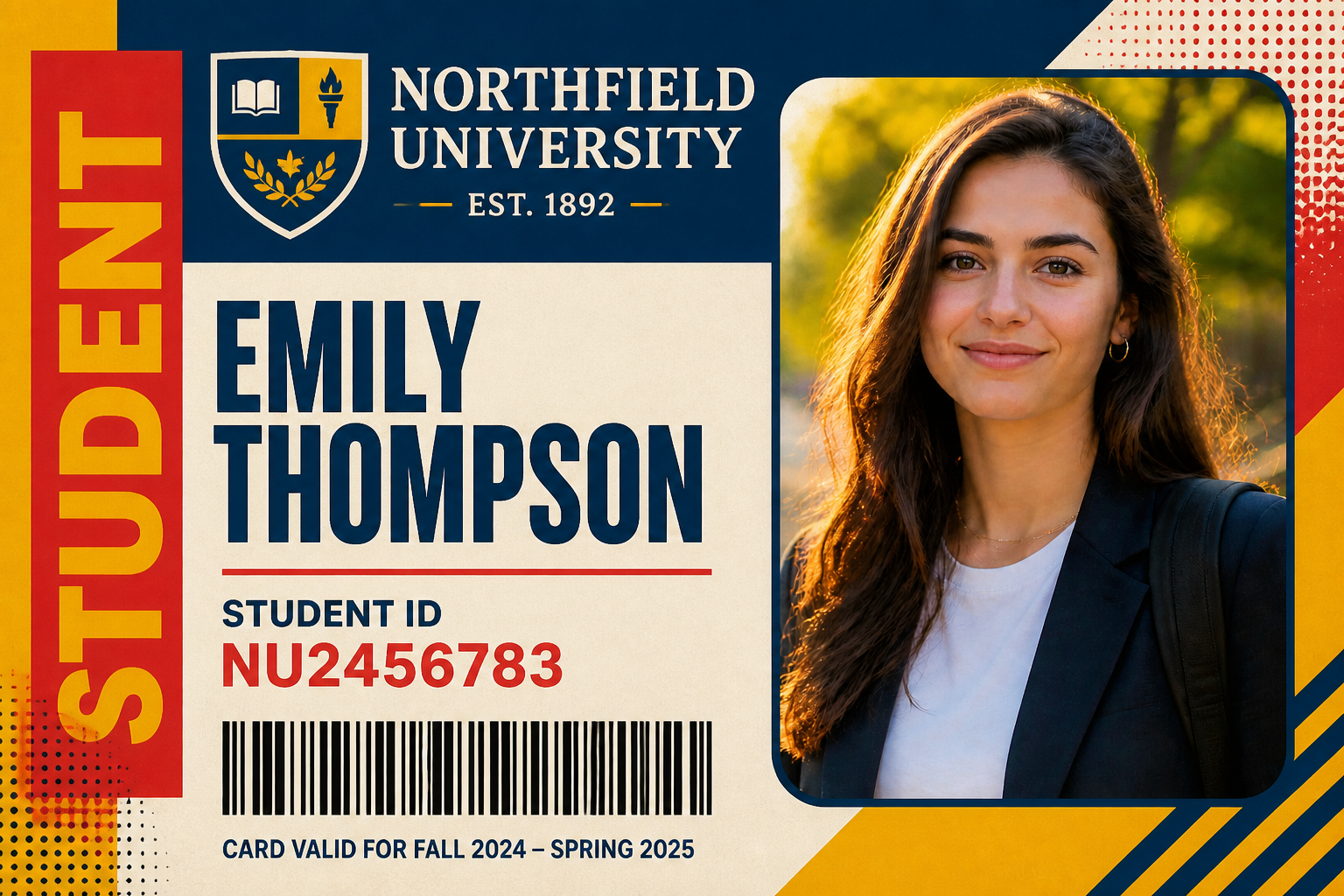
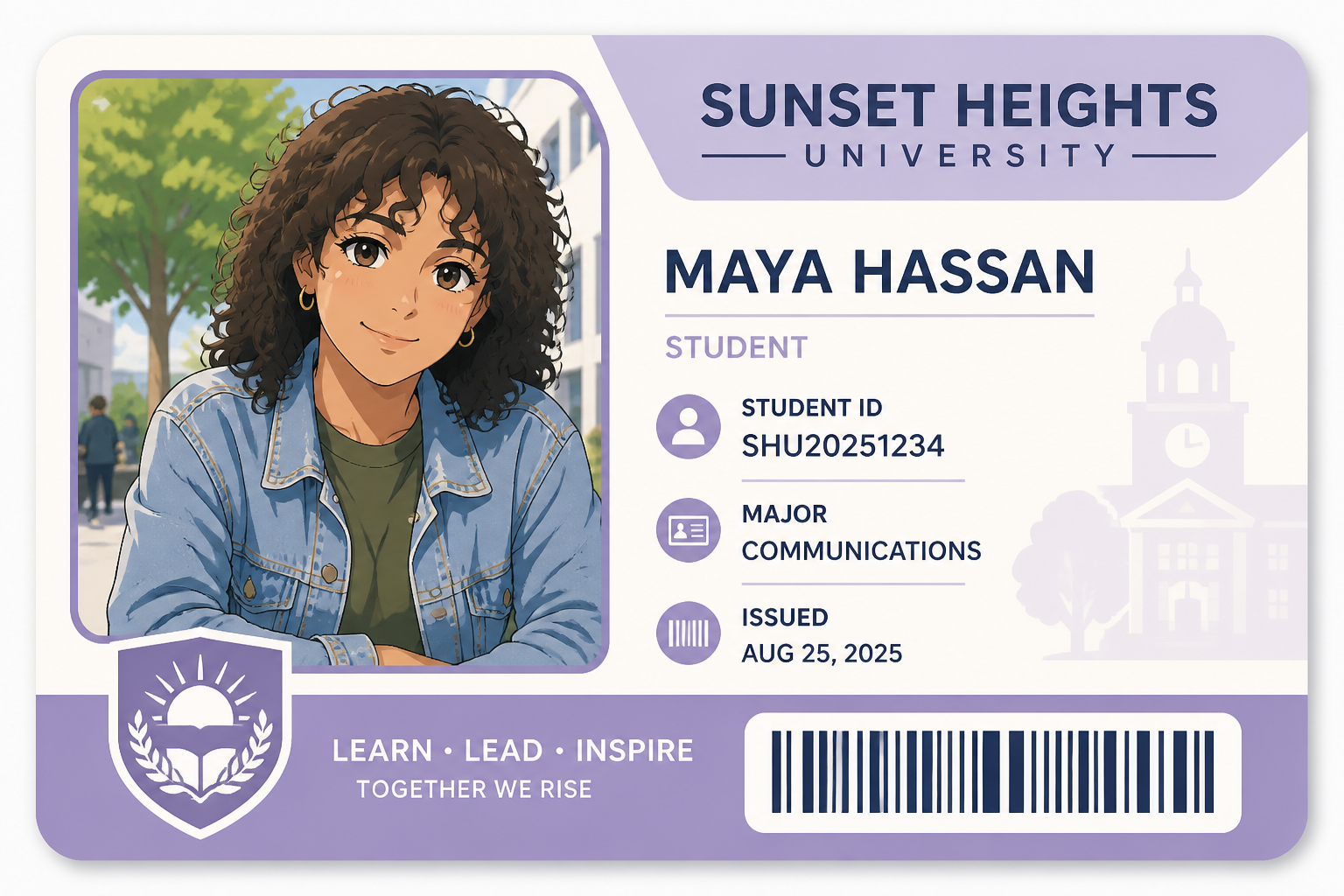
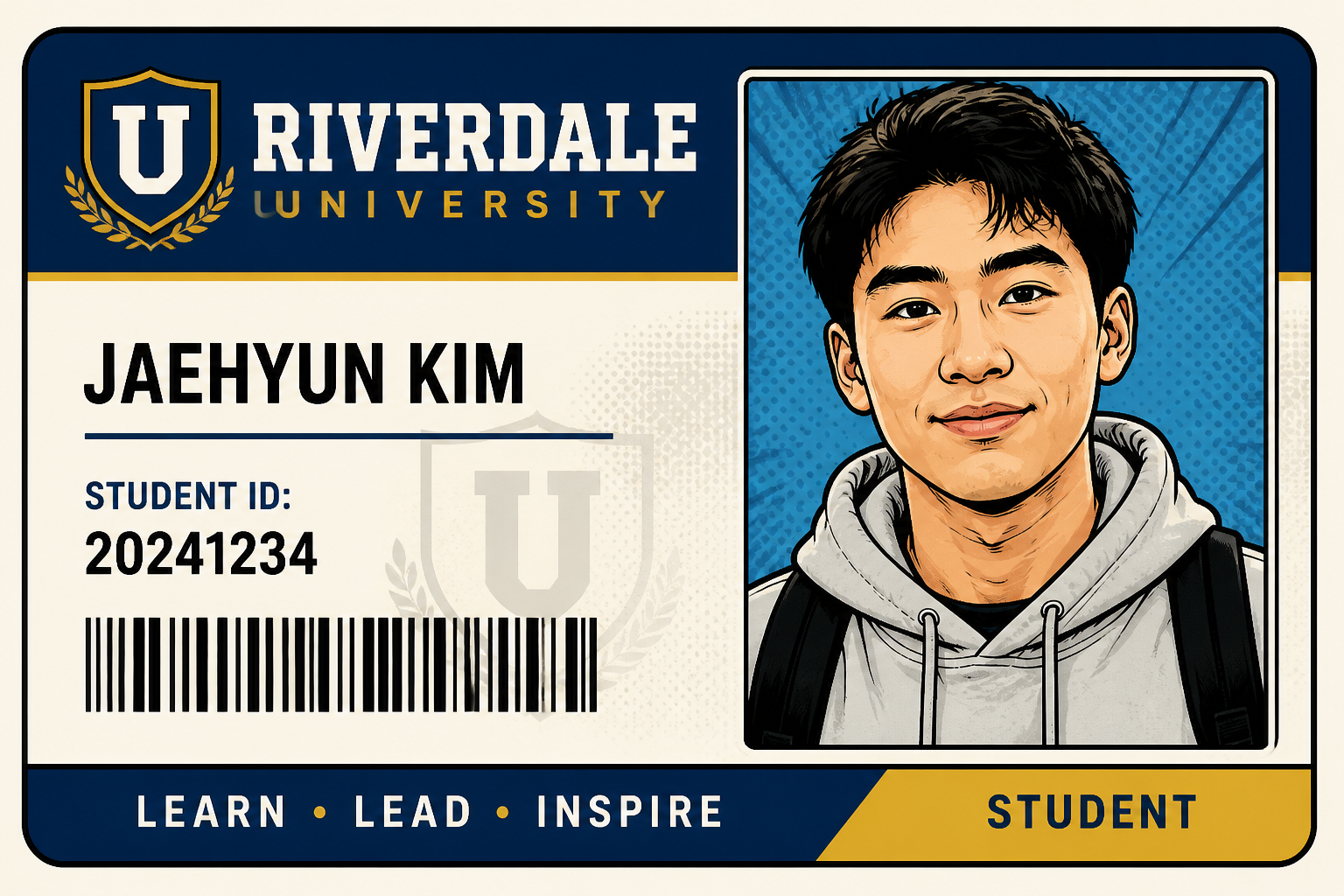
See It In Action
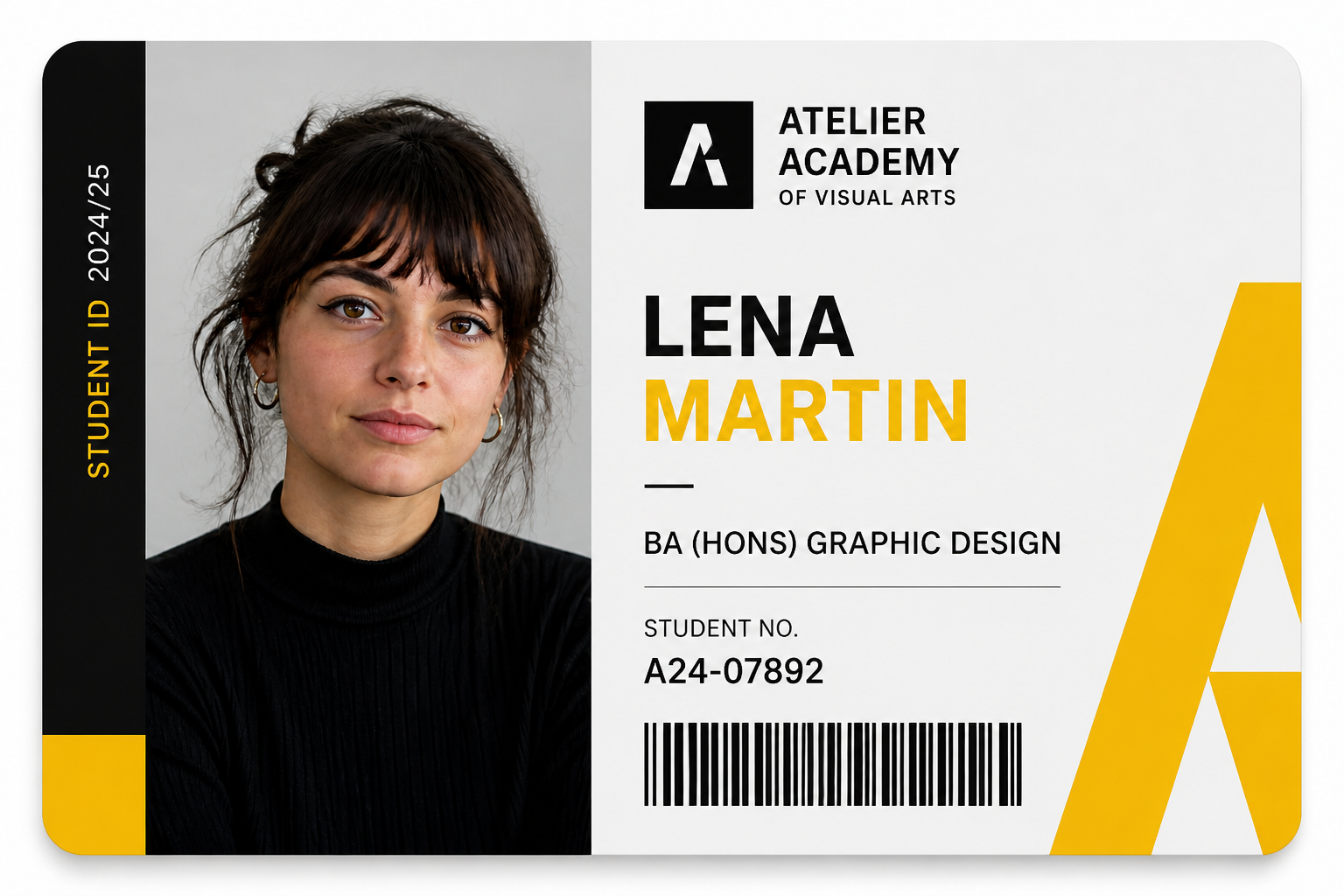
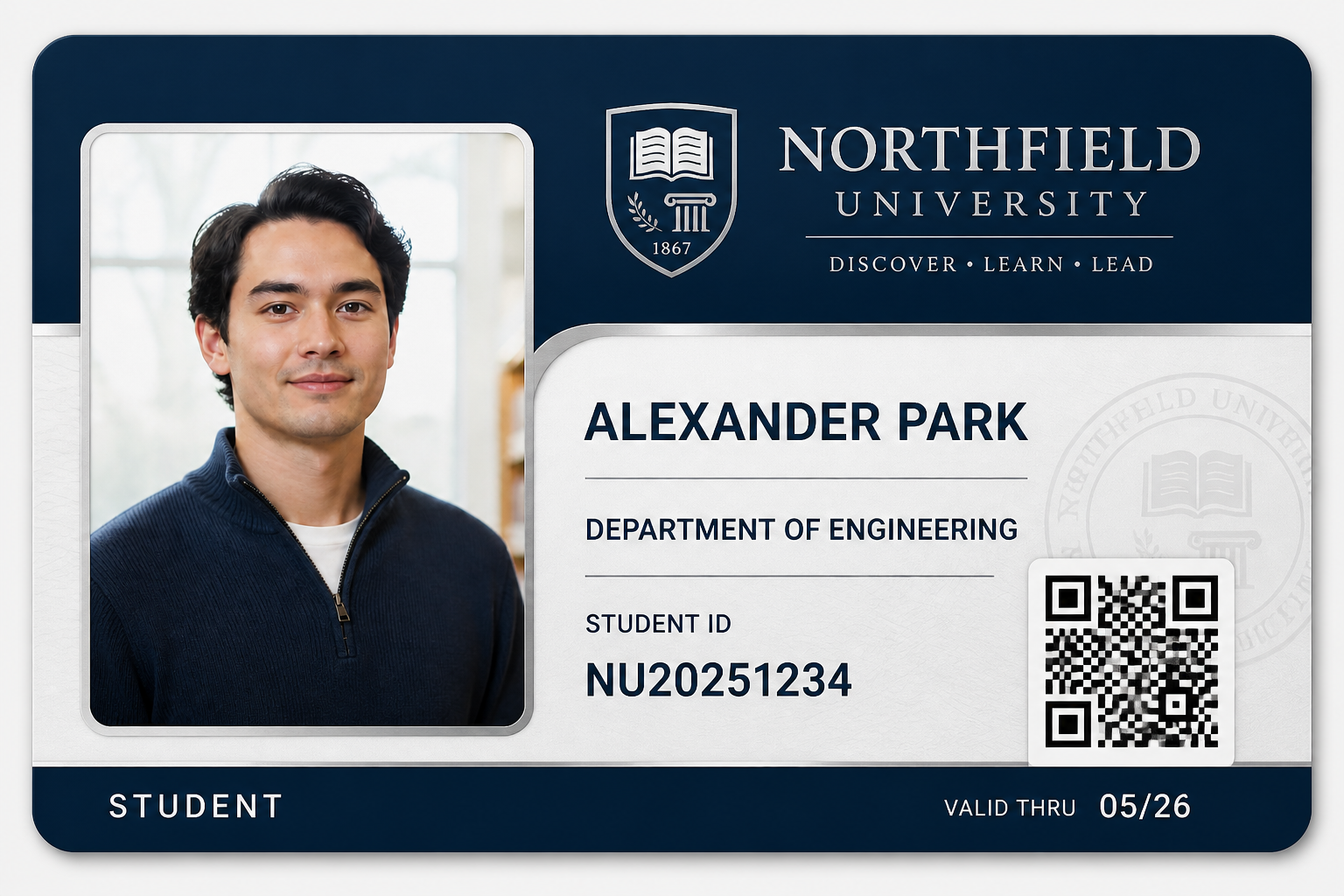
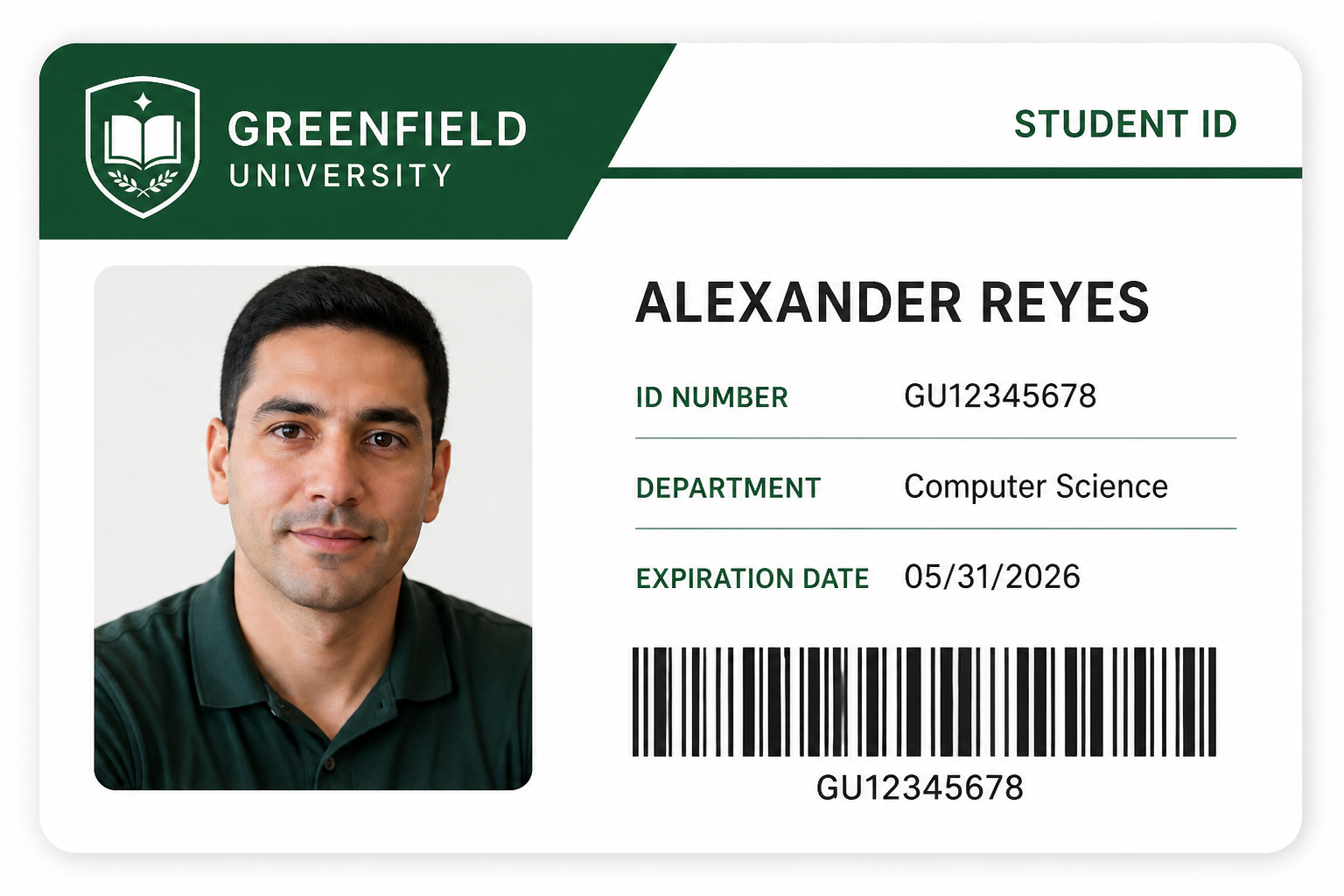
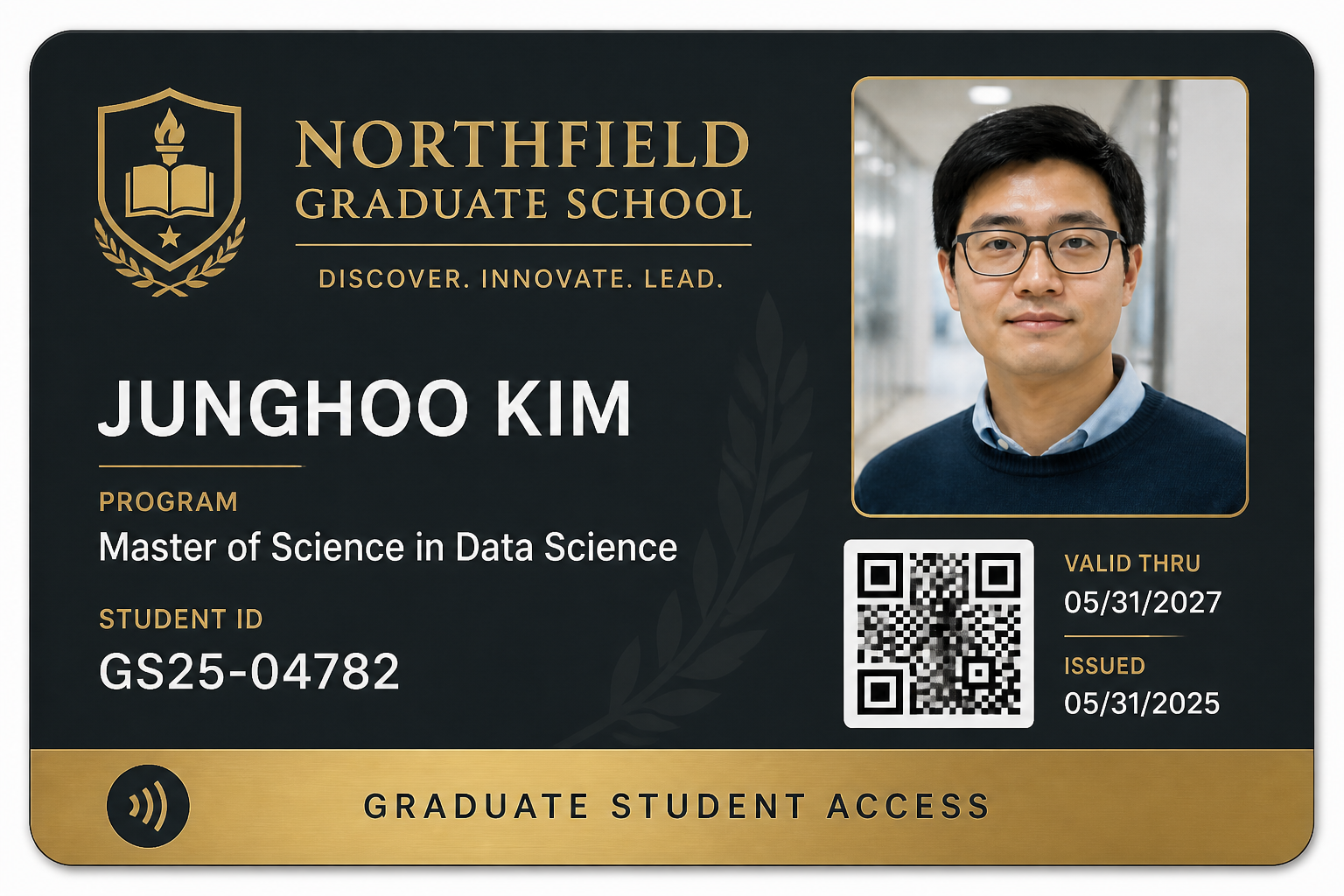
Real outputs from student id card design generator.
BEFOREAFTER BEFORE
 AFTER
AFTER BEFORE
 AFTER
AFTER BEFORE
 AFTER
AFTER BEFORE
 AFTERBEFOREAFTERBEFOREAFTERBEFOREAFTERBEFOREAFTERBEFOREAFTER
 BEFORE
 AFTER
AFTER BEFORE
 AFTER
AFTER BEFORE
 AFTER
AFTER BEFORE
 AFTER
AFTER BEFORE
 AFTERBEFOREAFTERBEFOREAFTERBEFOREAFTERBEFOREAFTERBEFOREAFTER
Key Features

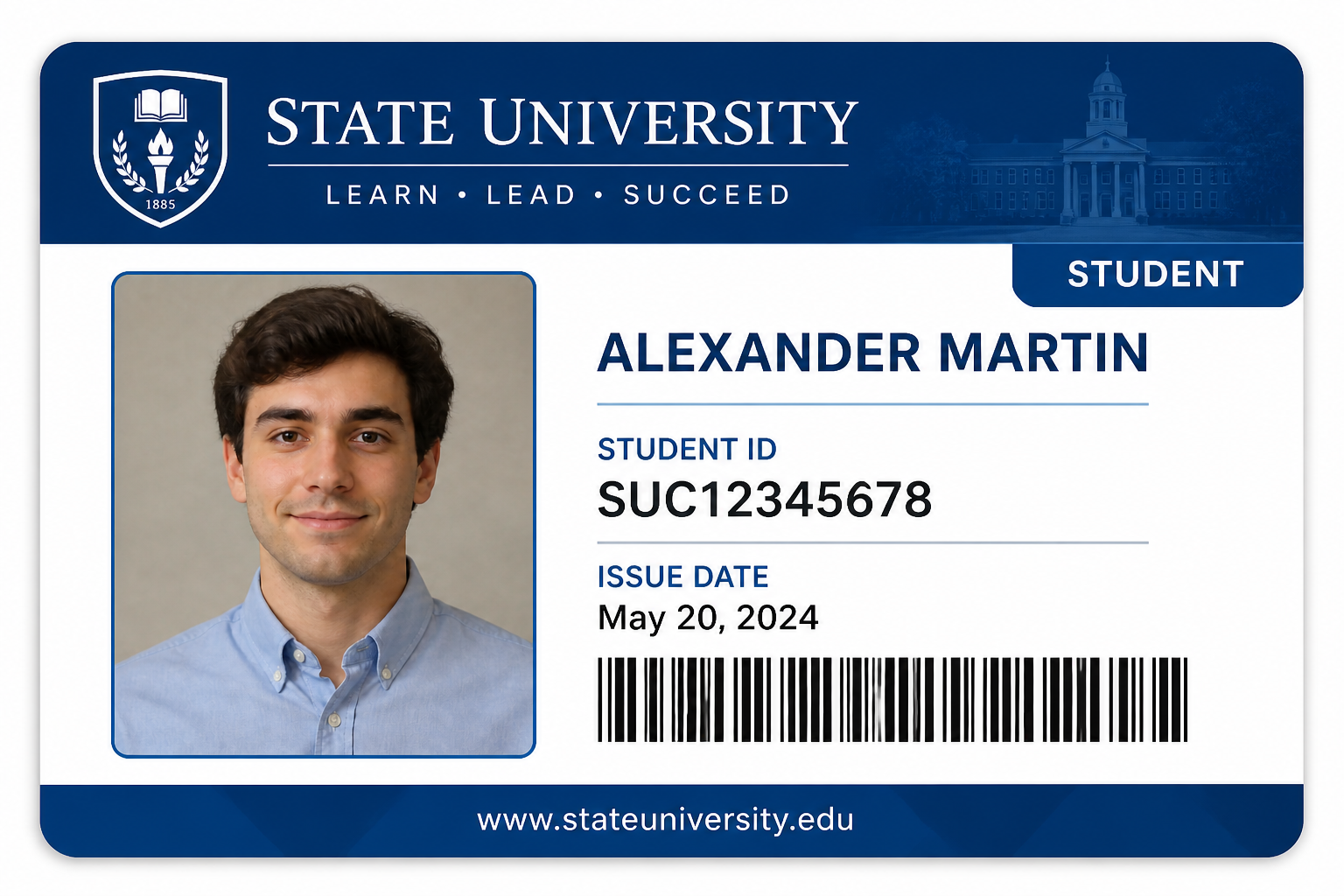
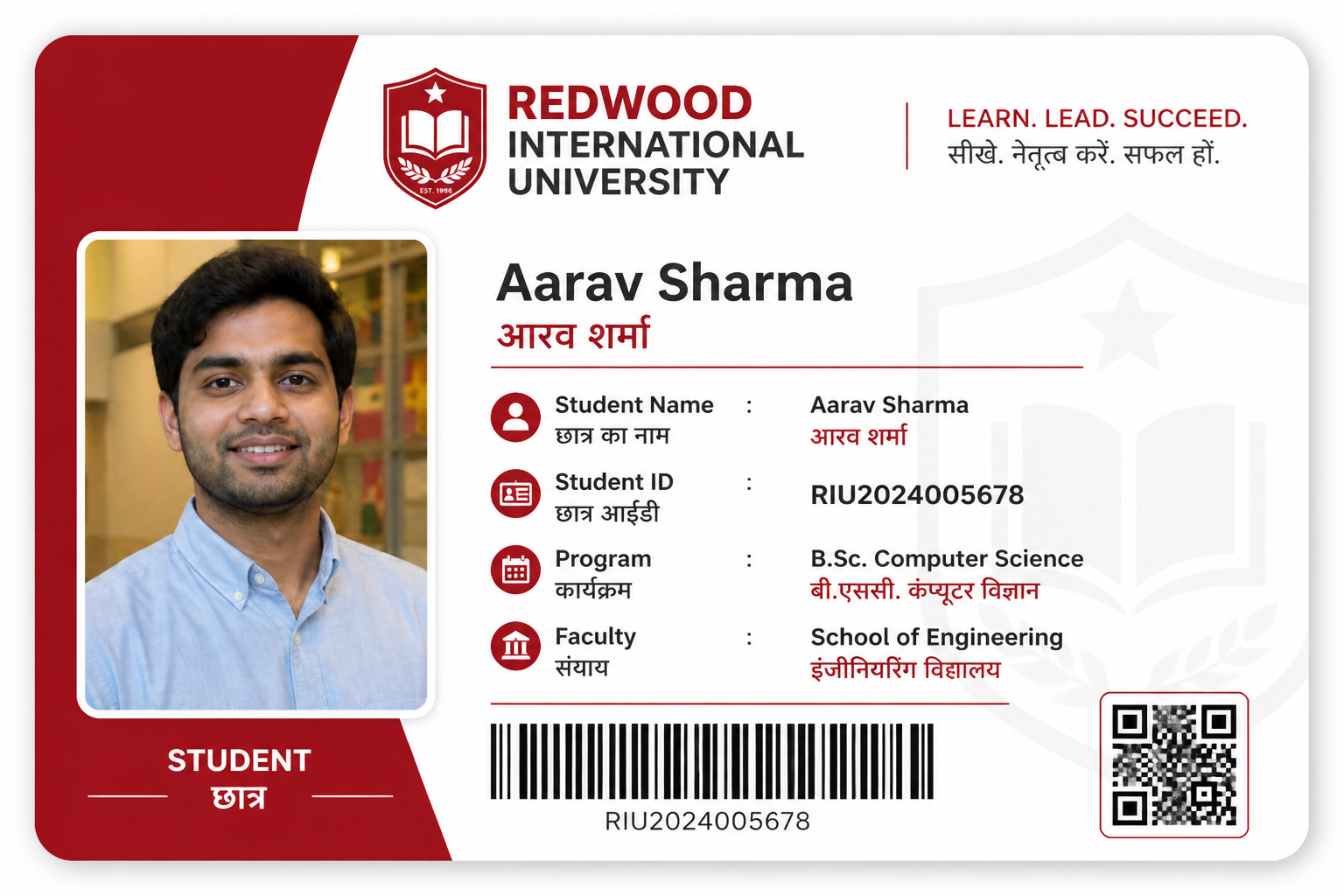
Portrait to ID layout
Start with a simple person photo and turn it into a structured student ID card concept. Our AI places the portrait into a readable badge format with space for names, numbers, and school details. That makes it useful for early drafts when you need something visual fast. You avoid building every mockup manually from a blank canvas.

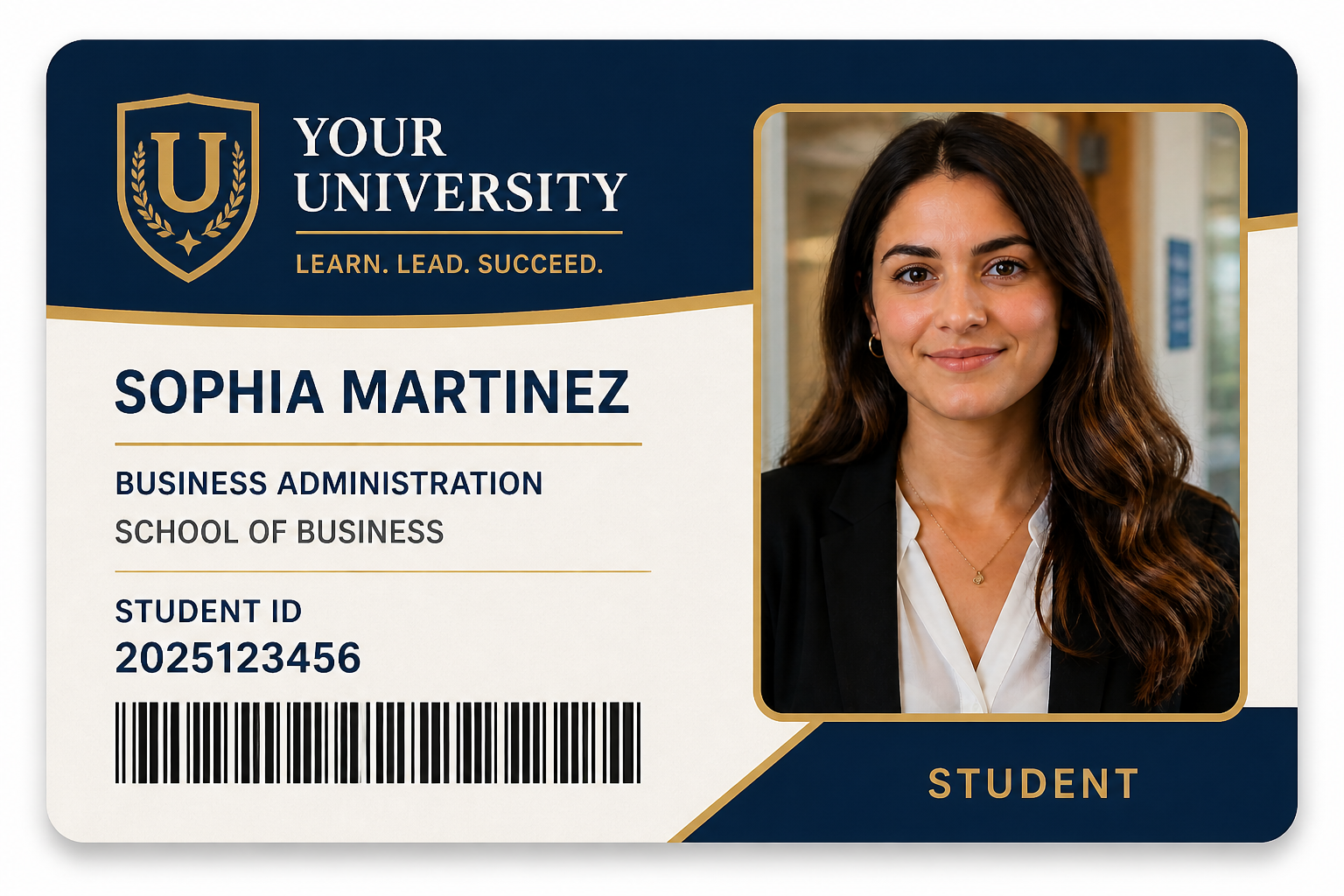
Consistent school branding
You can test colors, headers, and information blocks without redesigning the whole card each time. This helps teams compare multiple badge directions quickly and keep layouts aligned across departments. The result looks more like a real school ID draft than a loose concept sketch. It is a practical way to review branding before final production.

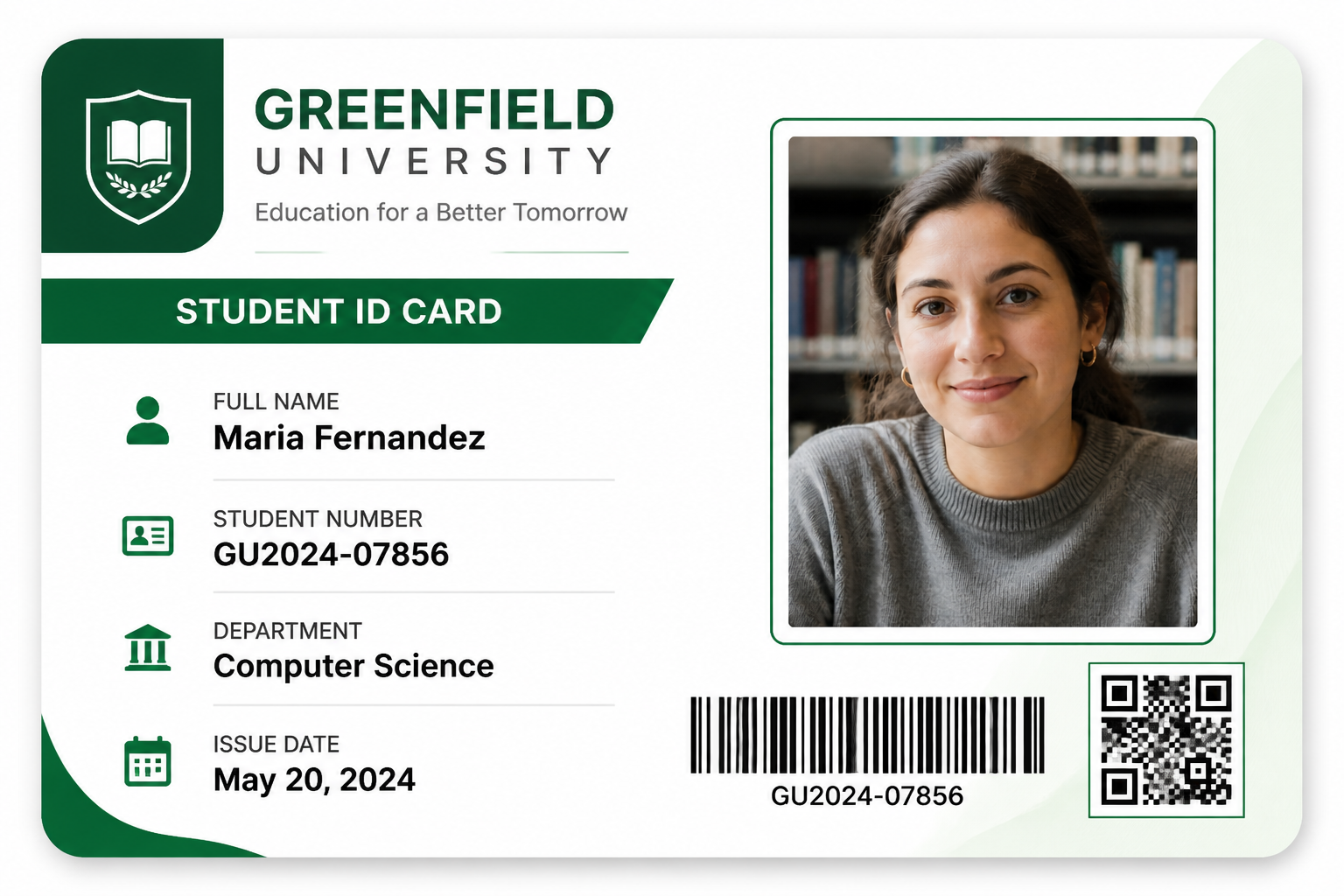
Readable data fields
Student IDs need more than a photo. The tool can visualize common card elements like names, ID numbers, barcodes, and QR zones so your mockup feels complete. That makes reviews easier because stakeholders can judge spacing and hierarchy at a glance. It is faster than arranging every field by hand in design software.

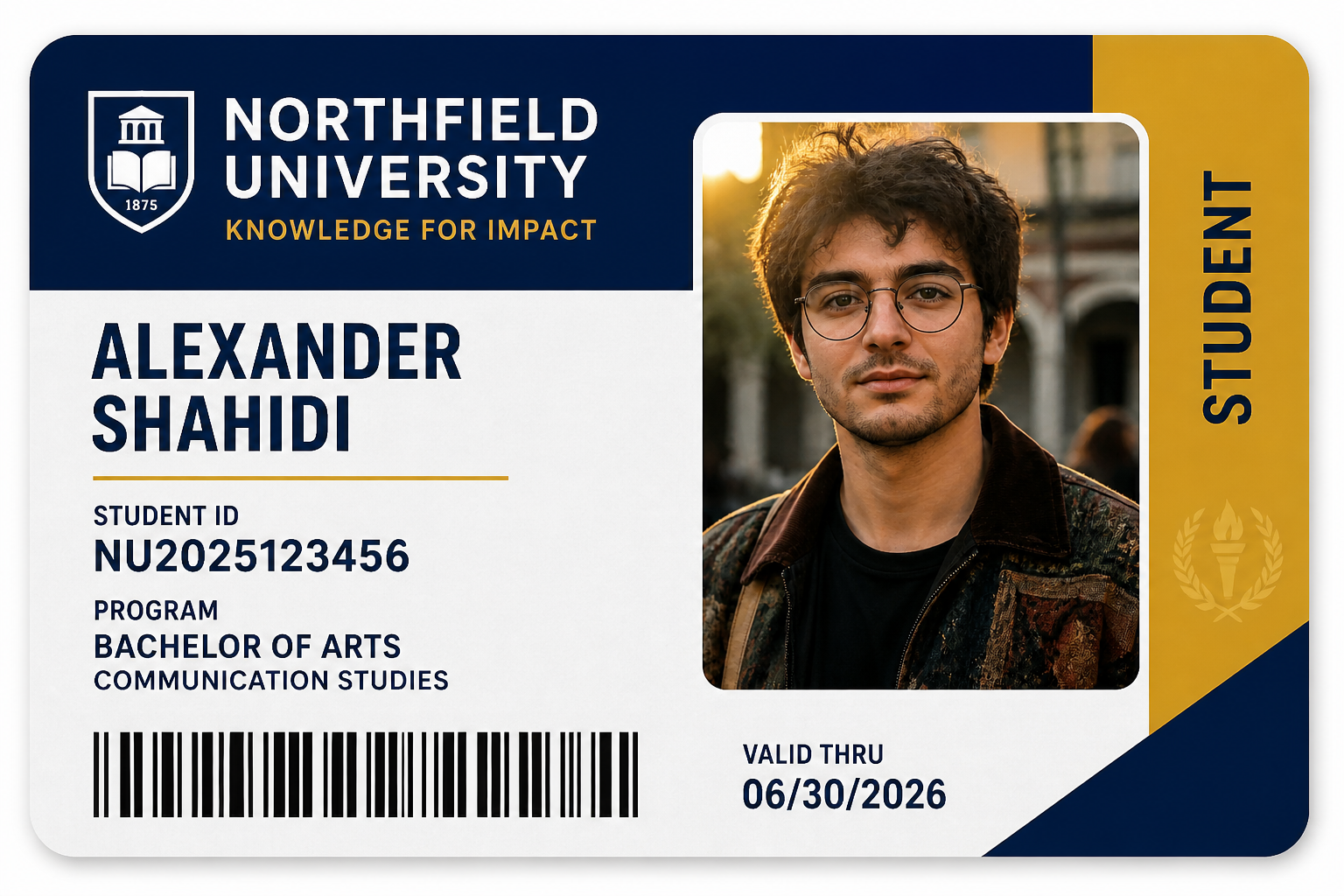
Flexible visual styles
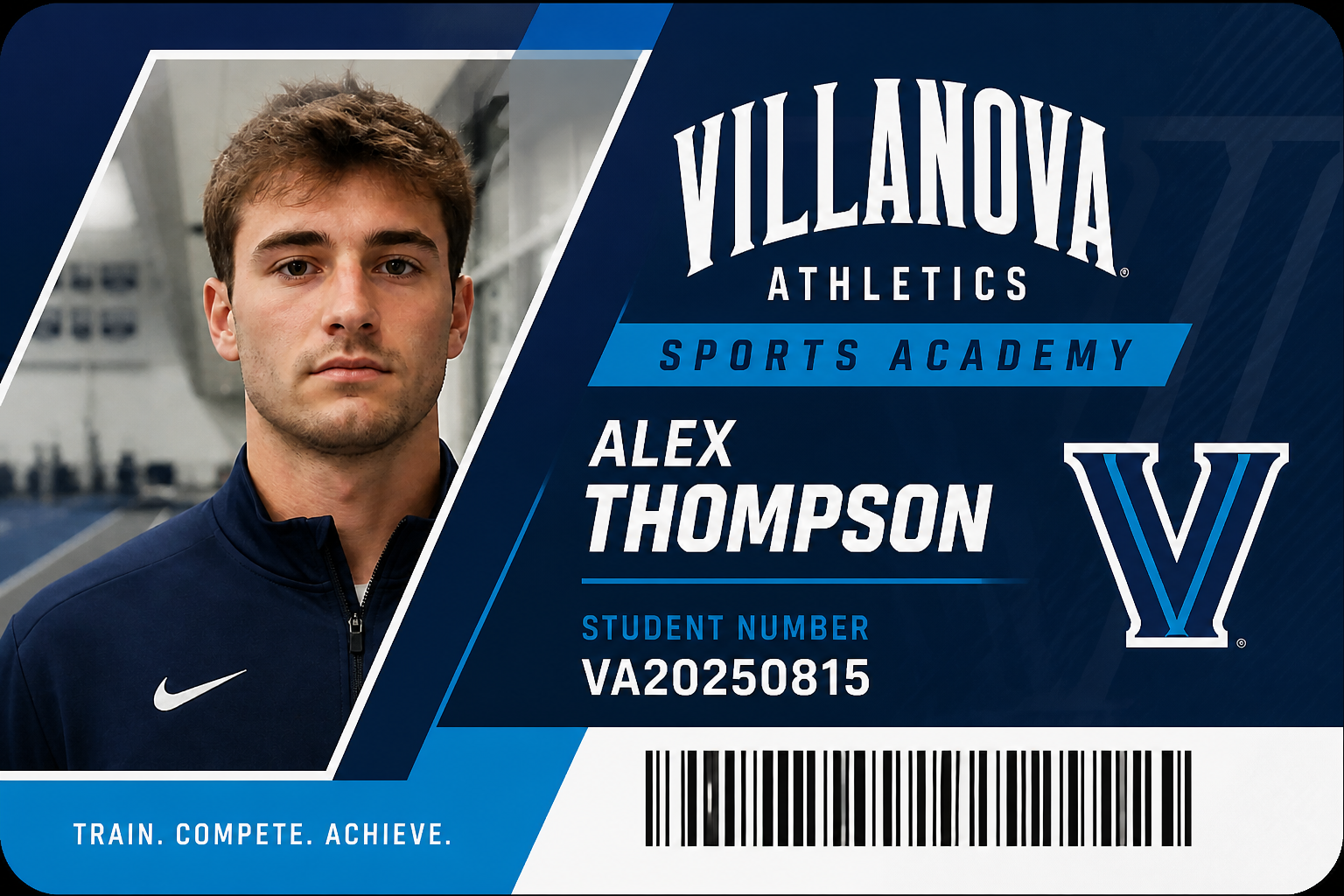
Some schools want a formal institutional look, while others prefer something younger and more graphic. You can explore multiple directions from the same portrait, from minimal card systems to bold editorial layouts. That range is hard to produce quickly by hand when you are still deciding on the look. It gives you more presentation-ready options with less setup time.
How It Works
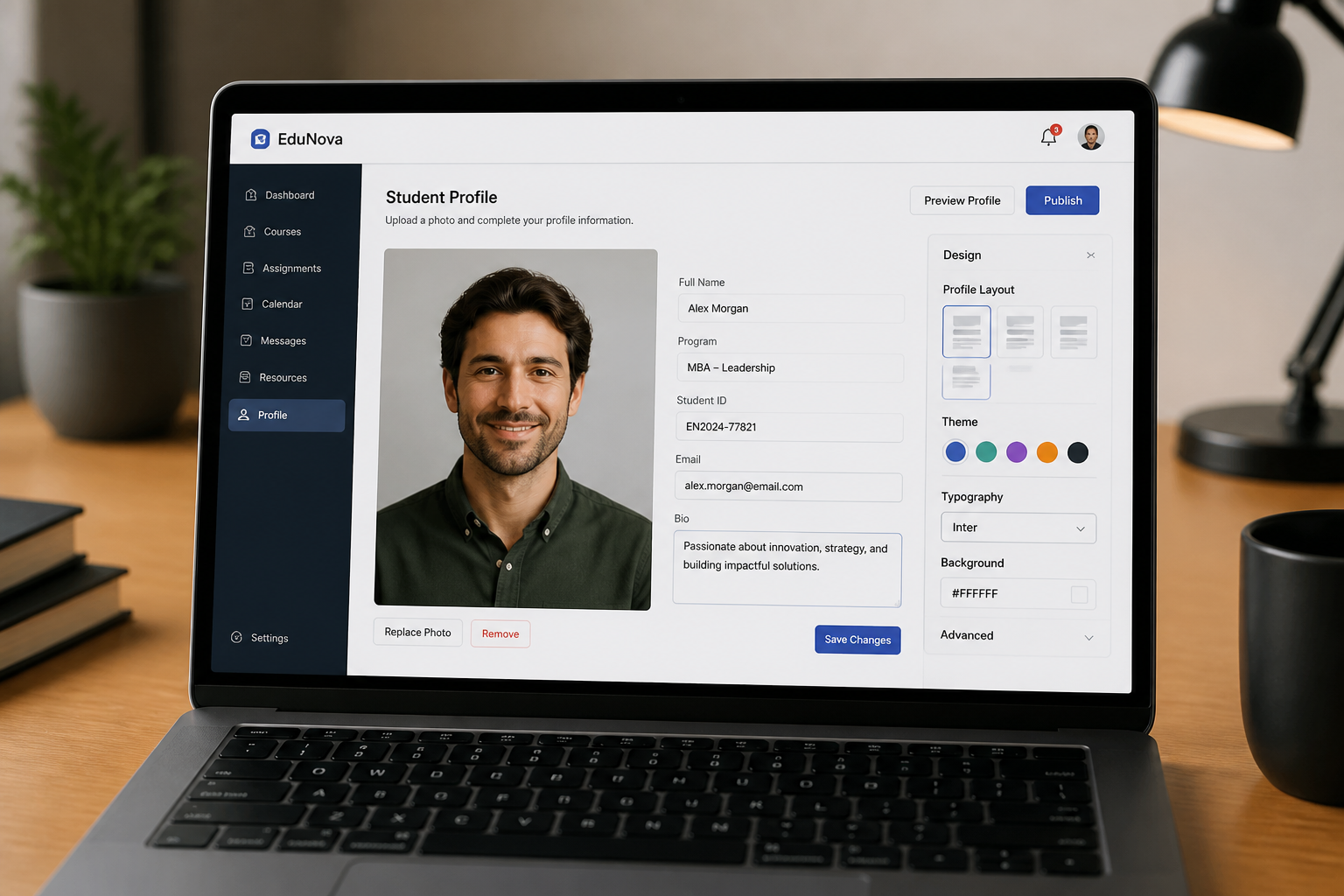
Upload a person photo
Start with a clear photo of one adult person facing the camera. A simple portrait with good lighting works best for clean student ID mockups.
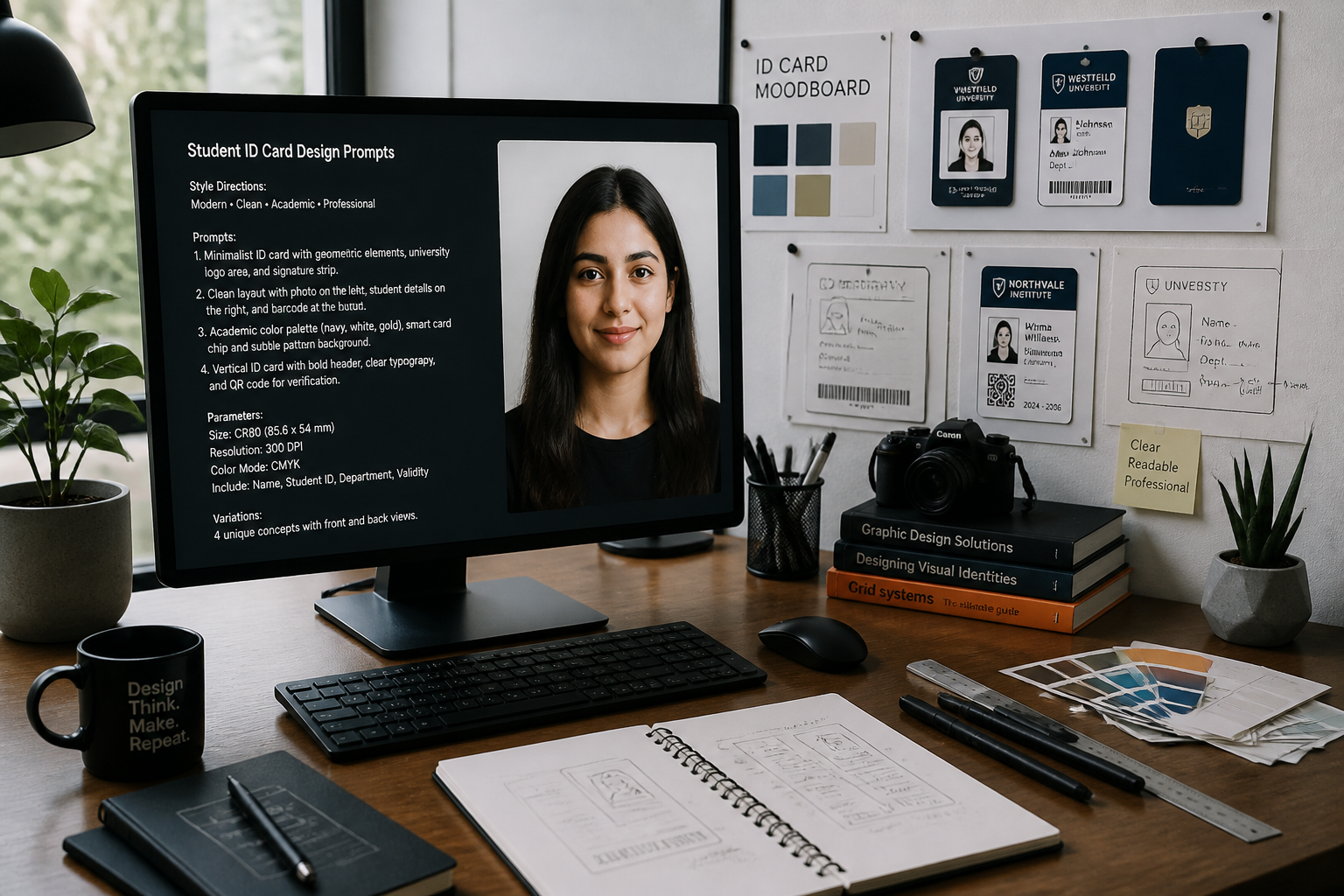
Describe the card style
Tell the AI what kind of student ID you want, such as modern university, minimalist school badge, or branded campus pass. You can mention colors, fields, and layout details you want included.
Review the ID concept
Generate the card and compare the original portrait with the ID design result. If needed, refine the style and create more options for approval.
Perfect For
Discover how creators and professionals use student id card design generator
School badge mockups
Create early design concepts for student IDs before the final production process starts.
Approval presentations
Show administrators or clients multiple ID directions using the same person photo for easy comparison.
Template exploration
Test different school branding systems, layouts, and field structures without rebuilding each card manually.
Portfolio visuals
Generate polished student ID concepts for design case studies, demos, and pitch decks.
Built For
School administrators
Preview student ID concepts quickly before committing to a final badge system.
Design freelancers
Create presentation-ready ID card drafts from simple portraits for client reviews.
Campus marketing teams
Explore branded student pass visuals that match broader school identity guidelines.
Why use it for student ID mockups
A quick look at how we compare on the things that matter for this niche.
| Feature | BudgetPixel | Generic AI editors | Manual editing apps |
|---|---|---|---|
| Portrait-to-ID transformation | ✓ | — | — |
| Fast layout exploration | ✓ | ✓ | — |
| Keeps source face recognizable | ✓ | — | ✓ |
| School branding mockups | ✓ | — | — |
| Manual design time required | Low | Medium | High |
Frequently Asked Questions
What kind of photo should I upload?
Will the result look like a real student ID card?
Can I control the branding and layout?
Does it keep the person recognizable?
Can I use it for multiple design directions?
Create together.
Share your creations, discover trending AI art, and grow with fellow creators.






























Ready to Try Student ID Card Design Generator?
Get started for free. No credit card required.
Try it Free