AI ID Card Generator from a Photo
Turn a portrait into a clean badge mockup in seconds.
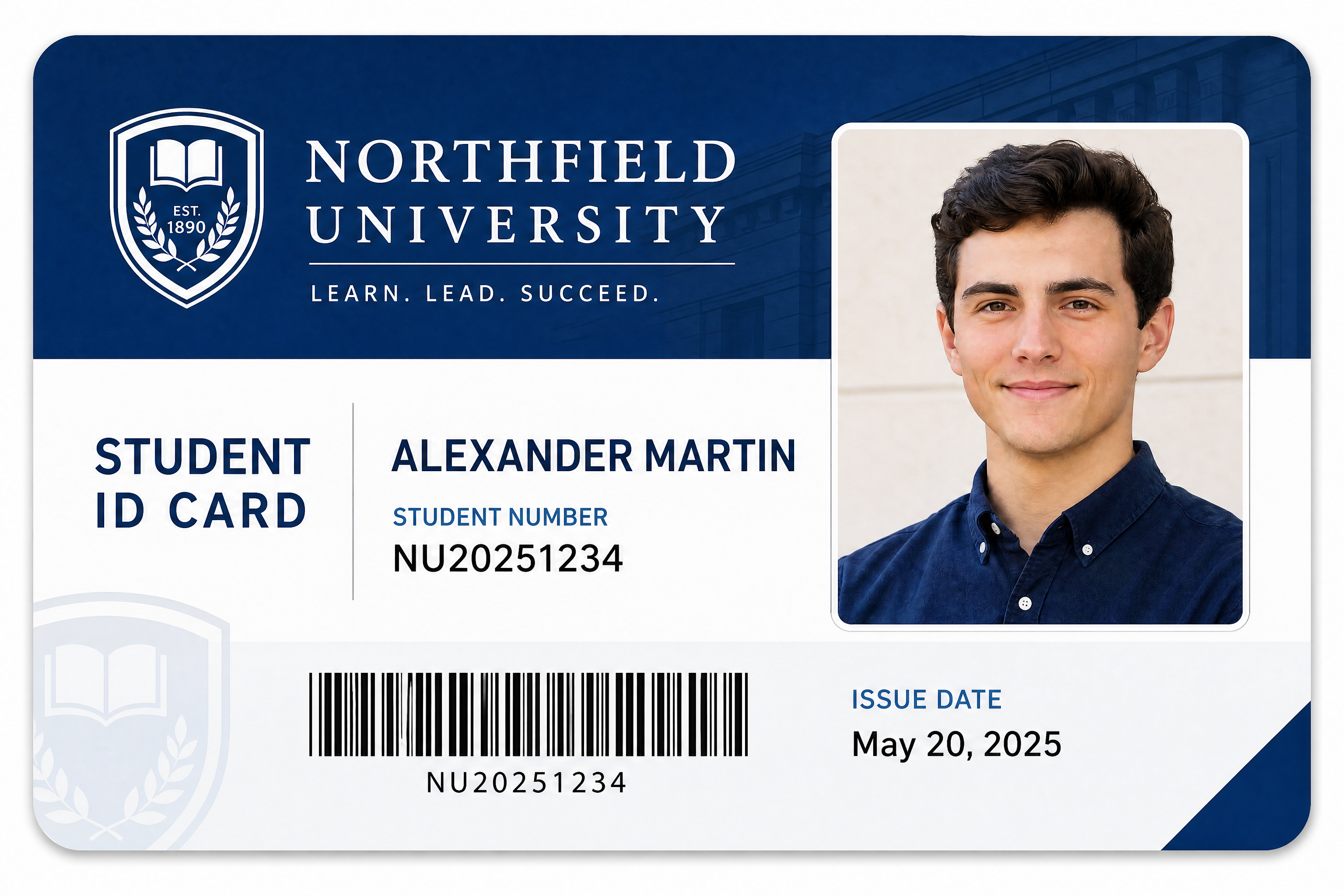
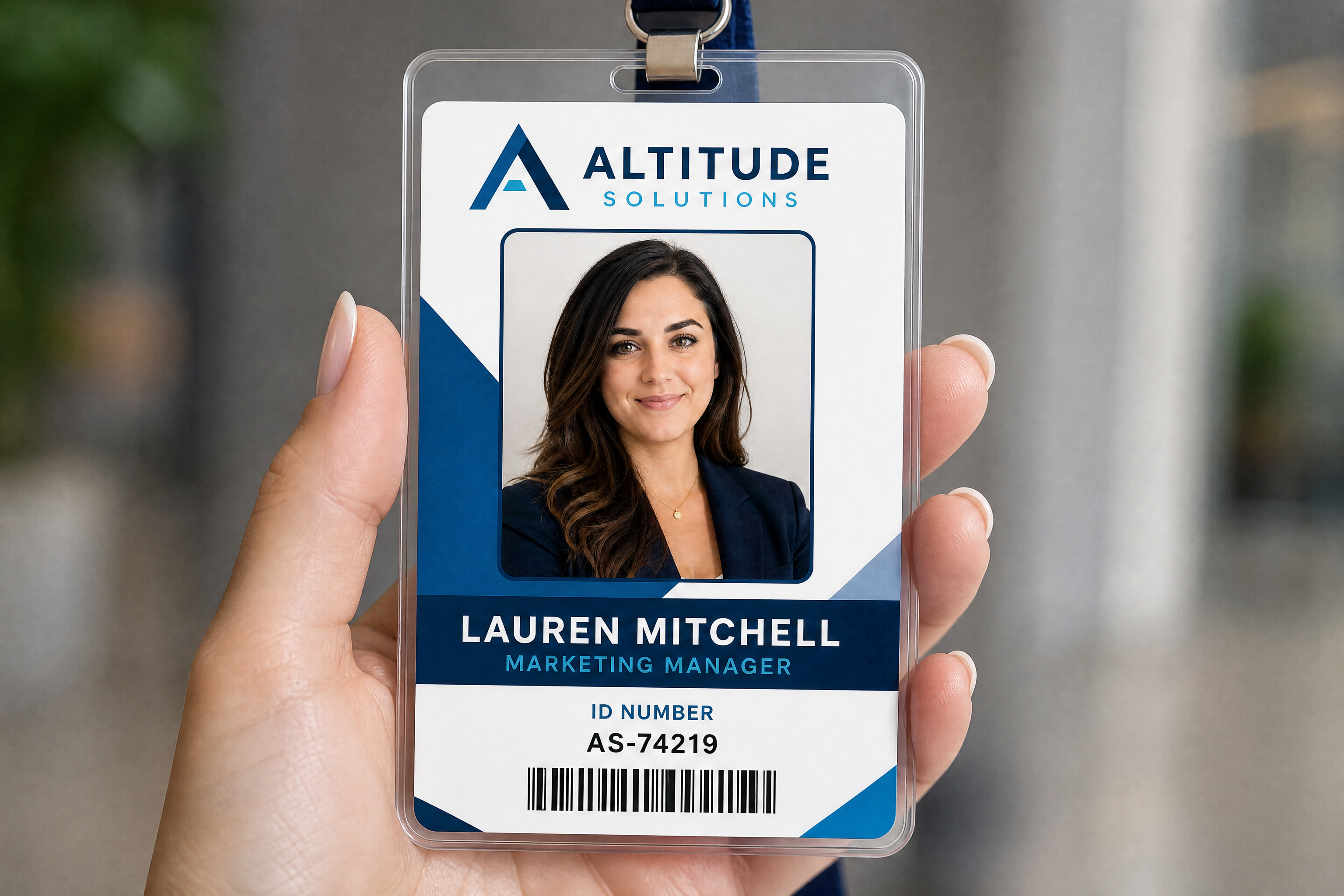
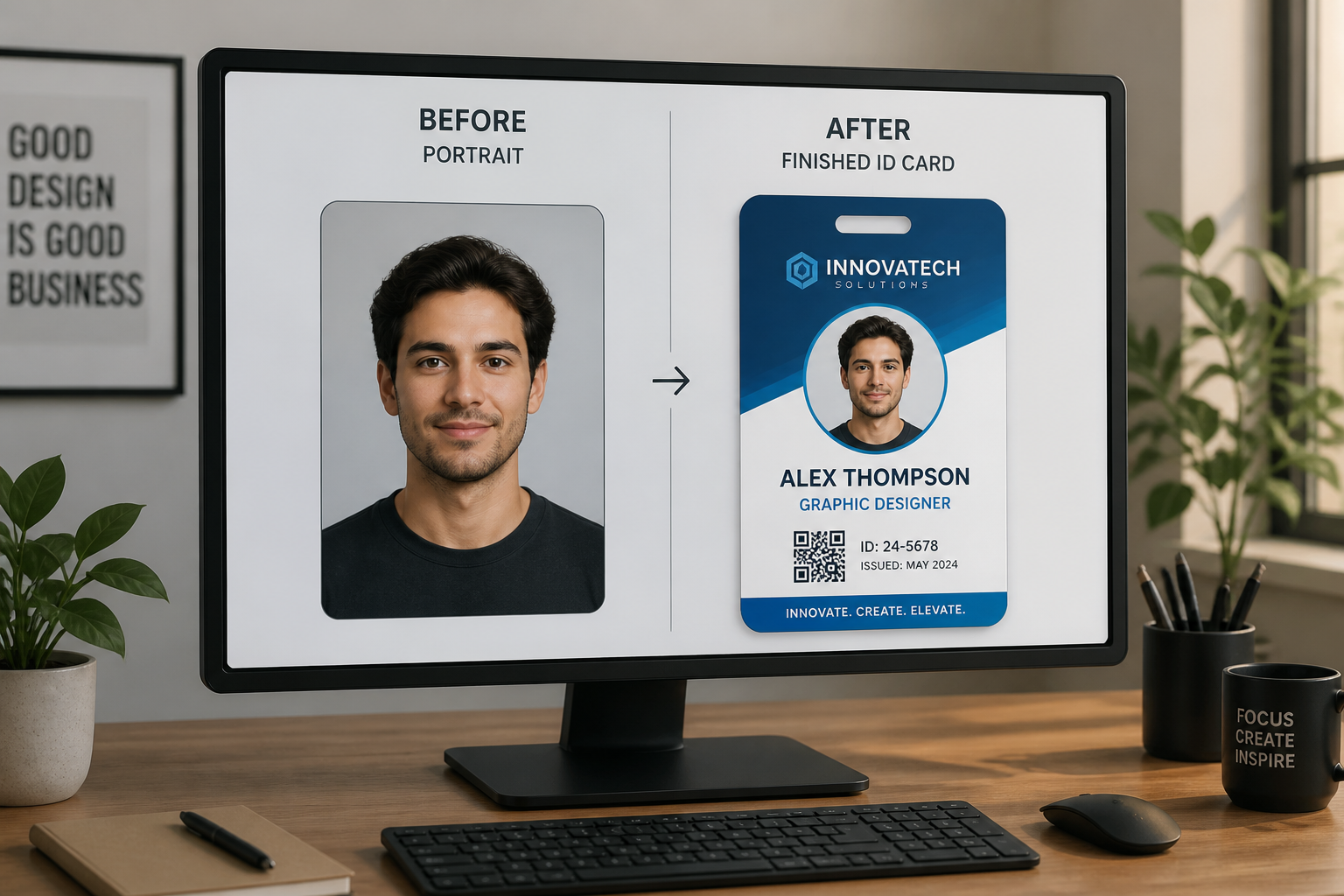
Upload a photo and generate a polished ID card style layout for employee badges, student passes, club cards, or event credentials. Our AI keeps the person recognizable while adding a realistic card design, clear typography, and a professional presentation.

Watch the Transformation
See ai id card generator in motion — generated end-to-end by our AI.
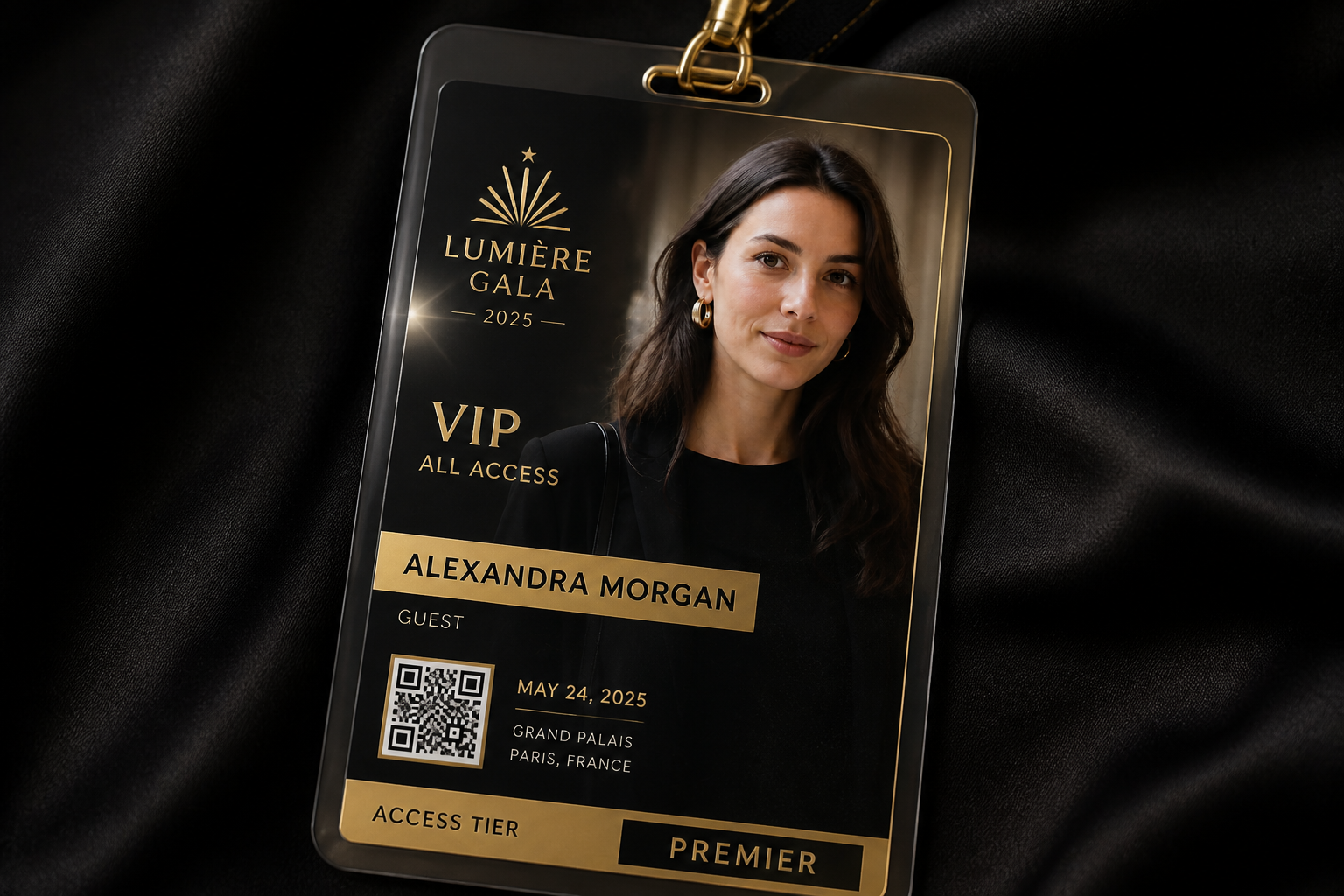
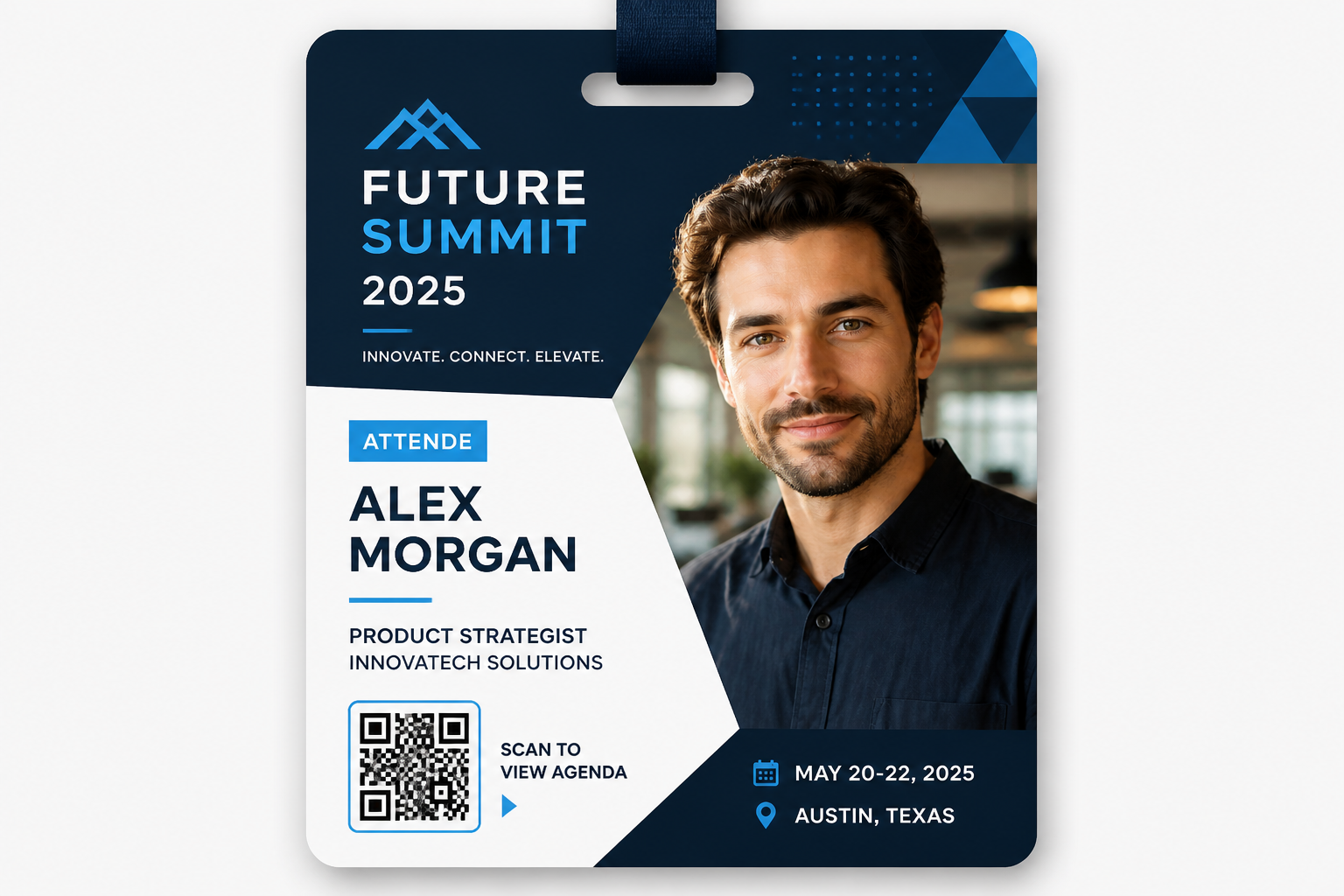
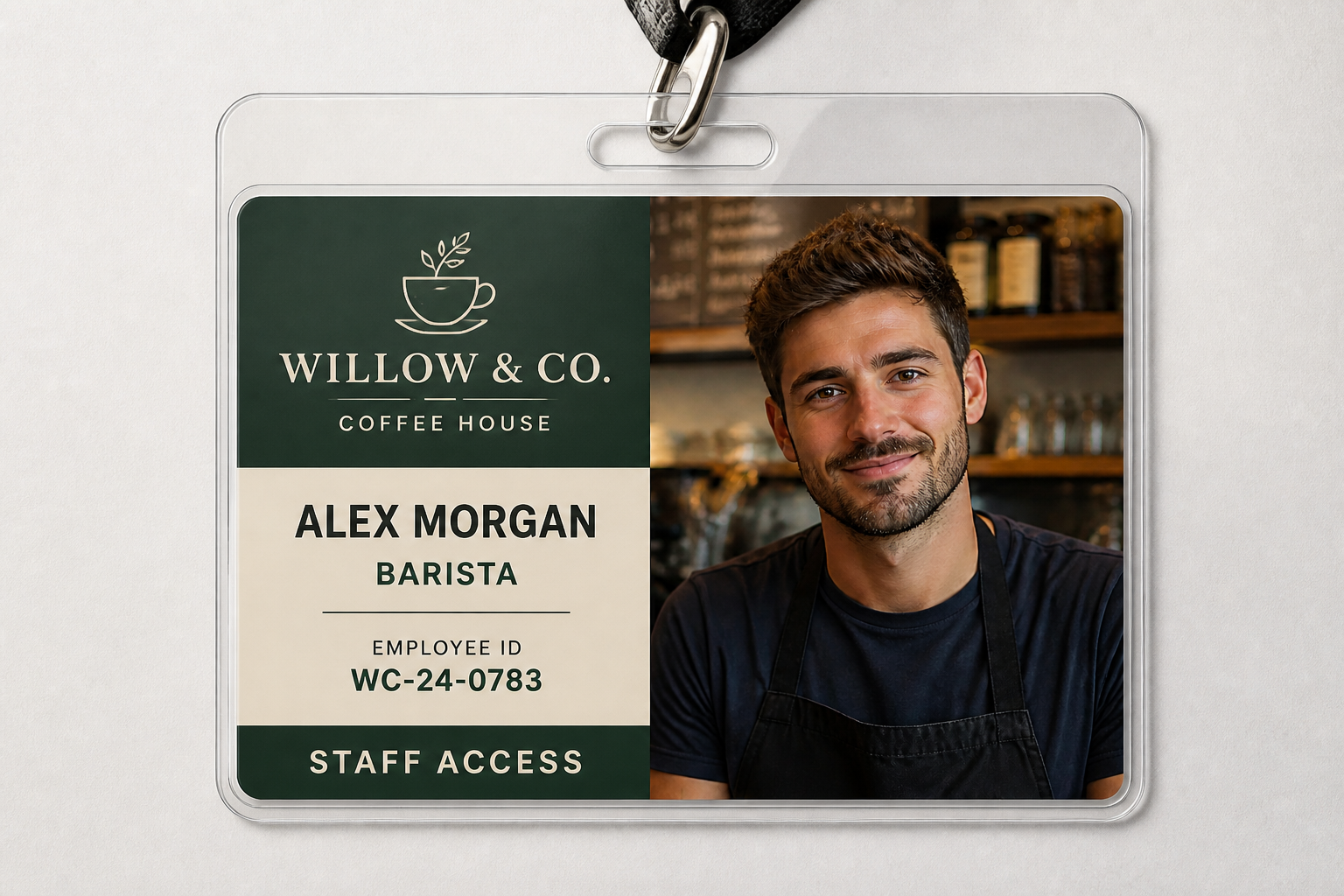
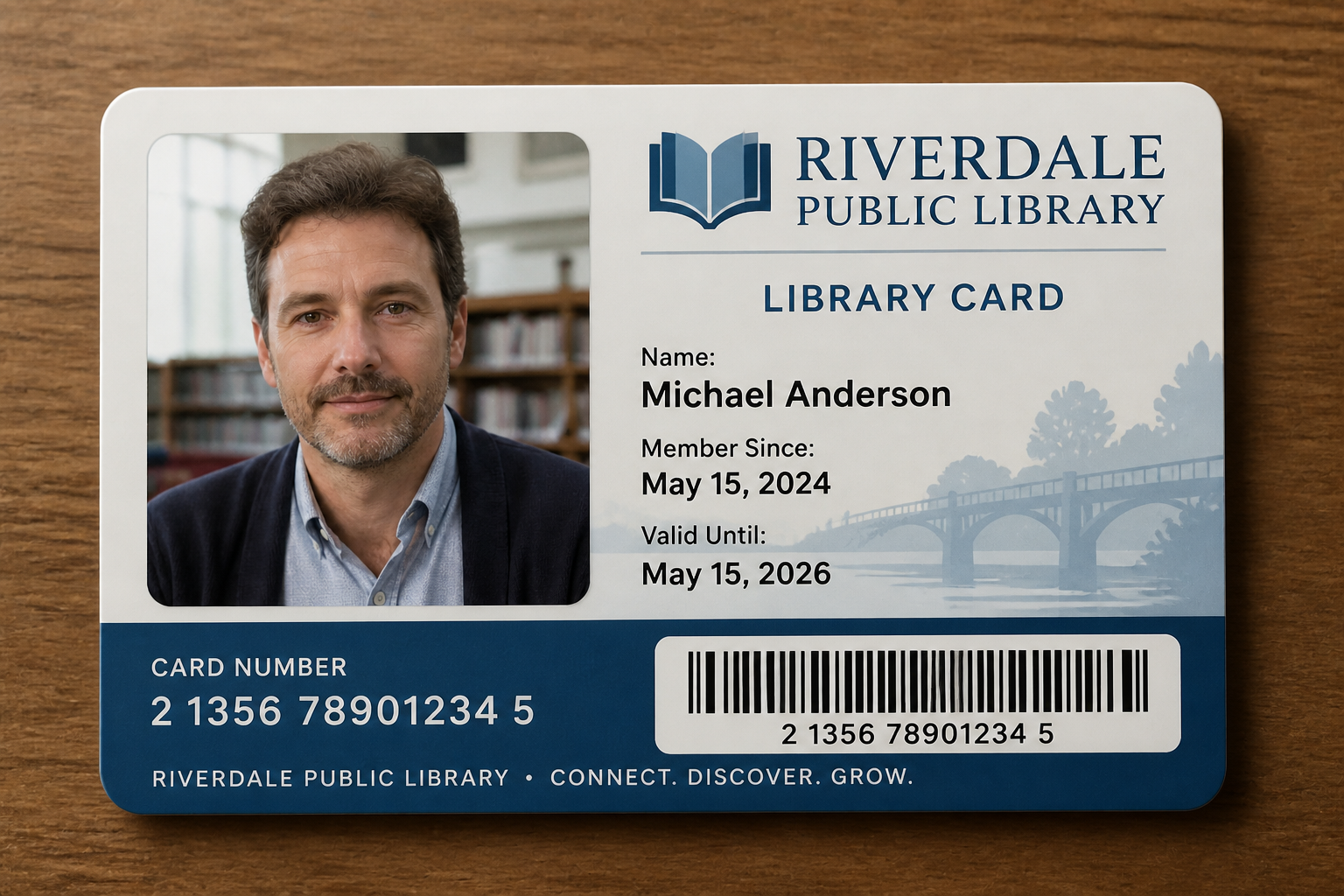
See It In Action
Real outputs from ai id card generator.
BEFOREAFTER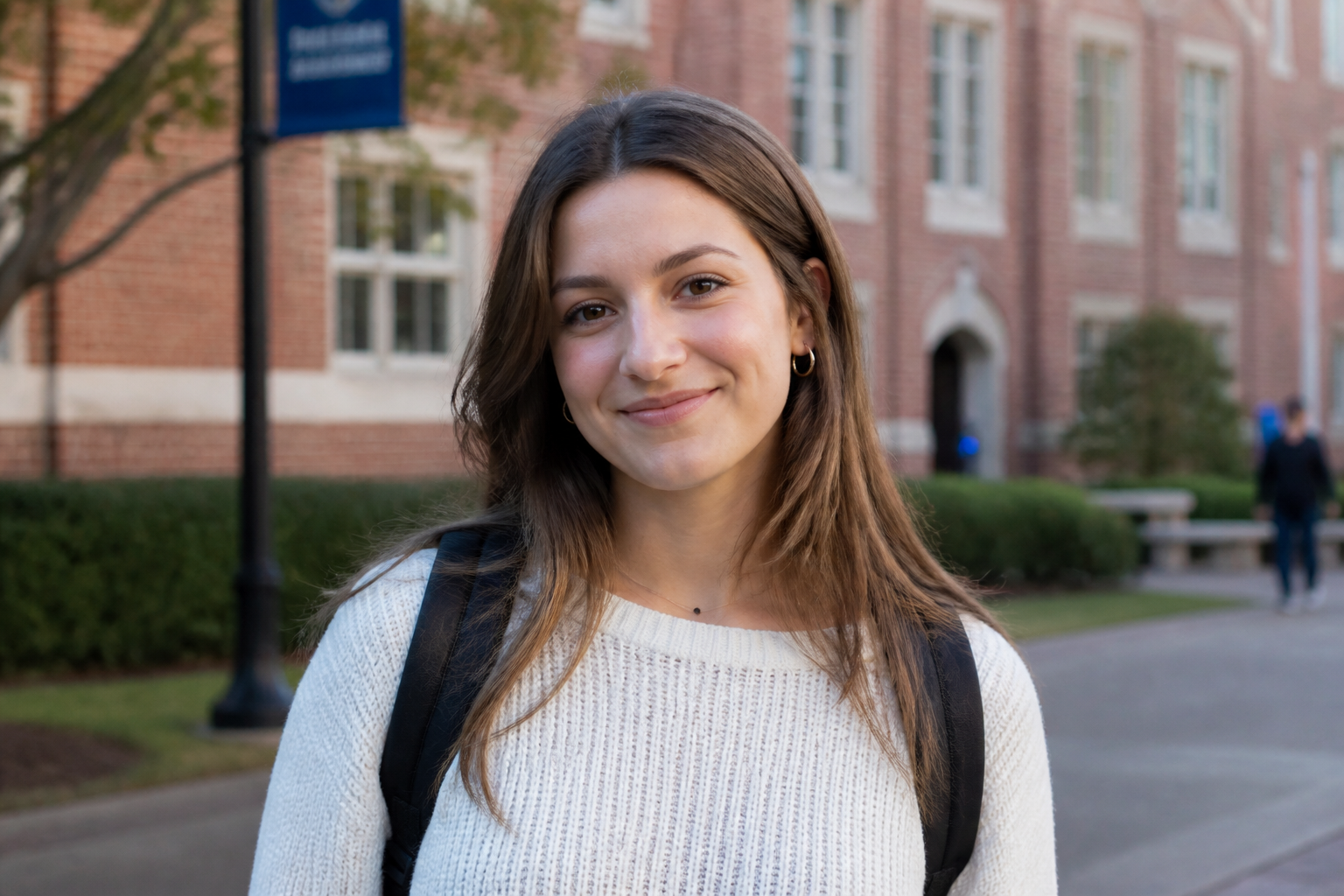 BEFORE
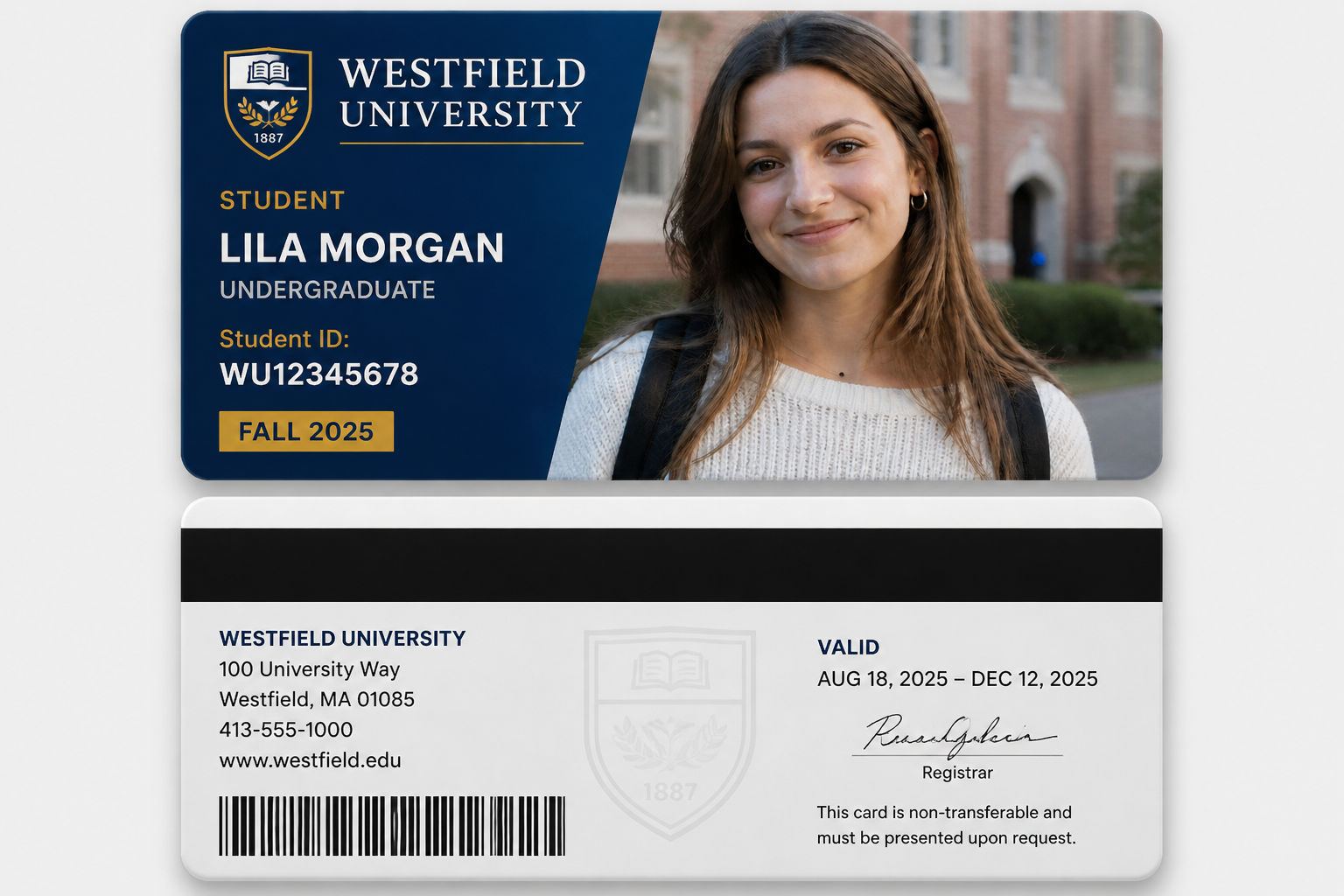 AFTER
AFTER BEFORE
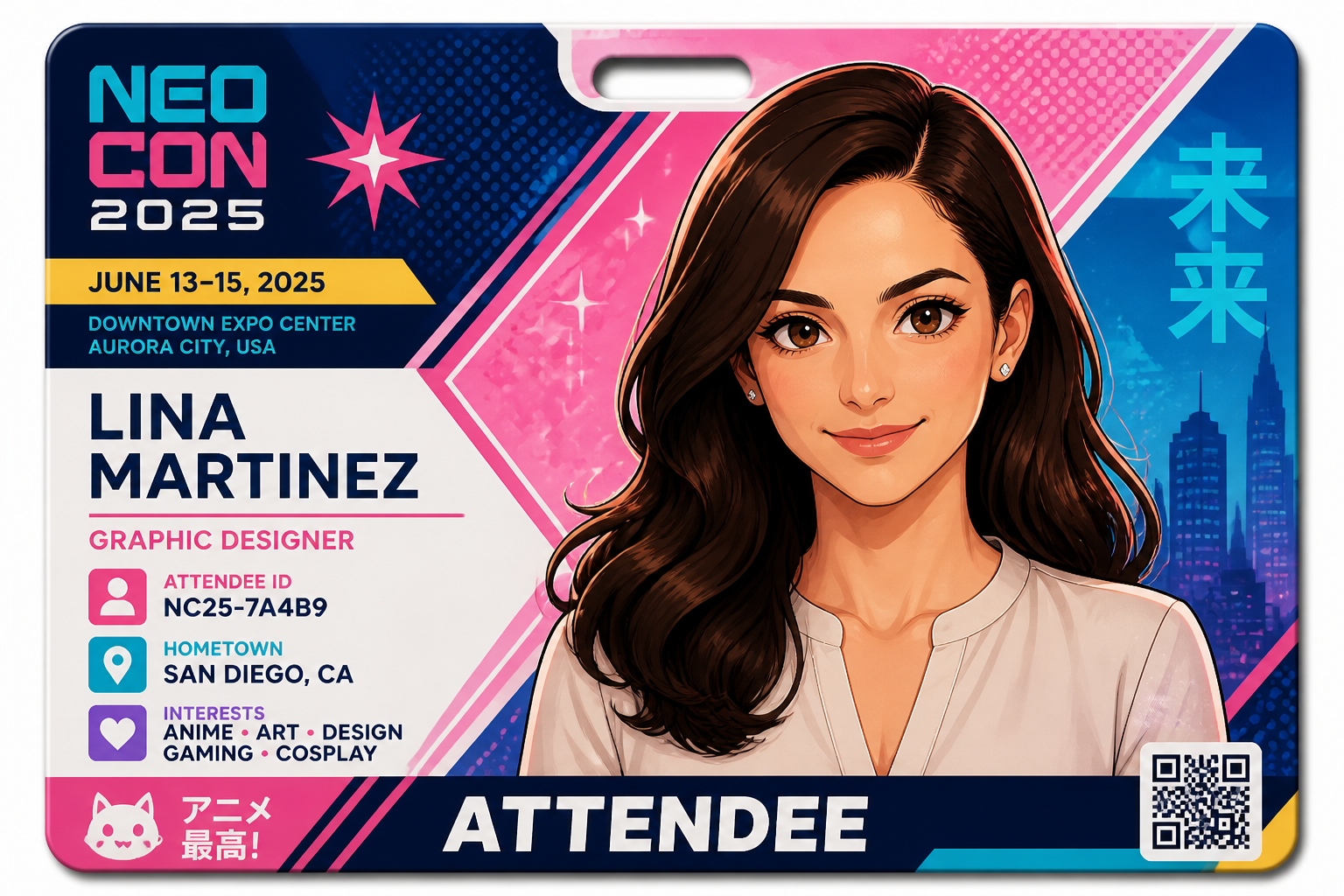 AFTER
AFTER BEFORE
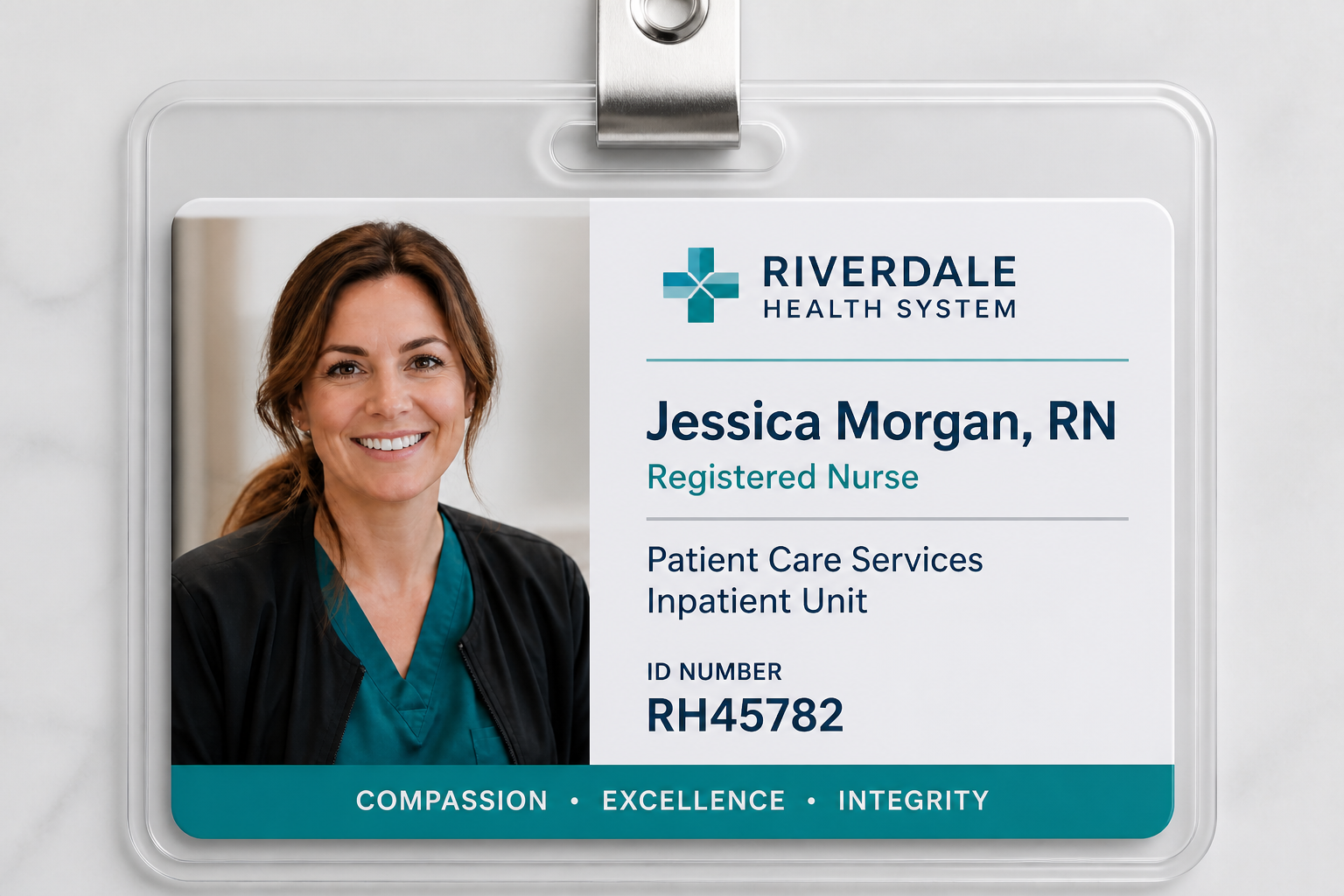 AFTER
AFTER BEFORE
 AFTERBEFOREAFTERBEFOREAFTERBEFOREAFTERBEFOREAFTERBEFOREAFTER
 BEFORE
 AFTER
AFTER BEFORE
 AFTER
AFTER BEFORE
 AFTER
AFTER BEFORE
 AFTER
AFTER BEFORE
 AFTERBEFOREAFTERBEFOREAFTERBEFOREAFTERBEFOREAFTERBEFOREAFTER
Key Features

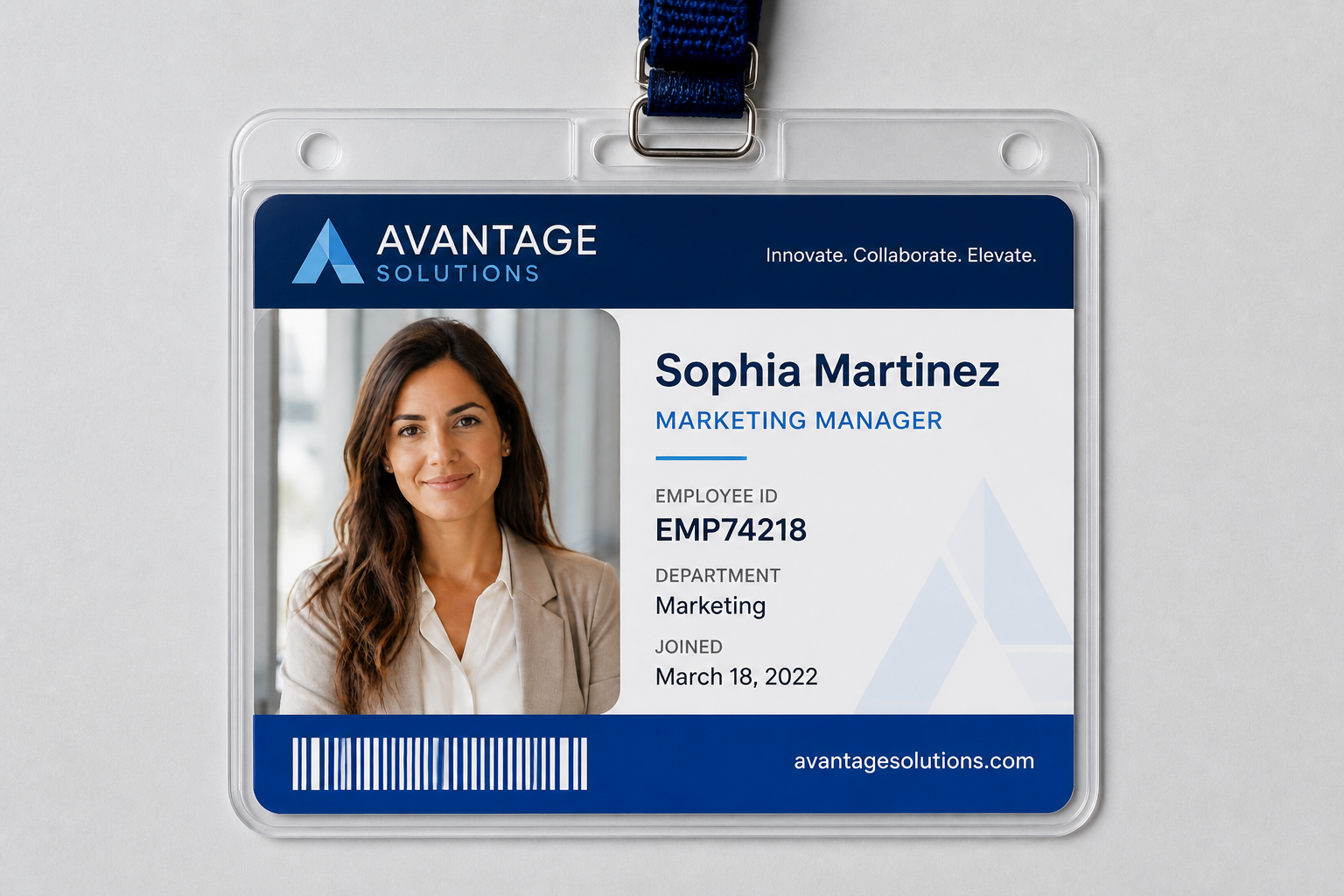
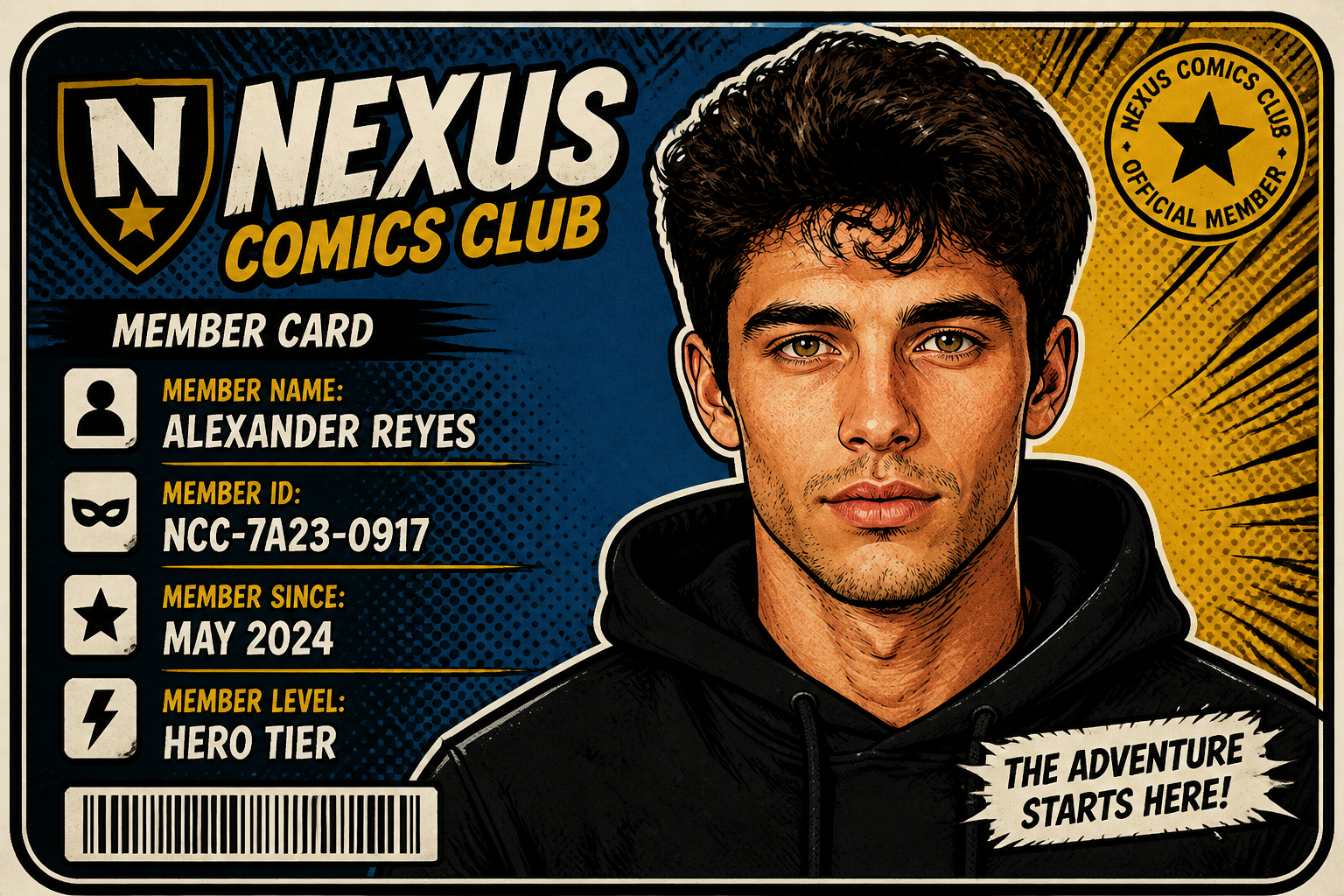
Photo to badge layout
Start with a real portrait and turn it into a clean ID-style card mockup. The AI places the photo inside a structured badge design with labels, numbers, and scannable-style elements. That saves time compared with building every card from scratch in a design app. It is useful for internal demos, events, clubs, and visual concepts where speed matters.

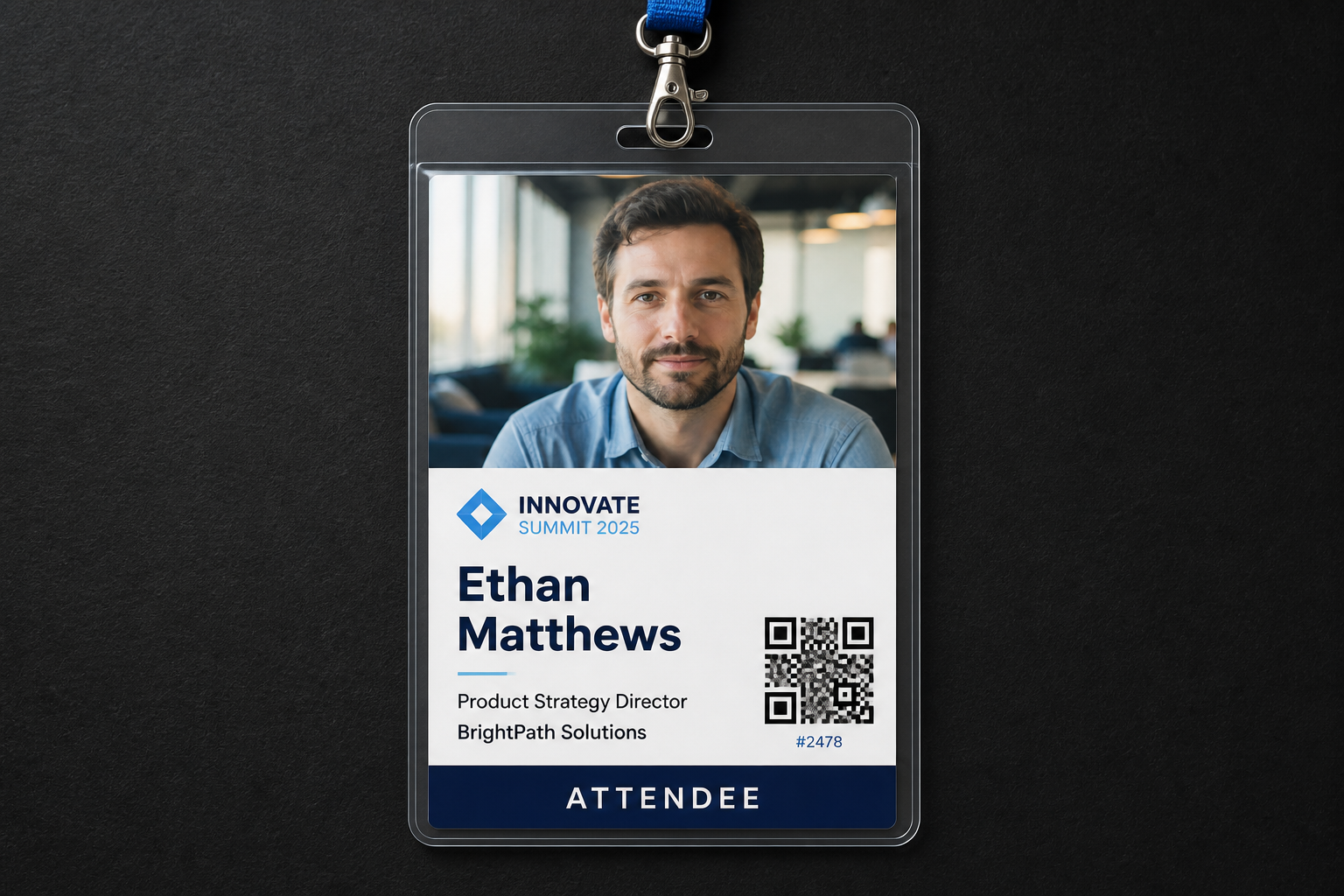
Keeps the face recognizable
A badge mockup still needs to look like the original person. Our AI changes the format and design while keeping the face, pose, and overall identity consistent. That gives you a believable card preview instead of a random replacement portrait. It is especially helpful when testing multiple badge formats with the same source image.

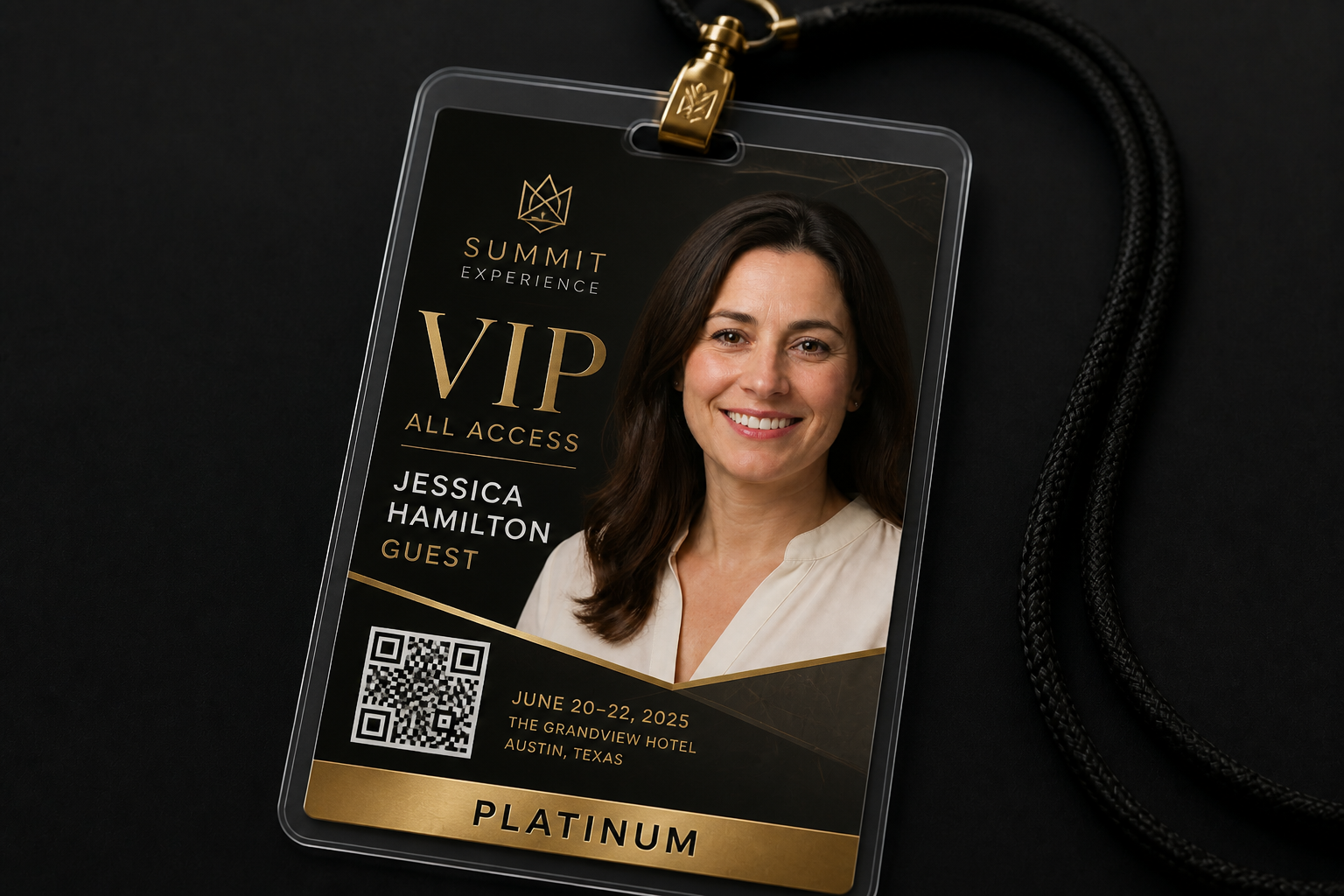
Works for many badge types
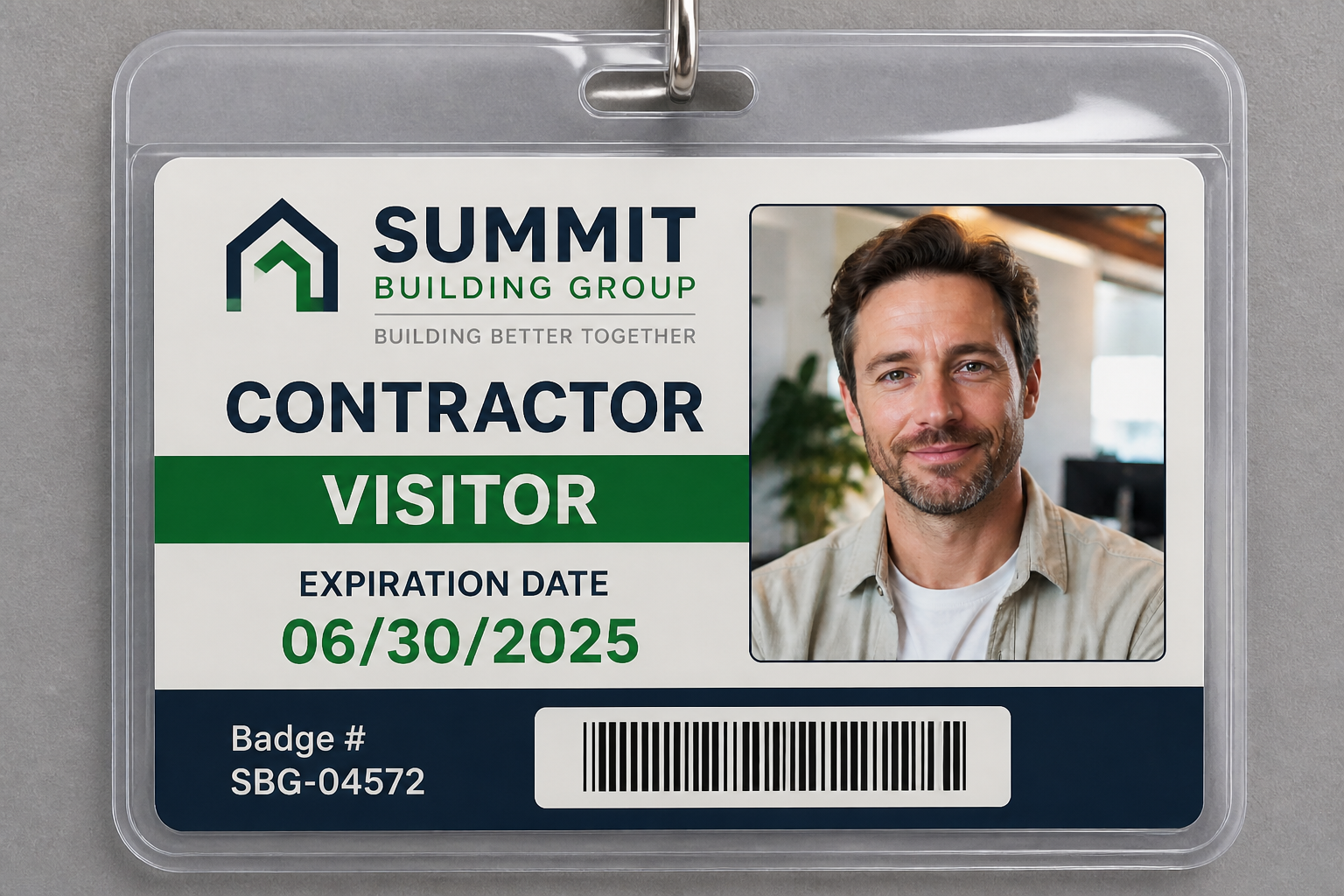
You can generate more than one kind of card from the same photo. Create employee IDs, student passes, visitor badges, event credentials, or membership cards with different layouts and visual styles. This is faster than manually rebuilding each version for every audience. It also makes concept review easier when teams want options side by side.

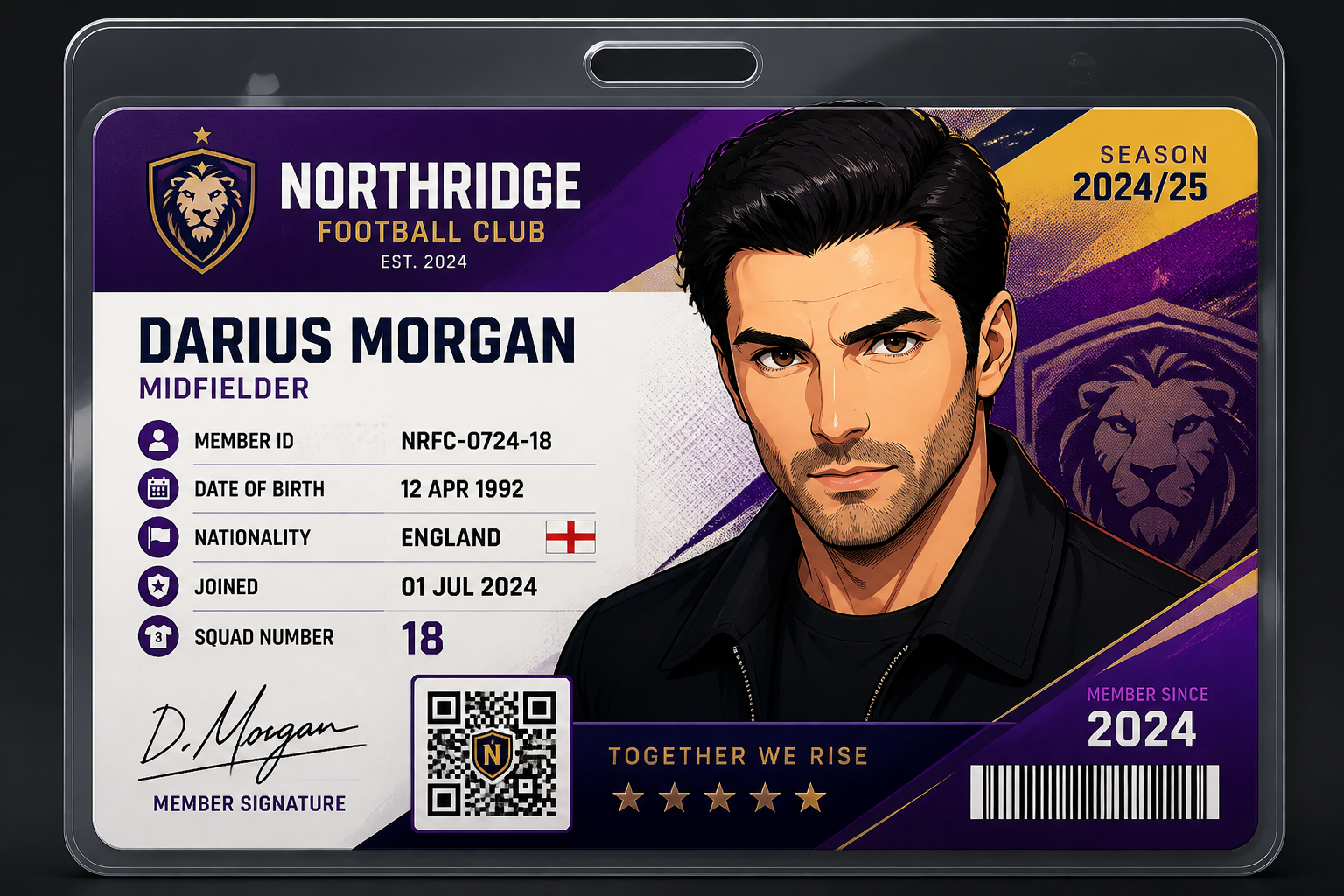
Fast style variations
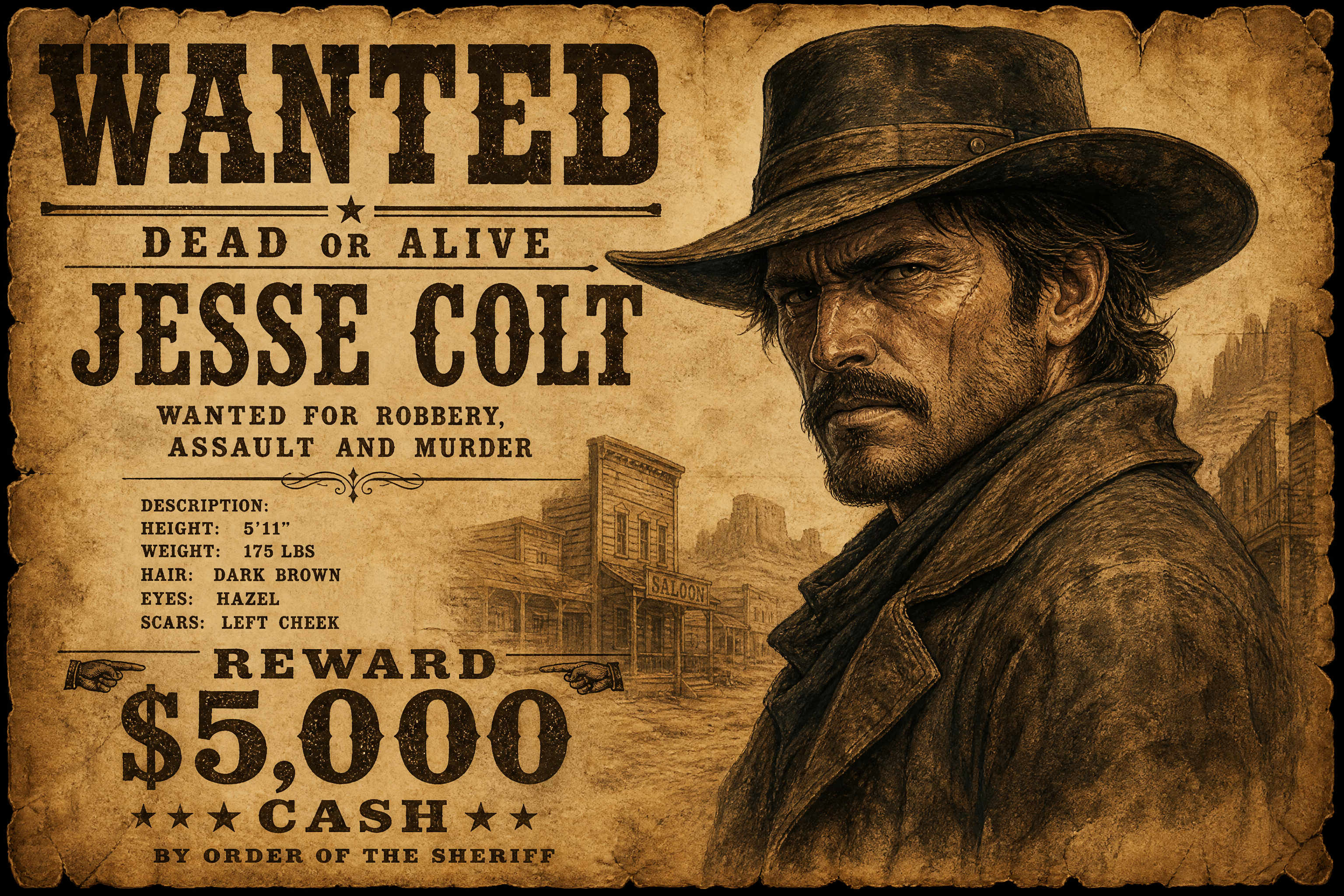
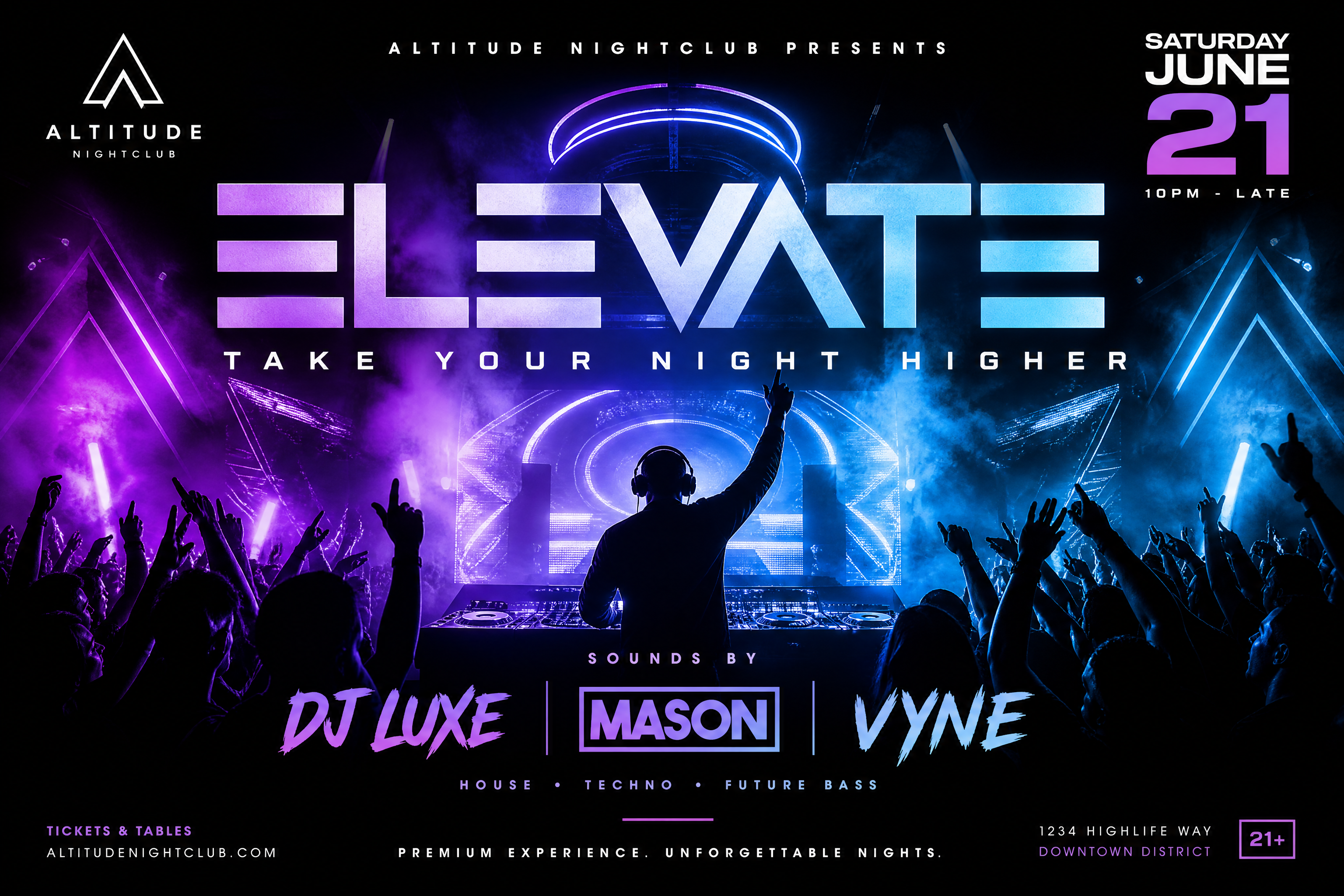
Some projects need a strict corporate badge, while others need something more playful for communities or fan events. Our AI can apply very different visual directions without changing the underlying subject too much. That lets you explore concept art, themed passes, and branded badge designs quickly. It is much simpler than manually compositing every variation yourself.
How It Works
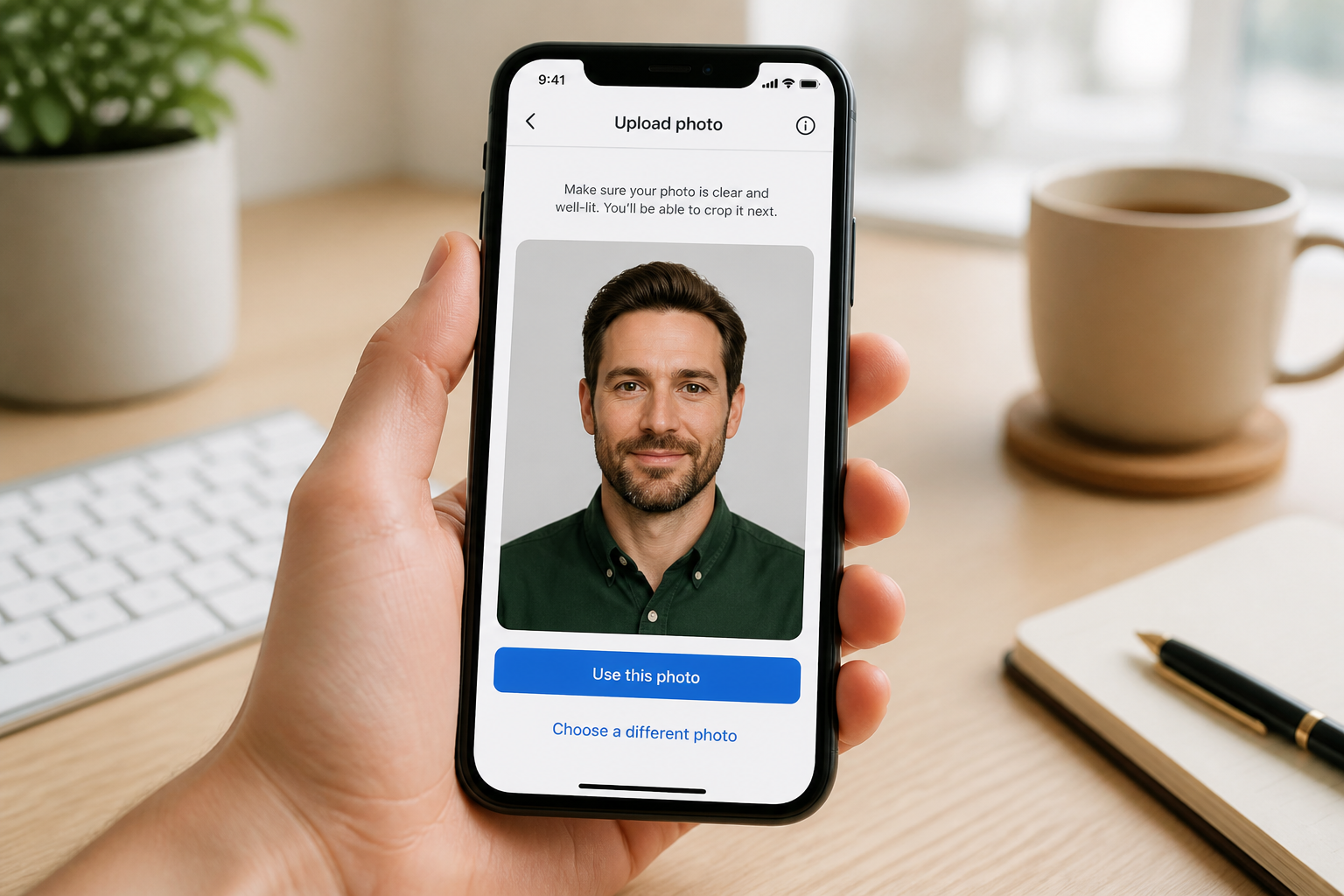
Upload your photo
Choose a clear portrait with the face fully visible. A simple chest-up photo with good lighting usually gives the cleanest badge mockup.
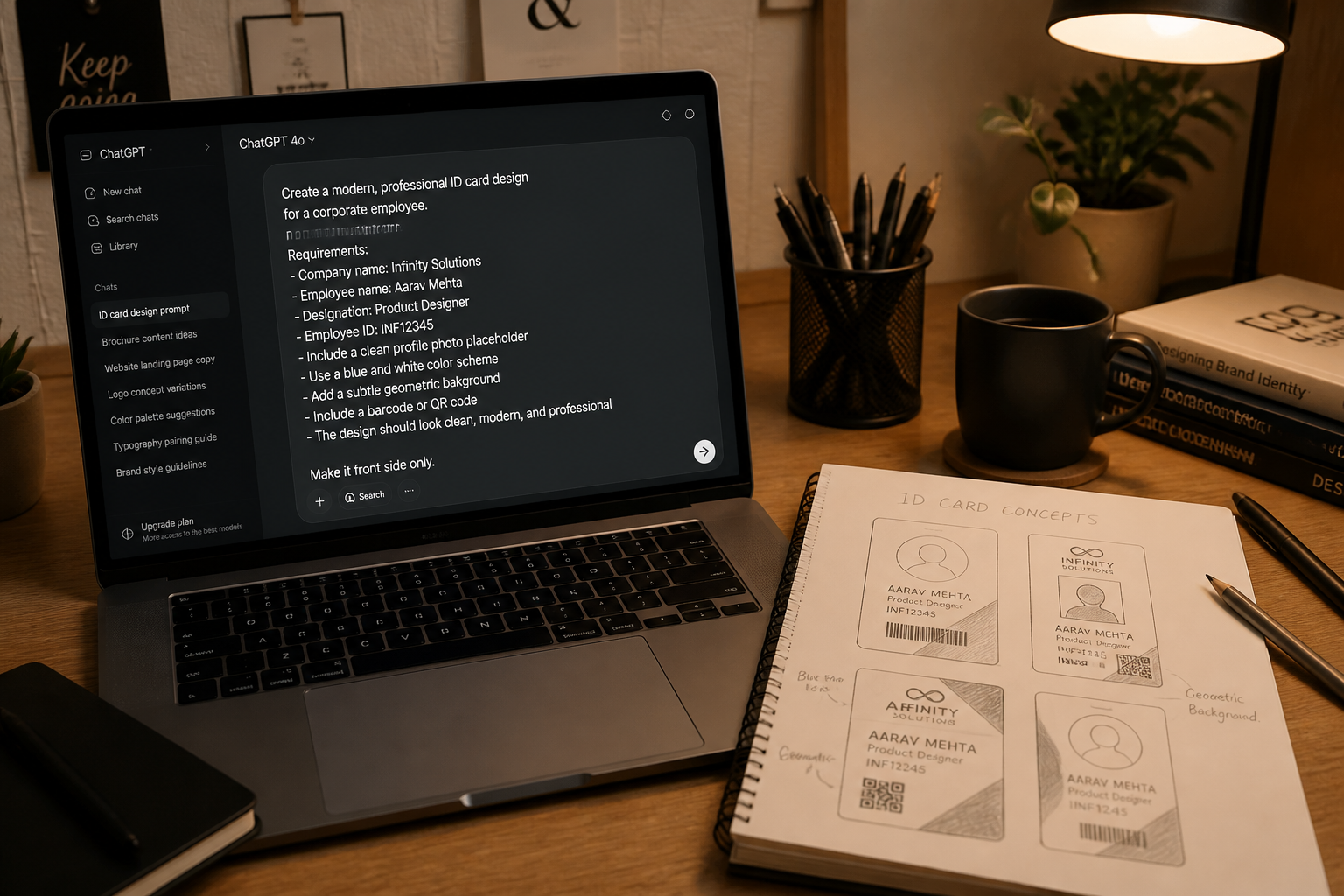
Describe the badge type
Tell the AI what you want to make, such as an employee ID, student card, event pass, or club membership badge. You can also mention layout cues like barcode, QR code, role label, or color theme.
Review and refine
Compare the original photo and the generated badge mockup. If needed, adjust the wording to try a different layout, style, or fictional card details.
Perfect For
Discover how creators and professionals use ai id card generator
Employee badge concepts
Mock up internal ID card designs for teams, contractors, or office access cards before final production.
Student card previews
Create sample campus ID layouts for schools, training programs, workshops, or online course communities.
Event credentials
Turn portraits into conference passes, VIP badges, volunteer cards, or expo attendee credentials for planning and marketing.
Club and membership cards
Design fictional membership badges for libraries, gyms, fan clubs, coworking spaces, or community groups.
Built For
Design teams
Quickly test badge layouts and branding directions without manually compositing every mockup.
Event organizers
Generate realistic attendee and staff credential previews for pitch decks, websites, and internal planning.
Schools and workplaces
Create sample student or employee badge concepts from portraits for non-official internal review.
Why use it for ID badge mockups
A quick look at how we compare on the things that matter for this niche.
| Feature | BudgetPixel | Generic AI editors | Manual editing apps |
|---|---|---|---|
| Starts from your photo | ✓ | ✓ | ✓ |
| Badge-style layout generation | ✓ | — | — |
| Keeps subject recognizable | ✓ | — | ✓ |
| Fast concept variations | ✓ | ✓ | — |
| Good for internal mockups | ✓ | ✓ | ✓ |
Frequently Asked Questions
Can this create official government IDs or legal documents?
What kind of photo works best?
Can I make employee, student, and event badges?
Will the generated badge still look like the original person?
Can I customize the text and visual style?
Create together.
Share your creations, discover trending AI art, and grow with fellow creators.