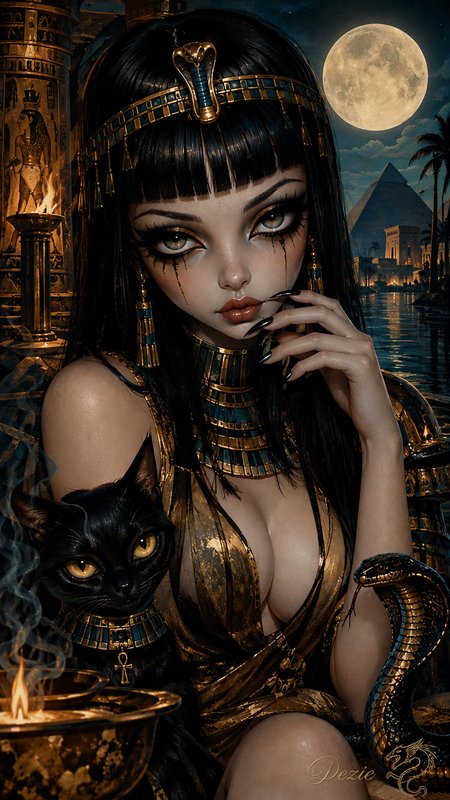
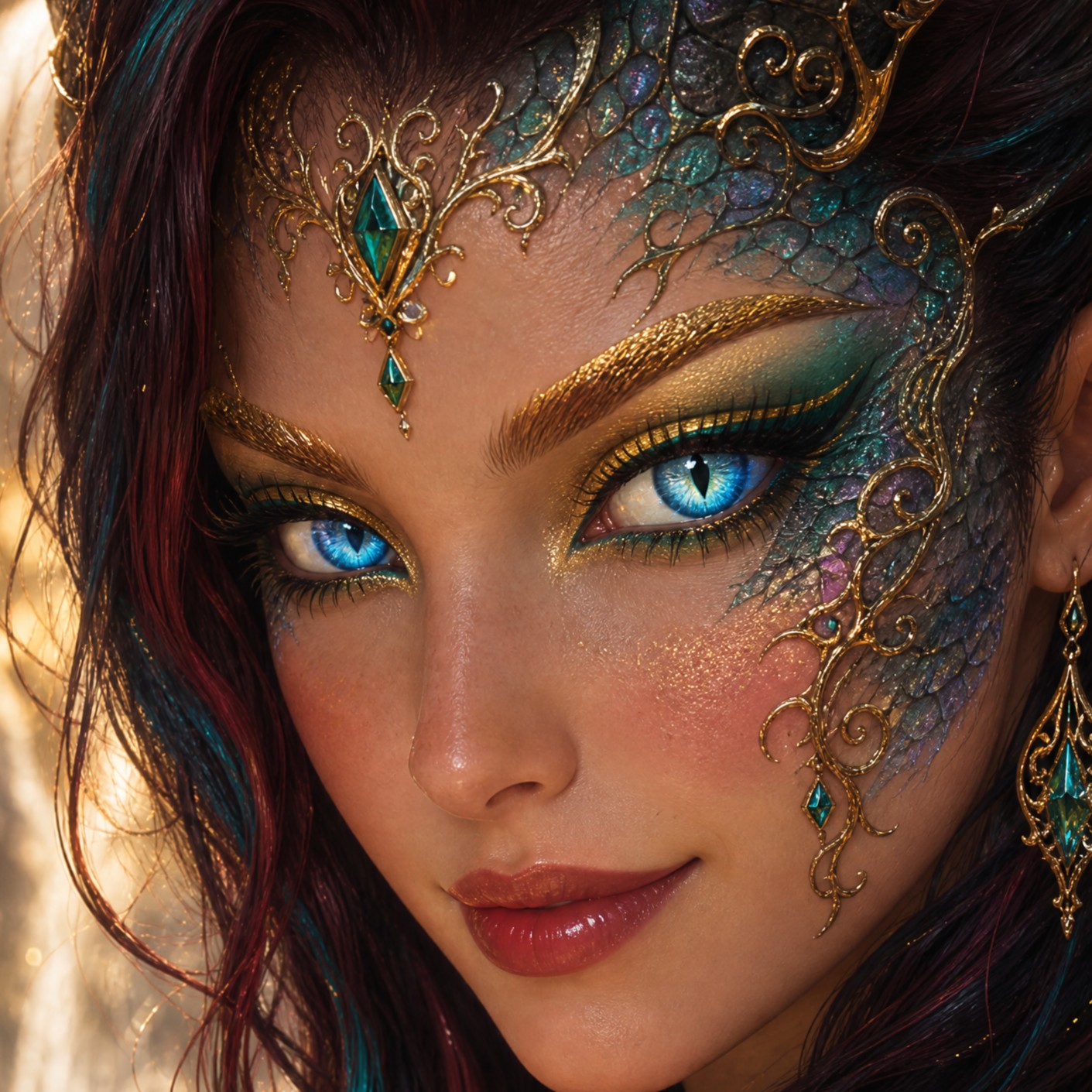
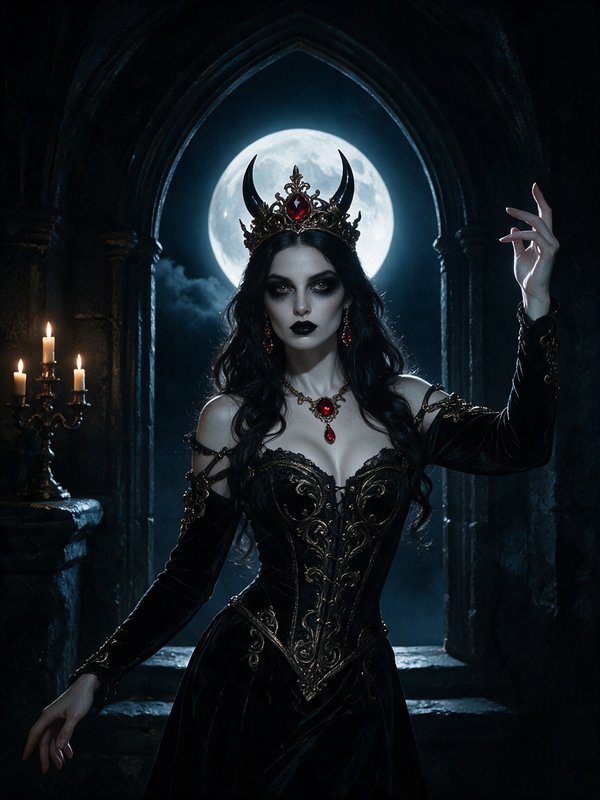
AI Film Photo Filter for Real Analog Character
Give digital photos the imperfect texture of 35mm film.
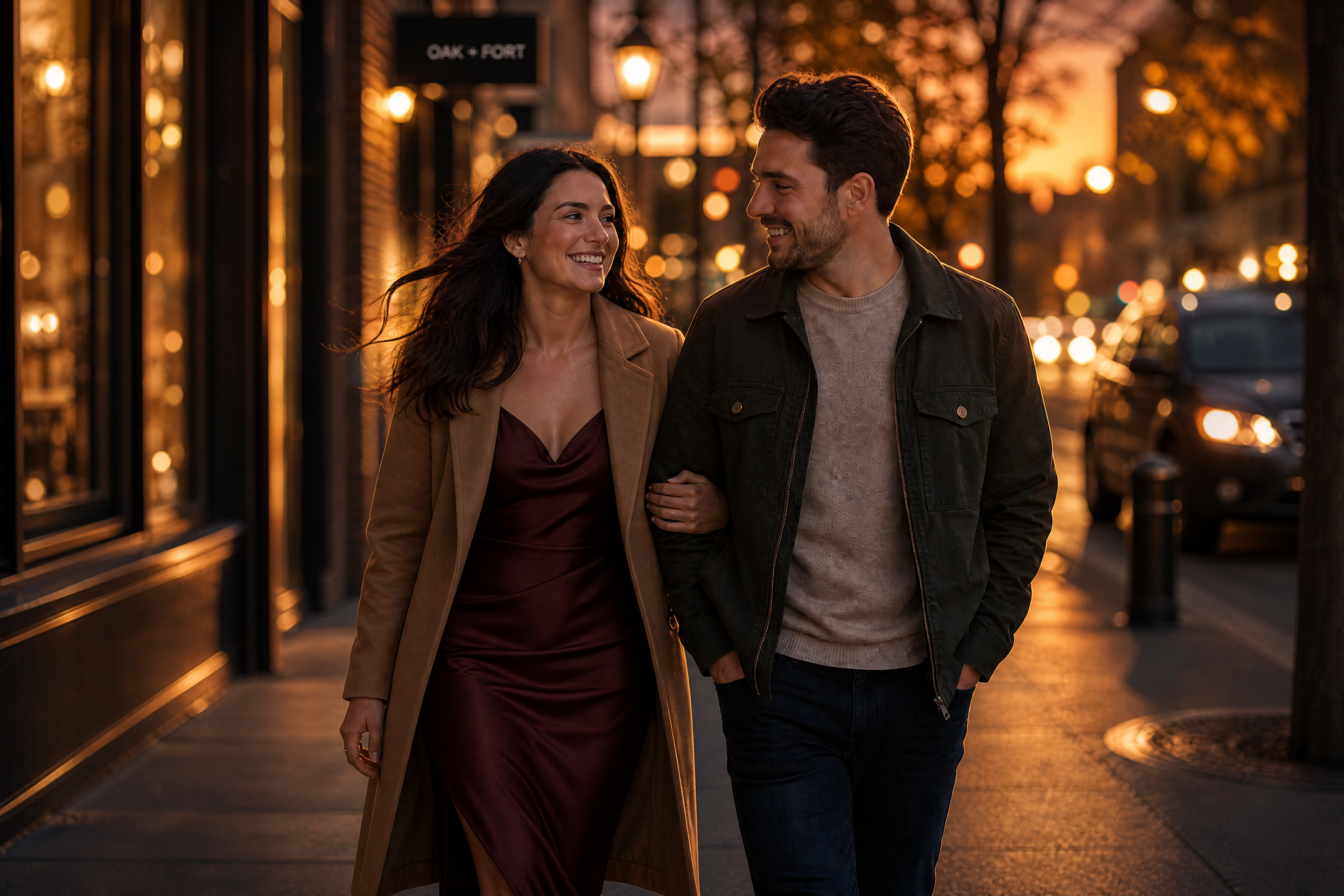
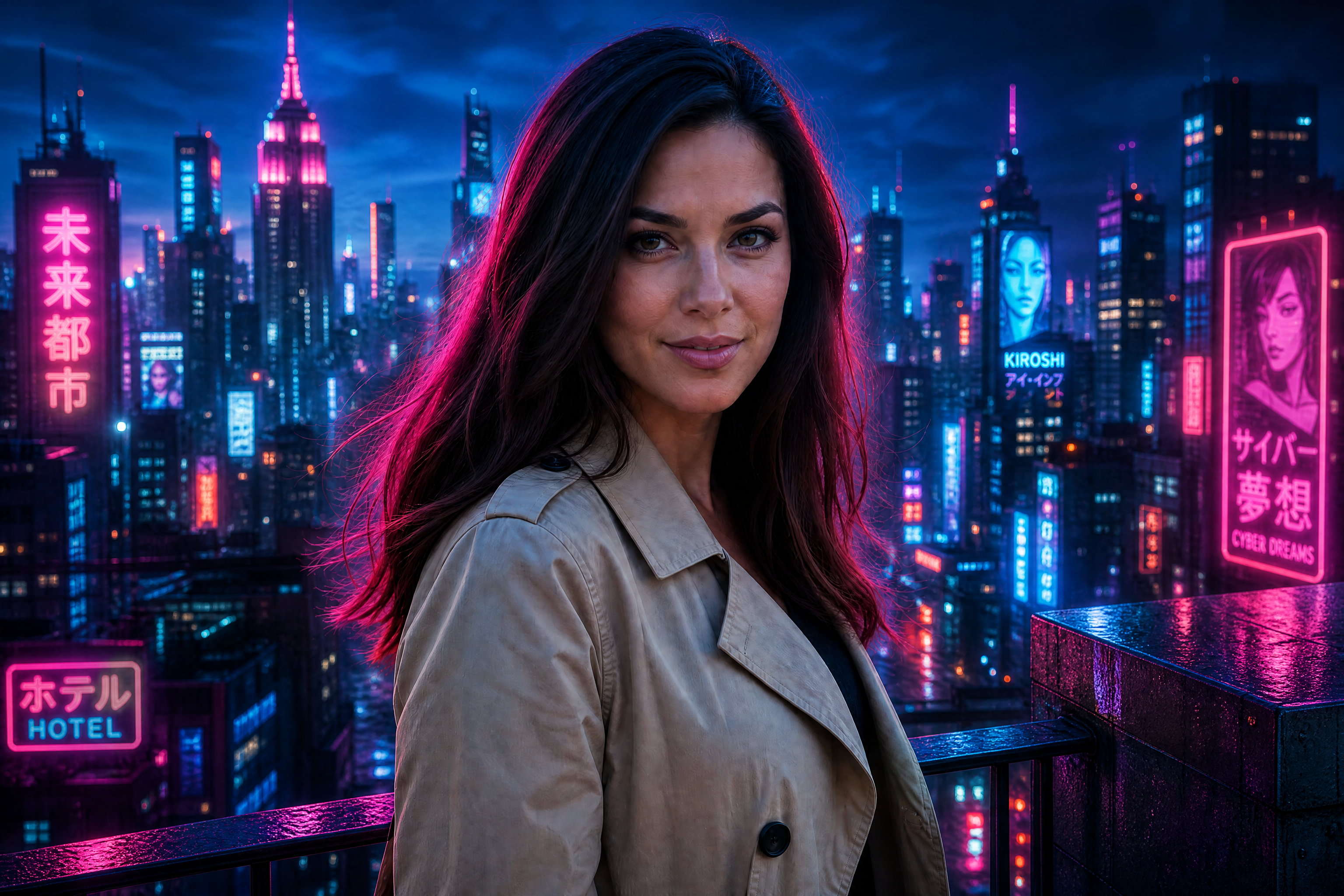
Add visible grain, highlight halation, crushed shadows, color casts, light leaks, and soft lens falloff without changing your subject or scene. Choose anything from warm portrait film to a raw disposable-camera flash look.


See It In Action
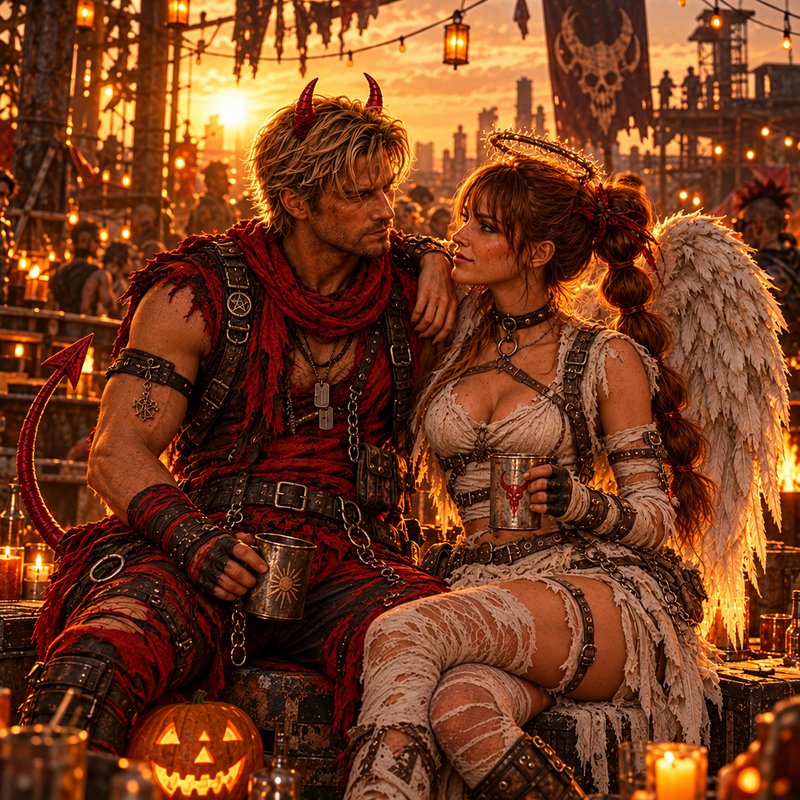
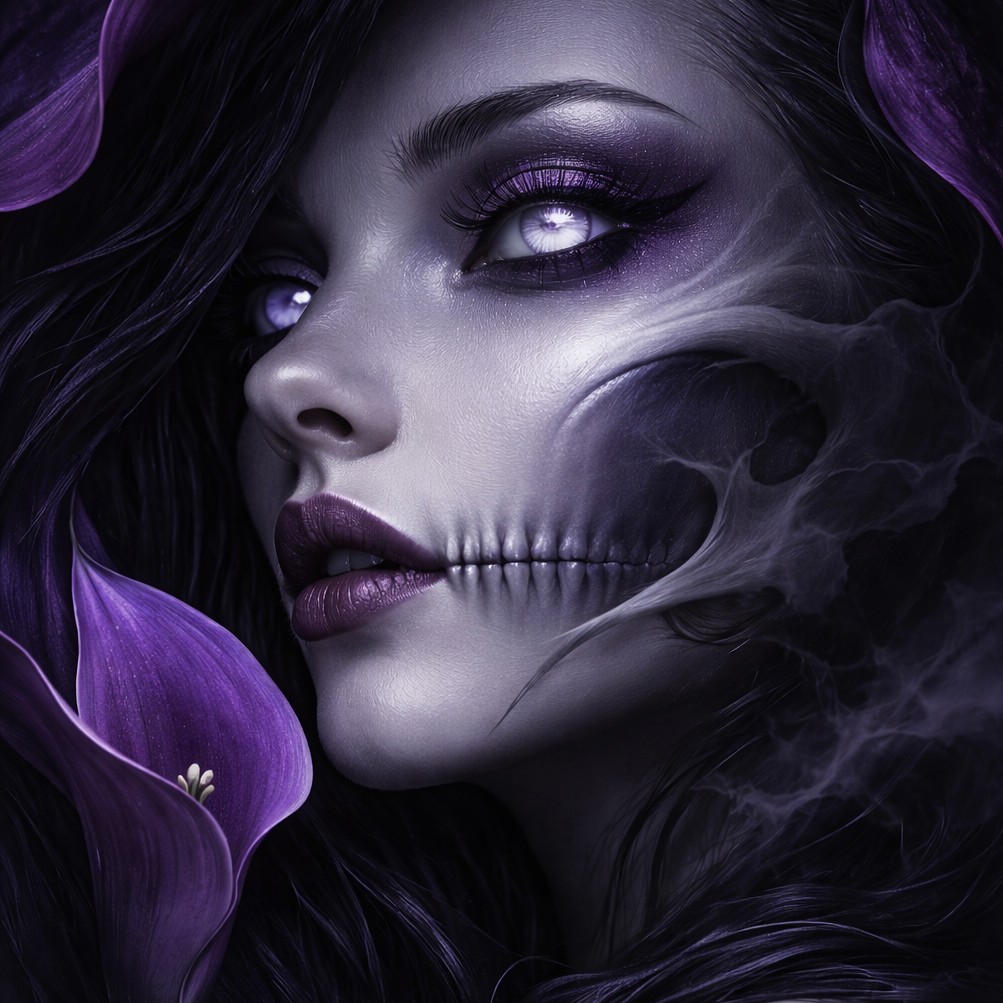
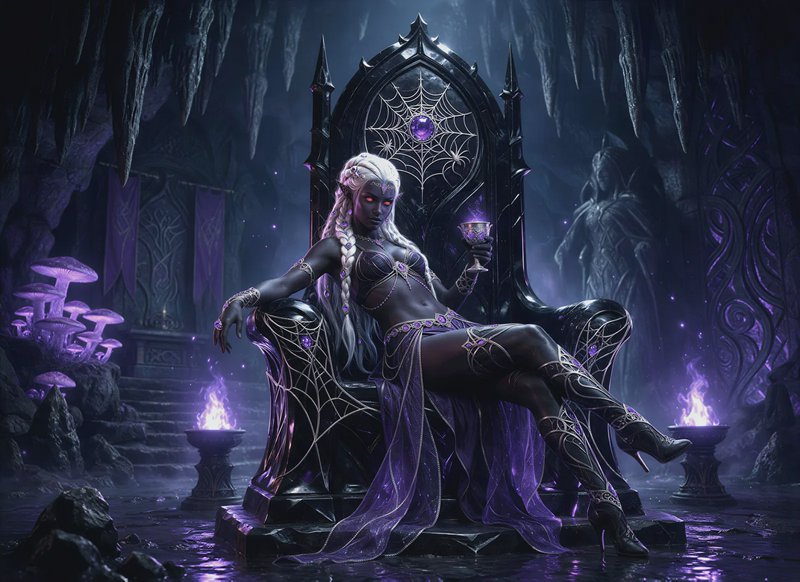
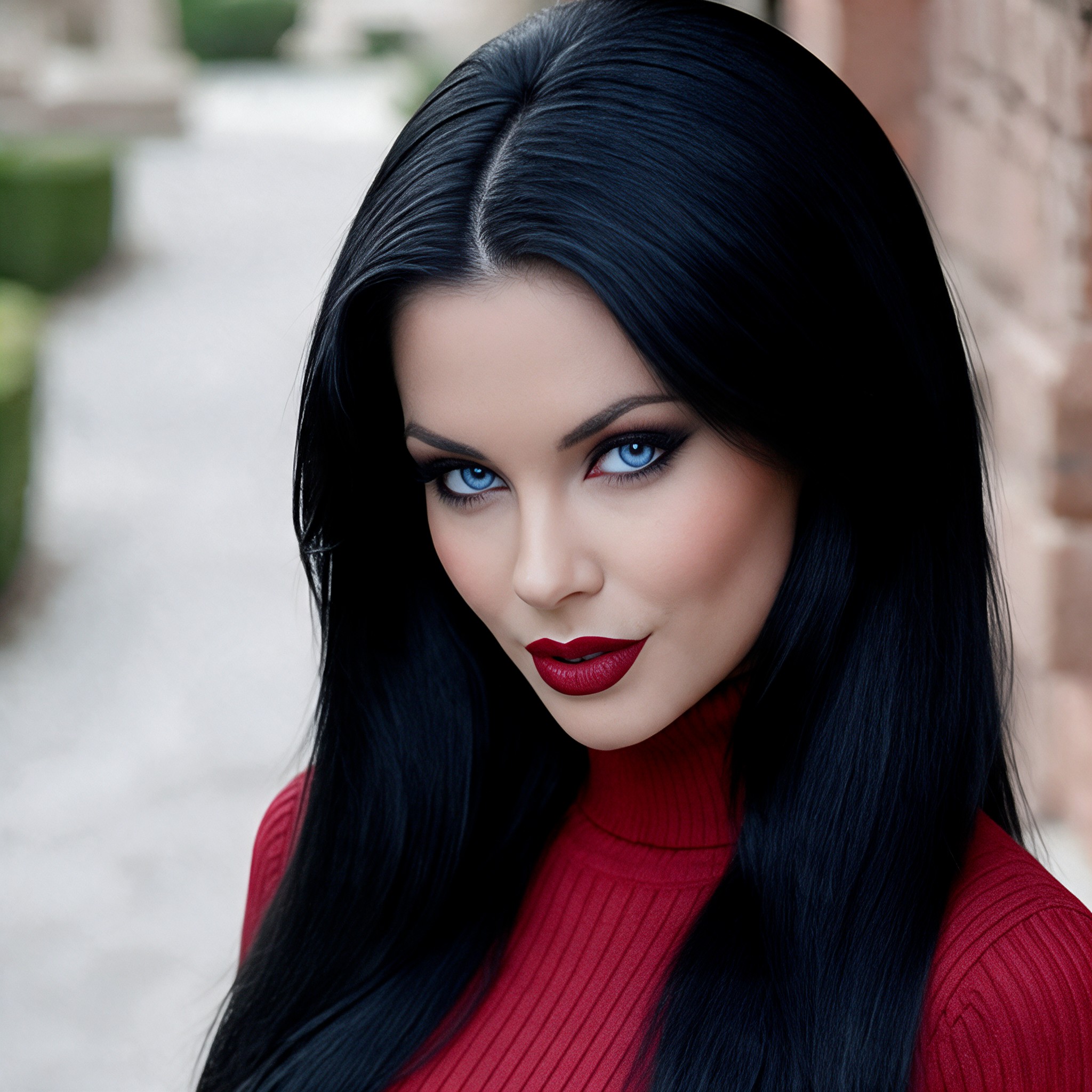
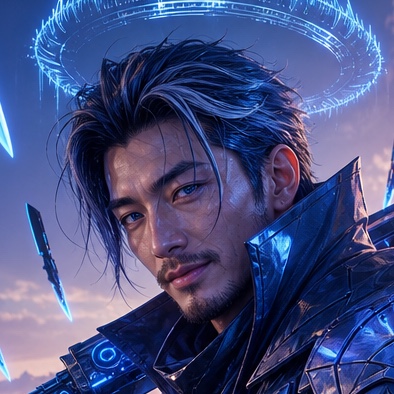
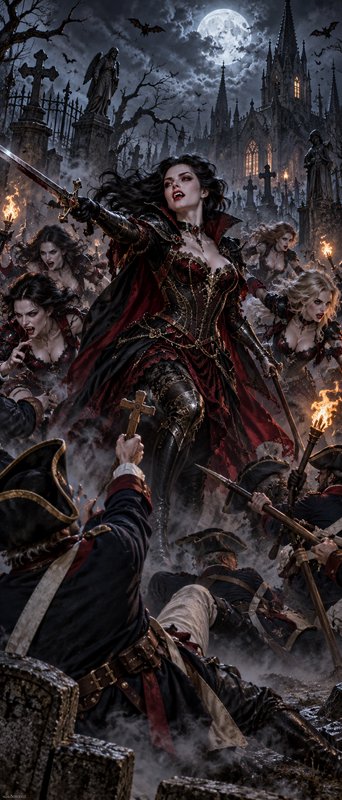
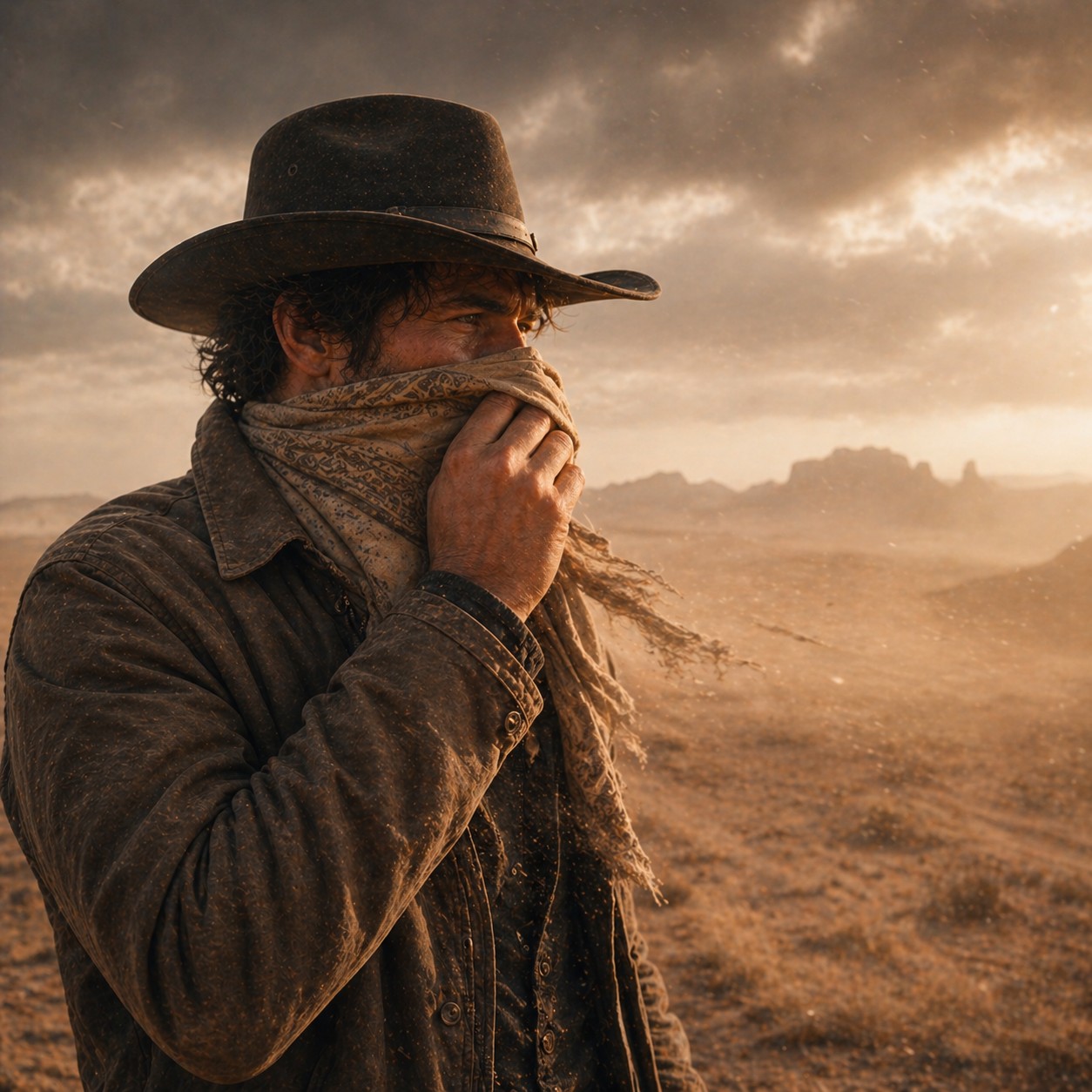
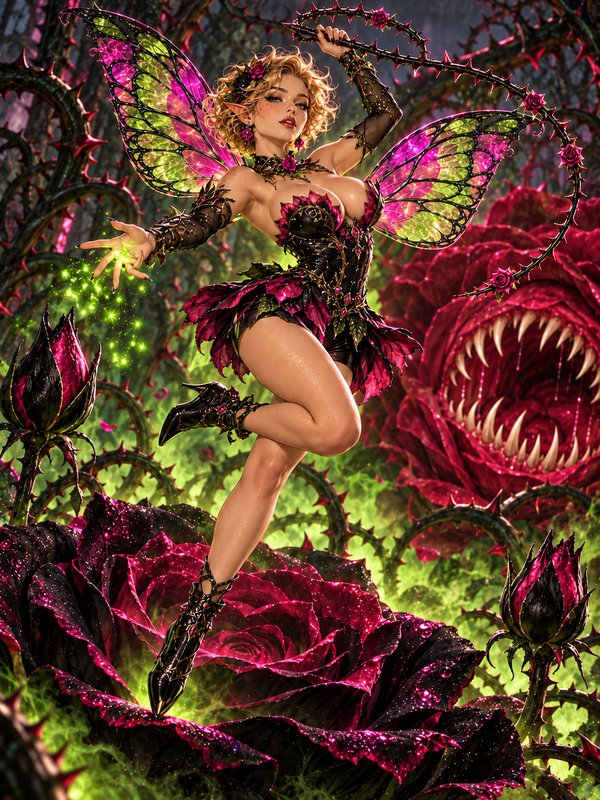
Real outputs from ai film photo filter.
BEFOREAFTER BEFORE
 AFTER
AFTER BEFORE
 AFTER
AFTER BEFORE
 AFTER
AFTER BEFORE
 AFTERBEFOREAFTERBEFOREAFTERBEFOREAFTERBEFOREAFTERBEFOREAFTER
 BEFORE
 AFTER
AFTER BEFORE
 AFTER
AFTER BEFORE
 AFTER
AFTER BEFORE
 AFTER
AFTER BEFORE
 AFTERBEFOREAFTERBEFOREAFTERBEFOREAFTERBEFOREAFTERBEFOREAFTER
Key Features


Keep Every Subject Recognizable
The filter changes the capture character rather than rebuilding the photograph. Faces, poses, clothing, objects, and scene layout remain in place while grain and optical imperfections appear over them. This makes it useful when you like the original image but want it to feel less digitally perfect. It avoids the manual work of masking people and adjusting each region separately.


Build Real Film Texture
Organic grain, highlight bloom, imperfect focus, and restrained color shifts create a layered analog result. These details vary across highlights, midtones, and shadows instead of looking like a flat overlay. The result feels captured on film rather than covered by a generic preset. You can request fine portrait grain or a rougher documentary texture.


Choose Distinct Analog Moods
Move between warm portrait film, stark monochrome, faded expired color, night-film casts, and saturated slide looks. Each option changes grain, contrast, color response, and highlight behavior while retaining the original content. That makes one photograph suitable for several visual directions. You do not need to build separate adjustment stacks by hand.


Create Direct-Flash Snapshots
The disposable-camera option adds hard frontal flash, rapid background falloff, rough grain, and compact-camera softness. It turns polished digital party images into candid-looking snapshots without moving anyone in the frame. A small orange date stamp can complete the period feel. Reproducing the same interaction manually would require coordinated exposure, masking, texture, and color adjustments.
How It Works

Upload your photo
Choose a clear portrait, party shot, street scene, landscape, or still life. The original composition becomes the foundation for the film treatment.

Describe the film look
Request a look such as warm 35mm, expired color, monochrome grain, or disposable-camera flash. Mention details like halation, color cast, light leaks, or a date stamp.

Generate and compare
Run the edit and compare the clean digital source with its analog version. Refine the description if you want stronger grain, another color cast, or a different film mood.
Perfect For
Discover how creators and professionals use ai film photo filter
Social photo dumps
Give mixed phone photos a cohesive disposable-camera or 35mm character before posting them together.
Portrait finishing
Add flattering grain, soft halation, and warm color response while preserving the person's identity and expression.
Nightlife photography
Turn clean low-light images into direct-flash snapshots or moody green-shifted street frames.
Editorial mood boards
Explore several analog treatments for portraits, still lifes, landscapes, and campaign concepts.
Built For
Creators
Build cohesive analog-looking carousels, profile images, and photo dumps from ordinary digital shots.
Photographers
Preview grain, color casts, halation, and experimental film moods without rebuilding every effect manually.
Design teams
Develop visual references and campaign treatments while keeping approved subjects and compositions intact.
Film-Style Editing Options
A quick look at how we compare on the things that matter for this niche.
| Feature | BudgetPixel | Generic filter apps | Manual photo editing |
|---|---|---|---|
| Custom film-look descriptions | ✓ | Limited presets | ✓ |
| Preserves source composition | Designed to | ✓ | ✓ |
| Grain, halation, and light leaks | ✓ | Varies | Manual setup |
| Disposable flash treatment | ✓ | Varies | Manual setup |
| Free credits for new accounts | ✓ | Varies | — |
Frequently Asked Questions
What is the film or disposable-camera look?
Does the filter keep my photo's subject?
Which film looks are available?
Can I use the filter on any photo?
How much does the AI film photo filter cost?
Create together.
Share your creations, discover trending AI art, and grow with fellow creators.