AI Wedding Portrait Generator for Your Photos
Create polished wedding portraits while keeping every person recognizable.
Turn an ordinary couple or solo photo into a wedding-style portrait with new attire, scenery and lighting. Our AI keeps faces, skin tones, ages and identities identical while creating the finished composition.


See It In Action
Real outputs from ai wedding portrait generator.
BEFOREAFTER BEFORE
 AFTER
AFTER BEFORE
 AFTER
AFTER BEFORE
 AFTER
AFTER BEFORE
 AFTERBEFOREAFTERBEFOREAFTERBEFOREAFTERBEFOREAFTERBEFOREAFTER
 BEFORE
 AFTER
AFTER BEFORE
 AFTER
AFTER BEFORE
 AFTER
AFTER BEFORE
 AFTER
AFTER BEFORE
 AFTERBEFOREAFTERBEFOREAFTERBEFOREAFTERBEFOREAFTERBEFOREAFTER
Key Features


Keep Every Face Recognizable
The edit changes the wedding wardrobe, setting and light rather than the people. Faces, skin tones, ages and identities remain consistent with the uploaded photo. This avoids the time and difficulty of manually rebuilding facial details after a major scene change.


Explore Distinct Wedding Settings
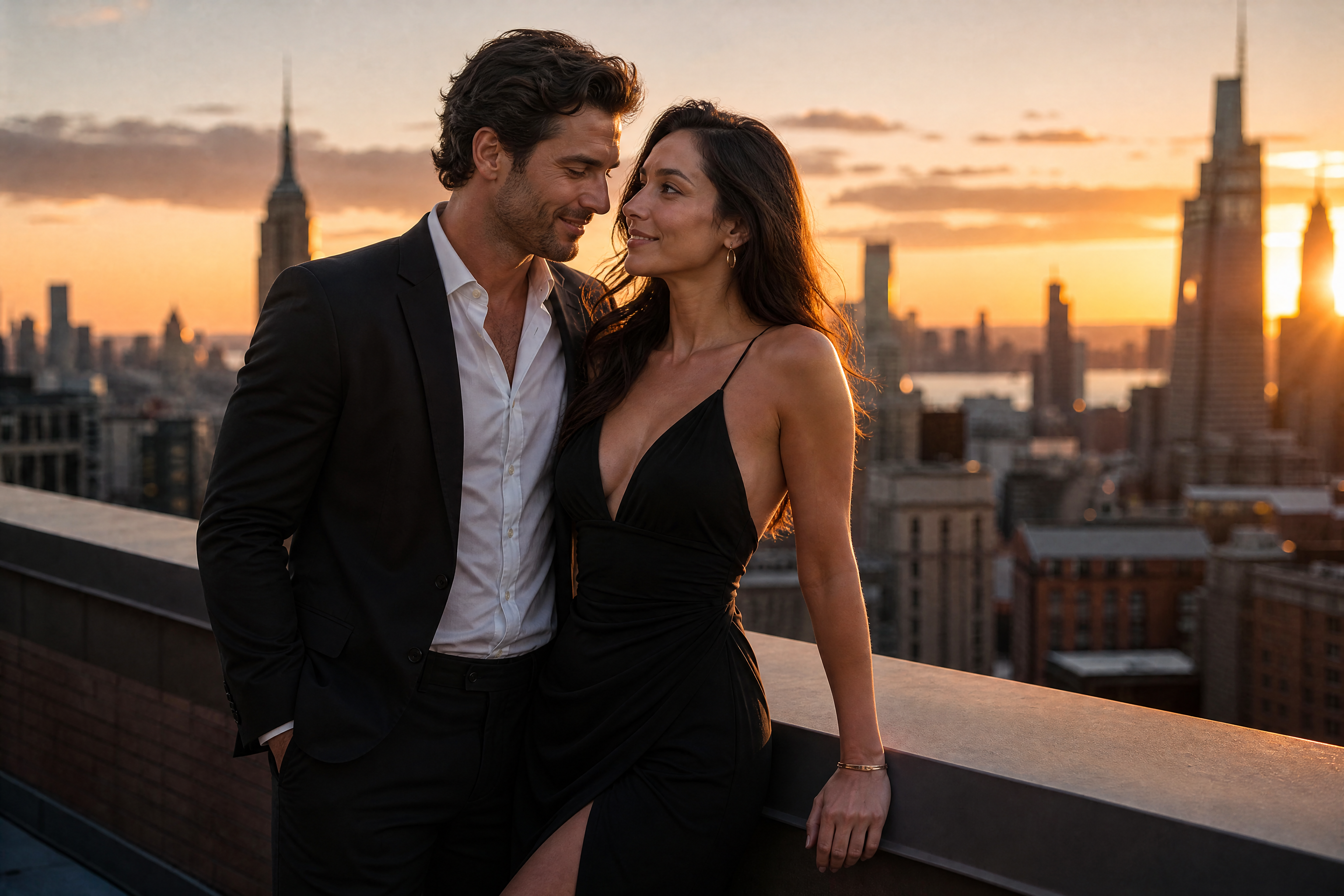
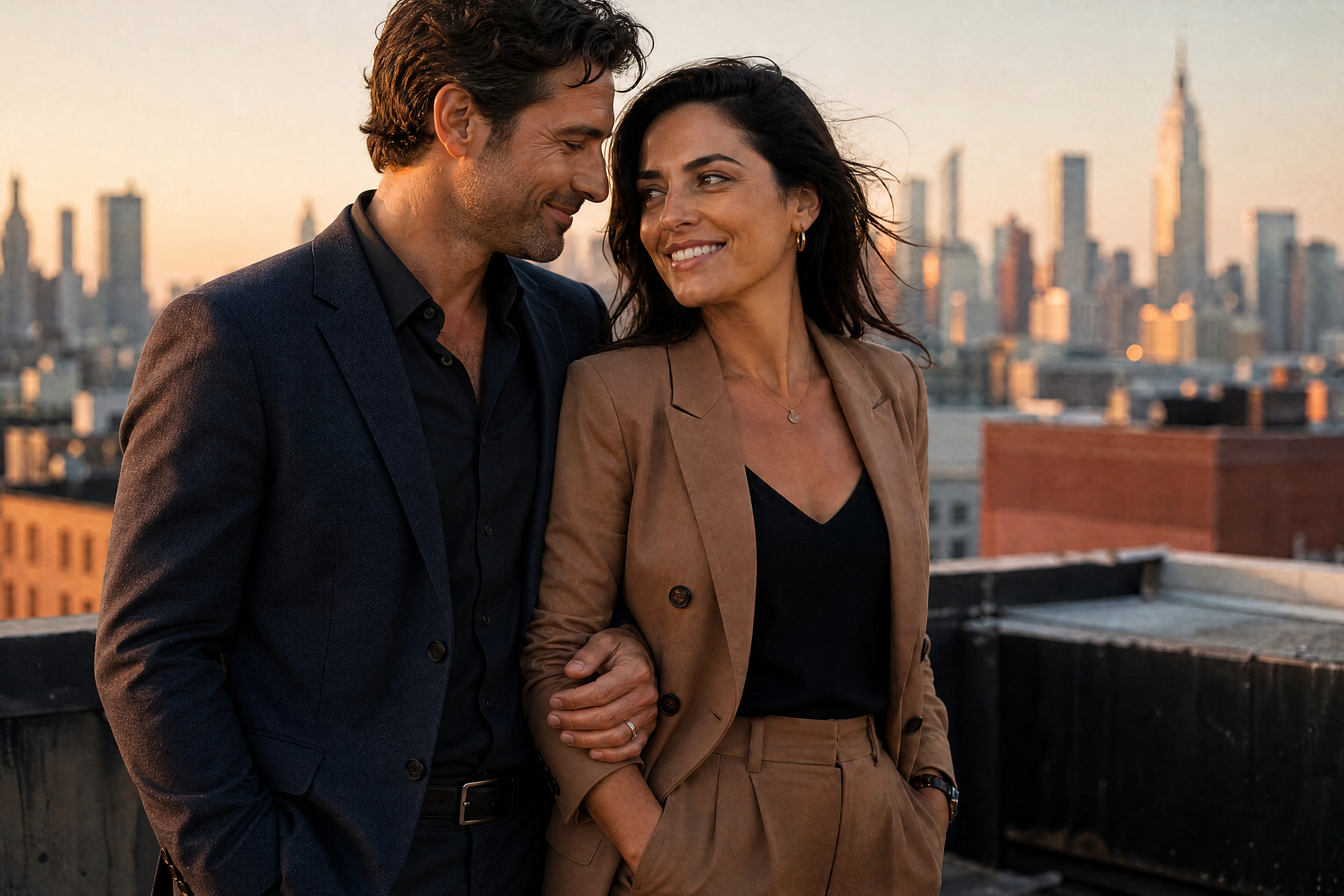
Choose a garden, ballroom, beach, barn, chapel or rooftop setting. Our AI rebuilds the environment and lighting around the existing subjects. You can test several visual directions without arranging travel, decorations or a complete photoshoot.


Create Couple or Solo Portraits
The generator works with a couple or one adult subject. A solo upload can become a bridal, groom or formal wedding portrait without adding another person. This makes it useful for individual keepsakes, invitations and wedding-style profile images.


Match Meaningful Cultural Attire
Wedding portraits can use classic Western looks or culturally inspired formalwear. Options include South Asian red-and-gold attire, East Asian embroidered silk and West African patterned formalwear. The clothing stays tasteful and fully covered while the people retain their original identities.
How It Works

Upload Your Photo
Choose a clear photo of one adult or a couple with visible faces. A well-lit image with an uncluttered composition gives the editor a strong starting point.

Describe the Wedding Look
Specify the attire, venue and lighting you want. For example, request a classic garden ceremony at golden hour or a winter chapel in soft snow.

Generate and Compare
Create the portrait and compare it with your original photo. Try another wedding setting if you want a different mood or composition.
Perfect For
Discover how creators and professionals use ai wedding portrait generator
Wedding Portrait Concepts
Preview different attire, venues and lighting before deciding which wedding aesthetic suits you.
AI Engagement Photos
Turn a favorite couple photo into a polished engagement-style portrait for personal sharing.
Solo Wedding Portraits
Create an individual bridal, groom or formal wedding portrait from one adult photo.
Printable Keepsakes
Generate a wedding-style image for albums, framed prints or other personal keepsakes.
Built For
Couples
Explore wedding portrait ideas together using a clear photo you already like.
Solo Creators
Create a complete wedding-style portrait without needing a couple photo.
Wedding Professionals
Develop visual concepts for attire, venues and lighting before a planned shoot.
Frequently Asked Questions
Does it keep our faces the same?
Can I use a photo of just one person?
Which wedding styles are available?
Can I print the result?
How much does the AI wedding portrait generator cost?
Create together.
Share your creations, discover trending AI art, and grow with fellow creators.

Ready to Try AI Wedding Portrait Generator?
Get started for free. No credit card required.
Try it Free