AI House Design Generator
Turn rough house concepts on paper into realistic home visuals
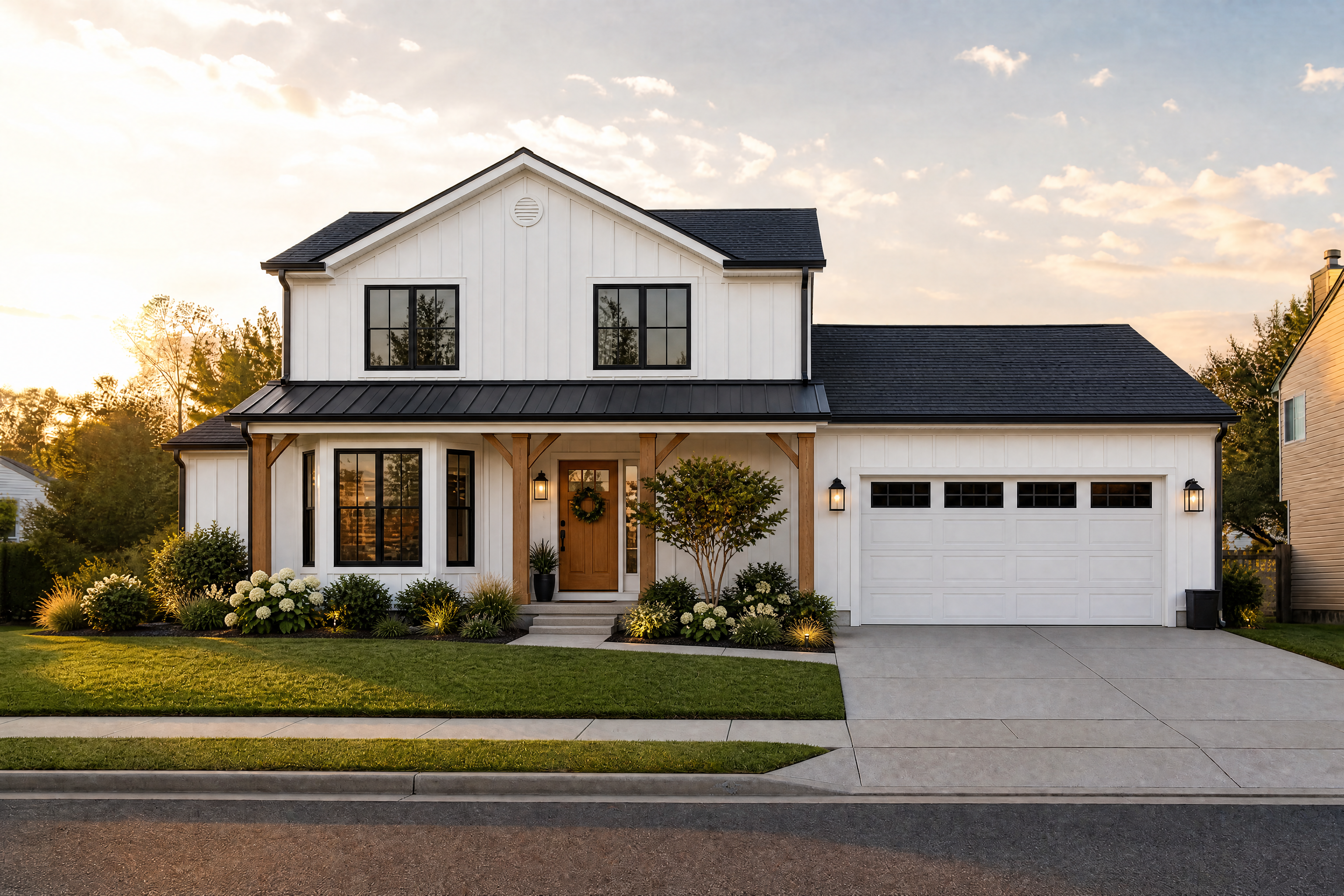
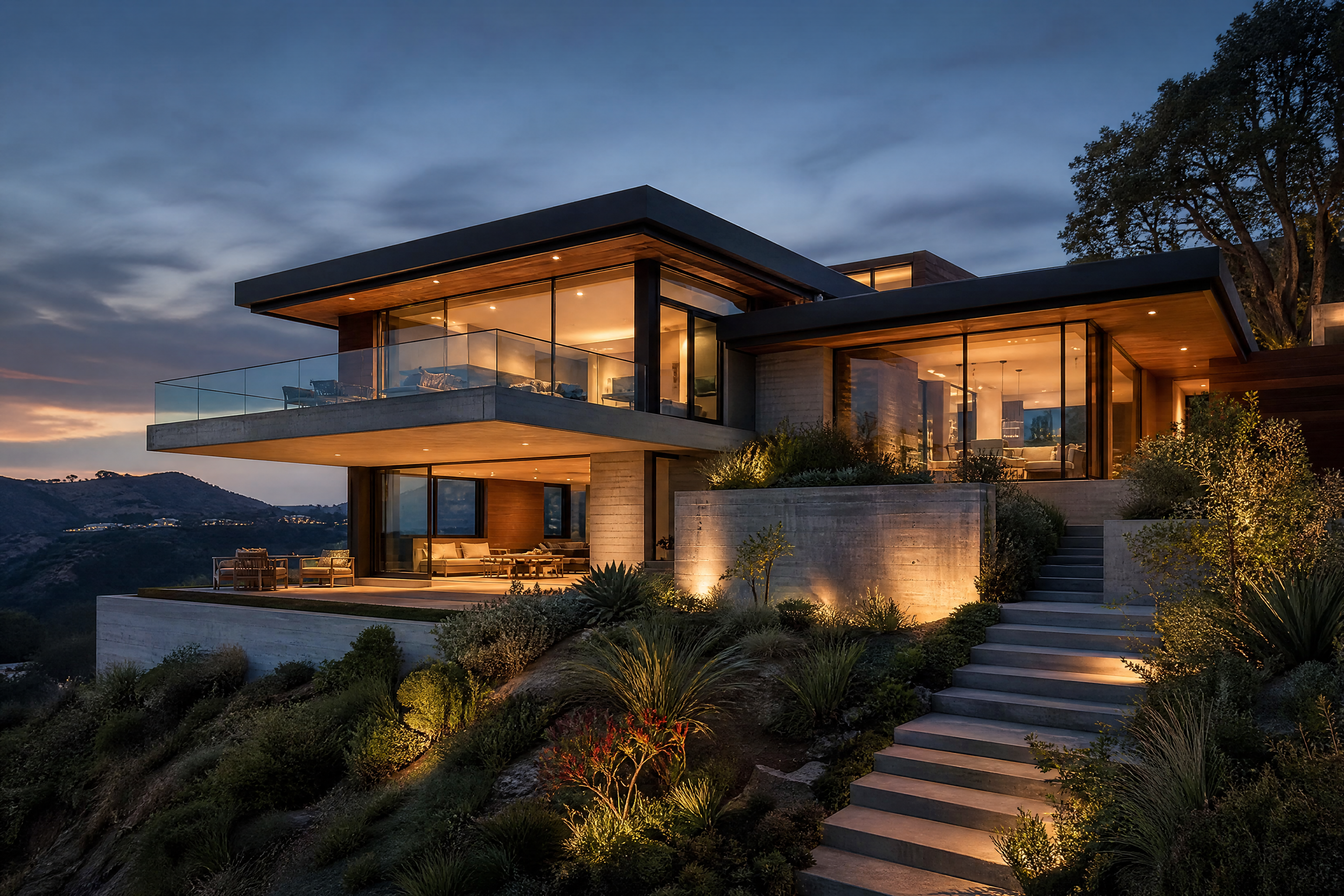
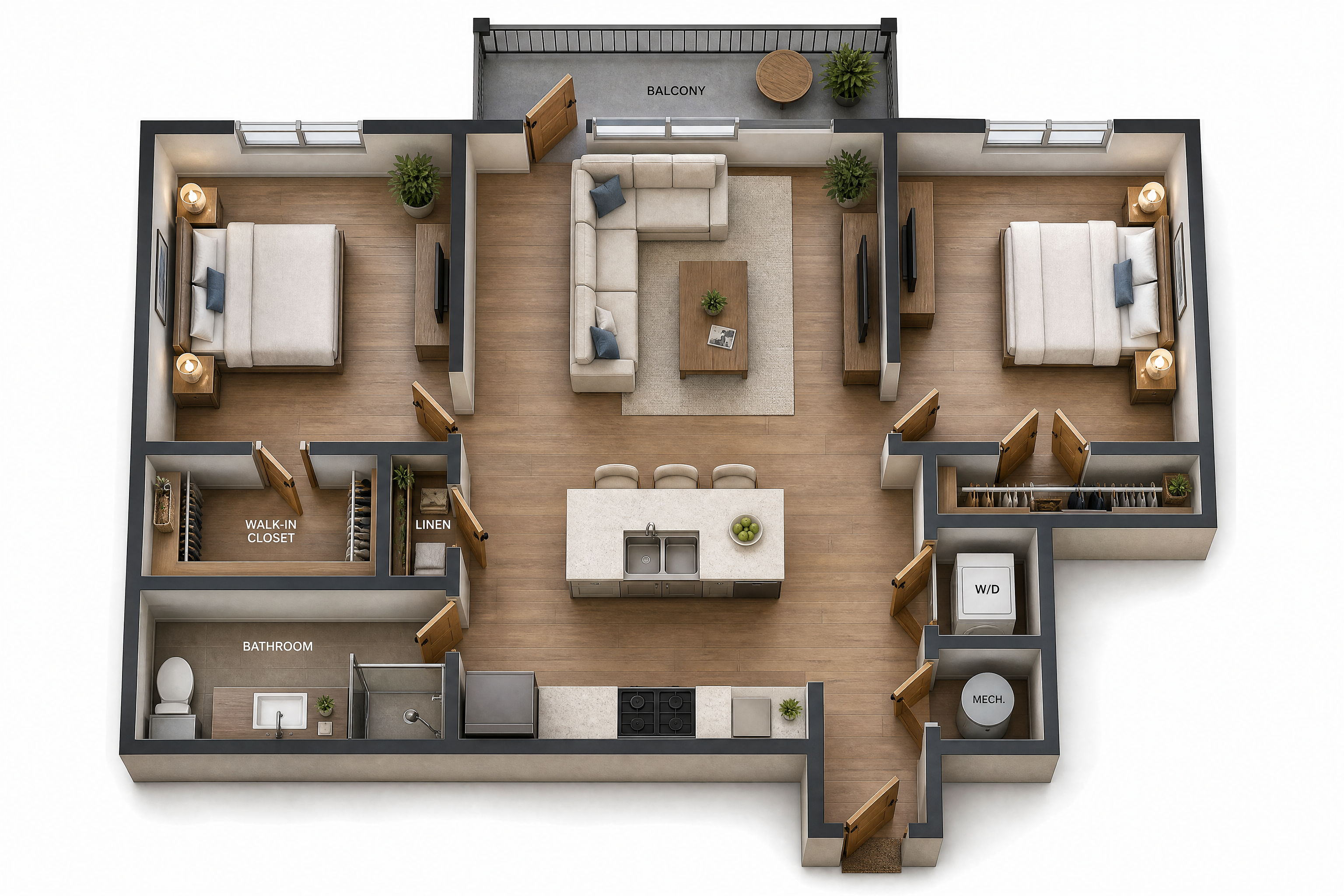
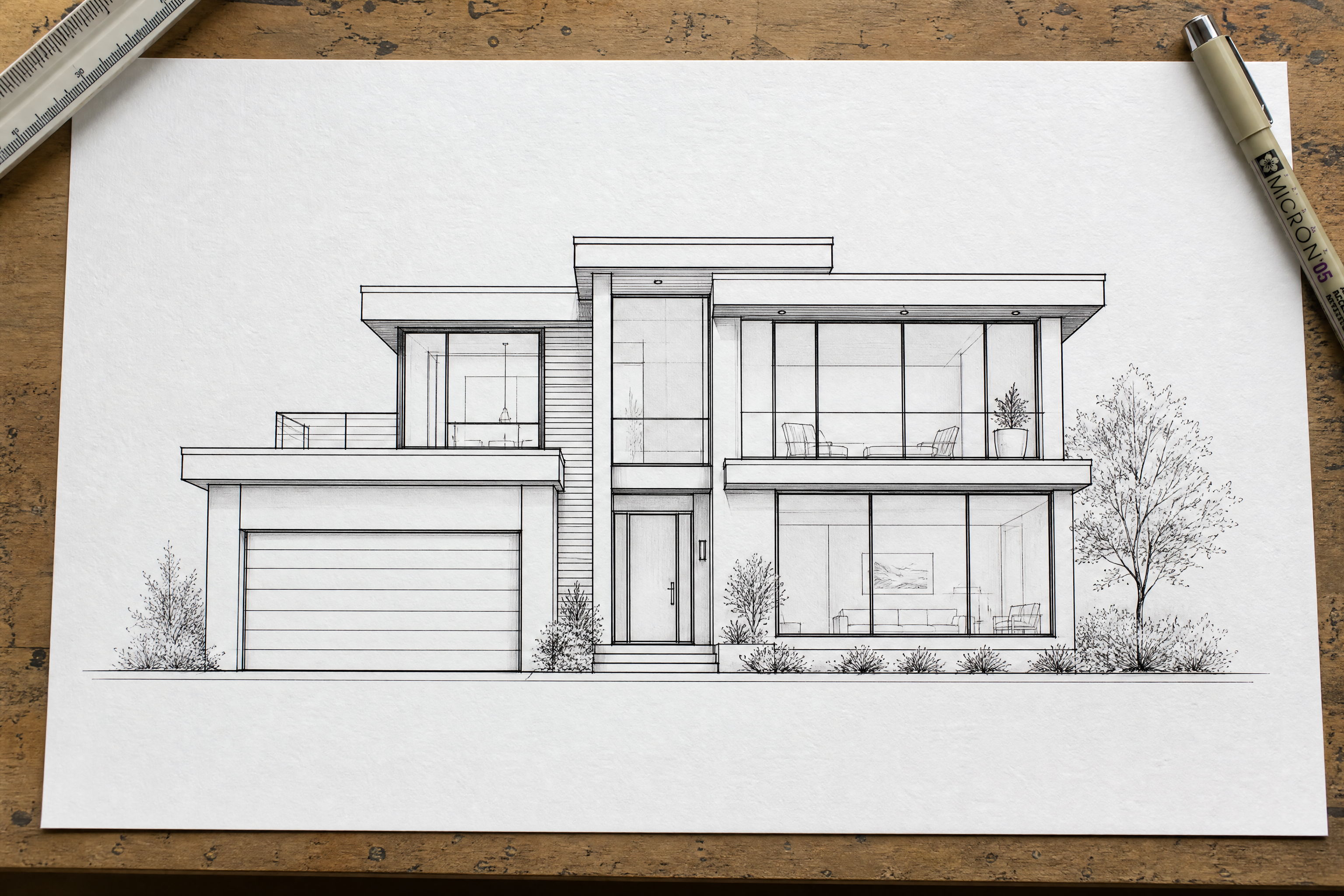
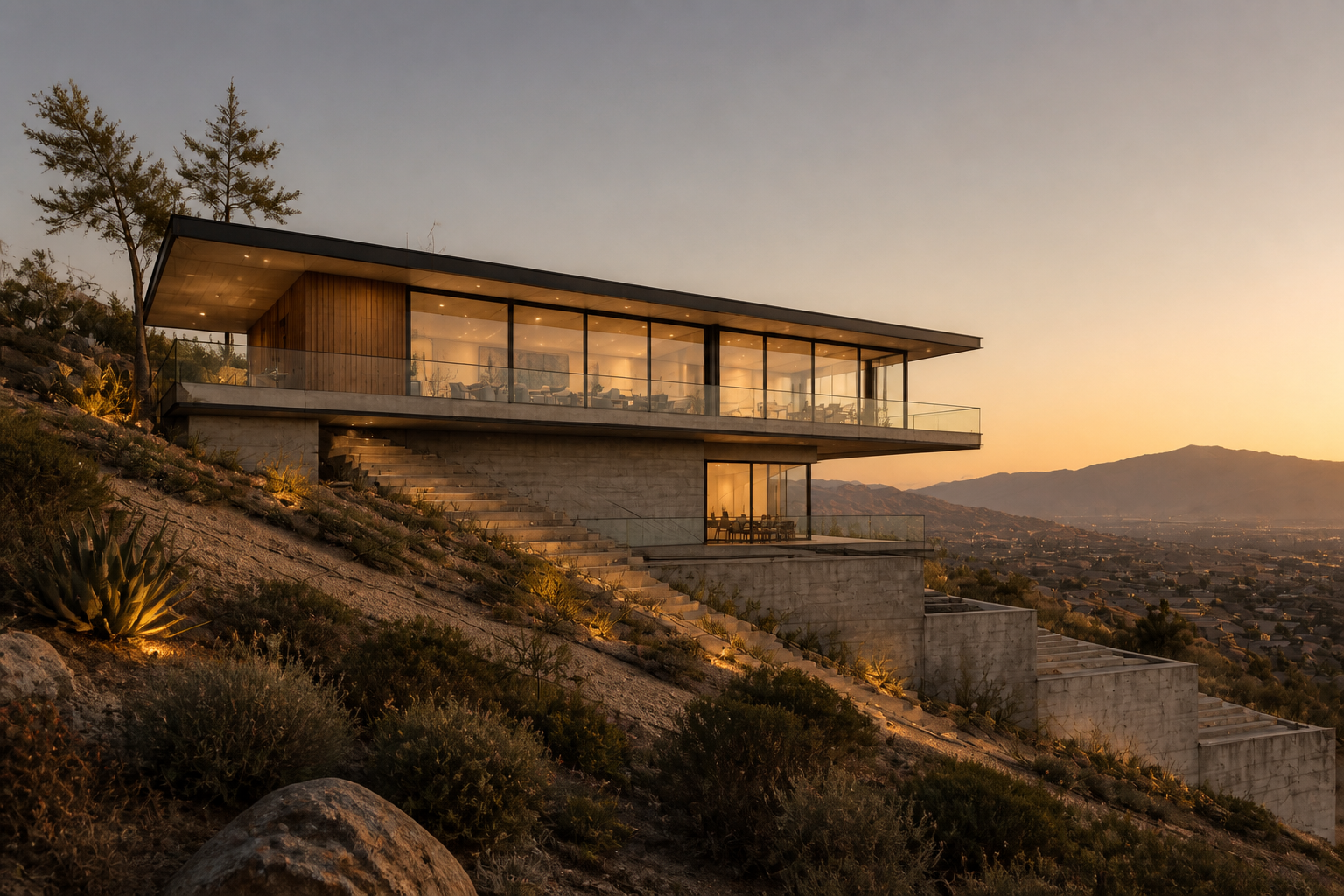
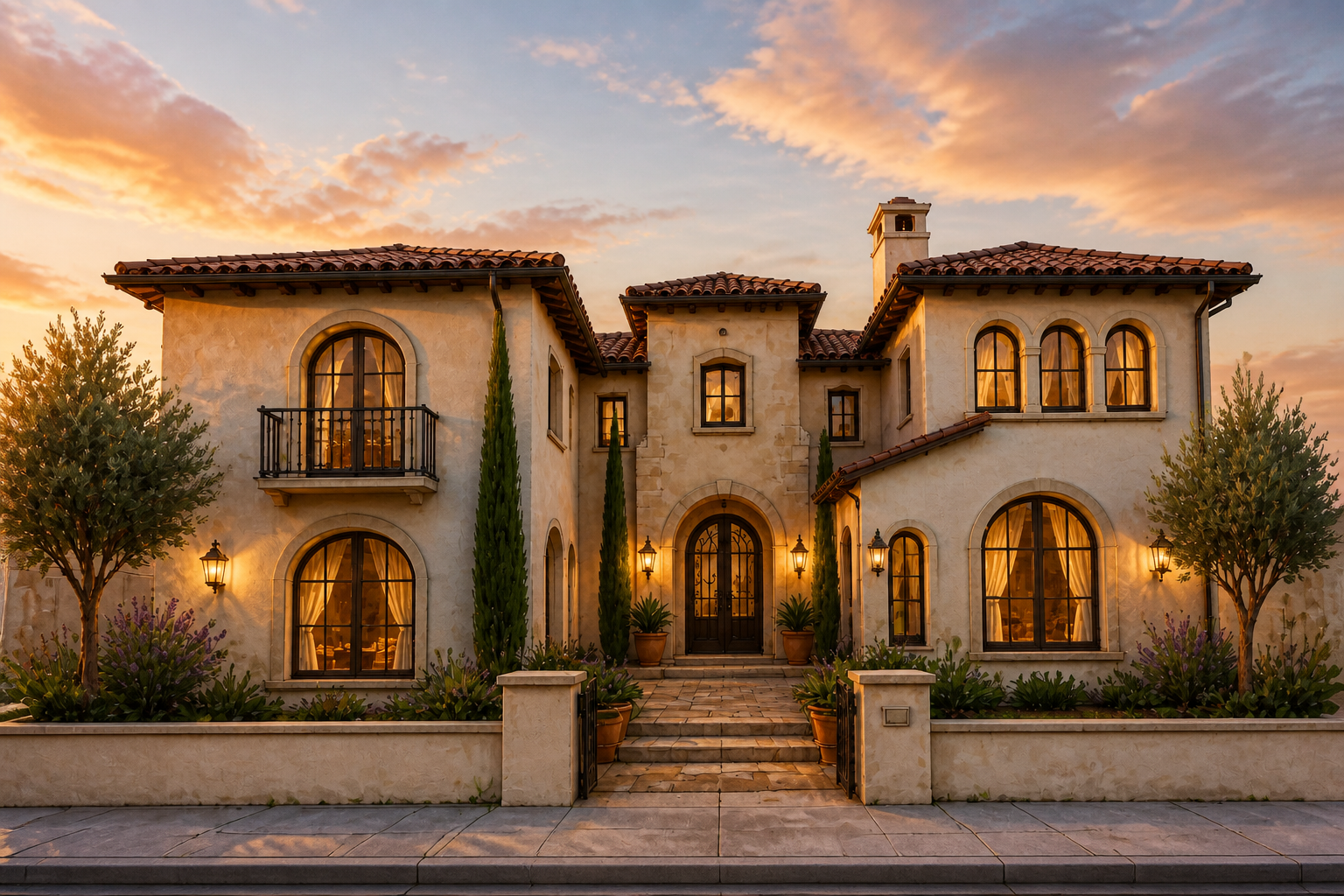
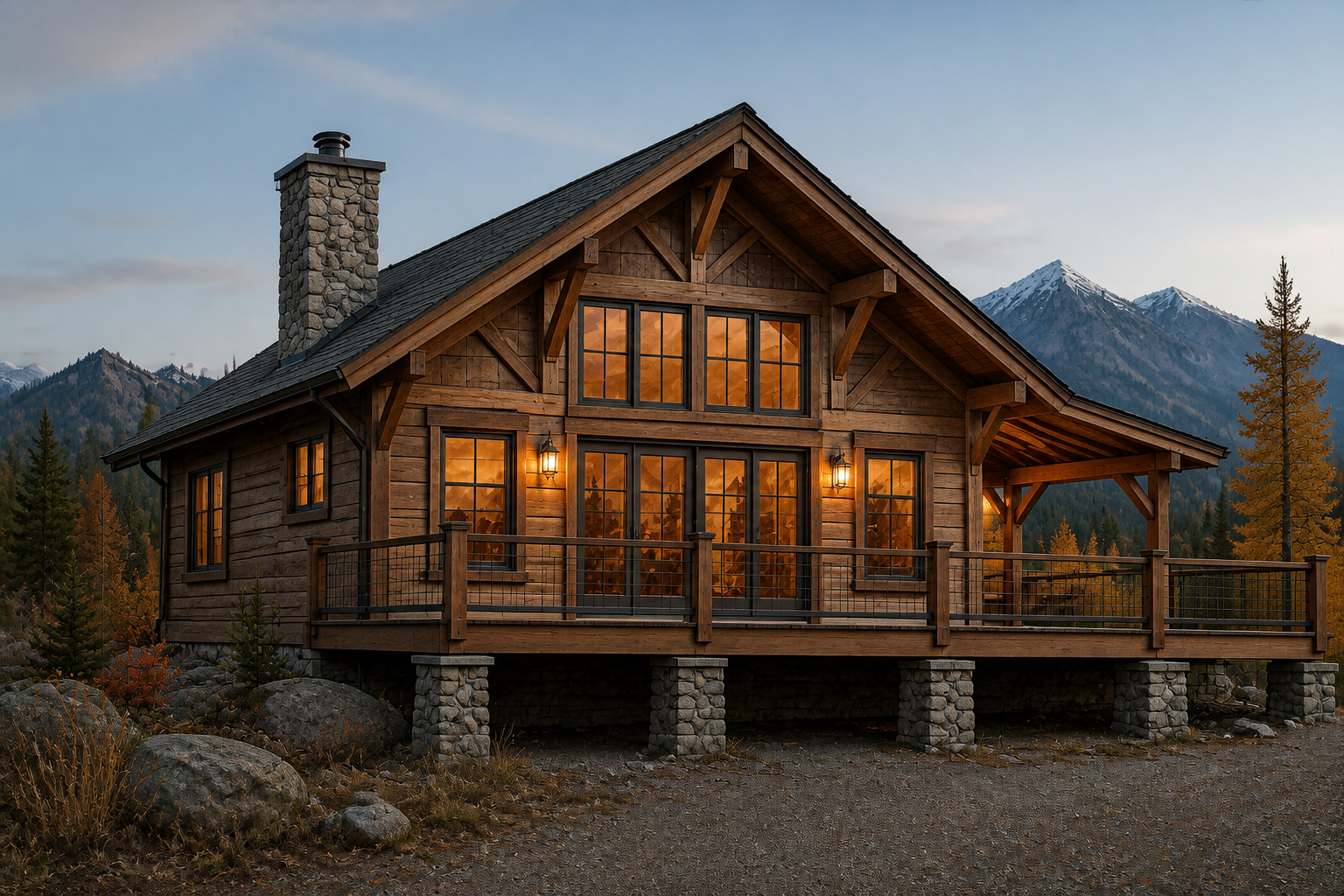
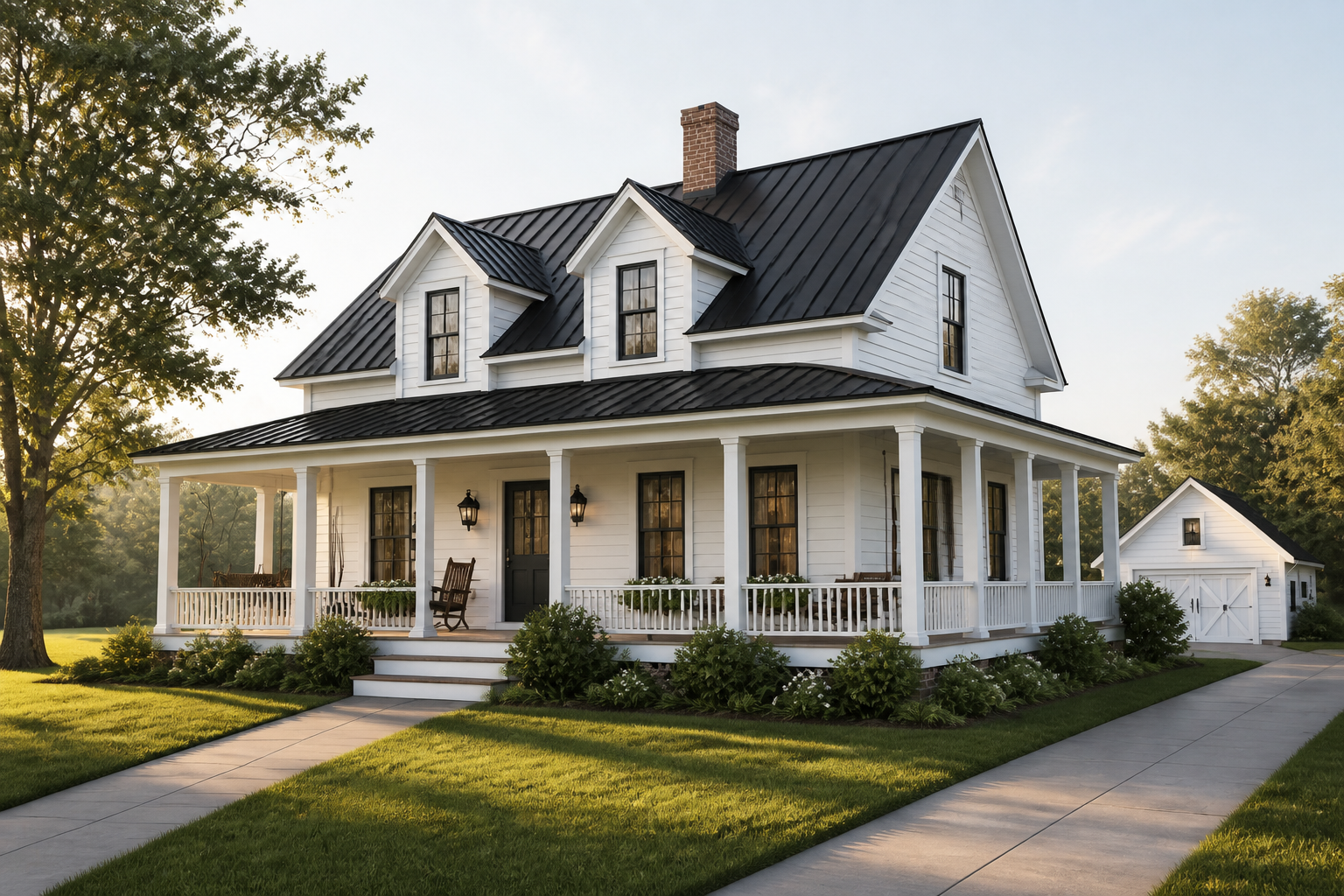
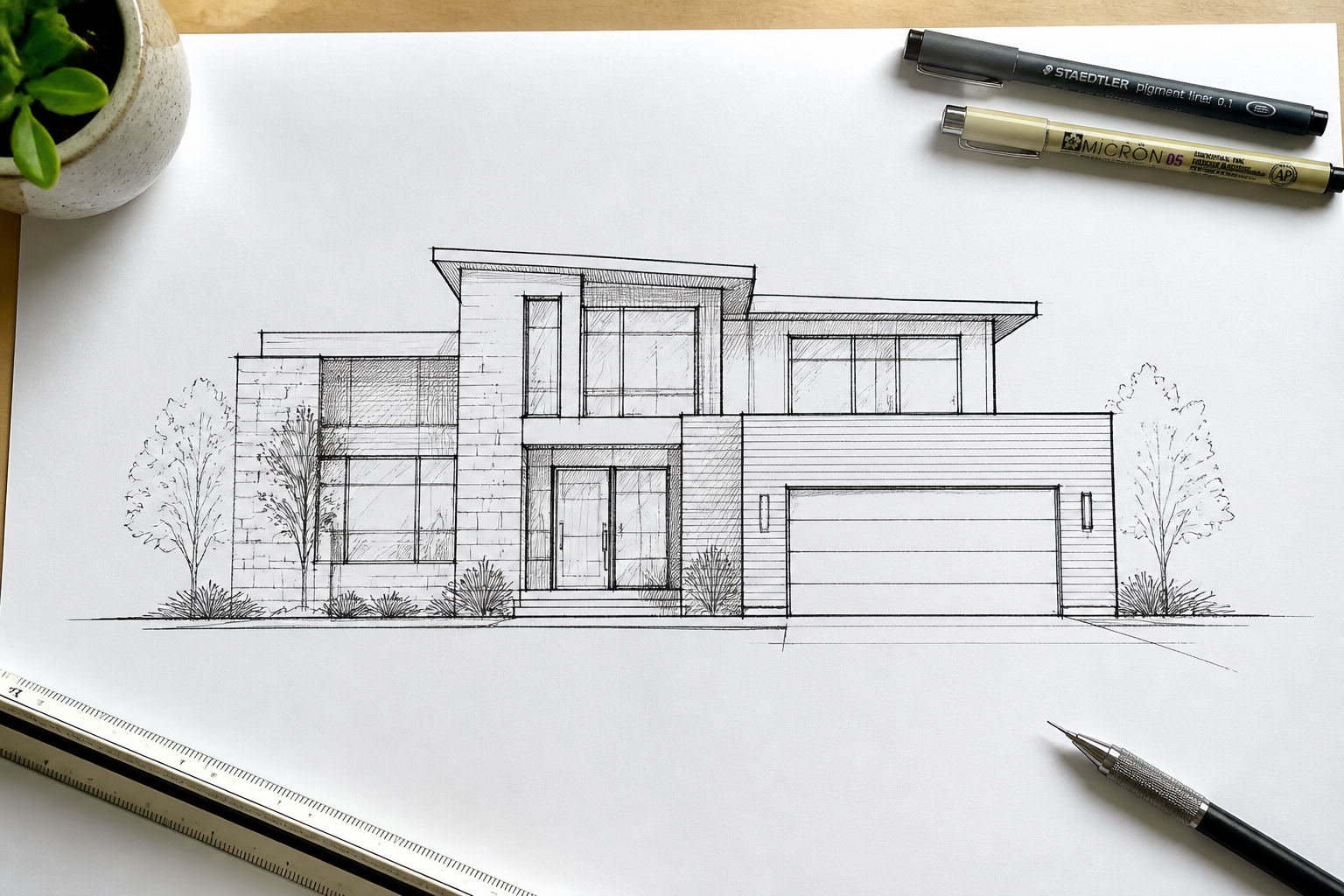
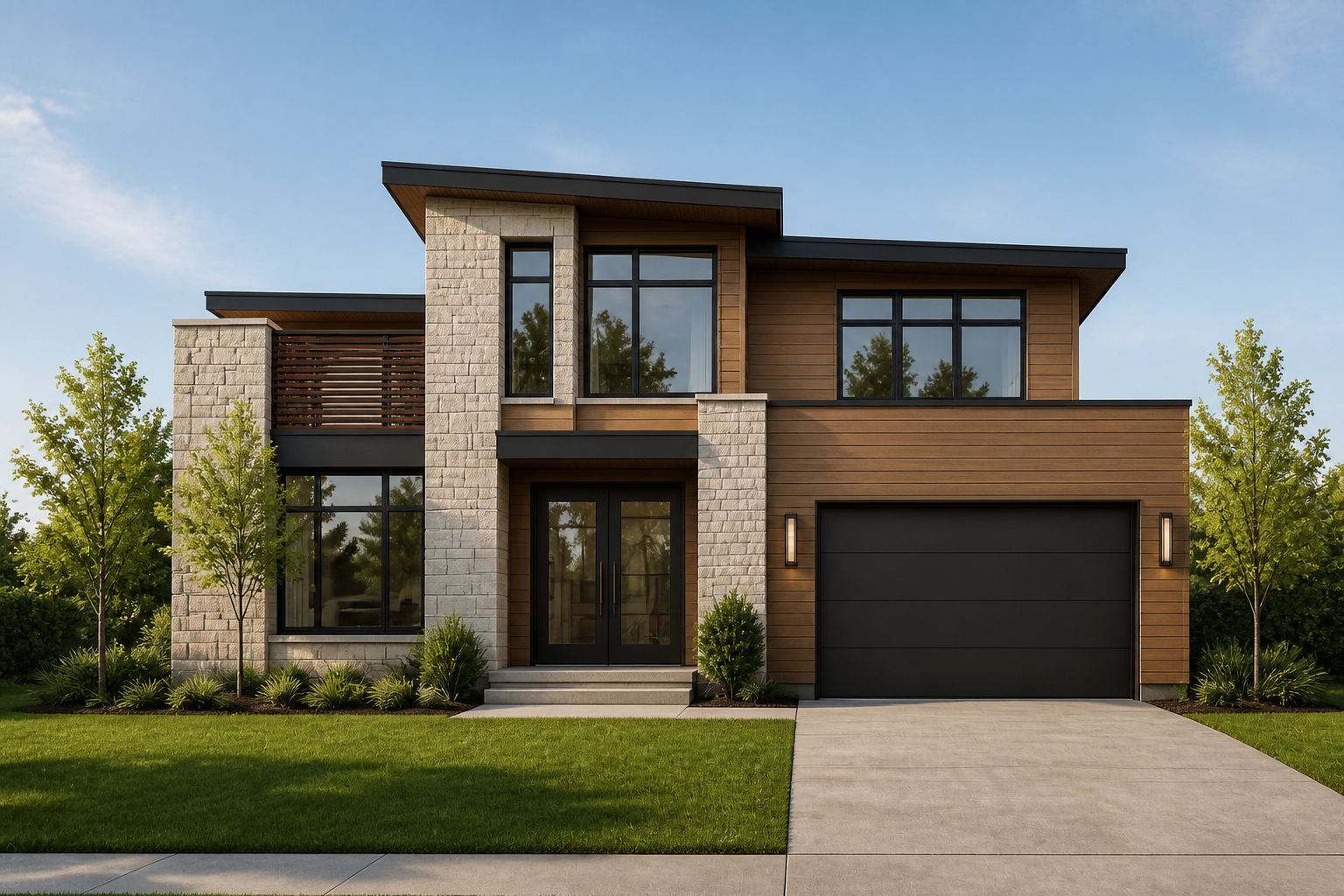
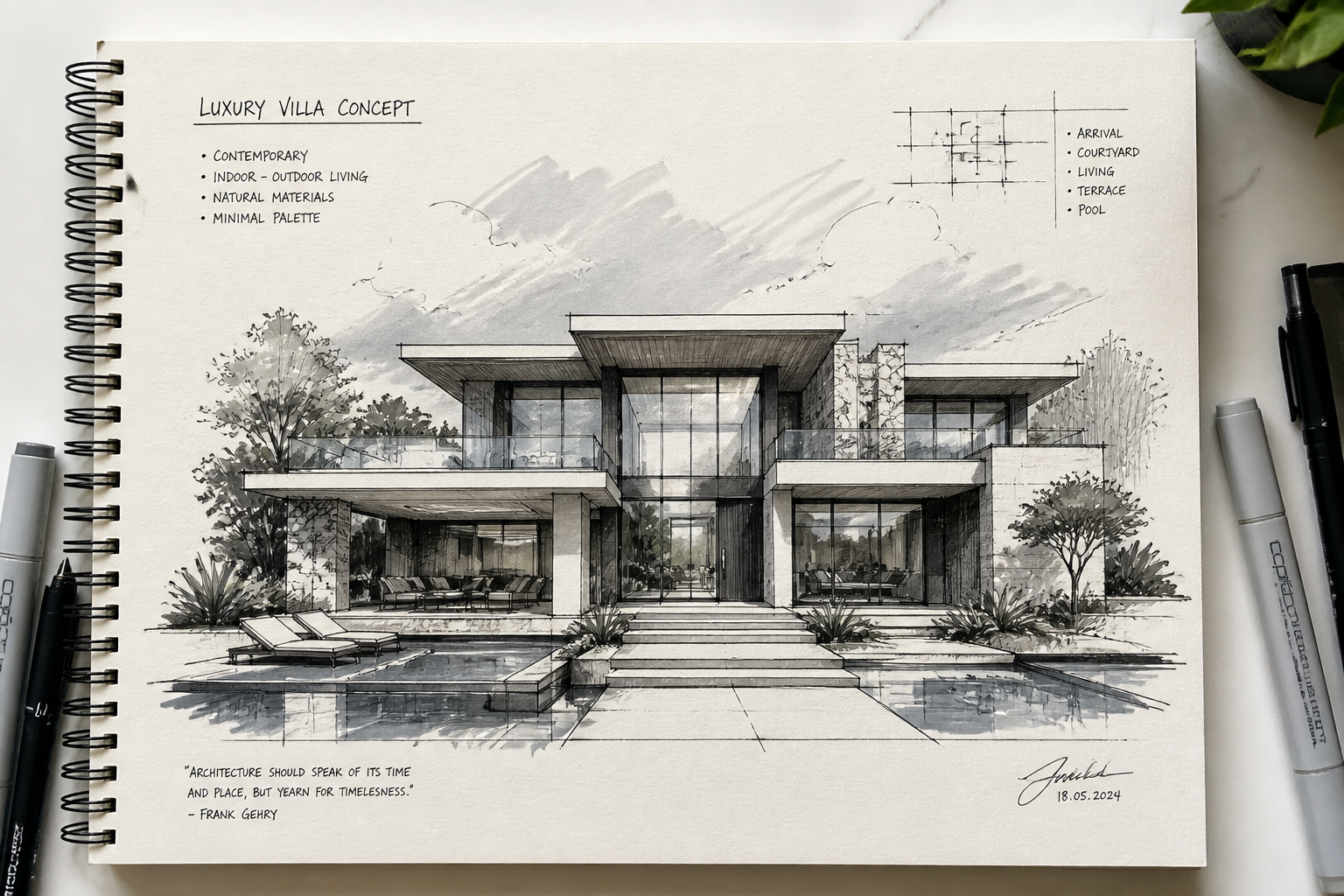
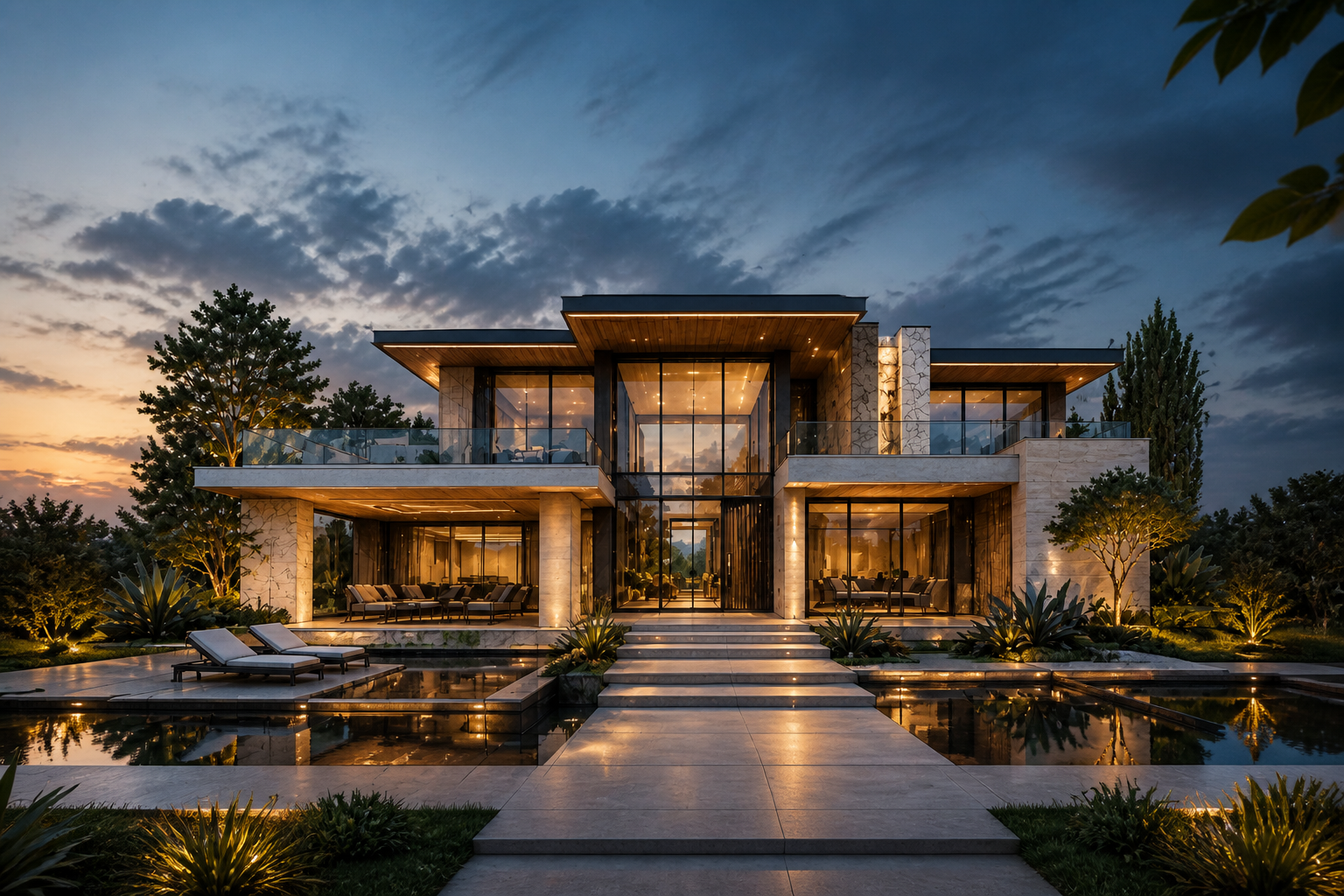
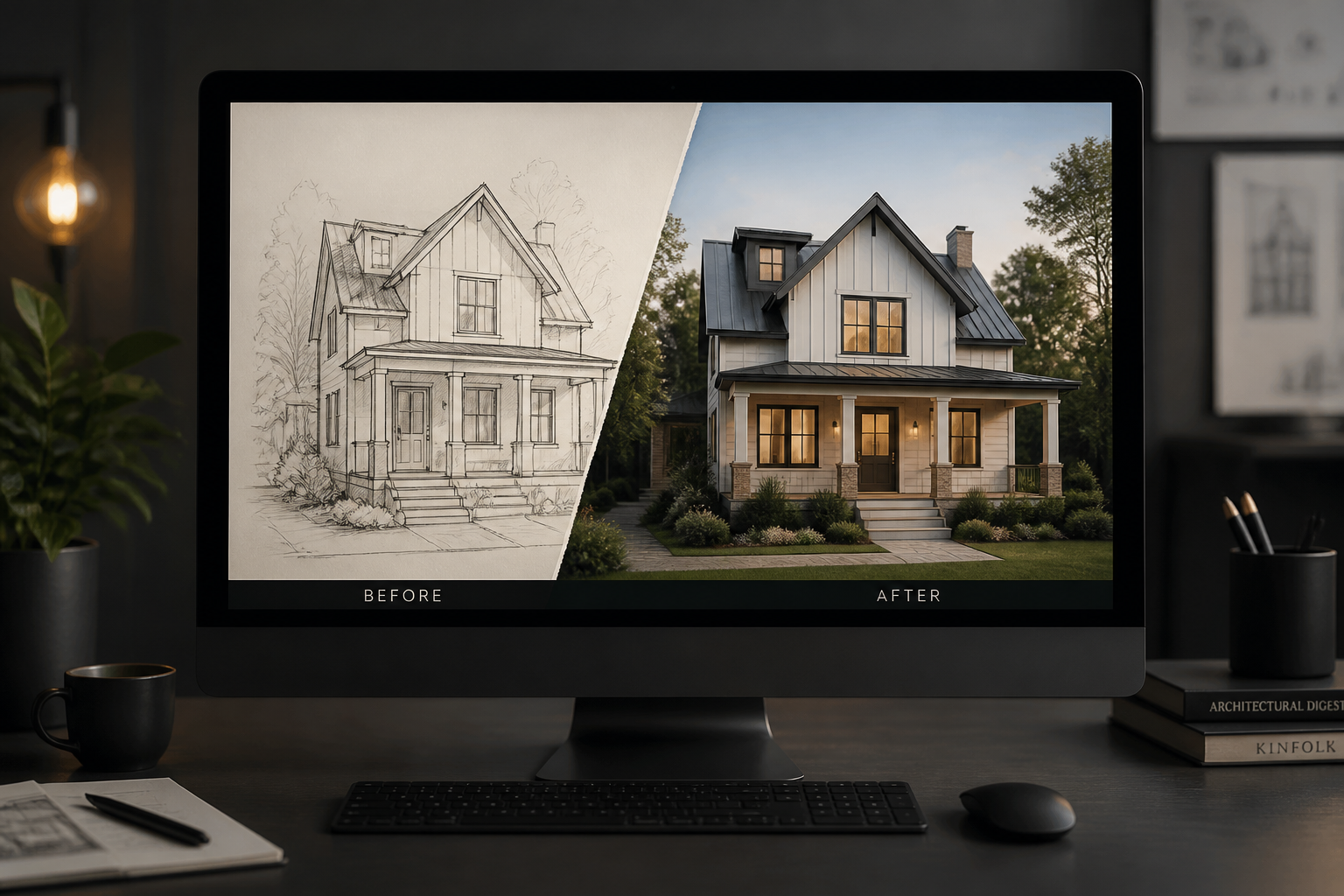
Upload a house sketch, floor-plan elevation, or concept drawing and turn it into a realistic-looking home image. Our AI keeps the core structure, then adds materials, windows, landscaping, lighting, and real-world detail so the result looks like an actual built house.
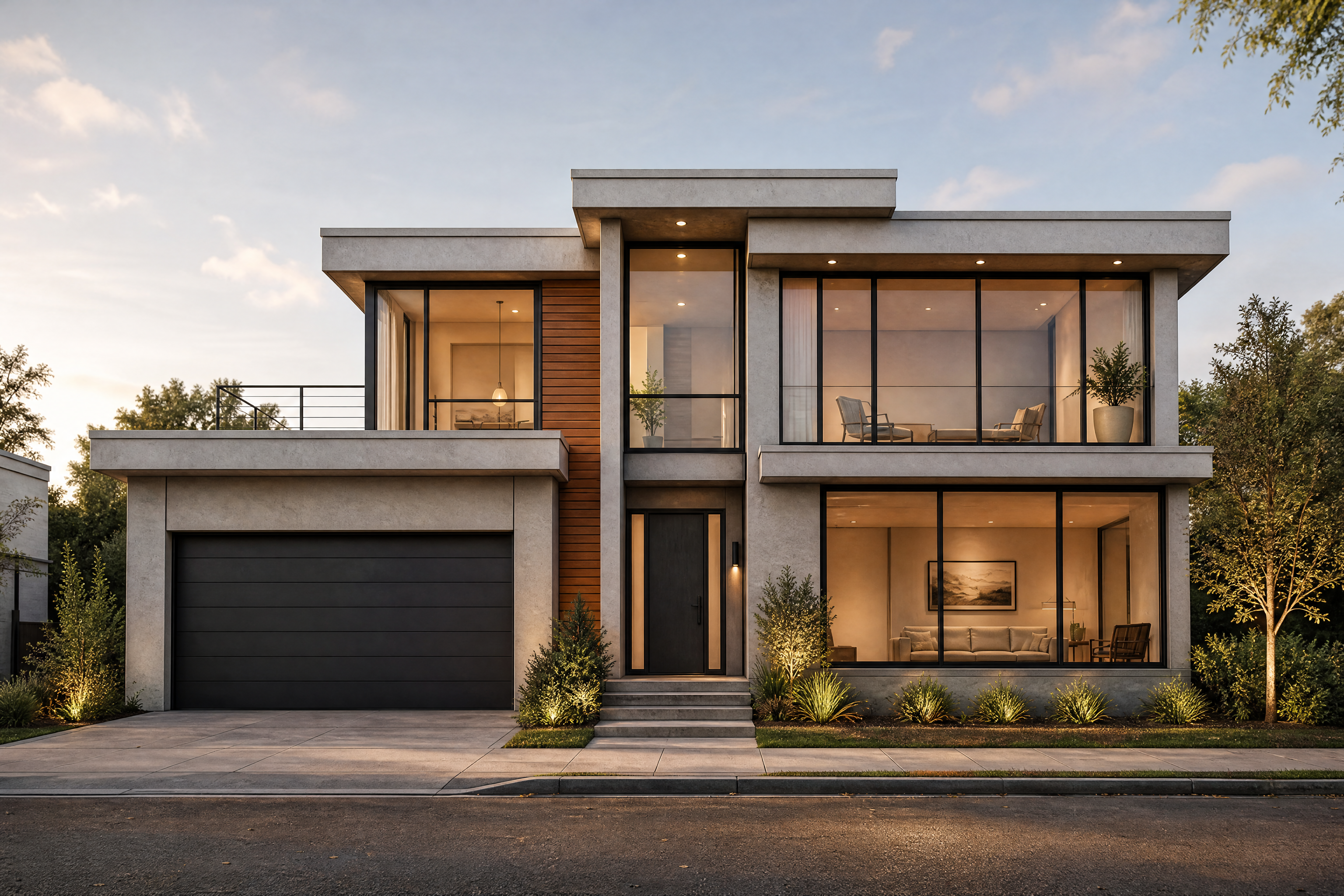
Watch the Transformation
See ai house design generator in motion — generated end-to-end by our AI.
See It In Action
Real outputs from ai house design generator.
BEFOREAFTER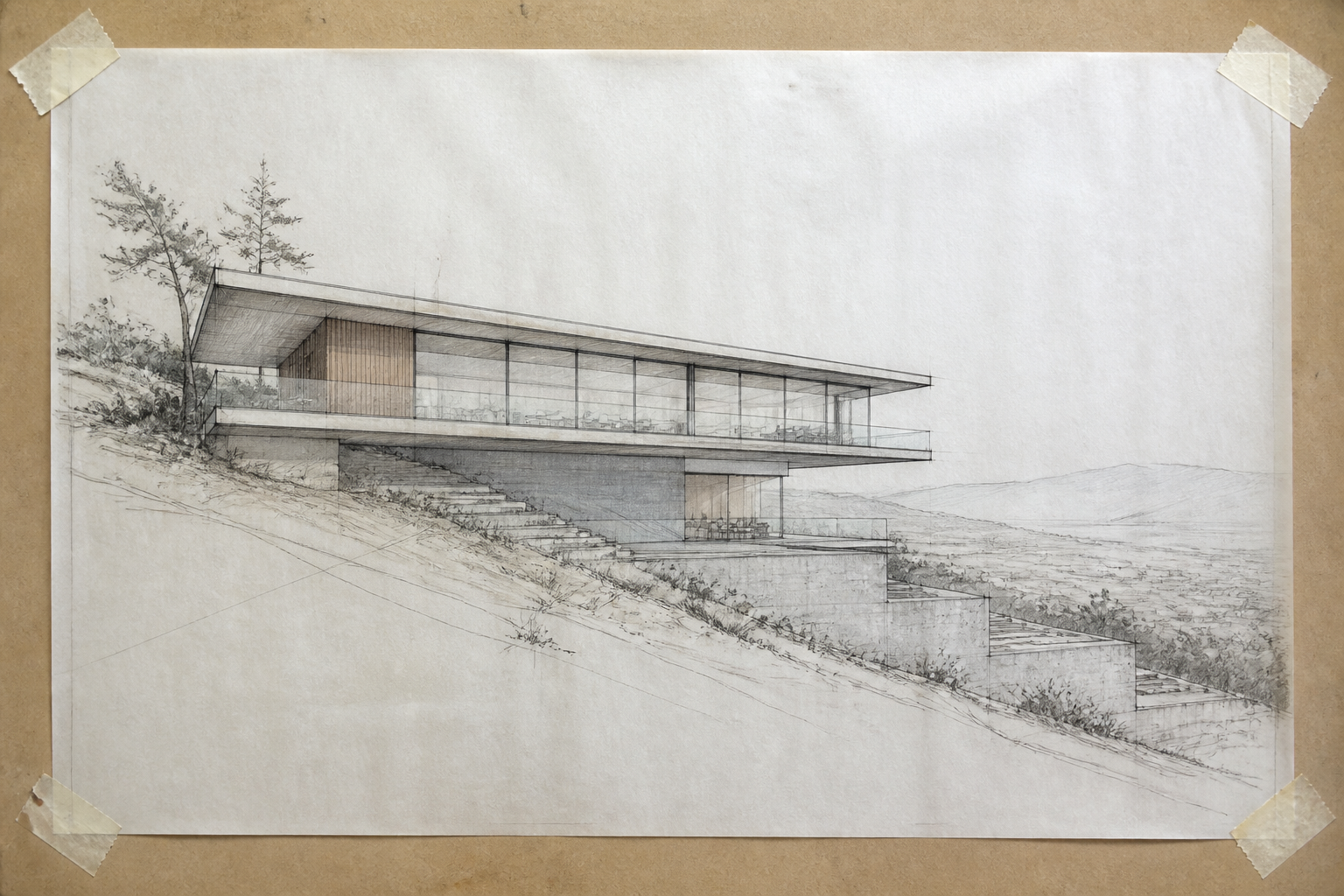 BEFORE
 AFTER
AFTER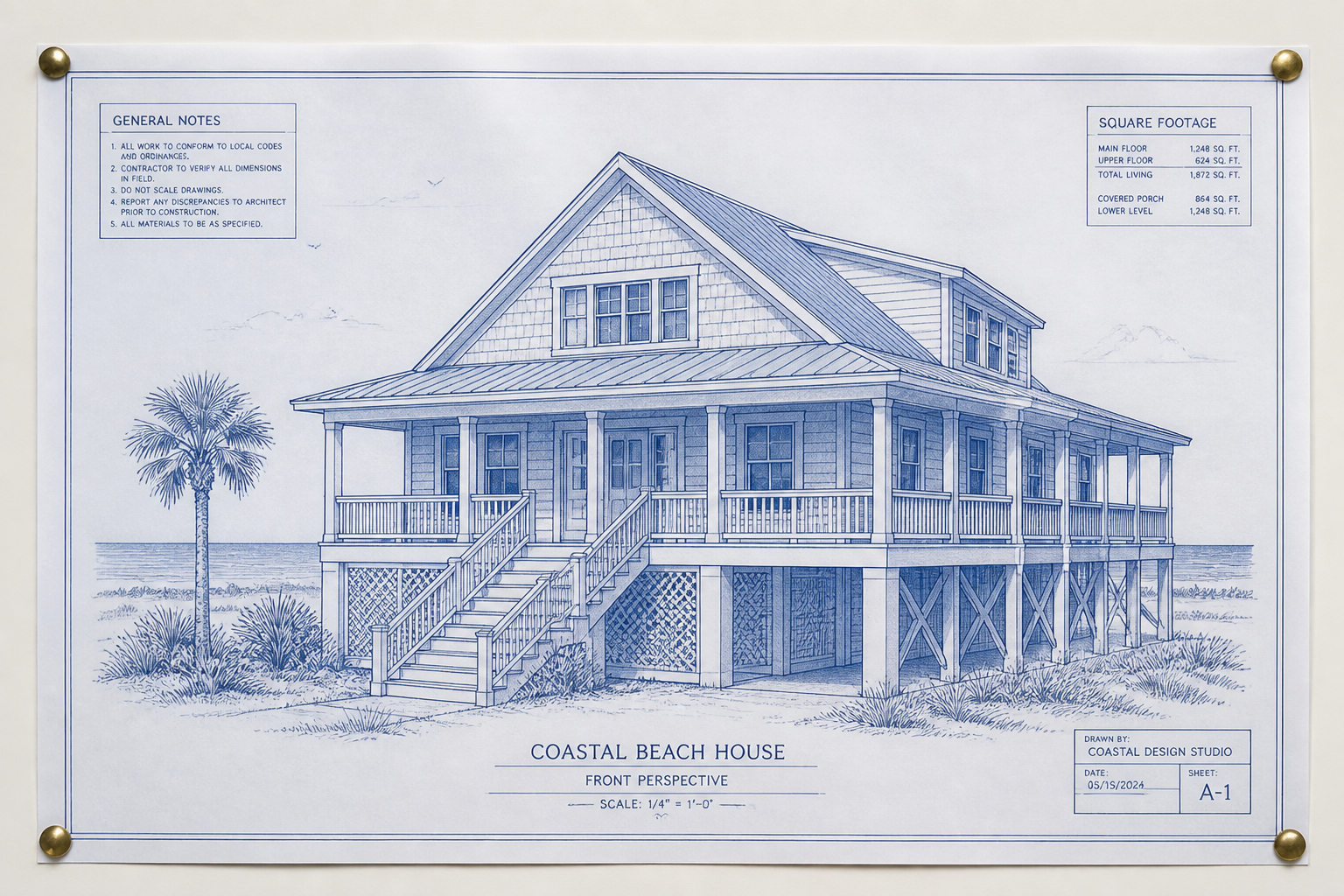 BEFORE
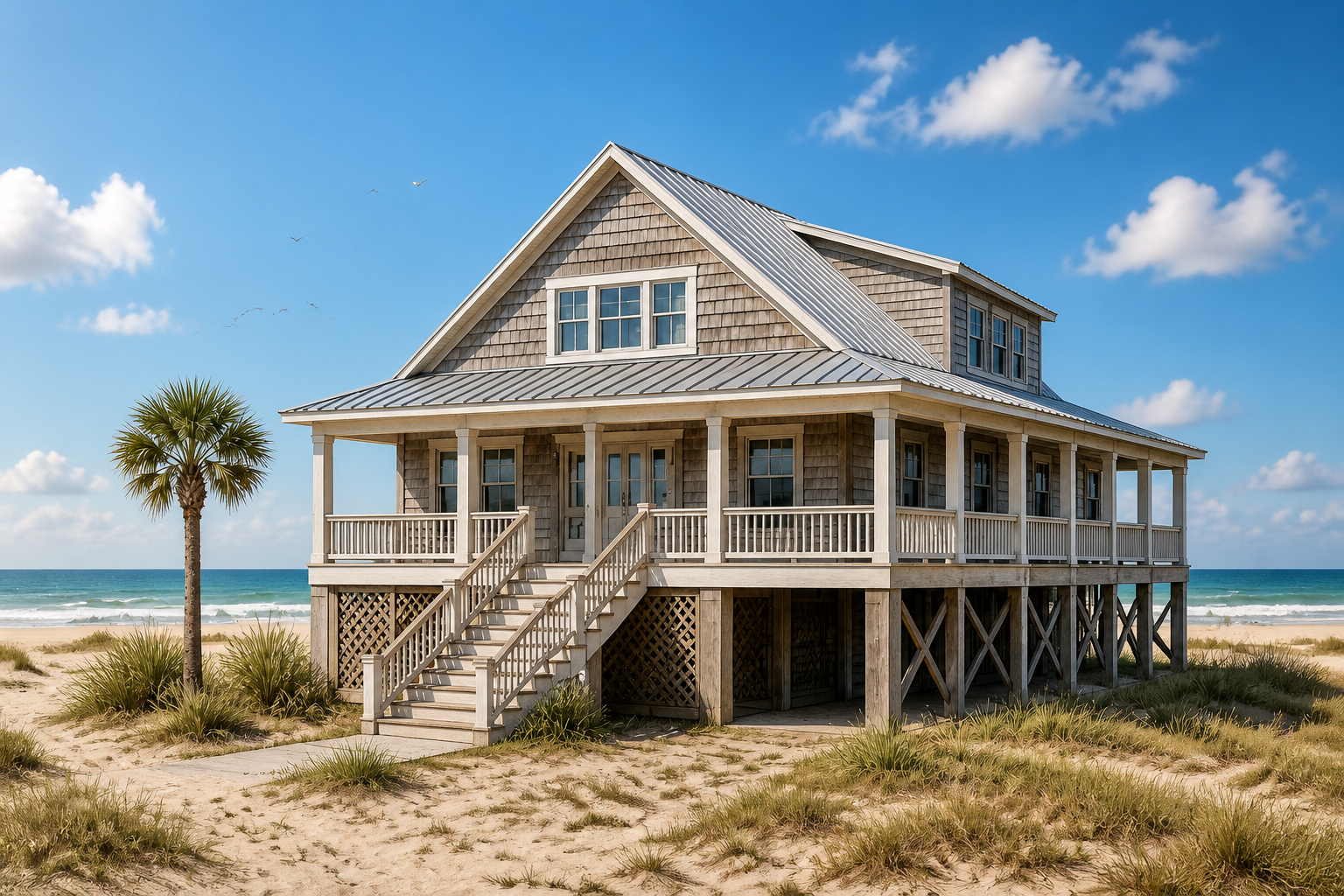 AFTER
AFTER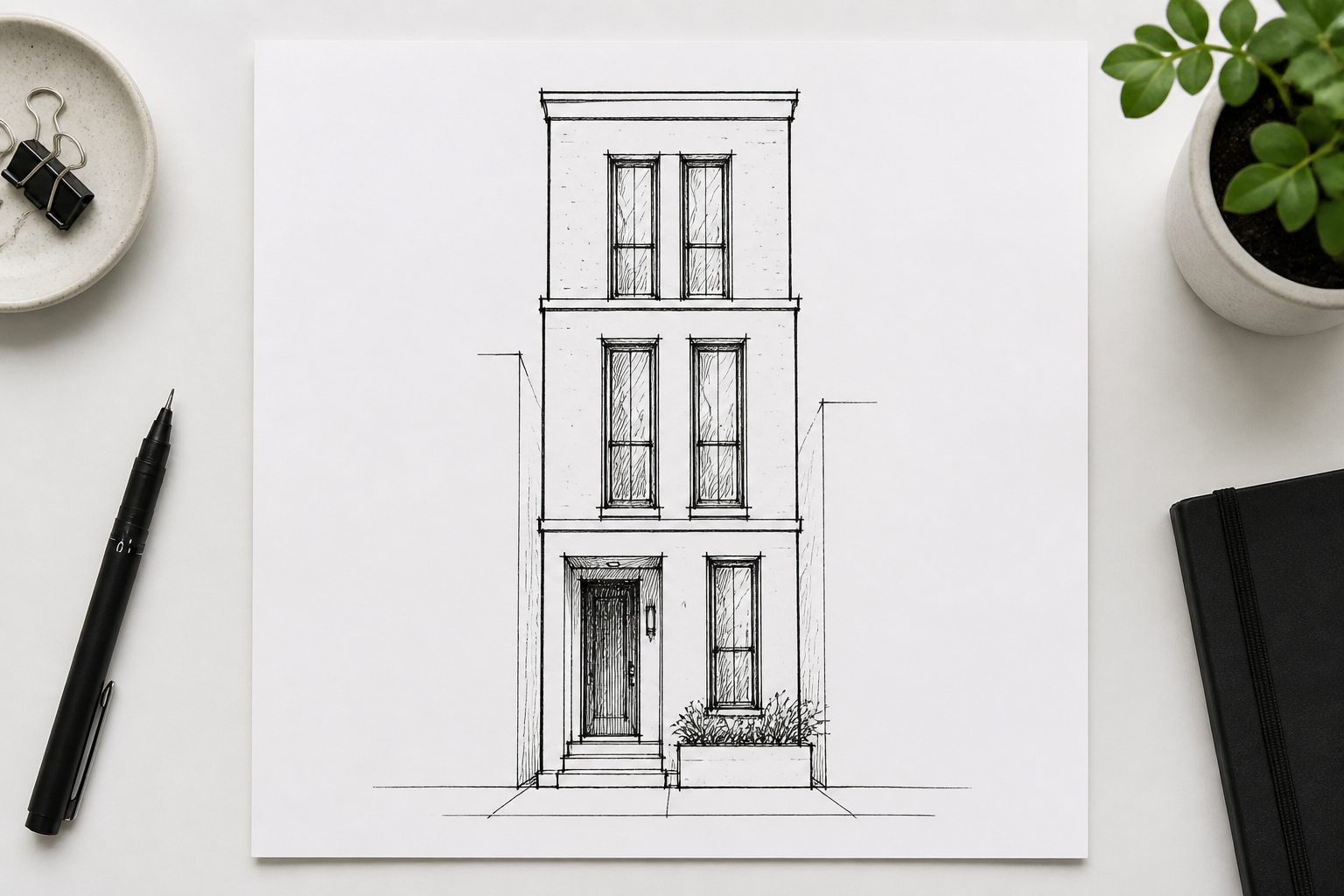 BEFORE
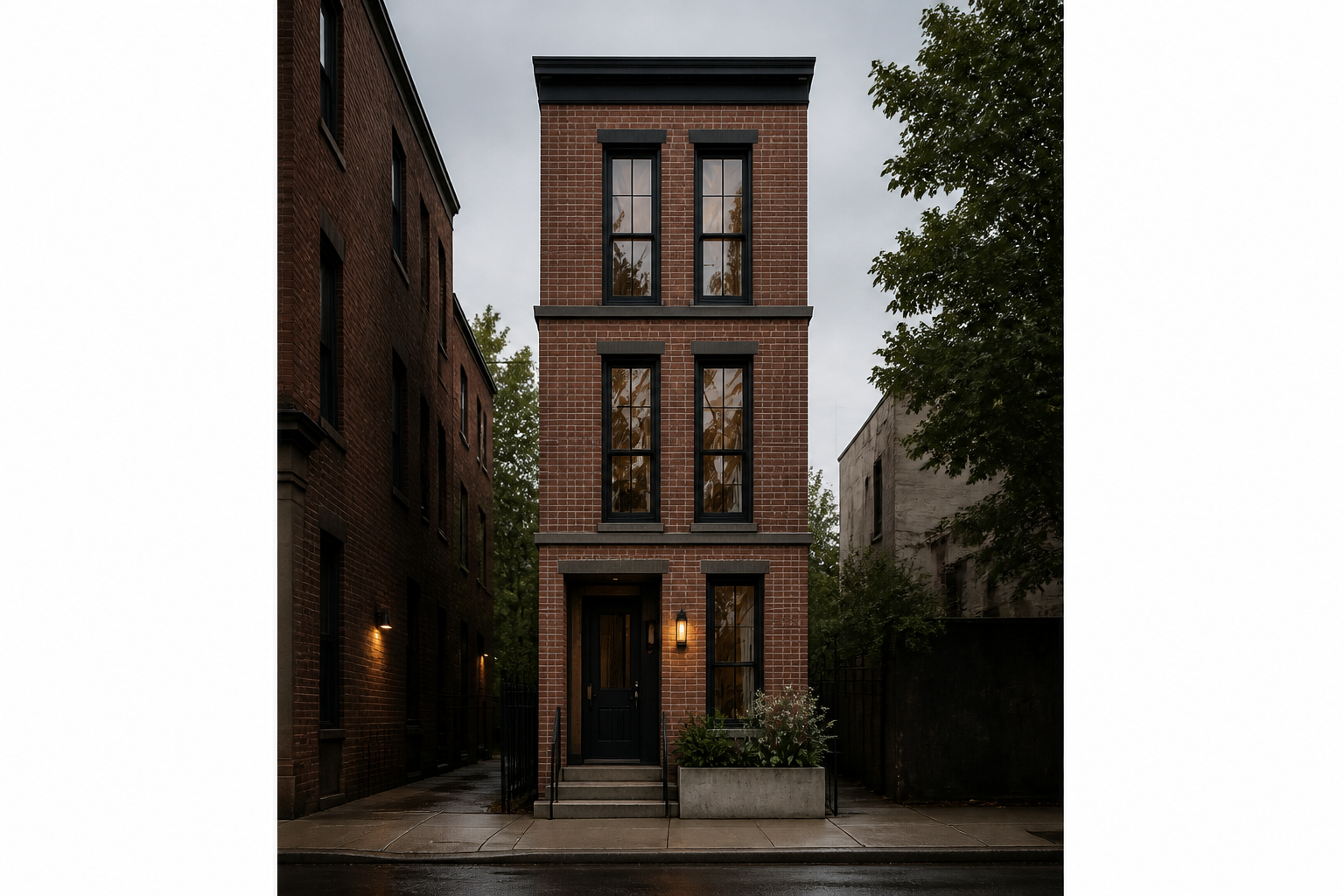 AFTER
AFTER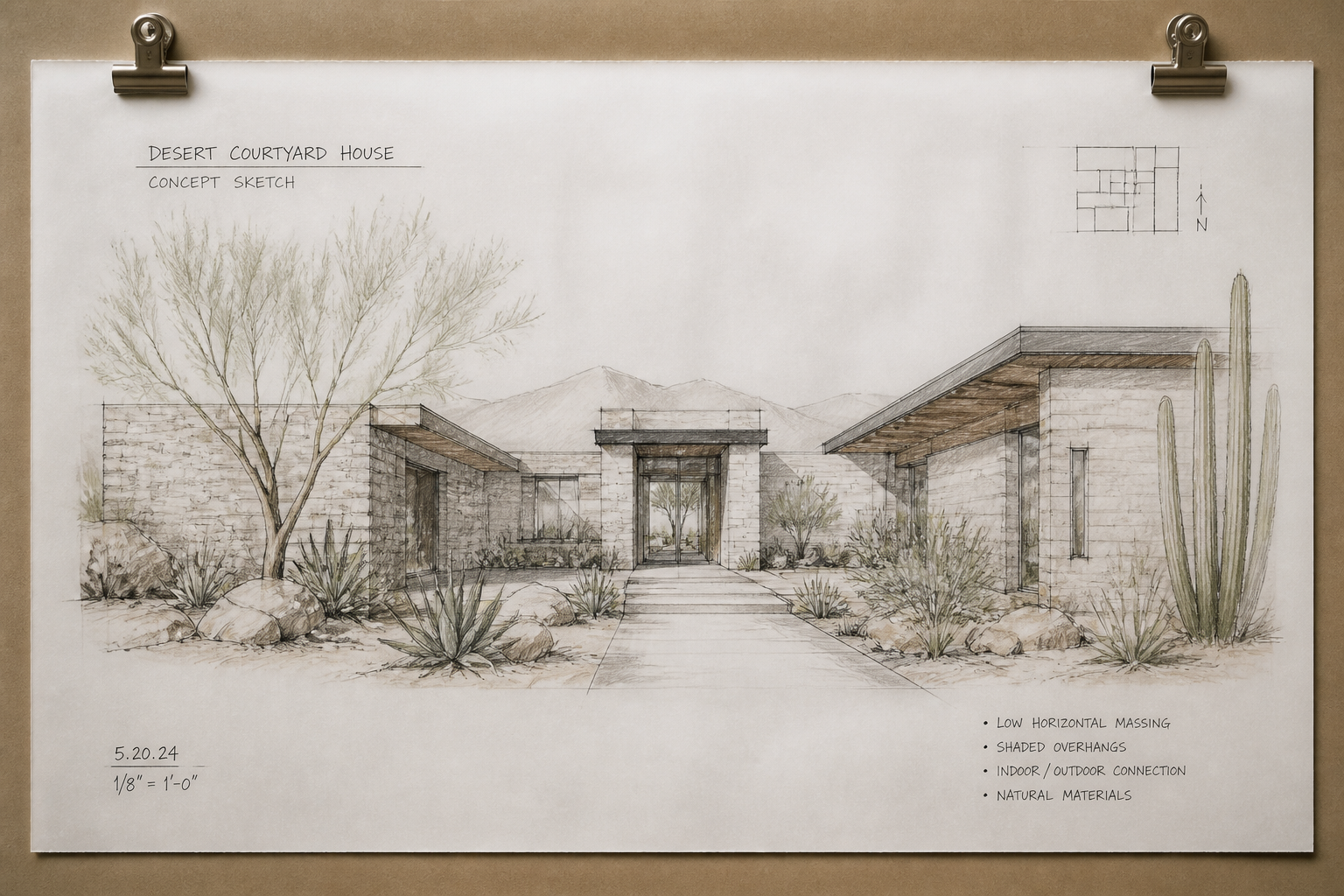 BEFORE
 AFTERBEFOREAFTERBEFOREAFTERBEFOREAFTERBEFOREAFTERBEFOREAFTER
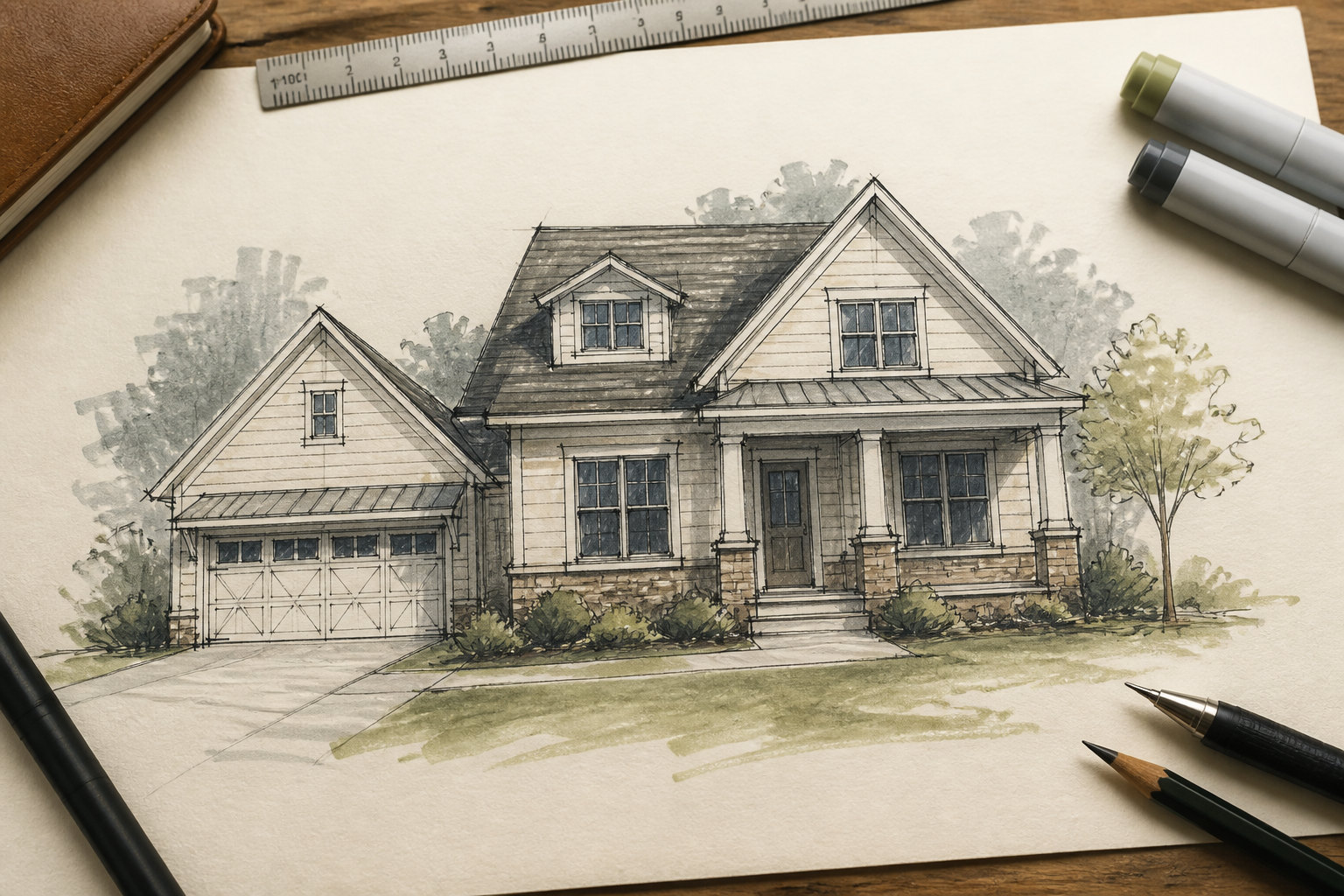 BEFORE
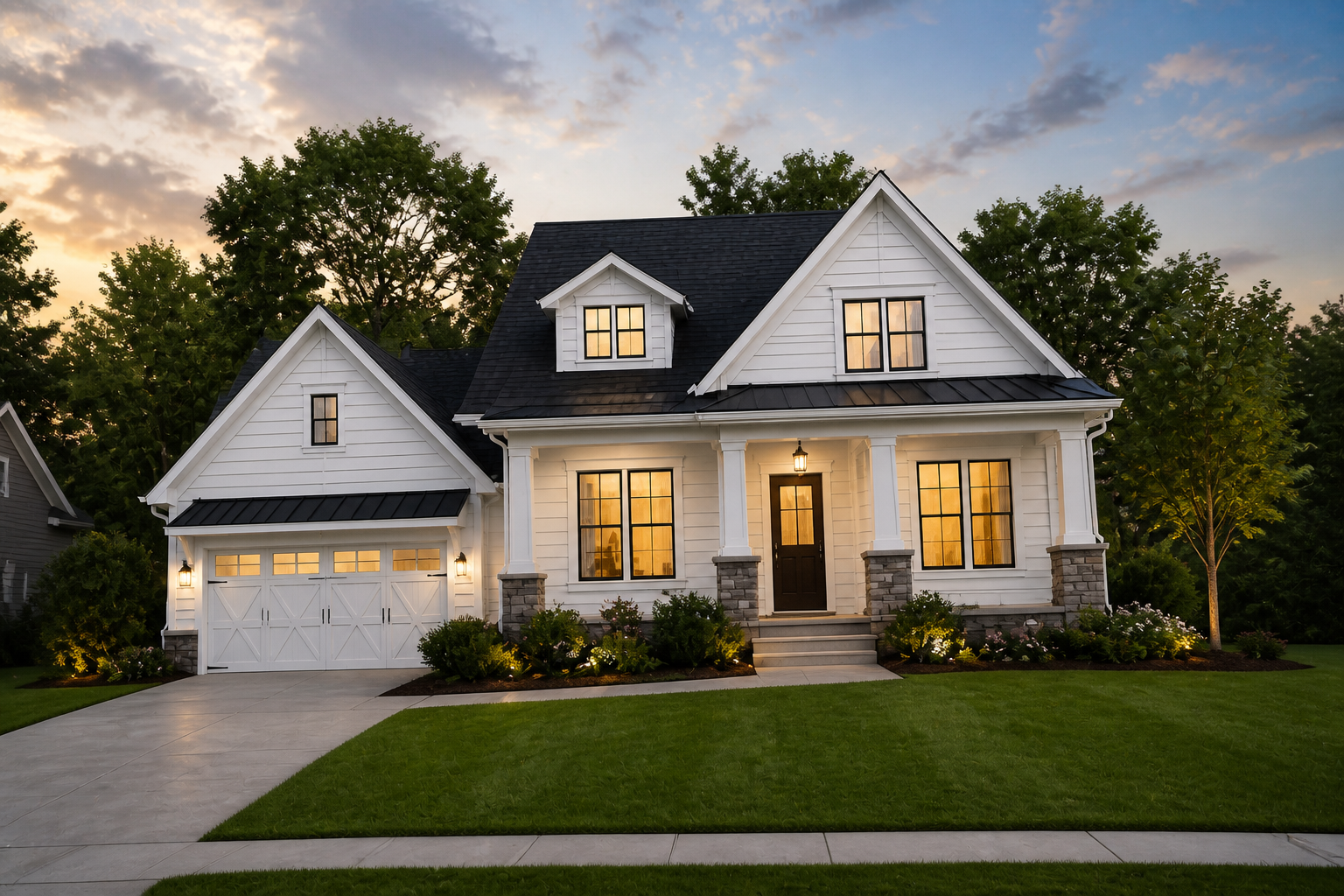 AFTER
AFTER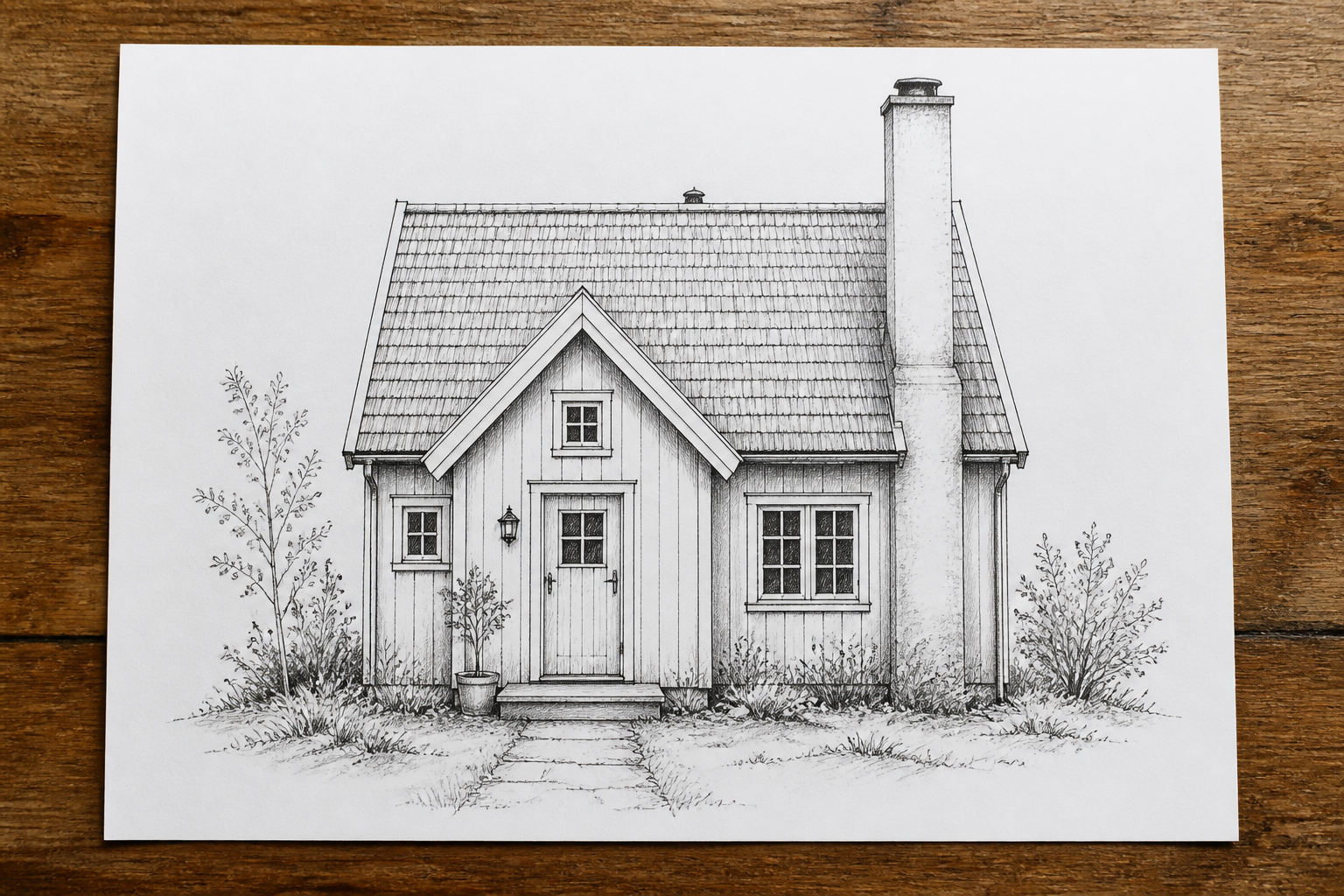 BEFORE
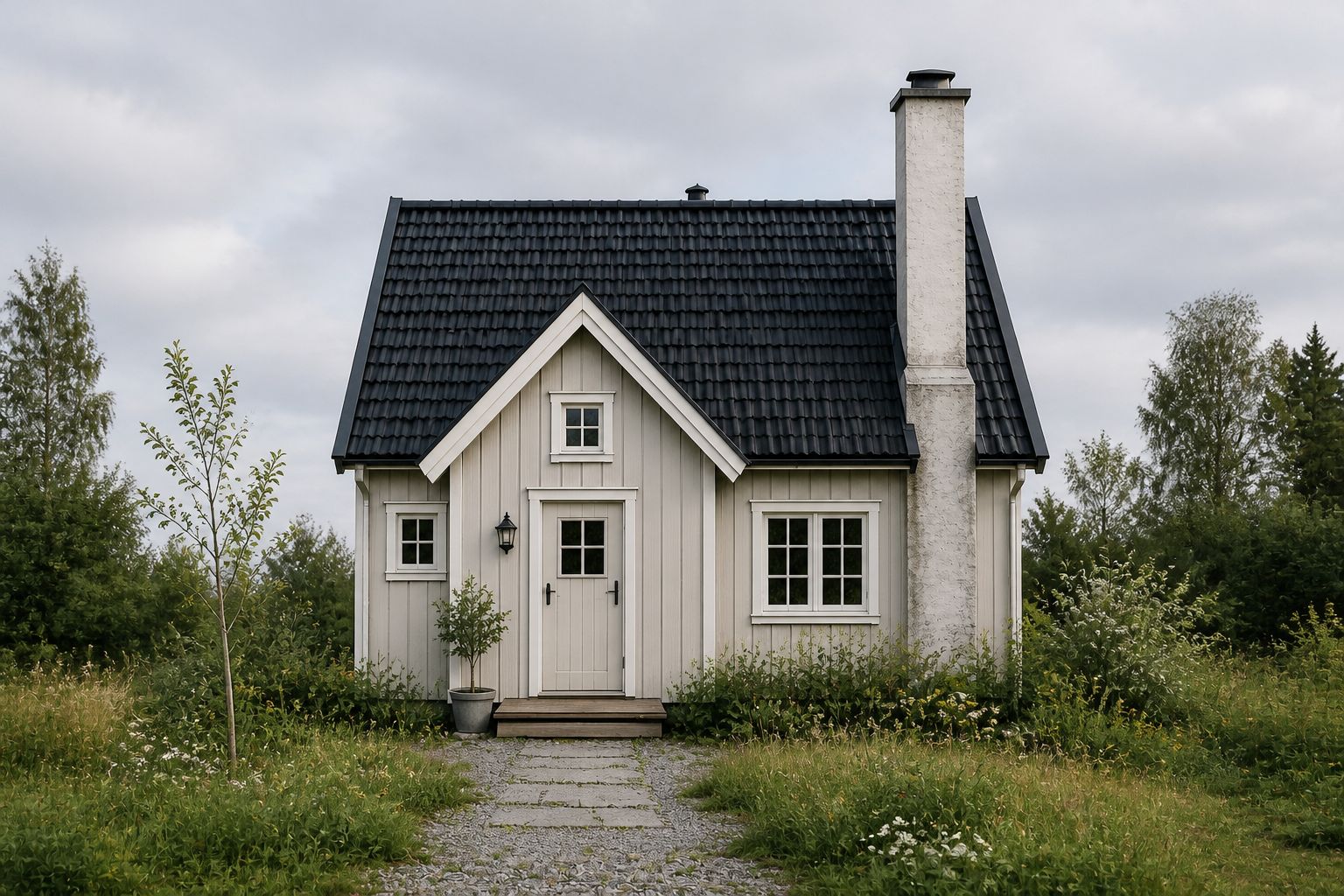 AFTER
AFTER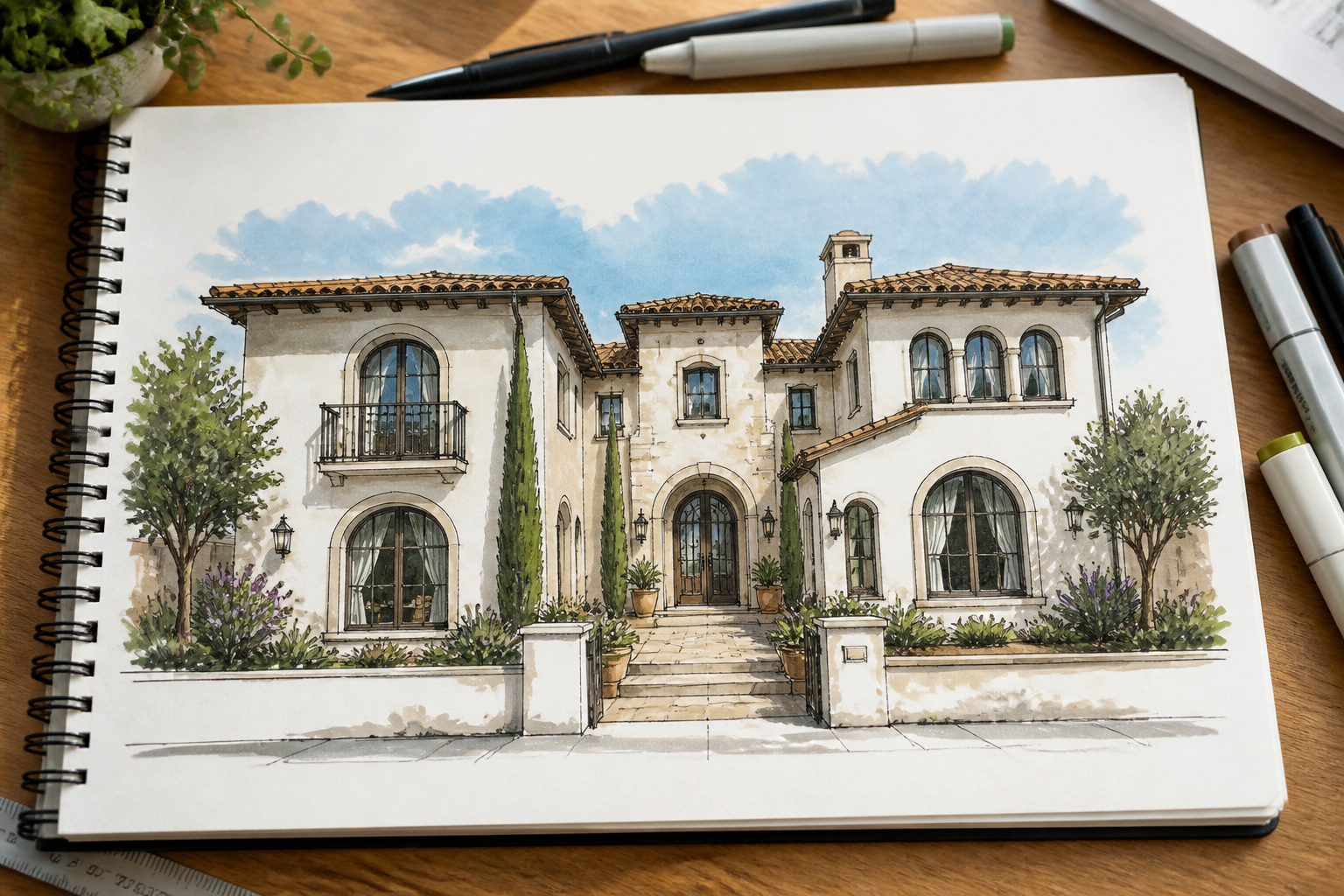 BEFORE
 AFTER
AFTER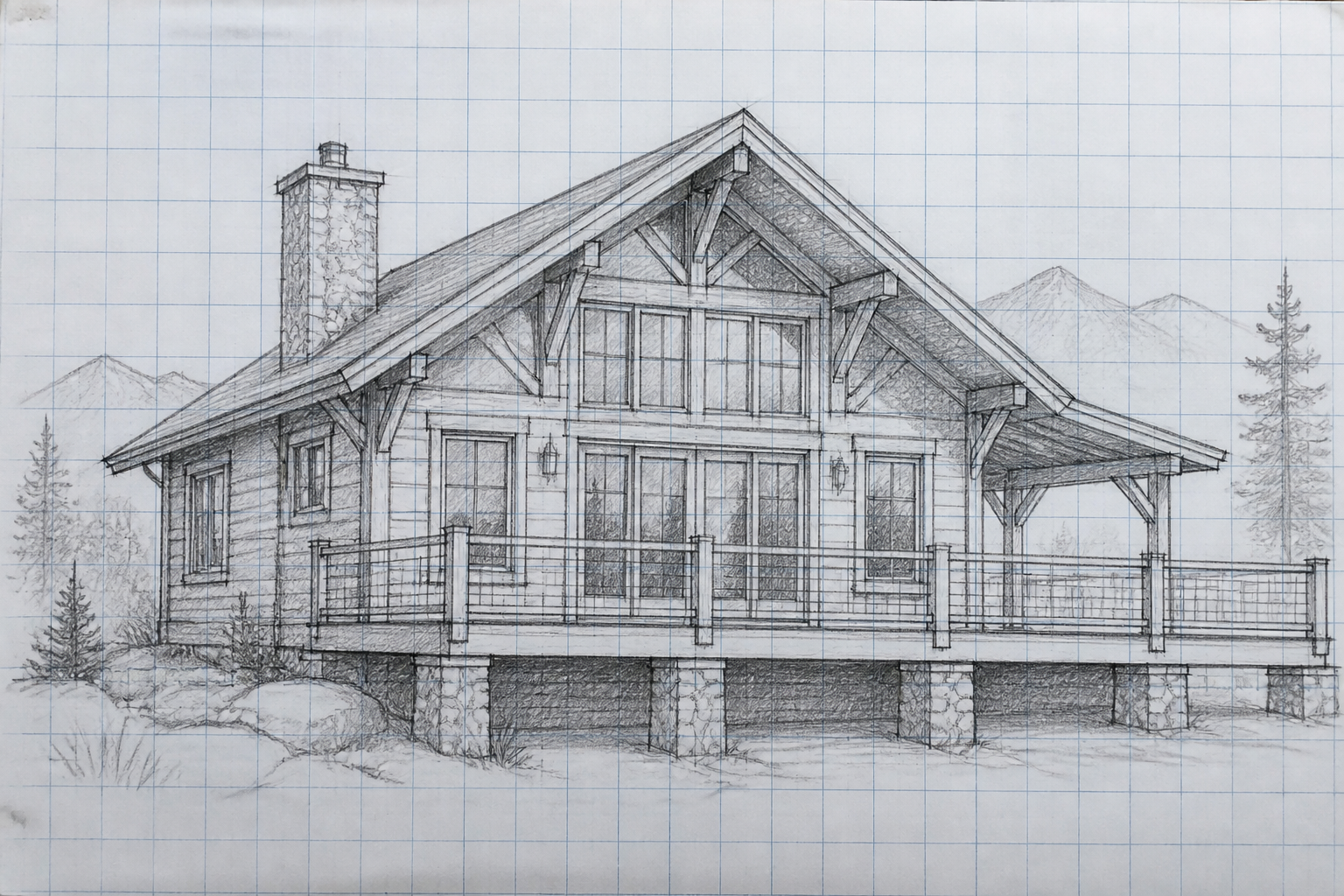 BEFORE
 AFTER
AFTER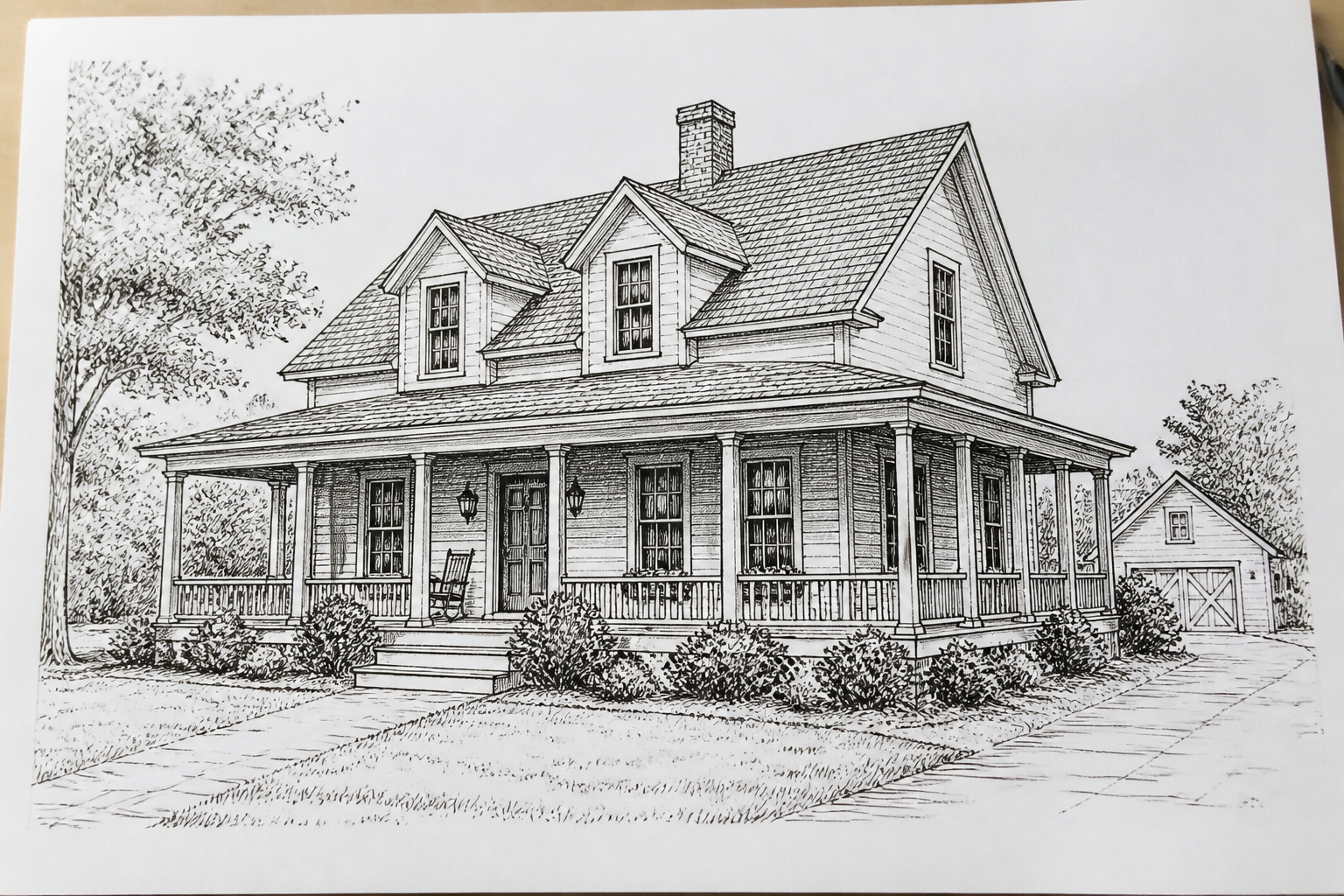 BEFORE
 AFTERBEFOREAFTERBEFOREAFTERBEFOREAFTERBEFOREAFTERBEFOREAFTER
Key Features
Paper Plans to Real Homes
Start with a sketch, elevation, or rough concept on paper and turn it into something that looks built. The AI reads the structure, then adds real materials, lighting, landscaping, and depth. That makes it easier to judge curb appeal than staring at lines on a page. It is much faster than manually painting over a concept drawing.
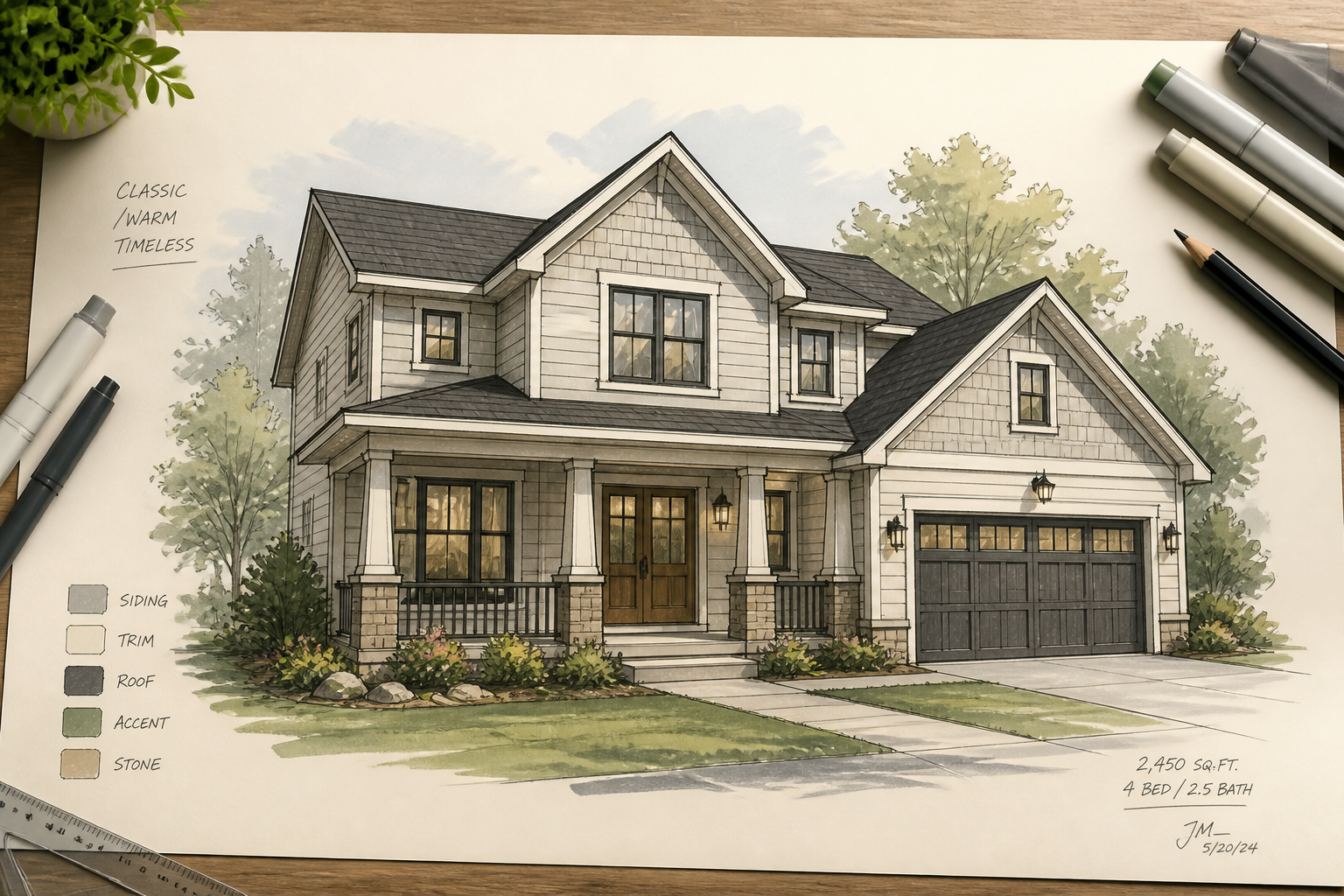
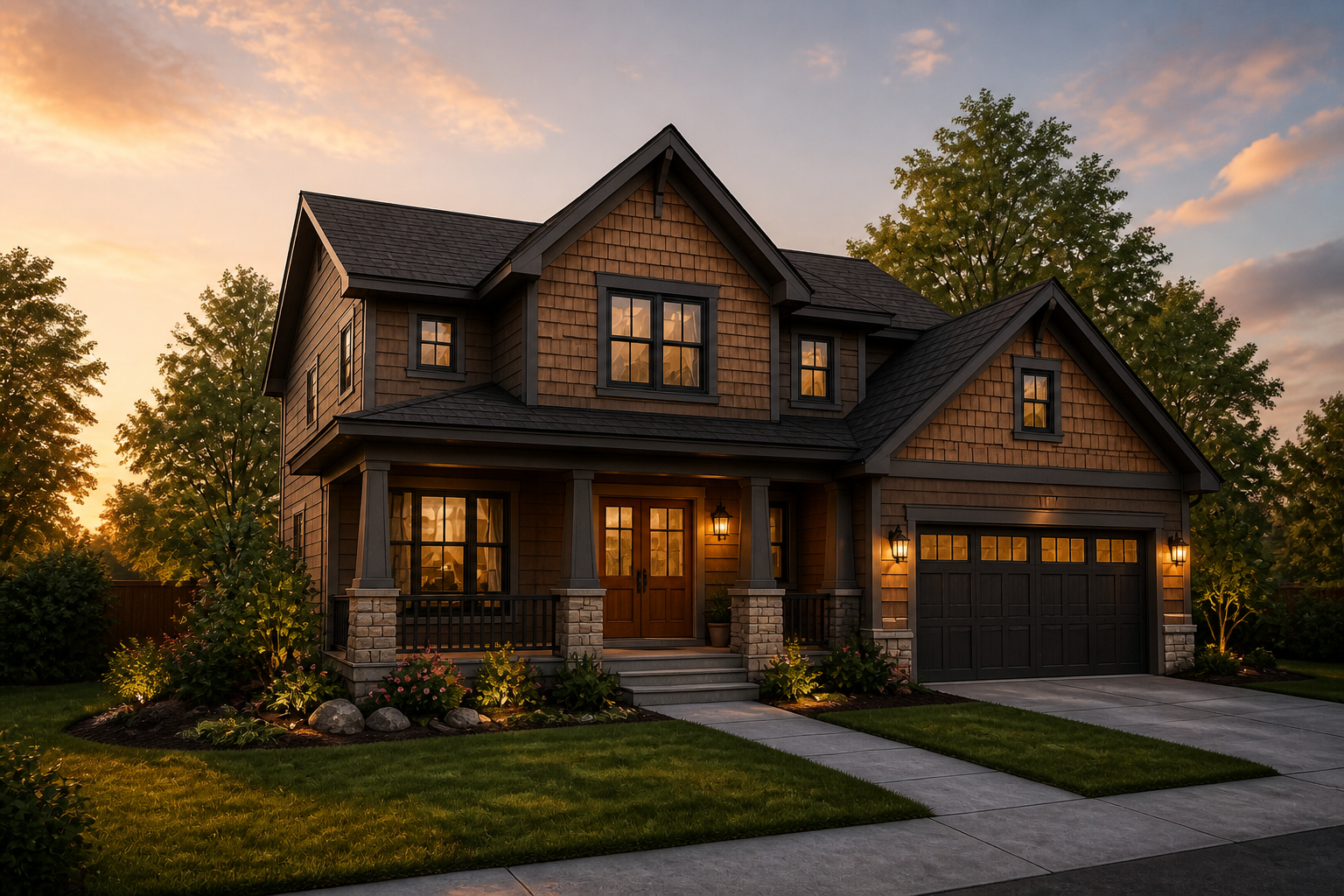
Preview Multiple Exterior Styles
You can test very different looks while keeping the same underlying structure. Swap facade materials, roof finishes, window treatments, and landscaping without redrawing the house. This helps you compare design directions quickly. It is useful when clients or teammates want options, not just one rendering.
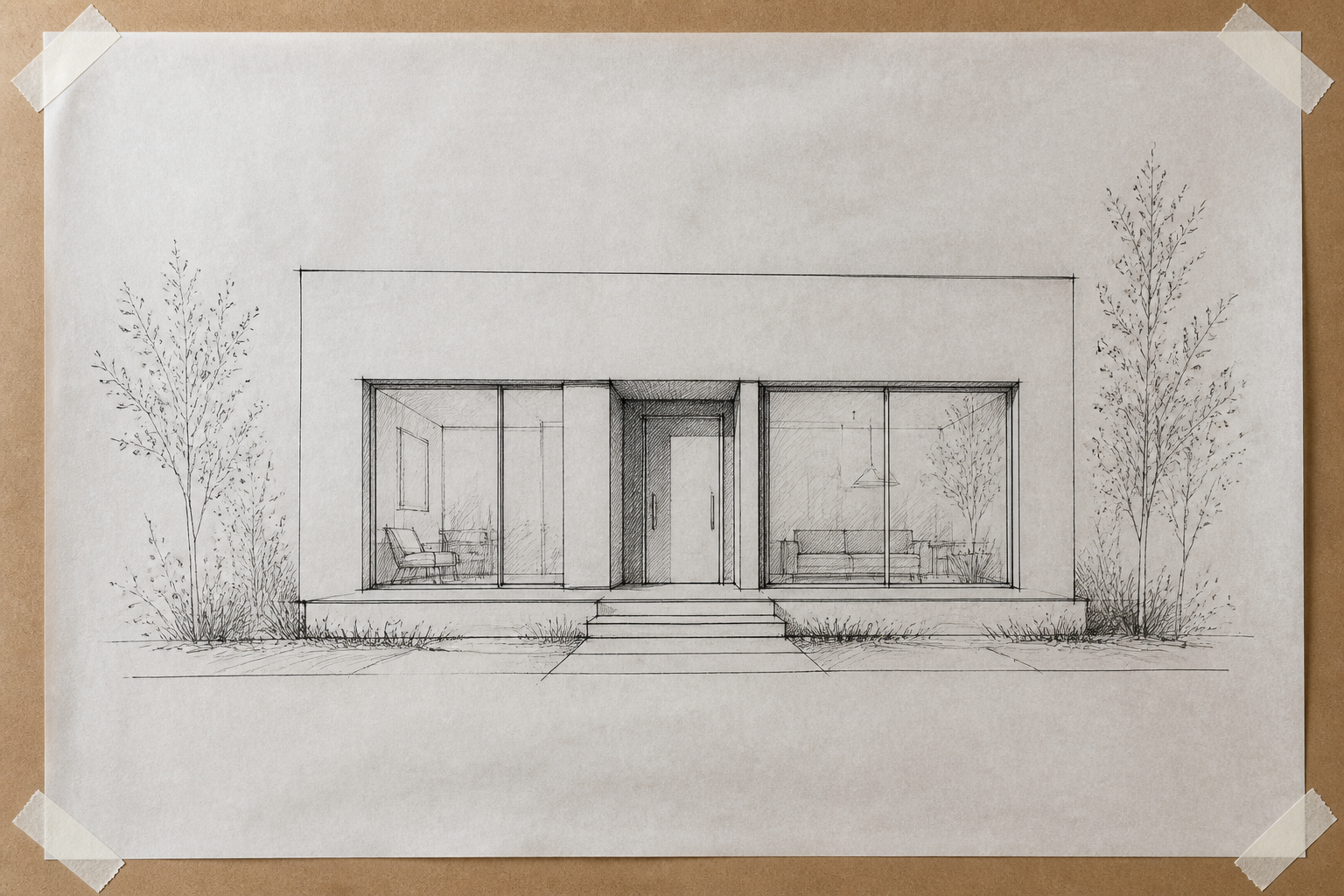
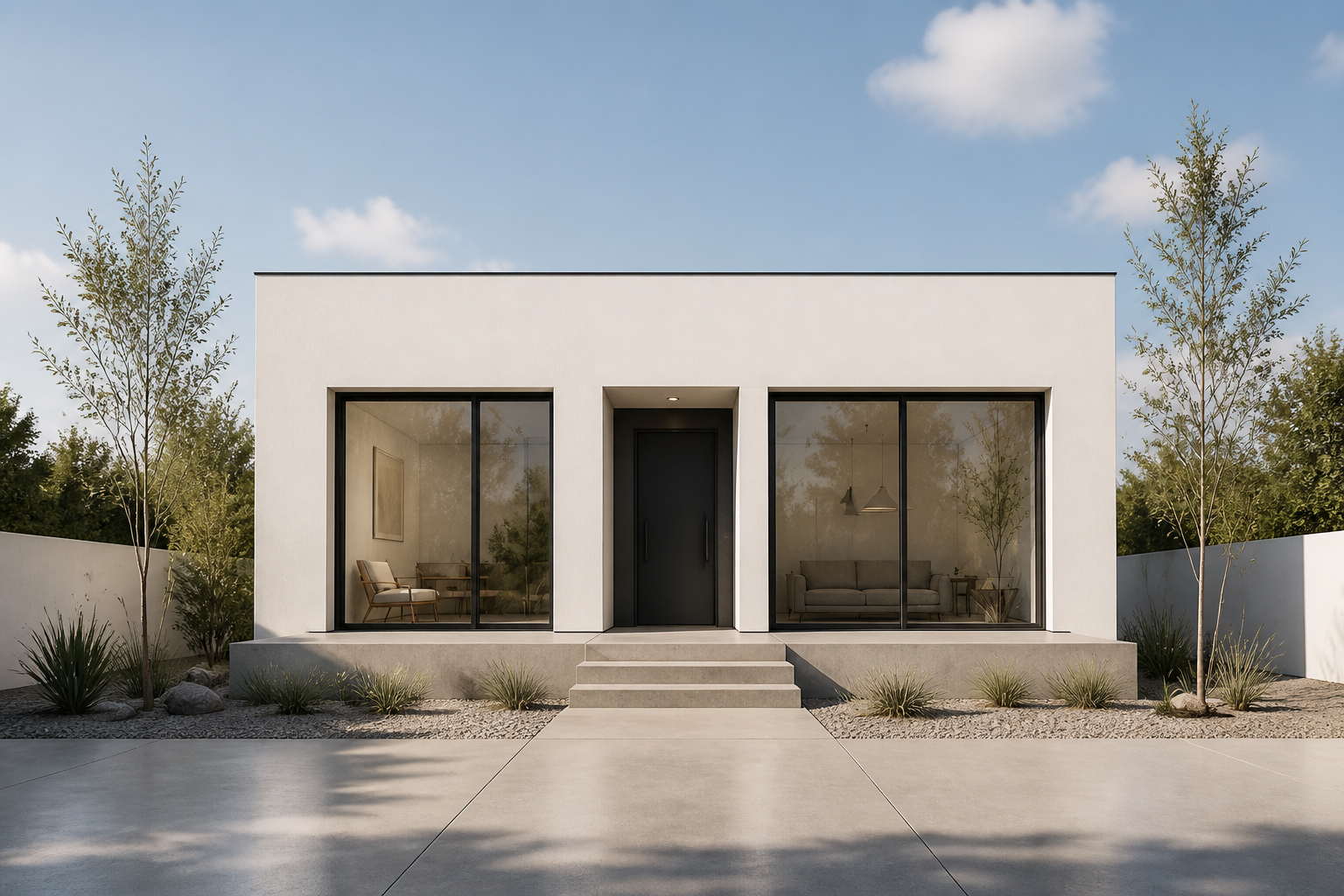
Keep the Structure Consistent
The point is not to invent a random new building. The AI keeps the main massing, rooflines, window placement, and viewing angle so your concept stays recognizable. That makes the result more useful for review and feedback. You get a realistic version of the same house, not a different one.
Fast Visuals for Presentations
Early-stage concepts are easier to discuss when they look tangible. Instead of showing clients or stakeholders only paper sketches, you can present realistic house images that communicate mood and materials right away. That shortens feedback loops and reduces guesswork. It also gives you polished visuals for decks, proposals, or social posts.
How It Works
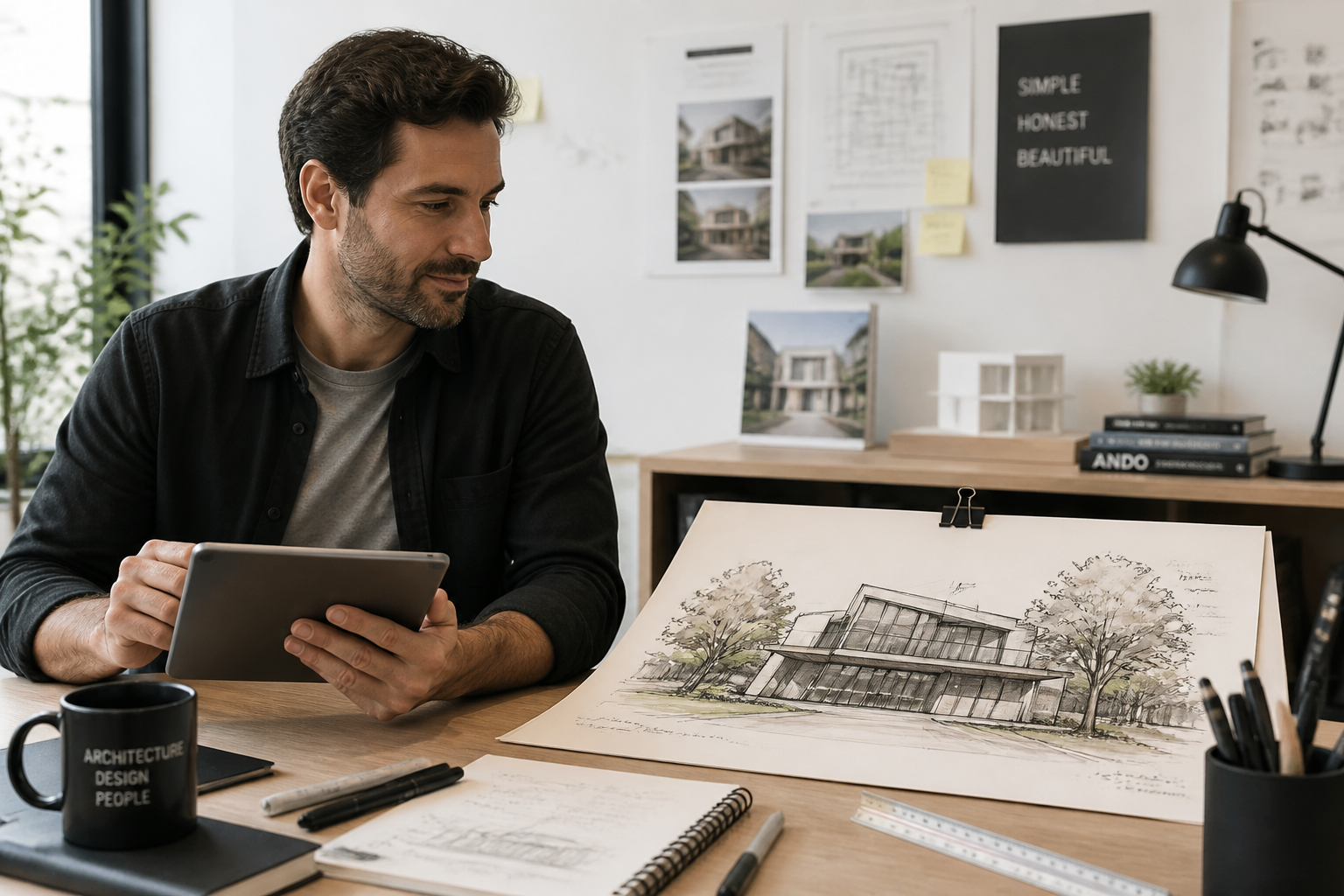
Upload your sketch
Start with a house drawing, elevation, or concept image on paper. Clear photos of your sketch work best because the structure is easier for the AI to read.
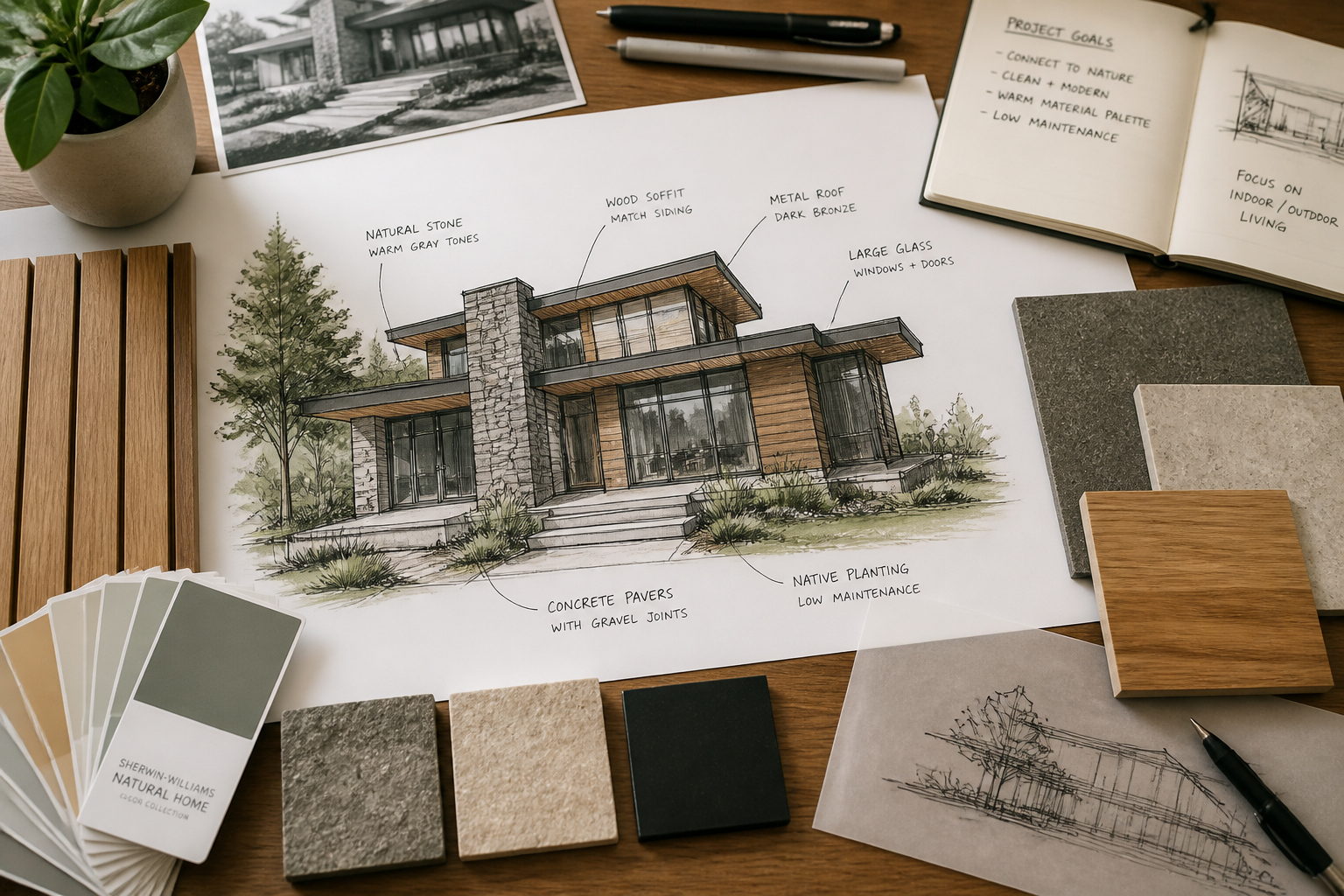
Describe the finished look
Tell the AI what kind of home you want to see, such as modern, coastal, farmhouse, or luxury. You can also mention materials, landscaping, and time of day.
Review the realistic render
In a few moments, you get an updated image that looks like a real house instead of a paper concept. Compare versions, refine the prompt, and generate more directions from the same structure.
Perfect For
Discover how creators and professionals use ai house design generator
Early concept visualization
Turn rough drawings into realistic house images before investing in full rendering work.
Client presentation mockups
Show clients what a design could look like as a finished home, not just lines on paper.
Style and material exploration
Test different facade materials, roof finishes, and landscaping ideas on the same structure.
Real estate and marketing prep
Create polished concept visuals for proposals, listings, pitch decks, or social content.
Built For
Architects and designers
Useful for turning draft elevations and concept sketches into presentation-ready visuals quickly.
Builders and developers
Helpful for showing how a planned structure could look once materials and site details are in place.
Homeowners and renovators
Good for exploring exterior directions before committing to a redesign or new build style.
Why use it for house concept visuals
A quick look at how we compare on the things that matter for this niche.
| Feature | BudgetPixel | Generic AI editors | Manual rendering apps |
|---|---|---|---|
| Sketch to realistic house image | ✓ | ✓ | — |
| Keeps original structure visible | ✓ | — | ✓ |
| Fast style variations | ✓ | ✓ | — |
| No advanced rendering workflow | ✓ | ✓ | — |
| Useful for early client mockups | ✓ | — | ✓ |
Frequently Asked Questions
Can I upload a hand-drawn house sketch?
Does it keep my original house layout?
Can I try different house styles from the same sketch?
Is this for interiors or exteriors?
Do I need rendering skills to use it?
Create together.
Share your creations, discover trending AI art, and grow with fellow creators.