AI Exterior Design Generator for Instant Facade Concepts
Upload a home photo and preview fresh exterior styles in minutes.
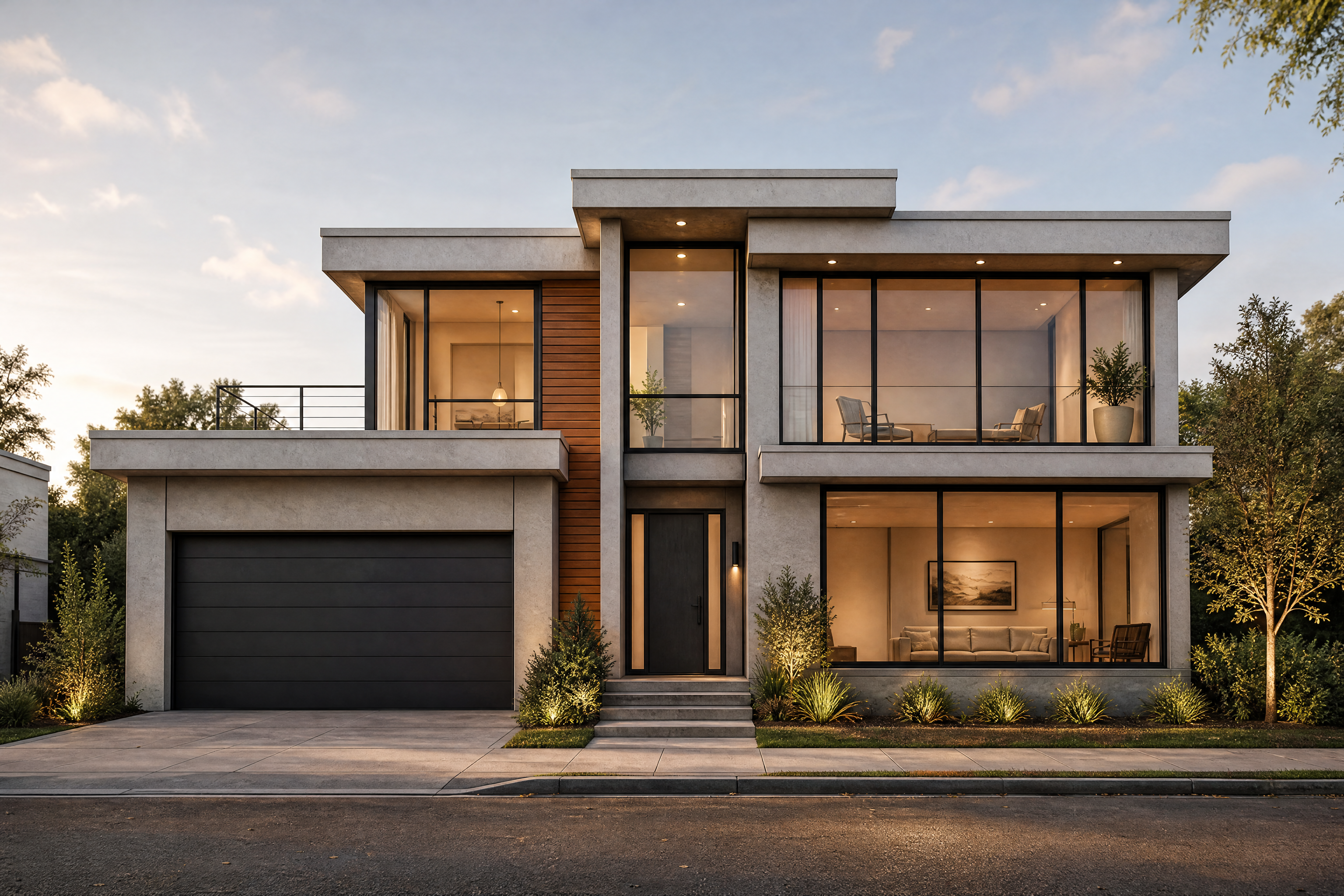
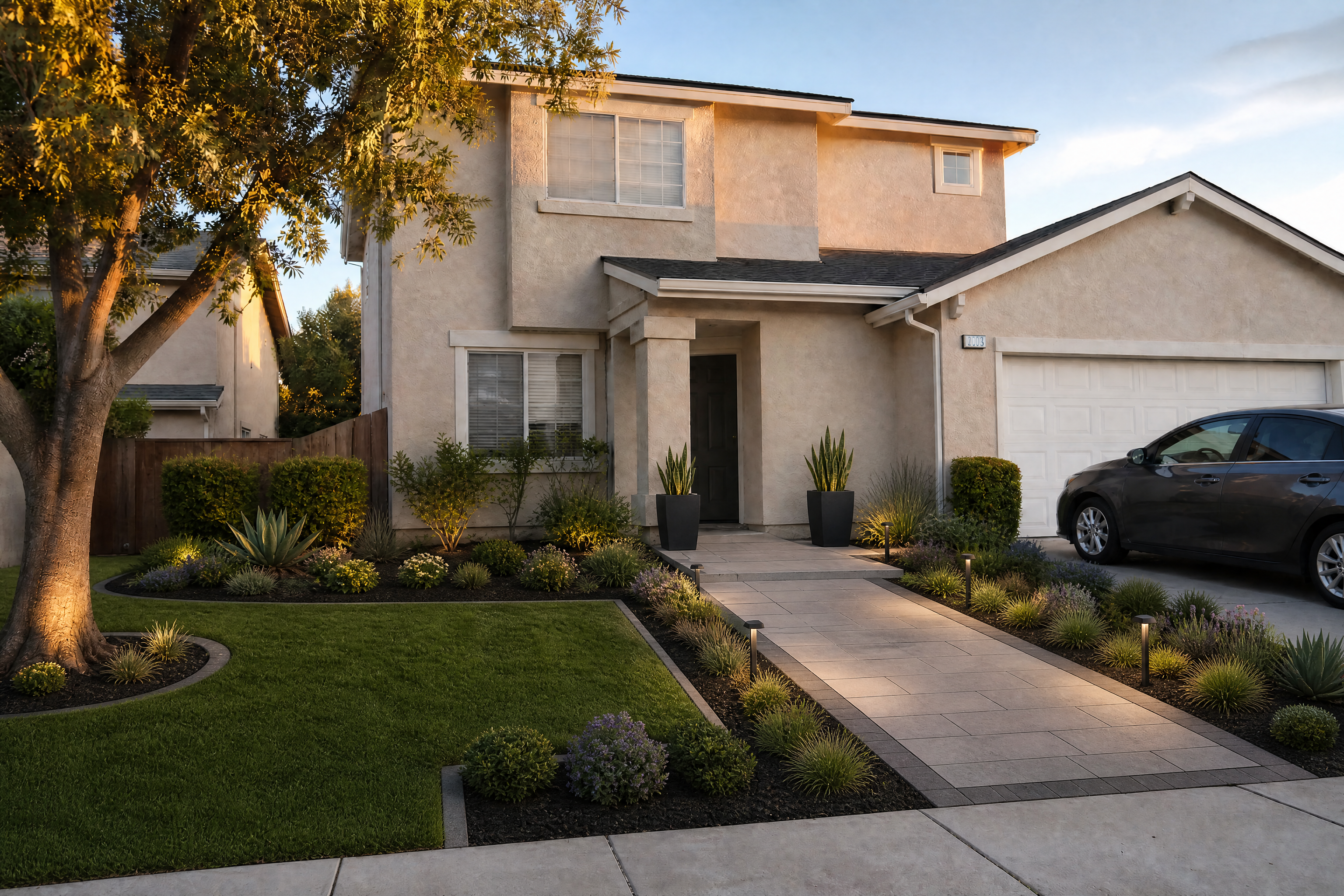
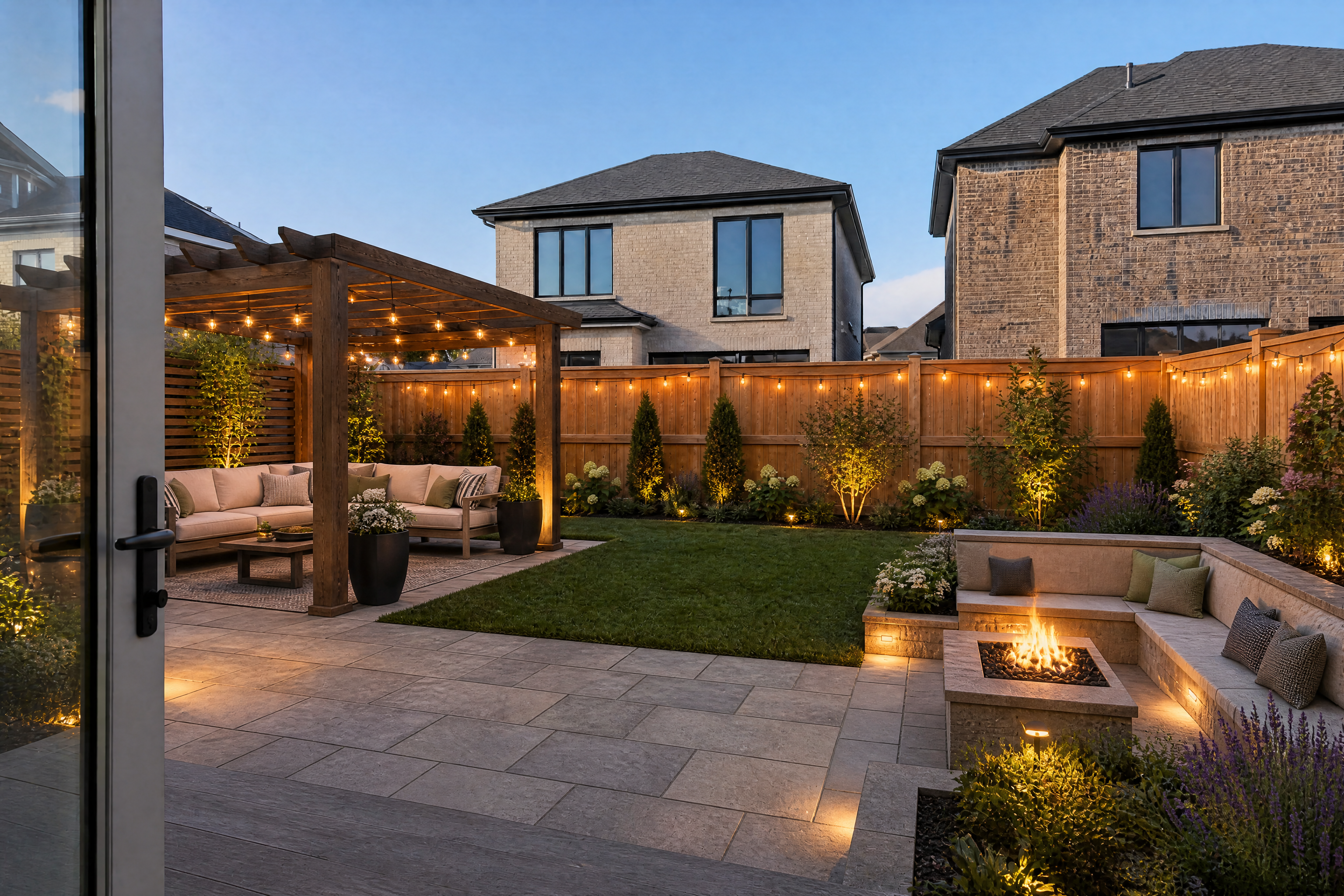
The AI Exterior Design Generator lets you turn a plain property photo into clear, polished facade concepts. Test siding, brick, paint, roofing, windows, landscaping, and architectural styles while keeping the home's structure readable. It is a quick way to explore curb appeal before committing to design work.
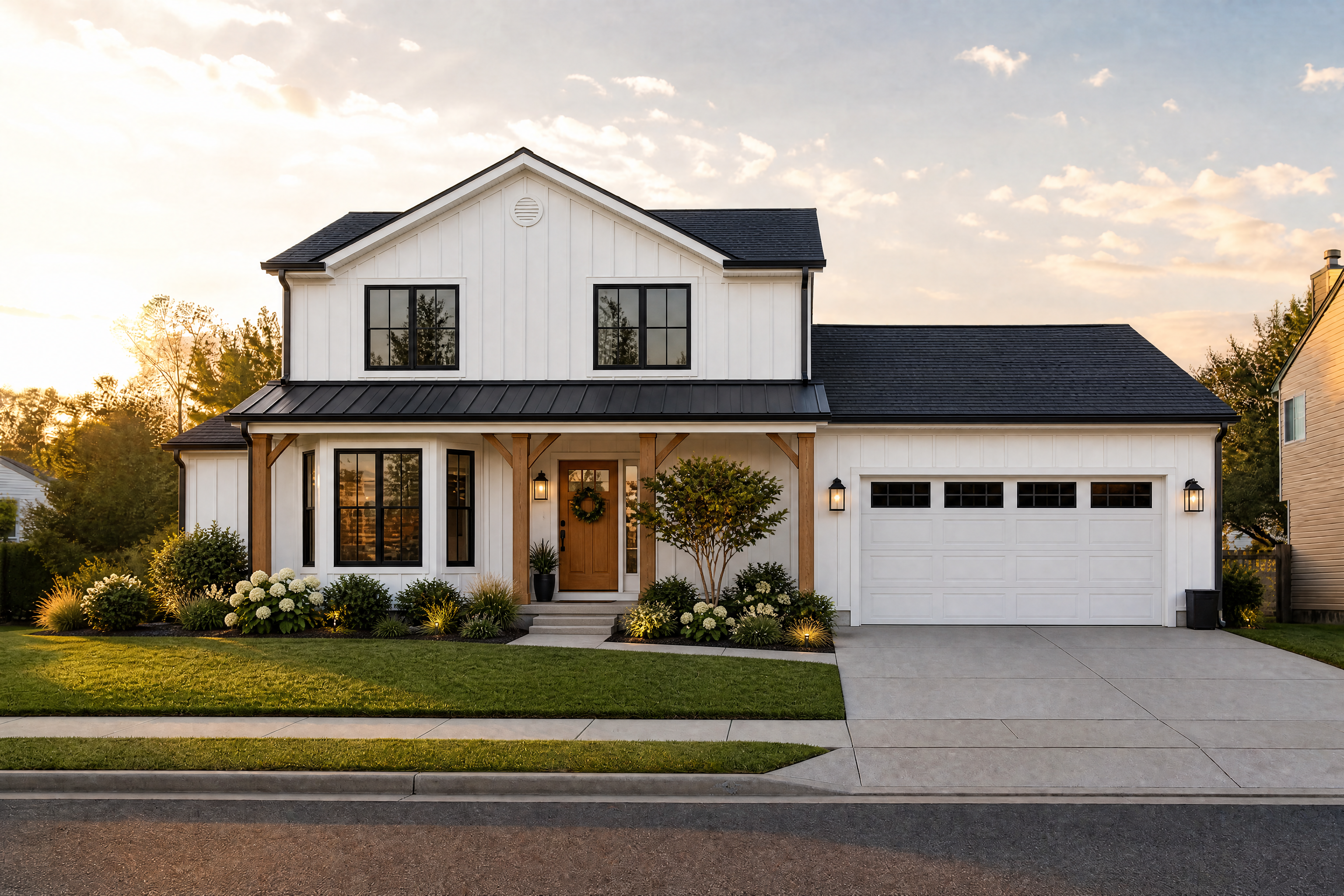
Watch the Transformation
See ai exterior design generator in motion — generated end-to-end by our AI.
See It In Action
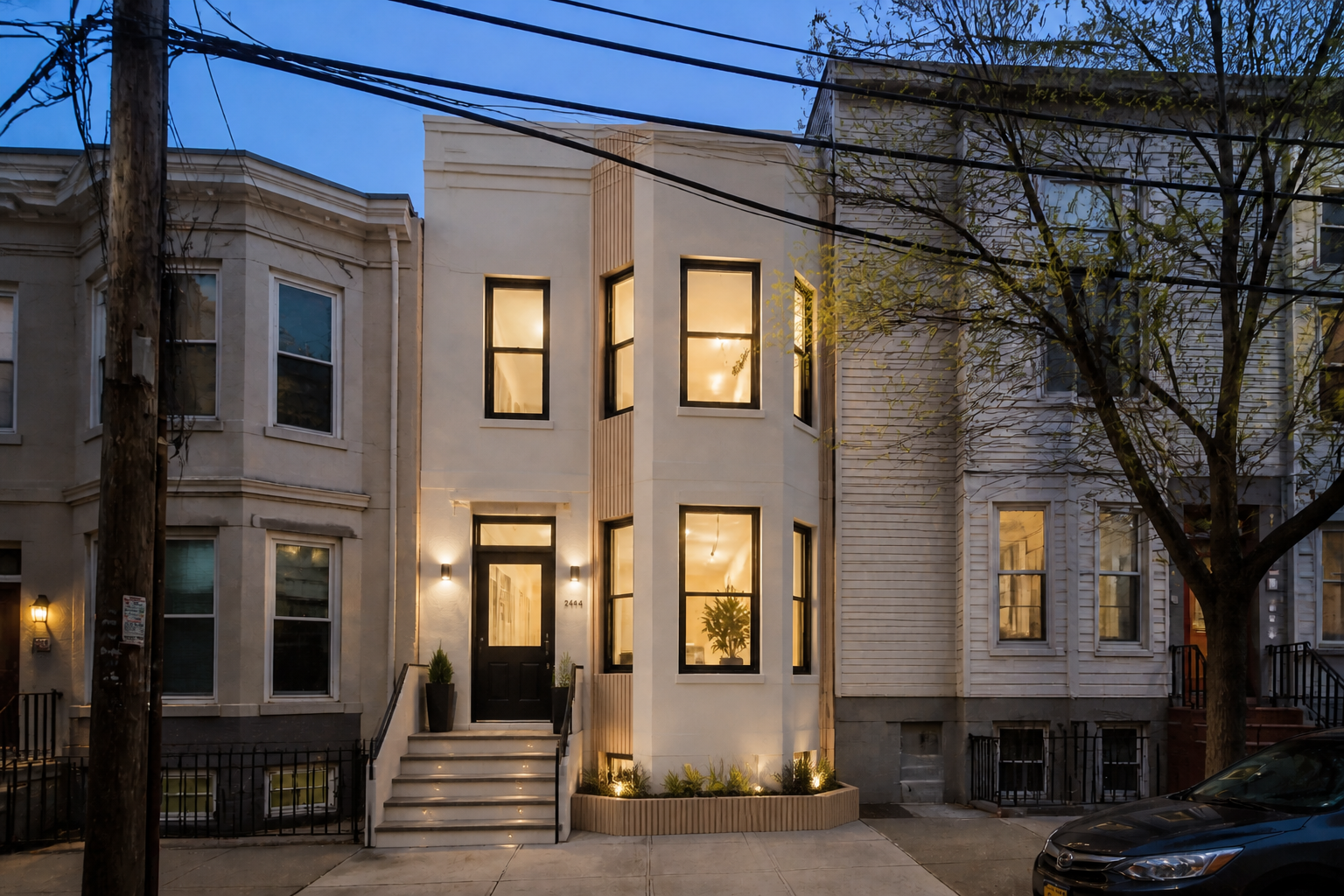
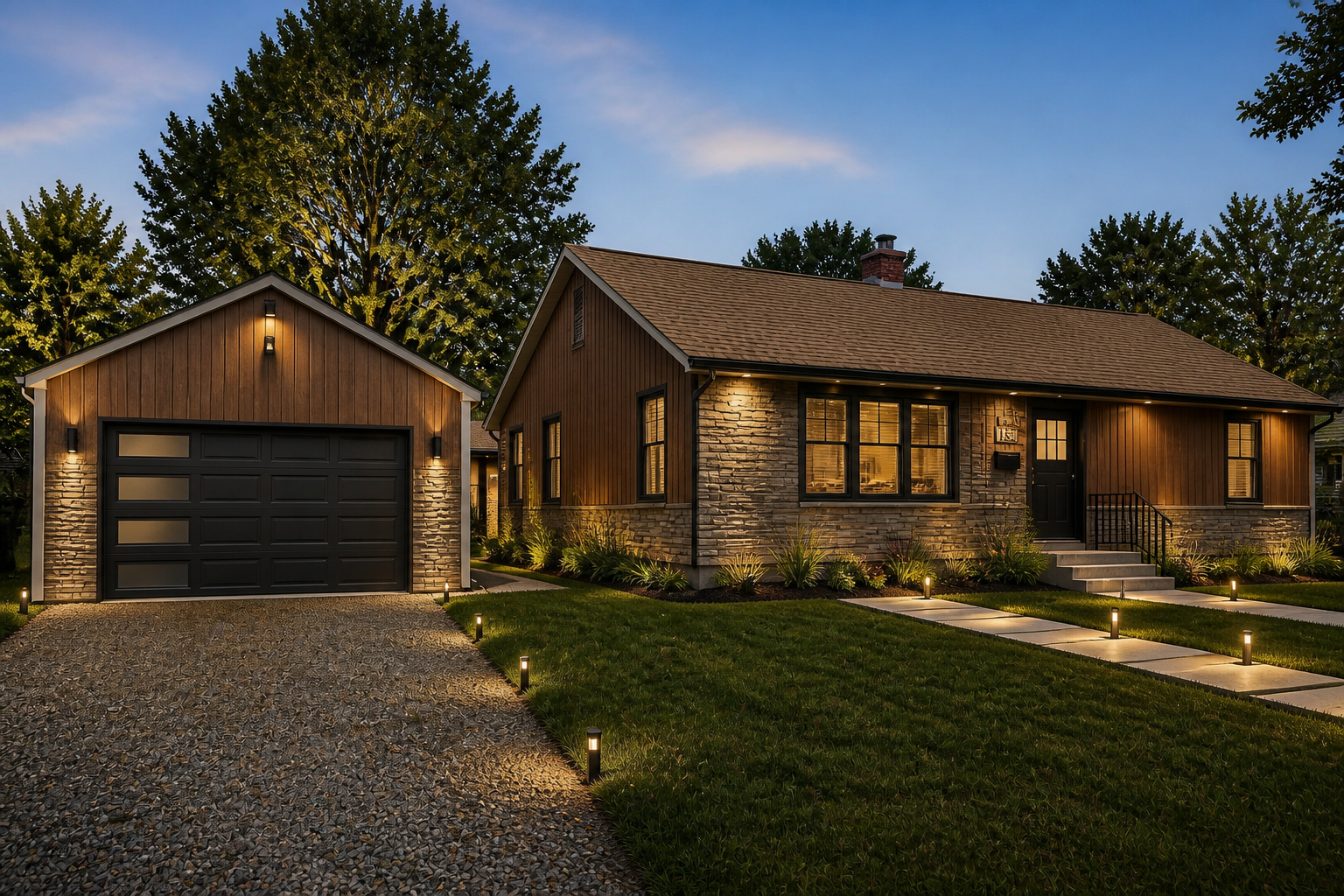
Real outputs from ai exterior design generator.
BEFOREAFTER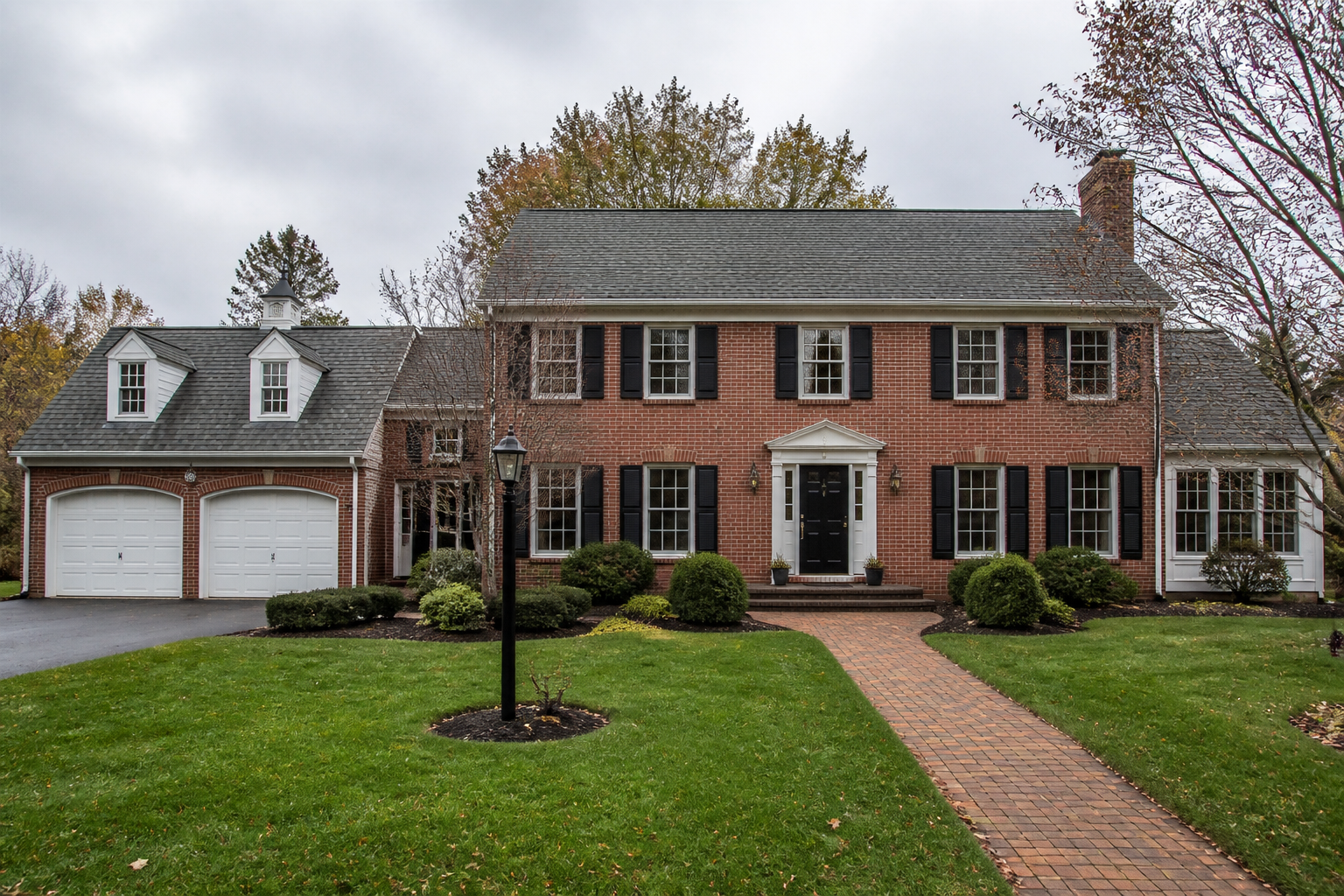 BEFORE
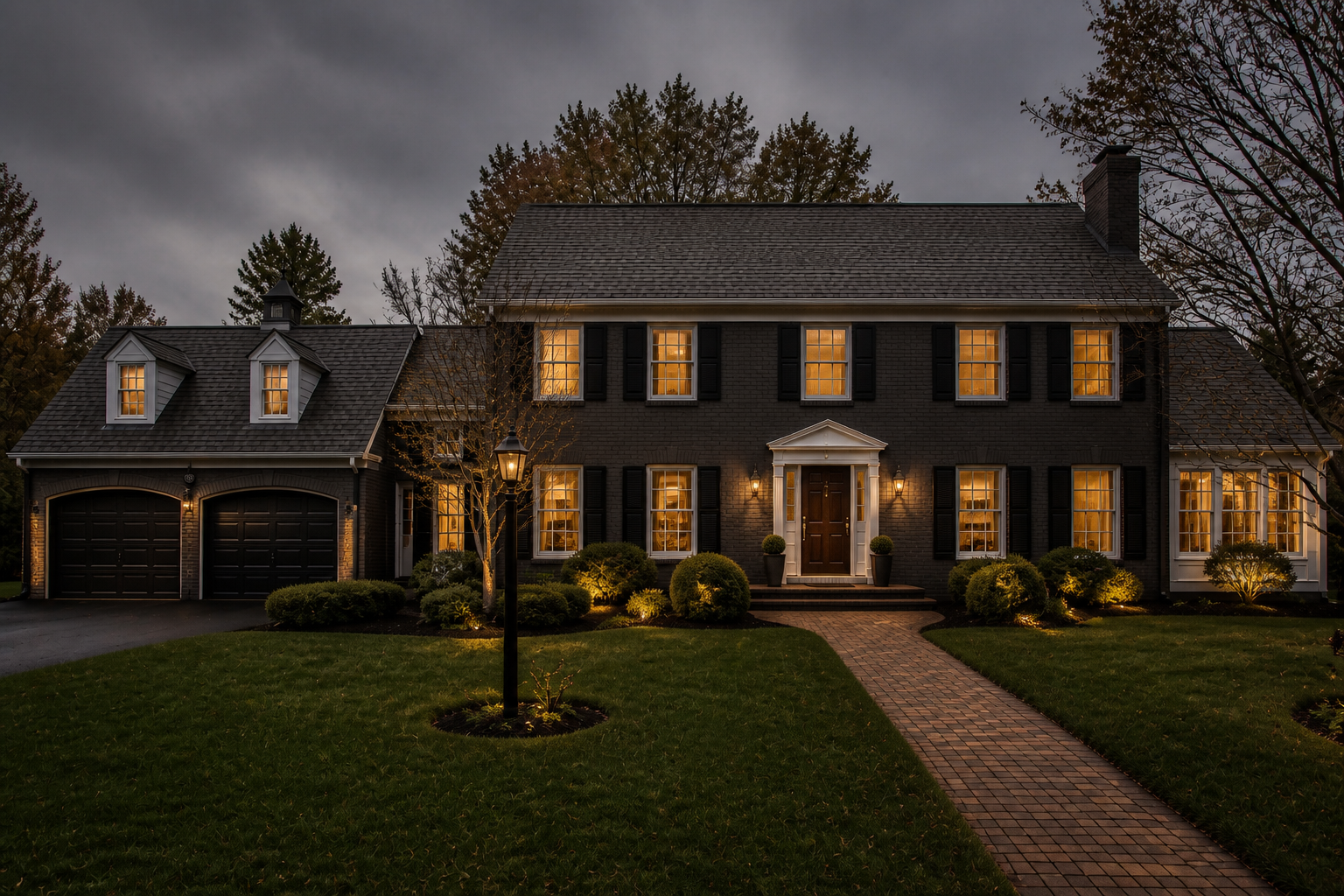 AFTER
AFTER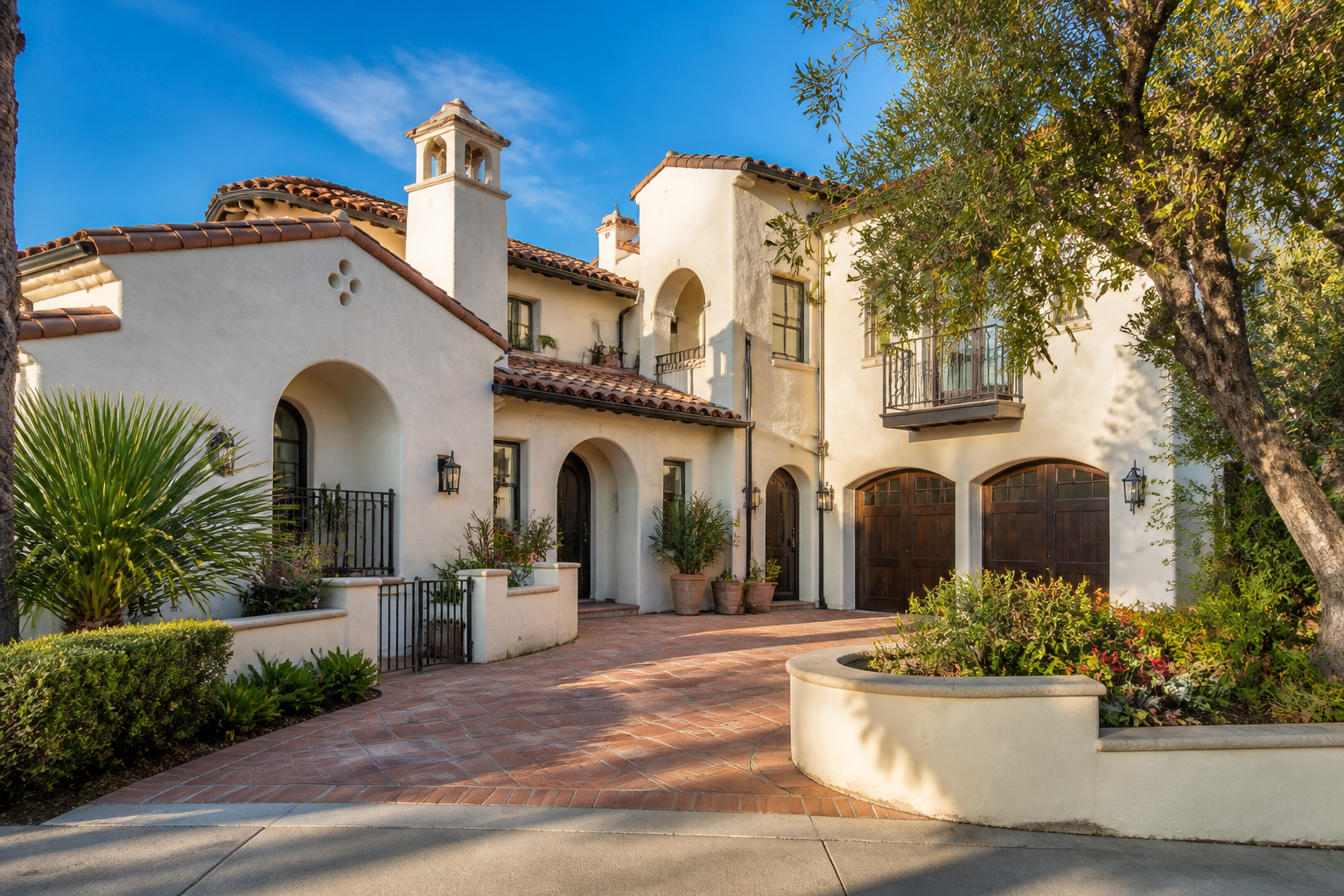 BEFORE
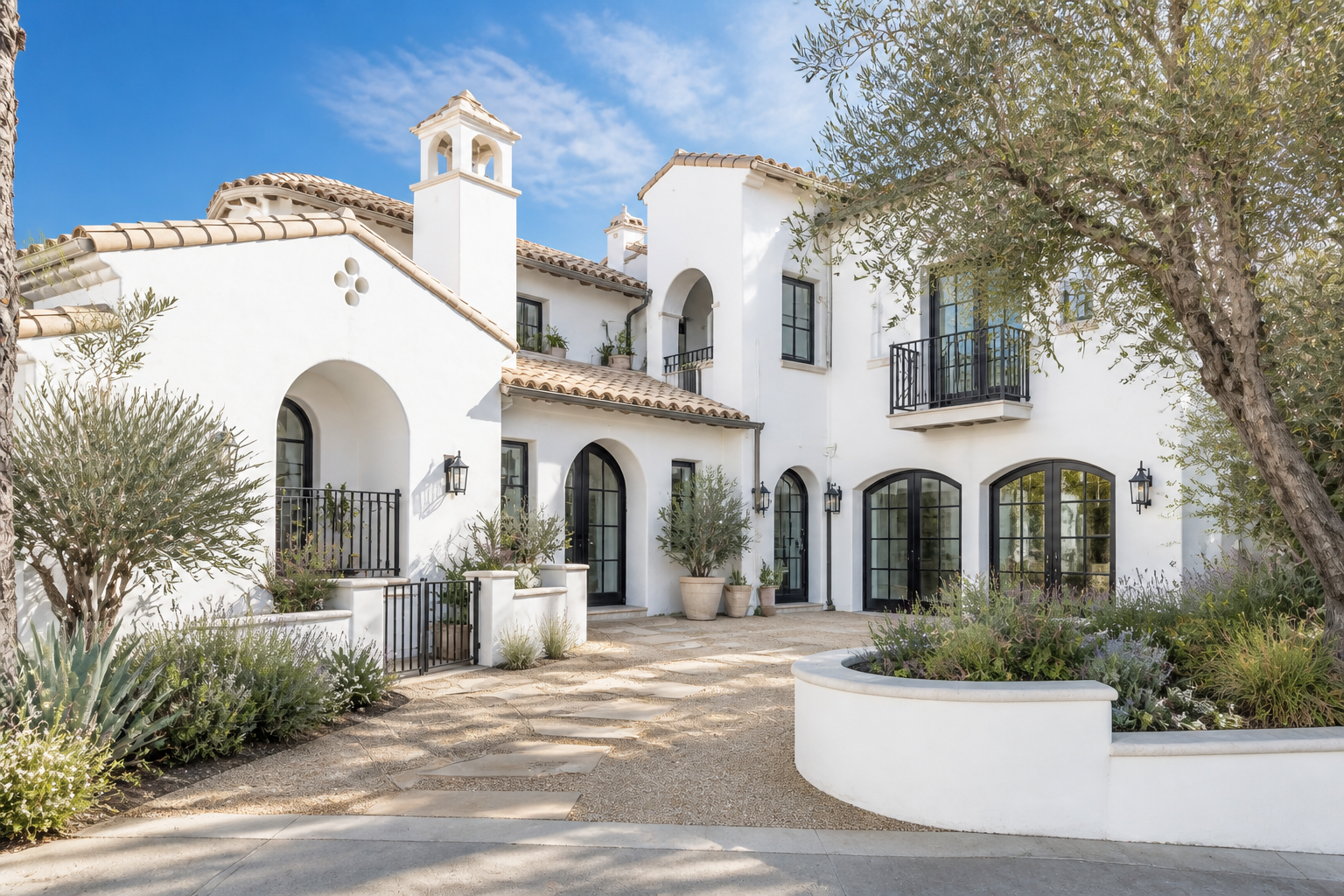 AFTER
AFTER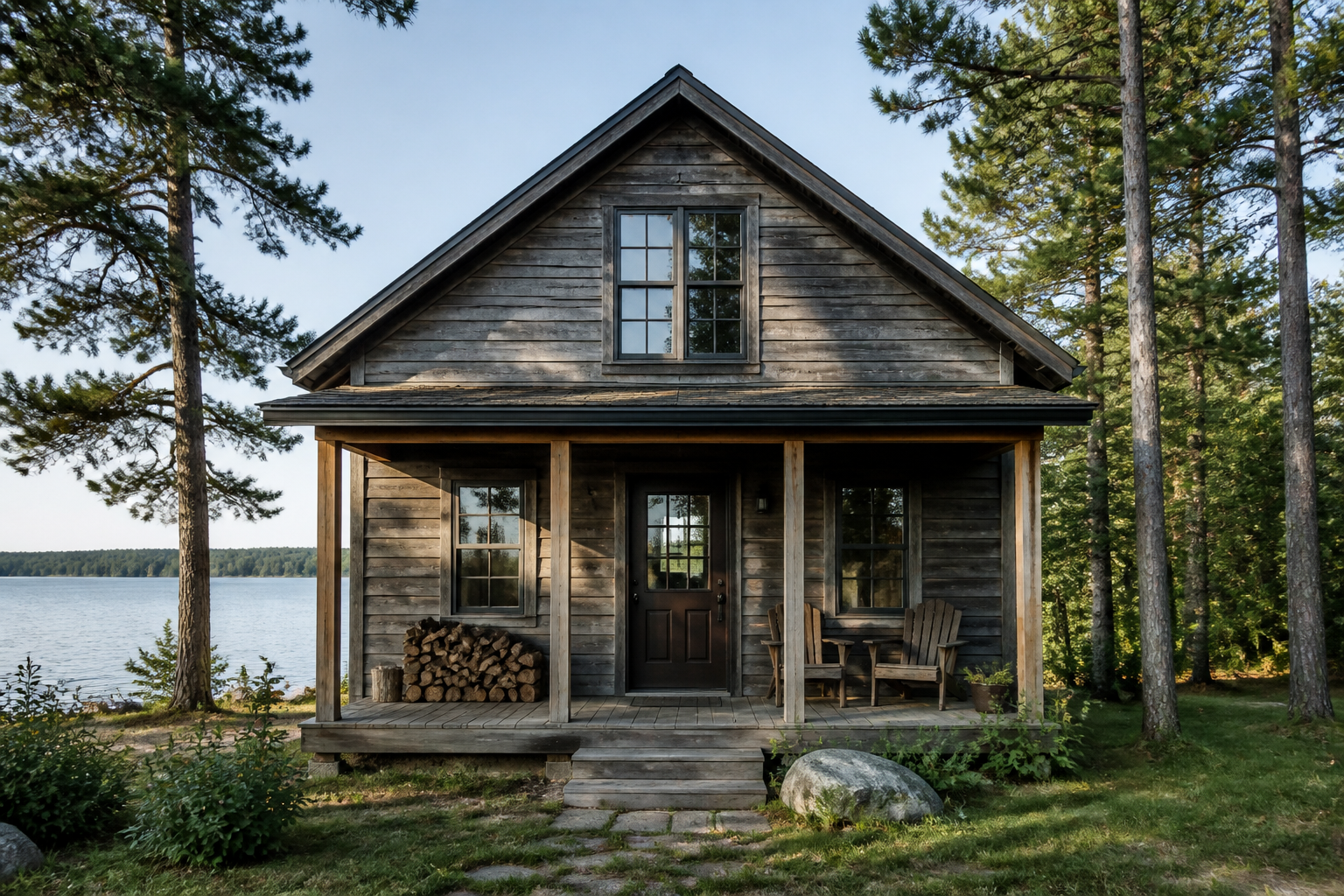 BEFORE
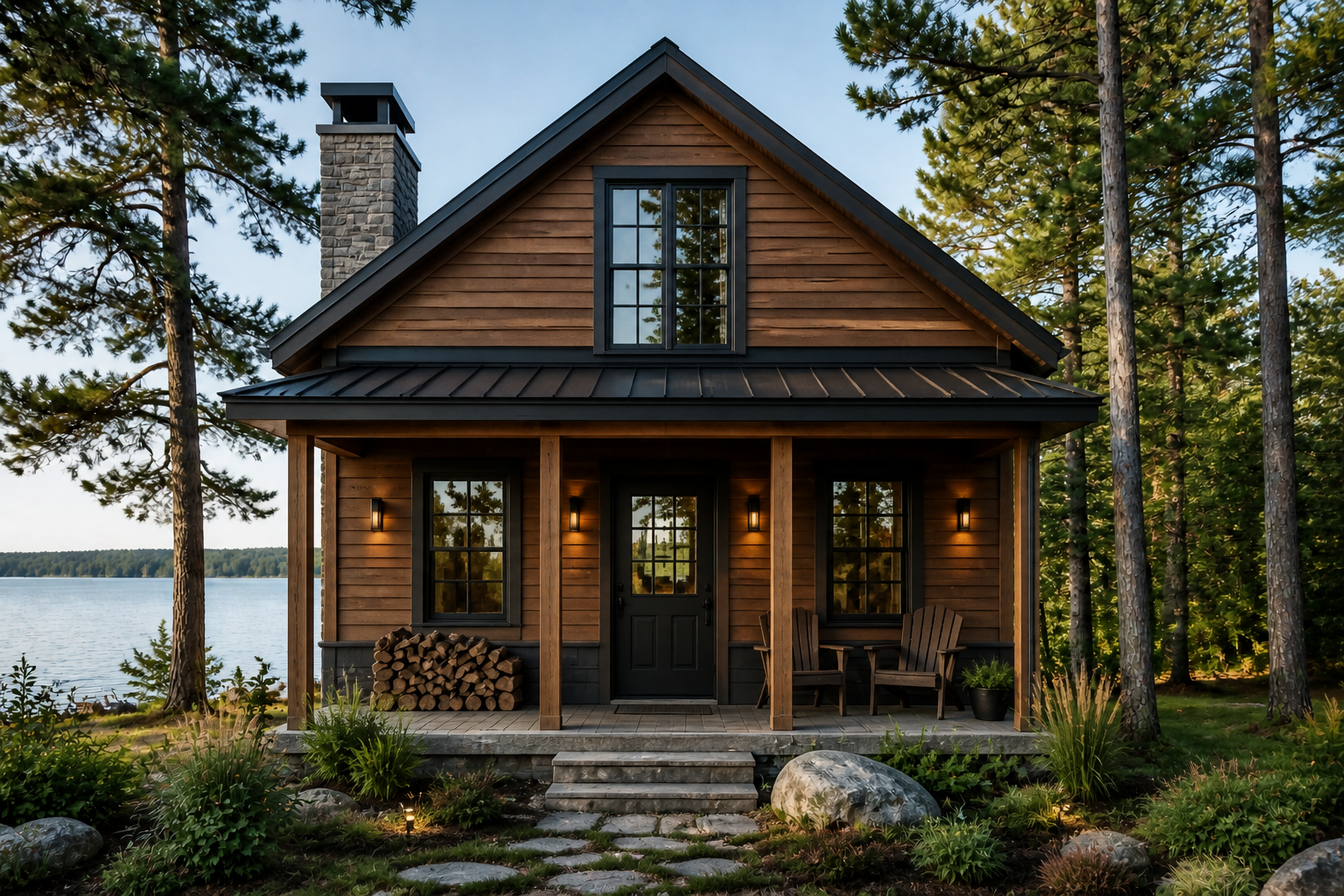 AFTER
AFTER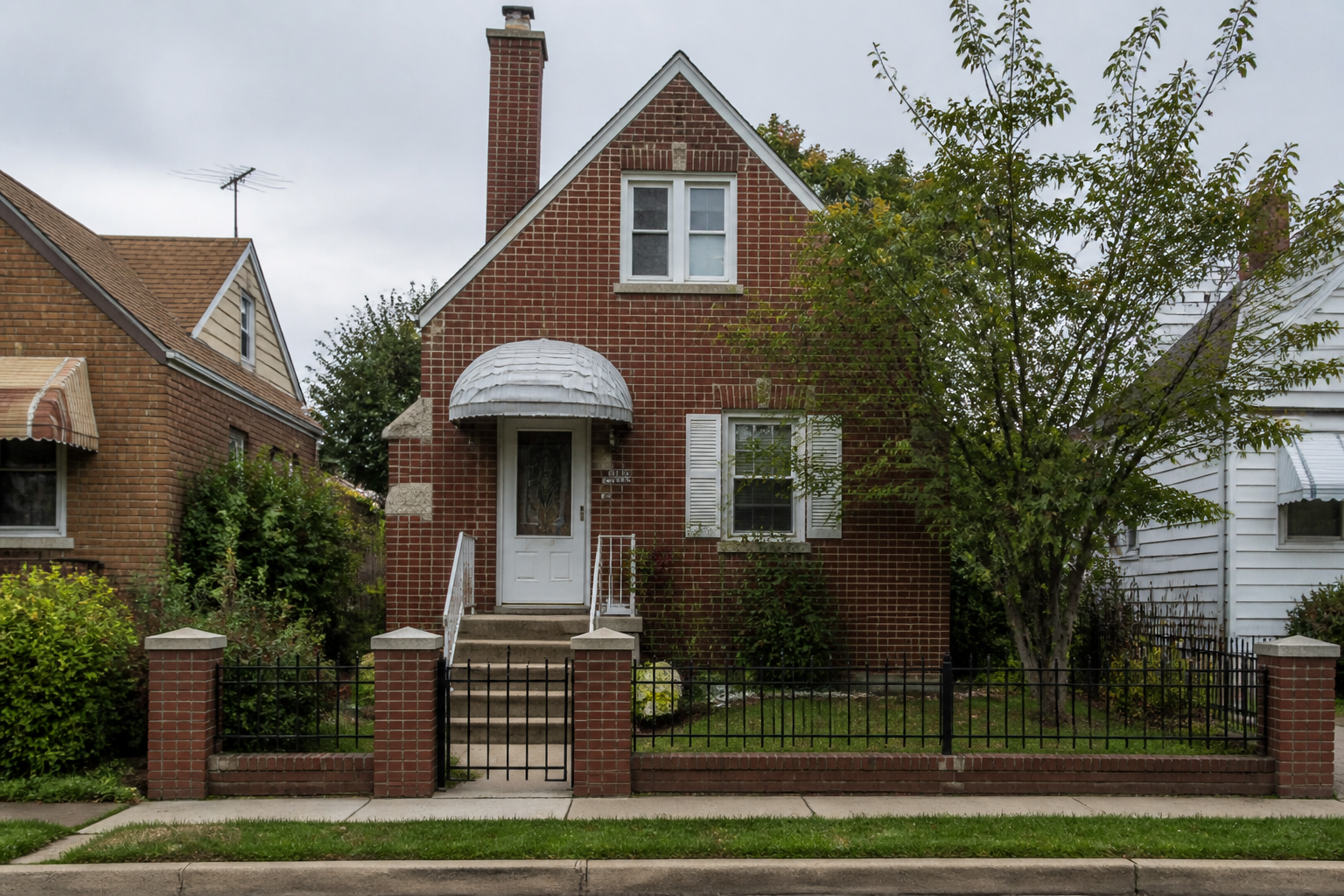 BEFORE
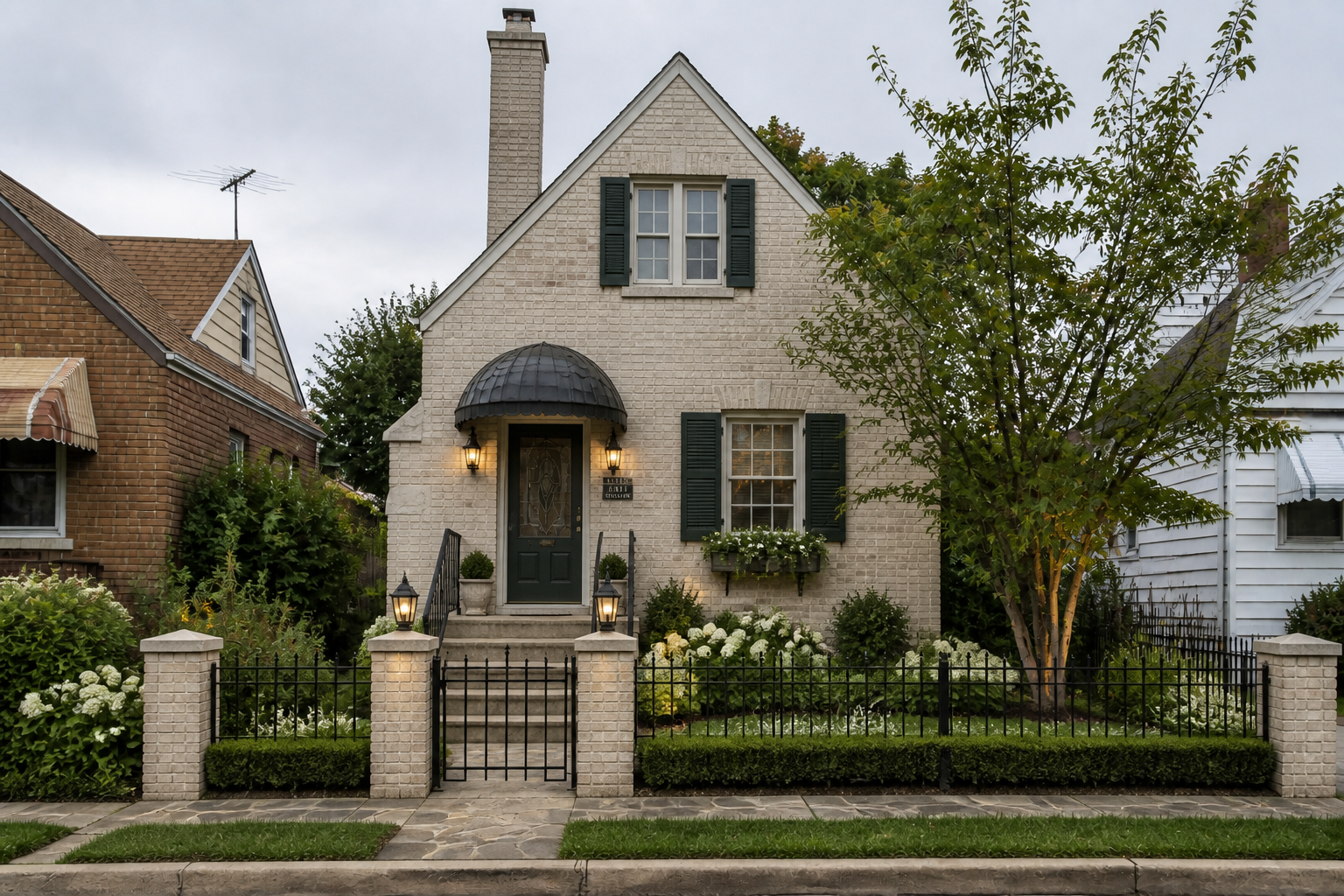 AFTERBEFOREAFTERBEFOREAFTERBEFOREAFTERBEFOREAFTERBEFOREAFTER
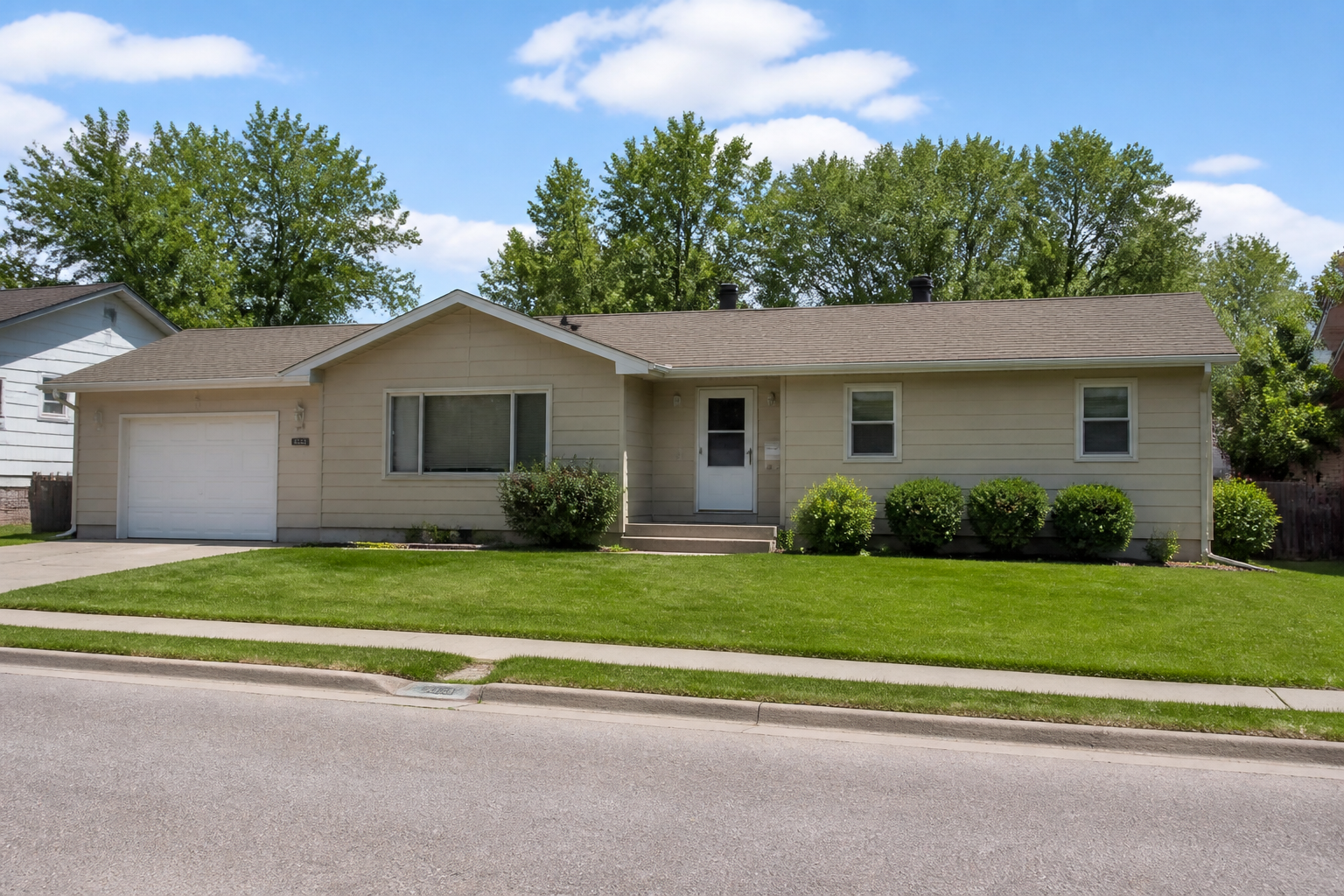 BEFORE
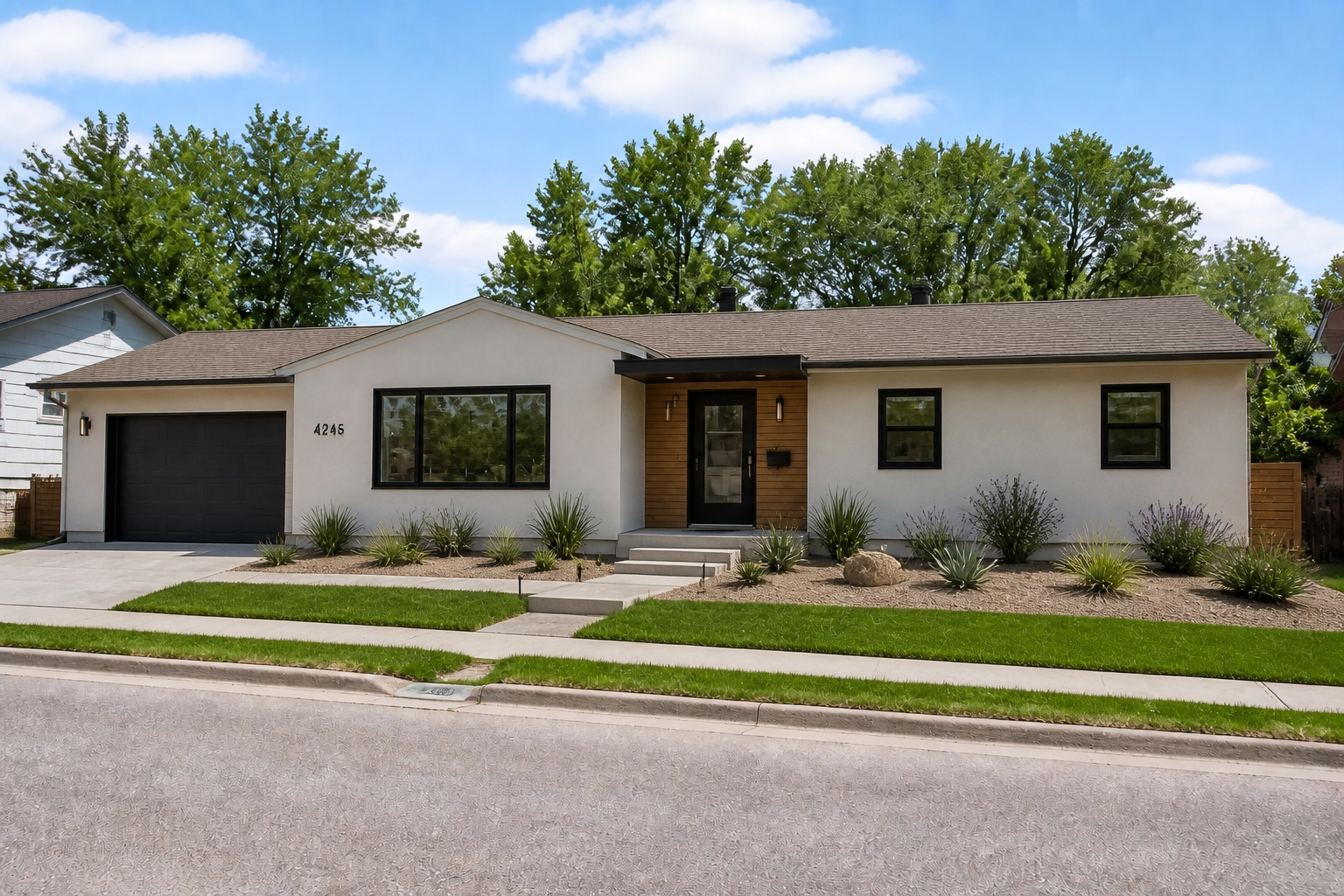 AFTER
AFTER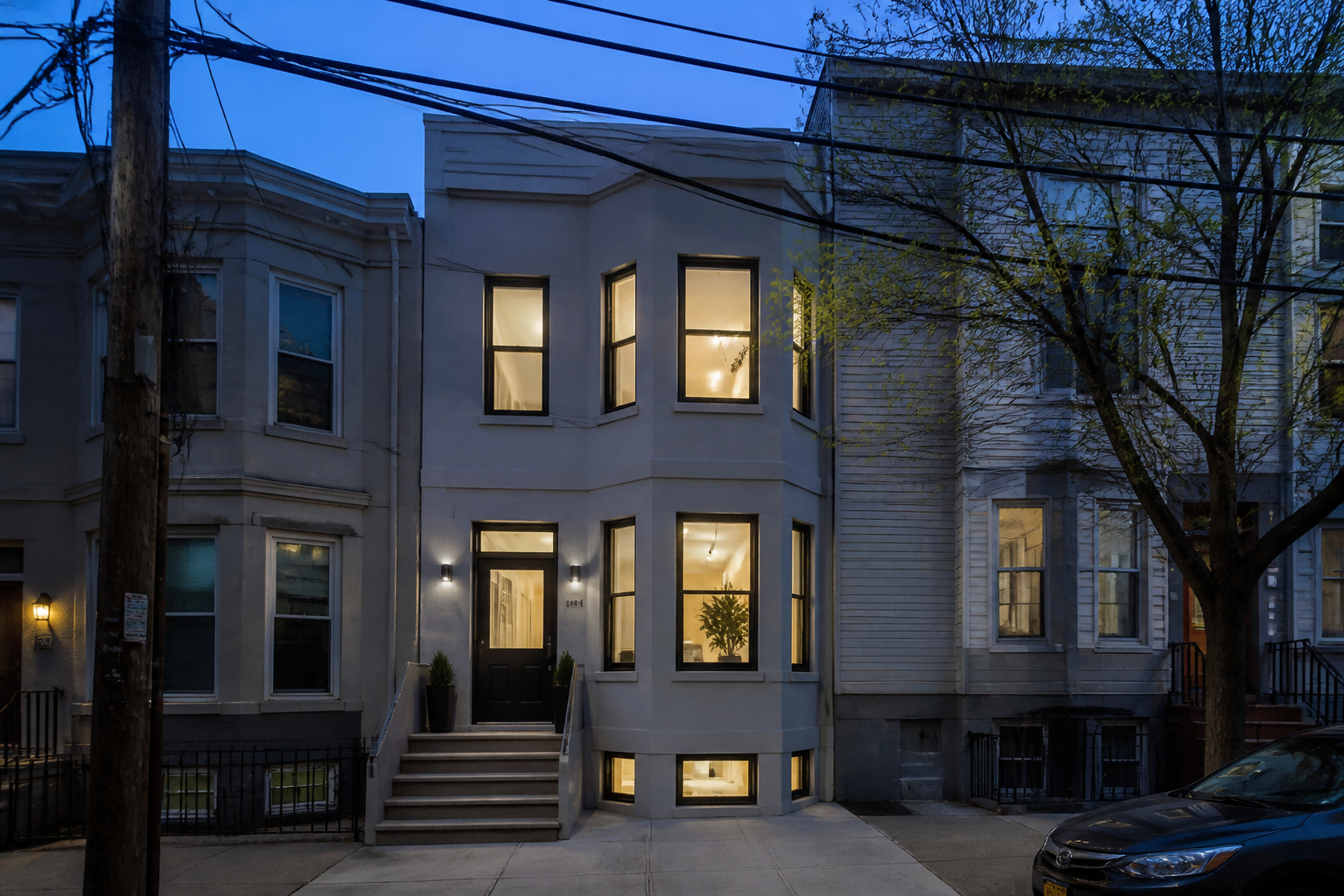 BEFORE
 AFTER
AFTER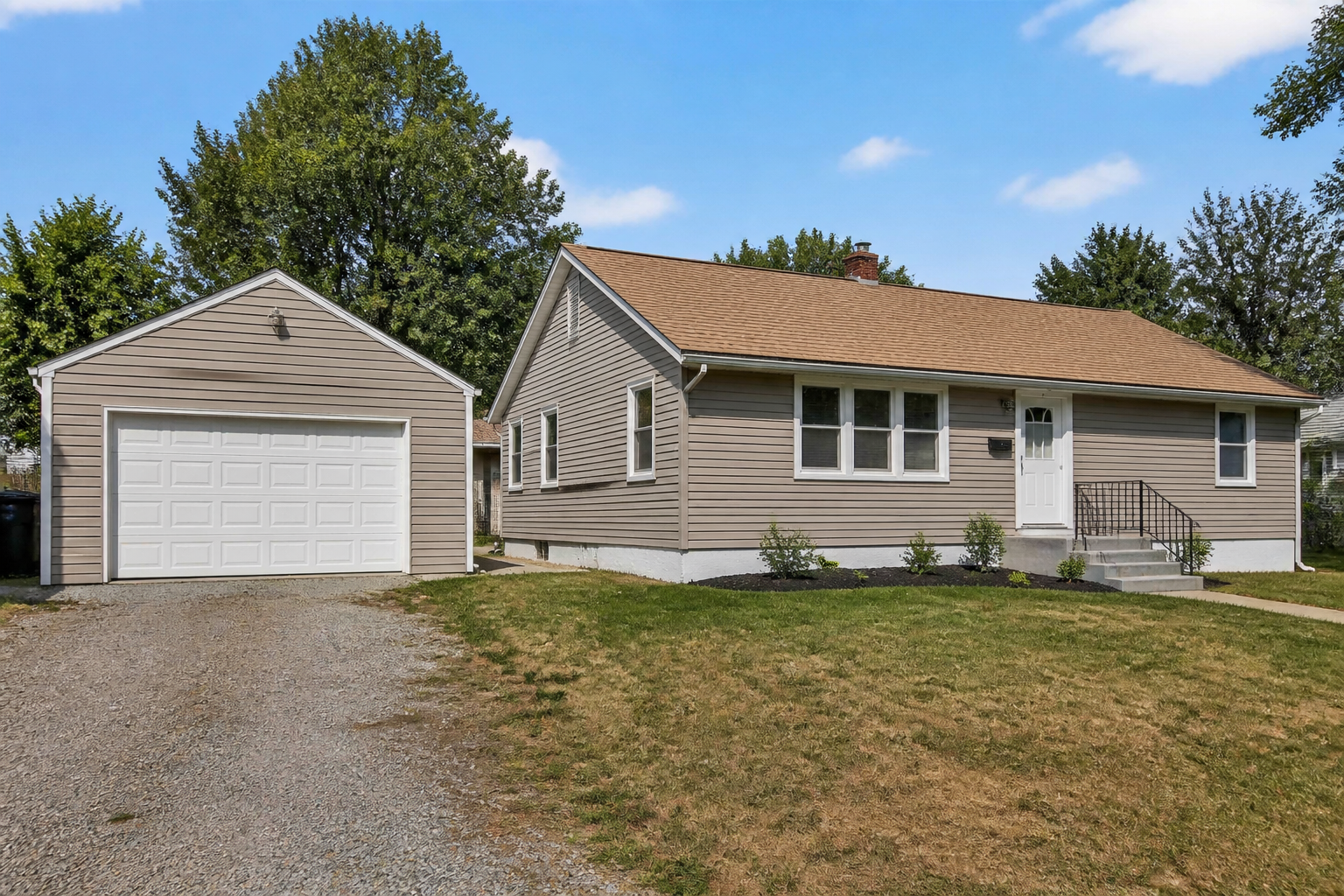 BEFORE
 AFTER
AFTER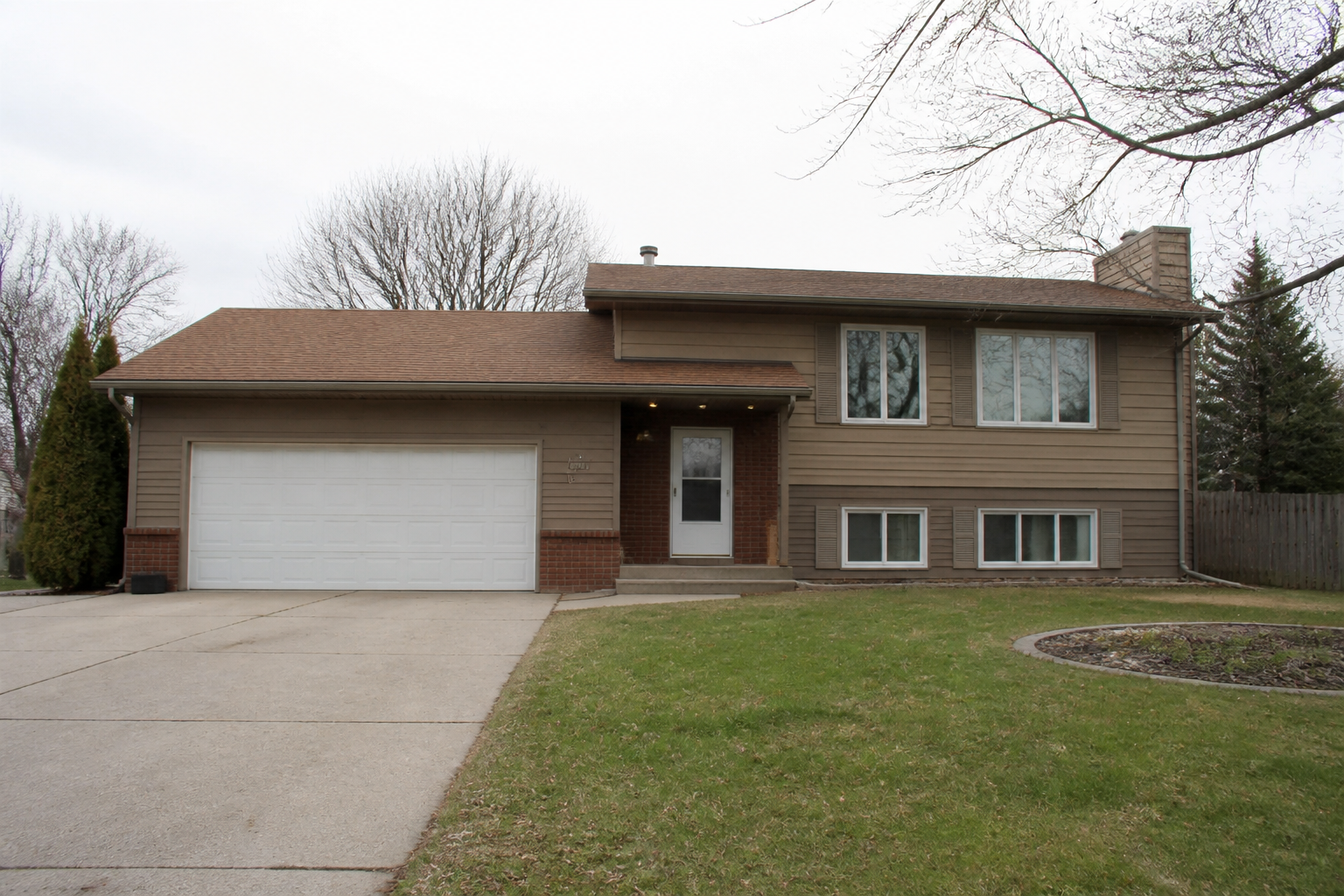 BEFORE
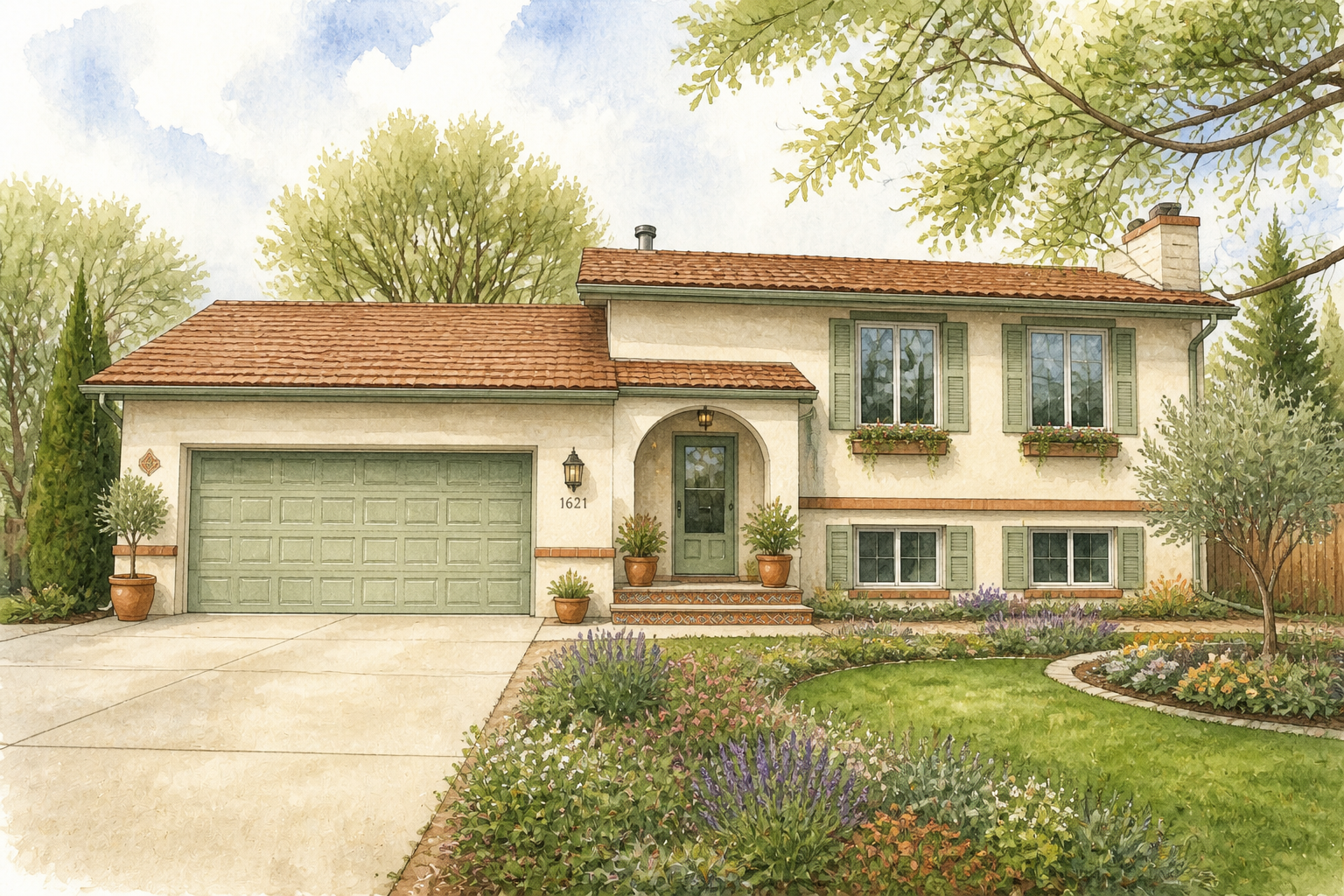 AFTER
AFTER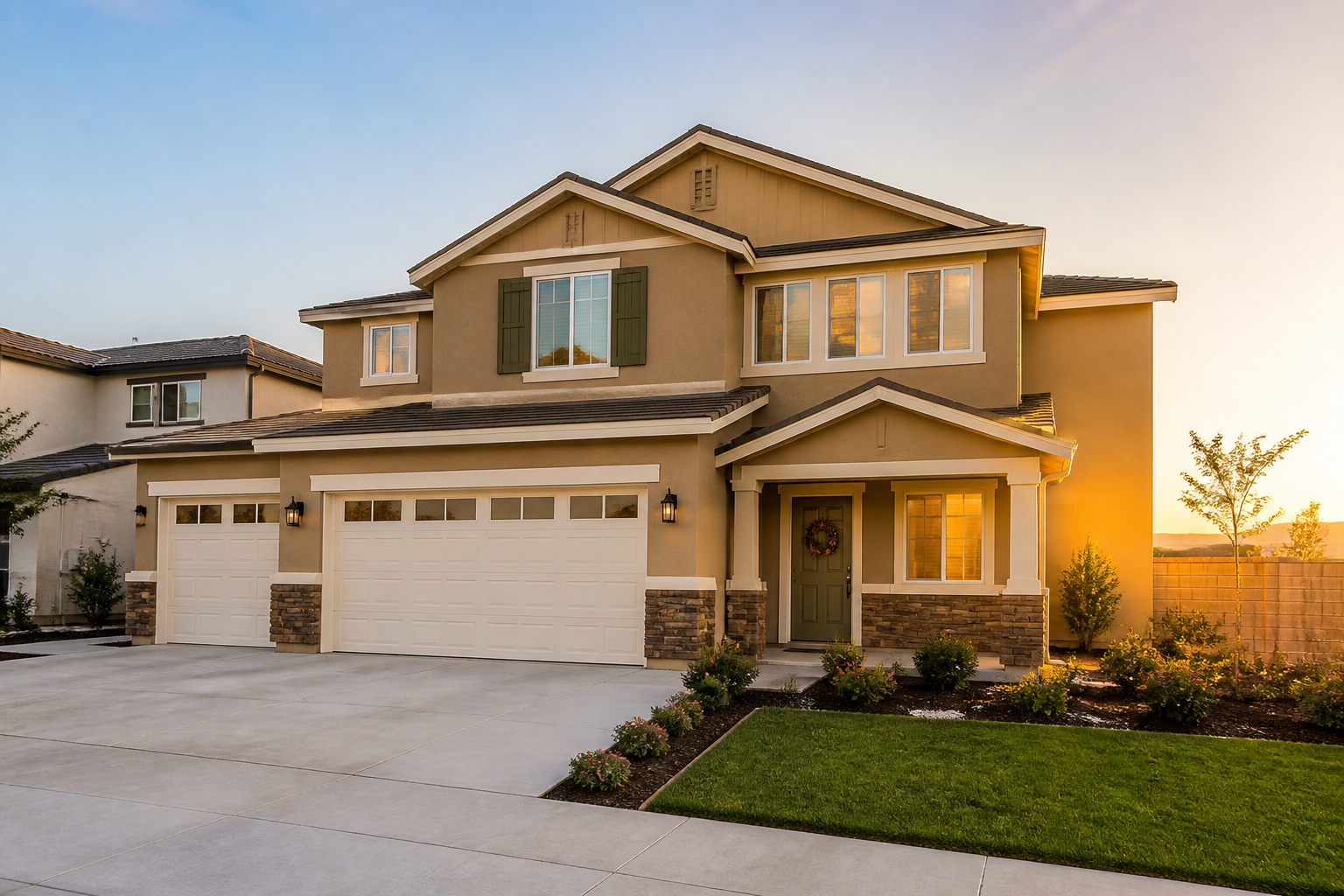 BEFORE
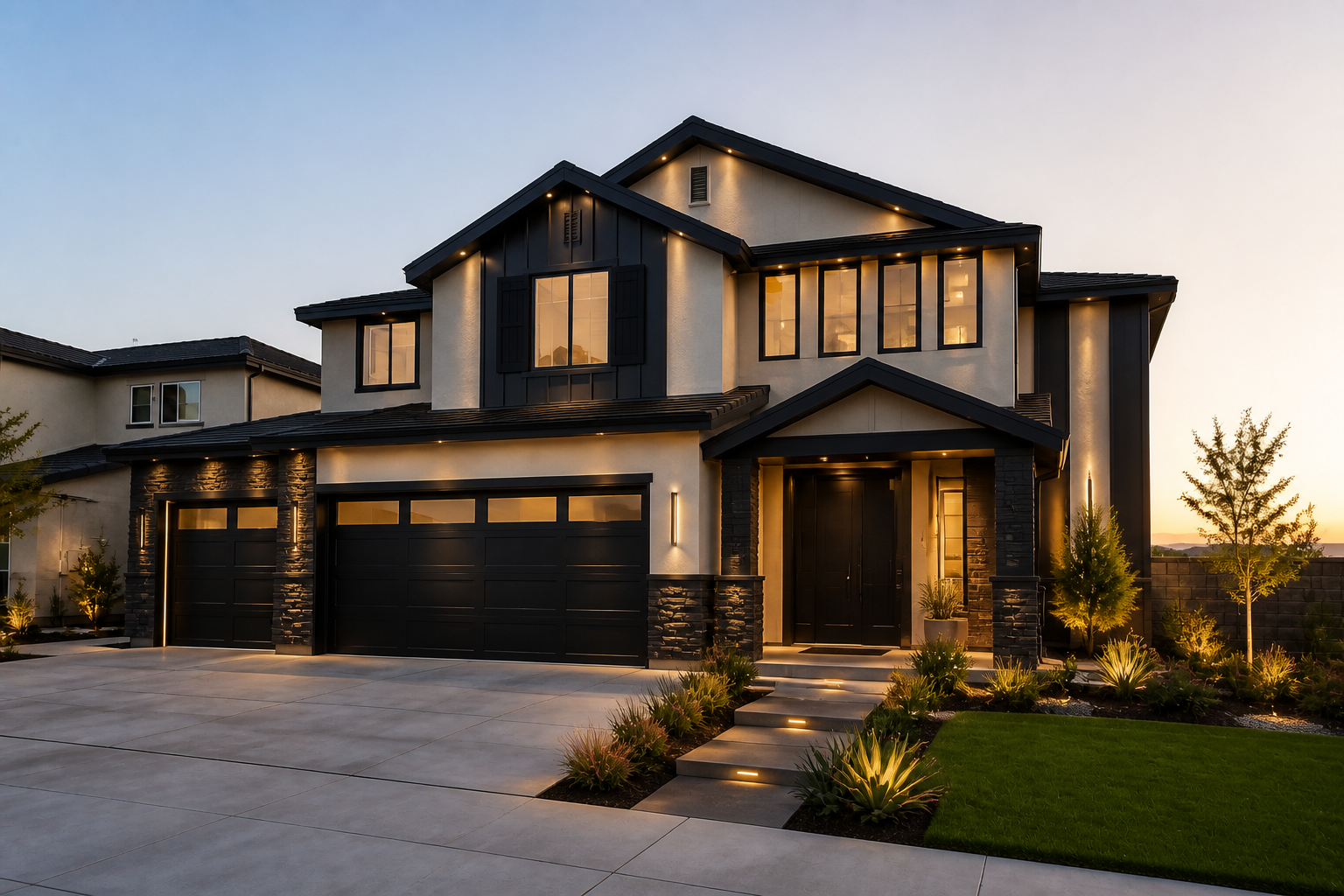 AFTERBEFOREAFTERBEFOREAFTERBEFOREAFTERBEFOREAFTERBEFOREAFTER
Key Features
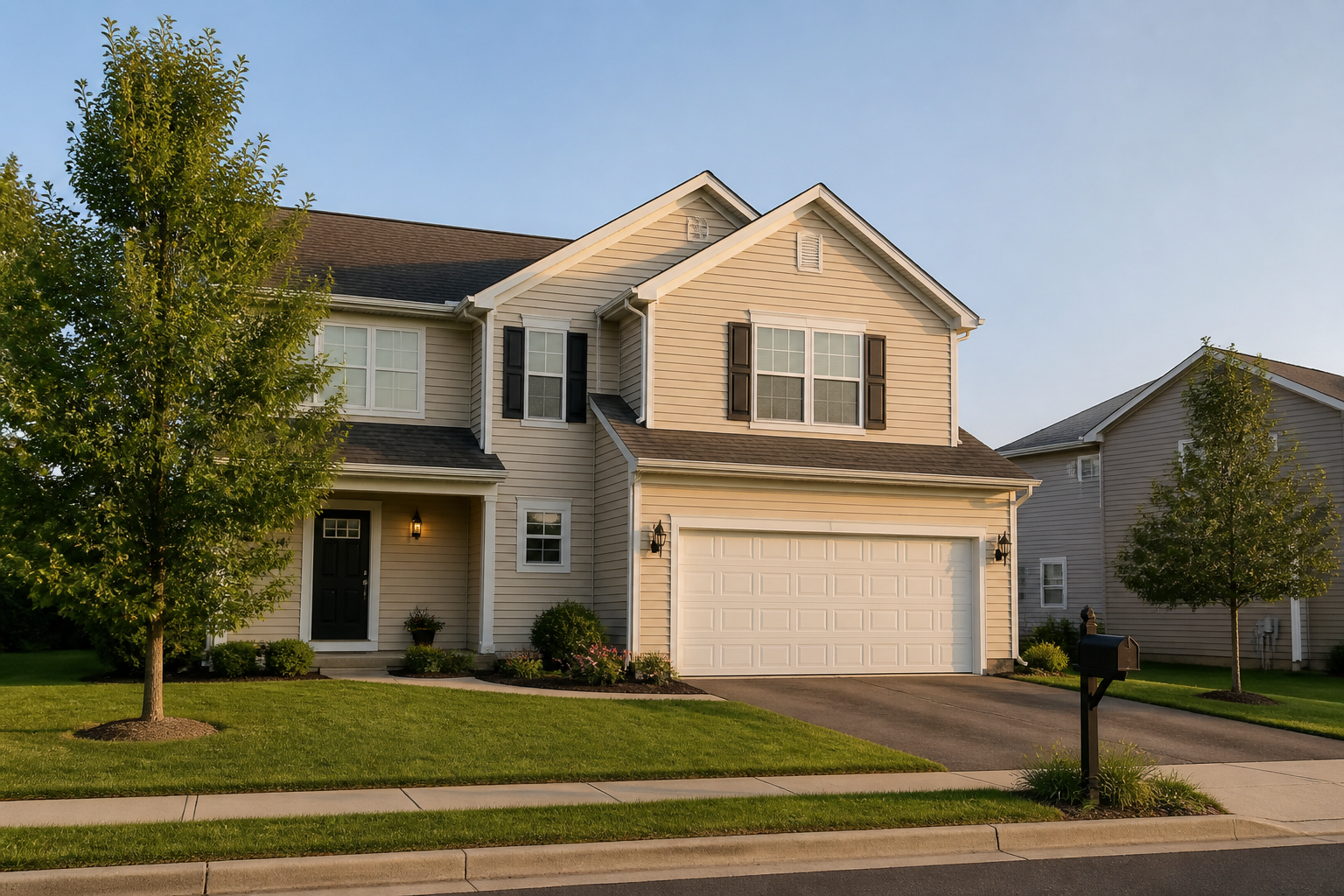
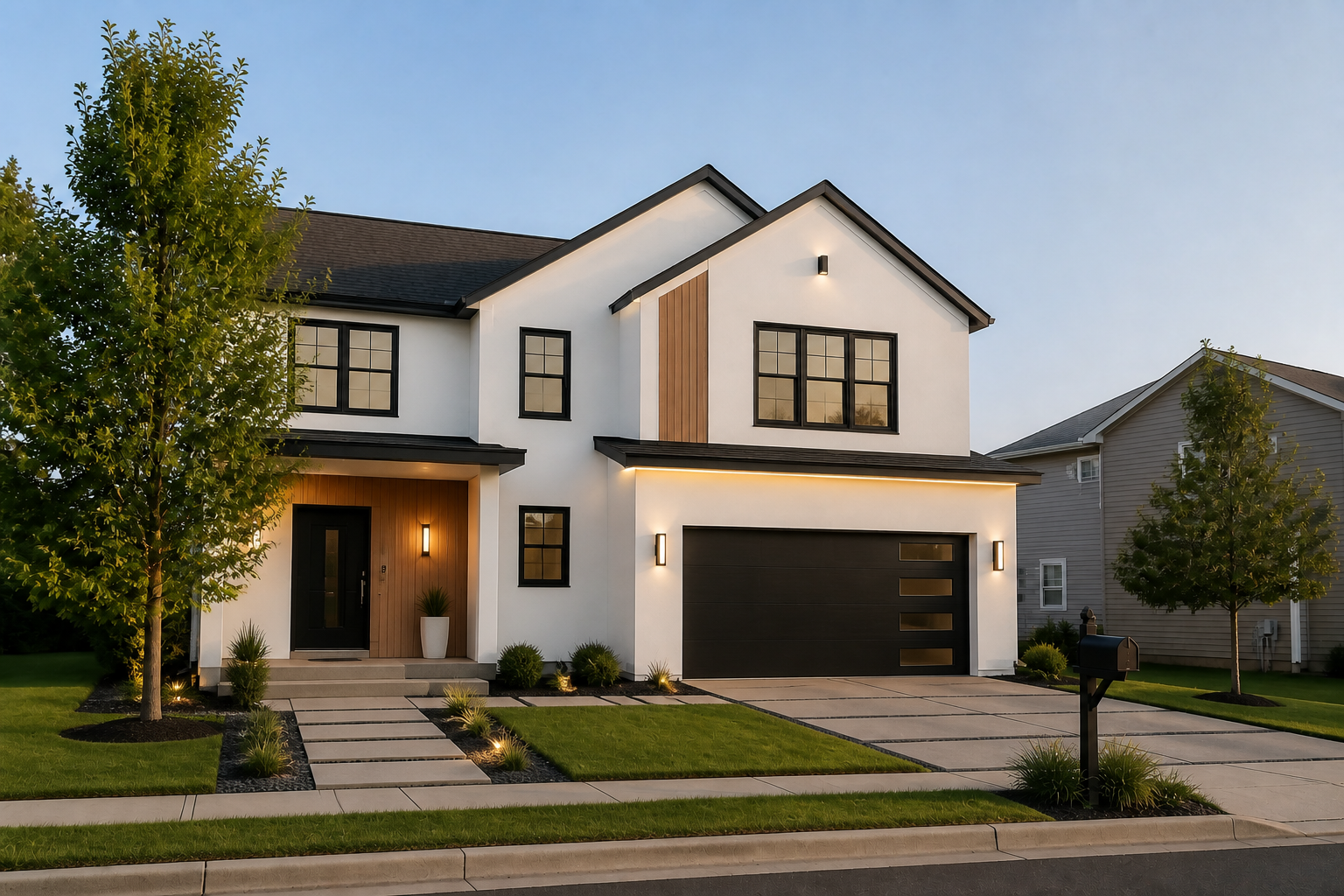
Try new facade styles fast
Swap the overall look of a home without rebuilding the whole image from scratch. You can test farmhouse, contemporary, coastal, luxury, or traditional directions on the same property photo. That makes it easier to compare ideas side by side instead of imagining them from mood boards alone.
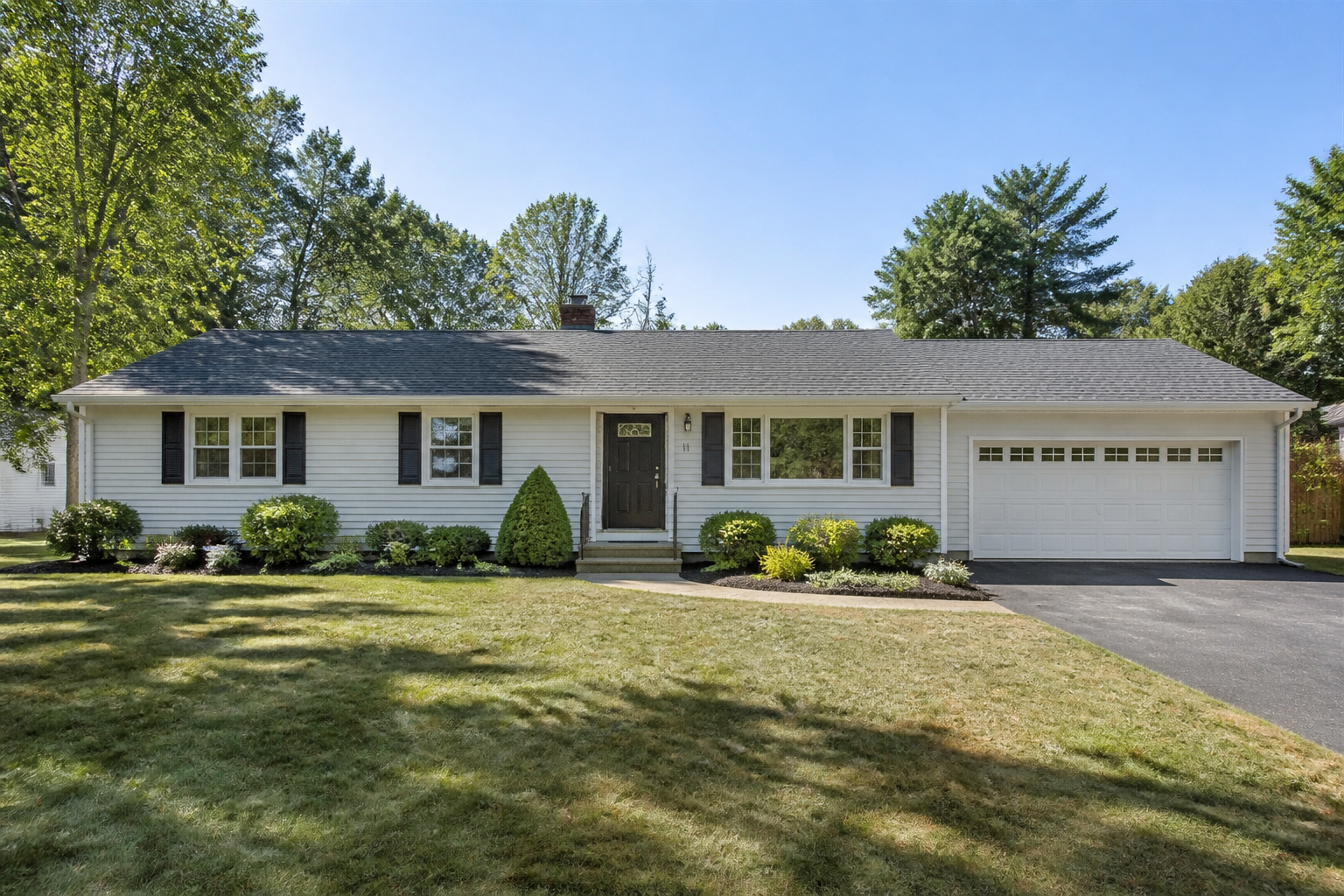
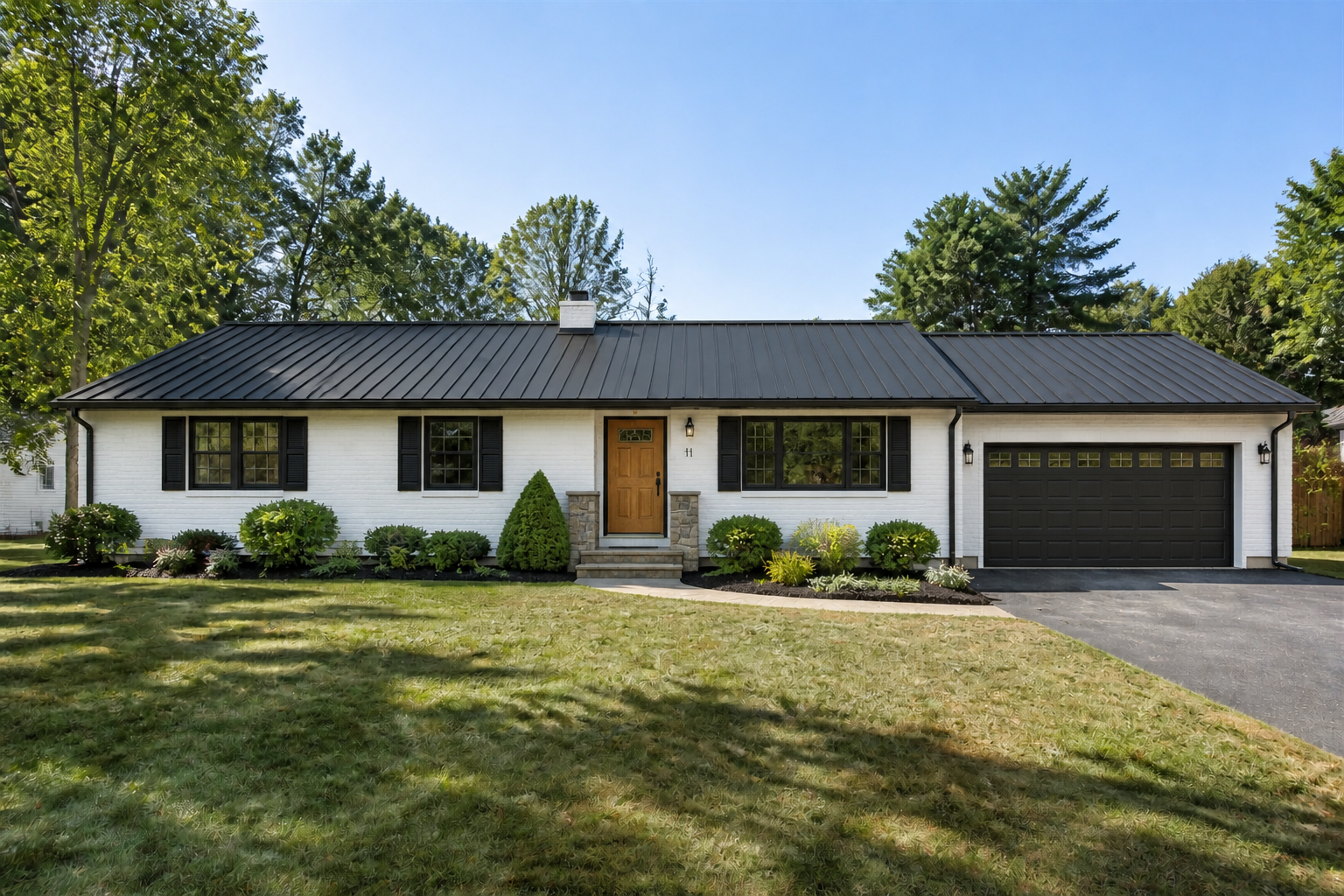
Preview materials and colors
See how siding, brick, stucco, stone, trim, and roofing choices work together before making expensive decisions. Our AI can show clear combinations that are easier to judge than isolated swatches. It saves time compared with manually mocking up each finish in separate design tools.
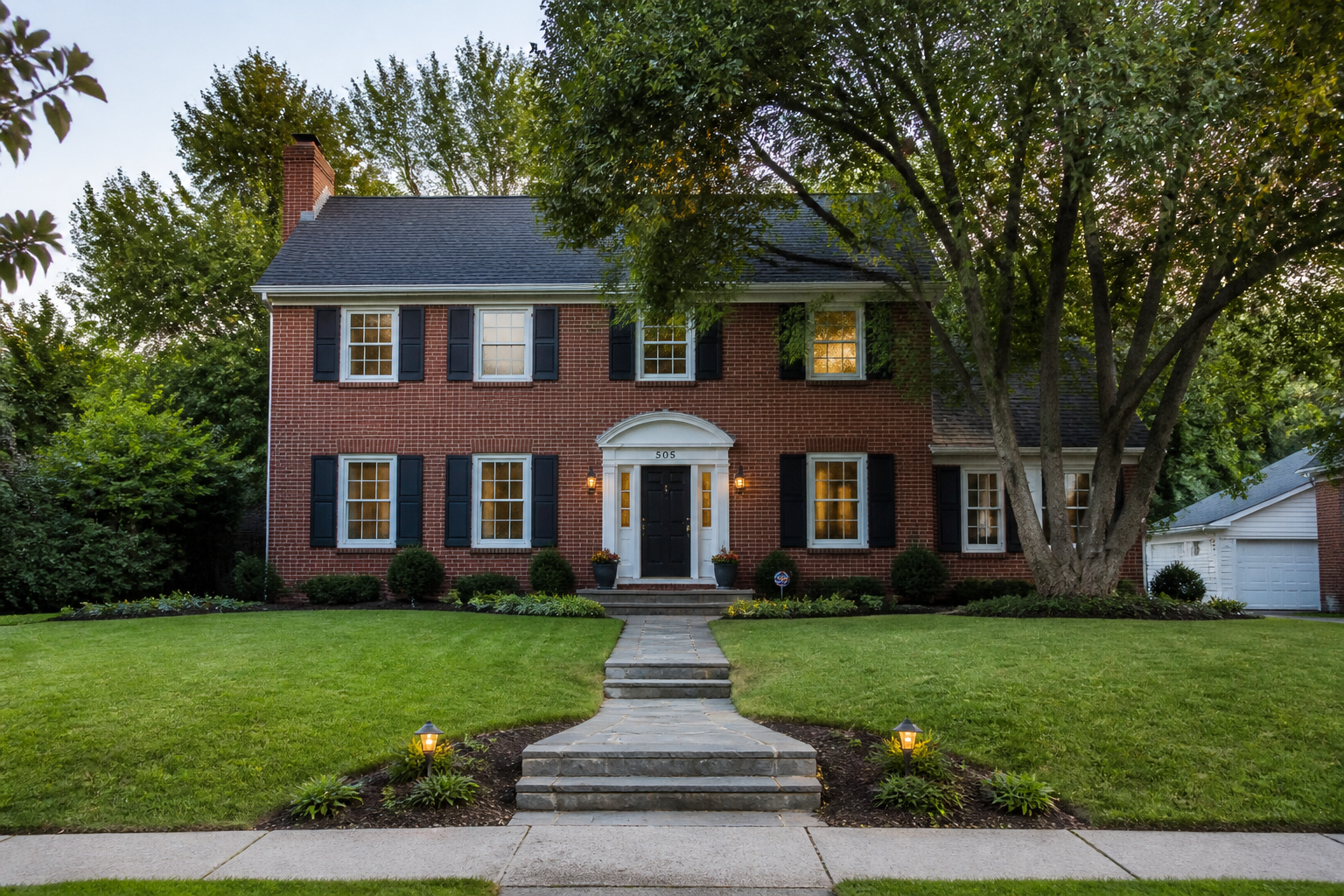
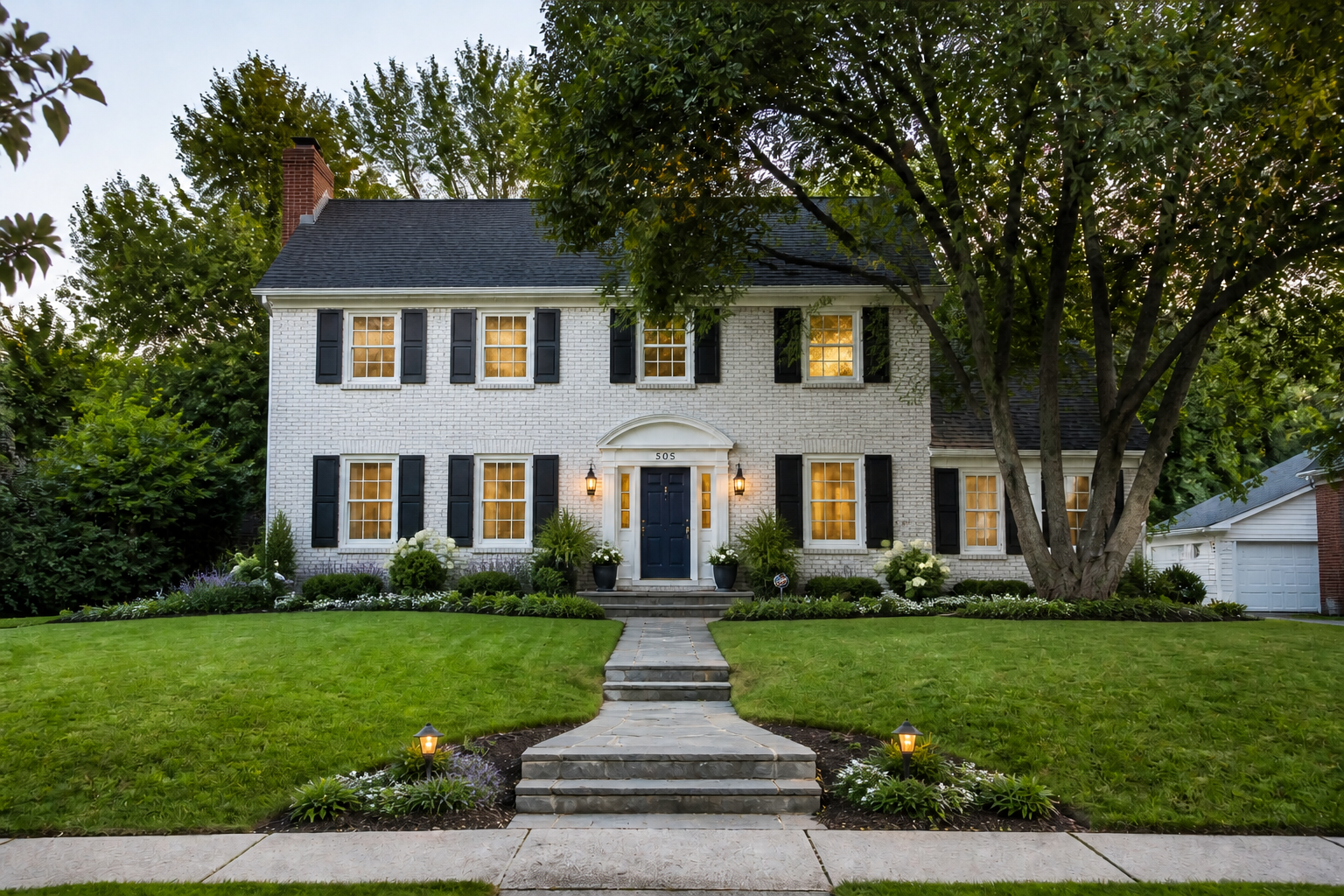
Keep the home recognizable
The design changes focus on the exterior treatment, not replacing the property with a different house. That helps you evaluate realistic updates while keeping the same footprint, angle, and layout in view. It is far more useful for remodeling decisions than starting from a generic concept image.
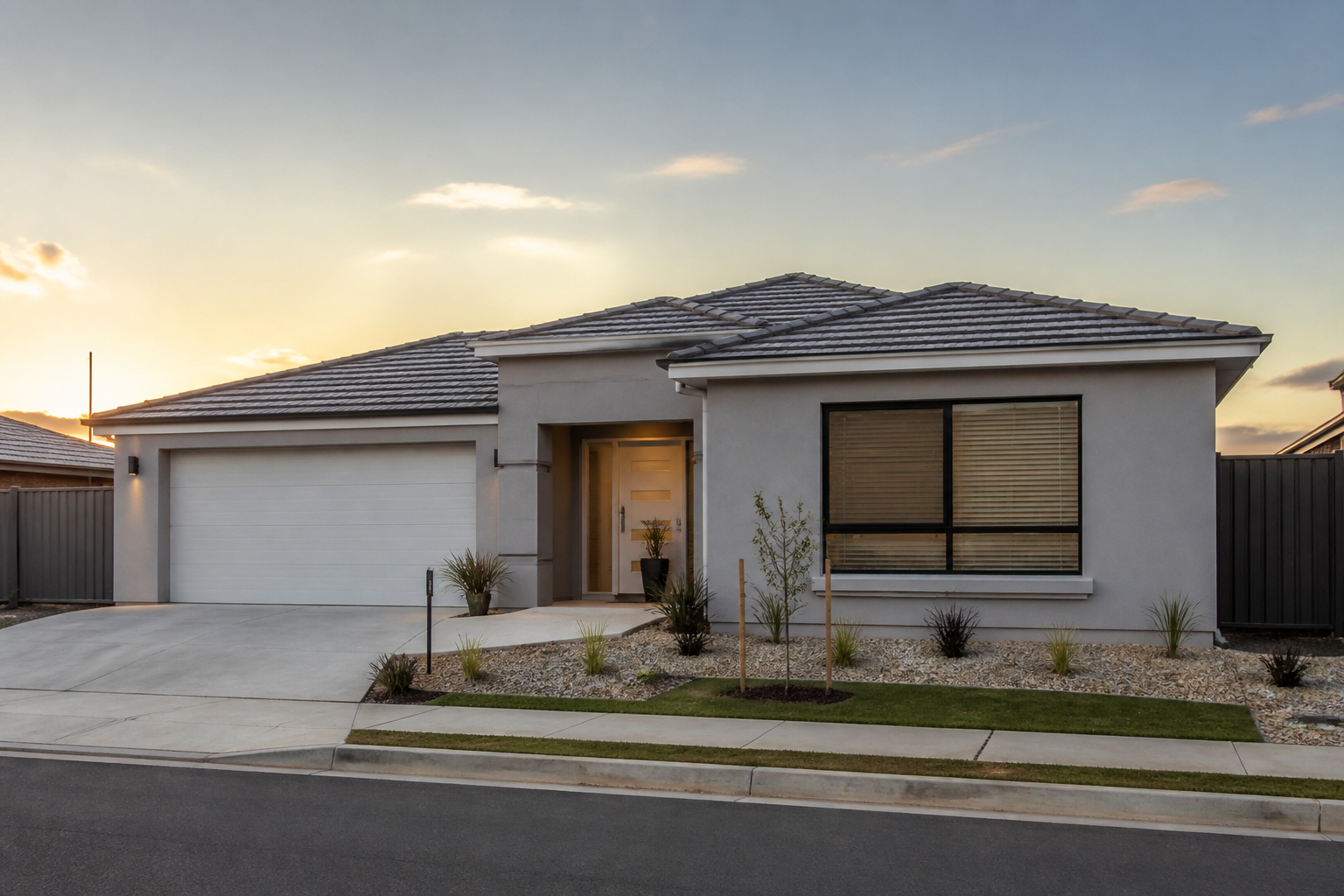
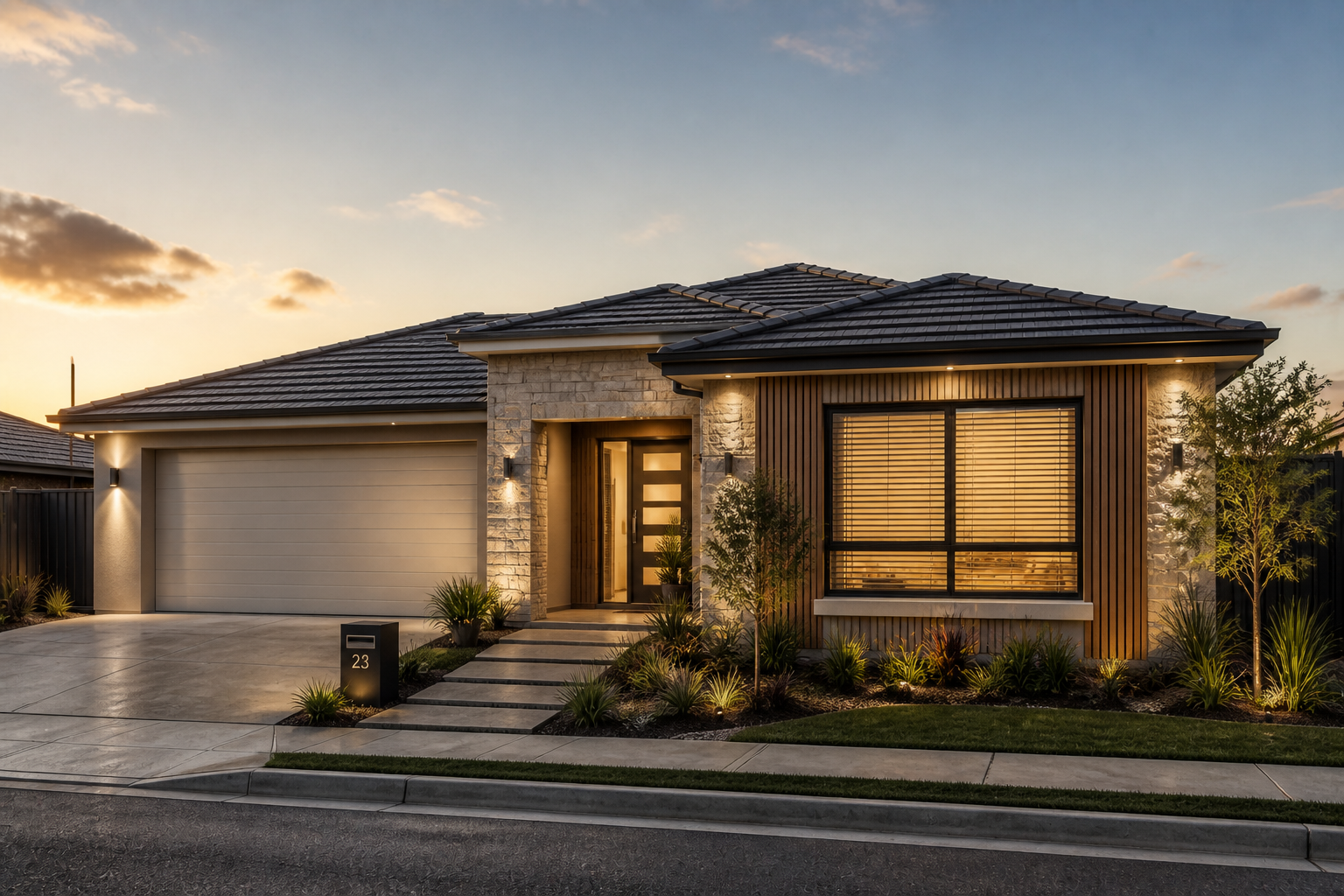
Generate polished presentation images
The results are clear enough to share with clients, contractors, partners, or family members. You can turn a plain property photo into a more polished visual concept that communicates direction quickly. That is useful when rough verbal descriptions are not enough to get alignment.
How It Works
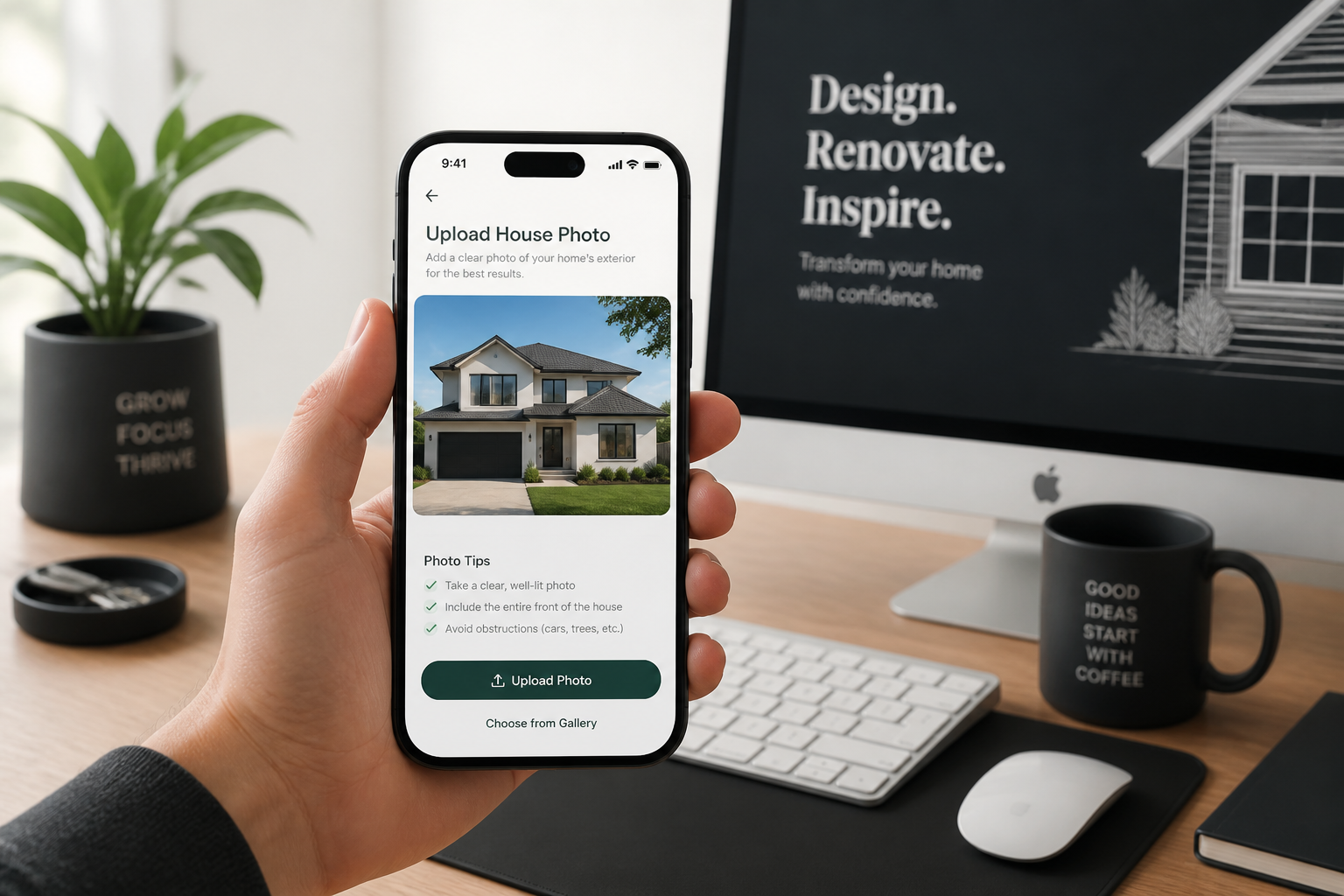
Upload your exterior photo
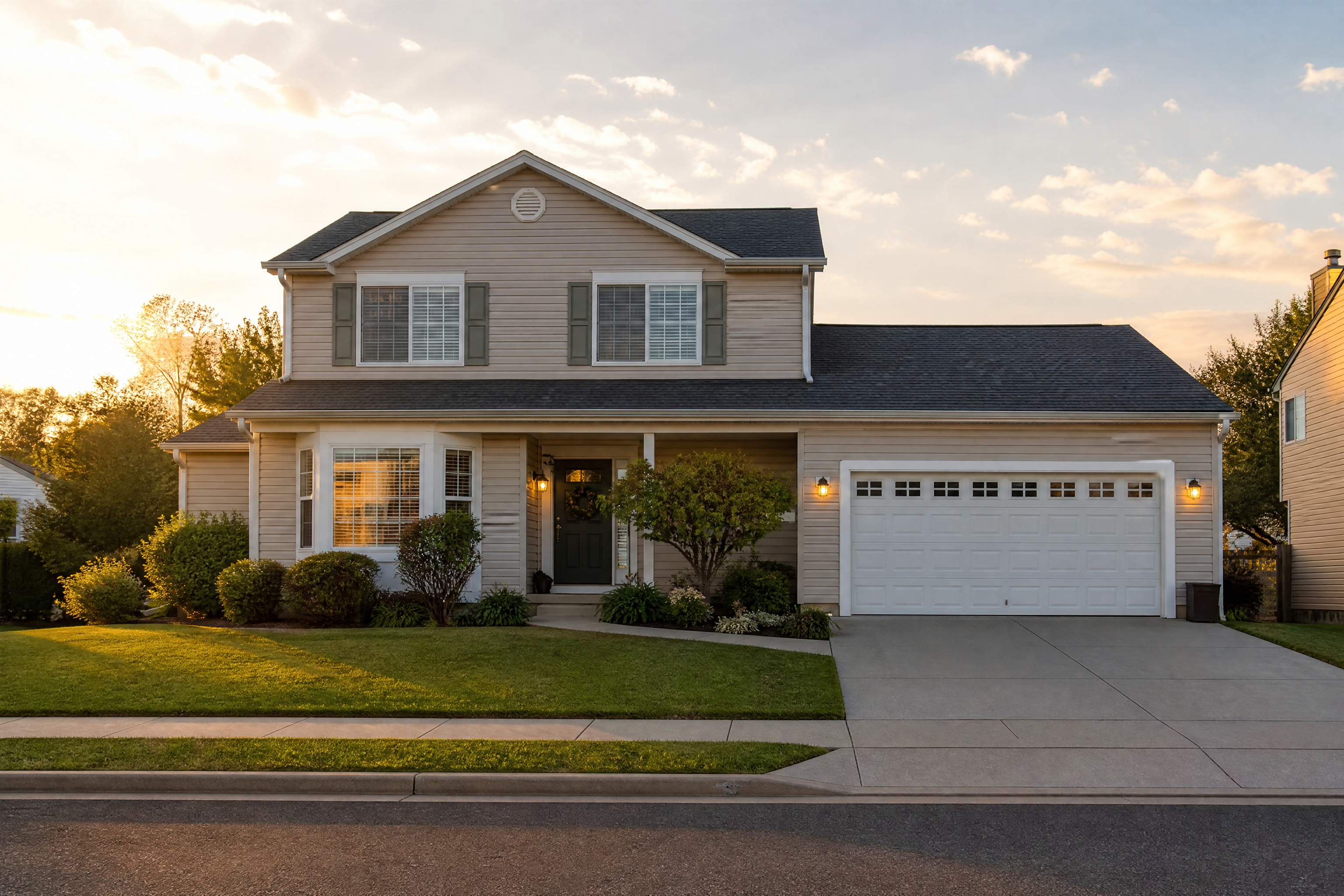
Start with a clear front or angled view of the property. Wide, well-lit photos work best because the roofline, windows, entry, and landscaping are easier for our AI to read.
Describe the new look
Tell the editor what style and materials you want to explore. You can mention design direction, facade finishes, trim color, roofing, windows, and landscaping details.
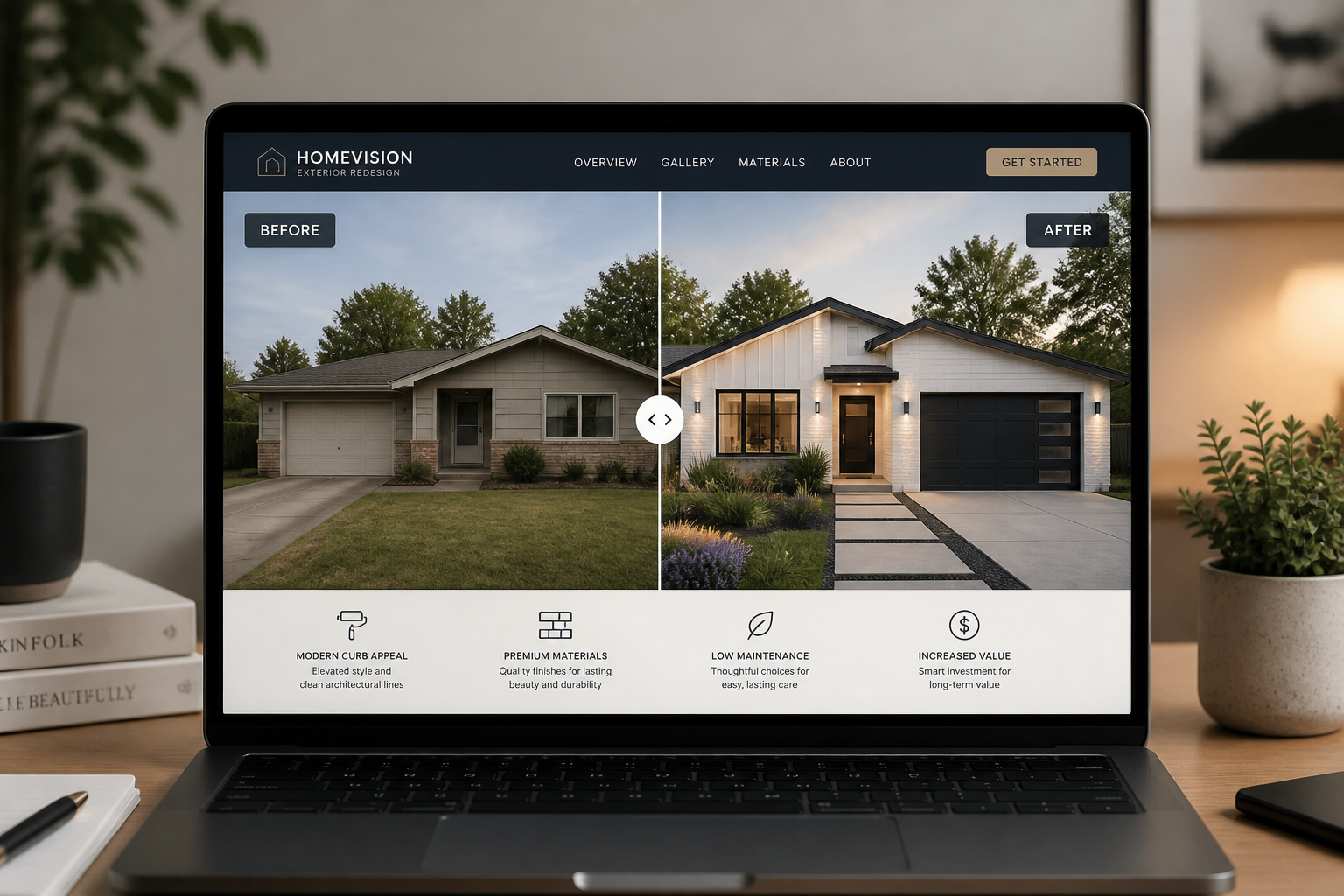
Compare and refine results
Review the before and after image, then adjust the prompt for a different direction. This makes it easy to test multiple curb appeal ideas before moving forward.
Perfect For
Discover how creators and professionals use ai exterior design generator
Remodel planning
Preview facade changes before choosing paint, siding, roofing, or stonework for a renovation.
Client concept drafts
Create quick exterior visuals for homeowners, design clients, or approval meetings.
Real estate presentation
Show renovation potential and stronger curb appeal concepts for listings or investor decks.
Style exploration
Test modern, farmhouse, coastal, traditional, or luxury looks on the same property photo.
Built For
Homeowners
Explore exterior remodel ideas before spending money on materials or contractor quotes.
Design professionals
Create fast visual directions for client discussions, mood alignment, and early concept review.
Real estate teams
Present renovation possibilities and curb appeal upgrades in a more visual way.
Why use this for exterior concepts
A quick look at how we compare on the things that matter for this niche.
| Feature | BudgetPixel | Generic AI editors | Manual editing apps |
|---|---|---|---|
| Before/after exterior mockups | ✓ | ✓ | — |
| Keeps original house view | ✓ | — | — |
| Fast style variations | ✓ | ✓ | — |
| Material and facade exploration | ✓ | — | — |
| Easy to start from one photo | ✓ | ✓ | ✓ |
Frequently Asked Questions
What kinds of exterior changes can I preview?
Does it keep the same house shape?
Can I try different architectural styles?
Do I need design experience to use it?
Are these images construction-ready plans?
Create together.
Share your creations, discover trending AI art, and grow with fellow creators.