AI Landscape Design Generator
Turn a plain yard photo into a clear outdoor design concept in minutes.
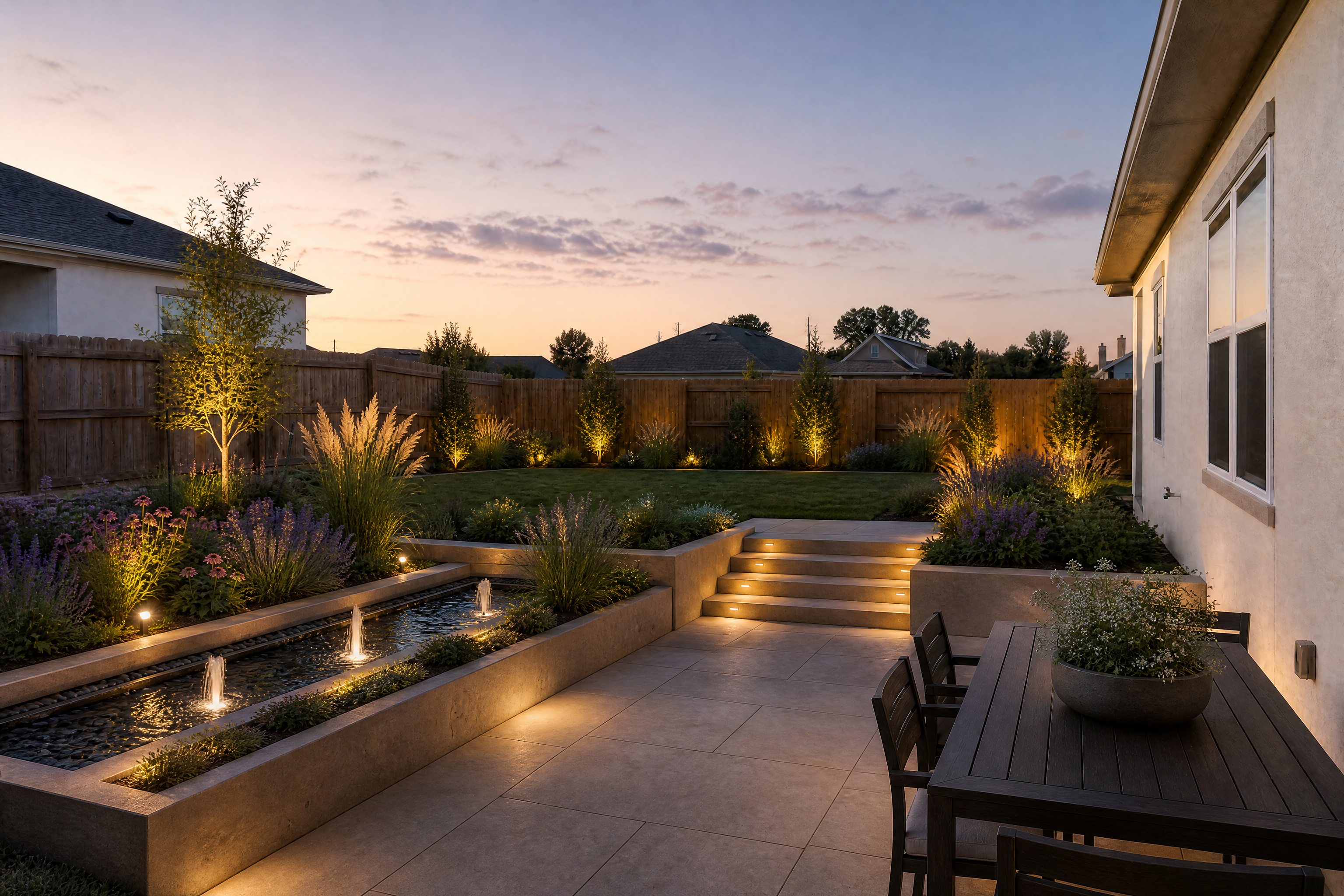
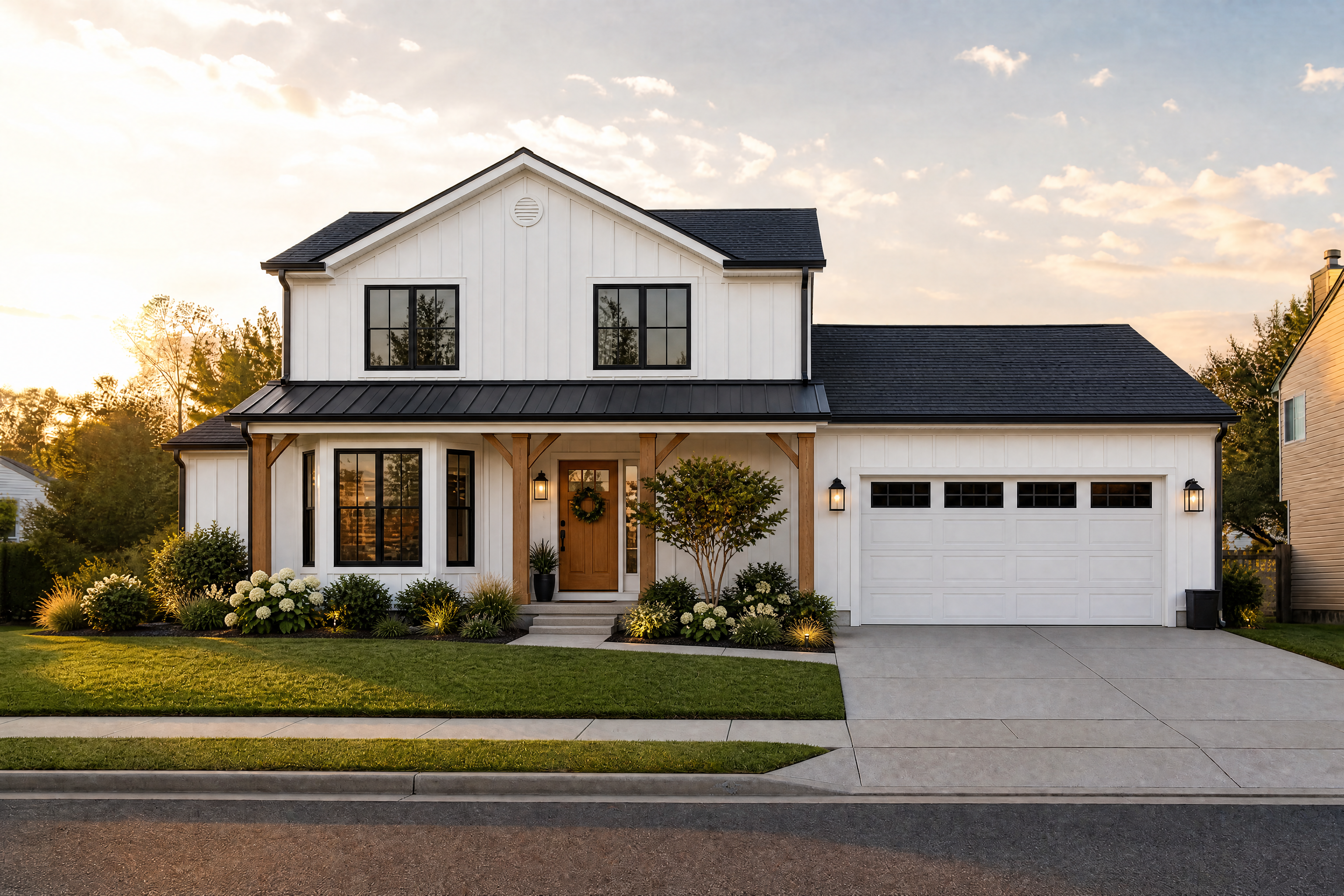
Upload a photo of your yard and generate realistic landscape concepts without sketching from scratch. Try different planting styles, patios, walkways, lighting, and layouts while keeping the home and camera angle consistent.
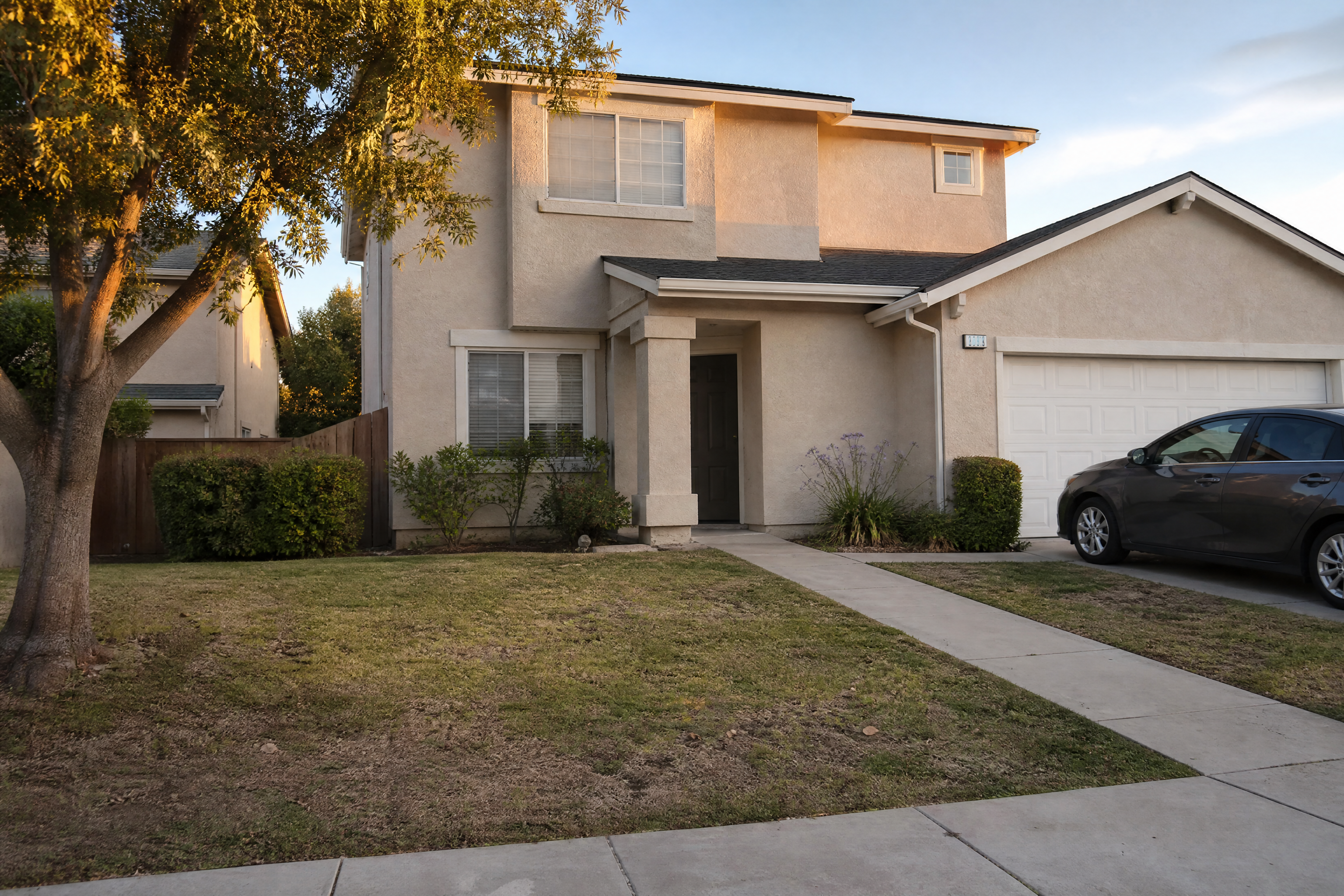
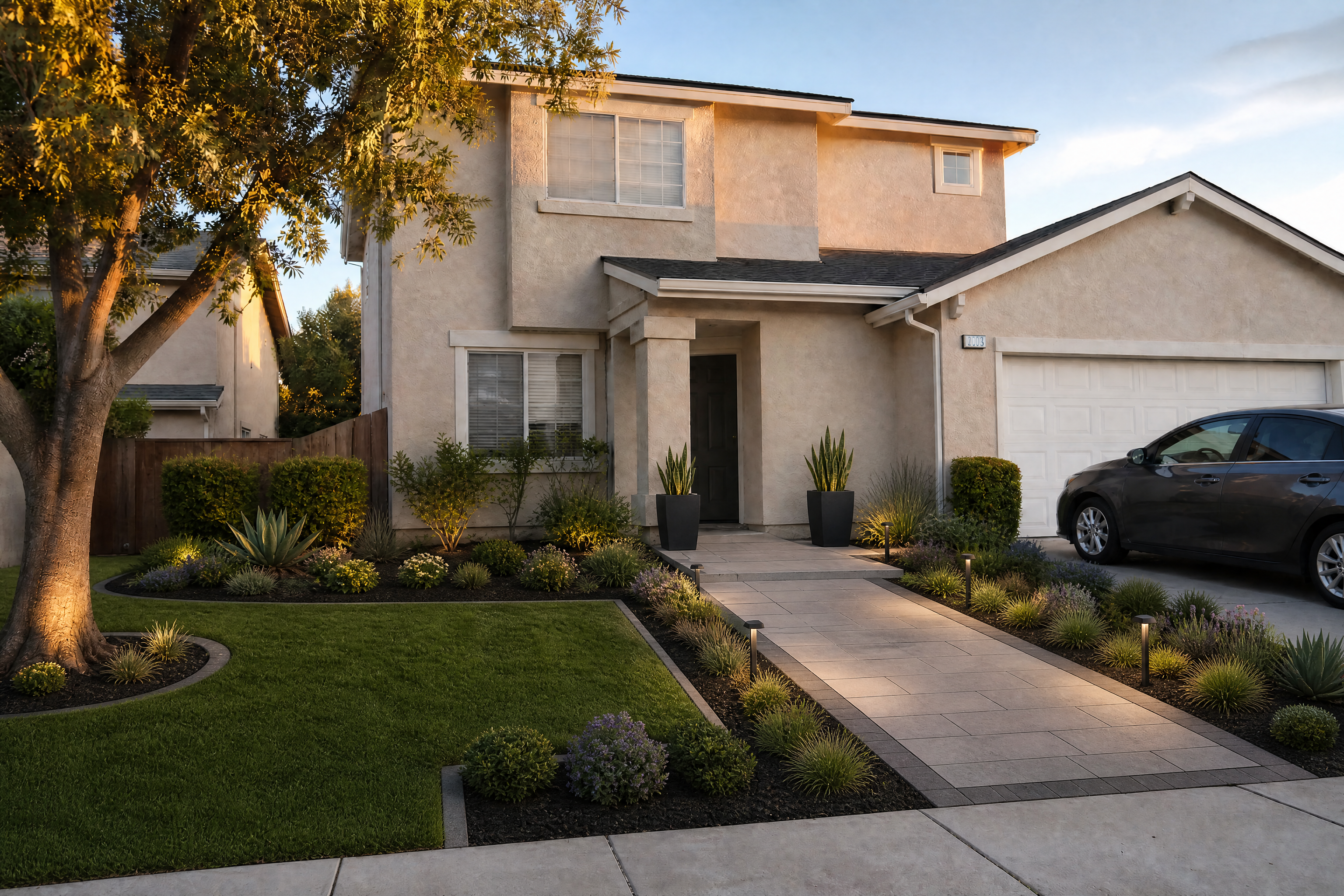
Watch the Transformation
See ai landscape design generator in motion — generated end-to-end by our AI.
See It In Action
Real outputs from ai landscape design generator.
BEFOREAFTER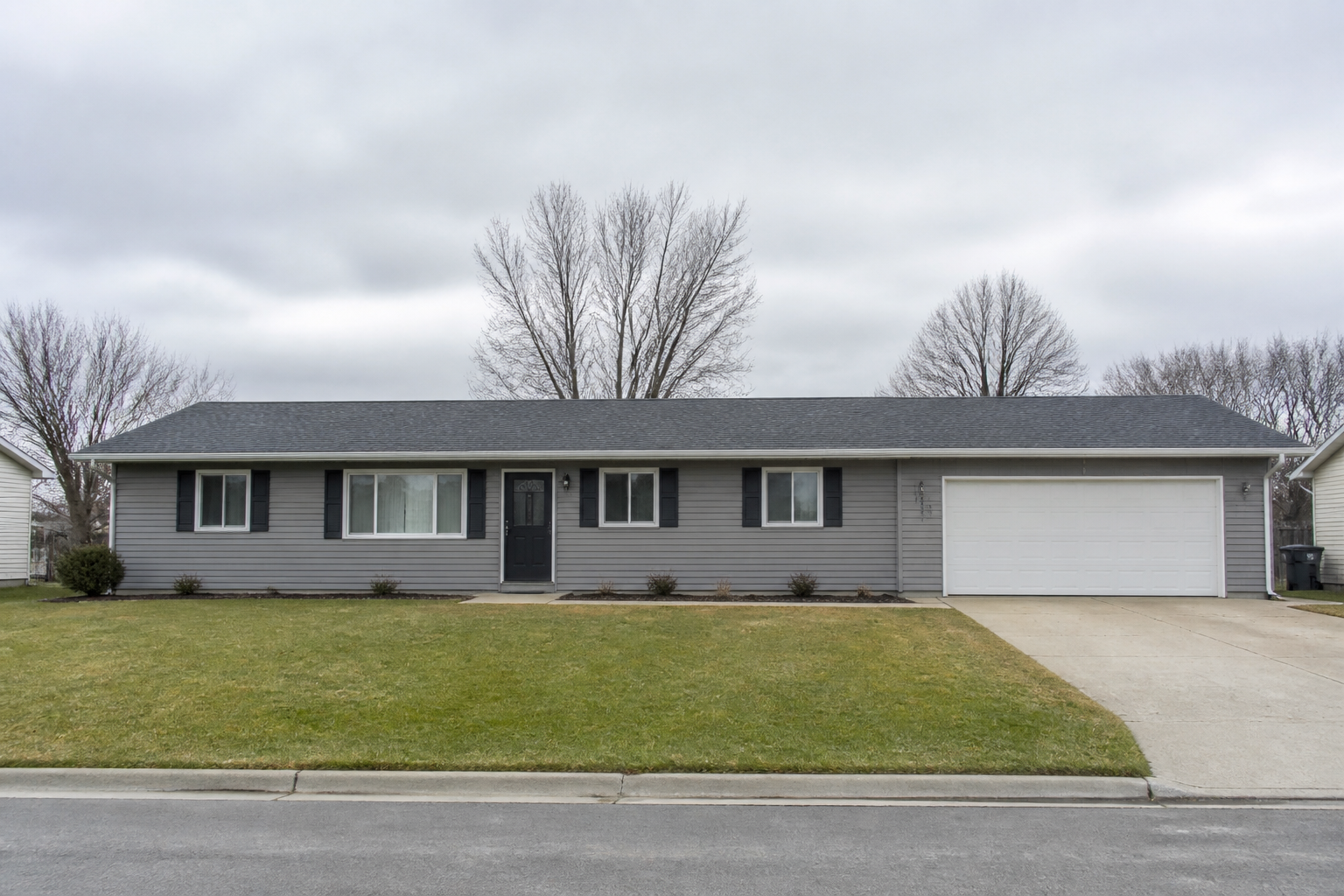 BEFORE
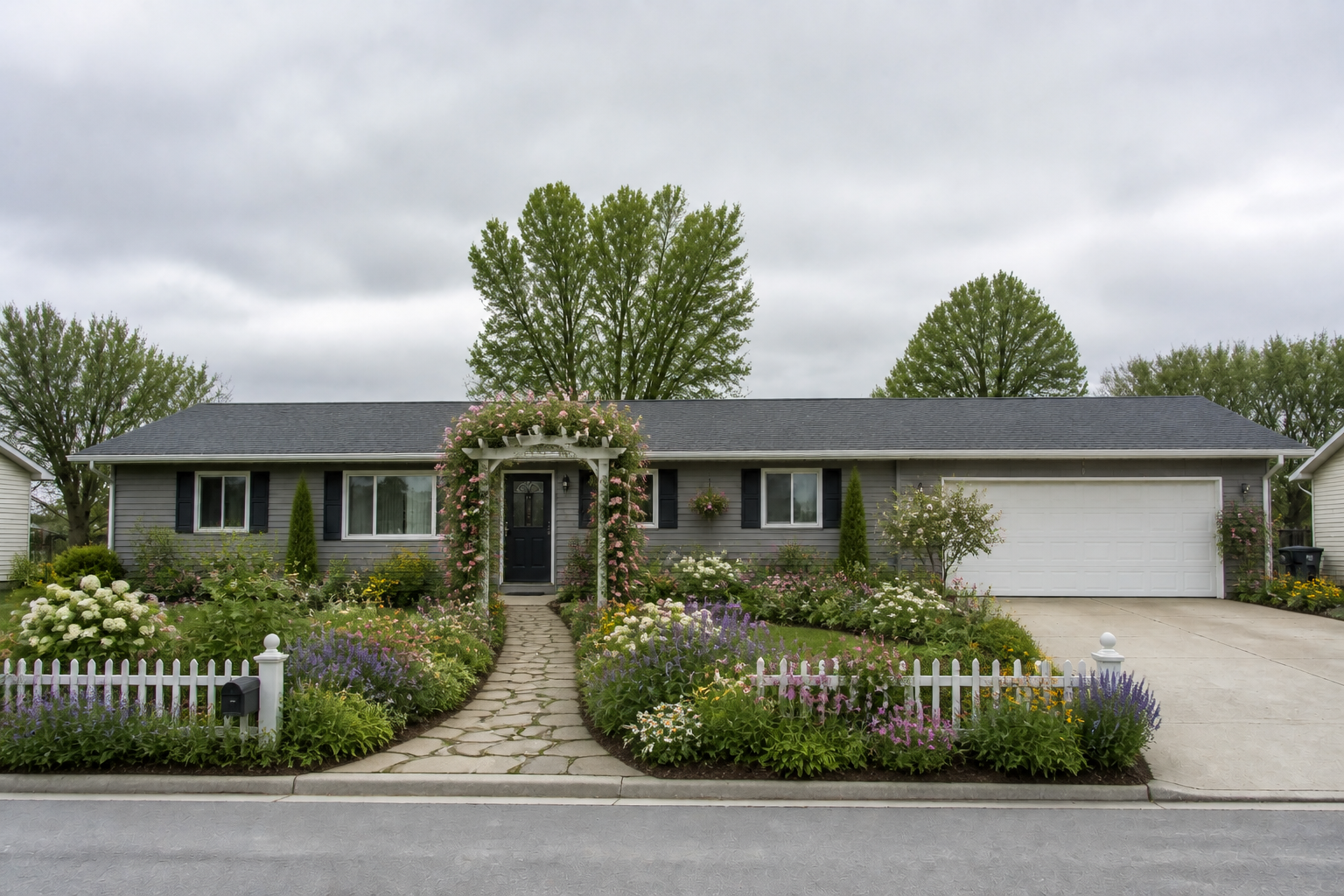 AFTER
AFTER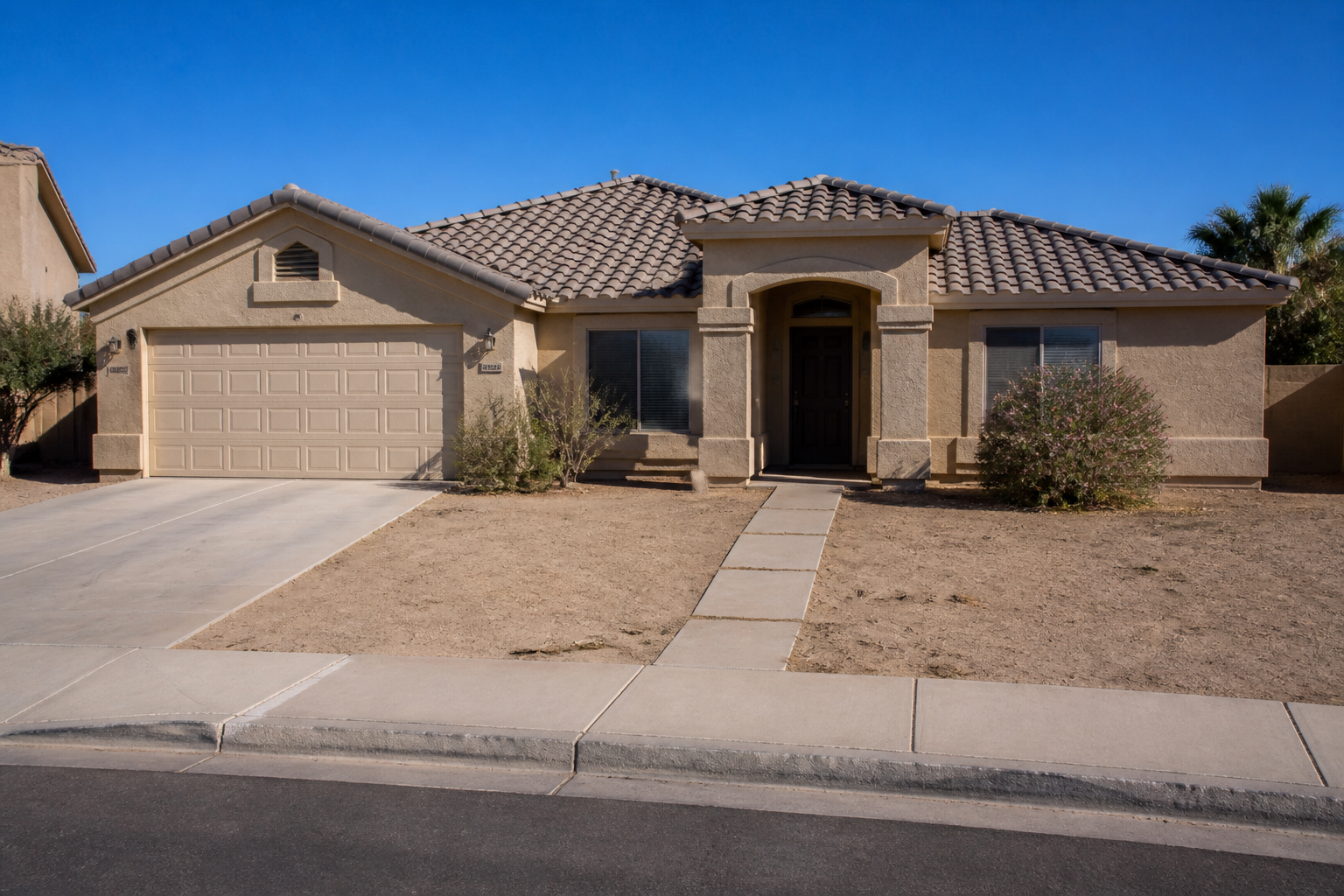 BEFORE
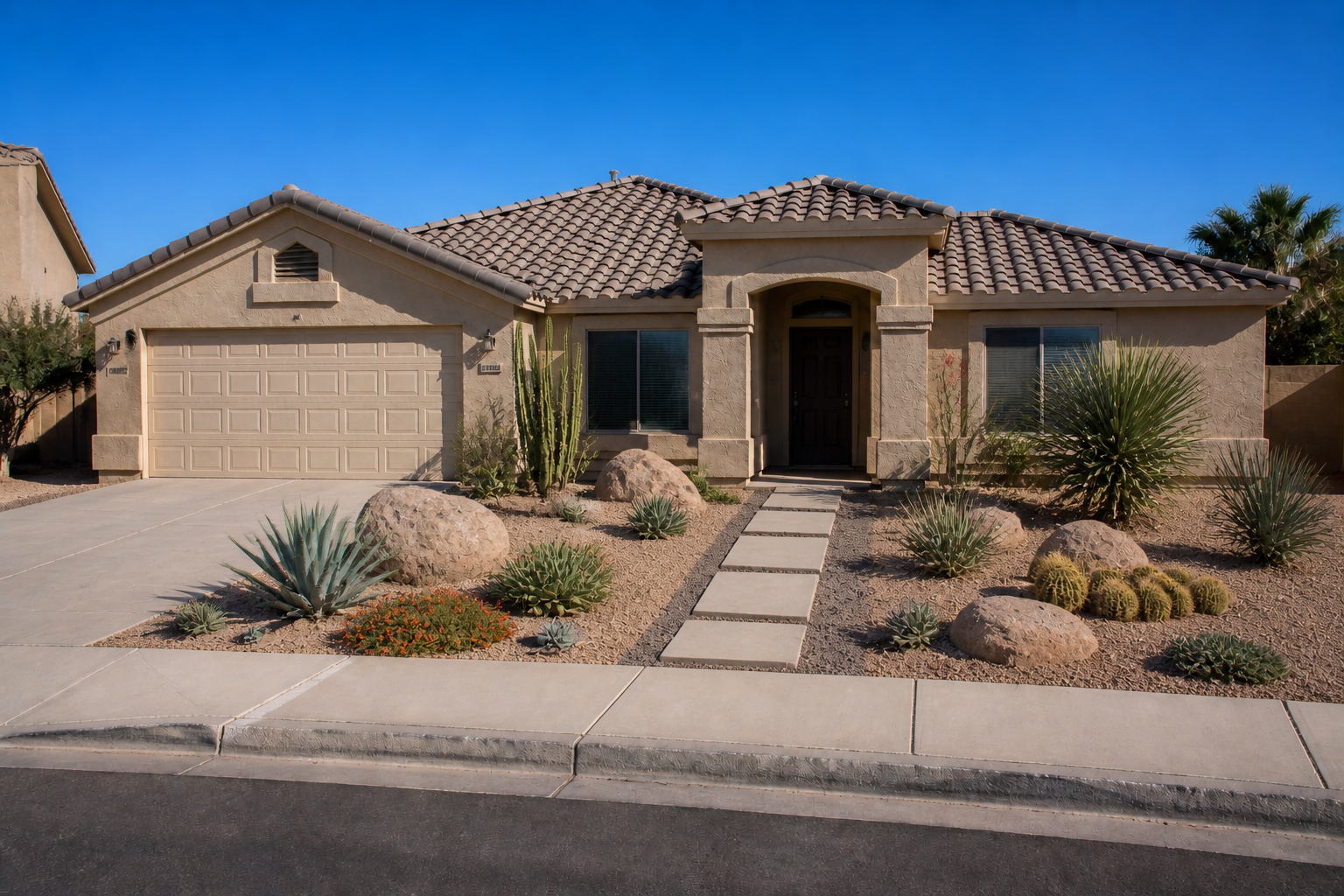 AFTER
AFTER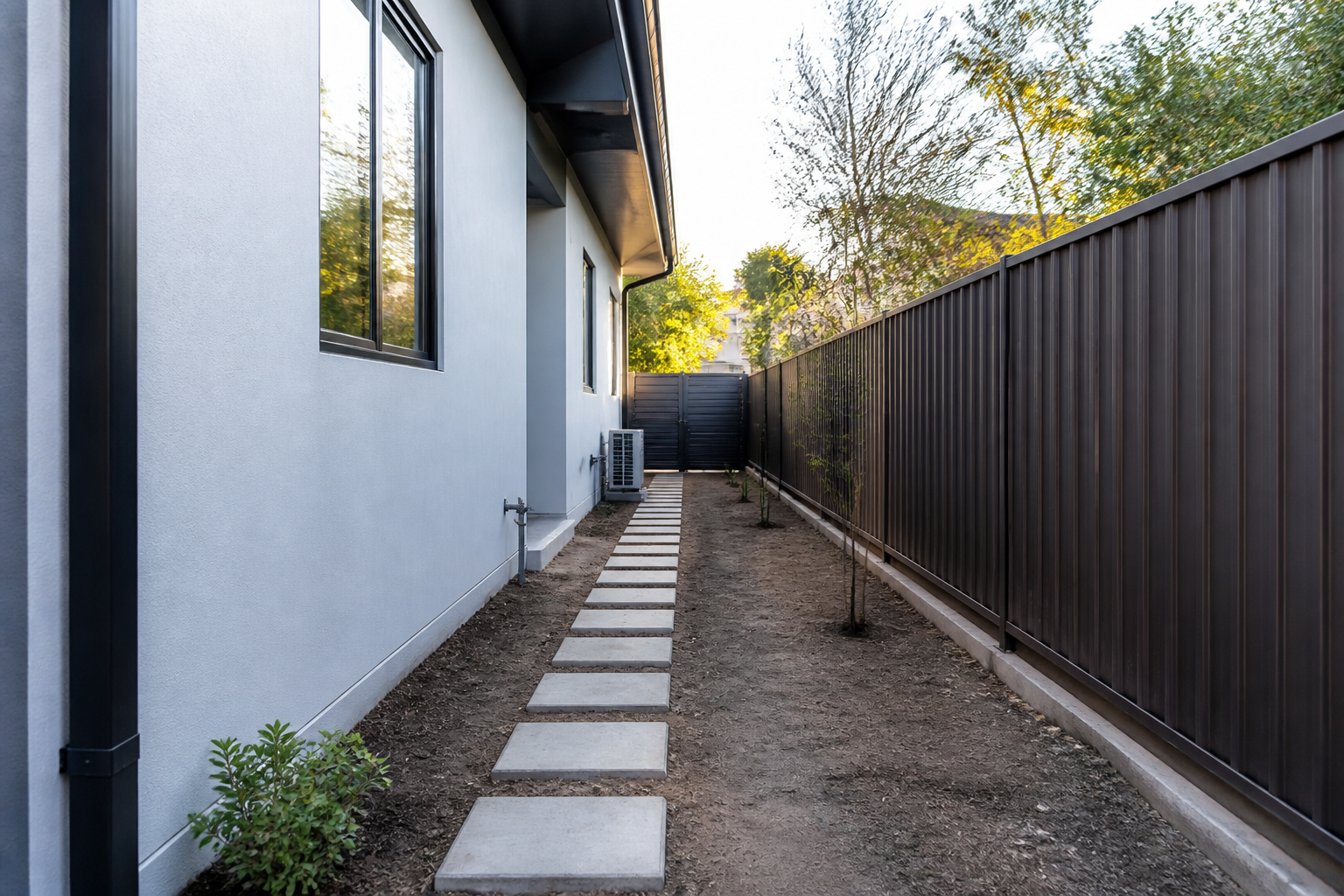 BEFORE
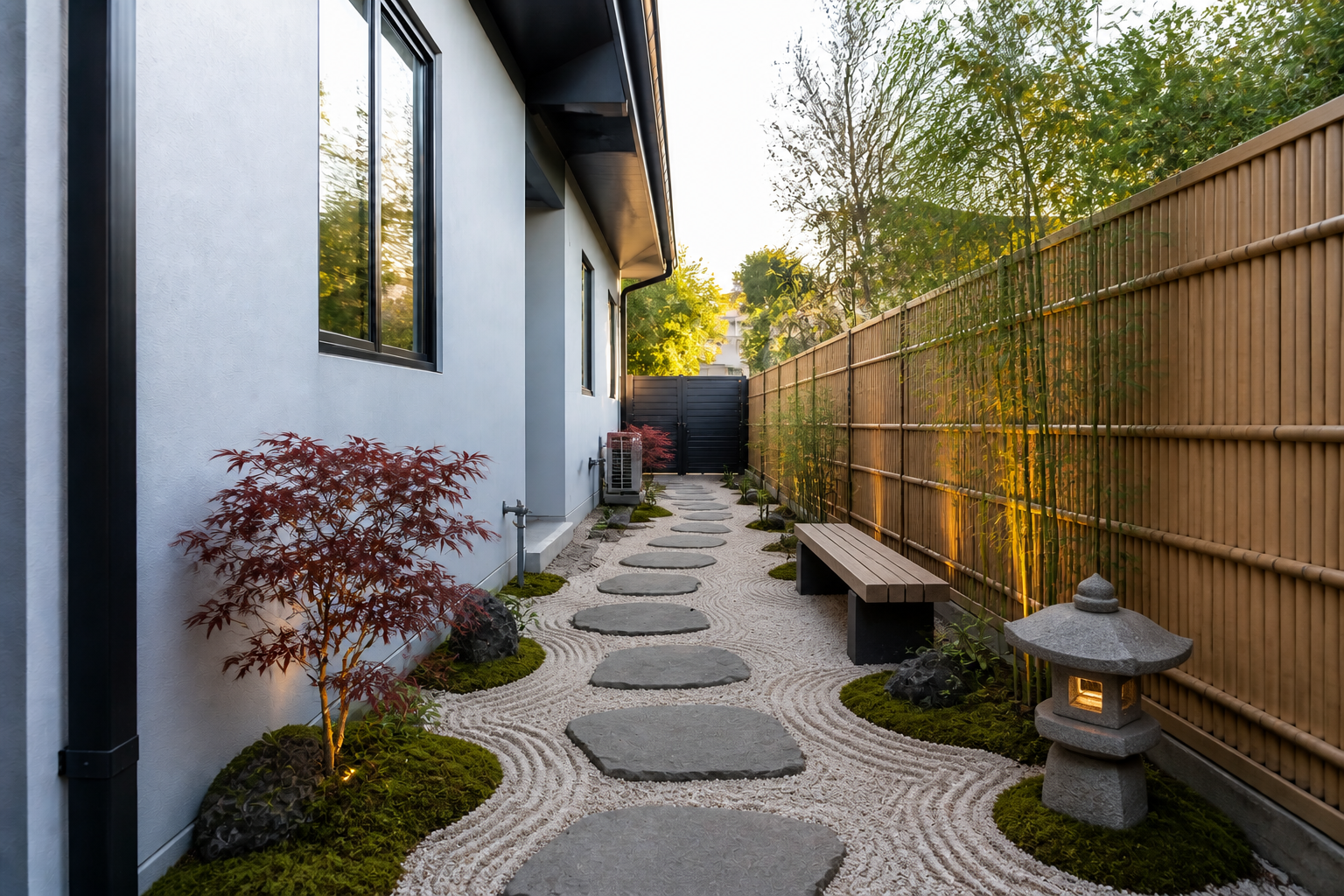 AFTER
AFTER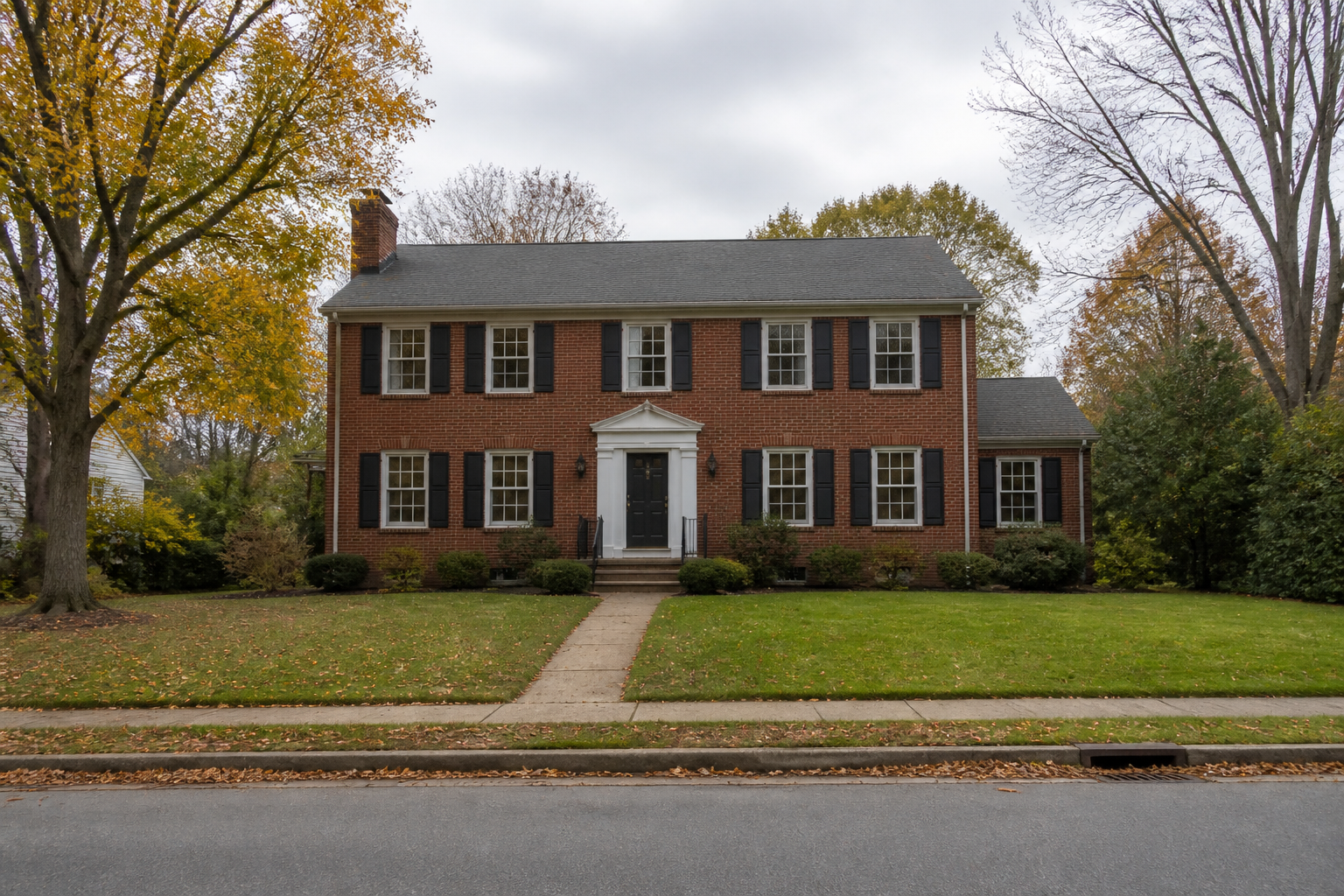 BEFORE
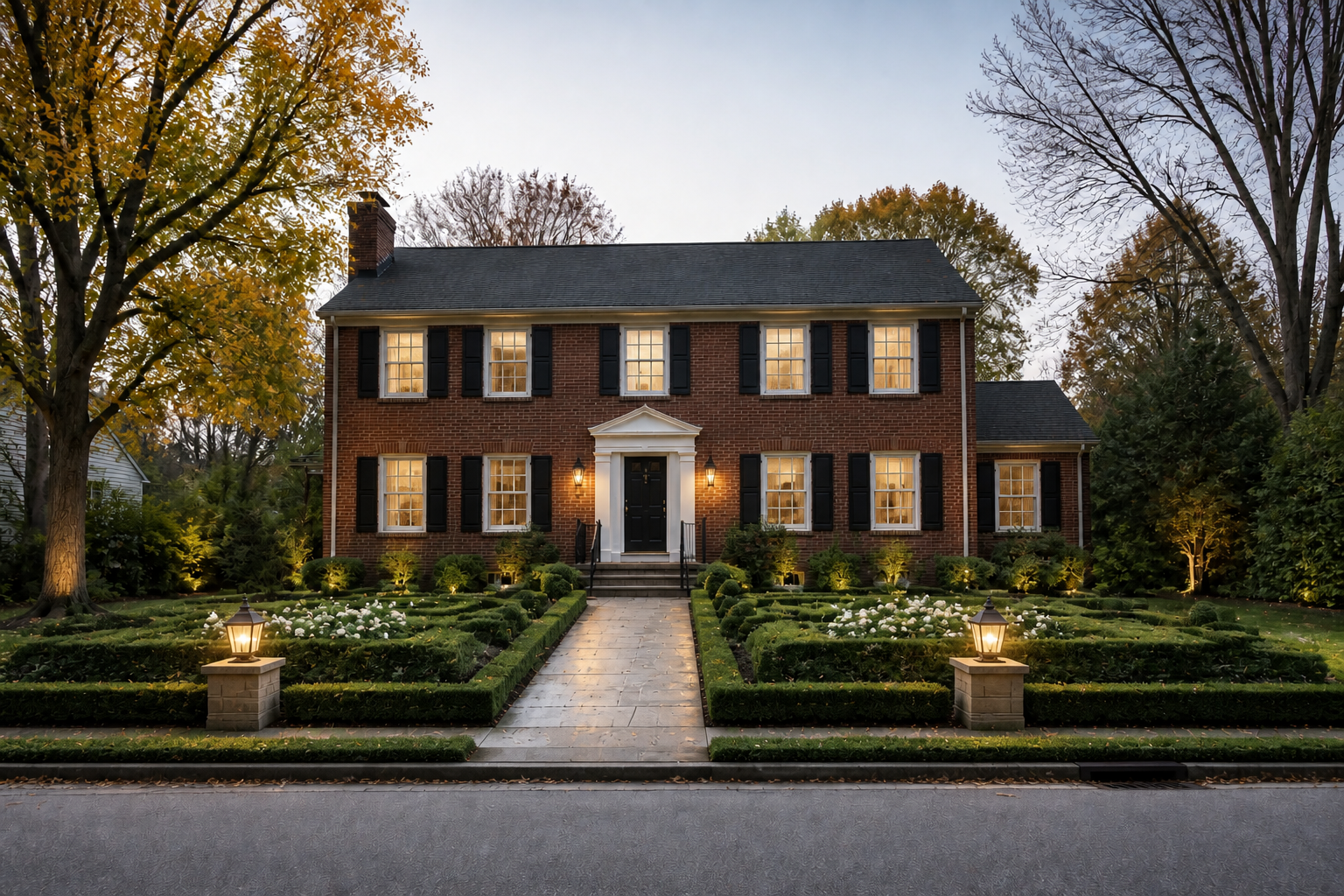 AFTERBEFOREAFTERBEFOREAFTERBEFOREAFTERBEFOREAFTERBEFOREAFTER
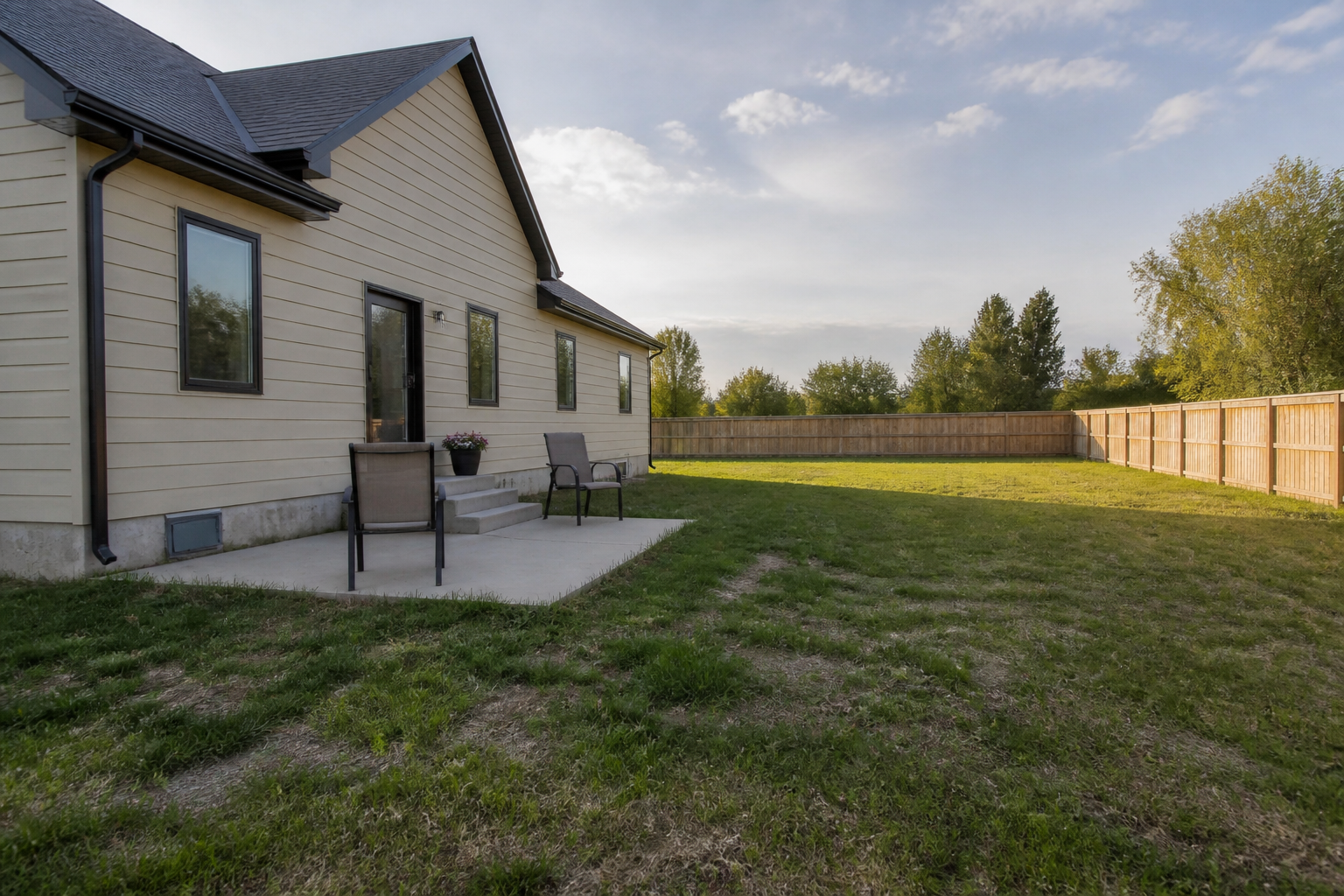 BEFORE
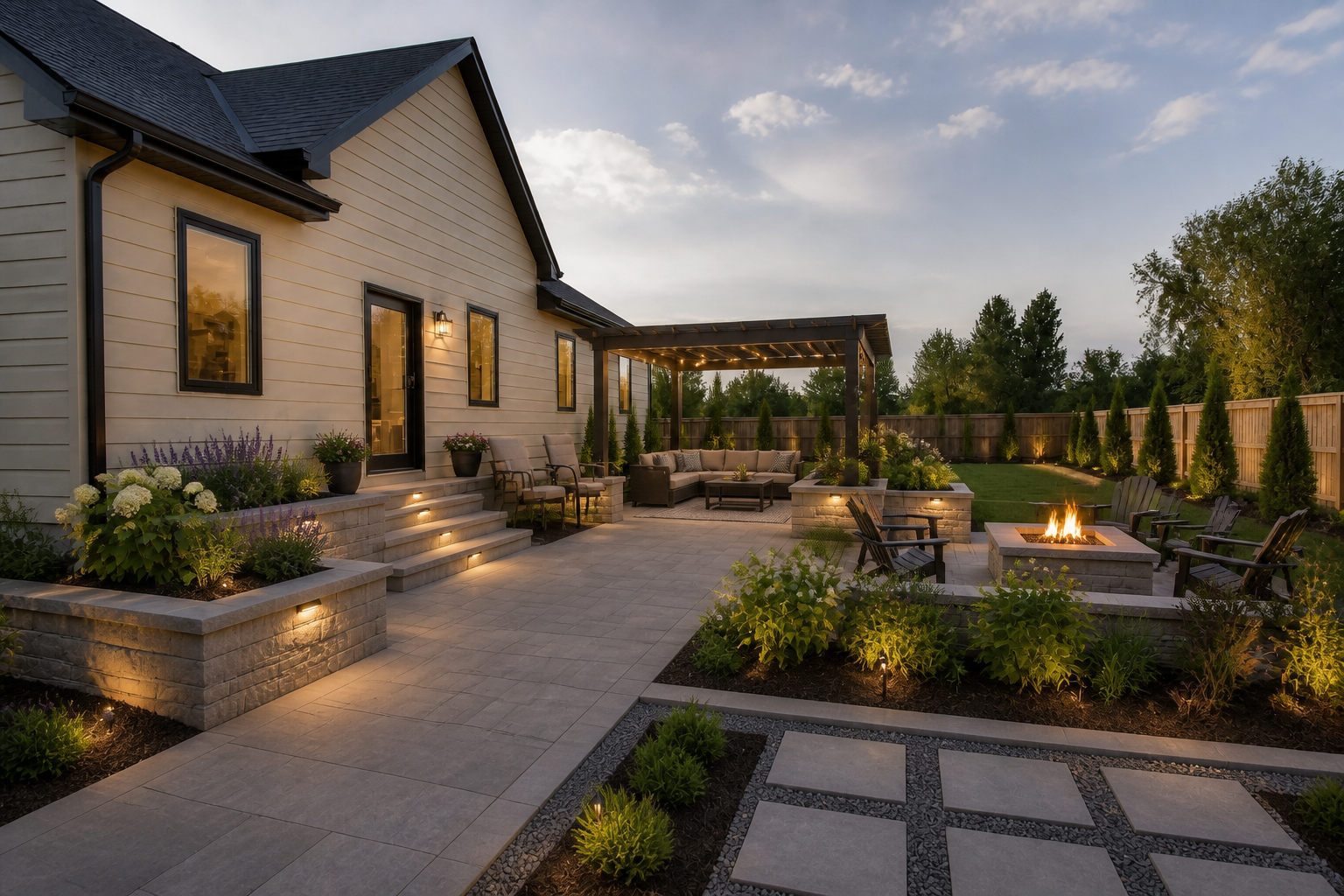 AFTER
AFTER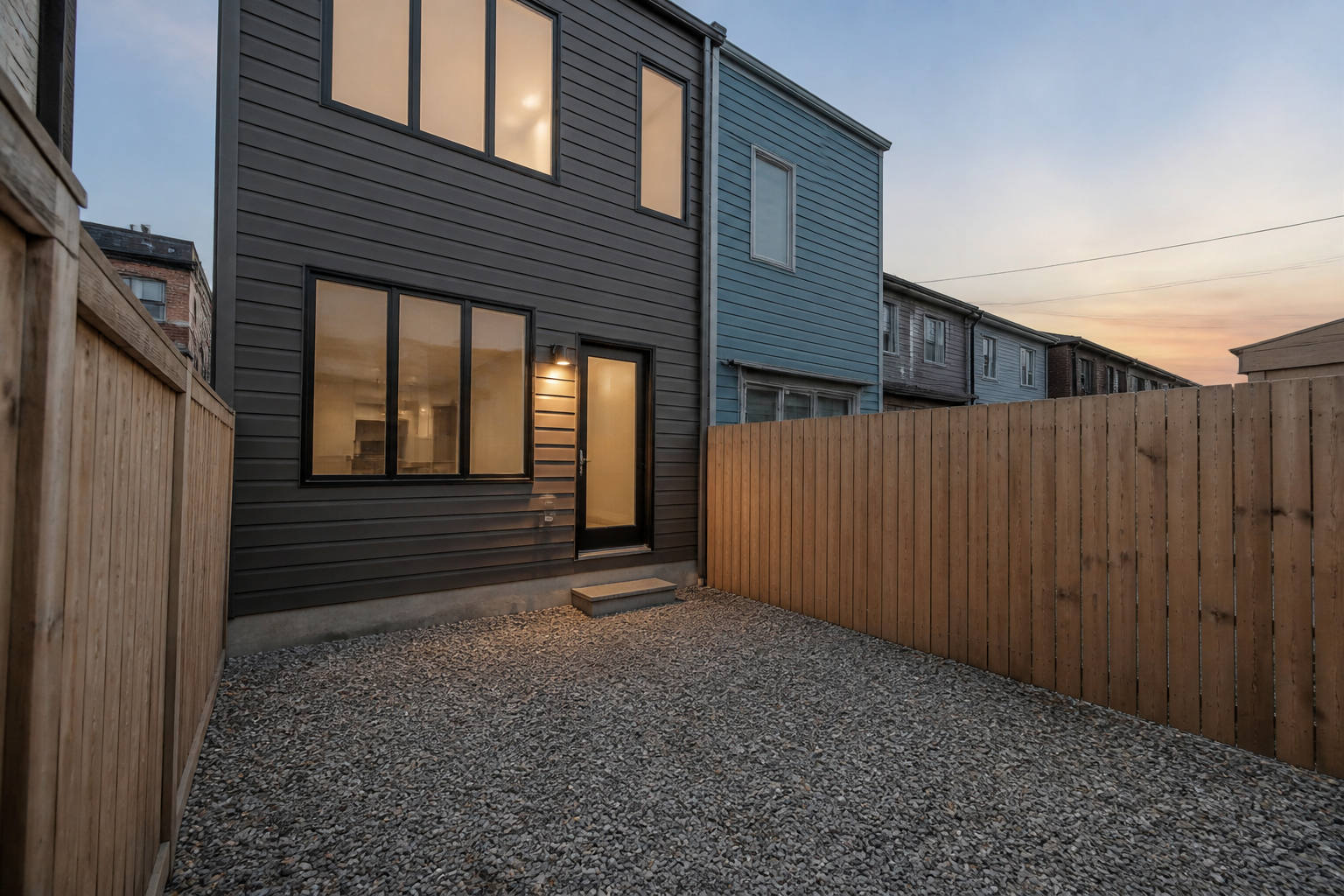 BEFORE
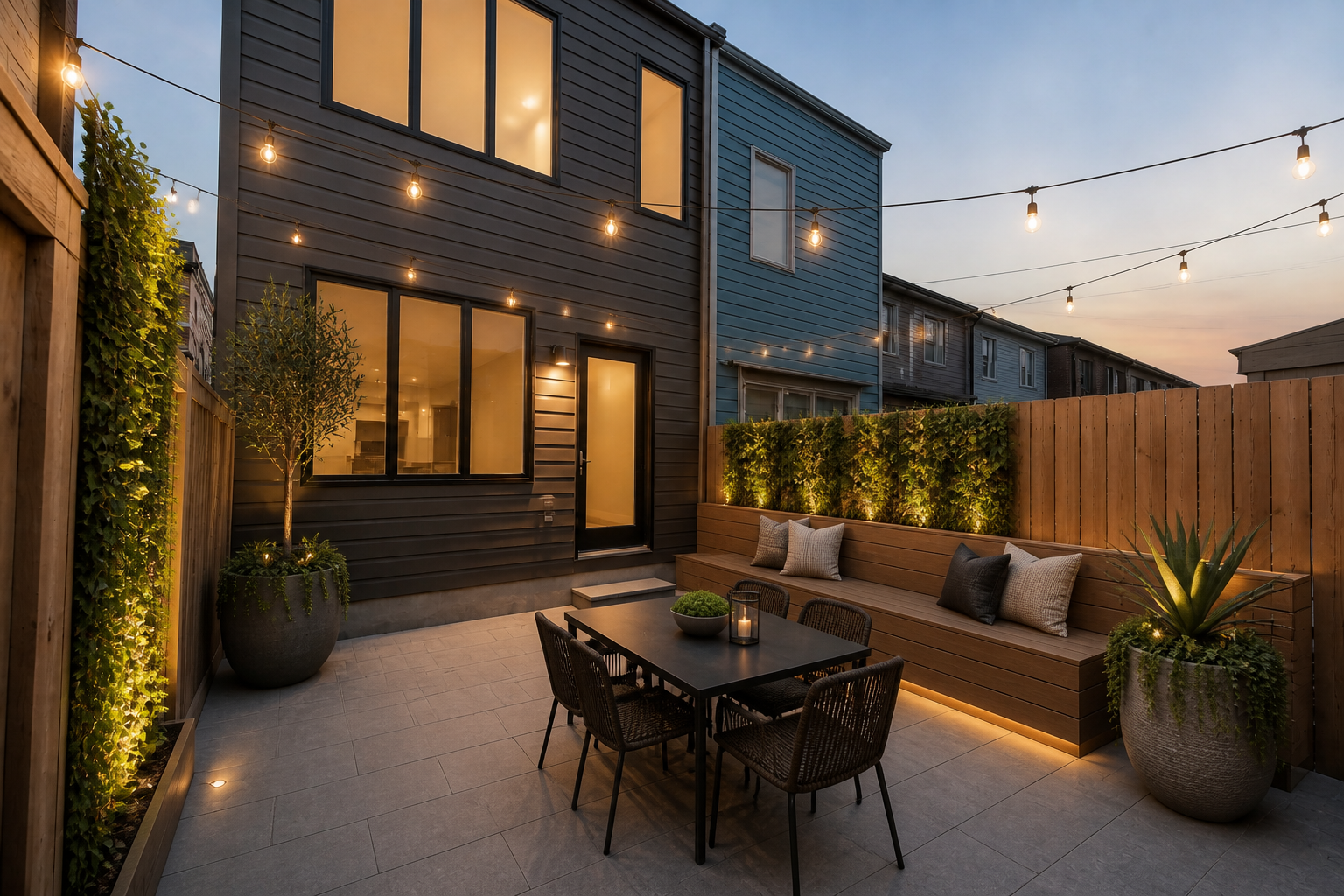 AFTER
AFTER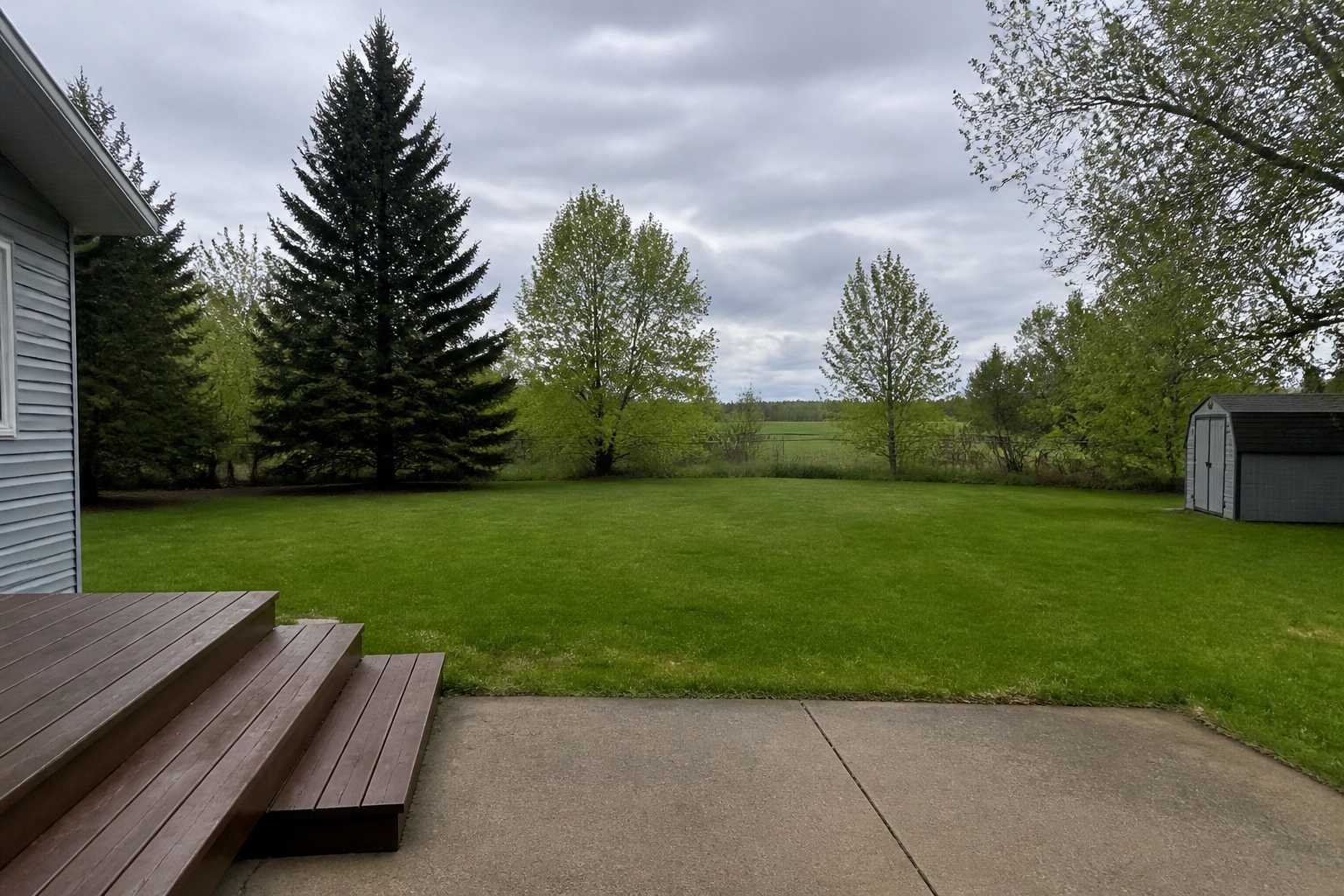 BEFORE
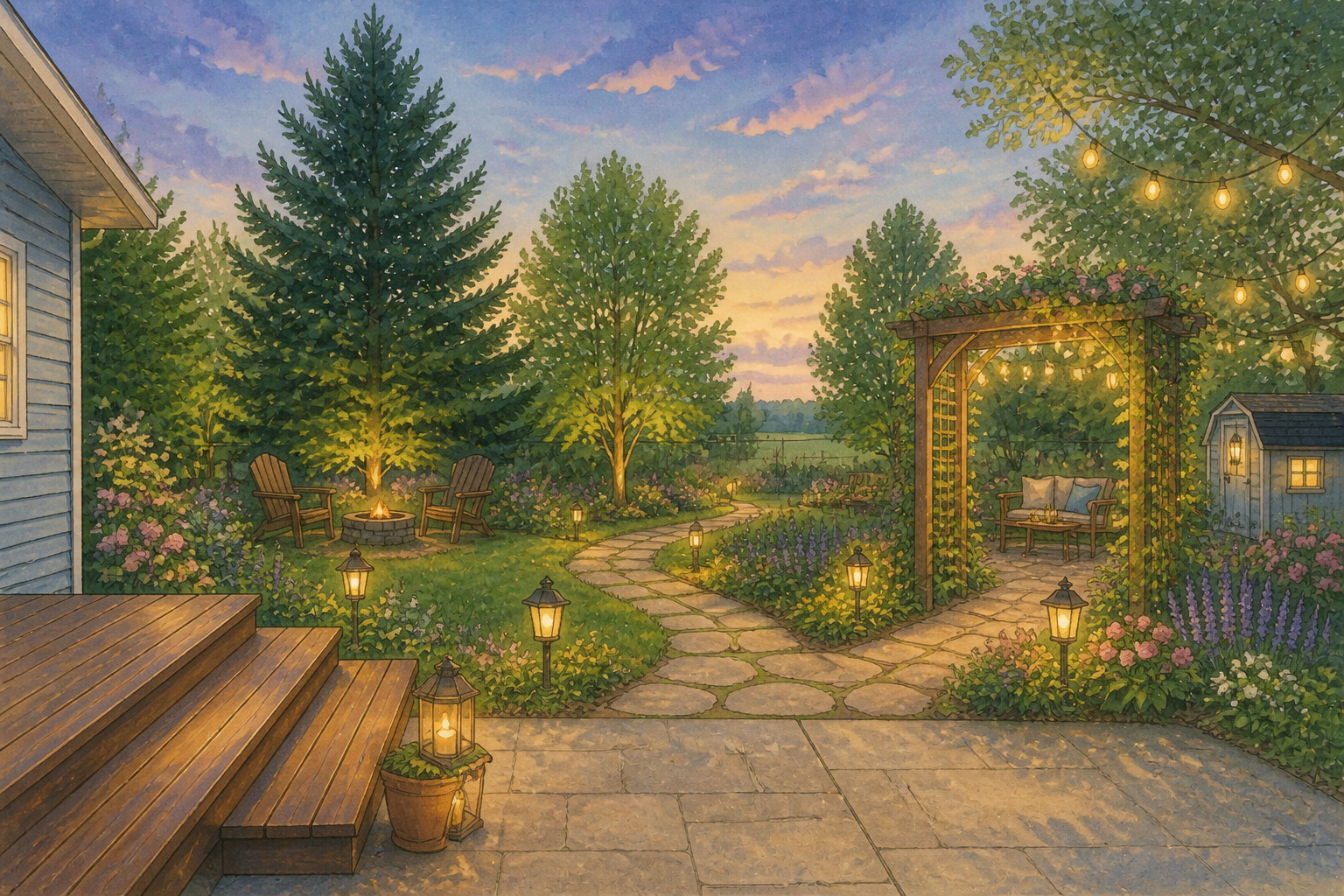 AFTER
AFTER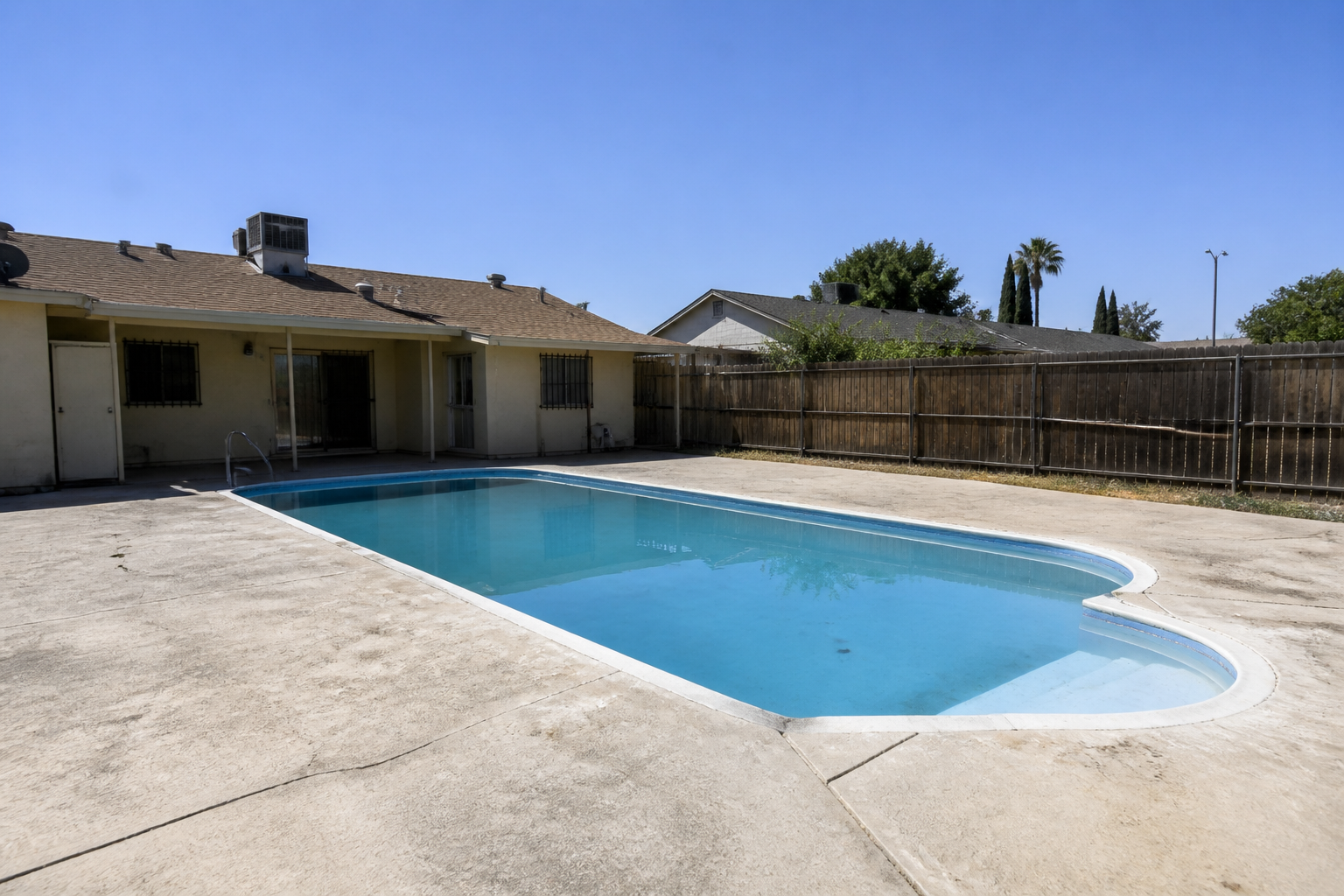 BEFORE
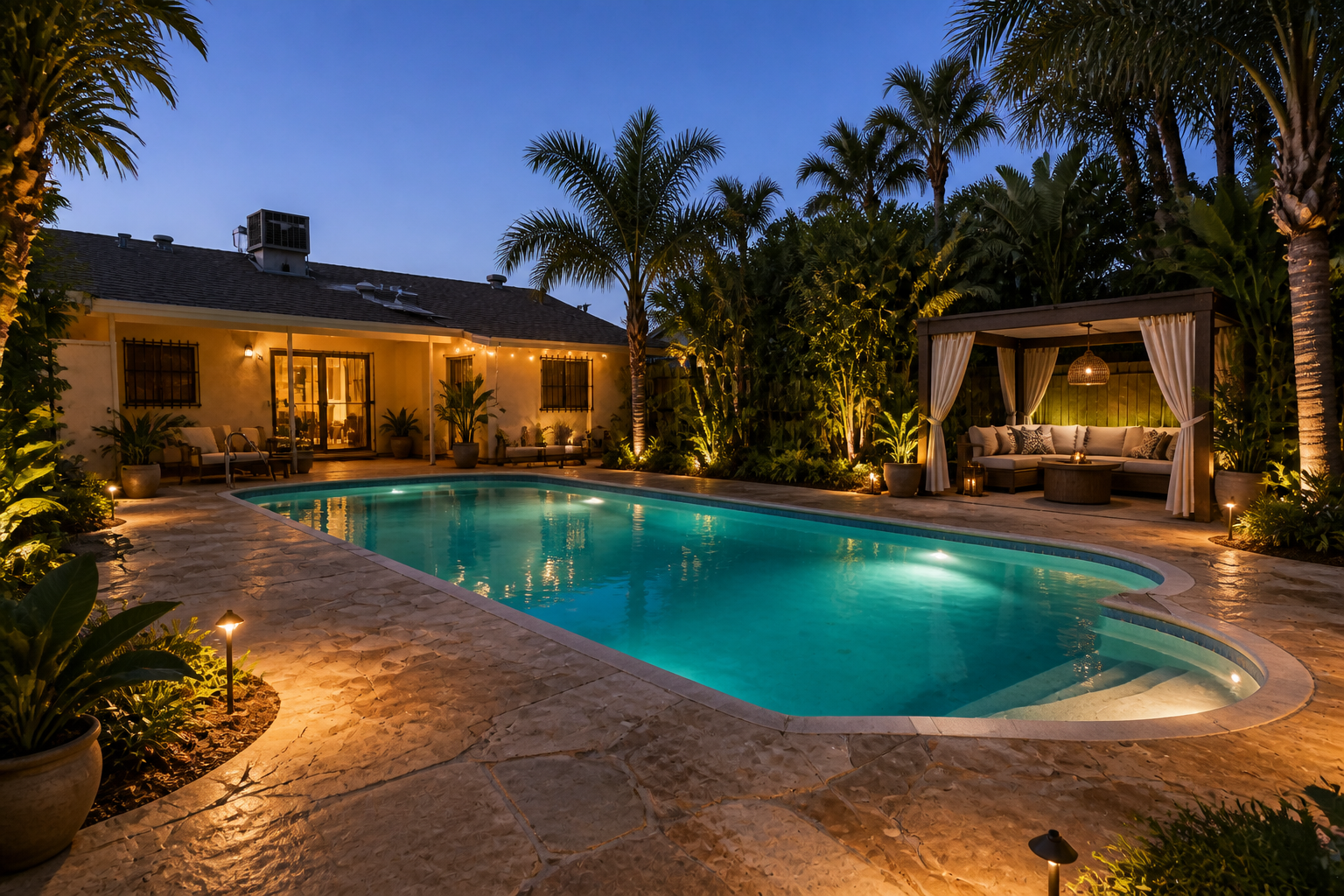 AFTER
AFTER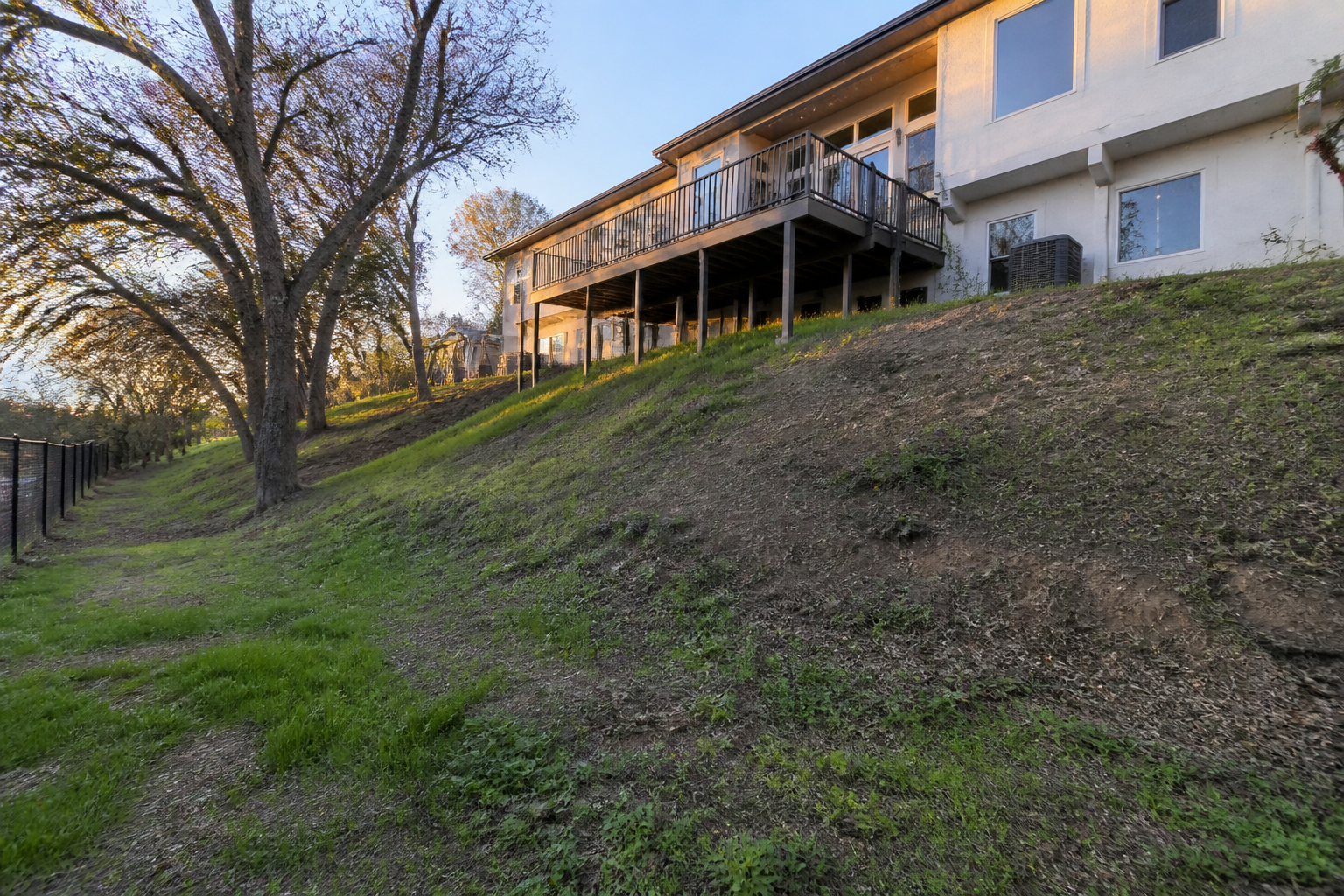 BEFORE
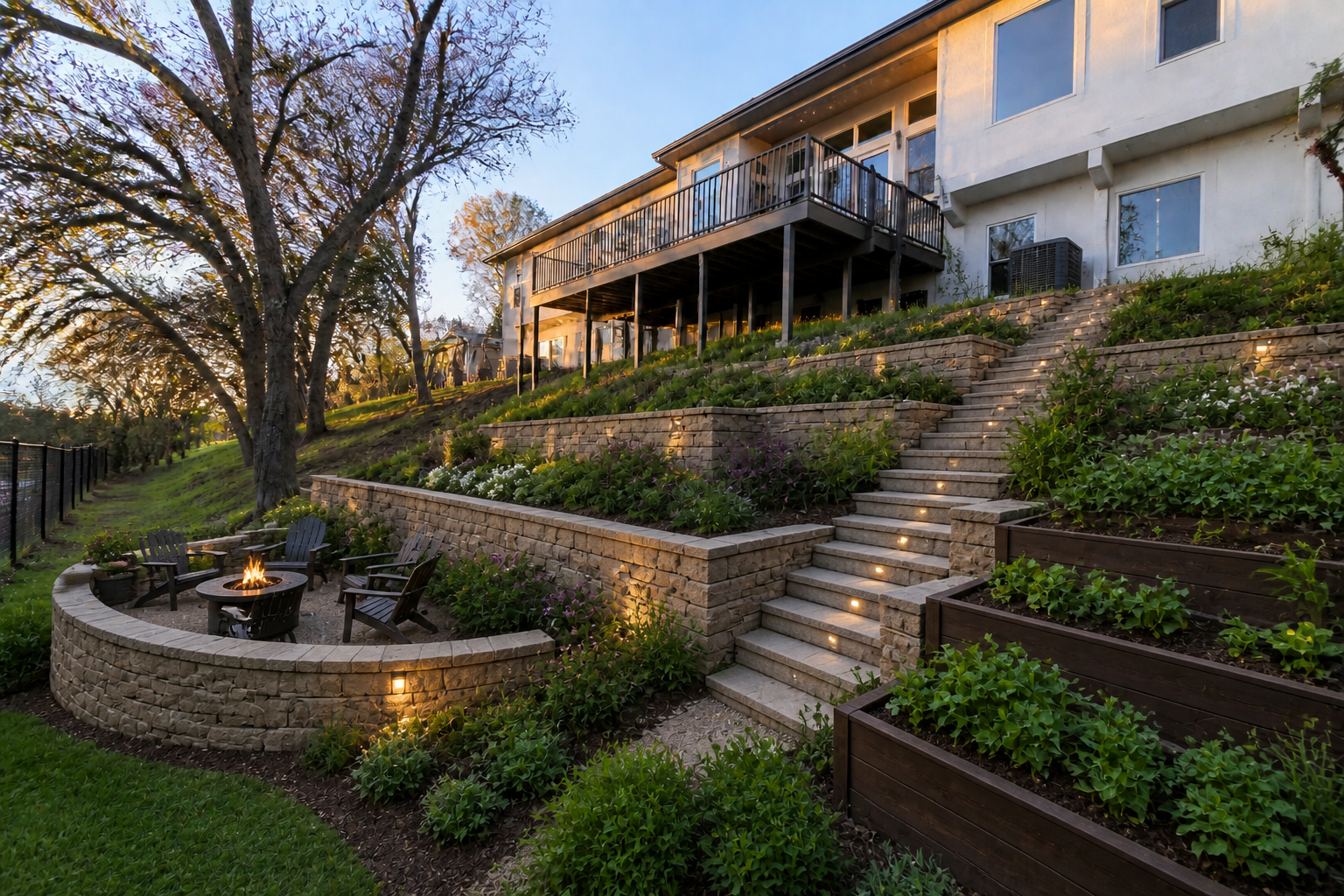 AFTERBEFOREAFTERBEFOREAFTERBEFOREAFTERBEFOREAFTERBEFOREAFTER
Key Features
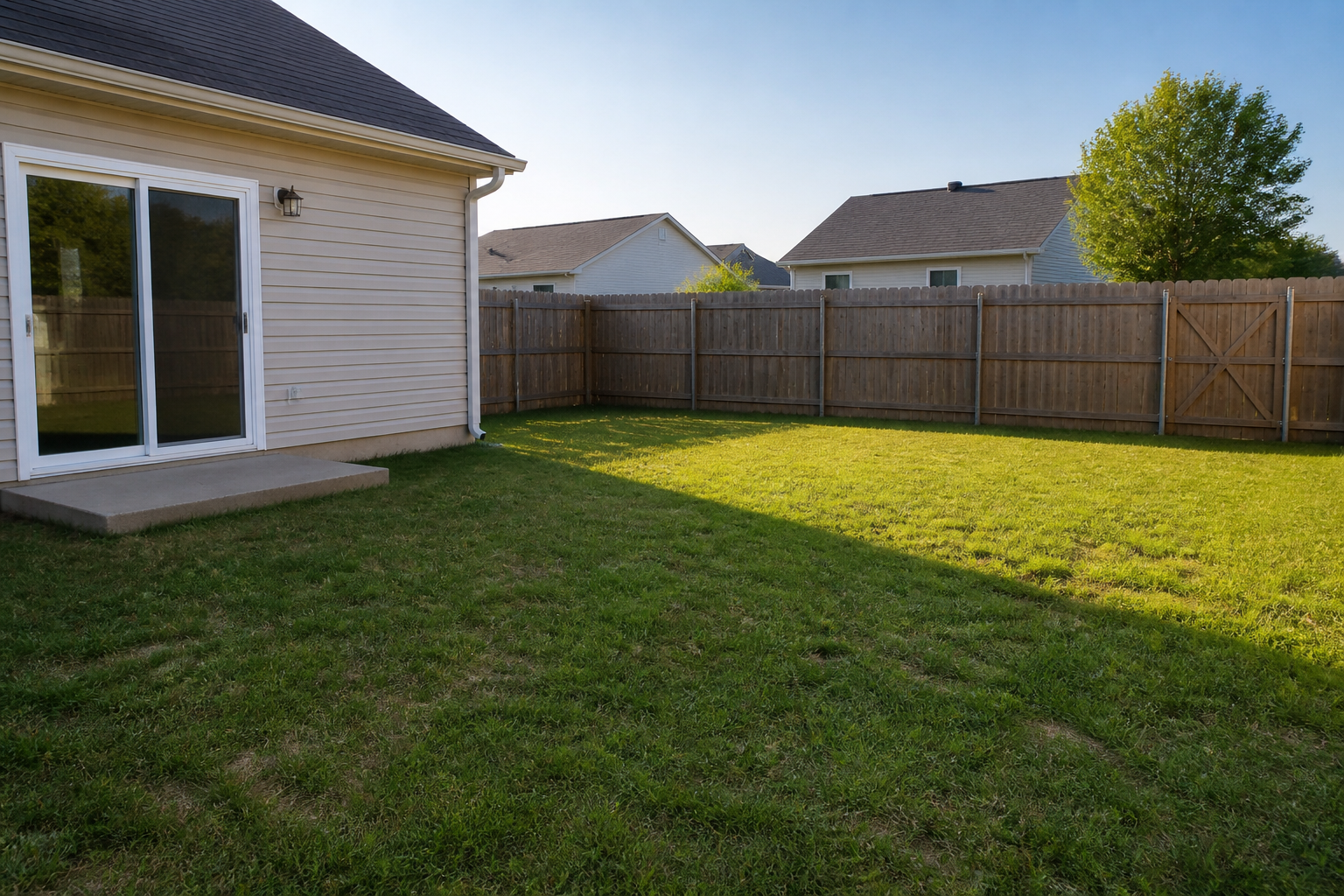
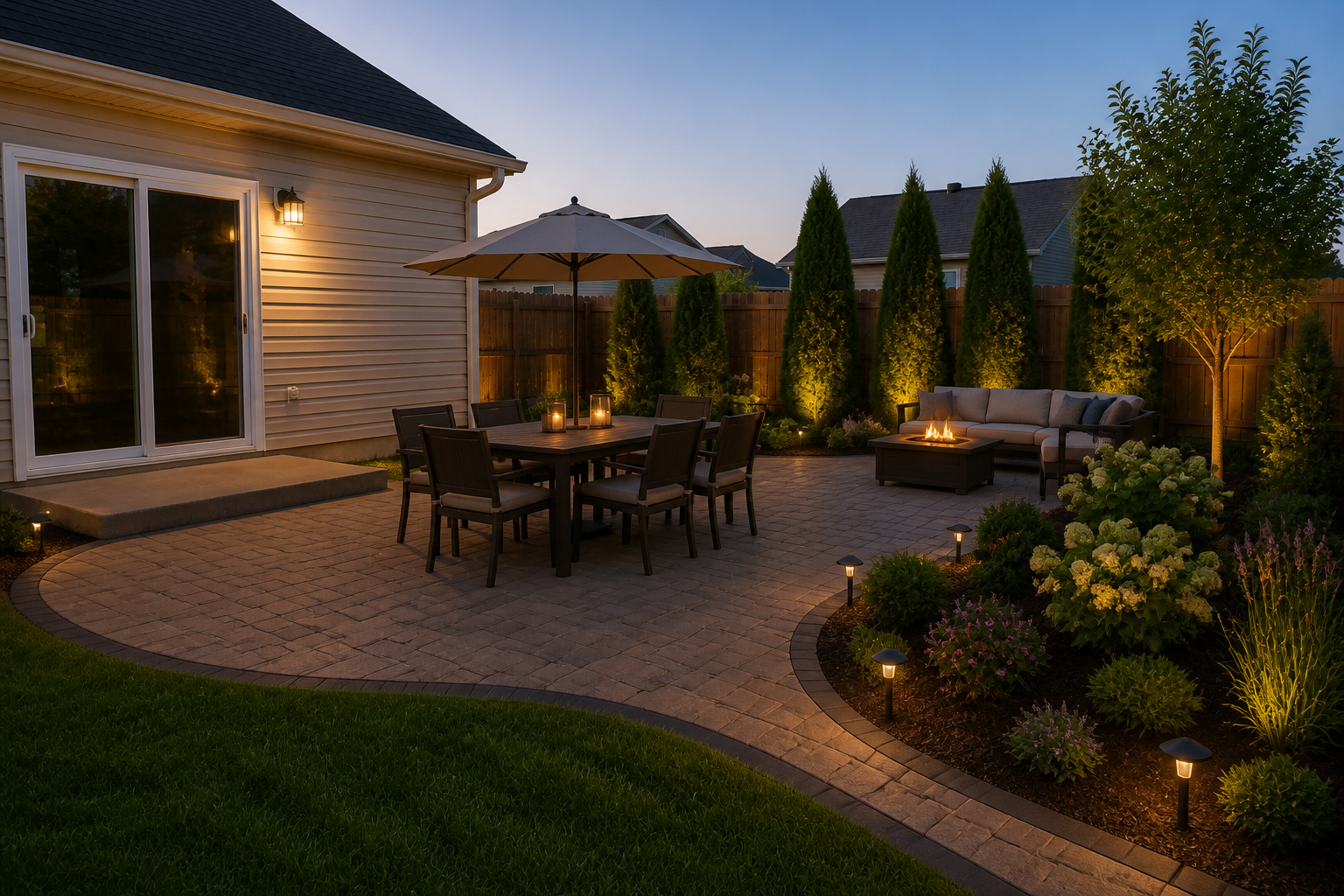
See ideas on your yard
Start with a real photo instead of a blank canvas. That makes it easier to judge scale, layout, and what actually fits your space. You can test upgrades while keeping the house, fence lines, and viewpoint consistent. It is much faster than mocking up concepts manually from scratch.
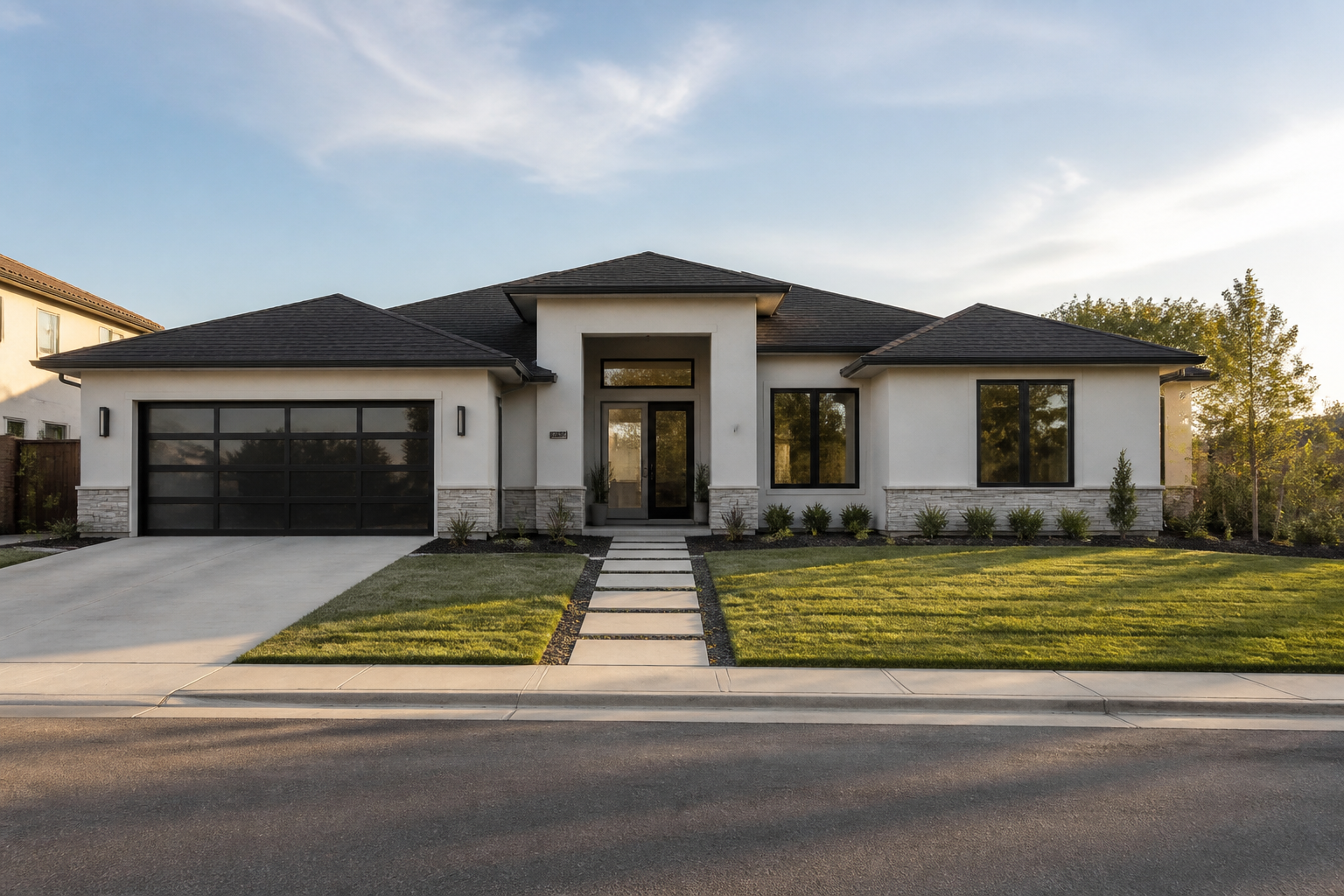
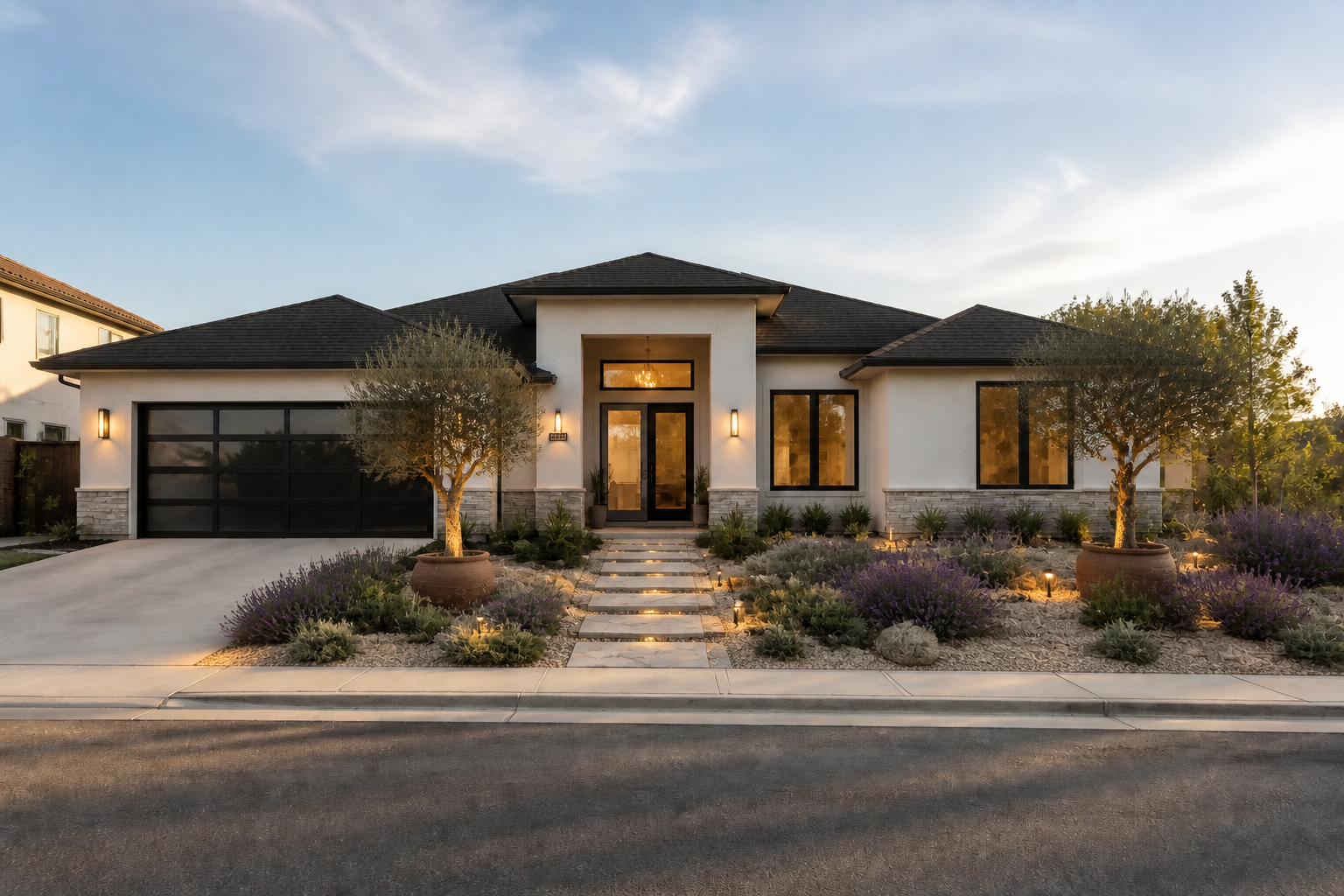
Try multiple landscape styles
Test modern, tropical, cottage, xeriscape, or formal looks on the same property photo. This helps you compare design directions before spending money on materials or labor. You get a clearer sense of mood and structure than reading a list of ideas. It also helps align homeowners, partners, or clients on one direction.
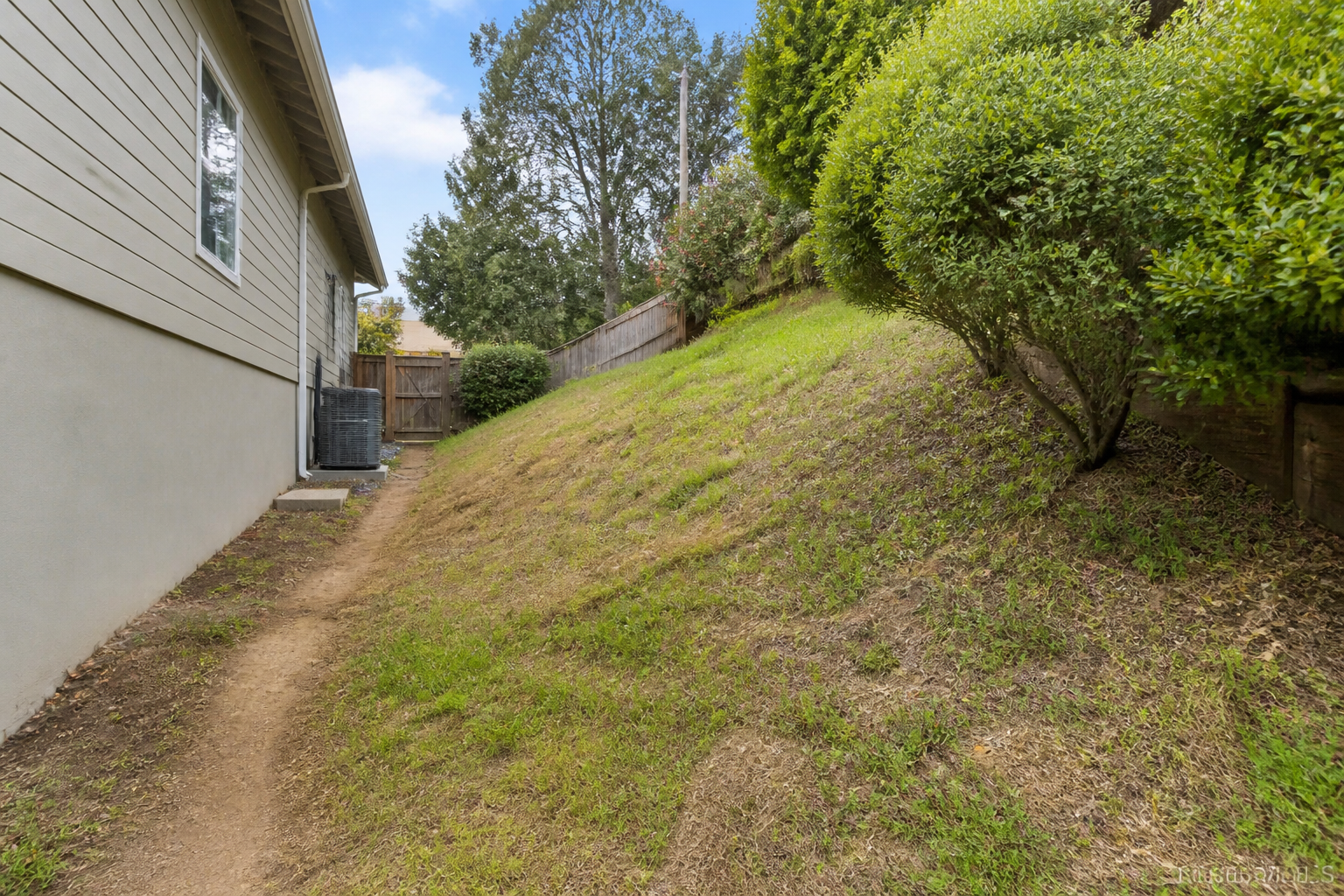
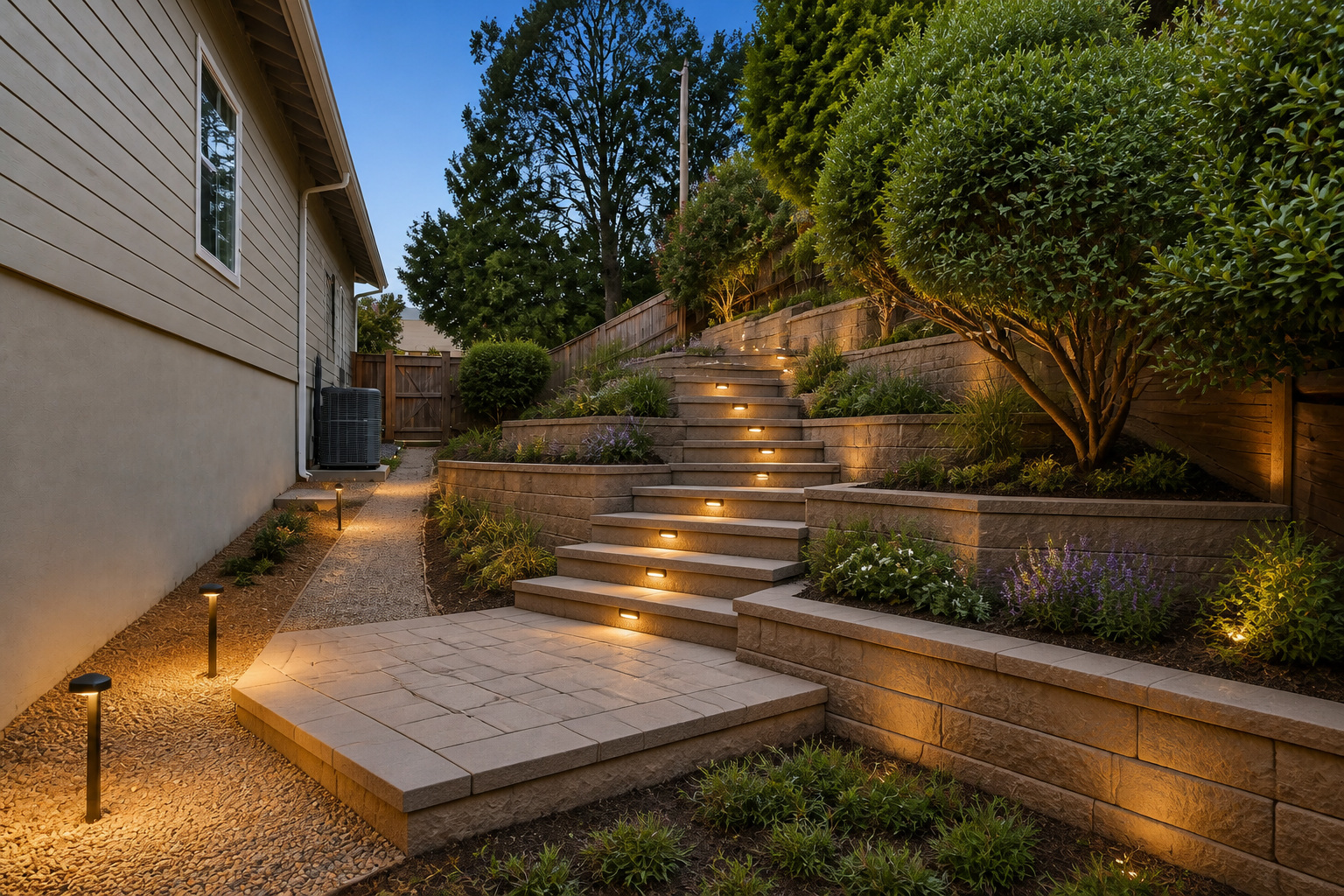
Visualize hardscape upgrades
Landscape planning is not only about plants. You can preview patios, retaining walls, steps, edging, pergolas, and paths in the same scene. That makes circulation and material choices easier to understand at a glance. Manual collages often feel disconnected, while a direct photo edit keeps everything grounded in the real site.
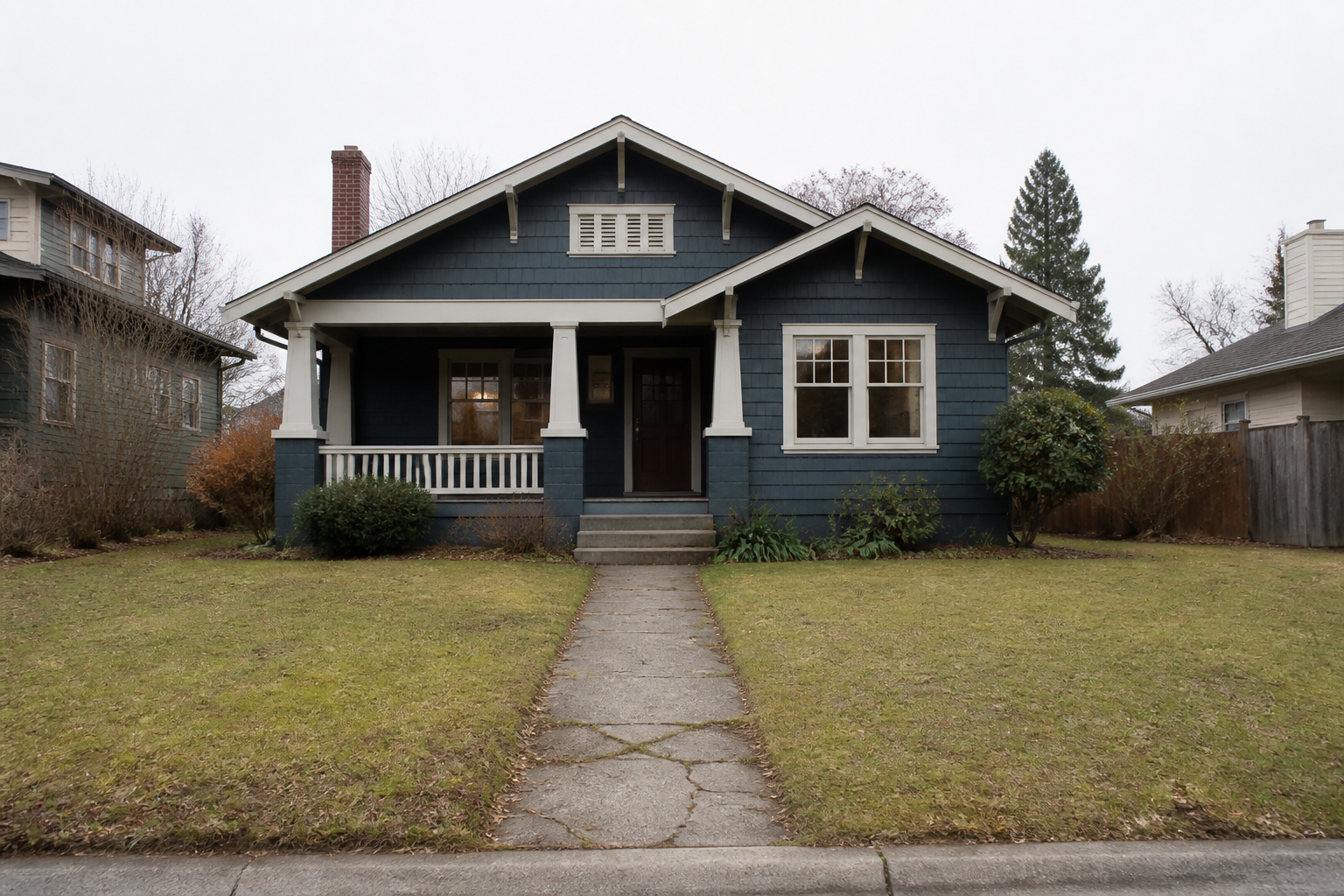
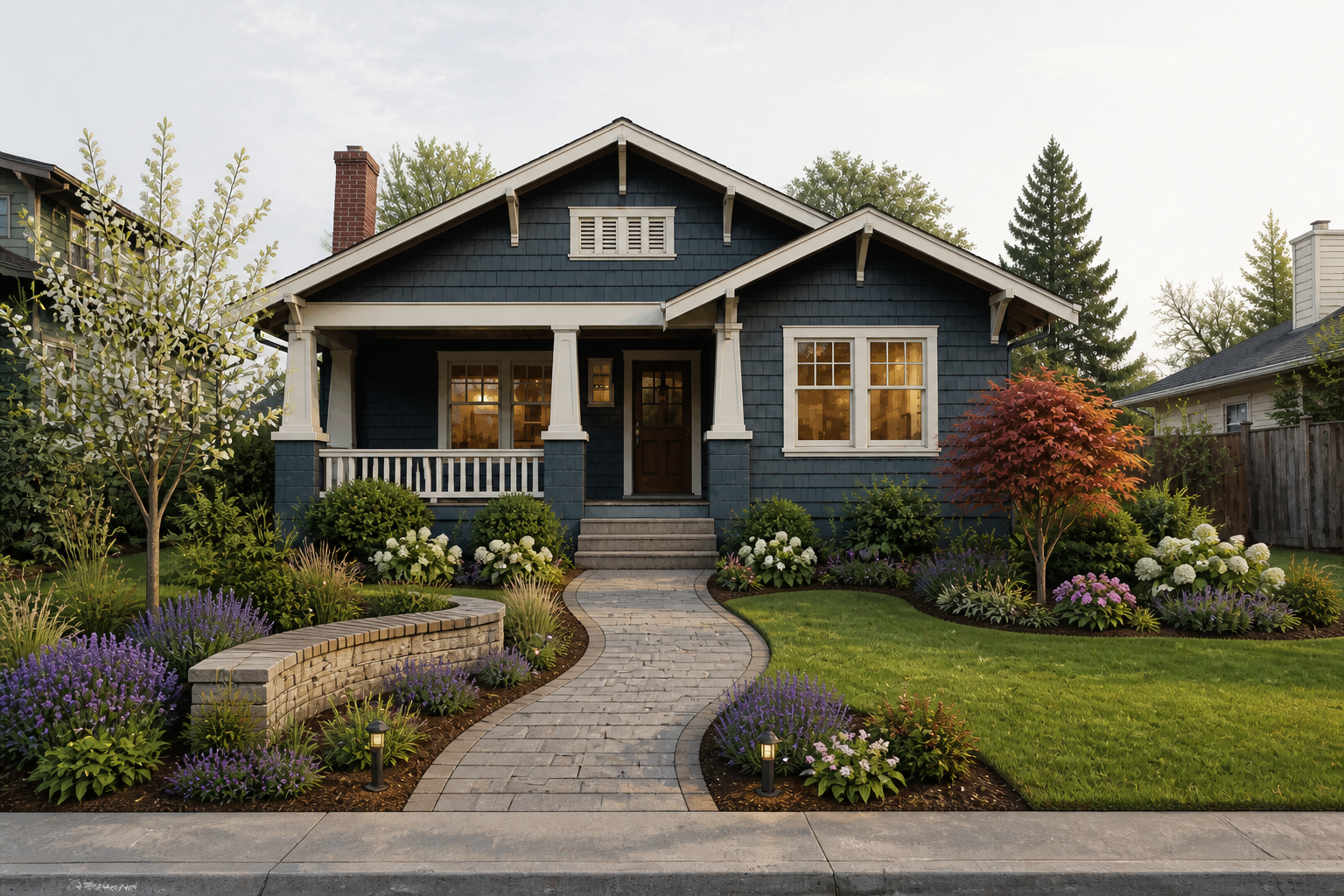
Create clear client previews
If you work with homeowners, quick visual concepts help people understand your proposal faster. A before-and-after image communicates layout, style, and planting density better than a text description alone. You can generate a few directions for review without building a full rendering package first. That saves time in early-stage conversations.
How It Works
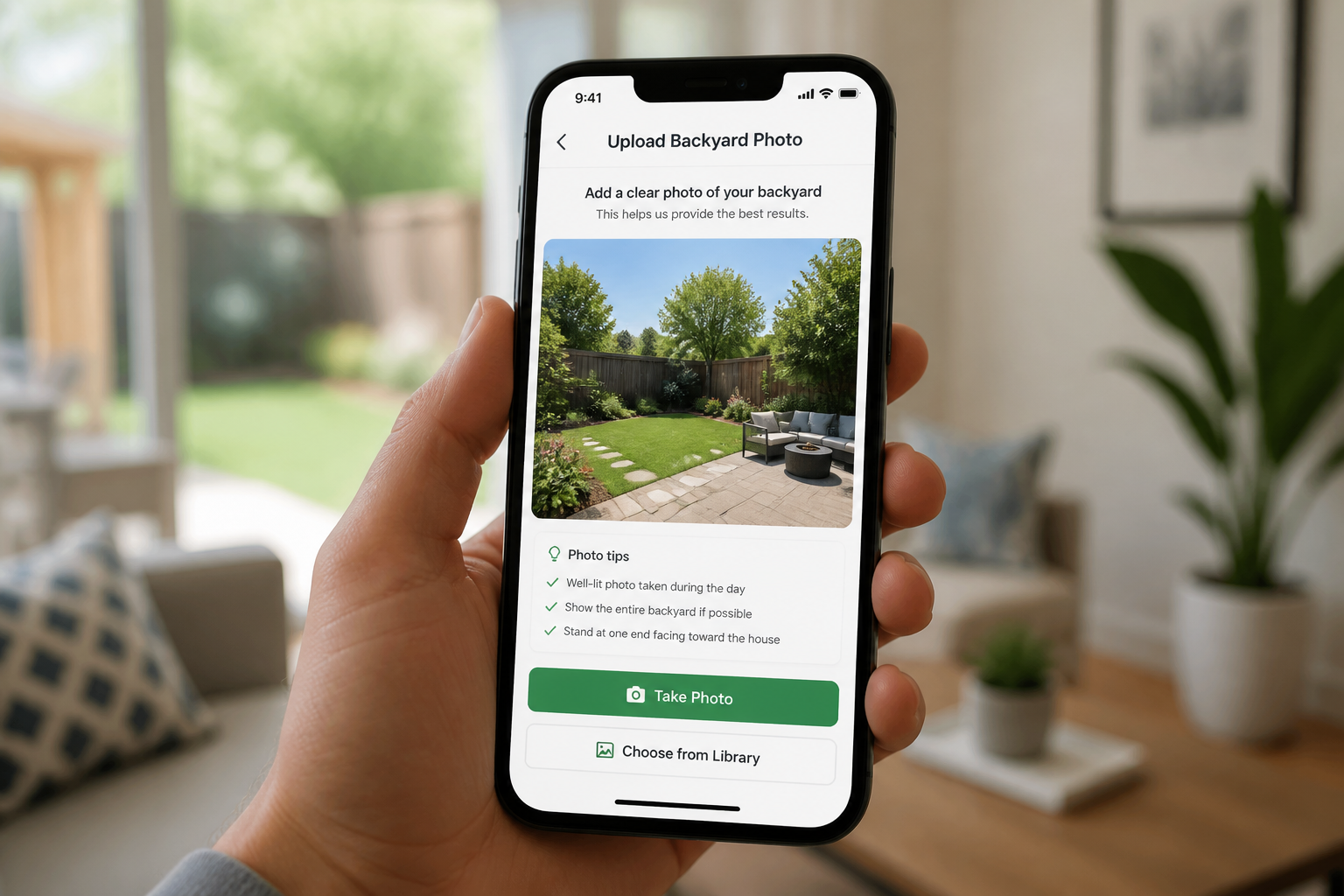
Upload your yard photo
Choose a clear exterior image of the space you want to redesign. Wide photos that show the house, lawn, fence, and walkways usually work best.
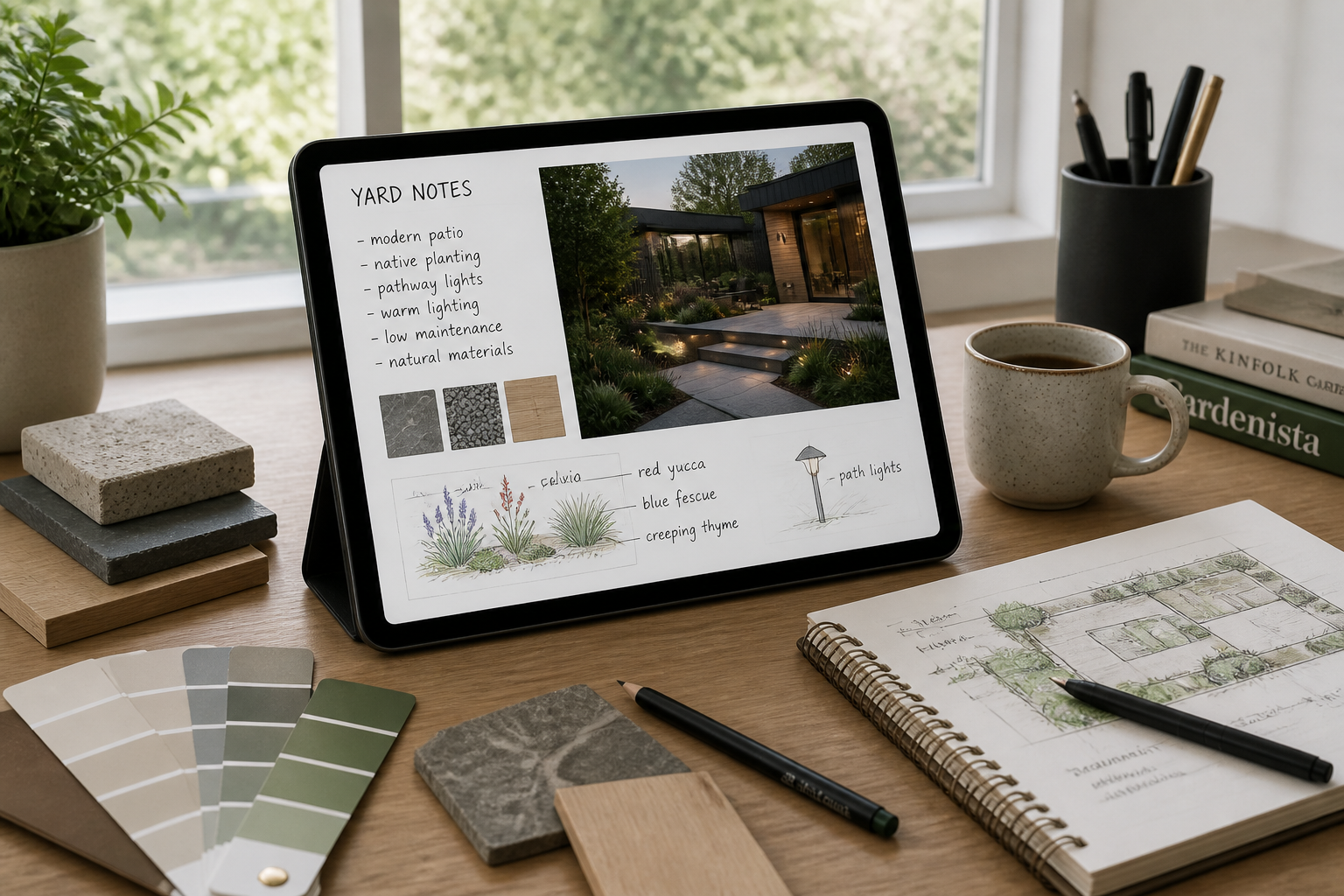
Describe the design direction
Tell our AI what you want to add or change, such as patio materials, planting style, paths, lighting, or privacy screening. Be specific about the look so the result is easier to judge.
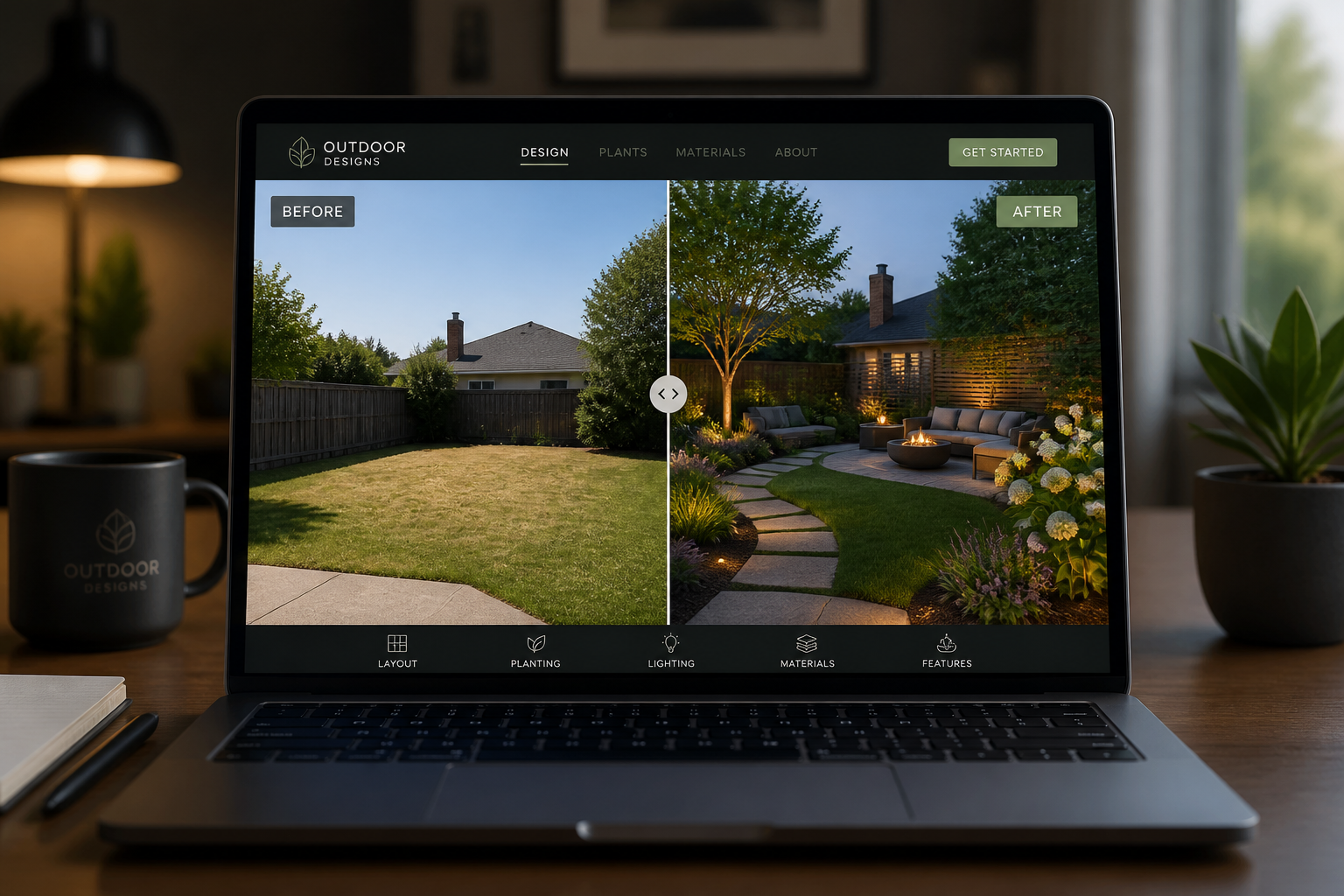
Compare and refine results
Review the generated concept against the original photo and check whether the layout feels right. Then adjust the prompt to explore alternate styles or details.
Perfect For
Discover how creators and professionals use ai landscape design generator
Front yard curb appeal
Preview planting beds, walkways, lighting, and entry upgrades before starting exterior improvements.
Backyard renovation planning
Test patios, pergolas, outdoor kitchens, lawn zones, and seating layouts on your existing yard photo.
Drought-tolerant redesigns
Visualize low-water planting, gravel, boulders, and xeriscape layouts for dry climates.
Client concept boards
Generate early visual directions for homeowner reviews without building full manual renderings first.
Built For
Homeowners
Explore landscaping ideas before hiring contractors or buying materials.
Landscape designers
Create quick concept visuals to speed up discovery calls and early client feedback.
Real estate and renovation pros
Show exterior improvement potential with clearer yard makeover visuals.
Why use it for landscape concepts
A quick look at how we compare on the things that matter for this niche.
| Feature | BudgetPixel | Generic AI editors | Manual editing apps |
|---|---|---|---|
| Edits your real yard photo | ✓ | ✓ | — |
| Fast style variations | ✓ | ✓ | — |
| Easy before/after comparison | ✓ | — | ✓ |
| Useful for early concept previews | ✓ | — | — |
Frequently Asked Questions
What kind of photos work best?
Can I redesign both front and back yards?
Will the design keep my house in place?
Can I try different landscaping styles?
Is this a technical landscape plan?
Create together.
Share your creations, discover trending AI art, and grow with fellow creators.
























Ready to Try AI Landscape Design Generator?
Get started for free. No credit card required.
Try it Free