AI Garden Design Generator from Your Photo
Turn a plain yard photo into polished garden concepts in minutes.
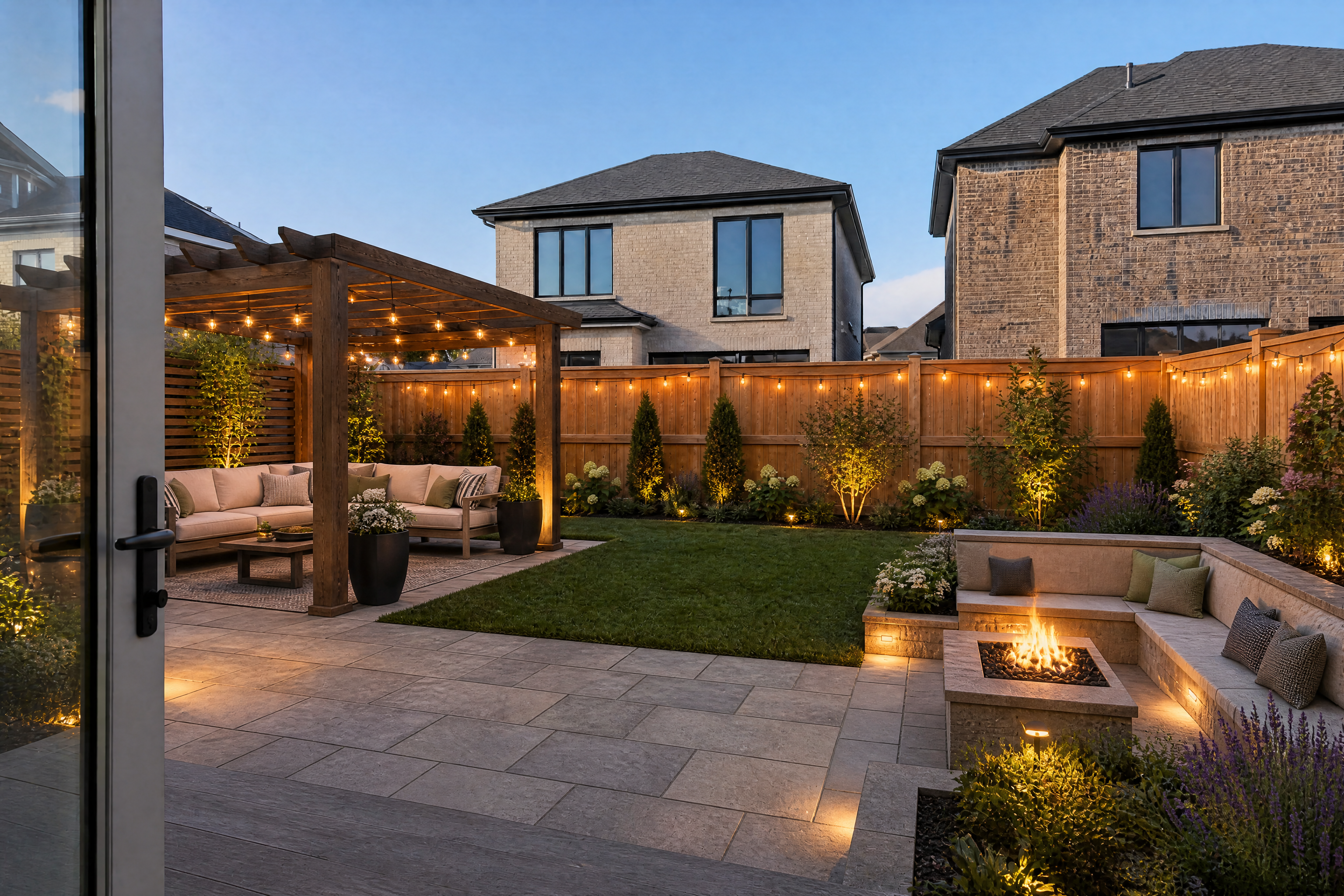
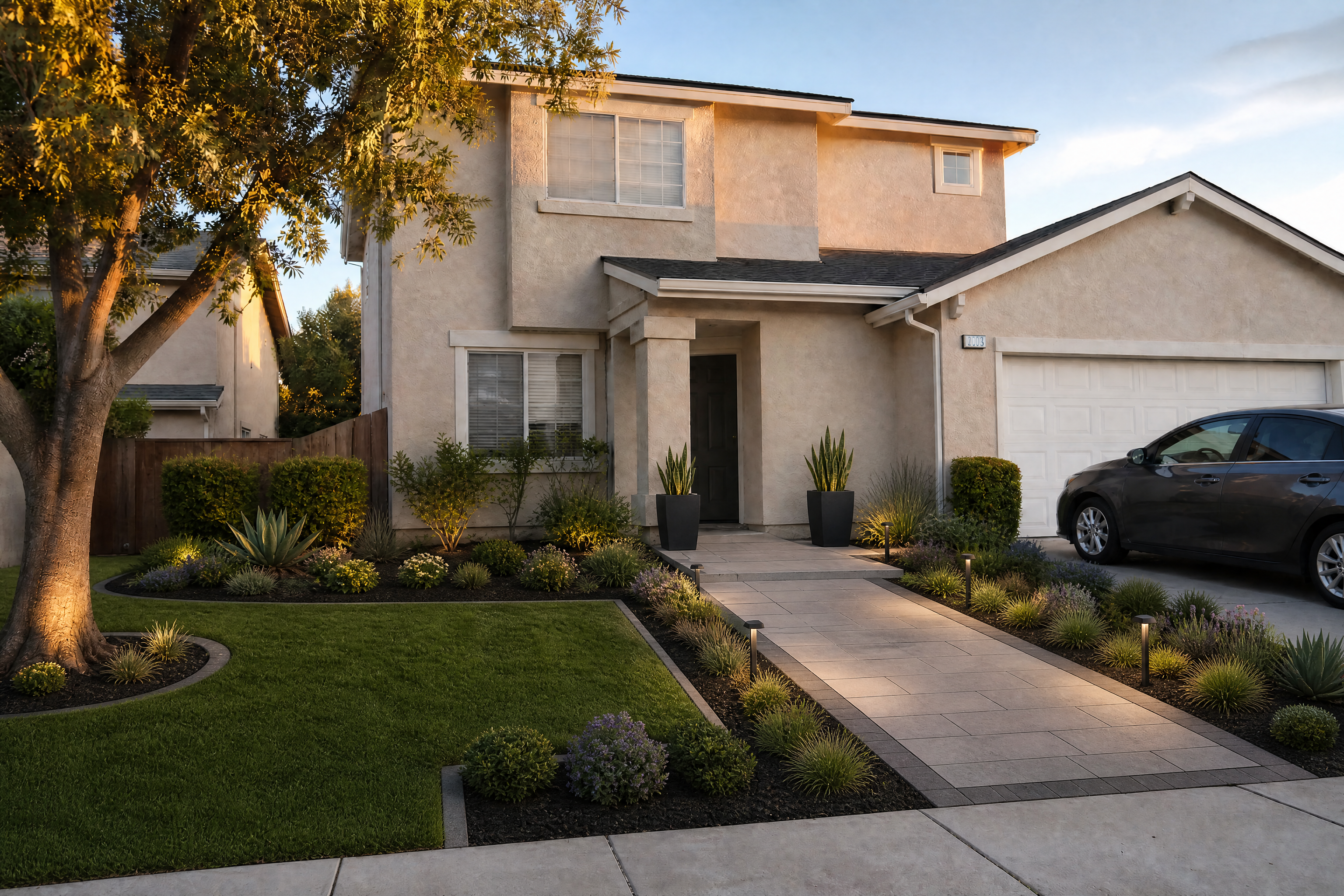
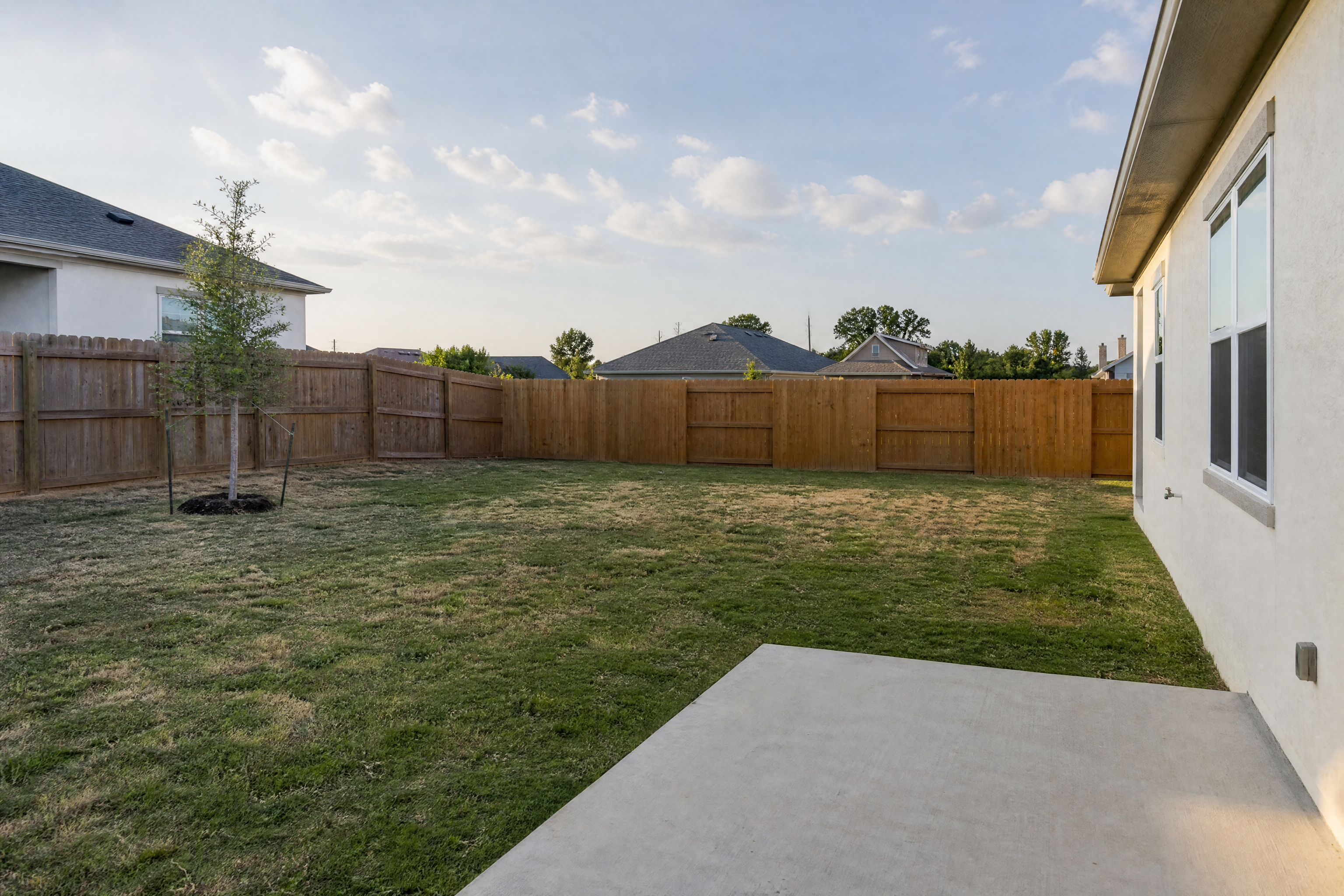
Upload a photo of your yard and generate new garden layouts, planting schemes, patios, paths, and outdoor styles. Our AI keeps the structure of your space recognizable while showing clear design changes you can compare side by side.
Watch the Transformation
See ai garden design generator in motion — generated end-to-end by our AI.
See It In Action
Real outputs from ai garden design generator.
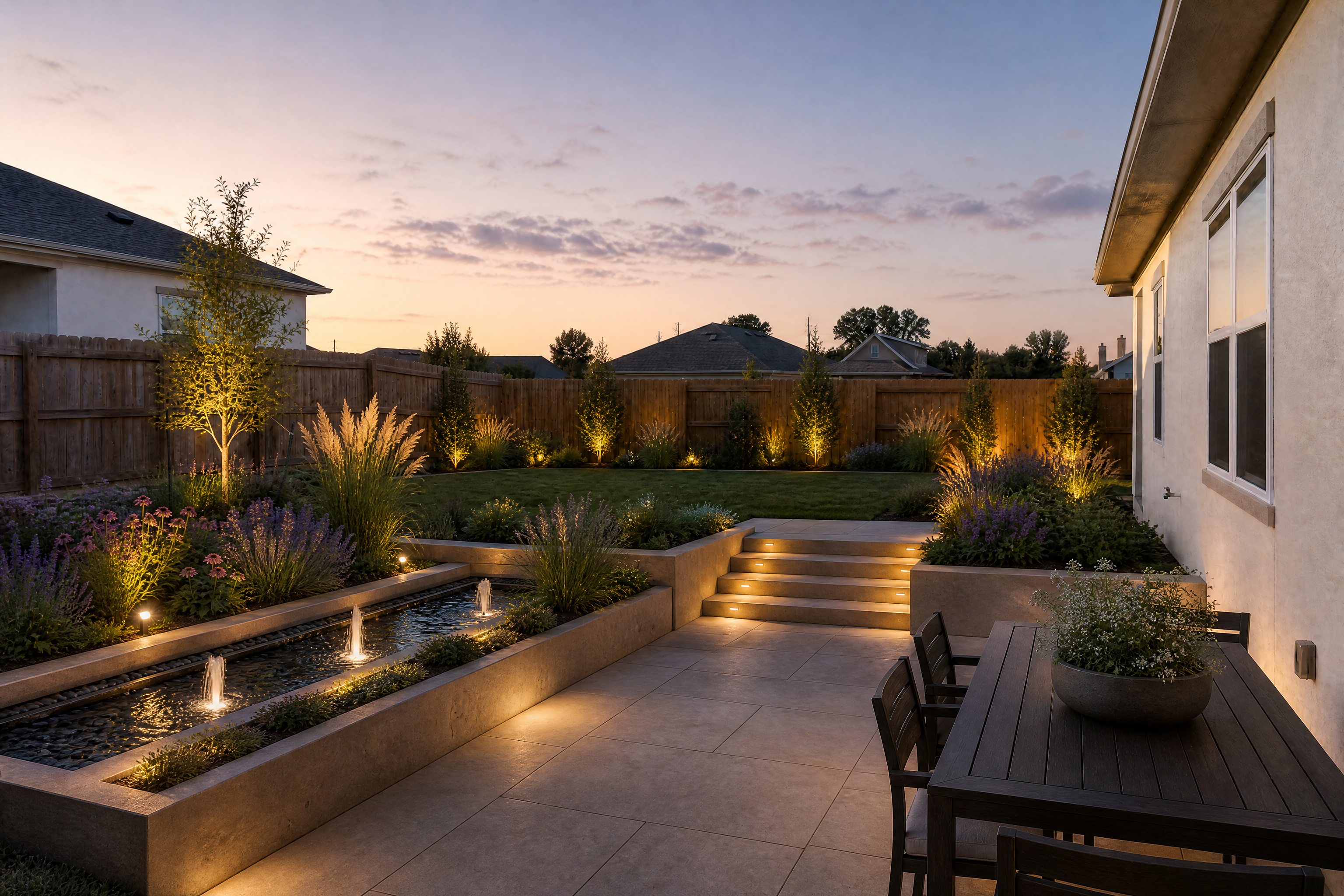
BEFOREAFTER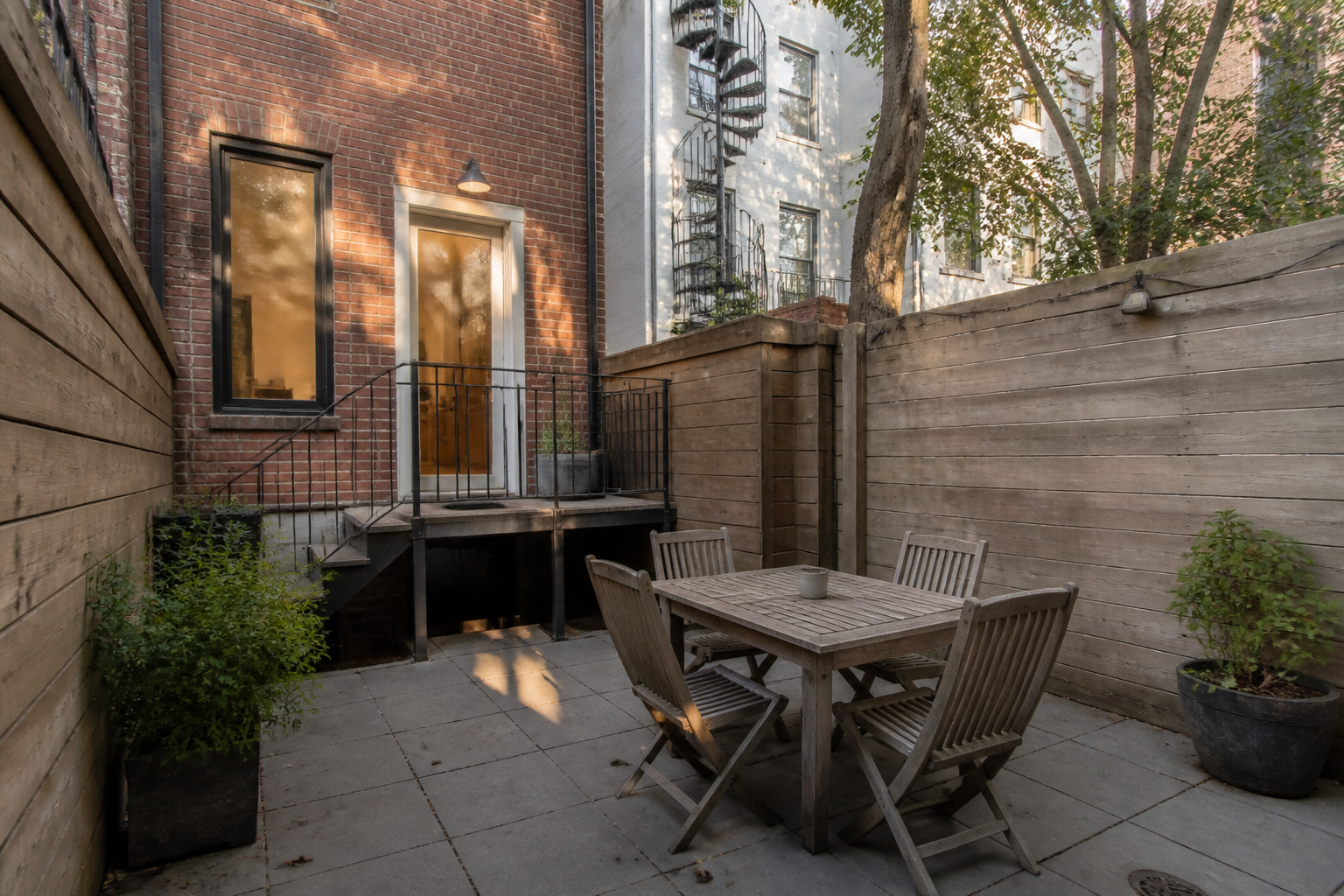 BEFORE
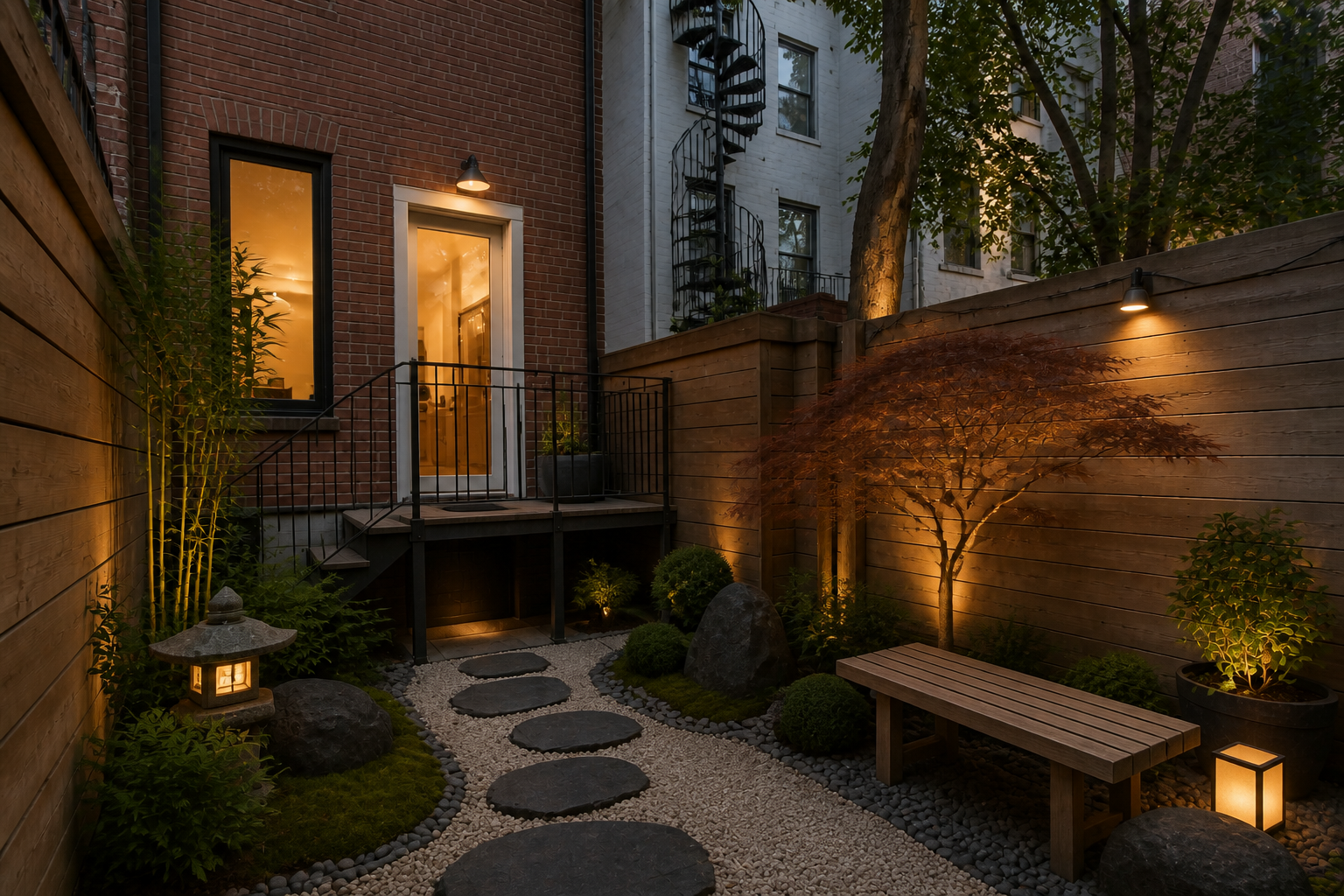 AFTER
AFTER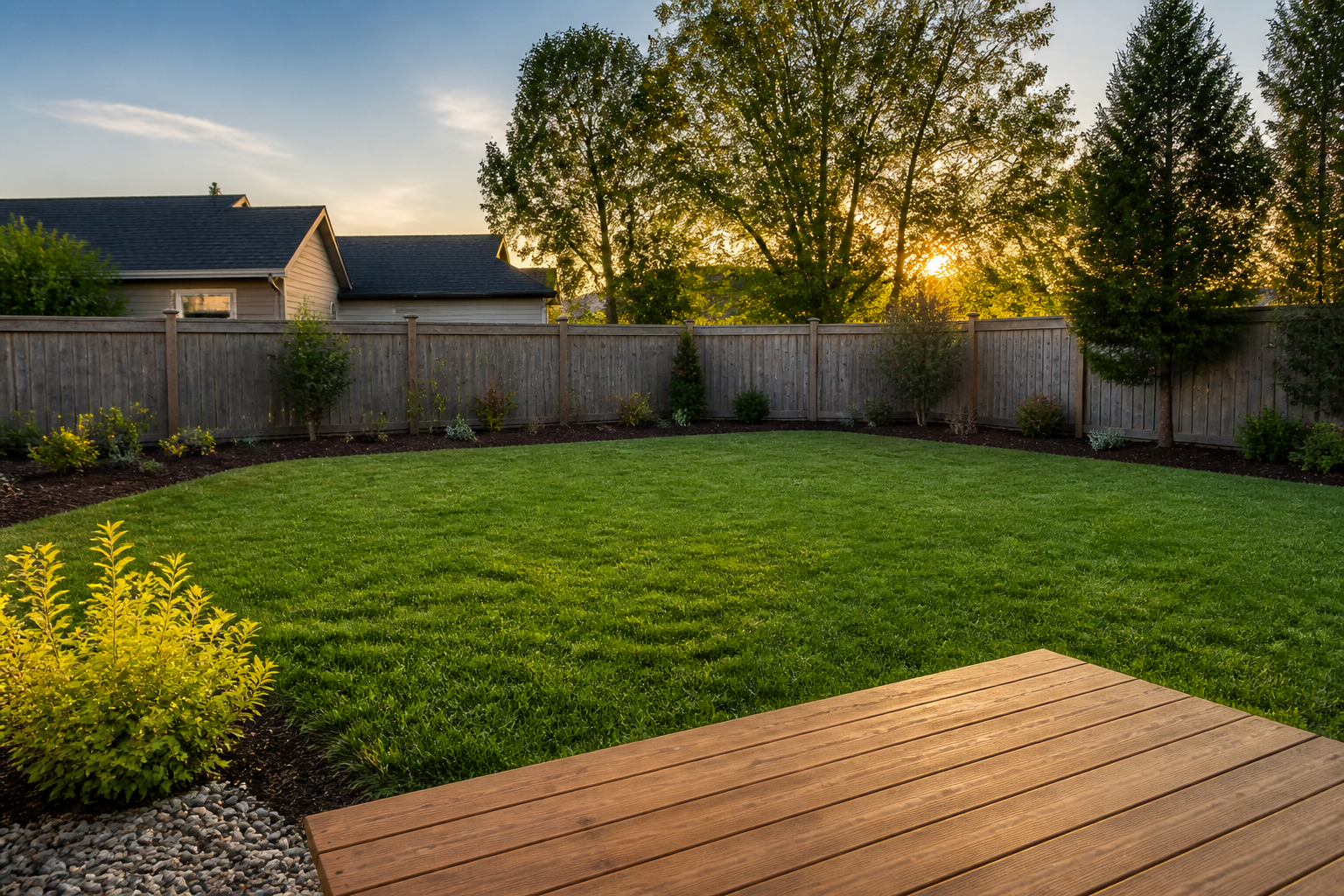 BEFORE
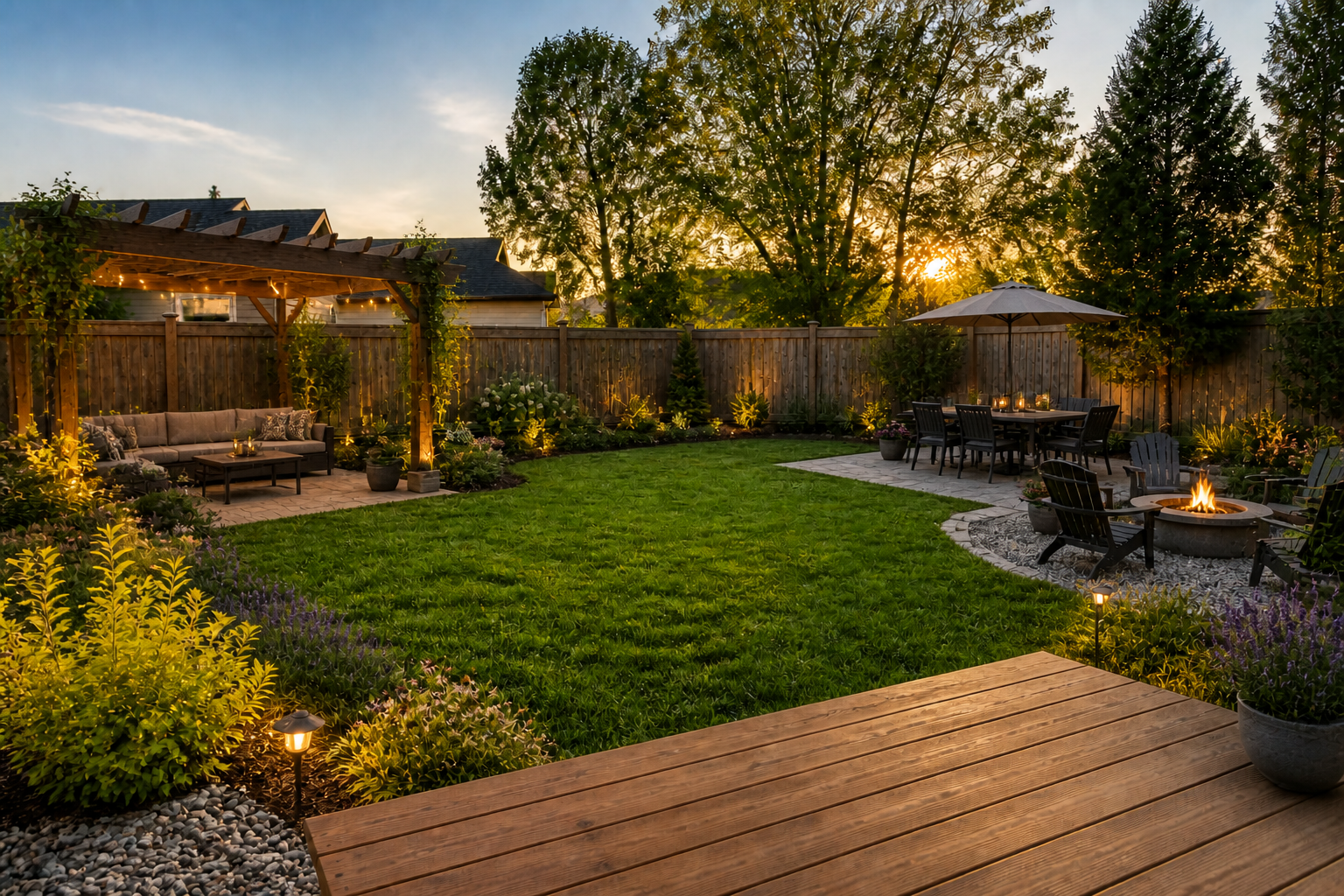 AFTER
AFTER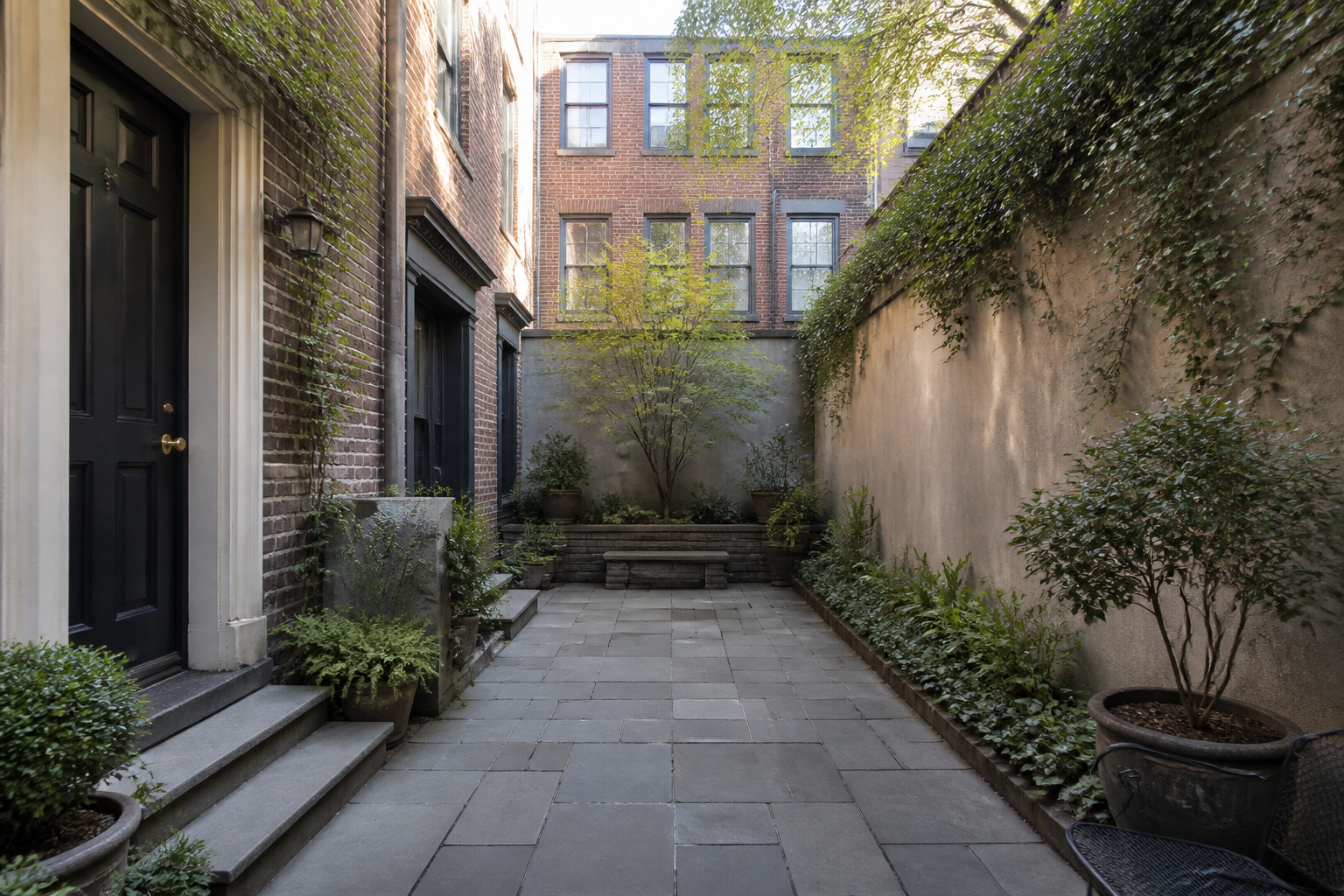 BEFORE
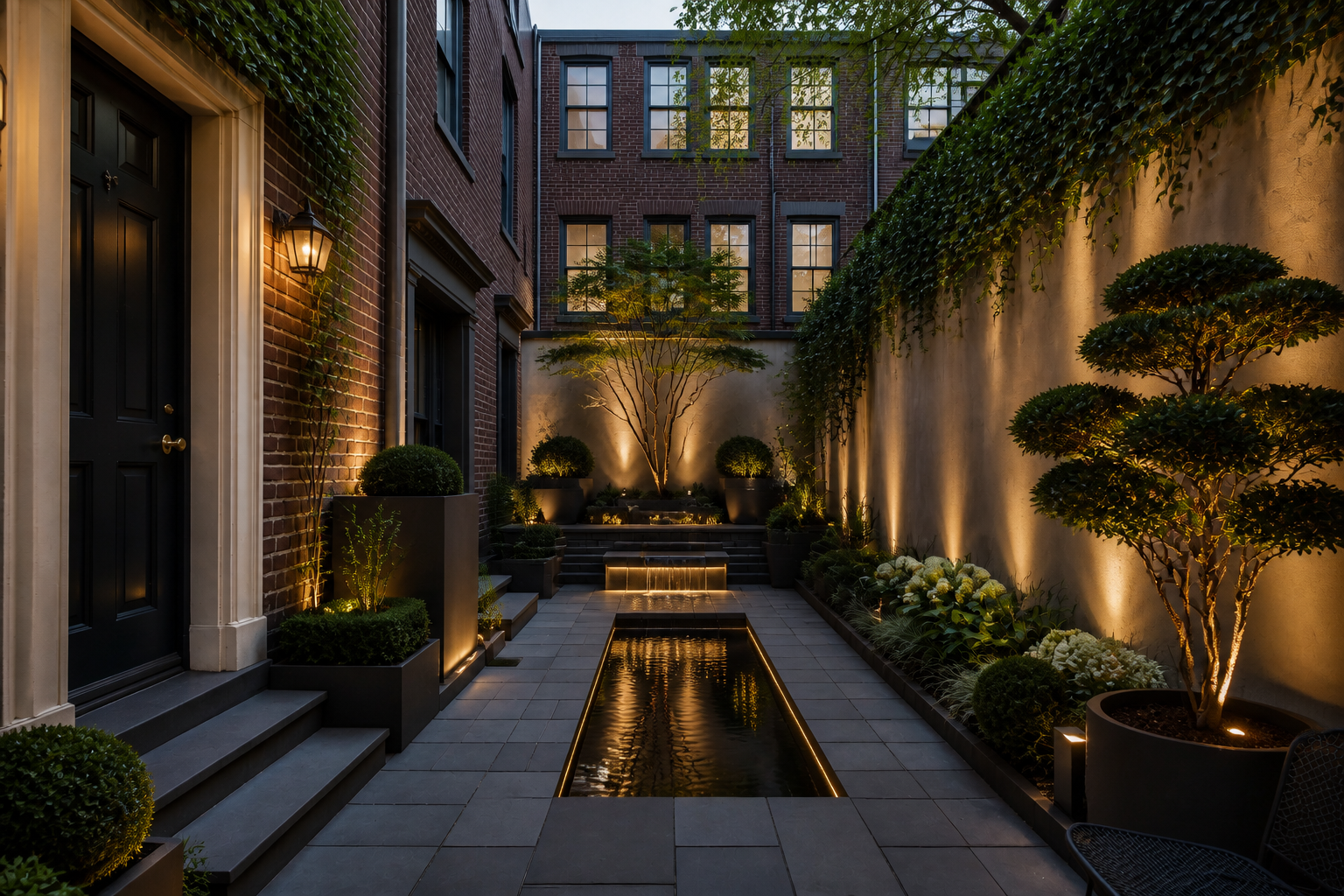 AFTER
AFTER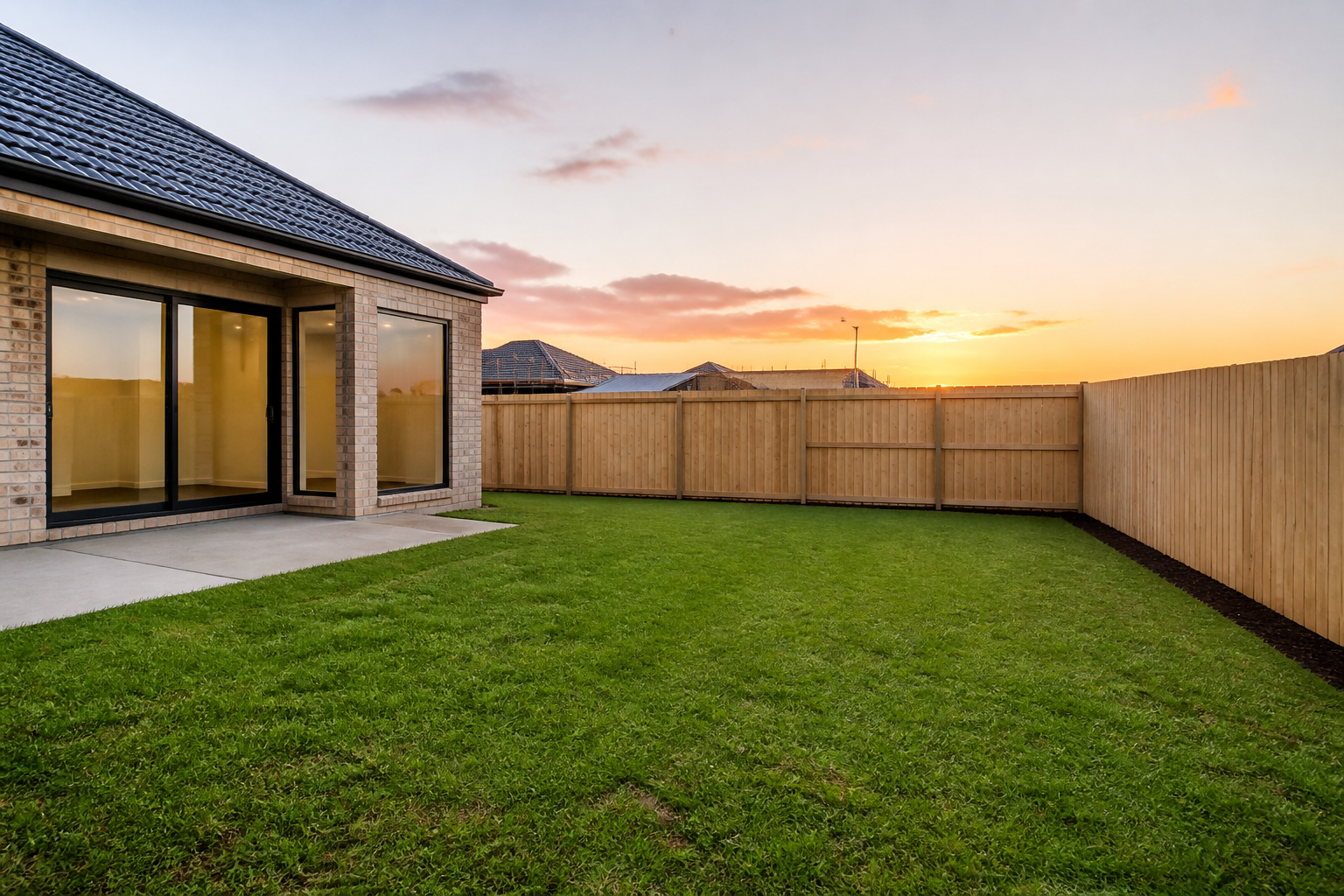 BEFORE
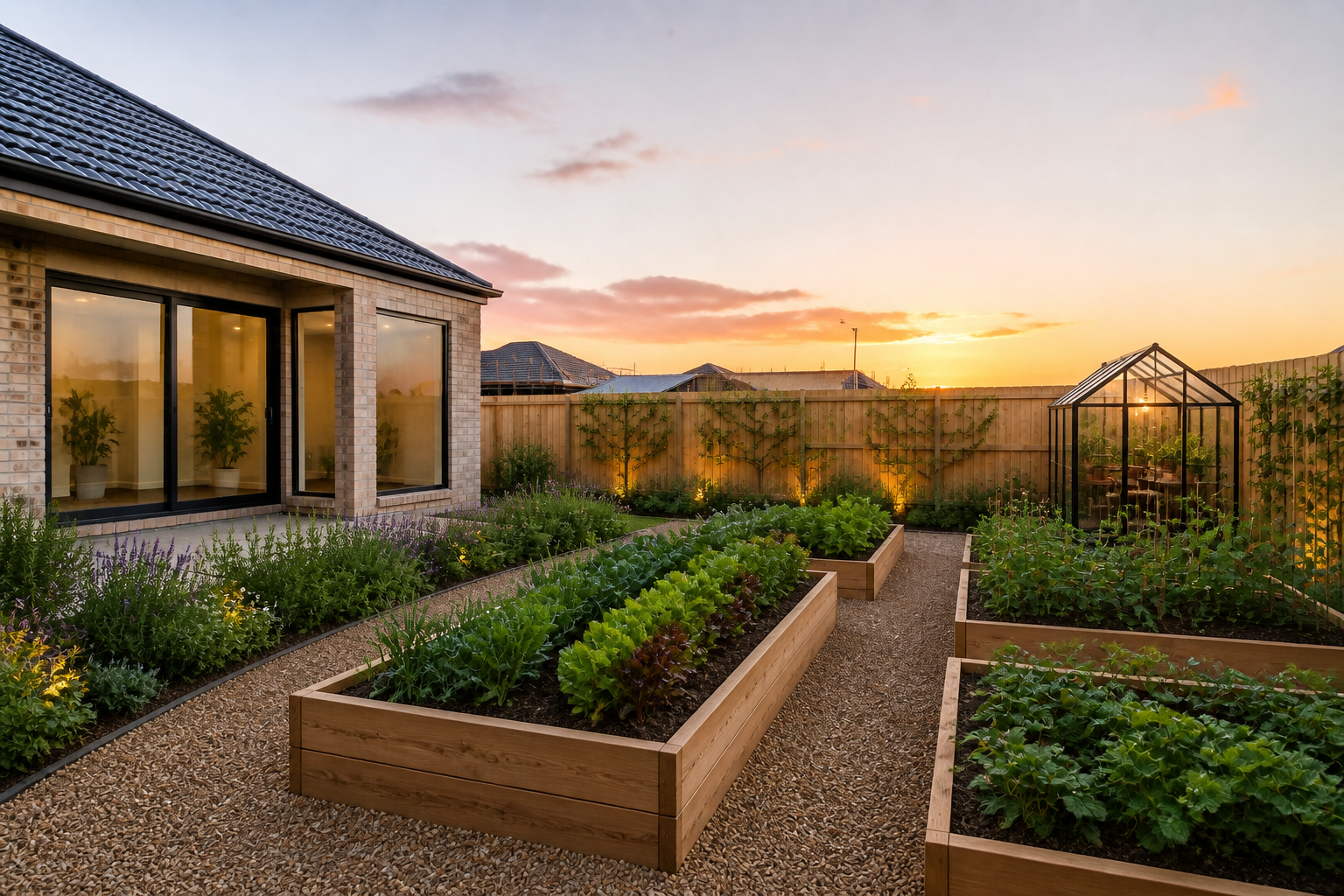 AFTERBEFOREAFTERBEFOREAFTERBEFOREAFTERBEFOREAFTERBEFOREAFTER
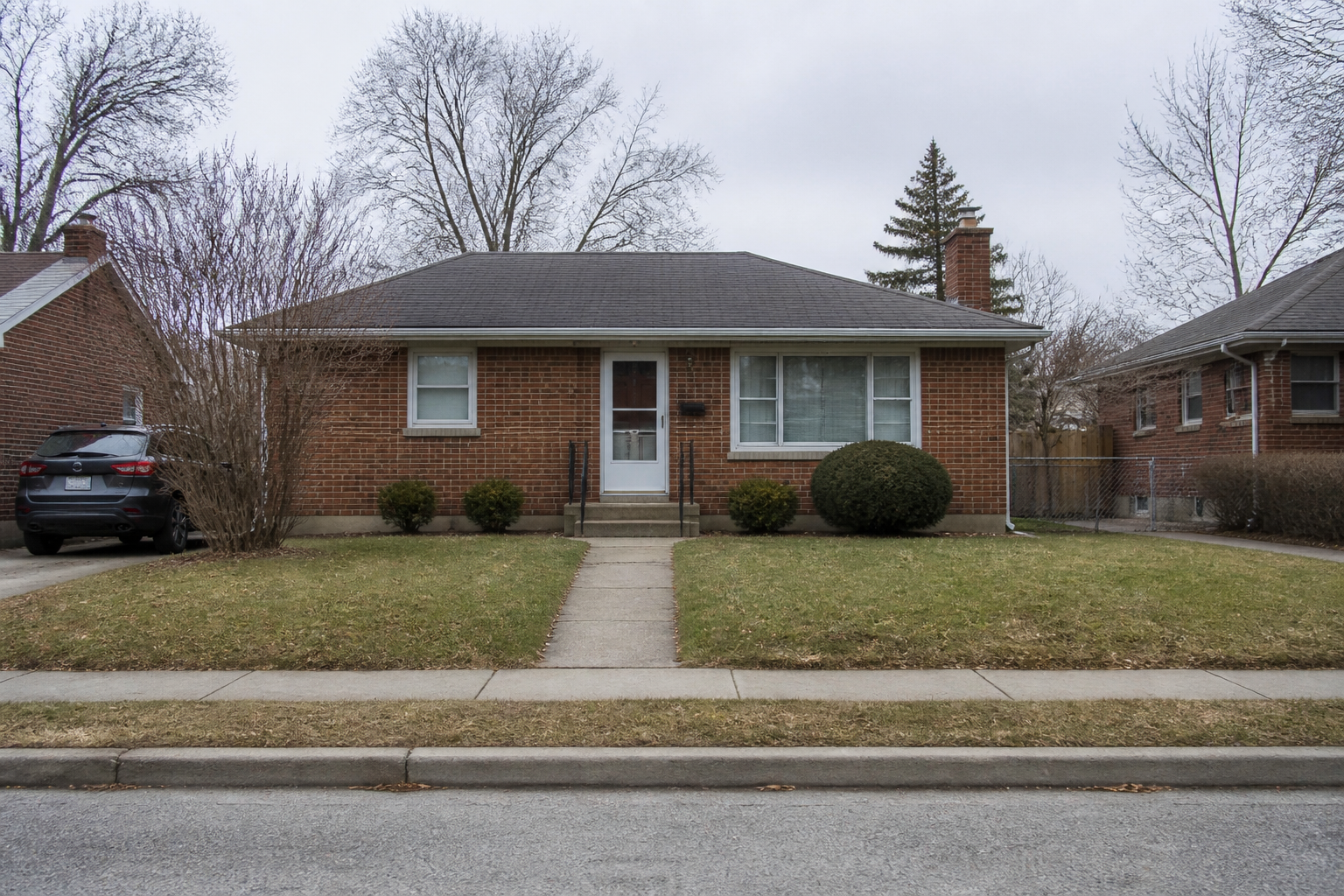 BEFORE
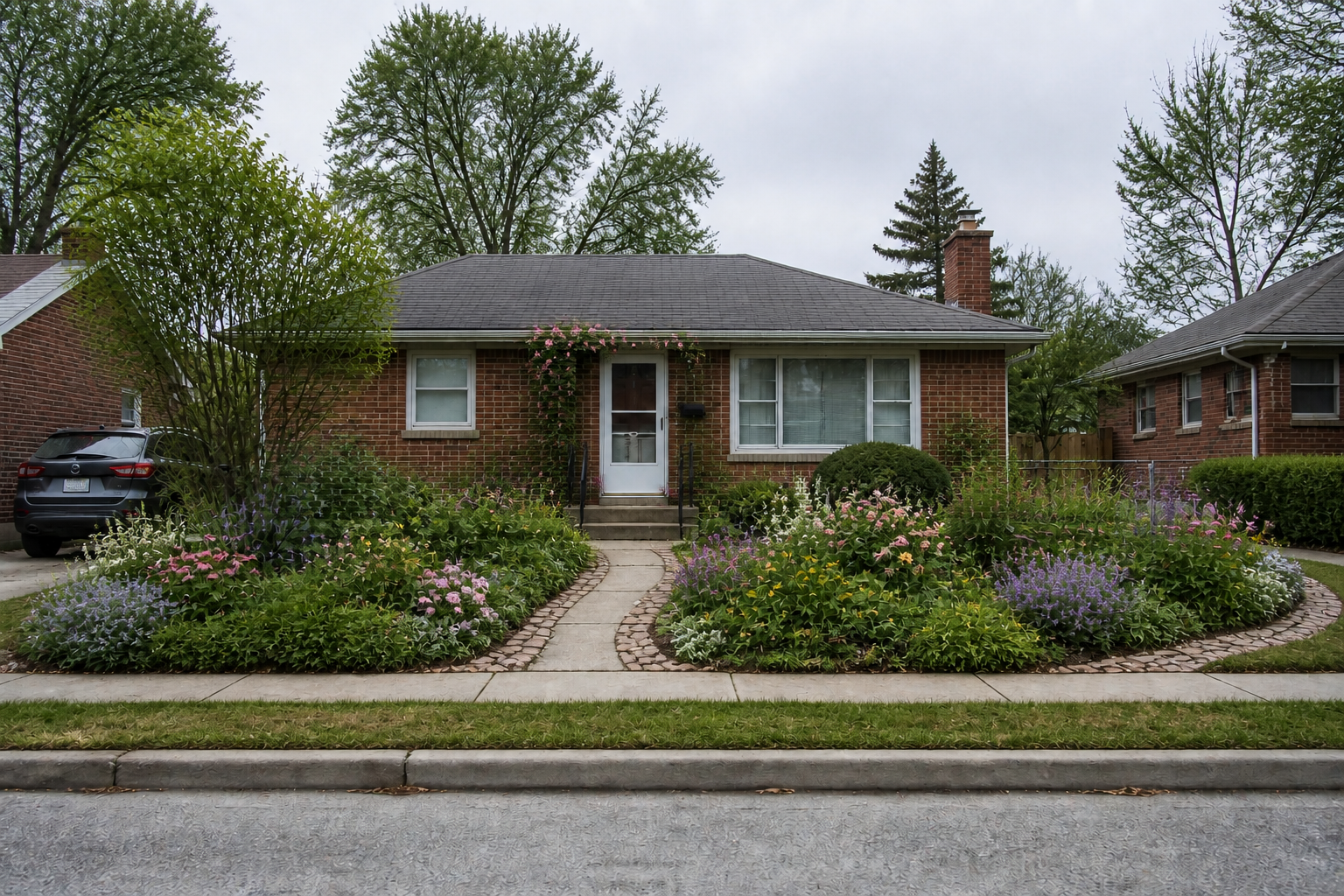 AFTER
AFTER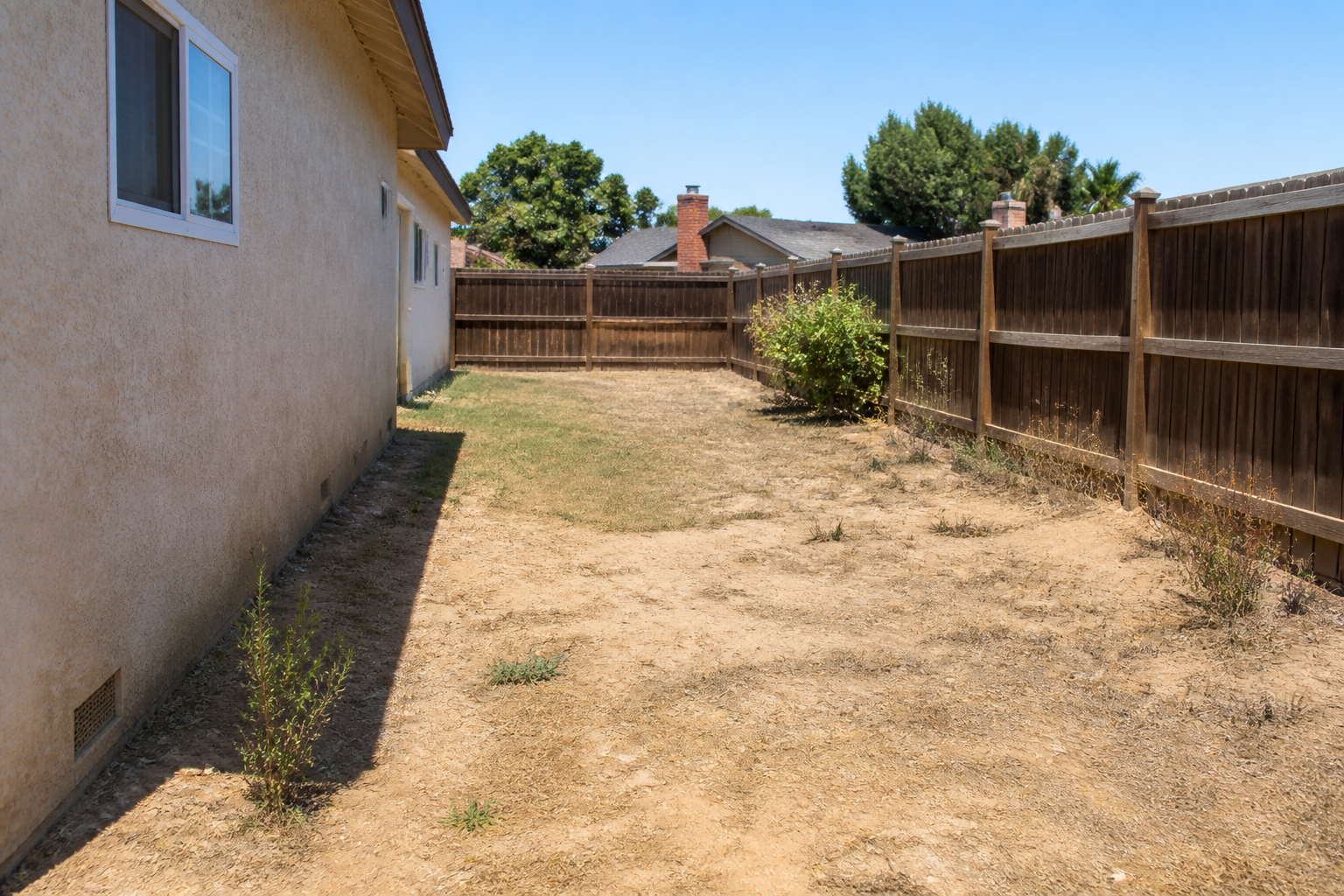 BEFORE
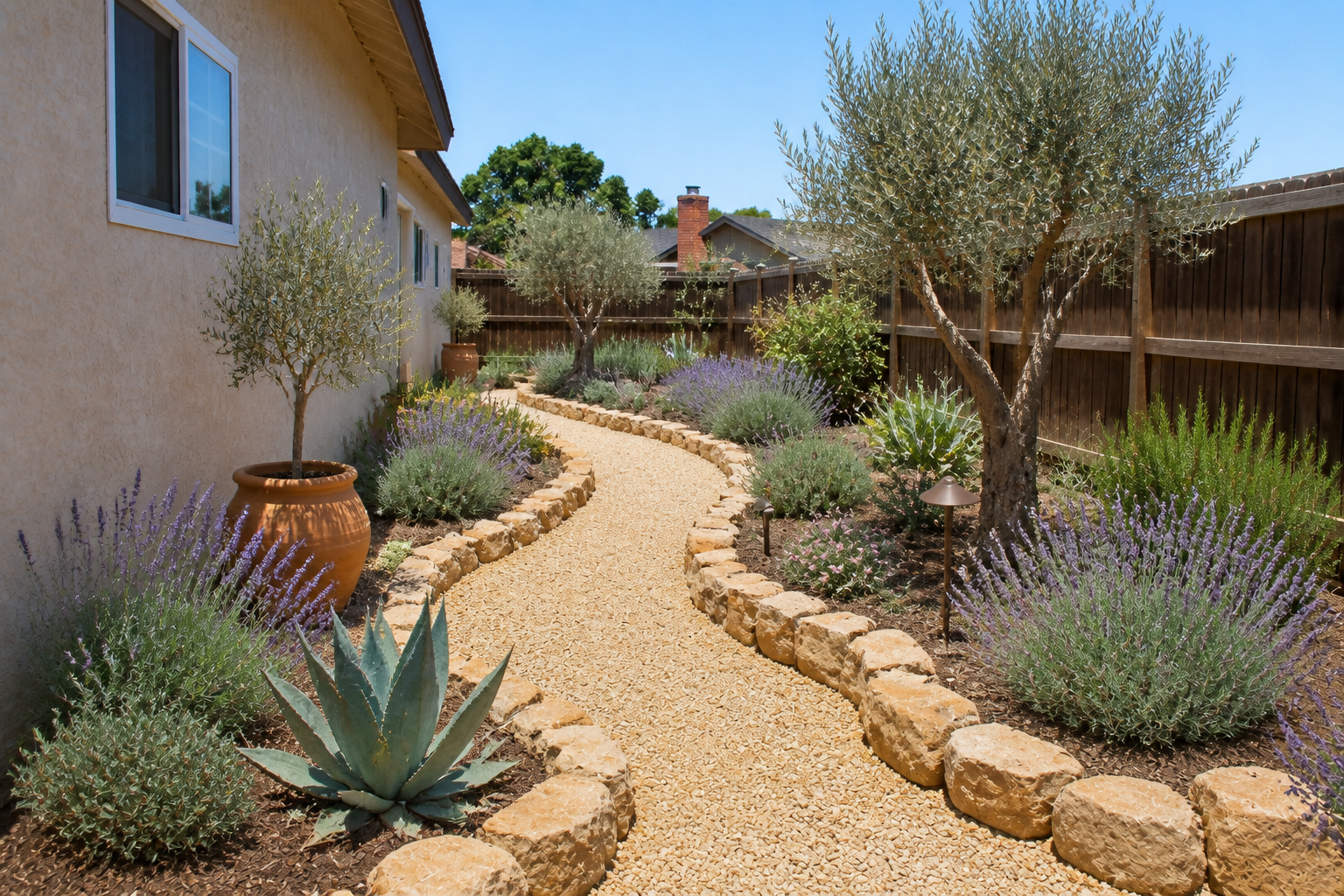 AFTER
AFTER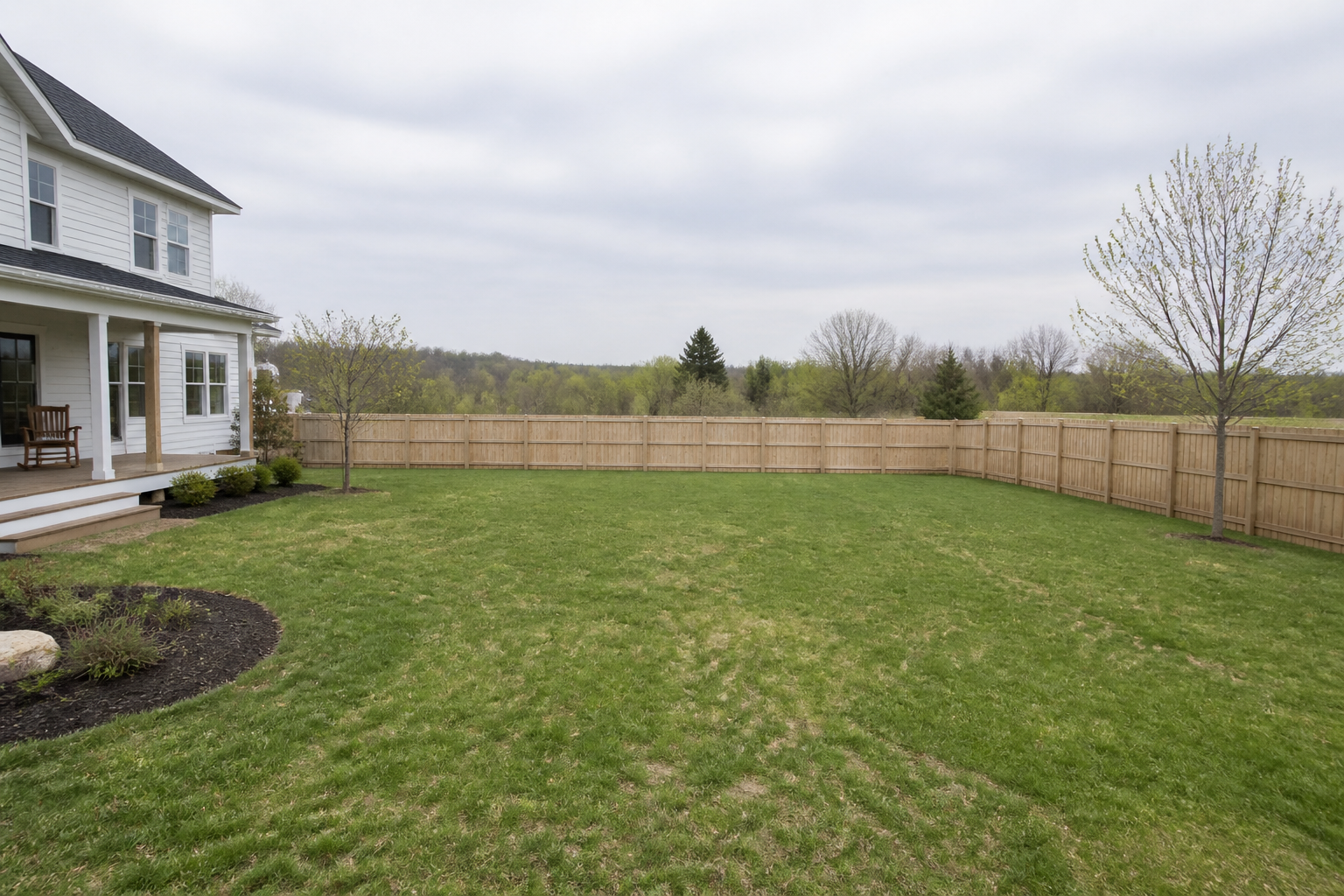 BEFORE
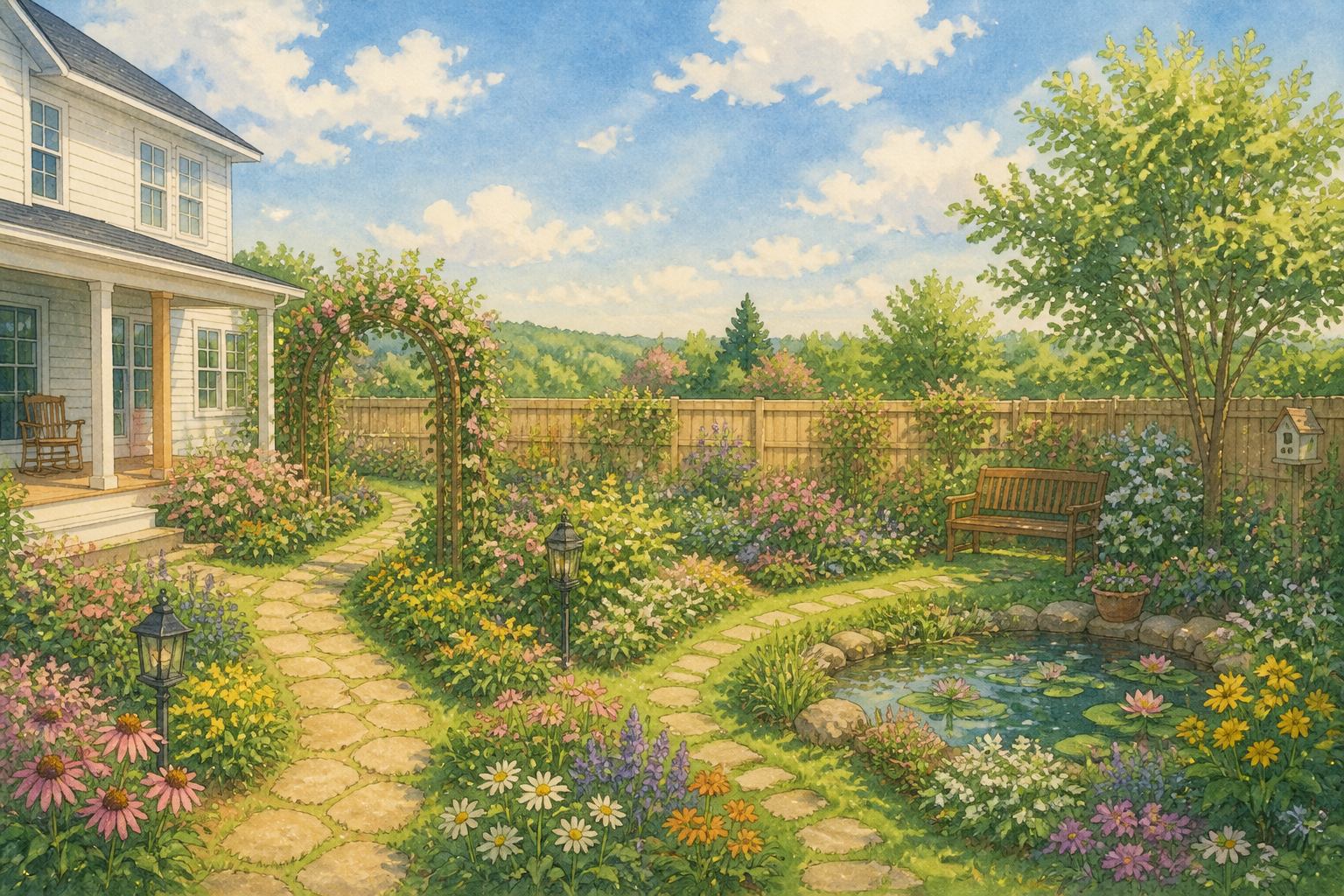 AFTER
AFTER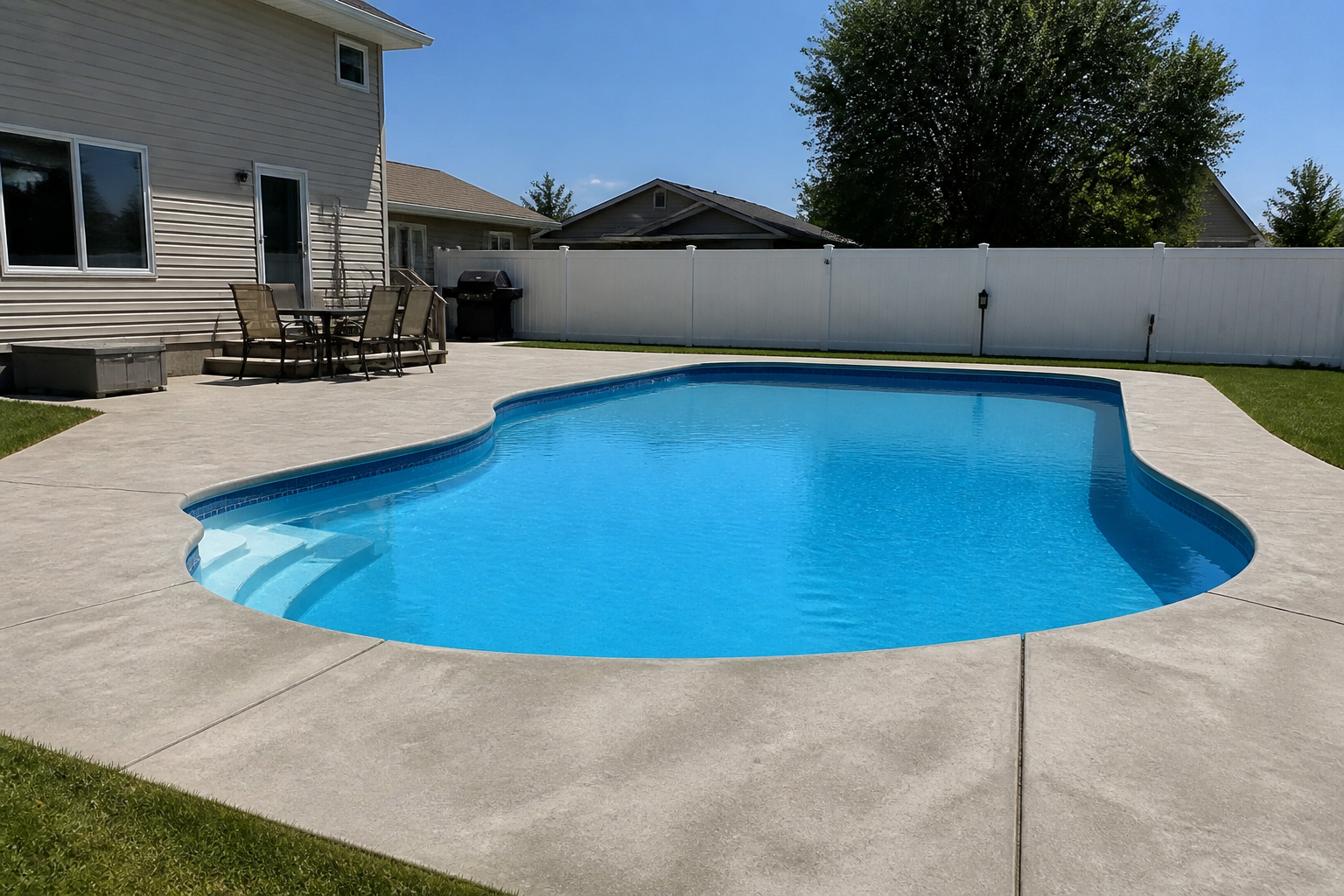 BEFORE
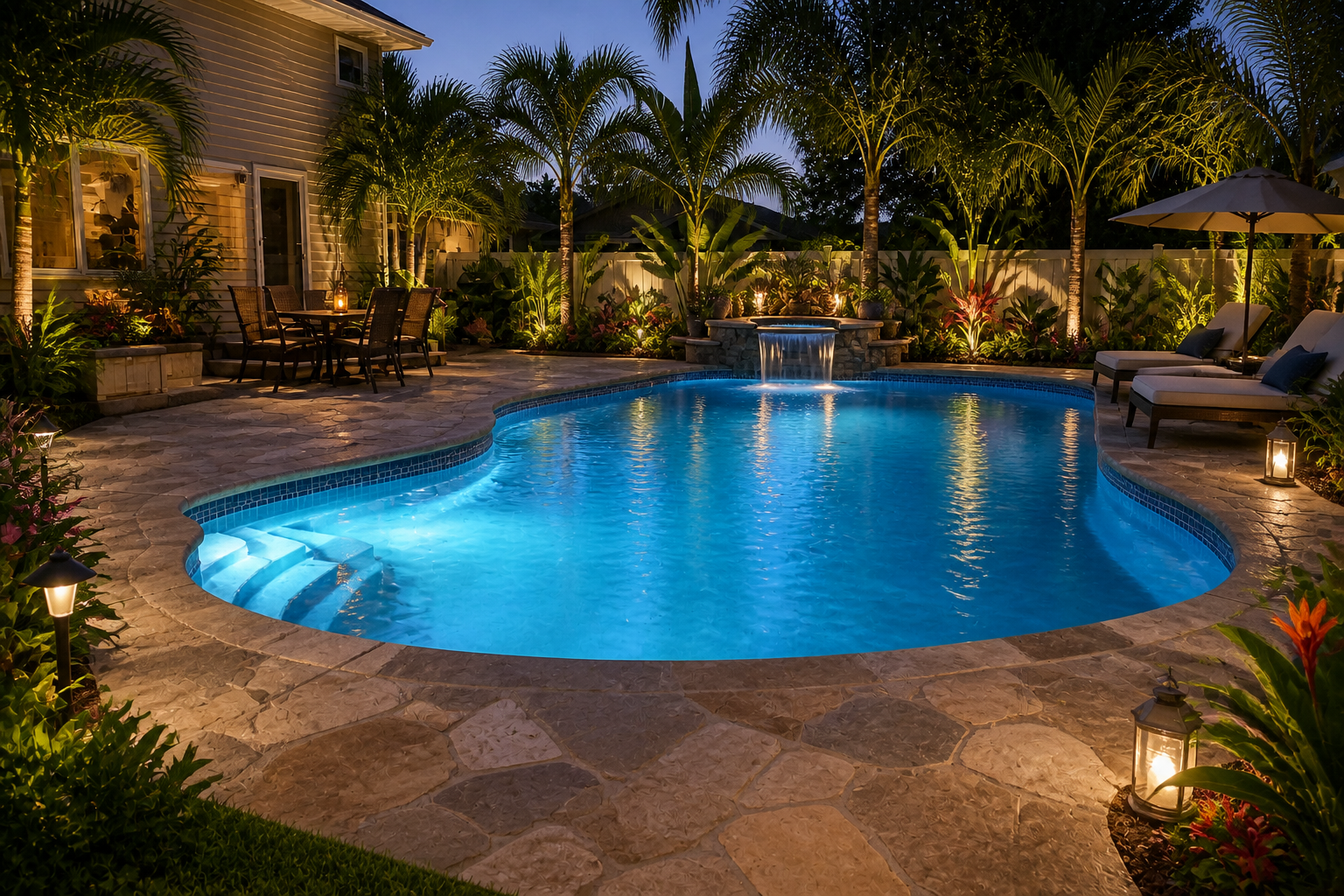 AFTER
AFTER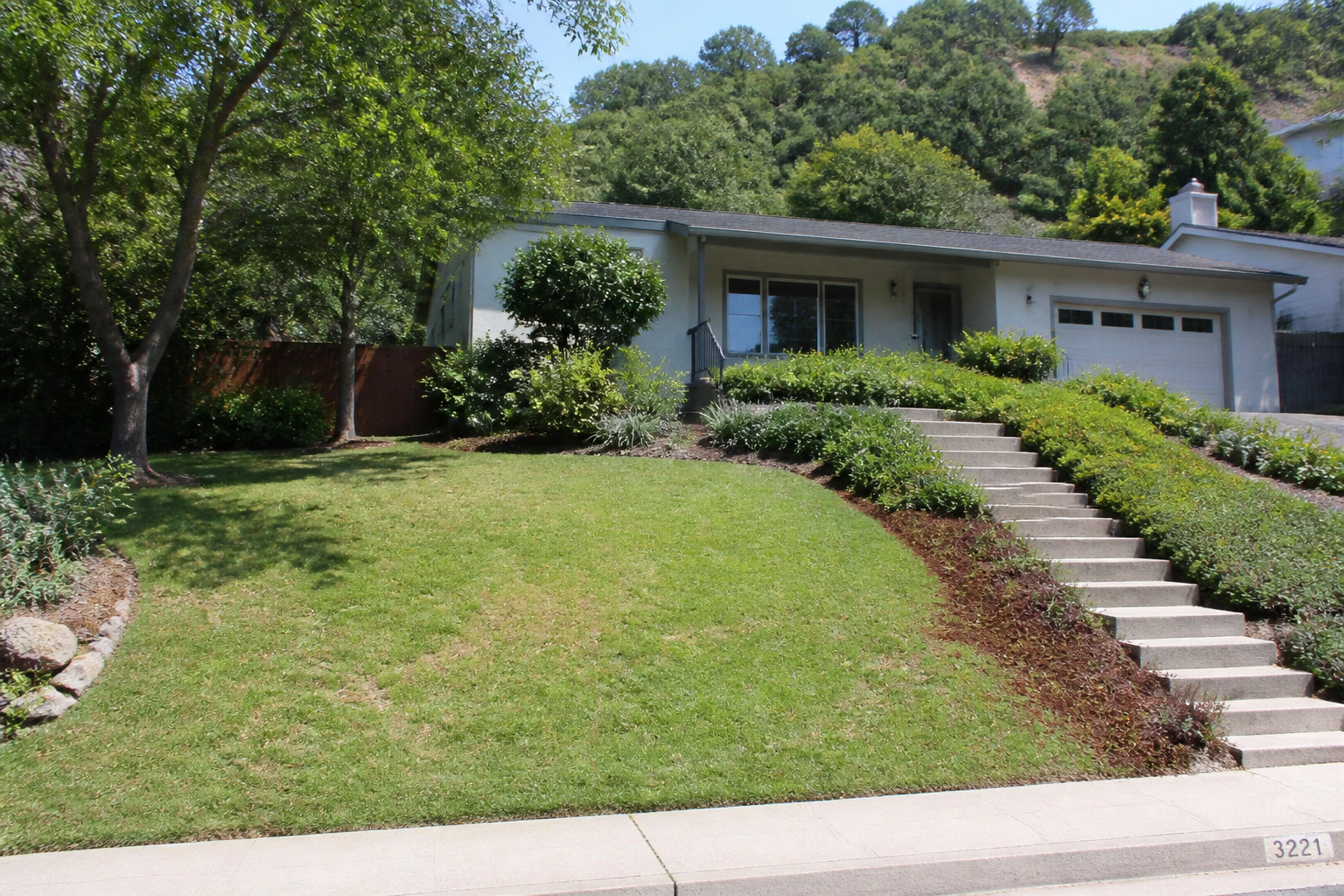 BEFORE
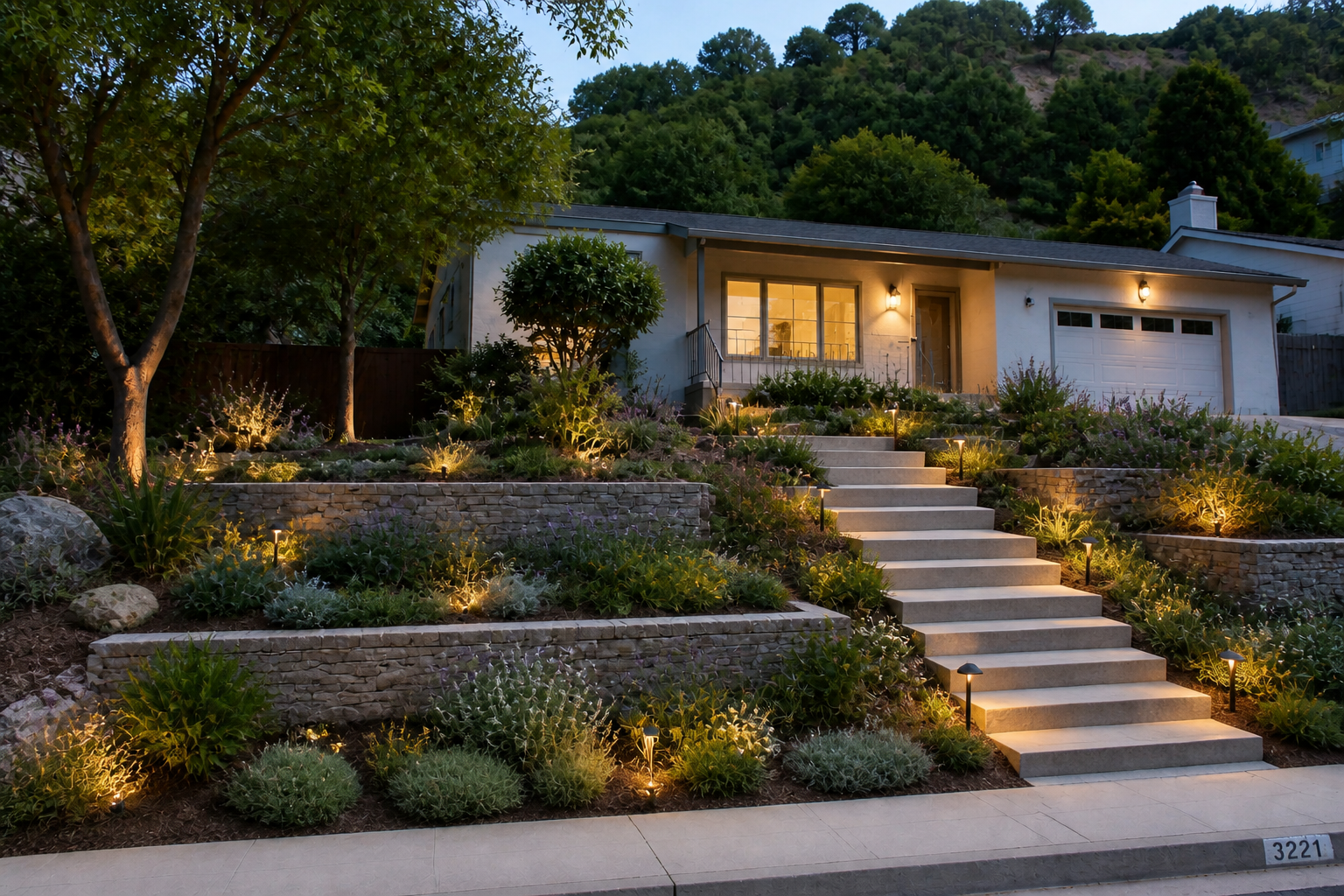 AFTERBEFOREAFTERBEFOREAFTERBEFOREAFTERBEFOREAFTERBEFOREAFTER
Key Features
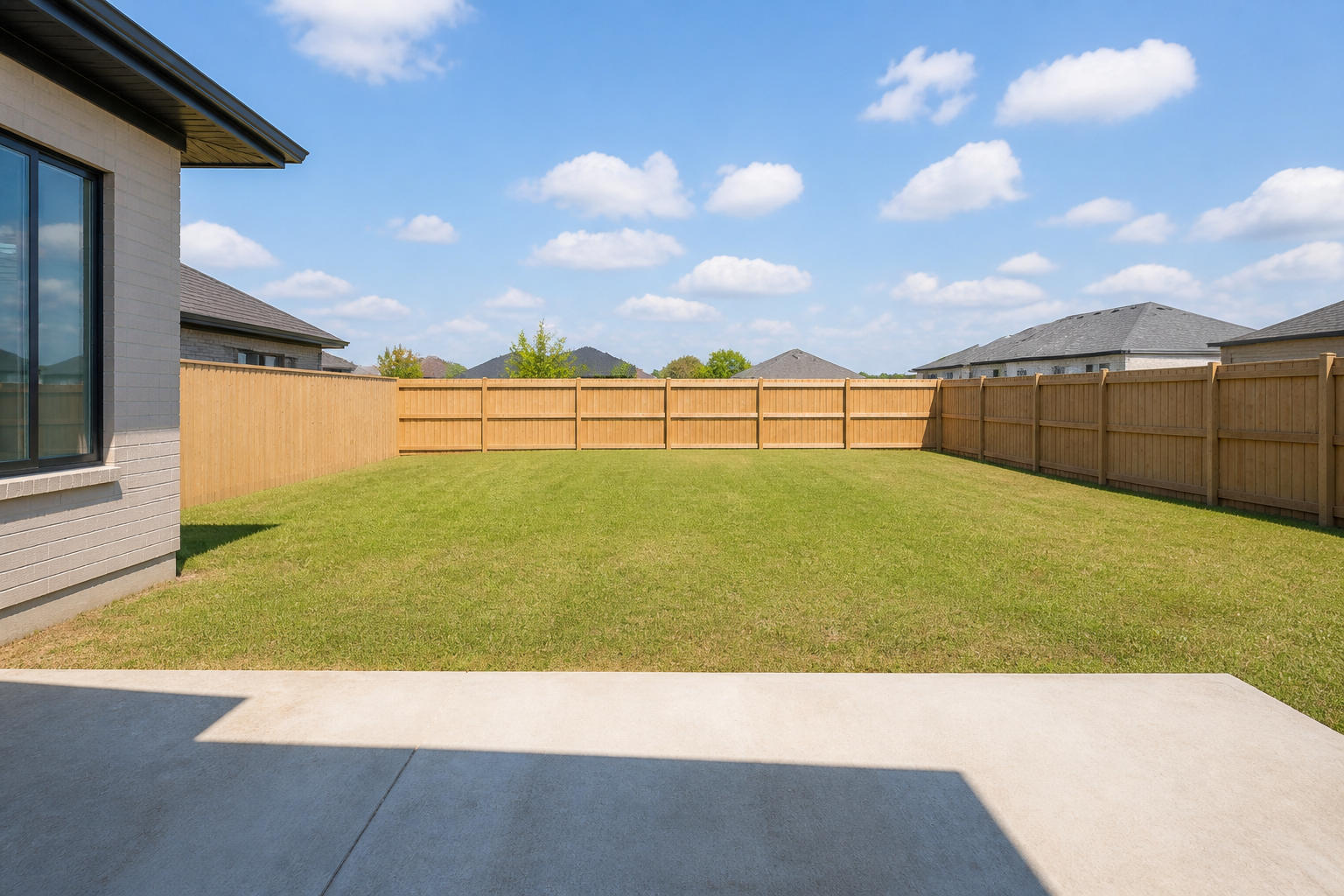
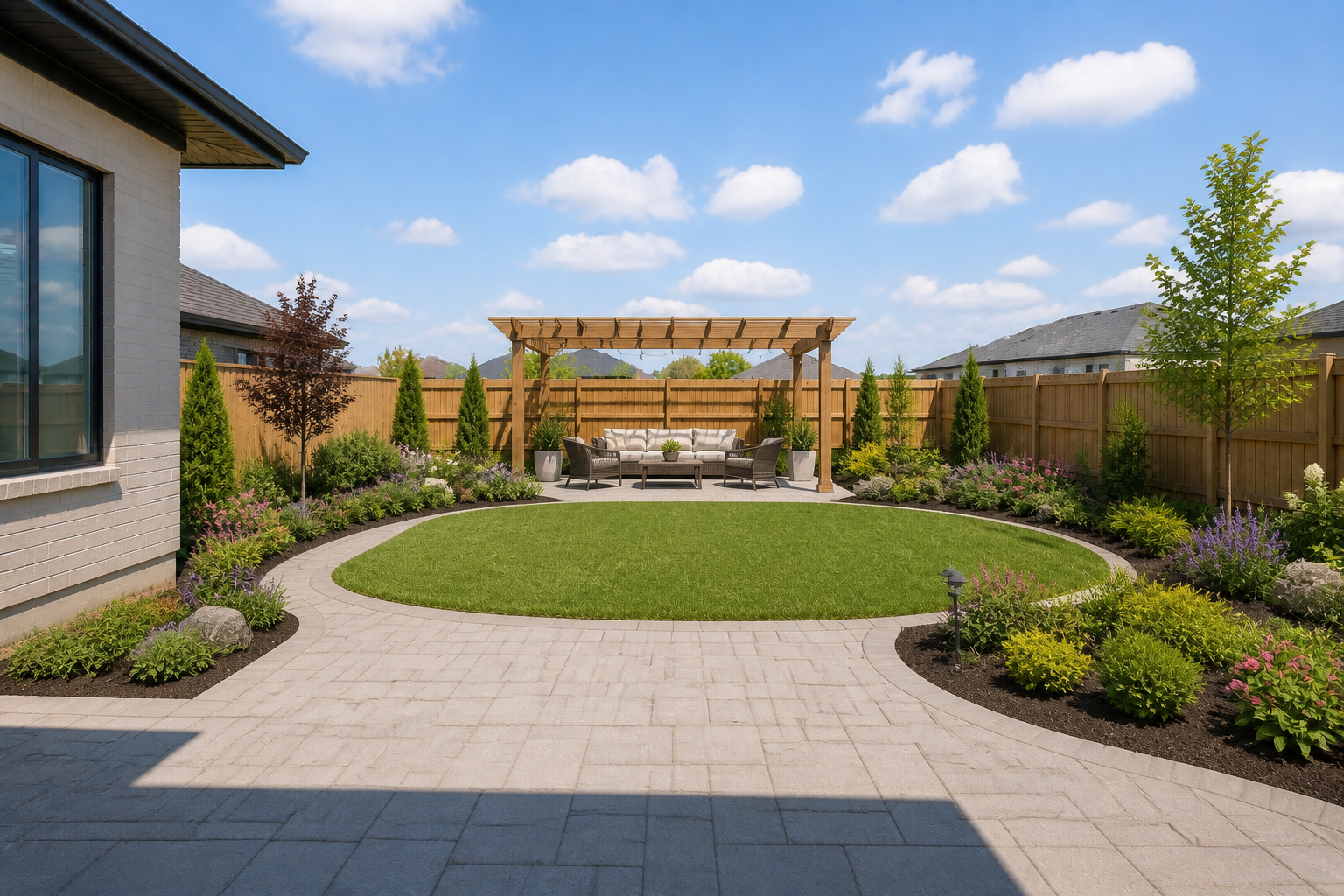
See clear layout changes
Test big outdoor ideas without guessing from a blank screen. You can preview patios, planting beds, paths, lawn reductions, and focal features directly on your yard photo. That makes the result easier to judge than mood boards or rough sketches alone. It is a fast way to see whether a concept actually fits your space.
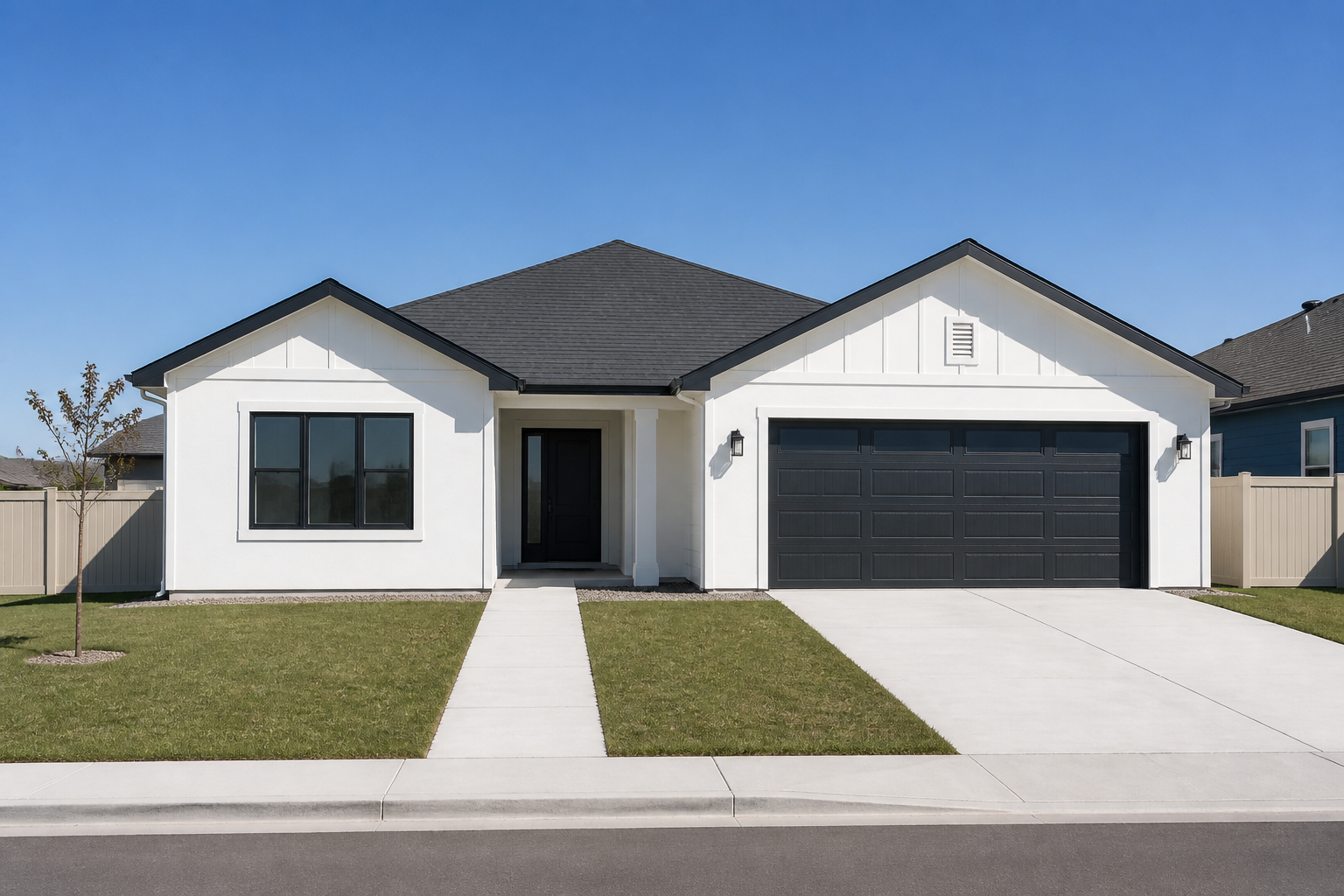
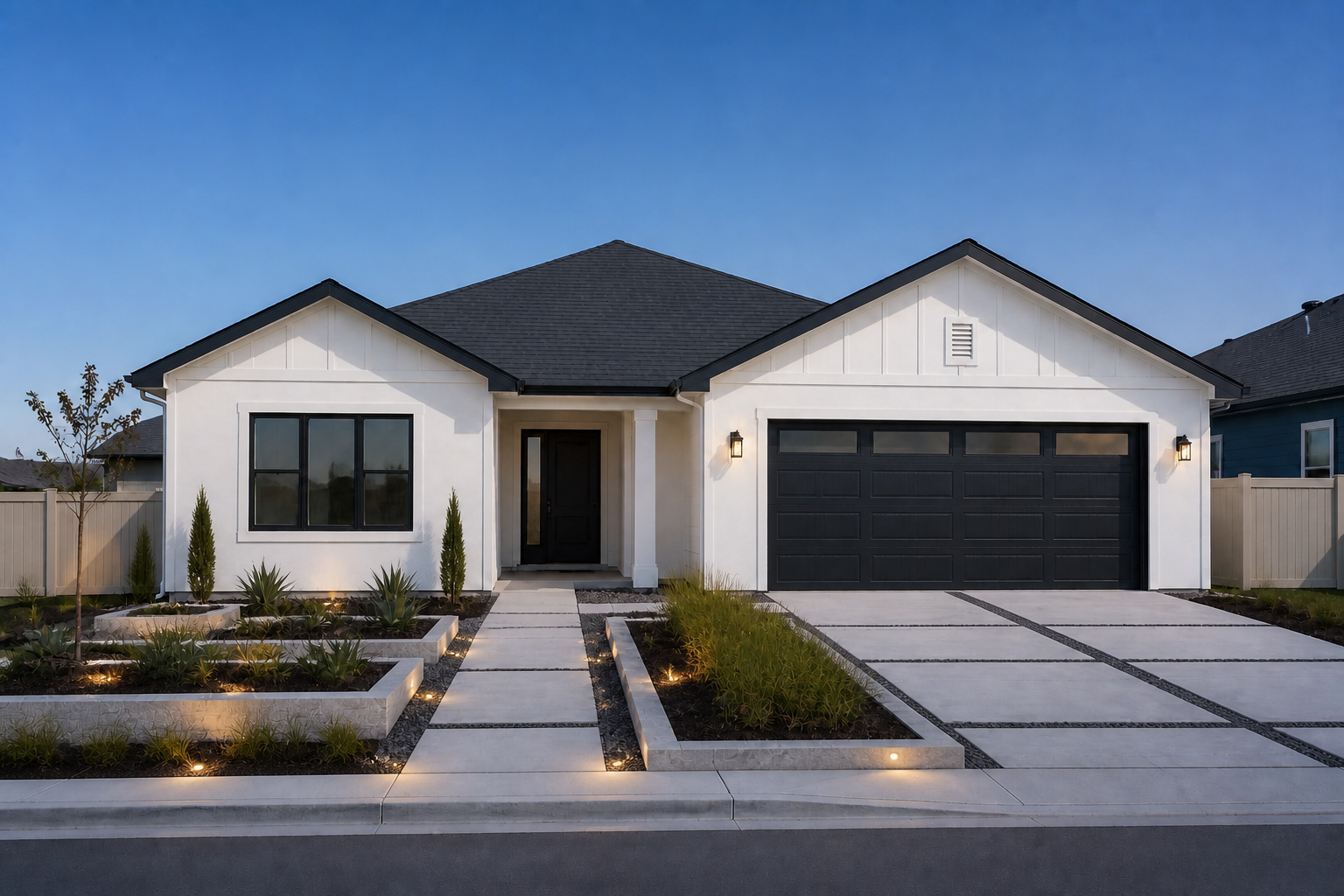
Match your home style
A good garden should feel connected to the house, not copied from a random template. The tool can generate concepts that suit modern, cottage, Mediterranean, tropical, or minimalist homes while keeping the architecture recognizable. That helps you compare styles in context before buying materials or plants. It is much faster than manually searching for references that only sort of fit.
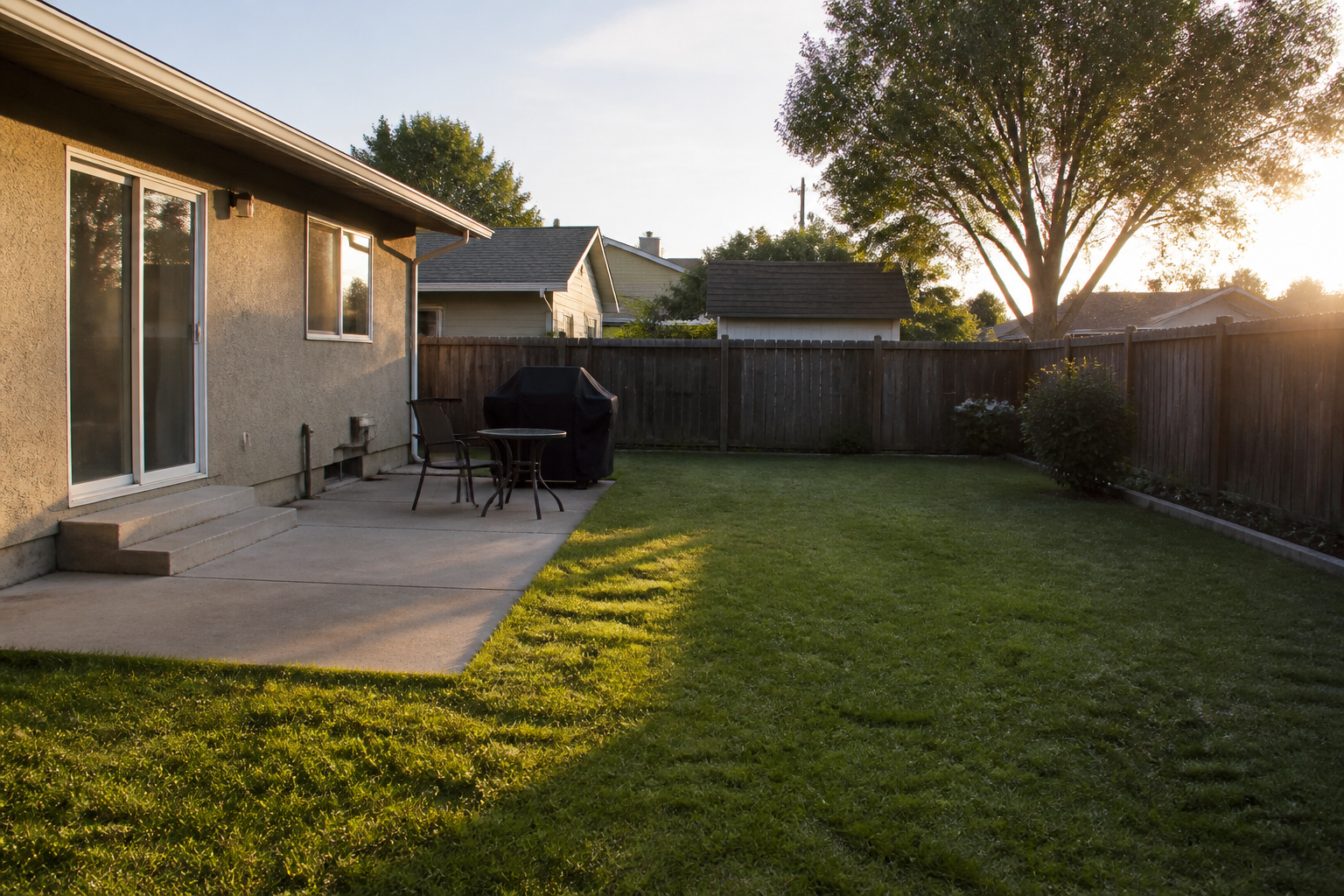
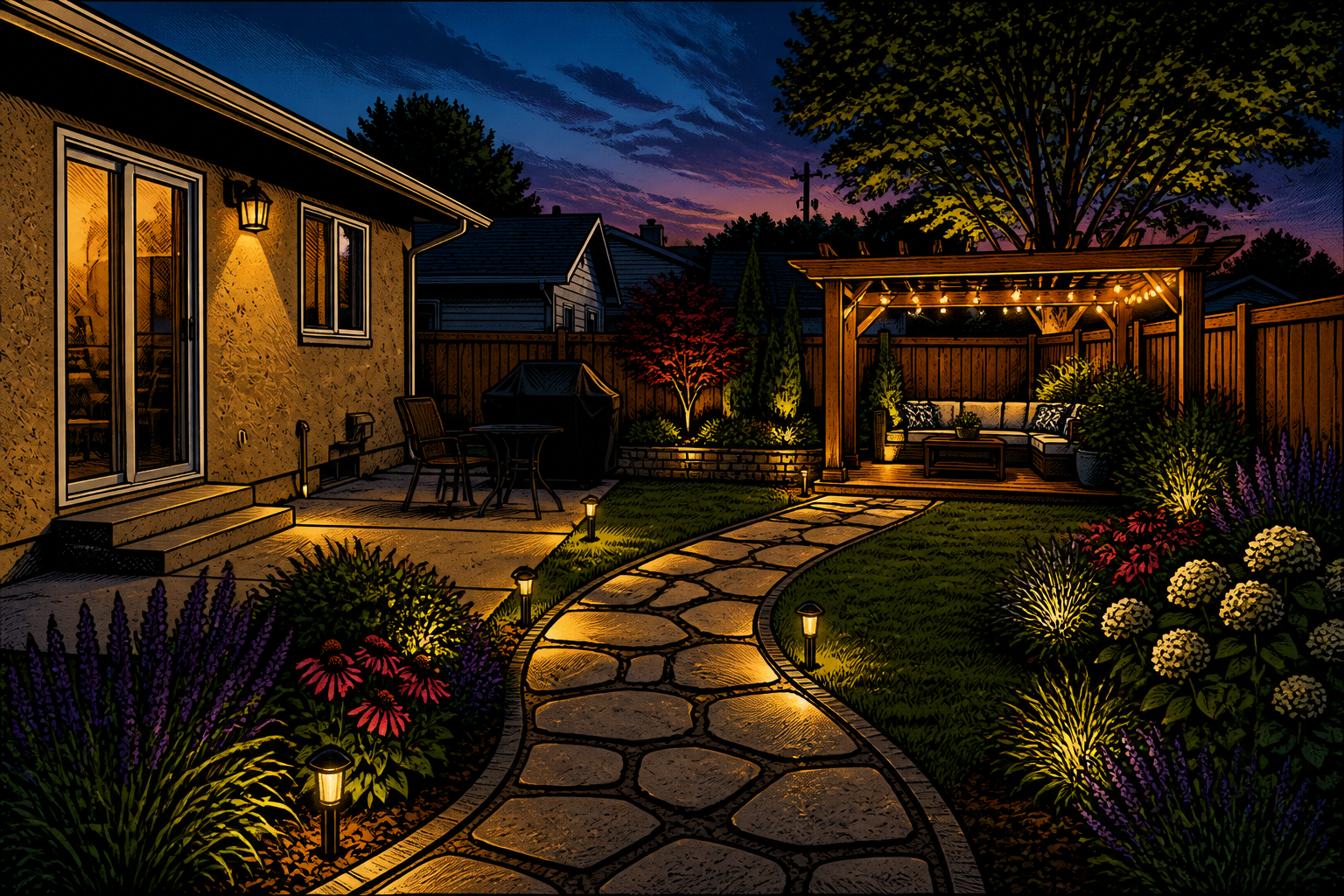
Explore multiple garden moods
You can try very different directions from the same starting photo. Compare low-water landscaping, lush floral borders, outdoor entertaining zones, or edible gardens without rebuilding anything in real life. This makes early planning less risky because you can narrow down your favorite direction before spending time on details. It also helps families or clients react to something visual instead of abstract descriptions.
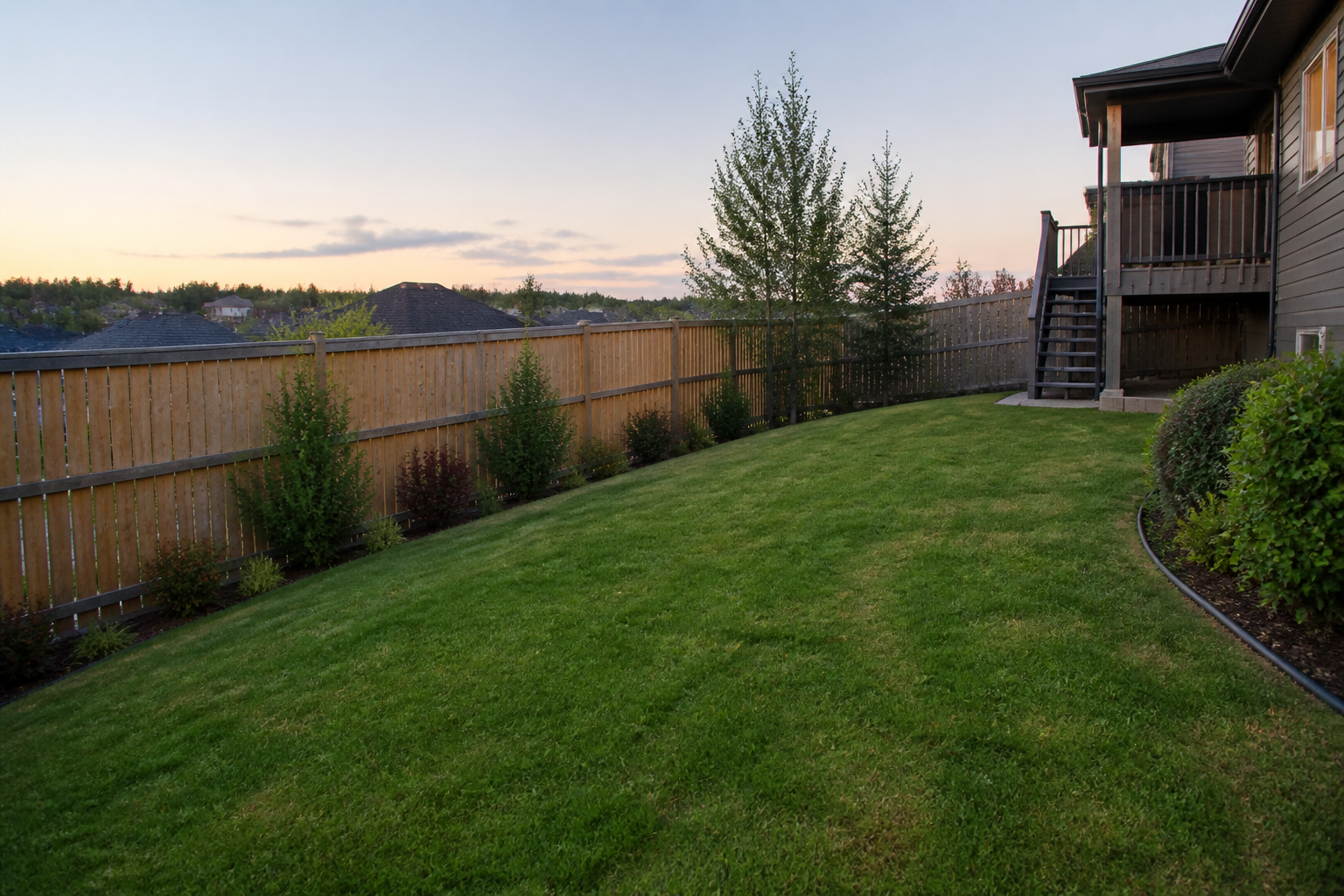
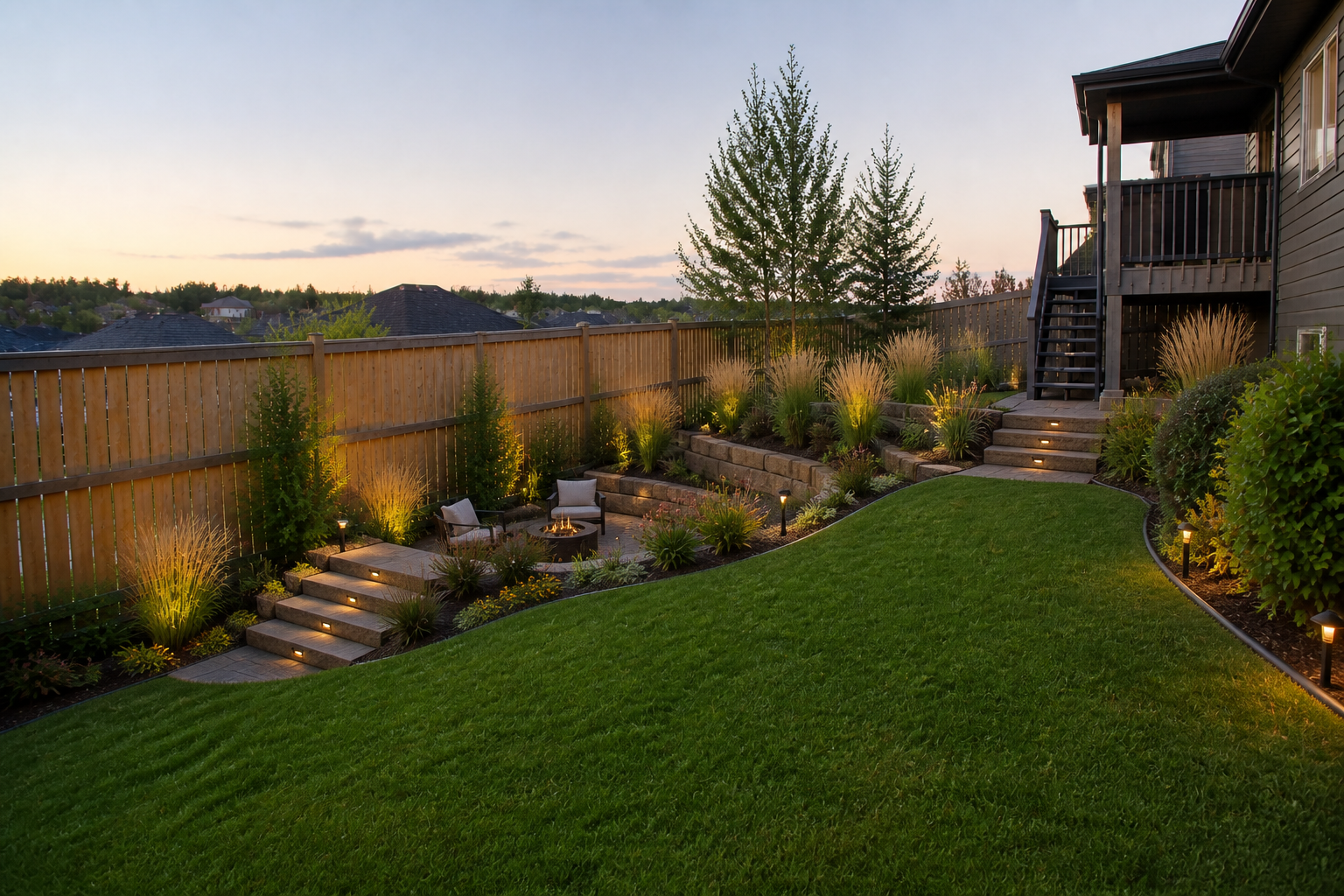
Keep the space recognizable
When you edit a real yard photo, the useful part is seeing change without losing the actual space. Our AI can preserve the structure of your home, major hardscape lines, and the camera viewpoint while updating the garden design. That gives you a more practical preview than a generic inspiration image. You still get a design concept, but it remains tied to your property.
How It Works

Upload your yard photo
Start with a clear photo of your front yard, backyard, courtyard, or side yard. Wide shots work best because they give the AI enough space to redesign paths, patios, planting zones, and structure.
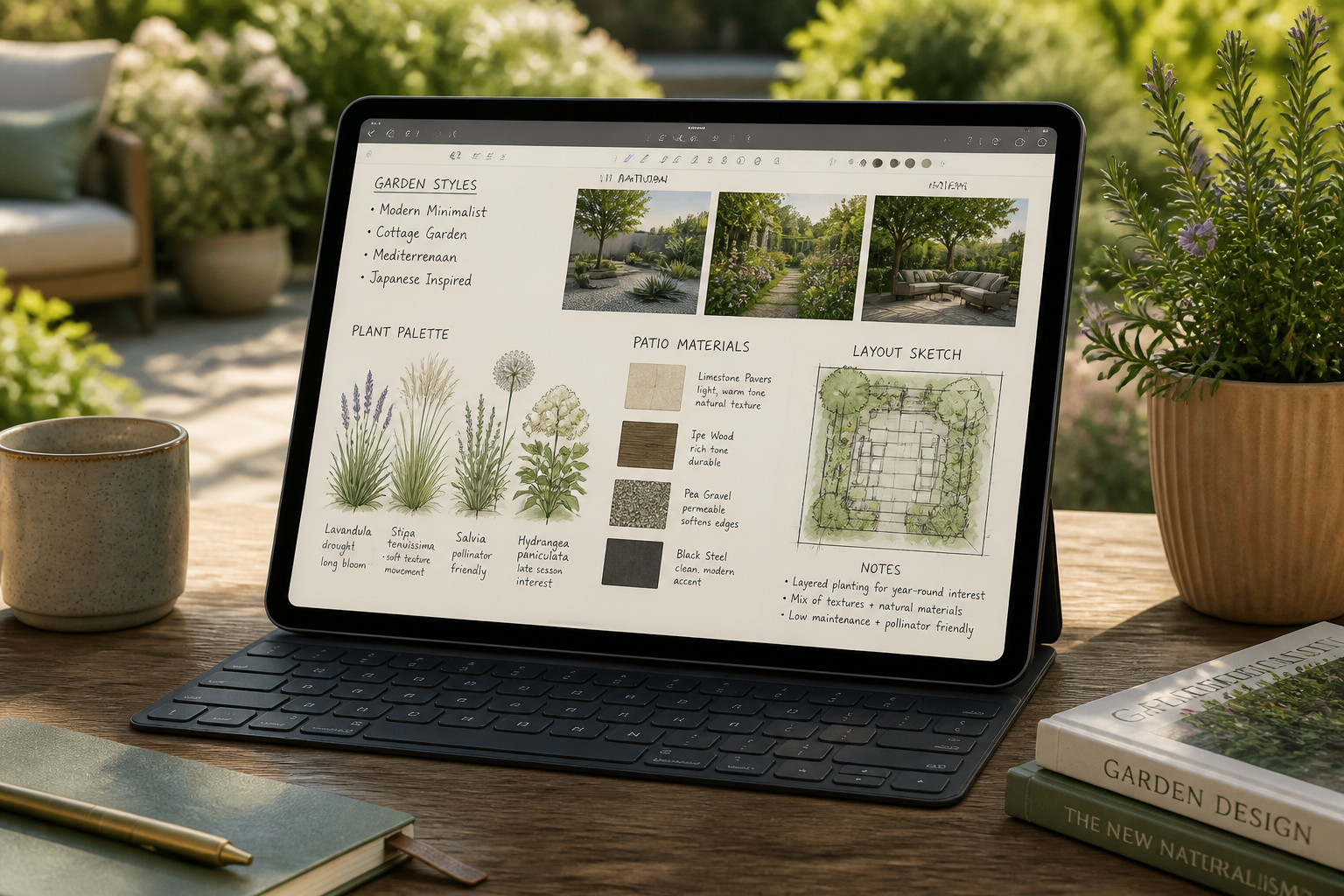
Describe the garden style
Tell the AI what you want to add or change, such as a modern patio garden, cottage planting, tropical poolside look, or low-maintenance xeriscape. You can also mention features like paths, raised beds, lighting, seating, and focal plants.
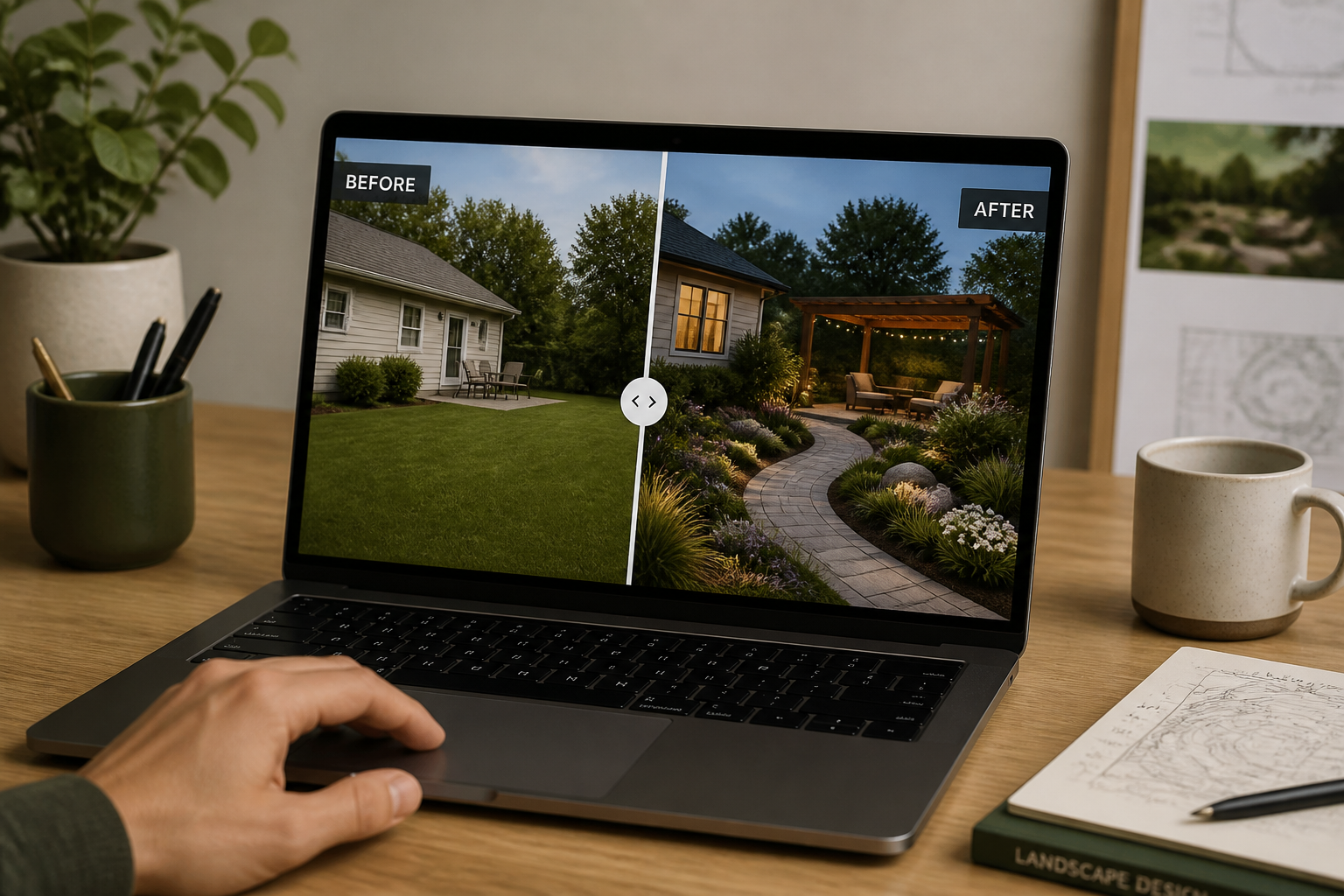
Compare and refine results
Review the before and after versions to see what fits your space best. Then rerun with different styles, materials, planting density, or layout ideas until the concept feels right.
Perfect For
Discover how creators and professionals use ai garden design generator
Backyard makeover planning
Preview patios, pergolas, lawn reductions, and planting zones before starting a renovation.
Front yard curb appeal
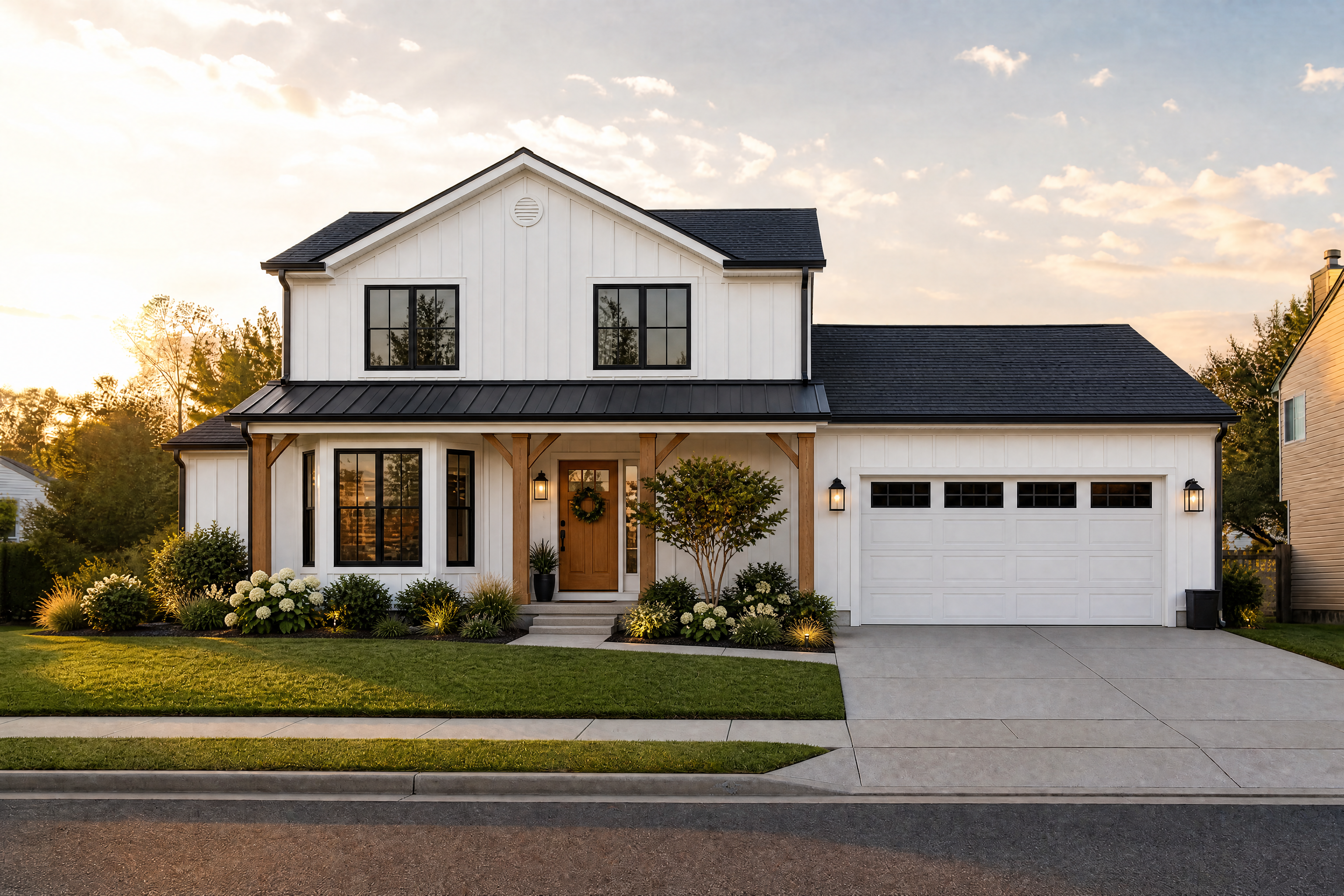
Test entry paths, border planting, lighting, and house-matching landscape styles from one photo.
Small space garden concepts
Generate ideas for courtyards, side yards, terraces, and compact urban gardens where layout matters.
Client presentation drafts
Create fast visual concepts for landscaping discussions, approvals, and early-stage design direction.
Built For
Homeowners
See what your yard could become before committing to plants, pavers, furniture, or contractors.
Landscape designers
Produce quick concept visuals to speed up ideation and make client conversations more concrete.
Real estate and staging teams
Show outdoor potential in listing prep, renovation planning, or property marketing materials.
Why use an AI garden design generator
A quick look at how we compare on the things that matter for this niche.
| Feature | BudgetPixel | Generic AI editors | Manual editing apps |
|---|---|---|---|
| Works from your yard photo | ✓ | ✓ | — |
| Fast outdoor concept previews | ✓ | ✓ | — |
| Easy style iteration | ✓ | — | — |
| Good for before/after comparisons | ✓ | ✓ | — |
| No manual compositing required | ✓ | — | — |
Frequently Asked Questions
What kinds of garden styles can I generate?
Does it work for front yards and backyards?
Will the design stay true to my actual property?
Can I generate low-maintenance or drought-tolerant ideas?
Do I need design experience to use it?
Create together.
Share your creations, discover trending AI art, and grow with fellow creators.