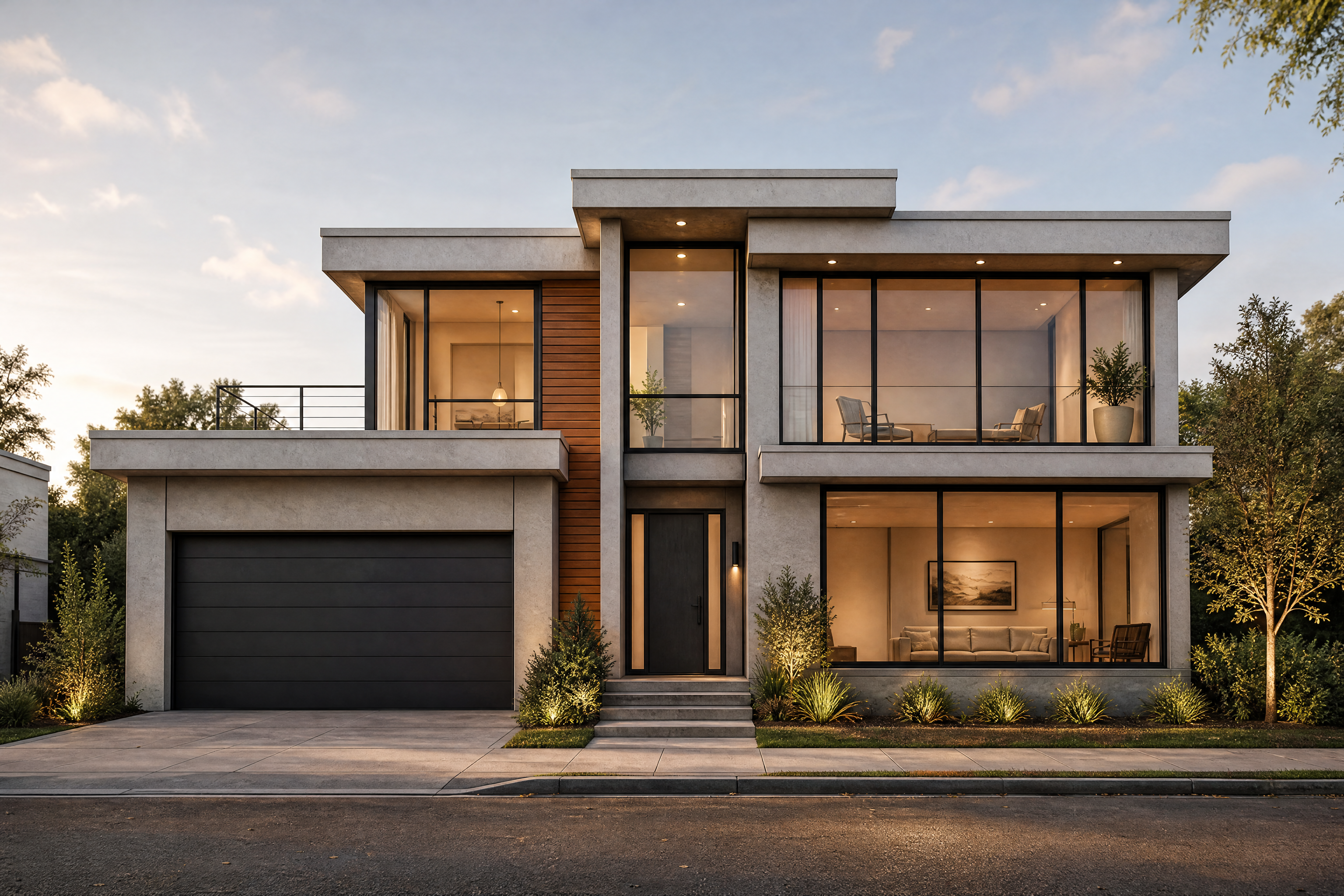
AI Floor Plan Generator from Structure to Real Layouts
Turn plain floor plan drawings into clear, realistic interior layouts.
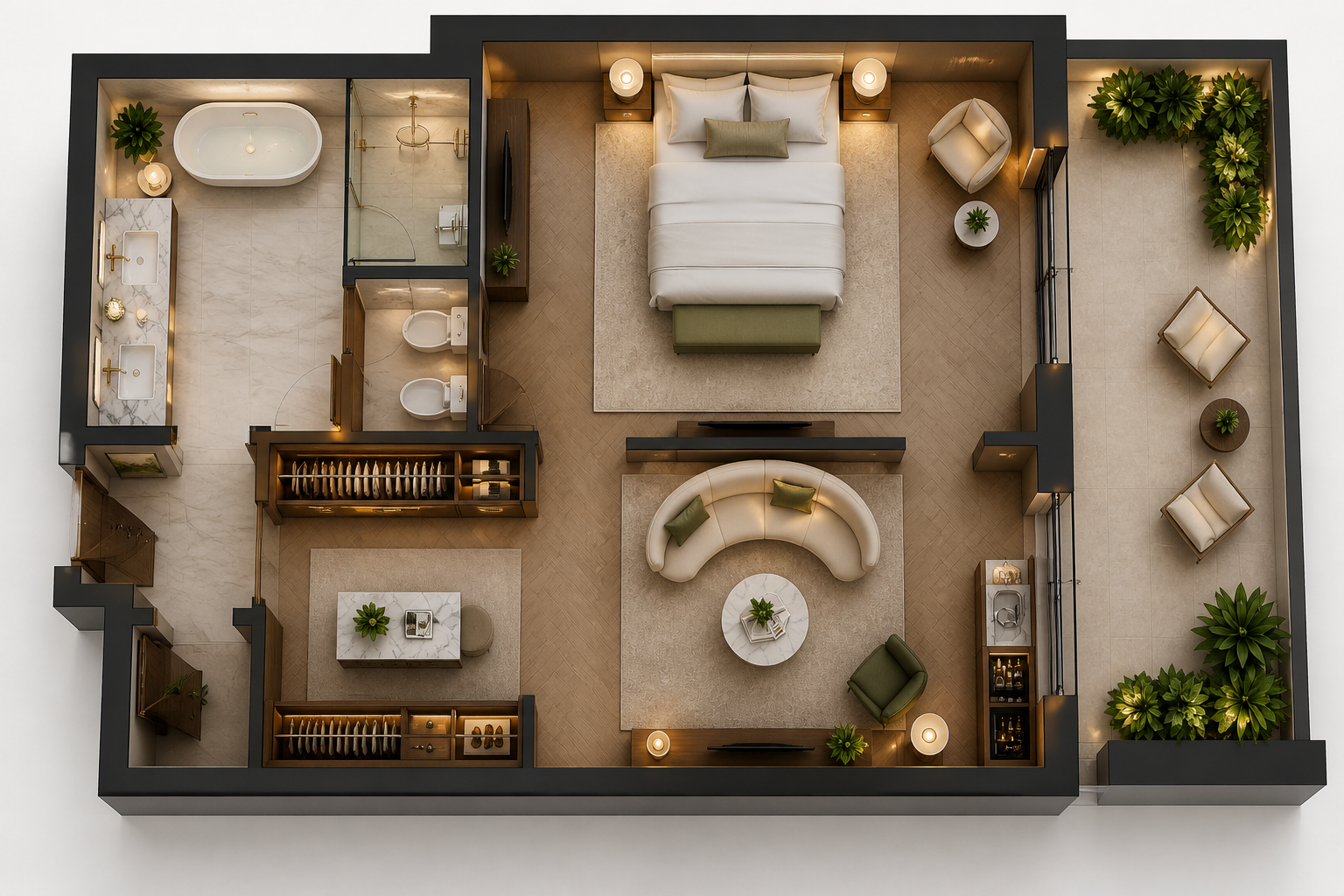
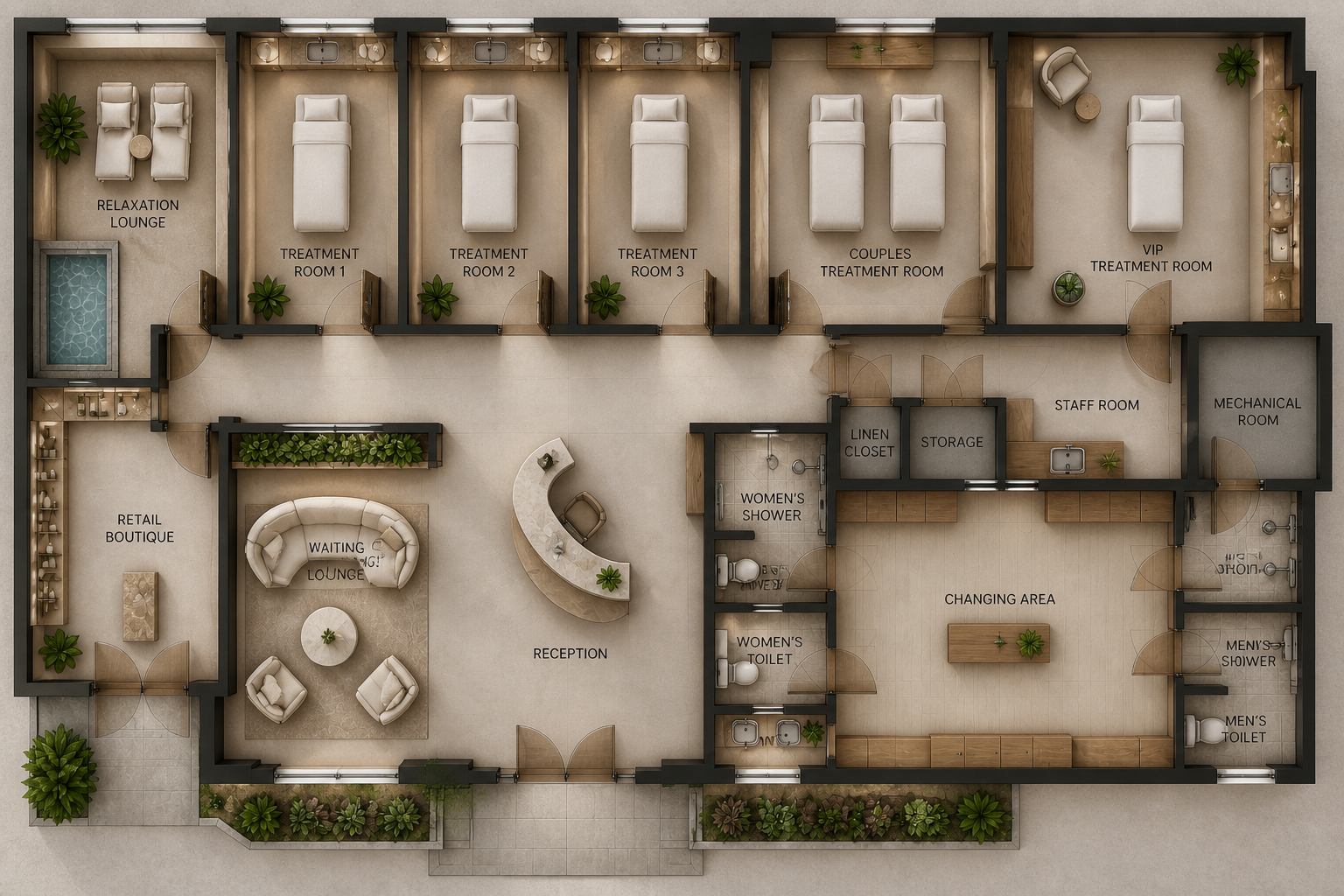
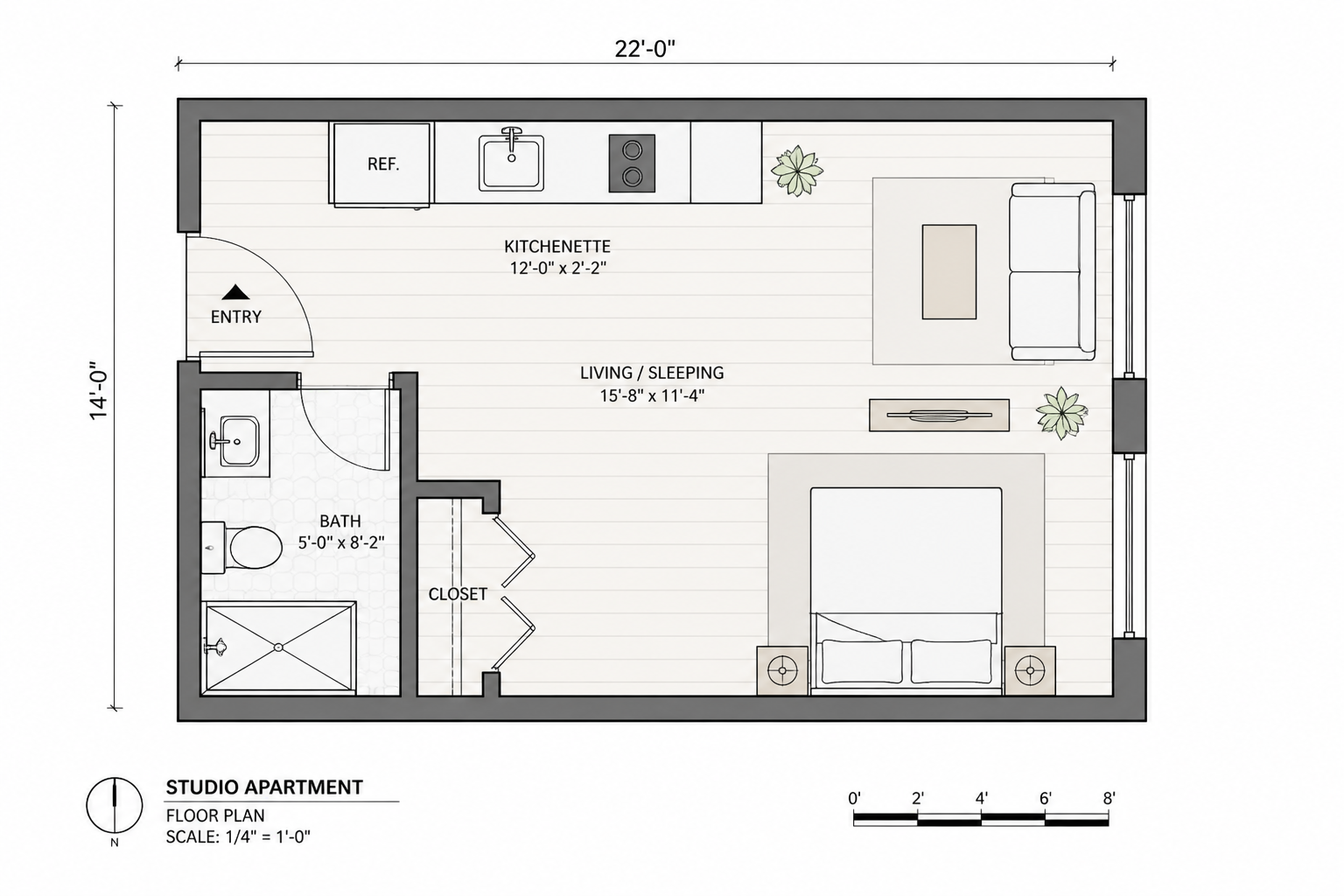
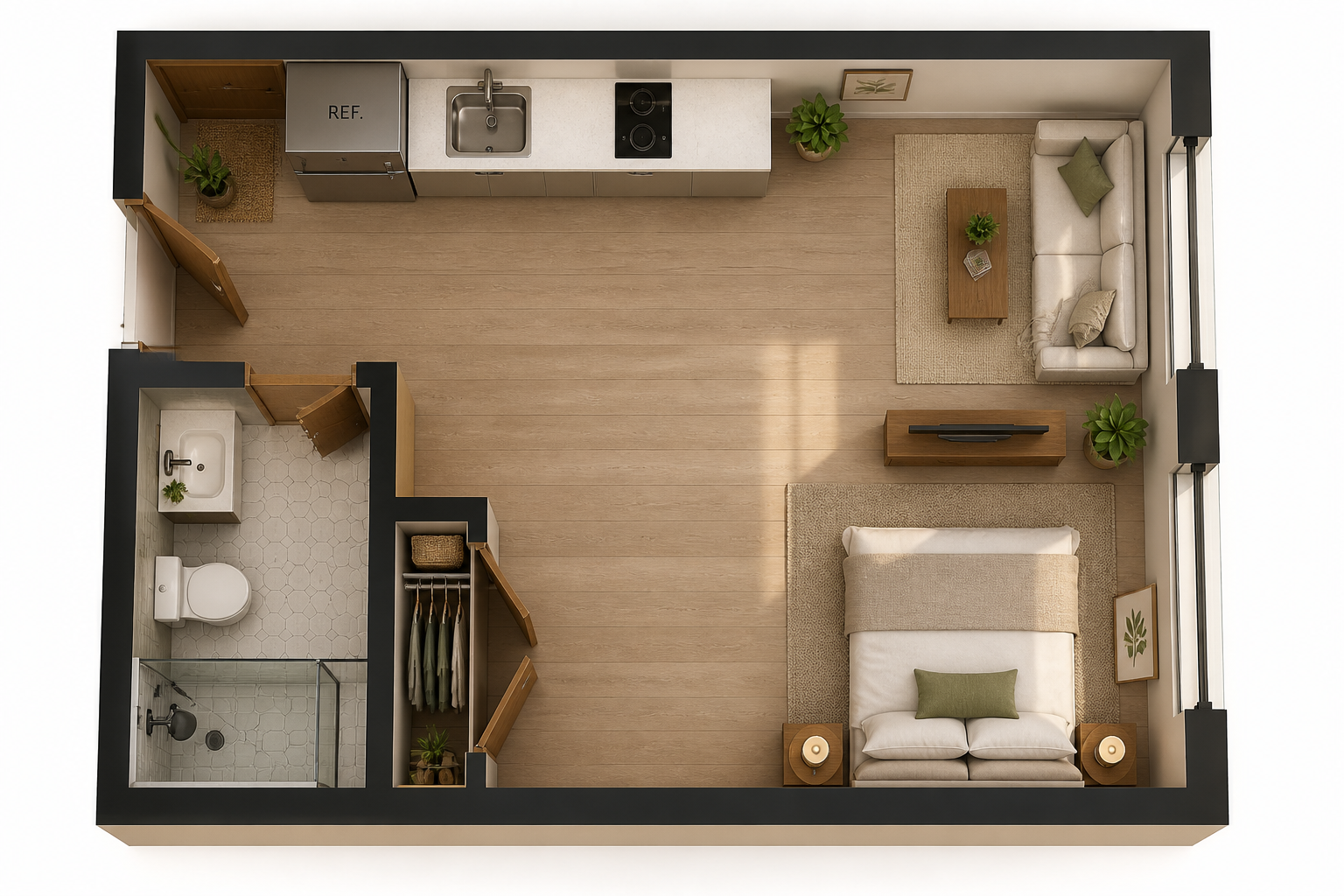
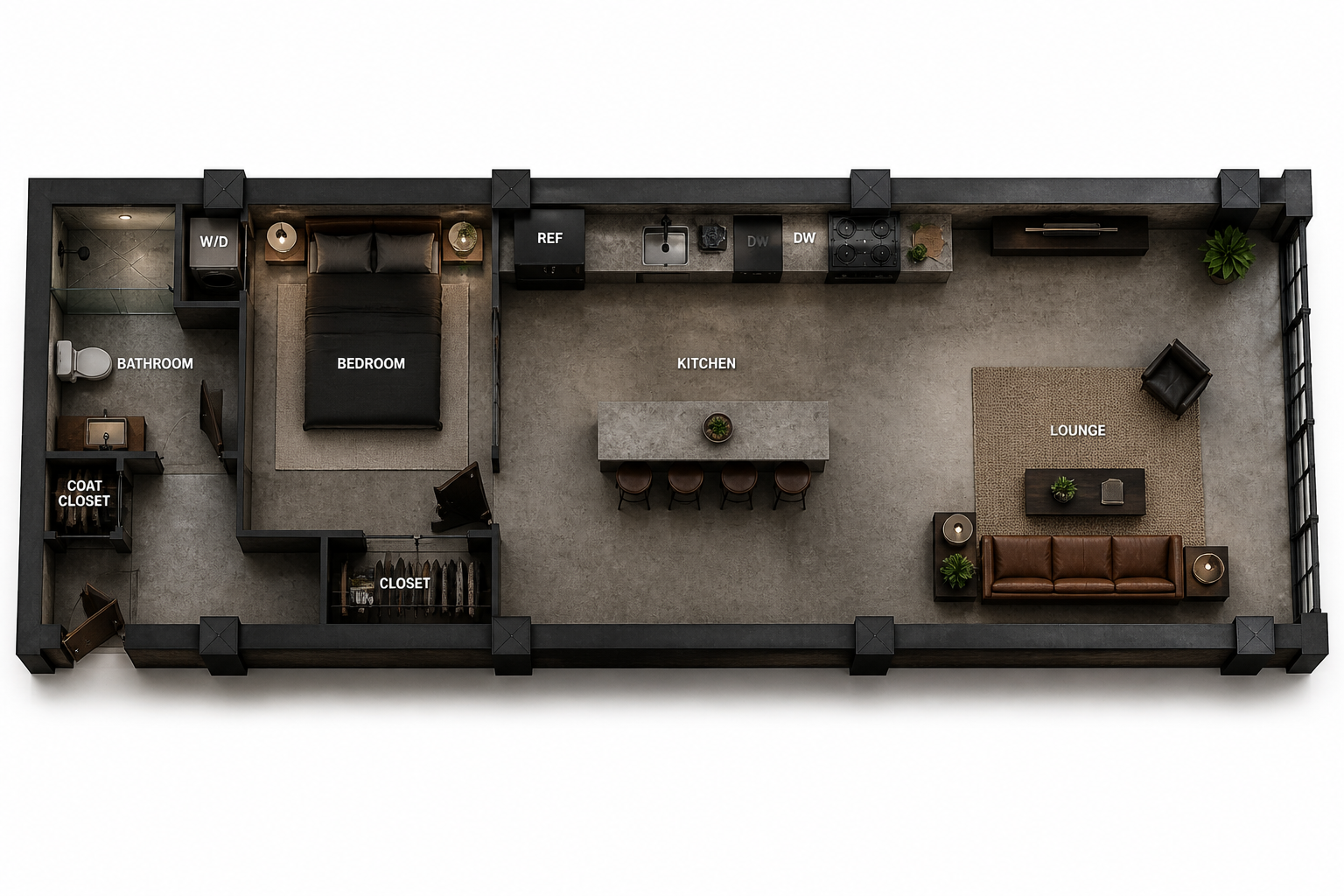
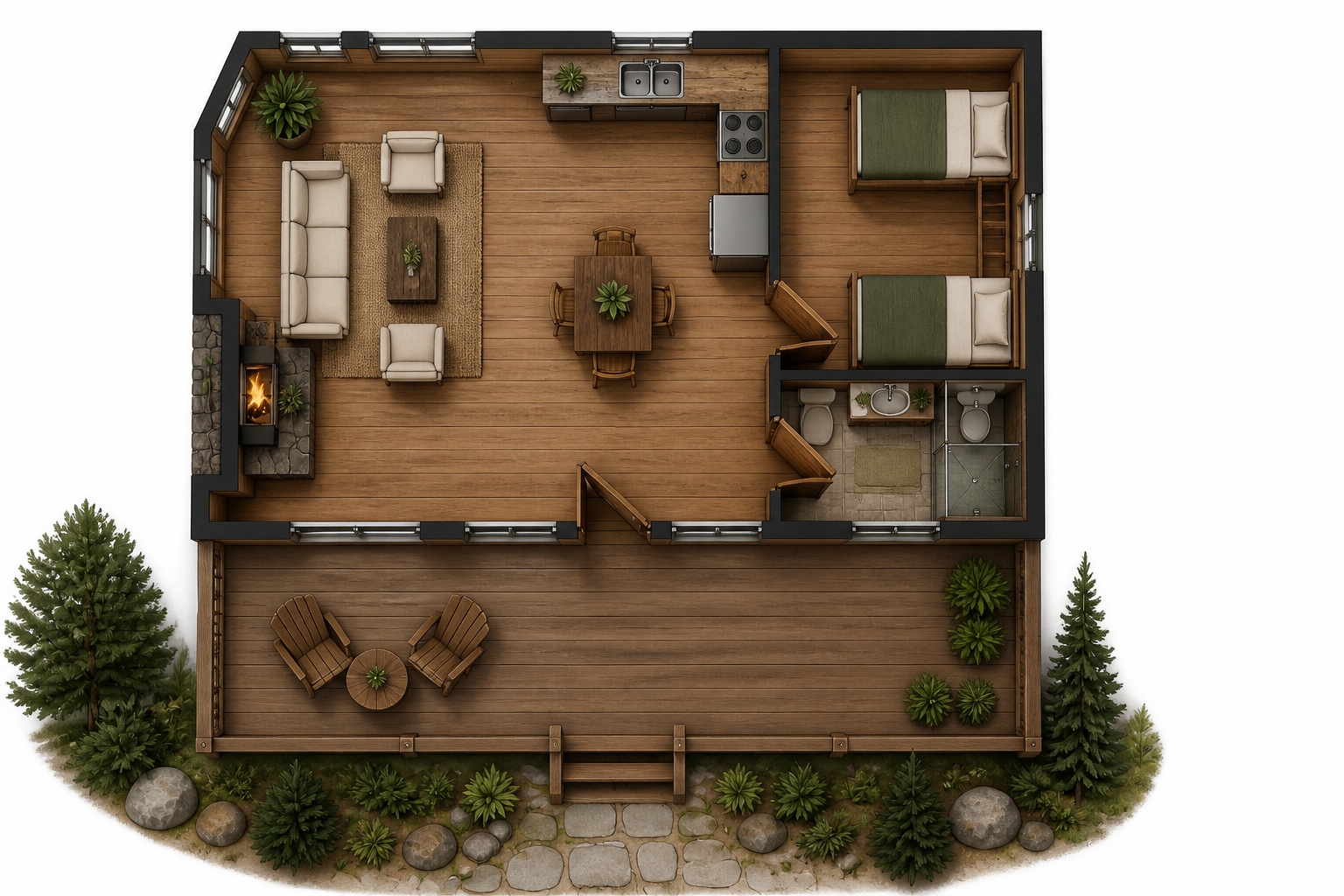
Upload a structural floor plan and turn it into a realistic furnished layout in seconds. Our AI keeps the room structure readable while converting flat plan images into polished real-looking visuals for presentations, listings, and design reviews.
Watch the Transformation
See ai floor plan generator in motion — generated end-to-end by our AI.
See It In Action
Real outputs from ai floor plan generator.
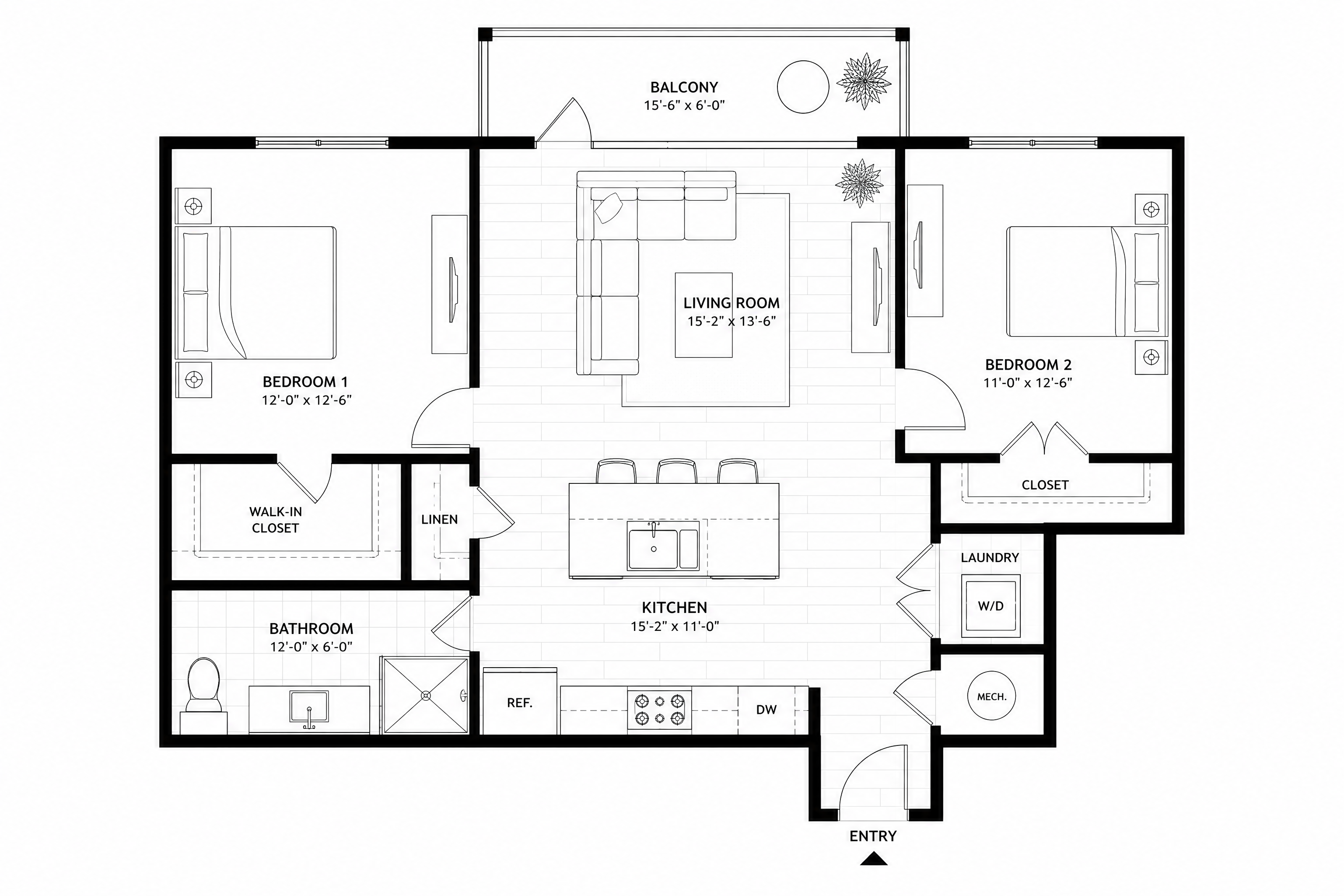
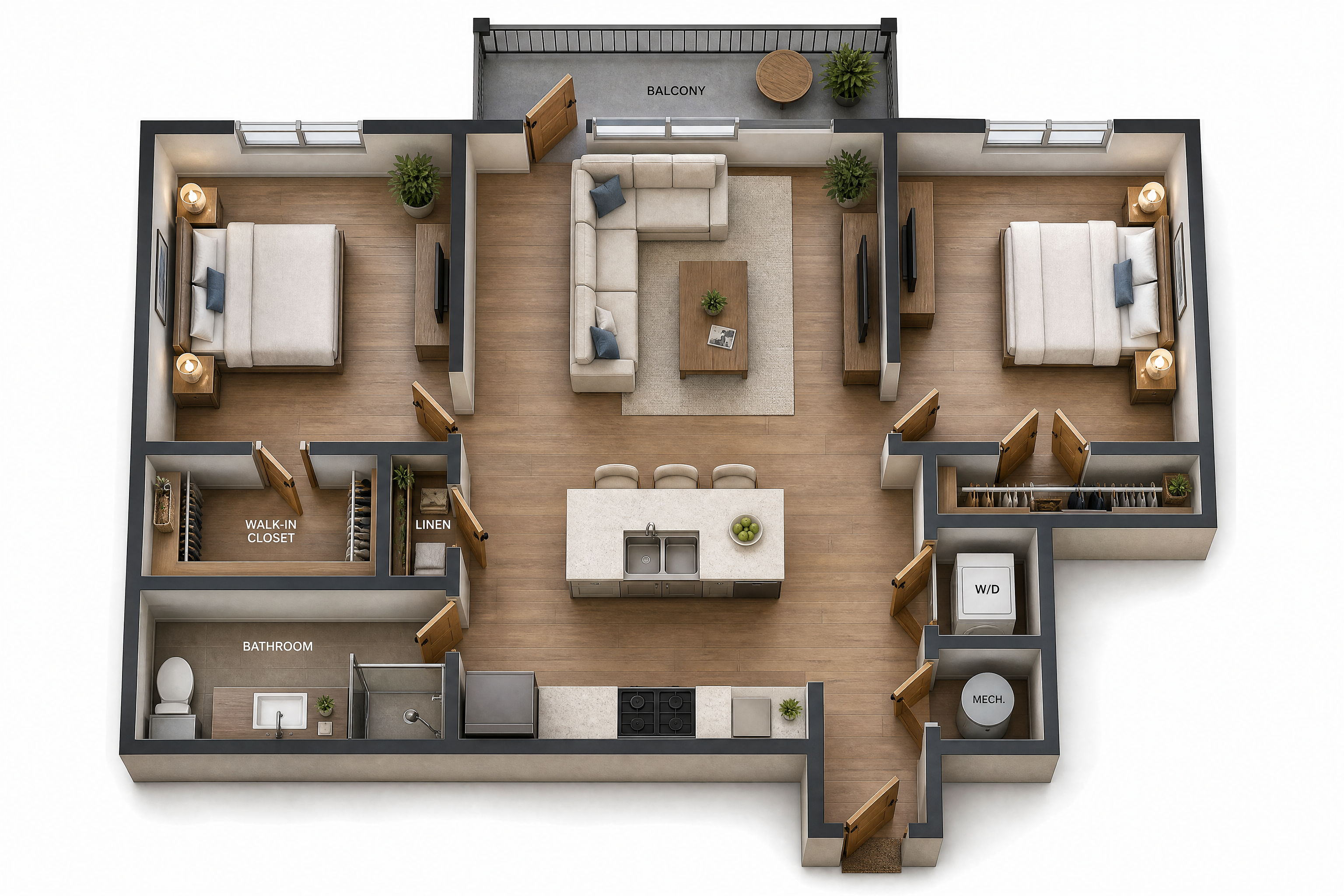
BEFOREAFTER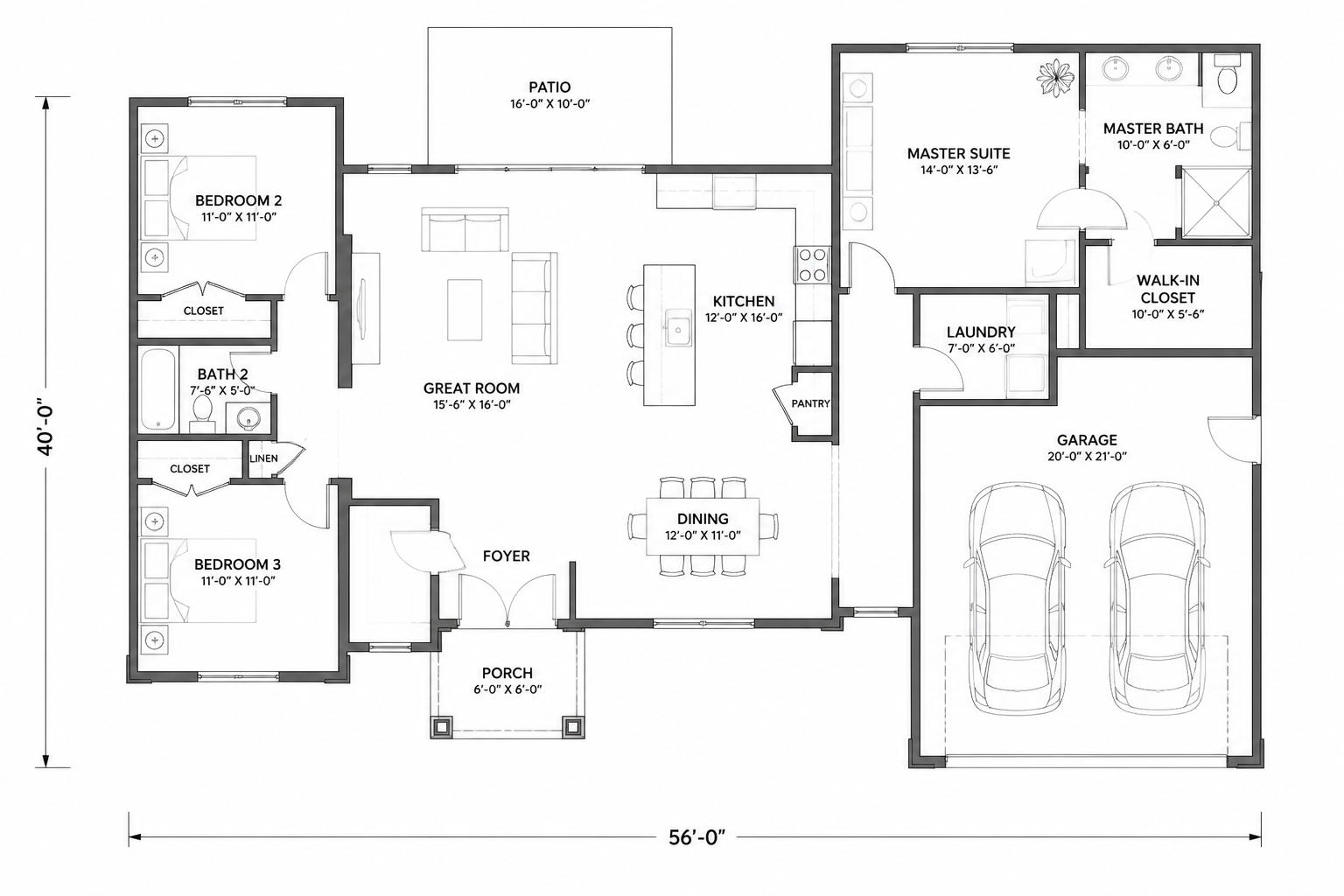 BEFORE
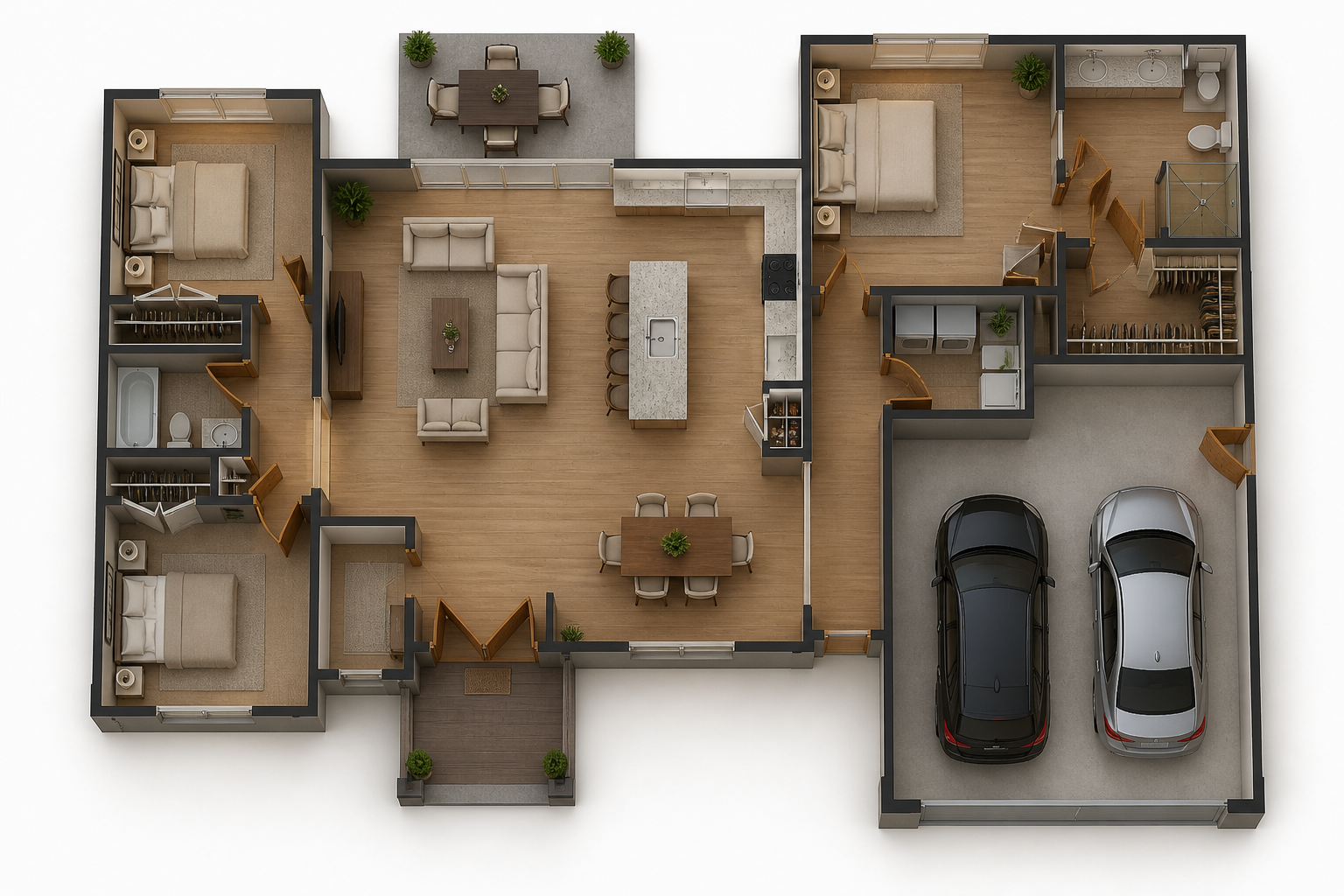 AFTER
AFTER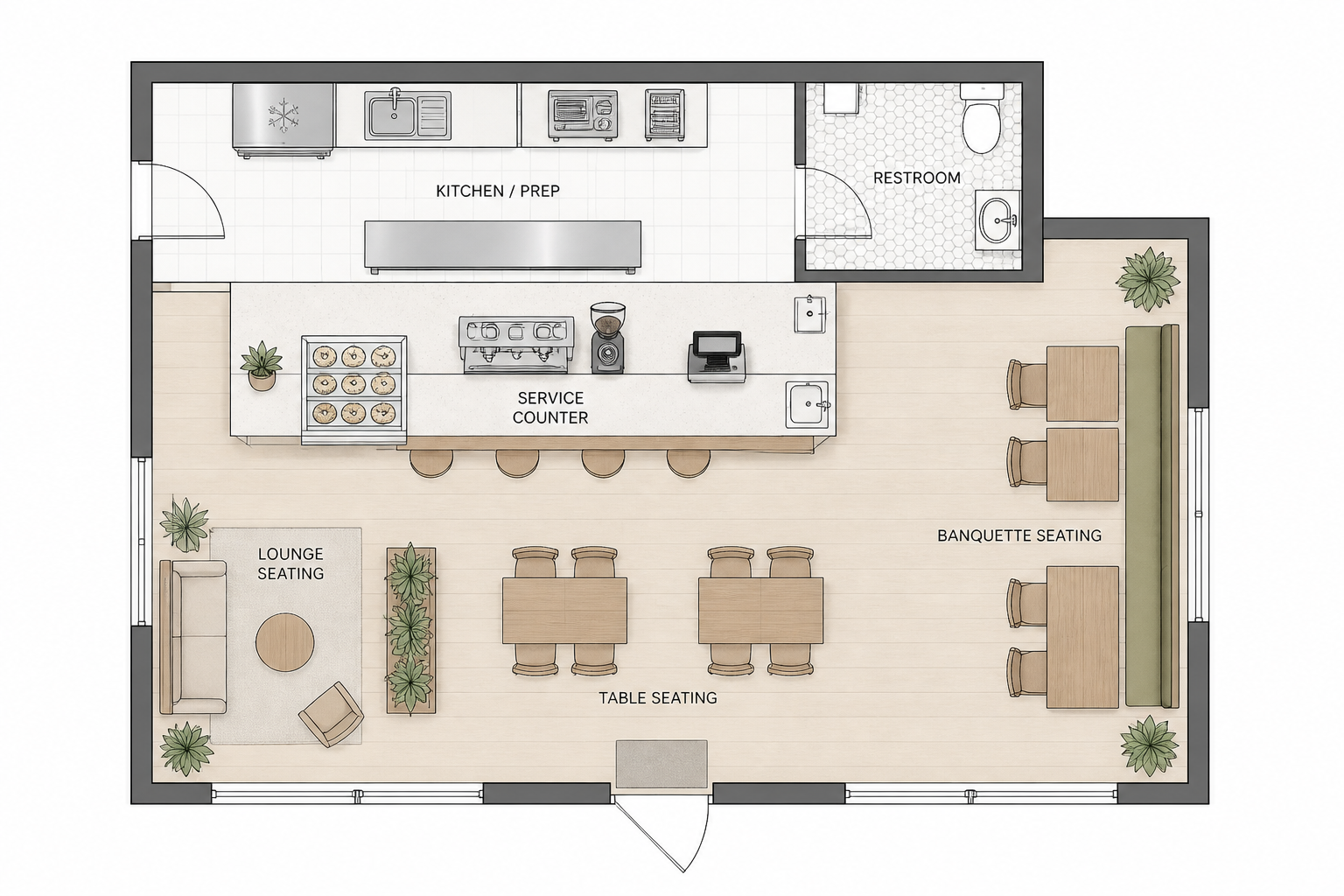 BEFORE
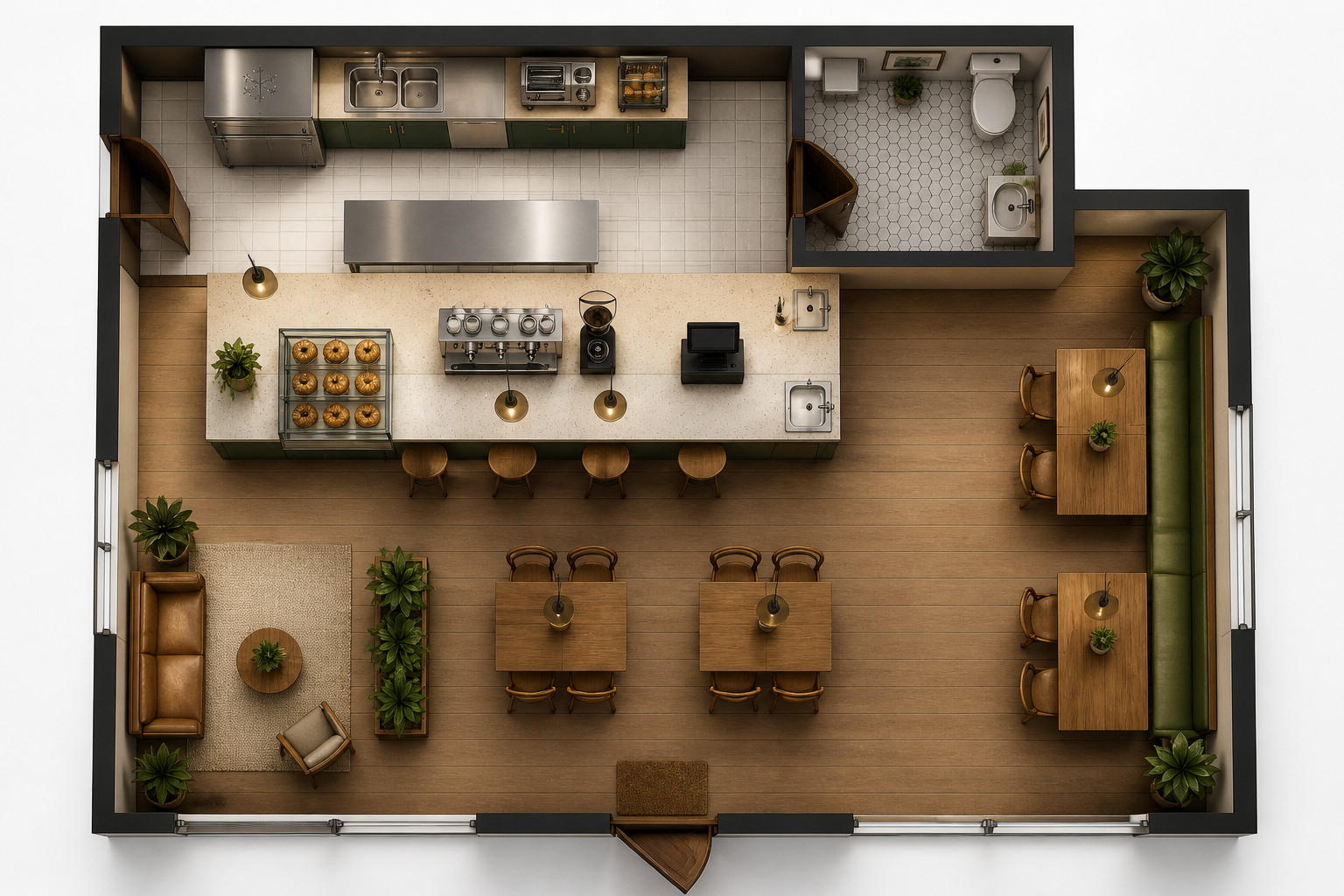 AFTER
AFTER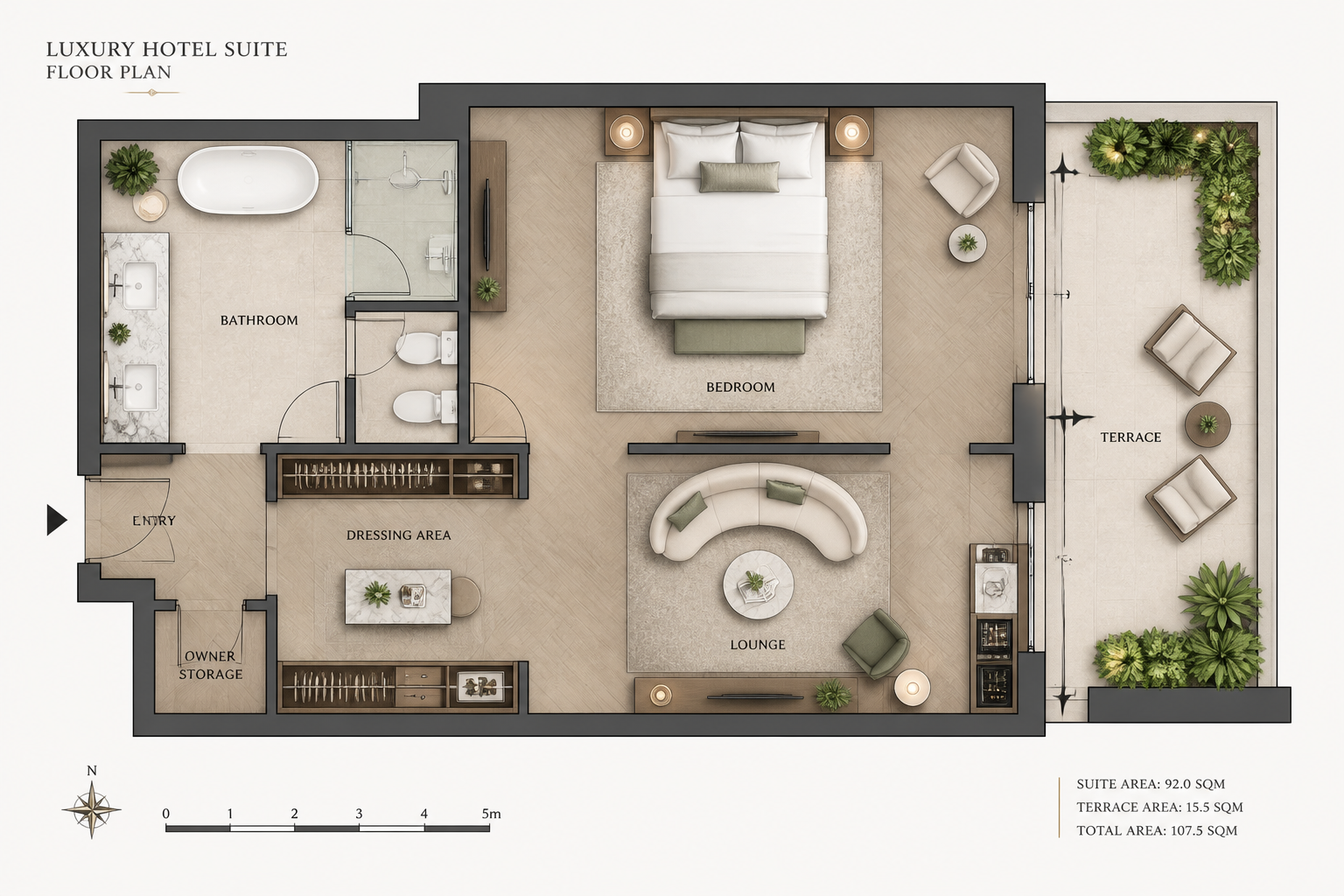 BEFORE
 AFTER
AFTER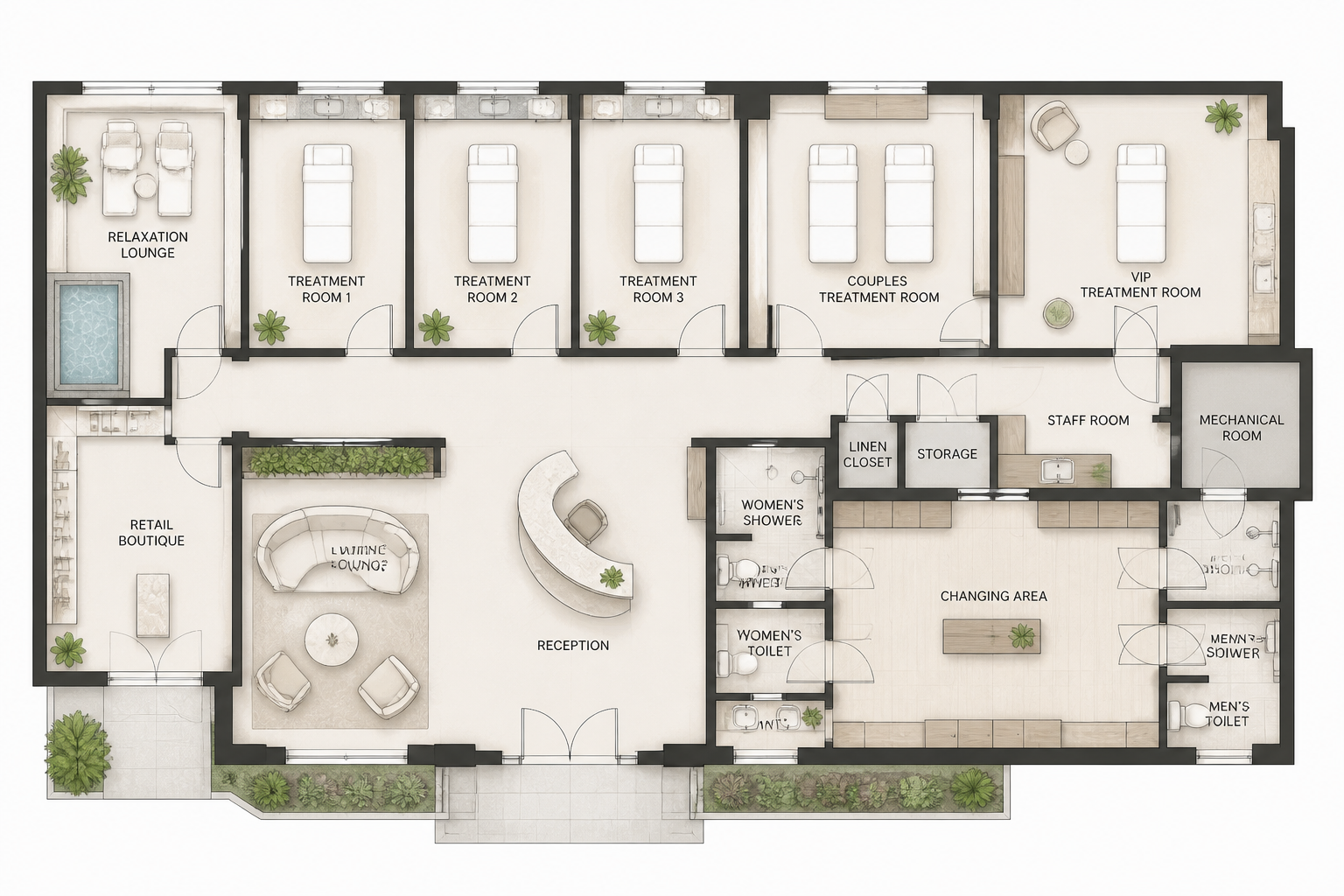 BEFORE
 AFTERBEFOREAFTERBEFOREAFTERBEFOREAFTERBEFOREAFTERBEFOREAFTER
 BEFORE
 AFTER
AFTER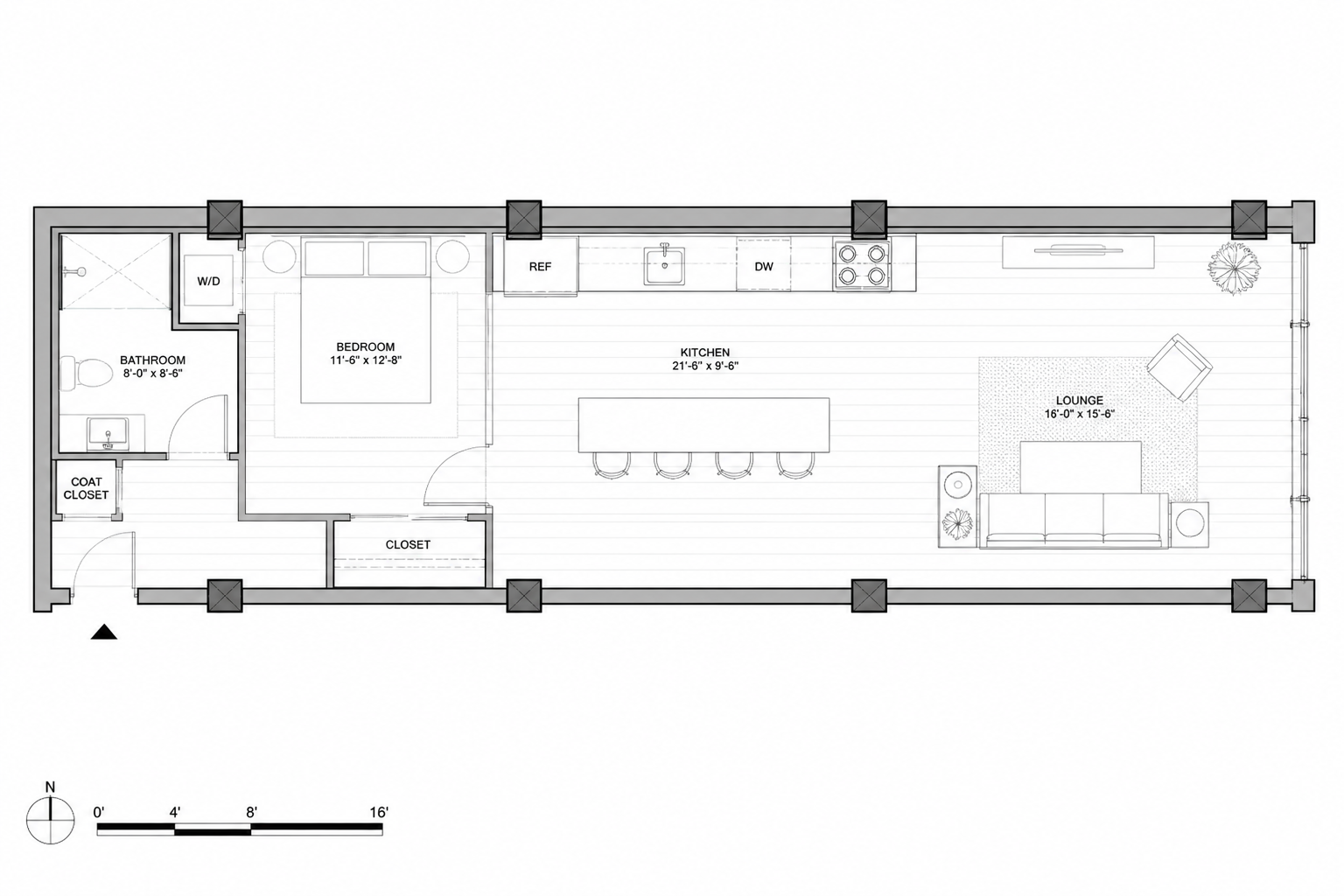 BEFORE
 AFTER
AFTER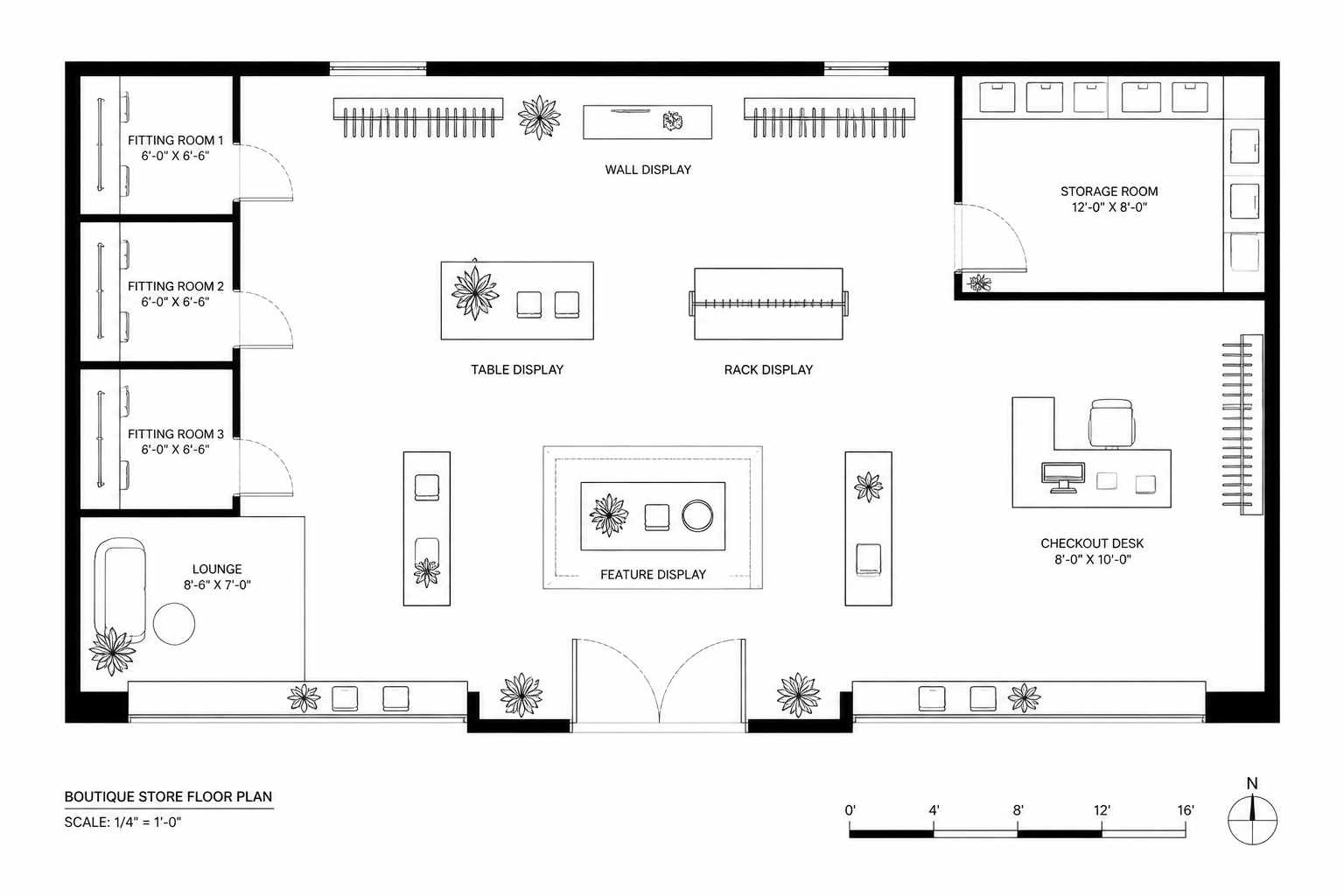 BEFORE
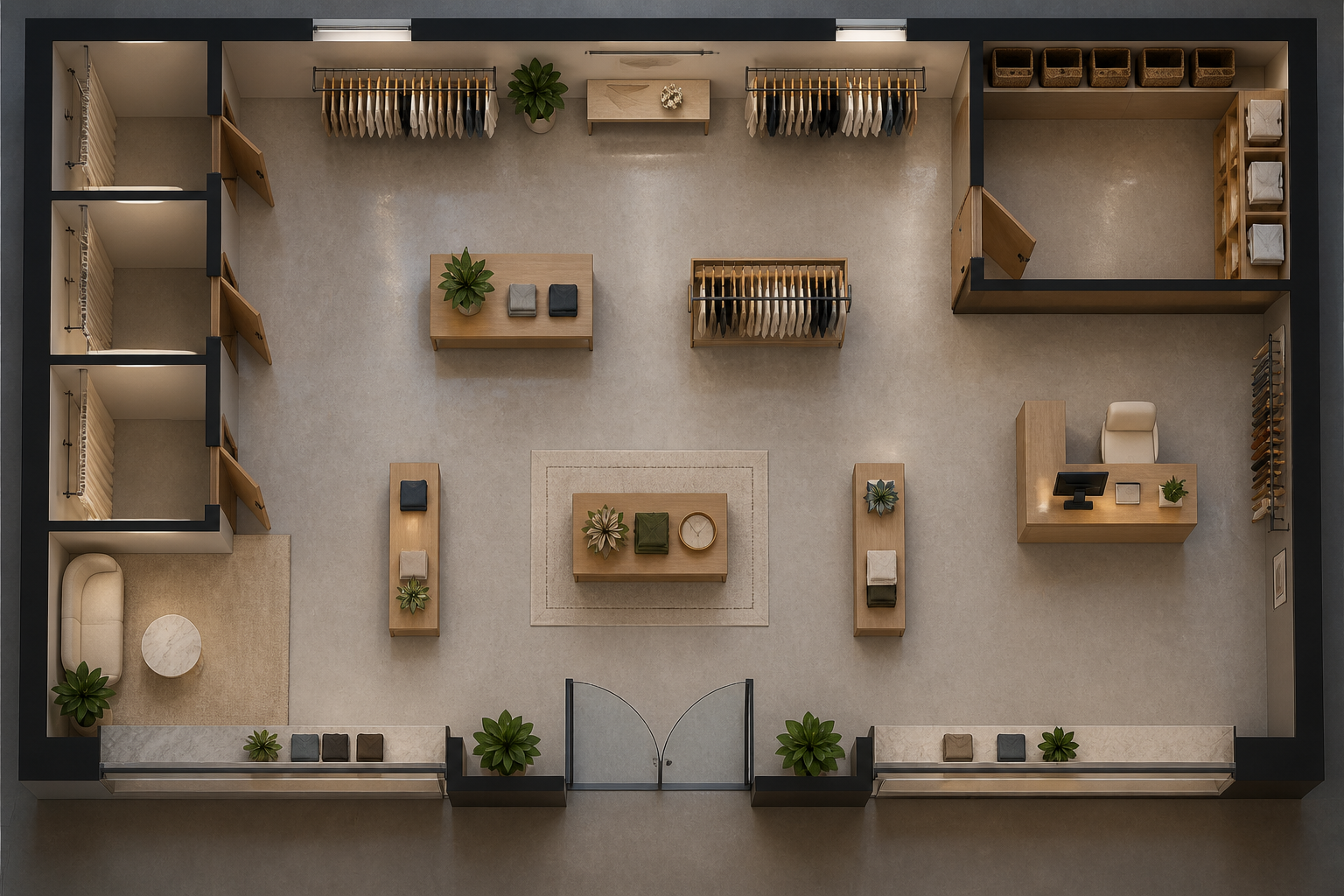 AFTER
AFTER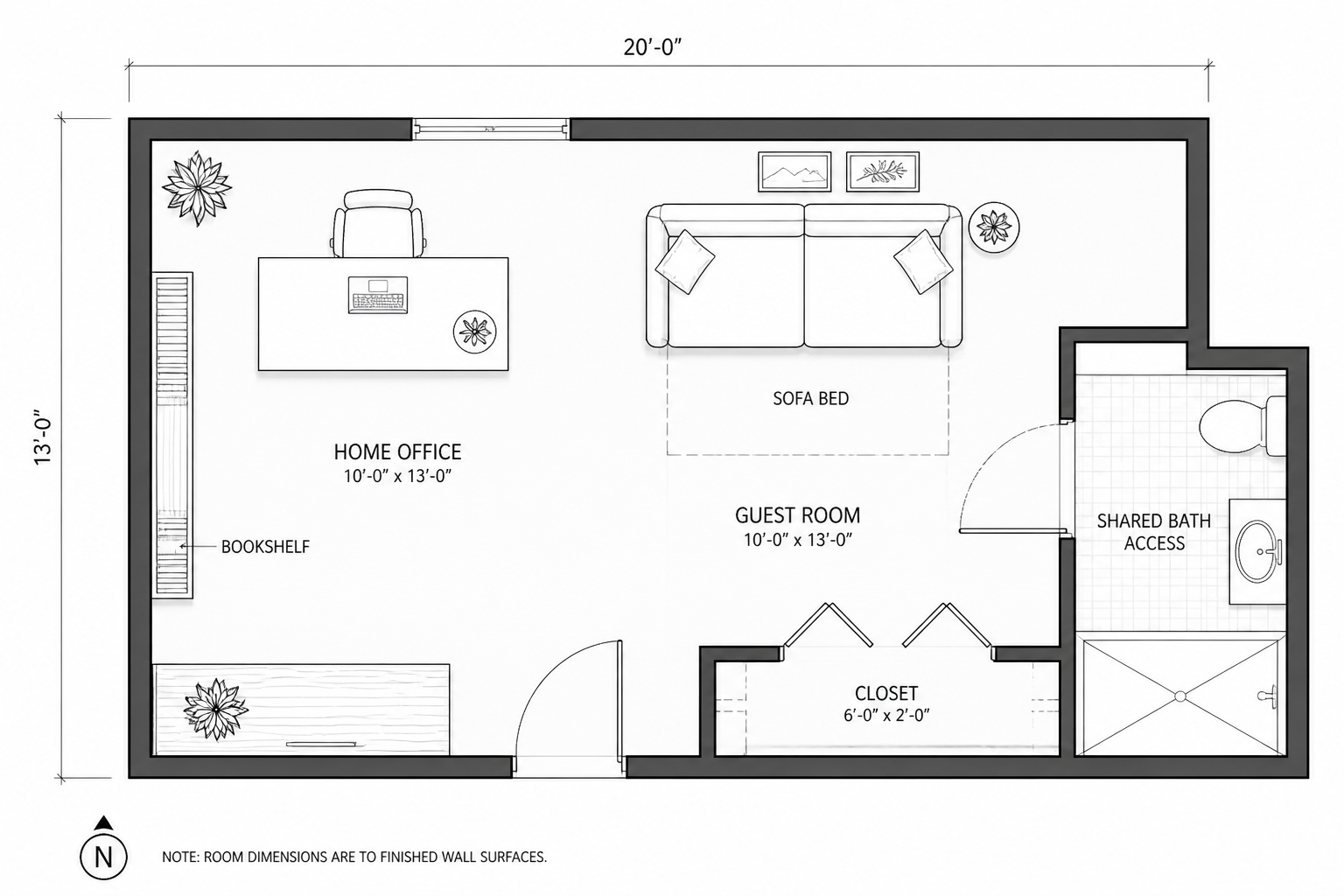 BEFORE
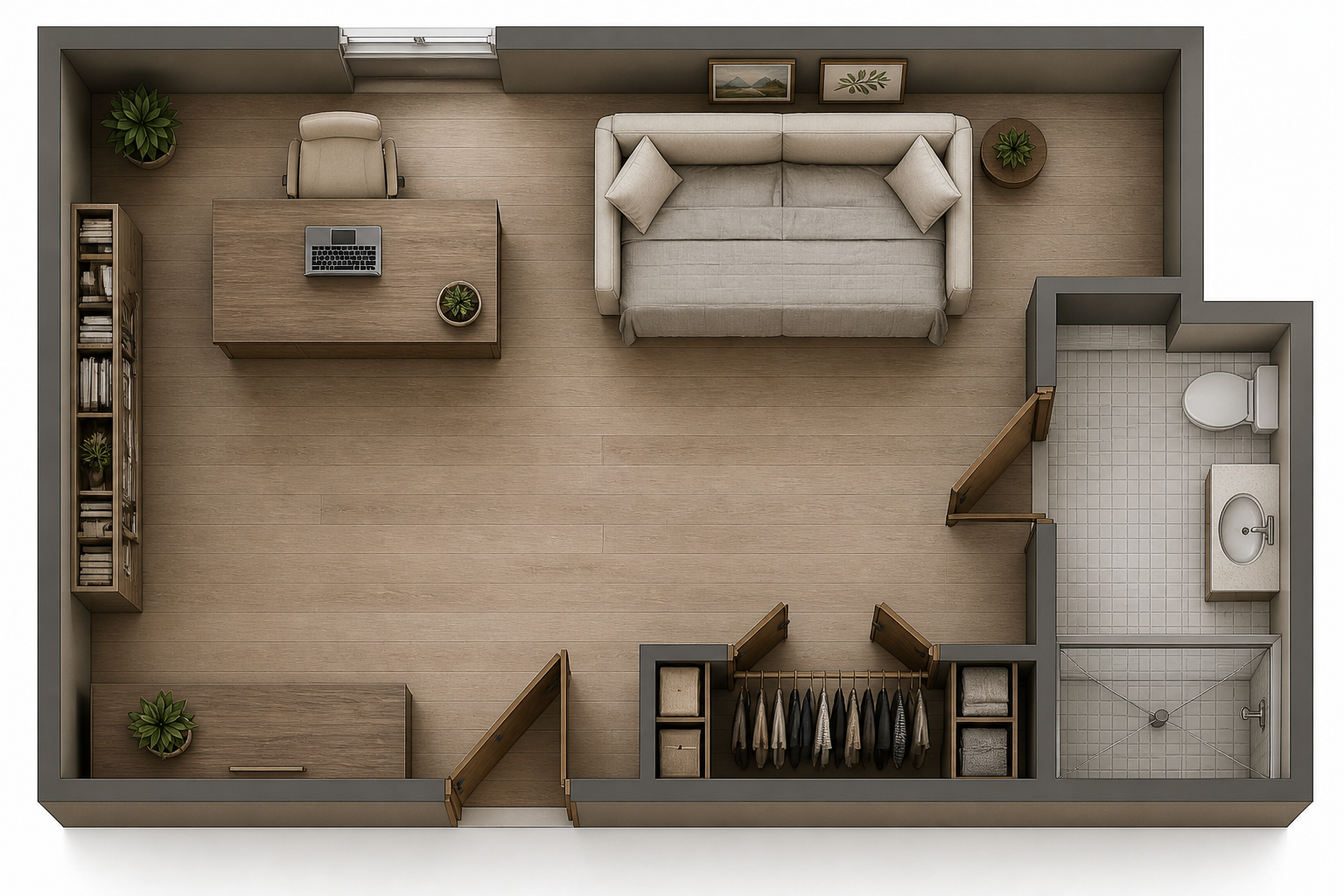 AFTER
AFTER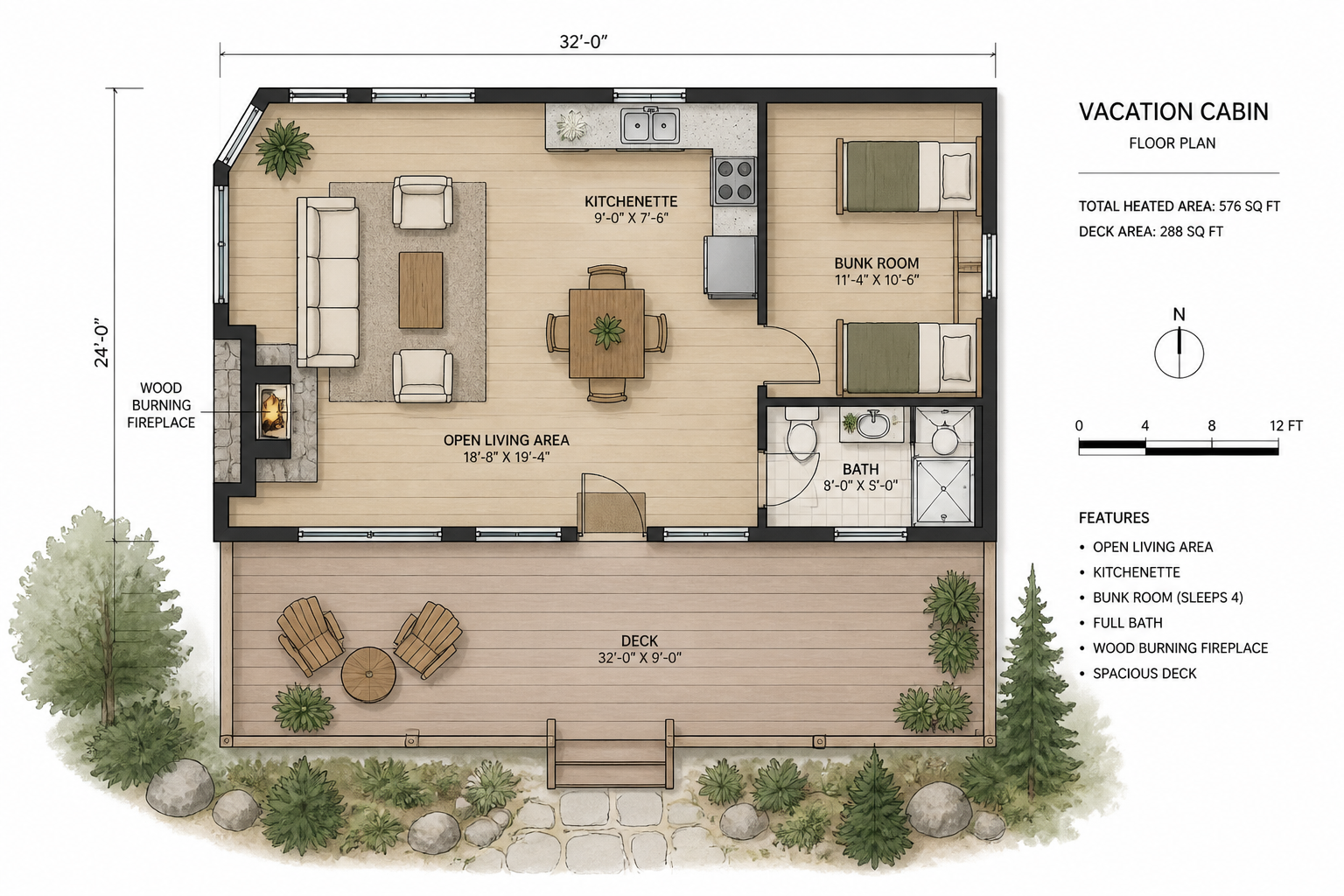 BEFORE
 AFTERBEFOREAFTERBEFOREAFTERBEFOREAFTERBEFOREAFTERBEFOREAFTER
Key Features
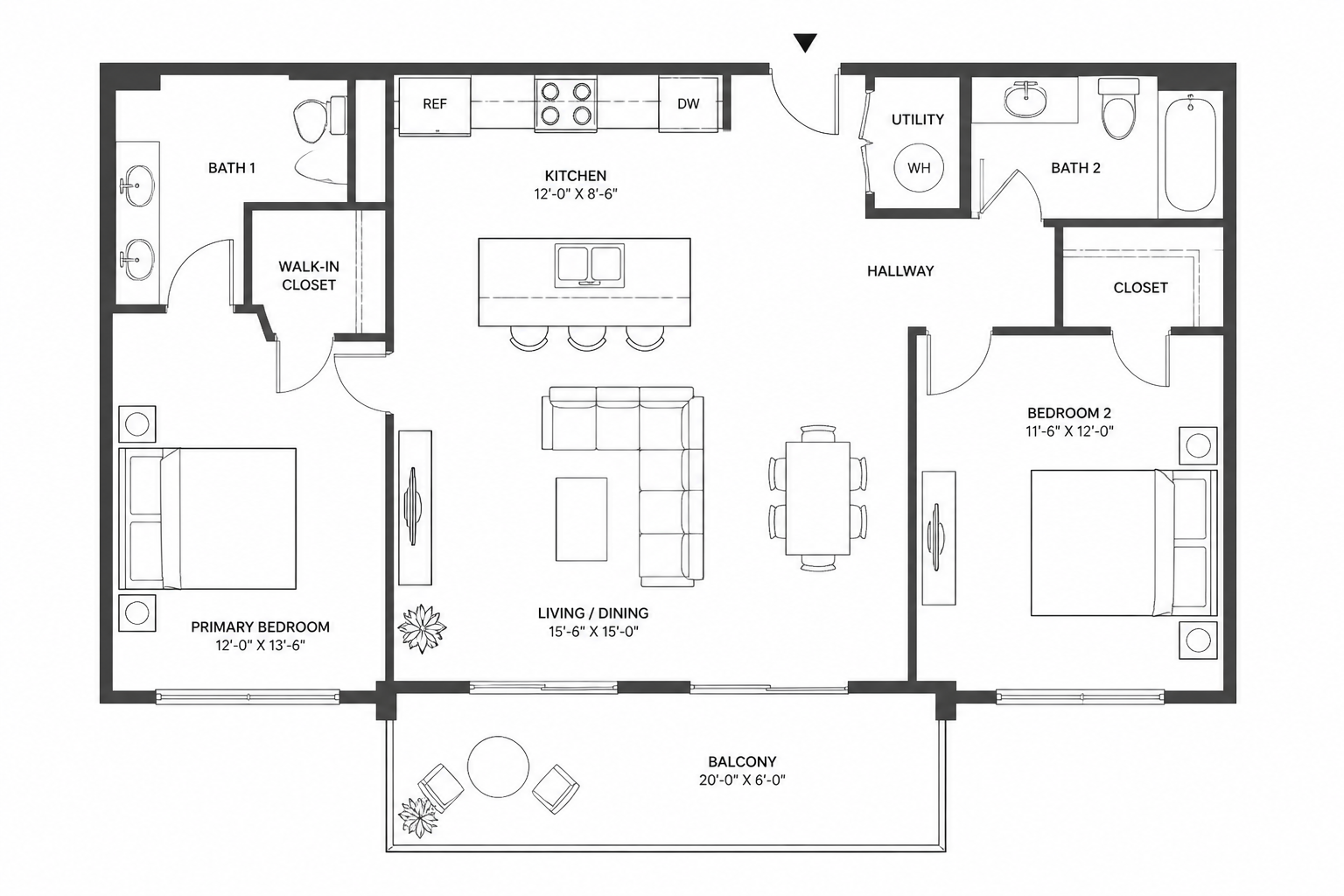
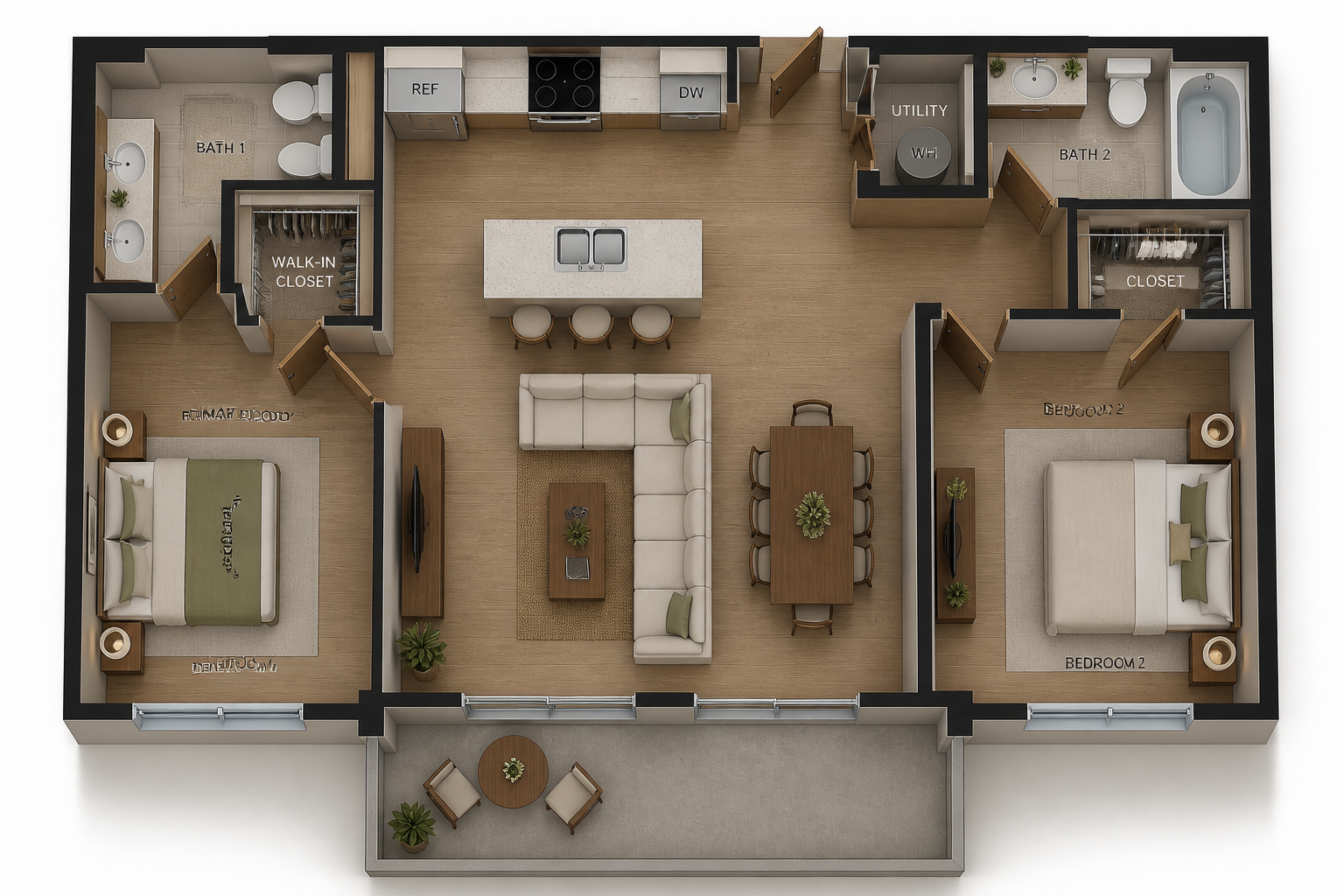
Keep the layout intact
You can start with a plain structural plan and turn it into a realistic layout without redrawing the space. The AI preserves walls, room boundaries, and overall placement so the result still matches the original plan. That makes it useful for pitching ideas without losing the underlying structure. It is much faster than manually rebuilding every room in a design tool.
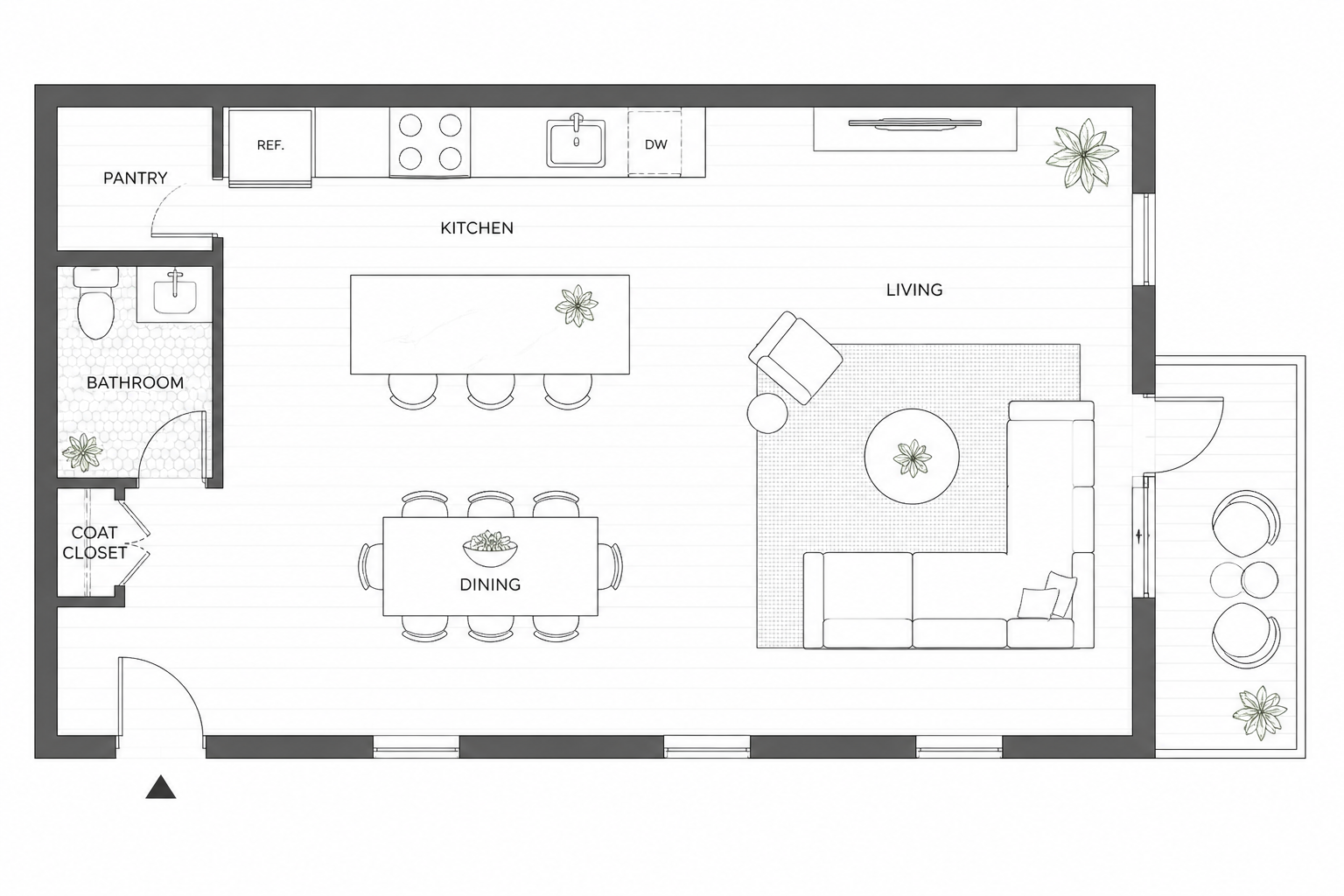
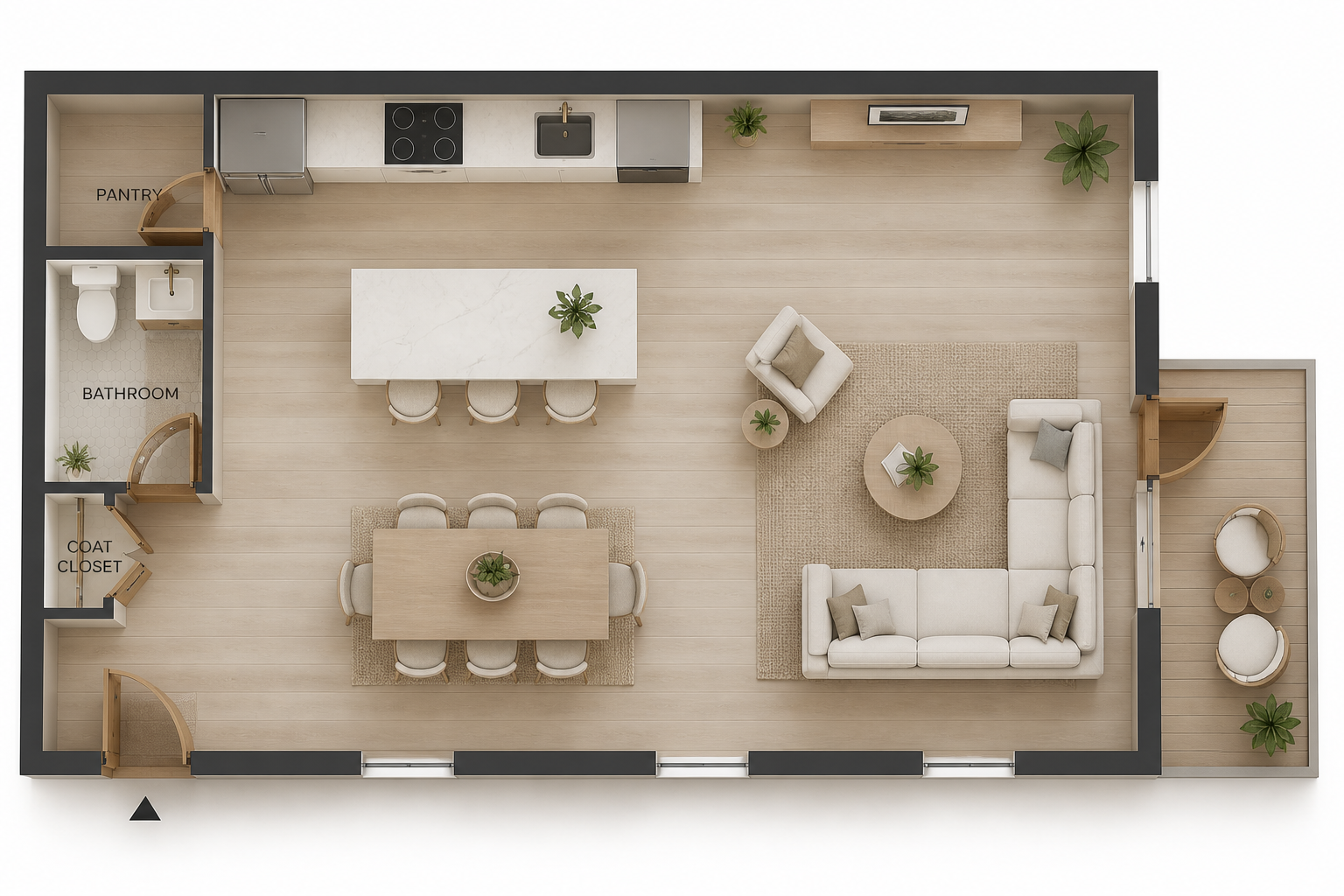
Preview different interior styles
The same plan can be visualized in very different design directions. Try modern, Scandinavian, coastal, rustic, or luxury looks without changing the room geometry. This helps clients and teams compare options quickly. Instead of mocking up each version by hand, you can generate multiple realistic directions from one structure image.
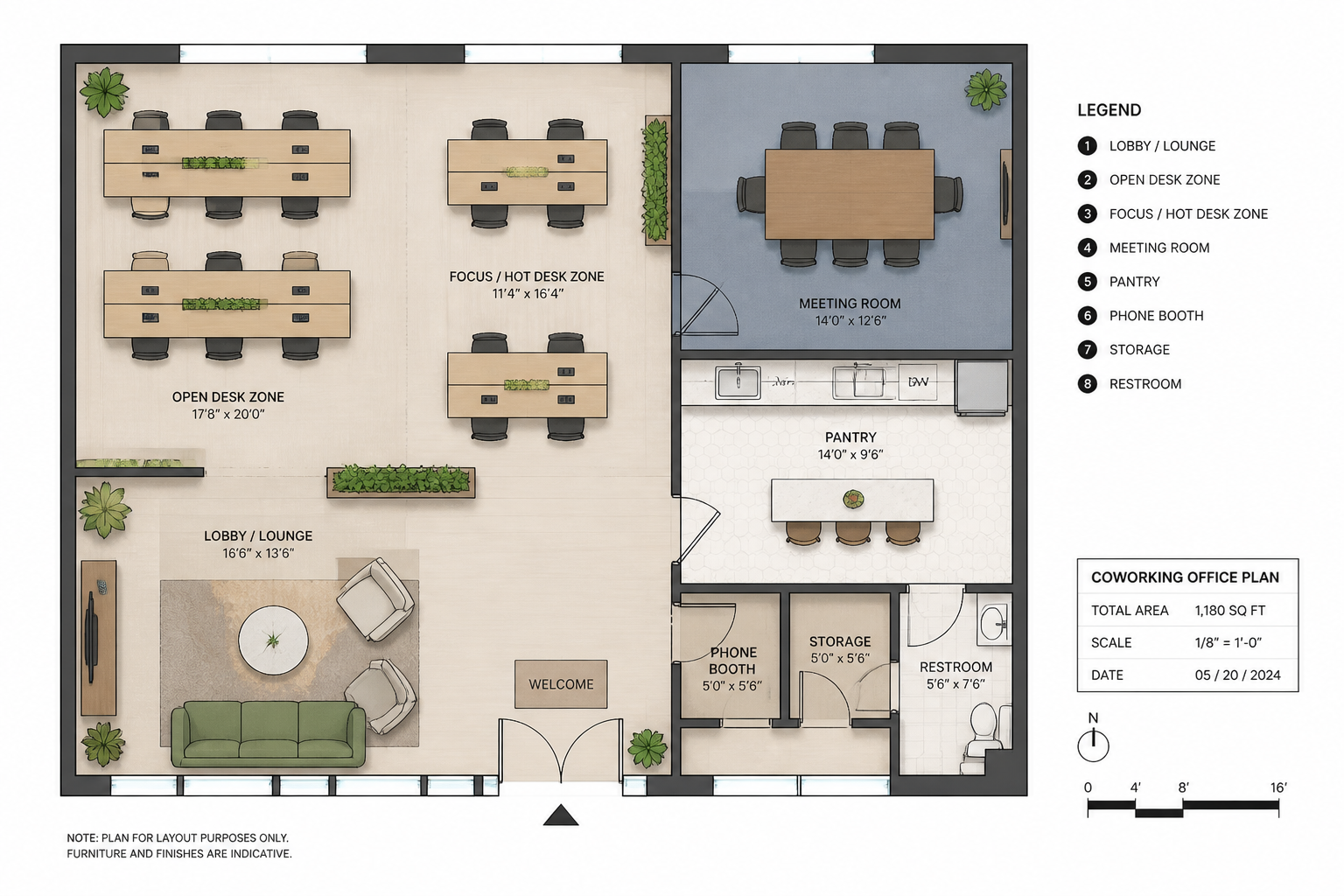
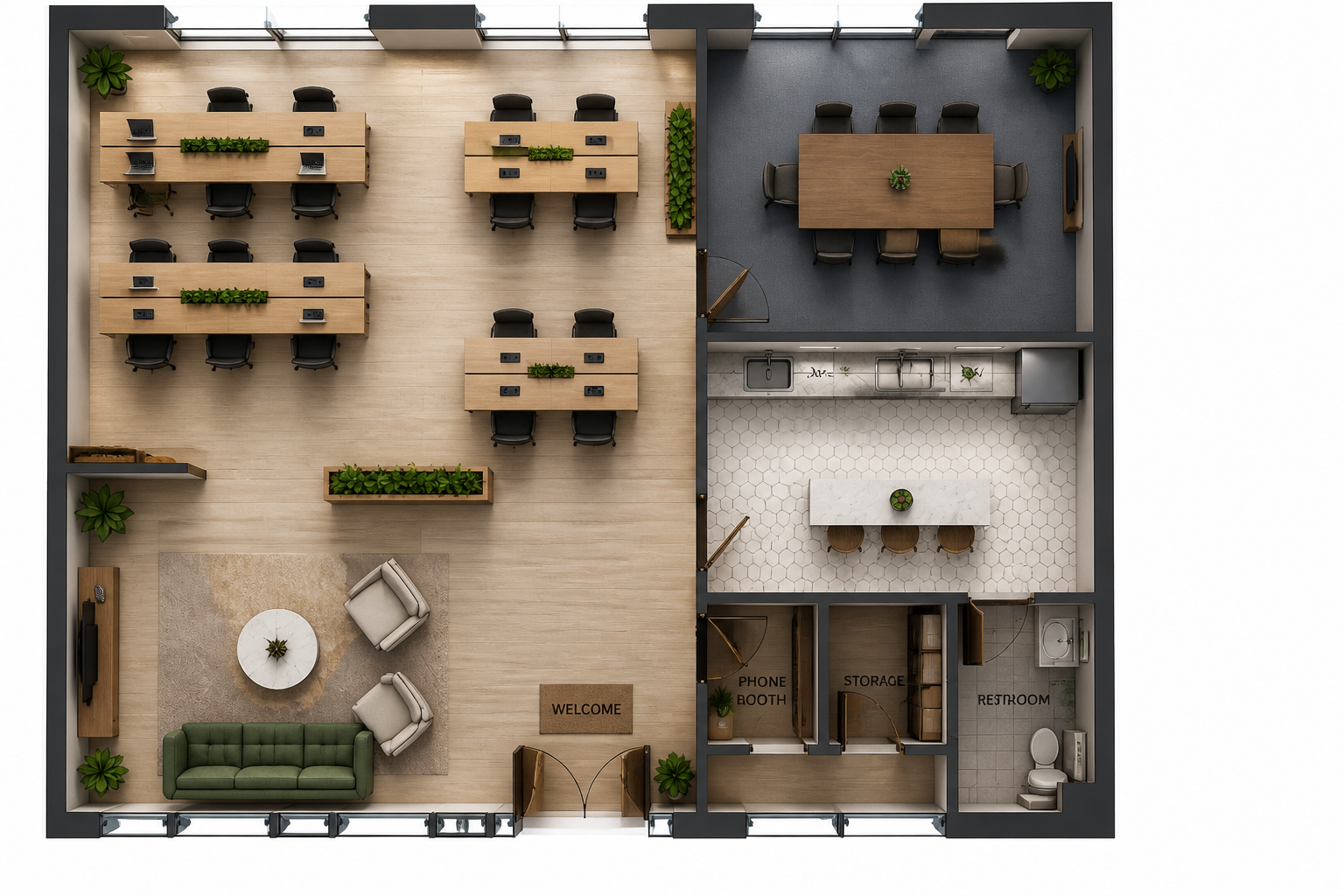
Useful for homes and commercial spaces
The tool works for more than apartments. You can generate realistic plan visuals for retail stores, cafes, offices, hospitality spaces, and wellness studios. This makes it practical for agencies, property teams, and independent designers. One workflow can support many kinds of projects.
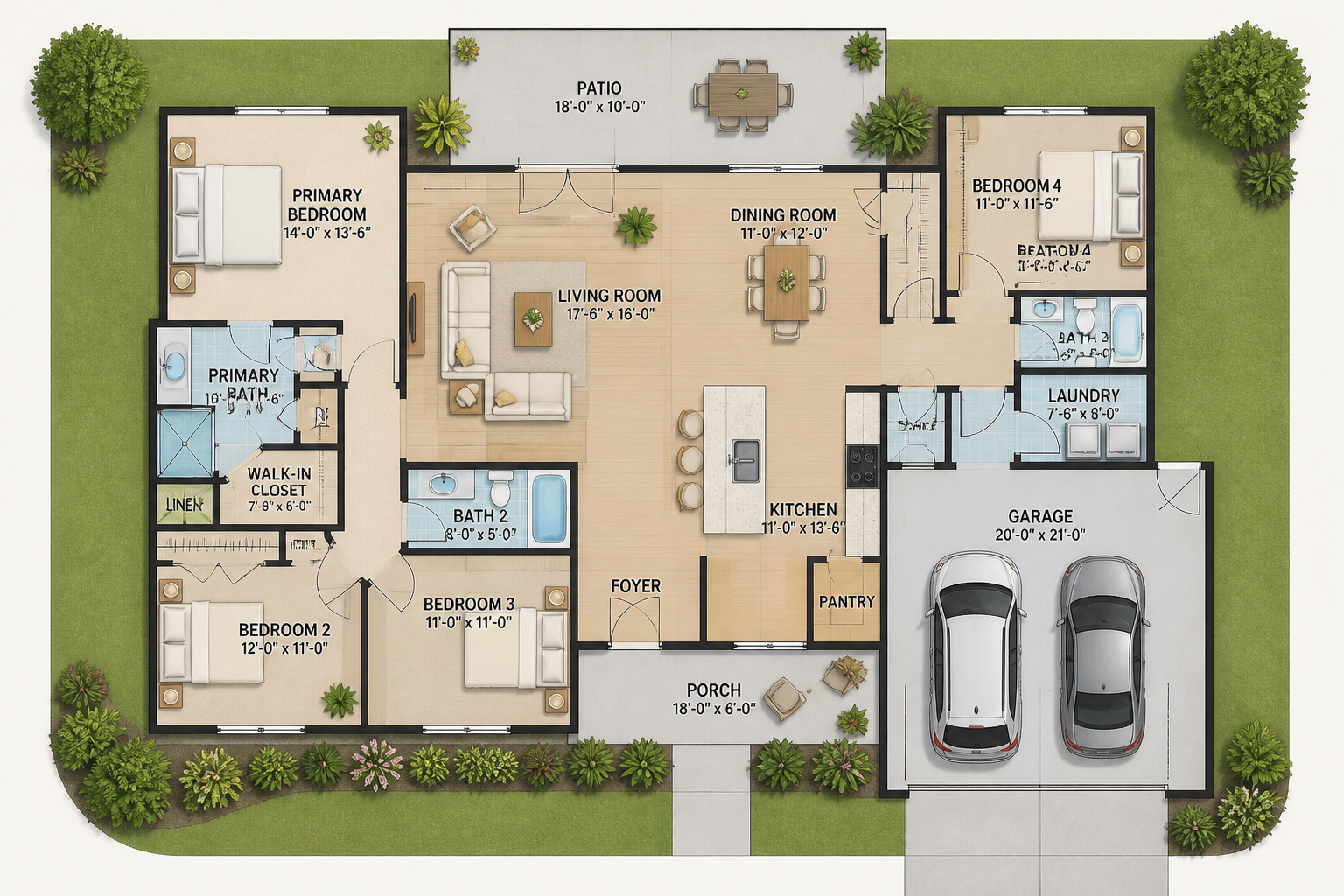
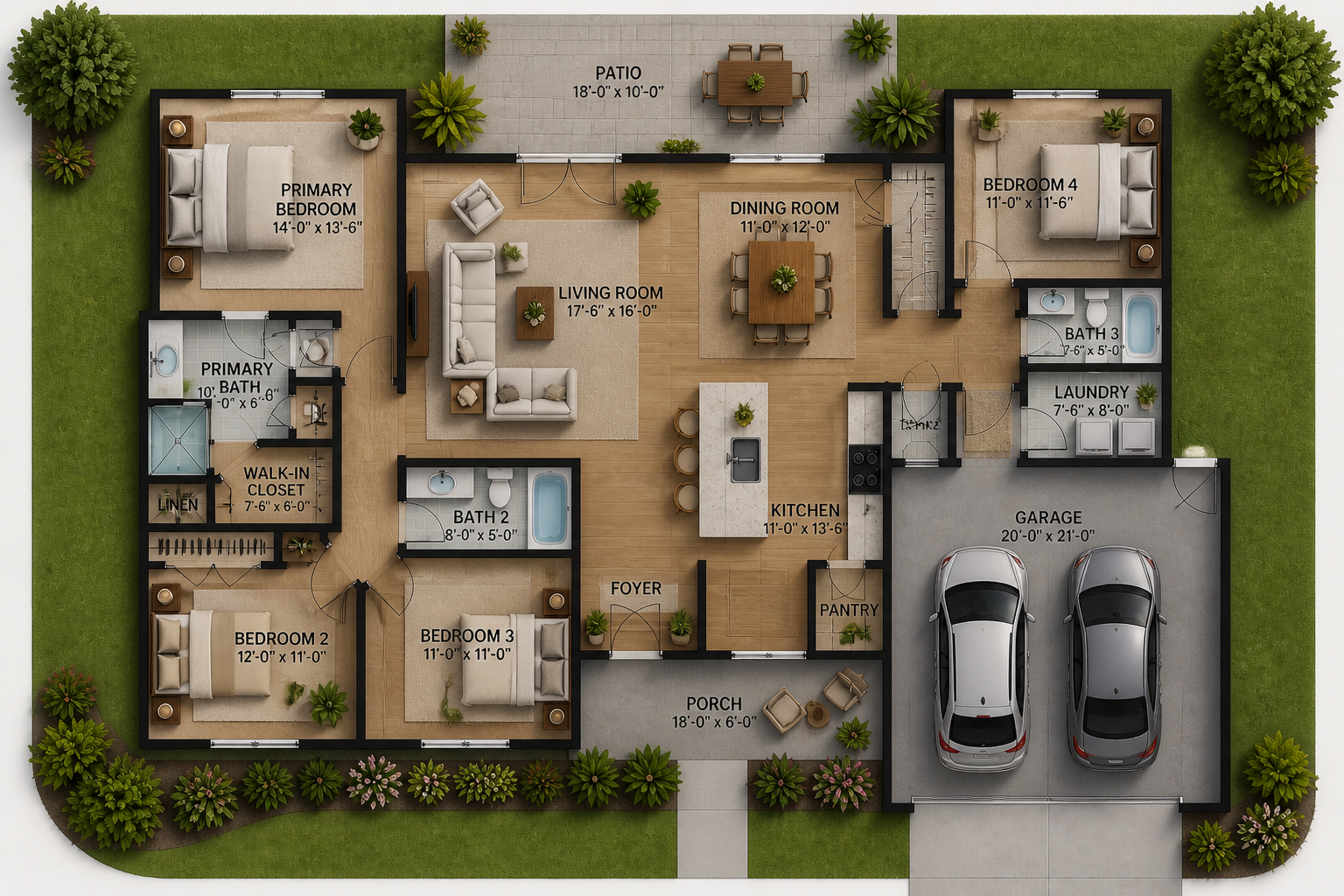
Present ideas more clearly
Flat line drawings can be hard for clients to read, especially when they are not used to architectural plans. A realistic top-down render makes room purpose, circulation, and furniture scale easier to understand at a glance. That improves feedback quality and speeds up approvals. It also gives listings and presentations a more polished visual.
How It Works
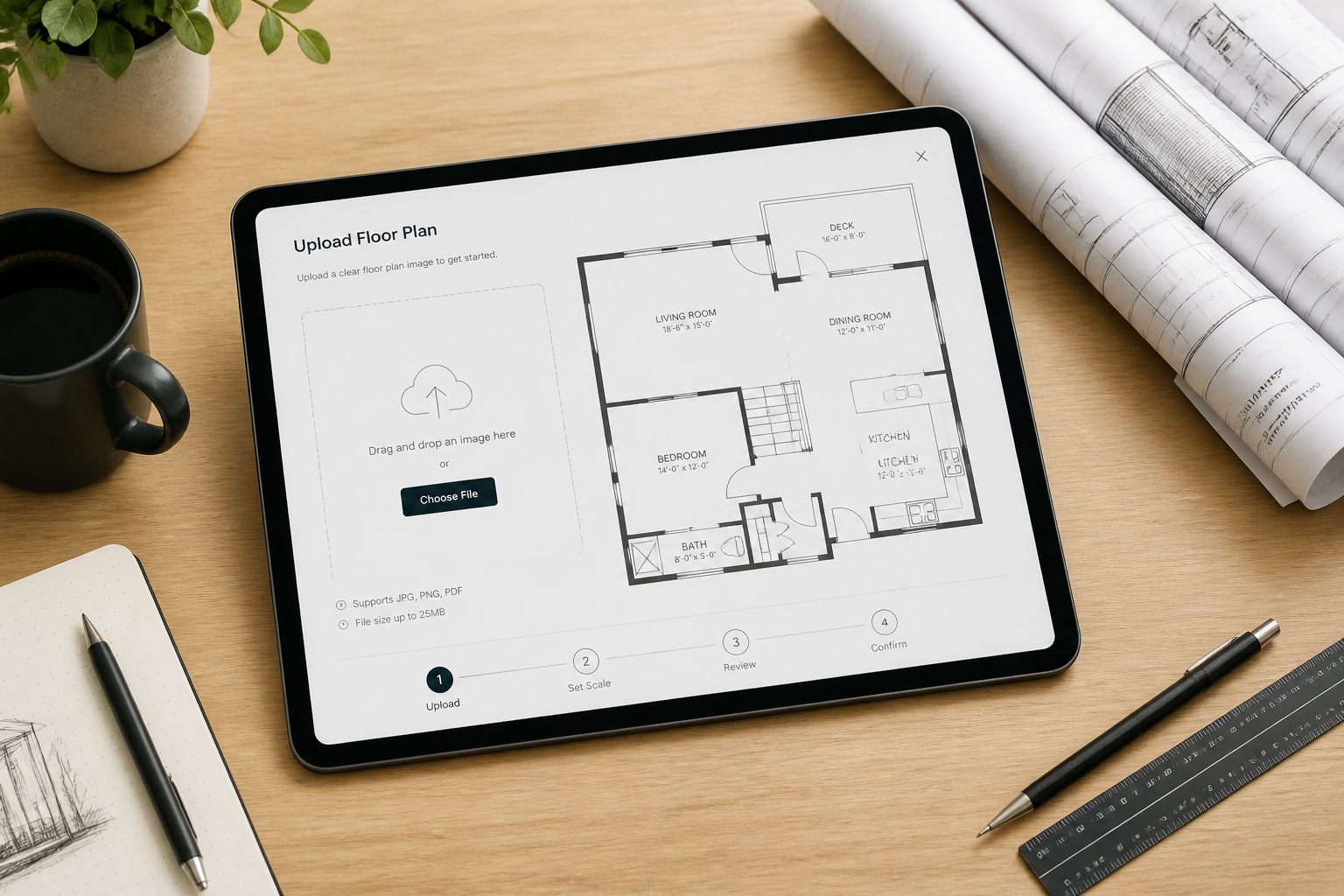
Upload your floor plan
Start with a structural floor plan image such as a blueprint, line drawing, or clean layout sketch. Clear walls and room divisions give the AI the best base to work from.
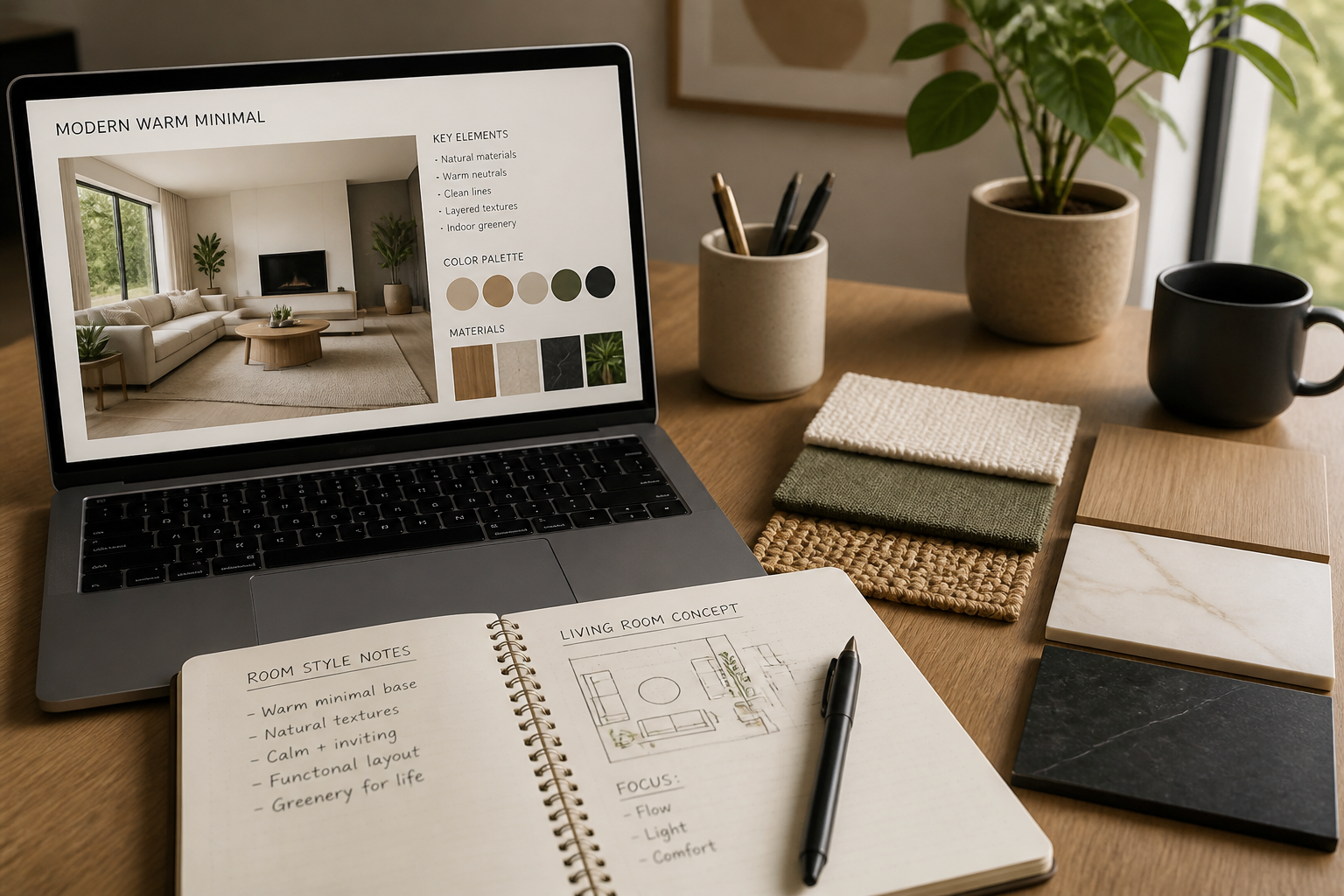
Describe the finish
Tell the AI what kind of realistic result you want, such as modern apartment, cozy cabin, or upscale retail interior. You can mention materials, furniture style, and overall mood.
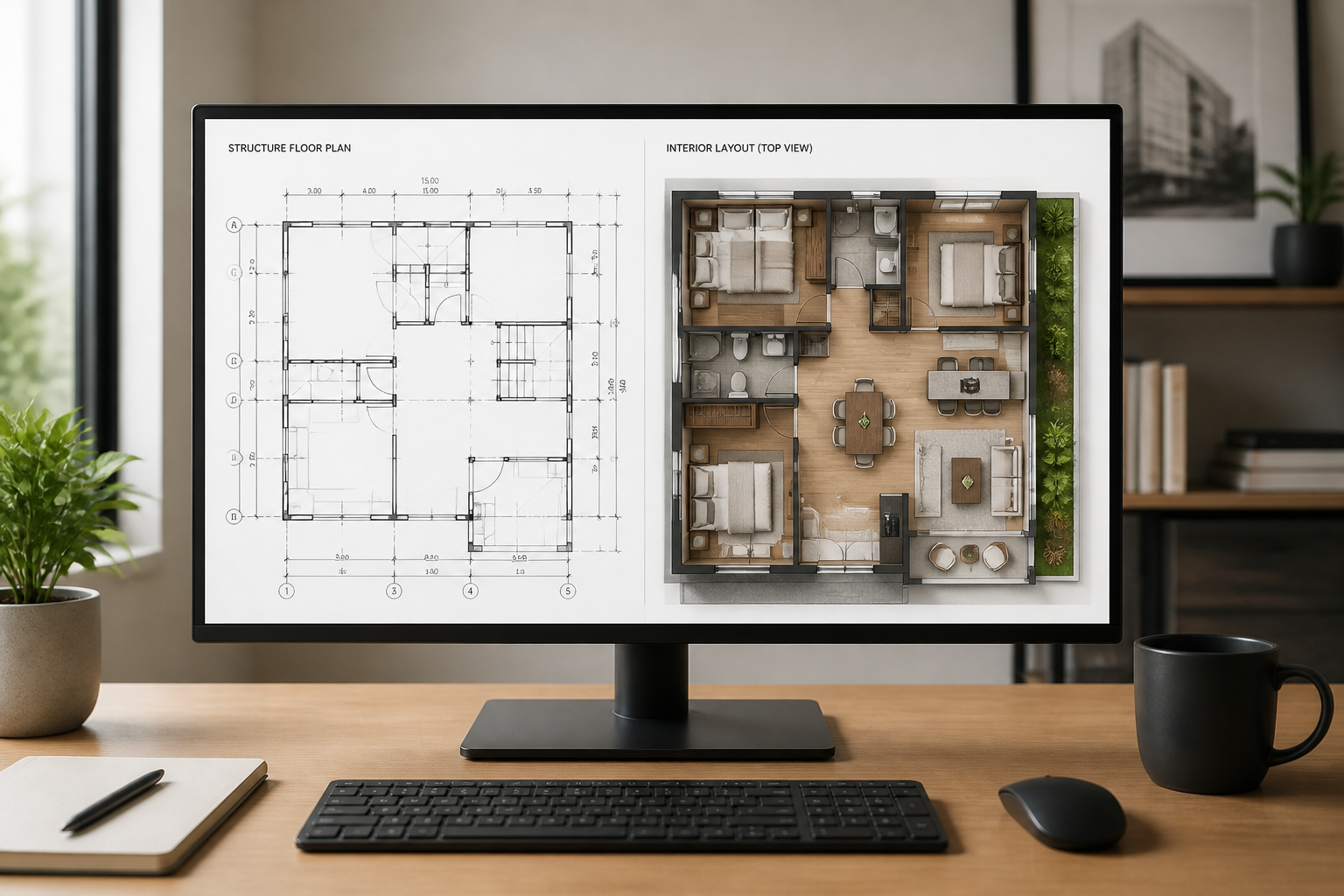
Review the generated layout
Compare the structural image with the realistic output and check that the room placement still matches your plan. If needed, regenerate with a new style prompt for another option.
Perfect For
Discover how creators and professionals use ai floor plan generator
Real estate marketing
Turn basic floor plans into polished visuals that help buyers understand space faster.
Interior design concepts
Show different furnishing and finish directions before committing to a full design pass.
Client presentations
Replace hard-to-read plan drawings with realistic top-down layouts for clearer feedback.
Commercial space planning
Visualize cafes, offices, retail stores, and hospitality layouts from simple structural plans.
Built For
Interior designers
Quickly turn base plans into realistic concept visuals for pitches, revisions, and style exploration.
Real estate teams
Create clearer listing assets from plain floor plans without waiting on a full rendering workflow.
Architects and planners
Communicate layout intent to non-technical clients with real-looking top-down plan visuals.
Why use AI for floor plan visualization
A quick look at how we compare on the things that matter for this niche.
| Feature | BudgetPixel | Generic AI editors | Manual editing apps |
|---|---|---|---|
| Structure image to realistic layout | ✓ | — | — |
| Keeps room placement readable | ✓ | — | ✓ |
| Fast style variations | ✓ | ✓ | — |
| No manual rendering workflow | ✓ | ✓ | — |
Frequently Asked Questions
What does the AI Floor Plan Generator do?
Will it preserve my room layout?
Can I use it for commercial spaces too?
Do I need a perfect architectural blueprint?
Can I try different design styles on the same floor plan?
Create together.
Share your creations, discover trending AI art, and grow with fellow creators.