AI Pixel Art Generator
Turn simple text prompts into clean retro-style pixel art.
Generate original pixel art from text for game concepts, social posts, avatars, mockups, and personal projects. This tool is built for anyone who wants retro visuals fast without placing every pixel by hand.
See It In Action
Real outputs from ai pixel art generator.
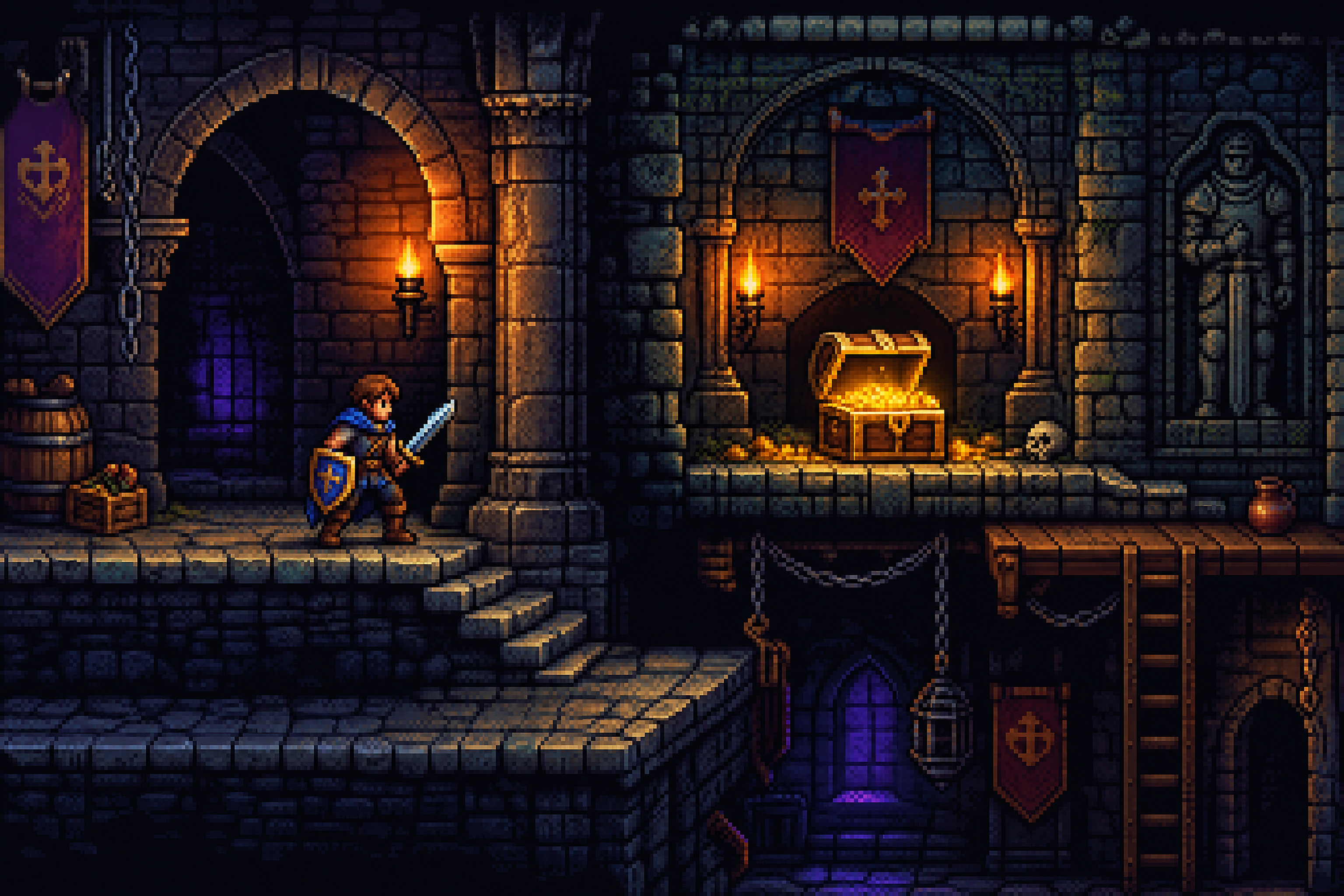
retro pixel art fantasy adventurer standing in a torchlit dungeon, detailed 16-bit style, dramatic lighting, glowing treasure chest, stone arches, crisp tile textures, rich color palette, side view environment composition
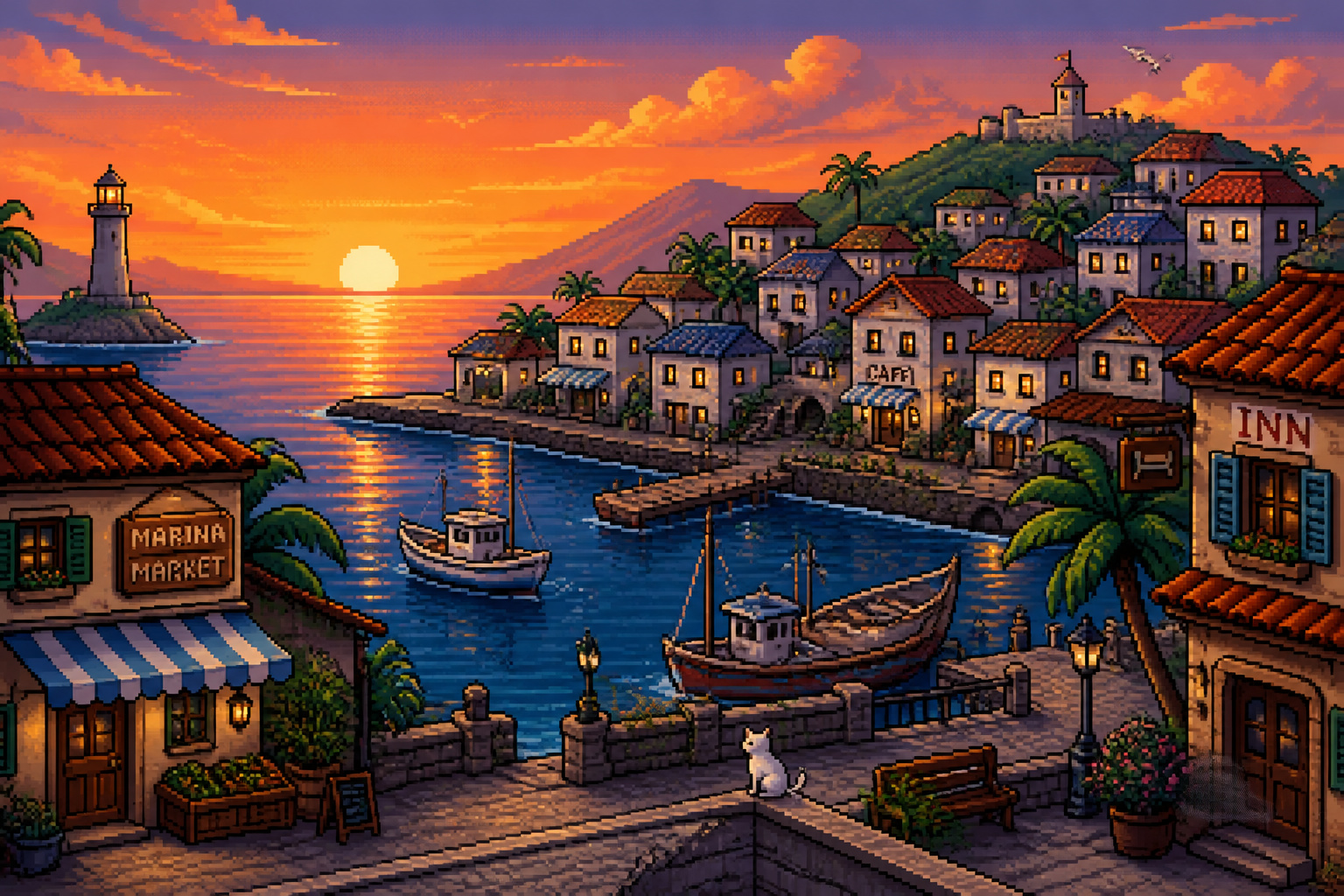
cozy pixel art seaside town at sunset, 16-bit game environment, orange sky reflections, tiny boats in harbor, tiled rooftops, palm trees swaying, clean outlines, layered parallax look
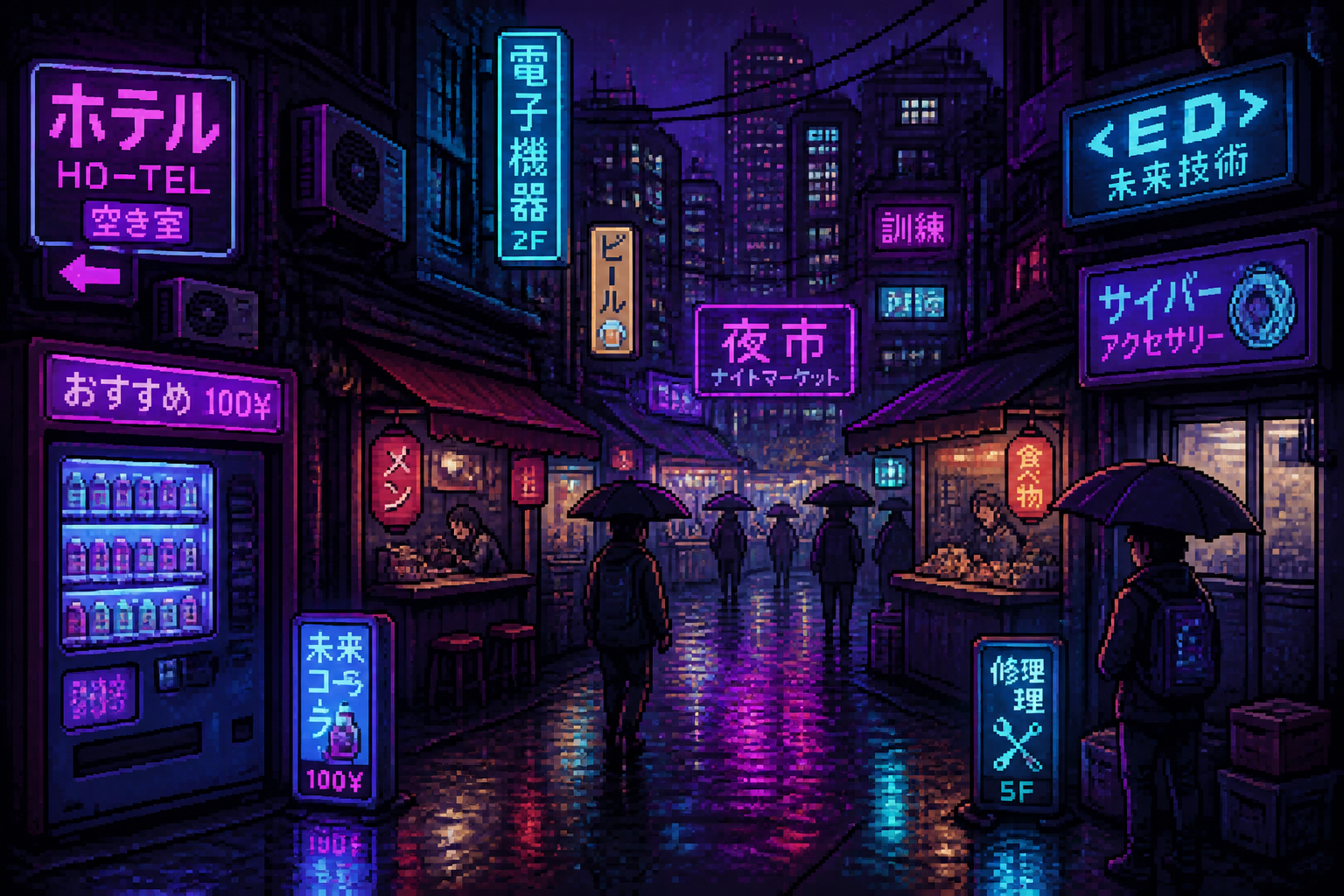
cyberpunk pixel art night market alley, neon signs, rainy pavement reflections, vending machines, umbrellas, moody purple and cyan palette, dense city details, 16-bit style
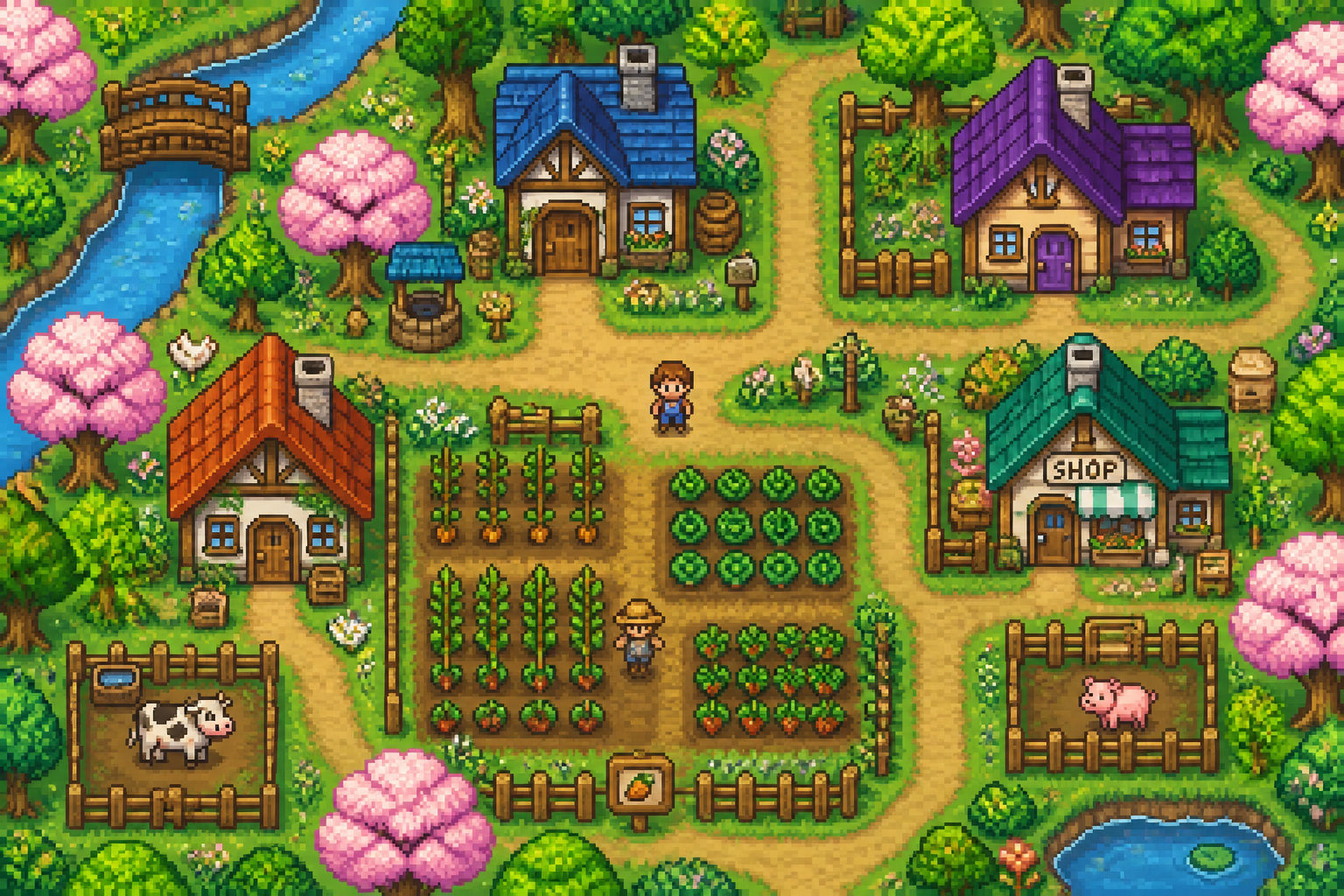
pixel art farming village in spring, cute cottages, vegetable plots, dirt paths, flowering trees, bright morning light, charming 16-bit simulation game style
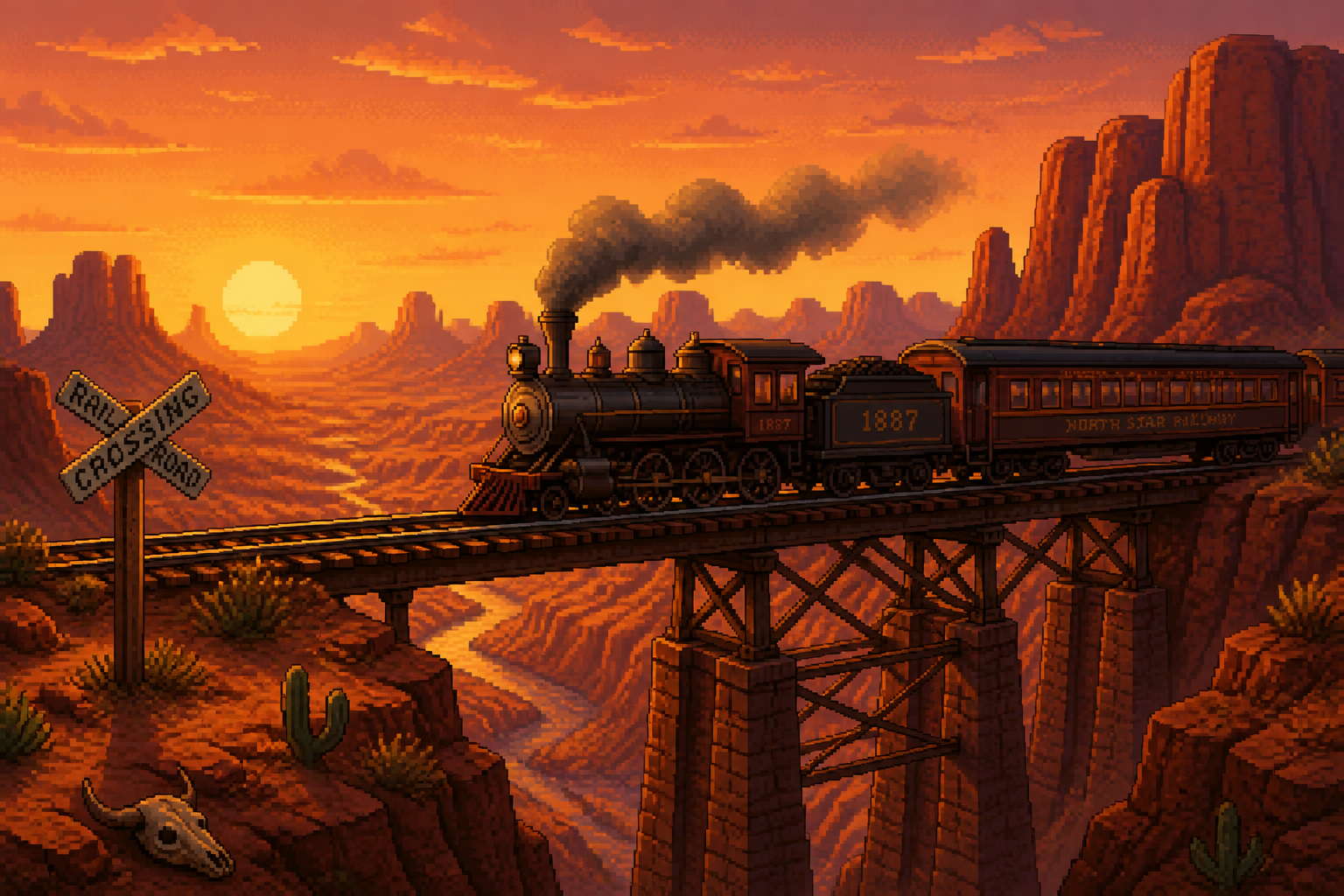
pixel art desert train crossing red canyon, western-inspired landscape, long shadows, dusty atmosphere, rock formations, warm sunset palette, cinematic 16-bit scene
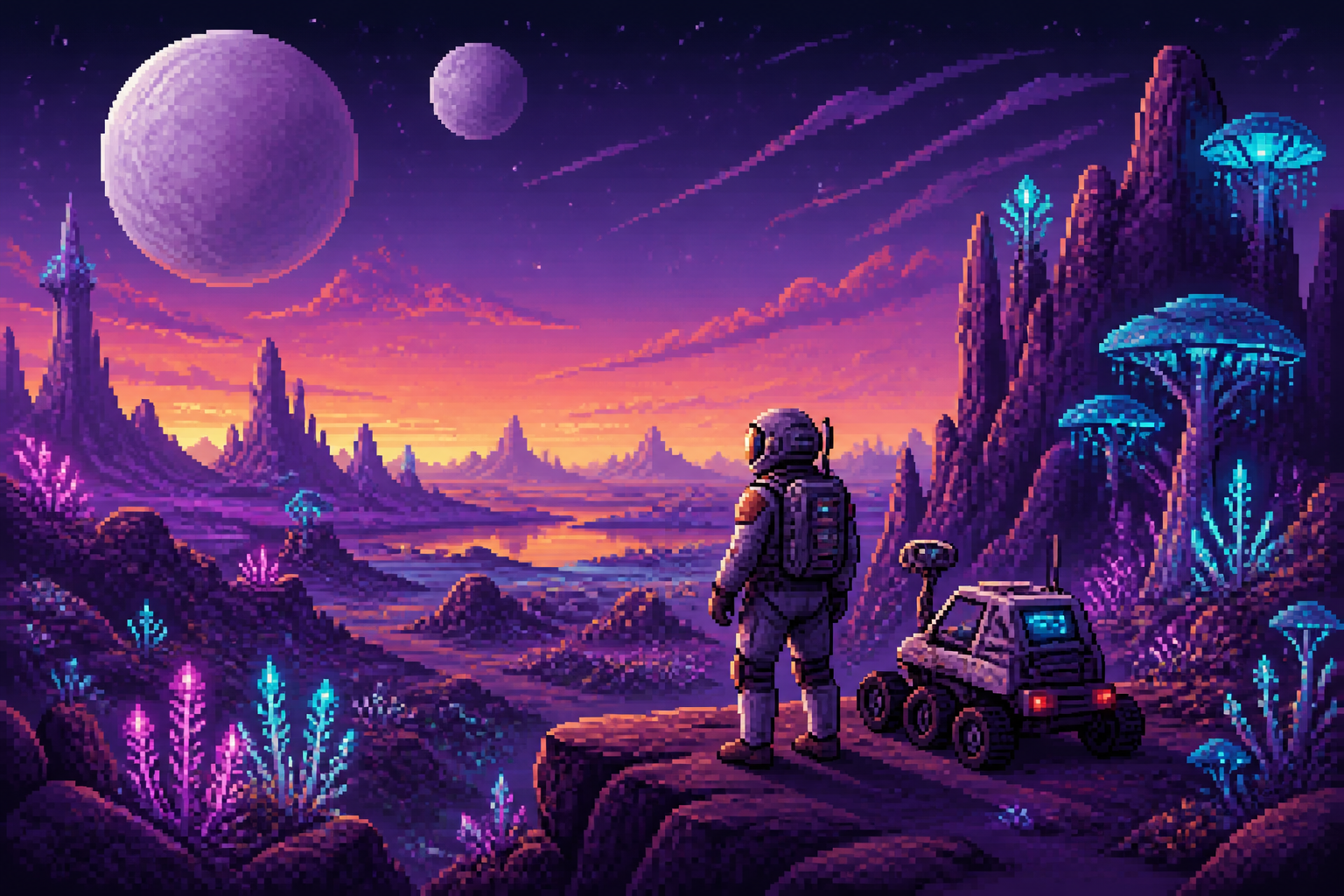
pixel art space explorer on alien planet, glowing plants, twin moons, purple rocks, small rover, detailed 16-bit sci-fi style, dramatic horizon lighting
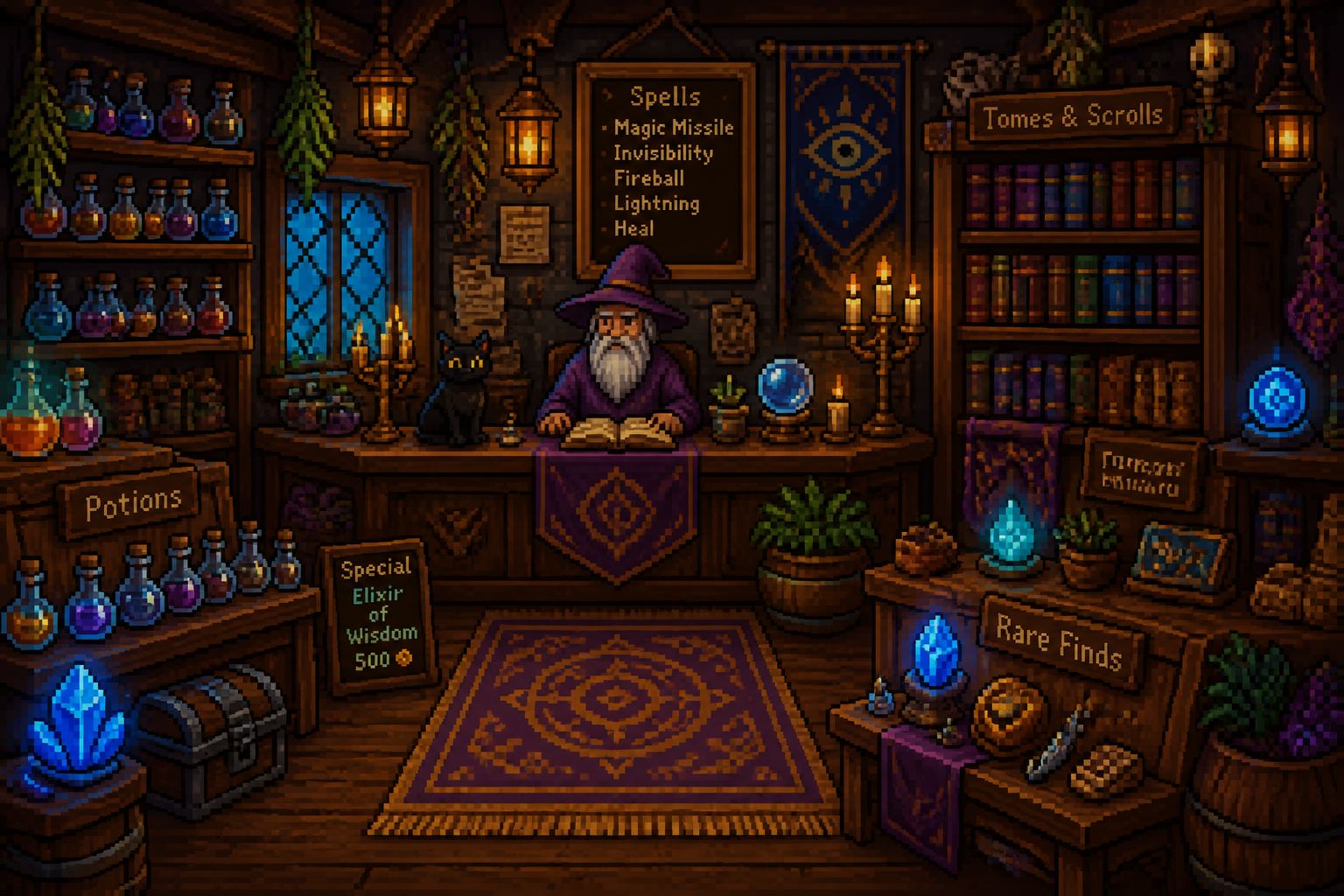
pixel art wizard shop interior, potion shelves, spell books, candlelight, wooden counters, magical blue glow, rich cozy detail, top-tier 16-bit RPG style
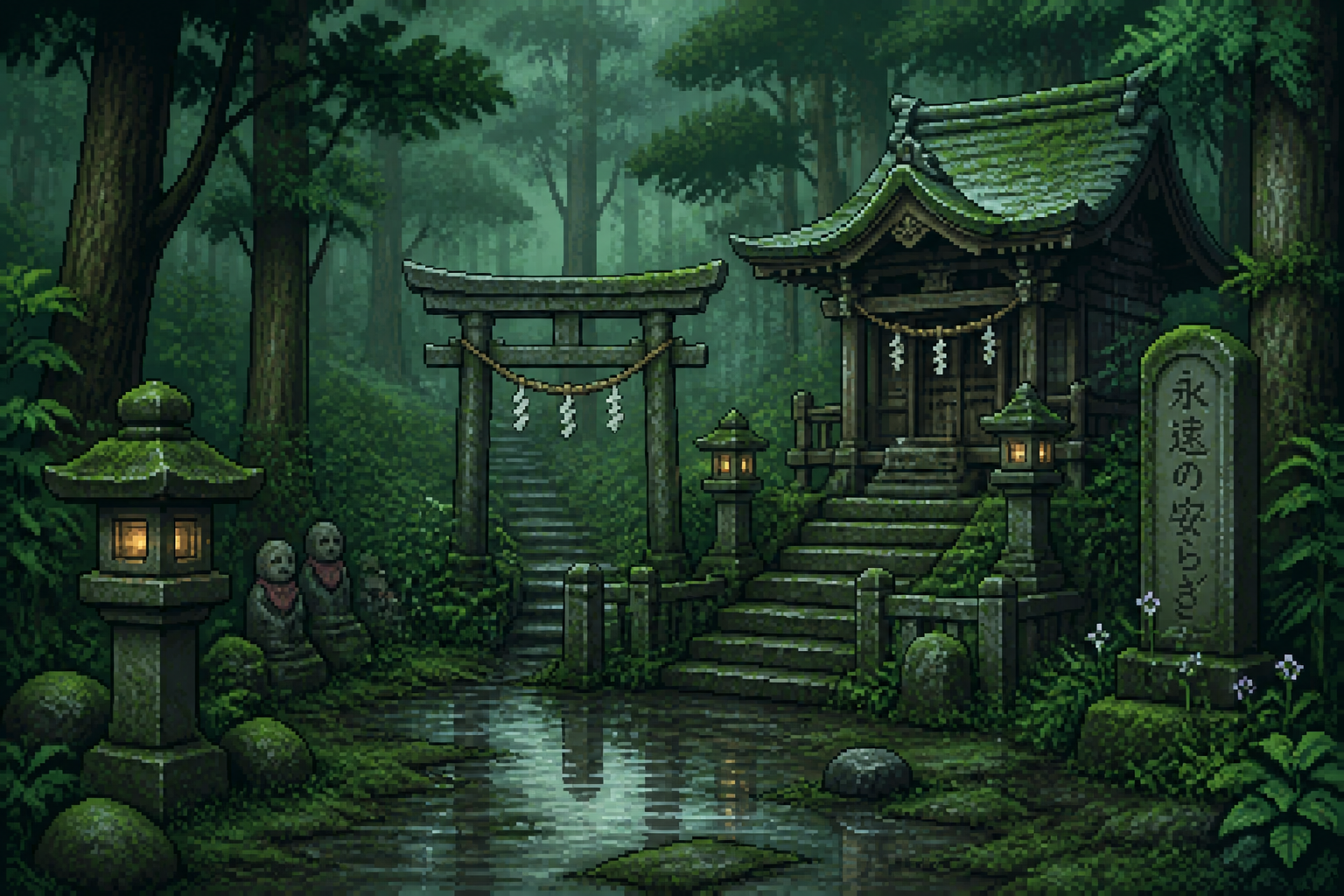
pixel art forest shrine in rain, mossy stones, lanterns, shallow puddles, misty atmosphere, soft green palette, detailed 16-bit adventure game background
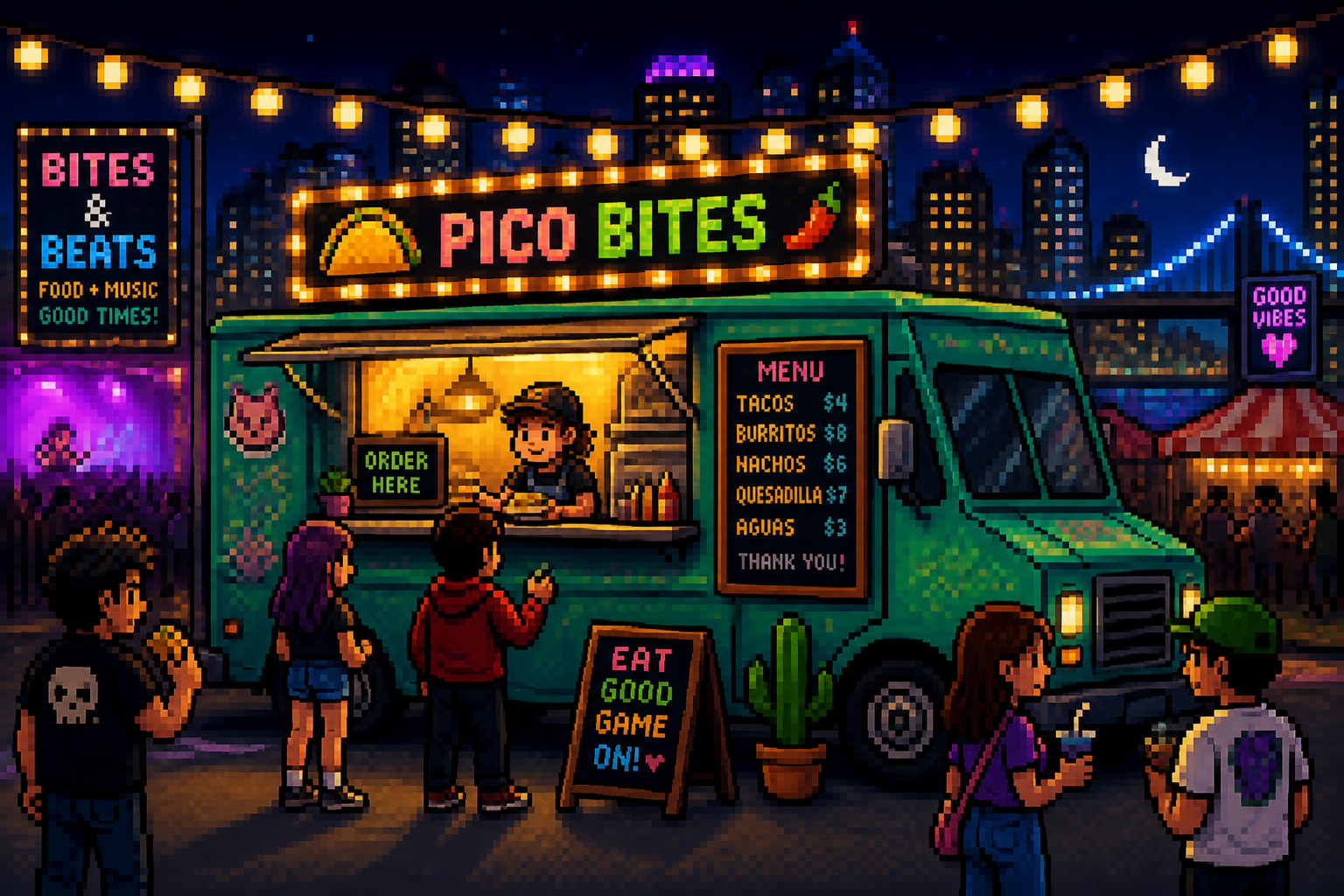
pixel art food truck at night festival, string lights, customers, menu board, warm city glow, playful 16-bit style, colorful retro arcade vibe
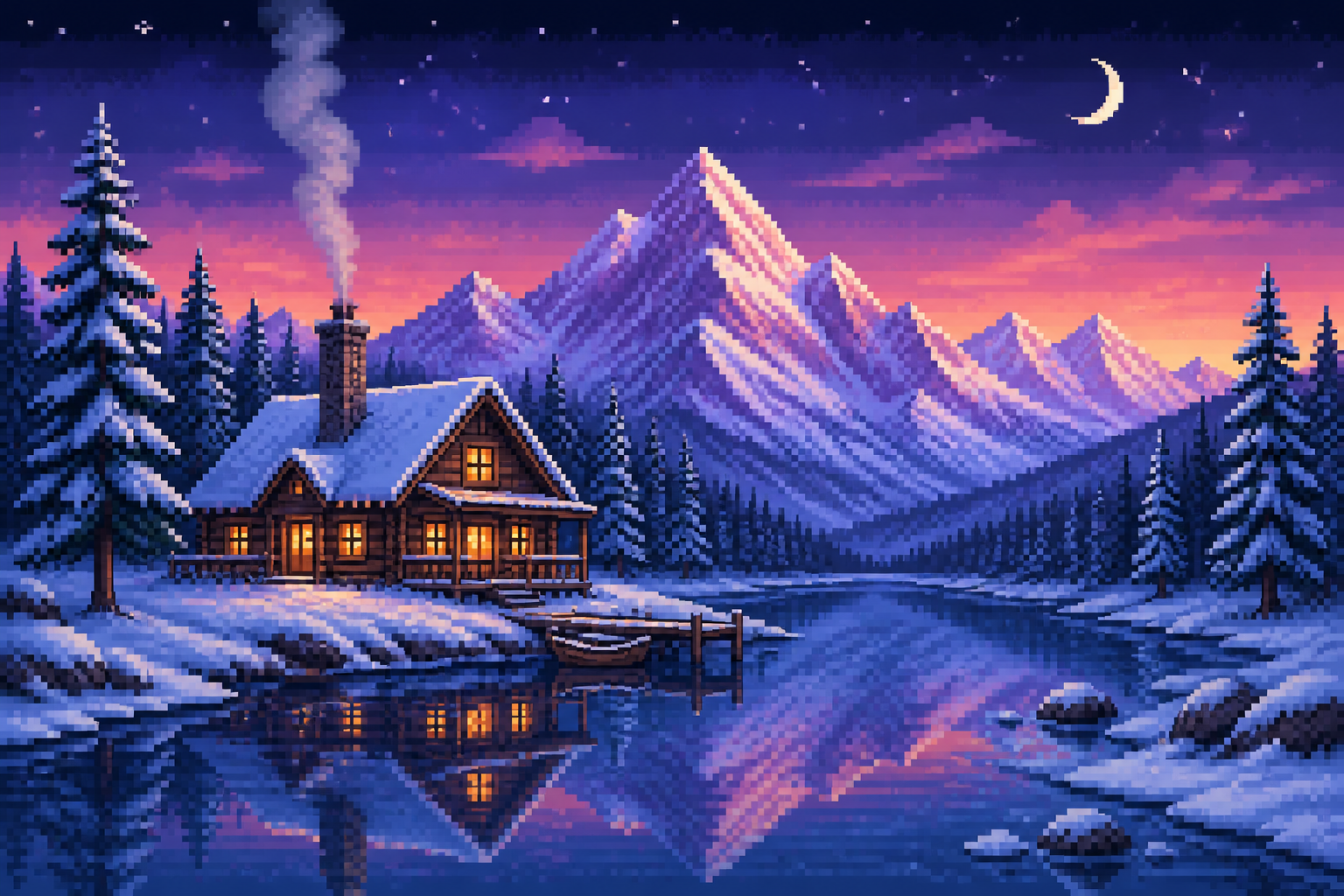
pixel art snow mountain cabin, pine trees, smoke from chimney, twilight sky, icy lake reflections, crisp winter palette, detailed 16-bit landscape composition
Key Features
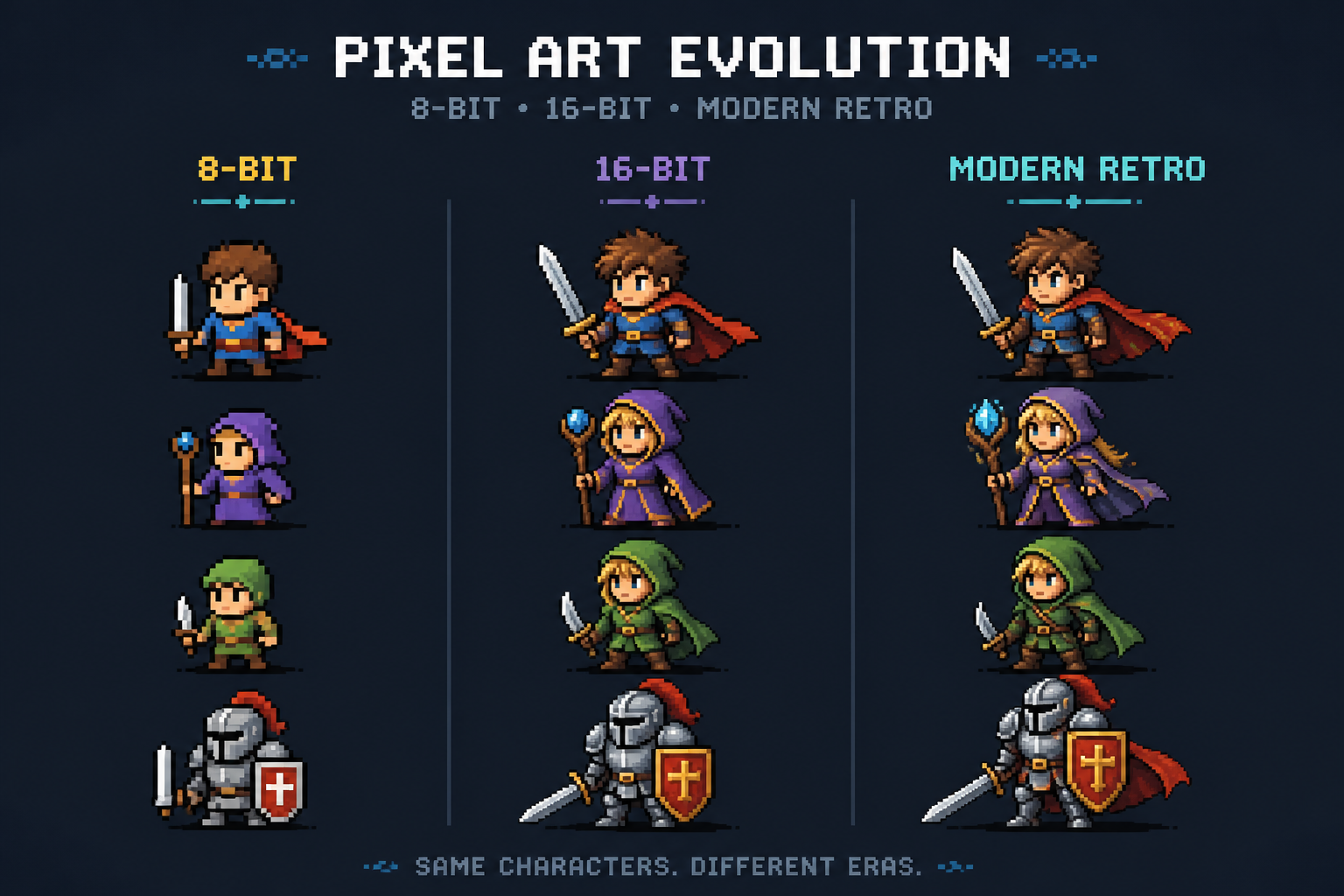
Clean Retro Style Control
Write a simple idea and get pixel art that reads clearly at a glance. The tool handles retro-friendly composition, color blocking, and sharp forms that suit game-style visuals. That matters because generic image generators often produce blurry details that do not feel truly pixel-based. You get a stronger starting point for sprites, scenes, and concept art without manually building each asset.
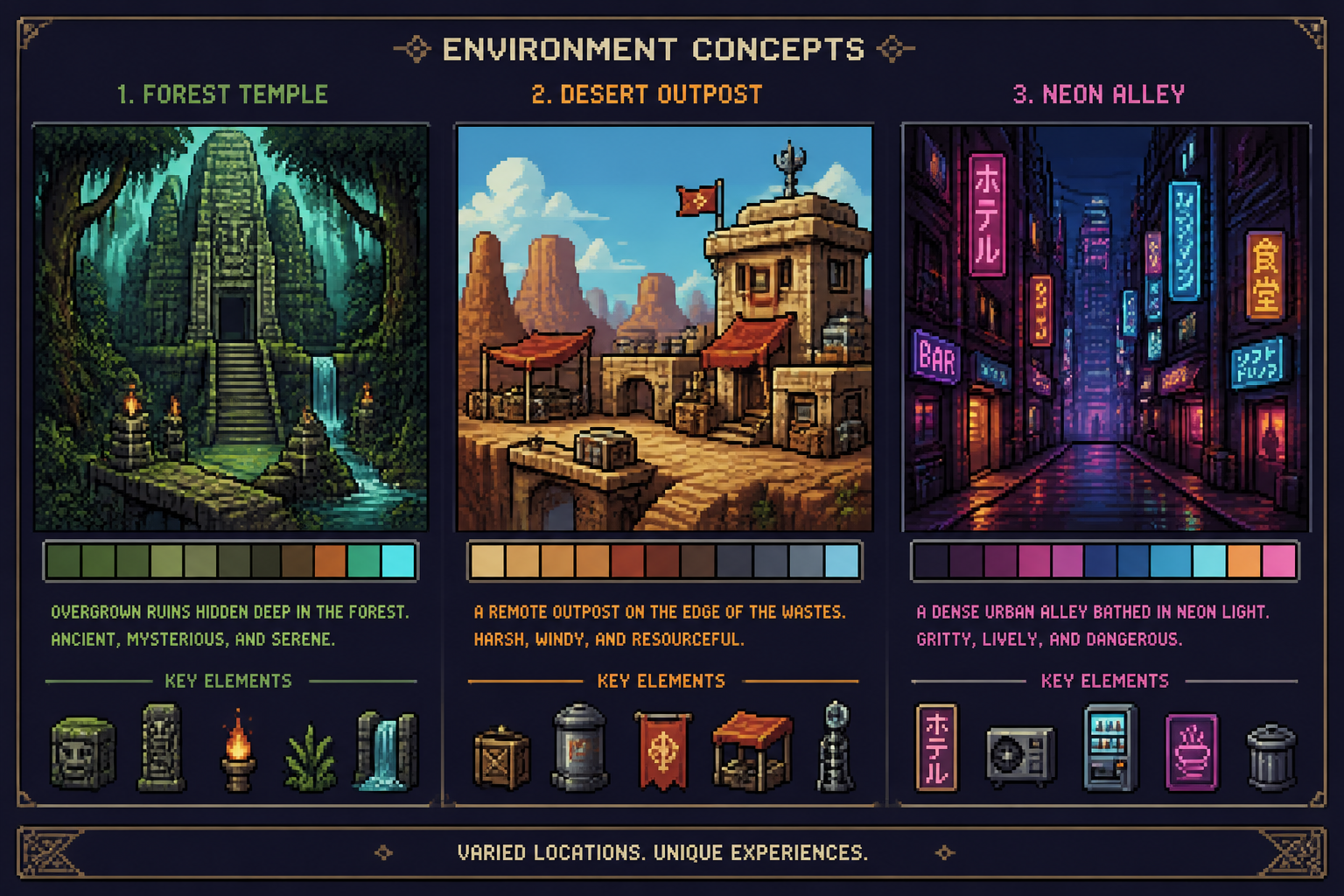
Fast Scene Ideation
Use it to explore worlds, rooms, towns, and landscapes in minutes. This is useful when you need visual direction for a game, post, thumbnail, or personal project before committing to detailed production. Compared with drawing scenes from scratch, you can test more themes, lighting setups, and moods much faster. It helps you move from rough idea to something visible right away.
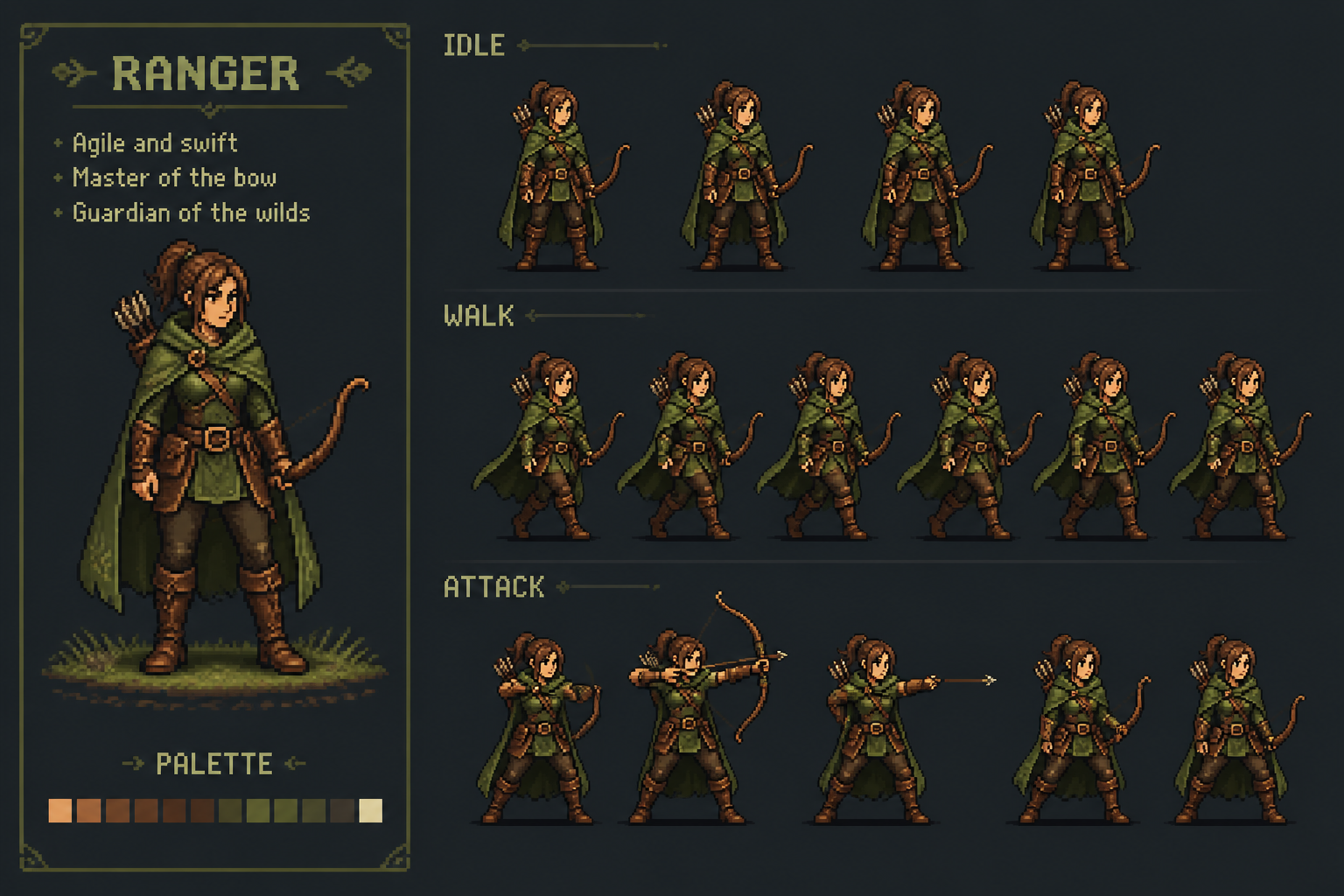
Promptable Character Designs
Describe a hero, merchant, robot, mage, or monster-like mascot and generate a strong pixel art concept. Specific prompts for clothing, pose, props, and mood make the output feel more intentional than a generic random character creator. This saves time for indie creators who need a visual starting point for cast ideas. It is especially helpful when you want multiple directions without redrawing from zero.
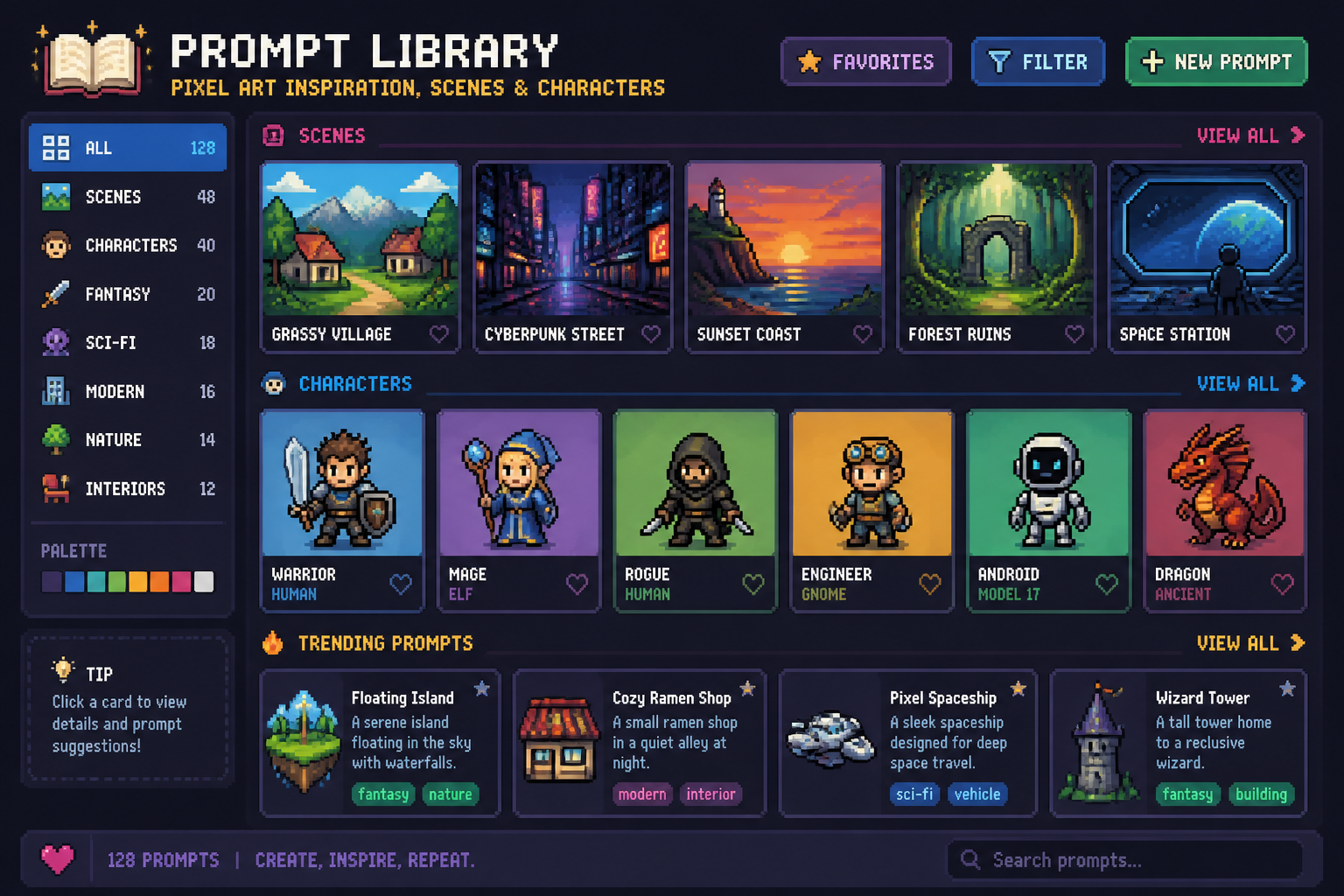
Remixable Prompt Library
Every example can become your next starting prompt. Instead of facing a blank text box, you can take a scene or style that already works and swap the setting, palette, or subject. That makes the tool easier to use than broad image generators that offer little niche-specific inspiration. It also helps teams keep a more consistent retro look across multiple images.
How It Works
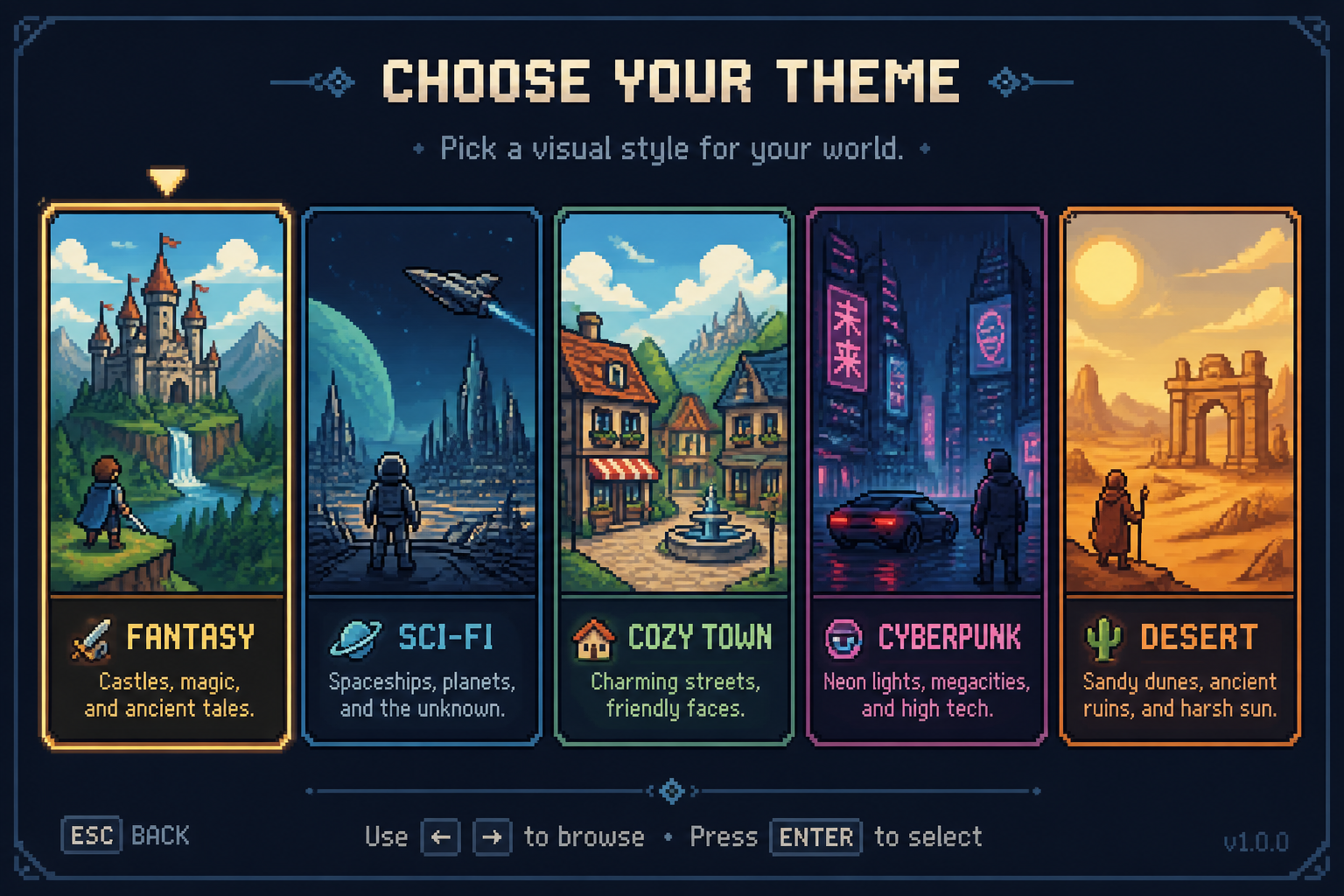
Pick a retro direction
Start with a prompt template for a character, environment, or object. You can lean toward cozy 16-bit, arcade-inspired, fantasy RPG, sci-fi, or another retro look.
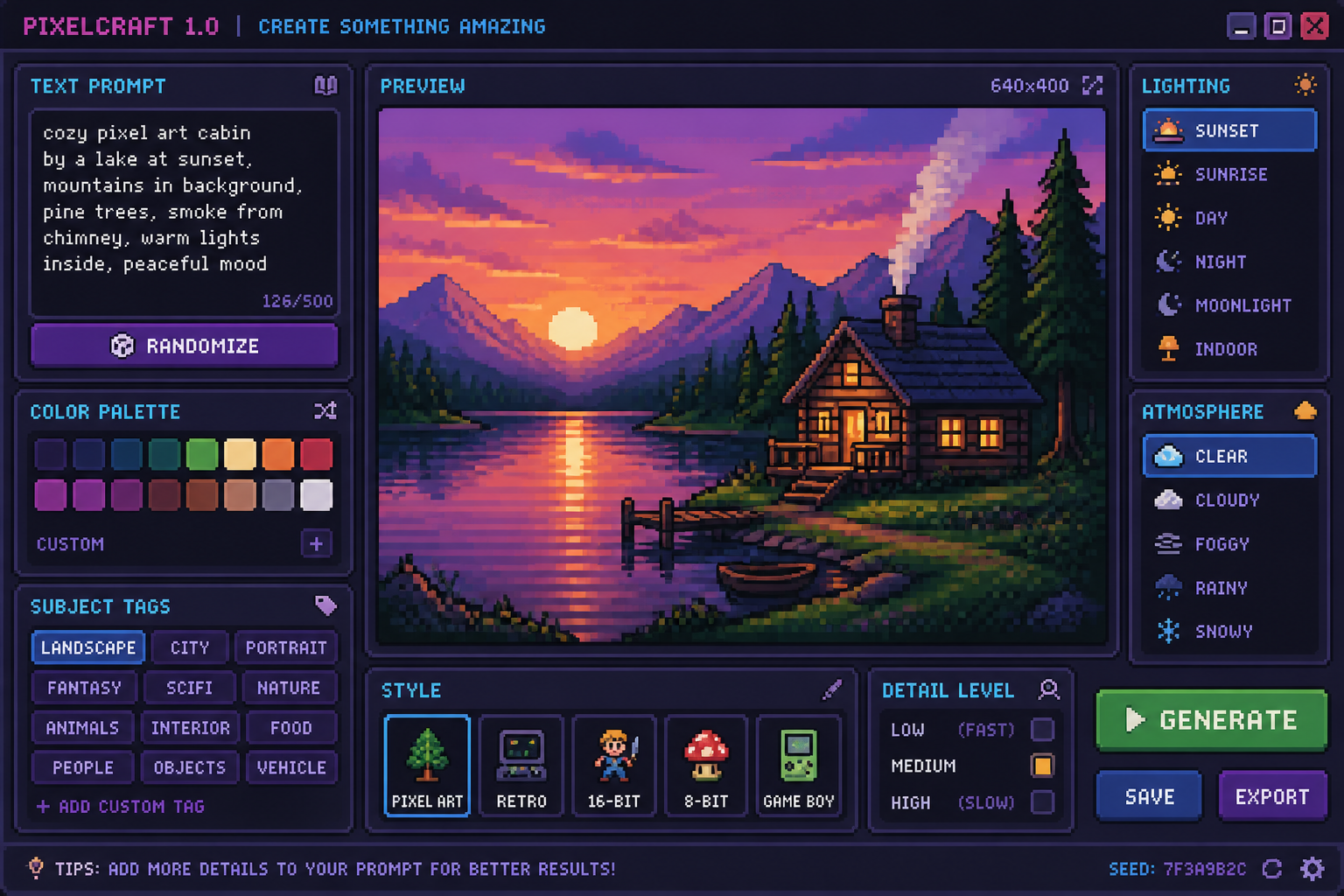
Describe the details
Add the subject, setting, mood, lighting, and palette you want. Small prompt changes can shift the result from bright and playful to moody and cinematic.
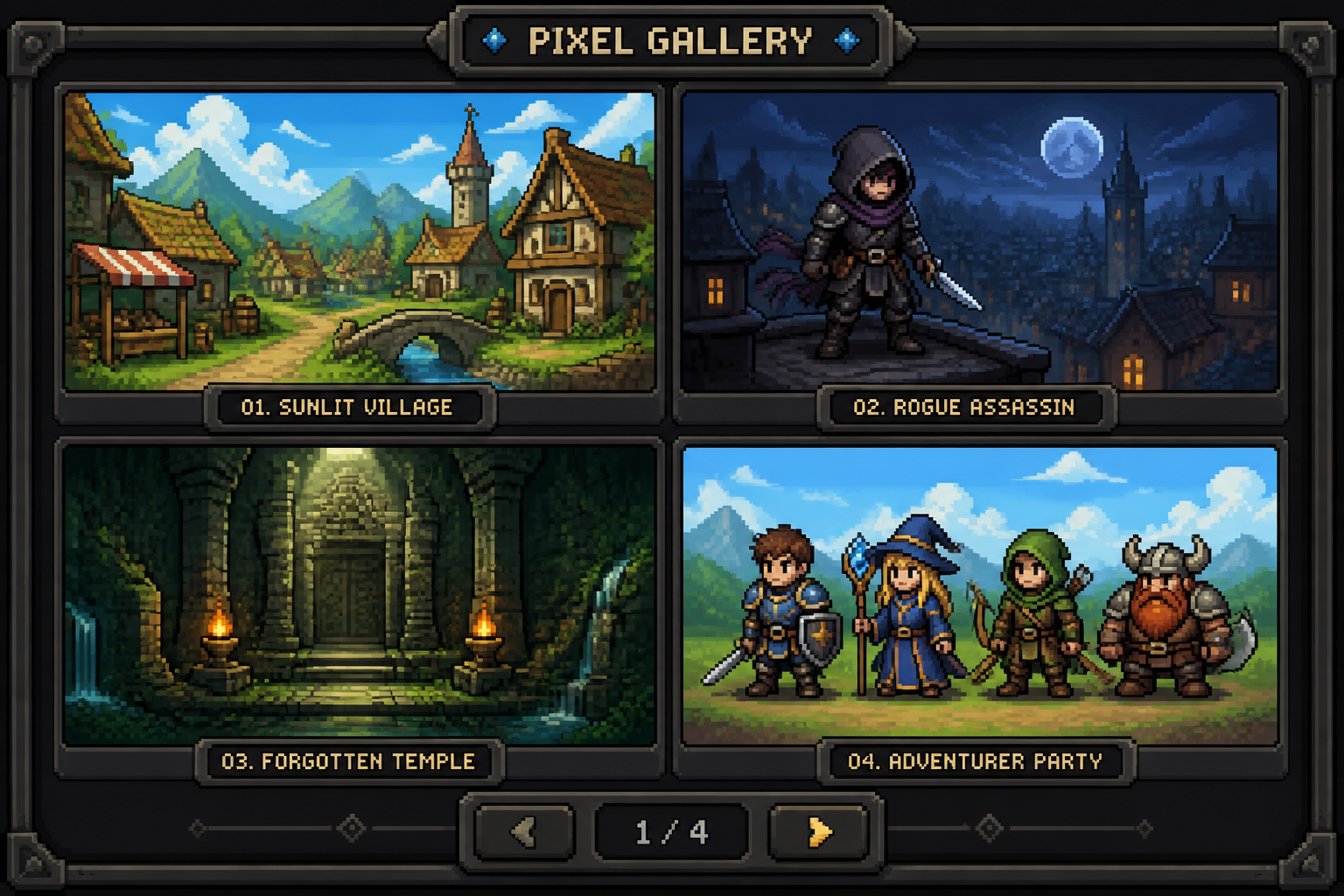
Generate and refine
Create variations, compare the results, and keep the one that fits best. Then download your image or reuse the prompt to explore more directions.
Perfect For
Discover how creators and professionals use ai pixel art generator
Game concept visuals
Generate fast references for characters, levels, props, and world ideas before full production starts.
Social and content graphics
Create retro-style images for posts, banners, thumbnails, and community content with a clear visual hook.
Profile art and avatars
Make original pixel-style portraits and character designs for personal branding, streams, and online communities.
Creative hobby projects
Use pixel art prompts for zines, moodboards, posters, jam concepts, and personal experiments.
Built For
Indie game creators
Quickly explore art directions, scene ideas, and character concepts without spending hours on manual mockups.
Designers and marketers
Produce retro-themed visuals for campaigns, launches, and content that need a nostalgic game-inspired look.
Retro art fans
Create original pixel scenes and characters for fun, sharing, inspiration, or personal creative projects.
Frequently Asked Questions
What kind of images can I make with this AI pixel art generator?
Do I need pixel art skills to use it?
Will the results look like real retro game art?
Can I create characters and backgrounds?
How do I get better pixel art results?
Create together.
Share your creations, discover trending AI art, and grow with fellow creators.