AI Image Extender
Expand beyond the edges without rebuilding the whole image.
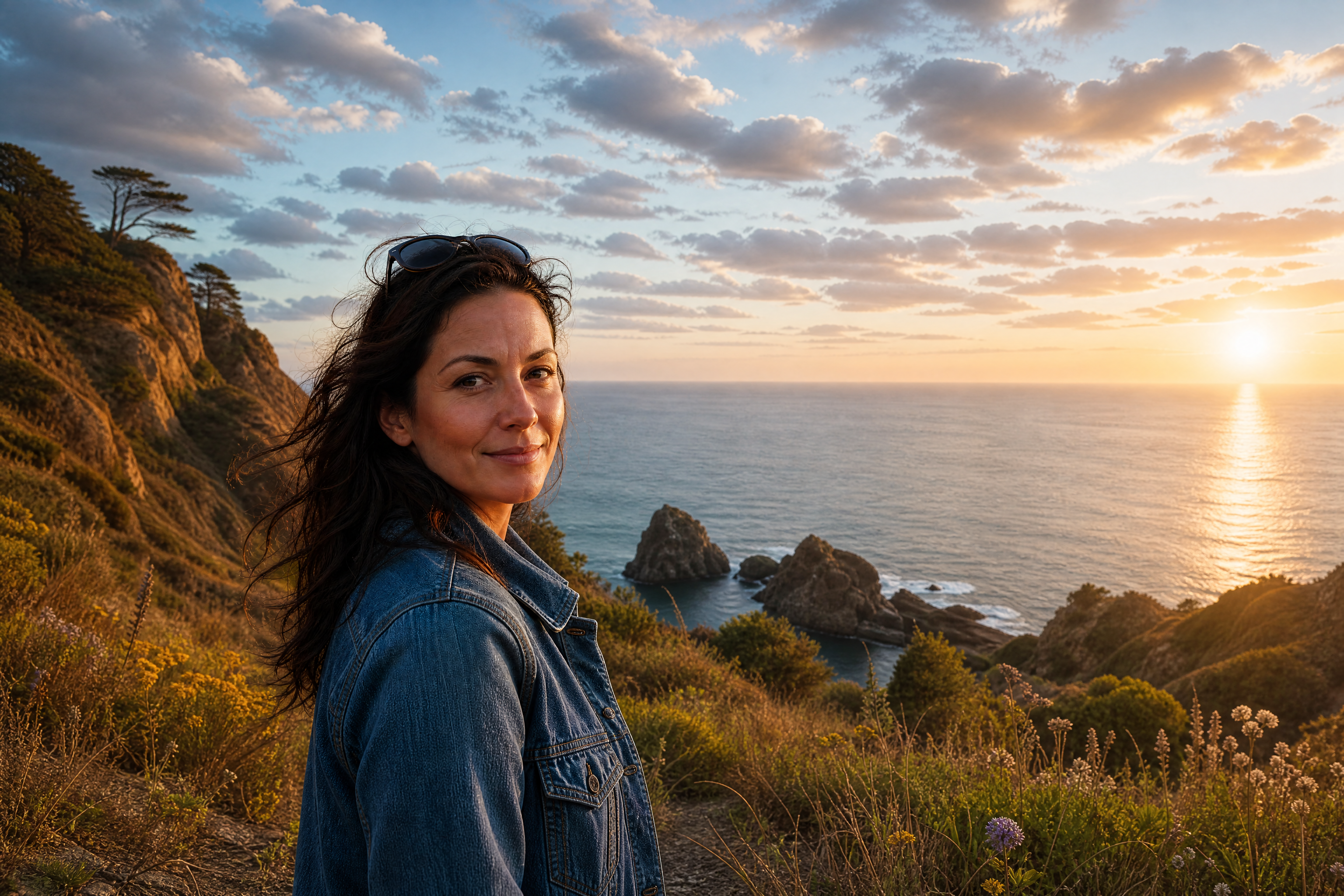
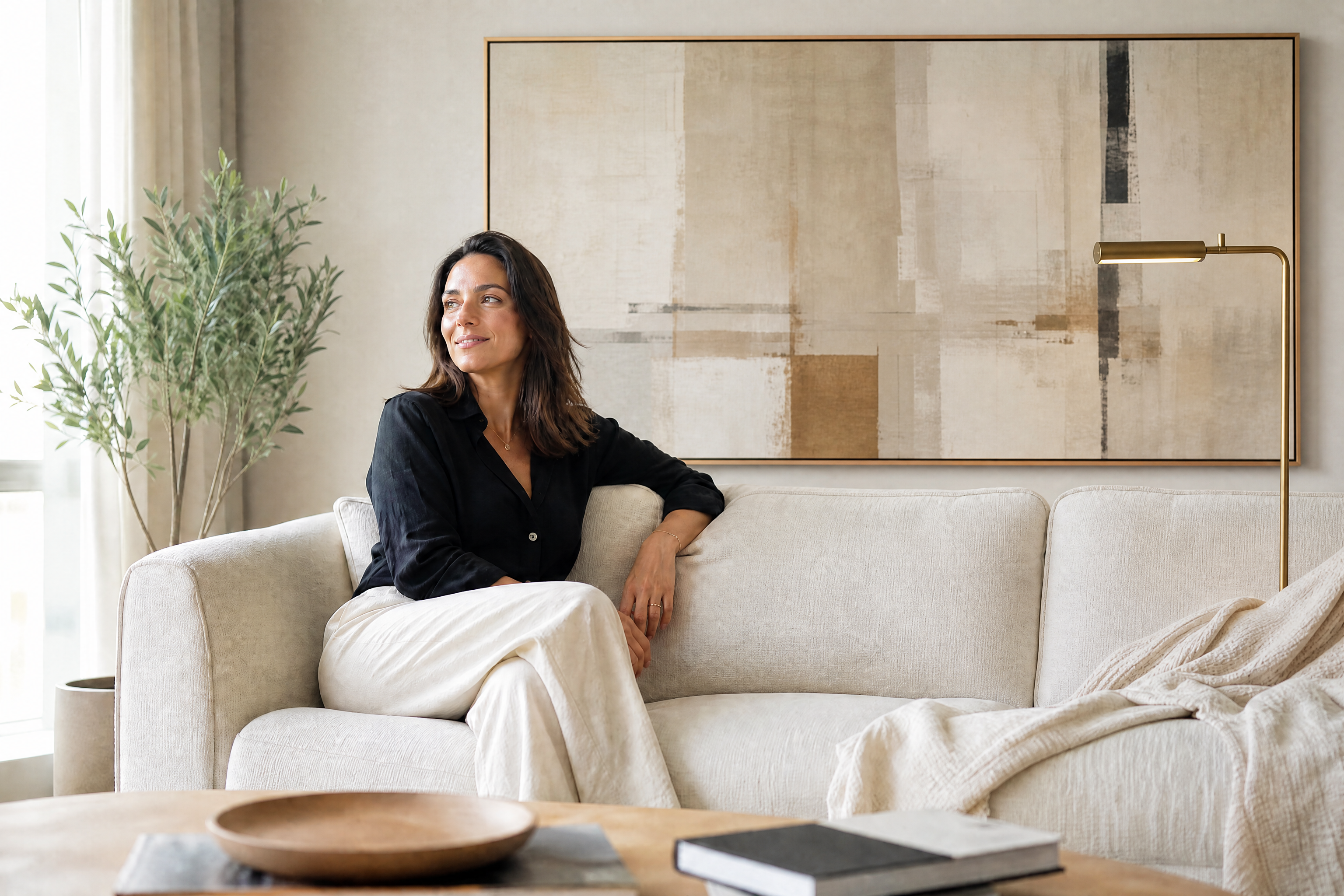
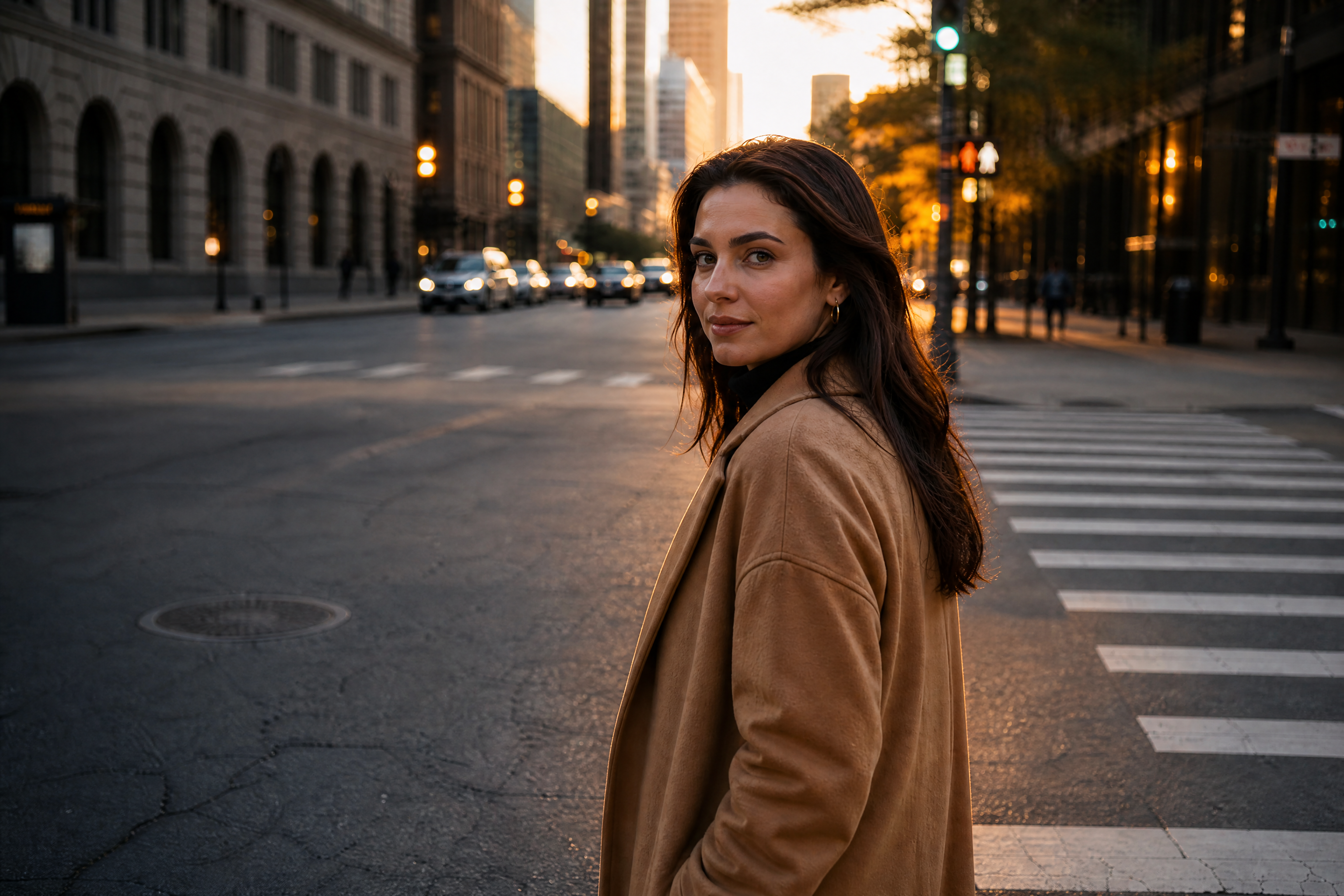
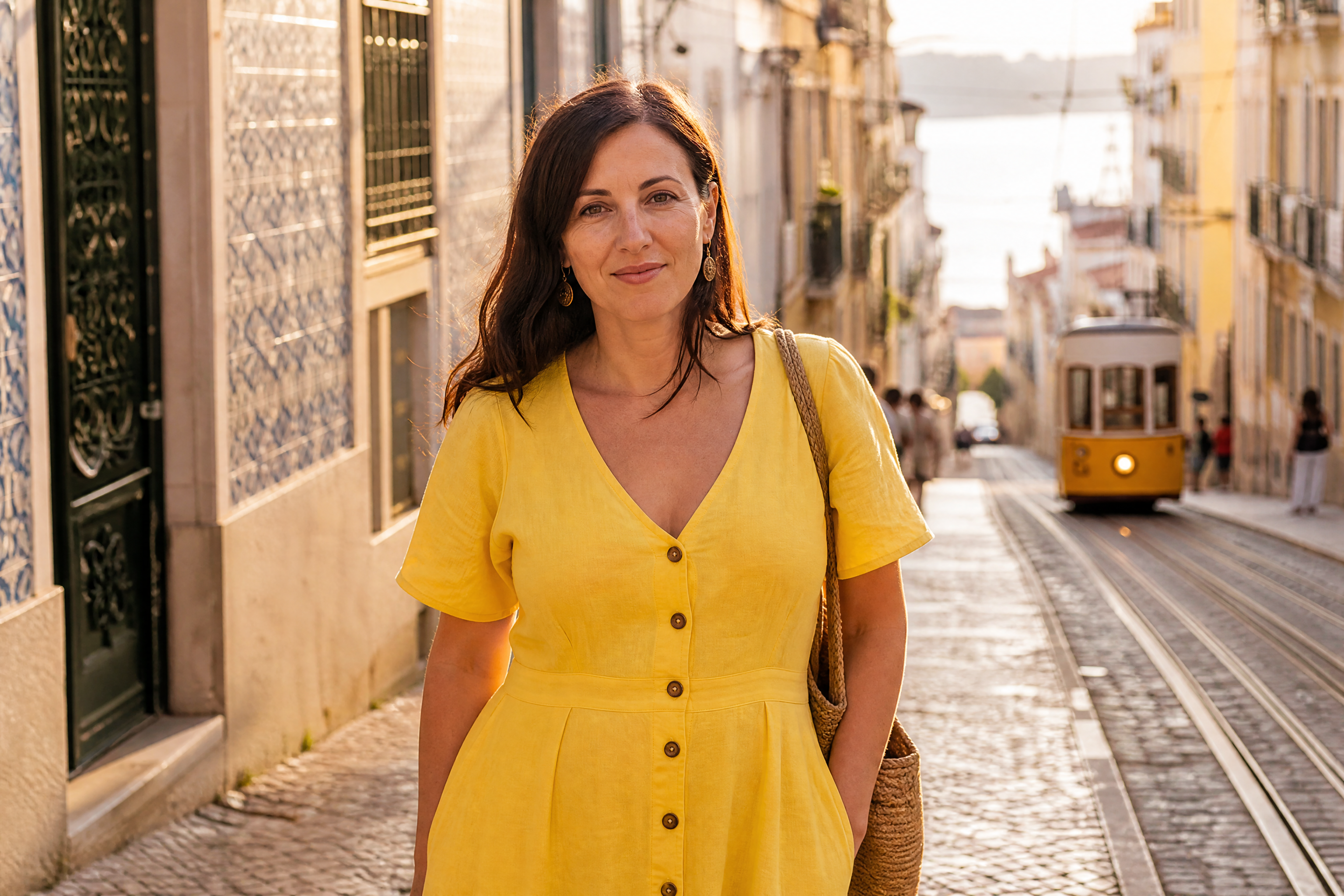
AI Image Extender enlarges your photo and fills the new space with matching detail. Use it to turn tight crops into wider scenes, recover room around a subject, or adapt images for banners, thumbnails, and posts while keeping the original look consistent.
Watch the Transformation
See ai image extender in motion — generated end-to-end by our AI.
See It In Action
Real outputs from ai image extender.
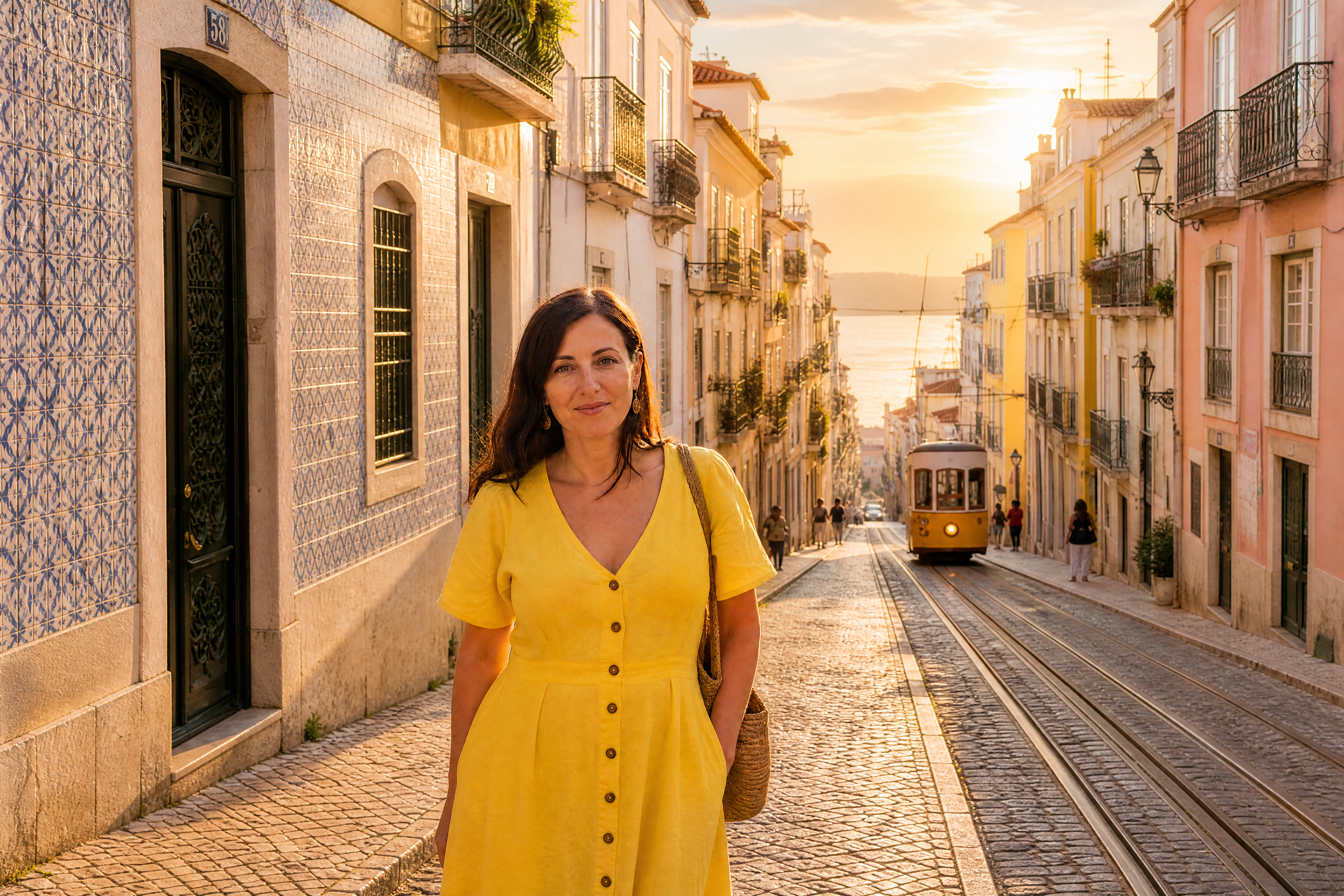
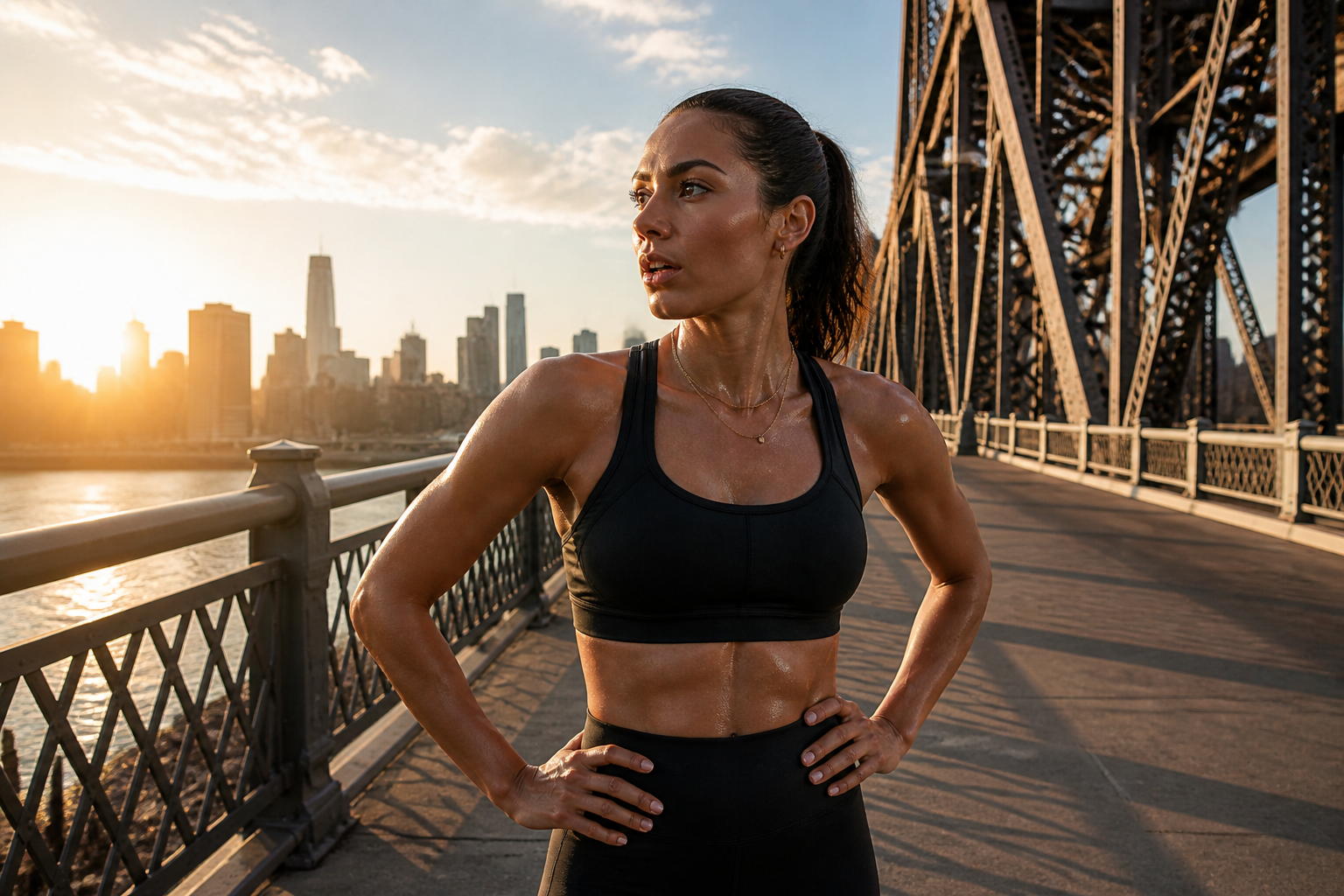
BEFOREAFTER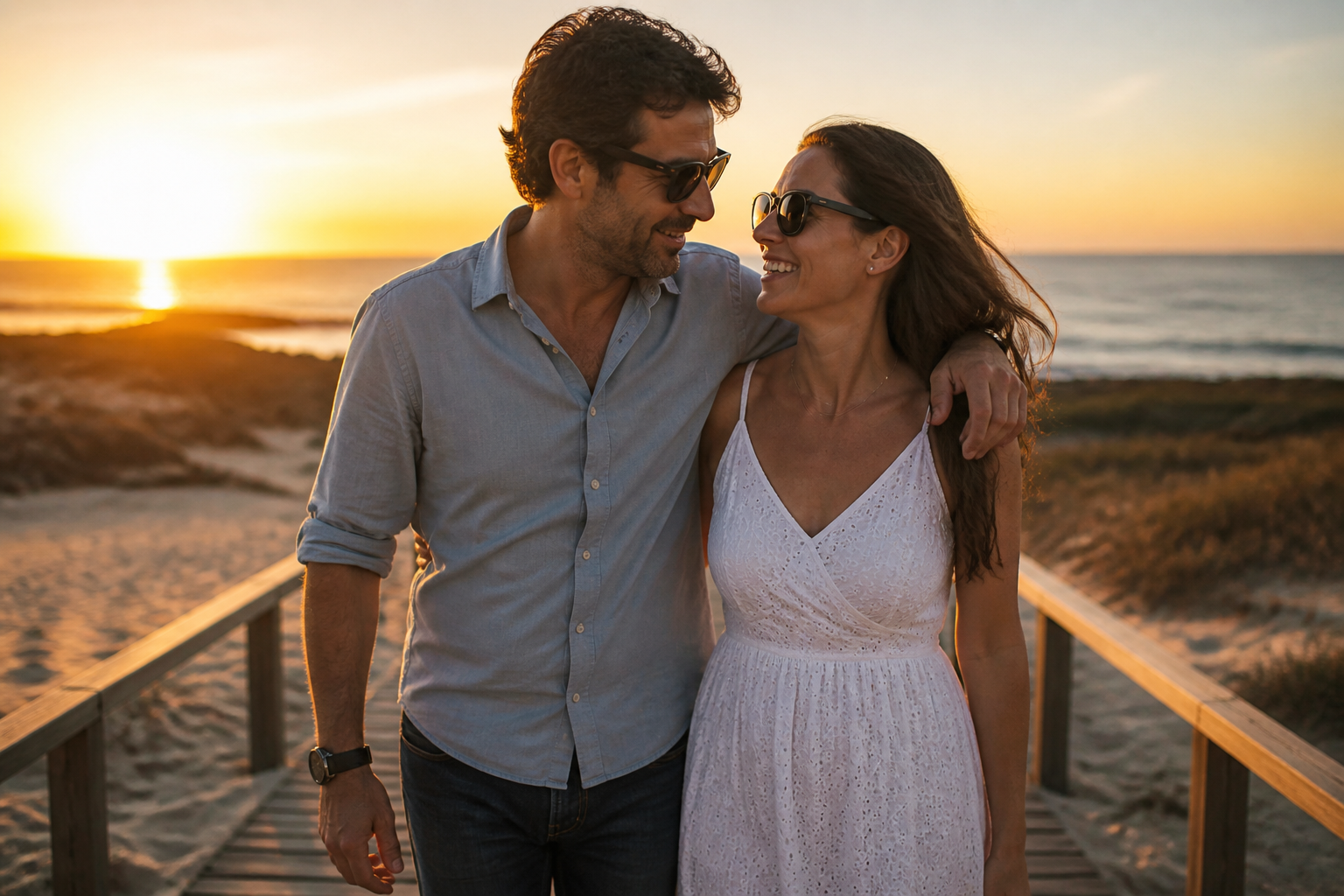 BEFORE
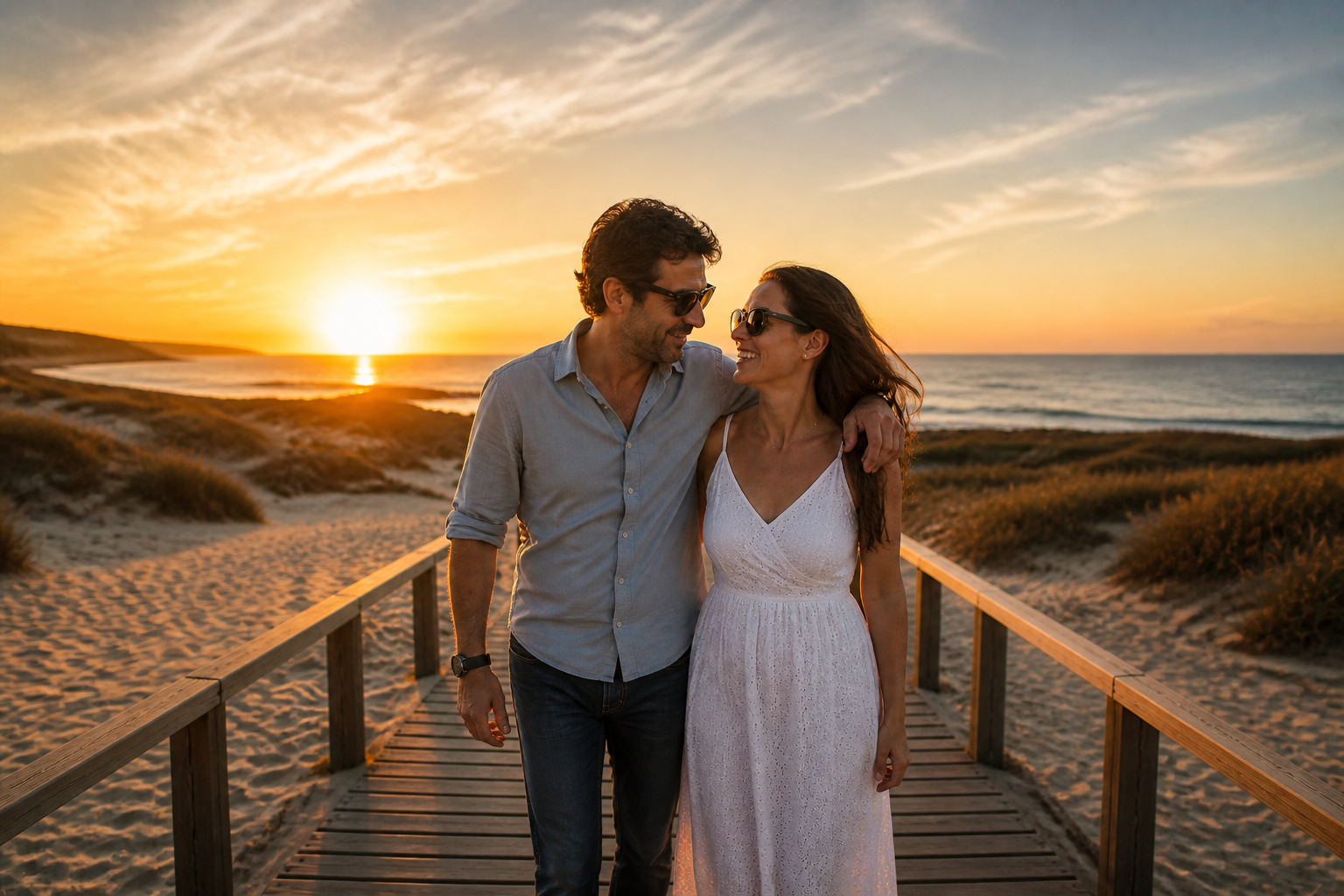 AFTER
AFTER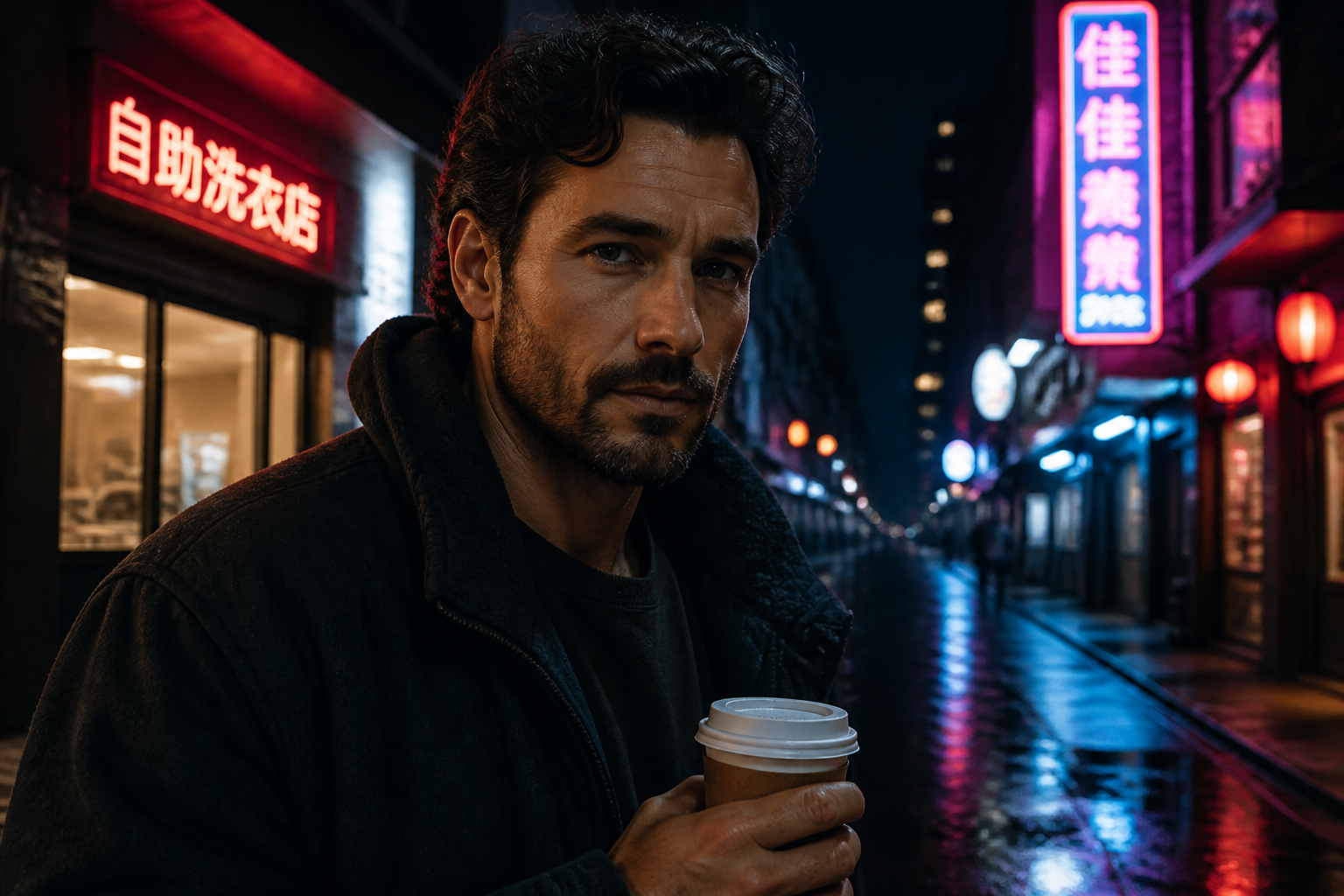 BEFORE
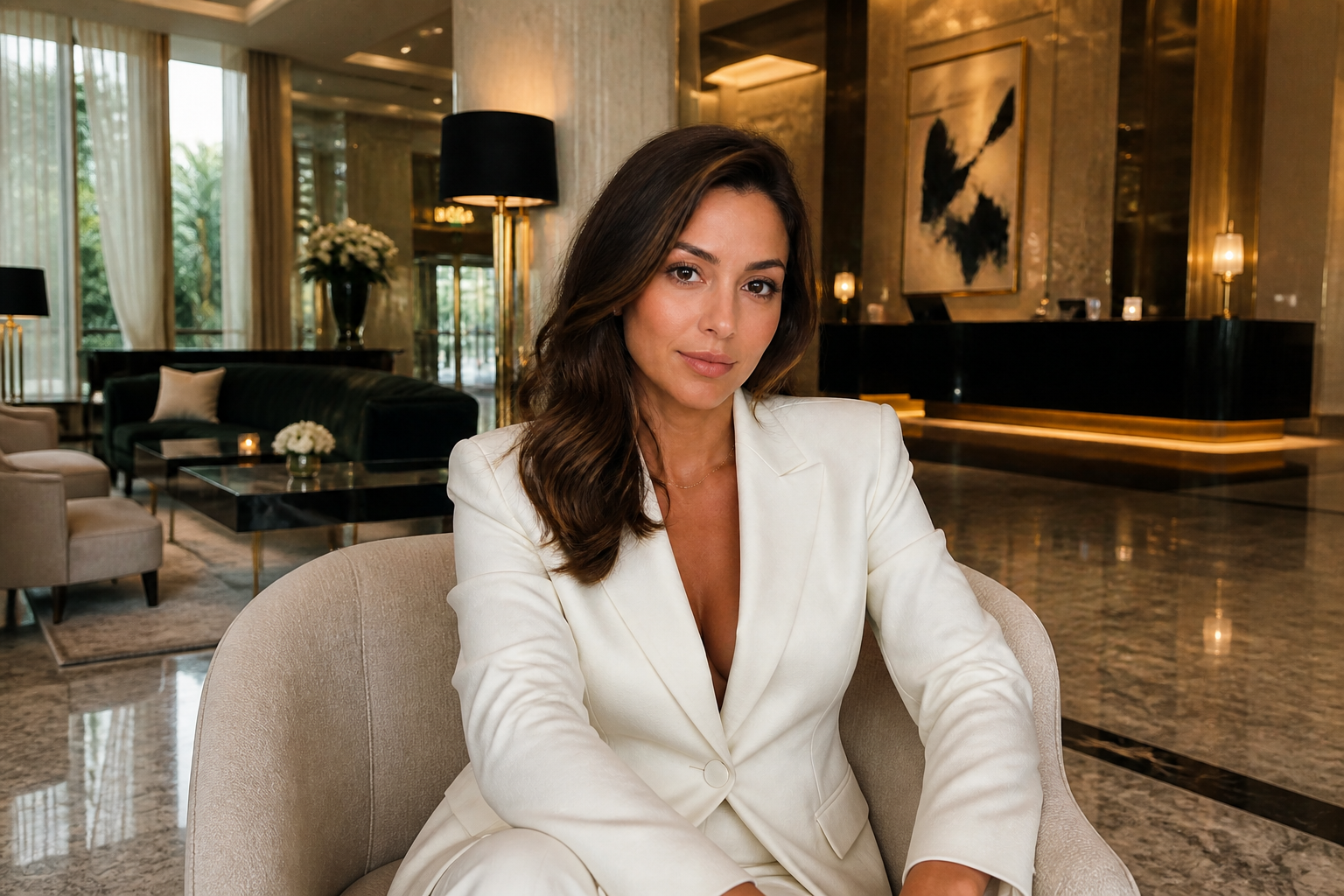
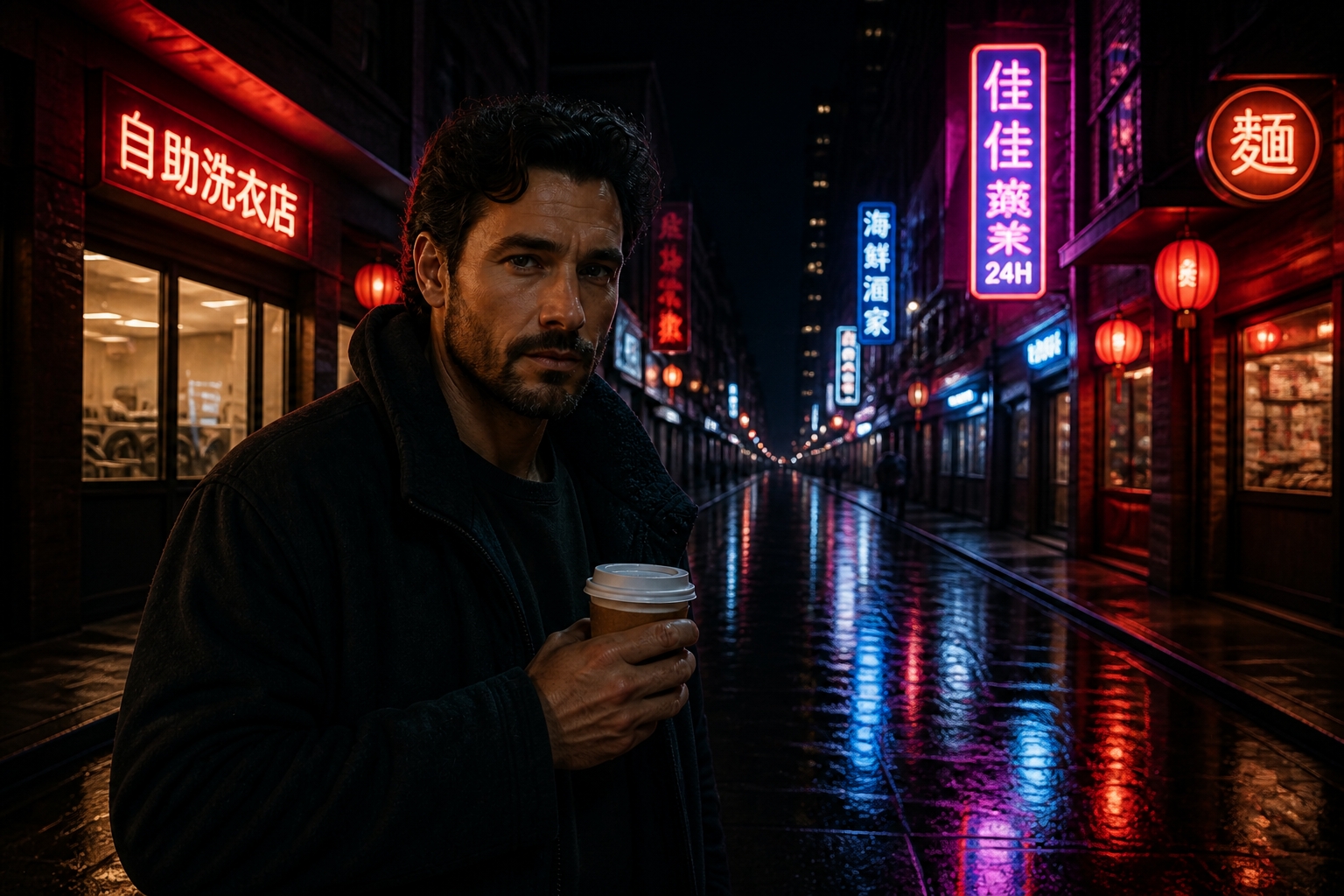 AFTER
AFTER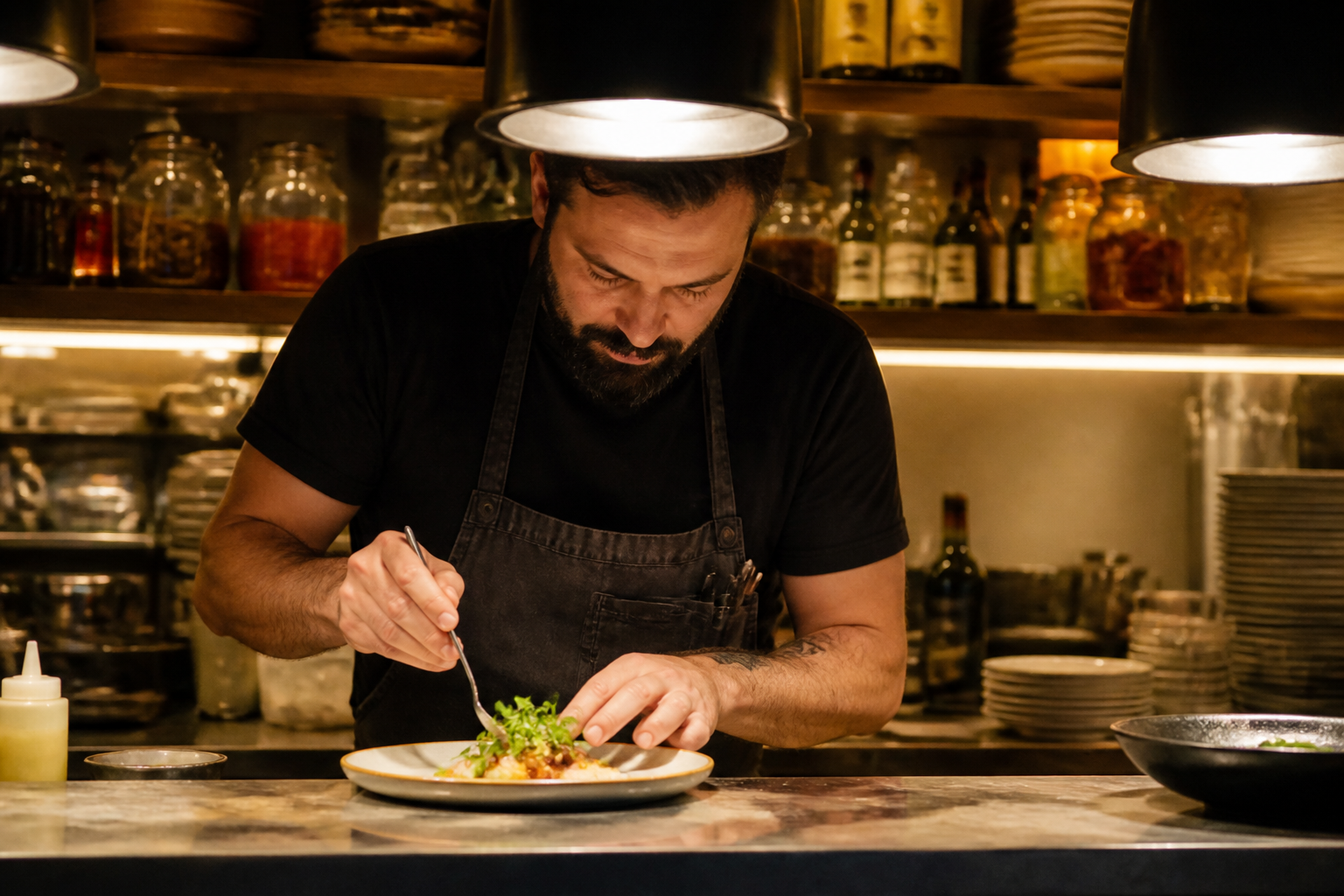 BEFORE
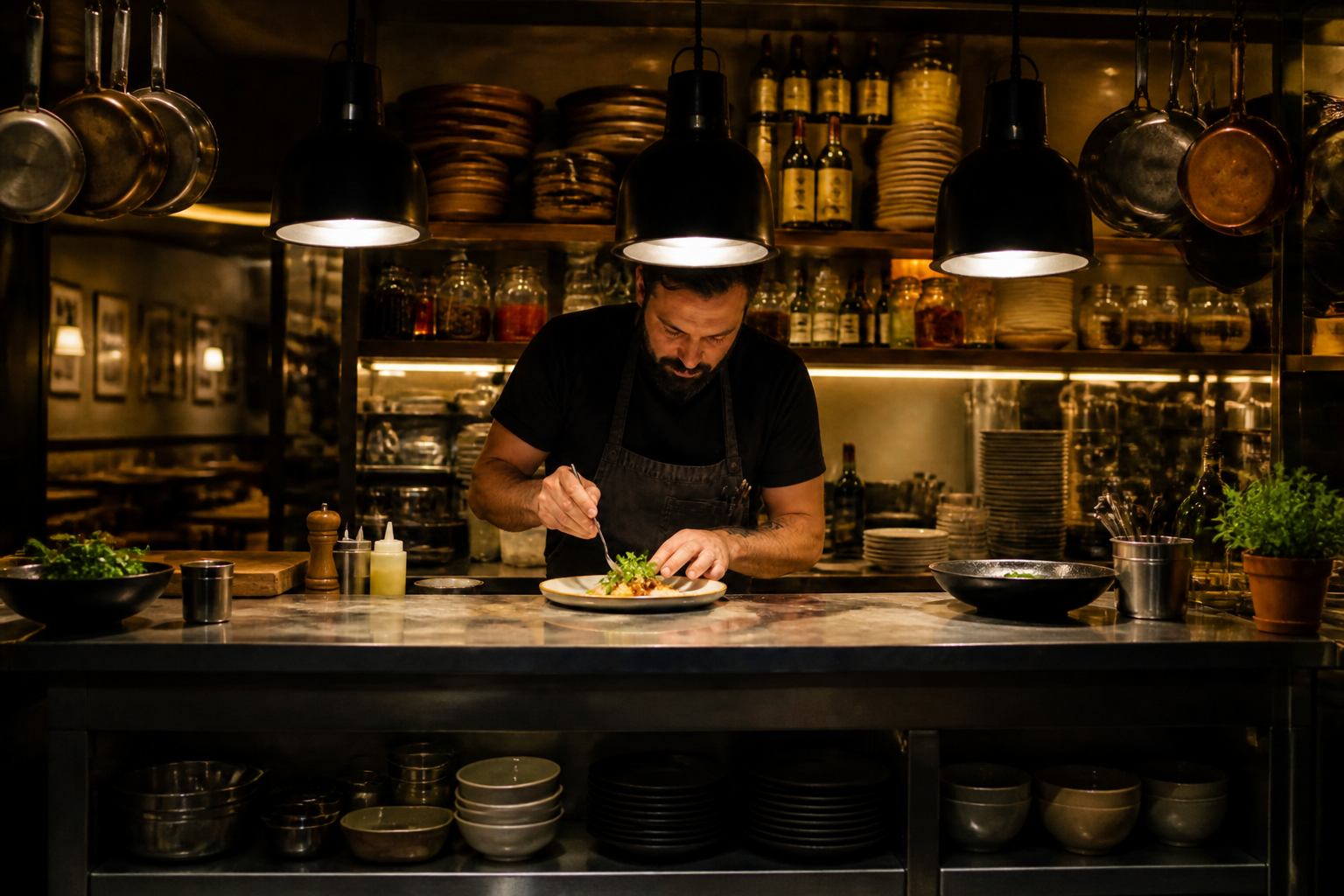 AFTER
AFTER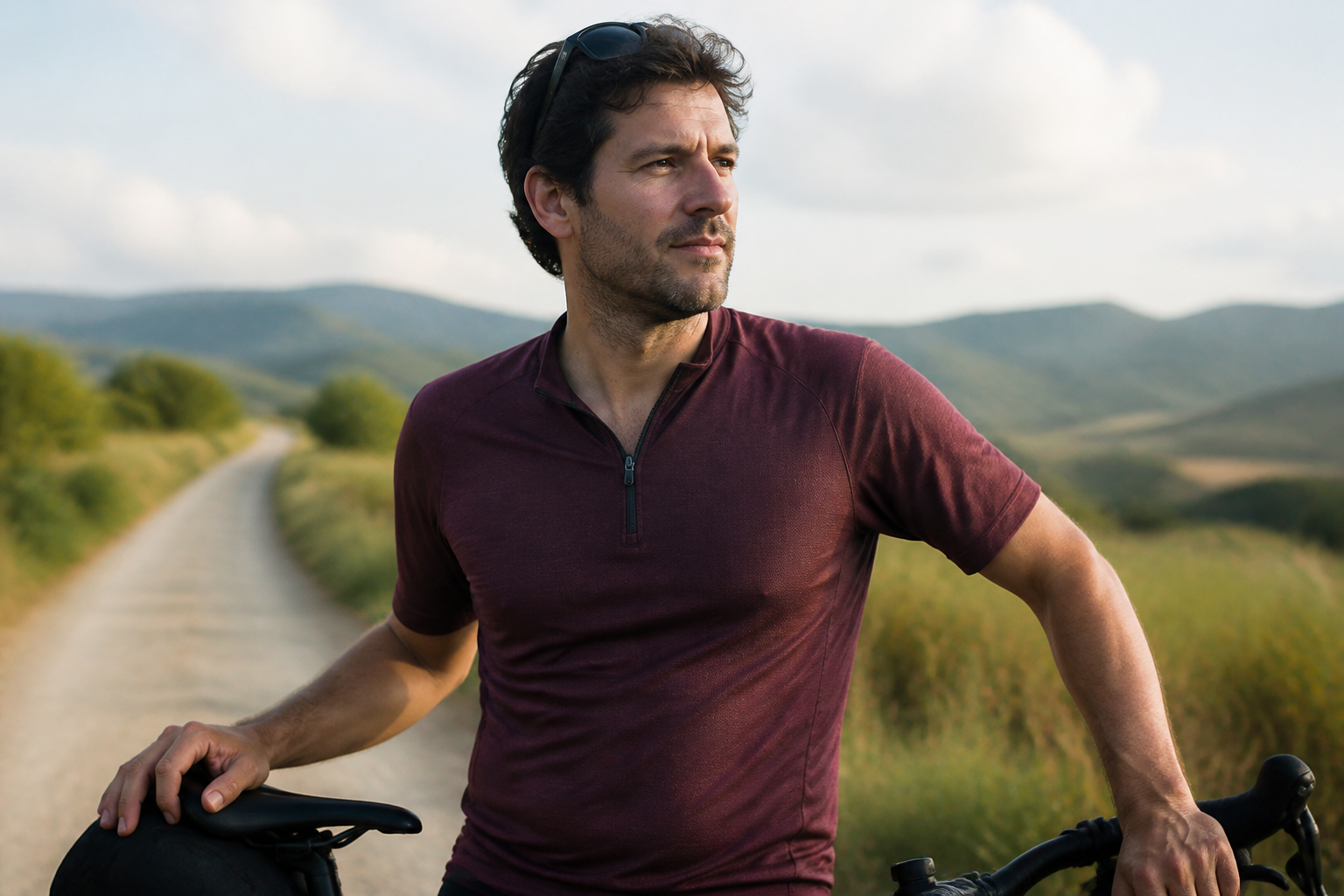 BEFORE
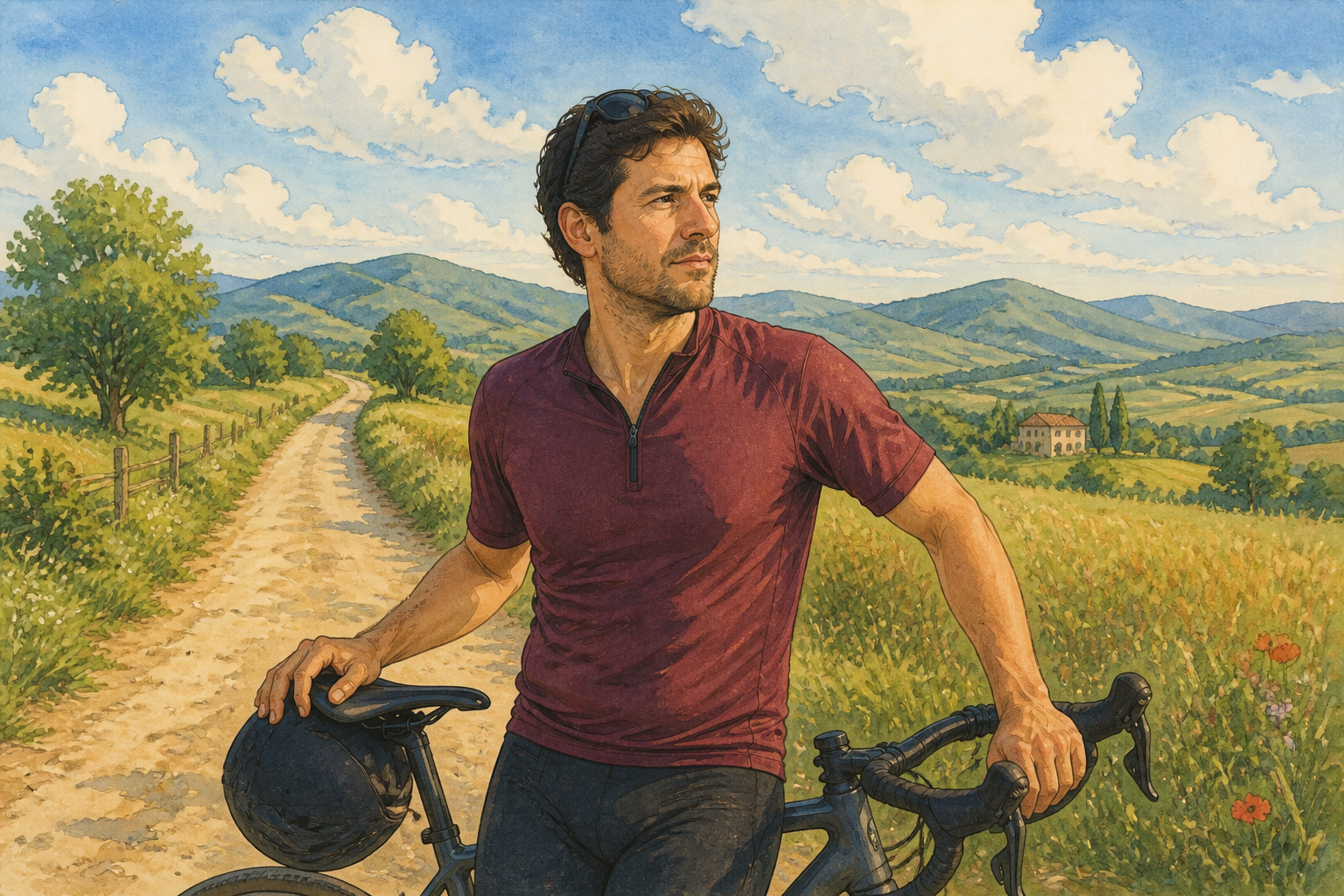 AFTERBEFOREAFTERBEFOREAFTERBEFOREAFTERBEFOREAFTERBEFOREAFTER
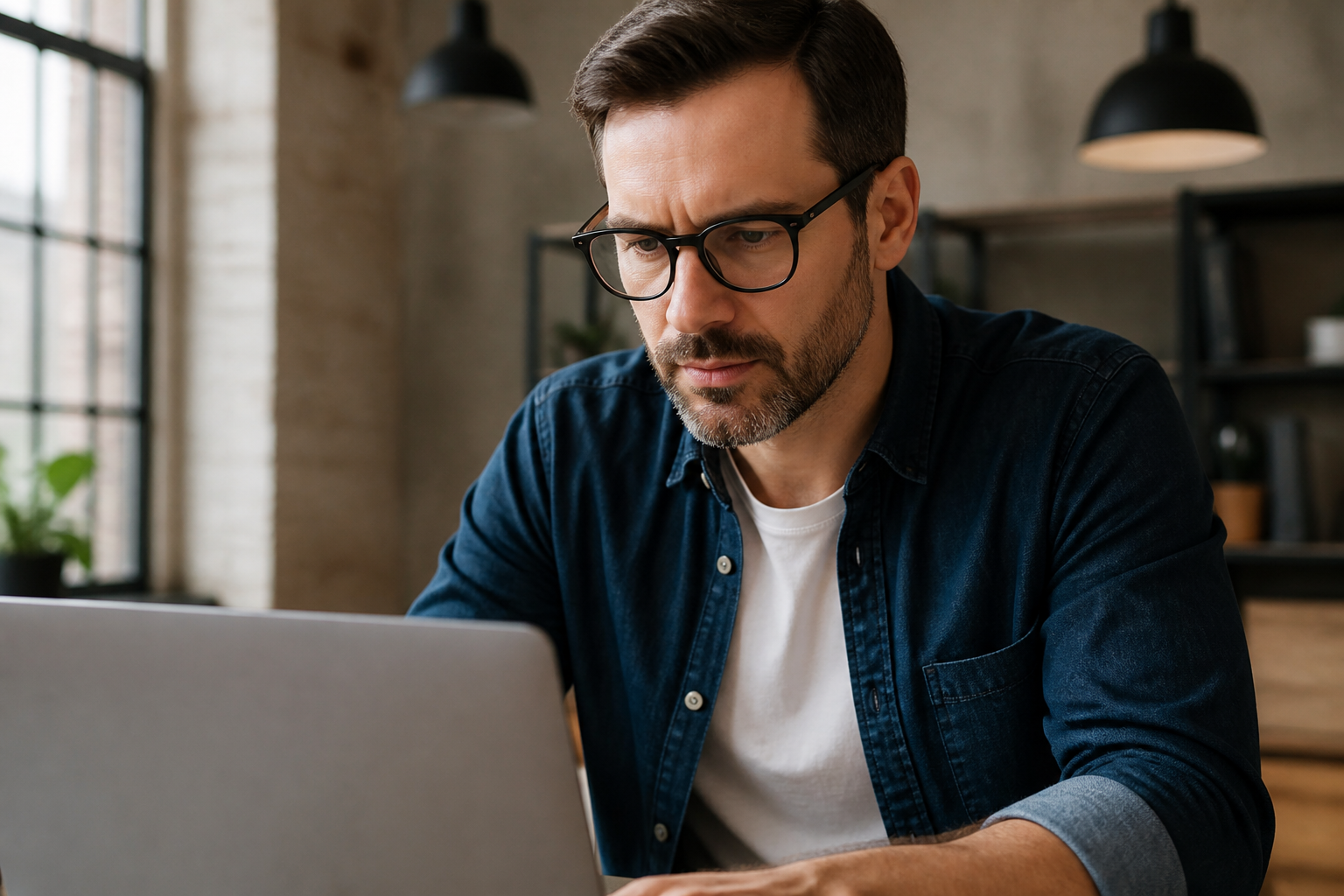 BEFORE
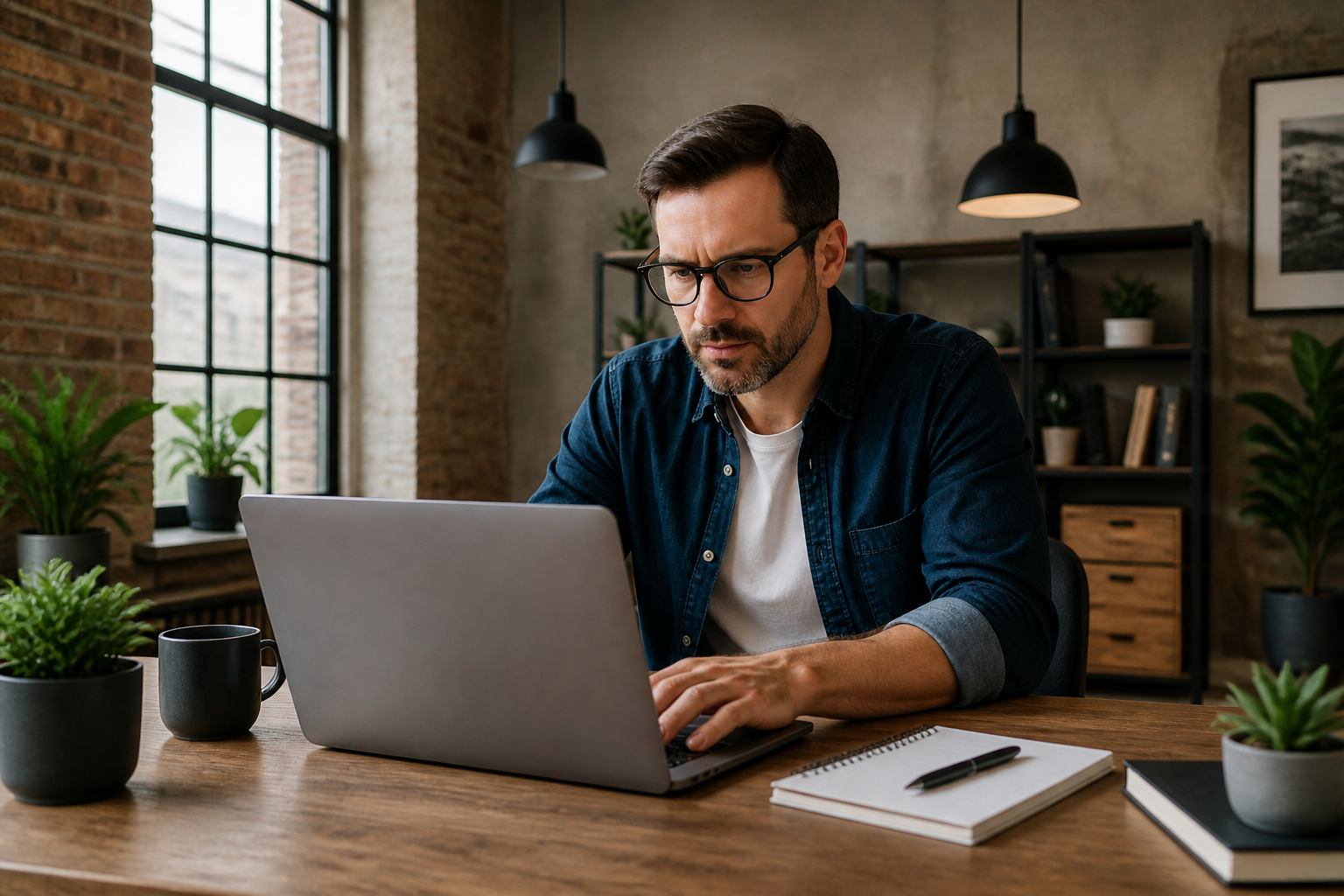 AFTER
AFTER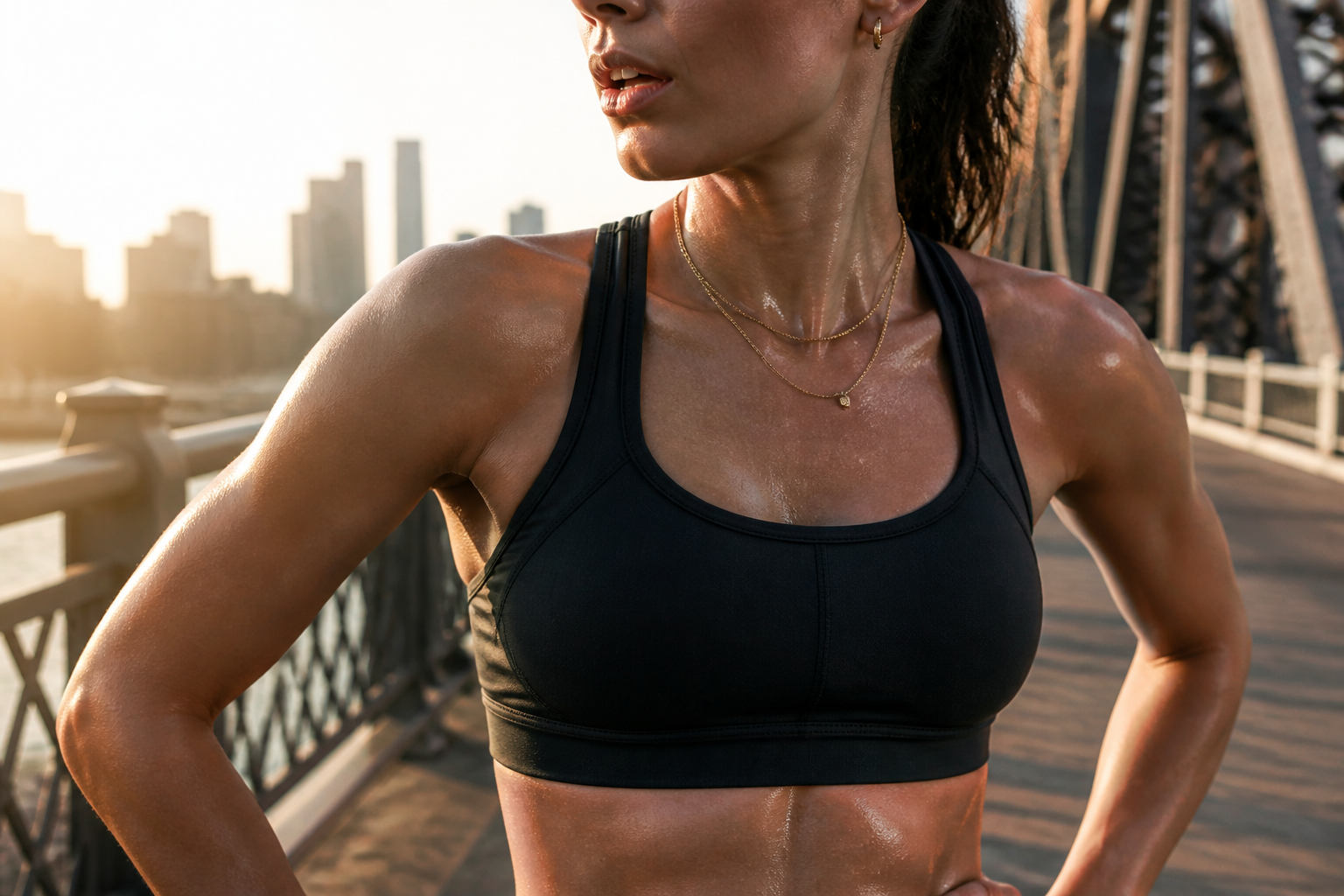 BEFORE
 AFTER
AFTER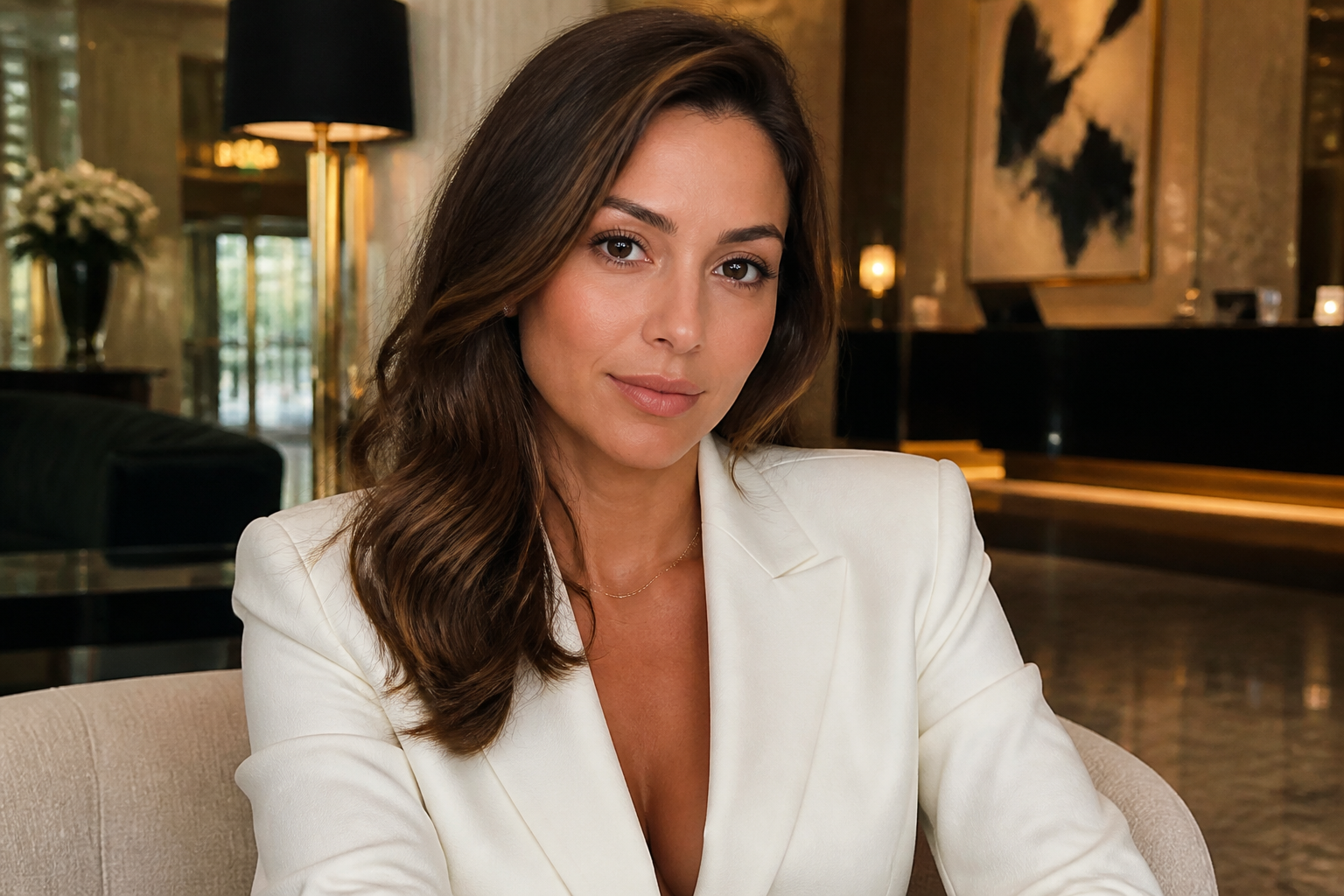 BEFORE
 AFTER
AFTER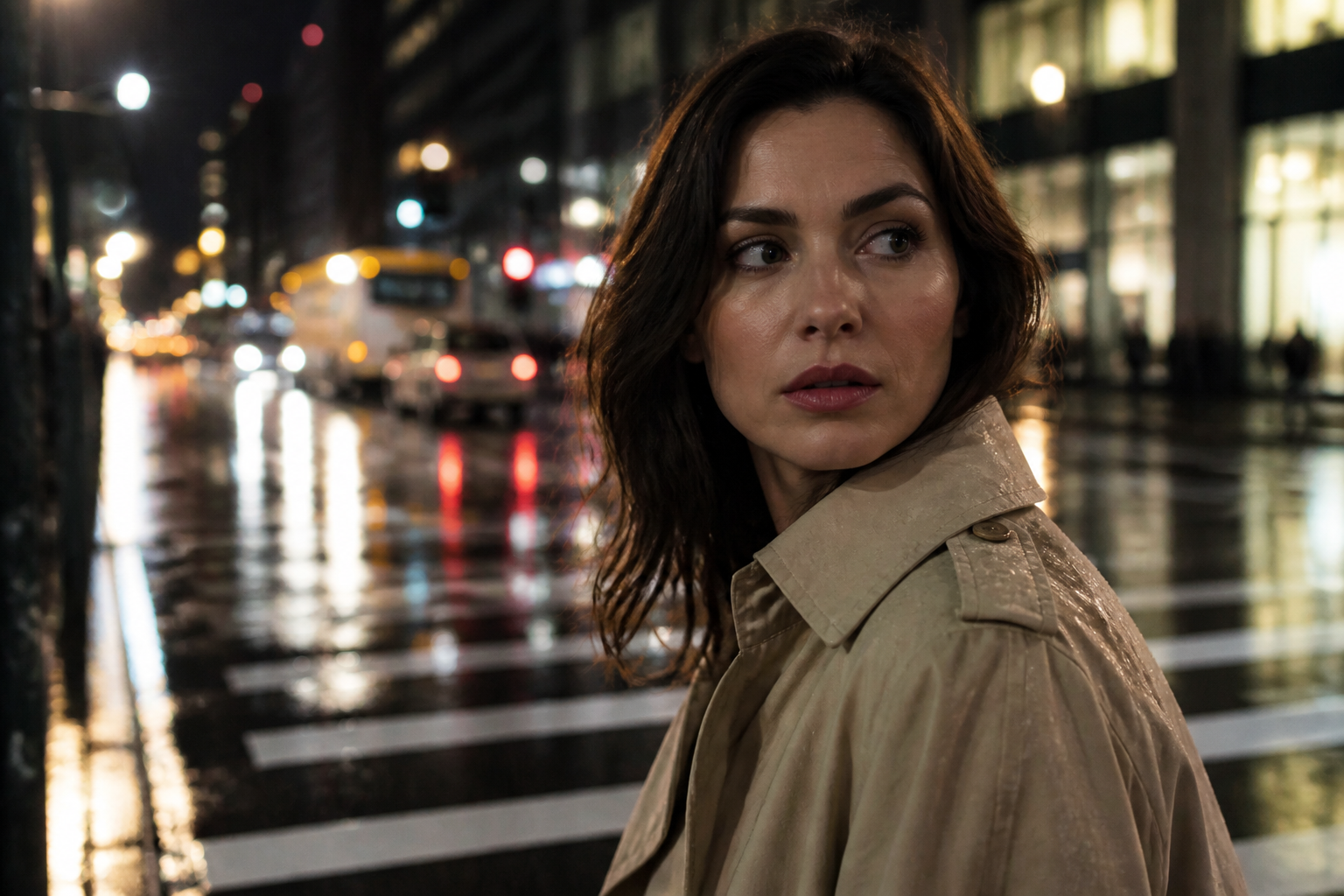 BEFORE
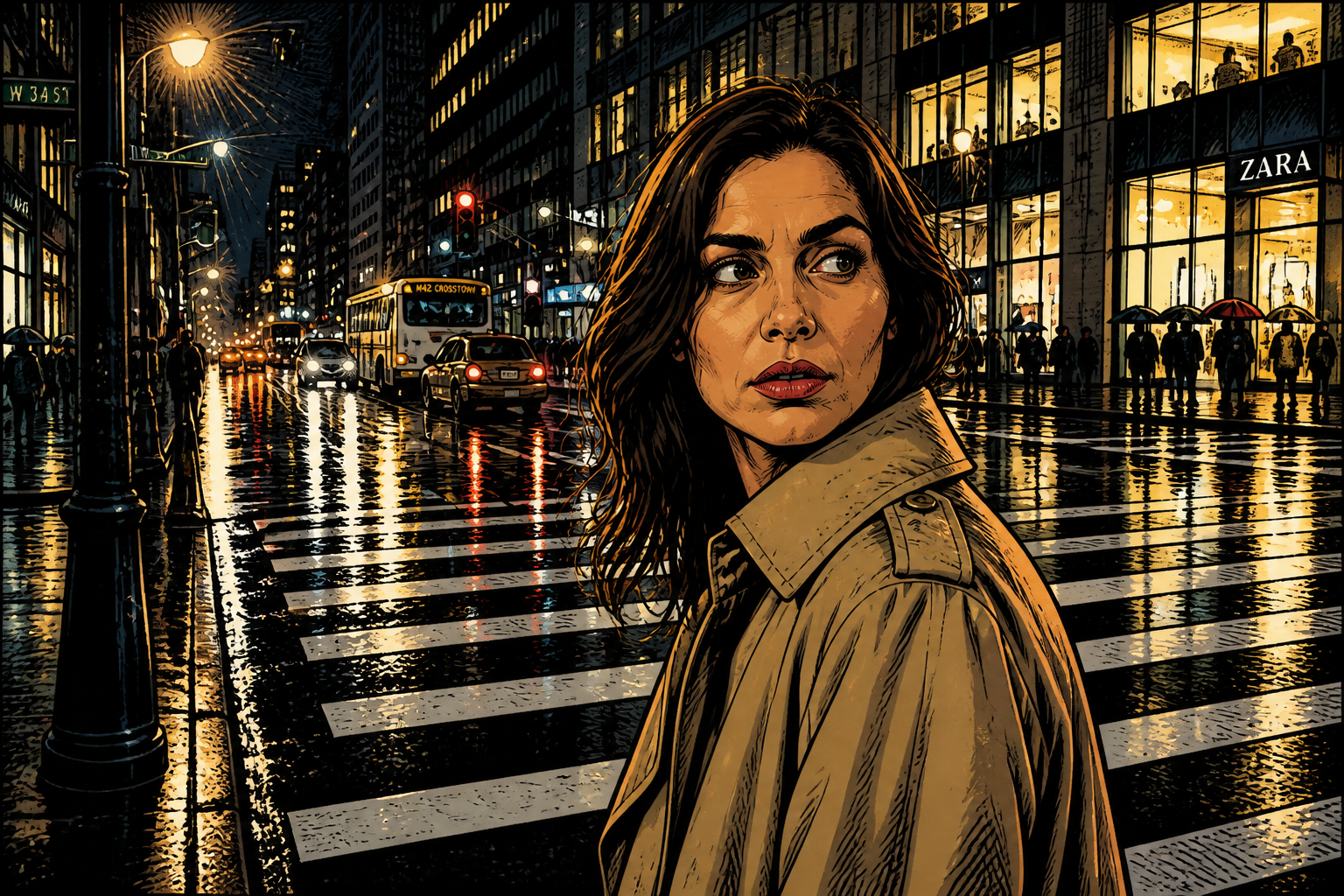 AFTER
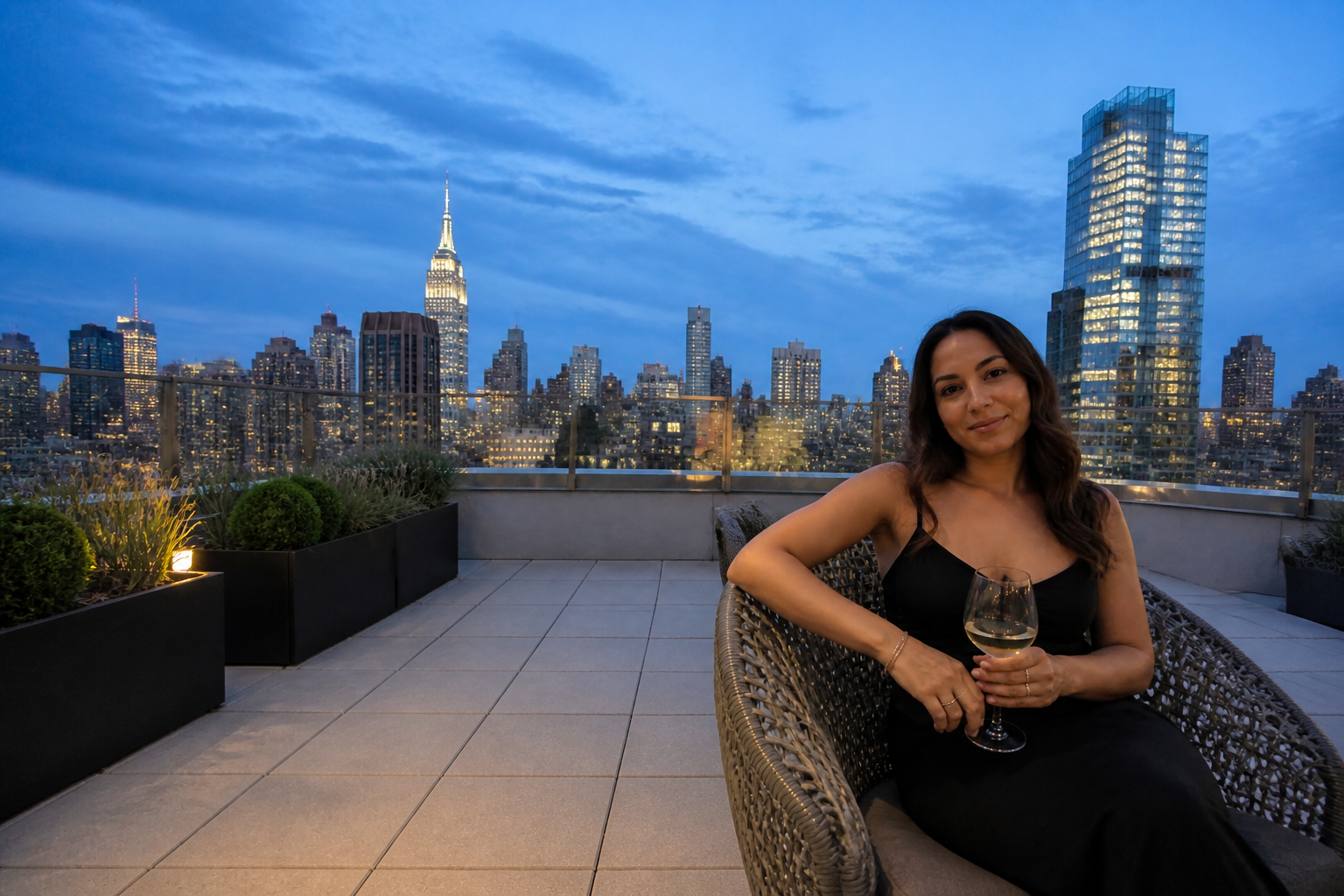
AFTER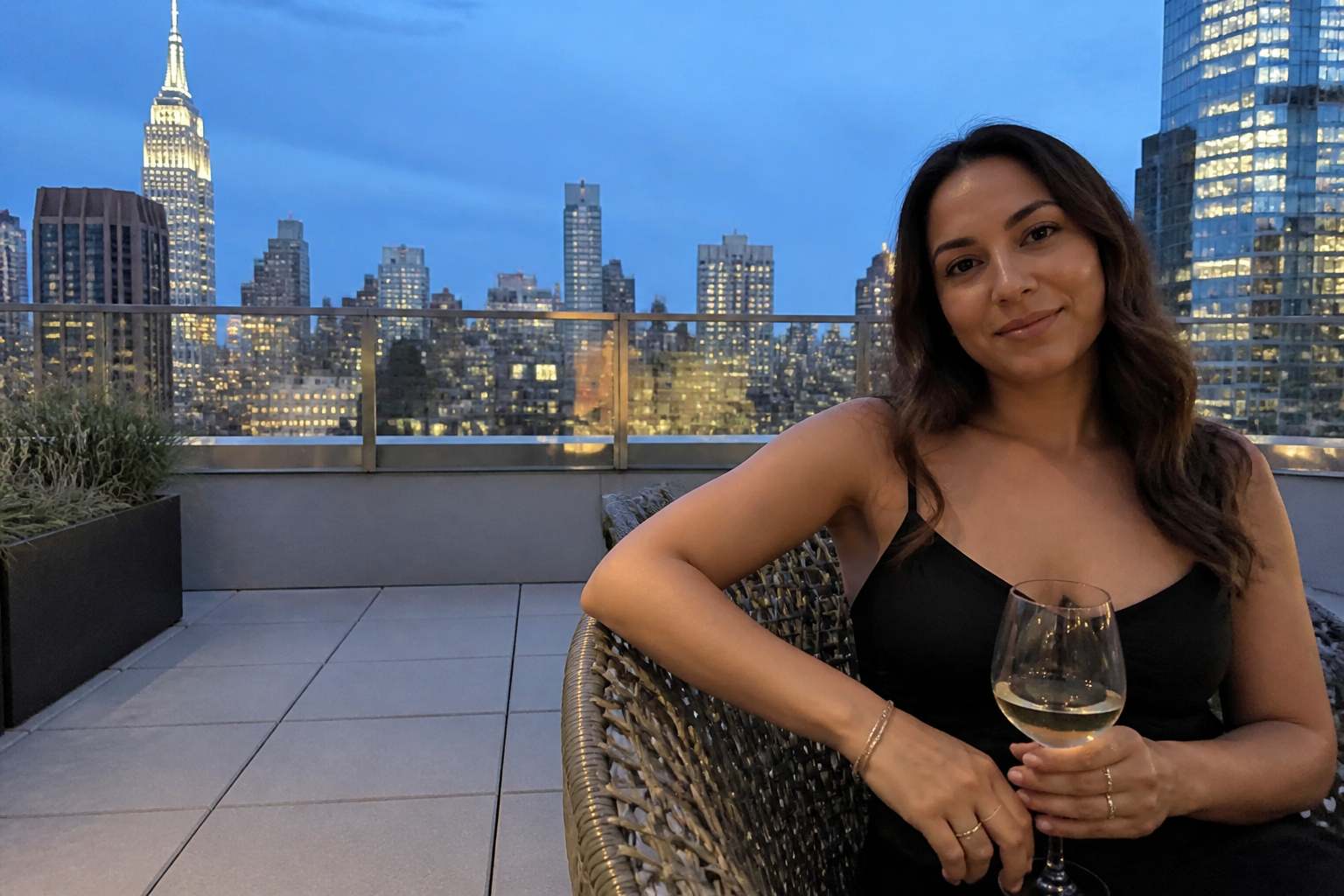 BEFORE
 AFTERBEFOREAFTERBEFOREAFTERBEFOREAFTERBEFOREAFTERBEFOREAFTER
Key Features
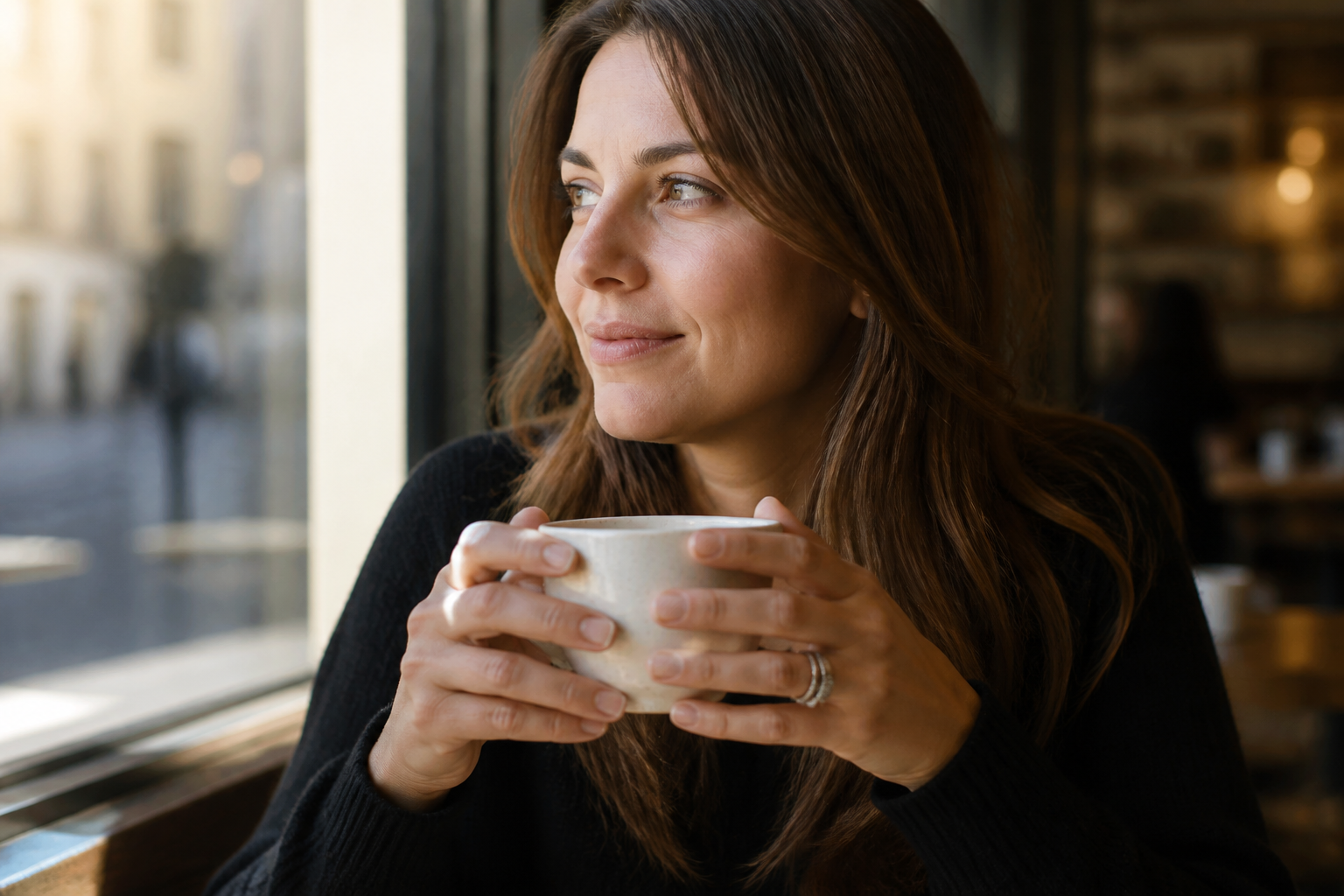
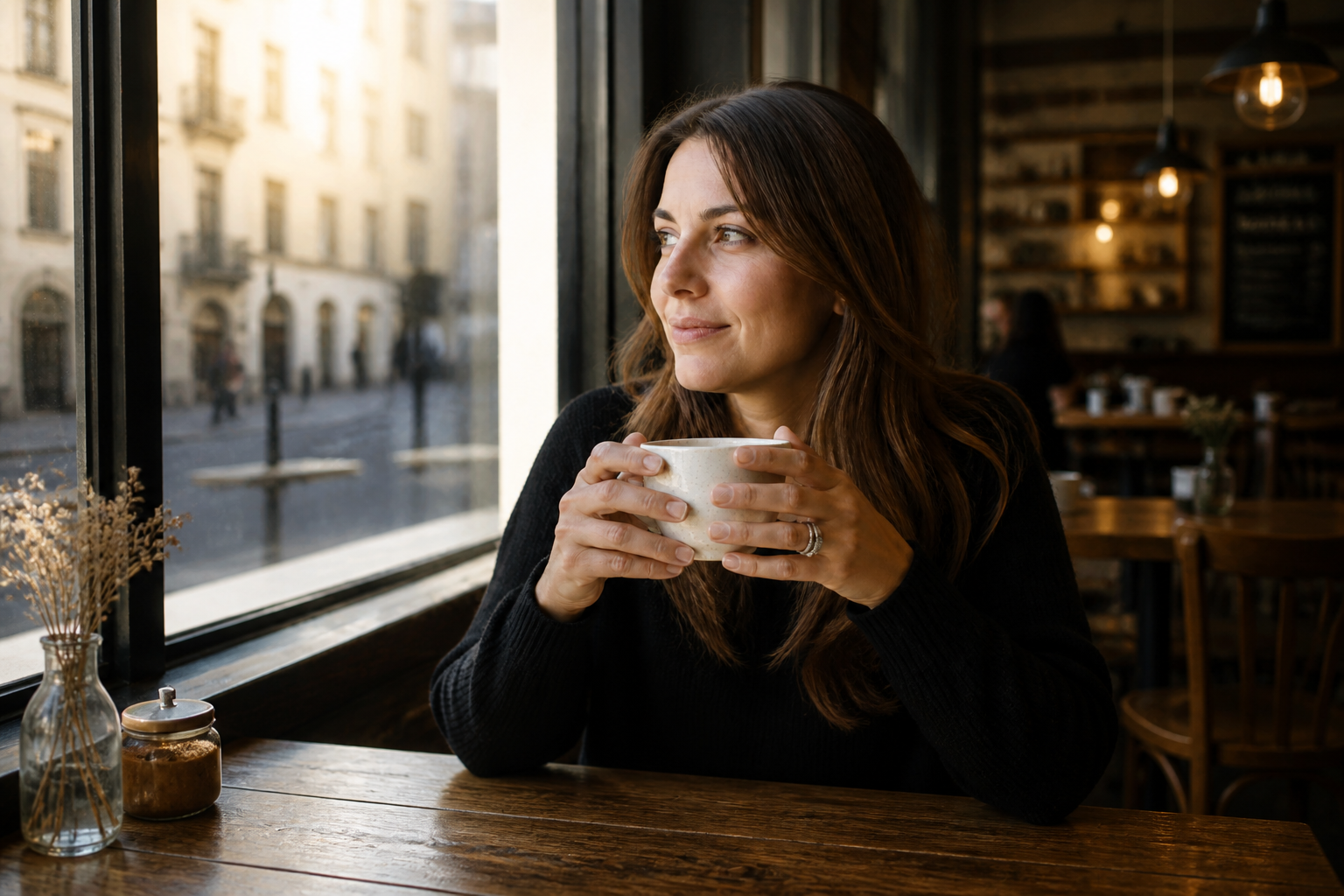
Expand without obvious seams
The tool fills new canvas space so the added area matches the original photo instead of looking pasted on. It continues textures, lighting, and perspective across the edge of the frame. That matters when you need a wider image that still feels like one shot. Doing this by hand usually means cloning, masking, and fixing small artifacts across multiple passes.
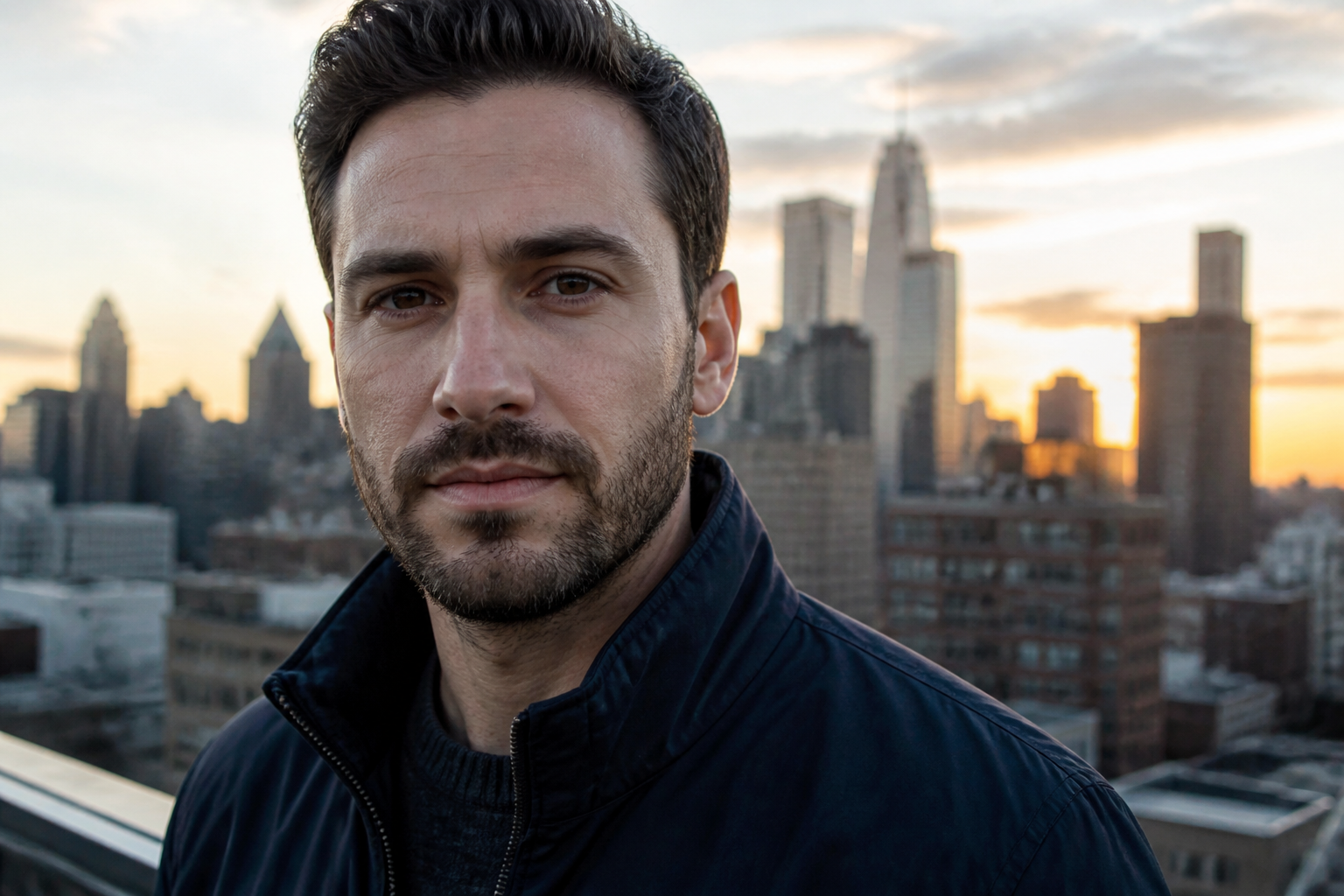
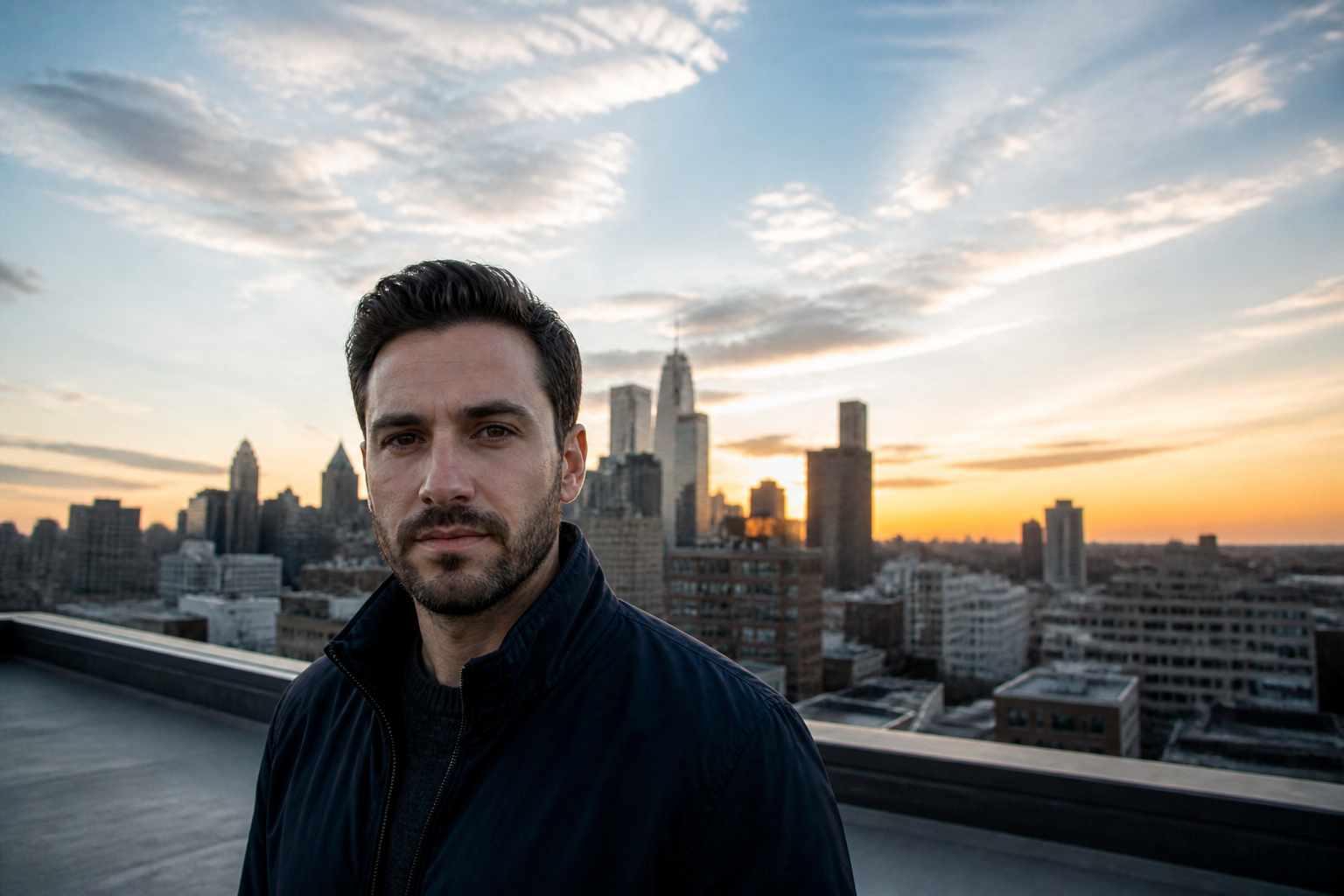
Recover room for design
You can create extra negative space for headlines, thumbnails, ads, and hero banners without reshooting the image. Our AI widens the composition while preserving the main subject where it belongs. That gives you cleaner layouts for web and social formats. Manual recropping usually cuts into the subject or leaves you with awkward empty areas.
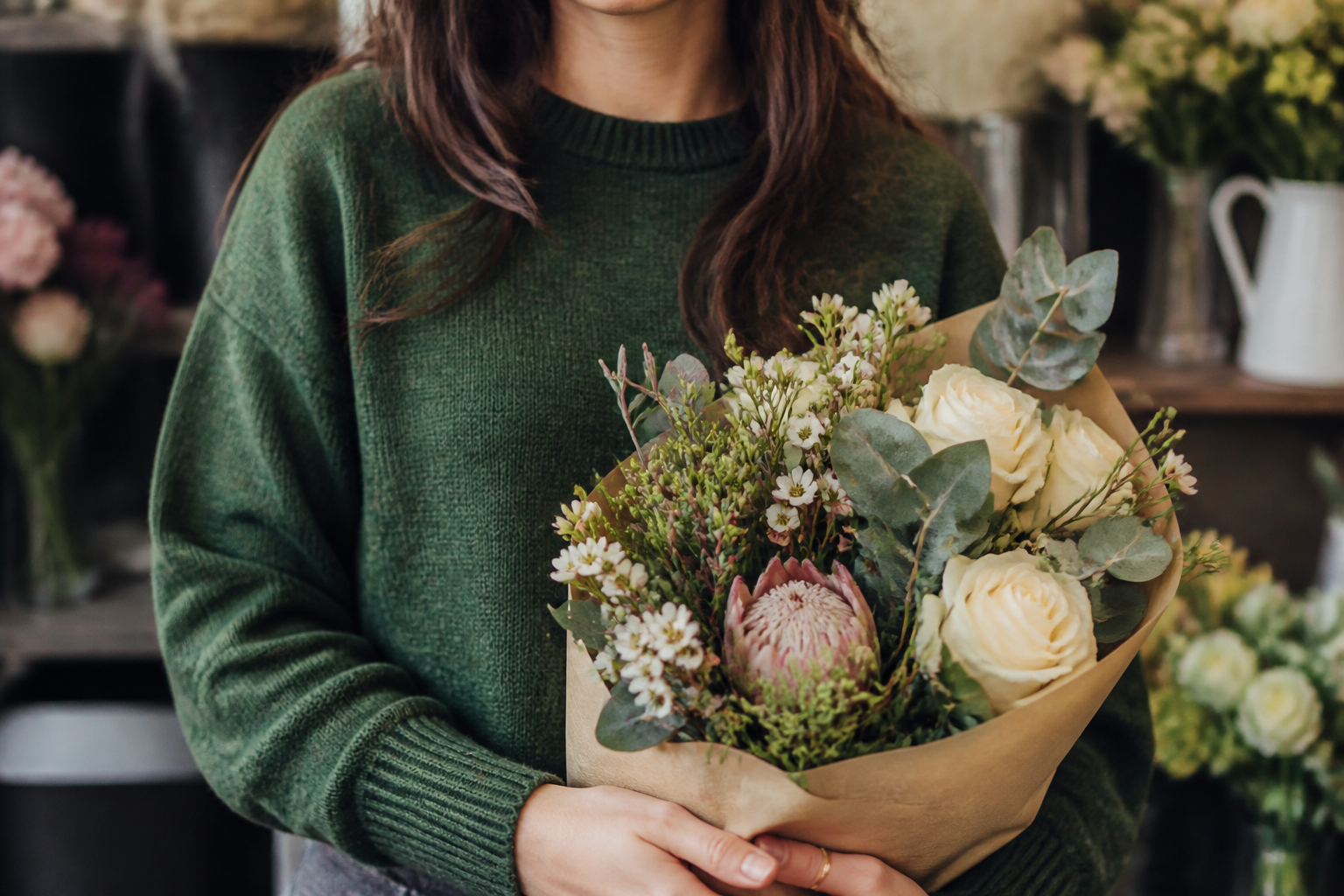
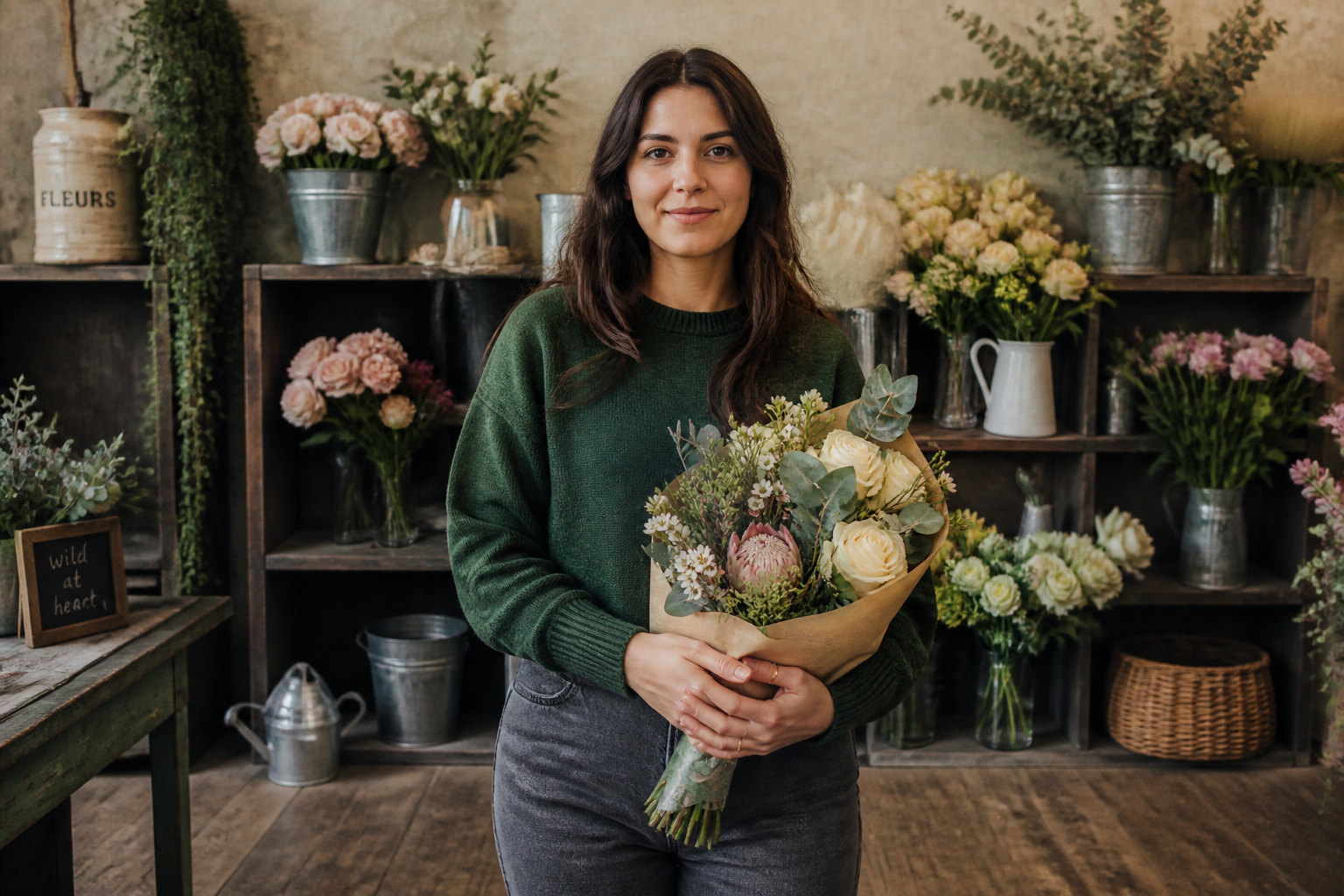
Keep the subject consistent
The goal is to enlarge the image, not change who or what is already there. The original subject stays recognizable while the surroundings grow around it. This is useful for portraits, products in context, and branded content where continuity matters. Hand edits often drift in color, proportions, or background details as the canvas expands.
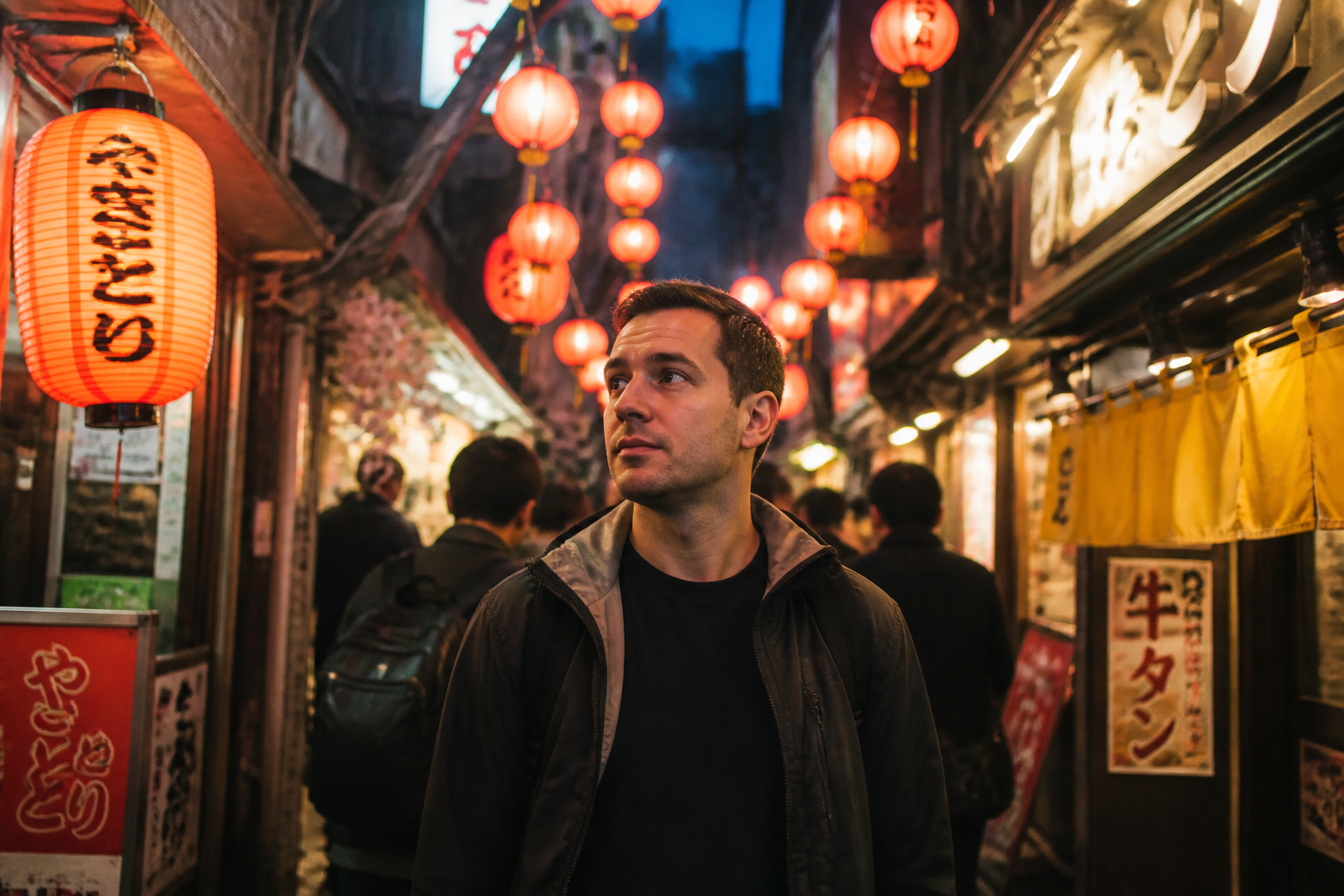
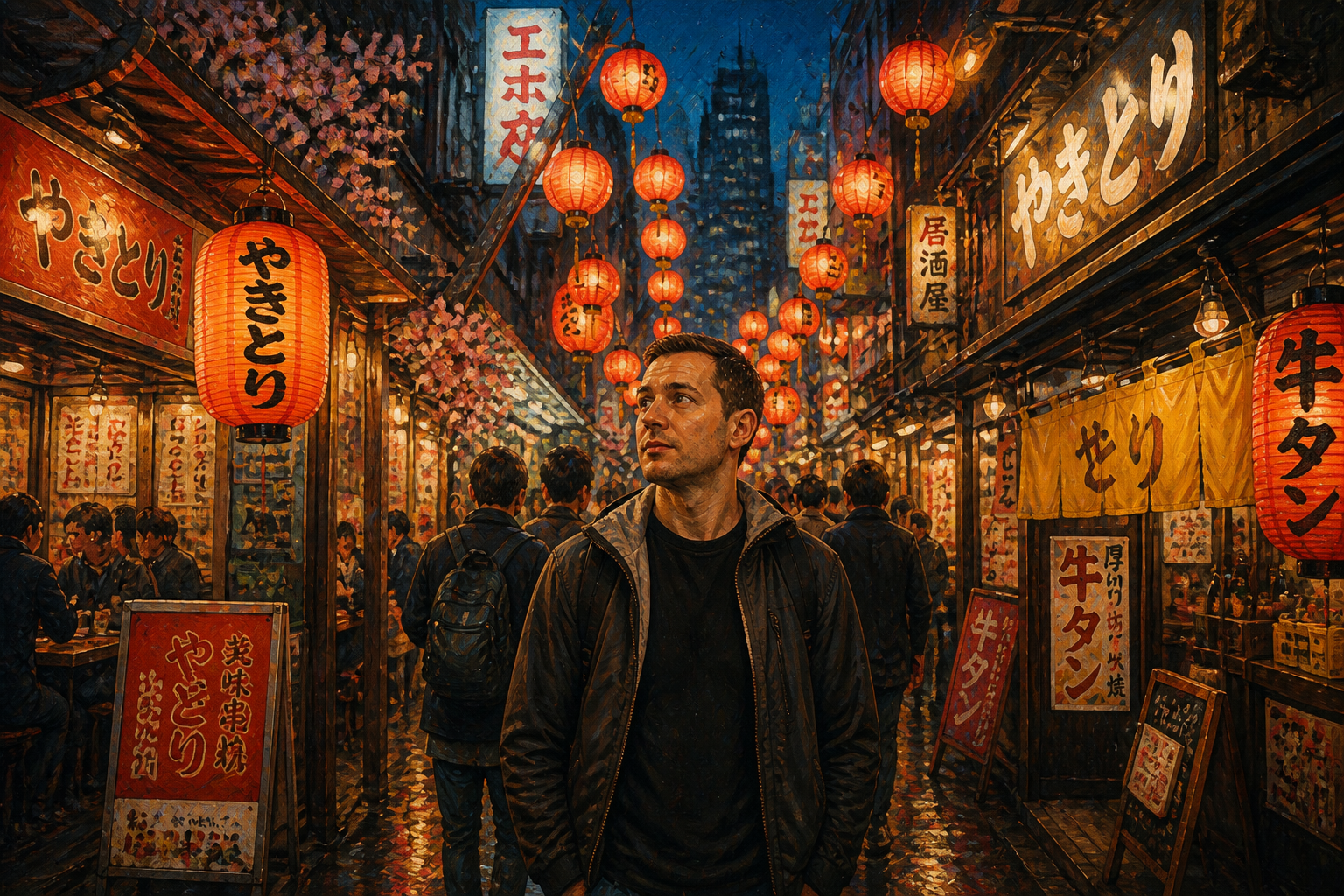
Works on photos and art
You can use the same workflow for realistic images and more stylized visuals. The extension follows the look of the source so the final image stays coherent from edge to edge. That helps when you need social content, concept art, or illustrative headers in matching proportions. Building extra scene detail manually in each style takes much longer.
How It Works
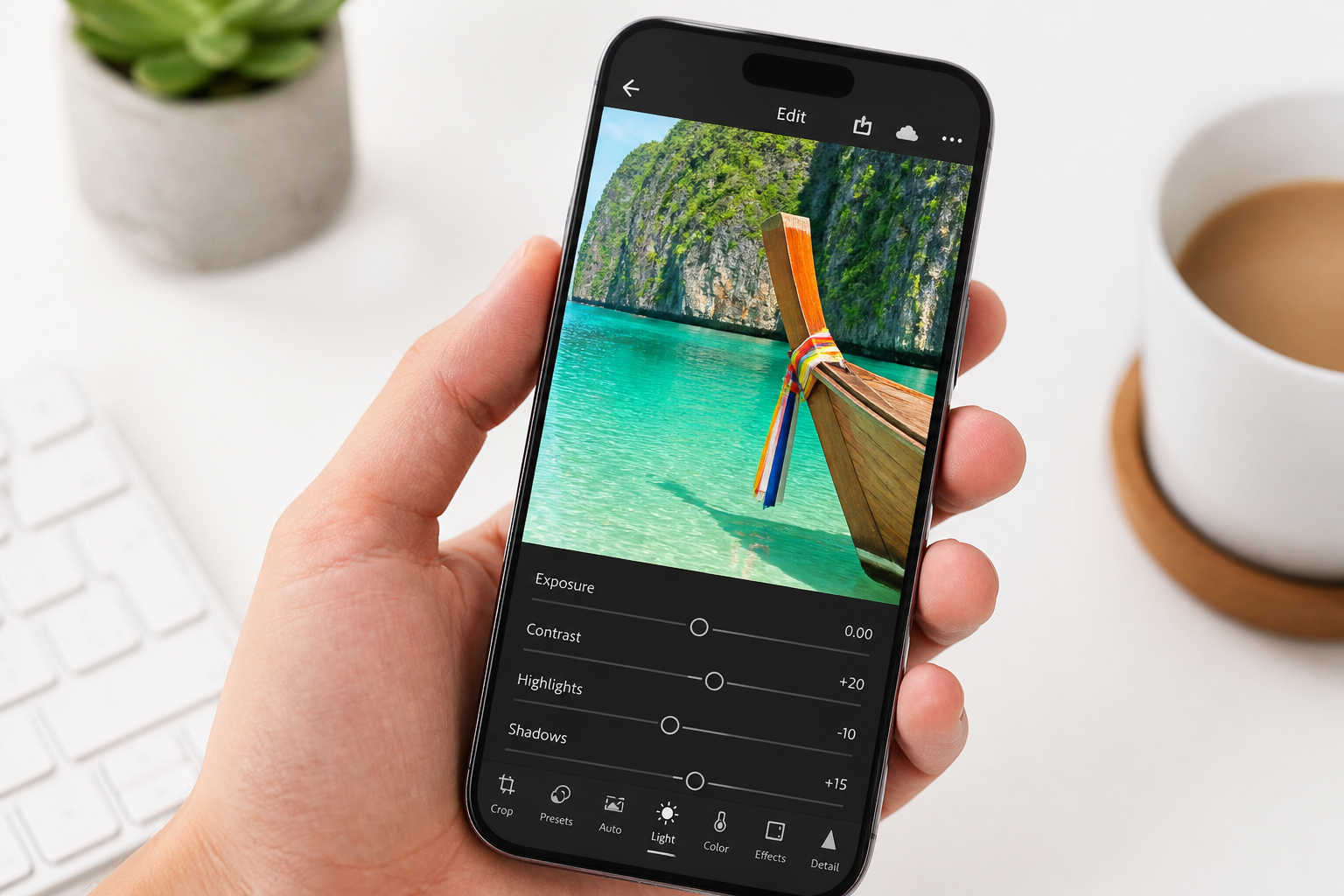
Upload your image
Start with a photo that feels too cropped or needs a wider format. Centering is not required, but clear subjects and visible edges usually give the best extension.
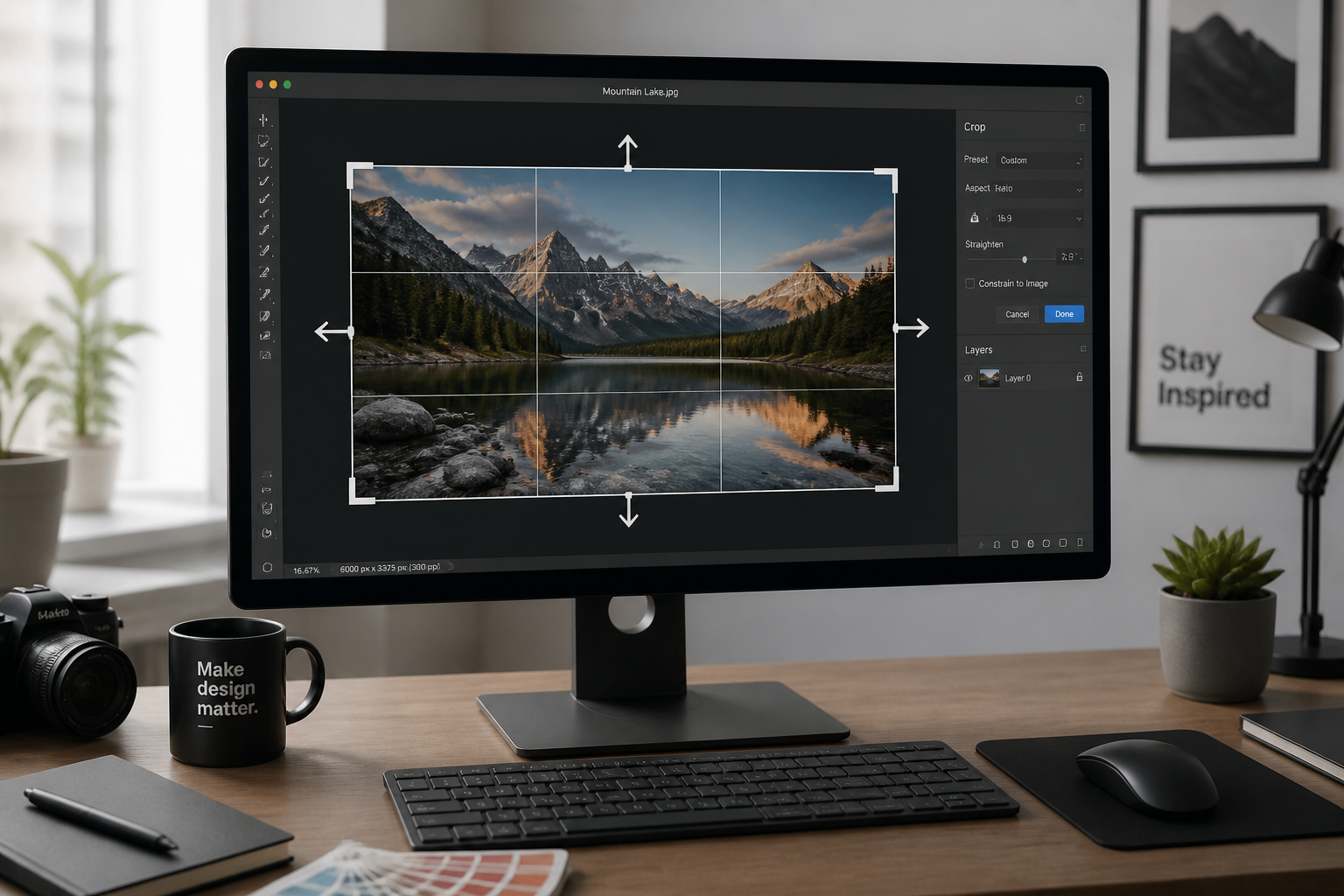
Choose the new framing
Tell the editor how you want the image expanded, such as wider sides or more space above and below. You can aim for banner-friendly negative space or a more balanced full scene.
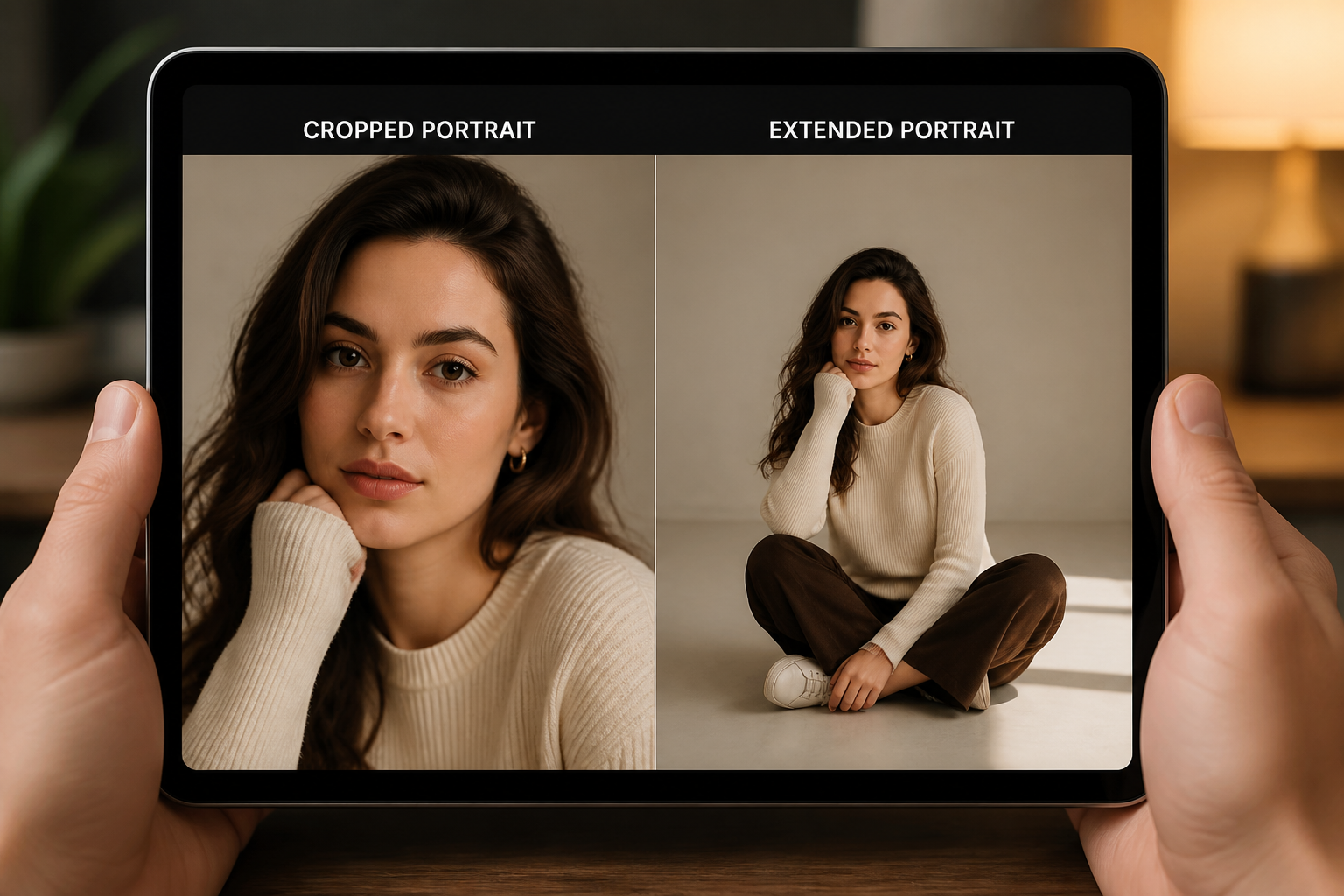
Generate and compare
Our AI fills the missing area and keeps the original image coherent. Review the before and after, then download the version that fits your layout.
Perfect For
Discover how creators and professionals use ai image extender
Fix tight social crops
Turn a cramped photo into a wider composition that fits posts, thumbnails, and cover images.
Create website hero banners
Add clean surrounding space so headlines and buttons sit beside the subject instead of on top of it.
Rescue missed framing
Recover images that were shot too close by extending the background and environment around the subject.
Adapt one shot to many formats
Use the same source image for landscape placements without rebuilding the scene from scratch.
Built For
Creators and influencers
Make photos fit reels covers, thumbnails, and channel banners without awkward crops.
Designers and marketers
Generate extra layout space for web headers, ads, and campaign assets while keeping the original image intact.
Online sellers and small businesses
Expand lifestyle shots and product-in-context photos for storefronts, promos, and email graphics.
Why use BudgetPixel for image extension
A quick look at how we compare on the things that matter for this niche.
| Feature | BudgetPixel | Generic AI editors | Manual editing apps |
|---|---|---|---|
| Extend beyond original frame | ✓ | ✓ | — |
| Preserves subject while widening scene | ✓ | — | — |
| Useful for banner layouts | ✓ | ✓ | — |
| Fast to try | ✓ | ✓ | — |
Frequently Asked Questions
What does AI Image Extender do?
Will it change the subject in my photo?
Is this the same as outpainting?
What kinds of images work best?
Can I use it for banners and social formats?
Create together.
Share your creations, discover trending AI art, and grow with fellow creators.